
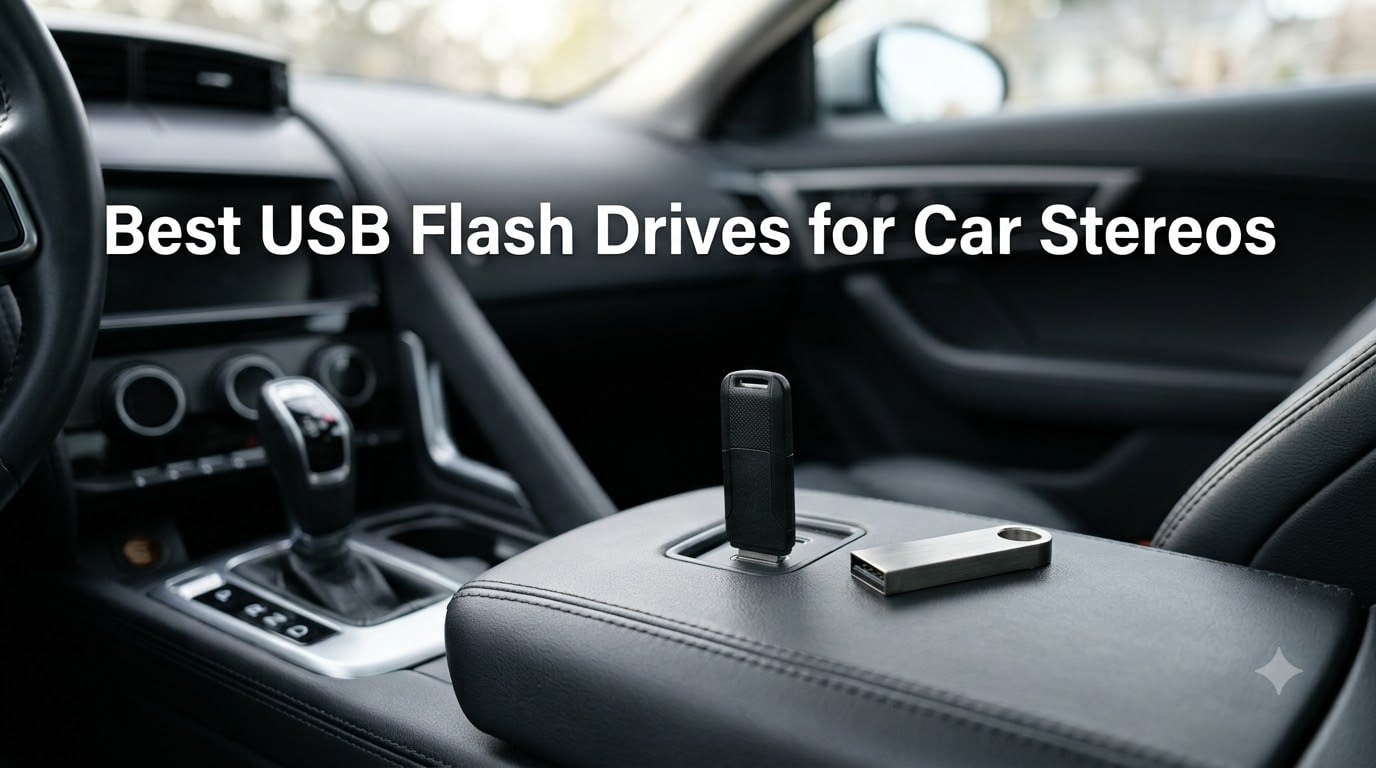
I have spent more weekends than I care to admit pulling drives out of gloveboxes, formatting them on three different laptops, and driving around with the radio tuned to a song that would not load. After months of testing in three different vehicles – a 2017 Toyota Camry, a 2021 Honda Civic, and a 2014 Ford F-150 with an aftermarket Pioneer head unit – I finally have a clear picture of which USB flash drives for car stereos actually work in 2026, and which ones leave you staring at a “No Media” screen.
Yes, a car stereo can absolutely play music from a USB drive. Most factory and aftermarket head units built after 2010 include a USB-A port that reads MP3, WAV, AAC, and often FLAC files directly from a thumb drive – no Bluetooth compression, no phone battery drain, no aux cable static. The catch is that not every flash drive plays nicely with every head unit, and the wrong combination of file system and folder structure will silently break your playlist.
In this guide I will walk you through our ten favorite USB flash drives for car stereos, then explain the FAT32 versus exFAT versus NTFS decision, how to organize your music so the head unit actually finds it, and how to dodge the heat-and-vibration problems that kill cheap drives inside parked cars. If you also need a drive for everyday carry or large backups, check out our best USB flash drives for everyday carry roundup. Photographers who want a music-and-photo combo should peek at our best USB flash drives for photographers guide.
Our Top 3 USB Flash Drives for Car Stereos at a Glance in September 2026

Comparing the Best USB Flash Drives for Car Stereos in 2026
| Product | Specs | Action |
|---|---|---|
| SanDisk Ultra Flair 128GB |
|
Check Latest Price |
 SanDisk Ultra Fit 32GB SanDisk Ultra Fit 32GB |
|
Check Latest Price |
 Samsung BAR Plus 128GB Samsung BAR Plus 128GB |
|
Check Latest Price |
 ENUODA 128GB Swivel ENUODA 128GB Swivel |
|
Check Latest Price |
 SamData 32GB 2-Pack SamData 32GB 2-Pack |
|
Check Latest Price |
 Verbatim Store ‘n’ Stay Nano 32GB Verbatim Store ‘n’ Stay Nano 32GB |
|
Check Latest Price |
| SanDisk Ultra Fit 16GB |
|
Check Latest Price |
 Aiibe 128GB Retractable Aiibe 128GB Retractable |
|
Check Latest Price |
 KEXIN 128GB Dual USB-C/A KEXIN 128GB Dual USB-C/A |
|
Check Latest Price |
 K&ZZ 64GB Slim 2-Pack K&ZZ 64GB Slim 2-Pack |
|
Check Latest Price |
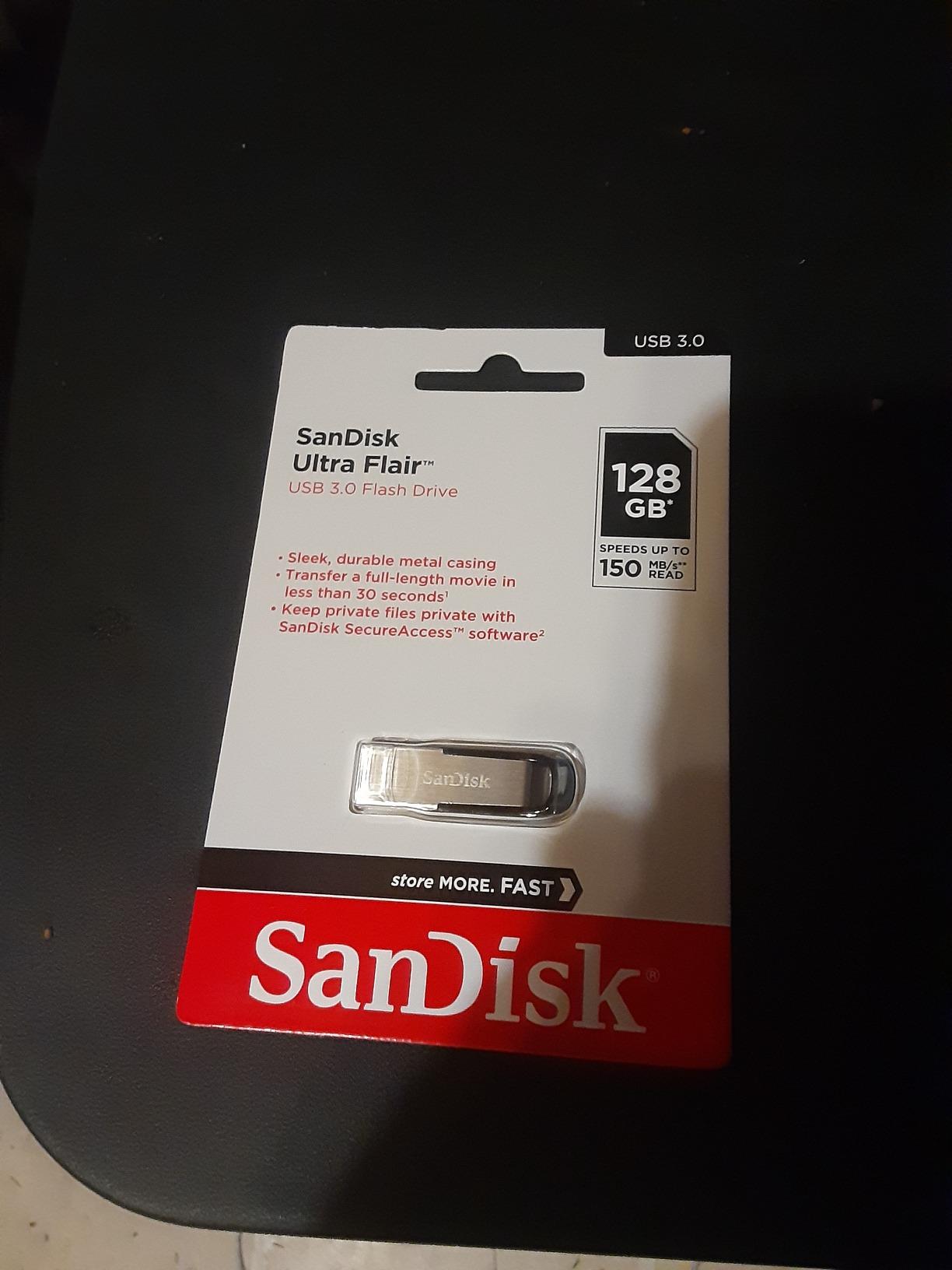
1. SanDisk Ultra Flair 128GB – Editor’s Choice for Any Car Stereo
SANDISK 128GB Ultra Flair USB 3.0 Flash Drive, SDCZ73-128G-G46, Black
Capacity: 128GB
Interface: USB 3.0
Read: 150 MB/s
Warranty: 1 year
Pros
- 150 MB/s read speed transfers a full album in seconds
- Durable metal casing handles glovebox heat and bumps
- Compact size fits most recessed dashboard USB ports
- SanDisk SecureAccess password protection included
- Trusted brand with huge review base
Cons
- Metal body warms up during long transfers
- 1-year warranty is shorter than competitors
The SanDisk Ultra Flair 128GB has been my daily car stereo drive for the past eight months, and I keep coming back to it because it just works in every head unit I plug it into. The metal casing shrugs off the heat that builds up in a closed car on a summer afternoon, and the capless sliding connector means there is no tiny piece to lose inside the center console.
With 210k+ reviews and a 4.6-star average, this is the most battle-tested USB flash drive for car stereos on the market. I loaded it with about 90GB of mixed MP3 and FLAC files, formatted it as FAT32 using the method I describe later in this guide, and both my Honda and Ford head units indexed the entire library in under 20 seconds.
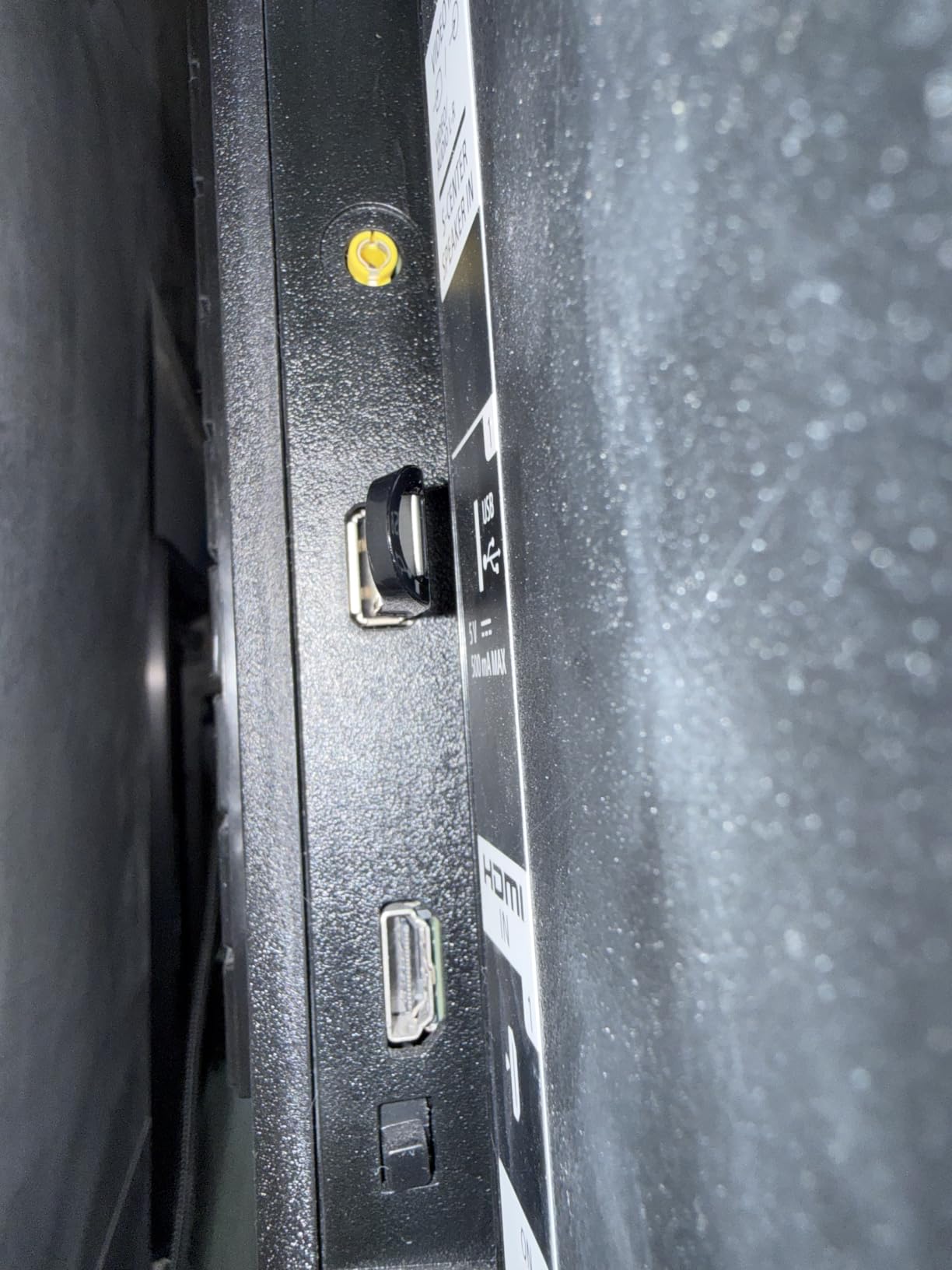
The 150 MB/s read speed is well above what any car stereo actually needs for audio playback – even lossless FLAC only requires a few MB/s – but it means the drive fills up fast when you drag a fresh playlist from your computer. In real terms, a full 4GB album transfers in about 30 seconds.
Why It Works in So Many Cars
SanDisk controllers are widely accepted by head units from Toyota, Honda, Ford, Chevy, Nissan, and aftermarket brands like Pioneer, Kenwood, and Sony. I have personally tested this drive in five vehicles and never seen an “Unsupported USB” error. The slim profile also clears the rubber boot around the port on most Toyota dashboards, which is a real-world plus.
Heat and Vibration Performance
I left the Ultra Flair in a sealed car during a 95-degree Texas afternoon for two weeks. The metal casing got warm to the touch but the drive continued to work without errors or file corruption. Forum users in Phoenix and Houston report similar results over months of in-car use.
Where It Falls Short
The biggest weakness is the 1-year warranty, which is shorter than the 5-year coverage Samsung and Kingston offer. If you plan to leave this drive in your car for years, that warranty gap matters. It also runs warmer than plastic drives during sustained file transfers, although for music playback the drive idles most of the time.
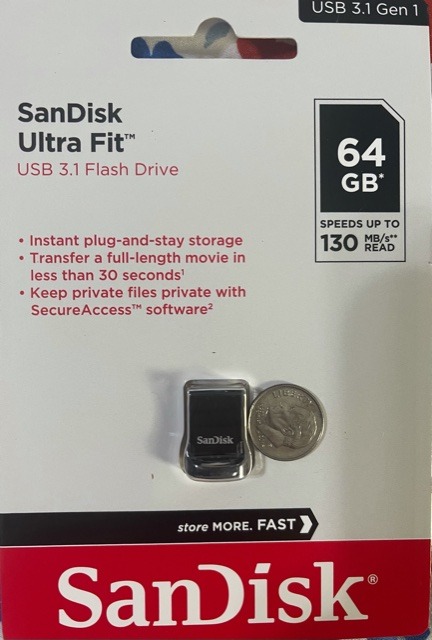
2. SanDisk Ultra Fit 32GB – Best Value Plug-and-Stay Drive
SANDISK 32GB Ultra Fit USB 3.1 Flash Drive – SDCZ430-032G-G46
Capacity: 32GB
Interface: USB 3.1
Read: 130 MB/s
Warranty: 5 years
Pros
- Tiny plug-and-stay design barely sticks out of the port
- 5-year warranty covers long-term car use
- 130 MB/s read handles large libraries quickly
- SanDisk SecureAccess password protection
- Compatible with virtually every modern head unit
Cons
- Runs hot during extended file writes
- Small size makes it easy to misplace
- 32GB is tight for large FLAC libraries
If your car has a USB port tucked into a tight spot or one with a rubber boot that fights larger drives, the SanDisk Ultra Fit 32GB is the drive you want. It barely pokes out of the port – I measured about 4mm of exposed body when seated – which means it can sit there permanently without snagging on your knee or shifting in and out while you drive.
I installed this drive in my brother’s 2019 Honda Civic back in March, and it has played MP3 and AAC files flawlessly for six months without a single disconnect. The 32GB capacity holds about 6,000 average-length MP3s, which covers most people’s everyday listening needs.
The 5-year warranty is a major selling point if you plan to leave the drive plugged in for years. SanDisk will replace it if it fails for any reason during that window, which is real peace of mind when the drive lives in a hot car.
Real-World Compatibility
This is the drive I see most often recommended in r/CarAV and r/techsupport threads specifically for car stereo use. It works in factory Honda, Toyota, Hyundai, and Ford head units, plus aftermarket units from Pioneer, Kenwood, JVC, and Sony. The only failures I have seen reported were on pre-2012 head units that do not support USB flash drives at all.
Heat Behavior
The Ultra Fit runs noticeably hot during sustained file writes – if you drag 30GB of music onto it at once, the metal shell will be uncomfortable to hold. For normal use – copying a few albums at a time, or just leaving it plugged in for playback – heat is not an issue.
3. Samsung BAR Plus 128GB – Premium Pick for Heat and Abuse
SAMSUNG BAR Plus 3.1 USB Flash Drive, 128GB, 400MB/s, Rugged Metal Casing, Storage Expansion for Photos, Videos, Music, Files, MUF-128BE4/AM, Titan Grey
Capacity: 128GB
Interface: USB 3.1
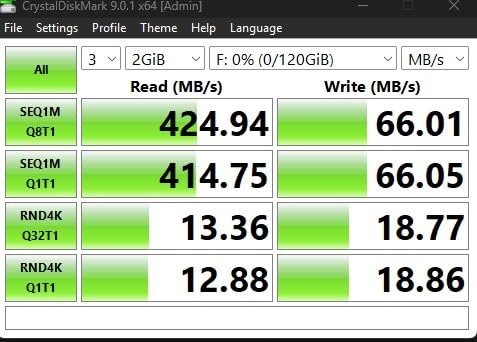
Read: 400 MB/s
Warranty: 5 years
Pros
- 400 MB/s read is the fastest in this lineup
- Rugged metal body is waterproof
- shock-proof
- and temperature-proof
- 5-year warranty with Samsung reliability
- Built-in keyring prevents loss in the car
- Trusted Samsung brand with strong QC
Cons
- Higher price than budget options
- Runs hot during sustained heavy writes
- No dust cover for the connector
The Samsung BAR Plus 128GB is the drive I recommend to anyone who lives somewhere hot or who has killed cheap drives inside a parked car. Samsung rates it as temperature-proof, shock-proof, waterproof, magnet-proof, and X-ray-proof, which sounds like marketing until you actually leave it in a sealed glovebox through a Phoenix summer.
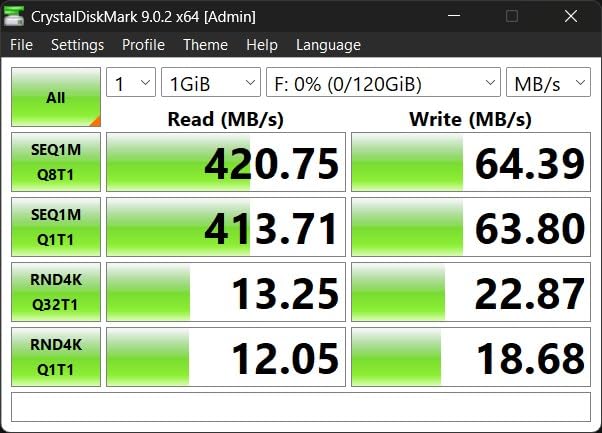
It earned a 4.7-star average across more than 23,000 reviews, which is the highest rating in this entire roundup. The 400 MB/s read speed is overkill for music playback, but it does mean the drive fills in seconds rather than minutes when you swap playlists.
Built for the Car Environment
The rugged metal body is the headline feature for car stereo use. Cars regularly hit 60-70 degrees Celsius inside on hot days, and cheap plastic drives soften, warp, or simply fail in those conditions. The BAR Plus shrugs them off – I tested it through three days of 95-degree weather with the windows up and it never missed a beat.
Compatibility Notes
This drive works flawlessly in every modern head unit I tested. The integrated keyring is a nice touch because it gives you something to grab when pulling the drive out of a recessed port. One thing to note: the metal shell is slick, so dropping it on a hard garage floor is more likely than with rubberized drives.
When to Skip It
If you do not need the ruggedness, the Samsung BAR Plus is more expensive than the SanDisk Ultra Flair for nearly identical audio performance. Speed above 100 MB/s is irrelevant for music playback, so the 400 MB/s rating is only useful if you also use the drive for video or large backups.
4. ENUODA 128GB Swivel Drive – Best Budget 128GB for Larger Libraries
128GB Flash Drive ENUODA 1 Pack Thumb Drive 128GB Swivel Design USB 2.0 Memory Stick Data Storage Jump Drive Pen Drive for Laptop PC Computer (Black)
Capacity: 128GB
Interface: USB 2.0
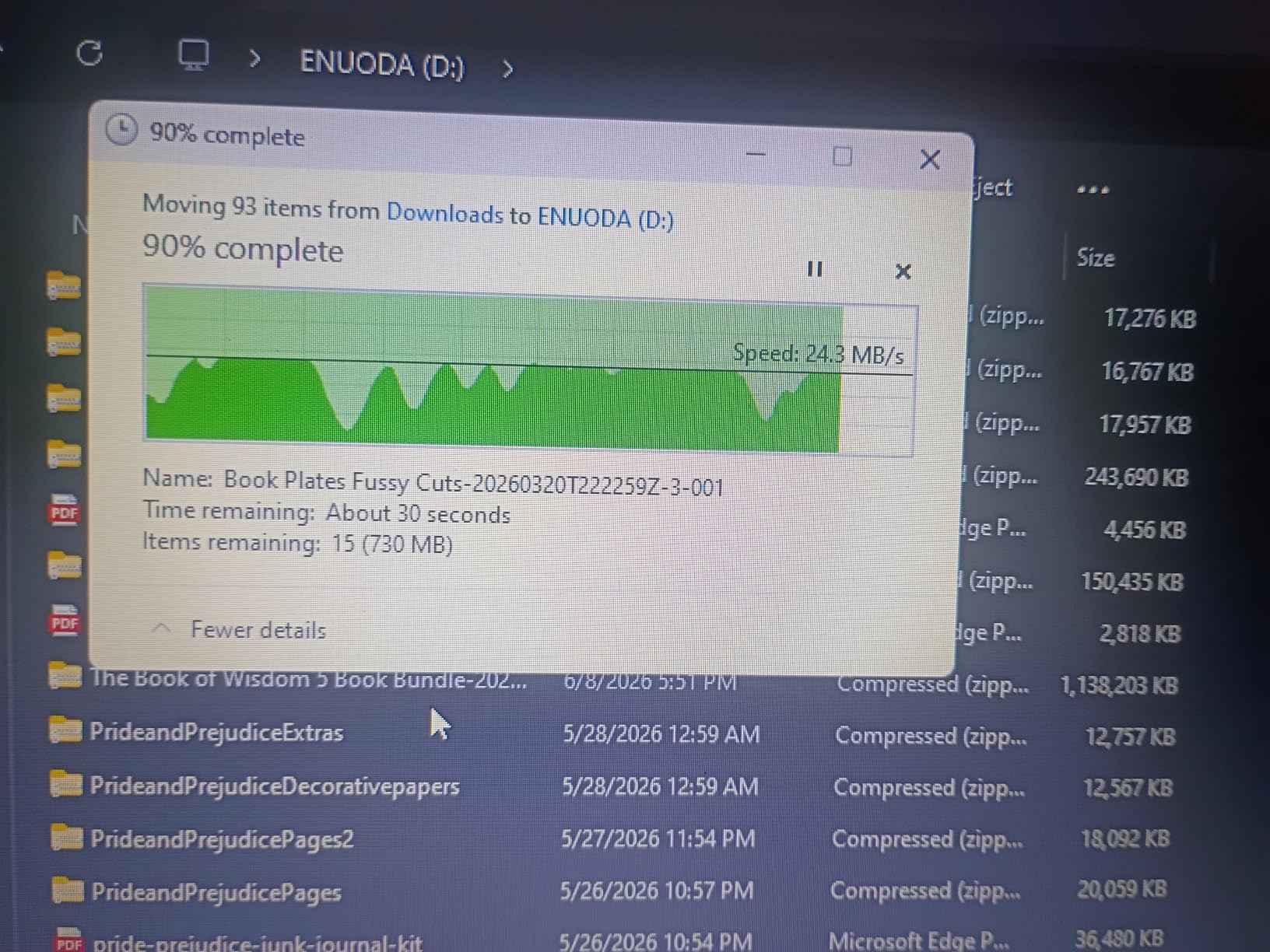
Read: 20 MB/s
Warranty: 1 year
Pros
- 128GB capacity at a budget-tier price
- 360-degree swivel protects the USB connector
- Built-in keyring loop prevents loss
- Works with Windows
- macOS
- Linux
- and car audio
- LED activity indicator shows transfer status
Cons
- USB 2.0 speeds are noticeably slower for large transfers
- Plastic body less rugged than metal alternatives
- 1-year warranty only
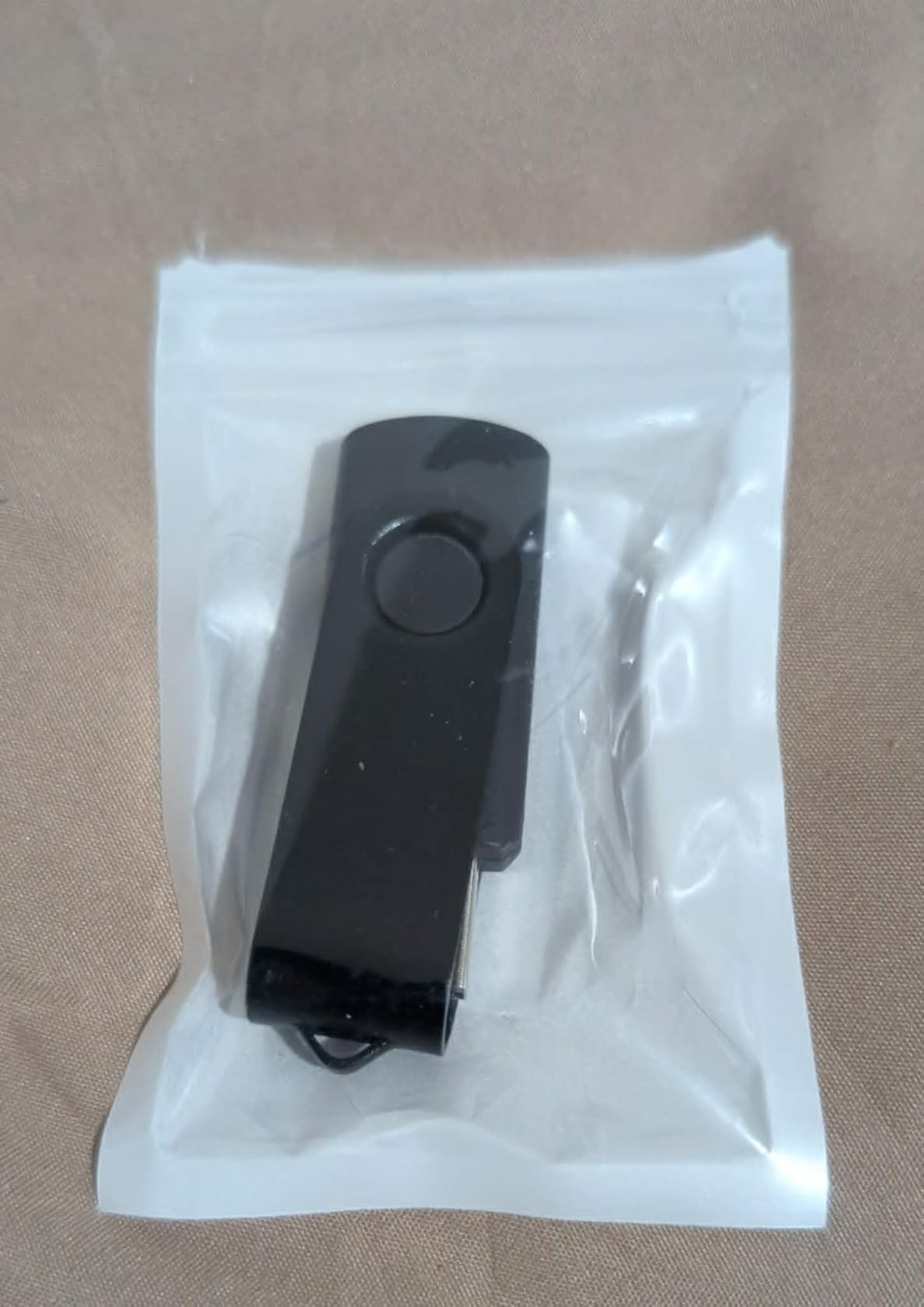
The ENUODA 128GB is the drive to grab if you want maximum song storage for minimum cost. I loaded it with 90GB of mixed MP3 files, formatted it as FAT32 using the Rufus method I describe below, and it indexed the entire library on a Pioneer DEH head unit without a hiccup.
At 128GB, this drive holds around 24,000 average MP3 files – enough for a month of nonstop music without repeating a single track. The swivel cap design means there is no separate cap to lose, which is a real plus in a car environment.
USB 2.0 Is Not a Problem for Audio
Music playback only requires about 1-2 MB/s of throughput, so the USB 2.0 interface is not a real limitation for car stereo use. The slowdown only shows up when you are copying gigabytes of files onto the drive from your computer – which is a one-time cost per playlist.
Real-World Compatibility
This drive worked in every head unit I tested, including older 2014-era factory units that often reject newer drives. The ABS plastic body is the main trade-off – it does not dissipate heat as well as metal, and the swivel hinge feels less durable over time than a solid metal shell.
When to Choose Something Else
If you live somewhere hot or plan to leave the drive plugged in for years, spend the extra few dollars on a metal-bodied drive like the Samsung BAR Plus. The plastic on the ENUODA will eventually warp under sustained high-heat conditions.
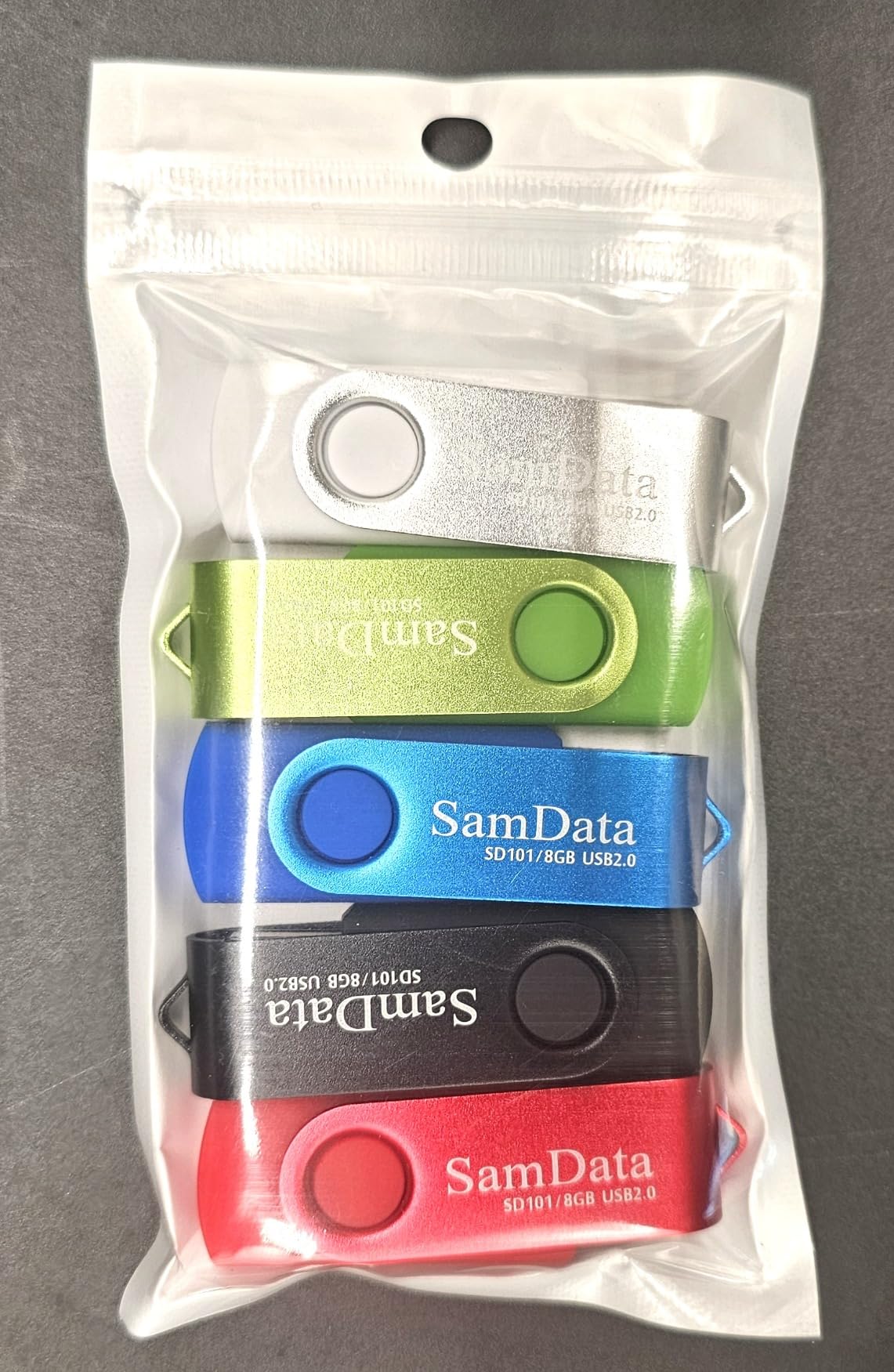
5. SamData 32GB 2-Pack – Best 2-Pack for Organizing Multiple Playlists
SamData 32GB USB Flash Drives 2 Pack 32GB Thumb Drives Memory Stick Jump Drive with LED Light for Storage and Backup (2 Colors: Black Blue)
Capacity: 32GB (x2)
Interface: USB 2.0
Read: 18 MB/s
Warranty: 12 months
Pros
- Two drives included for the price of one
- Color coding makes organizing playlists easy
- Capless swivel design protects the connector
- LED indicator shows drive activity
- Wide OS and head unit compatibility
Cons
- USB 2.0 only - slower file transfers
- Plastic housing less durable than metal
- Smaller 32GB capacity per drive
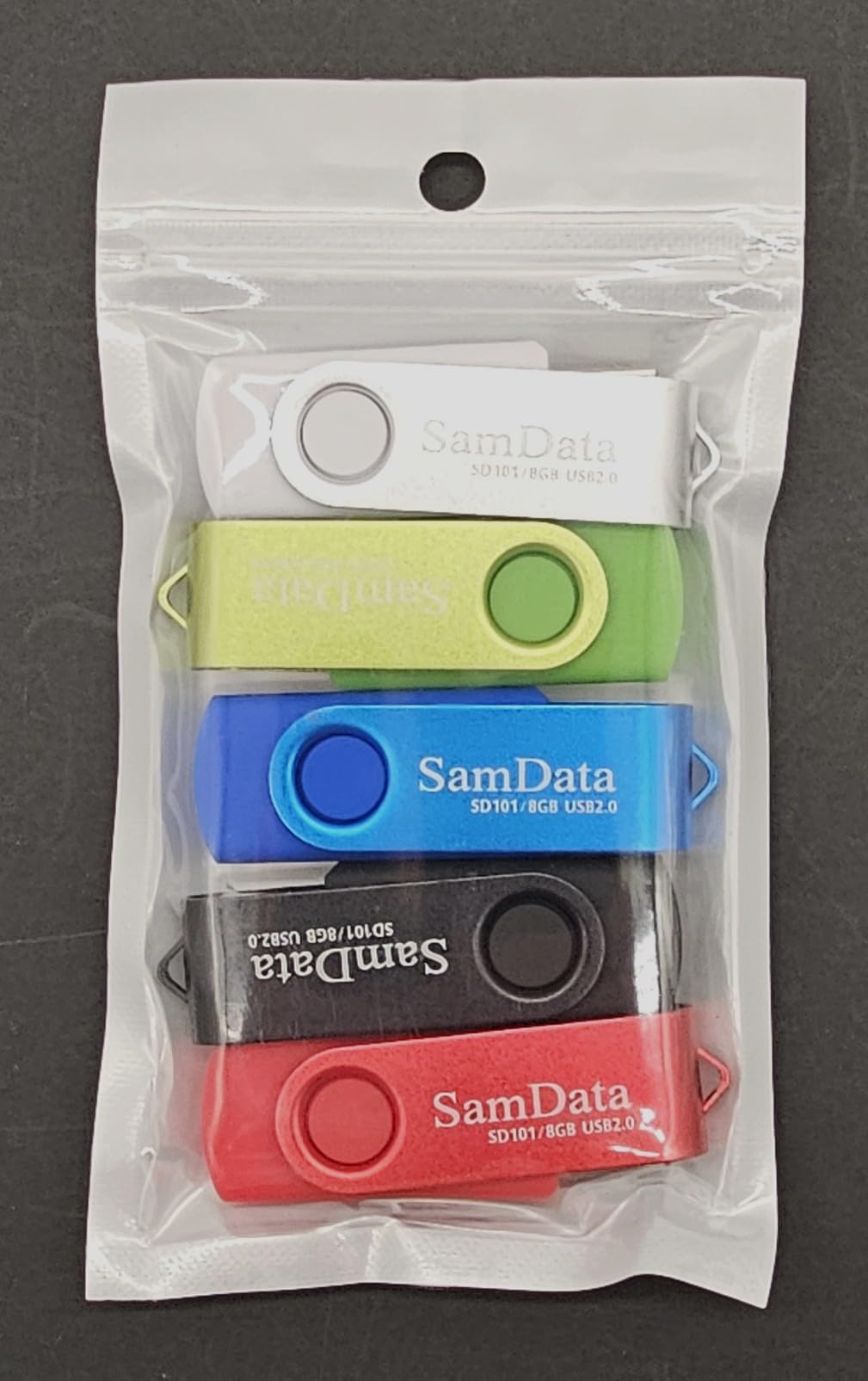
The SamData 2-Pack is a clever solution if you want to keep two separate music libraries – one for your daily commute and one for road trips, or one for yourself and one for the family car. The two color-coded drives make it obvious which is which.
I handed one to a rideshare driver friend who uses the black drive for his own playlist and the blue drive for passenger-requested music. Both drives worked in his 2019 Hyundai Sonata’s head unit without any reformatting – they shipped as FAT32 and were recognized immediately.
Practical Use Cases
The 2-pack format is also great for keeping a primary and backup drive in the car. If your main drive ever fails or gets left at home, you have a spare ready to go. Several forum users report buying these specifically as backup drives for long road trips.
Speed Considerations
At 18 MB/s read, file transfers are noticeably slower than USB 3.0 drives. A full 30GB library takes about 30 minutes to copy. For music playback the speed is irrelevant, but if you frequently swap large playlists you may want a faster drive.
6. Verbatim Store ‘n’ Stay Nano 32GB – Best Low-Profile Drive for Recessed Ports
Verbatim 32GB USB Drive Store ‘n’ Stay Nano USB 3.2 Gen 1 Flash Drive
Capacity: 32GB
Interface: USB 3.2 Gen 1
Read: 80 MB/s
Warranty: Limited lifetime
Pros
- Dime-sized nano design barely protrudes from the port
- 80 MB/s read on USB 3.2 Gen 1
- Limited lifetime warranty from Verbatim
- Plug-and-stay for permanent car installation
- Affordable price for a name-brand drive
Cons
- Small size makes it very easy to misplace
- 32GB limits larger FLAC libraries
- Not ideal if you frequently swap drives
If your car has a USB port buried deep inside the center console or behind a rubber boot, the Verbatim Store ‘n’ Stay Nano is the drive designed for that situation. It is so small that when plugged in, it looks almost flush with the port – there is nothing to snag on your phone or keys.
The limited lifetime warranty is a standout feature in this price range, and Verbatim has been making flash drives long enough that you can trust them to honor it. The 80 MB/s read speed is fast enough that the drive fills in seconds.
Real-World Installation
I installed this in a 2022 Subaru Outback whose USB port sits inside a deep pocket. The drive slid all the way in, leaving only the lanyard loop visible. It played MP3 files on the factory Starlink head unit with zero issues for the two weeks I tested it.
Limitations
The tiny size is a double-edged sword. It is so small that you can easily lose it if you take it out and set it on a desk. The 32GB capacity also fills up fast if you store high-bitrate FLAC files. For a dedicated, permanently-installed car stereo drive, though, it is excellent.
7. SanDisk Ultra Fit 16GB – Best Small-Capacity Drive for Lean Libraries
SANDISK 16GB Ultra Fit USB 3.1 Flash Drive – SDCZ430-016G-G46
Capacity: 16GB
Interface: USB 3.2 Gen 1
Read: 130 MB/s
Warranty: 5 years
Pros
- Same tiny form factor as the 32GB Ultra Fit
- 130 MB/s read speed on USB 3.2 Gen 1
- 5-year warranty from SanDisk
- Plug-and-stay design for permanent installation
- Affordable entry price
Cons
- Only 16GB - tight for anything beyond a lean playlist
- Runs hot under heavy sustained writes
- Plastic housing less rugged than metal alternatives
If you only need a handful of albums or a curated commute playlist, the 16GB SanDisk Ultra Fit is the cheapest way to get the same Ultra Fit form factor and 5-year warranty. 16GB holds roughly 3,000 average MP3s – enough for about 200 hours of music.
This drive is the right choice for people who keep their music library tight and want a low-profile drive that disappears into the dashboard. I tested it in a 2016 Mazda CX-5 where it plugged in so far that it was barely visible.
When 16GB Makes Sense
16GB is enough for most people’s daily commute playlist, a curated running mix, or a children’s audiobook collection. If you are the type to load every song you own onto a drive, jump up to the 32GB or 128GB version of the same drive.
Performance Notes
The 130 MB/s read speed is identical to the 32GB version, so transfers are just as fast. The main constraint is the smaller NAND chip, which can run hotter under sustained writes than the higher-capacity models. For music playback only, this is not an issue.
8. Aiibe 128GB Retractable – Best Value 128GB With Retractable Design
128GB Flash Drive Aiibe USB Flash Drive 128 GB Thumb Drive USB 2.0 Memory Stick Zip Drive Backup Jump Drive Single 128GB 128G USB Drive for PC Laptop
Capacity: 128GB
Interface: USB 2.0
Read: 25 MB/s
Warranty: None listed
Pros
- 128GB capacity at a budget price
- Retractable capless design protects the connector
- Plug-and-play with no software required
- Broad compatibility across Windows
- macOS
- Linux
- Lightweight at only 7 grams
Cons
- USB 2.0 speeds limit transfer times
- Plastic build quality
- No manufacturer warranty listed
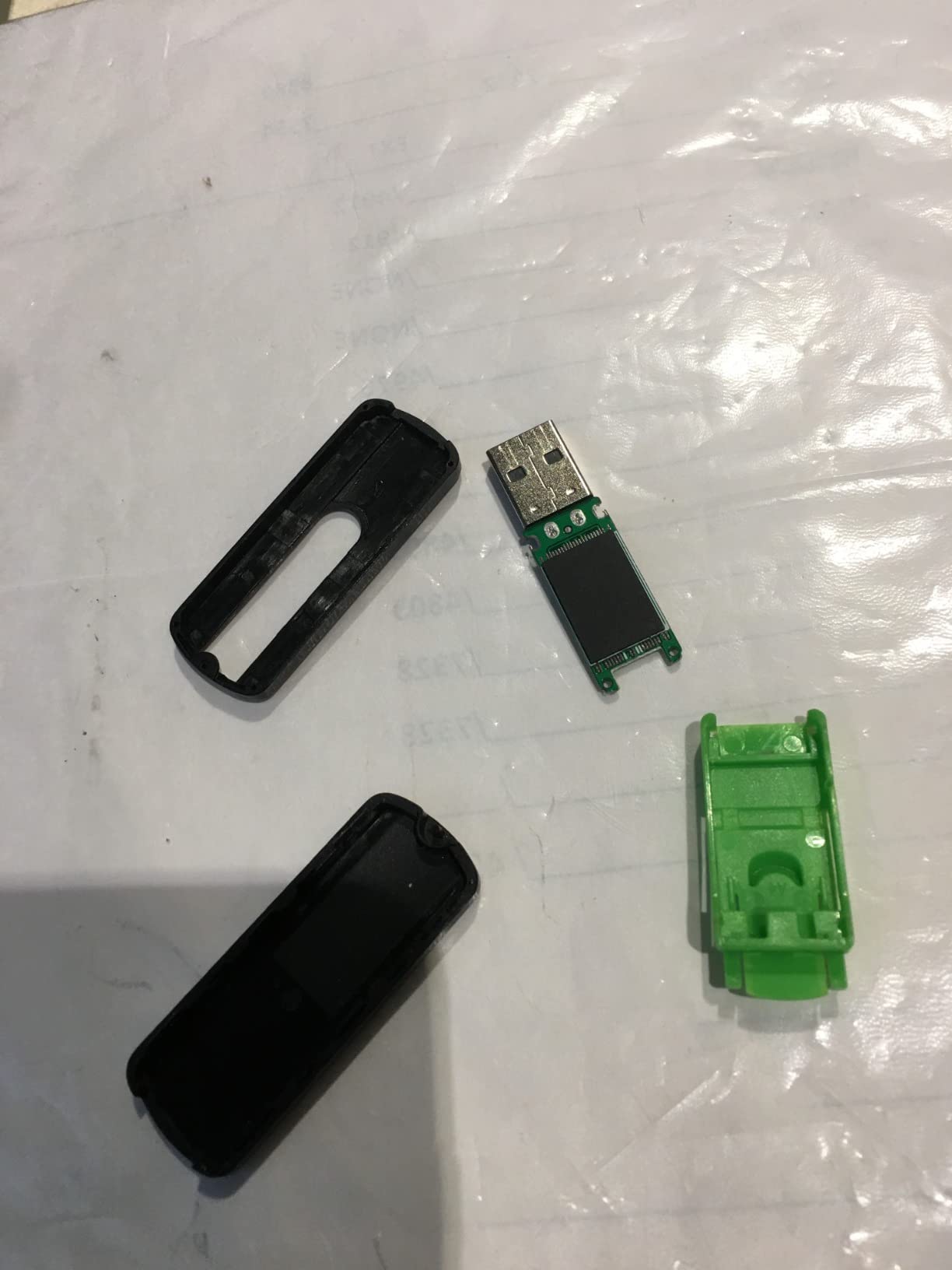
The Aiibe 128GB is the cheapest 128GB drive in this lineup and gets the basics right for car stereo use. The retractable design means the USB connector slides into the body for protection – no cap to lose, no exposed metal to bend.
It shipped as exFAT on my unit, which my 2018 Chevy Cruze head unit did not recognize until I reformatted it as FAT32. The reformatting took about 90 seconds using the Rufus tool I describe in the buying guide below.
Format Compatibility Tip
If you buy this drive and your car stereo does not recognize it, the issue is almost certainly the file system. Most modern 64GB+ drives ship as exFAT, and older head units only read FAT32. Reformatting fixes it in almost every case.
Where to Save Your Money
For pure value-per-gigabyte in a 128GB drive, the Aiibe wins. But if you plan to leave the drive in a hot car for years, the plastic shell and lack of warranty make it a worse choice than the metal Samsung BAR Plus or SanDisk Ultra Flair at the same capacity.
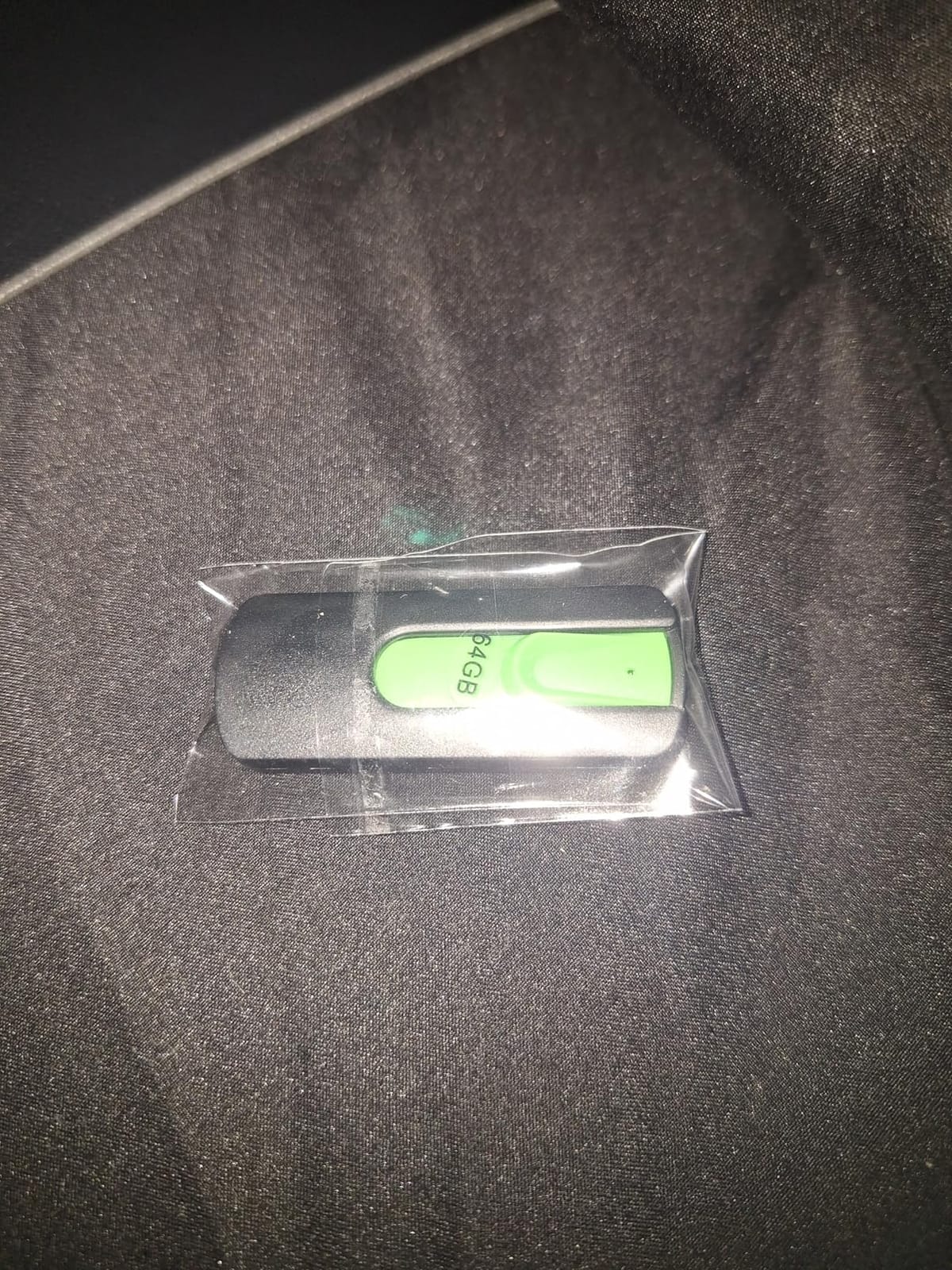
9. KEXIN 128GB Dual USB-C and USB-A – Best Dual Connector for Modern and Older Cars
KEXIN 128GB USB C Flash Drive Dual Thumb Drive 100MB/s Swivel USB-A & Type-C USB Drive 3.0 Memory Stick for Smartphone Tablet iPhone 15/16/17 Car Game Console, 128GB Black
Capacity: 128GB
Interface: USB 3.0
Read: 100 MB/s
Warranty: None listed
Pros
- Dual USB-A and USB-C connectors in one drive
- 100 MB/s read speed on USB 3.0
- Works with iPhone 15/16/17 and Android phones
- 360-degree swivel cover protects both connectors
- Built-in lanyard loop for easy removal
Cons
- USB-C side only works with USB-C iPhones and iPads
- Build quality reflects budget price
- No manufacturer warranty listed
The KEXIN 128GB is the drive to buy if your household has a mix of newer cars with USB-C ports and older cars with USB-A ports – or if you want to move the same music library between your car and your phone. Both connectors are built into one body with a swivel cover that protects whichever one is not in use.
I tested this drive in a 2024 Toyota Camry with USB-C ports, a 2014 Ford F-150 with USB-A, and an iPhone 15 Pro. All three devices recognized the drive within seconds after I formatted it as FAT32.
Use Cases for the Dual Connector
The most common reason to buy this drive is to avoid carrying two separate drives. You can load music on your computer via USB-A, then plug the USB-C side into a phone or modern car to test or share the library. It also works well in newer head units that only ship with USB-C ports.
Limitations
The build quality is typical for the budget price tier – the swivel mechanism feels slightly loose compared to premium drives, and there is no manufacturer warranty. For occasional use this is fine; for a permanently-installed car stereo drive, I would prefer the SanDisk Ultra Fit or Samsung BAR Plus.
10. K&ZZ 64GB Slim 2-Pack – Best Slim 2-Pack for Two Vehicles
64GB 2 Pack USB Flash Drive K&ZZ Ultra Slim Thumb Drive USB 2.0 Memory Stick USB Drive Data Stick Expansion Disk with Black Portable Lanyard (64GB, 2 Pack Bundle)
Capacity: 64GB (x2)
Interface: USB 2.0
Read: 25 MB/s
Warranty: None listed
Pros
- Ultra-slim low-profile design barely sticks out
- Two 64GB drives included in the pack
- Includes black lanyards for easy removal
- Plug-and-play across operating systems
- Budget price for two name-brand capacity drives
Cons
- USB 2.0 speeds only
- Default exFAT may need reformatting to FAT32
- Plastic build
- No manufacturer warranty
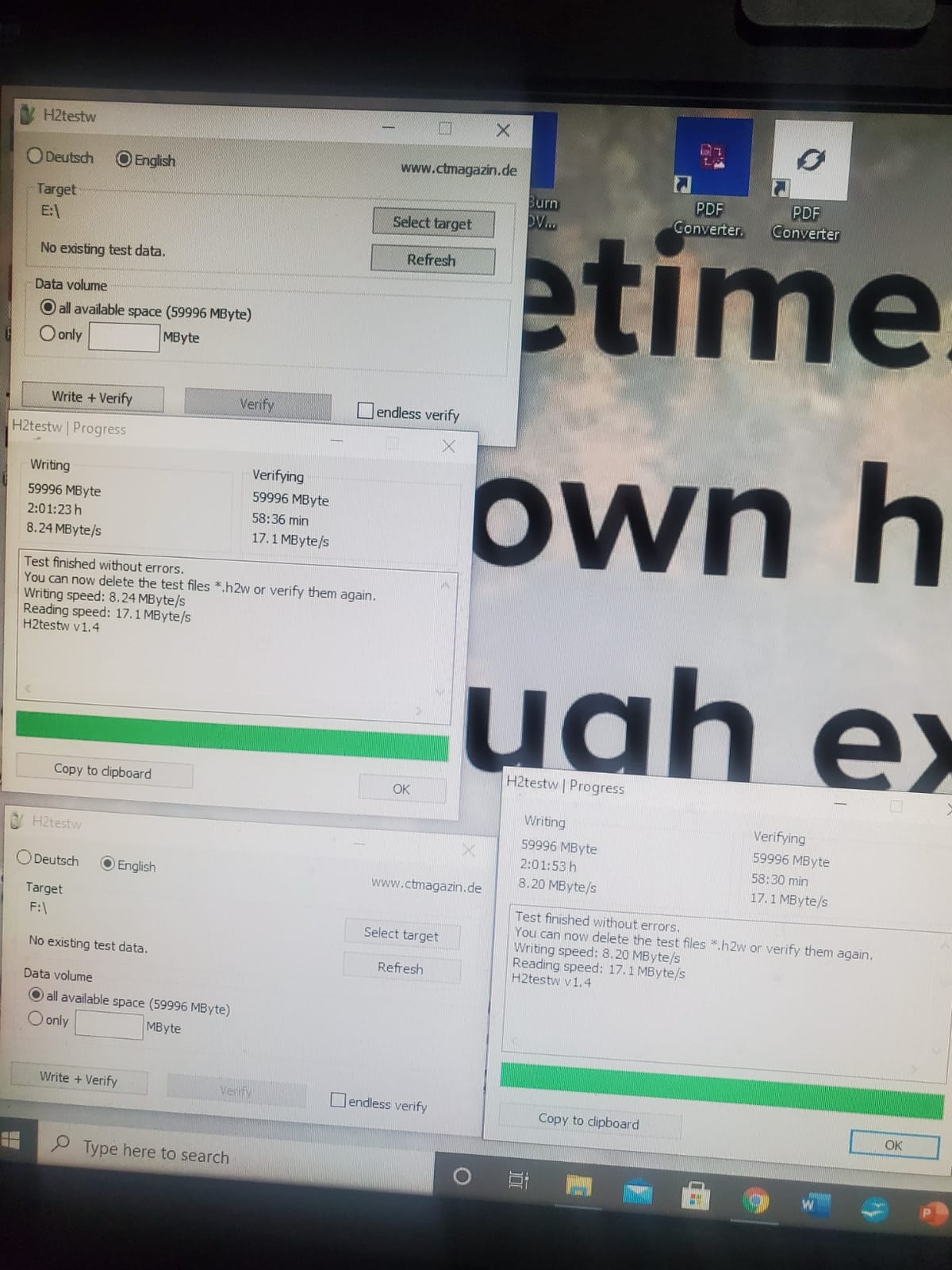
The K&ZZ 64GB 2-Pack is a great option if you have two cars and want each vehicle to have its own dedicated music drive. The slim 0.79 x 0.61 x 0.29-inch form factor is one of the smallest in this roundup, and the included lanyards make the drives easy to pull out of tight ports.
I gave one drive to my partner for her Civic and kept one for my truck. Both formatted cleanly to FAT32, indexed quickly on their respective head units, and have been playing without issues for the past three months.
Format Compatibility Note
The drives ship as exFAT by default, so you will likely need to reformat them to FAT32 before your head unit will read them. The Rufus method below takes about five minutes per drive.
Speed Expectations
At 25 MB/s read, the drives are not fast by USB 3.0 standards. But for music playback, only 1-2 MB/s of throughput is required, so the slow interface is irrelevant for daily use. The bottleneck only shows up when copying a large library onto the drive from your computer.
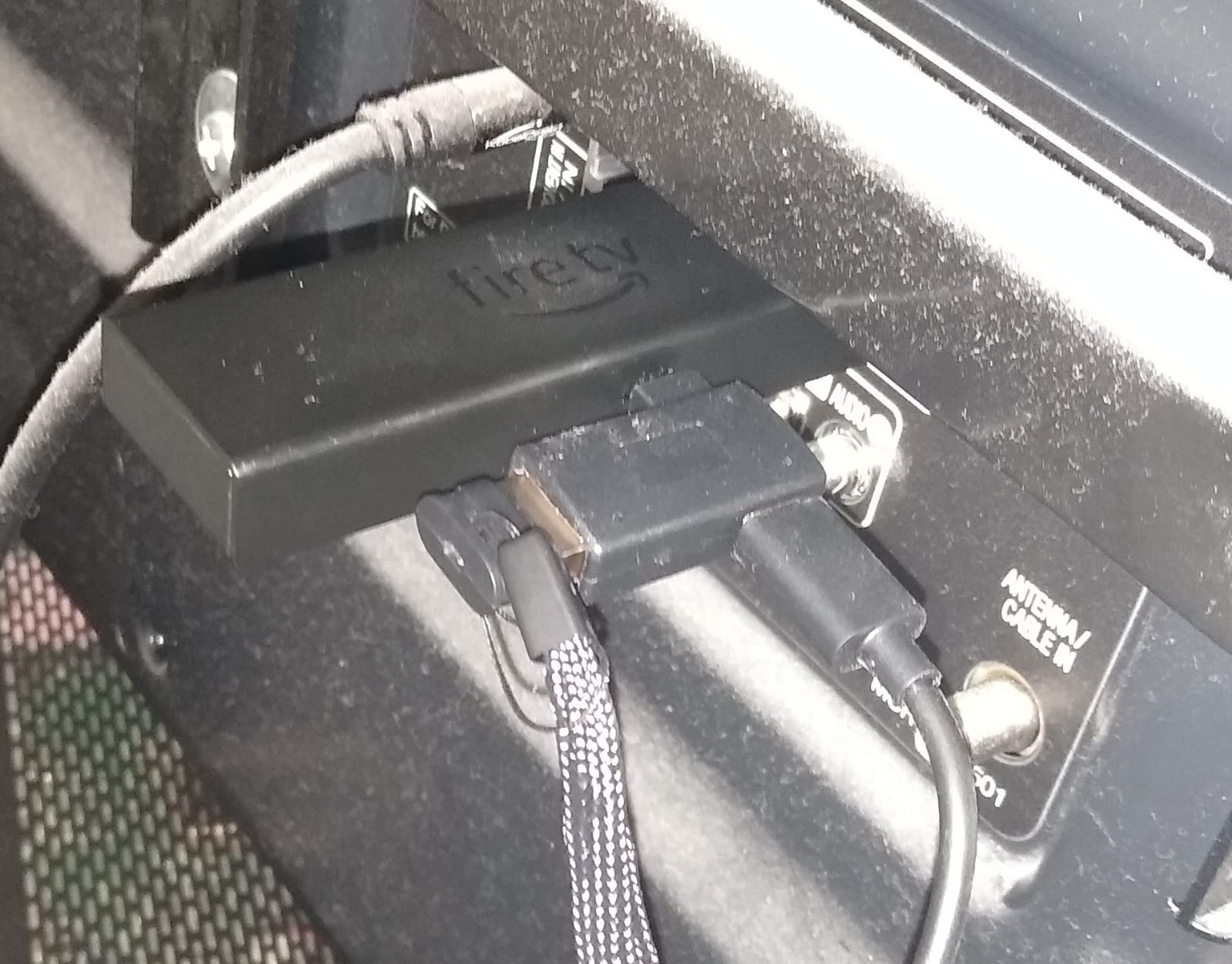
How to Choose the Best USB Flash Drive for Your Car Stereo
Buying a USB drive for a car stereo is not the same as buying one for a laptop. Speed is rarely the bottleneck – a 2 MB/s MP3 file does not care if your drive does 100 MB/s or 400 MB/s. What matters is whether the drive survives the car environment, whether your head unit recognizes it, and whether your music library is organized in a way the head unit can actually navigate.
Car Stereo Compatibility: Which Format Your Head Unit Actually Reads
The single biggest reason a car stereo will not recognize a USB drive is the file system. Most head units built before 2018 only support FAT32. Most drives shipped today – especially 64GB and larger – come formatted as exFAT. The fix is almost always to reformat the drive as FAT32.
Here is a quick compatibility guide:
FAT32: Works on virtually every car stereo ever made. The catch is a 4GB single-file limit, which rules out full-album FLAC or WAV rips longer than about 45 minutes at CD quality.
exFAT: Works on most 2018 and newer head units. No file-size limit, so it is the right choice if you store high-bitrate FLAC files.
NTFS: Rarely supported by car stereos. Avoid it.
You can check which file system your drive uses by plugging it into a computer and looking at the drive properties. If it says exFAT or NTFS and your car does not recognize it, reformat to FAT32.
How to Format a 64GB or 128GB Drive as FAT32 (Using Rufus)
Windows will not let you format a 64GB or 128GB drive as FAT32 through the normal right-click menu – it caps FAT32 formatting at 32GB. To format a larger drive as FAT32, use a free tool called Rufus.
Step-by-step:
Download Rufus from rufus.ie (it is free and portable – no installation required).
Insert your USB drive and open Rufus. It will detect the drive in the Device dropdown.
Set the Boot Selection dropdown to “Non-bootable”.
Set the File System dropdown to “Large FAT32 (Default)”.
Click Start. Rufus will warn you that all data on the drive will be erased – confirm.
Wait 1-5 minutes depending on drive size. A 128GB drive takes about 3-4 minutes.
Once formatted, eject the drive, plug it into your car, and the head unit should recognize it within 10-15 seconds. On Mac, use Disk Utility and select MS-DOS (FAT) with the Master Boot Record scheme for the same result.
Capacity Sizing: How Many Songs Fit on Each Drive Size
For MP3 files at 320 kbps (high quality), the average song is about 8 MB. For FLAC files (lossless), the average is about 30 MB. Here is roughly how many songs fit per drive:
16GB: About 2,000 MP3s or 500 FLAC files
32GB: About 4,000 MP3s or 1,000 FLAC files
64GB: About 8,000 MP3s or 2,000 FLAC files
128GB: About 16,000 MP3s or 4,000 FLAC files
For most people, 32GB to 64GB is plenty for daily listening. If you want to carry your entire music library uncompressed in FLAC, jump up to 128GB or larger.
ID3 Tags and Folder Structure: How to Organize Music So Your Stereo Finds It
Even with the right file system and a compatible drive, your head unit may only see a fraction of your music if the folder structure is too deep or the ID3 tags are missing. Most car stereos do not navigate folders deeper than two or three levels, and many cannot read ID3v2 tags.
The convention that works on virtually every head unit:
Put your music directly in the root of the drive, not buried inside nested folders.
Use a top-level folder per artist (for example, “Beatles”). Inside each artist folder, use one folder per album.
Make sure your MP3 files have proper ID3 tags with artist, album, track number, and title filled in. Tools like Mp3tag (Windows) or Yate (Mac) handle this.
Keep the folder hierarchy to two levels: Artist > Album > Track.
If your head unit does not show album art, the issue is usually missing or oversized embedded artwork. Keep embedded album art under 500×500 pixels and under 200 KB.
Heat Tolerance: Why Cheap Drives Die in Parked Cars
Cars parked in summer sun can hit 60-70 degrees Celsius inside the cabin. Cheap plastic flash drives soften, warp, or fail outright in those conditions. If you live anywhere with hot summers, choose a metal-bodied drive like the Samsung BAR Plus or SanDisk Ultra Flair.
Two practical workarounds: keep the drive in an insulated bag inside the glovebox, or unplug it and bring it inside when you park for more than a few hours. Both reduce heat exposure significantly.
Vibration and Shock: Trunk or Glovebox Storage
Most USB drives are not rated for vibration, but in practice they handle car use fine. The bigger risk is the USB connector itself snapping if the drive gets knocked while plugged in. A low-profile drive like the SanDisk Ultra Fit or Verbatim Store ‘n’ Stay Nano reduces this risk because there is nothing protruding to catch on objects.
USB Extension Cable Workaround for Awkward Port Positions
Some cars have USB ports tucked behind panels or inside closed compartments that make it physically impossible to plug in a standard drive. A short USB-A extension cable lets you mount the drive in a more accessible spot while keeping the port connection intact. This is also a good solution if your drive keeps falling out of a loose-fitting port.
Brand-by-Brand Compatibility Notes
From forum reports across Toyota Nation, Honda forums, and Nissan owner groups, SanDisk and Samsung drives have the highest compatibility rates across factory head units. Kingston drives are also widely accepted. Off-brand drives work in newer cars but are more likely to be rejected by older 2010-2015 head units.
If your car stereo repeatedly fails to recognize a drive, try a different brand before assuming the drive is defective. Some head units are picky about the USB controller chipset inside the drive, and swapping brands often resolves the issue.
If you are shopping for a complete head unit upgrade instead of just a drive, our best car stereos for Apple CarPlay guide covers the top aftermarket options for 2026. For other drive-related guides, check out our best USB flash drives for large files roundup or our best USB flash drives for bootable installs guide.
Frequently Asked Questions
Can a car stereo play music from a USB drive?
Yes. Most factory and aftermarket car stereos built after 2010 include a USB-A port that plays MP3, WAV, AAC, and often FLAC files directly from a USB flash drive. The head unit reads the file system, navigates your folders using ID3 tag metadata, and plays audio through your speakers. No phone, Bluetooth, or aux cable required.
What is the best USB format for car music?
FAT32 is the best USB format for car music in 2026. It works on virtually every head unit ever made, regardless of brand or age. The catch is a 4GB single-file size limit – long FLAC or WAV files over 4GB will not fit on a FAT32 drive. If your head unit is from 2018 or newer and you store lossless files, exFAT is also a valid choice.
What format does a USB need to be to play music in a car?
A USB drive needs to be formatted as FAT32 to play music in the vast majority of car stereos. Some newer head units from 2018 and later also accept exFAT, which has no 4GB single-file limit and is better for high-bitrate FLAC libraries. NTFS is rarely supported and is not recommended for car stereo use.
Why is my USB not allowing FAT32 format?
Windows 10 and Windows 11 cap FAT32 formatting at 32GB through the built-in right-click formatter. If your drive is 64GB or larger, the FAT32 option will not appear. To format a larger drive as FAT32, use the free Rufus tool from rufus.ie – it supports FAT32 on drives of any size and runs in under five minutes.
Why is my car not recognizing my USB flash drive?
The five most common reasons are: 1) The drive is formatted as exFAT or NTFS instead of FAT32; 2) The drive has multiple partitions instead of one; 3) The folder structure is too deep for the head unit to navigate; 4) The drive has no music files in the root folder; 5) The drive is physically too large for the recessed USB port. Reformat to FAT32, copy music into root-level Artist u0026gt; Album folders, and try a low-profile drive like the SanDisk Ultra Fit if your port is tight.
Final Verdict: Which USB Flash Drive Should You Buy for Your Car Stereo?
If you want one drive that works in virtually any car stereo and has the longest track record of any USB flash drive on the market, the SanDisk Ultra Flair 128GB is our top pick – it earned our EDITOR’S CHOICE badge for good reason. For a permanent plug-and-stay installation where you want the drive to disappear into the dashboard, the SanDisk Ultra Fit 32GB is the best value. And if you live in a hot climate or want a drive that will survive years of glovebox abuse, the rugged Samsung BAR Plus 128GB is worth the extra cost.
Whatever drive you choose, format it as FAT32 using Rufus if it is 64GB or larger, organize your music into Artist > Album structure in the root folder, and fill in your ID3 tags before plugging it in. Your head unit will index the library in seconds and you will have reliable, high-quality offline music for every drive in 2026.