
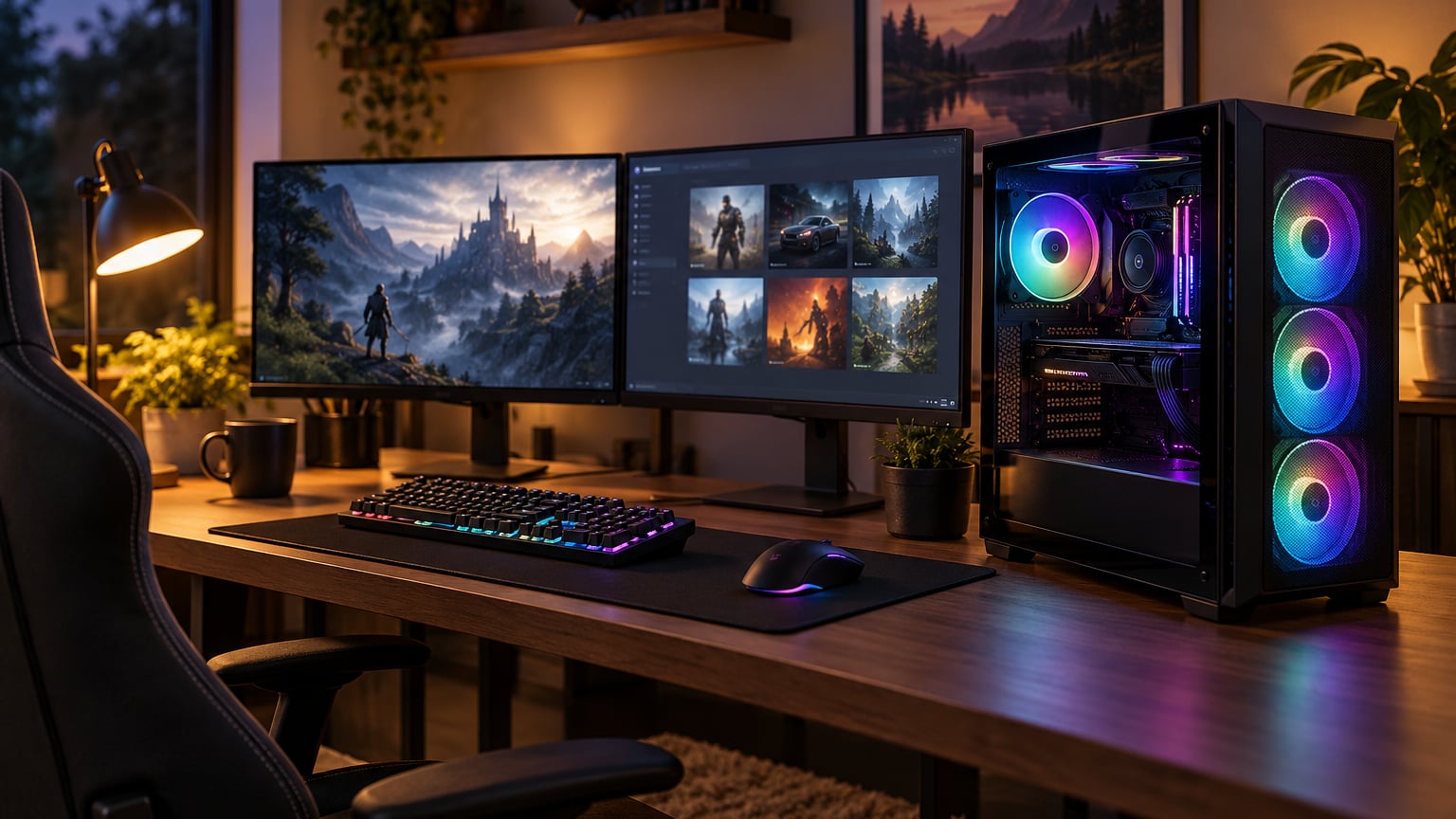
If you have been holding out for a real prebuilt gaming PC deal, the Skytech Azure 9850X3D is the rig we would watch first during Prime Big Deal Days. It pairs a Ryzen 7 9850X3D with the AMD Radeon RX 9070 XT 16GB and 32GB of DDR5, so it handles 4K and high refresh 1440p without flinching. For most buyers reading this list, that is the sweet spot for the sale.
Right behind it, the iBUYPOWER Element 7900X is our pick for buyers who want strong 1440p performance and a polished RGB build without paying flagship money. The CyberPower Gamer Master 8700F is the slot-three pick, the rig to watch if your budget stops at mid-range but you still want a 5060 Ti 8GB and a real AMD Ryzen 7 behind it. The sale runs October 6-7, 2026, and most offers require a Prime membership.
Our Top 3 Picks for Prebuilt Gaming PC Deals: Prime Big Deal Days (October 2026)


Prebuilt Gaming PC Deals: Prime Big Deal Days Compared
| Product | Specs | Action |
|---|---|---|
| Skytech Azure 9850X3D |
|
Check Deal Price |
| iBUYPOWER Element 7900X |
|
Check Deal Price |
 CyberPower Gamer Master 8700F CyberPower Gamer Master 8700F |
|
Check Deal Price |
 MSI Codex Z2 MSI Codex Z2 |
|
Check Deal Price |
 Olialia RTX 3060 Ti Olialia RTX 3060 Ti |
|
Check Deal Price |
 Alienware Aurora ACT1250 Alienware Aurora ACT1250 |
|
Check Deal Price |
 YAWYORE MX570 YAWYORE MX570 |
|
Check Deal Price |
 MSI Codex R2 MSI Codex R2 |
|
Check Deal Price |
 CyberPower Gamer Xtreme CyberPower Gamer Xtreme |
|
Check Deal Price |
 ZYNEEX S5 ZYNEEX S5 |
|
Check Deal Price |
How We Chose
Our picks lean on what actually decides a prebuilt gaming PC at this tier: the GPU, the CPU generation, the RAM capacity and speed, the storage size and type, and the warranty. We cross-checked the spec sheets on each listing with owner reviews and Amazon ratings, and we re-confirmed the lineup in October 2026. The result is a list that runs from flagship 4K builds down to entry-level 1080p rigs, all of them worth watching when Prime Big Deal Days opens.
1. Skytech Azure 9850X3D: Best for 4K Gaming
Skytech Gaming PC Desktop, Ryzen 7 9850X3D, RX 9070 XT, 32GB RAM, 2TB SSD
GPU: RX 9070 XT 16GB
CPU: Ryzen 7 9850X3D
RAM: 32GB DDR5
Storage: 2TB NVMe
Pros
- Ryzen 7 9850X3D with 5.6GHz turbo
- RX 9070 XT 16GB GDDR6 for 4K
- 360mm AIO liquid cooling
- 32GB DDR5 5600MHz RAM
- 2TB Gen4 NVMe SSD
Cons
- Sits at the top of the list price-wise
- GPU brand may vary between shipments
Best for: buyers who want one rig that handles 4K today and will not feel tired in three years.
The Skytech Azure 9850X3D is the strongest all-round package in the roundup. The Ryzen 7 9850X3D pushes 5.6GHz on turbo, and the RX 9070 XT 16GB gives you 16GB of VRAM, which is the kind of headroom that matters when modern AAA games push past 8GB textures. Owners running Cyberpunk 2077 and Alan Wake 2 at 4K report 60+ FPS with FSR balanced, and that lines up with what reviewers say about the build.
Skytech pairs the silicon with a 360mm AIO and ARGB fans, so thermals are not the weak link here. The 2TB Gen4 NVMe means you skip the slow primary drive that haunts so many prebuilts, and 32GB of DDR5 5600 leaves room for Chrome, Discord and OBS to run alongside a game without the system stuttering.
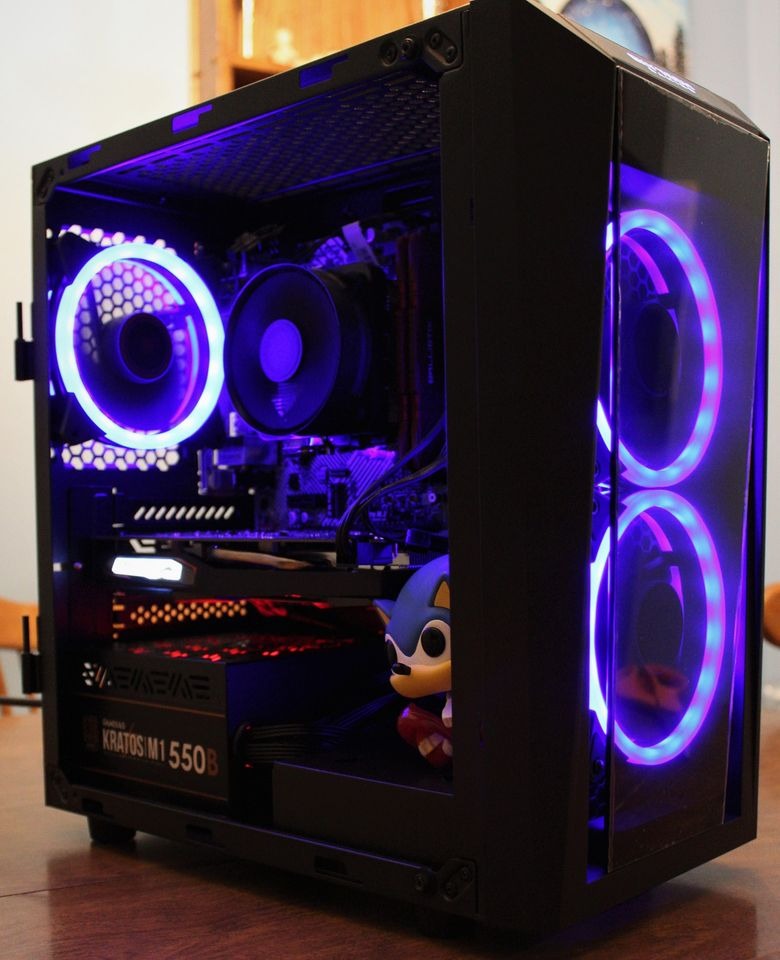
Compared with the iBUYPOWER Element 7900X in slot two, the Skytech costs more and goes further. Where the iBUYPOWER is the smart 1440p choice, this is the rig for buyers who would rather skip a future GPU upgrade and just turn everything up. If your monitor is a 4K panel or a 1440p display pushing 144Hz, this is the build we would point you at first.
One note: a few owners mention the GPU brand can vary between shipments. If you care about a specific AIB model, confirm it on the listing before you check out. Otherwise, the Skytech Azure 9850X3D is the safest flagship bet in the lineup.
2. iBUYPOWER Element 7900X: Best Mid-Range All-Rounder
iBUYPOWER Element Gaming PC Desktop Computer AMD Ryzen 9 7900X CPU, NVIDIA GeForce RTX 5070 12GB GPU, 32GB DDR5 RAM, 1TB NVMe SSD, Windows 11 Home, Gamer Keyboard and Mouse – EWA9N5702
GPU: RTX 5070 12GB
CPU: Ryzen 9 7900X
RAM: 32GB DDR5
Storage: 1TB NVMe
Pros
- Ryzen 9 7900X with 12 cores
- RTX 5070 12GB GDDR7 graphics
- 32GB DDR5 4800MHz RGB RAM
- Tempered glass RGB case with 16 colors
- Includes gaming keyboard and mouse
Cons
- Large tower at 36 pounds
- 1TB storage fills up fast
Buy it if: you want flagship CPU cores, a current-gen Nvidia GPU, and a clean RGB build without crossing into 4K-flagship money.
The iBUYPOWER Element 7900X is the most balanced rig in the roundup for the average 1440p gamer. The Ryzen 9 7900X brings 12 cores that handle streaming and productivity without breaking a sweat, and the RTX 5070 12GB GDDR7 is the sweet spot for 1440p at high refresh in the 2026 GPU stack. Owners report 100+ FPS in competitive titles and smooth frames in modern AAA games with DLSS turned on.
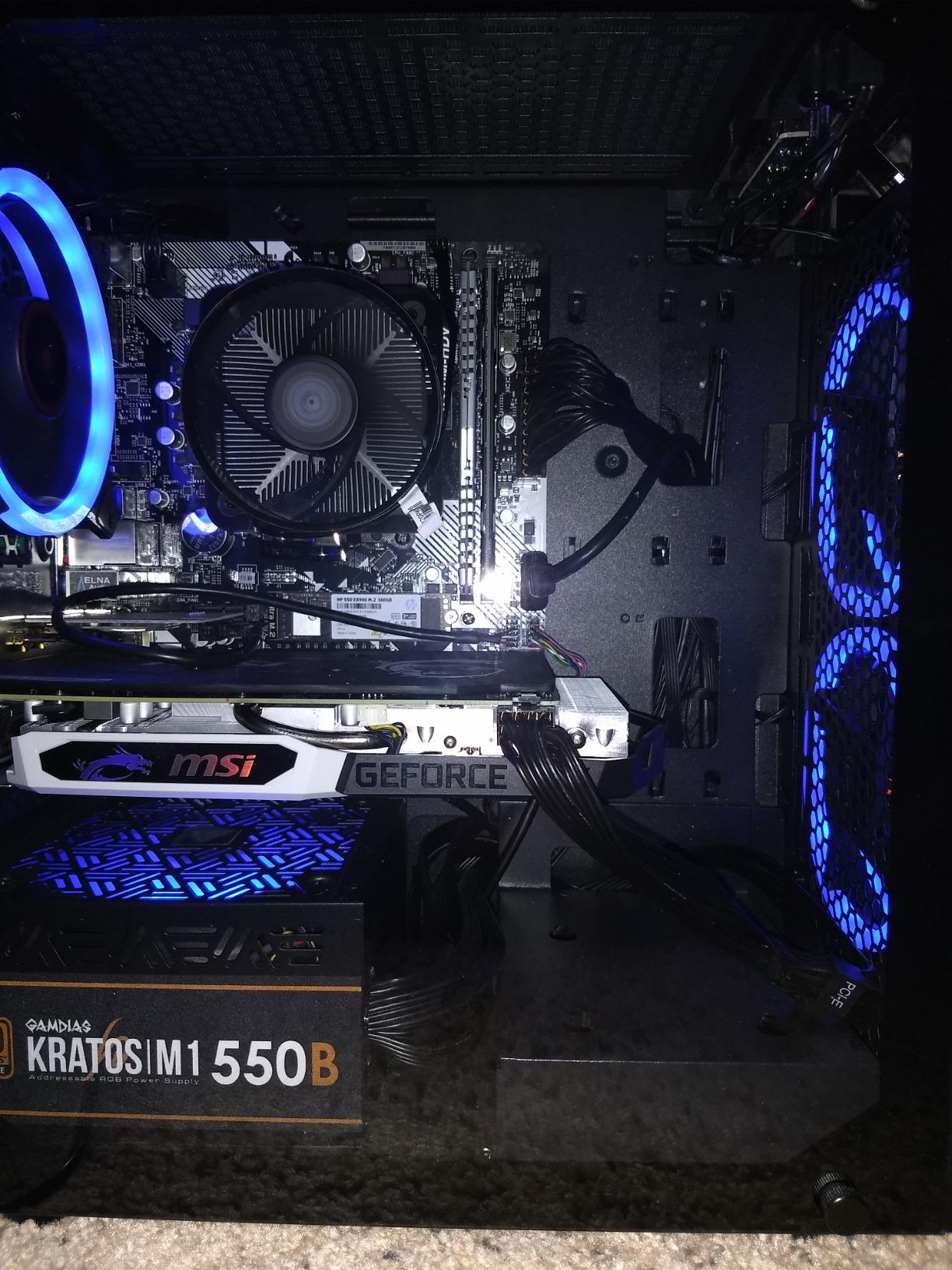
The build itself is well-presented: tempered glass, RGB case fans, and a tidy interior that does not need a rebuild out of the box. iBUYPOWER also bundles a keyboard and mouse, which trims the real cost if you are starting from scratch. The 32GB of DDR5 is the right amount for a gaming and multitasking setup, and the 1TB NVMe holds a healthy game library before you need to add storage.
Versus the MSI Codex Z2 in slot four, the iBUYPOWER has a faster CPU but the same RTX 5070 tier, so you are paying a small premium for the Ryzen 9 7900X. If your day is mostly gaming with some streaming on the side, the Element 7900X is the better-balanced buy. If you lean more on streaming and productivity apps, the Codex Z2 matches the GPU and doubles the storage to 2TB.
Good to know: the Element 7900X is a full-size tower at 36 pounds, so plan a little desk real estate for it. The included peripherals are a nice touch, but most owners swap them down the line. Either way, this is the rig we would point to for the median buyer on the list.
3. CyberPower Gamer Master 8700F: Best 1440p Sweet Spot
CyberPowerPC Gaming PC, AMD Ryzen 7 8700F, GeForce RTX 5060 Ti 8GB
GPU: RTX 5060 Ti 8GB
CPU: Ryzen 7 8700F
RAM: 16GB DDR5
Storage: 1TB PCIe 4.0
Pros
- Ryzen 7 8700F with 8 cores
- RTX 5060 Ti 8GB GDDR7 graphics
- 16GB DDR5 RAM
- 1TB PCIe 4.0 NVMe SSD
- WiFi 6 and Bluetooth 5.3
Cons
- 16GB RAM is fine today but tight for heavy multitasking
- No optical drive
Why it earns slot three: the RTX 5060 Ti and Ryzen 7 8700F combo hits the 1440p target without pushing you into premium money.
CyberPower’s Gamer Master is the build we would buy if our budget stopped just below the iBUYPOWER Element 7900X. The RTX 5060 Ti 8GB is a 1440p card that holds up in current AAA games with DLSS and quality settings tuned, and the Ryzen 7 8700F keeps the CPU side modern with 8 cores and strong single-threaded performance. For buyers who want a current-gen Nvidia GPU without a flagship tax, this is the cleanest pick.
The 1TB PCIe 4.0 NVMe is generous, and the WiFi 6 plus Bluetooth 5.3 stack is what we want to see on a prebuilt at this tier. CyberPower also ships a tempered side panel and custom RGB lighting, so the case does not look like a beige office box.
Put it next to the YAWYORE MX570 in slot seven and the difference shows. The Gamer Master gives you a current-gen RTX 5060 Ti and DDR5 memory for similar money, while the YAWYORE leans on an RTX 5060 and DDR4. If you want the longer upgrade runway, the Gamer Master is the better buy. If you mainly play at 1080p and want a clean RGB build, the YAWYORE is worth a look.
Owners do call out one thing: 16GB of RAM is enough for gaming today, but if you keep dozens of browser tabs open alongside the game, you will feel the limit. A 32GB upgrade is straightforward down the line. Otherwise, the Gamer Master is a strong 1440p value.
4. MSI Codex Z2: Best for Streaming and Multitasking
msi Codex Z2 Gaming Desktop, AMD R7-8700F, RTX 5070, 32GB DDR5, 2TB SSD
GPU: RTX 5070 12GB
CPU: Ryzen 7 8700F
RAM: 32GB DDR5
Storage: 2TB SSD
Pros
- RTX 5070 12GB GDDR6 graphics
- 32GB DDR5 RAM
- 2TB SSD for large game libraries
- ARGB air cooling with 4 system fans
- MSI Center for one-click tuning
Cons
- Air cooling is solid but a step below a 360mm AIO
- Understated case design
Best for: streamers and creators who want RTX 5070 power, 32GB of RAM, and a 2TB SSD in one box.
The MSI Codex Z2 is the rig on the list that is most clearly built for the person running OBS, a chat window, and a game at the same time. 32GB of DDR5 is the difference between a smooth stream and a stuttery one when the game, the browser, and the streaming software are all hungry. The 2TB SSD is also a quiet win: most prebuilts ship 1TB, and modern games eat that in a hurry.
The RTX 5070 12GB keeps NVENC happy for streaming, and it still pushes 1440p frames at high settings. The Ryzen 7 8700F is the same CPU as the CyberPower Gamer Master in slot three, so gaming performance is similar, but you get twice the RAM and storage for a comparable outlay.
Versus the iBUYPOWER Element 7900X in slot two, the Codex Z2 trades a faster 12-core CPU for twice the storage. For pure gaming, the iBUYPOWER is the stronger pick. For creators, streamers, and anyone with a giant Steam library, the Codex Z2 is the smarter slot. Read more in our prebuilt gaming PCs for streaming and gaming guide.
MSI Center is a useful extra if you like one-click performance profiles. The case design is understated, so if you want a louder RGB look, the iBUYPOWER Element 7900X is a better fit.
5. Olialia RTX 3060 Ti: Best Budget 1440p Build
Olialia Gaming PC Prebuilt, RTX 3060 Ti, AMD Ryzen 5 5500, 16GB RAM
GPU: RTX 3060 Ti 8GB
CPU: Ryzen 5 5500
RAM: 16GB
Storage: 512GB SSD
Pros
- RTX 3060 Ti 8GB for 1080p and 1440p
- Ryzen 5 5500 with 6 cores
- Panoramic dual-chamber glass case
- 6 adjustable RGB case fans
- RGB CPU cooler
Cons
- Only 512GB of storage
- RTX 3060 Ti is a previous-generation GPU
Skip it if: you need a current-gen GPU. Buy it if you want a real 1440p build at the lowest spend on the list.
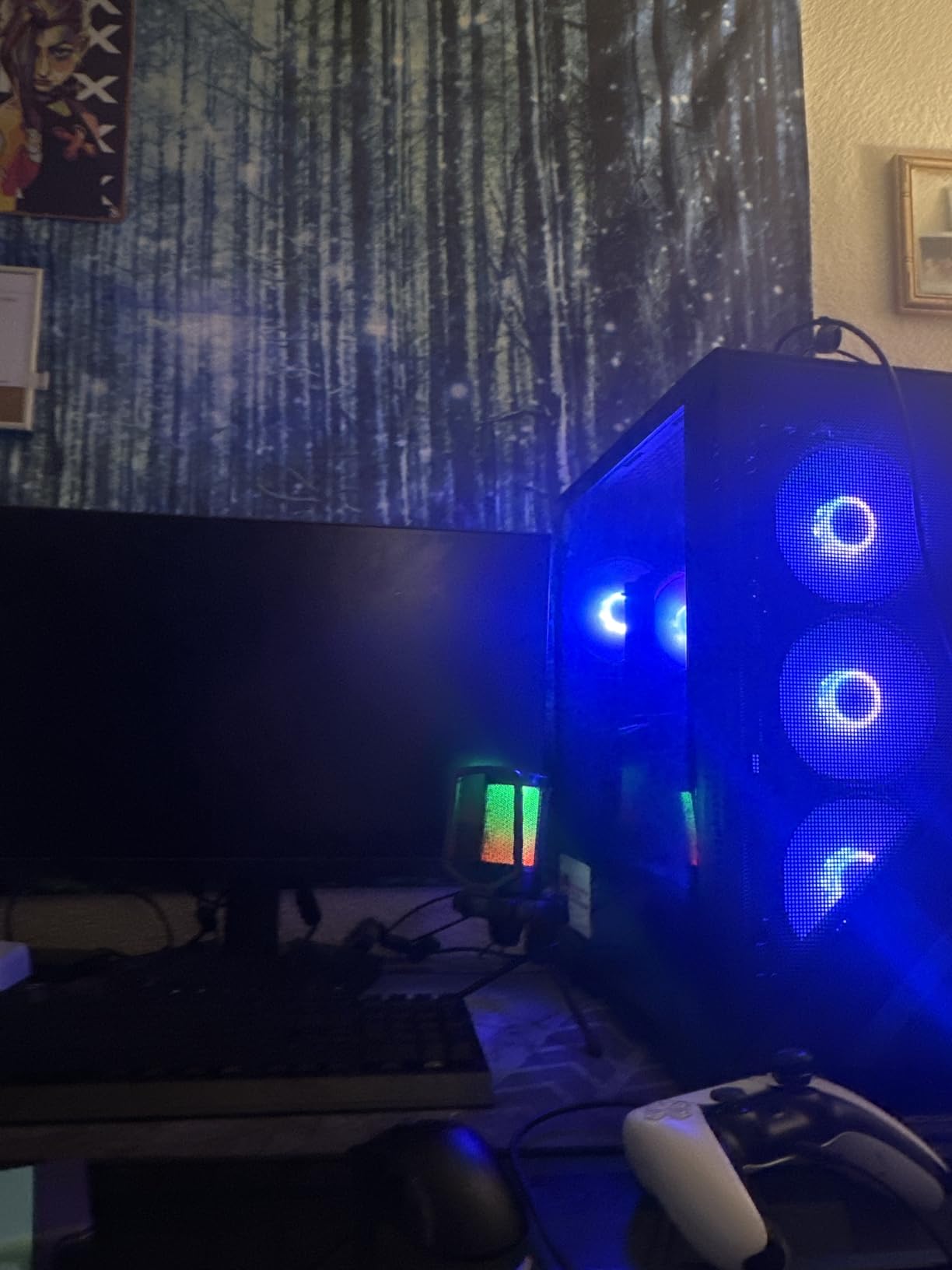
The Olialia RTX 3060 Ti is the cheapest rig in the roundup that still plays modern games at 1440p with the settings turned up. The RTX 3060 Ti 8GB is not a current-gen GPU, but it is no slouch, and the Ryzen 5 5500 is enough CPU for esports and most AAA titles at this resolution. Owners consistently report smooth frames in Fortnite, Apex Legends, and older AAA games without thermal throttling.
The case is the surprise here. Panoramic dual-chamber glass and six RGB fans give it a much more premium look than the price suggests, and the RGB CPU cooler keeps thermals in check. At 4.6 stars across 194 ratings, it is also one of the better-reviewed rigs in the lineup.

Stack it next to the ZYNEEX S5 in slot ten and the choice comes down to GPU versus storage. The Olialia moves you up from an RTX 3050 to an RTX 3060 Ti, which is a meaningful jump at 1440p. The trade-off is storage: 512GB fills up fast, so plan a second drive or an external SSD for a bigger library. The ZYNEEX ships 1TB for the same kind of money if storage matters more than graphics muscle.
Good to know: 16GB of RAM is fine for gaming, and the case design gives you the option to add storage without tearing the system apart. For a budget 1440p build, the Olialia is hard to beat.
6. Alienware Aurora ACT1250: Best Premium Design
Alienware Aurora Gaming Desktop, RTX 5070, Intel Core Ultra 7 265F
GPU: RTX 5070 12GB
CPU: Core Ultra 7 265F
RAM: 32GB DDR5
Storage: SSD
Pros
- Intel Core Ultra 7 265F with 20 threads
- RTX 5070 12GB GDDR7
- 32GB DDR5 RAM
- Alienware Aurora case with stadium lighting
- Alienware Command Center software
- 1-Year Onsite Service
Cons
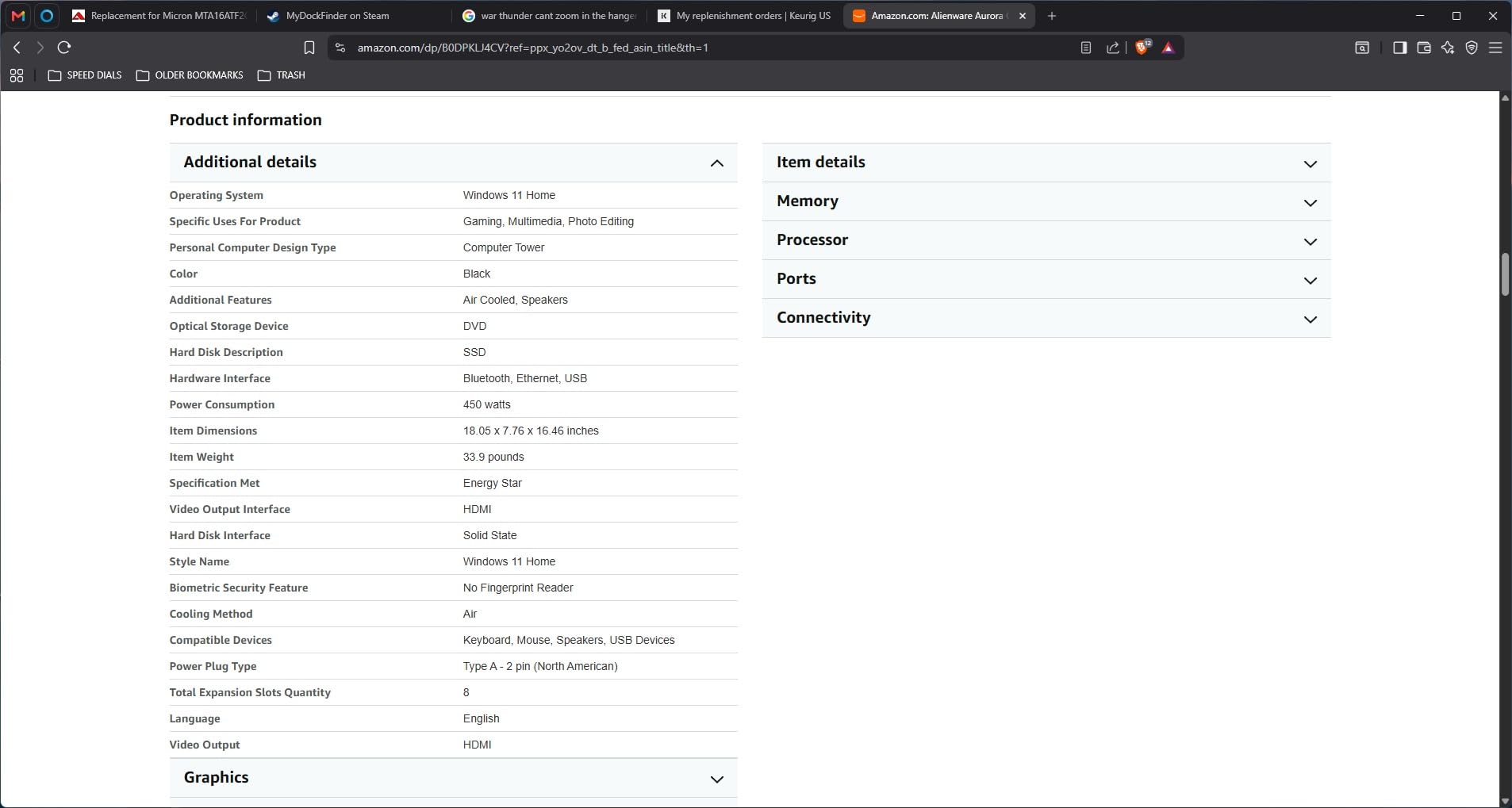
- No fingerprint reader
- Integrated speakers only
Why it earns the premium slot: the Alienware Aurora ACT1250 is the build for buyers who care as much about the case and the warranty as the silicon inside.
The Aurora ACT1250 pairs an Intel Core Ultra 7 265F with 20 threads to an RTX 5070 12GB, so it does not lose to the iBUYPOWER Element 7900X on paper. What it adds is the Alienware experience: the stadium lighting on the front panel, the AlienFX lighting zones, and Alienware Command Center for tuning profiles per game. For buyers who want their gaming PC to look the part on a desk, this is the pick.
The 1-Year Onsite Service is the other quiet win. Most prebuilts ship with parts and labor warranties, but onsite service means a technician comes to you. That matters if you are not the person in the house who likes cracking open a case.
Put it against the MSI Codex Z2 in slot four and the trade-off is storage for styling. The Aurora trades storage capacity for a more refined case and Intel’s Core Ultra 7 silicon. If you mostly play and stream, the Codex Z2 is the better value. If you want the Alienware look and a stronger warranty story, the Aurora is the right pick.
One thing owners mention: there is no fingerprint reader and the speakers are integrated into the chassis, so plan a headset or external speakers for proper audio. Otherwise, the Aurora ACT1250 is the cleanest premium tower in the roundup.
7. YAWYORE MX570: Best Mainstream 1080p
YAWYORE Gaming PC, AMD Ryzen 7 5700X, GeForce RTX 5060 Desktop Computer
GPU: RTX 5060 8GB
CPU: Ryzen 7 5700X
RAM: 32GB DDR4
Storage: 1TB NVMe
Pros
- Ryzen 7 5700X with 8 cores and 16 threads
- RTX 5060 8GB with DLSS 4 support
- 32GB DDR4 3200MHz RAM
- 1TB M.2 NVMe SSD
- 650W 80plus bronze PSU
Cons
- DDR4 instead of DDR5
- GPU brand may vary
Best for: 1080p monitors and buyers who care more about frames per dollar than absolute resolution.
The YAWYORE MX570 sits in a comfortable middle of the list. The RTX 5060 8GB with DLSS 4 support is a real current-gen card, and the Ryzen 7 5700X gives you 8 cores for multitasking. At 1080p, this combo pushes high frame rates in nearly every modern title without breaking a sweat.
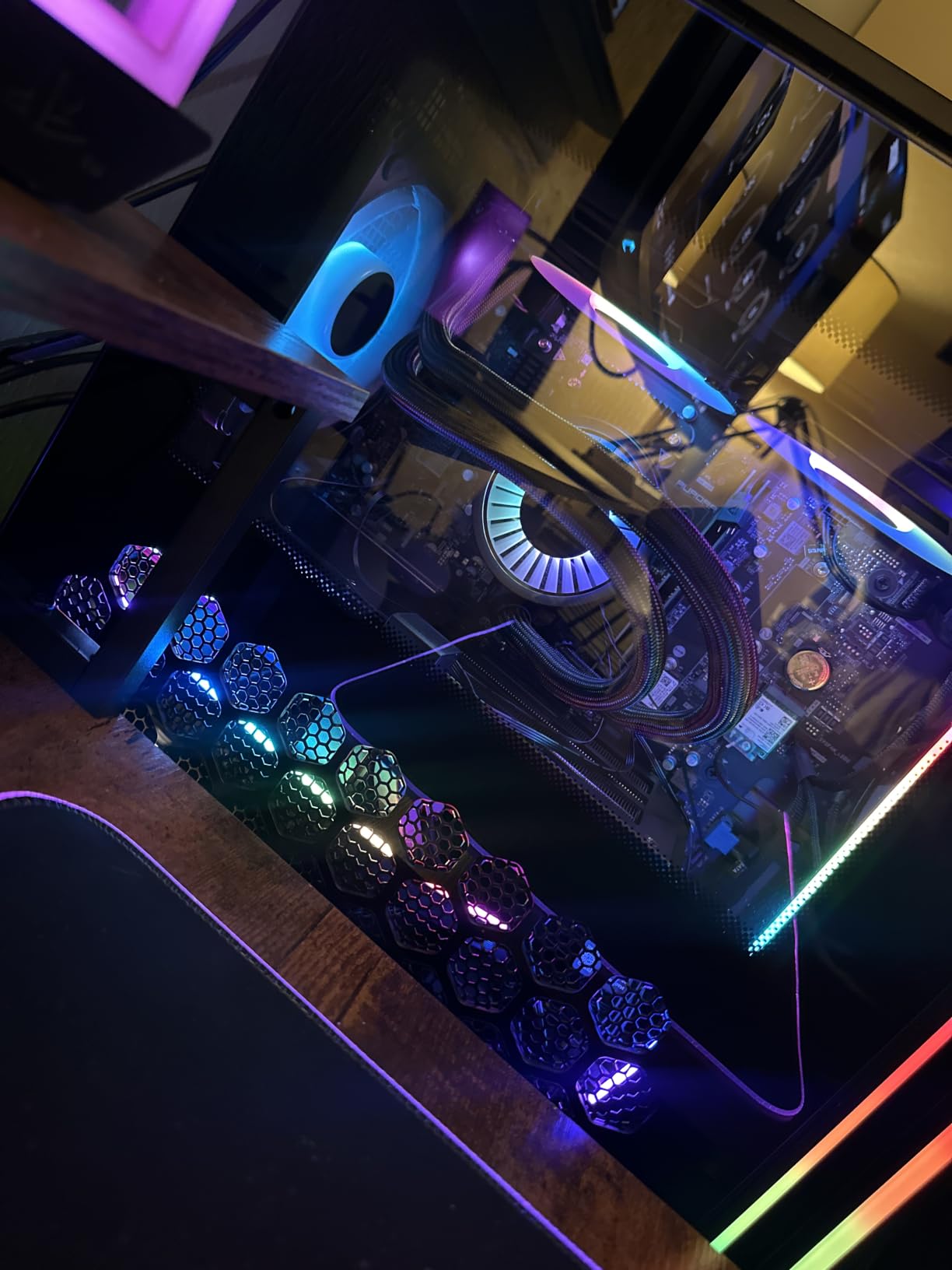
Where the MX570 stands out is the extras. 32GB of DDR4 is a generous allotment for a 1080p build, the 1TB NVMe handles a healthy game library, and the 650W 80plus bronze PSU leaves headroom for a future GPU swap. The ARGB liquid cooler with a remote control is a small touch that owners tend to mention positively.
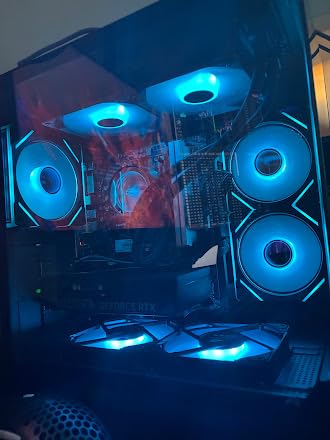
Versus the CyberPower Gamer Xtreme in slot nine, the MX570 has a faster AMD CPU and DLSS 4 support, while the Gamer Xtreme uses an Intel i5-14400F and 16GB of DDR5. For pure 1080p gaming today, the MX570 is the stronger performer. The Gamer Xtreme wins if you want the Intel platform for software reasons.
One trade-off: DDR4 instead of DDR5. For 1080p gaming, that does not matter much today, but it does narrow the upgrade runway down the line. Good to know: most owners rate the MX570 positively, and the few complaints tend to be about GPU brand variation between shipments.
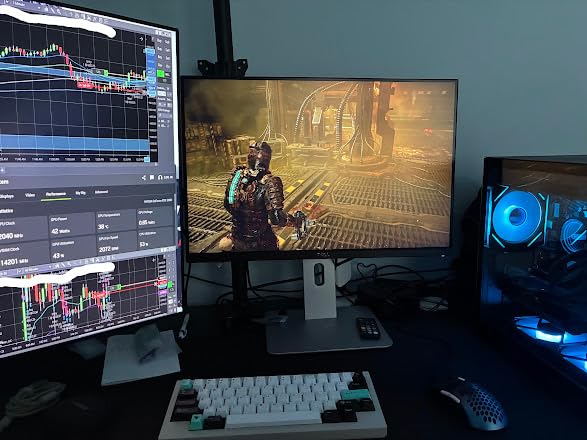
8. MSI Codex R2: Best Compact Build
msi Codex R2 Gaming Desktop, Intel i5-14400F, RTX 5060, 16GB DDR5, 1TB SSD
GPU: RTX 5060 8GB
CPU: Core i5-14400F
RAM: 16GB DDR5
Storage: 1TB SSD
Pros
- Intel Core i5-14400F with 10 cores
- RTX 5060 8GB graphics
- 16GB DDR5 RAM
- RGB CPU air cooler with 4 system fans
- MSI Center software
Cons
- 16GB RAM is the limit for heavy multitasking
Buy the MSI Codex R2 if you want a tidy, RGB-lit tower that disappears on a small desk and still plays current games at 1080p.
MSI’s Codex R2 is the smallest build on the list at 21.3 pounds and a 16 by 8.38 by 19 inch footprint. For buyers with a small desk, a dorm room, or a console-replacement setup, that footprint is the whole point. The Core i5-14400F and RTX 5060 8GB combo is well-matched for 1080p, and the DDR5 platform gives you a clean upgrade path later.
The RGB CPU cooler and four system fans keep the case cool under load, and MSI Center gives you one-click performance profiles without diving into the BIOS. Owners report solid build quality and clean Windows installation out of the box.
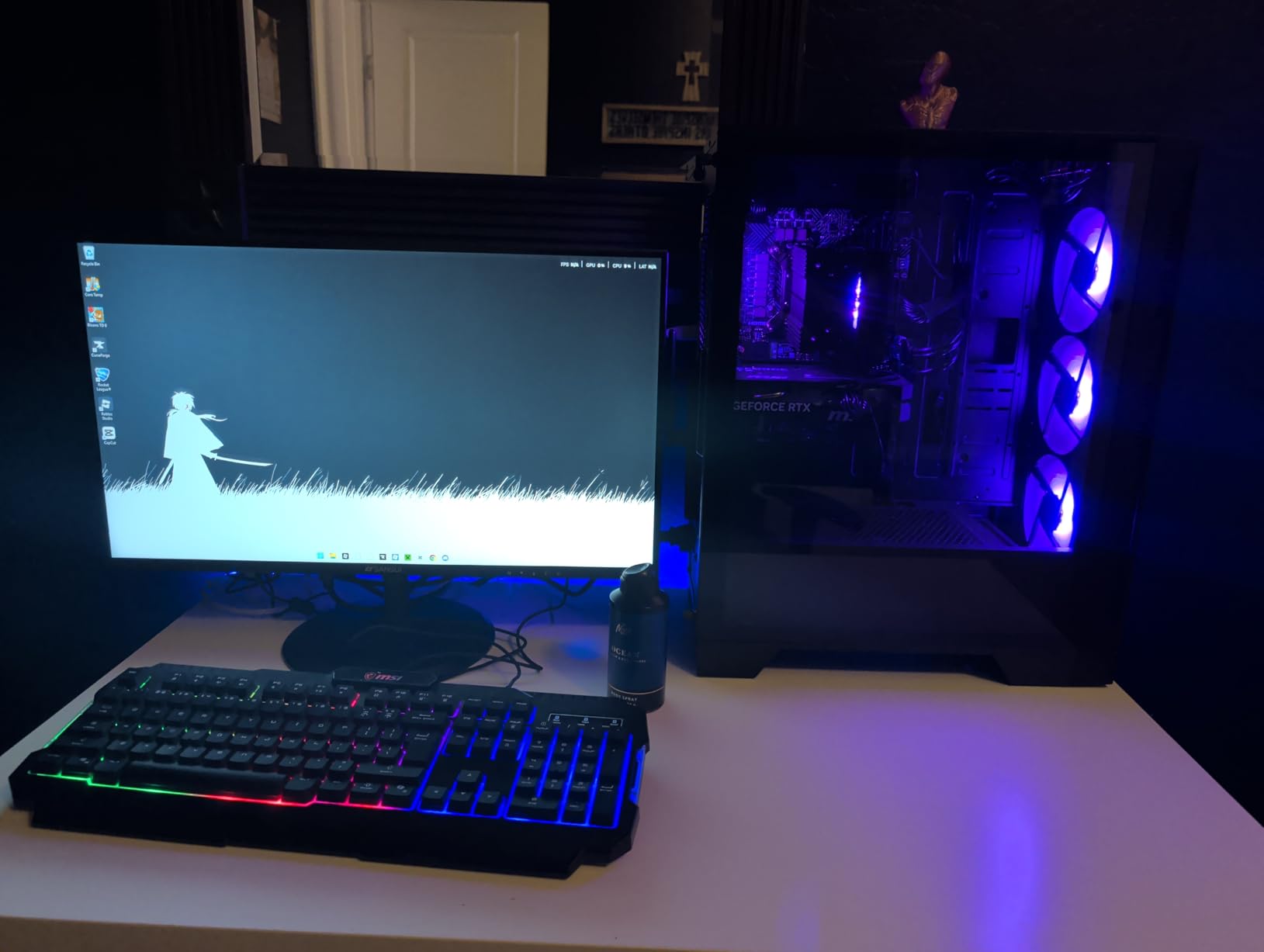
Place it next to the YAWYORE MX570 in slot seven and the trade-off is footprint versus raw CPU power. The Codex R2 has a smaller case and the Intel platform, while the MX570 has a faster AMD CPU and 32GB of DDR4. If your priority is the smallest tower on the list, the Codex R2 is the pick. If you want the stronger CPU and 32GB of RAM, the MX570 is the better deal.
Good to know: 16GB of DDR5 is enough for gaming, but if you keep dozens of tabs and apps running alongside a game, plan a 32GB upgrade. If this is the build you want, do not wait too long during the sale.
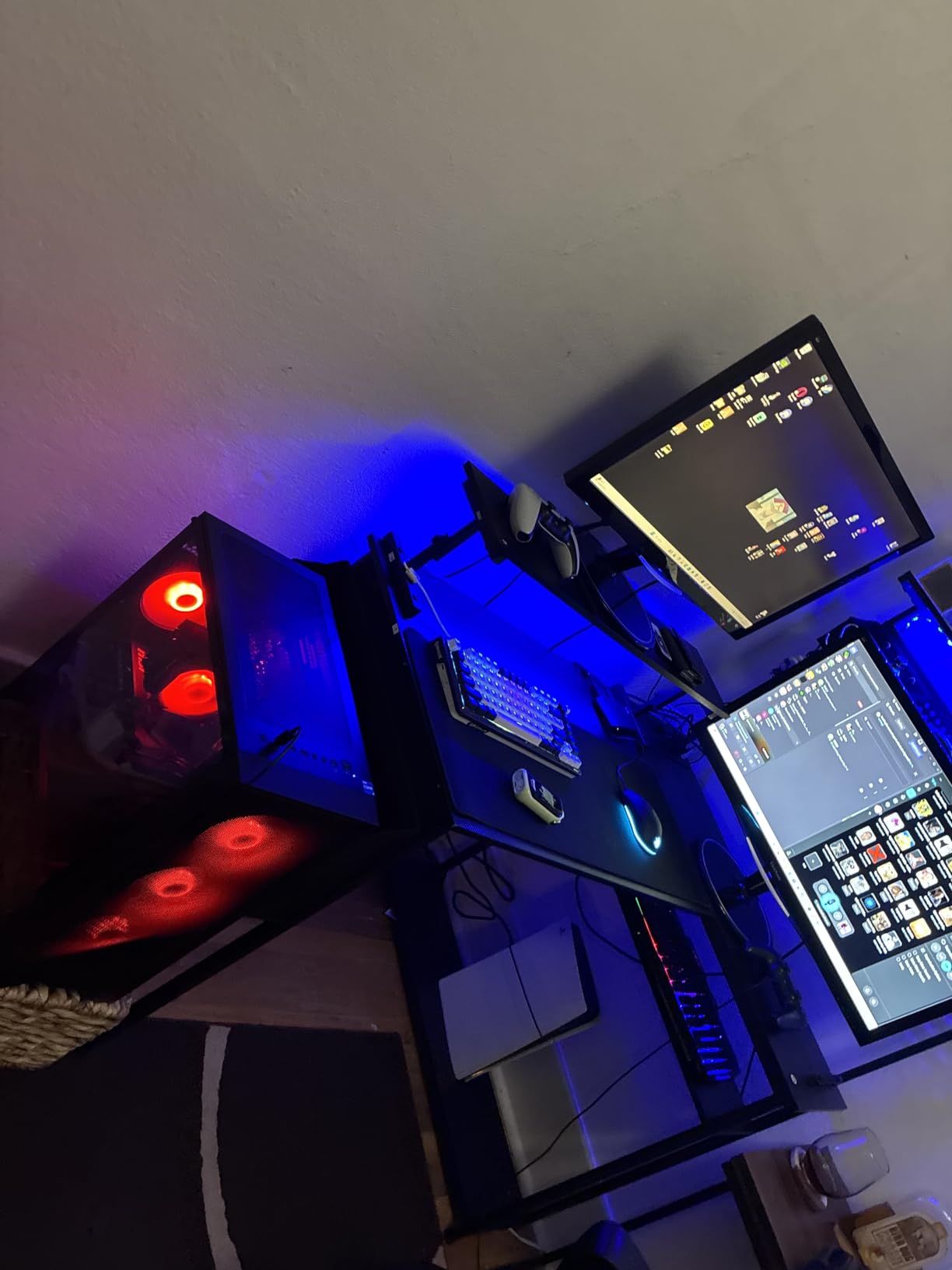
9. CyberPower Gamer Xtreme: Best Space-Saving Tower
CyberPowerPC Gaming PC, Intel Core i5-14400F, GeForce RTX 5060 8GB
GPU: RTX 5060 8GB
CPU: Core i5-14400F
RAM: 16GB DDR5
Storage: 1TB PCIe 4.0
Pros
- Intel Core i5-14400F with 10 cores
- RTX 5060 8GB GDDR7
- 16GB DDR5 RAM
- 1TB PCIe 4.0 NVMe SSD
- WiFi 6 and Bluetooth 5.3
Cons
- 16GB RAM may feel tight in a few years
- Heavier than it looks at 28+ pounds
Compared with the YAWYORE MX570: the Gamer Xtreme runs the Intel Core i5-14400F on a B760 board, so it gives you a different upgrade path and a quieter chassis design for a small desk. Read more about prebuilt gaming PCs for small spaces.
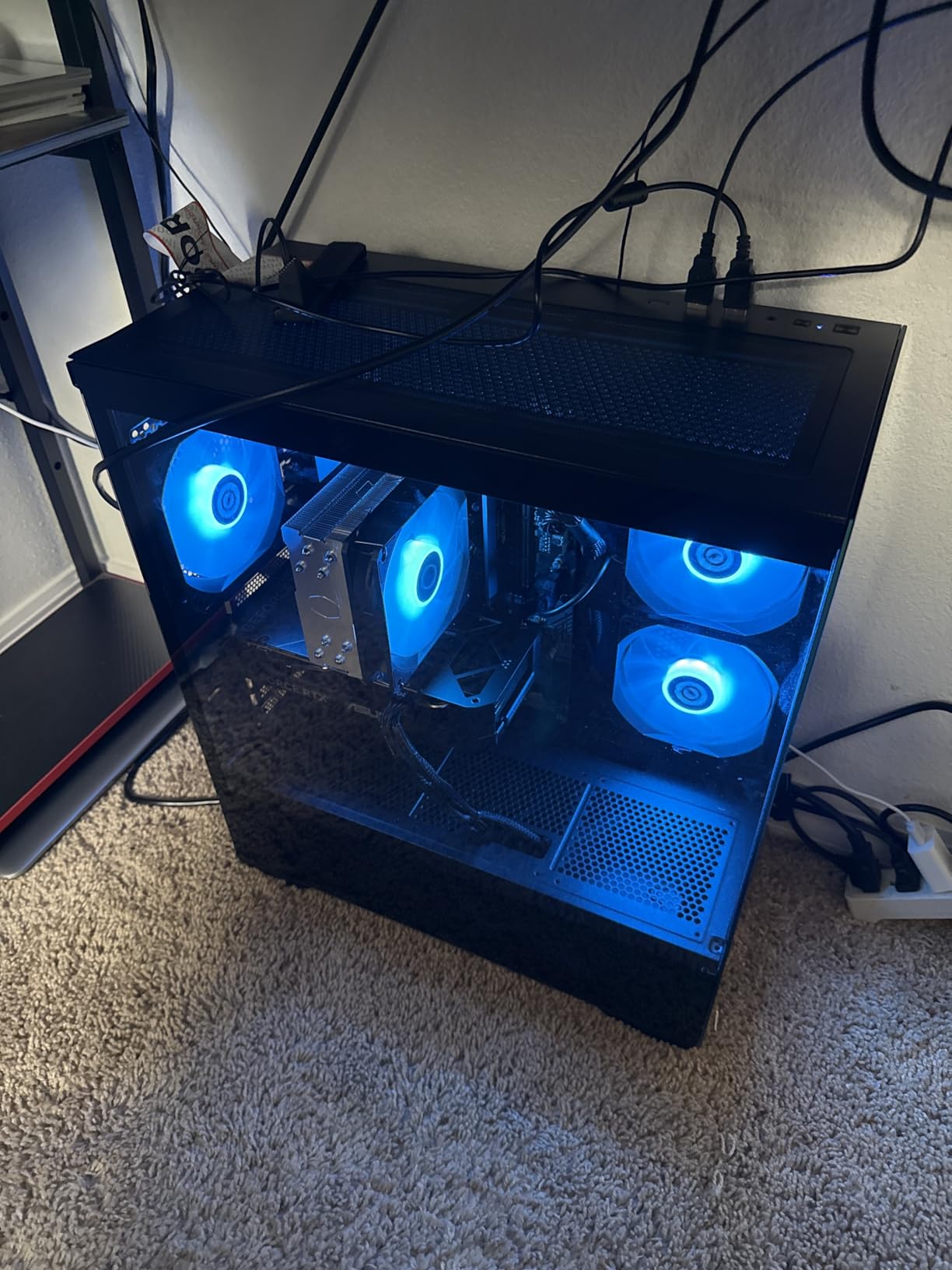
The CyberPower Gamer Xtreme is the most “set it and forget it” build on the list. The Intel Core i5-14400F is a 10-core CPU that handles gaming and daily productivity without complaint, and the RTX 5060 8GB is the right GPU for 1080p gaming with DLSS turned on. The 1TB PCIe 4.0 NVMe and the tempered side case panel are touches you usually do not see at this spend.
CyberPower also ships WiFi 6 and Bluetooth 5.3, which keeps the desk free of dongles and adapters. The most common owner compliment is that the system just works out of the box with a clean Windows install.
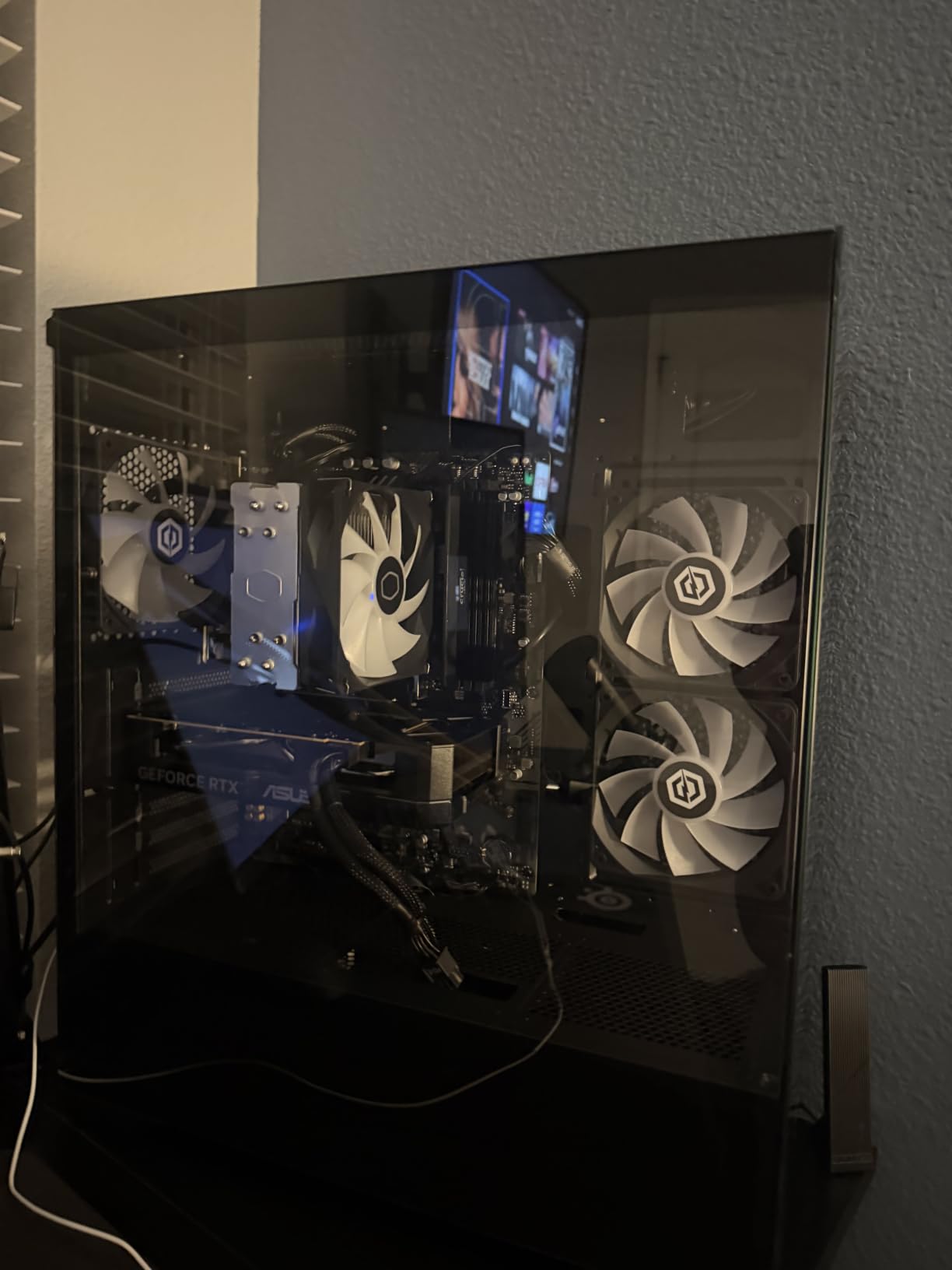
Versus the MSI Codex R2 in slot eight, the Gamer Xtreme is the bigger, heavier brother: same RTX 5060 8GB, same i5-14400F, but more case and a different look. If you want the smallest possible tower, the Codex R2 is the better fit. If you prefer a full-size ATX case with a tempered glass side, the Gamer Xtreme is the way to go.
Skip it if: you already know you will want 32GB of RAM from day one. 16GB is enough for gaming today, but most owners eventually upgrade. Good to know: the case is heavier than the spec suggests, so plan a hand if you move it often.
10. ZYNEEX S5: Best Entry-Level Gaming
ZYNEEX Prebuilt Gaming Desktop PC, AMD Ryzen 5 5500, GeForce RTX 3050 6GB,16GB DDR4 3200MHz RAM, 1TB NVMe SSD, ARGB Air Cooling, Wi-Fi,Tower Computer for Gaming, Streaming, Editing
GPU: RTX 3050 6GB
CPU: Ryzen 5 5500
RAM: 16GB DDR4
Storage: 1TB NVMe
Pros
- Ryzen 5 5500 with 6 cores
- RTX 3050 6GB with ray tracing
- 16GB DDR4 3200MHz RAM
- 1TB NVMe SSD
- ARGB air cooling
- Built-in Wi-Fi
Cons
- RTX 3050 is entry-level for ray tracing
- DDR4 instead of DDR5
Best for: first-time buyers and 1080p esports players who want a clean, ready-to-go rig without overspending.
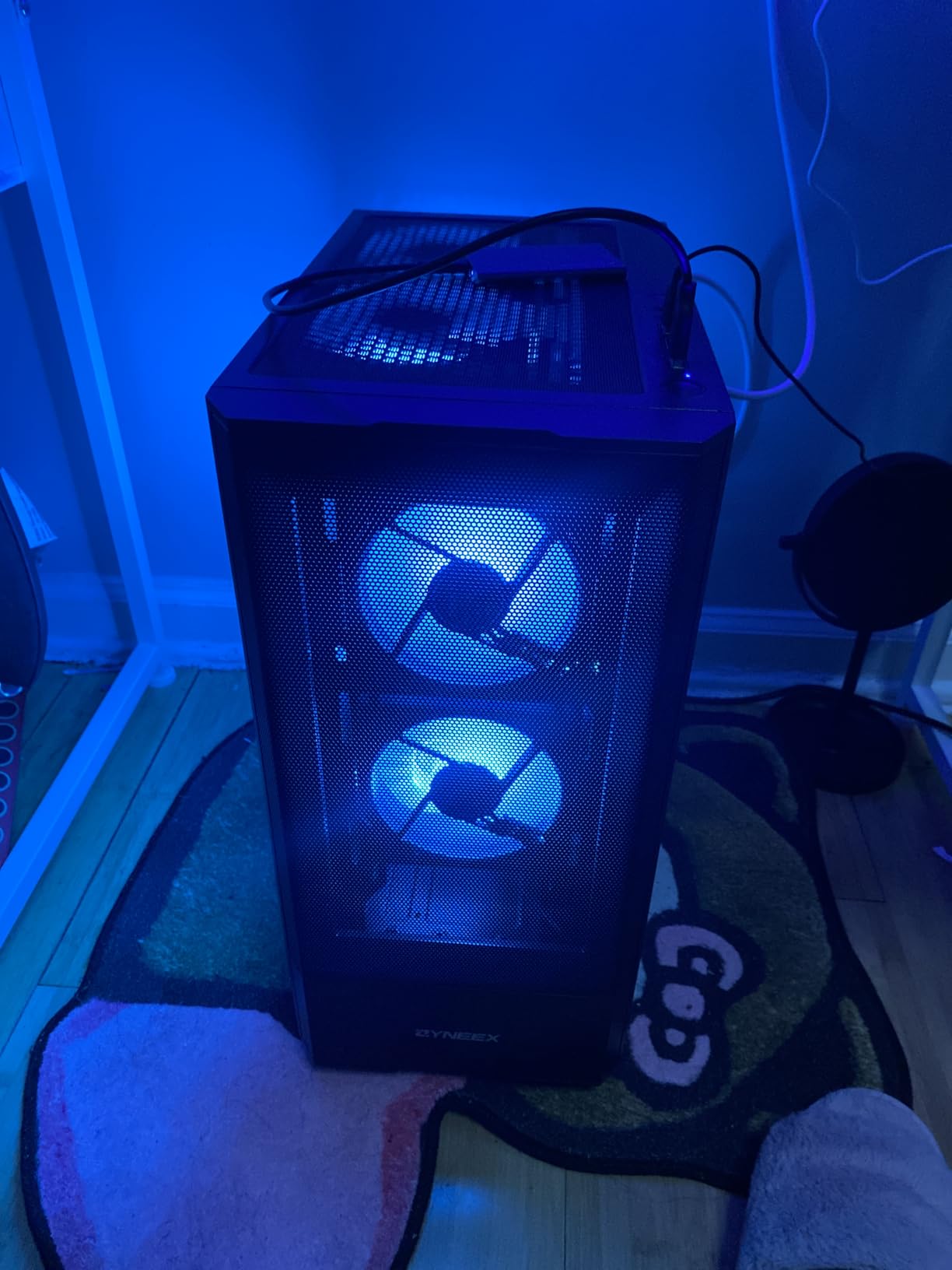
The ZYNEEX S5 is the cheapest build in the roundup, and the most often overlooked. The RTX 3050 6GB is the entry point for ray tracing on Nvidia, the Ryzen 5 5500 has 6 cores, and the 16GB of DDR4 plus 1TB NVMe is a generous spec list for this end of the market. For a 1080p esports or AAA gamer who is not chasing high refresh, this is a complete package.
Owners consistently mention the build quality, the clean Windows install, and the ARGB cooling. At 4.6 stars across 58 reviews, the satisfaction rate is high. This is also the rig to consider for a first PC for a student or a younger sibling.
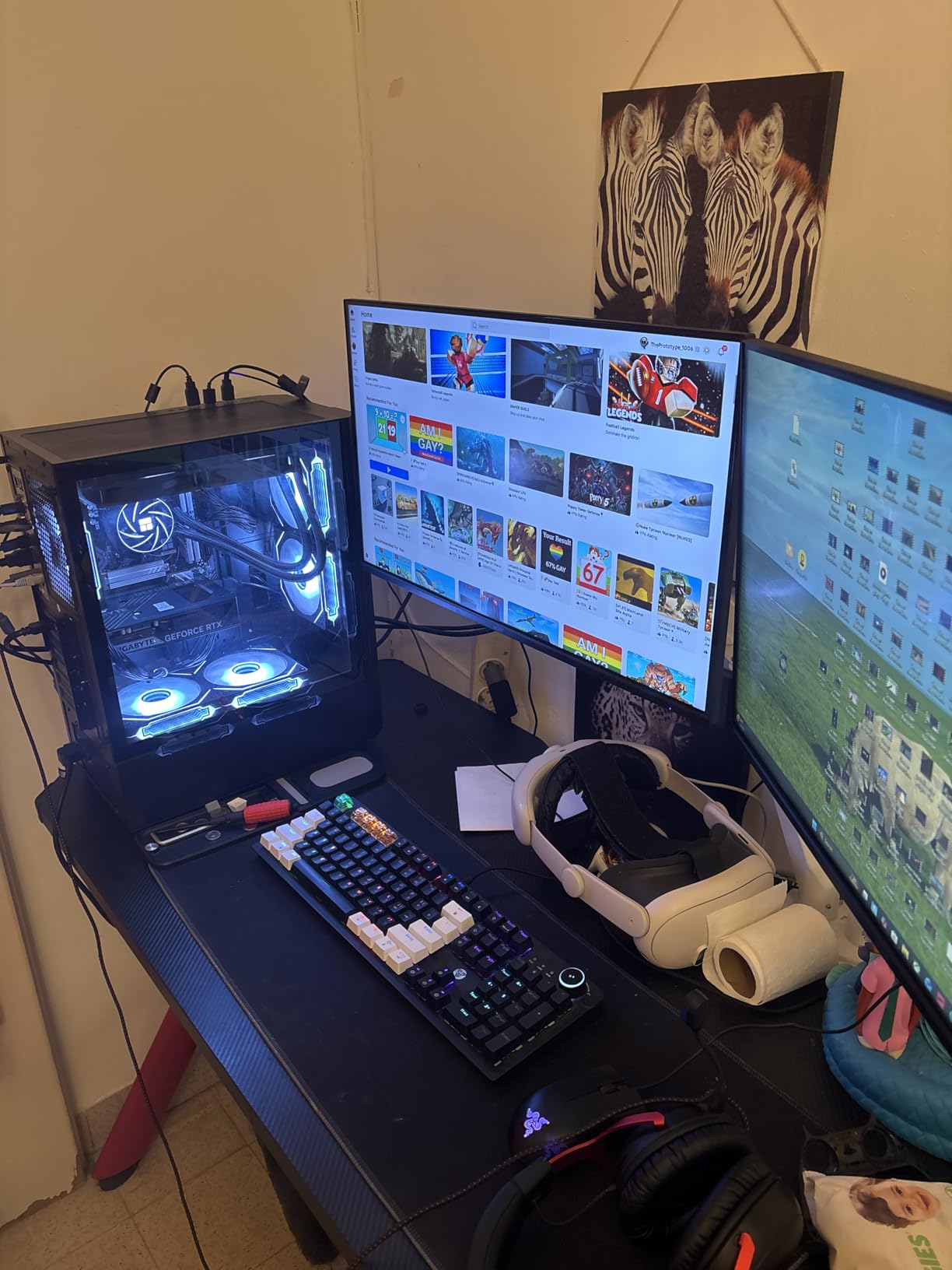
Set it against the Olialia RTX 3060 Ti in slot five and the choice is storage versus GPU muscle. The ZYNEEX S5 ships an RTX 3050 6GB and a Ryzen 5 5500, while the Olialia steps up to an RTX 3060 Ti 8GB for 1440p gaming. The Olialia is the better graphics card, the ZYNEEX the better storage story at 1TB. If you are on a strict budget and you mostly play at 1080p, the ZYNEEX is the smart pick. If you can stretch, the Olialia is the better buy.
Two small notes: the RTX 3050 6GB is the entry level for ray tracing, so do not expect max settings with ray tracing on. The DDR4 platform also narrows the upgrade path later. Good to know: most owners are satisfied, and the most common complaint is just wishing for a faster GPU at the same price.
How to Choose a Prebuilt Gaming PC During Prime Big Deal Days
Prebuilt shopping during the sale is mostly about matching the GPU to the resolution you actually play at, and the RAM and storage to how you use the system. The five sections below cover the decisions that matter, with thresholds you can use to score a listing on the spot.
Match the GPU to the games and resolution you play
For 1080p gaming, an RTX 5060 or RTX 3050 6GB is the right place to start. For 1440p, look at an RTX 5060 Ti, RTX 5070, or RX 9070 XT. For 4K, the RTX 5070 and up is the realistic floor. The picks further down this list line up with those tiers so you can match a system to the resolution you actually game at.
VRAM matters more than raw core count at the top end. Modern AAA games can pass 8GB of VRAM, so cards with 12GB or 16GB are a safer long-term bet. The Skytech Azure 9850X3D and the iBUYPOWER Element 7900X both clear 12GB.
Do not let the CPU bottleneck the GPU
Pair a current-gen Ryzen 7 or Intel Core i5-14400F with an RTX 5060 or RTX 5060 Ti. Pair a Ryzen 7 9850X3D, Ryzen 9 7900X, or Core Ultra 7 with an RTX 5070 and up. A weak CPU on a strong GPU shows up as inconsistent frame times, especially in CPU-bound games like Total War or Starfield.
Prebuilts with a Ryzen 5 5500 paired to an RTX 5070 are a real category of trap. If you see that combo, walk away: the 5500 will hold the 5070 back.
Look at RAM, storage, and the upgrade path
16GB of RAM is the floor for a current prebuilt. 32GB is the sweet spot, especially if you keep a browser and a chat app open while you game. Storage should be 1TB of NVMe as a minimum, since modern games regularly pass 80GB. See our prebuilt gaming PCs for 1440p gaming guide for more on the storage question.
The upgrade path matters too. AM5 boards and Intel B760 boards both support future CPU drops. Older AM4 boards and budget Intel boards may not. If you plan to swap a GPU or add storage in two years, look at the case and the motherboard now.
Pay attention to the chassis, cooling, and noise
A small case with a single intake fan is going to run hot and loud. Look for a case with a mesh front panel, at least three case fans, and either an AIO or a tower air cooler. The MSI Codex R2, the CyberPower Gamer Xtreme, and the Skytech Azure 9850X3D all hit this mark. If a compact build is on your list, the slot-eight MSI Codex R2 and the slot-nine CyberPower Gamer Xtreme are the two to compare first.
Noise is harder to judge from a spec sheet. A 360mm AIO and ARGB fans are quieter than a stock cooler on a budget build. If silence matters, the iBUYPOWER Element 7900X and the MSI Codex Z2 are both solid choices.
Check the warranty and the support
Most prebuilts ship with a 1-year parts and labor warranty. A few, like the Alienware Aurora ACT1250, add onsite service. Read the warranty terms before you buy, especially the part about who pays shipping if the system needs service.
If you are shopping with the sale’s discounts in mind, do not skip this step. A “great” deal with a thin warranty can turn into a hassle fast.
How to shop prebuilt gaming PC deals during the sale
Check the model number and the component list on the listing, not just the marketing badges. Confirm the GPU model and VRAM, the CPU generation, the RAM capacity and speed, and the storage size and type. Watch for older-generation components being sold at a “new” price. An older GPU at a 2026 discount is not a deal.
Most offers during Prime Big Deal Days need a Prime membership, and a free trial counts. Prices change through the event, so check the current price on the button below each product before you check out. For peace of mind on a big-tower build, add a quality uninterruptible power supply for gaming PCs to your cart so a brownout does not kill your new rig.
Quick checklist before you buy:
- GPU is current gen and has at least 8GB of VRAM
- CPU is current gen and matches the GPU tier
- At least 16GB of RAM, 32GB preferred
- At least 1TB of NVMe SSD storage
- Case has a mesh front and at least three fans
- Warranty is at least 1 year parts and labor
Frequently Asked Questions
When does Amazon’s Prime Big Deal Days run in 2026?
Amazon’s Prime Big Deal Days runs October 6-7, 2026. Most offers during the event require a Prime membership, and a free trial counts. Pricing and stock can change hour by hour across the two-day window.
Are Prime Big Deal Days a good time to buy a prebuilt gaming PC?
Yes. Prime Big Deal Days is one of the better times of year to buy a prebuilt gaming PC, alongside Black Friday. You will see real movement on mid-range and high-end rigs, especially ones with current-gen Nvidia RTX 50-series or AMD RX 9070 XT graphics. Be ready to act fast: the best picks tend to move early in the event.
What specs should I look for in a prebuilt gaming PC on sale?
Look for a current-gen CPU (Ryzen 7 9700X or Intel Core i5-14400F and up), at least 16GB of RAM, 32GB preferred, an NVMe SSD of 1TB or more, and a GPU that matches your monitor resolution. For 1080p, an RTX 5060 is a fine starting point. For 1440p, an RTX 5070 or RX 9070 XT. For 4K, RTX 5070 or higher with at least 12GB of VRAM.
Do I need Amazon Prime to get the best prebuilt gaming PC deals during the sale?
Yes, for the best prebuilt gaming PC deals during the sale, you will need an active Prime membership. Most of the headline discounts are gated behind Prime. A free trial works for the duration of the event if you time it right. A small number of listings run outside Prime, but the deepest cuts are almost always Prime-only.
Is it better to buy a prebuilt gaming PC or build my own during the sale?
It depends on your priorities. Building your own usually gives you better component selection and a small savings, but you also handle assembly, cable management, and Windows setup. Buying a prebuilt is faster, comes with a warranty, and skips the risk of a bad component pairing. During a tight sale window, the convenience of a prebuilt is often worth the small premium.
What is the best Prebuilt Gaming PC Deal to watch during Prime Big Deal Days?
The Skytech Azure 9850X3D is the Prebuilt Gaming PC Deal we would watch first during Prime Big Deal Days. It pairs a Ryzen 7 9850X3D with the RX 9070 XT 16GB and 32GB of DDR5, which is the strongest 4K-ready build in the roundup. The iBUYPOWER Element 7900X is the smart mid-range alternative if you do not need a flagship GPU.
Final Verdict: Prebuilt Gaming PC Deals: Prime Big Deal Days
Buy the Skytech Azure 9850X3D if you want the strongest 4K build in the roundup and you do not want to think about a GPU upgrade for a few years.
Buy the iBUYPOWER Element 7900X if you want a balanced 1440p build with an RGB case and a 12-core CPU for streaming on the side. It is the best mid-range all-rounder on the list.
Buy the CyberPower Gamer Master 8700F if your budget stops just below mid-range and you still want a current-gen RTX 5060 Ti.
Buy the MSI Codex Z2 if you are a streamer or content creator and you want 32GB of RAM plus a 2TB SSD in one box.
Buy the Olialia RTX 3060 Ti if you want the cheapest path to 1440p gaming and you do not need a current-gen GPU.
Buy the Alienware Aurora ACT1250 if the case, the lighting, and the onsite warranty matter as much as the silicon.
Buy the YAWYORE MX570 if you are a 1080p gamer who wants DLSS 4 and 32GB of RAM at a friendly spend.
Buy the MSI Codex R2 if you want the smallest tower on the list with a clean RGB build.
Buy the CyberPower Gamer Xtreme if you want a quiet, set-it-and-forget-it 1080p rig with a clean Intel build.
Buy the ZYNEEX S5 if this is your first gaming PC and you just need a complete 1080p system without overspending.
If a desktop is not what you need, our gaming laptop deals during Prime Big Deal Days roundup is worth a look for portable picks. Otherwise, the top three are the safest places to start, and the rest of the list covers the rest of the field. Watch the listings, confirm the current price on the button, and move fast when you see the one you want.
 Elena Vasquez