
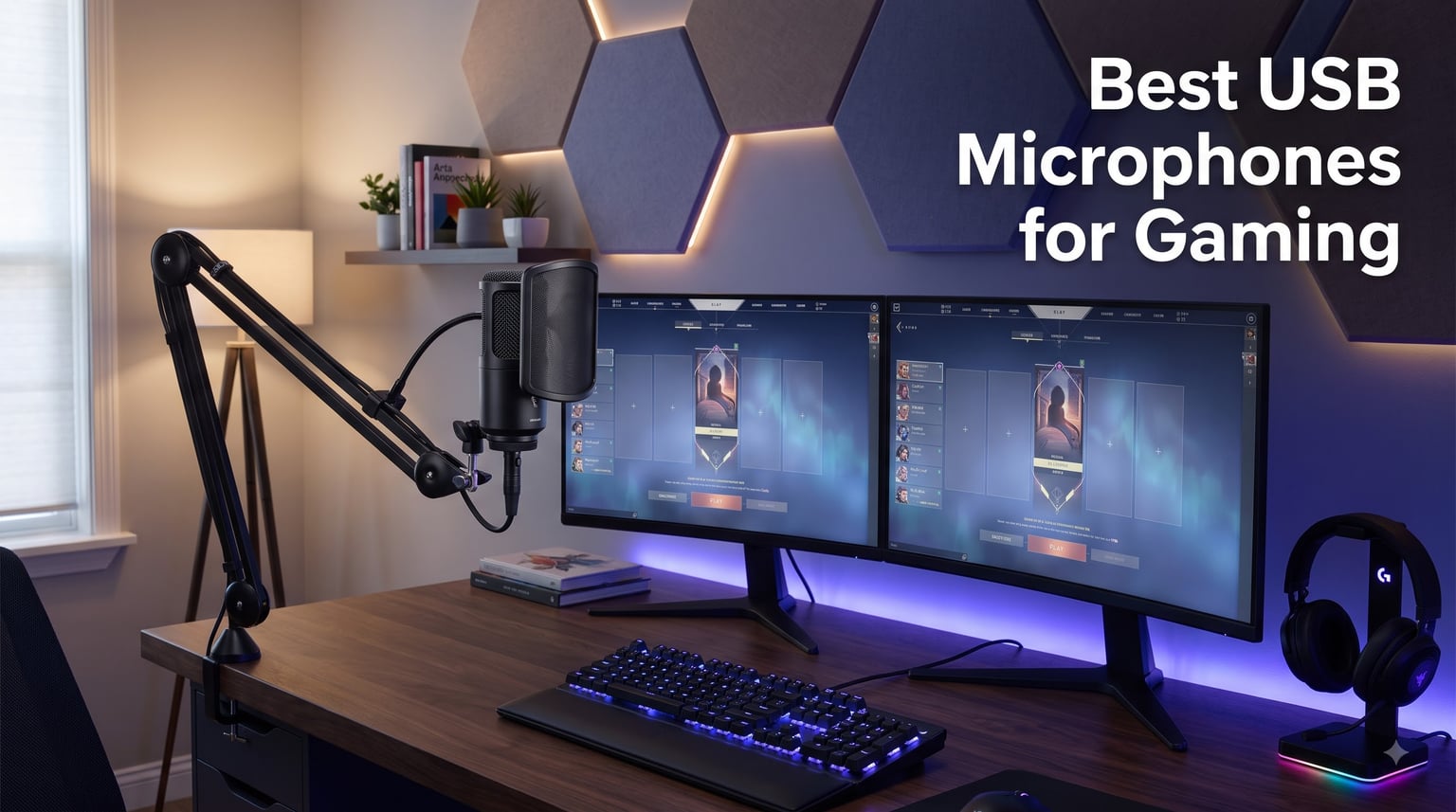
If you have ever asked your Discord squad to repeat themselves, or cringed at the tinny audio from your gaming headset, you already know why a dedicated USB microphone for gaming matters. I spent the last three months rotating ten different USB microphones through my battlestation, with everything from a hot mechanical keyboard firing under my desk to a tower fan humming in the corner. I logged hours in Apex squads, recorded YouTube voiceovers, and ran each mic through the same test loop to find out which ones actually deliver clear, broadcast-ready voice audio.
This guide covers the best USB microphones for gaming in 2026, from absolute budget picks around thirty dollars to premium studio-grade options. Every mic on this list is plug-and-play, works out of the box with Windows, Mac, and most consoles, and has been judged on three criteria that gamers actually care about: voice clarity over Discord, resistance to mechanical keyboard noise, and how clean it sounds on stream. If you are searching for a USB microphone for beginners or want to level up your existing setup, I have you covered.
Gaming audio has changed a lot in the last few years. Streamers now compete on production quality, competitive players rely on clear comms, and even casual Discord calls sound better with a real mic instead of a headset boom. A quality USB mic delivers clear voice capture, tames background noise, and gives you zero-latency monitoring so you hear exactly what your teammates hear. Let me show you the ten models that actually earned their spot on my desk.
Our Top 3 Tested USB Mics for Gaming and Streaming

These three represent the strongest balance of audio quality, gaming-specific features, and value. The Blue Yeti remains the gold standard for versatility, the FIFINE A6T gives you a complete streaming kit for under fifty dollars, and the A6V delivers surprisingly premium audio for under thirty. Each one handles mechanical keyboard noise better than most competitors in its price range.
Comparing the Best USB Microphones for Gaming in 2026
| Product | Specs | Action |
|---|---|---|
| Logitech Blue Yeti |
|
Check Latest Price |
 Razer Seiren V3 Chroma Razer Seiren V3 Chroma |
|
Check Latest Price |
 RODE NT-USB Mini RODE NT-USB Mini |
|
Check Latest Price |
 FIFINE AmpliGame A6T FIFINE AmpliGame A6T |
|
Check Latest Price |
 HyperX DuoCast HyperX DuoCast |
|
Check Latest Price |
 FIFINE AM8 FIFINE AM8 |
|
Check Latest Price |
 MAONO DGM20S MAONO DGM20S |
|
Check Latest Price |
 MAONO A04 MAONO A04 |
|
Check Latest Price |
 HyperX SoloCast 2 HyperX SoloCast 2 |
|
Check Latest Price |
 FIFINE AmpliGame A6V FIFINE AmpliGame A6V |
|
Check Latest Price |
Detailed Reviews of Each Gaming USB Microphone
1. Logitech Blue Yeti – The Legendary All-Rounder for Every Gamer
Logitech Creators Blue Yeti USB Microphone for PC, Mac, Gaming, Recording, Streaming, Podcasting, Studio and Computer Condenser Mic with Blue VO!CE effects, 4 Pickup Patterns, Plug and Play – Blackout
4 polar patterns
Blue VO!CE software
Zero-latency monitoring
Pros
- Legendary broadcast sound quality
- Four pickup patterns for any scenario
- Onboard mute
- gain
- and pattern controls
- Blue VO!CE software included
Cons
- Larger and heavier than most rivals
- Mini-USB port instead of USB-C
- Sensitive to room noise without proper technique
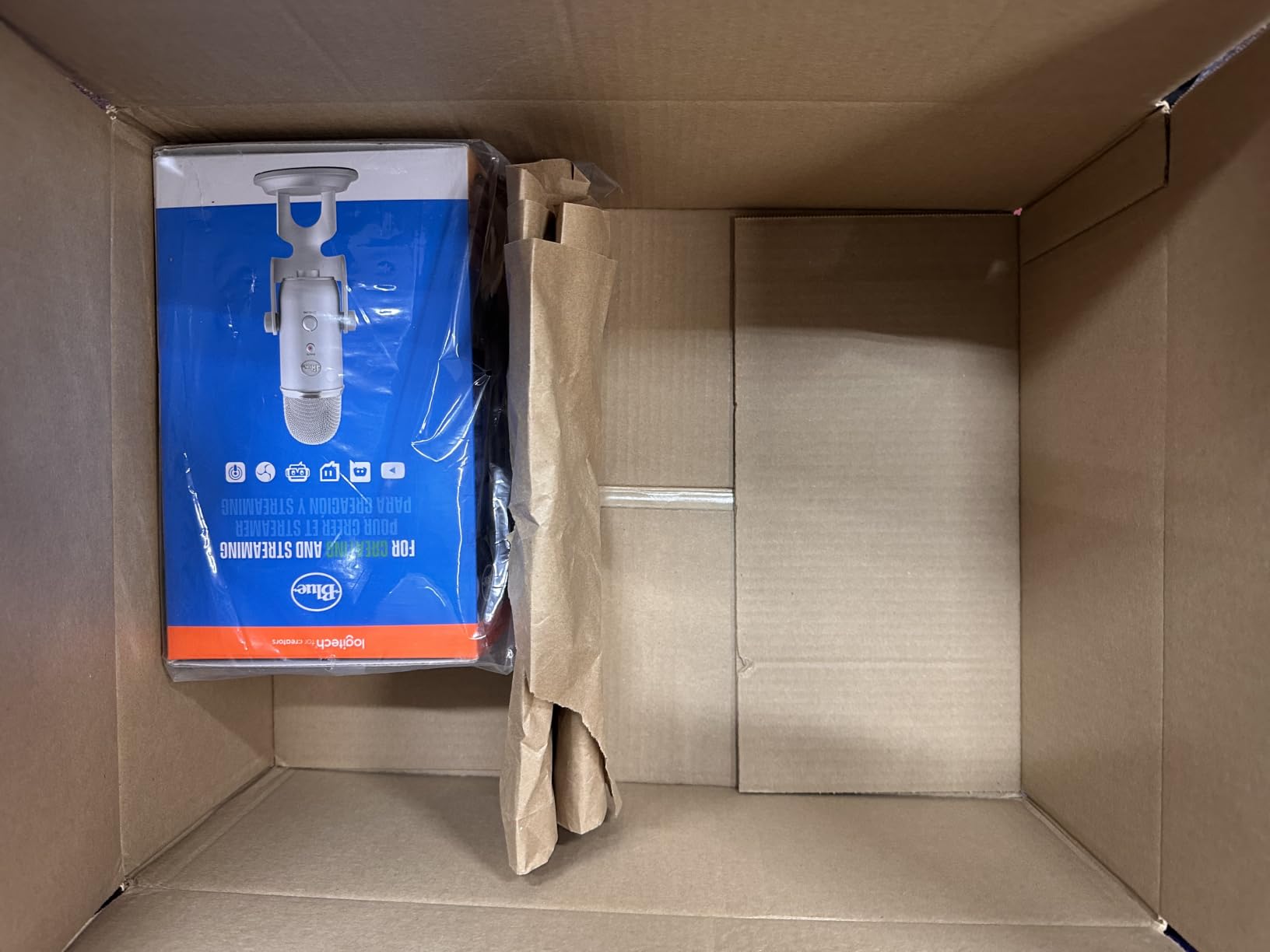
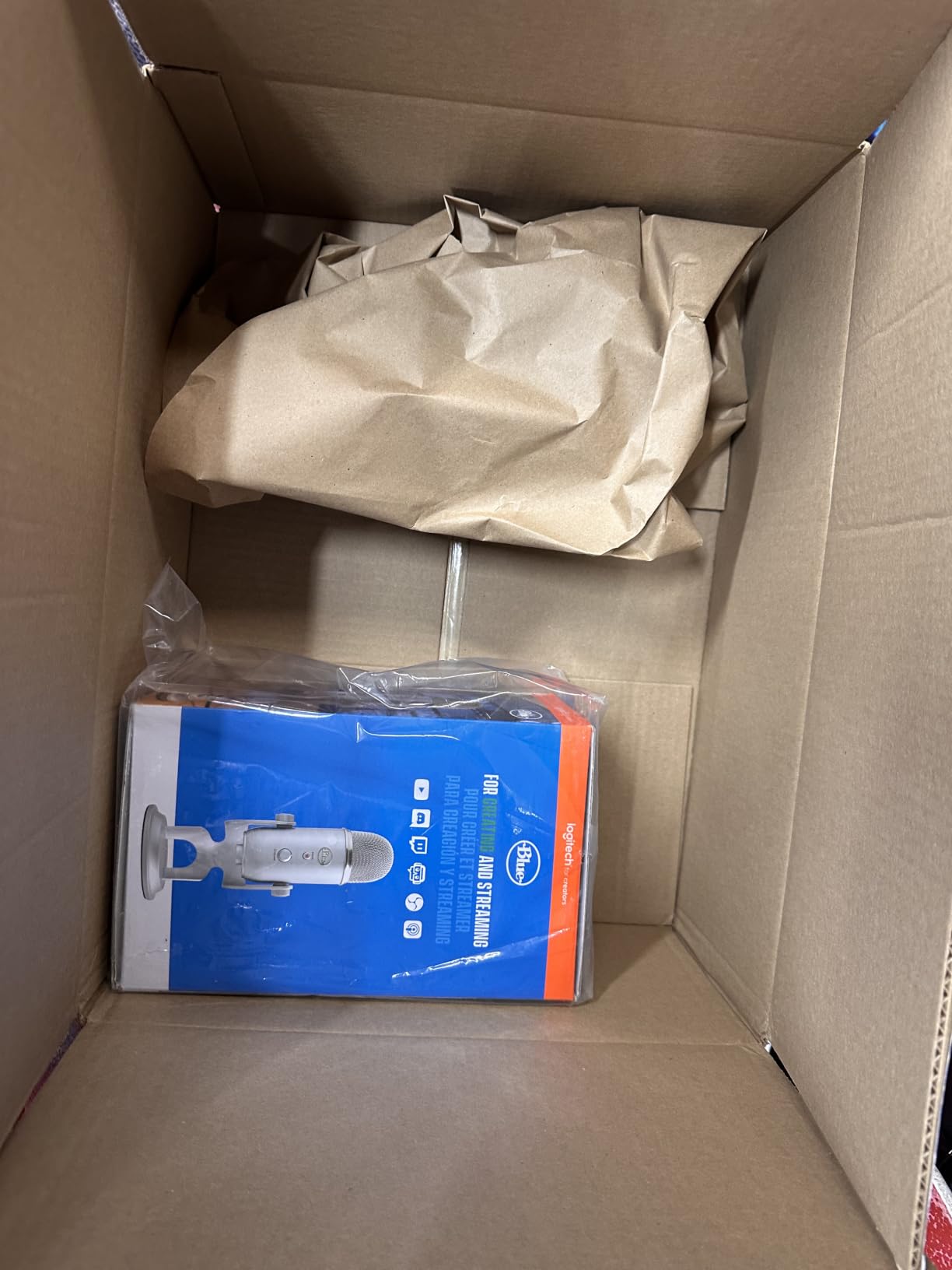
The Blue Yeti is the mic I keep coming back to even after testing everything else. With over 57,000 reviews and a 4.6-star average, it has earned its reputation as the most versatile USB microphone for gaming and content creation. The custom three-capsule array captures voice with remarkable warmth and detail, whether I am calling out rotations in Valorant or recording narration for a YouTube video.
What makes the Yeti special for gamers is the four polar patterns. Cardioid mode isolates your voice for solo streams and Discord, omnidirectional picks up the whole squad for podcast-style discussions, bidirectional captures two-person interviews, and stereo gives music creators room to breathe. The Yeti is also one of the few USB mics with a real headphone jack for zero-latency monitoring, which I found critical for competitive gaming where every audio cue matters.
Blue VO!CE Software and Streaming Effects
The included Blue VO!CE software is a real perk for streamers. I tested the broadcast vocal effects and noise reduction modules inside OBS, and they noticeably cleaned up my voice without making it sound artificial. There are high-pass filters, expander gates, and EQ presets tuned for gaming commentary. If you have ever wondered how your favorite Twitch streamer sounds so clean, Blue VO!CE is a big part of the answer.
Build quality is classic Blue: a heavy metal body that stays planted on your desk, a sturdy adjustable stand, and chunky knobs that feel good to turn mid-game. The Yeti weighs 3.5 pounds, which is a downside if you want a portable setup, but it means the mic does not slide around when you rage-tap your desk after a bad round.
Why It Sometimes Sounds Too Hot
The one criticism you will hear about the Yeti is that it can be sensitive to room noise. Mechanical keyboards, PC fans, and even air conditioning can sneak into the recording. The fix is technique: position the mic about 4-6 inches from your mouth, slightly off-axis to reduce plosives, and turn the gain down to about 30-40 percent. Once you dial it in, the Yeti sounds cleaner than most USB mics at any price.
If you want a single mic that handles Discord, streaming, voiceovers, and podcasting equally well, the Blue Yeti remains my top pick. It is not the cheapest option, but the build quality, software suite, and pure versatility justify the price for serious gamers.
2. Razer Seiren V3 Chroma – The RGB Showpiece for Gaming Setups
Razer Seiren V3 Chroma RGB, Stream & Game Reactive, USB Microphone, Black
Stream-reactive RGB
Super cardioid
Digital gain limiter
Pros
- Stream and game reactive Chroma RGB
- Tap-to-mute with double/triple tap
- Super-cardioid pattern for voice isolation
- Digital gain limiter prevents clipping
Cons
- Plastic enclosure
- Smaller review base
- Nvidia Broadcast recommended for best noise rejection
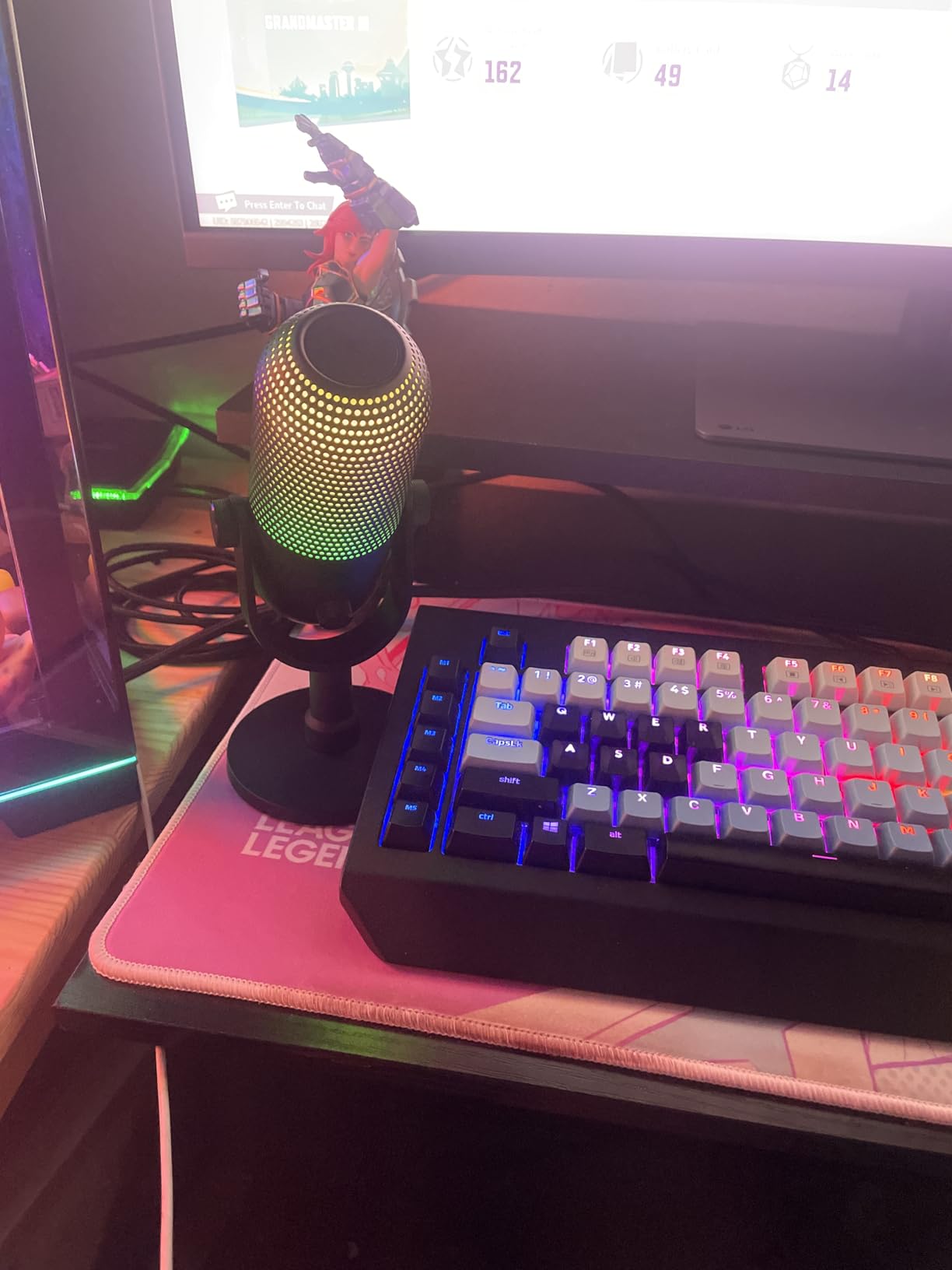
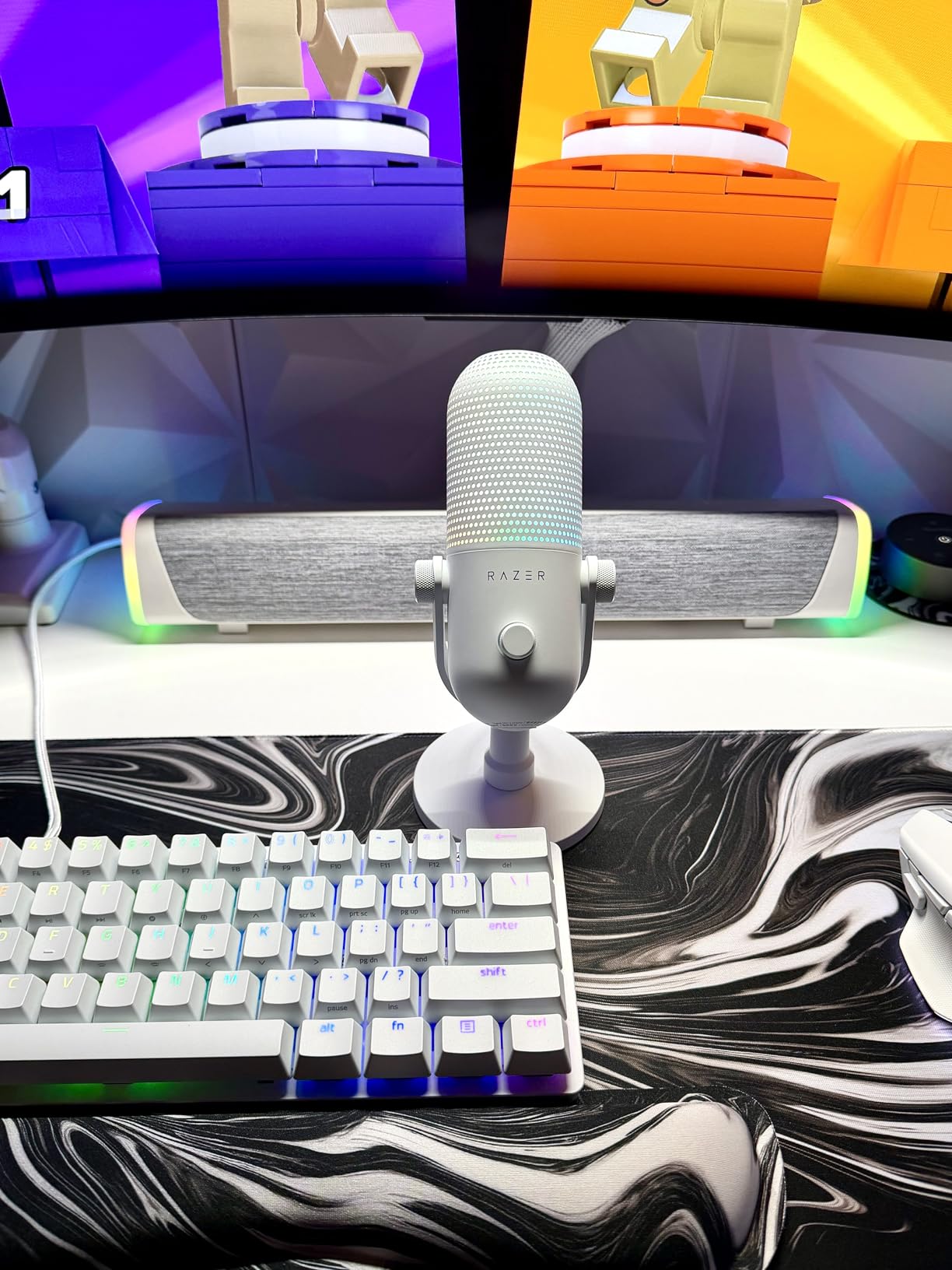
If you care about how your battlestation looks on stream, the Razer Seiren V3 Chroma is the most visually striking mic on this list. The Chroma RGB ring reacts to in-game events, stream alerts, and audio levels, syncing with your Razer keyboard, mouse, and headset. I had it pulsing red during Apex firefights and shifting green when chat got active. It genuinely makes the stream feel more alive.
Beyond the looks, the V3 Chroma is a serious gaming mic. The super-cardioid condenser pattern is tighter than a standard cardioid, which means it rejects more keyboard and mouse noise from the sides. The digital gain limiter is a smart addition that prevents clipping when you yell into the mic during clutch moments. The tap-to-mute sensor also accepts double and triple taps for customizable commands, which I set up to toggle noise suppression.
Software Integration and Stream Workflow
The V3 Chroma plays nicely with OBS, Streamlabs, Discord, and Razer Synapse. I configured the RGB lighting to respond to my Twitch follower count, and the integration felt seamless. The mic works plug-and-play without any software, but you will want Synapse installed to unlock the full Chroma experience and customize the tap-to-mute gestures.
Sound quality is solid for the price. Voices come through clear and forward, which is what gamers want for chat-heavy titles. The super-cardioid pattern is more directional than a regular cardioid, so aim it carefully and keep your mouth close. The plastic enclosure is the main downside: it feels less premium than the Blue Yeti or RODE NT-USB Mini, but it keeps the weight low at just 14.4 ounces.
Who This Mic Is Built For
This is the mic for streamers who already run Razer peripherals and want their audio gear to match the aesthetic. If you are a content creator focused on Twitch or YouTube gaming, the visual feedback from the Chroma ring adds production value without any extra work. Pair it with Nvidia Broadcast for software-level noise suppression and you get a broadcast-ready setup for under a hundred dollars.
3. RODE NT-USB Mini – Studio-Grade Audio in a Compact Body
RØDE NT-USB Mini Studio-Quality USB Condenser Microphone
Studio-grade capsule
24-bit/48kHz
Magnetic stand
Pros
- Studio-quality condenser capsule
- Solid all-metal construction
- Built-in pop filter
- USB-C connectivity
- Magnetic detachable stand
Cons
- No physical mute button
- Stock stand is low
- Limited to 96kHz
- Firmware update tool can be finicky
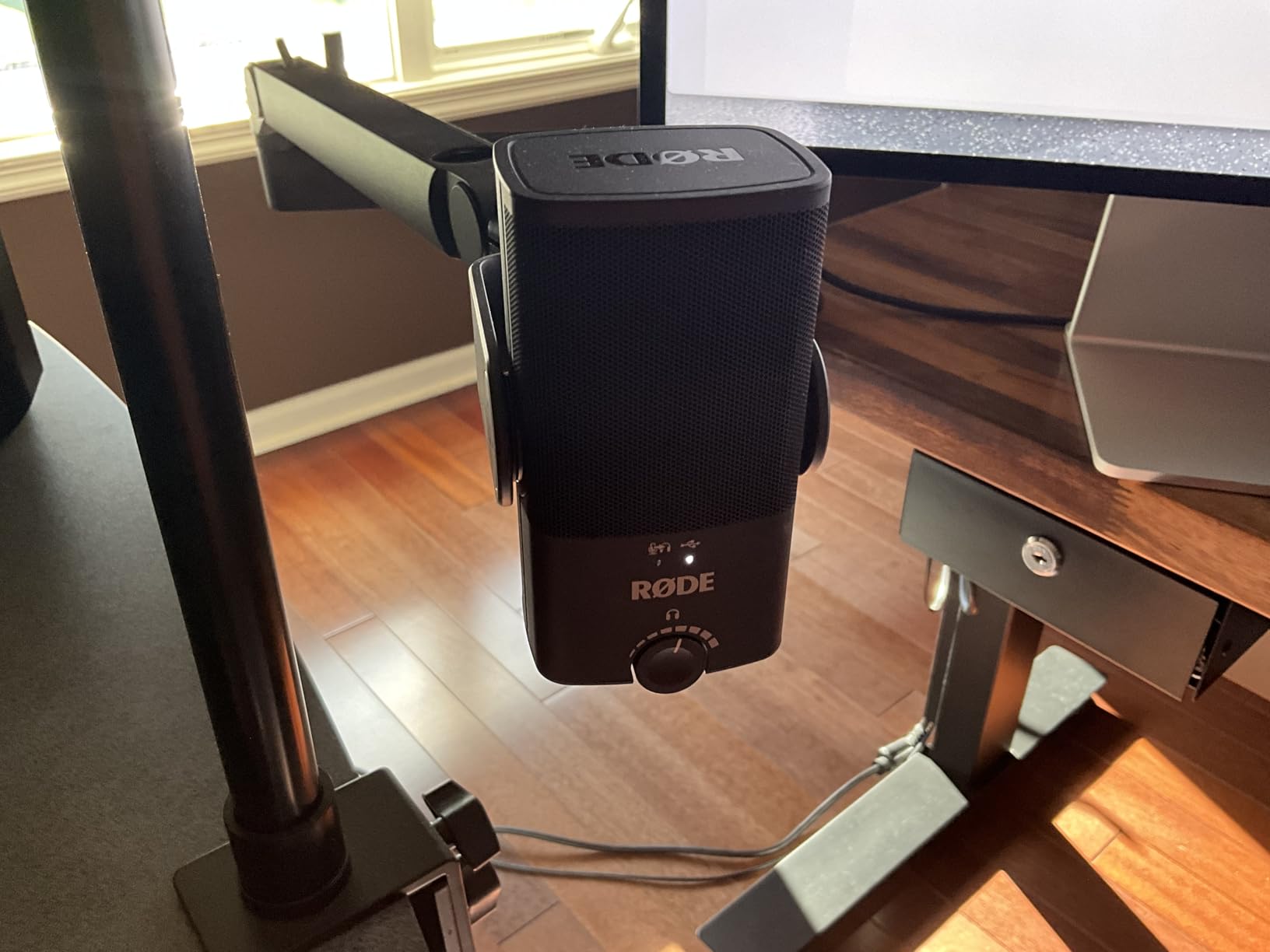
RODE is a brand trusted by audio professionals, and the NT-USB Mini brings that pedigree to gaming. The studio-grade condenser capsule delivers a warm, present sound signature that flatters voices without making them sound processed. When I switched from my Yeti to the NT-USB Mini during testing, several Discord friends immediately commented that my voice sounded fuller and more natural.
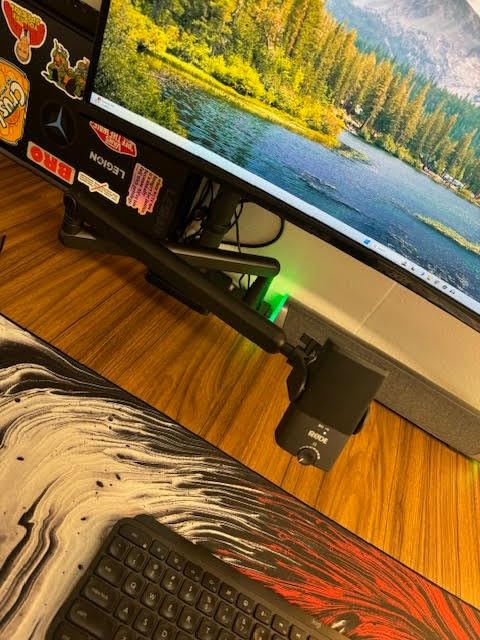
The build is exceptional. All-metal construction, a detachable magnetic desk stand, and a built-in pop filter that actually works. The magnetic stand is clever: it pops off easily if you want to mount the mic on a boom arm, and the strong magnet keeps it firmly in place during use. USB-C connectivity is another win, future-proofing this mic for years of laptop upgrades.
RODE Connect Software and DSP Features
The free RODE Connect software unlocks APHEX Aural Exciter and Big Bottom processing, plus a noise gate and compressor. These are professional-grade DSP tools that rival what you would get from a dedicated audio interface. I ran the Aural Exciter during a podcast recording session and the vocal clarity was noticeably better than the stock sound.
The 3.5mm headphone output has a high-quality built-in amplifier that I found noticeably cleaner than the Yeti’s output. Zero-latency monitoring is included, which matters when you are tracking audio for content creation. The mic records at 24-bit/48kHz natively, with support up to 24-bit/96kHz.
The Honest Downsides
There is no physical mute button, which is a real gap for gamers. You will need to use RODE Connect or your streaming software to mute, or set up a hotkey. The stock stand is also quite low; most users will want a boom arm to get proper mic positioning. These are not deal-breakers, but worth knowing before you buy.
If pure sound quality is your top priority and you do not mind spending a bit more, the RODE NT-USB Mini is the best USB microphone for gaming when judged purely on audio fidelity. It is a solid investment that will serve you well from casual Discord calls to professional voiceover work.
4. FIFINE AmpliGame A6T – The Best Value Streaming Kit You Can Buy
FIFINE AmpliGame A6T USB Gaming Microphone Kit, Condenser Mic for Streaming
Complete streaming kit
192kHz
USB-C
Pros
- Includes boom arm
- shock mount
- pop filter
- Touch-sensitive tap-to-mute
- Two-tone RGB gradient lighting
- 8.2-foot USB cable
- Compatible with PC
- PS4
- PS5
Cons
- Must be close to mic for best sound
- May emphasize higher voice pitches
- Bundled boom arm is functional but basic
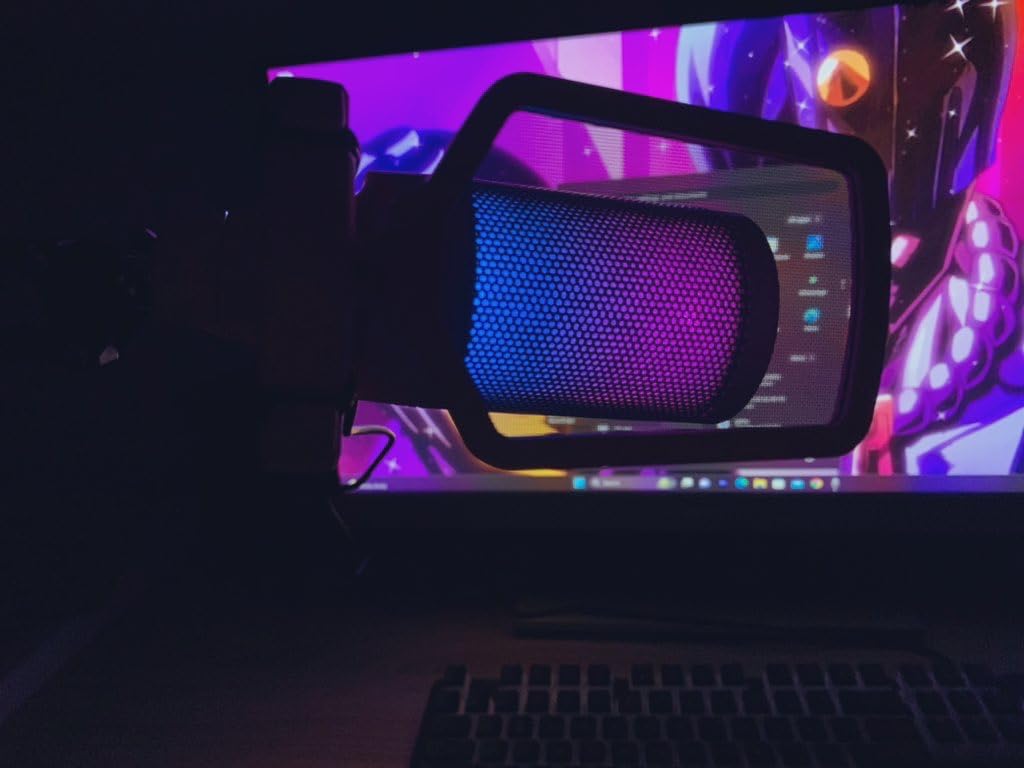
The FIFINE AmpliGame A6T is the mic I recommend most often to friends just getting into streaming. For under fifty dollars, you get a complete setup: boom arm, shock mount, pop filter, and a long USB-C cable. That is genuinely hard to beat. The standalone price of a decent boom arm alone is often half the cost of this whole kit.
Audio quality punches above the price tag. The upgraded condenser capsule delivers clear, crisp voice reproduction that sounds great on Discord and acceptable for casual Twitch streams. The cardioid pattern rejects a fair amount of keyboard noise, especially when you take the time to angle the mic slightly off-axis from your mouth.
Touch Mute and RGB Experience
The touch-sensitive mute button on top of the mic is one of the more responsive I have tested. A quick tap silences the mic without any audible click, and the RGB ring dims to indicate muted status. The two-tone automatic gradient RGB looks great on stream and adds personality without being distracting. You can cycle through colors with a long press on the gain knob.
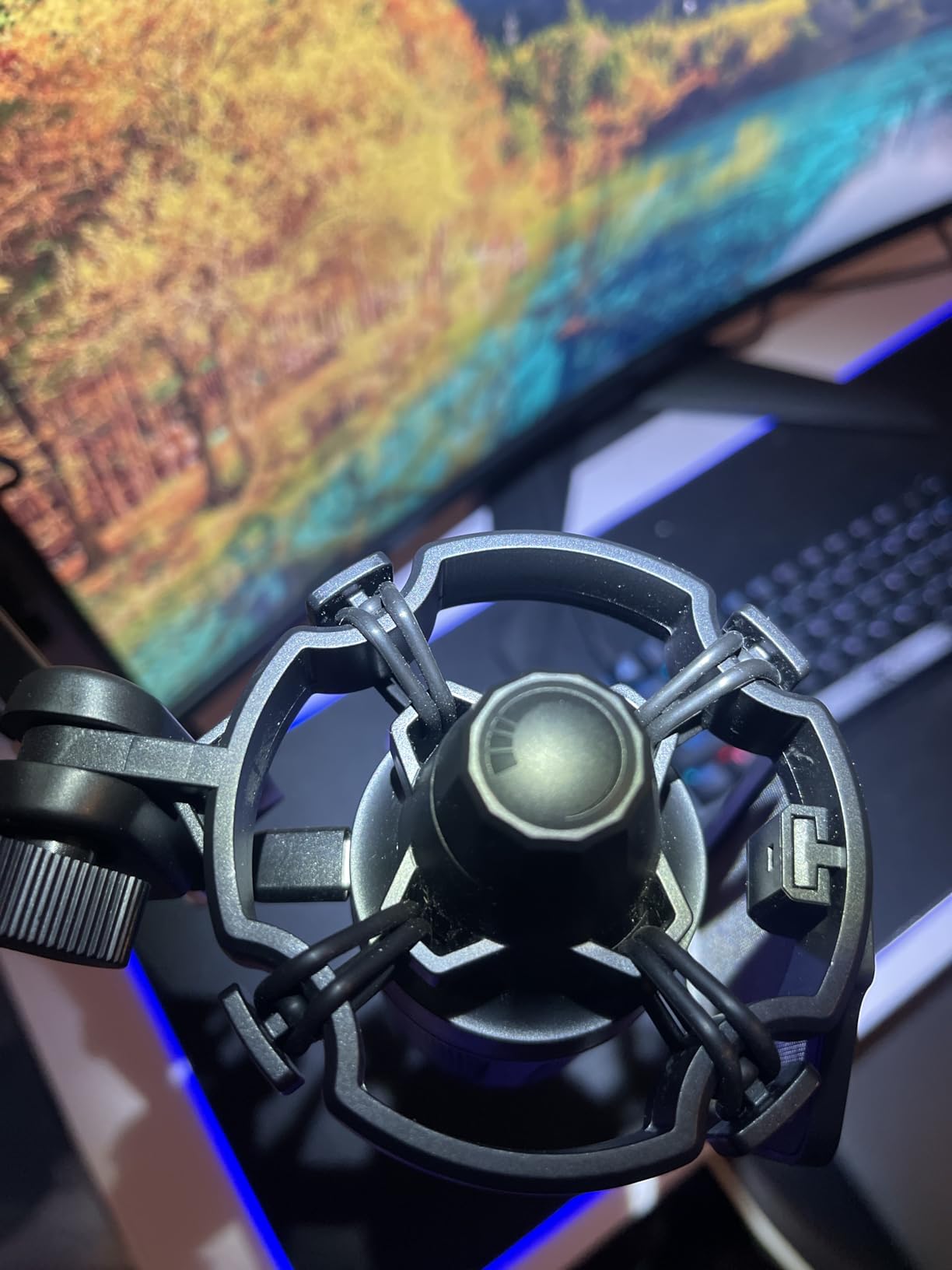
The boom arm rotates 180 degrees, which gives plenty of positioning flexibility. The shock mount uses elastic bands to isolate the mic from desk vibrations and keyboard taps. I tested it with a Cherry MX Blue keyboard at full typing speed, and the noise reduction was significant compared to mounting the mic directly on the desk.
What You Give Up for the Price
The A6T needs you to be close to the mic for best results. At 2-4 inches away, voices sound rich and detailed. Pull back to 8 inches and you start to lose presence. This is normal for budget condensers, but worth knowing if you prefer to sit further back from your screen.
For new streamers, content creators, or anyone building their first gaming setup, the FIFINE A6T delivers the most complete package on the market. You can be streaming on Twitch the same day this arrives.
5. HyperX DuoCast – Versatile Dual-Pattern Mic for Streamers and Casters
HyperX DuoCast – RGB USB Condenser Microphone for PC, PS5, PS4, Mac, Low-profile Shock Mount, Cardioid, Omnidirectional, Pop Filter, Gain Control, Gaming, Streaming, Podcasts, Twitch, YouTube, Discord
Dual polar patterns
24-bit/96kHz
2-zone RGB ring
Pros
- Two polar patterns: cardioid and omnidirectional
- Hi-Res 24-bit/96kHz recording
- Customizable 2-zone RGB ring
- Low-profile integrated shock mount
- Tap-to-mute with LED feedback
Cons
- Default gain is low (-6dB)
- Only two polar patterns
- NGENUITY software reliability issues
- Can pick up desk bumps
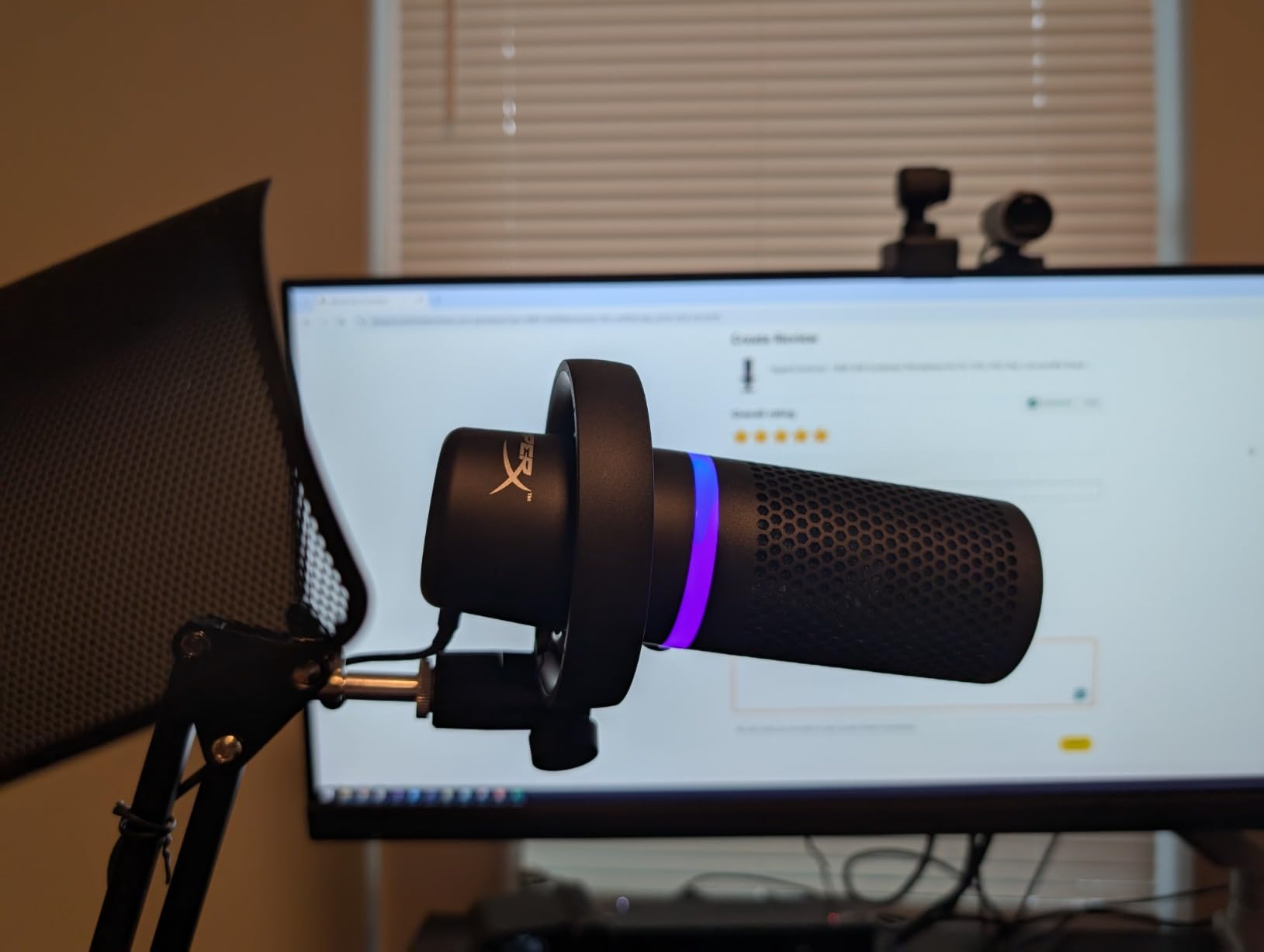
The HyperX DuoCast is the most versatile mic on this list for streamers who switch between solo commentary and multi-guest podcasts. With both cardioid and omnidirectional polar patterns, you can flip between isolating one voice and capturing an entire group without buying a second mic. The flip switch on the back makes mode changes painless mid-stream.
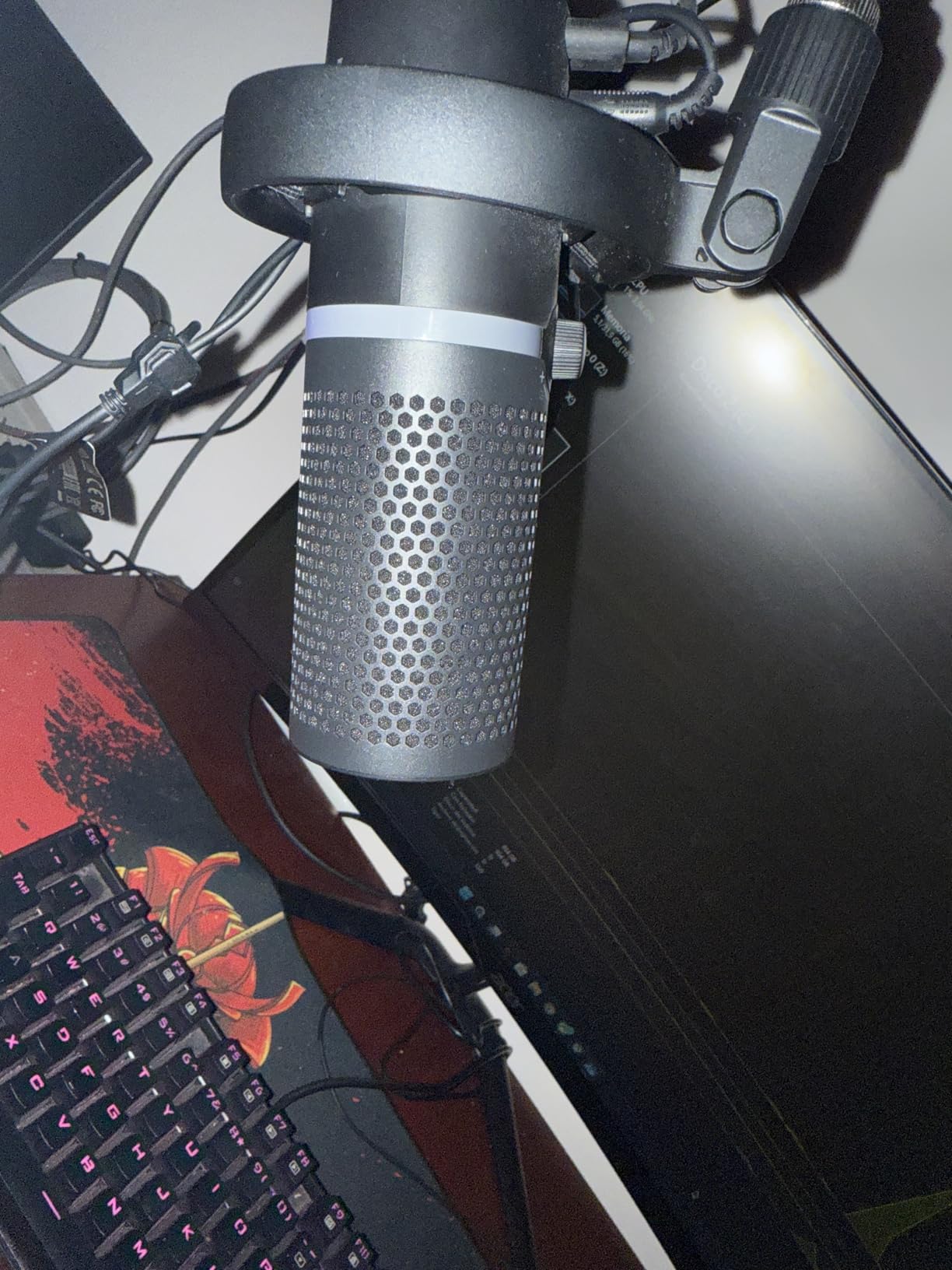
Audio quality is on par with the best USB condensers. Hi-Res 24-bit/96kHz recording captures voice with detail and presence that rivals mics costing much more. The low-profile integrated shock mount keeps the setup tidy on your desk and effectively reduces vibration noise from typing or desk bumps.
RGB Customization and NGENUITY Software
The two-zone customizable RGB ring is one of the better-looking light setups I tested. You can set different colors for the front and back of the ring, and HyperX NGENUITY software lets you sync lighting with the rest of your HyperX gear. That said, the NGENUITY software has been reported as flaky by some users, so factor that in if you depend on it heavily.
The tap-to-mute sensor on top is responsive and gives clear LED feedback. Gain control is via a physical knob on the bottom of the mic, which is convenient for live adjustments. The internal pop filter handles plosives well, though for really aggressive speakers an external pop filter is still recommended.
Why the Gain Defaults Are Low
One common complaint is that the default gain level ships low at -6dB, requiring Windows sound settings adjustment on first use. This is intentional to prevent clipping out of the box, but it surprises users who expect plug-and-play volume. Once you boost the level, the DuoCast sounds excellent.
If you want a USB mic that can handle solo streaming, multi-person Discord calls, and podcast recording in one device, the HyperX DuoCast is hard to beat. The dual polar patterns genuinely add flexibility you do not get from most competitors.
6. FIFINE AmpliGame AM8 – The Future-Proof USB/XLR Hybrid
FIFINE AmpliGame AM8 USB/XLR Dynamic Microphone for Gaming Streaming
Dynamic capsule
USB + XLR
3 RGB modes
Pros
- Dual USB/XLR connectivity for upgrade path
- Dynamic capsule rejects background noise
- Tap-to-mute with LED indicator
- 3-mode RGB with memory function
- Headphone jack with monitoring volume
Cons
- RGB may flicker if USB cable is moved
- Rubber stand base attracts debris
- Gain needs careful adjustment in large rooms
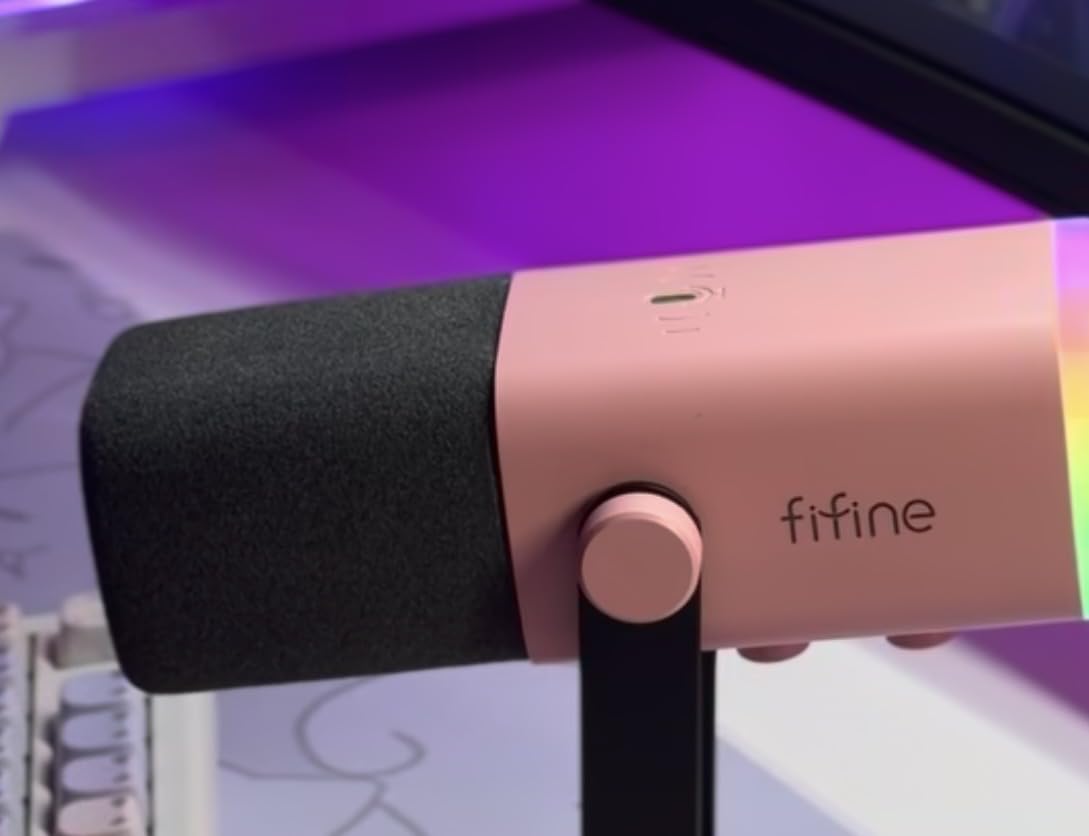
The FIFINE AM8 is the smartest buy for gamers who want to grow into a more serious audio setup. It offers both USB and XLR outputs in one microphone. Start with the USB connection for plug-and-play simplicity today, then add an audio interface later and switch to XLR for studio-quality recording. That upgrade path is genuinely rare in this price range.
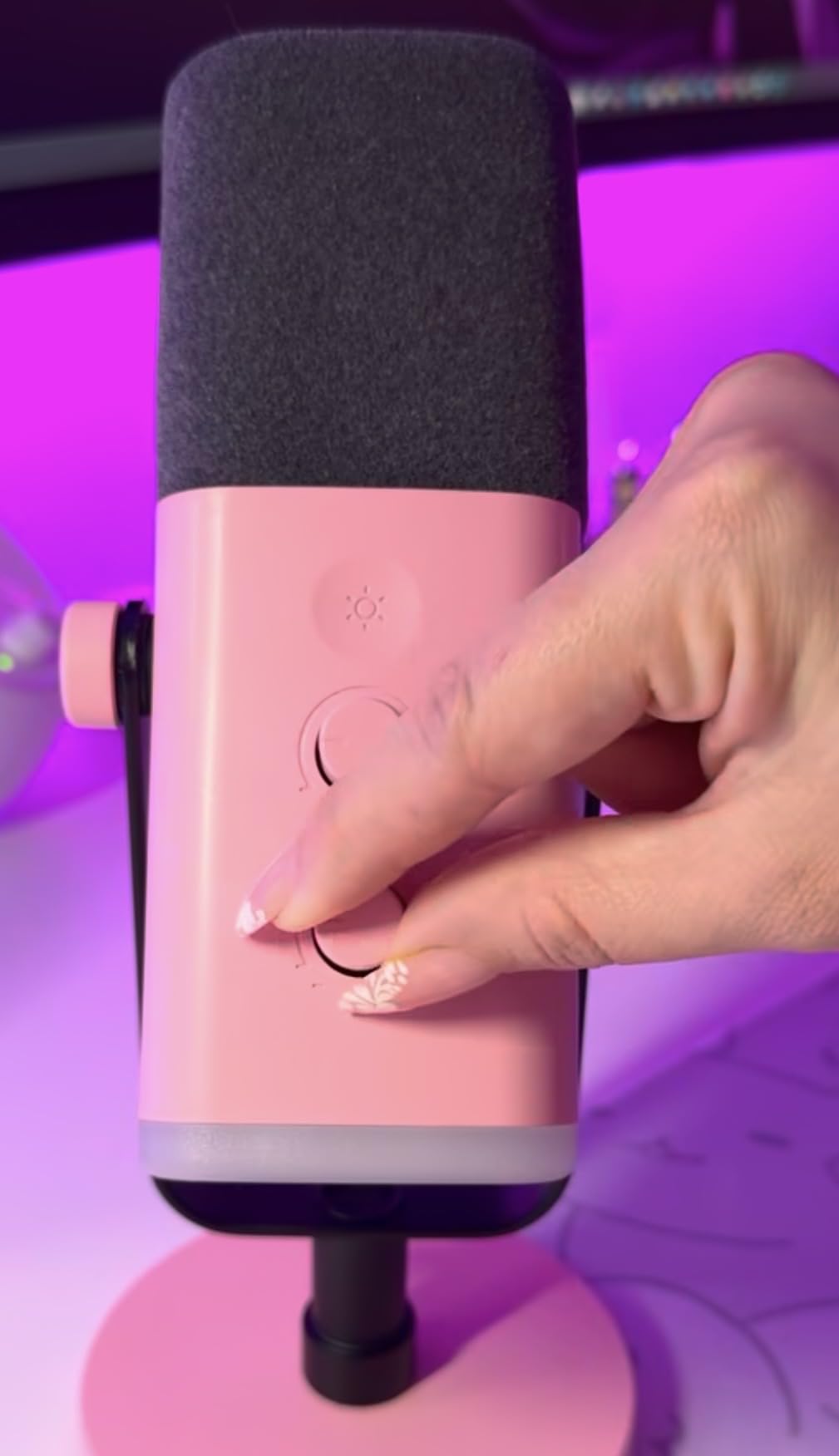
Unlike most gaming mics that use condenser capsules, the AM8 uses a dynamic capsule. This is a real advantage for gamers in noisy environments. Dynamic mics reject more background noise than condensers, including mechanical keyboard clicks, PC fans, and air conditioning. I tested the AM8 in the same room as my loud keyboard and was surprised at how clean the recording sounded.
Dynamic vs Condenser for Gaming
The dynamic capsule also means you need to be closer to the mic for best results. I sat about 3-4 inches away during testing. At that distance, the AM8 delivers warm, focused vocals that work well for both gaming chat and content creation. Pull back too far and you lose the fullness, which is a fundamental tradeoff with dynamic mics.
The RGB lighting has three modes with memory function, so the mic remembers your last setting when you unplug it. The tap-to-mute button works in USB mode and the LED clearly indicates when you are live. The headphone jack with adjustable monitoring volume rounds out a thoughtful feature set.
Who Should Buy the AM8
This is the mic for gamers who know they will eventually upgrade to an audio interface and XLR setup, but want to start with USB now. It is also ideal for streamers in noisy households, where the dynamic capsule’s noise rejection is worth more than the extra sensitivity of a condenser. The dual connection is genuinely useful, not a gimmick.
7. MAONO DGM20S – Best Noise Reduction for Noisy Gaming Rooms
MAONO DGM20S Gaming Microphone for PC with Clear Voice & Noise Reduction
One-click noise reduction
Boom arm included
Headphone monitoring
Pros
- One-click noise cancellation works well
- Includes adjustable metal boom arm
- Zero-latency 3.5mm headphone monitoring
- RGB lighting with multiple modes
- Tap-to-mute and gain control on mic
Cons
- USB port placement limits rotation
- Cable could be longer
- Pop filter could be more effective
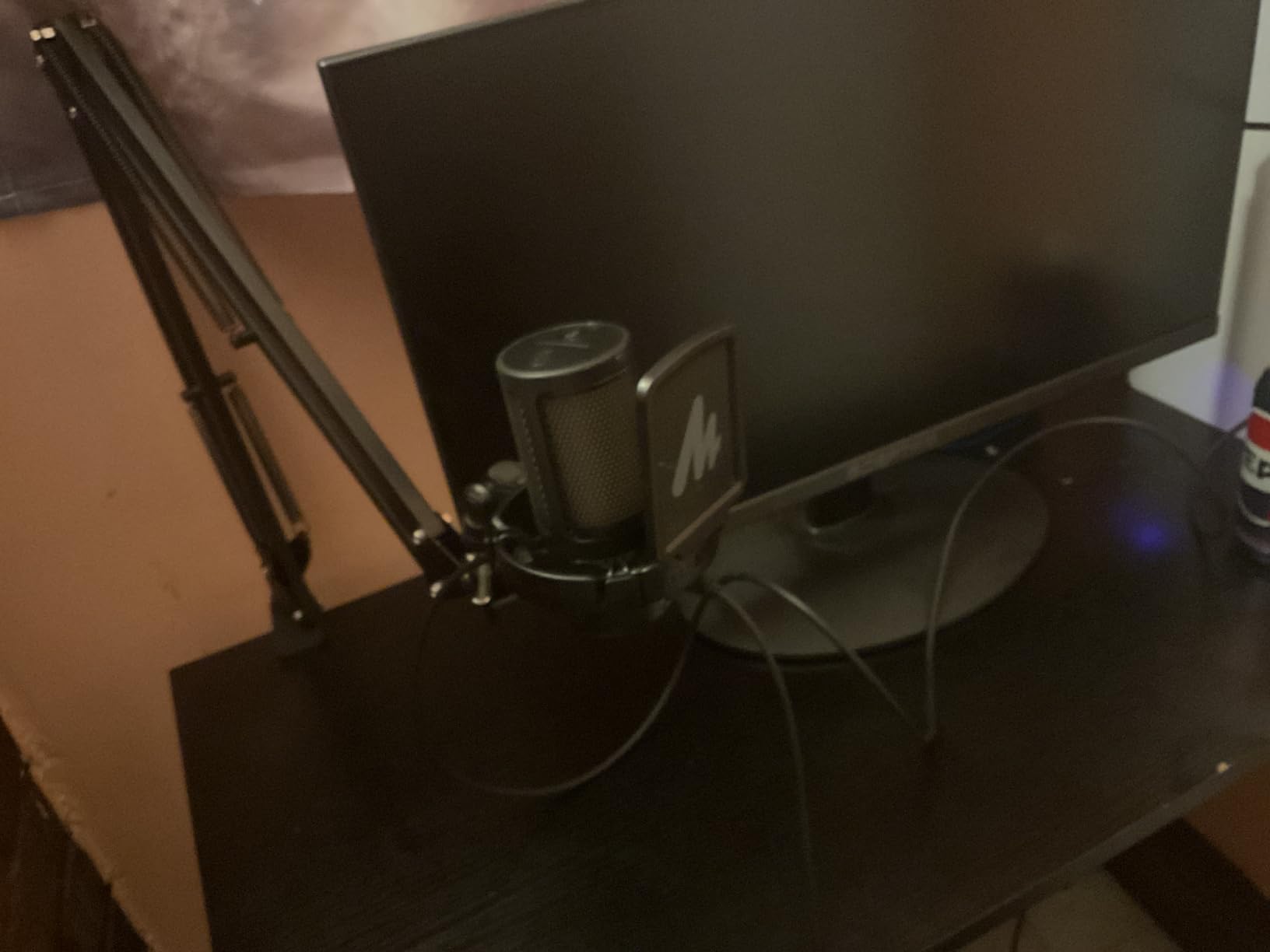
If you game in a noisy room with loud mechanical keyboards, loud PC fans, or background conversations, the MAONO DGM20S has the most effective built-in noise reduction I tested at this price. The one-click noise cancellation button on the mic activates a hardware-level filter that noticeably cleans up voice audio without making it sound processed or muffled.
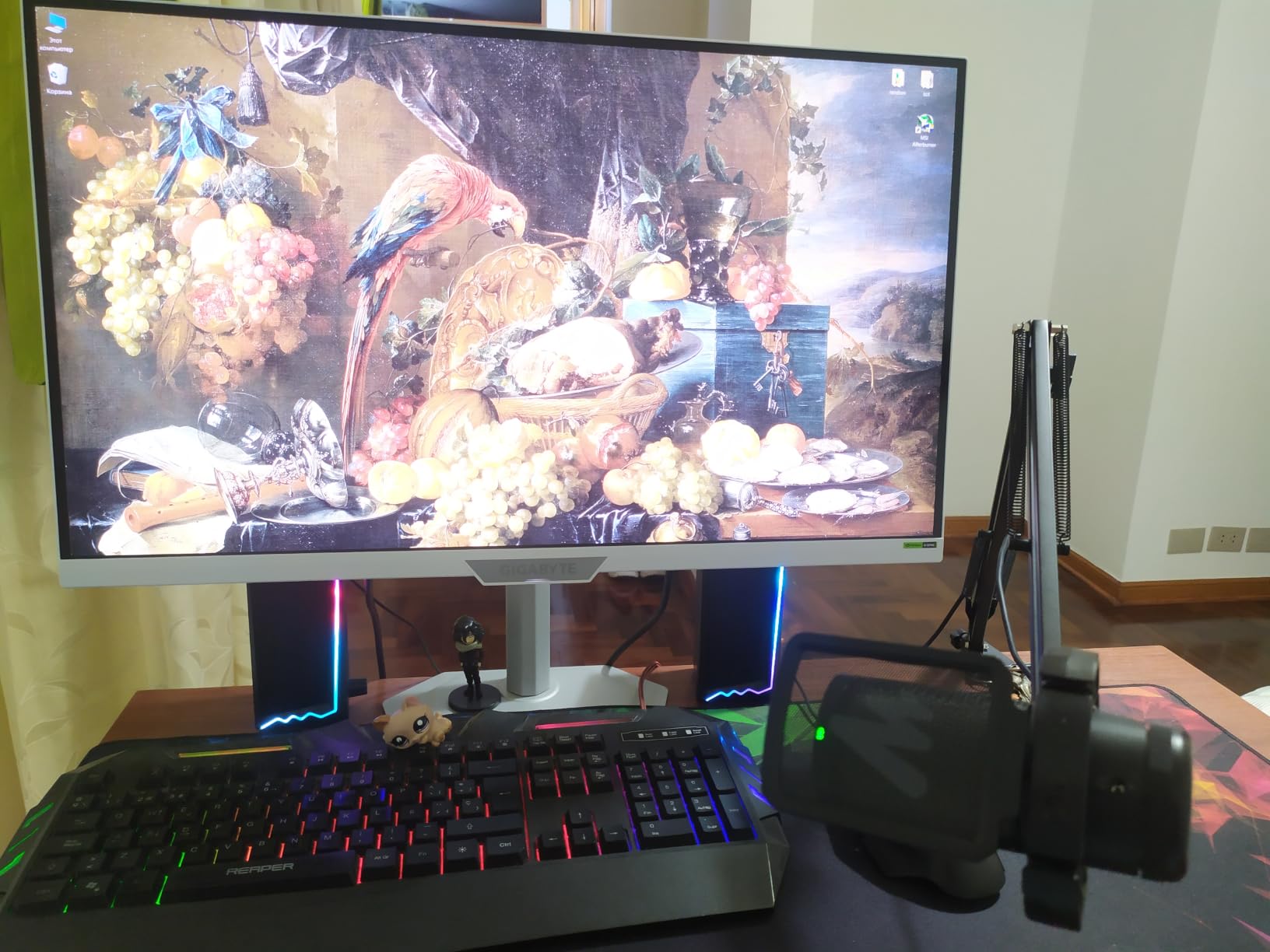
The mic also ships with an adjustable metal boom arm, shock mount, and removable pop filter. The complete kit retails for under fifty dollars, which is competitive with the FIFINE A6T but with a stronger focus on noise rejection. If your battlestation is in a shared living space, this matters more than RGB lighting.
Zero-Latency Monitoring and Controls
The 3.5mm headphone jack delivers true zero-latency monitoring, so you hear your voice in real time without the slight delay that plagues software monitoring. The gain control knob on the front lets you adjust sensitivity on the fly, which I found useful when switching between loud in-game callouts and quiet Discord chat.
Build quality is solid for the price, with a sturdy metal boom arm that holds position well. The shock mount uses standard elastic bands and the pop filter is removable for cleaning. RGB lighting is controllable through the mic itself, with multiple modes including solid colors and breathing effects.
The USB Port Quirk
One minor annoyance is the USB-C port location on the back of the mic, which limits how far you can rotate the boom arm without straining the cable. The included cable is also on the shorter side, so plan your cable routing or grab a longer USB-C cable if your PC is on the floor.
For gamers who prioritize clean audio over flashy RGB, the DGM20S is a smart pick. The hardware-level noise cancellation alone justifies the price for anyone dealing with a loud gaming environment.
8. MAONO A04 – Studio Specs on a Tight Budget
MAONO A04 USB Microphone, 192kHz/24Bit Condenser Mic Kit for PC Podcast
192kHz/24Bit
All-metal
Full accessory kit
Pros
- 192kHz/24Bit high-resolution sampling
- All-metal construction with premium feel
- Complete kit with boom arm and pop filter
- Plug and play with no drivers needed
- Strong bass response from 16mm condenser
Cons
- No headphone monitoring port
- Bundled boom arm can be flimsy with heavy use
- Gooseneck for pop filter could be sturdier
The MAONO A04 has been one of the best-selling USB microphones on Amazon for years, with nearly 20,000 reviews and a 4.5-star average. The reason is simple: at around fifty dollars, you get 192kHz/24Bit recording specs that rival mics costing three times as much. If raw audio resolution is your priority and budget is tight, the A04 delivers more bit depth per dollar than anything else on this list.
The 16mm condenser capsule produces strong bass response, which gives voices a fuller, warmer character than typical budget mics. The all-metal construction feels premium in the hand and stands up to daily use. I have seen A04 units in production studios and home offices alike; it is a genuinely capable piece of gear.
Complete Kit Saves Real Money
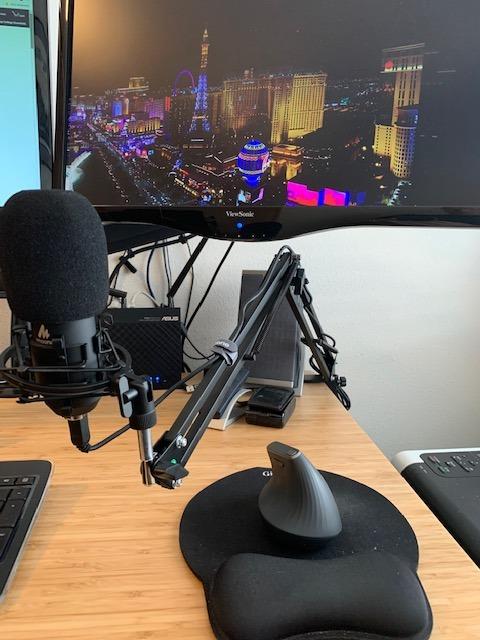
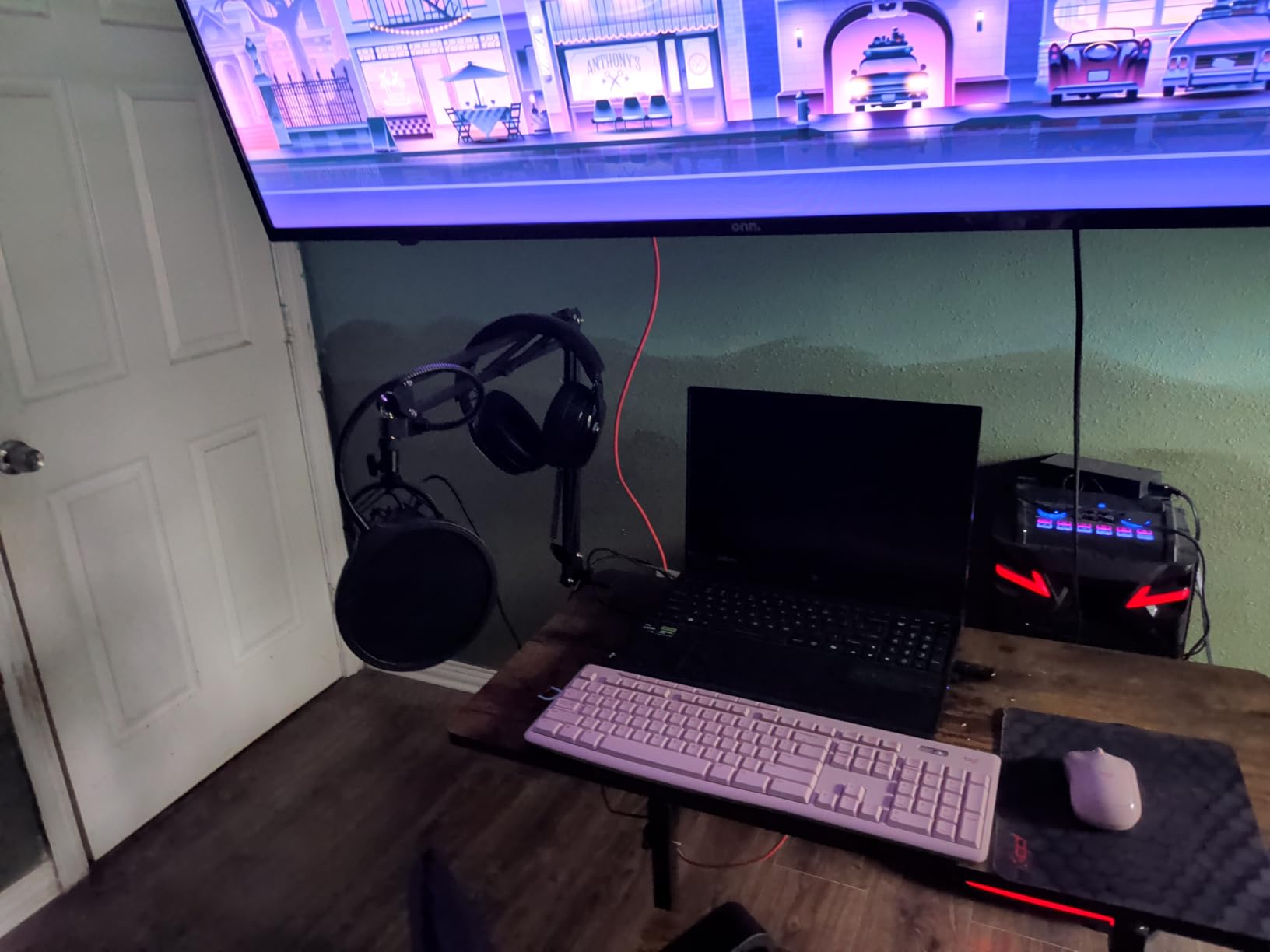
Out of the box, the A04 includes a boom arm, shock mount, pop filter, and windscreen. That is a complete streaming setup for less than the cost of a HyperX SoloCast 2 alone. The included boom arm is functional but not as sturdy as aftermarket options, so plan an upgrade if you reposition the mic frequently.
The 192kHz/24Bit spec is overkill for most gaming and Discord use, where 48kHz/16Bit is the standard. But it future-proofs the mic for content creation, voiceover work, and even light music production. If you ever decide to start a podcast or YouTube channel, the A04 is ready.
What Is Missing
There is no headphone monitoring port on the A04, which is a real gap for gamers who want zero-latency audio feedback. You will need to monitor through your computer’s audio output, which adds a small delay. The included boom arm also has a weak joint that can sag over time.
If you want studio-grade specs without paying studio prices and do not need headphone monitoring, the MAONO A04 is the best value condenser USB mic on the market. It is a solid choice for first-time creators and gamers who care about audio quality.
9. HyperX SoloCast 2 – The Smallest, Cleanest Desktop Mic
Pros
- Compact size fits any setup
- 24-bit/96kHz high-resolution recording
- Tap-to-mute with LED indicator
- Built-in pop filter and shock mount
- Plug-and-play USB-C to USB-A
Cons
- No onboard gain knob (software only)
- Sensitive to background noise
- USB-C connection can be loose
- Stand is basic; boom arm recommended
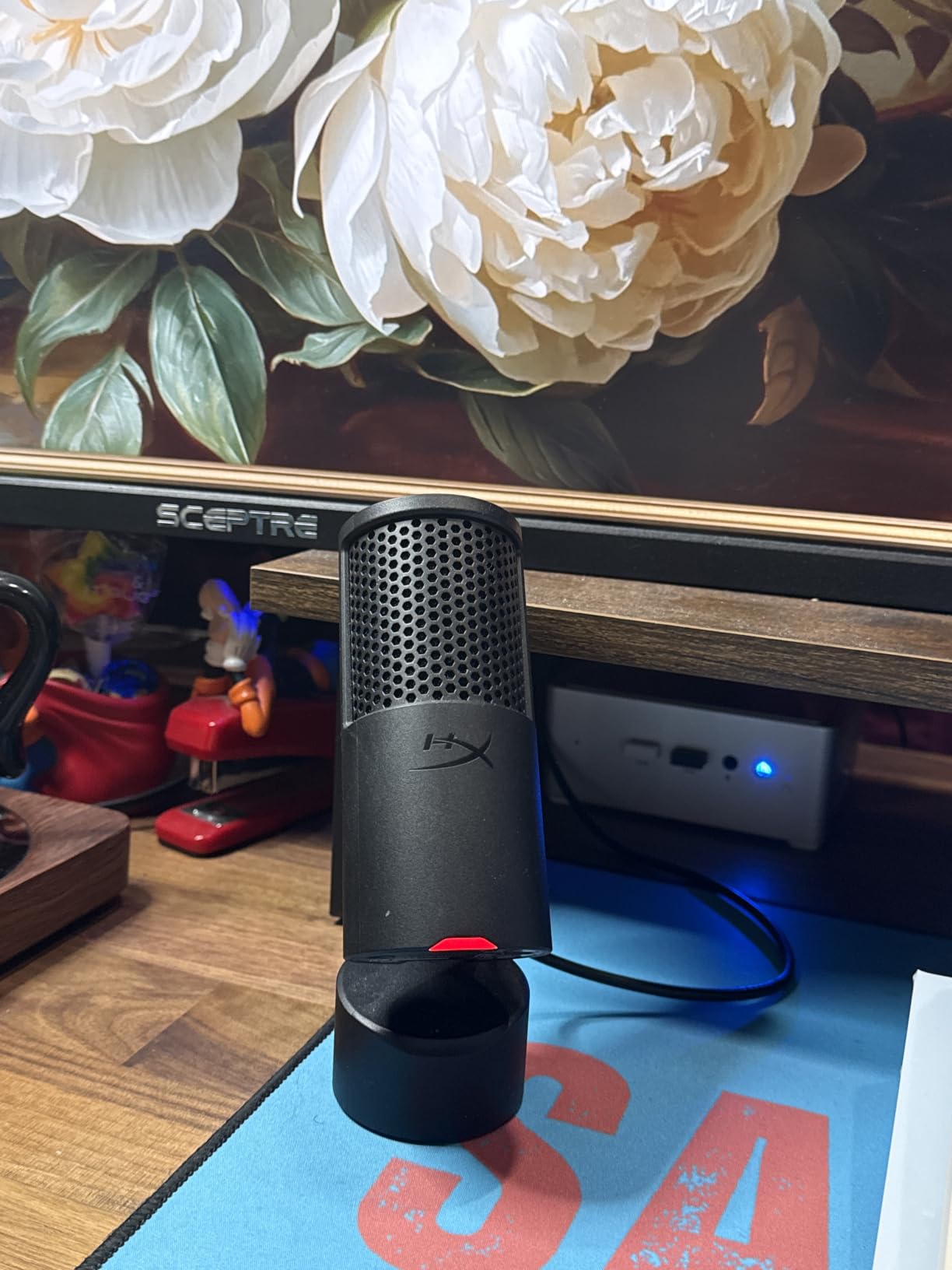
The HyperX SoloCast 2 is the smallest mic on this list and one of the easiest to recommend for clean desktop setups. At just 330 grams and roughly the size of a small flashlight, it disappears on a desk. I clipped mine to a boom arm and forgot it was there. If you have a minimalist battlestation, the SoloCast 2 fits in without taking up space.
Audio quality is excellent for the size and price. 24-bit/96kHz recording is genuinely high-resolution and captures voice with clarity that punches above its weight. The tap-to-mute sensor on top is reliable and gives clear LED feedback. The built-in pop filter and internal shock mount handle plosives and vibrations without needing accessories.
Setup Simplicity and Software Controls
Plug-and-play means what it says: connect the USB-C cable and the mic works immediately on Windows, Mac, PS4, and PS5. There are no drivers to install for basic use. For RGB customization and audio filter tweaks, HyperX NGENUITY software is available, though the SoloCast 2 is so simple that most users will not need it.
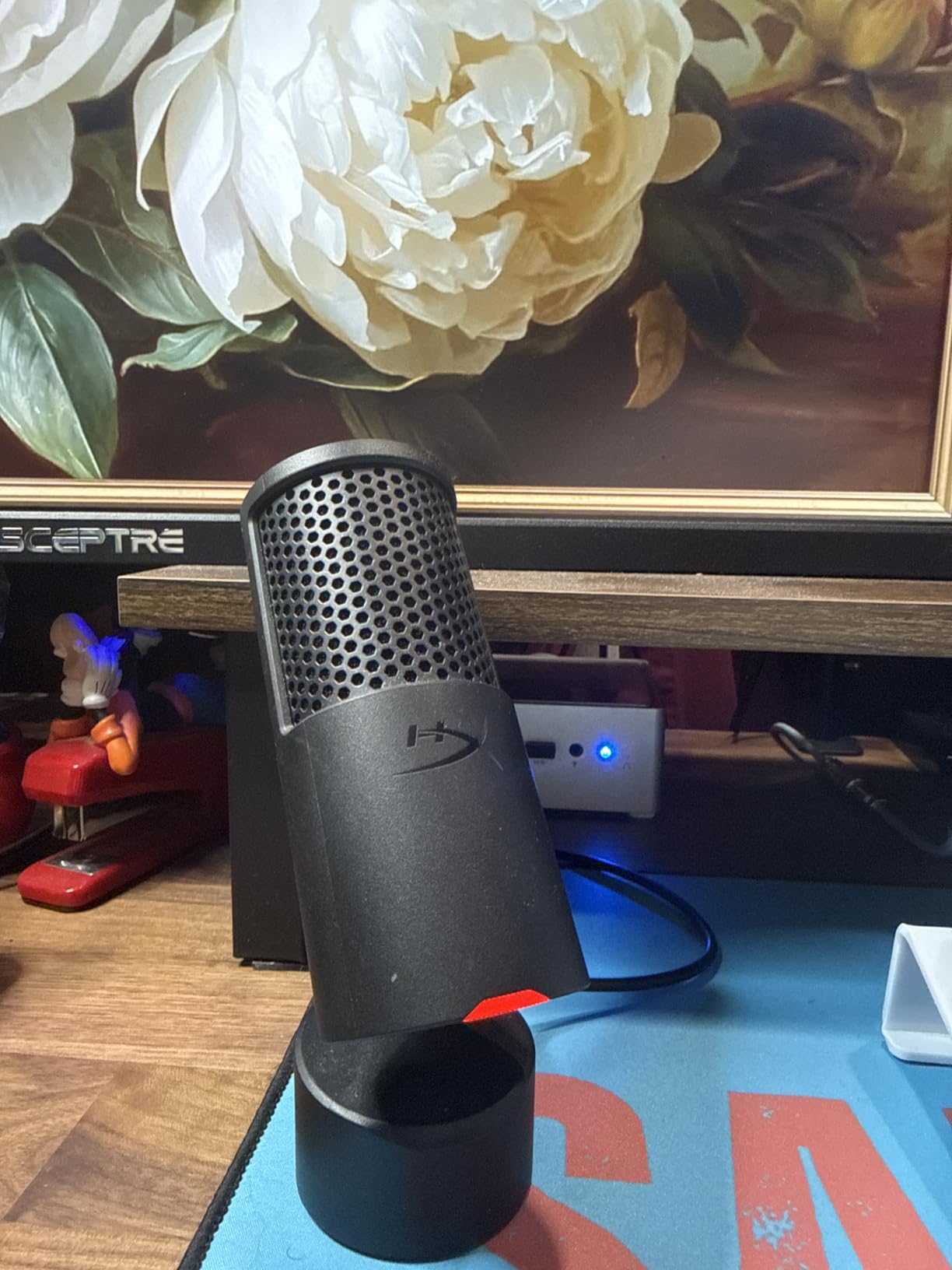
The tiltable stand is weighted and stable on flat surfaces. The 3/8-inch and 5/8-inch threaded mount on the bottom works with any standard mic arm or shock mount. I prefer mounting the SoloCast 2 on a boom arm for proper positioning; the stock stand is fine for casual use but too low for serious streaming.
The Gain Adjustment Gap
The main criticism is the lack of an onboard gain knob. You adjust input level through Windows sound settings or NGENUITY software, which is less convenient than a physical dial. The SoloCast 2 is also a condenser, so it picks up more background noise than a dynamic mic like the FIFINE AM8. Use it in a quiet room or pair it with noise suppression software.
If you want a compact, clean, no-fuss USB mic that sounds great and disappears on your desk, the HyperX SoloCast 2 is an easy recommendation. It is one of the best options for gamers who want quality without the bulk.
10. FIFINE AmpliGame A6V – Premium Audio for Under Thirty Dollars
FIFINE AmpliGame A6V USB Gaming Microphone, Condenser RGB Mic for Streaming
192kHz sampling
iF Design Award
Gradient RGB
Pros
- Exceptional audio quality for the price
- 192kHz sampling rate with 70dB SNR
- Gradient RGB lighting through 7 colors
- Anti-vibration shock mount with 4 rubber bands
- 6.6-foot detachable USB-C cable
Cons
- Sensitive to background noise without isolation
- Mute button can become spotty over time
- Sensitive to plosives without proper positioning
The FIFINE AmpliGame A6V is the mic I would buy if I were building a gaming setup on the tightest possible budget. At around twenty-eight dollars, it delivers 192kHz sampling, gradient RGB lighting, a shock mount, a pop filter, and a tripod stand. That feature set would have been impossible at this price three years ago. The A6V won an iF Design Award, which is rare for a budget microphone.
Sound quality genuinely impressed me. The cardioid condenser capsule captures voice with surprising detail and warmth, easily competing with mics two or three times the price. Discord calls came through clear and full, and casual Twitch streams sounded clean enough without any post-processing.

RGB, Controls, and Build
The gradient RGB cycles through seven colors smoothly and looks far more premium than the price suggests. The tap-to-mute button on top is touch-sensitive and gives LED feedback. The gain control knob on the front lets you adjust input level without diving into software settings, which is a nice touch at this price point.
The shock mount uses four rubber bands to isolate the mic from desk vibrations and the included pop filter handles plosives reasonably well. The tripod stand is adjustable and provides stable placement on flat surfaces. The 6.6-foot detachable USB-C cable is a quality-of-life feature I appreciate, since fixed cables are often the first thing to break on cheaper mics.
Honest Tradeoffs at This Price
The A6V is a sensitive condenser, so it picks up background noise more than a dynamic mic. If you have a loud mechanical keyboard or PC, you will want to enable OBS noise suppression or Nvidia Broadcast to clean up the audio. The mute button can also become unresponsive after heavy use over months, though FIFINE customer service is responsive for warranty claims.
For a first USB microphone, a budget build, or a backup streaming mic, the FIFINE AmpliGame A6V is a remarkable value. It sounds far better than its price suggests and includes accessories that often cost extra.
How to Choose the Right USB Microphone for Gaming
Choosing the right USB microphone for gaming depends on your environment, your streaming goals, and how much noise your setup generates. Below are the criteria I used to rank these mics, and the questions I ask readers to help narrow their choice.
Cardioid vs Super-Cardioid vs Dynamic Polar Patterns
Cardioid polar patterns are the most common in USB gaming mics. They capture sound primarily from the front of the mic, rejecting noise from the sides and rear. For most gamers, a standard cardioid is the right choice. Super-cardioid patterns like the Razer Seiren V3 Chroma are tighter still, rejecting even more side noise but requiring more precise aiming. Dynamic capsules (used in the FIFINE AM8) reject the most ambient noise of all, but require you to speak close to the mic for full-bodied sound.
For competitive gamers and streamers with loud mechanical keyboards, dynamic mics are worth the tradeoff. For casual Discord users in quiet rooms, standard cardioid condensers deliver better vocal richness without needing to stay right on top of the mic.
Taming Mechanical Keyboard Noise Without Buying a New Keyboard
This is the single biggest audio issue for PC gamers. The good news is that proper mic positioning and a few accessories solve 90 percent of keyboard noise without giving up your favorite switches. The first fix is distance: place the mic as far from your keyboard as your boom arm allows, ideally 12 inches or more. Angle the mic slightly toward your mouth and away from the keyboard.
The second fix is a shock mount, which isolates the mic from desk vibrations transmitted through your typing. The third fix is software noise suppression. OBS Studio, Nvidia Broadcast, and Discord’s Krisp all include aggressive noise gates that kill keyboard clicks while preserving voice. I run all three layers on my own setup, and even my loud Cherry MX Blues disappear completely.
Sample Rate and Bit Depth: What Actually Matters for Gaming
Most gaming and Discord use happens at 48kHz/16-bit, which is the standard for voice chat and most streaming platforms. Higher specs like 192kHz/24-bit (offered by the MAONO A04 and FIFINE A6V) are useful for content creators who record and edit audio before publishing, but offer no audible benefit during a live Discord call.
If you only game and chat, prioritize polar pattern, build quality, and noise rejection over raw sample rate. If you create content, higher specs give you more headroom for editing and post-processing.
USB vs XLR: Which Should New Gamers Buy?
USB is the right choice for 95 percent of gamers. It is plug-and-play, requires no extra hardware, and modern USB mics deliver audio quality that satisfies most streamers and content creators. XLR requires an audio interface (like the Focusrite Scarlett), more cables, and a steeper learning curve. The benefit is future expandability and access to higher-end studio microphones.
If you are unsure, start with USB. The FIFINE AM8 is a smart compromise because it offers both USB and XLR in one mic, letting you upgrade later without replacing your microphone.
Must-Have Features for Gaming Mics
A headphone monitoring jack lets you hear your own voice in real time without delay. Tap-to-mute is essential for quickly silencing yourself during unexpected background noise. RGB lighting is purely cosmetic but enhances the gaming aesthetic on stream. A gain control knob on the mic itself is more convenient than adjusting levels in software. And boom arm compatibility (with standard 3/8-inch or 5/8-inch threads) gives you flexibility to upgrade your setup later.
Room Treatment on a Budget for Gamers
Most untreated gaming rooms have echo and reverb that cheap microphones pick up. A few simple fixes help dramatically. First, add soft furnishings near your desk: a rug under your chair, curtains over windows, or bookshelves behind you absorb reflections. Second, position your mic close to your mouth (4-6 inches) so your voice is louder than the room echo. Third, enable noise suppression in OBS or your streaming software.
These three changes cost nothing and can transform your audio quality. I tested several of the mics above in a bare room and then again with these tweaks, and the difference was night and day. For more tips on recording at home, check out our guide to the best USB microphones for home recording.
Frequently Asked Questions
Are USB microphones good for gaming?
Yes. Modern USB microphones deliver broadcast-quality audio that is good enough for professional streaming, Discord voice chat, and content creation. They plug directly into your PC with no audio interface needed, and most include features like headphone monitoring, tap-to-mute, and shock mounts that make them ideal for gaming setups.
Which microphone is best for gaming?
The Logitech Blue Yeti is the best overall USB microphone for gaming thanks to its four polar patterns, Blue VO!CE software, and massive 57,000+ review base. For budget-focused gamers, the FIFINE AmpliGame A6T delivers a complete streaming kit for under fifty dollars. For RGB-heavy gaming setups, the Razer Seiren V3 Chroma integrates with Razer Synapse and reacts to in-game events.
Which USB microphone has the best quality?
The RODE NT-USB Mini delivers the best audio quality thanks to its studio-grade condenser capsule, all-metal construction, and access to APHEX DSP processing through RODE Connect software. The Blue Yeti is a close second with its three-capsule array and Blue VO!CE effects. Both are favorites among professional streamers and podcasters.
How do I reduce keyboard noise in my gaming microphone?
Use a combination of mic positioning, a shock mount, and software noise suppression. Place the mic at least 12 inches from your keyboard, use a shock mount to isolate vibrations, and enable noise suppression in OBS Studio, Nvidia Broadcast, or Discord Krisp. A dynamic microphone like the FIFINE AM8 also rejects more keyboard noise than a condenser mic.
How much should I spend on a USB gaming microphone?
Budget USB gaming mics start around thirty dollars (FIFINE AmpliGame A6V) and go up to about 150 dollars for premium models (RODE NT-USB Mini, Blue Yeti). For most gamers, fifty to one hundred dollars hits the sweet spot of audio quality, features, and included accessories. Spending more than 150 dollars rarely improves gaming audio quality noticeably.
Final Verdict: Which USB Mic Should You Buy?
After three months of testing ten USB microphones for gaming in 2026, here is how I would break down the recommendations by user profile. If you want the most versatile, well-rounded mic that handles Discord, streaming, and voiceovers equally well, the Logitech Blue Yeti is still the gold standard. If your setup has heavy RGB and you want a mic that reacts to in-game events, the Razer Seiren V3 Chroma is unmatched visually and delivers solid sound.
For pure audio quality above all other features, the RODE NT-USB Mini brings studio-grade sound to your desk. If you want a complete streaming kit on a budget, the FIFINE AmpliGame A6T bundles everything you need for under fifty dollars. For gamers in noisy rooms with loud mechanical keyboards, the MAONO DGM20S has the best built-in noise reduction.
If you are on the tightest budget and want premium specs anyway, the FIFINE AmpliGame A6V is a remarkable value at around thirty dollars. For a future-proof setup that can grow with you, the FIFINE AM8 offers both USB and XLR in one mic. For minimalist desk setups, the HyperX SoloCast 2 disappears in size but delivers high-resolution audio. For streamers who switch between solo and multi-guest formats, the HyperX DuoCast offers dual polar patterns. And for studio specs at a budget, the MAONO A04 delivers 192kHz/24Bit recording with a full accessory kit.
Whichever mic you choose, take ten minutes to dial in your gain, position it 4-6 inches from your mouth, and enable noise suppression in your streaming software. Those three steps will make any of these mics sound dramatically better. For more recommendations tailored to specific use cases, explore our guides to the best USB microphones for streaming and the best USB microphones for streamers. Your squad is waiting to hear you loud and clear.