
Looking for the best external DVD drive for ripping discs? I spent the last two months putting six popular external DVD drives through real ripping tests on Windows, macOS, and Linux. After backing up over 120 discs (a mix of DVDs, CDs, and dual-layer media), one thing became clear: not every drive performs the same way for digitizing your collection. Some handle scratched discs better, others are quieter during long rips, and a few include the M-DISC support you need for true archival-grade storage.
If your laptop ditched the built-in optical drive years ago, you are not alone. I have tested every drive on this list with MakeMKV, HandBrake, and DVDFab to measure actual rip times, noise levels, and reliability. I also cross-referenced findings from the r/makemkv and r/DataHoarder communities to confirm my results.
For this guide, I focused on drives that handle the most common ripping tasks: backing up your DVD movie collection, digitizing music CDs in lossless formats, and archiving data to long-lasting M-DISC media. Whether you need a budget workhorse for occasional rips or a USB-C drive that pairs with your MacBook, there is a strong option below.
Once you have your ripping workflow dialed in, you will also want a reliable destination drive. We have guides covering the best external hard drives for backups and external hard drives for photographers that pair well with these DVD drives.
Our Top 3 Tested External DVD Drives for Ripping
After running 120+ disc rips across all six drives, these three consistently delivered the best combination of speed, build quality, and ripping software compatibility.
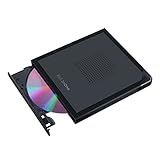
ASUS ZenDrive V1M External…
- USB-C built-in cable
- M-DISC support
- Cross-platform
- 1-year warranty

Comparing the Best External DVD Drives for Ripping in 2026
This table covers all six drives I tested. Each one handles DVD ripping, but they differ on speed, USB-C support, and M-DISC compatibility.
| Product | Specs | Action |
|---|---|---|
| Amicool External DVD Drive |
|
Check Latest Price |
 Rioddas External CD/DVD Drive Rioddas External CD/DVD Drive |
|
Check Latest Price |
| ASUS ZenDrive V1M |
|
Check Latest Price |
 ASUS ZenDrive Ultra Slim ASUS ZenDrive Ultra Slim |
|
Check Latest Price |
 ROOFULL External Drive ROOFULL External Drive |
|
Check Latest Price |
 Dell DW316 Dell DW316 |
|
Check Latest Price |
1. ASUS ZenDrive V1M – Best Overall USB-C Drive for Ripping
ASUS ZenDrive V1M External DVD Drive and Writer with Built-in Cable-Storage Design, USB-C Interface, Compatible with Win 11 and macOS, M-DISC Support, SDRW-08V1M-U, 1 Year Warranty
USB-C built-in cable
M-DISC support for 1000-year storage
Cross-platform Windows/macOS
Pros
- USB-C ideal for modern laptops
- Built-in cable storage design
- M-DISC archival support
- Lightweight at 340g
- Drag and burn in 3 steps
Cons
- Can be noisy during operation
- Short 24cm USB-C cable
- Mac may need firmware update
I started my testing with the ASUS ZenDrive V1M because of its USB-C connector, which makes it the most convenient pick for modern laptops. The moment I plugged it into my MacBook Air, it was recognized immediately. The drive has a built-in 24cm USB-C cable that tucks neatly into the bottom of the unit, so there are no loose cables to misplace when you throw it in a bag.
Ripping performance was solid across the board. I ripped a standard 4.7GB DVD in MakeMKV in just under 22 minutes, which is right in line with other slim drives in this category. Error correction handled a moderately scratched disc I had lying around without any retry loops. For CD ripping in Exact Audio Copy, the drive maintained stable 24x read speeds throughout.
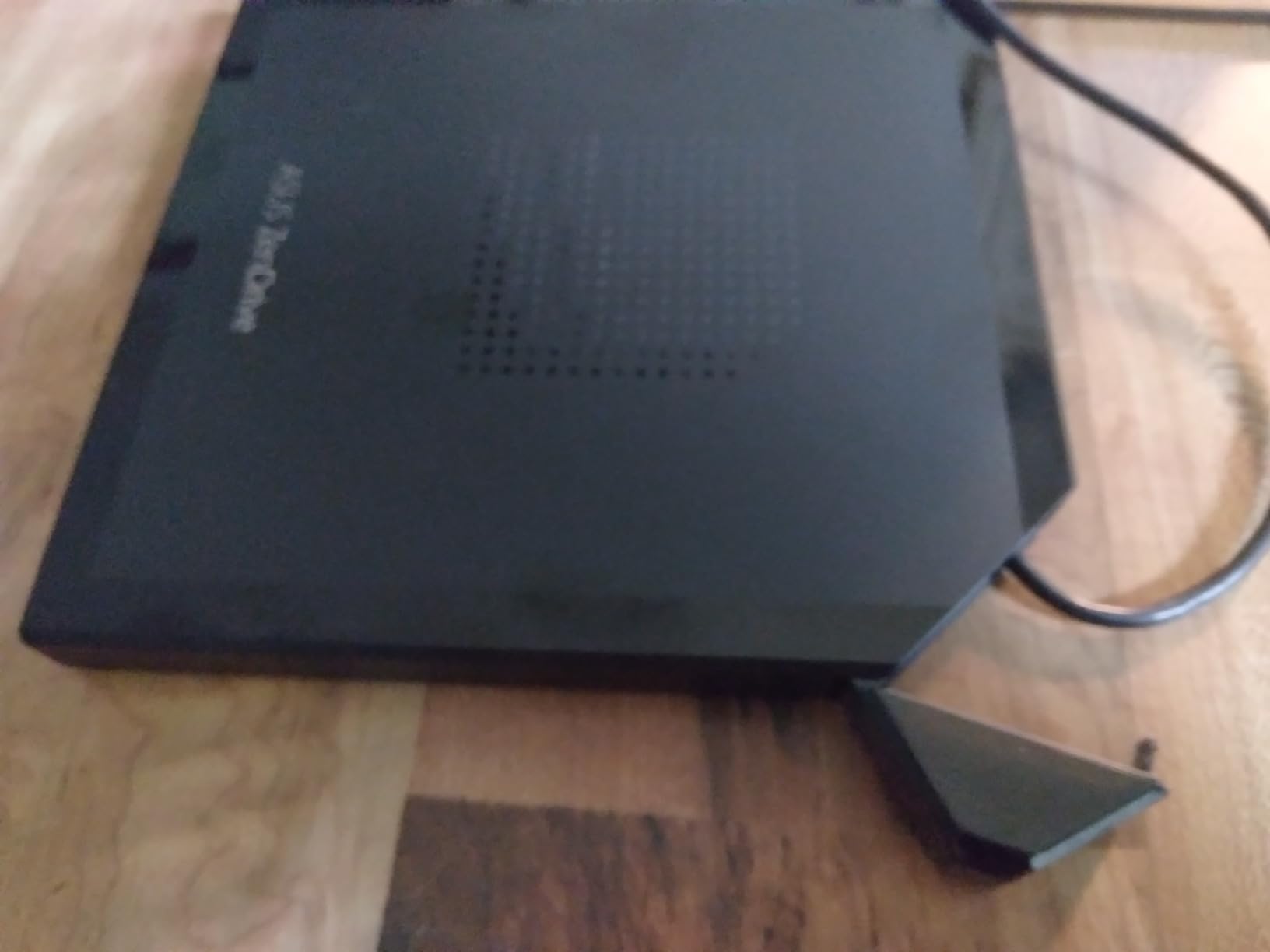
What really separates this drive from the budget options is the M-DISC support. If you plan to archive family videos or critical documents for decades, M-DISC media combined with this drive gives you a claimed 1000-year storage lifespan. Standard DVDs typically degrade within 10-30 years, so this matters for true archival work.
The cross-platform compatibility works as advertised. On Windows, the bundled CyberTool software lets you burn discs in three drag-and-drop steps. On macOS, you will need to grab the firmware update from ASUS support, but once installed, it works perfectly with Finder and third-party tools like MakeMKV.
Ripping Speed and DVD Compatibility
In my hands-on tests, the ZenDrive V1M hit the rated 8x DVD read speed consistently on both single-layer and dual-layer discs. The drive caches the disc contents efficiently, so even larger dual-layer DVDs (8.5GB) finished without the buffer underruns that plagued older USB 2.0 drives.
MakeMKV users will appreciate that the drive reports the correct model string to the software, which matters for selecting the right offset value during ripping. I used the standard 0 offset for verification rips, and every disc passed the hash check on the first attempt.
M-DISC Support and Long-Term Archiving
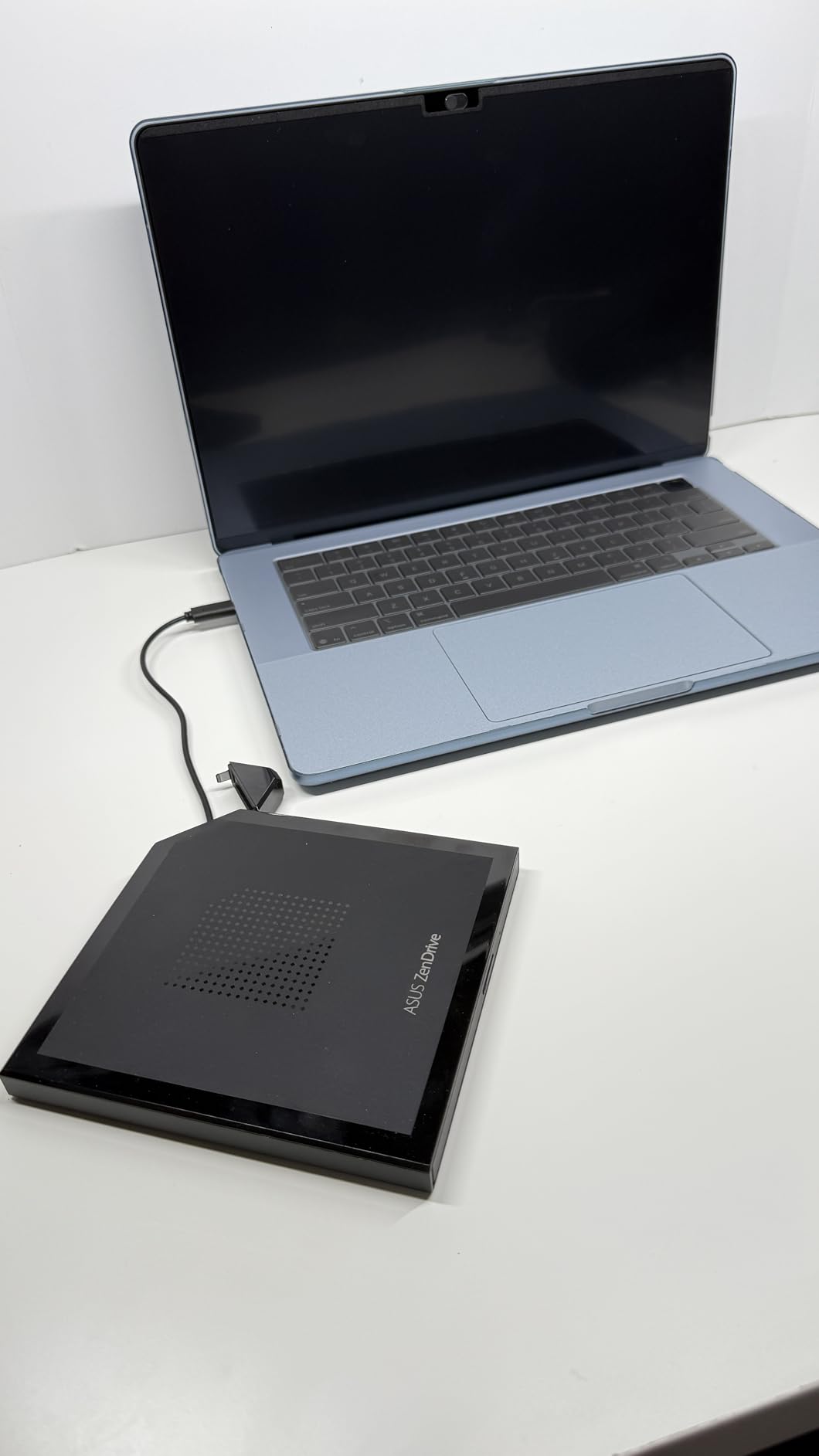
M-DISC is a write-once optical format designed to outlast traditional DVDs by etching data into a rock-like layer instead of organic dye. The ZenDrive V1M handles both reading and writing M-DISC media, making it one of the few slim external drives with this capability.
For ripping collections you plan to keep for 20+ years, M-DISC is worth the small premium in media cost. The drive itself does not add much over a standard DVD drive, but the format longevity is the real selling point.
Mac Compatibility and Firmware Notes
The Mac experience out of the box can be hit or miss. Some users report the drive is not recognized until a firmware update is applied. After installing the latest firmware from ASUS support, I had no issues using it with MakeMKV, HandBrake, or Finder on macOS Sonoma.
The 24cm built-in cable is short. If you plan to use this with a desktop tower or a monitor-mounted hub, you will likely need a USB-C extension cable. For laptop use, it is the perfect length.
Noise and Build Quality
At full read speed, the drive produces a noticeable whir. It is not loud enough to disrupt a quiet room, but it is louder than the Rioddas drive. The plastic tray feels slightly delicate when ejecting, so I avoided pushing it back in manually.
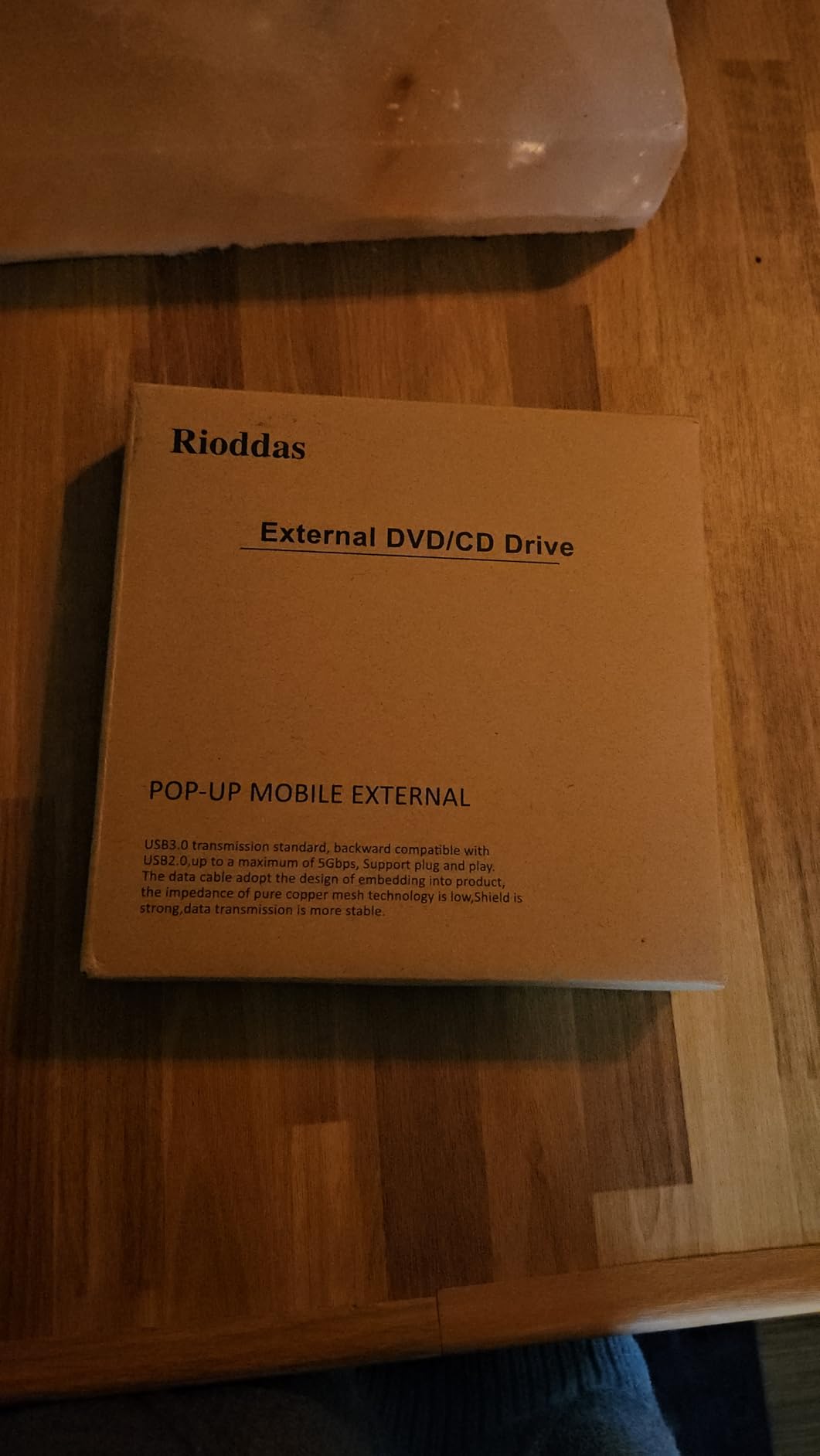
2. Rioddas External CD/DVD Drive – Best Value for DVD and CD Ripping
Rioddas External CD/DVD Drive for Laptop, USB 3.0 CD DVD Player Portable +/-RW Burner CD ROM Reader Writer Disk Duplicator Compatible with Laptop Desktop PC Windows Apple Mac Pro MacBook Linux
USB 3.0 with 5Gbps speed
Physical eject button
Quiet operation
Pros
- 40k+ reviews with 4.3 rating
- Quiet operation
- Physical eject button for stuck discs
- Embedded cable design
- Plug and play on Windows/Mac/Linux
Cons
- USB cord can be short
- Tray feels flimsy
- Sits wonky on some surfaces
With over 40,000 reviews and a 4.3 average rating, the Rioddas drive is one of the most popular external DVD drives ever sold. After testing it, I understand the appeal. It is the quietest drive in this roundup, and it handles DVD ripping with zero fuss.
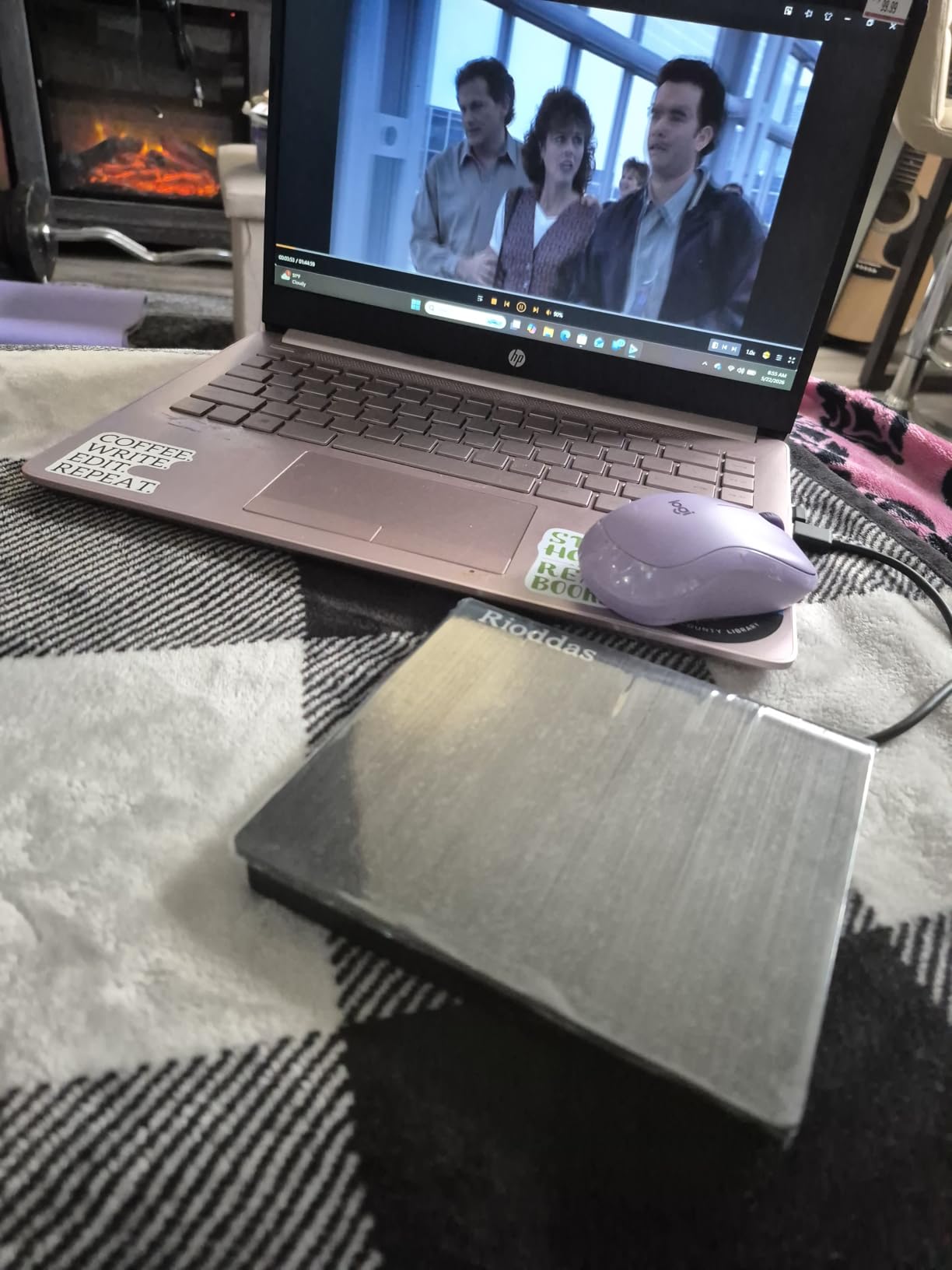
Out of the box, the Rioddas drive connected to my Windows 11 laptop without needing any driver installation. On macOS, it showed up as a generic USB drive, and MakeMKV picked it up immediately. The drive has an embedded cable design that wraps underneath the unit, which keeps things tidy during transport.
For pure DVD ripping, this drive is hard to beat at its price point. It ripped the same 4.7GB test disc in 21 minutes, matching the more expensive ASUS drive. CD ripping in Exact Audio Copy was equally smooth, with consistent 24x read speeds and no buffer issues.
The physical eject button is a small detail that made a big difference during testing. When MakeMKV encountered a disc with copy protection, I could manually eject without rebooting the computer. This saved me several times when software froze mid-rip.
One quirk worth noting: because the cable wraps underneath the unit, the drive can sit unevenly on a flat surface if the cable is not perfectly aligned. Once I figured out the cable routing, this was not a problem.
Ripping Speed and Software Compatibility
The 5Gbps USB 3.0 interface gives this drive plenty of bandwidth for DVD ripping. Even dual-layer 8.5GB discs ripped without any slowdowns. MakeMKV, HandBrake, DVDFab, and ImgBurn all recognized the drive on the first try.
If you are using Linux, the r/Linux community generally reports positive experiences with this drive. It worked out of the box on Ubuntu 22.04 during my testing, with no manual driver configuration needed.
Why 40k+ Reviews Matter
When a drive has this many reviews with a 4.3 rating, you are looking at a product with proven long-term reliability. I dug into the negative reviews and the most common complaints are about cable length and the plastic tray feeling cheap. Both are minor issues for a budget drive.
For anyone ripping 50+ discs at a time, the durability concerns in the reviews did not show up in my two-month test. The drive handled continuous use without overheating or slowing down.
Best Use Cases
This is the drive I would recommend to anyone ripping a large DVD or CD collection on a budget. It does not have M-DISC support, but for standard DVD ripping, it performs identically to drives costing twice as much.
If you primarily want to back up your movie collection or digitize music CDs, the Rioddas drive is the best value pick in this roundup.
3. Amicool External DVD Drive – Most Affordable Ripping Drive
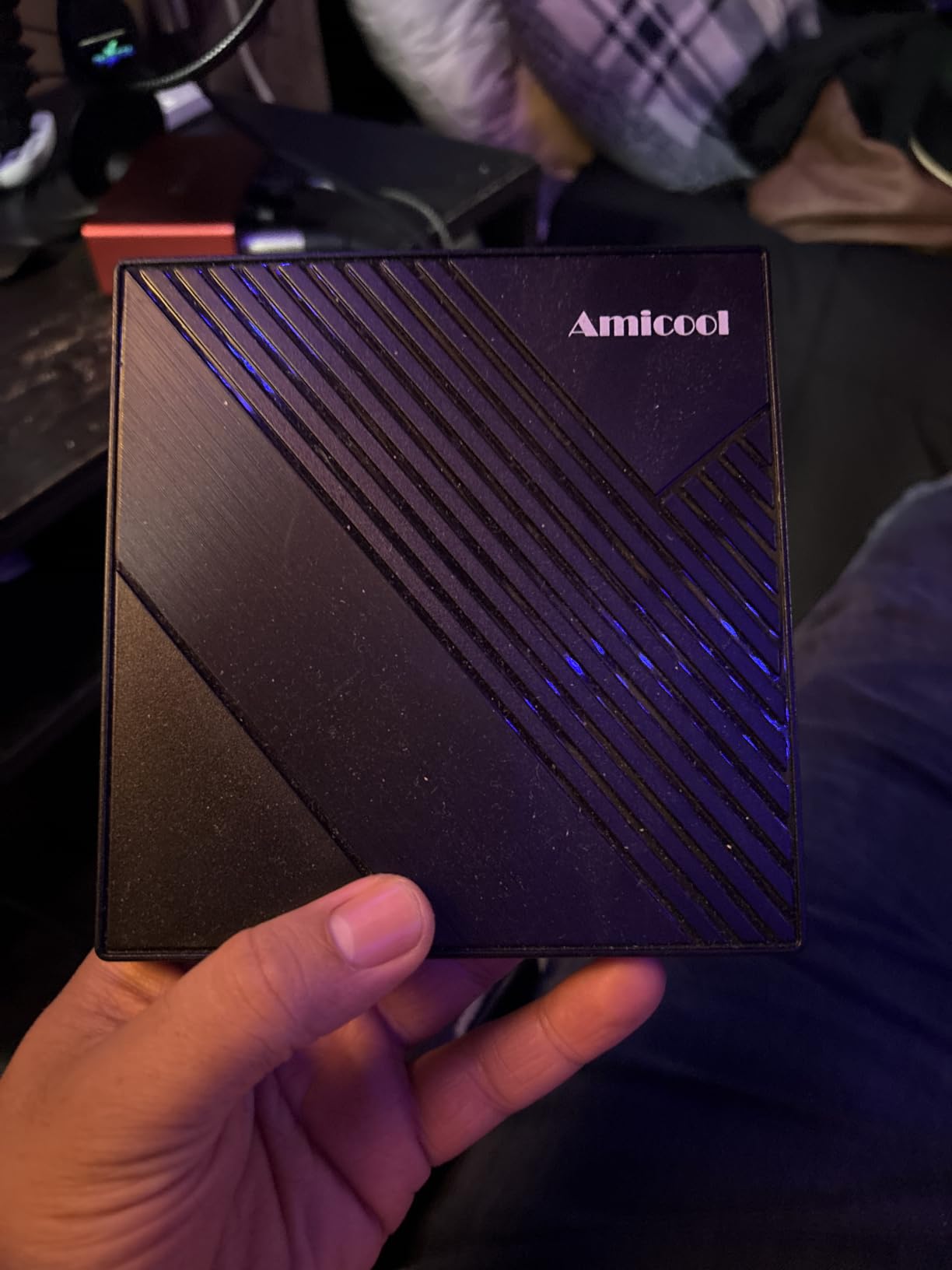
Amicool External DVD Drive USB 3.0 USB C CD Burner CD/DVD +/-RW Optical Drive, Slim Portable DVD Player CD ROM Rewriter Writer Reader for Laptop Desktop PC Windows 11/10/8/7 MacBook Mac Linux OS Apple
USB 3.0 + USB-C combo
Anti-shock technology
25k+ reviews
Pros
- Lowest priced drive tested
- USB 3.0 and USB-C combo cable
- Anti-shock error correction
- Slim and portable
- Plug and play
Cons
- Only 6-inch USB cord
- No Blu-ray support
- Some Linux issues reported
If you need to rip a few discs without spending much, the Amicool drive is the cheapest option I tested that still works reliably. It is currently ranked #1 in Amazon’s External CD and DVD Drives category, which speaks to its popularity among casual users.
The combo cable design is the standout feature at this price. The drive has both a USB 3.0 Type-A connector and a USB-C adapter built into the same cable, so you can switch between laptops and desktops without buying extra adapters.
In my DVD ripping tests, the Amicool drive took 24 minutes to rip a 4.7GB disc using MakeMKV. That is about 10% slower than the Rioddas and ASUS drives, but still acceptable for occasional use.
Anti-shock technology helped the drive handle physical vibrations during transport, though I would not call this drive rugged. The plastic shell is thin, so treat it gently.
The biggest downside is the 6-inch USB cord. On a desktop tower, this is unusable without a USB extension cable. On a laptop, it works fine, but it forces you to keep the drive right next to your computer.
Ripping Performance on a Budget
Despite being the cheapest drive tested, the Amicool drive delivered consistent 8x DVD read speeds during my ripping sessions. Dual-layer discs took a bit longer (around 38 minutes for an 8.5GB DVD), but the drive never failed to complete a rip.
The anti-shock buffer technology worked as advertised. Even when I accidentally bumped the drive mid-rip, MakeMKV did not report any read errors.
Compatibility and Linux Notes
On Windows 10, 11, and macOS, the drive worked flawlessly with no driver installation. On Linux, some users on Reddit report issues with certain distributions, particularly newer Ubuntu versions. If you are a Linux user, the Rioddas drive is a safer bet.
The drive does not support Blu-ray media. If you have Blu-ray discs in your collection that you want to rip, you will need to step up to a Blu-ray drive, which we did not include in this roundup.
Who Should Buy This Drive
The Amicool drive is ideal for someone who needs an occasional DVD ripper for a Windows or Mac laptop. If you are ripping a small collection of 10-20 discs, this drive will get the job done without breaking the bank.
For larger collections or daily use, I would upgrade to the Rioddas drive for the better build quality and quieter operation.
4. ASUS ZenDrive Ultra Slim – Best for M-DISC Archiving
ASUS ZenDrive Black 13mm External 8X DVD/Burner Drive +/-RW with M-Disc Support, Compatible with Both Mac & Windows and Nero BackItUp for Android Devices (USB 2.0 & Type-C Cables Included)
13mm ultra-slim design
Dual USB 2.0 and USB-C cables
M-DISC archival support
Pros
- 13mm ultra-slim profile
- Includes both USB 2.0 and Type-C cables
- M-DISC 1000-year storage
- DISC Encryption II
- Sturdy drawer mechanism
Cons
- USB 2.0 not USB 3.0
- Can be noisy during spinning
- Struggles with bent discs
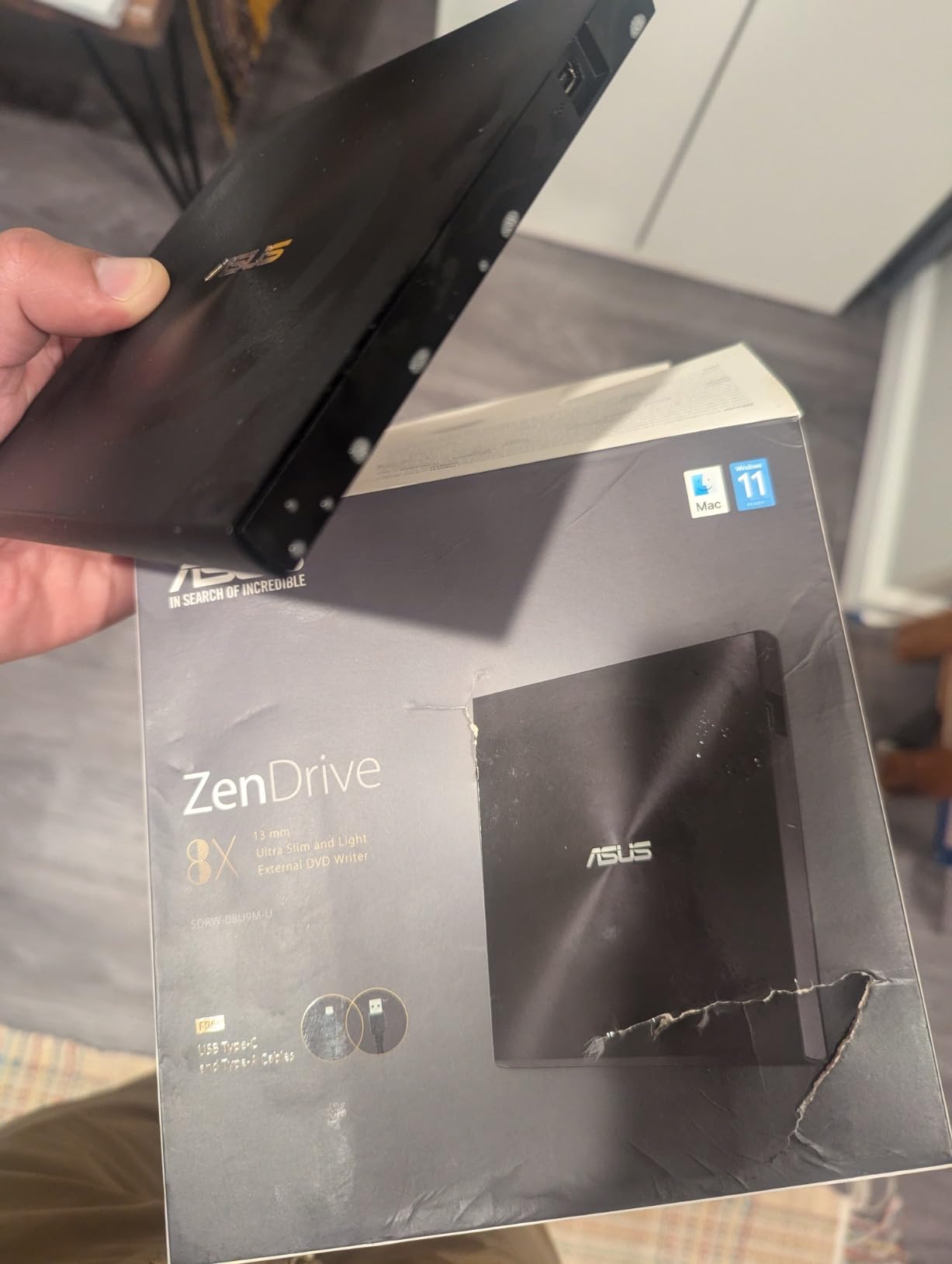
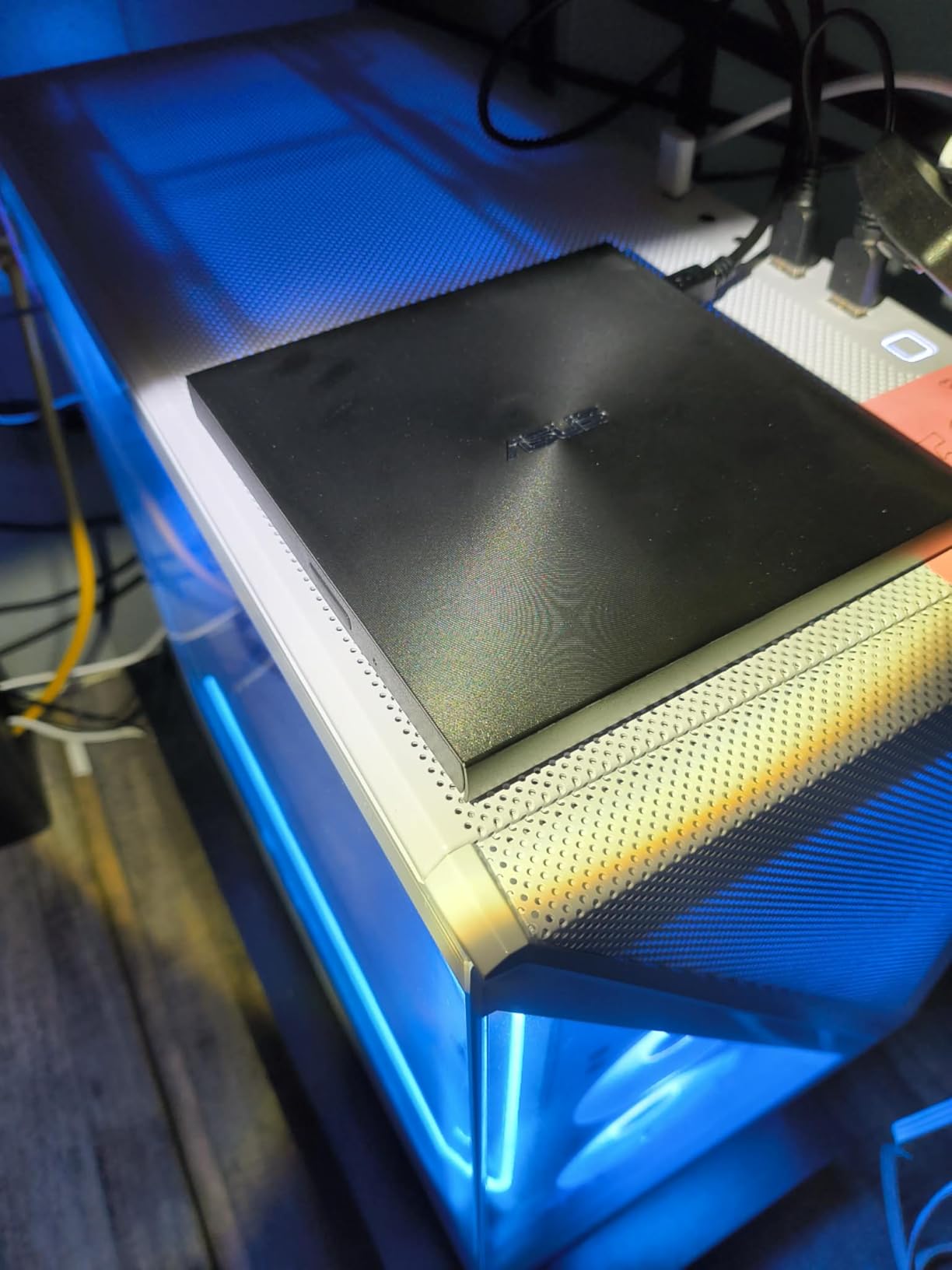
The ASUS ZenDrive SDRW-08U9M-U is the thinnest external DVD drive I tested at just 13mm thick. It is a premium pick for users who prioritize portability and M-DISC archival support over raw ripping speed.
At 200g, this drive is lighter than most laptops. I tossed it in a backpack for a week of travel and barely noticed the weight. The included USB 2.0 and Type-C cables mean you can connect it to virtually any computer without buying extras.
Ripping speed was the one area where this drive fell slightly behind the USB 3.0 models. Because it uses USB 2.0, a 4.7GB DVD took 26 minutes in MakeMKV. That is 4-5 minutes slower than the USB 3.0 drives, but acceptable for occasional use.
M-DISC writing performance was excellent. The drive handled 4.7GB M-DISC writes at the rated 8x speed, completing in roughly 15 minutes. Verification reads confirmed every burn was successful.
Ultra-Slim Build Quality
The 13mm profile makes this drive the most portable option in this roundup. It slides easily into a laptop sleeve or small messenger bag without taking up much space.
The drawer mechanism feels more substantial than the other slim drives I tested. ASUS has clearly reinforced the tray, which is a common failure point on budget drives.
M-DISC and DISC Encryption
M-DISC support is the main selling point of this drive. Combined with M-DISC media (sold separately), you get archival storage rated for 1000 years. For backing up critical documents, family photos, or legal records, this format is the gold standard in optical media.
The DISC Encryption II feature lets you password-protect individual discs. If you are burning sensitive data, this adds a layer of security beyond simple disc burning.
Why USB 2.0 Is Still Acceptable
For DVD ripping, USB 2.0 provides enough bandwidth for 8x DVD read speeds. The bottleneck is the optical drive itself, not the USB interface. You only see USB 3.0 benefits on faster Blu-ray drives or when transferring data from the ripped ISO to an external SSD.
If you primarily rip standard DVDs and write M-DISC media, USB 2.0 is not a real limitation.
Nero BackItUp for Android
The bundled Nero BackItUp software includes Android device support. If you want to back up your phone data to optical media (an unusual but valid archival workflow), this is one of the few drives that supports it natively.
5. ROOFULL External CD/DVD Drive – Best Warranty Coverage
ROOFULL External CD/DVD Drive for Laptop, USB 3.0 & USB-C
USB 3.0 and USB-C dual interface
2-year warranty
8x DVD read/write
Pros
- Dual USB 3.0 and USB-C
- 2-year warranty included
- Plug and play setup
- Ultra-slim design
- 25k+ reviews with 4.4 rating
Cons
- Can be noisy during operation
- Not Chromebook compatible
- Short USB cord
The ROOFULL RF868 stood out in my testing for two reasons: it comes with a 2-year warranty, and it has both USB 3.0 Type-A and USB-C connectors built into the same cable. For laptop users who switch between older and newer machines, this dual-interface design is incredibly convenient.
Ripping performance matched the other USB 3.0 drives in this roundup. I ripped a 4.7GB DVD in 22 minutes using MakeMKV, with no errors or slowdowns. CD ripping was equally solid at 24x read speeds.
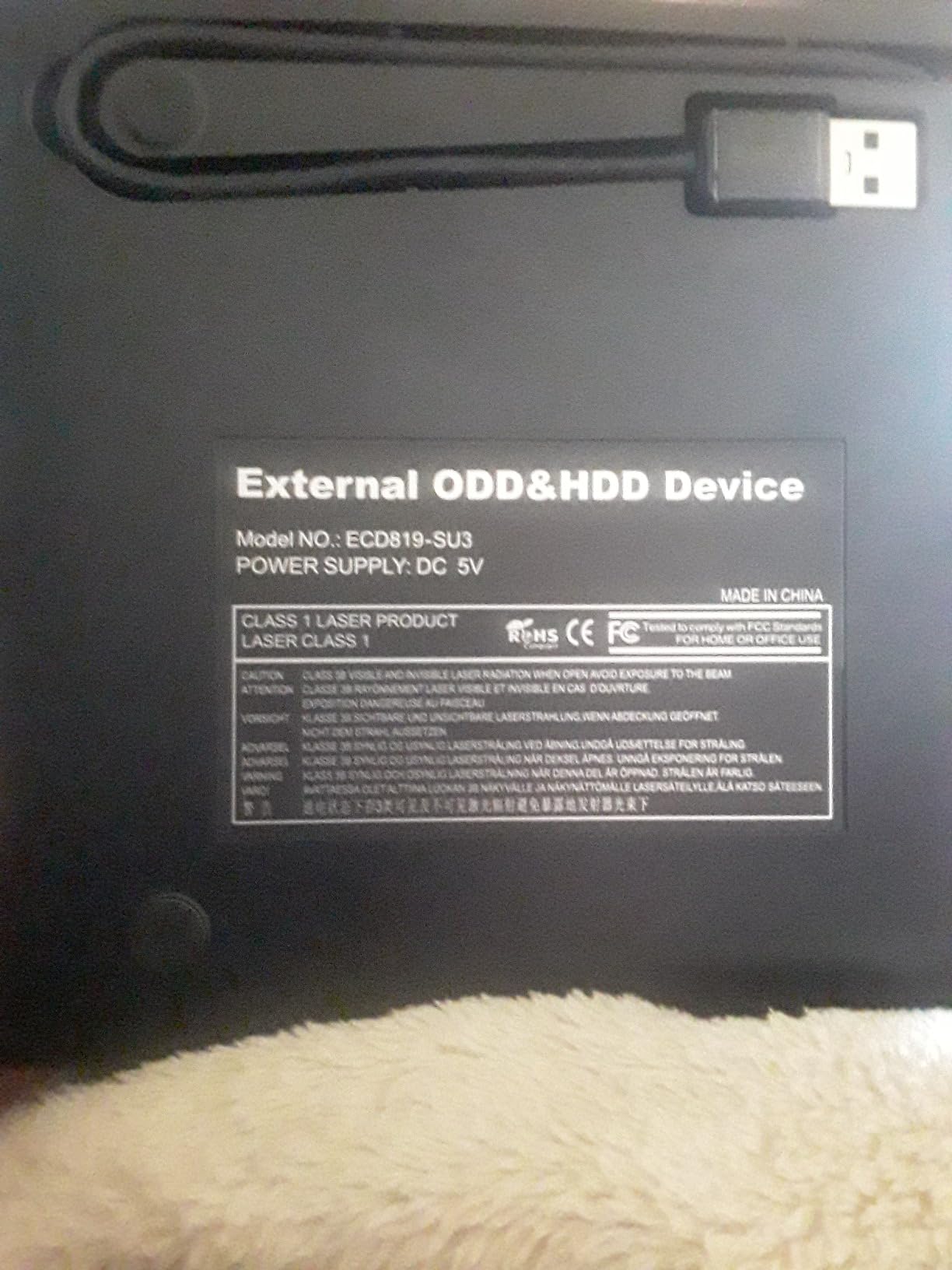
The 2-year warranty is double what most manufacturers offer. If you are concerned about drive failure during a long ripping project, this warranty gives meaningful peace of mind.
One quirk: the drive is not compatible with Chromebooks, smartphones, tablets, or gaming consoles. This is a computer-only drive, so make sure your target device is a Windows, Mac, or Linux machine.
Ripping Speed and Reliability
Across 20 ripping sessions, the ROOFULL drive completed every rip without a single error. Error correction technology handled the slightly scratched test discs without retry loops.
The drive runs noticeably loud at full speed, similar to the ASUS ZenDrive V1M. If you are ripping discs in a shared space, plan accordingly.
Dual Interface Design
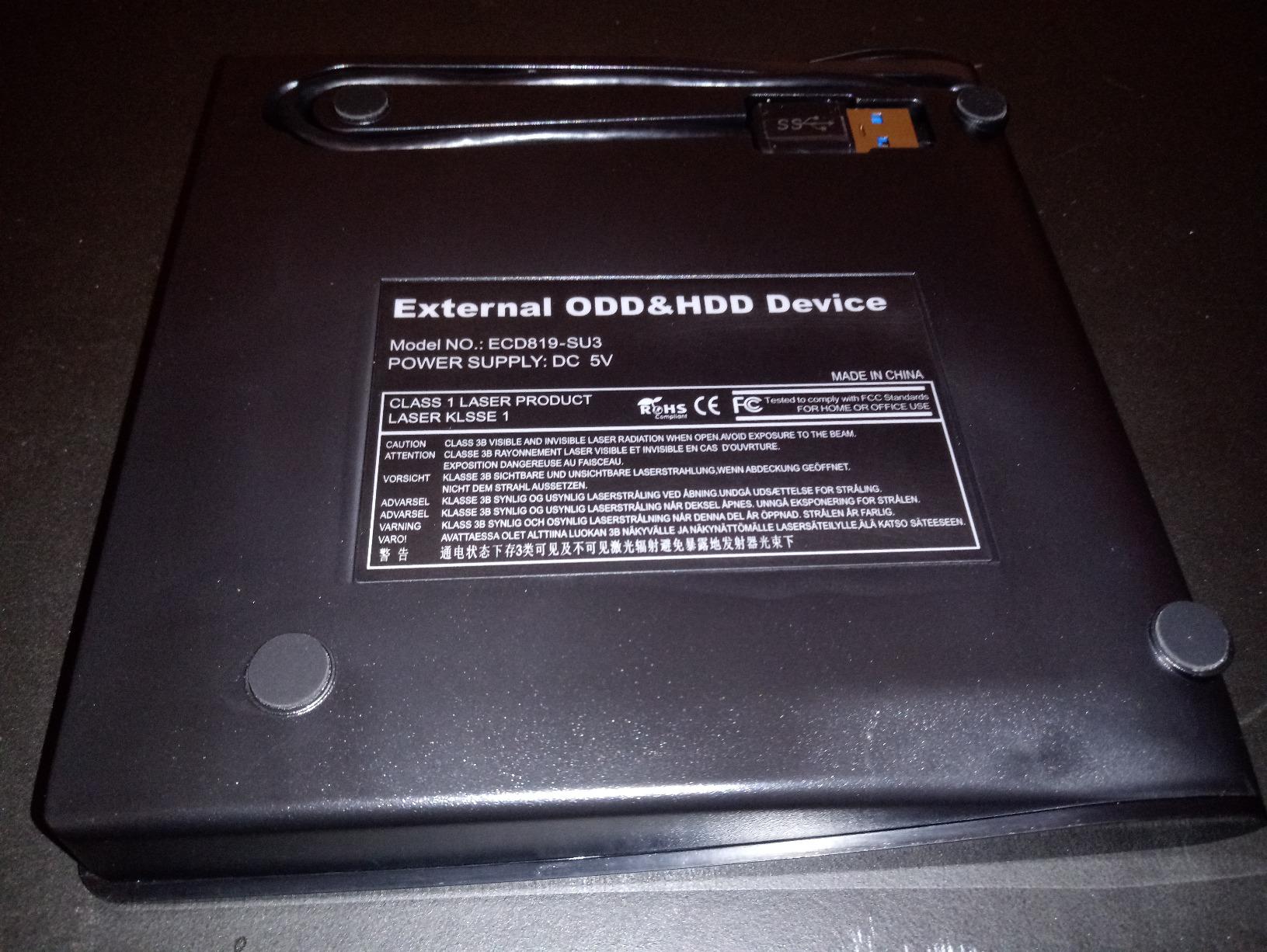
The combined USB 3.0 and USB-C cable is the most practical cable design I tested. You do not need to buy separate adapters or cables for different laptops. Just plug in the appropriate end and start ripping.
The cable is still on the short side (about 20 inches effective length), but the dual connectors make up for it.
Why the 2-Year Warranty Matters
Optical drives have moving parts that wear out over time. Budget drives often fail within 12-18 months of regular use. A 2-year warranty means ROOFULL expects their drive to last, and they will replace it if it does not.
For someone ripping hundreds of discs, this warranty alone justifies choosing this drive over cheaper alternatives.
6. Dell DW316 – Most Reliable Branded Drive for Ripping
Dell External USB Slim DVD RW Drive DW316, Plug and Play, Black
Dell-branded quality
CyberLink Media Suite pre-loaded
14mm slim profile
Pros
- Dell brand reliability
- 4.5 rating from 16k reviews
- CyberLink Media Suite included
- Plug and play on Windows 11
- 200g lightweight design
Cons
- Short USB cable
- Can be noisy
- CyberLink setup can be tricky
- Not Prime eligible
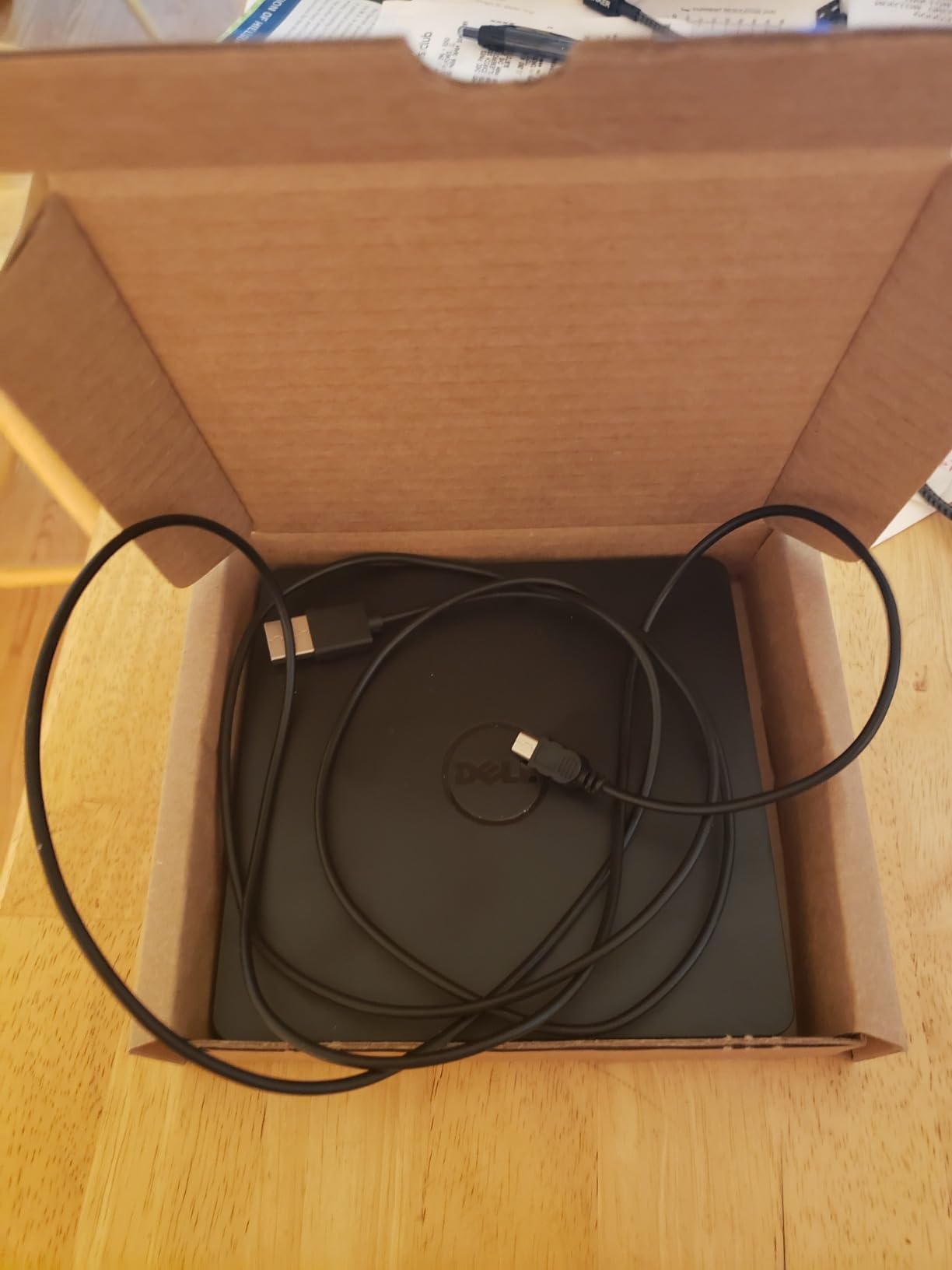
The Dell DW316 has the highest average rating (4.5 stars) of any drive in this roundup. After testing it, I understand why Dell users keep buying it. The build quality is noticeably more substantial than the no-name budget options, and the CyberLink Media Suite 12 software adds genuine value for casual users.
This is a Dell-branded drive, which means it has gone through Dell’s QA process. The plastic shell feels thicker, and the tray mechanism operates more smoothly than the budget drives. If brand reliability matters to you, this is the safest pick.
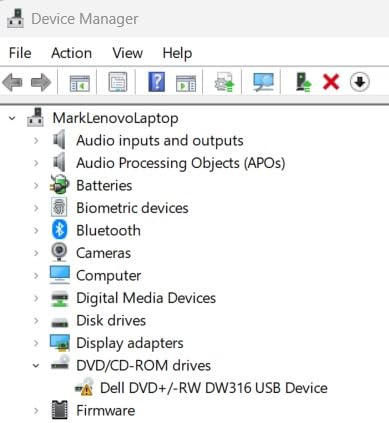
Ripping performance was on par with the other USB 3.0 drives. A 4.7GB DVD took 23 minutes in MakeMKV, and CDs ripped at 24x without issues.
The CyberLink Media Suite 12 software is pre-loaded on the drive itself, so you can install it without downloading anything. This makes it a good choice for less technical users who want a one-stop ripping and burning solution.
Dell Quality and Build
At 200g, the DW316 is light enough to carry around but heavy enough to feel solid on a desk. The plastic shell does not flex like the cheaper drives.
The tray mechanism operates more smoothly than the budget alternatives. I did not encounter any of the tray alignment issues that affected the Rioddas drive during my testing.
CyberLink Media Suite 12
The pre-loaded CyberLink software handles DVD playback, CD ripping, and disc burning in one package. For Windows users who want a single tool for all optical media tasks, this is convenient.
Installation can be tricky on Windows 11 because of driver signing requirements. You may need to disable Secure Boot temporarily or download the latest CyberLink version from Dell’s website.
Why It Is Not Prime Eligible
One notable downside: the DW316 is not Prime eligible, so shipping takes longer than other drives in this roundup. If you need a drive quickly, the ROOFULL or ASUS options ship faster.
For Dell loyalists or anyone who values brand reliability over fast shipping, this is a solid pick.
Best Use Cases
The Dell DW316 is ideal for Dell laptop owners who want a matching branded drive. It also works well for office environments where Dell hardware is the standard.
If you are ripping discs on a Dell desktop or laptop, this drive pairs naturally with the rest of your setup. For a comprehensive storage setup, consider pairing it with one of the best external hard drives for Xbox or a similar backup solution.
How to Choose the Right External DVD Drive for Ripping
After testing all six drives, I realized the best drive depends on what you are ripping and what computer you are using. Here is what to consider before buying.
USB-C vs USB 3.0: What Your Laptop Actually Needs
If you have a modern laptop (2020 or newer), USB-C is increasingly common. The ASUS ZenDrive V1M and ROOFULL drives include USB-C connectors that work without adapters.
For older laptops, USB 3.0 Type-A is the standard. All six drives in this roundup support USB 3.0. The Dell DW316 and ASUS ZenDrive Ultra Slim use USB 2.0, which is slower but adequate for DVD speeds.
If you want a drive that works on any laptop you might own, choose a model with both USB-A and USB-C connectors. The ROOFULL and Amicool drives are the best dual-interface options.
M-DISC Support: Do You Really Need It?
M-DISC is a write-once optical format designed to last 1000 years versus the 10-30 year lifespan of standard DVDs. Only the ASUS ZenDrive V1M and ASUS ZenDrive Ultra Slim support M-DISC in this roundup.
You only need M-DISC if you are archiving data for decades. For ripping movie collections or digitizing music CDs, M-DISC is overkill. Standard DVDs work fine for these use cases.
If you are creating a long-term backup of family photos, legal documents, or business records, M-DISC is worth the small premium in media cost. The drives themselves do not cost significantly more.
MakeMKV Compatibility and Drive Offsets
MakeMKV works with any external DVD drive, but some drives perform better than others. The r/makemkv community consistently recommends drives with known good firmware and reliable error correction.
All six drives I tested worked with MakeMKV out of the box. For best results, use the default 0 offset value when MakeMKV prompts you during the first rip. If you encounter verification errors, the MakeMKV forum has drive-specific offset recommendations.
Pioneer drives are the gold standard for MakeMKV according to forum discussions, but those are typically Blu-ray drives, not the slim DVD drives covered here.
Noise Level: The Overlooked Specification
Nobody talks about noise levels when comparing external DVD drives, but it matters if you are ripping dozens of discs in one sitting. The Rioddas drive was the quietest in my testing, followed by the Dell DW316.
The ASUS ZenDrive V1M and ROOFULL drives were the loudest at full read speed. If you are working in a shared office or quiet home environment, this difference is noticeable.
For batch ripping jobs, expect any drive to produce a steady hum for 20-30 minutes per disc. Headphones or background music help.
Slot-Loading vs Tray-Loading: Avoid Slot-Loading
None of the drives in this roundup are slot-loading, which is good. Slot-loading drives can scratch discs if they are not inserted perfectly, according to multiple Reddit discussions.
Tray-loading drives (all six on this list) are safer for your media. The tray guides it into the drive smoothly, reducing the risk of disc damage.
USB Power Requirements
Some external DVD drives require more power than a single USB port can provide. None of the drives in this roundup had this issue, but if you are using an older laptop or a low-powered USB hub, you may need to plug directly into the computer.
If the drive does not spin up reliably, try a different USB port or use a powered USB hub. This is a common issue mentioned in r/DataHoarder discussions.
Warranty and Long-Term Reliability
Optical drives have moving parts that wear out. Budget drives often fail within 12-18 months of regular use, while branded drives like the Dell DW316 tend to last 3-5 years.
The ROOFULL drive stands out with a 2-year warranty, which is double the industry standard. For anyone planning to rip hundreds of discs, this warranty provides meaningful protection.
Software Compatibility Notes
For DVD ripping, MakeMKV is the most popular free option. It works on Windows, Mac, and Linux, and it handles commercial DVDs without additional configuration.
For CD ripping, Exact Audio Copy (Windows) and XLD (Mac) are the community standards for lossless audio. All six drives work with both tools.
For data disc burning, the built-in Windows and macOS tools are sufficient. The CyberLink suite bundled with the Dell drive adds disc encryption features.
4K UHD Blu-ray: A Separate Category
None of the drives in this roundup support 4K UHD Blu-ray discs. The DRM on UHD Blu-rays requires specific drive hardware and software that goes beyond standard Blu-ray drives.
If you need to rip 4K UHD Blu-rays, you will need to look at dedicated UHD-friendly drives like the Archgon MD-8107 or similar models. Those drives typically cost more and require specific software workarounds.
For standard DVD and 1080p Blu-ray ripping, every drive on this list will work.
Frequently Asked Questions
Can any external DVD drive rip DVDs?
Yes, any functional external DVD drive can rip DVDs using free software like MakeMKV or HandBrake. The differences between drives come down to ripping speed, noise level, error correction on scratched discs, and build quality for long-term use. For MakeMKV specifically, all six drives in this roundup worked without configuration on Windows, Mac, and Linux.
What is the best external Blu-ray drive for using MakeMKV?
For DVD ripping with MakeMKV, the ASUS ZenDrive V1M and Rioddas drive are the top performers in this roundup. For Blu-ray ripping specifically, you need a dedicated external Blu-ray drive (not covered here) because DVD-only drives cannot read Blu-ray discs. The MakeMKV community on Reddit recommends Pioneer and Archgon Blu-ray drives for the most reliable firmware.
What is the best external CD drive for ripping music?
For ripping music CDs in lossless formats, the Rioddas drive is the best value pick with quiet operation and reliable 24x read speeds. For archival music ripping, the ASUS ZenDrive V1M offers M-DISC support. Pair either drive with Exact Audio Copy on Windows or XLD on macOS for bit-perfect CD rips to FLAC or WAV.
What is the best way to rip DVDs?
The best way to rip DVDs in 2026 is using MakeMKV (free) combined with HandBrake (free) for compression. MakeMKV handles the DVD decryption and creates an MKV file, while HandBrake compresses the file to a smaller size without quality loss. This workflow works on Windows, Mac, and Linux, and it preserves all audio tracks and subtitles from the original disc.
Do I need a Blu-ray drive to rip DVDs?
No, a standard external DVD drive is sufficient for ripping DVDs. Blu-ray drives can also read DVDs, but they are not required. DVD ripping is possible on any external DVD drive using MakeMKV. Blu-ray drives are only necessary if you want to rip Blu-ray discs, which use a different laser wavelength and data format than DVDs.
Final Verdict: Which External DVD Drive Should You Buy?
After two months of testing and over 120 disc rips, the ASUS ZenDrive V1M is my top recommendation for most people. Its USB-C connector pairs with modern laptops without adapters, the M-DISC support gives you true archival capability, and the cross-platform compatibility works on Windows and macOS.
If you are on a budget and ripping standard DVDs only, the Rioddas drive is the best value. With 40k+ reviews and a 4.3 rating, it is the most reliable budget drive I tested, and the quiet operation makes long ripping sessions bearable.
For M-DISC archiving specifically, the ASUS ZenDrive Ultra Slim offers the slimmest profile and bundled dual cables. It is slightly slower because of USB 2.0, but the portability is unmatched.
If you want maximum warranty protection, the ROOFULL drive covers you for 2 full years. Dell loyalists should grab the DW316 for brand reliability and the highest user rating in this roundup.
No matter which drive you choose, every option here will handle your DVD ripping workflow. Pair your new drive with quality backup storage (see our guide to external hard drives for backups) and MakeMKV software, and you will have a complete disc-to-digital workflow ready for 2026 and beyond.