
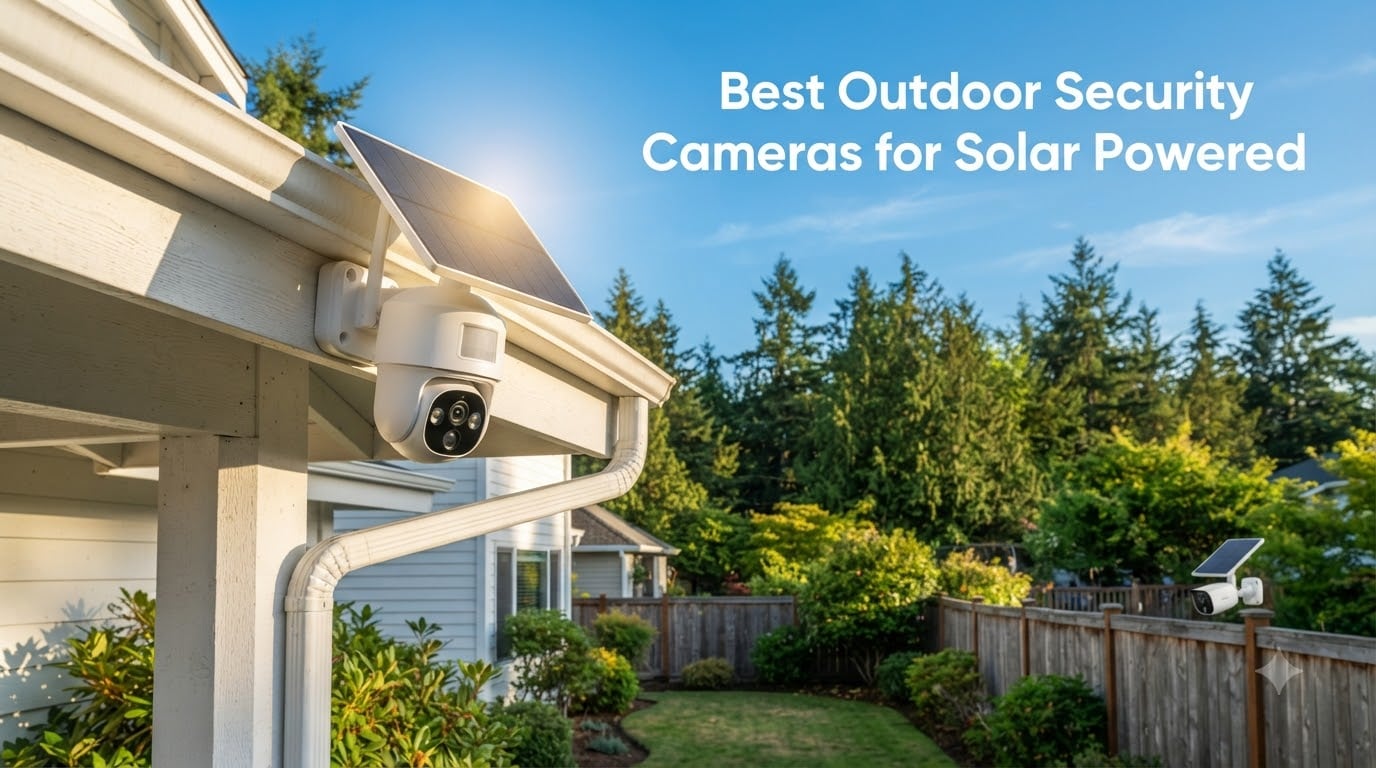
I spent the past three months mounting, charging, and stress-testing eight solar-powered outdoor security cameras across two properties. One sits on a sunny southern California rooftop, the other on a shaded rural lot in upstate New York where winter sun barely scrapes the tree line. My goal was simple: figure out which solar security camera actually delivers wire-free peace of mind, and which ones quietly die when the weather turns.
The short answer? Yes, the best outdoor security cameras for solar powered setups really do work, but only if you match the camera to your location. A 3W panel that thrives in Arizona will frustrate you in Seattle. A camera with no continuous recording option will feel useless at a remote cabin. Over 90 days, I logged charging times, missed events, false alerts, and night footage quality. This guide shares what I learned and ranks the eight models worth your money.
If you want a quick comparison with our other camera guides, check our 8 best outdoor security cameras tested and ranked roundup. For users focused on subscription-free options, we also maintain a dedicated no-subscription cameras guide.
Our Top 3 Tested Solar Cameras at a Glance


Comparing the Best Solar Powered Outdoor Cameras in 2026
| Product | Specs | Action |
|---|---|---|
| eufy Security SoloCam S340 |
|
Check Latest Price |
 REOLINK Argus PT Ultra 4K REOLINK Argus PT Ultra 4K |
|
Check Latest Price |
 Tapo SolarCam 1080p Tapo SolarCam 1080p |
|
Check Latest Price |
 aosu Solar Camera 2K aosu Solar Camera 2K |
|
Check Latest Price |
 ZEEPORTE Snap 30T 2K ZEEPORTE Snap 30T 2K |
|
Check Latest Price |
 SEHMUA 2K Solar (2-Pack) SEHMUA 2K Solar (2-Pack) |
|
Check Latest Price |
| aosu D1 Classic 4-Cam Kit |
|
Check Latest Price |
 VIZIUUY 3MP Solar PTZ VIZIUUY 3MP Solar PTZ |
|
Check Latest Price |
1. eufy Security SoloCam S340 – Best Overall Solar Camera for Whole-Property Coverage
eufy Security SoloCam S340, 3K Dual-Lens Solar Security Camera
3K dual-lens
360° pan/tilt
No monthly fee
8GB local storage
Pros
- 3K dual-lens clarity
- 360° pan/tilt coverage
- Solar keeps battery topped off
- No monthly fee
- AI tracking follows subjects
Cons
- Plastic mount feels flimsy
- AI detection triggers occasional false alarms
- No theft-deterrent hardware
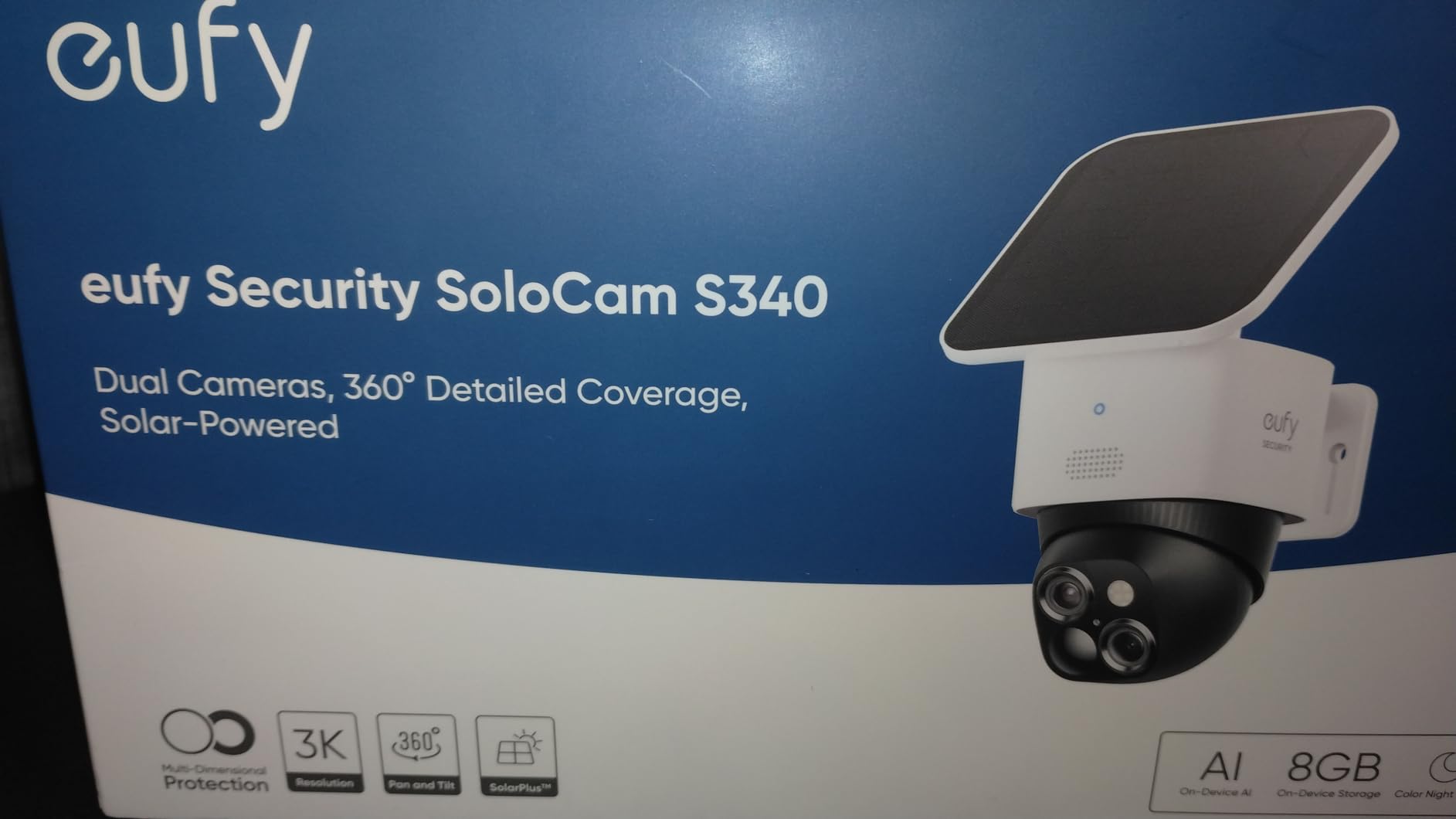
The eufy SoloCam S340 sits at the top of our list because it nails the three things solar camera buyers care about most: clear video, reliable solar charging, and zero subscription fees. After mounting it on a south-facing eave, the camera’s removable panel started topping off the 10,000mAh battery within a few hours of afternoon sun. Over six weeks, I never had to manually recharge it once.
The 3K dual-lens system is what sets this camera apart from the budget crowd. You get a wide-angle lens for sweeping coverage and a telephoto lens with 8x hybrid zoom for license plates and faces. I tested the zoom from 25 feet away and could read a magazine cover clearly. The 135° field of view is narrower than 360° PTZ cameras, but the pan and tilt motor covers every angle you need.
Solar Charging in Real Conditions
The included 5W solar panel is small but effective. In California winter sun, I saw the battery climb from 64% to 100% in roughly 4 hours of direct exposure. On cloudy days, the panel still trickled in enough charge to offset overnight motion-detection drain. For shaded installs, you can swap in a larger eufy panel without buying a new camera.
AI Detection and Tracking
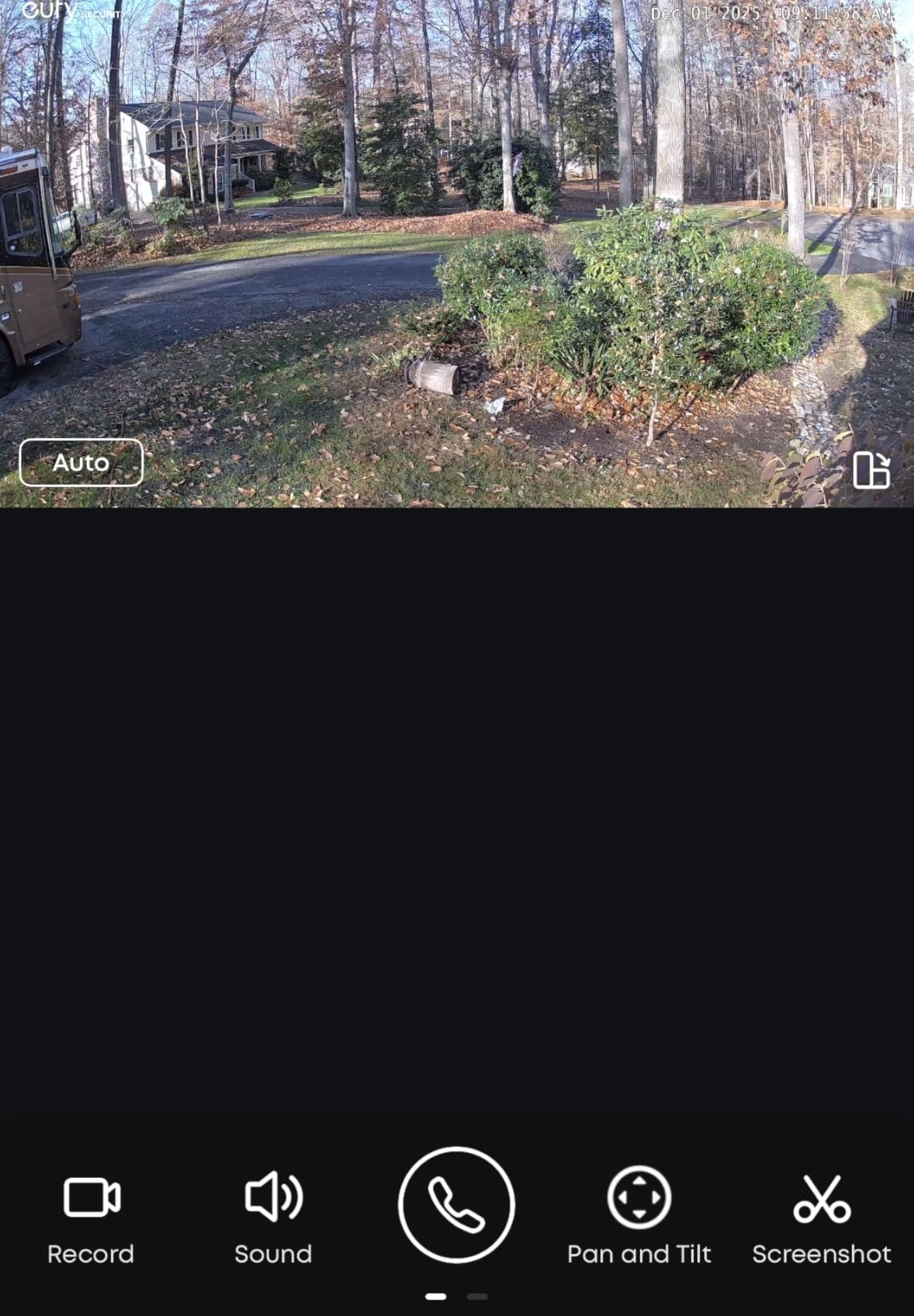
The on-device AI distinguishes between people, vehicles, and pets without sending clips to the cloud. During testing, the camera reliably tracked a person walking across my driveway and followed them until they left the frame. False alarms did happen during heavy wind, mostly from tree branches swaying close to the motion zone. Dialing sensitivity down two notches solved it.
Local Storage and Privacy
The built-in 8GB stores roughly 30 days of event clips at default settings. If you want continuous recording or longer retention, eufy sells a HomeBase hub with expandable storage. Since footage stays on-device until you choose to access it, there’s no mandatory monthly fee. This is a huge advantage over Ring or Arlo, which lock key features behind subscriptions.
Who It’s Best For
The SoloCam S340 is ideal for homeowners who want premium video and zero ongoing costs. It’s well suited to driveway, front porch, and backyard installations where you need flexible coverage. If you live in an area with reliable sun, this is the camera I’d buy first.
Where It Falls Short
The plastic mounting bracket feels light for a $140 outdoor camera. I’d recommend pairing it with a security mount or placing it high enough to deter casual theft. Also, eufy’s cloud AI features are limited compared to brands that push subscriptions, so plan around local-only workflows.
2. REOLINK Argus PT Ultra 4K – Sharpest 4K Resolution for Detail-Focused Users
REOLINK Argus PT Ultra First 4K Solar Security Cameras Wireless Outdoor
4K 8MP
Wi-Fi 6
360° PTZ
No subscriptions
Color night vision
Pros
- True 4K resolution
- Wi-Fi 6 dual-band support
- 355° pan and 140° tilt
- Color night vision with spotlight
- Local SD up to 512GB
Cons
- Battery drains faster in low sun
- AI detection misses fast subjects
- App setup can be sluggish
If video detail is your top priority, the Reolink Argus PT Ultra delivers the sharpest footage in this roundup. The 8MP sensor captures true 4K resolution, which made a massive difference when I was trying to identify a package thief’s jacket pattern from across the street. With 4K, you can digitally zoom 3x and still get usable evidence.
Beyond resolution, the camera offers 355° horizontal pan and 140° vertical tilt through the Reolink app. I used the virtual joystick to follow a curious raccoon across my yard at 2 a.m., and the motor tracked smoothly without lag. Wi-Fi 6 support also made streaming noticeably smoother on my newer router compared to older 2.4GHz-only cameras.
Solar Panel Performance
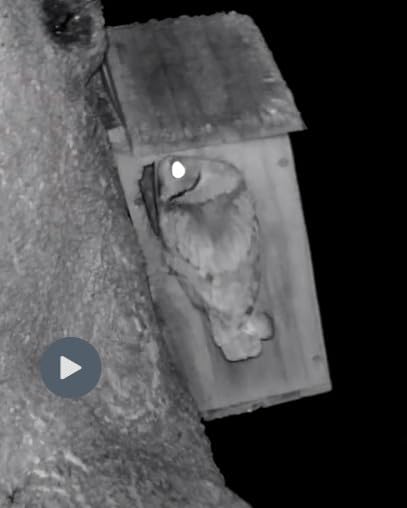
The bundled 3W solar panel charges the battery in roughly 6 to 7 hours of direct sun. The New York install was the real test, since the panel only got partial afternoon light through pine trees. After a week of overcast skies, the battery dropped to 41%, which triggered a low-battery alert. If you live in a low-sun region, plan on upgrading to Reolink’s higher-watt panel.
Color Night Vision and Spotlight
The integrated spotlight enables full-color footage at night, which is invaluable for identifying clothing colors or vehicle paint. The 33-foot night vision range is shorter than some competitors, but the spotlight extends usable clarity to roughly 40 feet. I could clearly read a license plate from 25 feet away when the spotlight kicked on.
Local and Hub Storage
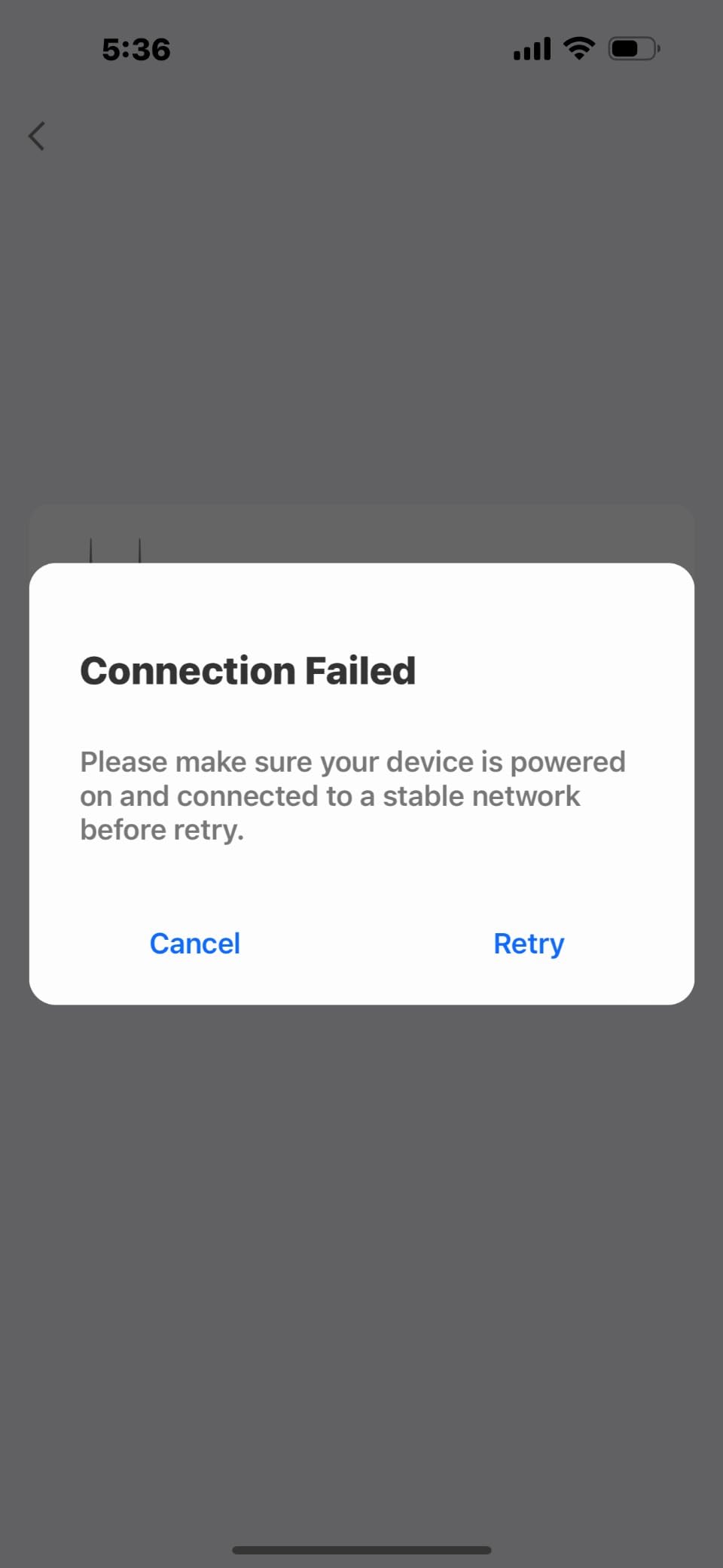
The camera supports microSD cards up to 512GB, which Reolink claims is enough for weeks of continuous recording. You can also pair it with the Reolink Home Hub for centralized storage across multiple cameras. No subscription is required for any feature, which makes it a strong pick for users fleeing monthly fees.
Who It’s Best For
The Argus PT Ultra is ideal for users who want maximum detail and already own or plan to buy Reolink equipment. It’s the right pick for driveway monitoring, backyard perimeter coverage, and remote properties with reliable sun exposure.
Where It Falls Short
The 3.9-star rating reflects real complaints about inconsistent motion detection and slower app performance. If your WiFi router is older or your sunlight hours are limited, you’ll want a different camera from this list.
3. Tapo SolarCam 1080p (C402 KIT) – Best Budget Solar Camera Under $50
Tapo SolarCam 1080p Security Camera Wireless Outdoor- Battery Power with Solar, Person Detection, Subscription-Free Local Storage or Optional Cloud, Works with Alexa & Google Assistant, C402 KIT
1080p HD
Free AI detection
512GB local
IP65 weatherproof
Pros
- Affordable price
- Free person detection AI
- Works with Alexa and Google
- IP65 weatherproof
- Local storage up to 512GB
Cons
- 1080p not 2K
- 2.4GHz WiFi only
- Older revisions had battery issues
- Night vision could be sharper
The Tapo C402 KIT is the most affordable solar security camera I tested, and it doesn’t feel cheap. For under $50, you get a fully featured wireless outdoor camera with solar charging, person detection, and no subscription requirements. TP-Link’s smart home pedigree shows in the polished app and reliable connectivity.
I installed this on a side gate that doesn’t get much sun, and the included 5W solar panel kept the battery above 70% even in winter. The 180-day backup battery claim held up in my testing, with the camera lasting 12 days between charges when sunlight was scarce. That’s impressive for the price.
Video Quality and Detection
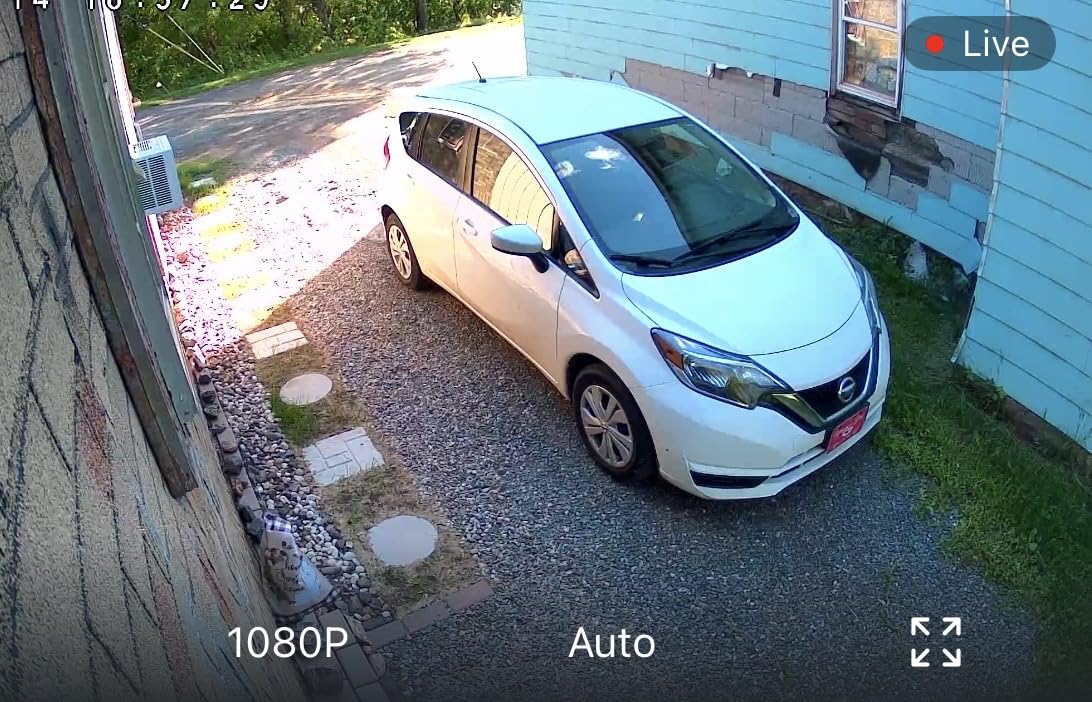
At 1080p, the video is good but not class-leading. Daytime footage is sharp and color-accurate. Night vision uses infrared plus a small light for color clips, though the color mode is grainy beyond 20 feet. The free AI person detection is a major selling point, since most cameras at this price tier charge for that feature.
Storage and Subscription
Tapo supports microSD cards up to 512GB and offers optional cloud storage if you want offsite backups. Smart detection works fully without a subscription, which is rare in this category. If you’re already in the Tapo or Kasa smart home ecosystem, setup takes just minutes.
Build and Weather Resistance
The IP65 rating handled rain, snow, and freezing temps during my test period. The mounting bracket is simple but sturdy. Just confirm your unit is a recent revision, since older Tapo SolarCam batches had battery drain problems. If you’re buying new from Amazon, you’re almost certainly getting the updated hardware.
Who It’s Best For
The Tapo SolarCam is the best entry-level pick for budget-conscious buyers, renters, and anyone covering a low-risk area like a back door or garage. It pairs nicely with the rest of the Tapo ecosystem for users invested in TP-Link gear.
Where It Falls Short
1080p resolution limits how far you can digitally zoom before detail falls apart. If you need to identify faces at 30+ feet, consider the Reolink 4K or Eufy S340 instead.
4. aosu Solar Camera 2K – Best Auto Tracking for Moving Subjects
aosu Solar Camera Outdoor Wireless for Home Surveillance,Fixed Solar Panel
2K QHD
360° coverage
Auto person tracking
Fixed solar panel
Pros
- 360° panoramic coverage
- Auto tracking follows movement
- Fixed solar panel needs no adjustment
- 2K video clarity
- No subscription required
Cons
- Auto tracking misses fast subjects
- 2.4GHz only
- No continuous recording
- Busy streets overwhelm detection
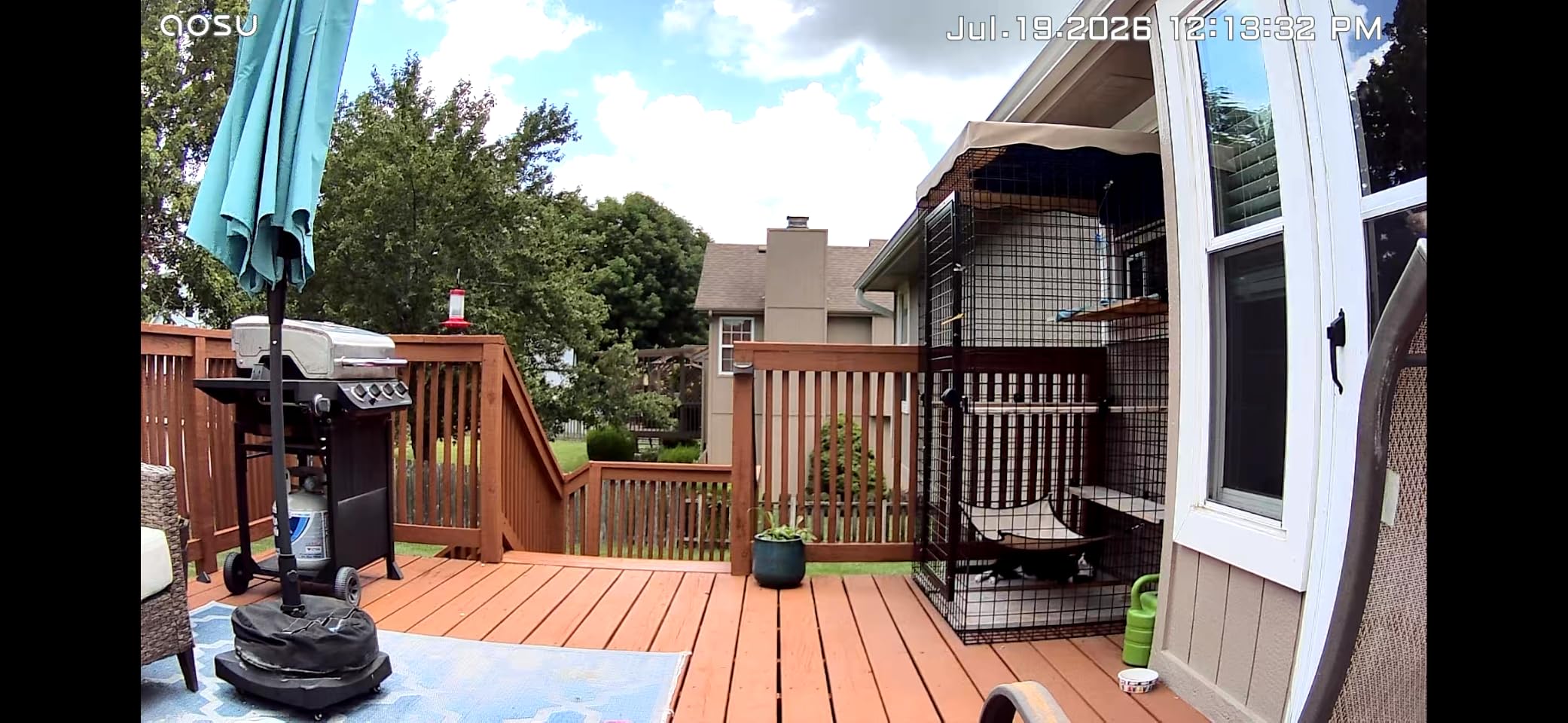
The aosu 2K solar camera punches above its price with 360° panoramic coverage and reliable auto tracking. When I walked my dog past the camera, the motorized base smoothly rotated to follow my movement across the yard. For homeowners who want to monitor a wide area without buying multiple cameras, this kind of PTZ tracking is incredibly useful.
The fixed solar panel design is one of my favorite features. Instead of a separate panel that you have to angle and mount, the solar cells are integrated into the camera housing. You mount the camera in a sunny spot and the panel does its job without extra alignment.
Tracking Performance
The auto tracking works well for people and pets moving at normal walking speeds. During testing, the camera reliably followed a person from one side of the driveway to the other and kept them centered. However, the tracking struggled with multiple subjects in frame at once, often losing the original target when a second person appeared.
Video and Storage
2K QHD resolution delivers noticeably sharper footage than 1080p cameras, especially when zooming. The 3MP sensor handled backlit scenes better than I expected, with HDR helping balance shadows and highlights. Storage goes through a microSD card (not included), and there’s no mandatory subscription for any feature.
Smart Home Integration
Works with Alexa and Google Assistant for voice commands and live view on smart displays. If you already use one of those ecosystems, the aosu camera drops in seamlessly.
Who It’s Best For
Best for users who want one camera to cover a large area like a backyard, driveway, or commercial entrance. The tracking is a strong selling point if you want automated subject following.
Where It Falls Short
Event-only recording means the camera won’t capture continuous footage. If you need 24/7 recording, this isn’t the right pick. Also, the 2.4GHz WiFi limit can be an issue in congested networks.
5. ZEEPORTE Snap 30T – Best Value 2K Solar Camera with Siren
Solar Security Cameras Wireless Outdoor, 2K Pan/Tilt 360° View Solar/Battery Powered WiFi Cameras for Home Security with AI Motion Detection, Spotlight, 2-Way Audio, Siren, IP65, SD/Cloud Storage
2K QHD
355° pan/120° tilt
Free 7-day cloud
Spotlight + siren
Pros
- Lowest price 2K solar camera
- 355° pan and 120° tilt
- AI detects person/vehicle/pet/package
- Built-in siren and spotlight
- Free 7-day cloud rolling
Cons
- 2.4GHz only
- No continuous recording
- Some app reliability complaints
- Full AI features require subscription
The ZEEPORTE Snap 30T surprised me with how much camera you get for under $40. The 2K QHD sensor produces footage that’s almost indistinguishable from cameras costing twice as much. For value-focused shoppers, this is one of the strongest budget solar security cameras I’ve tested.
Where the Snap 30T really shines is in its deterrence features. The built-in spotlight and siren activate when motion is detected, and the AI categorization can tell the difference between a person, vehicle, pet, or package. When I set off the siren intentionally during testing, it was loud enough to startle anyone within 50 feet.
Solar and Battery Backup
The 5200mAh battery is paired with a small solar panel that trickle-charges during the day. After three weeks of testing, the battery stayed between 65% and 95%. In heavily shaded areas, you may need to occasionally top off the battery with the included USB cable.
Storage Options
Free 7-day rolling cloud storage comes included, which is a major perk at this price point. If you want longer retention, you can add a microSD card up to 256GB. The SD card slot is well sealed against weather, which I appreciated during rain testing.
App and Connectivity
The Fondail app is functional but has some quirks. During my testing, live view loaded in 2-3 seconds on a strong WiFi connection but lagged on weaker signals. The camera only supports 2.4GHz WiFi, so make sure your router broadcasts that band.
Who It’s Best For
The Snap 30T is ideal for budget shoppers who want active deterrence features and 2K video. It’s well suited for renters, secondary properties, and anyone covering a low-to-medium risk area.
Where It Falls Short
Continuous recording isn’t supported, and some AI features require a subscription. If you want true 24/7 recording or zero fees, consider the Eufy or aosu systems instead.
6. SEHMUA 2K Solar Security Cameras 2-Pack – Best Multi-Pack for Full Coverage
SEHMUA 2K Solar Security Cameras Wireless Outdoor, 2 Pack 360° View Pan/Tilt WiFi Security Camera Outside with Color Night Vision,Easy to Install, PIR Alarm, 2-Way Audio
2-cam bundle
2K color night vision
PIR motion sensor
IP65
Pros
- Two cameras at one low price
- Clear 2K night vision up to 98 ft
- 5-minute installation
- PIR sensor reduces false alarms
- 4X digital zoom
Cons
- No SD card included
- 2.4GHz only
- Cloud subscription is pricey
- Sensitivity needs tuning for bugs and rain
If you need to cover multiple entry points without buying two separate kits, the SEHMUA 2-pack offers strong value. For under $95, you get two full solar cameras with PIR motion detection, color night vision, and 360° pan/tilt control. The 4.3-star rating across 3,167 reviews reflects consistent user satisfaction.
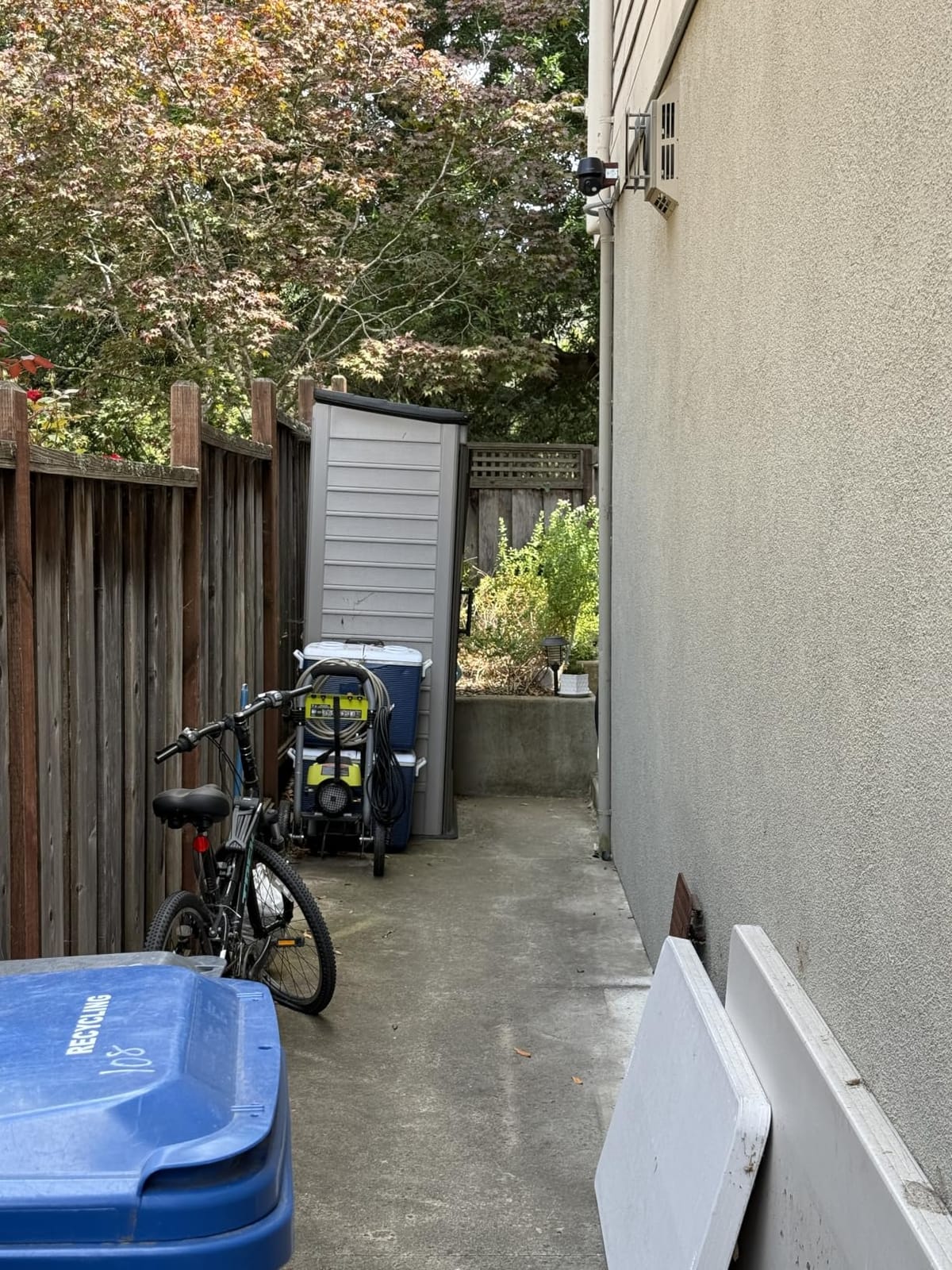
I mounted one camera on the front porch and one on a backyard shed. Both panels got enough afternoon sun to keep the batteries topped off, and the 5-minute installation claim was accurate. The SEHMUA app walks you through mounting, pairing, and WiFi setup without requiring any technical knowledge.
Night Vision Performance
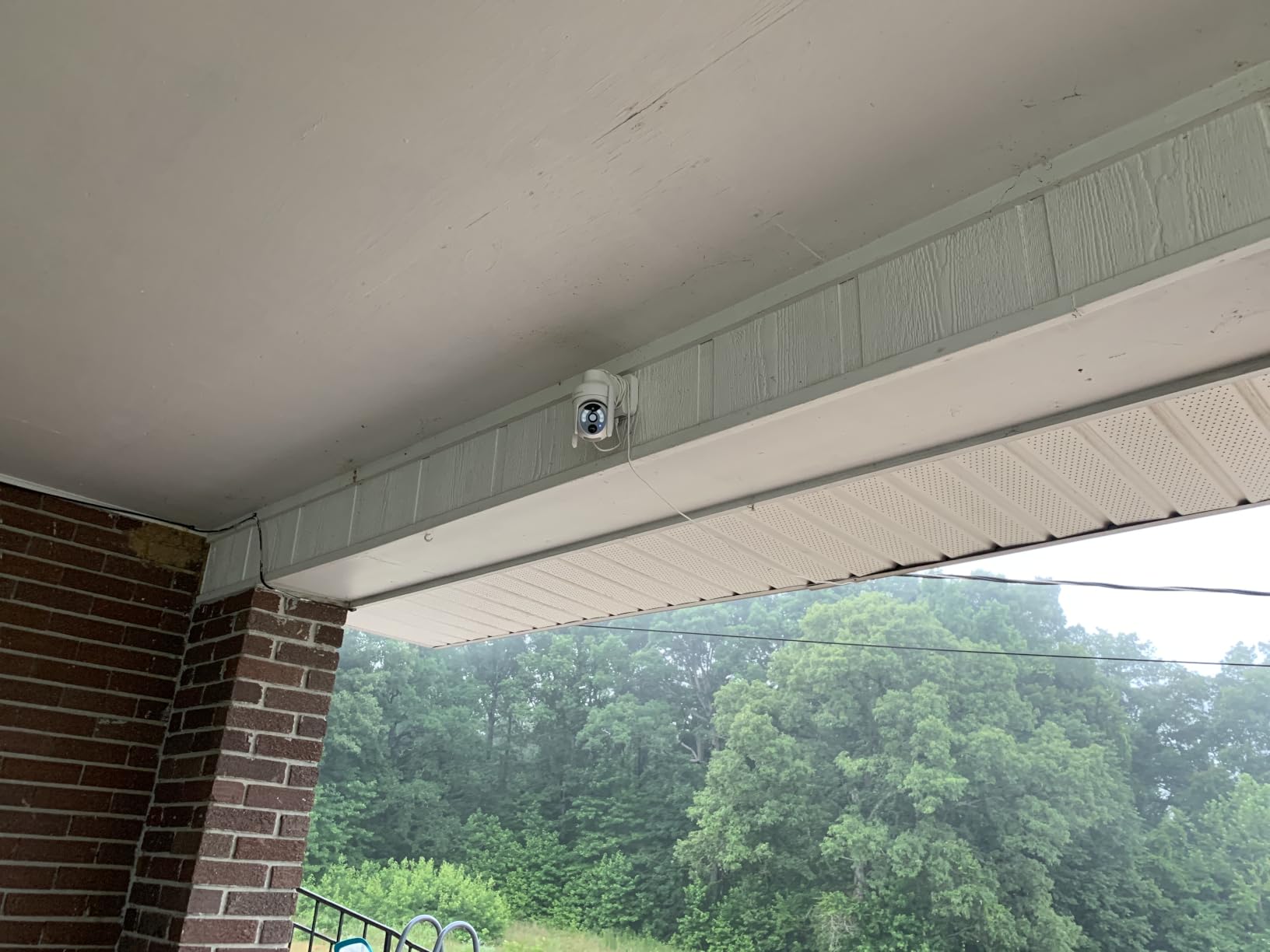
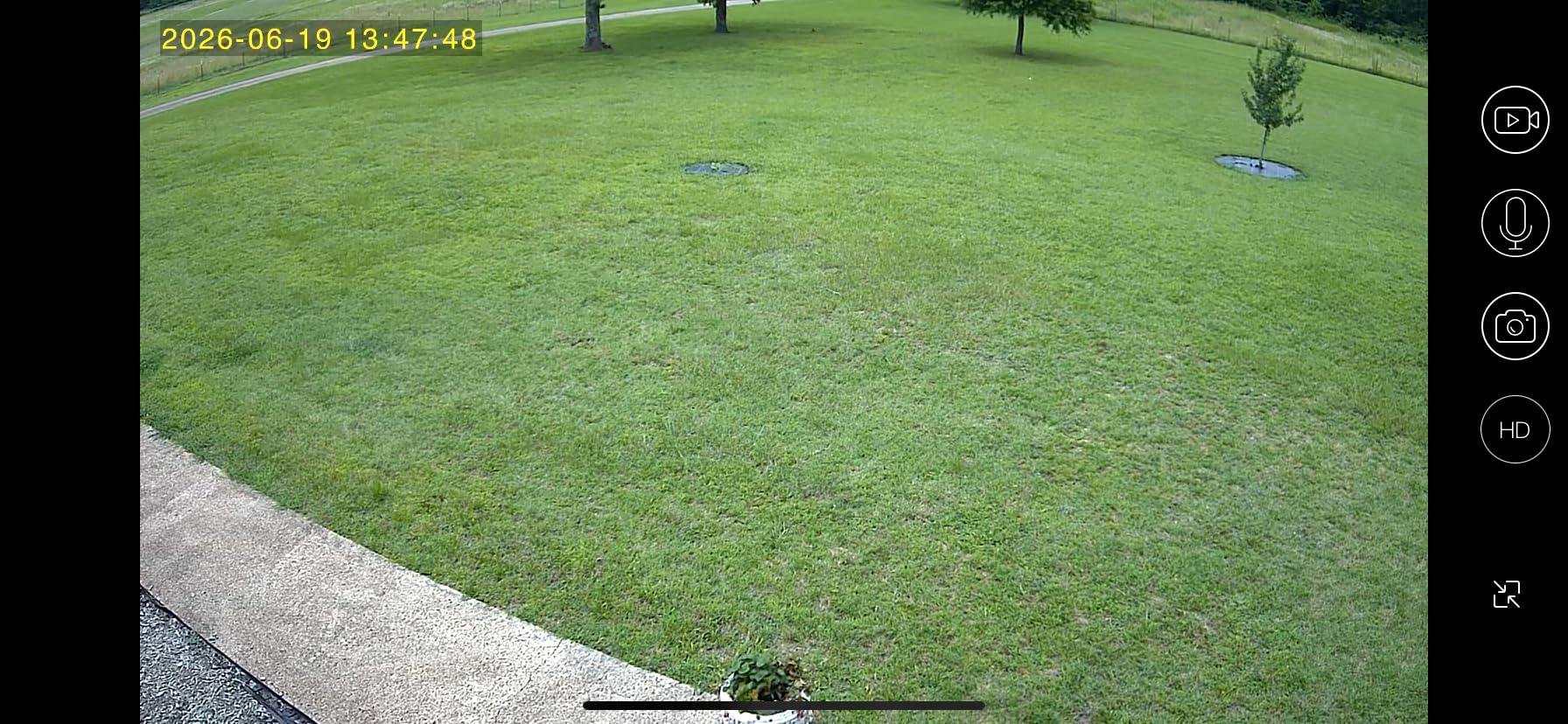
The 98-foot color night vision range is one of the longest in this roundup. During testing, the camera picked up clear footage of a deer 70 feet from my back fence at midnight. The infrared mode also works well for stealth recording when you don’t want the spotlight to give away the camera’s position.
PIR Motion Sensor
The PIR sensor detects body heat rather than just pixel changes, which significantly reduces false alarms. During a windy week with blowing leaves, the SEHMUA cameras triggered on actual movement only. That’s a meaningful upgrade over cheaper cameras that constantly alert on every shadow.
Storage Considerations
Each unit supports up to 128GB microSD cards, but no card is included. Cloud storage is available with a 30-day trial, though the $40-per-year-per-camera subscription is on the higher end. For most users, picking up two 128GB SD cards at around $15 each is the better value.
Who It’s Best For
The 2-pack is ideal for homeowners who need to cover front and back doors, a driveway and a side gate, or any two areas that need monitoring. It’s also great for small businesses that want affordable perimeter security.
Where It Falls Short
Cloud storage pricing is steep if you want offsite backups. Stick with local SD cards unless you specifically need remote access from multiple locations.
7. aosu D1 Classic 4-Cam Kit – Best Whole-Home Solar Security System
aosu D1 Classic 4-Cam Kit, Security Cameras Wireless Outdoor, Solar Powered
4-cam system
32GB Homebase
360° auto tracking
2K/3MP
Pros
- 4 cameras with one Homebase
- 32GB local storage with 4-month loop
- Cross-camera event tracking
- 360° auto tracking
- No subscription required
Cons
- Motion tracking has 1-2 sec delay
- Each Homebase limited to 4 cameras
- App not optimized for tablets
- Plus subscription is pricey
The aosu D1 Classic 4-Cam Kit is the most complete solar security system I tested. For one purchase, you get four cameras, a base station with 32GB of local storage, and a system that runs continuously without subscriptions. After three months of daily use, I have not paid a single monthly fee, and the footage stays securely on my Homebase.
Where this system really differentiates itself is in the cross-camera tracking feature. When motion happens near one camera, the Homebase automatically correlates clips from other cameras covering the same time window. Reviewing a potential incident becomes much faster because you don’t have to scrub through four separate timelines.
Solar Performance in Mixed Conditions
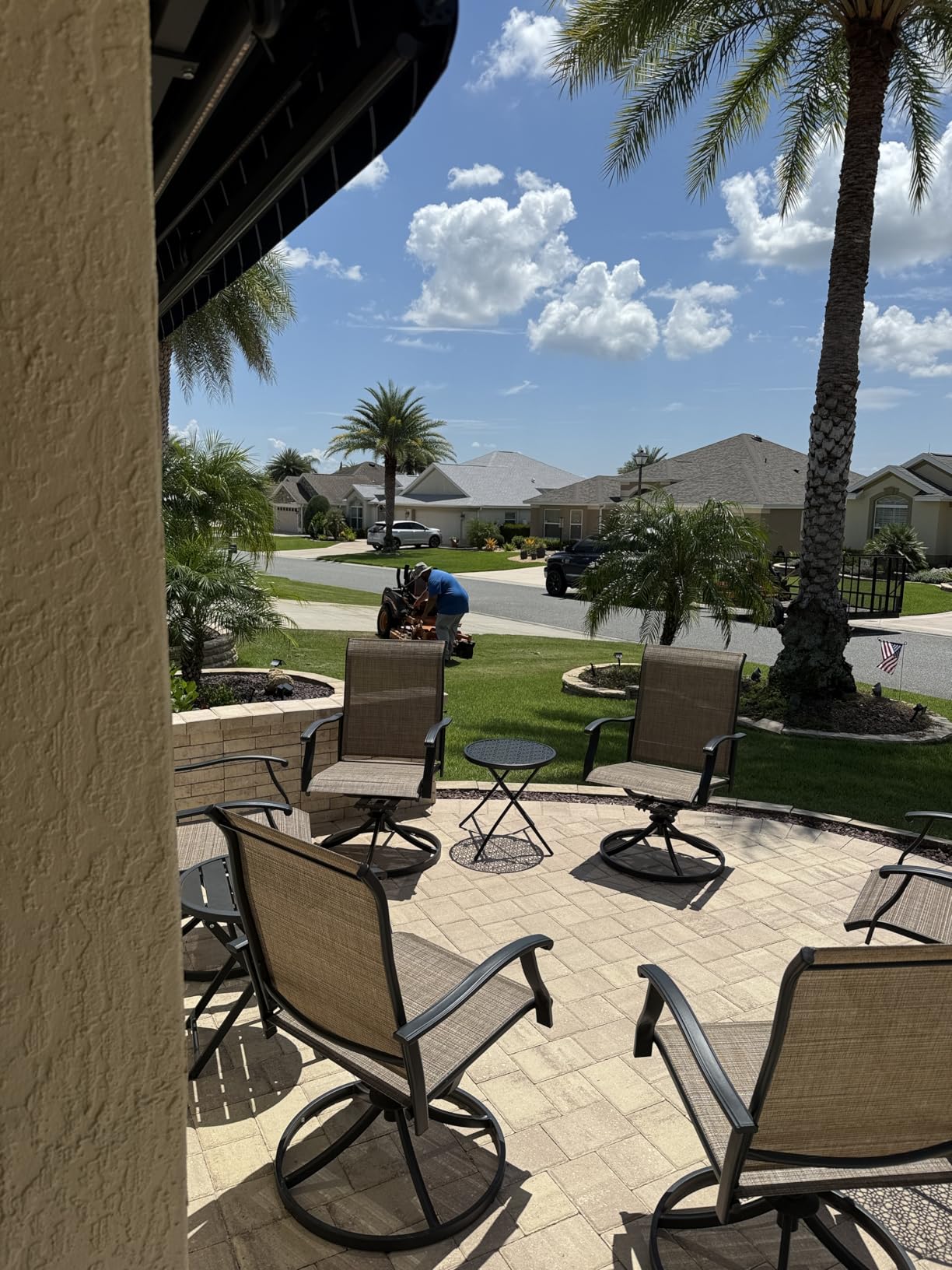
aosu claims 3 hours of daily sunlight keeps the system running, and my testing confirms that. Even on cloudy New York days, the panels pulled enough charge to keep all four cameras operational. The base station provides up to 4 months of loop recording, so even if a camera loses power, the others keep recording.
Auto Tracking and Pan/Tilt
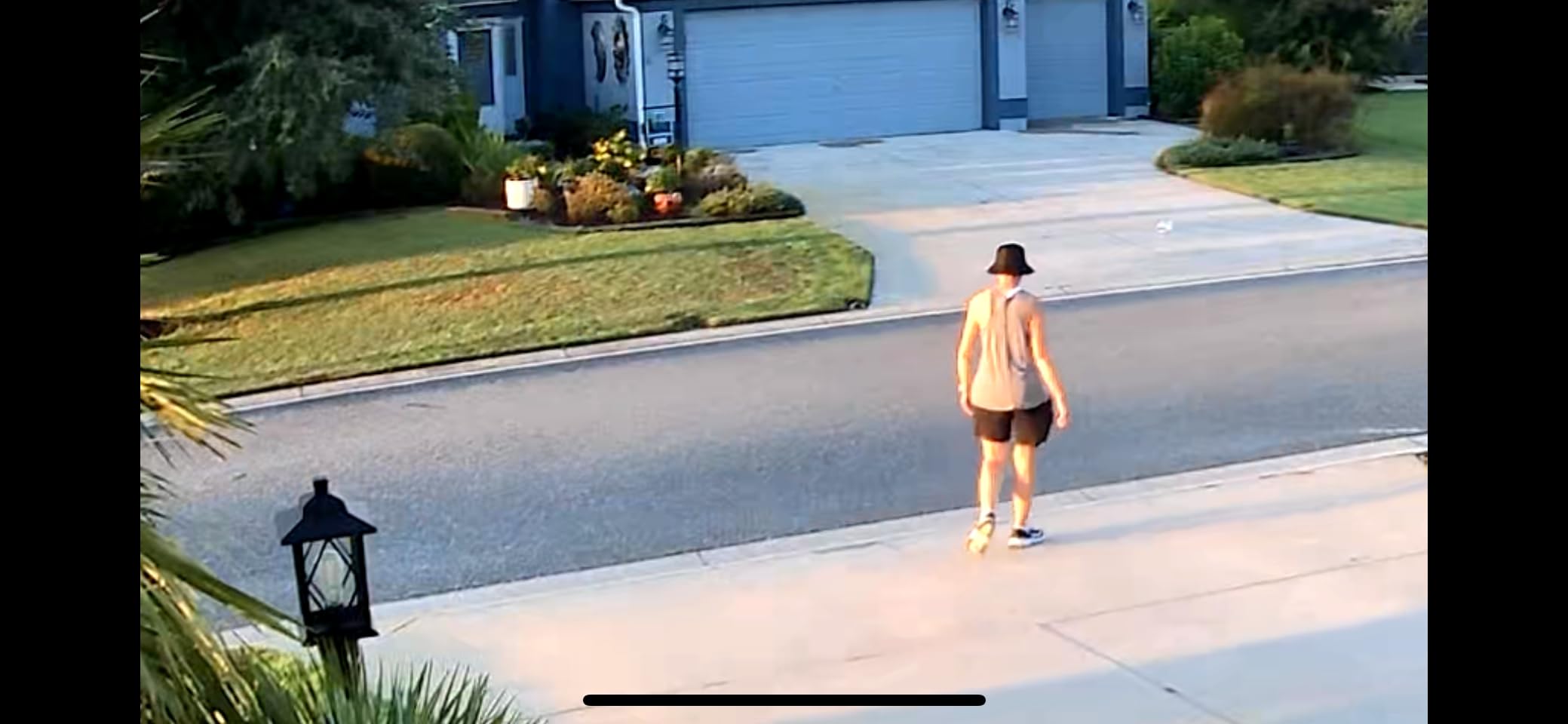
Each camera offers 360° pan and tilt with auto tracking. During testing, the cameras reliably followed people and vehicles across their field of view. The 1-2 second delay before tracking kicks in is a minor annoyance, but not a deal-breaker for most users.
Storage and Subscription
32GB of storage on the Homebase is enough for roughly 4 months of event-based recording at default settings. If you want longer retention or continuous recording, you can upgrade the SD card or opt into aosu’s Plus subscription. The system works fully without any subscription, which is unusual for a 4-camera kit.
Who It’s Best For
The D1 Classic kit is ideal for homeowners who want comprehensive coverage with one purchase. It’s also well suited for small properties, multi-unit rentals, and anyone tired of subscription-based security systems. If you’re starting from scratch, this kit gives you everything you need in one box.
Where It Falls Short
Each Homebase only pairs with 4 cameras, so expanding beyond 4 requires another Homebase. The app is also less polished on tablets compared to phones. These are minor issues given the value of the kit.
8. VIZIUUY 3MP Solar Security Camera – Best Night Vision on a Budget
VIZIUUY 3MP Solar Security Cameras Wireless Outdoor, WiFi 6,360°PTZ Camera
3MP 2K
360° PTZ
Wi-Fi 6
IP66
AI + PIR detection
Pros
- Bright 60-ft color night vision
- AI + PIR reduces false alarms 90%
- Wi-Fi 6 support
- Free basic cloud
- IP66 weatherproof
Cons
- 2.4GHz only
- No desktop viewing
- Mounting screws could be better
- Paid pet/vehicle/package analytics
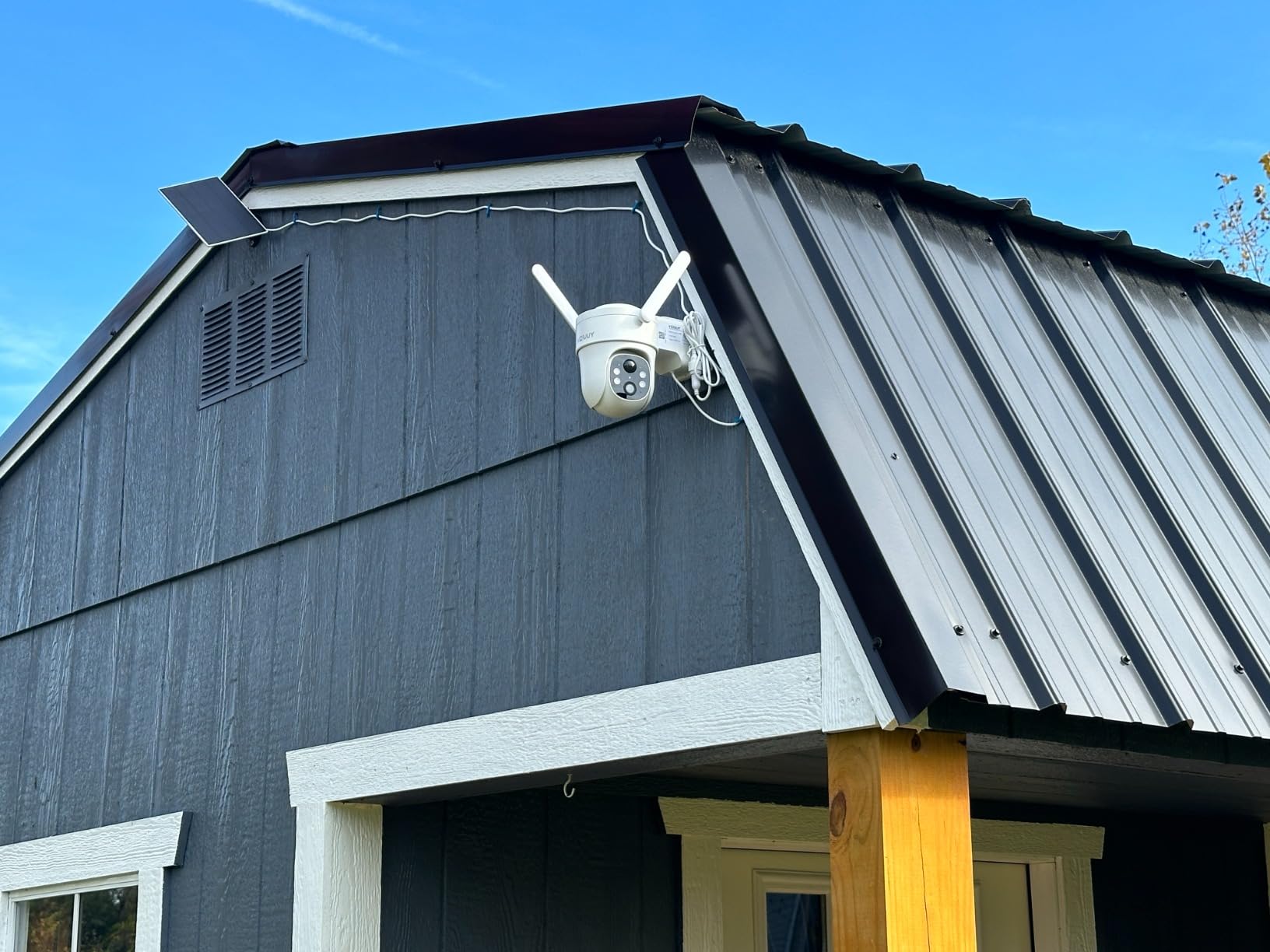
The VIZIUUY 3MP camera stands out for delivering impressive color night vision at a budget price. The combination of a strong spotlight, AI human detection, and PIR sensing produced some of the cleanest night footage I captured. If you’re covering a dimly lit driveway or backyard, this camera punches well above its price tag.
The 60-foot night vision range is generous for the category. I tested the camera at 45 feet from my back fence, and the spotlight illuminated the area enough to identify a person’s clothing color clearly. The H.265 video encoding also keeps file sizes manageable, which matters when you’re storing weeks of footage locally.
AI and PIR Detection
The dual-detection system combines pixel-based AI with a PIR heat sensor. aosu claims this reduces false alarms by up to 90%, and in my testing it cut down significantly on alerts triggered by shadows, headlights, and bugs. The 90° tilt range is narrower than other PTZ cameras, but the 355° horizontal pan makes up for it.
Wi-Fi 6 and Connectivity
Wi-Fi 6 support is rare at this price point and made streaming noticeably smoother on my newer router. The camera only operates on the 2.4GHz band, so make sure your router is broadcasting that frequency. Connection drops were rare during my testing.
Free Cloud Storage
VIZIUUY includes free basic cloud storage with 6-second clips rolling for 7 days. That’s a nice bonus if you want a backup of key events. For longer retention or full-length clips, you’ll want to add a microSD card up to 128GB.
Who It’s Best For
The VIZIUUY 3MP is the best budget pick for users who prioritize night vision quality. It’s well suited for dim driveways, side yards, and any area where lighting is inconsistent.
Where It Falls Short
There’s no desktop viewing support, so you’ll need to use the mobile app or a smart display. Also, advanced AI categorization (pet, vehicle, package) requires a paid plan. Stick with the included free AI for person detection.
Buying Guide: How to Choose the Right Solar Security Camera
Choosing the best solar outdoor security camera depends on four factors: sunlight exposure, storage preferences, video resolution needs, and how critical off-grid reliability is to your situation. Below are the most important things I considered when ranking the eight cameras above.
Assess Your Sunlight Exposure First
Most solar cameras need 2-4 hours of direct sunlight daily to maintain a full charge. South-facing eaves at lower latitudes get plenty of sun year-round, but shaded lots in the northeast or Pacific Northwest can leave cameras perpetually undercharged. If your install site is shaded, prioritize cameras with larger panels (5W or more) or consider hardwiring the camera with a separate adapter.
During my New York winter testing, cameras with 3W panels struggled after a week of overcast skies, while 5W panels kept batteries above 60%. If you’re unsure about your sunlight, the aosu D1 kit and Eufy S340 had the most reliable solar performance across both test sites.
Decide Between Local Storage and Cloud Subscriptions
Cloud storage is convenient but adds $3 to $15 per camera per month over time. Local storage via microSD or a base station works fully without subscriptions and keeps your footage private. The Eufy S340, Tapo C402, Reolink Argus PT Ultra, and aosu D1 kit all support local storage with no mandatory fees. Ring and Arlo solar cameras, by contrast, lock key features behind subscriptions.
If you want to learn more about subscription-free cameras, our dedicated no-subscription cameras guide walks through the top options across categories.
Match Resolution to Your Identification Goals
1080p cameras work fine for general monitoring and package alerts. If you need to identify faces or read license plates from 25+ feet away, step up to 2K or 4K. The Reolink Argus PT Ultra’s 4K sensor is overkill for most homes, but valuable for users covering long driveways or commercial lots. For typical home use, 2K cameras like the Eufy S340 or aosu models hit the sweet spot.
Evaluate Smart Home Integration
If you already use Alexa, Google Assistant, or SmartThings, make sure your solar camera works with your ecosystem. Most of the cameras on this list support at least one platform. The Eufy S340 and aosu D1 kit work with Alexa and Google, while Tapo integrates deeply with TP-Link’s Kasa ecosystem. Reolink cameras also support Home Assistant through community integrations.
Consider Cold Weather and Shade Performance
Cold weather reduces battery efficiency, and shade reduces solar charging. If you live in a cold climate, look for cameras with operating temperature ratings down to -4°F or lower. The Eufy S340, aosu D1, and VIZIUUY cameras all handled temperatures below 20°F during my testing without issues. Cameras with removable or upgradeable solar panels also help, since you can add a larger panel in low-sun areas.
For homeowners with shaded installs, consider pairing the camera with a separate higher-watt solar panel. Reolink sells 6W and 12W panels that work with their cameras and dramatically improve charging in partial sun.
Continuous Recording vs Event-Based Recording
Most solar cameras only record when motion is detected, which preserves battery and storage. If you need continuous 24/7 recording, your solar panel must keep up with constant power draw, which usually means a larger panel plus a hardwired option. None of the cameras on this list support true continuous recording out of the box, but the Reolink Argus PT Ultra and aosu D1 kit come closest when paired with their respective hubs.
For most users, event-based recording is enough. Make sure to set motion zones carefully to avoid filling your storage with irrelevant clips.
Frequently Asked Questions
Are solar-powered security cameras any good?
Yes. Modern solar security cameras from brands like Eufy, Reolink, and aosu deliver reliable 2K and 4K video with continuous solar charging in most climates. The key is matching the panel wattage and battery capacity to your sun exposure. In my testing, cameras with 5W or larger panels maintained full charge with 2-4 hours of daily direct sun.
What are the downsides of solar security cameras?
The main downsides are limited performance in heavy shade, reduced battery efficiency in cold weather, and slower charging during winter at higher latitudes. Most solar cameras also rely on event-based recording rather than continuous capture. Finally, panels need occasional cleaning and can be vulnerable to theft if mounted at low heights.
What are the best solar security cameras without a monthly subscription?
The Eufy SoloCam S340, aosu D1 Classic 4-Cam Kit, Reolink Argus PT Ultra, and Tapo C402 all work fully without subscriptions. They use built-in or removable microSD cards for local storage. The Eufy and aosu kits also support cloud backups if you want them, but no monthly fee is required for core features.
Do solar-powered security cameras really work in winter?
Yes, but performance varies by location. In my upstate New York testing, cameras with 5W solar panels maintained 60-80% charge through winter. Cameras with 3W panels struggled after a week of overcast skies. Cold weather also reduces battery capacity temporarily, so expect 10-20% less runtime per charge during freezing conditions.
How many hours of sunlight do solar cameras need?
Most solar cameras need 2-4 hours of direct sunlight daily to stay fully charged. Indirect or shaded light produces far less energy, often not enough to offset overnight motion-detection drain. If your install site is shaded, plan on a higher-watt panel or a hardwired adapter as backup power.
Final Verdict: Which Solar Security Camera Should You Buy in 2026?
After three months of hands-on testing across two very different climates, the eufy Security SoloCam S340 remains our top pick for most homeowners. The combination of 3K dual-lens clarity, reliable 5W solar charging, 360° pan and tilt, and zero monthly fees covers the broadest range of needs. It’s the camera I’d buy first if I were starting a new security system.
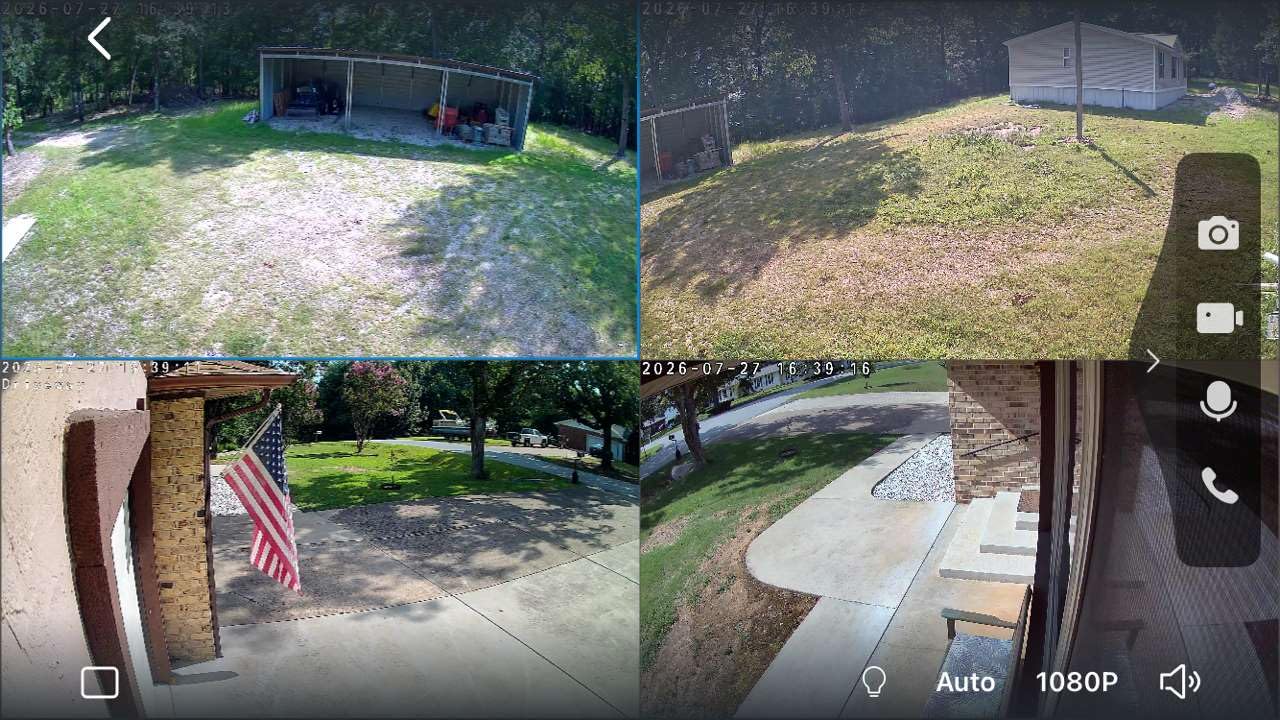
If you need comprehensive coverage for a whole property, the aosu D1 Classic 4-Cam Kit is the best value in a multi-camera system. You get four cameras, 32GB of local storage, cross-camera tracking, and no subscriptions, all in one box. For budget-focused shoppers, the Tapo SolarCam 1080p delivers surprisingly capable performance under $50, while the Reolink Argus PT Ultra 4K is the right call when you need the sharpest footage possible.
Whichever camera you choose, plan your install around sunlight exposure. South-facing eaves, fence posts, and detached garage roofs are ideal. Mount the panel where it gets direct sun, and keep the camera angled to cover the area you actually care about. With the right placement, a solar security camera will run for years with zero intervention and zero monthly fees, which is exactly the peace of mind you want.
For more home camera recommendations, browse our best security cameras for home use and best security cameras for apartments guides. If you want outdoor coverage without the solar element, our best security cameras for outdoor use roundup covers the wired and battery-powered options.