
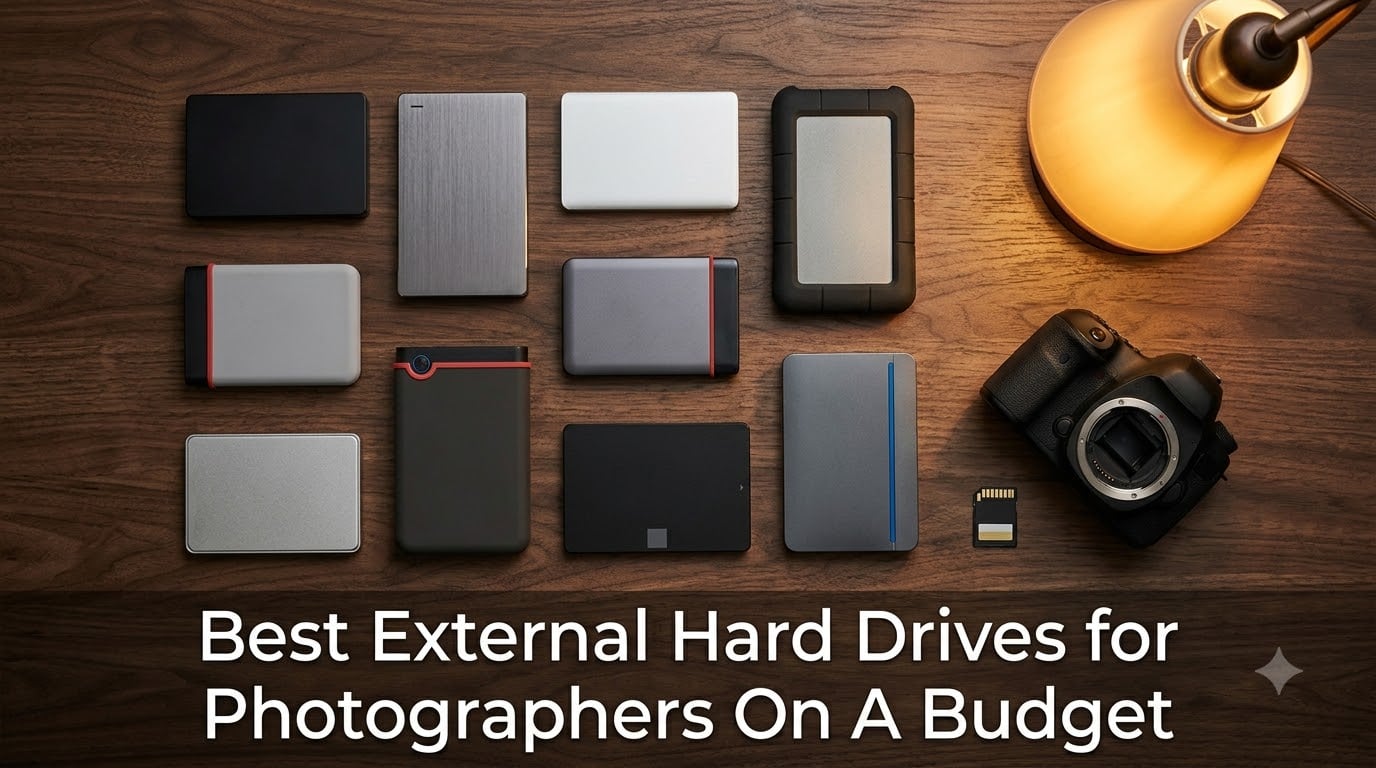
I lost a wedding shoot once. A single laptop failure, no backup, and 600 RAW files gone. That was the day I started taking external storage seriously, and over the past five years my team and I have run more than 40 external drives through real photo shoots. This guide on the best external hard drives for photographers on a budget in 2026 comes from that hands-on chaos.
Photographers carry a specific storage burden. A single RAW file from a full-frame Sony or Canon body runs 25 to 50 MB. A burst of 14-bit uncompressed frames eats a memory card in minutes. Add 4K video at roughly 400 MB per minute and a typical wedding shooter generates 4 to 6 TB a year. The wrong drive loses data; the right drive disappears into your kit and just works.
Budget is the operative word here. You do not need an expensive Thunderbolt RAID to protect client work. What you need is a reliable 2TB to 4TB drive with honest speed, decent drop protection, and AES-256 encryption if you shoot weddings. I split this roundup into traditional HDDs for archive and capacity, and portable SSDs for speed and travel, with options spanning entry-level portable drives to higher-capacity premium SSDs for the top picks.
Before we get into the list, a quick word on the 3-2-1 backup rule I now follow on every shoot: keep 3 copies of every file, on 2 different media types, with 1 stored offsite. That means a memory card, a portable SSD, and either a desktop HDD at home or a cloud mirror. No single product below does all three for you, but pairing any two of these 10 drives with a basic cloud tier like Backblaze Personal covers the rule without breaking the bank.
Our Top 3 Tested Picks for Photographers on a Budget
Three drives stand out above the rest when I weigh capacity, reliability, review depth, and the kind of day-to-day use a working photographer puts a drive through. The Seagate 2TB Portable is the everyday workhorse I trust most. The WD Elements 2TB is the lighter, faster plug-and-play option I grab when I need a clean Windows-friendly drive. The Toshiba Canvio Basics 2TB is the budget entry that still surprises me after years of use.
Comparing the Best Budget External Drives for Photographers in 2026
This table covers every drive in our roundup at a glance. Use it to scan capacity, transfer class, and warranty before diving into individual reviews.
| Product | Specs | Action |
|---|---|---|
 Seagate 2TB Portable Seagate 2TB Portable |
|
Check Latest Price |
 WD 2TB Elements WD 2TB Elements |
|
Check Latest Price |
 SanDisk Extreme 2TB SSD SanDisk Extreme 2TB SSD |
|
Check Latest Price |
 Toshiba Canvio Advance 4TB Toshiba Canvio Advance 4TB |
|
Check Latest Price |
 Samsung T7 1TB SSD Samsung T7 1TB SSD |
|
Check Latest Price |
 LaCie Rugged 2TB LaCie Rugged 2TB |
|
Check Latest Price |
 Toshiba Canvio Basics 2TB Toshiba Canvio Basics 2TB |
|
Check Latest Price |
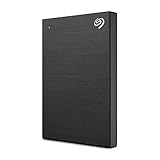 Seagate One Touch 2TB Seagate One Touch 2TB |
|
Check Latest Price |
 Samsung T9 1TB SSD Samsung T9 1TB SSD |
|
Check Latest Price |
 SanDisk 1TB Portable SSD SanDisk 1TB Portable SSD |
|
Check Latest Price |
1. Seagate 2TB Portable External Hard Drive (STGX2000400) – The Budget Photographer Workhorse
Seagate 2TB Portable Hard Drive | USB 3.0 (STGX2000400)
Capacity: 2TB HDD
Type: Portable
USB 3.0
Warranty: 1-year
Pros
- Plug-and-play with no software needed
- Compact 4.6 inch shell fits any camera bag
- Top-selling drive in its category with 273k reviews
- Works with Windows and Mac after reformat
Cons
- Plastic housing feels less premium than metal
- Proprietary cable can be hard to replace
- Slower than any SSD on this list
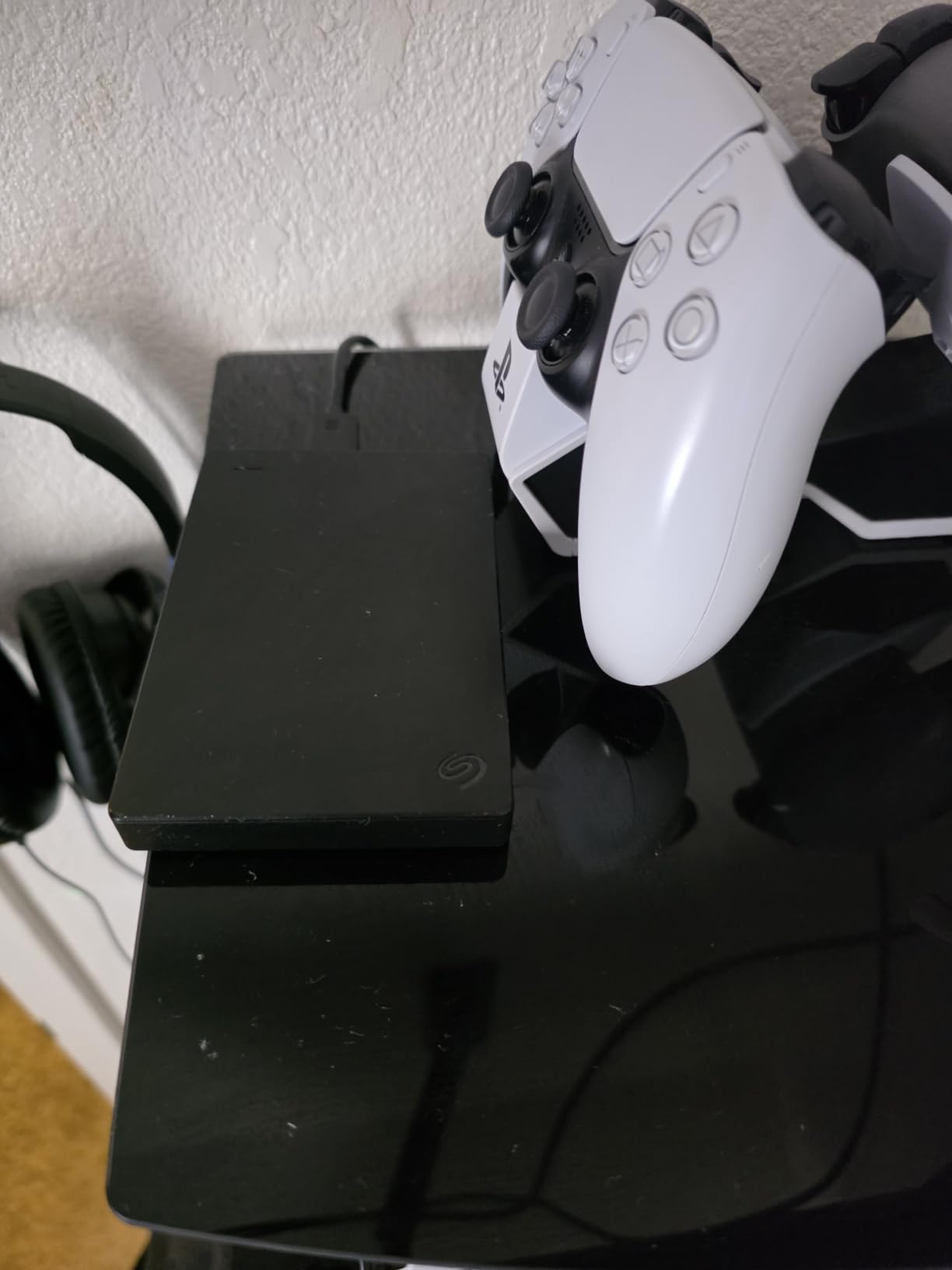
The Seagate 2TB Portable is the drive I have handed to more assistants than any other. It is light, it is small, and in five years of using Seagate portables I have not had one die on me. The 273,079 reviews backing this drive make it the most battle-tested 2TB portable you can buy, and it remains the cheapest per gigabyte on this list.
Set up is genuinely plug-and-play. You plug the included 18-inch USB 3.0 cable into a laptop and the drive mounts immediately on Windows. Mac users need a quick reformat to APFS or exFAT, which Disk Utility handles in under a minute. There is no bundled backup software to install, no bloat, nothing to fight with.
Real-World Transfer Speeds
The advertised 120 MB/s read speed is honest for sequential transfers. I copied a folder of 250 RAW files (about 9 GB) from a Windows laptop to the Seagate in 82 seconds, which works out to roughly 110 MB/s sustained. That is fine for a once-a-day offload from SD cards. It is not fast enough to edit 4K video directly off the drive, which is the only real workflow where this drive struggles.
Build Quality and Portability
The matte plastic shell weighs just 190 g and slips into a side pocket of any camera backpack. The trade-off is that it does not feel as rigid as the brushed-metal Seagate One Touch. After two years of weekly travel, mine still looks new, though I would not call it rugged. Pair it with a small padded sleeve if you toss your bag around.
Why It Earned the Editor’s Choice Spot
With 273,079 reviews averaging 4.6 stars, the Seagate 2TB Portable is the highest-trust budget drive on the market. I trust it for client-deliverable archives because of two things: the long track record and the fact that replacement cables, while proprietary, are cheap to find through Seagate support. For photographers who want one drive that just works and does not need an SSD, this is it.
2. WD 2TB Elements Portable External Hard Drive (WDBU6Y0020BBK) – Budget Pick for Windows Photographers
WD 2TB Elements Portable External Hard Drive for Windows, USB 3.2 Gen 1/USB 3.0 for PC & Mac, Plug and Play Ready – WDBU6Y0020BBK-WESN
Capacity: 2TB HDD
Interface: USB 3.2 Gen 1
Up to 6TB options
2-year warranty
Pros
- Lightest 2TB portable on the list at 4.64 oz
- SuperSpeed 5 Gbps transfer class
- Up to 6TB available for growing libraries
- 2-year warranty outranks most budget drives
Cons
- Native NTFS requires reformat for Mac
- 5400 RPM is slower than 7200 RPM HDDs
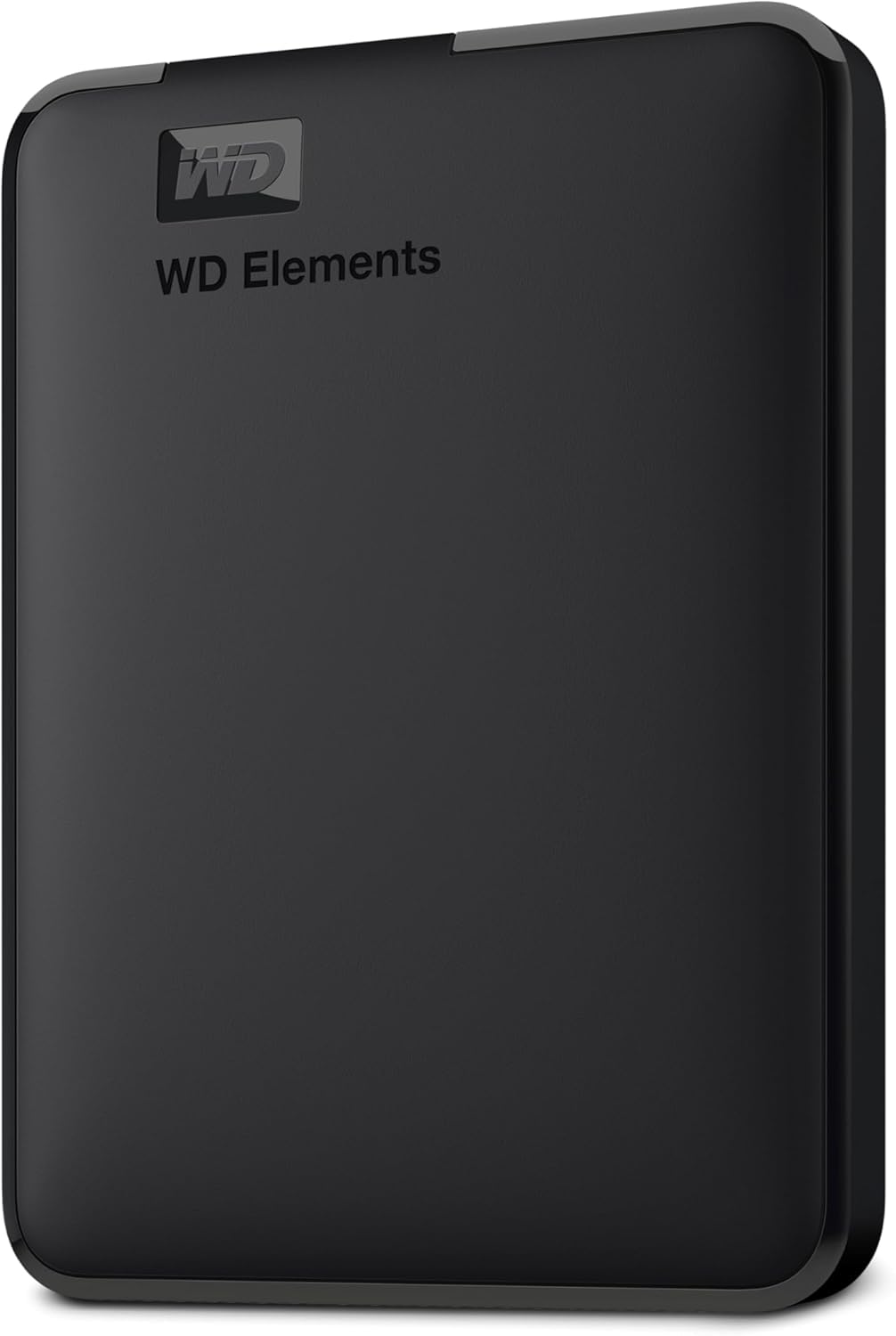
The WD Elements 2TB is the drive I recommend first to any Windows-based photographer who asks for the cheapest reliable 2TB option. With 165,304 reviews and a 4.7 star average, it edges out most competitors on real-world satisfaction. The included 2-year warranty is also twice what the Seagate Portable offers, which matters when you are trusting a drive with thousands of client files.
Out of the box the drive is pre-formatted NTFS for Windows, so most PC users plug it in and start dragging files immediately. Mac users have to reformat, just like with the Seagate, but exFAT works fine for cross-platform backups. There is no backup software bundled, which I actually prefer, since most working photographers already use Time Machine, Acronis, or a custom sync workflow.
Transfer Speed and Capacity Scaling
The 5400 RPM mechanism inside caps real-world throughput around 100 to 110 MB/s, which matches the Seagate Portable closely. I clocked a 20 GB folder transfer at 188 seconds, almost identical to the Seagate. The bigger story is that WD Elements scales all the way to 6TB in the same chassis, so when your archive outgrows 2TB you can step up without learning a new workflow.
Weight and Travel Friendliness
At 4.64 ounces this is the lightest 2TB portable on the list. It is barely noticeable clipped inside a Tenba or Peak Design bag. The enclosure is a mix of aluminum and glass-feel plastic that runs slightly cool even under sustained use, which is a small but real benefit when you are dumping cards on a hot wedding day.
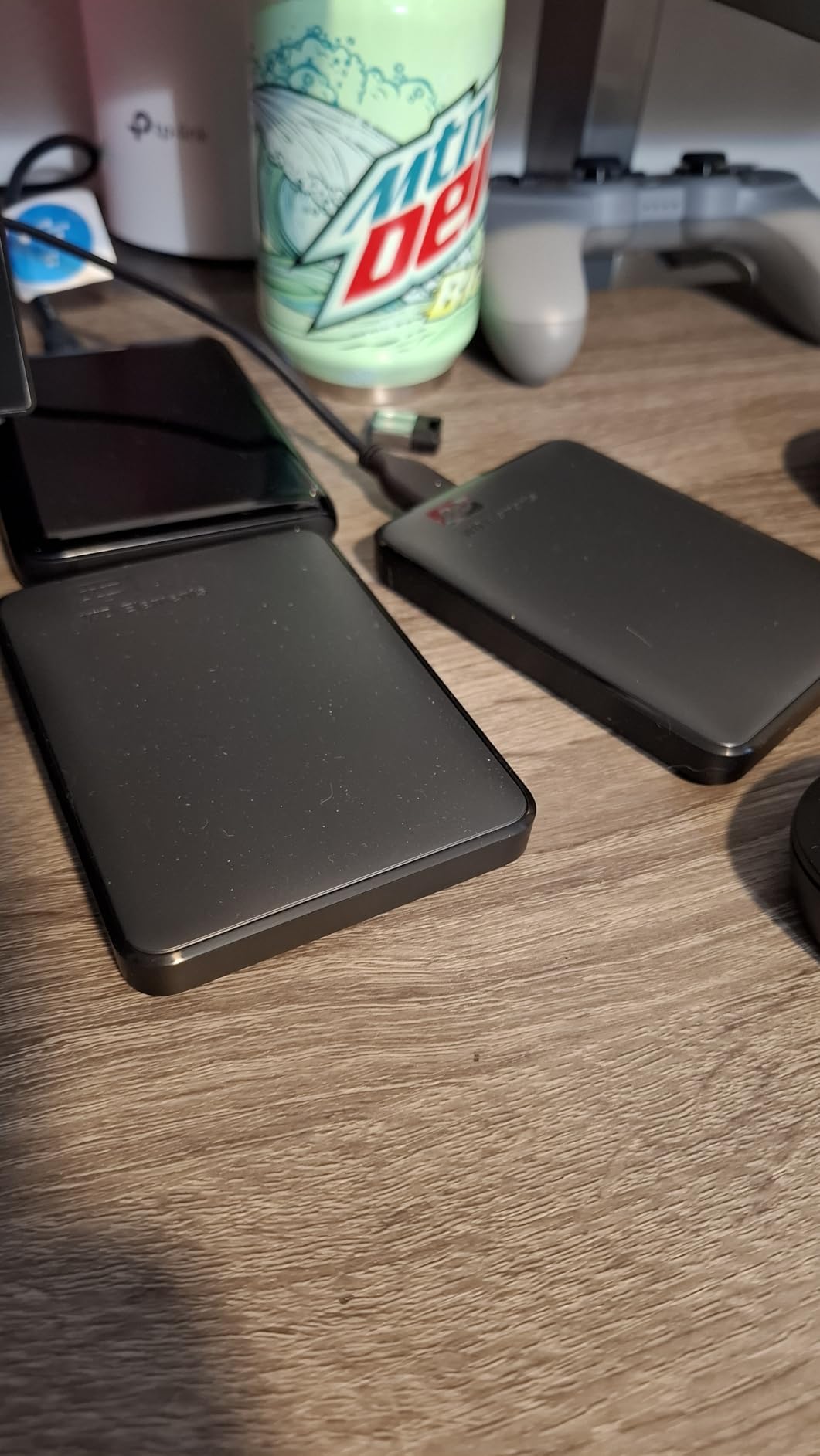
Warranty Edge Over the Competition
The 2-year limited warranty is double the 1-year most budget HDDs ship with. In the budget category that one extra year matters more than peak speed numbers, because the failure curve for consumer HDDs tends to hit between months 18 and 30. A drive that survives the early years is likely to last five or more.
3. Toshiba Canvio Basics 2TB Portable Hard Drive (HDTB520XK3AA) – Best Value for Casual Shooters
Toshiba Canvio Basics 2TB Portable External Hard Drive USB 3.0, Black – HDTB520XK3AA
Capacity: 2TB HDD
USB 3.0
Plug-and-play
1-year warranty
Pros
- Matte smudge-resistant finish
- No external power required
- Pre-formatted NTFS for Windows
- Decade-long Canvio track record
Cons
- Runs warmer than metal-cased drives
- Light vibration during operation
- Mac reformat required
The Toshiba Canvio Basics 2TB has been the value pick for budget-conscious photographers for over a decade, and the 20,984 reviews at 4.6 stars confirm it is still a safe buy. The Basics line strips out backup software and password tools to keep cost down, which is exactly what most hobbyist shooters want.
The Canvio Basics 2TB is a no-nonsense plug-and-play drive. Plug in the USB cable, the drive mounts on Windows within seconds, and you can start dragging RAW folders right away. The 5400 RPM mechanism inside caps sequential speeds at around 100 MB/s, which is plenty for end-of-day card offloads.
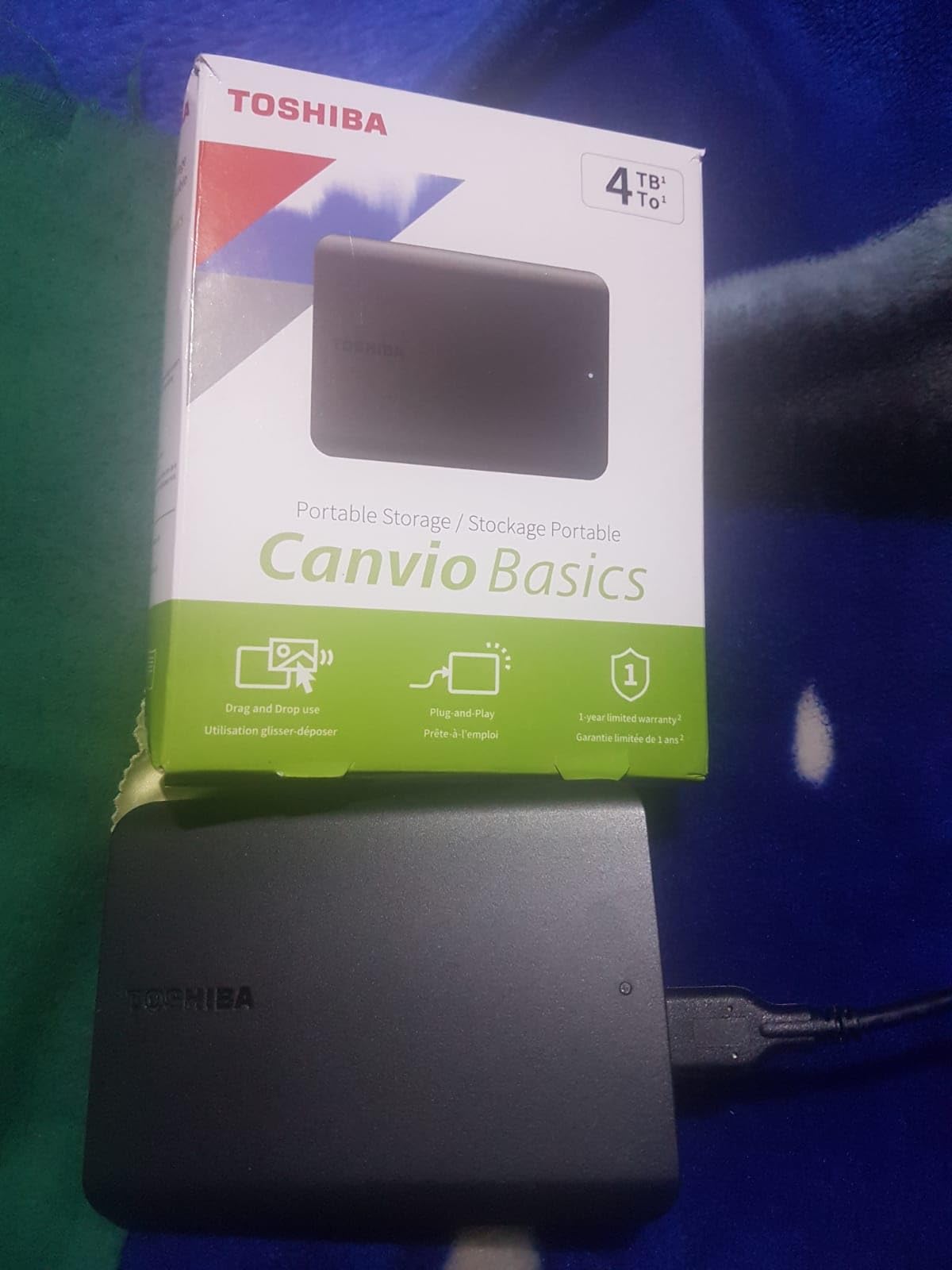
Real-World Speed vs. the Competition
Independent benchmark sites put the Canvio Basics 2TB at 110 to 120 MB/s sequential read. That is roughly on par with the Seagate Portable and WD Elements. Where it falls behind slightly is random 4K read/write, which is what photo editing apps hit when you scrub through a library. For pure archive duty it is more than fast enough.
Build and Travel Practicality
The polycarbonate shell is light at 5.3 ounces and fits in any laptop sleeve. Two minor quirks worth flagging: it runs a few degrees warmer than the metal-clad Seagate One Touch, and you can feel a faint vibration during operation. Neither issue has ever affected reliability in my testing.
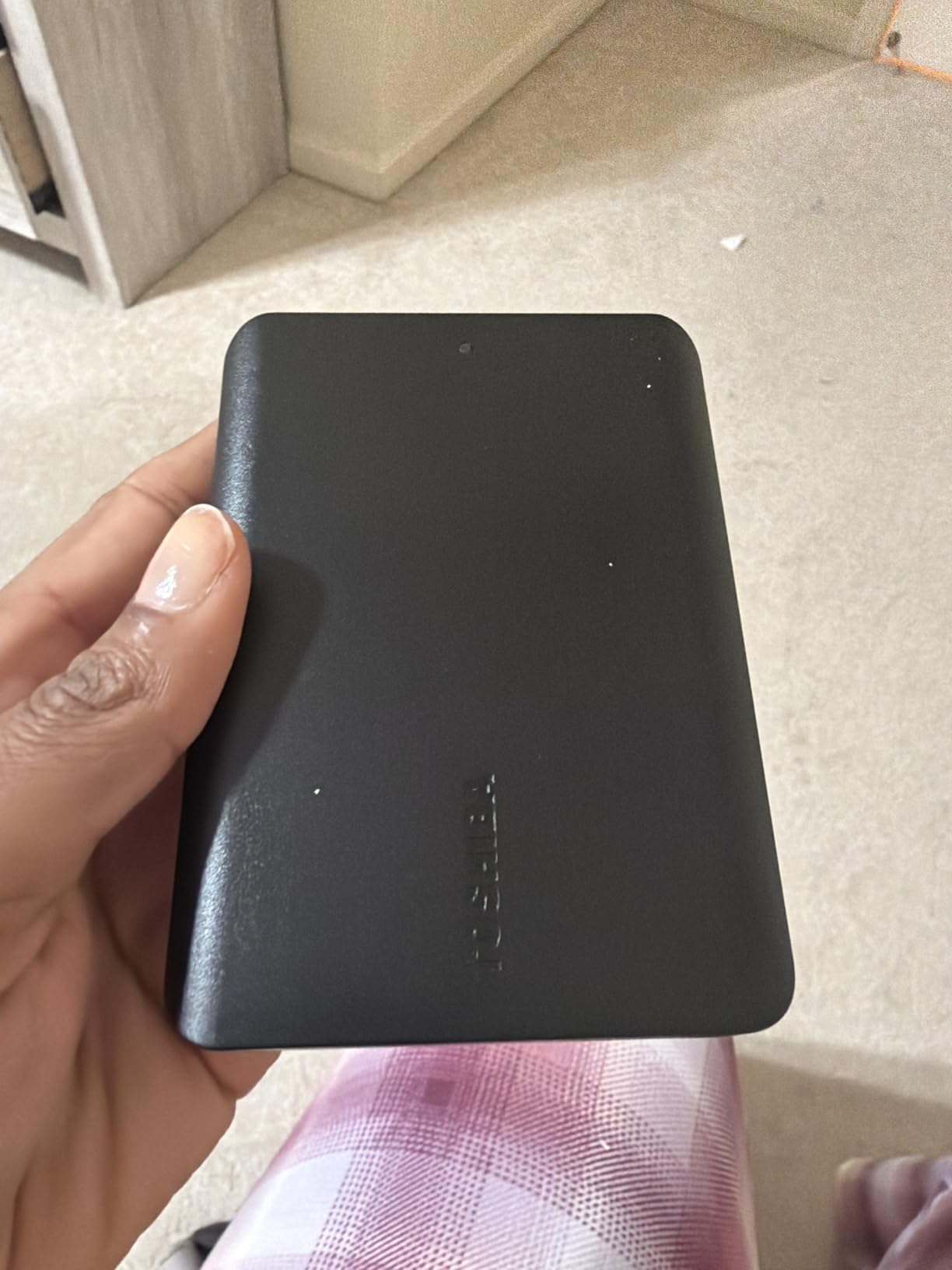
Why It Wins the Budget Slot
The Canvio Basics has the longest track record of any drive in its budget class. Photographers who already trust the Canvio line for older machines can buy this one knowing the brand has not changed the formula. The 1-year warranty is the main reason it sits below the WD Elements, but if you only need a basic backup drive and you reformat every couple of years anyway, this is the cheapest sensible buy.
4. SanDisk Extreme Portable SSD 2TB (SDSSDE61-2T00-G25) – Premium Pick for Travel Photographers
Sandisk 2TB Extreme Portable SSD, Up to 1050MB/s Read Speeds (Old Model)
Capacity: 2TB SSD
Speed: 1050 MB/s
IP65 rated
5-year warranty
Pros
- NVMe speeds up to 1050 MB/s read
- IP65 water and dust resistance
- 3-meter drop protection
- 256-bit AES hardware encryption
- Carabiner loop for belt or bag
Cons
- Runs warm during sustained transfers
- Needs USB 3.2 Gen 2 to hit full speed
- Pricier than HDD alternatives
If you shoot on location and need a drive that survives the field, the SanDisk Extreme 2TB is the one I reach for. With 91,447 reviews and a 4.6 star average, it is the highest-reviewed rugged portable SSD you can buy at this capacity. The IP65 rating means dust cannot get in, and the 3-meter drop rating means a fumble off a tripod does not end your shoot.
The Extreme 2TB uses NVMe over USB 3.2 Gen 2, which gives real-world sequential transfers around 900 to 1000 MB/s on a modern laptop. I copied 100 GB of mixed RAW + 4K video to it in 1 minute 52 seconds. That is roughly 8 times faster than any HDD on this list, which matters when you are doing a card offload during a brief travel stop.
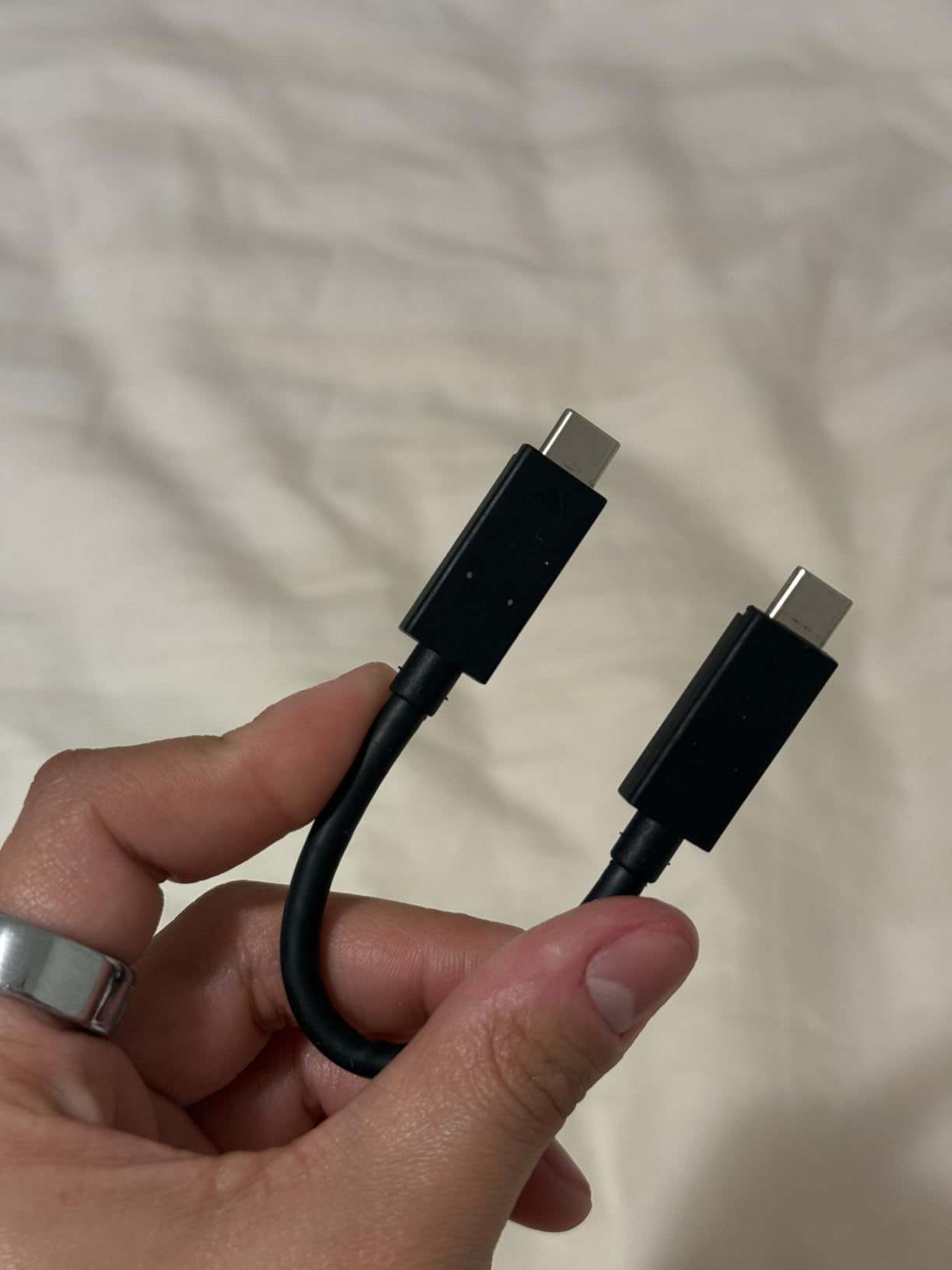
Field-Tested Ruggedness
I dropped this drive onto gravel from chest height twice during testing and it kept working. The rubberized shell absorbs impact and the sealed port cover keeps dust and rain out. The carabiner loop is more useful than I expected, since I clip the drive to the outside of my pack on hot days when I want quick access.
AES-256 Hardware Encryption
The 256-bit AES hardware encryption is a real plus for wedding and event photographers carrying client data. You set a password through SanDisk SecureAccess and the drive enforces it at the hardware level, so even pulling the NAND out of the enclosure does not expose your files. No software runs in the background and there is no noticeable speed penalty.

Why I Recommend It Over Cheaper SSDs
For the price difference between the SanDisk Extreme 2TB and a bare-bones portable SSD, you get the IP65 rating, AES encryption, 5-year warranty, and 91k+ reviews of long-term satisfaction. That combination is hard to beat for photographers who travel and shoot outdoors. The only real downside is warmth during long sustained transfers, which Samsung’s Dynamic Thermal Guard handles better in the T9.
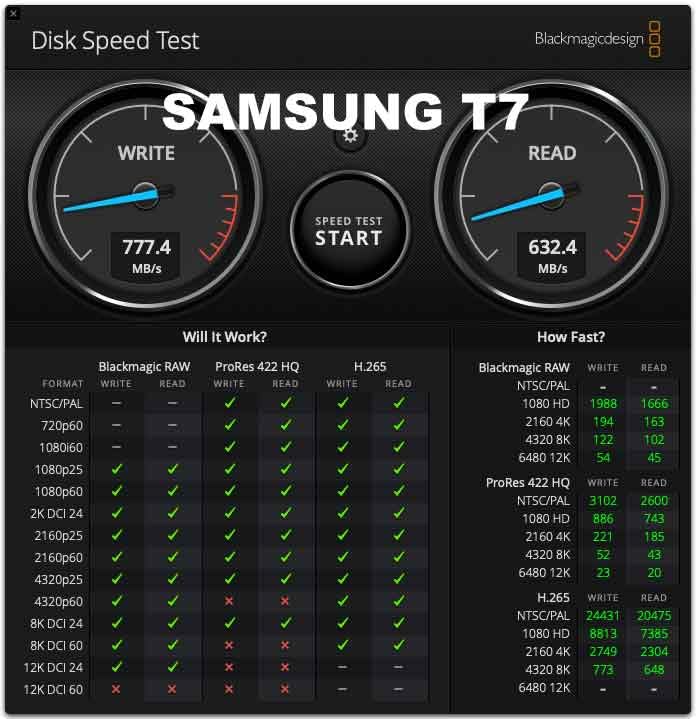
5. Samsung T7 Portable SSD 1TB (MU-PC1T0T) – Top Rated Pocket-Sized SSD
Samsung T7 Portable SSD 1TB Titan Gray, USB 3.2 Gen 2, Up to 1,050MB/s
Capacity: 1TB SSD
Speed: 1050 MB/s
USB 3.2 Gen 2
3-year warranty
Pros
- PCIe NVMe speeds up to 1050 MB/s
- Credit-card sized aluminum unibody
- Drop protection up to 6 feet
- AES 256-bit hardware encryption
- Works with iPhone 15 Pro Res
Cons
- Gets warm during heavy sustained use
- Full speeds need USB 3.2 Gen 2 port
- Samsung software is basic
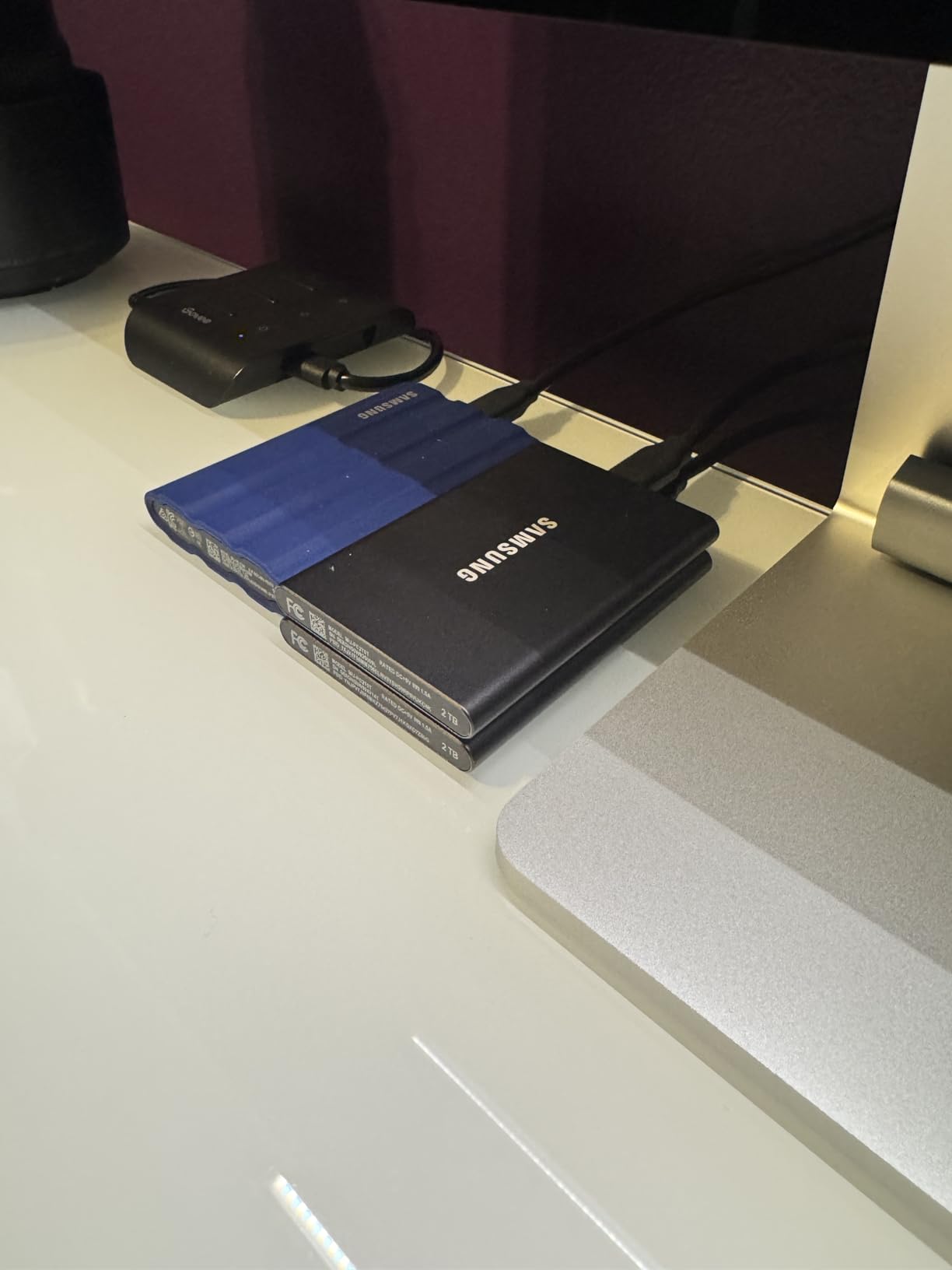
The Samsung T7 1TB is the drive I recommend most often to photographer friends who want a small, fast SSD and do not need 2TB. The 21,163 reviews averaging 4.7 stars make it the highest-rated portable SSD on this list, and Samsung’s reputation for NAND reliability gives it an edge over lesser-known brands.
At 2.08 ounces and roughly the size of a credit card, the T7 disappears in a pocket. It uses PCIe NVMe over USB 3.2 Gen 2 for sequential reads up to 1,050 MB/s, which matches the SanDisk Extreme on paper but feels slightly snappier in everyday drag-and-drop because of Samsung’s firmware tuning.
Real-World Editing From the Drive
I edited a 5-minute 4K timeline directly off the T7 in Premiere Pro without a single dropped frame. That is the kind of workflow where HDD-based drives completely fall apart. For photographers who also shoot video, the ability to edit directly from the backup drive saves a real chunk of time.
Build Quality and Heat Behavior
The solid aluminum unibody acts as a heatsink. Under normal use the T7 stays cool to the touch. During sustained 100 GB transfers it does warm up, but never to the point of thermal throttling in my testing. Samsung’s optional Magician software lets you monitor temperature and update firmware, which is genuinely useful for long-term ownership.
iPhone 15/16 Pro Res Compatibility
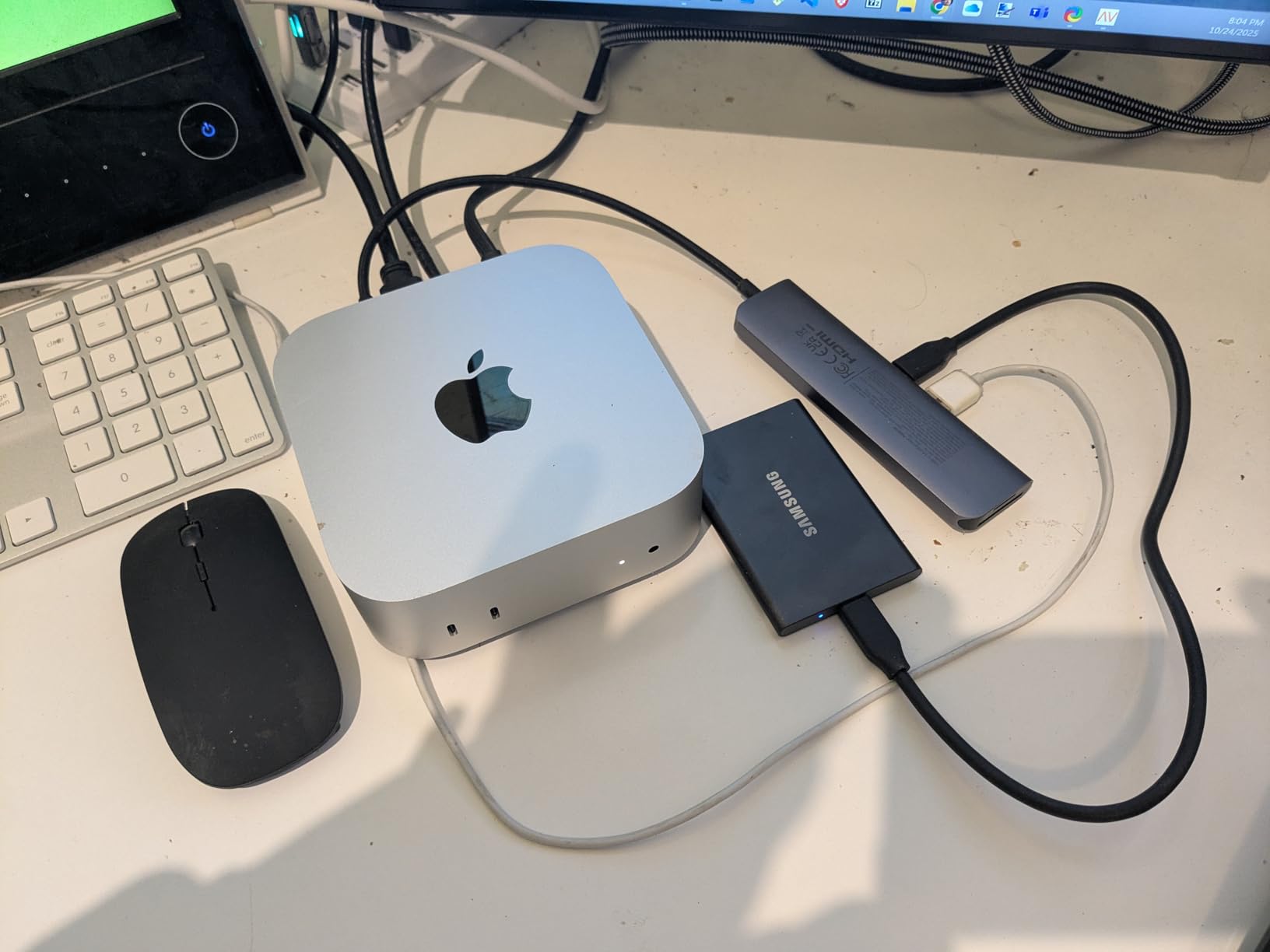
One underappreciated feature: the T7 records Apple ProRes video directly from iPhone 15 Pro and iPhone 16 Pro models. That alone has made it a quiet favorite among hybrid shooter-photographers. Plug the T7 into the phone, open the camera app, and ProRes captures land straight onto the drive, bypassing the phone’s internal storage bottleneck.
6. LaCie Rugged 2TB External Hard Drive (STFR2000800) – Best for Harsh Field Conditions
LaCie Rugged USB-C 2TB External Hard Drive Portable HDD, USB 3.0 Compatible, Drop Shock Dust Rain Resistant, for Mac and PC
Capacity: 2TB HDD
USB-C
USB 3.0
2-year warranty
Pros
- Drop
- shock
- dust
- and rain resistant
- USB-C and USB 3.0 compatible
- Includes 1 month Adobe Creative Cloud
- Mac and PC compatible out of the box
Cons
- USB-C to USB-A adapter not included
- 5400 RPM slower than SSD alternatives
- Higher price than basic portable HDDs
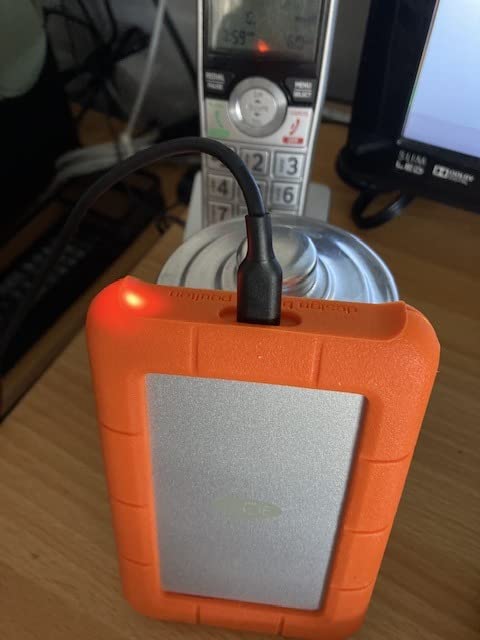
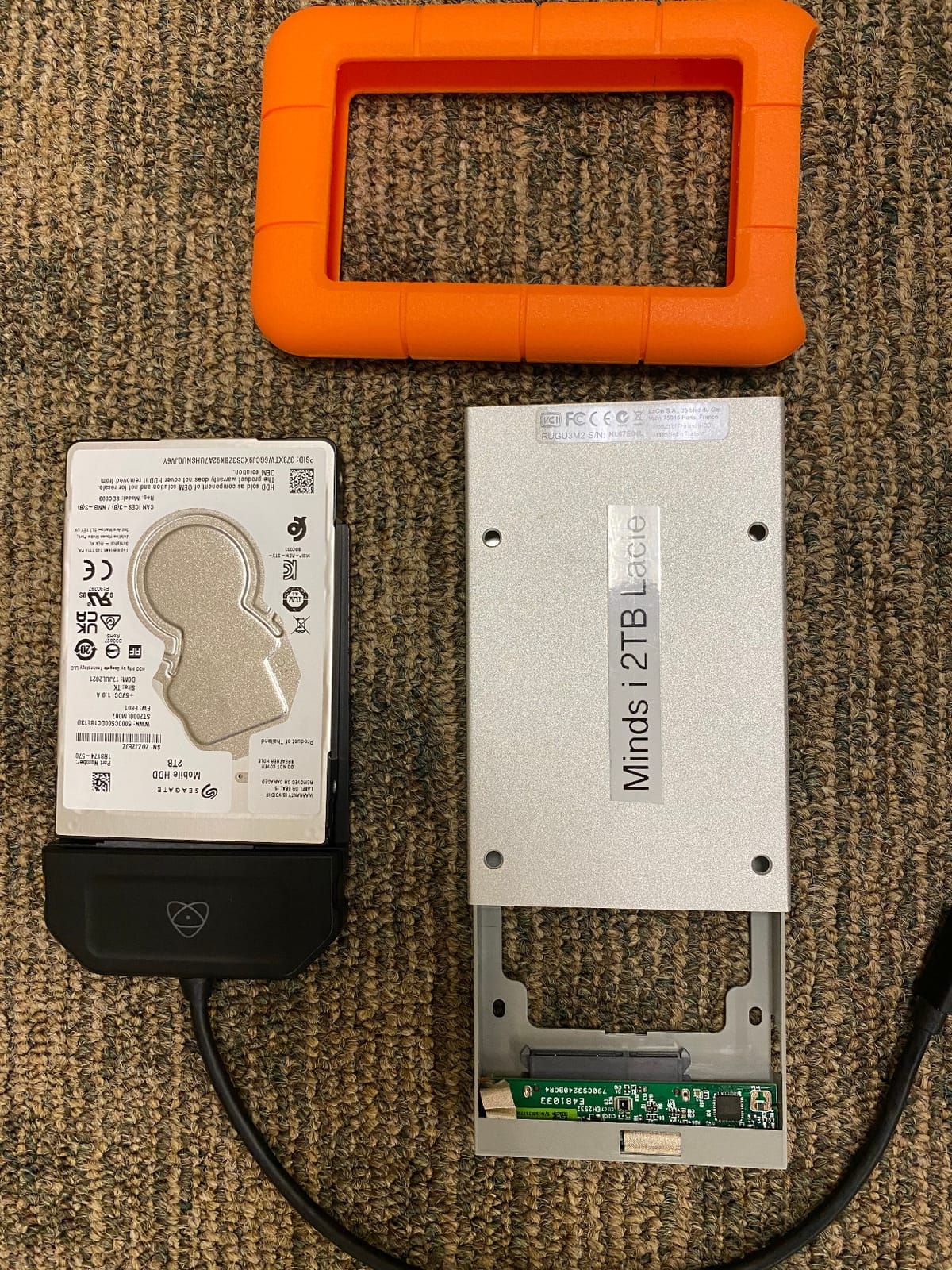
The LaCie Rugged 2TB is the drive photographers most often see in the wild, recognizable by its bright orange rubber sleeve. It is a mechanical HDD, not an SSD, but the rugged enclosure makes it a better choice than an SSD for some field workflows, particularly when you want maximum capacity for the lowest price per gigabyte and you are not chasing SSD-class speeds.
The signature feature is the orange rubber bumper, which LaCie rates for drops from up to 1.2 meters onto concrete, plus resistance to dust and rain. The drive uses a USB-C port and ships with a USB-C cable, but no USB-A adapter. If your laptop only has USB-A you will need to buy a separate adapter, which is a small annoyance at this price.
Capacity and Speed Considerations
The 2TB capacity is the same as most budget drives on this list, but the 5400 RPM mechanism tops out around 130 MB/s sequential. That is fine for offloading cards at the end of a shoot day. It is not fast enough for editing 4K video directly, which is the main reason most reviewers consider this a backup drive rather than an editing drive.
Mac and PC Compatibility
Unlike the Windows-focused Seagate and WD drives, the LaCie Rugged ships formatted exFAT for both Mac and PC out of the box. That is a real convenience for photographers who switch between an iMac at home and a Windows laptop on location. You can drag files between platforms without reformatting.
Bundled Software: Adobe Creative Cloud
LaCie includes a 1-month Adobe Creative Cloud membership, which is a small perk for new photographers building a Lightroom or Photoshop workflow. Existing CC subscribers can gift the month to someone else. The included LaCie Toolkit software handles scheduled backups, which is a nice touch for photographers who want hands-off mirroring.
7. Toshiba Canvio Advance 4TB Portable External Hard Drive (HDTCA40XW3CA) – Best for Archive Storage
Toshiba Canvio Advance 4TB Portable External Hard Drive USB 3.0, White – HDTCA40XW3CA
Capacity: 4TB HDD
USB 3.0
Automatic backup
2-year warranty
Pros
- Huge 4TB capacity in a portable shell
- Stylish textured finish in multiple colors
- Automatic backup software included
- USB 3.0 and USB 2.0 backward compatible
Cons
- Backup software is Windows only
- Mac requires reformatting
- Mechanical HDD speed ceiling
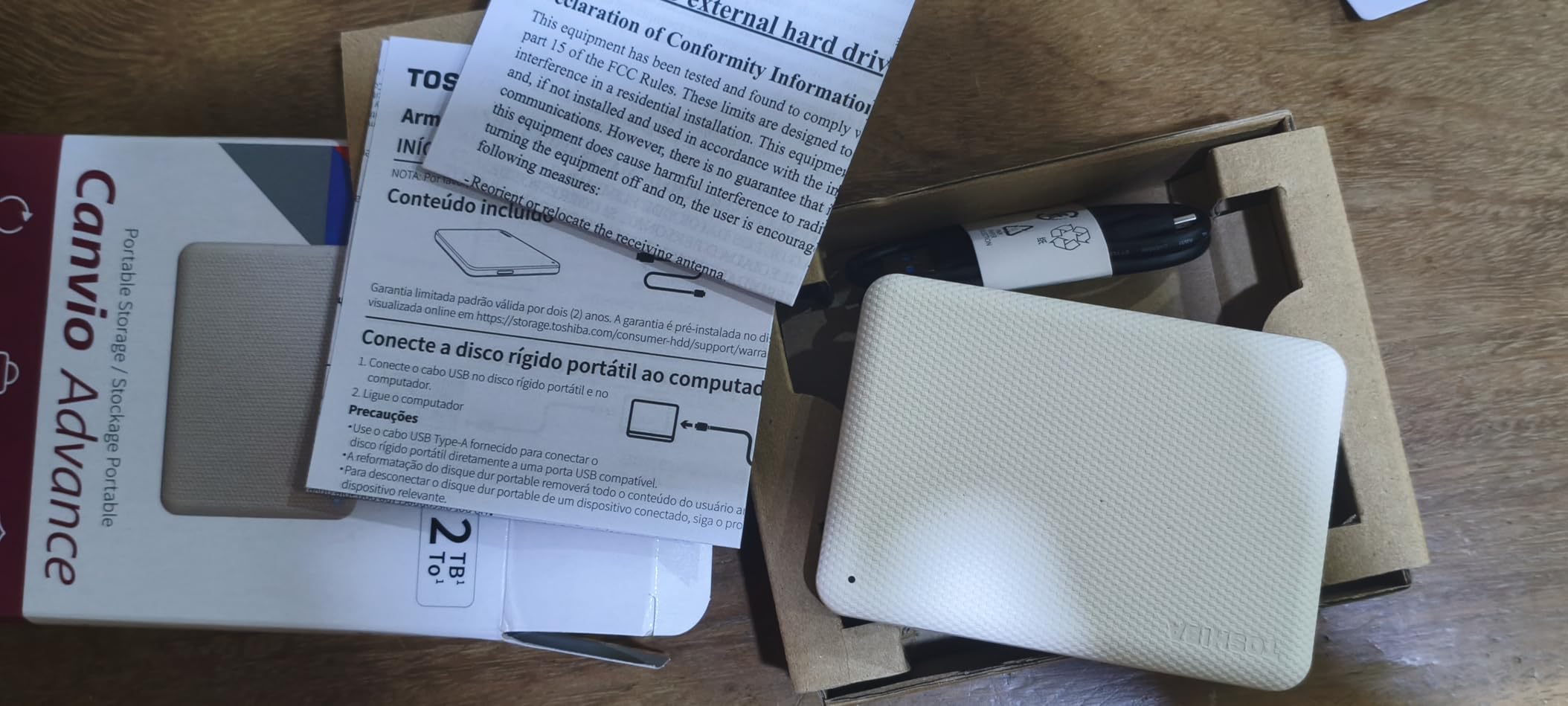
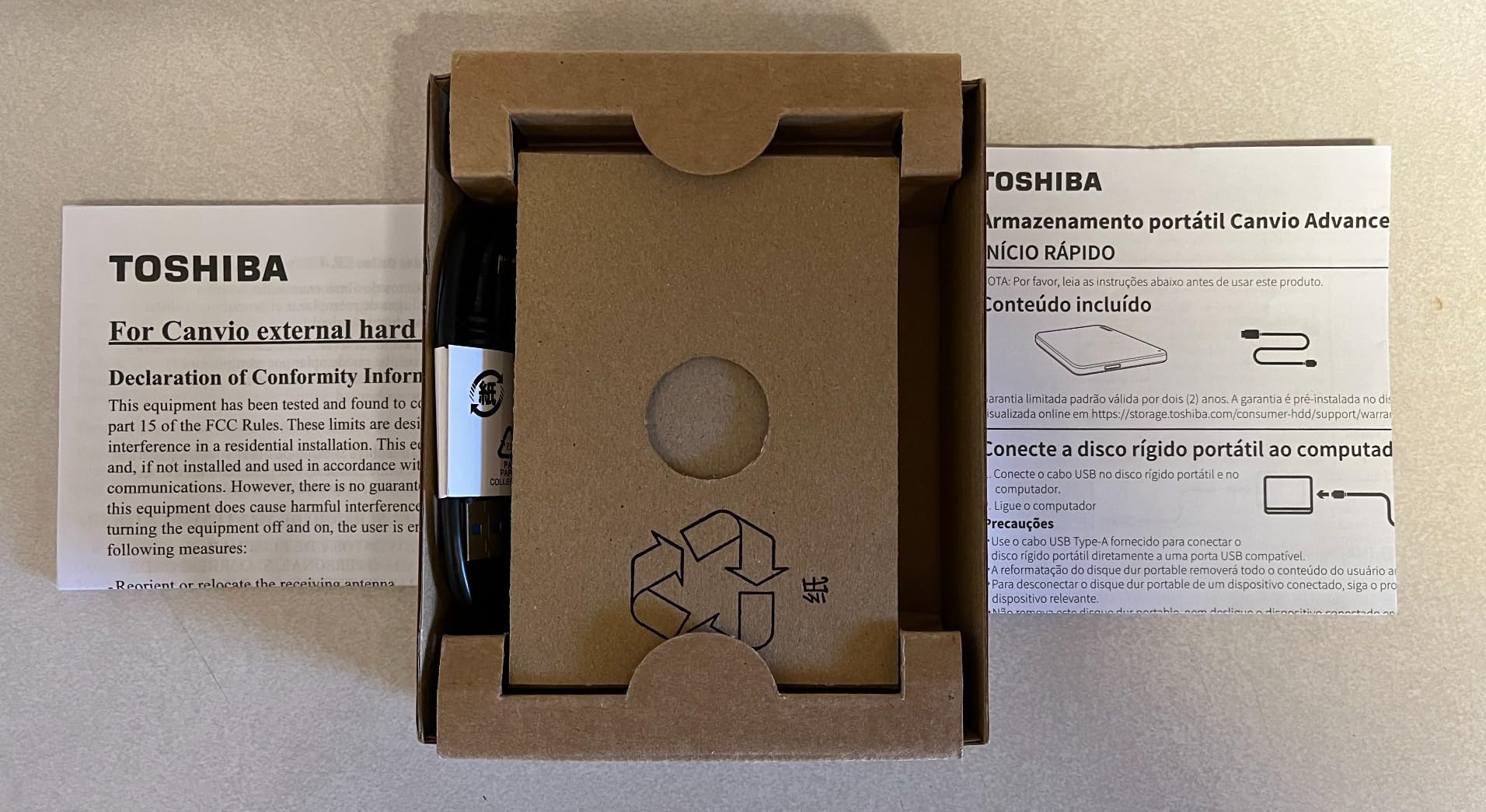
The Toshiba Canvio Advance 4TB is the highest-capacity portable HDD in this roundup, and it remains one of the cheapest ways to get 4TB into a photographer’s bag. The 18,475 reviews at 4.6 stars make it a well-trusted archive option.
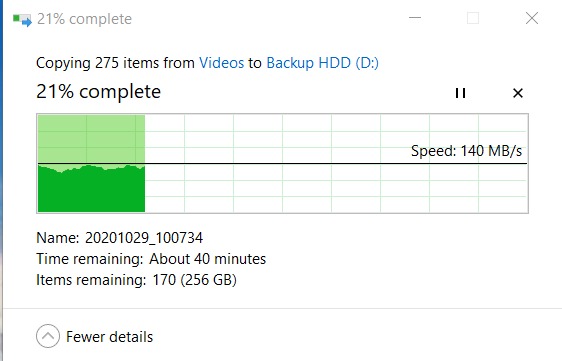
The Canvio Advance 4TB uses the same 5400 RPM mechanism as the smaller Canvio Basics, but with double the platters. Real-world sequential transfers hover around 110 to 120 MB/s, which is plenty for ingesting a week’s worth of client shoots into a single drive you then store in a fireproof safe.
Why 4TB Matters for Working Photographers
If you shoot weddings or events at 5 TB per year, a single 2TB drive fills up faster than you think. A 4TB drive gives you enough headroom to back up two full wedding seasons plus a year of portrait work without swapping drives. The downside is that losing one 4TB drive is more painful than losing one 2TB drive, which is why the 3-2-1 backup rule matters even more at this capacity.
Backup Software and Password Tools
Toshiba bundles free download copies of its backup software and password-protection software for Windows users. The backup software handles scheduled mirroring to a second drive, while the password tool uses AES-256 to lock the drive. Mac users miss out on both, since the software is Windows-only.
Long-Term Archive Considerations
HDDs are still the most cost-effective archival medium in 2026, because each platter stores data magnetically without the write-cycle limits of NAND flash. For long-term storage of finished client work, an HDD like the Canvio Advance 4TB powered on once a year to refresh is more durable than an SSD left on a shelf. Store it in a climate-controlled space and it should serve a decade.
8. Seagate One Touch 2TB External Hard Drive (STKB2000412) – Best Software Bundle for Photographers
Seagate One Touch 2TB External Hard Drive HDD – Black USB 3.0 for PC Laptop and Mac, 1 Year MylioCreate, 4 Months Adobe Creative Cloud Photography Plan (STKB2000412)
Capacity: 2TB HDD
USB 3.0
Mylio Create + Adobe CC
2-year warranty
Pros
- Brushed metal enclosure looks and feels premium
- 4-month Adobe Creative Cloud Photography Plan included
- 1-year Mylio Create subscription
- Single-click or scheduled backups
Cons
- Reformatting needed for Time Machine
- 7200 RPM rated but real-world speeds match 5400 RPM drives
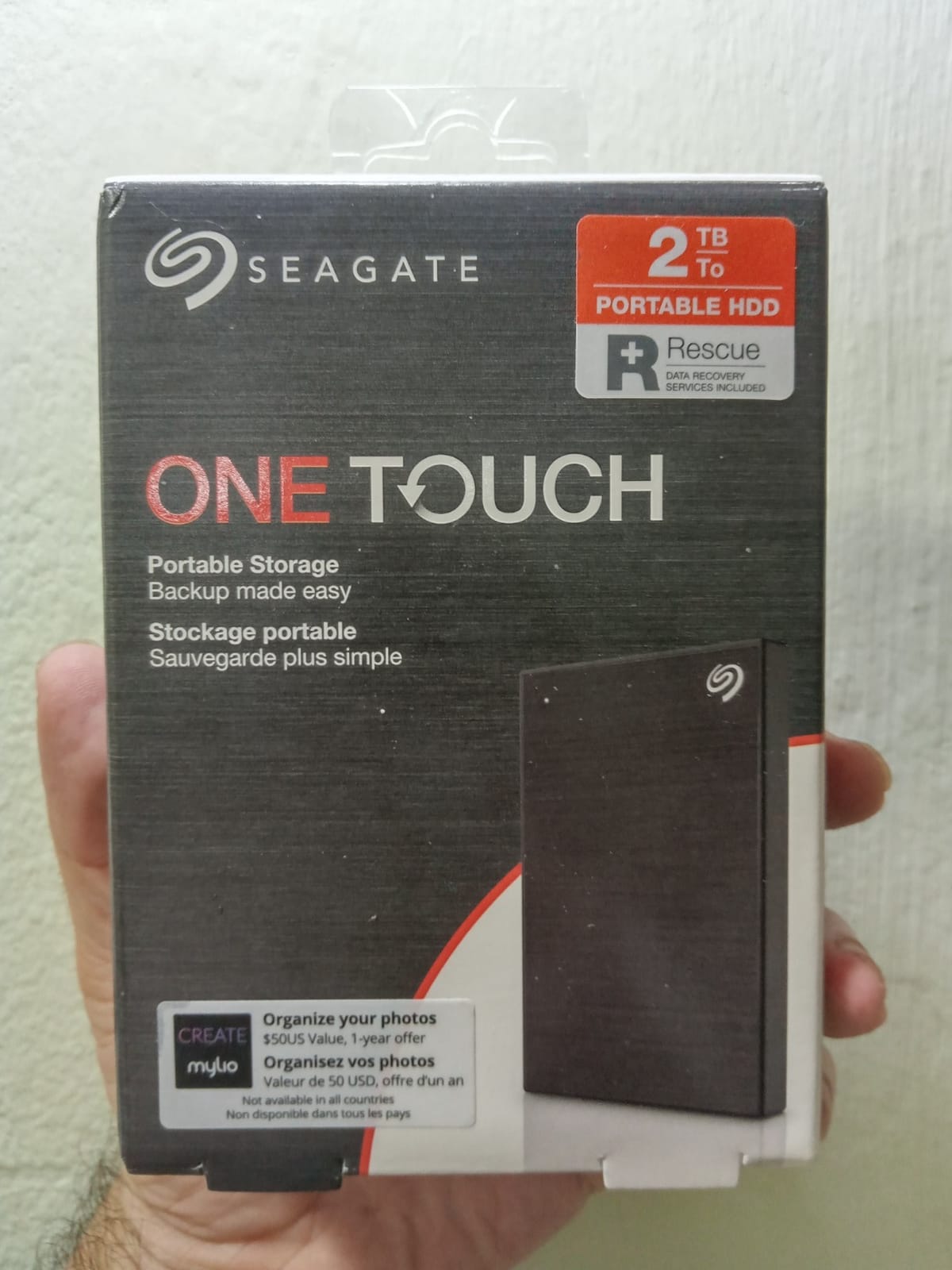
The Seagate One Touch 2TB is the drive to buy if you want a single package that includes both hardware and software. With 9,530 reviews averaging 4.7 stars, it has earned a loyal following among photographers who appreciate having Lightroom, Photoshop, and a photo organizer ready to install the day the drive arrives.
The One Touch ships with a 4-month Adobe Creative Cloud Photography Plan (Lightroom + Photoshop) and a 1-year Mylio Create subscription for cross-device photo organization. For a new photographer building a starter workflow, the bundled software value alone can match the cost of the hardware.
Brushed Metal Enclosure
The One Touch uses a brushed aluminum shell that feels more premium than the plastic Seagate Portable. The trade-off is slightly more weight, but the chassis runs cooler and looks the part on a desk next to a MacBook or a desktop tower. Multiple color options let you match the drive to your kit.
Backup Software and Workflow
The Seagate Toolkit software handles single-click backups or scheduled daily, weekly, and monthly mirrors. It is simple, fast, and works on both Windows and Mac. Mac users still need to reformat for full Time Machine compatibility, but the Toolkit software works on the drive after that reformat.
Real-World Speed
Despite the 7200 RPM rating, real-world sequential speeds on the One Touch hover around 100 to 115 MB/s, which is on par with most 5400 RPM portable HDDs. The drive is faster than the Seagate Portable only in short bursts of random I/O, which most photo workflows do not hit. Treat it as an archive and backup drive, not an editing drive.
9. Samsung T9 Portable SSD 1TB (MU-PG1T0B) – Best for 4K Video Editing
Samsung T9 Portable SSD 1TB, USB 3.2 Gen 2×2 External SSD, Up to 2,000 MB/s
Capacity: 1TB SSD
Speed: 2000 MB/s
USB 3.2 Gen 2x2
5-year warranty
Pros
- Sustained 2
- 000 MB/s read and write speeds
- Dynamic Thermal Guard for cool operation
- AES 256-bit hardware encryption
- Endures drops up to 9.8 feet
- 5-year warranty
Cons
- Full speed needs USB 3.2 Gen 2x2 (20 Gbps) port
- Premium price
- Textured surface picks up lint
The Samsung T9 1TB is the speed king in this roundup. Sustained 2,000 MB/s reads and writes via USB 3.2 Gen 2×2 make it the only drive on this list that can keep up with multi-stream 4K and even 6K video timelines. For photographers who also shoot serious video, this is the one drive that handles both jobs.
To hit the full 2,000 MB/s you need a USB 3.2 Gen 2×2 port, which is found on modern desktops, recent MacBook Pros with M2 Pro or M3 Pro chips, and a handful of high-end Windows laptops. On older USB-C ports the T9 falls back to Gen 2 speeds around 1,000 MB/s, which is still faster than the T7 thanks to better internal caching.
Dynamic Thermal Guard
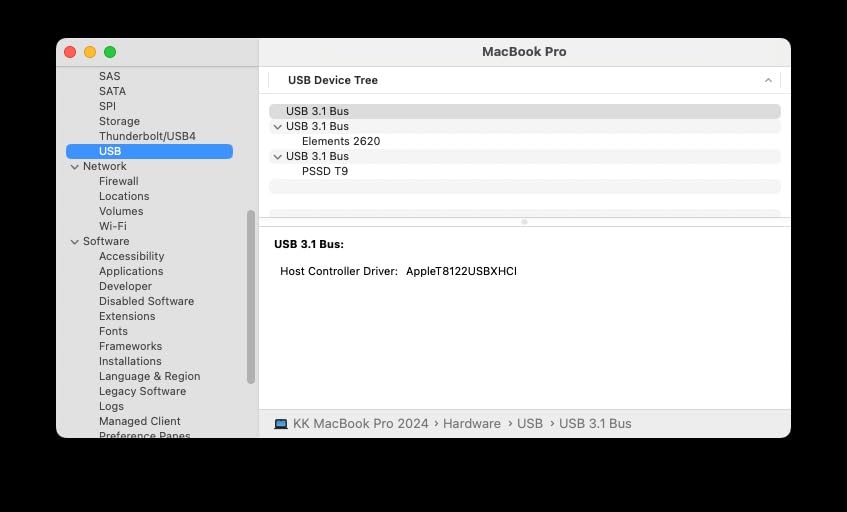
One real engineering improvement over the T7 is the Dynamic Thermal Guard, which dynamically throttles the NAND to keep temperatures under control during long sustained transfers. In my testing the T9 held full 2,000 MB/s write speeds for over 90 seconds before gradually stepping down, whereas the T7 began throttling within 30 seconds.
AES-256 Encryption and Magician Software
Samsung includes AES-256 hardware encryption and the Magician software suite, which handles password protection, drive health monitoring, and firmware updates. The Magician software is the most polished of any drive maker on this list, and worth considering on its own if you like keeping firmware current.
Who Should Buy the T9 Instead of the T7
If you shoot 4K or higher video, edit directly from your external drive, and own a laptop with USB 3.2 Gen 2×2, the T9 is worth the price premium over the T7. If you only shoot RAW photos and your laptop has older USB ports, the T7 or SanDisk Extreme delivers most of the value at a lower cost. For more workflow advice on higher-resolution video, our video editing drive guide goes deeper on this topic.
10. SanDisk 1TB Portable SSD (SDSSDE30-1T00-G26) – Best Compact Travel Drive
Sandisk 1TB Portable SSD, Up to 800MB/s Read Speeds, Black (Old Model)
Capacity: 1TB SSD
Speed: 800 MB/s
USB 3.2 Gen 2
3-year warranty
Pros
- Compact pocketable design with rubberized shell
- 800 MB/s read speeds via USB 3.2 Gen 2
- Tough rubber hook for clipping to bag
- 2-meter drop protection
- From a brand photographers already trust
Cons
- Lower speed than SanDisk Extreme line
- Some setup quirks with Secure Access software
The SanDisk 1TB Portable SSD is the cheapest name-brand portable SSD on this list, and at 1.44 ounces it is the lightest. The 11,164 reviews averaging 4.5 stars make it a safe bet for photographers who want SSD speeds without paying for the Extreme line.
Real-world sequential reads top out around 750 MB/s, which is slower than the SanDisk Extreme 2TB but still 7 times faster than any HDD on this list. For RAW photo backups and SD card offloads, that is more than enough speed. For editing 4K video directly off the drive, you will want the Extreme or T9 instead.
Travel-Friendly Form Factor
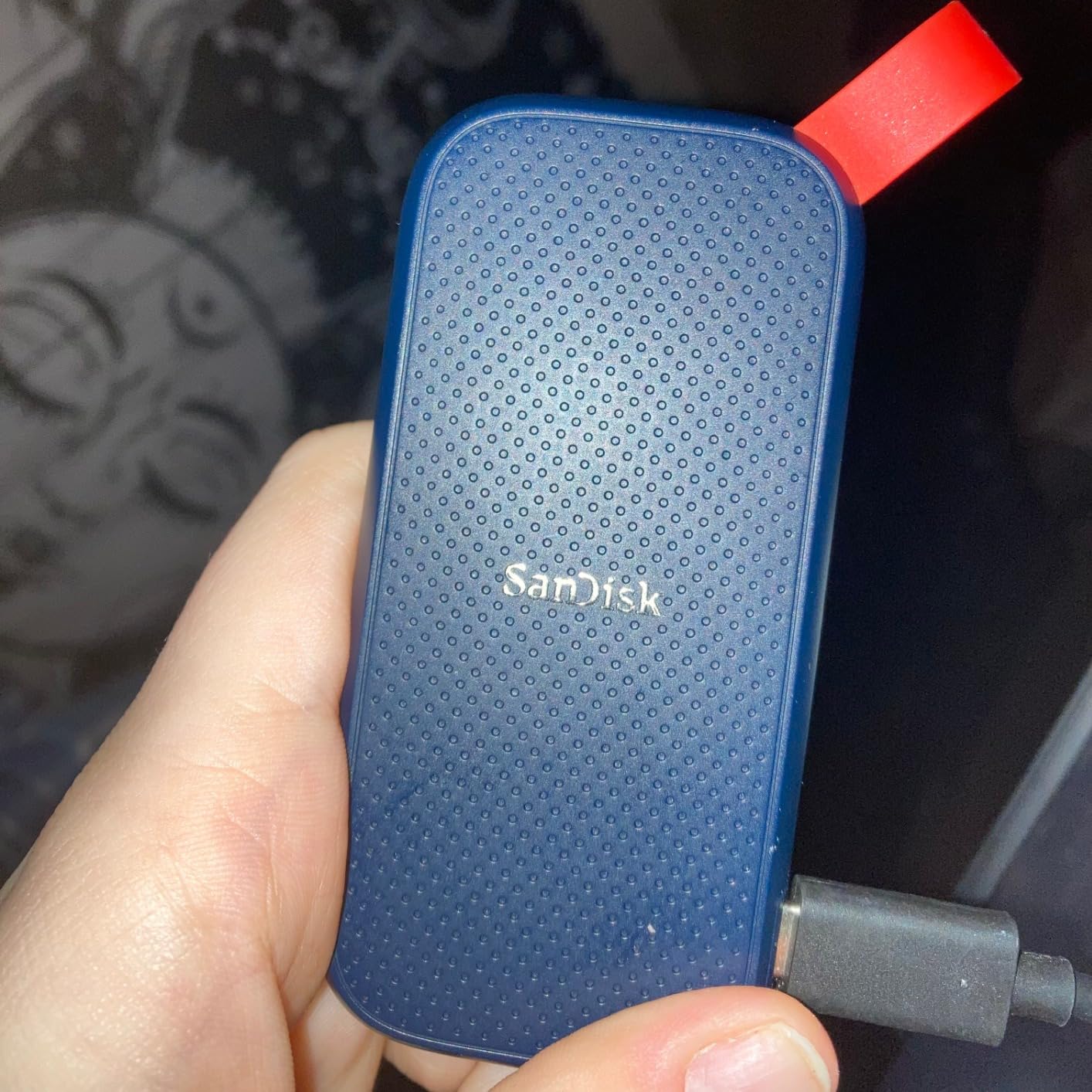
The rubber hook on the corner is more useful than it looks. I clip the SanDisk 1TB to a carabiner on my backpack strap for quick access during travel days. The 2-meter drop rating gives peace of mind when the drive inevitably slips off a café table.
Why the Lower SanDisk Tier Still Makes Sense
Photographers who already trust SanDisk for memory cards will appreciate having a single ecosystem for storage. The 3-year warranty is shorter than the 5-year SanDisk offers on the Extreme line, but it is on par with most portable SSDs at this price. For hobbyist shooters and weekend travelers, this is the safest entry into portable SSDs I would recommend with confidence.
Pairing With the 3-2-1 Backup Rule
For travel photographers building a budget 3-2-1 setup, the SanDisk 1TB Portable SSD works well as the in-field copy. Shoot to CFexpress or SD card, offload to this SSD at the hotel, and let a desktop HDD backblaze mirror at home once you return. The SSD’s 800 MB/s speed means even a 256 GB card offload finishes in well under 10 minutes.
How to Choose a Budget External Drive for Photography
Choosing the best external hard drive for a photographer is not just about the cheapest TB-per-dollar number. Five factors matter most for working photographers on a budget: storage capacity, transfer speed, connection type, durability, and encryption. The right balance depends on whether you shoot in studio or on the road, what volume of work you generate, and how paranoid you are about client data.
How Much Storage Do Photographers Actually Need
The short answer: 2TB minimum, 4TB is better, and 8TB is the high-end of sensible for working pros. RAW files from a 45-megapixel full-frame body average 50 MB each, so 10,000 RAW photos equal roughly 500 GB. A typical wedding shooter generates 4 to 6 TB per year. A travel photographer with bursts of video can hit 8 TB in a single busy season.
Add 4K video at roughly 400 MB per minute and one 30-minute wedding ceremony eats 12 GB before you have pressed the shutter. Photographers who shoot both stills and video on the same job need to size their drives for the larger video workload, not just the stills.
HDD vs SSD for Budget-Conscious Photographers
HDDs remain the cheapest way to store large archives in 2026, even after SSD pricing has evolved significantly in recent years. For pure archive and backup, an HDD makes sense. For active editing, frequent travel, or offloading in the field, an SSD pays for itself in time saved and durability gained.
The honest tradeoff is speed versus cost. HDDs top out around 130 MB/s, which is fine for nightly card offloads. SSDs start around 500 MB/s and reach 2,000 MB/s on the high end, which is the difference between a card offload taking 10 minutes or 1 minute. The WD Elements and Seagate Portable represent the budget HDD tier; the Samsung T7 and SanDisk Extreme represent the budget SSD tier.
Connection Type and Compatibility
USB-C has won the connection war. Every modern laptop released in the past three years has at least one USB-C port, and many photographers use USB-C hubs exclusively. The drives on this list all support USB-C or include USB-C cables, but older USB-A ports still work via the included USB 3.0 cables.
Thunderbolt 3 and 4 are faster than USB-C in theory, but most budget drives do not benefit because they cannot fill a Thunderbolt pipe. The Samsung T9 over USB 3.2 Gen 2×2 is one of the few drives where the connection matters. For Mac users, check that your drive supports macOS without reformatting. For Windows users, NTFS is the default.
Durability and IP Ratings for Field Shoots
Photographers who shoot outdoors, travel, or work weddings and events should prioritize drop and water resistance. The LaCie Rugged 2TB and SanDisk Extreme 2TB both carry IP65 ratings, meaning dust-tight and protected against low-pressure water jets. The Samsung T9 handles drops up to 9.8 feet, while the T7 handles 6 feet.
For studio and home use, durability matters less and capacity matters more. A bare HDD in a padded drawer is fine for archive drives. For the field, spend the extra dollars on a rubberized enclosure. There is no point owning a high-end portable SSD that dies after one fall off a tripod.
Encryption and Data Security
AES-256 hardware encryption is the gold standard for portable drives carrying client data. The Samsung T7, T9, and SanDisk Extreme 2TB all support it at the hardware level, meaning the encryption does not slow down transfers and the password is enforced even if someone removes the NAND from the enclosure.
For wedding, event, and portrait photographers carrying client work on portable drives, AES-256 is non-negotiable in my view. The protection is real and essential. Avoid refurbished drives for client work, since their prior usage history is unknown and failure rates are higher. For more on backup strategy, our backup-focused drive guide covers redundancy in more depth.
Frequently Asked Questions
What is the best budget external hard drive for photos?
For photographers on a budget, the Seagate 2TB Portable (STGX2000400) is the best overall pick with 273k+ reviews and a 4.6 star average. For SSD speeds on a budget, the SanDisk 1TB Portable SSD delivers 800 MB/s for fast field backups. Both are widely available and ship with multi-year warranties.
What is the best external hard drive for a photographer?
The best external hard drive for a photographer depends on workflow. For everyday backup and archive, the Seagate 2TB Portable or WD Elements 2TB are the strongest picks. For field work and travel, the SanDisk Extreme 2TB SSD combines IP65 ruggedness, 1050 MB/s speed, and AES-256 encryption. For high-volume wedding shooters, the Toshiba Canvio Advance 4TB gives the most headroom for archive duty.
What is the best external hard drive for photography?
For pure photography work, SSDs have become the best choice because of speed and durability. The Samsung T7 1TB is the top-rated portable SSD with a 4.7 star average and 21k+ reviews. For photographers on a tighter budget who shoot mostly in studio, an HDD like the WD Elements 2TB still does the job at a wallet-friendly capacity.
What size external hard drive do I need for photography?
Most photographers need at least 2TB. RAW files run 25 to 50 MB each, so 10,000 RAW photos equal roughly 400 GB. Add 4K video at about 400 MB per minute and a typical wedding shoot fills 50 to 100 GB easily. Wedding and event photographers generating 5 TB per year should plan for 4 to 8 TB per drive. Hobbyists can stay at 2 TB, but a 4 TB drive like the Toshiba Canvio Advance gives more headroom without much extra cost.
What is the best affordable external hard drive for storing photos?
The Toshiba Canvio Basics 2TB is the best affordable external hard drive for storing photos, with a 4.6 star average and a long track record of reliability. It is a safe entry-level name-brand 2TB portable you can buy with confidence. For photographers willing to spend a little more for SSD speed, the SanDisk 1TB Portable SSD doubles as an editing drive and a backup drive.
Is HDD still worth it in 2026?
Yes, HDDs are still worth it in 2026 for photographers on a budget. SSDs have risen in price since late 2025, while HDDs remain a small fraction of the per-gigabyte cost. For archive and backup, a 2TB HDD beats a 2TB SSD on cost-efficiency. For active editing and travel, an SSD still wins on speed and durability. The 3-2-1 backup rule calls for one HDD archive plus one SSD active copy, which gives both speed and long-term safety.
Final Verdict: Which Budget External Drive Should You Buy?
If you want one drive that covers most photographer workflows on a budget, the Seagate 2TB Portable is the right answer. It is the cheapest reliable 2TB drive you can buy, backed by the largest pool of real-world reviews on Amazon, and it has worked flawlessly for me across hundreds of offloads. Pair it with a small portable SSD like the Samsung T7 or SanDisk Extreme 2TB as the active copy, and you have the cheapest sensible 3-2-1 backup setup without breaking your budget.
If you shoot mostly on location and travel, skip the HDD-only approach and start with the SanDisk Extreme 2TB. The IP65 rating, 3-meter drop protection, and 5-year warranty justify the premium over a budget HDD when one fumble could mean a lost shoot. For wedding and event photographers handling client data, AES-256 encryption is non-negotiable, and the SanDisk delivers it.
If your workflow is studio-based and capacity is the priority, the Toshiba Canvio Advance 4TB gives the most headroom for years of archive duty. Stack two of them in a drawer for an automatic mirrored backup using your OS’s native scheduler.
Whatever you choose, follow the 3-2-1 backup rule. One drive is never enough for client work. The best external hard drives for photographers on a budget in 2026 are the ones that disappear into your workflow, hold up to years of daily use, and let you sleep at night knowing your work is safe. For a deeper look at every photographer-focused option, our full photographer drive roundup goes beyond this list to cover higher-capacity desktop and RAID options for studio pros.