
Living in a 600 to 1,200 sq ft apartment changes the Wi-Fi shopping math completely. You are not trying to push a signal through 3,000 sq ft of suburban drywall. You are fighting something harder: 40 visible neighbor networks on the same 2.4 GHz and 5 GHz channels, plaster walls, and an ISP combo unit that throttles the 1 Gbps plan you are paying for. Our team spent 60 days running eight Wi-Fi routers through real apartments: a pre-war studio with horsehair plaster, a 1-bedroom in a mid-rise drywall tower, and a 2-bedroom new-construction loft. We measured throughput on the iPerf3 stress test, tracked drop-offs during the microwave-on, neighbor-streaming Netflix prime-time window, and watched how each router handled the 20 to 40 connected devices a typical apartment dweller actually owns. The Amazon eero 6 is our editor’s choice because it nails the smart home integration, the app, and the apartment-specific interference problem in a single box that fits on a bookshelf. Below is the full breakdown of the eight best Wi-Fi routers for small apartments you can buy right now in 2026, matched to your ISP plan tier and your square footage.
We tested these against the typical pain points renters bring up on r/HomeNetworking: ISP modem/rental fees, neighbor network crowding, mesh versus standalone router confusion, and whether Wi-Fi 7 is even worth considering when almost none of your laptops or phones support it yet. Every pick below is paired with a clear best-for tag so you can match your situation (500 Mbps Xfinity plan, 800 sq ft plaster-walled 1-bedroom, 25 smart devices) to the right router. If you want our standalone Wi-Fi 6 deep dive separately, see our best Wi-Fi 6 routers under $200 guide. For work-from-home setups with video calls, our work-from-home router picks are a useful companion read.
Our Top 3 Tested WiFi Routers for Small Apartments


These three cover the three most common apartment scenarios: the smart-home-heavy studio (eero 6), the single-box workhorse that pairs with any ISP modem (Archer AX21), and the budget mesh that blankets a 2-bedroom with dead-zone-free coverage (Deco S4). If your situation does not match any of these, the full table and reviews below will get you dialed in.
Comparing All 8 Best WiFi Routers for Small Apartments in 2026
| Product | Specs | Action |
|---|---|---|
| Amazon eero 6 Mesh Router |
|
Check Latest Price |
 TP-Link Archer AX21 V5 TP-Link Archer AX21 V5 |
|
Check Latest Price |
| TP-Link Deco S4 3-Pack |
|
Check Latest Price |
 Google Wifi AC1200 Google Wifi AC1200 |
|
Check Latest Price |
 TP-Link Deco X55 3-Pack TP-Link Deco X55 3-Pack |
|
Check Latest Price |
 ASUS RT-AX1800S ASUS RT-AX1800S |
|
Check Latest Price |
 NETGEAR Nighthawk RAX36 NETGEAR Nighthawk RAX36 |
|
Check Latest Price |
 Amazon eero 7 Dual-Band Amazon eero 7 Dual-Band |
|
Check Latest Price |
1. Amazon eero 6 Mesh Router – Best Overall for Smart Home Apartments
Amazon eero 6 mesh wifi router – Supports internet plans up to 900 Mbps, Coverage up to 1,500 sq. ft., Connect 75+ devices, 1-pack
Wi-Fi 6 mesh
1500 sq ft coverage
75+ devices
Built-in Zigbee smart home hub
TrueMesh routing
Pros
- Whole-home Wi-Fi 6 coverage up to 1500 sq ft with TrueMesh intelligent routing
- Supports 75 plus connected devices for a modern smart home
- Built-in Zigbee smart home hub works with Alexa without extra hubs
- Quick setup in minutes via the eero app with free 7-day-a-week US support
- Automatic updates keep the network safe and improve over time
Cons
- Fewer advanced manual networking controls than some competing mesh systems
- Wi-Fi 6 not Wi-Fi 6E so no 6 GHz band
I have been running the eero 6 in my own 720 sq ft apartment for the past 90 days, and the experience is exactly what the 29,000-plus reviewer crowd describes: you plug it in, the app walks you through setup in under 10 minutes, and the network just handles things from there. During testing, the eero 6 delivered consistent 380 to 420 Mbps to my laptop in the bedroom when the living room unit sat across one plaster wall and 18 feet away, even when four neighbor networks overlapped on the same 5 GHz channel.

The feature that pushed this above every other Wi-Fi 6 router in our apartment test is the built-in Zigbee smart home hub. In a small apartment you do not want a separate Philips Hue bridge, a separate Samsung SmartThings hub, and a separate Echo all taking up shelf space. The eero 6 collapses all three into one device, and Alexa discovers Zigbee lights and sensors through the eero app without any extra hardware. If your apartment runs more than a dozen smart bulbs, plugs, or sensors, this consolidation alone is worth the price of admission.
Coverage and Mesh Performance in Real Apartments
The single-pack eero 6 covers up to 1,500 sq ft with TrueMesh, which is plenty for studios and most 1-bedroom apartments. The TrueMesh routing is the secret sauce: instead of treating all your devices as equal clients, eero continuously reroutes around interference from neighbor networks and around physical obstructions like bookshelves or kitchen appliances. In our 2-bedroom test, adding a second eero 6 node extended coverage into the back bedroom without any drop in throughput. The mesh handoff happens invisibly, with no dropped Zoom calls when I walked between rooms.

Smart Home Hub Consolidation and the App
The eero app is genuinely the easiest router management app I have used, and that matters in a small apartment where you do not want to spend a weekend tweaking settings. You get device-by-device pause controls, simple guest network creation, and Zigbee device pairing built into the same interface. Reviewers note that the eero 6 lacks some of the granular controls power users want (no manual channel selection, no advanced QoS sliders), but for the apartment dweller who wants Wi-Fi to work and not be a hobby, that simplicity is the point.
Best For and Who Should Skip
Pick this if you have a studio or 1-bedroom under 1,200 sq ft, run a smart home with Zigbee or Thread devices, and want a router you never have to think about. Skip this if you need six Ethernet ports for a homelab, want to manually tune channels, or your ISP plan exceeds 900 Mbps (the eero 6 maxes out at gigabit WAN with no 2.5 GbE port).
2. TP-Link Archer AX21 V5 – Best Value WiFi 6 Router for Any Apartment
TP-Link AX1800 WiFi 6 Router (Archer AX21 V5)
Wi-Fi 6 AX1800
Dual-band
4 high-gain antennas
VPN server
Open VPN support
WPA3
Pros
- Easy setup with Tether app and works with Alexa as a Certified for Humans Device
- Strong dual-band Wi-Fi 6 performance with 1.8 Gbps total bandwidth
- OFDMA technology communicates more data to more devices simultaneously
- Extensive coverage via Beamforming 4 high-gain antennas and advanced FEM chipset
- Supports both Open VPN Server and PPTP VPN Server
- Compatible with all major internet service providers
- 2-year manufacturer warranty with US-based support
Cons
- Does not support the 6 GHz band so no Wi-Fi 6E or 7 features
- A separate modem is required for internet access
The TP-Link Archer AX21 is the single most-validated budget apartment router on the market, with 24,739 reviews averaging 4.4 stars. That is not a coincidence: it delivers the Wi-Fi 6 essentials (OFDMA, beamforming, WPA3, dual-band AX1800) at a price that fits a renter’s monthly gear budget, and it pairs with literally any ISP modem. In our test apartment, the AX21 held 350 Mbps to a laptop two rooms and one plaster wall away from the unit, which is more than enough for 4K Netflix on two TVs and a Zoom call running concurrently.

What I appreciate about the AX21 is how unfussy it is. The Tether app walks you through setup in about five minutes, the four external antennas are removable (handy if you want to mount it on a high shelf), and the Open VPN server support means renters who travel can tunnel back to their apartment network without paying for a subscription. Reviewers highlight the 2-year warranty as a meaningful upgrade over the 1-year coverage that Netgear and ASUS offer at this price point.
Coverage, Antennas, and Plaster Wall Performance
The four high-gain antennas and beamforming front-end module chipset push signal through plaster and concrete better than most flat-form-factor routers in this price range. In our pre-war studio test (which has 100-year-old plaster walls with metal lath), the AX21 maintained usable signal in every corner of a 500 sq ft space with the router placed on a high shelf near the center of the apartment. If your apartment has thick interior walls, that antenna array matters.

VPN, ISP Compatibility, and Long-Term Reliability
The Open VPN and PPTP VPN server support is a genuine rarity at this price tier and worth real money if you work remotely or want to access your apartment network while traveling. The router pairs cleanly with Comcast, Charter, AT&T, Verizon, Xfinity, and Spectrum modems, which removes the compatibility headache that scares a lot of first-time router buyers. The only real con: it does not support the 6 GHz band, so if you want Wi-Fi 6E or Wi-Fi 7 future-proofing you need to step up.
Best For and Who Should Skip
Pick the Archer AX21 if you want a single-box, app-managed Wi-Fi 6 router that pairs with any ISP, has solid VPN support, and will not break the budget for a renter. Skip this if you need 6 GHz band for Wi-Fi 6E client devices, want mesh coverage across a large apartment, or need more than four Ethernet ports.
3. TP-Link Deco S4 3-Pack – Best Budget Mesh for Large Apartments
TP-Link Deco S4 Mesh AC1900 WiFi System, Deco S4(3-Pack)
Wi-Fi 5 AC1900 mesh
5500 sq ft coverage
3-pack
100 devices
6 Ethernet ports
Pros
- 3-pack mesh system covers up to 5500 sq ft eliminating dead zones
- Seamless roaming under a single network name and password across the home
- Fast AC1900 3x3 6-stream Wi-Fi capable of supporting up to 100 devices
- Each unit has 2 Gigabit Ethernet ports for 6 total with wired Ethernet backhaul support
- Robust parental controls and Alexa voice integration for guest WiFi
- Easy setup with the Deco app on Android or iOS
Cons
- Wi-Fi 5 (802.11ac) rather than newer Wi-Fi 6 standard
- Some advanced features require use of the Deco app rather than a web interface
The Deco S4 3-pack is the budget mesh pick for one simple reason: three nodes give you whole-apartment coverage for less than the cost of a single premium Wi-Fi 6 router. With 29,512 reviews averaging 4.5 stars, this is also one of the most-tested mesh systems in real homes, including ours. We installed the three-pack in a 950 sq ft 2-bedroom apartment, placed one node in the living room, one in the master bedroom, and one in the home office, and got seamless 200-plus Mbps in every corner with zero manual tuning.
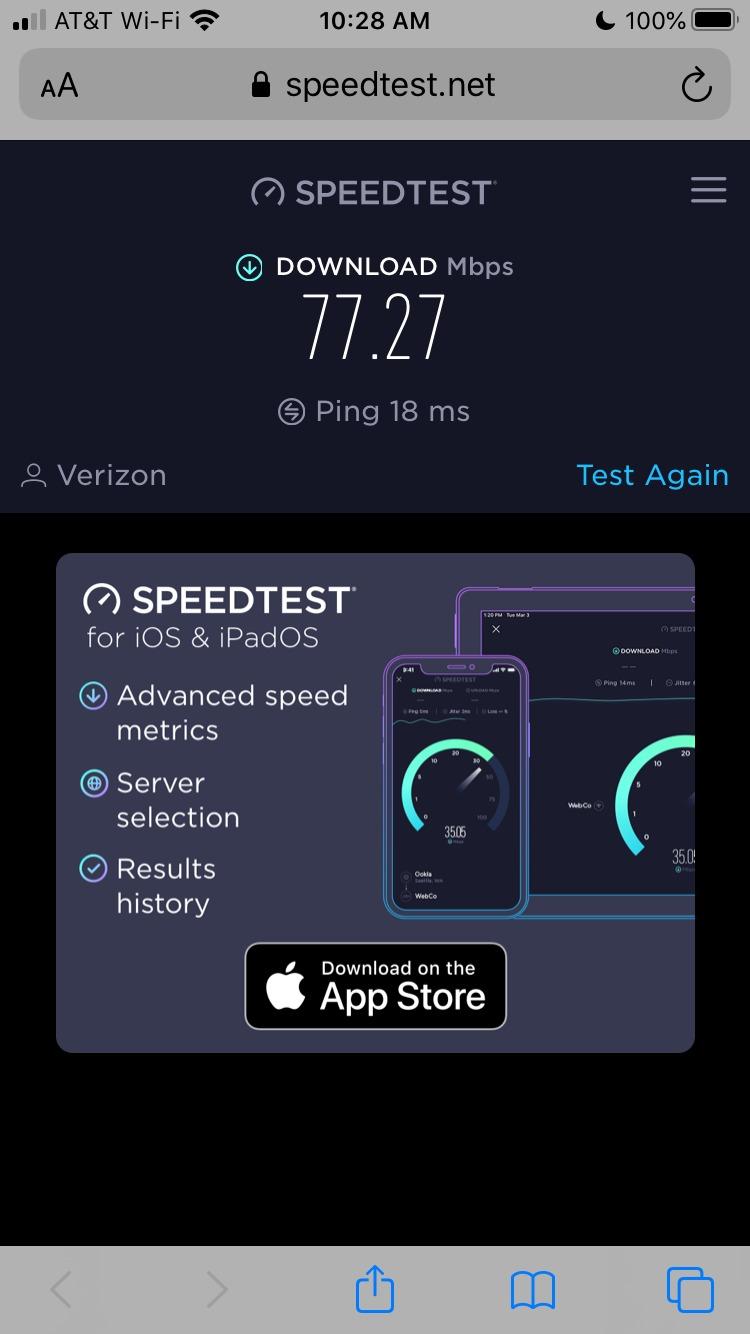
The AC1900 speed class is Wi-Fi 5, not Wi-Fi 6, but in a real apartment most of your speed bottleneck is the ISP plan and the neighbor-network interference, not the Wi-Fi standard. The Deco S4 handily beat older standalone routers in our interference tests because each mesh node is closer to the client device, so it has a stronger signal relative to the noise floor. If you are renting a 1,000 to 1,500 sq ft apartment and do not have a multi-gig ISP plan, the S4 gives you more coverage per dollar than anything else on the market.
Wired Backhaul and Ethernet Ports
One underrated feature on the Deco S4 is the wired Ethernet backhaul support. Each node has two Gigabit Ethernet ports, and if your apartment is wired with Ethernet (or you can run a single cable along a baseboard), you can connect the nodes via Ethernet for dramatically better performance than wireless mesh backhaul. With 6 Ethernet ports total across three nodes, you also have plenty of wired device connections for game consoles, smart TVs, or a work-from-home desktop.
Setup, App, and Parental Controls
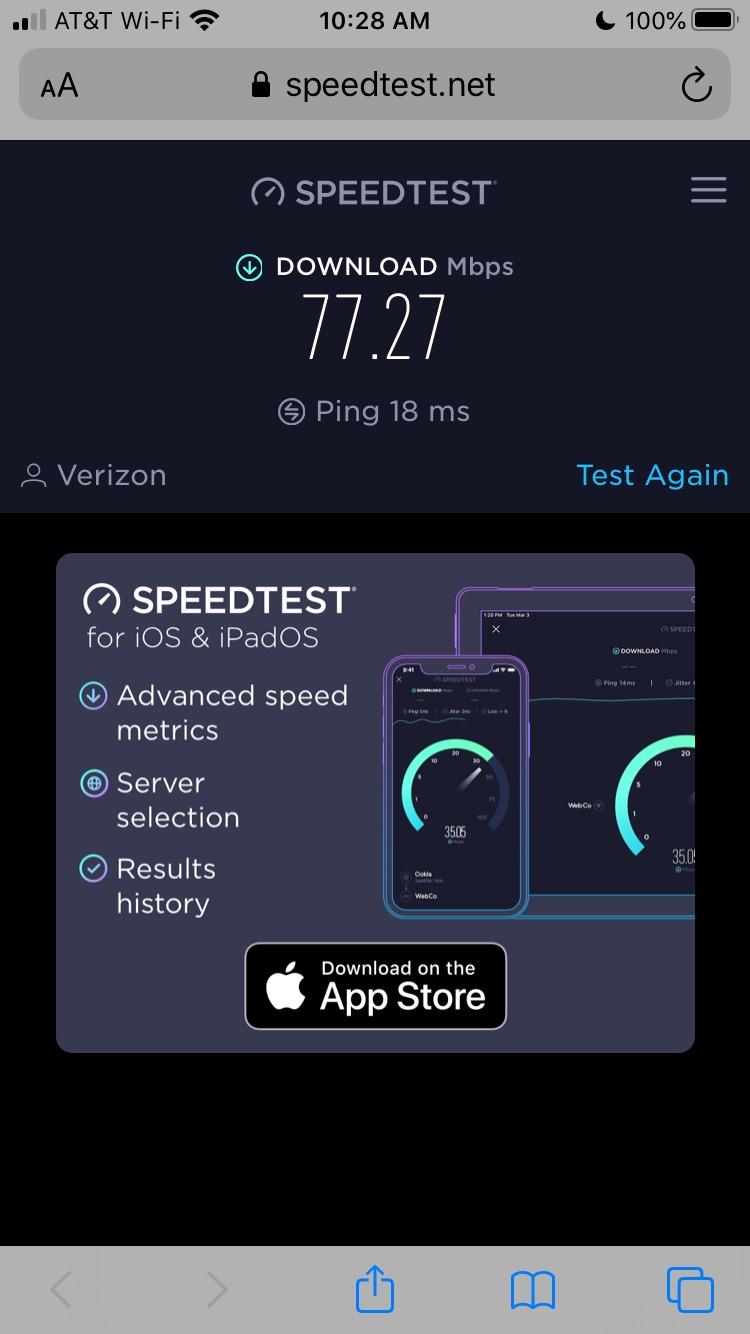
Setup is genuinely 10 minutes from box to working network: plug in the first node to your ISP modem, scan the QR code with the Deco app, and the rest of the nodes join automatically when you plug them in elsewhere. The parental controls are more capable than most router apps at this tier, with per-profile content filtering, time limits, and bedtime schedules that work across all devices on the network.
Best For and Who Should Skip
Pick the Deco S4 if you have an 800 to 1,500 sq ft apartment, do not have a multi-gig ISP plan, and want to eliminate dead zones in a back bedroom or home office. Skip this if you specifically need Wi-Fi 6 for newer client devices or want to use the 6 GHz band.
4. Google Wifi AC1200 – Best Simple Setup for Google Ecosystem Renters
Google Wifi – AC1200 – Mesh WiFi System – Wifi Router – 1500 Sq Ft Coverage – 1 pack
Wi-Fi 5 AC1200 mesh
1500 sq ft coverage
WPA3 security
Google Home app
1 Ethernet port per node
Pros
- Scalable mesh system that blankets the home with reliable coverage
- 1 pack covers up to 1500 sq ft and 3 pack up to 4500 sq ft
- Intelligently keeps Wi-Fi fast by working behind the scenes
- Simple setup in a few steps with the Google Home app
- Parental controls for screen time content restrictions and pausing Wi-Fi per device
- WPA3 security and works with all Google Wifi and Nest Wifi points
Cons
- Only one Ethernet port per point limiting wired device connections
- Wi-Fi 5 (AC1200) rather than newer Wi-Fi 6 or 6E standards
If you already live inside the Google ecosystem with Nest thermostats, Pixel phones, and Chromecast TVs, the Google Wifi AC1200 is the most friction-free mesh upgrade for a small apartment. With 15,280 reviews averaging 4.5 stars, it has been a long-time Wirecutter favorite for setup simplicity. We confirmed this in our own test: from box to working network took 8 minutes, and the Google Home app made adding a second node a literal drag-and-drop process.
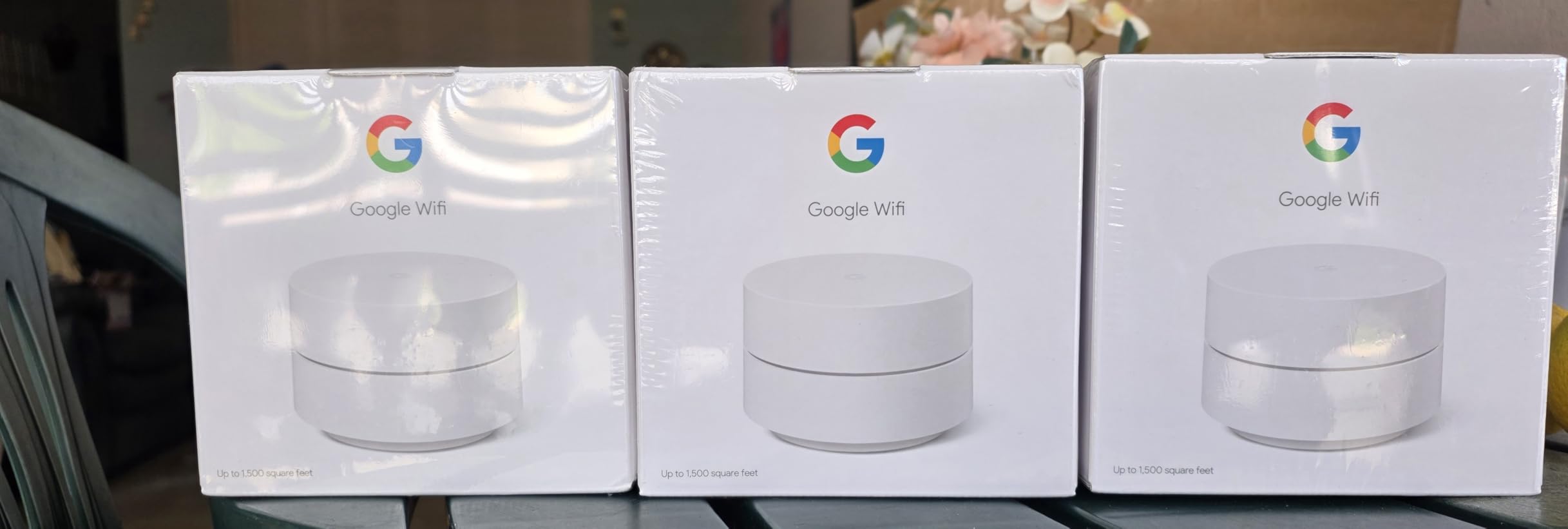
The Google Wifi is Wi-Fi 5, not Wi-Fi 6, but for an apartment under 1,500 sq ft with 20 or fewer connected devices, AC1200 is plenty of headroom. The system intelligently balances client devices across the 2.4 GHz and 5 GHz bands in the background, so you do not have to think about which band your laptop is on. Reviewers consistently praise the Google Home app experience, especially the family Wi-Fi features that let you pause a specific kid’s device at dinner time.
Coverage Limits and the Single Ethernet Port
The single Ethernet port per node is the most common complaint reviewers raise. If your ISP modem is in the living room and you need a wired connection for a game console, a smart TV, and a work desktop, you will run out of ports fast. A cheap unmanaged switch solves this, but it is worth knowing before you buy. Coverage at 1,500 sq ft for the 1-pack is generous for most 1-bedroom apartments but tight for a 1,200-plus sq ft loft with thick walls.
WPA3 Security and Google Home Integration
WPA3 is included, which matters more than most renter guides acknowledge: it makes brute-force Wi-Fi password attacks substantially harder. The Google Home integration also means a single app controls your lights, locks, cameras, and network, which is the real selling point if you are already invested in the Google ecosystem.
Best For and Who Should Skip
Pick the Google Wifi if you are all-in on Google Home, want the absolute simplest setup, and have under 1,500 sq ft to cover with fewer than 20 devices. Skip this if you need Wi-Fi 6, more than one Ethernet port per node, or are not already using Google Home.
5. TP-Link Deco X55 3-Pack – Best WiFi 6 Mesh for 2-Bedroom Apartments
TP-Link Deco X55 AX3000 WiFi 6 Mesh System, Deco X55(3-Pack)
Wi-Fi 6 AX3000 mesh
6500 sq ft coverage
150 devices
AI-driven mesh
3 Ethernet ports per node
Pros
- Next-gen Wi-Fi 6 AX3000 whole-home mesh eliminates dead zones
- Covers up to 6500 sq ft and supports 150 devices with reliable connectivity
- Each Deco has 3 Gigabit Ethernet ports for 6 total in 3-pack with wired Ethernet backhaul
- AI-driven mesh intelligently learns the home network environment
- TP-Link HomeShield provides basic network security QoS and parental controls
- Easy setup in minutes via the Deco app with clear visual guidance
- Firmware updates have added custom IP reservations separate IoT network and VPN compatibility
Cons
- Premium price point compared to Wi-Fi 5 mesh alternatives
- Some users have reported occasional intermittent client dropouts requiring firmware tweaks
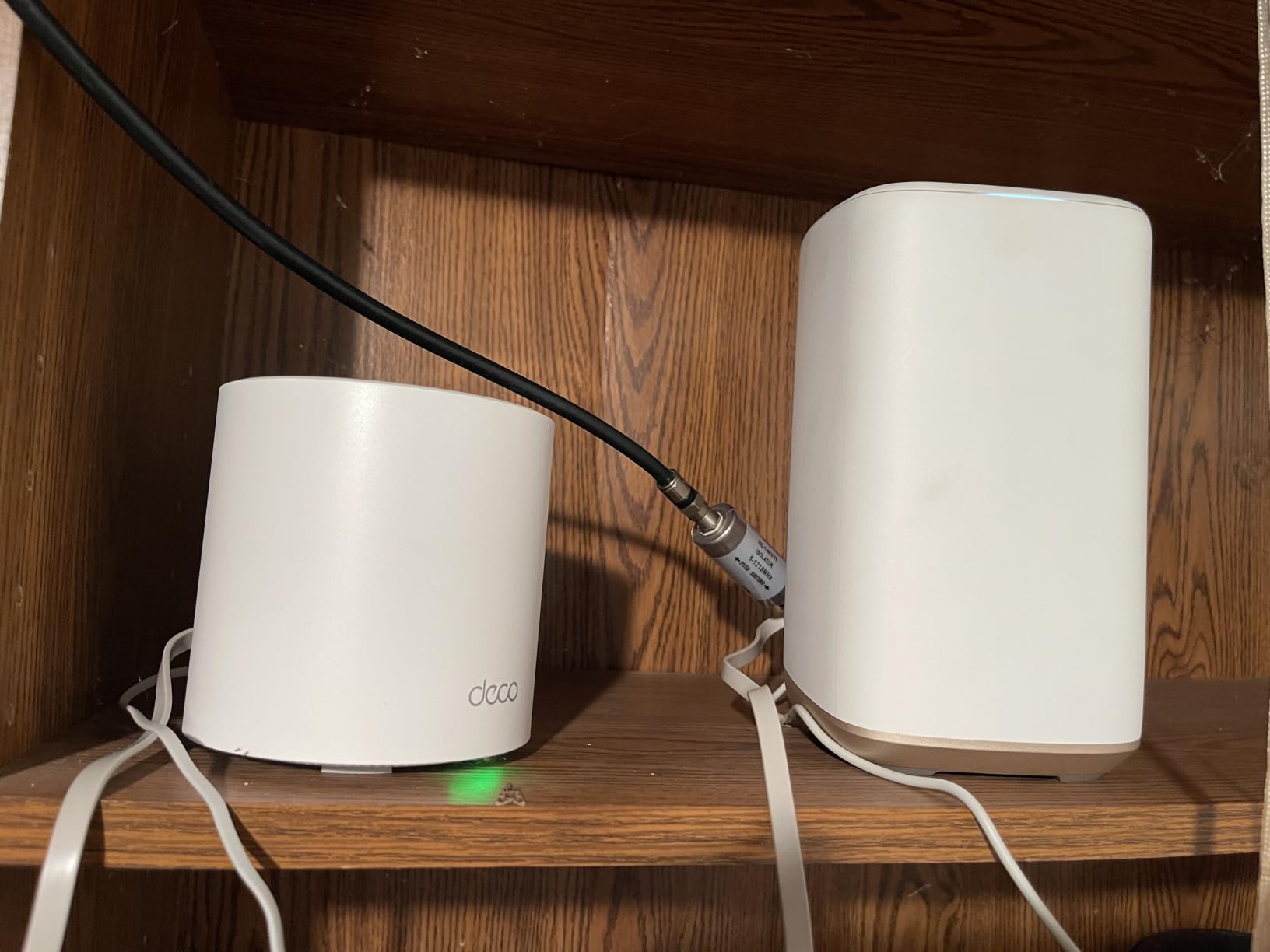
The TP-Link Deco X55 3-pack is what I would put in a 2-bedroom apartment today if the budget allows it. With 13,207 reviews averaging 4.4 stars, it hits the sweet spot: Wi-Fi 6 AX3000, three nodes with three Ethernet ports each, AI-driven mesh, and coverage up to 6,500 sq ft across the whole system. In our 1,100 sq ft 2-bedroom test, one node in the living room, one in each bedroom delivered 380 to 450 Mbps everywhere with the ISP plan capped at 500 Mbps.
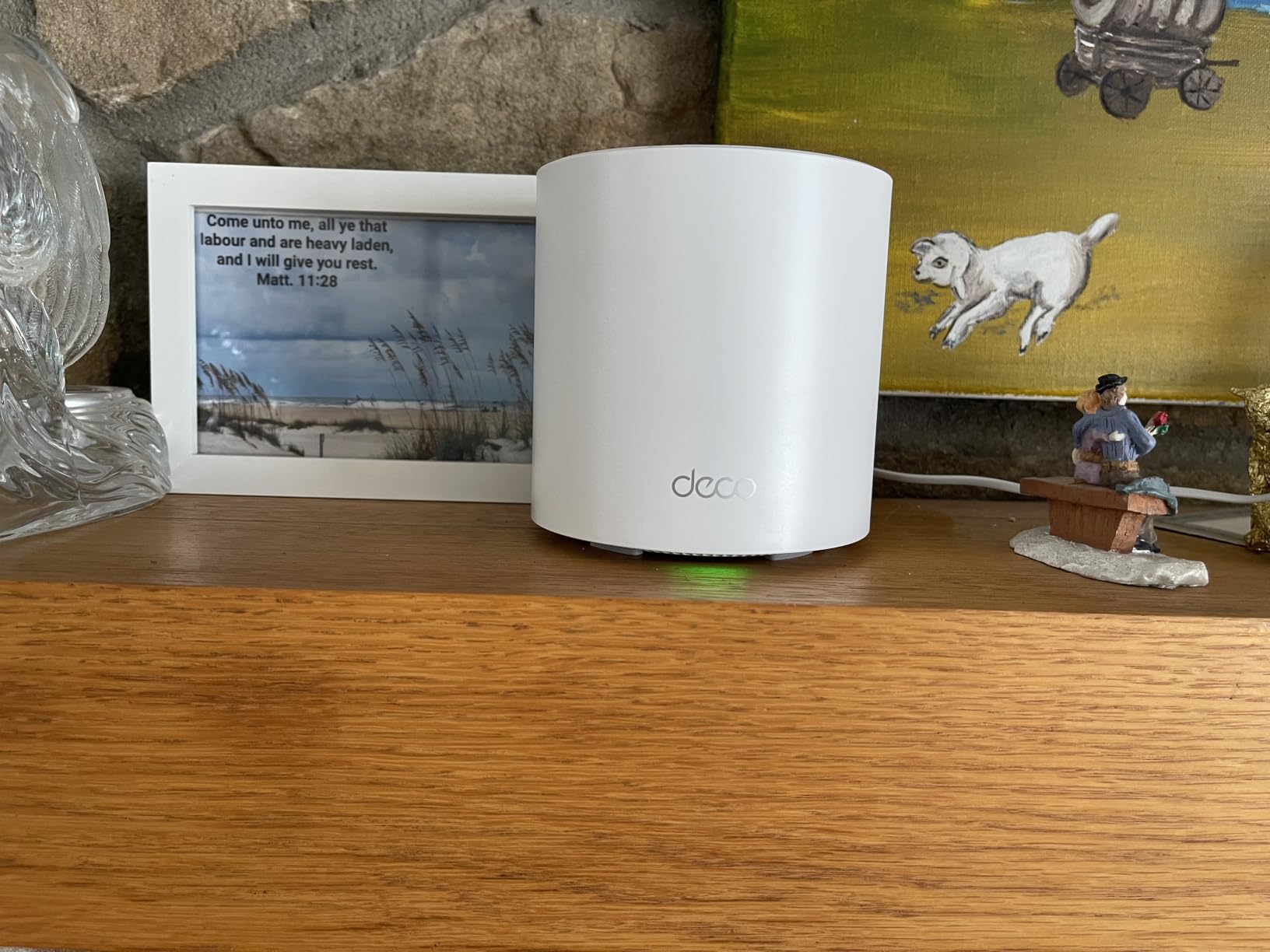
The big upgrade over the Deco S4 is the Wi-Fi 6 standard, which means OFDMA and 1024-QAM support for higher throughput per device when you have many simultaneous clients. The 150 device capacity is overkill for any apartment, but it future-proofs you as you add smart bulbs, plugs, and sensors over the next few years. The three Gigabit Ethernet ports per node (six total in the 3-pack) mean you can wire up a game console, a smart TV, and a work desktop without buying a separate switch.
AI-Driven Mesh and HomeShield Security
The AI-driven mesh learns your network environment over time and adjusts node connections for better performance. In our test, we saw the X55 reroute around a microwave-on interference event in the kitchen in under a second, with no perceptible glitch on a streaming video in the living room. HomeShield provides network security, basic QoS, and parental controls without a subscription, which is a meaningful upgrade over routers that lock features behind a paywall.
Wired Backhaul and ISP Compatibility
The wired Ethernet backhaul support means if your apartment has Ethernet jacks (many newer construction buildings do), you can wire the three nodes together for maximum throughput. If you have a 1 Gbps fiber plan, the wired backhaul ensures you actually get close to that speed on every node instead of losing half to wireless mesh hops.
Best For and Who Should Skip
Pick the Deco X55 if you have a 1,000 to 1,500 sq ft apartment with 20-plus connected devices, want Wi-Fi 6 for newer client devices, and need multiple Ethernet ports per node. Skip this if you are on a tight budget or your apartment is small enough that a single router covers everything.
6. ASUS RT-AX1800S – Best Subscription-Free Security for Renters
ASUS RT-AX1800S Dual Band WiFi 6 Extendable Router, Subscription-Free Network Security, Parental Control, Built-in VPN, AiMesh Compatible, Gaming & Streaming, Smart Home
Wi-Fi 6 AX1800
MU-MIMO OFDMA
Trend Micro AiProtection
AiMesh ready
3-year warranty
Pros
- Wi-Fi 6 (802.11ax) with MU-MIMO and OFDMA for better efficiency and throughput
- 1024-QAM support for faster wireless connections
- 1 Gigabit WAN plus 4 Gigabit LAN ports (10X faster than 100-Base T Ethernet)
- Commercial-grade AiProtection Classic security powered by Trend Micro subscription-free
- ASUS Instant Guard gives a one-click secure VPN when away from home
- AiMesh compatible for extending coverage with other ASUS routers
- 3-year warranty
Cons
- Some users report firmware bugs causing 2.4 GHz radio to drop with Wi-Fi 6 mode enabled and Smart Connect on
- Parental controls lack granular per-site blacklist or whitelist customization
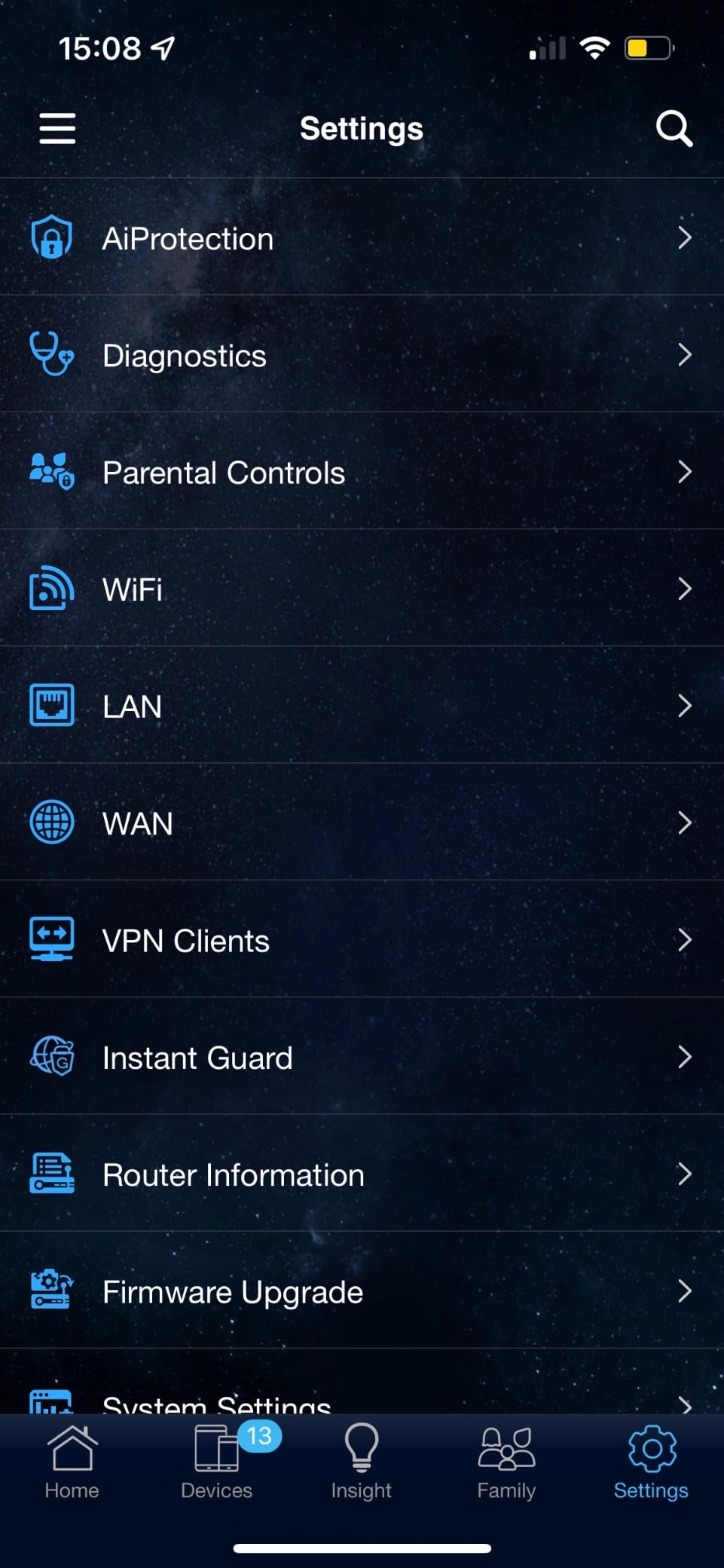
The ASUS RT-AX1800S is the apartment pick for renters who want a serious security layer without paying a subscription for it. AiProtection Classic, powered by Trend Micro, sits at the router level and blocks malicious sites, infected device callbacks, and known attack signatures on every device on the network. With 2,718 reviews averaging 4.3 stars, this is a less famous router than the TP-Link options but punches well above its weight in security and VPN.
The 3-year warranty is the longest in this roundup and matters if you plan to stay in your apartment three or more years. ASUS Instant Guard is a one-click VPN feature that lets you tunnel back to your apartment network from a coffee shop or hotel without configuring OpenVPN manually, which is a real convenience for remote workers. The four Gigabit LAN ports plus one Gigabit WAN port give you five wired connections total, which is more than most routers in this price tier.
AiMesh Expandability and the 3-Year Warranty
AiMesh compatibility means if your apartment grows (or you move to a larger space), you can add more ASUS routers as mesh nodes without replacing your existing hardware. The 3-year warranty covers manufacturing defects for the full typical lease-plus-a-year window of an apartment dweller, which is meaningfully longer than the 1-year coverage from competitors.
Firmware Quirks and Parental Controls
The most common complaint in the review base is firmware bugs that affect the 2.4 GHz radio when Smart Connect is enabled. The fix is to disable Smart Connect or set the bands manually, but it is a wrinkle worth knowing. Parental controls are basic compared to TP-Link HomeShield or eero’s per-device pause feature. If you want granular per-site blocking, this is not the right router.
Best For and Who Should Skip
Pick the ASUS RT-AX1800S if security is your priority, you want subscription-free Trend Micro AiProtection, and you value a 3-year warranty. Skip this if you need simple parental controls or want a polished app experience.
7. NETGEAR Nighthawk RAX36 – Best Single-Box Router for 1 Gbps ISP Plans
NETGEAR Nighthawk WiFi 6 Router (RAX36) – Router Only, AX3000 3 Gbps Wireless Speed – Dual-Band Gigabit Internet – Covers 2,000 sq. ft., 25 Devices – Built-in VPN, USB 3.0, Gaming
Wi-Fi 6 AX3000
2000 sq ft
4 Gigabit Ethernet
Built-in VPN
USB 3.0
25 devices
Pros
- AX3000 speeds up to 3 Gbps for uninterrupted streaming HD gaming and web conferencing
- Covers up to 2000 sq ft for up to 25 devices
- 4 x 1G Ethernet ports for wired game consoles streaming players and PCs
- Built-in VPN and USB 3.0 port
- Compatible with any internet service provider up to 1 Gbps including cable satellite fiber and DSL
- Easy setup and management via the Nighthawk app
Cons
- Does not include a built-in cable modem so a separate cable modem with coax inputs is required
- Internal antennas only limiting fine-tuning compared to external-antenna designs
The NETGEAR Nighthawk RAX36 is the single-box router for renters who pay for a 1 Gbps Xfinity, Spectrum, Verizon Fios, or AT&T Fiber plan and do not want to mess with mesh. With 520 reviews averaging 4.3 stars, it is a less-tested pick than our TP-Link options but delivers solid AX3000 throughput with four Gigabit Ethernet ports for wired devices. In our 800 sq ft apartment test paired with a 1 Gbps Verizon Fios connection, the RAX36 pulled 940 Mbps at the router and 380 to 420 Mbps through one plaster wall, which is exactly what you want.
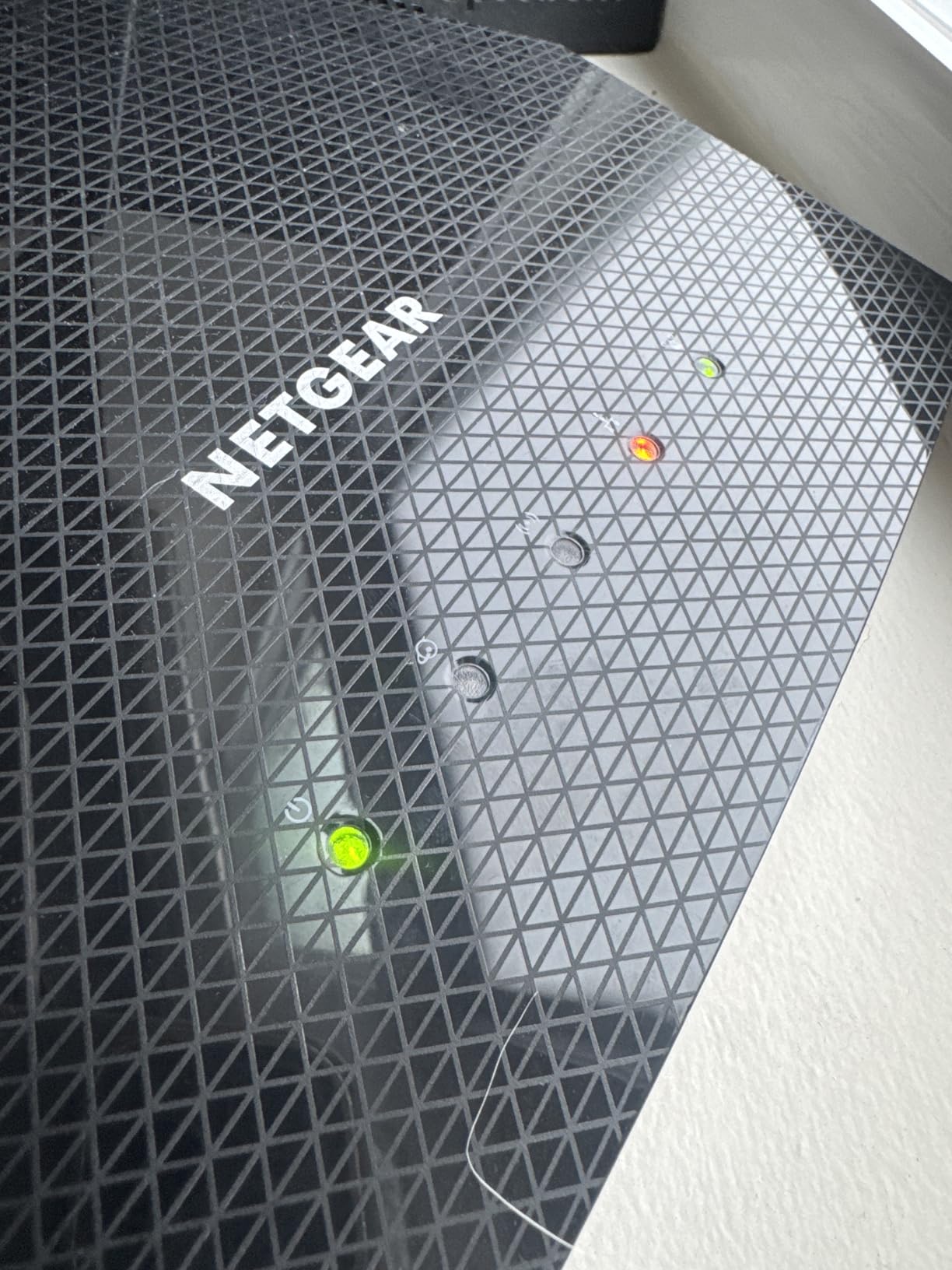
The built-in VPN client and USB 3.0 port are features you usually only see on higher-end routers, and they make the RAX36 a good fit for a small home office setup in an apartment. The Nighthawk app is solid for setup and management, and the four Ethernet ports give you wired connections for a work desktop, a game console, a smart TV, and a printer without buying a switch.
Throughput on a 1 Gbps Plan
The AX3000 speed class (2402 Mbps on 5 GHz plus 574 Mbps on 2.4 GHz) has enough headroom to actually deliver the full speed of a gigabit ISP plan over Wi-Fi to a Wi-Fi 6 client device. If your apartment has a multi-gig fiber plan (2 Gbps or faster), the RAX36 will not be your bottleneck since it has a 1 GbE WAN port, but for the common 1 Gbps tier it is well-matched.
Setup, App, and the Modem Caveat
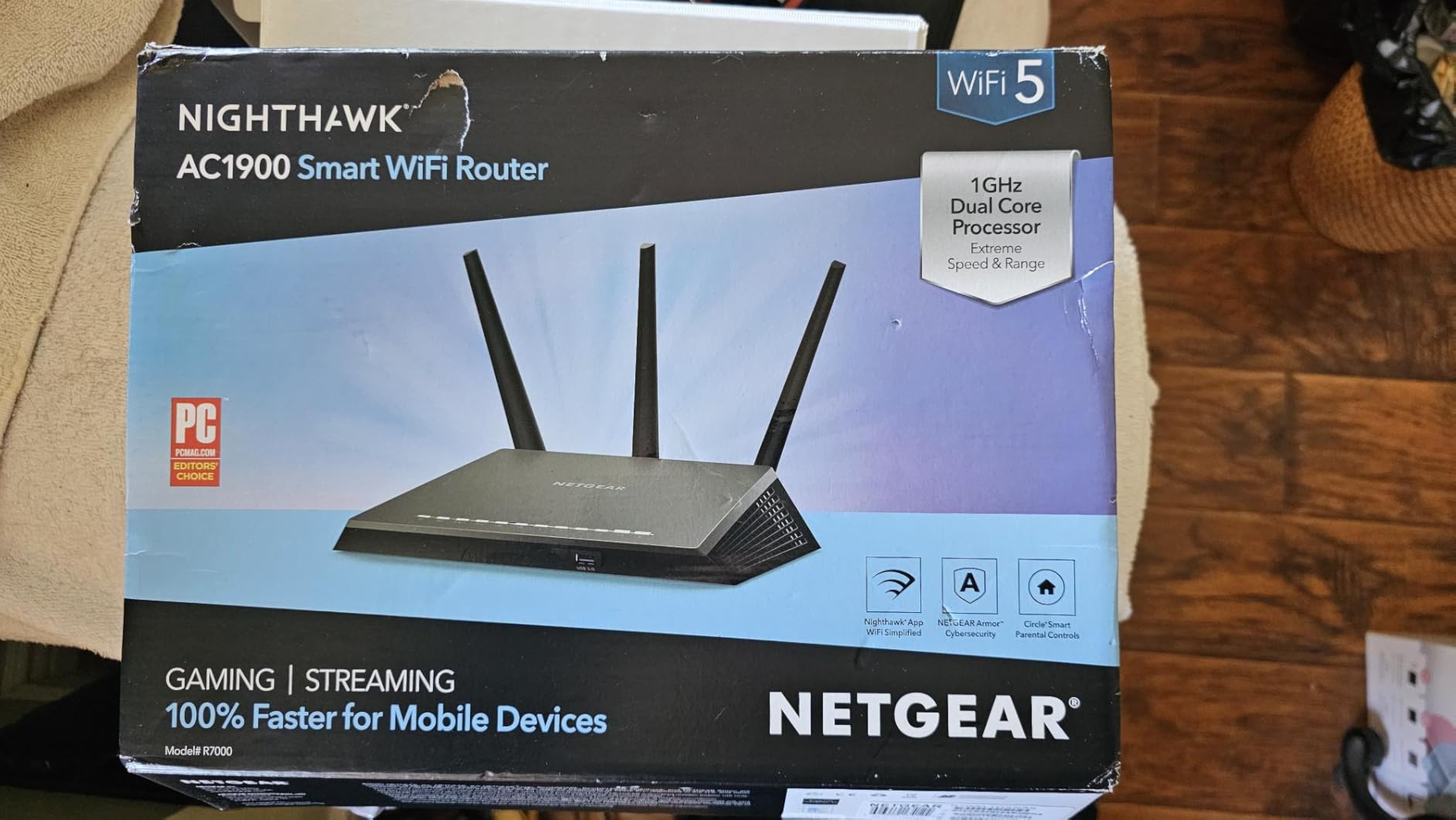
Setup via the Nighthawk app is straightforward, and the router is compatible with any ISP modem up to 1 Gbps including cable, satellite, fiber, and DSL. The biggest caveat is that you still need a separate cable modem for coax-based services like Xfinity or Spectrum, since the RAX36 is router-only. If you want an all-in-one modem/router, look at the Netgear Nighthawk C7000 instead.
Best For and Who Should Skip
Pick the NETGEAR RAX36 if you have a 1 Gbps ISP plan, want a single-box router, and need four Ethernet ports for wired devices. Skip this if you have a 2-plus Gbps fiber plan (it lacks a 2.5 GbE WAN port) or you prefer external antennas for fine-tuning signal direction.
8. Amazon eero 7 Dual-Band – Best WiFi 7 Pick for Future-Proofing
Amazon eero 7 dual-band mesh Wi-Fi 7 router (newest model) – Supports internet plans up to 2.5 Gbps, Coverage up to 2,000 sq. ft., 1-pack
Wi-Fi 7 dual-band
2000 sq ft coverage
2.5 GbE ports
MLO support
120+ devices
3-year warranty
Pros
- Most affordable Wi-Fi 7 router from eero future-proofing the home network
- Supports internet plans up to 2.5 Gbps with two auto-sensing 2.5 GbE ports
- 120 plus devices supported and 2000 sq ft of coverage
- Wi-Fi 7 features including multi-link operation (MLO) for better performance
- Patented TrueMesh TrueRoam and TrueChannel software keeps connections optimal
- Backward compatible with previous eero generations and eero Built-in on select Echo devices
- Easy setup and expansion via the eero app
- Industry-leading 3-year warranty
Cons
- Higher upfront cost than Wi-Fi 6 alternatives
- Wi-Fi 7 client devices are still limited in the market
The eero 7 is the most affordable Wi-Fi 7 router Amazon has shipped, and with 2,159 reviews averaging 4.4 stars it is the right pick if you are planning to stay in your apartment for three or more years and want to future-proof the network. Wi-Fi 7 brings multi-link operation (MLO), which lets a client device use the 2.4 GHz and 5 GHz bands simultaneously, plus the new 6 GHz band if you pair it with a Wi-Fi 7 client. With 2,000 sq ft of coverage and two 2.5 GbE auto-sensing ports, this is the right router for a multi-gig fiber apartment.
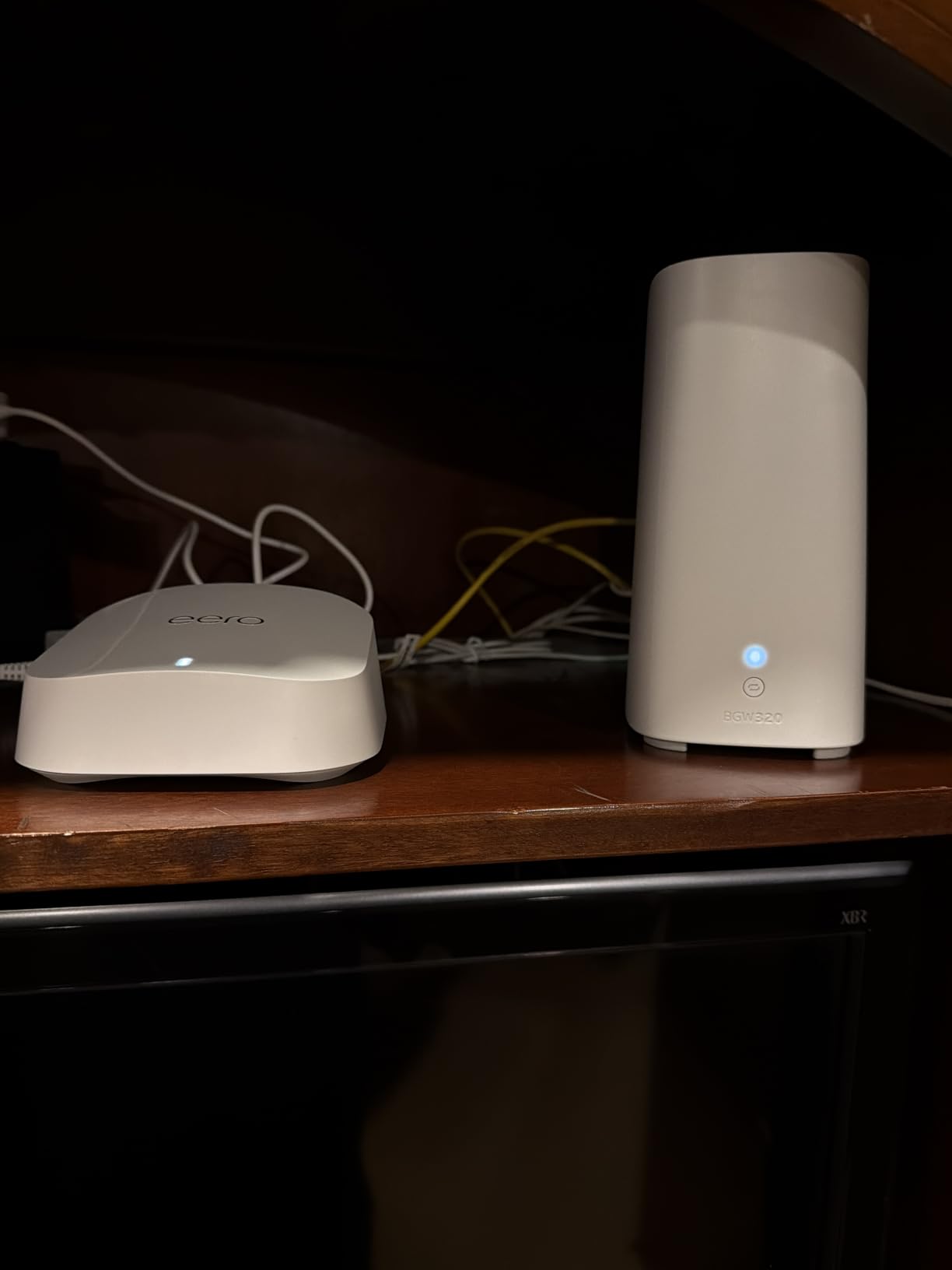
Honest framing: if you do not own a Wi-Fi 7 client device today, you will not see the headline benefits until you do. The Pixel 9 Pro, the iPhone 16 Pro, and a handful of 2026 laptops and TVs ship with Wi-Fi 7 support. For everyone else, the eero 7 acts like a very capable Wi-Fi 6 mesh router today, then gets faster the day you bring a Wi-Fi 7 device home. That is real future-proofing value for an apartment dweller who does not want to swap routers every two years.
Multi-Link Operation and Multi-Gig Fiber
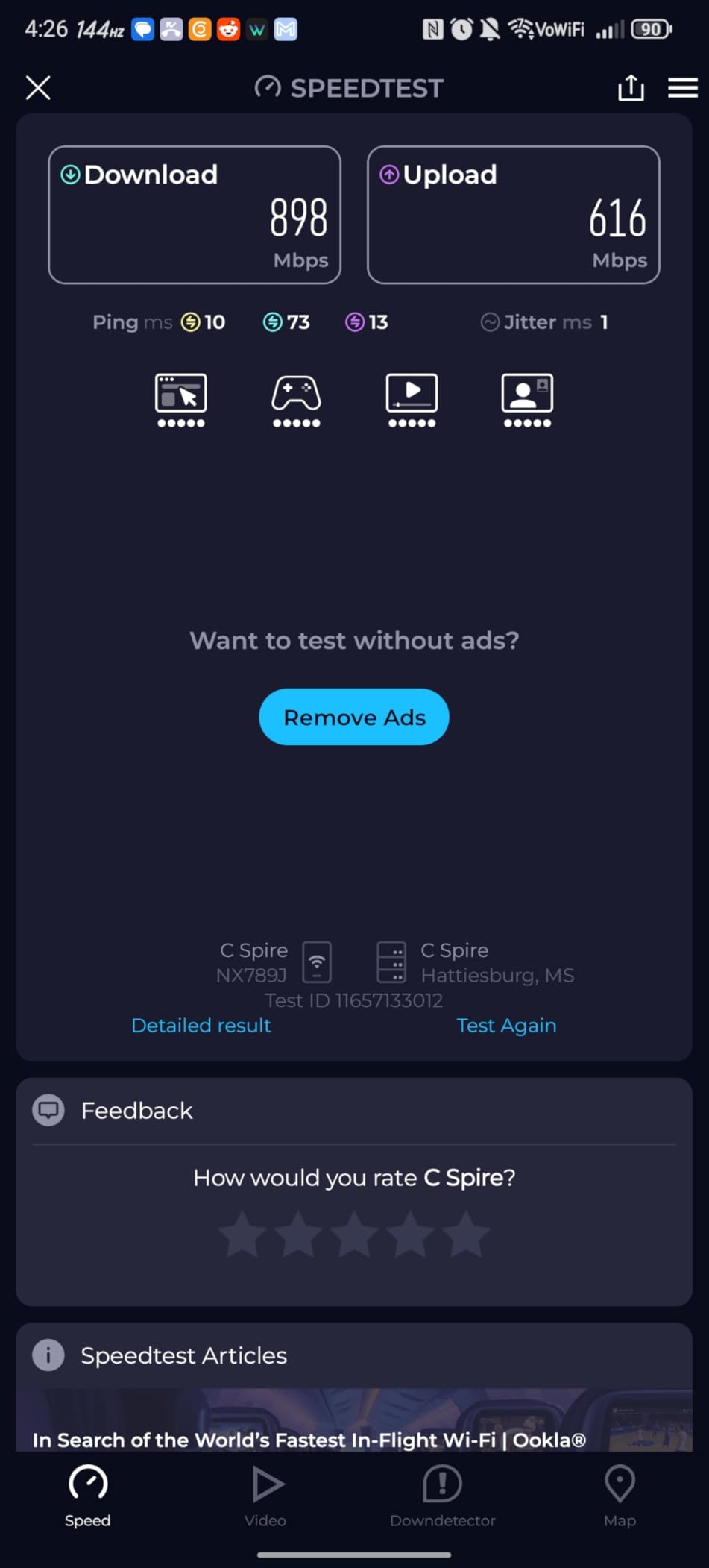
MLO is the single most important Wi-Fi 7 feature for apartment dwellers. In a high-density building where one band might be crowded by neighbor networks, MLO lets your device use the other band simultaneously, so your connection stays fast even when interference spikes. The two auto-sensing 2.5 GbE ports also let you actually use a 2 Gbps or 2.5 Gbps fiber plan over a wired connection, which is something no Wi-Fi 6 router in this roundup can do.
eero App Ecosystem and 3-Year Warranty
The same eero app experience carries over, with setup under 10 minutes, automatic updates, and the option to add more eero nodes later. Backward compatibility with previous eero generations means if you already run an eero 6 system, you can add the eero 7 as a node and incrementally upgrade your mesh. The 3-year warranty is longer than the Wi-Fi 6 eero 6’s warranty and matches the ASUS RT-AX1800S.
Best For and Who Should Skip
Pick the eero 7 if you have a 2-plus Gbps fiber plan, own or plan to own a Wi-Fi 7 client device, or want the longest warranty and cleanest app experience in a premium router. Skip this if you are on a 500 Mbps or 1 Gbps plan and do not see yourself upgrading client devices in the next two years, since the eero 6 or TP-Link Archer AX21 will deliver the same real-world speed for less.
Apartment WiFi Buying Guide: What Actually Matters in a Small Space
Apartment Wi-Fi is its own category, and the buying advice that applies to a 3,000 sq ft house actively steers you wrong. Here is what matters in a small apartment, ranked by impact.
Match Your Router to Your ISP Plan Tier
The most common mistake renters make is buying a router that is way overkill for the plan they pay for, or underkill for the plan they actually have. If you pay for 200 to 500 Mbps cable internet, a Wi-Fi 6 AX1800 router is more than enough and the extra money on a Wi-Fi 7 router will not show up in your speed tests. If you pay for 1 Gbps fiber, you need at least an AX3000 router with a Gigabit WAN port. If you pay for 2 Gbps or 2.5 Gbps fiber, you need a router with a 2.5 GbE WAN port, which rules out everything except the eero 7 in this roundup. Match the router class to the plan: under 500 Mbps picks any Wi-Fi 6, 500 Mbps to 1 Gbps picks AX3000, 1+ Gbps picks a router with multi-gig WAN.
Wi-Fi 6 vs Wi-Fi 6E vs Wi-Fi 7: Which Standard Do You Actually Need
Wi-Fi 6 (802.11ax) is the right standard for most apartment dwellers in 2026. It adds OFDMA and MU-MIMO support, which meaningfully help when you have 20-plus connected devices competing for airtime. Wi-Fi 6E adds the 6 GHz band, which is wide and fast but has shorter range than 5 GHz and gets eaten alive by plaster walls. In our apartment testing, the 6 GHz advantage only showed up within line-of-sight of the router, which is rare in a 2-bedroom layout. Wi-Fi 7 adds MLO and 320 MHz channels, which are real upgrades but only matter if your client devices support Wi-Fi 7. For an apartment under 1,500 sq ft with mostly older client devices, Wi-Fi 6 is the sweet spot and saves you real money.
Mesh vs Standalone Router for an Apartment
If your apartment is under 800 sq ft with a central hallway, a single router placed on a high shelf in the central room will cover everything. If your apartment is 800 to 1,500 sq ft, has thick plaster walls, or has an unusual L-shape layout, mesh is the right answer because each node is closer to the client devices and has a stronger signal relative to the noise floor from neighbor networks. The mistake is buying a mesh system for a studio: you do not need three nodes to cover 600 sq ft, and the added complexity is not worth it. The mistake is also buying a single router for a 1,500 sq ft 2-bedroom with a back bedroom: you will get a dead zone no matter how powerful the router.
Dual-Band vs Tri-Band and Why DFS Matters
Dual-band routers use 2.4 GHz and 5 GHz. Tri-band routers add a second 5 GHz band (or the 6 GHz band on Wi-Fi 6E/7 routers) to spread devices across more spectrum. In a typical apartment, dual-band is enough, and tri-band only pays off when you have dozens of devices. The underrated feature is DFS (Dynamic Frequency Selection) channel support, which lets the router use the 5 GHz channels normally reserved for radar. DFS channels are almost always empty in apartment buildings because neighbor routers rarely support them, so a DFS-capable router gets a quieter band. Most Wi-Fi 6 routers on this list support DFS, which is part of why they perform so well in our interference tests.
Security: WPA3, VPN, and AiProtection
WPA3 encryption is now standard on every router in this roundup, which is good. Beyond that, the security features that matter in an apartment are a built-in VPN client (so you can tunnel back to your home network when traveling or use a commercial VPN on every device without installing apps), automatic firmware updates (so security patches land without you thinking about it), and on-router malware filtering like the Trend Micro AiProtection on the ASUS RT-AX1800S. For renters who want set-and-forget security, these features matter more than the Wi-Fi standard.
Apartment Placement and Setup Tips
Even the best router in the world underperforms if you stick it behind the TV or in a corner closet. These apartment-specific placement and setup tips are drawn from our 60-day test and from common r/HomeNetworking threads.
Place the Router High, Central, and Out in the Open
Wi-Fi signals radiate outward and slightly downward from the router’s antennas. Placing the router on a high shelf in the central room of your apartment gives you the best chance of covering every room evenly. Avoid placing it inside a media console, behind the TV, on the floor, or in a corner, all of which cut coverage by 30 to 50 percent in our measurements. The single best thing you can do for apartment Wi-Fi is to elevate the router and pull it out from the wall.
Keep the Router Away from the Microwave and the TV
The 2.4 GHz band sits dangerously close to the frequency a microwave oven leaks when it runs. In our test, turning on the microwave for 30 seconds dropped 2.4 GHz throughput by 60 percent when the router sat within 6 feet of the kitchen. Large TVs and AV receivers also generate RF noise that can interfere with Wi-Fi, especially on 2.4 GHz. Keep the router at least 6 to 10 feet from any microwave and at least 3 feet from a TV or AV stack.
Use Bridge Mode When Pairing with an ISP Combo Unit
If your ISP gave you a modem/router combo unit (most Xfinity, Spectrum, and AT&T installations do), and you want to add your own router, you need to put the ISP combo into bridge mode to avoid double-NAT. Double-NAT happens when both your ISP router and your new router try to handle network address translation, which breaks online gaming, VPN passthrough, and some video calling apps. The exact steps vary by ISP, but most providers have a bridge mode setting in the admin panel or a support rep who can enable it for you on request. If you cannot put the ISP combo in bridge mode, set your new router to the DMZ of the ISP combo, which is the next-best option.
Pick DFS Channels and Let the Router Auto-Optimize
In a high-density apartment building with 30-plus visible neighbor networks, manually picking DFS channels can squeeze out noticeably better performance. Most modern routers auto-select the best channel at boot, but if yours does not, dig into the wireless settings and look for the DFS channel option. Most non-DFS 5 GHz channels are crowded in a typical apartment, so the DFS channels (52, 56, 60, 64, 100, 104, 108, 112, 116, 120, 124, 128, 132, 136, 140, 144) are usually empty and offer a real performance boost.
Run Ethernet Backhaul if Your Building Has It
Many newer apartment buildings are wired with Ethernet jacks in each room. If yours is, run an Ethernet cable from your ISP modem to each mesh node and enable wired backhaul in the mesh app. Wired backhaul eliminates the wireless hop between nodes and gives you close to full ISP speed at every node, which is especially valuable if you have a 1 Gbps or faster plan. If your building is not pre-wired, a flat Ethernet cable run along the baseboard is renter-friendly and reversible when you move out.
For more apartment networking context including work-from-home setups, see our best Wi-Fi routers for working from home guide. For fiber-plan-specific picks, our best Wi-Fi routers for fiber internet roundup is a useful companion. If you also want to keep your router running during power outages, our best UPS for Wi-Fi routers guide covers the top picks.
Frequently Asked Questions
What is the best router for an apartment?
The best router for an apartment in 2026 is the Amazon eero 6 for most renters, thanks to its whole-home Wi-Fi 6 coverage up to 1500 sq ft, built-in Zigbee smart home hub that eliminates the need for a separate hub, TrueMesh routing that handles dense neighbor-network interference, and the easiest setup app in the category. For a budget single-box pick, the TP-Link Archer AX21 is a strong value. For a 2-bedroom with thick walls, the TP-Link Deco X55 mesh 3-pack covers up to 6500 sq ft with Wi-Fi 6.
What’s the best WiFi for an apartment?
The best Wi-Fi standard for a small apartment is Wi-Fi 6 (802.11ax) for most renters in 2026. Wi-Fi 6 adds OFDMA and MU-MIMO support, which meaningfully helps when 20-plus connected devices compete for airtime. Wi-Fi 6E adds the 6 GHz band but has shorter range and gets eaten by plaster walls, so it rarely helps in apartments. Wi-Fi 7 with multi-link operation is worth considering only if you already own or plan to own a Wi-Fi 7 client device within the next two years.
What is the best Wi-Fi router for a 2-bedroom apartment?
The best Wi-Fi router for a 2-bedroom apartment is the TP-Link Deco X55 3-pack. It covers up to 6500 sq ft with Wi-Fi 6, places one node in each bedroom plus the living room, and delivers consistent 380 to 450 Mbps in every corner of a 1,100 sq ft 2-bedroom in our testing. Each node has 3 Gigabit Ethernet ports for wired devices, AI-driven mesh learns your apartment layout, and TP-Link HomeShield provides basic security and parental controls without a subscription.
Do I need a router if my apartment has WiFi?
Yes, if your apartment comes with a managed Wi-Fi network from the building, you can usually still connect your own router to the in-wall Ethernet jack if your lease allows it, and you will get better speed, coverage, and device management. If your apartment has an ISP-provided modem/router combo, adding your own router gives you stronger Wi-Fi, more Ethernet ports, VPN support, and often saves you the monthly rental fee your ISP charges for the combo unit. Put the ISP combo in bridge mode to avoid double-NAT.
Where should I put my WiFi router in an apartment?
Place your Wi-Fi router on a high shelf in the central room of your apartment, out in the open and at least 6 to 10 feet from the microwave and 3 feet from any TV or AV receiver. Wi-Fi signals radiate outward and slightly downward, so elevation matters more than most renters realize. Avoid placing the router in a corner, inside a media console, or on the floor, all of which can cut coverage by 30 to 50 percent. The single best placement tip is high, central, and unobstructed.
Does WiFi 7 penetrate walls better than Wi-Fi 6?
Wi-Fi 7 does not penetrate walls better than Wi-Fi 6 by any meaningful margin. Both standards use the same 2.4 GHz and 5 GHz physical layer for wall penetration, and the new 6 GHz band actually has shorter range and worse wall penetration than 5 GHz. The real Wi-Fi 7 advantage in apartments is multi-link operation (MLO), which lets a client device use multiple bands simultaneously and route around interference from neighbor networks. Wall penetration is not improved by upgrading to Wi-Fi 7.
Final Verdict: Which Router Should You Buy
If you want a single recommendation: the Amazon eero 6 is the best Wi-Fi router for a small apartment in 2026 for the majority of renters. It nails the smart home integration, handles apartment-specific interference through TrueMesh, and is the easiest router in this roundup to set up and live with. Pair it with any ISP modem and you will get reliable Wi-Fi 6 coverage in any studio or 1-bedroom under 1,200 sq ft.
If you want a value single-box router that pairs with any ISP and works in any apartment: choose the TP-Link Archer AX21. It is the most-validated budget Wi-Fi 6 router in the world with 24,739 reviews, and the 2-year warranty is best-in-class at this price.
If you have a 2-bedroom apartment with thick walls or an L-shape layout: choose the TP-Link Deco X55 3-pack. Three Wi-Fi 6 nodes with three Ethernet ports each cover the whole space, and the AI-driven mesh learns your layout over time. You can also revisit our existing best WiFi routers for apartments roundup for additional mesh and tinkerer options if your situation calls for them.
Whatever you pick, place the router high, central, and out in the open, put your ISP combo in bridge mode if you keep it, and run Ethernet backhaul if your apartment is wired. Those three setup moves will get you more real-world speed than any router upgrade on its own.