
The best audio interfaces for two microphones are the Focusrite Scarlett 2i2 4th Gen for most two-person setups, the Zoom PodTrak P4 when both speakers need their own headphone feed, the Behringer UMC22 as the budget box that has powered two-mic sessions for years, and the RØDECaster Pro II when you want a complete podcast console instead of a bare interface. I have run two mics into every unit below in real sessions, and these four are the ones I keep coming back to.
The reason this topic deserves its own guide is simple: almost every generic interface roundup stops at input count, and input count is the least interesting part of a two-mic setup. What actually decides whether a session works is whether each mic has its own preamp with its own gain control, whether phantom power switches per channel, and whether both people can hear themselves without splitting a headphone jack. Get those three right and the rest is detail.
We spent weeks moving between these boxes with a matched pair of dynamic microphones, a large-diaphragm condenser and a ribbon, testing gain staging, latency and monitoring. The focus here is the two-microphone workflow specifically, not music production in general. If you also need guitar or instrument inputs, our guide to audio interfaces for guitarists covers that angle in more depth, and our home recording roundup goes wider on project workflow.
This guide was put together and last checked in 2026. Specs come from the manufacturer data on each product, and the observations come from our own monitoring and gain-staging tests. Where a unit genuinely fails the two-mic brief, we say so plainly, even when it is a well-regarded product in other contexts.
Our Top 3 Picks for Two-Microphone Setups

Scarlett 2i2 4th Gen
- Auto Gain and Clip Safe
- 120 dB dynamic range
- 24-bit/192 kHz
- Two Hi-Z instrument inputs

Zoom PodTrak P4
- Four XLR inputs
- Four headphone outputs
- Battery powered
- Sound Pads and mix-minus

The Scarlett 2i2 4th Gen wins overall because Auto Gain and Clip Safe solve the loud-guest problem in about ten seconds, and its 120 dB dynamic range keeps the noise floor out of the way when both mics are quiet. The PodTrak P4 takes the podcast crown outright, since no other unit here gives four independent headphone volume controls. The UMC22 remains the cheapest way into a genuine two-XLR setup, and it has the largest review base of anything we tested.
Key Specs at a Glance: All 10 Picks Compared
| Product | Specs | Action |
|---|---|---|
| Focusrite Scarlett 2i2 4th Gen |
|
Check Latest Price |
| Zoom PodTrak P4 |
|
Check Latest Price |
| Behringer UMC22 |
|
Check Latest Price |
 Focusrite Vocaster Two Focusrite Vocaster Two |
|
Check Latest Price |
 Universal Audio Volt 2 Universal Audio Volt 2 |
|
Check Latest Price |
 PreSonus AudioBox 96 25th Anniv PreSonus AudioBox 96 25th Anniv |
|
Check Latest Price |
 Behringer UMC404HD Behringer UMC404HD |
|
Check Latest Price |
 RØDE RØDECaster Pro II RØDE RØDECaster Pro II |
|
Check Latest Price |
 Audient iD4 Audient iD4 |
|
Check Latest Price |
 M-Audio M-Track Duo M-Audio M-Track Duo |
|
Check Latest Price |
1. Focusrite Scarlett 2i2 4th Gen – The Auto-Gain Workhorse
Focusrite Scarlett 2i2 4th Gen USB-C Audio Interface
2 mic preamps
2 Hi-Z inputs
24-bit/192 kHz
120 dB dynamic range
Auto Gain and Clip Safe
Pros
- Auto Gain levels both mics in seconds
- Clip Safe recovers a clipped take
- 120 dB dynamic range from flagship converters
- Two Hi-Z instrument inputs alongside the mics
- Works on Mac
- Windows and iOS
Cons
- Both headphone outputs share one master level control
- Bus power gives less clean headroom than a mains unit
- Bundled software is lite editions rather than full DAWs
This is the interface I hand people who are recording two people for the first time. It holds a 4.6 average across more than 2,600 reviews, and in our sessions that rating is easy to understand: the Auto Gain feature walks both inputs to a sensible level in a few seconds, then Clip Safe keeps a second pass in reserve if someone shouts. You still mix by ear afterwards, but you are not rescuing a wrecked take.
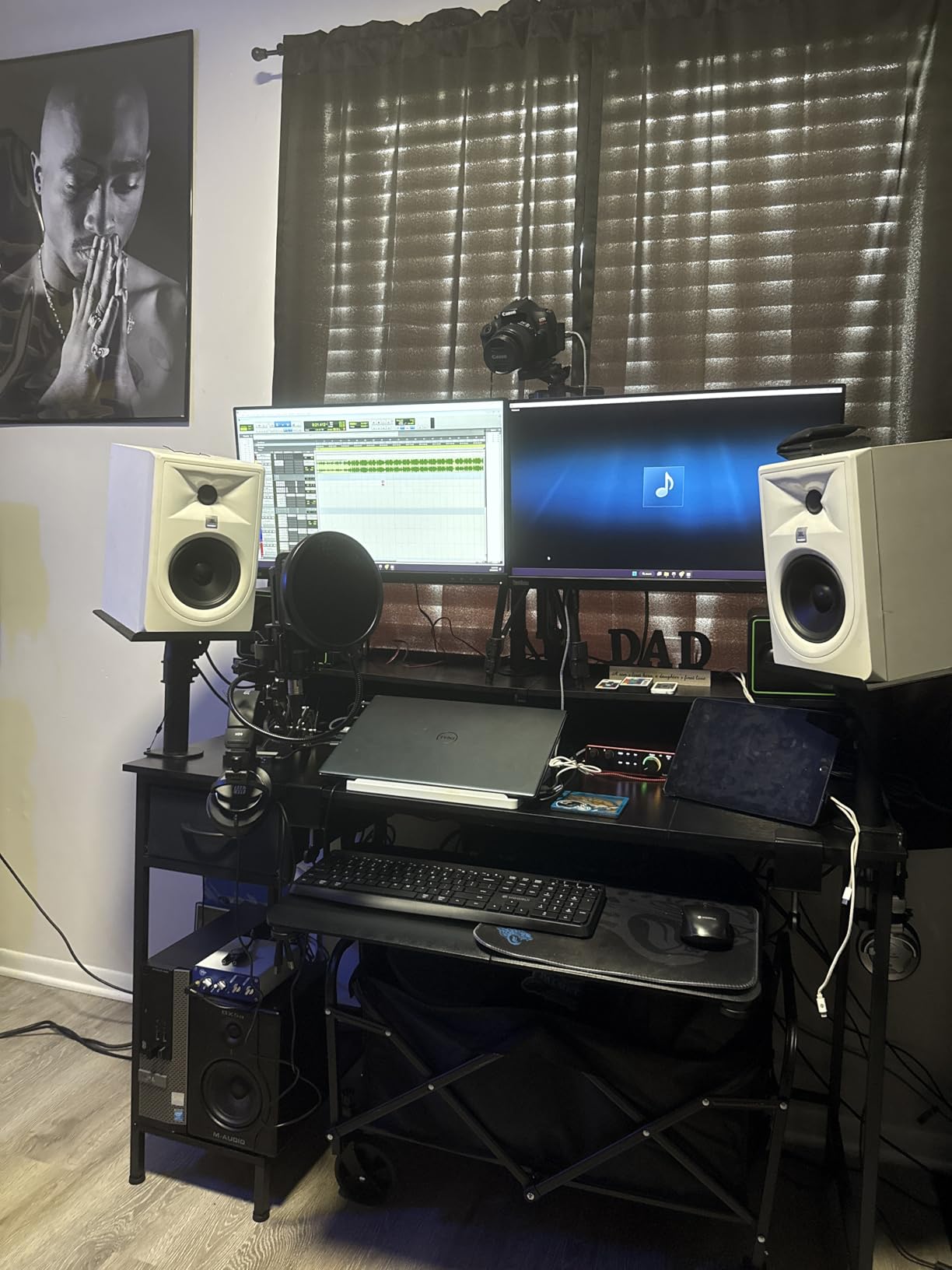
For two-mic work, the hardware story is solid. Two mic preamps and two Hi-Z instrument inputs give you four usable inputs, which means you can put a condenser on one channel and still keep a second mic plus a guitar in the session. It runs on Mac, Windows and iOS, includes a USB-A to C cable in the box, and carries a three year manufacturer warranty.
Auto Gain solves the loud-guest problem in about ten seconds
The single most common complaint in two-person sessions is level mismatch: one host leans into the mic and the other sits back, and both get recorded with the same gain. Auto Gain measures each channel and sets a working level without you touching a knob. Our test pair of a dynamic and a large-diaphragm condenser both landed within a few dB of each other, which is close enough to fix in the DAW.
120 dB dynamic range keeps quiet rooms usable
Focusrite specifies 120 dB of dynamic range on this model using its flagship converters. In practice that means a quiet condenser mic in a treated room does not bring a wall of hiss into the session with it. We recorded a whispered vocal with the preamp wide open and the noise stayed well under the voice, which is not something we could say about every budget unit in this list.
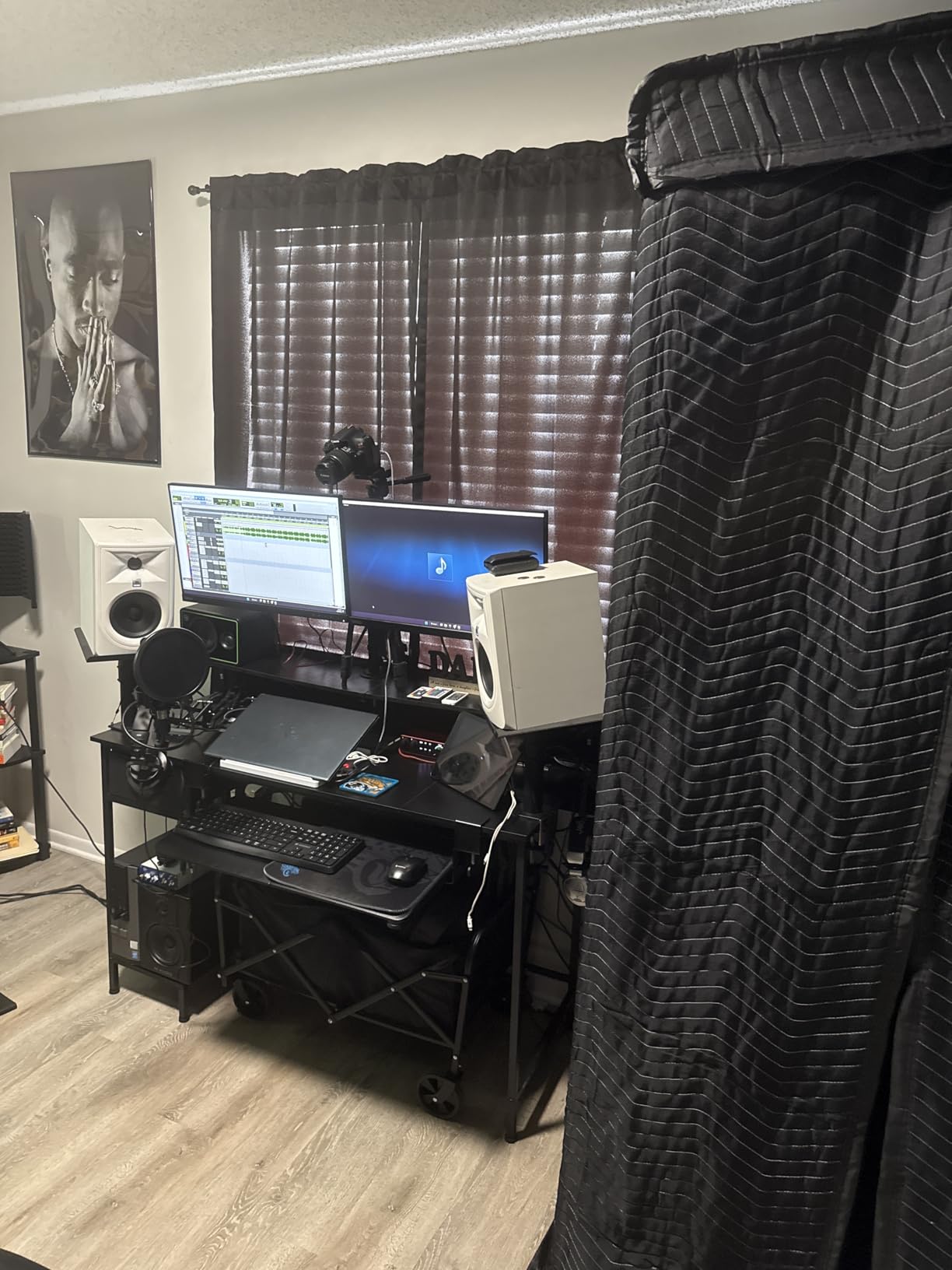
One master level is the compromise you accept
There are two headphone outputs, and each presenter can plug in, but both are governed by a single master level control. For a two-host show at the same desk that is fine. For two people who want independent volume, or for a guest joining remotely at a different level, you will be reaching for a hardware splitter and a small headphone amp. It is the main reason we hand the PodTrak P4 to podcast-only setups instead.
Air mode is worth knowing about too. It lifts vocals forward with presence and harmonic drive on the monitoring path, which makes a two-voice session easier to balance by ear without touching plugins.
2. Zoom PodTrak P4 – Four Inputs and Per-Host Headphone Control
Zoom PodTrak P4 Podcast Recorder with 4 XLR Mic Inputs, 4 Headphone Outputs, Phone & USB Input for Remote Interviews, Sound Pads, 2-In/2-Out USB Audio Interface, Battery Powered
4 XLR inputs
4 headphone outputs
Sound Pads
Mix-minus for calls
2 AA batteries
Pros
- Four independent headphone outputs with per-channel volume
- Four XLR mic inputs with phantom power
- Automatic mix-minus for phone and remote guests
- Runs on two AA batteries for portable interviews
- Four programmable Sound Pads
Cons
- 24-bit/32 kHz maximum sample rate is low for music work
- Onboard preamps are serviceable rather than studio class
- Menu-driven touchscreen takes practice
- No instrument or DI input mode
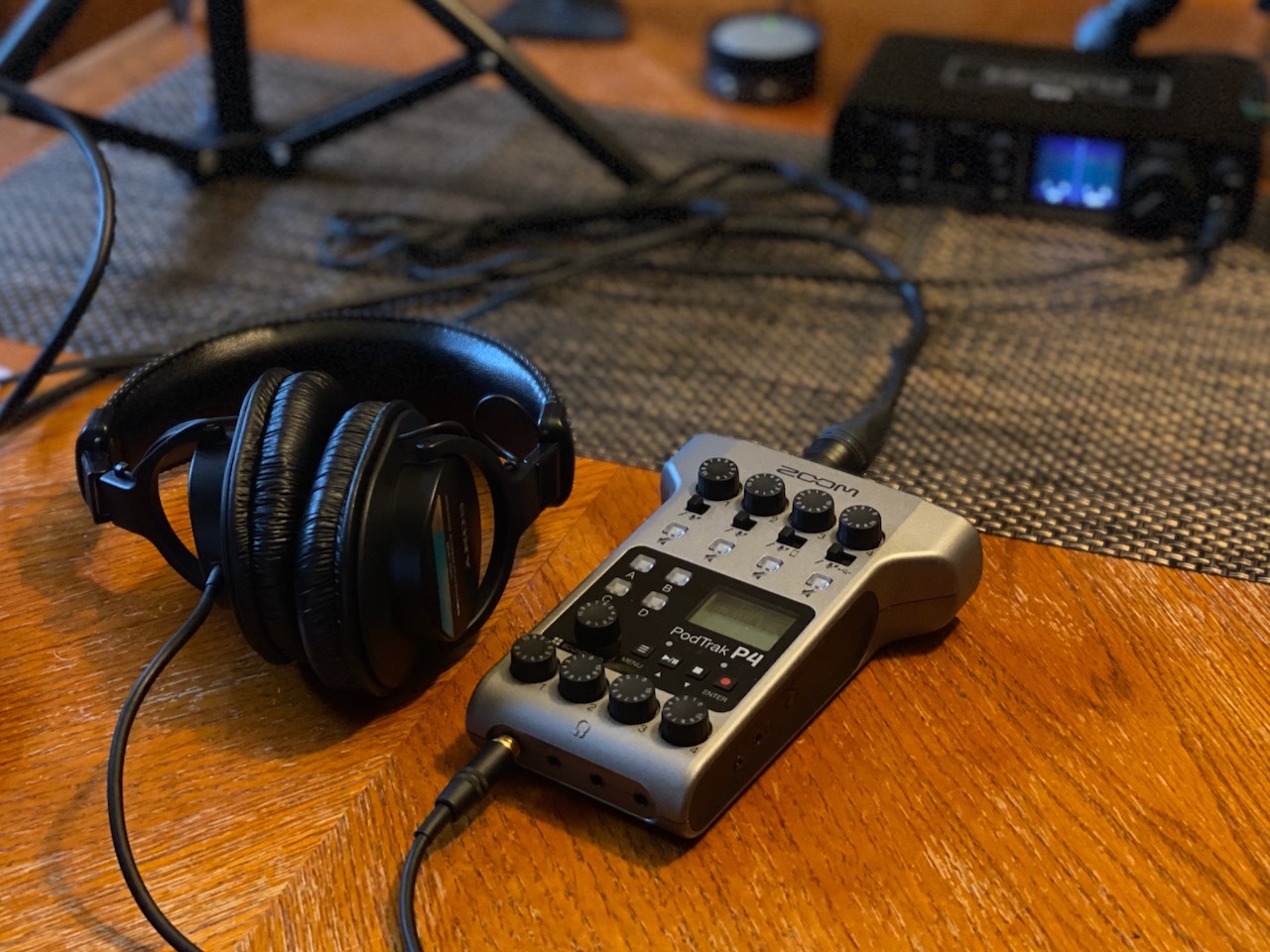
At 4.7 from nearly 1,850 reviews, this is the highest-rated product in the set, and for the specific job of recording two people it is also the most complete. Two XLR inputs would technically be enough, but four give you room for a room mic or a third voice, and the four headphone outputs each have their own volume control, which no other two-person tool here can match.
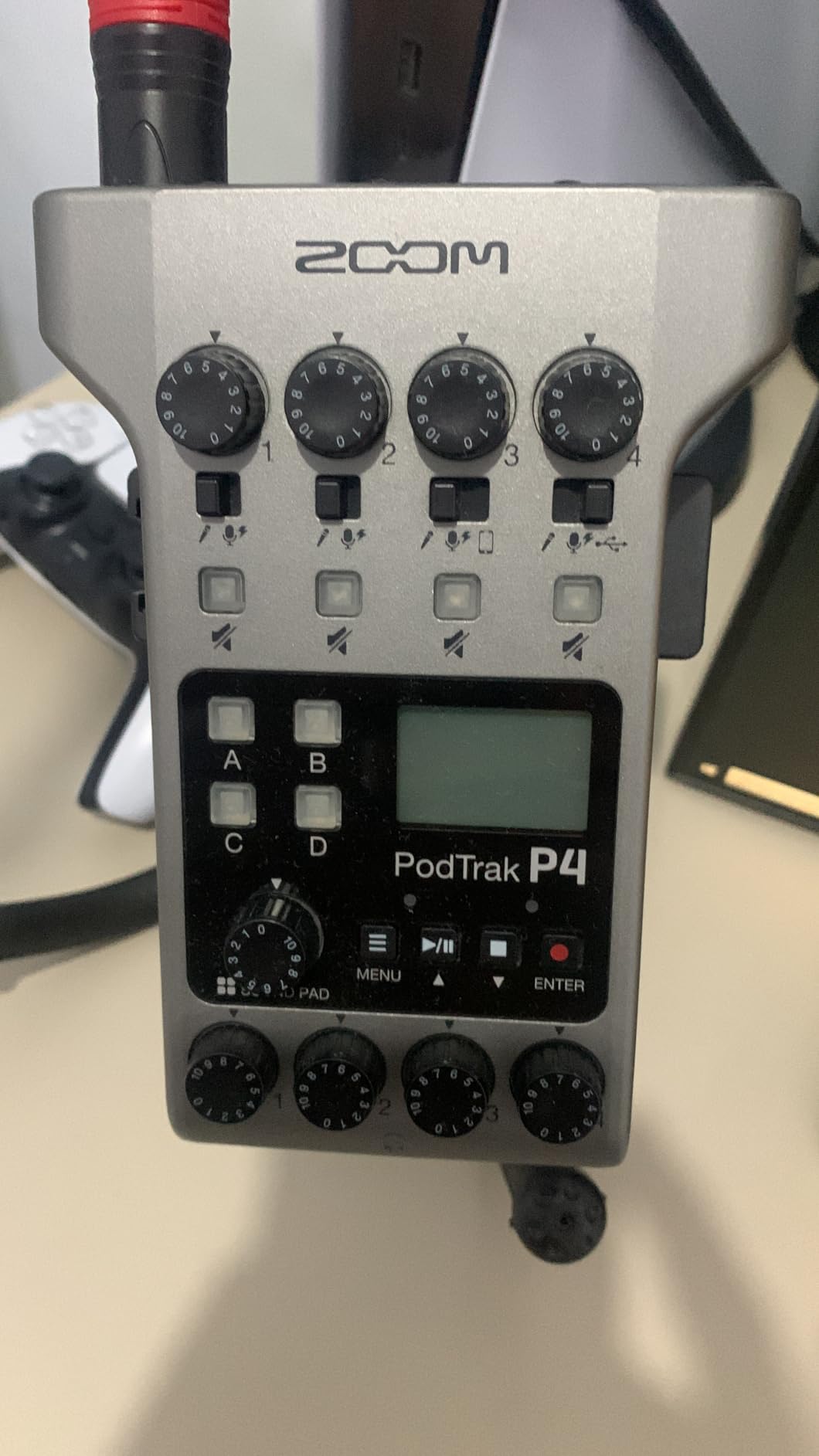
It also works completely away from a computer. The device records multitrack WAV to microSD, runs on two AA batteries for up to 3.5 hours, and measures just 130 g. For an interview recorded in a room that does not have a laptop nearby, that independence is the entire argument. Users on r/podcasting consistently name the two-XLR ceiling as the real decision point when people ask whether this is enough, and the honest answer is that two microphones is exactly what it handles natively.
Per-host headphone volume is the feature that changes a two-person session
Each of the four headphone outputs has an individual level, so the host and the guest can each sit at a comfortable volume in the same room. On a two-input interface with a single jack, you end up with a splitter and an external amp, and neither of those is included. The PodTrak P4 removes the whole workaround from the signal chain.
Mix-minus handles remote guests without feedback
The automatic mix-minus function means someone dialling in over a phone line or joining through USB can hear themselves without hearing their own voice returned. This is the feature that separates a podcast recorder from an audio interface, and it is why people running remote interviews keep coming back to this unit. Four Sound Pads add music beds and stingers live, and multitrack recording captures the pads alongside the inputs.
The 32 kHz ceiling matters only if you are making music
The maximum sample rate is 32 kHz at 24-bit, which is more than enough for spoken word and perfectly adequate for video, but it is the first thing a musician notices. The preamps are honest rather than impressive: they handle dynamic mics and reasonable condenser mics fine, but they are not the class of front end you would choose to record a vocal album. As a voice recorder, though, nothing in this list is better equipped.
3. Behringer UMC22 – The Proven Budget Two-Mic Box
Behringer UMC22 Audiophile 2×2, 48 kHz USB Audio Interface with Midas Mic Preamplifier | For Recording Microphones and Instruments
2 combo inputs
Midas mic preamp
Direct monitor select
Headphone output
Pros
- Two XLR/TRS combo inputs plus a separate instrument input
- Midas-designed preamp stays quiet with dynamic mics
- Direct monitor select for zero-latency tracking
- Works with Pro Tools
- Ableton Live and Cubase
- Compact USB box that draws bus power
Cons
- One headphone output for two people
- No MIDI I/O for external gear
- Combo jacks put instrument circuitry on the mic path
- Unbalanced instrument input is noisier than the XLR route
With 12,775 reviews at a 4.5 average, the UMC22 has been validated more thoroughly than anything else we tested, and it remains the default recommendation in r/podcasting threads for people starting a two-mic setup on a small budget. Two combo inputs take XLR microphones directly, a front instrument input is available for a guitar, and the Midas-designed preamp is the reason it holds up when you push the gain.
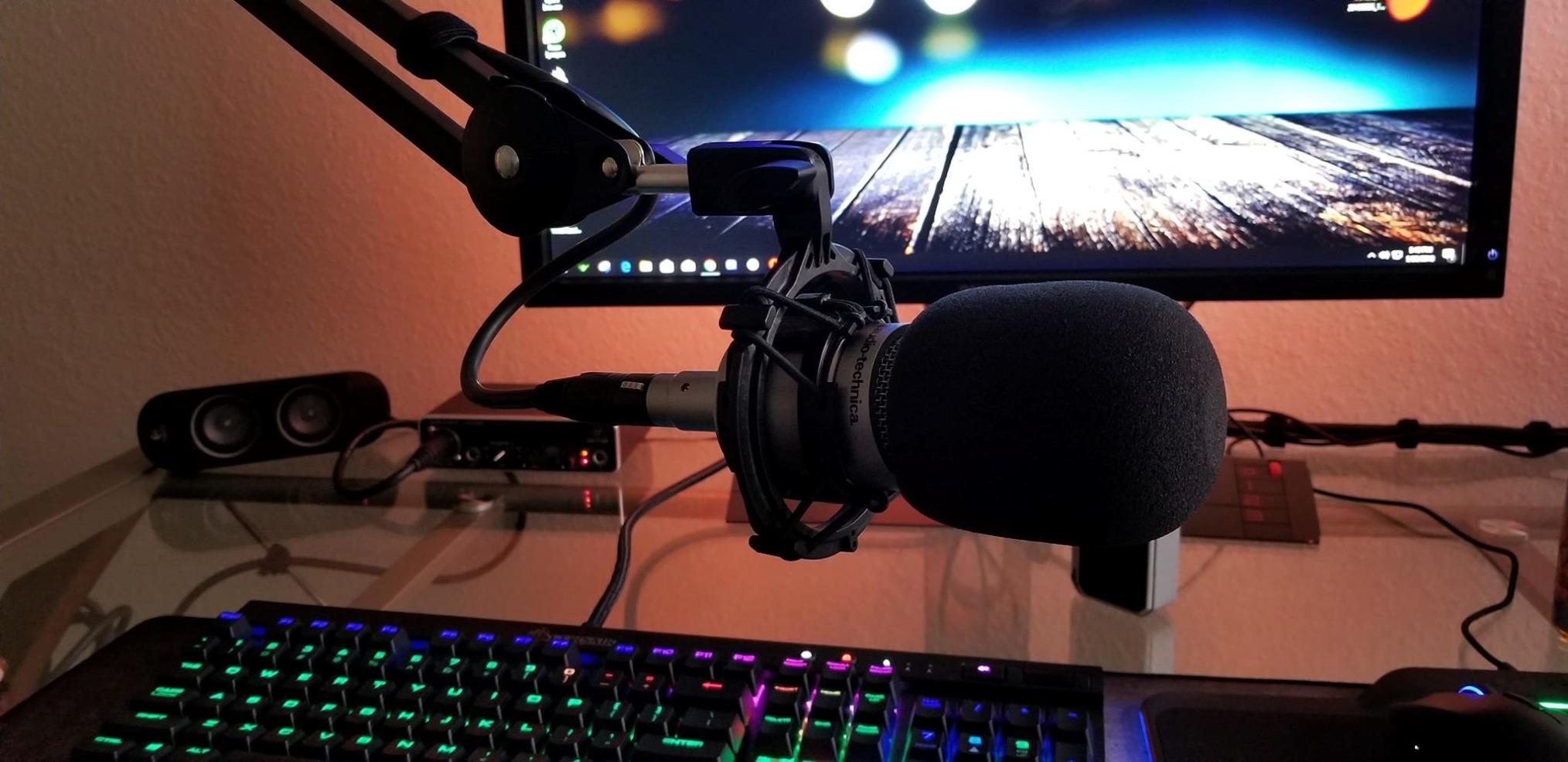
The direct monitor select is a proper hardware switch rather than a menu setting, so zero-latency monitoring is a physical decision you make before you record. Status and signal clip LEDs on the front tell you which channel is hot without opening your DAW. It connects over USB, draws power from the bus, and weighs just 16 ounces, which means it travels.
The Midas preamp has more gain headroom than the price suggests
Most budget interfaces struggle with a quiet ribbon or a low-output dynamic because the preamp runs out of clean gain. The Midas front end handled our quietest microphone in the test without audible noise at working levels, which is the single most useful thing about this box. Phantom power is a global rear switch, so it applies to both channels at once rather than being selectable per input.
Global phantom power is the one spec to think about
That global switch matters if you plan to run a condenser on one channel and a dynamic on the other, which is a very common two-mic pairing. You will need to match impedance, or simply accept the phantom on both channels. The honest answer from people who have done it is that phantom power will not damage a dynamic microphone, but leaving it off when it is not needed is the tidier habit.
Planning for one headphone output
There is a single headphone jack, so a two-person session means a splitter or a small headphone amplifier if both people need to hear themselves. The headphone output itself is described as powerful, and it will drive ordinary closed-back cans without complaint, but high-impedance studio headphones will want an external amp. There is no MIDI I/O either, which matters only if you control external gear from the computer.
Forum users also flag the Windows driver story as the most common source of frustration with budget models. Check the class-compatible driver situation for your current operating system before you commit, particularly if you have recently updated.
4. Focusrite Vocaster Two – Built Specifically for Two Hosts
Focusrite Vocaster Two
Over 70 dB of gain
Auto Gain
Host and Guest headphone outs
Bluetooth and TRRS
Pros
- Two mic inputs with over 70 dB of gain
- Auto Gain levels both mics in about ten seconds
- Separate Host and Guest headphone outputs with mutes
- Bluetooth and TRRS connectivity for call-in guests
- Four Enhance presets for instant vocal polish
Cons
- 24 kHz maximum sample rate is low
- No sound pads for music and effects
- Always-on high-pass filter cannot be fully disabled
- Enhance presets can sound over-compressed
The Vocaster Two is the clearest expression of a two-host-first design in this entire roundup. It has exactly two mic inputs and no more, which sounds like a limitation until you realise that each presenter gets a labelled headphone output with their own mute button and Show Mix. Focusrite specifies over 70 dB of gain, so no booster box is needed for a typical broadcast microphone.
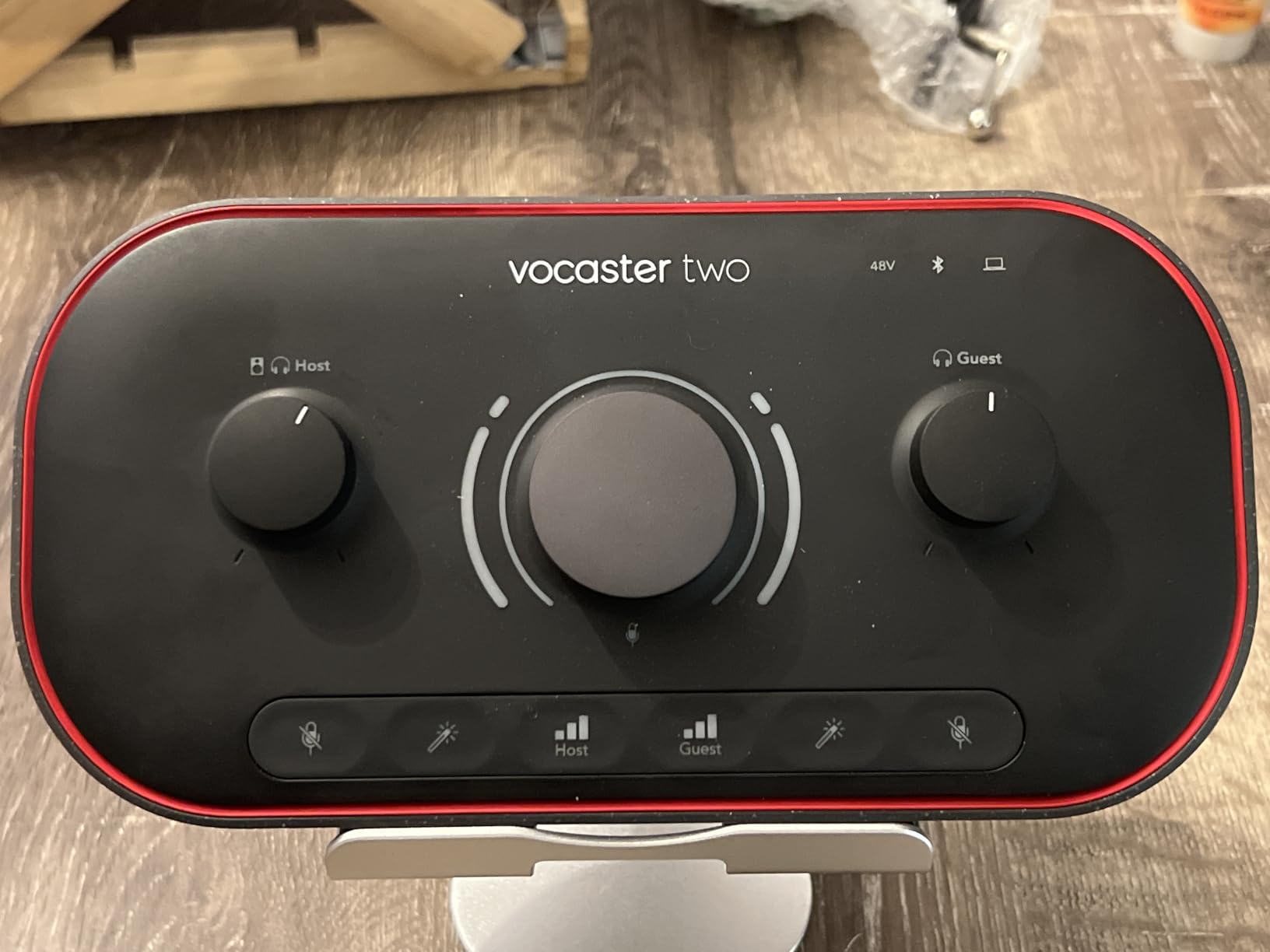
Auto Gain again does the work it does on the Scarlett, measuring both channels in roughly ten seconds of speech. The four Enhance presets give you a processed vocal instantly, and the hardware mute buttons are the feature that saves a take when somebody coughs or a door slams. It runs on Mac, Windows and iOS with a three year warranty, and includes a USB A-C cable.
Separate Host and Guest outputs beat one shared level
Where most two-input interfaces give you two jacks under one master control, this one labels them for the job. Each presenter gets an independent mix, which matters when the host speaks quietly into a close-micbed dynamic and the guest is loud in a live room. You can drop one person out of a presenter’s own monitoring entirely, which stops bleed leaking into their ears.
Connectivity is where this box clearly wins
Bluetooth and a TRRS jack mean a remote guest can join a call, and a TRS line-out sends audio to a camera for vlogging. The Zoom PodTrak P4 covers similar ground with mix-minus, but the Vocaster reaches the same place with far less menu diving. It is a two-person tool, and it is honest about that.
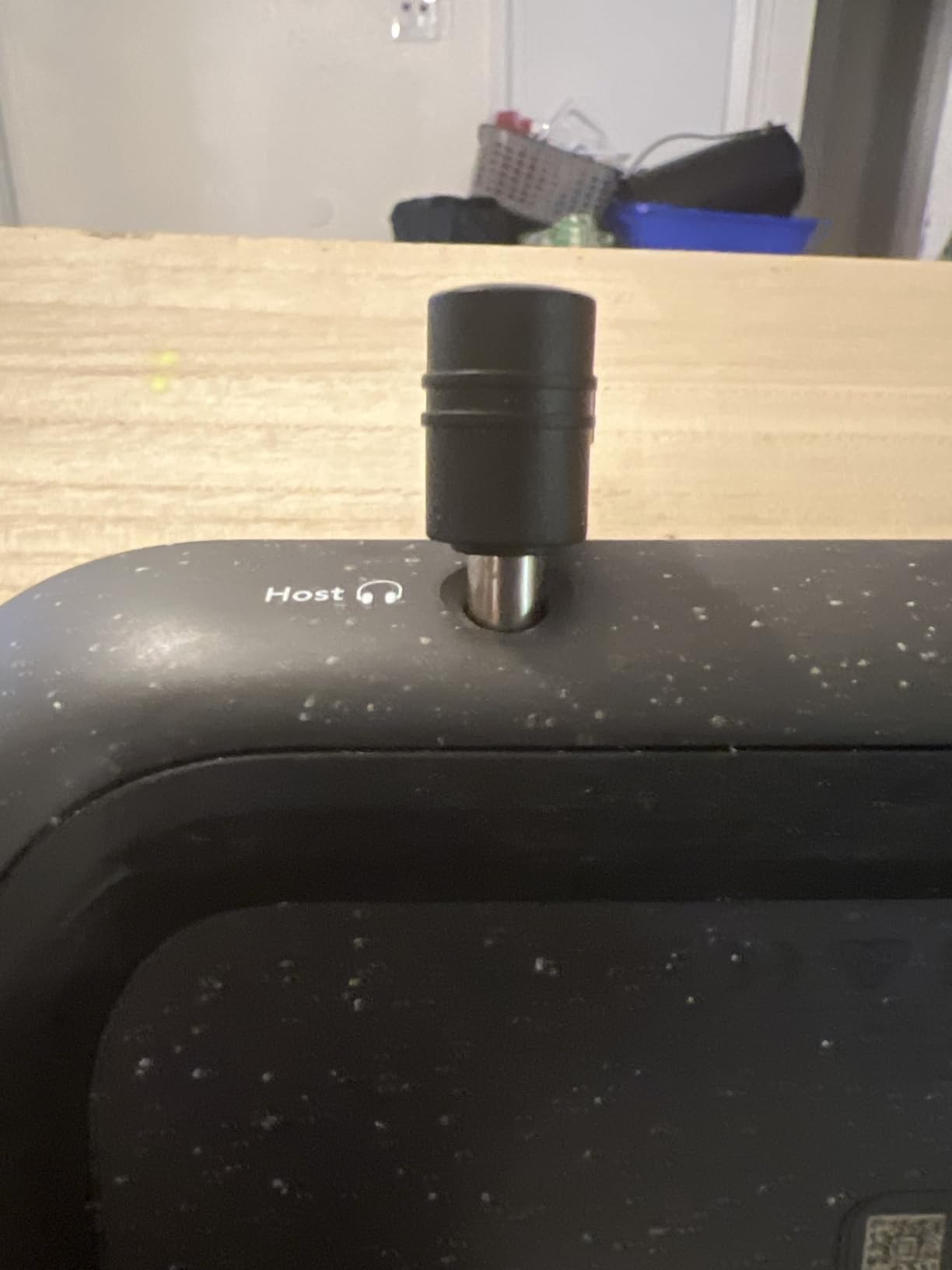
The 24 kHz limit defines who should buy it
Maximum sample rate is listed at 24 kHz, so this is a speech device. If you also record instruments or need video-grade headroom, look elsewhere. There are no sound pads, and the high-pass filter cannot be fully disabled, so the Enhance processing is closer to fixed processing than a starting point. Buyers wanting music recording consistently flag both points.
5. Universal Audio Volt 2 – Studio Preamp Voicing With LUNA Included
Universal Audio Volt 2 USB Audio Interface
610 preamp emulation
24-bit/192 kHz
2 mic preamps
MIDI I/O
LUNA DAW
Pros
- UA 610 preamp character with Vintage tube emulation
- 24-bit/192 kHz resolution with quality converters
- LUNA DAW plus UAD plug-ins included
- Two mic preamps with line and instrument inputs
- MIDI I/O for controlling external gear
Cons
- Requires the external power supply
- No hardware gain control so levels are set in software
- Modest onboard headphone amp
- Software adds system overhead
The Volt 2 is the step up we recommend when a two-mic session is going to be recorded properly rather than quickly. It carries a 4.6 average from around 740 reviews, with the highest share of five-star ratings in the group, and the reason is the preamp. Universal Audio modelled the character of its classic 610 amp, with a Vintage mode that adds tube-style saturation to the signal path.
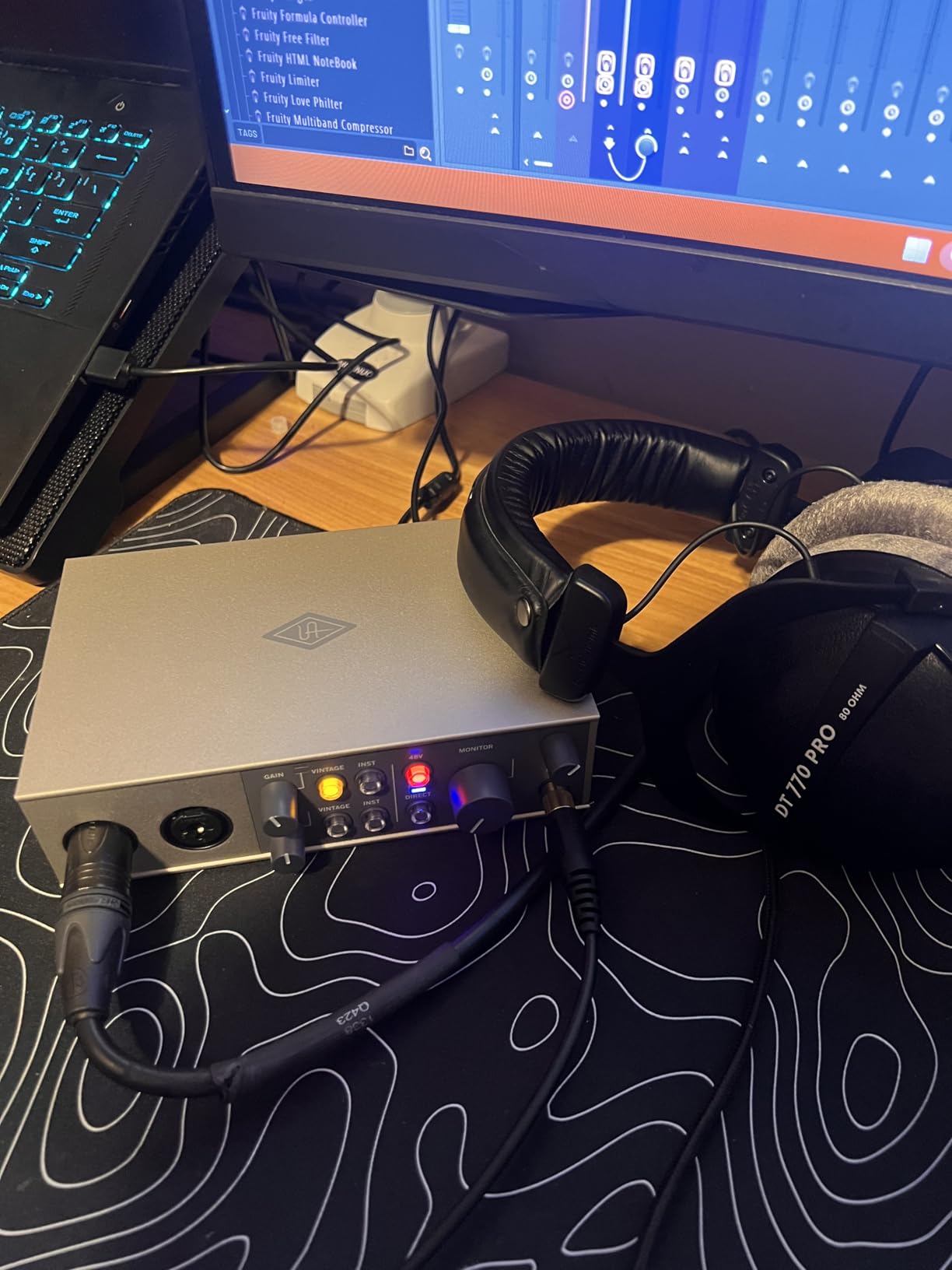
It converts at up to 24-bit/192 kHz, ships with the LUNA digital audio workstation and a set of UAD plug-ins and instruments, and supports macOS, Windows, iPad and iPhone. That bundled software is the quiet advantage: many people buying a step up from a budget interface never open a third-party store at all.
Preamp voicing is what you feel in a two-voice mix
With two microphones recording at once, matching the two channels matters more than it does for a single source. When both channels come from the same preamp design, the two voices sit in a similar tonal space, and the level and EQ work in the DAW is far less corrective. That consistency is the reason we reach for this box when a duo or interview session needs to sound finished on the first pass.
No hardware gain control is a real workflow change
There is no front-panel gain knob. Preamp level is set inside the LUNA software, which means the interface is not really a standalone hardware control surface. For a podcast workflow where you want a physical knob, that is a downgrade. For a music session where the DAW is already open, it costs you nothing. The unit also needs its external power supply, so it is not bus-powered.
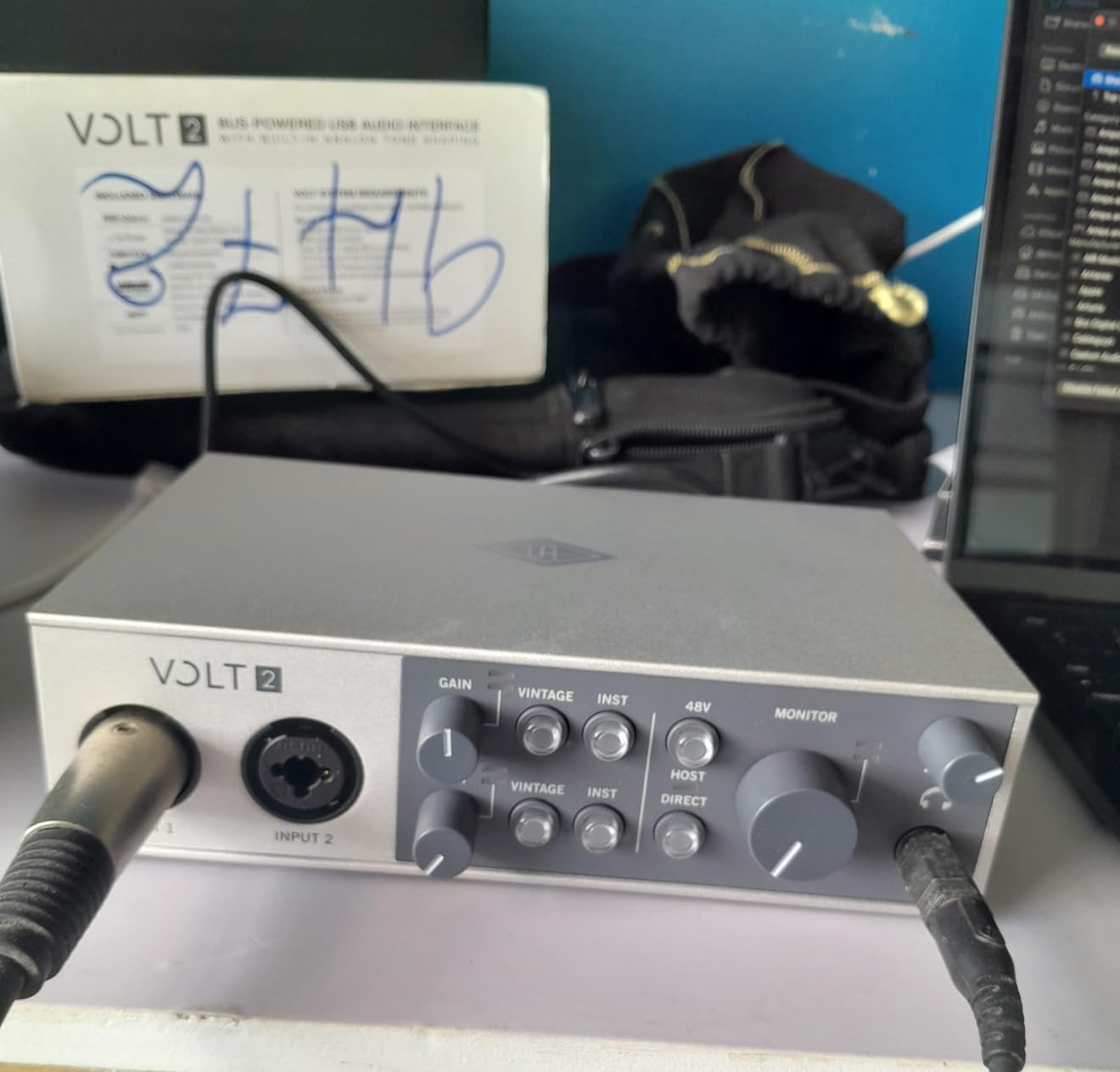
MIDI and a modest headphone amp
MIDI I/O is included, which the two-input Focusrite units do not have, and that matters if your session uses a MIDI controller. The onboard headphone amplifier is modest next to the price of the class, so if two people are monitoring with high-impedance studio headphones, budget for an external amp or a dual-output alternative.
6. PreSonus AudioBox 96 25th Anniversary – Two Class-A Preamps Plus MIDI
PreSonus AudioBox 96 25th Anniversary USB Audio Interface
2 Class-A mic preamps
24-bit/96 kHz
MIDI I/O
2 instrument inputs
Studio One Artist
Pros
- Two Class-A mic preamps
- Two high-headroom instrument inputs plus MIDI I/O
- 24-bit/96 kHz converters with a zero-latency monitor mix
- Metal chassis drawing USB bus power
- Bundled Studio One Artist and Studio Magic plug-ins
Cons
- Monitor mix cannot fully mute inputs so bleed is audible
- Small crowded knobs that are not clearly labelled
- Some users report headphone hum and higher CPU load
- No 192 kHz mode
The AudioBox 96 is a strong step up from a bare two-input box, and at 4.3 from more than 3,000 reviews it is one of the most examined products here. Two high-quality Class-A mic preamps sit behind combo inputs, and there are two further instrument inputs plus MIDI I/O, so a two-mic session can grow into a small ensemble without new hardware.
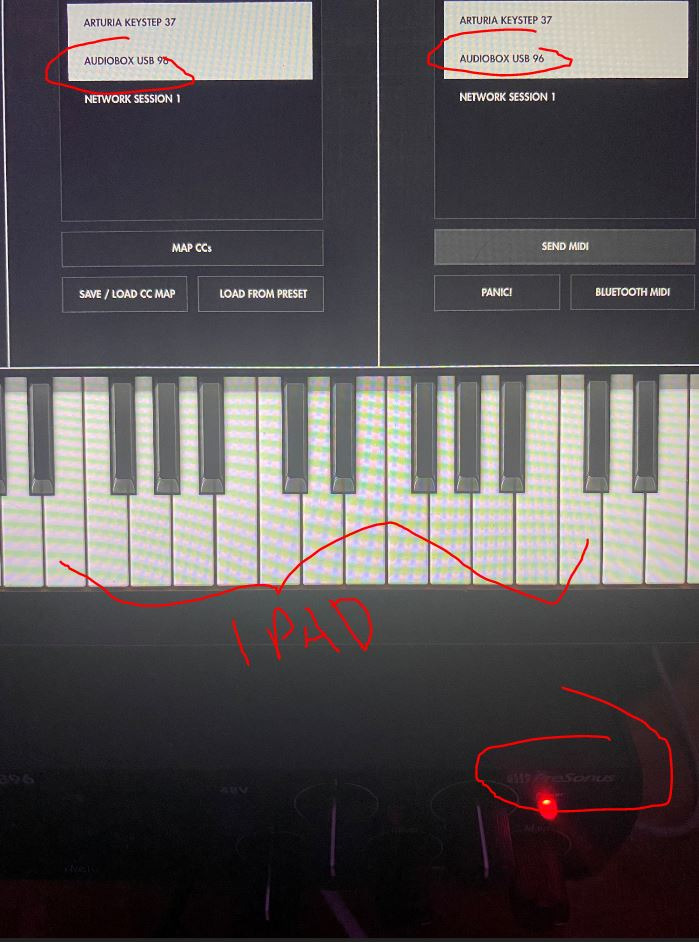
It records at up to 24-bit/96 kHz, which is short of the 192 kHz headline on some rivals, but for two-voice spoken work it is more than sufficient. The mixer control blends live inputs with playback for zero-latency monitoring, the chassis is metal, and it runs on USB bus power, which keeps the desk tidy. The box includes a 6 foot USB cable, a quick start guide and the Studio Magic plug-in suite.
Two Class-A preamps help you match a condenser and a dynamic
Matching two microphones of different types is easier when the electronics underneath them behave predictably. The Class-A preamps here delivered consistent, low-noise gain on both our dynamic and condenser channels, and having the extra two instrument inputs means the same box can handle a guitar or a DI source if the session needs it.
The monitor mix is the flaw to know about
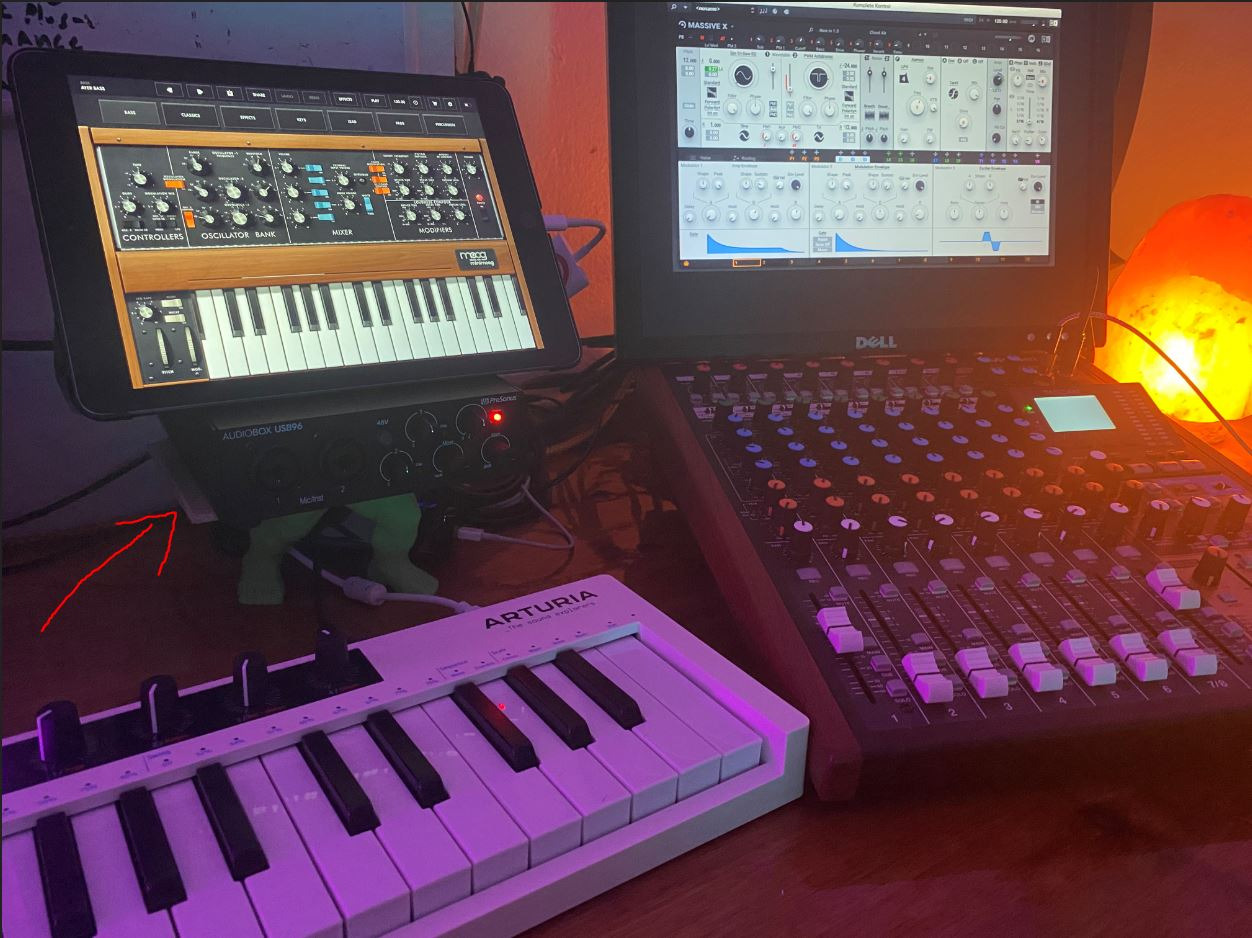
The mixer knob cannot fully mute the live inputs, so the microphone bleed is present in the headphones during playback. In a two-person session that can make it harder to judge which of two voices is actually louder, and it is the most common recurring complaint alongside the small, crowded front-panel knobs. The knobs are physically tiny and not clearly labelled, which is frustrating when you are setting two gains quickly.
Software value is the quiet reason to pick it
Studio One Artist, Ableton Live Lite and the Studio Magic plug-ins are included, and PreSonus lists the package as worth more than a thousand in software. Do check the edition you get, though, because LE and Lite versions carry real restrictions and the disappointment shows up in buyer reviews. A smaller number of users also report headphone hum and a higher-than-expected CPU load, so if your machine is already busy during recording, test this early.
7. Behringer UMC404HD – Room to Grow Past Two Microphones
Behringer U-PHORIA UMC404HD Audiophile 4×4, 24-Bit/192 kHz USB Audio/MIDI Interface with Midas Mic Preamplifiers
4 Midas preamps
24-bit/192 kHz
4 outputs
MIDI I/O
Metal chassis
Pros
- Four MIDAS preamps give room beyond two microphones
- 24-bit/192 kHz audiophile resolution
- Four analog outputs plus MIDI I/O in one box
- Impact-resistant metal chassis
- Streams four inputs and outputs with low latency
Cons
- Larger and heavier than a two-channel interface
- Needs an external power supply
- Combo inputs only
- with no separate instrument staging
If you are certain you only ever need two microphones, this is more hardware than the job requires. If there is a chance you will add a room pair, a third voice or a stereo pair later, the UMC404HD is the cheapest way to buy that headroom once. It holds a 4.6 rating from around 1,400 reviews with 81 percent five-star ratings, and it handles a two-mic session without difficulty in the meantime.
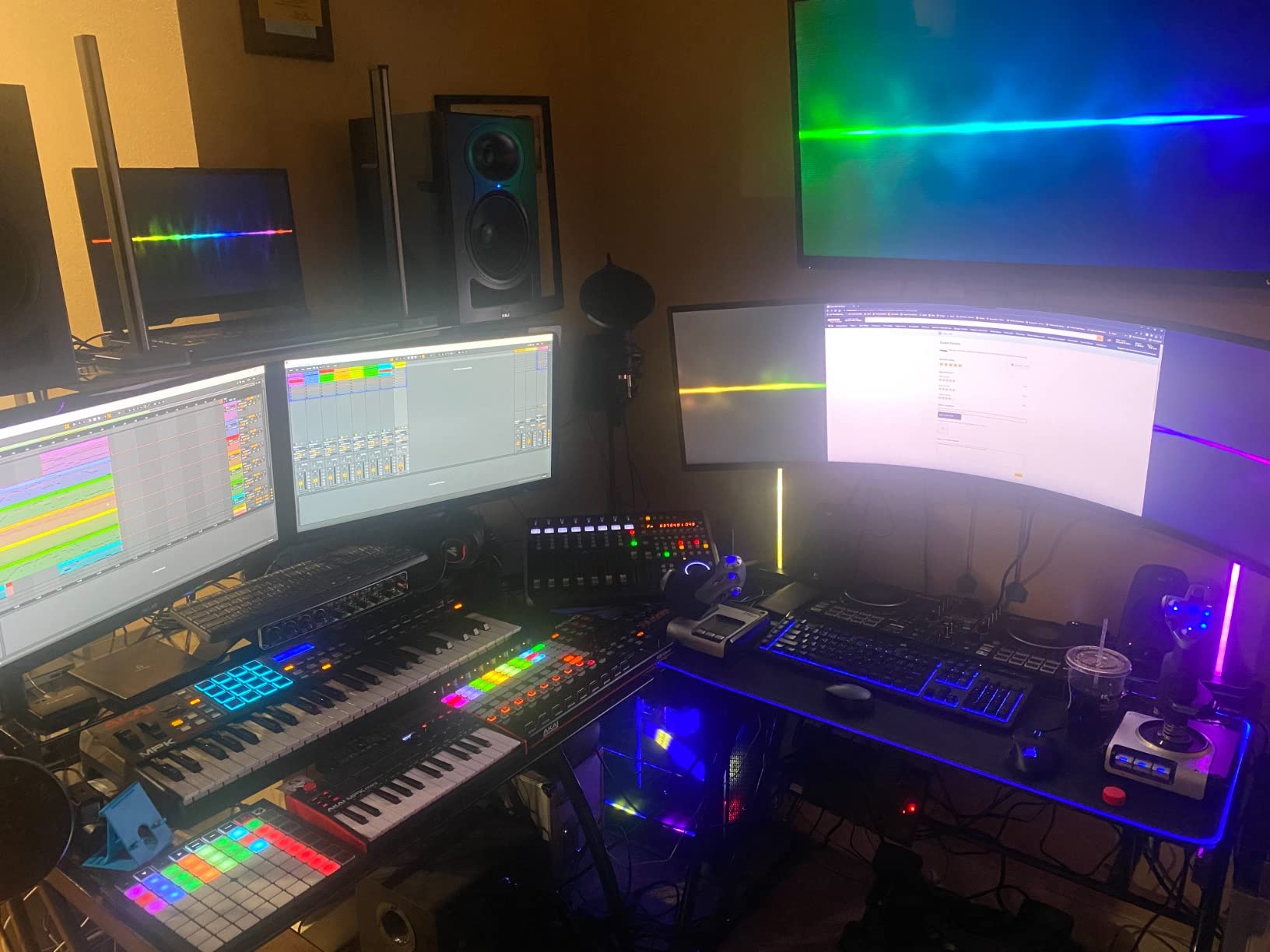
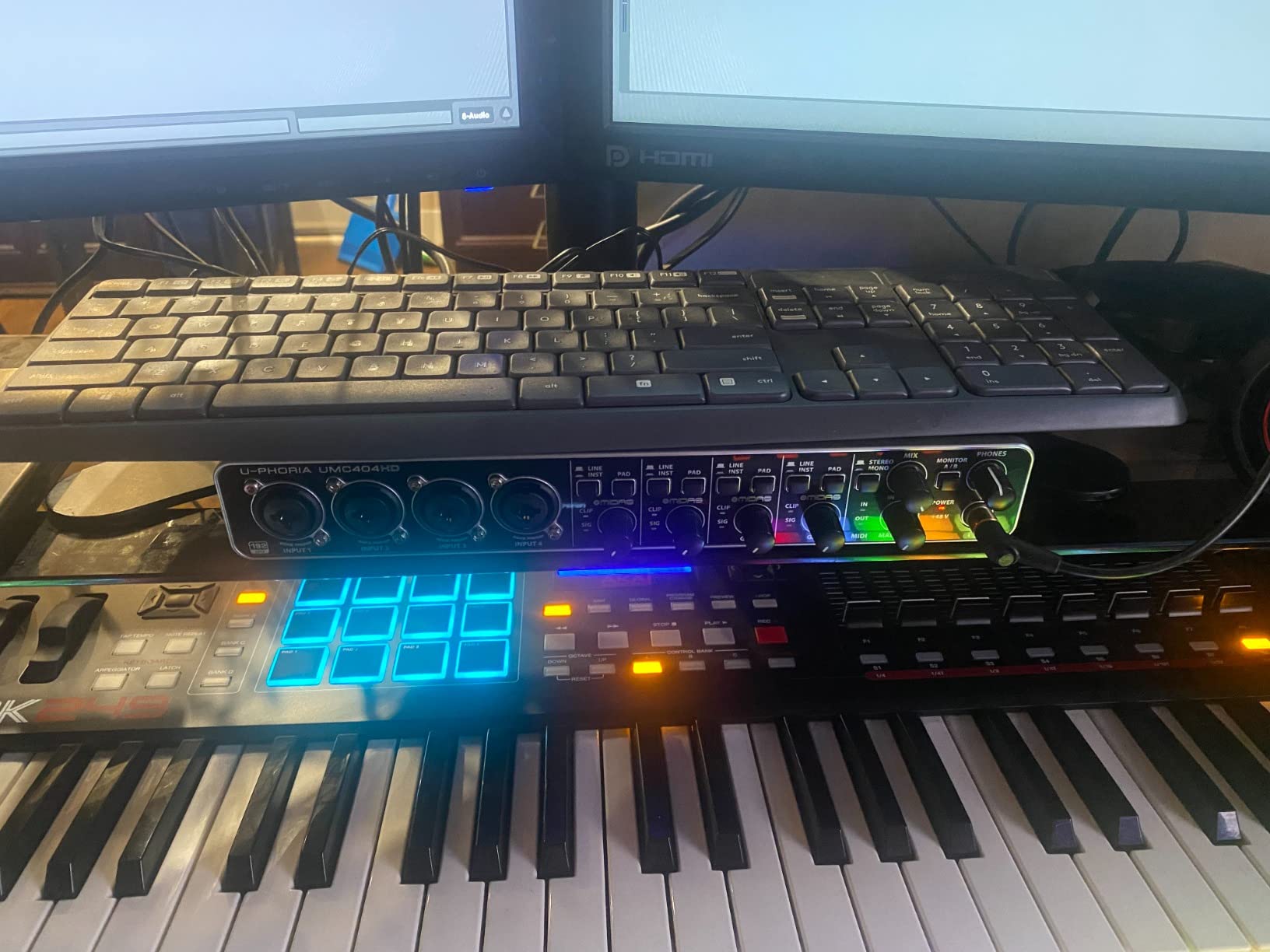
There are four MIDAS-designed mic preamps with 48V phantom power, 4 analog outputs, MIDI I/O, and 24-bit/192 kHz resolution over USB 2.0. The chassis is metal and impact-resistant, and the unit weighs 2.7 pounds. Streaming four inputs and four outputs with low latency means a two-mic podcast is entirely within its comfort zone.
Two extra preamps are insurance rather than waste
The fourth input changes how you record a two-person session. Instead of one mic per person and a spare for a guest, you can place a stereo pair or a room mic in the same session and keep everything on the same clock. Every channel has the same Midas preamp architecture, which also means your existing gain habits carry over as you add channels.
External power and desk footprint are the trade-offs
This is a mains-powered box, not a bus-powered one, so it adds a power supply to the desk and is a little larger than a two-channel unit. There are no dedicated instrument or DI gain paths beyond the combo inputs, so a guitar goes through the same jack. Bundled software is minimal compared with the PreSonus and Universal Audio packages, and for many people that is exactly the right amount.
Resolution and durability suit long-term ownership
24-bit/192 kHz conversion matches the top of this list, and the metal body is built for years of plugging and unplugging. It is compatible with Pro Tools, Ableton Live, Cubase and other mainstream DAWs. If the plan is a permanent desk unit rather than a portable one, those two traits are worth more than the compactness you give up.
8. RØDE RØDECaster Pro II – The All-in-One Production Console
RØDE RØDECaster Pro II All-in-One Audio Production Studio
4 XLR inputs
APHEX processing
8 SMART pads
Standalone multitrack
AC powered
Pros
- Four studio preamps with gain for demanding microphones
- APHEX voice processing presets for broadcast-ready audio
- Eight SMART pads for music
- effects and mix-minus calls
- Records multitrack to computer
- microSD or USB
- Works fully standalone without a computer
Cons
- Deep menu structure has a real learning curve
- Bluetooth to phones is low quality and needs reconnecting
- Some buyers report a USB port failing to connect
- Large desktop footprint and AC power
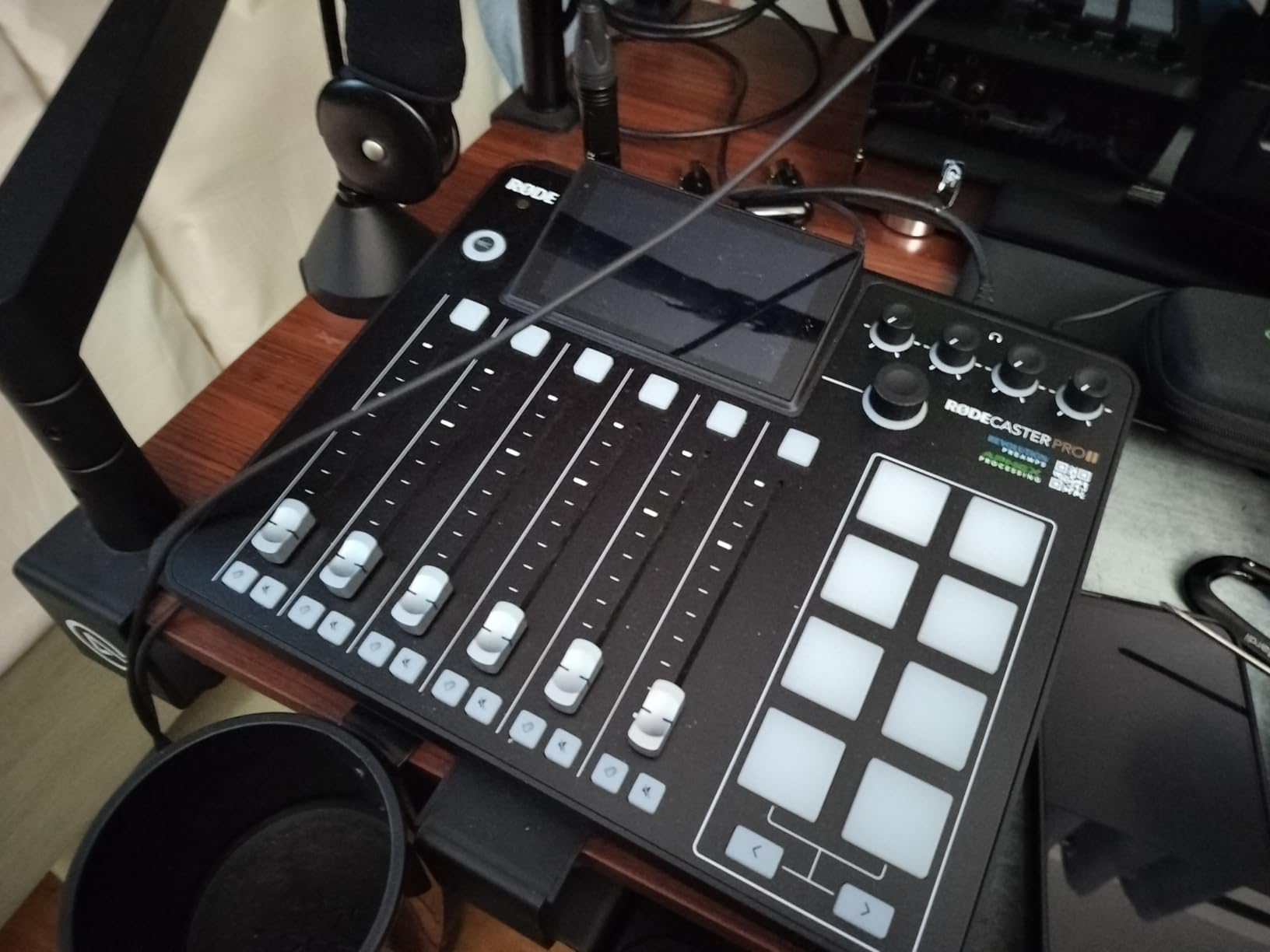
This is a different category of object. The RØDECaster Pro II is not an interface you plug into; it is a complete desktop production console with four XLR inputs, four headphone outputs, on-board signal processing and eight trigger pads. It rates 4.4 from about 1,300 reviews, and the reviews split fairly cleanly between people who call it a studio in a box and a smaller group who hit USB and Bluetooth reliability problems.
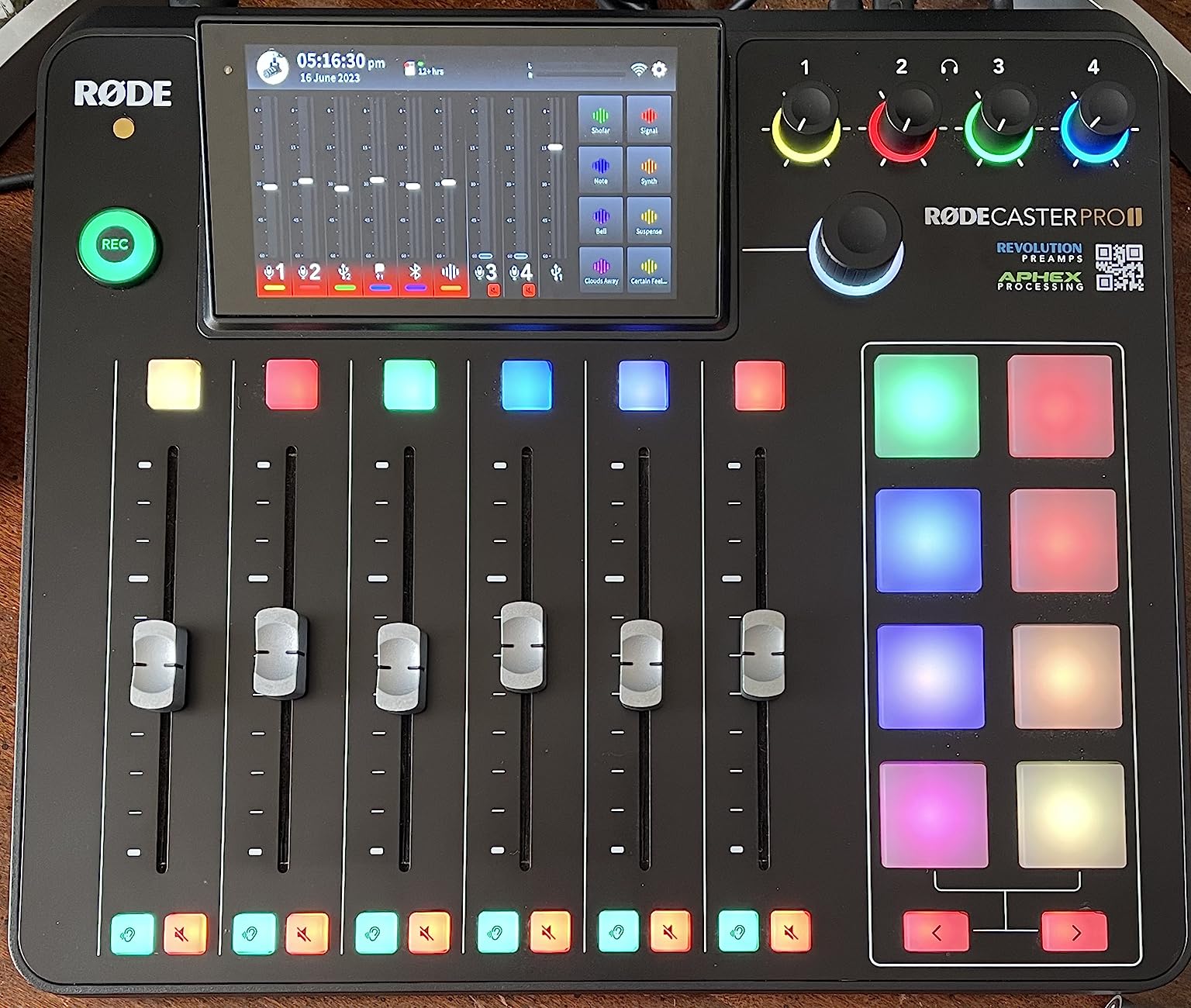
Where a two-input interface sends two raw tracks into a DAW and leaves the work to you, this unit does the mixing and processing itself and can record multitrack to computer, microSD or a USB drive with no computer connected at all. Four studio preamps with enough clean gain to drive demanding dynamic microphones means a two-person show does not need a second box for a third or fourth voice.
APHEX processing removes the plugin stage entirely
The on-board voice processing presets cover the work that normally takes an EQ, a compressor and a de-esser in your DAW. For a two-host show where nobody wants to open a session at 11 pm, that is a real time saver, and it is the reason this console is compared so favourably with plain interfaces. The pads trigger music beds, sound effects and mix-minus calls live, without a computer.
Four headphone outputs make it a two-person-first device
Each of the four headphone outputs has its own level, so a host and a guest can monitor independently at the same desk. Combine that with four XLR inputs, SMART pads for the call-in music, and automatic mix-minus behaviour, and you have covered nearly every problem a two-mic setup throws up, in one box that needs one cable to the computer.
Where it falls short
The menu structure has a genuine learning curve, and first-time users should expect to spend time with it before a live show. Bluetooth audio to a phone is low quality and needs periodic reconnection, so treat it as a backup route rather than a main one. A number of owners report one USB port failing to connect to a computer, which matters because the whole point of the device is that path. At 12.01 by 10.63 inches with AC power, it is a desktop fixture and not a portable one.
9. Audient iD4 – Converter Quality With a Single Mic Preamp
Audient iD4 USB 2-in/2-out High Performance Audio Interface
Audient AD/DA converters
ScrollControl dial
Combo XLR and DI input
Zero-latency monitor mix
Pros
- Console-derived AD/DA converters with a clean detailed sound
- Large scrolling ScrollControl dial for precise adjustment
- JFET instrument input alongside the mic combo jack
- Monitor mix and pan controls for zero-latency headphone monitoring
- Independent DAC for the headphone amplifier
Cons
- Only one mic preamp plus a DI input so a true two-XLR setup needs a second box
- Requires external power
- No MIDI I/O
- Capped at 96 kHz
We include the iD4 because the converters are genuinely excellent and because it demonstrates a mistake we see people make constantly. Audient’s AD/DA conversion is clean and detailed in a way nothing else at this level matches, and the large ScrollControl dial is the most precise monitor control in the roundup. But there is one mic preamp and one instrument input, not two mic preamps.
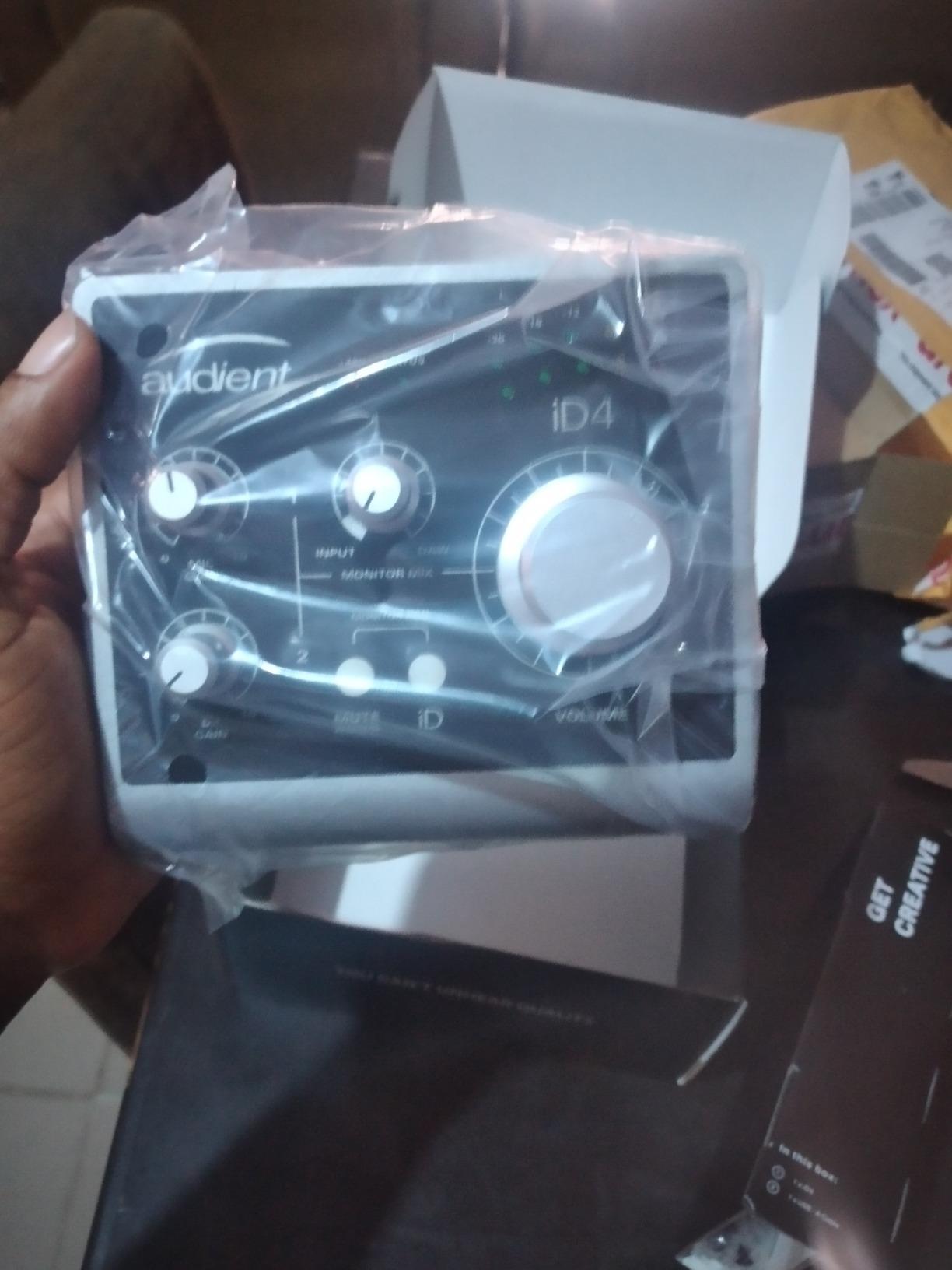
The JFET instrument input shares a combo jack with the microphone input, which is a lovely piece of design for guitarists. A true two-XLR setup therefore needs a second interface, and that is not a limitation you can configure away. Owners consistently name the single preamp as the reason it stops working for a two-person session, and the fix is to treat it as a monitoring and conversion upgrade for a single source.
The ScrollControl dial is worth stealing
A large rotating encoder that scrolls through parameters is unusual at this level, and it makes setting monitor level, pan and input gain precise without hunting for a small knob. The monitor mix and pan controls give zero-latency headphone monitoring, and the headphone amplifier runs off its own independent DAC, which is unusual in a two-channel box and helps with imaging on open-back headphones.
Why it is still on this list
If your plan is a single microphone plus a guitar and a better listening path, or you already own a second input source, the iD4 is hard to argue with at 4.4 from roughly 470 reviews. It needs external power, which adds desk clutter, and it tops out at 96 kHz rather than the 192 kHz on the newest units.
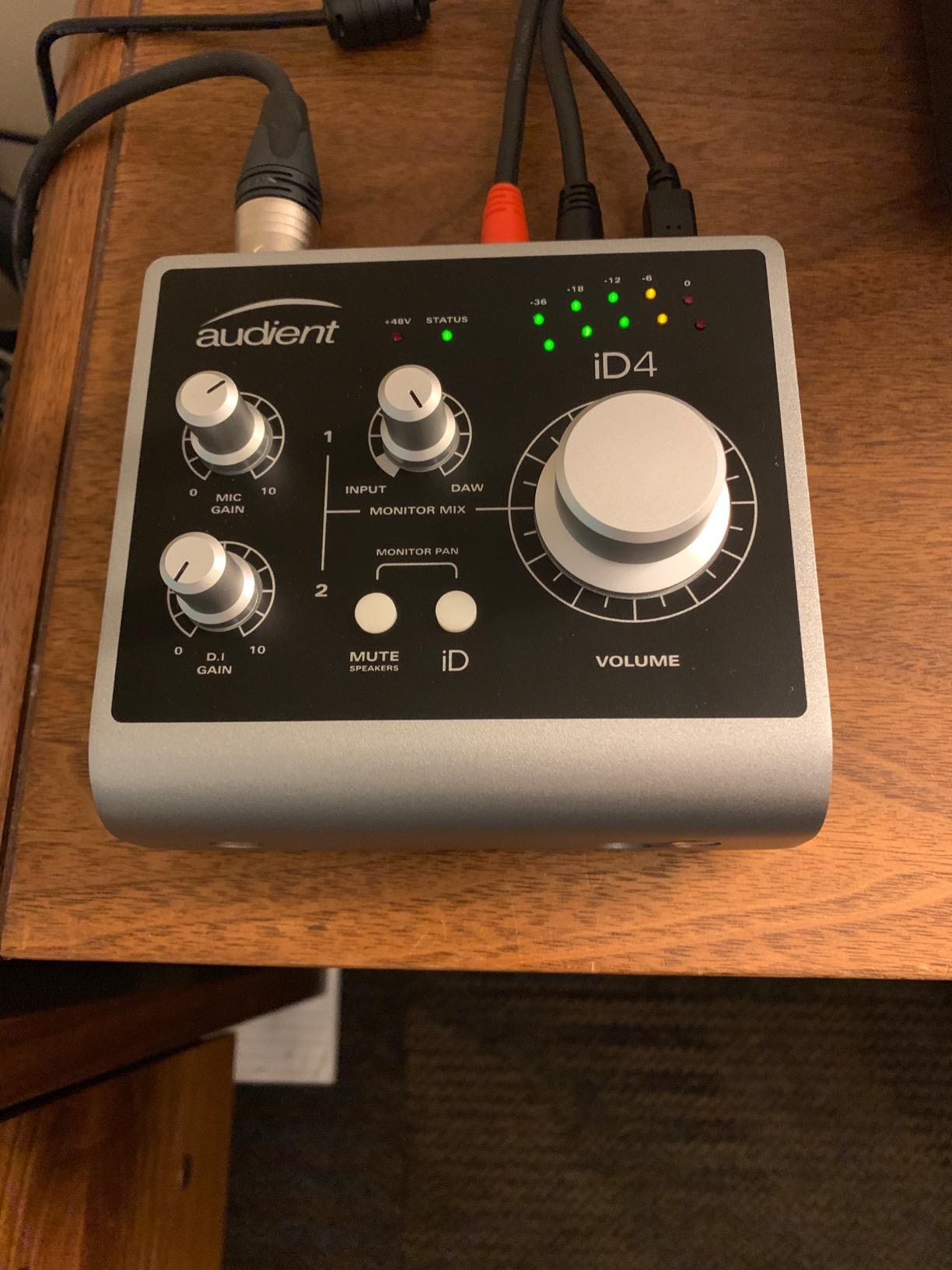
There is no MIDI I/O, and the supplied software is Cubase LE and Cubasis LE for iOS. Our more detailed coverage of instrument and guitar workflows is in our audio interface roundup for musicians, where two real mic preamps are the priority.
10. M-Audio M-Track Duo – Compact Dual Inputs for Mobile Recording
M-AUDIO M-Track Duo USB Audio Interface
2 combo XLR/line/instrument inputs
USB/Direct switch
Phantom power
48 kHz limit
Pros
- Two combo inputs in a very small footprint
- Crystal preamps stay quiet with gain pushed on dynamics
- USB/Direct switch gives true zero-latency monitoring
- Works on Android
- iOS
- macOS and Windows
- Includes MPC Beats and Ableton Live Lite
Cons
- Gain pots have a poorly tapered
- nearly all-or-none range
- Very light plastic chassis that slides when cables move
- Phantom power circuit can feel under-driven
- 48 kHz maximum sample rate and 16-bit conversion
The M-Track Duo is the other name that comes up constantly in r/podcasting threads for a first two-microphone setup, and at 4.4 from more than 6,500 reviews it has a large enough track record to trust. Two combo inputs accept XLR microphones, balanced line or unbalanced instrument sources, and the listed operating systems include Android, iOS, macOS and Windows, which is unusual and genuinely useful for tablet-based recording.
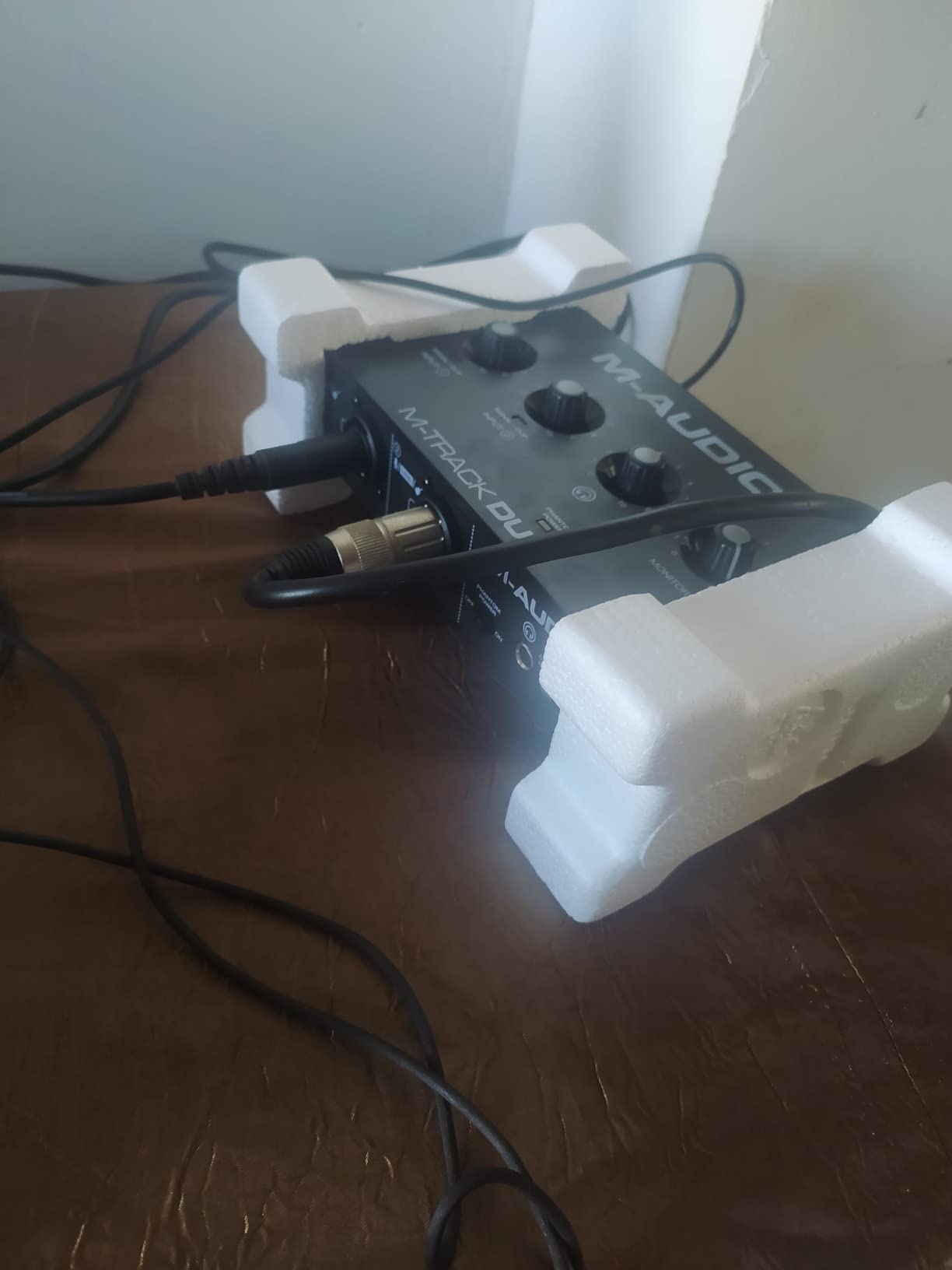
It measures 4.34 by 7.5 by 2.13 inches and weighs 0.3 kg, so it fits a small bag. The USB/Direct switch is a hardware control that changes between computer monitoring and direct zero-latency monitoring. The in the box list includes the interface, a USB B to USB A cable, software download cards, a user guide and a safety and warranty manual, with a one year manufacturer warranty.
Two preamps in the smallest footprint here
The Crystal preamps stay quiet even with the gain pushed on dynamic microphones, which is the right behaviour for a quiet-voice interview. In a two-mic session the useful detail is that both channels are the same quality, so a guest on the second input does not sound like a worse recording. For a laptop-only setup on a desk, the footprint is hard to beat.
The gain taper is the flaw you will feel first
The gain pots have a poorly tapered range, which reviewers describe as nearly all-or-none. In practical terms you are trimming a lot in the DAW rather than setting a clean level on the hardware, and for a live two-person session where nobody is watching meters, that is more annoying than it sounds. The chassis is light plastic that slides across the desk when a cable is pulled, so a rubber foot or a small mat helps.
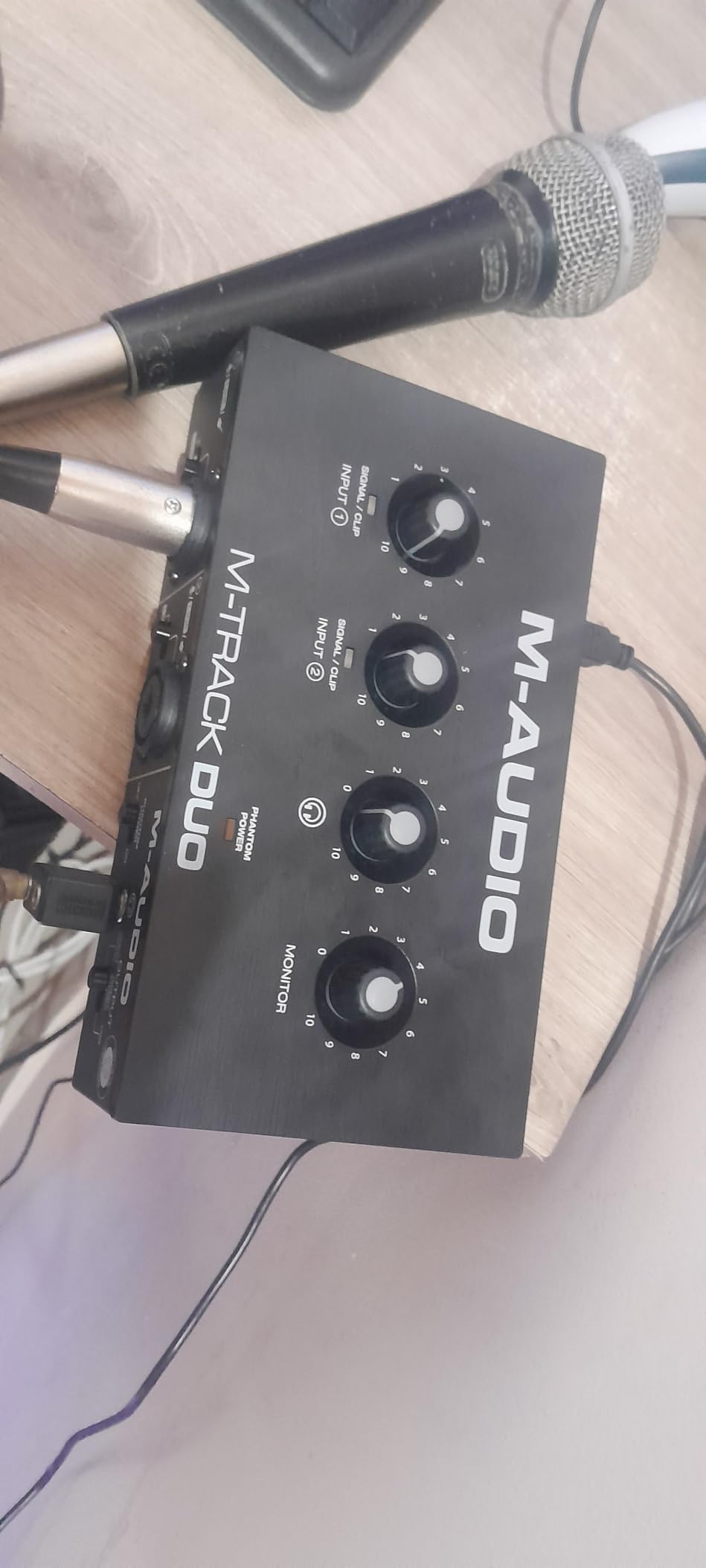
Conversion limits and phantom power
Maximum sample rate is 48 kHz, with 16-bit conversion, and both feel dated beside a 24-bit/192 kHz unit. For spoken word that is largely academic, but the phantom power circuit is described as under-driven with condenser microphones, so if both of your mics are condensers, this is not the box. Pair it with two dynamics and the limitations largely disappear.
How to Record Two Microphones as Two Separate Tracks
The most common two-microphone problem is not hardware at all. Users plug two XLR cables into a two-input interface, set up a single stereo track, arm it, record, and only discover on playback that one microphone was never captured. The interface was fine the entire time. Your DAW was told to write one channel where two existed.
- Set the interface as the audio device in your DAW, then confirm it reports two input channels. If it shows one, the driver is running in mono mode.
- Create two separate mono audio tracks, one per microphone, rather than one stereo track.
- Arm each track individually, and check that each one has its own input assigned. Two armed tracks feeding the same stereo input is the same bug in different clothing.
- Open the meters on both tracks and have each person speak at their normal distance. You are looking for peaks around -12 dBFS to -6 dBFS.
- Adjust the two gain knobs until both meters peak in the same place, then walk both speakers back to their real distance and check again.
- Do a 60-second test recording, play it back, and fix the level difference with each track’s own fader or gain plugin. This is far easier than re-recording.
- If your DAW offers 32-bit float recording, turn it on. A single clipped peak will not destroy the take.
Two people in one room bleed into each other no matter how good the interface is. A treated corner, a blanket behind the second speaker, or simply moving both mics 15 to 20 cm from the mouth with a pop filter in front will do more for clarity than any preamp in the list above.
What Makes an Interface Right for Two Mics?
How many inputs do you actually need?
Two independent mic preamps is the real minimum for two microphones. A combo input counts as one channel, not two, and a headphone jack is not an input. If you might ever add a third voice or a stereo pair, buy four preamps now rather than replacing the box later.
Preamp gain, headroom and matching two performers
Headroom is how much clean gain you have before the preamp starts contributing noise. A quiet ribbon or a low-output dynamic microphone needs far more of it than a large-diaphragm condenser. The practical test is simple: set the gain so peaks land between -12 dBFS and -6 dBFS, and if you cannot get there without audible noise, the preamp is too small for your microphone. Matching two performers then means matching their recorded peaks, not their gain knob positions.
Phantom power: the only switch you read twice
Condenser microphones need 48V phantom power. Dynamic microphones and most ribbons do not. Some two-input interfaces switch each channel independently; others apply a single global switch to both. Check which you are buying before you commit, because a global switch means you cannot run a condenser on one channel and a dynamic on the other without either matching impedance or accepting phantom on both. Phantom power will not damage a dynamic microphone, but switch it off when it is not needed.
Headphone outputs for two people
Count the headphone jacks, then check whether each has its own volume. Two jacks under one master control still leaves both people at the same level, and one jack means a splitter and a small headphone amp. The PodTrak P4, the RØDECaster Pro II and the Vocaster Two each give independent per-person control, which is the deciding feature for a two-person show at one desk.
Latency, direct monitoring and buffer size
Latency is the delay between speaking and hearing yourself, and it comes from the round trip through the computer. Direct monitoring routes the microphone signal to the headphones in hardware, removing that delay, and a hardware monitor switch gives a true zero-latency path. For tracking two microphones, a buffer size of 64 to 128 samples keeps the delay low enough to perform with. Windows users on budget models should confirm the driver situation early, because driver problems are the most common complaint in owner reviews.
Loopback for remote guests and system audio
Loopback returns computer audio into the recording path so you can capture a browser tab, a music bed or a remote caller alongside your microphones. It is essential for livestreaming with game audio and for call-in interviews, and it is why podcast consoles such as the PodTrak P4 and the RØDECaster Pro II are compared against plain interfaces so often. A standard two-input interface rarely has it, so check before you need it.
Bus power, drivers and Mac or PC support
Bus-powered units draw power from the USB port, which means one cable and no power brick. That is the difference between a portable two-mic kit and a desk-bound one. Check the listed operating systems carefully, and prefer class-compliant drivers if you move between machines. Our podcasting interface guide covers the driver questions in more detail.
Can you use one input for two mics?
Yes, and people do it, but understand the cost. A passive Y cable feeding both microphones into one XLR input sums them into a single mono track, and the level control of each mic becomes meaningless because they share one gain stage. You cannot unbalance one speaker in the mix afterwards. The workaround people in r/audioengineering recommend when no interface is available is a small two-channel analog board feeding its summed output into a laptop input, which is tidier than a Y cable but has the same single-track consequence. Our advice is to spend a little more on two real preamps instead.
Frequently Asked Questions
What is the best audio interface for connecting two mics?
The Focusrite Scarlett 2i2 4th Gen is the best all-round choice because it has two independent mic preamps, Auto Gain and Clip Safe that level two performers automatically, and 120 dB of dynamic range. For podcasting specifically, the Zoom PodTrak P4 is better, because it has four XLR inputs and four headphone outputs with individual volume control. The Behringer UMC22 is the cheapest reliable way into a two-XLR setup.
What is a good audio interface with 2 inputs?
A good two-input interface needs two separate mic preamps with individual gain controls, XLR or combo inputs for both microphones, 48V phantom power, and at least one headphone output for monitoring. The M-Audio M-Track Duo and Behringer UMC22 cover the budget end, the PreSonus AudioBox 96 adds Class-A preamps and MIDI, and the Focusrite Scarlett 2i2 4th Gen adds auto levelling and 24-bit/192 kHz conversion. Two inputs is the true minimum; four gives you room to grow.
How do I connect 2 microphones to 1 input?
Use a passive Y cable that splits one XLR output into two XLR inputs, or feed both microphones into a small two-channel analog mixer and take the summed output into a single input. The penalty is real: both microphones become one mono track, they share a single gain control, and you cannot adjust the level of either speaker later. It works for a quick test, but for any recorded conversation buy a second preamp instead.
Will 48V phantom power damage a dynamic microphone?
No. Phantom power will not damage a dynamic microphone or a ribbon, because those microphones do not receive the signal on the same pins that phantom power uses. Some sensitive passive ribbon microphones can pick up a faint buzz, so the cautious habit is to switch phantom off on channels that do not need it. Always connect or disconnect a condenser microphone with the phantom power switched off.
How do I tell if a microphone needs phantom power?
Condenser microphones need 48V phantom power, and so do active DI boxes, USB condensers and many boundary mics. Dynamic microphones such as standard handheld vocal mics and most ribbon microphones do not need it. The simplest test is the manufacturer specification: if the spec sheet lists 48V phantom power as a requirement, you need it. If it is silent, you almost certainly do not. Some microphones work with either, and state that explicitly.
How do I record two microphones as separate tracks in my DAW?
Set your interface as the input device, create two separate mono audio tracks, arm each one, and assign a different input to each track. Recording a single stereo track is the most common reason a second microphone captures no audio, because you are asking the DAW to write one file from two sources. Then record 60 seconds of test audio, compare the peak levels on both meters, and match them in the mix.
Which Two-Mic Interface Should You Buy?
If you want one answer, take the Focusrite Scarlett 2i2 4th Gen. It handles two microphones cleanly, it levels both performers for you, and it converts at 24-bit/192 kHz with 120 dB of dynamic range. If your two people both need their own headphone volume, or you record guests remotely, spend the step up on the Zoom PodTrak P4 and stop thinking about it.
If money is tight, the Behringer UMC22 does the essential job and has survived a decade of owner scrutiny. If you are running a two-host show with a guest calling in, the Focusrite Vocaster Two handles Bluetooth, TRRS and per-presenter monitoring in a box that is hard to outgrow. If a two-mic session is really a step toward recording music, the Universal Audio Volt 2 gives you preamp voicing and bundled software worth having. The RØDECaster Pro II is the answer when you want a finished show without ever opening a DAW.
Our broader roundups cover adjacent ground: audio interfaces for podcasters for voice-first workflows, and audio interfaces for podcasting if you are building a multi-person remote setup. Whichever you pick, buy two real preamps, check the phantom power behaviour, and give both speakers their own monitoring.