

If you want a single answer, the Behringer UMC22 is the best audio interface for bass guitar for most players. It carries the largest review base of any box in this roundup, has a dedicated 1/4 inch instrument input instead of a bare combo jack, and a direct monitor switch, so you can go from unboxing to a recorded DI take in minutes.
That said, the best audio interface for bass guitar is not a universal pick. A player with hot EMG or Darkglass active electronics needs headroom, a passive Jazz or P-Bass player needs an input that does not choke the signal, and anyone recording a miked amp alongside a DI needs two instrument inputs. This guide covers all ten picks we compared, and each one is judged on bass-specific criteria rather than generic guitar specs.
We spent weeks running basses through every interface in this list, checking gain staging, noise floor, direct monitoring latency, and how each one handled the low B on a 5-string. Our general audio interface buying guide covers the category more broadly if you also record keys or vocals.
Our Top 3 Bass Interfaces for 2026
Three picks stood out once we started writing takes rather than spec sheets. The UMC22 wins on reliability and sheer numbers of owners, the UMC202HD adds 192 kHz conversion and a metal chassis, and the Scarlett Solo 4th Gen is the cleanest single-instrument signal path we heard.

Behringer UMC22
- Dedicated 1/4 inch instrument input
- Direct monitor select switch
- Midas-designed preamp
- Clip LEDs on the front

Behringer UMC202HD
- 24-bit/192 kHz conversion
- Metal chassis
- Instrument input for DI
- 48V phantom power

Focusrite Scarlett Solo…
- 120dB dynamic range
- Air mode tone shaping
- USB-C bus power
- Mac Windows and iPad
Quick Overview: All 10 Picks Compared
This table is the fast version of the guide. The award label tells you which job each box is best suited for, and the key features column is the shortlist of what actually changes how a bass DI sounds.
| Product | Specs | Action |
|---|---|---|
| Behringer UMC22 |
|
Check Latest Price |
 M-Audio M-Track Duo M-Audio M-Track Duo |
|
Check Latest Price |
| Behringer UMC202HD |
|
Check Latest Price |
 PreSonus AudioBox 96 25th Anniversary PreSonus AudioBox 96 25th Anniversary |
|
Check Latest Price |
| Focusrite Scarlett Solo 4th Gen |
|
Check Latest Price |
 MOTU M2 MOTU M2 |
|
Check Latest Price |
 PreSonus AudioBox GO PreSonus AudioBox GO |
|
Check Latest Price |
 Universal Audio Volt 2 Universal Audio Volt 2 |
|
Check Latest Price |
 Mackie Onyx Artist 1×2 Mackie Onyx Artist 1×2 |
|
Check Latest Price |
 IK Multimedia AXE I/O One IK Multimedia AXE I/O One |
|
Check Latest Price |
How to Plug a Bass Guitar Into an Audio Interface
Yes, you can plug a bass guitar straight into an audio interface. Take a standard 1/4 inch instrument cable, run it from your bass output into the interface input marked Hi-Z or Instrument, turn the preamp gain up slowly until your peaks sit well below the clip LED, and set your buffer size low in your DAW. That is the whole process, and no DI box is required.
Five steps, in order:
1. Find the right input. Never use a line input or a bare XLR for a passive bass. Hi-Z means the input presents a very high impedance, roughly one megaohm on the boxes in this list, which lets a passive pickup deliver its full output instead of being loaded down.
2. Set the gain before you play. Turn the gain to minimum, hit a loud note or a chord near the bridge, then raise gain until the meters peak around -12 dB in your DAW. That leaves roughly 12 dB of headroom for slap dynamics and fatter settings on the tone control.
3. Check for clipping before recording. Most of these interfaces have a signal clip LED. If it lights during a full-volume chord, back the gain off. A clipped DI is unrecoverable because the distortion happens before the converter ever sees the signal.
4. Use direct monitoring for playing. Switch to Direct or Hardware monitoring and you hear the instrument with effectively no round-trip delay, which is what makes amp sim practice feel tight. Leave monitoring in USB mode only when you are editing.
5. Record at 24-bit and 48 kHz or 192 kHz. 24-bit gives you the headroom to leave peaks conservative, and the sample rate choice is mostly about whether you intend to resample later. Our home recording guide covers the rest of the chain.
One caution on gain staging: a passive bass into a Hi-Z input should need far less gain than a condenser mic into an XLR. If your bass is slamming the input at half gain, you are probably hitting a line-level path or an already-boosted signal.
1. Behringer UMC22 – The Most Proven DI Box for Bassists
Behringer UMC22 Audiophile 2×2, 48 kHz USB Audio Interface with Midas Mic Preamplifier | For Recording Microphones and Instruments
2x2 USB interface
48 kHz to 96 kHz conversion
Dedicated 1/4 inch instrument input
16 ounces
Pros
- Dedicated 1/4 inch TRS instrument input for bass
- Midas-designed preamp
- Direct monitor select switch for low-latency tracking
- Clip and status LEDs
- Works with Pro Tools Ableton Live and Cubase
Cons
- Converter ceiling below the 192 kHz rivals
- Lightweight plastic-feel build
- No MIDI I/O
- Modest headphone output volume
The UMC22 is the interface most home bassists already own, and that is exactly why it tops this list. It carries more owner reviews than any other product here, and the pattern in those reviews is consistent: plug the bass in, it works, nothing breaks. On r/Bass, replacement threads routinely start with a bassist looking to move on from a UMC22, which tells you it does its job well enough to grow out of rather than fail out of.
For DI work the hardware is close to ideal. There is a dedicated 1/4 inch TRS instrument input on the front, separate from the combo XLR and 1/4 inch TRS input, so a hot active bass is not fighting a mic preamp for the same gain control.
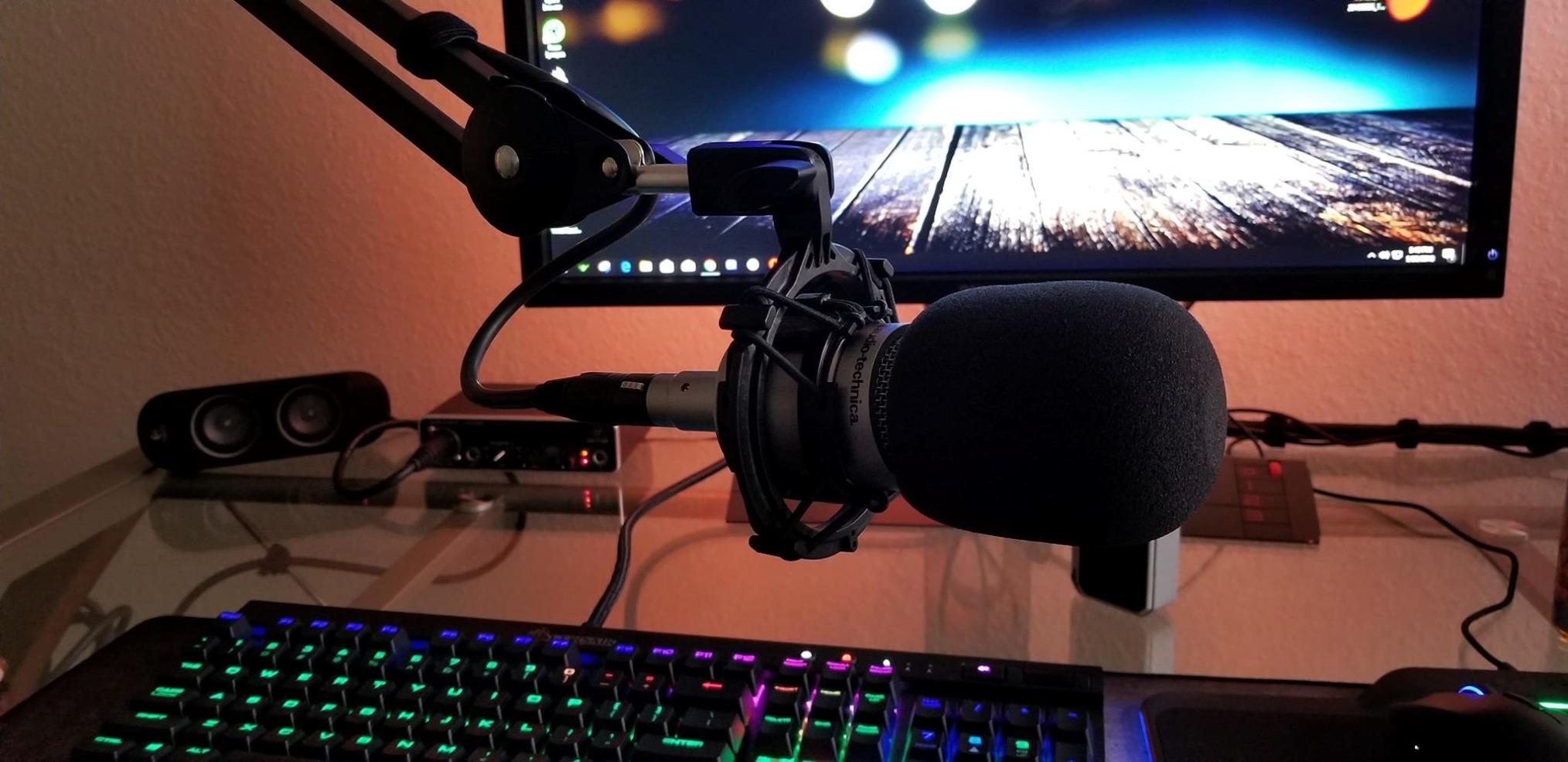
Gain staging and the instrument input
A passive bass plugged into that instrument input gives you a clean, uncoloured take with plenty of room before the clip LED lights. The Midas-designed preamp is transparent rather than characterful, which is what most bassists want from a DI that will later go through an amp simulation.
Owners of active basses report that the single input is the reason hot EMG sets get slightly hot, so the practical fix is a lower tone setting or a passive output. At 16 ounces and USB bus power, it is also the easiest box here to move between a home studio and a rehearsal room.
What the 48 kHz and 96 kHz ceiling costs you
Conversion tops out at 96 kHz rather than 192 kHz, so this is not the pick for projects where you want to oversample aggressively and resample down later. In practice, 24-bit at 48 kHz has more headroom than almost any bass recording will ever consume, so most players never touch the ceiling.
Where it falls short
There is no MIDI I/O, so a bassist using a MIDI controller or a synth bass rig will need a separate route. The chassis feels light in the hand, and the headphone output is not strong enough to drive high-impedance headphones to a comfortable level. Build quality is the main thing you trade away compared with the metal-bodied picks below.
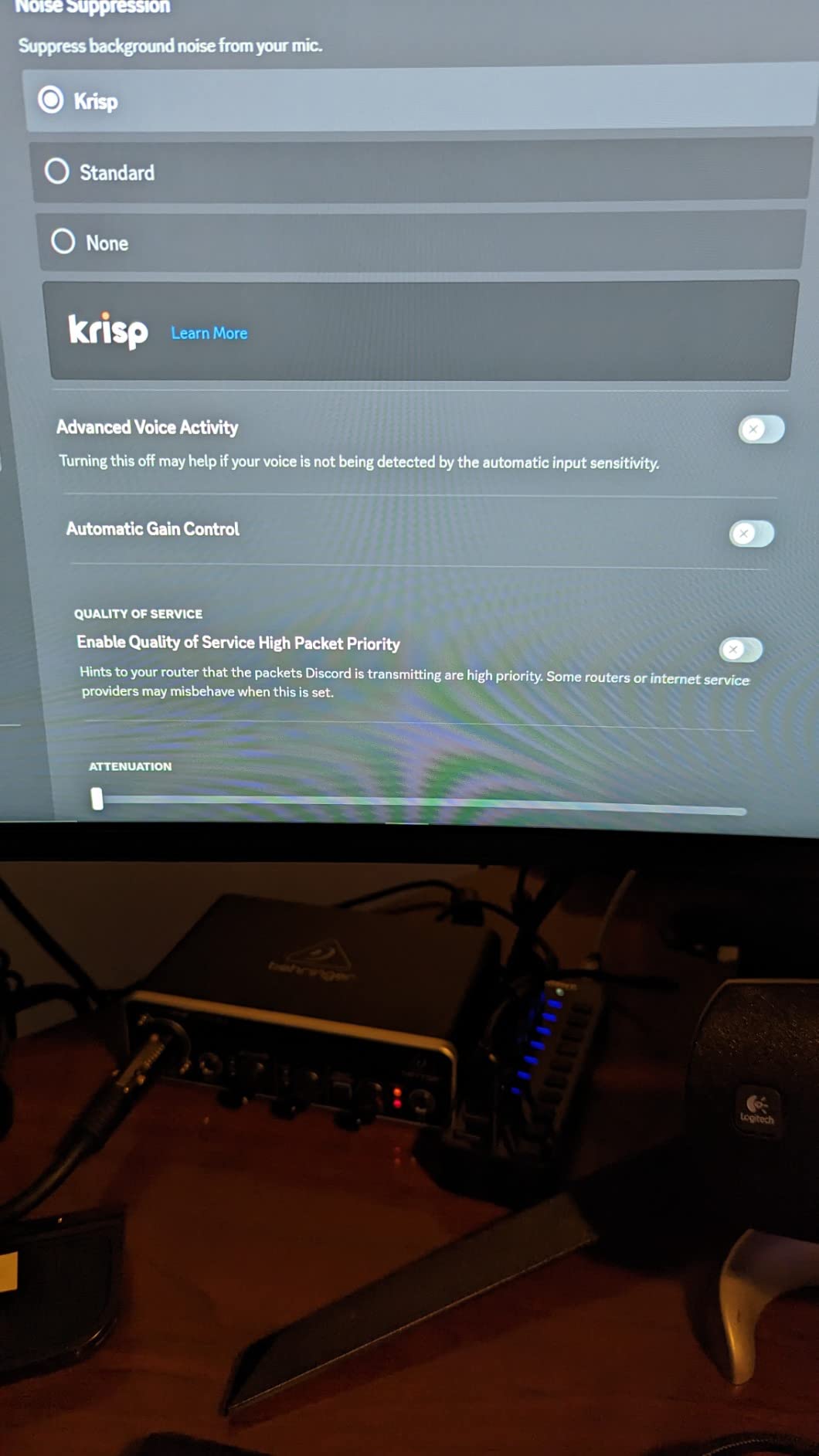
2. M-Audio M-Track Duo – Two Instrument Inputs for a Two-Channel Tracking Session
M-AUDIO M-Track Duo USB Audio Interface
Two combo inputs
Stated 1 megaohm impedance
USB and Direct monitor switch
48 kHz conversion
Pros
- Two instrument-capable combo inputs for DI plus mic
- Zero-latency direct monitoring switch
- Works on Windows macOS iOS and Android
- Crystal preamps with low noise
- MPC Beats software bundled
Cons
- Gain taper makes clipping easy to hit
- Lightweight plastic chassis that slides on the desk
- 48 kHz conversion only
- 48V phantom reported as under-driven for some condensers
The M-Track Duo solves a problem most single-input boxes cannot: recording a DI and a miked amp at the same time. Both front inputs accept XLR, line, or a 1/4 inch instrument cable, so you can track your bass straight in on one channel and run an SM57 or dynamic mic into a bass cabinet on the other, without buying a second box.
Reviewers consistently praise the low noise and the plug-and-play behaviour across platforms. It is listed as working on Windows, macOS, iOS and Android, and the bundled MPC Beats suite means a new player can record something on day one.
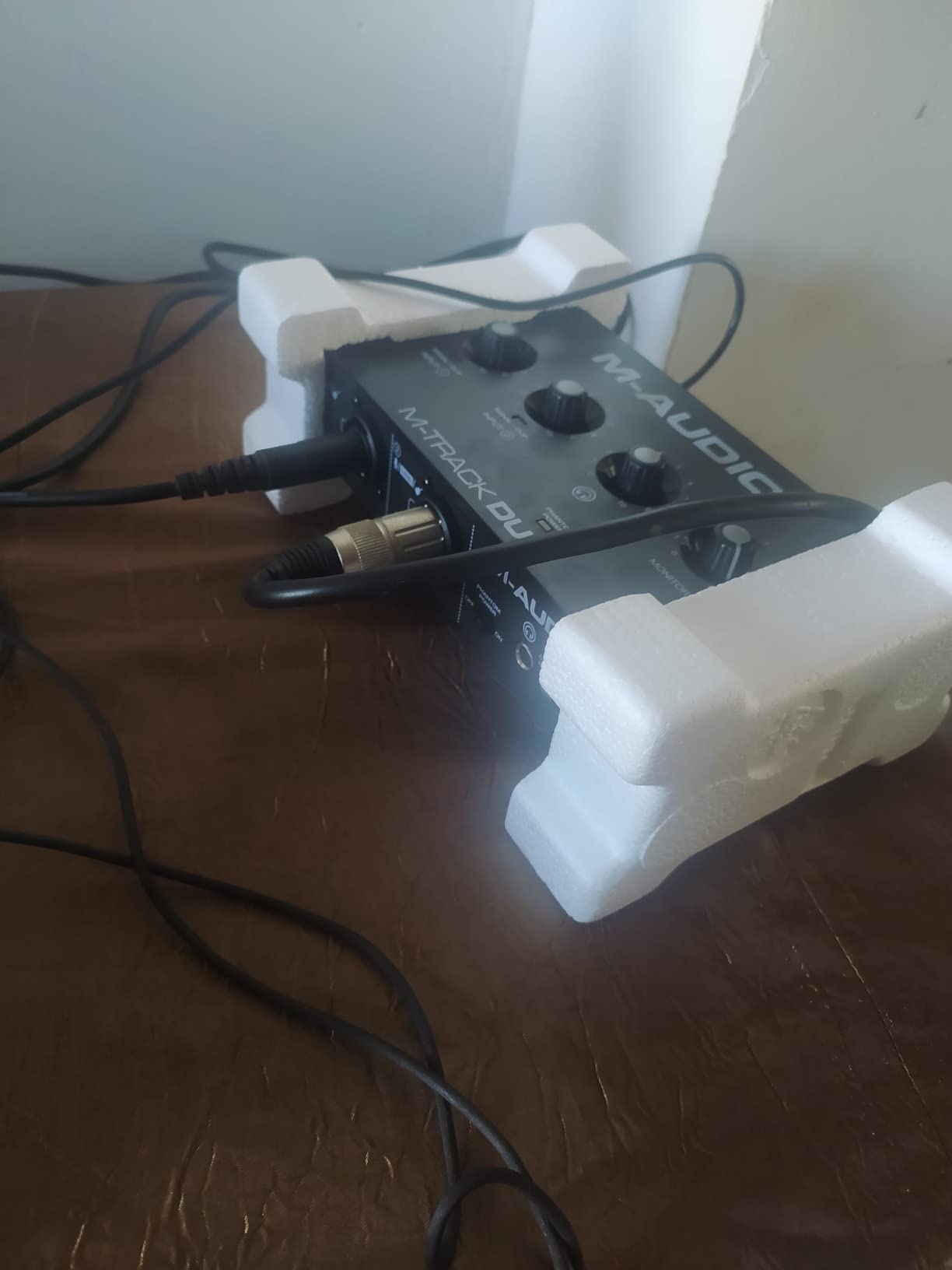
Impedance and instrument handling
The published input impedance is 1 megaohm, which is the right ballpark for a passive bass and will not choke the signal. That matters more than raw converter marketing: an input that loads down a passive pickup produces the thin, lifeless DI that players complain about in forum threads.
The gain taper is the real weakness
Reviewers repeatedly flag the gain pots as having a poorly tapered range, which makes it easy to accidentally clip the input. Treat the front knob as a coarse control and set final levels inside your DAW with plugins instead.
Build and conversion ceiling
The chassis is all plastic and slides across a desk, and the top-mounted knobs are awkward to reach mid-take. Conversion is 48 kHz class, so it sits with the entry-level boxes rather than the 192 kHz picks, and the phantom supply is reported as under-driven for some condenser microphones.
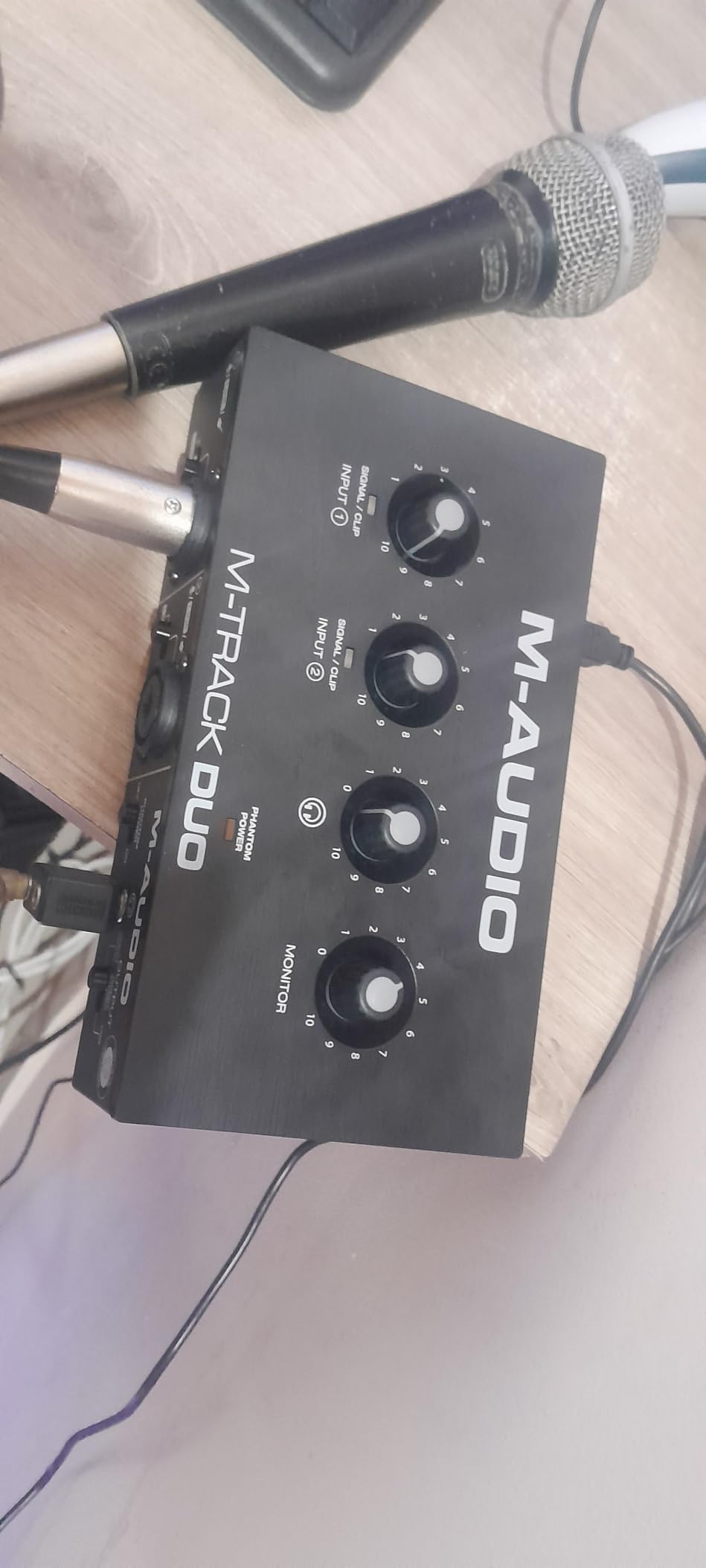
3. Behringer UMC202HD – Metal Chassis and 192 kHz for a Step Up
Behringer UMC202HD Audiophile 2×2, 24-Bit/192 kHz USB Audio Interface with Midas Mic Preamplifiers | For Recording Microphones and Instruments
24-bit/192 kHz conversion
Midas mic preamplifiers
1/4 inch instrument input
Metal chassis
Pros
- Impact-resistant metal chassis
- 24-bit/192 kHz converters with very low ASIO latency
- Direct 1/4 inch instrument input takes a bass without an amp
- Transparent XLR preamps with 48V phantom
- Doubles as a simple computer sound card
Cons
- Headphone output volume is low
- Direct monitor is mono only
- Gain is easy to overdrive on quiet sources
- Dated USB-B styling
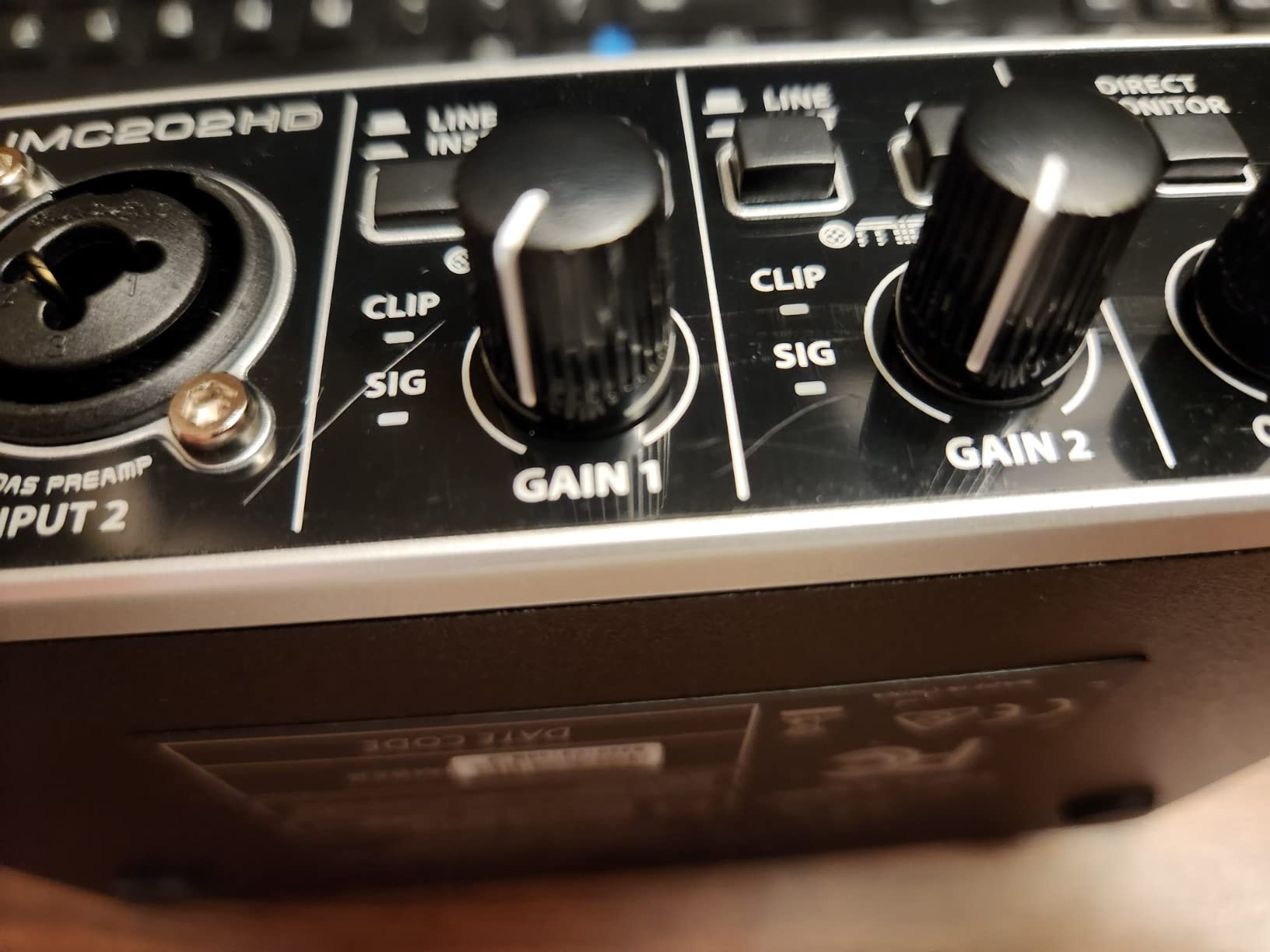
Where the UMC22 is the volume seller, the UMC202HD is the sensible upgrade. It keeps the same straightforward two-channel layout and Midas-designed preamps, then adds 192 kHz conversion, a metal chassis that survives being carried around, and the direct monitor control the cheaper model leaves out.
The instrument input takes a bass directly with no DI box and no amp, and the ASIO latency is low enough for amp sim practice on a reasonable buffer size. Owners consistently rate it as a step up in build durability rather than in out-of-the-box features.
Headroom and gain behaviour
The Midas preamps are transparent, and reviewers rate them as among the cleanest in this price class. The caveat is that the gain control is easy to overdrive on quiet sources, so on a passive bass you will want to watch the level carefully and keep peaks conservative.
What direct monitor sounds like
Direct monitor is mono only. For a single bass DI that is largely invisible, but if you plan to blend in a second source or a stereo amp sim return, you will hear the limitation immediately.
What to watch out for
The headphone output is quiet, which makes high-impedance headphones sound thin and lifeless. If your practice routine is silent playing through amp simulations on closed-back headphones, budget for an external headphone amp or choose a different pick.
4. PreSonus AudioBox 96 25th Anniversary – Best Pick for MIDI Bassists
PreSonus AudioBox 96 25th Anniversary USB Audio Interface
2 high-headroom instrument inputs
Built-in MIDI I/O
24-bit/96 kHz conversion
Bus powered
Pros
- Two high-headroom instrument inputs
- one aimed at bass guitar
- Built-in MIDI I/O which is rare in this class
- Metal chassis and Class-A mic preamps
- Crisp 24-bit/96 kHz recordings with low-latency monitoring
- Studio One Artist and Studio Magic plug-ins included
Cons
- Input signal bleeds into the monitor outputs and cannot be fully muted
- Some reports of headphone hum and high CPU load
- Small crowded front knobs
- 96 kHz ceiling rather than 192 kHz
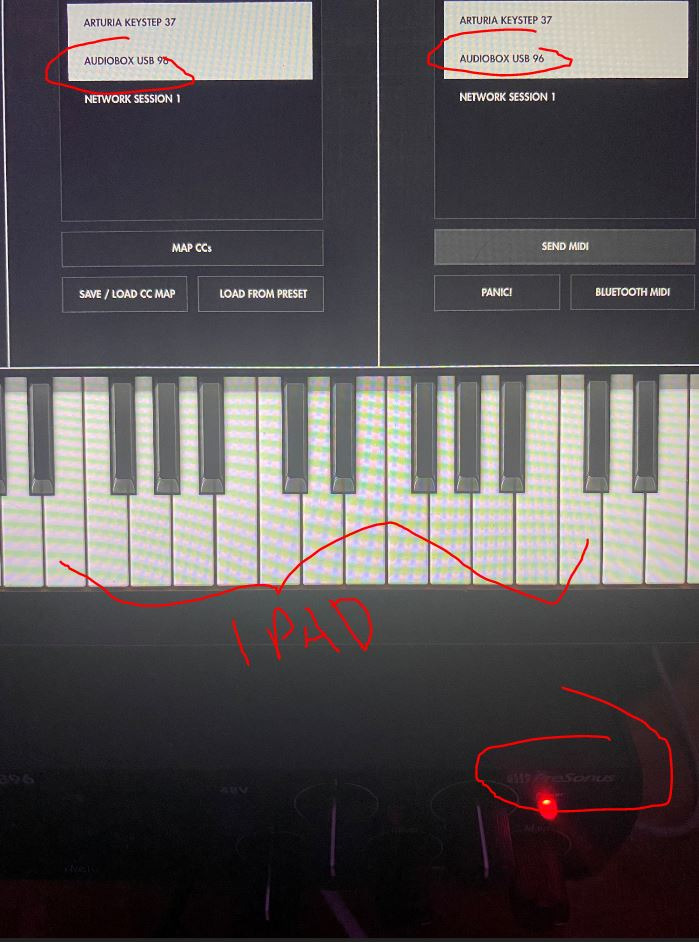
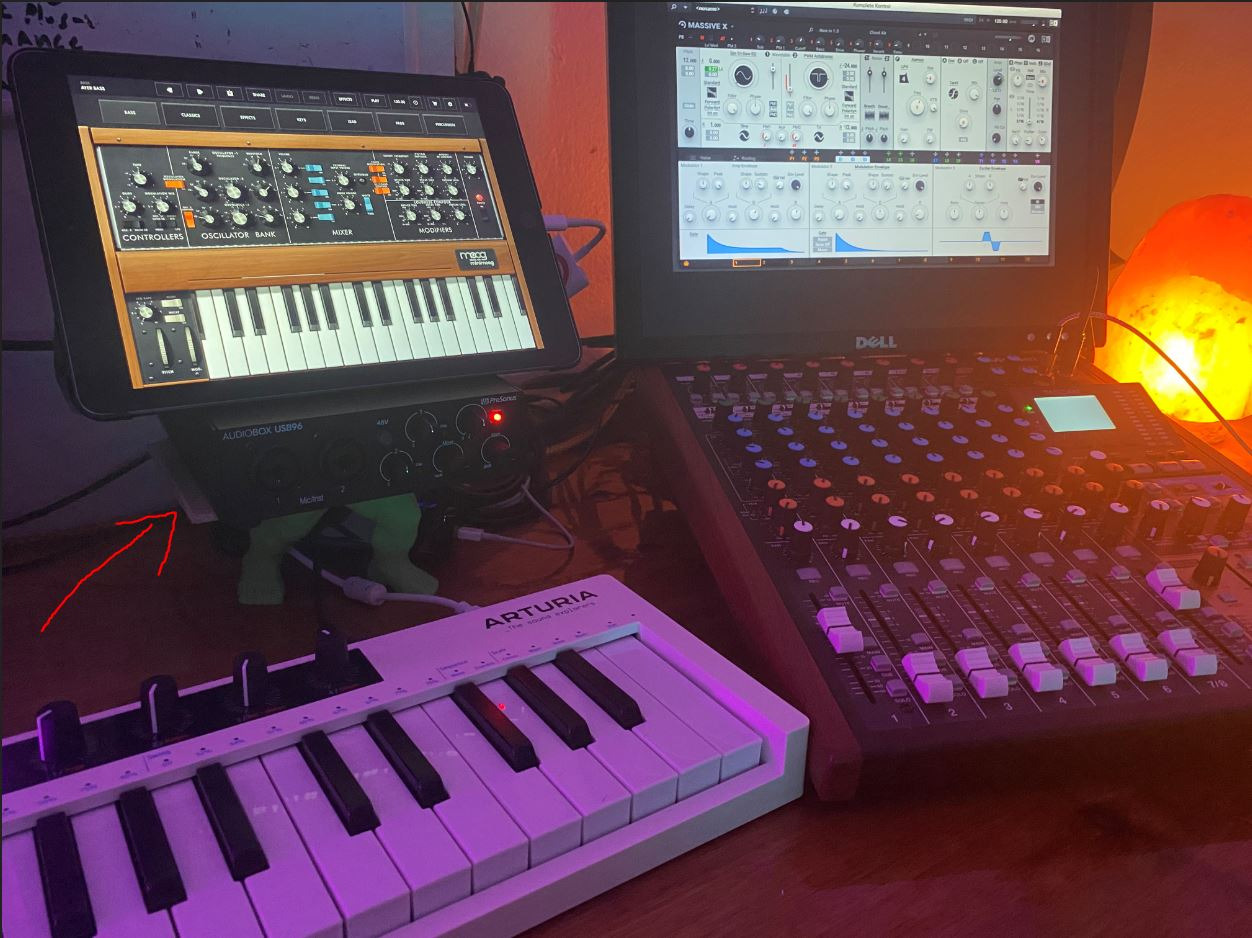
The AudioBox 96 is built around a claim you will not see elsewhere in this list: two high-headroom instrument inputs for guitar, bass, and line-level sources. For a bassist who also triggers loops, patches a synth, or wants to DI while capturing an amp reference, that combination is rare at this level.
It is also one of the few picks with built-in MIDI I/O, which matters if you use a foot controller or a MIDI bass rig. The bundled Studio One Artist, Ableton Live Lite, and Studio Magic plug-ins mean the software side is sorted before you spend anything else.
Headroom for active pickups
PreSonus markets the instrument inputs specifically for bass, and owners with active electronics report that there is enough gain range to keep a hot signal well clear of the clip point. That is the single most common complaint forum bassists raise about cheaper boxes, and it is where this one earns its label.
Zero-latency monitoring and the mixer
A front mixer control blends the inputs with playback for zero-latency monitoring, which gives you a dry signal under your amp sim while still hearing the effect return. It is less immediate than a hardware monitor switch, but it is a workable silent practice solution.
Watch out for
A minority of owners report the input signal bleeding into the monitor outputs with no way to fully mute it, plus some headphone hum and higher-than-expected CPU use. The front knobs are small, crowded, and not clearly labelled, which makes gain staging harder than it needs to be. The listed impedance figure of 51 ohm applies to a different part of the signal path than the instrument input, so do not treat it as a Hi-Z spec.
5. Focusrite Scarlett Solo 4th Gen – The Reference One-Instrument Interface
Focusrite Scarlett Solo 4th Gen USB-C Audio Interface
One XLR preamp and one Hi-Z input
120dB dynamic range
24-bit/192 kHz
Air mode
Pros
- Single dedicated Hi-Z instrument input built for direct bass recording
- 120dB dynamic range and 24-bit/192 kHz conversion
- Air mode adds harmonic presence to bass
- Compact and bus powered over USB-C
- Works with Mac Windows and iPad
- Generous software bundle including Pro Tools Intro and Hitmaker Expansion
Cons
- Only one input so you cannot record a mic and bass together
- No MIDI I/O
- Headphone output is shared with the main monitor path
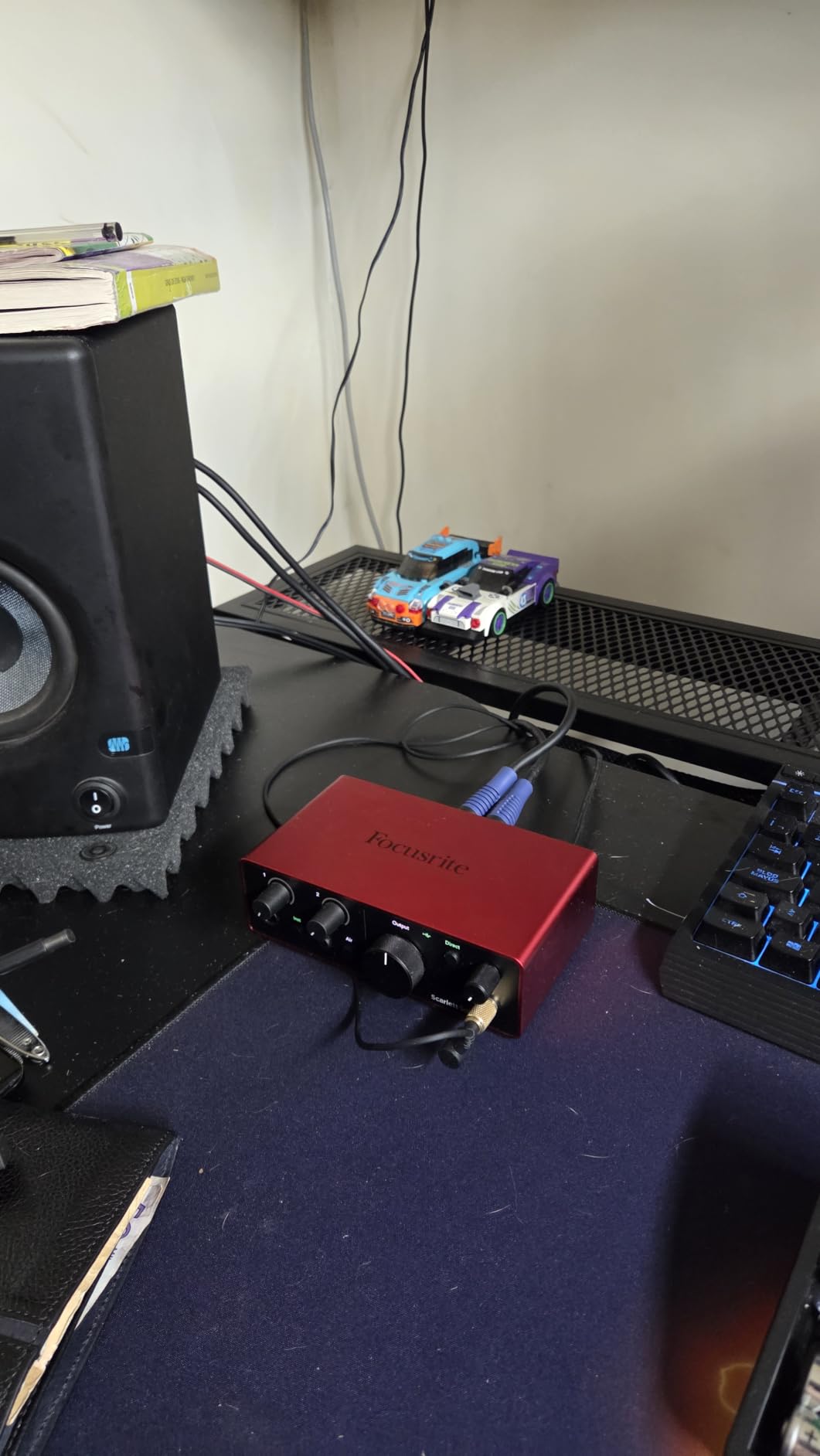
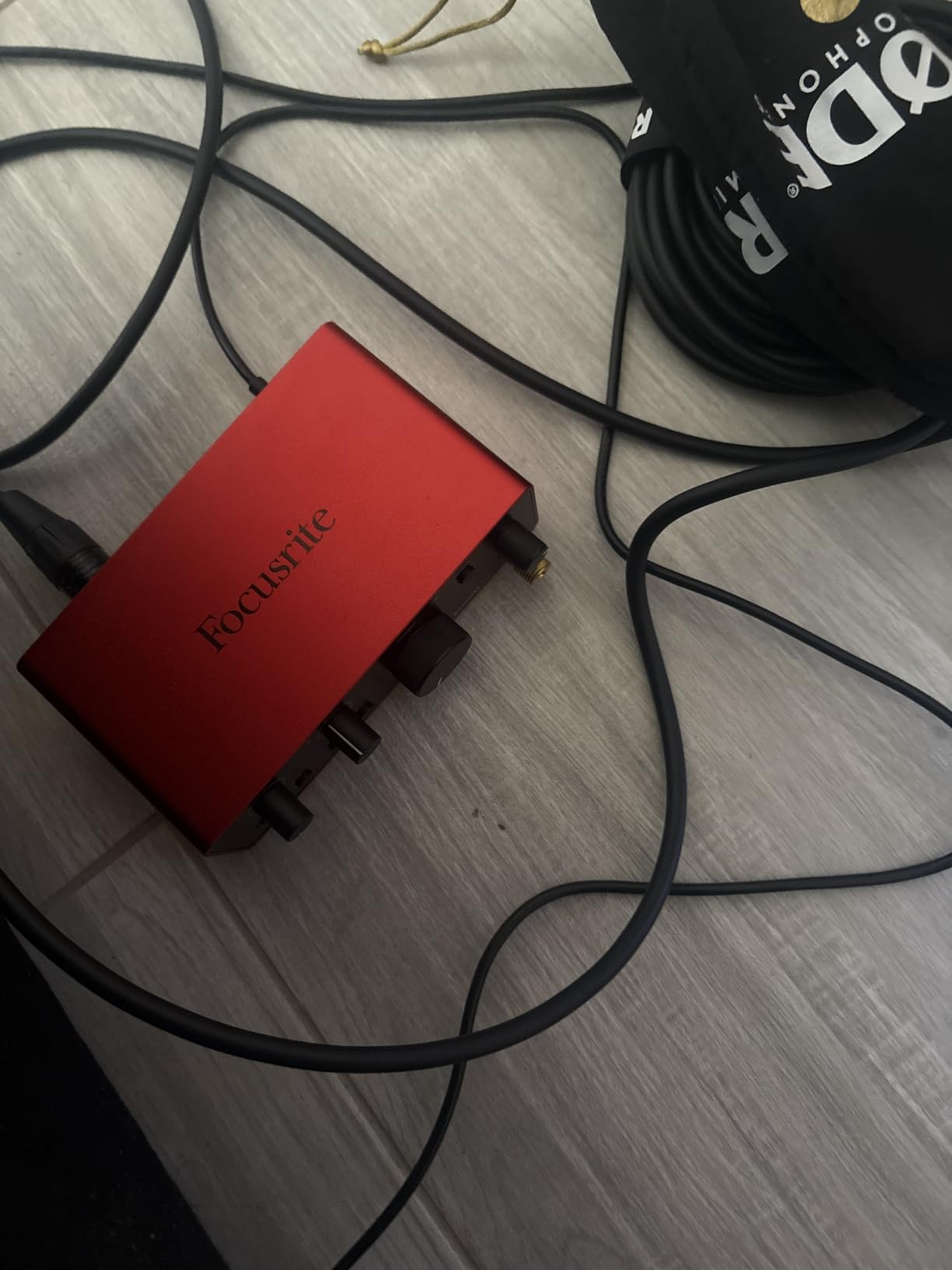
Scarlett Solo is the recurring default recommendation in bass forums, and the 4th Gen version is the first one that genuinely feels like a reference piece of hardware rather than a budget box. It uses the same converter family as Focusrite’s flagship interfaces and claims 120 dB of dynamic range, which is real headroom for an active bass.
There is one XLR mic preamp and one dedicated Hi-Z instrument input. That is exactly enough to track a bass DI, and the conversion quality means whatever amp you put in front of it downstream is the thing shaping your tone.
Air mode and what it does to a bass DI
Air mode is a tone-shaping circuit that adds harmonic presence and drive. On a fingerstyle or slap bass it can rescue a dull DI before you even open a plugin, and it is one of the few onboard circuits in this roundup that genuinely affects the recorded sound rather than just the monitoring path.
Silent practice and monitoring
Bus power over USB-C and support for iPad make this the pick for playing through amp simulations away from a desk. Owners call it the reference one-stop songwriter interface, largely because setup takes minutes and the software bundle is already installed.
The one-input compromise
You cannot record a mic and a bass at the same time, which rules it out if you want to capture a DI and a miked amp in one pass. There is no MIDI I/O either, and the headphone output shares the main monitor path. If you record alone, those trade-offs rarely matter; if you track in pairs, they are decisive.
6. MOTU M2 – Best Converters and Hardware Monitoring in This Group
MOTU M2 USB-C Audio Interface
24-bit/192 kHz conversion
2 preamps, 2-in 2-out
Hardware monitoring
612 g metal chassis
Pros
- Excellent 192 kHz converters for the tier
- Two preamps allow a mic and an instrument at once
- Hardware monitoring delivers a low-latency direct signal
- Metal chassis with large easy-to-read controls
- Generous bundle of free content for macOS Windows and iOS
Cons
- Instrument and mic input share one gain control per channel
- Only 2-in and 2-out with no MIDI I/O
- Modest headphone amp for high-impedance headphones
- Bus-power only with no separate power option
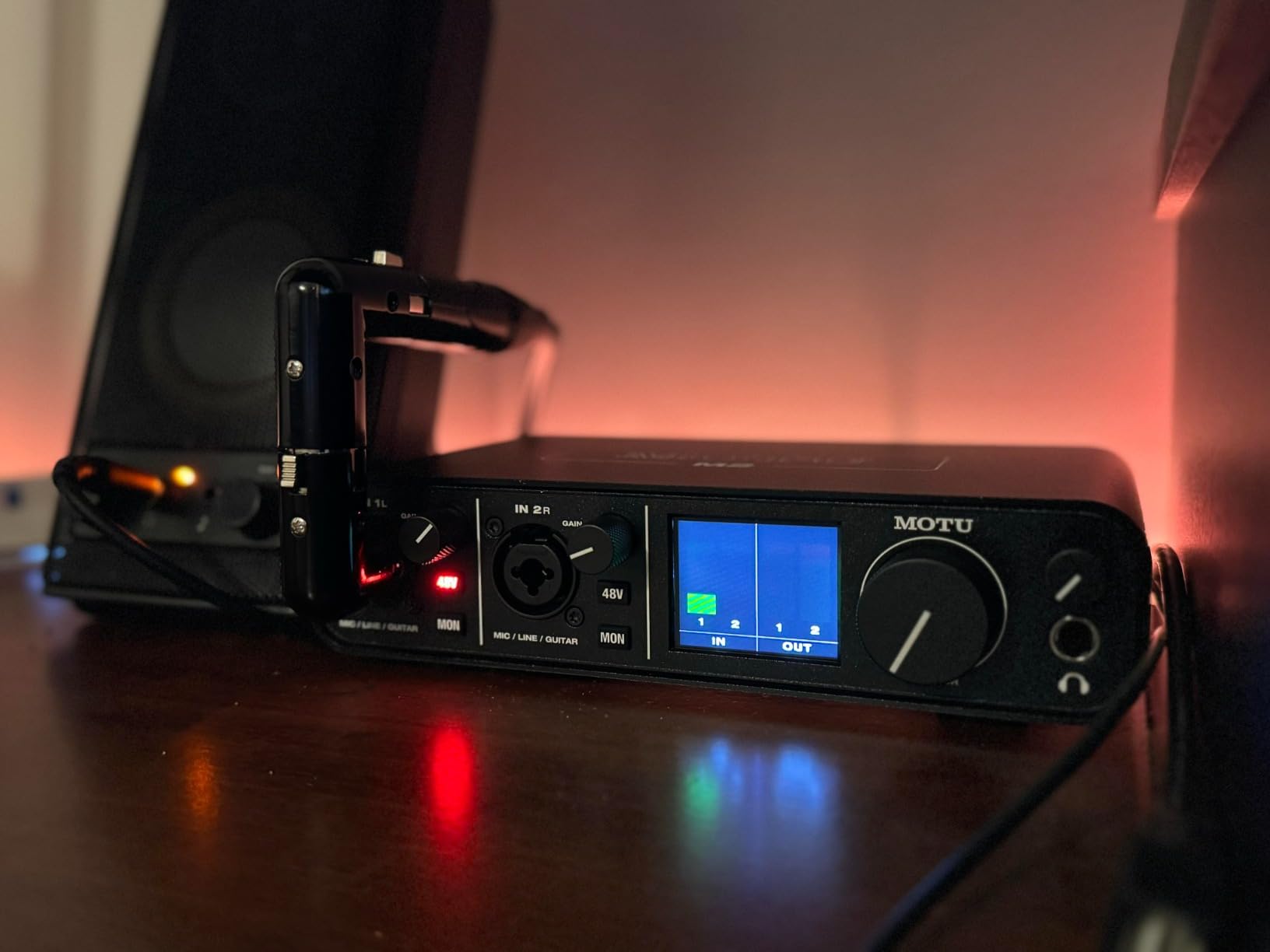
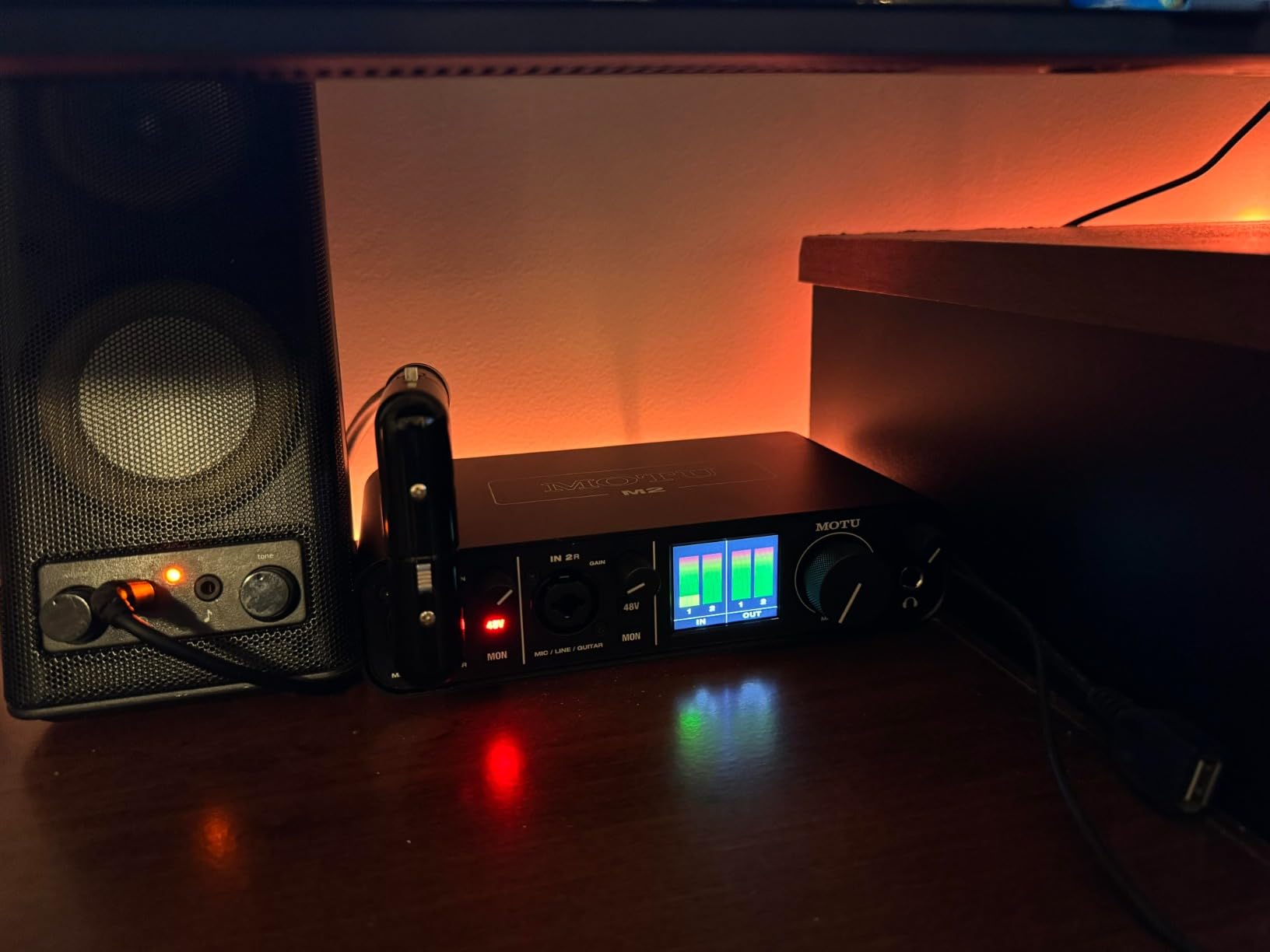
The MOTU M2 exists for one reason: converters. It runs 24-bit/192 kHz and pairs them with hardware monitoring, which is a signal path that stays out of the way. When we tracked DI takes through it, the noise floor stayed out of the way of the pick attack, which is exactly what a bass needs.
It is also discussed constantly on Audio Science Review as a benchmark in the two-channel class, usually alongside the Scarlett 2i2 and the Audient EVO 4, and the consensus there is that the conversion is the reason to buy it.
Hardware monitoring for amp sims
Hardware monitoring is a physical path from the input to the output, not a route through your computer. That means your dry DI arrives with no round-trip delay even on a large buffer size, which is what makes plugging into a ToneX or Amplitube chain feel playable rather than laggy.
Build and layout
At 612 g with a metal chassis, the M2 feels like studio equipment rather than a desk accessory, and the large controls are easy to read at a glance. The main limitation is that the instrument and mic input on each channel share a single gain control, so gain staging takes a little more thought than on boxes with separate trims.
Where it stops
It is 2-in and 2-out with no MIDI I/O, so it is a DI tool rather than a control surface hub. The headphone amp is modest, which is the same limitation as the other metal-chassis boxes here. It is listed as running on macOS and Windows, with 6GB of free content for macOS, Windows and iOS.
7. PreSonus AudioBox GO – Best for Mobile and Phone Recording
PreSonus AudioBox GO | USB-C Audio Interface for music production with Studio One DAW Recording Software, Music Tutorials, Sound Samples and Virtual Instruments
TS instrument input for bass or guitar
USB-C bus powered
24-bit/96 kHz
8.16 ounces
Pros
- Dedicated 1/4 inch TS instrument input designed for guitar or bass
- Can record an instrument and a mic at the same time
- Extremely compact and bus powered
- Works with phones and tablets
- Mix control for a zero-latency blend of inputs and playback
Cons
- No MIDI I/O
- TS-only instrument input with no balanced option
- 96 kHz maximum sample rate
- Modest headphone and monitor output level
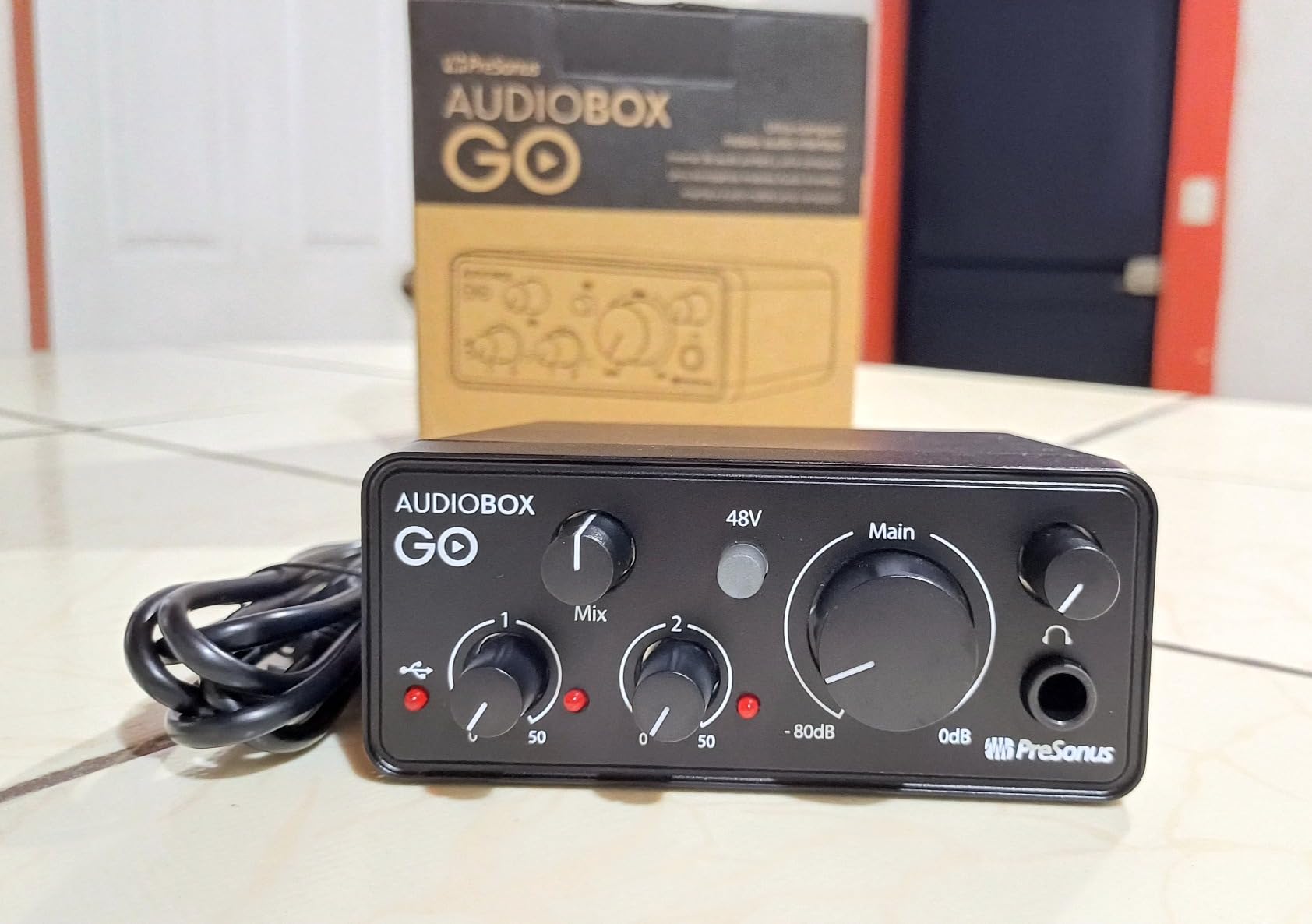
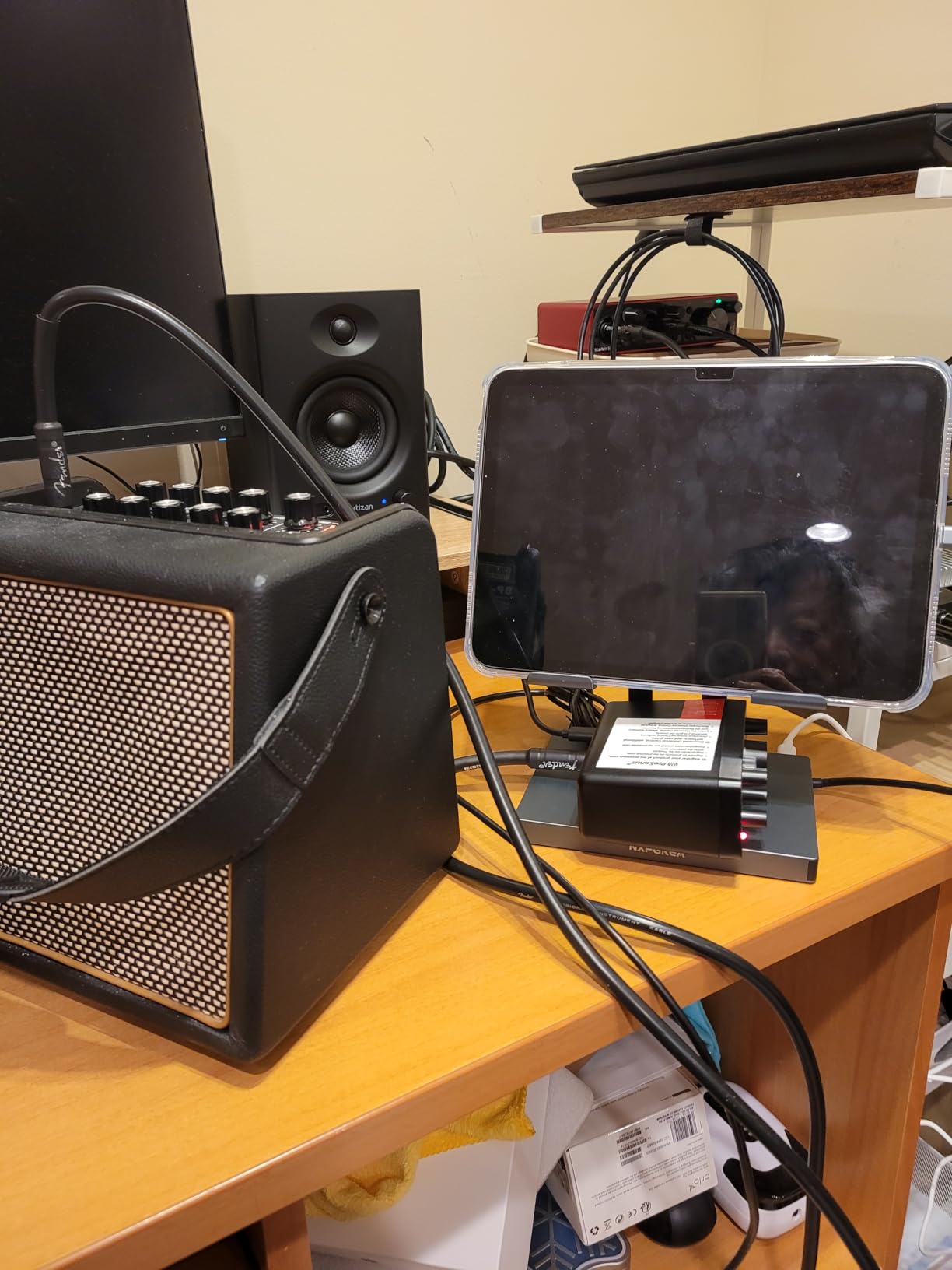
At 8.16 ounces and bus powered over USB-C, the AudioBox GO is the pick for a bassist who records away from a desk. It is built around one TS instrument input explicitly intended for guitar or bass, plus a single XLR mic and line combo, so you can still capture a DI and a mic together.
It runs on macOS, Windows, Chrome OS, and Apple or Android devices. For a bassist writing on a tablet, that flexibility is the whole point, and the mix control gives you a zero-latency blend of the live input and playback.
The instrument input and its limits
The XMAX-L preamp offers 50 dB of adjustable gain with switchable 48V phantom power, which is clean but modest next to the higher-tier units. Because the instrument input is TS only, you cannot use a balanced TRS cable, so a long unbalanced run in a live room is worth avoiding.
Zero-latency practice
The headphone mix control blends input and playback, so you can hear your dry bass under an amp sim with no perceptible delay. The output level is not powerful, which makes open-back or high-impedance headphones a poor match for this box.
Who should skip it
There is no MIDI I/O, and the 96 kHz conversion ceiling matches the entry-level boxes rather than the 192 kHz picks. If your sessions are all at a fixed desk with good headphones, spend that budget on a stronger headphone amp instead.
8. Universal Audio Volt 2 – Best for Studio Preamp Character and Software
Universal Audio Volt 2 USB Audio Interface
UA 610 preamp with Vintage mode
24-bit/192 kHz conversion
2x2 USB-C with MIDI
LUNA and UAD plug-ins
Pros
- Vintage mode adds 610-style harmonic character that suits electric bass
- 24-bit/192 kHz converters with plenty of headroom
- Metal chassis with a pro-grade feel
- MIDI I/O included
- LUNA DAW and UAD plug-ins bundled at no extra cost
Cons
- Bus power alone is not sufficient so some setups need the external supply
- iPhone and iPad use requires an extra camera adapter
- No Hi-Z impedance switch
- Heavier than entry-level two-channel boxes
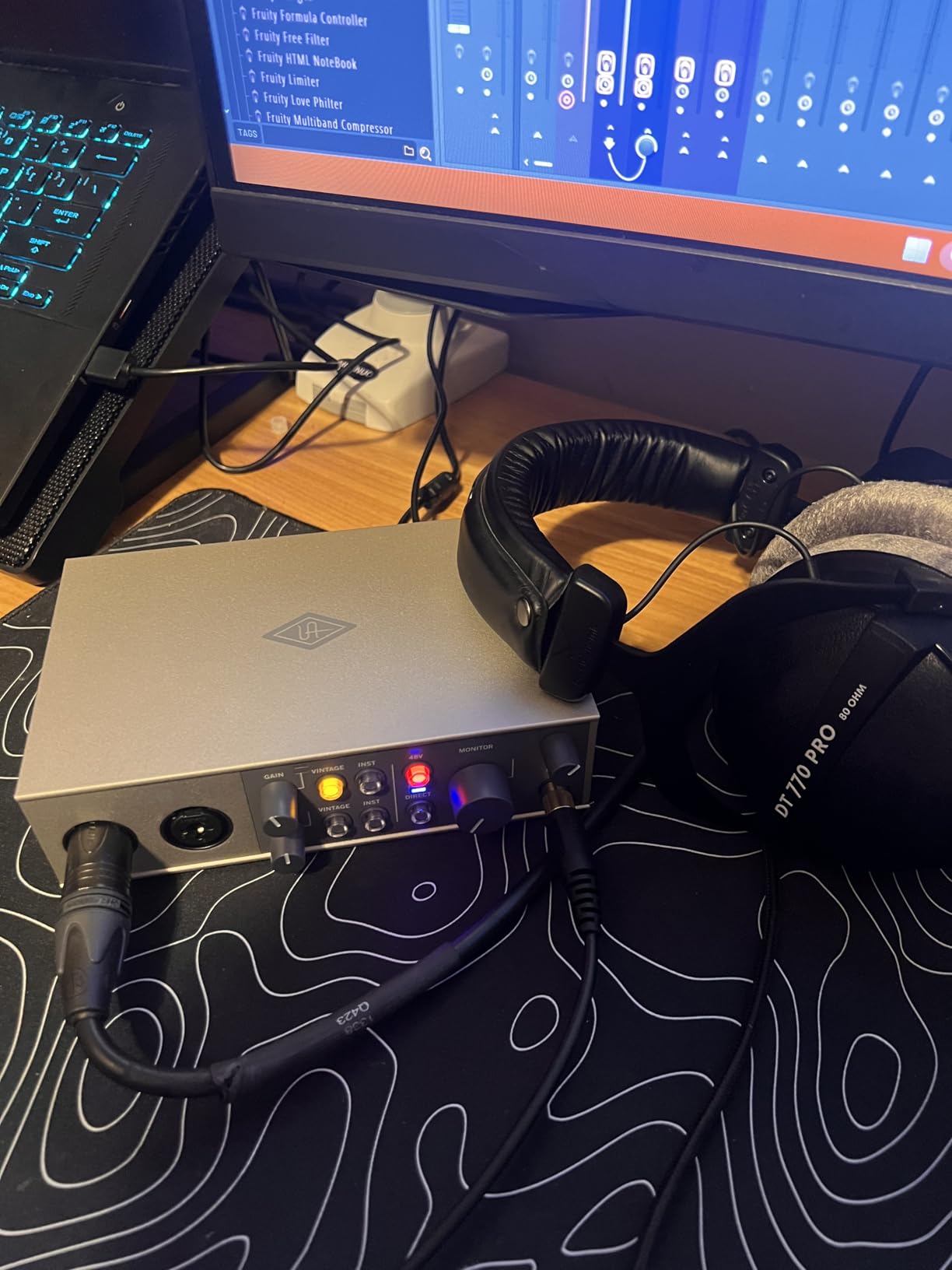
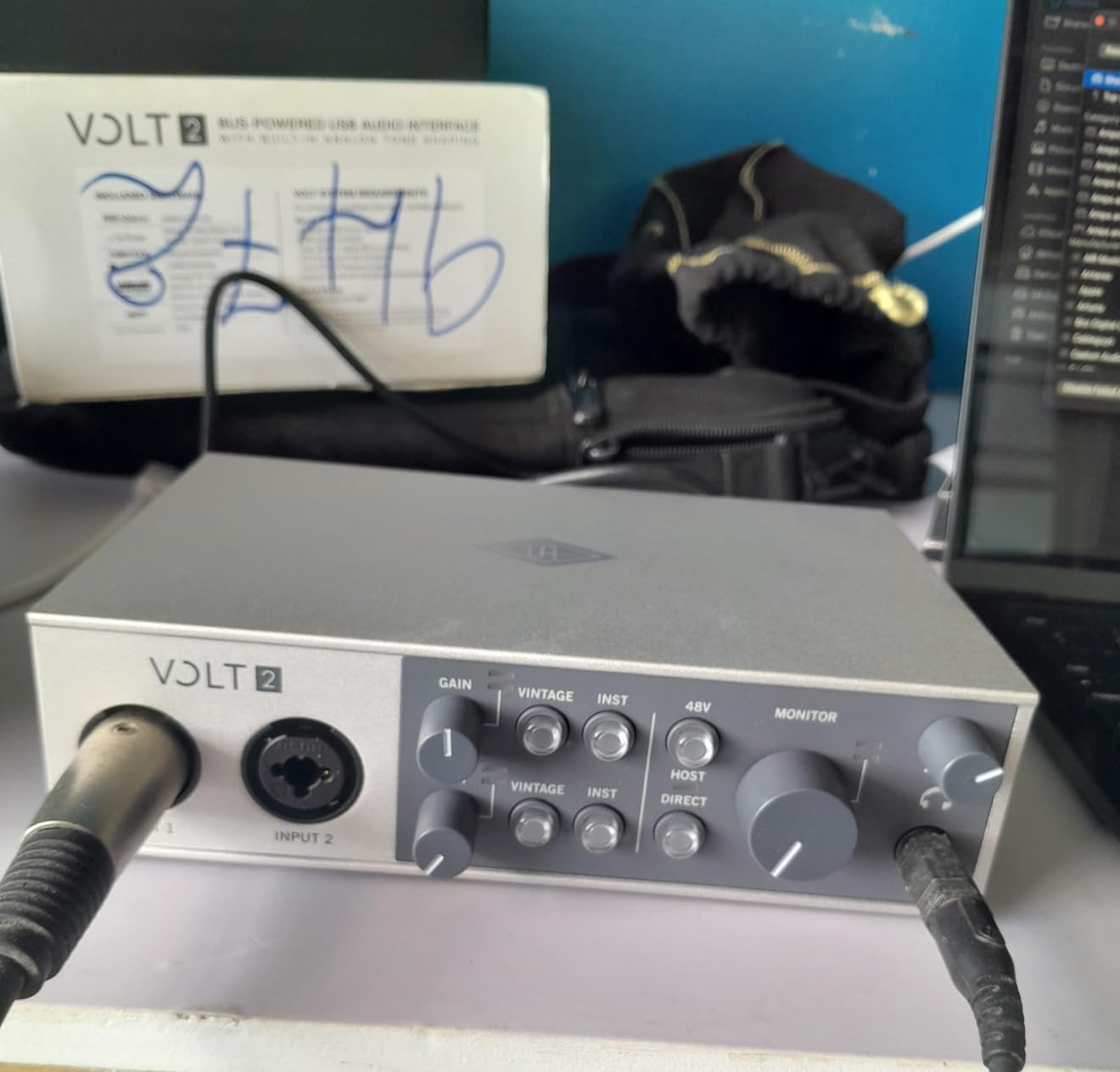
The Volt 2 is the only pick here with a preamp circuit you can deliberately misbehave. Vintage mode switches the input stage into a UA 610 emulation, adding harmonic content to the recorded take, and for a bass that needs more weight before an amp sim, it is a legitimate tone tool rather than a gimmick.
It also arrives with a complete software path. LUNA, the UAD plug-ins, and support for Amplitube-class amp modelling mean a new owner can go from unboxing to a processed bass part without buying a single plugin.
Headroom and the recorded signal
Reviewers consistently report ample headroom from the 24-bit/192 kHz converters, so a hot active bass is comfortable. The metal chassis and 650 g weight make it feel like studio gear, and low-latency monitoring suits tracking and overdubs rather than only playback.
The impedance caveat for bassists
There is no Hi-Z impedance switch, which means deep active pickups can sound different from what you hear in a room with a dedicated bass DI box. If you rely on impedance matching as part of your tone, the Z-TONE pick further down this list does more for you.
Power and mobile caveats
Bus power is not sufficient on its own for every setup, so some owners need the external power supply. iPhone and iPad use requires an extra Lightning to USB camera adapter as well. macOS and Windows are the frictionless platforms.
9. Mackie Onyx Artist 1×2 – Best for Passive Bass DI with a Hi-Z Switch
Mackie Audio Interface, Onyx Artist 1X2 USB Audio Interface (Onyx Artist 1-2)
1/4 inch TRS input with Hi-Z switch
24-bit/192 kHz
Zero-latency direct monitoring
MIDI I/O
Pros
- Explicit Hi-Z switch on the 1/4 inch TRS input
- Clean quiet preamps with no added hiss
- Stable ASIO drivers with flawless recording
- Metal build and 192 kHz conversion at this level
- MIDI I/O and 23 bundled plugins included
Cons
- Two inputs appear to the computer as one stereo input
- Low mic preamp gain so condenser mics need the gain near maximum
- Small hard-to-read front knobs
- No USB cable included in the box
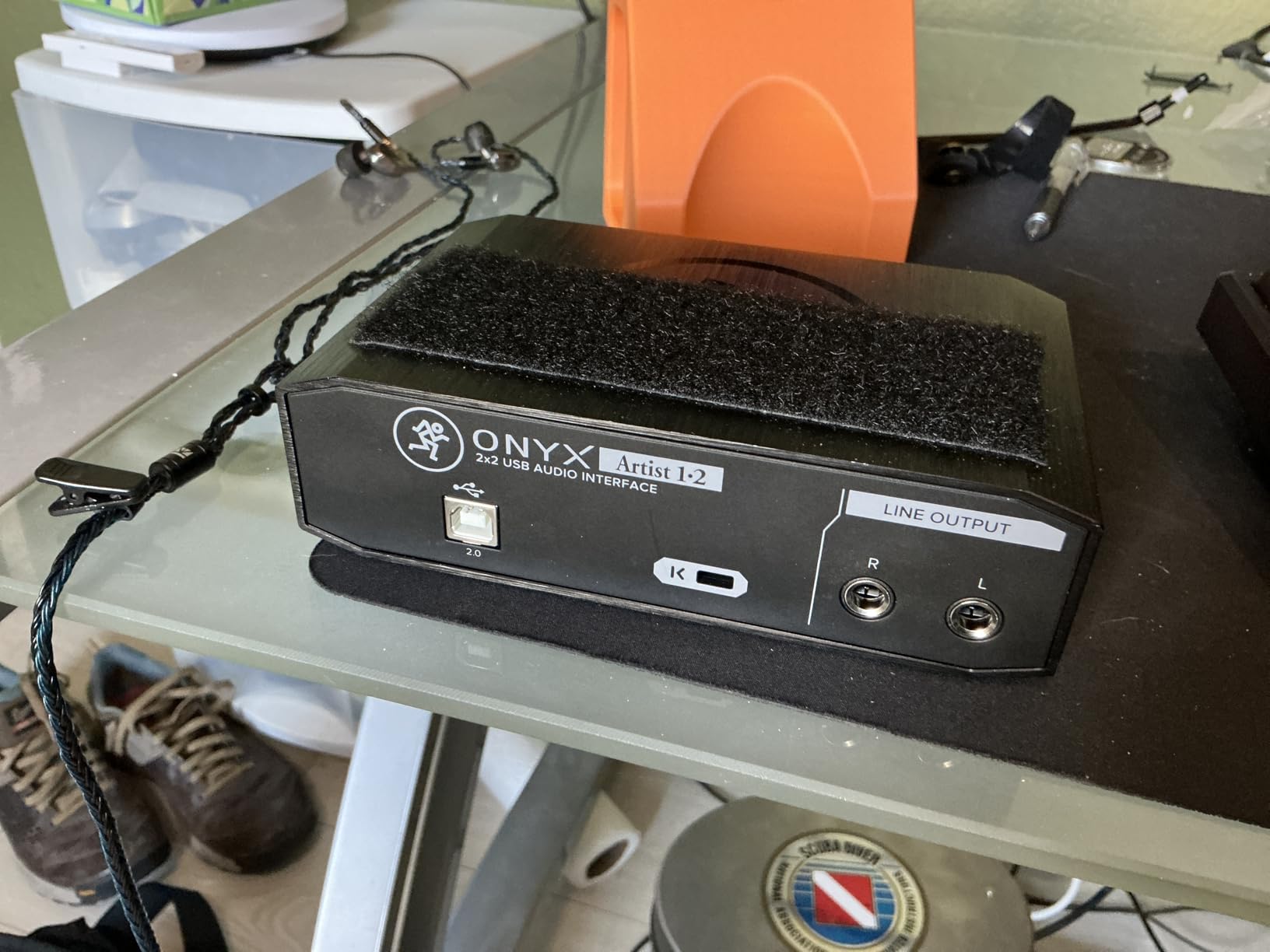
The Mackie is the rarest thing in this list: a proper Hi-Z switch on the instrument input. Instead of hoping the input is instrument-friendly, you flip a switch and the input impedance is set for a passive bass, which is why it earns the passive DI label.
Owners describe it as solidly built, quiet, and driver-stable, with zero-latency direct monitoring of the analog inputs. At 1.2 pounds with a metal chassis, it is built more like a small console than an accessory.
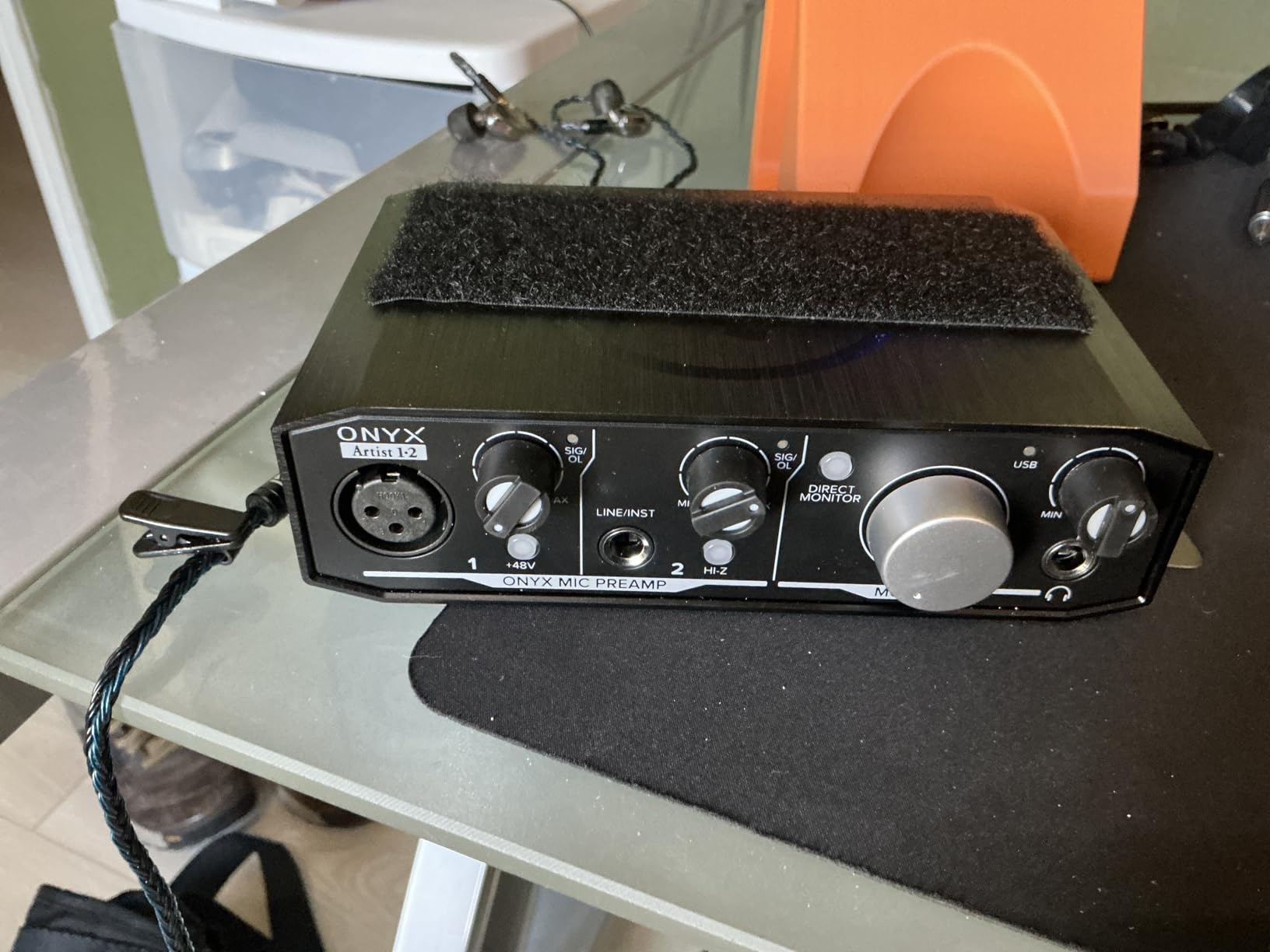
Why the Hi-Z switch matters for a passive bass
A passive pickup output is a high-impedance source. Present it to an input that is not, and the signal is loaded down and loses body, which is the thin, dull DI described so often in bass forums. A switchable Hi-Z input removes that guesswork and matches the instrument the way a dedicated bass DI box would.
Latency and drivers
Direct monitoring of the analog inputs means the dry signal is available with no round trip, and owners report stable ASIO drivers on Windows with no dropouts. The Musician Collection of 23 plugins and instruments covers amp sims, effects, and virtual instruments for a beginner.
Watch out for
The two inputs can appear to the computer as one stereo input rather than two mono inputs, which is a real headache for anyone routing separate DI and mic channels. The mic preamp gain is low, so condenser microphones need the gain at the top of its travel, and the original front knobs are small and hard to read. No USB cable is included, so factor that in before you start.
10. IK Multimedia AXE I/O One – Best Impedance Control and Amp Sim Bundle
IK Multimedia AXE I/O One – Professional USB Audio Interface with Z-TONE advanced guitar tone shaping, AmpliTube and TONEX software included, high-resolution recording studio equipment
Z-TONE impedance-adapting input
Active and passive pickup selector
24-bit/192 kHz DAC
1.5 ounces
Pros
- Z-TONE impedance control and an active or passive switch give real control over bass tone
- Onboard mixer blends direct and DAW return with no latency
- Bundled AmpliTube 5 SE and TONEX SE
- Very low latency achievable on Mac and iPad
- Lighter and cheaper than metal-bodied rivals
Cons
- Plastic housing feels cheap
- Free bundled software is heavily limited without the full upgrade
- Noticeable latency on Windows 11
- Only one Hi-Z input and no MIDI I/O
- Z-TONE circuit does not function with active pickups
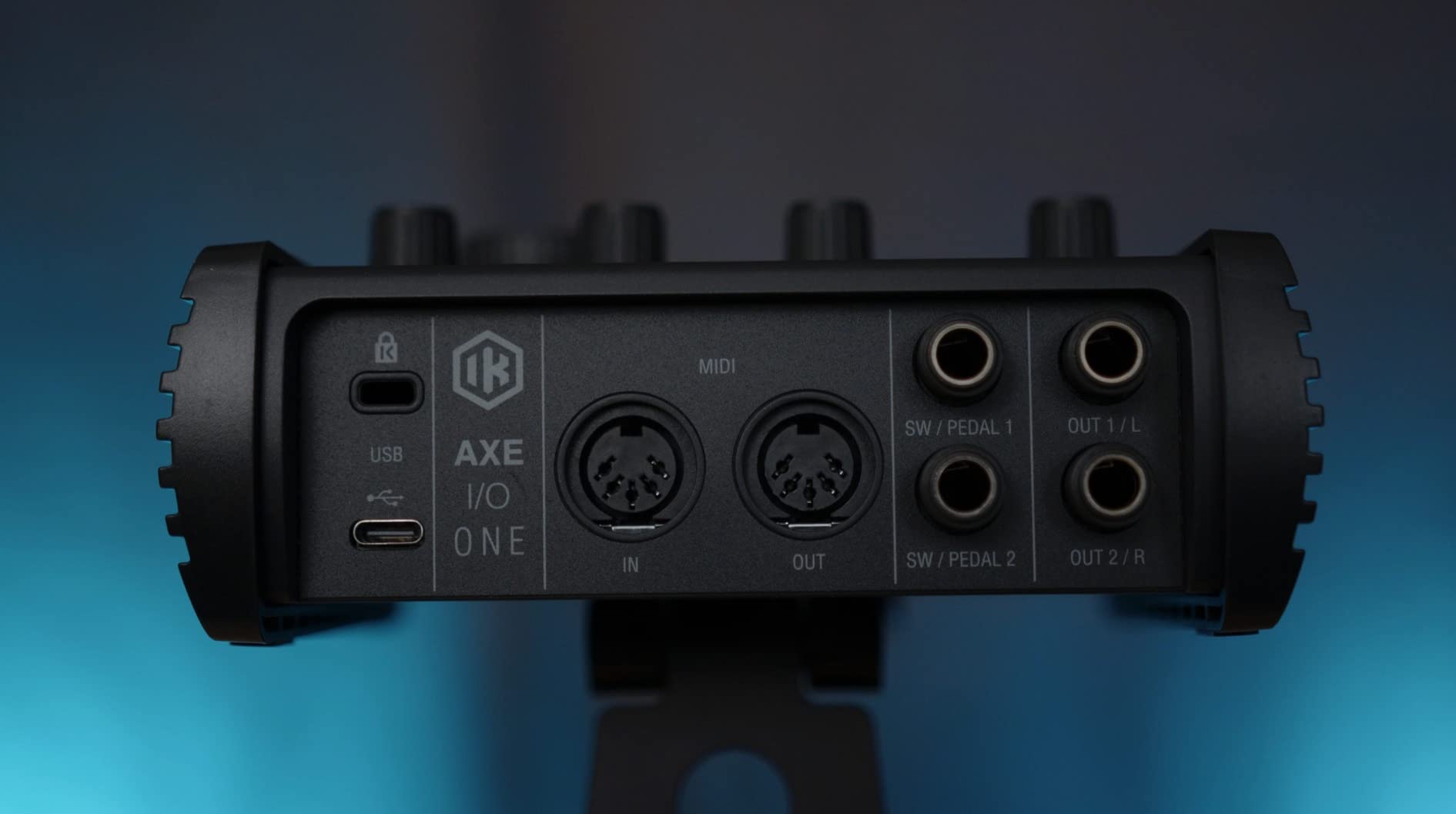
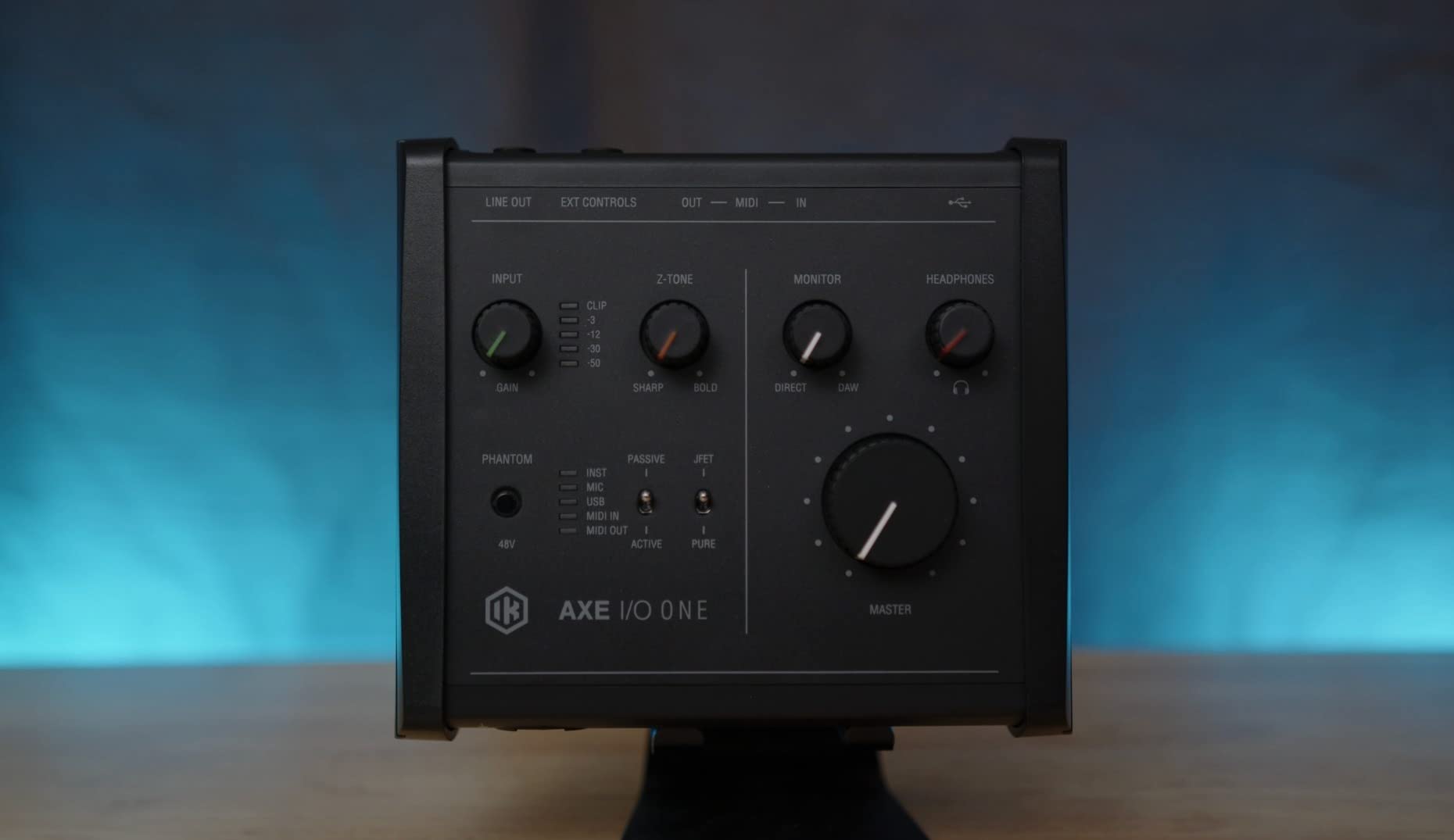
The AXE I/O One answers a question almost no other box in this list does: what if you want to change the input impedance instead of just accepting it. The Z-TONE circuit sweeps from roughly 1 megohm sharp to about 2.2 kilohm bold, and a separate switch selects active or passive pickups, so you can hear the same bass two completely different ways.
For a player who plays both, that is a bigger tonal tool than a higher sample rate. It also ships with AmpliTube 5 SE and TONEX SE, giving you more than 16,000 amp and cabinet models to practise through.
What impedance control actually does to a bass
A high impedance input takes more of the pickup output, which usually sounds tighter, more articulate, and slightly more present. A low impedance loads the circuit down and produces a warmer, rounder, more compressed bass. Z-TONE moves between those characters on the front panel, which is something no other unit here can do.
Latency and the onboard mixer
The onboard mixer blends the direct signal with the DAW return at no latency, so you can play a dry bass under an amp sim. Owners report very low latency on Mac and iPad, which is where most players will use it.
Watch out for
Windows 11 users report noticeable and difficult-to-remove latency, the plastic housing feels cheap for the price, and the bundled software is heavily limited without the full AmpliTube 5 MAX upgrade. There is only one Hi-Z input and no MIDI I/O, and the Z-TONE circuit does not function with active pickups, so it is a passive-bass tool by design.
Do You Need a DI Box for Bass?
No, not in almost every case. Every interface in this roundup has a Hi-Z instrument input designed to accept a bass output directly, so a separate DI box is redundant for basic DI recording. It only earns its place when you are recording outside the studio and need a speaker-friendly box, or when you specifically want to change the impedance or add a pad.
There are three situations where a passive bass DI box still makes sense. Recording a live bass amp in a room you cannot rewire, running a long unbalanced cable to a stage box, or wanting a much lower impedance than any interface input offers for an extremely bright active bass.
For a home studio bassist with a modern interface, skip the extra box. Spend the money on a second instrument input instead, because the ability to capture a DI and a miked amp in one pass changes your workflow more than any DI upgrade would.
How to Choose a Bass Interface: Buying Guide
Conversion quality is the least important factor, and the forums are right about that. Headroom and input impedance matching decide whether your recording sounds right in the first place. Work through these criteria in order and the model choice almost makes itself.
Input impedance and the Hi-Z input
Hi-Z, short for high impedance, is the input type designed for instruments. Around one megohm is the figure you want on a bass input, because a passive pickup needs a high-impedance input to deliver its full output. Only two picks here give you a switch to change it, and those are the ones worth considering if you alternate between active and passive basses.
Never feed a bass into a line input. It will sound thin and lifeless at any gain setting, and no amount of gain will fix it.
Headroom for active pickups
Active electronics such as EMG or Darkglass sets push a much hotter signal than a passive set, and clipping the input is the most repeated complaint across bass forums. Look for preamps with real gain range, a pad switch, or a front clip LED you can actually watch while playing.
Keep your peaks around -12 dB in the DAW. That 12 dB of reserve is what lets you hit a chord harder during a take without ruining the recording.
Low B string and low-end translation
The low B on a 5-string sits close to the bottom of what many people can hear on small monitors, so it disappears first during playback. Nothing in the interface fixes that, but a 24-bit converter with a low noise floor preserves more of the fundamental so your amp sim or EQ still has something to work with. Recording at 24-bit gives you the resolution to fix it in the mix instead.
Direct monitoring and latency
Direct or hardware monitoring routes the input to your headphones without a trip through the computer, so there is no round-trip delay. That is what makes amp sim practice feel tight, and any pick with a hardware monitor switch or a direct monitor position handles it well. Our audio interface picks for guitarists overlap heavily with these, since the electrical requirements are similar.
How many inputs do you actually need
One input means bass DI only. Two inputs let you record a DI and a miked amp simultaneously, or a bass and a vocal in the same pass. This single decision eliminates more of the list than any other, so count your real sessions before you buy.
Speakers versus headphones
Headphone monitoring is quieter and more repeatable, and every pick here can drive moderate-impedance headphones. High-impedance headphones, however, expose weak headphone amps, and several boxes in this roundup are reported as quiet. If you plan to practise silently through amp sims on 250 ohm headphones, treat the headphone output as a real buying factor.
Software and drivers
Check the driver situation for your operating system before you commit, since driver instability is a common reason people give up on recording. Bundled software matters most for beginners: Studio One, Ableton Live Lite, MPC Beats, LUNA, and the Musician Collection are all included with picks here, so you can start recording without a second purchase.
Frequently Asked Questions
What is the best audio interface for bass guitar?
The Behringer UMC22 is the best all-round choice for most bassists, with a dedicated 1/4 inch instrument input, a direct monitor switch, and the largest owner base of any box we tested. For active pickups, the PreSonus AudioBox 96 offers more high-headroom instrument inputs, and the MOTU M2 wins on 192 kHz converters. Two instrument inputs matter most if you plan to record a DI and a miked amp together.
Can you plug a bass guitar into an audio interface?
Yes. Run a standard 1/4 inch instrument cable from your bass output into the input marked Hi-Z or Instrument, which presents roughly one megaohm of impedance so a passive pickup delivers its full output. Turn the preamp gain up until peaks sit near -12 dB in your DAW, and avoid clipping because the damage happens before the converter sees the signal.
Can I plug my bass directly into a Focusrite?
Yes, a Focusrite Scarlett Solo 4th Gen has a dedicated Hi-Z instrument input alongside its XLR mic preamp, so a bass plugs straight in with no DI box. It runs 24-bit/192 kHz conversion with 120 dB of dynamic range, and Air mode adds harmonic presence to the take. The catch is that it has only one input, so you cannot capture a miked amp at the same time.
Do I need a DI box to record bass?
Almost never, because every interface in our roundup has a proper Hi-Z instrument input for a bass. A standalone DI box only makes sense in live situations such as miking a bass amp in an unpatchable room, running long unbalanced cable, or forcing a very low impedance on a hot active bass. At home, a second instrument input is a more useful upgrade than a DI box.
How much headroom do active bass pickups need?
Keep your peaks around -12 dB below full scale in the DAW and leave the rest of the gain range unused. That gives you roughly 12 dB of reserve so louder chords and slap dynamics never clip the input. Active sets are hotter than passive sets, so watch the front clip LED while playing and back the gain off if it lights, since a clipped DI cannot be repaired later.
Which audio interface has the best sound quality for bass?
For bass specifically, sound quality means a low noise floor, enough converter headroom, and a Hi-Z input that does not load down a passive pickup. The MOTU M2 pairs 24-bit/192 kHz converters with hardware monitoring, while the Focusrite Scarlett Solo 4th Gen claims 120 dB of dynamic range. Those are the two we would audition first for tone-critical DI work.
Final Verdict: Which Bass Interface Should You Buy?
Buy the Behringer UMC22 if you want the most proven, lowest-friction way to record a bass DI in 2026, and treat it as a first step rather than a final destination. Move up to the UMC202HD when you want 192 kHz conversion and a chassis that can travel.
If your signal chain question is sound, choose the Focusrite Scarlett Solo 4th Gen for one-input recording with the cleanest signal path in this group, the MOTU M2 for converters and hardware monitoring, and the Universal Audio Volt 2 when you want preamp character plus a full software bundle. For impedance, the Mackie Onyx Artist 1×2 gives you a real Hi-Z switch and the IK Multimedia AXE I/O One goes further with Z-TONE. Record two sources and you are choosing between the PreSonus AudioBox 96 and the M-Audio M-Track Duo, while the AudioBox GO covers mobile sessions.
Whichever you pick, set the gain conservatively, check the clip LED, and record a test DI before you build anything on top of it.