
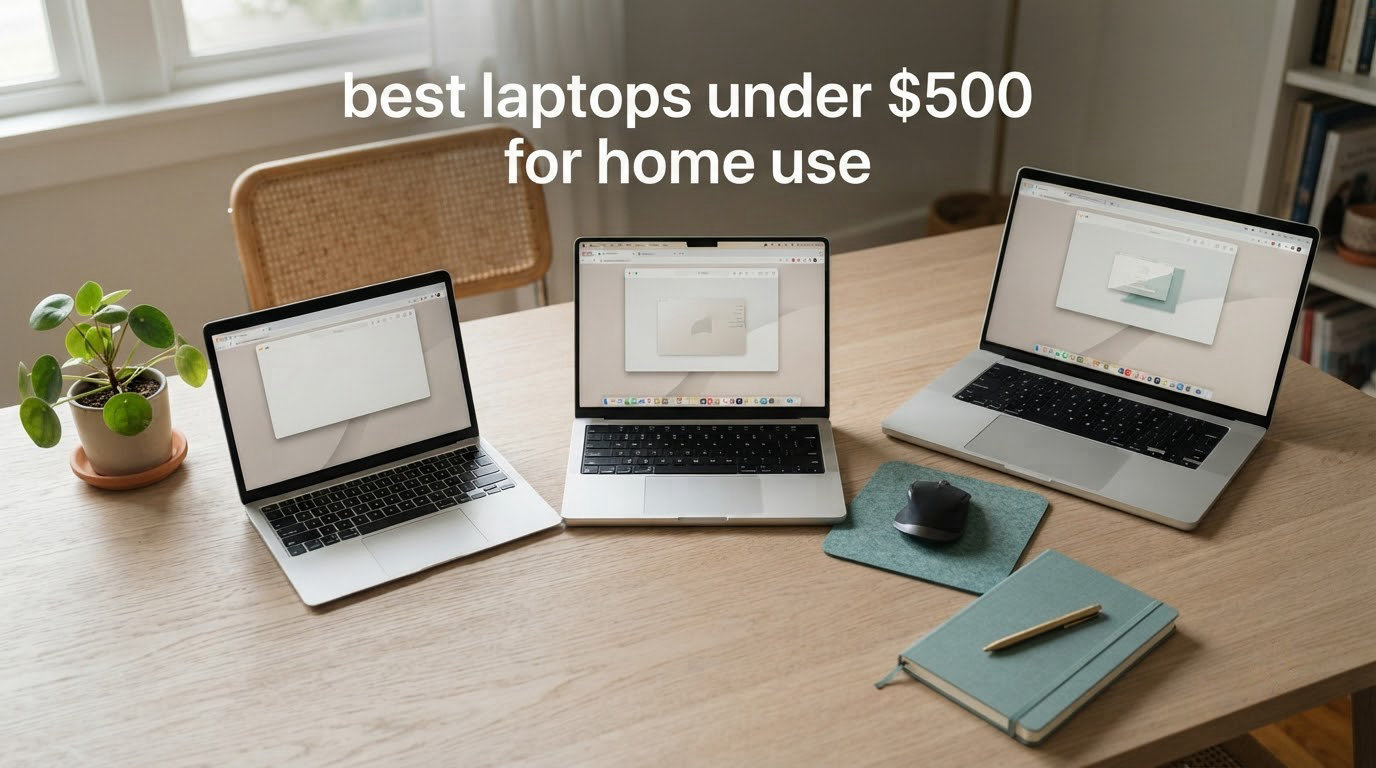
The best laptops under 500 dollars for home use are not the machines with the longest spec sheets. They are the ones that survive being carried from the couch to the kitchen counter to a child’s homework desk without slowing down, and that a non-technical relative can switch on without phoning you first. We spent the last few months living with budget notebooks the way a household actually uses one, and that framing changed almost every pick below.
Most sub-500 roundups are written for students and office workers. Almost none are organised around the home as an environment, so here is the honest limit first: at this budget you are buying a screen and a keyboard that handle browsing, streaming, video calls, schoolwork and light documents well. You are not buying a machine for heavy photo editing or serious gaming. Set that expectation and these picks feel like value. Skip it and any of them will disappoint.
Twelve machines cleared the same four gates we apply to every budget laptop: at least 8GB of memory on anything running Windows, real SSD storage rather than tiny eMMC wherever possible, an IPS panel if the screen faces a room instead of a desk, and a battery that survives a full evening. The winner pairs the most owner feedback with the most balanced hardware.
Shopping for an older relative rather than yourself? Our guide to laptops that are easy to use for seniors covers the same budget band with a focus on keyboard legibility and painless setup.
Our Top 3 Picks for Laptops Under 500 Dollars for Home Use in 2026

Acer Aspire 3 A315-24P
- Ryzen 3 7320U quad-core
- 8GB LPDDR5
- 128GB NVMe SSD
- 15.6 inch 1080p IPS

The Aspire 3 is the one we hand to people who ask us to simply pick. The HP Chromebook 14 is the cheapest sensible route if the machine lives in a browser, and the PADIX is the highest-rated of the twelve with a fanless body that stays silent in a shared room.
Comparing All 12 Laptops for Everyday Home Use in 2026
| Product | Specs | Action |
|---|---|---|
| Acer Aspire 3 A315-24P |
|
Check Latest Price |
 HP Chromebook 14 HP Chromebook 14 |
|
Check Latest Price |
| PADIX 15.6 Inch N4020 |
|
Check Latest Price |
 Acer Aspire Go 15 Acer Aspire Go 15 |
|
Check Latest Price |
 ASUS Vivobook Go 15 Ryzen 3 ASUS Vivobook Go 15 Ryzen 3 |
|
Check Latest Price |
 Dell 15.6 Core 3 100U Dell 15.6 Core 3 100U |
|
Check Latest Price |
 Lenovo 16 Inch i5 16GB Lenovo 16 Inch i5 16GB |
|
Check Latest Price |
 Lenovo IdeaPad 3 Touchscreen Lenovo IdeaPad 3 Touchscreen |
|
Check Latest Price |
 Acer Chromebook 315 Acer Chromebook 315 |
|
Check Latest Price |
 HP 14 Inch N150 HP 14 Inch N150 |
|
Check Latest Price |
 ASUS Vivobook Go 15 Ryzen 5 ASUS Vivobook Go 15 Ryzen 5 |
|
Check Latest Price |
 ASUS Vivobook 15 Core i3 ASUS Vivobook 15 Core i3 |
|
Check Latest Price |
Everything below stays inside the budget ceiling except the one model we flag in its own section. Pricing in this band moves constantly, so treat the table as a hardware comparison and check the current figure before you commit.
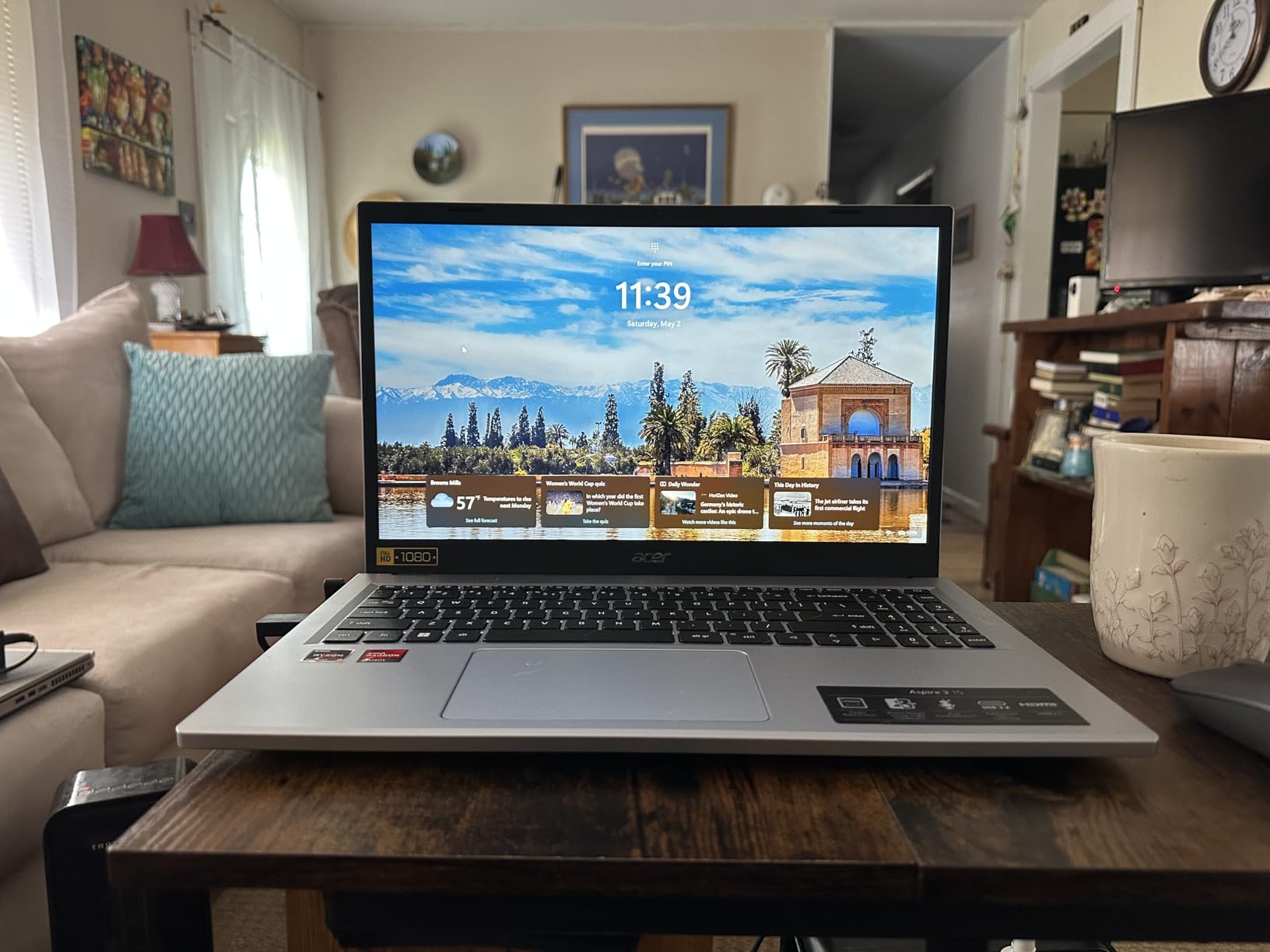
1. Acer Aspire 3 A315-24P – The Best All-Rounder for a Shared Family Computer
acer Aspire 3 A315-24P-R7VH Slim Laptop | 15.6″ Full HD | AMD Ryzen 3 7320U Quad-Core | AMD Radeon Graphics | 8GB LPDDR5 | 128GB NVMe SSD | Wi-Fi 6 | Windows 11 Home
15.6 inch 1080p IPS
8GB LPDDR5
128GB NVMe SSD
AMD Ryzen 3 7320U
Windows 11
Pros
- Ryzen 3 7320U copes with many browser tabs at once
- 1080p IPS matte panel stays readable from across a room
- 8GB LPDDR5 is the practical floor for Windows
- 3.9 pound body moves easily between rooms
- TNR and PurifiedVoice clean up video call audio
Cons
- Fan noise is noticeable in a quiet room
- Screen brightness is modest
- 128GB of storage fills quickly
This is the machine we hand to people who ask us to simply pick one. Across more than four thousand owner reviews, the same pattern repeats: it handles taxes, email, documents, browsing and schoolwork without drama, and buyers single out the keyboard and battery life as exceeding expectations for the class.
What separates it is the combination of a quad-core Ryzen 3 7320U, LPDDR5 memory and a genuine NVMe SSD. That trio is what keeps a dozen tabs and a video call from stuttering, and it is why this leads the list rather than a cheaper machine with a better-sounding badge.
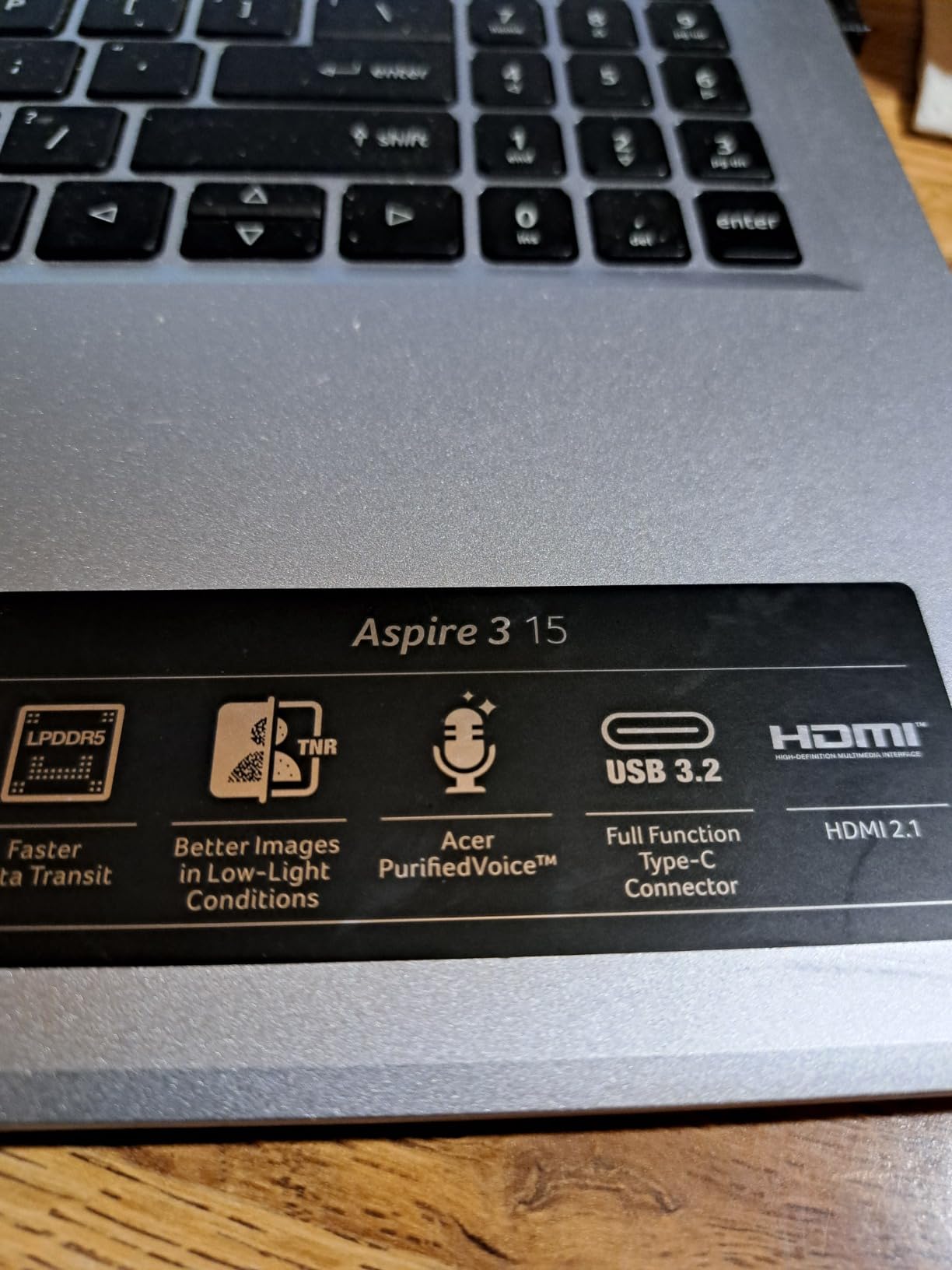
Why the IPS panel matters more at home than at a desk
The 15.6-inch 1920×1080 IPS panel with narrow bezels holds colour and contrast steady when the screen is angled toward you, which matters far more on a coffee table than on a desk where you always sit square to it. The matte finish also kills most room reflections. At 60Hz it is not a fast panel, but browsing and document reading feel normal.
What the Ryzen 3 7320U does with a real evening of multitasking
Four cores up to 4.1 GHz with integrated Radeon graphics means streaming music in the background while a video call runs, with a document and half a dozen tabs open, and nothing falls over. Owners do report occasional display quirks on isolated units, and roughly a tenth of reviews are one-star, mostly about quality control and warranty service rather than performance.
Battery, ports and moving it around the house
The 48Wh battery is rated at up to 11 hours, which in a home setting means a working evening without a charger. Connectivity is Wi-Fi 6 with Bluetooth, and one HDMI, two USB ports and an audio jack are enough to drive a television if you want the laptop doubling as a second screen. At 3.9 pounds it is portable, though the chassis is thick at nearly an inch and will not slip into a slim sleeve.
2. HP Chromebook 14 – The Best Value Pick for a Browser-First Household
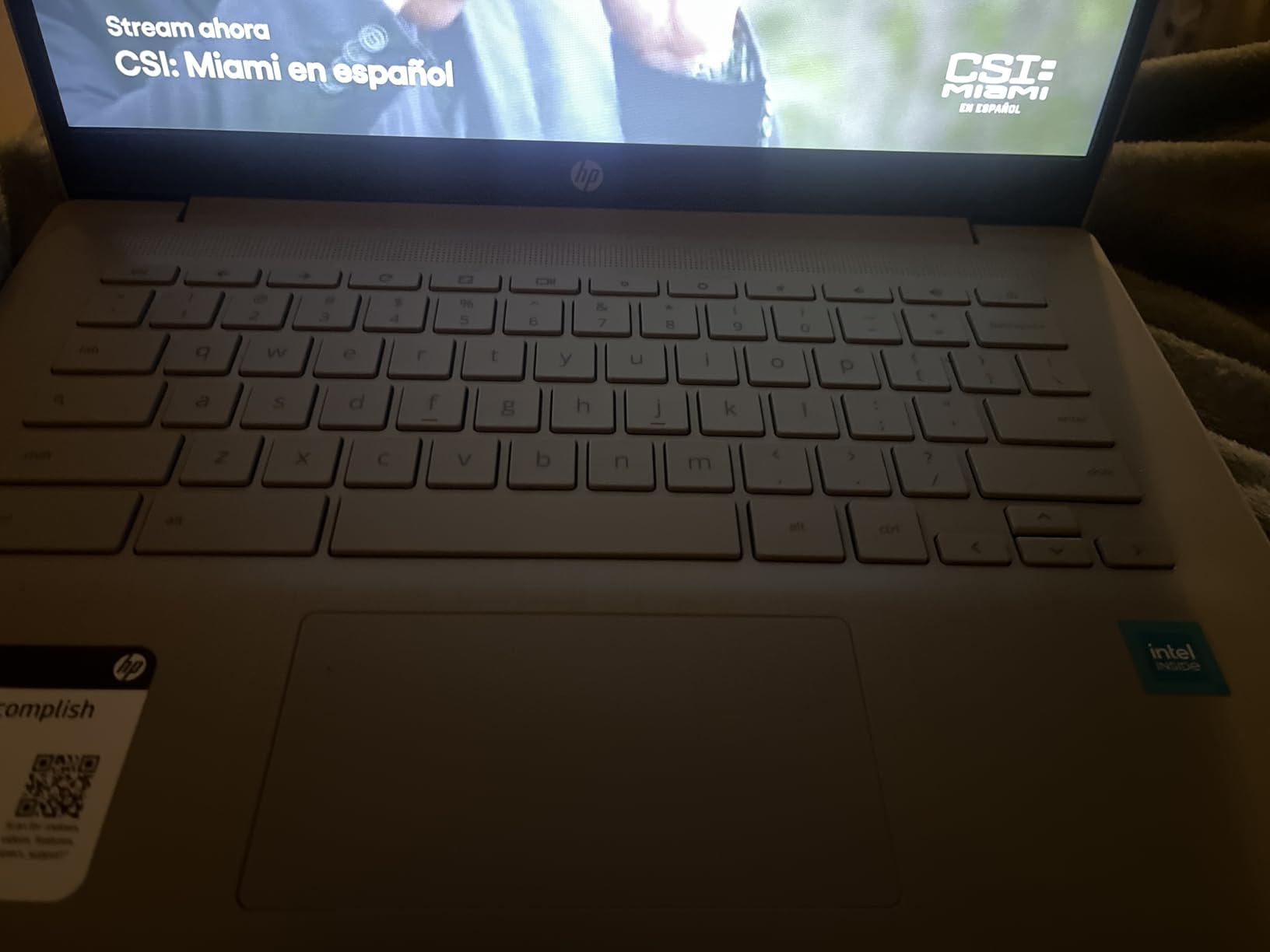
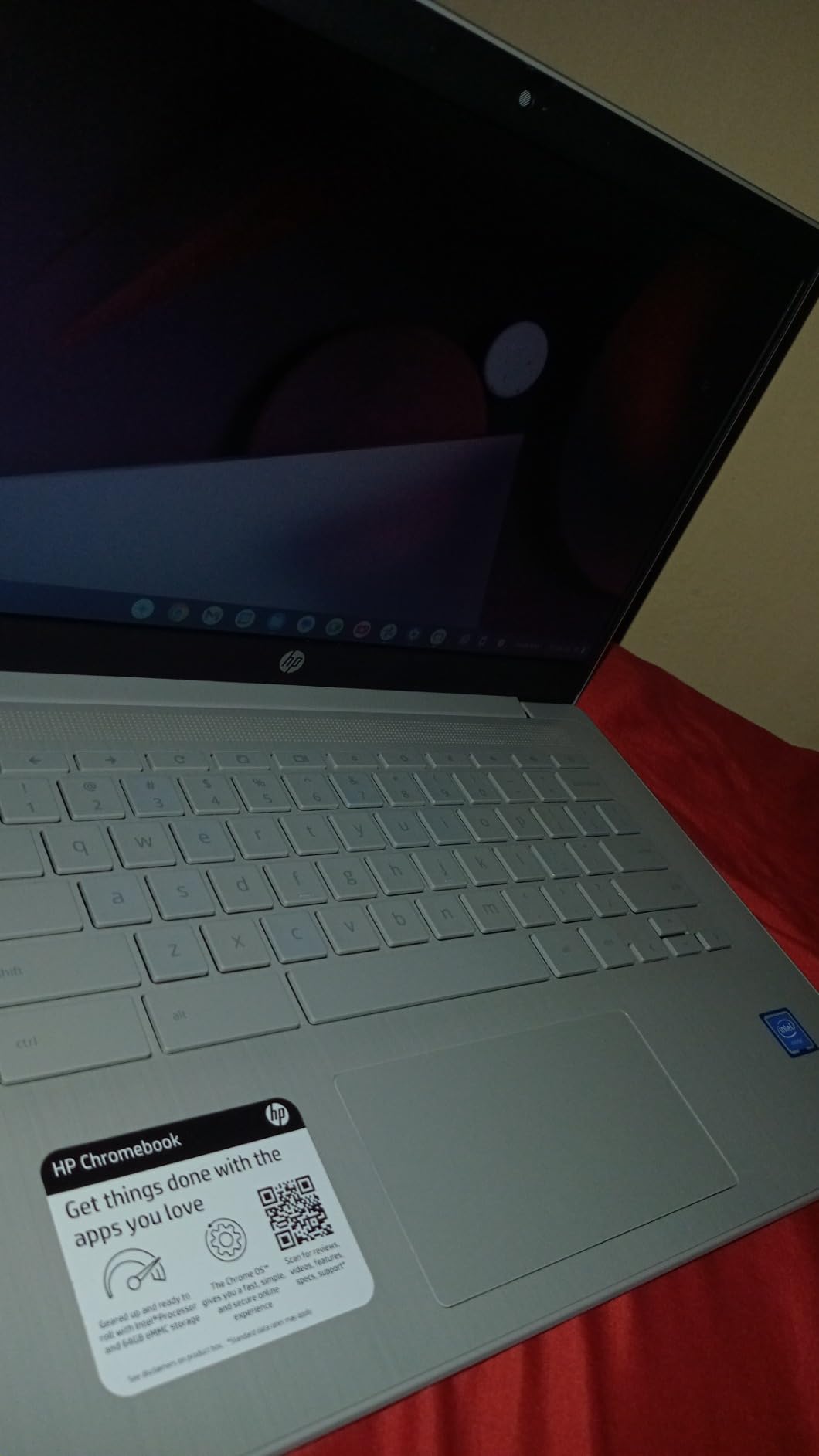
HP Chromebook 14 Laptop, Intel Celeron N4120, 4 GB RAM, 64 GB eMMC, 14″ HD Display, Chrome OS, Thin Design, 4K Graphics, Long Battery Life, Ash Gray Keyboard (14a-na0226nr, 2022, Mineral Silver)
14 inch 1366x768 anti-glare
4GB DDR4 RAM
64GB eMMC
Chrome OS
up to 14 hours battery
Pros
- Cheapest sensible route into a working home computer
- Up to 14 hours claimed battery with HP Fast Charge
- 3.2 pound anti-glare 14 inch display
- Chrome OS updates itself and needs little maintenance
- ENERGY STAR certified and EPEAT Silver registered
Cons
- 4GB RAM and 64GB eMMC limit heavier multitasking
- 1366x768 panel is low resolution for 14 inches
- Celeron N4120 is slow for anything beyond browser work
This is what we recommend when the household task is browsing, streaming, schoolwork and video calls and nothing else. Owners overwhelmingly treat it as a second or family machine, and their reasons are practical: it switches on quickly, it does not need maintaining, and it lasts all day.
Chrome OS handles the update cycle itself, which removes the single largest source of friction with a cheap Windows machine. Nobody has to install security patches or clear trial software that arrived preloaded.
What 4GB of RAM and 64GB actually feel like at home
Our rule is simple: 4GB is acceptable on a Chromebook and not acceptable on Windows. Here, with a handful of tabs and a video call, it is fine. Add fifteen tabs and two video streams and it will feel the strain, and nothing else you save money on fixes that. The 64GB of eMMC is small for downloaded files and slower than an SSD, but on a web-first machine most of the work lives in the browser regardless.
The 1366×768 anti-glare display and the case for a Chromebook
The low resolution is the weak point, and on a 14-inch screen it looks soft beside the 1080p panels elsewhere on this list. The anti-glare coating earns its place though, since it makes the screen readable under overhead lighting in a busy room. For many households the trade is worth it: discussion in the r/laptops community around sub-500 machines keeps landing on the same point, that Chrome OS feels fast and dependable on low-end hardware where Windows feels sluggish.
Battery life and turning it into a second screen
The 47Wh battery is rated at up to 14 hours and HP Fast Charge takes it from flat to roughly half in about 45 minutes. Treat that as a ceiling rather than a promise. Port selection of one HDMI, two USB-A and one USB-C is genuinely good at this price, so plugging into a television turns this into a living room streaming screen, and the custom-tuned stereo speakers suit exactly that job.
3. PADIX 15.6 Inch N4020 – The Top Rated Silent Machine for Shared Rooms
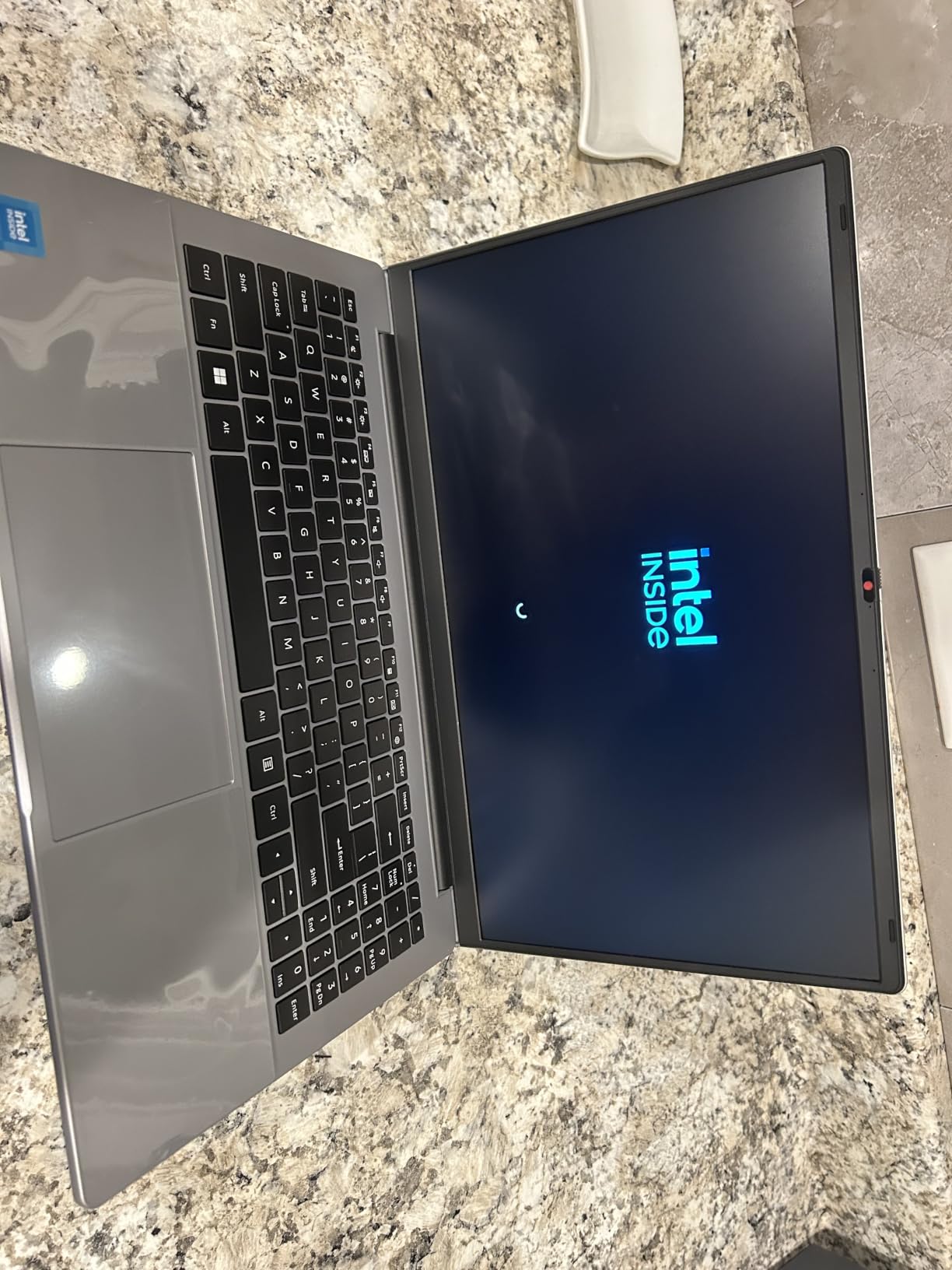
15.6 Inch Laptop Computer, N4020, 4GB DDR4 RAM, 128GB eMMC,with Windows 11
15.6 inch 1920x1080 anti-glare
Celeron N4020 dual-core
4GB LPDDR4
128GB eMMC
Windows 11 Home
Pros
- Highest owner rating of any pick here at 4.8
- Full HD 15.6 inch display at this price point
- Fanless design runs completely silent
- Two full-featured USB-C ports support a second display
- TF card slot expands storage up to 1TB
Cons
- 4GB LPDDR4 is the hard limit on multitasking
- 128GB eMMC fills quickly without expansion
- Celeron N4020 is an entry-level chip for light tasks
Few machines earn this kind of rating consistency. Owners rate document editing, email, online classes, browsing and video playback as smooth, and the quiet fanless operation comes up repeatedly as the reason it suits a bedroom or a study where other family members are trying to concentrate.
It runs Windows 11 Home rather than Chrome OS, which makes it a different proposition from the Chromebooks here. If your household uses a specific Windows program and you want full desktop flexibility, this is the cheapest way to get it.
Why a fanless design matters more than you expect
Budget laptops cool with a small fan that whirs whenever the processor works. On a desk nobody notices. On a couch during a film, or on a kitchen counter where someone is following a recipe, it becomes the thing everyone comments on. A fanless chassis removes that entirely, and with a 38Wh battery plus 45W USB-C fast charging the machine stays mobile. The 1MP HD webcam handles a video call, and that is all it is for.
Where the 4GB and 128GB limits show up
Buyers describe this honestly: 4GB of LPDDR4 and 128GB of eMMC are the constraints, and the Celeron N4020 is a dual-core entry-level part. That is enough for one or two applications with a few tabs, and not enough for a household leaving a dozen tabs and a video call running together.
Buying a lesser-known brand: what to check first
Members of r/laptops discussing sub-500 purchases raise the same practical concern repeatedly: marketplace listings mix first-party and third-party sellers, so the warranty path can be indirect. Before buying, confirm who the seller is, what the return window is, and whether the manufacturer honours a warranty bought that way. Keep the machine inside the return window long enough to run a full update cycle. The TF card slot expands storage to 1TB, and two USB-C ports can drive a second monitor.
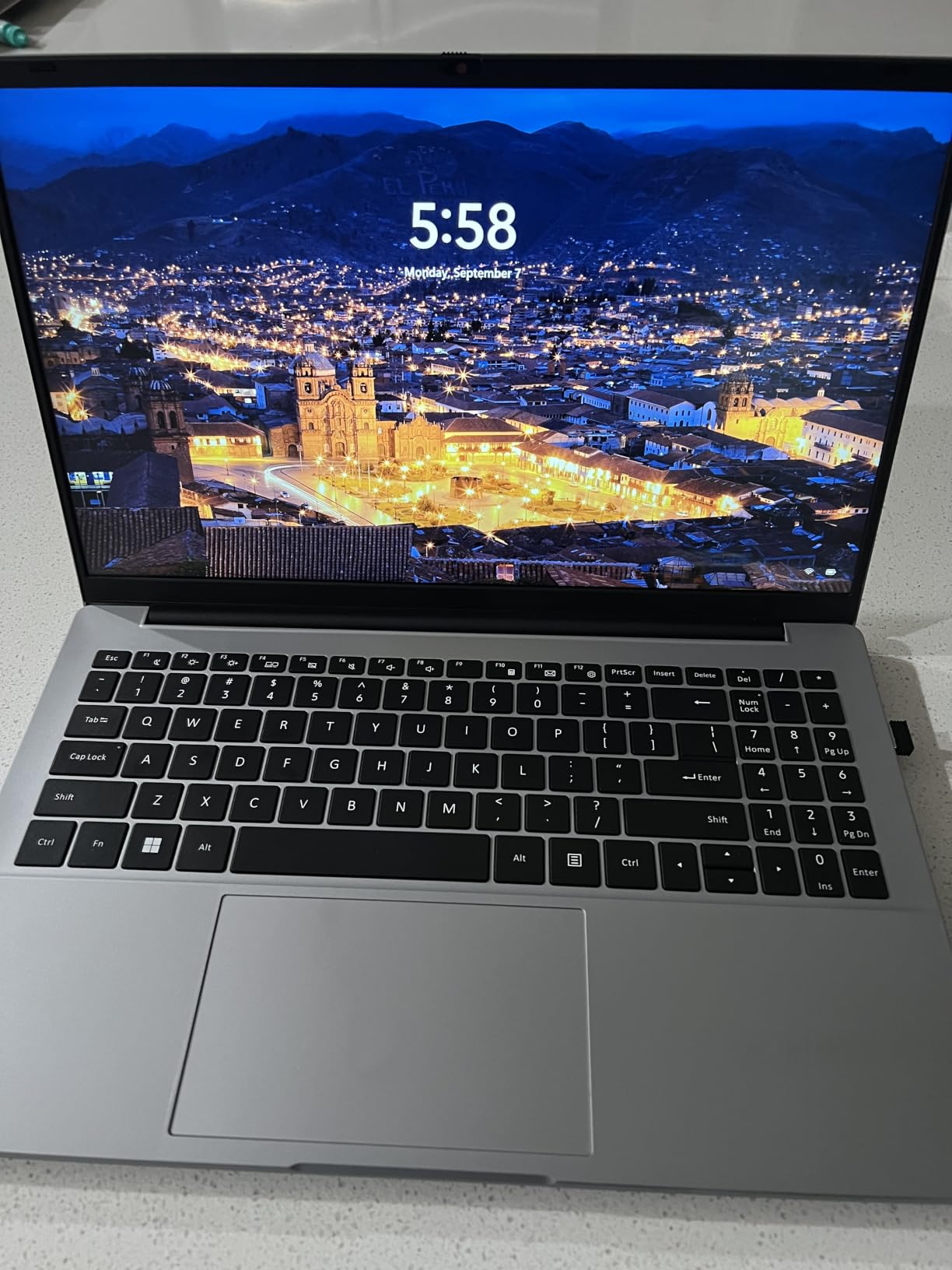
4. Acer Aspire Go 15 – The Best Pick If You Want to Upgrade It Later
acer Aspire Go 15 AI Ready Laptop | 15.6″ FHD (1920 x 1080) IPS Display | Intel Core 3 Processor N355 | Intel Graphics | 8GB DDR5 | 128GB UFS | Wi-Fi 6 | Windows 11 Home in S Mode | AG15-32P-39R2
15.6 inch 1080p IPS
Core 3 N355 eight-core
8GB DDR5 upgradeable
open M.2 slot
Windows 11 S mode
Pros
- RAM is upgradeable to 16GB through a real slot
- Free M.2 slot means storage can be added later
- Very fast USB-C charging recovers quickly from low
- 1080p IPS screen with a comfortable chiclet keyboard
- Eight-core N355 handles typical office and school work
Cons
- Windows feels slow on the included 128GB UFS drive
- Storage needs an SSD upgrade out of the box
- Some owner reports of freezing after updates
This is the machine we would buy on a two-year or three-year horizon rather than a six-month one. Almost nothing else in this bracket lets you add memory and a second drive later, and that changes how long the purchase holds up in a household.
Owners value it as a capable economy machine with good battery life, quick charging, a sharp screen and a keyboard they like to type on. The eight-core Core 3 N355 handles office and school workloads once storage is sorted.
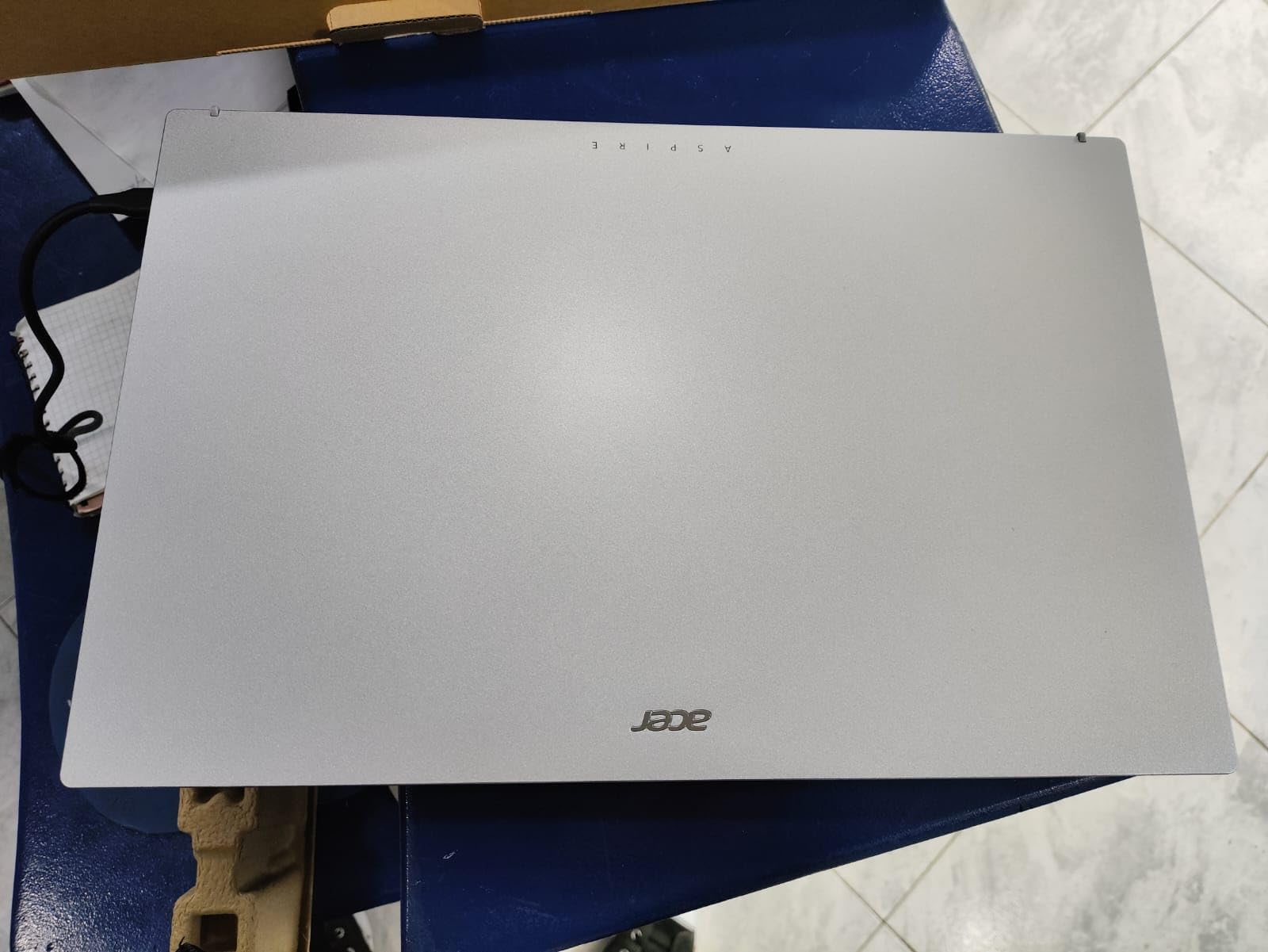
Windows 11 S mode and what it means for your household
This configuration arrives in Windows 11 S mode, which restricts installing anything outside the Microsoft Store. For a household needing only browsers, Office and video calls, that costs nothing. For anyone who needs one specific desktop application, it is a real annoyance and a fair reason to pick a different machine. Switching out of S mode is straightforward, but check before you buy rather than after.
The best port list at this budget tier
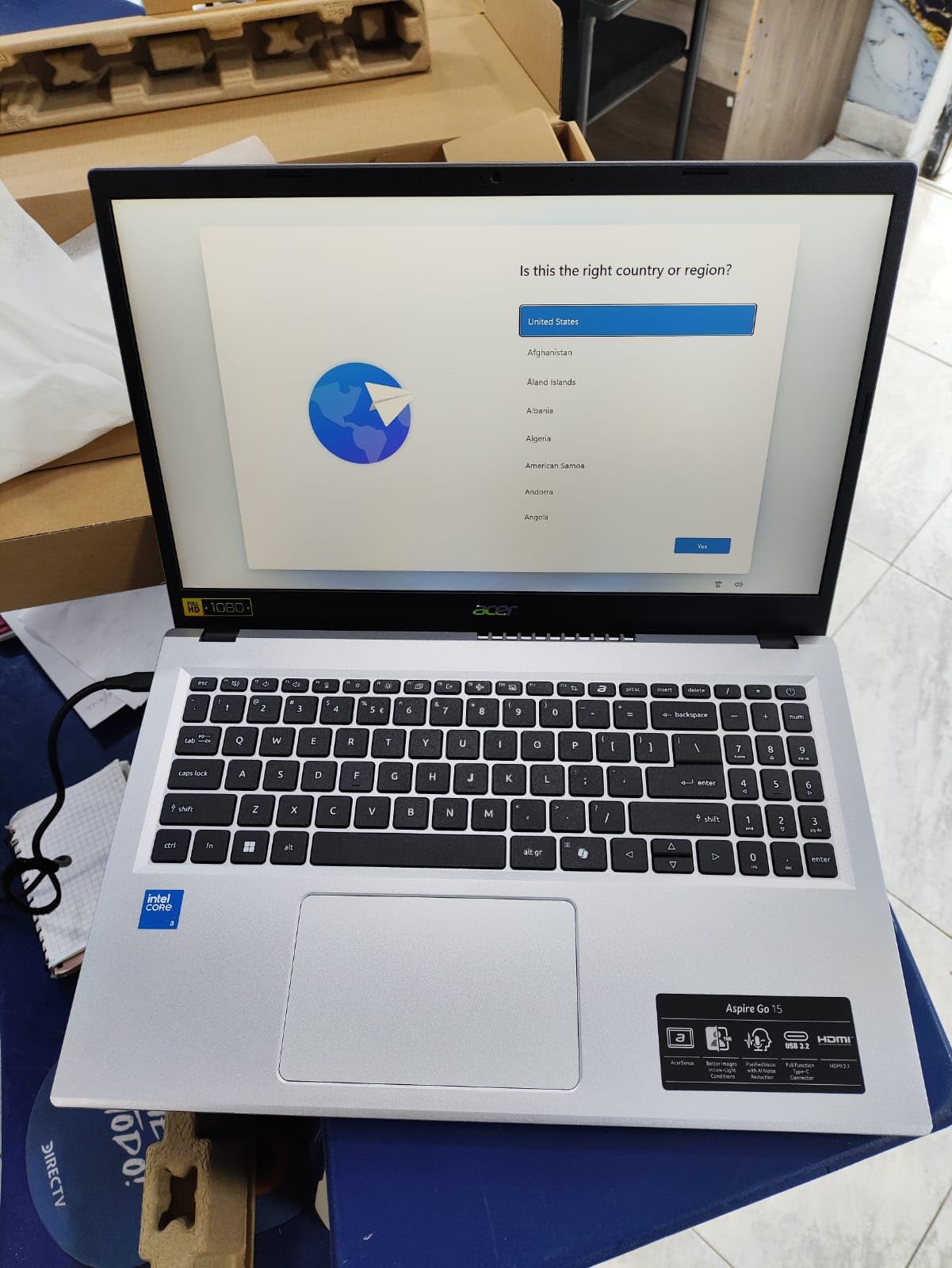
Two USB-C ports with DisplayPort and charging, two USB-A ports, HDMI 2.1, an audio jack and a Kensington lock beats most of the machines here. If you plan to use the laptop as a second screen for a desk, this is the one that makes it painless with a single cable. Wi-Fi 6 with Bluetooth 5.1 keeps it current with a recent router.
Battery and the one upgrade worth planning
The 48Wh battery is rated at up to 12.5 hours, and the screen carries Acer BluelightShield for long evening sessions. The single upgrade worth planning is storage: owners report Windows running slowly on the 128GB UFS drive, and dropping an NVMe drive into the free M.2 slot removes that complaint for very little money. Non-US buyers should note that the US keyboard layout is a recurring complaint.
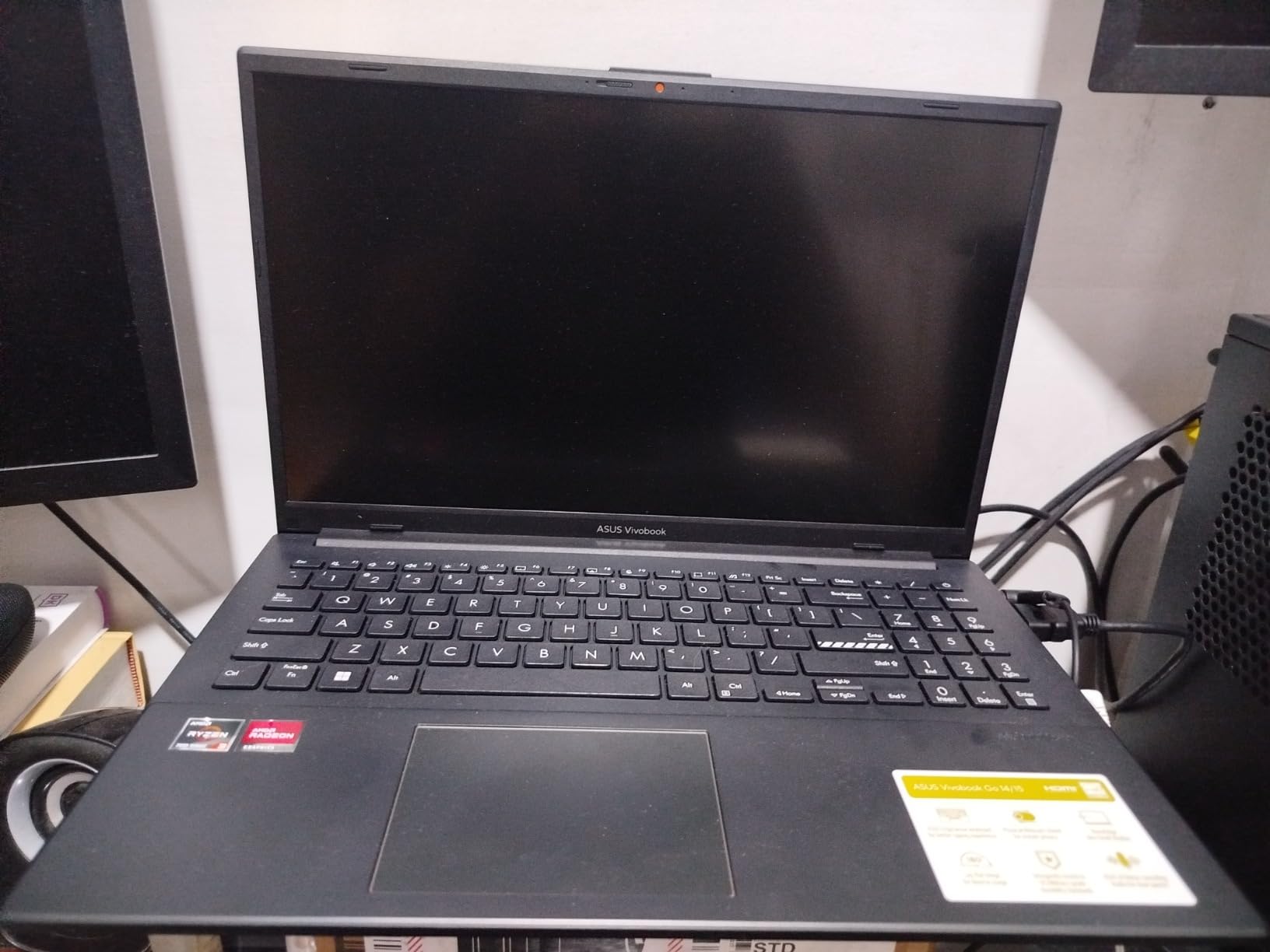
5. ASUS Vivobook Go 15 Ryzen 3 – The Best Pick for Video Calls and Media
ASUS Vivobook Go 15.6” FHD Slim Laptop, AMD Ryzen 3 7320U Quad Core Processor, 8GB DDR5 RAM, 128GB SSD, Windows 11 Home, Fast Charging, Webcam Sheild, Military Grade Durability, Black, E1504FA-AS33
15.6 inch 1920x1080 LED
Ryzen 3 7320U quad-core
8GB LPDDR5
128GB SSD
Windows 11
Pros
- Physical camera privacy shutter is a real plus in a shared home
- Thin 0.70 inch chassis that is easy to carry
- 8GB DDR5 memory is quick for everyday work
- Full port selection with USB-C
- two USB-A and HDMI
- 180 degree hinge and military-grade durability testing
Cons
- 250 nit panel with 45 percent NTSC looks dim and washed out
- 128GB SSD is tight for a modern Windows install
- Memory is soldered and cannot be upgraded
The reason this machine belongs on a home roundup is the camera privacy shutter. On a laptop that lives in a living room, a family video call is routine, and a physical shutter removes a category of worry that no software setting fully does.
Beyond that, the Ryzen 3 7320U and 8GB of DDR5 give it the same smooth everyday behaviour as our top pick in a thinner body at 0.70 inches.
Display honesty: what 250 nits and 45 percent NTSC mean
This is the recurring complaint in owner reviews and the biggest reason not to choose it. A 250-nit panel is dim beside a 300-nit alternative, and 45 percent NTSC means colours look washed out, particularly on video. If the laptop will face a bright window or be watched from the side of a sofa, pick a different screen.
Audio, camera and the 180 degree hinge
SonicMaster audio and a 720p HD camera cover the video calls and media use that define a home laptop, and the hinge opening flat to 180 degrees is genuinely useful for watching something on a table or sharing a screen with someone sitting beside you. At 4.8 pounds this is the second-heaviest machine here, so it reads as a desk machine that occasionally travels.
Storage, memory and the specifications that date it
128GB of SSD is small, and the 8GB of memory is soldered so it cannot be expanded later. An external drive or cloud storage covers the shortfall well for a family machine where most files are documents and photos. Wi-Fi 5 rather than Wi-Fi 6 is the specification that dates this model, and it matters if your router is a newer one.
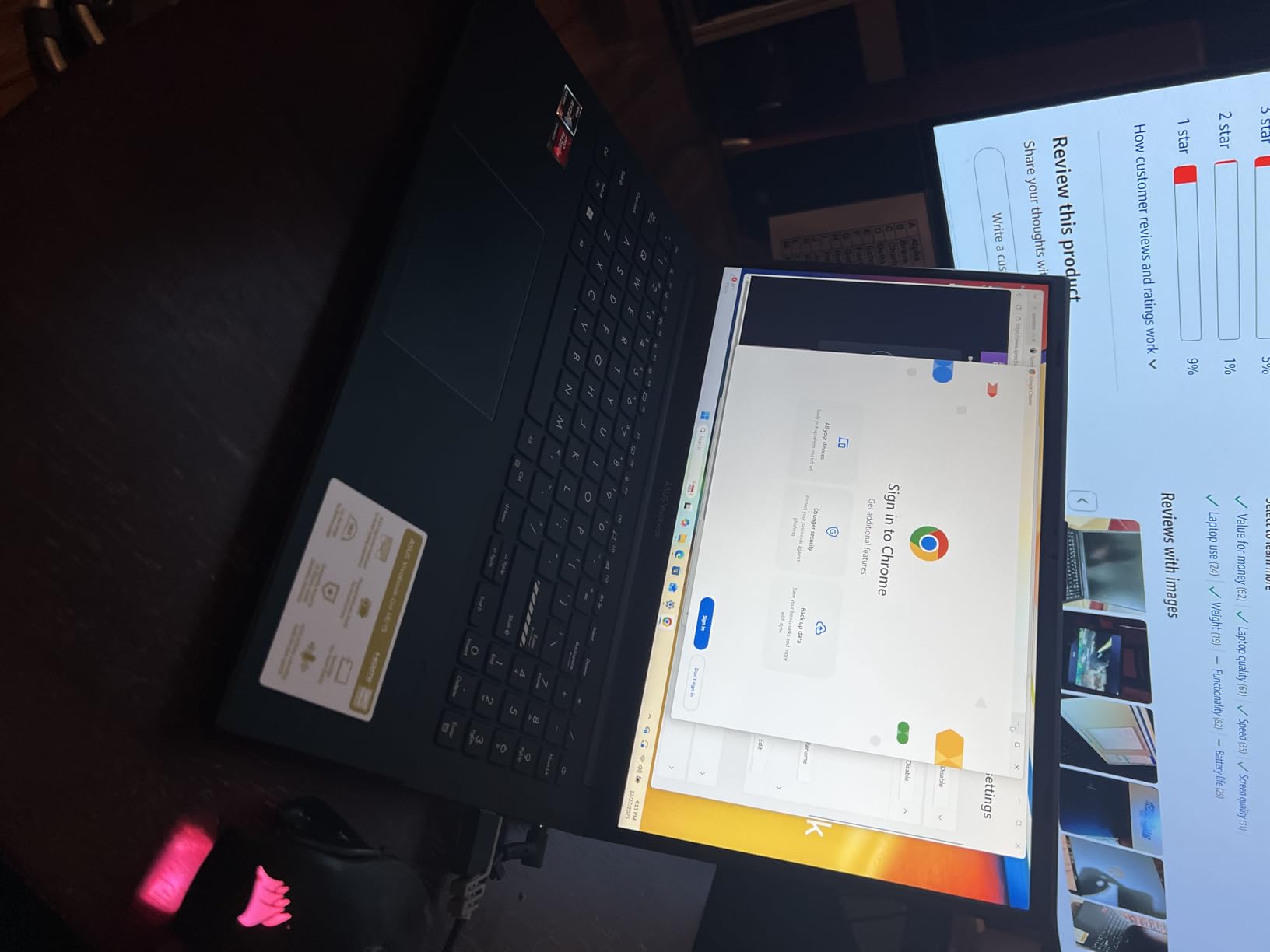
6. Dell 15.6 Core 3 100U – The Best Pick for a Home Office Desk
Dell 15.6 Laptop, FHD, Intel Core 3 100U, 8 GB RAM, Windows 11 Home
15.6 inch 1080p 120Hz IPS
Intel Core 3 100U
8GB DDR4 upgradeable to 16GB
512GB SSD
Windows 11
Pros
- 512GB SSD removes the storage problem entirely
- RAM in a single slot can be upgraded to 16GB
- Full-size keyboard with a separate numeric keypad
- 120Hz panel is the smoothest screen in this group
- One year of onsite service is a real convenience at home
Cons
- 250 nit display is dim indoors
- 41Wh battery is modest
- No fingerprint reader on this configuration
If one person in the house works from a desk, this is the machine to look at. The 512GB SSD removes the storage anxiety that haunts most of this list, the 8GB of RAM sits in a single upgradeable slot, and the separate numeric keypad is the kind of thing spreadsheet users notice on day one.
Owners describe it as efficient, getting through to-do lists quickly, with the keypad, ComfortView and onsite support as the practical touches they value most.
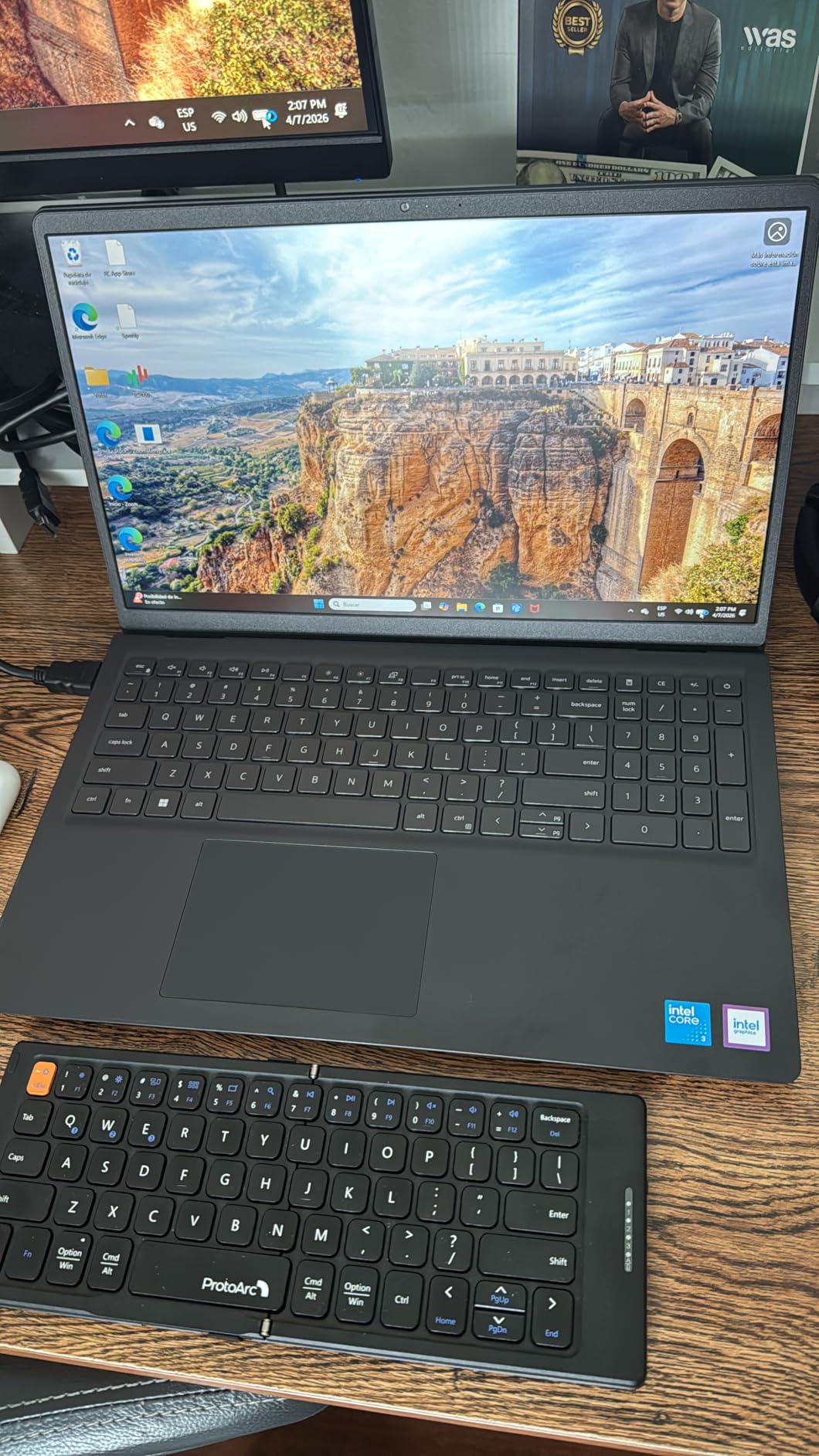
The 120Hz panel and what it does for a desk setup
A 120Hz refresh rate is unusual in this price band and immediately noticeable when scrolling documents or moving between windows. The 1920×1080 IPS panel is anti-glare, which is the correct choice for a desk under a lamp. The compromise is brightness at 250 nits, which owners call dim, so the matte finish is what keeps it readable in a lit room.
Home office essentials: keyboard, keypad and service
The full-size keyboard with a calculator hotkey, lifted hinges for a more natural typing angle, and Dell ComfortView reducing blue light for long sessions are all aimed at eight hours of typing. MaxxAudio Pro stereo speakers are a step up for a machine hosting calls from the desk, and one year of onsite service after remote diagnosis is worth more than it sounds at this budget, because a technician comes to the house rather than the machine going in the post.
Battery, ports and where this pick belongs
The 41Wh battery is the smallest capacity among our recommendations, so untethered use is limited. Plugged in at a desk that hardly matters, which is why this is our home office pick rather than a general one. Ports are three USB, HDMI and an SD card slot, with Wi-Fi 6 and Bluetooth 5.3, and at 4.2 pounds it is a 15.6-inch machine that belongs on a surface more than in a bag.
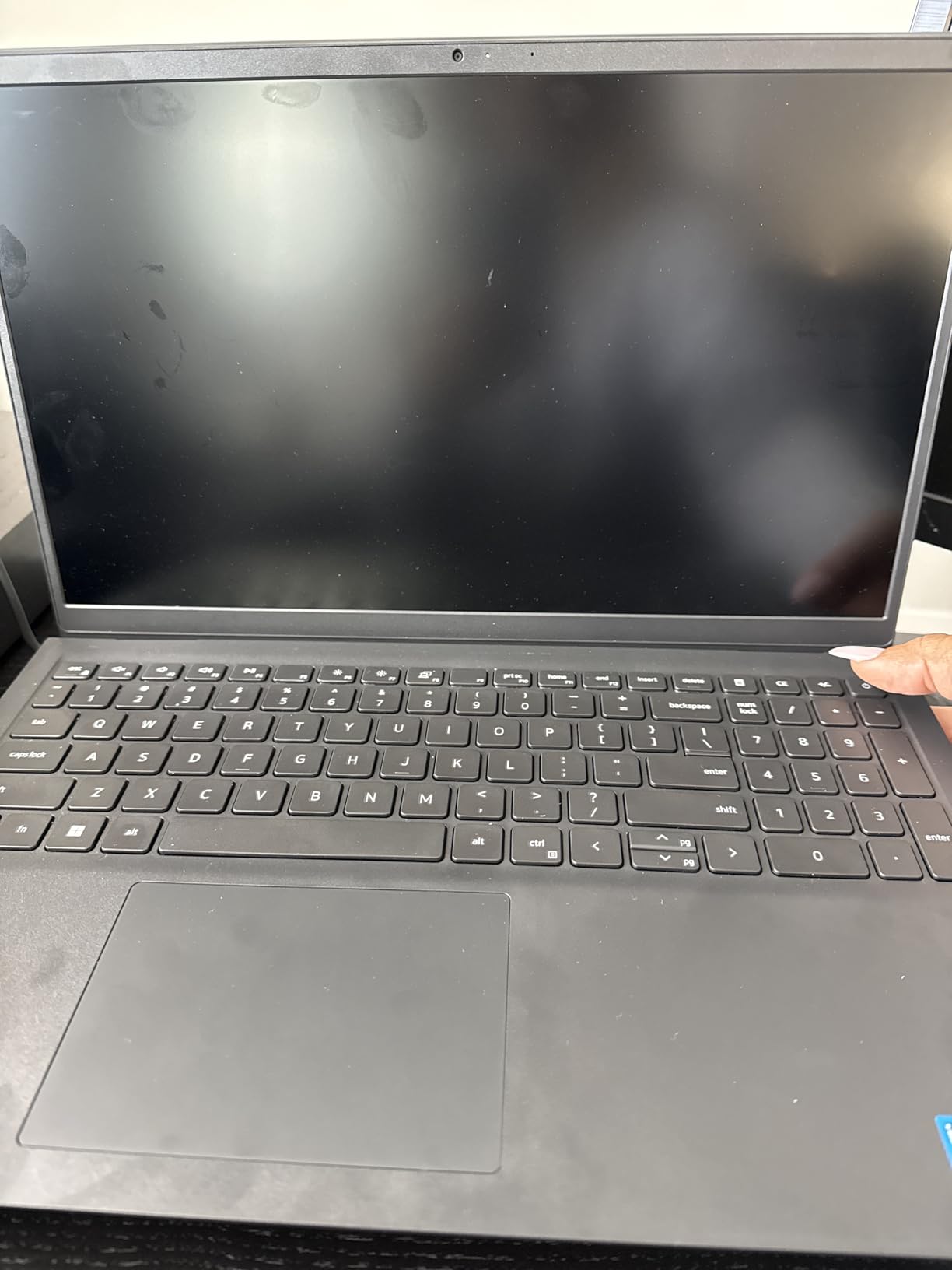
7. Lenovo 16 Inch Core i5 16GB – The Best Pick for Heavier Workloads
Lenovo 16″ FHD+ Premium Performance Laptop, i5-13420H, 16GB RAM, 512GB SSD
16 inch 1920x1200 IPS
Core i5-13420H eight-core
16GB DDR5
512GB NVMe SSD
Pros
- 16GB DDR5 and 512GB SSD give real multitasking headroom
- Core i5-13420H delivers smooth everyday performance
- Light 1.68kg aluminium chassis with MIL-STD-810H testing
- Comfortable keyboard and a generous 16 inch screen
- Firmware TPM 2.0 plus a camera privacy shutter
Cons
- Costs more than the ceiling the rest of this list stays under
- 45 percent NTSC panel limits colour accuracy
- One owner reported a black screen failure within months
We include this one deliberately as the exception. It sits above the budget line the rest of this roundup stays under, and that is exactly why it is here: it is the machine to buy when a household needs a computer that will not be replaced in two years.
Owners rate it highly for value, low weight, quick setup and responsive performance, including people using it for music work and casual gaming. Sixteen gigabytes of DDR5 and a 512GB PCIe Gen4 NVMe drive are simply a different class of specification from everything else on this page.
What 16GB of memory changes in a working home
The difference is not speed in a benchmark. It is the ability to leave a video call running, a spreadsheet open, a browser with twenty tabs and a backup going, without the machine asking which one to close. Memory is upgradeable to 40GB, which is close to unheard of at this level, and the eight-core Core i5-13420H handles the multitasking that makes budget machines feel budget.
The 16 inch 1920×1200 display in a home
A 16-inch WUXGA panel at 300 nits with anti-glare is the best screen specification here, and the 16:10 ratio shows more of a document than a 15.6-inch 16:9 panel. Anti-glare matters on a coffee table, and 300 nits handles a room with daylight better than the 250-nit alternatives. The 45 percent NTSC colour coverage is the weak point, so this is a screen for documents and video rather than photo work.
Connectivity, security and sample size
Wi-Fi 6, Bluetooth 5.2, two USB-A ports, a USB-C with DisplayPort, HDMI, an SD card reader and a firmware TPM 2.0 make this the most complete connection set we recommend. With 122 reviews the sample is smaller than the rest of this list, so temper expectations slightly. One owner did report a display failure within months, which is worth weighing against a one-year warranty.
8. Lenovo IdeaPad 3 Touchscreen – The Best Touchscreen Pick for Homework
Lenovo 2022 Ideapad 3 Laptop, 15.6″ HD Touchscreen, 11th Gen Intel Core i3-1115G4 Processor, 8GB DDR4 RAM, 256GB PCIe NVMe SSD, HDMI, Webcam, Wi-Fi 5, Bluetooth, Windows 11 Home, Platinum Grey
15.6 inch 1366x768 touchscreen
Core i3-1115G4 dual-core
8GB DDR4
256GB NVMe SSD
Windows 11
Pros
- Touchscreen adds real versatility at this price
- 256GB NVMe drive boots and transfers quickly
- 8GB RAM runs multiple apps and tabs smoothly
- Dolby Audio stereo speakers improve media playback
- Light 1.7kg chassis moves easily around the house
Cons
- 1366x768 glossy panel is low resolution and reflects badly
- Dual-core processor is dated for heavier multitasking
- Battery life of around 7 hours is modest
- Wi-Fi 5 only on an older platform
A touchscreen on a homework machine changes how a child uses it. Tapping through a PDF, scrolling a maths worksheet and dragging a window all work without the trackpad precision that frustrates younger students, and at this budget it is an unusual inclusion.
Owners rate it as a well-rounded budget pick, highlighting the 8GB and 256GB configuration, the touchscreen and the solid build, while noting the low-resolution glossy display as the main drawback.
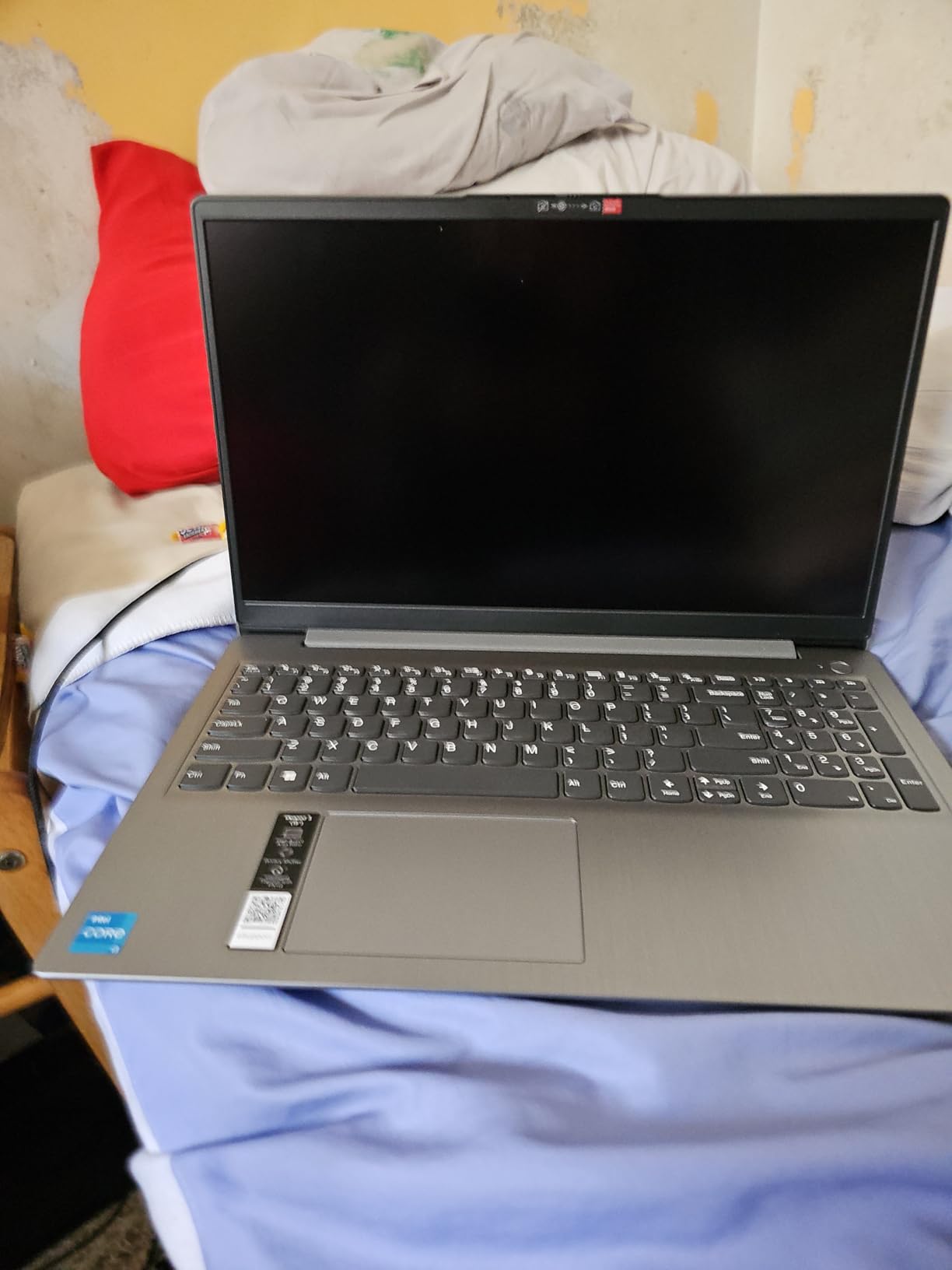
What the touchscreen does and does not add
The benefit is real for browsing, document reading and casual touch use. What it does not add is software that benefits from a pen, or a tablet mode that replaces a proper tablet. Treat it as a convenience on a laptop, not a convertible. A glossy panel with reflections is also a genuine annoyance at night, and the 1366×768 resolution is soft on a 15.6-inch screen.
Memory and storage that will age well
8GB of DDR4 is the right amount and is upgradeable to 24GB, which is unusual at this price. The 256GB PCIe NVMe SSD is also twice what most rivals here offer, and it makes a real difference to how fast Windows feels. That combination of expandable memory and roomy fast storage is why this machine ages better than cheaper machines with 64GB of eMMC.
Battery and where the older platform shows
The 39Wh battery is rated at up to 7 hours, the shortest claim in this roundup and roughly half of what the best machines here offer. For a homework machine that lives near a socket that is fine; for one that travels around the house it is not. The 11th-generation dual-core i3 and Wi-Fi 5 are dated, and the older platform is why this sits below the Ryzen 3 machines despite the nicer screen feature.
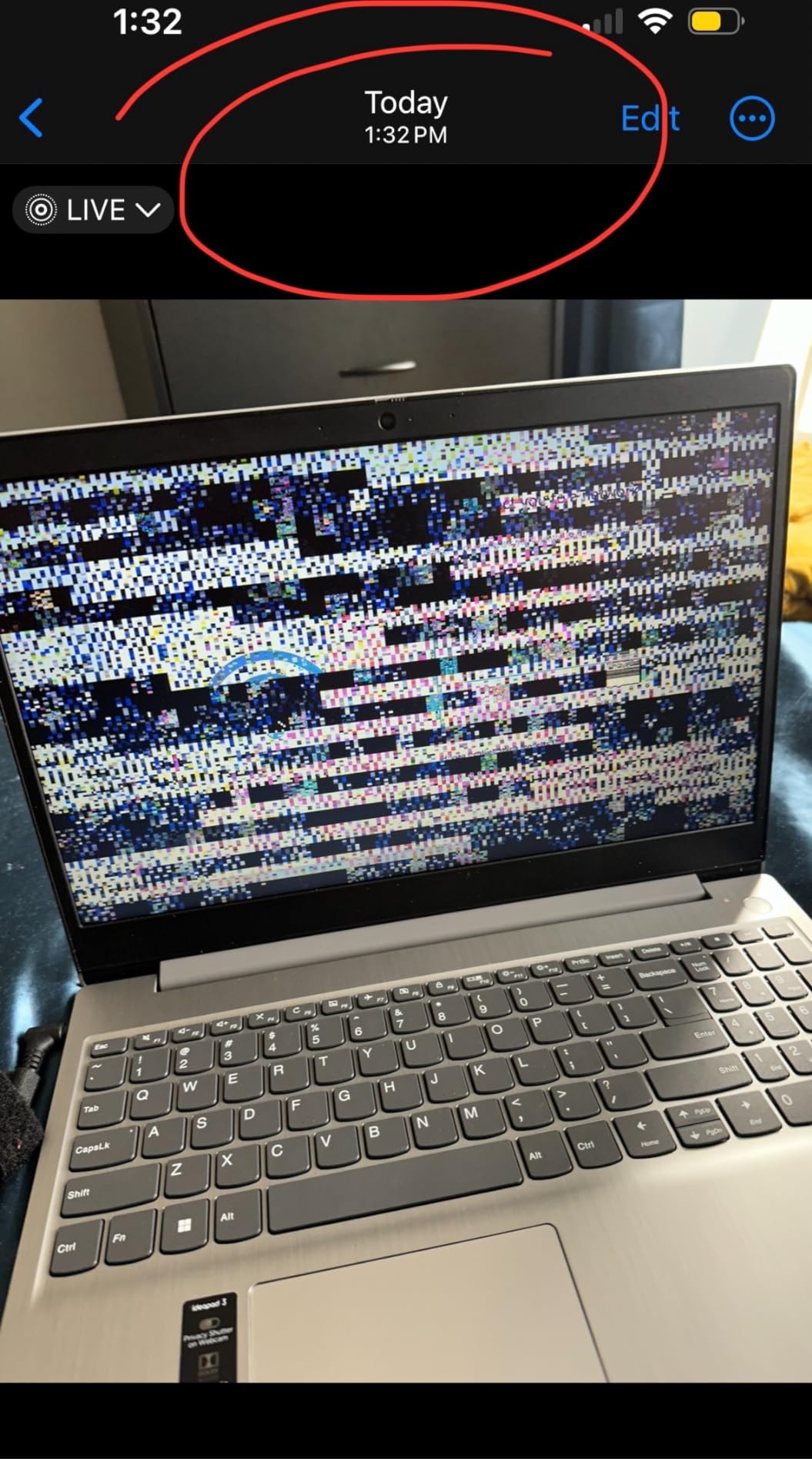
9. Acer Chromebook 315 – The Best Pick for Streaming on the Living Room TV
Acer Chromebook 315 Laptop, Celeron N4500, 15.6″ Full HD IPS Display, 4GB LPDDR4X, 64GB eMMC, Wi-Fi 6, DTS Audio, USB Type-C, Chrome OS, CB315-4H-C8XU, Silver
15.6 inch 1920x1080 IPS
Celeron N4500 dual-core
4GB LPDDR4X
64GB eMMC
Wi-Fi 6
Chrome OS
Pros
- Full HD 1920x1080 IPS screen at this price point
- Boots very quickly and suits first-time users
- Loud clear stereo speakers with DTS Audio
- Reliable for browsing
- video and Zoom calls
- 100GB of Google Drive storage included
Cons
- Celeron N4500 and 4GB RAM make speed only average
- 64GB eMMC is small for offline files
- Some buyers report the panel is smaller than the listed 15.6 inches
- Not suited to installing non-web applications
This is the machine we would put on a television stand and plug into HDMI. It has the loudest and clearest speaker pair in this roundup, a proper 1920×1080 IPS screen that stays readable from across a room, and a battery rated at up to 10 hours, so it can live there permanently rather than going back to a drawer.
Owners describe it as an inexpensive, low-maintenance machine for parents, students and writers who live in the browser, praising fast boot times, a large readable screen, good speakers and clear value.
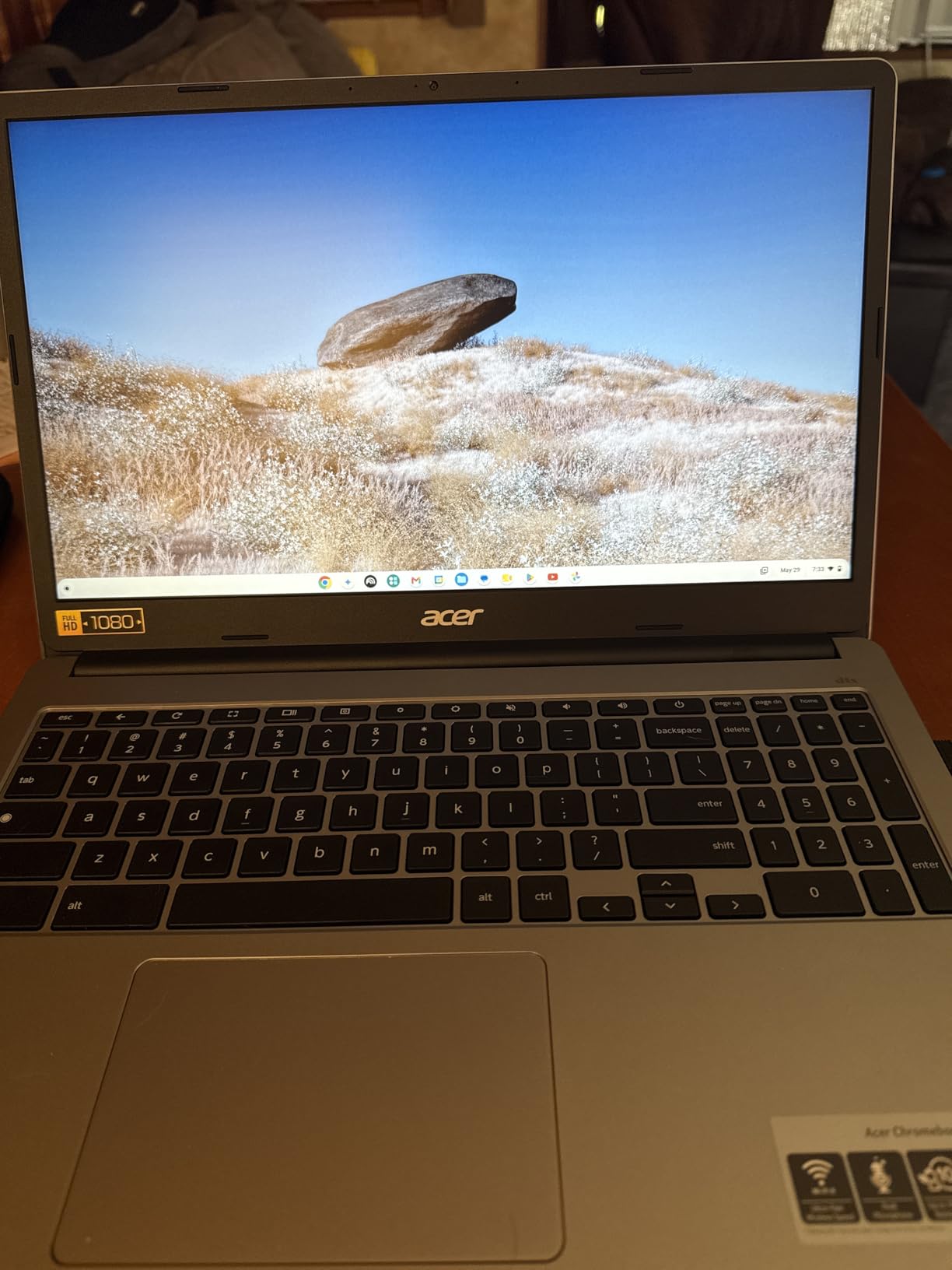
Full HD IPS in this price class
The 1920×1080 IPS display is unusual in a machine at this price and is the single biggest reason to pick it over a cheaper Chromebook. Video is sharp and the panel holds its colour when the laptop is angled on a side table. One recurring owner report is that the physical panel measures smaller than the advertised 15.6 inches, which is worth checking on arrival if you are replacing a shared screen.
Chrome OS, ports and a second screen
Chrome OS updates itself, boots in seconds, includes the Google apps with access to more than two million Android apps, and includes 100GB of Google Drive space. For a non-technical user that is the entire appeal: nothing to install, nothing to maintain, nothing to update by hand. Two USB-C ports with DisplayPort plus two USB-A mean it can drive an external monitor as easily as a television, and Wi-Fi 6 with Bluetooth 5.1 keeps streaming stable on a busy network.
Where the Celeron N4500 slows you down
A dual-core Celeron with 4GB of LPDDR4X and 64GB of eMMC is fine for one browser window doing real work and light streaming. It is noticeably average once you add a video call, a second tab-heavy window and a music stream at the same time. If living room usage is watching, browsing and a weekly call, that is plenty. If it becomes a second machine for someone working alongside it, look at a Windows option with 8GB instead.
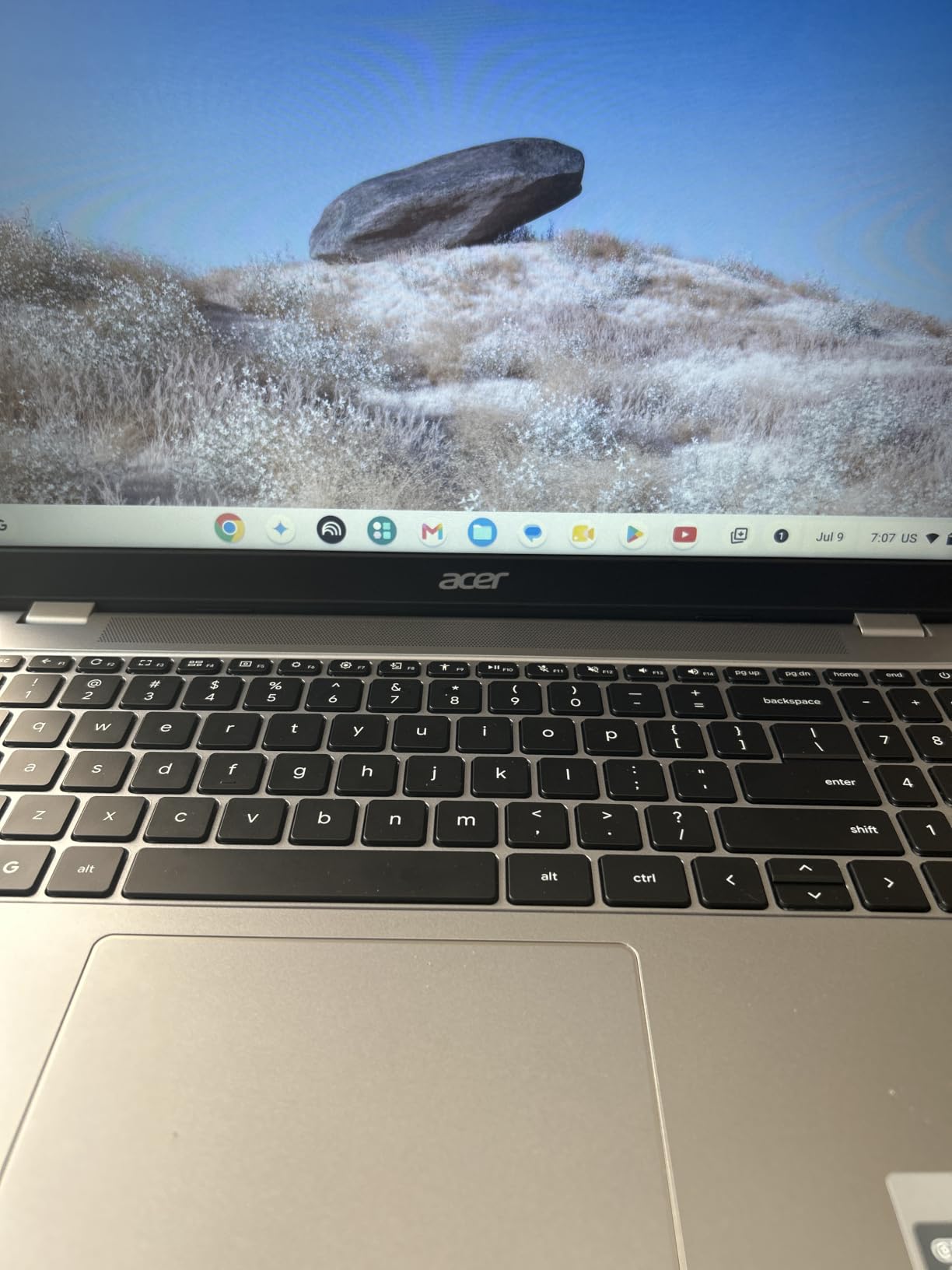
10. HP 14 Inch N150 – The Best Pick When Storage Is the Problem
HP Laptop 14″ Computer 2026, Intel Processor, Office 365, EXT 500GB HDD
14 inch 1366x768 IPS
Intel N150 quad-core
4GB LPDDR5
128GB UFS plus 500GB external drive
Pros
- Bundled 500GB external drive solves the storage problem outright
- Thin 0.71 inch chassis with a 79 percent screen-to-body ratio
- USB-C supports DisplayPort 1.2 for an external monitor
- 720p camera with AI noise reduction works well for calls
- Full-size keyboard and SD card reader
Cons
- 4GB LPDDR5 is the main constraint on multitasking
- 128GB internal storage is small for Windows
- 1366x768 panel at 250 nits is dim
- Intel N150 targets light web and office tasks only
The awkward truth about budget laptops is that 128GB of internal storage is the real constraint, not the processor. This machine solves it differently from every other pick: a 500GB portable external hard drive is bundled, so a household can keep photos and downloads on it and leave the internal drive for the operating system.
Owners generally find it a capable everyday machine for document editing, online classes, streaming, browsing and video calls, with the bundled drive and lightweight build earning the most praise.
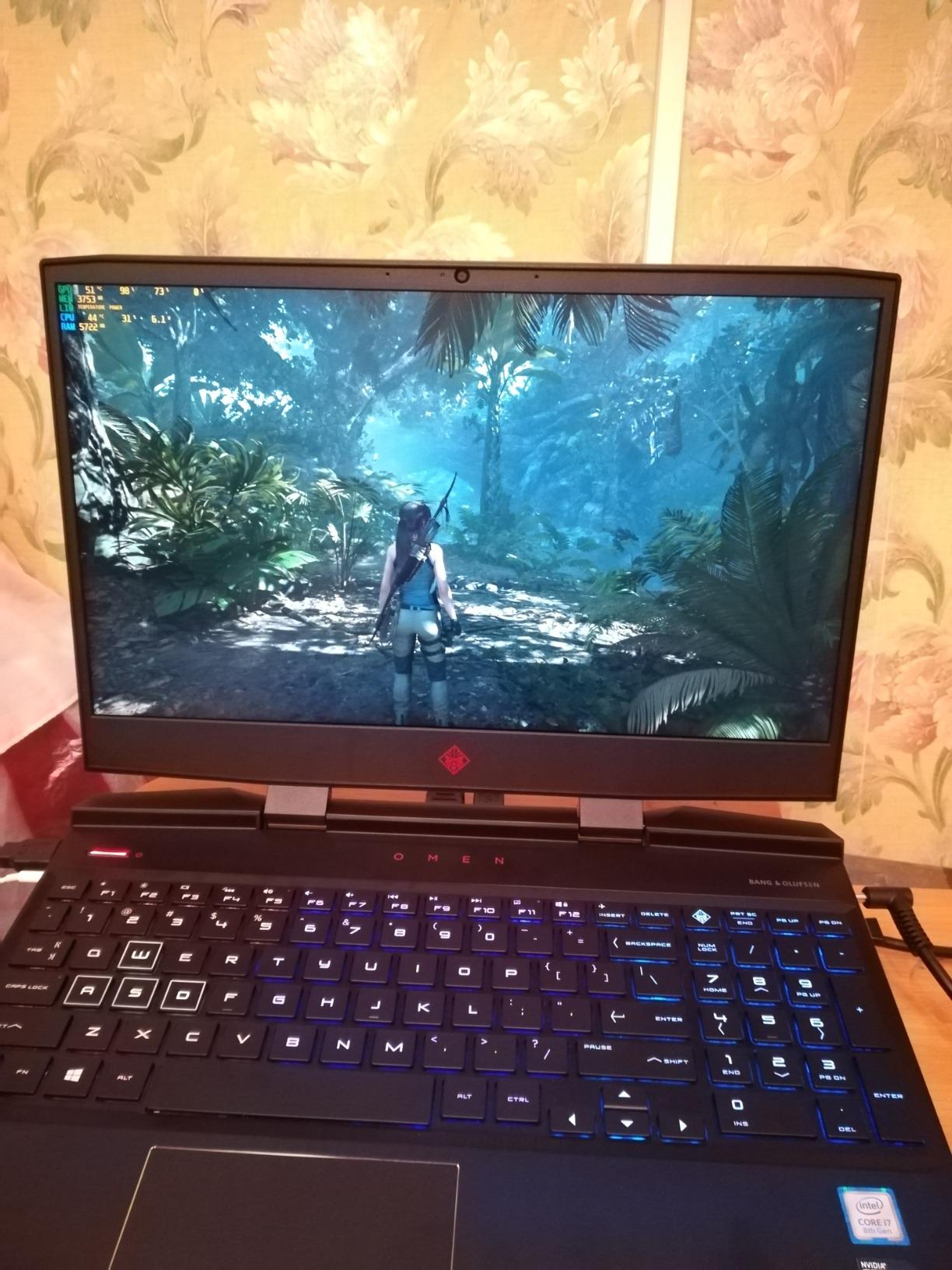
An honest look at 4GB of LPDDR5 on Windows
Four gigabytes is the number buyers mention most often as a limitation, and we agree. On Windows it is workable for one application and a handful of tabs, and it is where stutter begins. Our rule for a shared family machine: if two people will use it at the same time, do not choose four gigabytes. If one person uses it while the rest of the household does not, it is fine with a few habits.
Display, webcam and the desk setup
The 14-inch 1366×768 micro-edge anti-glare IPS panel at 250 nits is dim and low resolution, and that is the main cost of the bundled storage deal. In a dim room it is serviceable; in daylight it is not. The HP True Vision 720p HD camera with AI noise reduction and dual array microphones is a genuine strength for a home machine used for calls, and the USB-C port with DisplayPort 1.2 attaches a proper monitor.
Connectivity and a full-size keyboard in a thin body
Wi-Fi 6 with Bluetooth 5.4, one USB-C, two USB-A, HDMI and a multi-format SD card reader is a complete list for a home machine, and the full-size keyboard at 0.71 inches thick is a pleasant surprise. The Intel N150 is a quad-core part for light web and office work, and it does that well. It is not a machine for anything more ambitious, and buying it for that reason is the most common mistake at this budget.
11. ASUS Vivobook Go 15 Ryzen 5 – The Best Pick for Battery Life
ASUS 2023 Vivobook Go 15 Laptop, 15.6″ FHD Display, AMD Ryzen 5 7520U Processor, 8GB RAM, 512GB SSD, Windows 11 Home, Mixed Black, E1504FA-AS52
15.6 inch 1920x1080 LED
Ryzen 5 7520U quad-core
8GB LPDDR5
512GB SSD
Windows 11
Pros
- Excellent battery life for college work and everyday use
- 512GB SSD is generous for this price band
- Lightweight 3.6 pound chassis that is easy to carry
- Quick boot times and smooth everyday performance
- ErgoSense keyboard is comfortable for long typing
Cons
- No backlit keyboard for working at night
- Screen loses brightness and colour off axis
- Memory is soldered and not upgradeable
- One isolated report of a unit that would not boot
Battery life is the reason to buy this one. Owners repeatedly single it out for endurance across a day of classes and work, and the 42Wh cell with roughly 50 percent recharge in about 30 minutes makes a top-up during a lunch break realistic.
The Ryzen 5 7520U with 8GB of LPDDR5 and a 512GB SSD is also a well-balanced specification, and the 3.6 pound body is one of the lighter machines here. It is a strong second option if the Aspire 3 is out of reach on the day you shop.
Running time versus screen quality on a couch
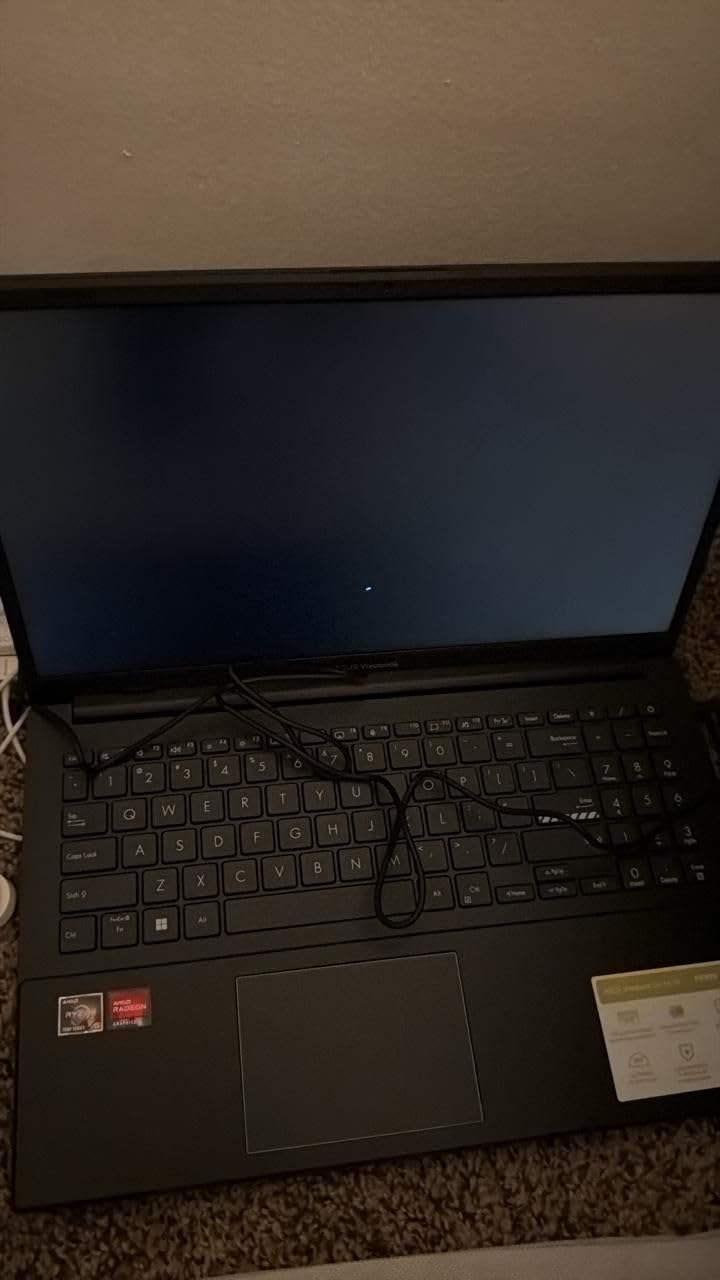
The trade here is battery against panel. This screen loses brightness and colour accuracy at off-axis angles, so it is at its best on a desk straight in front of you and least good propped on a sofa arm or a side table. Given how long the battery lasts, many households will move this machine around more than they expect, so test the viewing angle in the room you will actually use it in.
512GB of storage and what soldered memory means
Storage is the quiet strength. A 512GB PCIe SSD in this bracket means photos, documents and a downloaded film library all fit without an external drive, and there is a free M.2 slot if you want to add more later. Memory is soldered at 8GB, so that is what it is: comfortable for one user browsing, documenting and streaming, and not enough for two people at once.
Missing features and build details
There is no backlit keyboard, a real absence on a machine that lasts all day and the complaint owners mention most often. If anyone works in the evening regularly, add a desk lamp to your budget or pick another machine. On the positive side, ASUS IceCool thermals, military-grade testing, Wi-Fi 6E, Bluetooth 5, AI noise-cancelling for calls and an ErgoSense keyboard make it feel more considered than the price suggests.

12. ASUS Vivobook 15 Core i3 – The Best Pick When Multitasking Decides It
ASUS Vivobook 15 Laptop, 15.6†FHD (1920 x 1080) Display, Intel Core i3-1215U CPU, Intel UHD Graphics, 8GB RAM, 128GB SSD, Windows 11 Home in S Mode, Quiet Blue, F1504ZA-AS34
15.6 inch 1920x1080 LED
Core i3-1215U 6 cores
8GB DDR4
128GB NVMe SSD
Windows 11 S mode
Pros
- Core i3-1215U is faster than the previous generation Core i5
- Runs heavier programs and multi-window work smoothly
- RAM and SSD are both upgradeable
- Good battery life of around 10 to 11 hours
- Lightweight 0.7 inch chassis at 3.75 pounds
Cons
- No backlit keyboard
- 250 nit display with a plastic build quality
- Windows 11 S mode restricts installing non-Microsoft apps
- 128GB SSD leaves little room without an upgrade
This is the machine we would pick if one person in the house genuinely needs to work while everything else is running. The 12th-generation Core i3-1215U is a six-core chip that owners consistently describe as faster than the older Core i5 it replaced, and with 8GB of upgradeable DDR4 and an NVMe drive it holds together under multi-window work.
Students and workers rate it as a capable, good-looking machine for school, browsing and video calls, with the modern processor, upgradeable memory and solid battery life as the highlights.
Why the processor tier matters more than the badge
At this budget the processor decides how many things can happen at once. A dual-core chip manages a browser and a document; a six-core chip manages a browser, a document, a video call and a second window without pausing to think. That is why this machine sits here despite a lower owner rating than several others: if your household genuinely multitasks, the processor and expandable memory matter more than an extra fraction of a star.
Windows 11 S mode and the upgrade path
It arrives in Windows 11 Home in S mode with a one-month Microsoft 365 trial, restricting installs outside the Microsoft Store. For Office, browsers and calls that costs nothing, and switching to the full version is straightforward if you need something else. Both RAM and the SSD are upgradeable, which no other machine here combines with a six-core processor. Starting at 128GB, though, an SSD upgrade is close to the first thing we would do.
Screen, keyboard and everyday comfort
The 15.6-inch 1920×1080 NanoEdge panel is sharp, but at 250 nits it is dim and the plastic build shows. There is no backlit keyboard, and the chassis is light at 3.75 pounds and 0.7 inches thick, which makes it easy to carry between a desk and a sofa. AI noise-cancelling technology, a full port set including USB-C and HDMI, and Wi-Fi 5 with Bluetooth 4.1 round out a machine that is quietly competent for a study or a home office.
How to Choose a Laptop Under 500 Dollars for the Home
Every machine here clears four minimum gates, and applying those gates yourself narrows twelve options to two or three quickly. Start with the operating system, because it decides what software the household can run, then work down through processor, memory, storage and screen.
The four minimum specs we refuse to compromise on
First, 8GB of memory on anything running Windows. Four gigabytes is acceptable on a Chromebook and a mistake on Windows, and community consensus in budget laptop discussions is blunt about it. Second, a real SSD rather than 64GB or 128GB of eMMC wherever you can find it, because NVMe drives boot in seconds and eMMC does not, which is obvious every single day.
Third, an IPS panel if the screen will face a room rather than a desk, since standard LCD panels wash out at off-axis angles and that is exactly the viewing position of a laptop on a coffee table. Fourth, a battery rated above 8 hours, because budget batteries degrade and a machine that lasted a full evening in year one should still manage it in year three.
Chromebook or Windows: the honest answer for a non-technical home
A Chromebook handles browsing, streaming, video calls, schoolwork, email, online banking and Google Docs without difficulty, and for most households that is the entire workload. Owners consistently report ChromeOS feeling fast and reliable on low-end hardware where Windows feels sluggish, and automatic updates remove a real source of anxiety for anyone who does not want to maintain a computer.
Choose Windows when someone in the house needs a specific desktop application, wants a particular printer driver, or plans to do more than online work. If the answer is no to all three, the Chromebook is the better buy. If you print regularly, our guide to home printers for occasional use covers which models pair cleanly with a budget laptop.
How much storage and memory your household actually needs
Count how many people use the machine at the same time, not how many own it. One user at a time needs 8GB and 128GB to work; two people at once, or one person with a video call running, needs 8GB and preferably 256GB. The 128GB figures here leave perhaps 60GB usable after Windows and its updates, which fills quickly with photos and downloads.
When storage is the weak point, two fixes cost very little: add a drive to a free M.2 slot where the machine has one, or attach an external drive. Buyers recommend the external route over buying a bigger machine, since it preserves the option to move storage later.
Where each type of laptop should live in the house
This is the part most roundups skip. A machine with loud stereo speakers and HDMI belongs on the television stand, a quiet fanless model belongs on a kitchen counter where someone is following a recipe, a machine with a numeric keypad and a good keyboard belongs on a home office desk, and a touchscreen with an anti-glare screen belongs on a homework table. Then match size to room: a 14-inch machine at 3.2 pounds can move between a sofa arm and a dining table all evening, while a 15.6-inch machine at nearly 5 pounds is a desk machine that occasionally travels.
One practical home networking note: whichever laptop you choose, it will usually become the device that checks the feeds and downloads clips from the rest of your smart home kit, so check the Wi-Fi standard before you buy. Our guide to security cameras for home use covers the models most people pair with a budget laptop, and the same Wi-Fi 5 versus Wi-Fi 6 question applies to both.
What to do in the first hour, and when to spend more
Bloatware and preloaded trial software are the most common complaint on cheap machines, and removing it is the single change that makes one feel faster. Update the operating system fully before installing anything, then confirm that memory and storage match the listing and that the screen has no dead pixels while the return window is open. Sign in with the account the household will actually use and set up printing on day one, while support is easy to reach.
When it is worth stretching: if the machine will be used daily for work rather than occasionally, stepping up buys a better processor, more memory and better storage that outlast the cheaper machine by years. The Lenovo 16 inch model in this roundup is the example, and it is the one most likely to still be running in five years. For occasional home browsing, streaming and homework, spending less is the correct decision.
Frequently Asked Questions
What is the best laptop for home use only?
For browsing, streaming, video calls, email and schoolwork, a Chromebook such as the Acer Chromebook 315 or the HP Chromebook 14 is the strongest choice at this budget, because Chrome OS stays responsive on modest hardware and updates itself. If anyone in the house needs Windows software, choose the Acer Aspire 3, which pairs 8GB of memory with a Ryzen 3 7320U processor and a proper NVMe SSD.
Which laptop is best for basic home use?
Basic home use means web browsing, watching video, email, online banking and the occasional video call. The Acer Aspire 3 A315-24P handles all of that with room to spare, thanks to 8GB of LPDDR5 memory, a quad-core Ryzen 3 chip and a 15.6-inch 1080p IPS screen that stays readable from across a room. It is our top pick and the one we recommend to most households.
What are the best laptops under 500 dollars according to consumer reports?
Major testing publications in this tier use the same criteria we apply: measurable battery runtime rather than marketing claims, minimum specification warnings against 4GB of memory on Windows and against 128GB of eMMC, and clear guidance on who each machine is not for. Applying that method here produces a shortlist of twelve, with the Acer Aspire 3, the HP Chromebook 14 and the ASUS Vivobook Go 15 with Ryzen 5 leading the group.
What is a good cheap laptop for home use?
A good cheap laptop for home use needs four things: 8GB of memory if it runs Windows, SSD rather than eMMC storage, an IPS screen if it will face a room, and a battery rated for a full working day. Machines well below this budget often fail the memory test, which is why we would rather see you spend slightly more on a balanced configuration than stretch a very cheap model.
Are Chromebooks better than Windows laptops for home use?
For pure home use, a Chromebook is usually the better buy. Chrome OS stays responsive on low-end hardware, updates itself without effort, and handles browsing, streaming, video calls, schoolwork and online banking reliably. Windows earns its place when someone needs a specific desktop application, a particular printer, or heavier multitasking, and then the extra spend buys a processor and memory that a Chromebook never needed.
The Verdict: Which Laptop Wins for Home Use in 2026
The Acer Aspire 3 A315-24P is the winner and the best laptop under 500 dollars for most homes, because it is the only machine here that pairs 8GB of memory, a quad-core Ryzen 3 processor, NVMe storage and a 1080p IPS panel without giving any of them up. If a Chromebook covers your household, the HP Chromebook 14 is the cheapest sensible way in, and the Acer Chromebook 315 takes over when the machine lives on a television.
Choose the Dell 15.6 Core 3 100U if one person works from a desk and needs a keypad and 512GB of storage, the Acer Aspire Go 15 if you want to add memory and a drive in two years, the ASUS Vivobook 15 Core i3 if real multitasking decides your day, and the Lenovo 16 inch model if you are willing to spend more for something that will last.
Whichever you pick, check the current figure on the day you buy and run the full setup and update cycle inside the return window, so you know the machine is settled before the household starts depending on it. Good luck with the new family computer.