
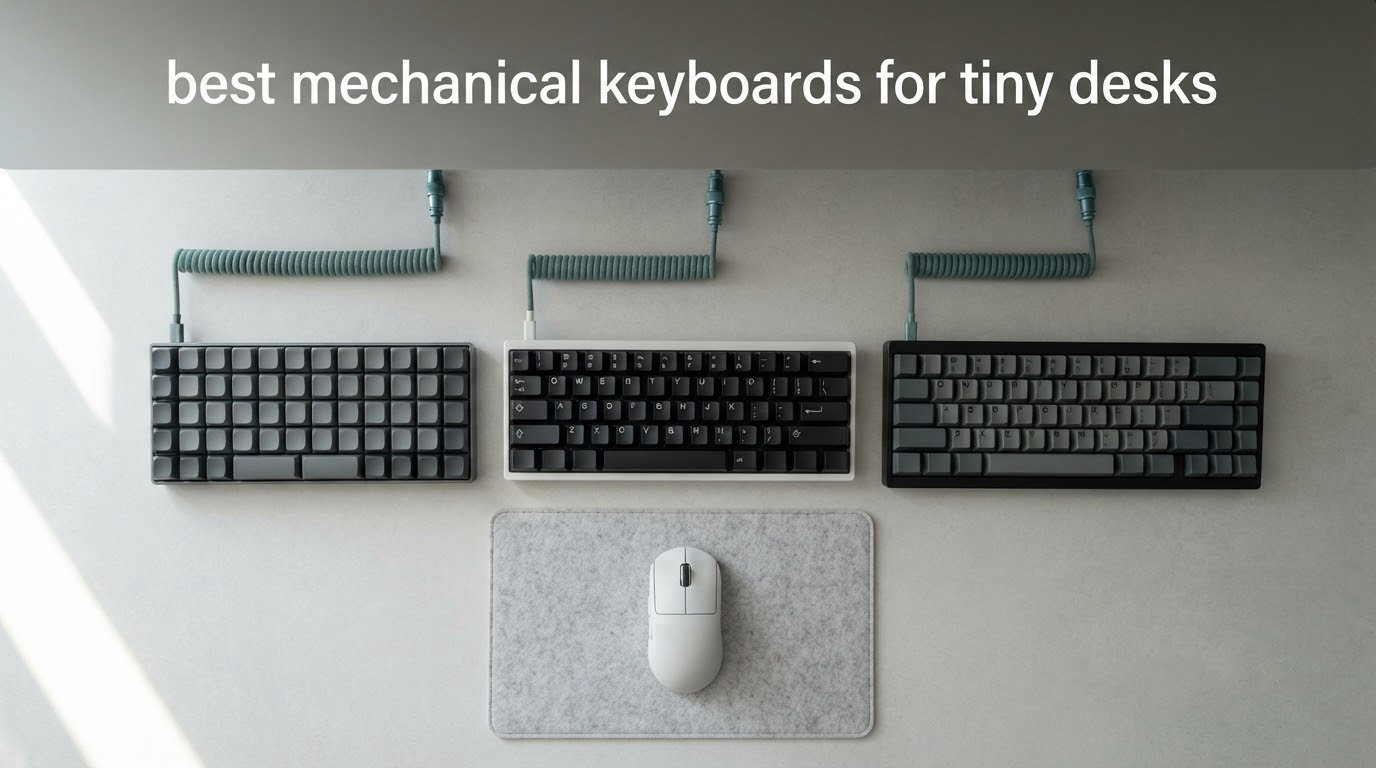
If your keyboard overhangs the front edge of your desk and your mouse bumps into it mid-swipe, you are not working with a big-desk problem. You are working with a layout problem. The best mechanical keyboards for tiny desks are the ones that delete width, not the ones that add features, and the single most useful thing you can do before buying is measure the gap between your monitor stand and the desk edge.
We have run compact boards through daily work for years now, from 60% shells that strip out everything but the alphabet to 75% boards that keep a full function row in barely more space. The short answer is that a 75% layout is the sweet spot for most tiny desks, a 65% board is the compromise, and a 60% board is only worth the learning curve if you genuinely never touch a function key without thinking about it.
Across the twelve boards below we compared the exact width and height of every case, the mouse room each one hands back, how each behaves on a two-device wireless setup, and whether the sound profile survives a shared apartment wall. The dimensions are listed because desk space is the whole point of this list, and a rounding error of half an inch is the difference between a comfortable mousing area and a cramped one.
If you have already narrowed things down to a particular style, our tenkeyless keyboard roundup goes deeper on desk-hugging layouts, and our low profile guide covers the thinnest builds if vertical clearance is your problem rather than width.
Our Top 3 Compact Keyboards for Cramped Desks

HyperX Alloy Origins 60
- 60% layout
- 11.7 in wide
- Aircraft-grade aluminum body
- Double-shot PBT keycaps

AULA F75
- 75% 81-key layout with arrows
- BT5.0 plus 2.4GHz plus USB-C
- 4000mAh rechargeable battery
- Hot-swappable sockets

Logitech G PRO X 60%
- 60% compact layout
- LIGHTSPEED 1 ms wireless
- GX optical switches
- 1380 g solid build
The HyperX Alloy Origins 60 takes the top slot because it pairs the highest rating in the group with a 1.5 inch case height, which matters when your desk edge is already cutting into your forearms. The AULA F75 is the value pick, giving you a full function row and tri-mode wireless on a 12.7 inch footprint. The Logitech G PRO X 60% wins for anyone who needs wireless latency measured in single-digit milliseconds.
Comparing 12 Compact Mechanical Keyboards for 2026
| Product | Specs | Action |
|---|---|---|
| HyperX Alloy Origins 60 |
|
Check Latest Price |
| Logitech G PRO X 60% |
|
Check Latest Price |
| AULA F75 |
|
Check Latest Price |
 RK Royal Kludge R75 RK Royal Kludge R75 |
|
Check Latest Price |
 Redragon K617 Redragon K617 |
|
Check Latest Price |
 Kisnt KN85 Kisnt KN85 |
|
Check Latest Price |
 EPOMAKER x Aula F65 EPOMAKER x Aula F65 |
|
Check Latest Price |
 CACKBIRD 60% CACKBIRD 60% |
|
Check Latest Price |
 RK Royal Kludge RK68 RK Royal Kludge RK68 |
|
Check Latest Price |
 DIERYA T68SE DIERYA T68SE |
|
Check Latest Price |
 Keychron K3 Keychron K3 |
|
Check Latest Price |
 MageGee MK-Box MageGee MK-Box |
|
Check Latest Price |
Two numbers matter more than anything else in that table: total case width and case depth. Width steals horizontal mouse room, and depth decides whether your wrists hit a hard front edge while you type. A 12.7 inch wide board with a 5.6 inch depth is a very different mousing proposition from an 11.7 inch wide board that is 6 inches deep, and the gap between the narrowest and widest shells here is nearly three inches.
Which Keyboard Size Saves the Most Desk Space
A full-size board measures about 440mm across, and it does that for one reason: the numpad. Dropping it is where nearly all of the reclaimed width comes from, and the moment you do, the rest is a series of smaller trade-offs.
A 60% board keeps only the main typing block. Function keys, the nav cluster and often a proper right Shift all move to a second layer behind an FN key, which is the main reason people who downsize often regret it. The boards here range from the CACKBIRD at 11.4 inches wide to the RK Royal Kludge RK68 at 13.86 inches, but note that the KN85 is 85 keys and still hides a function row behind a layer, so its width buys layout versatility rather than raw compactness.
A 65% board keeps dedicated arrow keys, which is the point most people miss. The EPOMAKER x Aula F65 is only 4.55 inches deep, making it one of the shortest boards in this roundup while still giving you a real arrow cluster. A 75% board adds the full function row back and, on the AULA F75 and RK Royal Kludge R75, a rotary knob, all within roughly 12.7 inches of width.
Tenkeyless, or TKL, sits one step up and drops only the numpad. It is a much larger board and it does not belong on a genuinely tiny desk, which is why we cover that category separately in our tenkeyless roundup rather than padding this list with it.
Below 60% you enter genuinely different territory. The community consensus we found while researching this, in r/MechanicalKeyboards threads, is that 42-key split boards like the Corne and CRKBD represent the smallest layout most people consider workable, with 32-key designs pushing past the point of practicality. Split ergo designs such as the Iris and Lily58 come up repeatedly as the answer for tiny-desk users who are dealing with wrist pain, because the two halves pull your shoulders into a narrower, more neutral position.
The most common spreadsheet objection is worth addressing directly, because it is the reason people stay on full-size boards. The workaround that comes up again and again in those discussions is a separate wireless numpad that lives in a drawer and comes out when you actually need to enter figures. Plenty of users describe exactly that setup and say the productivity hit from losing the onboard numpad turned out to be minor once they stopped dreading the layer switching.
1. HyperX Alloy Origins 60 – Our Pick for Tiny Desks Overall
HyperX Alloy Origins 60 – Mechanical Gaming Keyboard, Ultra Compact 60% Form Factor, Double Shot PBT Keycaps, RGB LED Backlit, NGENUITY Software Compatible – Linear HyperX Red Switch,Black
60% layout at 11.7 in wide
Aircraft-grade aluminum body, 970 g
Double-shot PBT keycaps
HyperX Red linear switches
Pros
- Genuinely small footprint that frees real mouse room
- Solid aluminum build with weight behind it
- Smooth HyperX Red linear switches
- Durable double-shot PBT keycaps with side legends
- Detachable USB-C cable
Cons
- No dedicated F1 to F12 row
- Some FN layer keys cannot be pressed with other layers
- US ANSI layout only
- NGENUITY software feels underwhelming
This is the board we keep coming back to for tiny desks because the case is 11.7 inches wide and only 1.5 inches tall, and that low front profile is the feature nobody advertises but everybody on a cramped desk notices. Most compact mechanicals raise the typing surface well past that, which pushes your wrists into a downward bend.
With three adjustable tilt angles, this one sits flat enough that we could type a full workday without reaching for a wrist rest. The build is genuinely heavy at 970 g despite the small footprint, and that weight keeps the board planted on a desk that has no room for it to slide around.
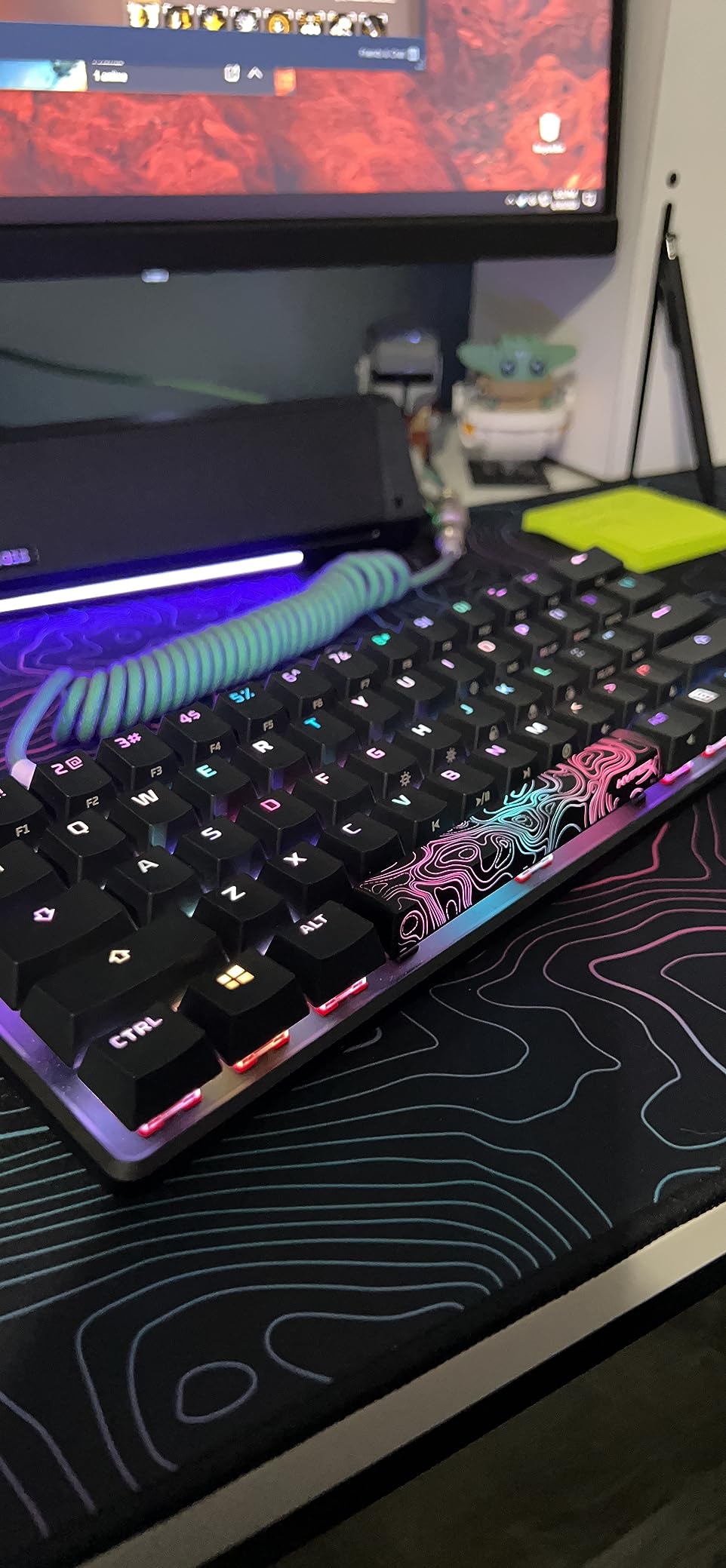
The exposed-LED RGB design throws light onto the desk surface rather than just between the keycaps, which reads well in a dim room, and the double-shot PBT caps with side printing give you the secondary FN layer legends right where you need them.
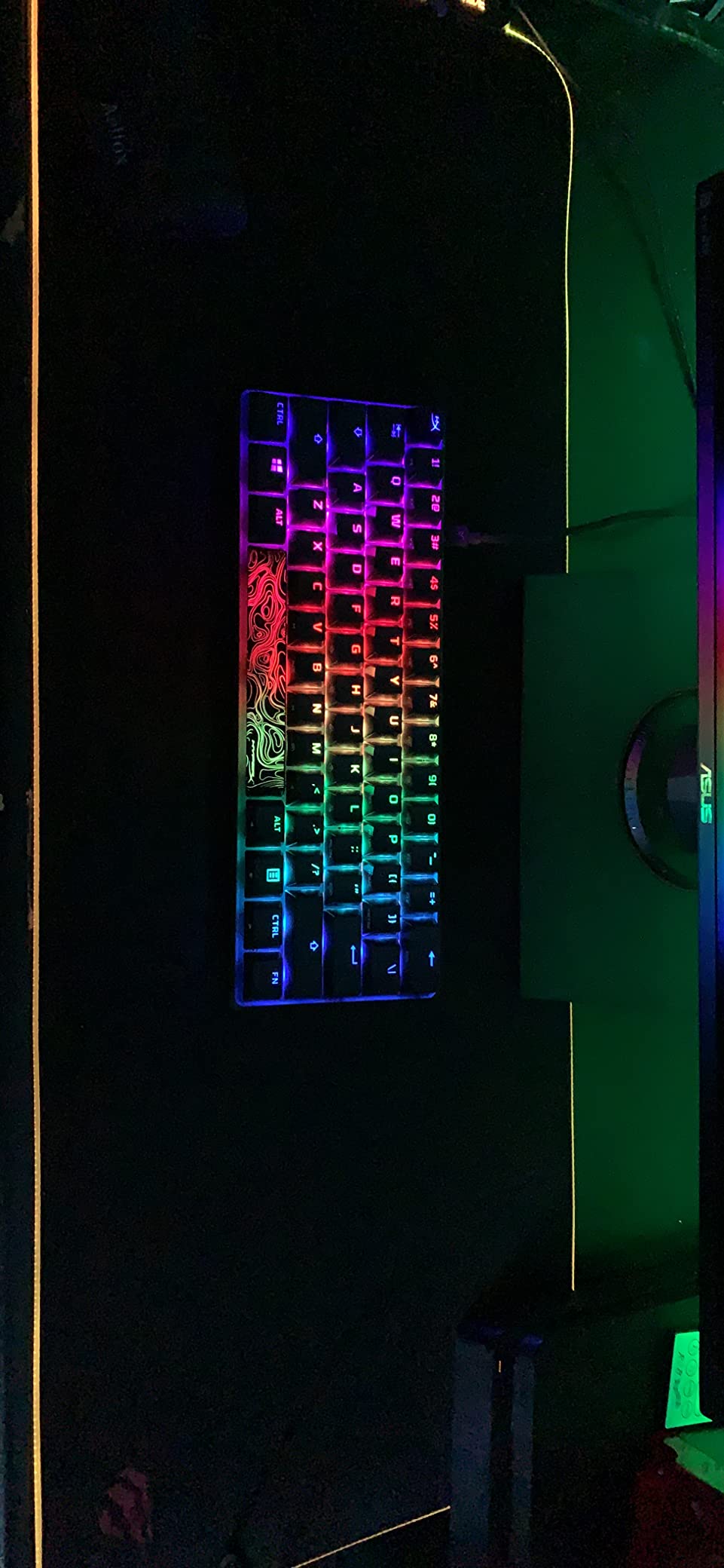
Long-term owners in the reviews frequently report a year or more with no dead or sticky switches, and the switches themselves are rated at 80 million keypresses. The HyperX Red linears are smooth and light, which is what makes the board work for both long typing sessions and fast gameplay.
Where the 60% Layout Hurts Most
There is no dedicated function row, and that is the deal. On this board the FN layer is where F1 through F12 live, and several users point out that FN-layer keys cannot be pressed at the same time as non-FN keys, which breaks certain game shortcuts outright. If your work involves constant F-key use, or you play a game that depends on them, this is a real limitation rather than a minor inconvenience.
The layout is also US ANSI only, with no alternate legends for other regions, and NGENUITY handles macros, Game Mode and per-key lighting competently but without the polish of the better gaming software suites.
Why It Works on a Small Desk Specifically
At 11.7 by 6 inches it gives back meaningful mouse territory, and because the case is a machined aluminum body rather than folded plastic, it does not flex when you type hard at the edge of the desk. It works on Windows, PS5, PS4 and Xbox consoles, so if your tiny desk doubles as a gaming station, the multi-platform support is genuinely useful.
The included keycap puller and alternate keycaps mean you can swap the arrow key access around on day one, which shortens the learning curve that is the single most common complaint about 60% boards.
2. Logitech G PRO X 60% – Best Compact Board for Wireless Gaming
Logitech G PRO X 60% Wireless Gaming Keyboard (Tactile Optical) – Black
60% layout with 61 keys
LIGHTSPEED wireless at 1 ms, 1380 g
GX optical tactile switches
5 programmable layers
Pros
- Standard TKL-style spacing preserves muscle memory
- Very heavy and solid feeling build
- Excellent 1 ms wireless response
- Matte PBT keycaps with good legibility
- Scroll-style volume control is easy to flick
Cons
- G HUB software is buggy and heavy
- Optical switches are not hot-swappable
- Soldered PCB
- No Xbox console support
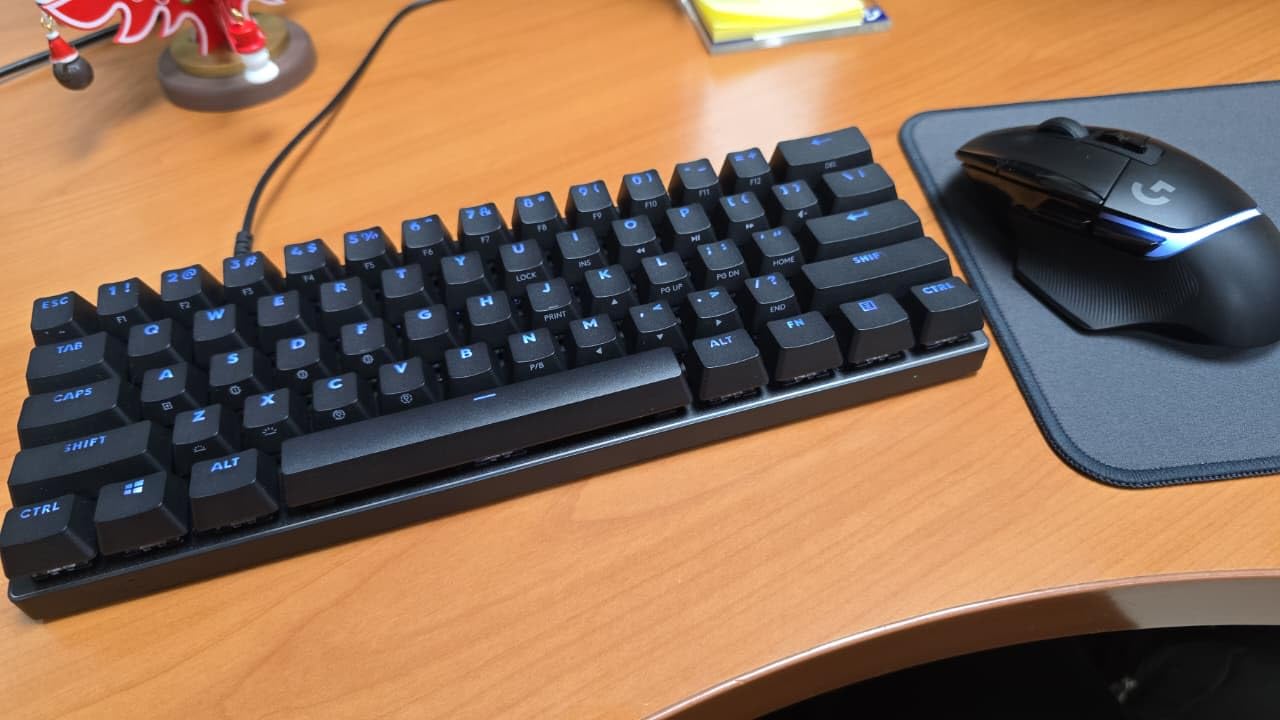
The PRO X 60% takes a different route to compactness. Rather than squeezing everything onto a tiny footprint, it keeps standard TKL-style key spacing and 61 keys, so your fingers land in familiar places and the transition is nearly painless. Reviewers consistently single out the spacing and the heft, at 1380 g, as the two things that make it feel like a full-size board in a smaller frame.
Wireless latency is the reason to pick this over a wired alternative. LIGHTSPEED delivers a 1 ms response rate, and the keyboard also pairs over Bluetooth and USB, so it can move between a gaming PC and a laptop without a dongle hunt.
What the 60% Layout Costs You Here
Sixty-one keys means no function row and no dedicated navigation cluster, so F-keys and Home/End sit behind the FN layer. For a gaming keyboard the layout is less costly than it is on a productivity board, but the key rollover limitation reviewers report still applies to shortcuts that need an F-key held alongside another.
Key spacing is the deliberate design choice here, and it is the reason the board feels familiar. Where most 60% boards compress the right-hand keys, this one keeps standard TKL-style spacing across the block, so muscle memory carries over with minimal adjustment.
Optical Switches and the Software Trade-Off
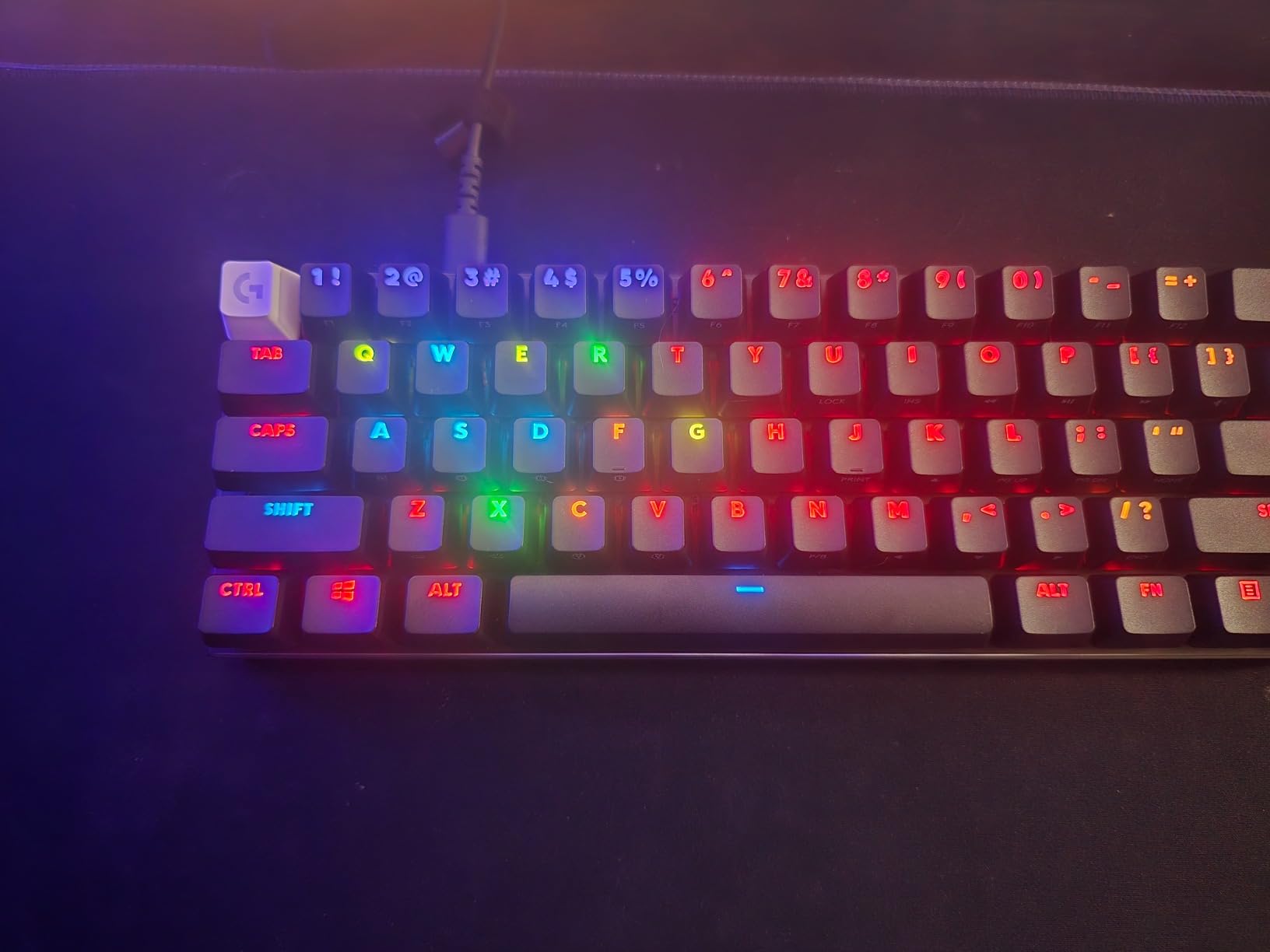
GX optical switches register without the mechanical debounce delay and feel crisp, but they are not hot-swappable, and the PCB is soldered and sealed, so no foam or gasket mods are possible. If your priority is the deepest possible sound by swapping switches, this is the wrong board. If your priority is zero-latency input and a consistent factory feel, it is the right one.
G HUB is the weak point. Users describe it as heavy and buggy, and the fact that the FN key is hardcoded and does not send a signal to the operating system limits remapping in third-party tools. On the Rapid variant, full key reprogramming is available through KEYCONTROL across five layers.
Sound, Battery and Desk Fit
Acoustically, the larger keys are the weak point. Shift, Enter and the spacebar sound noticeably louder and higher-pitched than the alphas, which is a common outcome of optical switches in a sealed case. The horizontal scroll-style volume control is widely preferred to a rotary knob, because you can flick it with one finger without looking down.
Battery life is the practical limit on a tiny desk, since a cramped setup often has no convenient USB port. Expect roughly a week of heavy use before a charge. The included semi-hard carrying case matters more than it sounds, because a compact wireless board is the one you will actually pick up and move between rooms.
3. AULA F75 – Best Value for a 75% Layout
AULA F75 75% Wireless Mechanical Keyboard, Hot Swappable Creamy Keyboard, Pre-lubed Reaper Switches, 2.4GHz/Type-C/BT5.0, RGB Backlit Gaming Keyboards(White & Blue)
75% 81-key layout at 12.7 in wide
4000mAh battery, tri-mode wireless
Hot-swappable 3-pin and 5-pin sockets
Five-layer acoustic filling
Pros
- Deep creamy thock out of the box
- Heavy build that does not rattle
- Function row and arrows in a compact case
- Fast tri-mode device switching
- Multi-function knob for quick volume
Cons
- Backlight is not shine-through
- Knob defaults to lighting in gaming mode
- Driver support gaps on macOS
- No numpad
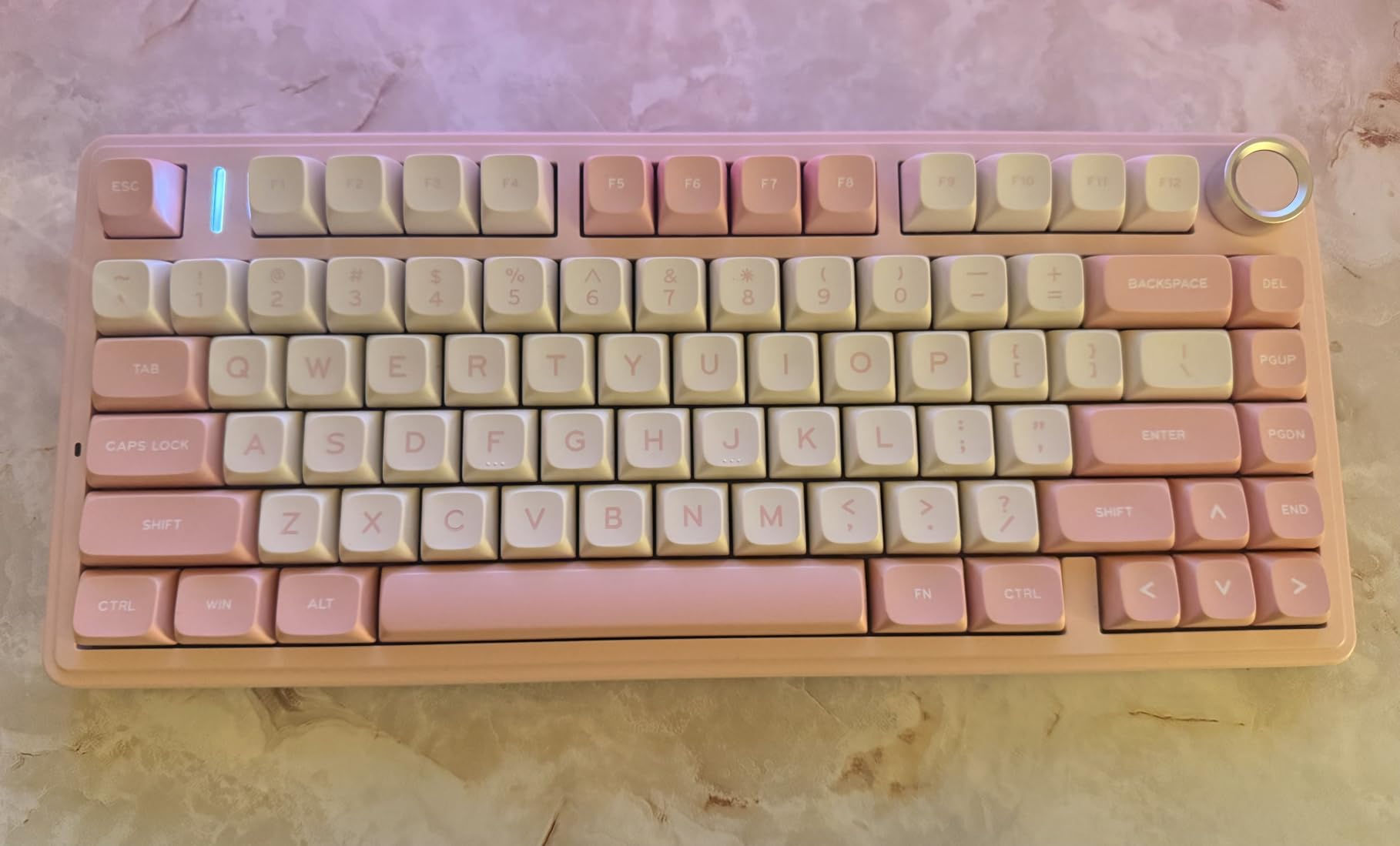
The F75 solves the exact problem most tiny-desk buyers hit: they want arrow keys and a function row without a full-size footprint. At 12.7 inches wide it does that, with an 81-key 75% layout, a 4000mAh rechargeable battery, and a knob that can switch between gaming and office behaviour. For most people this is the board we would put on a cramped desk first.
The sound is the headline. Five layers of acoustic filling, including an extended silicone pad and single key slotting on the PCB, produce a creamy, thocky profile straight out of the box. Owners repeatedly compare the acoustic result to boards costing multiples of what this one does, and the 975 g weight keeps it from feeling like a toy.
Wireless Flexibility and the Knob Behaviour
Tri-mode connectivity covers Bluetooth 5.0 with up to five paired devices, 2.4GHz wireless and wired USB, and reviewers report fast switching between a PC, a tablet and a handheld. On a tiny desk, that flexibility is what lets you keep one keyboard rather than a wired daily driver plus a wireless travel board.
The knob is a genuinely useful control, but its default binding surprises people. In gaming mode it adjusts brightness and lighting effects rather than volume, so you have to switch it to office mode to get media control. It is a small annoyance, but it catches out almost everyone on day one.
Lighting and Software Limitations
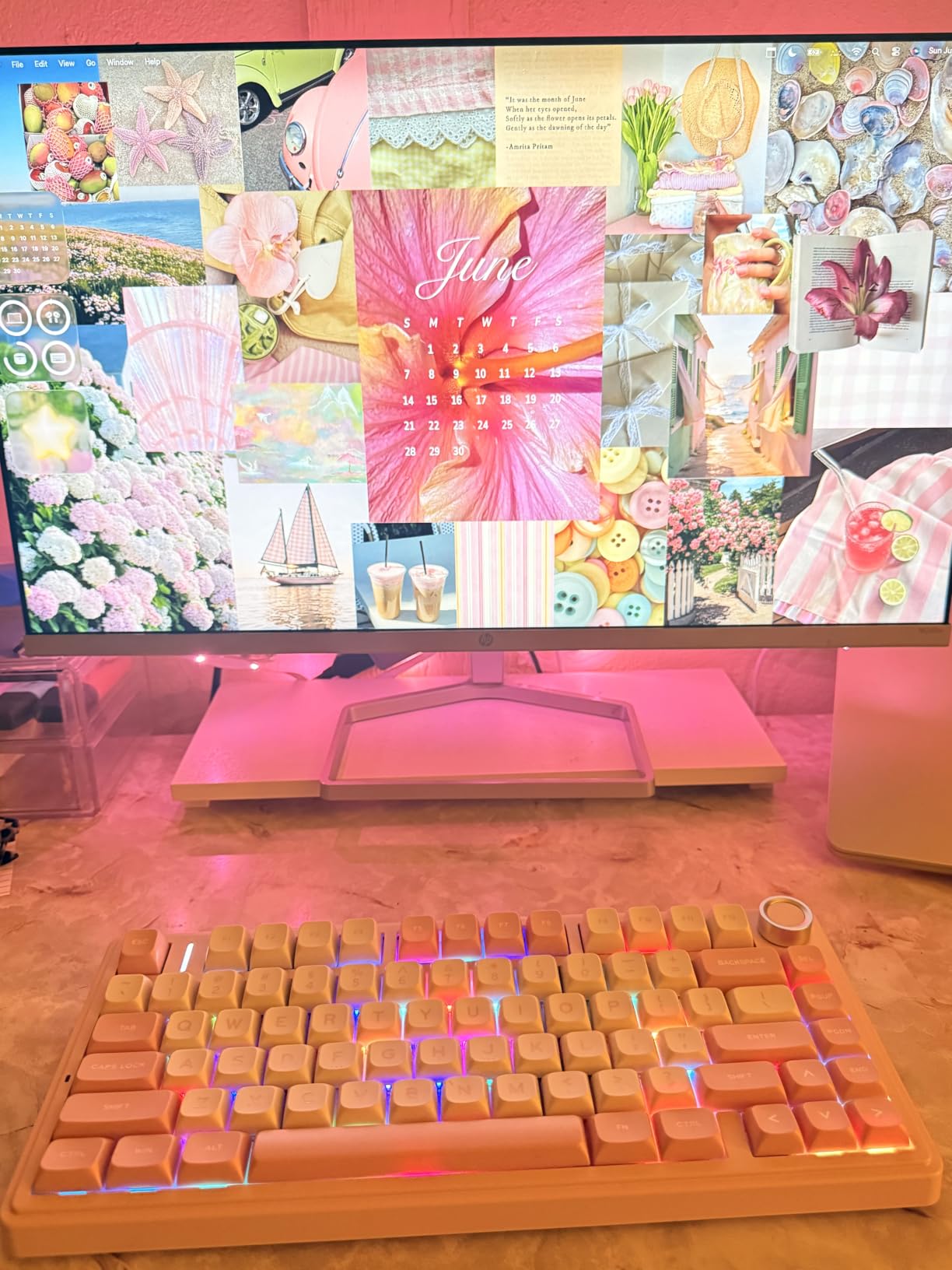
The backlight is not shine-through, so lighting looks subtle unless you swap to shine-through keycaps. The palette is large at 16.8 million colours with 16 effects and 10 music rhythm modes, but the light itself sits behind opaque caps.
Driver and software support is incomplete for some colourways and absent on macOS, with a few buyers reporting the lighting software not recognising the model. For Mac users who want full RGB control, this is worth checking before buying. The switches are hot-swappable on 3-pin and 5-pin sockets, and the stabilizers arrive pre-lubed.
4. RK Royal Kludge R75 – Quietest Board for a Shared Room
RK ROYAL KLUDGE R75 Wired Mechanical Keyboard with Volume Knob, 75% Mechanical Gaming Keyboard Gasket Mount, Hot Swappable Silver Switch, MDA Profile PBT Keycaps, Creamy Keyboards, Black
75% 81-key layout, wired USB-C
Gasket mount with triple absorption
CNC aluminum volume knob
Double-shot PBT MDA keycaps
Pros
- Rich deep thock with no hollow echo
- Quiet enough for a shared room
- Function row and arrows retained
- Substantial aluminum volume knob
- Hot-swappable PCB
Cons
- Wired only with no wireless
- Some revisions lack QMK and VIA support
- Included USB cable is mediocre
- Some colourways are louder
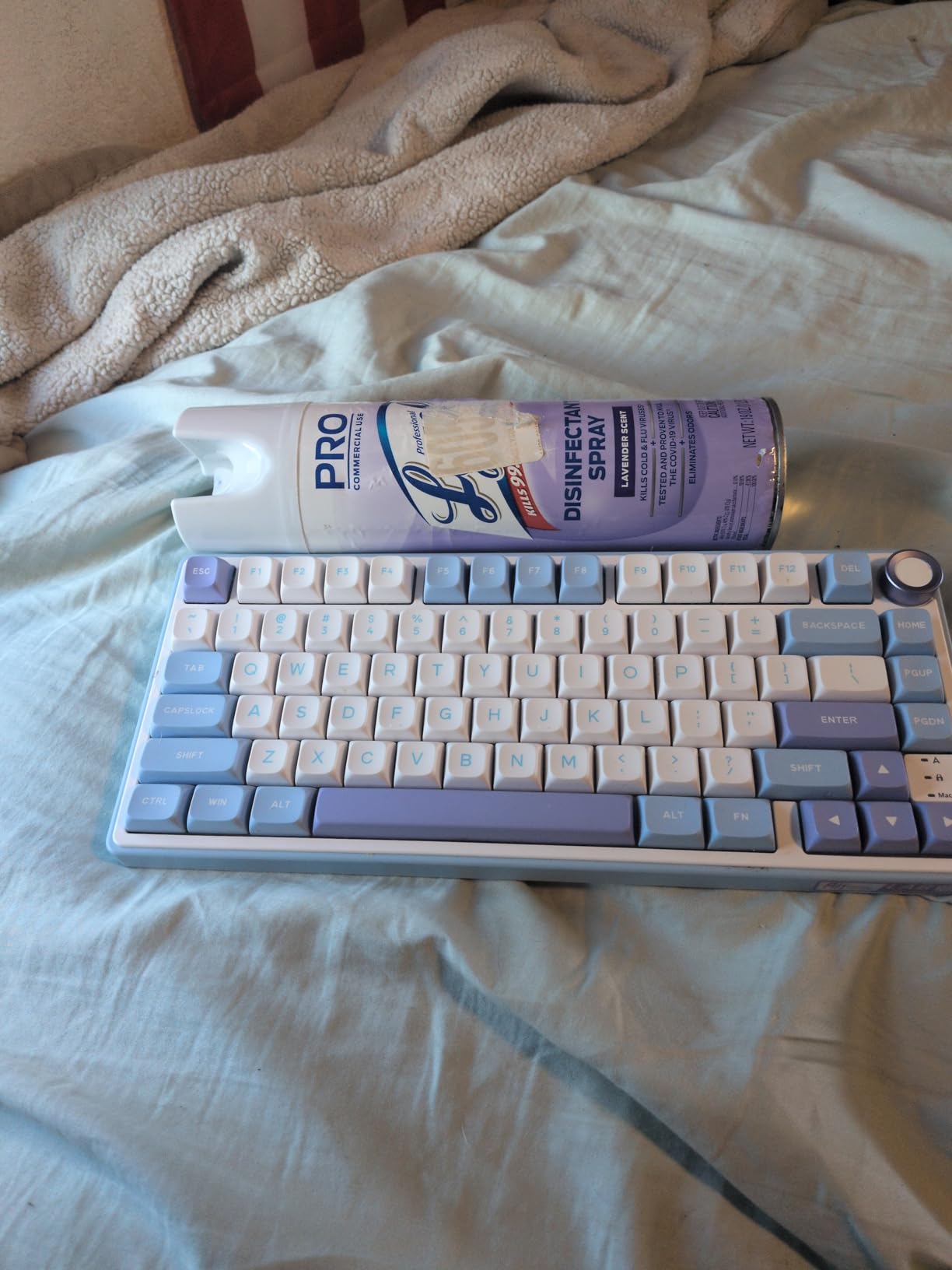
When the desk is tiny and the room is shared, acoustics become a desk-space issue in their own right, because loud typing travels. The R75 is frequently described by owners as the quietest mechanical they have used, and the reason is structural rather than a switch trick: gasket mount combined with poron cotton, an IXPE foam pad and case sponge gives it a damped, non-hollow character rather than the ping that budget boards usually have.
It measures 12.71 by 5.59 inches and weighs 1.7 pounds, so the footprint sits with the other 75% boards here but the weight keeps it planted. The 75% layout keeps the function row, arrow keys and a dedicated Delete key, and the CNC aluminum volume knob has the kind of weighted detent that survives daily use.
Wired Only and the Firmware Caveat
There is no wireless on this board, and for a cramped desk that is a genuine constraint if your setup has no reachable USB port. On the other hand, a fixed wired connection removes charging from your routine entirely, and the detachable USB-C cable means you can still move the board between machines.
The bigger caveat is firmware. Some hardware revisions lack QMK and VIA support, so full key remapping is simply unavailable on those boards. If programmable layers matter to your workflow, confirm the revision before buying. Newer revisions are considerably better served, and one detailed review frames the missing remapping as the single flaw in an otherwise near-perfect board.
Keycaps and Included Accessories
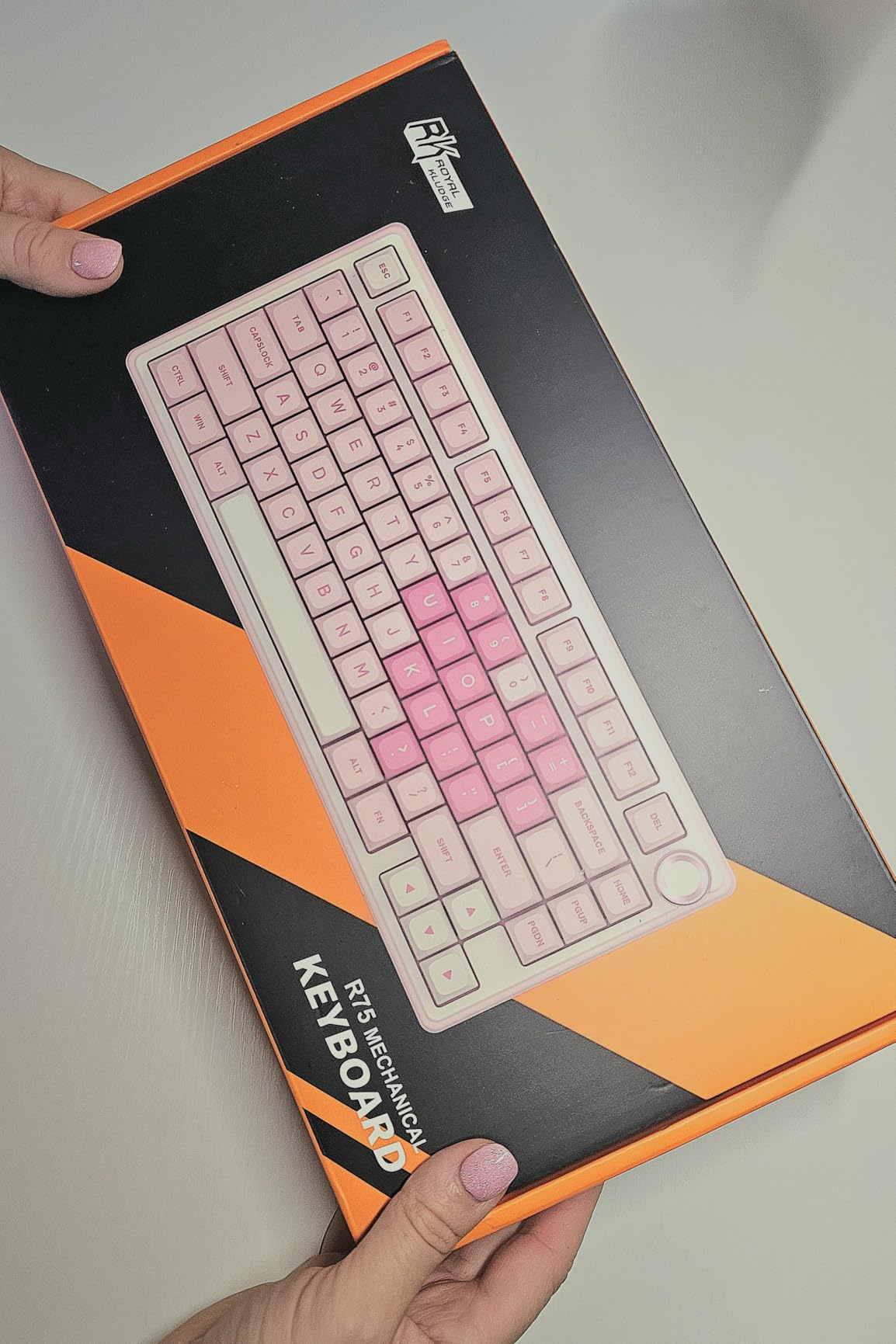
The double-shot PBT keycaps come in an MDA stepped profile with thick walls and a textured finish, the different feel from the flat profile used on several other boards here. Textured PBT also resists the greasy shine that shows up on cheaper ABS caps after a few months, and on a board you use constantly that difference is visible.
Lighting covers 18 RGB modes, 8 monochrome options and five brightness and speed levels. The box includes a clear dust cover, a keycap puller and four replacement switches, which matters on a tiny desk where the board may share a tray with other equipment and pick up debris.
5. Redragon K617 – Best Portable 60% for a Bag-Packing Desk Setup
Redragon K617 Wired 60% Compact Hot-Swap RGB Gaming Mechanical Keyboard
60% 61-key layout at 12.2 in
Weighs only 9.6 ounces
Hot-swap 3-pin and 5-pin sockets
20 RGB presets
Pros
- Lightest board in this roundup at 9.6 ounces
- Hot-swappable sockets accept almost any switch
- Detachable USB-C cable in a good position
- Bright clean RGB with 20 presets
- Includes both keycap and switch pullers
Cons
- Stock red switches are clacky
- Light plastic build
- No dedicated arrow cluster
- Windows-only software adds weight
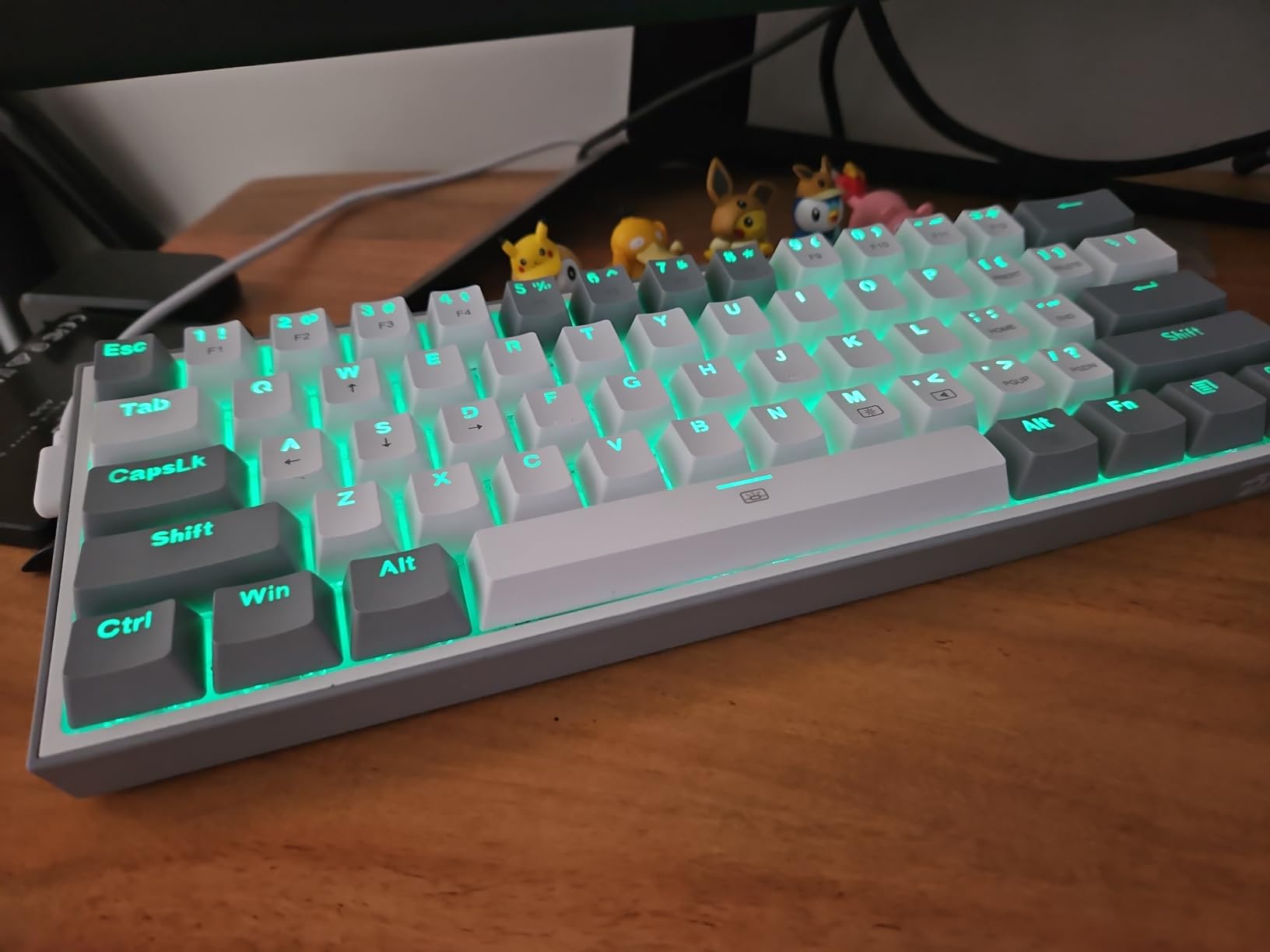
At 9.6 ounces, the K617 is the board you forget is in your bag. Almost every other board on this list weighs 500 g or more, and on a tiny desk in a dorm room or a small apartment that difference is the whole use case. The 60% layout measures 12.2 by 5.31 inches, and the detachable USB-C cable is well positioned rather than hard-wired out of the case.
With close to 6,000 reviews, this is one of the most heavily reviewed boards in the roundup, and the feedback is consistent. Buyers like the hot-swap socket, the bright customisable lighting and the low weight, and many treat it as a travel or spare keyboard rather than a sole daily driver.
Plan on Replacing the Stock Switches
The included red linears are rated at 50 million keypresses and reviewers describe them as noticeably clacky. Since the sockets accept nearly any 3-pin or 5-pin switch, swapping them takes a couple of minutes with the included puller, and many owners do exactly that before committing the board to daily use.
The 61-key layout has no dedicated arrow cluster, so navigation needs layer switching. The ABS case is light by design rather than by quality, and the Windows-oriented software is more than a board at this level needs, particularly since it adds background weight for a machine that otherwise requires nothing.
Why Portability Beats Polish Here
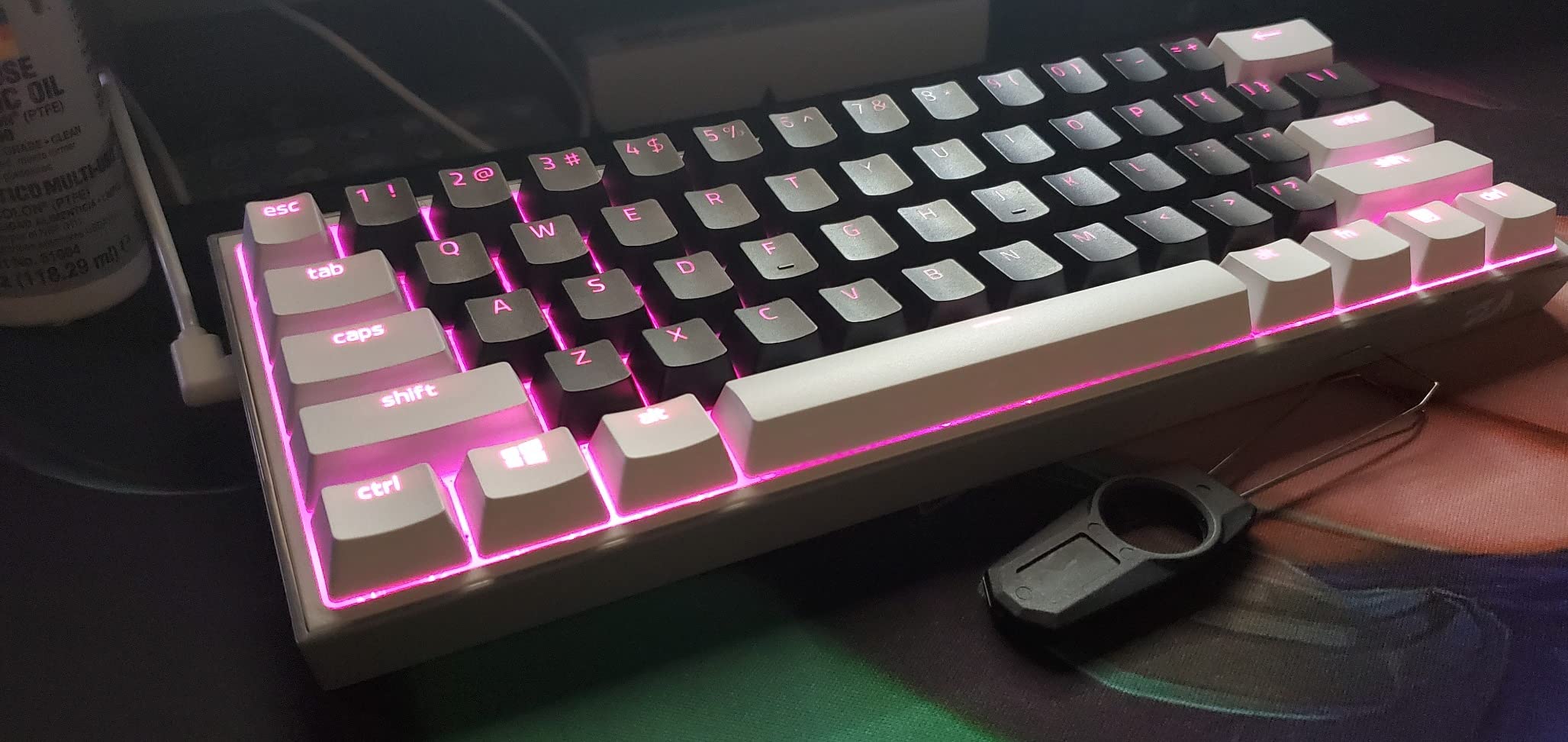
On a tiny desk, the ability to clear the surface completely and take the whole setup with you has real value. A 970 g aluminum board stays on the desk; a 9.6 ounce board can be moved to a couch, a library or a shared workspace without a second keyboard purchase.
The white and grey colorway is clean and the 20 RGB presets cover brightness and flow speed adjustment. A small number of reviews report an individual key arriving loose, so it is worth testing a few keys on arrival.
6. Kisnt KN85 – Best 75% Layout With Three Bluetooth Channels
Kisnt KN85 Wireless Mechanical Keyboard, 75% Layout, Bluetooth/2.4GHz/USB-C, Custom RGB Backlit, Hot-Swappable Linear Switch, Creamy Sound for Gaming/Typing (Retro Beige)
85-key 75% layout at 13.68 in
4000mAh battery, three Bluetooth channels
Gasket mount with foam and silicone
Pre-lubed Bsun linear switches
Pros
- Creamy poppy sound from stock switches
- Three Bluetooth channels plus 2.4GHz and wired
- Full navigation keys with no awkward placement
- Screwless case makes modding easy
- Two-year manufacturer warranty
Cons
- Loud enough for some shared offices
- Spacebar thunk is out of character
- No volume knob
- South-facing LEDs block shine-through caps
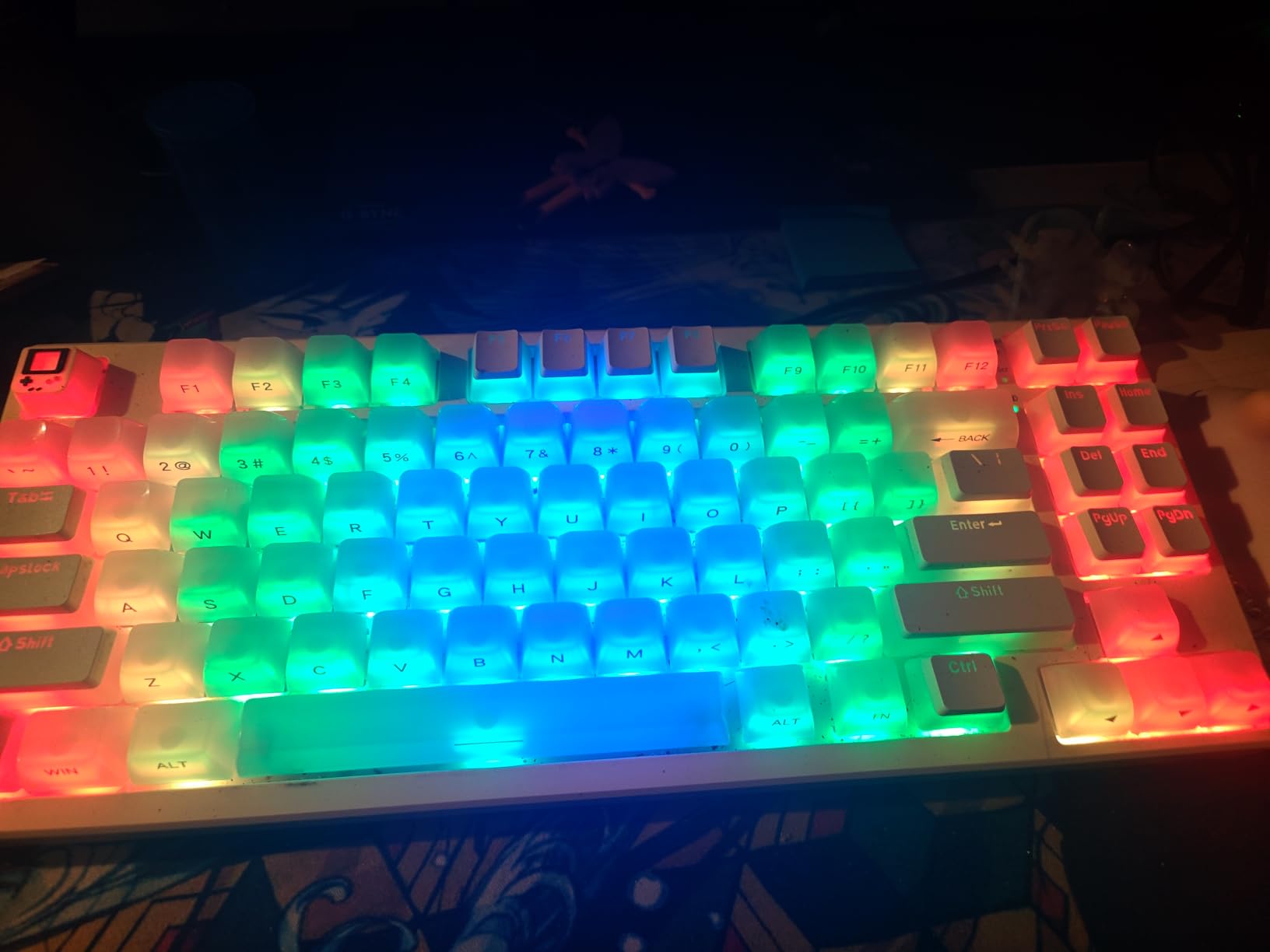
The KN85 is among the widest boards on this list at 13.68 inches, and that width is intentional rather than a flaw. It is an 85-key layout that keeps Home, End, PgUp, PgDn, Insert, Delete and Print Screen in their normal positions, which is the compromise-free answer to the layer complaint that dominates 60% boards. If your desk is tight but not the tightest on this list, that extra half inch buys you a normal-feeling typing experience.
Wireless is the other draw. Three switchable Bluetooth channels plus 2.4GHz and wired, measured latency runs 2 ms over USB, 5 ms on 2.4GHz and 11 ms over Bluetooth, and the 4000mAh battery matches the larger packs here. You can type while it charges.
Acoustics and the Spacebar Problem
The gasket mount with multiple foam and silicone layers produces a marbly thock from the pre-lubed Bsun linears at 45-50 gf, and reviewers treat this board as the current value benchmark for entry-level custom-style builds, often comparing it directly to the AULA F75. Volume is the catch: several owners consider it too loud for a shared office, and one reports switching back to a normal keyboard at work because of it.
The spacebar is the out-of-character element. It produces a noticeably louder thunk than everything else unless you add O-rings or foam, which is an easy first mod once you have the board running. There is no volume knob or scroll wheel, so volume is a key combination.
Modding, Lighting and Keycap Quality
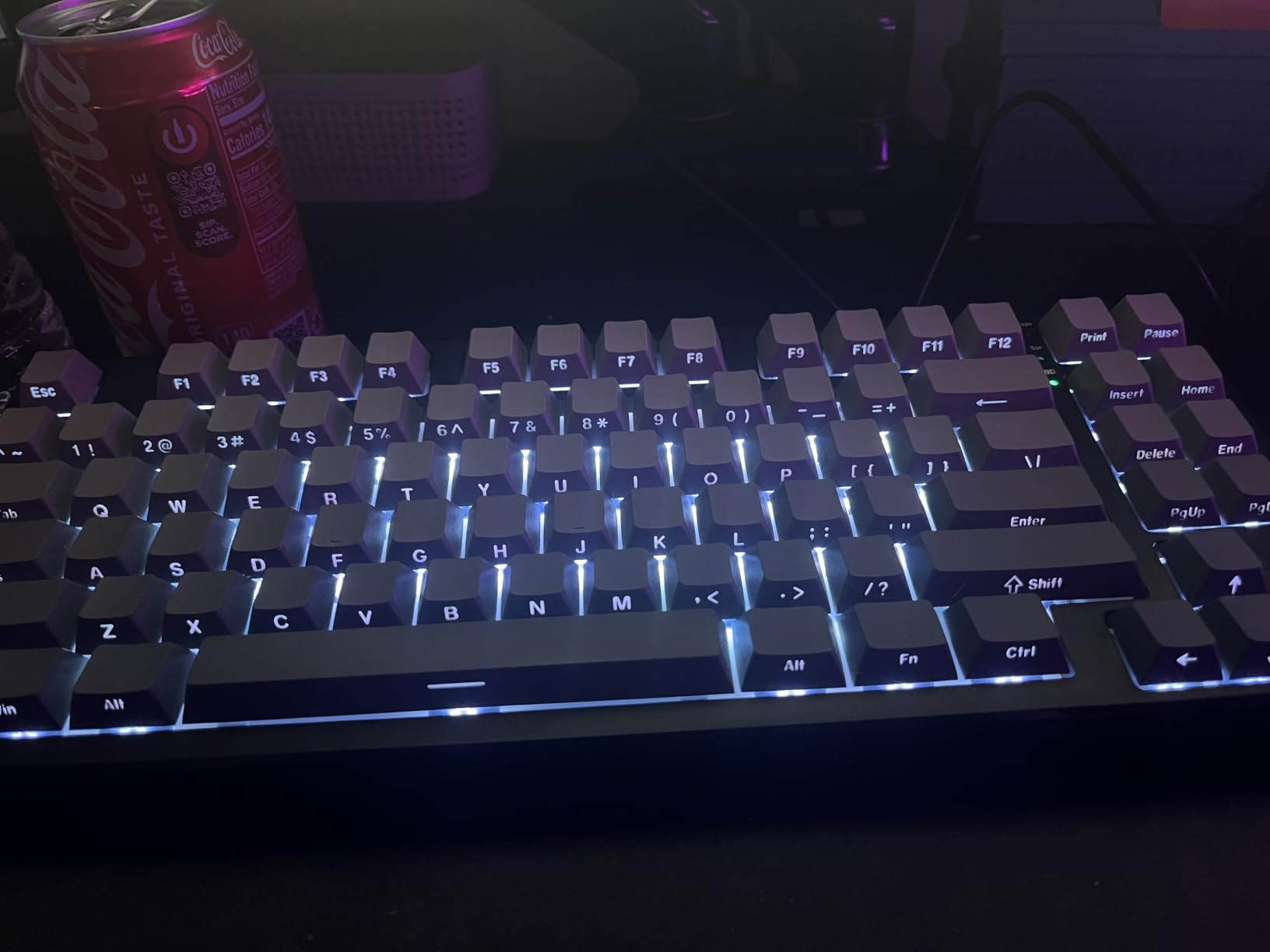
The screwless case, hot-swappable sockets and a two-stage flippy foot make this one of the easiest boards here to open up, which suits a tiny desk where you may want to change the angle without tools. The bundled Windows driver handles remapping and macros, though Signal RGB is often reported as the better tool for lighting, and the driver is Windows only in wired or 2.4G mode.
South-facing LEDs mean shine-through keycaps will not light properly, and some owners report legend shine on the WASD cluster that suggests thick ABS rather than true PBT. It also carries a two-year manufacturer warranty, which is longer than most boards here.
7. EPOMAKER x Aula F65 – Narrowest 65% for the Tightest Desks
EPOMAKER x Aula F65 65% Wireless Hot-Swappable Gasket Mechanical Keyboard
65% 67-key layout, only 4.55 in deep
Five-layer sound dampening
Flex-cut PC plate
1000Hz polling rate
Pros
- Deep creamy sound from five dampening layers
- One of the shortest footprints here
- Light enough to carry between locations
- Sturdy build for a plastic case
- Hot-swappable sockets
Cons
- Battery drains to about 8 hours in 2.4GHz
- No static RGB colour mode
- VIA setup requires firmware flashing
- No function row
- Some reports of 2.4GHz lag
Depth is the dimension most people overlook, and the F65 is one of the shortest boards here while still giving you a real arrow cluster. At 4.55 inches deep and 12.8 inches wide, it leaves genuine room between it and the desk edge, which is exactly the space your wrists need on a small surface.
The acoustics come from a five-layer dampening stack: two Poron foam layers, an IXPE switch pad, a PET sound pad and a bottom silicone pad, combined with a flex-cut polycarbonate plate. The result is a deeper, softer bottom-out than the plate alone would give, and the pre-lubed stabilizers are tuned to match.
The Function Row Is Missing by Design
This is a 65% board with no function row and no knob, which is what makes it so narrow. F-keys live behind a layer, so the same learning-curve caveat that applies to 60% boards applies here too, just with arrow keys spared. If your priority is the shortest possible typing surface, that trade is worth it. If you press F-keys constantly, it is not.
Wireless covers Bluetooth 5.0, 2.4GHz and wired USB over a 4000mAh battery, but the battery story is the weak point. The 2.4GHz battery indicator is optimistic, and reported runtime drops to roughly eight hours on a low battery. One review also reports severe 2.4GHz lag alongside a firmware update that left the board unable to power on, so wireless gaming reliability is inconsistent.
Lighting and Firmware Realities
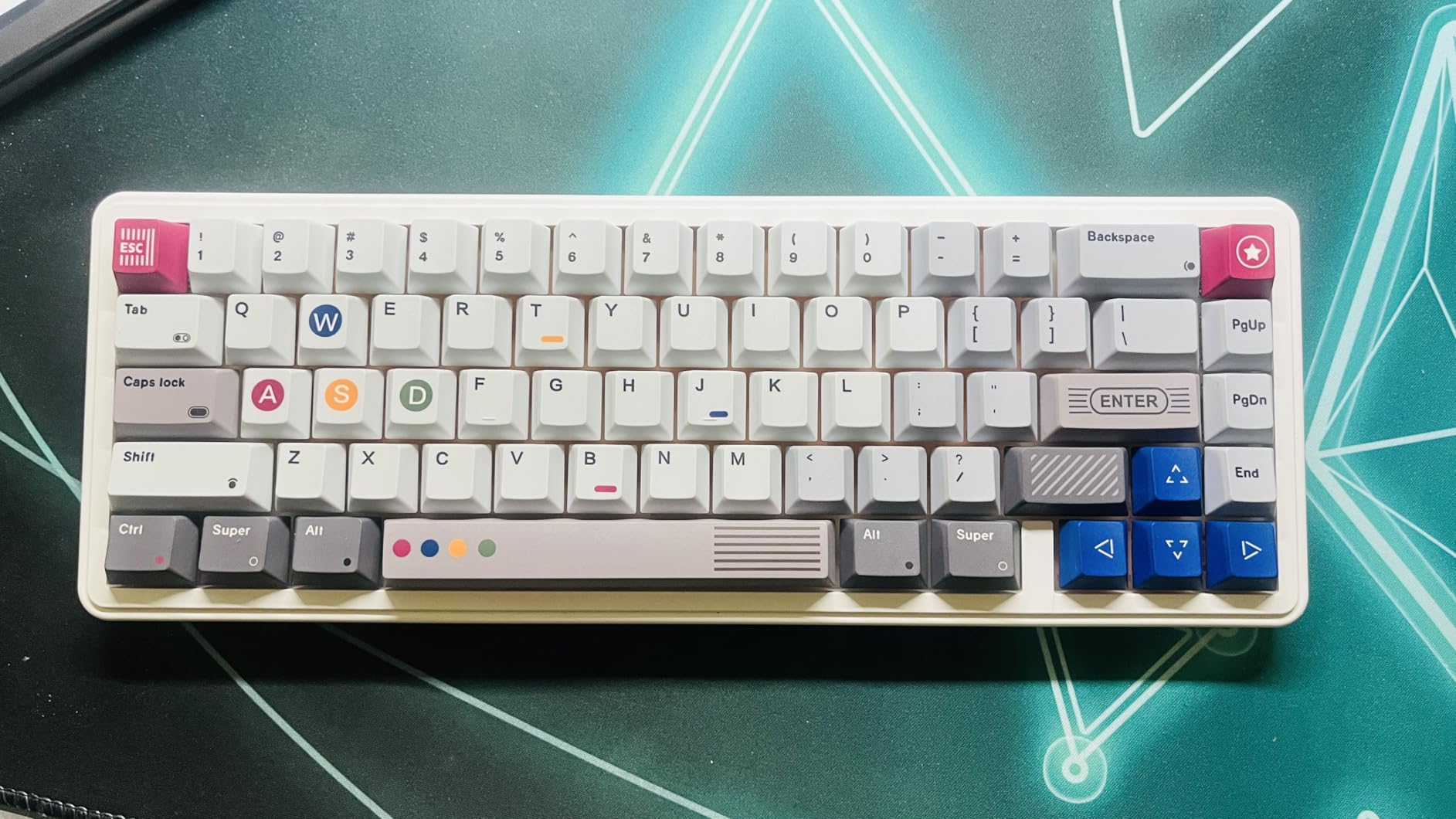
South-facing RGB with a side light bar gives the board a distinctive look that stays visible in daylight, and 16.8 million colours are available at a 1000Hz polling rate. There is no static solid-colour mode, only flowing, waving or pulsing effects, which some people find distracting rather than decorative.
VIA support is possible but requires flashing firmware and installing the standalone desktop app, and one owner describes the process as unfriendly to non-technical users. EPOMAKER support has resolved a VIA recognition issue for at least one buyer, so it is worth raising a ticket if remapping is important. The bundled Reaper switches and Cherry-profile caps are well received.
8. CACKBIRD 60% – Narrowest Case and Best Mac and Windows Compatibility
60% Wired Mechanical Gaming Keyboard with Blue Switches, LED Backlit
Narrowest case here at 3.93 in deep
61-key 60% layout, 1.3 in tall
Blue clicky tactile switches
Plug and play with no drivers
Pros
- Exceptionally narrow footprint saves a lot of space
- Clicky blue switches with strong tactile feedback
- Fn+Space puts a proper up arrow above the down arrow
- Even backlight with minimal bleed
- Works on Windows and Mac OS with no drivers needed
Cons
- Very loud clicky typing that is disruptive
- Switches are soldered despite some listings
- Some owners report keys failing over time
- Enabling arrow mode costs four right-side keys
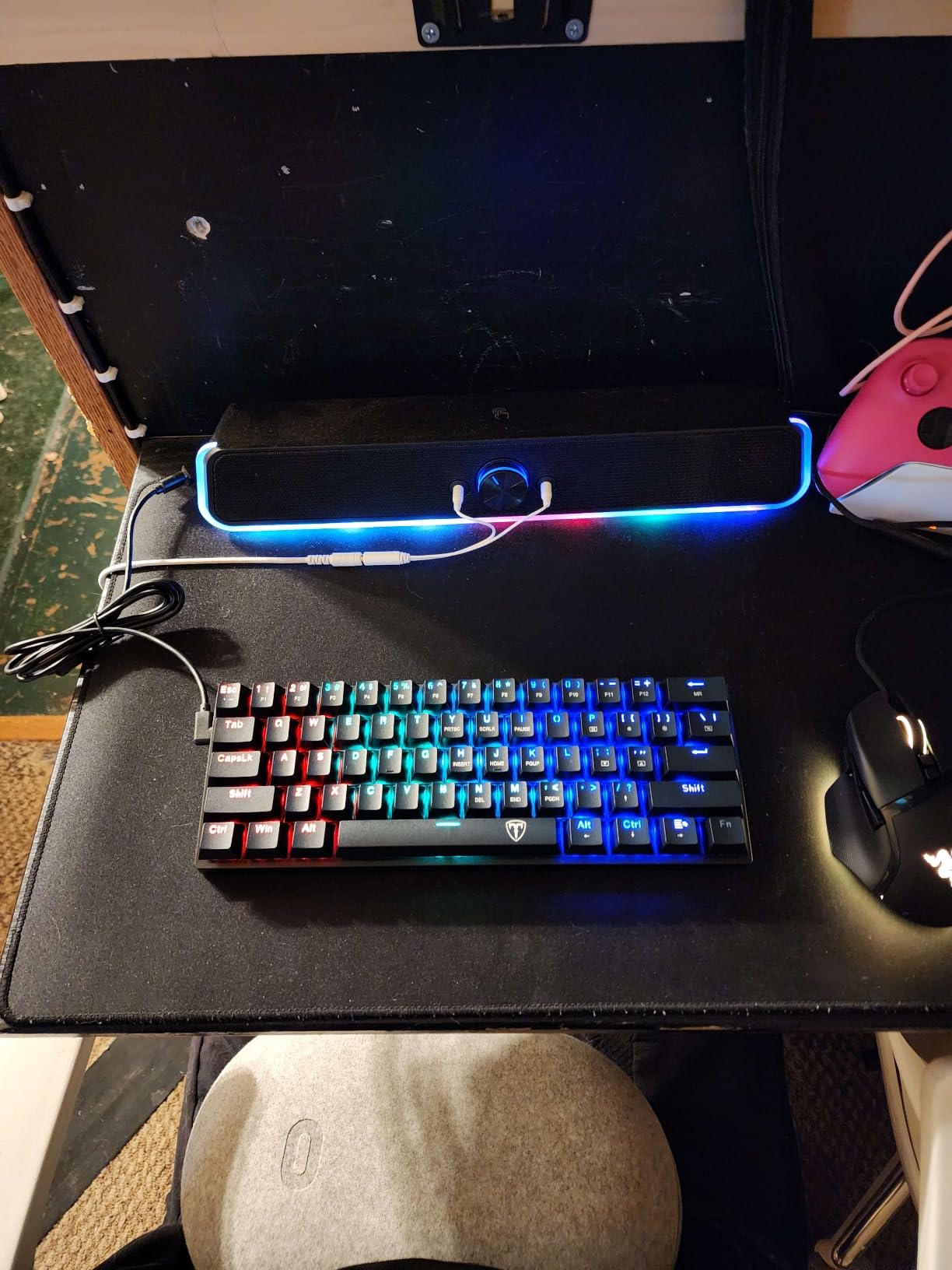
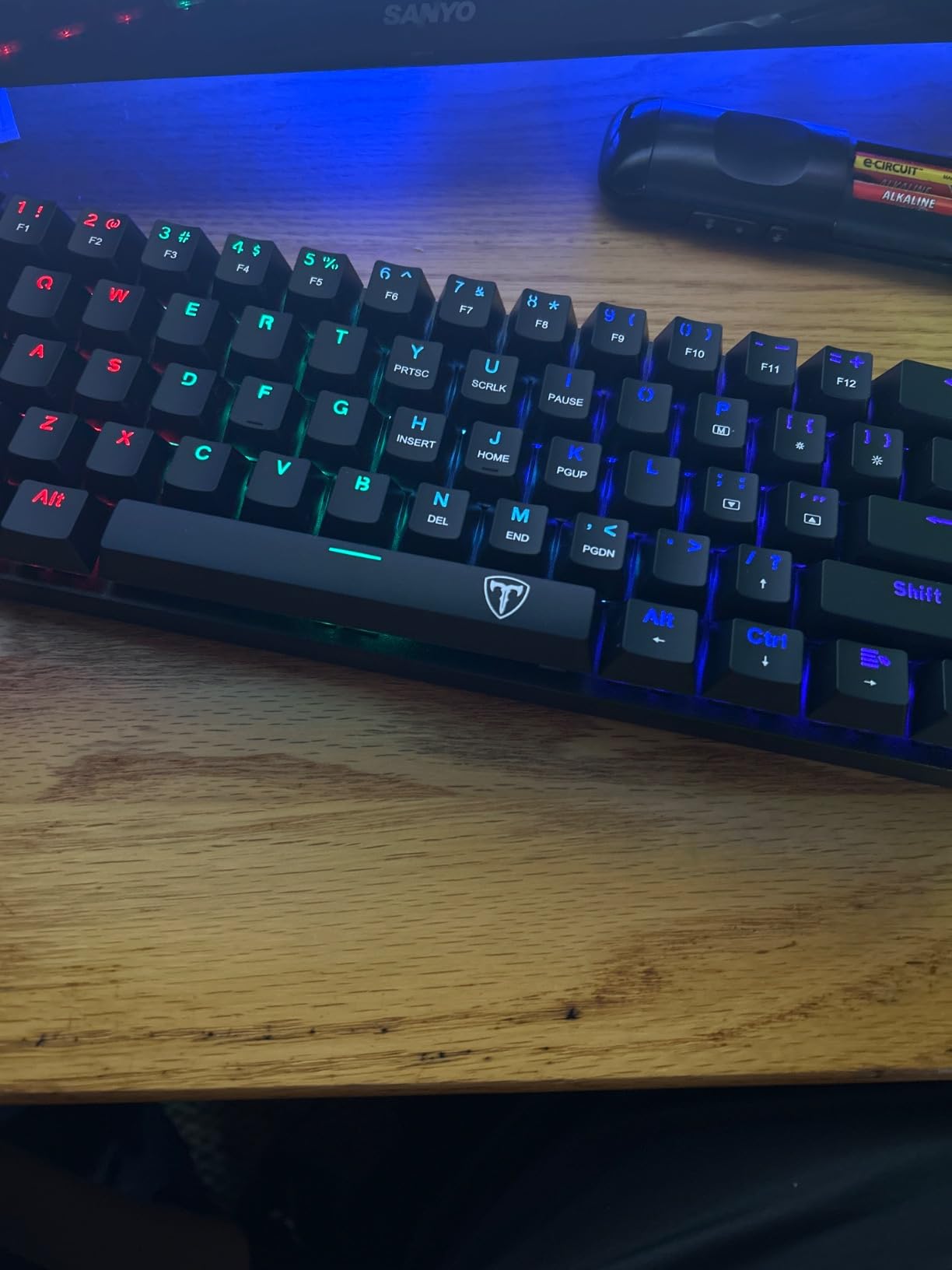
At 3.93 inches deep and 11.4 inches wide, the CACKBIRD has the narrowest width of any board here. It stands 1.3 inches tall, the lowest profile among the standard-height boards here, and the stair-up keycap design plus foldable kickstands give you a typing angle that some owners compare favourably to thicker cases. The double-injection ABS keycaps transmit the 18 LED rainbow backlight effects evenly, with minimal light bleed between keys.
Compatibility is the quiet advantage. It works with Windows, Mac OS and Vista with plug-and-play setup and no drivers at all, which makes it the least fussy option if you move between a work laptop and a personal machine. The long detachable USB-C cable reaches a port that may sit behind a monitor stand.
The Noise Problem Is Real
This is a loud board, and the blue clicky switches are the reason. Multiple reviews explicitly warn that the click would disturb anyone within earshot, which rules it out for open-plan offices, dorms and on-call setups. If you want a mechanical board on a tiny desk and you work alone, the tactile feedback is genuinely satisfying and some owners compare it to a vintage typewriter.
Switches are soldered to the board even though some listings imply hot-swapping, so there is no upgrade path. Some owners report keys failing after extended use and the board needing to be unplugged and replugged to recover, and the stair-up keycaps plus a steel plate make it heavier than other boards at this size.
Layer Tricks Worth Knowing
Full-key anti-ghosting is present, and the Fn+Space toggle switches the right-side cluster into a proper arrow arrangement with a usable up arrow above the down arrow. The cost is that the right Alt, Ctrl, Win and slash keys stop doing their normal jobs in that mode, and characters like the tilde need a three-key combination.
It supports five brightness levels and speeds plus one custom mode. The blue switches have a pronounced tactile bump and an audible click on actuation.
9. RK Royal Kludge RK68 – Best First Board for Customisation
RK ROYAL KLUDGE RK68 Wireless Hot Swappable 65% Mechanical Keyboard Gaming
65% 68-key layout retaining arrow keys
Hot-swappable 3-pin and 5-pin PCB
Factory foam and lubed stabilizers
1450mAh battery
Pros
- Foam and lubed stabilizers mean it sounds good unmodded
- 65% layout keeps arrows in a compact frame
- Hot-swap sockets make switch changes easy
- Stores three Bluetooth profiles
- Reliable pairing across Windows
- Mac
- Linux and phones
Cons
- Single-colour blue backlight only
- No 2.4GHz dongle
- Battery drains fast with backlight on
- Bluetooth lag appears when battery is low
- Short right Shift and no Home or End
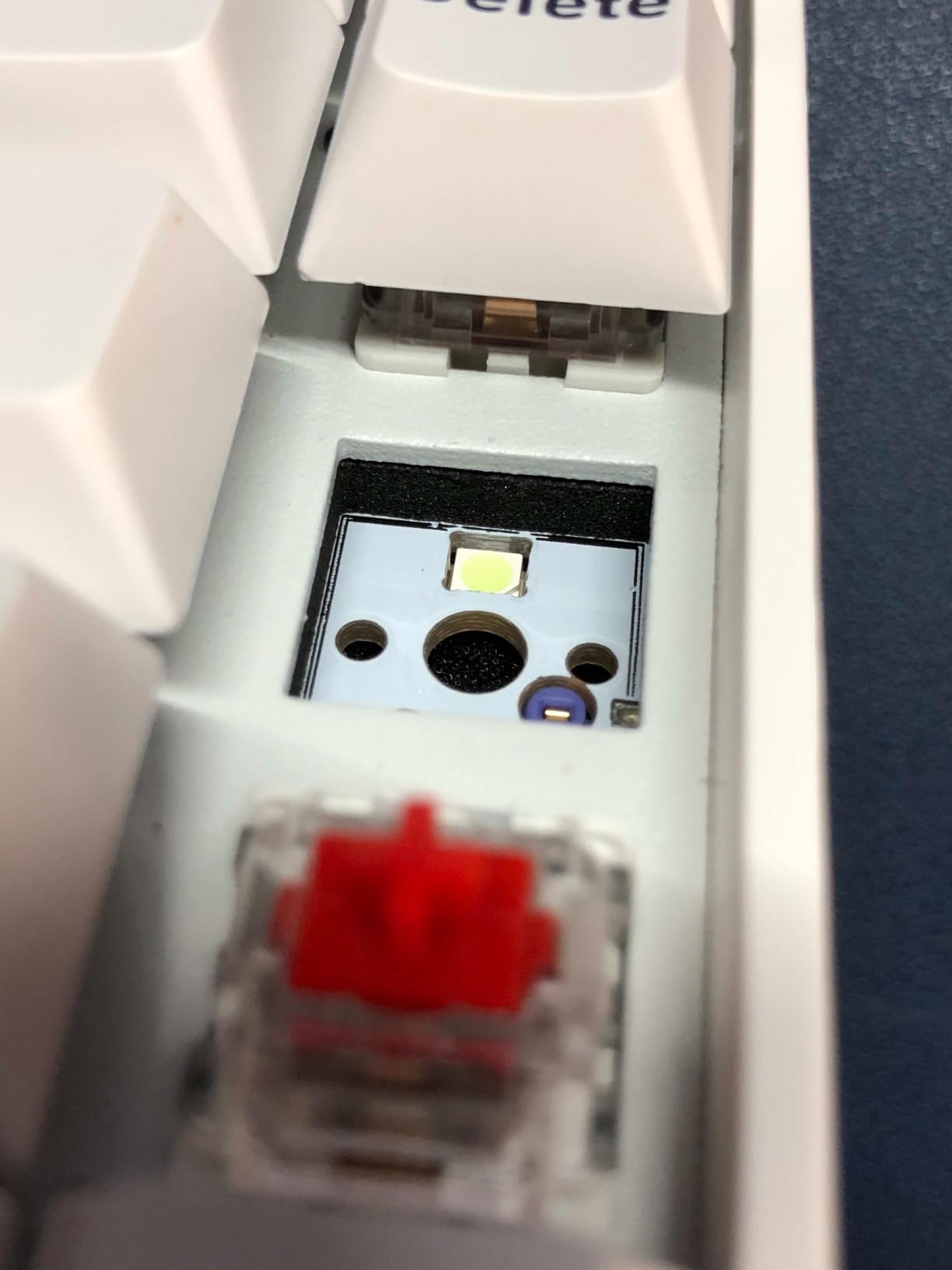
The RK68 is the recommendation for anyone who expects to change switches within a year. It arrives with foam between the plate and PCB and lubed stabilizers, which several owners flag as a pleasant surprise at this tier, because most boards in this class need that work before they sound acceptable. The 65% layout keeps dedicated arrow keys while staying compact, and the hot-swappable PCB accepts both 3-pin and 5-pin switches.
It is also among the wider boards here at 13.86 inches, so it is not the choice for the tightest surface, but it pairs reliably across Windows, Mac, Linux and phones with three stored Bluetooth profiles. If your tiny desk is also where you switch between a work laptop and a personal machine, that device management is convenient.
Battery and Wireless Gaps
The 1450mAh battery is among the smallest packs in this roundup, giving roughly 13 hours with the backlight off and considerably less with it on. One detailed long-term review describes battery death after about a year with no replacement offered, and Bluetooth input lag appears once the charge gets low. On a desk with no easy charging port, that is a planning issue rather than a dealbreaker, but it needs planning.
There is no 2.4GHz dongle, so it is Bluetooth and wired USB-C only, which makes it a poor choice for competitive gaming. The backlight is single-colour blue across 20 dynamic modes rather than RGB, and there is no caps lock indicator on the board itself.
Layout Frustrations to Expect
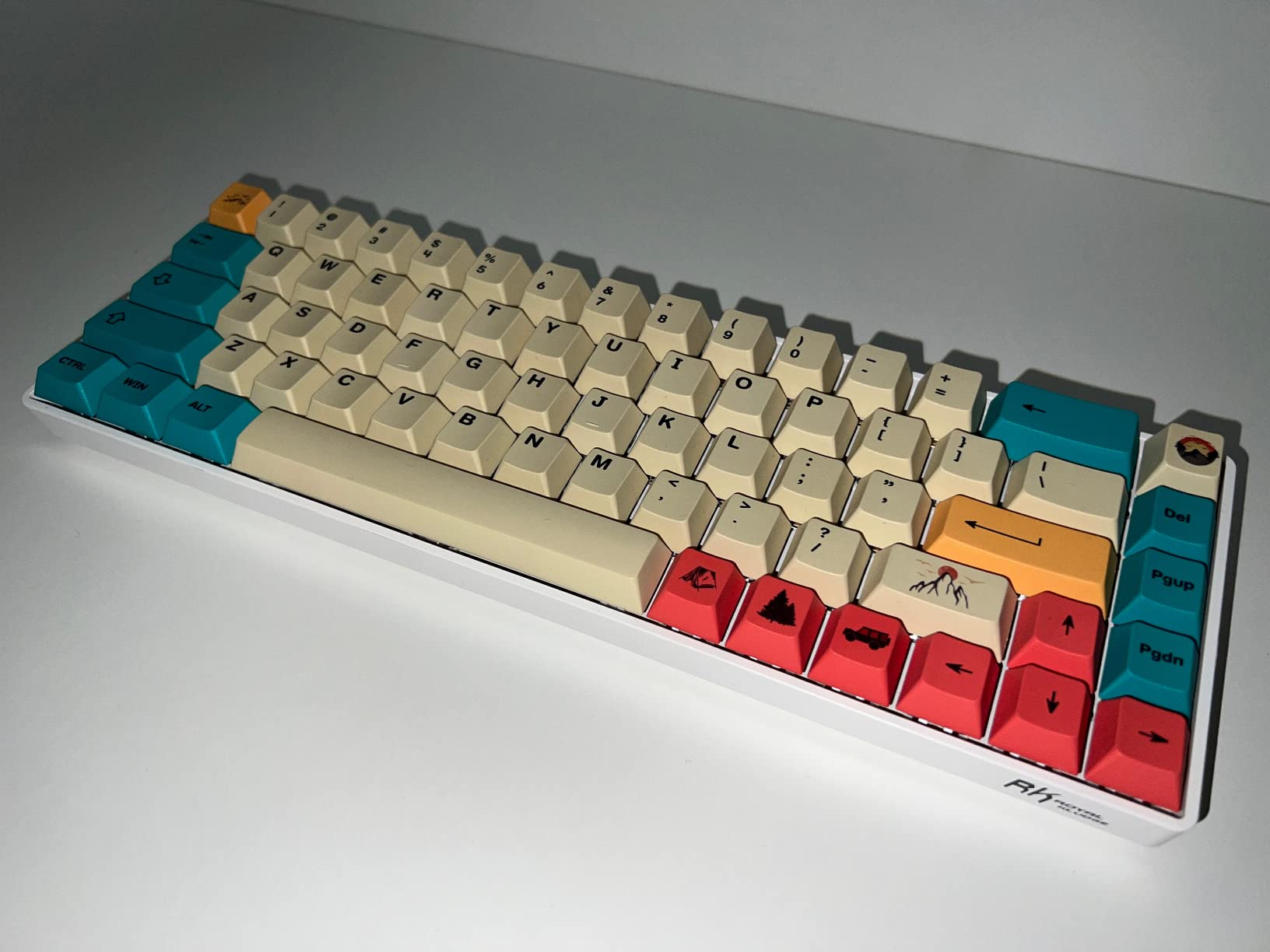
The 65% layout gives back the right Shift, which is shorter than standard, and omits Home and End keys entirely. Both are daily-use annoyances for touch typists, and a long-term owner lists them alongside the battery as the dealbreakers for using this as a single keyboard.
On the positive side, the case uses ABS with recycled post-consumer material and feels rigid rather than creaky, the supplied linear reds are smooth and quiet enough for most rooms, and the RK driver handles keybinding, backlight modes and key reassignment for anyone who wants layers without QMK.
10. DIERYA T68SE – Best Slim 60% That Still Has Arrow Keys
DIERYA T68SE 60% Gaming Mechanical Keyboard,Ultra Compact Mini 68 Key with Red Switches Wired Keyboard,Anti-Ghosting Keys, for Windows Laptops and PC Gamers,White
68 keys in just 11.41 in width
1.37 in tall, slim profile
Separate arrow cluster and Delete key
Polycarbonate plate, USB-C wired
Pros
- Exceptionally slim 60% footprint
- Separate arrow cluster and Delete key
- Solid weighted plastic base
- Linear reds feel creamy and relatively quiet
- Bright even per-key backlight
- Full anti-ghosting
Cons
- Switches are soldered and not hot-swappable
- Single-colour backlight not RGB
- No media control keys
- No bundled software
- One defective unit reported
The T68SE solves a specific annoyance that most 68-key boards share. At 11.41 inches wide and only 3.89 inches deep, it is one of the slimmest footprints in this roundup, yet it still gives you a separate arrow cluster and a dedicated Delete key rather than squeezing arrows into a function layer. That combination is genuinely rare at this width and it is the reason this board earns its place.
The base feels solid and weighted for a plastic case, closer to the feel of vintage Japanese plastic than the usual budget lightweight. Linear red switches give a smooth, creamy, relatively quiet typing feel, and the 19 built-in single-colour lighting modes with brightness and speed control produce sharp, even per-key illumination.
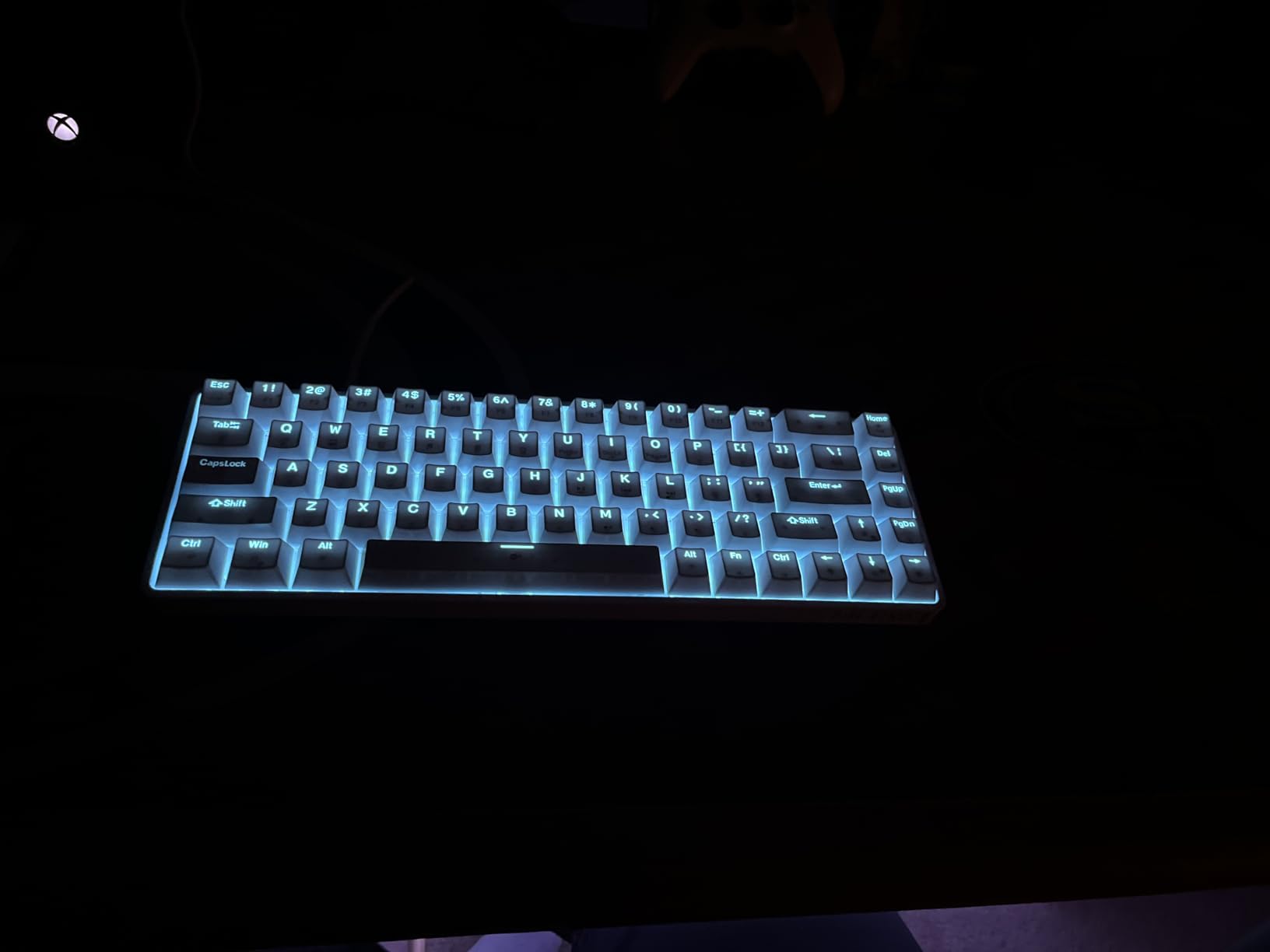
No Hot-Swapping and No RGB
The switches are soldered to the board and require soldering to change, which rules out the switch experimentation that makes several other boards here attractive. If you want to sample switch types, buy a hot-swappable board. If you have already chosen your switch, this is not a problem.
Lighting is single-colour blue rather than RGB, there are no dedicated media control keys, and no software is bundled, so lighting control is limited to Fn combinations. Compatibility covers Windows 11 through XP, Vista and Linux, with Mac OS only partially supported, so Mac users should test before committing.
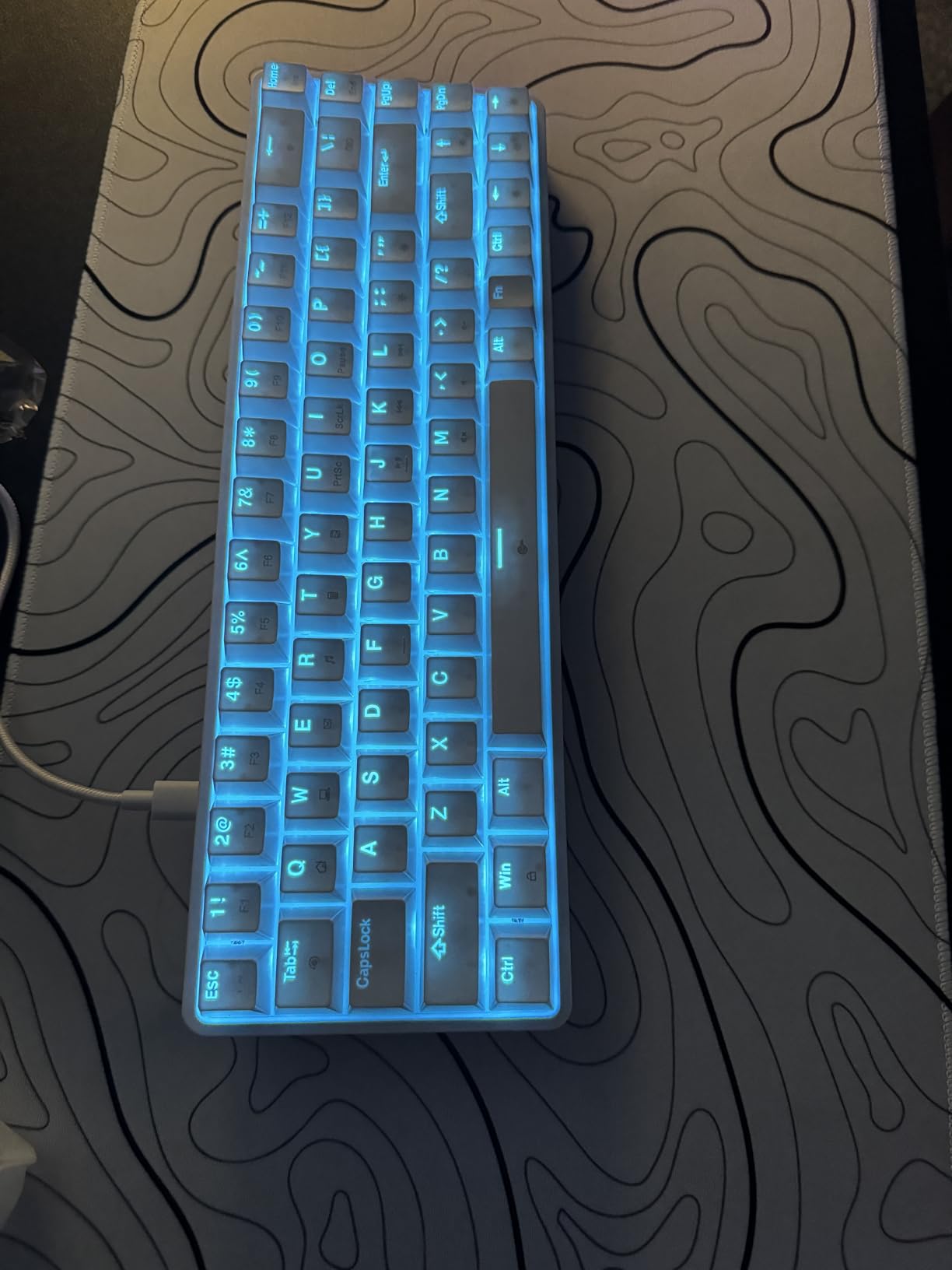
A Good Fit for First-Time Buyers
Full anti-ghosting across all 68 keys means you can press everything at once, and the USB-C connection is more stable than the older micro-USB approach used on budget boards. For a first mechanical keyboard on a small desk, the low weight and narrow footprint make it easy to move around while you adjust to the feel.
A small number of reviews mention receiving a unit with all keys unresponsive and slow customer support, though the manufacturer later apologised. It is worth testing every key on arrival.
11. Keychron K3 – Thinnest Board for Limited Vertical Space
Keychron K3 Version 2 QMK 75% Wireless Low-Profile Mechanical Keyboard
75% low-profile at only 0.87 in thick
84 keys, 500 g weight
QMK firmware with Keychron Launcher
Bluetooth 5.1 for three devices
Pros
- Very thin and light
- saves vertical desk space
- Open-source QMK for full remapping and macros
- Switches reliably between three devices
- Comfortable over long typing sessions
- Mac and Windows keycaps included
Cons
- Shorter travel and firm clicky bottom-out
- Proprietary keycap profile blocks third-party sets
- Switches are not hot-swappable
- Single-colour white backlight
- Limited battery life
The K3 is the answer when width is not your constraint but height is. At 0.87 inches thick, it is the thinnest board in this roundup, and at 500 g it is light enough to move between a desk and a lap. On a tiny desk with a low monitor stand or a shallow keyboard tray, that vertical clearance is the difference between fitting and not fitting. The 75% layout still gives you 84 keys with a function row.
Its real strength is firmware. Open-source QMK with the Keychron Launcher web app gives you full remapping, macros and layers without a native app, and the Broadcom Bluetooth 5.1 chipset pairs up to three devices. Extra Mac and Windows keycaps are included, which removes the usual layout guesswork on a mixed-OS desk.
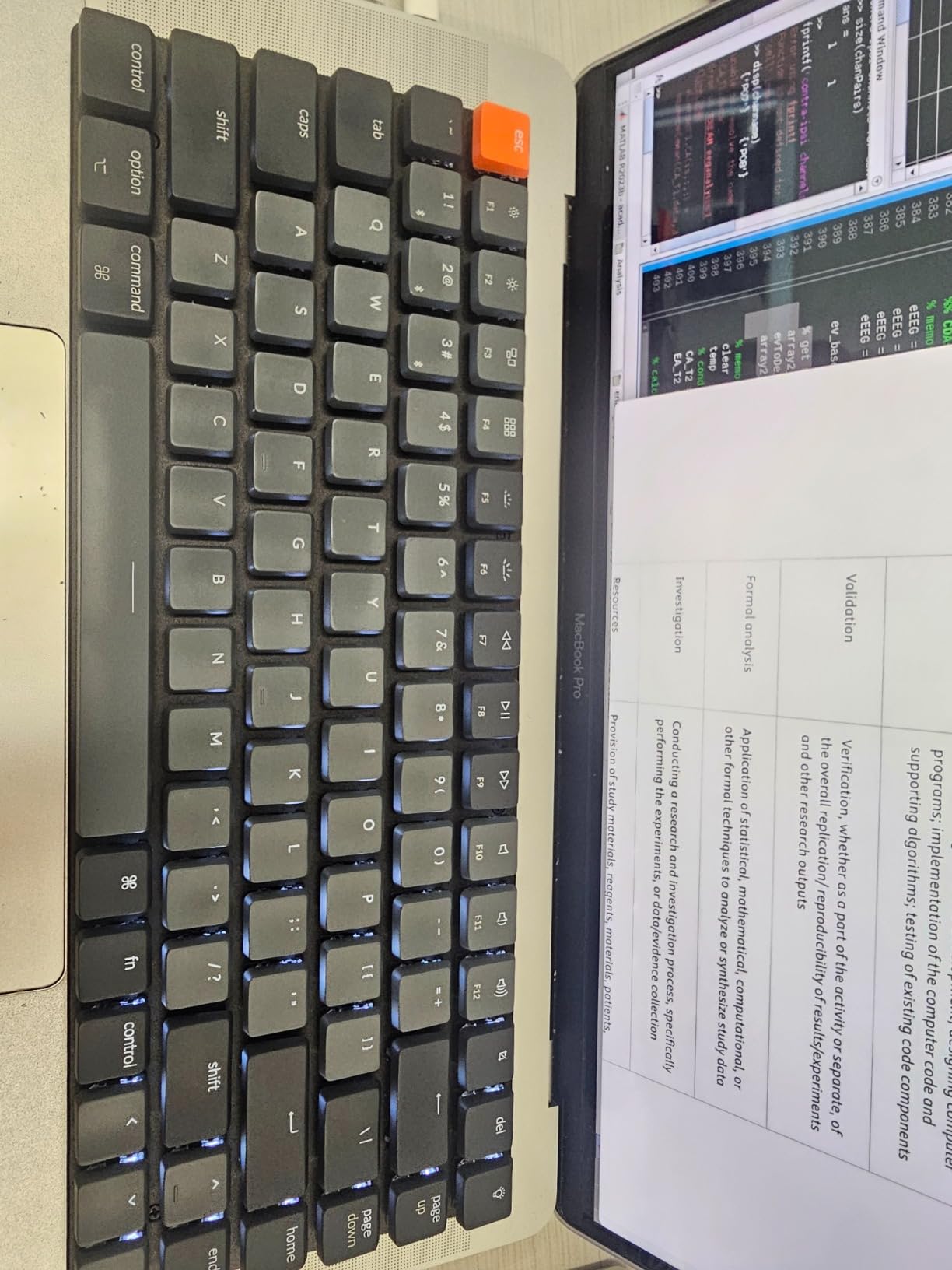
Low-Profile Hardware Comes With Trade-Offs
Low-profile switches have noticeably shorter travel and a firmer, more clicky bottom-out than standard mechanicals, and that is the single most common criticism in the reviews. The floating keycap design looks clean and the profile is comfortable over long sessions, but if you prefer the deep travel of a full-height switch, this is a different feel rather than a cheaper one.
The proprietary low-profile keycap profile means third-party keycap sets do not fit, so customisation is limited to what Keychron sells. The switches are not hot-swappable, lighting is single-colour white with no RGB, and battery life is limited compared with full-size wireless boards.
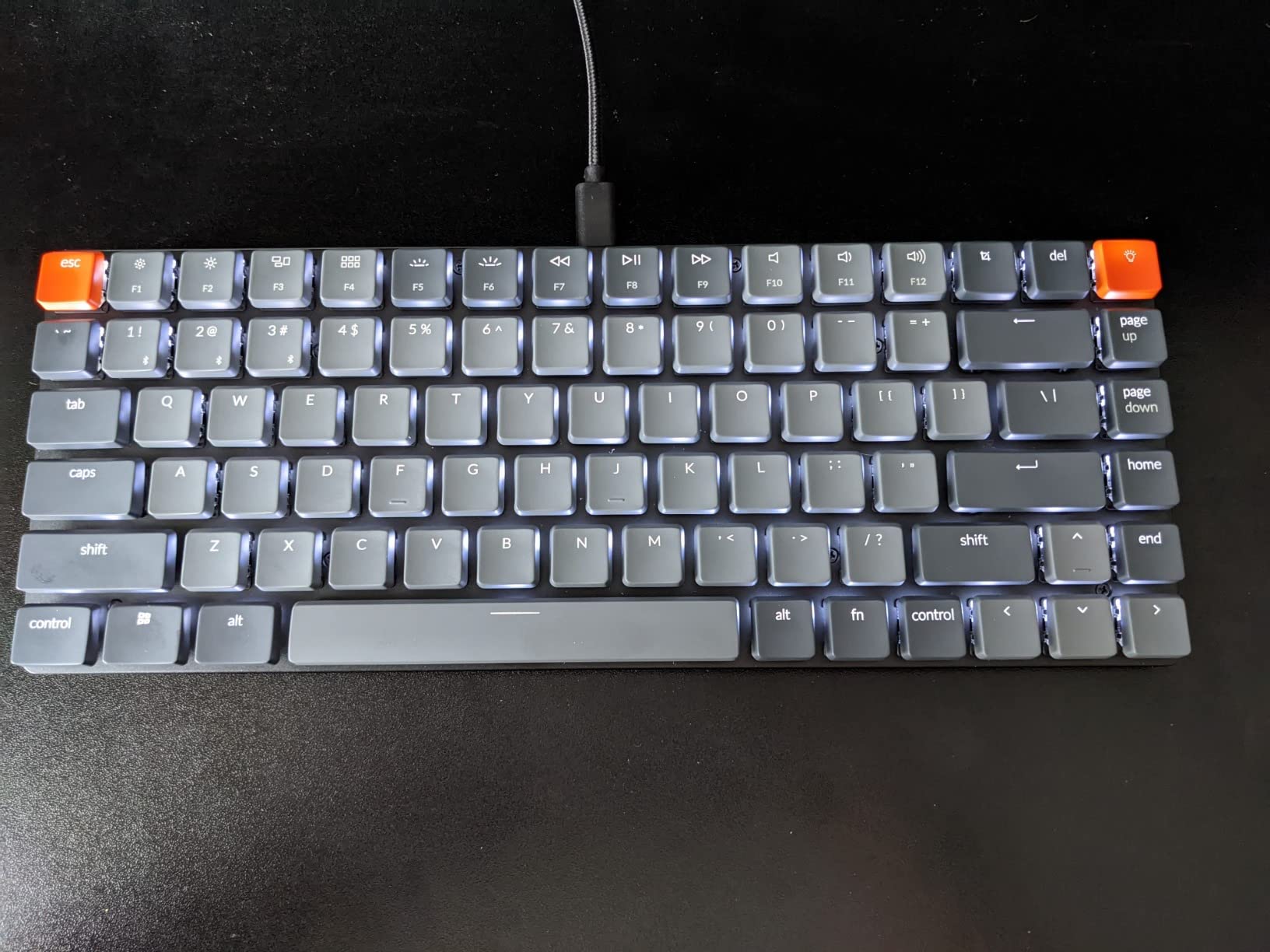
Build Quality Caveats and Best Fit
The reinforced aluminum body sits on a plastic bottom frame, and some users report the case flexing or sounding hollow in a way that aluminum boards here do not. The floating keycap design and white backlight give it a minimal look that suits a small desk, where a board with a busy top edge can feel crowded.
It works best for someone who wants a Mac-style compact layout, reliable multi-device pairing and programmable layers, and who will accept shorter travel in exchange for a profile that fits almost anywhere. If you want the deepest sound and the widest customisation, a full-height board on this list is a better fit.
12. MageGee MK-Box – Best Plug-and-Play 60% With a Function Row
MageGee Portable 60% Mechanical Gaming Keyboard, MK-Box LED Backlit Compact 68 Keys Mini Wired Office Keyboard with Red Switch for Windows Laptop PC Mac – Black/Grey
68-key 60% with F-row and arrows, 510 g
16 blue backlight modes
Detachable USB cable, kickstand feet
Windows, Linux and Mac support
Pros
- Narrow 60% footprint that still has a full F1 to F12 row
- Light 510 g body is easy to carry
- Linear reds are fast with a slight unobtrusive sound
- Bright blue backlight with about 16 modes
- Full anti-ghosting across all keys
- Works on Windows
- Linux and Mac with no drivers
Cons
- Mixed build consistency in reviews
- Single-colour blue backlight only
- Switches are not hot-swappable
- Lightweight ABS build
- Some reports of key chatter
- No media keys
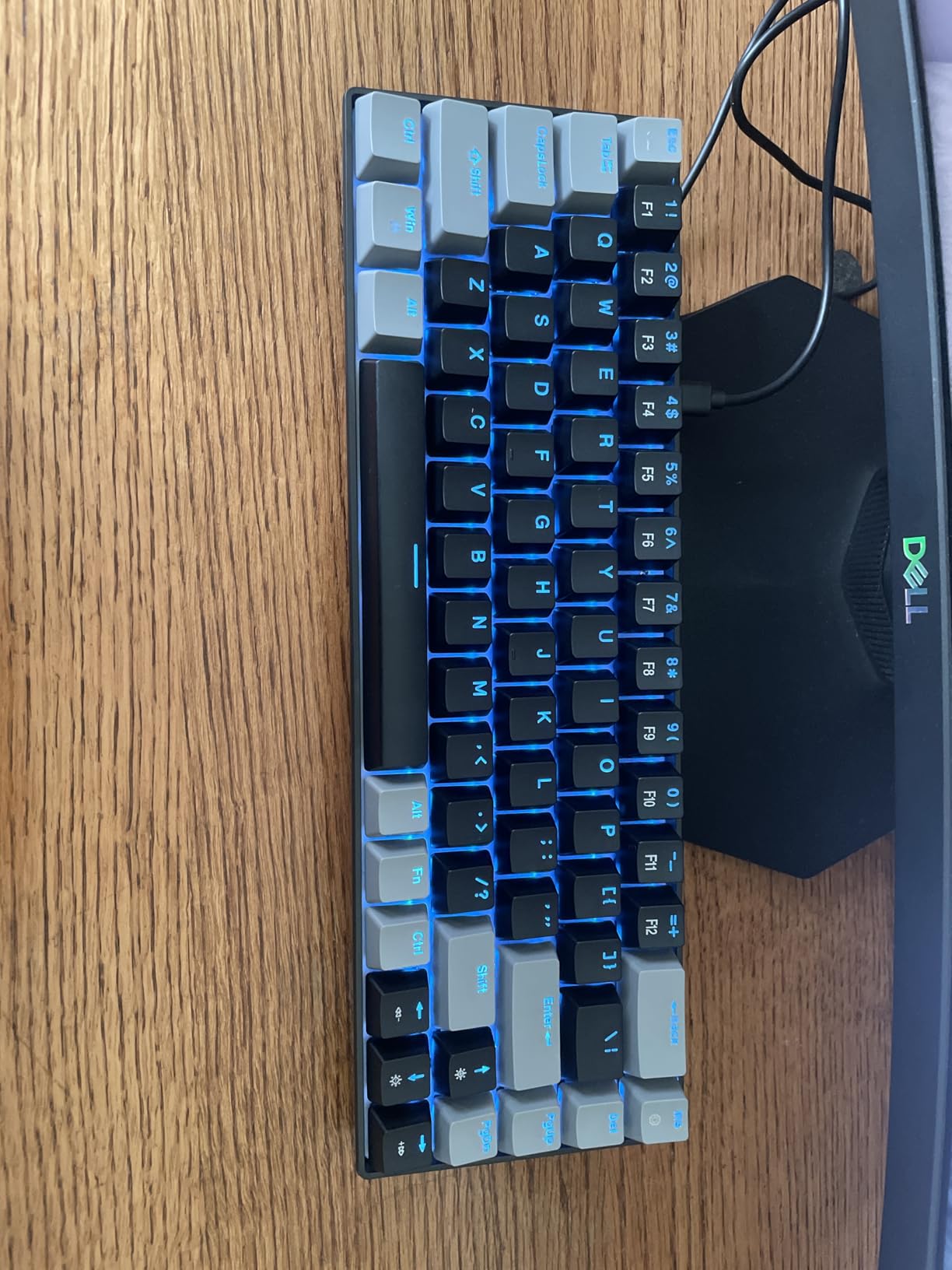
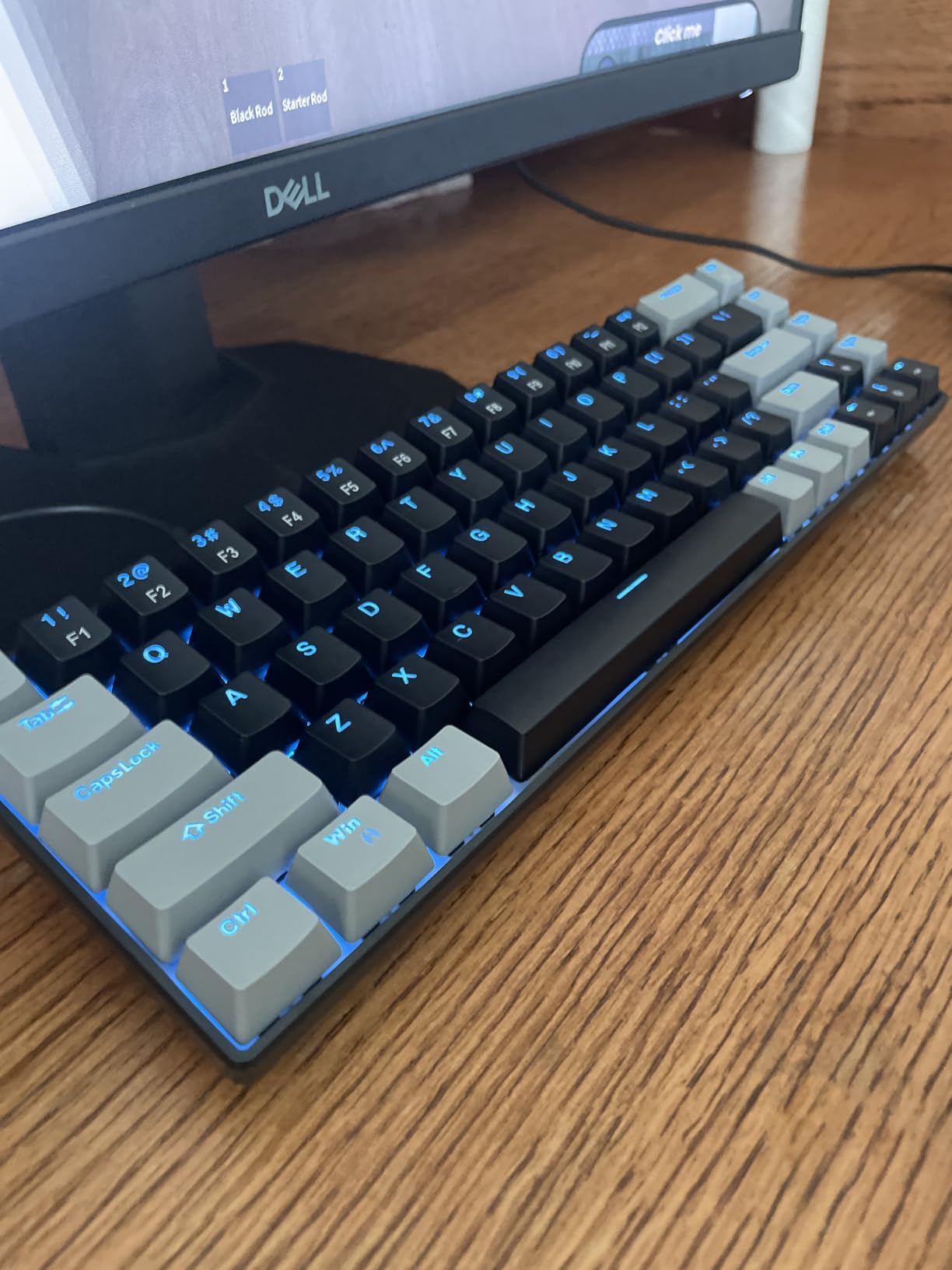
The MK-Box is unusual among 68-key boards in keeping a full F1 to F12 row, and that is a meaningful difference on a tiny desk. You get 68 keys with dedicated arrows and a real function row in a 12.13 by 3.98 inch footprint at 510 g, and the whole thing runs on a detachable USB cable with no drivers on Windows, Linux or Mac.
With nearly 4,000 reviews and a 4.2 average, satisfaction is more mixed than the boards above it. Many owners keep it as a secondary or travel keyboard, and a notable share report key chatter or inconsistent build quality, so it is best treated as a lightweight companion board rather than the sole daily driver.
Why the Rating Sits Lower
The recurring complaints are consistent: single-colour blue backlight instead of RGB, soldered switches with no hot-swap option, no media control keys, and a lightweight ABS build that feels thin next to the aluminum and gasket-mounted boards here. A seven percent one-star share reflects the same pattern. Reviewers who expect a premium daily driver are disappointed, and reviewers who wanted a cheap portable board are satisfied.
Lighting control runs through Fn combinations rather than software, with about 16 blue modes, brightness and speed on Fn plus arrow keys. Double injection keycaps and double kickstand feet handle the typing angle, and the suspended ergonomic keycap profile looks cleaner than a flat budget board.
When It Is the Right Call
Choose this board when your tiny desk needs two keyboards rather than one, or when you want a full function row in a narrow frame without extra cost. The 510 g weight and detachable cable make it one of the easiest boards here to move between a desk, a lap and a shared table.
The red linear switches actuate fast with a slight, unobtrusive key sound that is far less disruptive than clicky boards, and full anti-ghosting across all 68 keys removes input reliability as a concern. If you need RGB, hot-swapping or a heavier build, step up a slot.
How to Choose a Compact Mechanical Keyboard for a Tiny Desk
Measure Your Usable Width First
Do not measure the desk. Measure the gap between whatever is at the back, usually a monitor stand or a laptop riser, and the front edge. That number is your real constraint, and a monitor base often eats 4 to 6 inches that the desk dimensions imply you have.
Then subtract the mouse. If you use a large mouse, allow at least 8 inches of clear width beside the keyboard, which is why a 60% board often frees enough room to upgrade from a small mouse to a proper one rather than living with a cramped pad.
Decide How Much Layout You Will Actually Give Up
The honest framework is to ask what you do with F-keys and arrow keys today, not what you might do. If you answer both with regularly, a 75% board like the AULA F75 or RK Royal Kludge R75 removes almost nothing from your workflow. If F-keys are rare but arrows are constant, a 65% board is the efficient choice.
Only drop to 60% if you are willing to build the layer into your muscle memory. The learning curve is real, and the community pattern we found is that people who downsize to 60% often wish they had chosen 65% or 75% instead. If you are unsure, a 75% board on this list will frustrate you less in the long run.
Pick Your Switch by Sound, Not by Name
For a shared room, a quiet linear or silent tactile is the only sensible choice. Reviewers most often describe the RK Royal Kludge R75 as the quietest mechanical they have used, and the AULA F75 and Kisnt KN85 are noticeably louder, with the KN85 loud enough that some owners went back to a normal keyboard at the office. Clicky blue switches, as on the CACKBIRD, are the worst option in any space other than a closed room.
Force matters more than type for comfort. The pre-lubed Bsun linears on the KN85 sit at 45-50 gf, a middle ground that most people can type on for a full day. Heavy 60 gf-plus tactile switches are better for people who type hard and want feedback than for those who want a desk that stays quiet.
Wireless or Wired on a Cramped Surface
Wireless buys you the ability to clear the desk entirely, which on a tiny surface is worth more than it sounds. The AULA F75 and Kisnt KN85 both pair several Bluetooth devices and both carry 4000mAh batteries, which is the practical minimum for a wireless board you do not want to charge weekly.
Smaller batteries are the trap. The RK Royal Kludge RK68 carries 1450mAh and drains quickly with the backlight on, and Bluetooth lag appears when the charge gets low. The EPOMAKER x Aula F65 reports roughly eight hours in 2.4GHz mode. If your desk has no reachable USB port, weight battery capacity above every other wireless feature.
Decide Whether You Will Ever Mod It
Hot-swappable sockets let you change switches without soldering, and they turn an okay board into one you keep for years. Six boards here have full hot-swap sockets, and the RK Royal Kludge R75 and AULA F75 pair that with gasket mounting and pre-lubed stabilizers, which is the combination that survives someone who starts modding.
Keycap material is the quieter quality signal. PBT caps resist the greasy shine that develops on ABS after a few months, and double-shot PBT with side-printed legends is what the HyperX Alloy Origins 60 does well. If you plan to write a lot, PBT is the one spec worth paying for over a nicer light diffuser.
Mac Users Should Check Software Twice
Windows is the default target for most software in this category, and several boards here have gaps. The AULA F75 lacks driver support on macOS for some colourways, the CACKBIRD, DIERYA T68SE and MageGee MK-Box need no drivers at all, and the Keychron K3 is the most Mac-oriented with bundled Mac and Windows keycaps.
If you switch between an Intel and Apple Silicon machine, Bluetooth multi-device pairing matters more than any lighting feature. The AULA F75 supports five devices, the Kisnt KN85 and Keychron K3 support three each, and the RK Royal Kludge RK68 stores three profiles. If you are still new to the category, start with our mechanical keyboard beginner guide to get the fundamentals straight.
Frequently Asked Questions
What is the best keyboard size for a tiny desk?
A 75% layout is the best size for most tiny desks. It keeps a full function row, dedicated arrow keys and often a rotary knob while measuring roughly 12.7 inches wide, which frees up meaningful mouse room. Choose 65% if you want a shorter body and can live without function keys, and 60% only if you will use a second layer for them.
What is the smallest mechanical keyboard size?
The smallest practical mechanical keyboard is a 42-key split board such as the Corne or CRKBD. Below that, 32-key designs like the MiniDox exist but community consensus treats them as extreme rather than everyday usable. Among conventional boards, 60% layouts at around 11.4 inches wide are the smallest mainstream option, and the DIERYA T68SE and CACKBIRD 60% are the most compact in this roundup.
What is the thinnest mechanical keyboard?
The thinnest mechanical keyboard in this roundup is the Keychron K3, a 75% low-profile board that measures just 0.87 inches thick and weighs 500 g. Low-profile boards save vertical desk clearance rather than width, which matters when a shallow keyboard tray or a low monitor stand limits the space above your desk. The trade-off is shorter switch travel and a firm bottom-out.
What are the disadvantages of a 60% keyboard?
A 60% keyboard removes the function row, the navigation cluster and often a full-size right Shift, forcing you to use an FN layer for all of it. Some users also find that FN-layer keys cannot be pressed at the same time as regular keys, which breaks certain game shortcuts. US ANSI-only layouts are another limitation, and the learning curve is the most commonly cited regret.
Can you use a mechanical keyboard without a numpad?
Yes, for almost all work. The workaround spreadsheet users describe is a separate wireless numpad kept in a drawer and brought out only when figures need entering. Many of them report that once they stopped fearing the layer switching, the productivity loss from losing the onboard numpad turned out to be minor.
Are compact mechanical keyboards good for gaming?
Compact mechanical keyboards are good for gaming, and 60% layouts are popular in competitive scenes because they leave the most room for mouse movement. Look for a wired connection or 2.4GHz wireless with a low latency figure, a 1000Hz or higher polling rate, and full-key rollover. The Logitech G PRO X 60% offers 1 ms LIGHTSPEED wireless, while the EPOMAKER x Aula F65 pairs hot-swappable sockets with a 1000Hz polling rate.
Final Verdict
If your priority is the flattest, most compact daily driver that still feels solid, the HyperX Alloy Origins 60 is the pick. Its 11.7 inch width, 1.5 inch height and aluminum body handle a cramped desk better than anything else here, and the only real cost is the missing function row.
If you want to keep a function row and arrow keys without giving up much width, the AULA F75 is the one to buy. It combines tri-mode wireless, hot-swappable sockets and a knob in a 12.7 inch footprint, and the sound is excellent without any mods. For a shared room, choose the RK Royal Kludge R75 instead, because owners most often describe it as the quietest mechanical they own and the gasket mount keeps it from ever getting hollow.
If your constraint is depth rather than width, the EPOMAKER x Aula F65 is only 4.55 inches deep and still has real arrow keys. If it is vertical clearance, the Keychron K3 at 0.87 inches thick is the answer. If you need the most mouse room of all and do not care about F-keys, the Redragon K617 is 9.6 ounces and travels anywhere.
Whatever you choose, measure the real gap behind your monitor stand first, because the number that decides your purchase is not on any spec sheet. If you are still weighing the basics of switch types, keycap materials and connectivity, our guide to the difference between mechanical and membrane keyboards is worth a read, and our small desk roundup covers the wider range of compact boards.