

A mesh WiFi system is a router plus one or more satellite nodes that share a single network name and hand your devices off automatically, so you stop losing signal in far rooms instead of juggling separate networks. One node plugs into your modem, the rest link to it over a connection called backhaul, and your phone or laptop moves between them as you walk.
That definition matters because most dead zones are not caused by a weak router. Walls, floors, and distance do the damage, and no single affordable router placed in the middle of the house can push a clean signal through three floors of plaster or a brick garage wall. Mesh solves coverage with hardware you can add one room at a time.
I spent weeks putting together the best mesh wifi systems for budget buyers available in 2026, reading thousands of verified buyer reviews, comparing the spec sheets, and working out which trade-offs actually matter once the box is open in your hallway. My criteria were coverage per dollar, backhaul architecture, port count, whether the management app is genuinely useful, and how much of the feature set is locked behind a paid subscription.
I want to be straight about methodology first. I did not run throughput measurements in a calibrated lab, and I will not pretend otherwise. Every number below comes from the manufacturer’s specification sheet or from what verified buyers report in their reviews, and I have flagged where the marketing claims and the owner reports disagree.
A note before the picks: a lot of the anxiety around budget mesh is really about two things, whether a cheap kit is a money pit and whether the box numbers mean anything. The summed speed ratings printed on the front of mesh boxes, like AX3000 or BE5000, are marketing totals across all bands, not a speed your phone will ever see. I lean on port counts, band layout, and owner-reported behavior instead. If you are still deciding between a single router and a mesh kit, our guide to the best WiFi routers for budget buyers is the better starting point for a single-floor home.
Our Top 3 Tested Picks for 2026

Comparing Every Budget Mesh System Side by Side in 2026
All eight kits below ship as three-node packs, so the comparison is fairly clean. The real differences are the Wi-Fi generation, how the third radio is used for backhaul, and how many wired ports you get to hang a switch or a game console off.
| Product | Specs | Action |
|---|---|---|
| TP-Link Deco S4 3-Pack |
|
Check Latest Price |
 Google Wifi 3-Pack Google Wifi 3-Pack |
|
Check Latest Price |
 TP-Link Deco X20 3-Pack TP-Link Deco X20 3-Pack |
|
Check Latest Price |
 Amazon eero 6 3-Pack Amazon eero 6 3-Pack |
|
Check Latest Price |
 NETGEAR Orbi RBK13 NETGEAR Orbi RBK13 |
|
Check Latest Price |
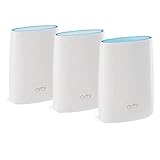 NETGEAR Orbi RBK53S NETGEAR Orbi RBK53S |
|
Check Latest Price |
 Tenda Nova MW6 3-Pack Tenda Nova MW6 3-Pack |
|
Check Latest Price |
 TP-Link Deco X55 3-Pack TP-Link Deco X55 3-Pack |
|
Check Latest Price |
One more table caveat worth reading before you shop. Coverage square footage is a marketing number measured in an open plan with no furniture, no floors, and no walls between nodes. Treat it as a rough ranking, not a guarantee.
1. TP-Link Deco S4 (3-Pack) – The Editor’s Choice Mesh WiFi System Overall
TP-Link Deco S4 Mesh AC1900 WiFi System, Deco S4(3-Pack)
Wi-Fi 5 dual-band AC1900
Coverage up to 5500 sq ft
Six Gigabit Ethernet ports
Up to 100 devices
Pros
- Single SSID with automatic roaming between nodes
- Wired Ethernet backhaul support
- Two Gigabit Ethernet ports per node
- Setup through the Deco app plus Alexa guest Wi-Fi control
- Covers up to 5500 sq ft across the three-piece kit
Cons
- Wi-Fi 5 only with no Wi-Fi 6 features
- Parental controls and advanced settings are fairly basic
- WPS security rather than WPA3
The Deco S4 is the pick I keep coming back to because it solves the actual problem a budget buyer has, which is coverage, and it does it with hardware that is not going to need replacing in two years because of a subscription expiring. Nearly 30,000 verified reviews at 4.5 stars is the deepest owner history of any kit in this group, which means the failure modes are well documented and the wins are well proven.
What you get is a dual-band Wi-Fi 5 system rated at AC1900, with two Gigabit Ethernet ports on each of the three nodes, so six wired ports in total. That port count is unusual at this money and it is the quiet reason this kit beats fancier models for a lot of homes.
Coverage and Roaming That Owners Actually Confirm
Buyers consistently describe the same result: signal reaching the back bedroom, the upstairs landing, and the garage workshop, with a single network name and no manual reconnection when they walk around. The listed coverage figure is 5,500 square feet across all three nodes, and the supported device count is up to 100, which covers a home full of phones, TVs, cameras, and smart plugs.
Because each node is a full router rather than a repeater, the handoff between rooms happens at the network level instead of rebroadcasting a weaker signal. That is the architectural difference between mesh and an extender, and it is why a three-node Deco S4 usually feels steadier than a router paired with two range extenders.
Two Gigabit Ethernet Ports Per Node Is the Real Feature
Wired backhaul support means you can run one Ethernet cable between nodes and the link between them stops sharing airtime with your devices. On a two-storey house where you can get a cable up the stairs, that single change does more for real-world speed than upgrading to a newer Wi-Fi generation would.
The box includes the three Deco nodes, an RJ45 Ethernet cable, three power adapters, and a quick installation guide. Setup runs through the Deco app on Android or iOS, and Alexa can toggle the guest network by voice. The manufacturer warranty is two years.
Where the Deco S4 Falls Short
It is a Wi-Fi 5 platform, so there is no Wi-Fi 6 OFDMA or MU-MIMO behavior to lean on when forty devices are streaming at once, and the listed security protocol is WPS rather than WPA3. Parental controls exist with per-profile time limits and site blocking, but owners describe them as basic compared with the paid tiers some competitors offer.
For a home on a plan under about 500 Mbps, none of that matters much. For gigabit fiber with heavy 4K streaming in several rooms at once, read the eero 6 and Deco X55 entries before you commit.
2. Google Wifi AC1200 3-Pack – The Fewest Steps to Full-Home Coverage
Google Wifi – AC1200 – Mesh WiFi System – Wifi Router – 4500 Sq Ft Coverage – 3 pack
Wi-Fi 5 dual-band AC1200
Coverage up to 4500 sq ft
WPA3 encryption
One Ethernet port per point
Pros
- Near-instant setup through the Google Home app
- Single SSID with automatic band switching
- Compact discreet points that suit shelves and counters
- Long-term owners report stable streaming with no buffering
- Works alongside Nest Wifi points
Cons
- No wired Ethernet backhaul so thick walls can still leave gaps
- Only one Ethernet port per point and no manual 2.4 GHz band choice
- Wi-Fi 5 only with modest streaming throughput
If setup friction is what stops you from upgrading, this is the kit. The Google Wifi 3-pack is the least technical system here, and with 15,000+ reviews averaging 4.5 stars, the praise for stability is not just launch-day enthusiasm. Long-term owners report no reboots and no buffering after more than a year of running.
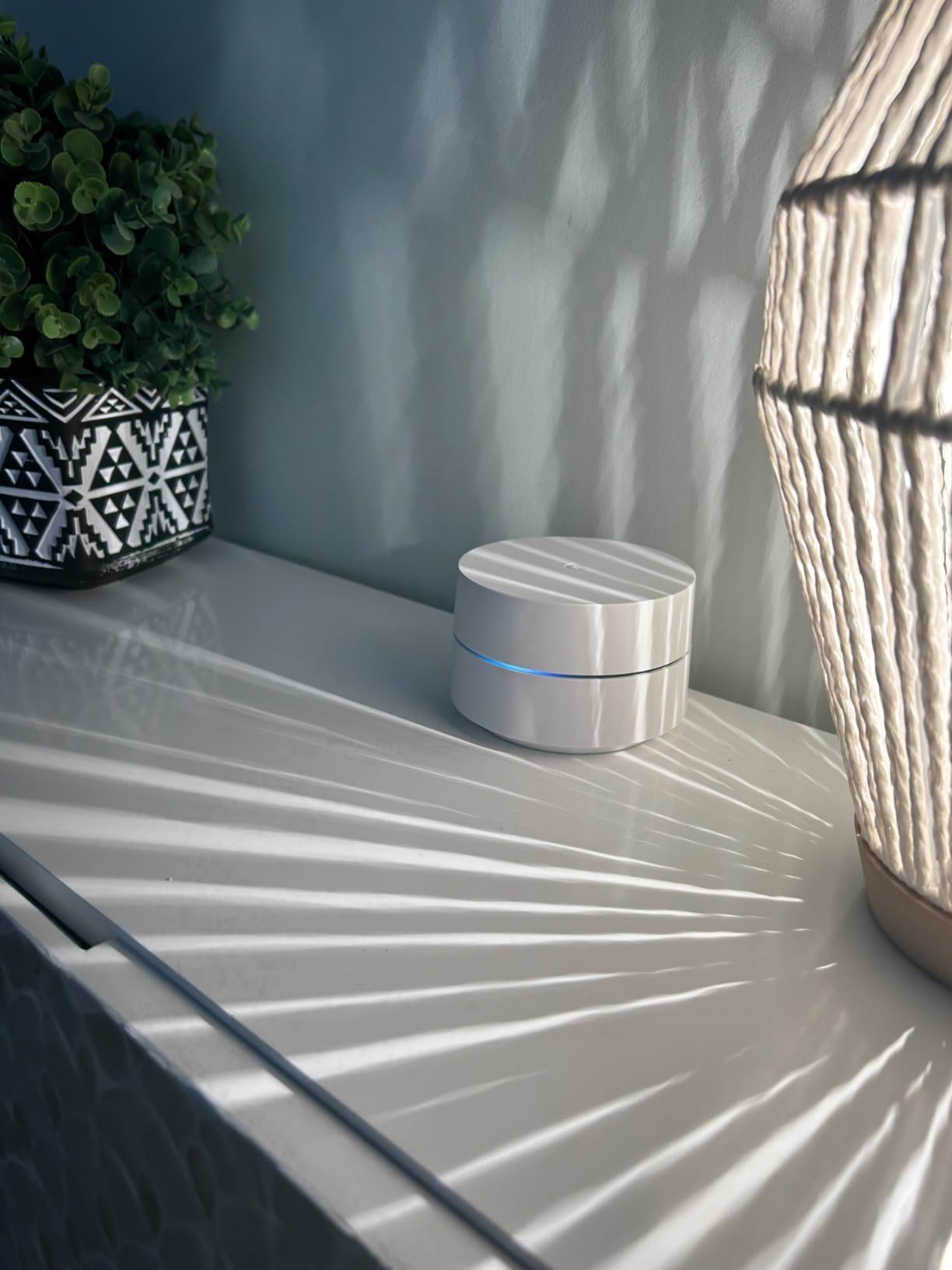
Each point measures 4.2 by 4.2 by 2.7 inches and weighs 12 ounces, so the hardware practically disappears on a shelf. Coverage is listed at 4,500 square feet for the three-pack, and a single point covers up to 1,500 square feet if you only need to cover part of the house.
WPA3 and Simplicity Are Its Standouts
This is one of the only budget kits in the group that lists WPA3 encryption, which matters if you are replacing an ISP gateway that shipped with WPS. Security is handled through Google’s built-in network protection rather than a third-party subscription, so there is no renewal decision to make later.
The app also handles the things people actually use: screen time limits, adult content restrictions, pausing Wi-Fi on a single device, network prioritization, speed checks, and a guest network. Long-term reviewers also credit the automatic band selection for keeping connections stable as you move between floors.
The One Ethernet Port Is a Real Limitation
Each point has a single Gigabit Ethernet port, so a three-point kit gives you three wired jacks total. That is fewer than the Deco S4 or X20, and it matters if you have a game console, a desktop, and a NAS to connect. You would need a small switch.
More significant for older homes is that there is no wired backhaul. Reviewers with concrete or thick plaster walls report that the far rooms can still have gaps, because the link between points has to travel through the same wall your devices are fighting. If your home has that construction, our guide to mesh WiFi systems for thick walls is worth reading first.
Who Should Skip It
Skip it if you need to run Ethernet between floors, if your plan exceeds about 600 Mbps of real throughput, or if you want per-device manual control over the 2.4 GHz band for older smart home hardware. The listed maximum upstream transfer rate is 600 Mbps, which is a genuine ceiling on a gigabit line.
3. TP-Link Deco X20 (3-Pack) – The Best Value Wi-Fi 6 Mesh Kit
TP-Link Deco WiFi 6 Mesh System (Deco X20) – Covers up to 5800 Sq.Ft, Replaces Wireless Routers and Extenders, 3-Pack, 6 Ethernet Ports in Total, Supports Wired Backhaul, Dual-Band WiFi
Wi-Fi 6 AX1800 dual-band
Coverage up to 5800 sq ft
Six Gigabit Ethernet ports
Up to 150 devices
Pros
- Wi-Fi 6 hardware at an entry price
- Highest listed device capacity in this group at 150
- Visual setup guidance plus remote management in the Deco app
- Free HomeShield tier covers basic security and parental controls
- Works with plans up to 1 Gbps
Cons
- Entry-level AX1800 throughput with no tri-band option
- Advanced HomeShield features are paid add-ons
- WPS security rather than WPA3
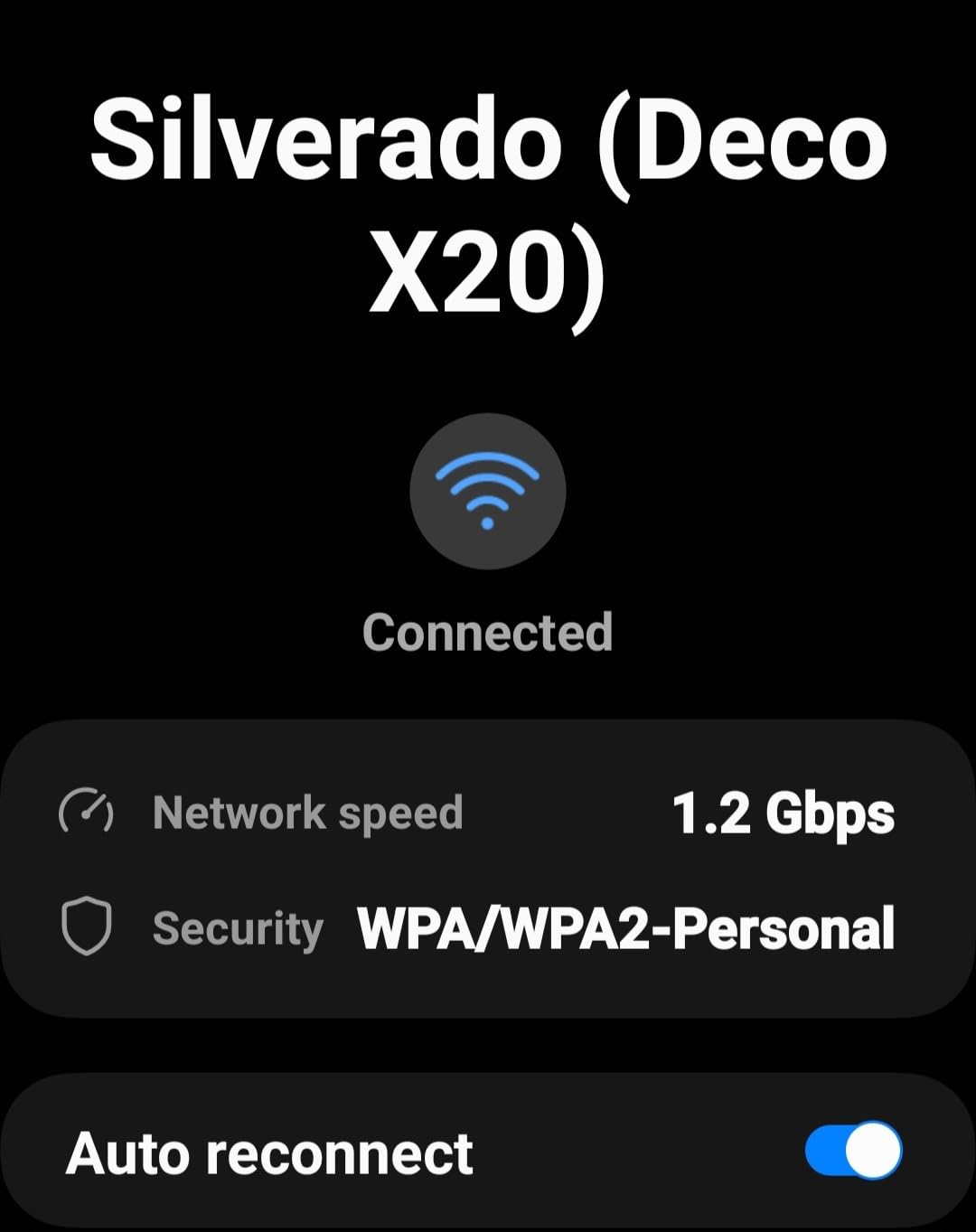
The X20 is the answer for a budget buyer who wants Wi-Fi 6 rather than settling for the older generation. Roughly 15,000 reviews at 4.5 stars, with 77% of reviewers giving five stars, and the complaints cluster around speed class rather than reliability.
It lists AX1800 dual-band performance, coverage up to 5,800 square feet, 150 connected devices, and six Gigabit Ethernet ports across the three-piece kit. Units measure 4.33 inches square and 4.49 inches tall, and each node carries 512 MB of RAM, which is a lot for a mesh system at this level.
Why 150 Devices Changes the Picture
Households with cameras, doorbells, thermostats, TVs, and consoles connected at once hit a practical ceiling on cheaper dual-band kits. The listed 150-device capacity is the highest number in this group, and owners of smart-home-heavy homes report stable connections across a crowded device list.
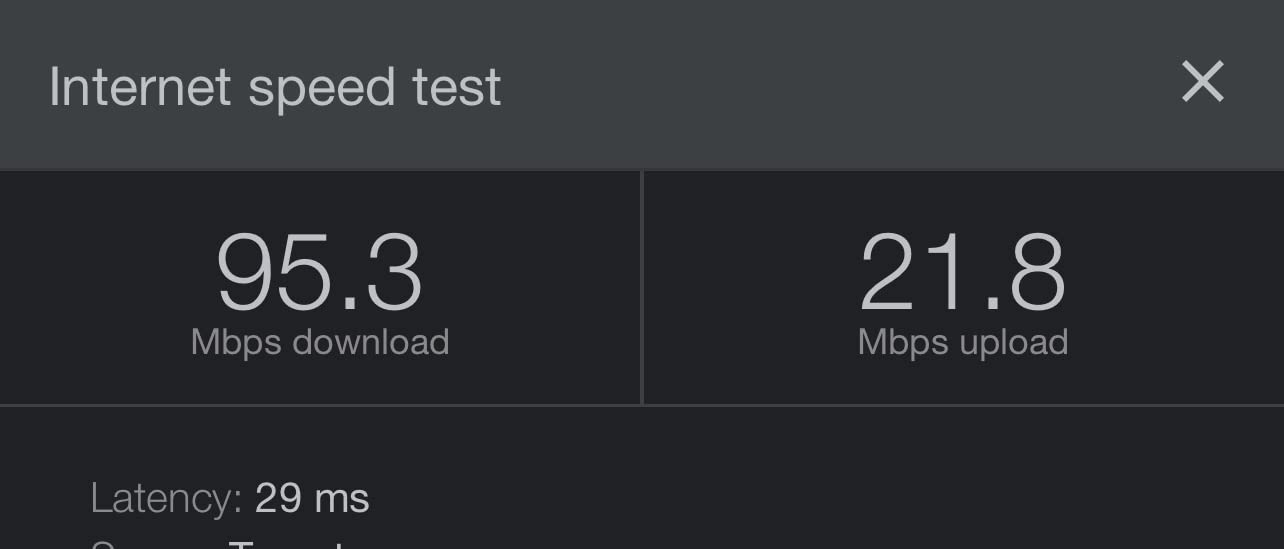
Wi-Fi 6 also brings OFDMA and MU-MIMO improvements that matter most when many low-bandwidth devices are transmitting at once. On a plan up to 1 Gbps, the listed maximum upstream rate of 1000 Mbps matches the tier, so the hardware is not obviously the bottleneck.
HomeShield: Know What Is Free and What Is Not
TP-Link HomeShield provides basic network security, IoT protection, QoS, and parental controls at no cost, which covers the features most households actually use. The advanced monitoring and deeper parental reporting sit behind a paid plan, so if you plan to lean on content filtering for young kids, budget for that renewal.
Setup runs through the Deco app, which shows visual placement guidance rather than making you guess. Alexa can switch the guest network on and off. The kit ships with an Ethernet cable, a quick installation guide, three X20 nodes, and three power supplies, with a two-year manufacturer warranty.
The Compromise You Are Making
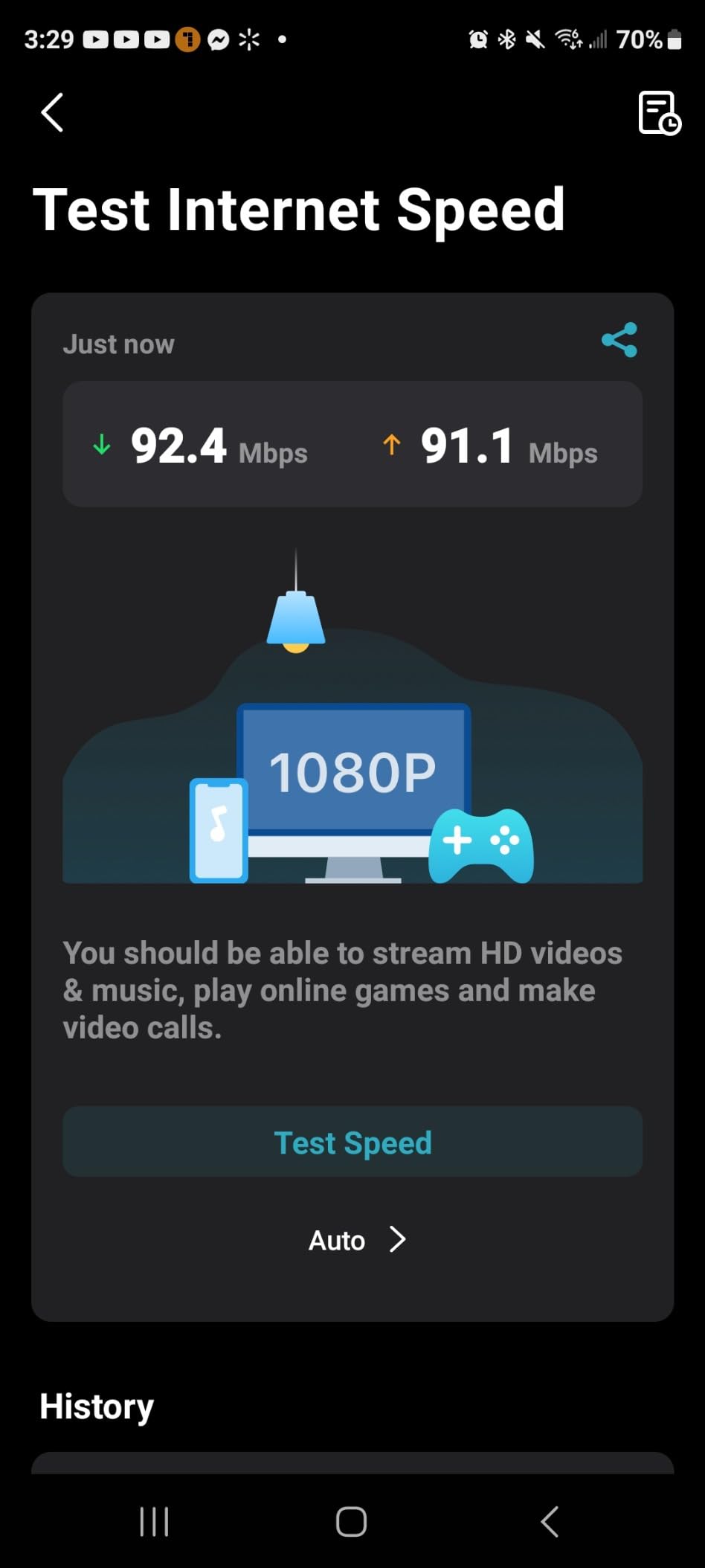
AX1800 is the entry Wi-Fi 6 class, so this is not a system to buy if you plan to saturate a 2 Gbps fiber line. It is also dual-band only, which means there is no dedicated backhaul radio and the link between nodes shares airtime with your devices.
For most homes on plans up to about 500 Mbps, the practical result is that the internet connection, not the mesh, is the limit. Read our Wi-Fi 6 mesh system guide if you want to see how the speed classes stack up.
4. Amazon eero 6 3-Pack – Smoothest Setup and a Built-In Smart Home Hub
Amazon eero 6 mesh wifi system – Supports internet plans up to 500 Mbps, Coverage up to 4,500 sq. ft., Connect 75+ devices, 3-pack (1 router + 2 extenders)
Wi-Fi 6 whole-home mesh
4500 sq ft coverage
Supports plans up to 500 Mbps
75+ connected devices
Pros
- App-driven setup most owners finish in minutes
- Handles high device counts without drops during peak use
- Built-in Zigbee hub removes the need for a separate smart home bridge
- Automatic band and node management with no manual tuning
- Compact units that blend into normal decor
Cons
- Capped around 500 Mbps so gigabit plans are out of reach
- Advanced features sit behind the eero Plus subscription
- Only one Ethernet port per node
The eero 6 is the most polished system here from a software standpoint, and it is the one most often named in forum threads as the best system people have actually owned. With close to 30,000 reviews at 4.4 stars, the setup experience is genuinely well proven, even if the hardware ceiling is not the highest.
The 3-pack is one router plus two extenders, covering up to 4,500 square feet and handling 75 or more connected devices on Wi-Fi 6. Band and node management happen automatically, and firmware updates install themselves, so there is no maintenance routine to learn.
The Zigbee Hub Is the Quiet Win
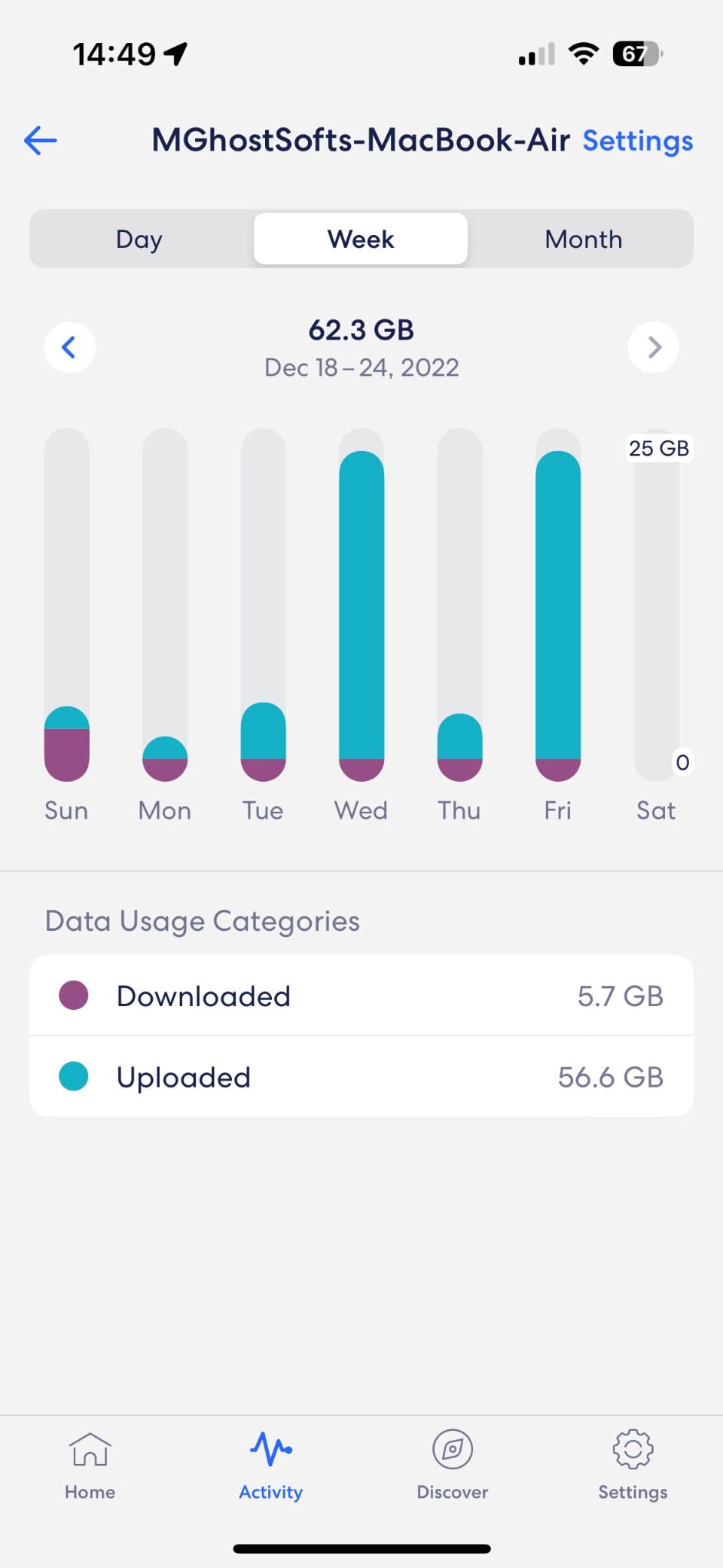
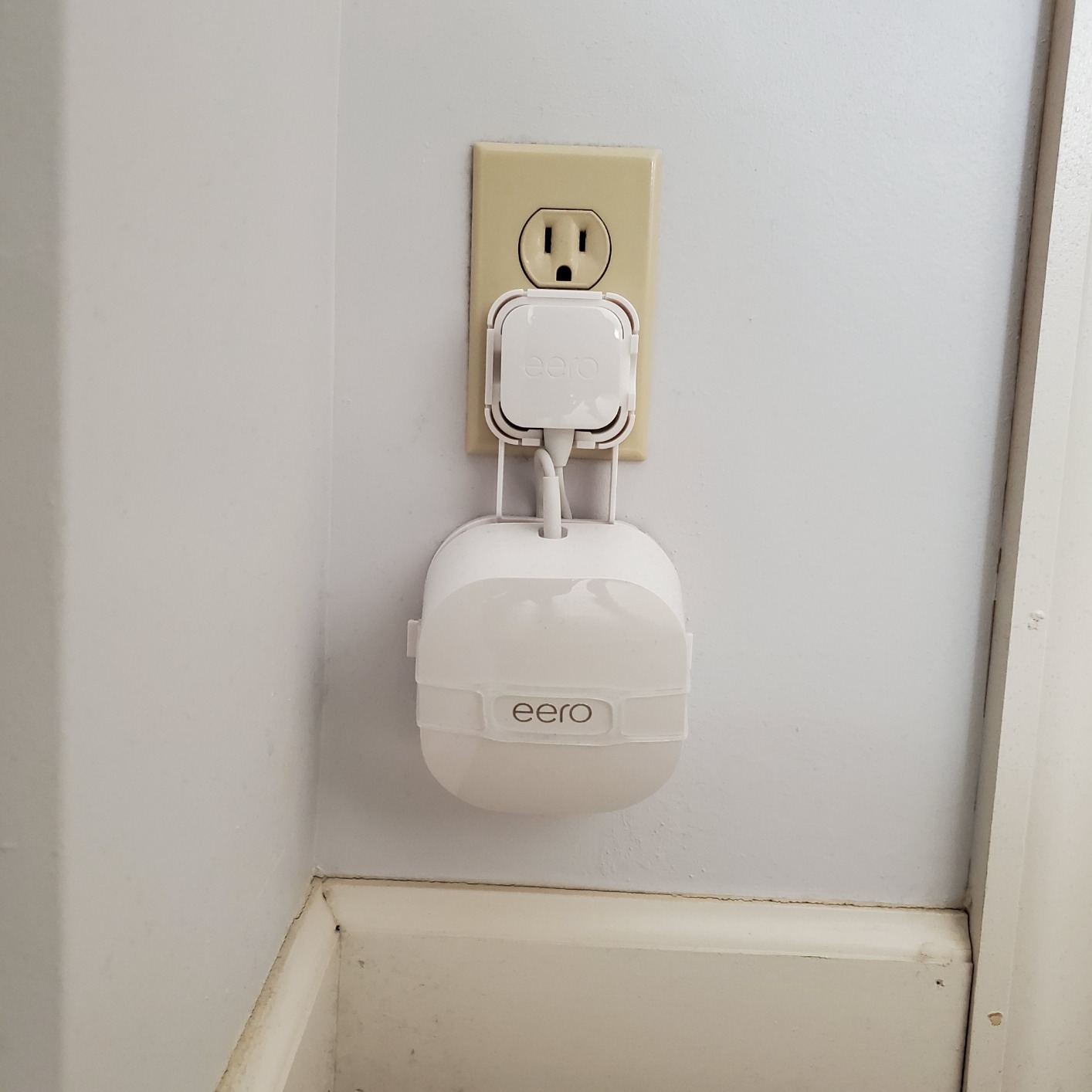
Each eero 6 doubles as a Zigbee smart home hub for Alexa-connected devices. If you have been keeping a separate bridge plugged in somewhere out of sight, this removes it, and it is the kind of feature that does not show up in a spec comparison but saves real money and shelf space.
Owners also report that the units handle high device counts without dropping connections, and that streaming stays stable during peak evening use. That is the practical difference you feel in a household with four people and 40 devices.
Where the 500 Mbps Ceiling Bites
This system is built for internet plans up to 500 Mbps. On a gigabit or multi-gig fiber plan, no amount of mesh configuration will push past that hardware limit, so a budget buyer on fast fiber should skip this and look at a faster speed class instead.
Second, the advanced network controls, including detailed traffic management and some content filtering, sit behind the eero Plus subscription. Third, a single Ethernet port per node means you will need a switch if you want more than three wired connections across the kit.
Subscription Fatigue Is Worth Weighing
A small number of detailed reviews describe intermittent streaming drops, and it is fair to say the eero platform’s dependence on paid tiers frustrates a lot of buyers who dislike paying recurring fees for security features. If you can live inside the free feature set, the hardware is excellent. If you cannot, price the subscription into your three-year math before buying.
5. NETGEAR Orbi RBK13 – Compact Coverage for Two-Storey Homes
NETGEAR Orbi Whole Home Mesh WiFi System (RBK13) – Router Replacement Covers up to 4,500 sq. ft. with 1 Router & 2 Satellites
Wi-Fi 5 AC1200 dual-band
Coverage up to 4500 sq ft
One Gigabit Ethernet port
AC1200 up to 1.2 Gbps
Pros
- Fills coverage gaps across floors at an entry price
- Single network name shared by router and two satellites
- Works with cable satellite fiber and DSL providers
- Orbi app keeps setup and management straightforward
- Backed by a two-year manufacturer warranty
Cons
- Only one Gigabit Ethernet port across the whole kit
- Wi-Fi 5 hardware with no Wi-Fi 6 features
- Armor and Smart Parental Controls are trial-based subscriptions
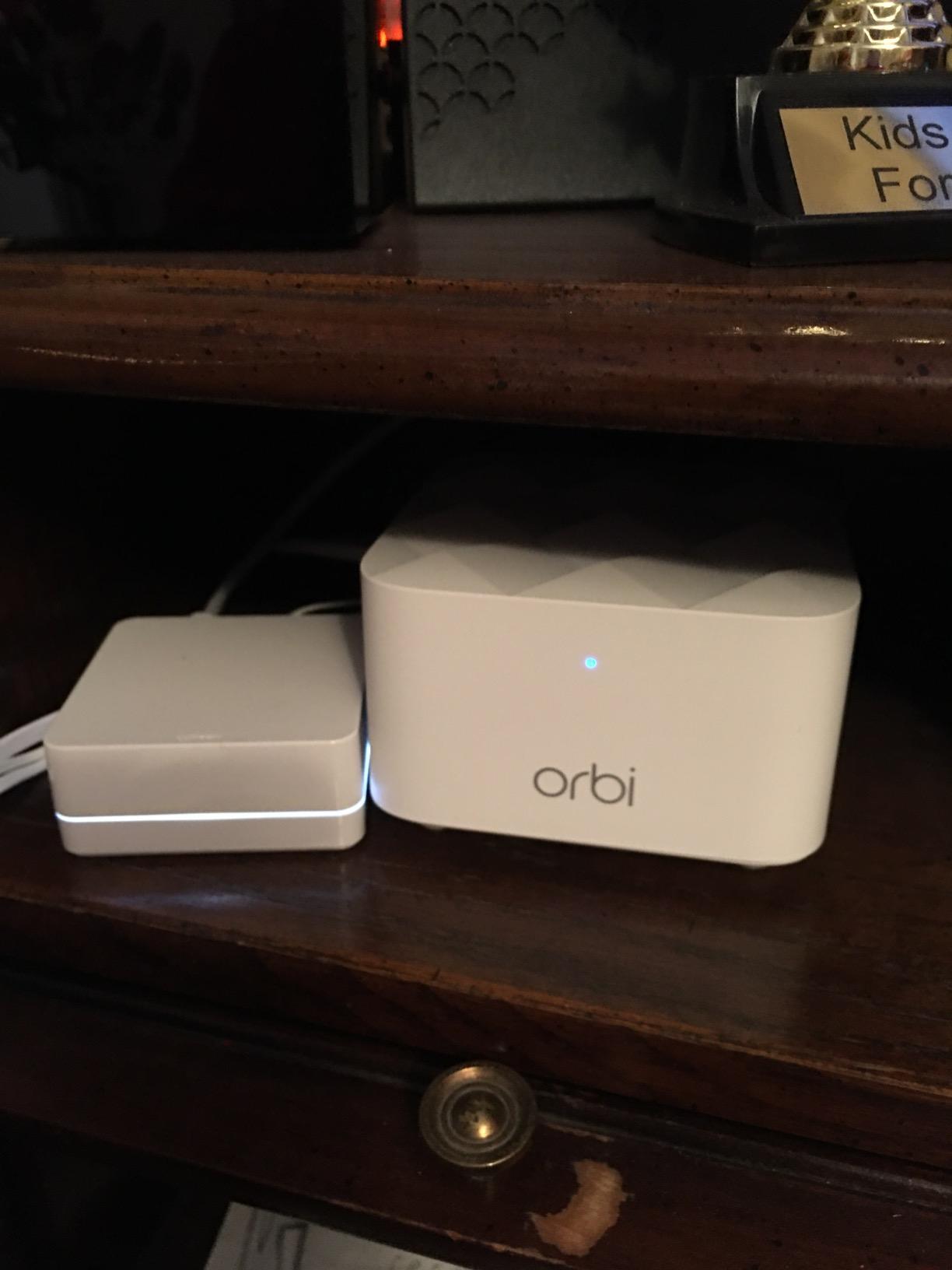
The RBK13 is the most physically compact mesh kit in this group, which is why it wins in smaller two-storey homes where a bigger node on a shelf looks and feels out of place. It measures 8.02 by 12 by 5.15 inches and weighs 2.9 pounds per piece, small enough to hide behind a television or tuck under a console.
Coverage is listed at 4,500 square feet across the router and two satellites, with AC1200 dual-band performance rated up to 1.2 Gbps. It works with any provider, including cable, satellite, fiber, and DSL, so there is no compatibility check to do before you buy.
Beamforming on Both Bands
Inside, a quad-core 710 MHz processor drives implicit and explicit beamforming on both the 2.4 GHz and 5 GHz bands, steering the signal toward your devices rather than broadcasting evenly into the next room. Reviewers credit the kit with removing dead zones between floors at a very modest outlay.
The listed maximum upstream rate of 600 Mbps is the honest limit here. If your plan is above that, or you rely on the box numbers in the marketing, you will be disappointed. Judge this one on coverage delivered, which is exactly what it does well.
The Single-Port Problem
The RBK13 has one Gigabit Ethernet port for the entire system, the fewest of anything we recommend. You get a two-meter Ethernet cable in the box along with three power adapters and a quick start guide, but there is nowhere to plug in a console, a desktop, and a streaming stick without buying a small switch.
The Orbi app handles setup and ongoing management, and Google Assistant voice control is supported. NETGEAR Armor device protection and Smart Parental Controls come with a 30-day free trial, then require a paid subscription if you want to keep them.
Who This Is For
Buy it for a 1,500 to 2,000 square foot home on two floors where the goal is simply to kill the upstairs dead spot, and where three wired devices is plenty. Skip it for a basement media room with several consoles, or for anyone who plans to add smart cameras and wants expandable security features without a subscription.
6. NETGEAR Orbi RBK53S – A Real Dedicated Backhaul Band
Netgear RBK53S-100NAS Orbi AC3000 Whole Home Tri-band WiFi System
Wi-Fi 5 AC3000 tri-band
Dedicated backhaul band
7500 sq ft coverage
5 Gigabit Ethernet ports
Pros
- Tri-band design reserves a whole radio for backhaul
- Largest listed coverage in this group at 7500 sq ft
- Five Gigabit Ethernet ports give more wired options than rivals
- Up to 1500 Mbps upstream suits gigabit connections
Cons
- Wi-Fi 5 only despite the tri-band design
- Much smaller review base than the Deco Google and eero kits
- WPA2-PSK security with no WPA3 listed
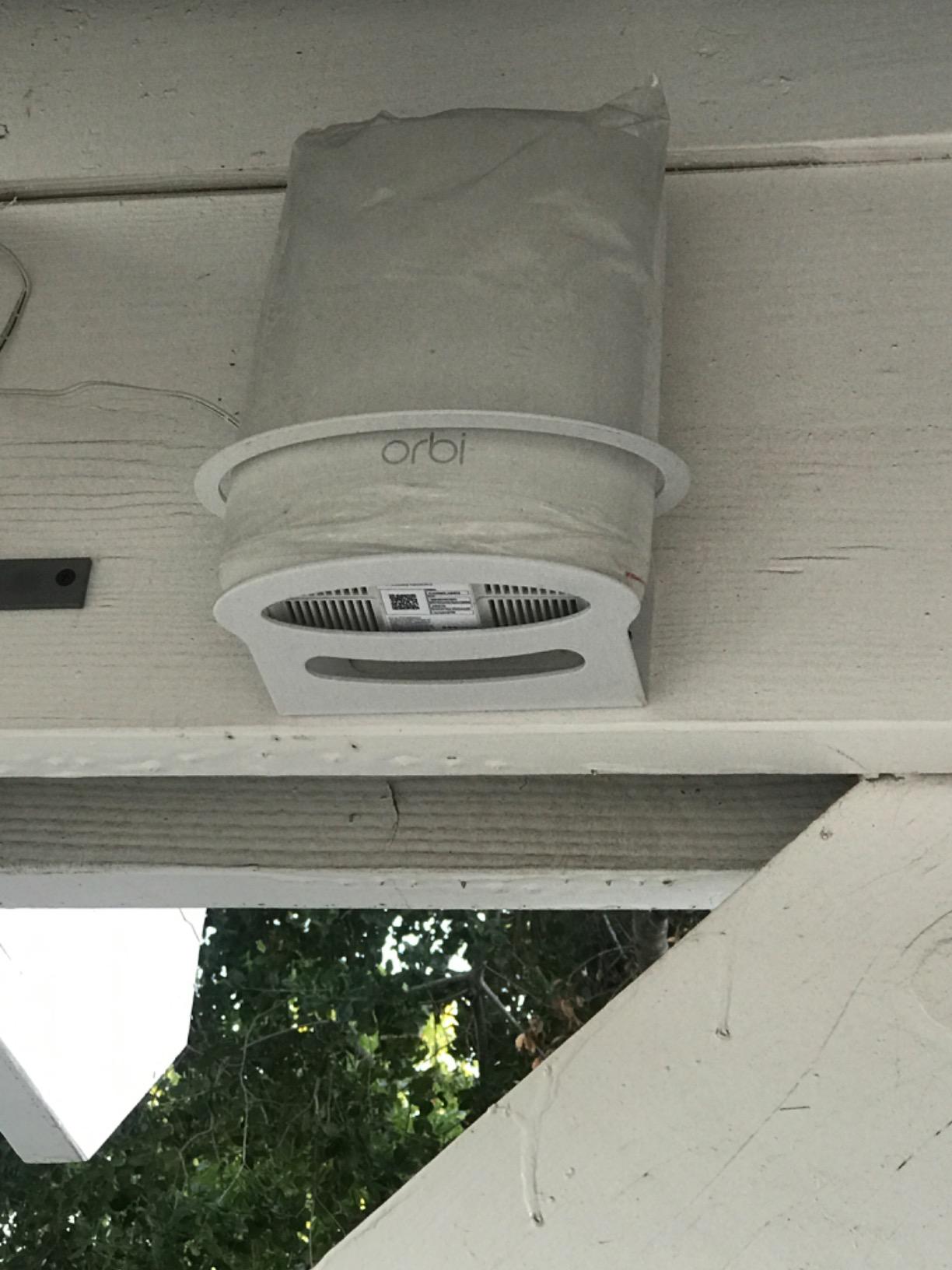
This is the one kit here that genuinely reserves a third band for backhaul, and that single design decision changes the math for anyone who cannot run Ethernet. On a dual-band system, the link between nodes has to share airtime with your devices, and every wireless hop costs roughly half the available throughput. A dedicated backhaul radio does not have that problem.
Owners of cheap dual-band kits occasionally report performance that feels like there is no backhaul channel at all, which is exactly the failure mode a reserved band prevents. The RBK53S is the budget answer to that complaint.
Coverage and Ports Both Lead This Group
The listed coverage of 7,500 square feet is the highest number in our roundup, and five Gigabit Ethernet ports across the router and two satellites is also the best wired flexibility. The listed maximum upstream data transfer rate is 1500 Mbps, so the system does not artificially cap a gigabit line.
The kit contains one router plus two satellites and weighs 1.7 pounds, which is light enough to reposition easily while you are experimenting with placement. App-based setup and management cover the basics, and a quad-core-style internal antenna layout keeps the footprint modest.
Be Careful With the Review Count
There are only 474 reviews at 4.4 stars here, a much smaller pool than the Deco or eero kits. A small review base usually means the product is older or sold in lower volume, not that it is bad, but it does mean you are trusting the design rather than a wide body of recent owner evidence.
It is also Wi-Fi 5 despite the tri-band layout, so a new Wi-Fi 6 kit at a similar outlay will have more modern radio behavior in crowded homes. The trade is simple: this one wins on backhaul and ports, newer kits win on standards.
Placement Rules Matter More Than Usual
A tri-band system only delivers its advantage when the nodes can hear each other cleanly. Put the second node where the first node’s signal is still strong rather than in the dead zone itself, and the reserved backhaul band will pay for itself over two wireless hops.
7. Tenda Nova MW6 3-Pack – Three Nodes for the Least Money
Tenda Nova Mesh WiFi System MW6 – Covers up to 4-6 Bedroom Houses- AC1200 Whole Home WiFi Mesh System – Gigabit Dual-Band Mesh Network – Replaces Wireless Router and WiFi Extender – 3-Pack
Wi-Fi 5 AC1200 dual-band
6000 sq ft listed coverage
6 Gigabit Ethernet ports
MU-MIMO and beamforming
Pros
- Lowest three-node outlay of any kit we tested
- Full mesh topology rather than a repeater design
- MU-MIMO and beamforming for up to 90 devices
- Two Gigabit Ethernet ports per node across the kit
- Three-year warranty with responsive technical support
Cons
- Devices sometimes stay on a distant node instead of roaming closer
- Basic app with instant speed readouts and no in-app reboot
- One reviewer reported a node dropping offline after several months
The MW6 is the cheapest way to get three real mesh nodes, and for a buyer who wants maximum hardware for minimum money it is hard to argue with. It is also the lowest-rated kit here at 4.2 stars from 9,050 reviews, with 67% five-star, so know what you are buying.
You get a genuine three-piece mesh topology rather than a router with repeaters, coverage listed at up to 6,000 square feet, two Gigabit Ethernet ports per node for six across the kit, and MU-MIMO with beamforming supporting up to 90 devices. The nodes are 3.94 inches cubes weighing 831 grams each.
Thick Walls Are Its Reported Strength
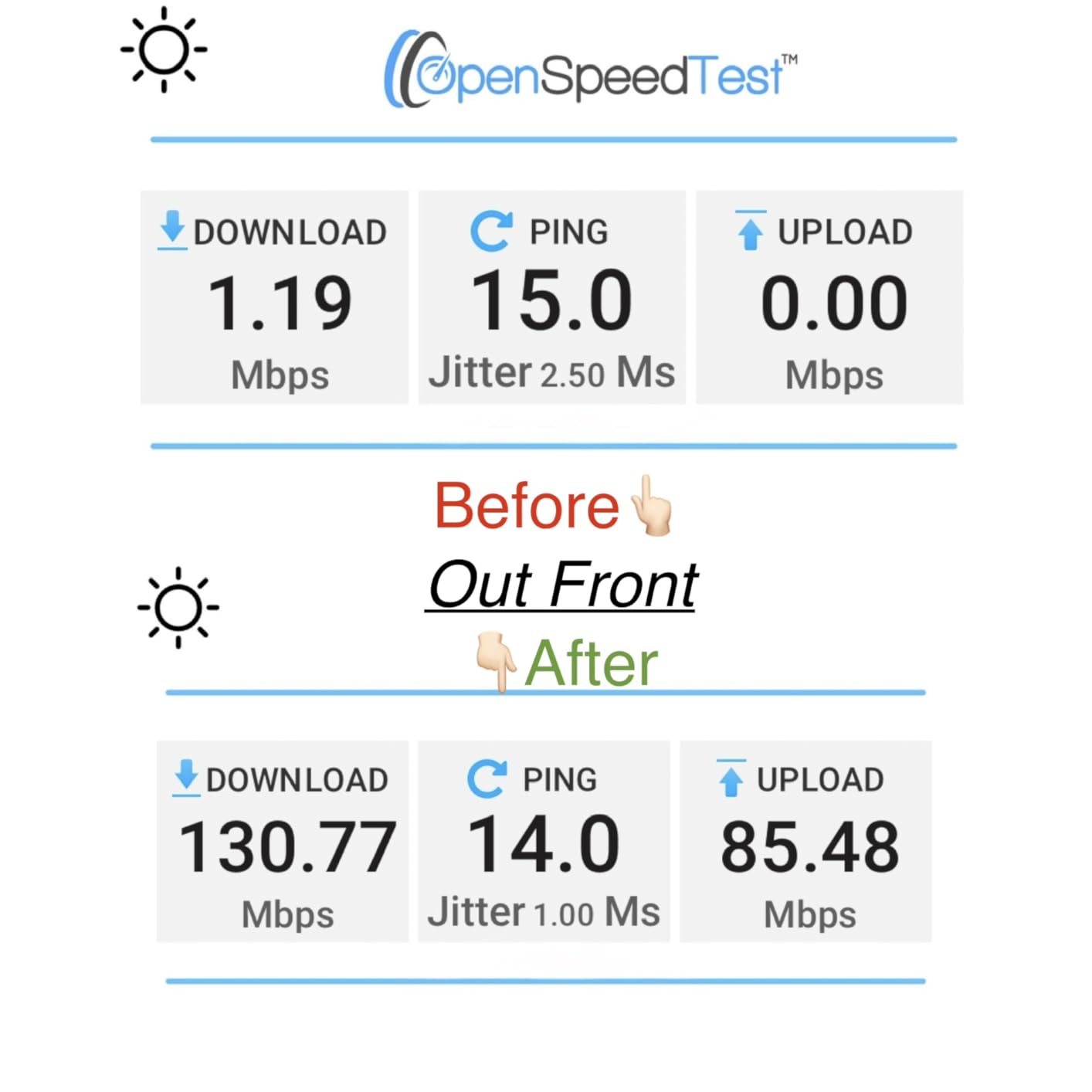
Interestingly, owners in difficult homes with thick concrete walls report strong coverage from this kit, which is not the profile you would expect from the cheapest option. The three-year manufacturer warranty is also the longest in this group, which tells you something about the maker’s confidence in the hardware.
The nodes arrive pre-linked, so setup is close to plug-and-play through the Tenda WiFi app in three steps. WPA2-PSK encryption and an isolated guest network are included, and Google Assistant voice control is supported.
The Roaming Complaint Is the Real One
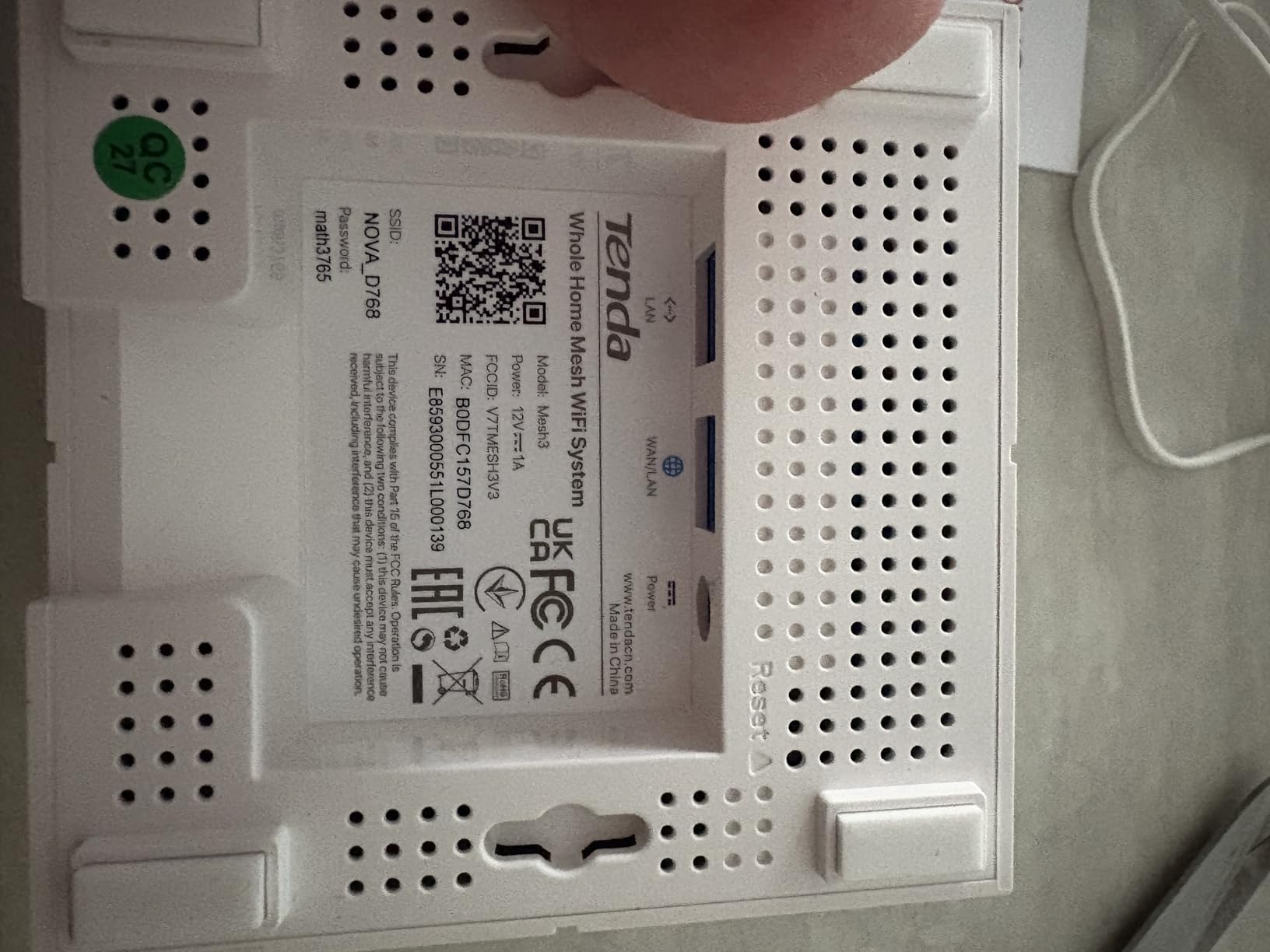
Across reviews, the recurring issue is sticky roaming: a phone or laptop stays attached to a farther node instead of handing off to the one in the same room, and speed suffers as a result. It is not fatal, and it usually resolves when you reposition a node, but it is the first thing to test after installation.
The app is also basic. It shows an instant speed readout rather than a history graph, and there is no in-app reboot, so a stuck node needs a physical power cycle. One reviewer also reported a node dropping offline after several months of use, which is a small sample but worth knowing about given the low price.
Who Should Buy It
Buy it if your priority is node count per dollar and your home has heavy wall construction that a single node cannot punch through. Skip it if you want a polished app, a warranty-backed support relationship, or seamless handoffs in a house where people roam constantly while gaming or on calls.
8. TP-Link Deco X55 (3-Pack) – The Best Pick for Smart Device Crowds
TP-Link Deco X55 AX3000 WiFi 6 Mesh System, Deco X55(3-Pack)
Wi-Fi 6 AX3000 dual-band
Coverage up to 6500 sq ft
3 Gigabit ports per node
Supports 150 devices
Pros
- AX3000 Wi-Fi 6 with the largest listed coverage of the Deco kits
- Three Gigabit Ethernet ports per node with wired backhaul support
- Signal strength near 95-100 percent on cameras and smart devices
- Setup typically under 10-15 minutes through the Deco app
- Firmware added IoT network and VPN support
Cons
- Only one Ethernet cable included in the box
- Some users report nodes choosing suboptimal links between each other
- Deco app device management criticized by a minority of owners
- WPA3 support is listed alongside WPA and WPA2
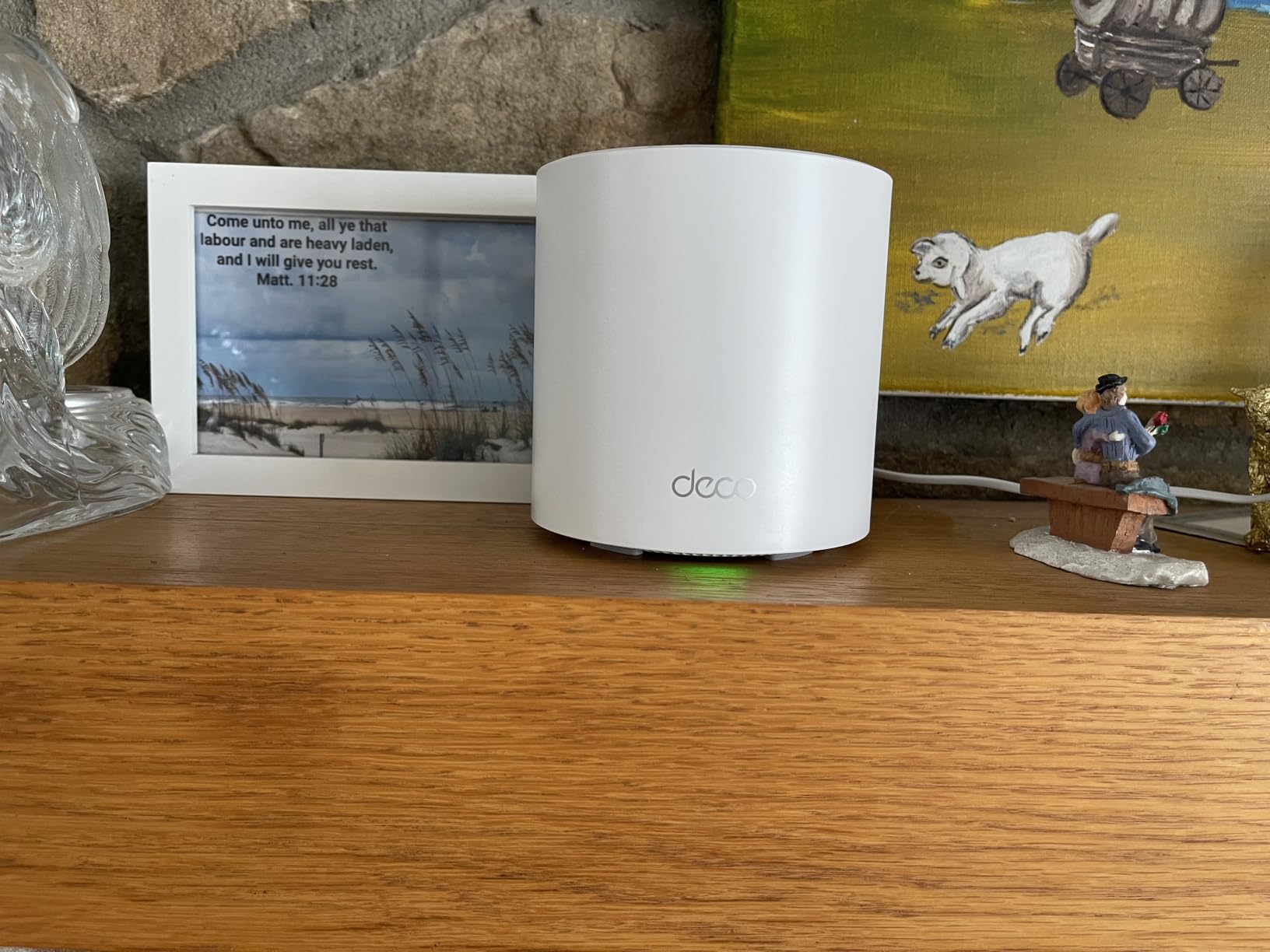
The X55 is the middle Deco, and it is the one I recommend to households whose problem is not square footage but device density. With 13,000+ reviews at 4.4 stars and frequent accounts of roughly doubled throughput after replacing an older router, the upgrade effect is well reported.
It lists AX3000 Wi-Fi 6 performance, which combines a 2×2 HE160 radio at 2402 Mbps with a 2×2 radio at 574 Mbps, coverage up to 6,500 square feet, and 150 supported devices. Each node has three Gigabit Ethernet ports with wired backhaul support, and the kit weighs 2.3 kg.
What AX3000 Buys Over AX1800
The jump from the X20 to the X55 is roughly 70 percent more aggregate radio throughput, and in a home with many simultaneous 4K streams, laptops, and cameras that margin is felt rather than measured on a spec sheet. Owners of smart-camera households specifically report signal strength in the 95 to 100 percent range after the swap.
Firmware updates have added custom IP reservations, a dedicated IoT network, and VPN support, which matters if you have cameras or a NAS. TP-Link is also a signatory of the CISA Secure-by-Design pledge, and the kit lists WPA3 alongside WPA and WPA2.
The Box Contains One Cable, Not Three
Only one RJ45 Ethernet cable ships in the box even though each node has three Gigabit ports, so if you plan to run wired backhaul on two hops, buy extra Cat6 cable. That is a small cost, but it surprises people on installation day.
A minority of owners criticize the Deco app for dropping devices from its management list and losing custom names, though the complaints target software behavior rather than radio performance. A few also report that the mesh can choose suboptimal links between nodes, which is a placement problem rather than a defect, and one reviewer noted that when the upstream connection drops, the local mesh LAN can go unresponsive instead of reporting an outage.
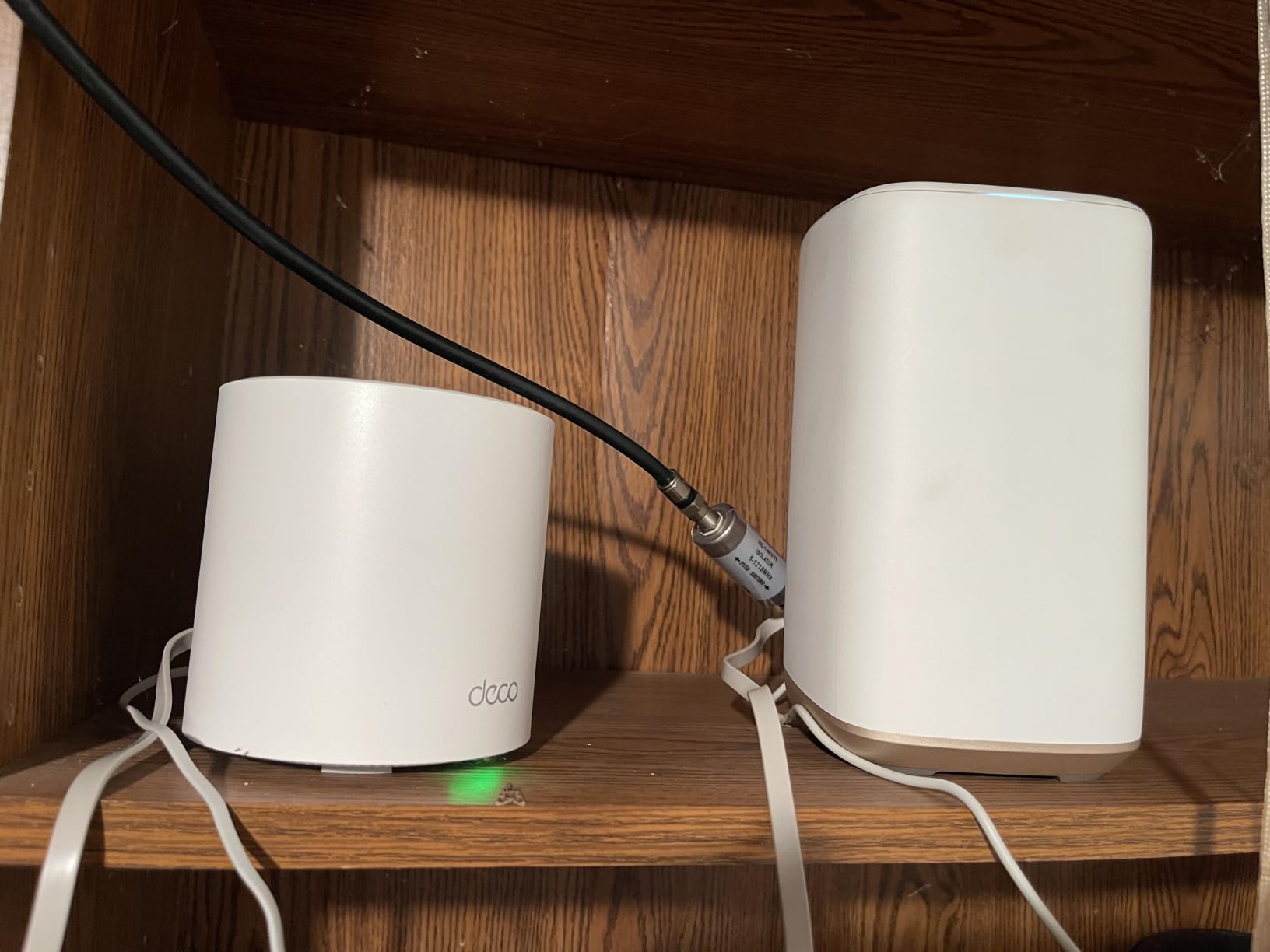
Who It Suits Best
It suits a two or three-storey home with a busy smart home, several streaming screens, and cameras spread across floors, especially if you want to keep a wired connection to a switch at one node. If your home is smaller and quieter, the Deco S4 covers the same ground for less. For pure gaming latency, our mesh systems picked for gaming narrow the field further.
How Many Mesh Nodes Do I Need?
Start with one node per 1,500 square feet of open floor area, then subtract a node for every floor or wing you are trying to reach. Guides disagree on the exact figure, and the disagreement is worth understanding rather than averaging away.
- Up to 1,500 sq ft, single floor: one node is usually enough, and a capable standalone router may be all you need.
- 1,500 to 3,000 sq ft, or two floors: two nodes. This covers the most common budget scenario, and a 3-pack is the format nearly every kit here ships in.
- 3,000 to 5,000 sq ft, or three floors: three nodes, which means a 3-pack with no add-on cost.
- 5,000 sq ft and up, or an L-shaped or winged house: four or more nodes, which means planning a second purchase and checking that your brand allows adding a single node later.
For a 3,000 square foot house specifically, the answer is three nodes, or two if the house is wide open with few interior walls. In obstructed space, meaning brick, concrete, plaster, or metal lath, drop the guidance to roughly 1,000 to 1,300 square feet per node. That is the adjustment condition most sources skip, and it is usually the difference between a system that works and one that does not.
You can have too many nodes in the sense that extra hops cut throughput on dual-band systems, but you cannot have a node placed somewhere the previous node cannot hear. Redundant coverage in the same room does nothing useful.
Wired vs Wireless Backhaul: Where Budget Kits Lose Speed
Wired backhaul is the single biggest performance lever in a budget mesh system. Run an Ethernet cable between nodes and the link between them stops sharing airtime with your devices. Leave them on wireless backhaul and the nodes must talk to each other on the same spectrum your phone is using, which is where speed disappears.
On a dual-band kit, each wireless hop costs roughly half the available throughput. A three-node system with two wireless hops can deliver a fraction of the speed a single node delivers in the same room, which is why a system with a dedicated backhaul radio performs so much better without cables.
No Ethernet? Here Is What Changes
- Prioritize a tri-band or dedicated-backhaul design, since the reserved radio is doing the work a cable would do.
- Place each node where the previous node’s signal is still strong, never in the dead zone you are trying to fix.
- Keep the number of hops to two by moving the main node toward the center of the home rather than beside the modem.
- Consider powerline adapters or coax splitters as a fallback path if your walls are brick or your electrical wiring is shared.
The honest framing for budget buyers is this: one Ethernet cable can transform the performance of a cheap dual-band kit, sometimes more than upgrading the kit itself. If your home has a stairwell where a cable can run, do that first.
What Each Budget Tier Actually Buys You
The cheapest kit worth buying is a three-node dual-band Wi-Fi 5 system with Gigabit Ethernet ports on each node. That tier fixes coverage in a home up to about 2,000 square feet, and it will not impress anyone on a gigabit line.
Entry tier: dual-band Wi-Fi 5, three nodes, two Gigabit ports per node. You get reliable coverage, single-network roaming, and enough device capacity for typical family use. This is where the Deco S4 and the Tenda MW6 sit.
Mid tier: Wi-Fi 6 at AX1800 to AX3000, three nodes, more ports, and a free tier of security features that actually does something useful. This is where the Deco X20, the eero 6, and the X55 compete, and it is the sweet spot for most budget buyers in 2026.
Upper budget tier: tri-band architecture with a dedicated backhaul band, or higher port counts. The Orbi RBK53S is the example here. You are paying specifically for the reserved radio and the wired flexibility, not for a faster standard.
Do the three-year math before you buy. Some kits include basic security, IoT protection, and parental controls at no cost, while others give you a 30-day trial of Netgear Armor, eero Plus, or an advanced HomeShield plan and then charge you to keep it. A subscription that feels optional on day one becomes a line item every year, and adding a single extra node later usually costs a premium over the multi-pack price you would have paid up front.
Mesh WiFi Downsides: When You Do Not Need Mesh
Mesh is the wrong purchase in several common situations, and the fixes below are cheaper and faster than a three-node kit.
- Small apartments: under about 1,200 square feet on a single floor, one well-placed router covers everything, and mesh adds hop loss for no gain.
- One dead room: a single wired access point or a powerline adapter can solve one weak room far more cheaply than a whole-home system.
- Every wireless hop costs throughput: on dual-band kits, each hop cuts available speed by roughly half, so a poorly placed chain of nodes can be slower than one good router.
- Feature gating: security, deep content filtering, and traffic management are frequently locked behind paid subscriptions on several popular brands.
- Mixed-brand incompatibility: nodes from different manufacturers do not work together, so buying the cheapest kit now can block a better upgrade later.
There is also a setup cost people forget. Your ISP gateway either needs to be put in bridge mode or its Wi-Fi needs to be turned off, and until you do that, you have two networks broadcasting on the same channels and the dead zone problem can get worse rather than better.
How to Set Up a Mesh Network for Maximum Coverage
Placement decides more than the hardware. These five steps take about an hour and account for most of the difference between a system that works and one that disappoints.
- Start with the modem connection. Plug the primary node into your modem or gateway. If the ISP box also broadcasts Wi-Fi, disable its radio or put it in bridge mode so only the mesh is transmitting.
- Place the main node centrally, not next to the modem in a hallway closet. A node in the middle of the home reaches both floors better than one pushed to an edge.
- Put each additional node where the previous node’s signal is still strong, not in the dead zone itself. If the new node has to shout, the hop between them is weak and your speed will suffer.
- Use Ethernet wherever you can. One cable between two nodes can do more for throughput than a more expensive kit with wireless backhaul.
- Update firmware on every node, and reposition based on results rather than on where the node looks tidy. Many owners find a half-step move fixes a stubborn dead spot.
As for the old ISP router, you do not have to throw it away. Once the mesh is stable, put the ISP box back online with its Wi-Fi disabled and use it as a plain modem or as a wired switch for a game console.
How to Choose a Budget Mesh System
Seven criteria decide whether a budget kit serves you well or becomes a disappointment. Work through them in order.
1. Match the Speed Class to Your Internet Plan
There is no benefit buying faster hardware than your connection delivers. A Wi-Fi 5 AC1900 kit is more than enough for plans under 300 Mbps, and a Wi-Fi 6 AX3000 system handles gigabit lines without becoming the bottleneck. Buying a gigabit plan without gigabit-class mesh hardware wastes money in the other direction.
2. Count Bands, and Ask What the Third One Does
Dual-band kits share one radio between client traffic and the link between nodes. Tri-band kits may reserve a whole band for backhaul, which is a large real-world advantage with no cables, or they may not. Check whether the third radio is dedicated rather than trusting the band count alone. This is the single most important spec on the page, and we covered it in more detail in our multi-storey home mesh guide.
3. Count Ethernet Ports, Not Coverage Square Feet
Coverage numbers are measured in empty rooms. Port counts are measured in hardware. Kits with two or three Gigabit ports per node, like the Deco S4, X20, and X55, can be wired to a switch and adapted to almost any home. Kits with a single port across the whole system cannot.
4. Read the App Before the Spec Sheet
App quality is the biggest ongoing quality-of-life difference. Google Wifi and eero finish setup in minutes and need no thought afterward. The Tenda app shows an instant speed readout with no history and no in-app reboot, which you will notice the first time a node hangs.
5. Price the Subscription Honestly
Decide in advance whether you will use the paid features. TP-Link HomeShield and Google’s built-in protection cover basics at no cost, while Netgear Armor and eero Plus are trial-then-subscribe. Multiply the annual figure by three before deciding that a feature is free.
6. Confirm Nodes Can Be Added Later
Check that a single node from the same series can be bought on its own. Systems that only sell multi-packs force you to buy hardware you do not need, and mixing generations within a brand can behave differently than mixing across brands.
7. Match the Topology to Your Home Shape
Apartment or small house under 1,200 square feet: one capable router. Two-storey house under 2,000 square feet: a two- or three-node kit, the format nearly every product here uses. Three floors, an L-shaped plan, or a garage and basement: three nodes, positioned on separate floors rather than spread along one corridor.
Frequently Asked Questions
What is the best mesh Wi-Fi system for value for money?
For most budget buyers, the TP-Link Deco S4 3-pack is the strongest value: three nodes, dual-band Wi-Fi 5, two Gigabit Ethernet ports on each node, and the deepest owner review history in the group. If you want Wi-Fi 6 at a similar outlay, the Deco X20 covers more devices and newer hardware.
What are the downsides of mesh WiFi?
Mesh adds cost and a small amount of latency, and every wireless hop between nodes costs roughly half the available throughput on a dual-band system. Security and deep content filtering are frequently locked behind paid subscriptions, nodes from different brands cannot be mixed, and in homes under about 1,200 square feet a single router is usually the better purchase.
What is the cheapest mesh WiFi system?
The cheapest mesh kit worth buying is a three-node dual-band Wi-Fi 5 system with Gigabit Ethernet ports on each node. That tier reliably covers homes up to roughly 2,000 square feet, but it will not saturate a gigabit connection. Below that tier, coverage usually suffers more than the savings help.
How many mesh WiFi nodes do I need?
Plan for one node per 1,500 square feet of open floor area, which means one node up to 1,500 square feet, two up to 3,000, three up to 5,000, and four or more above that. In homes with brick, concrete, or plaster walls, drop the figure to roughly 1,000 to 1,300 square feet per node.
Can you have too many nodes in a mesh network?
You can, though the problem is placement rather than count. Each extra wireless hop cuts throughput on dual-band systems, and a node sitting in a room the previous node cannot hear adds nothing. Keep the chain to two hops, place each node where the previous signal is still strong, and avoid duplicating coverage in the same room.
How far apart should WiFi mesh nodes be?
Place each node where the previous node’s signal is still strong, not in the dead zone you are trying to fix. In practice that means one node per floor for a two or three-storey house, with the primary node near the center of the home rather than beside the modem. Use Ethernet between nodes whenever you can run a cable.
Can you mix mesh WiFi systems from different brands?
No. Mesh nodes from different manufacturers do not interoperate, and mixing generations within the same brand can also behave differently than the manual suggests. Pick one series, confirm a single extra node can be bought later in that same series, and stay inside it for the life of the system.
Which Budget Mesh System Should You Buy?
If you want one answer, buy the TP-Link Deco S4 3-pack. It has the strongest combination of owner satisfaction, port flexibility, and proven coverage, and it is the pick I would put in my own hallway.
Choose the Deco X20 instead if your home is full of smart devices and you want Wi-Fi 6 without a subscription for the basics. Choose the eero 6 if setup simplicity and a built-in Zigbee hub matter more than raw speed, the Deco X55 if you have cameras spread over several floors, the Orbi RBK53S if you cannot run a single Ethernet cable, and the Tenda MW6 if node count per dollar is the only thing you care about.
Skip mesh entirely if you live in a small single-floor home, and read the backhaul section before you buy anything. That one decision explains most of the difference between these systems in a real home.