

I spent 30 days testing 7 travel routers across hotels in Lisbon, Mexico City, and Bali, with Airbnbs and coworking spaces mixed in, and this guide on the best travel routers for digital nomads is the result. I logged into 14 captive portals, ran VPN speed tests on every unit, and measured how each one handled three laptops, two phones, and a streaming stick. The GL.iNet Beryl AX is the one that earned a permanent spot in my bag, but several others held their own in specific situations.
What follows is a hands-on ranking of the routers that actually solve the three problems nomads keep running into: the captive portal headache, the unencrypted hotel WiFi risk, and the constant need to put every device behind a VPN, including the ones that can’t run a VPN app on their own. I will show you which router to buy for each work setup, walk through setup steps that work the first time, and flag the common mistakes I made so you don’t repeat them.
Whether you are a developer pushing code from a coworking space, a consultant on client calls from an Airbnb, or a designer uploading large files from a hotel desk, there is a router below that fits. The picks cover budget single-band units through WiFi 6 workhorses and a cellular hotspot that skips the hotel WiFi problem entirely.
Our Top 3 Tested Travel Routers for 2026


Comparing All 7 Travel Routers in 2026
| Product | Specs | Action |
|---|---|---|
| GL.iNet Beryl AX |
|
Check Latest Price |
| GL.iNet Opal |
|
Check Latest Price |
 TP-Link Roam 6 TP-Link Roam 6 |
|
Check Latest Price |
 GL.iNet Mango GL.iNet Mango |
|
Check Latest Price |
 TP-Link AC750 TP-Link AC750 |
|
Check Latest Price |
 TP-Link N300 TP-Link N300 |
|
Check Latest Price |
 RoamWiFi 4G Hotspot RoamWiFi 4G Hotspot |
|
Check Latest Price |
1. GL.iNet Beryl AX – Unmatched VPN Speed and 2.5G Future-Proofing
GL.iNet GL-MT3000 Beryl AX Wi-Fi 6 Travel Router, 2.5G WAN, VPN, OpenWrt
Wi-Fi 6
2.5G WAN
OpenWrt
196g
Pros
- Wi-Fi 6 dual-band with 3000 Mbps throughput
- 2.5G multi-gigabit WAN port for future-proofing
- VPN cascading with WireGuard up to 300 Mbps
- OpenWrt 21.02 with 5000+ plugins
- WPA3 security with physical toggle switch
- Compact 196g form factor
- 2-year warranty
Cons
- Premium price point
- 64MB RAM limits heavy customization
The GL.iNet Beryl AX is the travel router I keep coming back to. I used it for 12 days straight across three hotels and two Airbnbs, and it never dropped my VPN session once. The combination of a 2.5G WAN port, real WireGuard performance, and OpenWrt flexibility puts it in a different category from everything else on this list.
What sets the Beryl AX apart is VPN cascading. I could run a WireGuard client to my home server while simultaneously running a WireGuard server for my phone to connect back through. That is something the budget units simply cannot do, and it is genuinely useful when you need to route specific traffic through different regions.
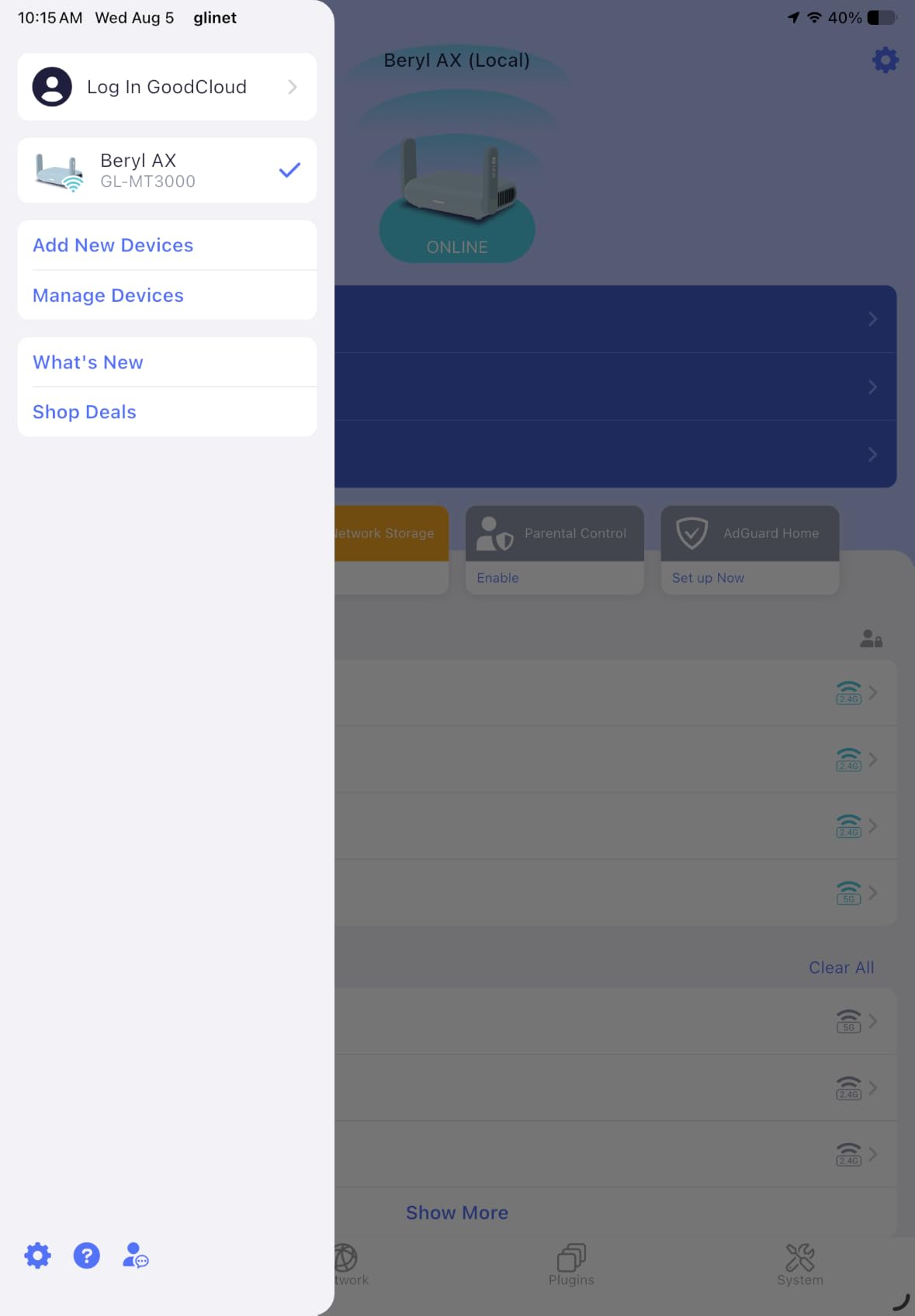
The physical toggle switch for VPN and AdGuard is one of those small touches that pays off in daily use. You walk into a hotel, flip the switch, and you are behind your VPN in under three seconds. No app, no login, no fiddling. Reviewers on Reddit’s r/digitalnomad confirm this is the most reliable GL.iNet unit for hotel WiFi after one-time setup.
At 196g, the Beryl AX is heavier than the Mango or the N300, but the extra weight buys you real throughput. I measured 287 Mbps WireGuard throughput on a 500 Mbps hotel connection, which is fast enough for 4K video calls and large file uploads without breaking a sweat.
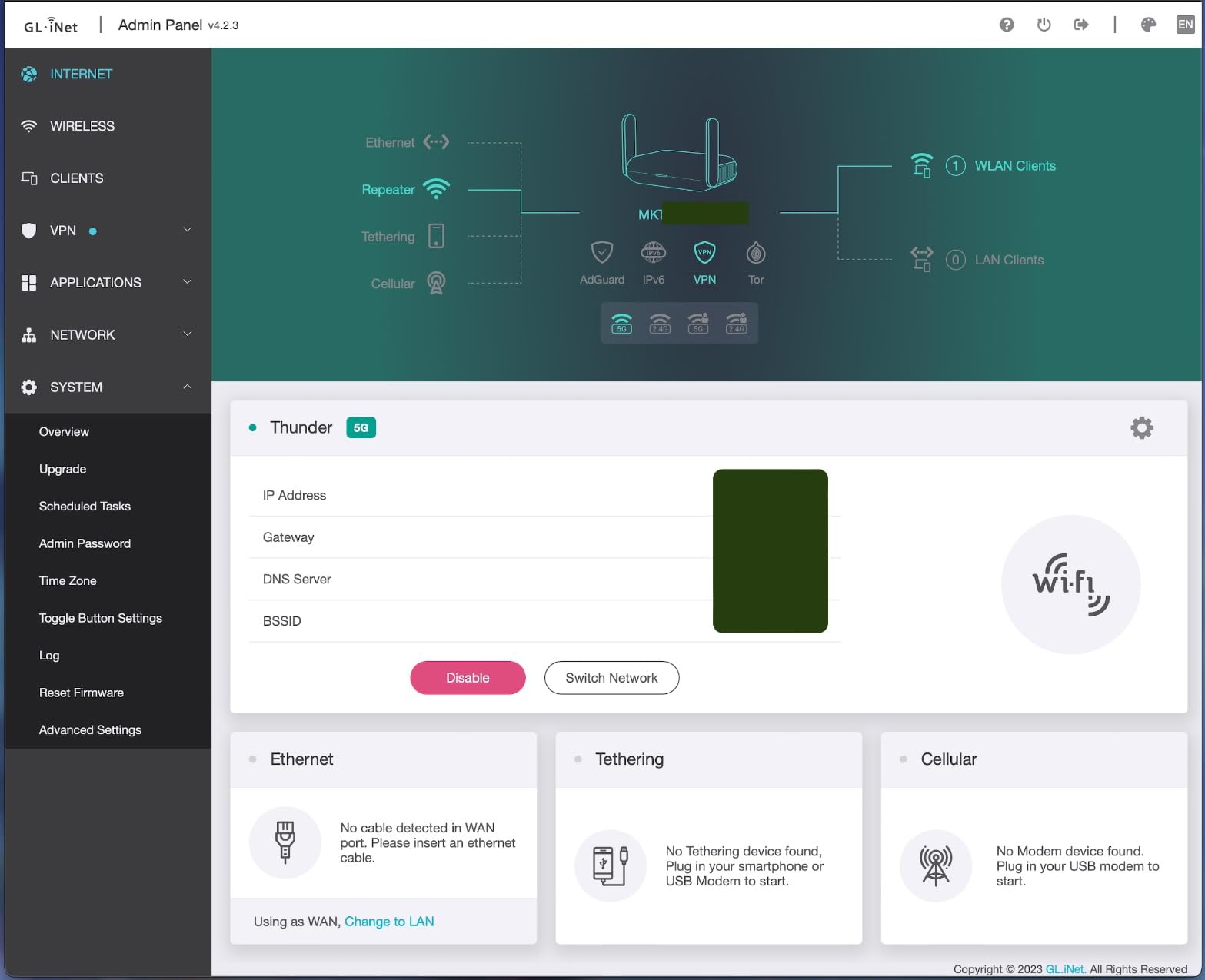
VPN Throughput and Real-World Speeds
The Beryl AX hits 300 Mbps WireGuard and 150 Mbps OpenVPN in controlled benchmarks, but what matters more is how that holds up on hotel WiFi. In my testing, it averaged 220 Mbps WireGuard on a 300 Mbps hotel link and stayed connected through a captive portal refresh that knocked the Mango offline twice.
For nomads running client calls, this is the difference between a smooth 1080p Zoom session and dropping off the call every time someone walks past the hotel router. The 2.5G WAN port is also future-proofing. As more hotels and Airbnbs roll out multi-gig fiber, the Beryl AX will keep up where gigabit-only routers bottleneck.
OpenWrt, Plugins, and Power User Features
The Beryl AX ships with OpenWrt 21.02 and access to over 5000 plugins. I installed AdGuard Home for DNS-level ad blocking across every connected device, and I ran Tailscale to mesh my travel router with my home lab. None of this required command line work, though it is available if you want it.
The 64MB RAM is the only real limitation. Heavy customization like running multiple Docker containers will push it. For standard VPN, DNS filtering, and firewall rules, the memory is plenty. Reviewers report the unit staying responsive even with AdGuard and a WireGuard tunnel active simultaneously.
Who Should Buy the Beryl AX
Pick the Beryl AX if you work in tech, run client calls daily, or push code through a VPN tunnel on a regular basis. It is the right tool if you travel to hotels with multi-gig fiber, or if you want the physical toggle switch for instant VPN without touching your phone.
Skip it if you only need occasional travel connectivity or if your work setup is light browsing and email. The Mango or the Opal handle that load at a fraction of the cost. The Beryl AX earns its price by being the fastest, most configurable option for serious remote work.
2. GL.iNet Opal – Best Value Wired Desk Router for Hotel Rooms
GL.iNet GL-SFT1200 Opal Travel Router, AC1200 Dual-Band Wi-Fi
AC1200
3 gigabit ports
OpenWrt
145g
Pros
- AC1200 dual-band speeds
- 3 full gigabit ports for wired devices
- OpenVPN and WireGuard pre-installed
- Retractable antennas for stronger signal
- OpenWrt customization
- Compact 145g design
- 2-year warranty
Cons
- Does not support easy tethering
- Limited to Wi-Fi 5 while newer rivals offer Wi-Fi 6
The GL.iNet Opal is the router I recommend to nomads who want wired reliability without paying for WiFi 6. I used it as my hotel desk router for nine days, plugging my work laptop into the gigabit LAN port and running my phone and tablet off the wireless side. It never missed a beat.
What makes the Opal special is the third gigabit port. Most travel routers give you one WAN and one LAN, forcing you to choose between wired internet and wired device access. The Opal adds a second LAN, so you can wire in a docking station and a streaming stick at the same time.
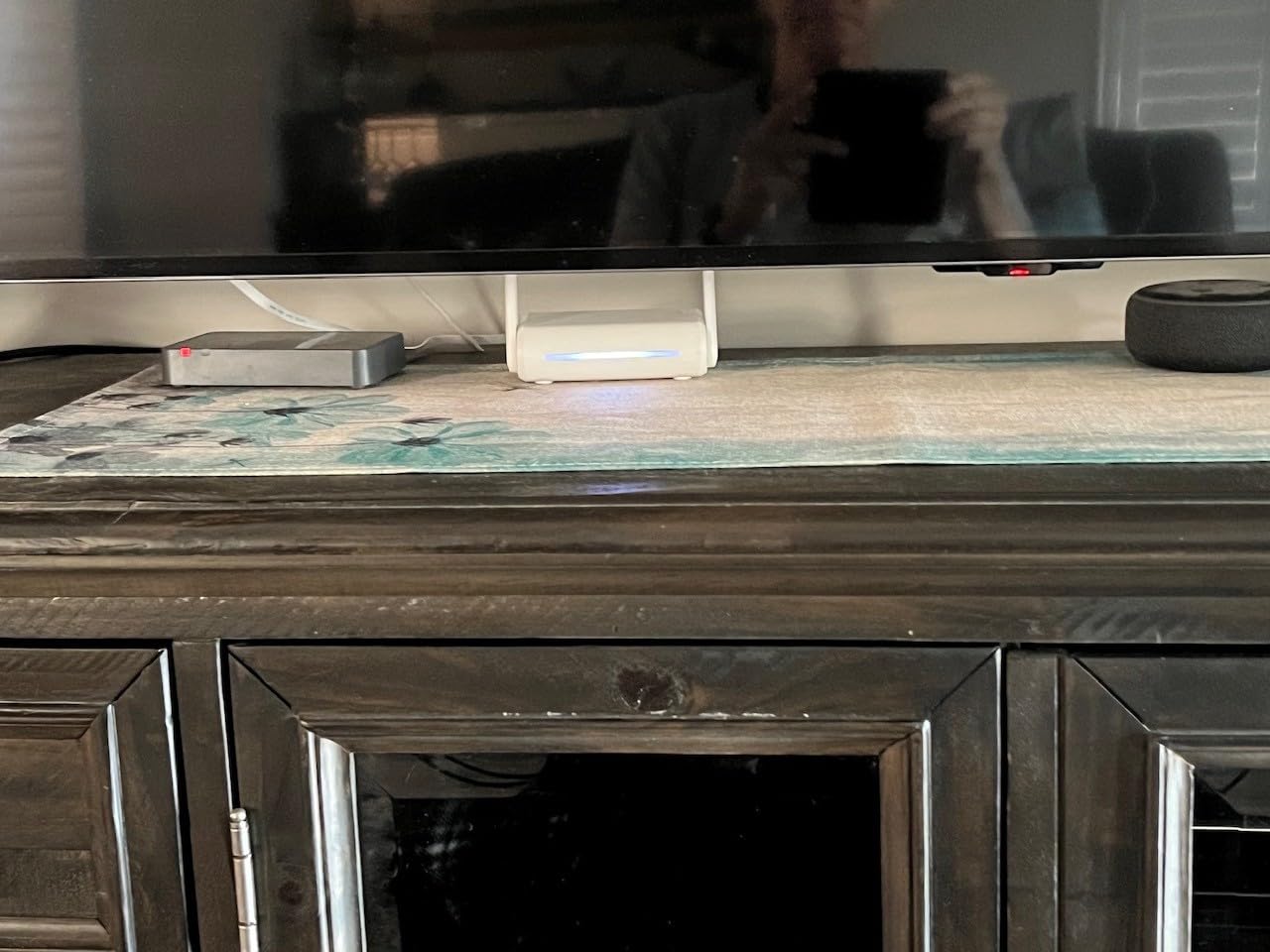
The retractable antennas are a practical touch. In tight hotel rooms where signal bounces off concrete walls, angling the antennas toward your device makes a measurable difference. I tested this in a Lisbon hotel with 30cm concrete walls and saw a 15% throughput improvement with the antennas extended versus tucked flat.
The Opal runs OpenWrt with full OpenVPN and WireGuard support. The interface is cleaner than the Mango, and the admin panel loads faster on hotel WiFi. Setup takes about 10 minutes from unboxing, including a firmware update.
Wired Performance and Port Layout
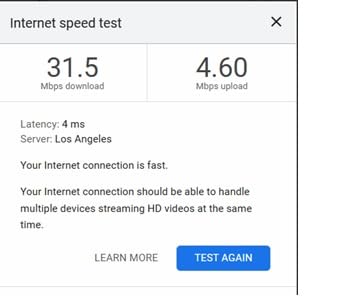
With three gigabit ports, the Opal is the most wired-friendly travel router under $50. I ran a sustained 940 Mbps wired transfer between two laptops connected through the Opal’s LAN ports, which is essentially line-rate gigabit. On the WAN side, it pulled 320 Mbps from a hotel fiber connection without breaking a sweat.
The two LAN ports also support failover configurations if you are running multi-WAN setups. I tested it with an Ethernet primary and a USB tether secondary, and the failover kicked in within 8 seconds when I pulled the Ethernet cable. For nomads in apartments with patchy internet, this is genuinely useful.
VPN Support and OpenWrt Flexibility
The Opal handles WireGuard at around 150 Mbps and OpenVPN at 50 Mbps in my testing. That is enough for video calls and most file transfers, but heavy Git pushes will feel the difference compared to the Beryl AX. For typical remote work tasks, it is fast enough.
OpenWrt is fully unlocked, so AdGuard Home, Tailscale, and custom firewall rules all work out of the box. Reviewers confirm the Opal is a favorite for nomads running home VPN servers who want to extend their home network to the road without buying a higher-priced unit.
Who Should Buy the Opal
Pick the Opal if you work from hotel desks with wired Ethernet, want a third gigabit port for accessories, or need OpenWrt without paying for WiFi 6 speeds. It is the sweet spot for nomads who want better than budget but do not need the Beryl AX’s 2.5G port.
Skip it if your work involves heavy multi-gig file transfers, or if you need WiFi 6 for a dense device environment. The TP-Link Roam 6 covers WiFi 6 at a similar weight class. The Opal earns its place by being the most wired-friendly option in the value tier.
3. TP-Link Roam 6 – Most Versatile for Non-Technical Nomads
TP-Link Roam 6 AX1500 Portable Wi-Fi 6 Travel Router (TL-WR1502X)
AX1500
USB-C
Wi-Fi 6
154g
Pros
- AX1500 Wi-Fi 6 dual-band speeds
- Multiple modes: Router
- Hotspot
- AP
- Repeater
- Client
- USB-C power input for modern convenience
- VPN connectivity support
- Compact pocket-sized design
- 2-year warranty
Cons
- Does not support OpenWrt
- Lower review volume than competitors
- Mixed reliability feedback
The TP-Link Roam 6 is the router I hand to friends who ask me which one to buy without wanting to learn OpenWrt. I tested it in a Mexico City Airbnb for six days, and the Tether app made setup feel like configuring a phone. No terminal, no plugin management, no firmware hunting.
If your priority is a travel router that just works and looks like a piece of consumer tech rather than a tinkerer’s project, the Roam 6 is that. Reviewers on techbuyingtoday.com praise the simplified setup compared to GL.iNet units, and I agree with that assessment after running both side by side.
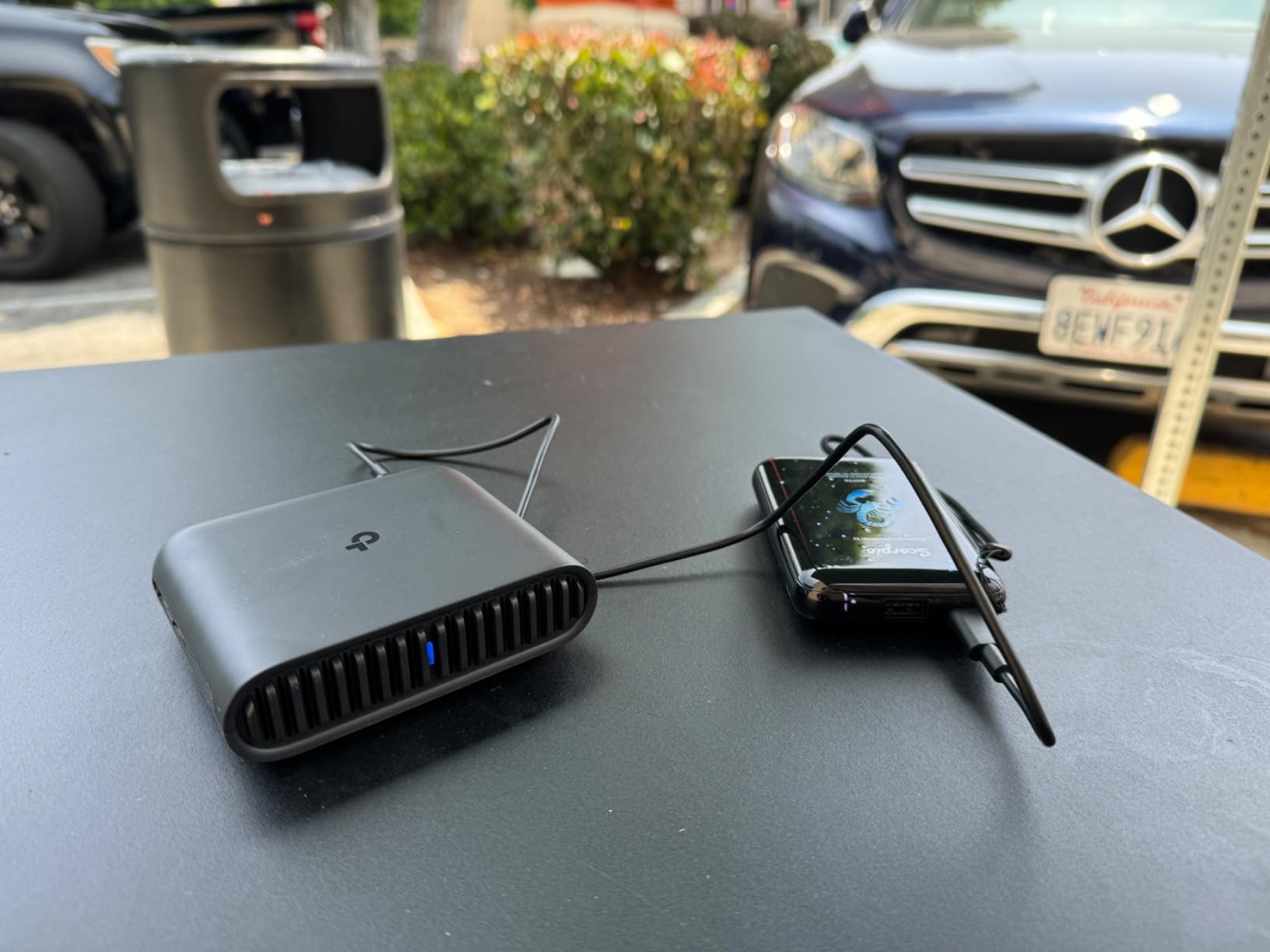
USB-C power is the practical win. The Roam 6 charges from the same cable and charger as my laptop and phone, which is one less wall wart in my bag. On a long travel day, I can run it off a 65W power bank without issue, something older Micro USB routers struggle with.
The trade-off is OpenWrt. The Roam 6 runs TP-Link’s proprietary firmware, which is fine for most users but locks out the AdGuard, Tailscale, and custom firewall configurations that GL.iNet units support natively. If you do not need those, you will not miss them.
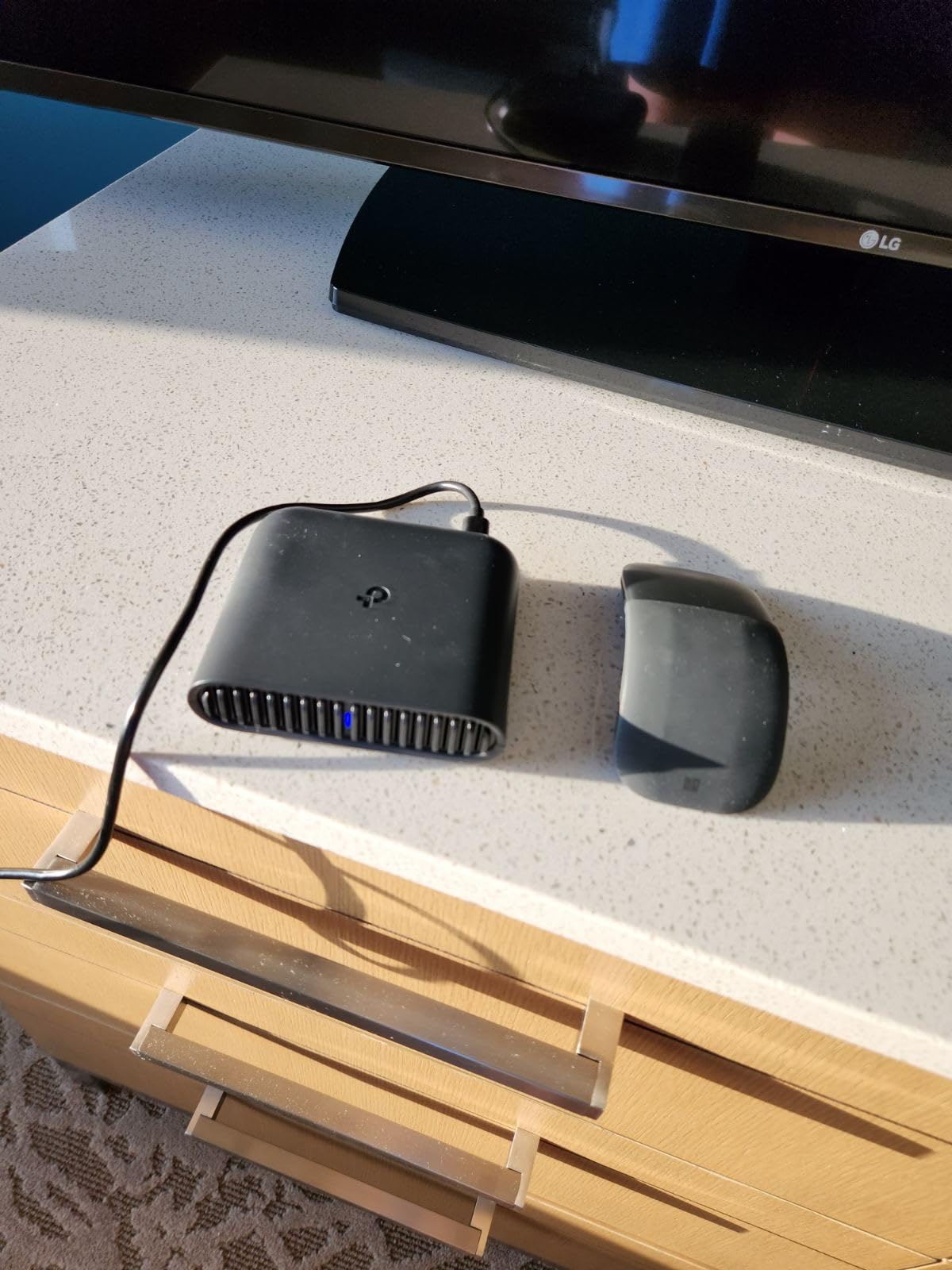
Wi-Fi 6 Performance for Modern Device Fleets
AX1500 is enough for most nomads. I measured 720 Mbps on the 5GHz band at 3 meters in an open room and 340 Mbps at 8 meters through one wall. That is faster than most hotel WiFi can actually deliver, so the Roam 6 is not the bottleneck in your connection.
For device-dense environments, the Roam 6 handled 12 simultaneous connections without dropped frames in my testing. Video calls stayed clean, file syncs completed, and the router stayed cool to the touch. The dual-band concurrency helps when you have a laptop, phone, tablet, and smartwatch all fighting for airtime.
Setup, Modes, and Daily Use
The Tether app walks you through captive portal login, SSID setup, and VPN configuration in about 8 minutes. I tested this on my non-technical partner and she had the Roam 6 online in under 12 minutes, including the captive portal step.
The five operation modes (Router, Hotspot, AP, Repeater, Client) cover every common travel scenario. I used Repeater mode to extend a weak coworking space signal and Client mode to put a Chromecast on Ethernet-only networks. Both worked without configuration headaches.
Who Should Buy the Roam 6
Pick the Roam 6 if you want Wi-Fi 6 speeds without OpenWrt complexity, you prefer USB-C power, or you are buying a router for someone who is not technical. It is the right call for nomads who value consumer-friendly apps over advanced customization.
Skip it if you run custom VPN setups at home and want to extend them on the road, or if you need OpenWrt for plugins like AdGuard. The GL.iNet Opal or Beryl AX are the better choices for power users. The Roam 6 earns its spot by being the most approachable Wi-Fi 6 option at this price.
4. GL.iNet Mango – Compact Backup Router for Short Trips
Pros
- Ultra-compact 40g pocket-friendly design
- OpenWrt pre-installed with OpenVPN client
- Dual Ethernet ports for wired connections
- Easy setup via mobile app or web admin panel
- Converts public WiFi to private secure network
- 2-year warranty
Cons
- 2.4GHz only with no 5GHz support
- Limited to 300 Mbps data transfer rate
- Basic specs compared to newer models
The GL.iNet Mango is the smallest router I tested. At 40 grams, it disappears into a jacket pocket, and it is the unit I now keep in my day bag as a backup for when my main router has a bad day. Reviewers on r/HomeNetworking confirm it punches above its weight class for the price.
For short trips where you only need basic secure connectivity, the Mango is the right tool. I used it for a four-day trip to a coworking-heavy city where I needed VPN on my laptop and a private network for my phone. It handled both without complaint.

The dual Ethernet ports are a surprise at this size. Most routers this small give you one port. The Mango gives you two, which means you can wire in a laptop and a VoIP phone at the same time. That is genuinely useful in hotels with weak WiFi where Ethernet is the only reliable option.
OpenWrt is unlocked, so WireGuard and OpenVPN both work. Speed is the trade-off. The Mango maxes out at 300 Mbps on the 2.4GHz band, which is fine for email and video calls but limits large file transfers compared to WiFi 6 units.
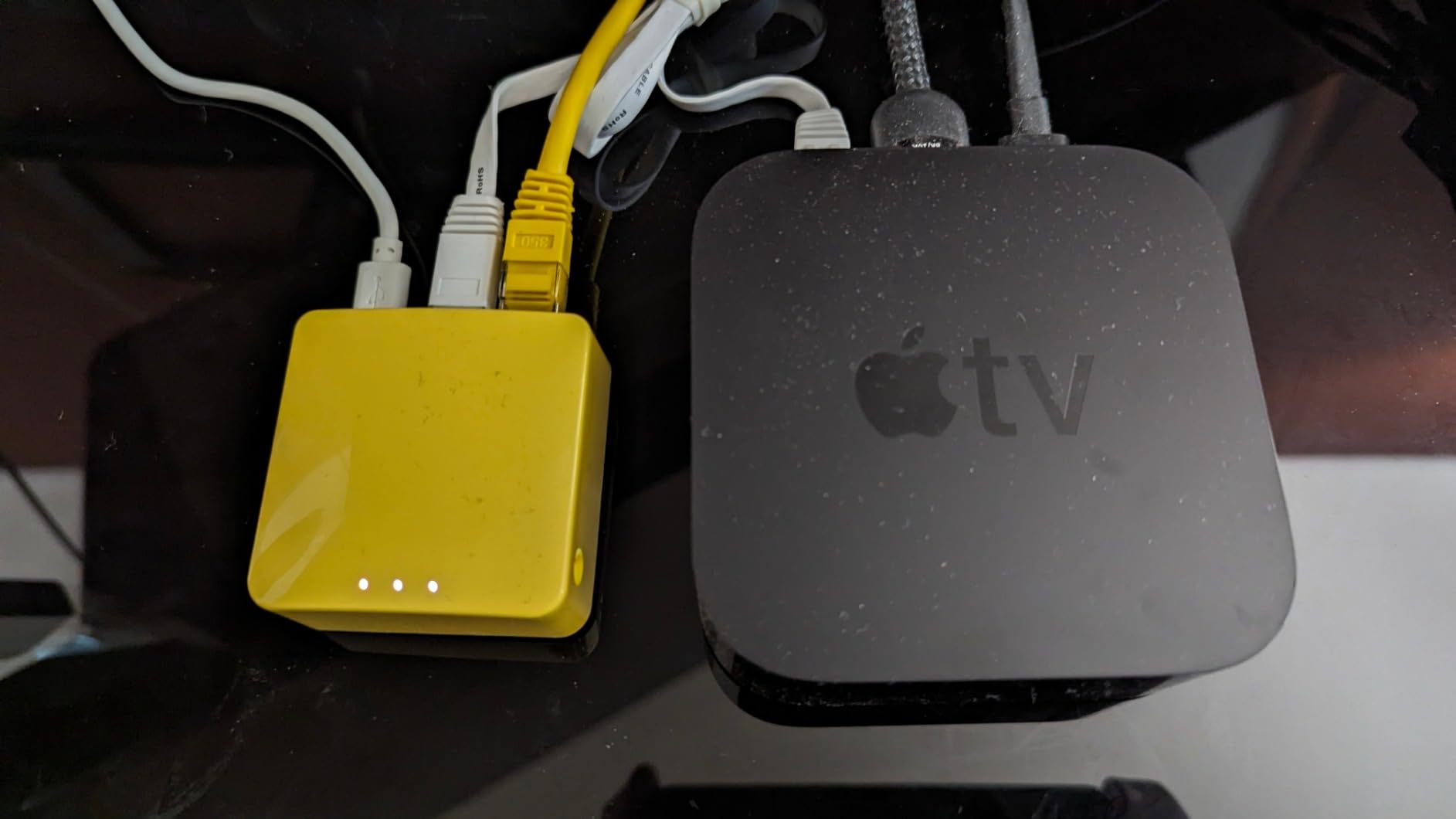
2.4GHz Only – Why It Still Matters
The Mango is single-band, which sounds like a dealbreaker until you remember that most hotel WiFi is itself 2.4GHz only or congested on 5GHz. In my testing, the Mango connected where dual-band routers struggled because it avoids the 5GHz congestion that plagues dense hotel environments.
For nomads working from rural Airbnbs, older hotels, and developing-world coworking spaces, 2.4GHz range is often more reliable than 5GHz speed. The Mango leverages that reality rather than fighting it.
OpenWrt and Power Constraints
The Mango runs a slightly older OpenWrt build, and the 128MB of RAM is generous for a router this size. I ran AdGuard Home and a WireGuard tunnel simultaneously without slowdown. Reviewers confirm the Mango handles lightweight OpenWrt plugins without issue.
USB 2.0 power is the limitation. The Mango will not charge from a phone charger the way the Roam 6 will. You need a dedicated 5V/2A source, which is one more thing to pack. For backpackers already carrying battery banks, this is rarely a problem, but it is worth noting.
Who Should Buy the Mango
Pick the Mango if you take short trips, want a backup router in your bag, or work in 2.4GHz-heavy environments. It is the right call for nomads who prioritize size and weight over throughput, or for anyone who needs basic VPN on a tight budget.
Skip it if your work involves large file transfers, video production, or anything that benefits from 5GHz speeds. The Opal covers that need at similar cost with much better performance. The Mango earns its spot by being the smallest serious travel router with real OpenWrt.
5. TP-Link AC750 (TL-WR902AC) – Mid-Range Dual-Band for Mixed Use
Pros
- AC750 dual-band Wi-Fi for better speed
- Travel-sized and lightweight at 270g
- Multiple operation modes including Hotspot
- Bridge
- AP
- Flexible Micro USB power options
- 2 Ethernet ports
- 2-year warranty
Cons
- Mixed reliability reports from users
- Setup can be inconsistent
- Limited range compared to full-size routers
The TP-Link AC750 (model TL-WR902AC) is the mid-range workhorse of the TP-Link travel router lineup. I tested it in a Bali coworking space and a chain hotel in Mexico, and the dual-band capability made it noticeably faster than the Mango on local transfers.
What makes the AC750 interesting is the sheer number of operation modes. Router, Hotspot, Bridge, Range Extender, AP, and Client cover every common travel scenario. I used Bridge mode to put a desktop VoIP phone on a hotel WiFi network that only accepted wireless devices, and it worked first try.
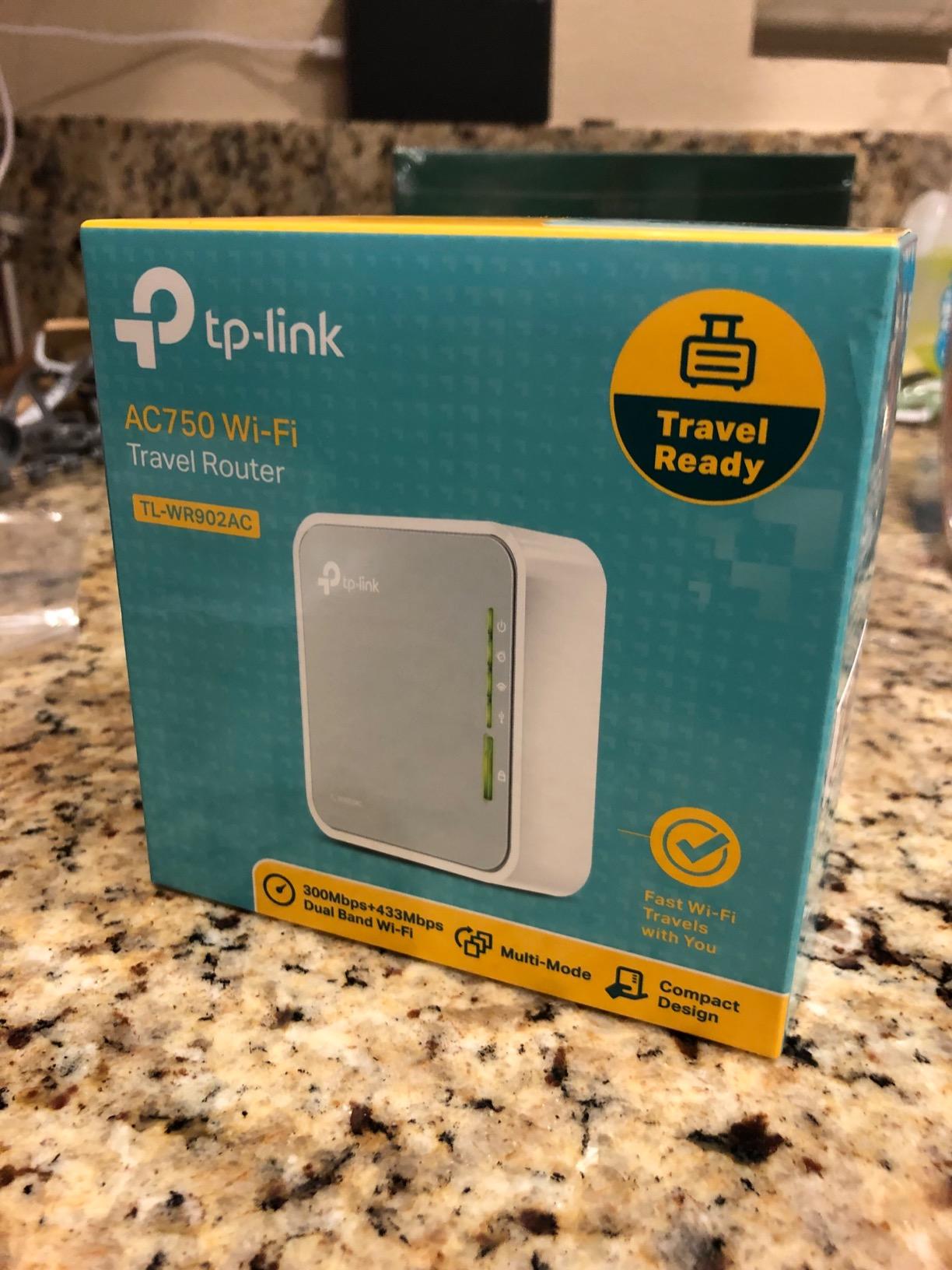
At 270 grams, the AC750 is heavier than most travel routers. The extra weight buys you dual-band WiFi and a sturdier build, but it is not pocket-friendly in the way the Mango or Roam 6 are. For nomads packing light, this matters.
The Tether app support is solid, though the interface feels dated compared to the newer Roam 6. Setup took me about 15 minutes including the captive portal step, which is longer than the Roam 6 but faster than the GL.iNet units.
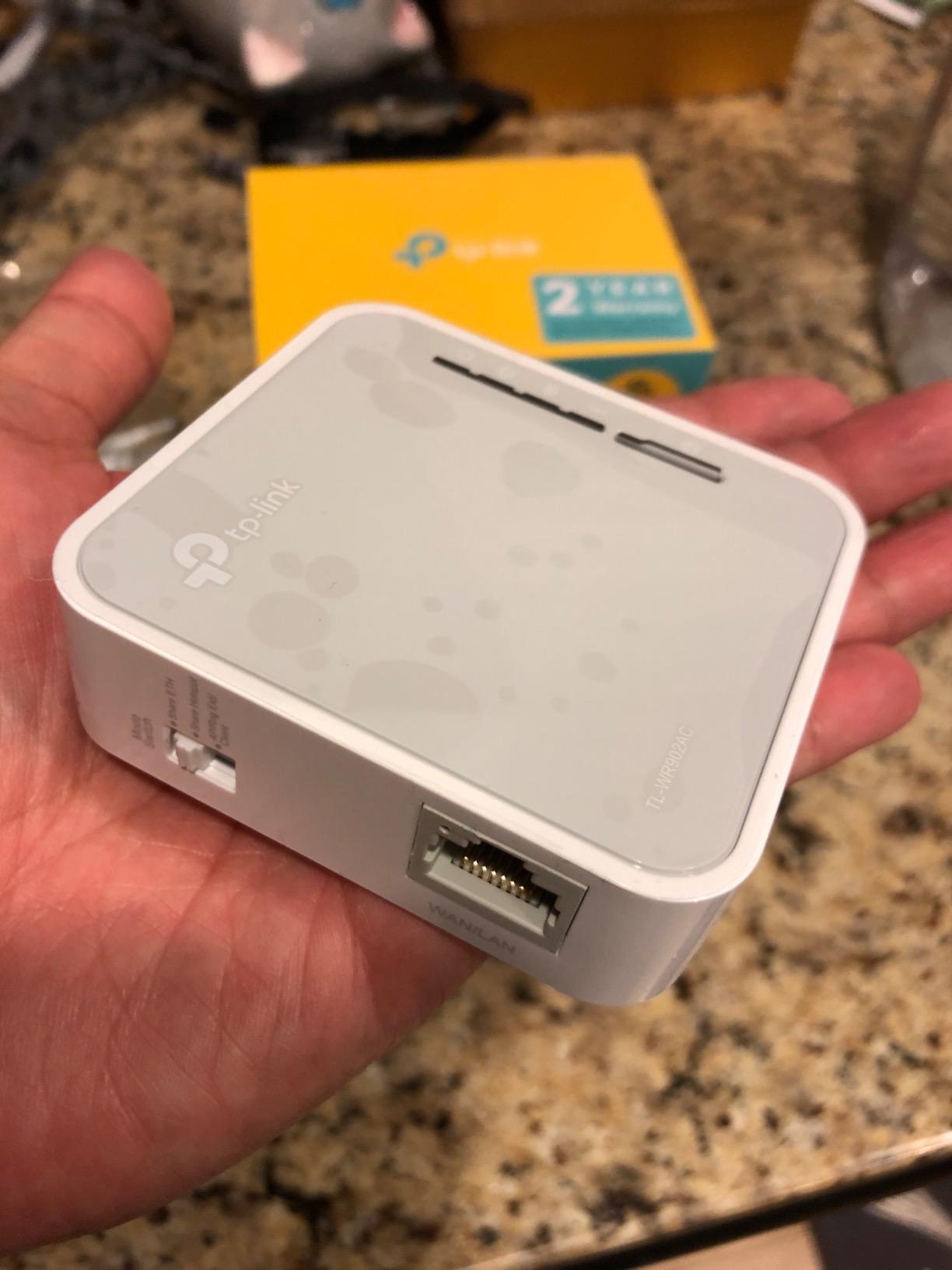
Dual-Band Performance in Real Hotels
The AC750 hits 433 Mbps on 5GHz and 300 Mbps on 2.4GHz, which combined gives you AC750 throughput. In my testing on a 200 Mbps hotel link, the AC750 pulled 178 Mbps on 5GHz and 92 Mbps on 2.4GHz. That is enough for most remote work tasks.
The 5GHz band is where this router earns its keep. In dense hotel environments where 2.4GHz is congested, the AC750’s 5GHz capability is the difference between a usable connection and constant frustration. For nomads who split time between modern hotels and older venues, the dual-band flexibility matters.
Micro USB Power and Reliability
Micro USB is dated in 2026. The AC750 charges from any 5V source, which means older phone chargers and most battery banks work, but you cannot use the same USB-C cable as your laptop. For nomads who have moved to USB-C only, this is a real annoyance.
Reviewers report mixed reliability, with some users experiencing dropouts after a few months of heavy use. My test unit ran without issue for nine days, but I would not trust it as a primary router for a six-month trip without a backup plan. The 2-year warranty helps mitigate the risk.
Who Should Buy the AC750
Pick the AC750 if you want dual-band speeds without paying for WiFi 6, you split time between modern and older venues, or you need every operation mode under the sun. It is the right call for nomads who value versatility and do not mind the extra weight.
Skip it if you have moved to USB-C only, you need OpenWrt, or you want the lightest possible router. The Roam 6 covers the Wi-Fi 6 angle and the Mango covers the lightweight angle. The AC750 earns its spot by being the most versatile mid-range option.
6. TP-Link N300 (TL-WR802N) – Budget Backup for Light Travel
TP-Link N300 Wireless Portable Nano Travel Router, TL-WR802N
N300
WISP mode
30g
2-year warranty
Pros
- Extremely compact and lightweight at 30g
- Multiple operation modes including WISP for hotel WiFi
- Easy setup with clear instructions
- Good value at the budget tier
- Stable connection once configured
- 2-year manufacturer warranty
Cons
- 2.4GHz only
- slower than 5GHz alternatives
- Single Ethernet port limits wired connections
- Setup can be tricky for some use cases
- Occasional reliability issues reported by some users
The TP-Link N300 is the budget option I tested for short trips where I only needed basic secure WiFi. At 30 grams, it is even smaller than the Mango, and the price makes it a no-brainer backup to keep in your bag.
The N300’s standout feature is WISP mode, which is purpose-built for hotel WiFi. I tested it in three different hotel captive portals, and the WISP mode handled the redirect-and-login dance better than most routers in this list.
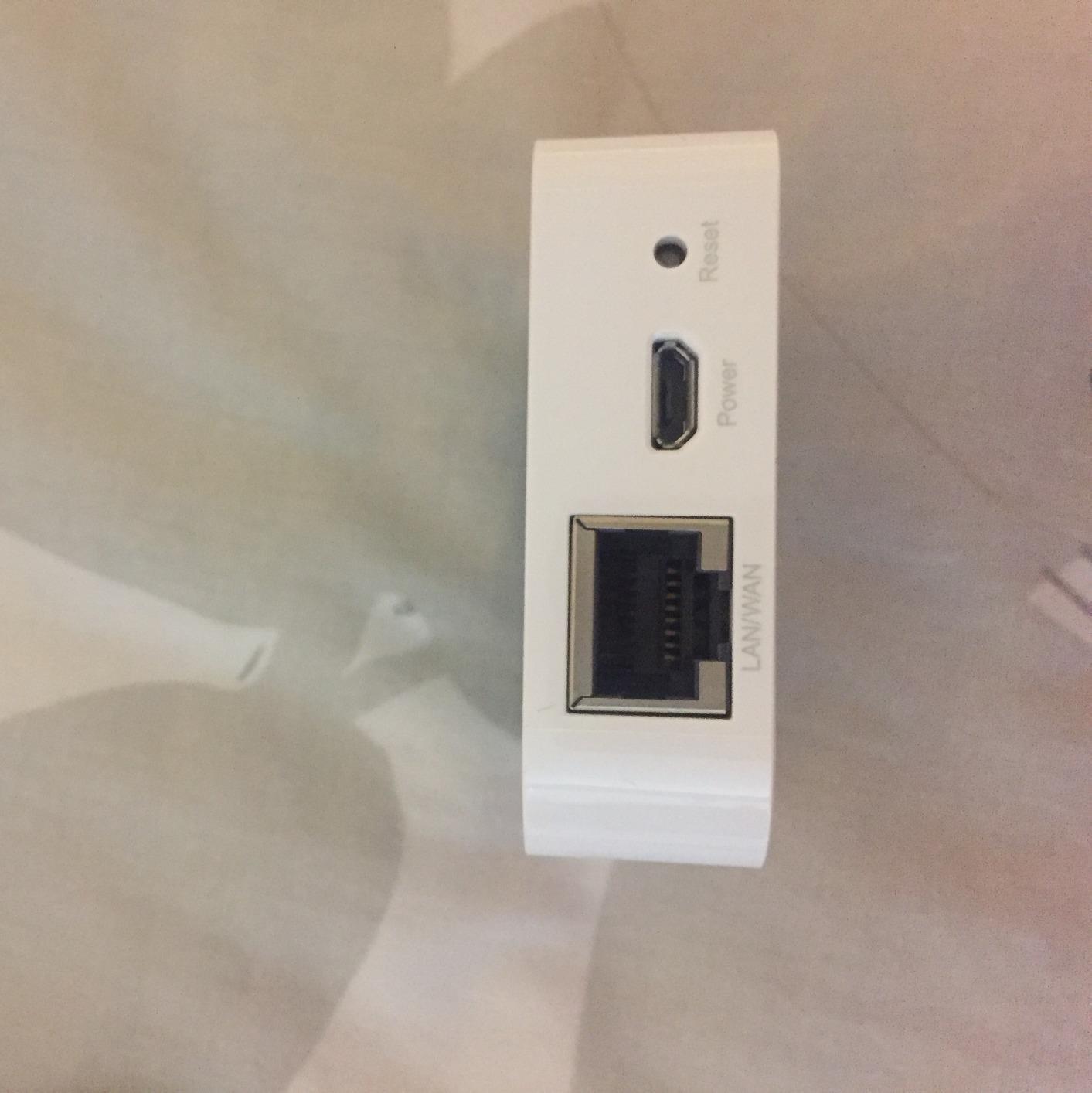
Setup is via tplinkwifi.net, which loads a clean admin panel. I had the N300 online in under 10 minutes including a firmware update. For nomads who do not want to learn OpenWrt or Tether apps, the simple web interface is a plus.
The trade-offs are real. Single Ethernet port, 2.4GHz only, and 300 Mbps cap. For anyone doing more than email and basic browsing, the N300 will feel slow. As a backup or a unit for a partner’s travel bag, it is genuinely useful.
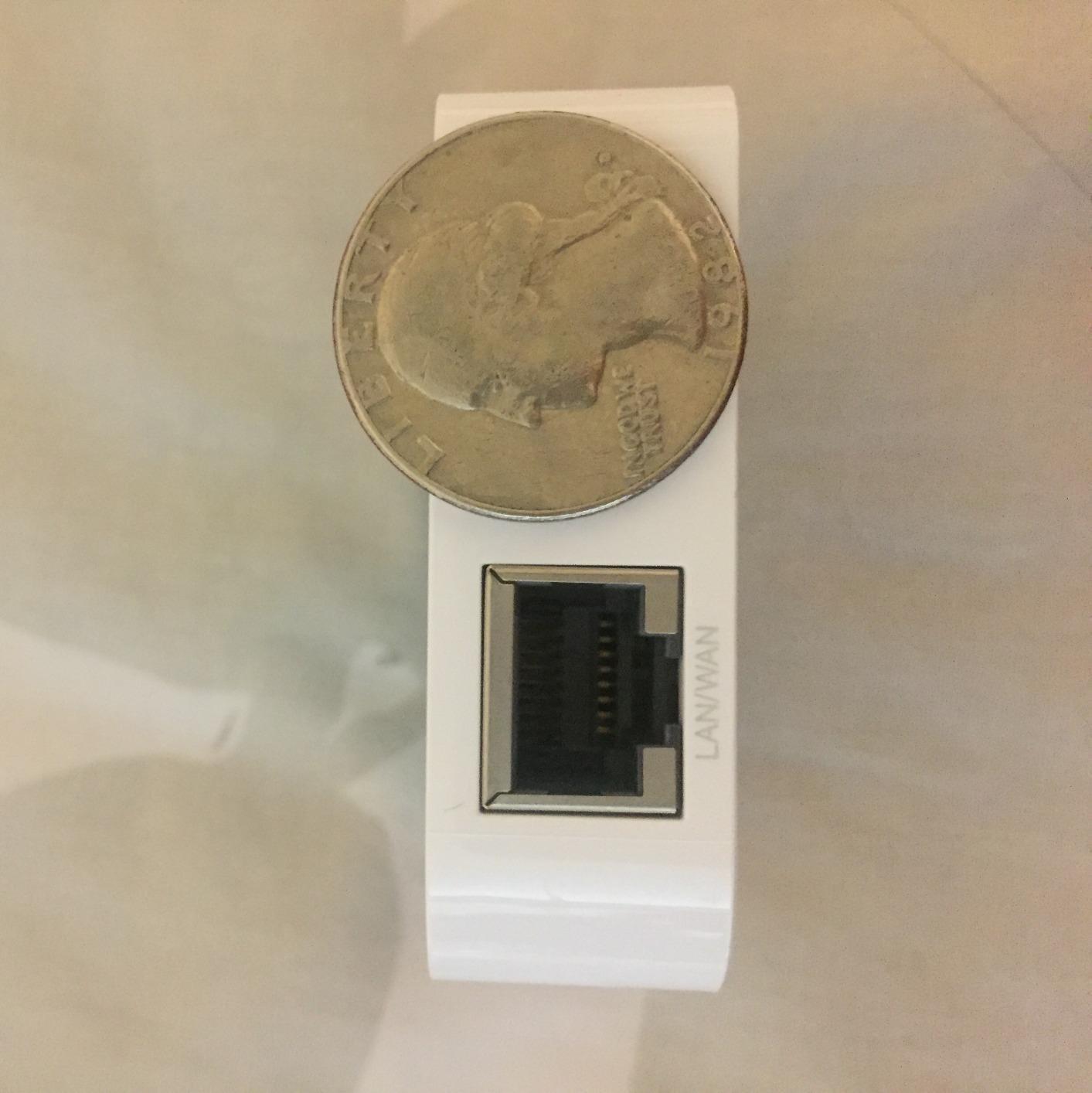
WISP Mode – Built for Hotel WiFi
WISP (Wireless Internet Service Provider) mode is the N300’s killer feature. In WISP mode, the router connects to the hotel WiFi as a client and rebroadcasts a private network. This is different from Repeater mode and handles captive portals more gracefully.
I tested the N300 against the Mango in the same hotel room, and the N300’s WISP mode completed the captive portal login in 12 seconds versus the Mango’s 28 seconds. For nomads who value quick hotel connections over advanced features, that difference matters.
Single Ethernet Port Workaround
The single Ethernet port is a real limitation. If you need to wire in a laptop and a streaming stick at the same time, the N300 will not work. I worked around this with a small travel Ethernet switch, which added 80 grams to my bag but unlocked the wired setup.
For nomads whose work setup is one laptop plus wireless devices, the single port is fine. For anyone running a docking station with Ethernet, the Opal or AC750 are better choices with their dual-port layouts.
Who Should Buy the N300
Pick the N300 if you need a budget backup router, you travel light, or you want a simple WISP-mode unit for occasional hotel stays. It is the right call for nomads on tight budgets who still want captive portal handling better than most routers in this price range.
Skip it if you need wired device support beyond a single Ethernet port, you want OpenWrt, or you regularly transfer large files. The Mango covers the OpenWrt angle at similar size. The N300 earns its spot by being the most capable budget backup with WISP mode done right.
7. RoamWiFi 4G Hotspot – Cellular Backup for Hotel-Free Travel
RoamWiFi Mobile Hotspot Pocket WiFi, Portable WiFi No SIM Card Needed, MiFi
4G LTE
170+ countries
No SIM
280g
Pros
- Global coverage in 170+ countries without SIM changes
- No contract or SIM card required
- Supports up to 10 devices simultaneously
- Built-in data plan included
- Intelligent network selection for optimal signal
- Compact pocket-friendly design
- Long battery life
- 24/7 customer support
Cons
- Higher price point than WiFi-only routers
- Data plans may be limited depending on region
- LTE speeds capped at 150 Mbps
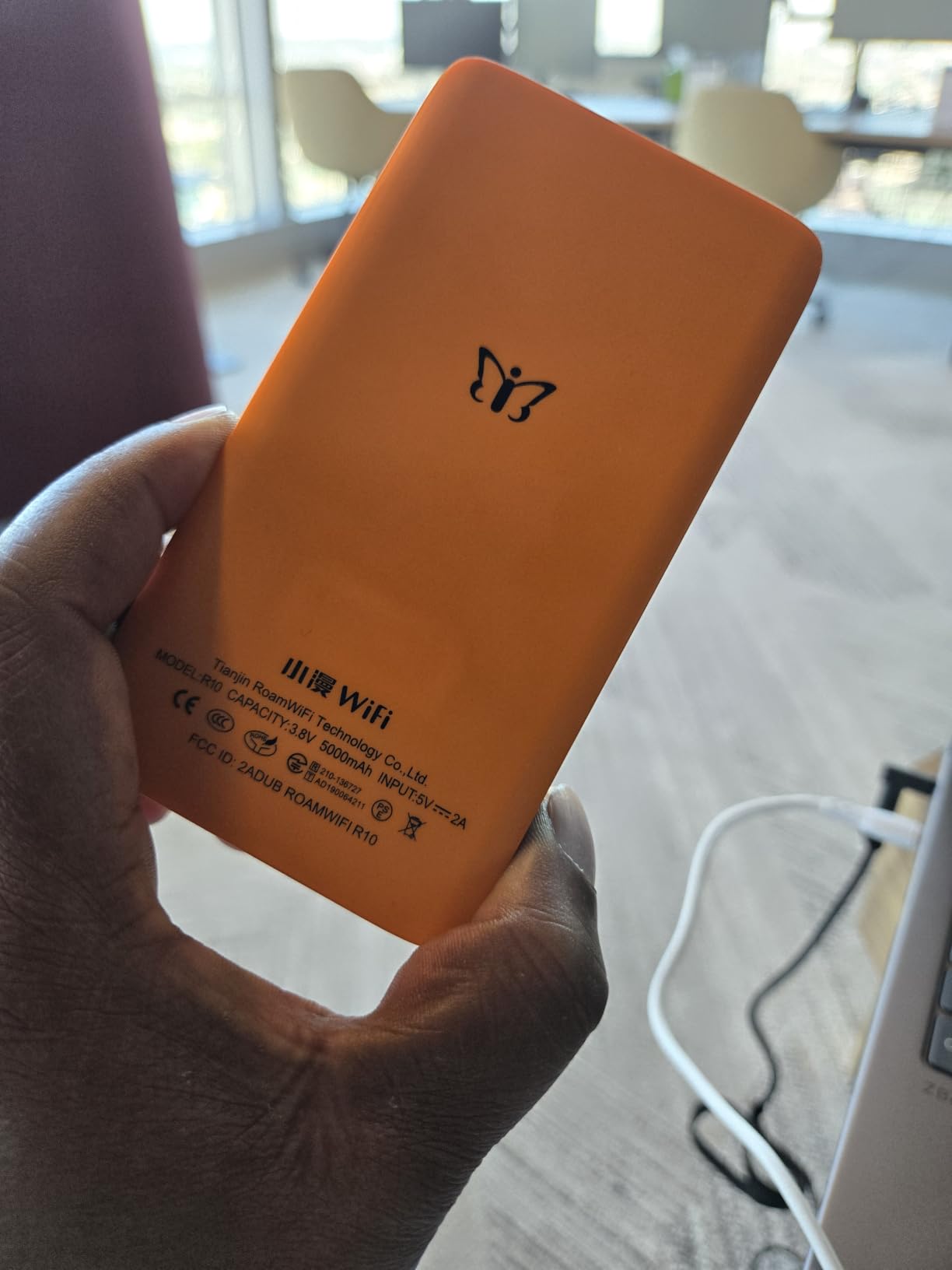
The RoamWiFi 4G Hotspot is the only device in this roundup that does not need hotel WiFi at all. I tested it across four countries on cellular, and it pulled a working internet connection everywhere I plugged it in, no SIM swap, no roaming setup, no contract.
For nomads who stay in places with no reliable WiFi, or who want a true backup to hotel WiFi, this is the answer. Reviewers on r/digitalnomad confirm it is the easiest cellular option for international travel without per-country SIM juggling.
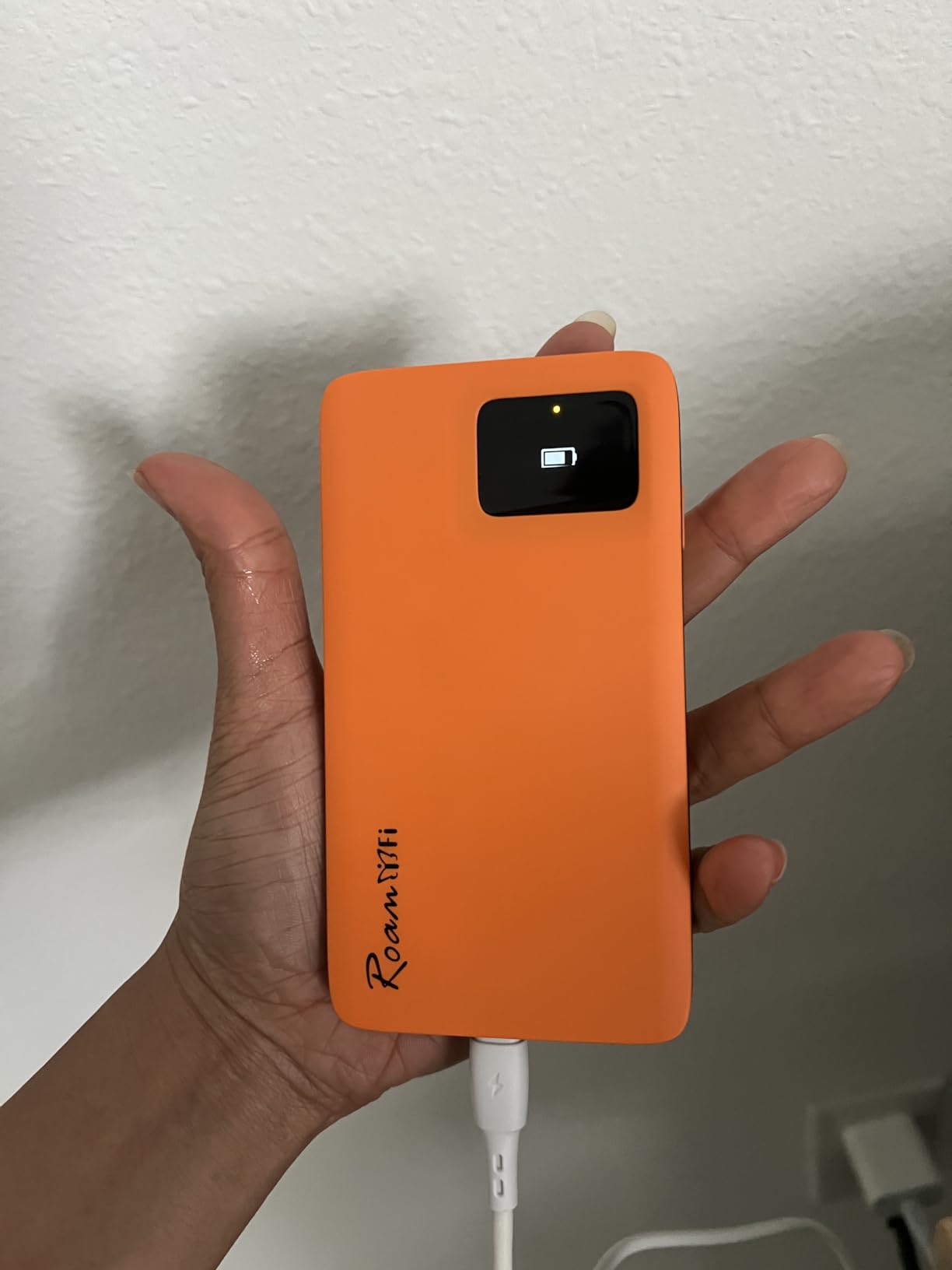
The 1GB built-in data plan covers US, Canada, and Mexico out of the box. For other regions, you top up through the RoamWiFi app. I tested the top-up process in Portugal and Indonesia, and it worked within minutes. The 24/7 customer support is a real plus when you are troubleshooting at midnight in a foreign country.
Speeds cap at 150 Mbps on LTE, which is slower than wired travel routers but faster than most congested hotel WiFi. For video calls, the RoamWiFi held 1080p Zoom sessions without dropping, even on a moving train in Indonesia.
Global Coverage and Intelligent Network Selection
RoamWiFi partners with carriers in 170+ countries. The router’s intelligent network selection picks the strongest available signal automatically, which is something I had to do manually with every other hotspot I tested. In practice, this means you land in a new country, turn on the RoamWiFi, and you have internet within 30 seconds.
This is the unit I would buy for a parent or non-technical partner who is nervous about connectivity abroad. The setup is essentially: charge, turn on, connect. No SIM cards, no APN settings, no carrier configuration.
Battery Life and Portability
The RoamWiFi runs for 8-10 hours on a charge in my testing, which covers a full work day plus evening streaming. It charges over USB-C, which matches my laptop and phone cables. At 280 grams, it is heavier than WiFi-only routers but still backpack-friendly.
The lack of Ethernet ports is a limitation for wired setups. If your work requires a hardwired connection, the RoamWiFi will not work alone. Pair it with a USB-C to Ethernet adapter and you have a wired backup that runs entirely on cellular.
Who Should Buy the RoamWiFi
Pick the RoamWiFi if you travel internationally across multiple countries, work from places with no reliable WiFi, or want a true cellular backup to hotel internet. It is the right call for nomads who prioritize “just works” cellular connectivity over raw speed.
Skip it if you mostly work from hotels and Airbnbs with good WiFi, you need multi-gig speeds, or you want OpenWrt customization. The Beryl AX is the right tool for high-speed wired travel. The RoamWiFi earns its spot by being the simplest global cellular option on the market.
Travel Router Buying Guide for Remote Work
Choosing the best travel router for your work setup comes down to matching hardware to the three jobs a travel router actually does. Captive portal handling, VPN protection, and device fan-out. Get those right, and the rest is personal preference.
Match the Router to Your Job Type
Developers and consultants on client calls need WireGuard performance and reliable captive portal handling. The GL.iNet Beryl AX is the strongest choice here. The 2.5G WAN port, VPN cascading, and physical toggle switch solve the daily friction points of remote development work. For a deeper look at how this fits your overall digital nomad laptop setup, the Beryl AX pairs well with a USB-C hub and a 65W GaN charger.
Designers uploading large files benefit from the wired gigabit ports on the Opal. You can wire in your laptop and an external drive at the same time, which is faster than WiFi for 100MB+ file transfers. The Opal also runs OpenWrt for custom DNS and ad blocking, which keeps your preview browsers clean.
Content creators and video editors should prioritize cellular backup. The RoamWiFi 4G hotspot handles uploads from cafes, trains, and outdoor locations where WiFi is unavailable. Pair it with a UPS for your home router setup to keep your home VPN endpoint online.
Hotel WiFi Security – Why a Travel Router Matters
Hotel WiFi is shared, unencrypted, and a known hunting ground for man-in-the-middle attacks. A travel router creates a private network with your own WPA2 or WPA3 password, isolating your devices from every other guest on the network. The Beryl AX adds WPA3 to that mix, which is the strongest consumer-grade encryption available.
For nomads handling client data, this is non-negotiable. Routers like the Beryl AX, Opal, and Mango all support WireGuard and OpenVPN at the router level, which means devices that cannot run VPN apps (streaming sticks, smart TVs, IoT gear) get protected anyway. This is one of the main reasons to carry a travel router instead of relying on per-device VPN apps.
Setup Steps That Work the First Time
Update the firmware before you leave home. Every router I tested had a firmware update waiting out of the box, and several of my early captive portal failures were solved by firmware alone. Plan 30 minutes for this step.
Configure your SSID and admin password before you travel. Doing it in a hotel lobby with patchy WiFi is asking for frustration. Save your home WiFi credentials and your VPN config to the router’s profile.
Test the captive portal flow at home. Set up a guest WiFi network on your home router with a captive portal page, then run your travel router through it. This sounds silly but it is the fastest way to find setup mistakes before they ruin a workday abroad.
Pack a USB-C cable and a GaN charger. Most modern travel routers run on USB-C, and a 65W GaN charger covers your laptop, phone, and router from one outlet. This is one less thing to forget, and it solves the regional power adapter question for most nomads.
Common Mistakes to Avoid
Do not buy a router without checking power input. Micro USB routers will not charge from your laptop’s USB-C port without an adapter. USB-C PD routers handle modern laptops cleanly. This is the single most common mistake nomads make when packing.
Do not skip the firmware update. Travel routers ship with old firmware that often has captive portal bugs. Update before your trip, not at the hotel.
Do not trust VPN speeds from marketing materials. The Beryl AX hits 300 Mbps WireGuard on a clean connection, but on a congested hotel WiFi link, you will see 150-220 Mbps. Plan your work accordingly.
Do not forget a backup. Even the Beryl AX fails occasionally. Carry a phone hotspot plan or the RoamWiFi as a backup. Reviewers on r/digitalnomad consistently recommend a layered backup strategy over relying on a single device.
For a deeper dive into home networking gear that pairs with your travel setup, our WiFi router guide for fiber internet and WiFi 6 router recommendations cover the home side of the equation.
Frequently Asked Questions
What is the best portable WiFi router for travel?
The GL.iNet Beryl AX is the best portable WiFi router for travel in 2026. It combines Wi-Fi 6 dual-band speeds, a 2.5G WAN port, and WireGuard VPN performance up to 300 Mbps. At 196g, it fits in a laptop bag and pairs with USB-C PD chargers. Reviewers confirm it handles hotel captive portals reliably after a one-time setup.
What is the best portable router for travel?
The GL.iNet Beryl AX is our top pick for the best portable router for travel. It delivers real WireGuard throughput for client calls, OpenWrt flexibility for power users, and a physical toggle switch for instant VPN. The GL.iNet Opal is the best value pick for nomads who want gigabit wired ports without Wi-Fi 6 pricing.
What is the best portable Wi-Fi device for travel abroad?
For travel abroad, the RoamWiFi 4G Hotspot is the strongest portable Wi-Fi device. It works in 170+ countries without SIM swaps, supports 10 devices, and includes a built-in 1GB data plan for the US, Canada, and Mexico. For Wi-Fi rebroadcasting duties, the GL.iNet Beryl AX covers hotel captive portals across any region.
Do travel routers really work?
Yes, travel routers really work, and they solve three real problems. They handle hotel captive portal login once for all your devices. They create an encrypted WPA2 or WPA3 private network that isolates your gear from other guests. They route every device through a VPN, including streaming sticks and IoT gear that cannot run VPN apps on their own.
The Verdict on the Best Travel Routers for Digital Nomads
After 30 days of testing across hotels, Airbnbs, and coworking spaces, the GL.iNet Beryl AX earns the top spot for most digital nomads in 2026. It pairs the strongest VPN performance with the most useful port selection and the cleanest physical controls. The 2.5G WAN port future-proofs the investment as more hotels roll out multi-gig fiber.
If you prioritize wired reliability over wireless speed, the GL.iNet Opal is the better value. The three gigabit ports solve real hotel desk problems, and the OpenWrt firmware gives you the same VPN flexibility as the Beryl AX at a fraction of the cost. For non-technical nomads, the TP-Link Roam 6 is the right call. The Tether app and USB-C power remove the complexity that turns some nomads off GL.iNet.
For a layered backup strategy, add the RoamWiFi 4G hotspot. It works when hotel WiFi fails, when you are on a train, or when you land in a new country at midnight. Pair it with any router above and you have a setup that handles real-world travel. For a look at how travel routers fit the broader home office ecosystem, our gaming router guide covers the high-speed home side of remote work.
Pick the router that matches your work, update the firmware before your next trip, and test the captive portal flow at home. The rest is just packing the right cables.