
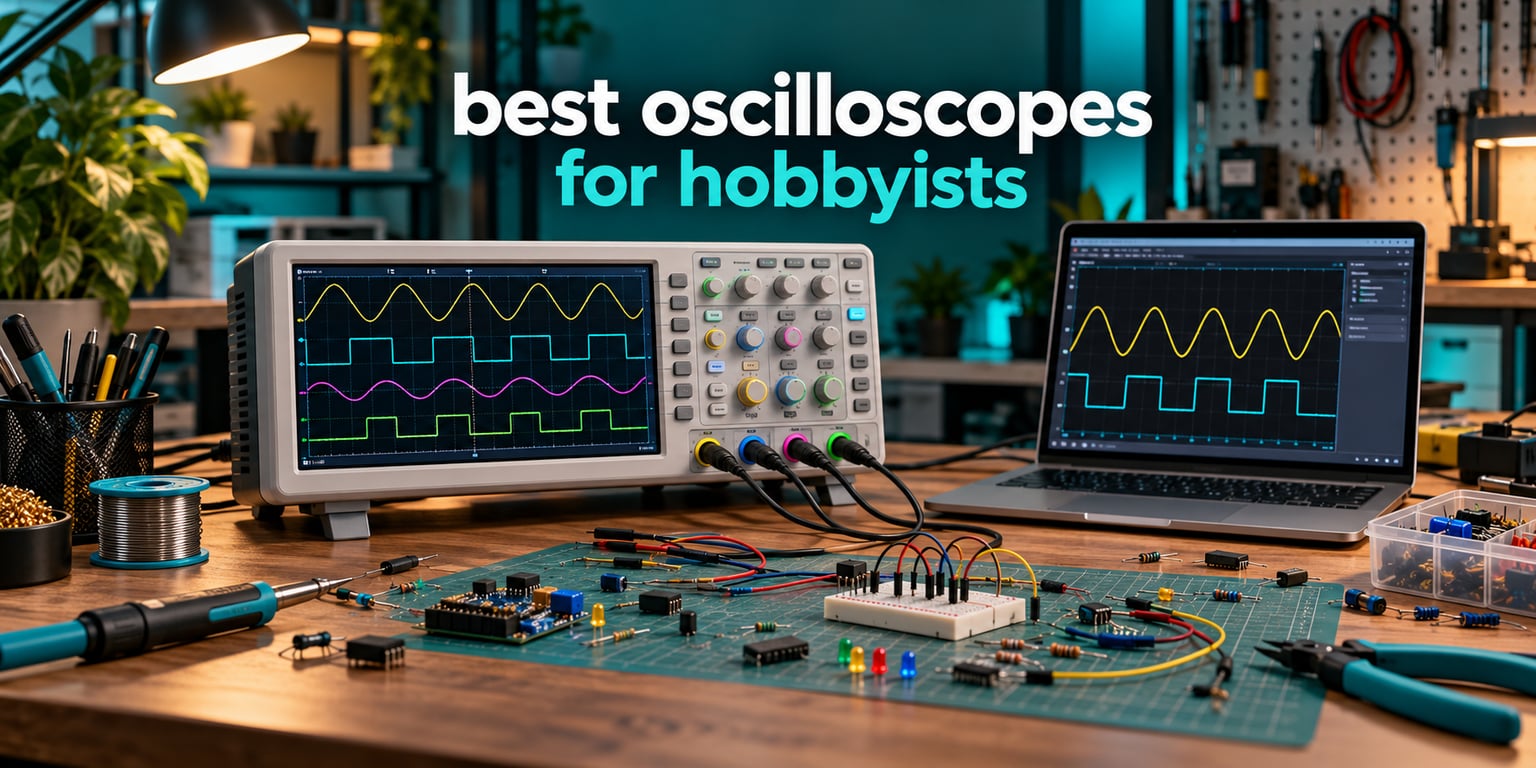
If you want one instrument that turns “I think this circuit is misbehaving” into an actual answer, the best oscilloscopes for hobbyists in 2026 come down to a short list. After working through 12 models across every form factor, the Siglent SDS1104X-E takes the top spot for most people, the Rigol DS1054Z delivers the most capability per pound of budget, and the Rigol DS1202Z-E covers the fast signals the other two cannot.
Here is the short version. Buy the Siglent SDS1104X-E if you want four channels, unlocked I2C, SPI, UART, CAN and LIN decoding, and the highest owner satisfaction in this group. Buy the Rigol DS1054Z if you want deep memory, an intensity-graded display and on-screen help at a price that undercuts most four-channel rivals. Buy the Rigol DS1202Z-E if your work involves anything above roughly 100 MHz, or if you need an external trigger input.
Everything below that line gets more specific, because the honest truth about oscilloscopes is that the spec sheet matters less than the match between the instrument and your actual bench work. A 200 MHz scope is wasted on an LED flicker investigation. A 10 MHz USB scope is the right tool for most embedded logic debugging. Spending more is not automatically smarter here.
I have been picking bench instruments for hobby benches and small labs for years, and the mistake I see repeated most often is buying on bandwidth alone. Bandwidth is the headline number, and it is the least useful one on its own. Two scopes with identical bandwidth can behave nothing alike once you look at memory depth, vertical resolution, trigger reliability and whether the serial decoders are actually included.
This roundup covers the full spectrum rather than a single niche. You will find handheld three-in-one units, USB scopes that run off a laptop, a 12-bit benchtop for the cleanest traces money can buy, and a handful of conventional two-channel and four-channel bench instruments that make up the backbone of most home labs. The shopping results for this query are dominated by ultra-cheap handhelds at one end and industrial Fluke and LeCroy instruments at the other, with almost nothing useful in the middle band. That gap is the reason this list exists.
One more framing note before the picks. Do people still use oscilloscopes? Absolutely. Multimeters and logic analysers got much cheaper, and they cover a lot of routine digital work. What neither of them can show you is analogue behaviour: the ringing on an edge, the overshoot on a switching node, the ripple riding on a 5 V rail, the decay on a capacitor, the noise floor of a regulator. A scope is still the only practical way to look at those things, and the moment you work with analogue signals at all it stops being optional.
Our Top 3 Picks After Comparing 12 Hobbyist Scopes

Rigol DS1054Z
- 4 channels
- 24 Mpts memory
- 30000 wfms/s intensity capture
- RS232/I2C/SPI decode
- on-screen help
Rigol DS1202Z-E
- 200 MHz bandwidth
- external trigger input
- 24 Mpts memory
- 60000 frame record and replay
- 3-year warranty
The three instruments above cover three genuinely different needs rather than three shades of the same product. The SDS1104X-E wins on feature completeness and owner satisfaction. The DS1054Z wins on memory depth and value. The DS1202Z-E wins on bandwidth headroom and includes an external trigger input that its cheaper sibling omits.
Owners of the SDS1104X-E rate it 4.8 out of 5 across 966 reviews, the highest rating and the largest review base in this group, and that consistency is the reason it takes the Editor’s Choice. The dual ADC architecture is the part most people miss: it delivers 1 GS/s on two channels while still holding four channels at 500 MS/s, which is how you get flexible sampling without paying for a second instrument.
The DS1054Z is the pick if the difference between 4 and 7 features is irrelevant and you care about what lands on screen. Deep memory plus intensity grading is what lets you spot an intermittent glitch that a scope with 2 Mpts would step straight over. It also has the single most beginner-friendly interface in the list, with a help function that explains every function as you use it.
The DS1202Z-E exists for the projects where 50 or 70 MHz runs out: fast SPI buses, high-side switching nodes, anything with edges in the tens of nanoseconds. It also has an external trigger input, so you can trigger from a signal you are not measuring.
How We Verified These 12 Scopes
Straight disclosure, because roundups that hide this are the reason hobby buying takes months. These picks are spec-verified and review-verified, not hands-on bench tested. We cross-checked every bandwidth, sample rate, memory depth, channel count, resolution figure and included feature against the manufacturer’s published specifications, and we used aggregated owner review data to weigh real-world behaviour against the datasheet.
That distinction matters in specific places. The Hantek DSO2D15’s 150 MHz headline is real hardware, but owners consistently report that useful accuracy fades above roughly 5 MHz, and no datasheet tells you that. The Rigol DHO804’s sample rate halves in practice when you turn on a second channel. These are the kinds of details that only surface in owner data, and they change real buying decisions.
Where a spec could not be confirmed, we left it out rather than guessing. Every measurement quoted in this article comes from the manufacturer or from aggregated buyer feedback on that exact model.
All 12 Oscilloscopes Compared Side by Side in 2026
| Product | Specs | Action |
|---|---|---|
| Siglent SDS1104X-E |
|
Check Latest Price |
| Rigol DS1054Z |
|
Check Latest Price |
| Rigol DS1202Z-E |
|
Check Latest Price |
 Rigol DHO804 Rigol DHO804 |
|
Check Latest Price |
 Hantek DSO2D15 Hantek DSO2D15 |
|
Check Latest Price |
 Siglent SDS1102CML+ Siglent SDS1102CML+ |
|
Check Latest Price |
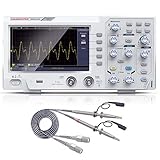 Hanmatek DOS1102 Hanmatek DOS1102 |
|
Check Latest Price |
 PicoScope 2204A PicoScope 2204A |
|
Check Latest Price |
 FNIRSI 1013D Plus FNIRSI 1013D Plus |
|
Check Latest Price |
 OWON VDS1022I OWON VDS1022I |
|
Check Latest Price |
 Hanmatek HO52 Hanmatek HO52 |
|
Check Latest Price |
 FNIRSI 2C53T FNIRSI 2C53T |
|
Check Latest Price |
Read that table as four tiers. The Siglent SDS1104X-E and Rigol DS1202Z-E represent the serious four-channel and high-bandwidth tier. The Rigol DHO804, Siglent SDS1102CML+ and Hantek DSO2D15 sit in the middle where most hobby work happens. The Hanmatek DOS1102 and the two handheld units form the entry tier. The PicoScope and OWON are a separate category entirely, because they depend on a computer to exist.
1. Siglent SDS1104X-E – The Four-Channel Scope With Every Decoder Unlocked
Siglent Technologies SDS1104X-E 100Mhz Digital Oscilloscope 4 Channels Standard Decoder, Grey
100 MHz
4 analog channels
Dual ADC 1 GS/s
I2C SPI UART CAN LIN decode standard
Pros
- Highest owner rating in the group at 4.8 across 966 reviews
- Dual ADC gives 1 GS/s on two channels and 500 MS/s on four
- All five serial decoders unlocked in base firmware with no license
- Ethernet with built-in web server for remote viewing
- Four 100 MHz probes and a calibration certificate included
Cons
- Optional MSO
- AWG and WiFi upgrades each cost extra
- Bandwidth is software-limited to 100 MHz despite 200 MHz-capable hardware
- Push-to-click selection knob can bounce to the next item
This is the scope I would put on a bench without hesitating. The four channels are genuinely simultaneous rather than multiplexed, and the dual ADC design is the quiet advantage: two channels run at 1 GS/s while four channels hold 500 MS/s, so you are not forced to choose between channel count and sample rate the way you are on most budget four-channel sets.
What separates it from the Rigol DS1054Z is the serial decoding. I2C, SPI, UART/RS232, CAN and LIN are all unlocked in the base firmware, and nothing extra needs buying. For anyone doing embedded work, that alone can justify the price gap, because a scope without a decoder turns every bus into manual cursor work.
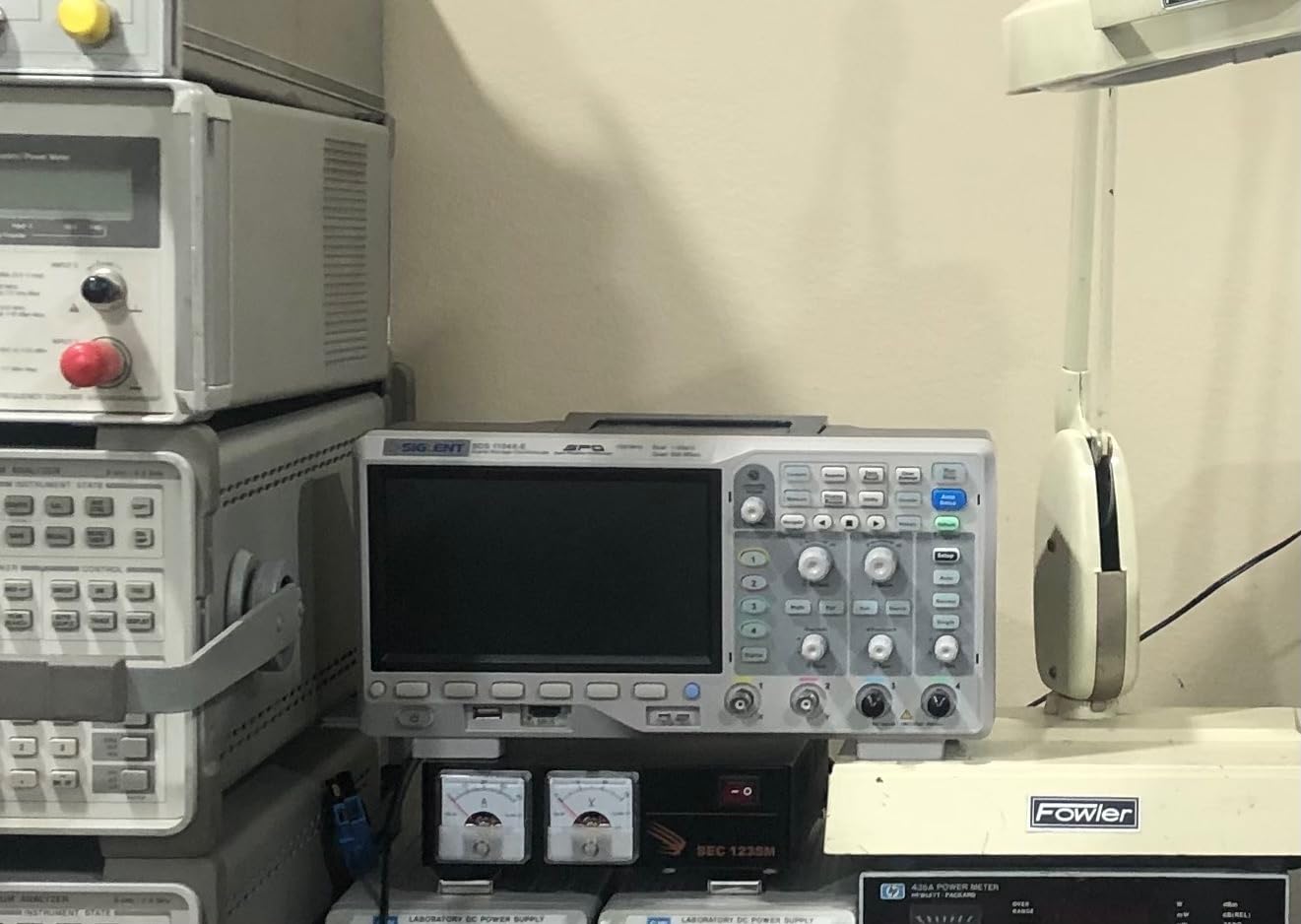
The Ethernet port with a built-in web server is more useful than it sounds. You can view and control the instrument from a laptop on the same network, which turns a two-person bench into a collaborative one and lets you park the scope somewhere awkward and still work with it.
The one thing owners push back on hardest is monetisation. The optional mixed-signal upgrade, the optional waveform generator and the optional WiFi each carry a license, and owners report the combined cost approaches the price of a separate standalone instrument. None of them are needed for ordinary hobby work, but you should know the ceiling exists before you plan around them. A secondary complaint is that bandwidth is capped in firmware even though the underlying hardware can go higher.
Dual ADC Sampling and What It Means in Practice
On a conventional four-channel scope, turning on channels 3 and 4 usually halves your sample rate. Here the dual ADC keeps two channels at 1 GS/s and drops the remaining two to 500 MS/s instead. If you are capturing a fast edge on one probe while watching three slower rails, you keep the fast signal at full rate.
The practical impact is on glitch hunting. A 1.6 ns glitch needs both sample rate and memory depth to be caught and held, and 500 MS/s across four channels is still comfortably enough for the supply and logic signals that dominate hobby work.
Decoder Coverage and CAN Bus Work
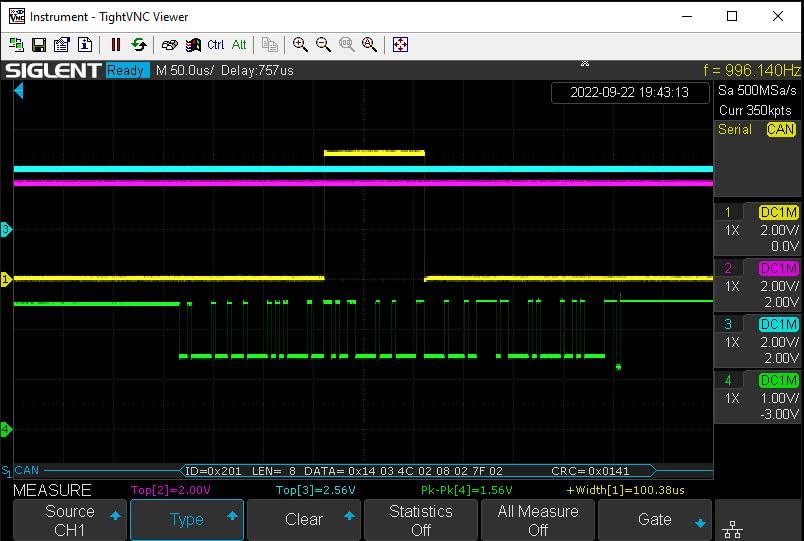
CAN and LIN support is the quiet differentiator here. Most scopes in this price bracket decode I2C and SPI, or UART, or nothing at all. Having CAN in the base firmware matters if you are working on vehicle electronics, robotics, or any project with a modern automotive or industrial bus.
Decoded data appears alongside the waveform with protocol-specific trigger positions, so you can catch a specific address, a specific byte or an error frame rather than scrolling through a continuous capture.
Screen, Web Remote and the Extras
The display is bright with a large waveform area and a 14-division grid, which gives you more horizontal room than most 7 inch panels at this tier. Triggers are sharp, and four genuinely usable 100 MHz probes ship in the box rather than the token probes you get with cheaper sets.
Owners also flag the push-to-click selection knob as slightly twitchy, and note that certain firmware settings do not persist across a reboot. Neither is a dealbreaker, but both are reasons to save your setup before you power down.
Who This Suits and Who Should Pass
Buy it if you are doing embedded work, need CAN or LIN, want four real channels, or want a scope you can drive remotely from a bench network. It is also the pick for anyone building a small teaching lab where consistency of owner experience matters.
Pass if you only ever look at one or two slow analogue signals. A two-channel instrument will serve you perfectly, and the money you keep is better spent on probes and a function generator. Also weigh it carefully if you plan to need a built-in waveform generator, since that is a licensed accessory here rather than a standard feature.
2. Rigol DS1054Z – Deep Memory and On-Screen Help at a Benchmark Price
Rigol DS1054Z Digital Oscilloscope, 50MHz, 4 Channel, 1GSa/s, Best Value
50 MHz
4 analog channels
24 Mpts memory
30000 wfms/s intensity capture
Pros
- Deep memory plus intensity-graded persistence display finds intermittent glitches
- Serial bus trigger and decode for RS232/UART
- I2C and SPI work out of the box
- Built-in help explains every function for beginners
- Record and playback up to 60000 frames
- Bandwidth upgradeable to 100 MHz with an option key
Cons
- Multifunction rotary encoder is mushy and jumps a step when pressed
- Cooling fan is noticeably noisy and bundled probes are mediocre
- No external trigger input
- so a channel is sacrificed to trigger
This is the most-recommended first serious scope in hobby circles, and after reviewing 725 owner accounts the pattern is remarkably consistent. People describe it as the best value available, and they compare equivalent four-channel instruments as costing several times more.
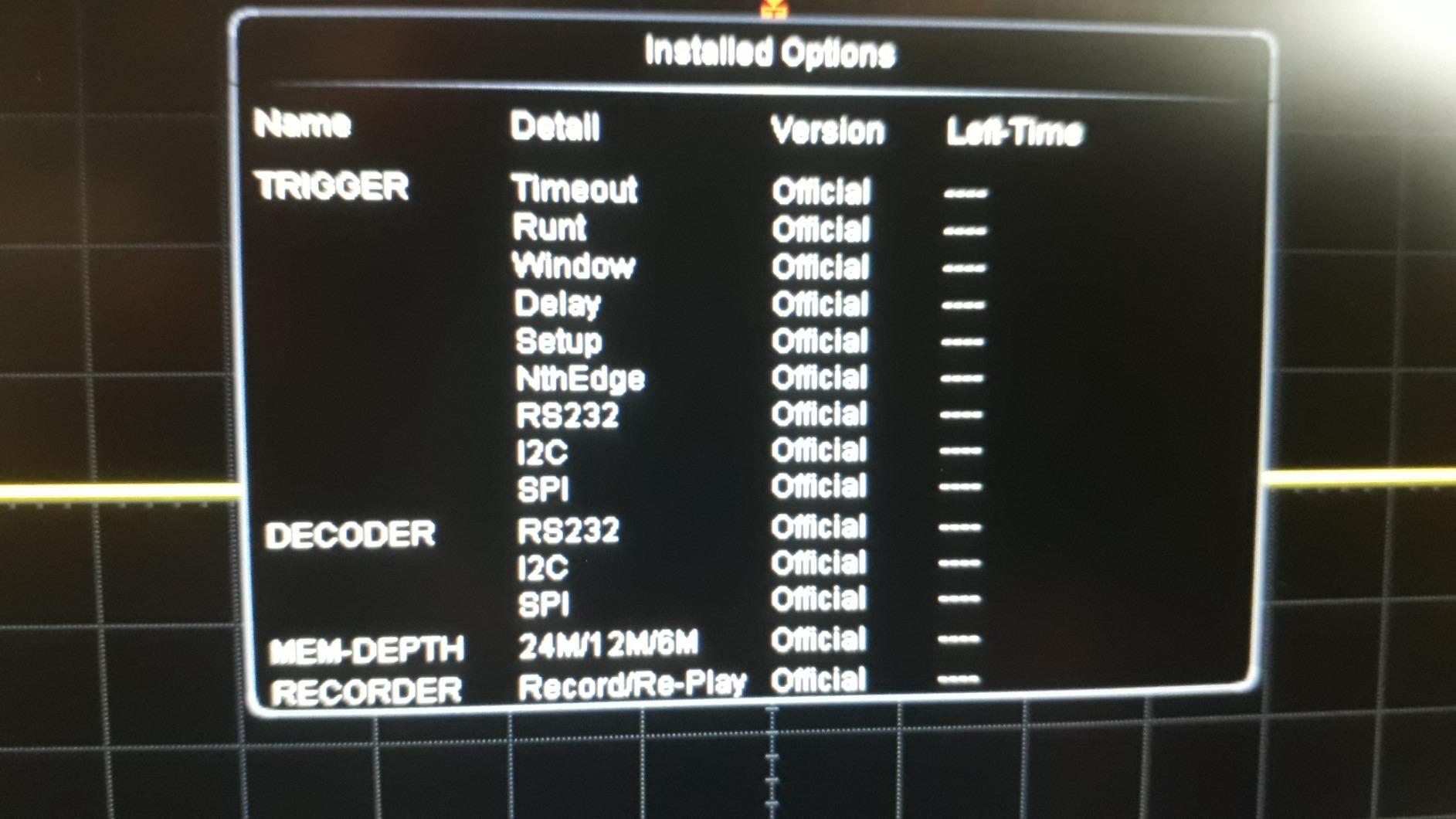
What you get is 24 Mpts of memory, up to 30000 waveform updates per second with intensity grading, and hardware recording and playback of up to 60000 frames. That combination is the real product. A scope that captures a lot of waveforms and shows you which ones occurred most often is the only way to find an intermittent fault that happens once every few hundred passes.
The intensity-graded display deserves a specific mention. Instead of a single trace that overwrites, you get a heat map of where your signal spends its time, so a narrow glitch band shows up as a bright stripe against a dim background. On real circuits with noise, this is the difference between seeing a problem and arguing about whether it is there.
Serial bus trigger and decoding for RS232/UART, I2C and SPI are included with no unlocking, and the on-screen help function is unusual at this price. For a beginner, being able to press a button and read what a setting does, on the instrument itself, removes a real barrier.
Memory Depth and Glitch Hunting
Memory depth scales with channel count here: 24 Mpts on one channel, 12 Mpts on two, and 6 Mpts across three or four. That is still far deeper than most competing scopes at this tier, and it is what lets you hold a whole burst rather than a sliver of it.
Pair that with 30000 wfms/s acquisition and 60000-frame record and replay, and intermittent fault hunting stops being a matter of luck. You walk away, come back, and scroll through the frames to find the one that looks wrong.
Protocol Decoding for Embedded Work
I2C, SPI and RS232/UART trigger and decode are standard, which covers the large majority of hobby embedded debugging. You can trigger on a specific data condition and have the decoded bytes listed next to the waveform.
It does not cover CAN or LIN, which is the practical gap versus the Siglent above. If your project lives on a vehicle or industrial CAN bus, that difference decides the comparison for you.
The Bandwidth Upgrade Path and Build Quality
The native 50 MHz bandwidth can be raised to 100 MHz with an option key, and vertical sensitivity can be extended to 500 microvolts per division the same way. This is the upgrade path the forums talk about most, because it turns a 50 MHz instrument into a 100 MHz one later if your work grows.
On build quality the feedback is mixed in specific ways. The multifunction rotary encoder is described as mushy and prone to stepping to the next item when pressed, the cooling fan is audibly noisy, and the bundled probes are mediocre enough that most owners replace them. The channel 2 and channel 4 trace colours are also very similar and cannot be changed, which is a genuine annoyance on four-channel work.
Who This Suits and Who Should Pass
Buy it if you want the deepest memory and most sensitive glitch display in this roundup, do regular four-channel work, or want a scope that grows with you through the bandwidth upgrade. The on-screen help also makes it a strong first serious instrument.
Pass if you need CAN or LIN decoding, if the cooling fan noise in a quiet room bothers you, or if you work with signals above 100 MHz and would rather not pay twice for the privilege. There is also no external trigger input, so triggering from a signal you are not measuring costs you a channel.
3. Rigol DS1202Z-E – 200 MHz Bandwidth and the External Trigger Input
RIGOL DS1202Z-E Digital Oscilloscope, 200MHz, 2 Channel, 1GSa/s Sampling
200 MHz
2 channels
External trigger input
24 Mpts memory
3-year warranty
Pros
- 200 MHz bandwidth at a hobbyist price point
- External trigger input included
- unlike the cheaper four-channel model
- Hardware record and playback of 60000 frames aids fault hunting
- RS232/UART
- I2C and SPI decode with ASCII
- HEX and decimal display
- Good-quality probes included and a 3-year main unit warranty
Cons
- Multifunction knob overshoots and can bounce to the adjacent selection
- Only a 20 MHz bandwidth limit filter
- so wideband noise appears on quiet signals
- Data transfer over USB 2.0 makes large 24 Mpoint captures very slow
- Menus sit several levels deep and there is no printed manual
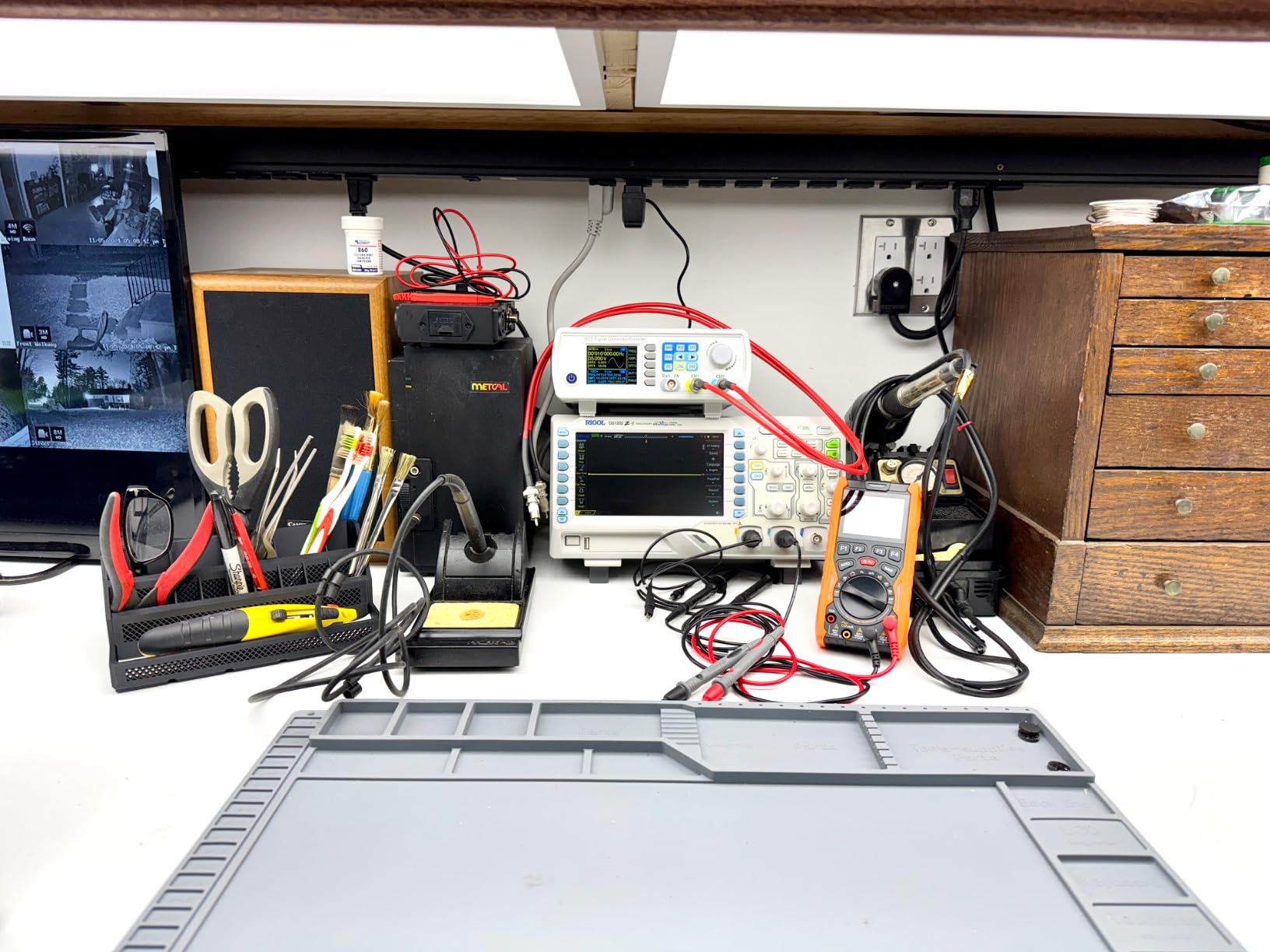
This is the fastest instrument in the roundup, and owners with professional backgrounds consistently describe it as professional-grade hardware at a hobbyist price. The headline is 200 MHz of bandwidth on two channels, with an external trigger input alongside it.
That external trigger input deserves more attention than it usually gets. On the cheaper four-channel Rigol, triggering from a signal you are not measuring means sacrificing a channel. Here you have a dedicated input, which matters when you need a clean reference clock or a system-level trigger unrelated to the two signals under test.
The 24 Mpts memory and 60000-frame hardware record and playback come from the same acquisition platform as the four-channel model, so the fault-finding story is identical. Owners pair the deep capture with serial decoding in ASCII, HEX and decimal, which turns a raw bus into readable data without extra software.
For switching power supply work, fast digital edges, or anything with rise times in the tens of nanoseconds, this is the only instrument here with real headroom. The 3-year warranty on the main unit also stands above most of the field.
Where 200 MHz Actually Changes the Answer
Bandwidth only matters if your signals have fast edges. A 5 V logic rail from a microcontroller rises in nanoseconds even though the clock is slow, so the harmonics riding on that edge extend far above the clock frequency. At 200 MHz you capture the real edge shape; at 50 MHz you see a rounded approximation.
This is why the two-channel high-bandwidth model is often the smarter buy for power and digital work, while the four-channel lower-bandwidth models are smarter for bus decoding and multi-rail monitoring. The decision is about your edges, not your headline numbers.
Memory, Acquisition and the Display
UltraVision acquisition runs to 30000 wfms/s with intensity-graded color display, and hardware waveform recording and playback handles up to 60000 frames. The 7 inch WVGA 800×480 panel is bright and wide, with a docile cooling fan by comparison to the four-channel model.
Extended math functions and FFT with selectable windows including Hanning and Hamming make this a reasonable tool for quick frequency-domain checks rather than a full spectrum analyser.
Honest Downsides Worth Knowing Before You Buy
There are four. The multifunction knob overshoots and bounces to the adjacent selection, which is annoying enough that owners learn to press deliberately. The only bandwidth limit filter is 20 MHz, so wideband noise rides on top of quiet signals and you have to filter it in maths instead.
Transfer to a PC runs over USB 2.0, so pulling a full 24 Mpoint capture across takes a long time. And the soft-key legends are permanently on screen, eating horizontal display width, while the menu structure sits several levels deep with no printed manual to fall back on.
Who This Suits and Who Should Pass
Buy it if you work on switch-mode supplies, motor control, high-speed digital, or anything where the edge shape is the whole point. The external trigger input is the clincher for anyone measuring a system rather than a single circuit.
Pass if your highest-frequency interest is audio or slow embedded logic. Two channels will frustrate you on any multi-bus project, and the deeper menus take real practice. If you need four simultaneous signals and speed, the cost of having both is what the four-channel models exist to solve.
4. Rigol DHO804 – The 12-Bit Upgrade That Cleans Up Every Trace
RIGOL DHO804 Portable Digital Oscilloscope, 70MHz, 4CH, 12-Bit Resolution
70 MHz
4 channels
12-bit vertical resolution
25 Mpts memory
7 inch touch screen
Pros
- 12-bit resolution gives noticeably cleaner traces and lower noise than 8-bit
- Four channels with CAN
- RS232/UART
- I2C
- SPI and 4-bit parallel decode standard
- UltraAcquire up to 1000000 wfms/s plus waveform search finds rare glitches fast
- Small and light at 3.92 lb with USB-C power for power bank use
- Built-in web interface for responsive remote control
Cons
- 70 MHz bandwidth is low for the price and limits it to audio and hobby digital work
- Sample rate effectively halves once a second channel is enabled
- Memory depth upgrade requires a paid license
- PC screenshot transfer relies on dated UltraSigma software
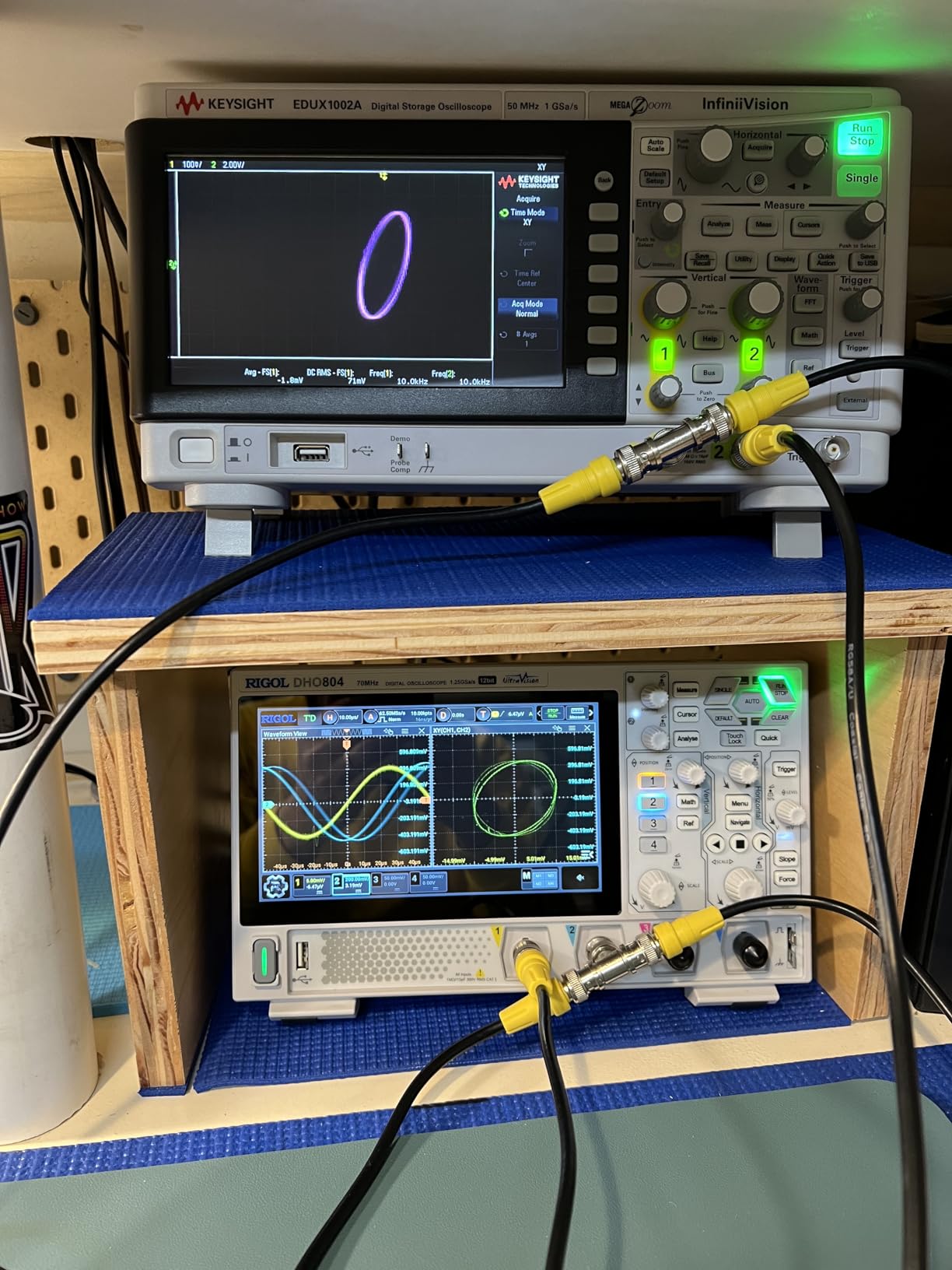
Vertical resolution is the specification most hobby buyers ignore and most benefit from once they understand it. An 8-bit scope divides its range into 256 steps. A 12-bit scope divides it into 4096. That is a sixteen-fold increase in detail, and it is the entire reason this instrument traces look cleaner than everything else in the roundup.
The effect is most obvious on small signals riding on large DC offsets. Measuring 20 mV of ripple on a 5 V rail, or a small sensor output on a biased line, is where an 8-bit scope quantises the trace into visible steps and a 12-bit scope does not. Owners consistently describe the traces as cleaner and the noise floor as lower, and that is not marketing language, it is what sixteen times the vertical levels buys you.
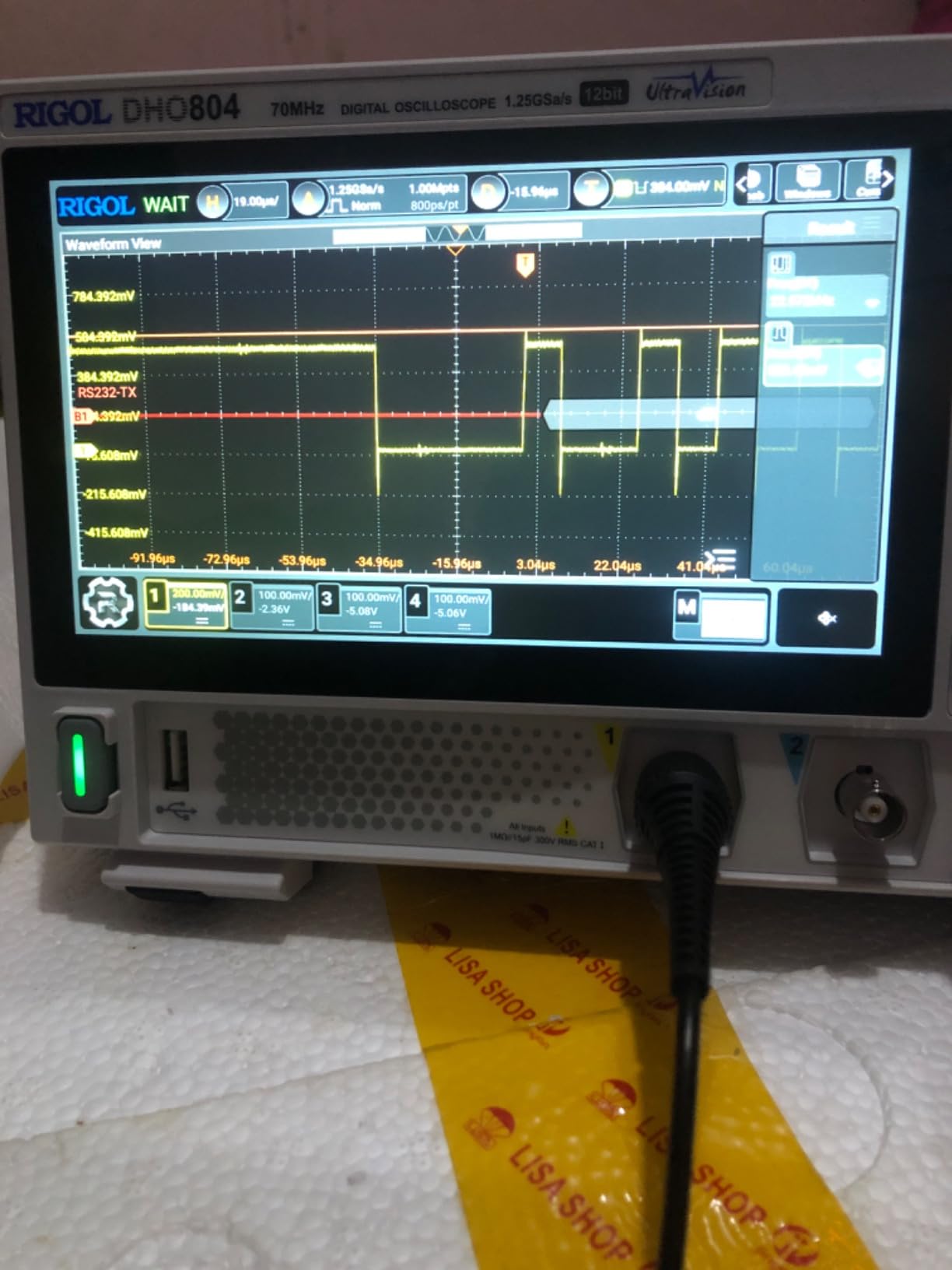
The acquisition platform is unusually aggressive. UltraAcquire runs to 1000000 wfms/s with 256-level intensity grading, peak detect captures glitches down to 1.6 ns, and waveform search with navigation by event, time and frame lets you jump straight to the anomaly. FFT runs up to 1 Mpts with 41 automatic measurements, which is a lot of analysis capability for a portable unit.
It is also genuinely portable. At 3.92 lb with USB-C power, it runs from a power bank, which is how the “portable” in the product name becomes real rather than marketing.
12-Bit Versus 8-Bit in Real Measurements
Here is the concrete case. Suppose you are checking ripple on a regulator output. The signal sits at 5 V with perhaps 30 mV of ripple on top. On an 8-bit scope with a 10 V range, one step is roughly 39 mV, so the ripple is smaller than a single division of resolution and the trace looks like noise. On a 12-bit scope the same step is roughly 2.4 mV, so the ripple is clearly resolved.
The same logic applies to sensor signals, audio headroom checks, and any measurement where the interesting part is small relative to the offset. This is the single biggest spec upgrade in the hobbyist market, and it is the one no competing roundup covers.
Touch Interface, Web Control and Software Rough Edges
The Android-based interface on a 7 inch 1024×600 capacitive touchscreen is responsive, and the Flex Knob gives you a physical control when you want one. Built-in LXI-C LAN with browser Web Control means you can drive it from any device on the network, which is a real advantage over the older desktop software approach.
The weak spot is the PC software. Screenshot transfer to a computer relies on UltraSigma, which owners describe as proprietary and dated. That is a genuine annoyance for anyone building documentation or writing up a project.
Honest Limits: Bandwidth and Sample Rate Behaviour
70 MHz is modest for the price, and owners are candid that it limits the instrument to audio, switching and hobby digital work. That is a fair characterisation, and it is the main reason this is not the Editor’s Choice despite the superior resolution.
The second limit is more subtle. The sample rate effectively halves once you enable a second channel, which is confusing in practice unless you know to look for it. Memory depth beyond the base figure also requires a paid license, so budget for that if your work needs long captures. Owners also mention a quiet but pitched fan whine and a probe colour ring that does not match channel 4.
Who This Suits and Who Should Pass
Buy it if your work involves small signals on large offsets: power supply ripple, sensor measurement, audio headroom, or low-amplitude digital. Add it to the list if you need CAN decoding plus four channels plus portability, because very few instruments combine all three.
Pass if you need bandwidth above 100 MHz, if your circuits have fast edges, or if you dislike licensed feature unlocks. Also think twice if you need deep memory as standard, since that is where the paid license bites.
5. Hantek DSO2D15 – The Most Bandwidth You Can Get for the Money
Hantek DSO2D15 Digital Storage Lab Oscilloscopes150MHz Bandwidth 2CH
150 MHz
2 channels
14 trigger modes
5 serial decodes standard
AWG on generator variants
Pros
- Real 150 MHz bandwidth at a price that historically demanded a much bigger budget
- 14 trigger modes plus 5 serial protocol decodes included with no paid unlock
- Built-in square-wave calibration output for probe compensation
- Generator variants include a waveform generator accurate enough for coax length and FM deviation work
- Firmware updates have cured much of the early instability
Cons
- Accuracy degrades above roughly 5 MHz despite the 150 MHz headline
- Lockups can occur if settings are misconfigured
- though a power cycle clears them
- Front and rear USB connectors share one port
- No printed manual and firmware updates need a download
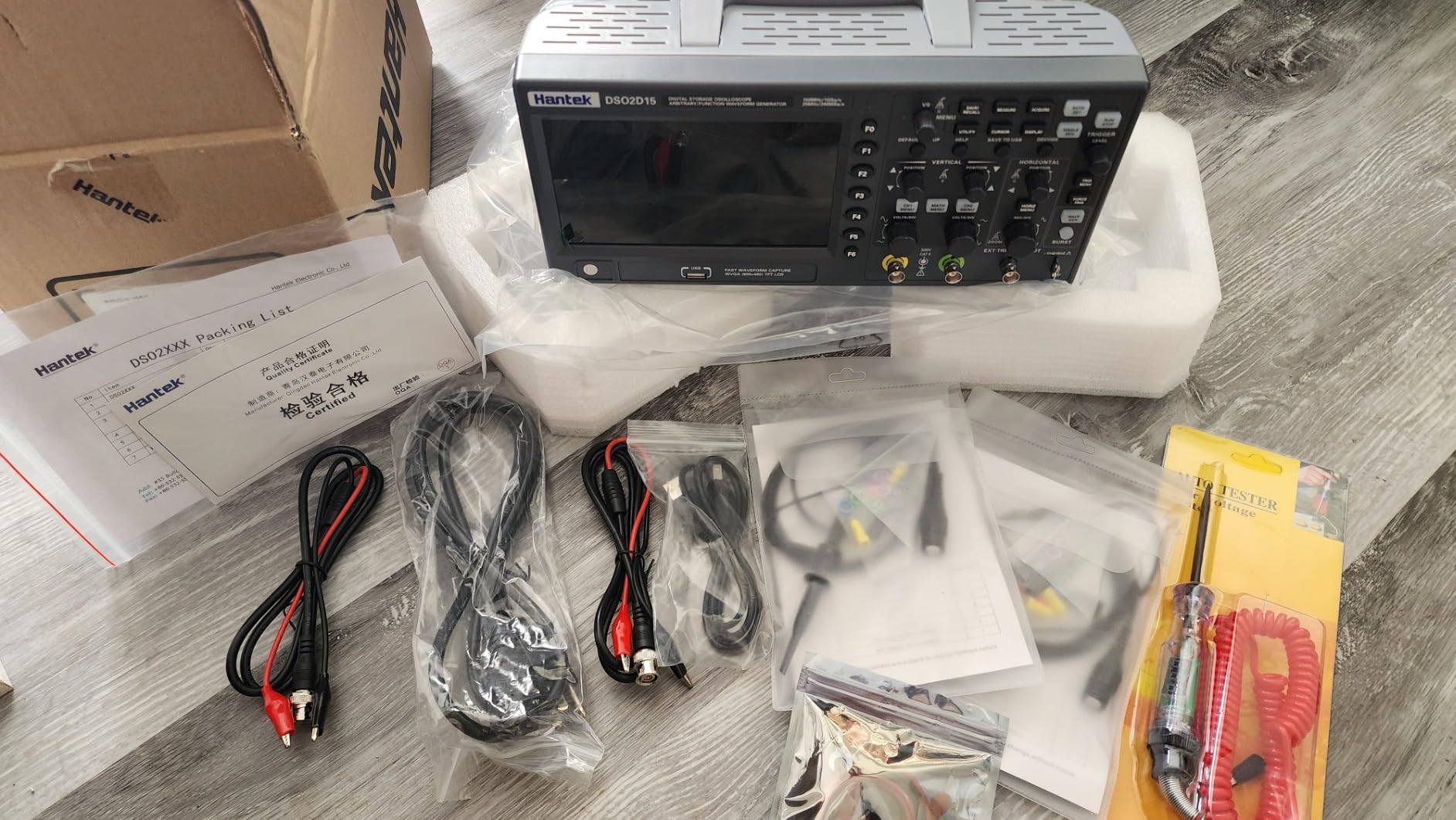
On paper this is the most bandwidth you can buy at this level, and experienced owners argue the early instability that gave the model a bad reputation has largely been cured by firmware revisions. UART trigger and decode in particular were fixed. That history is worth knowing because you will still find old warnings in forum threads.
The 14 trigger modes and 5 serial protocol decodes ship as standard, with no unlock required. That is unusual at this price and it puts it ahead of several instruments costing considerably more. There is also a built-in square-wave calibration output for probe compensation, which saves you buying a separate calibrator.
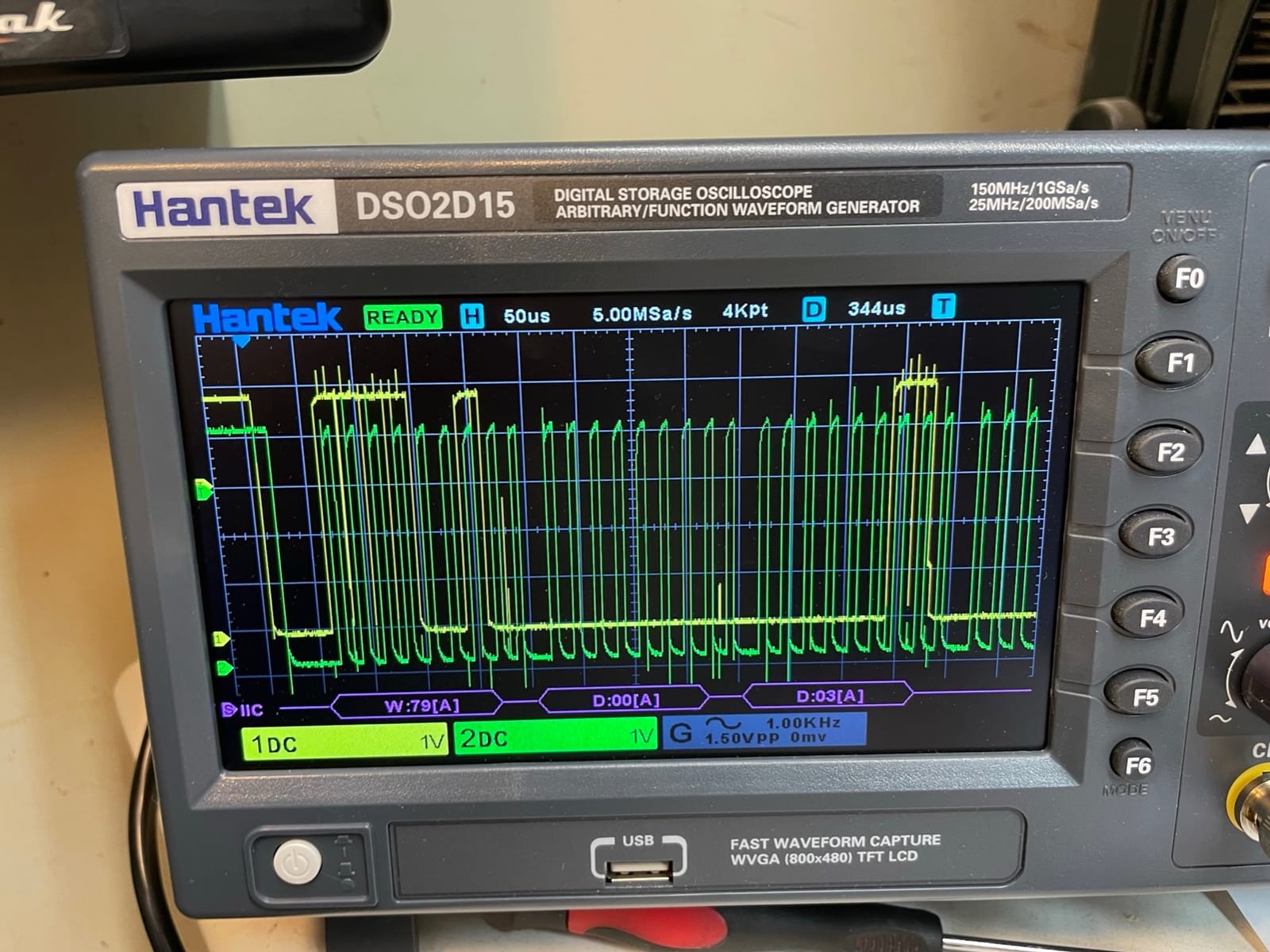
If you pick the generator variant, the built-in arbitrary waveform output is more capable than you would expect. Owners report it is accurate enough to measure coax length and FM deviation, which means it can stand in for a bench waveform generator on most hobby tasks.
The honest catch, and every experienced owner says the same thing, is that usable accuracy lives in the lower megahertz. The 150 MHz figure describes the hardware front end, not the precision you get at the top of that range. For a 150 MHz signal you can see that it exists and roughly what it looks like; for accurate measurement you stay below about 5 MHz.
Where the 150 MHz Headroom Genuinely Helps
Fast digital edges and switching nodes. If you are probing a microcontroller output, a gate driver, or a switch-mode converter’s switch node, the harmonics extend well past the signal’s nominal frequency and 150 MHz lets you see the real edge rather than a filtered approximation.
It is also the right instrument for anyone moving toward RF-adjacent work or high-speed sensor signals, where a 50 or 70 MHz ceiling rounds the edges into uselessness.
Trigger Modes and Serial Decode as Standard
Fourteen trigger modes cover edge, pulse width, slope, video, timeout and more, which is what makes it usable on non-repeating events. The 5 serial decodes handle the common embedded buses without a license, unlike several rivals.
Owners do note that the auto set button does not do the work for you the way it does on some Siglent models. You are expected to understand triggering, which is a fair trade for the trigger depth if you will use it and a waste if you will not.
Known Quirks You Should Plan Around
Three come up repeatedly. Accuracy degrades above roughly 5 MHz, as noted. Settings misconfiguration can cause lockups, though a power cycle fixes it in seconds. And the front and rear USB connectors share a single port, so you cannot use both at once, which is a cost-cutting decision that bites when you are trying to print while saving to a USB stick.
The slow CPU also means screen redraw lags behind acquisition, which is only a problem if you are chasing a fast visual update. There is no printed manual, so budget time to set up the firmware update process properly on day one.
Who This Suits and Who Should Pass
Buy it if you need to look at fast edges and switching nodes, want serial decodes without paying extra, and want a waveform generator in the same box. It is a strong match for power supply and high-speed digital hobby work.
Pass if you need accurate measurement of high-frequency signals rather than a view of them, if you want a display that updates fluidly, or if you prefer a vendor with more visible firmware support activity. Two channels also limit any bus work that needs more than one signal plus a reference.
6. Siglent SDS1102CML+ – the Starter Scope That Arrives Properly Calibrated
Siglent Technologies SDS1102CML+ Digital Storage Oscilloscope, 100 MHz
100 MHz
2 channels
1 GS/s
1 Mpts record
External trigger input
USB and LAN
Pros
- Well-made controls
- good screen and decent bundled probes
- Auto mode locks onto signals reliably
- which beginners appreciate
- Comes calibrated and ready to use out of the box
- External trigger input and a built-in frequency counter
- USB and LAN for saving screen images and remote work
Cons
- No protocol decoding
- which some embedded work needs
- EasyScopeX PC software requires installing NI-VISA and .NET Framework first
- Channel 2 trace colour is hard to read on screen
- Only about five automatic measurement readouts fit at once
What sets this one apart for a first instrument is the out-of-box experience. Owners consistently report it arriving well calibrated and ready to work, with controls that feel solid rather than cheap. For someone buying their first bench scope, feeling that the instrument is trustworthy before you have learned to trust it matters more than any single specification.
100 MHz on two channels at 1 GS/s is a sensible, honest starting point. It covers Arduino and ESP32 work, audio, most switching signals in the low megahertz, and general electronics troubleshooting without straining. The built-in frequency counter and external trigger input are both welcome at this level.
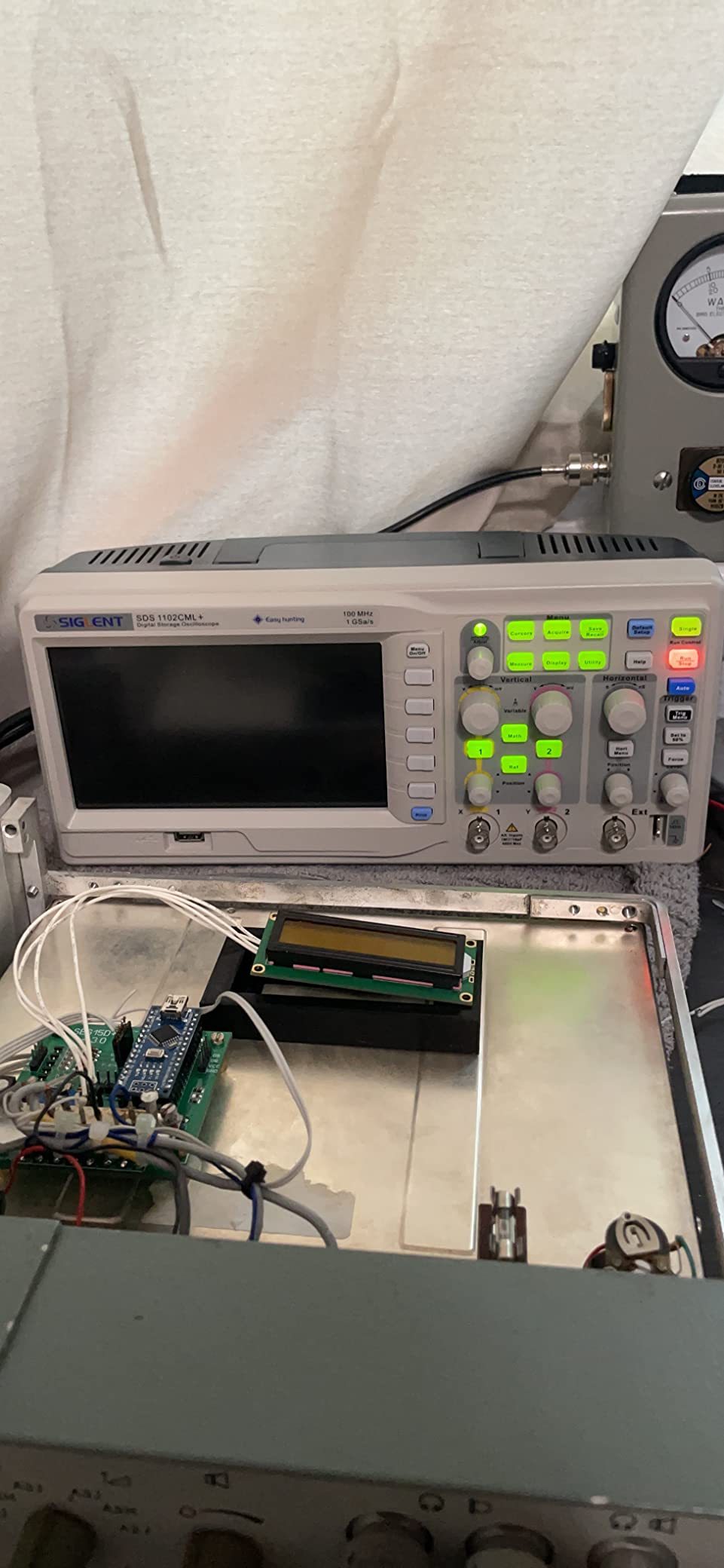
The auto mode is worth calling out. Owners specifically praise it for locking onto signals reliably, which sounds minor until you remember how much of a beginner’s early frustration with a scope is the trace never settling. This one settles.
USB and LAN with the EasyScopeX PC software covers screenshot saving and remote work, and the wide range of trigger types and filter options give you more control than the specification list suggests.
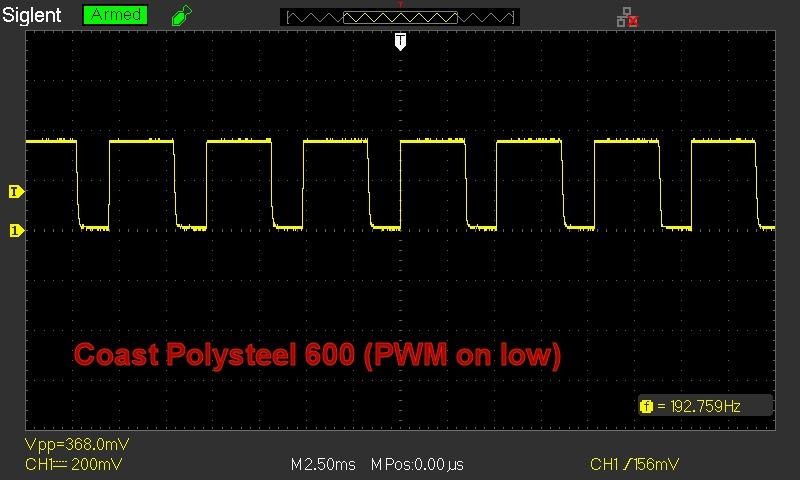
What You Give Up Without Protocol Decoding
This is the single significant gap. There is no I2C, SPI, UART, CAN or LIN decode. Every bus measurement is manual: you set cursors, read timings off the grid, and interpret them yourself.
That is perfectly workable for slow buses where you are checking a rising edge or a bit timing, and genuinely painful for anything involving a lot of transactions. If your work is primarily embedded and protocol-heavy, the decoders are worth paying for elsewhere.
Software Setup and the EasyScopeX Install
Owners report that EasyScopeX requires installing NI-VISA and the .NET Framework first, which turns a two-minute job into a fifteen-minute one on a clean Windows machine. Know that before you need it.
Documentation is thin and largely English-only, and the plastic case is not built for rough handling or transport. There is no battery, so it is a bench instrument only.
Who This Suits and Who Should Pass
Buy it if this is your first oscilloscope, you mostly work on analogue and audio circuits, you want something that works correctly the day it arrives, and you do not need protocol decoding. The external trigger input and reliable auto mode make it a genuinely friendly first bench instrument.
Pass if embedded bus debugging is your main activity, or if you plan to work on a Raspberry Pi or ESP32-heavy project where I2C and SPI decode will save you hours. Also pass if you need a portable or battery-powered instrument.
7. Hanmatek DOS1102 – the Budget Bench Scope With a Roomy Screen
HANMATEK 110mhz Bandwidth DOS1102 Digital Oscilloscope with 2 Channels and Screen 7 inch / 18 cm, TFT-LCD Display, Portable Professional Oscilloscope Kit with 500 MS/s *2 Sampling Rate
110 MHz
2 channels
7 inch colour TFT
30 auto measurements
SCPI and LABVIEW
Pros
- 110 MHz bandwidth with 500 MSa/s per channel at a low price
- 7 inch colour TFT is much easier to work from than a handheld screen
- 10K+ point record depth with 16 waveform slots and U disk storage
- 30 automatic measurements plus a hardware frequency counter
- SCPI and LABVIEW support lets it be scripted from a PC
Cons
- No protocol decoders
- so I2C
- SPI and UART work is manual
- Menu-driven interface with no dedicated buttons for serial buses
- The 65K-colour LCD is lower quality than modern bench displays
- Calibration is basic and the manual describes limits loosely
This is the value pick on the shortlist, and the reason is simple: 110 MHz of bandwidth and a 7 inch colour TFT in a two-channel bench instrument is a specification combination that usually costs considerably more. Owners rate it as a capable general bench unit rather than a compromise.
The screen is the reason it feels like a bench instrument instead of a gadget. At 7 inches and 800×480 with 65K colours, you can read a waveform, read the measurement panel, and read the time base at the same time without squinting. Compare that to a 2.8 inch handheld and the difference in daily usability is larger than the resolution numbers suggest.
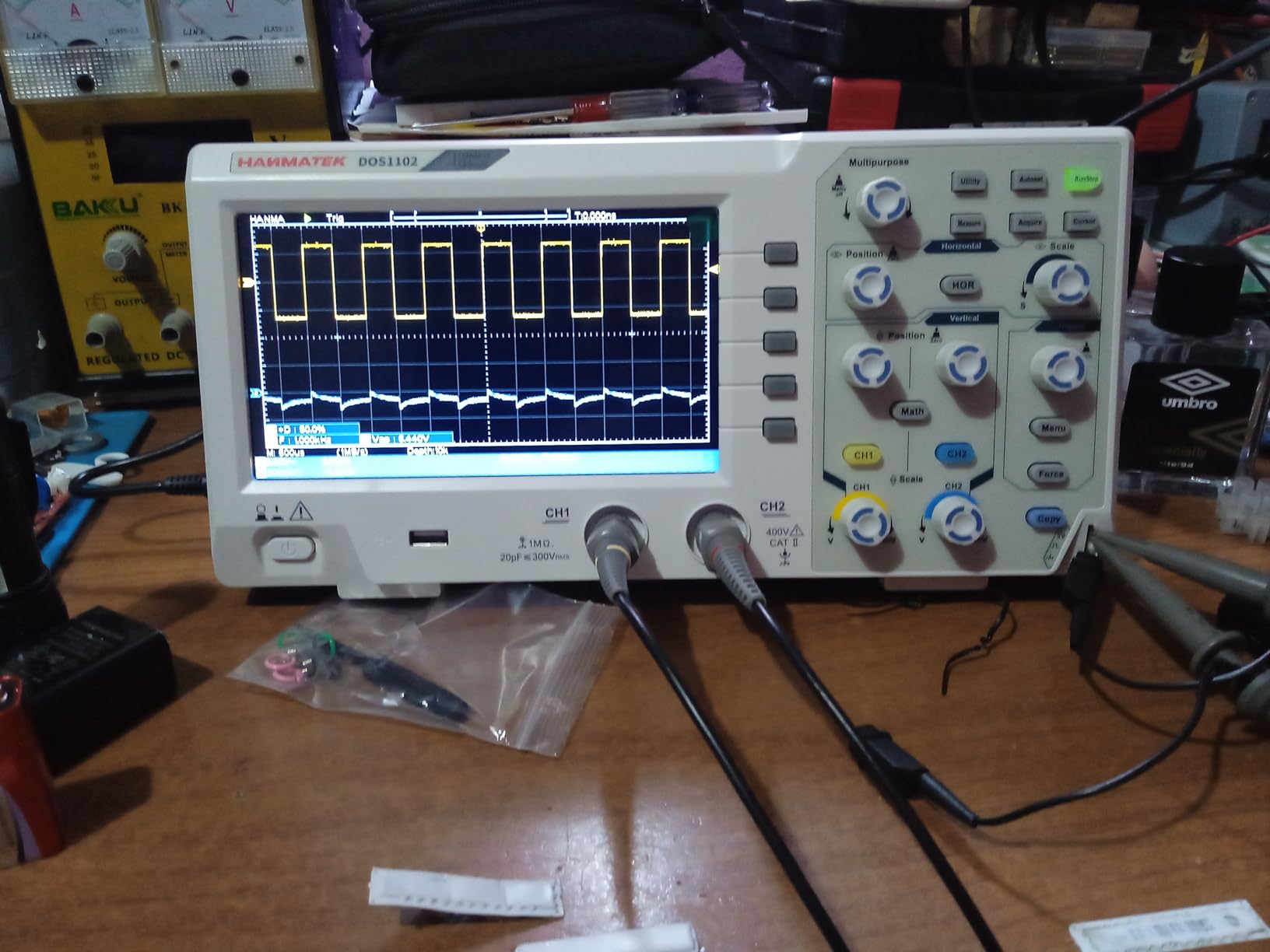
The measurement suite is unusually thorough for the price: 30 automatic measurements with a customisable menu, four automatic cursor modes covering voltage, time and both differences, a 6-digit hardware frequency meter covering 2 Hz to 20 MHz, and four probe attenuations from 1X through 1000X. Current measurement is also built in.
For anyone building automated measurement setups, SCPI and LABVIEW support means this instrument can be driven from a PC rather than operated by hand. That is a real capability at this budget level.
Record Depth and Storage Compared With Newer Rivals
Record depth of at least 10K points with 16 waveform storage slots and U disk or USB host and device ports is functional, and it beats anything with 1 Kpts of memory by an order of magnitude. It is still an order of magnitude shallower than the 24 Mpts you get on the Rigol four-channel models.
In practice this means the DOS1102 captures short events reliably and long bursts poorly. For steady-state troubleshooting that is fine. For hunting a glitch that occurs once in a thousand cycles, you will want the deeper memory elsewhere.
The Missing Decoder and What It Costs You
No protocol decoders at all, and a menu-driven interface with no dedicated controls for serial buses. If you do I2C or SPI work, every measurement is manual cursor work, and the menu navigation adds friction to a process that is already slow.
Owners also note that a few users find the hardware frequency counter and current measurement ranges less accurate than the headline specifications suggest. Treat those two functions as convenient rather than precise.
Who This Suits and Who Should Pass
Buy it if you want real bench ergonomics on a tight budget, work on analogue and power circuits, and want scripting support. It is also a strong choice for a second instrument in a teaching lab where many people need to read the screen at once.
Pass if embedded protocol debugging is central to your work, if you need to catch rare intermittent events, or if you plan to keep the scope for years and want a resolution headroom. The basic calibration is also worth weighing if you need traceable accuracy.
8. PicoScope 2204A – the Best Software in the Class on a Laptop
Pico Technology PicoScope 2204A Oscilloscope 2 Channel 10 MHz Bandwidth USB
10 MHz
2 channels
12-bit enhanced resolution
8 kS memory
40 serial decoders in software
Pros
- PicoScope 7 software is widely regarded as the best in the budget class
- with Windows
- Linux and Mac support
- 12-bit enhanced vertical resolution reveals detail 8-bit scopes miss
- Mask limit testing
- advanced maths and filtering with statistics
- Software bundles scope
- spectrum analyser
- function generator
- AWG and 40 serial decoders
- Free lifetime software updates keep the instrument improving
Cons
- 10 MHz bandwidth is the weakest here and rules out high-speed work
- 8 kS capture memory and 2000 wfms/s update rate are low
- Requires a PC
- so it cannot be used standalone on a bench
- No automotive protocol decoding in this suite
Owners buy this for the software and then stay for everything else. PicoScope 7 runs on Windows, Linux and Mac with free lifetime updates, and it is regularly described as the most refined PC oscilloscope software in the budget class. That is not a small claim, because PC scope software is usually where this form factor disappoints.
One package covers scope, spectrum analyser, function generator, arbitrary waveform generator, and 40 serial protocol decoders. The analysis depth goes well beyond capture: mask limit testing, advanced maths, filtering, and measurements with statistics. If your workflow involves measuring, comparing against limits, and documenting results, this is a different class of tool from a bench scope with a monochrome screen and 20 measurements.
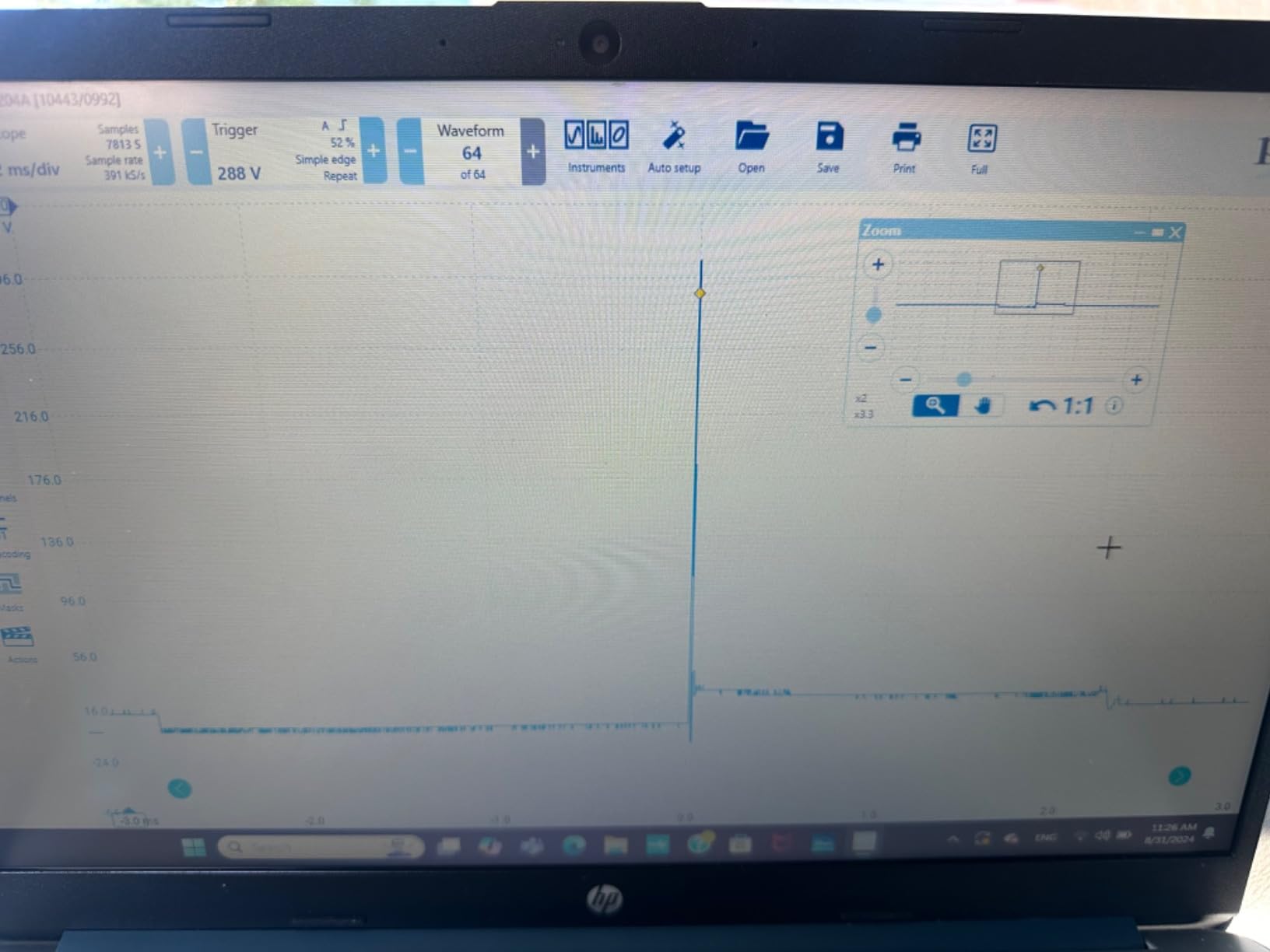
The 12-bit enhanced vertical resolution is another quiet strength. It is not true 12-bit conversion the way a hardware 12-bit scope does it, but the software applies processing to extract more detail than an 8-bit scope would give, and owners report it reveals things 8-bit units miss.
At 5 oz and under an inch thick, it is genuinely portable. Powered entirely over USB, it goes in a laptop bag and works anywhere you have a computer, which makes it a good companion to a bench scope rather than a replacement for one.
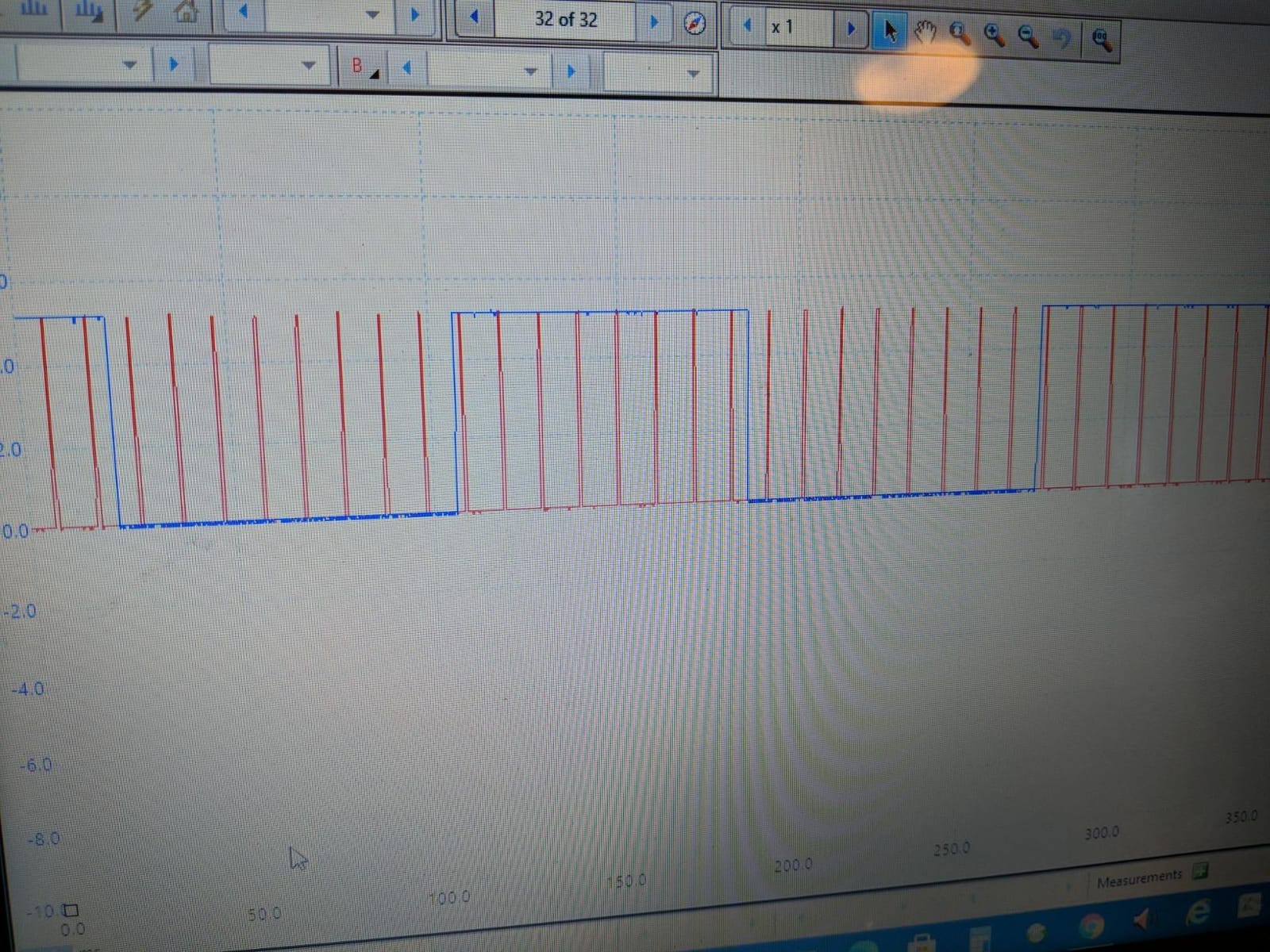
The 10 MHz Bandwidth Ceiling Is the Whole Trade-Off
10 MHz of bandwidth is the weakest figure in this roundup, and it is not marginal. It is ample for slow analogue circuits, power supply work in the low kilohertz, audio at its upper end, and embedded logic debugging where the interesting content is at bus speeds below a few megahertz.
It is completely inadequate for anything fast: ESP32 SPI at 40 MHz, fast switching nodes, high-side probing, RF. If your project list contains any of those, this is the wrong instrument no matter how good the software is.
Memory, Update Rate and Standalone Limitations
8 kS of capture memory and a 10,000 waveform circular buffer with up to 2000 waveform updates per second are modest. You will catch events, but you will not sit and watch a long acquisition for an anomaly the way the deep-memory bench scopes let you.
The dependency on a host computer is the other structural limit. You cannot put this on a bench and look at it during a repair session where there is no laptop open. It also means your measurement quality depends on the machine, and you inherit whatever ground and noise conditions that machine has.
Who This Suits and Who Should Pass
Buy it if you work primarily in software, want powerful analysis and protocol decoding, use Linux or Mac, or want a second opinion instrument to cross-check a bench scope. It is also excellent for teaching, where students already have laptops in front of them.
Pass if you need to measure fast signals, if you need a standalone instrument at the bench, or if you want the resolution to be hardware rather than software-enhanced. For a first instrument used at a repair bench, a bench scope serves more situations.
9. FNIRSI 1013D Plus – a 7 Inch Touchscreen With 100 MHz Per Channel
FNIRSI 1013D Plus 100MHz Oscilloscope, 2 Channel Oscilloscope 7″ TFT Touch
100 MHz per channel
1 GSa/s
7 inch 800x480 capacitive touch
6000 mAh battery
Pros
- Large 7 inch 800x480 capacitive touchscreen at a mid-range price
- 1 GSa/s sampling with 100 MHz per channel is a real step up from 50 MHz units
- 1 GB of internal storage holds a full session of screenshots and waveform data
- 6000 mAh battery gives roughly 4 hours away from mains power
- Touch gestures make cursor measurement and zooming quick
Cons
- Performance is not calibrated or traceable like a bench instrument
- Touch interface has no physical knobs
- so fine adjustment is slower
- Only 2 channels
- and the FFT is a rough estimate rather than a precise spectral tool
The combination this instrument offers is unusual: a 7 inch capacitive touchscreen, 100 MHz of bandwidth per channel, 1 GSa/s sampling, and about 4 hours of battery life in a body thin enough to carry. For embedded work away from a desk, that is a genuinely useful combination rather than a compromise.
The 1 GB of internal storage is more useful than it sounds. It holds up to 1000 screenshots and waveform sets with thumbnail browsing, so you can capture a fault on a bench, carry the instrument to the sofa, and review your captures on the large screen. Most competitors in this class either cannot store waveforms or store very few.
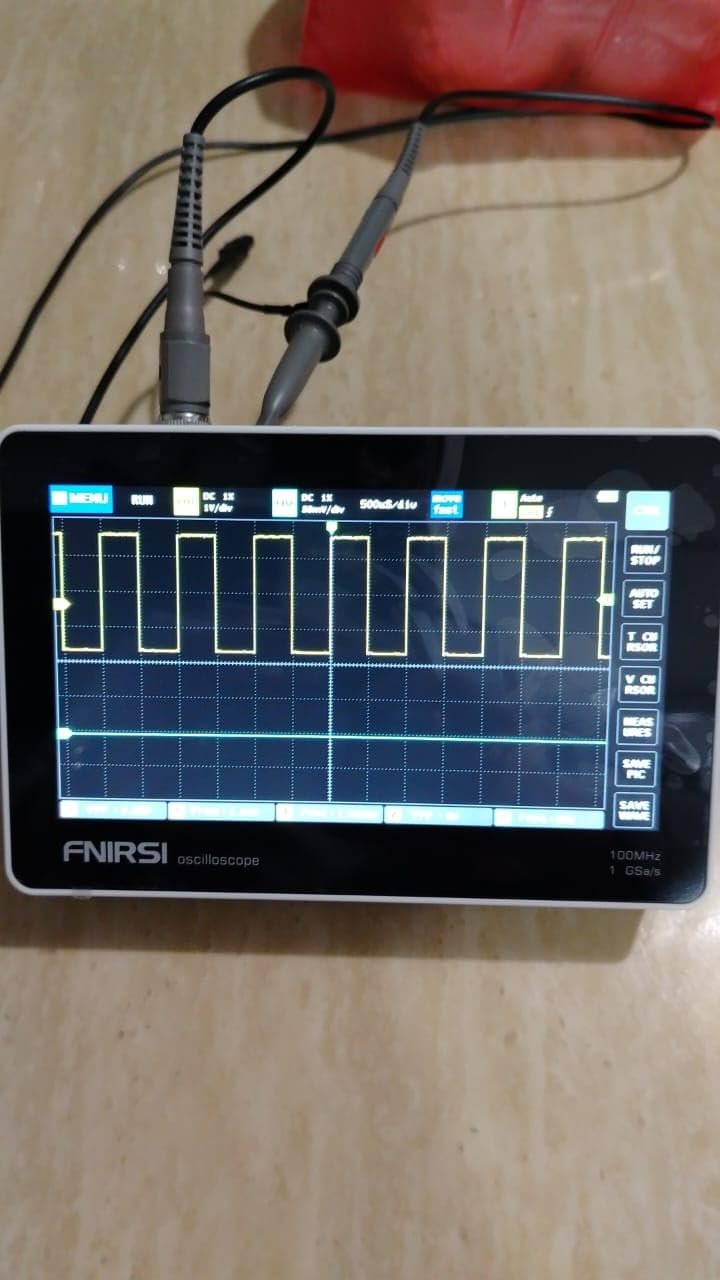
For a scope driven entirely by touch, the gestures work well. Pinch to zoom, drag to pan, and tap to place cursors are all quick, and owners consistently single out the screen size as the headline feature rather than a gimmick.
Full trigger coverage is present: single, normal and automatic, which covers both periodic and aperiodic signals. Lissajous XY display lets you compare amplitude, frequency and phase between two signals, and FFT viewing gives a rough estimate of harmonic content.
What a Touch Interface Costs You at the Bench
The absence of physical knobs is the main trade. Fine adjustment, which is what you do constantly once you are comfortable, is slower on a touchscreen than on a real rotary encoder. Every small step becomes a tap and a drag, and there is no tactile feedback that tells you a control has engaged.
This matters less for the intermittent capture-and-look workflow this instrument is good at, and more for the long sessions of precise adjustment that serious bench work involves. It is one reason the Rigol units with knobs feel better for sustained work.
Measurement Accuracy and What the Specs Do Not Tell You
Owners are clear that this is a budget FPGA platform and its absolute accuracy is not lab-grade or traceable. The 100 MHz and 1 GSa/s figures describe capability, not calibration quality. If you need a number you can defend in a report, this is not the instrument.
The FFT is similarly positioned: useful for a quick look at whether harmonics are present and roughly how large, but described by owners as an estimate rather than a precise spectral tool. The built-in high-voltage protection up to 400 V continuous is a genuine safety feature for low-voltage work.
Who This Suits and Who Should Pass
Buy it if you work on microcontrollers away from a desk, want a large readable screen, need to capture and review waveforms later, and want real bandwidth without a bench instrument’s footprint. It is also good for teaching and for anyone who wants to show someone else a waveform.
Pass if you need traceable accuracy, if you need more than two channels, if you spend long sessions making fine adjustments, or if precise spectral analysis is part of your work. Two channels also means any three-signal measurement needs sequential probing and manual alignment.
10. OWON VDS1022I – the USB Scope With Genuine Isolation Built In
Owon VDS1022I USB PC Oscilloscope, MIT USB Isolation, 25 MHz
25 MHz
2 channels
USB isolation
10M record length
FFT and X-Y views
Pros
- Built-in USB isolation protects the laptop and reduces signal interference
- a real safety win
- Runs on Linux and Windows with third-party open drivers for Raspberry Pi
- Better FFT display and preset measurements than comparable budget PC scopes
- Easy PNG image saving
- screen capture and waveform file export
- Ultra-thin body fits a laptop case for classroom and field use
Cons
- Serious EMI pickup near a USB hub or mains supply
- adding tens of millivolts of noise
- Windows driver and software install is frequently frustrating
- Menu-driven PC interface with a steep learning curve and a limited record length
The feature that separates this from every other budget USB scope here is built-in USB isolation. The instrument’s ground is separated from your laptop’s, which protects the computer and measurably reduces the interference coupling into your measurement. Owners who compare scopes treat this as a real safety and signal-integrity win, not a spec-sheet line.
It also runs on Linux as well as Windows, and third-party open drivers exist for Raspberry Pi. If you want to instrument a small single-board computer directly, that is a capability most PC scopes in this class do not offer.
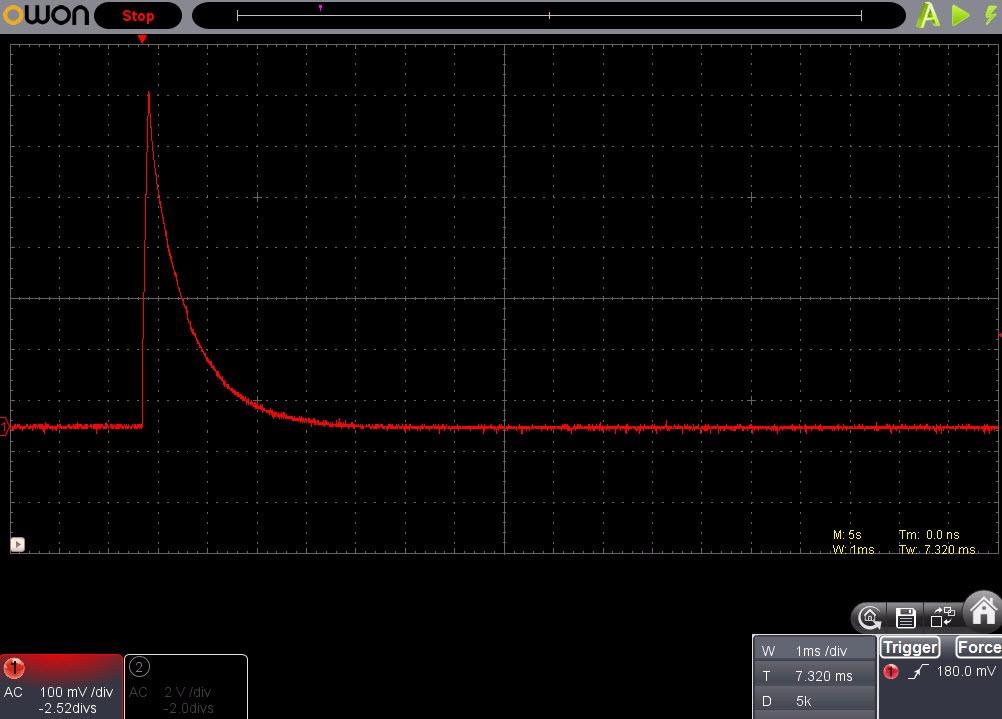
Beyond isolation, the software is better than its price suggests. Owners report a better FFT display and more useful preset measurements than comparable budget PC scopes, plus straightforward PNG image saving, screen capture and waveform file export. The ultra-thin body at under an inch thick fits in a laptop case.
Multi-trigger options cover edge, video, slope, pulse and alternate, which is a decent spread for the money, and FFT, X-Y and dual-waveform views are all present.
The EMI Problem Is the One to Know About
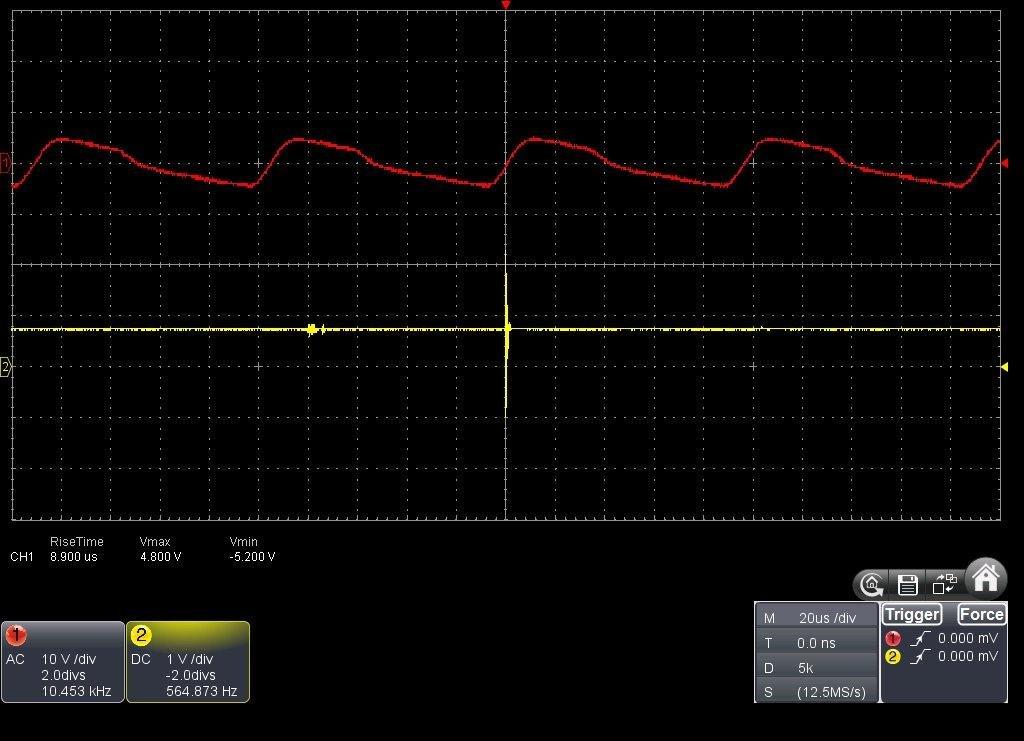
Owners who compare instruments against bench scopes report significant electromagnetic pickup when this unit is used near a USB hub or a mains power supply, adding tens of millivolts of noise. That is not a subtle effect at low signal levels, and it is the single most repeated complaint in owner feedback.
There is a related issue with peak-sample mode, which can display artifacts that are really measurement noise rather than circuit noise. The practical mitigation is measurement discipline: measure at the source, keep leads short, and stay away from switching supplies and hub devices while capturing low-amplitude signals.
Software Installation and Interface Rough Edges
Driver and software installation is frequently frustrating on current Windows versions, and the supplied CD is not usable on modern systems. Budget fifteen minutes and a driver download before you need to measure something.
The menu-driven PC interface has a steep learning curve, and the print function is crude by modern standards. Neither matters for capture, both matter for documentation.
Who This Suits and Who Should Pass
Buy it if your priority is protecting your laptop from the circuit under test, if you work on mains-adjacent or high-voltage-adjacent low-voltage systems where isolation matters, if you use Linux or a Raspberry Pi, or if you need a PC-based scope for classroom work where many students handle a single instrument type.
Pass if you need to measure anything above 25 MHz, if you work in electrically noisy environments where EMI pickup will defeat you, or if you want a large record length for long captures. The 5 kB effective record is genuinely limiting.
11. Hanmatek HO52 – the Handheld With a Surprisingly Live Display
HANMATEK Handheld Digital Oscilloscope 50Mhz Bandwidth with 2 Channels HO52 3.5″ TFT Mini Oscilloscope, 2 in 1 Oscilloscope and Multimeter, Backlit Screen, Auto-Calibration Function, Memory Function
50 MHz
2 channels
10000 wfms/s refresh
True-RMS multimeter
Self-calibration
Pros
- Very high 4.7 average rating with 78% five-star reviews
- 2.6 lb handheld format fits a tool bag for field troubleshooting
- Scope and 4 1/2 digit true-RMS multimeter in one body with independent inputs
- 10000 wfms/s refresh rate gives a more live-feeling display than most budget scopes
- Self-calibration and one-key auto set speed up first-time use
Cons
- 3.5 inch TFT is small for detailed waveform inspection and 8k record length is short
- 50 MHz bandwidth is basic for high-speed digital signals
- Entry-level button navigation and no decoding beyond basic cursors
Owner satisfaction is the story here. A 4.7 average with 78% five-star reviews across 589 accounts is one of the highest in the roundup, and it comes from a 50 MHz handheld that costs about what a mediocre accessory costs. The reason is the refresh rate.
10000 waveform updates per second is high for a budget instrument, and it is felt rather than read. The display behaves like a live instrument instead of a slow redraw, which changes how you work: you can watch a signal change as you adjust a circuit rather than waiting for the screen to catch up. Most budget scopes in this class feel sluggish by comparison.
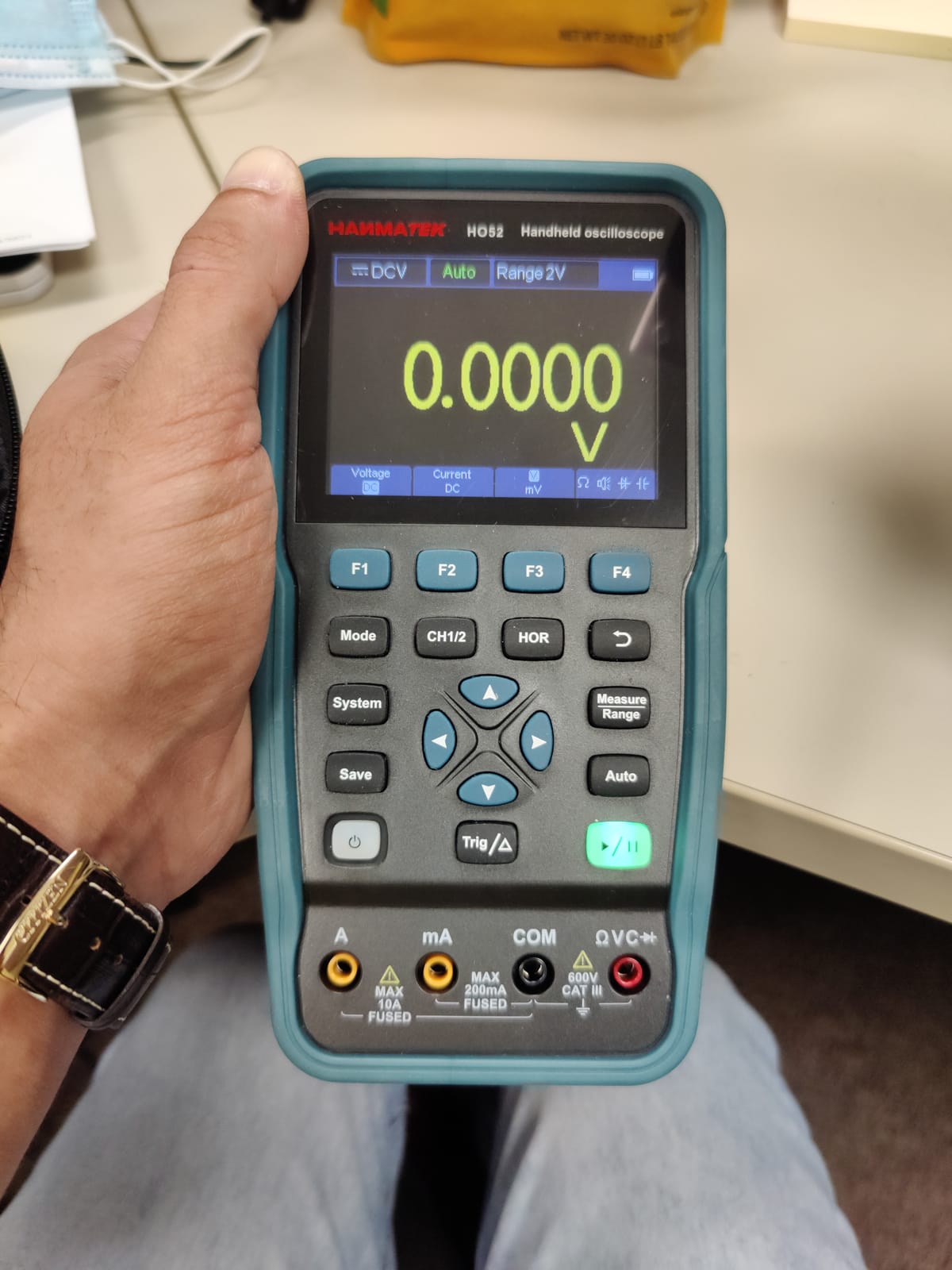
The body combines a scope and a 4 1/2 digit true-RMS multimeter with independent inputs, so you can measure current on one set of leads while watching a waveform on the other. Auto-ranging goes to 750 V AC and 1000 V DC maximum input, which covers most field measurement. USB Type-C handles charging, power bank operation and PC connection.
Self-calibration and one-key auto set handle the setup for you, which matters more on a handheld than a bench instrument because you will use it in unfamiliar places. The unit also saves 4 groups of settings, reference waveforms, images and CSV waveform data.
Field Service Versus Bench Work: The Honest Divide
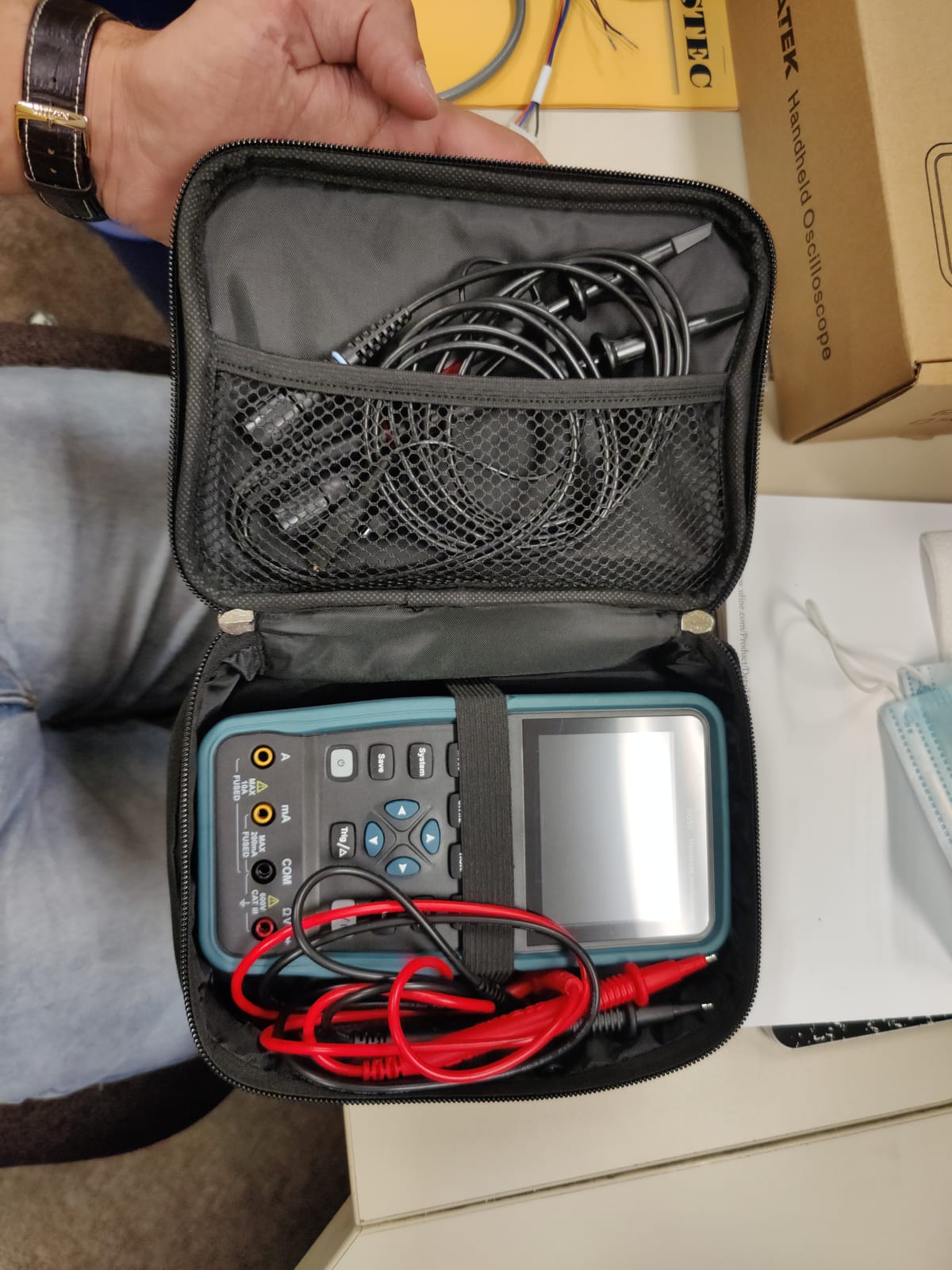
This is a field instrument. At 2.6 lb in a handheld format it goes in a tool bag, and the independent scope and multimeter inputs mean one device covers two instruments’ worth of field work. Owners describe it as an excellent first or field scope rather than a bench instrument, and that framing is accurate.
At the bench it is constrained by a 3.5 inch TFT, which is fine for confirming a signal exists and wrong for detailed inspection. Seven automatic measurements, cursor measurement and XY mode cover routine work. There is no protocol decoding beyond basic cursors, so bus work stays manual.
Memory Depth and What It Costs You
An 8k record length is the weakest part of the design. It limits capture of long events and makes rare bursts genuinely hard to catch, because the scope does not hold enough samples to show a single anomalous cycle in a long run.
Paired with 50 MHz bandwidth, this instrument is honest about its scope: 5 V digital at moderate clock rates, audio, sensor signals, power supply ripple at low frequencies, and general fault-finding. It is not an instrument for fast digital or switching work.
Who This Suits and Who Should Pass
Buy it if you do field troubleshooting, need a multimeter and a scope in one body, work somewhere without a bench, or want a very cheap second opinion instrument. The refresh rate makes it more pleasant to use than its specification sheet suggests.
Pass if you work at a fixed bench, need to read fine detail off the waveform, need protocol decoding, or need to catch infrequent events over long captures. For bench work, a 7 inch screen is worth more to you than the portability is.
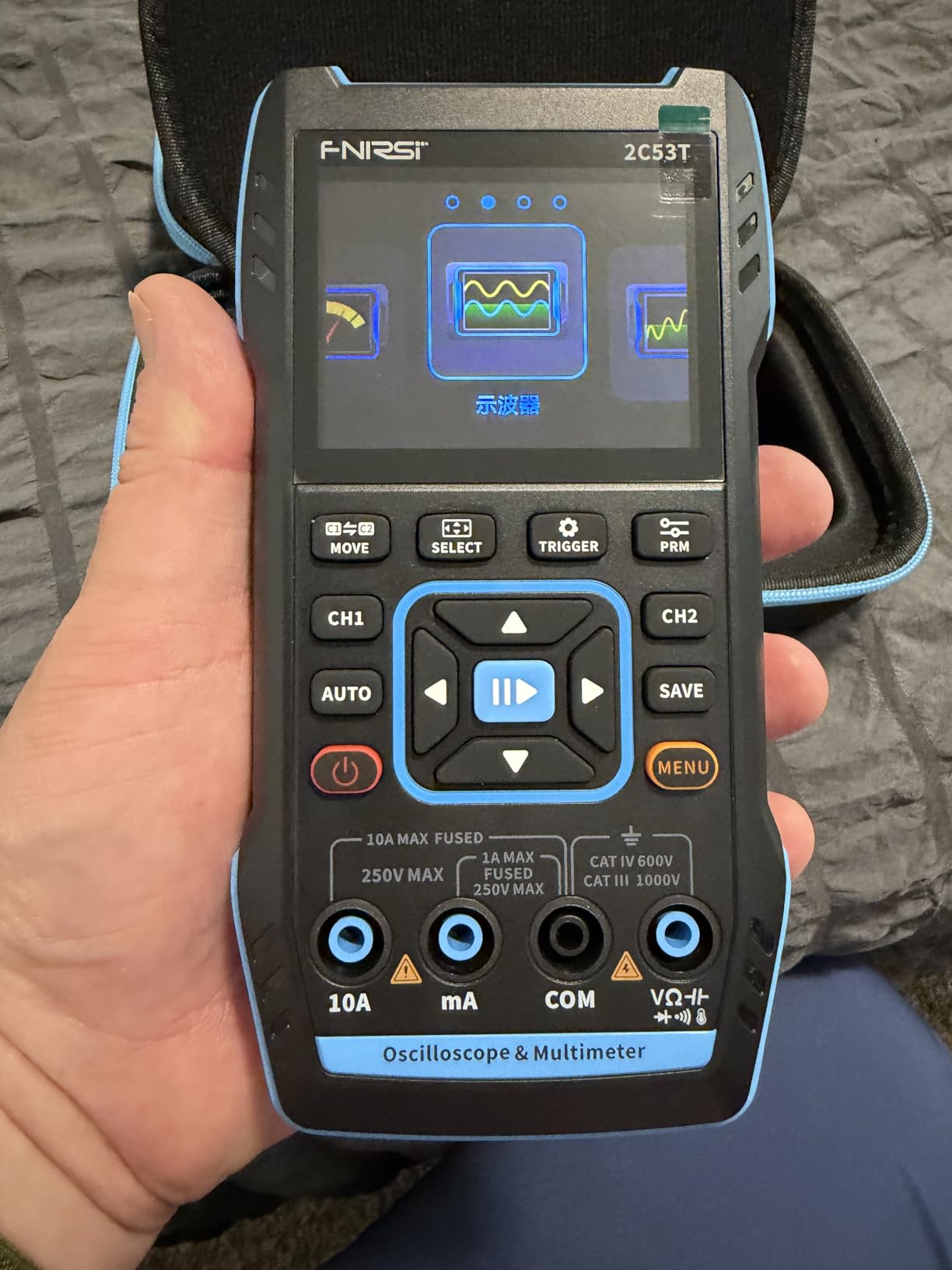
12. FNIRSI 2C53T – three Instruments in a 400 g Body
FNIRSI 2C53T 3-in-1 50MHz 2CH Oscilloscope Multimeter DDS Signal Generator
50 MHz
2 channels
19999-count multimeter
DDS generator to 50 kHz
3000 mAh battery
Pros
- Three instruments in one: 50 MHz 2-channel scope
- 19999-count multimeter and DDS signal generator
- Genuinely portable at 400 g with a 3000 mAh battery and 6 hours of standby
- Waveform save
- reference-waveform comparison and Type-C export to a PC
- FPGA-based architecture with a built-in high-voltage protection module
- Protects inputs up to 400 V
Cons
- 1 Kpts record depth is shallow for long or infrequent events
- Small 2.8 inch LCD limits detailed on-screen reading
- 50 MHz bandwidth is thin for high-speed digital and the display redraw is slow
This is the cheapest way to get three instruments in one body, and the arithmetic is hard to argue with. A 50 MHz two-channel scope, a 4.5-digit 19999-count multimeter measuring AC and DC volts and current, resistance, capacitance and continuity, and a DDS signal generator with 13 waveforms up to 50 kHz. Owners consistently praise the value of that combination.
At 400 g with a 3000 mAh battery and up to 6 hours of standby, it is genuinely portable rather than nominally portable. The built-in high-voltage protection module is rated for inputs up to 400 V, which is a real protection feature on a low-voltage budget instrument.
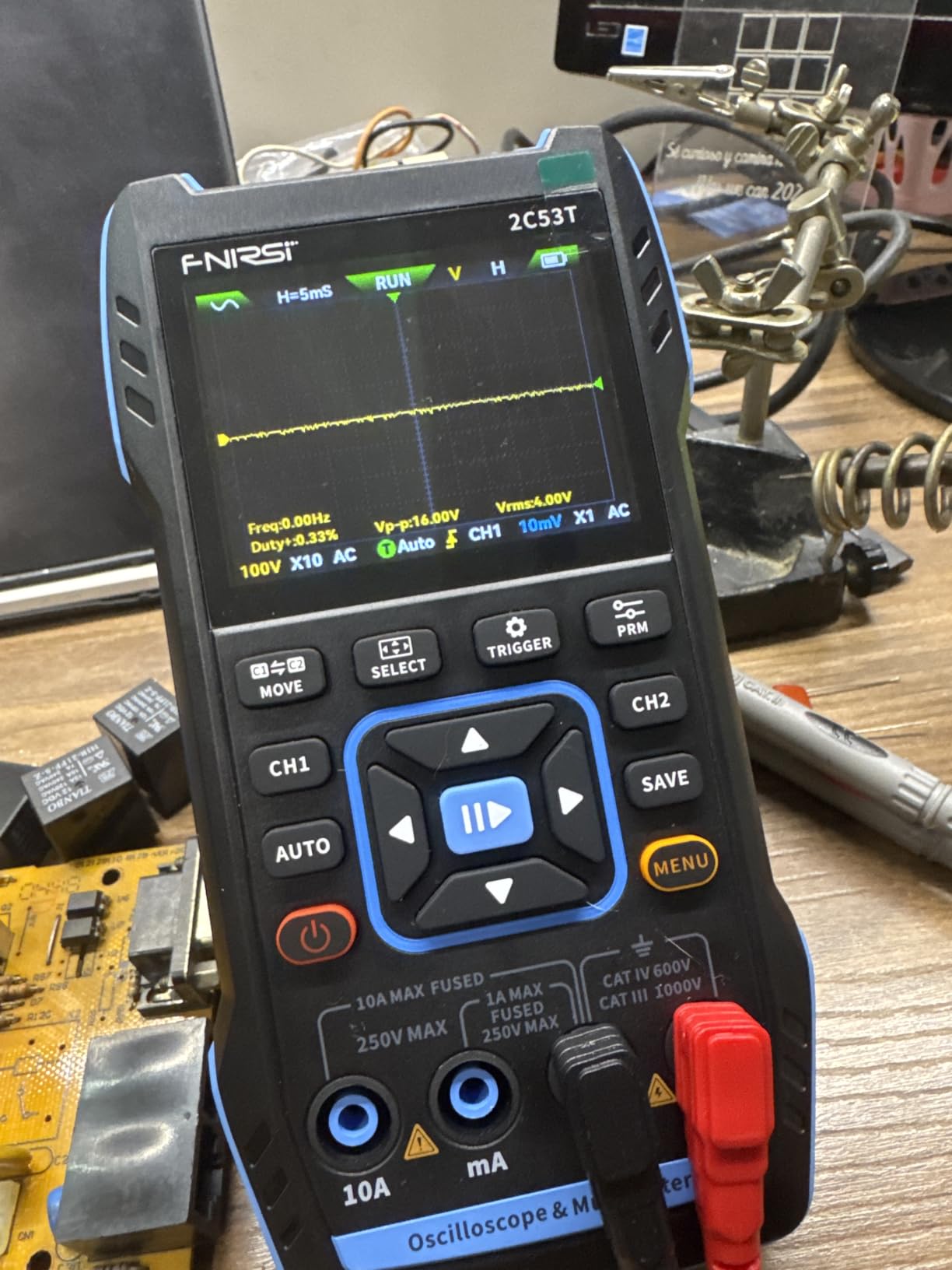
Waveform save, reference-waveform comparison and Type-C export to a computer are all present, so you can capture a waveform on site and compare it against a known-good reference later. Math, cursor measurement, persistence and XY modes round out the display options. The FPGA plus MCU plus ADC architecture is more substantial than the price suggests.
For low-voltage microcontroller, PCB and simple automotive circuit work, this does what you need. Owners are clear about where it stops working, and they say so consistently.
Where 1 Kpts of Record Depth Bites
One thousand points of record depth is the most significant limitation, and it is not close. At typical time bases you are looking at a very short window of signal, so a burst, a glitch or an infrequent event is often simply not in the record.
This is the difference between an instrument you use to confirm a fault is present and one you use to hunt a fault that only appears occasionally. If your fault is intermittent, this is the wrong tool regardless of the other features.
The 2.8 Inch Screen and the 50 MHz Ceiling
A 2.8 inch LCD is the smallest screen here and limits detailed on-screen reading. You can see whether a waveform is right; you cannot comfortably measure fine detail off it without exporting to a computer and looking there.
50 MHz bandwidth is thin for high-speed digital design, and the budget FPGA hardware updates the display more slowly than bench scopes, so it does not feel live in the way the 10000 wfms/s handheld does. The vertical range of 10 mV per division to 10 V per division is sensible, and the max input of 400 V is protected.
Who This Suits and Who Should Pass
Buy it if you are building a first electronics bench on a very limited budget, want a multimeter anyway and would rather not buy two instruments, and work on low-voltage circuits where confirming a signal is correct is the job. It is also a reasonable travel companion for simple field checks.
Pass if you need to catch intermittent faults, if you need to read fine waveform detail, if you work on fast digital signals, or if you will use the scope intensively. The record depth alone rules out serious troubleshooting work, and for slightly more the Hanmatek HO52 or a used benchtop will serve you far better. Our honest advice is to treat this as a learning instrument and plan an upgrade once you know what kind of work you actually do.
How to Choose an Oscilloscope Without Regretting It
Most buying mistakes in this category come from optimising the wrong number. The rule below is ordered by how much each decision actually affects whether you are happy with the instrument a year from now.
Bandwidth: apply the 3x to 5x rule to real hobby signals
Pick a scope with 3 to 5 times the bandwidth of the highest-frequency signal you plan to measure. That headroom is what lets you see the true shape of a fast edge instead of a filtered approximation, because the harmonics on a square wave extend well past its nominal frequency.
Applied to real hobby work, the numbers are far lower than most buyers assume. Audio at 20 kHz needs 100 MHz of scope only because of harmonics, and 50 MHz handles it comfortably. Arduino PWM at roughly 490 Hz to 1 kHz needs almost nothing. I2C at 100 to 400 kHz needs very little. ESP32 SPI at up to 40 MHz genuinely wants 100 MHz, and a 5 V logic edge on a microcontroller can have meaningful content into the 100 MHz range regardless of clock speed. Mains-related work at 50 or 60 Hz is low frequency, but the switching devices inside a power supply are not.
So: 100 MHz is genuinely good enough for hobbyists, and it is the sweet spot. More is worth it only if you work on switching power supplies, fast digital, motor control, or anything with edges in the tens of nanoseconds. 50 MHz is workable for analogue and audio work, and marginal for digital with fast edges.
Sampling rate is not bandwidth, and this is where spec sheets lie
Bandwidth is how fast the analogue front end can follow a signal. Sample rate is how many points per second the digitiser takes. They are related but independent, and conflating them is the single most common spec error in this category.
A scope can have 250 MSa/s sampling and 50 MHz bandwidth, and that is a normal, healthy pairing. A scope advertised as 150 MHz with 250 MSa/s is telling you its analogue front end runs to 150 MHz while its digitiser captures 250 million points per second. Seeing “250” in that datasheet and reading it as 250 MHz is exactly the confusion that shows up in roundups, including ones ranking highly in search results.
The rule of thumb: for real-time capture at a given bandwidth you want at least 4 to 5 times the sample rate in GSa/s. Anything less and the displayed waveform is an interpolation rather than a capture. Deep memory at a high sample rate is rare, so also check that the memory depth figure applies at the sample rate you care about, not just at the slowest one.
Memory depth decides whether you catch the glitch at all
Record length is how many points the scope holds per acquisition. It is the specification that determines whether a brief anomaly survives to be displayed. At 1 Kpts, as on the cheapest handheld here, a burst often simply is not in the record.
For steady-state signals, 10 Kpts is fine. For catching rare or intermittent events, you want 1 Mpts and up, and you want high waveform update rates so the scope can acquire many passes quickly. The Rigol four-channel models with 24 Mpts and 30000 wfms/s acquisition are built specifically for that, and the intensity-graded display then shows you which pass looked different.
This is the upgrade most worth making with your money after bandwidth, and it is the one hobby buyers consistently underweight.
Two channels or four
Two channels handle most hobby work. Input against output, two test points in a filter, one rail and its switch node. If your projects are analogue repair, audio, or general electronics troubleshooting, two is enough and you should spend the difference on memory or a second probe set.
Four channels earn their cost the moment you decode a bus, because a bus measurement usually needs clock, data, a chip select and a reference. Four also let you watch three rails plus a trigger, or compare a switching converter’s input, output, switch node and ripple simultaneously. On a two-channel scope you do those measurements sequentially and mentally align them, which works for slow signals and fails for anything transient.
If your work is Arduino, ESP32 or Raspberry Pi based, or automotive, four channels is the right call. This is the most common budget-versus-capability trade in the roundup, and the four-channel models here are the best value in the category for exactly that reason.
8-bit versus 12-bit vertical resolution
An 8-bit scope divides its vertical range into 256 steps. A 12-bit scope divides it into 4096, which is roughly sixteen times the vertical detail. That is a large, real difference and it is the spec that most improves what you can actually see.
The gain shows up when the interesting part of the signal is small relative to the offset it sits on. Measuring 30 mV of ripple on a 5 V rail, or a sensor output on a biased line, is the classic case: on an 8-bit scope at a 10 V range one step is around 39 mV, so the ripple is below one step and the trace reads as noise. On a 12-bit scope that step is around 2.4 mV and the ripple is clearly resolved.
The Rigol DHO804 is the practical entry point here among bench instruments in this roundup. The PicoScope 2204A offers 12-bit enhanced resolution through software processing, which extracts more detail than an 8-bit scope without true 12-bit conversion. If your work involves small signals, large offsets, audio headroom or ripple measurement, this is the single upgrade that changes your results most.
Benchtop, handheld, USB or laptop-based
These four form factors trade against each other in ways that are easy to reason about once you see them clearly.
A benchtop instrument wins on screen size, button access, sustained accuracy and self-sufficiency. It loses on desk space, which is a real constraint in a home lab. A handheld wins on portability and price and loses on screen size and record depth. A USB scope wins on price, software capability and desk footprint but depends entirely on a computer being present and open. A laptop-based all-in-one wins on having everything in one small box and loses on needing the laptop to do anything at all.
Occasional users should think hard about desk space. A large benchtop instrument sitting permanently on a small workbench is a real ongoing cost, and the forums show this pushing people toward handheld and USB units deliberately. If you use a scope weekly or more, bench ergonomics win. If you use it monthly, a handheld or USB scope is the more rational choice.
Total cost of ownership: probes, generators and decoders
The scope is rarely the whole cost. The bundled probes on budget instruments are frequently mediocre, and the Rigol DS1054Z in particular draws consistent owner criticism on its included probes, which usually need careful compensation adjustment and are often replaced. Budget for a better probe set.
Second, check whether the unit you are considering has a built-in waveform generator. Several in this roundup do not include one, and buying a separate arbitrary waveform generator is a real additional expense. The Hantek DSO2D15 generator variant and the PicoScope’s software bundle both solve this within the purchase.
Third, check whether the serial decoders are included or licensed. On the Siglent SDS1104X-E the decoders are standard, which is a genuine advantage. On that same unit the mixed-signal upgrade, waveform generator and WiFi are all optional and owners report the combined cost approaches a separate instrument. Know which features you need before you buy, not after.
Who should skip the ultra-cheap handhelds
Be honest about this. The two cheapest instruments here, the FNIRSI 2C53T and the Hanmatek HO52, are good value for what they are, and both have high owner satisfaction for their price. But they share structural limits that no firmware update will fix.
Record depth of 1 Kpts and 8k respectively means intermittent faults are genuinely hard to catch. Screens of 2.8 and 3.5 inches mean you cannot read fine detail. 50 MHz bandwidth is thin for digital work with fast edges. None of this matters if your projects are simple low-voltage circuits and you want a multimeter too.
It matters a great deal if you plan to troubleshoot real problems. Our advice: if you already own a multimeter and can stretch to a used benchtop, buy the benchtop. If you are starting from nothing and want a three-in-one to learn on, the FNIRSI 2C53T is a reasonable place to begin, with the expectation that it teaches you what you will later want.
Used and refurbished scopes: a five-point inspection checklist
Is a used oscilloscope worth buying? Often yes, particularly from a well-known brand with recoverable firmware, because the depreciated money buys you a class of instrument you could not afford new. Here is what to check before you commit.
1. Run the self-test on power-up and confirm it passes cleanly. This checks the acquisition hardware and calibration table. 2. Verify probe compensation and channel response on all channels using the built-in square-wave calibration output where one exists, or a known source. 3. Look for burnt channels, discoloured connectors and worn BNC sockets, which indicate a history of rough use or a bad probe incident. 4. Check the cooling fan. A scope that has been on continuously for years often has a noisy or failing fan, and a replacement is easy but worth pricing in. 5. Confirm the vendor and documentation still exist, because firmware recovery on an orphaned scope is difficult.
Prefer Siglent and Rigol models, which have active firmware ecosystems and large user communities that document problems and fixes. Avoid no-name marketplace units with almost no ratings, where a warranty is theoretical and the specs are frequently wrong.
Safety first: grounding, isolation and why not to probe mains
This is the section to read before your first session, and it is one of the most important things in this article.
Every earth-referenced bench oscilloscope has its signal ground clip connected to mains earth. Your bench power supply usually does too. If you connect the ground clip of one to the output of the other, you create an earth ground loop: current flows through the earth wire of your building’s wiring, and that current appears on your measurement as noise, or in the worst case as a genuine safety hazard. This is the single most common cause of confusing ground noise in a home lab, and it usually has nothing to do with the circuit you are testing.
If you need to measure a floating circuit, solve it at the circuit rather than at the instrument. Isolated USB scopes such as the OWON VDS1022I are one approach, and isolation transformers for mains-side work are another. Do not defeat the earth ground of a scope to work around a ground loop, because that removes the protection that keeps a fault from becoming a shock.
On mains probing specifically: do not probe a mains voltage with a bench oscilloscope unless you have the training, a proper differential probe rated for the voltage, and a clear understanding of what isolation means in your setup. A grounded bench scope connected to mains can put lethal voltage on your earth-referenced equipment, including your computer. This is not a caution to take lightly and it is why differential probes exist as a distinct category of instrument.
Frequently Asked Questions
What is a good oscilloscope for a hobbyist?
A 100 MHz four-channel scope with 12-bit resolution covers essentially everything hobbyists do, from mains supply and Arduino work to audio repair and SMPS analysis. The Siglent SDS1104X-E and the Rigol DHO804 are the two picks that hit that description, the Siglent for feature completeness and the Rigol for vertical resolution. For a smaller budget, the Rigol DS1054Z is the most recommended first serious scope in enthusiast communities.
What is a good, cheap oscilloscope for hobbyists?
Look for a 100 MHz two-channel digital storage oscilloscope with a built-in function generator, and expect to spend in the low hundreds rather than under a hundred. The Hanmatek DOS1102 and the Siglent SDS1102CML+ are the concrete picks at that level. Below that price you are buying 50 MHz bandwidth and record depths of 1 Kpts, which will frustrate you as soon as you start hunting intermittent faults.
Is a 100MHz oscilloscope good?
Yes. 100 MHz is the hobbyist sweet spot and covers Arduino and ESP32 work, I2C and SPI bus debugging, audio at 20 kHz, and most switching power supply analysis. The reason is that the useful content in a hobby signal lives in the edge, not the fundamental, and 100 MHz gives you three to five times the headroom you need. Only switching converters, fast digital and motor control justify going higher.
Do I need 4 channels on an oscilloscope?
Two channels handle most analogue and audio work. Four channels earn their cost the moment you decode a bus, because a bus measurement usually needs clock, data, a chip select and a reference, or when you want to watch a switching converter’s input, output, switch node and ripple at the same time. If your work is Arduino, ESP32 or automotive focused, go to four channels.
Are USB oscilloscopes any good?
Yes, for signals under roughly 10 to 20 MHz, and they win decisively on desk space and software capability. The PicoScope 2204A runs on Windows, Linux and Mac and bundles mask limit testing, spectrum analysis and 40 serial decoders. The real limits are host-PC noise, the 10 MHz bandwidth ceiling, and the fact that you cannot use them without a computer open in front of you.
What is the difference between 8-bit and 12-bit oscilloscopes?
An 8-bit scope divides its vertical range into 256 steps; a 12-bit scope divides it into 4096, roughly sixteen times the detail. The difference matters most when a small signal sits on a large DC offset, such as measuring 30 mV of ripple on a 5 V rail, where an 8-bit trace quantises into visible steps and a 12-bit trace resolves cleanly. The Rigol DHO804 is the practical 12-bit entry point among bench scopes.
Is a used oscilloscope worth buying?
Often yes, especially from Siglent or Rigol, where firmware is recoverable and user communities document problems. Before buying, run the self-test and confirm it passes, verify probe compensation and channel response on every channel, look for burnt inputs and worn BNC connectors, check the cooling fan, and confirm documentation and vendor support still exist. Avoid no-name units with almost no ratings and unverifiable specifications.
Do it yourself oscilloscope?
Build-it-yourself kits such as the JYE Tech DSO Shell and similar designs are genuine learning instruments at very low cost, and assembling one teaches you a lot about sampling, triggering and display. They are not troubleshooting tools. Their accuracy, record depth and stability are not comparable to any instrument in this roundup, so treat one as a project to learn from rather than a tool to diagnose faults with.
Which Oscilloscope Should You Buy?
If you do embedded work, need CAN or LIN, or want four channels with every serial decoder already unlocked, the Siglent SDS1104X-E is the pick. It carries the highest owner rating and the largest review base in this roundup, and its dual ADC gives you full sample rate on two channels while holding four.
If you want the most capability for the least money and plan to keep the instrument for years, the Rigol DS1054Z is the answer. Deep memory, intensity-graded capture, 60000-frame record and playback, and on-screen help make it the instrument most hobbyists end up recommending to each other. Add the 100 MHz bandwidth upgrade when your work grows.
If you work on power supplies, fast digital or anything with quick edges, choose the Rigol DS1202Z-E for 200 MHz and an external trigger input. If small signals on large offsets are your problem, the Rigol DHO804 and its 12-bit resolution will change what you are able to see.
The single most important decision is not bandwidth. It is memory depth, because that is what determines whether you can capture the fault you are hunting. Get that right, pick 100 MHz, and the rest follows. Whatever you choose, read the grounding and safety section above before your first session, and budget for a proper probe set rather than trusting the bundled ones.
These 12 instruments cover the full price and form-factor range available to hobbyists in 2026. Whichever one you land on, the fastest way to get more out of it is to save reference waveforms and compare against them, because almost every fault you will chase is a deviation from how the circuit worked when it was right.