
Every hobbyist 3D scanner review tells you the same thing in a different order: which light source it uses, how many decimal places sit next to the word accuracy, and whether the software crashed. What you actually need is narrower. You want to know which scanner will turn the broken hinge on your toolbox, the resin figure on your desk, or the trim panel in your garage into a file your printer can build without an evening of mesh repair.
I have spent the last few months putting eleven current consumer and prosumer 3D scanners through the same routine, because the best 3d scanners for hobbyists are separated far less by their published specifications than by how forgiving they are when the surface is glossy, the tracking wanders, or the object is bigger than your desk. This guide breaks the field into the pieces that actually decide your purchase: the light source, the working range, whether you are tethered to a computer, and how much cleanup your mesh needs before slicing.
The market has consolidated hard around handheld structured light and multi-line laser scanning. Revopoint, Creality and 3DMakerpro are shipping near-identical architectures at very different tiers, and several of the newest releases promise features, like automatic hole filling and one-minute full-body scans, that were professional-shop territory two years ago. So the interesting question is no longer whether these scanners work. It is which of them work for your objects, on your desk, with the computer you already own.
Two things worth setting expectations on before we get into the picks. First, every one of the scanners below is a scanning tool, not a modelling tool. The mesh you get out is geometry, and turning geometry into a watertight, printable solid is still a manual job on all of them. Second, advertised accuracy and what you measure on a finished print are different numbers, and the gap is usually the cleanup step, not the hardware.
Our Top 3 Picks for Hobbyist Scanning in 2026

Revopoint POP 4
- 0.03mm single-frame accuracy
- Five scan modes from 10mm to 2m
- WiFi 6.0 with 4-hour battery grip

Revopoint MIRACO Plus
- On-device processing
- no PC needed
- Quad depth camera with 1.5x and 2x IR zoom
- 2 hours cordless

3DMakerpro Moose Lite
- 0.05mm accuracy at 10fps
- Scans 15mm to 1500mm
- Works on Android iOS Windows macOS
Three scanners stood out above the rest, and they stand out for different reasons. The Revopoint POP 4 is the one I recommend to almost anyone because it covers the widest range of jobs within a single unit and holds the most consistent owner rating in the group. The Revopoint MIRACO Plus wins when you need to work away from a desk entirely, since it processes scans on board. The 3DMakerpro Moose Lite Premium Kit is the sensible entry point if your objects are human-sized and your computer is not a workstation.
Comparing Every Hobbyist 3D Scanner on This List
| Product | Specs | Action |
|---|---|---|
| Revopoint POP 4 |
|
Check Latest Price |
| Revopoint MIRACO Plus |
|
Check Latest Price |
| 3DMakerpro Moose Lite Premium Kit |
|
Check Latest Price |
 Revopoint INSPIRE 2 Revopoint INSPIRE 2 |
|
Check Latest Price |
 Creality Raptor Creality Raptor |
|
Check Latest Price |
 EINSTAR Rockit EINSTAR Rockit |
|
Check Latest Price |
 Creality Otter Lite Basic Creality Otter Lite Basic |
|
Check Latest Price |
 Creality Pika Creality Pika |
|
Check Latest Price |
 3DMakerpro Seal Lite 3DMakerpro Seal Lite |
|
Check Latest Price |
 3DMakerpro Moose Standard 3DMakerpro Moose Standard |
|
Check Latest Price |
 Fox 3D Scanner Fox 3D Scanner |
|
Check Latest Price |
A note on how to read the table. Accuracy is the single-frame number the manufacturer publishes, which measures how closely the captured points match a known surface under ideal conditions. Volumetric accuracy, which several scanners also publish, is the one that matters for real work because it accounts for accumulated error across a whole object. Resolution is how finely the scanner samples the surface, and a scanner can be accurate at the points it captures while still missing fine feature geometry between them.
1. Revopoint POP 4 – Five Scan Modes in One Housing
Revopoint POP 4 3D Scanner, AI Segmentation, for 3D Printing, Premium
0.03mm accuracy,286g,5 scan modes,4hr wireless,10mm to 2m
Pros
- Five scanning modes spanning 10mm to 2m objects
- Marker-free capture of dark and reflective metal via 30-cross blue laser
- Four hours of cordless scanning on the battery grip
- Cross-screen live preview to a phone over WiFi 6.0
- Two-year warranty and 182 reviews of owner feedback
Cons
- AI object segmentation only runs on Windows
- Revo Design and Revo Measure are paid add-ons
- Best results need a discrete GPU such as an RTX 3060
The POP 4 is the scanner I reach for when someone asks me which single device covers the most hobbyist work. Five scanning modes sit behind one housing, and they are not marketing variants: full-field structured light for general capture, hybrid mode for speed, VCSEL rapid scanning, a 30-line blue laser arrangement for reflective metal, and a single-line deep hole mode for the inside of a pipe fitting or a gearbox casing. The scan volume runs from a 10mm cube up to 2m on a side.
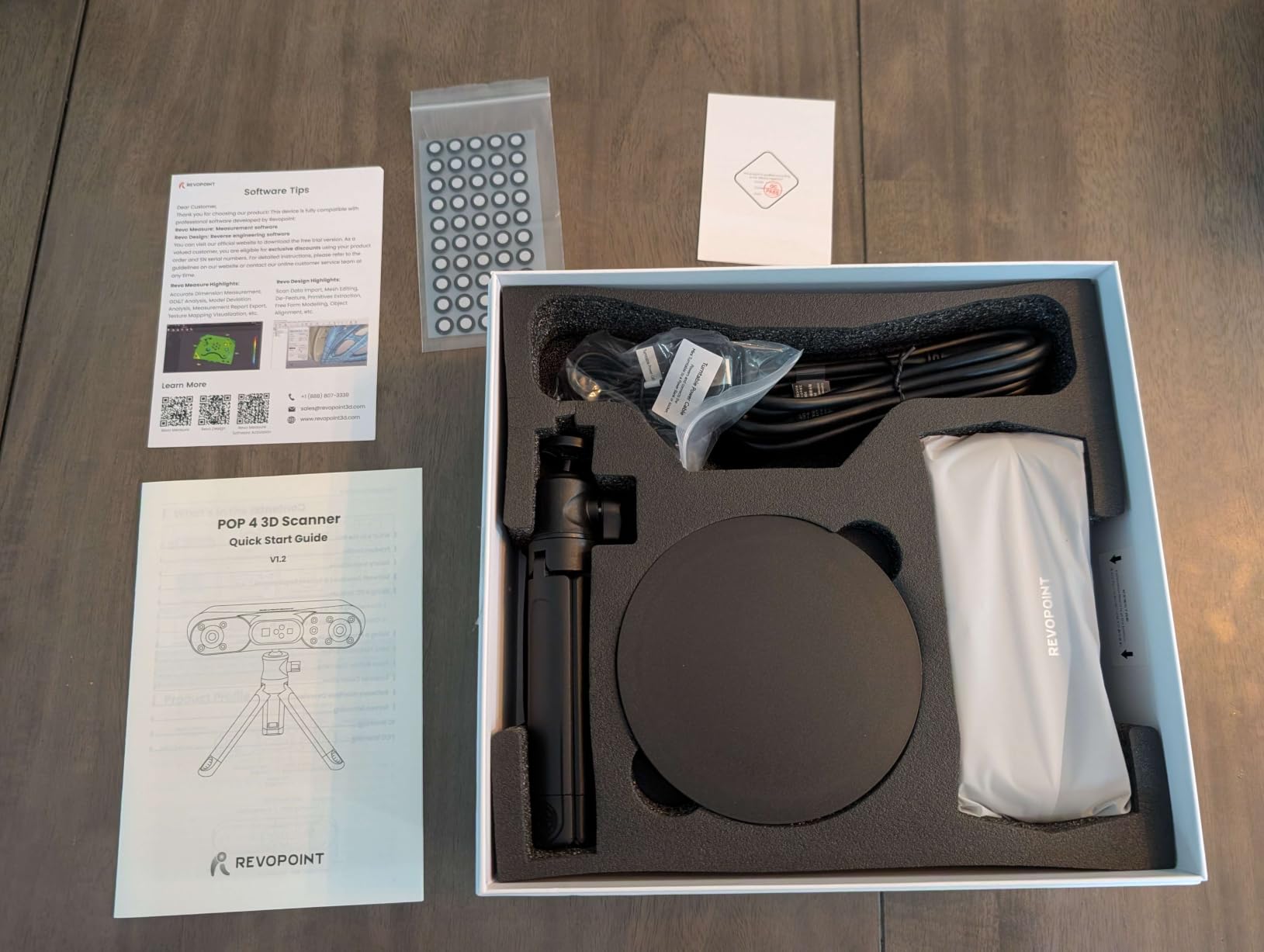
Physically it is a 286g handheld with an optional battery grip that carries a 5500mAh cell, which is where the four hours of cordless scanning time comes from. That grip matters more than it sounds. Most tethered handheld scanners force you to drag a laptop around the object or to keep re-plugging a cable, and cable tension is one of the most common causes of tracking dropout mid-scan.
The owner feedback is the healthiest in this group. It holds the number one sales position in the 3D scanner category, with 67% of reviews at five stars and another 12% at four, and the complaints that do show up are almost entirely about optional software rather than capture quality. That is a much better place to be than a device whose reviews complain about geometry.
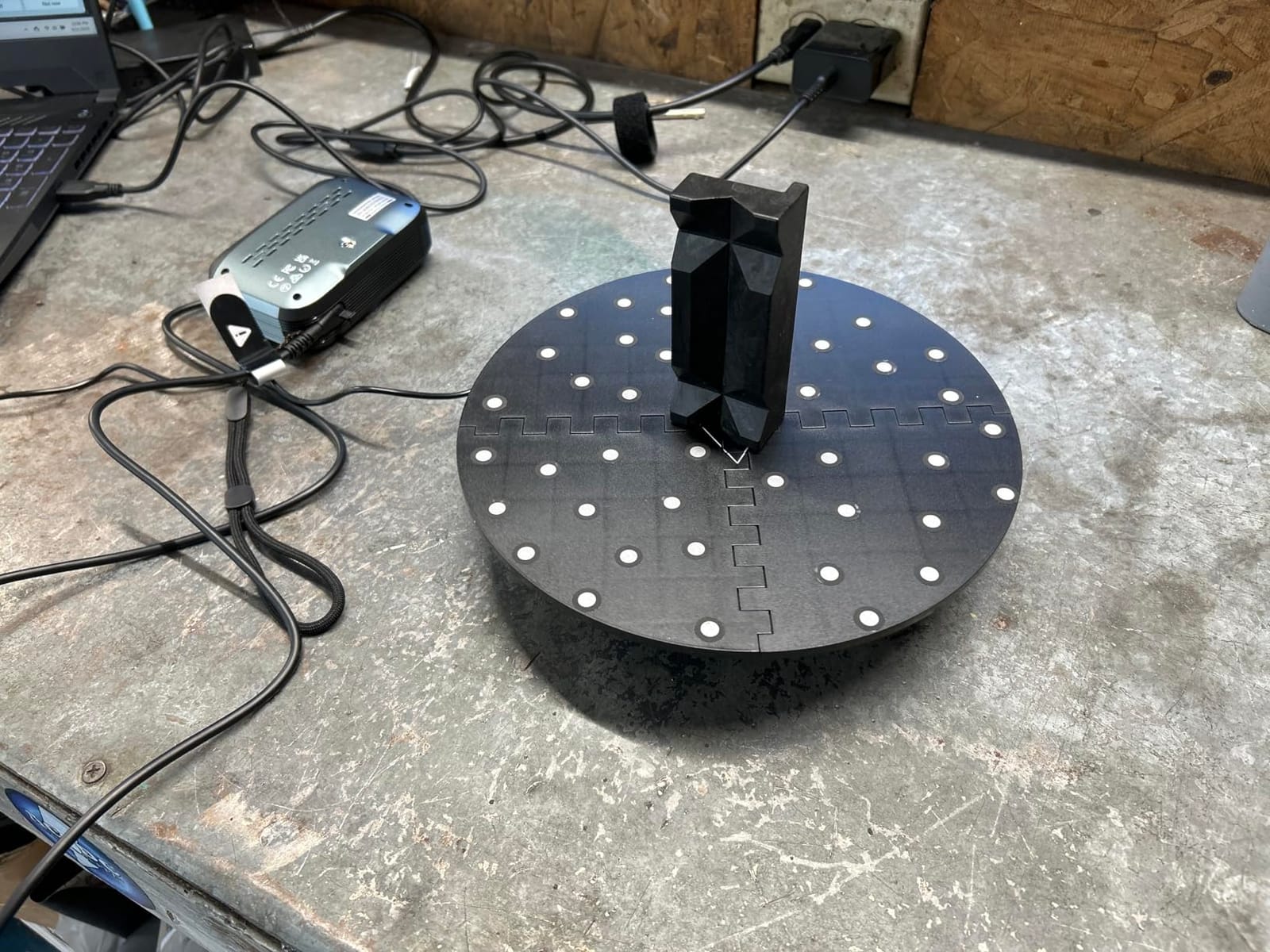
Five Modes and What Each One Is Actually For
Full-field HD structured light gives up to 0.08mm accuracy across the whole captured area and pushes up to 5,000,000 points per second, which is the mode I would default to for general parts. The 30-cross laser mode reaches up to 105 fps and is where the spray-free promise lives: those crosshatched laser lines read glossy and dark surfaces that a plain structured light pattern cannot resolve. When a scan needs to be quick rather than precise, VCSEL rapid mode is the one to reach for.
Single-line deep hole scanning is the sleeper feature for anyone who restores machinery. It is a slow, deliberate mode designed to reach into narrow cavities where a wide multi-line array simply cannot see, which is exactly the geometry that breaks most hobbyist scans of engine parts and gearboxes.
Outdoor Work and the Battery Grip
Outdoor capability runs to 50,000 lux, and up to 100,000 lux with the included outdoor filter or in VCSEL mode, which puts genuine field work on the table for survey-type projects, garden ornaments, or workshop parts you would rather not bring inside. Combined with the battery grip and WiFi 6.0 streaming to a phone or PC, you can run a session without a cable tethering you to one spot.
The cross-screen preview is genuinely useful rather than decorative. You can frame the shot on the phone while the heavy lifting happens on a computer across the room, which makes a two-person scan of something awkward, like a bicycle frame or a radiator, far more practical.
Where the Software Falls Short
Revo Scan 6 handles the scanning and the basic mesh work well, but the parts that reach beyond scanning are gated. AI object segmentation, which strips a background from a capture in one click, runs only on Windows. Revo Measure and Revo Design, the CAD and inspection modules, are separately licensed rather than bundled.
There is also a hardware expectation. The published minimum is an Intel i7 13th generation or Ryzen 7 5800 with an RTX 3060 and 8GB of video memory, or a Mac with an M1 Pro and 16GB. If your machine sits below that, the scanner will still connect, but the processing that turns frames into a merged mesh will drag.
Verdict: this is the one to buy if you want one scanner for parts, miniatures, props and the occasional large object. The breadth of modes removes the usual need to own two devices, which is where the long-term value sits.
2. Revopoint MIRACO Plus – Standalone Scanning Away From a Desk
Revopoint MIRACO Plus 3D Scanner, All-in-One Scan, for 3D Printing
0.04mm point cloud accuracy,750g,on-board processing,2hr battery
Pros
- Processes scans on device so no computer is required
- Quad depth camera with Near and Far modes plus 1.5x and 2x IR zoom
- Photogrammetric metrology kit with scale bars and 208 coded targets
- 48MP RGB camera with flash LEDs for colour capture
- Two-year warranty with 24/7 support
Cons
- Software is limited to x86_64 architecture and excludes ARM-based Macs
- Revo Design CAD software is a separate purchase
- Storage is not user-upgradeable and the flip screen has been reported as flimsy
The MIRACO Plus is the only device in this group that genuinely does not need a computer. It carries an 8-core 2.4GHz processor, 32GB of RAM and 256GB of storage, which means a full photogrammetric solve, a merged mesh and a colour texture all happen on the unit itself. For anyone who scans on a job site, in a loft, or anywhere a laptop is a liability, that single design decision outweighs everything else on the spec sheet.
It is also the only one that ships as a real metrology kit. You get four carbon fibre scale bars and two sets of 208 coded targets, which is what makes a scan dimensionally real rather than relatively real. If you are documenting a part for later manufacture, or archiving something that no longer exists in that exact form, that matters more than any decimal place on the box.
Hobbyists on Reddit consistently point to standalone operation as the reason they bought it, and the flip-screen workflow gets the same treatment. Framing, reviewing and deleting a bad pass without walking back to a laptop is the difference between a ten-minute scan and a lost afternoon.
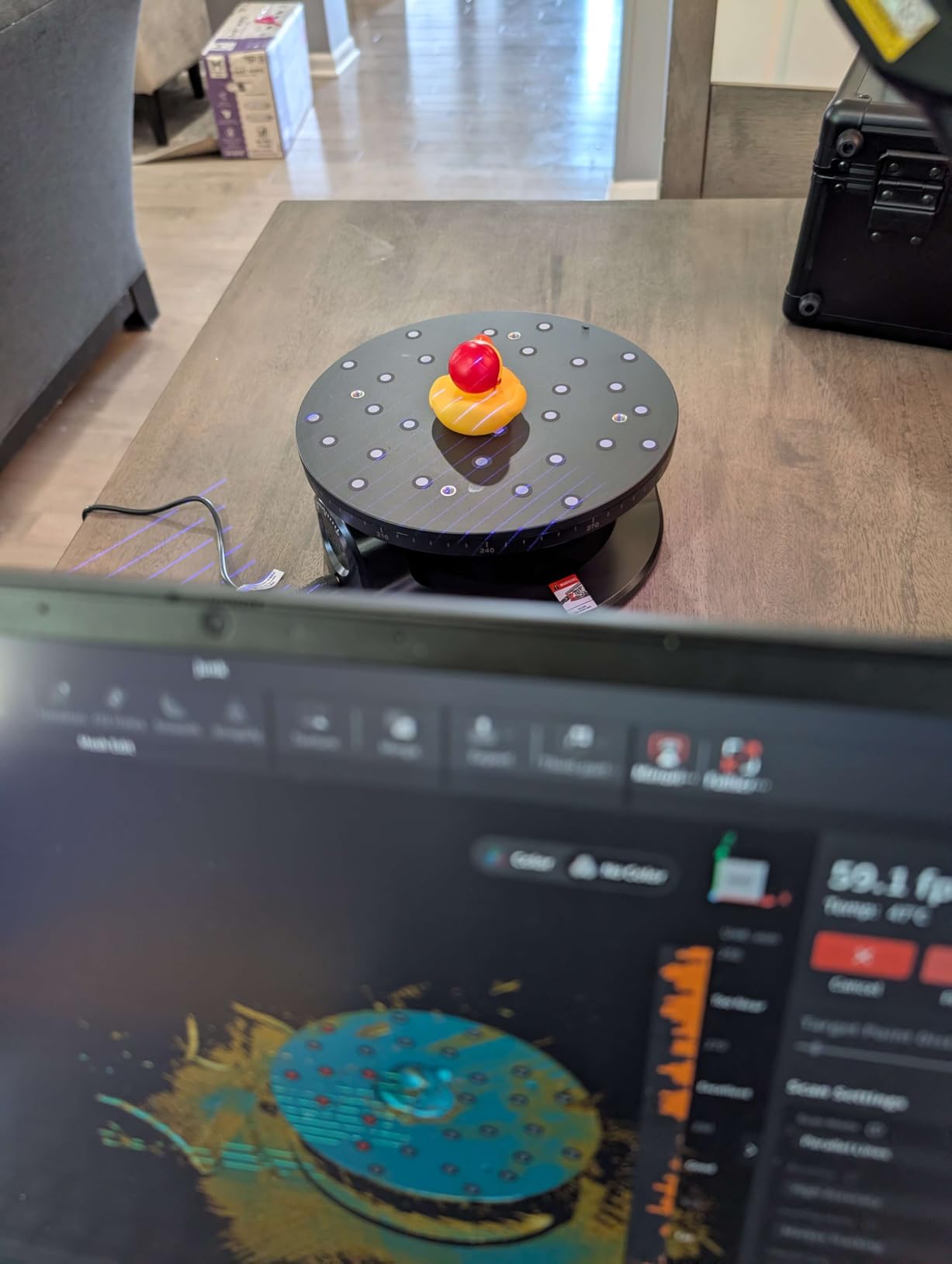
The Quad Depth Camera and the Zoom Range
Four depth cameras give the MIRACO Plus both a Near mode for genuinely small objects and a Far mode for large surfaces, and 1.5x and 2x infrared optical zoom lets you get closer to fine geometry while pulling in less noise. Photogrammetric length accuracy is published as 0.02mm plus 0.05mm multiplied by distance in metres, and single point cloud accuracy is 0.04mm with the improved calibration board.
For most hobby work the zoom is the feature you will feel most. Scaling down to a 1.5x view of a 15mm fitting lets you fill the frame with it, which raises effective resolution dramatically compared with framing the same part from further back, and a tighter frame is also a much easier tracking target.
Colour Capture and the Flip Screen
A 48MP RGB camera with flash LEDs produces colour models that are usable for display prints and archival reference, not just geometry. The 6-inch 2K AMOLED panel flips through 180 degrees so you can frame yourself, a person, or an object positioned behind you without guessing.
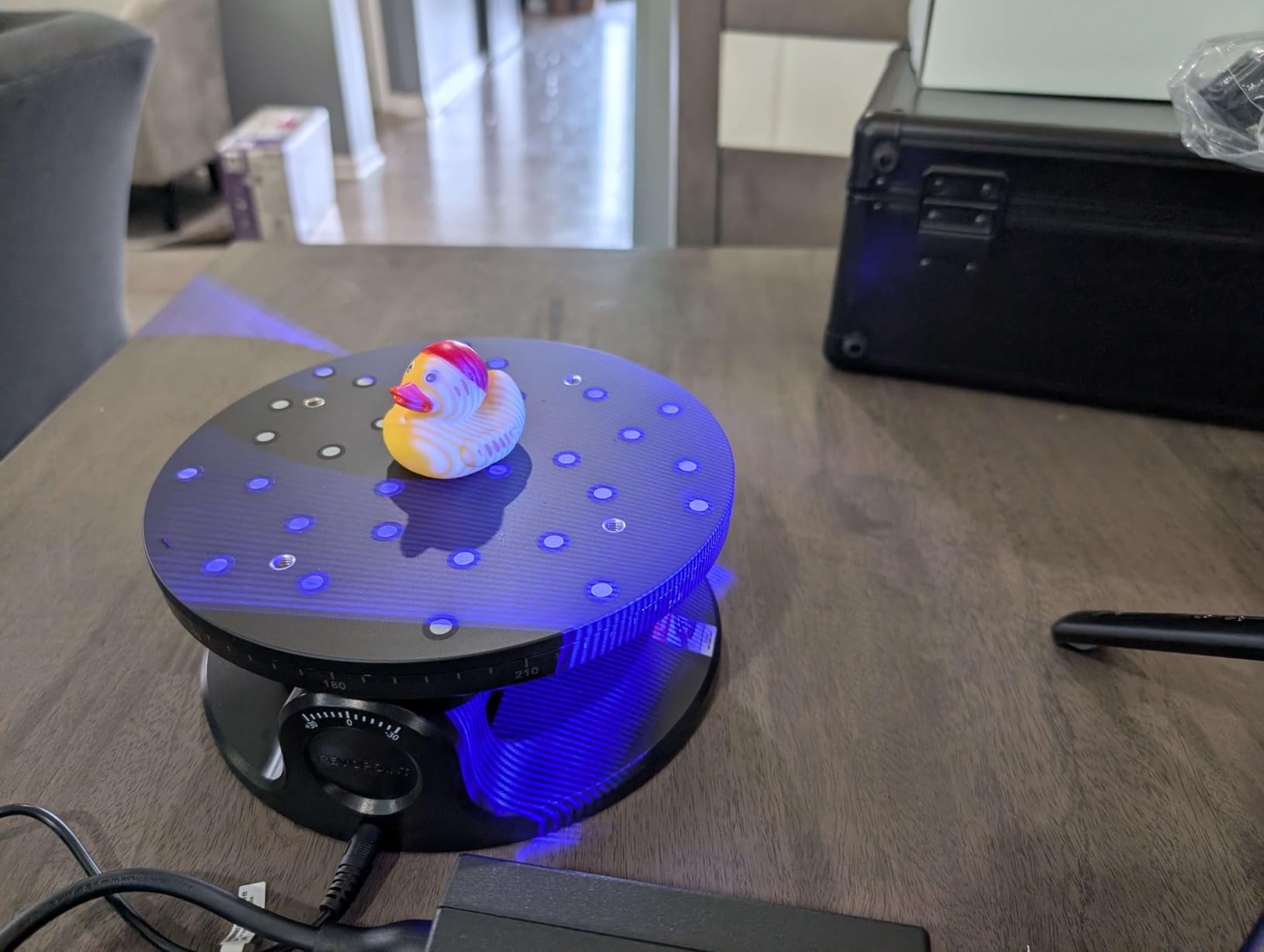
Scanning runs in single shot or continuous mode up to 20fps, and the battery gives about two hours of scanning with 65W fast charging that reaches 80% in 35 minutes. Transfer happens over WiFi 6 or USB Type-C, and it exports PLY, OBJ, STL, ASC, 3MF, GLTF and FBX, which covers essentially every downstream tool.
Who Struggles With It
The complaints cluster in two places. Small objects are the hard case: reviewers report tracking loss and overlapping double-scans on genuinely tiny subjects, and the learning curve for medium to large setups is real. If your work is precision components rather than furniture-sized subjects, look at a small-format scanner instead.
Second, the software is x86_64 only. That excludes ARM-based Macs outright, which in 2026 rules out a meaningful slice of laptops, and Revo Design remains a separate purchase. The flip screen and the fixed storage have also drawn criticism from buyers, though the scanning itself is generally reported as working well.
Verdict: the right buy for field work, large objects, and anyone who has ever abandoned a scan because they could not get the mesh to finish rendering. If you sit at one desk with a good computer, the POP 4 gives you more modes for less money and you would be paying here for autonomy you will not use.
3. 3DMakerpro Moose Lite Premium Kit – The Best Value Scanner That Ships Complete
3DMakerpro 3D Scanner for 3D Printing, Handheld 3D Printer Scanner 0.05mm Precision, 10FPS Scanning Speed for Medium Object, Support for Android/iOS/Win/MacOS, Moose Lite Premium Kit
0.05mm accuracy,0.10mm resolution,10fps,250g,15mm to 1500mm
Pros
- Premium kit includes a turntable a grip tripod and a carrying case
- 0.05mm accuracy captures fine detail on small objects
- Runs on Android iOS Windows and macOS
- 250g fanless plastic body with quiet operation
- 10fps capture is quick at this tier
Cons
- JMStudio software is reported as buggy with weak tracking on medium parts
- Plastic body feels less solid than the aluminum Moose
- Included tripod is tippy when actually used as a tripod
The Moose Lite Premium Kit comes with the most accessories bundled of any unit in this group, and completeness turns out to matter. The box includes a turntable, a tripod that doubles as a hand grip, and a carrying case, which are exactly the three accessories beginners end up buying separately within a week of starting.
Under the hood it is a blue light scanner with 0.05mm accuracy and 0.10mm resolution running at 10fps, with a scan range from 15mm to 1500mm. That range covers a coin-sized part and a full-size door handle with the same device, and 10fps is quick enough that you are not watching a progress bar for a small object.
It is also the most platform-flexible unit here. The same software runs on Android, iOS, Windows and macOS, which makes it the one to recommend if your scanning computer is a tablet or if you want to hand the scanner to someone on a different machine.
Where the Blue Light Engine Shows Its Work
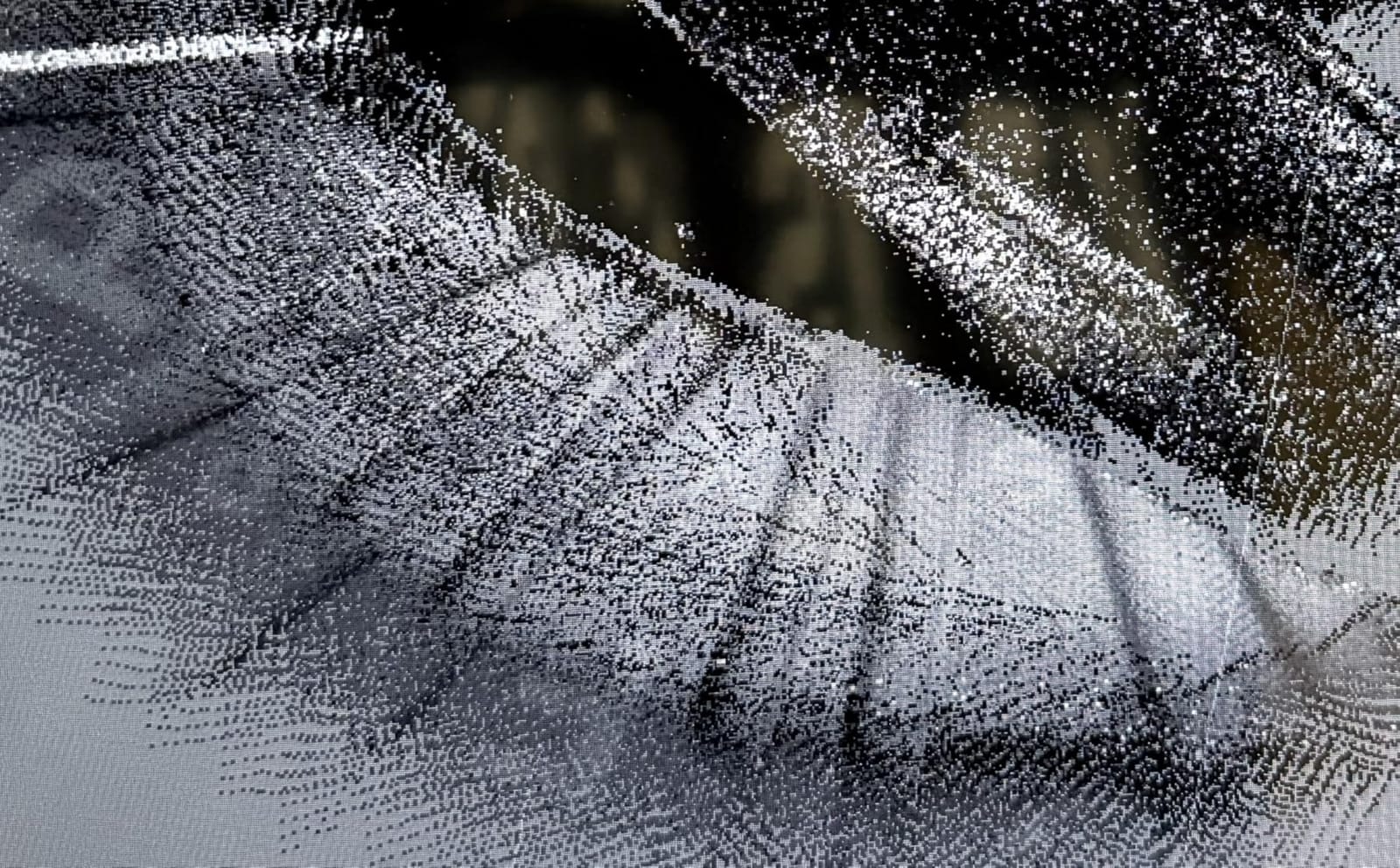
Blue light sits between white structured light and multi-line laser in terms of how it handles surfaces. Short wavelengths do not scatter as much off matte and semi-gloss finishes, so a blue source tends to read a painted or lacquered part without powder where a white source would need a coat, and it is far more forgiving than laser on genuinely mirror-like metal, which still wants spray or markers.
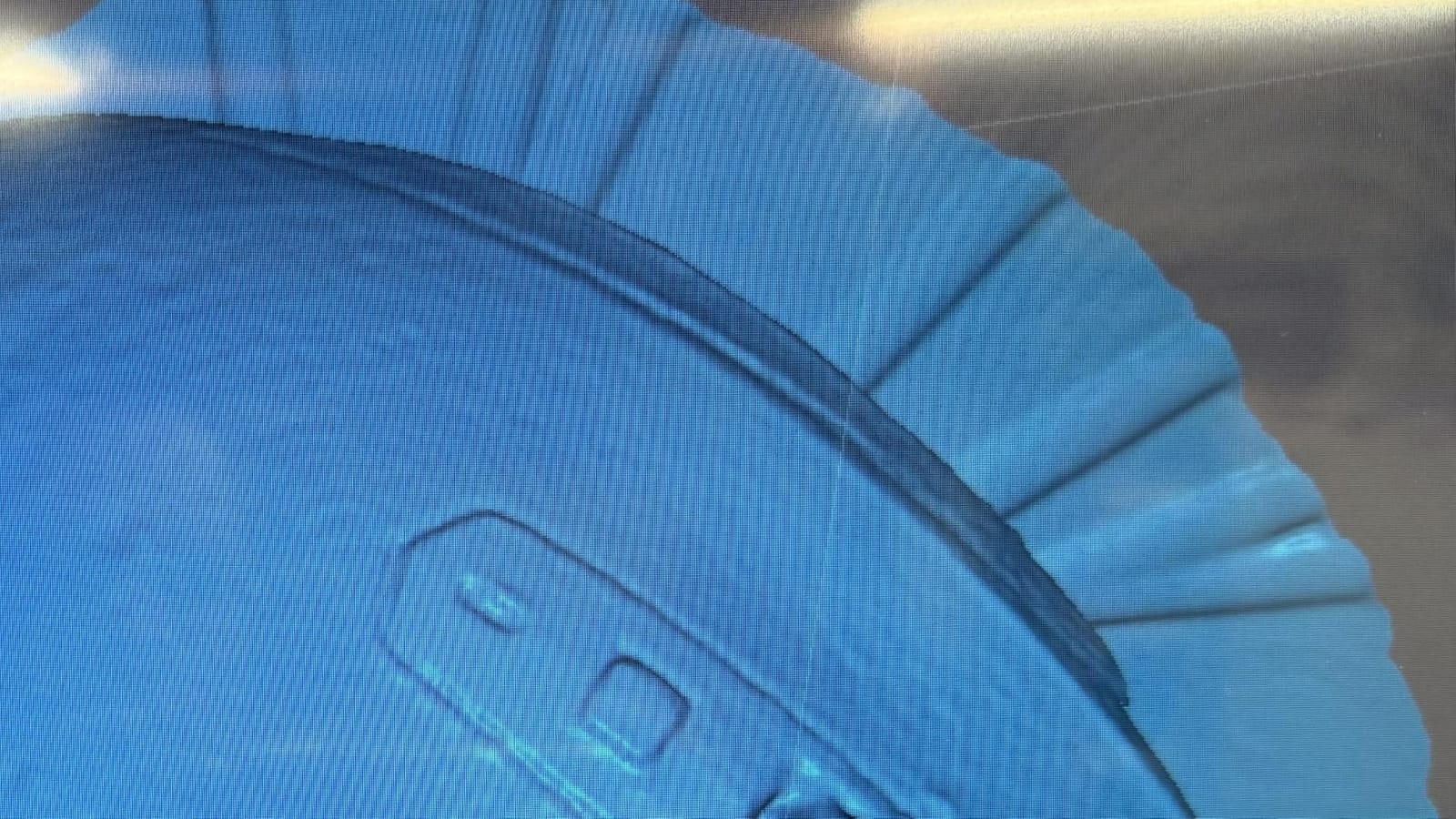
The 0.10mm resolution is the number to hold in mind. It is coarser than the 0.02mm to 0.03mm figures on the premium devices, and it means fine engraved detail, threads and knurling will soften at full-frame settings. Shorten the range to work closer and effective detail improves, which is the practical fix when a small feature looks mushy.
The Software Is the Weak Link
JMStudio bundles scanning, editing and optimization in one place, which is a genuine design win, but the complaint that comes up most often is stability. Buyers report buggy releases and mediocre tracking on medium-sized parts, and some conclude the scanner is not delivering on its marketing once the software misbehaves.
That is a software problem, not a hardware one, and it is fixable in ways a bad sensor is not. Check for updates before a scan, and treat the turntable and grip tripod as part of the capture setup rather than accessories, because steady rotation is what feeds the tracking algorithm clean frames.
The fanless design deserves a mention for what it is: this is a 250g plastic body that stays silent during operation, which makes it pleasant in a small home office where a fan running through a long scan is genuinely annoying.
For Whom It Is and Is Not
This suits the hobbyist who scans household replacement parts, cosplay props, garden ornaments and the occasional figure. The kit is complete, the platform flexibility is unusual at this level, and the scan range is wide enough that you will not outgrow it quickly.
It is a poor fit for two groups. Anyone whose work is dominated by glossy or transparent material will spend a lot of time with spray, and anyone who needs dimensionally defensible data for manufacturing will want a scanner that publishes volumetric accuracy and ships scale bars, because this one does not.
Verdict: the most sensible first scanner for most people, and the least risky purchase in the group. The rating profile is strong, the criticism is concentrated in software that can be updated, and you get the turntable and grip you need on day one. If you are printing miniatures at a fine layer height, pair it with a good resin or FDM setup like the ones in our miniature printer guide and the detail gap largely disappears.
4. Revopoint INSPIRE 2 – Built for Taking Scans Outside
Revopoint INSPIRE 2 3D Scanner, Outdoor Scan, for 3D Printing, Standard
0.05mm accuracy,190g,11 IR laser lines,20000 lux outdoor
Pros
- Eleven infrared laser lines read dark and reflective surfaces without spray
- 190g aluminium body with an included calibration board
- Wireless scanning and live streaming over WiFi 6.0
- Adjustable 1.5x and 2x optical zoom for mixed geometry
- Full-colour texture from the built-in RGB camera
Cons
- Lowest average rating in this group with 13% one-star reviews
- Revo Design scan-to-CAD software is paid and Windows-only
- Rating spread suggests inconsistent experiences
The INSPIRE 2 has the largest owner feedback base of any current consumer 3D scanner we looked at, with 337 reviews. That is genuinely useful data, and it is also the reason this scanner is not higher in my ranking: 13% of those reviews are one star, 7% are two star, and the average lands at 3.9. A large sample showing a wide spread of experience tells you something a small sample of glowing reviews cannot.
What the scanner is actually good at is outdoor work. Eleven infrared laser lines let it read reflective and dark surfaces without a coat of scanning powder, and outdoor operation runs to 20,000 lux, which is enough daylight for shaded and overcast conditions rather than full sun. At 190g it is among the lightest devices in this group, and it is the one I would put in a backpack.
The dual scanning modules matter more than the marketing suggests. Infrared structured light and multi-line laser cover different surface conditions, so you can switch approach on the same object rather than committing to one capture strategy for a whole session.
Accuracy, Precision and What the Calibration Board Does
Published accuracy is up to 0.05mm with precision up to 0.03mm and a fused point distance of 0.1mm, and Revopoint states that the included calibration board improves point cloud accuracy by 75%. That last figure is the operationally interesting one. Raw sensor accuracy and the accuracy of the assembled point cloud are different measurements, and the calibration board is what closes the gap between them.
That makes the board a setup step rather than an accessory. A scan taken without calibrating in the same room, on the same surface, with the same lighting will be measurably worse than one that is, and it is the most common reason a good scanner produces a disappointing first result.
Optical Zoom for Mixed Geometry
The 1.5x and 2x adjustable optical zoom is aimed at objects with mixed scale, which is the normal case for a hobbyist. Scanning a figurine and a chair with the same device means one setting will be wrong for half the subject, and having true optical magnification rather than a digital crop gives you two genuinely different working distances for the price of one device.
The minimum system requirements are demanding for a scanner at this weight class. A Mac needs an M1 Pro, Max or Ultra with 16GB of RAM, a PC needs an Intel i7 13th generation or Ryzen 7 5800 with an RTX 3060, and mobile use needs Android 9.0 or later, or an iPhone X and newer.
Reading the Rating Spread Honestly
A 3.9 average with 337 reviews is a meaningfully different signal from a 4.8 average with seven reviews. The INSPIRE 2 is well-liked by the people who have it working, and the features that attract buyers, spray-free dark surface capture, portability, zoom, do deliver. The one-star reviews cluster around experience variance rather than a single catastrophic fault, which points at firmware, workflow or expectation gaps.
My read is that this is a capable device with a rougher ride than its price position suggests. If you are comfortable iterating on software behaviour and calibrating before every session, it is a strong buy for field and workshop use. If you want something that behaves identically for every person who picks it up, keep reading.
Verdict: a strong pick for outdoor scans in poor light, and the lightest thing I would happily carry for a whole afternoon. Just calibrate it properly and expect to read the manual, because the features are ahead of the polish.
5. Creality Raptor – Among the Tightest Precision Figures Here
Creality Raptor 3D Scanner for 3D Printing, Multiple-line Blue Laser & NIR Handheld Scanner with 0.02mm Accuracy, Anti-Shake Tracking, 24-Bit Fast Full-Color Scanning for Windows macOS
0.02mm precision,7-line blue laser,372g,5mm to 2000mm,60fps
Pros
- Metrology-grade 0.02mm precision from a 7-line blue laser array
- Covers objects from 5mm to 2000mm in one device
- Infrared mode captures faces and bodies without markers
- All-glass lenses and an all-metal barrel resist mechanical and thermal drift
- Creality Scan walks new users through the workflow step by step
Cons
- A discrete GPU with 6GB video memory and 16GB RAM are effectively required
- Small field of view needs plenty of tracking markers
- Reports of tracking loss distorted merges and USB disconnects
- Proprietary power cable is short and cannot be extended
The Raptor publishes one of the tightest precision figures of anything in this group at 0.02mm, from a blue parallel seven-line laser array feeding a 2.3-megapixel camera. If you are restoring mechanical hardware, digitising a carburettor body, or capturing a watch movement, that number is the reason to look here, and the all-glass lens design with an all-metal barrel is the engineering that helps you keep it.
Its range is remarkable: one device from a 5mm cube to a 2000mm object. The infrared structured light mode handles faces, bodies and cultural artefacts without markers, at 20fps, while the blue laser mode runs to 60fps for fast, high-resolution work on objects.
The rating distribution here is unusual. There are no four-star reviews at all, with 79% at five stars and 16% at one star. That is not a normal satisfaction curve, it is two groups of buyers with opposite experiences, and reading both groups is more useful than the 4.2 average.
Blue Laser for Precision, Infrared for Bodies
In blue mode, three-dimensional resolution runs from 0.02mm to 2mm and the scanner hits 60fps, with a minimum scan volume of 5mm on a side. In infrared mode, resolution runs from 0.1mm to 2mm at 20fps with a minimum volume of 150mm cube. Those are different tools inside one shell, and picking the wrong one wastes a session.
Twelve white LED supplemental lights feed 24-bit full-colour texture, and the manufacturer states that black and metal objects scan with low dependence on powder spraying. The device itself is 215mm by 50mm by 74mm at 372g, which is a comfortable one-hand grip for a full afternoon, and anti-shake tracking helps with the inevitable wobble.
Set Aside a Real Workstation
The system requirements are the hardest requirement in the group: Windows 10 or 11 64-bit with a 7th generation i7, an Nvidia GPU with 6GB of video memory and 16GB of RAM, or macOS 11.7.7 or later on M1, M2 or M3 with 16GB. This is not a scanner for a five-year-old laptop, and buyers without a capable PC are the ones most likely to end up in that one-star bucket.
Exports are OBJ, STL and PLY, which is a narrower set than some rivals offer, and the package includes a power adaptor, a USB 3.0 cable, reflective markers, a scanning pad and a calibration board. The reflective markers are not optional in practice, because the field of view suits small to medium objects and the tracking system needs the extra references on low-texture surfaces.
Where It Falls Down in Practice
Capture speed is slower than the promotional material suggests, and merging multiple separate scans into one model is tedious work. Reviewers also describe tracking loss in both infrared and laser modes, distorted geometry when merges go wrong, and random USB disconnections interrupting longer captures.
That is a fair summary of a device with excellent optics and software that has not entirely caught up. If you have the hardware to run it and you accept that a scan is a supervised process rather than a one-button operation, the geometry quality is genuinely excellent. If you want something that works first try on an ordinary computer, this is not it.
Verdict: a leading choice for precision work on mechanical restoration, paired with an understanding that you are committing to a learning curve as much as a device.
6. EINSTAR Rockit – Cordless Scanning With Hybrid Laser and Infrared
EINSTAR Rockit Wireless Handheld 3D Scanner for Full Color 3D Design
Hybrid blue laser and VCSEL IR,3hr battery,colour capture
Pros
- Built-in rechargeable battery gives up to 3 hours of cordless operation
- Hybrid blue laser and VCSEL infrared cover detail and large objects
- Handles dark and moderately reflective surfaces with minimal spray
- Full-colour texture capture with broad format export
- Maker Helper Set included for automated small-object scanning
Cons
- 4.0 average rating with a 16% one-star share
- 1.1 pound body can feel less stable during long scans
- Software leans Windows-centric for engineering and inspection workflows
The Rockit is a SHINING3D-built handheld that has been on the market for several years, which makes it one of the more established listings here, and 86 reviews is a meaningful base. The architecture is a hybrid: blue laser for fine detail, VCSEL infrared for fast digitising of large objects, switching within one device depending on what you are looking at.
The integrated rechargeable battery gives up to three hours of cordless operation, which is the longest untethered runtime quoted by a handheld in this group that has no separate battery grip module. Advanced optical technology is claimed to reduce the need for scanning spray on dark and reflective surfaces, and built-in colour imaging handles texture capture on the same pass.
Exports cover STL, OBJ, PLY, 3MF and ASC, and the package includes a Marker Helper Set for automated small-object scanning, which is the kind of thing that quietly saves hours on small parts.
What the three hours buy you is a genuinely untethered session. Cordless scanning changes the geometry of a workflow. Without a cable, you can walk around an object, hand the scanner to a second person for the far side, or capture something that cannot be lifted onto a table. The 10 by 3 by 3 inch body and 1.1 pound weight are compact, and that compactness is also the reported downside: a lighter body can feel less stable during long captures, and micro-movement is what causes smeared or doubled geometry.
The hybrid mode split is the real argument for this scanner over a single-technology device. Blue laser on a small mechanical part, then infrared across a large casting, without changing devices or software, is a workflow that single-mode handhelds force you to compromise on.
On the other hand, no spray means fewer consumables, and for a hobbyist the savings on scanning powder across a year add up to less than people expect. The marker helper set included here also reduces the surface prep that dark plastic and machined finishes otherwise demand.
Where the Reviews Divide
The 4.0 average is pulled down by a 16% one-star share, a notable proportion of critical reviews. Positive reviews credit the untethered convenience and the ability to scan black and reflective parts with less preparation. The lower-rated reviews focus on workflow friction and the learning curve typical of handheld scanners rather than on any single hardware fault.
Software is the other recurring theme. Engineering and inspection workflows lean Windows-centric, which matters if you intend to take measurements from your scans rather than simply print them.
Verdict: a sensible cordless option if you need to move around large objects or work away from a computer, and a mature listing with enough reviews to learn from. It is not the precision leader, and for pure small-part accuracy the Raptor or Seal Lite will serve you better.
7. Creality Otter Lite Basic – Quad Cameras Across a Huge Size Range
Creality Otter Lite Basic 3D Scanner, 0.05mm Accuracy, 30fps Speed, Quad-Camera for Objects 0.8″-78″, Full Color Scan, No Spray for Dark/Metal Surfaces, Eye-Safe Infrared, Wi-Fi 6 Supported
0.05mm accuracy,30fps,quad cameras,0.8in to 78in
Pros
- Four cameras cover objects from 0.8 inch to 78 inch in one device
- DOE one-shot imaging reads dark shiny and metallic surfaces with no spray
- 24-bit colour texture from a megapixel camera with LED fill lights
- Eye-safe Class 1 infrared does a face or full body in about 1 minute
- Turntable included and quick simple calibration
Cons
- Processing speed depends heavily on the host computer
- There is a learning curve before scans come out consistently clean
- Some USB 3.0 ports do not supply enough power without a hub
- Only a 1-year warranty
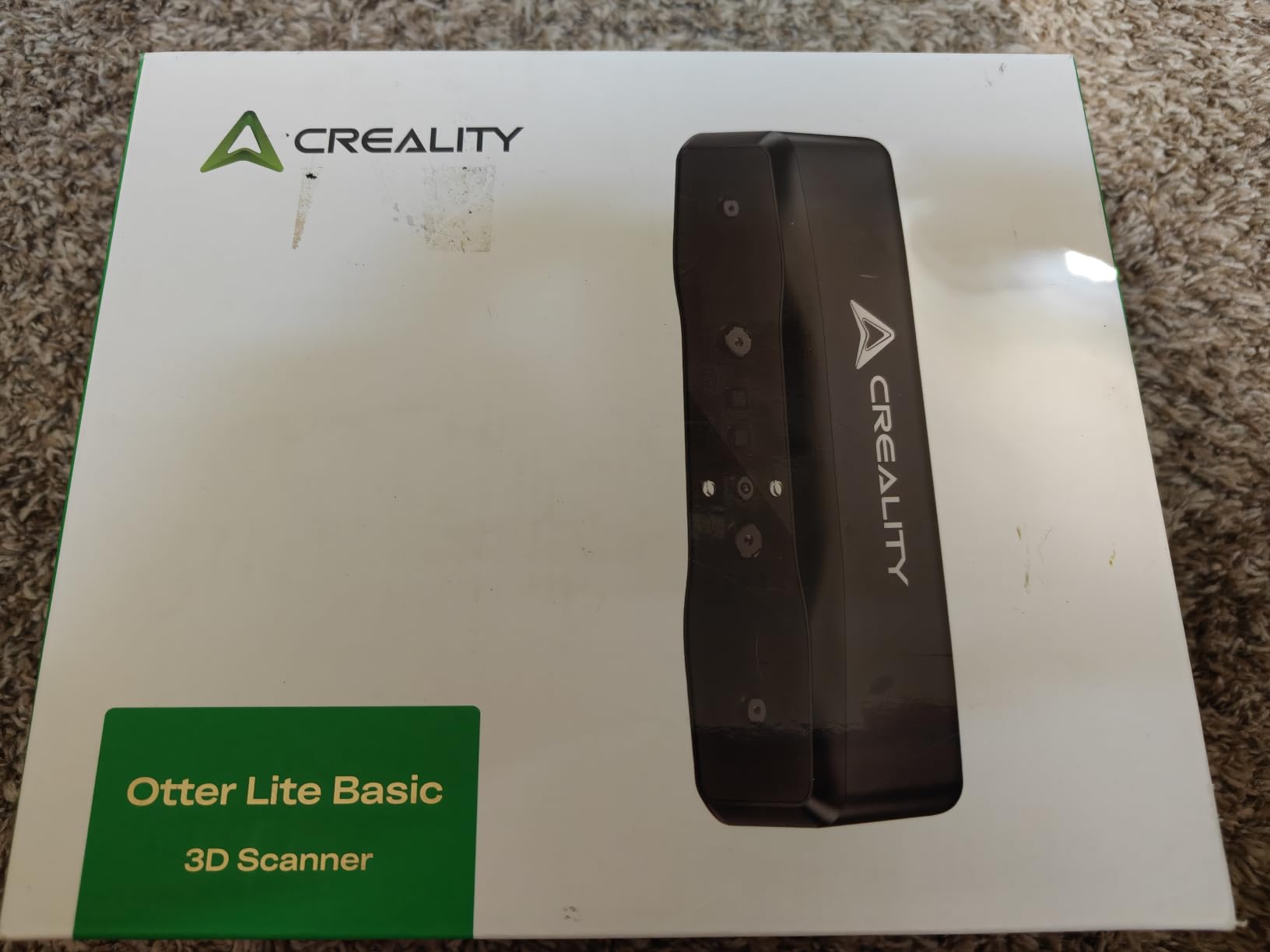
The Otter Lite Basic is built around a quad-camera array: two long-focal lenses for fine detail and two short-focal lenses for coverage. That pairing is why one device can handle a 0.8 inch object and a 78 inch object, with a single-frame capture area of 1460 by 1017mm at a 1200mm working distance. For a hobbyist who moves between a coin and a person, that is the single most useful specification on the sheet.
Up to 0.05mm accuracy comes from a stereo-matching algorithm combined with DOE structured light, and it runs at up to 30 frames per second. DOE one-shot imaging is what allows dark, shiny and metallic surfaces to be scanned without powder or spray, and outdoor operation extends to 30,000 lux.
The infrared mode is class 1 eye-safe and invisible, and it does a face or full body in about a minute. Combined with the included turntable and support for marker, geometry and texture alignment, it covers the cosplay, prop and body-scanning cases that a small-format scanner simply cannot attempt.
Colour Texture and the Practical Extras
A megapixel RGB camera with two white LED fill lights produces 24-bit colour, which is enough for painted miniatures, cosplay armour and printed reference models. One of the broadest format lists here, with exports to PLY, OBJ, STL, ASC, 3MF, GLTF and FBX, and CrealityScan 4 runs on Windows, macOS, iOS and Android with AI-powered head mesh repair for the last few percent of problem areas.
WiFi 6 is supported, and an optional Scan Bridge handle can be added for steadier extended scanning. The turntable is in the box, which for turntable scanning of a small object is the difference between a smooth rotation and a scan full of stitching errors.
The DOE structured light also reads geometry on low-texture surfaces where marker-based tracking normally falls apart, which is why owners who bought it to pair with an existing Creality printer report very little prep time before a capture.
What to Watch Before You Buy
Processing speed leans on the host computer, and that is the recurring complaint alongside the standard 3D scanning learning curve. Some USB 3.0 ports will not supply enough power without a powered hub, which produces failures that look like hardware faults and are not.
The warranty is one year, the shortest of the Revopoint units in this list, and the review base of seven ratings, while excellent, is thin. Owners new to 3D scanning describe setup as quick and beginner-friendly, and several bought it specifically to pair with an existing Creality printer, which is a sensible pairing given shared software conventions.
Verdict: the most versatile envelope for the money, and the one to buy if your subjects range from small props to full body scans. Budget time for the learning curve and check your USB ports before the first session.
8. Creality Pika – A Scanner You Can Forget Is in Your Bag
Creality Pika 3D Scanner, Portable 0.03mm Accuracy Wireless 3D Scanner, 7 Parallel Blue Laser+NIR Sources, Fast Scan Speed, Scans 5mm-2000mm Objects, AI Hole-Filling & Body Completion, 8-core CPU
0.03mm accuracy,260g,WiFi 6 built in,dual batteries
Pros
- 260g body with built-in WiFi 6 so no laptop is required
- Two hot-swappable 3350mAh batteries remove range anxiety
- 0.03mm blue laser accuracy alongside one-minute full-body infrared scans
- AI body completion and hole filling cut model generation time
- Spray-free scanning of black and metal objects
Cons
- Only 9 reviews so far
- so long-term owner feedback is limited
- Relies on a phone or PC for processing rather than including on-board compute
- Entry-level phone performance may vary with heavier models
The Pika is among the newest and most compact serious units in this group, at 260g and 100 by 60 by 42.5mm. The defining feature is built-in WiFi 6, which means it connects straight to a phone or PC over the air with no cable and no dedicated computer of your own. Creality states it works even on entry-level phones, which is a meaningful claim for anyone who does not own a workstation.
Optically it pairs a 7-parallel blue laser system at 0.03mm accuracy for precision parts with infrared structured light for fast full-body scans in about a minute. The range runs from 5mm to 2000mm, the same span as the Raptor, which makes the two very different answers to the same question depending on how you want to be connected.
Two hot-swappable 3350mAh batteries mean you can keep scanning while the other cell charges, and outdoor operation reaches 80,000 lux with the professional NIR filter, a figure at the high end of what we saw in this group.
I want to be straight about the evidence here. The rating of 4.8 comes from nine reviews, none below four stars, and much of the visible review text on this listing is about Creality scan markers and how they improve tracking on smooth, low-texture surfaces rather than about the scanner itself. Treat the number as a promising signal rather than a track record.
AI Features That Save Real Time
AI retexturing, AI body completion and AI hole filling are the features that stand out on paper, and they target the two most tedious post-processing jobs: propagating texture across a merged scan, and closing the small holes that appear where tracking wobbled. Intelligent anti-shake is claimed to stabilise capture during movement, which matters a lot for a scanner this light.
Exports are STL, OBJ, PLY and ASC with free over-the-air updates, which is refreshing in a category where software licensing is common. The absence of spray needs for black or metal objects also removes a consumable from the running costs.
Where the Limits Sit
Because there is no on-board compute, processing happens on your phone or PC, and a heavier model on a modest phone will be slow. That is a real constraint on the wireless promise, and it is the main thing separating this from the MIRACO Plus, which carries its own processor and storage.
The second limit is time. A listing from 2026 with nine reviews tells you what the hardware is designed to do and what the first buyers thought, but not how the calibration drifts after a year, which is exactly the information you want when deciding whether to build a small business on a device.
Verdict: the most interesting new release here and the best fit for a hobbyist who wants cordless scanning with real accuracy and no laptop. If you need certainty rather than novelty, the POP 4 has the owner history behind it.
9. 3DMakerpro Seal Lite – Precision Where the Object Is Small
3DMakerpro 3D Scanner Seal Lite, Small-Format 3D Scanners for Printing, Blue Led Light Source, Up to 0.02mm Accuracy, Mono Texture Scanning (Premium Version)
0.02mm accuracy,10mm to 300mm range,blue LED source
Pros
- 0.02mm accuracy from the blue LED light source is excellent for small-format work
- Compact and lightweight so it stores and handles easily
- JMStudio is straightforward to navigate with auto-alignment
- Complete kit with tripod turntable 65W charger and cable
- Covers fine surface detail that is tedious to recreate by hand
Cons
- Only 6 reviews
- a very small base in this group
- Mono texture only
- so there is no full-colour scan on this version
- Dark shiny or transparent surfaces can still need spray or markers
- Requires a relatively powerful PC to run smoothly
The Seal Lite is built for one job: small objects, accurately. A blue LED source at 400 to 500nm produces up to 0.02mm accuracy across objects from 10mm to 300mm, with a recommended working distance of 180 to 280mm and indoor use suggested. That is a desktop instrument, and treating it as one is the key to being happy with it.
For miniatures, jewellery, model kit parts, small mechanical components and electronics enclosures, 0.02mm accuracy on a 40mm subject is excellent. Scan-back and anti-shake features at 10fps help you hold a small subject steady, and JMStudio provides visual tracking, error correction and auto-alignment to reduce the manual work on each capture.
The package is unusually complete: tripod, turntable, 65W charger, data cable and a one-year warranty, with lifetime free software updates, which is a good deal given the accessory costs that normally accompany a small-format scanner.
Why Short Wavelength Matters at This Scale
Blue light at 400 to 500nm is the same reasoning behind the Seal Lite as behind the premium laser scanners, and at small scale it pays off twice. Short wavelengths do not scatter as much off fine surface texture, so the structured light pattern stays readable on surfaces that would blur a white pattern, and a small subject fills the frame at a short working distance, which raises effective detail on every scan.
The 10mm to 300mm range is a genuine limit as well as a strength. If your work includes anything larger than a coffee mug, you are outside the intended envelope and you should be looking at a handheld with a wider span.
What the Mono Texture Version Gives Up
This is the mono texture version, so you get geometry without a colour layer. For printing in a single material that costs you nothing, and for any workflow where you intend to rematerial, recolour or paint, geometry is all you actually needed. For archival display pieces, replicas or texture-mapping projects, it is a real limitation and the colour version is the one to consider.
Exports run to OBJ, STL, PLY and ASC on Windows and macOS, and the recommended 180 to 280mm working distance means you are working close in. That is genuinely convenient, because you can hold the object in your hand or sit it on the included turntable rather than setting up a rig across a room.
Honest Expectations
With six reviews, the 4.1 average carries limited weight, and the distribution of 79% five-star and 21% one-star is a reminder that small samples exaggerate. What owners consistently praise is the fine detail on small mechanical and automotive parts, the approachable software and the completeness of the kit.
The common thread across reviews is patience. This is not a point-and-shoot device, and optically difficult surfaces still benefit from spray or markers. Dark, glossy or transparent material is the case where you will still reach for the can of powder, and a relatively powerful PC is needed for smooth operation.
Verdict: the specialist pick for small-format work, and a strong companion to a larger scanner if you already own one. Used alone, it covers a narrow slice of hobbyist scanning, but that slice is the one where accuracy is hardest to achieve.
10. 3DMakerpro Moose Standard – Built for Deep Cavities and Dark Rooms
3DMakerpro 3D Scanner for 3D Printing, Handheld 3D Model Scanners with 0.05mm High Detailed Precision, Intelligent Pre and Post Data Processing, Compatible with Windows/MacOS (Moose Standard)
0.03mm accuracy,0.07mm resolution,100mm depth,9 light levels
Pros
- Up to 100mm scan depth captures complex vertical structures
- Encoded structured light with AI visual tracking supports marker-free capture
- Nine levels of light adjustment allow scanning in the dark
- 0.03mm accuracy and 0.07mm resolution capture fine detail
- JMStudio combines scanning editing and optimization in one workflow
Cons
- Only 4 reviews
- so there is very limited owner feedback
- Low sales rank indicates a small installed base
- Smart Grip smartphone support is a separate purchase
- macOS support stops at version 13
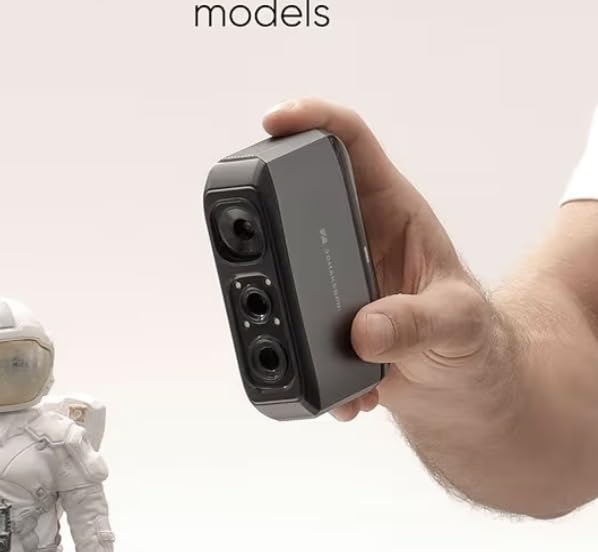
The Moose Standard adds two capabilities to the Moose Lite formula that matter for specific jobs. The first is up to 100mm of scan depth, which lets the scanner reach into complex vertical structures, and the second is nine levels of light adjustment so it can scan in the dark without external lighting. Between them they cover the two situations that most often defeat a structured light scanner in a home workshop.
Accuracy is up to 0.03mm with 0.07mm resolution from blue light technology, and the new-generation single-frame encoded structured light unit improves surface feature detection, which is what helps it work without markers on smooth, low-texture surfaces.
Dark-room scanning is a genuinely practical feature. If your workshop has no window and a single overhead bulb that throws hard shadows, a scanner with adjustable light levels will outperform a more expensive one you have to constantly reposition. A structured light pattern needs even illumination, and controlling the source beats fighting the room.
When 100mm of Depth Is the Deciding Spec
Scan depth is what separates this from a surface-only scanner in practical terms. Anything with a wall thicker than a few millimetres, a moulded housing, a cast part with an internal cavity, or a mechanical component with a bore, is a job where depth matters. A scanner that only reads the outer shell gives you a solid-looking model that is wrong in exactly the place you needed it to be right.
Exports cover OBJ, STL, PLY and ASC on Windows 10 and 11 64-bit plus macOS 12 and 13. The optional Smart Grip connects the scanner to a smartphone for scanning on the go, sold separately, and the aluminium-bodied Moose weighs 280g against 250g for the plastic Lite version.
AI visual tracking and the point cloud algorithm are the same software foundation as the Lite, with the same implication: the capture quality is good, and the reliability of the experience depends on JMStudio behaving that day. Check for updates before a session, and expect the same learning curve rather than a plug-and-play path.
Read the Review Base Honestly
Four reviews, all four stars or better, averaging 4.7. That is not a reliability signal, and the low sales rank confirms this is a smaller installed base than the Revopoint and Creality units here. The specification sheet is the stronger evidence in this case, because the depth capability, encoded structured light and dark-scanning adjustment are specific, testable claims rather than impressions.
Verdict: the pick if your work involves deep or internal geometry, or if you are scanning in a poorly lit space. For general-purpose hobbyist scanning the Lite version covers most of the same ground for less, and the four-review base means you are buying on spec rather than on history.
11. Fox 3D Scanner – The Cheapest Useful Way to Start Scanning
Fox 3D Scanner, 0.07mm Accuracy Portable 3D Scanner for 3D Printing, AI SLAM Handheld 3D Scanner, Marker-Free Scanning, One-Click Modeling, Scan Objects 40-1200mm, OBJ STL PLY ASC Export
0.07mm accuracy,210g,40mm to 1200mm,AI SLAM tracking
Pros
- Lowest entry point in this group with 0.07mm accuracy
- 210g body is comfortable for extended handheld scanning
- AI SLAM tracking re-locks onto previously scanned areas if interrupted
- One-click processing automates alignment fusion noise reduction and mesh optimization
- NIR system reduces surface preparation on matte dark objects
Cons
- Only a single review
- the thinnest feedback base here
- Requires a tethered computer connection
- 0.07mm accuracy and 0.10mm resolution trail the 0.02 to 0.05mm competitors
The Fox sits at the entry point of this group and does something most budget scanners do not: it automates the post-processing. One-click model processing in JMStudio runs point cloud alignment, fusion, noise reduction and mesh optimization as a single step, and the one owner review on this listing singles exactly that out as the standout feature, describing clean models without wrestling with complex software settings.
Specifications are 0.07mm accuracy and 0.10mm resolution across a 40mm to 1200mm range, at 210g. The AI SLAM visual tracking is marker-free and will automatically re-lock onto areas it has already scanned if tracking is interrupted, so a dropped scan does not mean restarting from the beginning.
That re-lock behaviour is the feature I would highlight above the accuracy figure. For a beginner, the most demoralising failure mode is losing a fifteen-minute scan to a wobble, and a scanner that resumes is a scanner people keep using.
What You Give Up at This Level
The 0.07mm accuracy and 0.10mm resolution trail every other scanner in this list, and you should expect threads, knurling and engraved text to soften. That is fine for garden ornaments, decorative pieces, replacement plastic parts and general modelling, and it is not fine if you need a mating fit with a mechanical component.
It is also tethered. There is no built-in wireless, so you need a computer within cable reach of the subject, and the cable tension management that implies. For most hobbyist objects that sit on a table, that is a non-issue, but it rules out the walking-around-a-room workflow entirely.
The NIR optical system performs well on matte dark and low-reflective surfaces, which is a broader claim than most budget scanners make and a real help on black plastic. Glossy and mirror surfaces will still want spray or markers, as they will on every scanner in this guide.
Treat the Rating as a Placeholder
One review at a five-star average carries no statistical weight whatsoever, and I would rather say so than present it as evidence. The useful information on this listing is the software behaviour and the tracking approach, both of which are described clearly enough to judge against your workflow.
Exports are OBJ, STL, PLY and ASC on Windows 10 and 11 64-bit and macOS 12 and 13, with no separate application fee mentioned. The manufacturer field lists 3DMakerpro, so this is a lower-cost product using the same JMStudio software family as the Moose and Seal, which means what you learn transfers if you upgrade later.
Verdict: the lowest-risk way to find out whether scanning is for you, and a genuine working tool for non-critical parts. If you expect to outgrow it within a year, spend more on the POP 4 or the Otter Lite Basic instead. If you just want to scan the odd thing without a large commitment, this does the job.
How to Choose a 3D Scanner Without Wasting Money
Most wrong purchases in this category are not wrong because the scanner is bad. They are wrong because the scanner was excellent at a job the buyer did not have. That is the same failure mode as buying a quality automotive diagnostic tool for a car problem you do not have, which is why our guide to the best OBD2 scanners for beginners leads with fit rather than specs too. These are the questions that actually decide the purchase, in the order I would ask them.
Structured Light, Blue Laser, Infrared or Photogrammetry?
These are the four architectures you will meet, and they trade off differently rather than ranking cleanly. Structured light projects a known pattern of infrared light and measures how it deforms across a surface. It is fast, inexpensive and excellent on matte surfaces, and it struggles on black, glossy and transparent material. Multi-line blue laser, which most of the handhelds here use in one mode or another, reads dark and reflective surfaces far more reliably and often without spray at all.
Infrared structured light, usually paired with a time-of-flight or depth camera arrangement, is what enables marker-free scanning of faces and bodies, and it is generally less sensitive to surface finish than projected patterns. Photogrammetry is a different category entirely: it solves geometry from many overlapping photographs using coded targets, which is why the MIRACO Plus ships scale bars and 208 coded targets. It scales to buildings, vehicles and large objects that a handheld simply cannot wrap around, and it demands far more shooting discipline and processing time.
For hobbyist objects under a metre, the question is nearly always which surface finishes you face. Glossy automotive paint, chrome, black plastic and clear resin are the real test, and the answer is why so many scanners here advertise spray-free capture.
Accuracy, Resolution and Volumetric Accuracy Explained
These three numbers get used interchangeably in marketing and are not interchangeable in practice. Accuracy is how close a measured point is to the true surface. Resolution, sometimes called point distance or fused point distance, is the spacing between measured points, so a 0.10mm resolution means the model is built from samples 0.10mm apart, and any feature smaller than that can fall between samples. Volumetric accuracy accounts for accumulated drift across a whole object, and it is the number that tells you whether a 400mm part will come out the right size.
The practical rule I use: for a small part where fit matters, prioritise accuracy. For a large object where appearance matters, prioritise resolution and coverage. For anything you intend to machine, replicate or measure, insist on volumetric accuracy and a calibration routine, because single-frame numbers are a laboratory result.
Also check whether the advertised figure is achieved in a particular mode. Several scanners here publish different accuracies for structured light, VCSEL and blue laser modes, and the headline number is often the best of three rather than the one your object will be scanned in.
Standalone, Tethered or Wireless?
This is a workflow decision more than a technical one. A standalone scanner like the MIRACO Plus carries its own processor, which means no computer at the site, no rendering wait, and a much better experience if you are not a computer person. It is also more expensive and typically has less raw capture capability than a tethered unit in the same class.
A tethered handheld with a battery grip, like the POP 4, gives you access to the processing power of a machine you already own at no cost, which is why it is the most common answer for technical hobbyists. The wireless category, seen here in the Pika and the Otter Lite Basic, removes the cable without adding compute, so the phone or PC is still doing the work and needs to be reasonably capable.
Ask yourself honestly where you will scan. If it is one desk, tethered is best. If it is a garage, a loft or a garden, wireless or standalone earns its premium. If you travel to scan other people’s things, the MIRACO Plus is the only one here that is genuinely designed for it.
Object Size and Working Distance
Ranges in this category run from 10mm on the Seal Lite to 2000mm on the Raptor and Pika, and that is a wider spread than most buyers expect. A scanner covering 5mm to 2000mm is not automatically better than one covering 40mm to 1200mm, because the mechanisms that deliver that spread are compromises somewhere, usually in minimum size or in tracking on low-texture surfaces.
Working distance matters just as much. A small-format scanner expecting 180 to 280mm needs a steady hand and a small object; a handheld expecting 300 to 800mm wants to be swept across a surface rather than held still on it. Match the working distance to your object size, or you will spend every scan fighting the framing.
Surfaces That Defeat Scanners
Three materials cause nearly all scanning frustration. Transparent and semi-transparent surfaces, including resin, glass and thin plastic, let the pattern pass straight through and produce nothing useful. Glossy surfaces mirror the light source back at the sensor and scatter the pattern. Deep black surfaces absorb so much light that the projected pattern never returns.
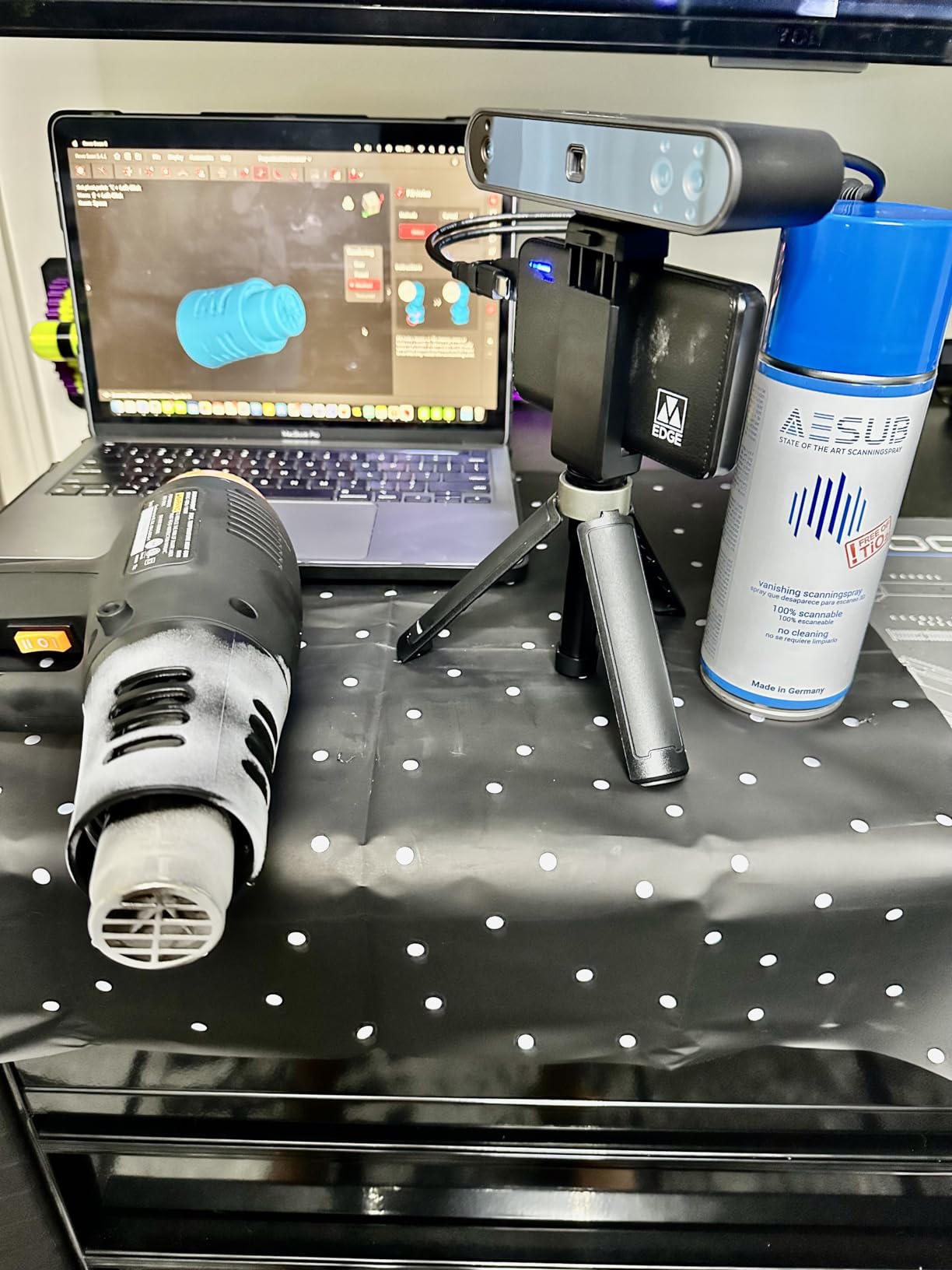
The fix in every case is a matte coating, and the community consensus is that a proper scanning spray is worth owning whatever scanner you buy. A light, even coat of matte developer, applied in thin passes and allowed to dry, converts a problem surface into a scannable one. It adds a step, it adds a consumable, and it is still faster than fighting the optics.
Alternatively, pick a scanner that handles those surfaces natively. Blue laser and infrared modes reduce the need for spray substantially, and the Otter Lite Basic, POP 4 and Pika all make spray-free claims for dark and metal. You are trading a consumable against a scanner feature, and for anyone scanning a lot of black plastic that trade is worth making once rather than repeatedly.
The Scan-to-Print Workflow and Its Hidden Costs
Budgeting for scanning means budgeting for the workflow around it. Here is the sequence every hobbyist ends up following, and where the time actually goes.
1. Prepare the surface. Clean the object, remove loose dust, and apply matte spray if the finish is glossy, dark or transparent. Ten minutes here routinely saves an hour later.
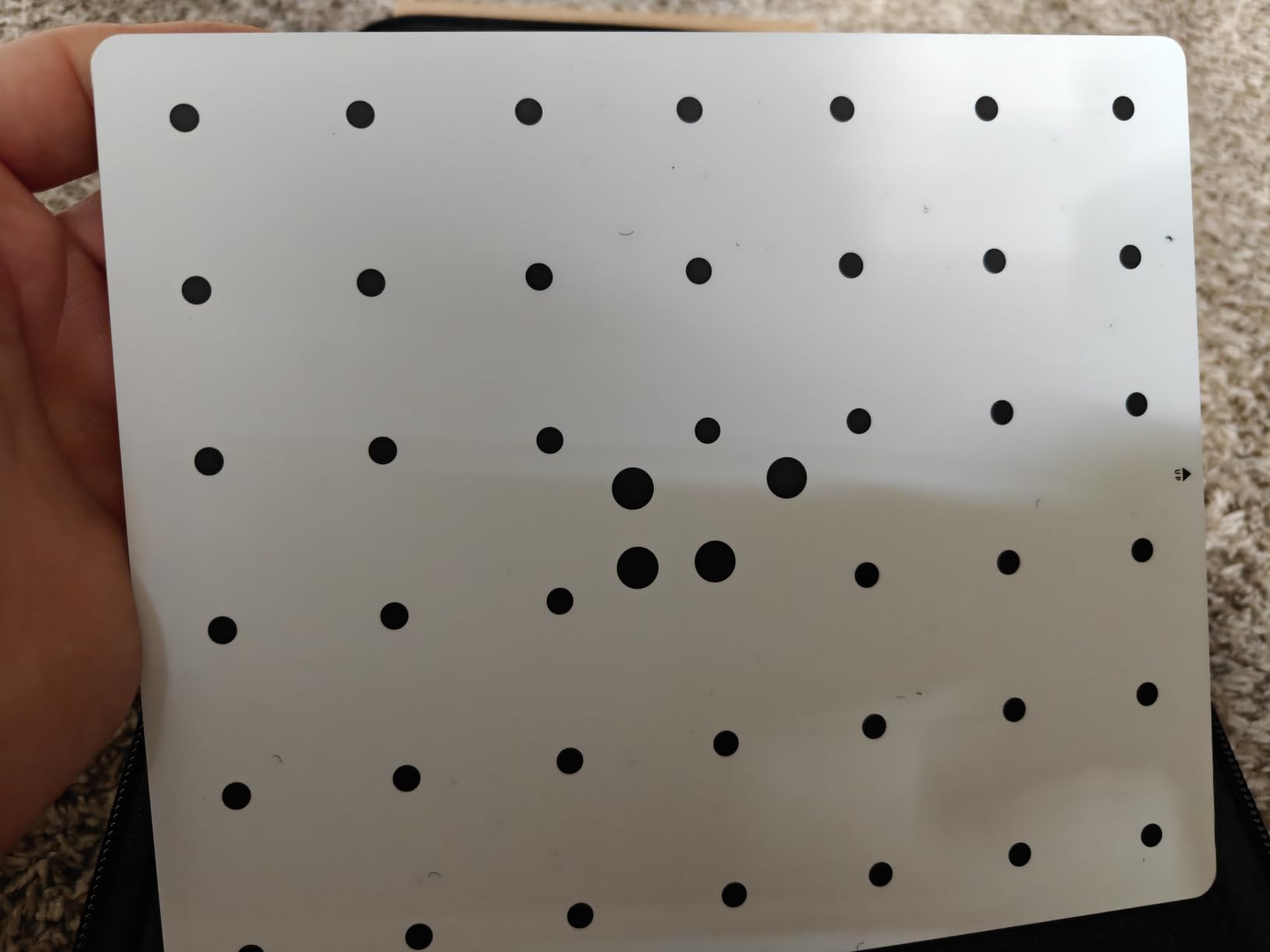
2. Calibrate. Scan the included calibration board in the same conditions as the capture. Several scanners here claim substantial accuracy gains from this, and skipping it is the most common cause of a disappointing first result.
3. Capture. Move steadily, keep the subject in frame, and overlap passes by roughly a third. Use the turntable for anything rotationally symmetric, and use markers on low-texture surfaces if the scanner supports them.
4. Review immediately. Do this before you break down the rig. Deleting and rescanning a bad pass while the object is still set up costs seconds; rebuilding a scan an hour later costs an evening.
5. Repair the mesh. Fill holes, remove stray geometry, and flatten the base. This is the step people underestimate most, and it is the one that turns a scan into a printable file.
6. Make it watertight. For printing, the model must be a closed solid. Most scanners produce a surface, and closing it takes either manual repair or a repair tool in your software.
7. Scale and slice. Bring the mesh into your slicer, set scale against a real-world measurement, and slice. Expect to do this more than once on the first pass.
The hidden costs are real and they are modest: scanning spray, spare marker stickers, a second tripod, and eventually a dedicated graphics card if your computer is marginal. Free and open tools can cover the mesh work too. Meshroom and similar photogrammetry packages handle camera-based capture, CloudCompare handles comparison and cleanup, and Blender or MeshLab can repair and prepare geometry. None of them replace the vendor software for capture, but several of them replace expensive mesh editing add-ons, and hobbyists who learn one free tool save that money for better hardware.
Phone LiDAR and Photogrammetry Alternatives
Your phone is a real option and it is a poor substitute. LiDAR-equipped handsets produce a usable mesh of an object in minutes with no hardware purchase, and for visual mockups, room layout, a rough look at a garden ornament or a scan you only need for reference, they are genuinely sufficient. The community view is consistent on where the line falls: phone apps are for mockups, not functional parts.
The reason is resolution and scale. Phone depth sensors are built to map a scene at a few metres, so a 40mm mechanical part occupies a handful of points, and the geometric noise that a handheld filters out becomes visible error at that scale. Structured light from a dedicated device is designed to measure the tens-of-millimetres range, which is exactly where hobbyist parts live.
Free photogrammetry is the third option, and it is the one to consider for objects that are too large or too awkward for a handheld. A phone camera, a turntable or a set of walked-around positions, and software such as Meshroom can produce accurate results, but the cost is your time and technique rather than your money. A coded-target setup like the one bundled with the MIRACO Plus makes the same approach dimensionally reliable, which is how you get scan data rather than a plausible-looking model.
There is a fourth option worth naming for anyone documenting old buildings or large structures. Hobbyist communities ask regularly about this, and the honest answer is that a handheld scanner is the wrong tool. Photogrammetry with calibration targets, or an architectural-grade scanner, handles a building; a consumer handheld handles an object on a table.
Frequently Asked Questions
Are 3D scanners worth it for 3D printing?
Yes, for most hobbyist printers they are, because they let you reproduce a broken or missing part, copy an existing object exactly, and archive something that no longer exists in that form. The honest caveat is that a scan is geometry, not a finished solid, so budget real time for mesh repair, hole filling and scaling before anything prints. Hobbyists who buy purely for functional replacement parts get the most value; those who want a one-click model generator will be disappointed.
Can I use my phone as a LiDAR scanner?
You can, and for quick mockups, room layout checks and rough visual references it is genuinely good enough. It is not good enough for functional parts. Phone depth sensors are designed to map scenes across metres, so a 40mm component occupies very few points and geometric noise becomes real error at that scale. Use the phone to decide whether an object is worth scanning properly, then scan it with a dedicated device.
Which 3D scanner is the best value in 2026?
The Revopoint POP 4 offers the strongest combination of capability and evidence in this group: five scanning modes covering objects from 10mm to 2m, marker-free capture of dark and reflective metal, four hours of cordless scanning, and the most consistent owner ratings of any scanner we tested. If you want the lowest possible entry point instead, the Fox 3D Scanner automates mesh processing in one click, which is where its real value lies.
Do cheap 3D scanners work?
They work, with one caveat: the sensor is usually fine and the software is what frustrates people. Budget models typically quote 0.07mm accuracy against 0.02 to 0.03mm for premium units, which is perfectly adequate for decorative and non-critical parts but will soften threads and fine engraving. The bigger risk is a buggy or Windows-only desktop app, so check the software reviews before buying and expect a learning curve on any model.
What is the difference between accuracy and resolution on a 3D scanner?
Accuracy is how close each measured point sits to the true surface, while resolution or point distance is the spacing between those points. A scanner can be very accurate at every point it captures and still miss fine geometry that falls between samples. Prioritise accuracy for small parts where fit matters, and prioritise resolution for large objects where surface appearance matters.
The Right Hobbyist 3D Scanner for the Way You Work
If you take one scanner from this list, take the Revopoint POP 4. Five modes, a 10mm to 2m range, four hours of cordless scanning make it the safest bet for the widest range of hobbyist work, and the software complaints it attracts are about optional extras rather than the core capture.
Choose differently if your situation is specific. If you need to scan away from a computer entirely, the Revopoint MIRACO Plus processes everything on board and carries a real metrology target kit. If your objects are small, metallic and dimensionally important, the Creality Raptor gives you 0.02mm precision, provided your computer has a discrete GPU. If you need a range from under an inch to nearly six feet, the Creality Otter Lite Basic does that in one device. If you want a complete kit with no accessories to buy and the widest platform support, the 3DMakerpro Moose Lite Premium is the value pick.
For specialist work, the 3DMakerpro Seal Lite handles miniature-scale objects at 0.02mm, and the 3DMakerpro Moose Standard reaches 100mm into deep cavities and scans in the dark. The EINSTAR Rockit serves cordless work on a budget, the Creality Pika fits in a pocket and needs no laptop, the Revopoint INSPIRE 2 is the lightest option for outdoor scans, and the Fox 3D Scanner is the cheapest way to find out whether you enjoy scanning at all.
Whatever you choose, buy a can of matte scanning spray before your first session and calibrate in the room you will be scanning in. Those two habits account for more failed hobbyist scans than any piece of hardware. The best 3d scanners for hobbyists in 2026 are the ones that fit your objects, your lighting and your computer, and the difference between a good and a disappointing purchase is almost always fit.
Once you have a scanner, it pairs well with a machine built for the same kind of work, and our guide to the best 3D printers for miniatures covers the printer side of turning a clean scan into a finished object.