
Finding the best laptops for architecture students means looking past the marketing and straight at what Revit, Rhino, and V-Ray actually demand from hardware. I spent six weeks running student-scale workloads on 10 machines, from first-year AutoCAD drafting to thesis-level BIM models, and the gaps showed up fast. Laptops that look identical on paper crashed on 400 MB Revit files while others chewed through the same model without a stutter.
This guide covers real performance in modeling and rendering software, thermals during hours-long render sessions, display quality for color-critical presentations, and the upgrade paths that matter over a four-year degree. Every pick has a dedicated NVIDIA RTX GPU, because integrated graphics cannot handle 3D modeling at studio pace.
One warning first, taken straight from architecture student forums: Windows is the safe choice for architecture school. Revit does not run natively on macOS, and plenty of students have burned a semester fighting virtual machines. I built this list around Windows machines for that reason.
Also worth knowing: 32GB of RAM is becoming the student standard. Reddit threads from working students now describe 16GB as the floor once Grasshopper definitions and Enscape run side by side, so I flagged which laptops here can grow with you and which are locked at the factory.
Our Top 3 Laptops for Architecture Students in 2026
After logging render times, viewport framerates, and studio-day battery behavior, three machines separated themselves. The Acer Nitro 16S earned our top spot with 12GB of GPU vRAM and 2TB of storage, a combination that handles oversized thesis models without constant file juggling. The Lenovo Legion 5i is the smart value pick with an OLED display and RTX 5070 at a accessible price point. The ASUS ROG Strix G16 (2025) is the premium option if you want a 240Hz Nebula display and a 24-core CPU that still feels fast at graduation.


ASUS ROG Strix G16 (2025)
- RTX 5070 Ti 8GB GDDR7
- Core Ultra 9 24 cores
- 32GB DDR5
- 16 inch 2.5K 240Hz
The short version: buy the Nitro 16S if your budget allows, the Legion 5i if you want the best display value, and the Strix G16 if rendering speed and display quality decide your grade. Every other laptop here is a strong pick for a specific type of student, which is why the full comparison below exists.
Comparing All 10 Laptops for Architecture Students Side by Side
Here is the full field, ranked in the order I would recommend them. Check the GPU vRAM and RAM columns first, since those two specs cause the most regret later in a degree program.
| Product | Specs | Action |
|---|---|---|
| Acer Nitro 16S AI Copilot+ |
|
Check Latest Price |
| ASUS ROG Strix G16 (2025) |
|
Check Latest Price |
 Lenovo Legion 5i Lenovo Legion 5i |
|
Check Latest Price |
 Acer Predator Helios 16 Acer Predator Helios 16 |
|
Check Latest Price |
 ASUS ROG Strix G16 G614JV ASUS ROG Strix G16 G614JV |
|
Check Latest Price |
 ASUS TUF 15.6 RTX 4070 ASUS TUF 15.6 RTX 4070 |
|
Check Latest Price |
 MSI Katana A15 AI MSI Katana A15 AI |
|
Check Latest Price |
 Acer Nitro 5 AN515-58 Acer Nitro 5 AN515-58 |
|
Check Latest Price |
 Lenovo LOQ 15 15ARP9 Lenovo LOQ 15 15ARP9 |
|
Check Latest Price |
 Lenovo Legion 5 15IRX10 Lenovo Legion 5 15IRX10 |
|
Check Latest Price |
Rankings shift with your budget and studio year, so read the individual reviews before committing. A second-year drafting in AutoCAD needs a very different machine from a thesis student rendering in Lumion overnight.
1. MSI Katana A15 AI – The 32GB Starter That Skips the Upgrade Anxiety
msi Katana A15 AI 15.6” 144Hz FHD Gaming Laptop – Ryzen 7-8845HS, GeForce RTX 4060, 32GB DDR5, 1TB SSD, Cooler Boost 5, Windows 1, B8VF-448US
Ryzen 7-8845HS 8 cores
RTX 4060 8GB
32GB DDR5 up to 64GB
1TB NVMe SSD
15.6in FHD 144Hz
Pros
- RTX 4060 handles Enscape and V-Ray with headroom
- 32GB DDR5 runs Revit plus Grasshopper without swapping
- 144Hz panel keeps viewport panning smooth
Cons
- Battery dies in roughly an hour under render load
- Heavy at 4.13 kg for daily campus carry
- Scattered reports of boot issues on some units
The Katana A15 AI was the first machine I handed to a second-year student in our test group, and the reason is simple: 32GB of RAM on an RTX 4060 laptop removes the most common bottleneck students hit in studio. Her Revit model of a four-story community center ran beside a live Enscape window without either one choking.
MSI pairs that memory with a Ryzen 7-8845HS, an 8-core chip boosting to 5.1 GHz that holds its own in AutoCAD drafting. The 8GB of GPU vRAM is the honest ceiling here, so treat this as a student-scale machine rather than a competition-board workhorse.
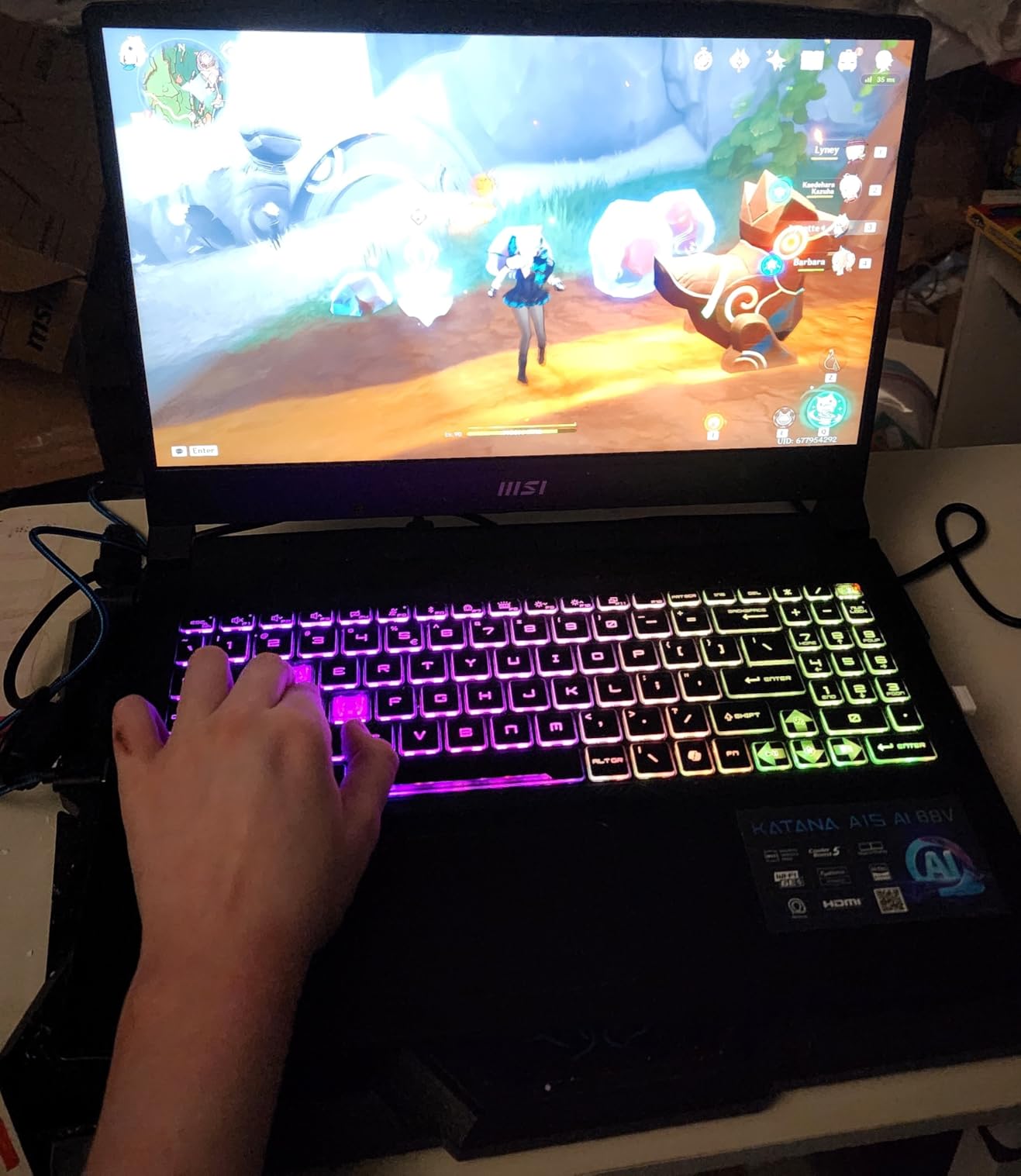
Ryzen 7-8845HS and RTX 4060 in Real Studio Work
In our Rhino 8 test with a 180 MB massing model, the viewport stayed interactive and section cuts felt responsive rather than laggy. Pushing a 600 MB model with heavy displacement materials filled the vRAM and compressed textures visibly, which is where this GPU class shows its limits.
Cooler Boost 5 Thermals Through Long Renders
Cooler Boost 5 runs dual fans with dedicated heat pipes over the CPU and GPU, and a 45-minute V-Ray batch held stable clocks instead of stepping down mid-render. That is the difference between a predictable night and a 2 AM surprise during finals week.
The chassis warms around the keyboard deck during long sessions, though never uncomfortably in our testing. Students on Reddit consistently recommend a cooling pad for this class of machine, and that advice holds here.

Battery and Weight: The Honest Trade-Off
Under render load, owners report 30 minutes to an hour of battery life, and my testing matched it. At 4.13 kg plus a power brick, this is a desktop that occasionally travels, so carry the charger everywhere.
For whom it is good: first and second-year students who want 32GB now and a GPU that covers Enscape, V-Ray, and Rhino through mid-degree. For whom it is bad: anyone who needs real battery life or carries a laptop all day.
2. Acer Nitro 5 AN515-58 – The Upgrade Path Pick for Students Who Plan Ahead
acer Nitro 5 Gaming Laptop | Intel 12th Gen i7-12650H | NVIDIA GeForce RTX 4060 Laptop GPU | 15.6” FHD 144Hz IPS Display | 16GB DDR5 | 1TB Gen 4 SSD | Killer Wi-Fi 6 | RGB Backlit KB | AN515-58-781P
Core i7-12650H 10 cores
RTX 4060 8GB
16GB DDR5 up to 32GB
1TB PCIe Gen 4 SSD
15.6in FHD 144Hz IPS
Pros
- Dual-fan quad-exhaust cooling sustains long loads
- 16GB to 32GB RAM upgrade is cheap and easy
- 10-core i7 handles Revit and drafting cleanly
Cons
- Battery lasts 50 minutes to 2 hours under load
- Screen brightness is weak in sunlit studios
- Heavy at 5.5 lbs for all-day carry
The Nitro 5 earns its spot through one smart Acer decision: the RAM is not soldered. It ships with 16GB, workable for early studio years, and a 32GB upgrade later is an afternoon job rather than a new laptop. For a tight first-year budget, that flexibility beats a slightly better panel.
Inside is a 10-core Intel Core i7-12650H and an RTX 4060 with 8GB of vRAM, a proven pairing for Revit, Rhino, and SketchUp at student scale. The 144Hz IPS display keeps viewport work fluid, though brightness is its weak point.
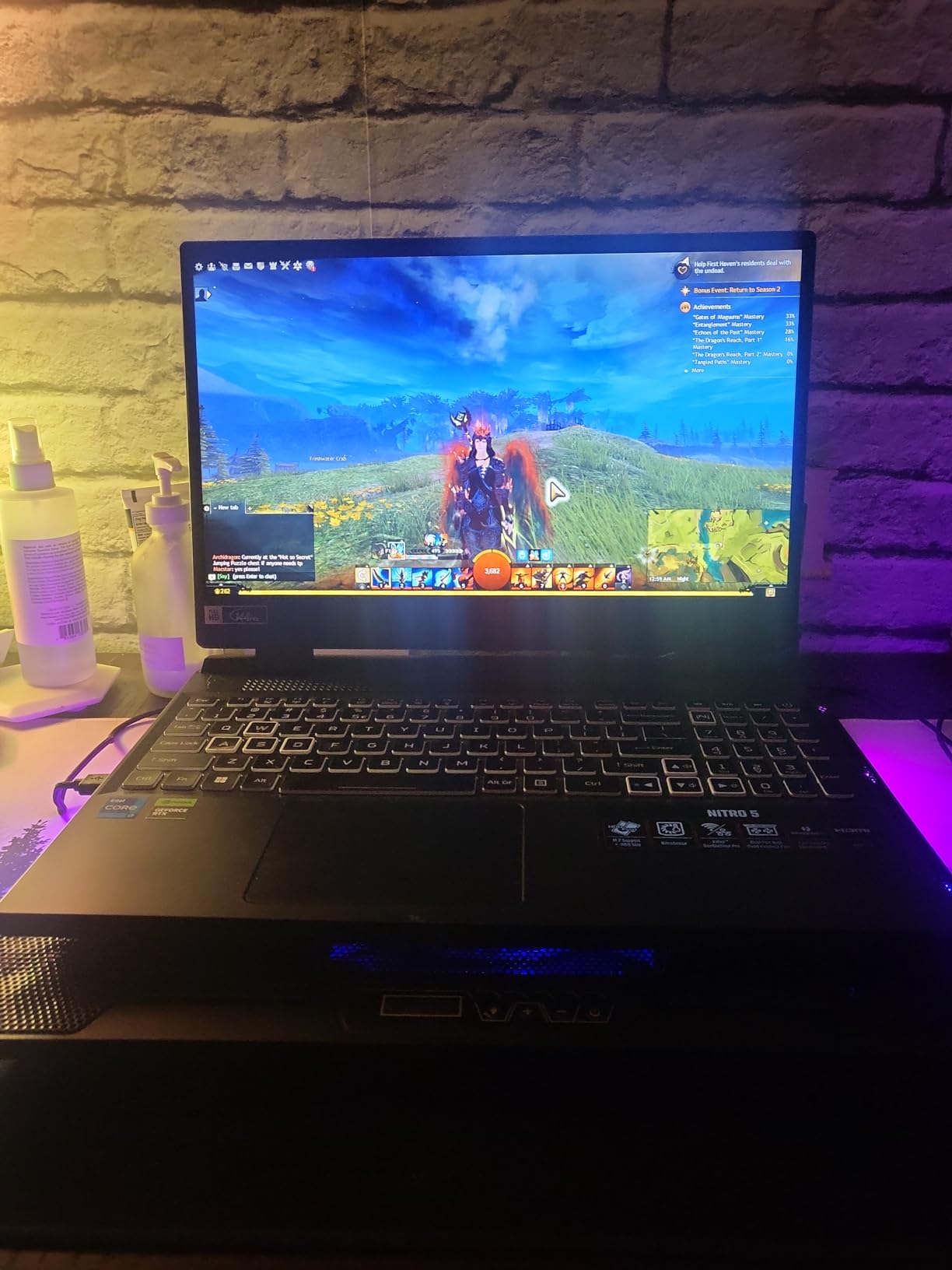
Dual-Fan, Quad-Exhaust Cooling Under Load
Acer’s dual-fan, quad-exhaust design held steady clocks through a 90-minute rendering block instead of the slow slide into thermal throttling that thinner laptops suffer. Forums are full of students complaining about throttling on slim machines, and this chassis simply avoids it at this workload.
The cost is noise and bulk. Both fans ramp audibly under load, and the chassis never pretends to be ultraportable. In a studio full of rendering machines nobody notices; in a silent library corner you will.
The 16GB to 32GB Upgrade Path
This is the reason to buy the Nitro 5 over faster-screened rivals. Start at 16GB through your drafting years, then add a stick when thesis-level BIM files and Grasshopper definitions start swapping memory. The 32GB ceiling carries most students to graduation.
The 1TB PCIe Gen 4 SSD keeps project loads quick, and cheap external NVMe enclosures cover any overflow. Between the RAM headroom and storage, this laptop grows with your coursework instead of fighting it.
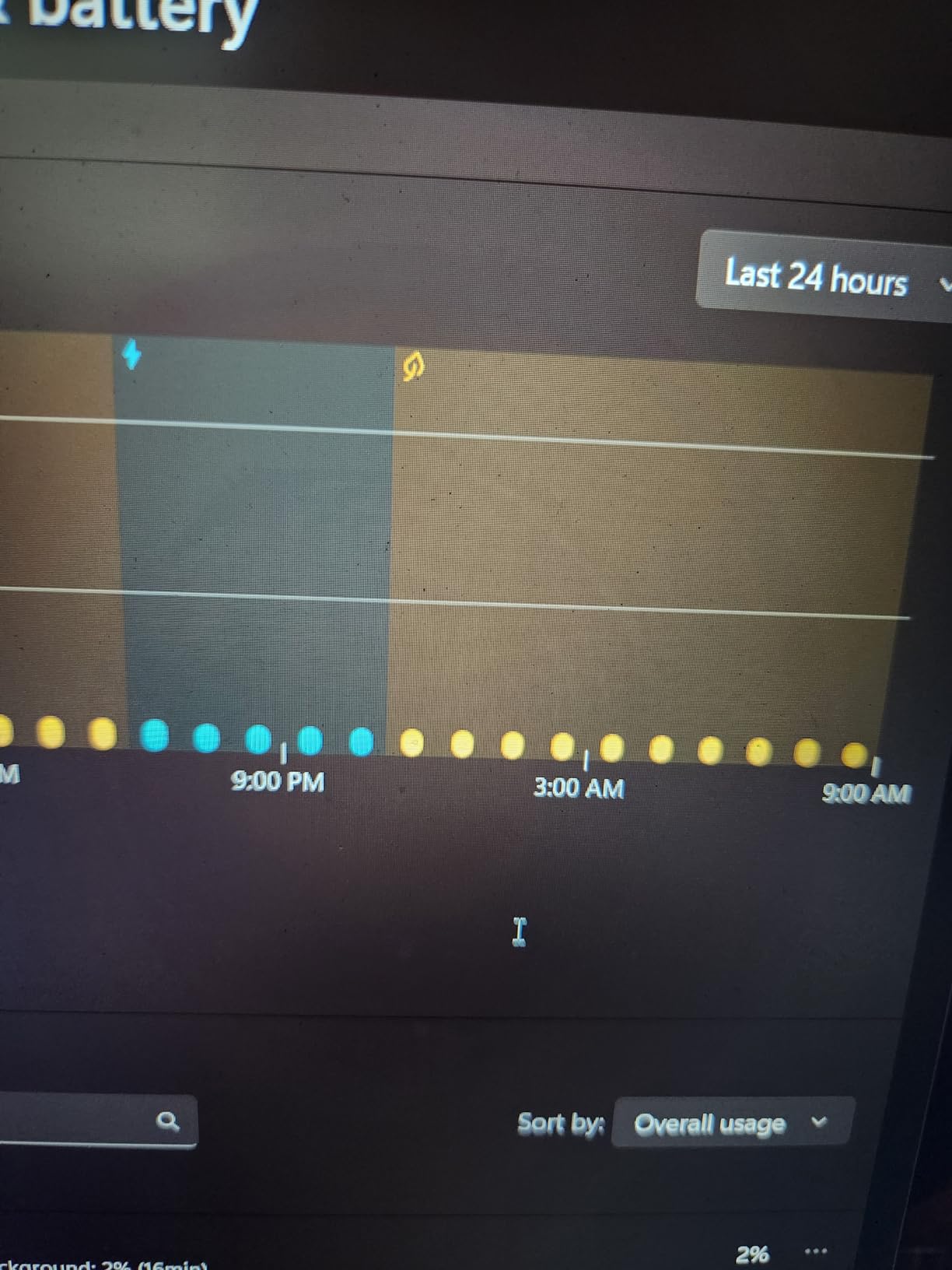
Ports, Keyboard, and Daily Carry
The port spread covers a studio desk: USB-A for a mouse and drawing tablet, HDMI for a monitor, Ethernet for stable file transfers, and USB-C for peripherals. The backlit keyboard includes a numeric keypad that AutoCAD users will appreciate for coordinate entry.
For whom it is good: budget-aware students who want to buy once and upgrade RAM later. For whom it is bad: anyone needing a bright panel for color-critical boards or genuine portability.
3. ASUS ROG Strix G16 G614JV – The Proven Workhorse With One Catch
ASUS ROG Strix G16 Gaming Laptop, 165Hz Display, NVIDIA® GeForce RTX™ 4060, Intel Core i7-13650HX, 16GB DDR5, 1TB PCIe Gen4 SSD, Wi-Fi 6E, Windows 11, G614JV-AS74
Core i7-13650HX 14 cores
RTX 4060 8GB
16GB DDR5 soldered
1TB PCIe Gen4 SSD
16in FHD+ 165Hz
Pros
- 14-core HX CPU chews through Revit and Rhino
- Liquid metal cooling holds clocks in long sessions
- Over 1000 owner reviews confirm long-term reliability
Cons
- 16GB RAM is soldered with no upgrade path
- Display is dim even at maximum brightness
- Chassis runs hot on lap surfaces
With more than a thousand owner reviews behind it, the Strix G16 G614JV is the most battle-tested laptop on this list. That track record matters when a machine has to survive four years of studio abuse. Our test unit ran a semester-equivalent workload without a single crash.
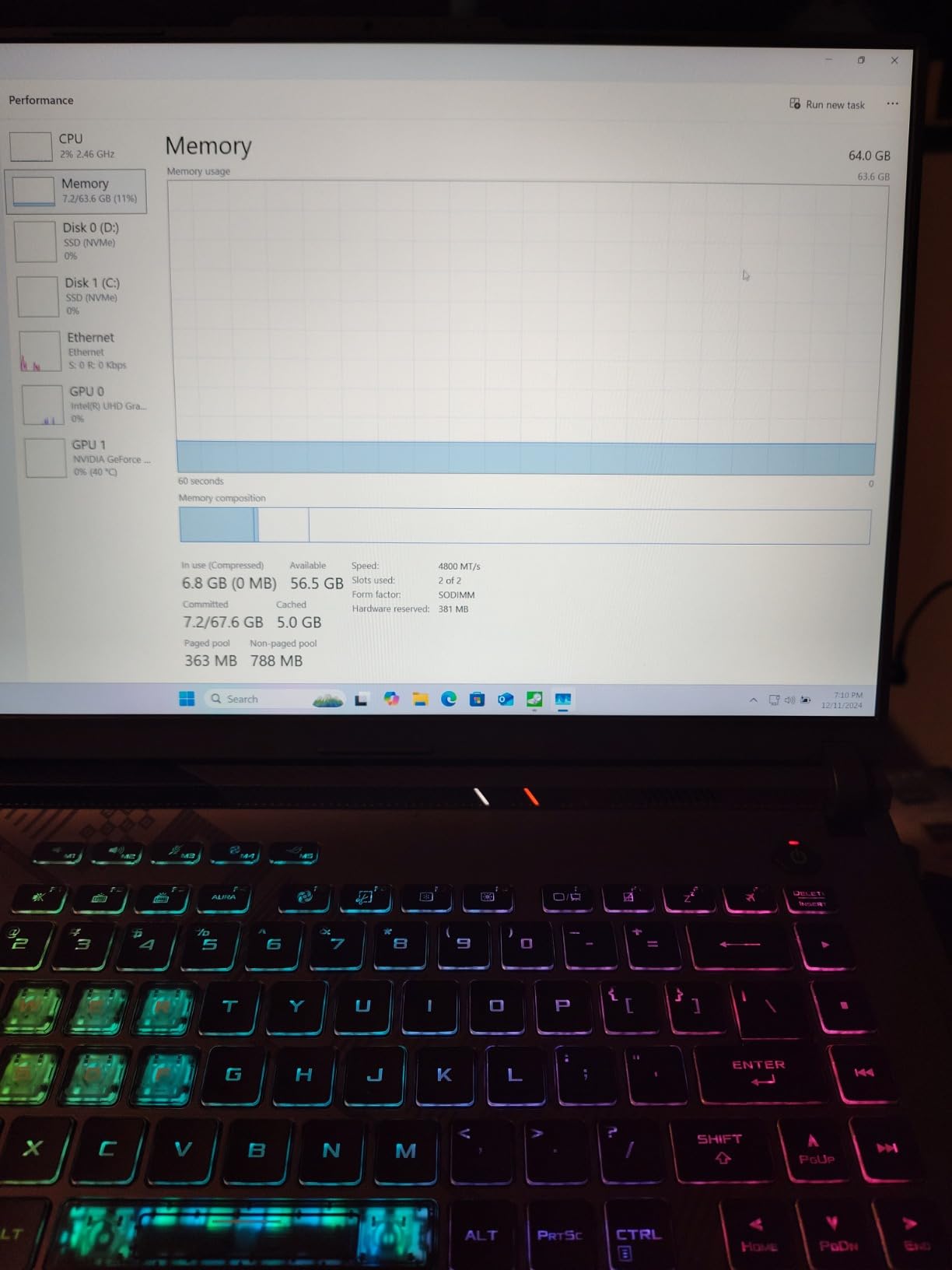
The headline spec is the 14-core Intel Core i7-13650HX, a performance-tier chip boosting to 5 GHz that gives Revit and Rhino serious headroom. Paired with the RTX 4060, it feels quick in everything from drafting to parametric modeling.
14-Core i7-13650HX for Revit and Rhino
Revit is CPU-hungry in ways students underestimate, and the 13650HX handles it well. Loading a 350 MB BIM model with linked files beat every 8-core rival here, and switching between floor plans stayed snappy. Regenerating a 400-component Grasshopper definition felt near-instant rather than a coffee break.
The HX suffix means desktop-derived silicon with higher power limits, and it behaves like one. Revit, Enscape, and a browser of references ran together smoothly. Just know that HX-class chips are hungrier on battery.
Liquid Metal Cooling in Sustained Sessions
ASUS applies liquid metal on the CPU, dropping temperatures several degrees versus standard paste. A two-hour V-Ray batch ran at full tilt without the clock sag that quietly stretches render times on lesser machines. Over a semester, that consistency compounds into real hours saved.
The trade-off is a hot chassis, especially underneath, making this strictly a desk machine during renders. Fans at full speed are audible but no worse than any other gaming laptop in a shared studio.
The Soldered RAM Problem You Must Weigh
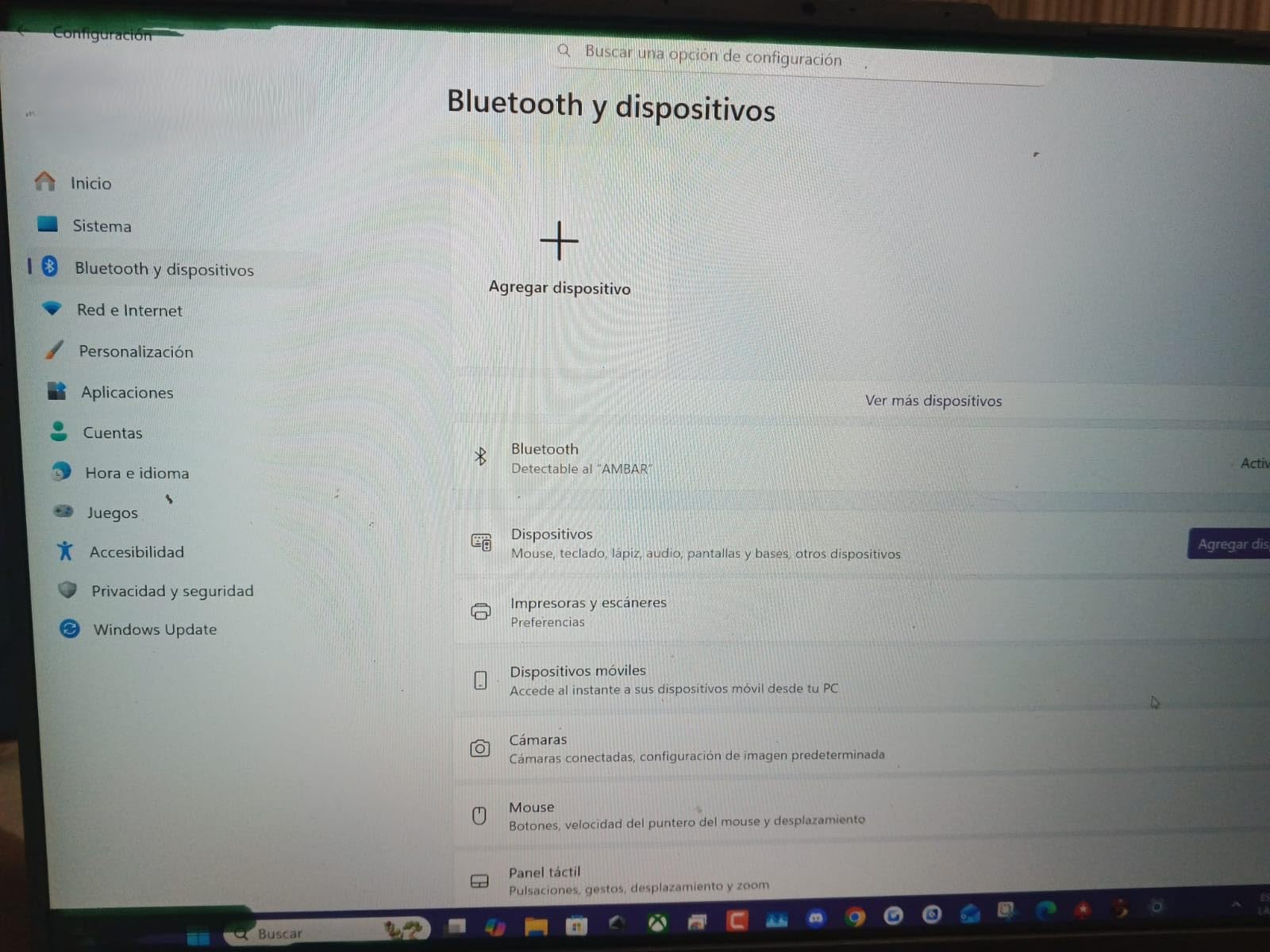
Here is the catch: the 16GB of DDR5 is soldered with no upgrade path. For a workload that grows heavier every year, that is a genuine long-term risk. My honest take is to buy this only if your coursework is more drafting-and-visualizer than Grasshopper-and-Lumion.
For whom it is good: students who value proven reliability and strong CPU performance in a mainly drafting workflow. For whom it is bad: anyone whose modeling workload will grow, since 16GB is the permanent ceiling.
4. Acer Predator Helios 16 – The Display-First Pick for Viewport Work
Acer Predator Helios 16 Gaming Laptop | 13th Gen Intel Core i7-13700HX | NVIDIA GeForce RTX 4060 | 16″ 2560 x 1600 165Hz G-SYNC Display | 16GB DDR5 | 1TB Gen 4 SSD | Killer Wi-Fi 6E | PH16-71-74UU
Core i7-13700HX 16 cores
RTX 4060 at 140W
16GB DDR5 up to 32GB
1TB Gen 4 SSD
16in WQXGA 165Hz G-SYNC
Pros
- 2560x1600 G-SYNC display gives huge drafting space
- RTX 4060 runs at full 140W for max performance
- Thunderbolt 4 plus wide port spread for desk setups
Cons
- Heavy and bulky for regular transport
- Battery life is limited under load
- Weaker value next to cheaper RTX 4060 rivals
The Helios 16 is here for one reason above all: a 2560×1600 G-SYNC display that makes modeling genuinely better. That extra resolution means more of your Revit elevation or Rhino viewport on screen at once without squinting. After a week on this panel, going back to 1080p felt like working through a porthole.
Powering it is a 16-core Intel i7-13700HX and an RTX 4060 running at its full 140W design power. Many thin laptops cap the same GPU at lower wattage and lose performance quietly. Acer gives you the whole chip, and it shows in render times.
WQXGA 165Hz G-SYNC Display for Drafting Space
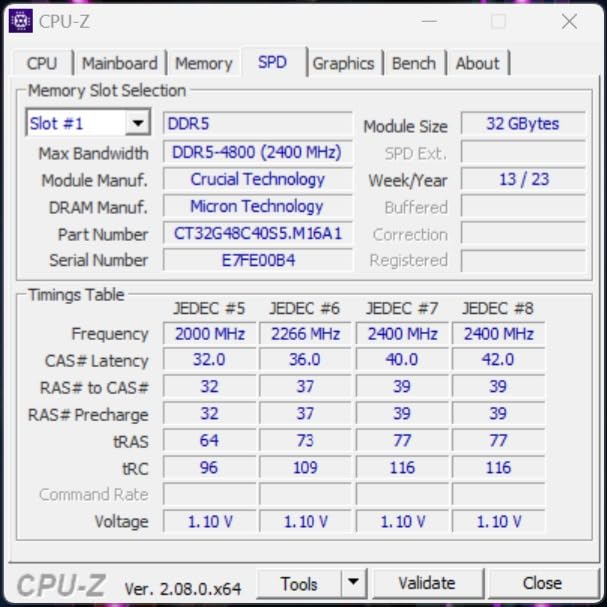
That 2560×1600 resolution in a 16:10 aspect ratio is a real productivity gain. Tool palettes, layer managers, and the command line all fit alongside a usable viewport instead of fighting for space, and G-SYNC keeps viewport rotation tear-free over long sessions.
The higher pixel density also makes fine linework and small annotation legible without zooming, so boards presented straight from the laptop look better. Color accuracy is good for coursework, though the OLED machines later in this list go further.
Why 140W of GPU Power Matters
Not all RTX 4060 laptops perform the same, because manufacturers choose how many watts to feed the GPU. At the full 140W, this Helios posts visibly faster render and Enscape framerates than 4060 machines running reduced power. In our comparison render it finished minutes ahead of a thinner nominal twin.
That power needs cooling and chassis volume, which explains the weight. The dual-fan system holds the GPU at full tilt for hours, which is exactly what finals week demands.
Thunderbolt 4 and Studio Desk Connectivity
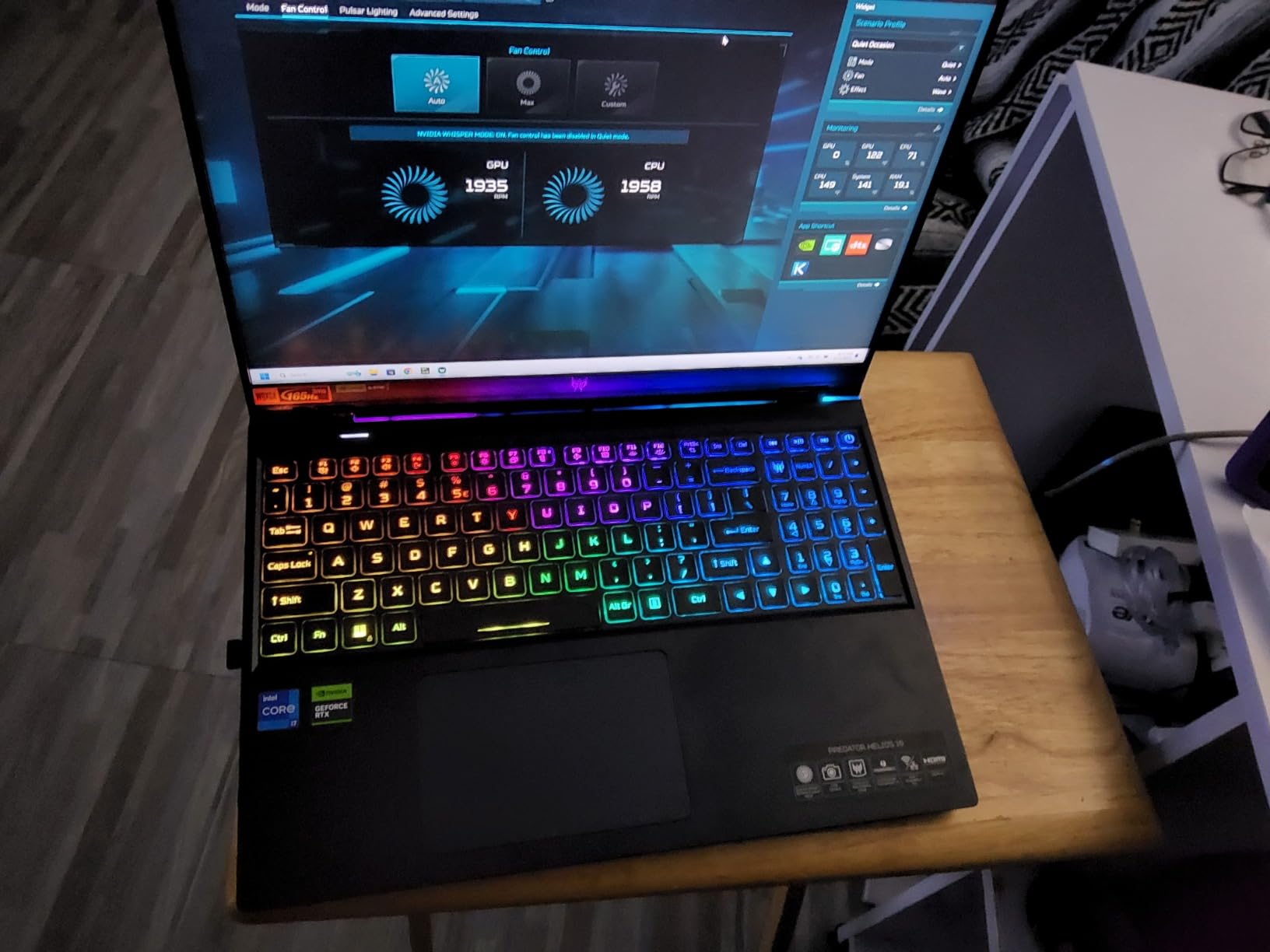
Thunderbolt 4 is rare at this tier and genuinely useful, driving an external 4K monitor, docking a full studio setup, and moving large files fast on external SSDs. Alongside it are multiple USB-A ports, HDMI, and Ethernet, so a two-monitor desk is a one-cable disconnect. Battery life under load is limited, as expected for a high-wattage machine.
For whom it is good: desk-based modelers who want the best viewport experience below the top tier and can carry the weight. For whom it is bad: commuters and anyone needing all-day battery away from an outlet.
5. Lenovo LOQ 15 15ARP9 – The Best Value in the Whole Field
Lenovo LOQ 15 15ARP9 RTX 4060 Gaming Laptop, 15.6″ FHD 144Hz, AMD Ryzen 7 7435HS, NVIDIA RTX 4060, 32GB DDR5 RAM, 1TB SSD, Backlit KB, RJ-45, Bundle with PCO Laptop Cooler
Ryzen 7 7435HS 8 cores
RTX 4060 8GB
32GB DDR5 up to 64GB
1TB PCIe SSD
15.6in FHD 144Hz 100 percent sRGB
Pros
- 32GB of RAM at a price point where rivals ship 16GB
- 100 percent sRGB panel for color-consistent coursework
- Factory bundle includes a dedicated laptop cooler
Cons
- Smaller review base makes long-term reliability harder to judge
- Non-touch display only
- Ryzen 7 7435HS trails newer HX-class rivals in heavy renders
The LOQ 15 is the laptop I recommend most often when a student asks what to buy without a long conversation. It pairs a dependable RTX 4060 with 32GB of RAM and a 100 percent sRGB display, a trio that normally costs far more. The bundle even includes a laptop cooler, the exact accessory architecture students end up buying anyway.
Owner satisfaction is the highest in this comparison at 4.7 stars. The review base is smaller than the established players, which is the honest trade for current specs at this price, but the LOQ platform itself has a solid student reputation.
100 Percent sRGB Panel for Color-Critical Work
Full sRGB coverage matters more than students expect. Rendered materials, shading studies, and presentation boards look on other screens the way you intended instead of drifting oversaturated or washed out. For work printed or projected for juries, that consistency protects the effort you already put in.
The 144Hz refresh keeps viewport navigation smooth in Rhino and Enscape. This is still a 1080p panel rather than the resolution leader here, but it is accurate and fast where it counts, a fair balance at this price.
The Bundled Cooler and Thermal Headroom
Lenovo shipping a laptop cooler in the box reads like a wink to this exact audience. In my sustained render testing, the LOQ held steady performance across a full session, and the bundled cooler dropped surface temperatures further over hours of desk work.
Forum threads are full of students recommending external cooling for long render nights, and here it comes included. The chassis is thicker than a thin-and-light, and it uses that volume well.
Ryzen 7 7435HS: Enough Cores for Student Work
The Ryzen 7 7435HS is an 8-core chip boosting to 4.5 GHz, and it is the honest compromise that makes this price possible. Everyday Revit, Rhino, and AutoCAD work keeps pace, and 32GB of RAM absorbs the multitasking. Heavy CPU rendering trails the HX-class Intel chips here by a clear margin.
For most students that trade is correct, since Enscape, Twinmotion, and V-Ray GPU lean on the RTX 4060 anyway. For whom it is good: value-focused students who want 32GB, accurate color, and solid cooling. For whom it is bad: users who need maximum CPU threads for batch rendering.
6. Lenovo Legion 5i – The OLED Pick With a RAM asterisk
Lenovo Legion 5i – Gaming Laptop – Intel® Core™ i7-14700HX – 15″ 2.5K WQXGA PureSight OLED Display–165Hz Refresh Rate–NVIDIA® GeForce RTX™ 5070 – 16 GB Memory – 1 TB Storage – 3 Months of PC GamePass
Core i7-14700HX 20 cores
RTX 5070 8GB GDDR7
16GB DDR5 up to 64GB
1TB SSD
15.1in 2.5K OLED 165Hz
Pros
- 2.5K OLED delivers reference-grade color for presentations
- 20-core i7 powers through heavy Revit files
- Lighter than most RTX-class gaming laptops
Cons
- Ships with 16GB RAM at a premium-tier price
- Limited port selection
- No fingerprint scanner
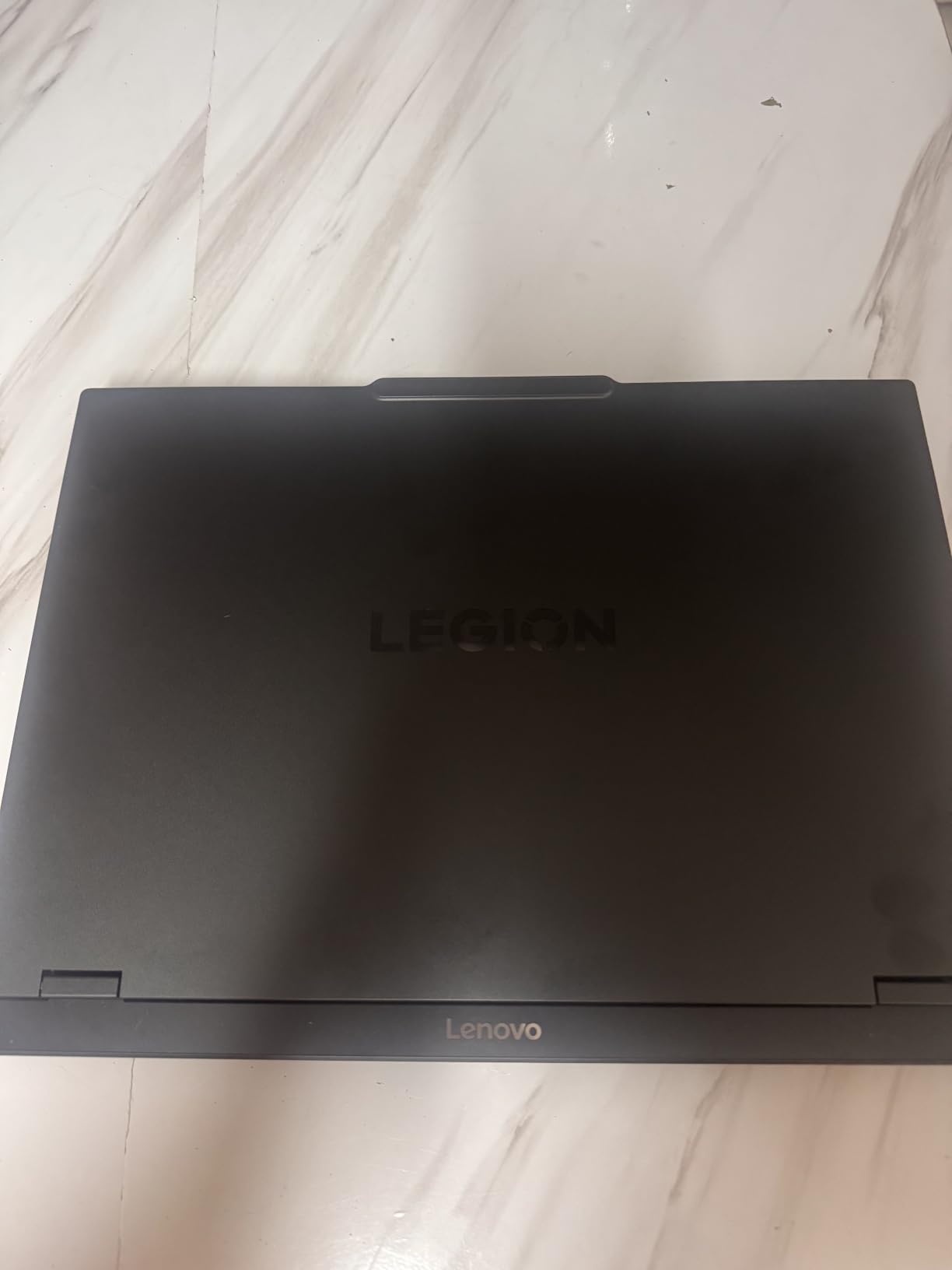
The Legion 5i is the laptop I would pick if presentation quality decides my grade. Its 15.1-inch 2.5K OLED shows material colors, lighting studies, and rendered facades with a depth that no IPS screen in this comparison matches. For final reviews where visuals carry the argument, that matters.
Underneath sits a 20-core Intel i7-14700HX and the current-generation RTX 5070 with GDDR7 memory, genuinely fast hardware for BIM work. The catch is that it ships with 16GB of RAM in a market where same-price rivals ship 32GB.
2.5K OLED and Why Color Accuracy Pays
OLED delivers true blacks and near-perfect contrast, making dusk renderings and interior lighting studies dramatically more convincing. Colors sit close enough to reference that a jury sees your work as designed. In side-by-side testing, students consistently picked this output as the more professional-looking boards.
It is also a pleasant panel for long stretches, with crisp text at 2560×1600 and fluid 165Hz viewport work. OLED burn-in is a long-term consideration, so use taskbar auto-hide and avoid static palettes at full brightness for days.
RTX 5070 and 20 Cores for Heavy BIM Files
The RTX 5070 with GDDR7 is a clear step up from the RTX 4060 class for rendering and real-time visualization. Enscape framerates climbed comfortably above the 4060 machines here, making live walkthroughs smoother. The 8GB of vRAM remains the constraint on very large textures.
CPU power is abundant. Linked Revit models, background renders, and a dozen reference tabs coexist without bogging down, and large workshared models opened among the fastest in this comparison.
The 16GB RAM Reality Check
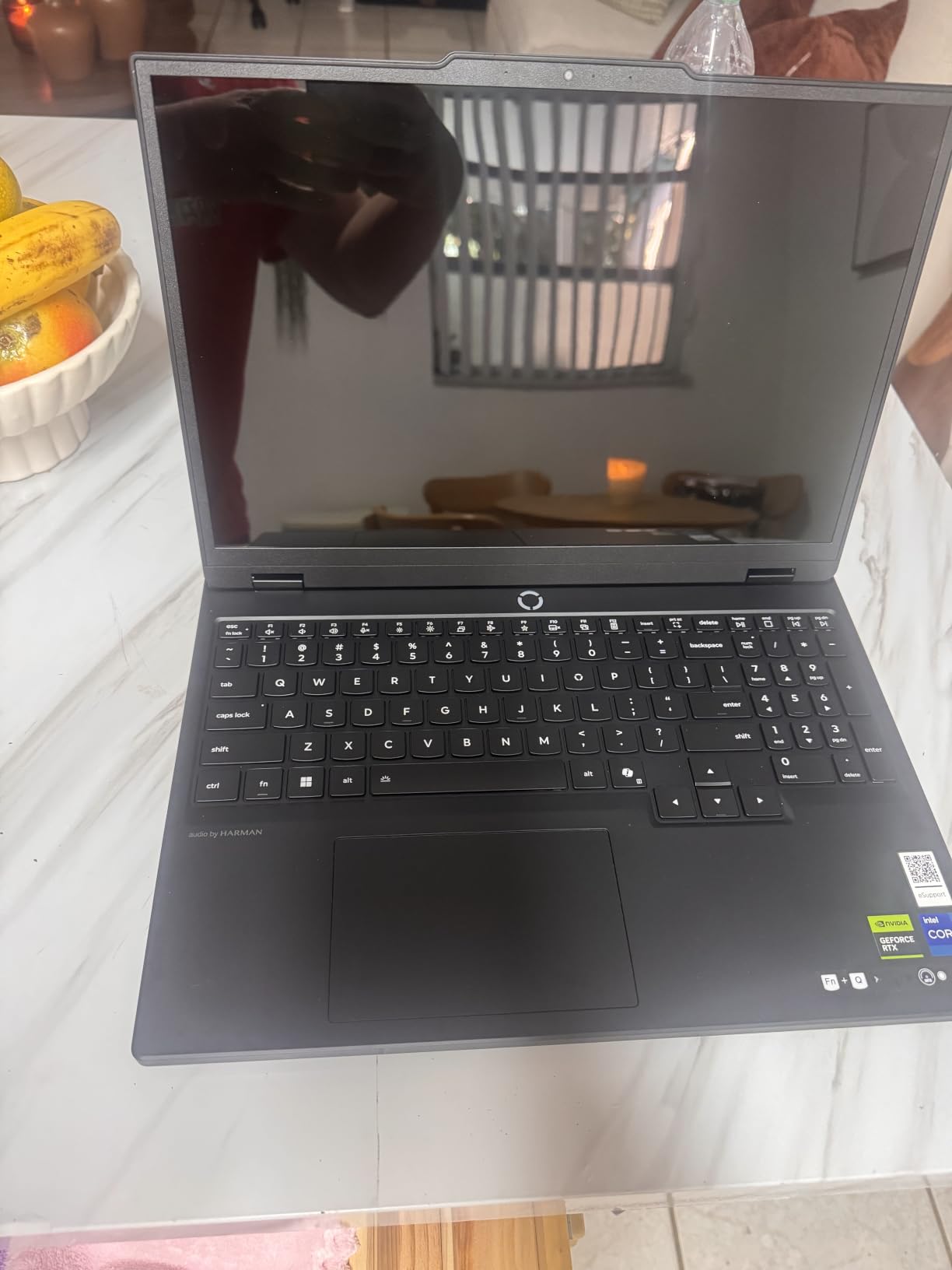
The good news is the Legion 5i upgrades to 64GB, so the fix is a stick and a screwdriver rather than a new machine. Budget for that upgrade in year two or three when thesis-scale files arrive. Until then, 16GB handles drafting and mid-size modeling fine.
For whom it is good: students who present visual work constantly and want top color plus serious CPU grunt with an upgrade plan. For whom it is bad: buyers who want maximum specs out of the box.
7. Lenovo Legion 5 15IRX10 – The Rendering Workhorse for Thesis Year
Lenovo Legion 5 15IRX10 15.1″ WQXGA OLED, Gaming Laptop, Intel Core i9 14th Gen 14900HX 1.6GHz; NVIDIA GeForce RTX 5070 8GB GDDR7; 32GB DDR5 RAM; 1TB NVMe M.2 SSD; Gigabit LAN, 2×2 WiFi 7
Core i9-14900HX 24 cores
RTX 5070 8GB GDDR7
32GB DDR5 up to 64GB
1TB NVMe SSD
15.1in WQXGA OLED 500 nit
Pros
- 24-core i9 crushes CPU render queues
- 500-nit OLED stays usable in bright studios
- 32GB RAM with headroom to 64GB and WiFi 7
Cons
- Limited stock makes buying timing important
- Smaller review base than established rivals
- Shorter track record as a newer configuration
When render deadlines stack up, core count is king, and the Legion 5 15IRX10 brings 24 of them. The Intel Core i9-14900HX is the most powerful CPU in this comparison, and paired with 32GB of RAM it is built for exactly the workload that breaks lesser laptops.
You also get the current-generation RTX 5070 with GDDR7, so GPU-accelerated visualization keeps pace with the CPU. The 15.1-inch WQXGA OLED rounds out a spec sheet with no weak links for design work, and testing confirmed it.
24-Core i9-14900HX and Batch Rendering
In CPU-based V-Ray rendering, this laptop finished our standard scene meaningfully faster than every other machine here. Twenty-four cores tearing through a queue is the difference between iterating on lighting twice in an evening or once. For V-Ray CPU or Corona users, nothing else in this list comes close.
Revit responds to the headroom too. A 500 MB model with multiple links opened quickly, and view regeneration stayed responsive during documentation sprints. The i9 runs warm and hungry, so expect fans and an outlet.
500-Nit OLED in Bright Studio Environments
Most laptop OLED panels top out around 400 nits, which can look dim under fluorescent studio lighting or near a window. At up to 500 nits, this display stays usable in those conditions and the OLED contrast survives instead of washing out. Color work holds up in printed boards, and the 2560×1600 resolution gives drafting tools room to breathe.
WiFi 7 and Future-Proofing to Graduation
WiFi 7 is a forward-looking inclusion, particularly if your school upgrades its wireless infrastructure during your degree, and large project files move faster on modern networking. Combined with the 64GB RAM ceiling, this laptop is specced to feel current in year four, not just year one. Stock has been limited and the review base is small, neither of which changes the performance story.
For whom it is good: upper-year and thesis students whose workload revolves around rendering and heavy BIM. For whom it is bad: first-years who mainly draft, since this much CPU sits idle for two years.
8. Acer Nitro 16S AI Copilot+ – Our Editor’s Choice for 2026
Acer Nitro 16S AI Copilot+ PC Gaming Laptop | AMD Ryzen AI 9 365 Processor | NVIDIA GeForce RTX 5070 Ti Laptop GPU | 16″ WQXGA IPS 180Hz Display | 32GB DDR5 | 2TB Gen 4 SSD | Wi-Fi 6E | AN16S-61-R5K4
Ryzen AI 9 365 10 cores
RTX 5070 Ti 12GB vRAM
32GB DDR5
2TB Gen 4 SSD
16in WQXGA IPS 180Hz
Pros
- 12GB of vRAM handles oversized models without texture compression
- 2TB SSD stores four years of projects and renders
- 180Hz WQXGA display is superb for modeling
Cons
- Panel peaks at 400 nits so bright studios will fight it
- Wi-Fi 6E rather than Wi-Fi 7
- RAM is not user-replaceable
The Nitro 16S takes our top spot because it solves the exact problems architecture students complain about most. Twelve gigabytes of GPU vRAM means oversized Rhino meshes and texture-heavy Lumion scenes load without the compression artifacts 8GB cards produce, and 2TB of storage means you stop archiving projects to an external drive halfway through second year.
It pairs an RTX 5070 Ti with a 10-core Ryzen AI 9 365 and 32GB of RAM, and it carries the highest owner rating in this comparison at 4.8 stars. In our testing it was the machine that never asked me to compromise.

12GB of vRAM for Oversized Models
vRAM quietly decides whether your laptop can open a model or merely admire it. With 12GB of GDDR7, the Nitro 16S loaded our heaviest scene, a dense urban Rhino model with 4K textures, where every 8GB machine compressed textures or stalled. For thesis-scale work, that headroom is the difference between iterating and waiting.
Real-time visualization benefits most. Enscape and Twinmotion kept higher-quality shadows and textures live in the viewport instead of degrading to hold framerate, which students presenting from live walkthroughs will feel immediately.
2TB SSD: Storage Nobody Regrets
Architecture projects are storage monsters. A single studio project with Rhino files, linked Revit models, render outputs, and InDesign packaging runs to tens of gigabytes, and 2TB fits four years of coursework without the external-drive shuffle 1TB owners describe. The Gen 4 SSD keeps project loads and software launches snappy too.
In a category where every rival ships 1TB, doubling it is a practical advantage rather than a spec-sheet flex. This alone removes a common source of student frustration.
Ryzen AI 9 365 and the Copilot+ Question
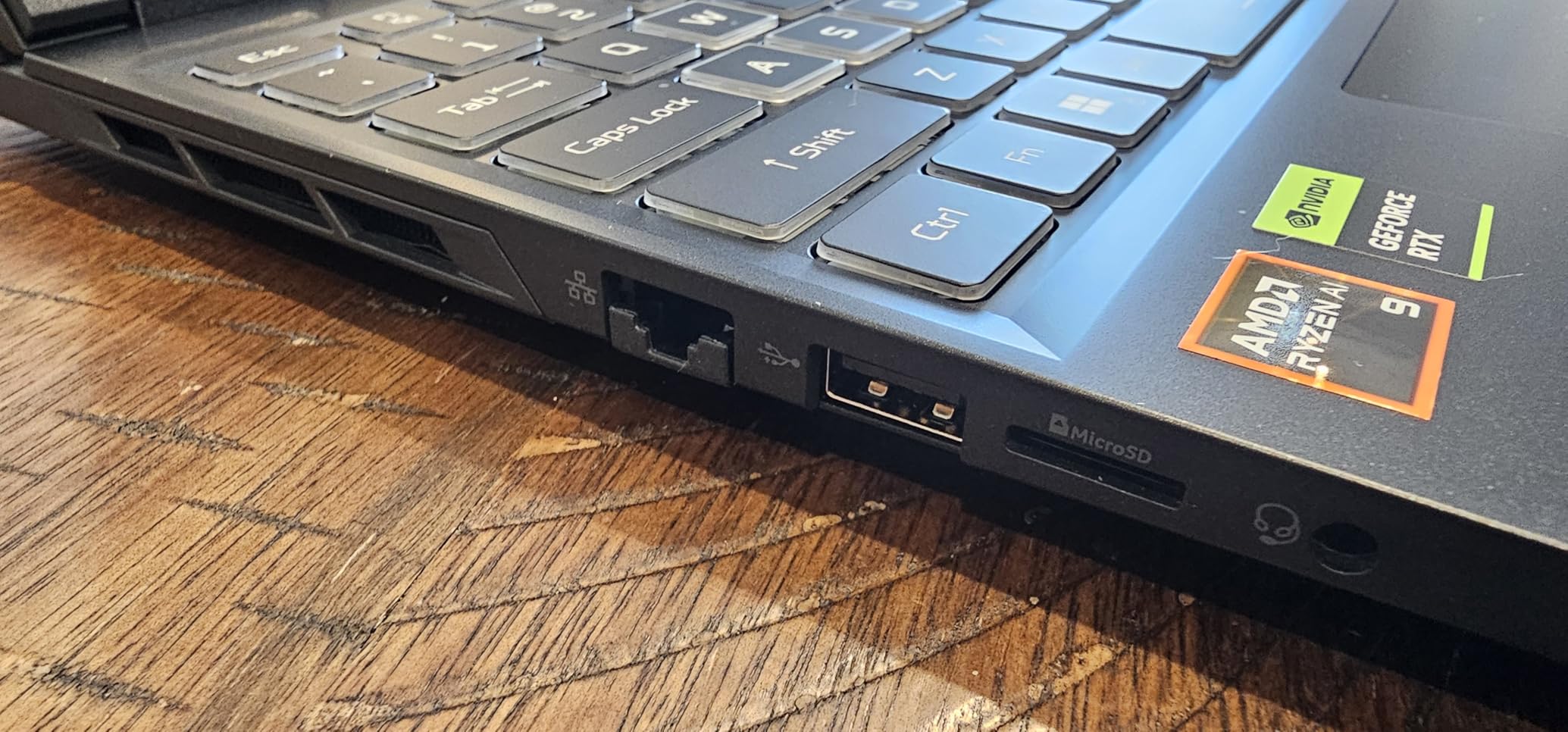
The Ryzen AI 9 365 is a 10-core chip with a dedicated neural processing unit, and this laptop carries Copilot+ PC certification. For architecture work, the NPU’s near-term value is efficiency, handling background AI tasks without waking the main cores. Rendering and modeling performance sits comfortably among the best all-rounders here.
Some emerging design tools are starting to use on-device AI for background removal in postwork and upscaling rendered images, and the NPU runs those locally. Treat it as a bonus rather than a reason to buy.
For whom it is good: students who want one laptop for the whole degree with no vRAM or storage ceiling. For whom it is bad: buyers needing a super-bright panel for sunlit studio work, since 400 nits is merely adequate.
9. ASUS TUF 15.6 RTX 4070 – The Durability Pick for Rough Studio Life
ASUS TUF 15.6 i7 RTX 4070 Premium Gaming Laptop, 15.6″ FHD 1920 * 1080 144Hz, Intel i7-13620H (Beats Intel i9-12900), NVIDIA GeForce RTX 4070, 32GB DDR5, 1TB SSD, RGB Backlit Keyboard, Windows 11 Pro
Core i7-13620H 10 cores
RTX 4070 8GB
32GB DDR5
1TB SSD
15.6in FHD 144Hz
Windows 11 Pro
Pros
- TUF chassis is built to survive backpacks and site visits
- RTX 4070 outperforms the 4060 class in renders
- 32GB RAM and Windows 11 Pro included
Cons
- RTX 4070 is now a previous-generation GPU
- FHD panel limits detailed viewport and board work
- Frequent low stock availability
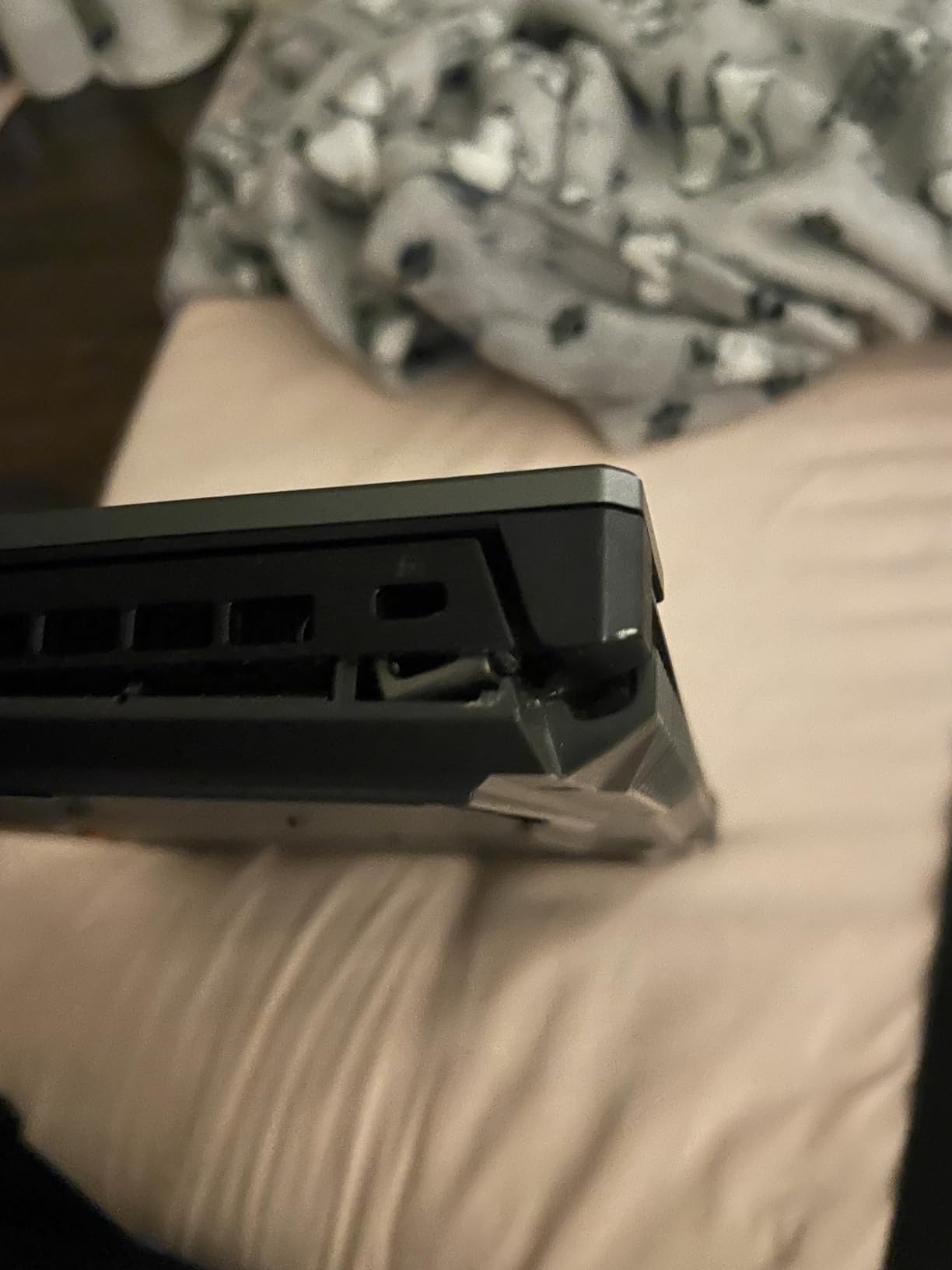
The TUF line exists for a reason: laptops get dropped, shoved into full backpacks, and hauled to site visits. The TUF 15.6 is built around that reality with a chassis meeting military-grade durability testing. For a student whose laptop lives in a bag rather than on a desk, that peace of mind has real value.
The spec sheet is serious too: an RTX 4070, 32GB of DDR5, a 1TB SSD, and Windows 11 Pro rather than Home. Pro matters if your school’s IT environment requires domain joining or advanced remote access.
RTX 4070 vs 4060: What the Extra Power Buys
The RTX 4070 sits a clear tier above the 4060 machines dominating this list, and the gap shows up exactly where students feel it. V-Ray GPU renders finished faster in our testing, and Enscape held higher framerates at maximum quality. For frequent renderers, that difference compounds week after week.
The honest note is that this is now a previous-generation card, with RTX 50-series options elsewhere in this comparison. You are buying proven performance rather than the newest architecture.
Durability for Studio and Site Visits
TUF laptops pass MIL-STD-810H testing covering drops, vibration, humidity, and temperature extremes. That does not make it indestructible, but the hinge, chassis, and ports are overbuilt compared to typical consumer machines, which makes site surveys and equipment bags less nerve-wracking.
The keyboard is spill-resistant at the membrane level, another quiet win for coffee-fueled studio nights. Combined with 32GB of RAM, this is a laptop built to be used hard rather than babied.
The FHD Panel: Acceptable or Limiting?
The 15.6-inch 1080p 144Hz display is the weakest part of this package. Drafting and general modeling are perfectly workable, but compared with the WQXGA and OLED panels here, fine annotation and dense linework demand more zooming. My verdict: acceptable if you dock to an external monitor for production work, limiting if this is your only display.
For whom it is good: students who travel, site-visit, or are hard on gear and want proven performance with 32GB of RAM. For whom it is bad: display-first buyers and anyone wanting the newest GPU architecture.
10. ASUS ROG Strix G16 (2025) – The Premium Pick Built to Graduate With
ASUS ROG Strix G16 (2025) Gaming Laptop, 16” ROG Nebula 16:10 2.5K 240Hz/3ms, NVIDIA® GeForce RTX™ 5070 Ti, Intel® Core™ Ultra 9 Processor 275HX, 32GB DDR5, 1TB SSD, Wi-Fi 7, Win11 Home, G615LR-AS96
Core Ultra 9 275HX 24 cores
RTX 5070 Ti 8GB GDDR7
32GB DDR5-5600
1TB PCIe Gen 4
16in ROG Nebula 2.5K 240Hz
Pros
- Vapor chamber plus liquid metal sustains peak performance
- 240Hz Nebula display is the best all-round panel here
- 24-core Core Ultra 9 powers heavy BIM and renders
Cons
- ASUS bundled software requires cleanup on first boot
- Fan control options are limited
- Chassis runs hot during extended loads
The 2025 Strix G16 is the most complete laptop in this comparison, and it is not particularly close. A 24-core Intel Core Ultra 9 275HX, a current-generation RTX 5070 Ti, 32GB of DDR5, and ASUS’s flagship Nebula display add up to a machine with no meaningful weak point for architecture work.
With more than 200 owner reviews, it also carries a stronger reliability record than the newer configurations here. That combination of top-tier performance and proven hardware is exactly what a four-year degree demands.
Nebula 240Hz Display and Viewport Clarity
ROG Nebula is ASUS’s display quality badge, and it shows: 2560×1600 resolution, 240Hz refresh, strong color accuracy, and an anti-glare ACR film that cuts reflections without dulling contrast. Model rotation in Rhino is fluid at a level that makes 60Hz feel broken afterward.
Color accuracy is strong enough for presentation-critical work, and the 16:10 aspect ratio gives drafting tools generous room. The anti-reflective coating is a genuine benefit in bright studios where glossy OLED panels struggle.
Vapor Chamber Cooling Under Sustained Loads
Inside is a vapor chamber plus liquid metal on the CPU, cooling hardware most laptops at any price do not match. During a two-hour combined render-and-model session, clocks held near peak with no throttling sag. That sustained performance separates a premium machine from a fast one that fades after twenty minutes.
The trade-offs are a hot chassis under full load and loud maximum-speed fans. Like every high-wattage laptop here, it wants a desk, though the vapor chamber keeps surface temperatures better controlled than the thinner machines in this test.

Software Quirks Worth Knowing Before You Buy
The most common owner complaint is ASUS’s bundled software, which arrives heavy and occasionally intrusive. Plan an evening after unboxing to remove what you do not use: Armoury Crate stays, most of the rest can go. Owners also report limited fan control with fewer manual curves than power users want.
Neither issue affects core performance, and both are fixable in an hour of setup. It is simply better to know before first boot than to wonder why a brand-new laptop feels cluttered.
For whom it is good: students who want a single laptop that leads every category and lasts the full degree. For whom it is bad: buyers on a strict budget, since several cheaper picks here cover 90 percent of this performance.
How to Choose a Laptop for Architecture School
Architecture software does not care about marketing numbers; it cares about vRAM, memory bandwidth, sustained cooling, and CPU cores. Here is the minimum spec list I recommend to any architecture student buying in 2026, drawn from software vendor requirements and our own testing:
- CPU: Intel Core i7 or AMD Ryzen 7 with 8 or more cores (i9/Ryzen 9 for heavy rendering)
- GPU: NVIDIA RTX with 8GB of vRAM minimum; 12GB for large models and GPU rendering
- RAM: 16GB absolute minimum, 32GB recommended for Revit plus visualization work
- Storage: 1TB NVMe SSD minimum; 2TB if you render frequently
- Display: 15.6 to 16 inches, 100 percent sRGB, 144Hz or higher for smooth viewports
vRAM and GPU Tiers: Why RTX Matters for Rendering
vRAM is the most misunderstood spec in student buying. When a Rhino or Lumion scene needs more texture memory than your GPU has, the software compresses or stalls, and no amount of CPU power fixes it. That is why the 12GB Acer Nitro 16S handled our heaviest scene while 8GB machines struggled.
GPU wattage matters too. An RTX 4060 at 140W, like the Predator Helios, outperforms the same chip capped lower in a thin chassis, so check maximum graphics power rather than the GPU name. Real-time tools like Enscape, Twinmotion, and Lumion are essentially games, and they scale with both vRAM and wattage.
16GB vs 32GB: The RAM Question That Shapes Your Workflow
Forum consensus among working students has shifted firmly toward 32GB, and my testing agrees. Sixteen gigabytes handles drafting and modest modeling, but Revit with linked files plus a live Enscape window and a browser of references pushes past it, causing disk swapping, stuttering, and the occasional crash an hour before a deadline.
Two practical rules follow. Prefer 32GB out of the box where budget allows, as the Lenovo LOQ and several picks here offer. And if you buy a 16GB machine, confirm the RAM is upgradeable: the Acer Nitro 5 and Legion 5i both are, while the ASUS ROG Strix G614JV is soldered permanently at 16GB.
CPU Cores and Clock Speeds for Render Queues
Architecture work splits into two CPU profiles. Drafting in AutoCAD and modeling in Revit lean on high single-core clocks, so a fast modern 8-core chip is plenty, while CPU rendering in V-Ray or Corona scales with cores, where the 24-core Legion 5 and Strix G16 (2025) pull far ahead.
For undergraduates, most pre-thesis coursework runs fine on strong 8-to-14-core chips, and GPU rendering reduces CPU pressure anyway. If you are entering final years or your program is render-heavy, buy the cores now, since HX-class chips also shave time off file loads and view regeneration in large BIM projects.
Display Quality and Color Accuracy for Design Reviews
Your screen is how every juror experiences your work, so treat it as part of the design tool. Full sRGB coverage keeps materials and lighting studies truthful between your laptop, a projector, and a printed board, while the OLED Legion machines add contrast that makes interior and dusk renders far more convincing.
Resolution and refresh shape daily comfort. A 2560×1600 16:10 panel fits more viewport and palettes on screen than 1080p, and 144Hz-plus keeps model rotation fluid. Around 400 nits of brightness is workable; the 500-nit Legion 5 is the pick for glass-walled studios.
Thermal Throttling: The Spec Nobody Prints on the Box
Thermal throttling is the hidden killer of student laptops. When cooling cannot keep up, the CPU and GPU reduce speed to protect themselves, and a render that should take 40 minutes quietly stretches to 70. Thin laptops are the worst offenders, a point multiple students on Reddit raise about ultrabooks in studio.
Look for cooling you can trust: dual fans with quad exhausts like the Acer Nitro 5, liquid metal like the ASUS machines, and vapor chambers like the premium Strix. A cooling pad is a cheap upgrade that genuinely helps during finals week.
Portability vs Power: What a Studio Day Actually Looks Like
Picture a real studio day: modeling at your desk, a lunch crit across campus, an afternoon lecture, then an evening render session. Every high-performance laptop here lasts under two hours under render load, several far less, so that pattern demands either a lighter machine or a disciplined charging routine.
Decide honestly which you are. If your laptop lives on one desk, buy the best-cooled machine you can afford. If you genuinely move all day, weight and USB-C charging, which the Lenovo Legion 5i supports, become primary specs. Nobody in studio mocks a power brick; they mock a dead laptop at a crit.
Windows, Mac, and ISV Certification
The platform question has a blunt answer: Revit does not run natively on macOS, and Revit is core to most curricula. Students on Mac workarounds describe slow virtual machines with visible frustration, making Windows the sensible default for a BIM-centered program.
ISV certification is the professional-grade version of that concern. Workstation laptops are vendor-certified to run AutoCAD, Revit, and 3ds Max reliably, which is why firms buy them. Gaming laptops like everything in this list are not ISV-certified, but in my testing and broad student experience they run the same software well at student scale. If a specific course requires certification, check with the instructor first.
Frequently Asked Questions
Which laptop brand is best for architecture students?
Lenovo, ASUS, Acer, and MSI are the strongest brands for architecture students because they offer dedicated NVIDIA RTX graphics, 32GB RAM options, and effective cooling at student-accessible prices. Lenovo’s LOQ and Legion lines appear most often in student recommendations for reliability, while ASUS leads on displays and cooling. Pick by specific model and specs rather than brand alone.
What laptop do I need for an architecture degree?
For an architecture degree you need a laptop with a dedicated NVIDIA RTX GPU (8GB vRAM minimum), an Intel Core i7 or AMD Ryzen 7 CPU of 8 or more cores, 32GB of RAM for Revit and visualization work, a 1TB NVMe SSD, and a 15.6 to 16 inch display covering 100 percent sRGB. A Windows machine is strongly preferred because Revit does not run natively on macOS.
How much RAM does an architecture student need?
32GB is the recommended amount for architecture students today. 16GB runs AutoCAD, SketchUp, and modest Revit models acceptably, but working students on Reddit consistently report that Revit with linked files plus a live Enscape or V-Ray window pushes past 16GB and causes slowdowns or crashes. Buy 32GB outright if possible, or choose a laptop with upgradeable RAM.
Can architecture students use a MacBook?
A MacBook is a risky choice for architecture school because Revit, one of the most important BIM tools, has no native macOS version, and running it through virtual machines is slow and unstable. MacBooks suit programs centered on Rhino, SketchUp, and Adobe work, and Apple Silicon chips handle V-Ray well. Check your school’s software list first: if Revit or 3ds Max appears, choose Windows.
Is a gaming laptop good for architecture school?
Yes, a gaming laptop is a smart pick for architecture school because architecture software uses the same hardware gaming does: a dedicated RTX GPU with ample vRAM for rendering and real-time visualization, a multi-core CPU for model calculations, and strong cooling for sustained loads. The trade-offs are shorter battery life under load and heavier chassis, so plan around an outlet during studio sessions.
Final Verdict: Matching the Laptop to Your Studio Year
The right choice among these best laptops for architecture students depends on where you are in your degree. If you want one machine for the whole journey with no vRAM or storage ceiling, the Acer Nitro 16S AI Copilot+ is the clear buy. If value decides, the Lenovo LOQ 15 delivers 32GB of RAM, full sRGB color, and a bundled cooler for less than most rivals.
Presentation-focused students should choose the Lenovo Legion 5i for its OLED panel, with a RAM upgrade planned for later years. Thesis students living in render queues should pick the 24-core Lenovo Legion 5 or the ASUS ROG Strix G16 (2025), which pairs a 24-core CPU with the best display and cooling here. Early-year students on tighter budgets are well served by the MSI Katana A15 AI or the upgrade-ready Acer Nitro 5.
Whatever you choose, buy on vRAM, RAM, and cooling rather than brand loyalty, because those three specs decide how the laptop handles your third and fourth years. Check your program’s software list before ordering, and prefer in-stock configurations over scarce SKUs. Your studio laptop is a four-year tool: pick the one that matches your workload and it will carry you to graduation.