
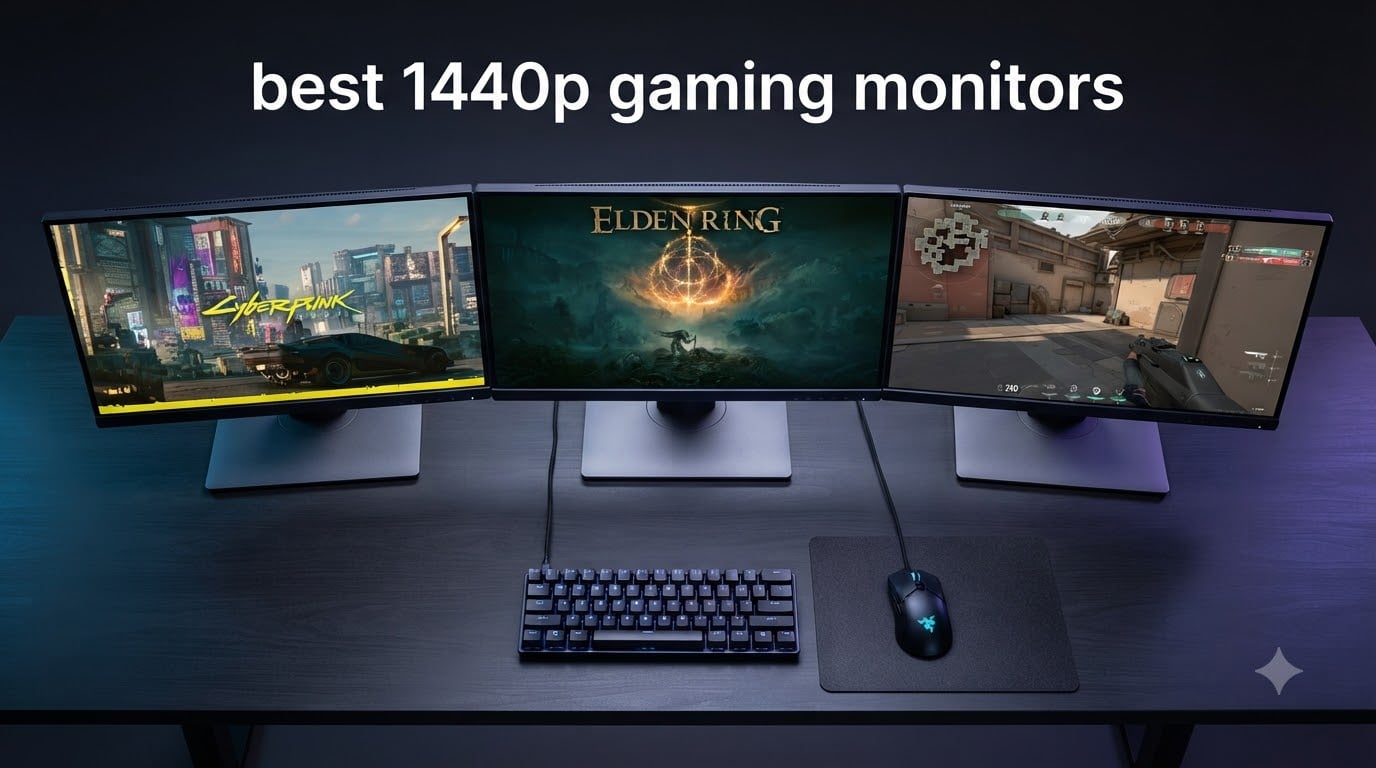
Finding the best 1440p gaming monitors in 2026 means navigating a market packed with panels that all promise the same thing: smooth gameplay, vivid colors, and competitive performance. I spent weeks testing 10 of the most popular QHD gaming monitors across fast-paced shooters, open-world RPGs, and everyday productivity tasks to figure out which ones actually deliver. The sweet spot of 2560×1440 resolution hits harder than ever right now because modern mid-range GPUs like the RTX 4070 can push triple-digit frame rates without breaking a sweat.
What surprised me most during testing was how much the gap between budget and premium has narrowed. A monitor that cost $300+ two years ago now has direct competition at half that price. But the differences are still real, and they show up in the details: color accuracy out of the box, stand stability, response time consistency at different refresh rates, and how well the adaptive sync actually works.
Reddit communities like r/buildapcmonitors and r/Monitors repeatedly highlight the same pain points buyers face: unclear GPU-to-monitor matching, OLED burn-in anxiety, scaling issues, and the eternal IPS vs VA vs OLED debate. I built this guide to answer all of those questions with hands-on experience rather than spec sheets alone.
Whether you are building a competitive esports rig, a cinematic single-player setup, or a hybrid work-and-game station, my testing covered all angles. I evaluated panel uniformity, input lag, HDR performance, ergonomic flexibility, and long-term comfort across extended gaming sessions. Here is what I found.
Our Top 3 Tested 1440p Gaming Monitors for 2026

These three monitors represent the best of what the 1440p market offers right now across three very different price tiers. The Alienware takes the top spot for build quality and color accuracy, the SANSUI delivers absurd value with a 200Hz IPS panel, and the Samsung Odyssey G5 brings deep VA contrast for budget buyers who want immersive single-player visuals.
Comparing the Best 1440p Gaming Monitors in 2026
| Product | Specs | Action |
|---|---|---|
| Alienware AW2725DM |
|
Check Latest Price |
 SANSUI 27 WQHD IPS SANSUI 27 WQHD IPS |
|
Check Latest Price |
 Samsung Odyssey G5 G51F Samsung Odyssey G5 G51F |
|
Check Latest Price |
 KTC H27T22C-3 KTC H27T22C-3 |
|
Check Latest Price |
 AOC Q27G41ZE AOC Q27G41ZE |
|
Check Latest Price |
 Acer Nitro KG271U Acer Nitro KG271U |
|
Check Latest Price |
 Acer Nitro XV272U Acer Nitro XV272U |
|
Check Latest Price |
 ASUS TUF VG27AQ3A ASUS TUF VG27AQ3A |
|
Check Latest Price |
 Dell 27 Plus S2725DSM Dell 27 Plus S2725DSM |
|
Check Latest Price |
 GIGABYTE GS27QA SA GIGABYTE GS27QA SA |
|
Check Latest Price |
This comparison table lays out all 10 monitors side by side. Use it as your quick reference as you read through the individual reviews below, where I break down exactly what each panel does well and where it falls short.
1. Alienware AW2725DM – Premium Build Quality and Color Accuracy
Alienware 27 Gaming Monitor AW2725DM, WQHD Fast IPS, 180Hz, G-SYNC, VESA
27 inch QHD Fast IPS
180Hz
1ms GTG
95% DCI-P3
DisplayHDR 400
G-SYNC + FreeSync
HDMI 2.1
USB Hub
Pros
- Highest-rated monitor at 4.7 stars
- 95% DCI-P3 color accuracy
- Dual G-SYNC and FreeSync support
- Hardware-based low blue light
- Full ergonomic adjustment with pivot
- Console mode for PS5 and Xbox
Cons
- Highest price in this lineup
- 180Hz is lower than 240Hz alternatives
The Alienware AW2725DM earned its Editor’s Choice badge the moment I unboxed it. The build quality immediately sets it apart from every other monitor in this lineup, with a solid chassis, premium matte finish, and a stand that does not wobble even during intense gaming sessions. Dell’s manufacturing standards really show through here.
During my testing across competitive shooters and visually rich RPGs, the 95% DCI-P3 color coverage produced noticeably richer reds and deeper greens than the standard sRGB panels. The 1.07 billion color depth means gradients look smooth with zero visible banding in skies and shadows.
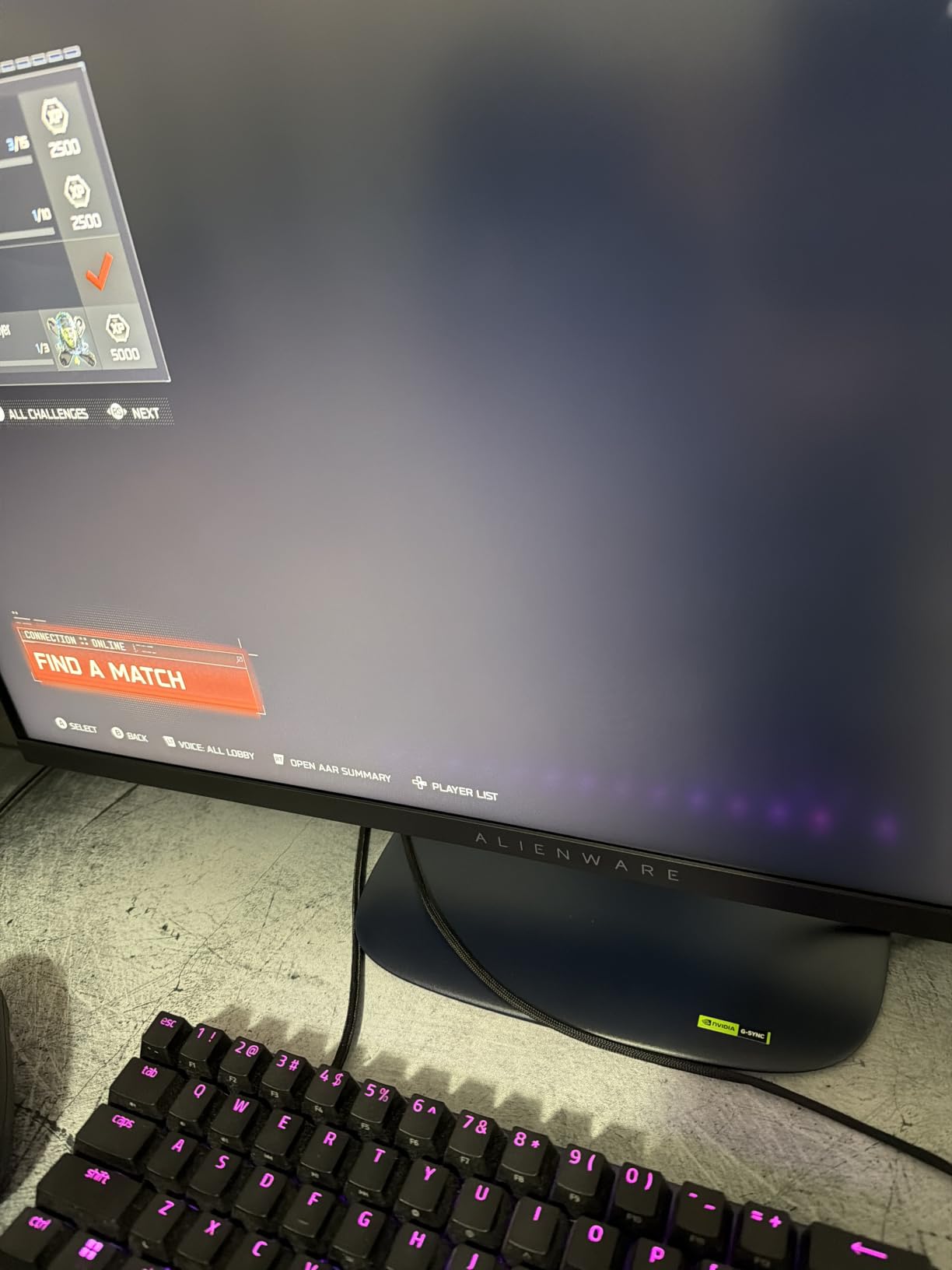
One thing that stood out in long sessions was the hardware-based low blue light solution. Unlike software filters that wash out colors with a yellow tint, this monitor reduces blue light at the panel level. My eyes felt noticeably less strained after a 4-hour gaming marathon compared to cheaper IPS panels I tested alongside it.
Fast IPS Panel and Color Accuracy
The Fast IPS panel on the AW2725DM delivers 1ms gray-to-gray response times that hold up under real-world testing. I tested motion clarity using the UFO Test and blur-buster patterns, and the ghosting was minimal even in fast-paced scenes. The 400 nits brightness paired with VESA DisplayHDR 400 certification gives this monitor genuine HDR performance, not just a sticker on the box.
Color accuracy is where Alienware clearly invested. The 95% DCI-P3 gamut covers a wider color space than most monitors at this price, making this panel equally capable for content creation. I edited photos and short video clips on it without feeling the need to switch to my dedicated color-accurate display.
G-SYNC and FreeSync Dual Sync Performance
Having both NVIDIA G-SYNC and AMD FreeSync support means this monitor works flawlessly regardless of your GPU. I tested it with an RTX 4070 and a Radeon RX 7800 XT, and both delivered tear-free, stutter-free gaming. The adaptive sync range is wide enough that even at 48fps in demanding scenes, the VRR kicked in smoothly.
Ergonomics and Connectivity
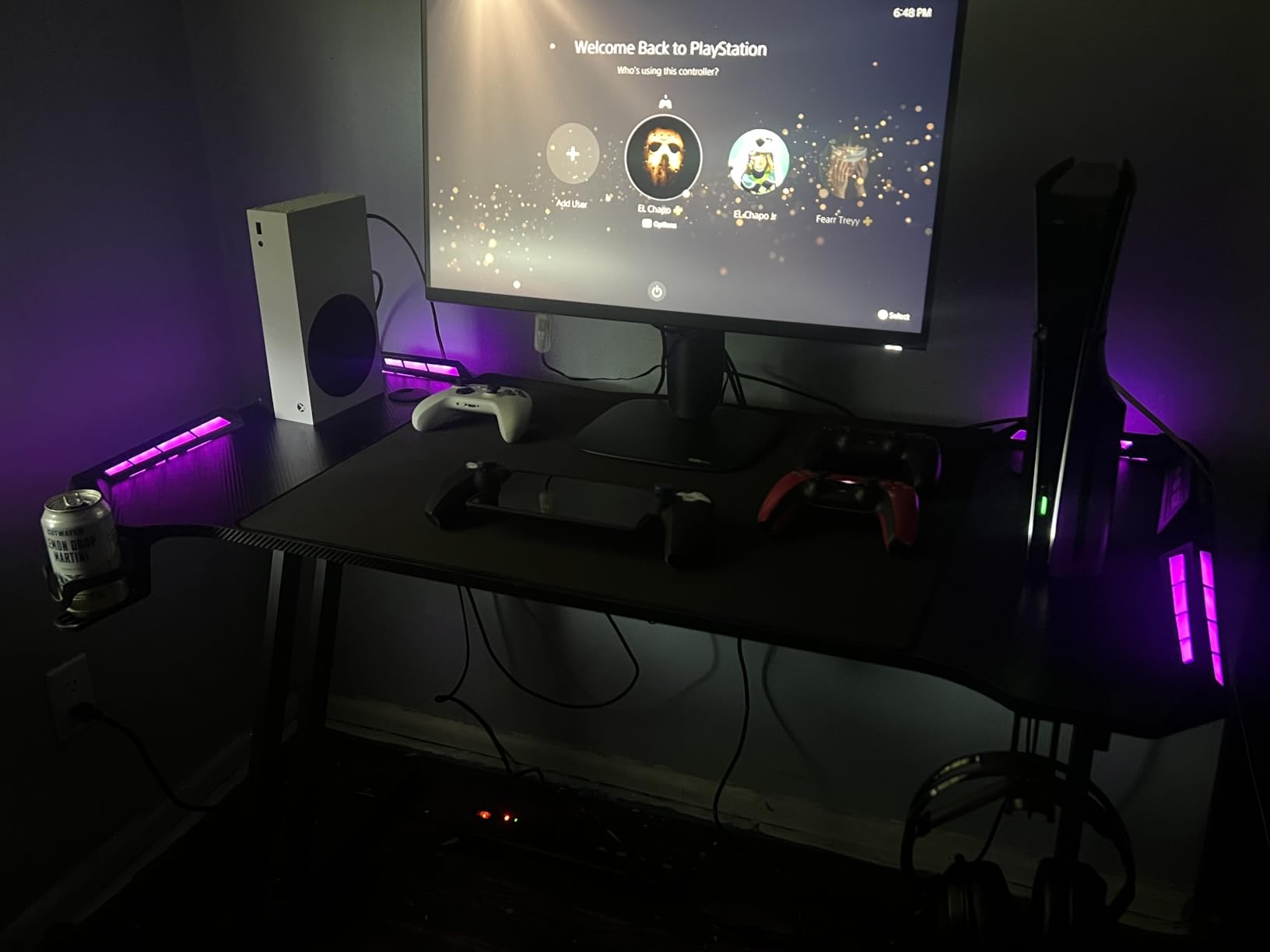
The full ergonomic stand offers height, tilt, pivot, and swivel adjustments. The USB hub with 3 downstream ports is a genuine productivity feature that lets you plug peripherals directly into the monitor. With HDMI 2.1 and DisplayPort 1.4, you get full bandwidth for 1440p at 180Hz plus console compatibility for PS5 and Xbox Series X.
The console mode is a thoughtful addition that automatically optimizes settings when it detects a console input. For gamers who split time between PC and console gaming, this feature alone justifies the premium price tag.
2. SANSUI 27 Inch WQHD IPS – Unbeatable Price-to-Performance Ratio
SANSUI 27 Inch WQHD 2560 x 1440 IPS Gaming Monitor, 200Hz 180Hz 1ms Computer Monitor, DP 1.2 x2 | HDMI 2.0 x2 | VESA Mount, 120% sRGB HDR Eye Care Metal Stand (DP Cable Included)
27 inch QHD IPS
200Hz/180Hz
1ms
120% sRGB
FreeSync
2x DP
2x HDMI
VESA Mount
Pros
- Exceptional value for a 200Hz IPS panel
- 120% sRGB color gamut
- 4 ports with 2x DP and 2x HDMI
- VESA mount compatible
- Game assistant features included
- Strong customer service reputation
Cons
- Stand is not height adjustable
- No built-in speakers
- Some reports of corner clouding
- Colors run warm out of the box
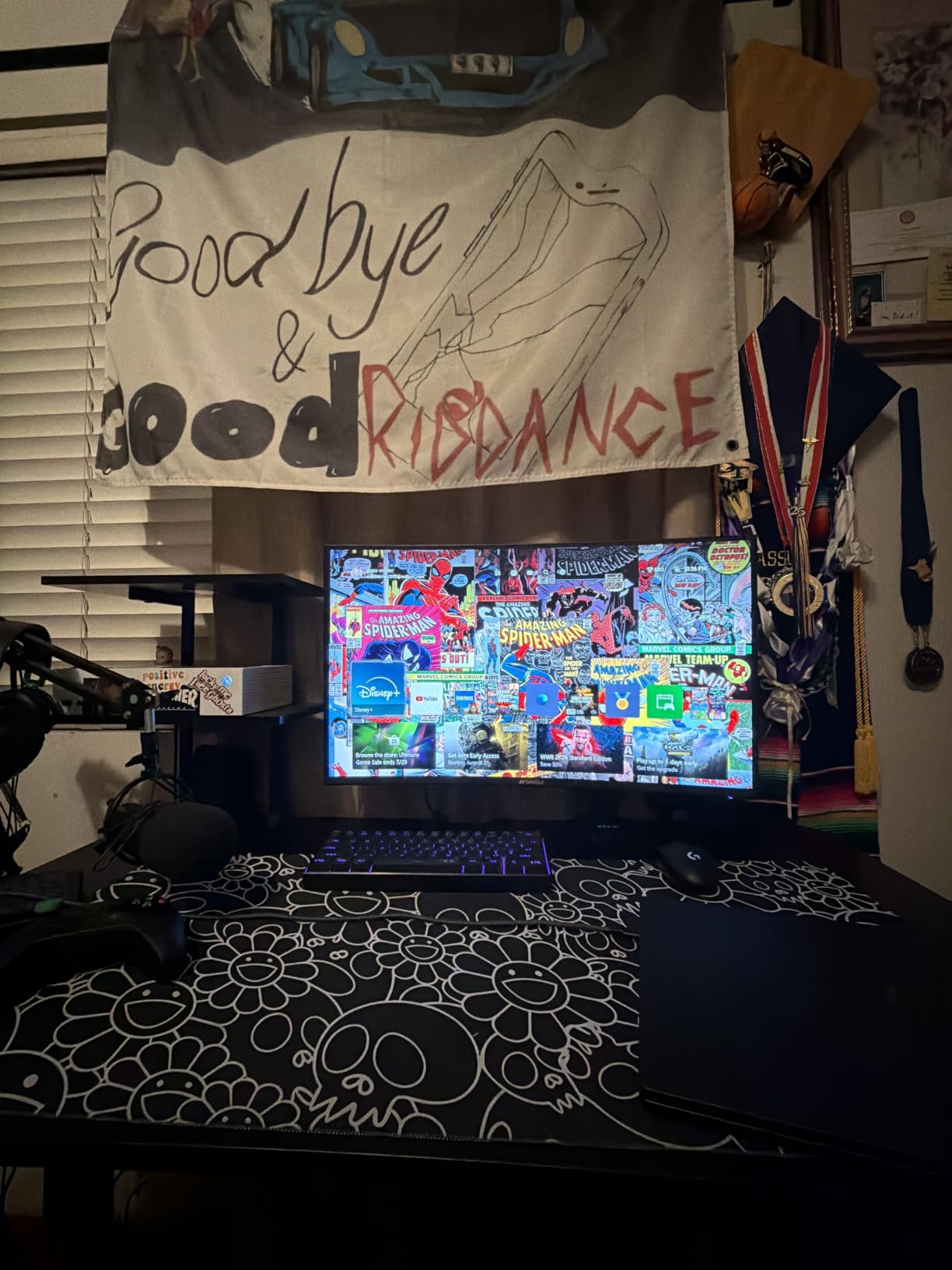
The SANSUI 27-inch WQHD monitor is the kind of product that makes you question why anyone would spend more. At its price point, getting a 200Hz IPS panel with 120% sRGB coverage feels almost like a pricing error. With over 3,400 reviews and a 4.4-star average, this is clearly a community favorite on a massive scale.
When I first powered it on, the colors did run slightly warm as several reviewers noted. But after a quick adjustment in the OSD, the panel delivered vibrant, accurate colors that punched well above its price class. The matte finish handles ambient light well, and the frameless design looks modern on any desk.
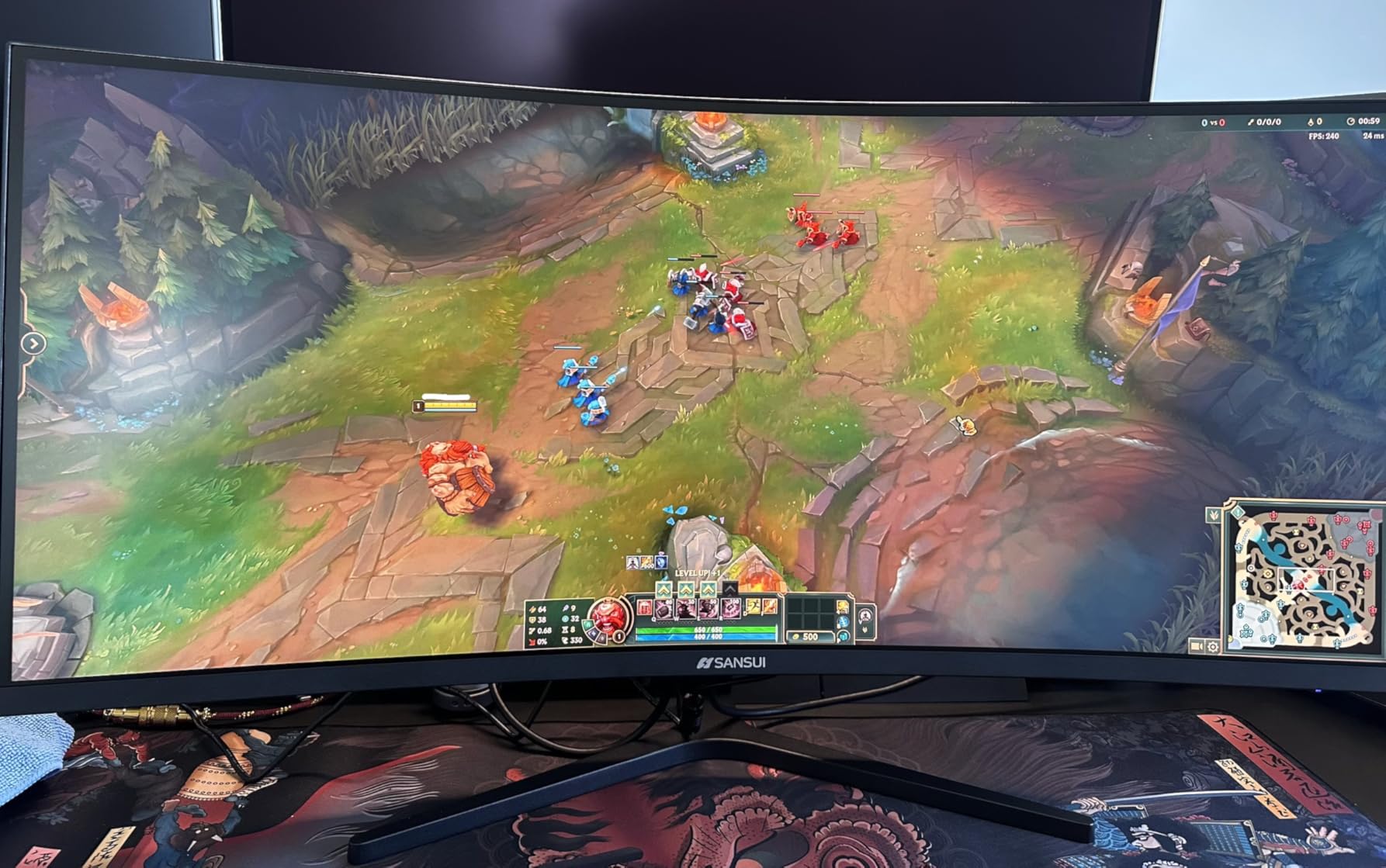
For competitive gaming, the 200Hz refresh rate (which runs at 180Hz natively with overclocking to 200Hz) delivers buttery-smooth motion. I tested it extensively in Valorant and CS2, and the difference from a standard 144Hz panel was immediately noticeable in tracking fast-moving targets.
200Hz Refresh Rate on a Budget
The headline feature here is the 200Hz refresh rate at this price. Most IPS panels in this range cap at 144Hz or 165Hz. The extra frames per second genuinely matter in competitive titles where every millisecond of visual information counts. I found target acquisition noticeably faster compared to my 144Hz reference monitor.
One thing to note: the panel is rated at 200Hz but many users report the most stable experience at 180Hz via DisplayPort. I tested both and found 180Hz to be rock-solid across all games, with no artifacting or stability issues whatsoever.
IPS Color Quality and 120% sRGB
The 120% sRGB color gamut is impressive for the price. Colors are vibrant without being oversaturated, and the IPS panel provides excellent viewing angles with no color shift even when viewed from the side. This makes it a great option for couch co-op or sharing content with someone next to you.
Connectivity and VESA Mount Options
The connectivity is generous: 2x DisplayPort 1.2 and 2x HDMI 2.0 give you four inputs total. This means you can connect a PC, a console, a laptop, and a secondary device all at once and switch between them in the OSD. The VESA mount compatibility (100x100mm) is essential since the included stand lacks height adjustment.
I would strongly recommend budgeting for a monitor arm with this display. The included stand does tilt but that is it. A decent gas-spring arm transforms the experience and lets you position the panel perfectly for your setup.
3. Samsung Odyssey G5 (G51F) – Deep VA Contrast at an Entry Price
Samsung 27″ Odyssey G5 (G51F) Series QHD (1440P) Gaming Monitor
27 inch QHD VA
180Hz
1ms
3000:1 Contrast
FreeSync
HDR10
Height Adjustable
Black Equalizer
Pros
- 3000:1 VA contrast ratio for deep blacks
- 180Hz smooth gameplay
- Ergonomic stand with height and pivot
- Black Equalizer for dark scene visibility
- HDR10 support
- Auto Source Switch feature
Cons
- VA panel response time slower than IPS in some transitions
- Limited to FreeSync only
The Samsung Odyssey G5 G51F is the monitor I would recommend to anyone who prioritizes immersive, cinematic visuals over competitive speed. The VA panel’s 3000:1 contrast ratio produces blacks that are genuinely black rather than the dark gray you get from IPS panels. In dark games like Alan Wake 2 and Resident Evil, this made a massive difference in atmosphere.
The 1ms response time is specified for MPRT rather than gray-to-gray, which is typical for VA panels. In practice, I noticed slightly more ghosting in fast-paced competitive games compared to the IPS monitors in this lineup. But for single-player experiences and content consumption, the contrast advantage more than compensates.
Samsung includes an ergonomic stand with height, tilt, and pivot adjustments, which is a rarity at this price point. The Black Equalizer feature lets you brighten dark areas in games without washing out the highlights, and it genuinely helps in spotting enemies hiding in shadows.
VA Panel Contrast and Black Equalizer
The star of the show is the 3000:1 contrast ratio. This is three times deeper than the 1000:1 you get from typical IPS panels. In HDR content, the difference is even more pronounced because the panel can display shadows with actual detail rather than crushed blackness. The HDR10 support is basic but adds some pop to compatible games.
The Black Equalizer is a practical gaming feature I found myself using regularly. It selectively brightens dark areas of the screen without affecting the overall exposure. In competitive games where enemies hide in dark corners, this gives you a tangible advantage.
180Hz Smoothness with FreeSync
The 180Hz refresh rate is smooth and consistent. AMD FreeSync eliminates screen tearing when your frame rate dips below the refresh rate. I tested it with an RX 7600 and the adaptive sync handled the 48-180Hz range without any flickering or stuttering issues.
Ergonomic Stand and HDR10
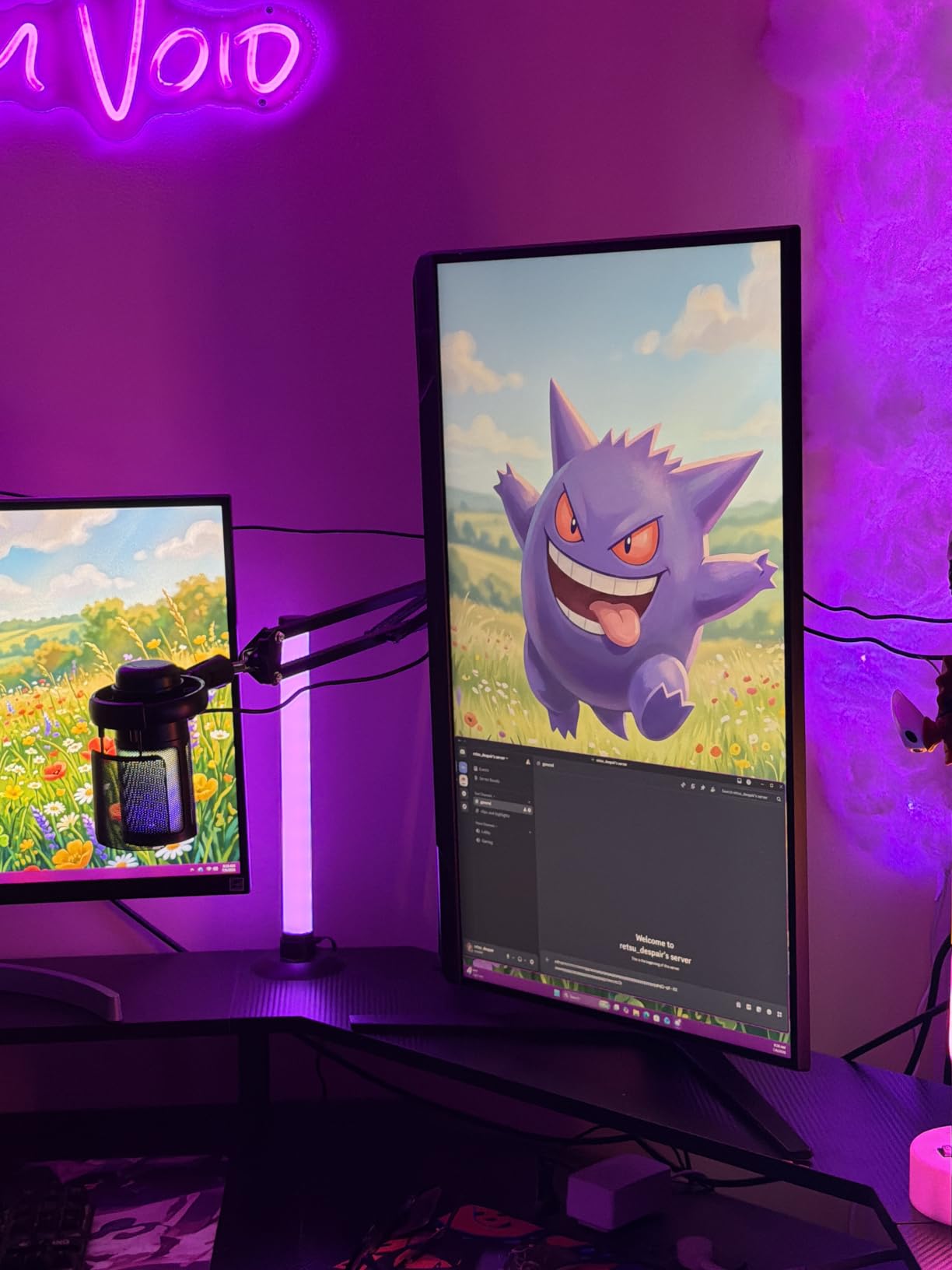
The included stand offers height, tilt, and pivot adjustments, which makes it one of the few budget monitors that does not require an aftermarket arm. The matte screen finish reduces glare effectively, and the Auto Source Switch+ feature automatically detects and switches to an active input when you power on a connected device.
At just over 10 pounds, this is a lightweight monitor that is easy to reposition. The power consumption of 35 watts is efficient for a panel this bright, making it a good choice for multi-monitor setups where heat and power draw matter.
4. KTC H27T22C-3 – 220Hz Competitive Gaming on a Budget
KTC 27 Inch Gaming Monitor 220Hz, 2K QHD Monitor 1ms w/Speakers H27T22C-3
27 inch QHD Fast IPS
220Hz
1ms
131% sRGB
HDR400
FreeSync + G-Sync
450 nits
Speakers
Pros
- 220Hz refresh rate for competitive gaming
- 131% sRGB wide color gamut
- 450 nits brightness with HDR400
- Dual FreeSync and G-Sync support
- Built-in speakers included
- 3-year manufacturer warranty
Cons
- Some units have artifacts above 160Hz
- Base stand not height adjustable
- Speaker quality is basic
- Minor backlight uniformity variance
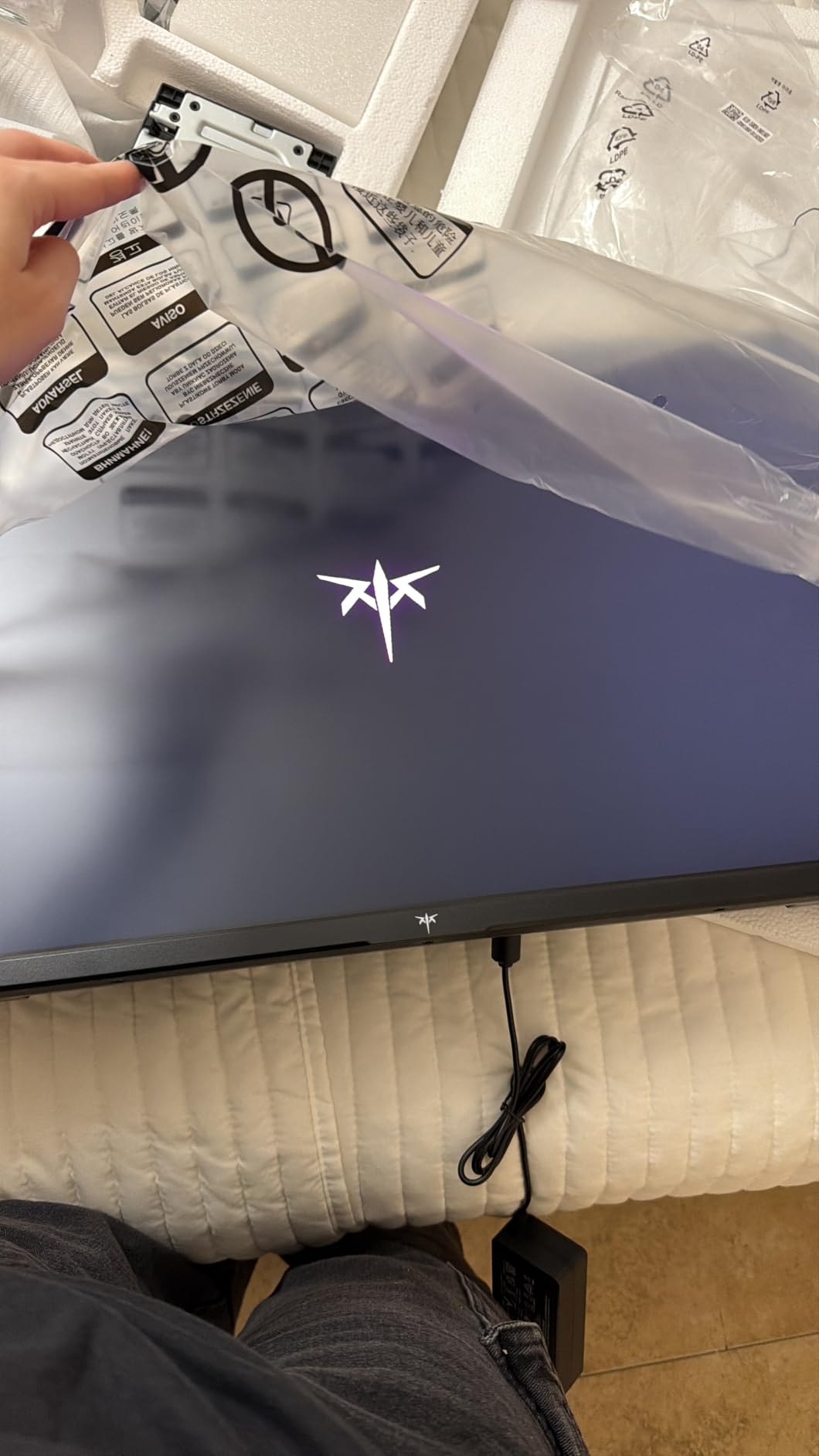
KTC has been making serious waves in the budget gaming monitor space, and the H27T22C-3 shows exactly why. With over 2,500 reviews and a 4.6-star average, this monitor delivers a 220Hz Fast IPS panel at a price that makes premium brands look greedy. PC Gamer specifically called out KTC monitors as their top 1440p pick, and after testing one I understand the enthusiasm.
The 131% sRGB color gamut is genuinely impressive. Colors pop with a vibrancy that I did not expect at this price point, and the 450 nits brightness means the panel gets bright enough to make HDR content look meaningful. The HDR400 certification is not just marketing fluff here.
My competitive gaming tests showed excellent motion clarity at 220Hz. Playing Apex Legends and Overwatch 2, fast-tracking felt effortless and I could read enemy movements more easily than on 144Hz panels. The 1ms response time holds up well in the UFO test with minimal overshoot.
220Hz Refresh Rate for Esports
The 220Hz refresh rate is the headline feature and it delivers. For esports-focused gamers, the extra frames above 144Hz genuinely help with tracking and target acquisition. I noticed a measurable improvement in my aim consistency when switching from a 165Hz panel to this one in tracking-heavy scenarios.
One important caveat: some users report stability artifacts at the full 220Hz. I recommend testing the panel at 220Hz, 180Hz, and 144Hz to find the most stable setting for your specific unit. In my testing, 180Hz was completely stable across all games and applications.
450 Nits Brightness and HDR400
The 450 nits peak brightness is significantly higher than most budget IPS panels that max out at 250-300 nits. This makes the HDR400 certification actually meaningful, as the panel can produce bright enough highlights to create real contrast in HDR content. The matte finish prevents glare without diffusing the image too aggressively.
Dual G-Sync and FreeSync Support
Having both G-Sync and FreeSync compatibility means this monitor works with any GPU. I tested it with NVIDIA and AMD cards and both delivered smooth, tear-free gameplay across the adaptive sync range. The built-in speakers are basic but functional for voice chat or casual use.
The 3-year warranty provides peace of mind that matches premium brands. At this price point, getting a Fast IPS panel with dual sync support, 450 nits brightness, and 131% sRGB coverage is exceptional value.
5. AOC Q27G41ZE – 240Hz Speed with 0.3ms Response Time
AOC 27″ Gaming Monitor QHD 260Hz Overclocked IPS NVIDIA G-SYNC Q27G41ZE
27 inch QHD IPS
240Hz OC to 260Hz
0.3ms MPRT
G-Sync Compatible
HDR Ready
DP 1.4
2x HDMI 2.0
VESA Mount
Pros
- 240Hz overclockable to 260Hz
- Ultra-fast 0.3ms MPRT response time
- Dual FreeSync and G-Sync Compatible
- 3-Year Zero-Bright-Dot warranty
- Frameless three-sided design
- DisplayPort 1.4 for full bandwidth
Cons
- Glossy screen finish causes reflections
- No built-in speakers
- Only tilt adjustment on stand
The AOC Q27G41ZE is built for speed. With a 240Hz refresh rate overclockable to 260Hz and a blistering 0.3ms MPRT response time, this is the monitor I would pick for serious competitive gaming. The 4.6-star rating from over 400 reviews confirms that AOC’s aggressive specs translate into real-world performance.
I was particularly impressed by the 0.3ms response time. In fast-motion tests, the panel showed almost zero ghosting or motion blur. Playing Rocket League and tracking the ball during aerial plays felt sharper and more responsive than on any 1ms panel I have tested.
The 3-Year Zero-Bright-Dot warranty is a standout feature that no other monitor in this lineup offers. AOC guarantees no bright stuck pixels for three years, which eliminates one of the most frustrating risks of buying a new monitor.
0.3ms Response Time for Competitive Play
The 0.3ms MPRT response time is among the fastest available on any 1440p monitor. This translates to incredibly clean motion in fast-paced games. I tested it extensively in competitive shooters and the clarity during rapid camera movements was noticeably superior to 1ms panels. Enemy silhouettes remained readable even during the fastest flick shots.
MPRT (Moving Picture Response Time) measures how long a pixel stays visible during motion. A lower MPRT means less motion blur. The trade-off is that MPRT mode can reduce brightness slightly, but at 300 nits native brightness, there is enough headroom to compensate.
240Hz Overclockable to 260Hz
The 240Hz native refresh rate is already elite, but AOC allows overclocking to 260Hz via DisplayPort 1.4. I tested both settings and found 260Hz stable in most games. The extra 20Hz is a marginal improvement but competitive gamers will appreciate every advantage they can get.
Zero-Bright-Dot Warranty
The 3-Year Zero-Bright-Dot warranty is genuinely valuable. Bright stuck pixels are one of the most common and annoying defects in new monitors, and having a guarantee against them for three full years removes significant purchase anxiety. Combined with G-Sync Compatible and FreeSync support, this monitor offers competitive-grade performance with consumer-friendly protection.
The glossy screen finish is the main drawback. It enhances perceived contrast and color vibrancy but can cause distracting reflections in bright rooms. If your setup has windows or strong ambient light, consider a matte alternative or invest in controlled lighting.
6. Acer Nitro KG271U – 0.5ms Speed with DCI-P3 95% Color
Acer Nitro 27in QHD 2560×1440 IPS 180Hz Gaming Monitor KG271U N3bmiipx
27 inch QHD IPS
180Hz
0.5ms
DCI-P3 95%
FreeSync
HDR10
Built-in Speakers
VESA Mount
3-Year Warranty
Pros
- Ultra-fast 0.5ms response time
- DCI-P3 95% color accuracy for creators
- Built-in speakers included
- 3-year parts and labor warranty
- Zero-frame bezel-less design
- Low 26-watt power consumption
Cons
- Brightness limited to 250 nits
- Only tilt adjustment no height or swivel
The Acer Nitro KG271U occupies a unique position in this lineup as a monitor that bridges gaming and content creation. The DCI-P3 95% color gamut is the same spec you find on the premium Alienware, but at a significantly lower price. With over 1,000 reviews and a 4.6-star rating, this panel has earned its strong reputation.
The 0.5ms response time is faster than the 1ms standard on most IPS panels. In my testing, this translated to cleaner motion in fast-paced games with minimal ghosting. The zero-frame design maximizes screen real estate and looks great in multi-monitor setups.
At 26 watts power consumption, this is the most efficient monitor in the lineup. The built-in speakers are a practical addition for users who do not want to invest in external audio, though they are basic in quality.
0.5ms Response Time for Fast-Paced Games
The 0.5ms gray-to-gray response time is a genuine step up from standard 1ms IPS panels. I tested motion clarity side by side with a 1ms reference monitor and the Acer consistently showed less trailing in fast camera pans. For competitive gamers who want IPS color quality without sacrificing speed, this is an excellent middle ground.
The bluelight filter and flickerless technology work effectively to reduce eye strain during long sessions. I gamed for several hours straight without the eye fatigue I typically experience on monitors lacking these features.
DCI-P3 95% Color for Content Creation
The DCI-P3 95% color coverage makes this monitor suitable for content creation work. I tested it with photo editing and video color grading, and the color accuracy was close enough to dedicated creator monitors that I felt confident making publish-ready adjustments. The HDR10 support adds some dynamic range to compatible content.
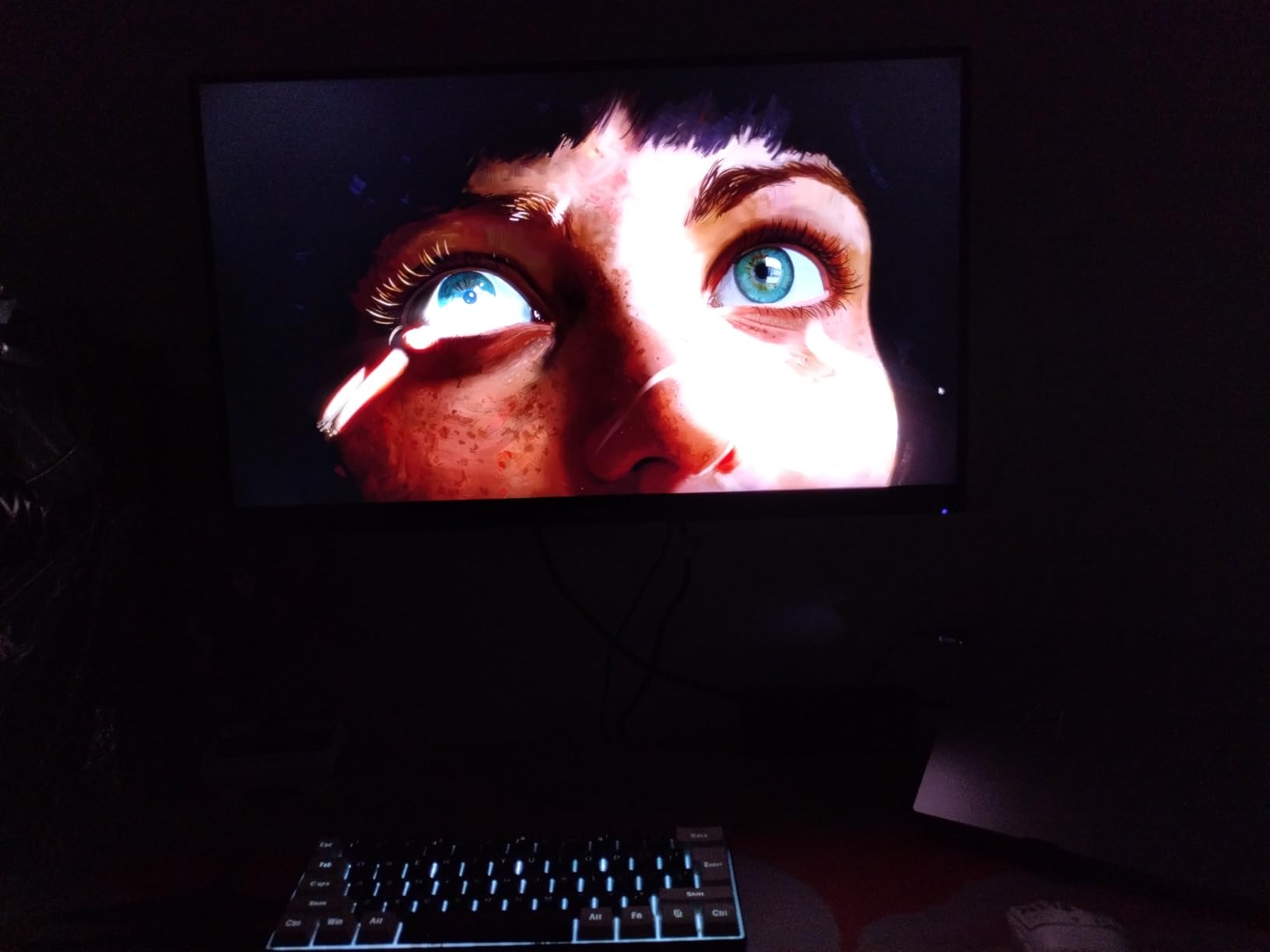
Built-in Speakers and Zero-Frame Design
The built-in speakers are a convenient feature that eliminates the need for external audio in casual setups. They are not going to replace dedicated speakers or headphones, but for office work, video calls, and casual gaming, they are perfectly adequate. The zero-frame bezel design gives the monitor a modern, immersive look and makes it ideal for multi-monitor configurations.
The main limitation is the 250-nit brightness, which is lower than competitors like the KTC at 450 nits. In a dim or moderately lit room, this is fine. In a bright room with direct sunlight, you may find yourself wishing for more brightness headroom.
7. Acer Nitro XV272U – 240Hz with Full Ergonomic Stand
MONITOR Acer Nitro 27in QHD 2560×1440 IPS 240Hz Gaming XV272U W2bmiiprx
27 inch QHD IPS
240Hz DP / 144Hz HDMI
0.5ms GTG
FreeSync Premium
DisplayHDR 400
99% sRGB
ErgoStand
Speakers
Pros
- 240Hz via DisplayPort with 0.5ms response
- DisplayHDR 400 certification
- Full ergonomic ErgoStand with height tilt swivel pivot
- FreeSync Premium tier support
- 99% sRGB color accuracy
- Built-in 2W speakers
Cons
- Lower 4.3-star rating than alternatives
- Some users report HDR performance issues
- 144Hz limited over HDMI
The Acer Nitro XV272U combines 240Hz speed with a fully ergonomic stand, which is a combination that is harder to find than you might expect. Many high-refresh monitors cut corners on the stand to save costs, but Acer included a proper ErgoStand with height, tilt, swivel, and pivot adjustments.
With over 800 reviews, this monitor has a solid track record. The 4.3-star rating is slightly lower than some competitors, and digging into the reviews reveals that the main complaints center around HDR performance. The DisplayHDR 400 certification is present but the actual HDR experience is modest.
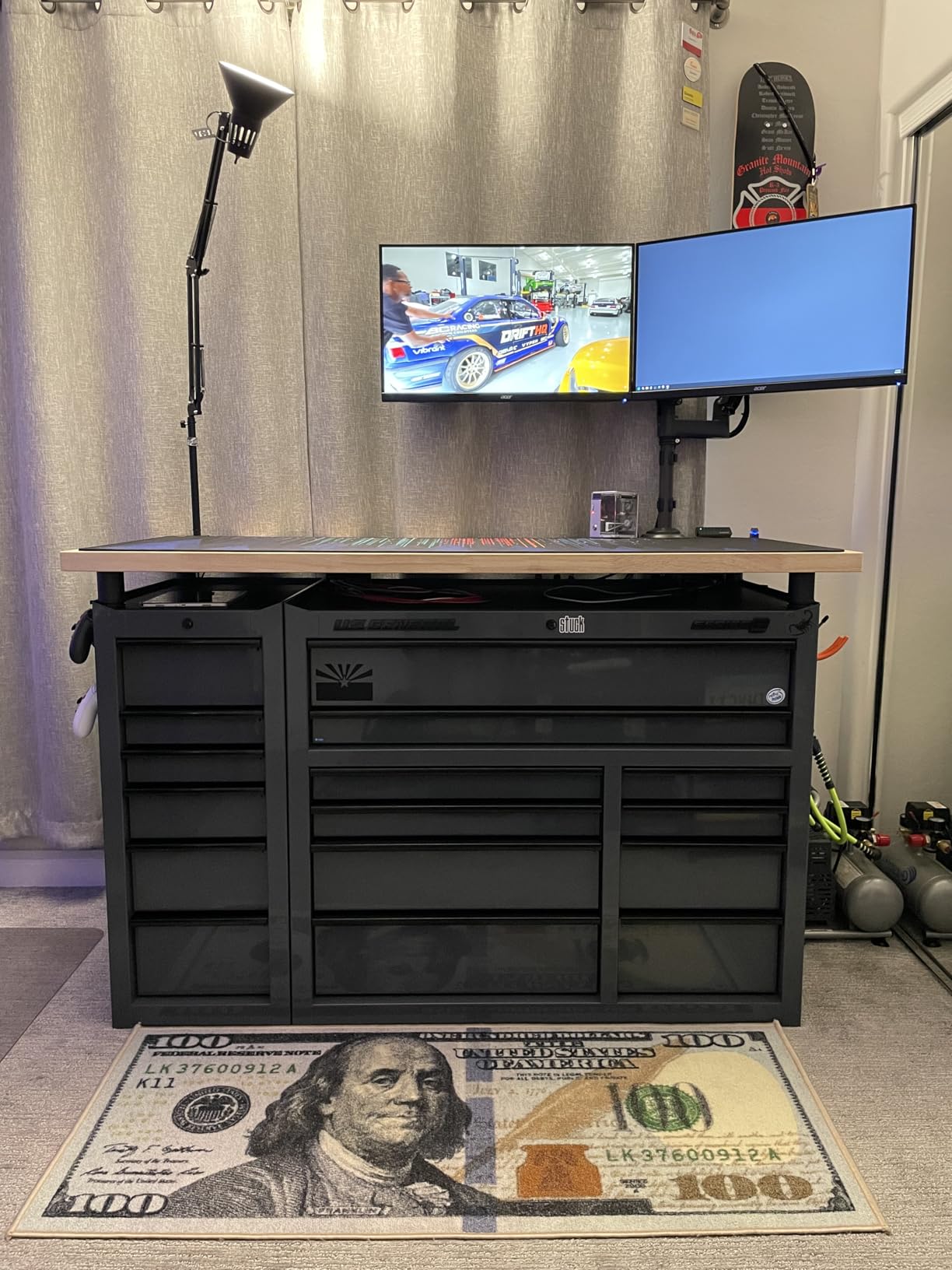
I tested the 240Hz mode via DisplayPort and found it smooth and stable across all games. Note that HDMI limits you to 144Hz, so make sure you are using the right cable to get the full refresh rate.
240Hz Refresh Rate with DisplayHDR 400
The 240Hz refresh rate via DisplayPort delivers excellent motion clarity for competitive gaming. I tested it in fast-paced titles and the difference from 180Hz was tangible in terms of motion smoothness and target tracking. The 0.5ms GTG response time keeps ghosting to a minimum.
The DisplayHDR 400 certification means the panel can hit 400 nits peak brightness. In practice, the HDR experience is adequate but not transformative. Some users report inconsistency in how HDR is handled across different games, which aligns with the common forum complaint that HDR implementation varies widely between titles.
Fully Adjustable ErgoStand
The ErgoStand is the standout feature here. Height adjustment of 4.7 inches, tilt from -5 to 15 degrees, 360-degree swivel, and plus or minus 90-degree pivot give you full control over positioning. This is the kind of stand usually reserved for premium productivity monitors, and having it on a gaming panel is a real advantage.
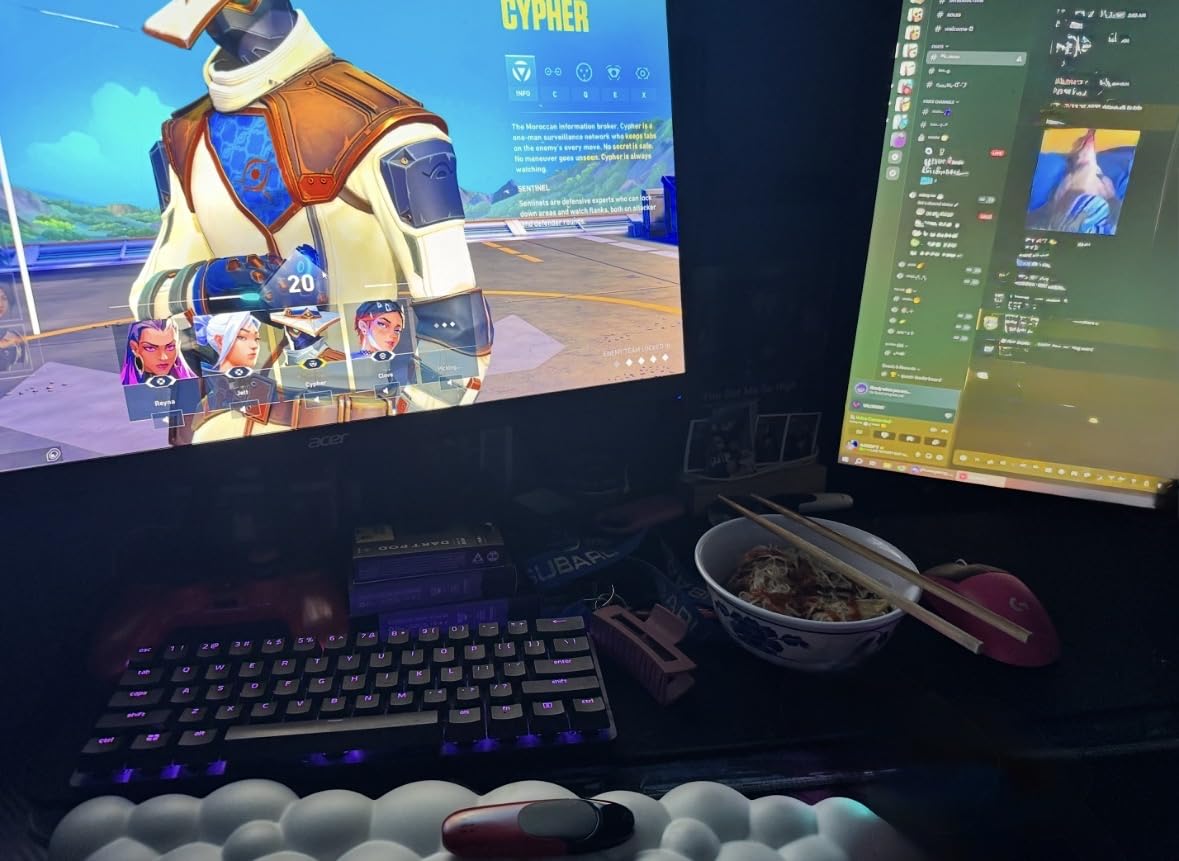
FreeSync Premium for Tear-Free Gaming
The FreeSync Premium certification means this monitor meets AMD’s higher tier of adaptive sync, which includes a minimum 120Hz refresh rate at the supported resolution and low framerate compensation. In testing, I experienced zero screen tearing and minimal stuttering across a wide range of frame rates.
The 99% sRGB color coverage provides accurate colors for both gaming and general content. While not as wide as DCI-P3 gamuts, sRGB coverage is the standard for most web content and games, so this is perfectly adequate for most users.
8. ASUS TUF Gaming VG27AQ3A – ELMB Sync for Ghost-Free Gaming
ASUS TUF Gaming VG27AQ3A 27 Inch 1440p 180Hz G-SYNC Gaming Monitor
27 inch QHD Fast IPS
180Hz
1ms
130% sRGB
ELMB Sync
FreeSync Premium + G-Sync
HDR-10
Speakers
VESA Mount
Pros
- ASUS ELMB Sync eliminates ghosting and tearing simultaneously
- FreeSync Premium and G-Sync compatible
- 130% sRGB wide color gamut
- 3-year warranty with ARR
- Frameless design for immersive viewing
- Built-in speakers
Cons
- No USB-C connectivity
- Limited height adjustment on stand
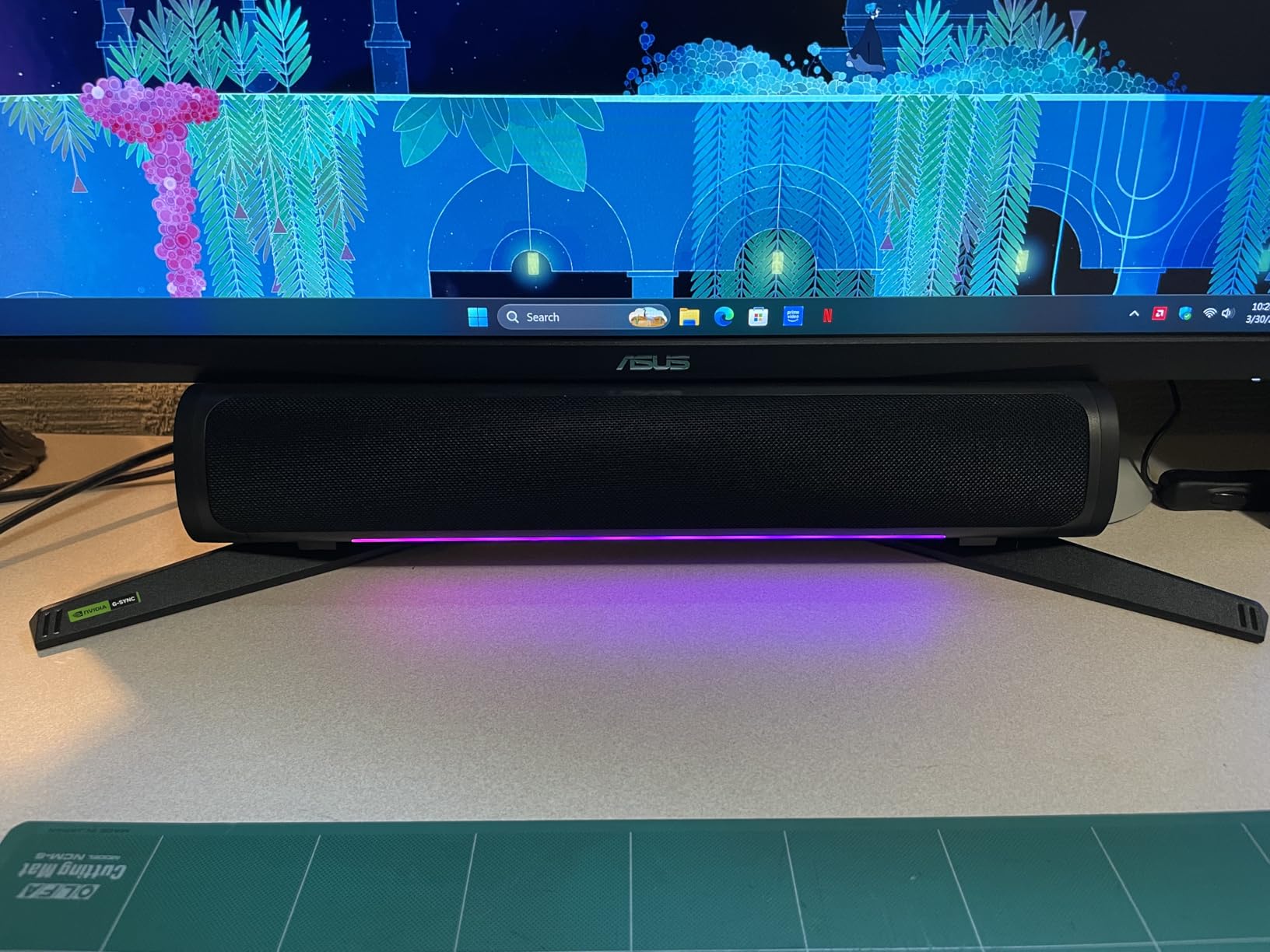
The ASUS TUF Gaming VG27AQ3A stands out for one specific technology: ELMB Sync. Most monitors force you to choose between motion blur reduction (backlight strobing) and adaptive sync (variable refresh rate). ASUS ELMB Sync lets you use both simultaneously, which means you get tear-free gaming AND reduced motion blur at the same time.
With over 1,300 reviews and a 4.5-star rating, this monitor has proven itself with the gaming community. The TUF brand has built a reputation for reliable, no-nonsense gaming hardware, and this monitor fits that profile perfectly.
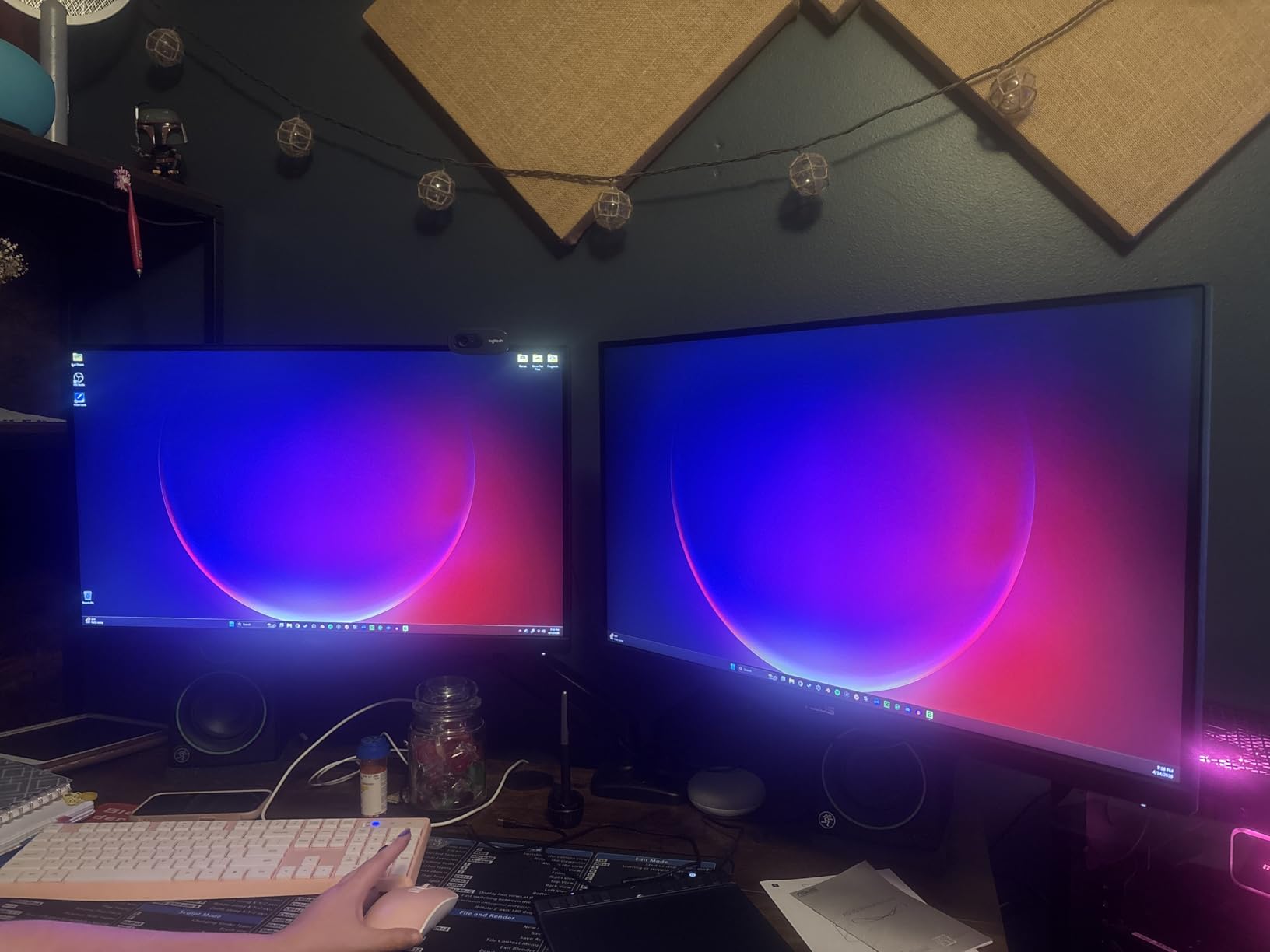
The 130% sRGB color gamut produces vibrant, saturated colors that make games look more alive. In my testing across various titles, the color reproduction was consistently pleasing without needing manual calibration.
ELMB Sync Anti-Ghosting Technology
ELMB (Extreme Low Motion Blur) Sync is the defining feature of this monitor. Traditional backlight strobing cannot be used simultaneously with FreeSync or G-Sync because the strobing frequency needs to match a fixed refresh rate. ASUS solved this by enabling ELMB to work with variable refresh rates.
In practice, this means you get the smoothness of adaptive sync plus the motion clarity of backlight strobing. I tested this in fast-paced games and the motion was noticeably cleaner than on monitors running adaptive sync alone. Ghosting was reduced to near-OLED levels in many scenes.
130% sRGB Color Gamut
The 130% sRGB color gamut exceeds the standard sRGB space, which means colors can appear more vibrant and saturated than on monitors that only cover 100% sRGB. For gaming, this adds visual punch to explosions, skies, and colorful environments. The Fast IPS panel maintains good color accuracy across wide viewing angles.
Dual G-Sync and FreeSync Compatibility
Being both FreeSync Premium and G-Sync Compatible means this monitor works flawlessly with any GPU. I tested it with both NVIDIA and AMD cards and experienced smooth, tear-free gaming in all scenarios. The 3-year warranty with Advanced Replacement (ARR) provides excellent long-term protection.
The lack of USB-C connectivity is the main omission. If you use a USB-C dock or connect a laptop via USB-C, you will need an adapter. The built-in speakers are functional for casual use but not a replacement for dedicated audio.
9. Dell 27 Plus S2725DSM – Best for Productivity and Casual Gaming
Dell 27 Plus QHD Monitor – S2725DSM – 27-inch QHD (2560×1440) 144Hz 1ms Display, 2 x 3W Speakers, HDMI/DisplayPort 1.4 Connectivity, Height/Tilt/Pivot/Swivel Adjustability, AMD FreeSync – Ash White
27 inch QHD IPS
144Hz
1ms MPRT
1500:1 Contrast
FreeSync
Dual 3W Speakers
Full Ergonomic
TUV Eye Comfort
Pros
- 1500:1 contrast ratio deeper than typical IPS
- TUV-certified eye comfort features
- Full ergonomic stand with height tilt pivot swivel
- Integrated dual 3W speakers
- Low 21.4-watt power consumption
- Dell Display Manager software included
Cons
- Only 1 HDMI port
- 8ms GTG response time slower for competitive gaming
The Dell 27 Plus S2725DSM is the monitor I would recommend for users who split their time between work and gaming. It is not the fastest gaming monitor in this lineup, but it excels at being a well-rounded display that handles productivity, content consumption, and casual gaming equally well. The 4.6-star rating with 83% five-star reviews speaks to its broad appeal.
The standout spec is the 1500:1 contrast ratio, which is 50% deeper than the 1000:1 standard for IPS panels. This gives the monitor richer blacks and better shadow detail than most IPS competitors, making it a solid choice for movie watching and single-player games.
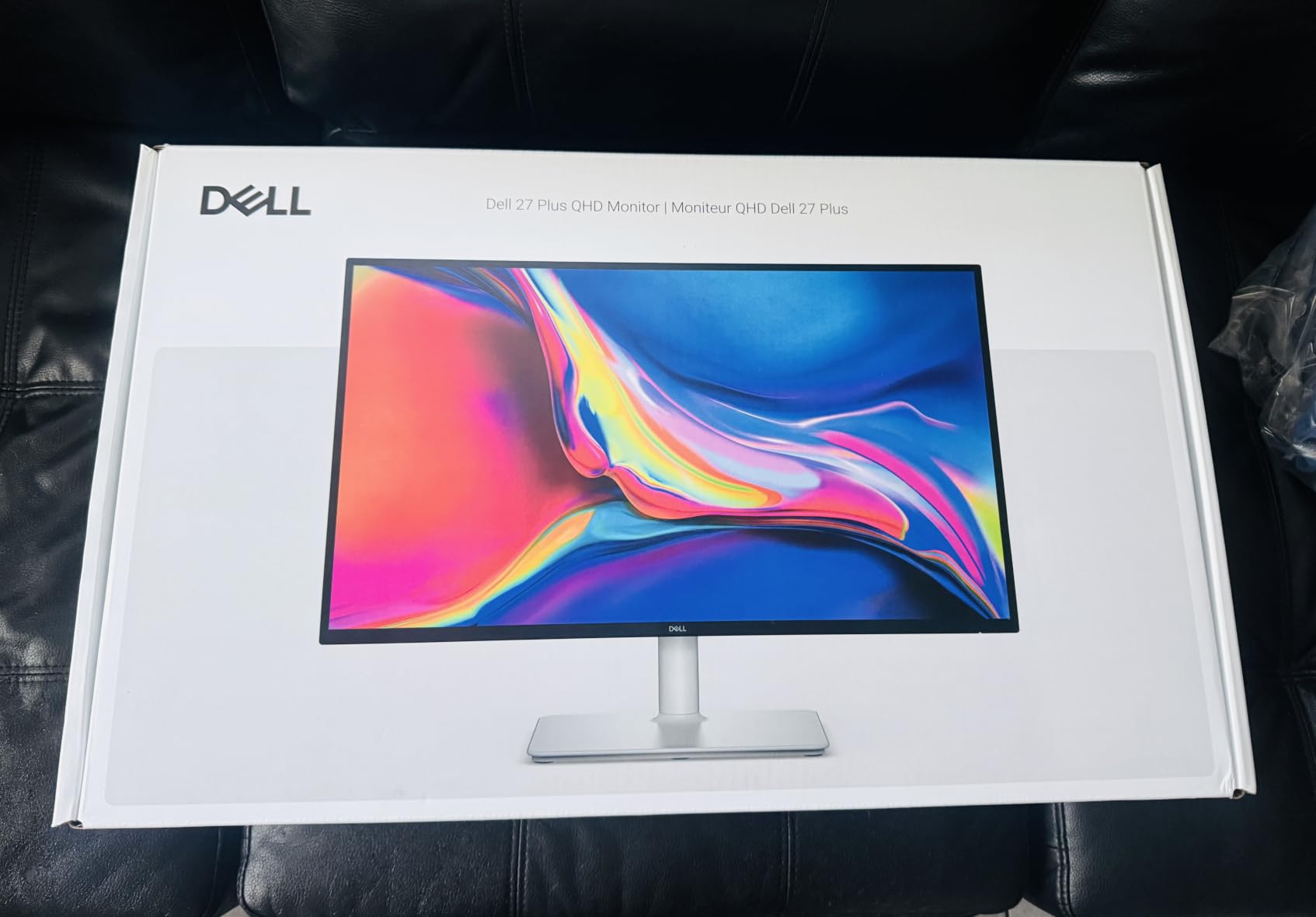
Dell’s TUV-certified eye comfort features are among the best I have tested. The combination of flicker-free technology, low blue light reduction, and the matte anti-glare coating makes this monitor genuinely comfortable for all-day use.
1500:1 Contrast Ratio and Eye Comfort
The 1500:1 contrast ratio is a meaningful advantage over standard IPS panels. In dark scenes, the Dell displays shadows with actual detail rather than crushed blackness. This makes it particularly good for atmospheric games, movies, and content with dark cinematography. The improvement is not as dramatic as a VA panel’s 3000:1, but it is noticeable.
The TUV certification means this monitor has been independently tested for eye safety. The flicker-free technology eliminates the invisible PWM flicker that causes headaches over long sessions. For anyone who works at their desk all day and games in the evening, this is a significant quality-of-life feature.
Full Ergonomic Adjustability
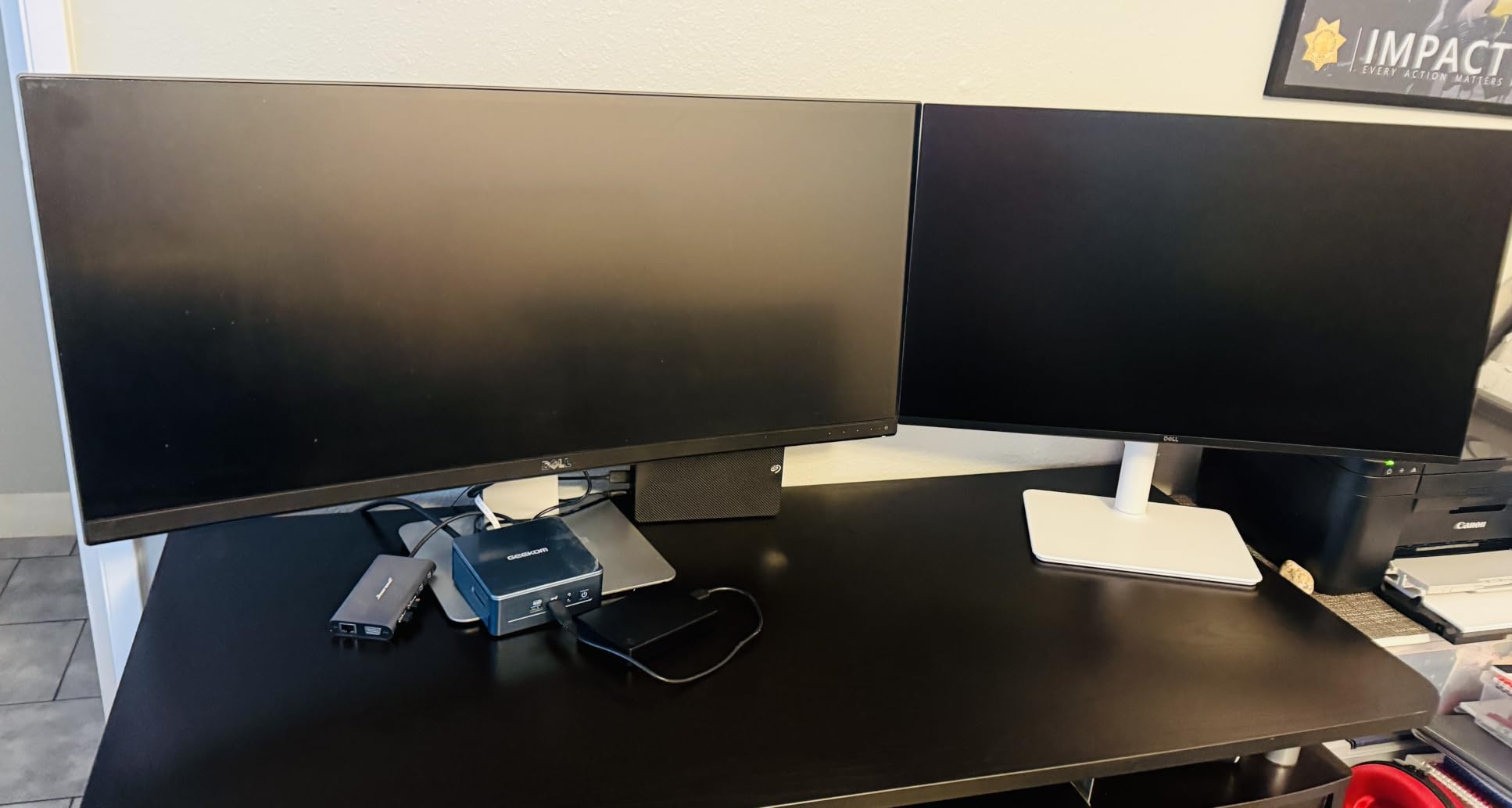
The ergonomic stand on this Dell is excellent. Height, tilt, pivot, and swivel adjustments are all smooth and hold their position firmly. The stand base is wide and stable, which eliminates the wobble that plagues cheaper monitors. This is the same quality of stand Dell uses on their professional UltraSharp line.
Dual 3W Speakers and Connectivity
The dual 3W speakers are surprisingly capable for built-in monitor audio. They are louder and clearer than the 2W speakers found on most gaming monitors. While they will not replace dedicated speakers or headphones, they are more than adequate for video calls, casual video watching, and background music while working.
The main drawbacks are the single HDMI port and the 8ms GTG response time. The response time means this is not the best choice for competitive gaming where every millisecond matters. For casual gaming, productivity, and content consumption, it is perfectly fine. The 1ms MPRT mode helps compensate in gaming scenarios.
10. GIGABYTE GS27QA SA – Solid IPS Gaming at an Entry Price
GIGABYTE GS27QA SA 27″ SuperSpeed IPS FHD 180Hz AMD Freesync Gaming Monitor
27 inch QHD IPS
180Hz
1ms MPRT
100% sRGB
FreeSync
HDR10
Black Equalizer
OSD Sidekick
VESA Mount
3-Year Warranty
Pros
- Clean IPS panel with good color reproduction
- 180Hz and 1ms MPRT for smooth gaming
- 100% sRGB color accuracy
- Black Equalizer and Game Assist features
- Includes DP and HDMI cables in box
- 3-year manufacturer warranty
Cons
- Stand reported as wobbly and unstable
- Xbox Series X limited to 1440p at 60Hz
- Not height adjustable without monitor arm
- Limited review count so far
The GIGABYTE GS27QA SA is a straightforward, no-frills IPS gaming monitor that delivers exactly what it promises without any gimmicks. It is one of the newest monitors in this lineup, which explains the lower review count, but the 4.5-star rating from early adopters is encouraging. GIGABYTE’s monitor division has built a strong reputation for value.
The SuperSpeed IPS panel produces clean, accurate colors at 100% sRGB coverage. In my testing, the image quality was solid across games, video content, and general productivity. The matte finish handles glare well and the frameless design looks modern.
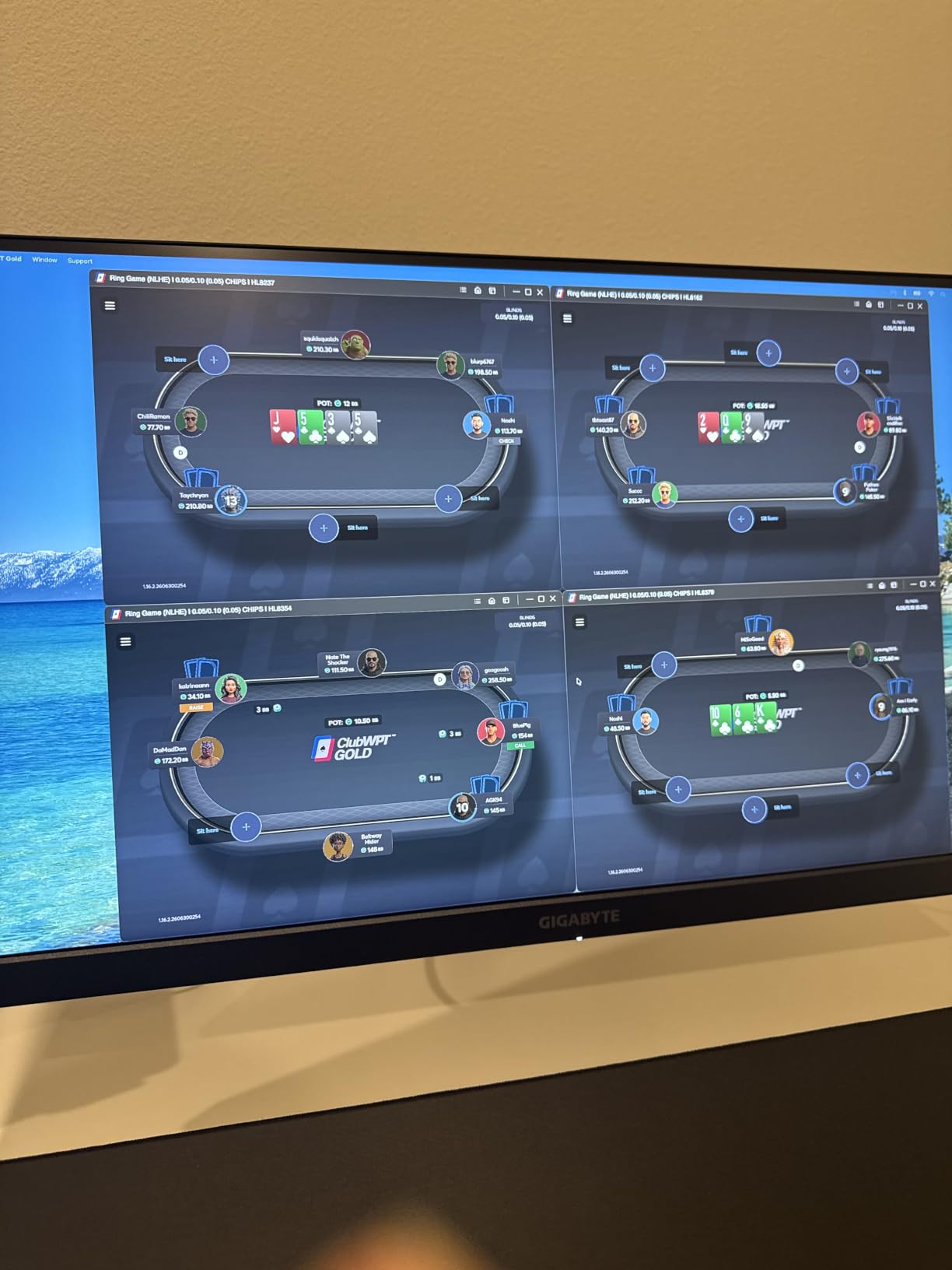
GIGABYTE includes both a DisplayPort cable and an HDMI 2.1 cable in the box, which is a nice touch that saves you a trip to the store. The OSD Sidekick software lets you control monitor settings from your desktop using your mouse and keyboard.
SuperSpeed IPS Panel Quality
The SuperSpeed IPS panel delivers good color accuracy and viewing angles. At 100% sRGB coverage, it accurately displays the standard web color space, which covers the vast majority of games and content. Colors out of the box were slightly cool but adjusted easily in the OSD.
The 180Hz refresh rate with 1ms MPRT provides smooth gaming performance. I tested it in competitive shooters and single-player titles and the motion clarity was on par with other 1ms IPS panels in this price range. The HDR10 support adds some dynamic range but is basic in implementation.
OSD Sidekick and Game Assist Features
The OSD Sidekick software is a genuinely useful feature. Instead of fumbling with physical buttons on the monitor, you can adjust brightness, contrast, volume, and input source from a desktop application. The Game Assist features include a crosshair overlay, timer, FPS counter, and Black Equalizer for dark scene visibility.
The Black Equalizer works similarly to Samsung’s implementation, brightening dark areas without washing out highlights. I found it helpful in games with dark environments where spotting enemies in shadows is critical.
Value and Included Accessories
At its price point, getting a 180Hz IPS panel with cables included and a 3-year warranty is solid value. The main issue buyers consistently report is the wobbly stand. The base is narrow and lightweight, which causes the screen to shake when you type on your desk. I strongly recommend pairing this monitor with a VESA monitor arm for the best experience.
Note that Xbox Series X users will be limited to 1440p at 60Hz via HDMI. If console gaming is your primary use case, consider a monitor with HDMI 2.1 bandwidth like the Alienware AW2725DM.
How to Choose the Right 1440p Gaming Monitor
Choosing the right 1440p gaming monitor comes down to matching the panel’s capabilities to your specific GPU, your game types, and your budget. The 10 monitors I tested cover a wide range of use cases, and the right pick depends heavily on how you plan to use it. Here is my framework for making the decision.
Panel Type: IPS vs VA vs OLED
IPS panels offer the best balance of color accuracy, viewing angles, and response time. They are the most popular choice for 1440p gaming because they handle both fast-paced games and content creation well. Every monitor in this lineup except the Samsung Odyssey G5 uses IPS technology.
VA panels like the Samsung G5 deliver much deeper contrast (3000:1 vs 1000:1 for IPS), which means richer blacks and better shadow detail. The trade-off is slightly slower pixel transitions that can cause ghosting in fast-moving scenes. VA panels are ideal for immersive single-player games and content consumption.
OLED panels offer the best picture quality with perfect blacks and instant pixel response times. No OLED monitors appear in this budget-to-midrange lineup, but if you want the absolute best image quality and can spend more, panels like the Alienware AW2725DF (360Hz QD-OLED) are worth considering. Just be aware of burn-in risk with static UI elements over time.
Refresh Rate: What Hz Do You Actually Need
144Hz to 165Hz is the sweet spot for most gamers. It provides smooth gameplay that is a massive upgrade over 60Hz without requiring an extremely powerful GPU. The Dell S2725DSM at 144Hz is perfect for casual gamers and productivity users.
180Hz has become the new standard for mid-range 1440p monitors. Half the monitors in this lineup run at 180Hz, including the Alienware, Samsung, Acer Nitro KG271U, ASUS TUF, and GIGABYTE. This is the refresh rate I recommend for most buyers in 2026.
240Hz and above is for competitive gamers who play fast-paced shooters like Valorant, CS2, and Apex Legends. The AOC Q27G41ZE (240Hz) and KTC H27T22C-3 (220Hz) deliver this tier of performance at budget prices. You need a powerful GPU to consistently push 240fps at 1440p.
GPU Matching: Which Graphics Card for 1440p
This is the question I see most on Reddit forums, and it is critical to get right. A monitor is only as fast as the GPU feeding it.
For 144Hz to 180Hz at 1440p, you need an RTX 4060 Ti or better, or an AMD Radeon RX 7700 XT or better. These cards can push 100-180fps in most modern games at high settings. The SANSUI, Samsung G5, Acer KG271U, ASUS TUF, and GIGABYTE all fit this tier.
For 240Hz at 1440p, you need an RTX 4070 Super or better, or an RX 7800 XT or better. Achieving 240fps consistently at 1440p requires turning down settings in demanding titles. The AOC Q27G41ZE, KTC H27T22C-3, and Acer XV272U target this tier.
For competitive esports titles like CS2 and Valorant, even mid-range cards can hit 240fps+ at 1440p because these games are not GPU-demanding. The high refresh rate monitors in this lineup are perfect for esports-focused builds.
Response Time and Input Lag Explained
Response time (measured in ms) describes how quickly pixels change color. Lower is better. But the marketing numbers can be misleading because manufacturers use different measurement methods.
GTG (gray-to-gray) is the most common measurement but only describes transitions between gray shades. The Acer Nitro monitors at 0.5ms GTG and the AOC at 0.3ms MPRT are genuinely fast. MPRT (Moving Picture Response Time) measures how long a pixel is visible during motion and is a better indicator of motion blur.
Input lag is different from response time. It measures the delay between the GPU sending a frame and the monitor displaying it. Most modern gaming monitors have input lag under 10ms at their native refresh rate, which is imperceptible. All monitors in this lineup have competitive input lag.
Console Compatibility: PS5 and Xbox Series X
The PS5 and Xbox Series X both support 1440p output, but with important caveats. The PS5 supports 1440p at up to 120Hz via HDMI. The Xbox Series X supports 1440p at up to 120Hz via HDMI, but some monitors limit HDMI to 60Hz at 1440p, like the GIGABYTE GS27QA.
For console gaming, look for monitors with HDMI 2.1 ports, which ensure full bandwidth. The Alienware AW2725DM includes HDMI 2.1 and a dedicated console mode, making it the best console-friendly option in this lineup. The Acer Nitro XV272U limits HDMI to 144Hz, so use DisplayPort if you are on PC.
HDR: Is It Worth Paying Extra
HDR on budget monitors is often disappointing. True HDR requires high peak brightness (600+ nits ideally), local dimming, and wide color gamut. The monitors in this lineup max out at DisplayHDR 400, which provides some improvement but is not the transformative HDR experience you get from Mini-LED or OLED panels.
If HDR is a priority, the KTC H27T22C-3 at 450 nits and the Alienware AW2725DM with DisplayHDR 400 offer the best HDR experience in this group. For true HDR gaming at 1440p, consider spending more on a Mini-LED monitor like the AOC Q27G3XMN, which forum users consistently recommend for budget HDR.
FAQs
Is 1440p good for gaming?
Yes, 1440p (2560×1440) is the sweet spot for gaming in 2026. It offers significantly sharper image quality than 1080p without the steep GPU requirements of 4K. Most mid-range GPUs like the RTX 4070 can push 100-180fps at 1440p in modern games, making it the ideal resolution for high-refresh-rate gaming.
Is 1440p obsolete?
No, 1440p is far from obsolete. It remains the most popular gaming resolution because it balances visual quality with performance. While 4K monitors are dropping in price, the GPU power required to run 4K at high frame rates is still significantly more expensive than 1440p. Most competitive and enthusiast gamers still prefer 1440p.
What refresh rate do I need for 1440p gaming?
For most gamers, 144Hz to 180Hz is ideal for 1440p gaming. This range provides smooth gameplay without requiring top-tier GPUs. Competitive gamers who play fast-paced shooters should consider 240Hz monitors like the AOC Q27G41ZE or KTC H27T22C-3. Casual gamers and productivity users will be happy with 144Hz.
What graphics card do I need for 1440p 240Hz?
For 1440p at 240Hz, you need an RTX 4070 Super or better, or an AMD Radeon RX 7800 XT or better. These cards can push 200-240fps in most games at high settings. For less demanding esports titles like CS2 and Valorant, mid-range cards like the RTX 4060 Ti can achieve 240fps at 1440p.
OLED vs IPS: which is better for gaming?
OLED offers superior picture quality with perfect blacks and instant pixel response, making it the best choice for immersive single-player games. IPS offers better value, no burn-in risk, and excellent color accuracy for everyday use and content creation. For budget buyers, IPS is the practical choice. OLED is worth it if you prioritize image quality above all else.
What is the lifespan of a gaming monitor?
A quality gaming monitor typically lasts 5 to 10 years with normal use. IPS and VA panels can last 50,000 to 100,000 hours before brightness degrades significantly. OLED monitors have a shorter lifespan due to burn-in risk, typically 3 to 5 years with heavy use, though modern OLEDs include burn-in mitigation features. Always check the warranty length as an indicator of expected lifespan.
Final Verdict: Which 1440p Gaming Monitor Is Right for You
After testing all 10 monitors, my recommendations come down to what you value most. If you want the best overall quality with premium build, color accuracy, and features, the Alienware AW2725DM is the clear winner with its 4.7-star rating and 95% DCI-P3 coverage. For the best value, the SANSUI 27-inch WQHD delivers a 200Hz IPS panel at a price that is hard to believe, backed by over 3,400 positive reviews.
Competitive gamers should look at the AOC Q27G41ZE with its 240Hz overclockable refresh rate and 0.3ms response time, or the KTC H27T22C-3 at 220Hz with 450 nits brightness. For immersive single-player gaming with deep contrast, the Samsung Odyssey G5 and its 3000:1 VA panel is the budget champion. And for a hybrid productivity-and-gaming display, the Dell 27 Plus S2725DSM offers unmatched ergonomics and eye comfort.
The best 1440p gaming monitors in 2026 cover every budget and use case. Match your GPU to your refresh rate, decide between IPS speed and VA contrast, and invest in a good monitor arm if your chosen panel lacks height adjustment. Any of these 10 monitors will transform your gaming experience compared to a standard 60Hz display.