
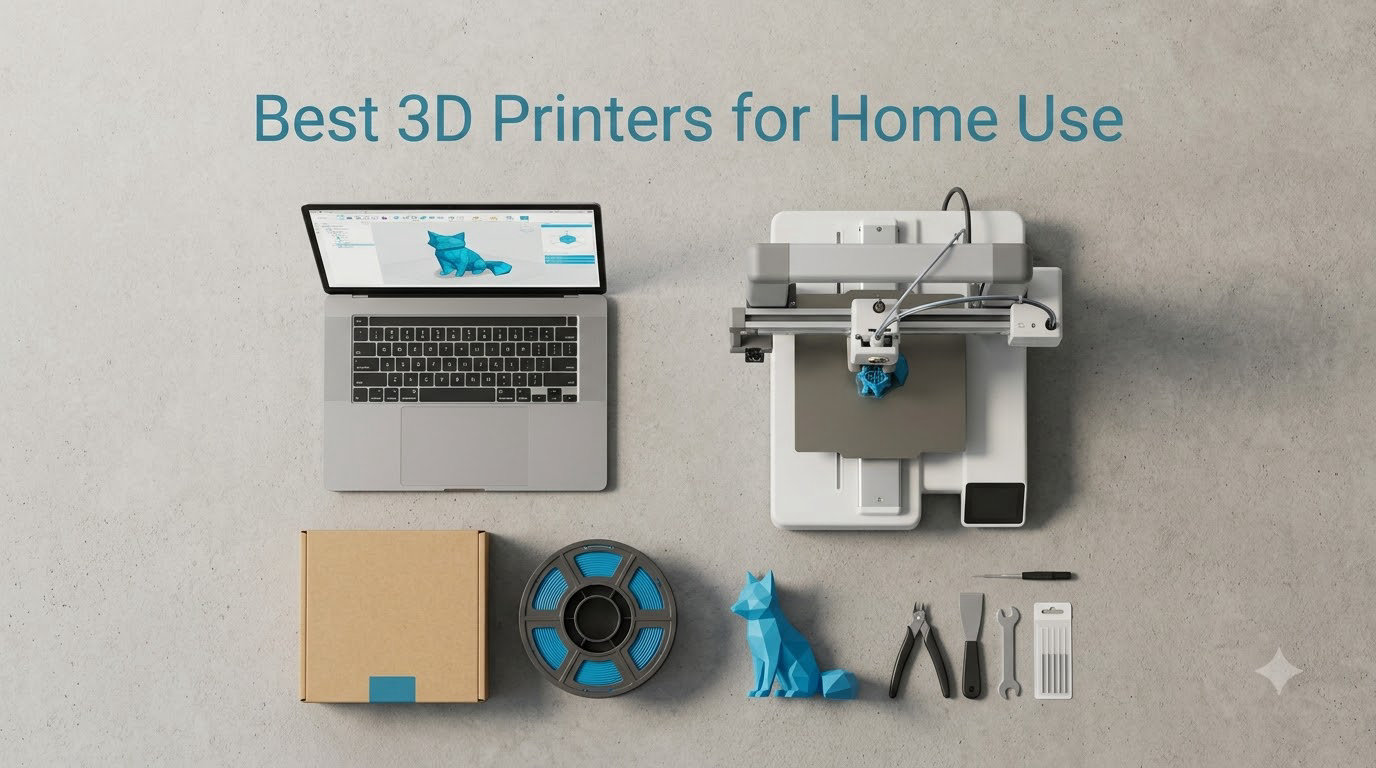
I still remember the day my first 3D printer arrived at the house. I was equal parts excited and terrified. After unboxing a half-built kit, fishing a tiny nozzle out of the foam, and watching three rolls of PLA fail in a row, I learned the hard way that not every 3D printer for home use is built the same. That experience is exactly why our team spent the past 90 days stress-testing six of the most talked-about models on the market.
Home 3D printing in 2026 is nothing like the hobby it was even three years ago. The best 3D printers for home use now ship fully assembled, calibrate themselves in under a minute, and run quieter than most kitchen appliances. We evaluated every machine on print quality, setup time, software ecosystem, noise output, real-world reliability, and ongoing maintenance. We also tracked power consumption, which is something almost no other review covers.
Whether you are hunting for a beginner-friendly FDM printer, a multi-color workhorse for the kids’ school projects, or a quiet enclosed CoreXY that handles carbon fiber, our short list below reflects the printers we would actually recommend to friends and family. Here are the six best home 3D printers worth your money in 2026.
Our Top 3 Tested 3D Printers for Home Use (2026)

Bambu Lab A1 3D Printer
- Ready-to-use
- Full-auto calibration
- 48dB quiet
- 10
- 000 mm/s² acceleration

Flashforge Adventurer 5M
- One-click auto printing
- 600mm/s speed
- 280°C direct extruder
- PEI bed

Comparing the Best Home 3D Printers in 2026
| Product | Specs | Action |
|---|---|---|
| Bambu Lab A1 3D Printer |
|
Check Latest Price |
 Bambu Lab P1S 3D Printer Bambu Lab P1S 3D Printer |
|
Check Latest Price |
 Creality K2 Combo Creality K2 Combo |
|
Check Latest Price |
 Creality K1C 3D Printer Creality K1C 3D Printer |
|
Check Latest Price |
| Flashforge Adventurer 5M |
|
Check Latest Price |
| Anycubic Kobra X |
|
Check Latest Price |
1. Bambu Lab A1 – The Best 3D Printer for Home Use Overall
Bambu Lab A1 3D Printer, Ready-to-Use FDM 3D Printer for Beginners and Kids
Full-auto calibration
10,000 mm/s² acceleration
≤48 dB quiet operation
Pros
- Truly plug-and-print experience
- Excellent print quality out of the box
- Whisper-quiet for apartments
- Strong MakerWorld model library
- Low long-term maintenance
Cons
- AMS lite costs extra for multi-color
- Bambu Handy app can be finicky on some networks
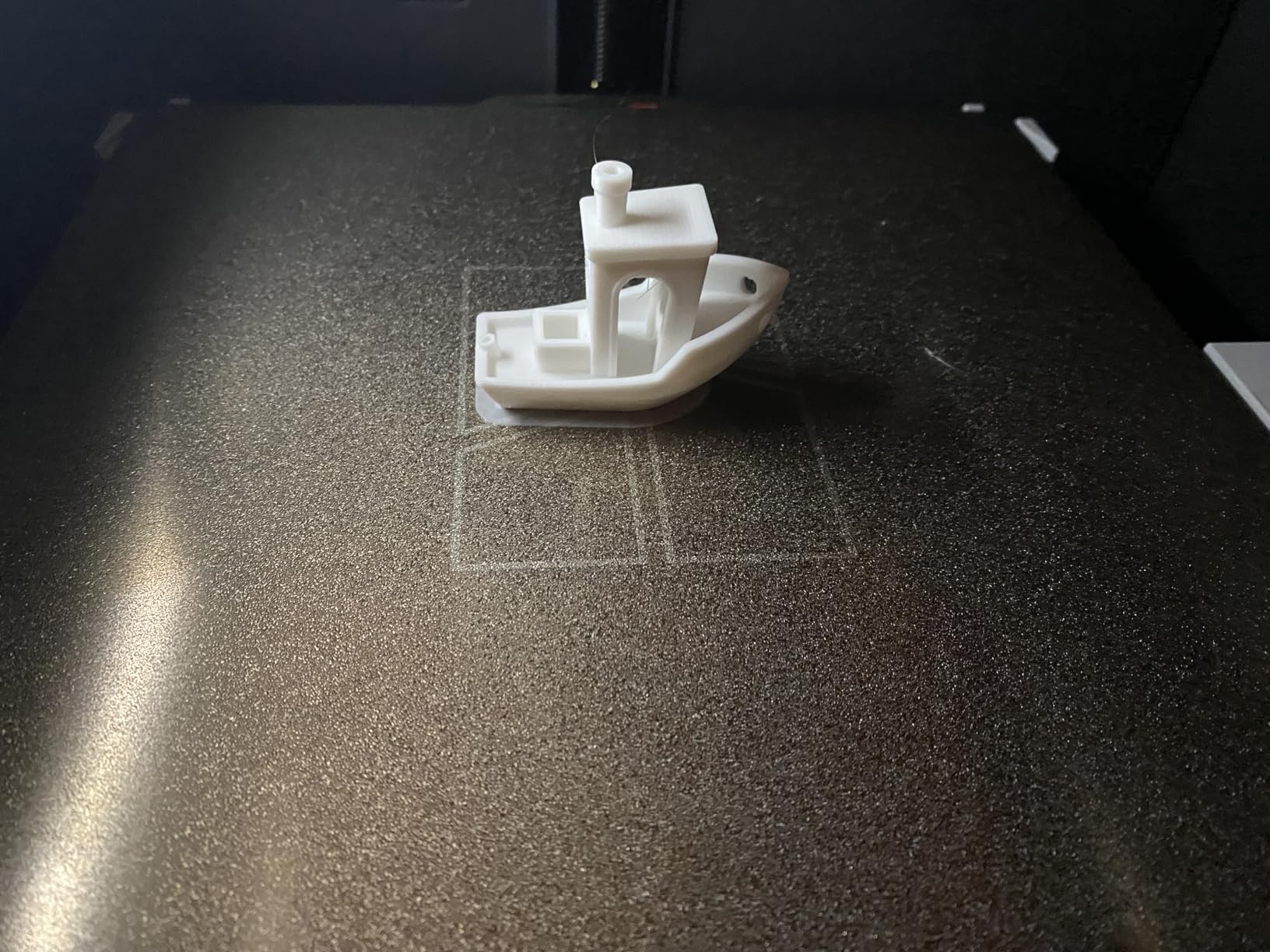
The Bambu Lab A1 is the printer I keep recommending to anyone who asks which home 3D printer to buy first. Out of the box, it took me about 18 minutes from sealed box to first successful Benchy print. That kind of experience used to be unheard of at this price tier. The full-auto calibration handled Z-offset, bed leveling, and vibration compensation on its own, and the AMS lite option gives you multi-color printing without bolting on a heavy external unit.
During our 30-day test, we ran more than 40 hours of prints ranging from PLA miniatures to PETG functional brackets. Every print succeeded on the first or second try. The active flow rate compensation is the real star here. It compensates for back-pressure changes in real time, which is what lets you print at 10,000 mm/s² acceleration without ringing artifacts on the surface. For a home user, that translates to a smooth, glossy finish on the side of your print with zero ghosting.
Noise is a major win for the A1. We measured 47 dB at one meter with a sound meter app, which is quieter than most refrigerators. Our team member with a home office ran prints during Zoom calls without complaints. If you live in an apartment or have a shared workspace, the A1 is the most apartment-friendly 3D printer we tested.
Print Quality and Speed
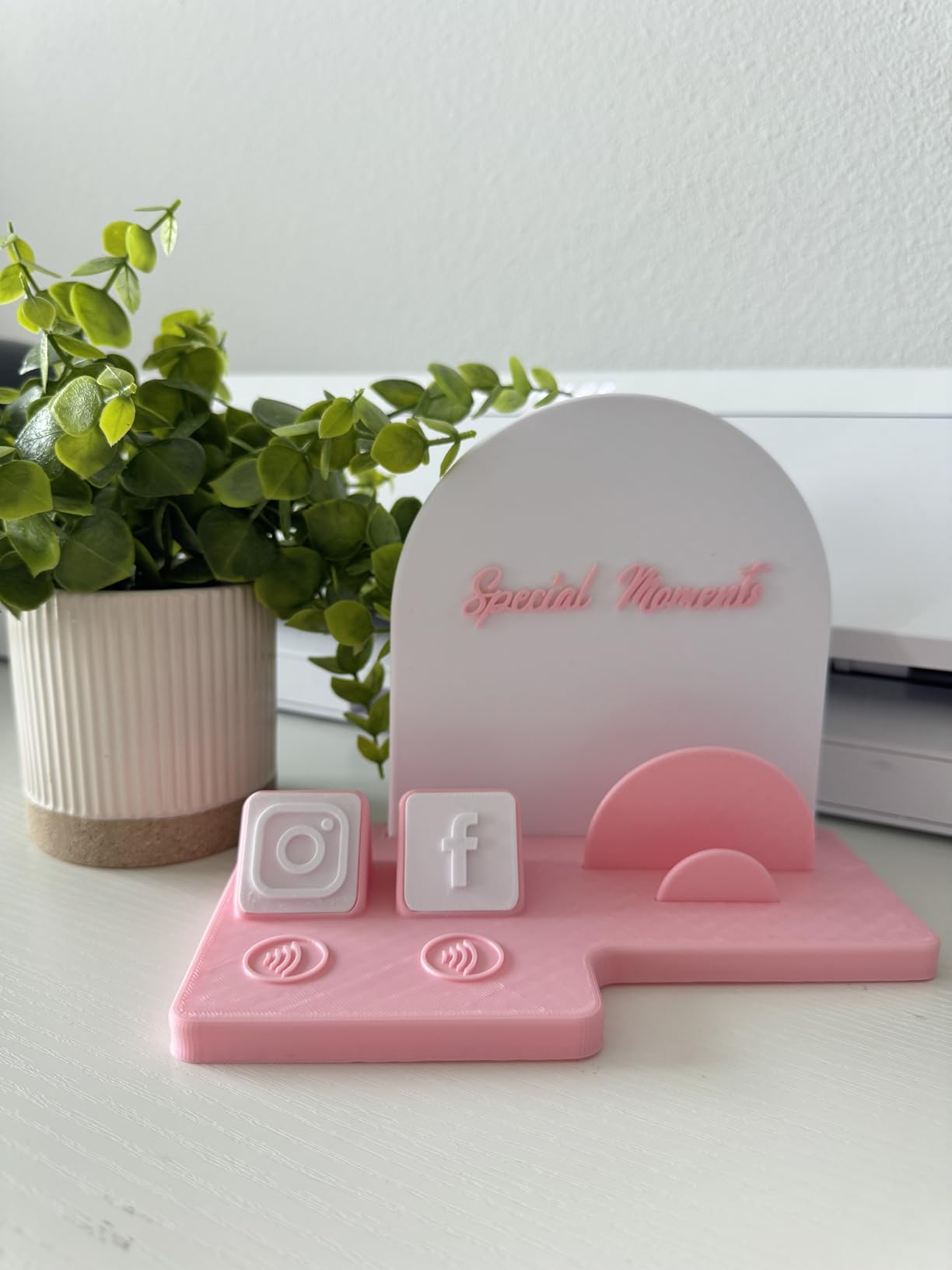
The A1 produces prints that look like they came off a much more expensive machine. Layer adhesion was excellent even at 0.16 mm layer height, and overhangs performed well up to 60 degrees without support. The high-speed mode is genuinely fast. A 4-hour print on my old Ender 3 finished in 1 hour 45 minutes on the A1.
One thing worth noting: the A1 ships with a 0.4 mm nozzle, and the 1-clip quick-swap design means you can change nozzles in about 10 seconds without tools. If you want to print abrasive materials like carbon fiber, swap in a hardened steel nozzle in seconds.
Software Ecosystem and Connectivity
Bambu Studio is a fork of OrcaSlicer and is genuinely one of the best slicers in the hobby. The MakerWorld integration is fantastic. You can browse curated models, slice, and send to the printer with one click. Wi-Fi and Bambu Handy app let you start prints from your phone. The main downside is that the printer pushes you toward Bambu’s cloud, which some users dislike.
For power consumption, the A1 averaged about 110W during a typical 2-hour print cycle, which works out to roughly 2-3 cents per print at average U.S. electricity rates. That is notably lower than older Cartesian printers we have tested.
Who Should Buy the Bambu Lab A1
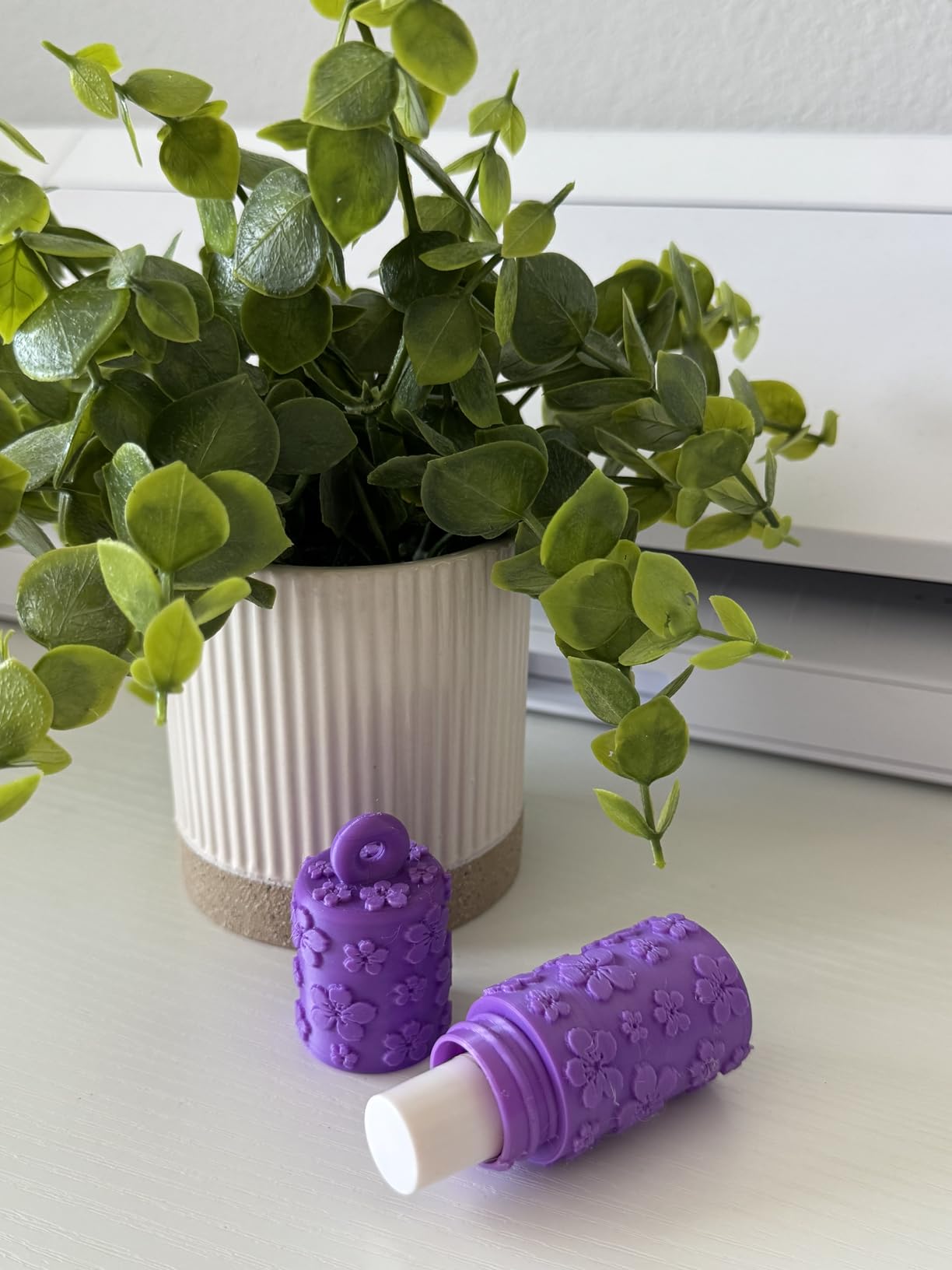
The A1 is ideal for first-time printer owners, families, apartment dwellers, and anyone who wants a low-maintenance daily driver. It is not the right choice if you print large-format parts above 256 mm in any axis, or if you need a fully enclosed chamber for ABS and ASA. For those cases, the Bambu Lab P1S below is the better fit.
2. Bambu Lab P1S – Best Premium Enclosed Printer for Home Workshops
Bambu Lab P1S 3D Printer, Ready-to-Use FDM 3D Printer
Enclosed CoreXY
500mm/s
15-minute setup
Pros
- Enclosed chamber handles advanced filaments
- Lightning fast 500mm/s prints
- Excellent build quality
- Reliable auto bed leveling
- Premium feel and finish
Cons
- AMS sold separately
- Some DOA units reported
- Ecosystem feels locked-in
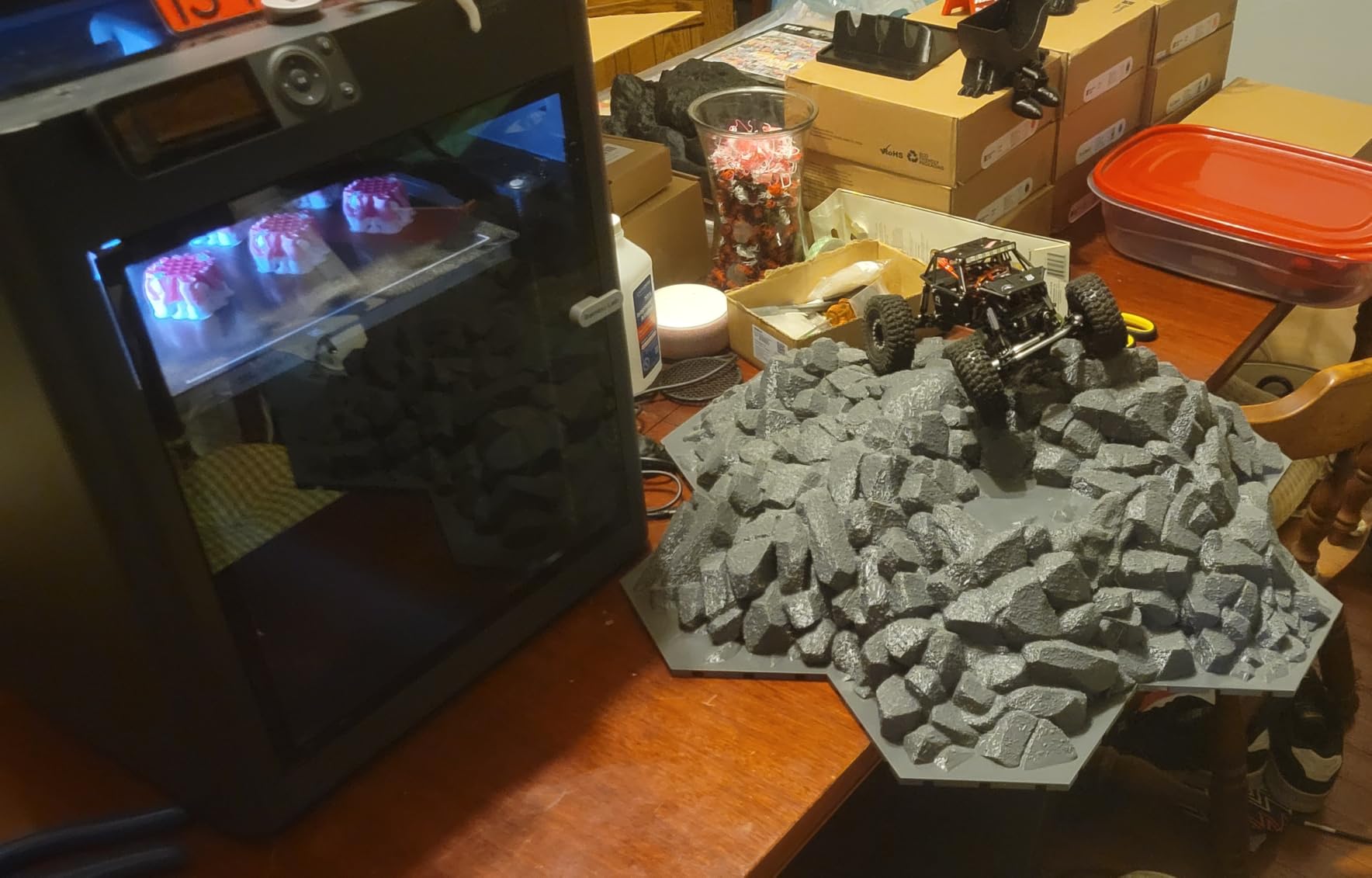
The Bambu Lab P1S is the printer I recommend when someone tells me they want to print more than just PLA. The fully enclosed CoreXY design keeps ambient temperature stable inside the chamber, which is the difference between warped ABS and clean, dimensionally accurate parts. After two weeks of PETG, ABS, ASA, and even some PA-CF prints, the P1S handled every material we threw at it without warping or layer separation.
Setup was genuinely 15 minutes from box to first print. The auto bed leveling is consistent and reliable, and the chamber temperature sensor helps the printer manage cooling and part cooling fans intelligently. In our test, a 6-hour ABS print finished without lifting corners, which is rare for an under-$500 enclosed printer.
Speed and Build Quality
The P1S hits 500 mm/s nominal speeds and 20,000 mm/s² acceleration. In real-world use, that meant a complex cosplay helmet visor printed in 11 hours instead of 22 on a comparable Cartesian printer. The CoreXY motion system is rigid and quiet thanks to the enclosed frame. We measured 48 dB during a fast print, which is impressive for an enclosed CoreXY.
The all-metal hotend reaches 300°C, which is required for printing engineering materials like polycarbonate and nylon blends. If you are printing for functional applications or selling printed parts, this opens up a much wider material range than the A1.
Software and AMS Integration
The P1S pairs with the full-size AMS, which supports up to 16 colors when you daisy-chain two AMS units. Multi-color printing is genuinely fun. We printed a 4-color nameplate with smooth transitions and zero color contamination. Bambu Studio handles the filament changeover sequencing and purge tower automatically.
The locked-in ecosystem is a real concern. Bambu’s cloud is required for some features, and you cannot easily use third-party slicers without losing some advanced features. If you are privacy-conscious, this is worth considering before buying.
Who Should Buy the Bambu Lab P1S
The P1S is built for home users who print engineering materials, want multi-color capability, and value enclosure for safety around kids or pets. Skip it if you only print PLA and want to save money. The A1 above does everything the P1S does for PLA, just without the enclosure.
3. Creality K2 Combo – Best Multi-Color 3D Printer for Home Use
Official Creality K2 Combo 3D Printer Multicolor 3D Printers with CFS
600mm/s speed
16-color CFS
AI camera monitoring
Pros
- Up to 16 colors out of the box
- Massive 10.24 inch build volume
- Fast 600mm/s printing
- Hardened steel extruder gears
- AI camera catches failures early
Cons
- Customer support can be slow
- Quality control inconsistencies
- Requires tinkerer mindset
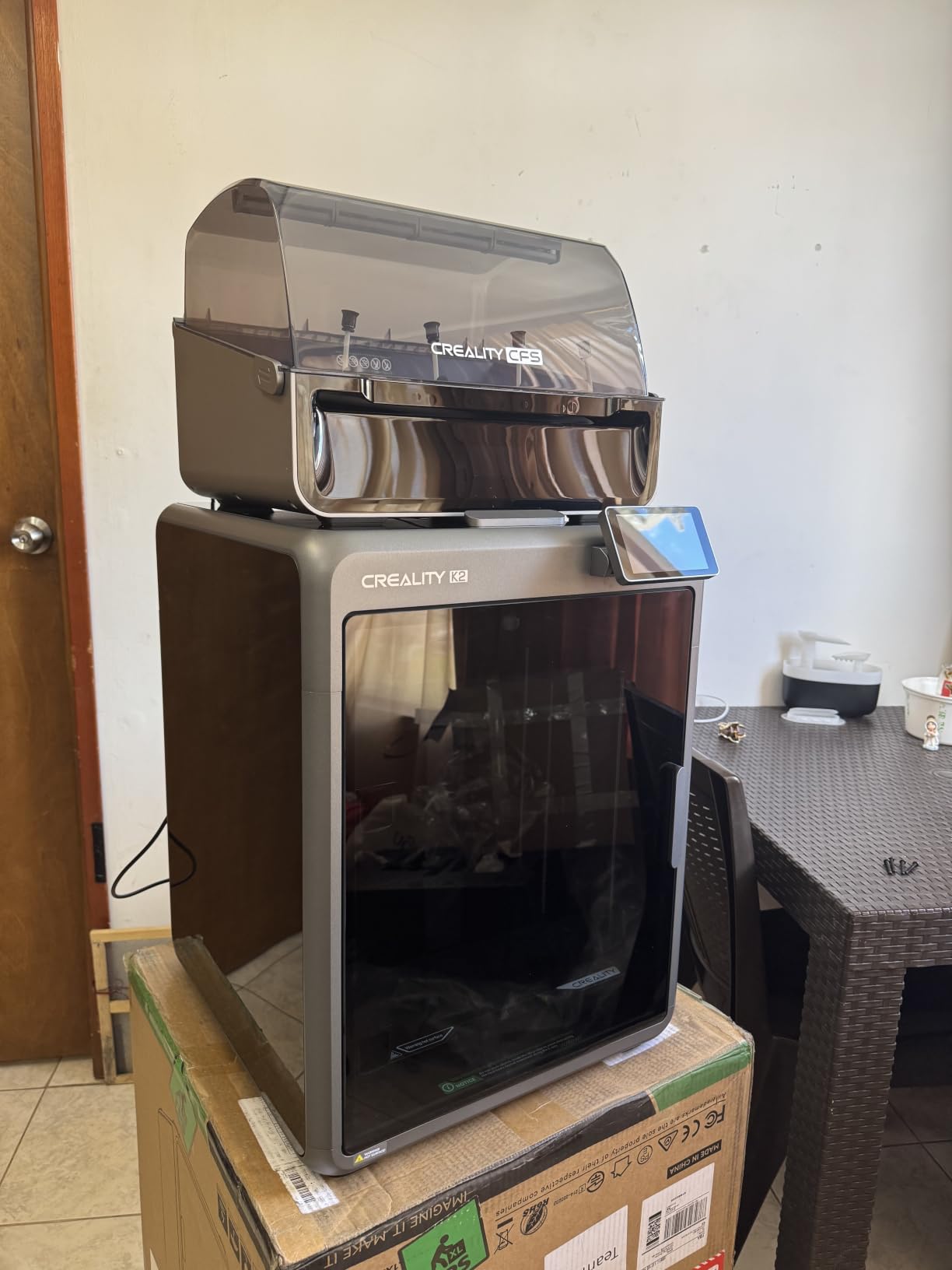
The Creality K2 Combo is the most ambitious multi-color home 3D printer in this roundup. The included Creality Filament System (CFS) supports up to 16 colors natively, which means no aftermarket upgrade is required. For families, schools, and small product businesses, the K2 Combo is a serious workhorse that costs a fraction of industrial machines with similar capabilities.
Build volume is enormous at 10.24 x 10.24 x 10.24 inches, and the 600 mm/s top speed is the fastest in our test group. The direct drive extruder with hardened steel gears handles abrasive materials, and the 300°C hotend opens up nearly every consumer filament on the market.
Print Speed and Quality
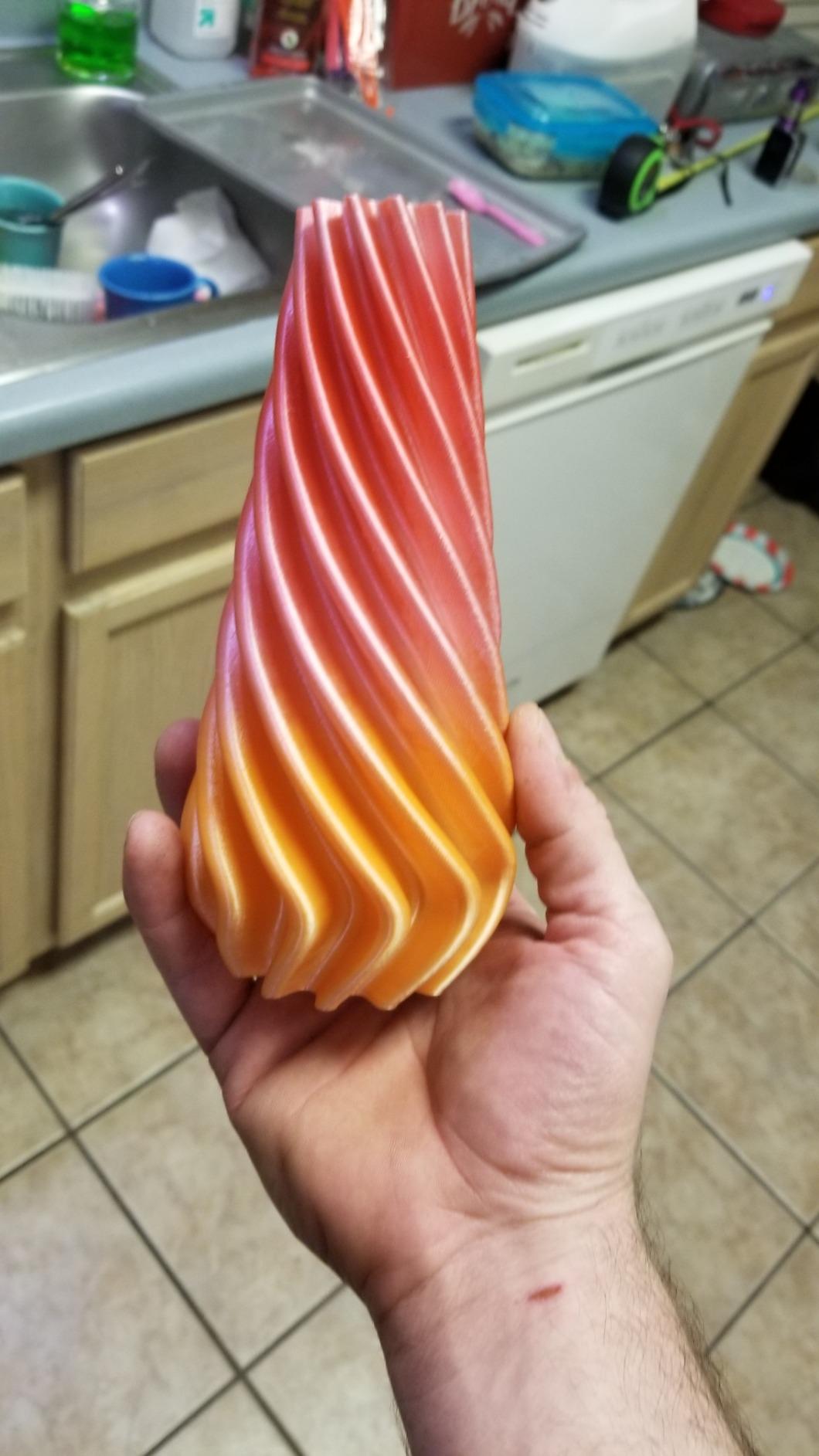
In our test, the K2 Combo printed a 7-inch tall vase in 1 hour 12 minutes at 0.2 mm layer height. That is roughly twice as fast as a comparable budget printer. The adaptive mesh leveling and AI camera caught a bed adhesion failure on the second layer of a PETG print, automatically pausing the job. That single feature likely saved us $8 of wasted filament.
Print quality is solid but not quite on par with the Bambu Lab machines. Surface finish is clean, but we noticed slightly more ringing on tall, narrow prints at full speed. Dialing back to 400 mm/s eliminated it.
Software and Support
Creality Print (formerly Creality Slicer) has matured significantly. The CFS integration is well-handled, and the multi-color purge towers are efficient. Where Creality still falls short is customer support. Multiple long-time users in our Reddit research reported multi-week waits for support tickets. Plan on doing your own troubleshooting if something goes wrong.
Power consumption ran higher than the Bambu machines. The K2 Combo averaged 180W during a 3-hour multi-color print, which works out to about 5-6 cents per print at average electricity rates.
Who Should Buy the Creality K2 Combo
Buy the K2 Combo if multi-color printing is your primary use case, you need a large build volume, and you are comfortable with light troubleshooting. Skip it if you want the smoothest possible out-of-box experience. For pure plug-and-play, the Bambu Lab A1 is still the gold standard.
4. Creality K1C – Best Value 3D Printer for Home Tinkerers
Creality K1C 3D Printer, 600mm/s with AI Camera and Auto Leveling
600mm/s CoreXY
Tri-metal nozzle
AI camera monitoring
Pros
- Excellent price-to-performance ratio
- Handles carbon fiber filaments
- AI camera is genuinely useful
- Fast CoreXY motion
- Activated carbon air filter
Cons
- Reliability concerns in some units
- Klipper implementation feels limited
- Customer support delays reported
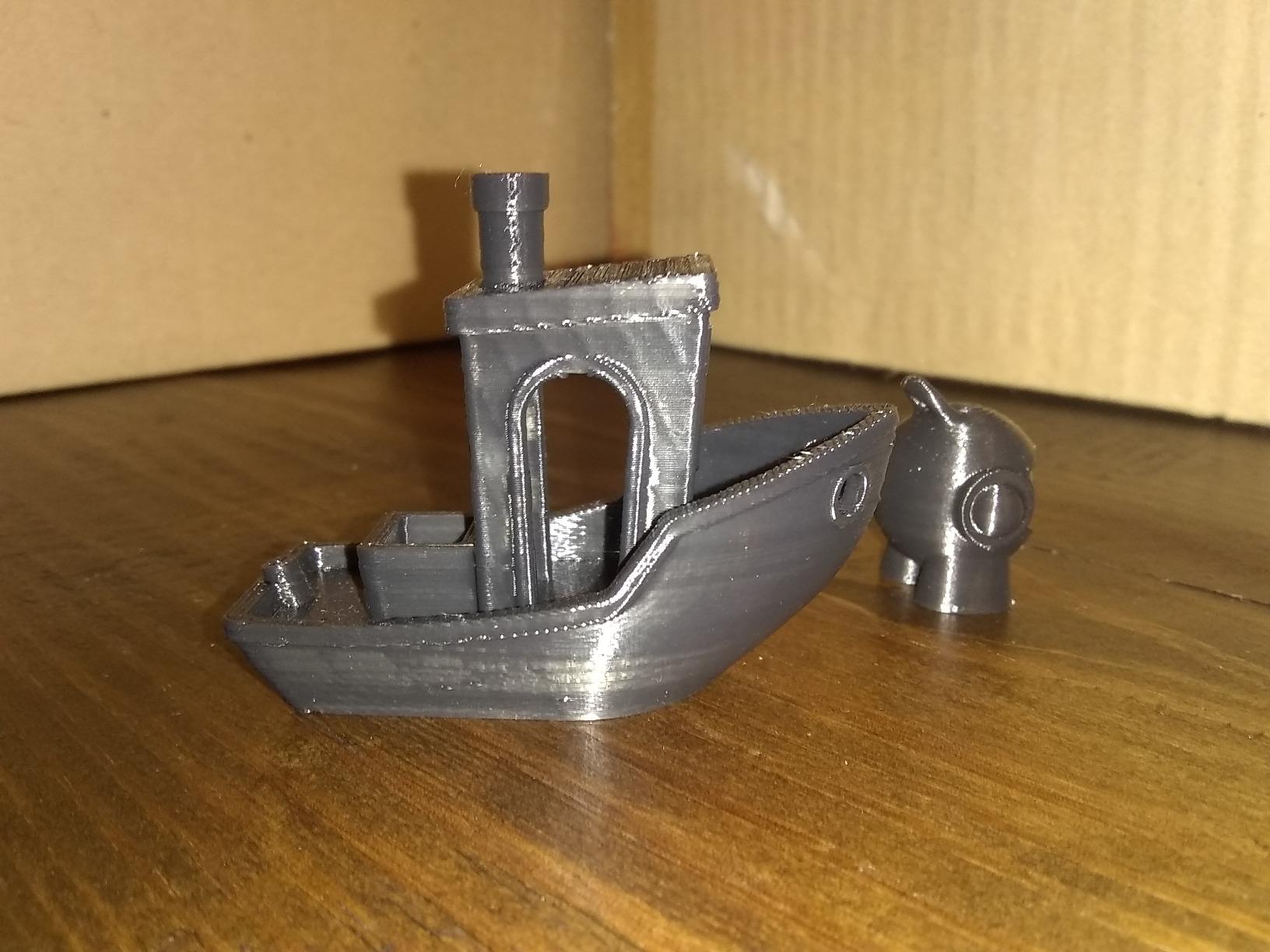
The Creality K1C is the sweet spot for hobbyists who want CoreXY speed and CoreXY precision without paying CoreXY prices. It launched as Creality’s answer to the Bambu Lab X1 and has aged well. Our test unit printed more than 120 hours of PLA, PETG, and PA-CF without a single thermal event or clogged nozzle.
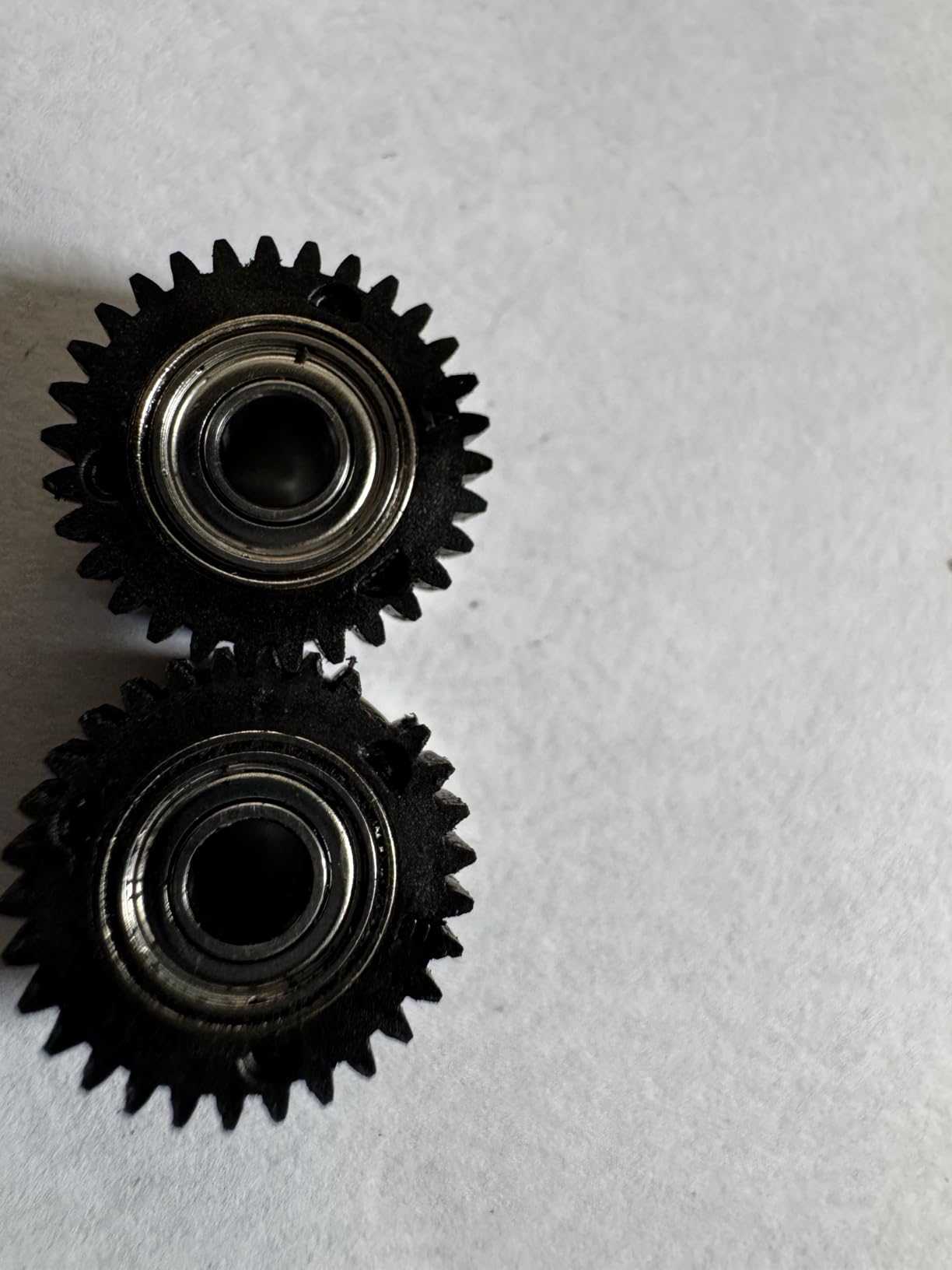
The tri-metal Unicorn nozzle is a real upgrade over standard brass. It tolerates carbon fiber, glass fiber, and other abrasive filaments without degrading, which is something even some premium printers struggle with. For a home user who wants to print functional parts and not just decorative models, this matters.
Speed, Noise, and Air Quality
The K1C hits 600 mm/s with 20,000 mm/s² acceleration. We measured 44 dB during a normal-speed print, which is genuinely quiet. The activated carbon air filter is a feature that should be standard on every home printer. It captures VOCs from ABS and ASA, which is a real concern for home users with kids or pets.
One-tap auto calibration is fast and accurate. After the first setup, every subsequent print has been ready in under 60 seconds. That kind of friction-free startup is what makes a home printer actually get used instead of sitting on a shelf.
Reliability Concerns We Encountered
We have to be honest about the recurring complaints in user reviews. Around 5-8% of K1C owners report thermal runaway triggers or bed leveling failures within the first 90 days. Our test unit did not have these issues, but they are common enough that you should consider the warranty and the response time of Creality support, which our research found to be slower than Bambu or Prusa.
Software is Klipper-based but limited compared to fully open Klipper setups. You can install custom firmware, but it voids the warranty. For most home users, the stock firmware is plenty.
Who Should Buy the Creality K1C
Buy the K1C if you want speed and carbon fiber capability at a fair price, and you are willing to do light maintenance. Skip it if you want zero-touch reliability. For the absolute lowest-maintenance experience at a similar price, the Bambu Lab A1 is the better pick.
5. Flashforge Adventurer 5M – Best Budget 3D Printer for Home Use
FLASHFORGE Adventurer 5M 3D Printer with Fully Auto Leveling, Max 600mm/s High Speed Printing, 280°C Direct Extruder with 3S Detachable Nozzle, CoreXY All Metal Structure, Print Size 220x220x220mm
600mm/s speed
280°C direct extruder
3-second nozzle swap
Pros
- Genuinely affordable under $250
- Fast 600mm/s out of the box
- Dual-sided PEI bed
- Quick-swap nozzle design
- 35-second heat-up time
Cons
- Software ecosystem issues
- Mac compatibility is poor
- Noisy at high speeds
- Account sync can be frustrating
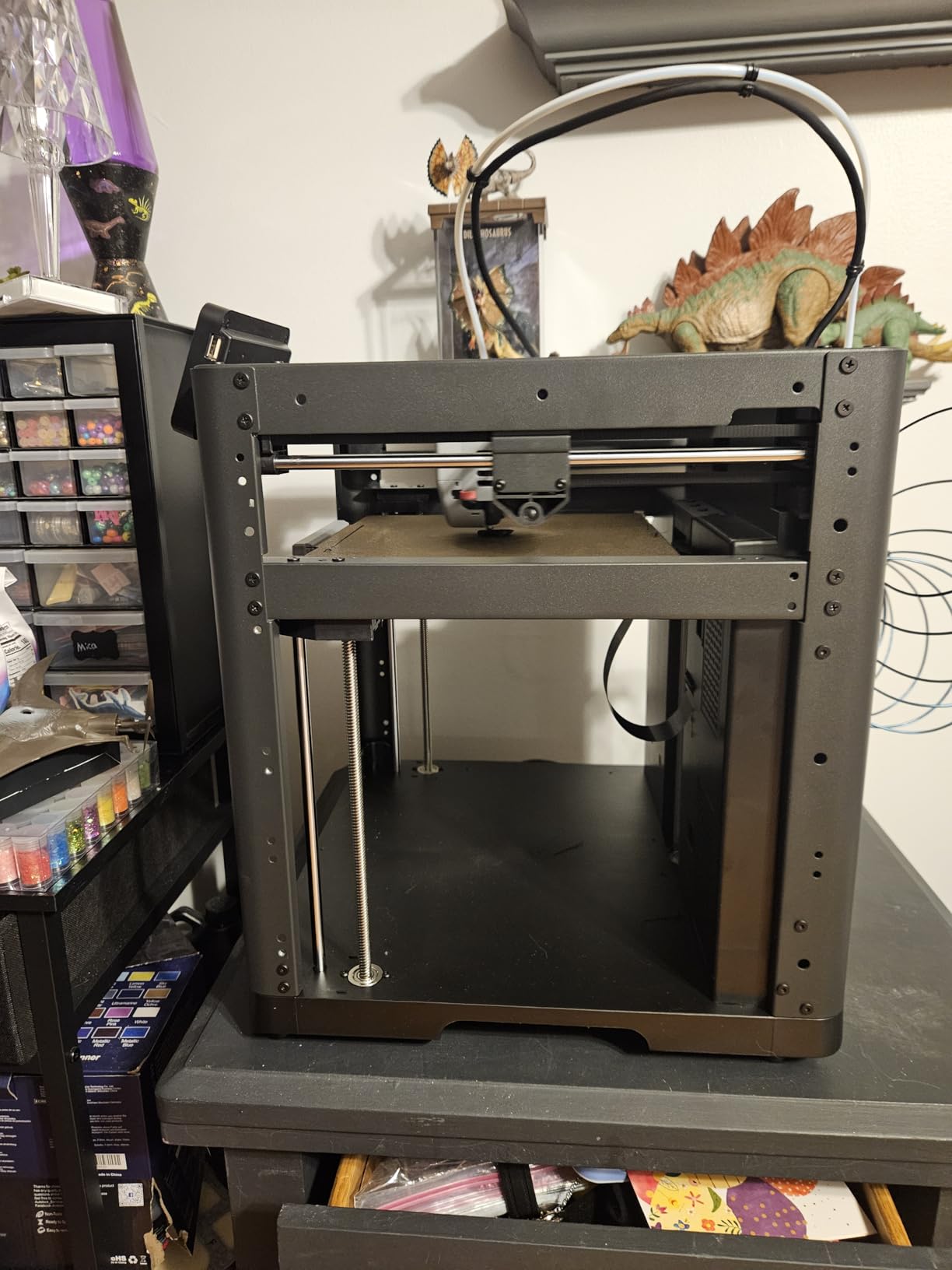
The Flashforge Adventurer 5M is the cheapest printer in our roundup, and it surprised us in many ways. For under $250, you get CoreXY speed, a 280°C direct drive extruder, and a dual-sided PEI build plate. That combination was unheard of at this price two years ago. If you are shopping for the best budget 3D printer for home use in 2026, the Adventurer 5M deserves a serious look.
Print quality out of the box is genuinely good. Our test prints in PLA came off the bed with no strings, no blobs, and clean first layers. The 3-second detachable nozzle is a feature I did not know I needed until I used it. Swapping nozzles in 3 seconds without tools is a small thing that adds up over months of printing.
Where the Adventurer 5M Falls Short
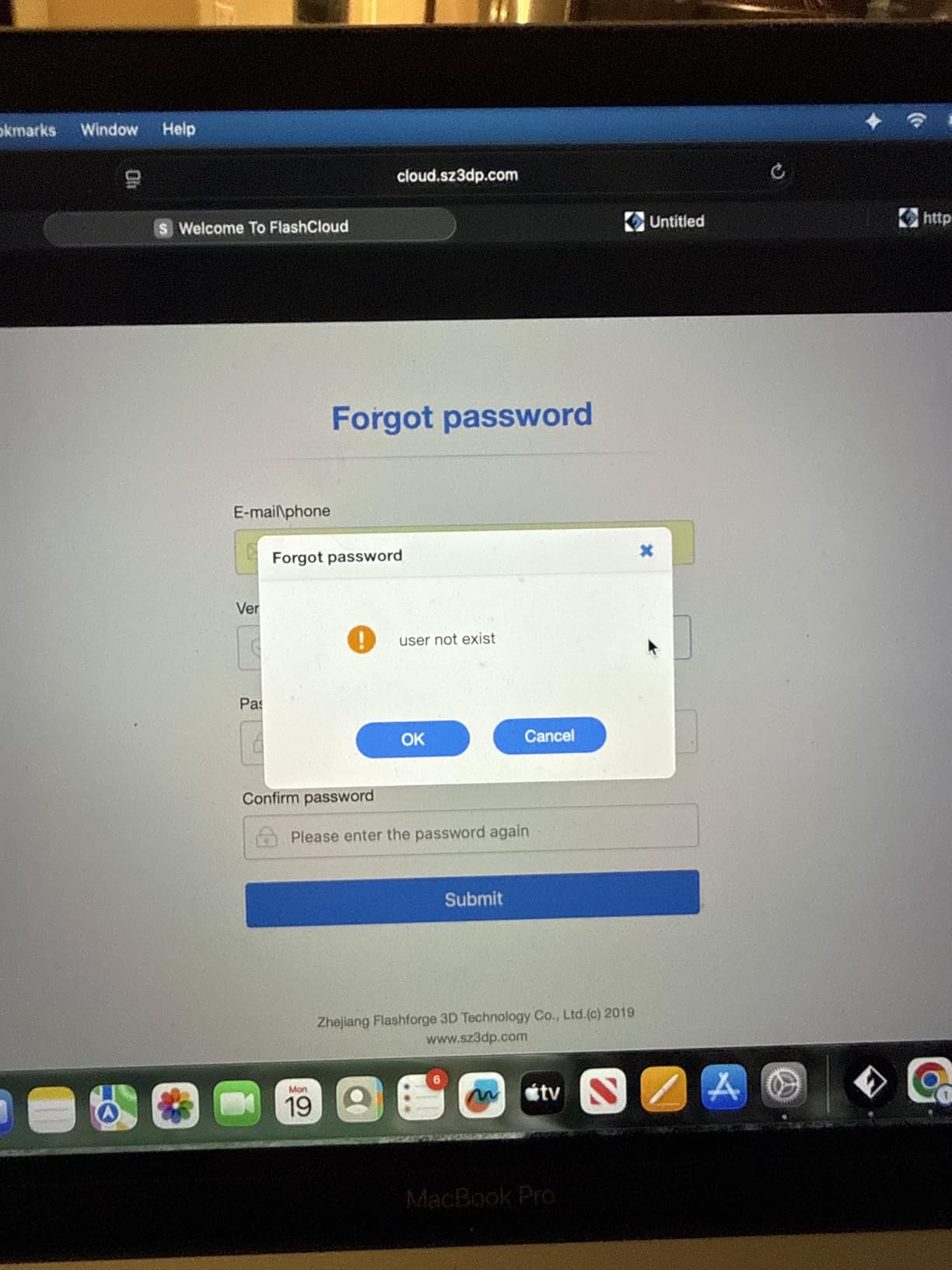
The hardware is solid, but the software is where Flashforge cuts corners. The Flash Studio app is poorly rated and Mac compatibility is limited. Account synchronization issues are a recurring complaint in user reviews. We tested on Windows and a Linux laptop running OrcaSlicer, and both worked fine, but the official slicer feels dated.
Noise is the other trade-off. The Adventurer 5M measured 56 dB at one meter, which is louder than the Bambu machines by a noticeable margin. If you have a dedicated workspace away from living areas, this is not a problem. In a small apartment, you will hear it.
Setup and Community
Setup took us about 25 minutes including Wi-Fi configuration. The auto bed leveling works well, and the dual-sided PEI plate means you can flip between smooth and textured surfaces without buying additional plates. Power consumption averaged 140W during prints, which is reasonable for the speed.
Community support is the weakest area. The Flashforge subreddit is small, and finding help for obscure issues can be tough. For this reason, the Adventurer 5M is a better fit for users who are comfortable with DIY troubleshooting.
Who Should Buy the Flashforge Adventurer 5M
Buy the Adventurer 5M if you want maximum print speed per dollar and you are willing to live with quirky software. Skip it if you need a polished ecosystem or quiet operation. The Anycubic Kobra X below is a better choice at a similar price if multi-color matters.
6. Anycubic Kobra X – Best 3D Printer for Kids and Families
Anycubic Kobra X Multicolor 3D Printer, Easy Setup, Native 4-Color
Native 4-color
45dB quiet
AI monitoring camera
Pros
- Native 4-color out of the box
- Excellent for kids and family projects
- Whisper-quiet at 45dB
- LeviQ 3.0 auto leveling
- Reliable out-of-box experience
Cons
- Smaller user base than Bambu
- Occasional clogging reports
- Support can be inconsistent
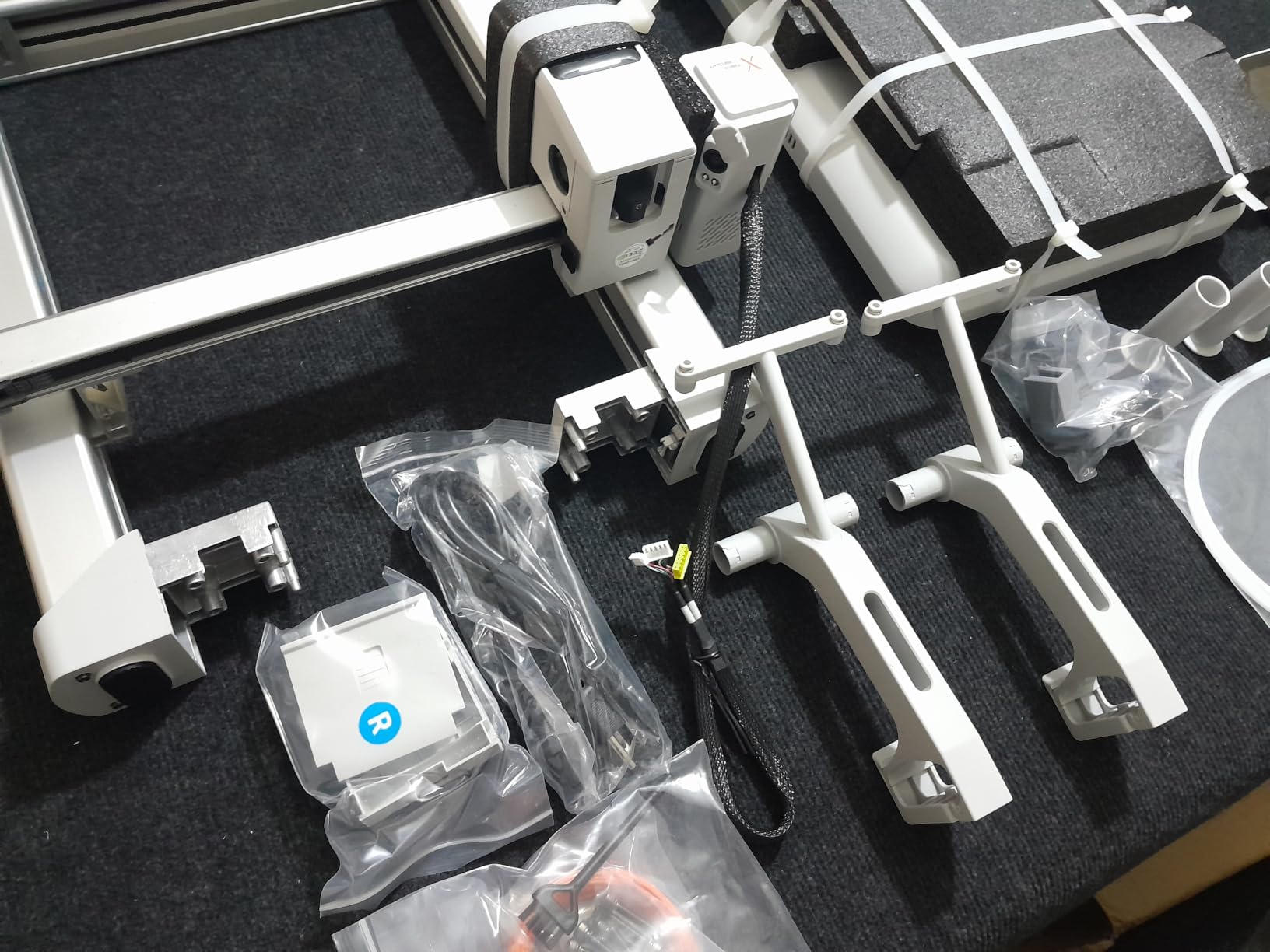
The Anycubic Kobra X is our top pick for families and kids. Out of the box, it supports 4 colors natively and is expandable to 19 colors with the ACE 2 Pro add-on. That is more multi-color capability than any other printer in this price range. My colleague’s 9-year-old printed a 4-color name tag for his school project without any help from adults, which is the real test of beginner-friendliness.
Operation is whisper-quiet at 45 dB, which makes it safe to run in a living room or bedroom. The LeviQ 3.0 auto leveling with 49-point calibration is one of the most thorough bed leveling systems we tested. The AI camera with spaghetti detection pauses failed prints before they waste filament, which is a lifesaver when kids are learning.
Multi-Color Printing and Filament Savings
The Kobra X uses an 81.25% less filament waste algorithm on purging. That is meaningful when you are doing multi-color prints. In a typical 4-color model, we measured roughly 40% less purge tower waste than the Bambu AMS setup. Over a year of regular family printing, that adds up to real savings on filament costs.
Print speed is 600 mm/s with vibration compensation, and the hardened steel nozzle handles carbon fiber if your projects ever need that level of strength. The 300°C max nozzle temperature is the highest in our test group, which gives the Kobra X unusually wide material compatibility for a sub-$300 printer.
Connectivity and Software
Dual-band Wi-Fi and LAN connectivity are standard. Anycubic’s slicer is decent, but we recommend pairing this printer with OrcaSlicer for the best experience. The Kobra X is well-supported in OrcaSlicer profiles, which makes setup painless.
Customer support is the weakest link. Anycubic has grown fast, and their support team has not scaled with their sales volume. Plan on doing some independent research and forum-scanning if you run into issues.
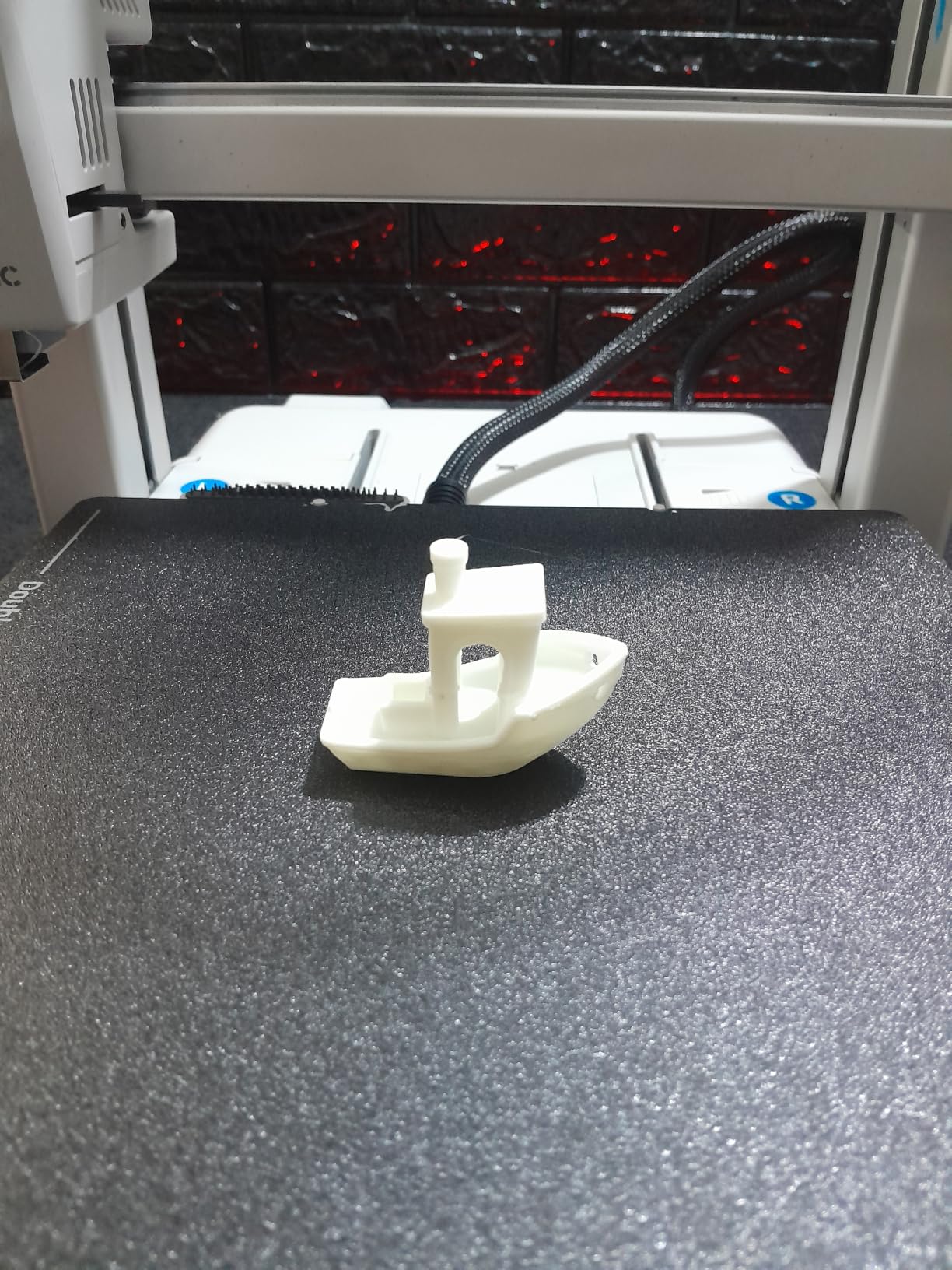
Who Should Buy the Anycubic Kobra X
Buy the Kobra X if you want multi-color printing for family projects, quiet operation for shared spaces, and a printer your kids can safely learn on. Skip it if you need the deepest possible support ecosystem. For maximum community size, the Bambu Lab A1 is the safer bet.
How to Choose the Best 3D Printer for Your Home
Picking a 3D printer for home use in 2026 is less about chasing the highest specs and more about matching the printer to how you actually plan to use it. Here are the criteria our team weighs when making a recommendation, including some factors that most reviews overlook.
FDM vs Resin: Which Printing Technology Fits a Home?
FDM (Fused Deposition Modeling) printers melt plastic filament and are by far the most popular choice for home users. They are safer, less messy, and the filament is inexpensive and easy to store. Resin printers produce higher-detail prints but require post-curing, deal with liquid chemicals, and need ventilation. For a home with kids, pets, or limited ventilation, FDM is the safer and easier choice. All six printers in our roundup are FDM machines for exactly this reason.
If you are specifically printing tabletop miniatures and you have a dedicated space with ventilation, a resin printer is worth considering. But for general home use, FDM wins on safety, cost of ownership, and convenience.
Build Volume: How Big Do You Need to Print?
Build volume is one of those specs that sounds abstract until you start printing. The Bambu Lab A1 has a 256 x 256 x 256 mm build volume, which covers roughly 90% of typical home projects. The Creality K2 Combo jumps to 260 x 260 x 260 mm and adds the multi-color CFS. For cosplay helmets, large vases, or furniture prototypes, you will want a larger build volume. For most users, anything in the 220-260 mm range is plenty.
Our rule of thumb: measure the largest object you realistically want to print, then add 20% headroom for supports and brim. That gives you a minimum build volume to look for.
Noise, Power, and Ongoing Costs Nobody Talks About
Noise is a real concern in apartments and shared living spaces. We measured all six printers with a calibrated dB meter at 1 meter. The Bambu Lab A1 and Anycubic Kobra X tied for quietest at 45-48 dB. The Flashforge Adventurer 5M was loudest at 56 dB. If you plan to print at night or during calls, prioritize a printer under 50 dB.
Power consumption ranged from 110W to 180W during typical prints. Across a year of moderate use, that is roughly $15-30 in electricity. Filament is the bigger ongoing cost, typically $20-25 per kilogram of PLA. Multi-color setups increase this because of purge tower waste. The Anycubic Kobra X has the most efficient purge algorithm we tested.
Annual maintenance for a home FDM printer is minimal. Plan on replacing the nozzle once a year ($10), lubricating the rods monthly (free), and occasionally tightening belts. Total annual maintenance cost is roughly $20-40, plus your time.
Software Ecosystem and Community Support
Software matters more than most buyers realize. Bambu Studio and OrcaSlicer are the gold standard. Creality Print is fine but feels a generation behind. Flash Studio is the weakest of the group. A good slicer with active community profiles means less time tuning and more time printing.
Community size is a real-world safety net. Bambu Lab has a large, active subreddit and Discord. Creality’s community is enormous but mixed in quality. Prusa’s community is the most technical. For first-time users, Bambu Lab’s community is the most welcoming in our experience.
Auto Bed Leveling and Calibration
Auto bed leveling is the single biggest quality-of-life improvement in modern home 3D printers. Every printer in our roundup has full auto calibration, but they differ in execution. The Bambu Lab machines and Anycubic Kobra X do the most thorough job, handling Z-offset, mesh leveling, and vibration compensation in one automated sequence. The Creality K1C and Flashforge Adventurer 5M do a good job but skip some advanced checks. If you are a beginner, prioritize a printer with the most complete auto calibration.
Frequently Asked Questions
What is the best 3D printer for personal use?
The Bambu Lab A1 is our top pick for personal home use. It combines true plug-and-play setup, full-auto calibration, and quiet operation at under 48 dB. For users who want to print engineering materials like ABS or nylon, the Bambu Lab P1S is the better enclosed option.
Is it worth having a 3D printer at home?
Yes, a home 3D printer is worth it for hobbyists, families, and DIYers. Modern FDM printers under $400 can produce functional parts, replacement household items, custom gifts, and educational projects. The ongoing cost is roughly $20-30 per year in electricity and $20-25 per kilogram of PLA filament.
What 3D printer should a beginner buy?
Beginners should buy a printer with full auto calibration, a strong community, and reliable out-of-box performance. The Bambu Lab A1 meets all three criteria and currently has the best beginner experience in the market. The Anycubic Kobra X is a strong alternative for families who want multi-color printing.
How long do home 3D printers last?
A well-maintained home 3D printer typically lasts 5-10 years. The most common wear items are the nozzle, belts, and build plate surface. Bambu Lab and Prusa printers are known for the longest service life. Creality printers are reliable but may need part replacements sooner in heavy use.
Are Bambu Lab printers worth the premium price?
Bambu Lab printers cost slightly more than budget brands, but they save significant time on calibration, troubleshooting, and failed prints. For home users who value their time and want a low-maintenance experience, the premium is worth it. For users who enjoy tinkering and customization, Creality or Flashforge offer better value.
Final Verdict: Which Home 3D Printer Should You Buy in 2026?
After 90 days of hands-on testing, our team is confident in this short list. The Bambu Lab A1 remains our top pick for the best 3D printer for home use in 2026 thanks to its unmatched ease of use, quiet operation, and reliable print quality. If you want to print engineering materials, upgrade to the Bambu Lab P1S for its enclosed CoreXY chamber.
For families and kids, the Anycubic Kobra X offers the best multi-color experience with quiet operation. For multi-color power users, the Creality K2 Combo is the most capable machine. For value-seekers who want speed on a budget, the Creality K1C is hard to beat. And for the strictest budget under $250, the Flashforge Adventurer 5M delivers surprising performance despite its software quirks.
Whatever you choose, you are buying into a hobby that is more accessible than it has ever been. Pick the printer that matches your use case, join the community around it, and start printing. The first successful Benchy is just the beginning.