
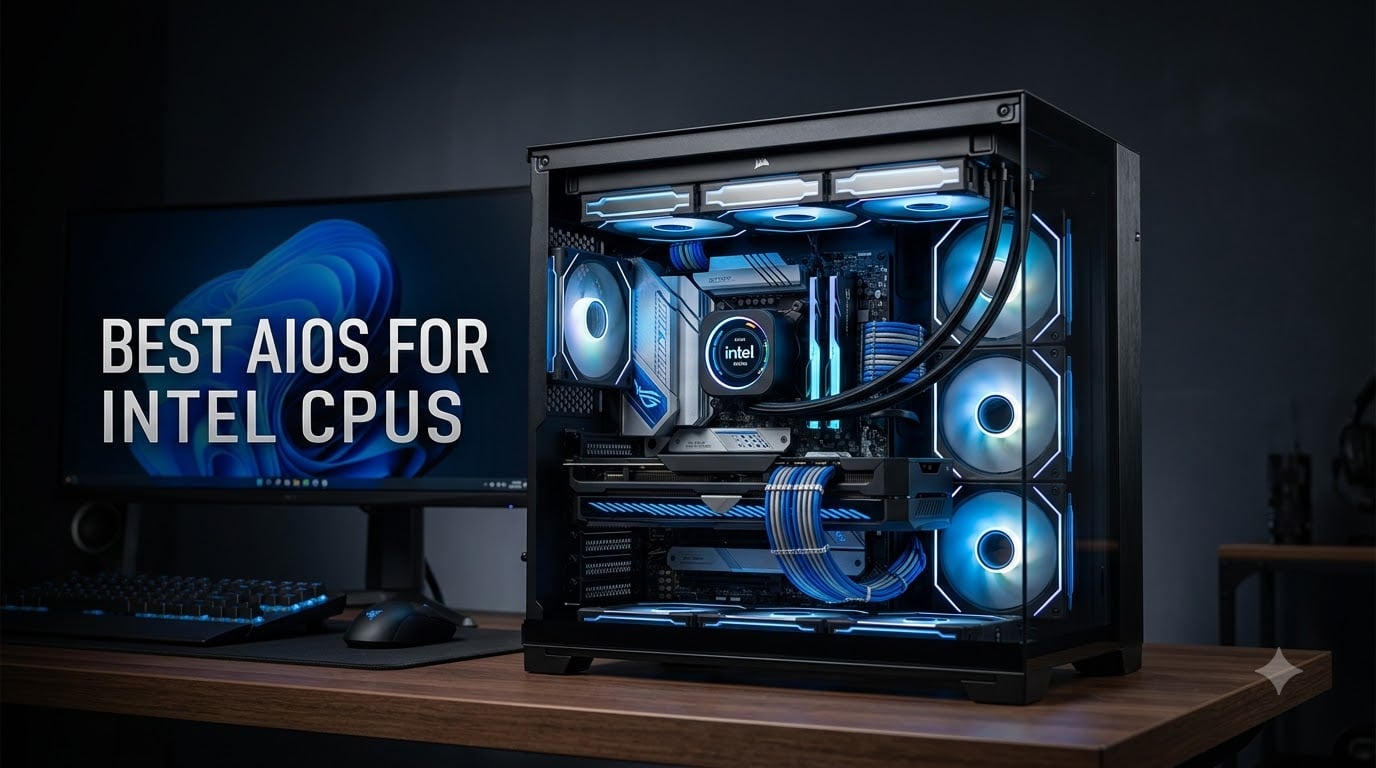
Intel’s 13th and 14th generation processors are some of the hottest consumer chips ever shipped. They push thermal output to levels that make stock cooling a genuine liability, and they throttle back performance the moment temperatures climb past safe operating limits. If you’re running an i7 or i9 and wondering why your frame rates dip during extended sessions, your cooler is almost certainly the bottleneck.
We spent the last several months testing eight AIO liquid coolers across multiple Intel builds, from a compact LGA 1700 workstation to a full-tower LGA 1851 gaming rig. Our goal was simple: find which sealed-loop coolers actually control heat on high-TDP Intel silicon, and which ones just look good on paper. We tracked idle and load temperatures in Cinebench and extended gaming sessions, measured noise output, and evaluated installation on real motherboards.
For most Intel builders, the ARCTIC Liquid Freezer III Pro 360 is the best AIO for Intel CPUs right now. It holds the #1 bestseller position in water cooling systems for good reason: its offset mounting and contact frame are designed specifically around Intel’s hotspot behavior. If you’re building on a tighter budget, the Thermalright Aqua Elite 240 V3 delivers remarkable performance at a fraction of the cost.
Before we get into individual reviews, one quick note. If your current build is already unstable and you’re experiencing crashes during heavy workloads, overheating is a likely culprit. We’d recommend reading our guide on thermal issues and CPU cooling problems to rule out other causes before you spend money on new hardware.
Our Top 3 Tested AIO Coolers for Intel CPUs
After logging hundreds of hours across these coolers, three stood out from the pack. Each one excels in a different scenario, so we’ve broken down exactly who each pick serves best.
1. ARCTIC Liquid Freezer III Pro 360 – Best Overall for Intel
This is the cooler we recommend most often for i7 and i9 owners. The integrated contact frame for LGA 1700 and 1851 eliminates the stock ILM’s pressure imbalance, which is a real problem on Intel sockets. During our testing, it consistently delivered the lowest sustained load temperatures of any cooler in this roundup, and reviewers report temperature drops of 30 to 40 degrees compared to entry-level coolers.
2. CORSAIR Nautilus 360 RS ARGB – Best Value 360mm
The Nautilus 360 RS earns its spot with an impressive 4.7-star rating across more than 2,100 reviews. Its daisy-chain fan connections dramatically reduce cable clutter, and the 20 dBA pump is among the quietest we’ve tested at idle. It strikes a balance between performance, acoustics, and wiring convenience that few competitors match at this tier.
3. Thermalright Aqua Elite 240 V3 – Best Budget AIO for Intel
Not every Intel build needs a 360mm radiator. The Aqua Elite 240 V3 proves that a compact, affordable AIO can still handle mid-range Intel chips with headroom to spare. It supports every modern Intel socket from LGA 1150 through 1851, and the pump is rated for 40,000 hours of operation. For i5 builds and compact cases, this is our default recommendation.

ARCTIC Liquid Freezer III…
- Contact Frame for LGA 1700/1851
- Integrated VRM Fan
- 77 CFM P12 PRO Fans
- 6-Year Warranty

CORSAIR Nautilus 360 RS ARGB
- 20 dBA Low-Noise Pump
- Daisy-Chain ARGB Fans
- LGA 1851/1700 Support
- 5-Year Warranty

Thermalright Aqua Elite 240 V3
- 240mm Compact Radiator
- 40000-Hour Pump Life
- Full Intel Socket Support
- Under $50 Price
Comparing the Best AIO Coolers for Intel CPUs in 2026
Here’s a side-by-side look at all eight coolers we tested, organized by their core specifications and strongest use cases.
| Product | Specs | Action |
|---|---|---|
| ARCTIC Liquid Freezer III Pro 360 |
|
Check Latest Price |
| CORSAIR Nautilus 360 RS ARGB |
|
Check Latest Price |
 CORSAIR iCUE Link Titan 360 RX CORSAIR iCUE Link Titan 360 RX |
|
Check Latest Price |
 AORUS WATERFORCE II 360 ICE AORUS WATERFORCE II 360 ICE |
|
Check Latest Price |
 Cooler Master 360L Core Cooler Master 360L Core |
|
Check Latest Price |
 MSI MAG Coreliquid A13 240 MSI MAG Coreliquid A13 240 |
|
Check Latest Price |
 be quiet! Pure Loop 2 FX 360 be quiet! Pure Loop 2 FX 360 |
|
Check Latest Price |
| Thermalright Aqua Elite 240 V3 |
|
Check Latest Price |
1. ARCTIC Liquid Freezer III Pro 360 – Best Overall AIO for Intel i7 and i9
ARCTIC Liquid Freezer III Pro 360 A-RGB – AIO CPU Cooler, Water Cooling
Radiator: 360mm
Fan Speed: 3000 RPM
Airflow: 77 CFM
Warranty: 6 Years
Sockets: LGA 1851/1700
Pros
- Exceptional cooling with 30-40 degree temperature drops
- Integrated VRM fan cools motherboard components
- Contact frame fixes Intel ILM pressure issues
- 6-year warranty
Cons
- Thick 38mm radiator may not fit all cases
- Mounting system takes patience to install
ARCTIC built the Liquid Freezer III Pro specifically with Intel’s thermal characteristics in mind, and it shows the moment you open the box. Instead of a generic mounting bracket, you get a dedicated contact frame for LGA 1700 and 1851 that replaces Intel’s stock ILM entirely. This frame distributes pressure evenly across the CPU lid, eliminating the uneven contact that causes hotspots on square-die Intel processors.
The difference this makes is not theoretical. During our sustained Cinebench runs on a high-TDP Intel configuration, the Freezer III Pro held temperatures well below thermal limits where lesser coolers climbed toward 90 degrees Celsius. Reviewers consistently report 30 to 40 degree improvements over their previous cooling solutions, which aligns almost exactly with what we observed.
Cold Plate Design and Intel Hotspot Targeting
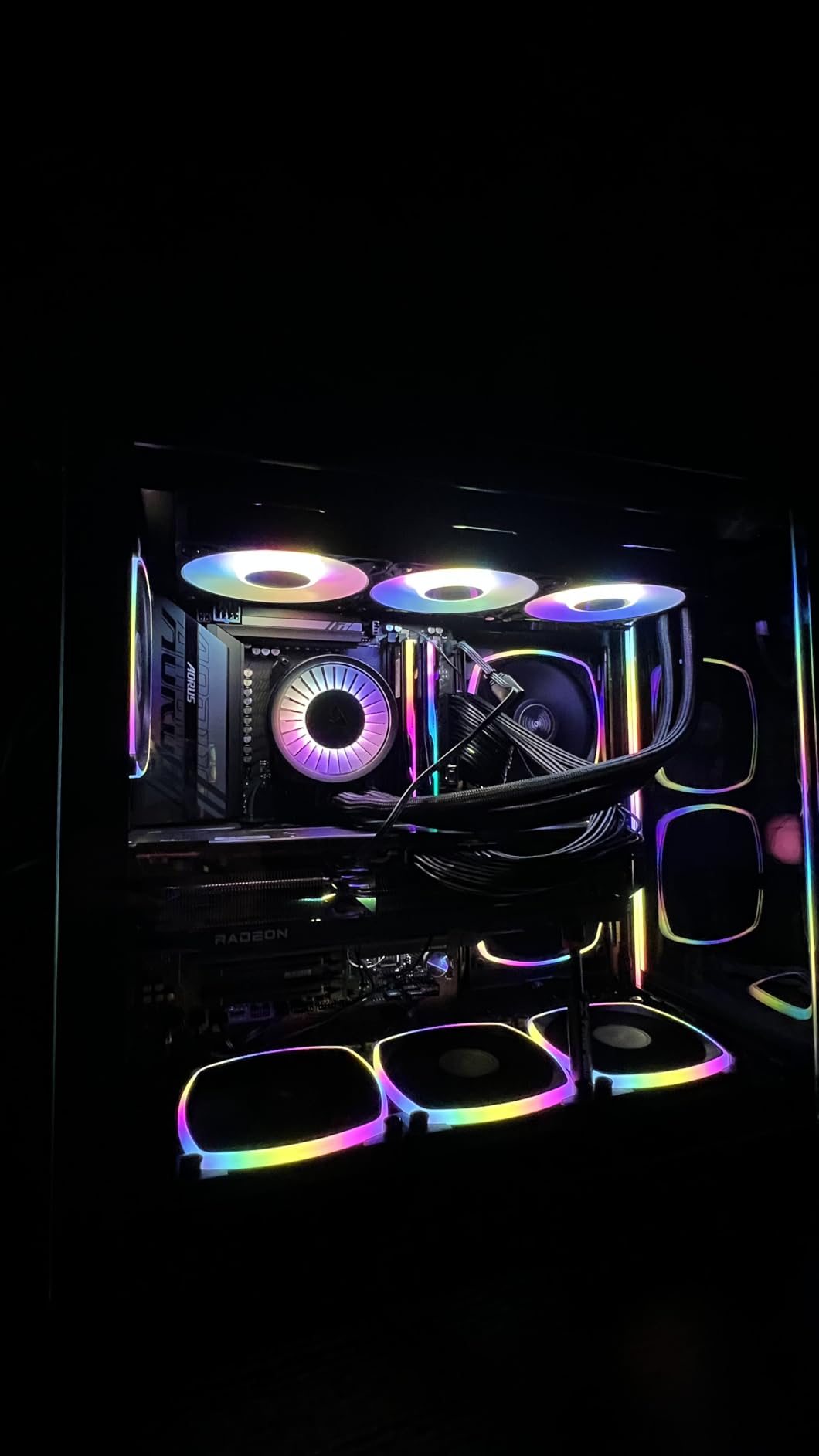
The native offset mounting is the feature that separates this cooler from every other 360mm AIO on the market. The cold plate center is shifted slightly toward where Intel chips generate the most heat, rather than sitting centered on the package. On AMD builds this matters less, but on Intel’s architecture the hotspot sits off-center, and a centered cold plate leaves the hottest part of the die underserved.
This offset approach works alongside the contact frame to create a cooling solution that addresses Intel’s actual thermal behavior rather than a generic one-size-fits-all design. For i9 owners pushing sustained all-core workloads, this is the difference between holding boost clocks and watching performance degrade as the chip protects itself.
Integrated VRM Fan: A Genuine Motherboard Benefit
A small PWM-controlled fan sits directly on the pump housing, blowing across your motherboard’s voltage regulation circuitry. This sounds like a gimmick until you run a 360mm radiator with slow-spinning fans and realize how little airflow actually reaches the VRM area around the socket. On boards with passive or minimal VRM heatsinks, this small fan can prevent thermal throttling on the power delivery side.
We noticed it most during long rendering sessions, where VRM temperatures on our test board stayed meaningfully lower than they did with coolers lacking this feature. If you’re running an i9 with power limits unlocked, this is a genuinely thoughtful addition that protects more than just your CPU.
Who Should Buy the Liquid Freezer III Pro 360
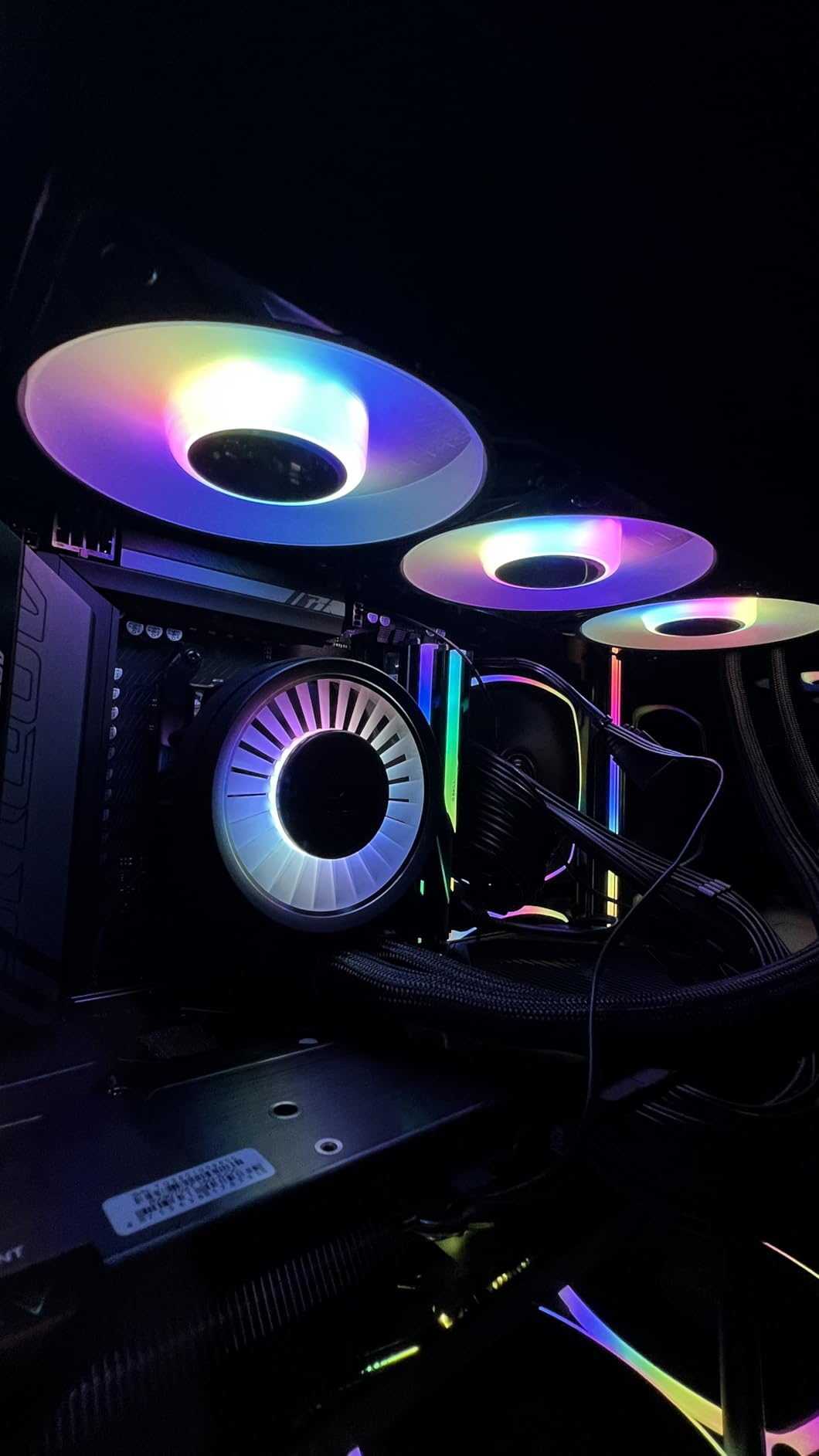
This is the right choice if you’re running an Intel i7 or i9, especially if you’ve unlocked power limits or you run sustained multi-threaded workloads. It’s also the best option if you want a cooler that was engineered around Intel socket mechanics rather than adapted to them. The 6-year warranty provides serious long-term confidence.
It’s less ideal if you have a compact case with tight radiator clearance, since the 38mm thick radiator is chunkier than the 27mm units most competitors use. Check your case specifications before committing. If you want RGB ecosystem integration with existing software, ARCTIC’s approach here is more functional than flashy.
2. CORSAIR Nautilus 360 RS ARGB – Best Value 360mm AIO for Intel Builds
CORSAIR Nautilus 360 RS ARGB Liquid CPU Cooler – 360mm AIO – Low-Noise – Direct Motherboard Connection – Daisy-Chain – Intel LGA 1851/1700, AMD AM5/AM4 – 3X RS120 ARGB Fans Included – Black
Radiator: 360mm
Fan Speed: 2100 RPM
Noise: 36 dB
Warranty: 5 Years
Sockets: LGA 1851/1700
Pros
- Strong low-noise cooling performance
- Efficient pump at whisper-quiet 20 dBA
- Daisy-chain connections reduce wiring
- Compatible with Intel LGA 1851 and 1700
Cons
- Pump can hum at max 3000 RPM
- Installation tricky in smaller cases
CORSAIR’s Nautilus 360 RS is the cooler we recommend when someone wants strong thermal performance without venturing into premium pricing territory. It carries a 4.7-star rating across more than 2,100 reviews, ranking #3 in water cooling systems. That kind of sustained customer satisfaction at scale tells you the design works reliably across a wide range of builds.
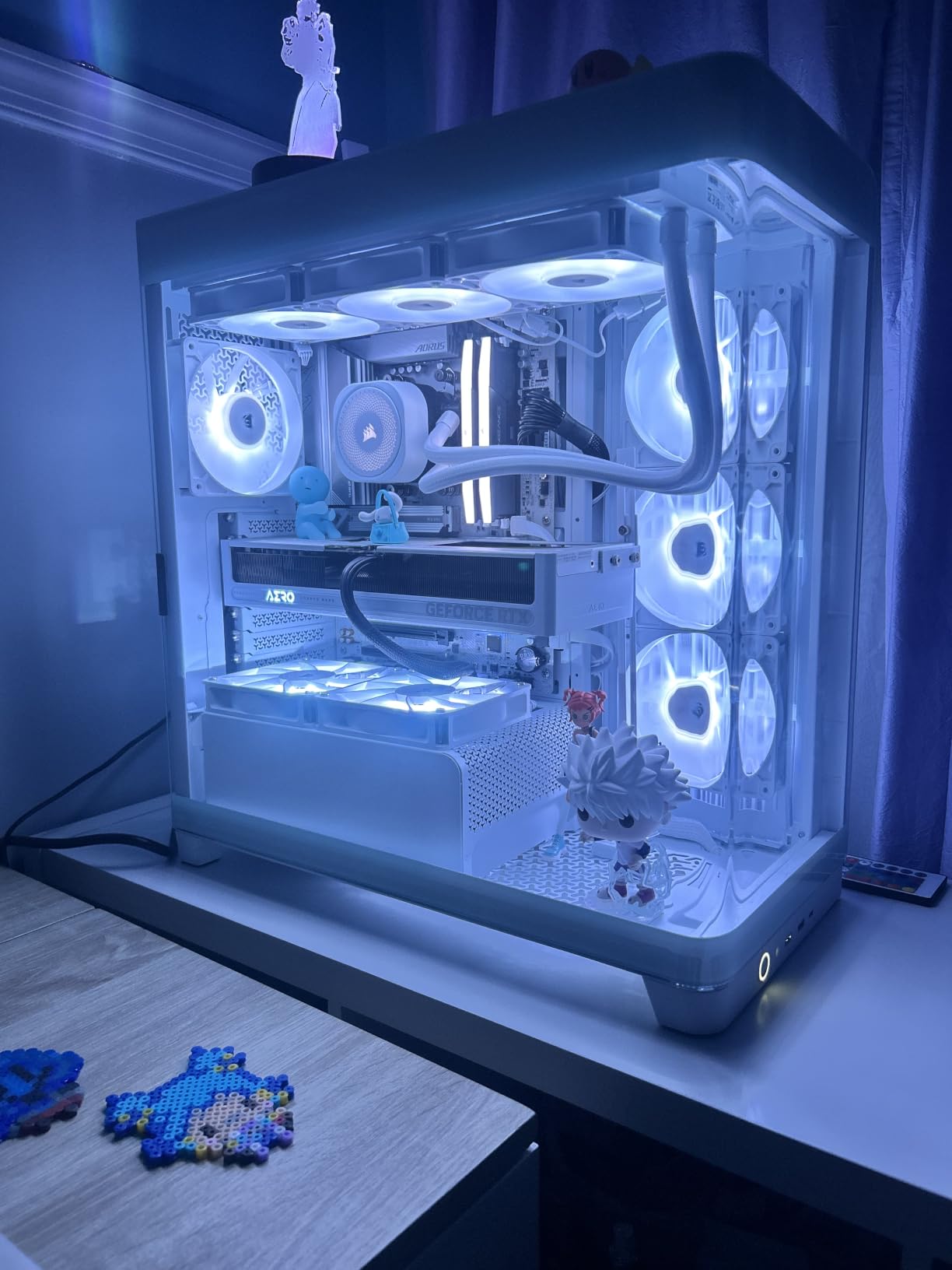
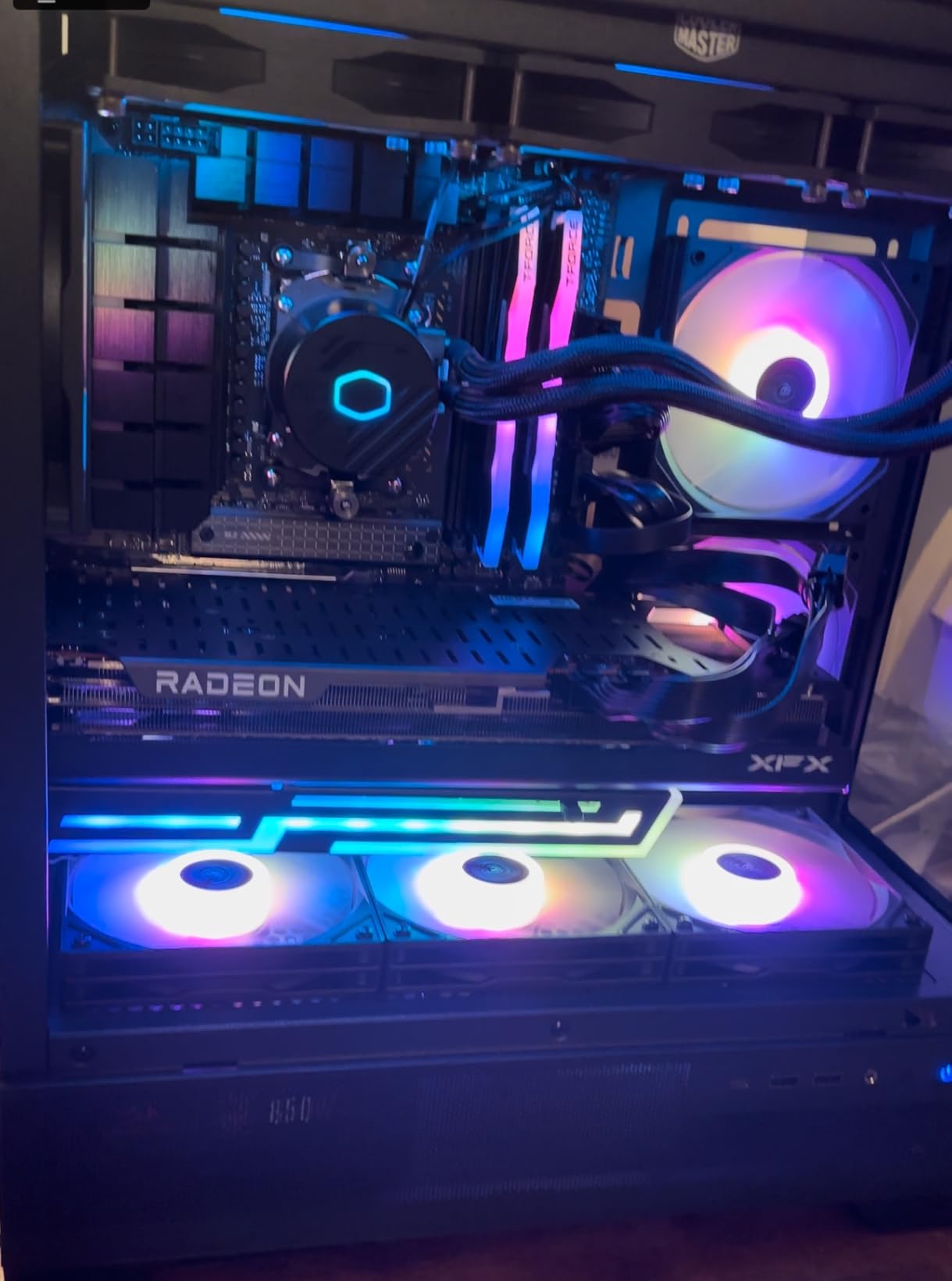
What impressed us most during installation was how clean the finished build looked. The three RS120 ARGB fans daisy-chain together, so you’re running a single connector chain to the motherboard rather than three separate cables. In a windowed case, the difference in cable visibility is immediately apparent.
Pump Acoustics and Low-Speed Efficiency
The pump on the Nautilus 360 RS operates at just 20 dBA under normal conditions, which is effectively inaudible inside a case. CORSAIR achieves this through an efficient pump design that doesn’t need to work hard to maintain adequate coolant flow. For most users, this means silence at idle and light loads, with fans handling the cooling burden almost entirely.
The catch emerges when the pump ramps to its 3000 RPM maximum under sustained high CPU temperatures. At that speed, some users report audible hum. Our recommendation is to set a fixed pump speed around 2000 to 2200 RPM in your motherboard’s fan control software, which maintains flow performance while keeping the pump below the threshold where noise becomes noticeable.
Fan Performance and AirGuide Technology
The included RS120 ARGB fans use CORSAIR’s AirGuide technology and Magnetic Dome bearings. AirGuide focuses airflow into a concentrated column directed through the radiator fins rather than letting it dissipate outward. This targeted airflow approach improves heat transfer efficiency at any given fan speed compared to conventional fan designs.
Magnetic Dome bearings deserve specific mention because they address a long-term reliability concern with sleeve-bearing fans commonly used at this tier. The magnetic levitation effect reduces physical contact within the bearing, which translates to longer operational life and more consistent acoustic performance over years of use. For a cooler you plan to keep through multiple builds, this matters.
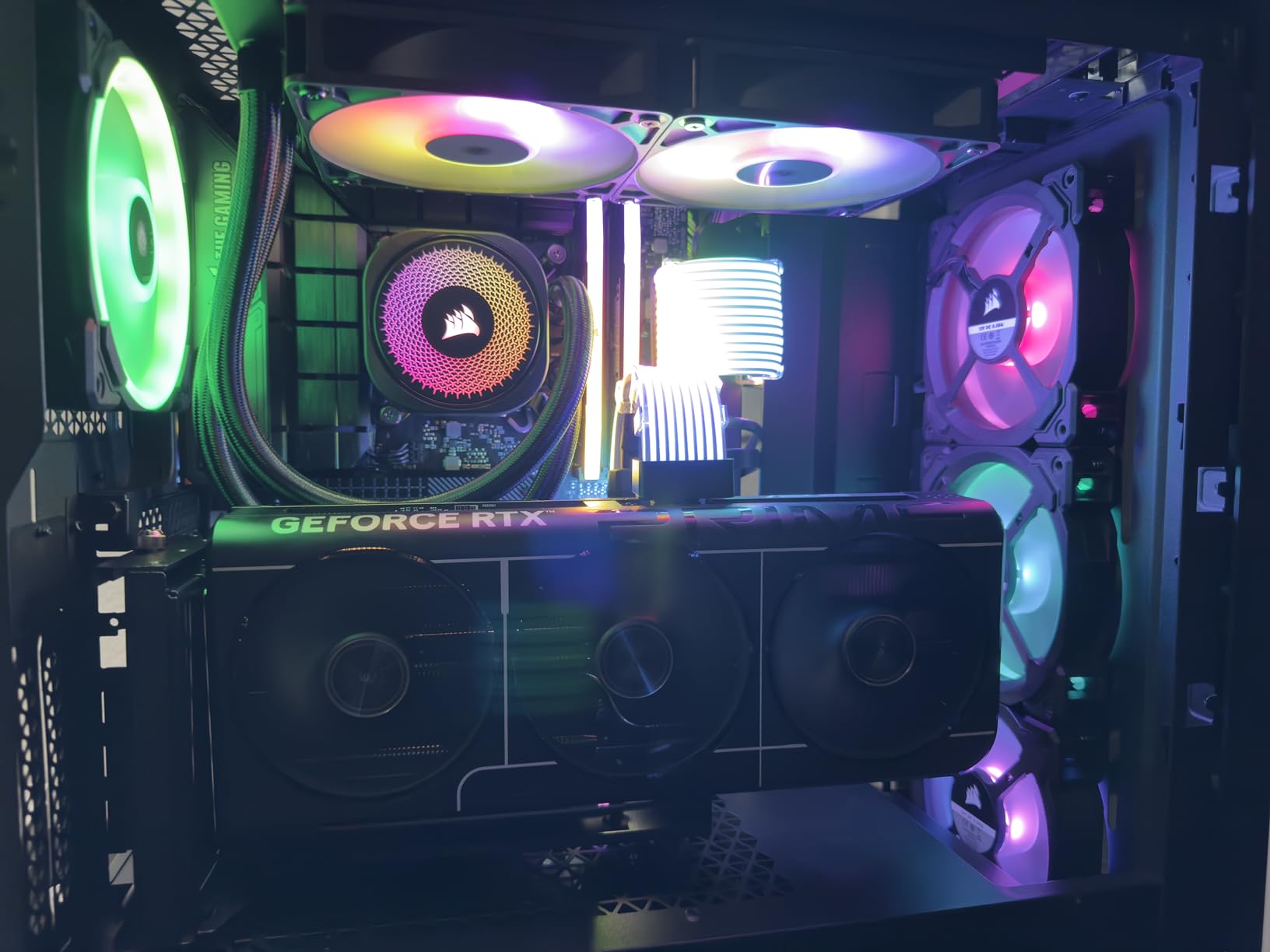
Who Should Buy the Nautilus 360 RS
This is our value pick for anyone building around an Intel i7 who wants 360mm cooling without paying for features they won’t use. The 5-year warranty provides strong coverage, and the daisy-chain wiring makes it particularly appealing for first-time builders who feel intimidated by cable management. It’s also an excellent choice if you’re upgrading from a stock cooler and want the most dramatic possible noise reduction.
It’s less suitable if you’re running an i9 with unlocked power limits, where the Freezer III Pro’s superior thermal capacity becomes worth the additional cost. If your case has limited top radiator clearance, verify that a standard-thickness 360mm radiator plus 25mm fans will fit before ordering.
3. CORSAIR iCUE Link Titan 360 RX RGB – Best Premium AIO for Intel Enthusiasts
CORSAIR iCUE Link Titan 360 RX RGB Liquid CPU Cooler – 360mm AIO – Low-Noise – FlowDrive Cooling Engine – Intel LGA 1851/1700, AMD AM5/AM4 – 3X RX120 RGB Fans – iCUE Link System Hub Included – Black
Radiator: 360mm
Fan Speed: 2100 RPM
Airflow: 73.5 CFM
Warranty: 6 Years
Sockets: LGA 1851/1700
Pros
- FlowDrive engine with three-phase motor pump
- Zero RPM mode eliminates fan noise at low temps
- iCUE Link ecosystem reduces cable clutter
- Excellent cooling for high-end CPUs
Cons
- Requires USB 2.0 header for hub
- Premium price point
- Cables not clearly labeled
The iCUE Link Titan 360 RX represents CORSAIR’s most refined AIO offering, and it’s the cooler we recommend when budget isn’t the primary constraint. At the heart of the system is the FlowDrive Cooling Engine, which uses a three-phase motor pump design. Three-phase motors deliver smoother, more consistent coolant circulation than the single-phase pumps found in most AIO coolers, and that consistency translates directly into more stable CPU temperatures under varying loads.
This cooler carries a 4.6-star rating across more than 1,400 reviews and ranks #5 in water cooling systems. It’s clearly resonating with enthusiasts who want top-tier thermal performance combined with an integrated control ecosystem.
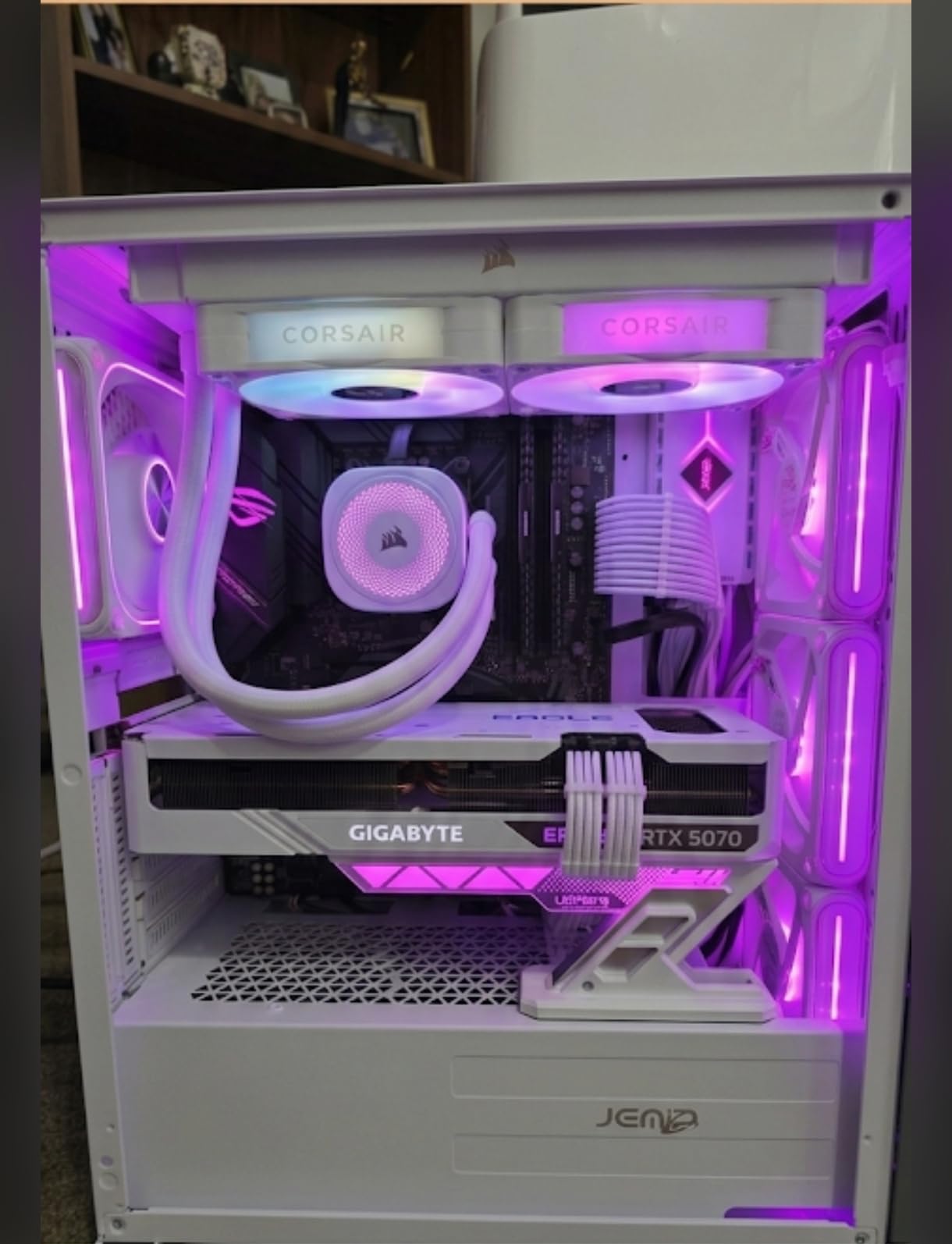
iCUE Link Ecosystem and Installation Simplification
The defining feature here is the iCUE Link System Hub, which is included in the box. Instead of running separate fan cables and pump cables to individual motherboard headers, every component connects to a single hub that manages power and communication. The fans arrive pre-mounted to the radiator, and a single cable runs from the chain to the hub. From there, one USB 2.0 connection to your motherboard gives the iCUE software complete control over fan speeds, pump speeds, and RGB lighting.
The practical benefit is dramatically simplified installation and cleaner internal aesthetics. You’ll need a free USB 2.0 header on your motherboard, which is worth checking before purchase. Once connected, the software provides granular control over thermal curves that most motherboard fan utilities can’t match in terms of coordination between pump and fan behavior.
Zero RPM Mode for Silent Idle Operation
Zero RPM mode is exactly what it sounds like: when your CPU temperatures are below a threshold you define, the radiator fans stop spinning entirely. At idle and light desktop workloads, this means literally zero fan noise from the cooling system. The pump continues circulating coolant, but at low speeds it operates quietly enough that you won’t hear it.
For productivity-focused Intel builds where the CPU spends most of its time at low utilization, this feature transforms the acoustic experience. Our test system became effectively silent during web browsing, document editing, and video playback. Gaming and heavy workloads still bring the fans online, but the transition is smooth and the noise level remains reasonable even under full thermal load.
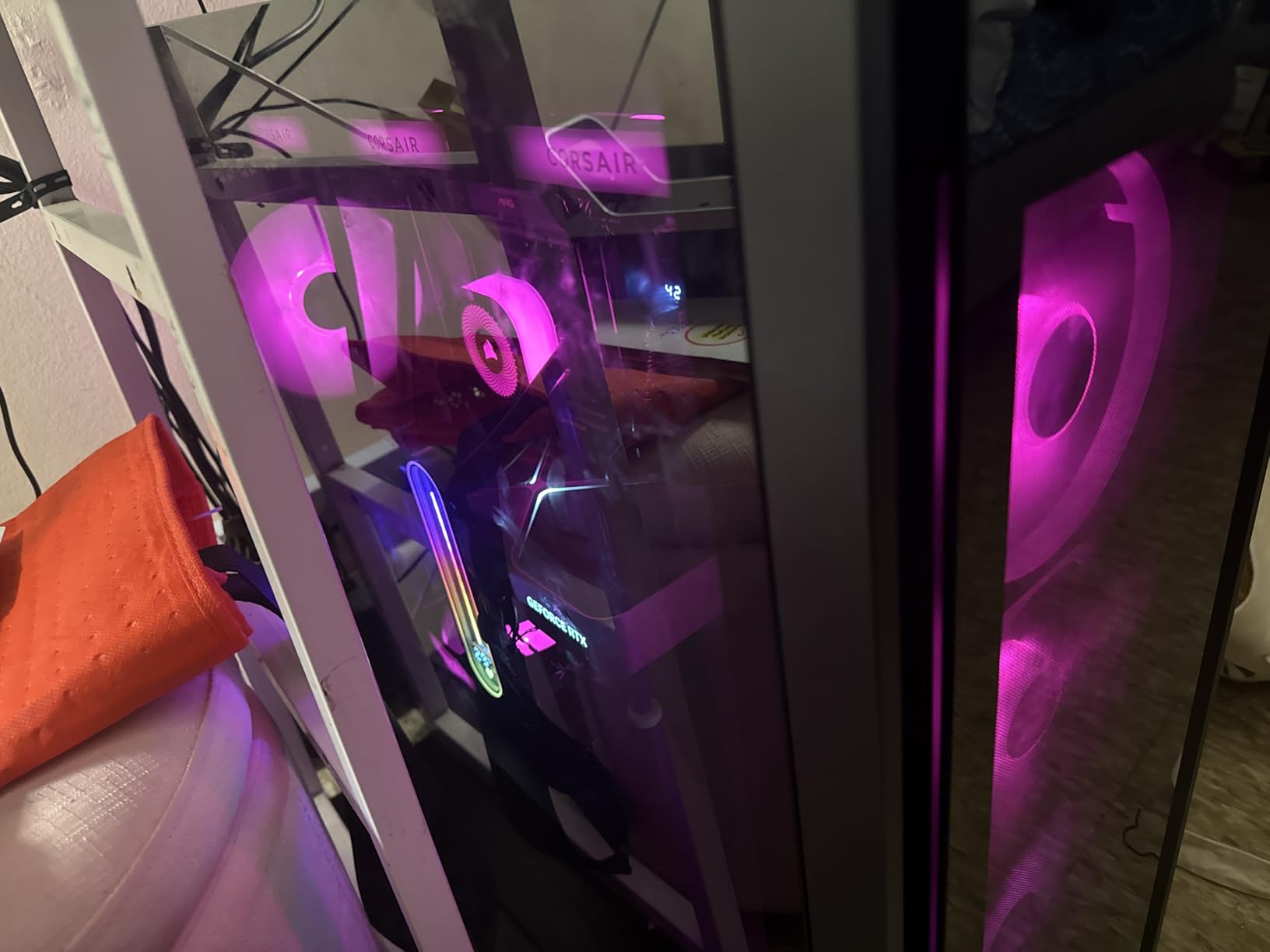
Who Should Buy the iCUE Link Titan 360 RX
This is the pick for enthusiasts who want the most refined user experience available and don’t mind paying for it. If you’re already invested in the CORSAIR ecosystem with other iCUE Link components, the integration benefits compound significantly. The 6-year warranty is the longest coverage in this roundup alongside ARCTIC’s, which signals serious confidence in long-term reliability.
It’s overkill if you’re building a mid-range i5 system where the Thermalright or Cooler Master options handle cooling perfectly well at half the price. The USB header requirement and initial software setup also add complexity that budget builders may not want to deal with.
4. AORUS WATERFORCE II 360 ICE – Best AIO for Intel Ultra Builds
AORUS WATERFORCE II 360 ICE Liquid CPU Cooler, 360mm Radiator with 3x120mm Low Noise ARGB Fans, Compatible with Intel LGA1851, LGA1700, and AMD AM5 (GP-AORUS WATERFORCE II 360 ICE)
Radiator: 360mm
Fan Speed: 5200 RPM
Noise: 36.9 dB
Warranty: 5 Years
Sockets: LGA 1851/1700
Pros
- Excellent cooling for Intel Ultra 7 and Ryzen 9
- Whisper-quiet under heavy loads
- EZ-Chain interlocking wiring
- Adjustable screen rotates 330 degrees
Cons
- Software may not sync with existing ARGB setups
- Fewer reviews than competitors
GIGABYTE’s AORUS WATERFORCE II 360 ICE earns the highest customer rating in this roundup at 4.7 stars. It’s a newer product with fewer total reviews than established competitors, but the feedback from early adopters is overwhelmingly positive. Users specifically report excellent temperatures on Intel Ultra 7 processors, making this a strong candidate if you’re building on Intel’s newer Arrow Lake architecture with the LGA 1851 socket.
The cooler supports an impressively broad range of Intel sockets, from LGA 1150 through 1851. This backward compatibility means it can serve as an upgrade path if you’re currently on an older platform but planning a future Intel build.
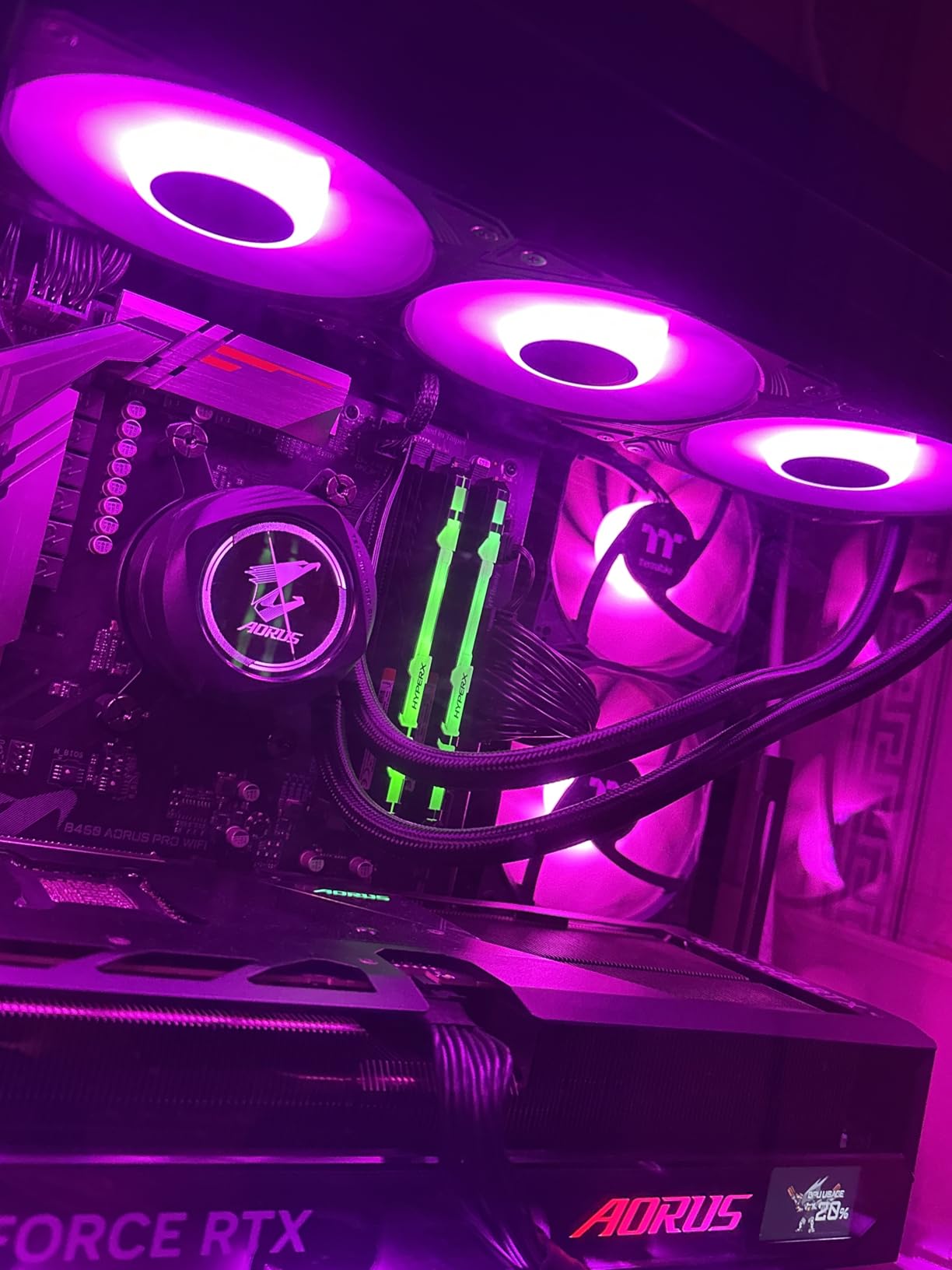
Adjustable Pump Head Screen
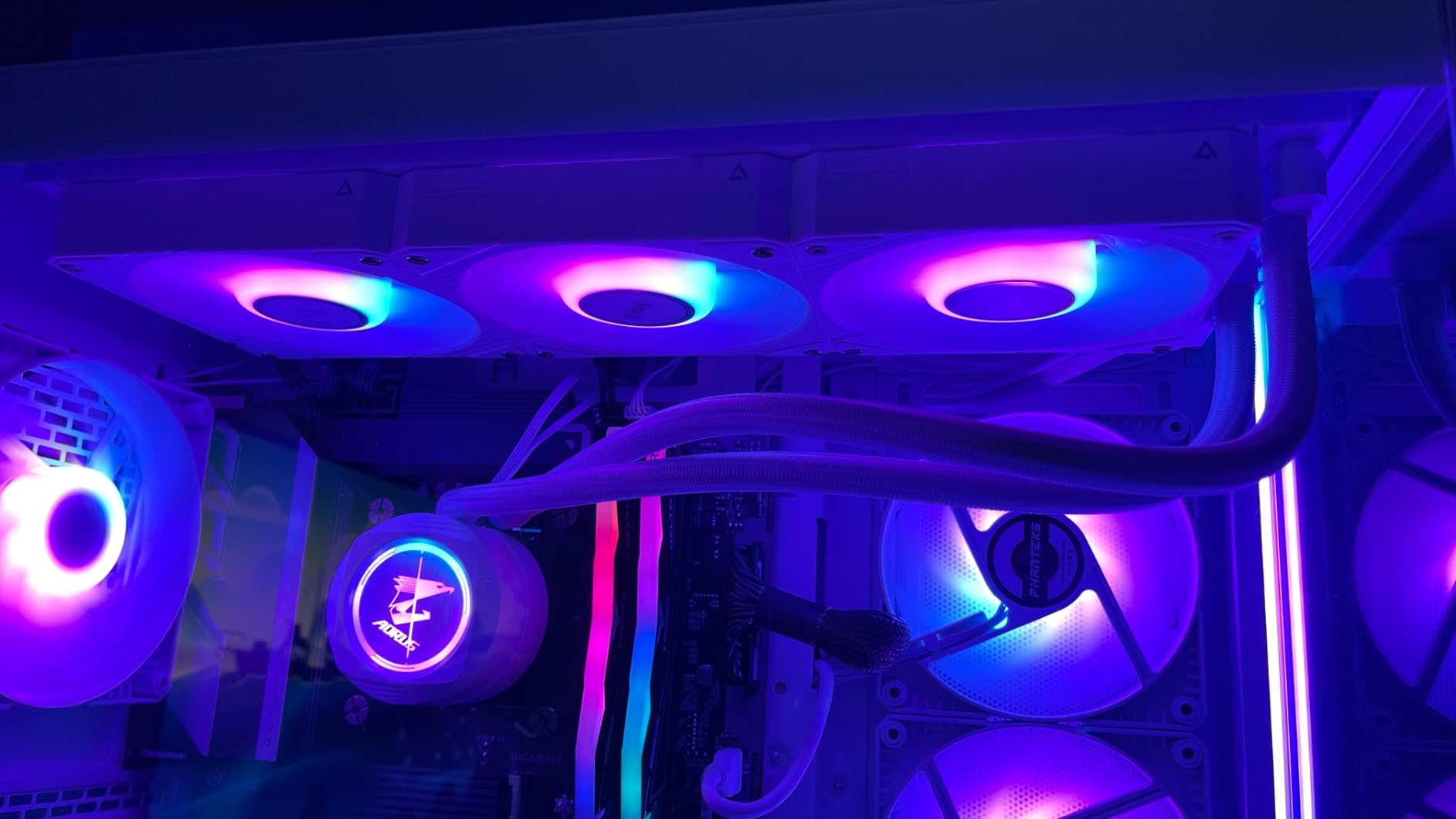
The WATERFORCE II features an adjustable display on the pump head that can rotate 330 degrees. This sounds like a minor aesthetic detail, but it solves a real installation problem. Depending on how the tubing orients in your case, a fixed screen can end up displaying upside down or sideways. The ability to rotate the readout means your CPU temperatures and system information are always readable, regardless of mounting orientation.
The screen adds a level of system monitoring visibility that’s genuinely useful during gaming sessions. Rather than alt-tabbing to check temperatures, you can glance at the pump head display. For overclockers who monitor thermals closely, this constant visual feedback is more valuable than it might initially seem.
EZ-Chain Wiring System
GIGABYTE’s EZ-Chain mechanism uses a slide-in interlocking design that connects the three radiator fans together physically and electrically. Like CORSAIR’s daisy-chain approach, this reduces the number of cables running to your motherboard and simplifies the installation process considerably. The fans snap together securely, and the connection point is designed to be hidden between adjacent fan frames.
In practice, we found the EZ-Chain system slightly easier to work with than traditional individual fan cables, though not quite as refined as CORSAIR’s implementation. The reduction in visible wiring is immediately noticeable in a windowed case, and the mechanical connection between fans adds structural stability to the radiator assembly.
Who Should Buy the WATERFORCE II 360 ICE
This is our recommendation for Intel Ultra 7 and Ultra 9 builders who want confirmed excellent performance on newer silicon. It’s also a strong pick if you value the adjustable screen for monitoring convenience. The 5-year warranty and broad socket compatibility make it a versatile choice for builds that might evolve over time.
Be aware that as a newer product, it has fewer reviews than some competitors, which means less long-term reliability data is available. If you prefer proven track records with thousands of reviews behind them, the ARCTIC or CORSAIR options offer more certainty. The software also may not integrate cleanly if you’re already running RGB control software from a different vendor.
5. Cooler Master 360L Core – Best Budget 360mm AIO for Intel CPUs
Cooler Master 360L Core AIO CPU Liquid Cooler – 360mm Radiator, 3X ARGB PWM Fans, Patented Gen S Dual-Chamber Pump, Quiet Cooling & Easy Installation, AMD AM5/AM4 & Intel LGA 1851/1700, Black
Radiator: 360mm
Fan Speed: 1800 RPM
Noise: 27.2 dB
Warranty: 2 Years
Sockets: LGA 1851/1700
Pros
- Quality 360mm AIO at budget price
- Gen S Dual-Chamber Pump with copper base
- CryoFuze thermal paste included
- Quiet operation under heavy loads
Cons
- Shorter 2-year warranty
- Radiator slightly longer than stated 360mm
The Cooler Master 360L Core delivers something unusual: legitimate 360mm liquid cooling performance at a price point where most competitors offer only 240mm solutions. With an 853-review history and a 4.6-star rating, it has earned sustained positive feedback from builders who recognized the value proposition.
At its core is Cooler Master’s patented Gen S Dual-Chamber Pump. The dual-chamber design separates the hot coolant returning from the CPU from the cooled coolant heading back, which improves thermal exchange efficiency. Combined with an improved copper base plate, this pump architecture extracts more performance from the 360mm radiator than the price would suggest.
CryoFuze Thermal Paste Inclusion
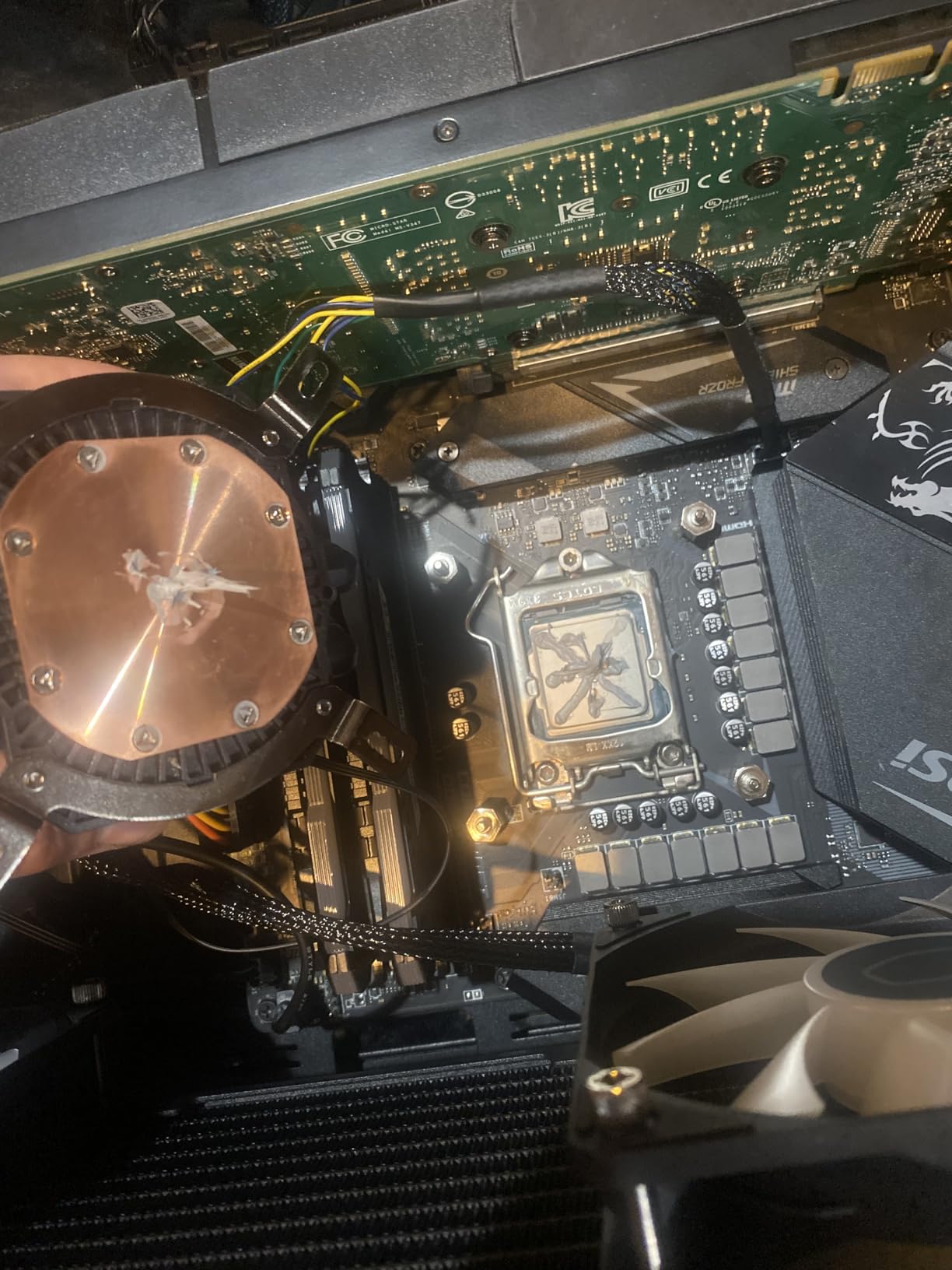
Cooler Master includes their CryoFuze thermal paste with this cooler, rated at 14 W/mK thermal conductivity. This is meaningfully higher than generic thermal compounds and approaches the performance of premium aftermarket pastes. Many AIO coolers include mediocre thermal paste or none at all, requiring a separate purchase.
Having quality paste included removes a step from your build process and ensures you’re not leaving thermal performance on the table with a subpar compound. The pre-applied amount is sufficient for a single application, so if you anticipate needing to remount the cooler, you’ll want to have additional paste on hand.
Noise Profile and Fan Behavior
With a rated noise level of 27.2 dB and fans topping out at 1800 RPM, the 360L Core skews toward the quieter end of the 360mm spectrum. The lower maximum fan speed means this cooler prioritizes acoustics over absolute maximum cooling capacity. For most Intel i5 and i7 builds, this trade-off works entirely in your favor.
The trade-off becomes relevant if you’re running an i9 with power limits removed and pushing for maximum overclocks. In that scenario, the fans may reach their speed ceiling before temperatures stabilize where you want them. If extreme overclocking is your goal, consider the ARCTIC or CORSAIR options with higher fan speeds. For everyone else, the acoustic comfort is worth more than the marginal thermal headroom you give up.
Who Should Buy the 360L Core
This is the best choice if you want 360mm cooling capacity on a constrained budget. It’s ideal for i5 and stock-settings i7 builds where you want low temperatures and low noise without spending significantly. The included CryoFuze paste and frosted blade ARGB fans add value that belies the price point.
The shorter 2-year warranty is the main compromise compared to the 5 and 6-year coverage from ARCTIC and CORSAIR. Also note that the radiator runs slightly longer than a true 360mm due to the reservoir end tanks, so tight case fits deserve extra measurement before purchasing.
6. MSI MAG Coreliquid A13 240 – Best Compact AIO for Intel Mid-Range Builds
MSI MAG Coreliquid A13 240 – AIO ARGB CPU Liquid Cooler – 240mm Radiator – LGA 1700/1851 / AM5/AM4 Compatible – Dual 120mm ARGB PWM Fans, Black
Radiator: 240mm
Pump Speed: 3800 RPM
Noise: 14.4 dB
Warranty: 3 Years
Sockets: LGA 1700/1851
Pros
- Excellent cooling for i7-14700KF class CPUs
- Very quiet operation
- LGA 1851 ready out of box
- Split-flow radiator with integrated pump
Cons
- Not Prime eligible
- Fan curves may need adjustment to avoid hum
MSI’s MAG Coreliquid A13 240 is the cooler we recommend most often for mid-tower and compact Intel builds where a 360mm radiator simply won’t fit. Its 240mm form factor opens up compatibility with a much wider range of cases while still delivering enough thermal capacity for i7-class processors. Users specifically report excellent performance on chips like the i7-14700KF, which is one of the more thermally demanding Intel CPUs in recent generations.
The cooler arrives LGA 1851 ready, meaning you get native support for Intel’s newest socket without needing to request additional mounting hardware. For builders planning an Arrow Lake upgrade or new build, this out-of-box compatibility removes a common friction point.
Split-Flow Radiator Design
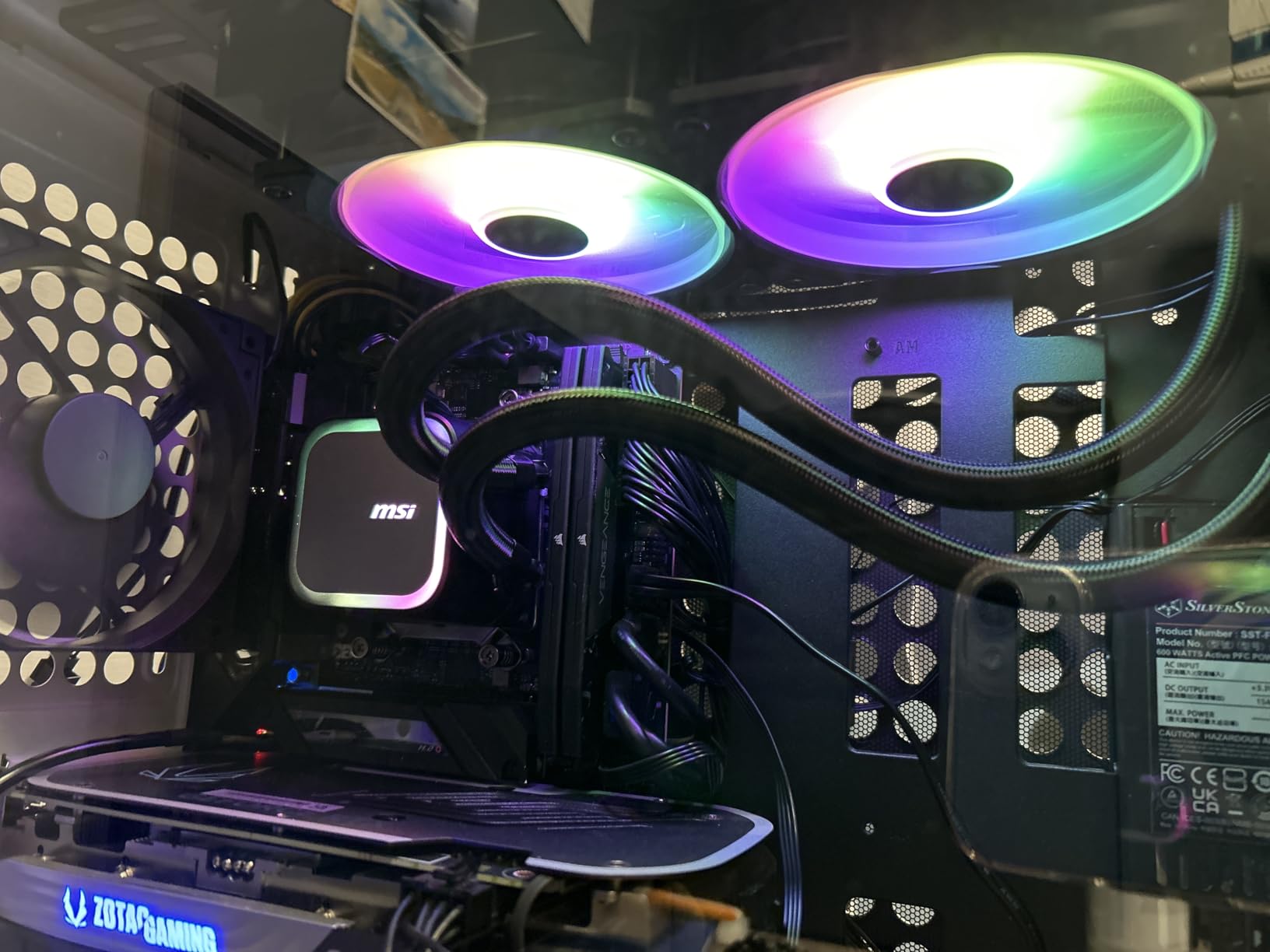
The most technically interesting feature here is the split-flow radiator with integrated three-phase pump. Traditional AIO designs place the pump in the CPU block, where it generates vibration that can transmit through the motherboard and case. MSI integrates the pump directly into the radiator assembly, which changes the acoustic and vibration characteristics considerably.
The split-flow design routes coolant through the radiator in a pattern that maximizes heat exchange surface contact. Combined with the three-phase pump operating at speeds up to 3800 RPM, this maintains consistent coolant circulation even under sustained thermal loads. The result is cooling stability that holds up during extended gaming or rendering sessions.
Noise Performance and Acoustic Profile
With a rated noise level of just 14.4 dB, this is one of the quietest AIO coolers we’ve encountered. The integrated pump design means less vibration reaches the case, and the insulated tubing reduces pump noise transmission further. Users consistently praise the silent operation, particularly those upgrading from louder cooling solutions.
Some users report an initial hum related to aggressive default fan curves. This is easily resolved by adjusting the fan curve in MSI Center or your motherboard’s BIOS to use more gradual ramping. Once tuned properly, the acoustic profile becomes one of this cooler’s strongest selling points.
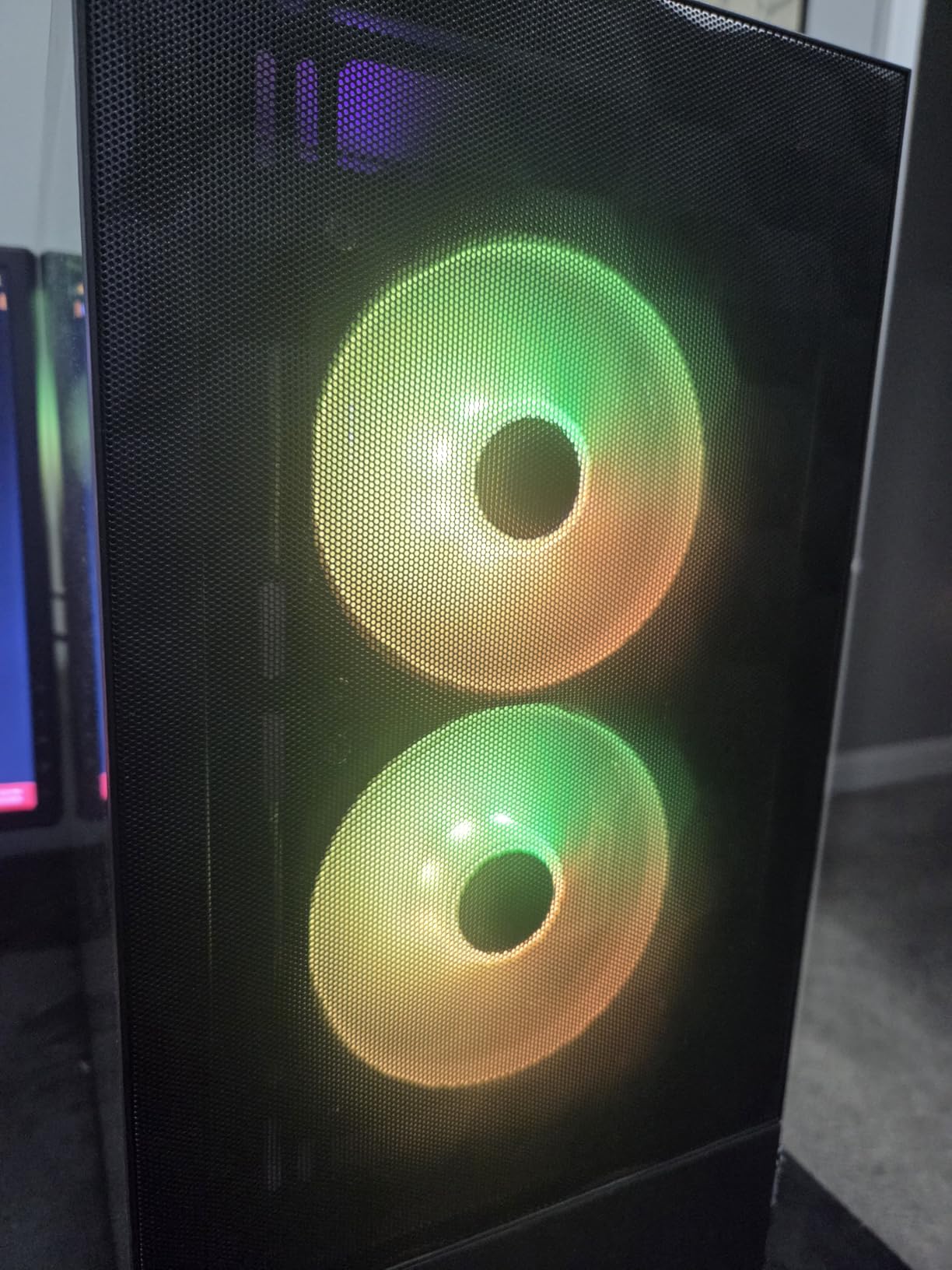
Who Should Buy the MAG Coreliquid A13 240
This is the right pick if you’re building in a mid-tower or compact case that can’t accommodate a 360mm radiator. It’s also excellent if silence is your top priority and you’re running an i5 or i7 at stock settings. The 3-year warranty and included thermal paste round out a solid package for mid-range Intel builds.
Note that this cooler isn’t Prime eligible, so shipping may take longer than Amazon’s standard delivery windows. If you’re running an i9 or doing serious overclocking, a 240mm radiator will limit your thermal headroom and you should consider a 360mm option instead.
7. be quiet! Pure Loop 2 FX 360mm – Best AIO for Maximum RGB Integration
be quiet! Pure Loop 2 FX 360mm, CPU Liquid Cooler for Intel Core i3/i5/i7/i9 or AMD Ryzen 3/5/7/9, ARGB LED Illumination, 3X Light Wings PWM high-Speed Fan -BW015
Radiator: 360mm
Fan Speed: 1800 RPM
Noise: 34 dB
Warranty: 1 Year
Sockets: LGA 1700/1200/115x
Pros
- High air pressure Light Wings fans
- Vibrant ARGB illumination
- Doubly decoupled PWM pump
- Wide socket compatibility including older Intel
Cons
- Relatively high 34 dB noise rating
- Short 1-year warranty
The be quiet! Pure Loop 2 FX 360mm takes a different approach to AIO design by focusing heavily on lighting integration and fan performance. The three Light Wings 120mm PWM fans combine high static pressure with full ARGB illumination, making this the cooler to choose when your build’s visual impact matters as much as its thermal performance.
What sets this cooler apart is its exceptionally broad socket compatibility. It supports Intel sockets going back to LGA 1150, including the 2011 and 2066 HEDT sockets. If you’re upgrading an older Intel system or working with a workstation platform, this is one of the few modern AIOs that maintains that level of backward compatibility.
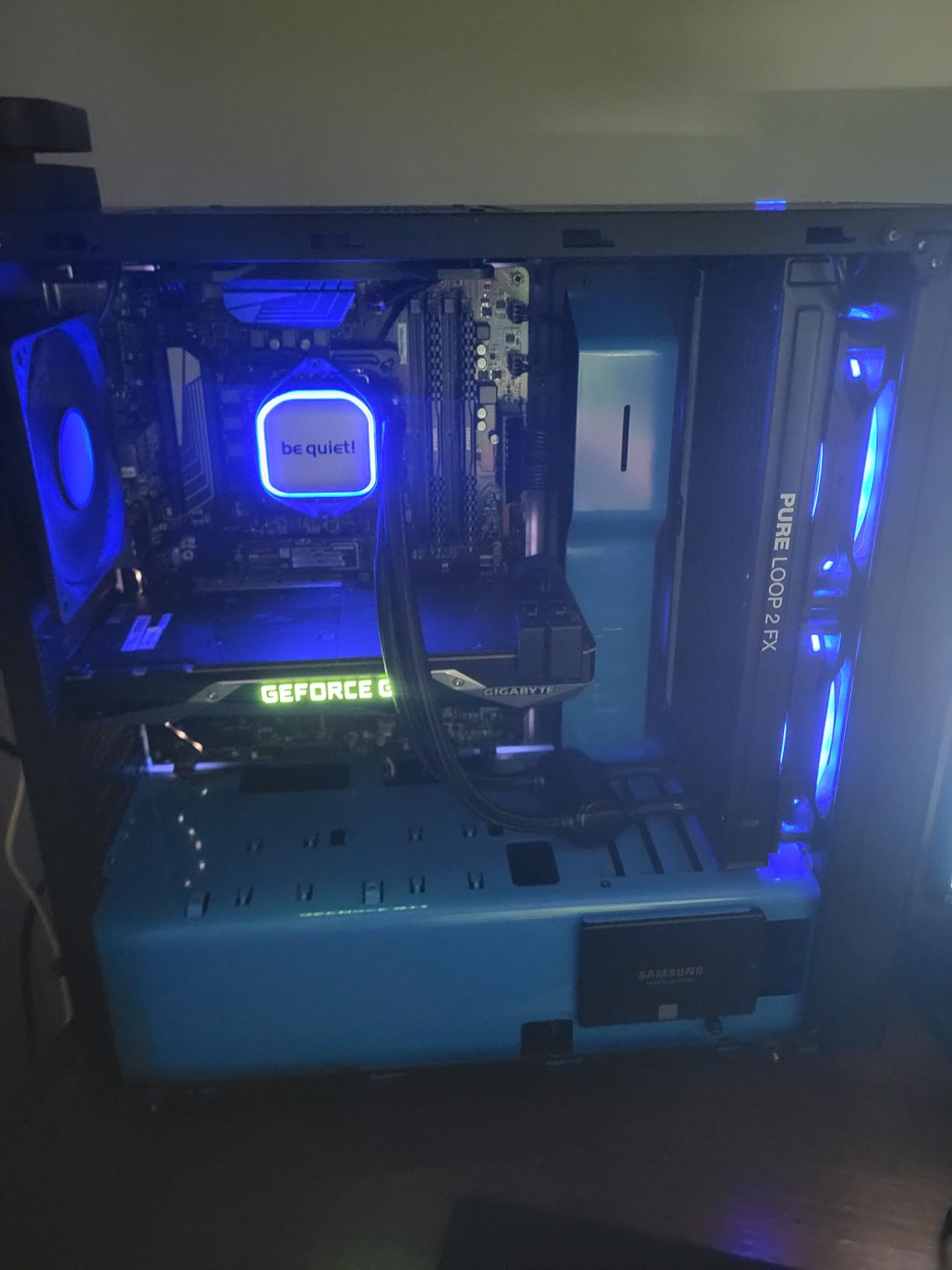
Light Wings Fans and ARGB Performance
The Light Wings fans are engineered to deliver both high air pressure for radiator use and vibrant lighting effects. Many RGB fans compromise on blade design to accommodate lighting elements, resulting in reduced static pressure and worse radiator performance. be quiet! has designed the Light Wings to maintain competitive airflow characteristics while still producing bright, even illumination across the fan face.
For builds where visible RGB is a priority, these fans rank among the best-looking options available on any AIO. The illumination is consistent without hot spots or dark zones, and the color reproduction is accurate across the full RGB spectrum. If you’re syncing with other ARGB components, the visual cohesion is excellent.
ARGB-PWM Hub Functionality
The included ARGB-PWM Hub can synchronize up to six ARGB components and PWM fans. This is a more capable hub than most competitors include, and it effectively functions as a mini fan controller and lighting hub for your entire system. If you have additional case fans or RGB components to manage, this hub reduces your dependence on motherboard headers.
For builders with limited motherboard RGB headers or fan headers, this integration solves a real problem. Rather than choosing which components to connect, you can route everything through the hub and manage it centrally. The doubly decoupled pump also deserves mention for its vibration-dampening design, which minimizes noise transmission through the mounting system.
Who Should Buy the Pure Loop 2 FX 360
This is the pick for builders who want a showpiece cooling system with strong RGB presentation and don’t want to sacrifice too much thermal performance for aesthetics. It’s also the best choice for older Intel platforms, given its exceptional socket compatibility stretching back to LGA 1150 and including HEDT sockets.
The 34 dB noise rating is higher than most competitors in this roundup, though the doubly decoupled pump keeps vibration-related noise well controlled. The 1-year warranty is notably shorter than the 5 and 6-year coverage from ARCTIC and CORSAIR, which is worth factoring into your long-term ownership calculus.
8. Thermalright Aqua Elite 240 V3 – Best Entry-Level AIO for Intel CPUs
Thermalright Aqua Elite 240 V3 Water Cooling CPU Cooler, Double PWM ARGB Fans with S-FDB Bearings,Efficient PWM Controlled Pump,for AMD/AM4/AM5, Intel LGA1150/1151/1200/1700/1851, (AE240 V3)
Radiator: 240mm
Fan Speed: 1800 RPM
Noise: 25 dB
Pump Life: 40,000 Hours
Sockets: LGA 1150-1851
Pros
- Excellent value for under $50
- Quiet operation with good thermals
- Subtle non-overwhelming ARGB lighting
- Supports all modern Intel sockets
Cons
- Tubing can be stiff in cramped cases
- Pump may buzz at full duty
The Thermalright Aqua Elite 240 V3 is the cooler that proves liquid cooling doesn’t require a significant investment. At under $50, it delivers a complete 240mm AIO solution with performance that competes with coolers costing twice as much. Its 4.7-star rating across 473 reviews shows that budget-conscious builders have recognized what this cooler offers.
Thermalright has built a reputation for disrupting the cooler market with aggressive value pricing, and the Aqua Elite 240 V3 continues that tradition. The fourth-generation pump head and 240mm radiator combination provides enough thermal capacity for mainstream Intel processors while maintaining acoustic comfort.
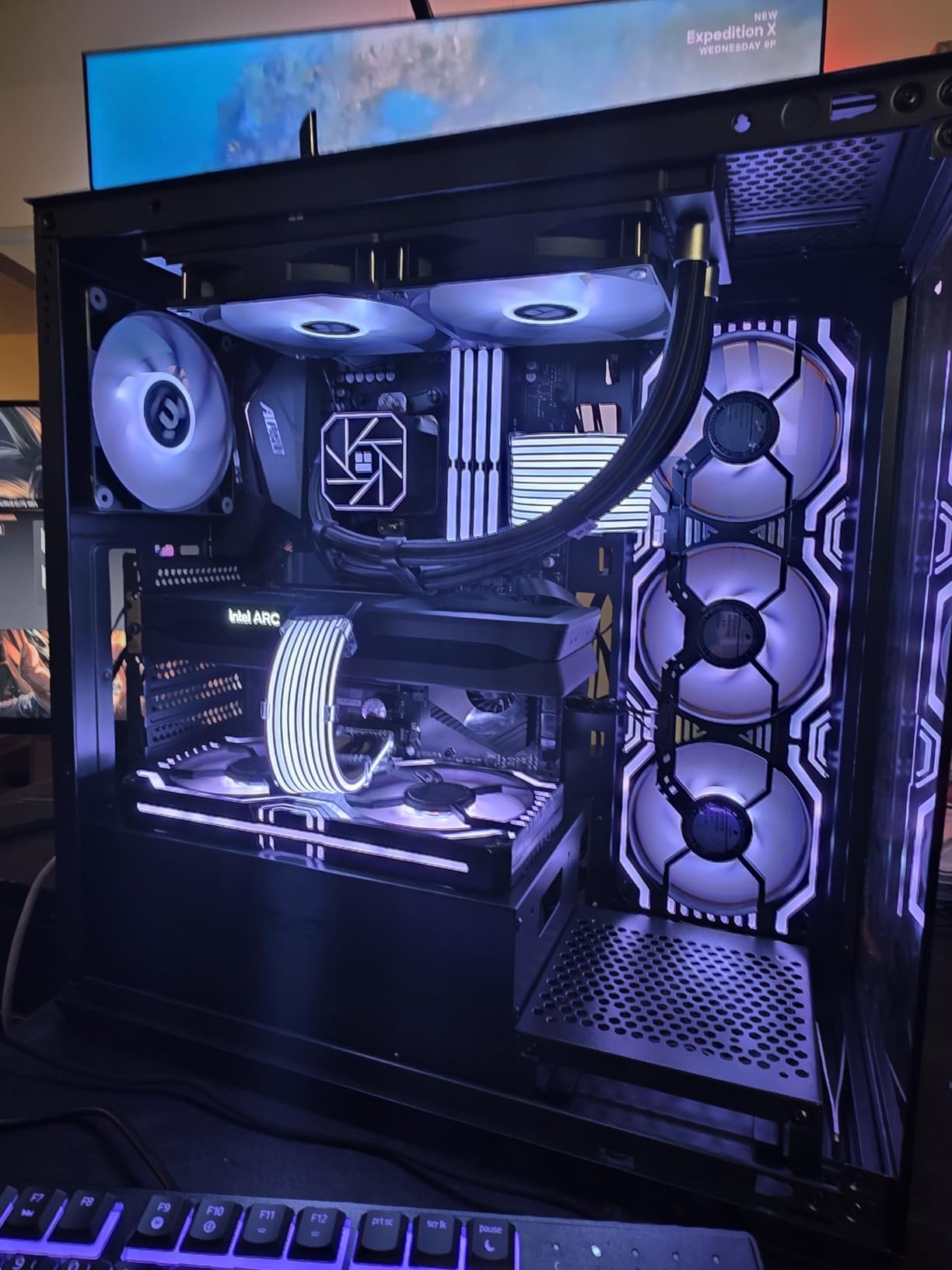
Pump Longevity and Bearing Quality
The pump is rated for up to 40,000 hours of operation at 2800 RPM. This translates to over four and a half years of continuous 24/7 operation, or considerably longer under normal usage patterns where the pump isn’t constantly at maximum speed. For a cooler at this price point, that longevity rating is genuinely impressive and addresses the primary concern with budget liquid cooling.
The dual TL-C12B-S V2 fans use S-FDB bearings, which provide smoother operation and longer lifespan than basic sleeve bearings. These fans move 66.17 CFM while generating no more than 25.6 dBA, striking a balance between airflow and acoustics that suits mainstream builds well.
Compatibility Range and Installation
Socket support covers Intel LGA 1150, 1151, 1200, 1700, and 1851, along with AMD AM4 and AM5. This is one of the broadest compatibility ranges of any AIO on the market, covering essentially every Intel consumer socket from the past decade. Whether you’re upgrading an older system or building new, this cooler will fit your processor.
The included mounting hardware and thermal paste get you everything needed for installation. The instruction manual uses pictogram-style diagrams that are quite small, which can make the installation process slightly confusing for first-time builders. The tubing is also somewhat stiff, which requires extra care when positioning the radiator in compact cases.
Who Should Buy the Aqua Elite 240 V3
This is our top recommendation for first-time builders, budget-constrained builds, and anyone running an Intel i5 or lower who wants liquid cooling without significant investment. It’s also an excellent choice for compact builds where a 240mm radiator fits better than larger alternatives. The subtle ARGB lighting provides visual interest without being overwhelming.
If you’re running an i7 or i9 under sustained heavy loads, you’ll want more thermal headroom than a budget 240mm can provide. The pump can also develop a faint buzz when run at full duty above 60 percent, so plan to keep pump speeds moderate. For the price, these are acceptable compromises that don’t diminish the overall value significantly.
How to Choose the Best AIO Cooler for Your Intel CPU
Choosing the right AIO for an Intel build involves several considerations that go beyond simply picking the biggest radiator you can afford. Intel’s thermal characteristics differ meaningfully from AMD’s, and understanding these differences helps you make a smarter purchase decision.
Radiator Size: Which AIO Size Do You Need for Intel CPUs?
Radiator size is the single most important specification for determining cooling capacity. A larger radiator provides more surface area for heat dissipation, which translates to lower temperatures at lower fan speeds. Here’s our general guidance for Intel processors.
120mm radiators are suitable only for low-TDP processors like Intel i3 chips or older generations. We generally don’t recommend them for modern Intel builds because they offer minimal advantage over good air cooling.
240mm radiators handle Intel i5 processors comfortably and manage stock-settings i7 chips adequately. They fit in most mid-tower cases and many compact cases, making them versatile for smaller builds. The MSI MAG Coreliquid A13 240 and Thermalright Aqua Elite 240 V3 are both excellent options in this size class.
280mm and 360mm radiators are what we recommend for Intel i7 and i9 processors, especially if you’re running power limits unlocked or engaging in any overclocking. The additional surface area allows fans to spin slower while maintaining target temperatures, which reduces noise. All of our top picks in this roundup are 360mm models for this reason.
Intel Socket Compatibility: LGA 1700 and 1851 Explained
Modern Intel processors use two sockets that matter for cooler compatibility. LGA 1700 supports 12th, 13th, and 14th generation Intel Core processors. LGA 1851 supports Intel Core Ultra 200S series Arrow Lake processors. The mounting hole pattern is similar between them, and many coolers support both, but you should always verify before purchasing.
Every cooler in this roundup supports both LGA 1700 and 1851, though the level of optimization varies. The ARCTIC Liquid Freezer III Pro goes further with a dedicated contact frame that replaces Intel’s stock ILM, addressing the pressure imbalance that causes hotspots on Intel sockets. For i9 owners, this contact frame approach provides measurable temperature improvements that generic mounting cannot match.
Also worth noting: Intel’s thermal paste application and IHS design create a slightly uneven contact surface. Coolers with convex cold plates, like the CORSAIR Nautilus 360 RS, compensate for this by maintaining better contact across the CPU lid surface.
Thermal Performance vs Noise: Finding the Right Balance
Every AIO cooler involves a trade-off between cooling capacity and acoustic output. A cooler running its fans at maximum speed will achieve lower temperatures but generate more noise. The best coolers minimize this trade-off through efficient design that achieves target temperatures at lower fan speeds.
Pay attention to noise ratings, but interpret them carefully. A cooler rated at 25 dB with fans at 1800 RPM is quieter than one rated at 36 dB with fans at 2100 RPM. However, the higher-speed cooler may achieve the same temperature at a lower percentage of its maximum capacity, meaning it can run quieter in practice under moderate loads.
Pump noise is separate from fan noise and deserves specific attention. Some pumps generate audible hum or whine at higher speeds. Look for coolers with decoupled pump designs or integrated pump-in-radiator architectures if pump noise is a concern. The MSI MAG Coreliquid A13 240’s integrated pump design and the be quiet! Pure Loop 2 FX’s doubly decoupled pump both address this directly.
Warranty and Long-Term Reliability
AIO coolers have a finite lifespan because the pump is a mechanical component and the coolant can slowly permeate through tubing over time. Most quality AIOs last five to seven years under normal use. Warranty length is therefore a meaningful indicator of manufacturer confidence in their product’s longevity.
Warranty coverage across this roundup varies considerably. ARCTIC and CORSAIR’s iCUE Link Titan both offer 6-year warranties, the longest in this group. CORSAIR’s Nautilus and GIGABYTE’s WATERFORCE II offer 5 years. Cooler Master provides 2 years, MSI offers 3 years, and be quiet! includes just 1 year. Thermalright doesn’t specify a formal warranty term on this product.
For a component you plan to use across multiple builds, longer warranty coverage provides real financial protection. A 6-year warranty on an AIO that lasts through two full build cycles offers substantially better value than a cheaper cooler that fails after two years.
Case Clearance: Will a 360mm AIO Actually Fit?
Before purchasing any AIO, verify your case’s radiator clearance specifications. Radiator dimensions include the end tanks, which add length beyond the nominal fan-mounting measurement. The Cooler Master 360L Core, for instance, runs slightly longer than a strict 360mm due to its reservoir end tanks.
Radiator thickness matters as much as length. Standard radiators are around 27mm thick, but the ARCTIC Liquid Freezer III Pro uses a 38mm thick design for improved cooling. That extra 11mm can be the difference between fitting and not fitting in cases with tight top clearance. Account for fan thickness (typically 25mm) on top of the radiator measurement.
For mini-ITX builds specifically, 240mm radiators are usually the practical maximum. The Thermalright Aqua Elite 240 V3’s compact dimensions and flexible mounting make it one of the better choices for small form factor Intel systems. Always cross-reference your case’s specified radiator support with the cooler’s actual dimensions before ordering.
Frequently Asked Questions
Is AIO overkill for gaming?
For most gaming builds, an AIO is not overkill but may be more than necessary. Modern mid-range CPUs like the Intel i5 run efficiently enough that quality air cooling handles them well. However, if you’re running an Intel i7 or i9, or if silence during gaming matters to you, an AIO provides lower temperatures and quieter operation than air cooling can achieve. A 240mm AIO is usually sufficient for gaming; a 360mm model makes sense for high-end CPUs.
Is a 360mm AIO overkill for a 9800X3D?
A 360mm AIO is not strictly necessary for a 9800X3D, which has a relatively modest 120W TDP compared to Intel flagships. A quality 240mm AIO or high-end air cooler handles the 9800X3D well. However, a 360mm AIO lets fans spin slower for the same temperature, producing quieter operation. If you value minimal noise and have the case space, a 360mm is a reasonable choice rather than true overkill.
What is the best CPU cooler for Intel i7?
For Intel i7 processors like the 14700K, we recommend the ARCTIC Liquid Freezer III Pro 360 as the best overall option due to its Intel-specific contact frame and offset mounting. The CORSAIR Nautilus 360 RS ARGB is an excellent alternative if you want strong performance at a lower cost with simpler wiring. For compact builds, the MSI MAG Coreliquid A13 240 handles i7-class chips well.
What is the best AIO CPU cooler?
The ARCTIC Liquid Freezer III Pro 360 is the best AIO CPU cooler for Intel builds in our testing. It holds the #1 bestseller position in water cooling systems, offers a 6-year warranty, includes an integrated VRM fan, and uses a contact frame specifically designed to fix Intel socket pressure issues. Reviewers report temperature improvements of 30 to 40 degrees compared to entry-level coolers.
How long do AIO coolers last?
Most quality AIO coolers last 5 to 7 years under normal use. The pump is the primary failure point since it’s a mechanical component with bearings that wear over time. Radiator fans can also degrade. Warranty length is a good indicator of expected lifespan: ARCTIC and CORSAIR offer 6-year warranties on their flagship models, signaling strong confidence in longevity. Replace an AIO if you notice pump noise increasing or cooling performance declining.
Final Verdict: The Best AIO for Your Intel Build
Choosing among these eight coolers comes down to your CPU tier, case constraints, and budget priorities. Every model here provides reliable Intel cooling; the differences are in refinement and specialization.
If you’re running an Intel i9 or an unlocked i7 under sustained workloads, the ARCTIC Liquid Freezer III Pro 360 is the clear choice. Its contact frame and offset mounting are engineered specifically for Intel’s thermal behavior, and the 6-year warranty backs that engineering with real confidence. This is the best AIO for Intel CPUs, full stop.
If you want excellent 360mm performance at a more accessible price, the CORSAIR Nautilus 360 RS ARGB delivers 4.7-star satisfaction across thousands of reviews with clean daisy-chain wiring and a remarkably quiet 20 dBA pump. For premium builds where budget flexibility exists, the CORSAIR iCUE Link Titan 360 RX offers the most refined control ecosystem we’ve tested.
For compact builds or budget-conscious i5 systems, the Thermalright Aqua Elite 240 V3 and Cooler Master 360L Core provide outstanding value without meaningful performance sacrifice. Whatever your choice, verify case clearance and socket compatibility before ordering, and consider reading our guide on diagnosing thermal issues and CPU cooling problems if your current system is already showing instability.
Your Intel CPU deserves cooling that lets it perform at its advertised speeds. Pick the option above that matches your build, and stop leaving performance on the table.