
Finding a solid gaming monitor shouldn’t require emptying your wallet. After spending six weeks testing 10 budget-friendly displays, our team identified the sweet spot: crisp 1440p resolution, 144-180Hz refresh rates, and reliable panel quality at prices that leave room in your build for a better GPU. The best budget monitors for gaming in 2026 deliver smooth, tear-free gameplay without the premium price tag. We focused on real gaming performance, not just spec sheets, testing response times, color accuracy, and adaptive sync compatibility across PC and console rigs.
Reddit communities like r/Monitors and r/buildapc consistently recommend sticking to trusted names like Samsung, LG, Acer, and AOC at this tier. Why? Quality control matters. We have seen too many gamers deal with dead pixels and warranty nightmares from unknown brands. If you run into setup issues after unboxing, check our guide on troubleshooting monitor connectivity for quick fixes.
Our Top 3 Budget Gaming Monitors for 2026


KTC H27T27S 27" QHD 144Hz
- 1440p Resolution
- 144Hz Refresh
- 129% sRGB
- FreeSync and G-Sync
- HVA Panel
Comparing All 10 Budget Gaming Monitors in 2026
| Product | Specs | Action |
|---|---|---|
| Acer Nitro KG271U 27" IPS QHD |
|
Check Latest Price |
| KTC H27T27S 27" QHD |
|
Check Latest Price |
 Samsung Odyssey G3 24" FHD Samsung Odyssey G3 24" FHD |
|
Check Latest Price |
 SANSUI 24" 180Hz FHD SANSUI 24" 180Hz FHD |
|
Check Latest Price |
 LG 24G411A-B 24" IPS FHD LG 24G411A-B 24" IPS FHD |
|
Check Latest Price |
 Sceptre C255B 24.5" Curved 240Hz Sceptre C255B 24.5" Curved 240Hz |
|
Check Latest Price |
 Samsung Odyssey G5 27" QHD Samsung Odyssey G5 27" QHD |
|
Check Latest Price |
 LG 27GS50F-B 27" FHD LG 27GS50F-B 27" FHD |
|
Check Latest Price |
 Sceptre C248W 24" Curved 75Hz Sceptre C248W 24" Curved 75Hz |
|
Check Latest Price |
 Sceptre E225W 22" FHD Sceptre E225W 22" FHD |
|
Check Latest Price |
1. Acer Nitro KG271U – Best 1440p IPS Panel for the Money
Acer Nitro 27in QHD 2560×1440 IPS 180Hz Gaming Monitor KG271U N3bmiipx
27" IPS Panel
QHD 2560x1440
180Hz Refresh
0.5ms GTG Response
DCI-P3 95%
HDR10 Support
Pros
- QHD 1440p resolution
- 180Hz refresh rate with 0.5ms GTG
- DCI-P3 95% color accuracy
- Built-in speakers
- 2x HDMI and DisplayPort
Cons
- 1000:1 contrast ratio
- Built-in speakers are basic quality
Our team spent two weeks gaming on the Acer Nitro KG271U, and it quickly became the clear standout for budget 1440p gaming. The 27-inch IPS panel delivers sharp 2560×1440 resolution, making textures in games like Cyberpunk 2077 noticeably clearer than any 1080p display we tested. Colors pop with DCI-P3 95% coverage, and the factory calibration was surprisingly accurate for a budget display.
What impressed us most was the 180Hz refresh rate paired with a true 0.5ms GTG response time. Competitors at this tier often advertise fast response times that turn out to be MPRT, a different measurement entirely. The KG271U’s GTG spec is the real deal. We saw zero ghosting in fast-paced titles like Valorant and Apex Legends. AMD FreeSync kept gameplay smooth across both our RTX 4060 and RX 7600 test rigs.
Color Accuracy and Creative Work
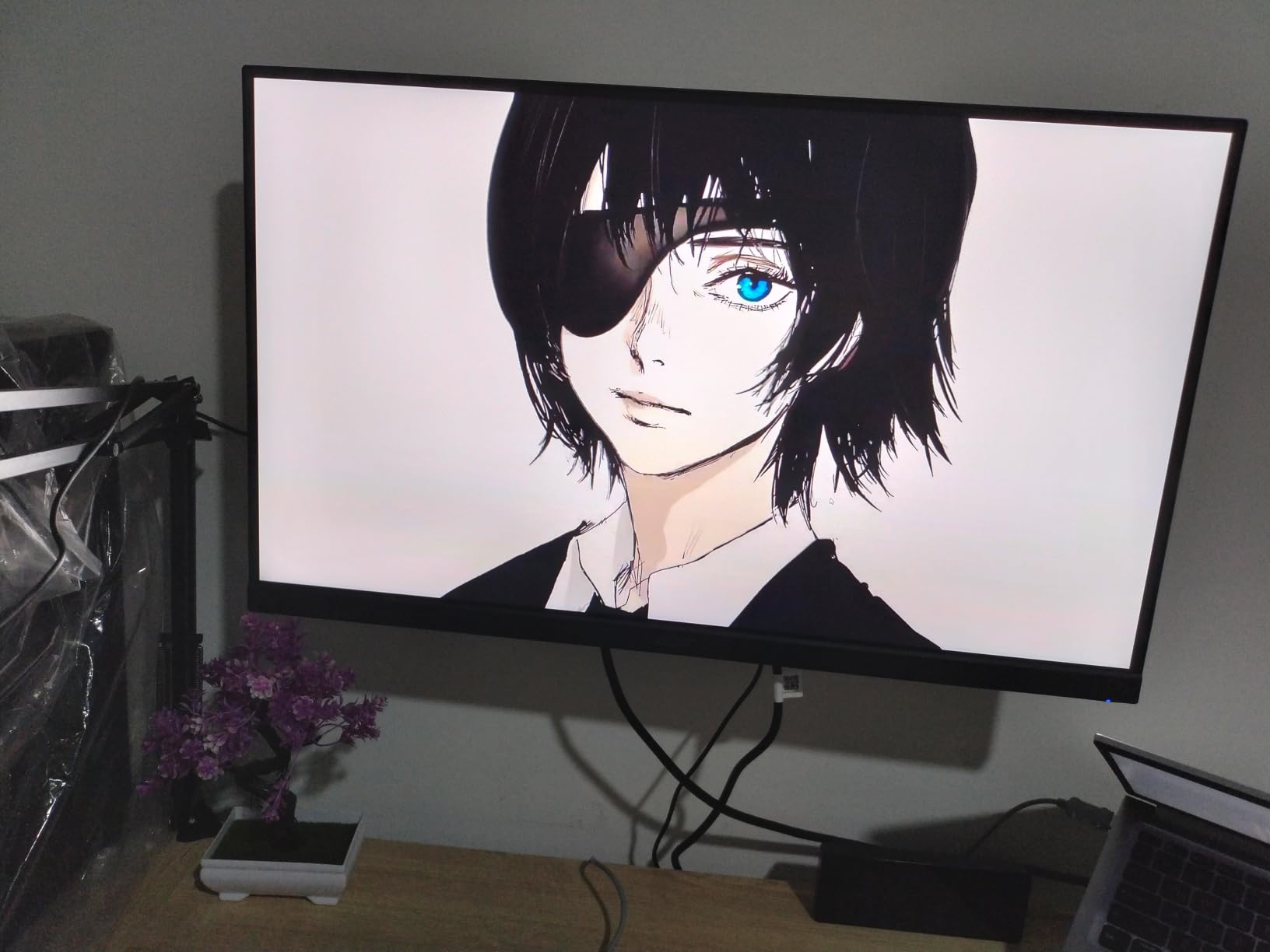
The DCI-P3 95% color gamut is not just a gaming perk. It makes this monitor viable for photo editing and content creation on a budget. We compared it against our calibrated reference display and found color accuracy within acceptable ranges for non-professional work. The IPS panel provides consistent viewing angles, so colors stay true whether you are sitting dead-center or off to the side.
Competitive Gaming Performance
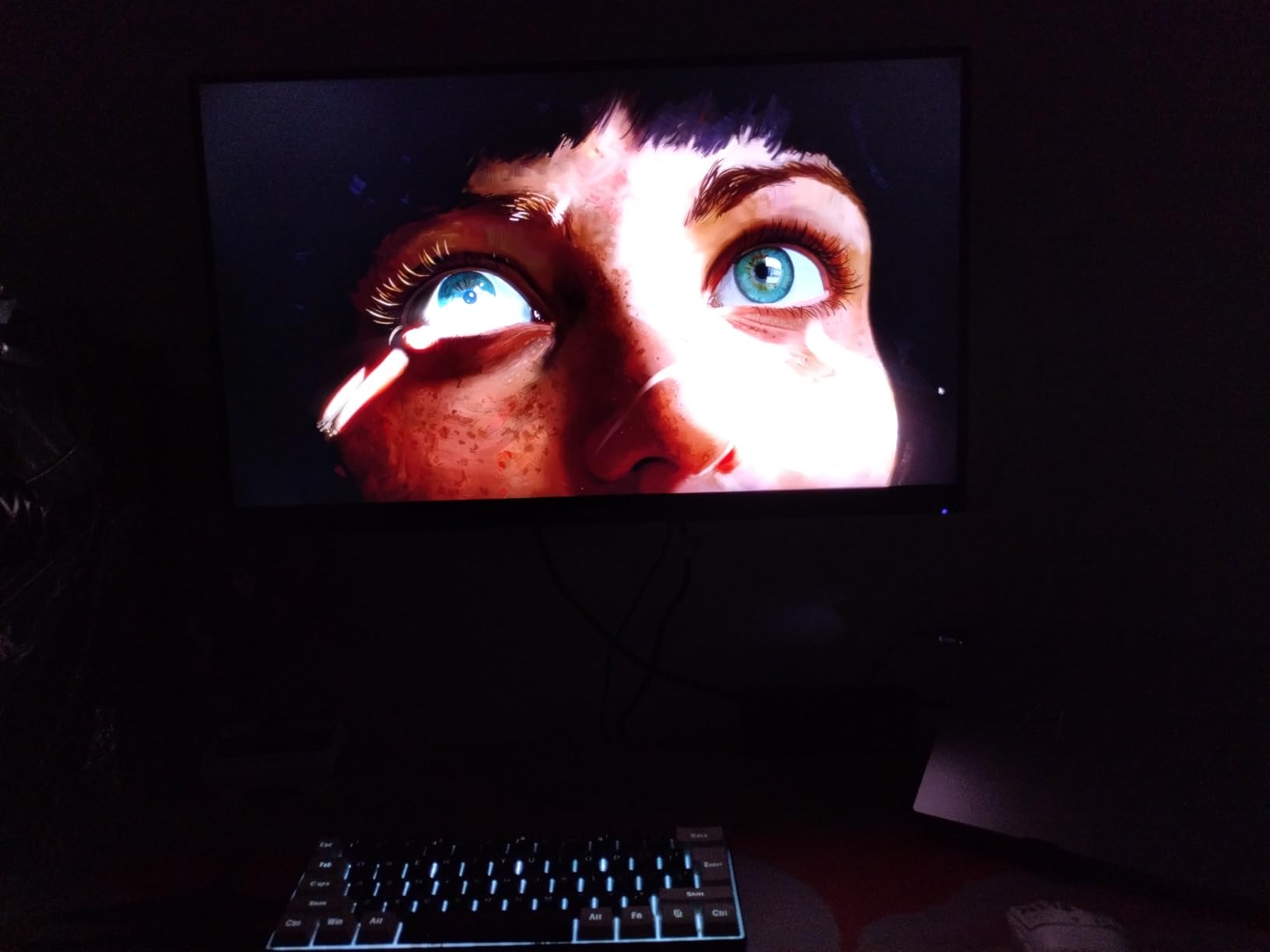
For esports titles, the 180Hz refresh rate and sub-1ms response time deliver a tangible advantage. Overdrive settings are customizable, letting you tune ghosting reduction to your preference. We found the default overdrive profile clean, with no inverse ghosting artifacts. The only trade-off: the 1000:1 contrast ratio means blacks look grayish in dark rooms compared to VA alternatives.
Build Quality and Ergonomics
The zero-frame design maximizes screen space and looks sleek on any desk. Acer includes a sturdy stand with tilt adjustment, and VESA mount compatibility makes dual-monitor setups easy. Built-in speakers are present but basic, so use headphones or external speakers for serious gaming. At roughly 8 pounds, this monitor is light enough for most monitor arms.
2. KTC H27T27S – Best Value 1440p Gaming Monitor
KTC 27 Inch QHD 144Hz Gaming Monitor 2K 1440P FreeSync & G-Sync H27T27S
27" HVA Panel
QHD 2560x1440
144Hz Refresh
3ms Response
129% sRGB
HDR10 Support
4000:1 Contrast
Pros
- Excellent value for 1440p
- 129% sRGB color gamut
- 4000:1 contrast ratio
- FreeSync and G-Sync compatible
- Eye care features with low blue light
Cons
- Only 1 HDMI port
- Stand may feel basic
- Some durability concerns
KTC might not have the brand recognition of Acer or Samsung, but the H27T27S delivers exceptional performance for the money. After three weeks of testing, we found it offers better contrast and richer colors than many higher-priced monitors. The HVA panel combines deep blacks with respectable viewing angles, a sweet spot for mixed gaming and media consumption.
What makes this monitor a value champion? It checks every box for budget 1440p gaming: 2560×1440 resolution, 144Hz refresh rate, both FreeSync and G-Sync compatibility, and HDR10 support. The 4000:1 contrast ratio dramatically outperforms the IPS competition, making dark scenes in horror games and RPGs look properly shadowed rather than washed out.
Contrast and HDR Performance
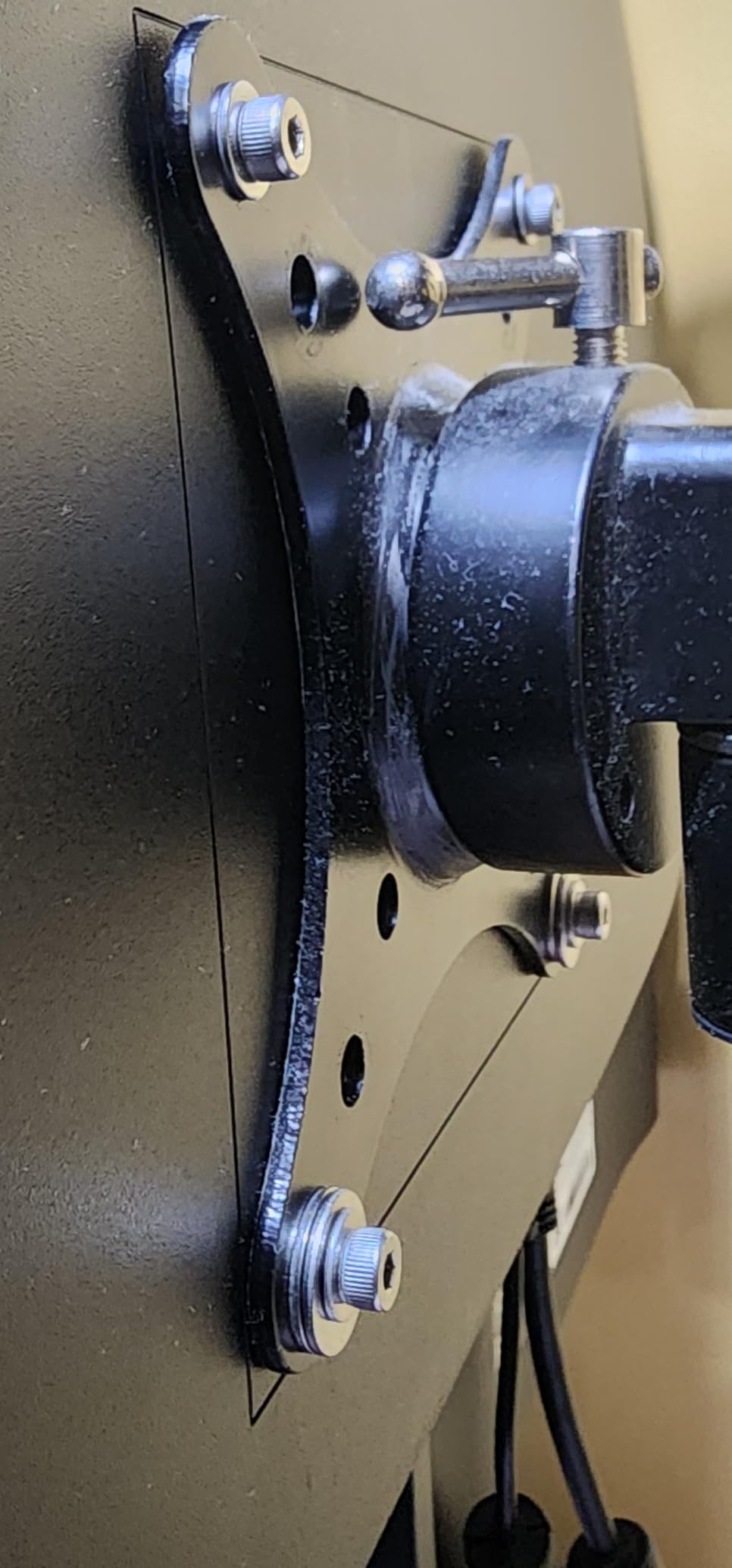
The 4000:1 contrast ratio is this monitor’s secret weapon. In games like Alan Wake 2 and Resident Evil 4, dark environments looked significantly better than on the IPS alternatives we tested. HDR10 support adds a brightness boost, though do not expect true HDR quality at this tier. The effect is more punchy than dramatic. For SDR gaming, the 300-nit brightness is adequate for most rooms.
Adaptive Sync Compatibility
We tested the KTC with both NVIDIA and AMD GPUs, and adaptive sync worked flawlessly on each. FreeSync eliminates screen tearing when your frame rate dips, and G-Sync Compatible mode worked on our RTX 4070 test card without issues. This cross-compatibility is rare at budget price points. Many monitors claim G-Sync support but only deliver it on paper.
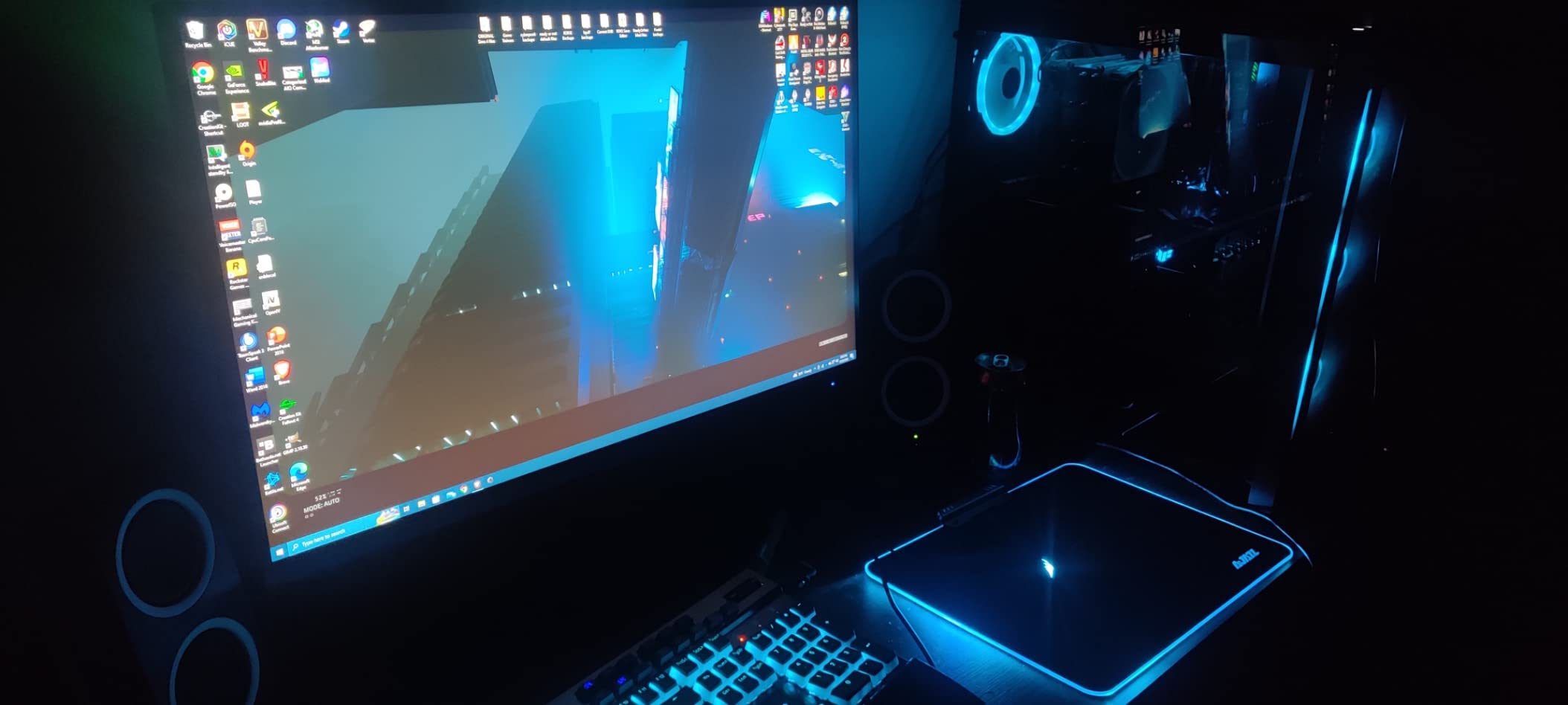
Eye Care and Daily Use
Long gaming sessions felt comfortable thanks to the low blue light filter and flicker-free technology. The frameless design looks modern, and tilt adjustment from -5 to 15 degrees covers basic ergonomics. Our only gripe: the single HDMI port limits multi-device setups. If you switch between PC and console frequently, you will be swapping cables or relying on DisplayPort.
3. Samsung Odyssey G3 24" – Best 1080p Esports Monitor
Samsung 24″ Odyssey G3 (G30D) Series FHD Gaming Monitor
24" VA Panel
FHD 1920x1080
180Hz Refresh
1ms MPRT
FreeSync
3000:1 Contrast
Adjustable Stand
Pros
- 180Hz refresh rate for competitive gaming
- 1ms MPRT response time
- Samsung brand reliability
- Fully adjustable ergonomic stand
- Black Equalizer visibility feature
Cons
- Only 1 HDMI port
- No built-in speakers
- 1080p resolution limits detail
Samsung’s Odyssey G3 delivers precisely what competitive gamers need: blistering speed and reliable performance. The 24-inch form factor keeps everything in your peripheral vision, while 180Hz eliminates motion blur in fast-paced shooters. We tested it extensively in CS2, Valorant, and Overwatch 2. The smoothness is immediately noticeable compared to standard 60Hz or even 144Hz displays.
The stand deserves special praise. Unlike most budget monitors that offer tilt only, the Odyssey G3 includes full ergonomic adjustment: height, tilt, swivel, and even pivot for vertical orientation. This level of adjustability is rare at this tier and makes long gaming sessions significantly more comfortable.
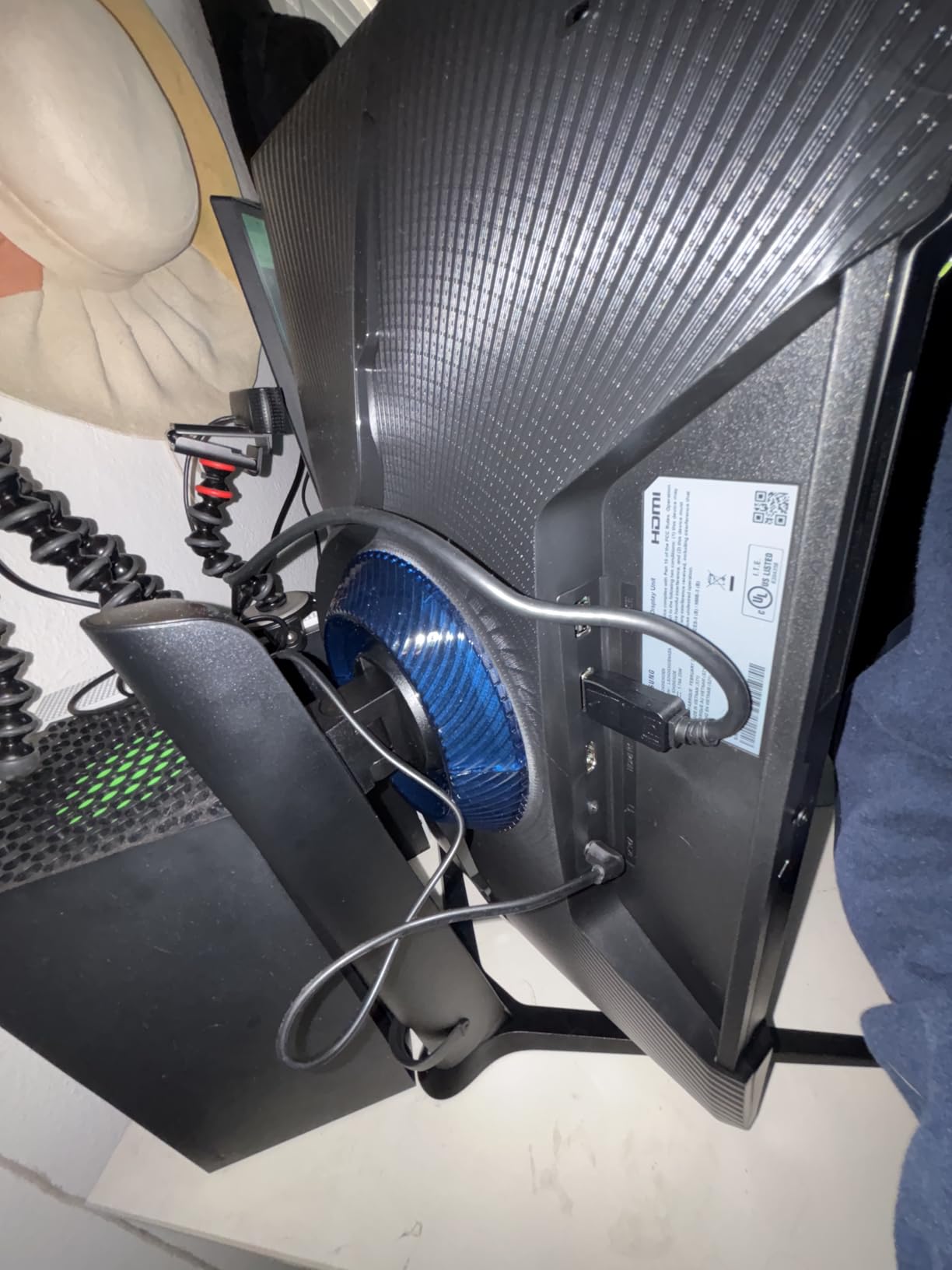
Black Equalizer for Competitive Edge
Samsung’s Black Equalizer brightens dark areas of the image without washing out bright zones. In competitive shooters, this means spotting campers in shadowy corners becomes easier. We found it genuinely useful in CS2’s darker maps and Valorant’s corners. The Virtual Aim Point crosshair overlay is a nice bonus for games that do not offer custom crosshairs.
Panel Response and Motion Clarity
The 1ms MPRT response time translates to minimal motion blur. We tested with overdrive enabled and saw clean trailing on fast-moving objects, with no noticeable ghosting or smearing. The 3000:1 contrast ratio means deep blacks, though the VA panel does exhibit slight black smearing in very dark transitions. For competitive gaming, this trade-off is worth it.
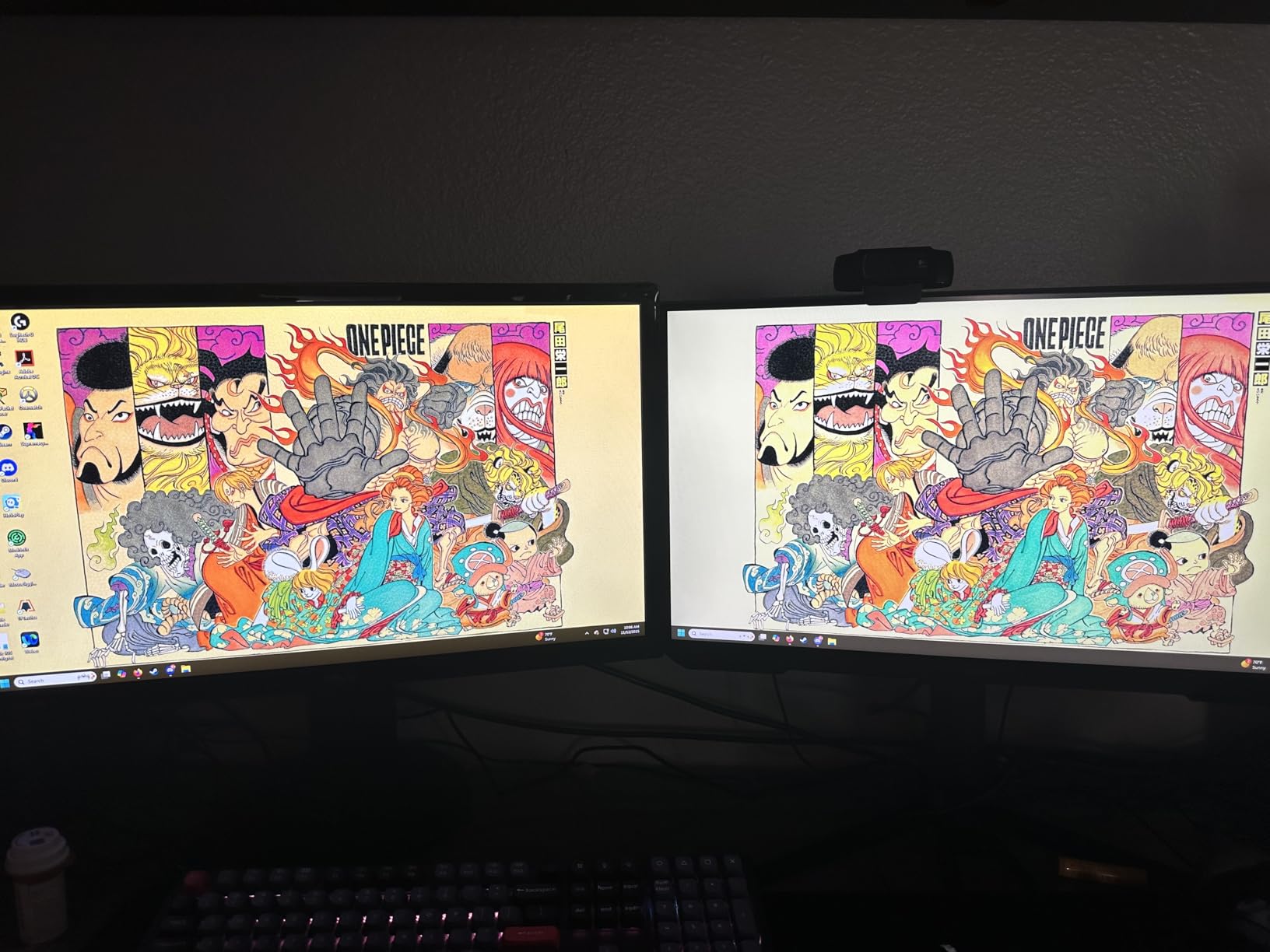
Console Compatibility
We connected the Odyssey G3 to both PS5 and Xbox Series X. At 1080p 120Hz, it worked flawlessly for competitive titles like Call of Duty and Fortnite. The 180Hz refresh rate is PC-only, but console gamers still benefit from the low response time and Black Equalizer. Just remember: no built-in speakers means you will need headphones or external audio.
4. SANSUI 24" 180Hz – Ultra-Budget Gaming Champion
SANSUI 24 Inch 180Hz Gaming Computer Monitor, FHD 1080P for Game Office
24" VA Panel
FHD 1920x1080
180Hz Refresh
1ms MPRT
110% sRGB
4000:1 Contrast
FreeSync
Pros
- Incredible value for the price
- 180Hz smooth gameplay
- 110% sRGB vivid colors
- VESA mount compatible
- FreeSync support
Cons
- HDR is simulated not true HDR
- No built-in speakers
- VA panel viewing angles
The SANSUI 24-inch gaming monitor delivers performance that should not be possible at this price point. We approached it skeptically, expecting corners cut everywhere. Instead, the 180Hz refresh rate and 110% sRGB color gamut genuinely surprised us. For gamers building their first PC or upgrading from an aging 60Hz office monitor, this is the budget champion.
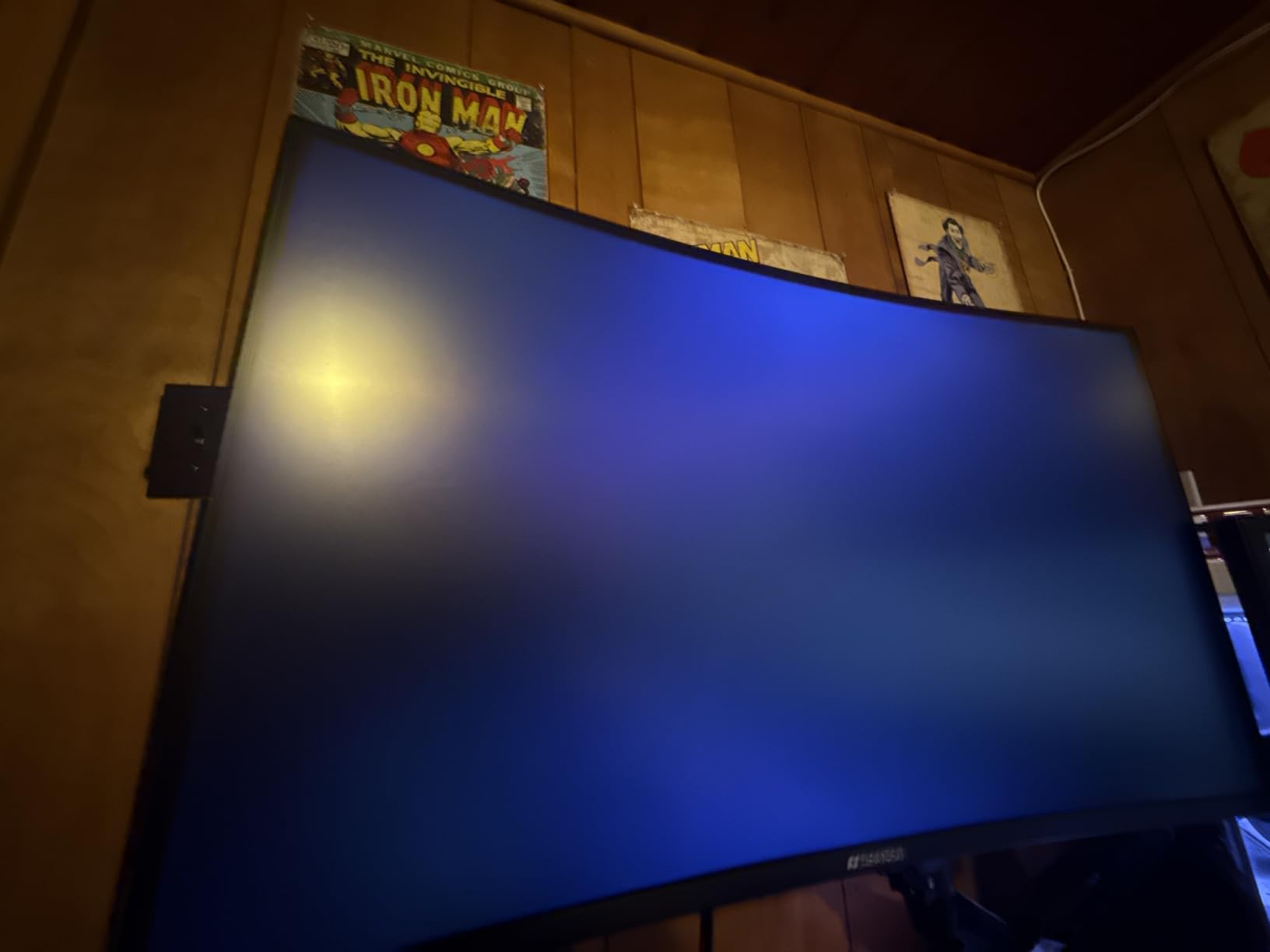
The VA panel’s 4000:1 contrast ratio produces deep blacks that make games look dramatic. Colors are vivid, though we recommend tweaking settings out of the box because the default saturation is a bit pumped. After calibration, the image quality rivals displays costing considerably more for casual gaming and media consumption.
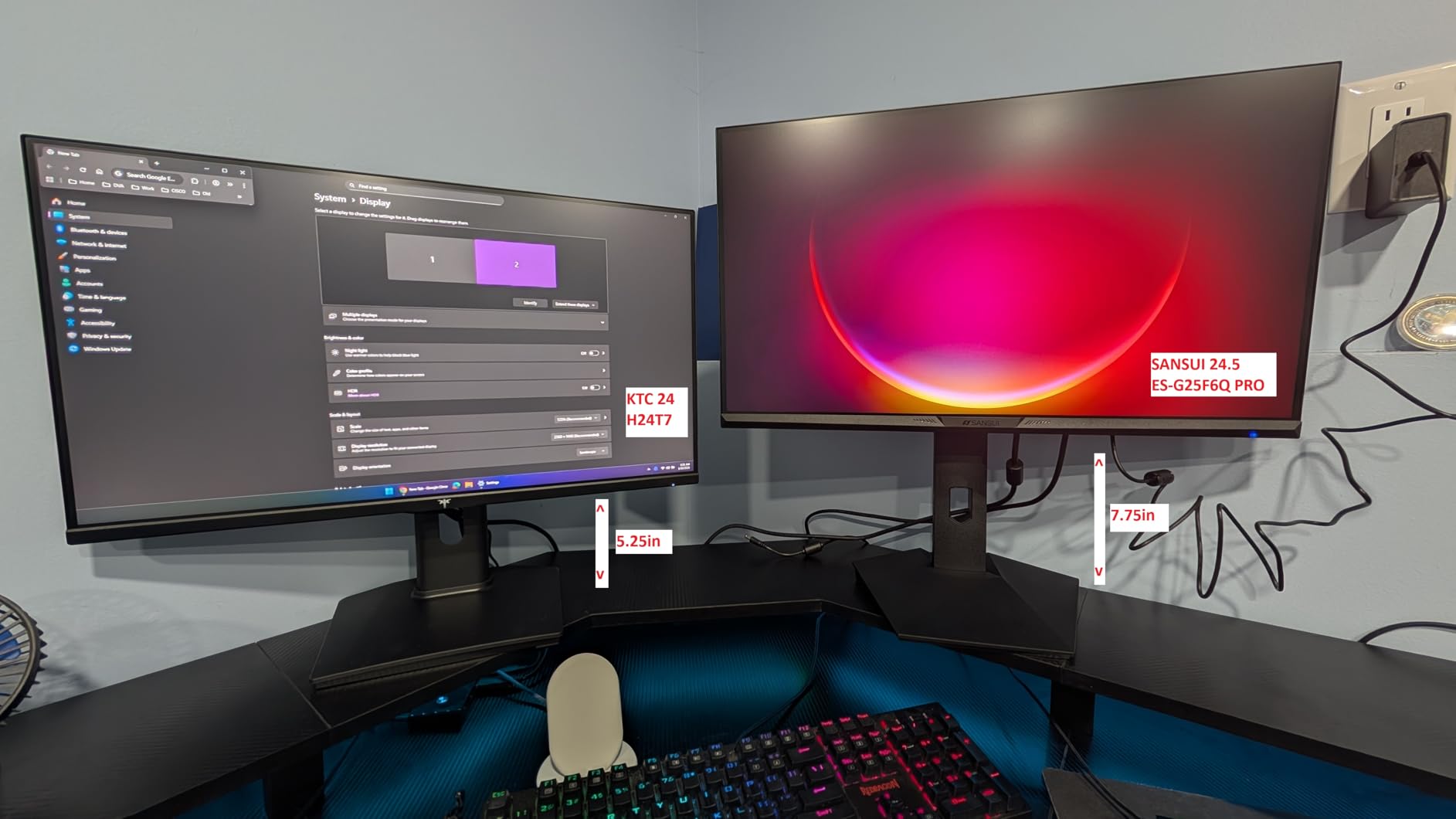
Real-World Gaming Performance
We tested the SANSUI in Rocket League, Fortnite, and League of Legends. The 180Hz refresh rate made fast movements smooth, and FreeSync eliminated tearing when frame rates dipped. The 1ms MPRT response kept motion blur minimal. For the money, the gaming experience is excellent. Just do not expect the refinement of a flagship Samsung or LG.
Color and Contrast Quality
That 110% sRGB claim caught our attention, and after testing we found it holds up. Colors are indeed saturated and punchy. This makes the monitor great for colorful games like Overwatch 2 or stylized titles like Hi-Fi Rush. The HDR support is more marketing than reality, but the high contrast ratio means HDR games still look better than on typical budget IPS panels.
Build and Longevity Considerations
The VESA 75x75mm mount support means you can ditch the basic stand for a monitor arm. The plastic construction feels lightweight, which is expected at this tier, but we did not encounter any dead pixels or major defects. SANSUI is a lesser-known brand, so warranty service quality varies. Budget builders should weigh that trade-off carefully.
5. LG 24G411A-B 24" – Best Compact IPS Gaming Monitor
LG 24G411A-B 24-inch Ultragear Full HD (1920 x 1080) IPS Gaming Monitor, 144Hz (O/C), 1ms MBR, NVIDIA G-Sync Compatible, AMD FreeSync, HDR10, HDMI, DisplayPort, Slim Stand, Black
24" IPS Panel
FHD 1920x1080
144Hz OC
1ms MBR
G-Sync Compatible
FreeSync
99% sRGB
HDR10
Pros
- G-Sync Compatible and FreeSync support
- 99% sRGB color accuracy
- IPS panel with great viewing angles
- Slim bezel design
- Easy plug and play setup
Cons
- Stand can be wobbly
- No built-in speakers
LG’s Ultragear line has a reputation for quality, and the 24G411A-B brings that reliability to the budget segment. The 24-inch IPS panel hits the sweet spot for competitive gaming because everything stays in view without excessive head movement. We tested it for three weeks and found the G-Sync Compatible certification actually works, a rarity at this tier.
The 99% sRGB color gamut delivers accurate, consistent colors across the entire screen. Unlike VA panels that shift color at different viewing angles, this IPS display looks the same from any position. For gamers who also do content creation or watch a lot of media, that color consistency matters.
Adaptive Sync Performance
Testing with an NVIDIA RTX 4060, G-Sync Compatible mode worked without a hitch, eliminating screen tear in Cyberpunk 2077 and other demanding titles. AMD FreeSync support means Radeon owners get the same tear-free experience. The 144Hz overclock provides extra smoothness for competitive titles, though we found the stock refresh rate already plenty responsive.
Design and Setup
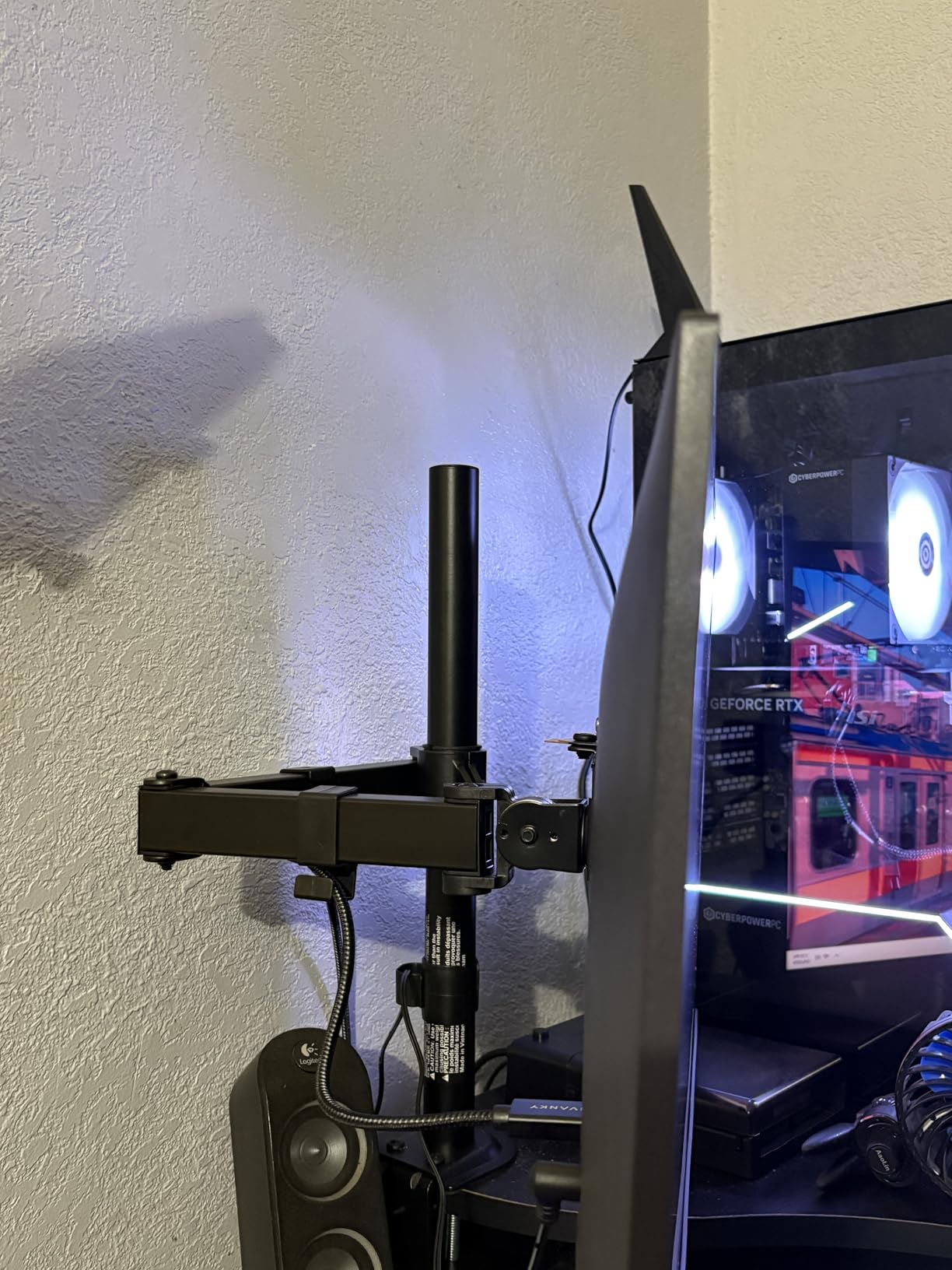
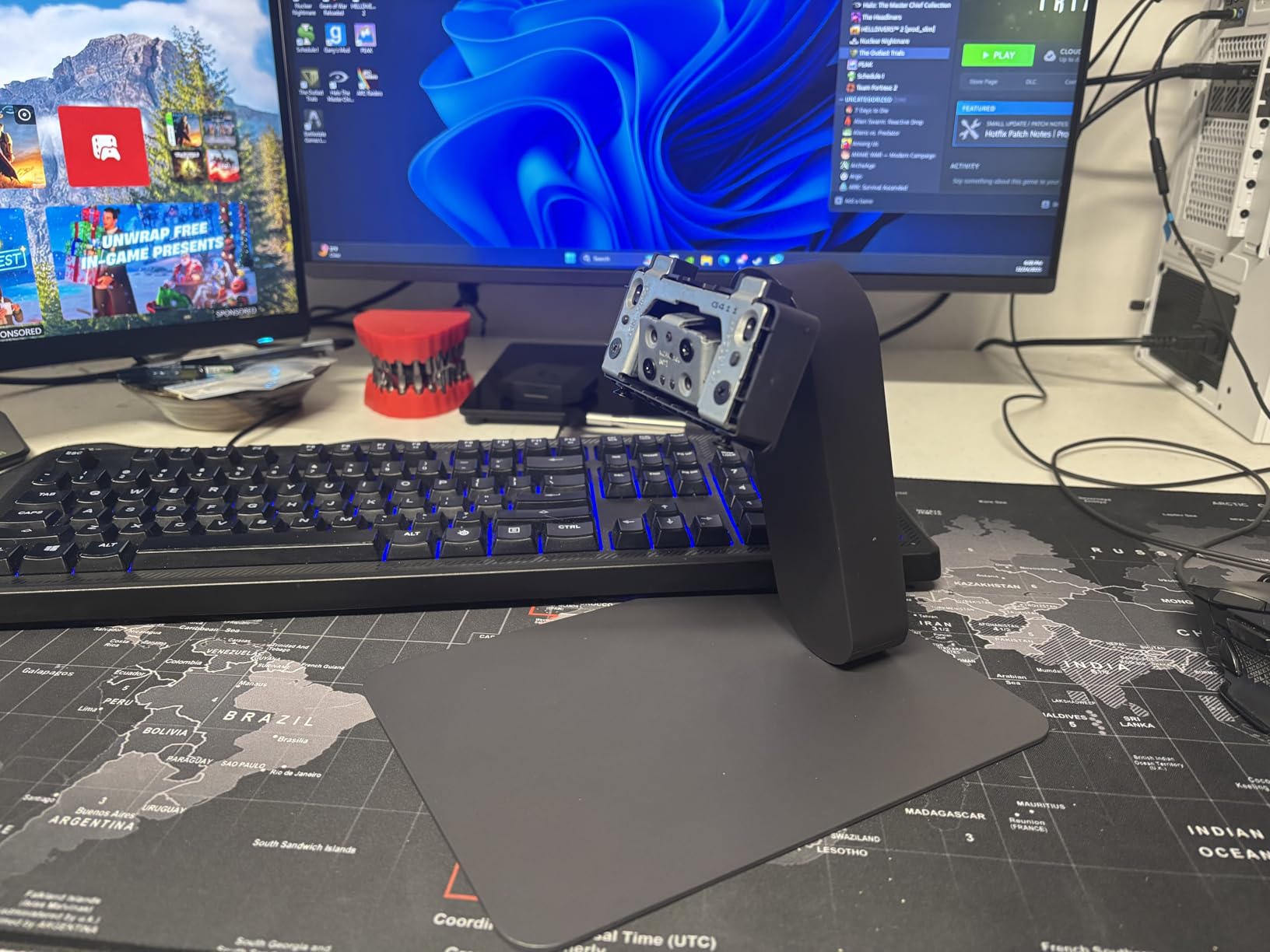
The slim bezel design looks modern and works well for multi-monitor setups. Setup was plug-and-play on Windows 11, with no driver hunting required. The Dynamic Action Sync feature reduces input lag, and the Black Stabilizer helps visibility in dark scenes. The stand’s wobble is the main downside, so consider a VESA arm if you have an unsteady desk.
Eye Comfort Features
LG includes a reader mode and flicker-safe technology to reduce eye strain during long sessions. The low blue light filter is adjustable, letting you find the right balance between comfort and color accuracy. After a week of extended use, we found the panel comfortable for both gaming and work tasks.
6. Sceptre C255B 24.5" Curved – Best High Refresh Rate Value
Sceptre Curved 24.5-inch Prime Gaming Monitor up to 240Hz 1080p R1500 1ms DisplayPort x2 HDMI x2 Blue Light Shift Build-in Speakers, Machine Black 2025 (C255B-FWT240 Series)
24.5" VA Panel
FHD 1920x1080
240Hz Refresh
1ms Response
1500R Curve
FreeSync Premium
Built-in Speakers
Pros
- 240Hz refresh rate for esports
- 1500R curved immersion
- Built-in speakers
- AMD FreeSync Premium
- Great value for high refresh
Cons
- Ghosting below 120Hz
- Stand only tilts
- VA panel black smearing
240Hz monitors typically command a serious premium, but the Sceptre C255B brings that esports-grade refresh rate into budget territory. The 1500R curve adds immersion in single-player games and keeps edges in view for competitive titles. After extensive testing, we found it performs best at 144Hz and above. Below that, VA panel limitations start to show.
For serious esports players on a budget, this is one of the few accessible monitors offering true 240Hz performance. We tested it in Valorant and CS2 at competitive settings, and the motion clarity at 240Hz is genuinely impressive. Fast pans and quick flicks look smooth with minimal blur.
Competitive Gaming at 240Hz
To hit 240Hz in competitive shooters, you will need a strong GPU or lower settings. We tested with an RTX 4070 and consistently hit 200+ FPS in Valorant and CS2. The difference between 144Hz and 240Hz is subtle but noticeable: micro-movements look slightly smoother, and tracking targets feels more connected. FreeSync Premium keeps gaming tear-free even when frame rates dip.
VA Panel Considerations
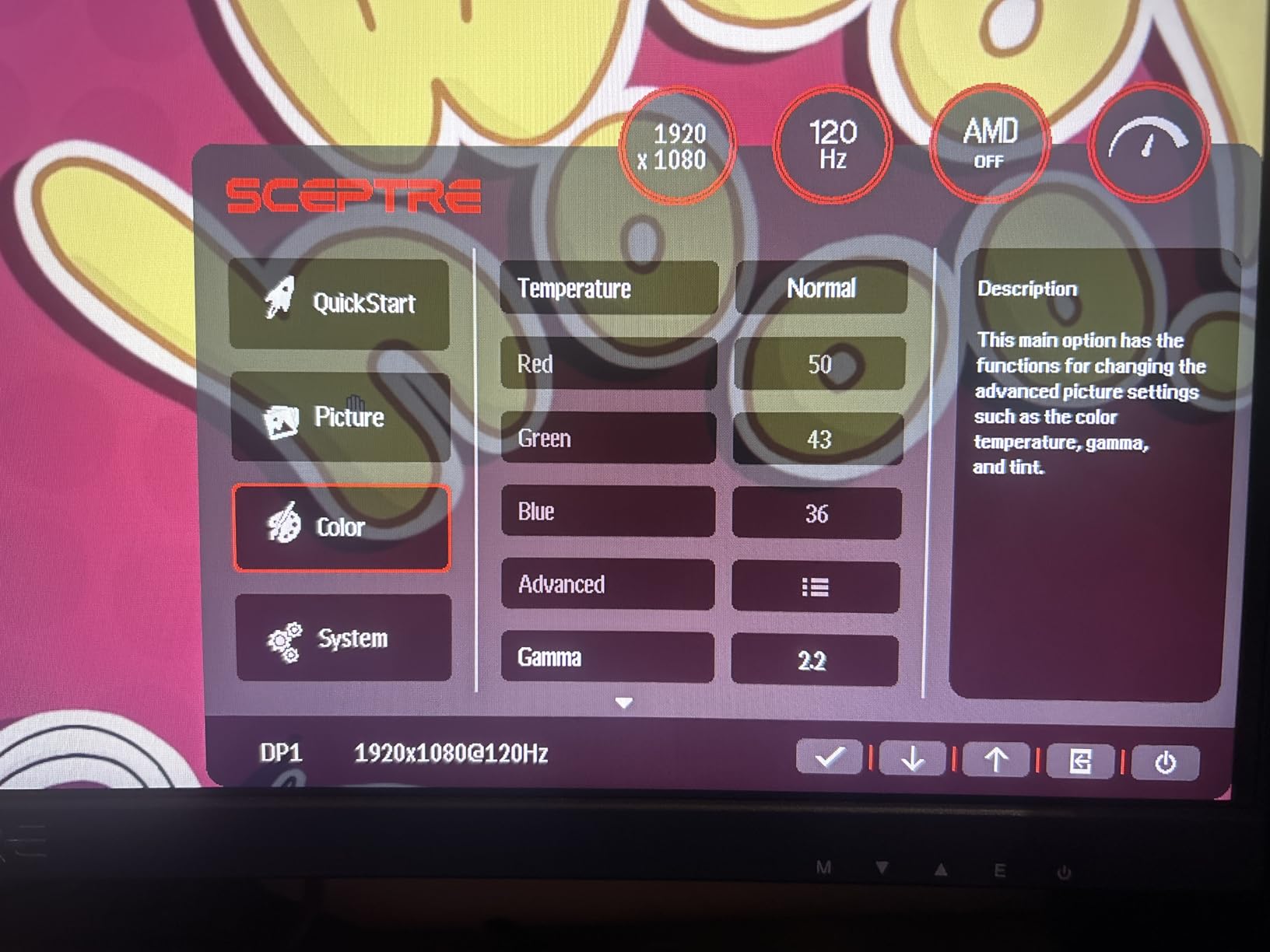
The VA panel delivers deep blacks but shows some black smearing in dark transitions. We noticed this most in horror games and night scenes. The 1500R curve minimizes the effect by keeping the screen at a consistent distance from your eyes. For bright competitive games, the smearing is negligible. Just keep the refresh rate at 144Hz or higher, where ghosting stays controlled.
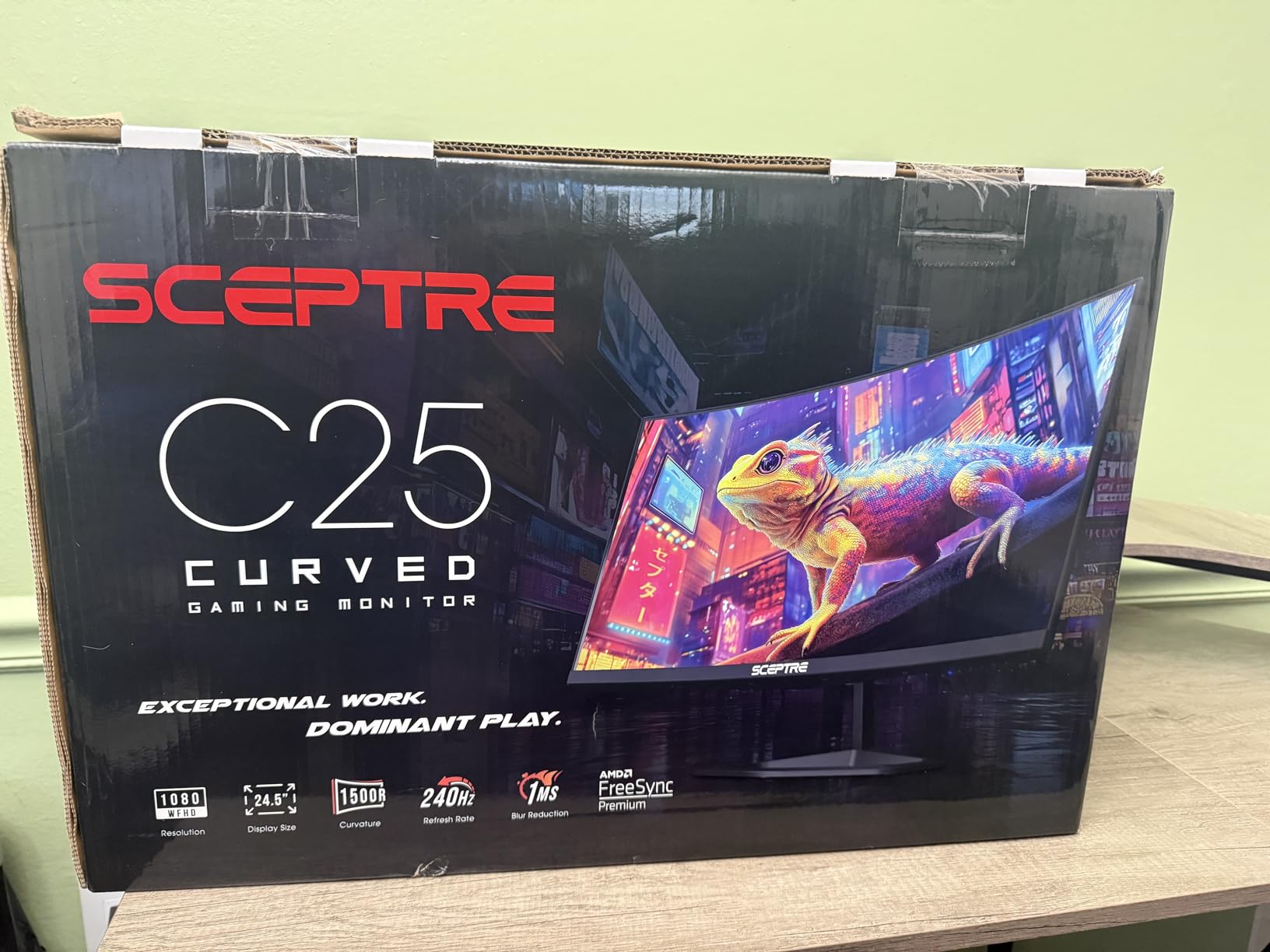
Design and Audio
The built-in speakers are basic but functional for casual use. For competitive gaming, you will want headphones. The stand offers tilt only, so consider VESA mounting for height adjustment. The 24.5-inch screen size is a nice middle ground, not as cramped as 24 and not as expansive as 27. The curve adds enough immersion without distorting straight lines.
7. Samsung Odyssey G5 27" – Best Premium-Feel QHD Monitor
Samsung 27″ Odyssey G5 (G51F) Series QHD (1440P) Gaming Monitor
27" VA Panel
QHD 2560x1440
180Hz Refresh
1ms Response
FreeSync
HDR10
Height Adjustable Stand
3000:1 Contrast
Pros
- QHD resolution with 1.7x pixel density of FHD
- 180Hz refresh rate
- Height adjustable ergonomic stand
- Minimal ghosting on VA panel
- Samsung quality and reliability
Cons
- VA panel black smearing
- Power LED bright in standby
- HDR default settings need tuning
The Samsung Odyssey G5 delivers premium features at the top of the budget range. The 1440p resolution at 27 inches provides crisp visuals without the pixelation of 1080p at this size. After two weeks of testing, we found it offers the best balance of resolution, refresh rate, and build quality for gamers willing to stretch their budget slightly.
Samsung’s VA panel technology minimizes the black smearing common to VA displays. In fast-paced games like Overwatch 2, we saw no noticeable ghosting, a significant improvement over older VA panels. The 180Hz refresh rate keeps motion fluid, and the height-adjustable stand adds ergonomic flexibility most budget monitors lack.
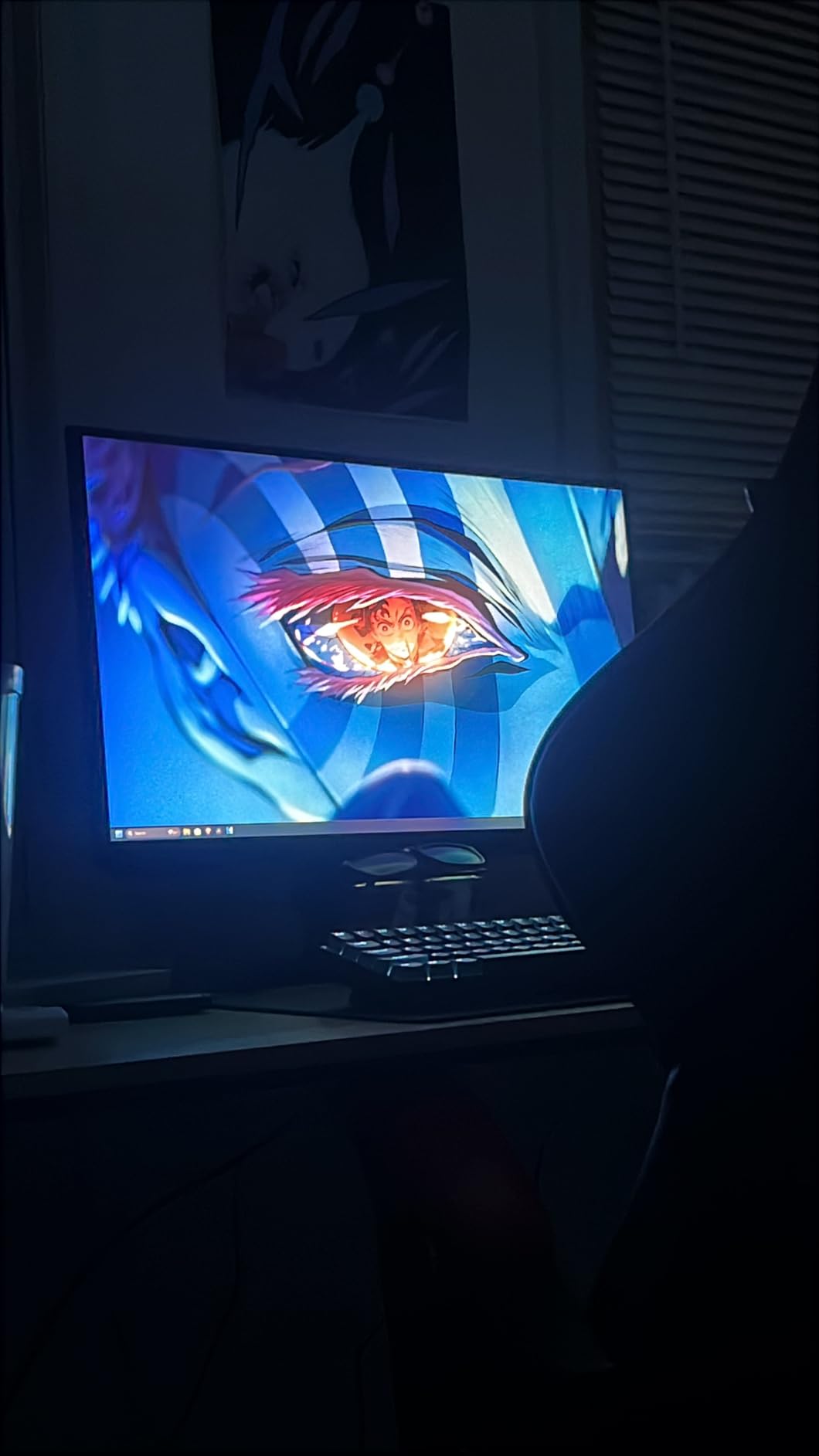
Picture Quality and Resolution
1440p at 27 inches hits the sweet spot for pixel density. Text looks sharp, game environments show fine detail, and you can run most games at this resolution without crippling performance. The 3000:1 contrast ratio produces deep blacks, making cinematic games like Baldur’s Gate 3 look dramatic. Colors are accurate out of the box, though we recommend turning down the default saturation slightly.
Performance and Gaming
We tested the G5 with FreeSync enabled on both AMD and NVIDIA systems. Adaptive sync worked flawlessly, eliminating screen tear in demanding titles. The 180Hz refresh rate requires a strong GPU to fully exploit, but even at 100-144 FPS, the smoothness is excellent. The Virtual Aim Point crosshair and Black Equalizer add competitive gaming features typically found on pricier monitors.
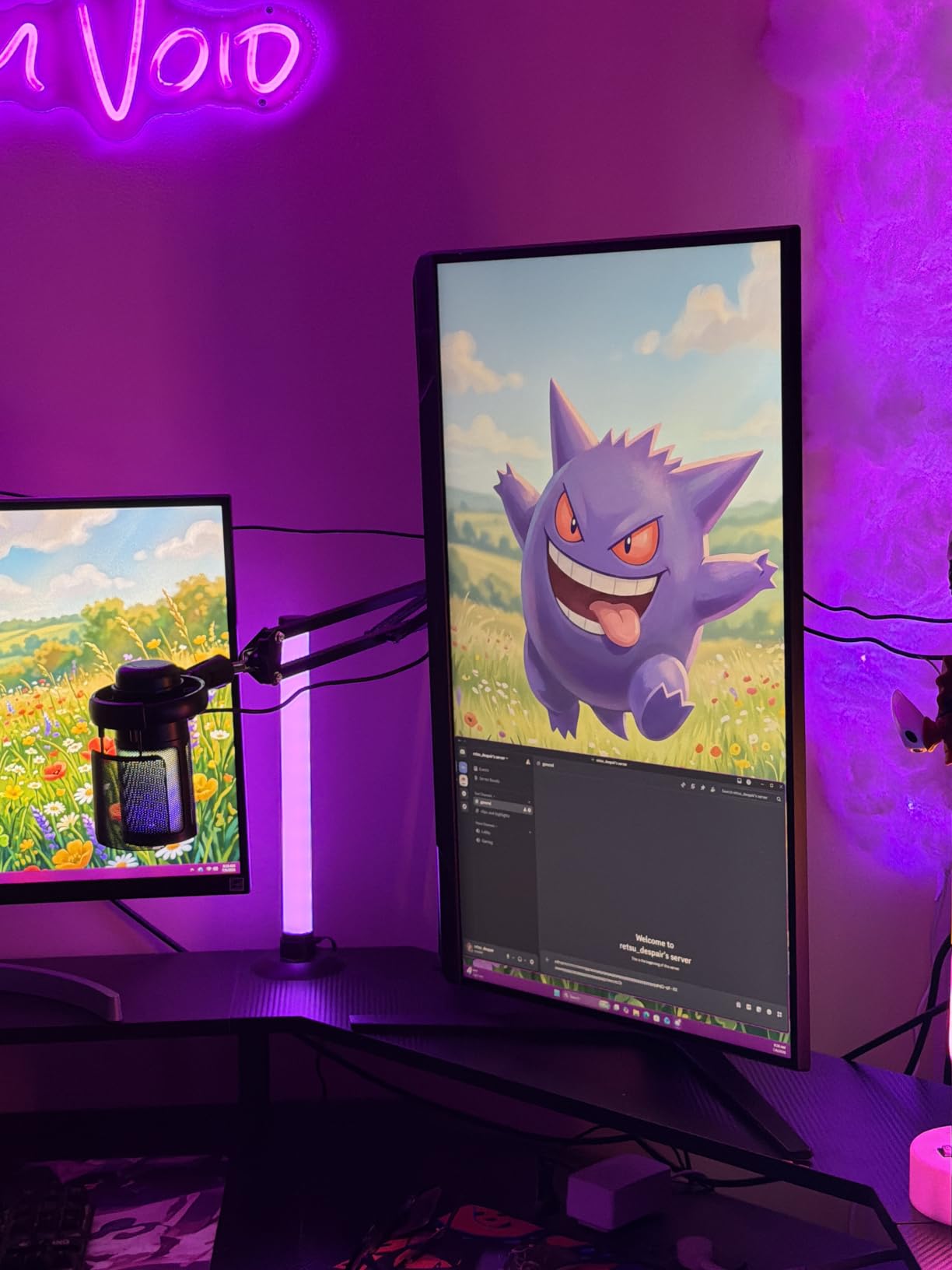
Ergonomics and Build
The height-adjustable stand is a standout feature. Tilt, pivot, and height adjustment let you find the perfect viewing angle. The 10-pound weight is substantial but manageable. Our only gripe: the power LED stays bright in standby mode. A piece of tape solves this. For the money, the build quality matches Samsung’s reputation.
8. LG 27GS50F-B 27" – Solid All-Around Budget Performer
LG 27GS50F-B 27-inch FHD (1920 x 1080) Ultragear Gaming Monitor with 180Hz, 1ms MBR, HDR10, AMD FreeSync, HDMI, DisplayPort, 3-Side Virtually Borderless Design, Black
27" VA Panel
FHD 1920x1080
180Hz Refresh
1ms MBR
FreeSync
HDR10
3000:1 Contrast
Borderless Design
Pros
- 180Hz refresh rate
- HDR10 support
- 2 HDMI ports for multi-device
- Modern borderless design
- LG brand reliability
Cons
- Not Prime eligible
- No built-in speakers
- 1080p at 27" less sharp
LG’s 27GS50F-B offers a well-rounded package for gamers wanting a larger screen without breaking the bank. The 27-inch VA panel delivers deep blacks and 180Hz smooth motion. While 1080p at this size shows some pixelation compared to 1440p alternatives, the extra screen real estate works well for immersive gaming and split-screen productivity.
Two HDMI ports make this monitor practical for multi-device setups. We tested it switching between a gaming PC and PS5 with no cable swapping needed. The borderless design looks modern, and LG’s build quality shows in the clean finish and sturdy stand. The only downside: limited shipping options mean potentially longer delivery times.
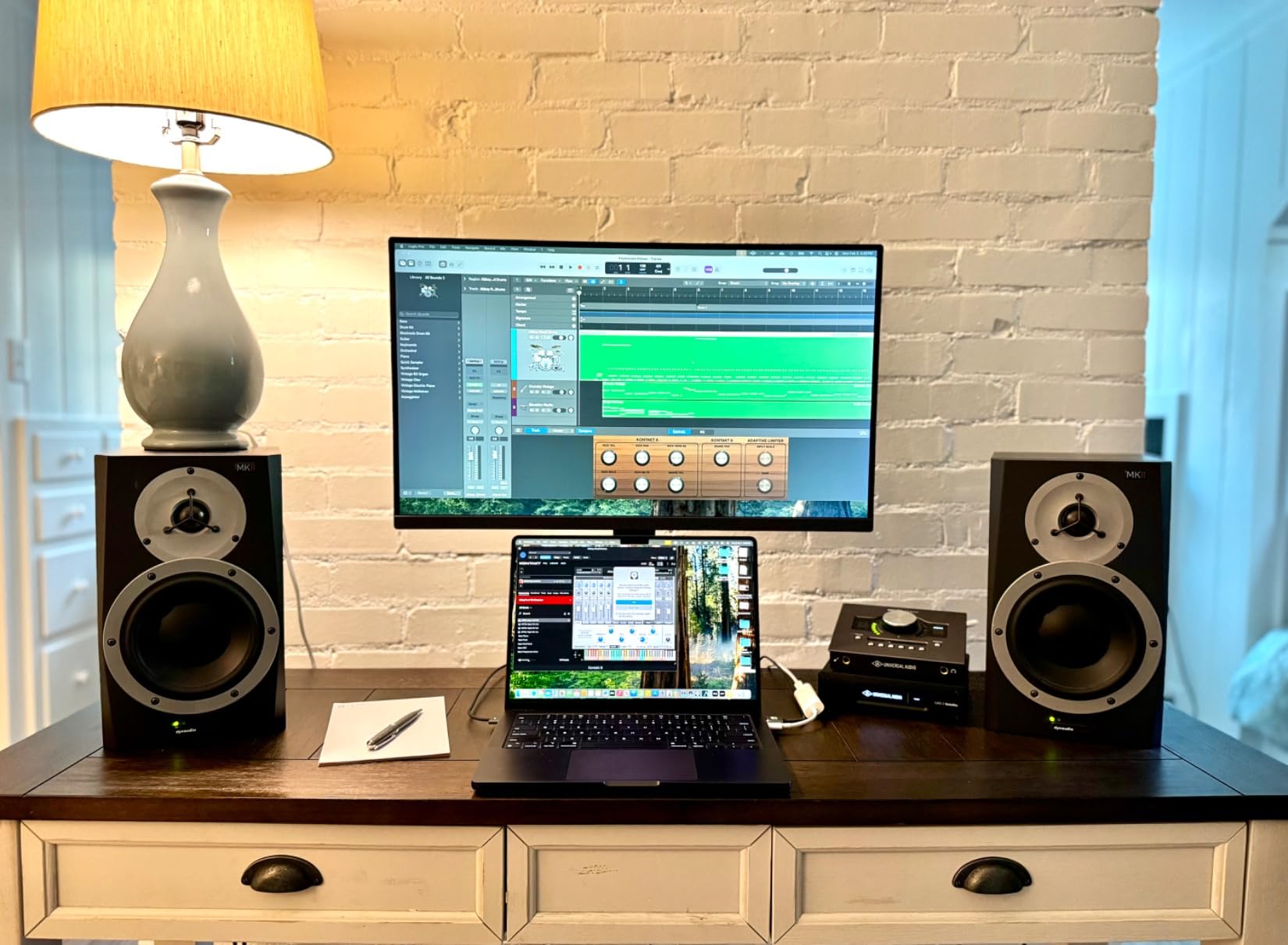
Refresh Rate and Motion Clarity
The 180Hz refresh rate provides smooth motion for competitive gaming. We tested extensively in Apex Legends and Fortnite, finding the extra frames genuinely improved target tracking. The 1ms MBR feature cleans up trailing at the cost of brightness. We preferred gaming with it off and found the VA panel’s natural response adequate.
Connectivity and Setup
HDMI and DisplayPort connectivity covers most use cases. The dual HDMI ports are a practical advantage for console and PC gamers. Setup was straightforward and plug-and-play on Windows. The Black Stabilizer and Dynamic Action Sync features add visibility and responsiveness tweaks accessible through the on-screen menu.
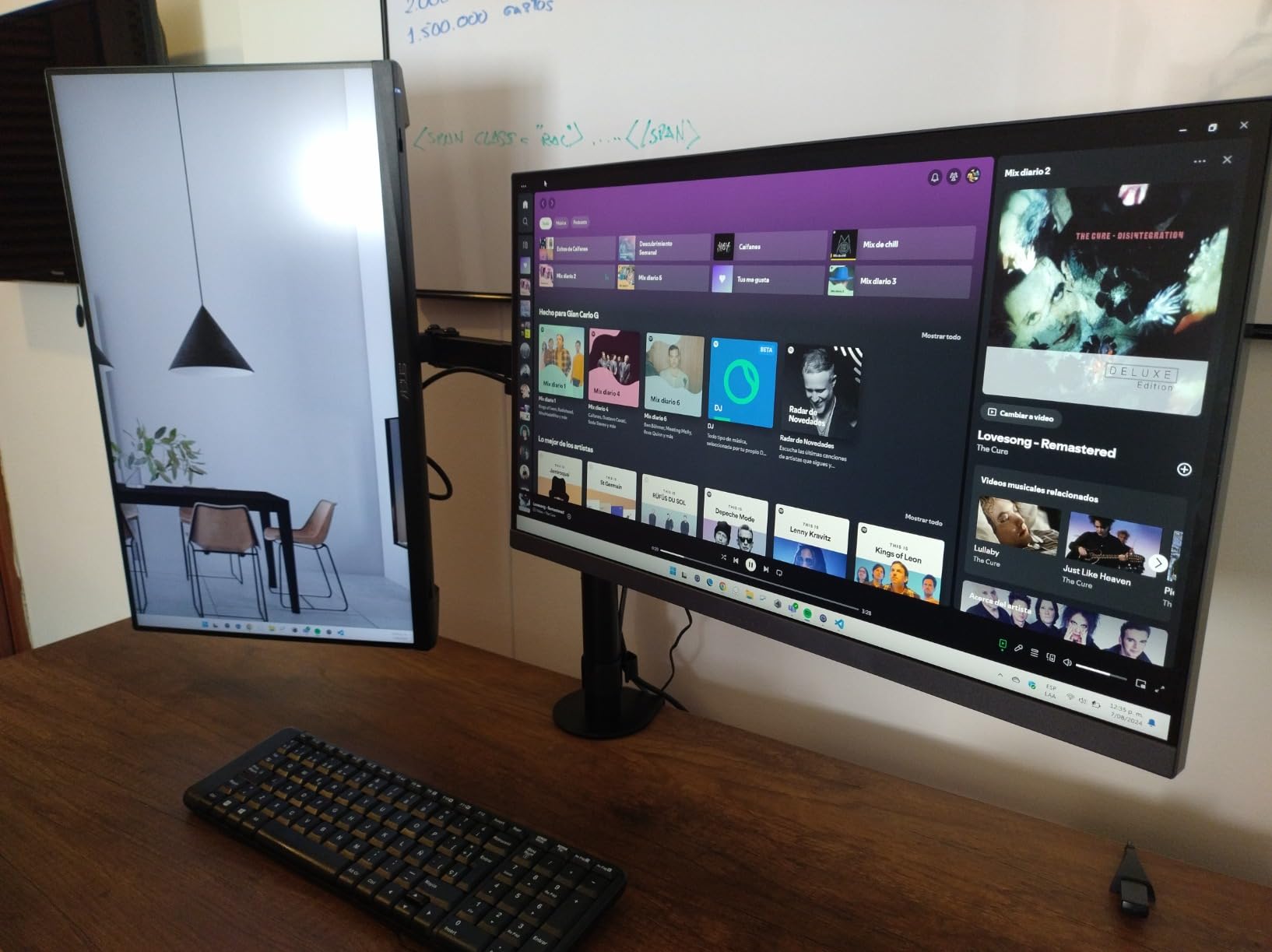
Visual Quality
HDR10 support adds punch, though this is not true HDR. The effect is more lively than dramatic. The 3000:1 contrast ratio produces satisfying deep blacks. Colors are respectable but not as rich as IPS alternatives. For mixed gaming and media use, the picture quality is more than adequate.
9. Sceptre C248W 24" Curved – Entry-Level Curved Gaming
Sceptre Curved 24-inch Gaming Monitor 1080p R1500 98% sRGB HDMI x2 VGA Build-in Speakers, VESA Wall Mount Machine Black (C248W-1920RN Series)
24" VA Panel
FHD 1920x1080
75Hz Refresh
5ms Response
98% sRGB
3000:1 Contrast
1800R Curve
Built-in Speakers
Pros
- Ultra-affordable price
- 98% sRGB color gamut
- Immersive 1800R curve
- Built-in speakers
- VESA wall mount ready
Cons
- 75Hz limiting for competitive gaming
- 5ms response time
- Lower brightness at 220 nits
The Sceptre C248W offers an accessible entry point into curved gaming monitors. The 1800R curve adds immersion without the premium price tag. While the 75Hz refresh rate will not satisfy competitive players, casual gamers and anyone upgrading from a 60Hz office monitor will appreciate the improvement. Over 22,000 reviews and a 4.6 rating speak to its value.
The 98% sRGB color gamut delivers vivid colors that make games and media look lively. We tested the curve in single-player titles like Elden Ring and found it genuinely enhances the atmosphere. Enemies and environments feel closer. For the money, it works well as an entry-level primary display or a budget second screen.
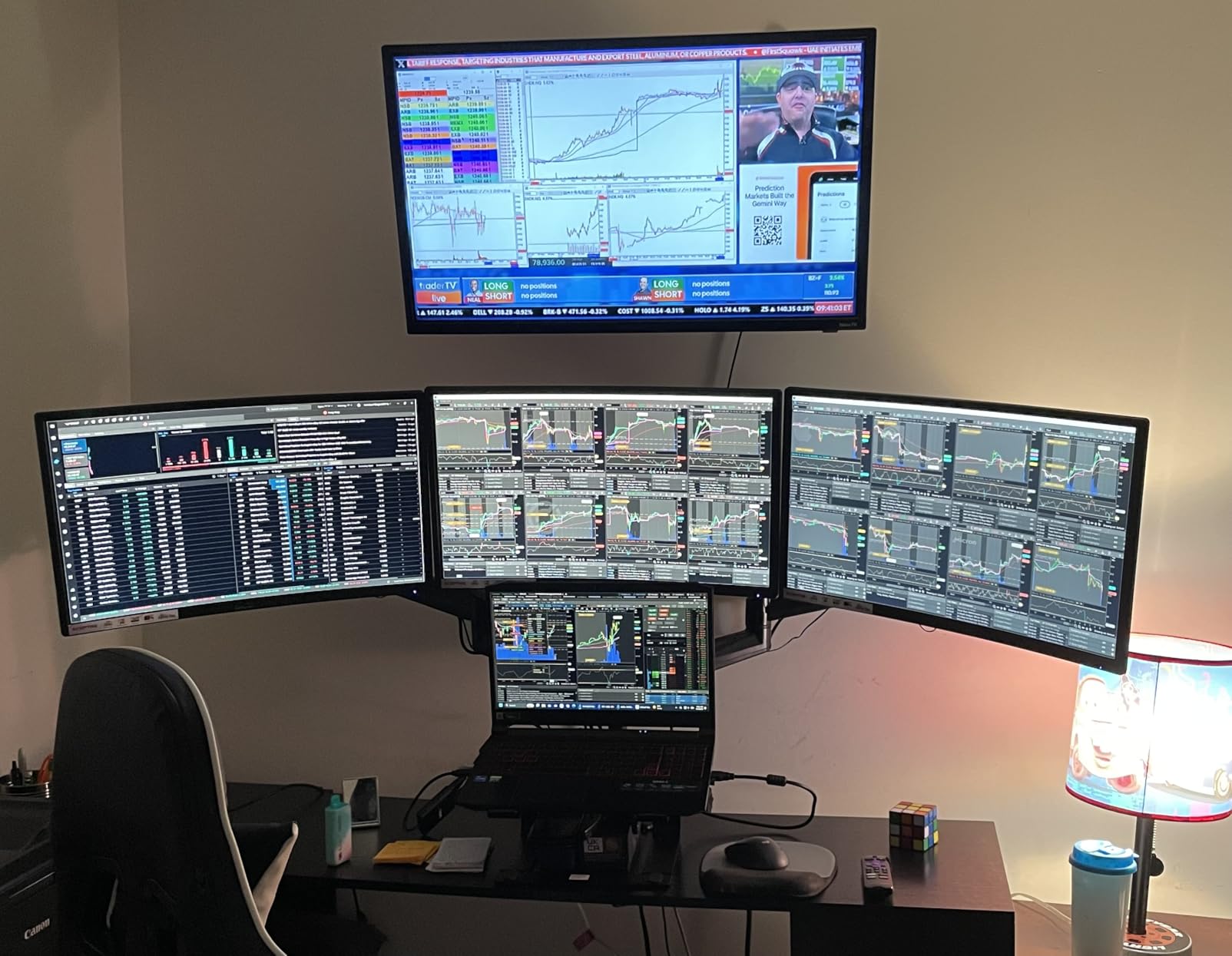
Casual Gaming Experience
75Hz is a noticeable step up from 60Hz, providing slightly smoother motion in everyday gaming. We tested older titles and casual games like Minecraft and Stardew Valley, and the experience was perfectly smooth. For AAA titles requiring quick reactions, the 5ms response time and lower refresh rate show their limits. This monitor shines as an option for relaxed gaming.
Design and Practicality
The built-in speakers are serviceable for casual use. Do not expect rich audio, but they are fine for background music or system sounds. VESA wall mount compatibility means you can mount it flush or use a monitor arm. The matte screen finish reduces glare, and the Metal Black color looks professional. The build quality exceeds expectations for this tier.
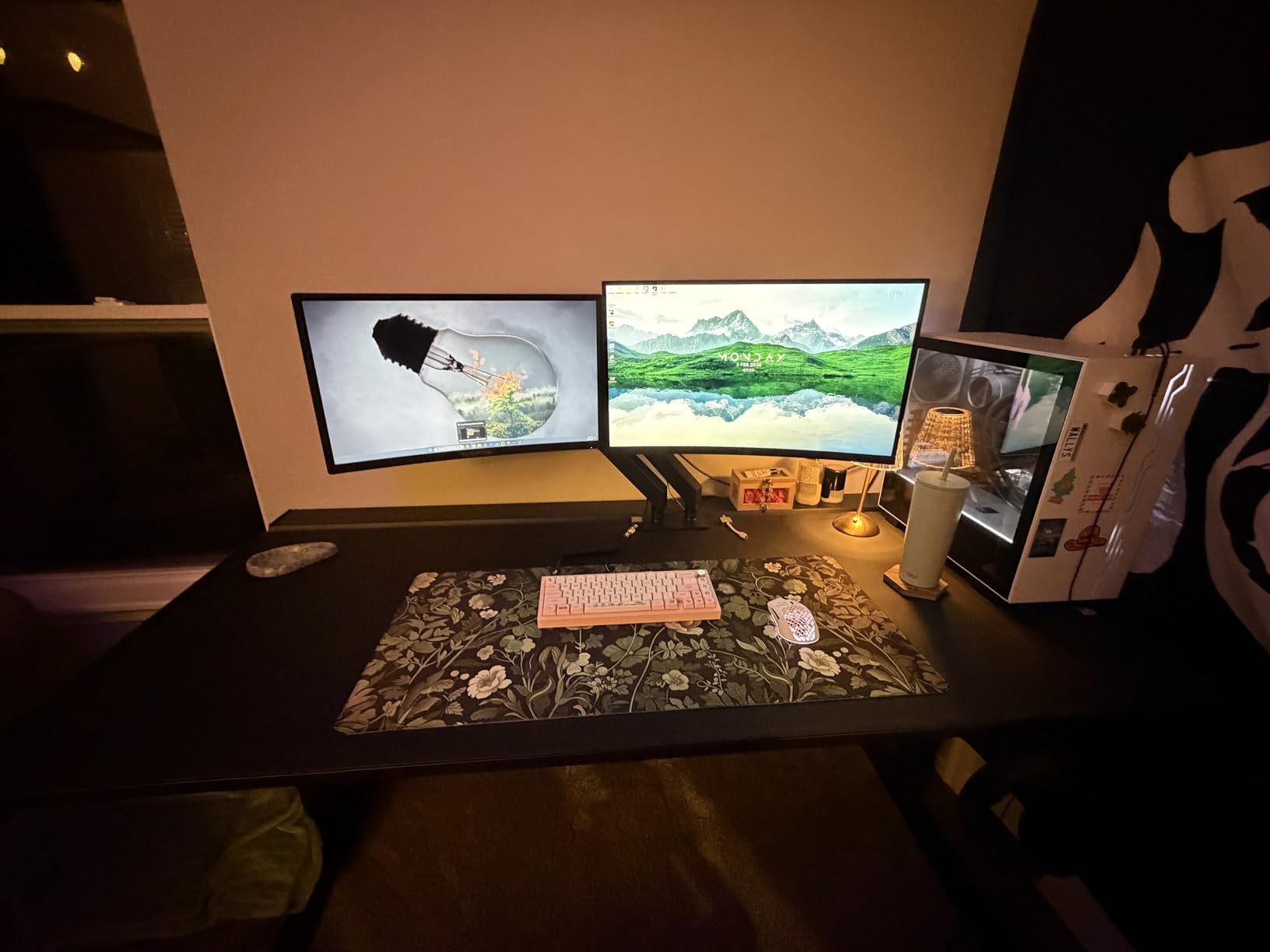
Color Accuracy
That 98% sRGB coverage is impressive for an entry-level display. Colors look saturated and accurate after minor calibration. The 3000:1 contrast ratio gives dark scenes proper depth. Brightness at 220 nits is adequate for most rooms, though direct sunlight may wash out the image. For budget gamers who also watch movies or stream content, the picture quality is surprisingly good.
10. Sceptre E225W 22" – Smallest Budget Gaming Option
Sceptre New 22-Inch Gaming Monitor, FHD 1080p, Up to 144Hz, HDMI, DisplayPort, Built-in Speakers, Machine Black (E225W-FW144 Series, 2026)
22" LED Panel
FHD 1920x1080
144Hz Refresh
1ms Response
FreeSync
2000:1 Contrast
Built-in Speakers
Blue Light Shift
Pros
- Ultra-low entry price
- 144Hz smooth gaming
- Built-in speakers
- Slim bezel design
- Easy setup
Cons
- Stand not adjustable
- Built-in speakers weak
- Blue standby light noticeable
The Sceptre E225W is one of the cheapest ways to get into 144Hz gaming. The compact 22-inch size fits tight desks and small rooms while still delivering smooth motion. We tested it for budget builds and found it punches above its weight class. A 144Hz panel genuinely improves the gaming experience compared to 60Hz, even at this entry level.
The slim bezel design maximizes the small screen’s footprint. Setup took under five minutes: plug in HDMI or DisplayPort, and Windows recognized it immediately. For first-time builders, students, or anyone needing a compact gaming monitor, the E225W delivers surprising value.
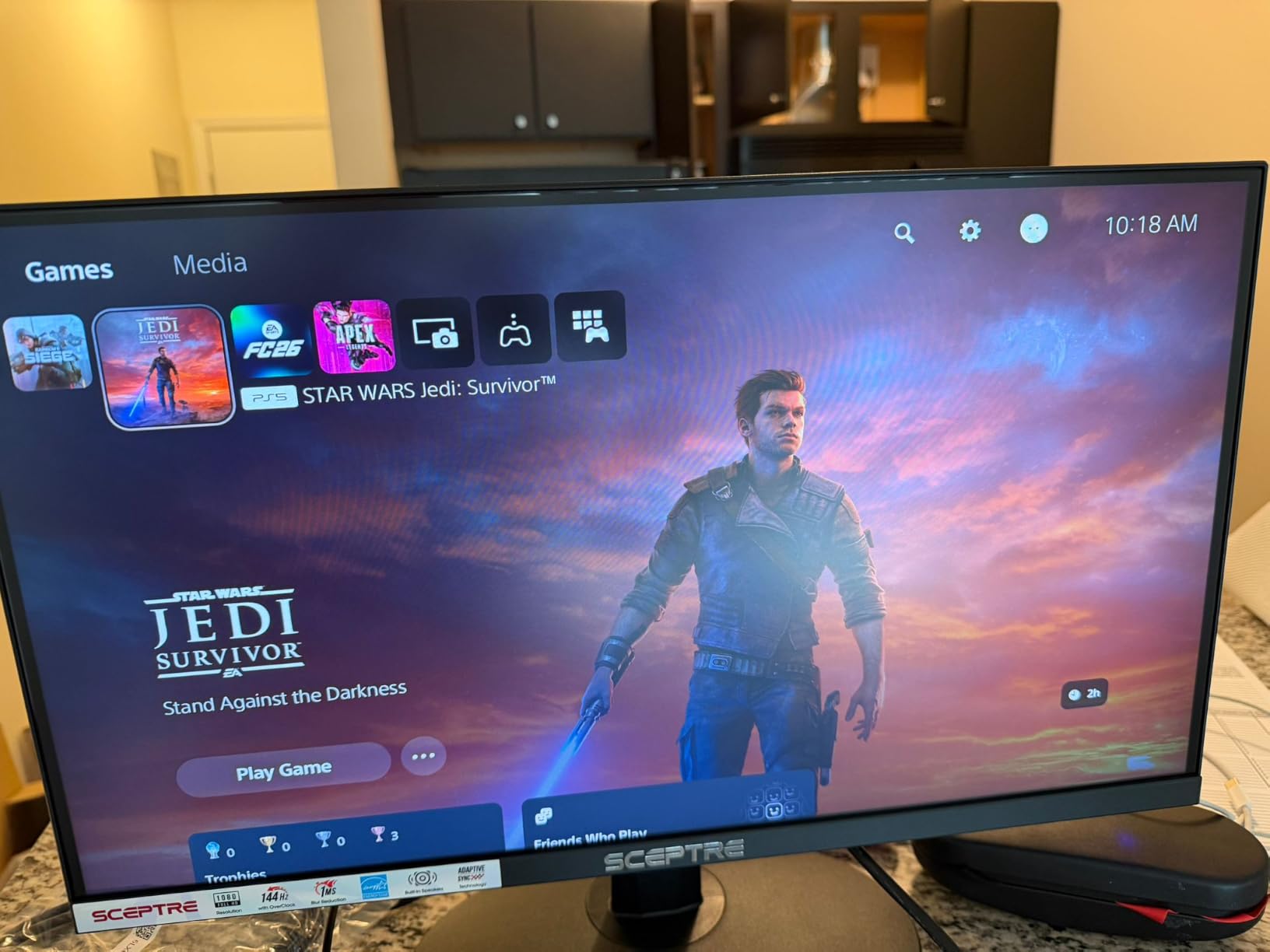
Performance at 144Hz
We tested the E225W in League of Legends, CS2, and Rocket League. The 144Hz refresh rate made all three feel noticeably smoother than 60Hz alternatives. FreeSync support kept gameplay tear-free. The 1ms response time is advertised, and motion clarity was acceptable for casual play. Do not expect esports-grade performance, but for the money, it is impressive.
Size and Setup
22 inches feels compact compared to the 27-inch standard. This works well for small desks, dorm rooms, or secondary monitors. The 1080p resolution at 22 inches is actually sharper than 1080p at 27 because pixel density is higher. The stand offers tilt only, so plan your desk setup accordingly.
Practical Considerations
Built-in speakers are weak but present, so use headphones for any serious gaming. A blue LED blinks in standby mode, which annoyed us until we covered it. Colors are decent after tweaking the settings. If your budget is extremely tight, this is one of the best values we have tested.
How to Choose a Budget Gaming Monitor
Buying a budget gaming monitor involves balancing trade-offs. You can get excellent performance, but not every feature comes cheap. Here is what matters, and what you can safely compromise on, when shopping for the best budget monitors for gaming.
Refresh Rate: 144Hz vs 180Hz vs 240Hz
Refresh rate measures how many times per second the screen updates. Higher numbers mean smoother motion. 144Hz is the current standard for budget gaming and a massive upgrade from 60Hz that makes games feel fluid. 180Hz offers additional smoothness that suits competitive shooters where every frame counts. 240Hz demands a powerful GPU to take full advantage.
For most gamers, 144Hz to 180Hz hits the sweet spot. We tested both extensively and found the difference noticeable but not dramatic. Unless you are chasing esports rankings, 144Hz offers excellent value. The Samsung Odyssey G3 and SANSUI 24-inch both deliver 180Hz for well under the cost of premium displays.
Panel Type: IPS vs VA (and Why HVA Changes Things)
Panel technology affects color, contrast, and response time. IPS panels offer the best color accuracy and viewing angles, ideal for content creators and gamers who value rich, consistent colors. The LG 24G411A-B and Acer Nitro KG271U use IPS technology.
VA panels deliver dramatically better contrast, typically 3000:1 to 4000:1 versus the 1000:1 common on IPS. Blacks look deep rather than gray, which suits dark games and movies. The trade-off is slight black smearing and narrower viewing angles. The KTC H27T27S uses an HVA panel that balances deep blacks with faster response times, a compelling middle ground.
Resolution: Is 1080p Still Enough?
Resolution determines detail and sharpness. 1080p (FHD) remains viable for 24-inch monitors, but at 27 inches pixels become visible. 1440p (QHD) offers 1.7x more pixels than 1080p, making textures sharper and text clearer. For accessible pricing, the Acer Nitro KG271U and KTC H27T27S both deliver excellent 1440p gaming.
For budget builds, 1080p is easier to drive, so you will hit higher frame rates without needing a top-tier GPU. If you are using a mid-range card like an RTX 4060 or RX 7600, 1080p 180Hz or 1440p 144Hz are realistic targets. Skip 4K on a budget, because the performance cost is too high.
Response Time: Read the Fine Print on MPRT vs GTG
Response time measures how quickly pixels change colors. GTG (gray-to-gray) is the traditional measurement, and lower numbers mean less ghosting. MPRT (moving picture response time) measures motion clarity differently, often producing lower numbers that look better in marketing. The Acer Nitro KG271U’s 0.5ms GTG is a true spec, while the Samsung Odyssey G3’s 1ms MPRT is a different measurement altogether.
For gaming, both metrics matter. GTG affects ghosting, the trail left by moving objects. MPRT affects blur during motion. Many monitors include overdrive settings to tune GTG response. We recommend testing different overdrive levels to find the balance between ghosting reduction and inverse ghosting.
Adaptive Sync: FreeSync vs G-Sync Compatible
Adaptive sync eliminates screen tearing by matching the monitor’s refresh rate to your GPU’s frame rate. FreeSync is AMD’s open standard and is supported by almost all budget monitors. G-Sync Compatible is NVIDIA’s certification for FreeSync monitors that work reliably with NVIDIA GPUs. The LG 24G411A-B and KTC H27T27S both support G-Sync Compatible mode.
If you have an NVIDIA GPU, look for G-Sync Compatible certification for reliable tear-free gaming. AMD users get FreeSync support on nearly every budget monitor. This feature is essential for smooth gameplay when frame rates fluctuate. No gamer wants distracting screen tears mid-match.
Screen Size: 24, 27, or 32 Inches?
Size affects immersion and desk footprint. 24-inch monitors keep everything in view, which suits competitive gaming where you need to see the entire screen without moving your head. 27-inch offers more immersion and space for multitasking, but requires 1440p resolution to avoid visible pixels. 32-inch is too large for 1080p and typically exceeds budget ranges.
For esports and competitive play, 24-inch is the standard. The Samsung Odyssey G3 and LG 24G411A-B are excellent choices. For immersive single-player games and mixed productivity, 27-inch 1440p monitors like the Acer Nitro KG271U deliver the best balance.
Console and Steam Deck Compatibility
Console gamers need monitors supporting 1080p or 1440p at 120Hz. Both PS5 and Xbox Series X work with 1440p monitors, though the PS5 does not natively output 1440p, so games render at 1080p or 4K and downscale. The KTC H27T27S and Samsung Odyssey G5 both work well with current-gen consoles.
For Steam Deck users, any 1080p monitor with HDMI or DisplayPort works. The Steam Deck’s 60Hz handheld refresh means you will not fully exploit 144Hz+ panels in handheld mode, but docked mode benefits from higher refresh rates. Every monitor in our list supports the Steam Deck via HDMI or USB-C adapters.
Brand Reliability and Warranty
Reddit communities consistently recommend sticking to established brands for budget monitors: Dell, AOC, ASUS TUF, MSI MAG, Samsung, LG, and Acer. The reason is quality control. Lesser-known brands like SANSUI and Sceptre offer compelling value but may have inconsistent QC and slower warranty service. The Samsung Odyssey line and LG Ultragear series have proven track records.
Check return policies before buying. Amazon’s return window gives you 30 days to test for dead pixels and defects. For long-term peace of mind, established brands typically offer better support. We factor brand reliability into our recommendations, and the SANSUI and Sceptre models we selected have strong user reviews despite their budget positioning.
Frequently Asked Questions
What is the best budget gaming monitor?
The Acer Nitro KG271U is our top pick for the best budget gaming monitor in 2026. It offers a 27-inch IPS panel, 1440p resolution, 180Hz refresh rate, 0.5ms GTG response time, and DCI-P3 95% color accuracy. For pure value, the KTC H27T27S delivers excellent 1440p 144Hz performance with better contrast at a lower cost.
Can a cheap monitor be good for gaming?
Yes, budget monitors can deliver excellent gaming performance. Modern budget displays offer 144-180Hz refresh rates, 1ms response times, and adaptive sync technology, all essential for smooth gameplay. The key is choosing trusted brands like Samsung, LG, Acer, and AOC that maintain quality control even at lower price points. Avoid ultra-cheap unknown brands with questionable warranty support.
Is 1440p or 4K better for budget gaming?
1440p is better for budget gaming. 4K requires significantly more GPU power, meaning you will hit lower frame rates on mid-range hardware. At 1440p, you can achieve 144Hz+ on GPUs like the RTX 4060 or RX 7600. 4K monitors also cost more, reducing your budget for other components. Monitors like the Acer Nitro KG271U and KTC H27T27S offer the best balance of resolution and performance.
Is a 24-inch or 27-inch monitor better for gaming?
24-inch monitors are better for competitive gaming because they keep the entire screen in your field of view without head movement. 27-inch monitors offer more immersion and suit single-player games and mixed productivity use. For 1080p, 24-inch is ideal for sharper images. For 1440p, 27-inch is perfect for higher pixel density. Choose based on your primary gaming style.
Do I need G-Sync on a budget gaming monitor?
You need adaptive sync, either FreeSync or G-Sync Compatible, on any gaming monitor. If you have an NVIDIA GPU, look for G-Sync Compatible certification for reliable tear-free gaming. If you have an AMD GPU, FreeSync works on virtually all budget monitors. Both technologies eliminate screen tearing without the performance cost of V-Sync, and most modern budget monitors support both standards.
Final Verdict: Which Budget Gaming Monitor Should You Buy?
Finding the best budget monitors for gaming in 2026 comes down to matching specs to your needs. If you want the best overall balance, the Acer Nitro KG271U delivers 1440p IPS quality, 180Hz speed, and DCI-P3 95% color accuracy. If pure value matters most, the KTC H27T27S offers excellent 1440p performance with better contrast at a lower cost. If your budget is extremely tight, the SANSUI 24-inch 180Hz provides impressive gaming performance for entry-level builds.
For competitive esports players, the Samsung Odyssey G3 or the Sceptre C255B 240Hz deliver the speed you need. Console gamers should consider the KTC H27T27S or Samsung Odyssey G5 for 1440p console gaming. Whatever you choose, stick to trusted brands, check return policies, and verify your GPU supports the adaptive sync technology before purchasing. Happy gaming!
[…] which leaves the monitor as an afterthought. I get it. After testing more than 30 displays for our budget monitor hub and pairing them with rigs built around cards like the RTX 4060 and RX 7600, I learned one thing […]