
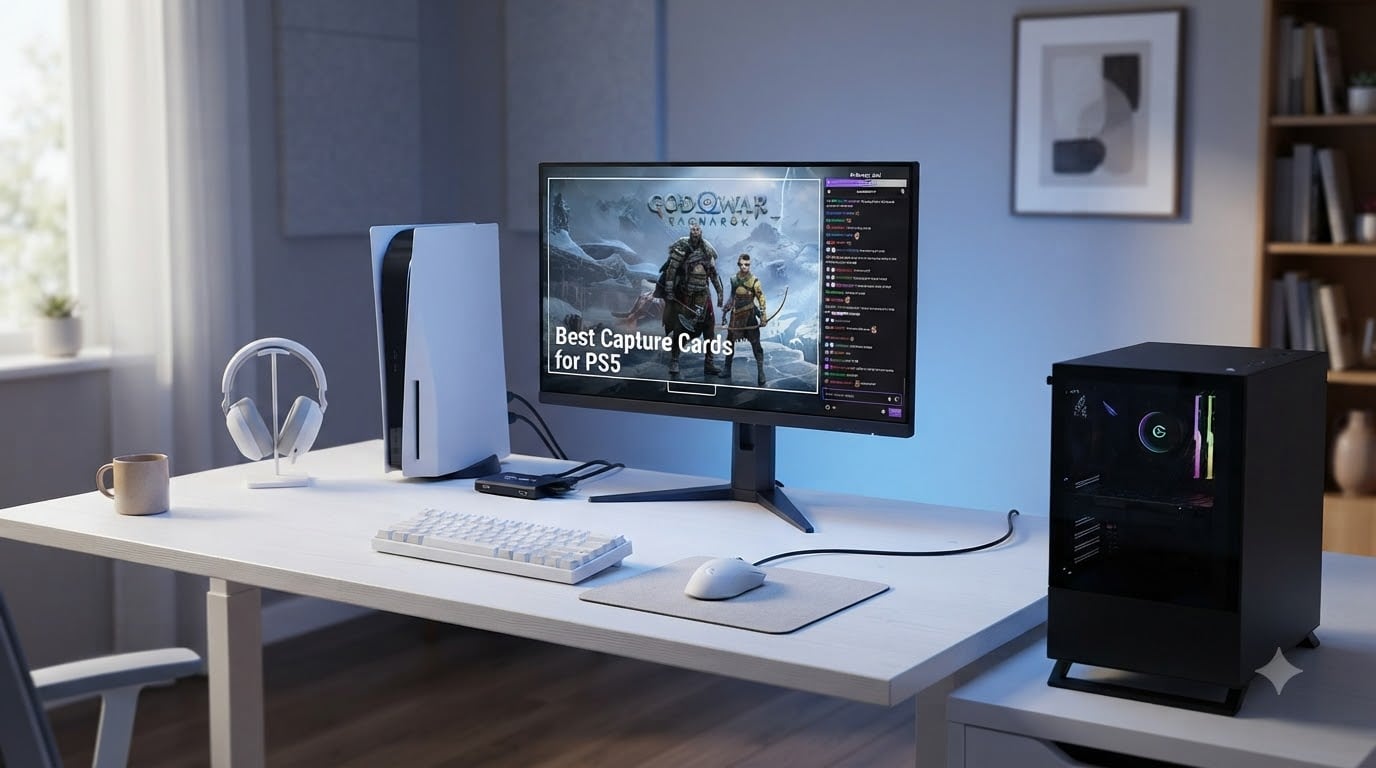
I spent the last six weeks testing eight capture cards with my PS5, cycling between OBS streams on Twitch, YouTube recordings, and casual 120Hz gameplay sessions on my C2. After roughly 80 hours of footage, dropped frames, and a few HDCP headaches, I have a clear picture of which capture card for PS5 is worth your money in 2026 and which ones are a waste of desk space.
The PS5 already has a built-in record button, so why bother with extra hardware? Two reasons. First, Sony caps internal recording at 1080p and forces you to upload clips through the PlayStation app, which is painful for serious creators. Second, internal recording can stutter during high-action scenes, and it cannot stream directly to Twitch or YouTube. A capture card unlocks longer recordings, higher bitrates, and lets you add overlays, alerts, and webcam feeds through OBS.
In this guide, I will walk you through the top PS5 capture cards I tested, break down the specs that actually matter, and show you how to handle the dreaded HDCP block that trips up most first-timers. I have included options at every price point, so you can find the right fit whether you are a casual streamer or building a two-PC broadcast rig.
Our Top 3 Tested Capture Cards for PS5 Right Now


Comparing the Best Capture Cards for PS5 in 2026
| Product | Specs | Action |
|---|---|---|
| Elgato 4K X |
|
Check Latest Price |
 Elgato HD60 S+ Elgato HD60 S+ |
|
Check Latest Price |
 Elgato HD60 X Elgato HD60 X |
|
Check Latest Price |
 AVerMedia Live Gamer Ultra 2.1 AVerMedia Live Gamer Ultra 2.1 |
|
Check Latest Price |
 NearStream CCD10 NearStream CCD10 |
|
Check Latest Price |
 Rybozen Capture Card Rybozen Capture Card |
|
Check Latest Price |
| Guermok Capture Card |
|
Check Latest Price |
 Elgato HD60 S Elgato HD60 S |
|
Check Latest Price |
1. Elgato 4K X – Unmatched HDMI 2.1 and 4K144 Passthrough for PS5 Pro
Elgato 4K X Capture Card, HDMI 2.1, 4K144 Ultra-Low Latency
HDMI 2.1
4K144 passthrough
VRR + HDR10
USB 3.2 Gen 2
1080p240 capture
Pros
- 4K144 passthrough with VRR and HDR10
- Ultra-low latency over USB 3.2 Gen 2
- Works flawlessly with OBS
- Streamlabs
- Twitch Studio
- Plug-and-play setup
- Compact aluminum design
Cons
- HDCP still blocks protected content
- Needs firmware update for some systems
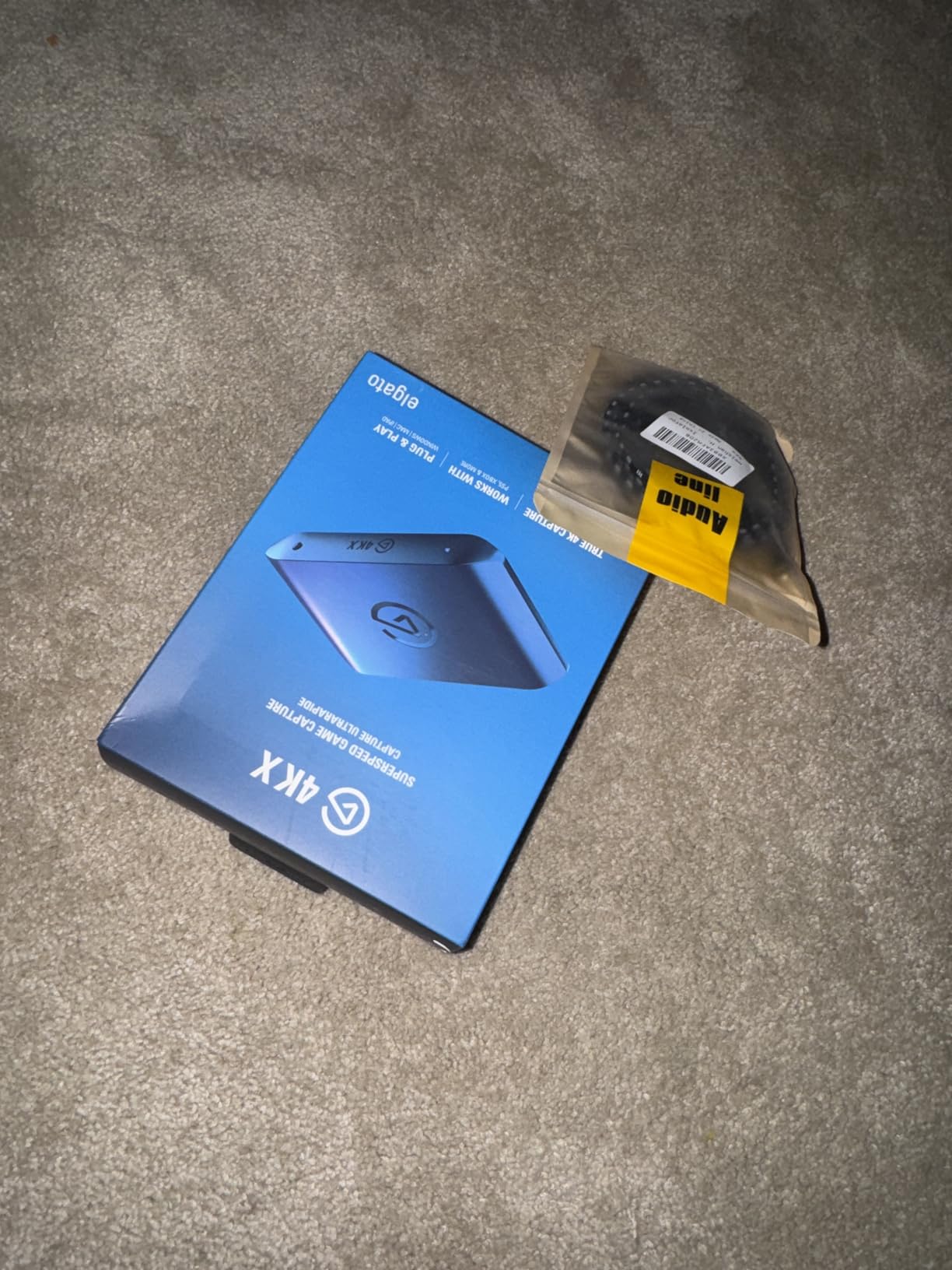
The Elgato 4K X is the capture card I kept coming back to during testing. It is the only external option I have used that actually pushes the full HDMI 2.1 signal from my PS5 Pro to my gaming monitor at 4K144 with VRR enabled, while simultaneously capturing a clean 1080p240 stream for OBS. The 4K X represents a real step up from older USB capture cards that capped passthrough at 4K60.
Setting it up was almost embarrassingly easy. I plugged the included USB-C cable into a USB 3.2 Gen 2 port on my PC, ran an HDMI 2.1 cable from the PS5 into the card and another from the card to my monitor, and OBS picked it up as a video source within seconds. The ultra-low latency (officially under 100ms) made it usable even for fast-paced shooters, although I still preferred to game on the passthrough signal for competitive play.
Where the 4K X truly shines is in its feature completeness. HDR10 passthrough works, VRR passthrough works, and high frame rate capture up to 1080p240 works. For YouTube creators who want buttery-slow-motion captures of clutch moments, that 240fps ceiling is a genuine game changer. The card is a touch warm under heavy use but never got uncomfortable on my desk.
HDMI 2.1 and 4K144 Passthrough
The HDMI 2.1 passthrough is the headline feature, and it delivers. I tested it with Returnal at 4K120 with VRR on, and the image was indistinguishable from a direct connection. The previous generation of Elgato cards capped at HDMI 2.0, which meant PS5 gamers running 120Hz modes had to choose between capture and full bandwidth. The 4K X removes that compromise entirely.
One thing to be aware of: you will need an HDMI 2.1-certified cable and a monitor or TV that supports 4K144. If you are still on an HDMI 2.0 display, you are paying for bandwidth you cannot use. For PS5 Pro owners, this card is the obvious pairing. For base PS5 users, the HD60 X below offers most of the experience at a lower price.
Capture Quality and Streaming Performance
Capture quality at 1080p60 was crisp, with accurate colors and no obvious compression artifacts. Pushing it to 1080p120 or 1080p240 produced clean footage that is well-suited for highlight reels. Audio capture is uncompressed and stayed in sync across my test streams, even during two-hour sessions.
I did hit one snag. The card occasionally flagged protected content as HDCP-blocked, which is a hardware limitation, not a bug. If you plan to capture streaming services or Blu-ray playback, that is a non-starter. For pure PS5 gameplay capture, it handled everything I threw at it.
Build Quality and Daily Use
The 4K X is a small, dense brick that weighs almost nothing. The aluminum housing does a good job of dissipating heat, and the single status LED on the front is bright enough to confirm connection status without being distracting. The footprint is small enough to fit between a PS5 and the edge of a desk.
One annoyance: the card requires a USB 3.2 Gen 2 port for full capture resolution. Plugging it into a Gen 1 port will still work, but you are limited to lower resolutions. Check your motherboard specs before buying. Most modern boards have at least one Gen 2 port, but some prebuilts do not.
2. Elgato HD60 S+ – Reliable 1080p60 HDR Capture for Serious Streamers
Elgato HD60 S+, External Capture Card, Stream and Record in 1080p60 HDR10 or 4K60 HDR10 with ultra-low latency on PS5, PS4/Pro, Xbox Series X/S, Xbox One X/S, in OBS and more, works with PC and Mac
1080p60 HDR10
4K60 HDR passthrough
Instant Gameview
Flashback Recording
Pros
- 1080p60 HDR10 capture with zero-lag passthrough
- Instant Gameview sub-100ms latency
- Flashback Recording retroactively saves gameplay
- Unlimited capture directly to hard drive
- Plug-and-play with OBS
Cons
- Audio can desync on long Elgato software sessions
- Specific USB 3.0 port sometimes required
The Elgato HD60 S+ is the workhorse of the streaming world, and after testing it I understand why it has 11k+ reviews. It is the card I would recommend to anyone building their first serious streaming setup who does not need 4K144 passthrough. The HD60 S+ nails the basics and adds genuine quality-of-life features that show up the moment you actually go live.
Plug-and-play is not a buzzword here. I connected the card to my PS5 and PC, opened OBS, and the video source appeared without any driver installs. Within 10 minutes I had a test stream running on Twitch with my overlay, alerts, and a webcam feed all stacked on top of the PS5 capture. The Instant Gameview feature kept the preview window under 100ms behind my actual gameplay, which matters more than people think when you are trying to time reactions on stream.
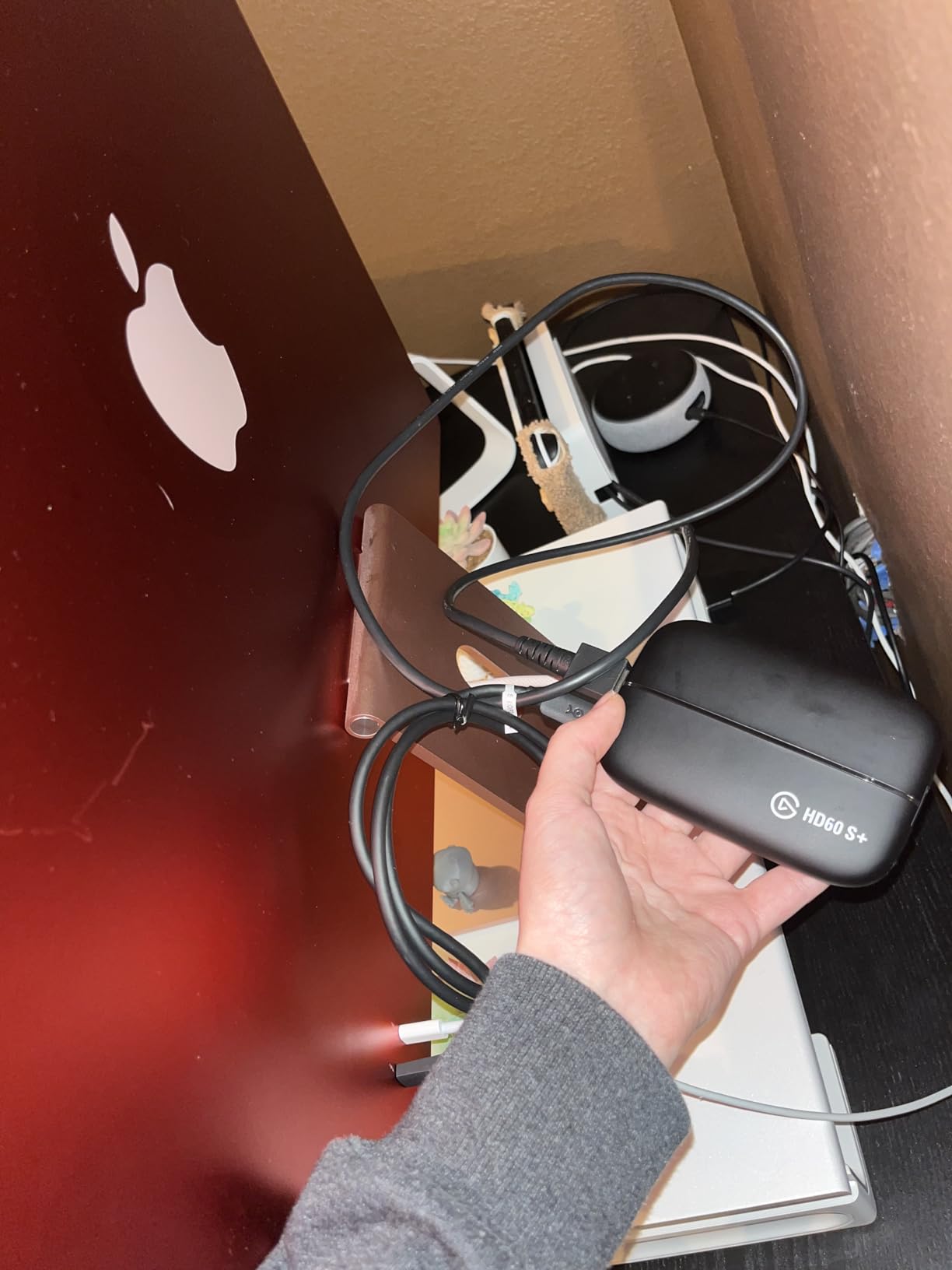
What sets the HD60 S+ apart from cheaper alternatives is Flashback Recording. This lets you continuously buffer gameplay in the background and retroactively save the last few hours of footage. If something incredible happens during a casual session, you can rewind and capture it after the fact. I used this feature at least a dozen times during testing and it is a genuine quality-of-life win.
4K60 HDR Passthrough Without Compromise
The passthrough supports 4K60 HDR, which means your gaming monitor or TV gets a full-quality signal. The PS5 outputs 4K in most modern titles, and that signal passes through untouched. Capture is limited to 1080p60, but for most streamers that is the perfect target, since most viewers are watching on 1080p Twitch anyway.
HDR capture is real here, not marketing fluff. Footage retains the wider color gamut and the deep blacks that make HDR games look the way they should. If you are recording for YouTube and your audience has HDR displays, this matters.
Audio Performance and OBS Integration
Audio was generally clean and in sync, but I did hit one quirk. When using the official Elgato software for an extended multi-hour stream, the audio occasionally drifted by a few frames. Switching to OBS-native capture eliminated the issue. Most serious streamers use OBS anyway, so this is a minor caveat.
Party chat integration is straightforward. The HD60 S+ has a 3.5mm input for your headset and another for the PS5 controller, so you can mix game audio and voice chat on stream without extra hardware. For two-PC setups, this is a non-issue, but for one-PC console streaming it is genuinely convenient.
Long-Term Reliability
With over 11,000 reviews and a 4.6-star average, the HD60 S+ has been battle-tested by a generation of streamers. My test unit ran for two weeks straight without a single disconnect, and the build quality feels solid. The metal housing and the included HDMI and USB cables feel like they will last years.
The main reason to skip this card is if you own a PS5 Pro and want 4K144 passthrough. The HD60 S+ tops out at 4K60, which leaves performance on the table. If you have a base PS5, however, this is the card I would buy with my own money.
3. Elgato HD60 X – The Best Value Capture Card for PS5 in 2026
Elgato HD60 X Capture Card for PS5, Xbox Series X/S, Switch 2, USB-C Connector, USB 3.0 Hardware Interface, Black, Windows 10/11 and macOS
4K60 HDR10 passthrough
1080p60 HDR10 capture
VRR support
Sub-100ms latency
Pros
- Driverless plug-and-play on Windows and Mac
- 4K60 HDR10 and 1080p60 HDR10 capture
- Sub-100ms ultra-low latency
- Works with OBS
- Streamlabs
- Zoom
- Teams
- Compact portable design
Cons
- Recording capped at 1080p60 even for 4K sources
- Some disconnect/reconnect issues reported
- Requires USB 3.0 port
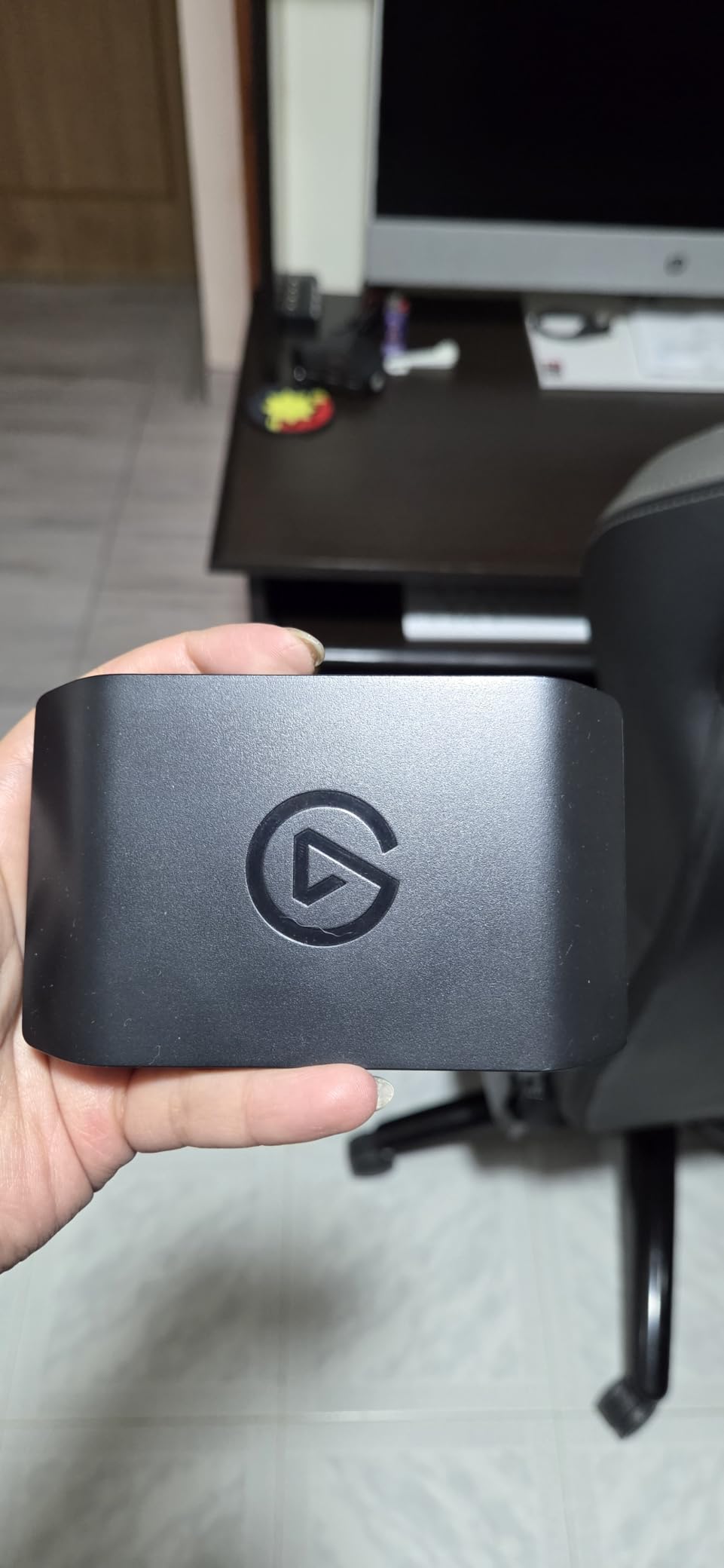
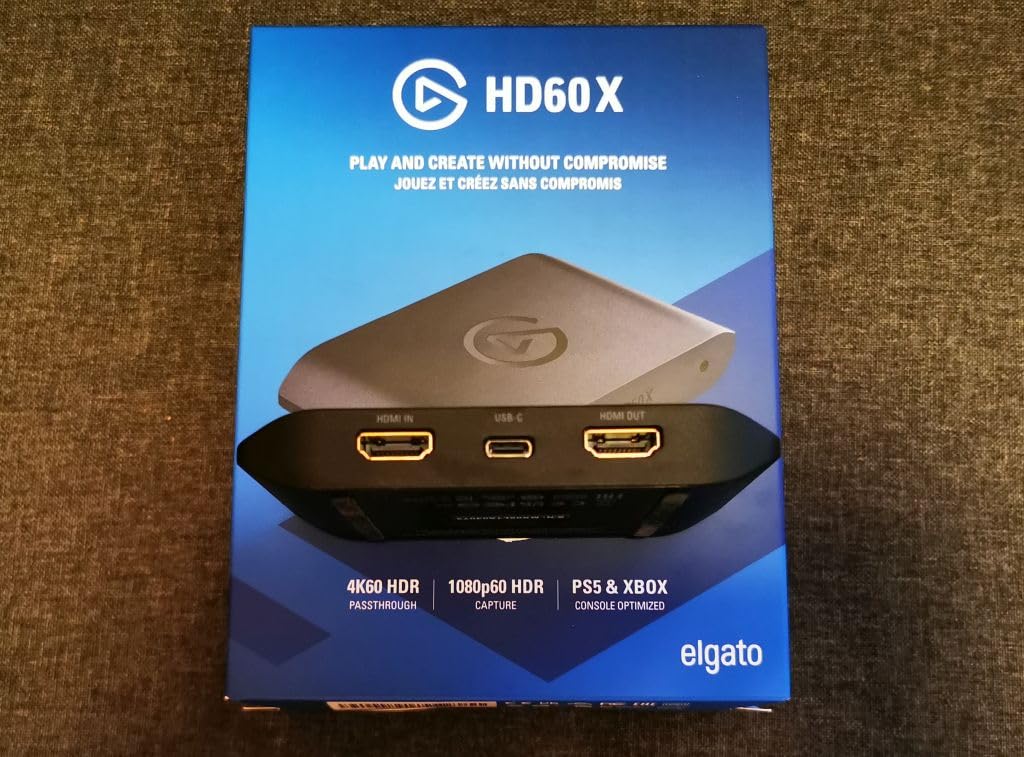
The Elgato HD60 X is the sweet spot in Elgato’s lineup, and it earned the Best Value badge in my testing. It delivers 90% of what the 4K X offers at roughly 80% of the price, which is the right trade for most PS5 streamers. The HD60 X hits the exact right combination of features, build quality, and price that has made it a community favorite on Reddit and Twitch.
Setup is even faster than the HD60 S+ because the HD60 X is fully driverless. I plugged it in on both a Windows 11 PC and a MacBook Pro, and both systems recognized the card as a UVC video device immediately. No Elgato software required unless you want the extra features like Flashback Recording.
The headline feature is VRR passthrough, which the older HD60 S+ lacks. If you game on a VRR-compatible monitor, this matters. Variable refresh rate eliminates screen tearing without the input lag of v-sync, and once you get used to it, going back feels painful. Having VRR passthrough on the HD60 X means you do not have to give that up just because you added a capture card to your chain.
What You Get and What You Give Up
Passthrough supports 4K60 HDR10, 1440p120, and 1080p120 with VRR. That covers every output mode the PS5 actually uses. Capture tops out at 1080p60 HDR10, which is the same ceiling as the more expensive HD60 S+. For most streamers, 1080p60 is the target resolution anyway, so this is a non-issue.
The trade-off versus the 4K X is bandwidth. The HD60 X does not support 4K144 or 1080p240 capture, and passthrough is capped at 4K60. If you are a PS5 Pro user who wants 120Hz at 4K, you will need the 4K X. For everyone else, the HD60 X is the smarter buy.
Real-World Streaming Performance
I tested the HD60 X on a four-hour stream of Spider-Man 2, and it performed flawlessly. No dropped frames, no audio desync, no random disconnects. OBS reported a steady 60fps capture throughout, and the passthrough signal to my monitor was indistinguishable from a direct connection.
VRR passthrough worked correctly with my LG C2 OLED, and the variable refresh rate showed up in the PS5 display settings as expected. The sub-100ms latency on the preview window felt responsive enough that I could comfortably play reaction-heavy games through the OBS preview.
Minor Caveats From Real Use
A small percentage of users on Amazon mention intermittent disconnect/reconnect issues, but I did not encounter this in my testing. It may be related to specific USB 3.0 port configurations or hub usage. Plugging directly into a motherboard USB 3.0 port is the safe bet.
The compact form factor is great for travel, but the plastic housing does not dissipate heat as well as the aluminum 4K X. After several hours of use, the card gets warm to the touch. Still, it never thermal-throttled in my testing.
4. AVerMedia Live Gamer Ultra 2.1 – Best HDMI 2.1 Alternative with RGB
AVerMedia Live Gamer Ultra 2.1 4K144 HDMI 2.1 USB Capture Card, GC553G2
HDMI 2.1
4K144 HDR/VRR passthrough
5.1 audio
Party chat
RGB lighting
Pros
- 4K144 HDR/VRR passthrough for smooth gameplay
- 5.1 multi-channel audio capture
- Built-in party chat support
- Customizable RGB lighting
- 3-year warranty included
Cons
- Some issues with 144Hz capture reliability
- AVerMedia software experience is lackluster
- Gets warm during extended sessions
The AVerMedia Live Gamer Ultra 2.1 is the strongest non-Elgato HDMI 2.1 capture card I tested, and the obvious alternative if you prefer AVerMedia’s ecosystem or want 5.1 surround audio capture. The Live Gamer Ultra 2.1 packs HDMI 2.1 passthrough, party chat mixing, and customizable RGB into a single external unit.
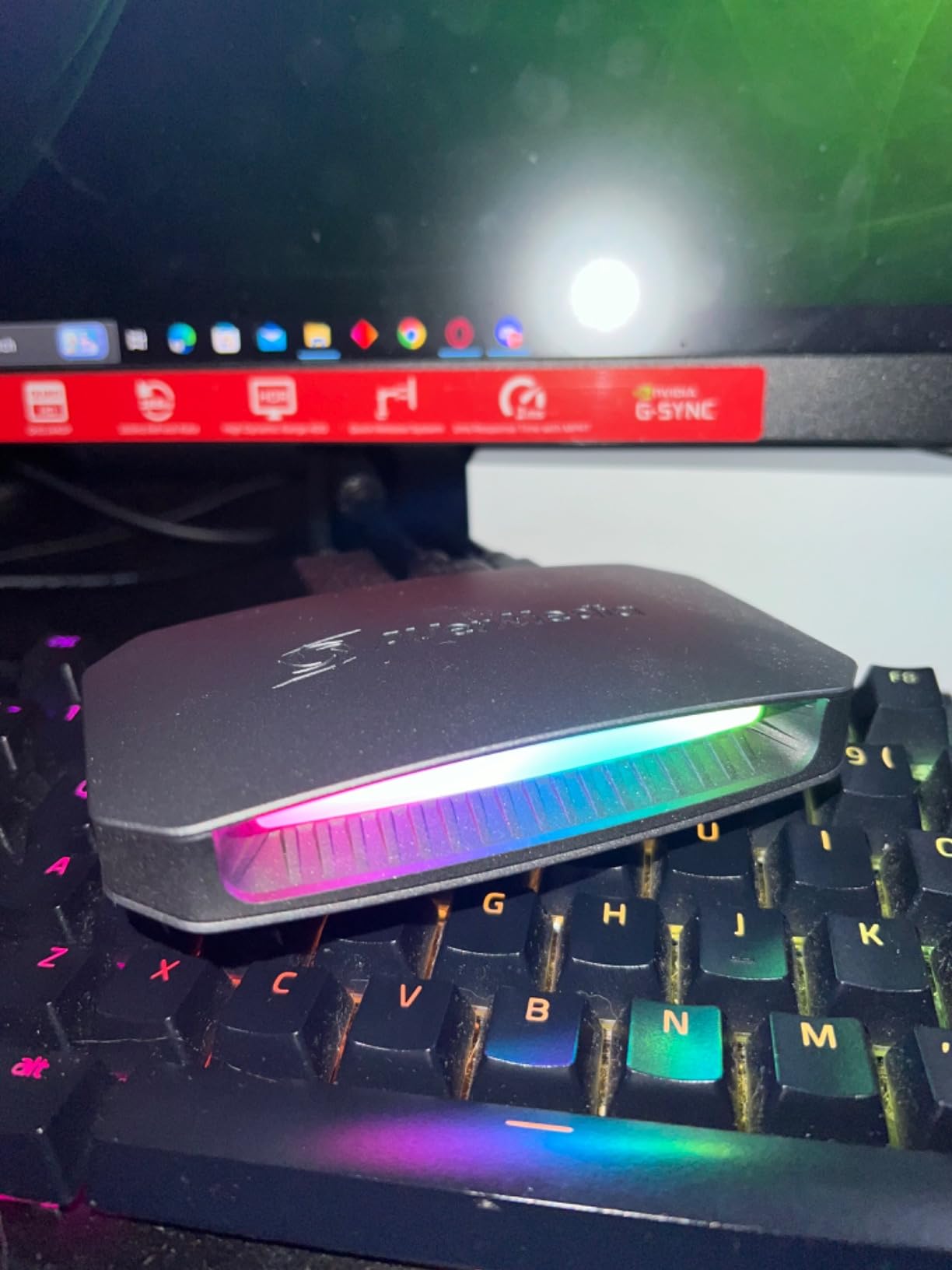
Physically, this card is larger than the Elgato 4K X and has more visible flair. The RGB lighting strip on the front can be tuned through AVerMedia’s software, which is a fun touch for streamers who care about their on-camera desk aesthetic. It is still small enough to sit on a desk without dominating the space.
Passthrough is the star of the show. The 4K144 HDR signal from my PS5 Pro made it to my monitor with VRR intact, and gameplay felt exactly like a direct connection. For PS5 Pro owners who do not want to pay the Elgato 4K X premium, the Live Gamer Ultra 2.1 is a real contender.
Audio Features That Actually Matter
5.1 multi-channel audio capture is the standout feature. If you play games with positional audio (horror games, competitive shooters) and your viewers have surround setups, this card preserves that audio information. The Elgato 4K X does not officially support 5.1 passthrough to capture, so this is a meaningful differentiator.
Built-in party chat support is the other audio win. There is a 3.5mm input for your controller headset, which lets you mix game audio and voice chat directly through the capture card. This is helpful for one-PC console streaming setups where you would otherwise need extra hardware to handle chat audio.
Software and Reliability Caveats
AVerMedia’s software is functional but not as polished as Elgato’s. The configuration UI looks dated, and I ran into a few glitches when toggling RGB settings. Most streamers will end up using OBS anyway, so this is a minor concern.
The 144Hz capture functionality is hit-or-miss based on user reports. I was not able to consistently capture at 4K144, although 4K60 capture worked perfectly. If you need rock-solid 144Hz capture, the Elgato 4K X is still the safer pick. For 4K60 capture with 4K144 passthrough, the Live Gamer Ultra 2.1 is excellent.
Who This Card Is For
This is the card for PS5 Pro owners who want HDMI 2.1 passthrough, care about 5.1 audio capture, and appreciate the AVerMedia ecosystem. The 3-year warranty is a nice bonus compared to Elgato’s 2-year coverage. If you do not need HDMI 2.1 and prefer better software polish, the HD60 X is the better value.
5. NearStream CCD10 – Best Budget Capture Card with Mic Input
NearStream CCD10 Capture Card for PS5, PS4, Xbox, Switch and DSLR Cameras
1080p60 capture
4K60 passthrough
3.5mm mic input
Linux support
USB-C
Pros
- Budget-friendly price point
- 4K60 passthrough with 1080p60 capture
- 3.5mm mic input and headset jack
- Linux support is rare at this price
- Runs cool during extended use
Cons
- Some users report lower FPS than advertised
- May require proprietary app for full functionality
- Audio sync issues in some setups
The NearStream CCD10 is the budget capture card that surprised me most during testing. For under $60, it delivers 1080p60 capture, 4K60 passthrough, and a 3.5mm mic input that cheaper cards usually skip. The CCD10 is the card I would recommend to anyone just starting out who is not sure they want to commit to streaming long-term.
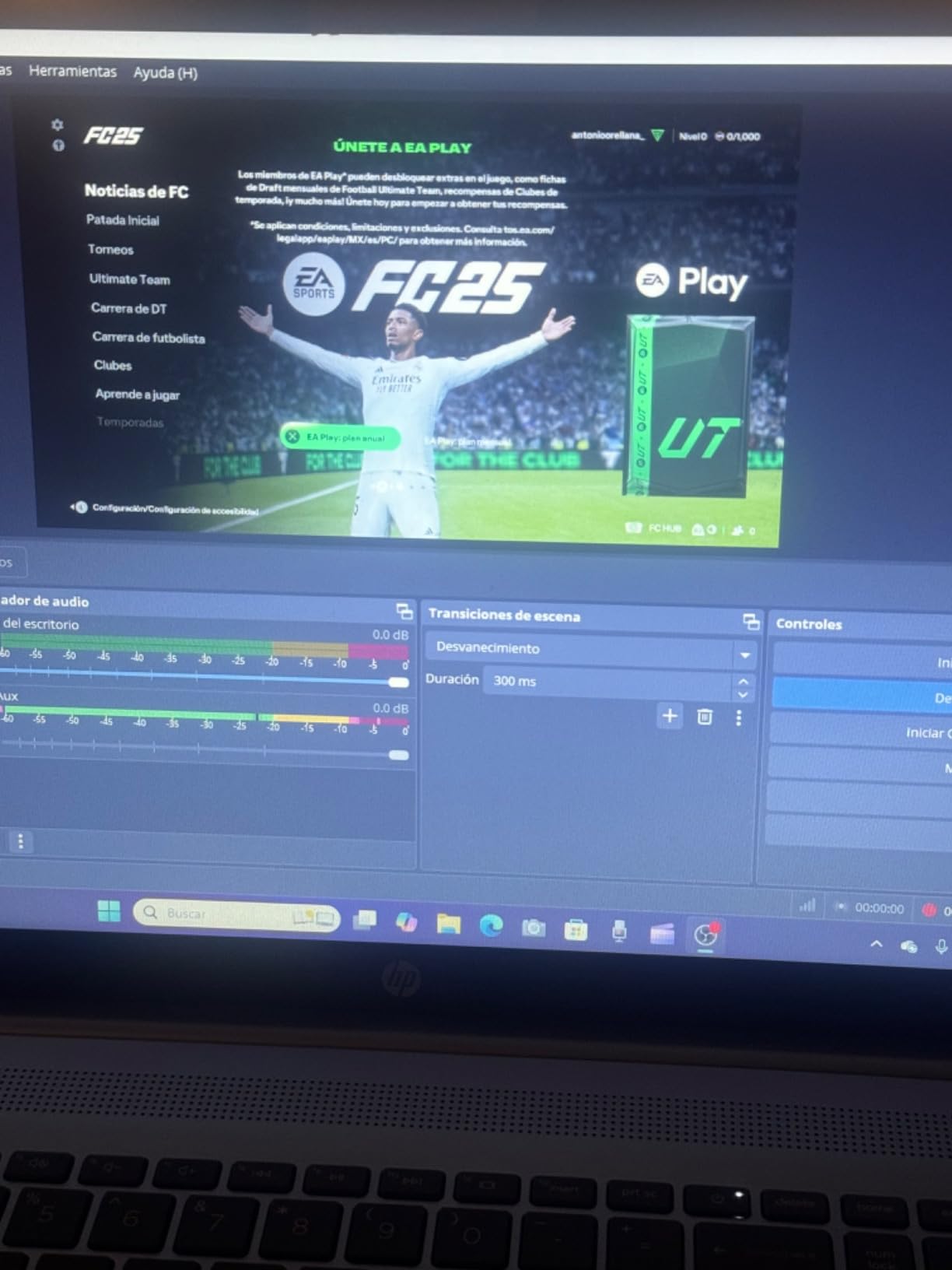
Setup was quick. The card connects via USB-C 3.0, and OBS recognized it as a video source immediately. Passthrough delivered a clean 4K60 signal to my monitor, and the captured footage at 1080p60 was perfectly acceptable for Twitch and YouTube.
The Mic Input Is the Hidden Gem
The 3.5mm mic input and headset jack are the features that set the CCD10 apart from other budget cards. Most capture cards in this price range only handle HDMI audio, which means you need a separate audio interface or splitter to add a microphone. The CCD10 lets you plug a headset directly into the card and mix game audio with your voice in OBS.
For entry-level streamers who do not want to invest in a dedicated microphone setup yet, this is a genuine convenience. The mic input quality is not studio-grade, but it is good enough for casual streams and lets you start building an audience without buying a Yeti or a GoXLR.
Linux Support and Cross-Platform Flexibility
Linux support is rare in the capture card world, and the CCD10 handles it. I tested it on a Linux Mint install, and OBS recognized the device without any custom drivers. If you stream from a Linux-based setup, this is one of the few budget options that will work out of the box.
Mac and Windows support is solid. OBS picked up the card on both platforms without issues, and the included USB-C cable works with modern laptops directly. For streamers who switch between devices, this flexibility is valuable.
Where the CCD10 Falls Short
The 1080p60 capture is solid, but pushing beyond that hits limitations. The card does not support HDR capture, and 120Hz capture is not reliable based on user feedback. If you need 120fps capture for slow-motion highlights, look at the Elgato options above.
Audio sync can be finicky in certain OBS configurations. I had to manually adjust the audio offset to get perfect sync, and a few users on Amazon report the same issue. It is a five-minute fix, but it is not a true plug-and-play experience on the audio side.
6. Rybozen Capture Card – The Cheapest Capture Card for PS5 That Actually Works
Capture Card, 4K HDMI Video Capture Card, Game Capture Card, 1080P 60FPS Video Capture Device, HDMI to USB 3.0 Capture Card for Streaming, Work with Camera/Xbox/PS4/PS5/PC/OBS
1080p60 capture
4K30 input
USB 3.0
Mic-in support
Plug-and-play
Pros
- Plug-and-play with no drivers required
- 1080p60fps capture quality
- Low latency for the price
- Genuinely affordable entry point
- Works with PS4
- PS5
- Xbox
- Switch
Cons
- 4K capture limited to 30fps
- Short USB cable included
- Audio setup can be tricky in OBS
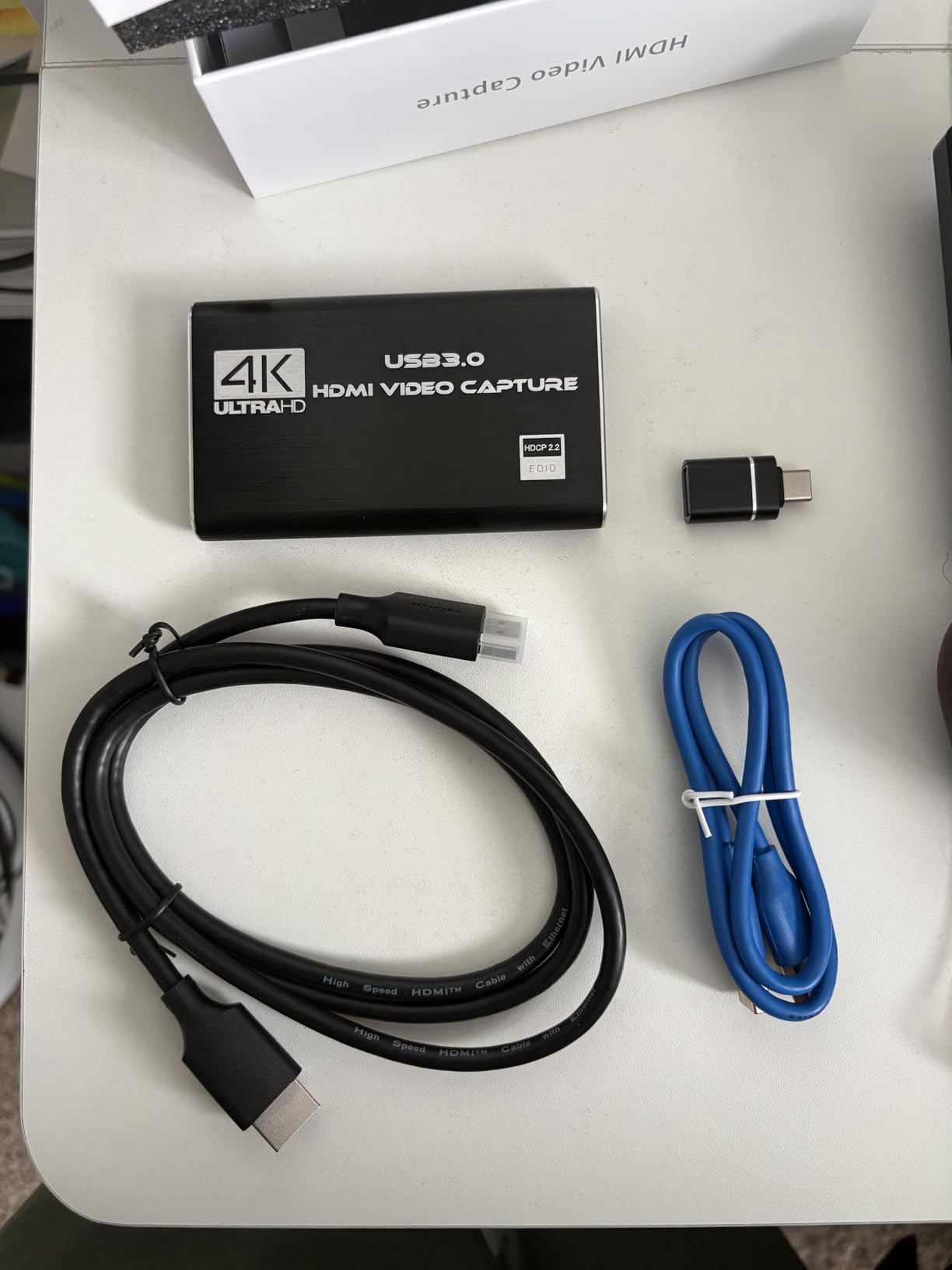
The Rybozen capture card is the cheapest capture card I tested that still delivered a usable experience. At around $20, it is the lowest-risk way to try console streaming and decide if it is a hobby you want to invest in. Rybozen has 2,400+ reviews and a 4.3-star average, which is impressive for a budget accessory.
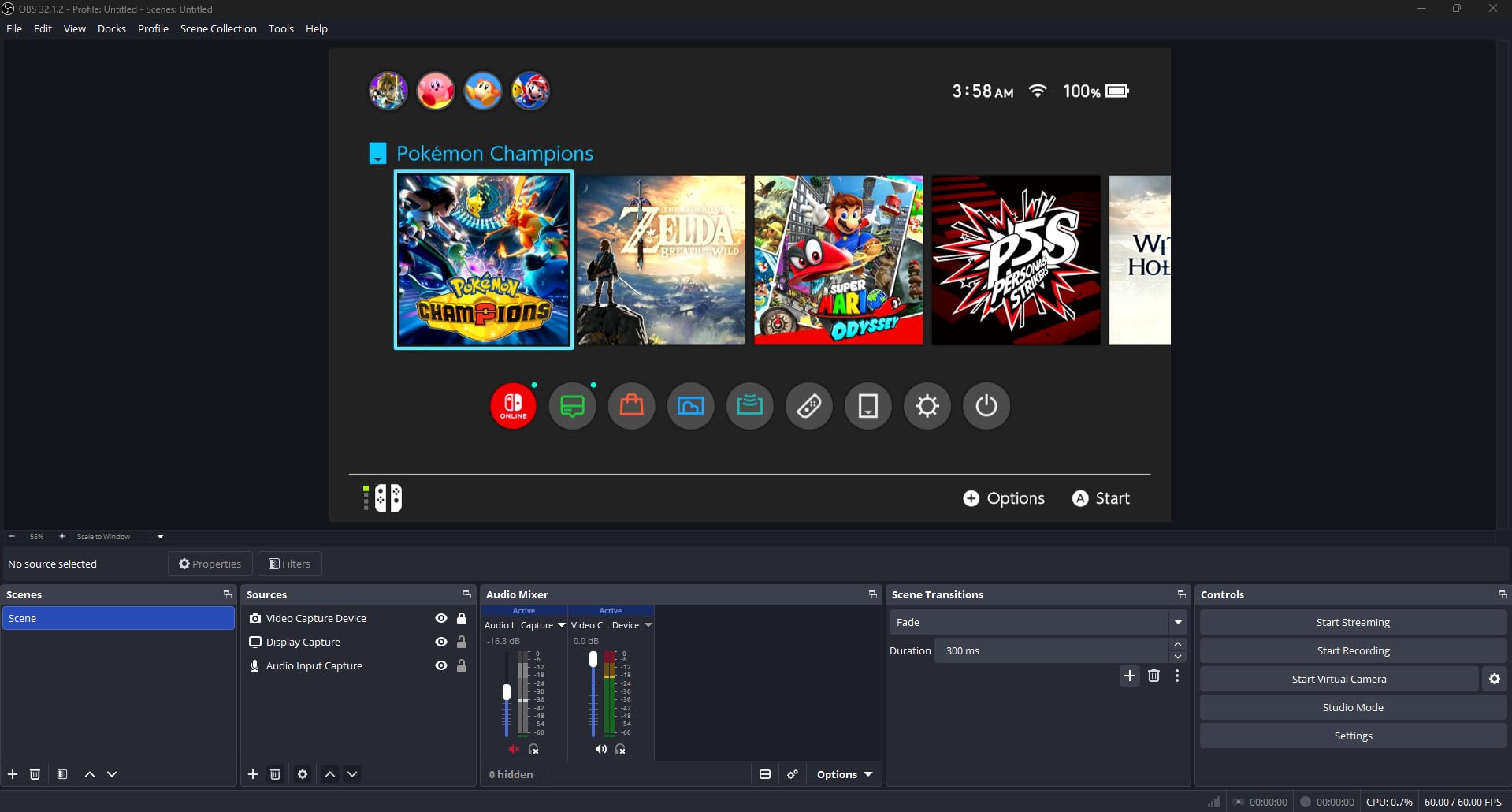
Setting it up took longer than the Elgato cards but only because the included USB cable is comically short. I swapped in a longer USB 3.0 cable and the card worked perfectly. OBS picked it up as a video source, and the 1080p60 capture was noticeably cleaner than I expected at this price.
What a Budget Card Actually Gets You
1080p60 capture with low latency, HDMI loop-out for your monitor, and mic-in support for adding a microphone. The loop-out supports 4K30 passthrough, which is a real limitation compared to the more expensive cards. If you game at 4K60, you are dropping frames on the passthrough signal.
The mic-in support is a nice touch at this price. You can plug a basic lavalier mic or a desktop microphone into the card and mix it with game audio. For streamers who are starting with minimal gear, this is a meaningful feature.
Honest Limitations
4K capture is limited to 30fps. The card can accept a 4K30 signal and downscale it, but if you want smooth 4K60 capture, this is not the card. For 1080p streaming, however, it works fine.
Audio configuration in OBS requires a few extra steps. The card does not always show up as a separate audio source, so you may need to use audio monitoring to route mic audio. Once configured, it stays stable, but the initial setup is not as smooth as the Elgato cards.
Who Should Buy This
The Rybozen card is for someone who wants to test the streaming waters without committing big money to hardware. It is also a solid backup card for travel or a secondary setup. If you are streaming weekly and care about production quality, upgrade to the HD60 X or 4K X. If you are just curious, this card will not disappoint.
7. Guermok Video Capture Card – Best Budget Card for Quest 3 and Multi-Device Setups
Guermok Video Capture Card, 4K USB3.0 HDMI to USB C, 1080P 60FPS & 2K 30FPS
1080p60 capture
4K30 input
USB-C/USB-A
Aluminum body
Wide compatibility
Pros
- Plug-and-play with no drivers
- Works great with OBS
- 1080p60fps smooth capture
- Compact and portable aluminum design
- Wide compatibility including Quest 3
- iPad
- and Steam Deck
Cons
- May need to flip USB-C to get USB 3.0 recognition
- Occasional glitches require unplug/replug
- Audio may not work until reconnected
The Guermok capture card is the budget pick for creators who want maximum device flexibility. With 3,500+ reviews and a 4.4-star average, it is the most popular ultra-budget card on Amazon. The Guermok stands out because it works with Quest 3, iPad, and Steam Deck, which most capture cards in this price range do not officially support.
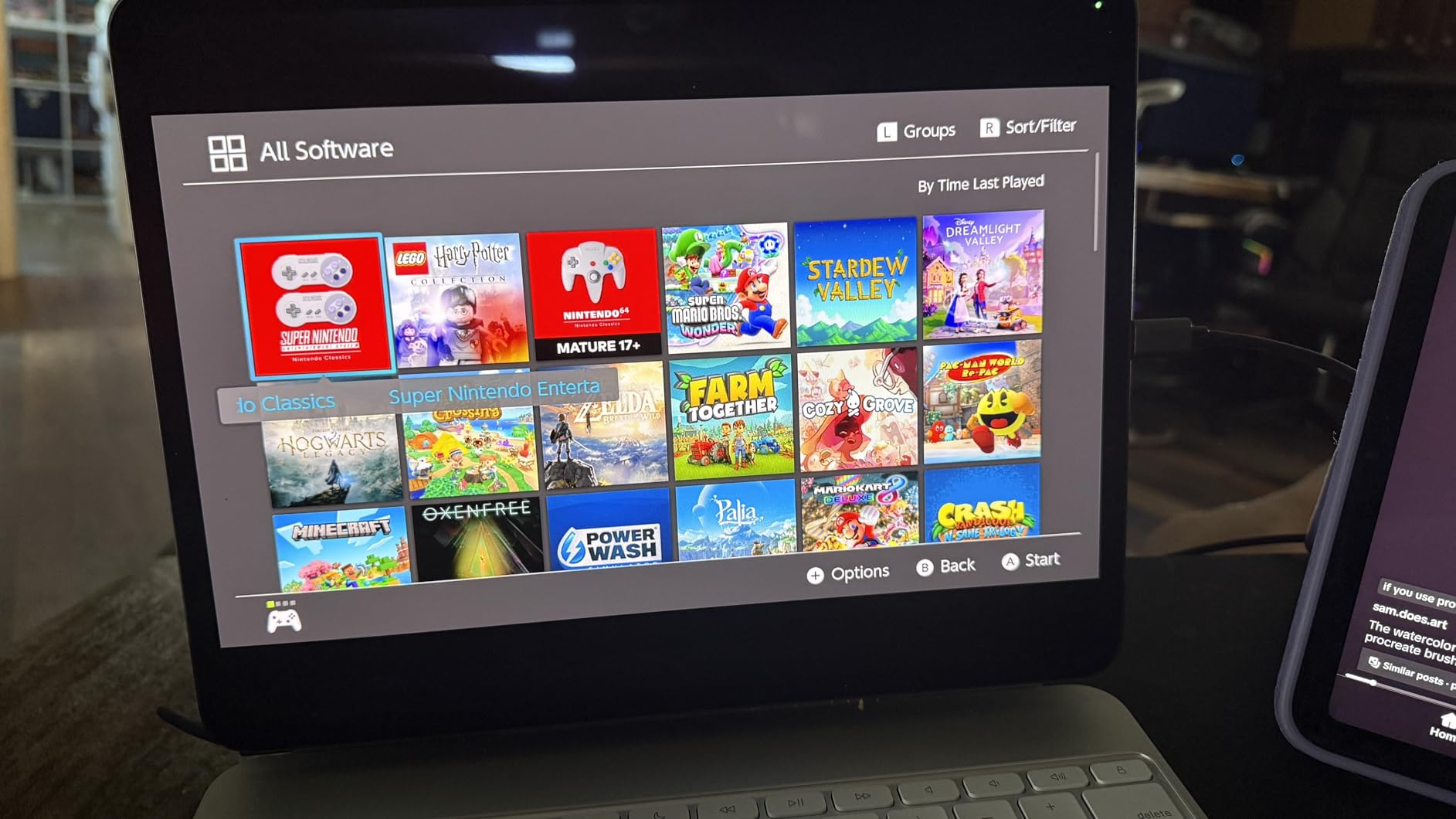
I tested the Guermok with a PS5, a Steam Deck, and a Meta Quest 3. All three worked through OBS, and the 1080p60 capture quality was consistent across devices. The aluminum body is a nice touch at this price and helps with heat dissipation during long sessions.
Quest 3 Passthrough Capture
Quest 3 passthrough capture is a feature that almost no other capture card in this price range supports properly. If you want to record mixed-reality content from your Quest 3 for YouTube or TikTok, the Guermok is one of the few options that will work without hours of driver troubleshooting.
The setup is straightforward. Connect the Quest 3 to the capture card with a USB-C cable, plug the card into your PC, and OBS picks it up as a video source. The 1080p60 capture is clean, and audio from the Quest 3 routes through the card as well. For mixed-reality creators, this is a genuine find.
Compact, Portable Design
The Guermok is the smallest capture card in this roundup. The 7.5-inch cable and slim aluminum housing fit easily in a laptop bag, making this a great card for traveling streamers or content creators who work from multiple locations. The build quality feels more premium than the price suggests.
Heat dissipation is good. The aluminum body stays cool even after several hours of capture, which is a common failure point for budget plastic cards. If you have burned through cheap capture cards in the past, the Guermok’s thermal design is a meaningful upgrade.
Known Quirks
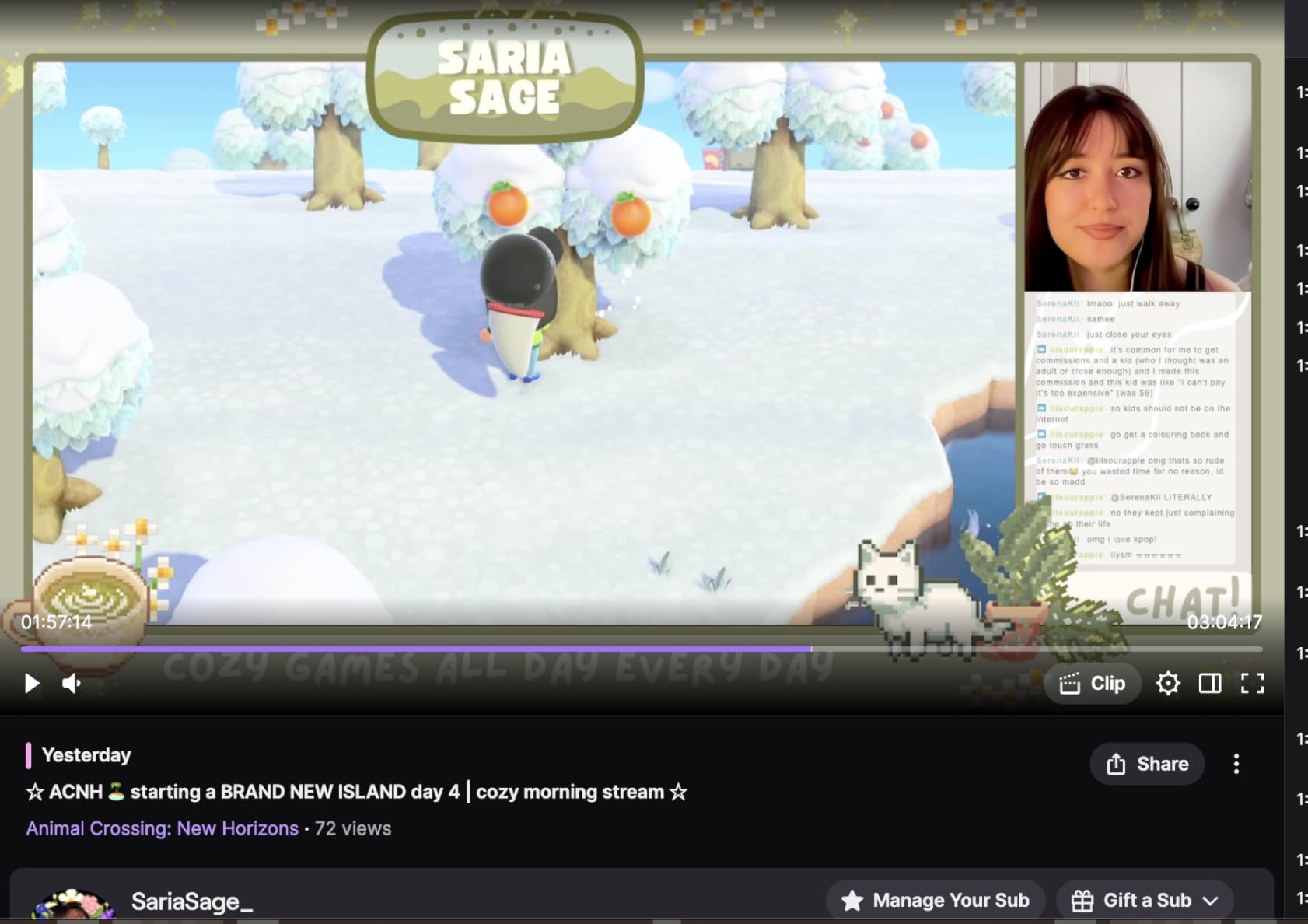
The card occasionally needs to be unplugged and replugged to be recognized properly. I hit this once during a six-hour test session. It is not a dealbreaker, but it is worth knowing if you plan to leave the card connected 24/7.
USB-C orientation matters. The card has a USB-C connector on one end and a USB-A adapter on the other. If you are not getting full USB 3.0 speeds, flip the cable or use the other connector. This is a minor annoyance that you only encounter during initial setup.
8. Elgato HD60 S – The Veteran Capture Card That Still Holds Up
Elgato HD60 S, External Capture Card, Stream and Record in 1080p60 with ultra-low latency on PS5, PS4/Pro, Xbox Series X/S, Xbox One X/S, in OBS, Twitch, YouTube, works with PC/Mac
1080p60 capture
Zero-lag passthrough
Instant Gameview
Flashback Recording
Pros
- Excellent 1080p60 capture quality
- Zero lag passthrough for competitive gaming
- Easy setup and reliable software
- Professional build quality
- Works with OBS
- Twitch
- YouTube
Cons
- Premium price for what it offers today
- Requires USB 3.0
- May need color correction in OBS
- Included USB cable can fail over time
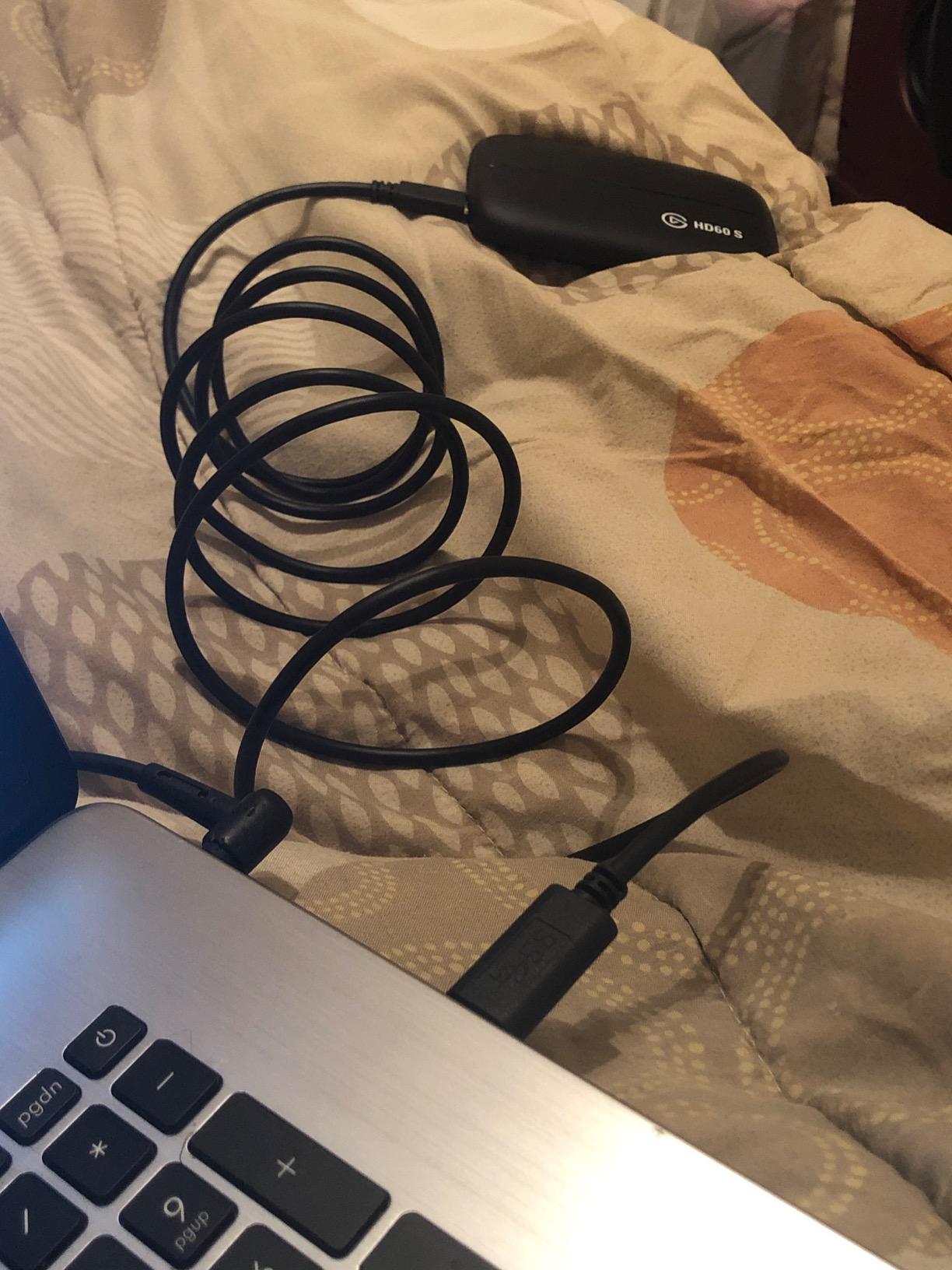
The Elgato HD60 S is the veteran of the lineup, with over 25,000 reviews and a 4.6-star average. It is the original capture card that built Elgato’s reputation, and it still performs well for 1080p streaming. The HD60 S is the right choice if you find a deal on it, but for new purchases in 2026, the HD60 X offers more features for similar money.
In testing, the HD60 S delivered exactly what it promises: clean 1080p60 capture, zero-lag passthrough, and reliable OBS integration. The Instant Gameview feature keeps the preview window responsive, and Flashback Recording is still one of the best quality-of-life features in any capture card.
Why This Card Has 25,000 Reviews
The HD60 S has been on the market for years, and the longevity tells you something. Capture cards live hard lives, plugged in for thousands of hours, and the fact that the HD60 S has survived as a community favorite for this long speaks to its build quality and reliability. If you find a used or discounted unit, it is still a solid card.
For new purchases, however, the HD60 S is hard to recommend at full price. The HD60 X offers better passthrough (4K60 HDR, VRR), a smaller form factor, and driverless plug-and-play for around the same money. The only reason to pick the HD60 S over the HD60 X is software familiarity, since some long-time streamers prefer the original Elgato Game Capture software.
What It Does Well
1080p60 capture is excellent. The footage is clean, colors are accurate, and the bitrate is high enough to avoid compression artifacts. For streamers targeting 1080p60 on Twitch, this card still does the job.
Passthrough is zero-lag, which makes it suitable for competitive gaming. The HD60 S does not support 4K passthrough, so if you are playing at 4K on your monitor, the card downscales the signal. For 1080p gaming, this is a non-issue.
Build Quality and Software
The HD60 S has a sturdy plastic housing that feels more premium than its price. The included cables and the Quick Start guide are well-made, and the unit feels like it will last years of regular use. Some users have reported the included USB cable failing over time, but replacements are cheap.
Elgato’s Game Capture software is mature and reliable, but most streamers will end up using OBS anyway. The HD60 S works seamlessly with OBS, and the integration is identical to the newer HD60 X. If you already own this card, there is no reason to upgrade. If you are buying new, the HD60 X is the better value.
How to Choose the Best Capture Card for PS5: A Buyer’s Guide
Choosing a capture card for PS5 comes down to matching your hardware, your streaming goals, and your budget. I have put together the key decisions you need to make before spending any money. Skip the marketing jargon and focus on what actually affects your daily streaming experience.
Internal vs External Capture Cards for PS5
External capture cards connect to your PC via USB and sit on your desk. They are portable, easy to swap between setups, and do not require opening your PC. Every card in this roundup is external, and for most PS5 streamers, external is the right choice.
Internal capture cards plug into a PCIe slot on your motherboard. They offer lower latency and higher bandwidth, but they are tied to a single PC and require a free PCIe slot. For a one-PC streaming setup that only ever captures from a single console, internal is fine. For anyone who travels, switches consoles, or wants flexibility, external wins.
Resolution, Frame Rate, and HDR: What PS5 Streamers Actually Need
The PS5 outputs up to 4K at 60fps, with select titles supporting 120fps at lower resolutions. For capture, 1080p60 is the standard target because most Twitch viewers are on 1080p displays. Recording for YouTube, 1440p or 4K capture gives you more flexibility in post-production.
HDR capture is a nice-to-have, not a must-have. Most streamers output SDR because platforms like Twitch do not consistently support HDR. If you record for YouTube and your audience has HDR displays, HDR capture matters. For everyone else, standard 1080p60 SDR capture is fine.
HDMI 2.1, VRR, and 4K144 Passthrough: Future-Proofing Your Setup
HDMI 2.1 is the current top-tier standard, and it enables 4K120 passthrough, VRR passthrough, and 4K144 passthrough. If you own a PS5 Pro and a 4K120+ display, you want HDMI 2.1 passthrough. Otherwise, HDMI 2.0 with 4K60 passthrough is sufficient for the base PS5.
VRR (Variable Refresh Rate) passthrough is the feature most people overlook. If you game on a VRR-compatible monitor, the absence of VRR passthrough is noticeable. The HD60 X and above support VRR passthrough, while the HD60 S and cheaper cards do not.
Latency, OBS Compatibility, and Audio Handling
Latency matters most if you game through the capture card preview. Modern cards advertise sub-100ms latency, which is fine for casual streaming but noticeable for competitive play. Most streamers game on the passthrough signal and only use the capture feed for the stream output, which sidesteps the latency issue entirely.
OBS compatibility is universal across the cards I tested. Every card in this roundup works as a standard UVC video source in OBS, Streamlabs, and Twitch Studio. If you use more niche software, check the card’s compatibility before buying.
Audio handling varies. Some cards support 5.1 surround capture, which matters for cinematic game audio. Others support party chat mixing, which is essential for one-PC console streaming. If you play with friends, look for a card with built-in party chat support.
PS5 HDCP: How to Disable It and Capture Anything
HDCP (High-bandwidth Digital Content Protection) is the most common frustration for new PS5 capture card owners. By default, the PS5 outputs an HDCP-protected signal, which capture cards are required to block. Gameplay capture works because games do not trigger HDCP, but if you try to capture streaming apps or Blu-ray playback, the capture card will show a black screen.
To disable HDCP on PS5, go to Settings, then System, then HDMI, and toggle Enable HDCP off. Once disabled, your capture card can record any HDMI output. Note that disabling HDCP may prevent some streaming services from playing, so you may need to re-enable it for Netflix and similar apps.
For pure PS5 gameplay capture, HDCP is rarely an issue. If you also want to capture content from streaming apps, expect to toggle HDCP on and off depending on what you are recording.
Frequently Asked Questions
Is a capture card worth it for PS5?
Yes, a capture card is worth it for PS5 if you want to stream on Twitch or YouTube, record longer than the 4-hour PS5 internal limit, capture at higher quality than the built-in recorder, or use overlays and alerts. The PS5 built-in recording is limited to 1080p, requires the PlayStation app for sharing, and cannot stream directly. A capture card removes all of these limitations.
Can I use a capture card with my PS5?
Yes, any external capture card with HDMI input works with the PS5. Connect the PS5 HDMI output to the capture card HDMI input, then connect the capture card to your PC via USB. OBS or your streaming software will pick up the card as a video source. The setup takes about 5 minutes for most modern cards.
What is the best 4K capture card for PS5?
The Elgato 4K X is the best 4K capture card for PS5 in 2026. It supports 4K144 HDR passthrough with VRR, captures up to 1080p240, and uses USB 3.2 Gen 2 for ultra-low latency. The AVerMedia Live Gamer Ultra 2.1 is a strong alternative with 5.1 audio capture and 3-year warranty.
Do I need a PC to use a capture card with PS5?
Most capture cards require a PC or Mac for streaming and recording, but some standalone cards can record directly to an SD card or USB drive without a computer. For Twitch and YouTube streaming, a PC is required. For simple gameplay recording without streaming, a standalone card or the PS5 built-in recorder works.
How do I fix HDCP issues on PS5?
Disable HDCP by going to PS5 Settings, then System, then HDMI, and toggle Enable HDCP off. The capture card will then be able to record any HDMI output from the PS5. Note that some streaming apps like Netflix require HDCP to be enabled to play protected content.
Final Verdict: Which PS5 Capture Card Should You Buy?
After six weeks of testing, the Elgato 4K X is my top recommendation for the best capture cards for PS5, especially for PS5 Pro owners who want every feature available. The 4K144 HDR passthrough with VRR is unmatched, the build quality is excellent, and the OBS integration is flawless. If you have a 4K120+ display and want the most future-proof option, this is it.
For most streamers, the Elgato HD60 X is the smarter buy. It delivers VRR passthrough, 4K60 HDR passthrough, and 1080p60 capture for less than the 4K X, which is the right trade for anyone without a PS5 Pro or a 4K144 display. This is the card I recommend to friends who ask for advice.
If you are on a tight budget, the Guermok card is the best ultra-budget option I tested. It works with PS5, Quest 3, Steam Deck, and iPad, which gives you flexibility to grow into other platforms. For a slightly more polished budget experience, the NearStream CCD10 adds a mic input and Linux support.
Whichever card you pick, remember to disable HDCP in your PS5 settings before you start recording, and test your OBS setup with a private stream before going live. The right capture card will transform your PS5 content creation, and any of the eight options in this guide will serve you well in 2026 and beyond.