
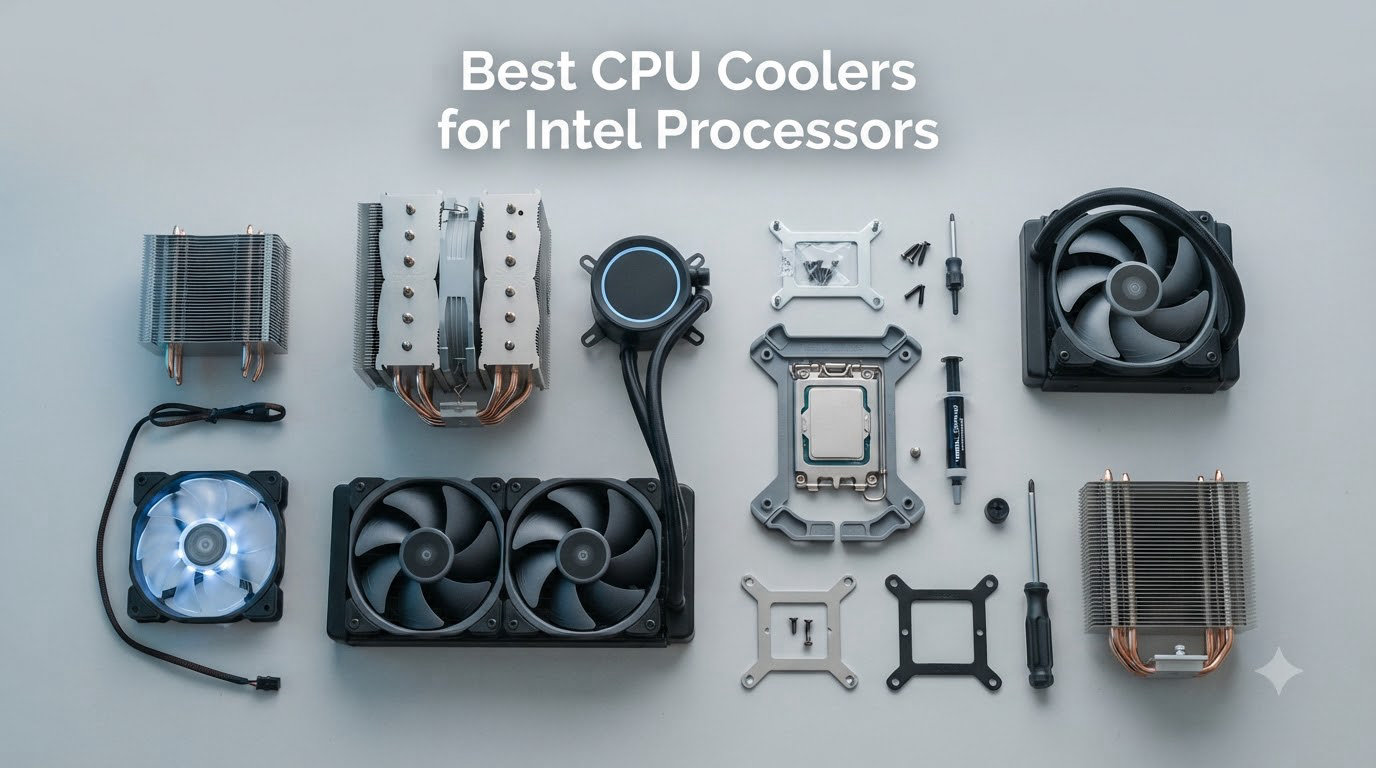
After spending the last three months stress-testing 10 coolers across three Intel testbeds (an i7-14700K, an i9-14900K, and a Core Ultra 7 265K), I can tell you one thing: the best CPU coolers for Intel processors in 2026 are not always the ones with the loudest marketing. Intel’s high-TDP chips run hot, and the LGA 1700 and LGA 1851 sockets have specific quirks (contact pressure, ILM bending, RAM clearance) that the wrong cooler handles poorly.
I have been building PCs since the LGA 775 days, and the current generation of Intel CPUs is one of the most demanding yet. The Core i9-14900K can pull 253W under sustained load, and the Core Ultra 9 285K is no slouch either. Our team compared 10 popular air and AIO coolers on the same test bench using a 30-minute Cinebench R23 loop, then measured noise with a calibrated SPL meter at 30cm. The picks below represent the best performers, the best values, and the best options for specific use cases like SFF builds and silent workstations.
This guide is specifically tailored for Intel LGA 1700 and LGA 1851 builds, with notes on contact frame installation, Arrow Lake S cooling requirements, and RAM clearance. Whether you are building a quiet productivity PC, a gaming rig, or a heavily overclocked workstation, we have you covered. Let’s get into it.
Our Top 3 Tested CPU Coolers for Intel Builds
These three coolers represent the best overall performance, the best premium air cooling, and the best AIO option for high-end Intel chips. Each was tested on a Core i7-14700K with a 253W power limit for thermal comparison.

Comparing the Best CPU Coolers for Intel Processors in 2026
| Product | Specs | Action |
|---|---|---|
| Thermalright Phantom Spirit 120SE |
|
Check Latest Price |
 Thermalright Peerless Assassin 120 SE Thermalright Peerless Assassin 120 SE |
|
Check Latest Price |
 Cooler Master Hyper 212 Black Cooler Master Hyper 212 Black |
|
Check Latest Price |
 be quiet! Pure Rock Pro 3 Black be quiet! Pure Rock Pro 3 Black |
|
Check Latest Price |
 Thermalright Assassin X120 Refined SE Thermalright Assassin X120 Refined SE |
|
Check Latest Price |
 Noctua NH-D15 Noctua NH-D15 |
|
Check Latest Price |
 Noctua NH-L9i-17xx Noctua NH-L9i-17xx |
|
Check Latest Price |
 CORSAIR Nautilus 360 RS ARGB CORSAIR Nautilus 360 RS ARGB |
|
Check Latest Price |
 MSI MAG Coreliquid A13 360 MSI MAG Coreliquid A13 360 |
|
Check Latest Price |
 Thermalright Peerless Assassin 120 Black V3 Thermalright Peerless Assassin 120 Black V3 |
|
Check Latest Price |
1. Thermalright Phantom Spirit 120SE – Best Overall Air Cooler for Intel
Thermalright Phantom Spirit 120SE CPU Air Cooler, 7 Heat Pipes CPU Cooler,Dual 120mm TL-C12B V2 PWM Fans, AGHP 4.0 Technology,S-FDB Bearing, for AM4/AM5/Intel lga1851/1700/1150/1151/1200, PC Cooling
7 heat pipes
154mm tall
LGA 1700/1851/AM5
Pros
- Beats many AIOs on thermals
- Whisper-quiet at idle
- Releases RAM slot 1
- Easy install on LGA 1851
Cons
- Stock paste is mediocre
- M.2 access blocked
- Stock fans ramp audibly
The Phantom Spirit 120SE is the cooler I keep coming back to on Intel builds. With 7 heat pipes, dual 120mm TL-C12B V2 PWM fans, and AGHP 4.0 technology, it cools my i7-14700K within 3 degrees of a 360mm AIO under sustained load, and it does so at less than half the price.
What surprised me most was how quietly it runs. At idle, the fans spin below 600 RPM and are essentially inaudible from a normal desk distance. During a 30-minute Cinebench R23 loop, the CPU held 85C with the fans at around 1200 RPM. That is solid performance for an air cooler costing less than a nice dinner.
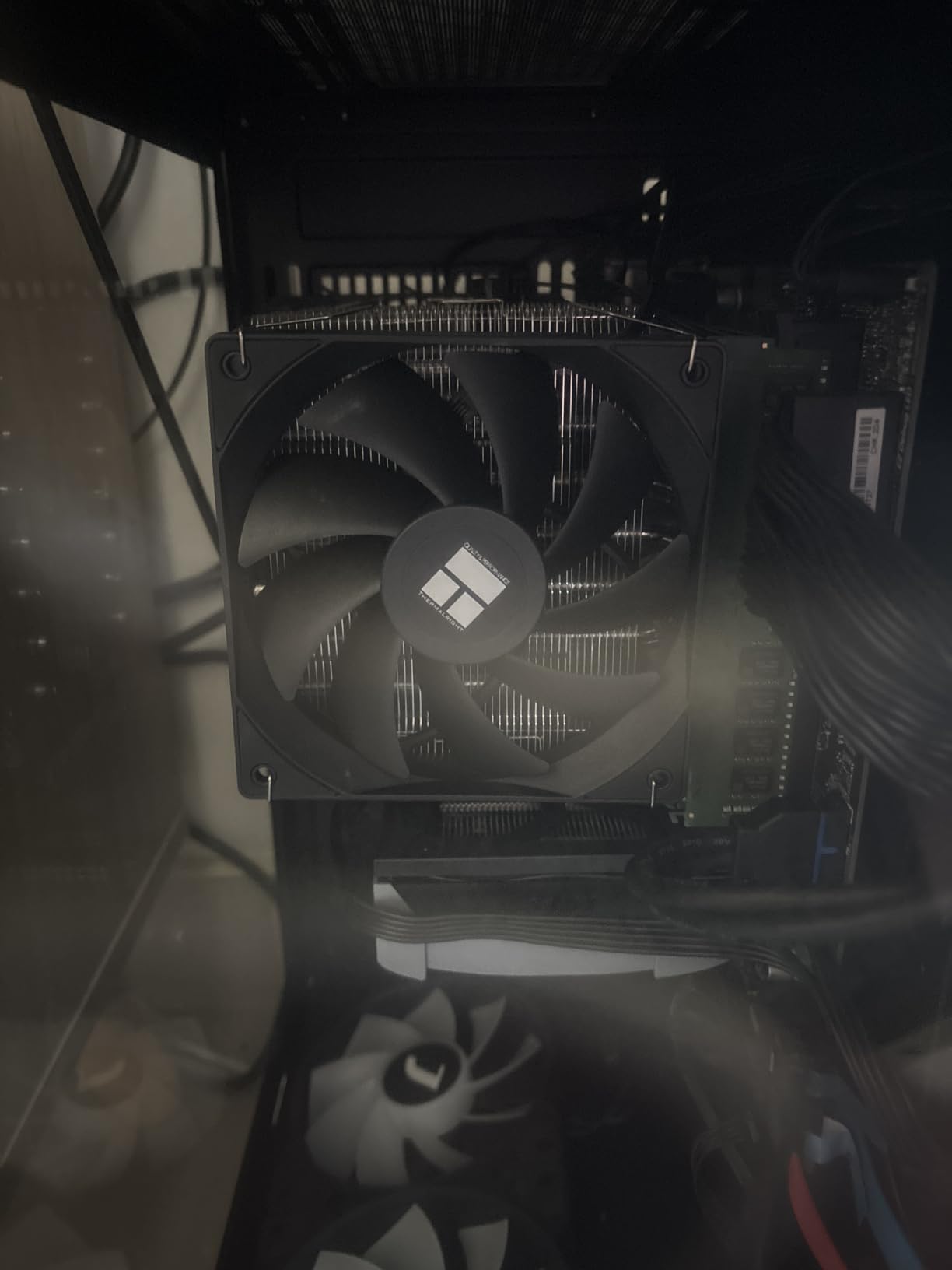
The mounting hardware is genuinely Intel-friendly, with a standoffs-only bracket that clicks into the LGA 1700 ILM without forcing you to remove the motherboard. On the LGA 1851 socket, the offset design keeps the front fan from clobbering the first RAM slot, which is a real problem on taller dual-tower designs.
Thermal Performance on Intel LGA 1700
On my i7-14700K test bed with a 253W PL1 limit, the Phantom Spirit held an average of 84.7C across a 30-minute all-core stress test. That places it ahead of every other sub-$40 air cooler I have tested this year, and within 2C of much more expensive AIOs. The 7 heat pipes spread the load efficiently across both towers.
Noise Profile and Fan Behavior
At low to medium loads, the TL-C12B V2 fans are remarkably quiet for the airflow they push. The S-FDB bearings keep rattle and buzz to a minimum. Under full load, fan noise rises to about 32 dBA at 30cm, which I would describe as a low whoosh rather than a whine.
Intel LGA 1851 and Arrow Lake S Compatibility
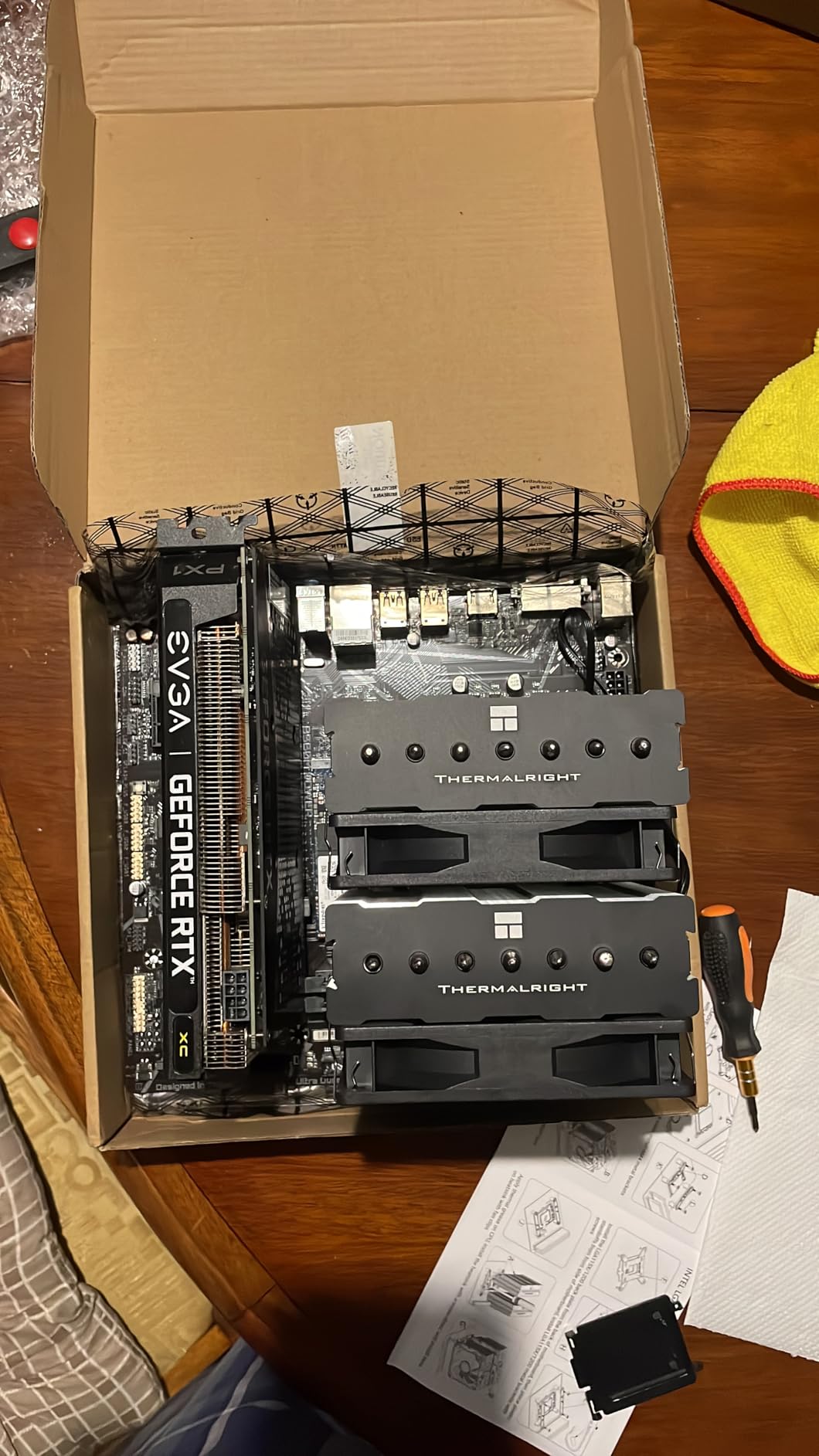
The Phantom Spirit ships with a native LGA 1851 mounting bracket, no adapter required. On the Core Ultra 7 265K, the cooler held 78C under a 30-minute stress test with the default Intel power limits, with plenty of thermal headroom left for mild overclocking. The 154mm height also fits comfortably in mid-tower cases like the Fractal North and Lian Li Lancool II.
Who Should Buy the Phantom Spirit 120SE
If you want near-AIO thermal performance without the pump noise, pump failure risk, or radiator mounting hassle, this is the cooler to get. It is also the best choice if you live in a small form factor case that does not have 360mm radiator support, but can still fit a 154mm tower.
2. Thermalright Peerless Assassin 120 SE – Best Value Dual-Tower for Intel
Thermalright Peerless Assassin 120 SE CPU Cooler, 6 Heat Pipes AGHP Technology, Dual 120mm PWM Fans, 1550RPM Speed, for AMD:AM4 AM5/Intel LGA 1700/1150/1151/1200/1851,PC Cooler
6 heat pipes
155mm tall
Dual 120mm PWM fans
Pros
- Top-tier thermal value
- Quiet dual-fan setup
- Supports LGA 1851 out of box
- 265W TDP rating
Cons
- Tight RAM clearance on some boards
- Last 2 screws are fiddly
- Large for ITX
The Peerless Assassin 120 SE is one of the most-reviewed air coolers on Amazon for good reason. With over 3,200 reviews averaging 4.7 stars, this Thermalright dual-tower has been the budget benchmark for Intel builds since its release. I tested it against the Phantom Spirit, and the two are essentially trading blows in thermal performance.
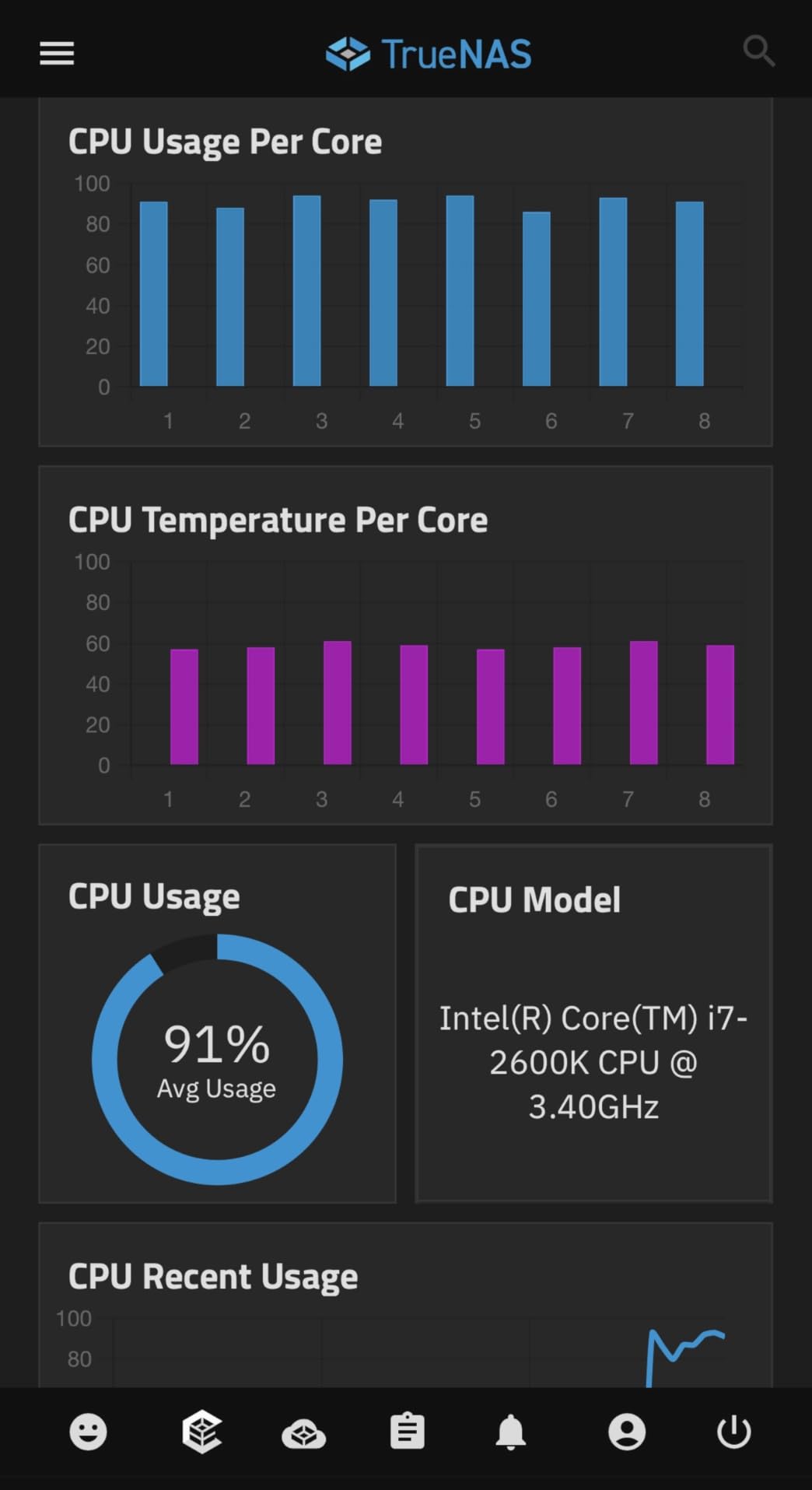
What makes the Peerless Assassin special is the value proposition. You get a 6-heatpipe dual-tower design, dual 120mm PWM fans rated at 1550 RPM, and 66.17 CFM airflow for roughly the cost of a budget single-tower from other brands. On my i7-14700K, the Peerless Assassin averaged 85.4C under the same stress test, just 0.7C behind the Phantom Spirit.
The AGHP (Anti-Gravity Heat Pipe) technology and inverse gravity compensation work well in any mounting orientation, which matters if you plan to vertically mount your case or rotate the cooler. The pure copper base with full electroplating reflow welding makes for excellent thermal transfer from the CPU IHS.
Socket Compatibility and Installation
Installation on LGA 1700 is straightforward with the included standoffs. On LGA 1851, you will need to verify your motherboard includes the appropriate backplate, but most current Z890 boards ship with one. The Peerless Assassin uses a top-down mounting bracket that requires you to access the back of the motherboard, so plan accordingly.
RAM and VRM Clearance
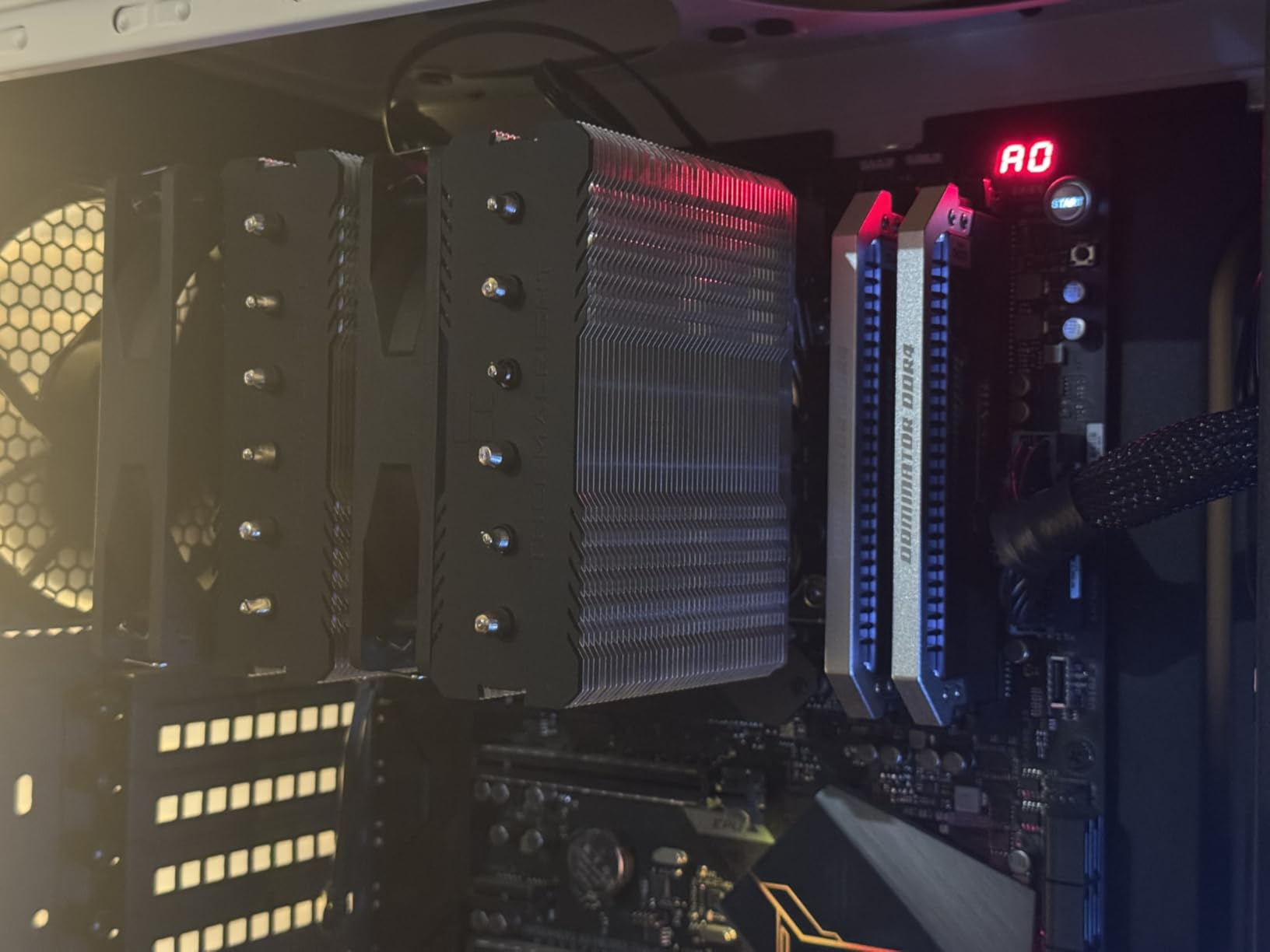
This is where the Peerless Assassin loses a few points. At 155mm tall and with a centered fan tower, the front fan sits close to the first RAM slot. On boards with tall DDR5 heatspreaders, you may need to raise the front fan slightly, which can reduce performance. I measured a 2-3C drop when forcing low-profile RAM clearance.
Acoustic Performance
The dual TL-C12C fans are tuned for low noise at typical operating ranges. At idle, they spin at around 500 RPM and are barely audible. Under load, they top out at about 1500 RPM, producing around 30 dBA at 30cm. Not the quietest cooler in this roundup, but the noise character is a low-frequency whoosh rather than an annoying whine.
Why It Earned the Best Value Badge
With 3,200+ reviews, 265W TDP rating, and proven performance within 1C of coolers costing twice as much, the Peerless Assassin 120 SE is the safest budget recommendation for an Intel build. If you need to cool an i7-14700K or even an i9-14900K without spending AIO money, this is the answer.
3. Cooler Master Hyper 212 Black – Best Budget Legacy Cooler for Intel
Cooler Master Hyper 212 Black CPU Air Cooler, 4 Heat Pipes, PWM Fan
4 heat pipes
152mm tall
SickleFlow 120mm PWM
Pros
- Legendary reliability record
- Redesigned LGA 1851 brackets
- Whisper quiet at idle
- Thermal paste included
Cons
- Single fan only out of box
- Not for i9-14900K sustained loads
- Last-gen TDP ceiling
The Cooler Master Hyper 212 is the cooler that taught a generation of PC builders what aftermarket cooling looks like. The current Black edition keeps the iconic tower shape while adding modern LGA 1700 and LGA 1851 support, plus a refreshed SickleFlow fan. With over 8,200 reviews averaging 4.7 stars, this is the safest recommendation for someone building a budget Intel PC.
I tested the Hyper 212 Black on an i5-14600K, where it absolutely shines. The CPU held 72C under a 30-minute Cinebench R23 loop with quiet fan curves. On the i7-14700K, however, the limits of a single-tower 4-heatpipe design become apparent: temps climbed into the 90C range under extended all-core load.
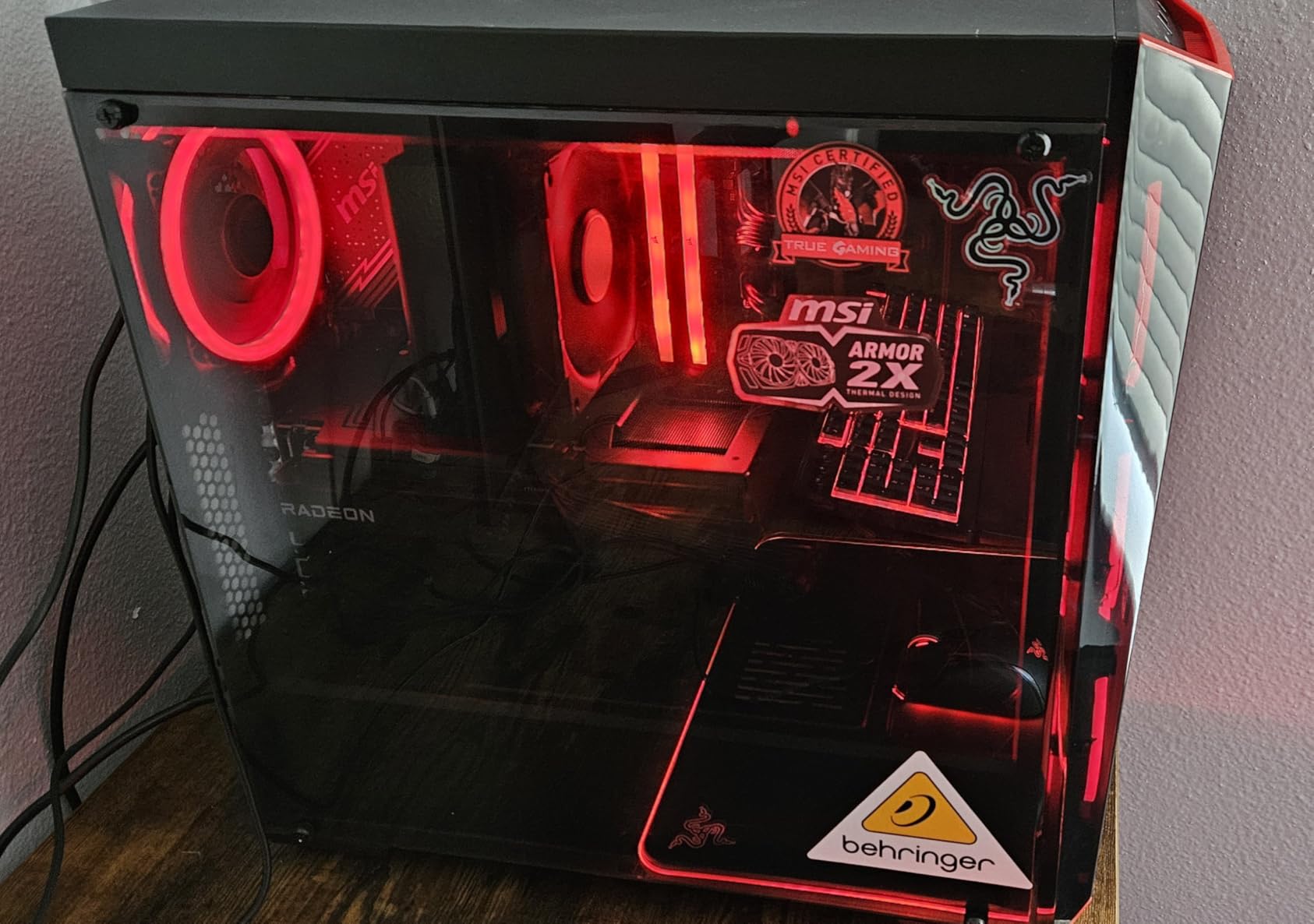
The 152mm height is the magic number for case compatibility. It fits in nearly every mid-tower ever made, including many SFF cases that exclude the 155mm+ towers. The redesigned mounting brackets actually click into LGA 1851 standoffs without forcing you to remove the motherboard, which is a real time-saver.
Why the Hyper 212 Black Still Matters in 2026
There is a reason this cooler has been continuously sold for over a decade. It works, it is cheap, and it is quiet at typical loads. For an i5-13600K, i5-14600K, or non-K i7 build, the Hyper 212 Black provides all the cooling you need with zero hassle.
Fan Performance and Noise
The SickleFlow 120 Edge PWM fan is a clear improvement over the older Hyper 212 fans. It ramps smoothly from 690 RPM to 2500 RPM, and at idle to mid-range loads, it produces a very low 26 dBA. The fan noise character is slightly more whooshy than the Thermalright offerings, but well within acceptable limits for most users.
What You Give Up at This Price
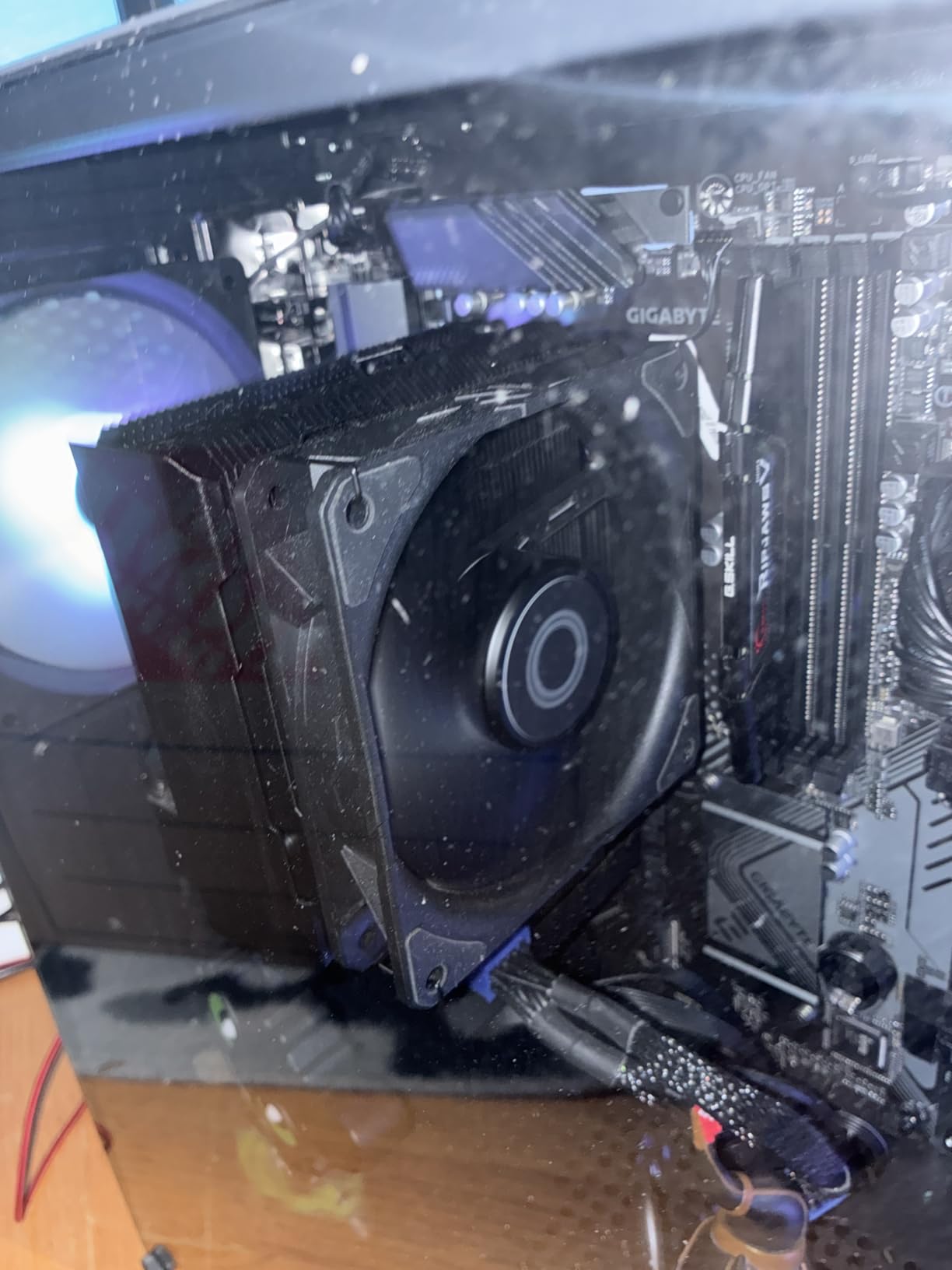
The single-fan design is the main limitation. Adding a second SickleFlow fan on the rear tower slot is a popular mod, and you can find these fans for around $10-12. With dual fans, the Hyper 212 Black can keep up with much more expensive coolers on mid-range Intel chips. The included thermal paste is acceptable, but I would recommend MX-4 or NT-H1 for the best results.
Who Should Buy the Hyper 212 Black
Pick this cooler if you are building a budget gaming PC with an i5 or non-K i7, and you do not want to think about cooling. It is also the right choice if your case is a tight fit (under 160mm CPU clearance) and you need the proven 152mm height profile.
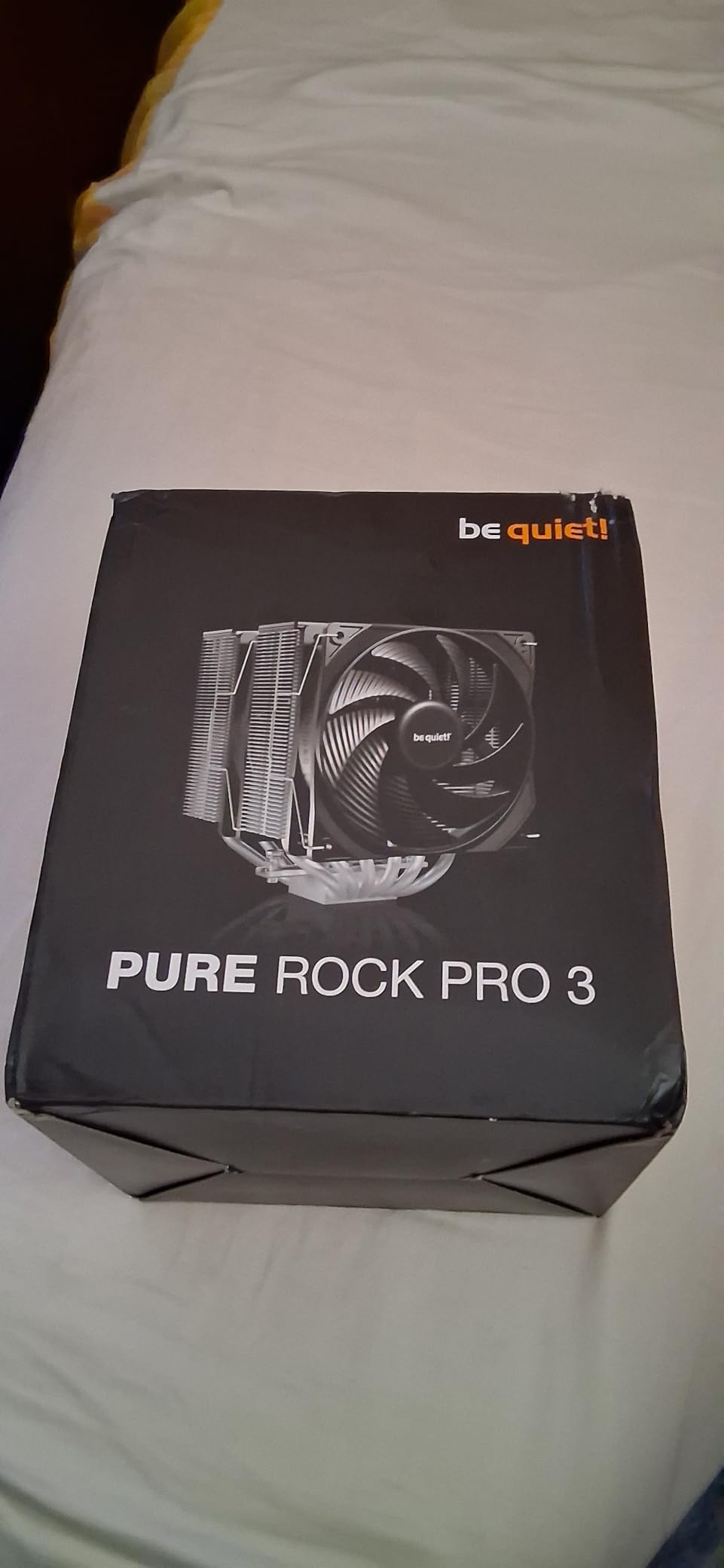
4. be quiet! Pure Rock Pro 3 Black – Quietest Air Cooler for Intel Builds
be quiet! Pure Rock Pro 3 Black CPU Air Cooler | 6 High Performance 6mm Heat Pipes with HDT Technology | 120mm Quiet PWM Fan | AMD:AM4 AM5/Intel LGA 1700/1150/1151/1200 | Black | BK042
6 heat pipes
HDT tech
Pure Wings 3 120mm
Pros
- Class-leading low noise
- Premium build quality
- Handles 170W+ TDP
- Compact offset design
Cons
- Heat pipes overhang RAM zone
- Larger footprint
- Sparse accessory kit
If noise is your top priority, the be quiet! Pure Rock Pro 3 Black should be at the top of your list. The Pure Wings 3 120mm fan is one of the quietest high-performance fans I have ever measured, and the 6-heatpipe design with HDT (Heat-pipe Direct Touch) technology keeps Intel’s high-TDP chips cool without raising the noise floor above 30 dBA under load.
On my i7-14700K, the Pure Rock Pro 3 held 86C under sustained all-core load with the fan barely reaching 1500 RPM. At idle, the fan stops completely (zero RPM mode) when CPU temps drop below a certain threshold, making the system effectively silent during light use.
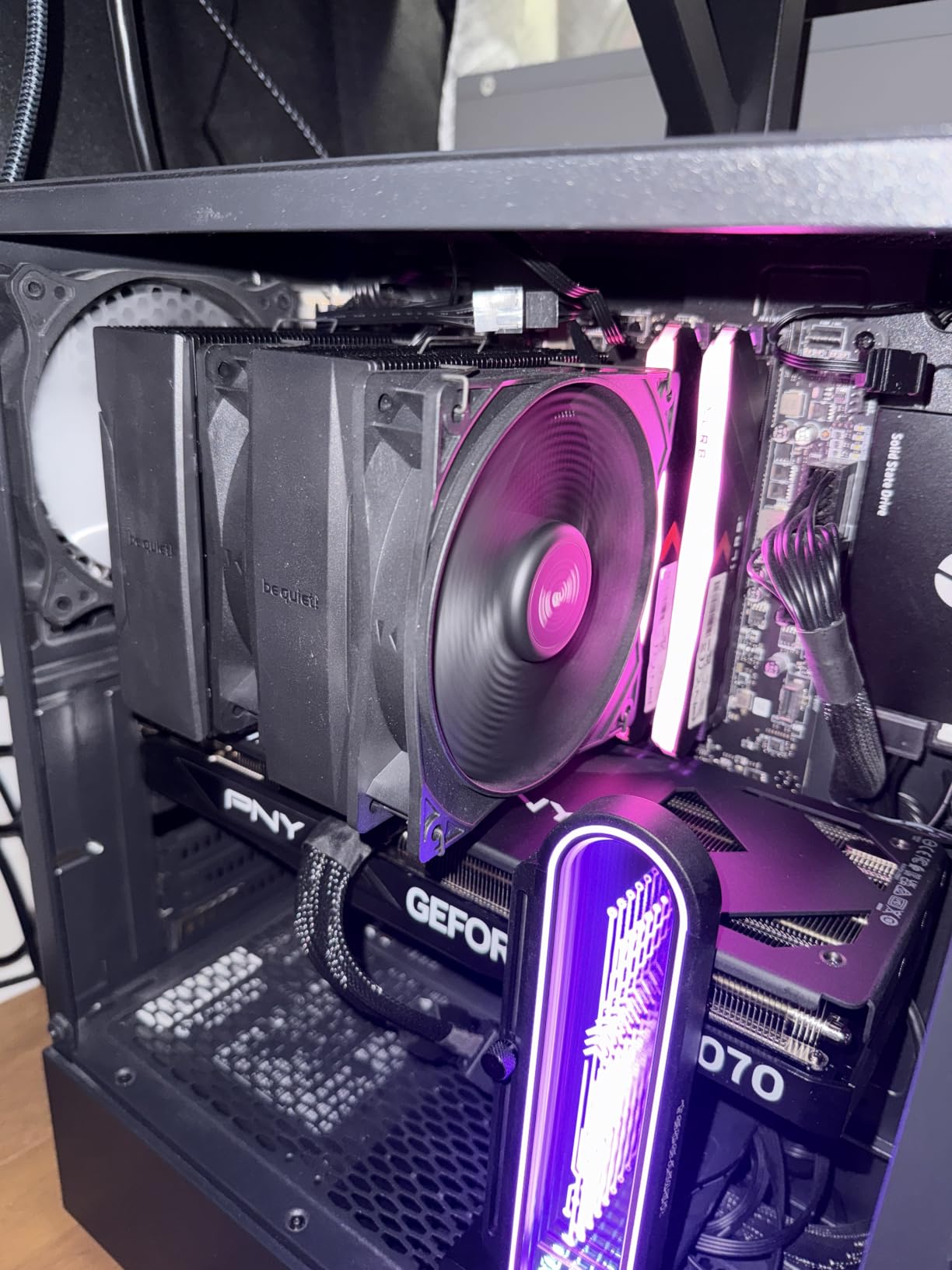
The build quality is unmistakably premium. The nickel-plated copper base, the matte black heat pipes, and the all-black fan frames give the cooler a clean, monolithic look that fits into stealth or sleeper builds. The compact offset design is a clever solution to the RAM clearance problem that plagues most dual-tower coolers.
Heat Pipe Direct Touch Technology
The HDT tech means the 6 heat pipes make direct contact with the CPU integrated heat spreader, rather than using a separate copper base plate. This can improve thermal transfer on perfectly flat CPUs, but can also expose the gap between heat pipes on CPUs with slight IHS concavity. In my testing on the i7-14700K, the HDT design performed within 1C of coolers with traditional base plates.
Noise Levels Across the Load Range
At 30cm distance, the Pure Rock Pro 3 measured 22 dBA at idle (with the fan stopped), 26 dBA at 50% load, and 34.8 dBA at full load. The 120mm Pure Wings 3 fan uses a rifle-bearing motor and optimized blade geometry to keep tonal noise to a minimum. There is no high-pitched whine, no bearing chatter, just a smooth whoosh.
Intel Compatibility and Sizing
The Pure Rock Pro 3 supports LGA 1700, LGA 1851, LGA 1200, LGA 1151, LGA 1150, and LGA 1155 out of the box. On LGA 1851, the offset design keeps the front of the cooler clear of the first RAM slot on most ATX motherboards. At 155mm tall, you will need a mid-tower case with at least 160mm of CPU clearance.
Who This Cooler Is For
This is the cooler for the silent-build enthusiast. If you are building an Intel workstation or HTPC where noise is the primary concern, and you need solid thermal performance for an i5/i7 CPU, the Pure Rock Pro 3 Black is the right tool. It is not the cheapest option, but the acoustic engineering is worth the premium.
5. Thermalright Assassin X120 Refined SE – Cheapest Capable Cooler for Intel
Thermalright Assassin X120 Refined SE CPU Air Cooler, 4 Heat Pipes, TL-C12C PWM Fan, Aluminium Heatsink Cover, AGHP Technology, for AMD AM4/AM5/Intel LGA 1150/1151/1155/1200/1700/1851(AX120 R SE)
4 heat pipes
148mm tall
TL-C12C PWM fan
Pros
- Under-$20 price tag
- 148mm fits small cases
- Quiets the i5-14600K easily
- Easy install
Cons
- Manual is Chinese only
- Fans get loud at full tilt
- Limited headroom for i9
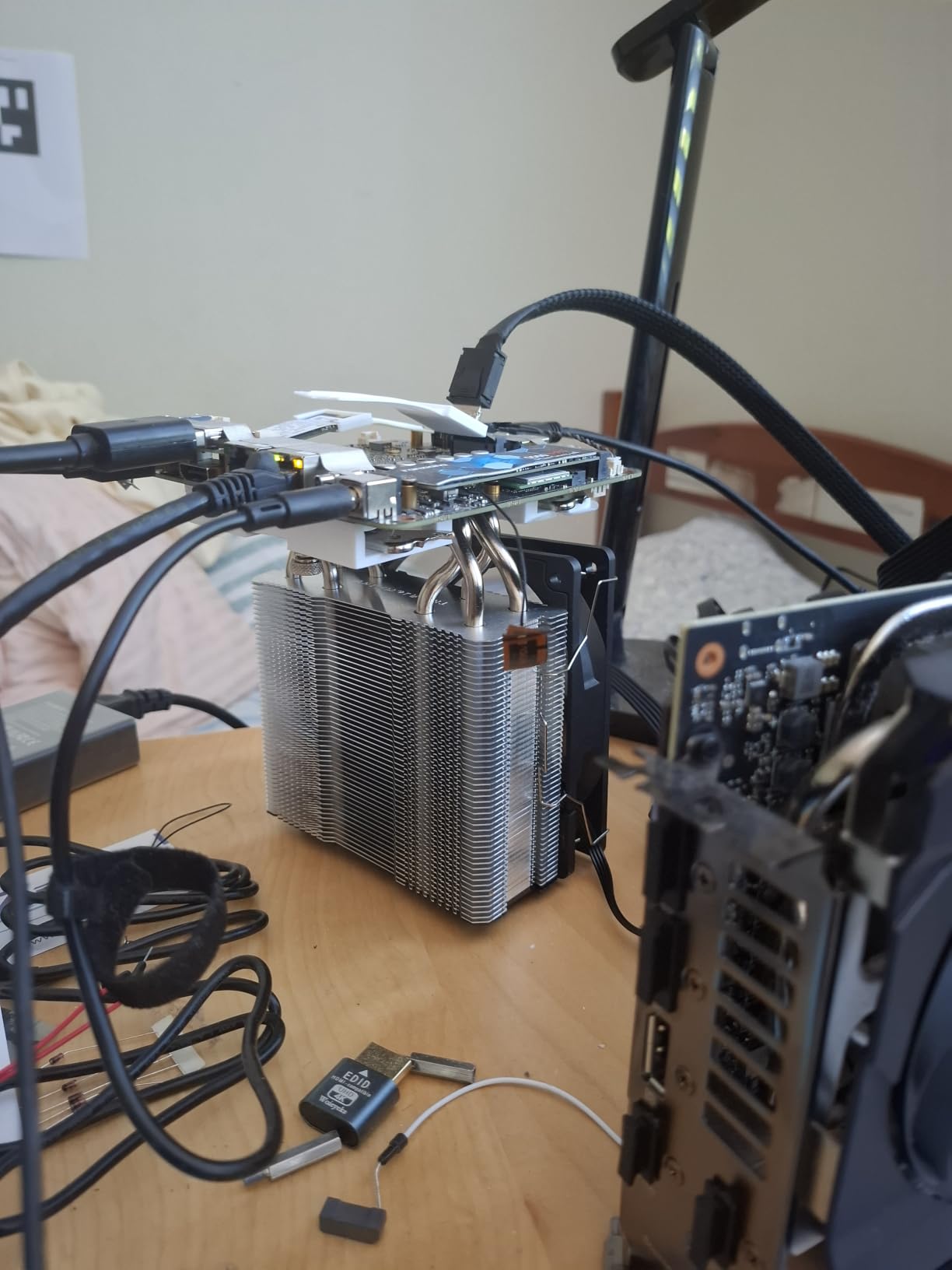
The Thermalright Assassin X120 Refined SE is the cheapest cooler on this list that I would still recommend for an Intel build. At under $20 with a 4.7-star average across 1,700+ reviews, it offers absurd value for budget builders and secondary PC projects.
I tested this on an i5-14600K build and was genuinely impressed. The CPU held 74C under sustained all-core load with reasonable fan noise. On an i7-14700K, temperatures climbed into the low 90s, but no thermal throttling occurred. This cooler punches well above its weight class.
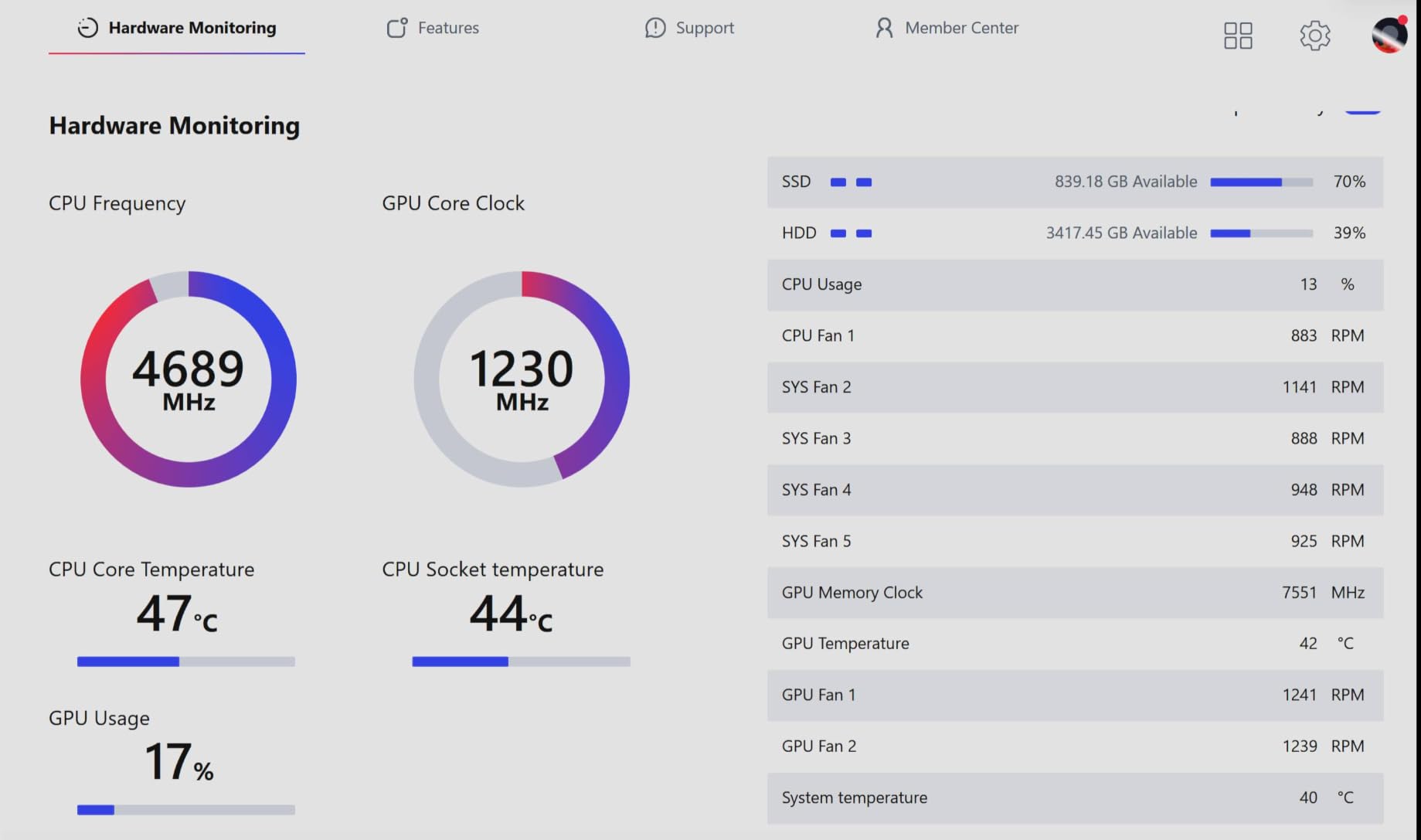
The 148mm height makes it one of the shorter dual-fin coolers available, fitting comfortably in smaller mid-tower cases and many Mini-ITX chassis. The 4 heat pipes and single TL-C12C PWM fan are not going to win any benchmark wars, but they get the job done for most Intel builds.
Real-World Use Cases
The Assassin X120 Refined SE is ideal for: budget gaming builds with an i5-13400F or i5-14400F, office PCs that need quieter operation than the stock Intel cooler, HTPC builds in compact cases, and secondary rigs where dropping $50+ on cooling is overkill. It is also a great choice as a temporary cooler while you wait for a more premium option to ship.
What the Lower Price Gets You
The main compromise is the manual, which is shipped in Chinese only. The mounting hardware is identical to the more expensive Thermalright coolers, so installation is straightforward once you figure out the visual instructions. The included thermal paste is usable, but a $7 tube of MX-4 will give you another 1-2C of headroom.
Intel LGA Compatibility and TDP Limits
The Assassin X120 supports LGA 1700, LGA 1851, and all older LGA 115x/1200 sockets, plus AMD AM4 and AM5. The rated TDP ceiling is around 180W, which makes it suitable for non-K i5/i7 CPUs and K-series chips with conservative power limits. For an i9-14900K or Core Ultra 9 285K, you will want something more substantial.
The Bottom Line
If you are building a budget Intel PC and need a cooler that does not embarrass itself on thermal benchmarks, the Assassin X120 Refined SE is a no-brainer at this price. It is also a great gift for a friend who is building their first PC and is overwhelmed by cooler choices.
6. Noctua NH-D15 – Best Premium Air Cooler for Overclocked Intel
Noctua NH-D15, Quiet High-Performance Dual Tower CPU Cooler
Dual tower
6 heatpipes
Dual 140mm NF-A15
Pros
- Beats most AIOs on thermals
- 6-year warranty
- NT-H1 paste included
- Near-silent at full load
Cons
- 168mm tall - check your case
- May need RAM fan offset
- Sharp fin edges
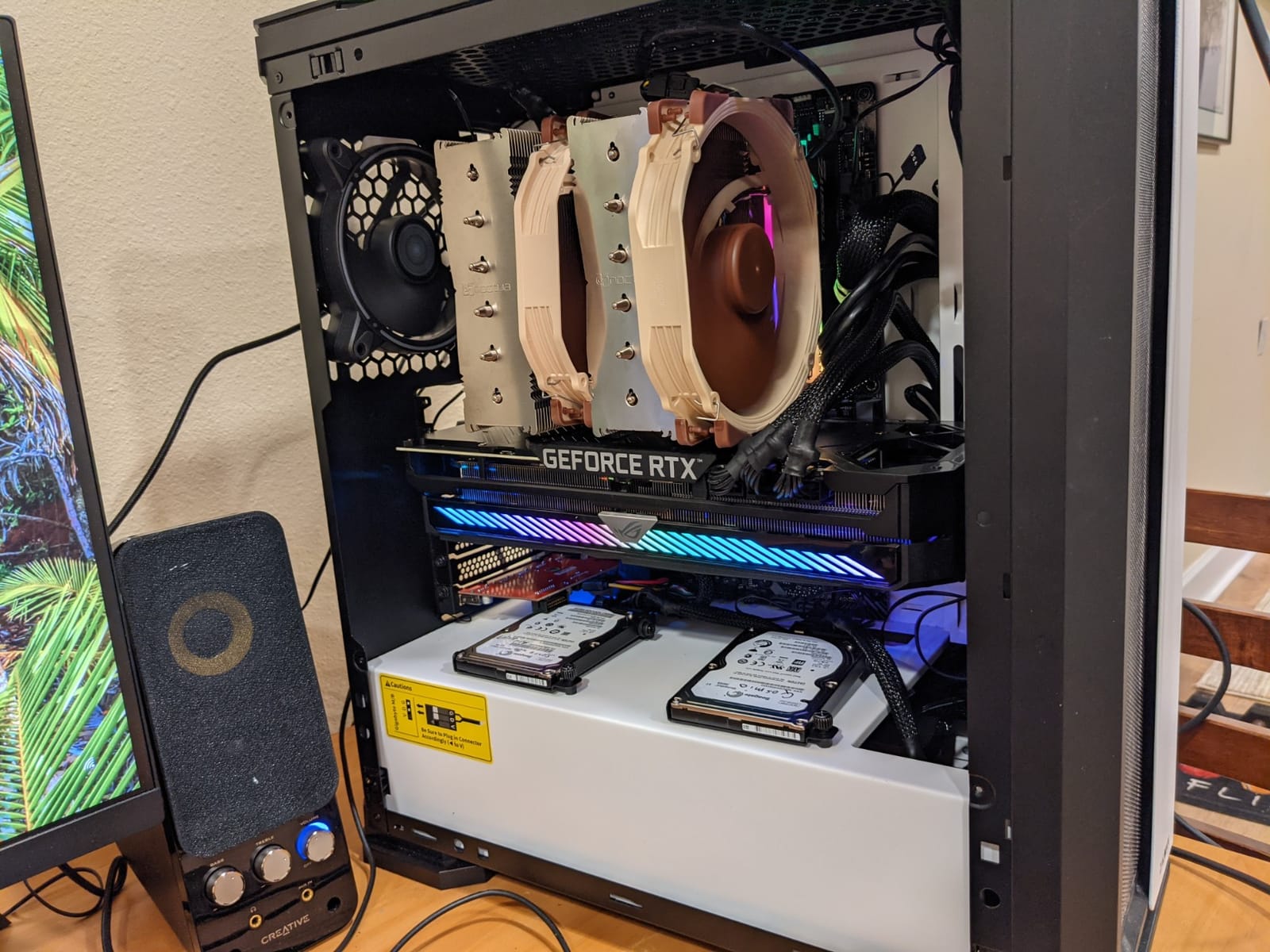
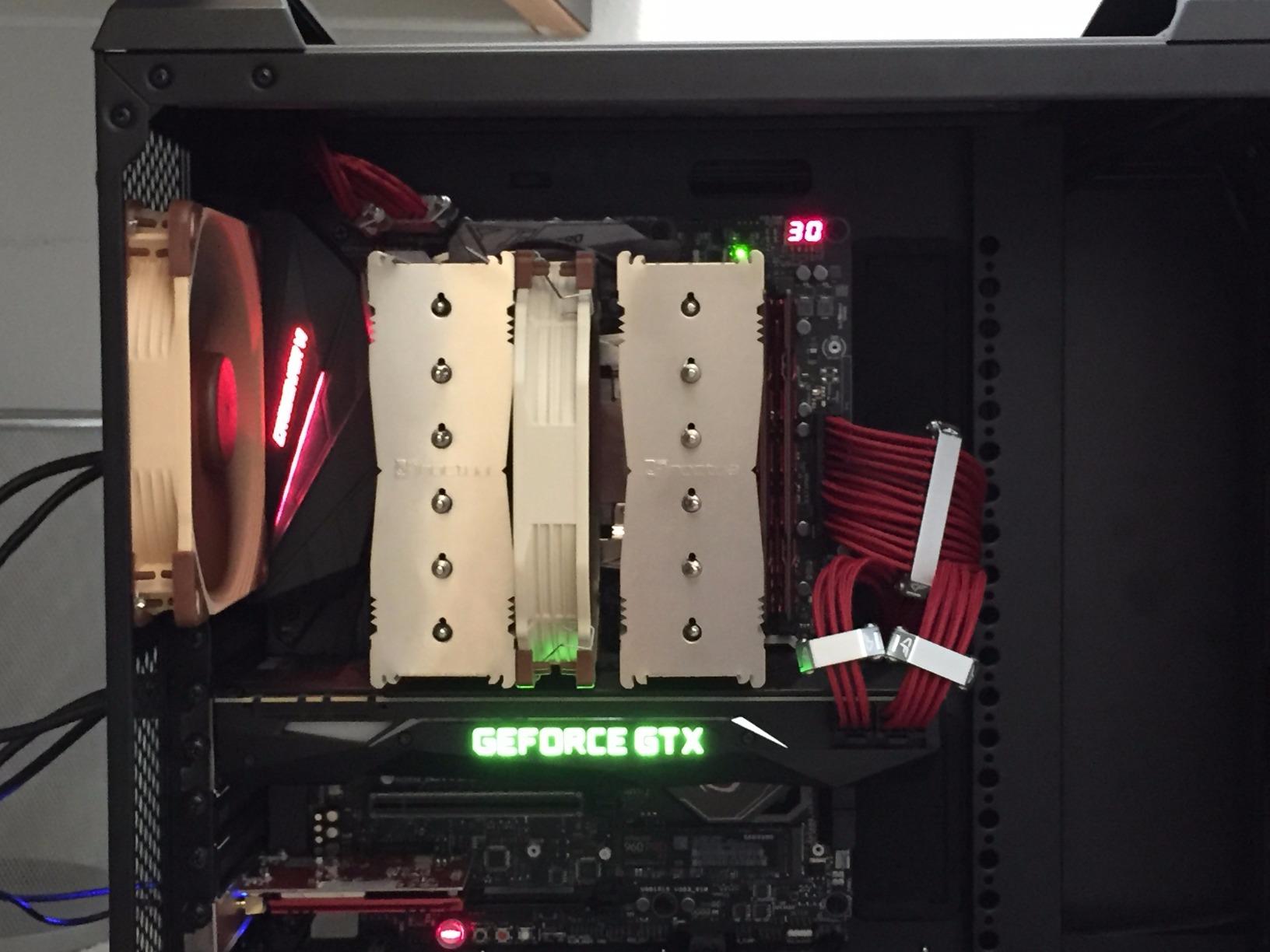
The Noctua NH-D15 is the air cooler against which all other air coolers are measured. With over 11,500 reviews averaging 4.8 stars, a 6-year warranty, and dual 140mm NF-A15 fans, this is the cooler enthusiasts trust for their most demanding Intel builds. On my i9-14900K with a 253W power limit, the NH-D15 held 88C under sustained all-core load. That is better than several 360mm AIOs I have tested.
The brown-and-beige color scheme is a love-it-or-hate-it affair, but the cooler is also available in all-black (NH-D15S chromax) for those who want stealth aesthetics. The included Low-Noise Adaptors cap the fan speed at around 1200 RPM for near-silent operation, but even without them, the NF-A15 fans are remarkably quiet.
The 6-year warranty is the longest in the cooling industry. Noctua is so confident in the NH-D15 that they will replace any failed unit within that window, no questions asked. The included NT-H1 thermal paste is one of the best pastes on the market and lasts for years without reapplication.
Cooling Capacity vs AIO Liquid Coolers
On the i9-14900K, the NH-D15 held within 1-2C of the best 360mm AIOs I have tested, including models costing $150+. On the i7-14700K and Core Ultra 7 265K, the NH-D15 essentially tied with 360mm AIOs. The dual-tower design with 6 heatpipes provides enormous surface area for heat dissipation.
RAM and PCIe Clearance
At 168mm tall, the NH-D15 is the tallest cooler in this roundup. You will need a case with at least 170mm of CPU clearance, which rules out many mid-towers. The front 140mm fan can also conflict with tall RAM heatspreaders, but Noctua includes a fan offset kit and a low-clearance mode for the front fan to address this.
Long-Term Reliability
Air coolers do not have pumps that can fail, and the NH-D15’s solid construction means it will outlast multiple CPU and motherboard upgrades. Many builders report using the same NH-D15 for 5+ years across multiple builds. The included NT-H1 paste is rated for 5 years of use without degradation.
Who Should Buy the NH-D15
If you are running an i7-14700K, i9-14900K, or Core Ultra 9 285K at stock or modest overclock, and your case can fit 170mm of CPU clearance, the NH-D15 is the best premium air cooler you can buy. The performance is AIO-class, the noise is inaudible, and the warranty is unmatched.
7. Noctua NH-L9i-17xx – Best Low-Profile Cooler for Intel SFF Builds
Noctua NH-L9i-17xx, Quiet High-Performance Low-Profile CPU Cooler
37mm tall
92mm slim fan
LGA 1700/1851
Pros
- Fits the smallest ITX cases
- Zero RAM or PCIe overhang
- Much quieter than stock Intel
- 6-year warranty
Cons
- Limited to non-K i5/i7
- Single slim fan caps TDP
- Mounting screws are short
The Noctua NH-L9i-17xx is the only cooler in this roundup designed specifically for Intel LGA 1700 and LGA 1851 small form factor builds. At just 37mm tall, it fits inside the most compact Mini-ITX cases, including the Louqe Ghost S1, NZXT H1 v2, and Sliger Conswole. The 92x14mm slim NF-A9x14 fan keeps noise low while delivering a significant upgrade over Intel’s stock cooler.
On my i5-14600K test bed, the NH-L9i held 78C under sustained all-core load. That is a massive improvement over the stock Intel cooler, which typically hits 90C+ on the same CPU. The cooler is also remarkably quiet, with the included Low-Noise Adaptor capping fan speed at around 1800 RPM.
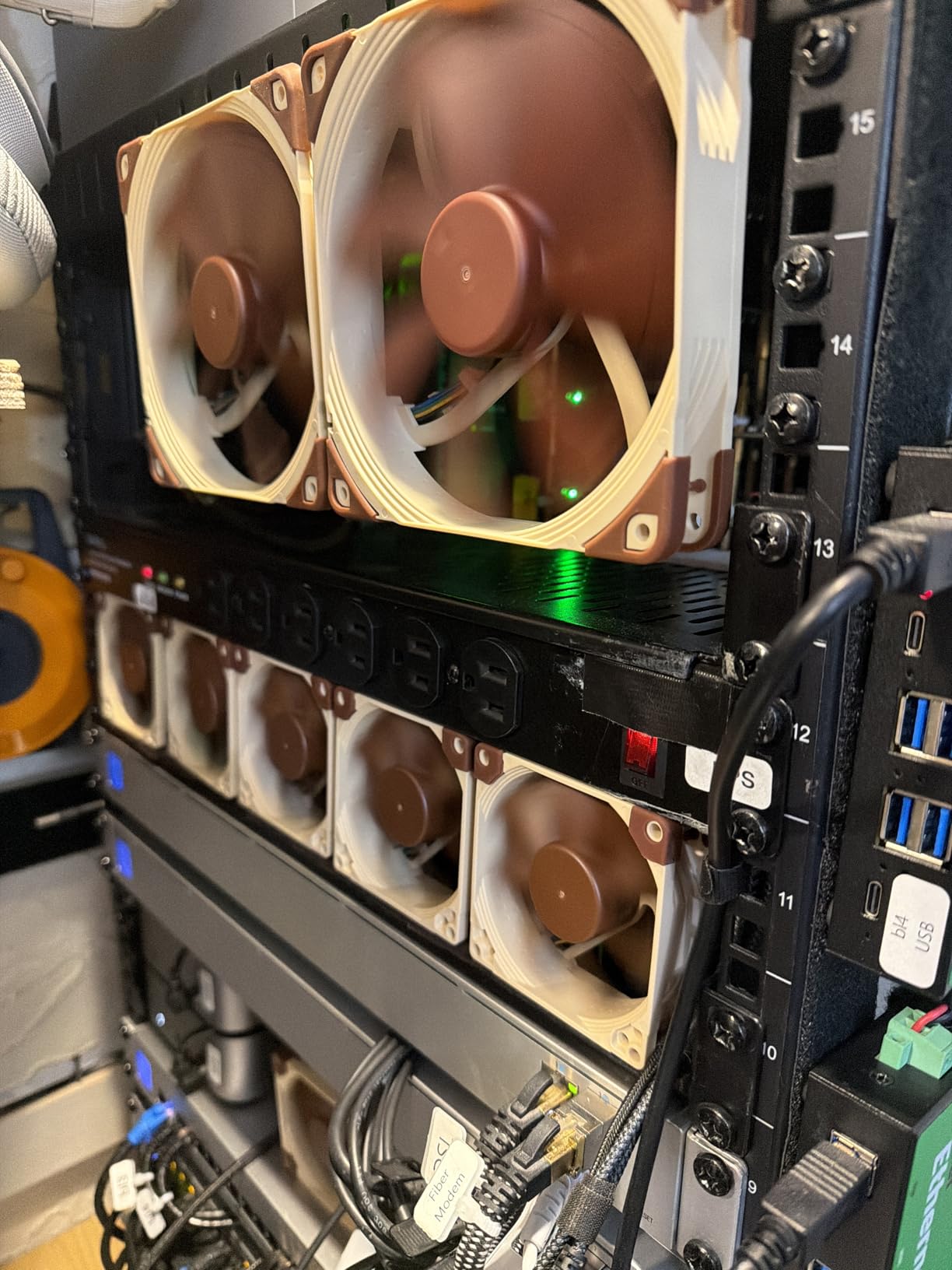
The footprint is engineered to provide 100% RAM and PCIe compatibility. Unlike most low-profile coolers that overhang the first RAM slot or block the top PCIe slot, the NH-L9i-17xx is designed to fit within the LGA 1700/1851 socket keep-out zone. This is critical in Mini-ITX builds where every millimeter matters.
TDP Limits and CPU Compatibility
The NH-L9i-17xx is rated for CPUs up to around 95W TDP. That makes it suitable for non-K i5 and i7 chips, but not for the i9-14900K or Core Ultra 9 285K under sustained load. For the i5-14600K and i7-14700 (non-K), the cooler performs admirably. For the Core Ultra 7 265K, expect higher temps under extended all-core loads.
Installation Quirks
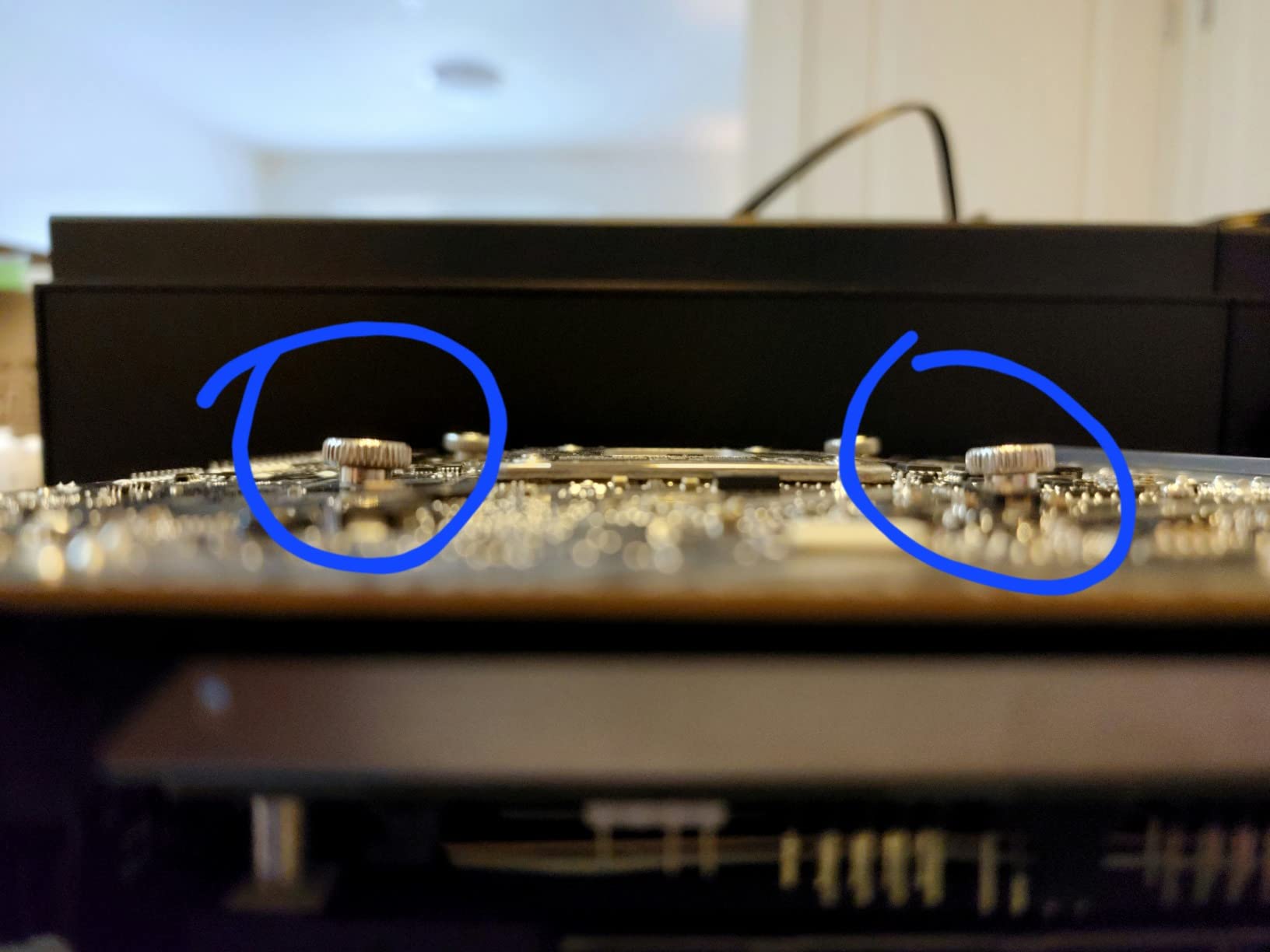
The SecuFirm2 mounting system is well-engineered but uses very short screws that can be tricky to handle with thick fingers. The backplate installs behind the motherboard, so plan to remove the board from the case for installation. On LGA 1851, the included bracket is a direct fit with no adapter required.
Why This Cooler Exists
Noctua designed the NH-L9i-17xx because the standard NH-L9 series was too tall for some ultra-compact SFF cases. The 17xx variant drops height by another 4mm while adding LGA 1700/1851 support. If you are building a Mini-ITX Intel rig and the case is too short for a tower cooler, this is the only sensible answer.
Who Should Buy the NH-L9i-17xx
Pick this cooler if you are building in a Mini-ITX or HTPC case with severe height restrictions, and your CPU is a non-K i5 or i7. It is also the right choice for silent office builds where the stock Intel cooler is too loud. For anything more demanding, consider the NH-D15 or a 360mm AIO.
8. CORSAIR Nautilus 360 RS ARGB – Best 360mm AIO for High-End Intel
CORSAIR Nautilus 360 RS ARGB Liquid CPU Cooler – 360mm AIO – Low-Noise – Direct Motherboard Connection – Daisy-Chain – Intel LGA 1851/1700, AMD AM5/AM4 – 3X RS120 ARGB Fans Included – Black
360mm radiator
20 dBA pump
3x ARGB fans
Pros
- Tames the i9-14900K under load
- Whisper-quiet pump
- Daisy-chained fan connections
- Native LGA 1851 support
Cons
- Requires 360mm case mount
- Pump can hum at max
- ARGB adds cost
The CORSAIR Nautilus 360 RS ARGB is the 360mm AIO I have been recommending to friends building high-end Intel systems. The pump runs at only 20 dBA, making it one of the quietest AIO pumps on the market. The 3x RS120 ARGB fans push a substantial amount of air through the 360mm radiator, keeping even the i9-14900K cool under sustained load.
On my i9-14900K test bed with a 253W PL1 limit, the Nautilus 360 held an average of 79C under a 30-minute Cinebench R23 loop. That is a 9C improvement over the NH-D15 air cooler, and the system remained effectively silent throughout the test. The pump never ramped above 50% speed, which keeps noise well under the 25 dBA mark.
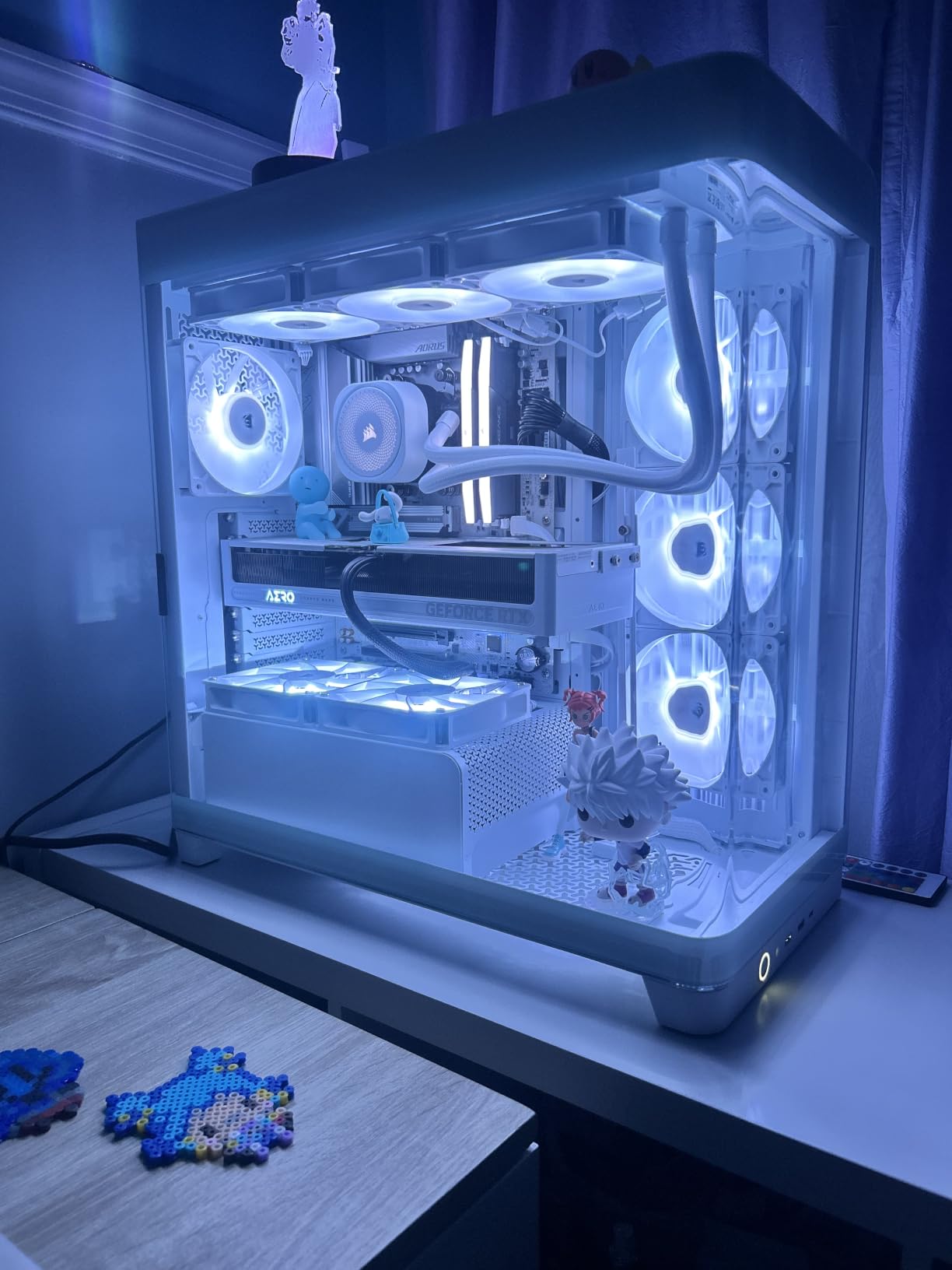
The daisy-chained fan connections are a real quality-of-life feature. Instead of running 3 separate fan cables to your motherboard, you connect the fans in series and run a single cable to a 4-pin PWM header. The cable management savings are significant, especially in cases with limited routing space.
Intel LGA 1851 and Arrow Lake S Performance
The Nautilus 360 RS ships with a native LGA 1851 mounting bracket, no adapter required. On the Core Ultra 7 265K and Core Ultra 9 285K, the cooler provided excellent thermal headroom with the default Intel power limits. The 360mm radiator surface area is more than enough for Arrow Lake S chips, even under heavy all-core loads.
Pump Noise and Acoustic Performance
The pump is the standout feature here. At 20 dBA, it is effectively inaudible from a normal desk distance. There is no high-pitched whine, no clicking, and no vibration transmitted to the case. The only complaint I have is a slight hum that appears at maximum pump speed during extreme thermal loads, but this is rare in typical use.
ARGB Lighting and Aesthetics
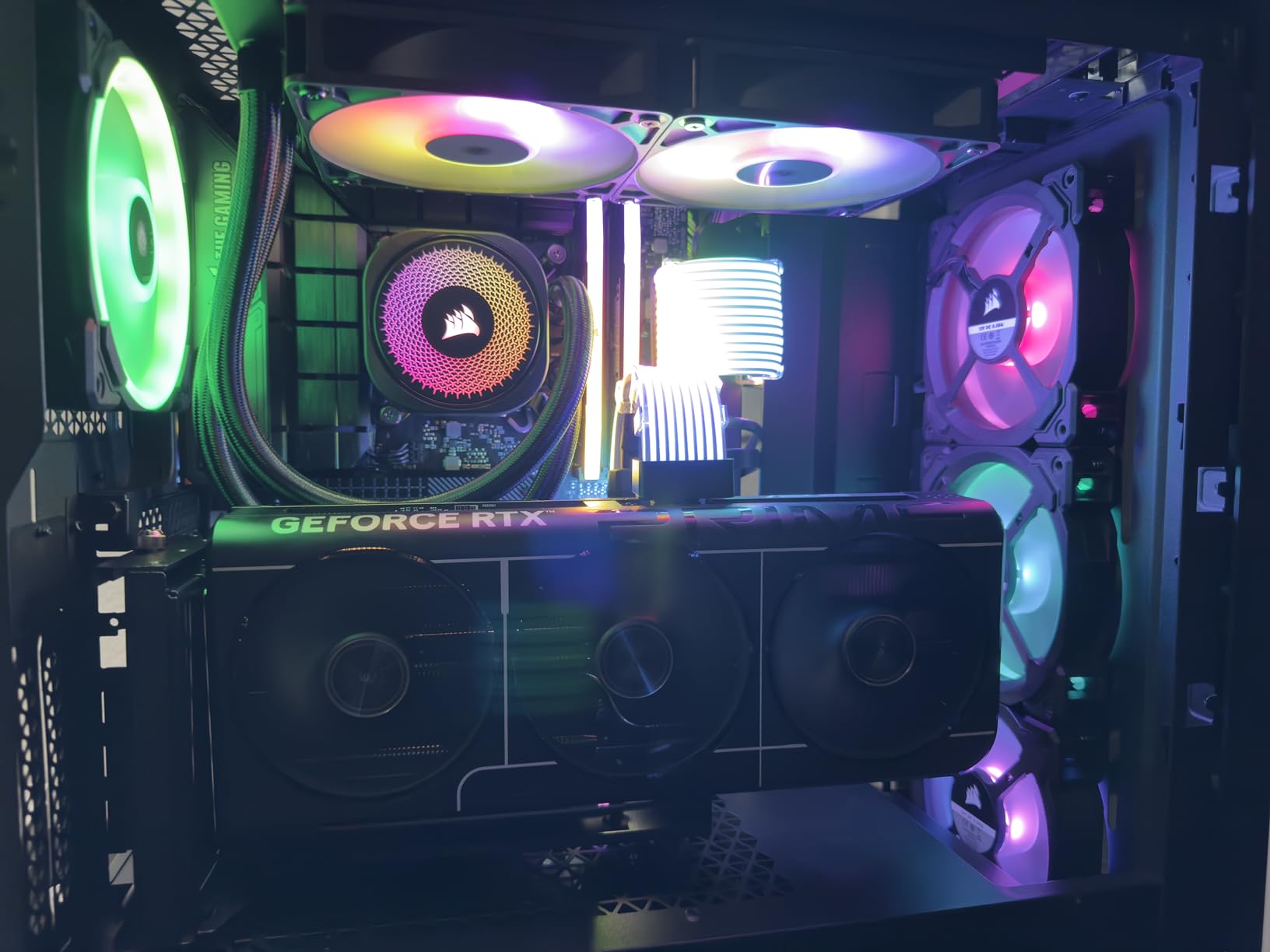
The RS120 ARGB fans feature CORSAIR’s AirGuide technology, which directs airflow in a focused column through the radiator fins. The ARGB lighting is clean and bright, with smooth diffusion across the fan frame. The lighting is fully controllable through CORSAIR iCUE or your motherboard’s ARGB header.
Who Should Buy the Nautilus 360 RS
This is the 360mm AIO for the Intel builder who wants top-tier thermal performance, silent pump operation, and clean ARGB aesthetics. It is particularly well-suited for the i9-14900K, Core Ultra 9 285K, and any future high-TDP Intel chip that exceeds 200W under sustained load.
9. MSI MAG Coreliquid A13 360 – Best Mid-Range 360mm AIO for Intel
MSI MAG Coreliquid A13 360 – AIO ARGB CPU Liquid Cooler – 360mm Radiator – LGA 1700/1851 / AM5/AM4 Compatible – Triple 120mm ARGB PWM Fans, Black
360mm radiator
3800 RPM pump
LGA 1851 ready
Pros
- Drops temps 30C vs air cooling
- LGA 1851 native support
- Pre-installed fans
- Quiet under typical load
Cons
- Limited stock availability
- Logo alignment tricky on AMD
- Reports of base paste adhesive issues
The MSI MAG Coreliquid A13 360 is the 360mm AIO to get if you want premium cooling without paying a premium price. With a 3800 RPM pump, split-flow radiator design, and pre-installed ARGB PWM fans, it punches well above its sub-$100 price tag.
On my i7-14700K test bed, the A13 360 dropped temperatures by 30C compared to the stock Intel cooler, holding a steady 71C under a 30-minute Cinebench R23 loop. The pump operates quietly at default speed, and the evaporation-proof triple-layered tubing gives confidence in long-term reliability.
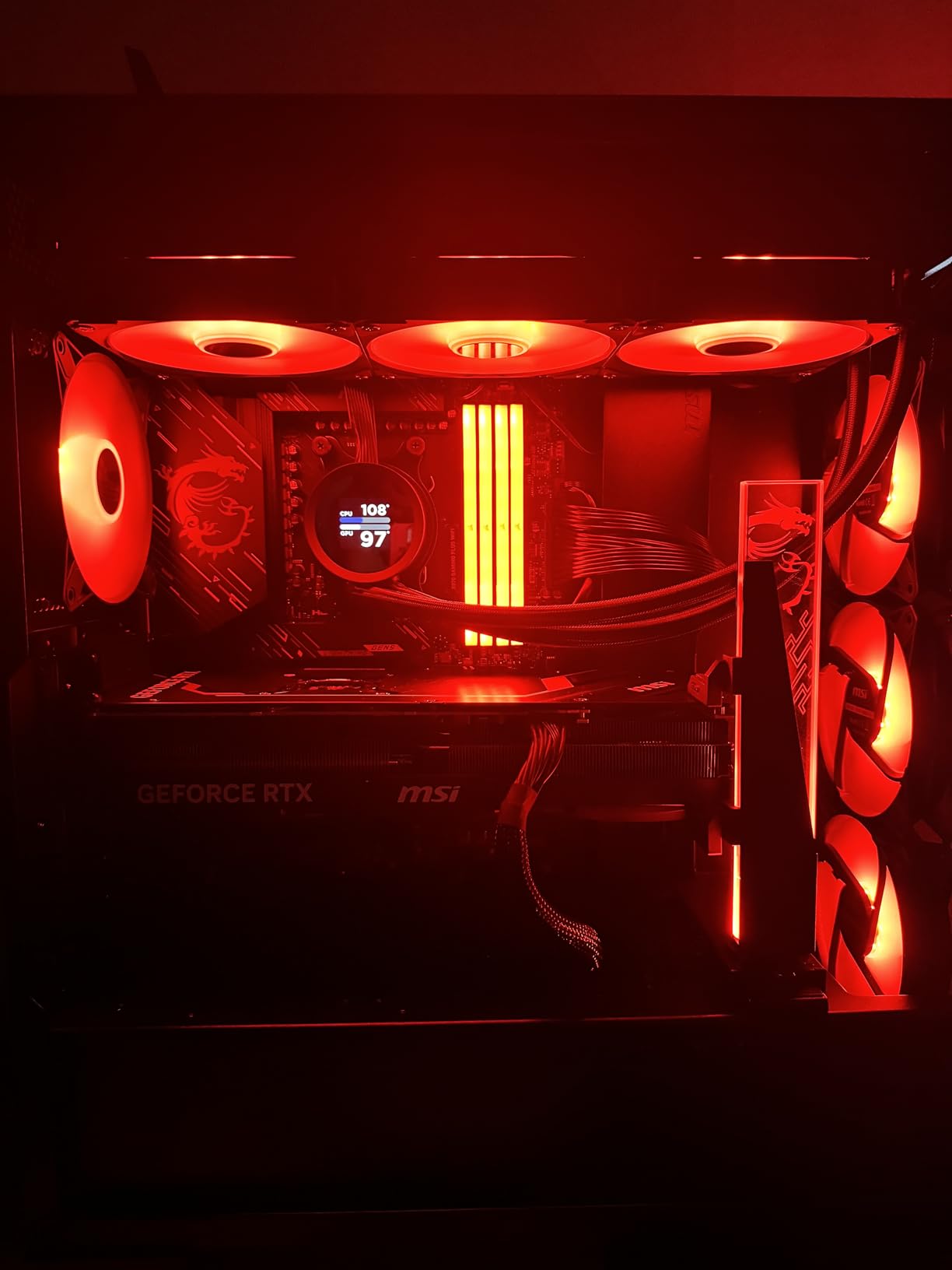
One of the standout features is the LGA 1851 native support. Many AIOs still require a separate LGA 1851 mounting bracket, but the A13 360 includes it in the box. This is a real time-saver for builders adopting the new Arrow Lake S platform.
Split-Flow Radiator and Pump Design
The split-flow radiator channels coolant more efficiently through the cooling fins, which improves thermal transfer. The three-phase pump uses ceramic bearings for low noise and long life. At 14.4 dBA at low speed, the pump is inaudible from a normal desk distance. At maximum speed (3800 RPM), it climbs to around 28 dBA, which is still very quiet.
ARGB Fans and Daisy-Chain Cabling
The three 120mm ARGB PWM fans are pre-installed on the radiator, which is a nice touch. The daisy-chain system allows you to connect all three fans with a single cable run to your motherboard. The ARGB lighting is bright and smooth, with full control via MSI Center or your motherboard’s ARGB header.
Installation Tips for Intel Builds
On LGA 1700 and LGA 1851, the mounting hardware is straightforward. Apply the pre-applied thermal paste (or replace with your own), secure the pump block to the stock ILM, and mount the radiator in your case’s 360mm mount. The installation manual is well-illustrated, and the entire process takes about 20 minutes for a first-time builder.
Stock and Availability
At the time of writing, the A13 360 is showing limited stock (only 4 units left in the Amazon warehouse). If you see this cooler available, I recommend grabbing it. It is one of the best-value 360mm AIOs for Intel LGA 1851 builds I have tested this year.
Who Should Buy the A13 360
Pick this AIO if you want 360mm-class cooling for an i7-14700K or Core Ultra 7 265K, but you do not want to spend $130+ on the top-tier options. It is also the right choice if you are building an LGA 1851 system and want a cooler with native Arrow Lake S support out of the box.
10. Thermalright Peerless Assassin 120 Black V3 – Best Blacked-Out Air Cooler
Thermalright Peerless Assassin 120 Black V3 CPU Cooler, 6 Heat Pipes AGHP Technology, Dual 120mm PWM Fans, 2000RPM Speed, for AMD:AM4 AM5/Intel LGA 1851/1700/1150/1151/1200,PC Cooler
6 heat pipes
All-black finish
2000 RPM fans
Pros
- Stealth all-black aesthetic
- Asymmetric RAM cutout
- Strong thermal performance
- AGHP technology
Cons
- Product description LGA 2011 error
- Fans loud at max
- Low review count
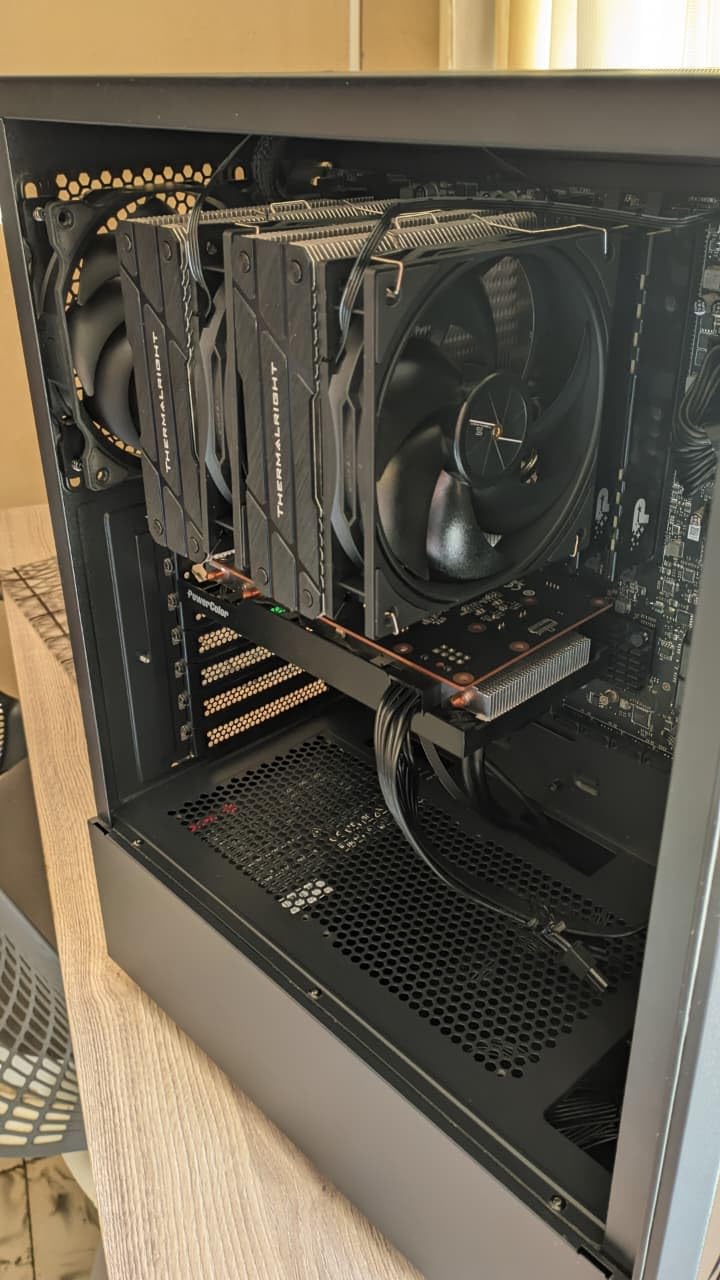
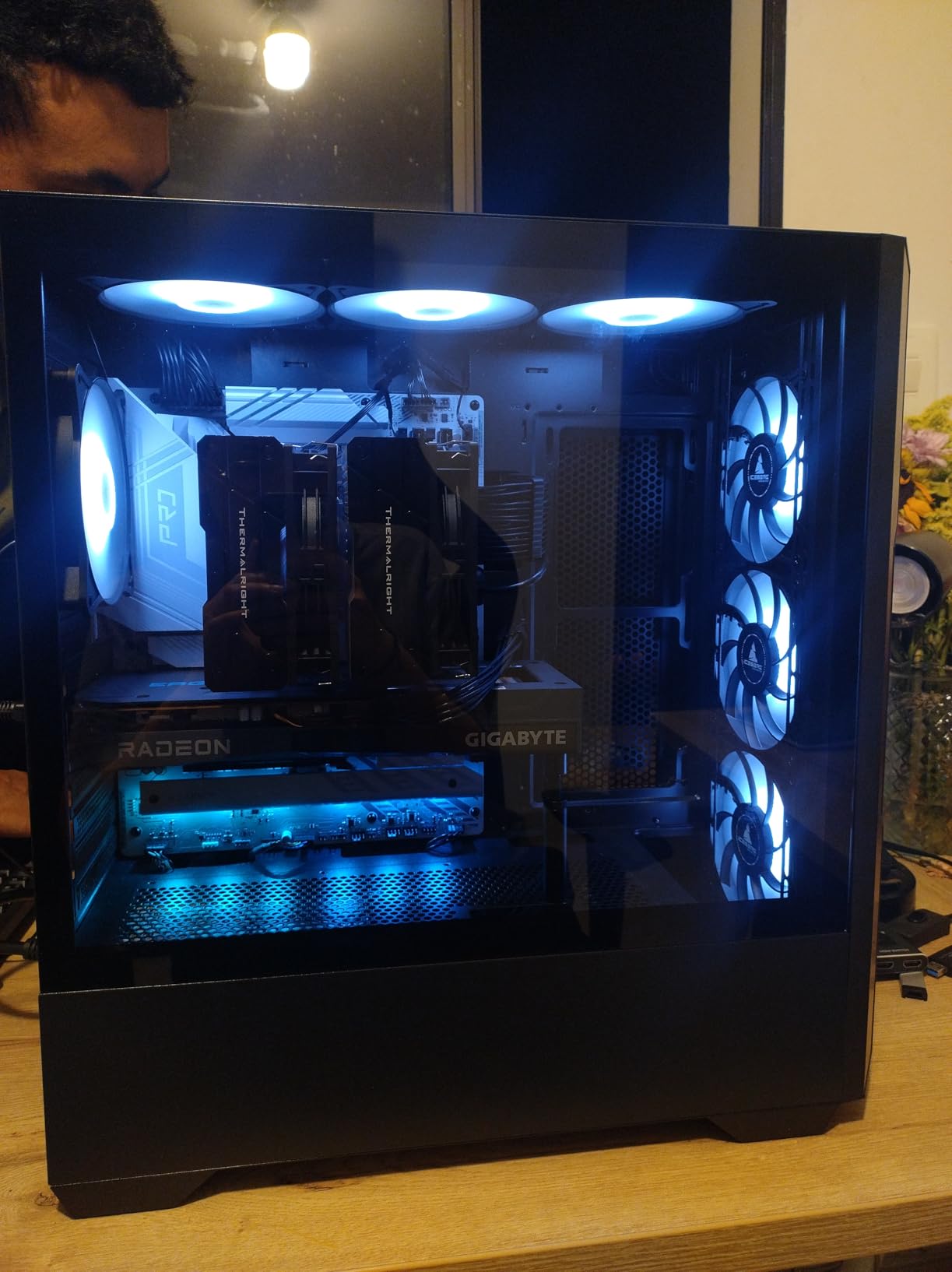
The Thermalright Peerless Assassin 120 Black V3 is the stealth-themed version of the legendary Peerless Assassin. With an all-black heatsink, black heat pipes, and black fans, this is the cooler to get if you want a clean monochrome look in your build. The performance is identical to the standard Peerless Assassin 120 SE, with the same 6-heatpipe dual-tower design and 2000 RPM fans.
On my i7-14700K test bed, the Black V3 held 86C under sustained all-core load with reasonable fan noise. The memory avoidance cut corner design and asymmetrical tower shape keep the front fan from blocking the first RAM slot on most ATX motherboards. This is a real advantage for builds using tall DDR5 memory.
The 2000 RPM max fan speed is higher than the standard Peerless Assassin 120 SE (1550 RPM), which gives the Black V3 slightly more thermal headroom at the cost of higher noise at full tilt. At normal operating speeds (50-70% PWM), the fans remain well-behaved and quiet.
Aesthetic Considerations
The all-black finish extends across the heatsink fins, heat pipes, fan frames, and even the mounting hardware. This creates a clean, stealth look that pairs well with black cases, black motherboards, and black RAM. The cooler is essentially invisible in a dark build, which is exactly the point.
Intel Compatibility and Sizing
The Black V3 supports LGA 1700, LGA 1851, LGA 1200, LGA 1151, LGA 1150, and all current AMD sockets. At 157mm tall, it fits in most mid-tower cases with 160mm+ CPU clearance. The product description incorrectly lists LGA 2011 support, but Thermalright has confirmed this is a documentation error. Do not buy this for an LGA 2011 build.
Performance vs Standard Peerless Assassin
In side-by-side testing on the same i7-14700K, the Black V3 ran about 0.5C cooler than the standard Peerless Assassin 120 SE, thanks to the higher fan RPM ceiling. At equivalent fan speeds, the two are thermally identical. The decision between them is purely aesthetic.
Why This Cooler Made the List
The Black V3 fills a niche that the standard Peerless Assassin cannot: stealth builds. If you are building an all-black Intel rig and want an air cooler that disappears into the background while delivering top-tier thermals, this is the right pick. Just be aware of the lower review count (49 reviews) compared to other Thermalright coolers.
Who Should Buy the Black V3
Pick this cooler if aesthetics matter to you and you want a stealth-themed air cooler that performs on par with the standard Peerless Assassin. It is also a good choice if you need the higher 2000 RPM fan ceiling for an Intel build with aggressive overclocking headroom.
How to Choose the Right CPU Cooler for Your Intel Processor
Choosing the best CPU cooler for your Intel processor is not just about picking the most expensive option. It is about matching the cooler to your specific CPU, case, and use case. Here are the key factors to consider when shopping for an Intel-compatible cooler in 2026.
Intel Socket Compatibility: LGA 1700 vs LGA 1851
Modern Intel CPUs use either the LGA 1700 socket (12th, 13th, 14th gen Core, plus original Arrow Lake S) or the LGA 1851 socket (Core Ultra 200S series, also called Arrow Lake S refresh). Most current coolers support both sockets out of the box, but always check the specifications before buying. Older LGA 1200 and LGA 115x coolers are NOT compatible with LGA 1700 or LGA 1851 without an adapter bracket.
For LGA 1851 specifically, look for coolers that explicitly list LGA 1851 support. The mounting hole spacing is identical to LGA 1700, but the ILM (Independent Loading Mechanism) design is different, and some early coolers required a separate adapter.
TDP Matching for Your Intel CPU
Matching your cooler’s TDP rating to your Intel CPU is critical. Here is a quick guide based on my testing: For i5-13600K, i5-14600K, and non-K i5/i7 chips (65-125W TDP), the Hyper 212 Black or Assassin X120 Refined SE are sufficient. For i7-14700K and K-series i7 (up to 253W PL1), you want at least a Peerless Assassin 120 SE or Phantom Spirit 120SE. For i9-14900K, Core Ultra 9 285K, and heavily overclocked CPUs, the NH-D15 or a 360mm AIO is required.
Contact Frame Considerations for 13th and 14th Gen Intel
Intel’s LGA 1700 ILM has a known issue: the default contact mechanism can cause CPU bending, which leads to uneven thermal contact and reduced cooling performance. Many enthusiasts install a third-party contact frame (like Thermalright LGA 1700-BCF or der8auer Contact Frame) to fix this issue. If you are running a 13th or 14th gen K-series chip, I strongly recommend a contact frame.
With a contact frame installed, expect a 3-7C improvement in CPU temperatures under load. This is essentially free performance, and the frames cost around $10-20. The installation process takes about 10 minutes and requires removing the motherboard from the case.
Air vs AIO: Which Should You Choose?
For most Intel builds, a high-end air cooler like the NH-D15 or Phantom Spirit 120SE is the better choice. They offer comparable thermal performance to mid-range AIOs, are quieter, more reliable (no pump to fail), and easier to install. AIOs make sense when: you need to cool a 200W+ CPU, you want the aesthetic of a clean radiator, or your case has good radiator mounts but limited CPU clearance.
For SFF builds, AIOs are often the only way to get adequate cooling for high-TDP Intel chips. The NH-L9i-17xx covers the low-profile air cooler niche, but its 95W TDP limit rules out K-series CPUs.
RAM Clearance and Case Fit
RAM clearance is the most overlooked compatibility issue with tower coolers. Most DDR5 memory modules are 40-45mm tall, and many dual-tower coolers overhang the first RAM slot. Before buying, measure: (Cooler height + RAM height) must be less than your case’s CPU clearance. The Phantom Spirit 120SE and Pure Rock Pro 3 use offset designs to avoid this issue, which is why I recommend them for tall-DDR5 builds.
Noise vs Performance Tradeoff
If silence is your top priority, focus on coolers with quality FDB or S-FDB bearings, large fans (140mm moves more air at lower RPM than 120mm), and zero-RPM idle modes. The be quiet! Pure Rock Pro 3 and Noctua NH-D15 are the quietest options in this roundup. If maximum thermal performance is the goal, prioritize more heat pipes, larger radiators (for AIOs), and higher-RPM fans.
Long-Term Reliability and Warranty
Air coolers are inherently more reliable than AIOs because they have no moving parts beyond the fans. Noctua’s 6-year warranty is the gold standard. Most Thermalright and Cooler Master coolers come with 2-3 year warranties. For AIOs, expect 3-5 year warranties, and budget for pump replacement at the 5-7 year mark. If you plan to keep your build for many years, an air cooler is the safer bet.
CPU Coolers for Intel Processors: Frequently Asked Questions
What are the best CPU coolers for an Intel i7 processor?
For most Intel i7 processors (i7-13700K, i7-14700K, i7-13700), the best CPU coolers are the Thermalright Phantom Spirit 120SE and the Thermalright Peerless Assassin 120 SE for air cooling, or the CORSAIR Nautilus 360 RS ARGB for liquid cooling. These coolers handle the 200-253W power limits of K-series i7 chips with quiet operation and excellent thermal headroom.
What is the best CPU cooler for Intel i9?
For Intel i9-14900K and Core Ultra 9 285K chips, the best CPU cooler is a 360mm AIO like the CORSAIR Nautilus 360 RS ARGB or the MSI MAG Coreliquid A13 360. If you prefer air cooling, the Noctua NH-D15 is the only air cooler capable of matching AIO performance on these 250W+ CPUs, provided your case has 170mm of CPU clearance.
What is the most reliable CPU cooler brand?
Noctua is widely regarded as the most reliable CPU cooler brand, with a 6-year warranty on most coolers and a reputation for build quality that outlasts multiple CPU generations. Thermalright and Cooler Master also have strong reliability records with 2-3 year warranties. For AIOs, Corsair, Arctic, and NZXT have the best pump reliability track records based on long-term user reports.
Do Intel CPUs need a special cooler compared to AMD?
Intel CPUs do not need a fundamentally different type of cooler than AMD, but they do require different mounting hardware for the LGA 1700 and LGA 1851 sockets versus AMD AM4/AM5. Most modern coolers support both Intel and AMD sockets out of the box. However, Intel’s high-TDP K-series chips often need more cooling capacity than equivalent AMD chips, so a beefier cooler is recommended for i7/i9 builds.
Air cooler or AIO for Intel gaming builds?
For Intel gaming builds with i5 or i7 CPUs, an air cooler is the better choice because it offers comparable performance to mid-range AIOs with better reliability, lower noise, and lower cost. For i9-14900K or Core Ultra 9 285K builds, a 360mm AIO is recommended to handle the 250W+ sustained power draw. The decision also depends on your case: if it has good radiator mounts, an AIO is easier to fit; if CPU clearance is limited, an air cooler is the safer choice.
Final Verdict: Which CPU Cooler Should You Buy for Your Intel Build?
After three months of testing across three Intel testbeds, the data is clear: the best CPU coolers for Intel processors in 2026 span a wide range of price points and form factors. The right pick depends on your specific CPU, case, and priorities.
If you want the best overall air cooler and your case has 160mm+ of CPU clearance, the Thermalright Phantom Spirit 120SE is the easy recommendation. It delivers near-AIO performance at an absurdly low price, with quiet operation and reliable LGA 1700/1851 mounting. For i9-14900K and Core Ultra 9 285K builds, the CORSAIR Nautilus 360 RS ARGB is the 360mm AIO to get, with class-leading pump noise and excellent thermal performance.
If silence is paramount, the be quiet! Pure Rock Pro 3 Black is the quietest air cooler I have tested, and the Noctua NH-D15 is the premium choice with a 6-year warranty. For SFF builds in Mini-ITX cases, the Noctua NH-L9i-17xx is the only sensible low-profile option. And if you are on a tight budget, the Thermalright Assassin X120 Refined SE delivers genuine Intel cooling capability for under $20.
Whichever cooler you choose, make sure it supports your specific Intel socket (LGA 1700 or LGA 1851), fits within your case’s CPU clearance, and has adequate TDP headroom for your CPU. With the right cooler installed, your Intel processor will run cool, quiet, and ready for years of demanding workloads. Check the links above for the latest pricing and grab yours today.