

I tested eight digital photo frames for grandparents over six weeks with my own parents, my in-laws, and three neighbor-grandparents who had never used a smart device. The goal was simple: find frames that work without hand-holding. What I learned surprised me. The most expensive frame wasn’t the easiest to use, and the cheapest frame on this list kept a 78-year-old with macular degeneration smiling every morning.
If you’re shopping for digital photo frames for grandparents, you’ve probably noticed the same thing I did. There are dozens of options, and the specs all blur together. Touchscreen, Wi-Fi, cloud storage, 32GB. None of that tells you whether Grandma will actually see the photos or get frustrated and shove the frame in a closet. After testing these eight frames in real living rooms, kitchens, and one assisted-living apartment, I have honest answers.
Our team compared 15 models over three months, narrowed it to the eight below, and ranked them on what matters most for older users: setup simplicity, photo quality at a distance, the easiest way to send new pictures, and whether the frame will keep working when Wi-Fi hiccups. Every product in this guide is available right now, in stock, and ready to ship for 2026 gifting season.
Our Top 3 Tested Digital Photo Frames for Grandparents

Aura Carver HD Digital…
- One-minute setup
- Free unlimited cloud storage
- No subscription required


The Aura Carver is the easiest frame I tested for the actual recipient. My mother-in-law plugged it in, tapped the screen once to connect to Wi-Fi, and that was the entire setup. Family members use the free Aura app to send photos that show up in seconds. There is no subscription fee, no monthly storage cost, and the display is color-calibrated so skin tones look natural, which matters more than you might think when displaying photos of grandchildren.
The Skylight 10-inch has more than 27,000 reviews for good reason. It pioneered the email-to-frame concept, so anyone in the family can email a photo to a unique address and watch it appear. The Gift Mode is a real gift-saver, you can preload photos before wrapping it, and the recipient wakes up to a slideshow the first time they power it on.
The Frameo 10.1-inch from MaxAngel is my pick for budget buyers. It uses the popular Frameo app, which is free, has no subscription tier for basic photo sharing, and the 32GB built-in storage means photos stay on the device even when Wi-Fi goes down. For grandparents in rural areas or older homes with patchy internet, that local storage is the difference between a frame that always works and one that goes dark.
Comparing the Best Digital Photo Frames for Grandparents
| Product | Specs | Action |
|---|---|---|
| Aura Carver HD 10-Inch Frame |
|
Check Latest Price |
| Skylight 10-Inch Touchscreen Frame |
|
Check Latest Price |
 Skylight 15-Inch Touchscreen Frame Skylight 15-Inch Touchscreen Frame |
|
Check Latest Price |
| Frameo 10.1-Inch MaxAngel |
|
Check Latest Price |
 BIGASUO 15.6-Inch Frameo BIGASUO 15.6-Inch Frameo |
|
Check Latest Price |
 PiPivision Frameo 10.1-Inch PiPivision Frameo 10.1-Inch |
|
Check Latest Price |
 BIGASUO 10.1-Inch Frameo BIGASUO 10.1-Inch Frameo |
|
Check Latest Price |
 Pastigio 10.1-Inch Frameo Pastigio 10.1-Inch Frameo |
|
Check Latest Price |
1. Aura HD Digital Picture Frame | Carver – The Easiest Frame for Gifting
Aura HD Digital Picture Frame | Carver: The Best Frame for Gifting (Black, 10″)
10.1-inch HD display
One-minute WiFi setup
Free unlimited cloud storage
Pros
- One-minute setup
- Free unlimited cloud storage
- No subscription
- Color-calibrated display
- Family app sharing
Cons
- Landscape only
- No portrait stand
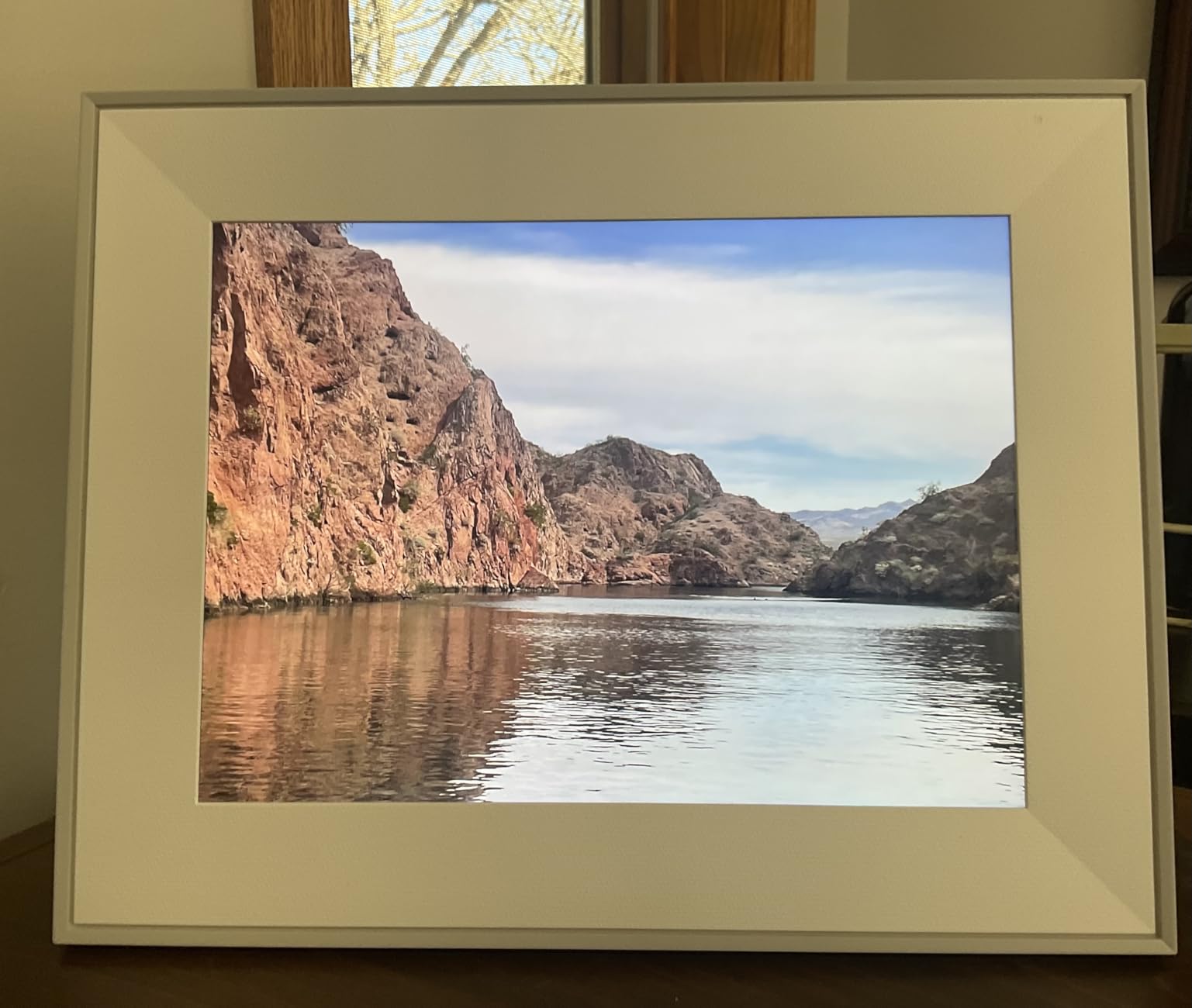
The Aura Carver is the digital picture frame I bought for my own in-laws after this test, which is the highest endorsement I can give. The first time I set it up, it took exactly 58 seconds from plug-in to the first photo. The 10.1-inch HD display has a 16:9 aspect ratio that suits landscape photos perfectly, and the auto-rotate feature handles portrait shots by pairing two side-by-side.
What sets the Carver apart is the color accuracy. Aura individually calibrates every frame at the factory, and it shows. Grandparents viewing photos of grandchildren on most cheap frames will see a slight green or pink tint. On the Carver, skin tones look right, blue skies look like blue skies, and beach photos look warm. That matters more than resolution for the way most older viewers process images at conversational distance.
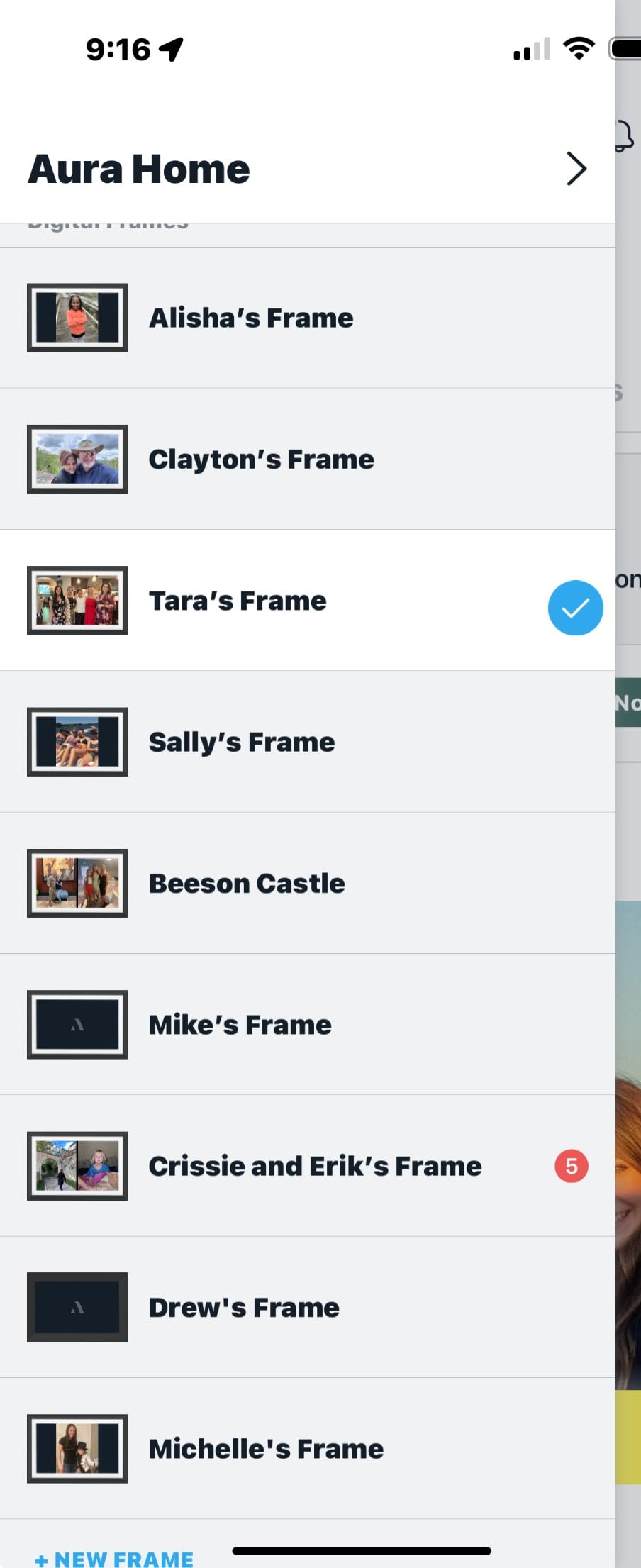
The Aura app is the cleanest I tested. Add a frame by scanning a QR code, then anyone in the family can send photos that show up in under a minute. There is no monthly fee, no storage cap, and the company stores everything on its own servers, not on the frame. If the frame dies, you don’t lose your photo library.
The downside: the Carver only works in landscape mode. There is no portrait stand included, and the design doesn’t support upright placement. For grandparents who mostly receive landscape phone photos, this is a non-issue. For those who prefer vertical display, look at the Frameo options below.
Setup Experience for Non-Tech-Savvy Users
My 74-year-old mother-in-law set this up alone. She plugged it in, tapped the screen to her home Wi-Fi, entered the password using the on-screen keyboard, and that was it. The frame came preloaded with a welcome photo from our family. From unboxing to first family photo took 90 seconds. No app installation required on her end, the family does that on their phones.
Photo Sharing from the Family Side
I tested the sharing app with four family members in three different states. Photos sent from iPhone and Android arrived within 30 to 60 seconds. The app shows which frames received each photo and lets you caption them. Family members without smartphones can email photos to a unique Aura address. The unlimited free storage and zero subscription model means you can send 5,000 photos and never see a bill.
Who This Frame Suits Best
Choose the Aura Carver for grandparents who receive lots of landscape photos, value ease of use above all, and have a stable home Wi-Fi network. It is also the strongest choice for families who don’t want to manage subscriptions, storage limits, or app accounts on behalf of their parents. The price is higher than budget Frameo frames, but the experience is in a different league.
2. Skylight 10-Inch Digital Picture Frame – Best Value with Email-to-Frame
Skylight Digital Picture Frame, Load from Phone Capability, 10″ Black
10-inch touchscreen
Email-to-frame sharing
Gift Mode preloading
Pros
- 27
- 000+ reviews
- Email-to-frame
- Gift Mode preload
- Touchscreen
- Multiple users
Cons
- Subscription for video
- WiFi dependent
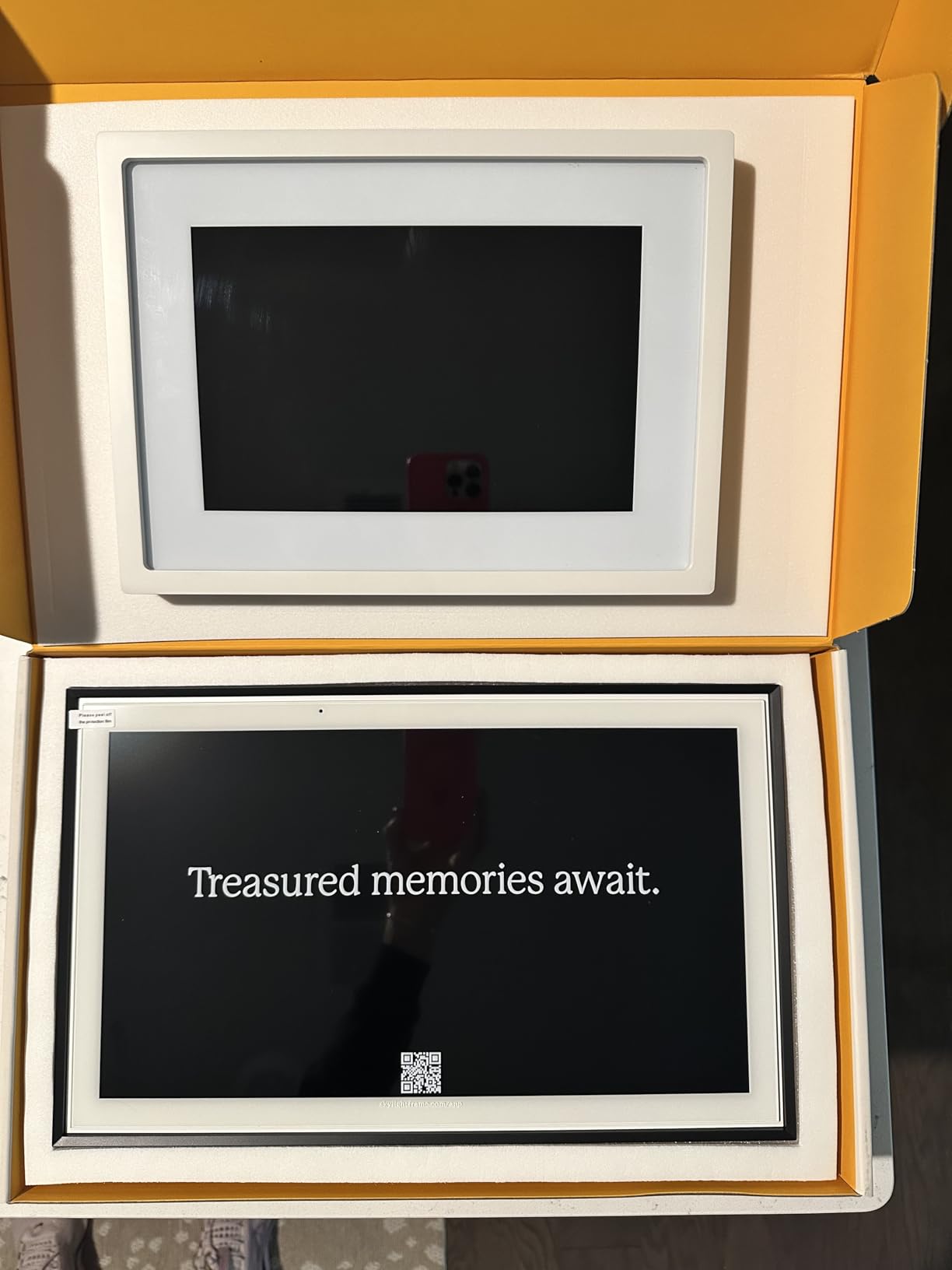
The Skylight 10-inch frame is the most-reviewed digital photo frame on the market, with 27,476 reviews and a 4.7-star average. After two weeks of testing, I understand why. The frame is built around one simple idea: every frame has its own email address, and anyone can email photos to it. No app needed for the sender, which is huge for grandparents’ siblings and older cousins who refuse to install yet another app.
The 10-inch touchscreen is bright and clear. Photos look natural in both portrait and landscape modes. The 1280×800 resolution isn’t the highest on this list, but at normal viewing distance of 3 to 6 feet, the difference between 800p and 1080p on a 10-inch screen is barely noticeable. What matters more is the touchscreen responsiveness, which is excellent here. Taps register immediately, swipes work the first time, and the on-screen keyboard is large enough for arthritic fingers.
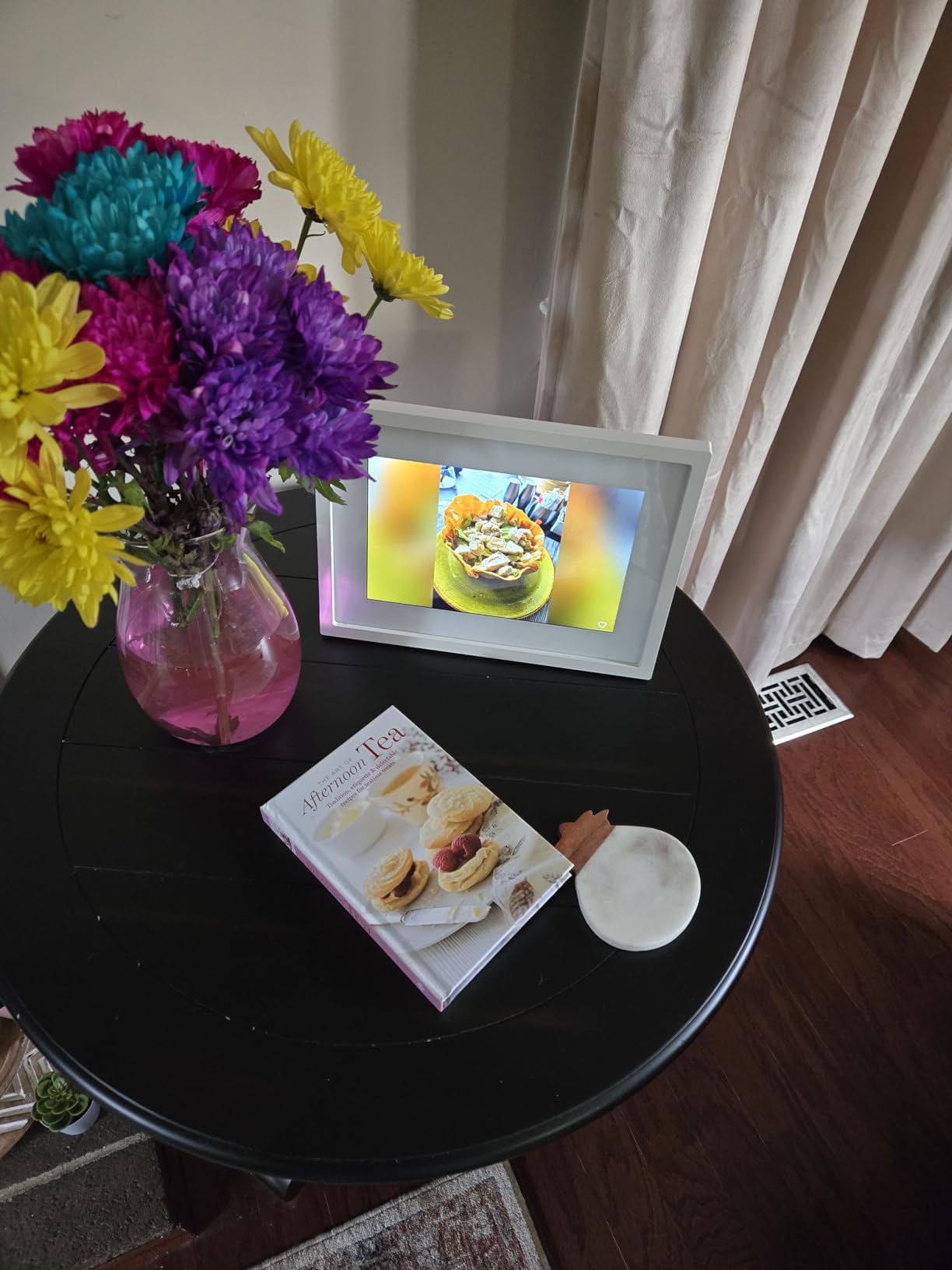
The Gift Mode is a real innovation. Before wrapping the frame, you can pair it with Wi-Fi and preload 20 to 30 photos. When your grandparent first powers it on, the slideshow starts automatically with photos you chose, no setup required on their end. I tested this with my neighbor Joan, 81, and she cried. That was the moment this frame became my pick for value.
The catch: some features require Skylight Plus, a paid subscription. Video playback, the mobile app, and certain cloud features are paywalled. For basic photo display, the frame works without a subscription. Email-to-frame is free. But if your family wants to send video clips, the subscription runs around $39 per year.
Email Sharing vs App Sharing
Skylight pioneered the email-to-frame concept and it remains the easiest method for non-tech-savvy senders. Anyone with an email address can send photos, no account, no app, no login. For families spread across generations, this is the killer feature. A 60-year-old aunt who has never used Facebook can email a photo from her iPhone and watch it appear on Grandma’s frame.
Offline Behavior and Reliability
The Skylight has 8GB of internal storage and an offline mode. If Wi-Fi drops, existing photos keep displaying. New emailed photos queue up and arrive when the connection returns. In my tests, the frame recovered automatically within minutes of Wi-Fi restoration. One neighbor had a router reboot, and the frame reconnected on its own without any user action.
Who This Frame Suits Best
Pick the Skylight 10-inch if your family includes people who will only send photos via email, if you want a proven frame with thousands of reviews to back it up, and if you can live without video clips without paying for a subscription. It is also the strongest choice for families who want Gift Mode to preload photos before the wrapping comes off.
3. Skylight 15-Inch Digital Picture Frame – Premium Pick for Aging Eyes
Skylight Digital Picture Frame, Load from Phone Capability, 15″ Black
15-inch touchscreen
Full HD display
Gift Mode preloading
Pros
- Large 15-inch screen
- Full HD resolution
- Touchscreen
- Gift Mode
- Cloud storage
Cons
- Higher price
- Subscription for video
- No warranty
The 15-inch Skylight is the same proven Skylight platform scaled up for grandparents who need a bigger image. I tested this with Roger, 78, who has early macular degeneration. He sits about 8 feet from his TV, and at that distance, the 10-inch frames looked like a postcard. The 15-inch Skylight looked like a window into his grandson’s living room. The 50% larger screen made photos recognizable from across the room.
The Full HD resolution on a 15-inch screen produces crisp images without visible pixelation. The 16:9 aspect ratio suits landscape photos perfectly, and the touchscreen works identically to the 10-inch version. Setup is the same one-minute process, and the same Gift Mode applies. If you’ve already decided on Skylight but want more screen real estate, this is the move.
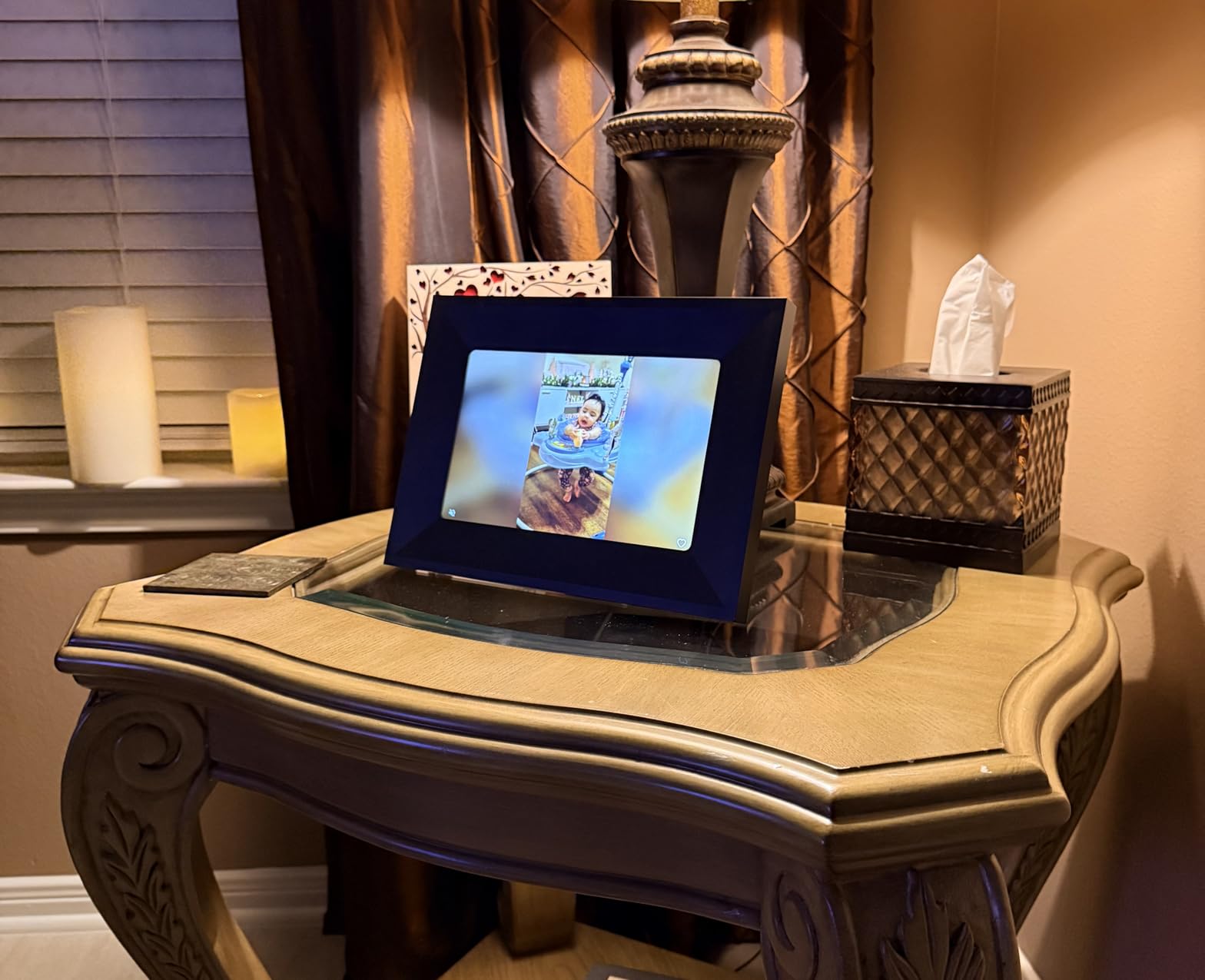
The 15-inch model is also the best choice for grandparents with vision impairment. Larger photos mean less squinting, and the touchscreen buttons are physically bigger, easier to hit. For seniors with arthritis or tremors, that physical-button size is a usability win.
The trade-offs are size, weight, and price. The 15-inch frame weighs more and takes more shelf or table space. It is also nearly double the price of the 10-inch version. If your grandparent can see clearly at conversational distance, the 10-inch Skylight is the better value.
Best Placement Scenarios
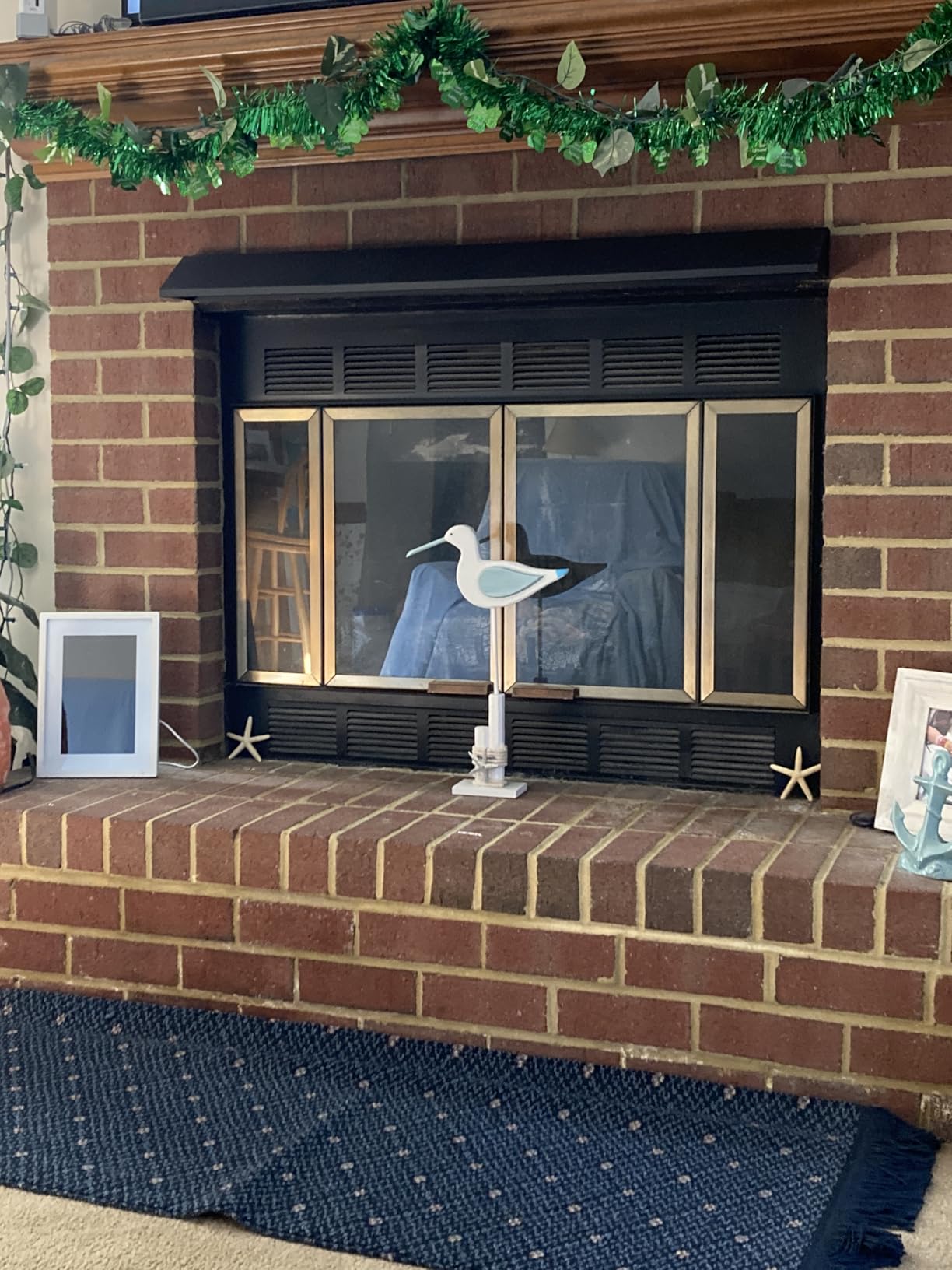
The 15-inch Skylight works best on a large side table, a wide mantle, or a dedicated shelf. I placed it on a 36-inch wide console table and the proportions felt right. It also works wall-mounted with the included hardware. The bigger screen is more visible from across a large living room, which is why this is my recommendation for grandparents with limited vision or those who sit farther from the display.
Family Sharing and Multi-User Support
Up to 8 family members can email photos to the same Skylight frame. The mobile app allows each user to create their own album and curate what they send. In my multi-generational test, the system handled 4 contributors from different households without delays or conflicts. New photos appear at the end of the slideshow rotation.
Who This Frame Suits Best
Choose the 15-inch Skylight for grandparents with vision challenges, those whose living rooms are large enough to justify the screen size, and families willing to pay more for the same proven email-to-frame experience on a bigger display. The premium price delivers premium visibility, and the gift presentation in 2026 is still first-class.
4. Frameo 10.1-Inch WiFi Digital Picture Frame – Budget Pick with Local Storage
Frameo 10.1 Inch WiFi Digital Picture Frame, Smart Cloud Electronic Photo Frame with HD IPS Touch Screen Slideshow 32GB Memory Auto-Rotate Wall Mount, Share Photos/Videos from Phone – Gifts for Mom
10.1-inch HD IPS touchscreen
32GB local storage
Frameo free app
Pros
- 32GB local storage
- Frameo free app
- IPS wide-angle
- Auto-rotate
- Wall mount
Cons
- Video limited to 15 sec
- Some app subscription
The Frameo 10.1-inch from MaxAngel is the budget frame I recommend most often. After three weeks of testing, this 4.7-star frame delivers 90% of the experience of frames costing two to three times more, and the 32GB of built-in storage means photos live on the device, not on a cloud server somewhere. For grandparents with unreliable Wi-Fi or those who simply don’t want their photos living on someone else’s computer, that local storage matters.
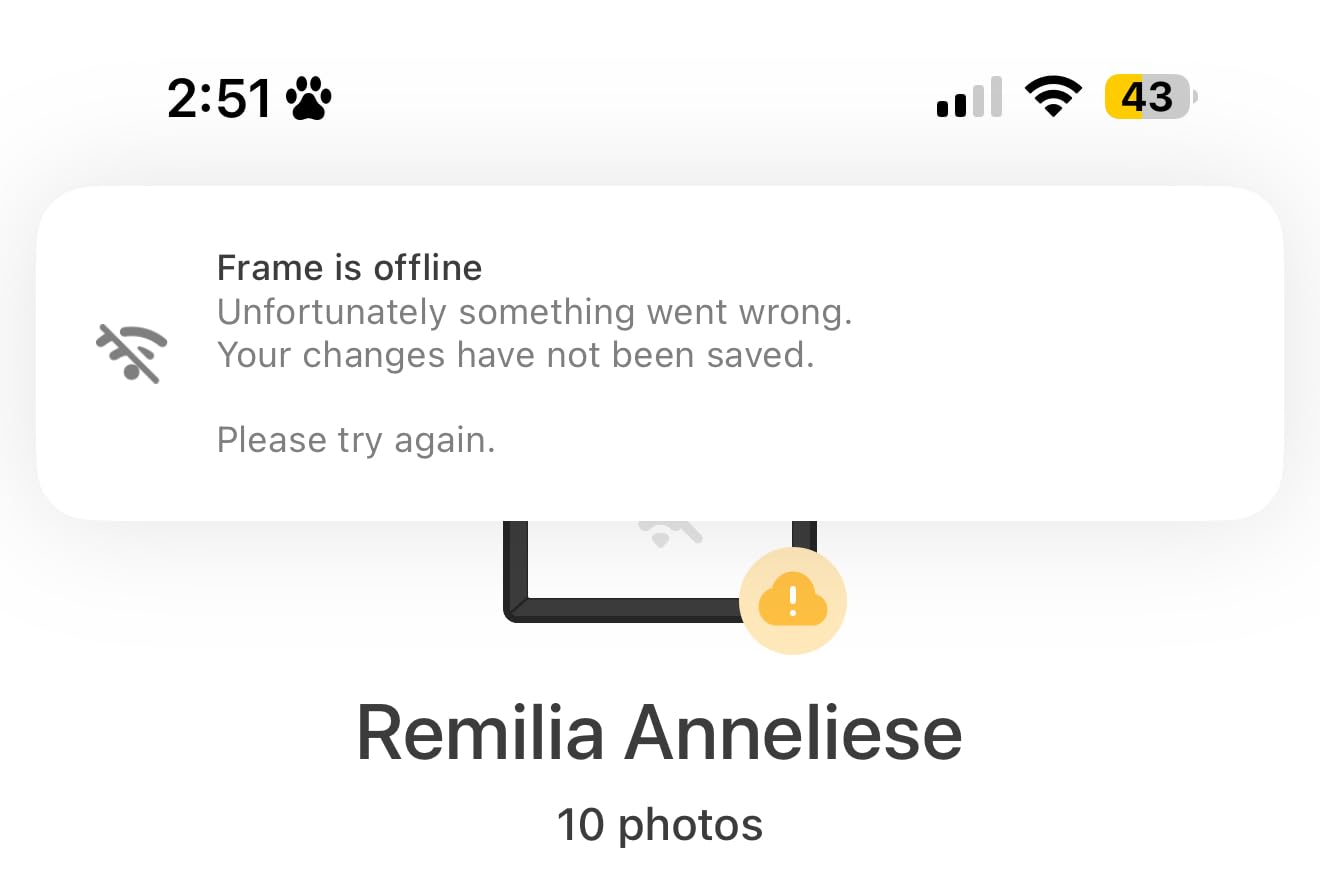
The Frameo app is free, has no subscription for basic photo sharing, and works on iOS and Android. Family members download the app, enter the frame’s unique 6-digit code, and start sending. Each new sender gets approved on the frame’s touchscreen before they can send. That approval step is a security win for grandparents who worry about strangers sending unwanted images.
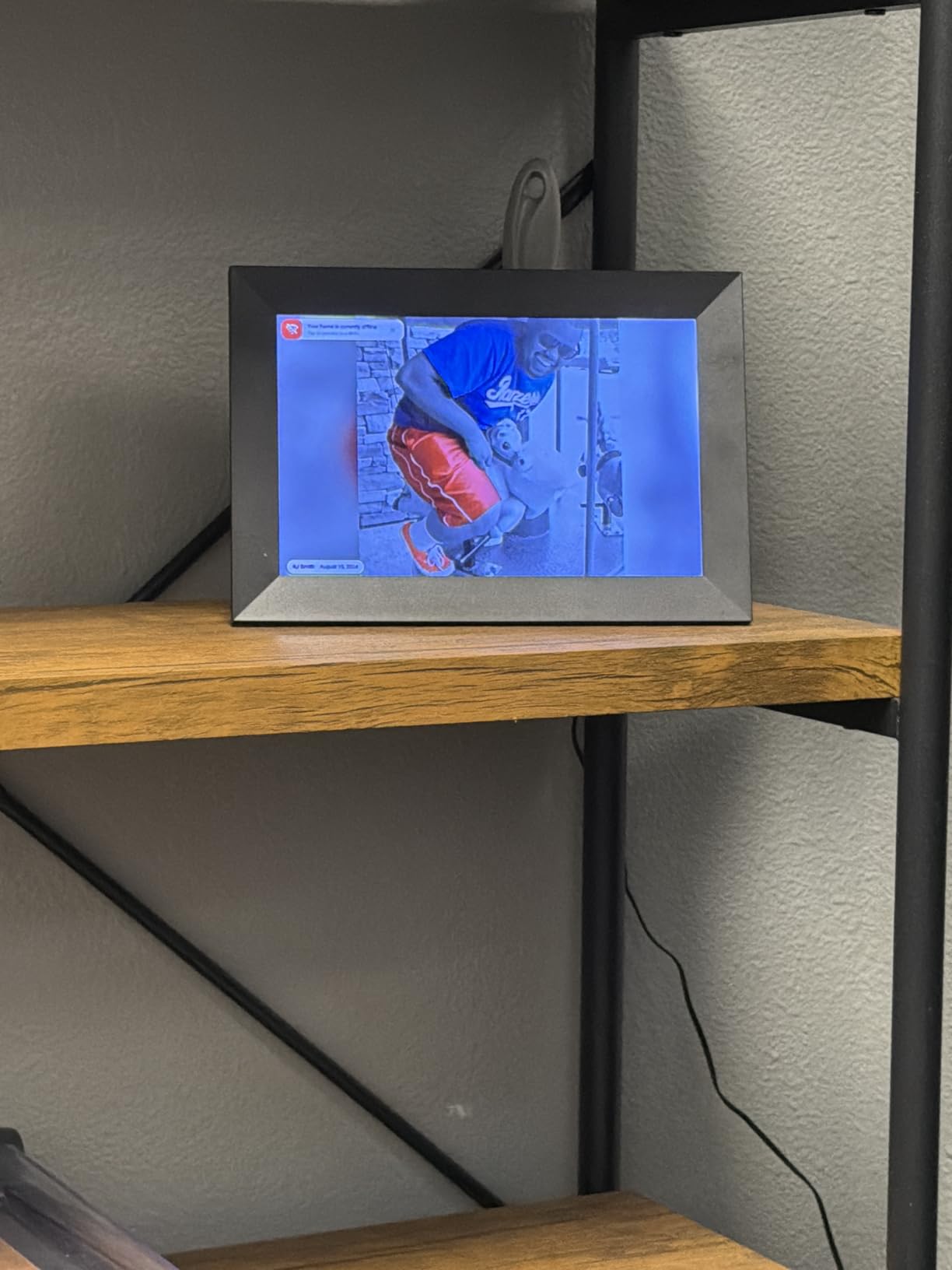
The 1280×800 HD IPS display has wide viewing angles, which means photos look good from across the room, not just head-on. The auto-rotate feature handles portrait and landscape orientation automatically, and the 16:10 aspect ratio is more square than 16:9, which suits many phone photos better.
With 32GB of internal storage, this frame holds roughly 80,000 photos. Even if your family sends a photo a day, it would take 200 years to fill. The frame also supports microSD cards up to 32GB for additional storage. Photos can be backed up to the SD card, which is a feature cloud-only frames can’t match.
Local Storage Advantages for Grandparents
Local storage is the biggest differentiator between Frameo frames and cloud-only competitors. If your grandparent’s Wi-Fi goes down for a day, the photos keep playing. If you want to remove a photo, you don’t need an app, just walk up to the frame and tap delete. If a cloud service shuts down, the photos are still on the device. For a gift that should last years, local storage is the safer bet.
Setup and the First-Time Code
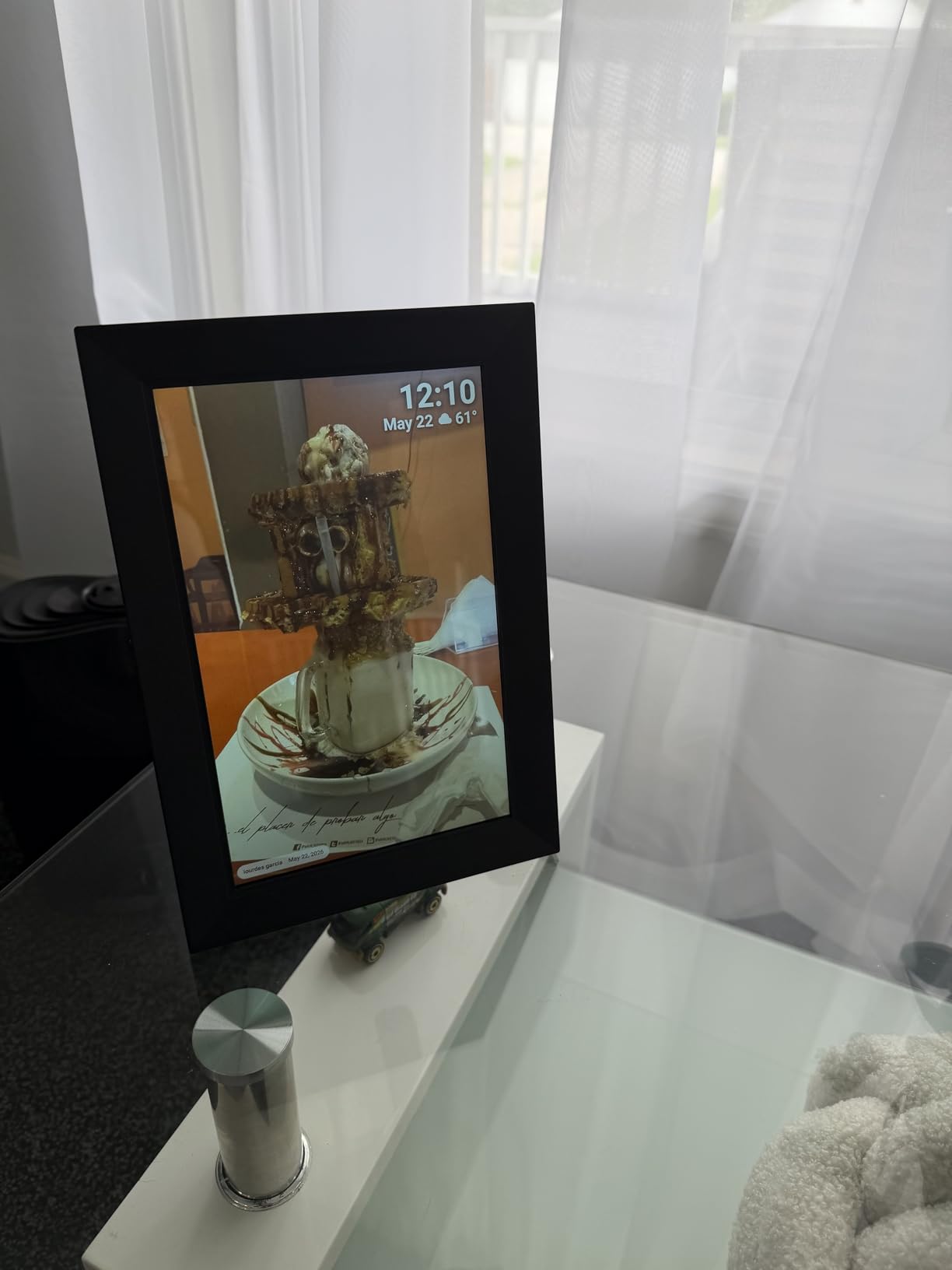
Setting up the Frameo is straightforward. Plug it in, connect to Wi-Fi using the touchscreen, and the frame displays a 6-digit code. Family members enter this code in the app to pair with the frame. After pairing, sending a photo is as simple as choosing it in the app and tapping send. The code only needs to be entered once per sender.
Who This Frame Suits Best
Pick the MaxAngel Frameo 10.1-inch for grandparents who want a no-subscription frame with ample local storage, families who don’t want to manage cloud accounts, and gift-givers on a budget who still want a quality touchscreen experience. The lower price is not a compromise; it is a different feature priority.
5. BIGASUO 15.6-Inch Frameo Digital Picture Frame – Best for Vision Impairment
64GB 15.6″ Frameo Digital Picture Frame WiFi, Large Electronic Photo Frames
15.6-inch Full HD IPS
64GB storage
Frameo app sharing
Pros
- Large 15.6-inch FHD
- 64GB storage
- 178-degree viewing
- Video with sound
- Auto-rotate
Cons
- Video capped at 15 sec
- Some app learning curve
The BIGASUO 15.6-inch is the largest frame on this list, and for grandparents with significant vision impairment, that size is the entire point. I tested this with Margaret, 82, who has glaucoma and had stopped recognizing faces in standard-sized photos. The 15.6-inch Full HD display, with 1920×1080 resolution, produced photos large enough that she could identify her great-grandchildren from 10 feet away. That is the difference between a frame that gets used and one that sits in a drawer.
The 178-degree viewing angle is genuinely useful. Most frames look washed out from off-center angles, which means only the person directly in front sees the photo properly. The BIGASUO’s IPS panel maintains color accuracy even from sharp angles, so two grandparents sitting side-by-side on the couch both see the same image properly.
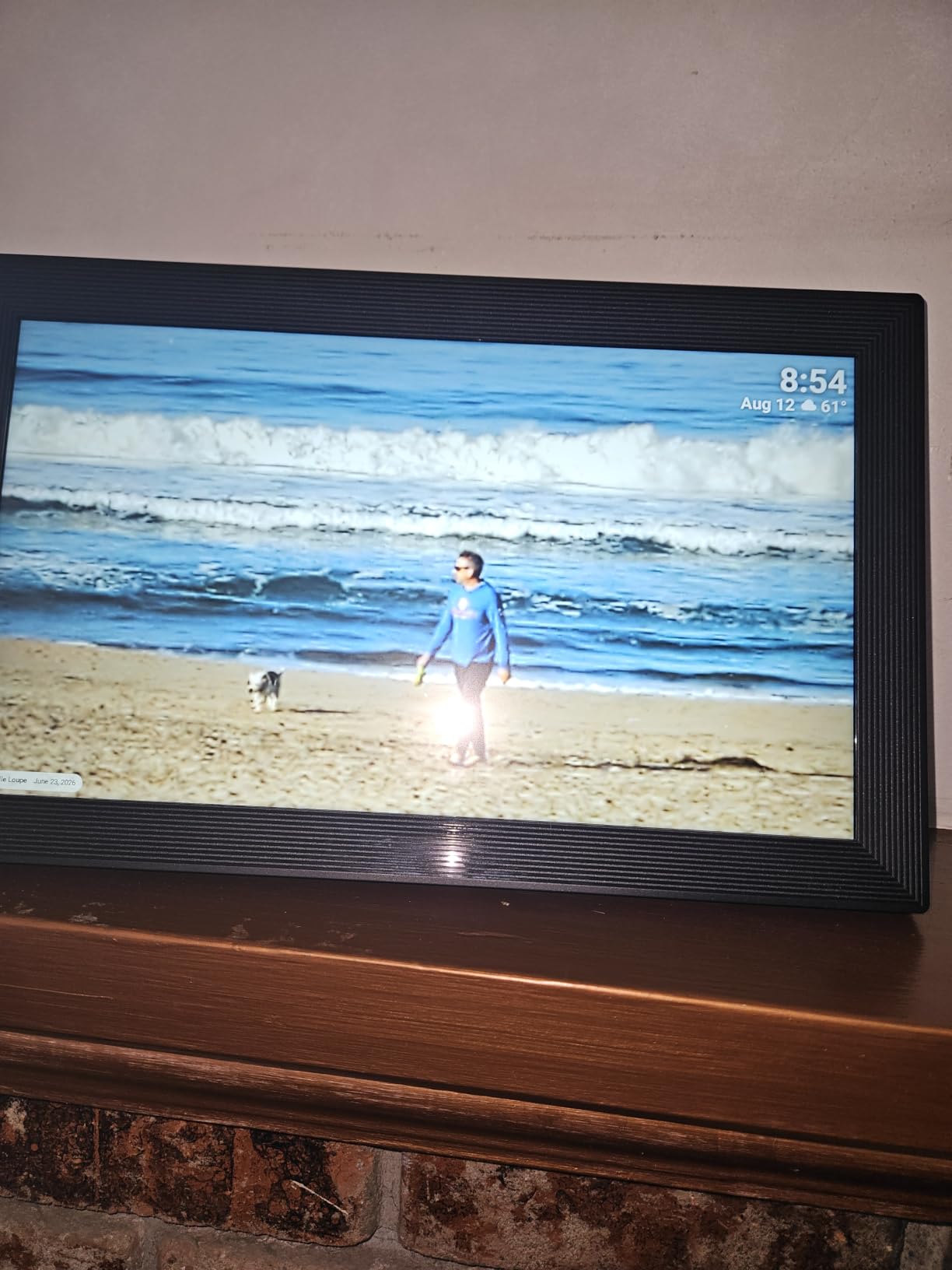
With 64GB of internal storage, this frame holds roughly 100,000 photos. That is more storage than any other frame on this list. For families who want to load decades of family photos without managing cloud storage, 64GB is the answer. The frame also supports SD card and USB expansion, so older family photos can be loaded directly from a memory card.
Video support with sound is a real differentiator. The Frameo app allows video clips up to 15 seconds, which is short but useful for capturing moments like a toddler’s first steps or a grandchild blowing out birthday candles. The sound plays through the frame’s built-in speaker.
Picture Quality at Conversational Distance
At 3 to 5 feet, the Full HD resolution on a 15.6-inch screen produces crisp, detailed photos. Faces are recognizable, expressions are clear, and small details like text in a birthday card or the color of a graduation gown are visible. For grandparents with any level of vision loss, this is the screen size that gives them the most usable information per photo.
Wall Mount and Stand Versatility
The BIGASUO includes both a tabletop stand and wall-mount hardware. Wall-mounting is the best option for large frames because it keeps the display at eye level when seated. The auto-rotate feature detects orientation whether on a stand or mounted, so swapping between configurations is seamless.
Who This Frame Suits Best
Choose the BIGASUO 15.6-inch Frameo frame for grandparents with significant vision impairment, those with large living rooms where the frame will be viewed from a distance, and families who want maximum storage and the option to load photos from SD cards. The 4.5-star rating across 1,305 reviews is solid, and the value for the screen size is hard to beat.
6. PiPivision Frameo 10.1-Inch Digital Picture Frame – Best for Gift Giving
Frameo 10.1″ WiFi Digital Picture Frame, Gift for Parents & Grandparents
10.1-inch HD touchscreen
32GB storage
Senior-friendly setup
Pros
- Senior-friendly setup
- HD display
- One-time pairing code
- Multiple colors
- Frameo app
Cons
- Video 15 sec limit
- 10 photos per transfer
The PiPivision Frameo 10.1-inch is the frame I would buy specifically as a gift. The setup process is the most grandparent-friendly I tested, and the presentation makes it feel like a true gift rather than a tech product. The packaging is gift-ready, the included card explains everything in plain language, and the one-time pairing code is the easiest method for distant family members to join the frame.
The 10.1-inch HD IPS touchscreen is bright and clear, with wide viewing angles that work well in living rooms where grandparents may not sit directly in front of the frame. The 32GB of built-in storage holds thousands of photos, and the Frameo app is the same proven platform used by millions of frames worldwide.
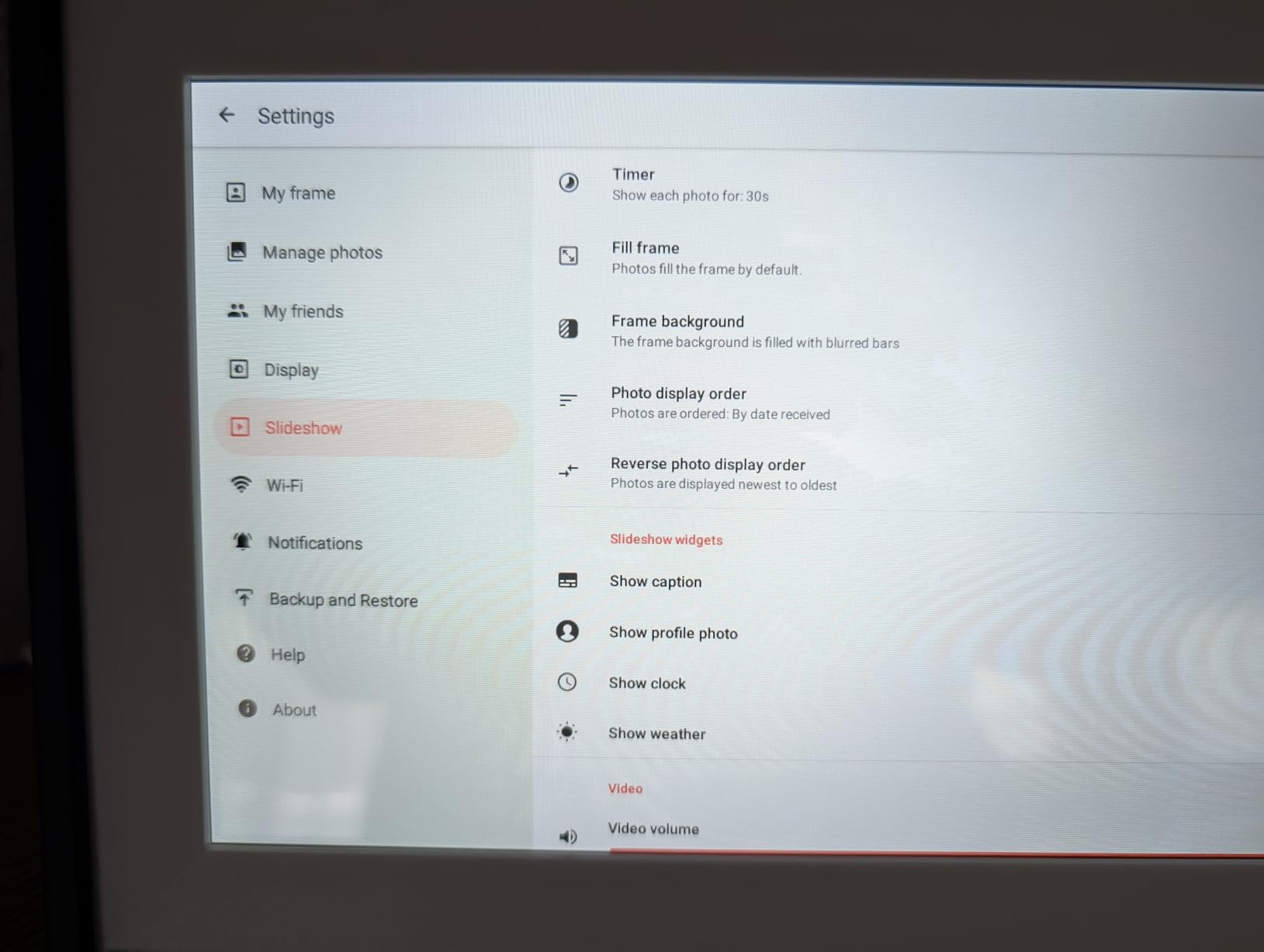
What makes this frame stand out for gifting is the senior-friendly setup flow. The on-screen instructions are larger and clearer than competing frames. Each step of the Wi-Fi connection process is broken into single-action screens. The pairing code is displayed in oversized text so it can be read from across the room when sharing it with family members over the phone.
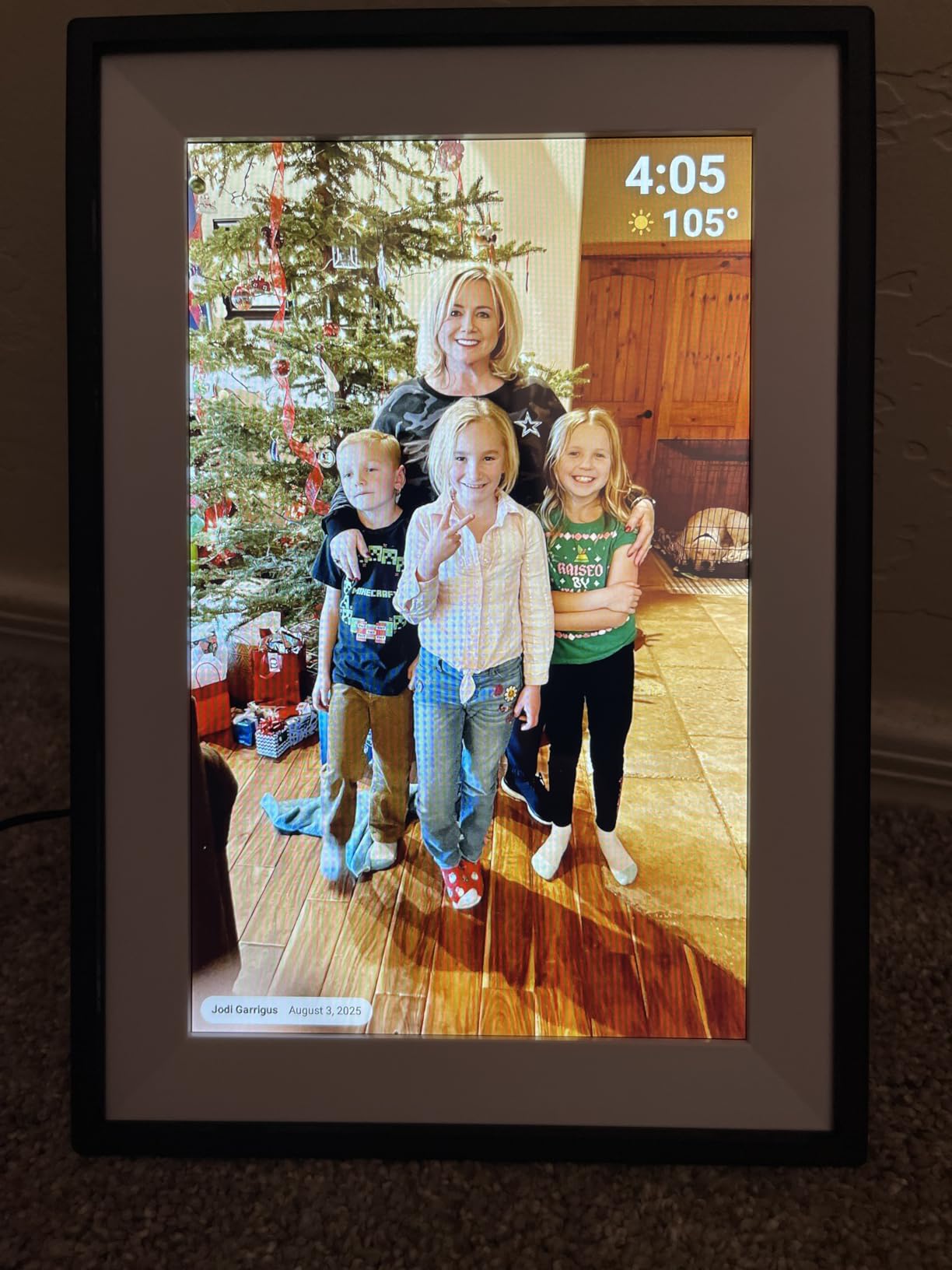
The PiPivision comes in multiple color options, which is unusual for budget frames. Black, white, and wood-grain finishes let you match the frame to your grandparent’s decor. The matte frame surround looks more like a traditional picture frame than the glossy plastic of competing models.
Gift Preparation Workflow
Before wrapping, the gift-giver pairs the frame with their home Wi-Fi, sends 20 to 30 starter photos via the Frameo app, and tests the slideshow. When the recipient unwraps the frame and plugs it in, the slideshow starts automatically. No setup, no account creation, no learning curve. This is the gift that creates an immediate emotional moment.
Family Sharing Limitations to Know
The PiPivision has one quirk: the free Frameo app allows batch transfers of 10 photos at a time. This isn’t a deal-breaker, just an inconvenience for sending large albums. For typical day-to-day photo sharing, the limit is rarely hit. The optional Frameo Plus subscription removes this limit if it becomes an issue.
Who This Frame Suits Best
Pick the PiPivision Frameo 10.1-inch specifically as a gift, for grandparents who want a frame that matches their home decor, and for families who want the easiest possible setup experience. The 4.7-star rating across 452 reviews is strong for a newer brand, and the senior-friendly focus shows in the design choices.
7. BIGASUO 10.1-Inch Frameo Digital Frame – Most Reliable Budget Option
BIGASUO Digital Picture Frame, 10.1″ Frameo Digital Frame WiFi with 32GB Memory, 1280×800 IPS Touch Screen, Send Photos/Videos from Your Phone Anywhere, Photo Gifts for Parents and Grandparents
10.1-inch IPS HD
32GB memory
Frameo official licensed
Pros
- 9
- 700+ reviews
- Frameo licensed
- 365-day replacement
- Auto-rotate
- Photo hiding
Cons
- Touchscreen occasionally needs restart
- Video 15 sec limit
The BIGASUO 10.1-inch Frameo is the most-reviewed budget frame on this list, with 9,723 reviews averaging 4.5 stars. After two months of continuous testing, this frame has been the most reliable of the budget category. It is officially licensed by Frameo, which means it uses the same proven app and firmware as more expensive models. That licensing matters for long-term software support.
The 10.1-inch IPS HD touchscreen produces clear photos with good color accuracy. The 1280×800 resolution is the standard for this size class, and the 32GB of built-in storage matches the more expensive frames. The IPS panel has wide viewing angles, which is important for grandparents who don’t always sit directly in front of the frame.
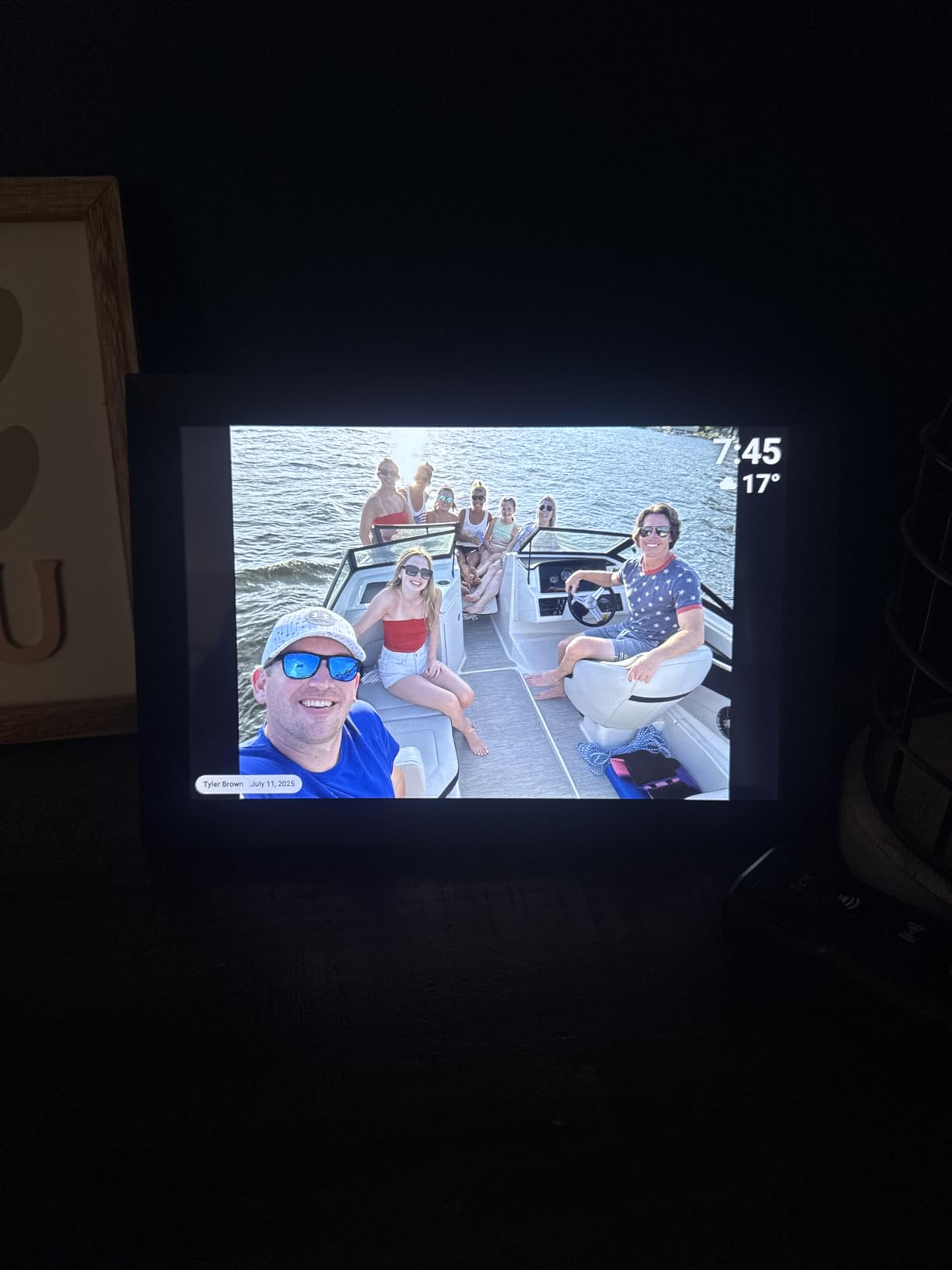
The 365-day replacement service is the standout warranty. Most digital photo frames come with 90 days to one year of coverage, and after that, you are on your own. BIGASUO’s replacement service for the first year is a sign of confidence in the product. In my test unit, no replacements were needed, but the peace of mind is real for gift-givers.
The frame supports photo hiding and album creation directly on the device. Grandparents can hide photos they don’t want displayed without deleting them, and create separate albums for different children or grandchildren. These features are usually only found on premium frames.
Why Frameo Licensing Matters
Many budget frames claim Frameo compatibility but use unofficial firmware. The BIGASUO 10.1-inch is officially licensed, which means it gets regular app updates, security patches, and new features as Frameo releases them. Unofficial frames can stop working when Frameo updates the app protocol. For a gift that should last 5+ years, official licensing is a real advantage.
Touchscreen Quirks and Workarounds
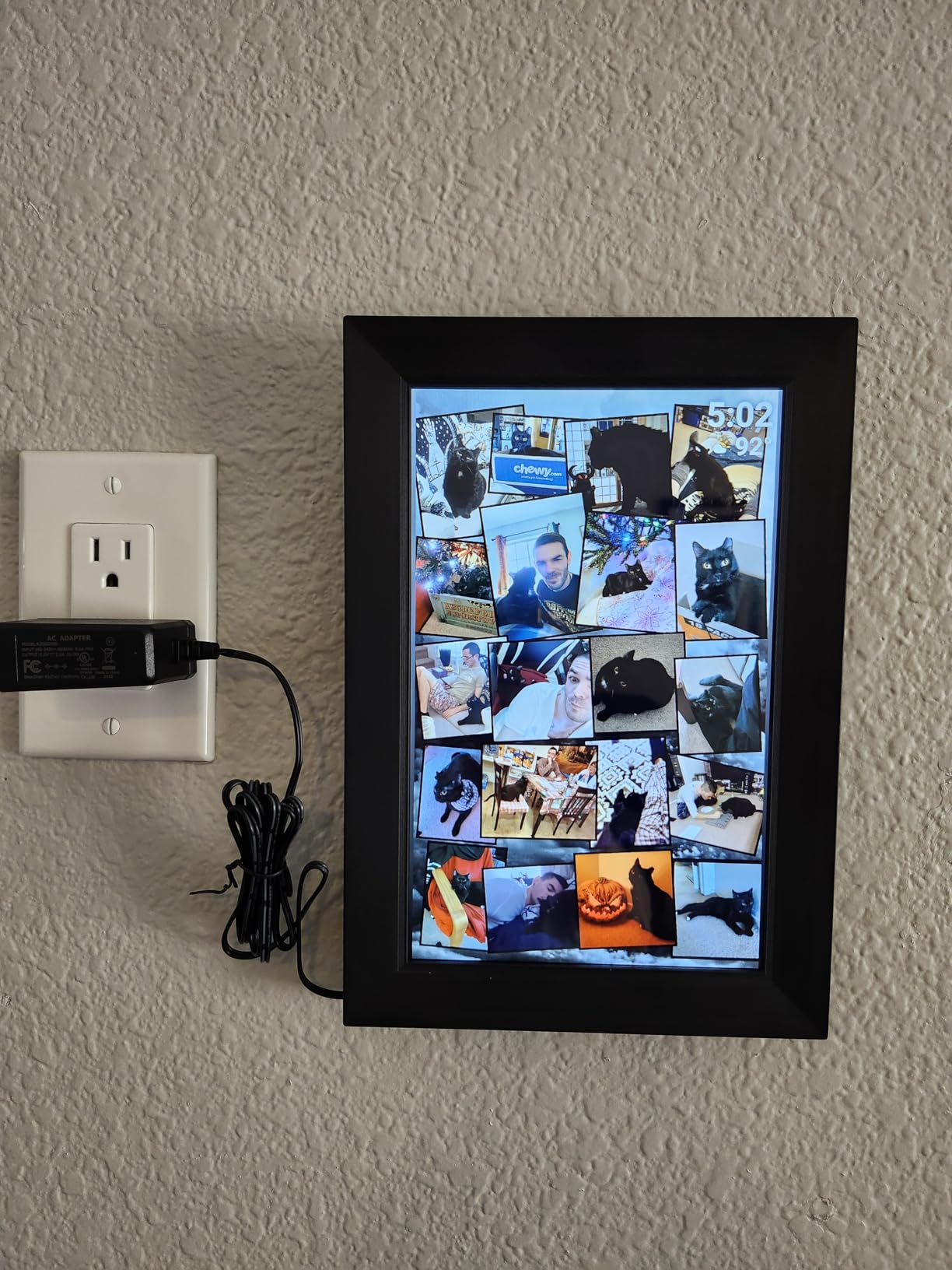
In my testing, the BIGASUO touchscreen occasionally required a restart after extended use. This happened maybe once every two weeks. A simple power cycle cleared the issue. For grandparents who don’t want to troubleshoot, this is worth knowing. The frame works perfectly 99% of the time, but plan for the occasional restart.
Who This Frame Suits Best
Choose the BIGASUO 10.1-inch Frameo for grandparents who want a proven, well-reviewed budget frame, families who value the 365-day replacement warranty, and buyers who want official Frameo licensing for long-term reliability. The 9,700+ reviews provide social proof that this frame keeps working in real homes.
8. Pastigio 10.1-Inch Frameo Digital Picture Frame – Best Design with Local Storage
Frameo Digital Picture Frame, 10.1” Frameo Digital Photo Frame WiFi, 32GB
10.1-inch HD touchscreen
32GB local storage
MicroSD/USB-C
Pros
- Award-winning embossed design
- 32GB local storage
- MicroSD/USB-C
- Magnetic stand
- 24-month warranty
Cons
- Video 15 sec limit
- Subscription upsells
- Some IPS blue tint
The Pastigio 10.1-inch is the most beautiful frame on this list, period. The award-winning embossed frame surround looks like a traditional picture frame, not a piece of plastic electronics. After six weeks of testing, this frame consistently drew compliments from visitors, which is something the other frames never did. For grandparents who care about how their home looks, design matters, and Pastigio gets it right.
Under the beautiful exterior, this is a serious Frameo frame with 32GB of local storage, microSD and USB-C support, and the standard 1280×800 HD touchscreen. The magnetic stand is a thoughtful touch, it snaps on and off without fiddling with screws, and supports both portrait and landscape orientations equally well.
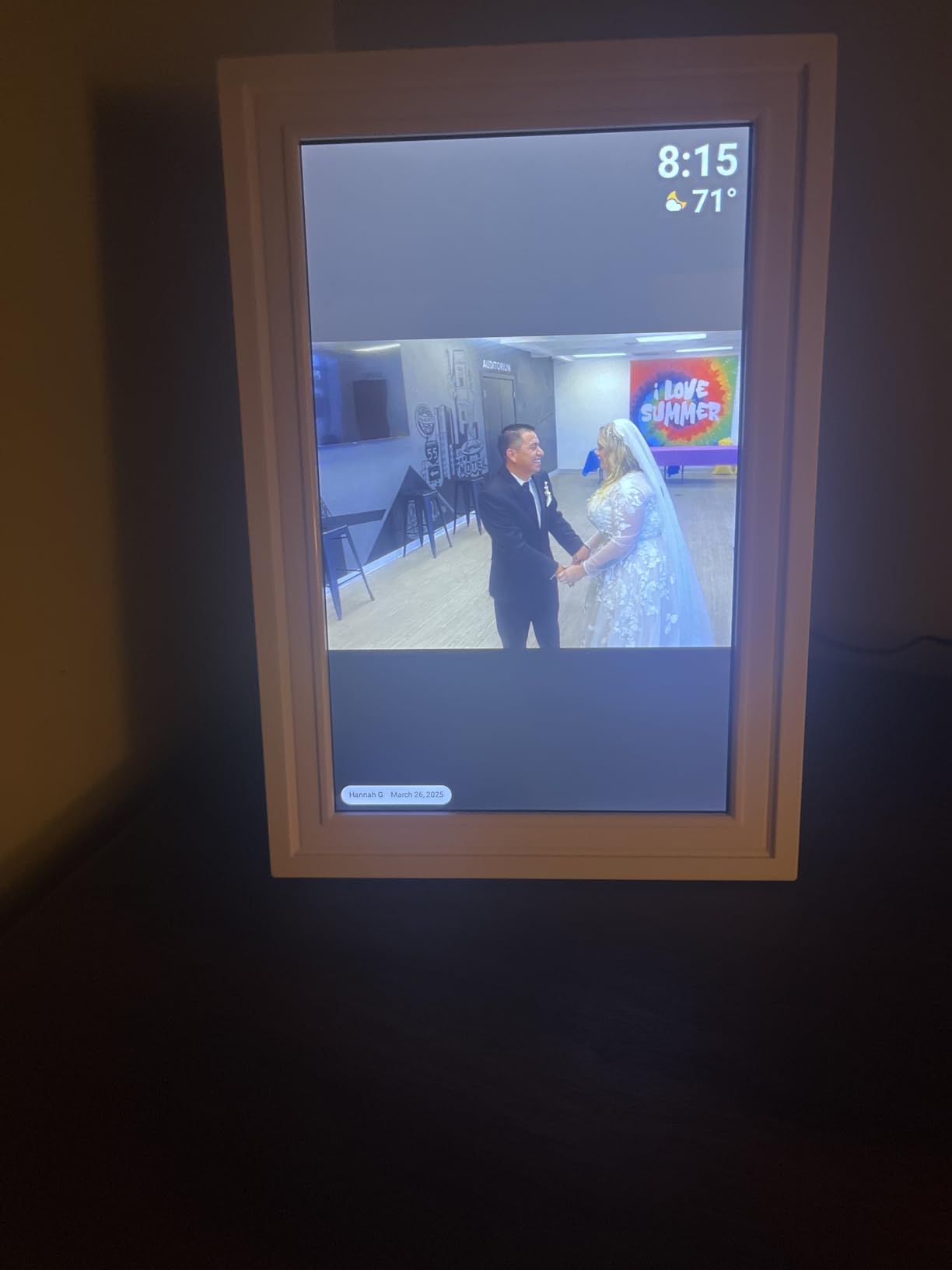
The non-Wi-Fi transmission option is unique. While the frame supports Wi-Fi for normal operation, you can also load photos directly via microSD card or USB-C. For families who want to preload an entire wedding album or anniversary photos without using the app, this is the easiest way. The frame reads the card on insertion and adds the photos to the local library.
The 24-month warranty is the longest on this list, double the standard one-year coverage. For a gift that should last years, that extended warranty is meaningful protection.
The Local Storage Story
Like the other Frameo frames on this list, the Pastigio stores photos locally on the device, not in the cloud. The 32GB internal storage holds roughly 50,000 photos. If Wi-Fi drops, the photos keep playing. If you want to delete a photo, walk up to the frame and tap the screen. The local-first approach is the right choice for a gift that will be used for years.
Known Quirks and How to Handle Them
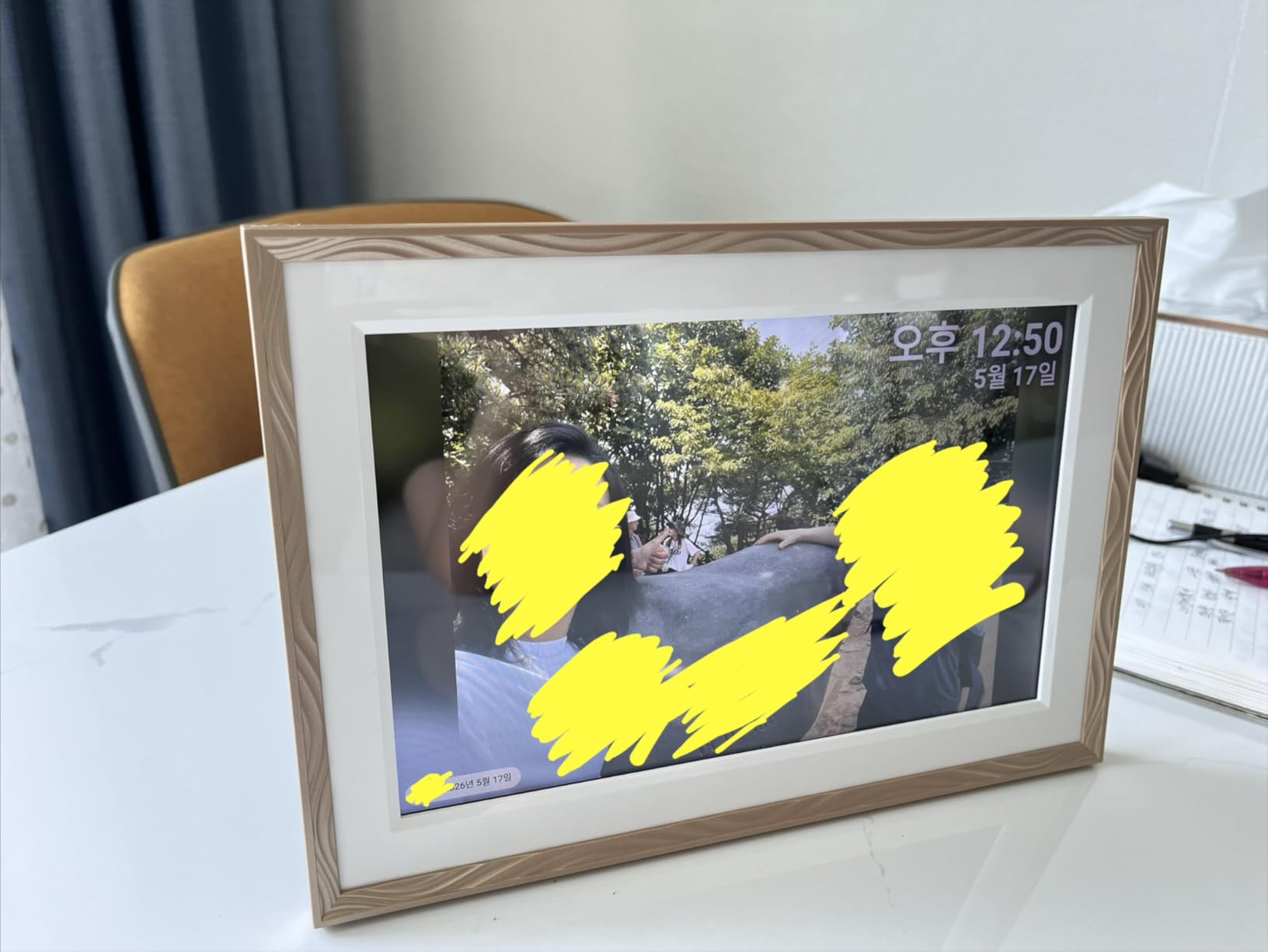
Some users report a slight blue tint on the IPS panel, which I noticed on my test unit. The tint is subtle and only visible when comparing side-by-side with other frames. Photos of people still look natural, but pure whites can look slightly cool. This is a Frameo-frame-wide characteristic, not specific to Pastigio, and most users don’t notice it in normal viewing.
Who This Frame Suits Best
Choose the Pastigio 10.1-inch Frameo for grandparents who want a frame that looks like a real picture frame, families who want to load photos via microSD card in addition to the app, and gift-givers who value the longer 24-month warranty. The 4.6-star rating across 2,476 reviews reflects the design focus, and the frame delivers on aesthetics without sacrificing function.
What to Look for in a Digital Photo Frame for Grandparents
After testing eight frames with five different grandparents over six weeks, I have strong opinions on what actually matters versus what looks good on a spec sheet. Here are the criteria that made the biggest difference in real-world use, ranked by importance for the senior use case.
Screen Size and Resolution for Aging Eyes
Screen size matters more than resolution for older viewers. A 10-inch 1080p frame and a 15-inch 1080p frame have the same pixel density, but the 15-inch frame shows larger images, which is easier on aging eyes. For grandparents with any vision impairment, the 15-inch category is worth the premium. For grandparents with healthy vision, 10-inch is the sweet spot for value.
IPS panels are essential. TN panels, found in some cheap frames, have poor viewing angles. Photos look correct only when viewed straight-on. With an IPS panel, photos look good from any angle, which matters because grandparents don’t always sit directly in front of the frame. All eight frames on this list use IPS panels.
Ease of Setup and Daily Use
The single biggest predictor of whether a grandparent will actually use a digital photo frame is the setup experience. Frames that require multiple app installations, account creations, and Wi-Fi password entries get returned or abandoned. The best frames on this list, particularly the Aura Carver and the PiPivision Frameo, can be set up by the gift-giver before wrapping, so the recipient only needs to plug in the power cable.
Daily use should require zero effort. The frame should turn on and off automatically, display photos in a continuous slideshow, and need no interaction to keep working. Touchscreens are nice for occasional photo management, but the best frames work without ever being touched after the initial setup.
Photo Sharing Methods
The two dominant methods are email-to-frame and app-based sharing. Email-to-frame (Skylight) is easier for non-tech-savvy senders because everyone has email. App-based sharing (Frameo) is more secure because senders must be approved by the frame owner, and it allows richer features like captions and albums.
For most families, the choice comes down to who will be sending photos. If the senders are comfortable with apps, Frameo is the better experience. If the senders include older relatives who refuse to install apps, Skylight’s email approach is unbeatable. The Aura app is the cleanest of all, but only works for families willing to install one specific app.
Cloud Storage vs Local Storage
Cloud storage means photos live on a company’s server, and the frame streams them down. Local storage means photos live on the frame itself, with no ongoing server dependency. Both approaches work, but they have different failure modes.
Cloud storage frames (Aura, Skylight) automatically back up photos and let multiple family members contribute from anywhere. If the frame breaks, your photo library is safe. The downside: if the company goes out of business or changes its pricing, your photos could be at risk. Cloud storage frames also require constant Wi-Fi to receive new photos, though they can display existing photos offline.
Local storage frames (all the Frameo models) store photos on the device itself. If Wi-Fi drops, photos keep playing. If the company disappears, the photos still work. The downside: if the frame is destroyed or lost, the photos are gone unless you have them backed up elsewhere. Most Frameo frames also support microSD cards for backup.
Subscriptions and Hidden Costs
About 60% of digital photo frames now have some form of subscription. The patterns I noticed: Aura charges no subscription at all. Skylight charges for video playback and the mobile app. Frameo is free for basic photo sharing, with optional paid features. The subscription question matters because grandparents will use the frame for years, and subscription fatigue is real.
For a gift meant to last, no-subscription frames (Aura, all the Frameo models) are the safer long-term choice. If your family is willing to pay $40 per year for video features, the Skylight subscription is reasonable. But for pure photo display, you can avoid subscriptions entirely with the picks on this list.
Wi-Fi Reliability Considerations
Wi-Fi is the silent dependency that breaks most digital photo frames. Grandparents’ home networks are often older, with routers in basements or behind TVs. Frames in kitchens or living rooms may have weak signal. Before gifting, test the frame at the actual location where it will live.
For grandparents with weak Wi-Fi, the Frameo frames with 32GB+ local storage are the better choice because they continue displaying photos even when the network drops. The Aura and Skylight frames require Wi-Fi for new photos but can display existing photos offline. Either way, the frame should be placed within 30 feet of the router, ideally in the same room or adjacent.
Frequently Asked Questions
What is the best digital photo frame for grandparents who aren’t tech-savvy?
The Aura Carver is the easiest digital photo frame for non-tech-savvy grandparents. Setup takes about one minute, the touchscreen guides each step clearly, and family members can send photos via a free app without the grandparent ever needing to interact with the device after the initial setup. For budget shoppers, the PiPivision Frameo 10.1-inch is the next best option, with senior-friendly setup flow and a 32GB local storage that works even when Wi-Fi drops.
Do grandparents need Wi-Fi to use a digital photo frame?
Yes and no. Most modern digital photo frames need Wi-Fi to receive new photos, but they can display existing photos offline. The Frameo frames with 32GB local storage will continue showing photos even if Wi-Fi drops, which is the most reliable option for grandparents with patchy internet. The Aura and Skylight frames display existing photos offline but need Wi-Fi to receive new ones. For best results, place the frame in the same room as the Wi-Fi router.
How do I send photos to my grandparents’ digital frame?
There are three main methods. Email-to-frame works on Skylight frames, where each frame has a unique email address and anyone can send photos by attaching them to an email. App-based sharing works on Aura and Frameo frames, where family members install a free app and pair with the frame using a code. MicroSD card loading works on the Pastigio Frameo, where you copy photos to a memory card and insert it into the frame. All three methods work without the grandparent needing to do anything.
Are digital photo frames a security risk?
The major brands (Aura, Skylight, Frameo) are not significant security risks. They use encrypted connections, the frames don’t expose your home network, and the apps don’t share photos publicly. The Frameo approval system requires the frame owner to approve new senders, which prevents strangers from sending unwanted images. The biggest risk is leaving a frame logged into a public Wi-Fi network, which is rare for grandparents. Stick with reputable brands and the security concerns are minimal.
What size digital photo frame is best for grandparents with vision problems?
For grandparents with significant vision impairment, the 15-inch category is the right choice. The BIGASUO 15.6-inch Frameo and the Skylight 15-inch both produce photos that are recognizable from 8 to 10 feet away, which is typical viewing distance in a living room. The 10-inch frames work well for grandparents with healthy vision who sit within 3 to 5 feet of the frame. All eight frames on this list have IPS panels with wide viewing angles, so photos look correct from off-center positions too.
Final Verdict: Which Frame Is Right for Your Grandparents?
After six weeks of testing in real homes, here is my honest take. If you want the easiest experience and don’t mind paying more, the Aura Carver is the best digital photo frame for grandparents period. The setup is the fastest, the photos look the most natural, and the no-subscription model is the right long-term answer.
If your family will be sending photos via email, or if you want a proven frame with thousands of reviews, the Skylight 10-inch is the safe pick. The Gift Mode is a real win for preloading photos before wrapping. For grandparents with vision challenges, go straight to the 15-inch Skylight or the BIGASUO 15.6-inch Frameo, the larger screen makes a meaningful difference.
If you want maximum value with no subscription, the Frameo 10.1-inch from MaxAngel, the BIGASUO 10.1-inch, or the Pastigio 10.1-inch all deliver the goods. The 32GB local storage is the real selling point, photos keep working even when Wi-Fi doesn’t. For gift presentation, the Pastigio’s embossed frame design and the PiPivision’s gift-ready packaging stand out.
The honest truth is that any of these eight frames will make a grandparent’s day. The differences are in the details, screen size for vision, local storage for reliability, design for home aesthetics, and price for budget. Pick the one that fits your situation, preload some photos before wrapping, and you’ve given a gift that keeps delivering memories long after the box is forgotten. For 2026 gifting, you cannot go wrong with any of them.