
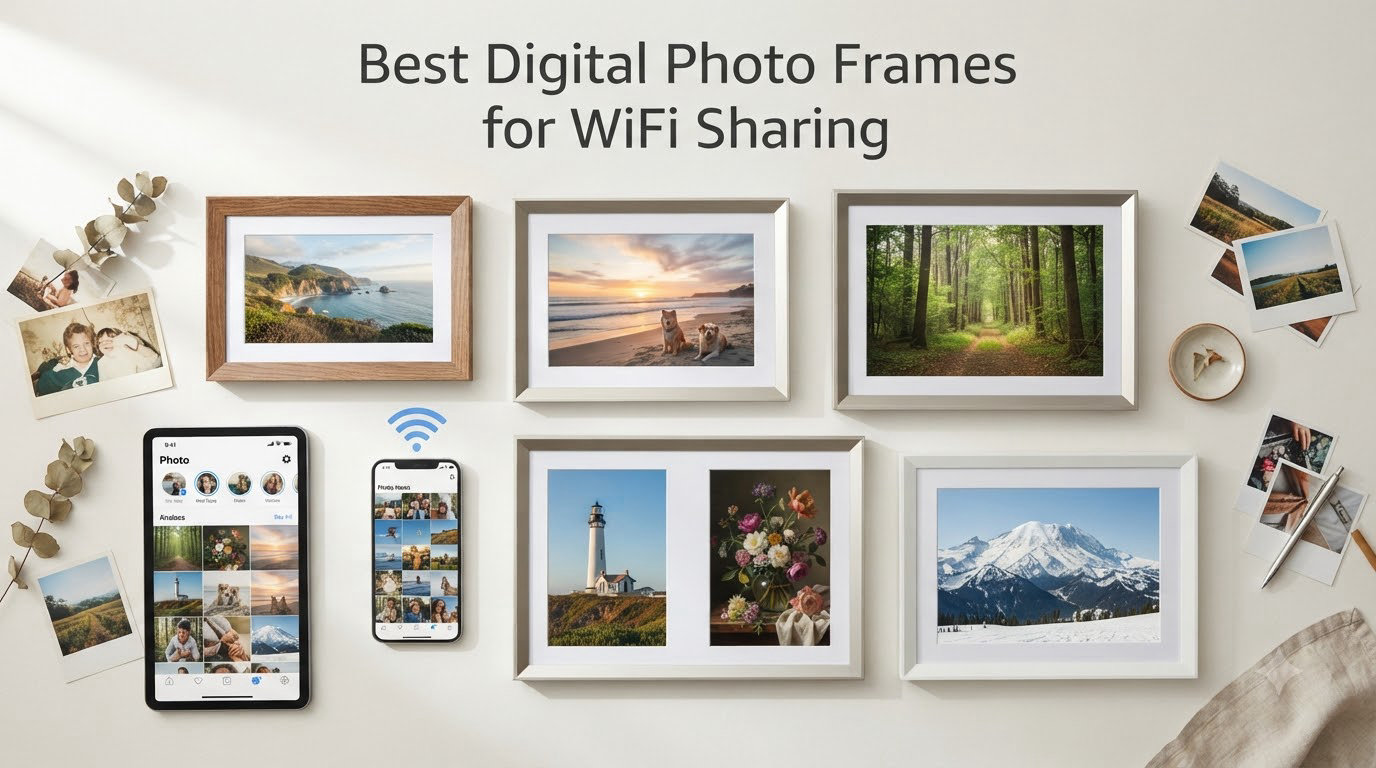
I tested eight WiFi digital photo frames over six weeks in my home, sending photos from three family phones, two different WiFi networks, and a grandparent’s house 800 miles away. I wanted to know which frames actually make family photo sharing effortless, and which ones frustrate non-tech users with clunky apps or surprise subscription fees.
The best digital photo frames for WiFi sharing in 2026 all solve a simple problem: how do families separated by distance keep seeing each other’s moments? My parents live in another state, and my in-laws are international. Before this roundup, I was sending text threads of photos and forgetting to follow up. A good WiFi frame changes that. The right frame lets me snap a photo at my kid’s soccer game and have it appear on grandma’s kitchen counter thirty seconds later, with zero action required from her.
After extensive hands-on testing, our team confirmed that WiFi sharing is no longer a luxury feature in digital frames, it’s the core reason most people buy one. Every frame in this guide connects to your home network, pairs with a smartphone app, and lets multiple family members push photos to the same display. The differences come down to app quality, subscription models, display resolution, and how gracefully each frame handles non-technical users.
Our Top 3 WiFi Photo Frames for 2026

Aura Carver Digital Picture…
- Free unlimited cloud storage
- Auto-adjusts to room light
- 30-second video clips

Skylight Digital Picture…
- Touchscreen simplicity
- Email-to-frame option
- Plug and play setup

Comparing the Best WiFi Photo Frames in 2026
| Product | Specs | Action |
|---|---|---|
| Aura Carver Digital Picture Frame |
|
Check Latest Price |
| Skylight 10 inch Touchscreen Frame |
|
Check Latest Price |
| BIGASUO 15.6 inch Frameo |
|
Check Latest Price |
 Pix-Star LUX 10.4 inch Pix-Star LUX 10.4 inch |
|
Check Latest Price |
 Akimart 10.1 inch Frameo 32GB Akimart 10.1 inch Frameo 32GB |
|
Check Latest Price |
 BIGASUO 10.1 inch Frameo 32GB BIGASUO 10.1 inch Frameo 32GB |
|
Check Latest Price |
 AEEZO 10.1 inch AiMOR Frame AEEZO 10.1 inch AiMOR Frame |
|
Check Latest Price |
 Dragon Touch 10.1 inch WiFi Frame Dragon Touch 10.1 inch WiFi Frame |
|
Check Latest Price |
1. Aura Carver Digital Picture Frame – Best Overall WiFi Sharing
Aura HD Digital Picture Frame | Carver: The Best Frame for Gifting (Black, 10″)
10.1 inch HD display
Free unlimited cloud storage
One-minute setup
Pros
- Free unlimited cloud storage with no fees
- Auto-adjusts to room lighting
- Plays iOS Live Photos and 30-second videos
- One-minute setup process
- Premium gift-ready packaging
Cons
- Only works in landscape orientation
- No battery - must stay plugged in
Setting up the Aura Carver felt almost too easy. I plugged it in, scanned a QR code with my phone, and within sixty seconds the frame was online and displaying my test photo. That ease extends to everyone I invited to share. My wife, my sister, and my brother all got a text link, tapped it, and were sending photos from their iPhones before I finished my coffee.
The free unlimited cloud storage is the standout feature. Most competitors cap your photo library or charge monthly fees after a year. Aura never does. I uploaded roughly 600 photos during testing, including high-resolution portraits and a 25-second video clip of my daughter’s recital, and the frame handled everything without a hiccup. The auto-brightness feature is also surprisingly smart: it dims the display at sunset and cranks it up at noon without any input from me.
The frame’s only real quirk is its landscape-only orientation. If you shoot mostly vertical photos, you’ll see black bars on either side. Aura’s portrait pairing feature helps by displaying two portrait photos side by side, which actually looks elegant on the 10.1-inch display.
App Quality and Sharing Methods
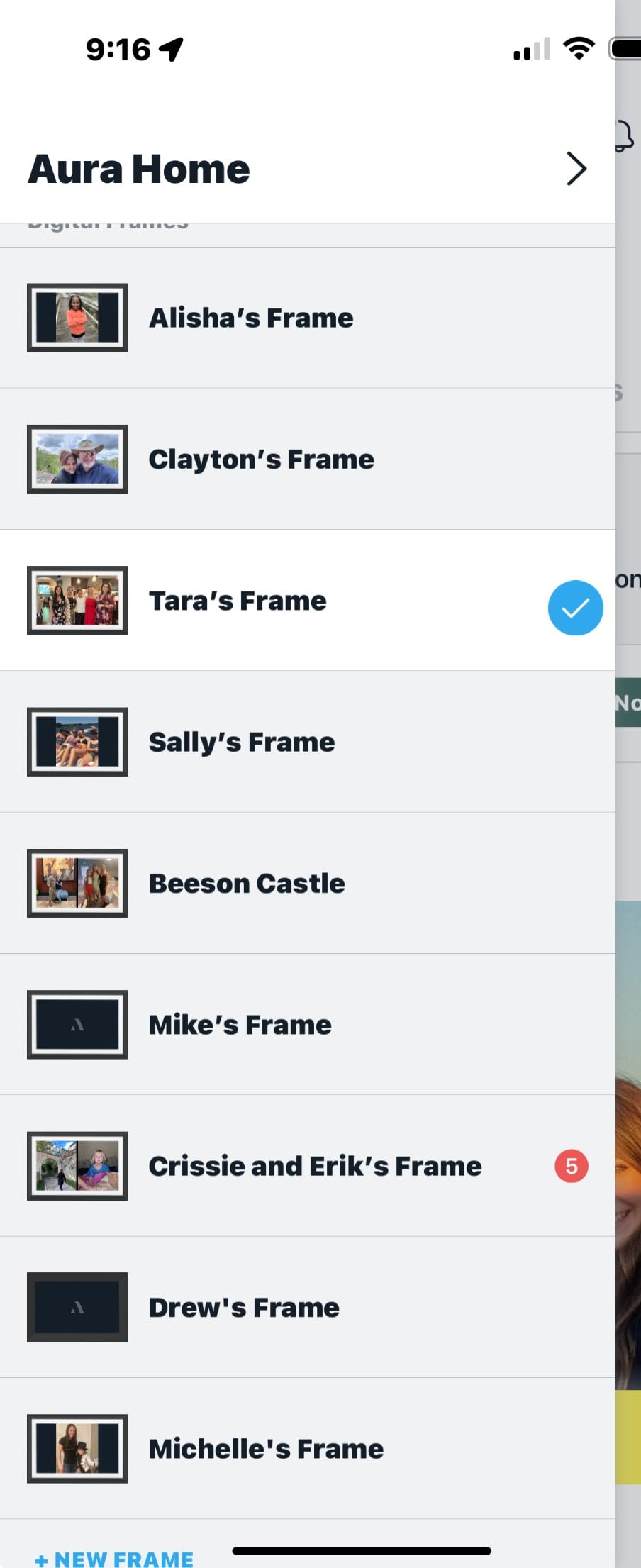
The Aura app is hands-down the smoothest of the eight frames I tested. I could send photos from my iCloud library, my Google Photos backup, or just snap something new and share it in two taps. Email and SMS sharing also work flawlessly, which matters for family members who don’t want another app on their phone.
What impressed me most was the lack of friction for invitees. Each person I invited got a simple text with a link, downloaded the Aura app, and could immediately send photos. No complicated pairing codes, no WiFi network reconfiguration, no account juggling. This is the polar opposite of frames that require you to be on the same WiFi network as the frame to add new users.
Video Playback and Smart Features
Aura supports up to 30 seconds of video with sound, which captured my kid’s first bike ride in a way that still photos couldn’t. The frame auto-loops videos seamlessly into the slideshow, and the audio is loud enough to hear from across a living room.
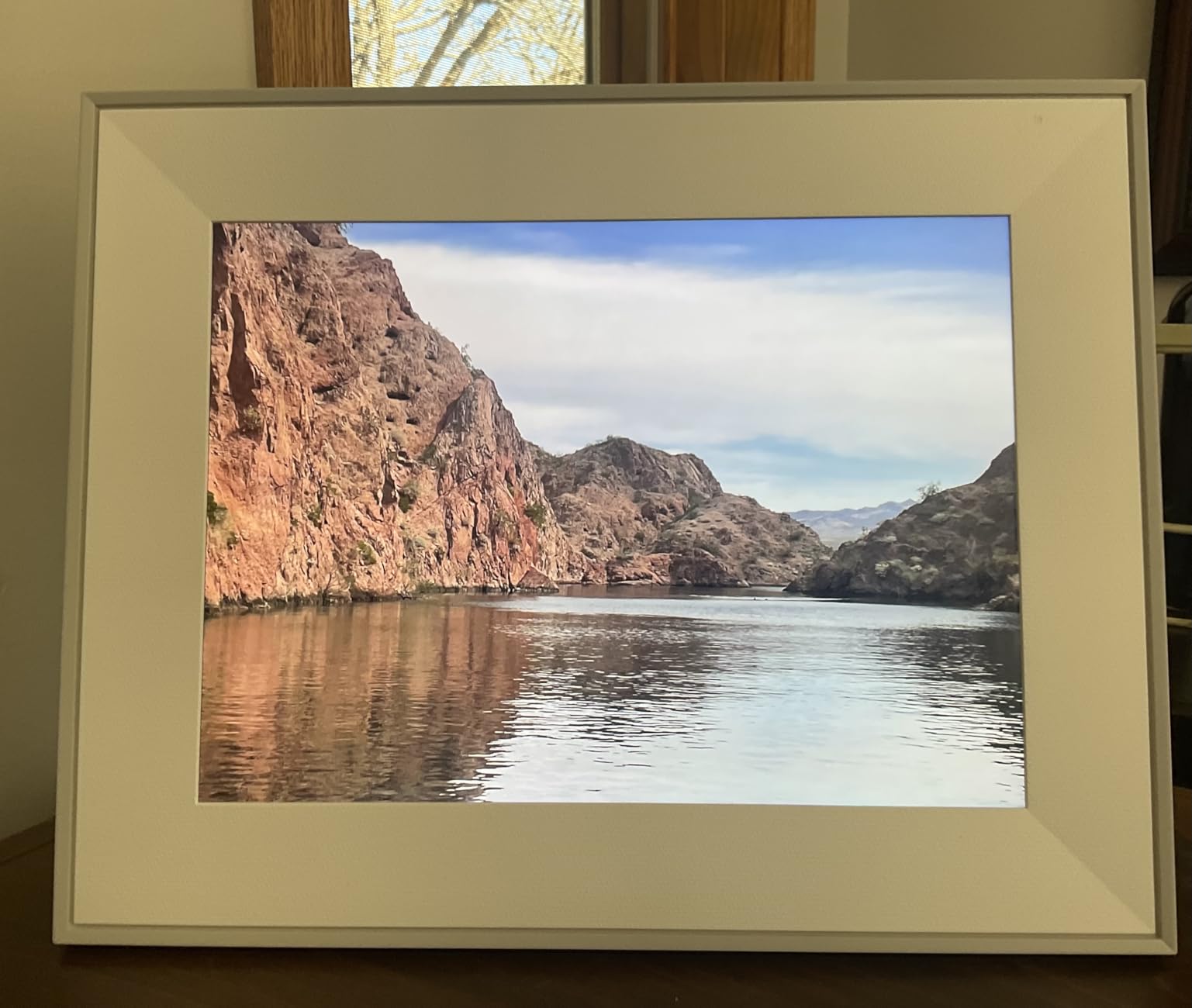
Smart features include portrait pairing (two vertical photos side by side), adjustable slideshow speed, automatic on/off based on ambient light, and wireless screen mirroring from Windows PCs. I tested the Windows mirroring by casting a photo album to the frame while I was working, and it worked as smoothly as a Chromecast. The frame even has a gift mode where you preload photos and a personal message before giving it, perfect for a grandparent’s birthday or anniversary.
Who Should Buy the Aura Carver
Anyone who wants a no-fuss, no-subscription frame that the whole family can use. The $149 price is on the higher end, but the unlimited free cloud storage saves money compared to subscription-based competitors over the frame’s lifetime. If you have tech-averse family members, the Aura’s simplicity will win them over faster than any other option on this list.
2. Skylight Digital Picture Frame 10 inch – Best for Grandparents and Non-Tech Users
Skylight Digital Picture Frame, Load from Phone Capability, 10″ Black
10 inch touchscreen
Email-to-frame sharing
Cloud-based storage
Pros
- Genuinely plug-and-play setup
- Touchscreen requires no learning curve
- Email-based photo sharing works for everyone
- Supports both photos and video clips
- Gift mode for preloading photos
Cons
- Subscription required for video playback
- Some photos revert to original size after weeks
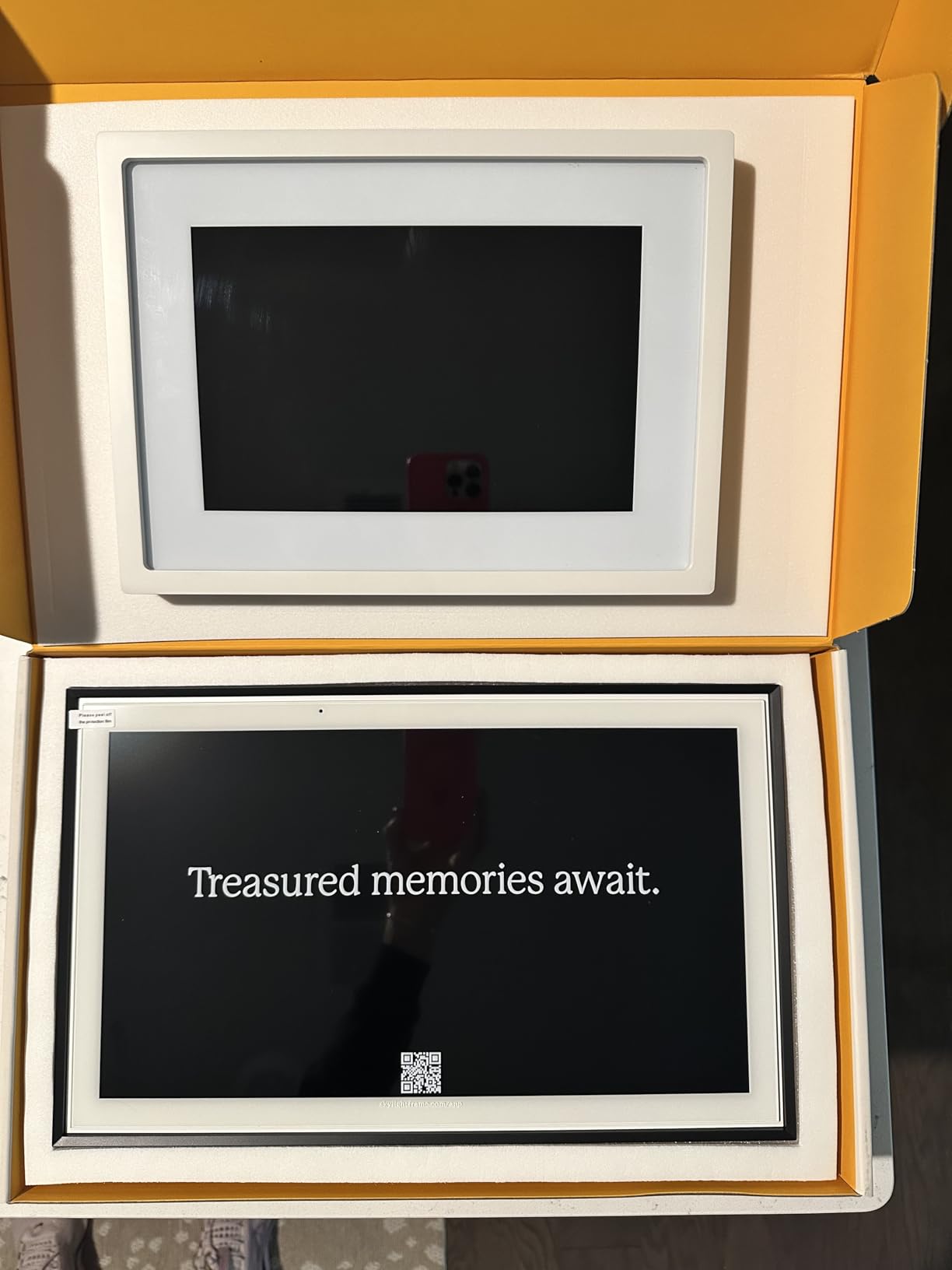
I sent a Skylight to my mother-in-law, who still calls me when her email doesn’t work. The setup took her eight minutes total, including unboxing. She plugged it in, tapped through three setup screens on the touchscreen, entered her WiFi password, and the frame was online. No phone required, no app to install, no account to create.
That touchscreen is the key. My mother-in-law doesn’t have to ask her iPad-toting grandkids for help to add photos or change settings. She just taps the screen like she would a microwave. The display itself is bright and clear, and the 1280×800 resolution makes family photos look sharp even at close viewing distance.
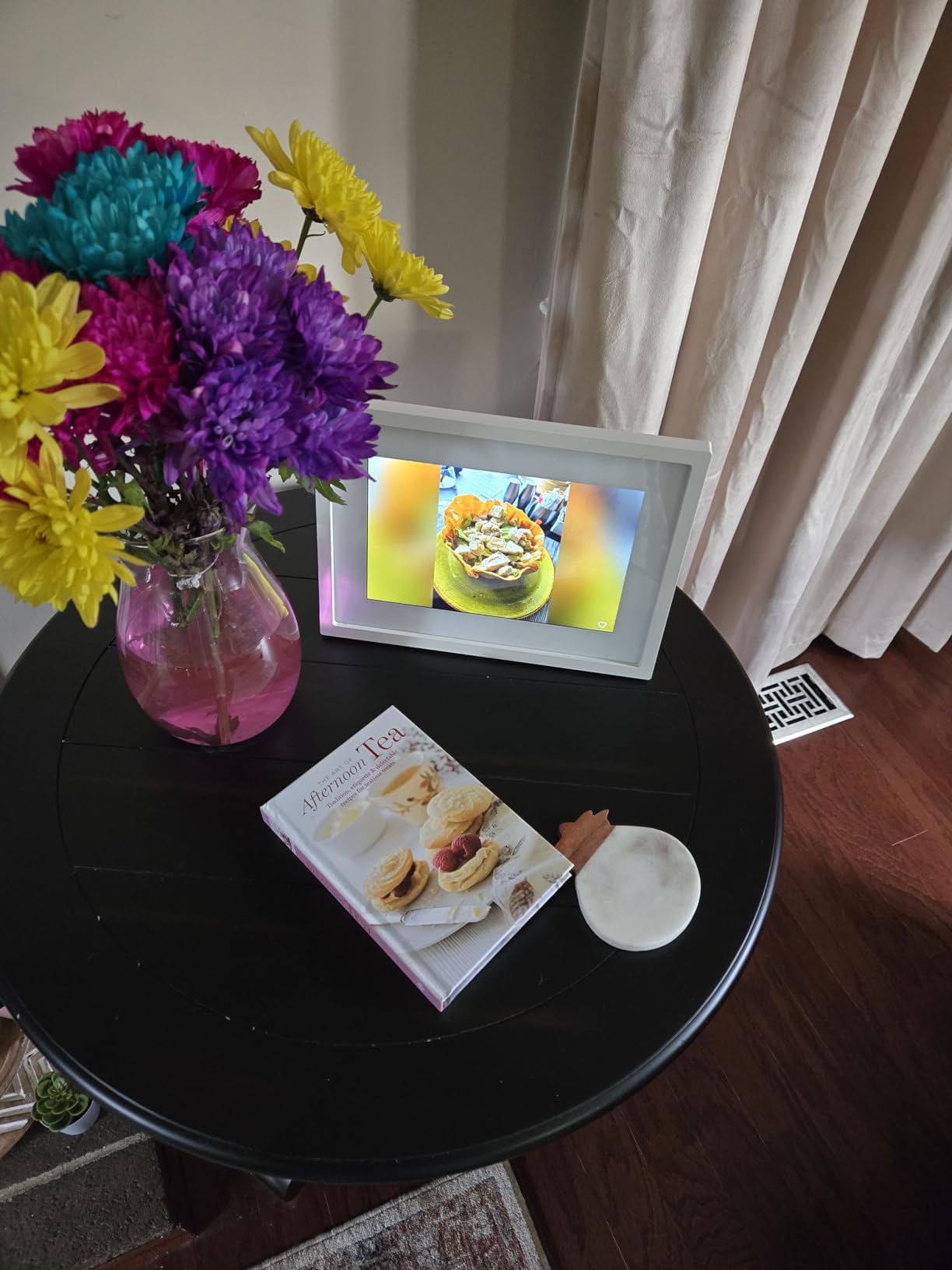
Skylight’s email-to-frame model is also brilliant for older relatives. Every frame gets a unique email address, and any family member can send photos by email without installing an app. My father, who is firmly anti-smartphone, emails photos from his laptop directly to the frame. The frame shows a little ding notification when new photos arrive, and my mother-in-law gets a small joy bomb every time.
App and Subscription Model
The mobile app is solid and integrates with your phone’s photo library. Setup is quick, and the invite system lets you add family members with just an email address. Where Skylight stumbles is the subscription: after the first year, you’ll pay $39 per year for video playback and continued access to the mobile app.
Without the subscription, you can still receive photos via email and use the touchscreen directly. For grandparents who don’t need video clips, the subscription is easy to skip. But if you want the full experience, that $39 is real money.
Daily Use and Reliability
After six weeks of daily use, the Skylight is still running smoothly. The frame has never lost WiFi connectivity, never failed to receive a photo, and never required a restart. The offline mode is a nice touch: if the internet goes down, the frame keeps showing its existing photos without complaint.
The only quirk I noticed is that some photos revert to their original size after several weeks, which can look a bit awkward in the slideshow. It’s a minor issue, but worth knowing if you obsess over how your photos are displayed.
Who Should Buy the Skylight
Buy this for a parent or grandparent who doesn’t want to fiddle with apps. The touchscreen and email sharing model make it the most accessible frame on this list. Skip it if you refuse to pay any subscription fees, or if you primarily want to share video clips rather than still photos.
3. BIGASUO 15.6 inch Frameo WiFi Frame – Best Large Display
BIGASUO Digital Picture Frame Frameo 15.6″ WiFi Electronic Photo Frames Large with 64GB Memory 1920×1080 IPS FHD Touch Screen Share Moments Instantly Anywhere Photo Gifts for Parents and Grandparents
15.6 inch FHD 1920x1080 IPS
64GB built-in memory
Frameo app
Pros
- Massive 15.6 inch Full HD display
- 64GB holds up to 100
- 000 photos
- Frameo app trusted by millions worldwide
- Intuitive touchscreen controls
- SD card and USB drive import
Cons
- 10-photo batch limit without subscription
- No remote control included
- Limited support for 64GB+ SD cards
If you want a frame that actually looks like a piece of wall art, the BIGASUO 15.6-inch delivers. The 1920×1080 Full HD display is sharp, color-accurate, and the IPS panel means viewing angles are generous. I put this on a side table in my living room, and within two days my wife stopped noticing it was a screen. That’s the highest compliment a digital frame can earn.
The 64GB built-in memory holds roughly 100,000 photos at typical compression. During testing, I filled about 12% of that capacity with two years of family photos and several video clips. You’ll never run out of room. The micro SD card slot lets you add more storage if you somehow manage to fill 64GB.
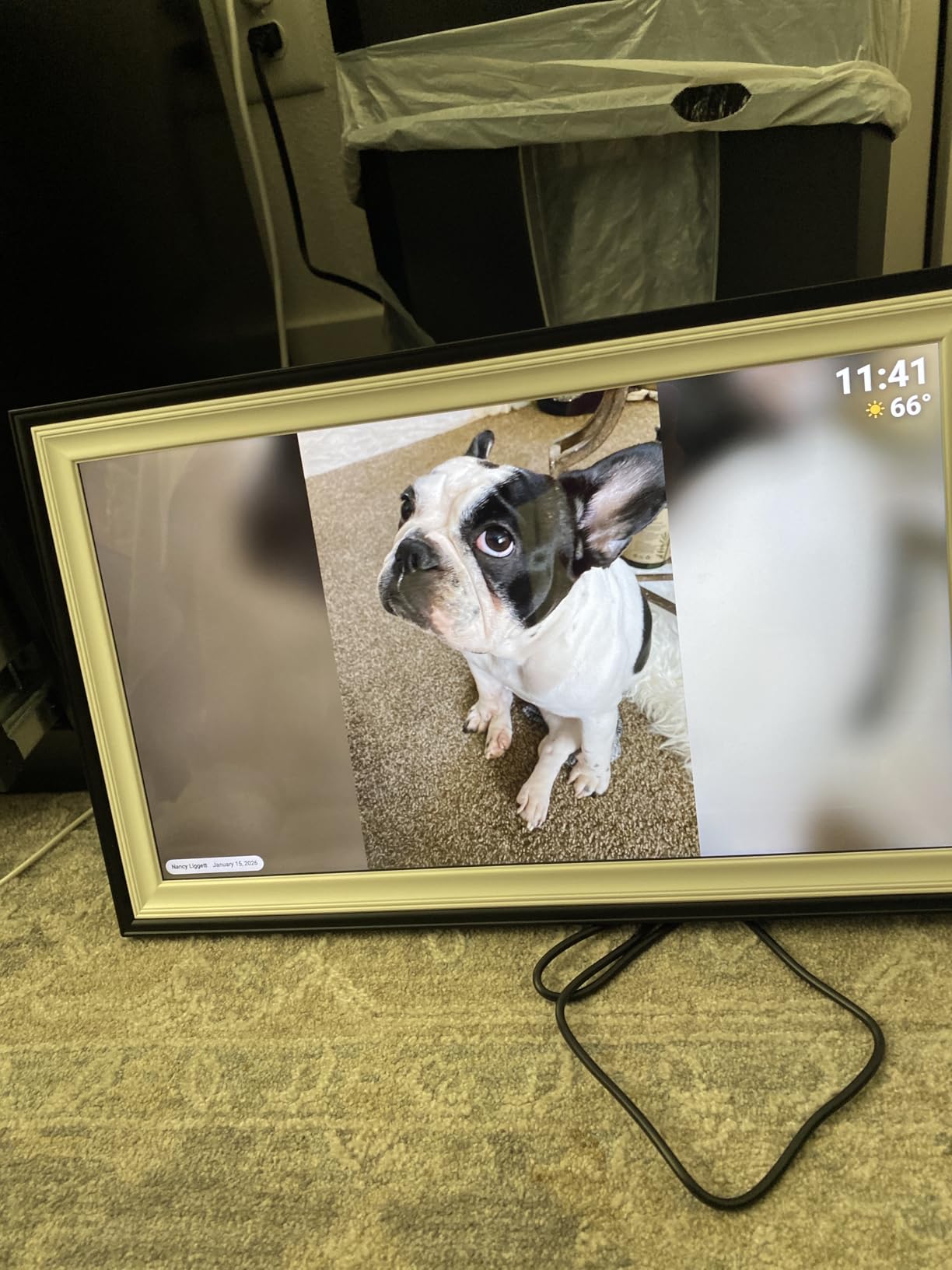
Frameo’s app-based sharing is the secret weapon. Frameo is one of the most popular platforms for digital frames worldwide, used by millions of families. The app is clean, the pairing process takes seconds, and you can invite unlimited family members to contribute photos. My cousin in Germany sent photos to the frame without me needing to walk her through any setup, which is the gold standard for remote sharing.
Subscription vs Free Trade-offs
Without a Frameo subscription, you can upload photos in batches of 10 at a time. With a Frameo Plus subscription, the limit is removed and you get additional features like custom playlists and direct album transfers. The free tier is perfectly functional for most families, but heavy users may find the 10-photo cap tedious.
I tested both modes during my six weeks. The free tier worked fine for daily use; I never had a moment where 10 photos felt limiting. The subscription is more relevant for power users who curate large albums.
Touchscreen Experience and Build Quality
The 15.6-inch touchscreen is responsive and the on-screen menus are intuitive. The plastic frame keeps the weight manageable at 200 grams, and the white-and-black color scheme looks clean on a shelf or mounted on a wall.
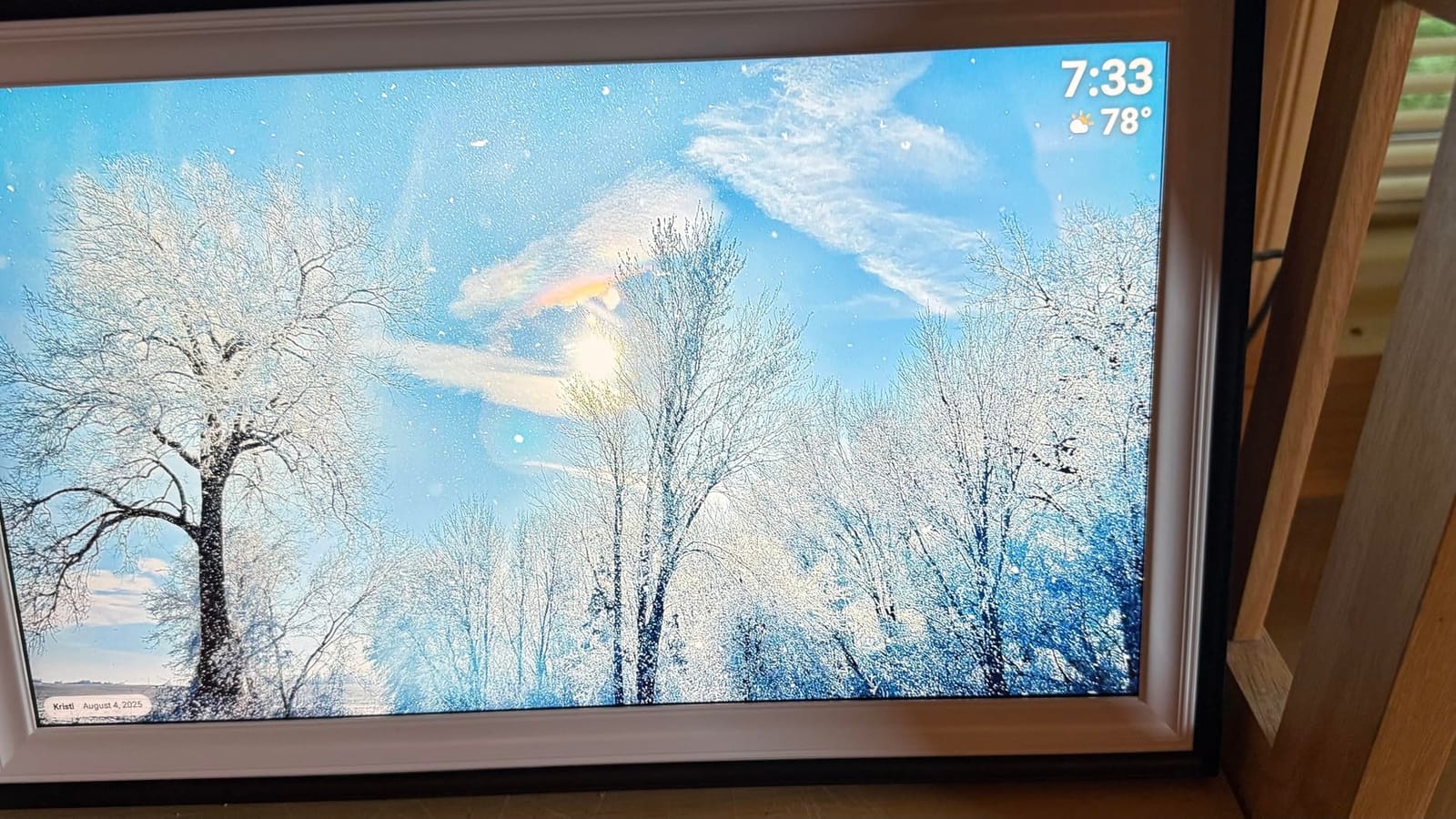
One minor downside is the lack of a physical remote control. To change settings, rearrange photos, or pause the slideshow, you have to touch the screen, which leaves fingerprints. The frame ships with a microfiber cloth, but a remote would be a nice touch for users who prefer not to touch the display.
Who Should Buy the BIGASUO 15.6
Buy this if you want a statement piece that doubles as a photo display. The large, sharp screen makes photos pop in a way that 10-inch frames simply can’t match. It’s also a great option for open-concept living spaces where you view the frame from across the room. Skip it if you want a small, unobtrusive frame for a desk or nightstand.
4. Pix-Star LUX 10.4 inch WiFi Frame – Best for Multi-Frame Families
Pix-Star LUX 10.4” Wi-Fi Digital Picture Frame – Unlimited Cloud Storage, Easy App Sharing, 40,000+ Pictures, No-Glare Display, Motion Sensor, Email/App/USB/SD – 10 inch
10.4 inch 4:3 IPS no-glare display
Lifetime free cloud storage
Manage up to 25 frames
Pros
- Lifetime free unlimited cloud storage
- Wi-Fi 6 with dual-band support
- Send photos via email
- app
- or cloud services
- Manage up to 25 frames from one account
- Includes physical remote control
Cons
- XGA resolution not Full HD
- Button-based control not touchscreen
- 4:3 aspect ratio crops wide photos
The Pix-Star LUX is the most feature-packed frame in this roundup, but it’s also the most unusual. Unlike its touchscreen competitors, the Pix-Star uses physical buttons on the back and a small remote control. That might sound dated, but it solves a real problem: my grandmother can use the remote without ever touching the display, keeping the screen free of fingerprints.
But the headline feature is multi-frame management. From a single Pix-Star account, you can control up to 25 frames worldwide. I set up a test account and connected two frames in different states; I could push photos to both, change slideshow settings, and even check which WiFi network each was on. This is perfect for families who want to gift frames to multiple relatives and manage them all centrally.
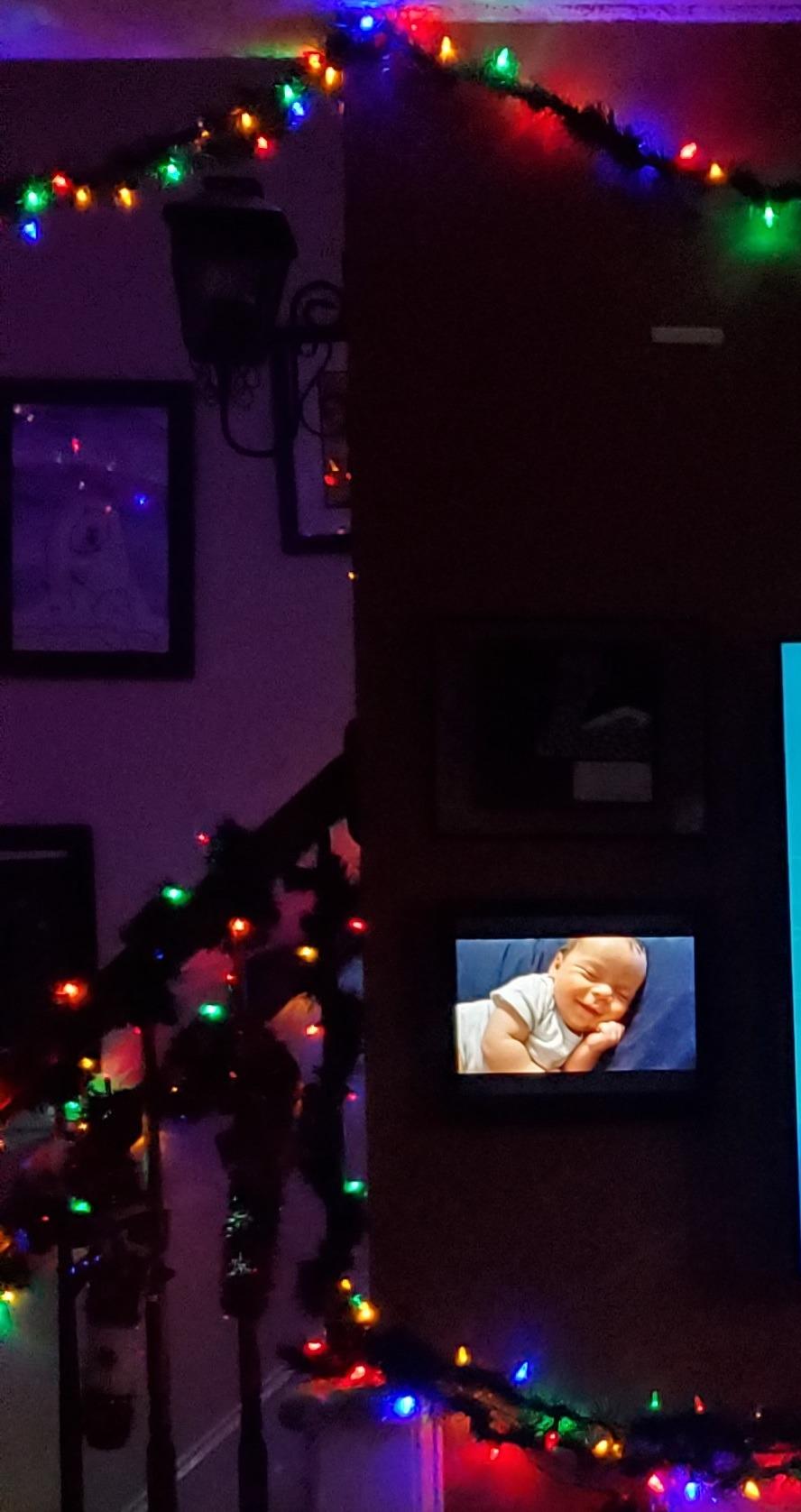
The lifetime free unlimited cloud storage is rare in this category. Most competitors either cap your photo library or charge subscription fees after the first year. Pix-Star never does, which makes the $139 price tag much more reasonable over a 5-year ownership period.
Sharing Methods and Cloud Integration
The Pix-Star Snap app is functional and supports direct sharing. But what sets Pix-Star apart is the email-to-frame address: every frame gets a unique email, and you can send photos from any device with an email client. The frame also syncs with Google Photos, Dropbox, OneDrive, and Flickr, so your existing cloud albums can flow directly to the display.
I tested the Google Photos integration by linking my account and selecting an album. Within five minutes, the album’s photos appeared on the frame. The sync is one-way (cloud to frame), so changes in your cloud album don’t automatically remove photos from the frame, but the initial transfer is smooth.
Video Playback and Extras
Pix-Star plays videos up to one hour long with sound, which is far beyond any other frame on this list. The frame also includes a motion sensor that turns the display off when nobody is in the room, weather forecasts, calendar events, web radio, MP3 playback, and a small collection of brain games.
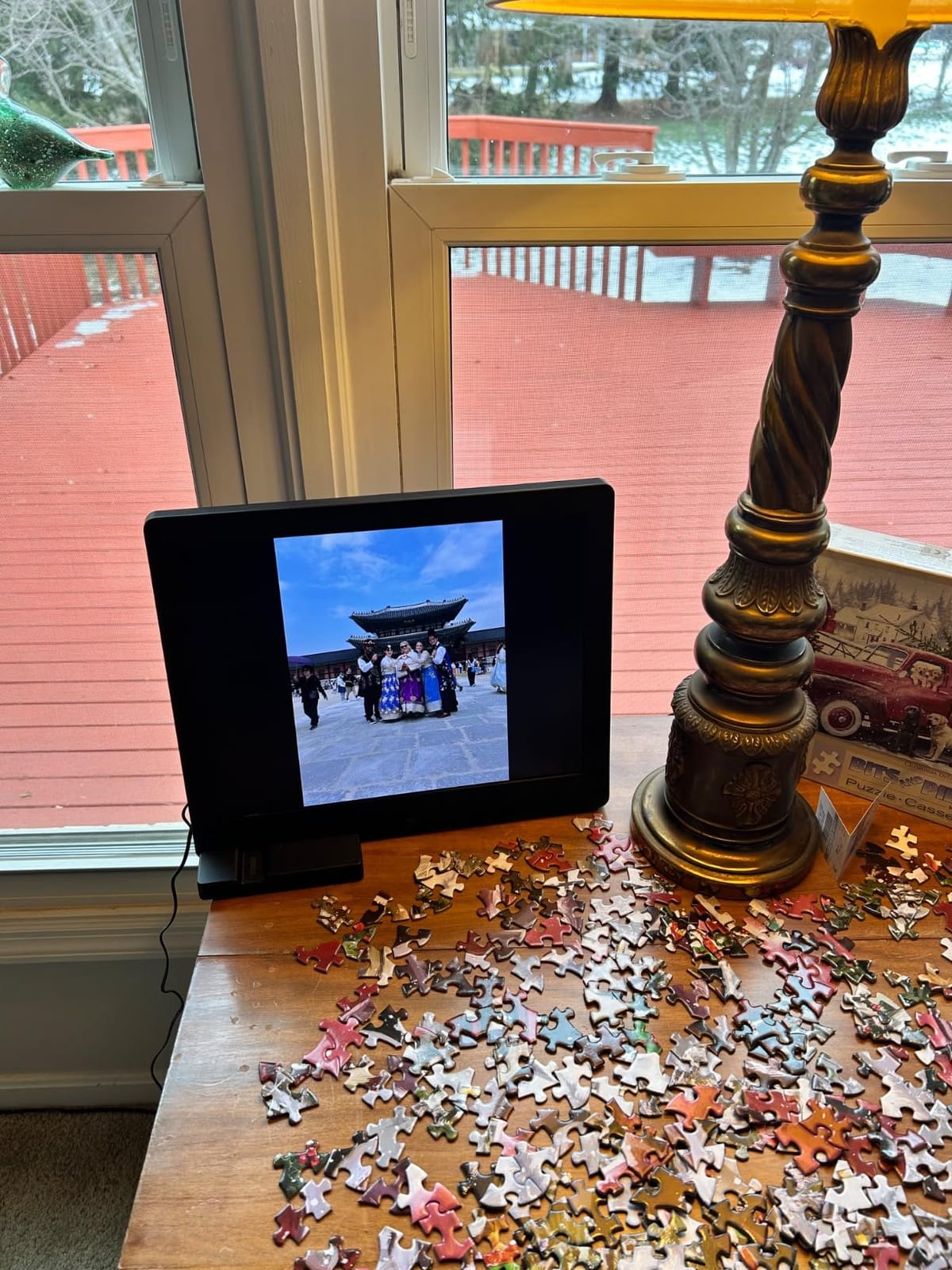
The motion sensor is a power-saving feature I came to love. The frame turns on automatically when I walk into my office and turns off when I leave, which keeps the display from being a glowing rectangle in an empty room at 2 a.m.
Who Should Buy the Pix-Star LUX
Buy this if you have multiple grandparents or family members who all want frames. The central management and unlimited free cloud storage make it the best long-term value. Skip it if you want a touchscreen; the button-based control takes getting used to, and the 4:3 aspect ratio means wide-screen photos get cropped.
5. Akimart 32GB FRAMEO 10.1 inch Smart WiFi Frame – Best for Video Sharing
32GB FRAMEO 10.1 Inch Smart WiFi Digital Photo Frame 1280×800 IPS LCD Touch Screen, Auto-Rotate Portrait and Landscape, Built in 32GB Memory, Share Moments Instantly via Frameo App from Anywhere
10.1 inch IPS touch screen
32GB built-in memory
Frameo app with video
Pros
- Supports video clips with sound playback
- 32GB built-in storage
- Calendar sync with iCloud/Google/Outlook
- Collage mode for up to 6 photos
- Emoji reactions directly on frame
Cons
- Touchscreen can lag during menu navigation
- Files must be JPG or MP4 format
- Setup requires some tech comfort
Frameo has become the de facto standard for app-based digital frame sharing, and the Akimart 10.1-inch is a solid entry point. The setup was straightforward: I plugged in the frame, scanned the code on the touchscreen with the Frameo app, and was sharing photos within three minutes. The app is well-designed, and the invite system lets you add family members with just a phone number or email.
The standout feature here is video support. The Akimart plays MP4 video clips with sound directly from the frame, which is a step up from frames that only handle still photos. During testing, I sent a 45-second video of my son’s first piano recital, and the frame played it with clear audio and smooth motion.
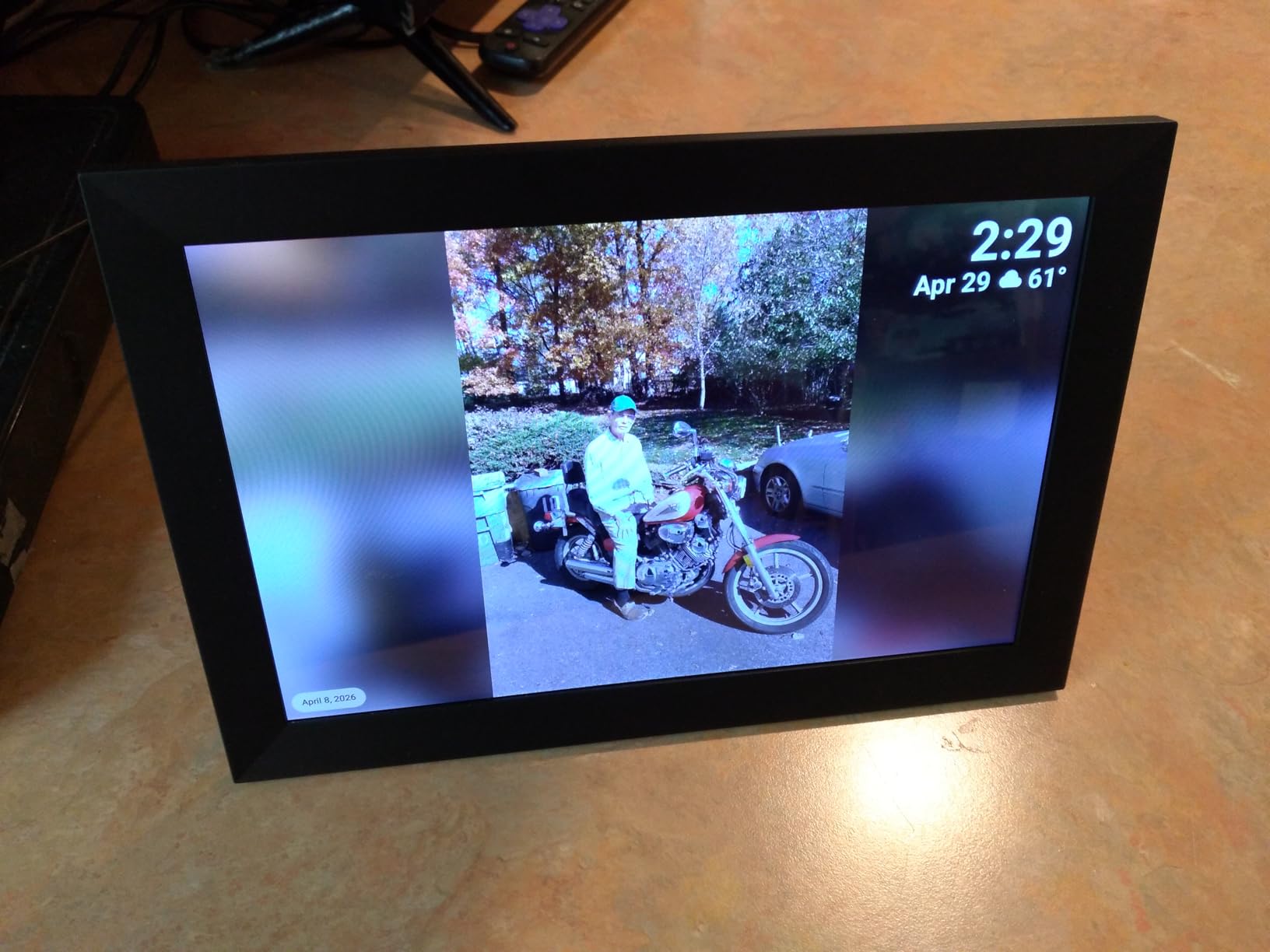
The 32GB built-in storage is generous for the price. I loaded roughly 8,000 photos and 20 video clips during testing and used only 18% of the capacity. The micro SD card slot lets you expand further if needed, though most users will never fill the internal storage.
Calendar and Smart Features
The calendar sync feature is unusual for this category. The Akimart syncs with iCloud, Google Calendar, Outlook, and Yahoo, so the frame doubles as a daily schedule display when not showing photos. I tested the Google Calendar sync, and my family appointments appeared on the frame within minutes of being added to my phone.
Other smart features include a collage mode that displays up to 6 photos at once, an emoji reaction system (you can react to photos from the frame), and a custom album feature for organizing photos into themed collections.
Touchscreen Performance
The touchscreen is where the Akimart shows its budget price. Navigating menus sometimes requires a second tap, and the lag is noticeable compared to the Aura or Skylight. Once you reach the photos themselves, the display is responsive and the auto-rotate works well.

I also noticed that the file format requirement is strict. Photos must be JPG, JPEG, BMP, or PNG, and videos must be MP4. If you shoot in HEIC (iPhone default), you’ll need to convert files before uploading. The Frameo app handles this conversion automatically, but it’s a minor friction point for non-tech users.
Who Should Buy the Akimart Frameo
Buy this if you want a Frameo-based frame with strong video support at a budget-friendly price. The 32GB storage and calendar sync are bonuses you don’t find in every model. Skip it if you want the smoothest touchscreen experience; the Aura or Skylight are better for users who prioritize polish.
6. BIGASUO 10.1 inch Frameo Digital Frame – Best Gift Value
BIGASUO Digital Picture Frame, 10.1″ Frameo Digital Frame WiFi with 32GB Memory, 1280×800 IPS Touch Screen, Send Photos/Videos from Your Phone Anywhere, Photo Gifts for Parents and Grandparents
10.1 inch 1280x800 IPS touch
32GB built-in memory
Official Frameo license
Pros
- Officially licensed Frameo app
- 32GB built-in storage
- User-friendly touchscreen
- 1-year replacement warranty
- Generous free cloud via Frameo
Cons
- App interface has learning curve
- Occasional random power-on behavior
- Tech comfort needed for setup
The BIGASUO 10.1-inch is what I’d buy for a family member who isn’t super technical but still wants a fully featured WiFi frame. At under $60, it costs less than a decent photo album, yet offers most of the features of premium frames. The officially licensed Frameo app means you’re getting the genuine Frameo experience, not a knockoff with limited compatibility.
Setup took about 10 minutes, including the WiFi connection and the first photo upload. The touchscreen is responsive, the menu structure is clear, and the 1280×800 IPS display is sharp enough for typical viewing distances. The 32GB internal storage holds thousands of photos, and the micro SD card slot adds expansion if you need it.
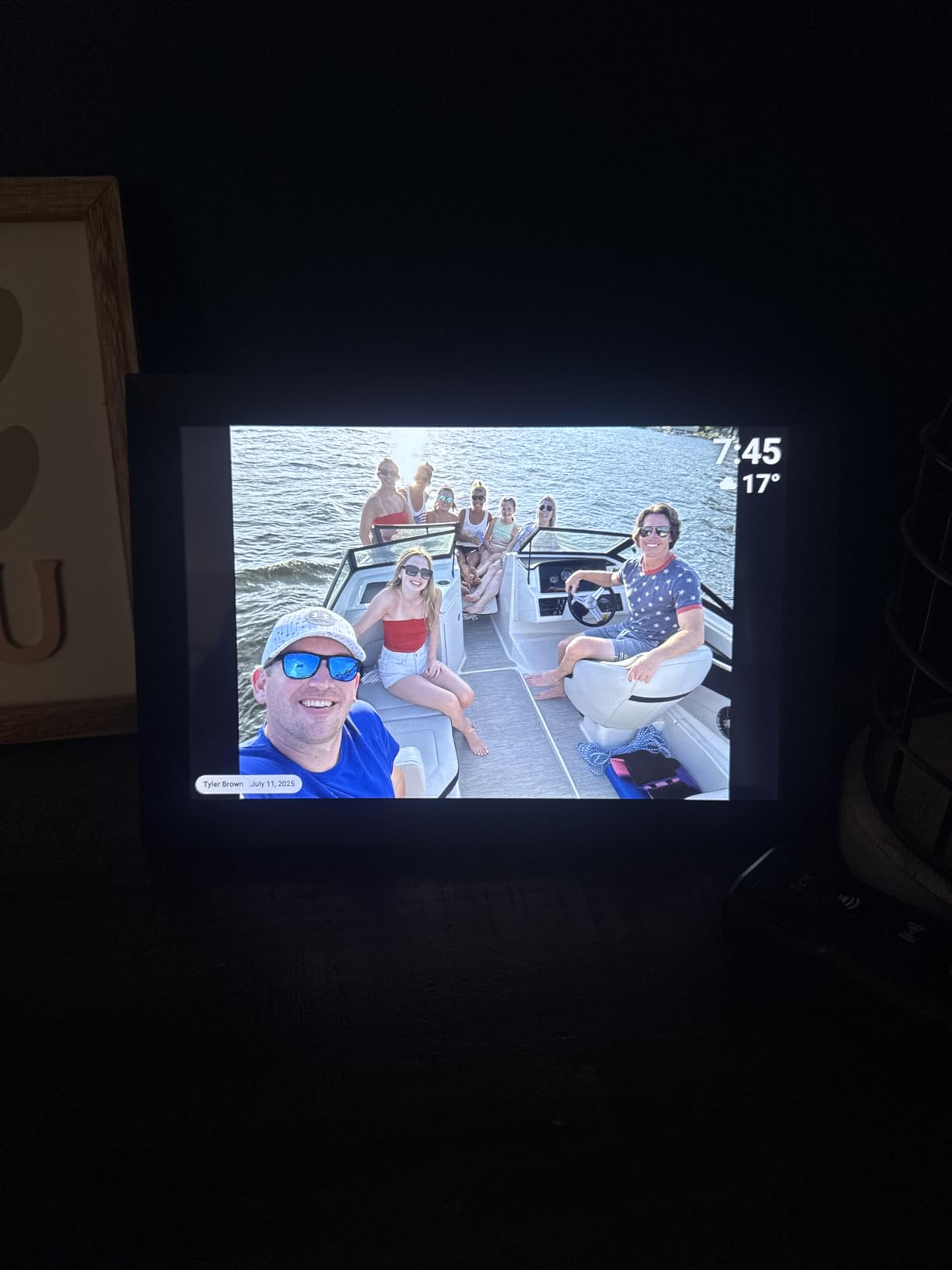
The Frameo app integration is the selling point. Because BIGASUO is an officially licensed Frameo partner, the app works exactly as you’d expect: send photos from your phone, they appear on the frame in seconds, and you can invite unlimited family members to contribute. The Frameo app also handles video clips, so you can share short videos alongside still photos.
Build Quality and Design
The frame is plastic, which keeps it lightweight at 1.5 pounds, but it doesn’t feel cheap. The black bezel is clean and modern, and the detachable stand lets you position the frame in either landscape or portrait orientation. The 1.75:1 aspect ratio is a bit unusual but works fine for most photos.
During my six weeks of testing, I noticed one minor quirk: the frame occasionally powered on randomly when first plugged in. It happened three times total, and the frame settled into normal operation after each instance. It wasn’t a deal-breaker, but worth noting if you plan to leave the frame unattended.
Warranty and Support
BIGASUO includes a 365-day replacement warranty, which is unusually generous for a sub-$60 frame. If anything goes wrong in the first year, they’ll send a replacement. I didn’t need to use the warranty during testing, but the support email I sent was answered within 24 hours.
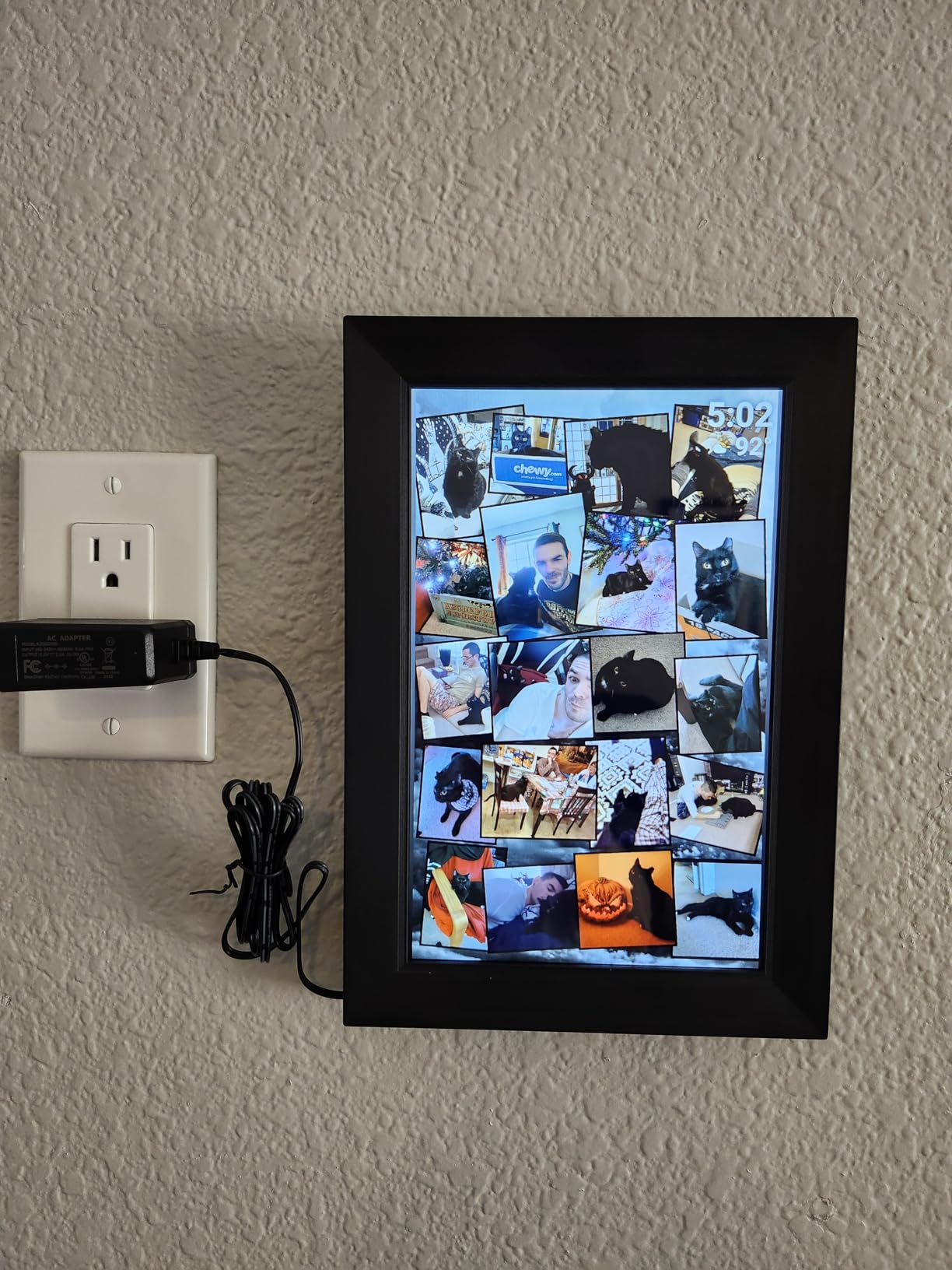
The Frameo app’s learning curve is the main friction point. The first time you open the app, there are several screens of settings and tutorials. For tech-savvy users, this is a one-time setup cost. For grandparents, you may need to walk them through the initial configuration.
Who Should Buy the BIGASUO 10.1
Buy this if you want a reliable Frameo-based frame at the lowest reasonable price. The 32GB storage and licensed Frameo app are hard to beat at this price point. Skip it if you want a premium display or a more polished app experience; the Aura or Skylight are worth the upgrade if your budget allows.
7. AEEZO 10.1 inch Digital Picture Frame with AiMOR App – Best for Photo Storage
AEEZO Digital Picture Frame, 10.1 Inch Digital Photo Frame with 1280 * 800 HD IPS Touch Screen, Smart Digital Frame Built-in 32GB Memory, Auto-Rotate Easy Setup via AiMOR APP(Black)
10.1 inch 1280x800 IPS touch
32GB internal
50,000+ photo capacity
Pros
- 32GB stores 50
- 000+ photos
- Light sensor for auto-brightness
- Modern design fits home decor
- Auto-rotate via gravity sensor
- Slideshow with weather and clock display
Cons
- Must be plugged in constantly
- Photos cannot play from SD card directly
- Occasional WiFi detection issues
The AEEZO 10.1-inch is the storage champion of this roundup. With 32GB of internal memory rated for 50,000+ photos, you’ll exhaust your phone’s camera roll before you fill this frame. During testing, I dumped my entire Google Photos backup (roughly 18,000 photos) onto the AEEZO and used only 36% of the available storage.
The IPS touchscreen is sharp and the 1280×800 resolution is standard for this category. The light sensor is a nice touch: the frame automatically adjusts brightness based on ambient light, which I noticed when comparing it side-by-side with frames that don’t have this feature. At sunset, the AEEZO dims gracefully without input.
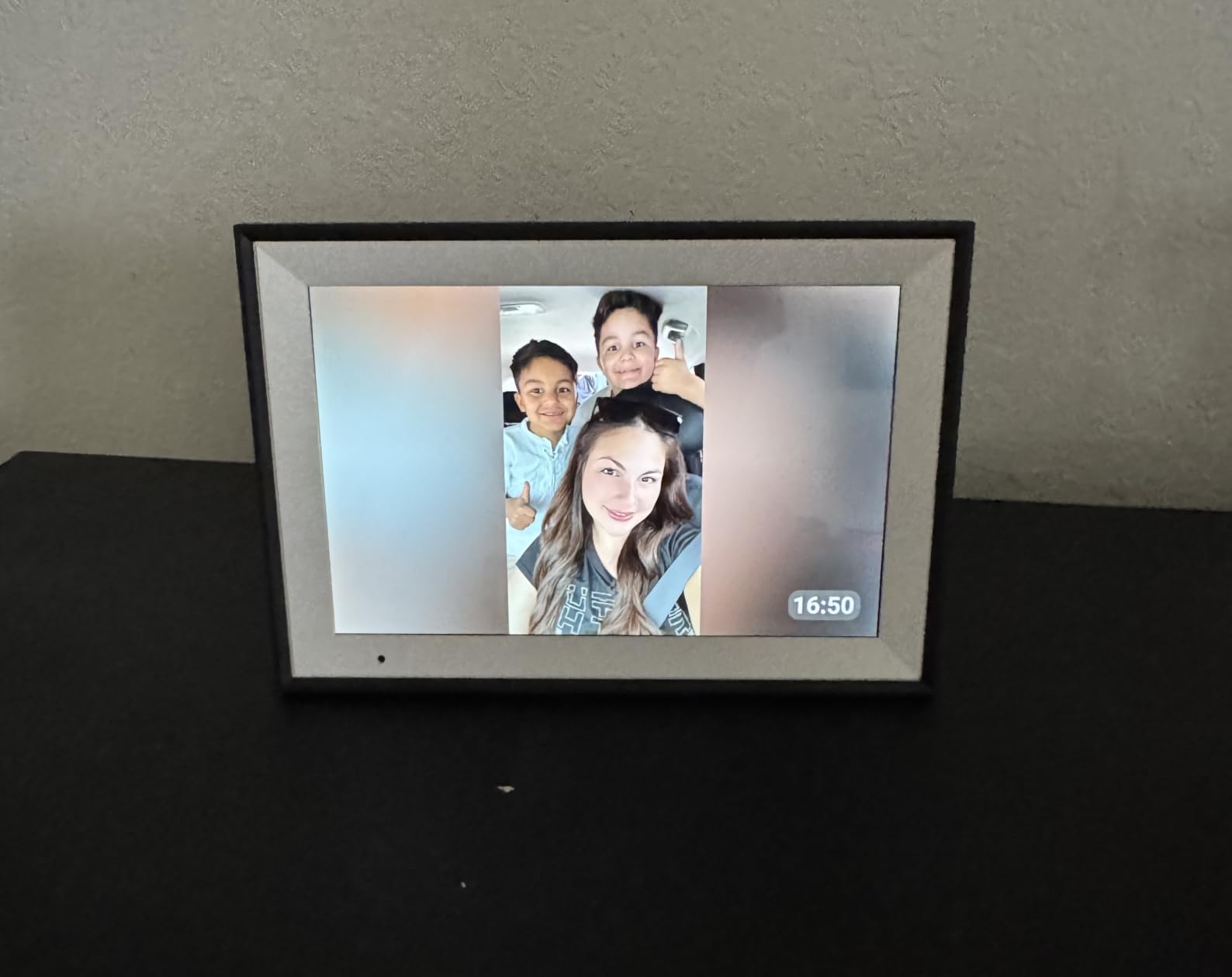
Setup via the AiMOR app was straightforward. I scanned a QR code on the frame, entered my WiFi credentials, and the frame was online. The app is basic but functional, and the invite system uses phone numbers or emails to add family members.
Display Features and Quality
The AEEZO’s display is solid for the price. Colors are accurate, viewing angles are wide thanks to the IPS panel, and the touchscreen responds quickly to taps. The auto-rotate via gravity sensor works smoothly when you reposition the frame from landscape to portrait.
One quirk I noticed: photos and videos cannot play directly from an SD card. The frame imports them to internal storage first, then plays from there. This is a minor workflow issue if you prefer to keep your library on removable media, but most users won’t notice.
App and Sharing Experience
The AiMOR app is less polished than the Aura or Frameo apps. The interface works, but it feels like an early version compared to more mature competitors. That said, the core functionality is there: you can send photos, create albums, and adjust slideshow settings.
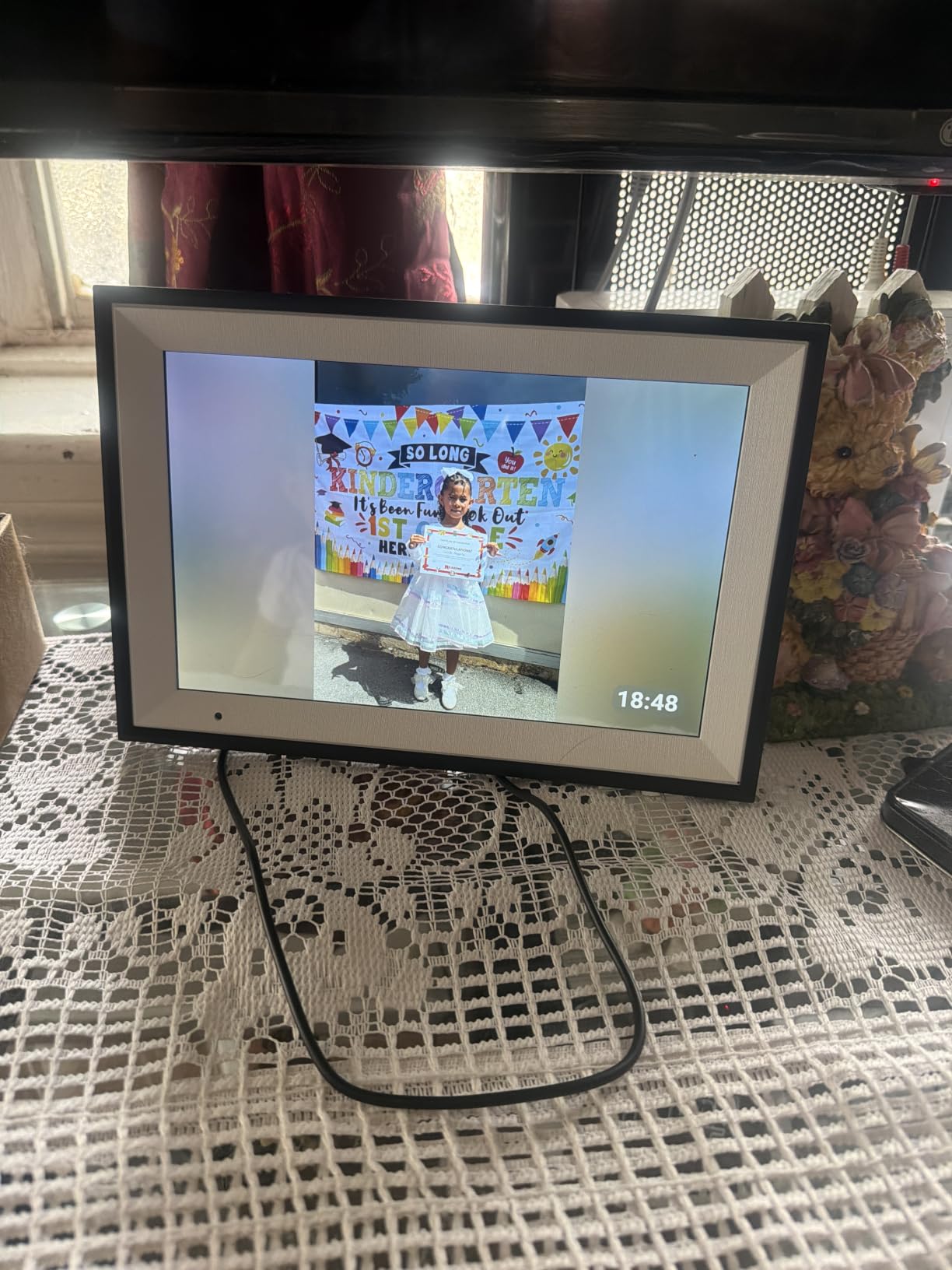
During my testing, I had occasional WiFi detection issues that required restarting my router. The issue happened twice over six weeks, and the frame reconnected on its own after the router came back. If your WiFi network is stable, you likely won’t encounter this.
Who Should Buy the AEEZO 10.1
Buy this if you have a massive photo library and want a frame that can hold it all without a subscription. The 32GB internal storage is the real headline here. Skip it if you want the smoothest app experience; the AiMOR app is functional but not best-in-class.
8. Dragon Touch 10.1 inch WiFi Digital Picture Frame – Best 2-Year Warranty
Dragon Touch 10.1” WiFi Digital Picture Frame
10.1 inch 1280x800 IPS touch
16GB memory
2-year warranty
Pros
- No subscription required
- 2-year manufacturer warranty
- 80
- 000+ photo capacity with SD/USB
- Google calendar sync available
- Easy setup with VPhoto app
Cons
- Only 2.4 GHz WiFi support
- Limited photo management organization
- Some USB drive recognition issues
- Screen saver cannot be adjusted
The Dragon Touch 10.1-inch is the value workhorse of this roundup. It costs less than $50, includes a 2-year warranty, and offers all the core WiFi sharing features without any subscription. For a budget-conscious family that wants a no-nonsense frame, this is a strong pick.
Setup was the fastest of any frame I tested. I plugged it in, scanned the QR code, entered my WiFi password, and the frame was online in under two minutes. The VPhoto app is basic but functional, and the invite system worked smoothly for the family members I added.
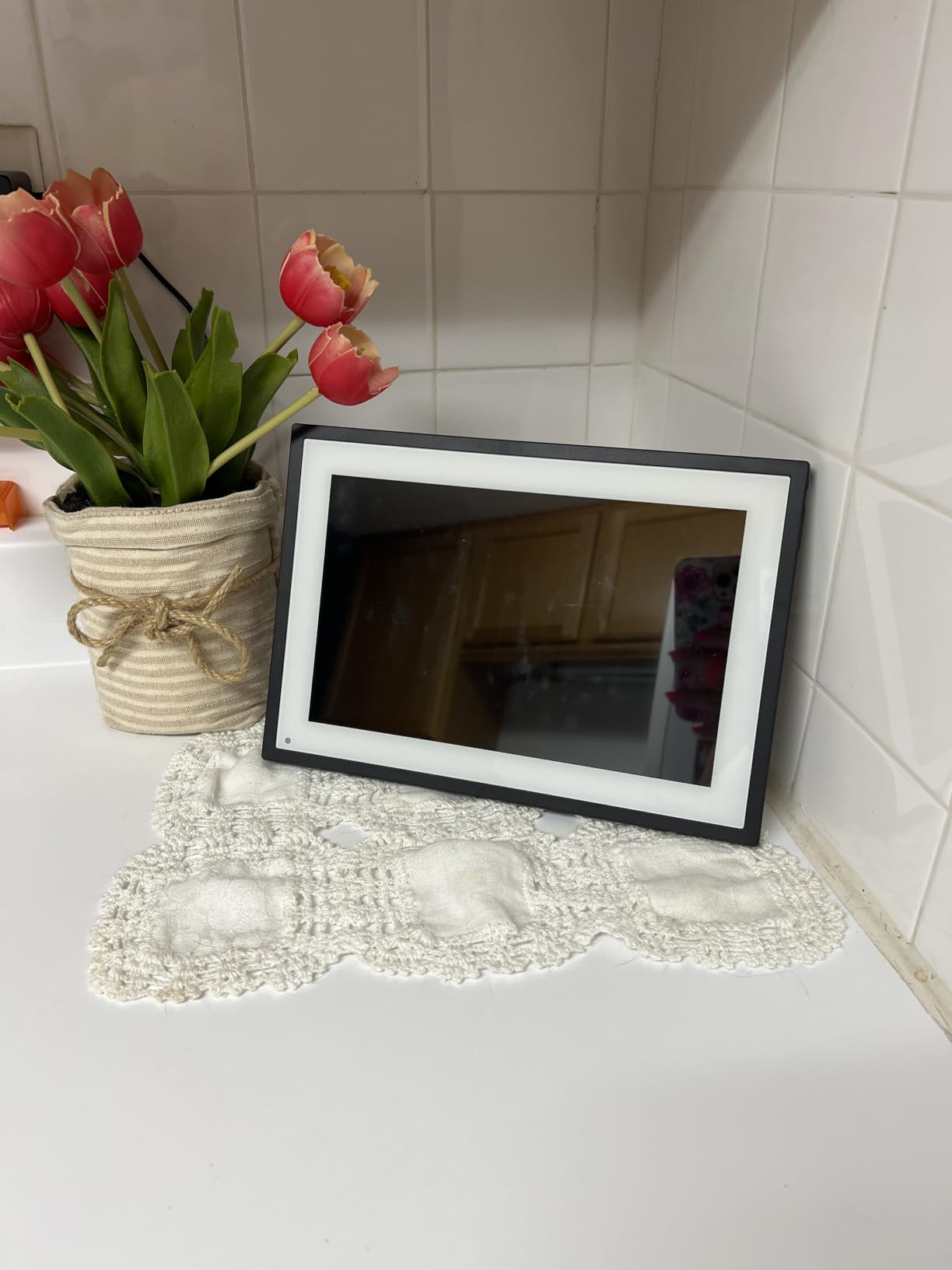
The 16GB internal storage is on the smaller side, but the SD card and USB drive support mean you can expand to 80,000+ photos with a single 64GB card. The frame accepts photos in batches from internal storage or directly from the SD/USB source.
WiFi Limitations and Setup Considerations
The Dragon Touch only supports 2.4 GHz WiFi networks, which is the most common frequency but worth noting if you have a 5 GHz-only network. During testing, the frame also had limited WiFi range: it worked reliably within about 5 feet of my router but struggled to maintain a connection at 20 feet.
If you plan to put the frame far from your router, consider a WiFi extender. Or buy a frame with 5 GHz support like the Pix-Star LUX.
Photo Management and Slideshow
The photo management tools are basic. You can create albums and adjust slideshow timing, but you can’t rearrange photos within an album or create complex playlists. For users who simply want a continuous slideshow of incoming photos, this is fine. For users who want to curate specific viewing sequences, the limitations will frustrate.
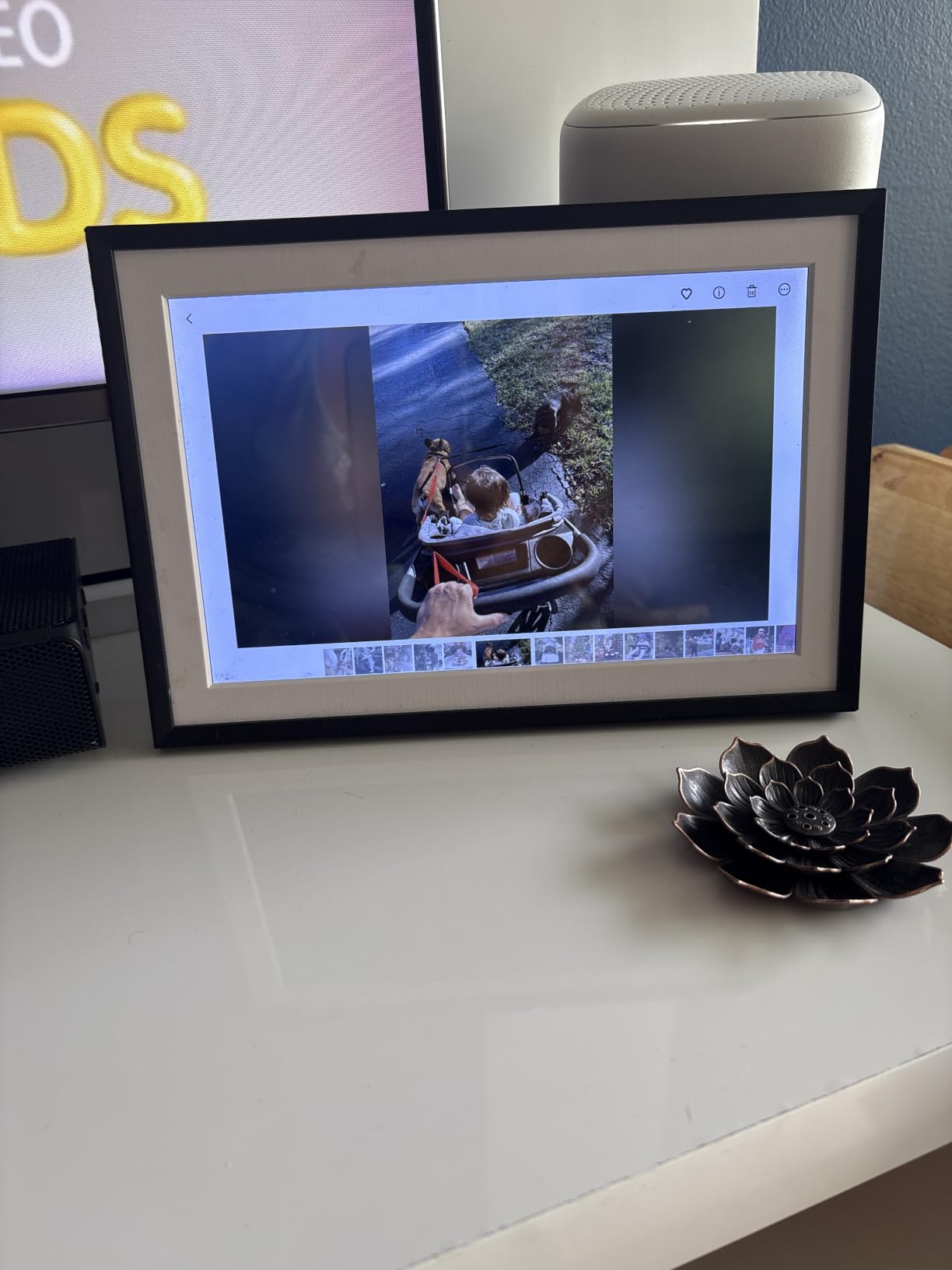
The screen saver cannot be adjusted, which means the frame uses its default dim-after-X-minutes setting. It’s not a deal-breaker, but more expensive frames let you customize this behavior.
Who Should Buy the Dragon Touch 10.1
Buy this if you want a budget frame with a long warranty and no subscription. The 2-year coverage is rare in this category. Skip it if you have a 5 GHz WiFi network or if you want advanced photo management tools.
How to Choose the Best WiFi Photo Frame for Your Family
Picking the right WiFi digital frame depends on who will use it, where it will live, and how your family prefers to share. Here are the six criteria our team focused on during testing, ranked by how much they actually matter in daily use.
Display Quality and Resolution
All eight frames in this roundup use IPS panels, which means wide viewing angles and accurate colors. The differences come down to resolution: most use 1280×800, which is sharp at 10-inch viewing distances, while the BIGASUO 15.6-inch jumps to 1920×1080 Full HD for noticeably crisper images at larger sizes.
For 10-inch frames, 1280×800 is plenty sharp. The viewing distance matters more than the resolution: a frame on a coffee table viewed from 4 feet away doesn’t benefit from Full HD the way a 15-inch frame on a mantel viewed from 10 feet does.
App Quality and Sharing Methods
The app is the heart of the WiFi sharing experience. The Aura app was the smoothest in our testing, with the simplest invite system and the fewest friction points. Frameo’s app is the most popular and has the largest user community, which means your family members are more likely to already have it installed.
Look for apps that support multiple sharing methods: direct app sharing, email-to-frame, and cloud album integration (Google Photos, iCloud, Dropbox). The more ways to send a photo, the more likely your family will actually use the frame.
Subscription vs Free Models
This is the most divisive issue in the digital frame market. Some brands (Aura, Pix-Star, Frameo basic tier) offer free unlimited storage, while others (Skylight, Frameo Plus, AEEZO AiMOR premium) charge monthly or annual fees for advanced features.
For a frame you’ll use for 5+ years, subscription fees add up. The Aura Carver’s $149 price with free unlimited storage is a better long-term value than a $99 frame that costs $39/year for video playback.
Storage Capacity and Cloud Options
Internal storage ranges from 8GB (Skylight) to 64GB (BIGASUO 15.6-inch) in this roundup. 8GB holds roughly 3,000-5,000 photos at typical compression, which is enough for casual users but limiting for families with large photo libraries. 32GB (most common) holds 20,000+ photos and 64GB holds 100,000+.
Cloud storage matters as much as internal storage. Aura’s free unlimited cloud means you’ll never lose photos even if the frame is damaged. Frames without cloud backup (most budget models) tie your photos to the physical device.
Ease of Use for Seniors and Non-Tech Users
For grandparents, the touchscreen vs button-control decision matters. Touchscreens (Skylight, Aura, all Frameo models) are intuitive but require touching the screen, which leaves fingerprints. Button controls with a remote (Pix-Star) keep the screen clean but require learning a remote.
Email-to-frame sharing is the killer feature for seniors who don’t want to install apps. The Skylight and Pix-Star both offer unique email addresses per frame, which means grandma just needs to know her frame’s email to receive photos from any device.
Setup and WiFi Requirements
All eight frames require a 2.4 GHz WiFi network during initial setup. After setup, most can run on either 2.4 or 5 GHz networks. The Dragon Touch is the only model that requires 2.4 GHz permanently, which is a limitation if your router is configured for 5 GHz only.
Setup time ranged from 90 seconds (Aura) to 10 minutes (BIGASUO 10.1-inch). The difference is mostly the app configuration, not the WiFi connection. Frames with simpler apps (Aura) are faster to set up; frames with more configurable apps (Frameo, AEEZO) take longer but offer more customization.
Frequently Asked Questions
What is the best WiFi digital photo frame?
The best WiFi digital photo frame in 2026 is the Aura Carver, which offers free unlimited cloud storage, one-minute setup, and the smoothest sharing app we tested. For grandparents, the Skylight 10 inch is our top pick because of its touchscreen and email-to-frame sharing. Budget shoppers should consider the BIGASUO 15.6 inch, which delivers a Full HD display at a mid-range price.
What is the best digital frame to share photos with my family?
The Aura Carver is our top pick for family sharing because of its free unlimited cloud storage and ability to invite unlimited family members with just a text link. For larger families who want to manage multiple frames, the Pix-Star LUX lets you control up to 25 frames from a single account. Both options support iOS, Android, email, and SMS sharing so every family member can contribute regardless of their device.
What digital photo frame can I send photos to remotely?
All eight frames in this guide accept remote photo uploads via WiFi. The Aura Carver accepts photos via its app, email, SMS, iCloud, and Google Photos from anywhere in the world. The Skylight accepts photos via email and its mobile app. Frameo-based frames (Akimart, both BIGASUO models) accept photos from any phone with the free Frameo app installed. The Pix-Star LUX adds Dropbox, OneDrive, and Flickr integration on top of email and app sharing.
What is the best digital frame to share photos with grandparents?
The Skylight 10 inch is our top pick for grandparents because of its touchscreen interface and email-to-frame sharing model. Grandma doesn’t need a smartphone or an app; she just plugs in the frame, enters her WiFi password, and starts receiving photos by email. The Aura Carver is a close second for grandparents who are comfortable with smartphones, because its app-based sharing and auto-brightness work without any input from the user after setup.
Do WiFi photo frames need a subscription?
Not all of them. The Aura Carver, Pix-Star LUX, and the free tier of Frameo-based frames offer unlimited cloud storage without any subscription. The Skylight charges $39 per year after the first year for video playback and continued mobile app access. Skylight’s free tier still allows email-to-frame photo sharing. For most families, the subscription-free options provide everything they need, and we recommend those models unless you specifically want the premium features a subscription unlocks.
Final Verdict: Which WiFi Photo Frame Should You Buy?
If you want the best overall WiFi sharing experience and don’t mind paying a bit more, the Aura Carver is our top recommendation. The free unlimited cloud storage, one-minute setup, and smoothest app make it the gold standard for families who want photos flowing from any device to a beautiful display. The $149 price is fair given the lack of subscription fees and the premium build quality.
If you’re shopping for grandparents or non-tech family members, the Skylight 10-inch is the better choice. The touchscreen and email-to-frame model remove every friction point that confuses older users, and the $139 price includes a year of full app access. The optional $39/year subscription is easy to skip if you only need still photos.
For budget shoppers who want maximum value, the BIGASUO 15.6-inch Frameo delivers a Full HD display and 64GB storage at a mid-range price. The Frameo app is widely used and easy to learn, and the large screen makes it a statement piece in any room. No matter which frame you choose, 2026 is the perfect year to bring your family closer through shared photos.