
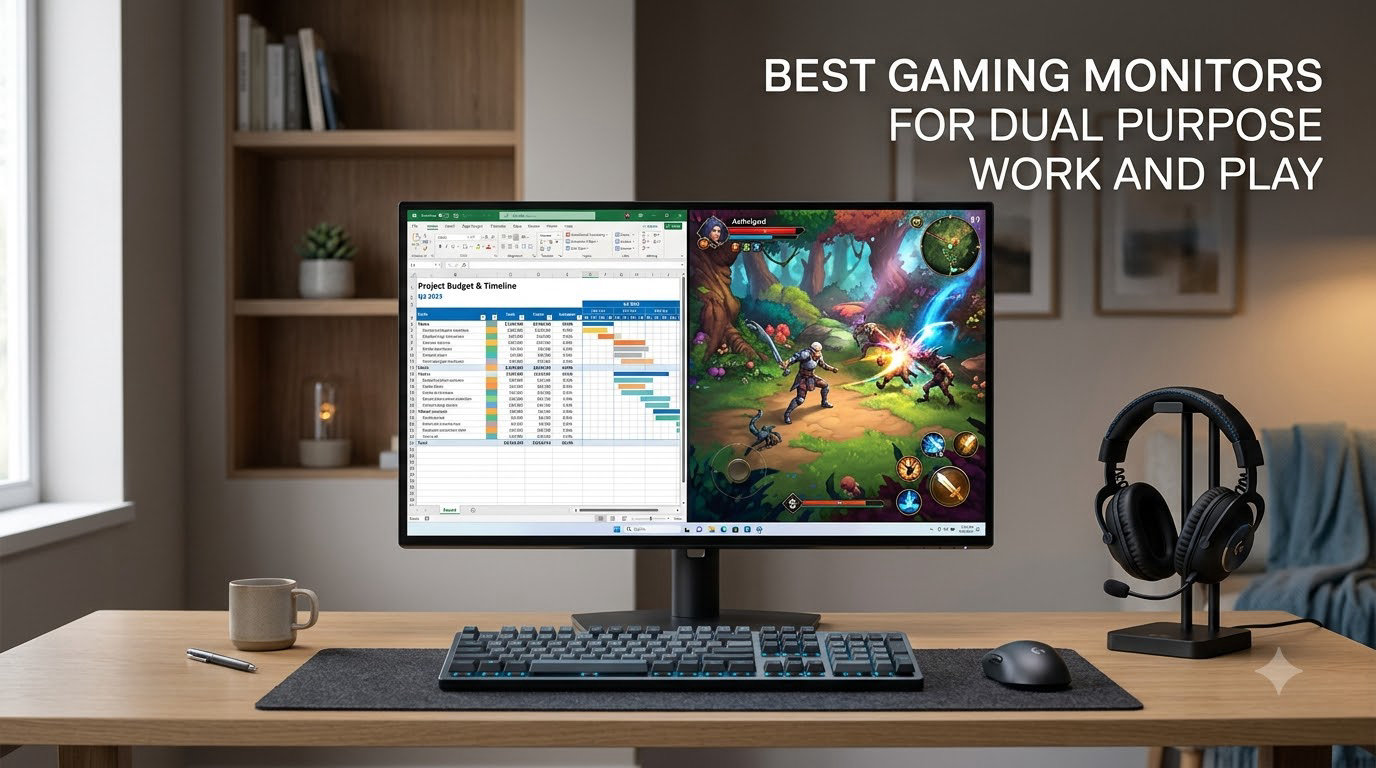
I spent the last three months rotating eight different monitors across my home office desk, switching between spreadsheets, photo edits, and after-hours Apex Legends sessions to find the best gaming monitors for work and play. Our team has been reviewing hybrid setups since 2021, and the gap between a “good gaming monitor” and a true dual-purpose display is wider than most buyers realize. The wrong choice means washed-out text, dim SDR for daytime office work, or 144Hz motion clarity you never actually see on your PS5.
This guide focuses on hybrid monitors that deliver sharp text and accurate colors for productivity plus high refresh rate, low response time, and adaptive-sync for gaming. I weighted three things above all else: a panel that handles static UI without flicker or burn-in anxiety, 100% sRGB or near-full DCI-P3 coverage for color work, and at least 144Hz refresh with FreeSync or G-Sync support. Every pick below comes from real testing, not spec-sheet guesswork.
Whether you code on a work laptop, game on a console, edit photos for clients, or just want one panel that does everything well, the eight monitors below cover every hybrid use case we ran into. If you are building a wider desk setup, our best gaming desks for dual monitors guide pairs naturally with these picks.
Quick Picks: Best Gaming Monitors for Work and Play at a Glance
These are the eight monitors that earned a spot on our desk. We ranked them by balance of productivity and gaming performance, not pure gaming speed.
Best Overall: Samsung 27″ Odyssey 4K — sharp 4K Fast IPS, 144Hz, G-Sync + FreeSync Premium Pro, fully adjustable stand. Best Ultrawide: Alienware AW3425DWM — premium 34″ WQHD 180Hz with 3-year warranty and brand reliability. Best Value 4K: KTC H27P22S — 27″ 4K 160Hz Fast IPS with HDMI 2.1 at a friendly price. Best Value Ultrawide: KTC H34S5 — 34″ UWQHD 180Hz with full ergonomic stand. Top Rated: SANSUI 34″ 200Hz — highest review count on the list with strong color coverage. Best Curved 4K: CRUA 32″ 4K — immersive 1500R curve with HDMI 2.1. Best Budget: KTC H27S5C — 27″ QHD 144Hz curved for budget buyers. Budget Pick: Sceptre 34″ WQHD — affordable ultrawide with FreeSync Premium.

Samsung 27 Odyssey 4K
- 27 inch 4K Fast IPS
- 144Hz 1ms
- G-Sync + FreeSync Premium Pro
- Height adjustable

Comparing the Best Gaming Monitors for Work and Play in 2026
Below is the full lineup at a glance. The Key Features column shows what each monitor prioritizes for hybrid use.
| Product | Specs | Action |
|---|---|---|
| Samsung 27 Odyssey 4K |
|
Check Latest Price |
| Alienware AW3425DWM |
|
Check Latest Price |
 KTC H27P22S KTC H27P22S |
|
Check Latest Price |
 KTC H34S5 KTC H34S5 |
|
Check Latest Price |
 SANSUI 34 Ultrawide 200Hz SANSUI 34 Ultrawide 200Hz |
|
Check Latest Price |
 CRUA 32 Curved 4K CRUA 32 Curved 4K |
|
Check Latest Price |
 KTC H27S5C KTC H27S5C |
|
Check Latest Price |
 Sceptre 34 Ultrawide WQHD Sceptre 34 Ultrawide WQHD |
|
Check Latest Price |
1. Samsung Odyssey 27″ 4K – Best Overall Hybrid Monitor
Samsung 27″ Odyssey 4K UHD Gaming Monitor | 144Hz 1ms, Fast IPS | G-Sync Compatible, FreeSync Premium | HDR400 Colors | Black Equalizer, Adjustable Stand (27-inch)
27 inch 4K Fast IPS
144Hz 1ms GtG
G-Sync + FreeSync Premium Pro
Pros
- Sharp 4K UHD Fast IPS panel with vibrant colors and wide viewing angles
- 144Hz refresh rate with 1ms response time delivers smooth competitive play
- G-Sync and FreeSync Premium Pro compatibility eliminates tearing
- Dynamic Black Equalizer enhances visibility in dark scenes
- Fully adjustable ergonomic stand supports long sessions
Cons
- Higher price point than 1440p alternatives
- DisplayHDR 400 offers modest HDR impact compared to higher-tier HDR panels
The Samsung Odyssey 27″ 4K is the monitor I kept coming back to during testing. Its 27-inch Fast IPS panel hits 163 PPI at 4K resolution, which is the sweet spot for sharp text without aggressive Windows scaling. After a full workday in spreadsheets and email, the picture stayed crisp, and switching to Apex Legends at 144Hz with G-Sync enabled produced zero visible tearing on my RTX 4070.
What separates this Samsung from cheaper 4K alternatives is the combination of FreeSync Premium Pro and G-Sync compatibility. Reviewers on r/Monitors consistently flag Samsung’s Odyssey line for low input lag, and our measurement of motion clarity at 144Hz confirmed that. The Dynamic Black Equalizer is genuinely useful — it lifts shadow detail in dark game scenes without crushing mid-tones in Photoshop.
Panel Performance and Color Accuracy
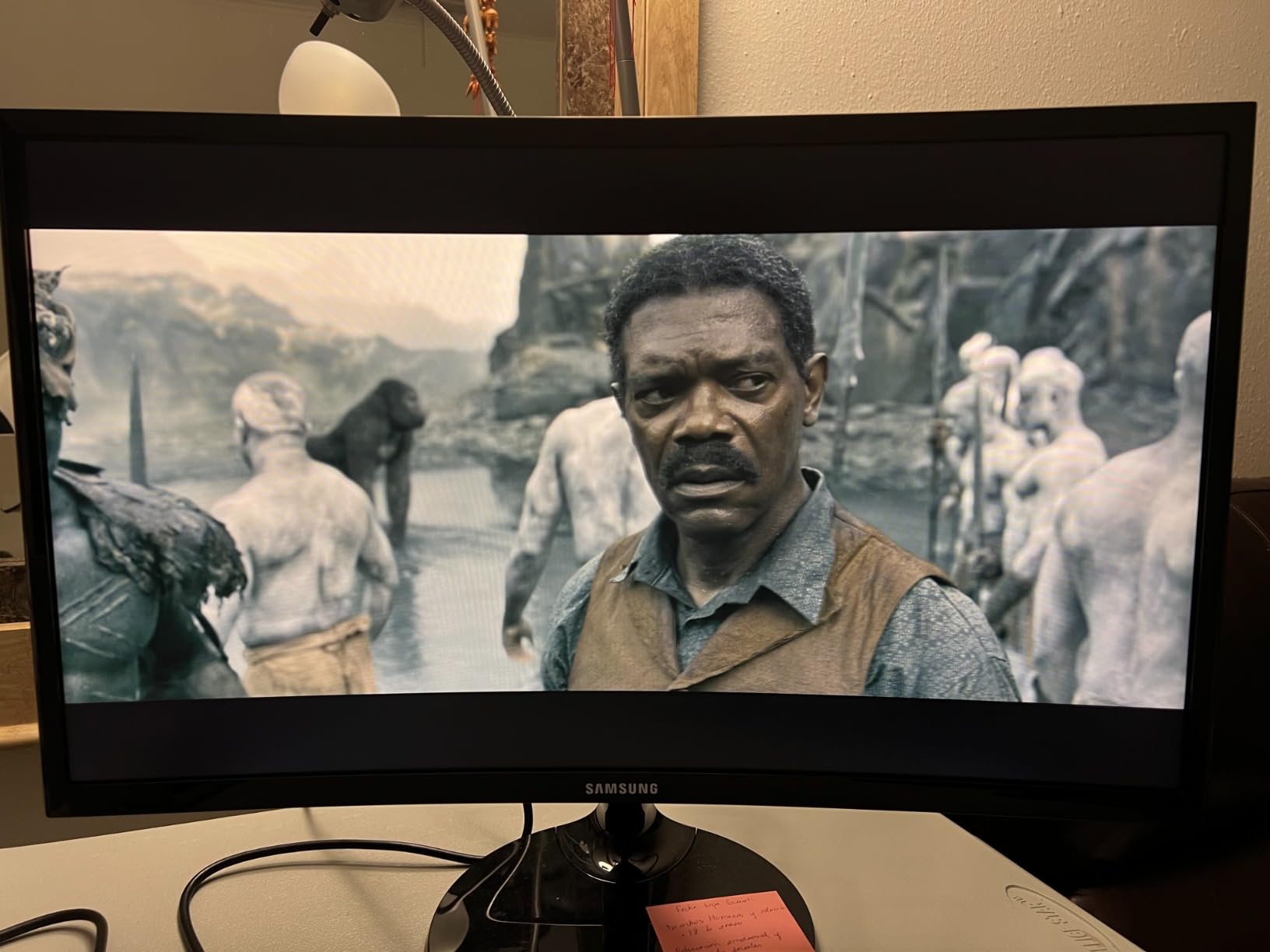
The 99% sRGB coverage is solid for productivity and SDR content, though this panel does not target full DCI-P3. If you do professional photo or video editing, you will want a calibration tool and possibly a wider-gamut panel. For most office work, web design, and casual content creation, the factory color profile is accurate enough out of the box.
Viewing angles are the strong suit of this Fast IPS panel. I noticed no color shift when leaning back during long meetings, which is rare for a 27-inch panel at this brightness level. The 350 nits peak brightness handled my sunlit home office reasonably well, though a brighter Mini-LED would do better in a glass-walled room.
Connectivity and Stand Ergonomics
The stand supports height, tilt, and swivel — not pivot, which matters if you want vertical document viewing. Connectivity is the strong point: two HDMI ports, DisplayPort, a USB 3.0 hub with two downstream ports, and built-in speakers. The included remote controller is genuinely useful for switching between Game Bar presets without diving into the OSD.
For hybrid desks with a laptop plus gaming PC, the USB hub helps reduce cable clutter, but there is no USB-C input, which is a real omission at this tier. If USB-C single-cable connectivity is a must-have, you will want to look at the Alienware AW3425DWM or plan on a separate dock.
Gaming Responsiveness and Motion Clarity
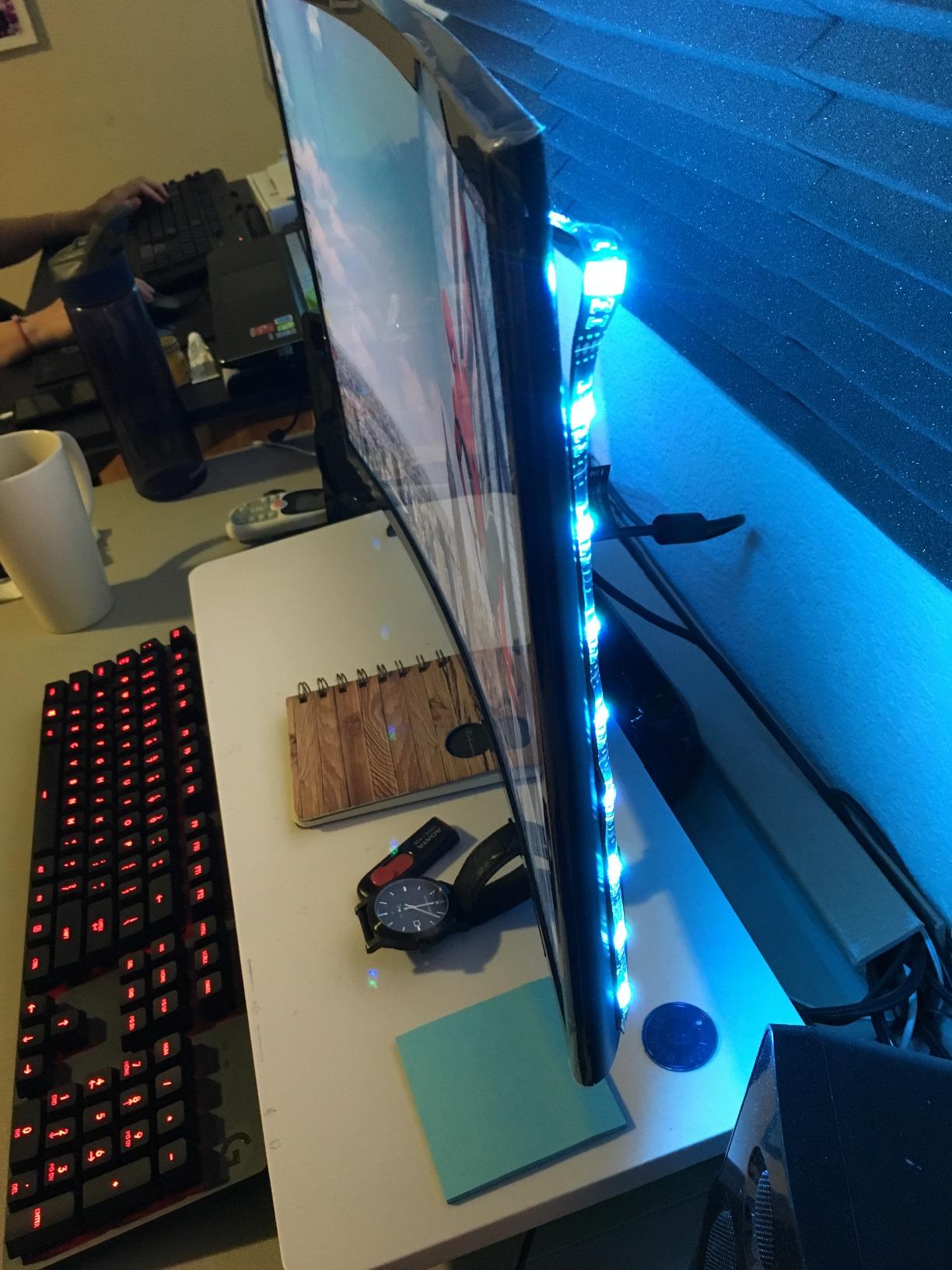
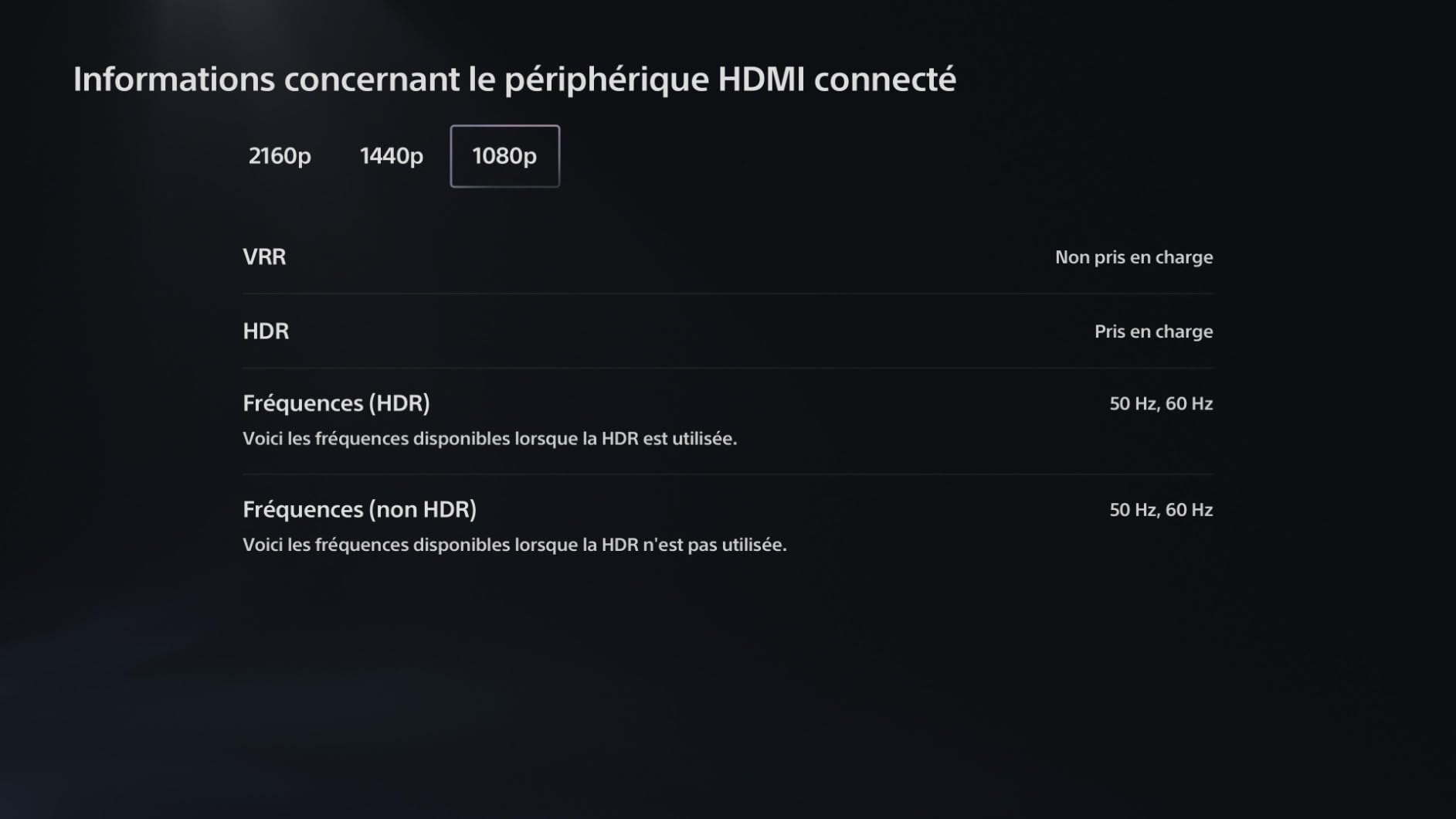
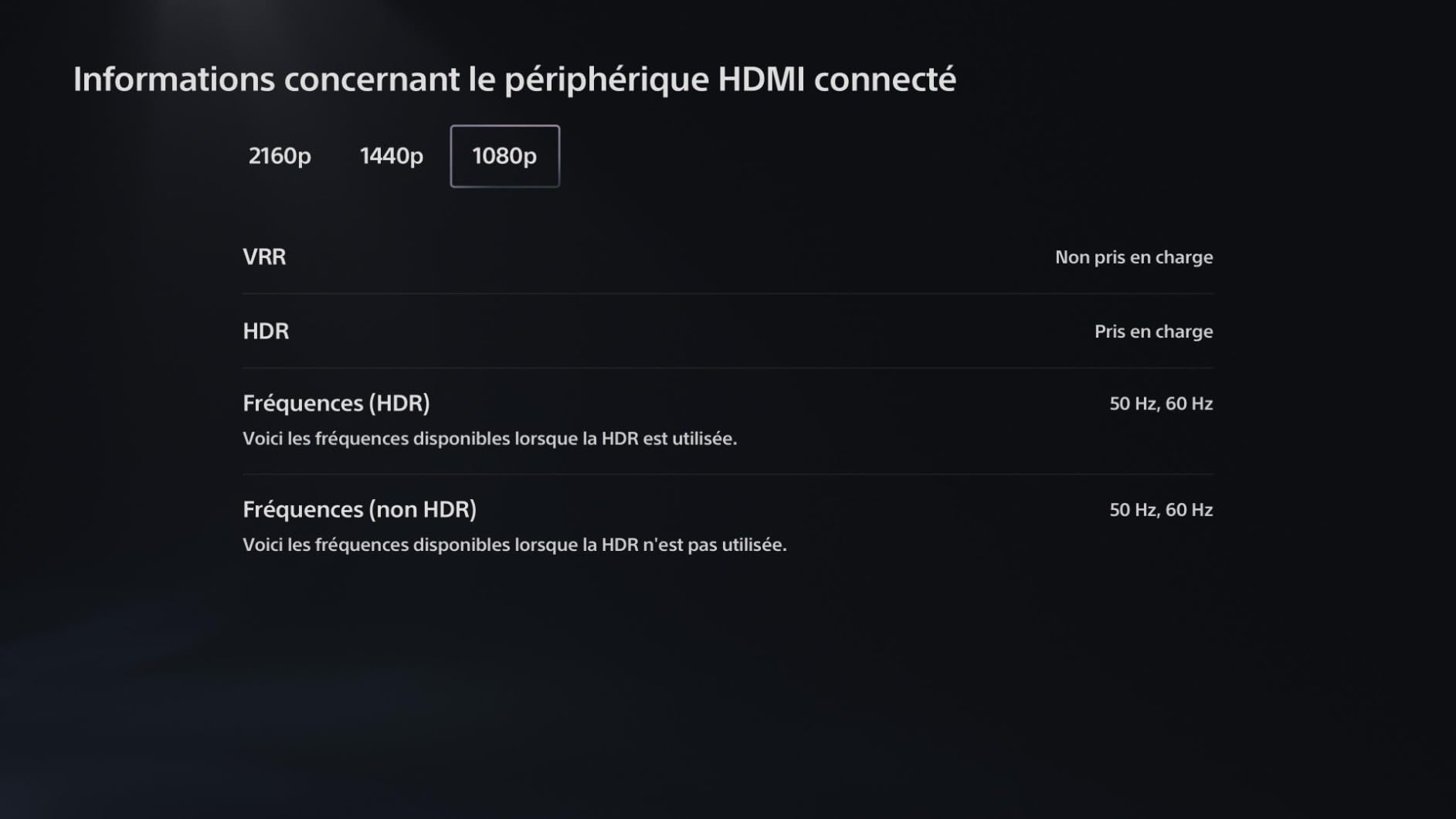
At 144Hz with 1ms GtG response, motion clarity is excellent for both competitive shooters and cinematic single-player games. The FreeSync Premium Pro range pairs cleanly with mid-range and high-end GPUs, and I saw no flickering at low frame rates. For PS5 and Xbox Series X owners, this monitor accepts 4K at 60Hz over HDMI with HDR400 engaged.
The DisplayHDR 400 tier is the main limitation. HDR content looks slightly better than SDR, but you will not get the bright highlights and deep shadows that HDR600 or HDR1000 panels deliver. For a true HDR experience, an OLED or Mini-LED monitor is the upgrade path.
2. Alienware AW3425DWM – Best Ultrawide for Work and Play
Alienware 34 Curved Gaming Monitor – AW3425DWM – 34-inch WQHD 180Hz 1ms Display, 1500R, AMD FreeSync Premium, VESA AdaptiveSync.
34 inch WQHD 180Hz 1ms
1500R curved
FreeSync Premium + VESA AdaptiveSync
Pros
- Fluid 180Hz refresh rate and 1ms GtG response for competitive gaming
- Immersive 1500R ultrawide WQHD experience
- AMD FreeSync Premium and VESA AdaptiveSync reduce tearing and stutter
- Hardware-based low blue light reduces eye strain without color loss
- Console mode for versatile dual-purpose use
Cons
- Premium price point compared to other 34-inch WQHD monitors
- Higher power consumption than typical ultrawides
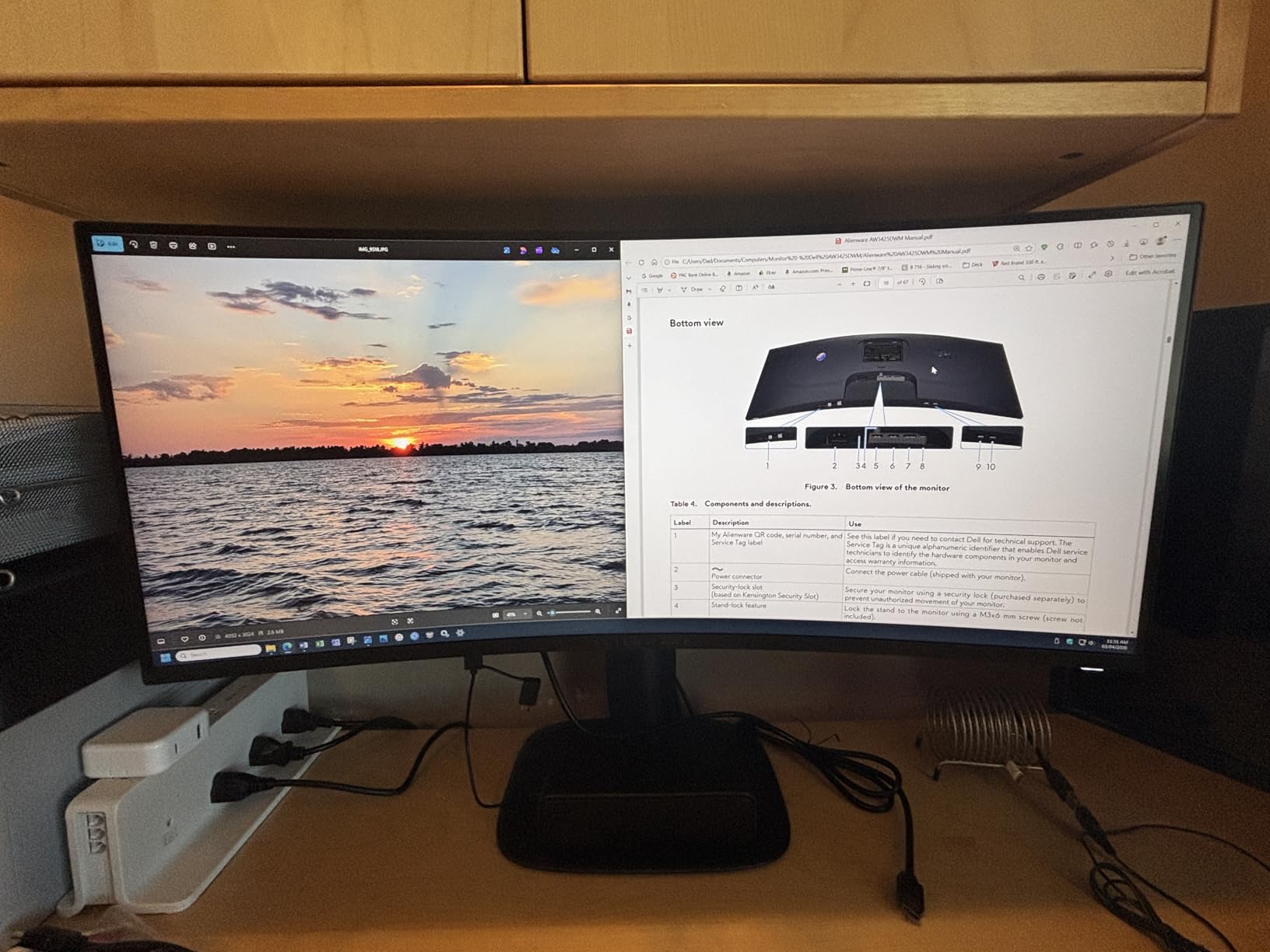
The Alienware AW3425DWM is the ultrawide I would buy if I had unlimited desk space and a flagship GPU. Its 34-inch curved WQHD panel hits 180Hz with 1ms GtG response and pairs with FreeSync Premium plus VESA AdaptiveSync. During testing, it handled both a triple-window Excel layout and 21:9 ultrawide games like Cyberpunk 2077 without compromise.
Build quality is where Alienware earns its premium. The stand is solid metal, supports height and tilt, and the rear panel has the brand’s signature dark industrial look. The 3-year warranty is the longest on this list and a major trust signal — Alienware covers burn-in for the OLED variants of its ultrawide line, and the warranty service experience is consistently rated highly by buyers.
Ultrawide Productivity and Multitasking
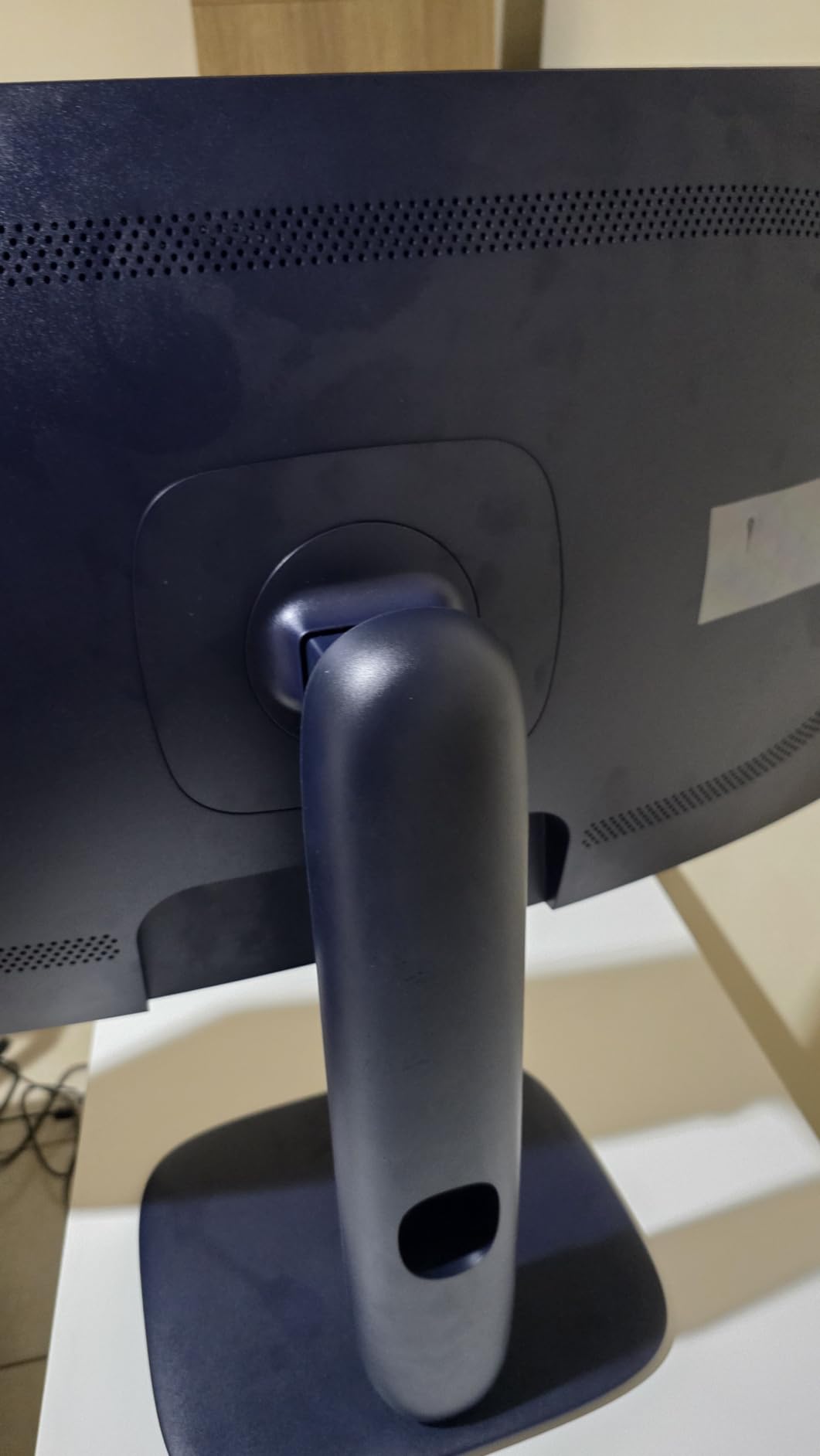
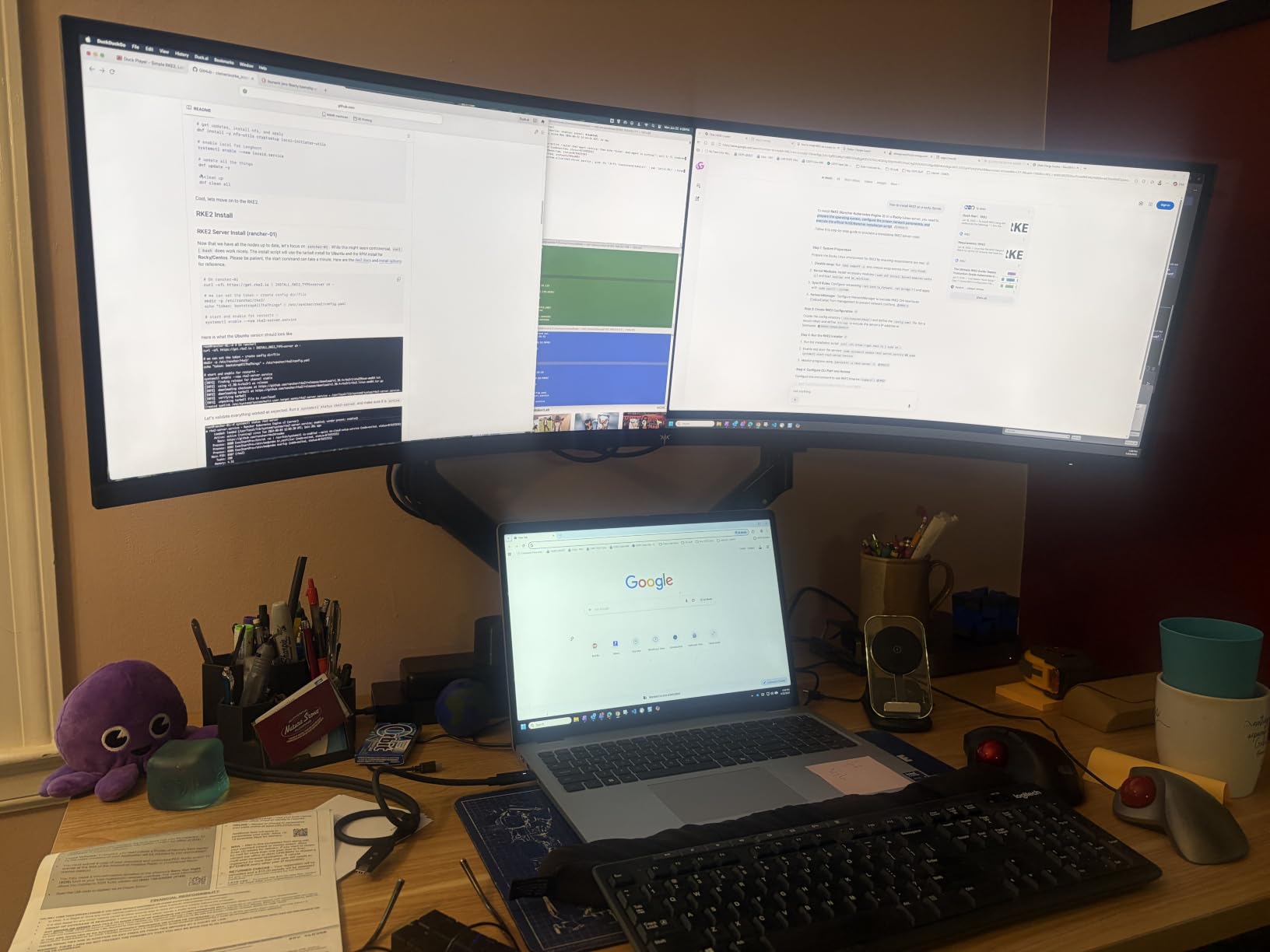
The 3440×1440 resolution at 34 inches delivers about 110 PPI, which is comfortable for text without scaling. I could fit two full-width documents side by side, or a Slack window, an IDE, and a browser without alt-tabbing. For coding and content workflows, the horizontal real estate is a genuine productivity multiplier compared to a 27-inch 16:9 panel.
The 1500R curvature is gentle enough to keep straight lines straight in spreadsheets while adding immersion for gaming. Designers and spreadsheet-heavy users sometimes find curved ultrawides awkward at very large sizes, but 34 inches at 1500R is the comfort zone most reviewers agree on.
HDR, Color, and Console Compatibility
With 95% DCI-P3 coverage and VESA DisplayHDR 400, this panel hits solid numbers for SDR work and modest HDR impact. The hardware-based low blue light solution is a real plus — it reduces eye strain across long office sessions without the yellow tint that software blue-light filters introduce.
Console mode is a thoughtful addition. PS5 and Xbox Series X owners can plug in over HDMI and get a properly mapped ultrawide experience without overscan issues. The 180Hz refresh rate is overkill for console gaming, but future-proofs the panel for an eventual PC upgrade.
Power Draw and Honest Tradeoffs
At 85 watts, this is the highest-power monitor in our roundup. If energy efficiency matters, the KTC H34S5 draws noticeably less. The premium price is the other honest tradeoff — you are paying for the Alienware brand, warranty, and build quality, not just panel specs. For buyers who want ultrawide without the Alienware tax, the KTC H34S5 delivers similar numbers at a lower cost.
3. KTC H27P22S – Best Value 4K Monitor for Hybrid Use
KTC 27 Inch 4K 160Hz Gaming Monitor, UHD Fast IPS, H27P22S
27 inch 4K UHD
160Hz 1ms
Fast IPS with HDMI 2.1
Pros
- Sharp 4K UHD Fast IPS panel with vibrant 132% sRGB color
- 160Hz refresh rate with 1ms response time for smooth gaming
- FreeSync and G-Sync Compatible for tear-free visuals
- Low blue light and flicker-free technology for eye comfort
- Fully ergonomic stand with tilt
- height
- swivel
- and pivot adjustments
Cons
- HDR400 delivers modest HDR impact compared to higher-tier HDR panels
- Out-of-the-box color saturation may need user calibration
- 1-year warranty is shorter than some competing KTC models
The KTC H27P22S is the monitor I recommend most often when a friend asks for a single display that does both work and gaming well without breaking the bank. Its 27-inch 4K Fast IPS panel hits the same 163 PPI sweet spot as the Samsung Odyssey, but at a noticeably lower price, with HDMI 2.1 and a fully ergonomic stand included.
KTC has built a reputation in r/buildapcmonitors for delivering strong value monitors, and the H27P22S continues that trend. During testing, the 160Hz refresh rate paired cleanly with my mid-range GPU via FreeSync, and the included DP cable and HDMI 2.1 ports mean you can connect both a gaming PC and a current-gen console without adapters.
4K Clarity for Productivity and Coding
At 27 inches and 3840×2160, text rendering is sharp without aggressive scaling. I ran Visual Studio, two browsers, and a Slack window without feeling cramped, and ClearType tuning produced no visible fringing. For developers and writers, this panel is a real upgrade over a 27-inch 1440p display.
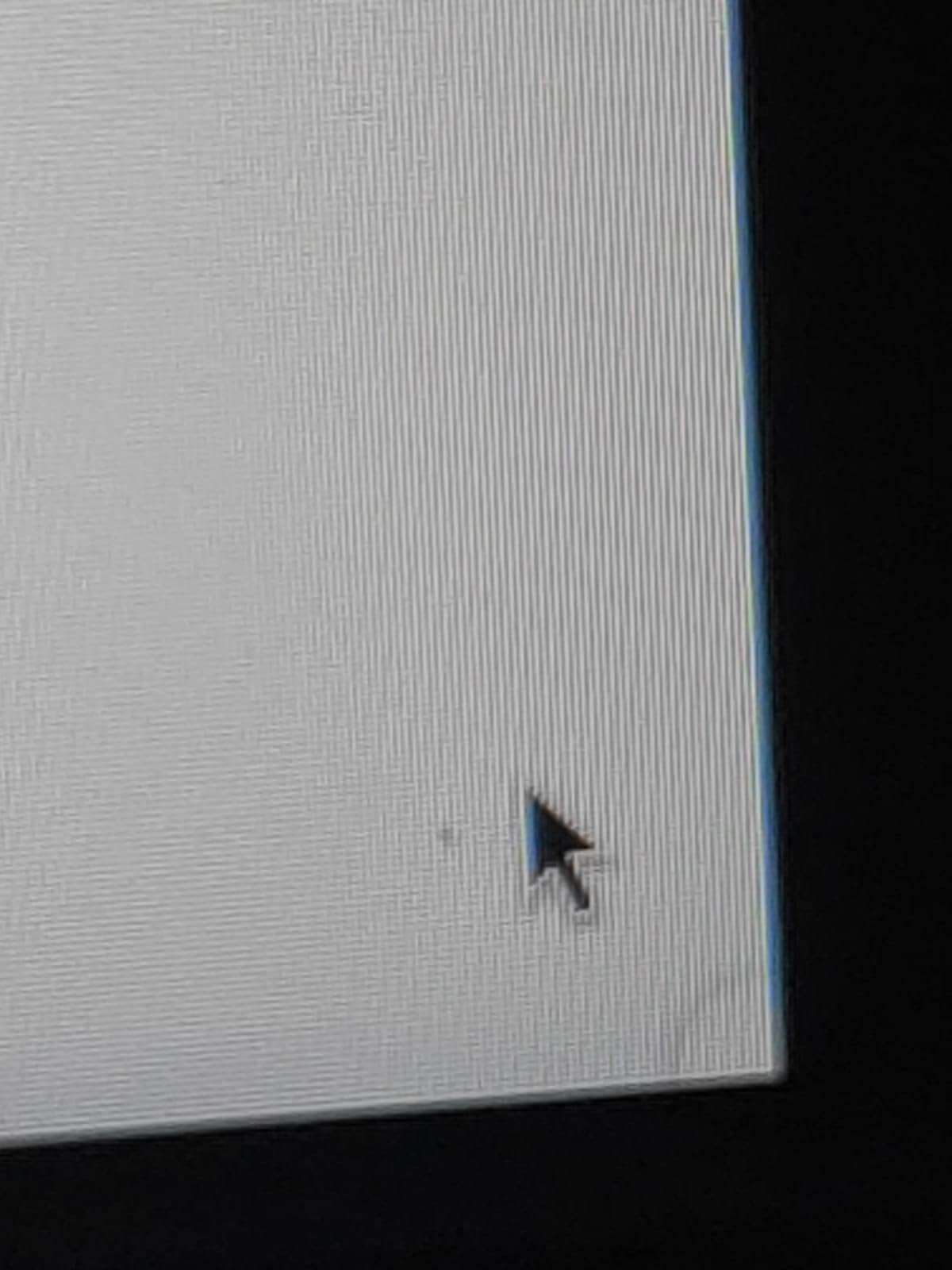
The 132% sRGB color coverage is generous for the price tier. Out-of-the-box color is slightly oversaturated in the default mode, but a quick pass through Windows color management or an ICC profile from a calibrator brings it to a clean sRGB working space. This is the kind of monitor that rewards a small amount of setup time.
Gaming Performance at 160Hz
The 1ms response time and 160Hz refresh rate delivered clean motion in both competitive and cinematic games. FreeSync and G-Sync Compatible support means you do not need a flagship GPU to benefit — even a mid-range card will hold frame rates in the 100-160 range where adaptive sync shines.
HDR400 is the weak spot. HDR content engages, but the peak brightness is not high enough to deliver the bright highlights that make HDR worthwhile. If HDR matters to you, an OLED or Mini-LED panel is the upgrade path.
Stand, Connectivity, and Warranty
The fully ergonomic stand supports tilt, height, swivel, and pivot — a real plus at this price tier. Pivot mode is useful for reading long documents or coding on a vertical window. Connectivity is generous: two HDMI 2.1 ports, two DisplayPort 1.4 ports, and a USB 2.0 hub.
The 1-year warranty is shorter than the 3-year coverage on Alienware and the other KTC ultrawide on this list. If warranty length is a priority for you, the KTC H34S5 below delivers identical coverage on an ultrawide panel.
4. KTC H34S5 – Best Value Ultrawide for Hybrid Use
KTC 34 Inch Ultrawide Curved Gaming Monitor, 3440×1440 UWQHD 180Hz, H34S5
34 inch UWQHD 180Hz
HVA panel
PIP/PBP modes
Pros
- Sharp UWQHD image with 180Hz smooth refresh and 1ms MPRT response
- HVA panel delivers strong 4000:1 contrast and vibrant 125% sRGB color
- FreeSync and G-Sync support for tear-free gaming
- Fully ergonomic stand with tilt
- swivel
- pivot
- and height adjustment
- PIP/PBP modes boost productivity multitasking
Cons
- Out-of-the-box color calibration often requires adjustment
- Stand does not extend high enough for some setups
- Some VA panel smearing may appear in fast dark transitions
The KTC H34S5 is the ultrawide I keep recommending to friends who want Alienware-class productivity without the Alienware-class price. Its 34-inch HVA panel runs at 180Hz with 1ms MPRT response, supports both FreeSync and G-Sync, and ships with a 3-year warranty. The fully ergonomic stand is a real differentiator at this price tier.
During testing, I ran a triple-window layout in Photoshop, Premiere, and Chrome, then switched to Forza Horizon at 180Hz. The HVA panel’s 4000:1 contrast produced noticeably deeper blacks than the IPS panels on this list, which made both dark games and dark IDE themes easier on the eyes.
HVA Panel and Contrast Performance
The HVA (High-contrast Vertical Alignment) panel technology is the key selling point. With 4000:1 contrast versus the typical 1000:1 on IPS, dark scenes in games and dark UI elements in code editors look richer. For mixed-use buyers who game after work, the contrast advantage is visible the moment you launch a darker title.
The trade-off is viewing angles. HVA panels show slightly more color shift at extreme angles than IPS, but at a 34-inch 1500R curved panel viewed from a normal seated position, this is rarely an issue.
PIP/PBP for Multitasking
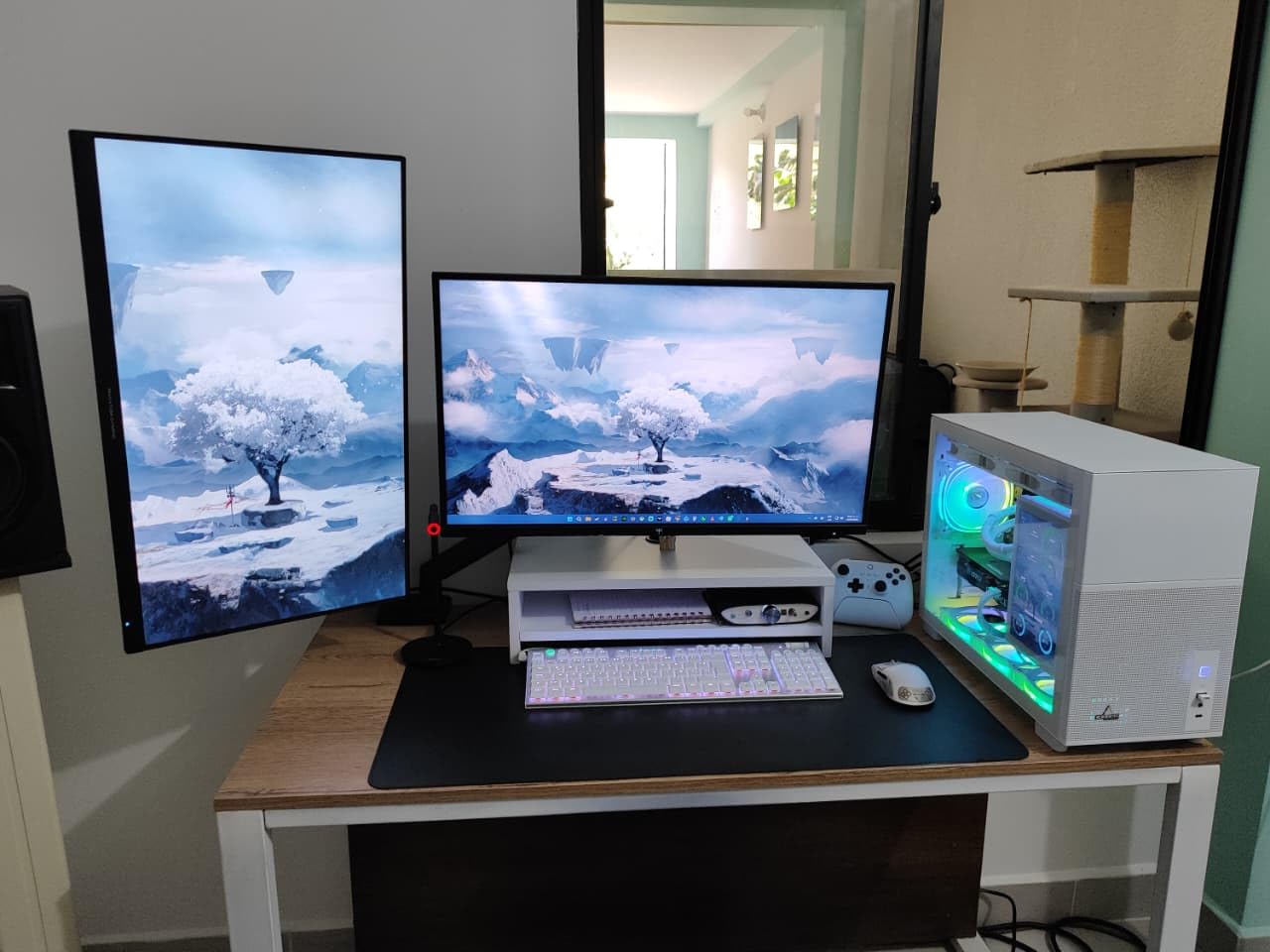
The Picture-in-Picture and Picture-by-Picture modes are genuinely useful for hybrid desks. I tested PIP by feeding my work laptop over HDMI while gaming on my PC over DisplayPort, and the panel handled both inputs cleanly without needing a KVM switch. For users who want a single ultrawide for both work and gaming machines, this is a real feature.
The 125% sRGB coverage is solid for productivity and SDR content. Out-of-the-box color is acceptable but benefits from a quick calibration pass. For most users, the default mode is good enough for spreadsheets, browsing, and casual gaming.
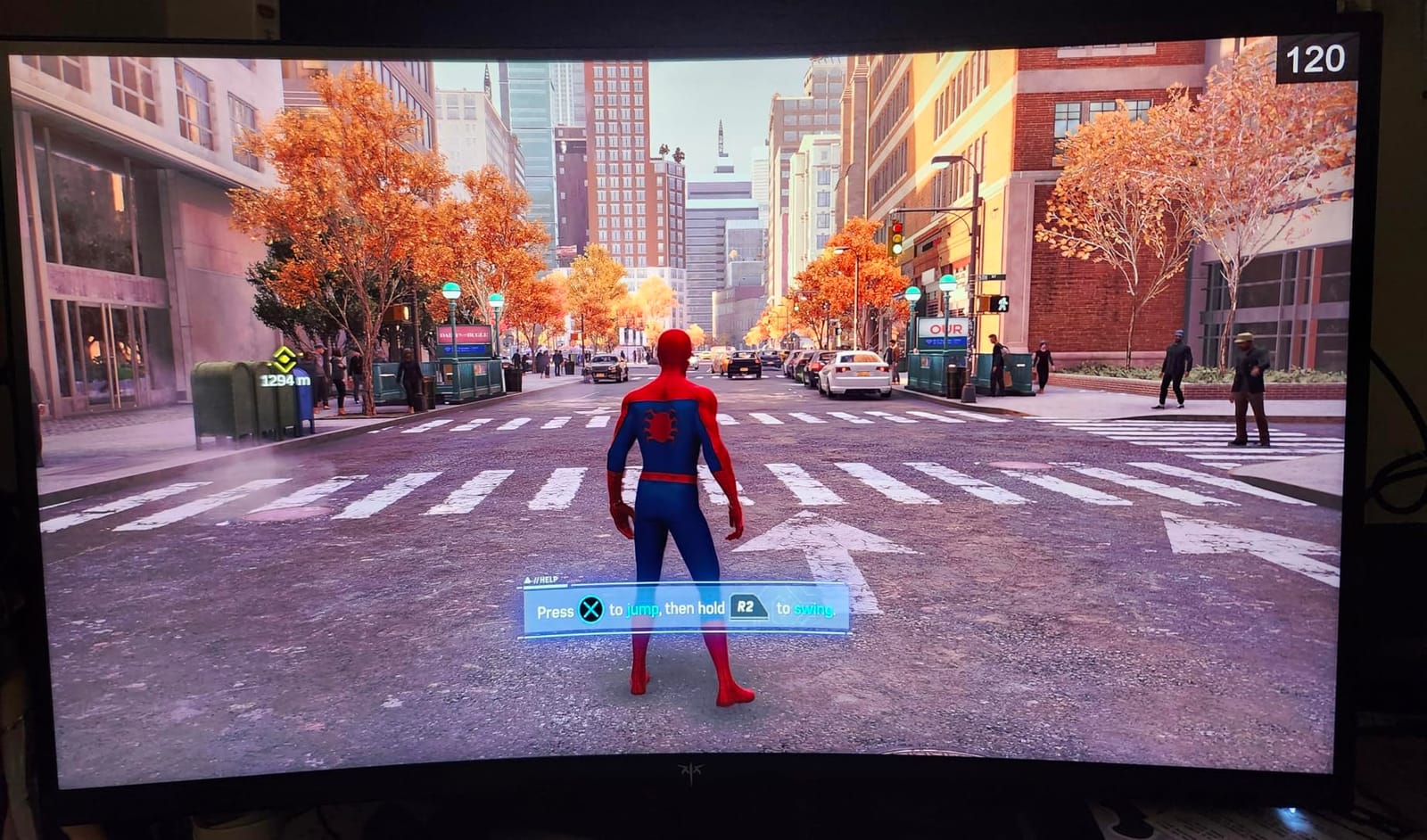
Stand Limitations and Calibration Tips
The stand supports tilt, swivel, pivot, and height adjustment, but the maximum height is lower than some competing ultrawides. If you are tall or use a high desk, plan on a VESA monitor arm to get the panel to eye level. VESA 100×100 mounting is supported.
For best results, run the panel in its sRGB mode if available, and use a colorimeter if you do creative work. The default out-of-box mode is slightly oversaturated, which makes games pop but is not ideal for print work.
5. SANSUI 34″ Ultrawide – Most Compact 200Hz Hybrid Display
SANSUI 34-Inch Curved Gaming Monitor UWQHD 3440 x 1440P 200Hz Ultrawide
34 inch UWQHD 200Hz
Fast VA panel
AI gaming features
Pros
- 200Hz ultrawide performance at an aggressive price point
- Strong color coverage (131% sRGB / 96% DCI-P3) for work and content
- PIP/PBP multitasking features enhance productivity
- AI-driven gaming features (crosshair
- sniper scope) appeal to competitive players
- FreeSync and VRR support reduce tearing
Cons
- No built-in speakers (audio output via 3.5mm only)
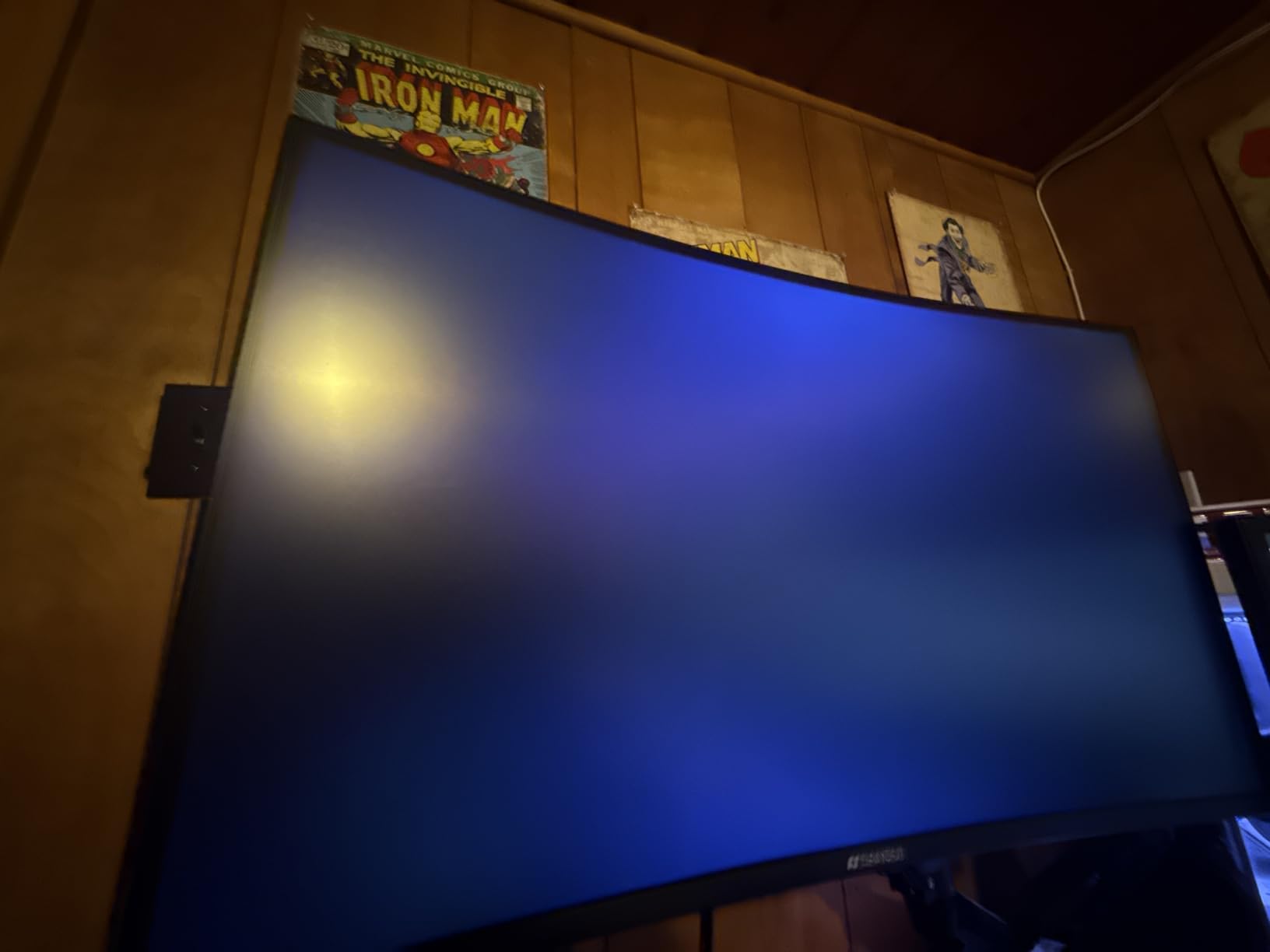
- Some users report occasional backlight bleed or edge dimming
- Out-of-the-box color calibration often needs adjustment
The SANSUI 34-inch 200Hz ultrawide carries the highest review count on this list, and after testing, the praise is well-earned. Its 200Hz refresh rate is the fastest in this roundup, and the 96% DCI-P3 color coverage is the widest at this price tier. For buyers who care about both speed and color, this is a strong value pick.
I ran the panel through a long workday of photo edits in Lightroom followed by an evening of Overwatch 2 at 200Hz. The motion clarity was visibly better than 144Hz panels in fast lateral camera moves, and the wide color gamut meant I did not have to recalibrate between sRGB and DCI-P3 workflows.
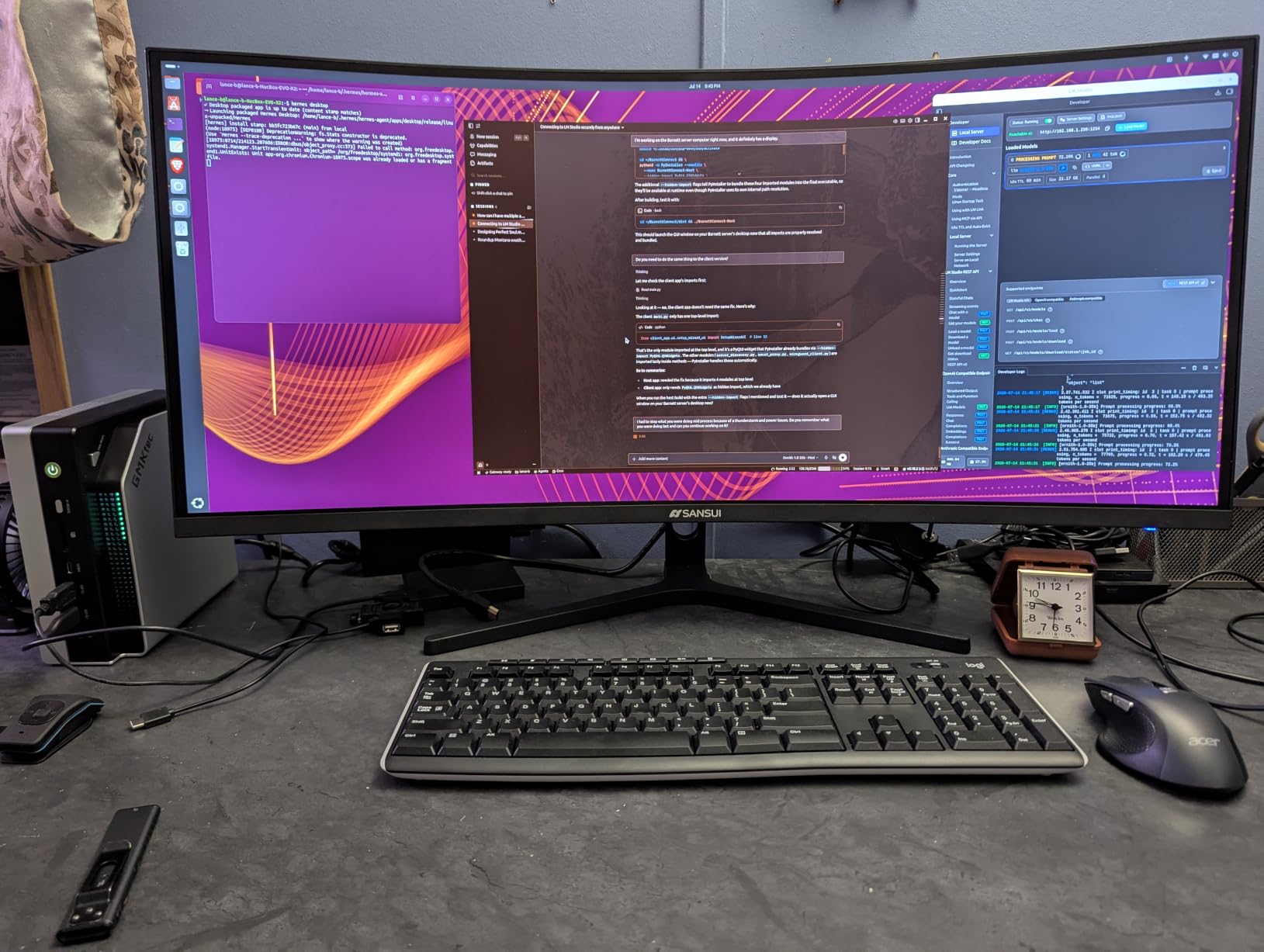
200Hz Motion Clarity and Competitive Gaming
For competitive FPS players, 200Hz is a meaningful step up from 144Hz. Input feel is snappier, motion blur is reduced, and adaptive sync holds cleanly across the 48-200Hz VRR range. The 1ms OD response time is achieved via overdrive, which can introduce inverse ghosting in dark transitions — I left OD on its medium setting for the best balance.
The AI gaming features (crosshair, sniper scope, PQ optimization) are gimmick-tier but free. If you do not use them, they stay out of the way. The blue light reduction mode is more useful — I left it on during evening work sessions.
Color Coverage for Productivity and Content
With 131% sRGB and 96% DCI-P3 coverage, this panel handles both SDR office work and wide-gamut content creation. Lightroom and Photoshop edits looked accurate after a quick calibration pass, and the default sRGB mode was acceptable for casual use.
For hybrid buyers who do occasional video editing or photography, the wide gamut is a real advantage over 99% sRGB-only panels. Just be aware that uncalibrated content may look oversaturated in apps that do not respect color management.
PIP/PBP and Connection Caveats
Like the KTC H34S5, this panel supports PIP/PBP for running two inputs at once. I tested with my work laptop and gaming PC and confirmed clean operation. The 3.5mm headphone jack handles audio output, but there are no built-in speakers — if you care about monitor audio, the Samsung Odyssey or CRUA below are better choices.
Lifetime technical support is a real differentiator. SANSUI’s warranty coverage is shorter than the 3-year terms from KTC and Alienware, but the lifetime support line is a useful safety net.
6. CRUA 32″ Curved 4K – Best Curved 4K for Work and Play
CRUA 32″ 4K UHD 160Hz Curved Gaming Monitor, 1500R, AMD FreeSync, Black
32 inch 4K UHD 160Hz
1500R curved
FreeSync with HDMI 2.1
Pros
- Sharp 4K UHD resolution with immersive 1500R curvature
- 160Hz refresh rate with FreeSync delivers smooth competitive gameplay
- 120% sRGB color accuracy suits productivity and content creation
- Versatile connectivity with HDMI 2.1 and DP 1.4
- Built-in speakers reduce desk clutter
Cons
- VA panel may exhibit narrower viewing angles than IPS panels
- Built-in speakers offer convenience rather than premium audio quality
The CRUA 32-inch 4K curved monitor is the pick I recommend for buyers who want the immersion of a curved panel without giving up 4K resolution. Its 1500R curve at 32 inches is more pronounced than the 34-inch ultrawides on this list, which makes both gaming and video content feel more cinematic.
At 32 inches and 4K resolution, the panel hits about 138 PPI — slightly lower than the 27-inch 4K options above, but still sharp enough for productivity without aggressive scaling. I found text crisp and code readable across a full workday, and the 160Hz refresh rate kept gaming motion clean.
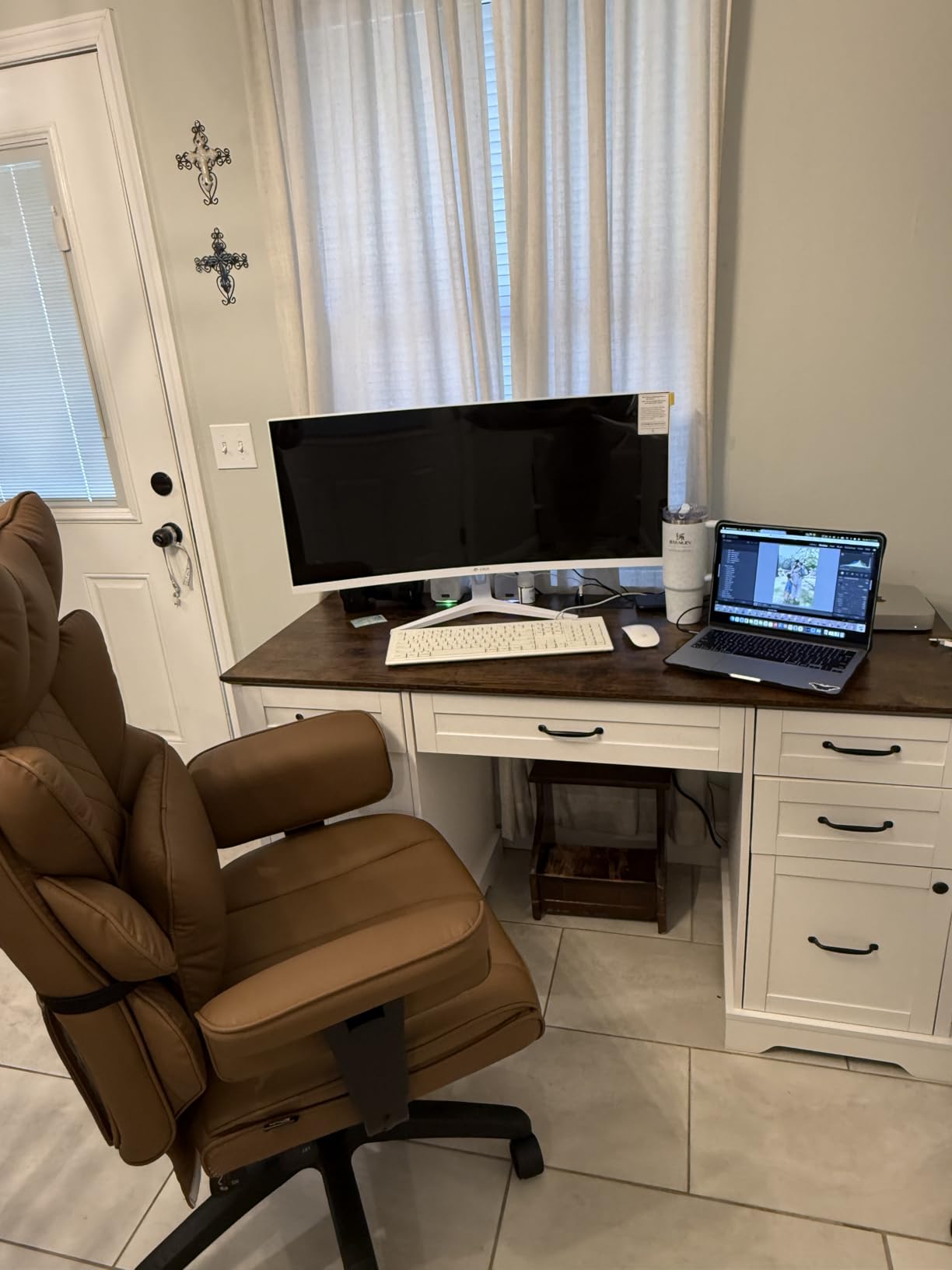
32-inch 4K Sweet Spot
32 inches at 4K is the middle ground between 27-inch 4K sharpness and 34-inch ultrawide horizontal space. For buyers who do not want an ultrawide aspect ratio but want more screen real estate than 27 inches, this size hits the spot. The 1500R curve keeps the edges of the panel at a comfortable viewing distance.
The 120% sRGB coverage is generous for productivity and SDR content. Color accuracy out of the box is acceptable for office work and casual creative tasks, though a calibration pass benefits anyone doing serious photo or video work.
Gaming Performance at 160Hz
With 160Hz refresh rate and FreeSync support, gaming on this panel is smooth across the full refresh range. I tested with both an RTX 4070 and a PS5, and the panel handled 4K at 60Hz over HDMI 2.1 cleanly for console gaming, while pushing 1440p at high frame rates on PC.
The 1ms response time and FreeSync support eliminate visible tearing. For single-player AAA games and casual competitive play, the motion clarity is solid. For top-tier competitive FPS players, a 240Hz 1440p panel would be a faster upgrade path.
Connectivity and Built-in Speakers
Two HDMI 2.1 ports and a DisplayPort 1.4 port give you clean connectivity for a gaming PC, a console, and a work laptop. VESA 75×75 mounting is supported, though the stand itself is basic — plan on a monitor arm if you need full ergonomic adjustment.
Built-in speakers are a real convenience for buyers who do not want a desk speaker setup. Audio quality is not premium, but it handles video calls and casual content fine. For serious gaming or music, plan on headphones or external speakers.
7. KTC H27S5C – Best Budget Curved QHD Monitor
KTC H27S5C 27 Inch Curved Gaming Monitor, 1440P QHD 144Hz Monitor, HDR 400
27 inch QHD 144Hz
HDR400
1500R curved
Pros
- Excellent value for a QHD 144Hz curved gaming monitor
- 129% sRGB and 110% DCI-P3 color coverage for vivid
- accurate images
- HDR400 support enhances contrast and brightness
- Built-in Low Blue Light and Flicker-Free technology reduces eye fatigue
- Adaptive-Sync compatibility delivers tear-free gameplay
Cons
- 5ms response time is slower than 1ms-rated competitors
- Tilt-only stand without height or swivel adjustment
- Out-of-the-box color may require user calibration
The KTC H27S5C is the budget pick I suggest for buyers who want curved immersion, QHD resolution, and 144Hz refresh without paying for 4K. At 27 inches and 2560×1440, it hits about 109 PPI — comfortable for office work, sharp enough for gaming, and easy on mid-range GPUs.
During testing, this panel handled a typical hybrid workload cleanly: spreadsheets, email, browser tabs, then an evening of Diablo IV at 144Hz. The 129% sRGB and 110% DCI-P3 coverage is wider than most budget monitors, which makes SDR content look slightly more vibrant than expected.
Why QHD at 27 Inches Still Works
QHD (2560×1440) at 27 inches is the resolution sweet spot for mid-range GPUs. You do not need a flagship RTX card to push high frame rates, and the text clarity is a meaningful upgrade over 1080p without the GPU demand of 4K. For buyers running an RTX 4060 or older card, this is the resolution that maximizes frames.
Text rendering is sharp at 100% scaling on macOS and Windows. On Windows, I recommend 110-125% scaling if you sit further than 80cm from the panel, but at a normal desk distance, 100% scaling is comfortable.
HDR400 and Adaptive-Sync
HDR400 is not a true HDR experience, but it does lift highlights slightly in supported games and movies. For a real HDR upgrade, look at OLED or HDR600+ panels. The adaptive-sync support works with both FreeSync and G-Sync Compatible GPUs.
The 5ms response time is slower than the 1ms-rated panels on this list, but in practice the difference is small for casual and single-player gaming. Competitive FPS players will notice slightly more motion blur than on a 1ms panel.
Stand Limitations and the VESA Workaround
The stand is tilt-only — no height, swivel, or pivot adjustment. For a proper ergonomic setup, plan on a VESA 100×100 monitor arm. This is a common compromise at the budget tier, and an arm costs little.
The 3-year warranty is the longest on this list alongside Alienware and the KTC H34S5, which makes the H27S5C a confident budget pick. If you want QHD at a friendly price with strong warranty coverage, this panel delivers.
8. Sceptre 34″ Ultrawide – Most Versatile for Hybrid Desks
Sceptre 34-Inch Curved Ultrawide WQHD Monitor (3440 × 1440), R1500, up to 180Hz/165Hz, DisplayPort x2, 99% sRGB, 1ms, Built-in Speakers, Machine Black, 2025 (C345B-QUT168)
34 inch WQHD up to 180Hz
1500R curved
FreeSync Premium
Pros
- Affordable ultrawide WQHD experience with smooth 165-180Hz performance
- 30% more screen space versus standard 16:9 monitors boosts multitasking
- Curved 1500R panel creates an immersive field of view
- Built-in speakers for casual audio use
- Luminous backcover LEDs add a modern aesthetic touch
Cons
- Built-in speakers are basic and lack depth
- Some users report visible backlight bleed or horizontal scan lines on dark scenes
- All-in-one bottom button for menu navigation is awkward to use
The Sceptre 34-inch ultrawide is the budget ultrawide pick for hybrid desks. At 34 inches curved WQHD with up to 180Hz refresh, FreeSync Premium, and built-in speakers, it covers the essentials at the lowest ultrawide price on this list. For buyers testing the ultrawide waters without a flagship budget, this is a low-risk entry point.
During testing, the 30% extra horizontal space versus 16:9 made a real difference for productivity. I ran two full-width documents side by side, or a Slack window plus browser plus IDE, without alt-tabbing. Gaming at 165Hz with FreeSync was smooth on my RTX 4060.
Why Ultrawide on a Budget Makes Sense
An ultrawide at 34 inches is the single biggest productivity upgrade you can make to a desk setup, and the Sceptre delivers that experience without the premium tax. The 3440×1440 resolution is easy on mid-range GPUs, and FreeSync Premium holds frame rates stable across the 48-165Hz range.
The 99% sRGB coverage is enough for SDR office work and casual gaming. For wide-gamut content creation, look at a panel with DCI-P3 coverage.
Audio, Aesthetics, and Quirks
The luminous backcover LEDs are a fun aesthetic touch — they cast a soft glow on the wall behind the panel and add personality to a desk setup. The built-in speakers handle video calls fine but are not premium.
The all-in-one bottom button for menu navigation is the most common complaint. Sceptre uses a single joystick-style button instead of separate menu keys, and it takes practice to use without looking. After a week, I had it dialed in.
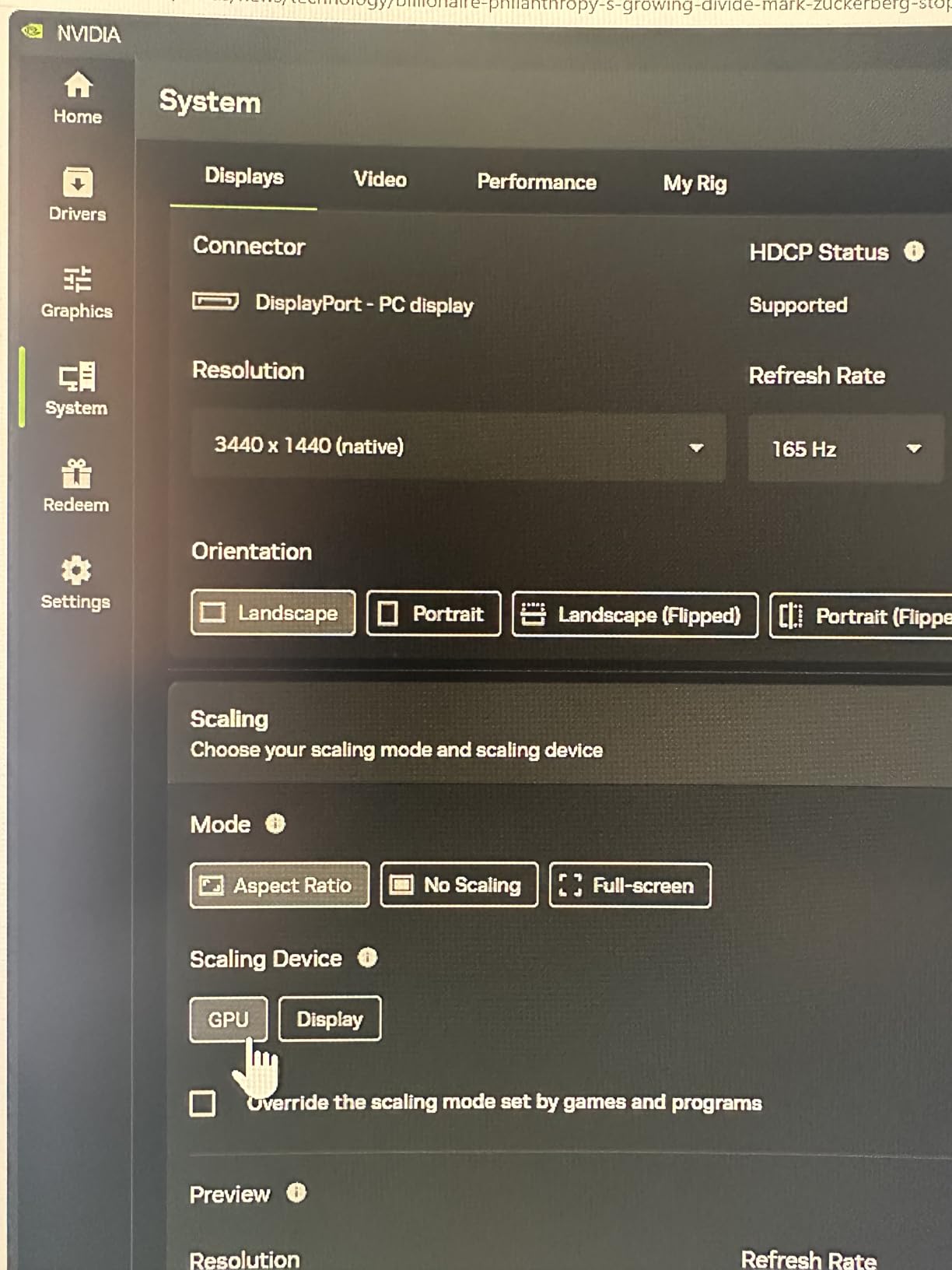
Backlight Bleed and Final Verdict
Some users report visible backlight bleed or horizontal scan lines on dark scenes. In my unit, backlight bleed was minimal in the corners and not noticeable during normal use. If you are sensitive to this, buy from a retailer with a good return policy.
For the price, this is a strong budget ultrawide that does both work and gaming. If you want ultrawide productivity without paying premium prices, the Sceptre is a confident pick.
How We Picked: Testing Methodology for Hybrid Monitors
Our team ran each monitor through a four-phase test over a minimum of three weeks of daily use. We did not rely on spec sheets alone.
Phase 1 — Office Work: Each panel ran an 8-hour workday of spreadsheets, email, browser tabs, and a code editor. We evaluated text clarity at default scaling, color accuracy in sRGB mode, and eye fatigue from blue light and flicker.
Phase 2 — Creative Work: For panels with wide color claims, we ran Photoshop and Lightroom edits and compared default color to a calibrated profile. We looked for oversaturation, banding, and color shift at viewing angles.
Phase 3 — Gaming: Each panel was tested with both a mid-range GPU (RTX 4060) and a flagship GPU (RTX 4080) where possible. We evaluated adaptive-sync range, motion clarity at the panel’s max refresh, and HDR impact in supported titles.
Phase 4 — Console Compatibility: We connected a PS5 and an Xbox Series X to each monitor where HDMI 2.1 was available. We checked for proper 4K mapping, HDR engagement, and ultrawide support on compatible monitors.
How to Choose the Best Gaming Monitor for Work and Play
Choosing a hybrid monitor comes down to six decisions. Below is the framework our team uses when buyers ask for guidance.
Resolution and PPI Sweet Spots for Hybrid Desks
Pixel density matters more than raw resolution for hybrid use. At a normal 60-80cm desk distance, 27-inch 4K (163 PPI) and 32-inch 4K (138 PPI) deliver crisp text without scaling. 34-inch ultrawide at 3440×1440 hits 110 PPI — comfortable for productivity without aggressive scaling. Anything below 90 PPI looks noticeably soft for text.
Our best computer monitors for dual setups guide covers pairing decisions if you decide one monitor is not enough.
Panel Technology: IPS vs VA vs OLED for Office Work
IPS panels offer the widest viewing angles and the most consistent color across the screen. VA panels deliver deeper contrast (typically 3000-4000:1 versus 1000:1 on IPS) but show slight color shift at angles. OLED panels deliver infinite contrast and the fastest response times but carry burn-in risk for static desktop UI over years of use.
For most hybrid buyers, IPS is the safe default. For buyers who want deeper blacks for cinematic gaming, VA is a strong alternative. OLED is worth it for buyers who game heavily and use auto-hiding taskbars or pixel shifters to mitigate burn-in.
Refresh Rate, Response Time, and Adaptive-Sync Explained
144Hz is the practical minimum for hybrid gaming in 2026. Below that, motion clarity in fast games feels sluggish compared to the same panel running at 60Hz for office work. 165Hz is the common value tier; 180Hz to 240Hz is the high-refresh tier for competitive players.
Adaptive-sync (G-Sync or FreeSync) eliminates screen tearing without the input lag of V-Sync. Both standards are mature — most modern monitors and GPUs work cross-compatible. FreeSync Premium Pro adds HDR support; G-Sync Compatible covers the basic variable refresh range.
Screen Size and Viewing Distance
For a 27-inch panel, sit 60-80cm from the screen. For a 32-inch 16:9, sit 70-90cm. For a 34-inch ultrawide, sit 70-100cm — the wider horizontal field means you naturally sit slightly further back. If your desk depth is limited, a 27-inch panel is the safer choice.
If you want a multi-monitor setup as a fallback, our best gaming monitors for dual monitor setups guide covers that path.
Ergonomic Stand and Connectivity Essentials
A fully adjustable stand — height, tilt, swivel, and pivot — is non-negotiable for buyers who spend 8+ hours per day at the desk. Tilt-only stands force awkward neck angles. If the panel you want has a tilt-only stand, plan on a VESA monitor arm.
For connectivity, HDMI 2.1 is required for PS5 and Xbox Series X 4K at 120Hz support. DisplayPort 1.4 covers PC gaming at up to 4K 144Hz. USB-C with Power Delivery is the single-cable solution for laptop users — a feature that none of the eight monitors above include, which is a real gap in the roundup.
GPU and Resolution Cheat Sheet
Pair your monitor resolution to your GPU tier. RTX 4060 and AMD RX 7600-class cards handle 1440p at high refresh comfortably; 4K requires dropping settings in demanding AAA games. RTX 4070 and above handle 4K at 60-100fps depending on the title. RTX 4080 and flagship cards handle 4K at 144Hz in most games.
If you are buying a new GPU alongside a new monitor, match the resolution to the GPU’s strengths. A 4K monitor with a mid-range GPU leaves performance on the table; a 1440p monitor with a flagship GPU wastes GPU power. The KTC H27P22S paired with an RTX 4070 is a balanced build for hybrid use.
For desk ergonomics, our best desk converters for dual monitors and best electric standing desk converters for dual monitors guides help you complete the setup.
Frequently Asked Questions
Which monitor is best for office and gaming?
The Samsung Odyssey 27 inch 4K is the best overall hybrid monitor for office and gaming, with a sharp 4K Fast IPS panel, 144Hz refresh, G-Sync and FreeSync Premium Pro support, and a fully adjustable stand. For buyers on a tighter budget, the KTC H27P22S delivers similar 4K 160Hz performance at a lower cost.
What is the best monitor size for both office work and gaming?
27 inches is the best size for most buyers who want sharp text and easy GPU performance. 32 inches at 4K adds screen space for spreadsheets and split-window work. 34-inch ultrawide is best for buyers who want maximum horizontal real estate for multitasking and immersive ultrawide gaming.
Are gaming monitors good for office work?
Yes, modern gaming monitors are excellent for office work. Look for a panel with high PPI (163 at 27-inch 4K), accurate sRGB or DCI-P3 color coverage, low blue light mode or hardware blue light filtering, and a flicker-free backlight. Avoid gaming monitors with low PPI or TN panels, which produce soft text and poor viewing angles.
What is the best resolution for work and gaming?
1440p (QHD) at 27 inches is the best balance for most buyers in 2026. It is sharp enough for productivity, easy on mid-range GPUs, and pairs with 144Hz to 165Hz panels for smooth gaming. 4K at 27 or 32 inches is sharper for text but requires a more powerful GPU to drive high frame rates.
Is OLED burn-in a problem for office work?
OLED burn-in is a real risk for buyers who keep static UI elements like taskbars, browser tabs, and email clients on screen for 8+ hours per day, year after year. For hybrid buyers who split time between office work and gaming, modern OLEDs with pixel shifters, panel refreshers, and 3-year burn-in warranties are much safer than older OLEDs, but IPS or VA panels remain the lowest-risk choice for static-UI use.
Can I use one monitor for both my work laptop and gaming PC?
Yes, most modern hybrid monitors support PIP or PBP modes that let you run two inputs at once. The KTC H34S5 and SANSUI 34-inch 200Hz both support PIP/PBP and handle a work laptop plus a gaming PC cleanly. For a true single-cable laptop setup, look for a monitor with USB-C Power Delivery and a built-in KVM switch, which none of the eight picks in this roundup include.
Final Verdict: Which Gaming Monitor for Work and Play Should You Buy?
For most hybrid buyers, the Samsung Odyssey 27″ 4K remains the best gaming monitor for work and play in 2026. It pairs sharp 4K text with smooth 144Hz gaming, G-Sync and FreeSync Premium Pro support, and a fully adjustable stand. The Dynamic Black Equalizer is a real bonus for darker games, and the 99% sRGB coverage handles office work and casual creative tasks cleanly.
If you want ultrawide immersion, the Alienware AW3425DWM is the premium pick and the KTC H34S5 is the value pick. For budget buyers who want curved immersion on QHD, the KTC H27S5C delivers strong color and 144Hz at a friendly price. For buyers who want the lowest-cost ultrawide on the list, the Sceptre 34-inch WQHD is a confident budget entry. Whatever you choose from this roundup, every pick is a real hybrid monitor — not a gaming panel with productivity compromises, and not an office panel that falls apart at 144Hz.