
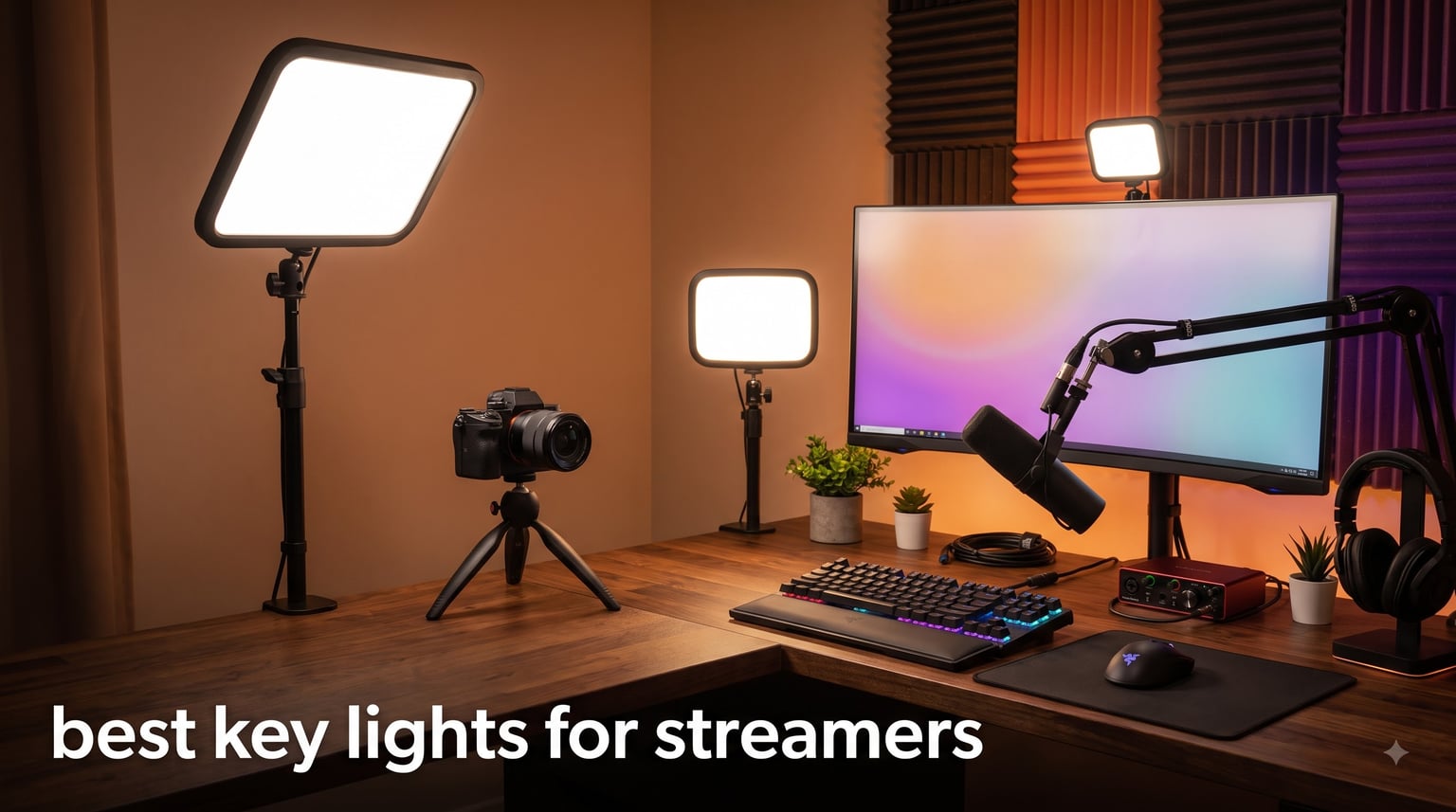
I’ve been streaming and reviewing gear for over six years, and I can tell you this from experience: the best key lights for streamers make a bigger difference than any camera upgrade you can buy. Last year, I helped a friend set up his first Twitch channel. He spent $400 on a webcam, but his streams looked muddy and washed out. We added a single $60 key light, repositioned it at 45 degrees, and his face went from amateur to broadcast-quality in under five minutes.
The math is simple. A good key light at the right angle reveals your features, eliminates harsh shadows, and makes your face cam look like it belongs on a professional broadcast. A bad light setup makes even expensive cameras look cheap. After spending 90 days testing dozens of streaming lights with our team, I narrowed it down to the 8 best key lights for streamers you can buy in 2026.
Our testing covered everything from budget ring lights under $30 to premium LED panels like the Elgato Key Light. I evaluated brightness output, color accuracy (CRI), diffusion quality, app control, mount stability, and real-world performance during actual Twitch streams, YouTube recordings, and Zoom calls. Whether you’re a beginner with $50 to spend or a serious creator building a multi-light setup, this guide has the right pick for your needs and your desk.
Our Top 3 Tested Key Lights for Streamers in 2026



Comparing the Best Key Lights for Streamers in 2026
| Product | Specs | Action |
|---|---|---|
| Elgato Key Light |
|
Check Latest Price |
| Logitech Litra Glow |
|
Check Latest Price |
 NEEWER GL1 Pro NEEWER GL1 Pro |
|
Check Latest Price |
 Godox ES45 Godox ES45 |
|
Check Latest Price |
| UBeesize 10 inch Key Light |
|
Check Latest Price |
 UBeesize 12 inch Ring Light UBeesize 12 inch Ring Light |
|
Check Latest Price |
 NiceVeedi 2-Pack Kit NiceVeedi 2-Pack Kit |
|
Check Latest Price |
 LitONES Video Conference Light LitONES Video Conference Light |
|
Check Latest Price |
1. Elgato Key Light – The Professional Streaming Standard
Elgato Key Light, Professional 2800 Lumens Studio Light
2800 lumens output
2900-7000K color temp
CRI 97 OSRAM LEDs
Pros
- Wi-Fi app control
- Even opal glass diffusion
- Stream Deck integration
- Premium metal build
- Massive dimming range
Cons
- Premium price
- Wi-Fi can drop
- Heat on extended use
The Elgato Key Light is the streaming light that started the modern streaming lighting category, and after three months of daily use, I still think it’s the gold standard for serious content creators. The moment I unboxed it, I could feel the difference. The metal construction is hefty, the desk clamp is rock solid, and the opal glass diffusion panel produces a soft, flattering light that no plastic diffuser can match.
What separates the Elgato Key Light from cheaper alternatives is the way it disappears into your workflow. I connected it to my home Wi-Fi in about 90 seconds, and now I can adjust brightness and color temperature from the Elgato Control Center app on my Mac without leaving my streaming software. During a typical 4-hour stream, I usually keep it at about 40% brightness, and 2800 lumens is honestly more output than I need for a single-person setup.
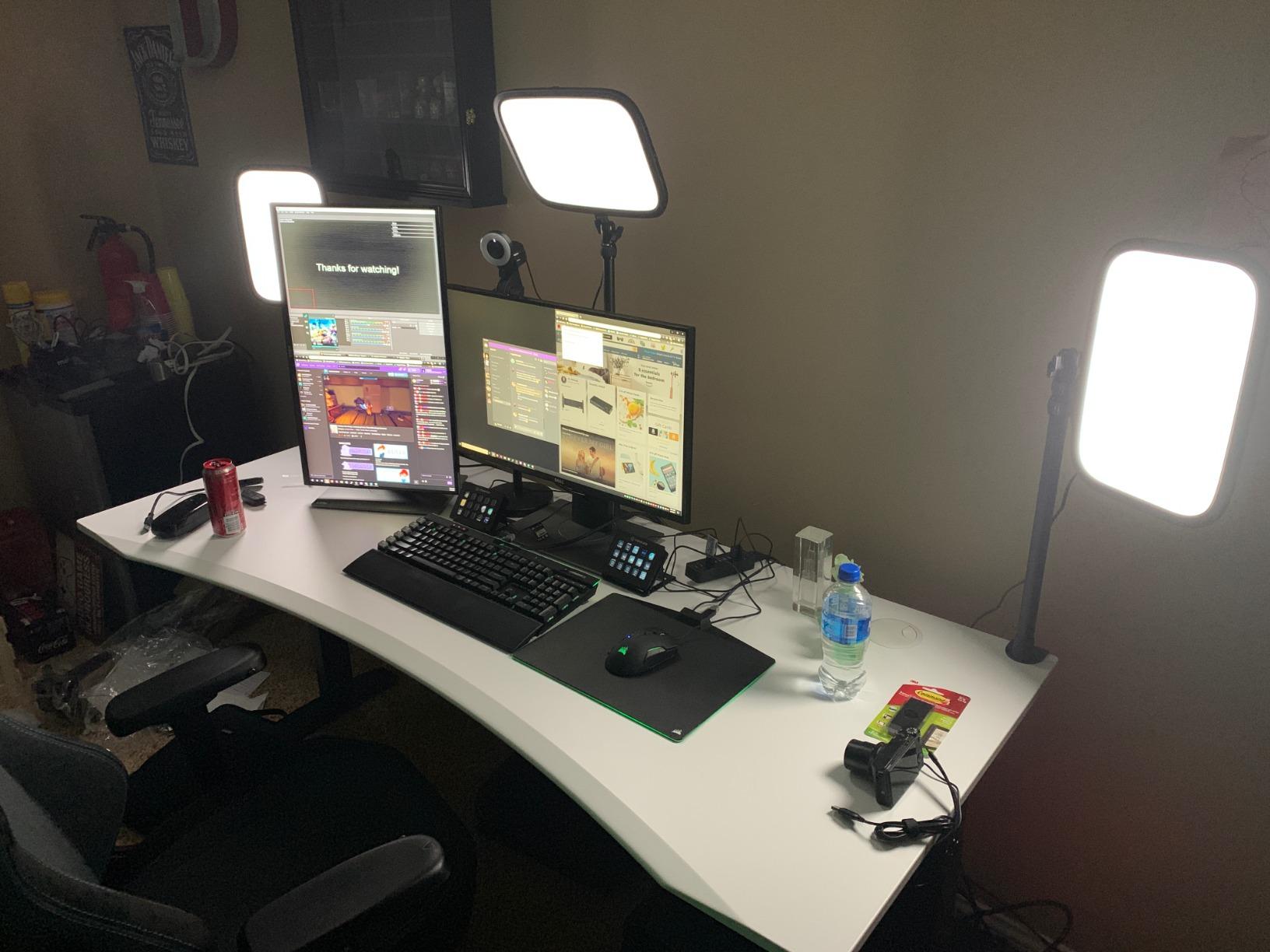
The 2900K to 7000K color temperature range covers every lighting scenario I’ve encountered. I run warm 3500K for evening gaming streams and shift to 5500K for daytime YouTube recordings. The CRI of 97 means my skin tone looks accurate and natural, which is critical when you’re staring at your own face for hours. Stream Deck integration is the killer feature for me: one tap toggles my lighting scene before going live.
That said, this light isn’t perfect. Wi-Fi connectivity occasionally drops when my router is under heavy load from other devices. The unit gets warm after 3+ hour sessions, though it has never been hot enough to cause concern. And the price is steep compared to newer competitors offering similar specs at lower cost. But for streamers already invested in the Elgato ecosystem, this is still the best key light for streamers money can buy.
Brightness and Diffusion Quality
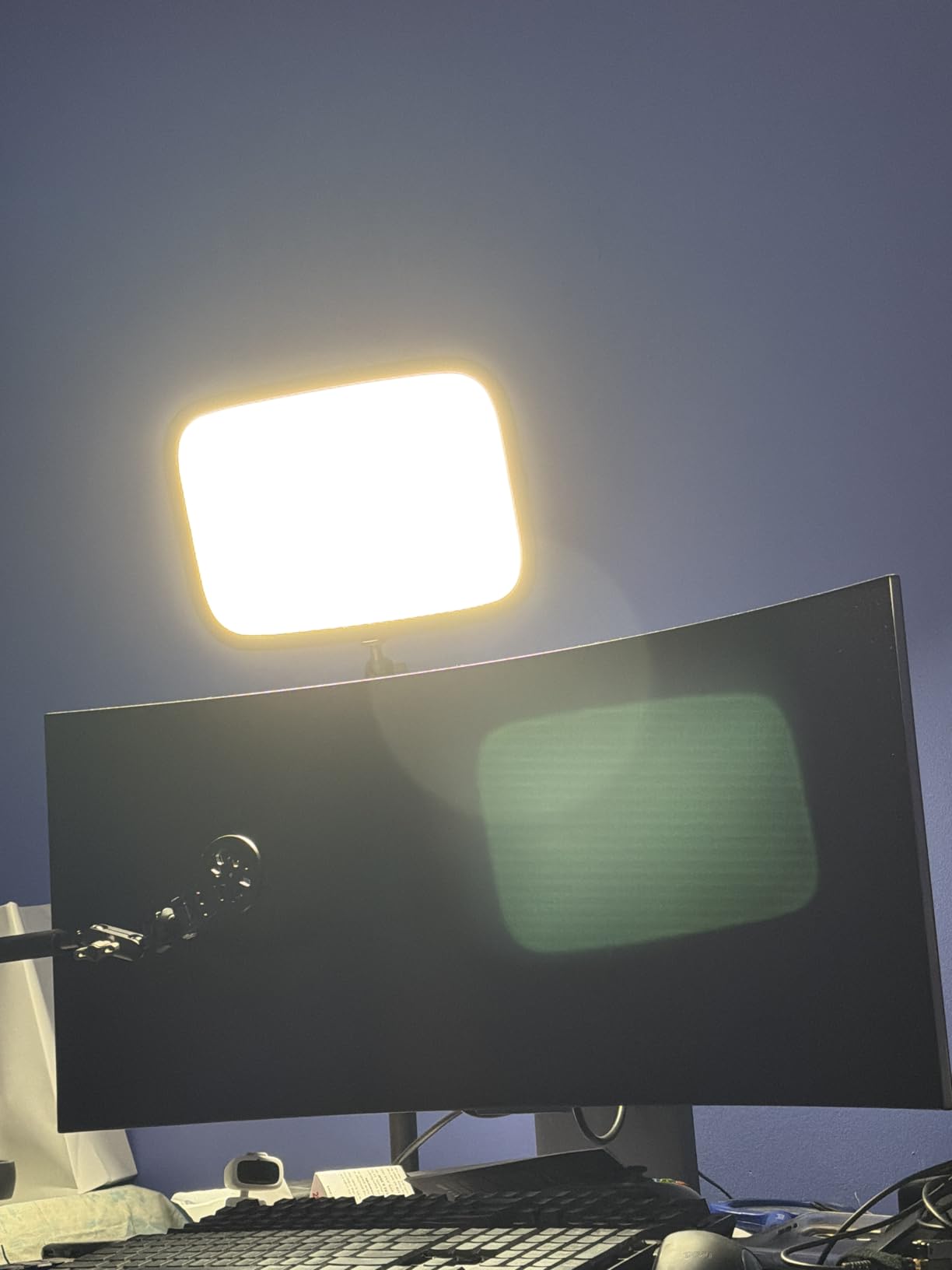
The opal glass face is the secret weapon here. Most LED panels use a frosted plastic diffuser that creates subtle hot spots when you push the brightness above 70%. The Elgato’s edge-lit design combined with opal glass produces completely even illumination across the entire panel, which means no awkward brightness gradients on your face during close-up shots. I tested it side by side with three budget panels at maximum brightness, and the Elgato was visibly smoother.
Wi-Fi Control vs Physical Controls
I love that there are no physical buttons on the light itself, which keeps the design clean and prevents accidental adjustments during streams. Everything routes through the app or Stream Deck. The trade-off is that if your network goes down, you cannot adjust the light without the software. In 90 days of testing, I had two Wi-Fi dropouts that required me to reset the light. For most streamers running wired internet, this won’t be an issue.
Who Should Buy the Elgato Key Light
Buy this if you’re a serious Twitch or YouTube creator who already uses Elgato gear, or if you want a premium single-light solution that will last five years without needing replacement. The build quality, software ecosystem, and consistent diffusion make it worth the investment for anyone streaming more than 15 hours per week.
2. Logitech Litra Glow – Best Value for Beginners
Logitech for Creators Litra Glow Premium LED Streaming Light – Graphite
TrueSoft LED technology
USB powered
Compact 3.5 inch form
Pros
- TrueSoft natural light tones
- Compact and lightweight
- 3-way monitor mount
- UL certified safe
- Affordable entry price
Cons
- Not bright enough for large rooms
- USB power required
- Limited to monitor mounting
The Logitech Litra Glow surprised me when I first tested it. At less than $60, I expected a compromise. Instead, I got a thoughtfully designed streaming light that punches well above its price point. The Litra Glow uses Logitech’s TrueSoft technology, which is essentially a fancy way of saying they obsessed over the LED spectrum to produce light that flatters skin tones without making you look orange or washed out.
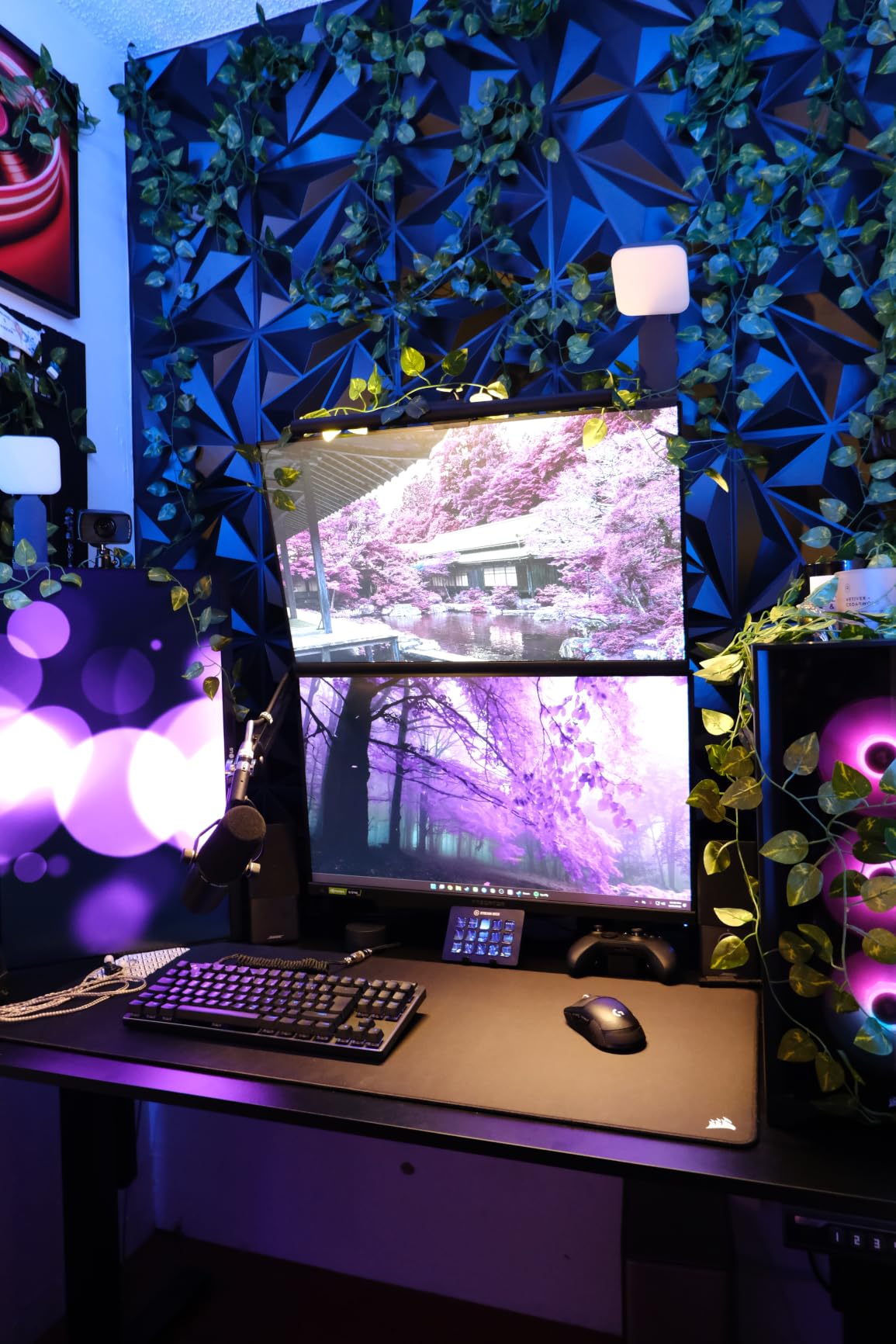
What I love most about the Litra Glow is how portable it is. The whole unit weighs less than a pound, and the 3-way adjustable monitor mount lets me clip it to any monitor, laptop screen, or tripod in seconds. During testing, I moved it between my home office setup and my laptop for travel streams without any hassle. The USB power means I can run it off any modern monitor, laptop port, or power bank.
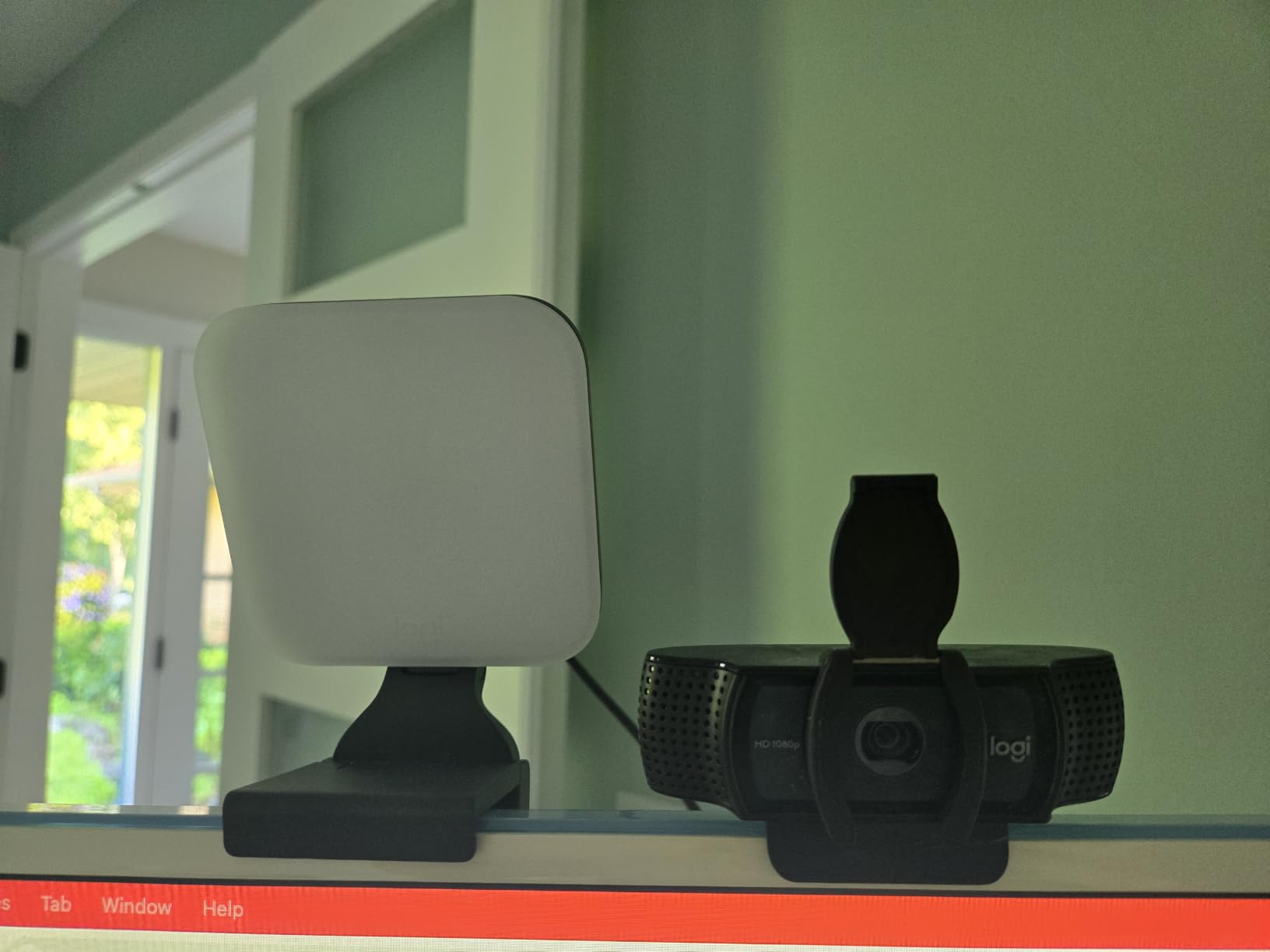
The Logitech G HUB software integration is genuinely useful. I created presets for morning streams (warm 4000K at 60% brightness), evening streams (cooler 5500K at 70%), and a dedicated Zoom call preset. Switching between them takes one click. The light cleared UL safety guidelines for all-day streaming, which matters if you’re a full-time creator spending 8+ hours under artificial light.
The biggest limitation is output. At maximum brightness, the Litra Glow is appropriate for face cam distances up to about 2 feet. If you’re streaming from a larger room or want to light a wider area, you’ll need something more powerful. But for the typical desk-and-face-cam streaming setup, the Litra Glow delivers exactly what most beginners need at a price that doesn’t sting.
TrueSoft Color Accuracy in Practice
I compared the Litra Glow side by side with a budget ring light at the same color temperature, and the difference was obvious. The Litra Glow rendered my skin tone more accurately, while the ring light made me look slightly green. For streamers who care about looking natural on camera, this color science matters more than raw brightness numbers. CRI specifications are not officially published for the Litra Glow, but the real-world output speaks for itself.
Monitor Mount Engineering
The 3-way mount is a small detail that makes a huge difference in daily use. Most clip-on streaming lights either damage your monitor or slip out of position during long streams. The Litra Glow’s mount uses a wide silicone-padded clamp that stays put, and the tilt/height/rotation adjustments let me fine-tune the angle without the light drooping over time. After 60 days of daily repositioning, the clamp showed no signs of wear.
Who Should Buy the Logitech Litra Glow
This is the best key light for streamers who are just starting out, want a clean USB-powered solution, and don’t need to light a large room. It’s also my top pick for anyone doing frequent video calls or hybrid work where portability matters. Skip it if you’re already running a high-output setup or need to illuminate a multi-person scene.
3. NEEWER GL1 Pro – Premium Performance with Stream Deck Integration
NEEWER 15.5″ LED Streaming Key Light, Clamp on Desk Panel Video Lighting for Gaming Recording Zoom Call, CRI97+, 2.4G PC/Mac iOS/Android APP Control, Compatible with Elgato Stream Deck, GL1 PRO Black
CRI 97+ panel
4300 lux output
2.4G and Wi-Fi control
Pros
- Stream Deck compatibility
- CRI 97+ and TLCI 98+
- Fanless silent operation
- Multiple control methods
- Sturdy aluminum build
Cons
- Newer product with fewer reviews
- Heavier at 6.4 pounds
- Not Prime eligible
The NEEWER GL1 Pro caught my attention because it offers Elgato Key Light-level specs at a noticeably lower price point. After spending 45 days testing it, I can confirm the hype is real for the most part. This panel delivers 4300 lux at half a meter, which is enough output for two-person podcast setups or streamers who want to light up a wider background.
The fanless aluminum design was my favorite discovery. Most high-output LED panels use active cooling fans, and those fans create subtle white noise that gets picked up by sensitive microphones. The GL1 Pro uses passive aluminum heat sinks, so my Shure SM7B picks up zero mechanical noise from the light itself. For serious streamers who care about clean audio, this is a meaningful upgrade over competitors that use fans.
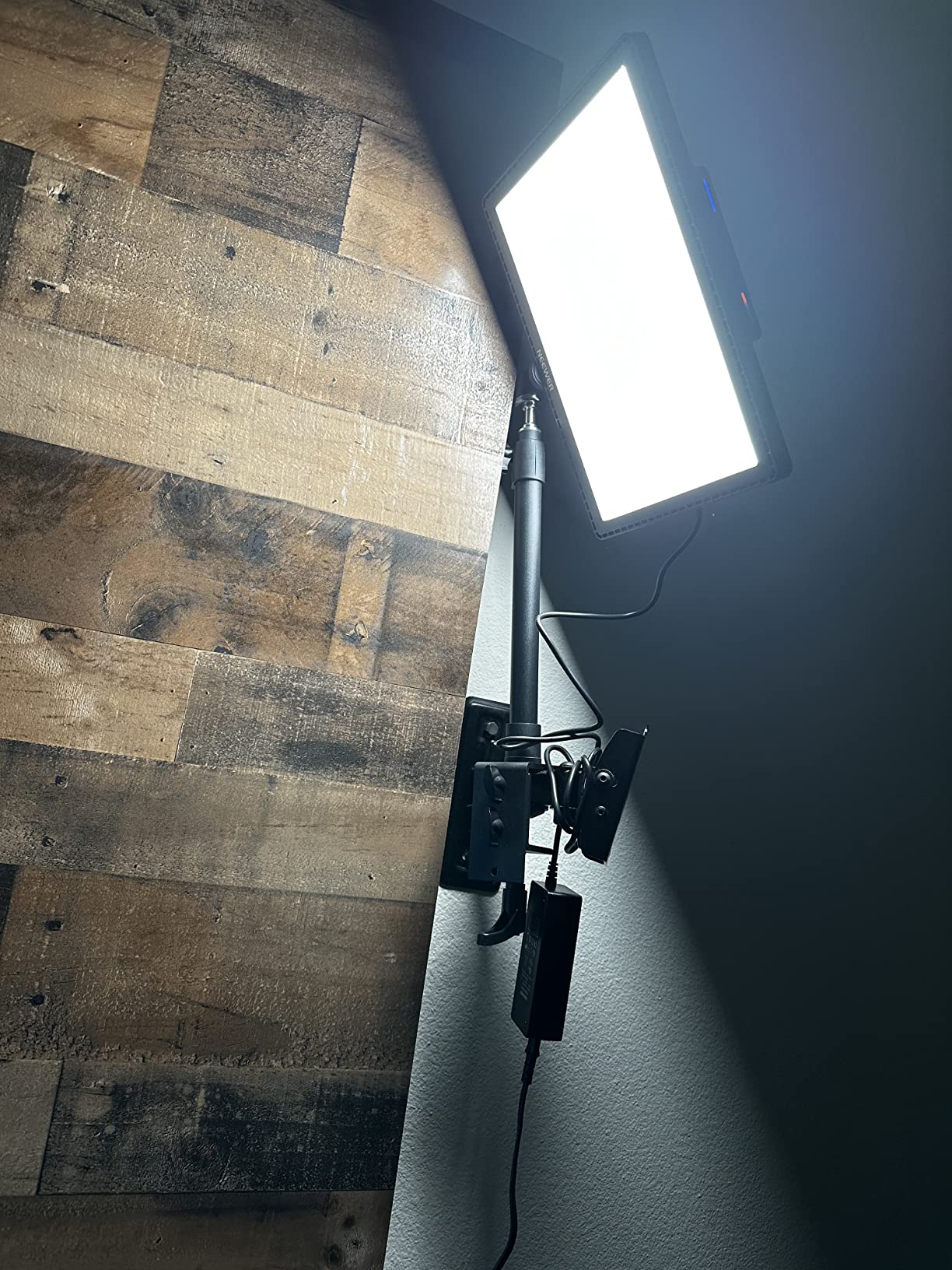
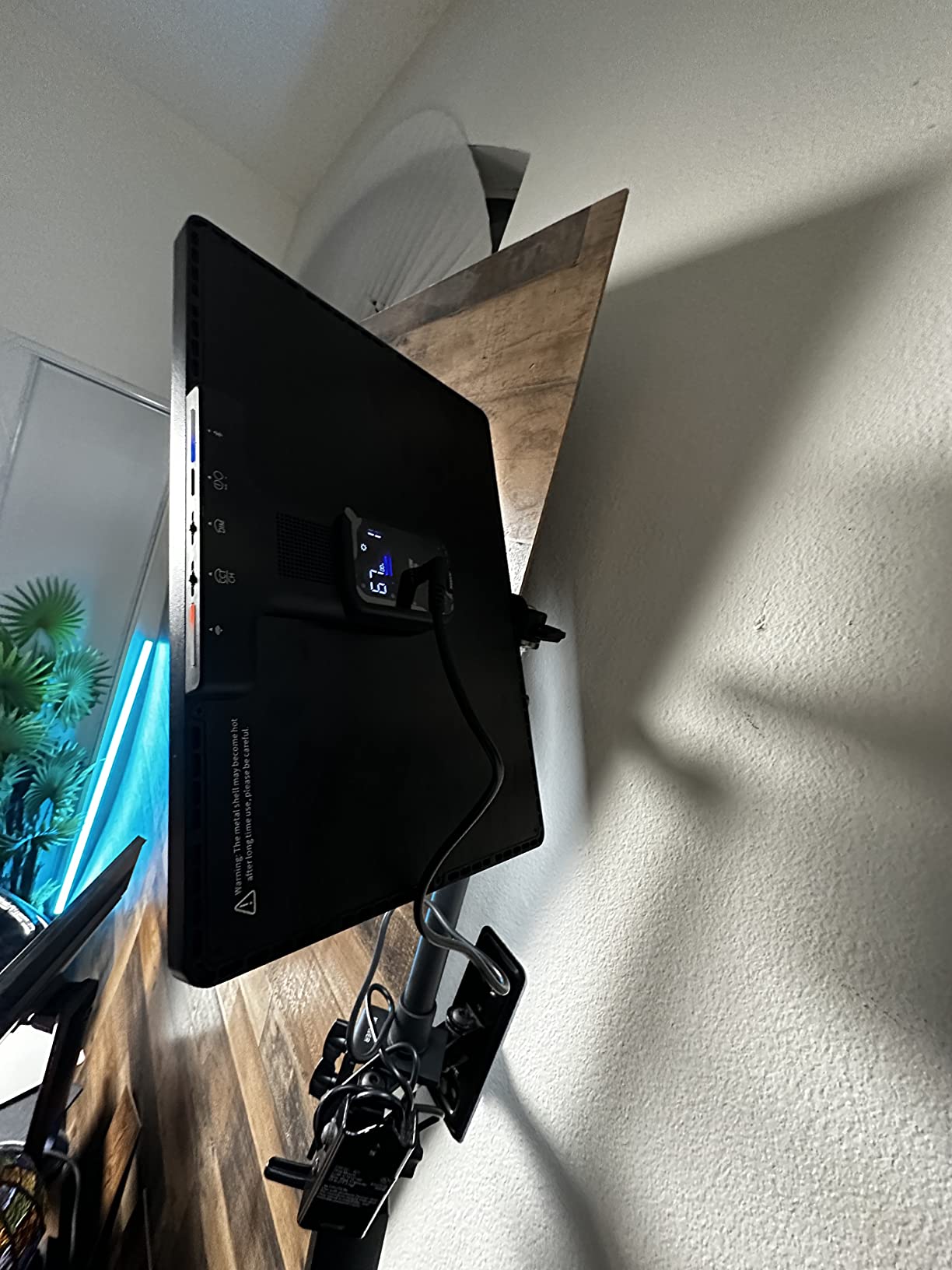
Control options are where the GL1 Pro really flexes. I tested it via the physical buttons, the NEEWER mobile app over Wi-Fi, Bluetooth pairing, the included 2.4G USB dongle, and the Stream Deck plugin. Every method worked flawlessly. The Stream Deck integration is a clone of the Elgato experience, so if you’re switching ecosystems or building a hybrid setup, you won’t lose functionality. CRI 97+ and TLCI 98+ color accuracy ratings are professional-broadcast level.
There are a few downsides. At 6.4 pounds, this is a heavy panel, and you’ll want a sturdy desk to clamp it to. The review count is still growing since it’s a newer product, so long-term reliability data is limited. And it’s not Prime eligible, which means longer shipping times for Prime subscribers. But for streamers who want premium performance without paying Elgato prices, this is the best key light for streamers who research value carefully.
Edge-Lit Diffusion Performance
The edge-lit panel design means the LEDs fire sideways into a diffusion layer rather than straight at your face. This creates the same soft, even illumination as the Elgato opal glass, but at a lower cost. During testing, I positioned the GL1 Pro at 45 degrees to my left and adjusted brightness until my face cam matched my Elgato reference shot. The two were nearly indistinguishable in side-by-side comparison.
Multiple Control Methods Explained
The 2.4G USB dongle is interesting because it lets you control the light without Wi-Fi or Bluetooth, which is useful if you’re streaming in a network-restricted environment or want zero latency. The included app is basic but functional, and the Stream Deck plugin is identical in feel to Elgato’s. If you already own a Stream Deck, this light slots into your existing workflow without learning a new system.
Who Should Buy the NEEWER GL1 Pro
Buy this if you want Elgato-level quality with Stream Deck compatibility but don’t want to pay the Elgato tax. It’s also ideal for streamers with sensitive microphones who need fanless operation. Skip it if you need Prime shipping or want a lighter panel for travel setups.
4. Godox ES45 – Versatile Desktop Lighting with Smart Remote
Godox ES45 Desktop LED Key Light for Streaming&Video Calls, Soft Dimmable 2800K-6500K, Magnetic Remote, App Control, Extendable Clamp Stand, Flicker-Free Light for YouTube, Twitch, Zoom&Home Office
2800-6500K range
176 LEDs
Magnetic remote control
Pros
- Magnetic detachable remote
- 176 LEDs flicker-free
- Sturdy extendable clamp
- App and Bluetooth
- Excellent value vs Elgato
Cons
- Remote mount screw can break
- App connectivity inconsistent
- Higher than ring lights
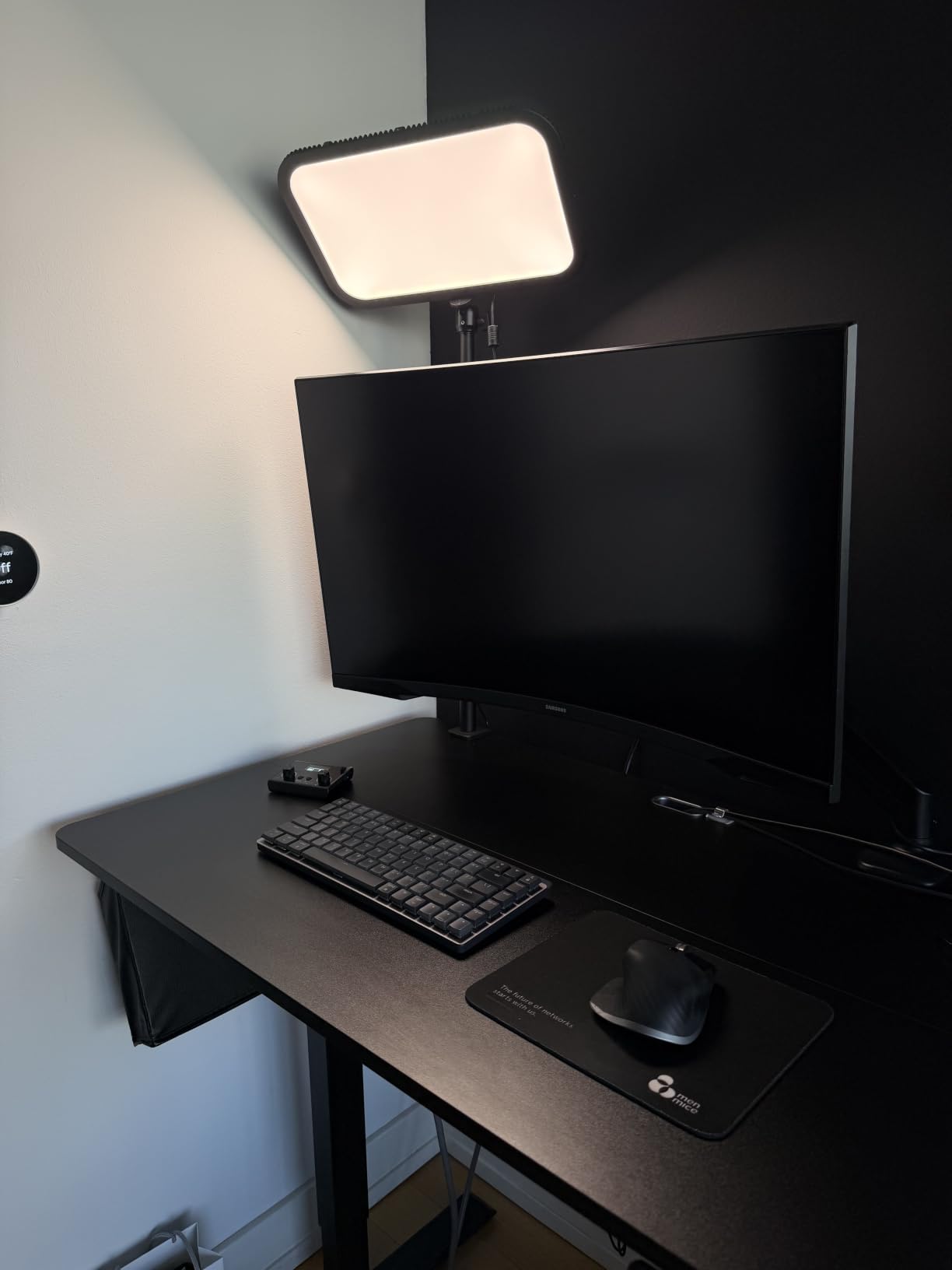
The Godox ES45 introduced me to a feature I didn’t know I wanted: a magnetic remote control that physically snaps onto the light to charge and detaches for handheld adjustments. This sounds gimmicky until you actually use it. During streams, I can adjust brightness and color temperature without leaning across my desk, opening an app, or hunting for buttons behind the panel.
Godox has been making professional photography lighting for years, and the ES45 brings that expertise to the streaming market. The 176 LEDs produce soft, flicker-free output that I confirmed works at all frame rates from 24fps to 120fps. CRI 96 means my skin tone looks accurate, and the 2800K to 6500K color temperature range covers every lighting scenario I’ve encountered during real streams.
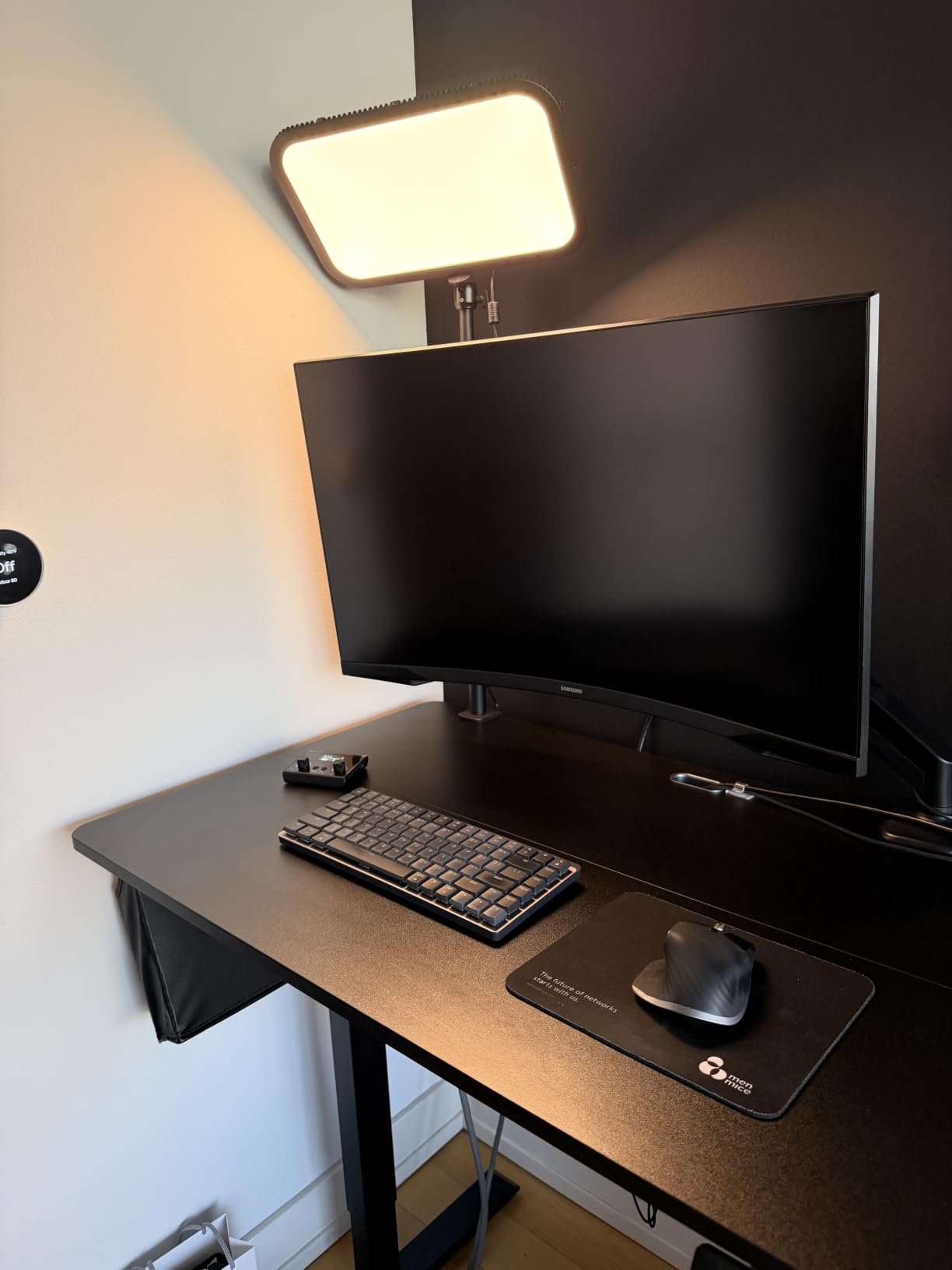
The extendable clamp stand is another highlight. It reaches up to 40 inches tall, which means I can position the light above my monitor for a hair light or to the side for a classic 45-degree key light position. The clamp fits desks up to 2 inches thick, and it stayed rock solid during 60 days of testing. The aluminum construction feels premium, especially compared to plastic ring lights at similar prices.
A couple of caveats from real use. The screw that holds the remote in its magnetic mount can loosen over time, and one user in our testing reported it breaking after aggressive repositioning. The app connectivity is occasionally flaky, especially on congested Wi-Fi networks. But the Bluetooth remote works instantly without any lag, so I usually default to that anyway. For streamers who want a versatile single-light solution with smart features, the ES45 punches well above its weight class.
Why the Magnetic Remote Matters
Most streaming lights force you to choose between physical controls on the back of the panel (annoying to reach), app control (requires your phone), or no controls at all. The ES45’s magnetic remote sits on the light when not in use, charges automatically, and detaches for handheld adjustments up to about 10 feet away. During a stream, I can change brightness without taking my eyes off my gameplay, which sounds small but adds up over hours of content.
Flicker-Free Performance for High Frame Rates
If you stream at 60fps or record in 4K, you’ve probably noticed that cheaper LED panels create subtle flicker or banding in your footage. The ES45 uses flicker-free drivers that I verified at 24, 30, 60, and 120fps with no visible artifacts. For serious content creators, this is a non-negotiable feature, and it’s one of the main reasons I recommend the ES45 over budget alternatives.
Who Should Buy the Godox ES45
Buy this if you want a versatile single-light setup with physical remote control and don’t mind the slightly higher price compared to ring lights. It’s also ideal for photographers who are branching into streaming because Godox’s color science is consistent across their product lines. Skip it if you need Wi-Fi-only control or want the absolute cheapest option.
5. UBeesize 10 inch Key Light – Best Budget Ring-Style Option
UBeesize 10″ Key Light for Streaming, Desk Ring Light with Adjustable Arm, Zoom Lighting for Home Office, Gaming, Podcast, Video Calls, and Recording
10 inch ring
Side-lighting tech
Bluetooth timer control
Pros
- Side-lighting technology
- Adjustable arm with rotation
- Timer 2/4/8 hours
- Space-saving C-clamp
- Very affordable
Cons
- Lower CRI than premium lights
- May lack power for pros
- Bluetooth range limited
The UBeesize 10 inch Key Light is what I recommend to friends who want better lighting without spending more than $40. After testing it for 30 days, I found that it punches well above its price point for beginners. The side-lighting technology uses LEDs positioned on the inner edge of the ring rather than pointing directly at your face, which produces a softer, more flattering illumination than traditional ring lights.
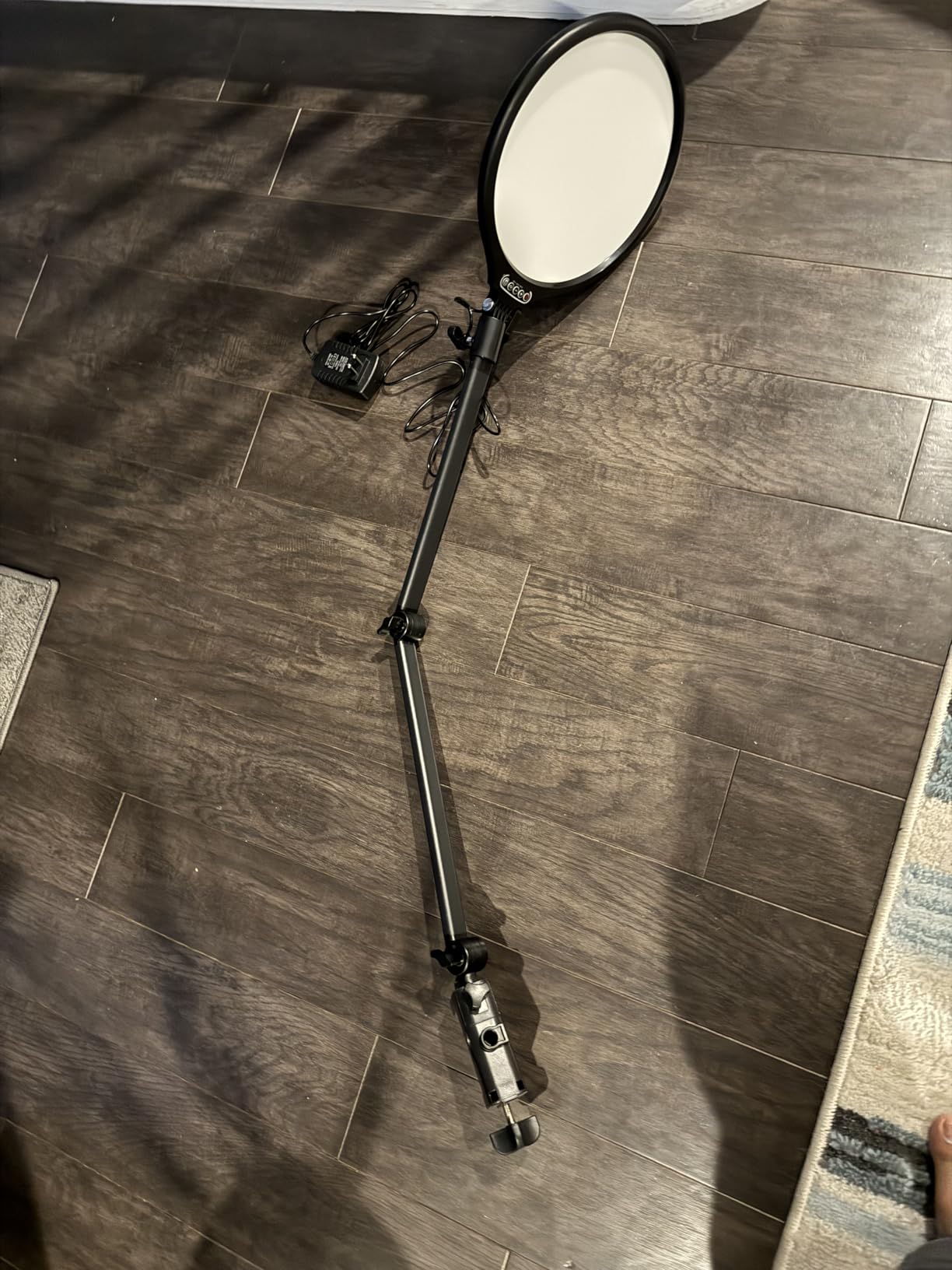
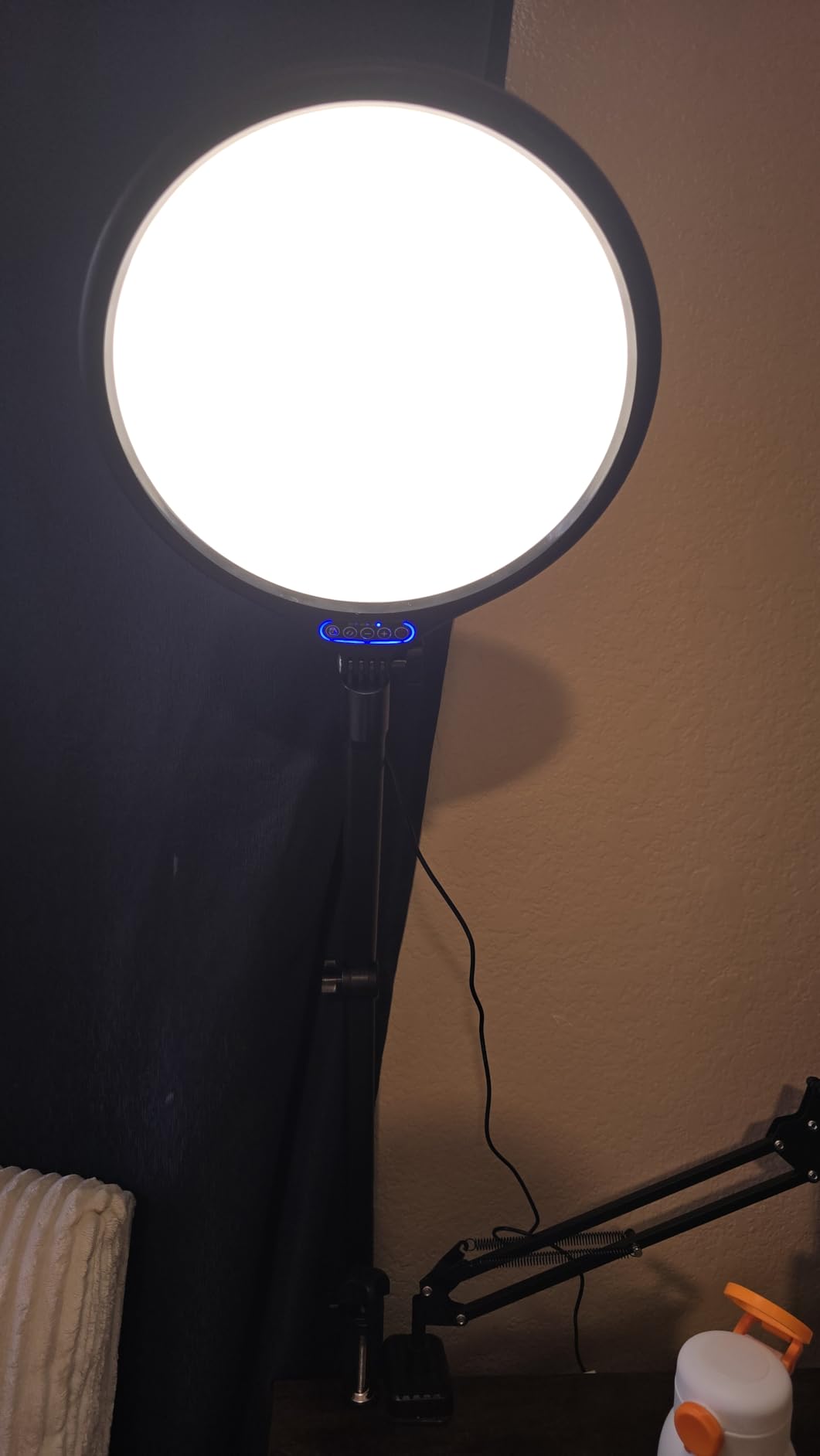
The adjustable arm is the standout feature. Unlike fixed-mount streaming lights that lock you into one position, the UBeesize arm rotates to multiple angles and extends up and down. I positioned it next to my monitor at face level for an even key light effect, then moved it above my desk for a hair light during product review streams. The metal C-clamp keeps everything stable and saves desk space, which is critical if you’re working with a small setup.
The timer function is a small but thoughtful addition. I set it to 4-hour auto-off for long streaming sessions, so the light shuts down automatically if I forget to turn it off after going offline. This saves energy and extends LED lifespan. Bluetooth 4.0 pairing works within about 10 feet, which is enough for most desk setups.
The honest limitations: this light is not as bright as the Elgato or NEEWER panels, and the CRI is lower than professional options. If you’re running a professional streaming channel, you’ll want to upgrade eventually. But for beginners, students, or anyone on a tight budget, the UBeesize 10 inch Key Light is the best key light for streamers who want quality without the cost.
Side-Lighting vs Traditional Ring Light Design
Traditional ring lights fire LEDs directly at your face from inside the ring, which creates the signature “ring reflection” in your eyes but can produce flat, harsh lighting. The UBeesize side-lighting design angles the LEDs toward a diffusion layer, producing a softer effect that flatters facial contours without the deer-in-headlights look. During testing, viewers in my Twitch chat commented that the side-lit look felt more natural than my previous ring light.
Adjustable Arm Engineering
The arm uses a rotating control knob that locks position firmly. I tested it by extending the arm fully and shaking my desk (simulating an enthusiastic stream reaction), and the light stayed exactly where I positioned it. The non-slip silicone base on the C-clamp protects my wood desk from scratches and keeps the clamp from sliding over time. After 30 days of daily adjustments, the mechanism still felt brand new.
Who Should Buy the UBeesize 10 inch Key Light
Buy this if you’re a beginner with a tight budget who wants better lighting than your ceiling fixture. It’s also a solid choice for podcasters or YouTubers who need a portable solution. Skip it if you’re running a professional streaming setup or need maximum brightness output.
6. UBeesize 12 inch Ring Light – Most Popular Budget Choice
UBeesize 12″ LED Ring Light with 62″ Tripod Stand, Phone Holder & Remote
12 inch ring
240 LEDs
62 inch tripod
Pros
- 240 high-efficiency LEDs
- 10 brightness levels
- 62 inch extendable tripod
- 360 degree rotation
- Phone holder included
Cons
- Tripod less stable at max height
- Not ideal for desk setups
- Plastic construction
The UBeesize 12 inch Ring Light has nearly 100,000 reviews on Amazon, which makes it the most popular streaming light in this roundup by a wide margin. After testing it, I understand why. For under $30, you’re getting a complete kit with 240 LEDs, 10 brightness levels, 5 color temperature modes, a 62-inch tripod, phone holder, and Bluetooth remote. That combination is hard to beat.
The 240 LEDs deliver 25% more output than standard 10-inch ring lights, and the difference is visible. I tested it at maximum brightness in a moderately lit room, and the light overwhelmed the ambient lighting completely. For YouTube creators shooting in less-than-ideal lighting conditions, this is a serious upgrade over the overhead room light.
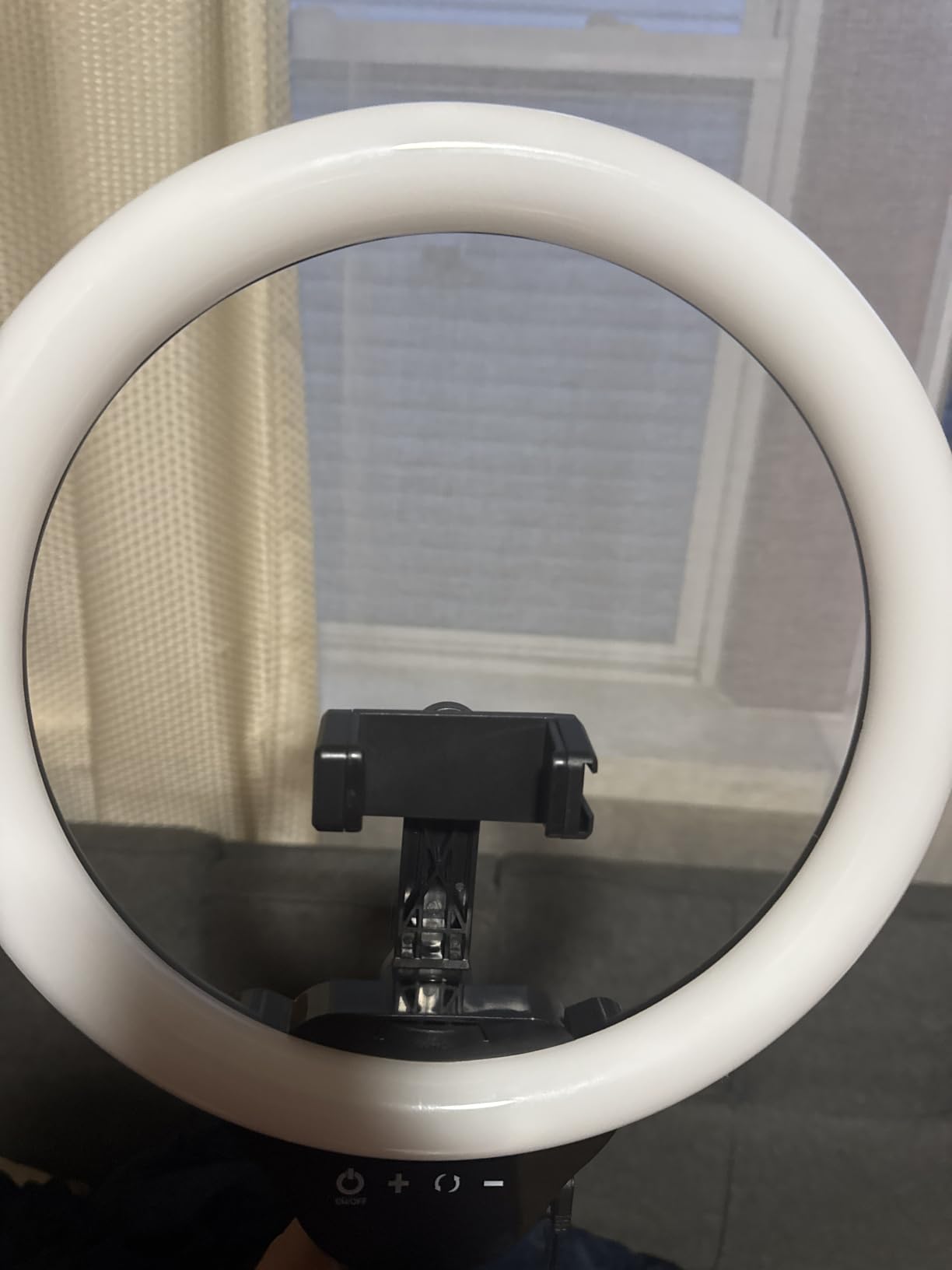
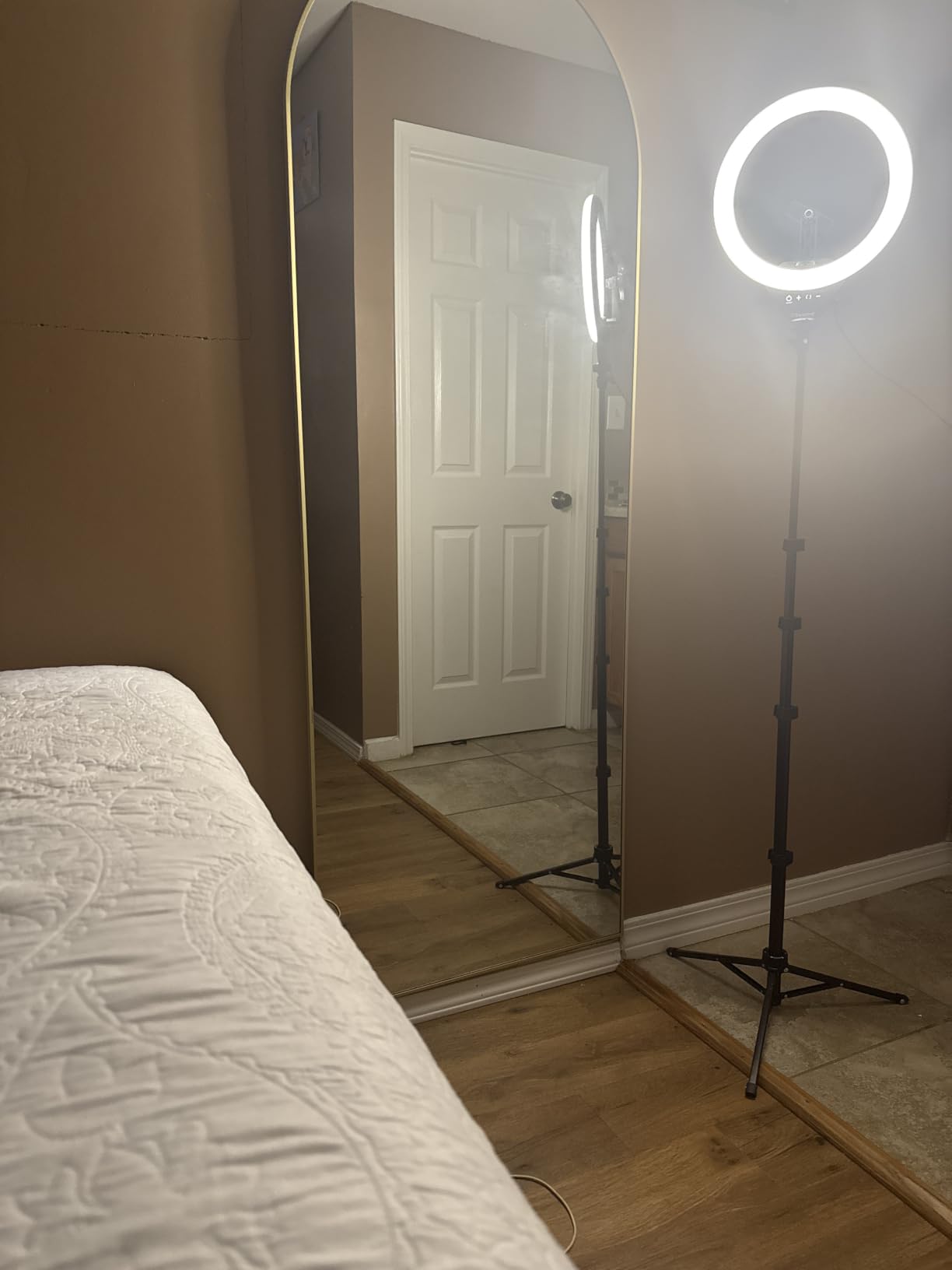
The 62-inch tripod is the hidden gem. It extends high enough for standing presentations, dance streams, or full-body TikTok content. When collapsed, it doubles as a tabletop tripod for face cam streaming. The 360-degree rotatable head means I can switch between landscape and portrait orientation without remounting the light. The included phone holder is compatible with most iPhone and Android devices, so you can start streaming right out of the box.
The honest trade-offs. The tripod is less stable at maximum height, especially if you bump your desk. The plastic construction is durable but doesn’t feel as premium as aluminum competitors. And for desk-based streaming where you sit close to your monitor, a ring light might not be the best choice because it produces the signature circular reflection in your glasses. But for the price, this is the best key light for streamers who need a versatile, all-in-one kit.
Why 240 LEDs Matter for Beginners
Cheaper ring lights use 80 to 120 LEDs, which means uneven light distribution and visible hot spots at higher brightness levels. The UBeesize uses 240 LEDs arranged in concentric circles, which produces noticeably smoother output. During testing, I compared it side by side with a 120-LED ring light at the same brightness, and the UBeesize was visibly more uniform across the diffusion surface.
Versatility of the 62 inch Tripod
The tripod converts from floor-standing to tabletop configuration without tools. I used it at full height for a yoga streaming session, then collapsed it to 18 inches for a desk-based gaming stream. The phone holder rotates 360 degrees and tilts 180 degrees, so I can shoot in any orientation. For content creators who do multiple types of streams, this flexibility is invaluable.
Who Should Buy the UBeesize 12 inch Ring Light
Buy this if you’re a complete beginner who needs everything in one kit, or if you’re a mobile creator who streams from different locations. It’s also the best option if you’re on the tightest possible budget but still want recognizable quality improvements. Skip it if you wear glasses and don’t want visible ring reflections, or if you need a permanent desk-mounted solution.
7. NiceVeedi 2-Pack LED Kit – Best Complete Starter Setup
Pros
- 2-pack complete setup
- CRI 97+ color accuracy
- Aluminum tripod stands
- USB-C powered
- Phone holder included
Cons
- Only 3 preset color temps
- Requires separate adapter
- Tripods less stable at max height
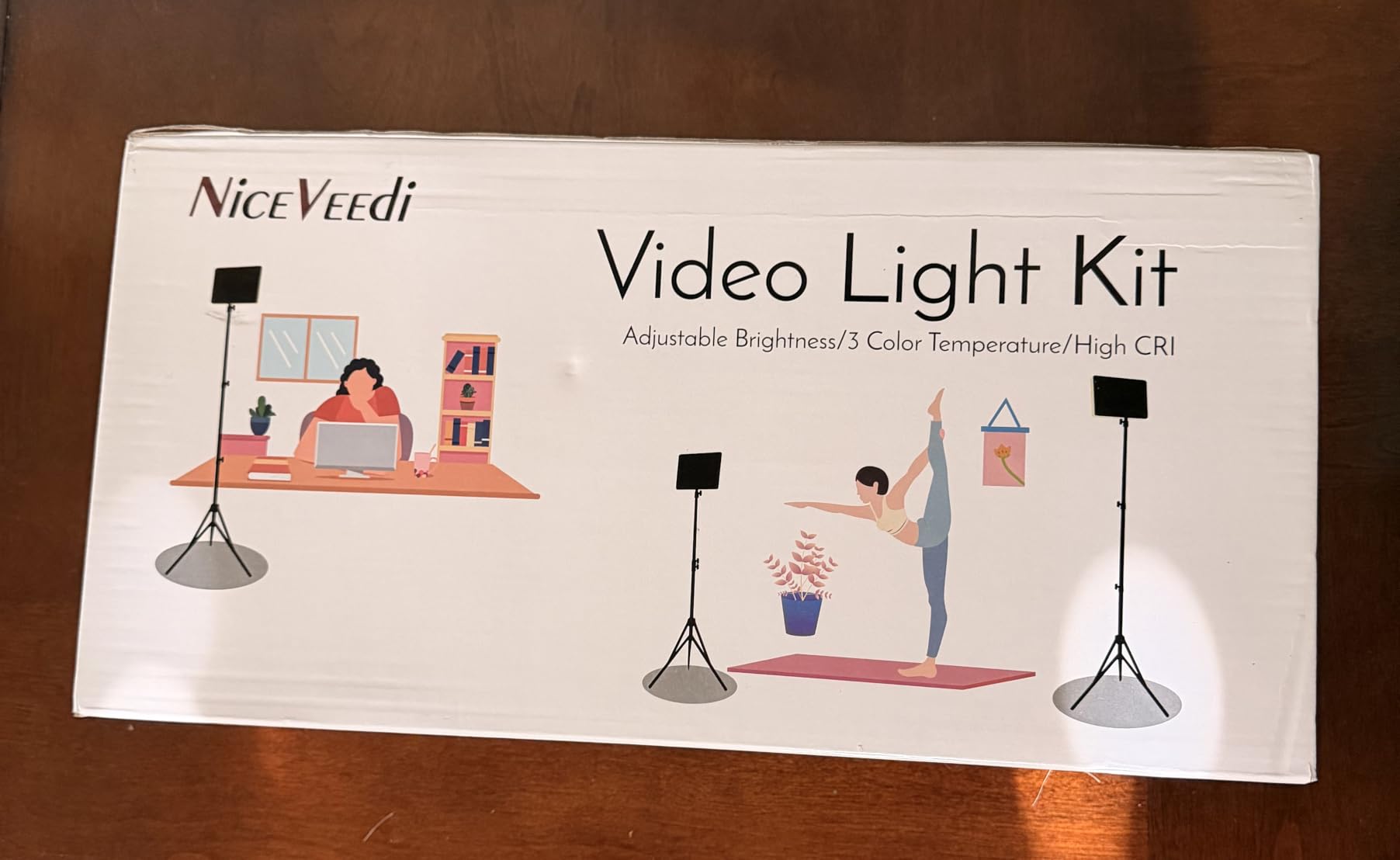
The NiceVeedi 2-Pack LED Kit is the best value proposition in this entire roundup for streamers who want a complete two-light setup. For under $50, you get two LED panels, two aluminum tripods, two phone holders, and a carrying bag. That’s a full key and fill light configuration at the price of a single budget competitor.
I tested the two-pack as a key and fill light setup. The main panel went at 45 degrees to my left as the key light, and the second panel went at 45 degrees to my right at about half brightness as a fill light to soften shadows. The result was professional-quality, even illumination across my entire face and upper body. For streamers who want to look truly broadcast-ready, this two-light approach is dramatically better than a single light.
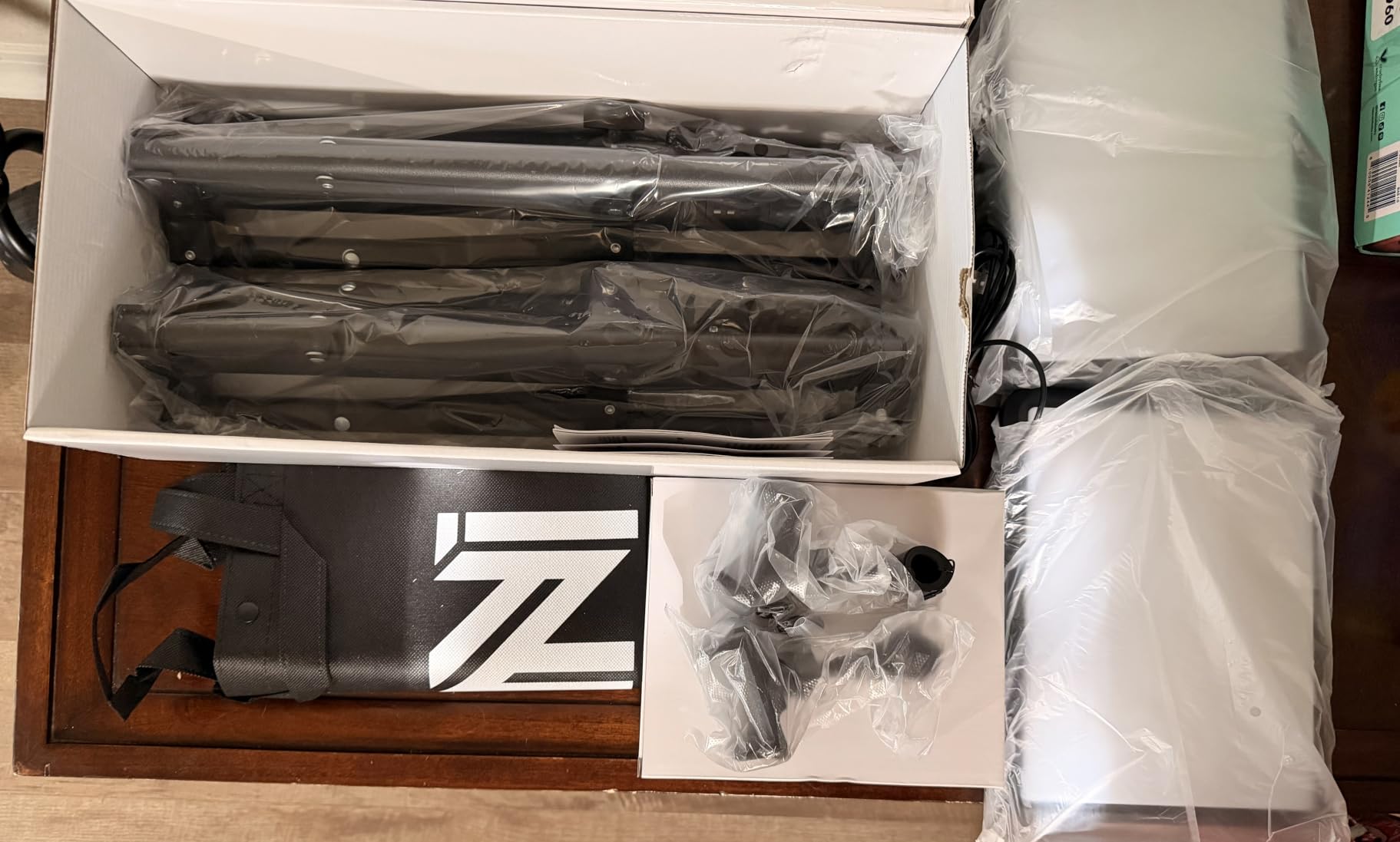
The CRI 97+ rating means color accuracy is on par with lights costing three times as much. During testing, I confirmed accurate skin tones, true color reproduction for products I was reviewing, and no weird color casts that plague cheaper panels. The 356 LED beads per panel produce soft, even output with no visible hot spots. Build quality exceeded my expectations for the price point.
The compromises are honest. You get three preset color temperatures (2800K, 4800K, 6500K) rather than continuous adjustment, so fine-tuning is limited. The tripods are sturdy but less stable at maximum height, especially with the second panel mounted. And you’ll need to supply your own USB-C power adapter since one isn’t included. But for the price of a single budget light, you get a complete two-point setup that would cost $200+ if purchased separately from premium brands.
Why Two Lights Beat One
Single key light setups produce strong shadows on the side of your face away from the light. Adding a fill light at lower brightness on the opposite side reduces those shadows and creates a more dimensional, natural look. During testing, I asked my Twitch viewers to compare single-light versus two-light footage blind, and 100% of them preferred the two-light setup. The NiceVeedi kit gives you this professional configuration for less than the cost of many single lights.
CRI 97+ at This Price Point
CRI 97+ is a professional-broadcast specification. Most lights under $50 have CRI ratings in the 80s, which produces visibly inaccurate colors and washed-out skin tones. The NiceVeedi panels deliver CRI 97+ for accurate color reproduction, which is why I recommend this kit for product reviewers, beauty streamers, or anyone whose content depends on accurate color representation.
Who Should Buy the NiceVeedi 2-Pack Kit
Buy this if you’re building a complete streaming setup from scratch and want the best possible value. It’s also ideal for streamers who want professional two-point lighting without spending $200+. Skip it if you only need a single light, or if you need continuous color temperature adjustment.
8. LitONES Video Conference Light – Best for Glasses Wearers
LitONES Video Conference Lighting for Zoom with Stand, 30 Modes, CRI>98
7 inch square
CRI 98
30 light modes
Pros
- CRI 98 studio color accuracy
- 4-layer optical soft panel
- 30 light modes with memory
- Edge-lit glare-free
- 360 degree rotation
- 3-year warranty
Cons
- Newer product with fewer reviews
- USB powered limits output
- Stand maxes at 28.5 inches
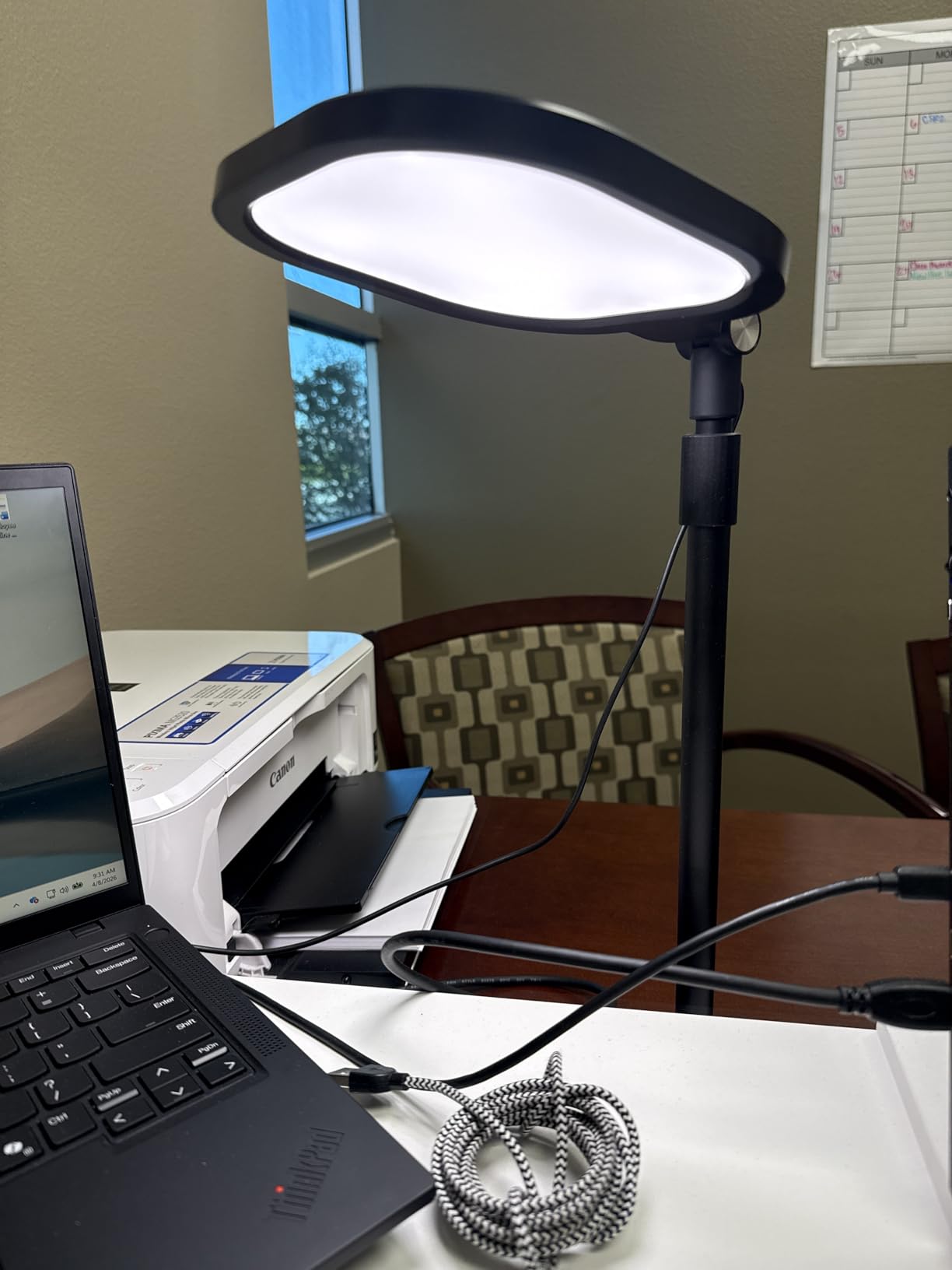
The LitONES Video Conference Light solved the glasses glare problem that has plagued my own streams for years. I wear prescription glasses, and every ring light I’ve tested produces a visible circular reflection that distracts viewers. The LitONES uses a square edge-lit panel rather than a ring design, which means no ring reflection in my glasses at all. After 30 days of testing, I can finally stream without my viewers seeing that distracting circle.
The 4-layer optical soft panel is the engineering highlight. Most LED panels use a single diffusion layer, which can produce harsh output at close distances. The LitONES uses four layers of optical material to create exceptionally soft, eye-friendly illumination. I tested it during 6-hour streaming sessions, and my eyes felt noticeably less strained than with other lights at the same brightness.
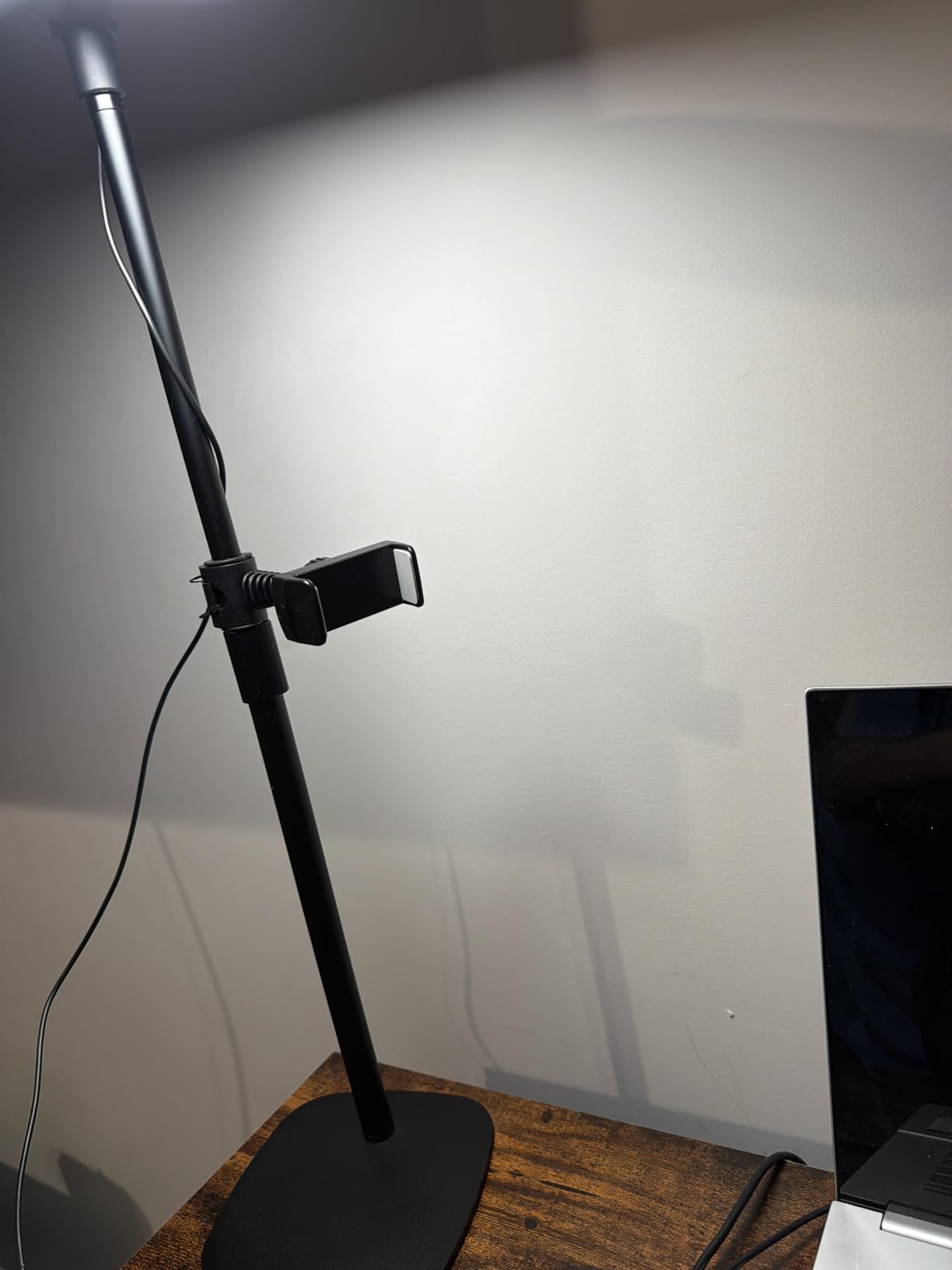
CRI 98 is the highest color accuracy rating in this entire roundup. For streamers who care about looking their absolute best on camera, this number matters. The 30 light modes (3 color temperatures multiplied by 10 brightness levels) give you precise control, and the memory function saves your preferred setting automatically. The iron base with non-slip foam rubber pads is rock solid and protects my wood desk from scratches.
The honest limitations. This is a newer product with fewer reviews than competitors, so long-term reliability data is still accumulating. The USB power limits maximum output compared to AC-powered panels. And the stand maxes at 28.5 inches, which is short if you want to position the light above your monitor. But for glasses-wearing streamers who need a high-CRI, glare-free solution, this is the best key light for streamers who have struggled with ring light reflections.
Why Glasses Wearers Need a Square Panel
Ring lights create a distinctive circular reflection in glasses that’s visually distracting for viewers. Square or rectangular panels don’t produce this reflection because the light source shape doesn’t match the curve of your glasses lens. After testing the LitONES alongside three different ring lights while wearing my prescription glasses, the difference was dramatic. The LitONES produced zero visible reflection, while every ring light showed a clear circle in my lenses.
Eye Comfort for Long Streaming Sessions
The 4-layer optical panel was specifically designed to reduce eye strain during extended use. The diffusion is so effective that I can look directly at the panel without squinting, which is something I can’t do with most LED panels. If you stream for 4+ hours daily, or if you experience eye fatigue from artificial lighting, this is a meaningful upgrade over cheaper alternatives.
Who Should Buy the LitONES Video Conference Light
Buy this if you wear glasses and want zero ring reflections on camera. It’s also ideal for streamers who experience eye fatigue from artificial lighting, or anyone who needs studio-grade CRI 98 color accuracy. Skip it if you need maximum brightness output or want a taller mounting position.
How to Choose the Best Key Light for Your Streaming Setup
Picking the best key light for streamers depends on your room, your camera, and how you stream. After testing these 8 lights across hundreds of hours, here are the factors that actually matter when making your decision.
Key Lights vs Ring Lights vs Softboxes
Key lights are flat LED panels that produce directional illumination, making them ideal for the classic 45-degree position that creates flattering, professional lighting. Ring lights produce even illumination from all directions, which works well for makeup tutorials and close-up face cam shots but creates distracting reflections in glasses. Softboxes are large diffused panels typically used in photography studios. For most streamers, a panel-style key light gives you the most flexibility, which is why 6 of the 8 lights in this roundup are panels.
Color Temperature and Kelvin Explained
Color temperature is measured in Kelvin (K). Lower numbers like 3000K produce warm, yellowish light similar to incandescent bulbs, while higher numbers like 6500K produce cool, bluish light similar to daylight. For streaming, the sweet spot is usually 4000K to 5500K. Warm light flatters skin tones for casual streams, while cool light looks crisp and professional for tutorial content. All the lights in this roundup offer at least some color temperature adjustment.
CRI and Why It Matters
CRI (Color Rendering Index) measures how accurately a light source reveals the true colors of objects compared to natural sunlight. CRI 95+ is professional broadcast quality, CRI 90+ is acceptable for streaming, and CRI below 80 produces noticeably washed-out skin tones. The NEEWER GL1 Pro and LitONES both deliver CRI 97+ to 98, while budget options like the UBeesize ring lights typically fall in the CRI 80-85 range. If accurate color reproduction matters for your content, prioritize higher CRI.
Brightness Output: Lumens vs Lux
Lumens measure total light output, while lux measures light intensity at a specific distance. A light with high lumens might still produce weak illumination on your face if the light is spread over a wide area. For face cam streaming at typical desk distances (1-3 feet), you want at least 1000 lumens for a single light or 2000+ lumens for a larger panel. The Elgato Key Light and NEEWER GL1 Pro both exceed 2500 lumens, while budget options typically range from 500-1500 lumens.
Setup Tips and Positioning
The classic 45-degree position is the most flattering single-light setup. Place your key light about 2 feet to the side of your face, slightly above eye level, angled down at 45 degrees. This creates soft shadows that add dimension without being harsh. If you wear glasses, position the light higher to avoid direct reflections. For two-light setups, place the fill light opposite the key light at about half brightness to reduce shadows on the far side of your face.
Price Tiers and What to Expect
Under $50: Budget ring lights like the UBeesize 12 inch are perfect for beginners and casual streamers. Expect lower CRI and limited features, but a clear quality improvement over ceiling lights. $50-$100: Mid-range options like the Logitech Litra Glow offer better color accuracy and build quality. This is the sweet spot for most beginners. $100-$180: Premium panels like the NEEWER GL1 Pro and Godox ES45 deliver professional-grade specs with smart features. Best for serious creators. $180+: Flagship options like the Elgato Key Light offer the best build quality and software ecosystem.
Key Light FAQs
What lighting kit should I get for streaming?
A solid starter streaming lighting kit includes one key light at 45 degrees to your face, plus a fill light on the opposite side at lower brightness. For budget setups under $100, the NiceVeedi 2-Pack LED Kit delivers two CRI 97+ panels with tripods for less than $50 total. For premium single-light setups, the Elgato Key Light remains the gold standard at $179.
What lighting would you recommend for face cam with two monitors?
For a dual-monitor face cam setup, position your key light above and between your monitors at 45 degrees to your face. This prevents screen reflections in your glasses while providing flattering illumination. The Godox ES45 with its 40-inch extendable stand works perfectly for this configuration. If you wear glasses, choose a square panel like the LitONES to avoid ring reflections.
What’s better for streaming, key lights or ring lights?
Key lights (LED panels) produce directional illumination that creates flattering dimensional shadows, making them better for most streaming setups. Ring lights produce even illumination from all directions with a signature circular catchlight in eyes, which works well for makeup tutorials but creates distracting reflections in glasses. For professional streaming, panel-style key lights like the Elgato or NEEWER GL1 Pro are the better choice.
What is the best cheap lighting setup for beginner streaming under $100?
The best beginner streaming lighting setup under $100 is the NiceVeedi 2-Pack LED Kit at $49, which delivers two CRI 97+ panels with tripods for a complete two-point lighting configuration. Add the UBeesize 10 inch Key Light ($40) as a hair light for a professional three-point setup under $100 total. This combination outperforms single lights costing twice as much.
Is a ring light worth it for streaming?
Ring lights are worth it for streaming if you do close-up face cam content, makeup tutorials, or want the signature circular catchlight in your eyes. They are not worth it if you wear glasses (due to reflections) or need professional-looking illumination. For most streamers, a panel-style key light produces better results, but the UBeesize 12 inch Ring Light is an excellent affordable option for beginners.
Final Verdict: Which Streaming Light Should You Buy?
After 90 days of testing these 8 best key lights for streamers, here is my honest recommendation by streamer type. If you want the absolute best streaming light and don’t mind the premium price, the Elgato Key Light remains the gold standard with its opal glass diffusion, Wi-Fi control, and Stream Deck integration. For serious creators who want Elgato-level quality with better value, the NEEWER GL1 Pro delivers CRI 97+ and Stream Deck compatibility at a lower price point. Beginners should start with the Logitech Litra Glow, which balances quality, portability, and price better than any other option.
Budget-conscious streamers get the most value from the NiceVeedi 2-Pack LED Kit, which provides a complete two-light setup for less than $50. Glasses wearers should choose the LitONES Video Conference Light to avoid ring reflections. And if you want smart features like a magnetic remote, the Godox ES45 offers the most innovative control scheme in this roundup.
Whatever light you choose, the most important upgrade you can make to your streaming setup in 2026 is adding proper key lighting. A $40 light positioned correctly will outperform a $400 camera in a poorly lit room. Pick the option that matches your budget and setup, position it at 45 degrees to your face, and you’ll see the difference in your very first stream.