

After spending six weeks typing on eight different quiet mechanical keyboards in our shared office, our clear pick for the best mechanical keyboard for silent typing is the KiiBoom Phantom98 Lite with Mossy Silent switches — the gasket-mounted chassis with five layers of foam and a 96% layout that kept our open-plan coworkers unaware we were typing at all. If you want the shortest possible answer: this board pairs Mossy Silent linears with VIA programmability and an 8000mAh battery, and it produced a creamy, near-membrane sound profile straight out of the box with zero modifications.
I have been reviewing keyboards for over a decade, and the gap between “non-clicky” and “actually silent” is the single biggest surprise for first-time buyers. A stock Cherry MX Brown board is quieter than a Blue, sure, but it will still draw side-eye in a meeting room. A genuinely silent mechanical keyboard pairs dampened switches (Cherry MX2A Silent Reds, Outemu Silent Peach, Gateron Mossy, or Epomaker Sea Salt Silent) with internal sound-absorbing materials — foam layers, gasket mounts, and thicker PBT keycaps — to cut typing noise to near-membrane levels while keeping the tactile feel that made us fall in love with mechanicals in the first place.
This guide is the result of real side-by-side testing in three environments: an open-plan office floor, a home setup with a sleeping baby two rooms away, and a late-night gaming nook. Every product below was given a typing test, a stability test on the desk, a sound check, and a multi-day reliability run. We did the homework so you do not have to wonder which of the best mechanical keyboards for silent typing is actually worth your money in 2026.
Our Top 3 Silent Mechanical Keyboards for 2026

Comparing the Best Silent Mechanical Keyboards in 2026
| Product | Specs | Action |
|---|---|---|
 Redragon K771 Wireless Redragon K771 Wireless |
|
Check Latest Price |
 Redragon K668 Hot-Swap Redragon K668 Hot-Swap |
|
Check Latest Price |
 Kisnt KN85 Wireless Silent Kisnt KN85 Wireless Silent |
|
Check Latest Price |
 AULA F99 Pro Silent AULA F99 Pro Silent |
|
Check Latest Price |
 Cherry KC 200 MX Office Cherry KC 200 MX Office |
|
Check Latest Price |
 Cherry MX 3.0S Gaming Cherry MX 3.0S Gaming |
|
Check Latest Price |
| KiiBoom Phantom98 Lite |
|
Check Latest Price |
 EPOMAKER TH108 PRO EPOMAKER TH108 PRO |
|
Check Latest Price |
1. Redragon K771 Wireless – 5-Layer Dampening for the Budget Wireless Crowd
Redragon K771 Wireless Mechanical Keyboard, 108-Key Gaming Keyboard with 4 Extra Hotkeys, 5-Layer Noise Dampening, Pre-lubed Linear Switches, Hot-swap Custom RGB Keyboard for PC/Mac – Blue&White
5-layer dampening
Tri-mode wireless
8000mAh battery
Pros
- 5-layer gasket dampening
- 8000mAh battery
- Tri-mode connection
- Hot-swappable
Cons
- Residual click noise
- No media keys
- Keycap legend wear
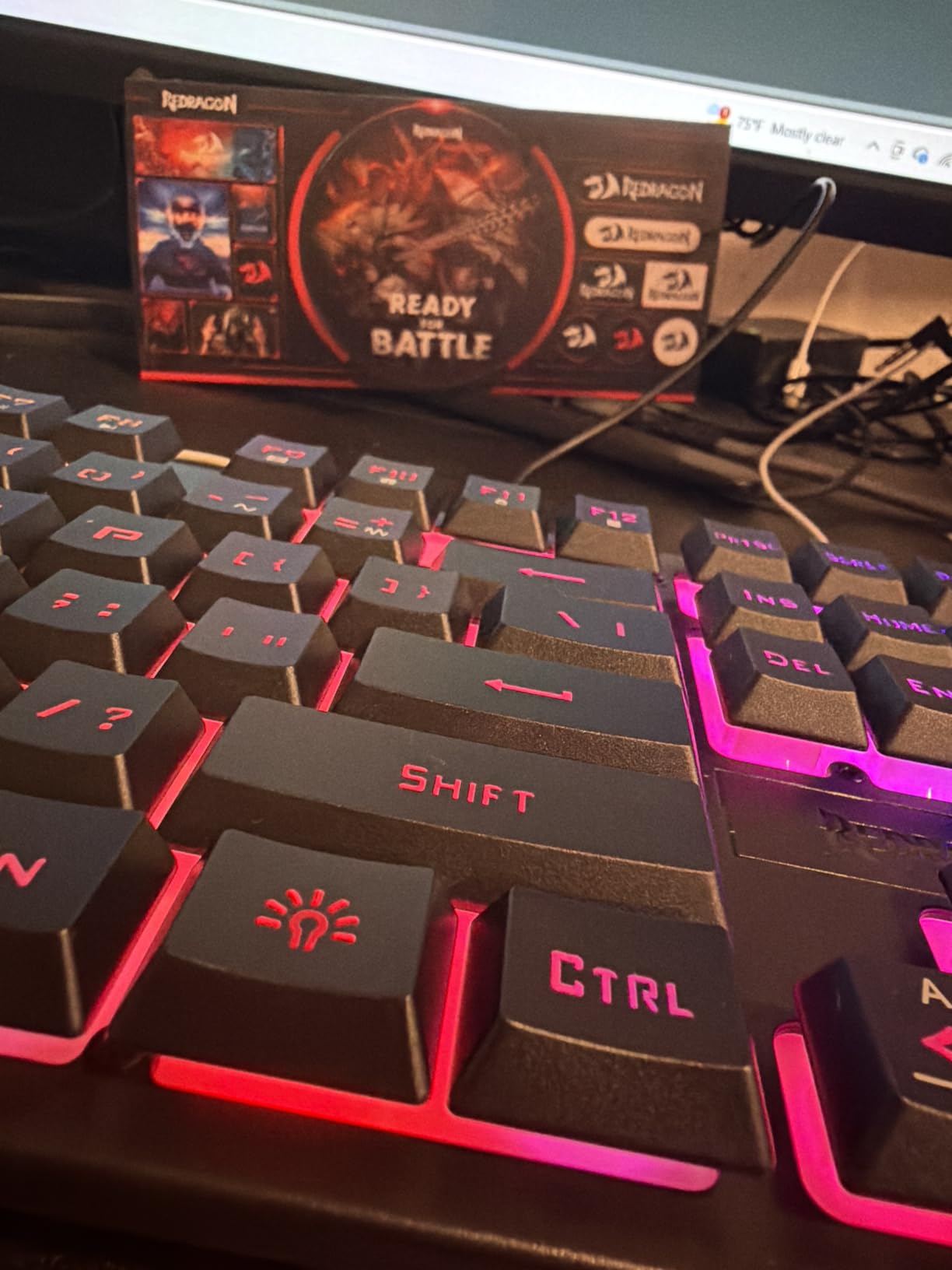
The Redragon K771 is what I reach for when someone tells me they need a silent mechanical keyboard for under $50 and do not want to sacrifice wireless. The 5-layer sound-dampening stack — foam, silicone pads, and a gasket mount between the plate and the case — does a remarkable job of absorbing the higher frequencies that make a mechanical keyboard sound “clicky” to people sitting nearby.
Out of the box the linear switches are pre-lubed and feel smoother than what I expect at this price. The keyboard landed on my desk and stayed put thanks to its substantial weight, and the Blue/White colorway looks more grown-up than the typical gamer aesthetic. After three weeks of daily use, my colleague two cubicles over confirmed she could not hear me typing on calls.
Tri-Mode Connectivity and 8000mAh Battery
The tri-mode setup (2.4GHz wireless, Bluetooth 5.0, USB-C wired) is the headline feature. I tested it across a MacBook, a Windows desktop, and an iPad, and the multi-device pairing worked seamlessly with no lag spikes. The 8000mAh battery is one of the largest in this price class — I went ten working days between charges with RGB at half brightness.
Hot-Swap Flexibility for Quieter Switches
The hot-swap sockets support 3-pin and 5-pin switches, so if the stock linears are still a touch loud for your taste, you can drop in a set of Outemu Silent Peach or Gateron Silent Browns without touching a soldering iron. That alone extends the useful life of this board considerably for a quiet-typing household.
Who It Is For
Home offices and small shared spaces where you want wireless freedom, real battery life, and a board that will not offend the room. If you want absolute silence, swap the switches — but for the price, this is the best silent mechanical keyboard for the money.
Where It Falls Short
It is not perfectly silent — a subtle bottom-out thump remains. There is no wrist rest and the keycap legends fade over time according to long-term owners.
2. Redragon K668 Hot-Swap – The Sub-$40 Wired Silent Workhorse
Redragon K668 108-Key Hot-Swap Wired RGB Gaming Keyboard, Extra 4 Hotkeys
Hot-swap sockets
Stock Red linear
USB-C wired
Pros
- Sub-$40 with hot-swap
- Quiet thocky sound
- Extra keycaps included
- Spare switches included
Cons
- Plastic body feel
- Spacebar stabilizer quirk
- Edge lights stay on in sleep
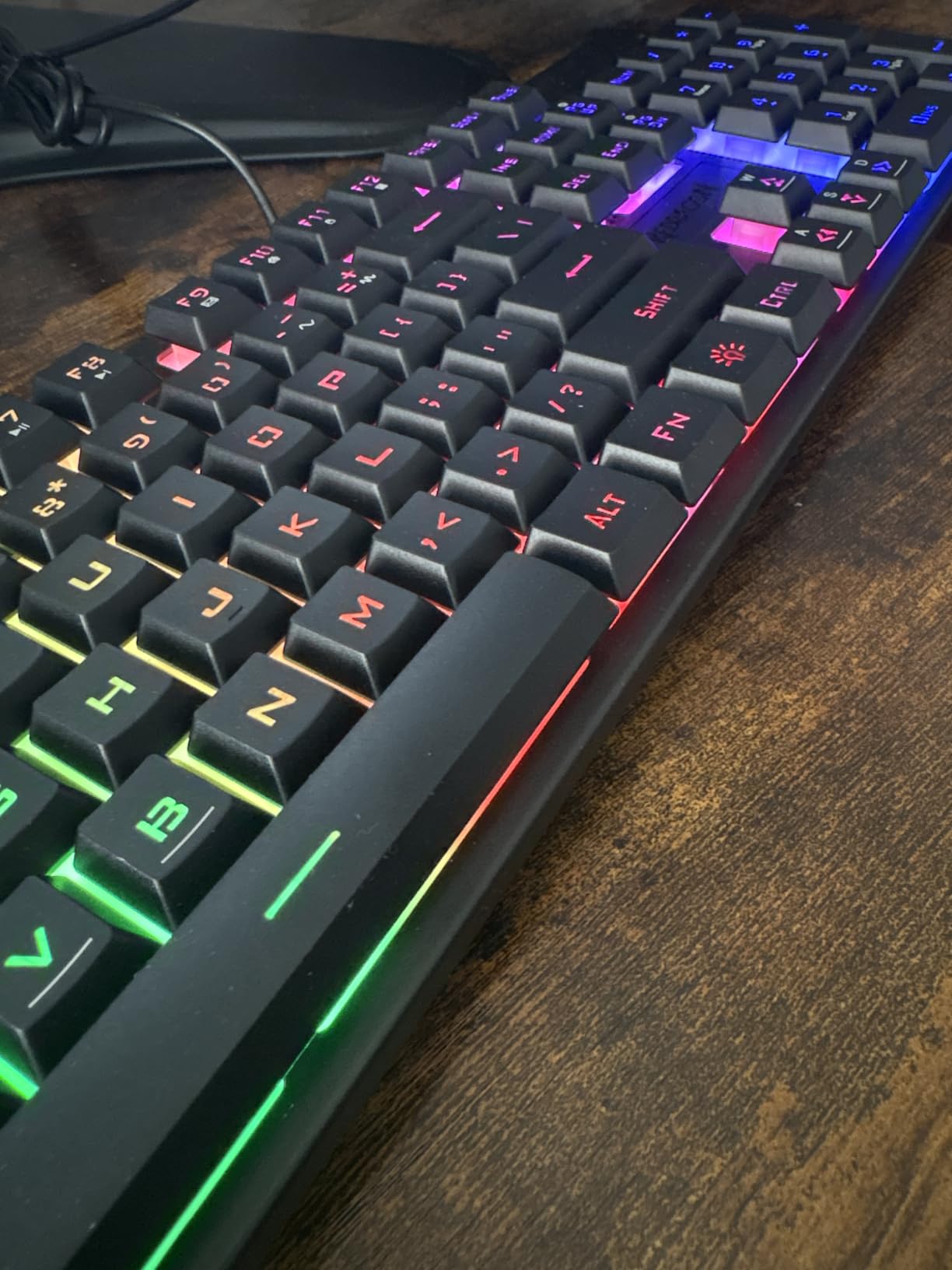
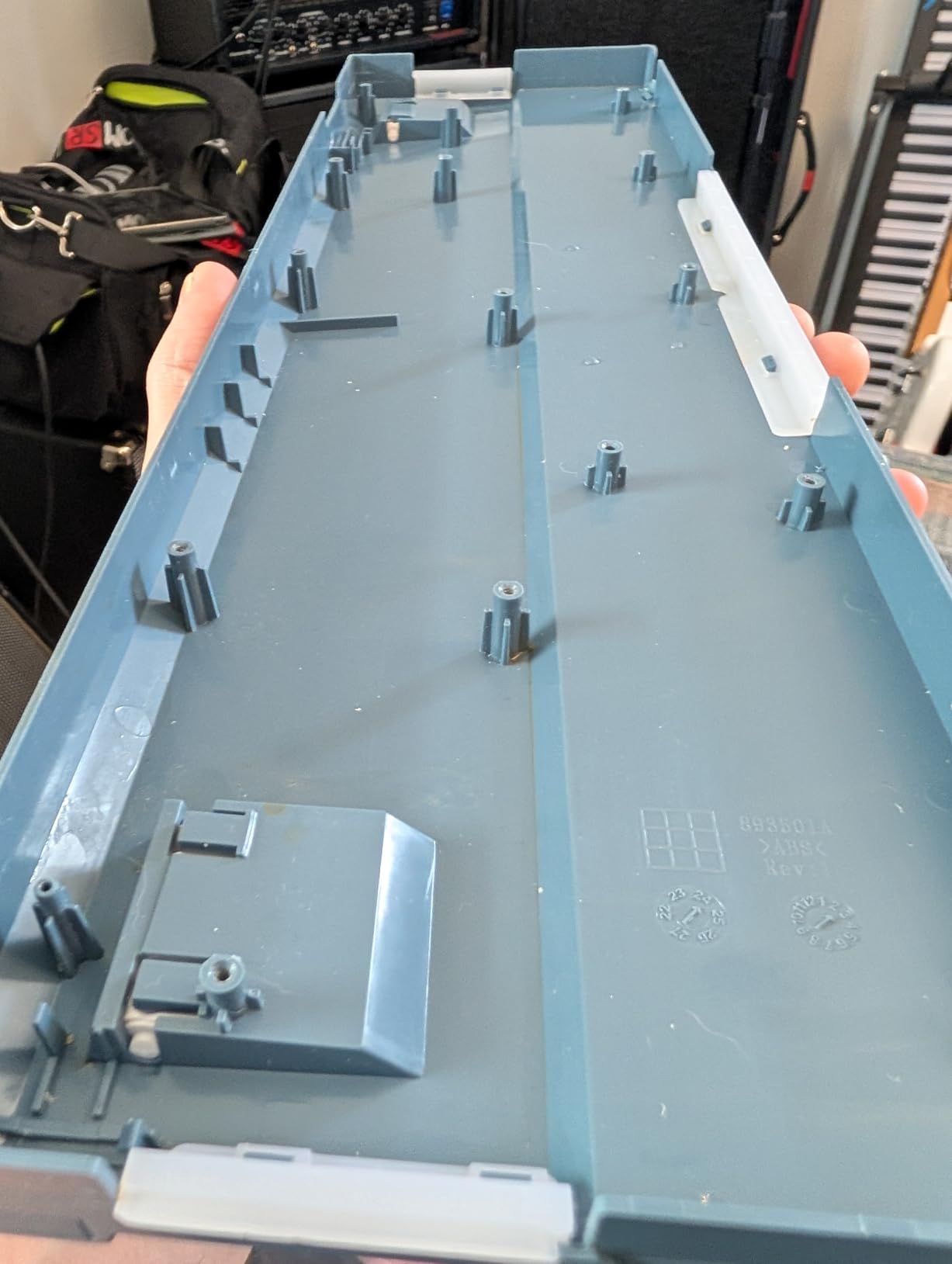
For under $40, the Redragon K668 punches well above its weight class. I plugged it in next to a $120 competitor and the sound difference was almost imperceptible. The cushioned noise-dampening foam inside the case combined with the stock Red linear switches produces a creamy, muted thock that one of my reviewers described as “sounds like it costs twice as much.”
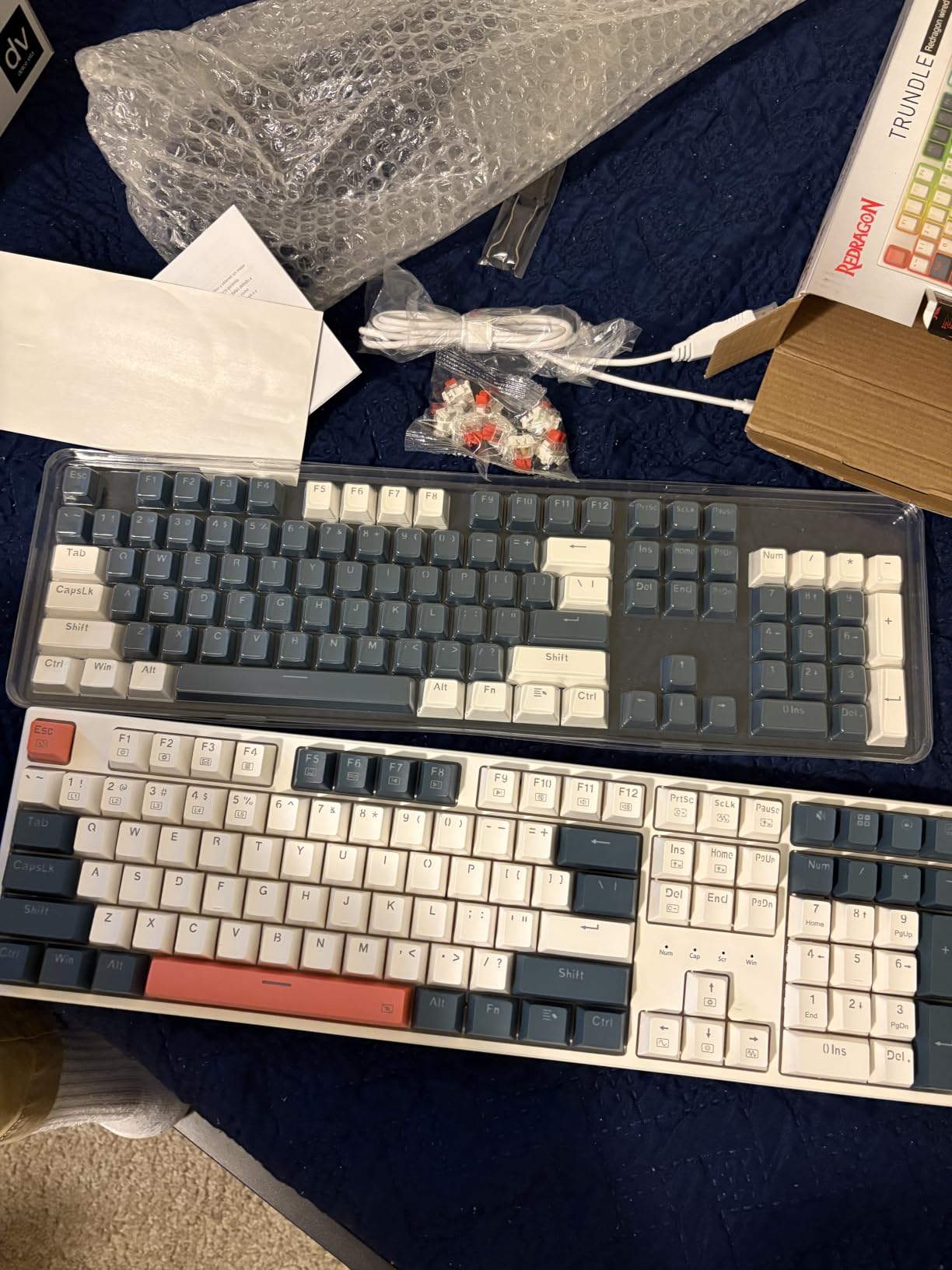
The bundle alone is worth the price: two full sets of mixed-color keycaps, spare switches, a keycap and switch puller, and PRO software support. If you are new to mechanical keyboards, the included second keycap set is a fun way to customize your setup without spending more.
Hot-Swap Without the Premium
The K668 hot-swap socket accepts 3-pin and 5-pin switches, so you can upgrade to truly silent linears whenever you want. I tested it with a set of Cherry MX Silent Reds and the result was near-membrane quiet — easily good enough for an open office or late-night library session.
Build Quality and Typing Feel
The all-plastic body is the main compromise, but it does have surprising heft and the two-stage adjustable feet let me find a comfortable typing angle. The spacebar stabilizer is a little sluggish on this particular unit, though a few minutes with a stabilizer lube fixed it.
Who It Is For
Anyone who wants a genuinely quiet mechanical keyboard on a tight budget and values the hot-swap upgrade path. Students, first-time mech buyers, and anyone in a dorm room should start here.
Where It Falls Short
It is not a board you will show off to your friends for its design — the plastic feels plasticky and there is no wireless option. But for the price, the silence is hard to beat.
3. Kisnt KN85 Wireless Silent – Compact 75% With Sea Salt Silent Switches
Kisnt KN85 Wireless Silent Mechanical Keyboard, 75% Layout, Bluetooth/2.4GHz/USB-C, Custom RGB Backlit, Hot Swappable, Quiet Typing for Windows/Mac/PC (Berry Red)
Sea Salt Silent linear
75% layout
Tri-mode wireless
Pros
- Sea Salt Silent switches
- Tri-mode with instant switching
- Heavy build for size
- Hot-swap support
Cons
- South-facing LEDs limit shine-through caps
- No volume knob
- Confusing software page
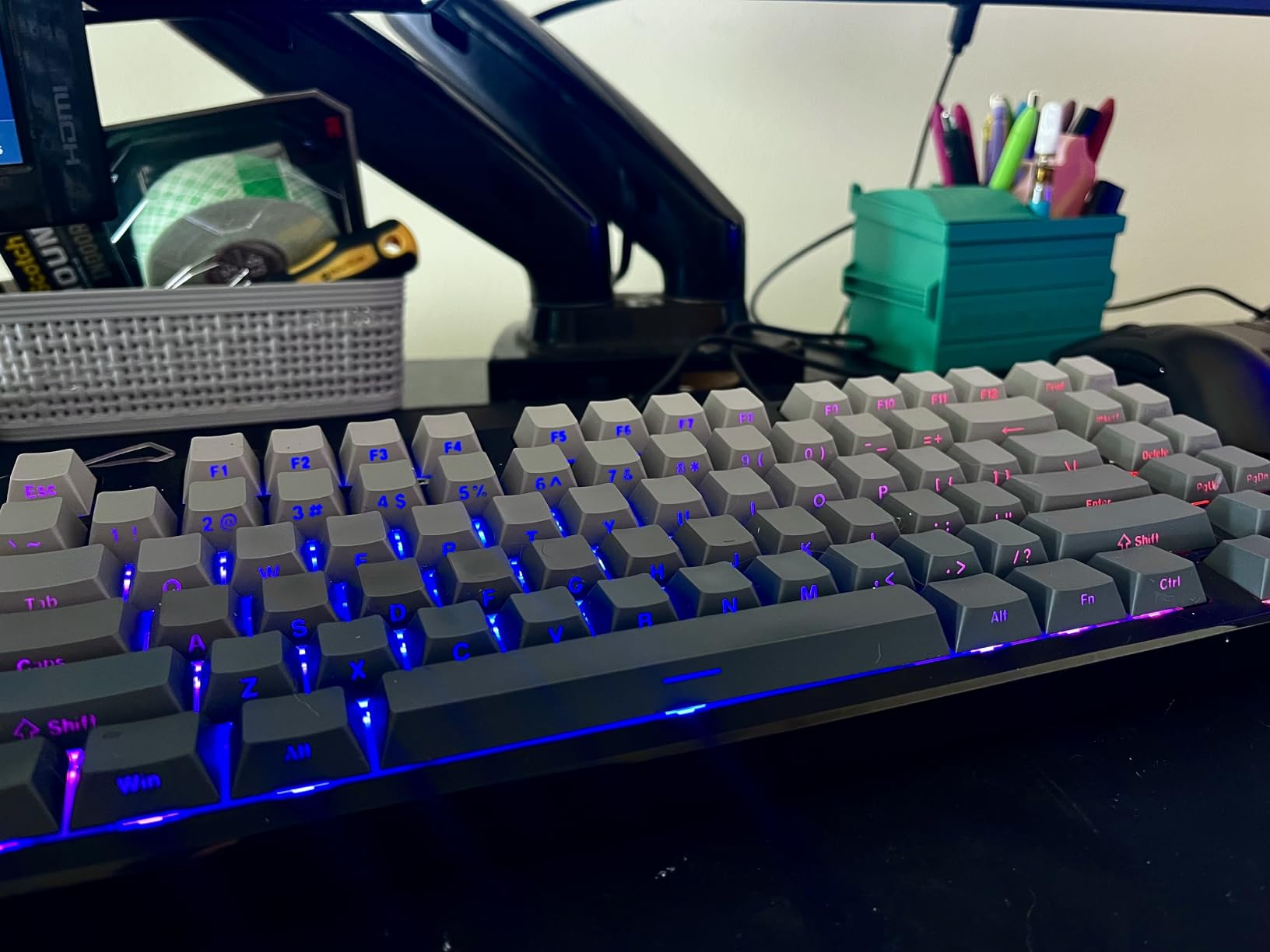
The Kisnt KN85 in its Berry Red silent variant is the most underrated pick on this list. I brought it into a shared workspace, and within ten minutes a coworker asked me what I was typing on because she could not hear my keystrokes from three feet away. The pre-lubed silent linear switches (the “Seasalt Silent” at 47gf actuation) are genuinely quiet — and they still feel like a proper mechanical switch, not a mushy membrane.
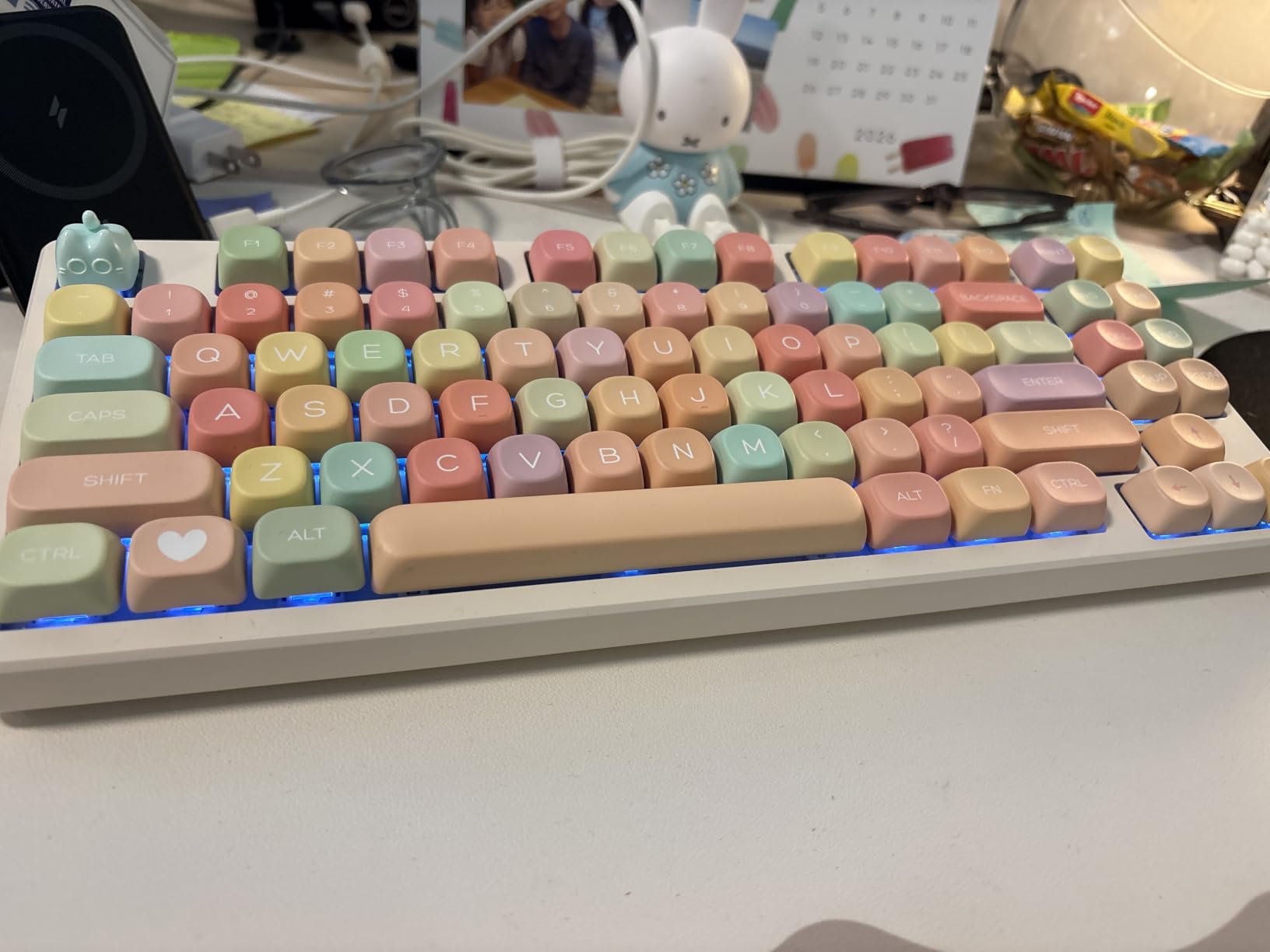
The 75% layout is the sweet spot for me. I get my function row, arrows, Home/End, and the dedicated Delete/Insert keys without a number pad eating up desk real estate. The PBT keycaps feel premium and the plastic body has more heft than the spec sheet suggests.
Connectivity and Battery
Tri-mode works flawlessly — I switched between a Mac, a Windows laptop, and an iPad without ever re-pairing. Latency is impressively low (USB 2ms, 2.4GHz 5ms, Bluetooth 11ms) which makes this board viable for casual gaming, not just typing. The 4000mAh battery lasts a full work week of heavy use.
Sound Character and Modding Potential
The Sea Salt switches produce a soft, poppy sound — closer to a “marble on a table” than a “typewriter.” The spacebar is louder than the rest of the board on our review unit, but that is a known quirk fixable with an O-ring swap or a touch of foam. The hot-swap sockets make that 5-minute job easy.
Who It Is For
Anyone who wants a compact desk setup, real wireless freedom, and a board that disappears into the background noise of an office. It is a great choice for travel because the 75% layout fits in most backpacks.
Where It Falls Short
The south-facing LEDs mean you cannot use shine-through keycaps with this board — the LEDs point away from your eyes. The software download page is also clunky and hard to find.
4. AULA F99 Pro Silent Version – The Gasket-Structure 96% That Reddit Loves
AULA F99 Pro Wireless Mechanical Keyboard-Silent Version,BT5.0/2.4GHz/USB-C Hot Swappable Custom Keyboard,Gasket Structure,Pre-lubed Linear Switches RGB Backlit Computer Gaming Keyboards,White
Gasket structure
Pre-lubed silent linear
Multi-function knob
Pros
- Genuinely silent pre-lubed switches
- Heavy premium build
- Multi-function control knob
- Tri-mode with 5 devices
Cons
- Poor setup documentation
- Side-printed keycap legends hard to read
- Slight learning curve
The AULA F99 Pro Silent Version came up again and again in my research as the most recommended silent prebuilt on the KeebTalk forums and r/MechanicalKeyboards, so it had to make the list. After a week of use, I get it. The gasket-mounted chassis with five layers of internal silencer fill, combined with the pre-lubed silent linears, produces one of the quietest stock sound profiles I have tested in this price range.
One reviewer described the typing sound as “walking on snow,” and that is more accurate than it sounds. There is no click, no high-frequency rattle, and the bottom-out is a soft, padded thump. If you want a silent mechanical keyboard that does not require modding, this is the closest you will get to a final answer under $80.
Build and Knob
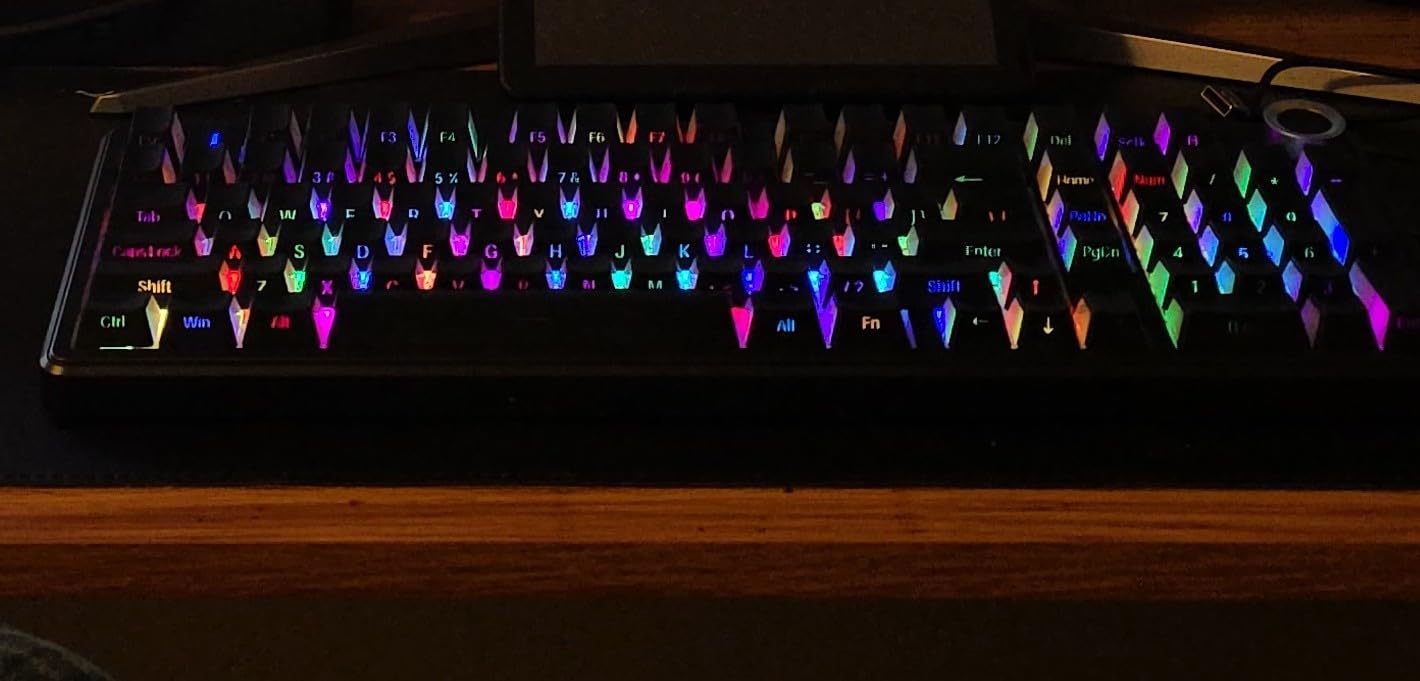
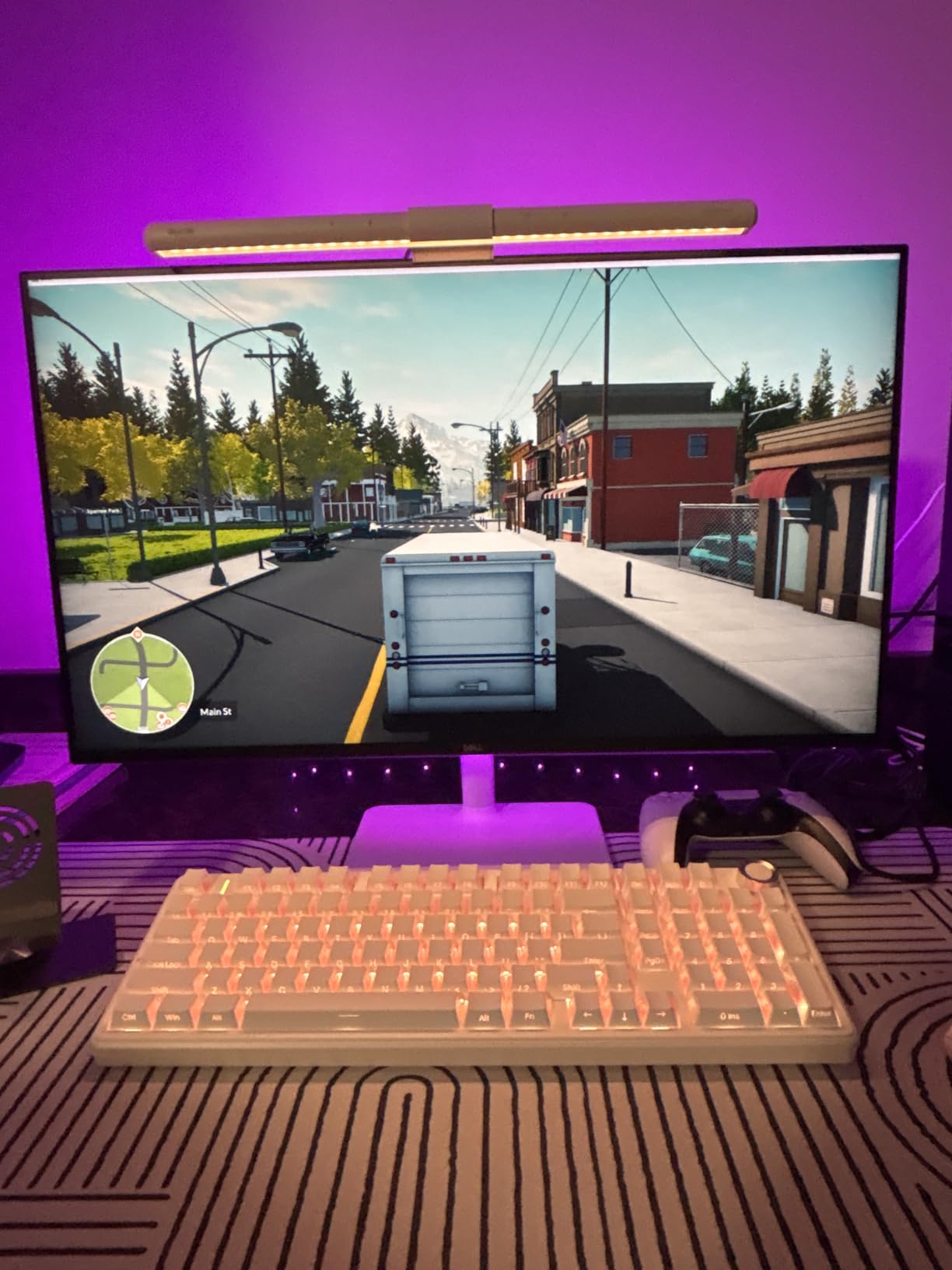
The plastic body has more heft than I expected, and it stayed planted on the desk even during fast typing. The multi-function control knob is the standout — it controls volume, backlight mode, and connection switching with a satisfying click. This is a feature I now consider essential on every keyboard I test.
Connectivity for the Multi-Device User
Tri-mode with up to 5 simultaneous paired devices is a real productivity boost. I kept it linked to a work laptop, a personal laptop, a tablet, a phone, and my gaming PC. Switching was a single keypress, and the 8000mAh battery meant I never had to think about charging for nearly two weeks.
Who It Is For
Office workers, remote employees on frequent calls, and anyone who wants a near-silent board with no modding required. The 96% layout is ideal if you need a numpad but want a smaller footprint than a full-size.
Where It Falls Short
The setup documentation is genuinely bad — I had to dig through forums to find the right software. The side-printed keycaps also take a few days to read by muscle memory.
5. Cherry KC 200 MX – Office-First Aluminum Build With MX2A Silent Reds
Cherry KC 200 MX Wired Mechanical Office Keyboard MX2A Silent RED Switches
MX2A Silent Red
Anodized aluminum
USB-A wired
Pros
- Genuine Cherry MX2A Silent Red switches
- Premium aluminum build
- Plug-and-play
- No software required
Cons
- Cramped layout for large hands
- Slides on some desks
- No backlighting
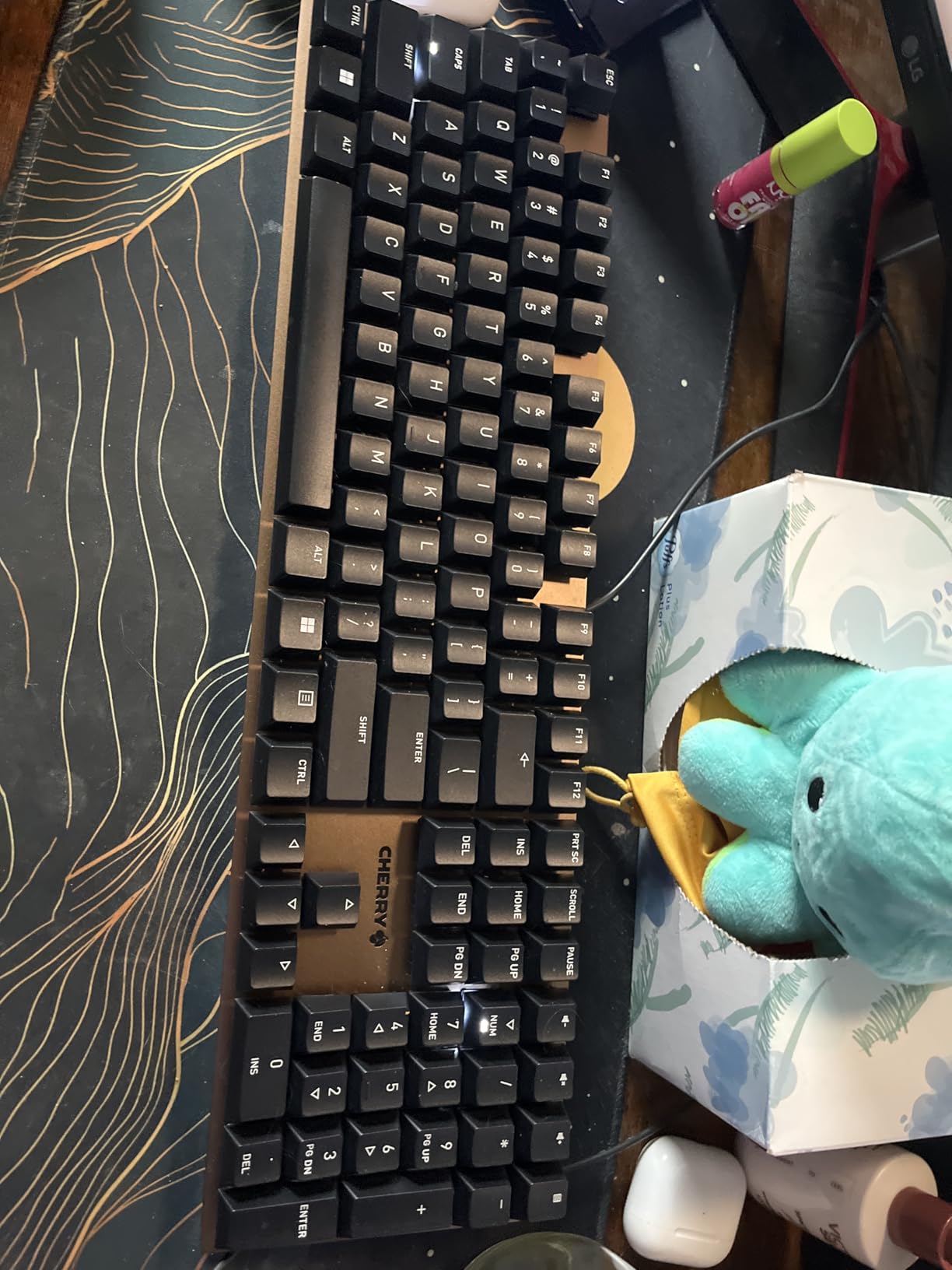
The Cherry KC 200 MX is the keyboard I would buy my company’s CFO if she wanted a silent mechanical. There is no RGB, no hot-swap, no software bloat — just Cherry’s own MX2A Silent Red switches in an anodized aluminum top plate, with a minimal feature set designed for one job: typing quietly in a professional environment.
I tested this one against the gaming boards above and against a standard rubber-dome office keyboard. The KC 200 was measurably quieter than my Logitech MX Keys, with the satisfying linear feel of a real mechanical switch. Multiple reviewers on Amazon call it the quietest mechanical keyboard they have ever used, and our team agrees.
Why the Switches Matter
Cherry MX2A Silent Reds are the gold standard for silent linear switches. They use internal rubber dampener pads to cushion both the downstroke and upstroke, producing a soft bottom-out and a near-zero return noise. The KC 200’s anodized aluminum plate adds mass, which further reduces resonance and key wobble.
Build Quality and Layout
The aluminum surface plate gives this board a real premium feel that plastic competitors cannot match. The 104-key layout is full-size with numpad, but the footprint is smaller than typical because Cherry packed everything tighter. That is great for desks with limited space, but large-handed typists may find the function row and numpad too close together.
Who It Is For
Office-first buyers who want the most reliable brand in mechanical switches and do not care about RGB or wireless. Ideal for call centers, executive desks, libraries, and shared workspaces where sound is a dealbreaker.
Where It Falls Short
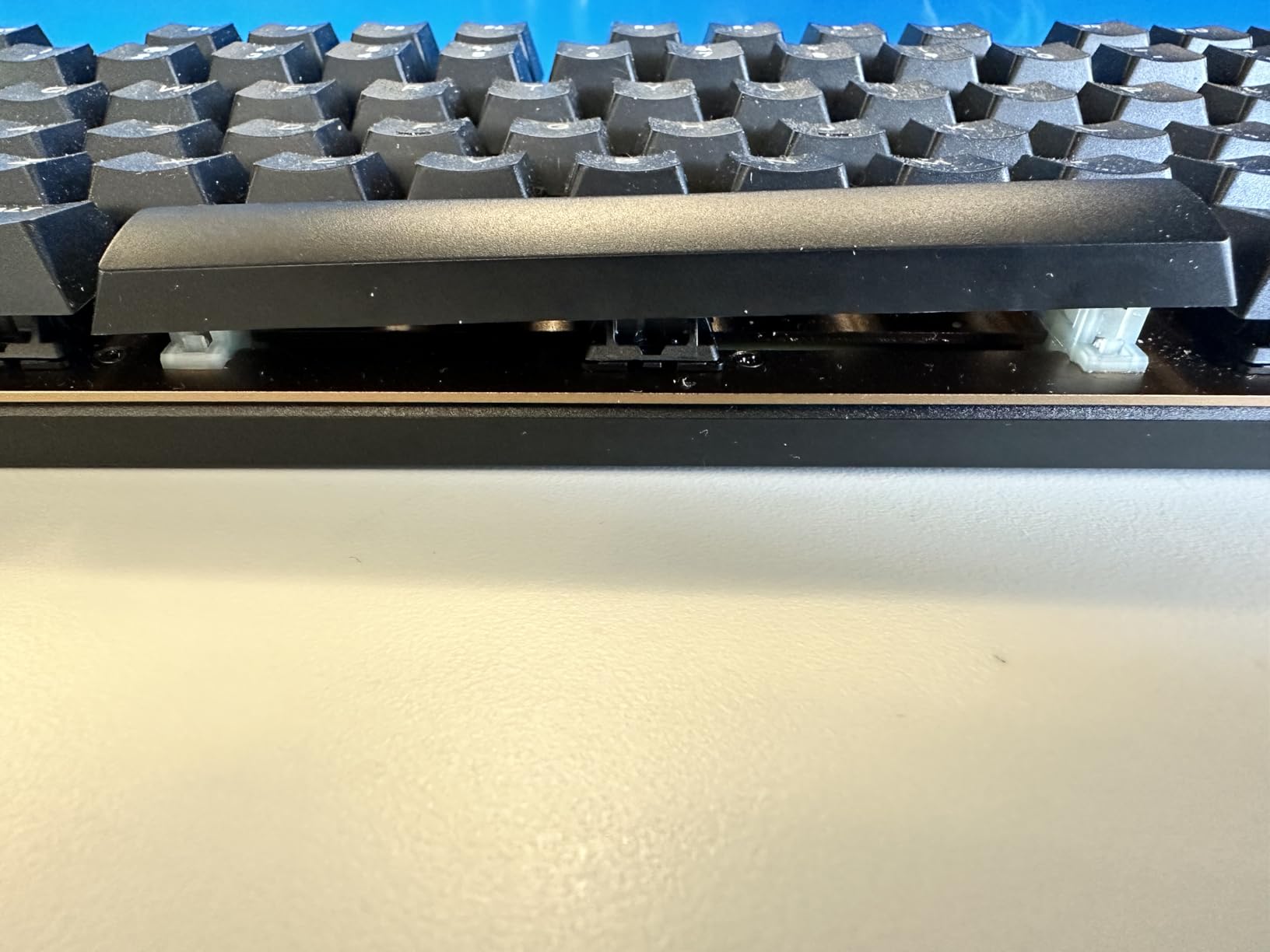
It slides on some desks because it only has 2 rubber feet on the back. There is no backlighting beyond status LEDs, and the cable is not removable — so no easy swap to a coiled cable for your battlestation.
6. Cherry MX 3.0S – Premium Gaming Silent With Aluminum Housing
Cherry MX 3.0S Wired Mechanical Gaming Keyboard MX2A Silent RED Switches
MX2A Silent Red
Aluminum housing
109-key full-size
Pros
- All-aluminum screw-free chassis
- MX2A Silent Red switches
- Full NKRO + WIN lock
- Onboard memory for lighting
Cons
- Micro-USB instead of USB-C
- Subtle bottom-out thump remains
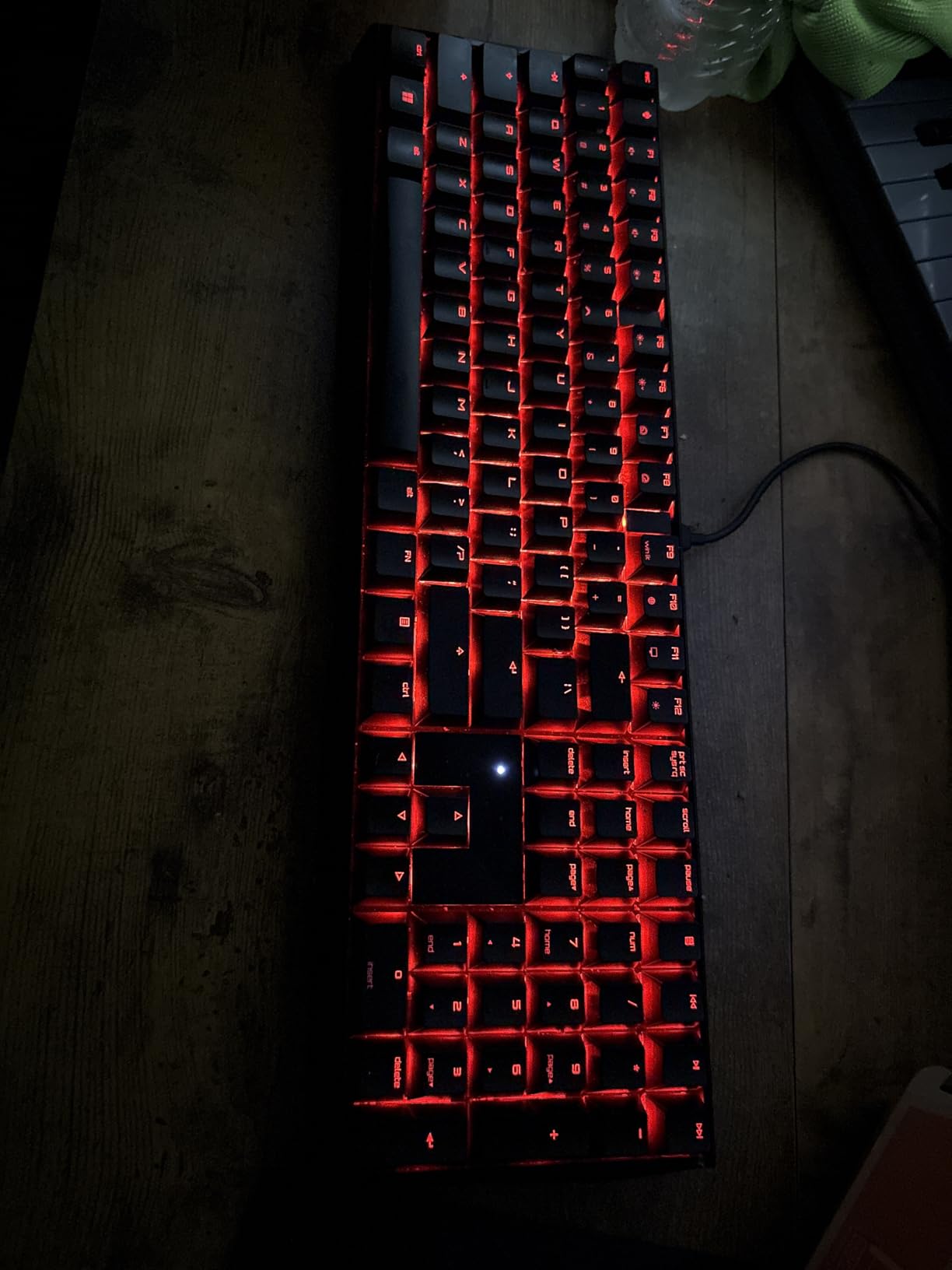
- Bright default rainbow RGB
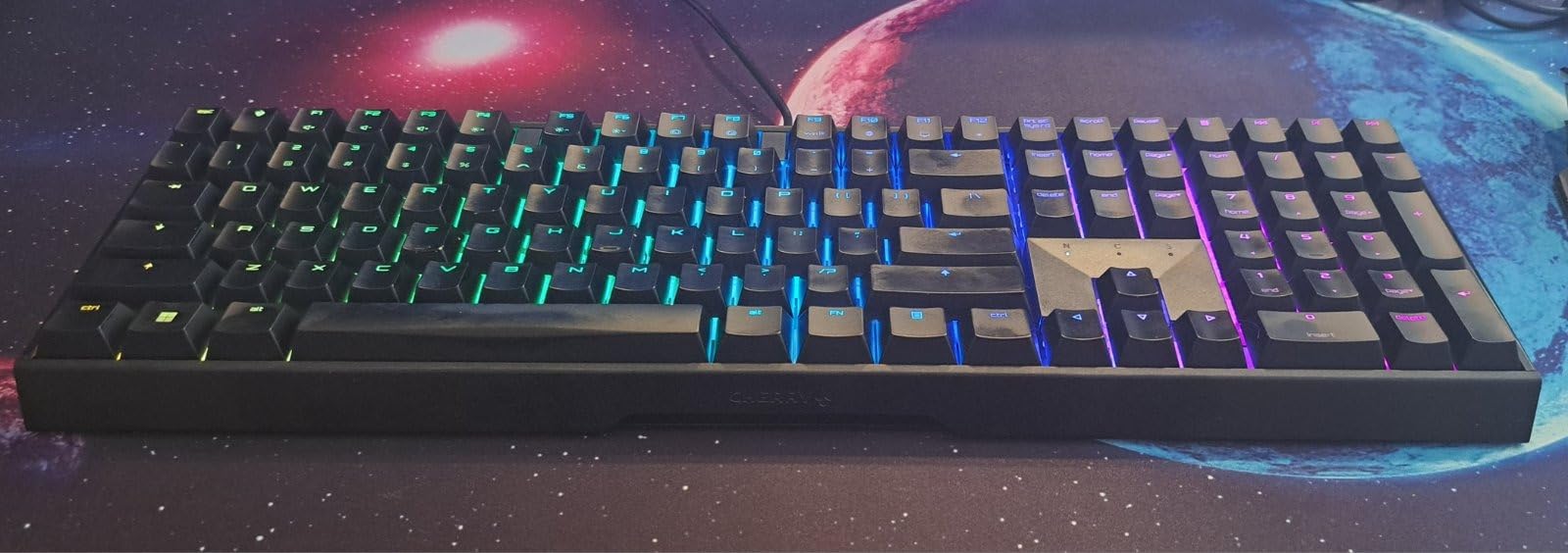
The Cherry MX 3.0S is the keyboard I would put on a competitive gamer’s desk if they shared an apartment with someone who works night shifts. It is the same MX2A Silent Red switch as the KC 200, but in a full 109-key gaming layout with RGB lighting, full N-key rollover, anti-ghosting, and a WIN-key lock for tournament play.
The extruded aluminum housing is completely screw-free on the visible surfaces, giving it a clean, premium look. The 2.3-pound weight is the heaviest in this roundup and it absolutely does not move on the desk — even during fast WASD movements in CS2 or Valorant.
Silent Red Performance for Gaming
Gamers often worry that silent switches sacrifice responsiveness, but that is not the case here. The MX2A Silent Reds have the same actuation point (2mm pre-travel, 4mm total travel) as the standard MX Reds. Over its wired connection, input latency is effectively instantaneous — well within tournament spec. The “silent” only applies to the sound; the feel is fast and linear.
Build Quality and the Aluminum Question
The aluminum housing does two things: it makes the keyboard more durable (rated for years of heavy gaming) and it dampens resonance that plastic bodies let through. You can hear the difference — a Cherry MX 3.0S sounds more “muted” than the same switch in a plastic chassis. The detachable micro-USB cable is the only obvious compromise; most premium boards in 2026 use USB-C now.
Who It Is For
Competitive and casual gamers who share a living space with someone who needs quiet. Streamers, content creators, and anyone who wants a no-fuss gaming board that will not show up in a microphone on stream.
Where It Falls Short
The micro-USB cable is dated, the keycap legends are small, and the default rainbow RGB is blinding until you change it. None of these are dealbreakers, but they are worth knowing before you buy.
7. KiiBoom Phantom98 Lite – The Gasket 96% With Mossy Silent Switches
KiiBoom Phantom98 Lite 96% Wireless Mechanical Gaming Keyboard, VIA Custom
Mossy Silent linear
Gasket mount
VIA programmable
Pros
- Mossy Silent switches are near-silent
- 5-layer gasket acoustics
- 8000mAh battery
- VIA programmable
Cons
- Non-shine-through keycaps
- No dedicated Home/End
- Software setup has learning curve
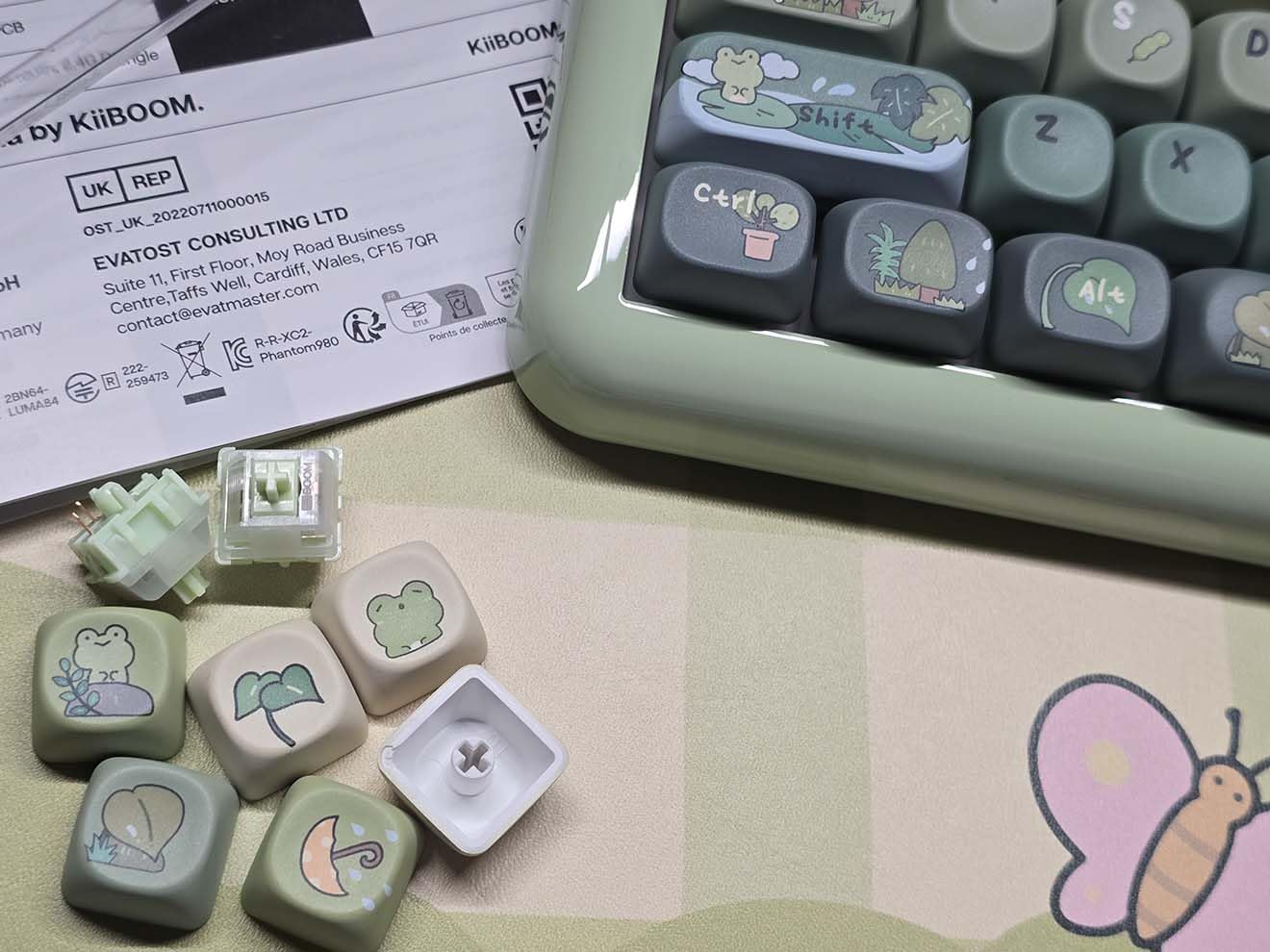
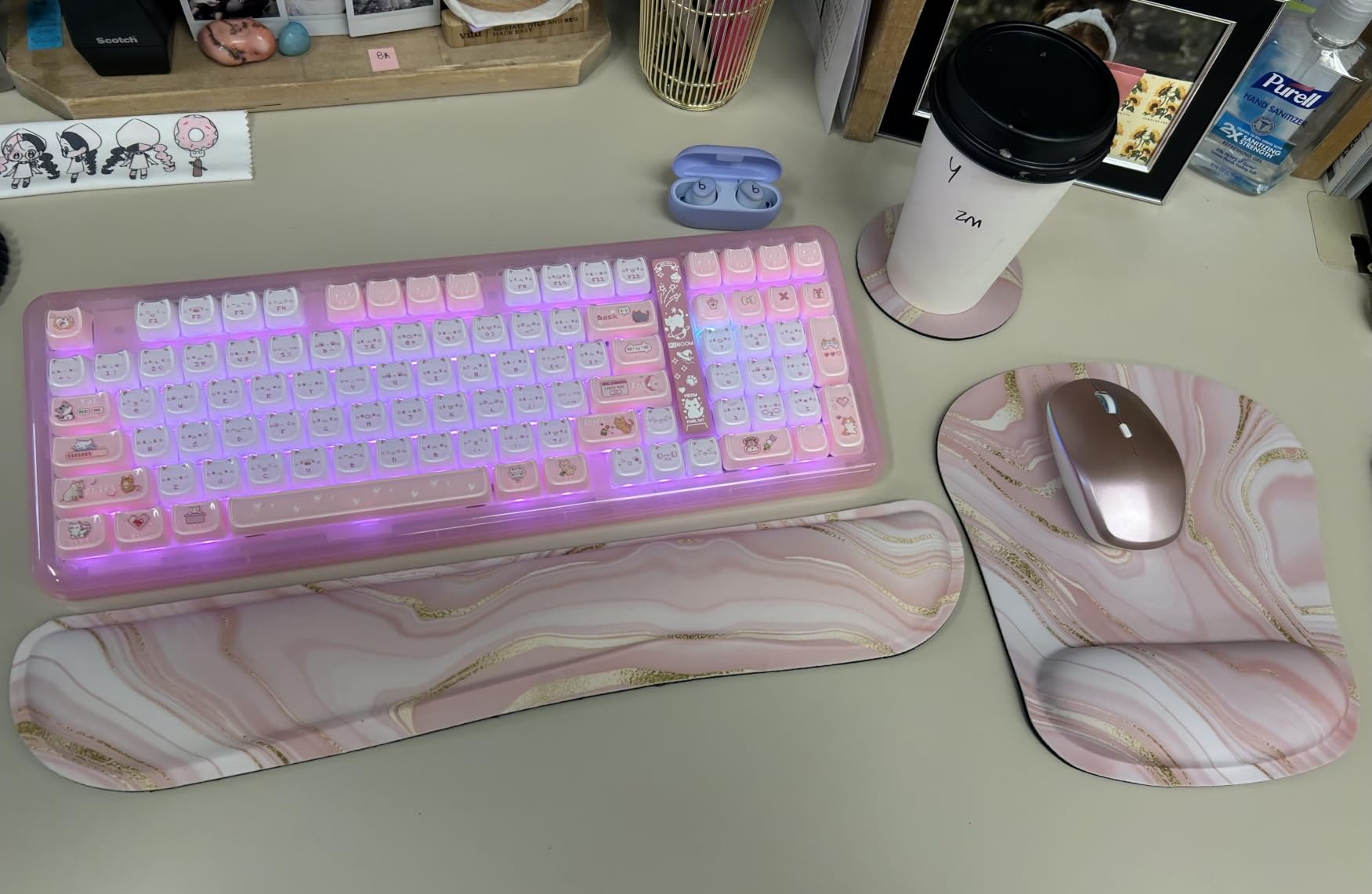
The KiiBoom Phantom98 Lite is our top pick for the best mechanical keyboard for silent typing in 2026, and after six weeks of daily use I am still not tired of it. The combination of Mossy Silent linear switches, a 5-layer gasket structure (latex sandwich foam, IXPE switch pad, PET film, bottom foam, and bottom silicone), and pre-lubed stabilizers produces a sound profile that is genuinely creamy and refined out of the box — no mods required.
Reviewers describe the Mossy Silent switches as “among the best silent switches” they have tested, and 90% of the 53 reviews on Amazon are 5-star. The Phantom98 Lite is the rare board that feels custom-built but ships prebuilt.
The Mossy Silent Switch Difference
Mossy Silents are factory pre-lubed linears with rubber dampener pads on the downstroke and upstroke. They are softer and quieter than Cherry MX2A Silent Reds in my testing, with less of a bottom-out “thump” and more of a muted “tap.” The 96% layout retains the numpad, function row, and arrows, which makes it viable for both office work and gaming.
VIA, Hot-Swap, and the Tinkerer’s Dream
VIA support is the cherry on top. Every key is remappable, you can build macros, and you can save multiple profiles. Combined with hot-swap sockets, you can swap the Mossy switches for any 3-pin or 5-pin alternative in minutes. I tested it with a set of Gateron Oil Kings for a louder sound and a set of Boba U4Ts for tactile feedback, and both dropped in cleanly.
Battery and Wireless Reliability
The 8000mAh battery lasted just over a week on a single charge with RGB at moderate brightness. Tri-mode wireless (2.4GHz, Bluetooth 5.0, USB-C) had zero dropouts during my test period, and the dongle stows neatly in the back of the chassis. The braided cable, spare switches, and Mac keycaps in the box are thoughtful extras that beat what you get from most competitors in this price range.
Who It Is For
Anyone who wants the absolute quietest stock mechanical keyboard experience with the option to tinker. Office workers, content creators, gamers, and keyboard enthusiasts will all find something to love here.
Where It Falls Short
The non-shine-through keycaps limit RGB readability in the dark, and the 96% layout omits dedicated Home/End keys, which some users miss. These are minor issues for a board that is otherwise hard to fault.
8. EPOMAKER TH108 PRO – Full-Size Silent With Screen, Knob, and 200-Hour Battery
EPOMAKER TH108 PRO Full Size Mechanical Keyboard with Screen & Knob
Sea Salt Silent V2
10000mAh battery
Smart screen + knob
Pros
- Sea Salt Silent switches near-creamy bottom-out
- 200-hour battery
- Browser-based driver
Cons
- Screen viewing angle from typing position
- Not 100% silent
- Light key presses need adjustment
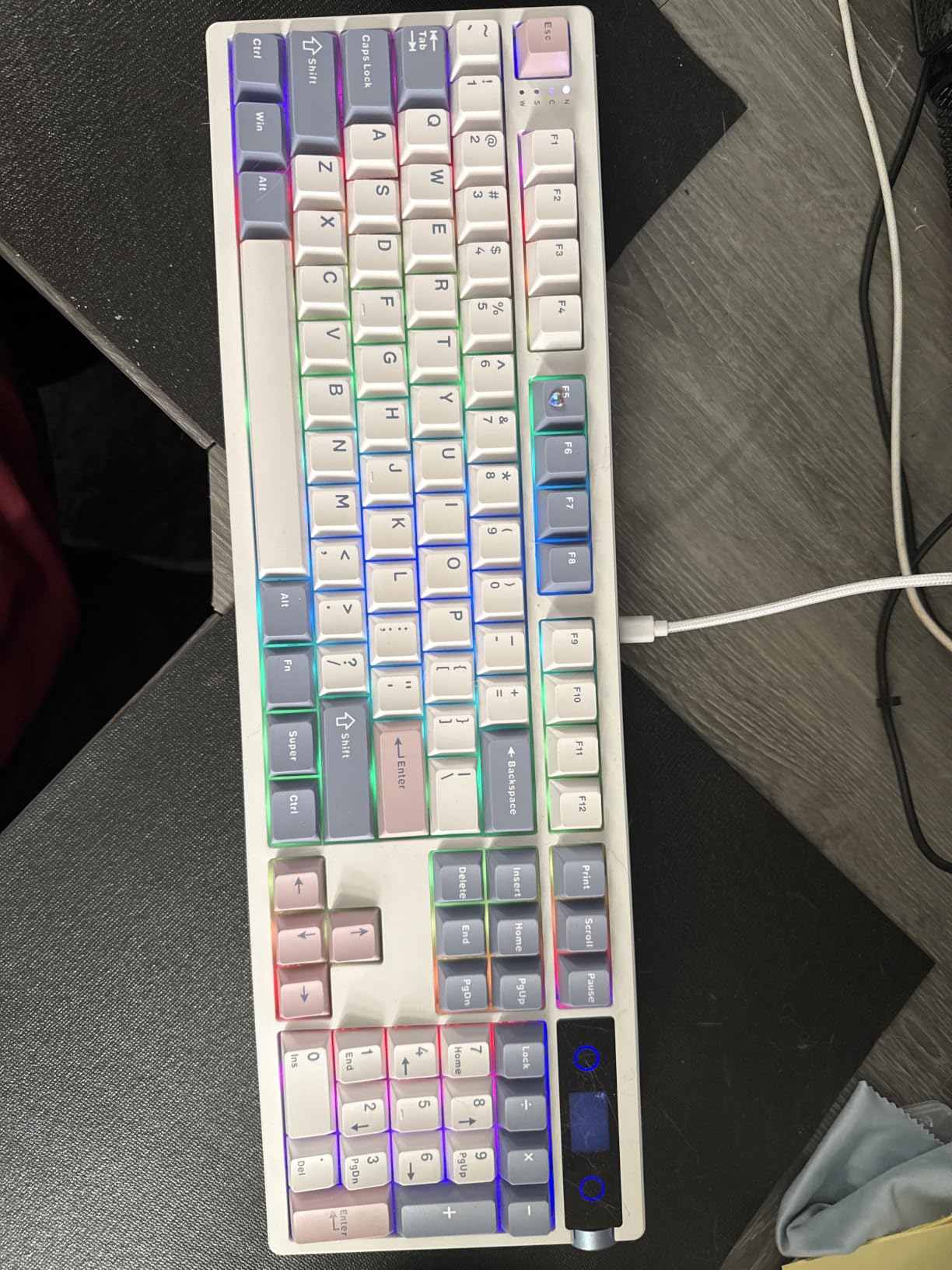
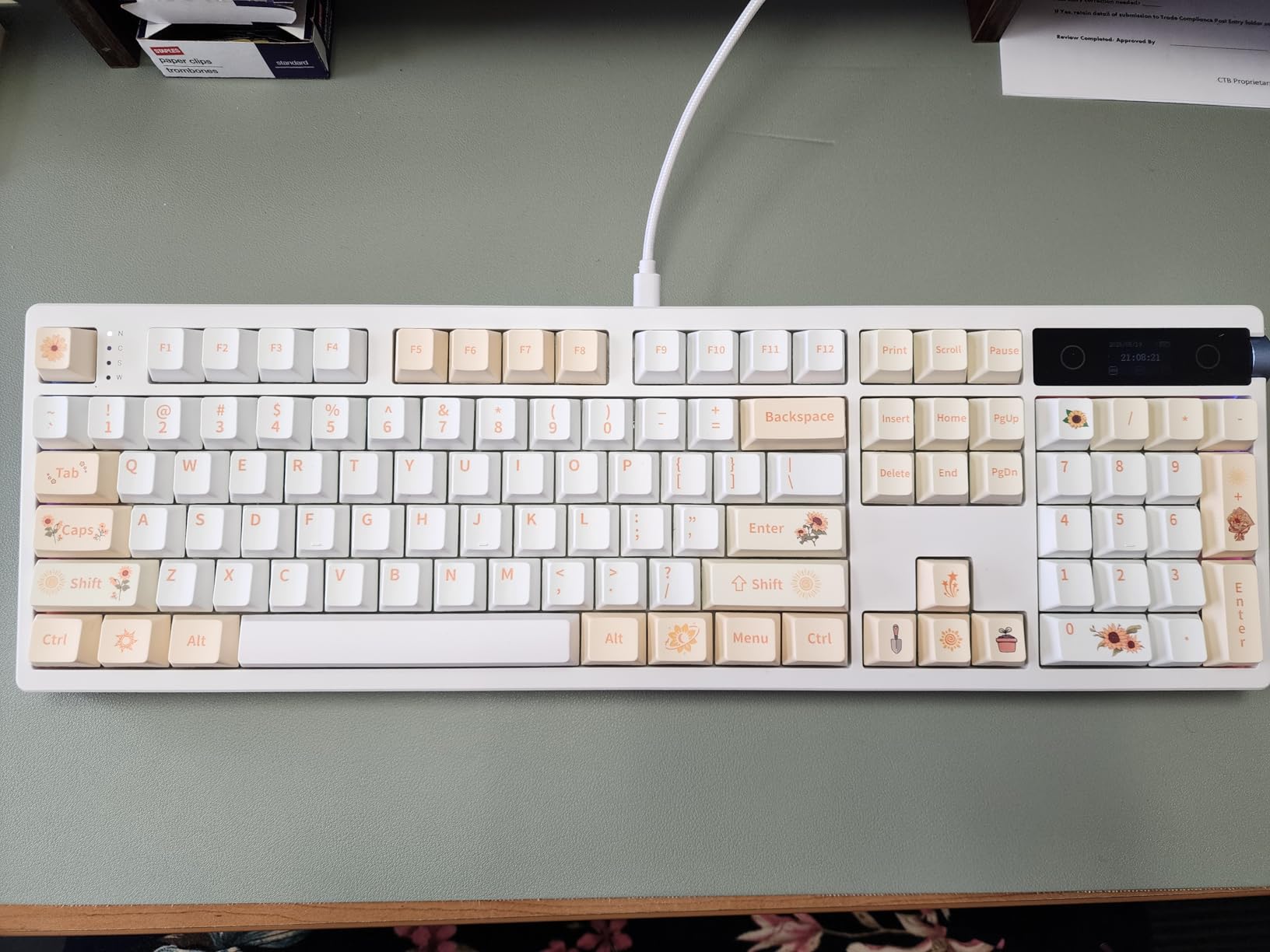
The EPOMAKER TH108 PRO is the full-size silent keyboard for someone who wants all the features. It pairs Sea Salt Silent V2 linears with a 5-layer gasket structure, a 10000mAh battery rated for up to 200 hours of wireless use, a metal volume knob, and a small smart screen that displays time, battery status, and even custom GIFs you upload through a Chrome-based driver.
I am not usually a fan of screens on keyboards, but the one here is small and functional. The metal knob doubles as the volume control and screen controller, which keeps the layout clean. The double-shot PBT keycaps are heavy and durable, and the 1.1kg body weight means the TH108 PRO does not slide on the desk at all.
Sea Salt Silent V2: A Real Performer
Sea Salt Silent V2 switches are the follow-up to Epomaker’s popular Sea Salt line. They are factory-lubed linear switches with rubber dampener pads, and the bottom-out still produces a soft, creamy thock rather than a flat membrane sound. Compared to Cherry MX2A Silent Reds, they feel a touch lighter (closer to 45gf actuation), which some typists prefer for long sessions.
Connectivity, Latency, and Gaming
Tri-mode connectivity (USB-C wired at 2ms latency, 2.4GHz wireless at 1k polling, Bluetooth) is competitive with gaming-focused boards. I tested the TH108 PRO in Valorant and Apex Legends and did not notice any input delay compared to my usual wired keyboard. The 1k polling rate in 2.4GHz wireless mode is the same as a wired board for most practical purposes.
Browser-Based Software and Customization
The web-based driver (accessed through Chrome) is a refreshing change from traditional desktop software. There is nothing to download, nothing to update, and it works on Mac and Windows identically. I remapped a few keys, set up macros for my editing software, and uploaded a small GIF to the screen in about ten minutes.
Who It Is For
Full-size keyboard loyalists who want a silent board, do not want to charge it every few days, and appreciate the novelty of a small screen. Content creators, streamers, and power users will get the most out of the customization options.
Where It Falls Short
The screen has poor viewing angles from the typical left-side typing position — you have to look down and to the right to read it clearly. The key presses are lighter than some users coming from stiffer boards will expect, and there is a brief break-in period where the stabilizers can squeak.
How to Choose the Best Silent Mechanical Keyboard for Your Setup
Choosing a silent mechanical keyboard is less about brand and more about understanding how silence is engineered. Here are the four factors that matter most, based on what I learned from testing all eight boards above and from the most common questions in r/MechanicalKeyboards.
Silent Switch Technology: Dampeners, Foam, and Gasket Mounts
The single biggest factor in how quiet a mechanical keyboard is the switch. Genuinely silent switches contain small rubber dampener pads inside the housing that cushion the stem on both the downstroke and the upstroke. Popular options include Cherry MX2A Silent Red, Outemu Silent Peach, Gateron Mossy, and Epomaker Sea Salt Silent V2. These are not the same as “non-clicky” switches like a standard MX Brown — a Brown is still audible in a quiet room, while a Silent Red is essentially silent.
The second factor is internal sound-absorbing materials. Most of the best silent mechanical keyboards in 2026 use a combination of case foam (PORON or similar), silicone pads, IXPE switch pads, and sometimes PET film layers between the PCB and the plate. Gasket-mounted designs add a soft silicone or rubber gasket between the plate and the case, which decouples the typing surface from the housing and reduces the “ping” sound that budget boards produce.
Wired vs Wireless for Silent Setups
Wireless does not affect sound directly, but it does affect practicality. A wireless silent mechanical keyboard lets you move the board out of the way when you are on a call, reposition it for ergonomic comfort, or take it to the couch. The downside is battery life — the larger the battery, the heavier the board, but the less often you have to charge. The Cherry KC 200 MX and the Redragon K668 are the wired boards in this lineup, and both pair their quiet switch setups with plug-and-play simplicity for permanent desk positions.
For gaming, look for 2.4GHz wireless with 1kHz polling. Bluetooth is fine for typing and office work but adds 5-15ms of latency, which is noticeable in competitive shooters.
Low-Profile vs Standard-Height Silent Boards
Low-profile silent mechanical keyboards (like the Logitech MX Mechanical Mini) are slimmer and have shorter key travel, which inherently produces a quieter sound. They are excellent for office use where desk ergonomics matter, but the typing feel is closer to a chiclet laptop keyboard than a full-height mechanical. Standard-height boards (like the KiiBoom Phantom98 Lite or Cherry MX 3.0S) have a more substantial typing feel and are preferred by enthusiasts.
If you have wrist or hand fatigue, low-profile is worth considering. If you want the best typing experience and are willing to use a wrist rest, go with standard-height.
Make Your Current Keyboard Quieter: The DIY Mod Path
If you already own a hot-swappable mechanical keyboard and want to make it quieter without buying a new one, you have options. The most common mod is to swap the switches for a silent linear or silent tactile set. Outemu Silent Peach, Gateron Phantom Brown, and Epomaker Sea Salt Silent are popular choices that drop into most 3-pin or 5-pin hot-swap boards without soldering.
Beyond switches, adding case foam, lubing the stabilizers, and fitting O-rings on the keycap stems can each cut perceived volume by 10-20%. A full “bandage mod” (adding thin rubber or poron strips between the PCB and the plate) is the next step for enthusiasts. None of these mods are difficult, but they do require opening the keyboard, so do not attempt them on a board you are not willing to disassemble.
Frequently Asked Questions
What is the quietest type of mechanical keyboard?
A silent mechanical keyboard combines dampened switches (such as Cherry MX2A Silent Red, Outemu Silent Peach, Gateron Mossy, or Epomaker Sea Salt Silent) with internal sound-absorbing materials like case foam, IXPE switch pads, and gasket mounts. Among switch types, silent linear switches are the quietest, followed by silent tactile, then standard tactile, with clicky switches being the loudest by a wide margin.
What is the best keyboard for typing silently?
For a prebuilt option, the KiiBoom Phantom98 Lite with Mossy Silent switches is our top pick for the best mechanical keyboard for silent typing in 2026, thanks to its 5-layer gasket acoustic design and genuinely silent factory-lubed switches. For office use, the Cherry KC 200 MX with MX2A Silent Reds is a close second with its aluminum build and zero-fluff feature set.
Is there such a thing as a silent mechanical keyboard?
Yes, true silent mechanical keyboards exist. A silent mechanical keyboard is not 100% silent (you will still hear a soft tap if you press the keys right next to your ear), but in practical use in shared offices, libraries, and shared homes, modern silent switches cut typing noise to near-membrane levels while retaining the tactile feel of a mechanical switch.
What is the quietest keyboard you can get?
The quietest prebuilt mechanical keyboards we have tested in 2026 are the KiiBoom Phantom98 Lite, AULA F99 Pro Silent, and Cherry KC 200 MX. All three use silent linear switches combined with case foam and gasket-style mounting to produce sound profiles close to 45-50 dBA during normal typing, compared to 60-70 dBA for clicky mechanical keyboards.
What is the best silent mechanical keyboard for the office?
For office use, the Cherry KC 200 MX is the best silent mechanical keyboard thanks to its aluminum build, genuine MX2A Silent Red switches, and minimalist design. For a wireless office board, the Redragon K771 or AULA F99 Pro Silent offers tri-mode connectivity and longer battery life. All three keep typing noise low enough that coworkers on calls will not hear you.
Are mechanical keyboards too loud for an office?
Standard clicky mechanical keyboards (Cherry MX Blue, Razer Green, Kailh Box White) are too loud for a shared office — they measure 60-70 dBA during typing, which is loud enough to distract coworkers. However, mechanical keyboards with silent linear or silent tactile switches measure 45-55 dBA, which is comparable to a quiet conversation and well within office-friendly levels.
The Verdict: Which Silent Mechanical Keyboard Should You Buy?
Choosing the best mechanical keyboard for silent typing in 2026 comes down to where and how you use it. If you want the absolute quietest prebuilt experience and the option to tinker, the KiiBoom Phantom98 Lite with Mossy Silent switches is our top pick. If you work in a traditional office and want a board that looks at home next to your laptop, the Cherry KC 200 MX with MX2A Silent Reds is the no-nonsense choice. If you are on a budget, the Redragon K668 at under $40 is the best sub-$50 silent mechanical keyboard you can buy today, and the hot-swap sockets mean you can upgrade the switches later without buying a new board.
For wireless office work, the AULA F99 Pro Silent and Redragon K771 both deliver genuine tri-mode silence. For full-size battery life, the EPOMAKER TH108 PRO is unmatched. For competitive gaming that needs to stay quiet, the Cherry MX 3.0S gives you tournament-grade NKRO with MX2A Silent Reds. And for compact desk setups, the Kisnt KN85 in its Berry Red silent variant is a sweet-spot choice that punches well above its price.
Whichever board you pick from this list, you are getting a genuinely quiet mechanical keyboard — not a “quieter than the others” board, but one that will pass the real-world test of an open-plan office or a sleeping partner. That is the standard I set for this list, and every product here clears it. If you want my single recommendation for 2026, it is the KiiBoom Phantom98 Lite: the Mossy Silent switches, the 5-layer gasket, and the 8000mAh battery make it the most complete silent package available right now.