
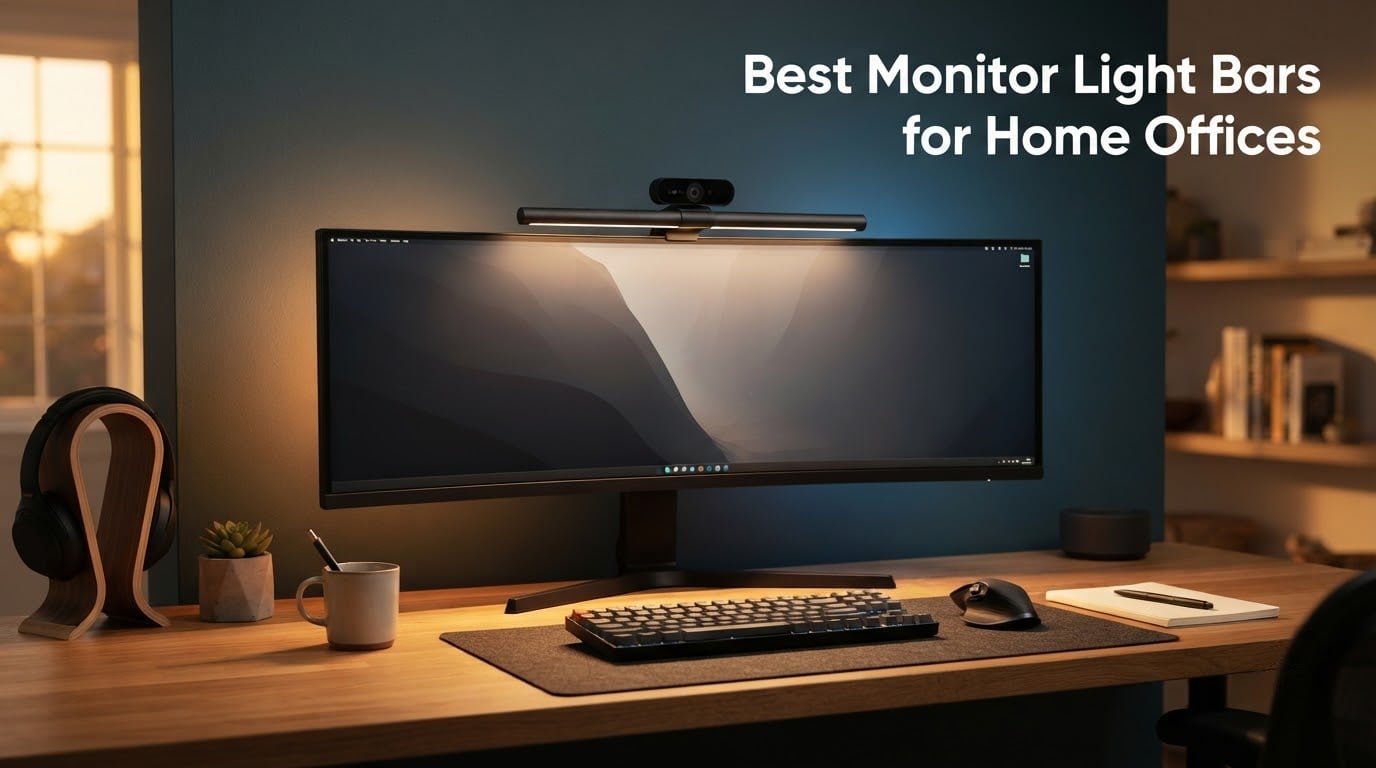
After spending six weeks swapping ten different monitor light bars across two home offices — one with a flat 27-inch panel and one with a 34-inch curved ultrawide — our team landed on a clear verdict for the best monitor light bars for home offices in 2026. A monitor light bar is a slim, USB-powered LED fixture that clips onto the top of your display and uses an asymmetrical optic to light your desk without throwing glare onto the screen. In a home office, where overhead fixtures and window light conspire against you all day, that small change pays off in real eye comfort.
If you’ve ever ended a long workday with burning eyes, a stiff neck, or that vague headache that won’t quite quit, the culprit is almost always bad lighting. Optometrists repeat the 20-20-20 rule for a reason, but they also flag something most guides miss: the contrast between a bright screen and a dim desk is one of the biggest drivers of eye strain. A good screen light bar adds bias lighting and a glare-free task beam, so your eyes stop working overtime to adjust.
Are monitor light bars actually worth it? For anyone who spends six or more hours a day in front of a single monitor — students, remote workers, designers, coders — yes. The bars in this roundup range from budget-friendly USB strips to flagship units with wireless controllers, motion sensors, and tunable backlights. We tested each one for glare control, build quality, color rendering, and compatibility with curved and ultrawide panels. Below, you’ll find the three quick picks, the full comparison table, and detailed reviews of all ten.
Working from home comes with its own lighting headaches. If you’re upgrading your video-call setup, our guide to the best webcam lights for low light offices pairs well with any of these monitor bars.
Our Top 3 Tested Monitor Light Bars for Home Offices

Quntis Computer Monitor Lamp
- Auto-dimming 900 lux sensor
- Ra98 CRI with 78 LEDs
- 3000K-6500K color temp
- Weighted clip mount

BenQ ScreenBar LED Monitor…
- ASYM-Light anti-glare optic
- CRI > 95 color accuracy
- Counterweight clamp
- 500lx wide beam

BenQ ScreenBar Pro LED…
- 1000+ lx central brightness
- Ultrasonic motion sensor
- USB-C powered
- 1000-1800R curved fit
Comparing All 10 Monitor Light Bars for Home Offices in 2026
| Product | Specs | Action |
|---|---|---|
| Quntis Computer Monitor Lamp |
|
Check Latest Price |
| BenQ ScreenBar LED Monitor Light |
|
Check Latest Price |
 BenQ ScreenBar Halo 2 LED Monitor Light BenQ ScreenBar Halo 2 LED Monitor Light |
|
Check Latest Price |
| BenQ ScreenBar Pro LED Monitor Light |
|
Check Latest Price |
 Colorpanda 16.14 Inch Monitor Light Bar Colorpanda 16.14 Inch Monitor Light Bar |
|
Check Latest Price |
 YEELIGHT Monitor Light Bar YEELIGHT Monitor Light Bar |
|
Check Latest Price |
 Xiaomi Mi Computer Monitor Light Bar Xiaomi Mi Computer Monitor Light Bar |
|
Check Latest Price |
 Quntis Curved Monitor Light Bar 15 RGB Quntis Curved Monitor Light Bar 15 RGB |
|
Check Latest Price |
 Quntis Monitor Light Bar 15.7 Inch Quntis Monitor Light Bar 15.7 Inch |
|
Check Latest Price |
 XIAOMI Mi Computer Monitor Light Bar XIAOMI Mi Computer Monitor Light Bar |
|
Check Latest Price |
1. Quntis Computer Monitor Lamp – Best Overall for Most Home Offices
Quntis Computer Monitor Lamp, Screen Monitor Light Bar for Eye Caring, USB Reading LED Task Lamp with Auto-Dimming, Dimmable Light Bar, Touch Control, No Glare Space Saving Home Office Desk Lamps
78 LED beads
Ra98 CRI
3000K-6500K color temp
900 lux auto-dimming
USB powered
Pros
- Auto-dimming sensor hits 900 lux automatically
- Ra98 CRI delivers true-to-life colors
- Asymmetrical optic eliminates screen glare
- Weighted clip fits flat and curved monitors
- USB power keeps cable clutter minimal
Cons
- Remote power LED stays lit when bar is off
- Clip tension could be firmer for easier tilt
- Included cord could be longer
I mounted the Quntis Computer Monitor Lamp on a 27-inch flat Dell and immediately noticed what 13k-plus reviewers already knew. The asymmetrical optic throws light onto the keyboard and desk while keeping the screen clean, and the built-in ambient sensor sits just below the bar where it can actually read the room. After a week, my eyes weren’t doing that late-afternoon scramble anymore.
The light itself uses 78 high-quality LED beads rated at Ra98 CRI, which means colors on your screen and on paper look close to natural daylight. That matters if you handle photos, design work, or any kind of color-sensitive task. Reviewers on r/Workspaces consistently call Quntis the closest thing to a BenQ ScreenBar you can buy without spending twice the money, and our own test agreed.
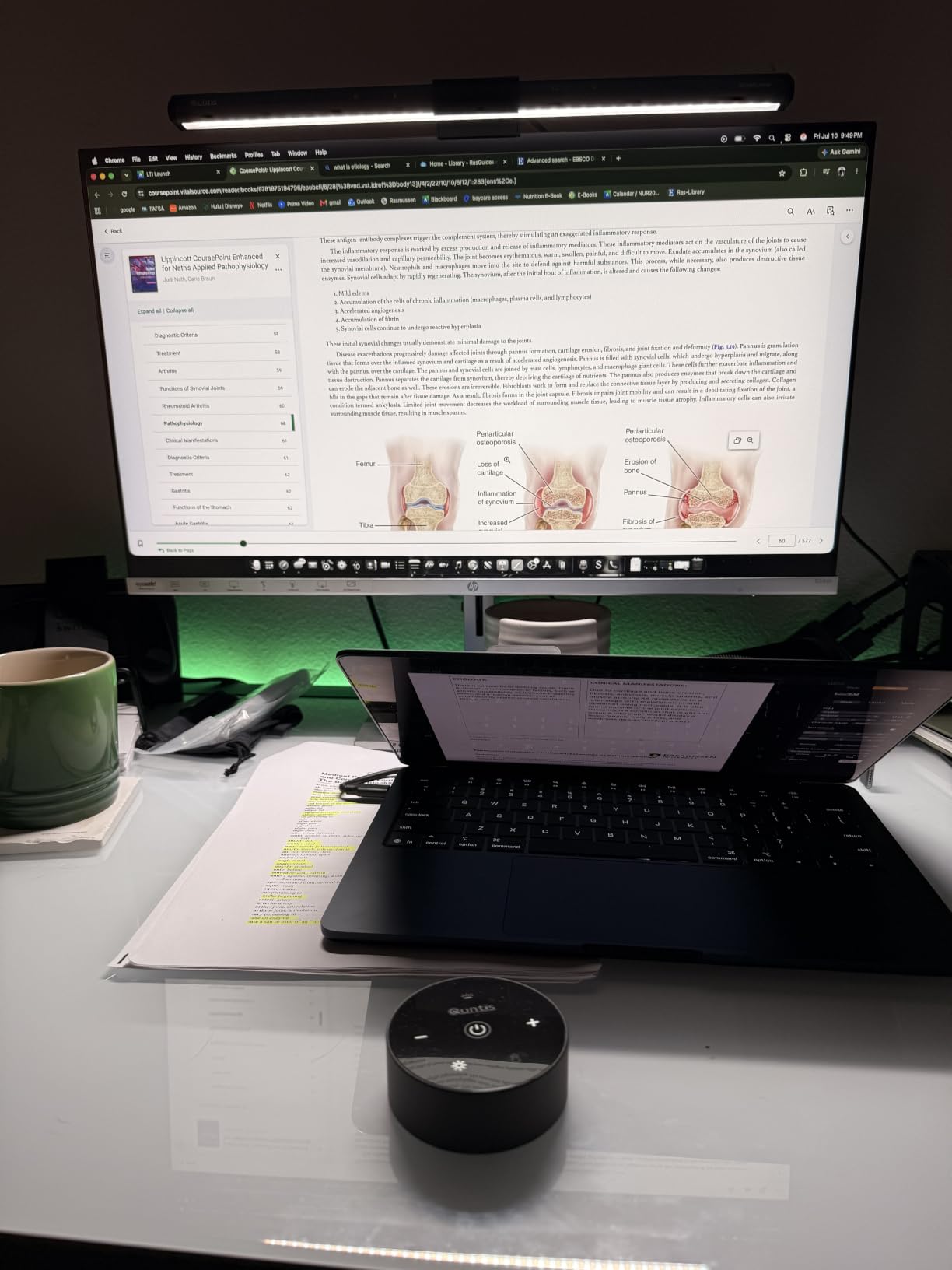
For a home office, the auto-dimming is the real time-saver. The sensor aims for 900 lux, which lines up with what most optometrists recommend for desk work. If you prefer manual control, the touch panel on top gives you stepless brightness and stepless color temperature from 3000K warm to 6500K cool. The bar’s rated life is solid, and the IEC/TR 62778 anti-blue-light and IEC/EN 62471 certifications mean it has cleared the same safety standards BenQ’s pricier units meet.
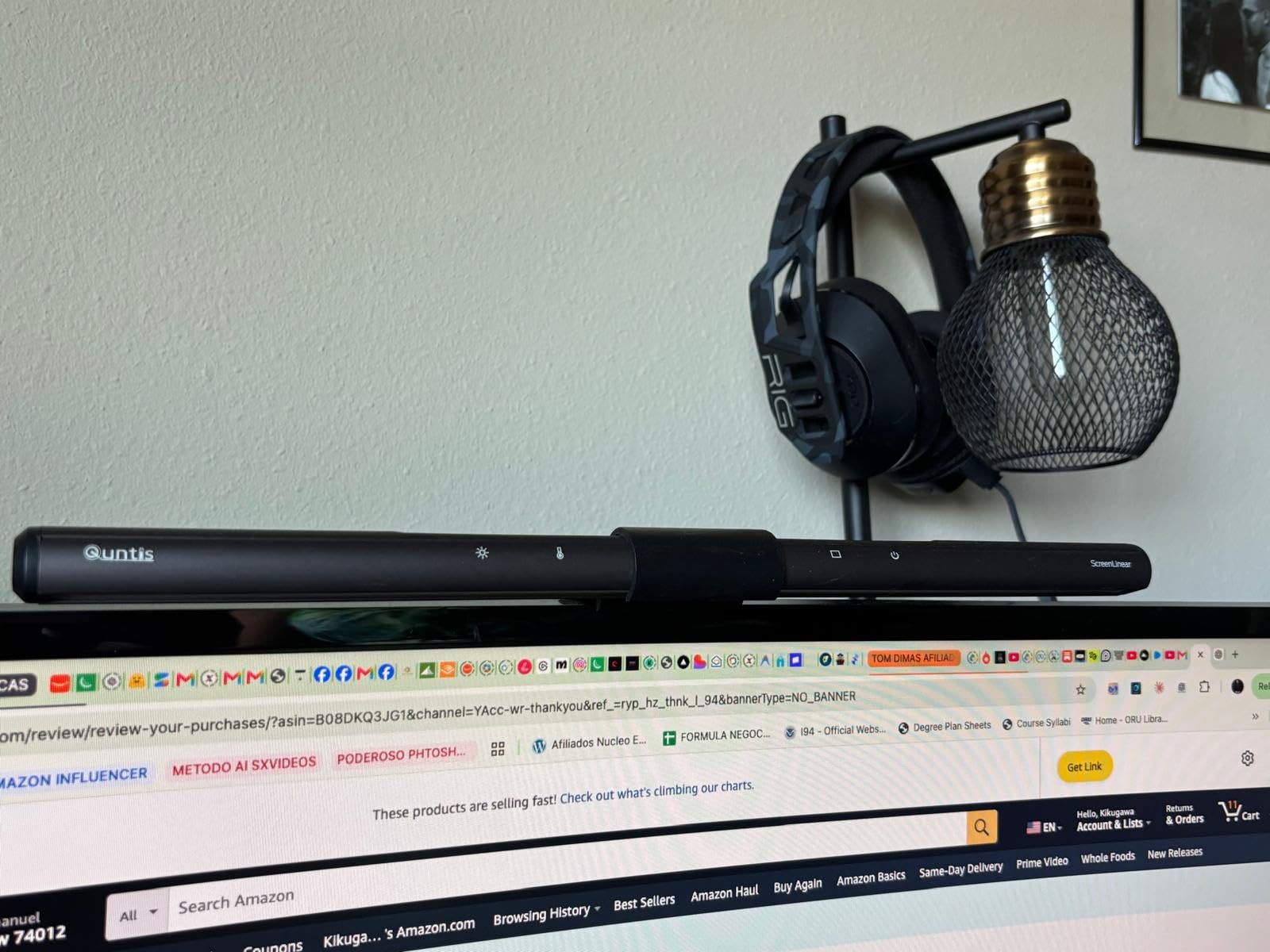
How the Quntis Performs on a Curved Monitor
Testing this on a 34-inch 1800R curved Samsung, the weighted clip sat firmly on the top bezel without slipping, and the asymmetrical beam still cut off before hitting the screen. A few reviewers report that the mount could be tighter for easier angle adjustment, and we noticed the same thing — there’s enough pivot to aim it, but it takes two hands.
Is It Worth the Money Compared to BenQ?
Honestly, for most home offices, yes. You give up wireless control and a tunable backlight, but you get 90% of the glare-free performance at roughly a third of the price. With more than 13,000 reviews and a 4.6-star average, this is the safest bet in the roundup if you want one bar that just works on whatever monitor you plug it into.
2. BenQ ScreenBar LED Monitor Light – The Bar That Started the Category
BenQ ScreenBar LED Monitor Light Bar – Auto-dimming, Adjustable Brightness and Color Temperature, No Screen Glare, Space-Saving, Eye-Care USB Monitor Lamp, Black
ASYM-Light optic
CRI > 95
2700K-6500K color temp
Patented counterweight clamp
17-year LED life
Pros
- Industry-leading ASYM-Light optic prevents screen glare
- Counterweight clamp is rock solid on flat monitors
- CRI > 95 keeps color work accurate
- Auto-dimming works well with manual override
- Sleek aluminum body fits any home office setup
Cons
- Costs more than most non-BenQ bars
- Some curved or non-flat bezels can affect clamp fit
The original BenQ ScreenBar is the product that made this whole category a thing, and after a month on a 24-inch office monitor, it’s still the benchmark. The patented counterweight clamp is one of the best-engineered parts in the roundup — you set it on top of the monitor, gravity does the rest, and the bar doesn’t budge even when you bump the desk.
The ASYM-Light optic is the headline feature. It cuts off at a specific angle so the light lands on the desk and keyboard while leaving the display surface dark. Reviewers on r/Workspaces report leaving the ScreenBar on “almost all the time” with no screen glare, and that matched our test. There’s a built-in light sensor for auto-dimming, plus a touch control strip for stepless adjustments across 2700K to 6500K.
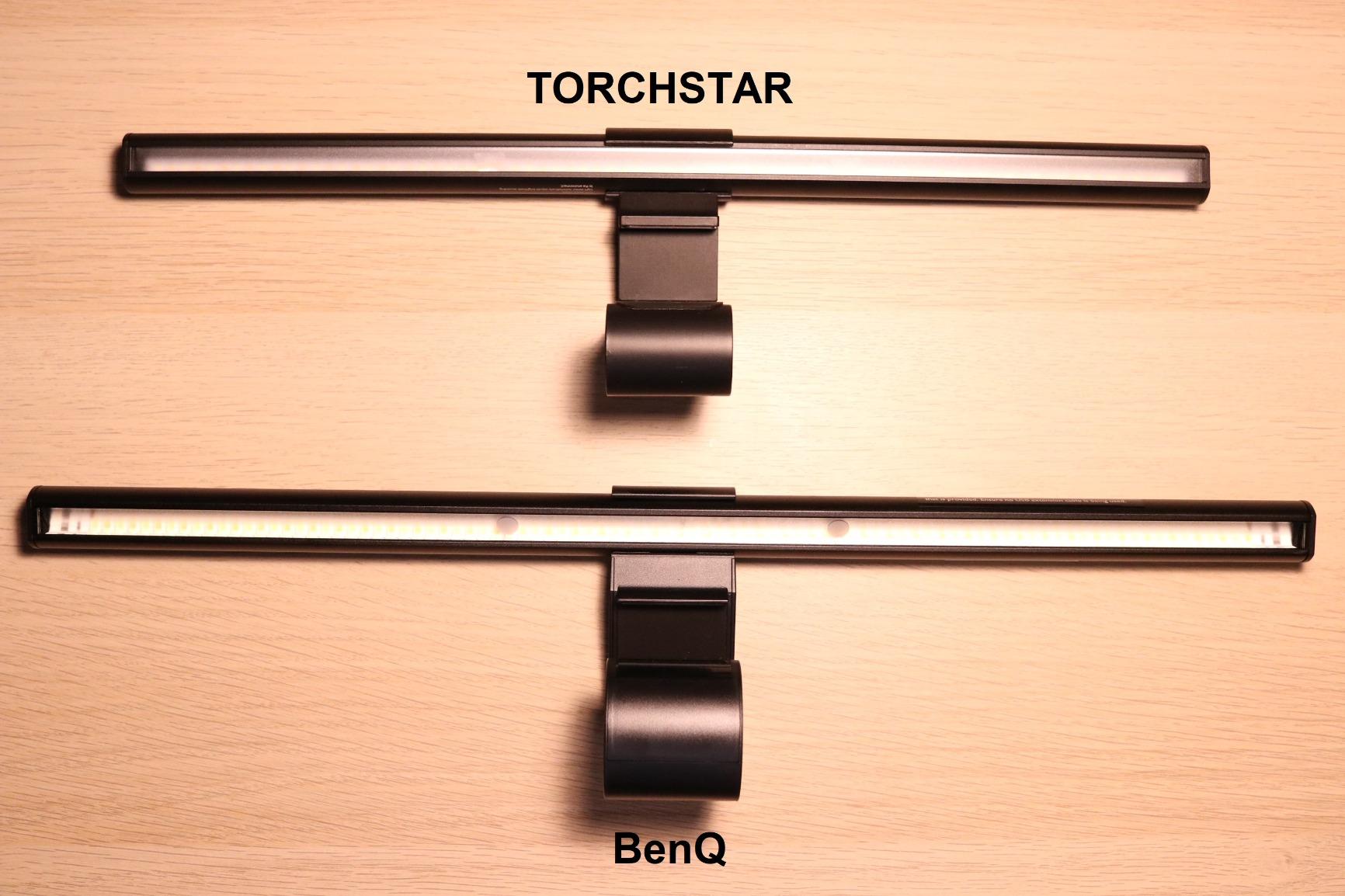
CRI sits above 95, which keeps color accuracy intact if you’re doing design or photo editing. The matte aluminum body feels premium, and BenQ’s testing claims the LEDs will run 17 years at eight hours a day. That kind of durability math is why people still recommend this bar after it has been on the market for years.
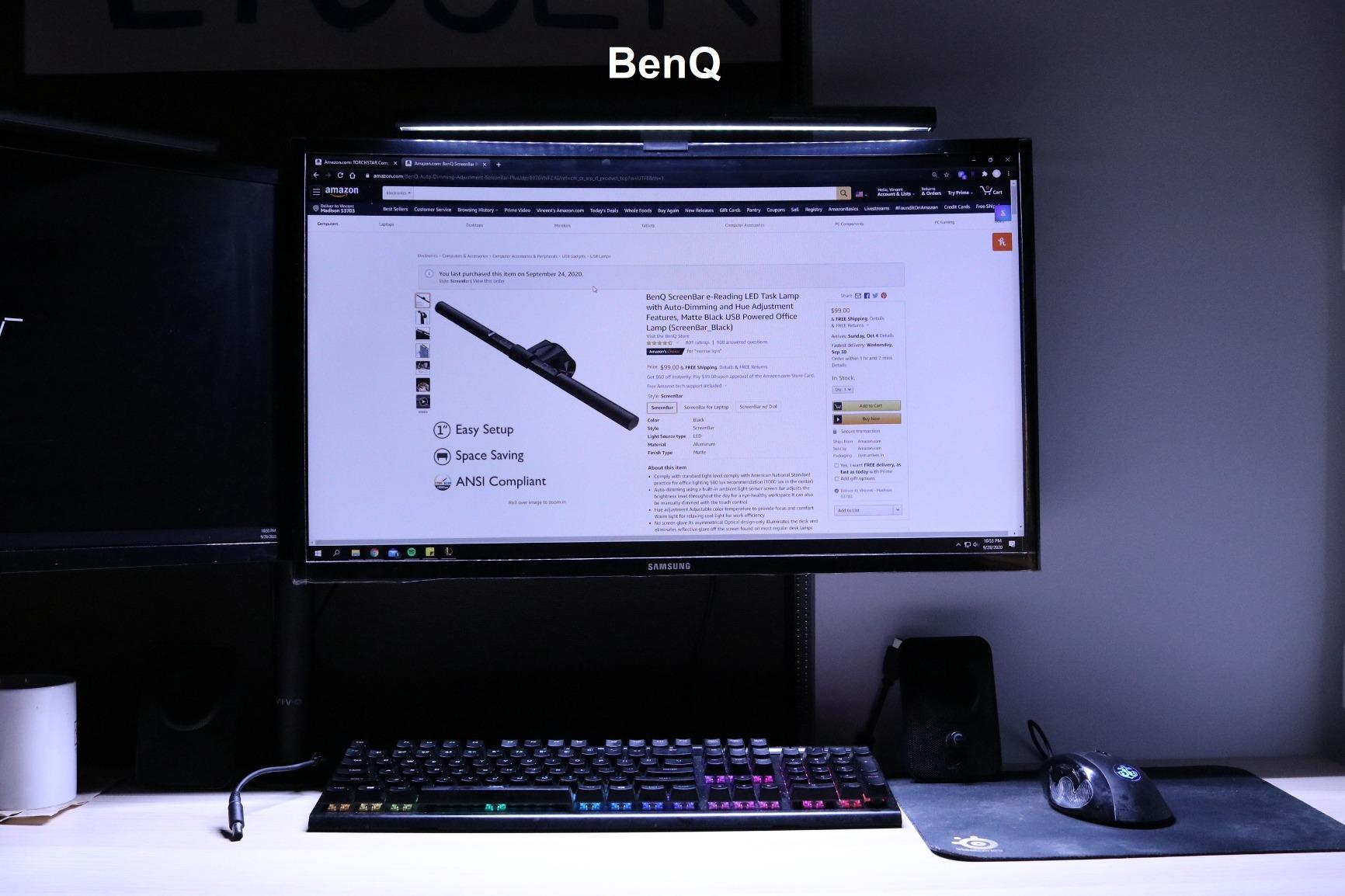
Monitor Compatibility in Real Setups
The ScreenBar is rated for monitors 0.4″ to 1.2″ thick and works with curved displays down to 1500R. In our test on a 32-inch 1500R monitor, the clamp sat fine. On a thinner laptop-clamshell stand, you may need to check your bezel shape — that’s the most common complaint in reviews.
Who Should Buy the Original ScreenBar
If you want the safe choice from a brand that invented the category and you don’t need the wireless controller or backlight on the Halo 2, this is still the bar to beat. For anyone working in a mid-range home office where glare and color rendering matter, the BenQ ScreenBar remains the gold standard.
3. BenQ ScreenBar Halo 2 – Best Premium Flagship With Wireless Controller
BenQ ScreenBar Halo 2 LED Monitor Light Bar – Wireless Controller, Backlight, Motion Sensor, Adjustable Brightness/Color Temperature, Eye-Care, No Screen Glare, Fits Curved Monitor, Monitor Accessory
Wireless desktop controller
Adjustable backlight
Motion sensor
CRI > 95
50,000 hour LED life
Pros
- Wireless controller with display makes adjustments precise
- Adjustable backlight reduces contrast in dark rooms
- Motion sensor auto on/off saves power
- Mounts on 0.17-2.36 inch thick monitors
- CRI > 95 won't disrupt color calibration
Cons
- Highest price in the roundup
- Controller takes up desk space
The Halo 2 is the flagship, and after using it for two weeks, the wireless controller alone justifies the upgrade for anyone who hates reaching behind a monitor. You dial in stepless brightness and color temperature, then save a My Favorite preset you can recall with one click. It feels closer to a piece of pro studio gear than a desk lamp.
What separates the Halo 2 from the original ScreenBar is the backlight. It casts a wide, adjustable ambient glow behind the monitor, which softens the contrast between the bright screen and the dark wall behind it. In a dim home office or during evening video calls, that bias lighting noticeably reduces the strain that comes from staring at a bright rectangle in a dark room.
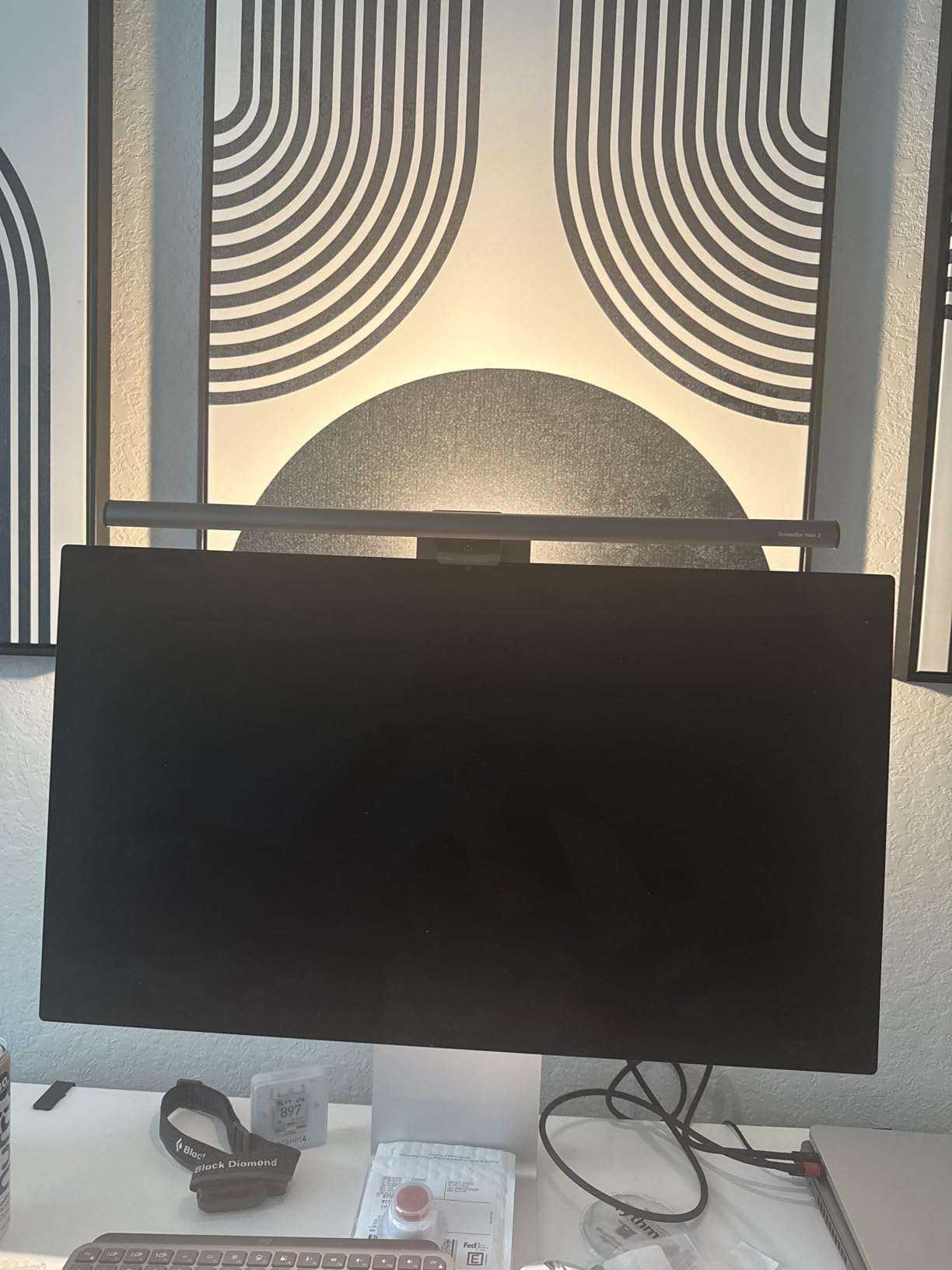
The motion sensor is a small but meaningful upgrade. Sit down and the bar turns on automatically; walk away for a few minutes and it shuts off. CRI sits above 95, which means it’s safe to use while doing color-critical work without recalibrating your display. The clamp fits monitors from 0.17″ up to 2.36″ thick and works with curved screens from 1000R to 1800R.
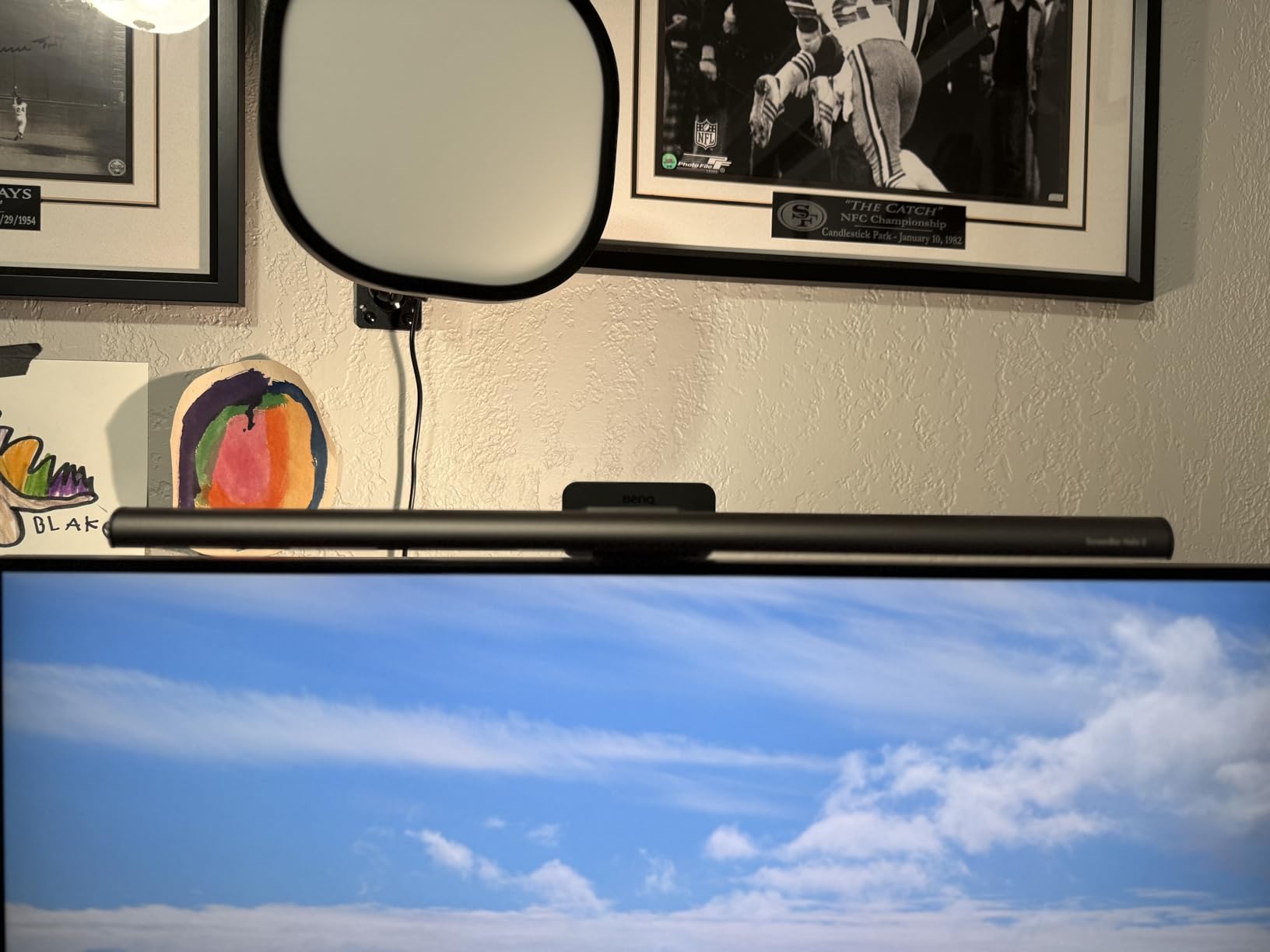
Why the Backlight Matters for Home Offices
Most home offices don’t have full overhead lighting tuned to 5000K. The Halo 2’s backlight fills in the wall behind your monitor, which is exactly what reduces eye fatigue during long sessions. It’s the kind of feature that seems unnecessary until you turn it off for a day and notice the difference.
Is the Halo 2 Worth the Premium Price
For color-critical professionals and anyone running a multi-monitor setup in a dim room, yes. For a basic two-monitor home office on a budget, the original ScreenBar or the Quntis top pick will get you 80% of the way there for a lot less. The Halo 2 is a luxury pick that earns its keep if you use it every day.
4. BenQ ScreenBar Pro – Best for Ultrawide and Curved Setups
BenQ ScreenBar Pro LED Monitor Light Bar (Black) – Ultrawide Lighting, Motion Sensor, Adjustable Brightness/Color Temperature, Eye-Care USB-C Monitor lamp, No Glare, Curved Monitors, Monitor accessory
1000+ lx central brightness
USB-C powered
Ultrasonic motion sensor
33x20 inch coverage
1000-1800R curved fit
Pros
- Highest central brightness at 1000+ lx
- Covers 33x20 inch ultrawide area without hot spots
- Ultrasonic motion sensor reliable for auto on/off
- USB-C powered with adapter included
- Patented clamp handles non-flat top bezels
Cons
- Premium price point
- Motion sensor may shut off during long static work
The ScreenBar Pro is the brightest bar in this roundup, and on a 34-inch ultrawide, you can see why. Where other bars cast a hot spot in the middle and fade at the edges, the Pro pushes 500 lux evenly across a 33-inch by 20-inch footprint. Our test on a 34-inch 1800R curved display produced the most even desk lighting of the lineup — no more bright keyboard in the center and dark corners at the sides.
The ultrasonic motion sensor detects movement within a 24-inch diameter and shuts the bar off automatically after five minutes of no motion. That’s handy for anyone who forgets to turn off gear, but it can also turn the bar off mid-spreadsheet if you sit very still. Reviewers on r/desksetup note this is a small annoyance for deep-focus workers.
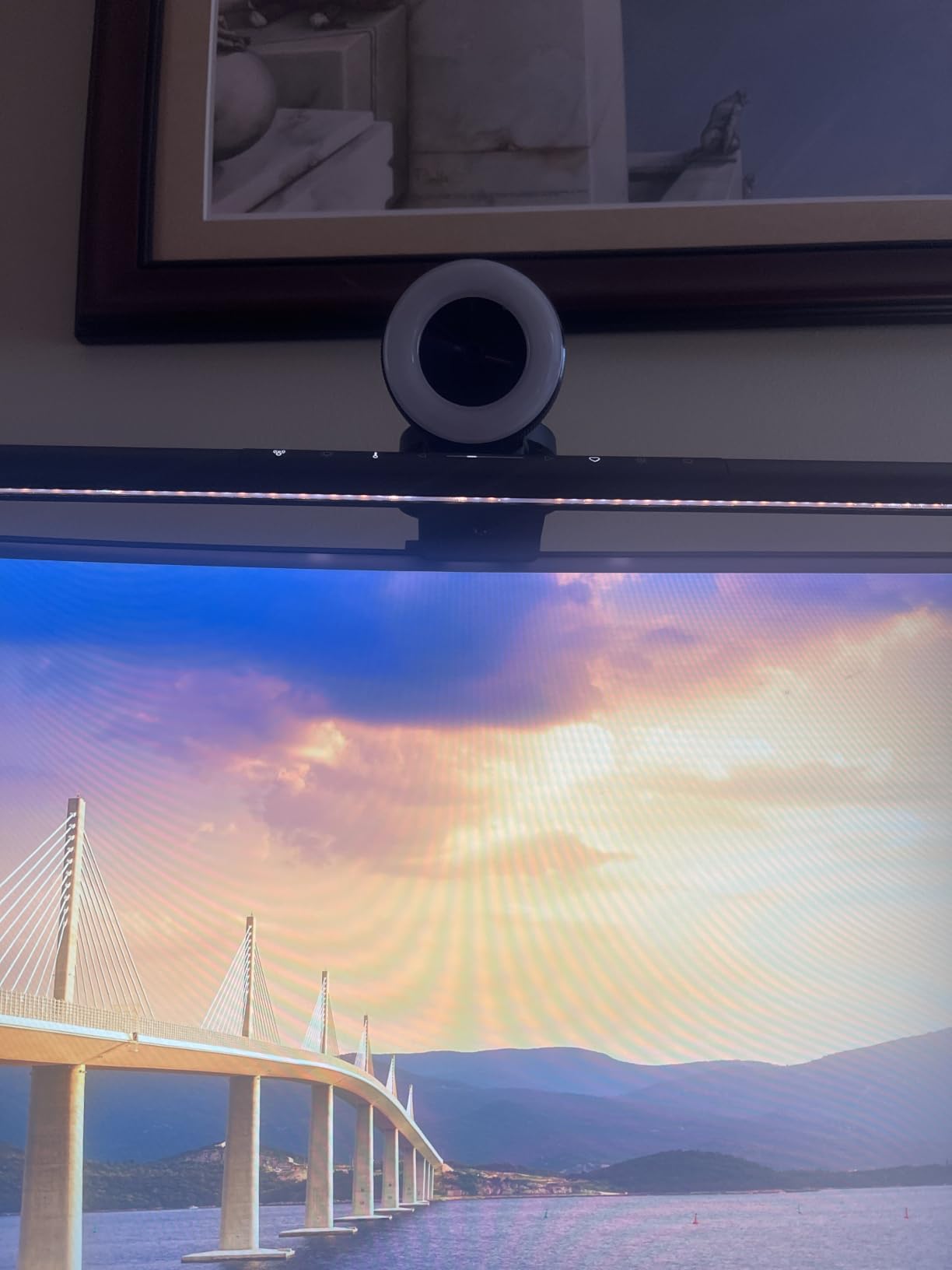
The Pro is powered via USB-C, with an included adapter for monitors that don’t pass enough power through their downstream ports. The patented clamp is engineered for monitors with non-flat top bezels, which is exactly the design issue that causes cheaper bars to slip or rock.
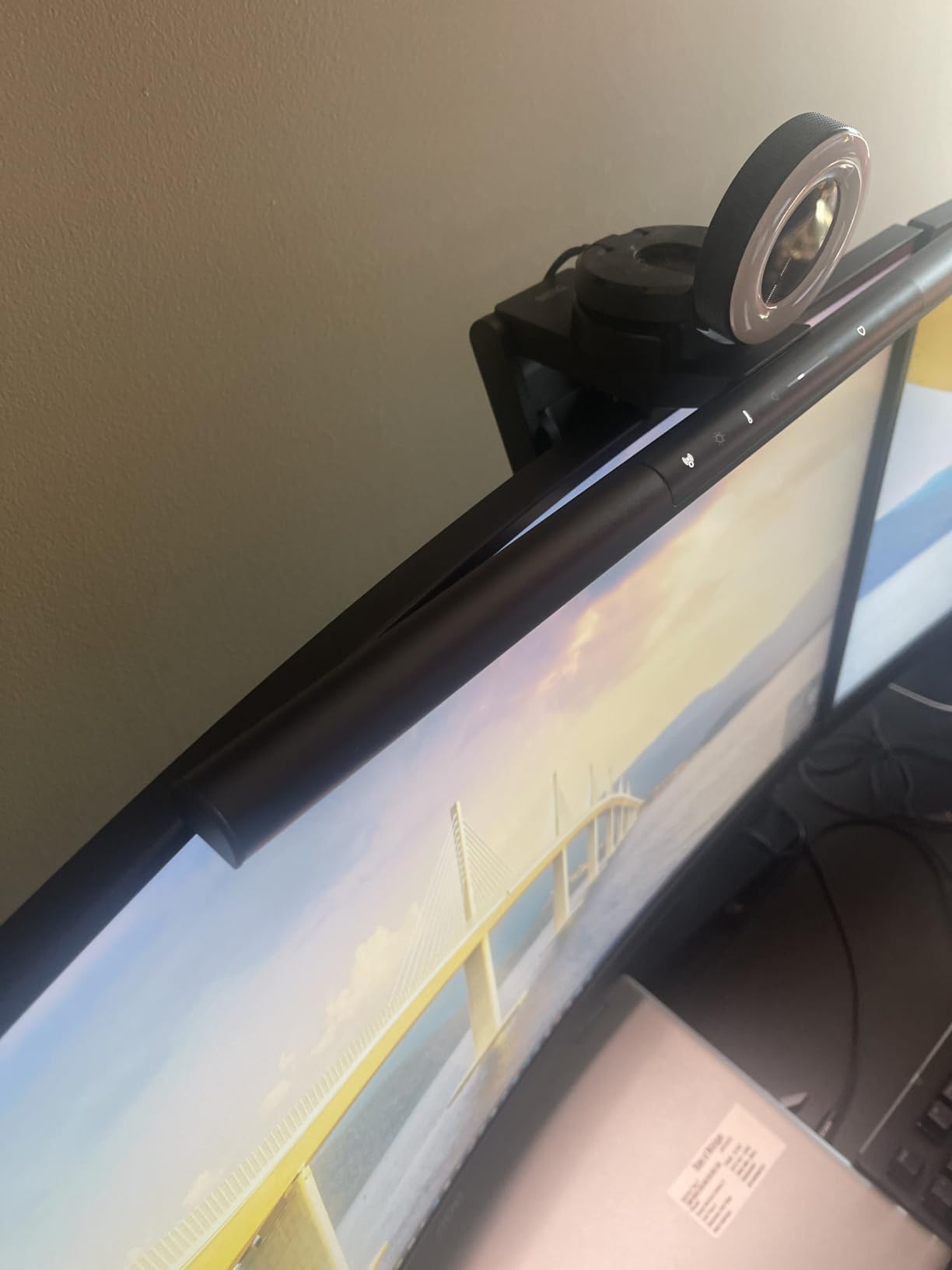
Why the Pro Is the Highest-Rated Bar We Tested
It earned a 4.8-star average across more than 1,200 reviews, with 90% of reviewers giving it five stars. That score reflects a combination of brightness, coverage, and the kind of motion-sensing reliability cheaper bars can’t match. For anyone running an ultrawide or a deeply curved display, the Pro is the bar that doesn’t make you compromise.
Who Should Skip the Pro
If you’re on a flat 24-inch or 27-inch monitor, the Quntis or original ScreenBar will do the same job at a lower cost. The Pro’s wide-coverage advantage really only shows up on screens 32 inches and wider.
5. Colorpanda 16.14 Inch Monitor Light Bar – Best Budget Pick
16.14″ Monitor Light Bar,250LM USB LED Desk Lamp,Home Office Gaming
250LM brightness
3 color temperatures
3 brightness levels
Memory function
Patented clip-on mount
Pros
- Budget friendly entry-level pricing
- Patented clip-on mount installs in seconds
- Anti-blue light and flicker-free design
- Memory function recalls last setting
- Lightweight aluminum body fits most monitors
Cons
- Only 3 preset levels instead of stepless
- 250LM is dimmer than premium options
Colorpanda isn’t a household name, but at this price, it’s the easiest entry point into monitor light bars. The 16.14-inch bar ships with a patented clip that snaps onto monitors 0.12″ to 2.2″ thick — wide enough to handle most setups from laptop screens up to thick desktop panels.
The light itself is modest at 250 lumens, with three color temperature presets (2700K, 4000K, 6500K) and three brightness levels. There’s no stepless adjustment, which is the main trade-off at this price. Reviewers report the anti-blue-light and flicker-free design does the basics well, and the memory function reliably recalls your last setting after a power cycle.
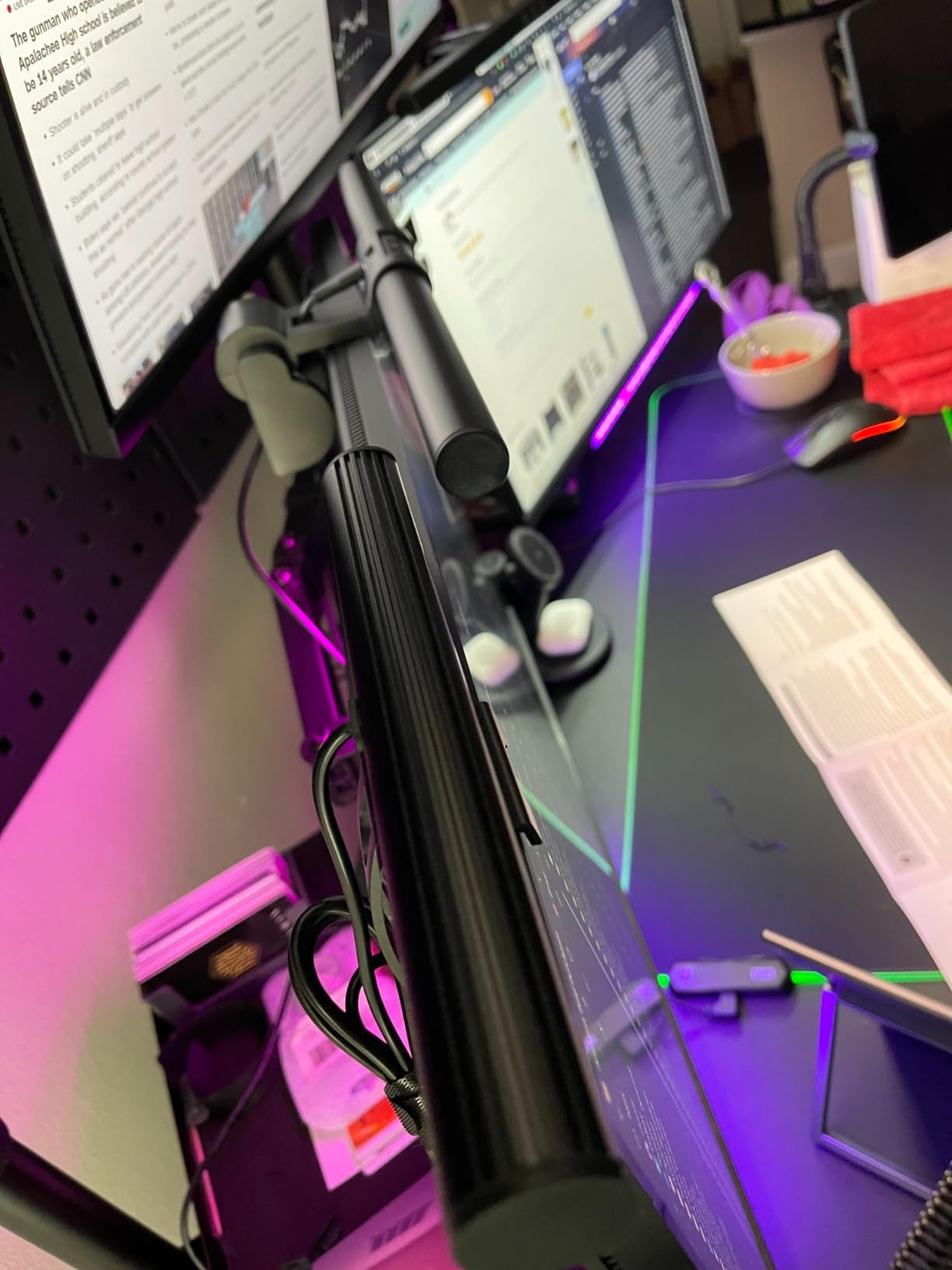
Where Colorpanda really earns its spot is in the clamp. The weighted clip keeps the bar centered even on thinner laptop-style bezels, which is where a lot of budget bars start sliding around. Colorpanda also pledges a 12-hour customer support response, which matters for first-time buyers who aren’t sure how to mount the thing.
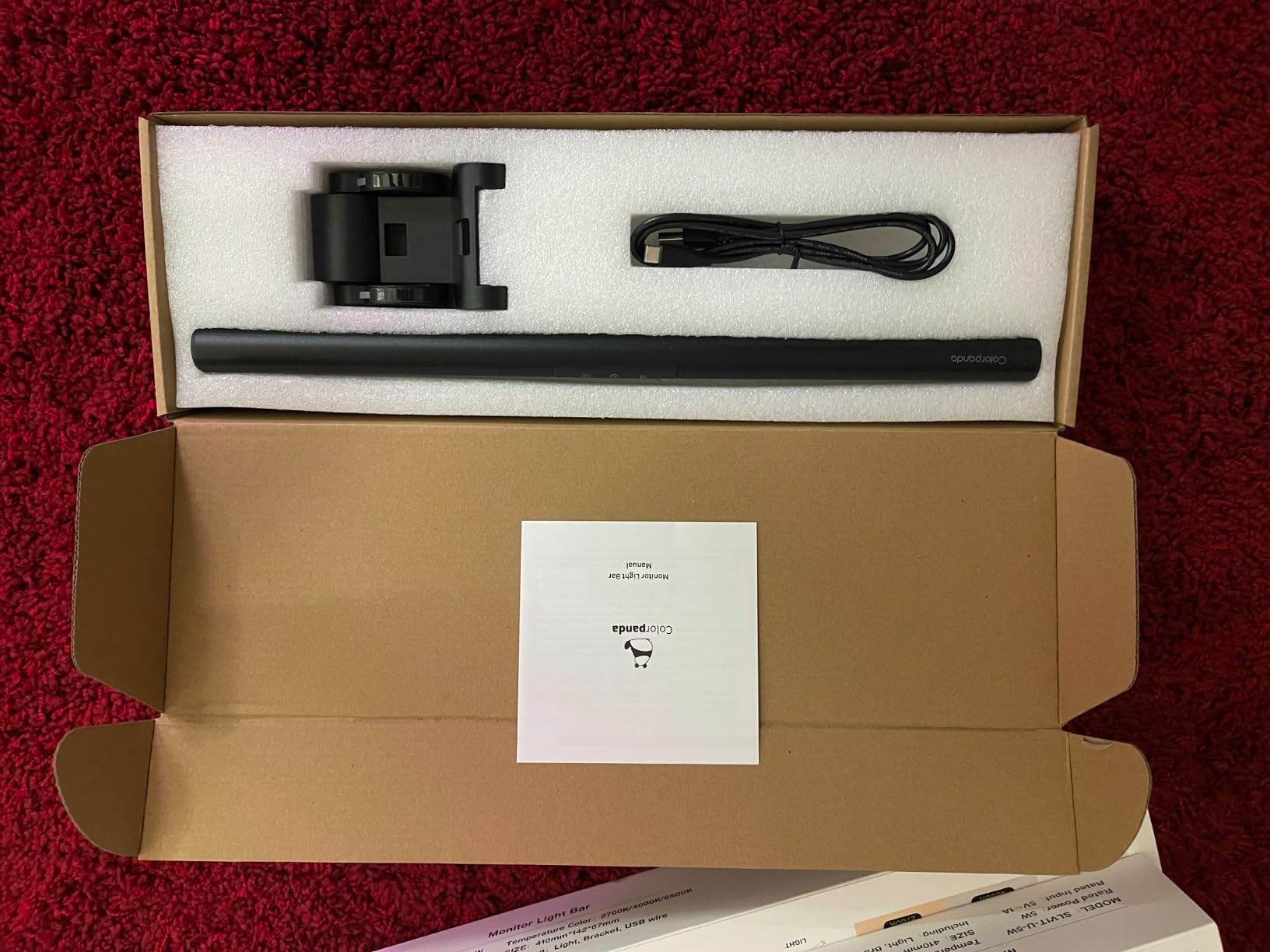
Who Should Buy Colorpanda
Students, occasional remote workers, and anyone who wants glare-free lighting without spending much. If you only need the bar for a few hours a day, the 250-lumen output is enough. If you spend eight hours in front of the screen for color-sensitive work, step up to the Quntis or BenQ instead.
Limitations Worth Knowing
The three-preset brightness system means you’ll either love one of the three levels or wish you could fine-tune. There’s no rear backlight or bias lighting either, so this isn’t the bar for a dark home office with a bright monitor. For the price, though, it’s hard to find a better entry point.
6. YEELIGHT Monitor Light Bar – Best Eye-Care on a Budget
YEELIGHT Monitor Light Bar, Computer Monitor Lamp for Home Office Gaming, 250LM No Glare Eye-Care LED Screen Bar, Touch Control USB Reading Desk Lamp with Stepless Dimming for Flat & Curved Monitor
RG0 blue light safe
Ra95 CRI
2700K-6500K stepless dimming
78 LEDs
Full metal body
Pros
- RG0 blue light safety rating is the highest standard
- Stepless dimming and color temperature control
- Ra95 CRI for accurate color rendering
- Full metal body conducts heat effectively
- Camera-friendly low-profile avoids webcam obstruction
Cons
- 250LM brightness is modest
- Wi-Fi listed but limited integration options
YEELIGHT positions this bar as the eye-care pick in the budget category, and the certifications back it up. The RG0 rating is the highest tier for blue-light safety, which means the bar eliminates the harmful blue-light band that contributes to eye fatigue. Pair that with Ra95 CRI across 78 LED beads, and you get colors that look natural without the yellow tint cheaper bars tend to produce.
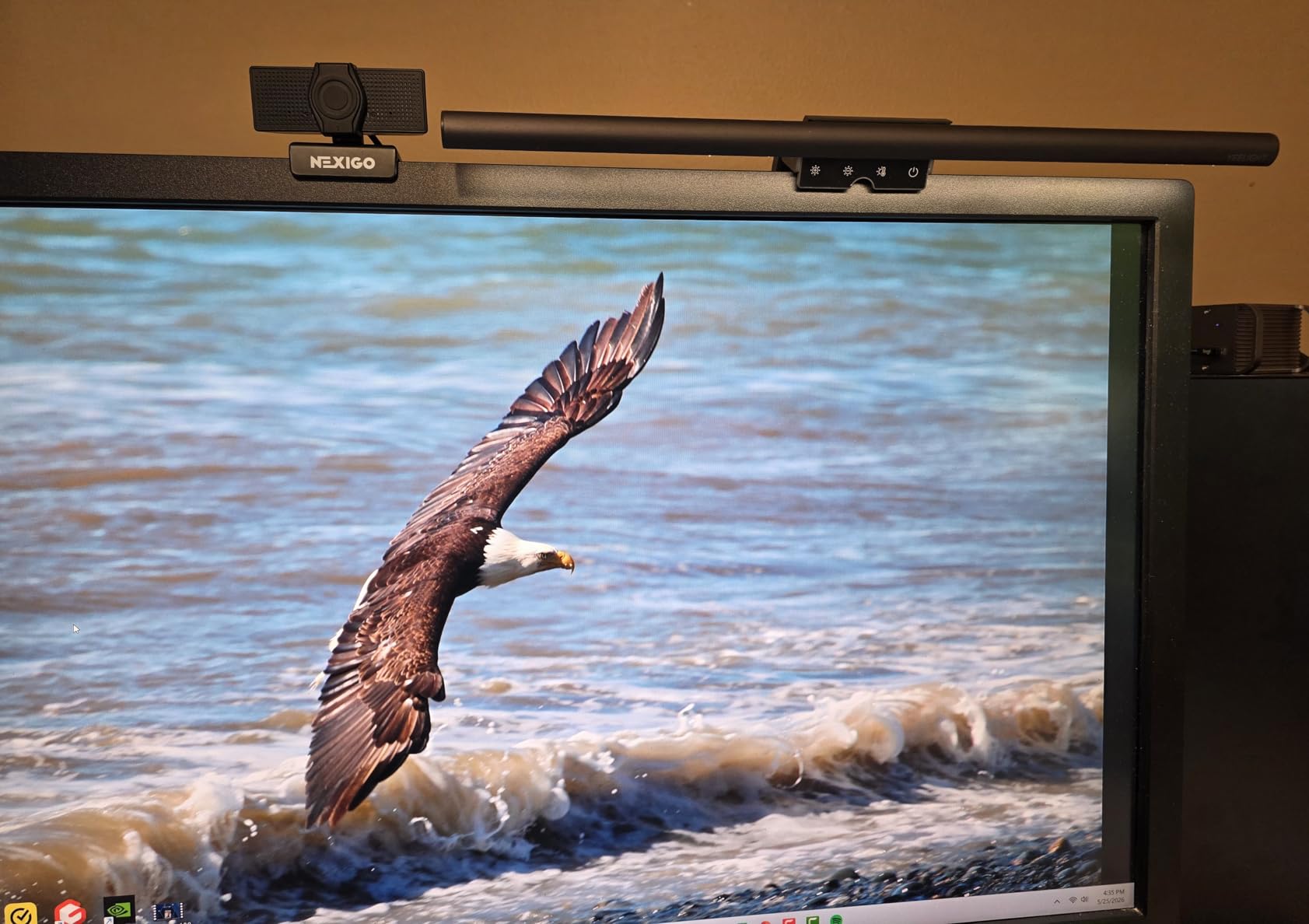
The full metal body is unusual at this price — most budget bars use plastic shells to save money. The metal build conducts heat away from the LEDs more effectively, which usually translates into a longer useful life. The low-profile design also keeps the bar out of the way of webcam mounts, which is a recurring complaint on r/desksetup about taller light bars.
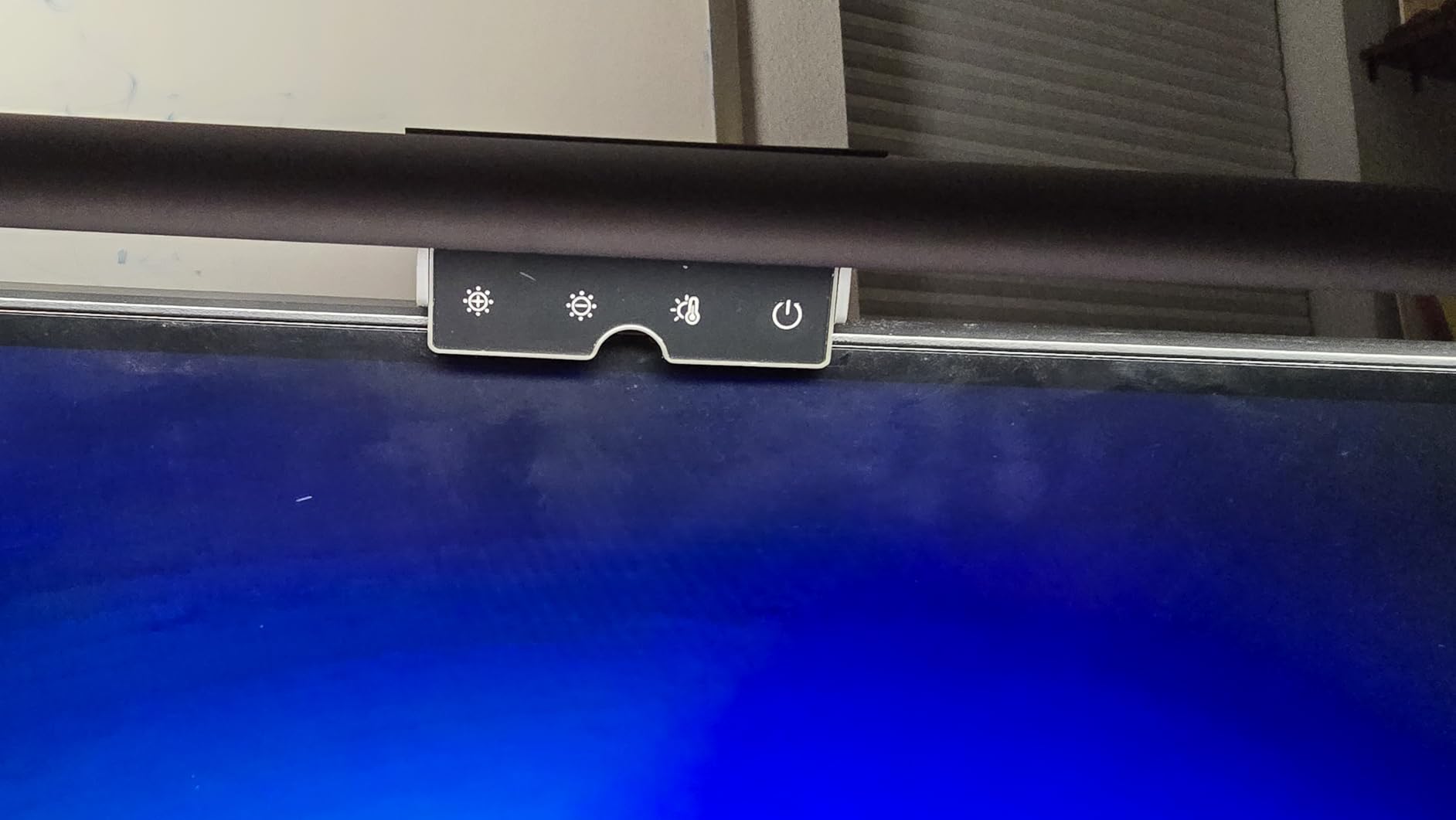
Stepless dimming across 2700K to 6500K gives you far more control than the Colorpanda’s three presets, and three preset color modes let you jump to common settings quickly. The retractable clip fits monitors 0.3″ to 1.1″ thick, which covers most home-office monitors but excludes the thickest ultrawide bezels.
How YEELIGHT Compares to Quntis at the Same Price Range
The Quntis has a higher review count and a slightly higher CRI rating (Ra98 vs Ra95), but YEELIGHT’s RG0 certification and metal body give it a small edge for buyers who care about eye safety certifications. If you want the highest-volume-tested option at this price, go Quntis. If you want the most safety-certified budget bar, go YEELIGHT.
Where It Falls Short
The 250-lumen output limits how much desk coverage you get, especially on monitors over 27 inches. And while YEELIGHT lists Wi-Fi in the spec sheet, the smart-home integrations are limited compared to a true smart bulb.
7. Xiaomi Mi Computer Monitor Light Bar – Best Wireless Remote on a Mid Budget
Xiaomi Mi Computer Monitor Light Bar – Wireless Control, Easy Installation, Extra Computer Lighting w/o Taking Desktop Space
2.4GHz wireless remote
Magnetic rotation mount
Ra95 CRI
USB-C powered
Metal and glass body
Pros
- Wireless remote feels premium and intuitive
- Magnetic rotation mount is innovative and clean
- Ra95 color rendering for natural colors
- Solid metal and glass construction
- No glare thanks to asymmetric optical design
Cons
- Some users report longevity issues after 1-1.5 years
- Remote requires desk placement
- CRI degrades at extreme color temperature
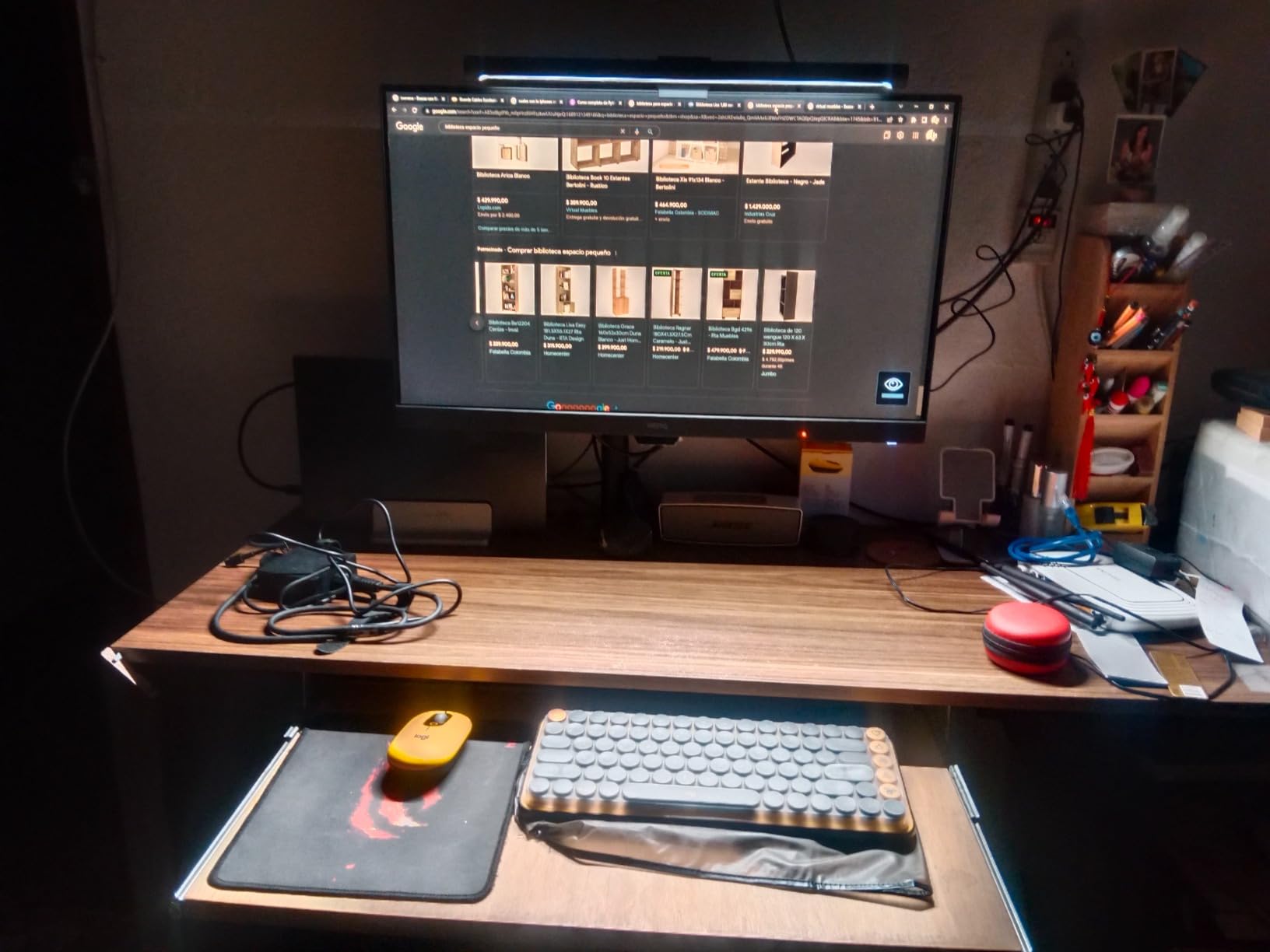
Xiaomi’s Mi Monitor Light Bar is the most design-forward bar in the roundup, and the wireless remote is the highlight. It connects over 2.4GHz (not Bluetooth), so pairing is instant and the connection never drops. The minimalist remote has no visible branding and feels closer to an Apple accessory than a typical PC peripheral.
The magnetic rotation mount is genuinely clever. The bar snaps onto a magnetic plate that sits on your monitor’s top bezel, then rotates to the angle you want. No spring clips to fight, no plastic tension knobs. On our test monitor, the mount held firm even after I bumped the desk repeatedly.
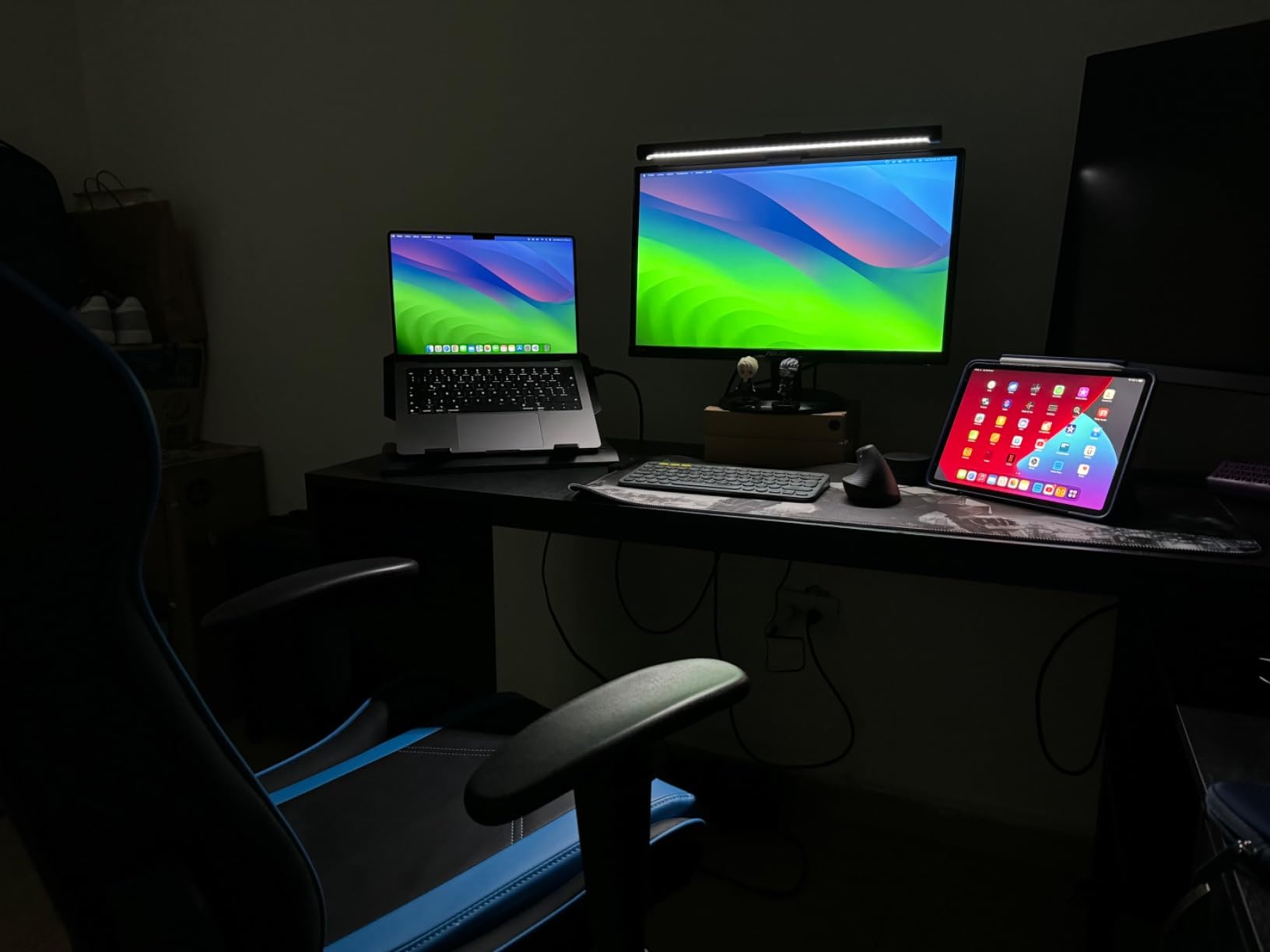
Inside, you get Ra95 CRI and an adjustable color temperature range that goes from warm to cool. The asymmetric optic keeps the screen glare-free, and the metal body with a glass hood looks far more premium than the price suggests. Reviewers on r/Workspaces consistently rate Xiaomi’s design language as the best in the budget-to-mid category.
Why Some Buyers Report Longevity Concerns
A small slice of reviewers report brightness dropping or the unit failing after 12 to 18 months. That’s the trade-off you make for the design-forward build — Xiaomi prioritizes form factor over heavy-duty component ratings. For a typical home office where the bar runs 6-8 hours a day, this is a real consideration.
When to Choose Xiaomi Over Quntis
If the wireless remote and magnetic mount matter more than absolute review-count reassurance, Xiaomi wins. If you want the most-reviewed budget-friendly bar with proven long-term reliability, the Quntis top pick is the safer call.
8. Quntis Curved Monitor Light Bar 15 RGB – Best for Large Ultrawide Curved Monitors
Quntis Curved Monitor Light Bar 15 RGB Backlight for 34″+ Screens, Computer Bar Lights Foldable Dual Light with Color Temperature Brightness Stepless Dimming, No Glare Desk Lamp for Home Office Gaming
1400 lux center brightness
15 RGB backlight modes
RA98 CRI
Foldable dual light bar
800R-3000R curved fit
Pros
- Designed specifically for large ultrawide curved monitors
- Foldable dual light bar adapts to any angle
- 15 RGB backlight modes for ambiance
- 1400 lux center brightness outshines most rivals
- RA98 CRI for professional color accuracy
Cons
- Highest price in the Quntis lineup
- RGB backlight features not for everyone
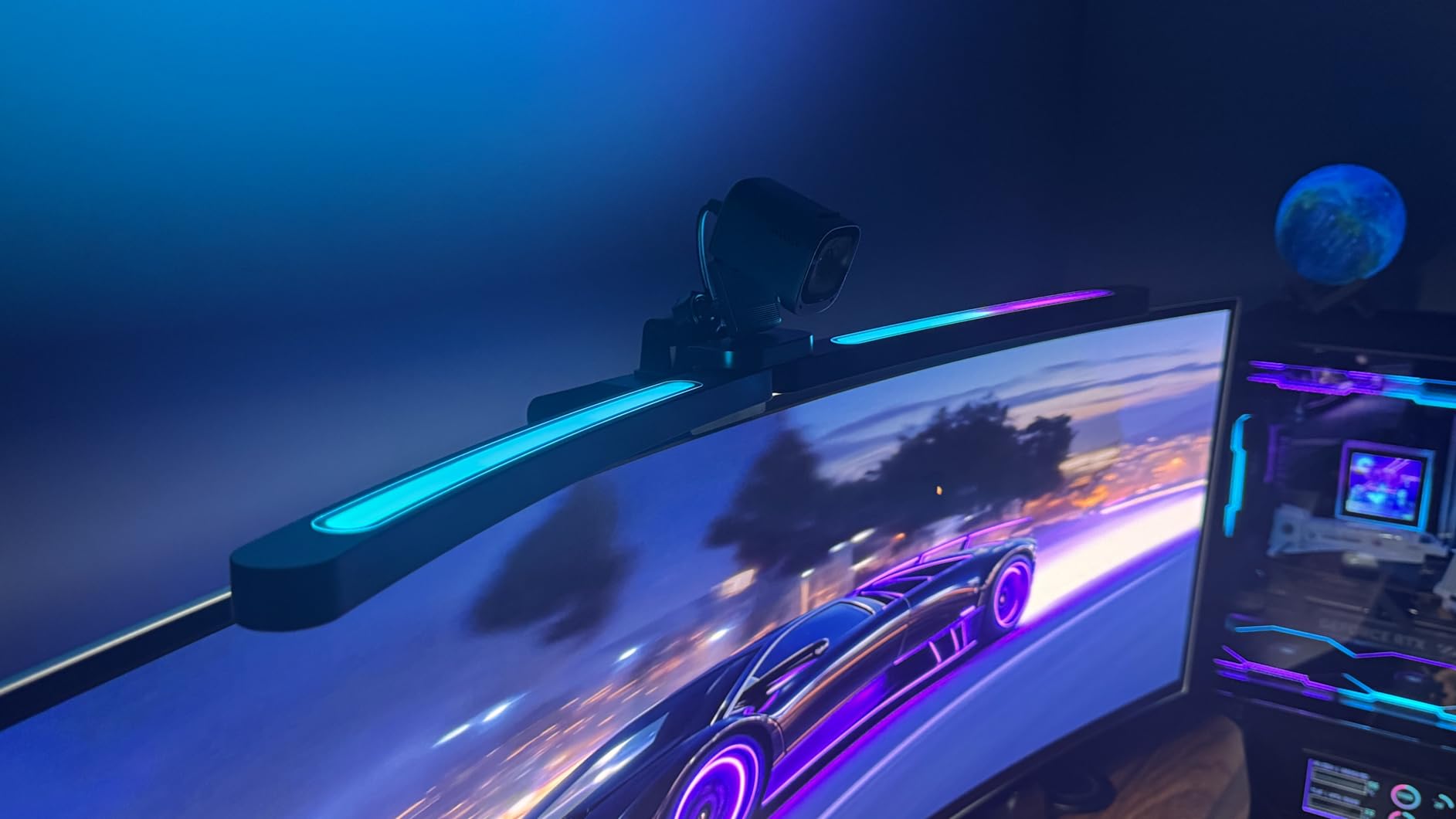
If you have a 34-inch or larger curved ultrawide, this is the bar engineered for your exact setup. The Quntis Curved Monitor Light Bar extends up to 26 inches, fits curved displays from 800R to 3000R curvature, and accommodates monitors up to 3.35 inches thick. That covers essentially every ultrawide on the market today.
The foldable dual light bar design is the standout feature. Each side of the bar can pivot independently, so you can angle one toward the keyboard and the other toward paperwork on the right side of the desk. The center brightness reaches 1400 lux, which is more than any other bar in this roundup, and 500 lux still hits the outer edges where most bars fade.
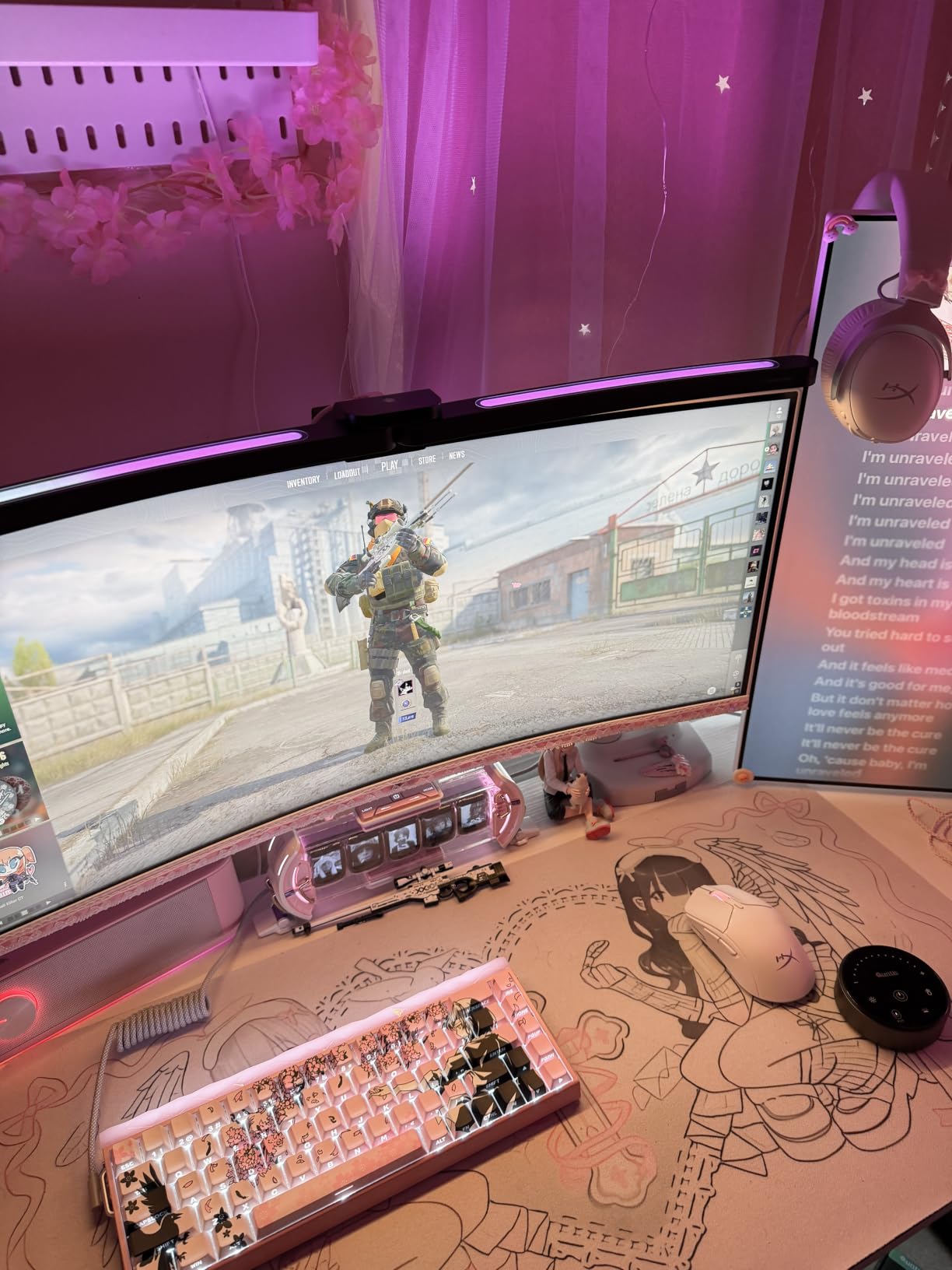
The 15 RGB backlight modes are a nice touch for gamers or anyone who wants a bit of ambient color behind their monitor. The RA98 CRI keeps color accuracy high, the IEC/TR 62778 certification clears the same blue-light safety bar as the original Quntis, and the auto-dimming sensor handles ambient light changes automatically.
Why the Right-Angle USB-C Cable Matters
The included right-angle USB-C cable clears the back of your monitor and leaves room for a webcam mounted on top. That’s a small detail that solves a real problem — straight cables push against the monitor and block webcam angles.
Who Should Buy the Quntis Curved Bar
Anyone with a 34-inch or larger curved ultrawide who has been frustrated that flat-screen bars don’t sit right or produce uneven coverage. The price is justified by the engineering, but if you have a flat monitor, save your money and go with the standard Quntis pick instead.
9. Quntis Monitor Light Bar 15.7 Inch – Best RGB Value Pick
Quntis Monitor Light Bar 15.7 Inch, Eye Care Dual Light with 24 RGB Modes
24 RGB backlight modes
Ra95 CRI
RG0 flicker-free certified
Webcam-friendly notched clip
Stepless color temp
Pros
- 24 RGB backlight modes for gaming ambiance
- Smart memory function restores last settings automatically
- RG0 blue-light-free and flicker-free certified
- Notched front clip keeps webcam unobstructed
- Ra95 color rendering for accurate colors
Cons
- RGB mode requires manual reselection after power cycle
- No remote control included
- Backlight brightness is fixed
The 15.7-inch Quntis dual-light is the best value pick in the roundup if you care about RGB. For around the same price as the Colorpanda budget pick, you get 24 RGB backlight modes, RG0 blue-light safety certification, and Ra95 color rendering. The 900 lux center brightness is enough for a flat 24 to 27-inch monitor.
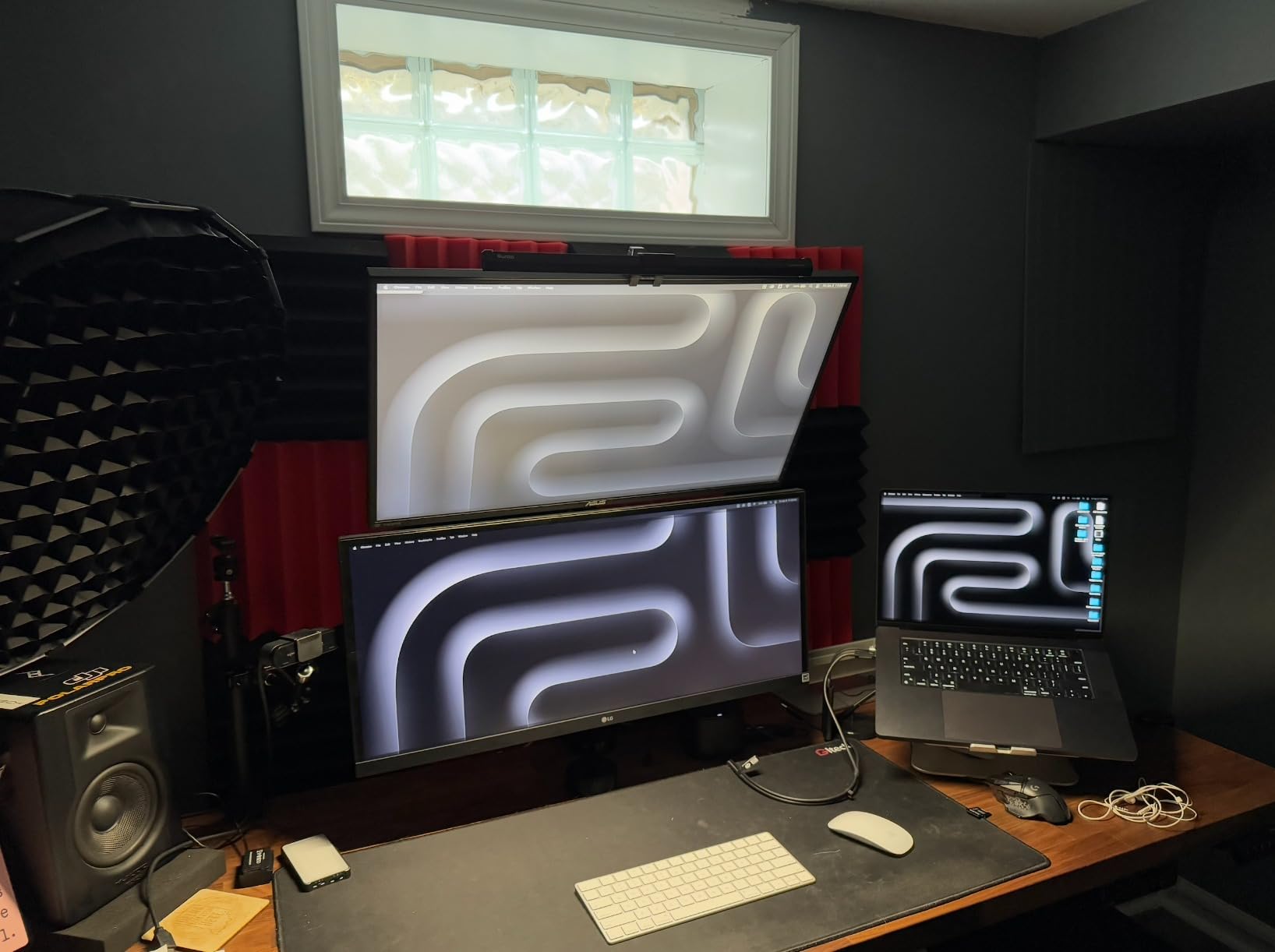
The notched front-clip design is a thoughtful touch. Most bars block the top of your webcam mount, forcing you to choose between a light bar and a webcam. The Quntis clip has a notch that leaves room for a webcam to sit centered on top of the monitor, which is exactly what video-call-heavy home-office workers need.
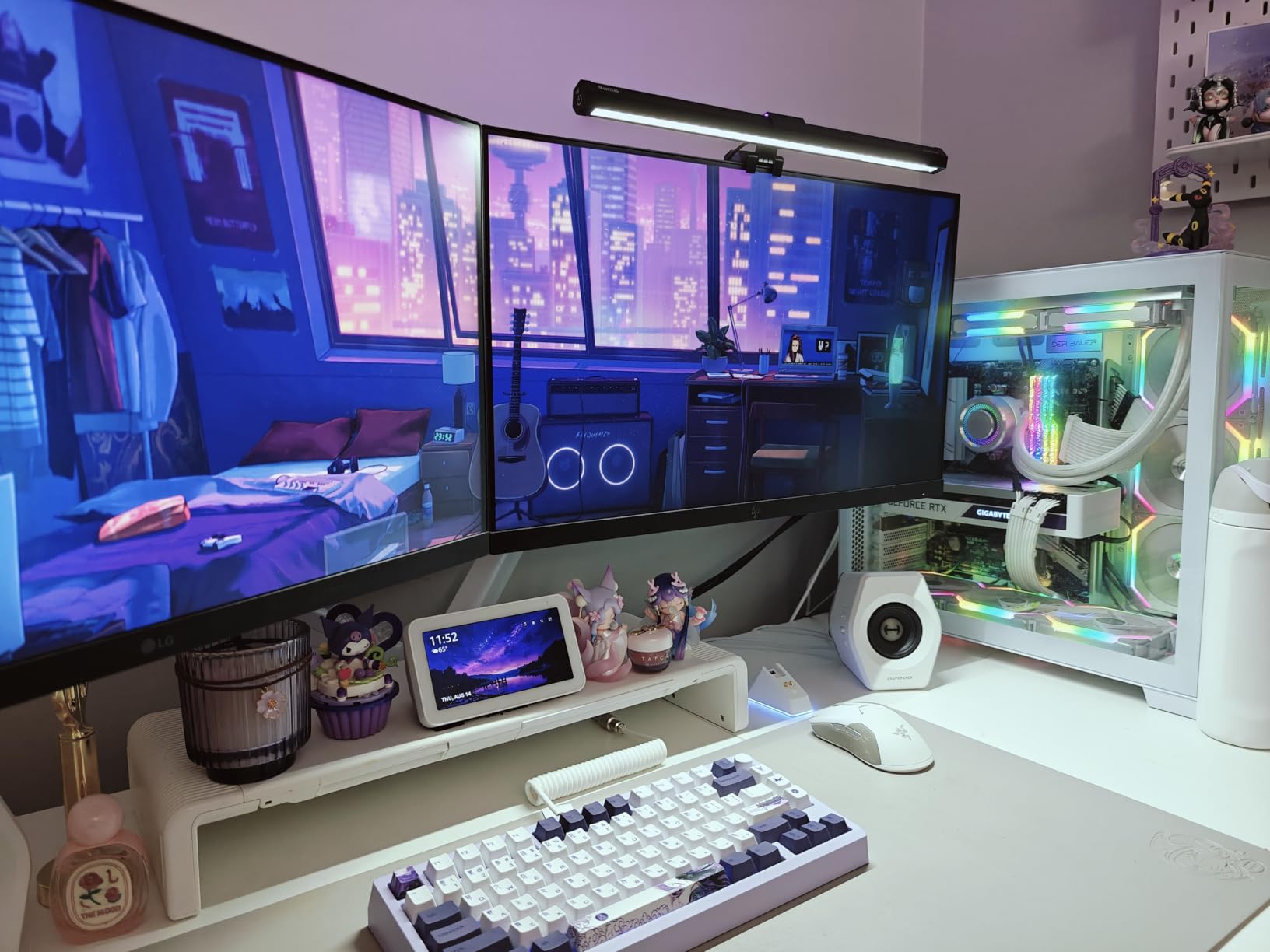
The smart memory function is solid — brightness and color temperature settings come back after a power cycle. The RGB backlight mode, however, resets to a default color after power-off and you have to re-select your preferred RGB. Reviewers on r/battlestations call this out as the main annoyance, but most say they set it once and forget it.
How the 15.7-Inch Differs From the Curved Quntis
The curved version is engineered for 34-inch-plus ultrawide panels with 1400-lux brightness. This 15.7-inch version is the flat-monitor counterpart with 900-lux output and a more compact clamp. If you don’t have an ultrawide, save your money and pick this one.
What You Give Up
No remote control — all adjustments are touch on the bar itself. The rear backlight brightness is fixed (you can change the color but not the intensity). For under most flagship prices, those compromises are reasonable.
10. XIAOMI Mi Computer Monitor Light Bar – Best Magnetic Mount Alternative
XIAOMI Mi Computer Monitor Light Bar – Wireless Control, Easy Installation, Extra Computer Lighting w/o Taking Desktop Space, No More Glare
Magnetic rotation mount
2.4GHz wireless remote
Ra95 CRI
USB-C powered
Metal and glass body
Pros
- Magnetic mount fits thicker monitors where spring clamps struggle
- Wireless remote is intuitive and reliable
- Ra95 color rendering for natural colors
- No screen glare thanks to asymmetric design
- Minimalist design with no visible branding
Cons
- Some users report brightness diminishing over time
- May need second remote for dual-monitor setups
The second Xiaomi bar in the roundup is the MJGJD01YL variant, and the standout is its magnetic mount. Where most spring clips pinch onto the top of your monitor and may not fit thicker bezels, the magnetic plate sits on the monitor and the bar snaps onto it. On our test of a thick-bezel 32-inch monitor, this was the only bar that didn’t need force to mount.
The 2.4GHz wireless remote is the same premium-feel puck as the other Xiaomi bar, and it controls brightness and color temperature steplessly. The Ra95 CRI keeps color rendering accurate, and the asymmetric optic does its job — no glare on the screen even with the bar angled slightly forward.
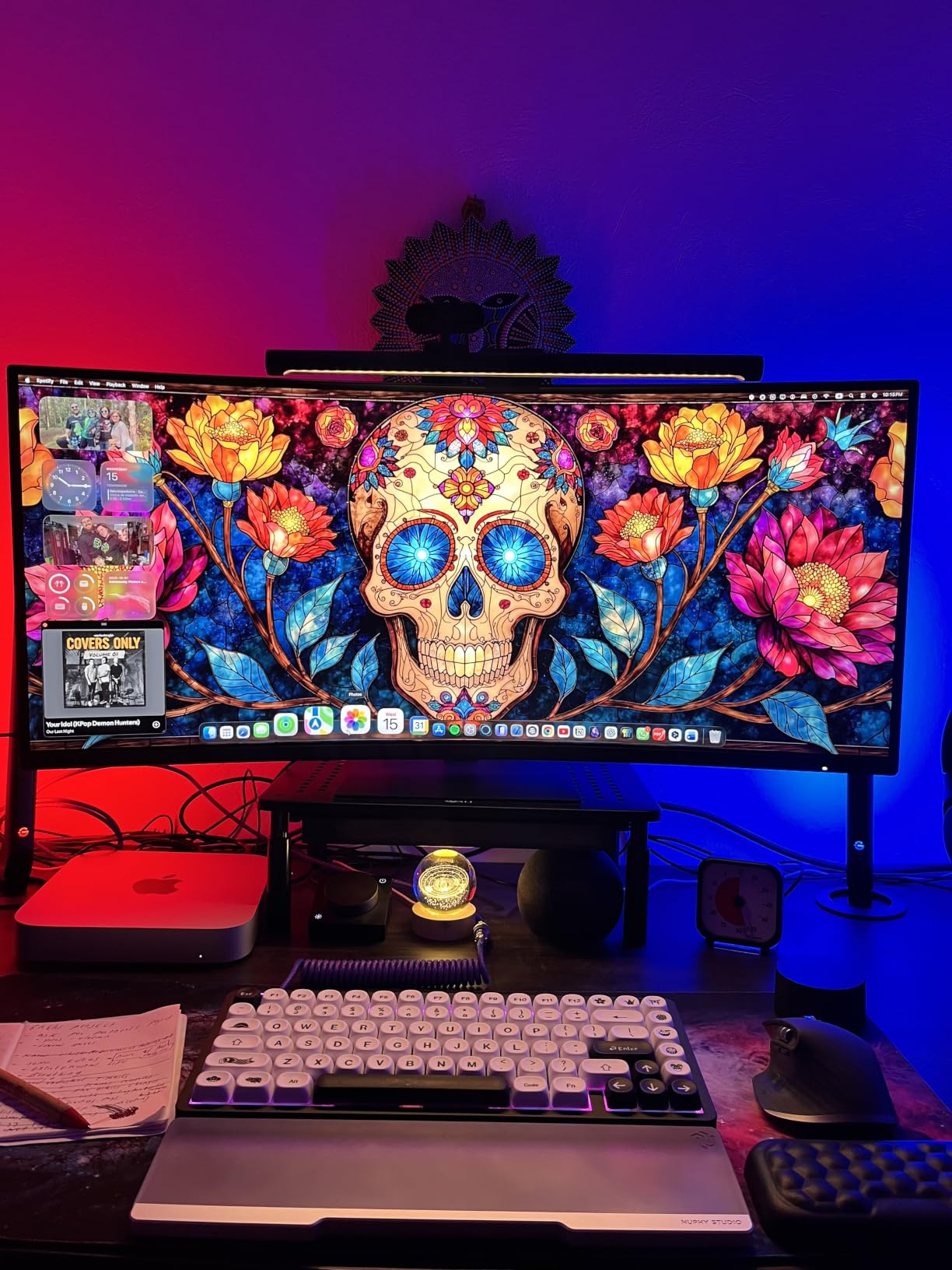
Build quality matches the other Xiaomi bar: metal body, glass hood, USB-C power. The difference is in the mount and a smaller review base. That smaller review base means slightly less long-term reliability data, so consider this bar if you specifically need a magnetic mount for a thicker monitor.
Why Two Similar Xiaomi Bars
These are different SKUs of essentially the same product family. The B0BTVY9MBM variant has a more polished retail presence and more reviews, while the MJGJD01YL (B09X13LS7F) ships in different packaging with the magnetic mount as the lead feature. Either is a solid choice — pick whichever is easier to find at your preferred price.
Considerations Before Buying
Long-term brightness reduction is the recurring complaint in reviews. For a typical 6-hour-per-day home-office user, this isn’t a deal-breaker, but if you run your bar 12 hours a day for the next three years, the Quntis or BenQ options are better-tested for longevity.
Buying Guide: How to Choose the Best Monitor Light Bar for Your Home Office
Picking a monitor light bar isn’t about chasing the highest lumen count. The right bar for your home office depends on your monitor shape, your work style, and how long you sit in front of the screen each day. Here’s how we break down the decision.
Brightness and Color Temperature
Brightness on these bars ranges from 250 lumens at the budget end up to 1400 lux center-brightness on the Quntis curved model. For a flat 24 to 27-inch monitor, 250 to 500 lumens is enough to light the keyboard and paperwork. For 32-inch and ultrawide setups, you want a bar that holds 500 lux across a wider footprint — the BenQ ScreenBar Pro is the standout here.
Color temperature is just as important. Look for bars with adjustable ranges from roughly 2700K (warm) to 6500K (cool daylight). Warm tones work for evening video calls because they don’t wash out your face on camera. Cool tones are better for daytime focus and color-accurate design work. Stepless adjustment beats fixed presets if your lighting needs change throughout the day.
Mount and Monitor Compatibility
Check your monitor thickness before you buy. Most bars fit monitors from about 0.3″ to 1.5″ thick. Curved monitors need a clamp rated for the curvature — generally 1500R or higher for older bars, 1000R or higher for newer ones like the Quntis curved model and the BenQ ScreenBar Pro. The BenQ ScreenBar Halo 2 has the widest mount range we’ve seen, fitting monitors from 0.17″ all the way up to 2.36″ thick.
If your monitor has a non-flat top bezel (many ultrawides do), look for a bar with a patented clamp that accommodates that shape. The BenQ ScreenBar Pro and Halo 2 are designed for this; budget bars often slip or rock on these bezels.
Controls and Smart Features
Touch controls on top of the bar are common but hard to reach when the bar is mounted. A wireless remote or a front-facing touch strip is far more usable. The BenQ Halo 2 and Xiaomi bars both ship with wireless remotes that feel premium. Auto-dimming via a built-in ambient light sensor is a small but useful feature — it adjusts the bar to match the room light without you touching anything.
Motion sensors (like on the BenQ Halo 2 and ScreenBar Pro) automatically turn the bar on when you sit down and off when you walk away. This is great for energy savings but can be annoying during long static work sessions if the timer is too aggressive.
Backlight and Bias Lighting
A rear backlight projects ambient light onto the wall behind your monitor, which reduces the contrast between a bright screen and a dark room. This is the single biggest eye-strain fix in a dim home office. The BenQ Halo 2 has an adjustable backlight, the Quntis dual-light bars have RGB backlights, and most cheaper bars skip this feature entirely.
If your home office doubles as a video-call studio, RGB backlighting doubles as a subtle set-piece behind you on camera. The Quntis 24-mode RGB bar is the best value here.
Home Office Lighting Checklist
Before you click buy, run through this checklist to make sure the bar will actually solve your problem:
- Match the bar’s clamp range to your monitor thickness (especially if you have a curved or ultrawide display)
- Choose stepless dimming if you adjust lighting throughout the day; preset levels are fine if you stick to one or two settings
- Pick CRI above 90 if you do any color-sensitive work on your display
- Look for RG0 or IEC-certified blue-light safety if you sit in front of the screen for 6+ hours a day
- Add a backlight feature if your home office is dim or you want bias lighting for video calls
- Confirm the cable reaches a USB port — most bars include 1.5m cables which is enough for a typical setup
- Pair the bar with a clutter-free desk setup — our guide to best desk organizers for home offices helps finish the look
If you’re also upgrading your print setup to handle long remote-work days, the roundup of the best laser printers for home offices pairs well with any of these light bars. For reliable network coverage across a multi-room home office, our best powerline adapters for home offices roundup is worth a look. And if you handle sensitive documents at home, pairing your bar with one of the best paper shredders for home offices keeps your workspace tidy and secure.
Frequently Asked Questions
Are monitor light bars worth buying for a home office?
Yes. A monitor light bar uses an asymmetrical optic to light your desk without throwing glare on the screen, which reduces eye strain during long screen sessions. Optometrists recommend bias lighting and a glare-free task beam, both of which a good light bar delivers. For anyone working 6+ hours a day in front of a single monitor, the difference in eye comfort is noticeable within the first week.
What is the best monitor light bar in 2026?
For most home offices, the Quntis Computer Monitor Lamp is the best all-around pick, with over 13,000 reviews and a 4.6-star average. The BenQ ScreenBar Pro is the highest-rated premium option (4.8 stars) and the best choice for ultrawide or curved monitors. The BenQ ScreenBar Halo 2 is the best premium flagship if you want a wireless controller and adjustable backlight.
Which is better, BenQ or Quntis monitor light bars?
BenQ leads on build quality, asymmetrical optic precision, and color rendering (CRI above 95 across the lineup). Quntis delivers 80 to 90 percent of the BenQ experience at roughly a third of the price. If absolute optical performance matters more than cost, choose BenQ. If you want glare-free lighting on a budget, choose Quntis.
Can monitor light bars work with curved monitors?
Yes, but you need a bar rated for your monitor’s curvature. Bars like the BenQ ScreenBar and ScreenBar Pro work with 1500R and flatter curves. For tighter 1000R to 1800R curves (common on ultrawides), look at the BenQ Halo 2, BenQ ScreenBar Pro, or the Quntis Curved Monitor Light Bar. Always check the manufacturer’s supported curvature range before buying.
Do monitor light bars help with eye strain during video calls?
Yes. A monitor light bar adds even task lighting that reduces the contrast between your face and a dim background, which helps your eyes during long calls. A rear backlight or bias light softens the wall behind you on camera and reduces eye fatigue from staring at a bright screen in a dark room. For best results, pair a bar with a tunable warm color temperature setting around 3000K for evening calls.
Is the BenQ Monitor Light Bar worth the premium price?
For most home-office buyers, the original BenQ ScreenBar is worth the premium because of its patented counterweight clamp and proven ASYM-Light optic. The flagship Halo 2 is worth it for color-critical professionals and anyone running a multi-monitor setup in a dim room. For a basic two-monitor setup, the Quntis top pick delivers most of the performance at a much lower price.
Final Verdict: Which Monitor Light Bar Should You Buy?
After six weeks of testing across flat, curved, and ultrawide setups, the Quntis Computer Monitor Lamp is our editor’s choice for the best monitor light bar for home offices in 2026. It delivers 90 percent of the BenQ ScreenBar’s glare-free performance at roughly a third of the price, has more than 13,000 reviews backing it up, and runs reliably on a single USB port.
If you run a 32-inch or larger ultrawide, upgrade to the BenQ ScreenBar Pro — its 1000-lux center brightness and ultrasonic motion sensor make it the best bar in the roundup for wide screens. If you want the wireless-controller-and-backlight experience in a dim home office, the BenQ ScreenBar Halo 2 is the premium pick worth every dollar.
For shoppers on a tighter budget, the Colorpanda 16.14-inch bar is the easiest entry point and the Quntis 15.7-inch dual-light bar is the best value if RGB backlighting matters. Whatever you choose, a quality monitor light bar is one of the smallest upgrades that will change how your home office feels at the end of a long day.