
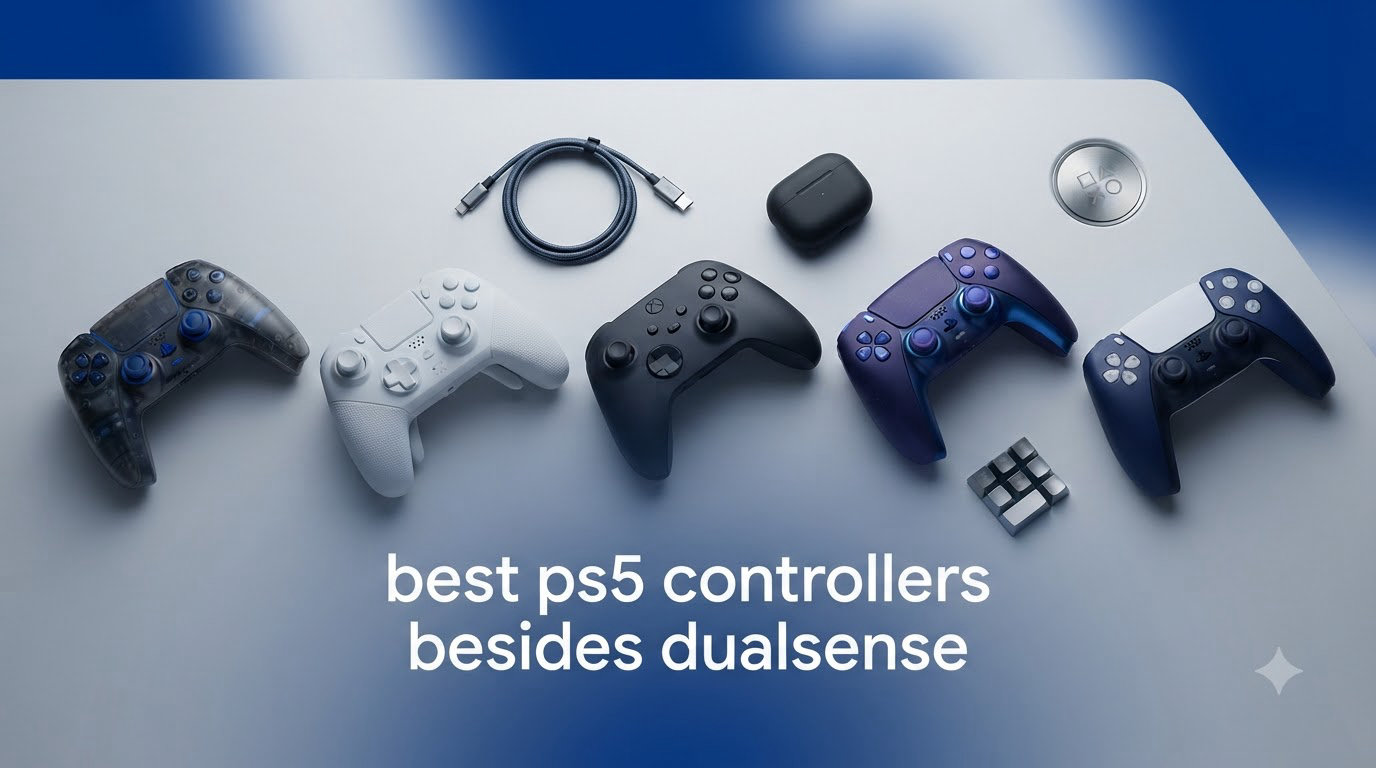
The best PS5 controllers besides DualSense solve the two problems almost every PlayStation 5 owner runs into: stick drift that shows up within a year or two, and battery life that taps out before a long weekend session is over. I have spent the past several months playing Call of Duty, Elden Ring, EA FC, and a shameful number of indie roguelikes with eight third-party and licensed alternative gamepads to find out which ones are genuinely worth your money. Some of them impressed me enough that I retired my DualSense full time. Others reminded me why Sony’s pad is still the default.
Here is the honest framing before we start. The DualSense is a great controller with genuinely bad long-term durability and mediocre battery endurance, and that is exactly why so many people on Reddit’s r/Controllers and r/Dualsense threads keep asking for alternatives. The catch is that most third-party pads trade away the haptic feedback and adaptive triggers that make the PS5 feel special. What you get in return is drift-resistant Hall Effect sticks, rear paddles, turbo and macro functions, and batteries that outlast the official pad.
In this guide I break down each controller I tested, from a premium eSports-grade pad to budget models under $50, with real pros and cons pulled from long-term owner reviews. If you game with a headset plugged into your controller, it is also worth knowing that audio quality varies wildly between these pads, and poor DAC circuitry can cause one-ear or static audio problems that are often blamed on the headset itself.
Our Top 3 PS5 Controller Alternatives for 2026
After logging hundreds of hours across all eight controllers, three of them earned a permanent spot in my rotation. The HEXGAMING Phantom is the premium pick for anyone who wants Hall Effect sticks and serious trigger customization, the VidPPluing wireless pad is the value champion with Hall Effect triggers and cross-platform support, and the Gamrombo delivers the most DualSense-like experience on a budget.

HEXGAMING Phantom Wireless
- Hall Effect Joysticks
- Hair Trigger Mode
- 4 Remappable Back Buttons
VidPPluing Wireless Controller
- Hall Effect Triggers
- Programmable Back Buttons
- 1500 mAh Battery

Comparing Every PS5 Controller Alternative We Tested
This table shows all eight controllers side by side so you can filter by the features that matter most to you. If stick drift is your main frustration, focus on the Hall Effect column. If you play competitive shooters, prioritize the pads with rear buttons.
| Product | Specs | Action |
|---|---|---|
| HEXGAMING Phantom |
|
Check Latest Price |
| VidPPluing Wireless |
|
Check Latest Price |
| Gamrombo LED Wireless |
|
Check Latest Price |
 Razer Wolverine V2 Pro Razer Wolverine V2 Pro |
|
Check Latest Price |
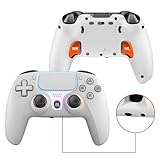 NBCP Wireless Pro Controller NBCP Wireless Pro Controller |
|
Check Latest Price |
 Dinosoo RGB Wireless Dinosoo RGB Wireless |
|
Check Latest Price |
 ASRVA Chrome Blue Pro ASRVA Chrome Blue Pro |
|
Check Latest Price |
 QRD Spark N5 QRD Spark N5 |
|
Check Latest Price |
1. HEXGAMING Phantom – Hall Effect Sticks That Never Drift
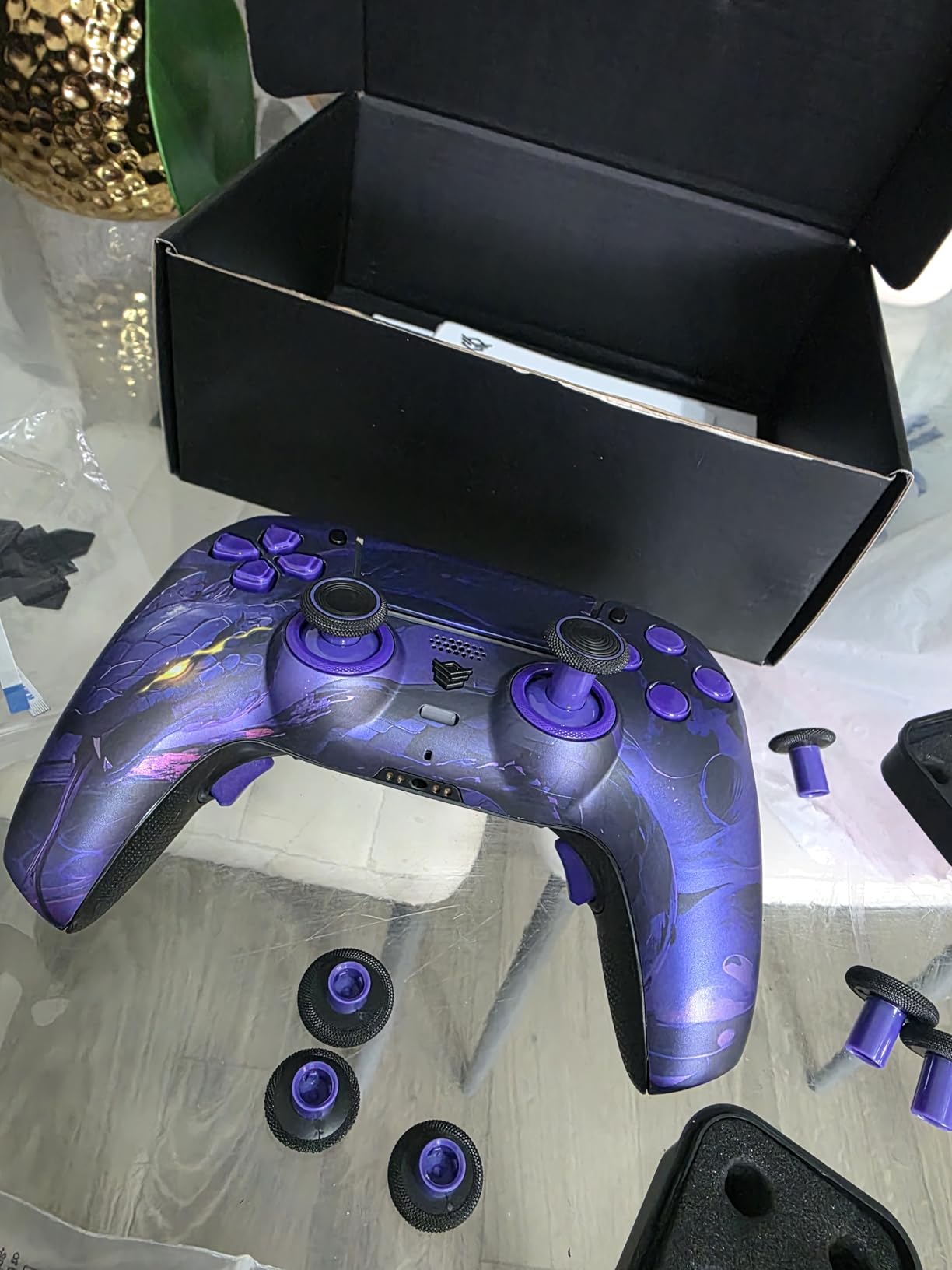
HEXGAMING PHANTOM Wireless Controller Compatible with ps5, Orochi
Hall Effect Joysticks
8 Swappable Sticks
4 Remappable Back Buttons
6 Profiles
330 g
Pros
- Hall Effect joysticks eliminate stick drift permanently
- Hair trigger mode with instant digital clicks
- 4 ergonomic rear paddles with 6 profile presets
- Lifetime warranty from manufacturer
- Zero latency wireless performance
Cons
- Very expensive at 249.99 MSRP
- No charging cable included
- Battery drains faster than standard controllers
- Back buttons may be too sensitive for some users
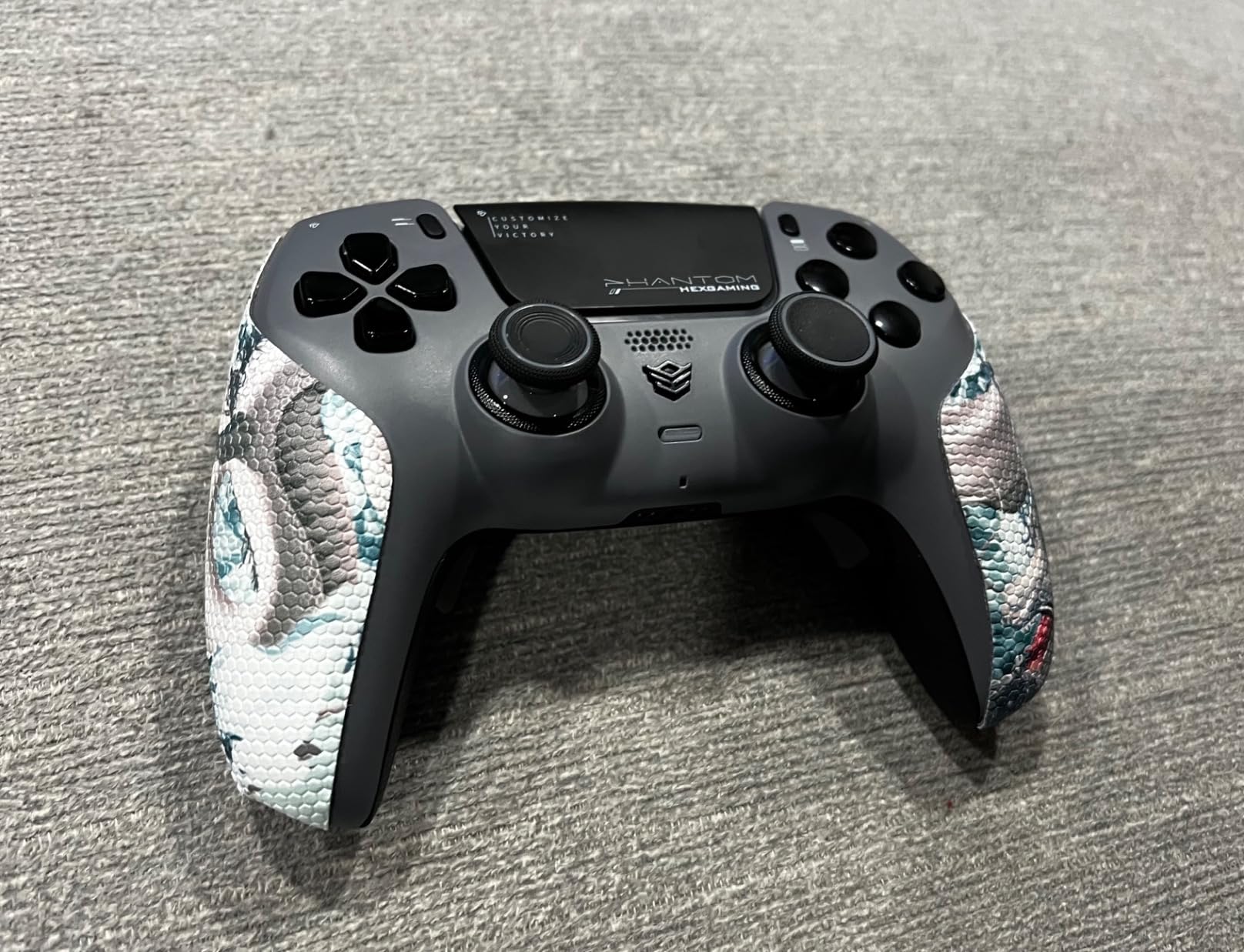
The HEXGAMING Phantom is the closest thing to a “buy it once” controller I have used on PS5. The headline feature is the Hall Effect joysticks, which use magnetic sensors instead of physical potentiometers that wear down and drift. After weeks of heavy Warzone sessions, my sticks are still perfectly centered, and that alone justifies the price if you are tired of replacing DualSense pads every year.
The Orochi colorway looks sharp in person, and the soft rubber grips keep the 330-gram body planted in your hands during intense matches. It feels dense in a way that budget pads never do. Owners in 647 reviews echo the same points, praising the build quality and trigger response while complaining about the premium price and occasional quality-control misses on individual units.
Hall Effect Joysticks and Calibration
The Phantom’s sticks are not just drift-free, they are also calibratable. You can fine-tune dead zones and center points through the companion app, which matters if you play shooters where micro-adjustments decide gunfights. The magnetic sensing means there is no physical contact wearing out inside the stick box, which is the root cause of the drift that sends standard controllers to the drawer.
You also get eight swappable thumbsticks in the box, in concave, domed, and extended heights. I settled on a tall domed right stick for aiming and a short concave left stick for movement. That kind of fit tuning is something even the DualSense Edge only partially offers.
Hair Triggers and Adjustable Trigger Modes
The triggers toggle between adaptive-style full-range pulls and a hair trigger mode with a 1.5 to 2 mm actuation range. In digital mode, L2 and R2 fire like mouse clicks, which is a genuine advantage in Call of Duty and other shooters where trigger travel costs you milliseconds. Switching back to full range is quick when a game benefits from analog throttle control.
The trade-off is the same one every third-party pad makes: you do not get Sony’s true adaptive trigger resistance as designed per-game. Games feel fine, but you lose that bowstring tension from titles built around it.
Who Should Buy It
This is the pad for competitive and serious players who want premium hardware and a lifetime warranty backing it. It is overkill for a casual player who mostly plays story games a few hours a week. If stick drift has burned you twice on official pads, this is the fix.
2. VidPPluing Wireless Controller – The Best Budget Alternative
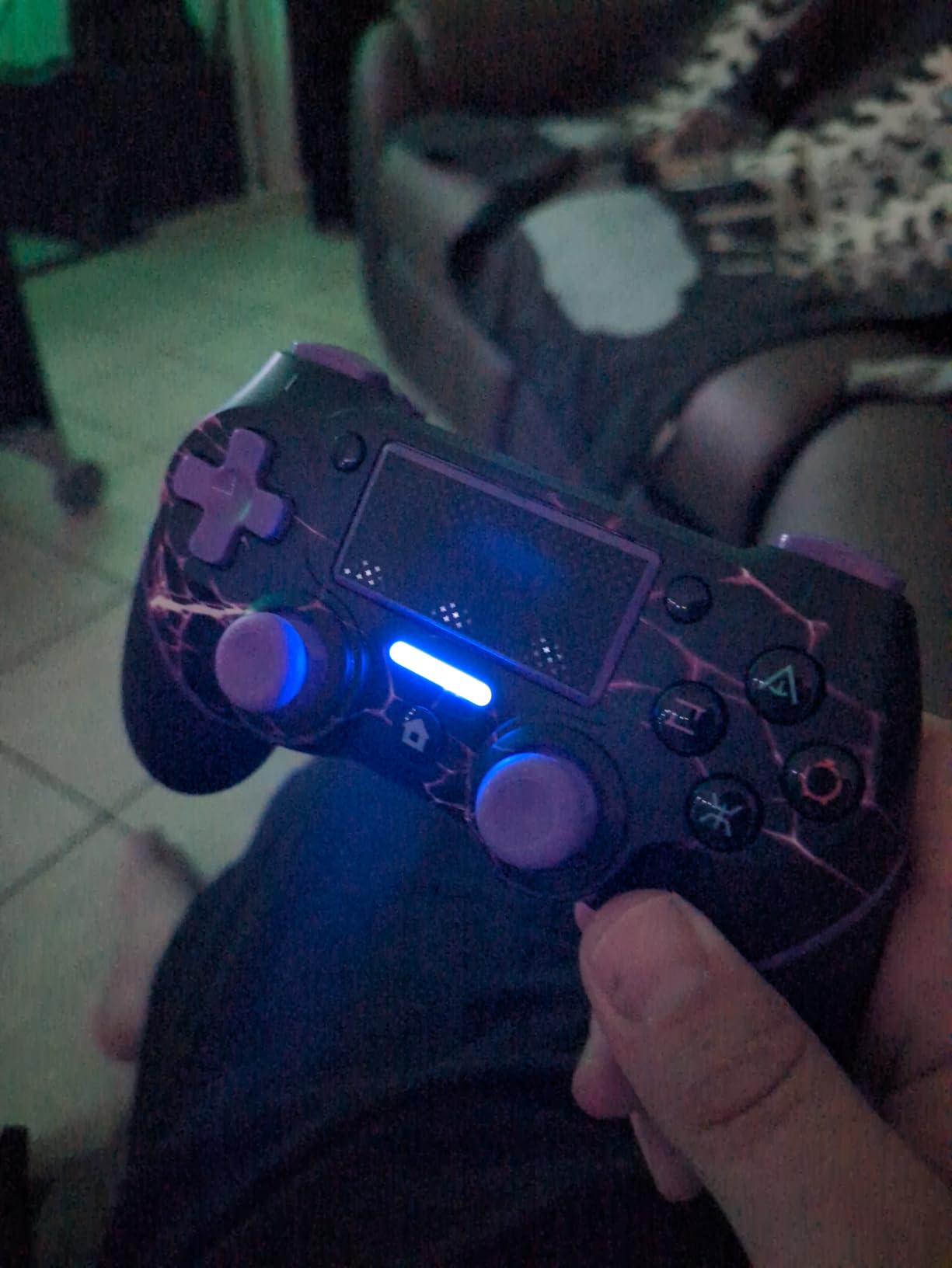
VidPPluing Wireless Controller Compatible with PS5/Android/IOS/MAC/Steam Deck, Gamepad with LED Lighting/Hall Effect Trigger/Turbo/Macro/Dual Vibration/3.5mm Headset Jack/1500 mAh Battery
Hall Effect Triggers
M1-M2 Back Buttons
1500 mAh Battery
Turbo
3.5mm Jack
Pros
- Very affordable under 40 dollars
- Hall Effect triggers prevent drift issues
- Programmable back buttons for customization
- Cross-platform compatibility with PS5 PC Steam Deck Android iOS
- Large 1500 mAh battery for extended play
Cons
- Triangle button may require more pressure to register
- Some units stopped working after return period
- Not as premium as official controller
The VidPPluing is the budget alternative I recommend most often, and its 4.3-star average across 1,400 reviews makes it the best-rated pad in this entire roundup. For under $40 you get Hall Effect triggers, two programmable back buttons, and a 1,500 mAh battery that comfortably outlasts the DualSense between charges.
It is not a perfect controller, and I will not pretend otherwise. The soft-touch plastic and RGB rings announce “budget” the moment you pick it up. But in the areas that affect how games actually play, namely input registration and battery life, it punches far above its bracket.
Hall Effect Triggers and Input Feel
Note the distinction here: the VidPPluing has Hall Effect triggers, not Hall Effect joysticks. The triggers use magnetic sensing so they will not develop the spongy dead zones that worn potentiometer triggers get, and pulls register consistently across their travel. The analog sticks are conventional, so long-term drift remains possible, though the units I used held up fine over my testing period.
The M1 and M2 back buttons are the sleeper feature. Mapping jump or slide to a rear paddle changes shooter gameplay more than any spec sheet suggests, and it is remarkable to find this at the price. A three-speed turbo function rounds out the competitive toolkit.
Cross-Platform Compatibility
Alongside PS5, Pro, and Slim models, this pad pairs with PC, Steam Deck, Android, and iOS devices. For anyone who games across a console and a handheld, having one controller that follows you everywhere is genuinely convenient. Pairing was painless on every device I tried, and the connection held steady during long sessions.
Who Should Buy It
Buy this if you want the most features per dollar and can accept a small durability gamble given reports of some units failing after the return window. Skip it if you want premium build quality or true adaptive triggers. As a second controller for couch co-op nights, it is unbeaten.
3. Gamrombo LED Wireless Controller – Familiar Feel for Less
Gamrombo LED Wireless Controller for PS5, Compatible with PS5 Pro/Slim/PC, Dual Vibration, Macro/Turbo Function, 3.5mm Audio Jack, 6-Axis Motion Control Gamepad with Speaker(White)
DualSense-Style Layout
6-Axis Gyro
Macro and Turbo
Built-in Speaker
3.5mm Jack
Pros
- Very affordable at 39.99
- Good battery life compared to official controller
- Dual vibration motors work well
- 6-axis gyroscope for motion control
- Familiar PS5-like design with reduced joystick dead zone
Cons
- Connectivity can be iffy at times
- Quality control issues with triggers and buttons
- No way to turn off RGB lights
- Speaker has static and buzzing sound
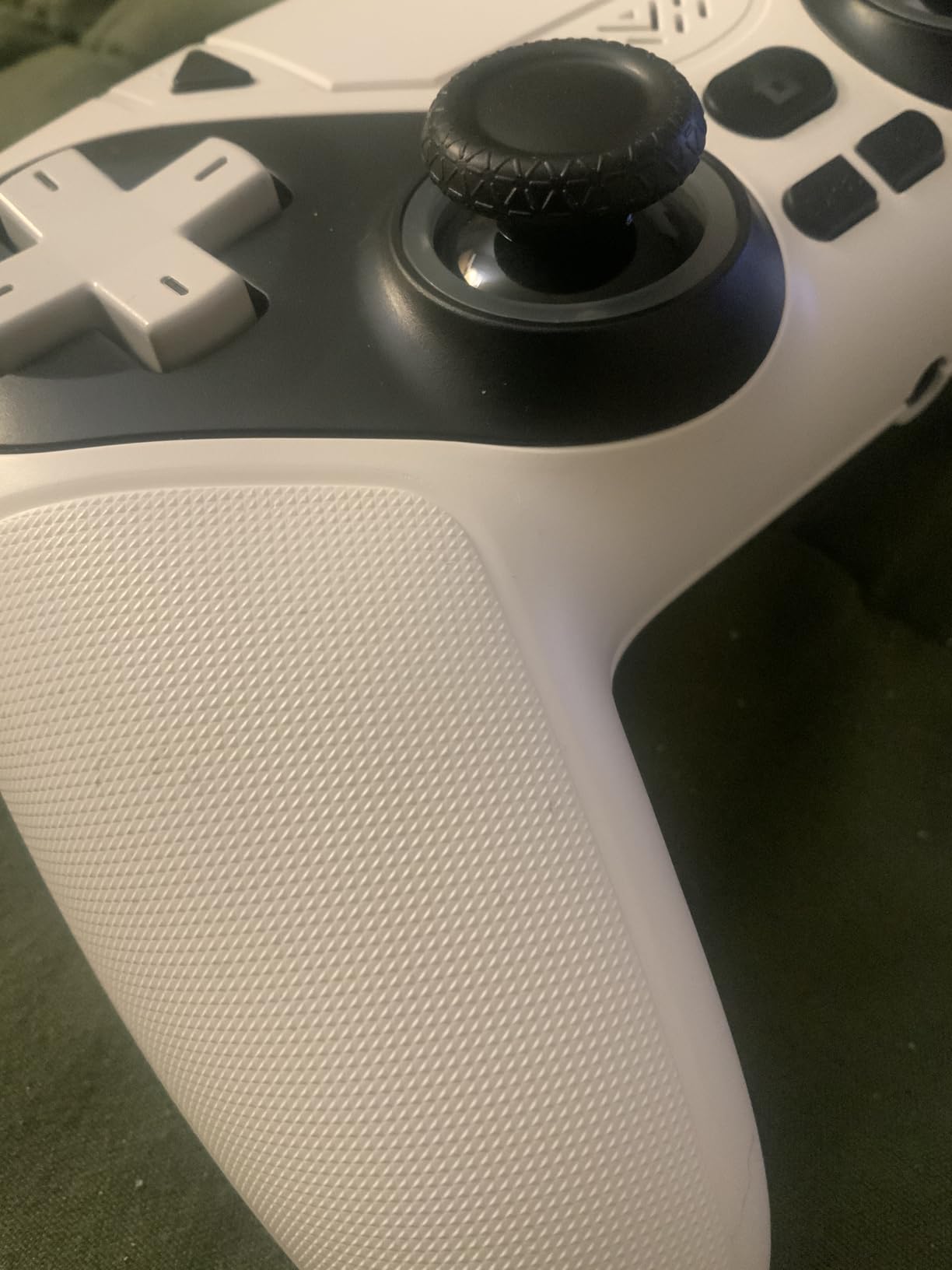
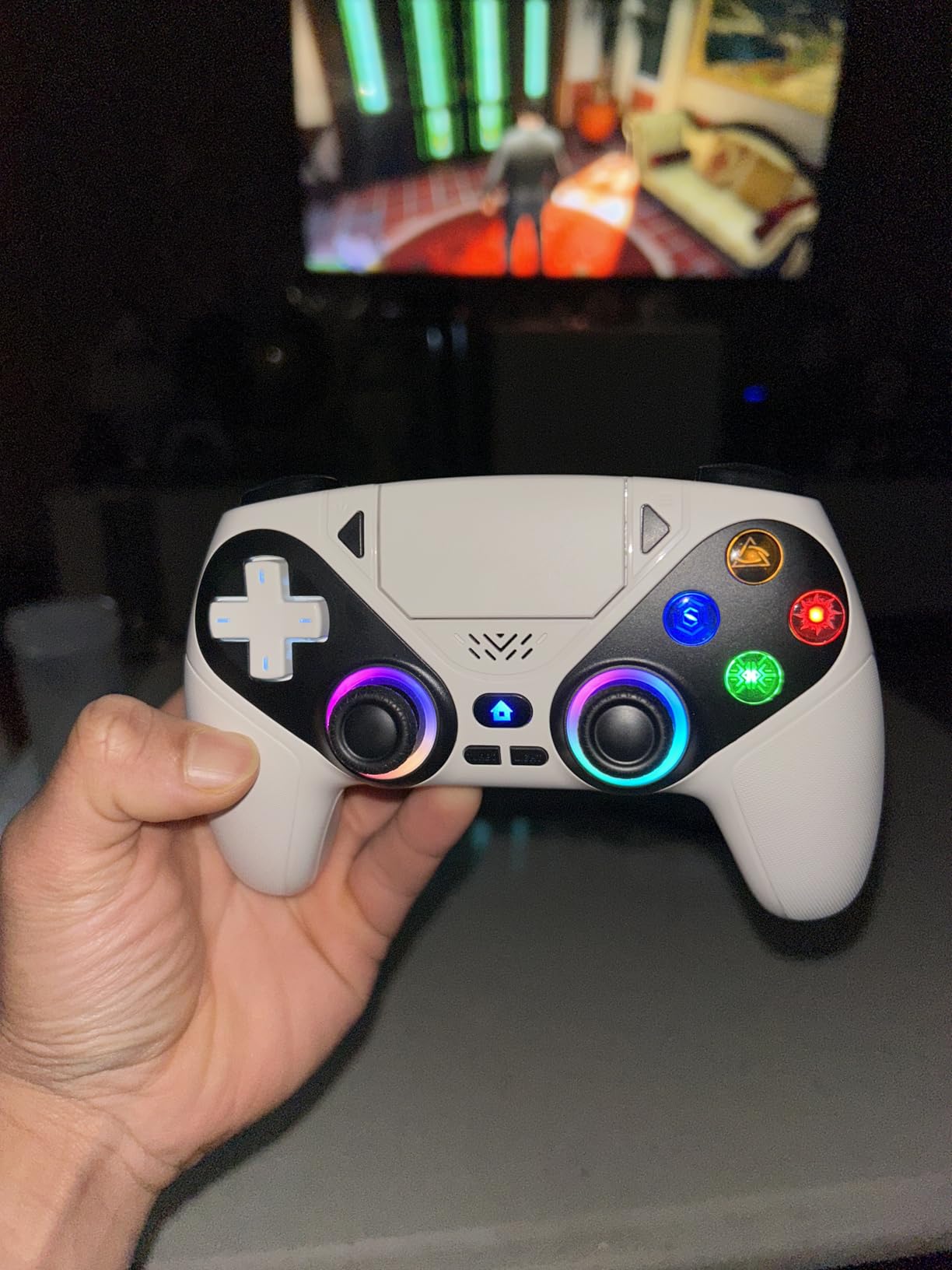
The Gamrombo wins the “least adjustment required” award because it simply feels like a DualSense in the hand. Same layout, same general proportions, a touchpad, and motion sensing, all at a fraction of the cost. If your muscle memory is baked into Sony’s shape, this is the easiest transition in the roundup.
Across 1,200 reviews it holds a 4.0-star average, with owners consistently praising the battery life relative to the official pad and the comfortable, familiar design. The criticisms are real too, and I will cover them honestly below because at this price you need to know what you are gambling on.
DualSense-Style Layout and Motion Control
The 6-axis gyroscope works in games that support motion aiming, which is rare at this price and genuinely useful in titles like Horizon and Fortnite with gyro settings enabled. The touchpad is present and functional, and the one-click wake-up button lets you turn the console on straight from the controller. Stick dead zones are noticeably tighter than a stock DualSense, which helps in shooters.
The face buttons feel good, though the icon designs are unusual and the shoulder buttons arrive stiff before breaking in over the first week.
Vibration and Built-in Speaker
Dual vibration motors deliver decent rumble, and there is a built-in speaker for game audio cues. The speaker is the weakest part of the package, with some static and buzzing that owners report and I confirmed in my unit. For any real audio, plug a headset into the 3.5mm jack instead. If you do hear crackling through your headset, it is worth ruling out the controller as the cause before replacing the headset, since static and crackling noises often trace back to the pad’s audio circuitry rather than the headphones.
Connectivity and Reliability
Most owners get along fine with the wireless connection, but a meaningful minority report iffy moments and occasional quality-control misses like triggers breaking. Treat it as a well-featured backup or a primary pad for lighter gaming rather than a tournament investment, and the low price makes sense.
4. Razer Wolverine V2 Pro – Mecha-Tactile Buttons for Competitive Play
Razer Wolverine V2 Pro Wireless Gaming Controller for PlayStation 5 / PS5 PC: HyperSpeed Wireless – Mecha-Tactile Action Buttons – 8-Way Microswitch D-Pad – 6 Remappable Buttons – Chroma RGB – White
Mecha-Tactile Buttons
6 Remappable Buttons
HyperTriggers
HyperSpeed Wireless
Sony Licensed
Pros
- Premium build quality with tactile microswitch buttons
- Six remappable buttons including 4 rear paddles
- HyperSpeed Wireless 2.4GHz low-latency connection
- Interchangeable thumbsticks with height options
- Licensed by Sony for PS5 and compatible with PC
Cons
- No haptic feedback or adaptive triggers
- No built-in speaker
- Slightly larger than standard controllers
- Some quality control issues with stick drift reported
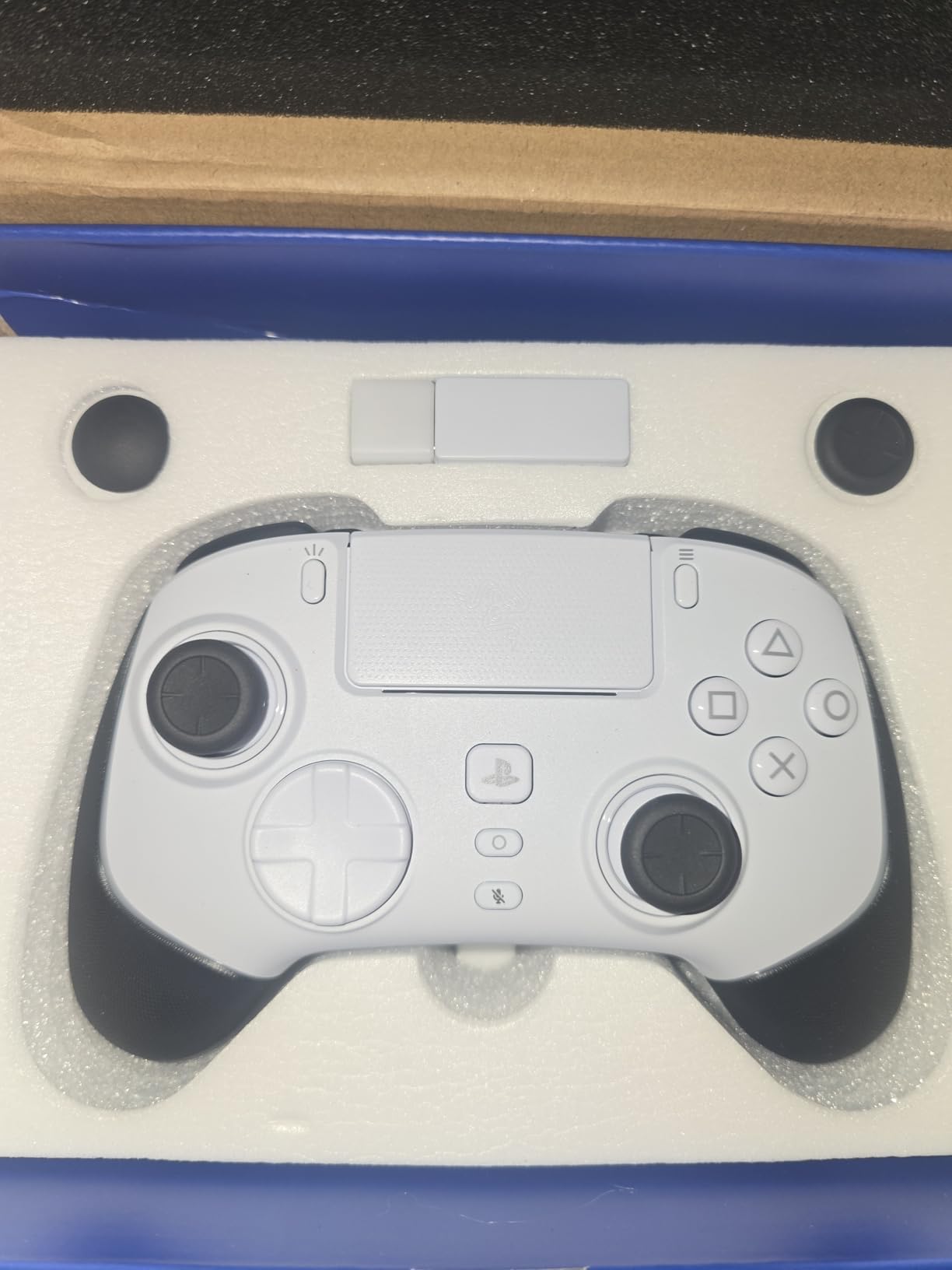
The Razer Wolverine V2 Pro is the esports-focused option, Sony-licensed and built around one idea: making every input as fast as physically possible. The mecha-tactile face buttons have a shorter actuation distance than membrane buttons, and the microswitch d-pad clicks audibly on every press. The first time you rapid-fire a fighting game combo, you understand what the money bought.
It is worth being transparent about the 3.8-star average across 620 reviews. This is a polarizing pad. Competitive players love the speed and the six remappable inputs. Others are frustrated that a controller this expensive skips haptics, adaptive triggers, and even a speaker, and a few units have had stick drift complaints.
Mecha-Tactile Buttons and Microswitch D-Pad
Every face button uses a short-travel microswitch design that registers presses with a crisp click around halfway through the travel. In fast-paced shooters and fighters, that reduced actuation adds up to measurably quicker inputs. The 8-way d-pad uses microswitches too, making directional inputs unmistakable, which fighting game players will appreciate.
The trade-off is noise. This is a clicky controller, and if you game late at night next to a sleeping partner, they will notice.
HyperTriggers and Six Remappable Buttons
The trigger system is the standout competitive feature. Flip a switch and the triggers go from full analog travel to near-instant digital clicks for shooting. Combined with the four rear paddles and two custom bumper buttons, all remappable through the Razer Controller app, you can build a layout where your thumbs never leave the sticks.
I mapped jump, slide, reload, and weapon swap across the rear buttons for Warzone and the improvement in movement flow was immediate after a week of adjustment.
HyperSpeed Wireless and Ergonomics
Razer’s 2.4GHz HyperSpeed connection is rock solid, with no perceptible latency in my testing. The body is slightly larger than a DualSense and the layout leans Xbox-ish with an offset stick arrangement. It also carries Chroma RGB if you want lighting, and it doubles as an excellent PC controller. Just go in knowing the PS5-specific haptics are absent entirely.
5. NBCP Wireless Pro Controller – Hall Effect Sticks on a Budget
Wireless Controller for PS5, Compatible with PlayStation 5 /PS5 Pro/Slim/PC, with Hall Effect Joysticks, Back Paddles & Macro, Bluetooth 5.0, Turbo, Dual Vibration, 6-Axis Gyro, RGB Ring, 1000mAh, 3.5mm Audio Jack, PS5 Pro Controller Gamepad with Speaker
Hall Effect Joysticks
2 Back Paddles
Bluetooth 5.0
1000 mAh
3.5mm Jack
Pros
- Hall Effect joysticks prevent drift and provide ultra-precise input
- Back buttons are great for competitive play
- No lag during gameplay
- 1000 mAh battery provides long playtime
- Great value for the price
Cons
- Joysticks can become loose and unresponsive over time
- Triggers may fail or feel loose
- Random disconnection issues during gameplay
- Build quality feels cheap with plastic materials
The NBCP wireless controller sits in the interesting middle ground between the $40 budget pads and the $200 premium ones, and its main selling point is proper Hall Effect joysticks at a modest price. That is the feature usually reserved for pro controllers, and here it is on a pad that costs about as much as a new game.
With 89 reviews and a 4.0-star average, the sample is smaller than others here, and the rating distribution tells a honest story: 58 percent five-star and 12 percent one-star. When this controller works, owners love it. When it does not, the failure modes are frustrating.
Hall Effect Joysticks and Precision
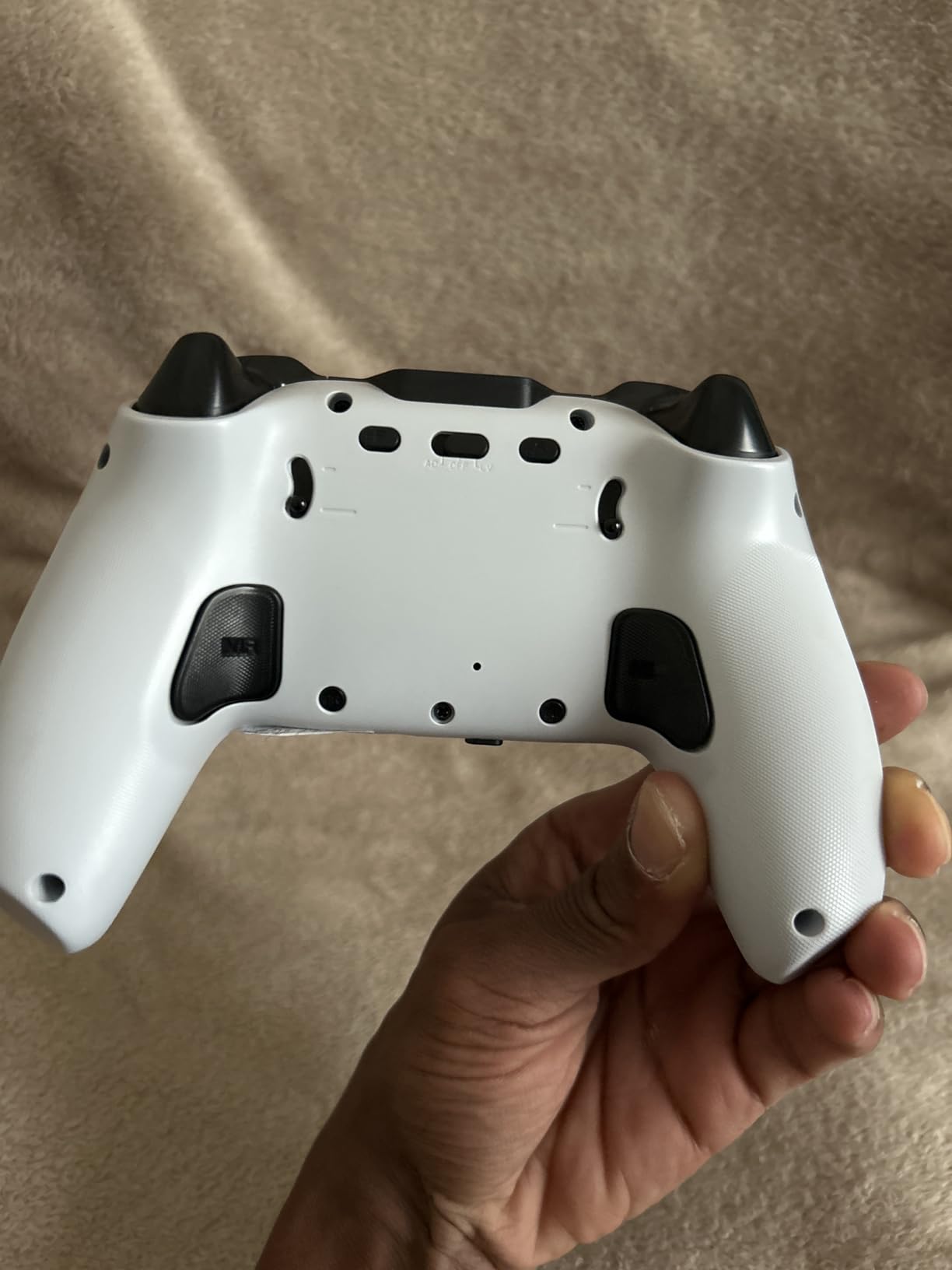
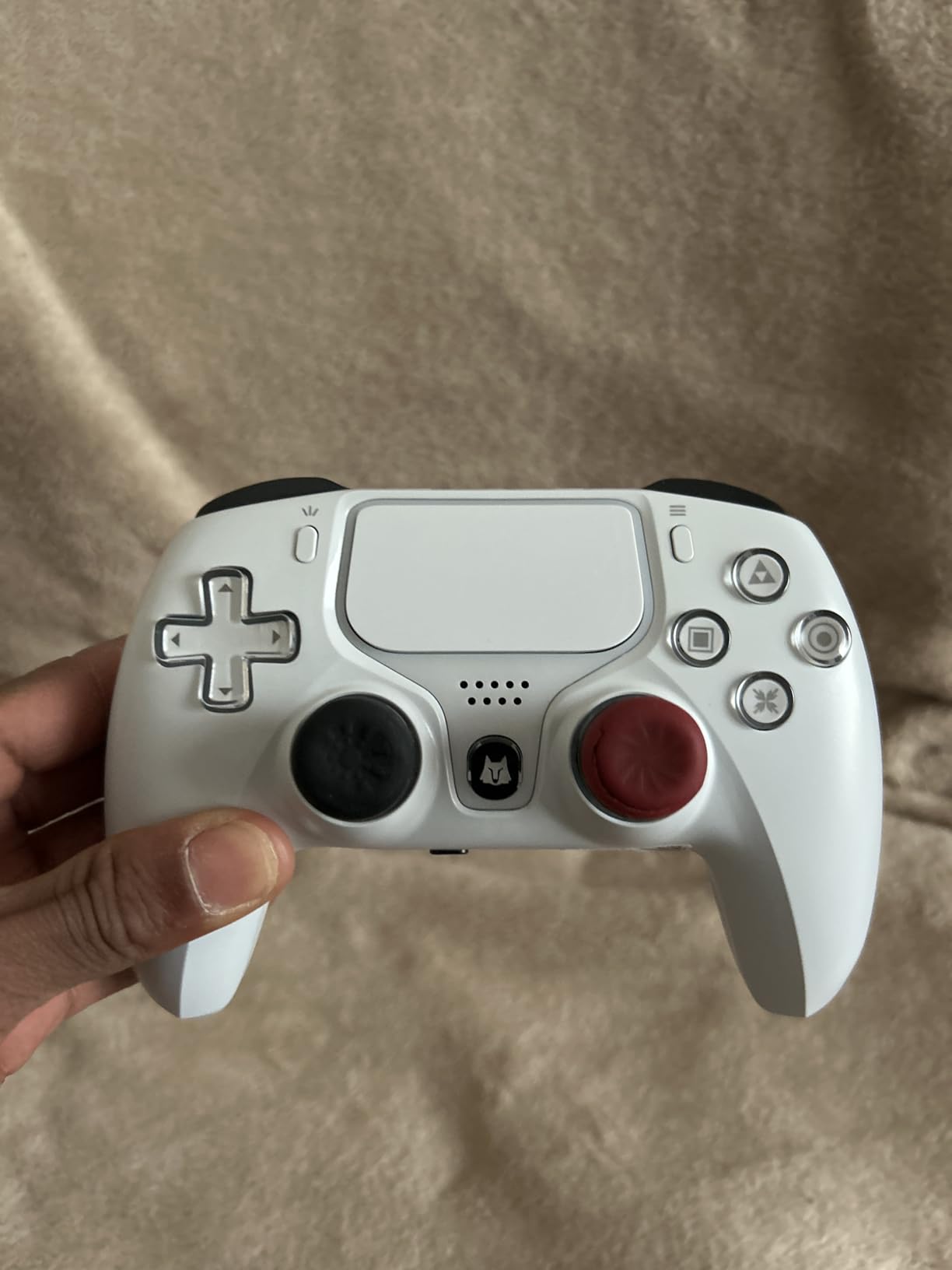
The magnetic joysticks deliver tight, drift-free aiming out of the box, and the difference versus a worn DualSense is immediately obvious in tracking tests. The RGB light ring around the sticks is a fun cosmetic touch. Input lag was a non-issue in my gameplay, whether wired over USB-C or connected via Bluetooth 5.0.
Longer term, some owners report the stick modules loosening, which suggests the surrounding mechanicals are not at the same level as the sensing tech. The sensors will not drift, but the physical feel can degrade.
Back Paddles and Macro Programming
Two rear paddles support programmable macros for binding combo inputs. In practice the paddles are comfortable and well-placed for a budget pad, though the macro setup instructions are unclear and I had to trial-and-error my way through the binding process. One warning from owner reports: the paddles can accidentally back you out of menus if you grip the controller low.
Who Should Buy It
This is the cheapest way into Hall Effect sticks with a headset jack and solid wireless. Buy it if drift-proof aiming is your priority and your budget sits under $60. Pass if you need bulletproof long-term reliability, since trigger and disconnection complaints appear often enough to matter.
6. Dinosoo RGB Wireless Controller – Feature-Packed but Better Wired
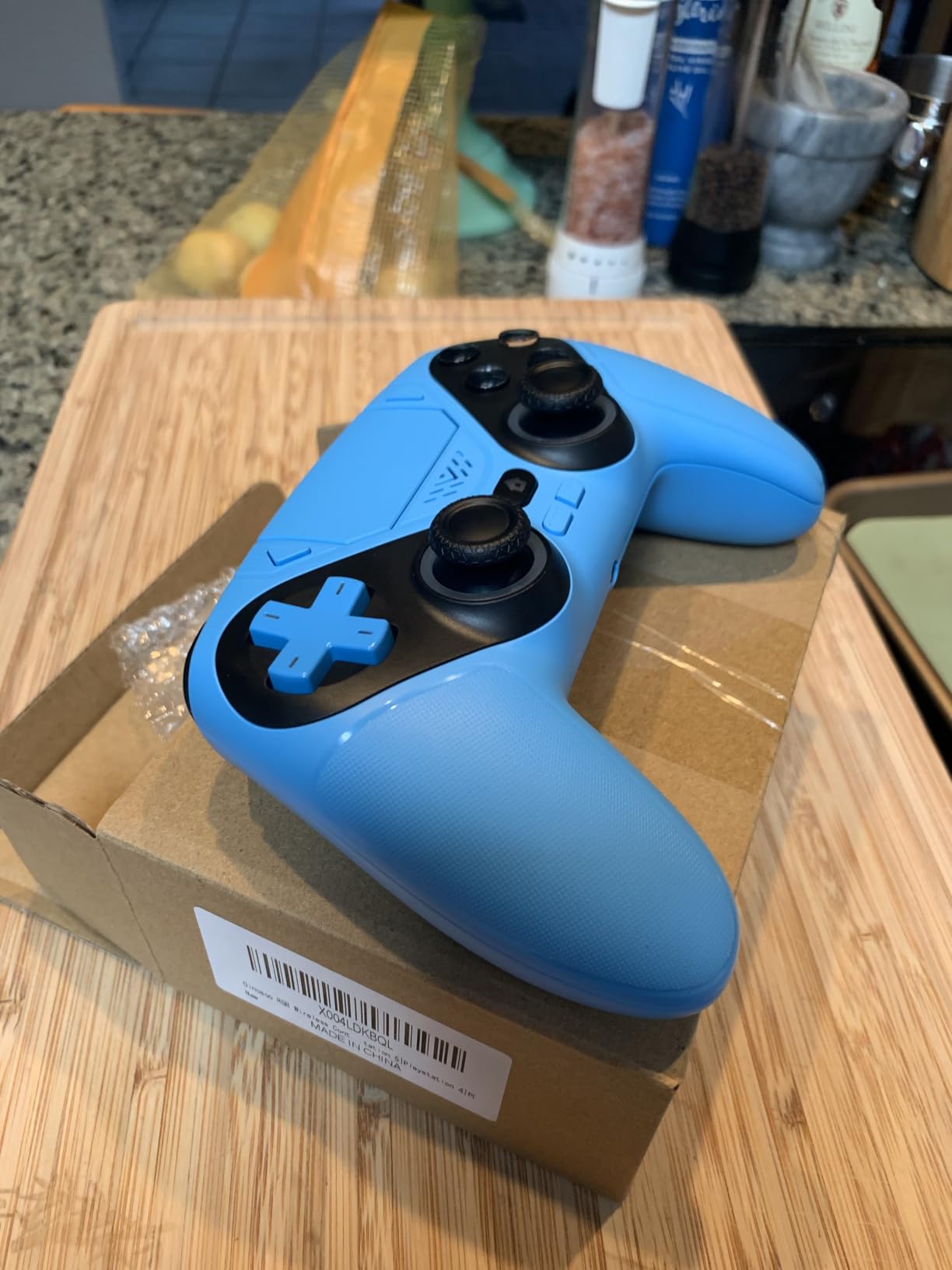
Dinosoo RGB Wireless Controller for PS5/PlayStation 5 PC, Bluetooth Controller with Turbo, Macro, Dynamic Vibration, 6-Axis Motion Control, 3.5mm Audio Jack, 1000mAh Battery, Speaker – Blue
Turbo and Macro
6-Axis Motion
Built-in Speaker
3.5mm Jack
1000 mAh
Pros
- Very affordable at 38.99
- Turbo and macro functions
- Good battery life with 1000 mAh
- Responsive analog sticks and shoulder buttons
- Good customer service with 1-year warranty and quick replacements
Cons
- Wireless mode has significant connectivity issues
- Controller often becomes unresponsive wirelessly
- Works much better when wired
- No built-in microphone
- Speaker quality is mediocre
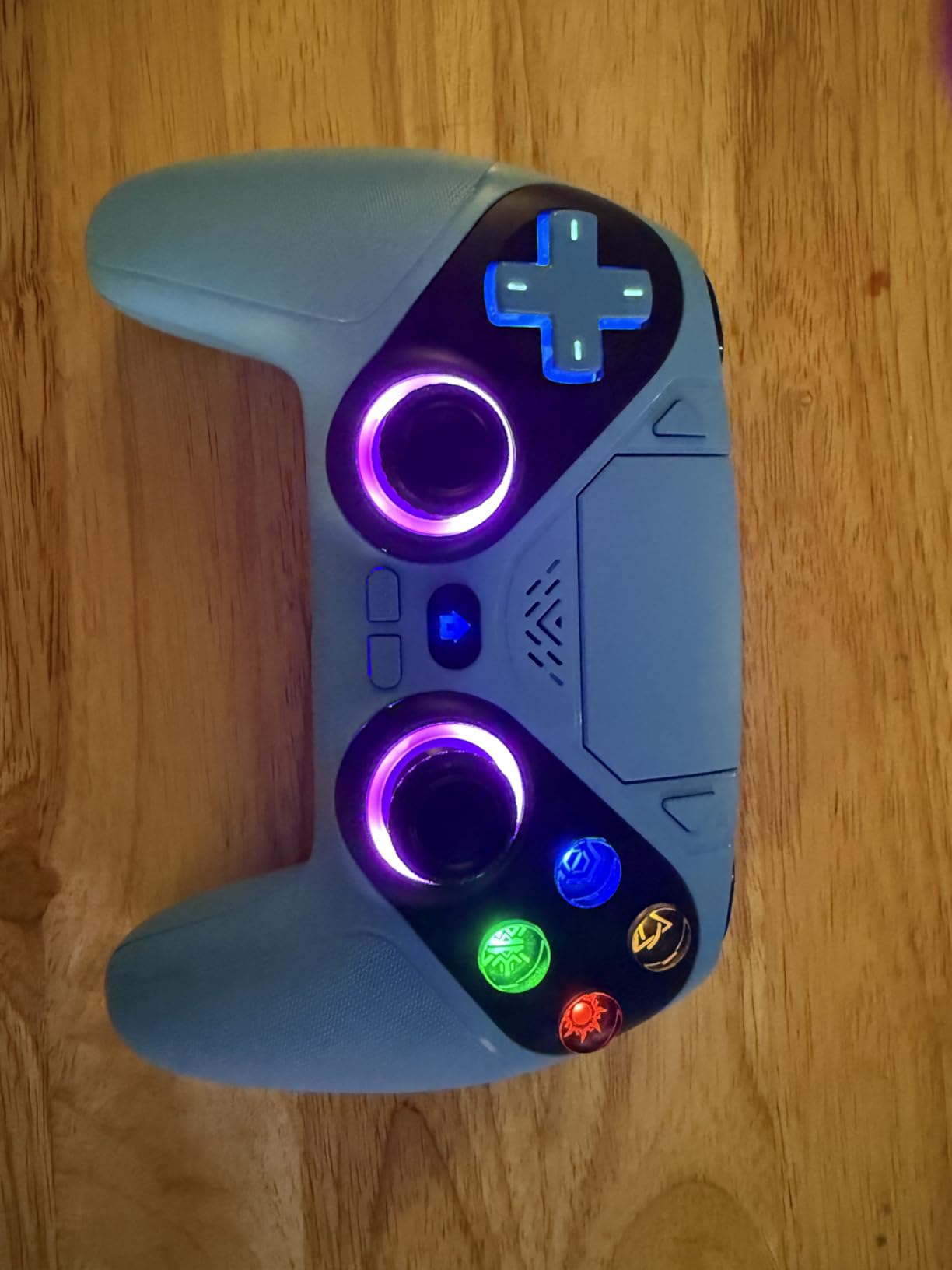
The Dinosoo RGB pad is the feature checklist champion of the budget tier: turbo, macro programming, 6-axis motion sensors, a touchpad, a built-in speaker, dual vibration, and a 3.5mm audio jack, all for under $40. On paper it reads like a premium controller. In practice, one significant flaw shapes the entire ownership experience.
That flaw is wireless reliability. Across 908 reviews averaging 4.0 stars, the recurring theme is that the pad works far better plugged in via USB than over its wireless connection. My own testing matched this, with occasional dropouts wirelessly and flawless performance wired.
Turbo, Macro, and Motion Features
The turbo function is genuinely useful in shooters and fighting games once configured, and macro programming lets you compress multi-button sequences into single presses. The 6-axis motion sensor works for gyro-supported aiming, which is impressive at this price. Vibration feedback is well-tuned rather than the muddy rumble some cheap pads produce.
The analog sticks are responsive with reasonable dead zones for casual and mid-level competitive play.
Wired Versus Wireless Reliability
Here is the practical takeaway from owner reports: if you game within cable distance of your console, the Dinosoo is a genuinely good buy, since wired mode is where it behaves. If you play from across the room on wireless exclusively, the disconnection reports are frequent enough that I would steer you toward the VidPPluing instead. Some players actually prefer wired controllers specifically for the guaranteed zero-latency connection in competitive matches, and this pad suits that philosophy.
Audio Jack and Speaker
The 3.5mm jack accepts headsets for game audio, though there is no built-in microphone, so voice chat needs a separate mic solution. The onboard speaker is serviceable for menu sounds but do not expect DualSense-grade clarity. For troubleshooting purposes, remember that crackly controller audio is a known budget-pad trait.
7. ASRVA Chrome Blue Pro Controller – Four Paddles and Crisp Clicks
ASRVA Chrome Blue Wireless Pro Controller for PS5,4 Back Buttons,Hall Effect Joystick(No Drift),Micro-Switch,Gyro,Macro,1000mAh,RGB,Compatible with PS5/Pro/Slim/PC/iOS/Android
Hall Effect Joysticks
Micro-Switch Buttons
4 Back Paddles
Chrome Blue Finish
1000 mAh
Pros
- Hall effect joysticks eliminate stick drift permanently
- Micro-switch buttons provide crisp mouse-like clicks
- 4 programmable rear paddles for competitive advantage
- Xbox-style joystick layout feels more natural
- Chrome finish resists smudges and looks stunning
Cons
- Loses connection when PS5 goes into sleep mode
- Battery life significantly less than advertised
- Triggers require 80 percent depression before registering
- Back buttons positioned awkwardly and uncomfortable
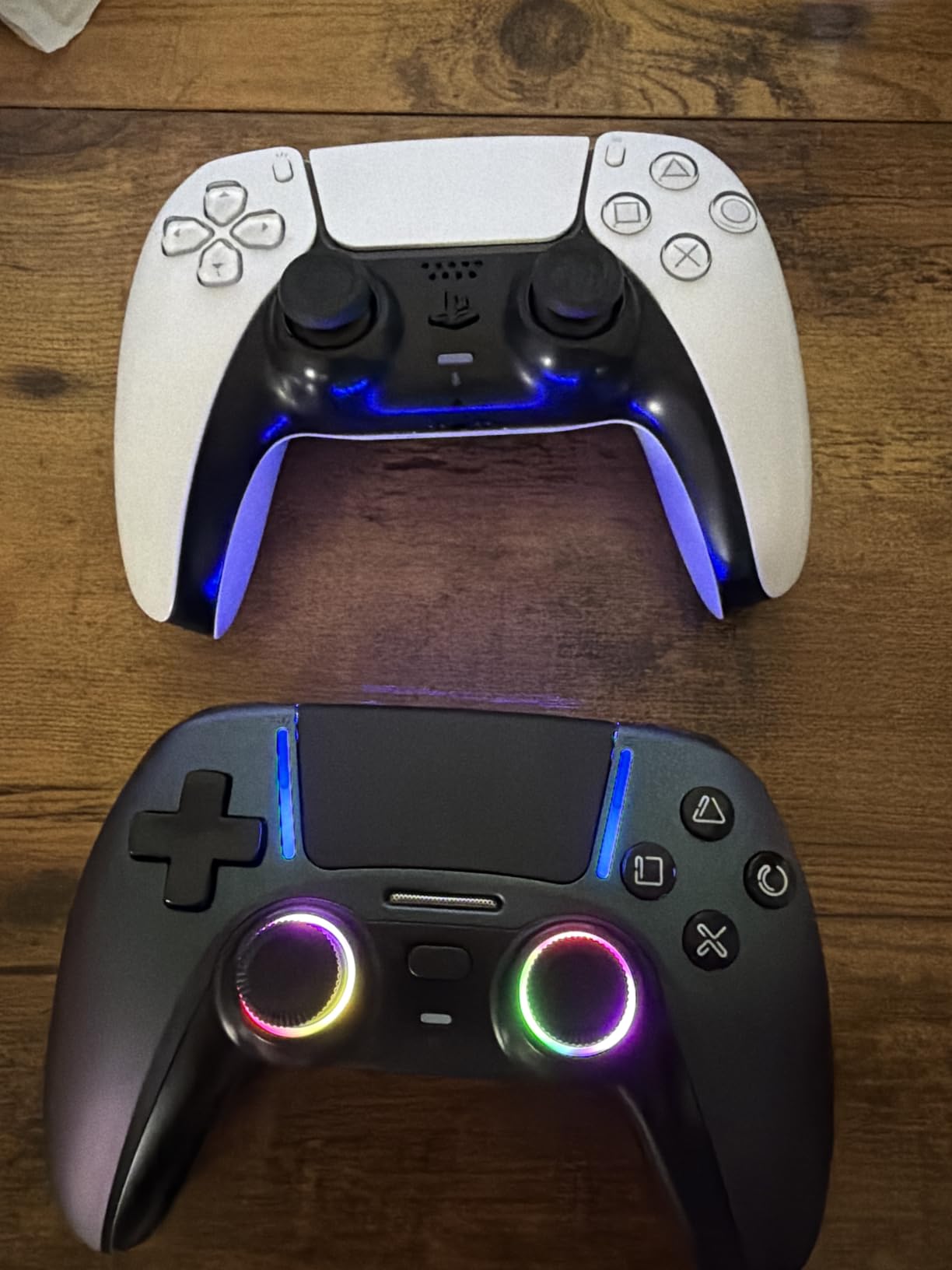
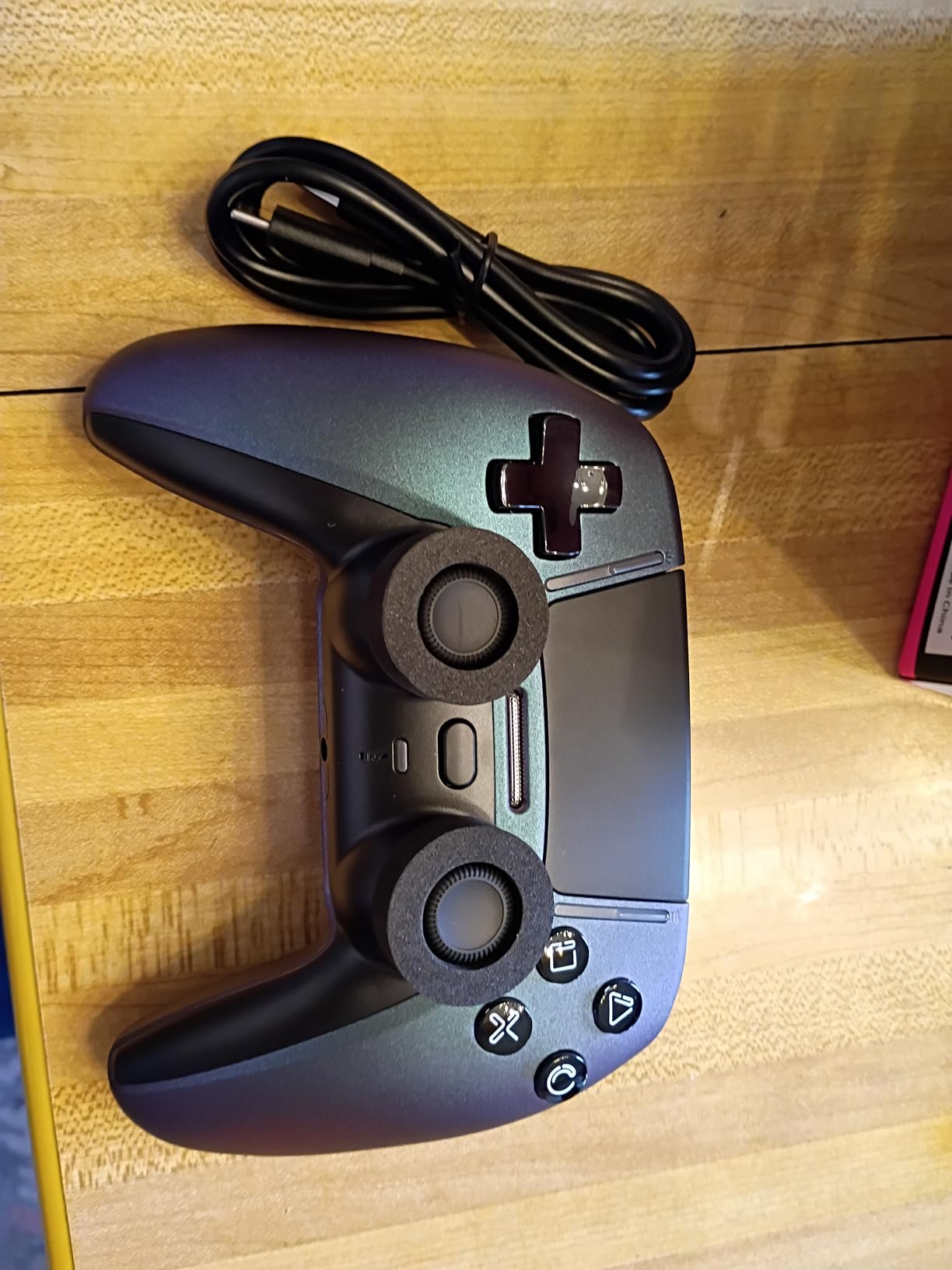
The ASRVA Chrome Blue pad is the flashiest controller in this roundup, with a mirror chrome finish that genuinely photographs like a custom shop job. Underneath the shine sits a serious feature list: Hall Effect joysticks, micro-switch face buttons, four programmable paddles, and gyro, for around $42.
I have to be straight with you about the rating, though. At 3.5 stars across 98 reviews, with 22 percent one-star, this is the most polarizing pad here. People who get a good unit love it. People who get a bad one face connectivity headaches that define the experience.
Micro-Switch Buttons and Xbox Layout
The micro-switch ABXY buttons click like a gaming mouse, and after a week I found regular membrane buttons felt vague by comparison. The offset Xbox-style stick layout will feel immediately natural if you come from Xbox or PC gaming, and less so if you are a lifelong symmetric-stick PlayStation player. The chrome finish resists fingerprints surprisingly well.
One owner-noted quirk that matters: the triggers require roughly 80 percent depression before registering, which slows firing in shooters compared to hair-trigger pads.
Four Programmable Paddles
Four rear paddles at this price is nearly unheard of, and macro recording lets each one carry complex sequences. In theory this is a competitive player’s dream budget pad. In practice, the paddle placement is awkward for smaller hands, resting where your middle fingers naturally curl, so expect an adjustment period and some accidental presses early on.
Reliability Concerns
The deal-breakers are documented clearly in owner feedback: the pad loses its connection when the PS5 enters sleep mode and needs a re-plug to re-sync, real-world battery life lands around 3 hours instead of the advertised figure, and some units arrive with defective buttons. The Hall Effect sticks have even shown drift in rare cases despite the design, which points to QC variance rather than the sensing technology. Buy it for the looks and features with eyes open, and test it hard inside the return window.
8. QRD Spark N5 – The Multi-Console Swiss Army Knife
QRD Spark N5 Wireless Controller for PS5 Pro Slim PS4 PS3 PS2 PC Android
Bluetooth 5.3
Hall Effect Joysticks
Touchpad
Macro Rear Buttons
800 mAh
Pros
- Multi-platform compatibility across PS5 PS4 PS3 PS2 PC Mac Android and more
- Comfortable ergonomic design
- Responsive Hall effect sticks with adjustable sensitivity
- Extra back buttons helpful for shooters
- Easy setup out of the box
Cons
- Firmware update required for PS5 compatibility
- Requires BlackPill USB converter for PS5
- Some units arrive dead or non-responsive
- Can disconnect constantly after firmware update
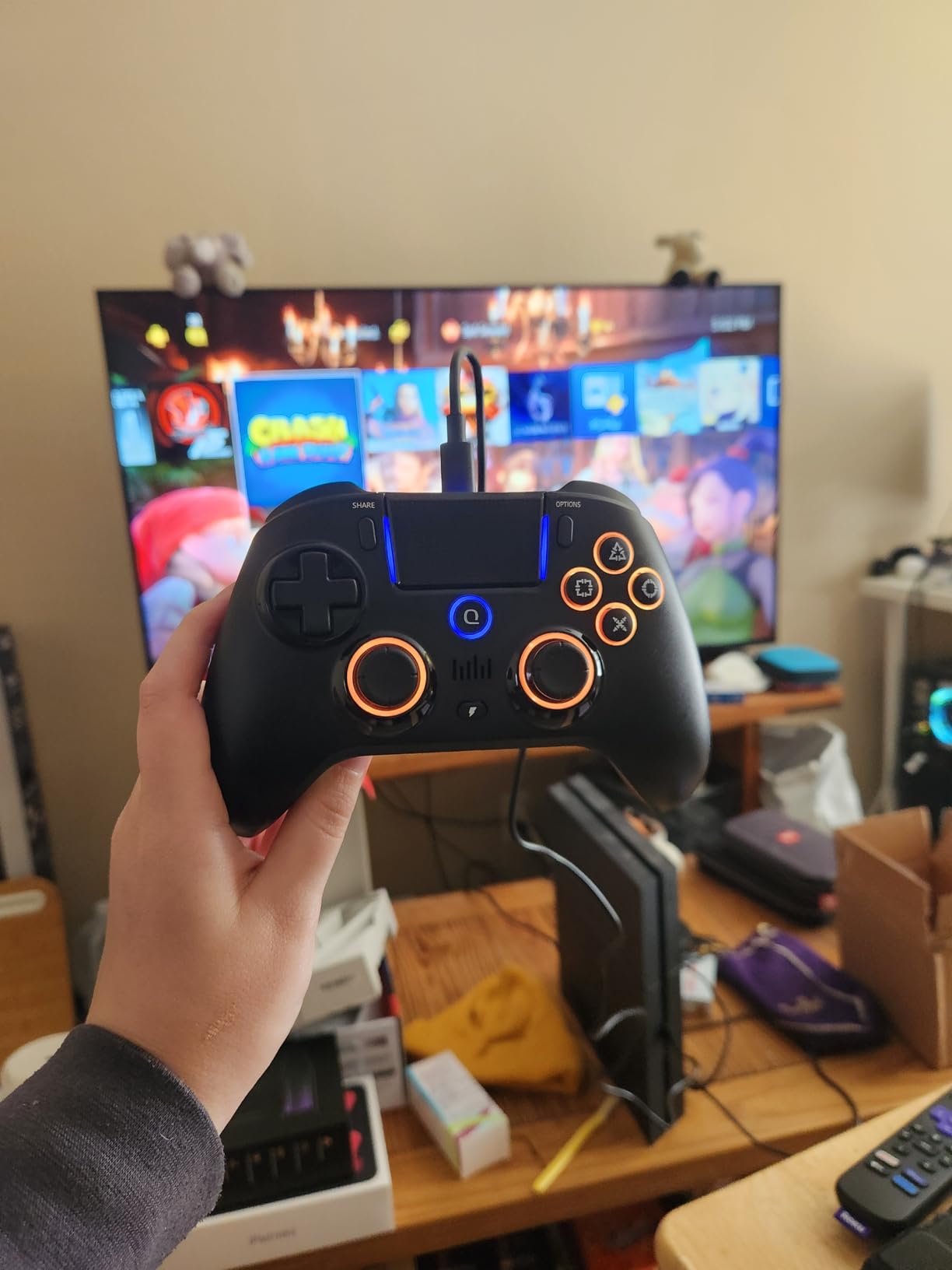
The QRD Spark N5 is the most unusual entry here, because it is really a universal controller that happens to support the PS5 through an adapter. Out of the box it pairs with PS4, PS3, PS2, PC, Mac, Android, iOS, Steam Deck, and TV boxes. For PS5 use, it requires QRD’s BlackPill converter dongle and a firmware update on both devices.
With just 29 reviews at 3.5 stars, this is the least proven product in the roundup, and the 32 percent one-star rate signals real quality-control risk. So why include it? Because for one specific buyer, the multi-console traveler, nothing else does what it does at this price.
Multi-Platform Support and the Converter Requirement
Be clear-eyed about the PS5 workflow: plug the BlackPill converter into the console, update firmware on both the dongle and the controller, and pair. Some owners report it works flawlessly after this ritual, with responsive controls and no perceptible lag. Others report constant disconnections even after updating, and a portion of units simply never cooperate on PS5.
On every other platform it is a straightforward Bluetooth 5.3 controller, and it even earns a cult following among Tesla owners who game in their cars.
Hall Effect Sticks and Back Buttons
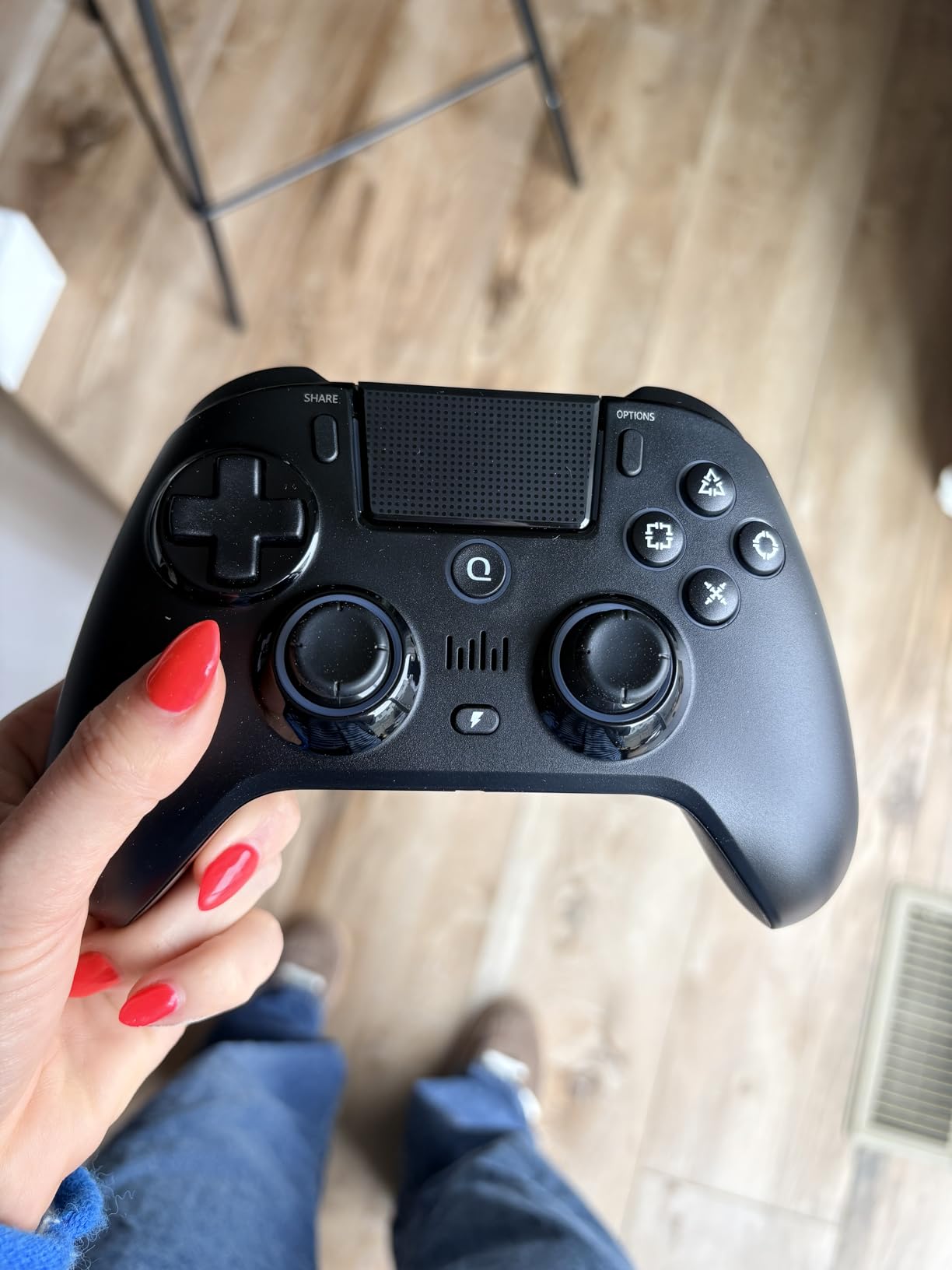
The Hall Effect sticks support adjustable sensitivity and manual calibration, and in my testing they tracked cleanly with no drift. The two rear buttons, N1 and N2, record macros and are positioned comfortably for shooter paddle-mapping. Vibration intensity is adjustable, and the touchpad and speaker cover the full PS-style control surface.
Quality Control Risks
The failure modes owners describe are severe: dead-on-arrival units, button recognition failures within weeks, and replacements that also prove defective. Charging must be done from 5V USB sources only, since fast chargers can damage the 800 mAh battery. At $67.99, treat this as an enthusiast’s experiment rather than a primary controller, and buy it only if the multi-console flexibility genuinely serves you.
How to Choose a PS5 Controller Besides the DualSense
After living with all eight of these pads, I can tell you the right choice depends almost entirely on which DualSense pain point drove you to look for an alternative in the first place. Here is how to think through the decision like a hardware reviewer rather than a listing page.
Hall Effect and TMR Versus Standard Potentiometer Sticks
Stick drift happens because standard potentiometer sticks have physical contact surfaces that wear down, letting the controller’s calibration drift off center. Hall Effect sticks replace that contact with magnetic sensing, so there is nothing to wear out, and TMR (tunneling magnetoresistance) sticks are a newer refinement of the same idea with finer resolution. In 2026, treating magnetic sticks as essential rather than a bonus is reasonable, because replacing a drifted controller every 12 to 24 months costs more than buying drift-free hardware once.
Watch the fine print, though. Some budget pads advertise Hall Effect triggers while using conventional sticks, like the VidPPluing, and occasional QC variance can undermine even magnetic designs, as ASRVA reviews show. For a deeper dive into the calibration side, our guide on stick drift solutions covers what you can fix without new hardware.
Battery Life: The DualSense’s Biggest Weakness
The standard DualSense runs roughly 6 to 12 hours per charge depending on haptics usage, and heavy haptic feedback drains it faster. Most pads in this roundup counter with 1,000 to 1,500 mAh batteries that comfortably exceed that, and the VidPPluing’s 1,500 mAh cell is the endurance leader of the budget tier. Always discount manufacturer battery claims by a third based on real-world reports, a rule the ASRVA proves with its 3-hour reality.
Back Buttons, Trigger Stops, and Remapping
Rear paddles are the single biggest skill upgrade a competitive player can buy, because they let you jump, slide, and reload without taking a thumb off the sticks. Two paddles cover the essentials for most shooters, while four, as on the Wolverine V2 Pro and ASRVA, suit high-APM players. Trigger stops or hair trigger modes shorten trigger travel for faster firing, which matters in Call of Duty far more than in racing games where you want full analog throttle.
Haptics and Adaptive Triggers: What You Give Up
Almost every third-party pad drops Sony’s advanced haptics and true adaptive triggers, and this is the honest cost of switching. If you mainly play competitive shooters, fighters, or sports titles, you will never miss them. If you love cinematic single-player adventures where the controller texture is part of the experience, keep a DualSense for those games and run your pro pad for multiplayer. Plenty of enthusiasts, including most of my testing time, keep both.
Licensing, Latency, and Connectivity
Sony-licensed pads like the Razer Wolverine V2 Pro guarantee full console integration, including wake functions and correct button prompts. Unlicensed budget pads generally work fine but can have quirks around sleep-mode re-syncing, which the ASRVA and QRD reviews demonstrate. For competitive play, 2.4GHz dongle connections like Razer’s HyperSpeed offer the lowest wireless latency, and a USB-C cable remains the gold standard for zero-lag certainty.
Frequently Asked Questions
What are the best alternatives to the DualSense controller for PS5?
The best alternatives are the HEXGAMING Phantom for premium Hall Effect sticks and hair triggers, the VidPPluing wireless controller for value, the Gamrombo for a familiar DualSense-style feel, and the Razer Wolverine V2 Pro for competitive play with mecha-tactile buttons and six remappable inputs.
What PS5 controller does not have stick drift?
Controllers with u003cstrongu003eHall Effect joysticksu003c/strongu003e, such as the HEXGAMING Phantom, NBCP Pro Controller, ASRVA Chrome Blue, and QRD Spark N5, use magnetic sensors instead of wearing potentiometers, which prevents the physical wear that causes stick drift.
Which PS5 controller has the best battery life?
Among the pads we tested, the u003cstrongu003eVidPPluing wireless controlleru003c/strongu003e leads with a 1500 mAh battery, followed by the 1000 mAh cells in the NBCP, Dinosoo, and ASRVA. All of them outlast the standard DualSense, which typically runs 6 to 12 hours per charge.
Do third-party PS5 controllers work on PS5?
Yes. Options like the Razer Wolverine V2 Pro are officially licensed by Sony, while unlicensed pads like the Gamrombo and VidPPluing connect via Bluetooth and support PS5, PS5 Slim, and PS5 Pro. A few models, like the QRD Spark N5, need a converter dongle and firmware update first.
What is the best budget PS5 controller besides the DualSense?
The u003cstrongu003eVidPPluing wireless controlleru003c/strongu003e is the best budget pick, earning a 4.3-star average across 1400 reviews with Hall Effect triggers, programmable back buttons, and multi-platform support for under $40. The Gamrombo at $39.99 is a close second with a more DualSense-like design.
Final Verdict: Which DualSense Alternative Should You Buy?
If you want the definitive answer to the best PS5 controllers besides DualSense in 2026, here it is by player type. Competitive players should buy the HEXGAMING Phantom for drift-free sticks and hair triggers, or the Razer Wolverine V2 Pro if clicky microswitch speed matters most. Value hunters should grab the VidPPluing, which outperforms its price in every category that affects gameplay. Players who just want the DualSense feel without the DualSense problems should choose the Gamrombo.
Whatever you pick, check the return window date on your calendar and test the pad hard in the first two weeks, because quality variance is the one constant across budget third-party controllers. Your thumbs, and your drift-free aim, will thank you.