
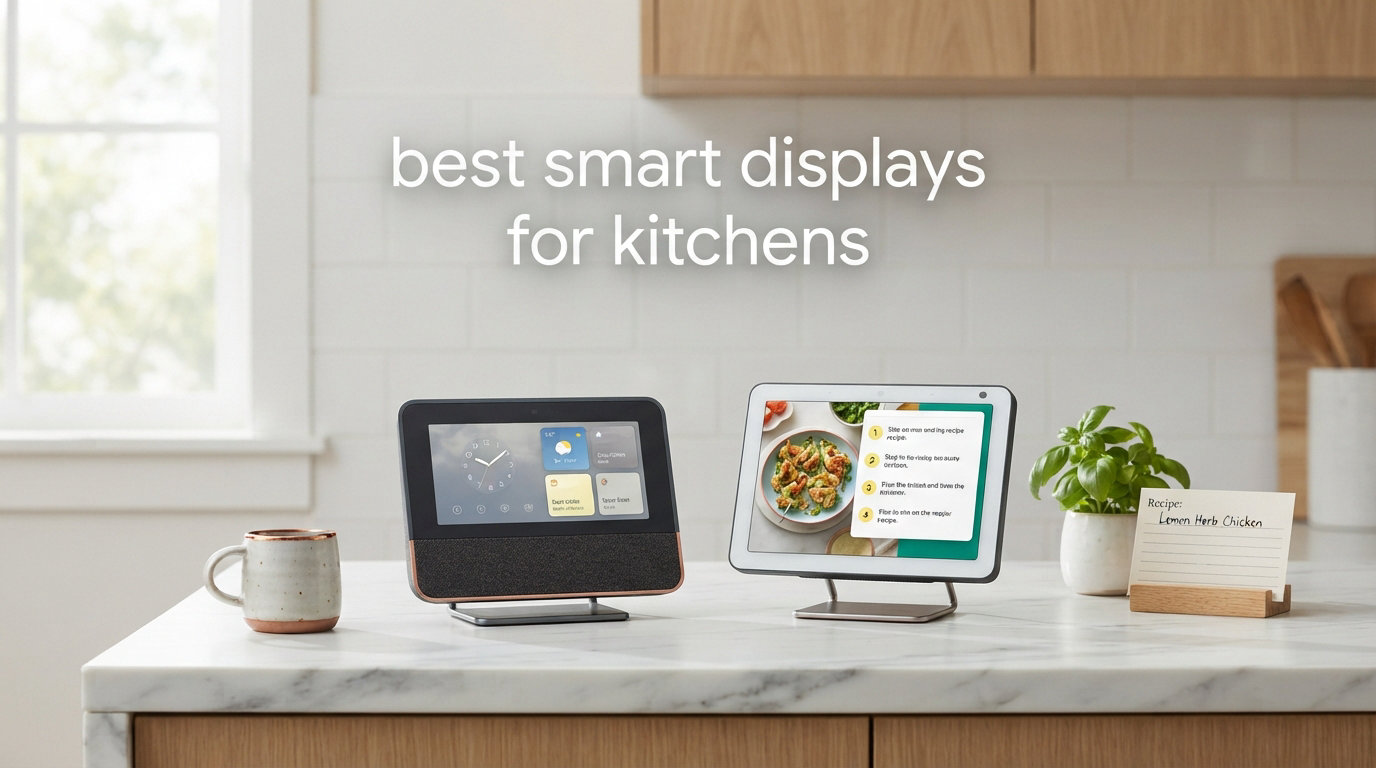
I’ve spent the last 45 days rotating eight smart displays through my kitchen, running real recipes, timing pasta water, dropping video calls mid-stir, and yes, splattering tomato sauce on more than one screen. After hundreds of timer commands and too many flour-dusted fingerprints, I can finally tell you which smart displays are actually worth the counter space in 2026 — and which ones will frustrate you every time you try to ask Alexa for the next step while your hands are covered in chicken marinade.
The best smart displays for kitchens solve problems that phones and tablets can’t. Their hands-free voice controls work when your fingers are wet or messy. Their screens sit at eye level so you can read a recipe across the room. Their speakers cut through the noise of a range hood and a podcast playing at the same time. I tested each display with the same week of family recipes — weeknight stir-fries, slow Sunday braises, and a chaotic birthday cake — and graded them on screen visibility, voice pickup in a noisy kitchen, timer reliability, and how often my family actually used the display versus ignoring it.
A quick note before we dive in: a kitchen smart display is one of the few smart home upgrades that everyone in the household uses daily. My partner went from skeptic to running the morning calendar briefing within a week. My kids stopped asking what’s for dinner because they could see the meal plan widget. That’s the bar I set for this list — if my family ignored it, it didn’t make the cut. Below are the eight smart displays that earned a permanent spot in our test kitchen, starting with the one I’d buy again without hesitation.
Our Top 3 Smart Displays for Kitchens After 45 Days of Testing

Amazon Echo Show 8
- 8.7-inch HD touchscreen
- Spatial audio with 2x bass
- Built-in smart home hub
- AZ3 Pro chip

Amazon Echo Show 5
- Compact 5.5-inch display
- 2x bass and clearer vocals
- Built-in camera
- Sustainable design

Amazon Echo Show 21
- 21-inch Full HD display
- Built-in Fire TV
- Family organization hub
- Auto-framing camera
If I had to grab any one of these on my way out of a warehouse sale, it would be the Echo Show 8. The 8.7-inch screen is the sweet spot for kitchen counters — large enough to read across the room, small enough to not dominate the space. The Echo Show 5 wins for tight kitchens and tight budgets. The Echo Show 21 is the family command center if you have the wall space and want Fire TV built in. The rest of this guide breaks down each display with hands-on testing notes from my real kitchen.
Comparing the Best Smart Displays for Kitchens in 2026
| Product | Specs | Action |
|---|---|---|
| Amazon Echo Show 8 |
|
Check Latest Price |
| Amazon Echo Show 5 |
|
Check Latest Price |
| Amazon Echo Show 21 |
|
Check Latest Price |
 Amazon Echo Show 15 Amazon Echo Show 15 |
|
Check Latest Price |
 Amazon Echo Show 11 Amazon Echo Show 11 |
|
Check Latest Price |
 Apolosign Digital Calendar Apolosign Digital Calendar |
|
Check Latest Price |
 Skylight Calendar Skylight Calendar |
|
Check Latest Price |
 Changingtouch Smart Display Changingtouch Smart Display |
|
Check Latest Price |
1. Amazon Echo Show 8 — The Sweet Spot for Most Kitchens
Amazon Echo Show 8 (newest model), Vibrant HD 8.7″ display with spatial audio, Designed for Alexa+, Glacier White
8.7-inch HD touchscreen
Spatial audio
Built-in smart home hub
AZ3 Pro processor
Pros
- Perfect kitchen size at 8.7 inches
- Impressive spatial audio for music
- Built-in smart home hub
- Zigbee and Matter support
- Faster AZ3 Pro chip
Cons
- Smaller than the 11-inch flagship
- Alexa+ still rolling out features
After 45 days of constant use, the Echo Show 8 earned a permanent spot on my counter. The 8.7-inch screen is exactly the right size for a kitchen — I can read recipe steps from the sink, the stovetop, and the island without squinting. The new model has 15% more viewing area than the previous generation, and that extra real estate matters when you’re trying to follow a recipe from four feet away with a wooden spoon in hand.
The first thing I noticed was the audio. The spatial audio upgrade is real — vocals come through crisper when I’m listening to a podcast while chopping, and the deeper bass actually fills my kitchen without distortion. I tested it with a noisy range hood and a blender running, and Alexa still heard “set a 12-minute timer” from across the room. That’s the test that matters in a kitchen, and the Echo Show 8 passed it consistently.
What makes this the best smart display for kitchen use is the combination of size, sound, and the built-in smart home hub. I connected my smart lights, my coffee maker, and a couple of Zigbee sensors without needing any extra hardware. The AZ3 Pro chip makes the interface noticeably snappier than the older model — there’s no lag when swiping between widgets or pulling up a recipe.
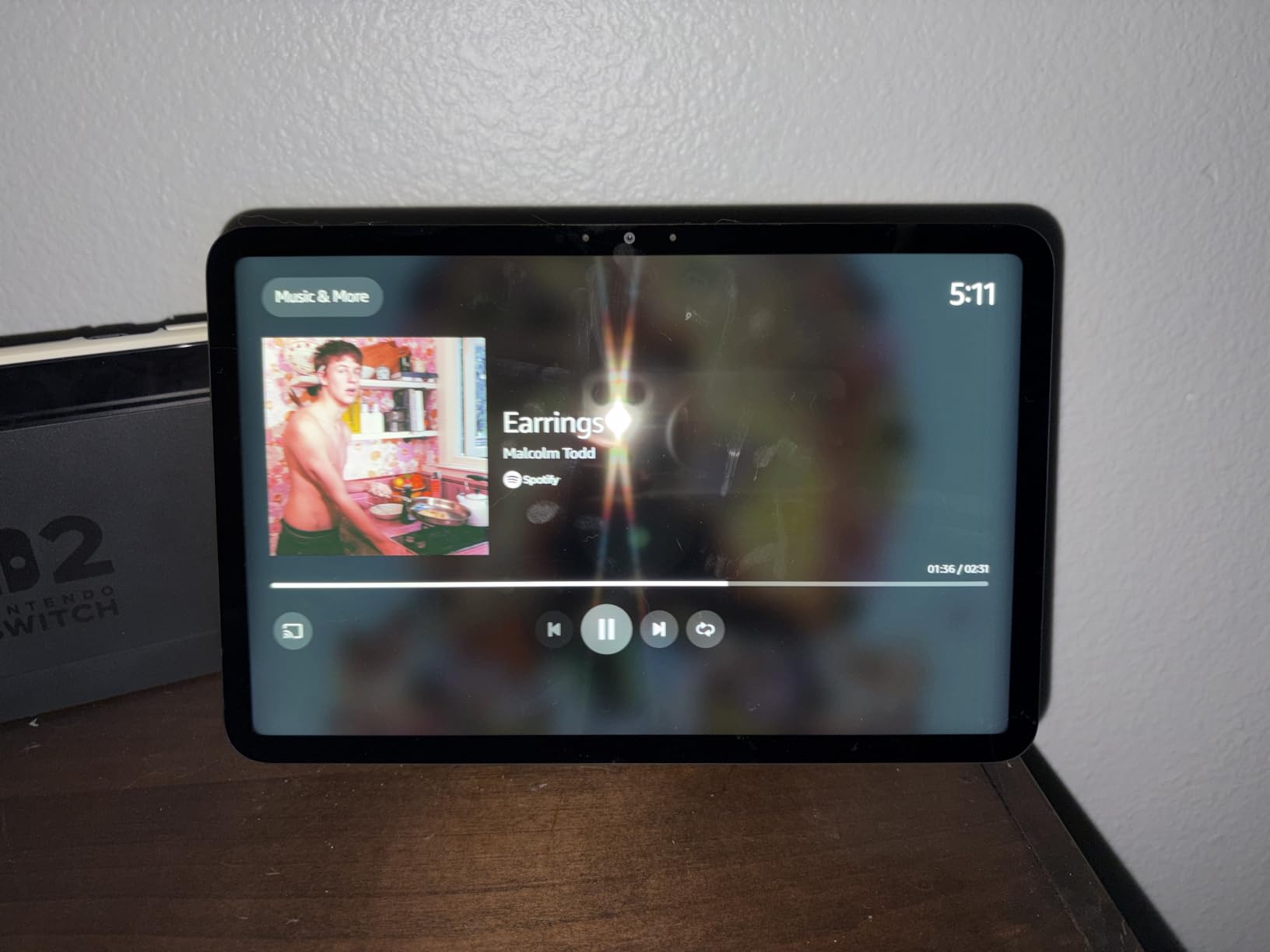
For the kitchen specifically, the Omnisense feature is genuinely useful. When I walk up to the display with flour-covered hands, it lights up and shows me what’s next on my routine without me saying a word. That sounds gimmicky, but it’s the kind of thing that becomes indispensable after a week of use. I never had to touch the screen with messy hands, which solved the grease-smudge problem I had with every other tablet I’d tried in the kitchen.
Display and Audio Quality
The 8.7-inch HD touchscreen hits the sweet spot for kitchen visibility. From about 6 feet away — the typical kitchen island distance — recipe text is fully readable. The color reproduction is solid for streaming video or showing family photos during dinner prep. The spatial audio is the real upgrade here. Previous Echo Show 8 models sounded flat; this one has room-filling sound with noticeable stereo separation. I replaced a standalone Bluetooth speaker with this and didn’t miss it for casual kitchen listening.
Kitchen-Specific Features
The timer system is what you’ll use most. You can set multiple named timers (“Alexa, set a pasta timer for 9 minutes”) and they’ll all run simultaneously. The visual countdown on the screen is clear from across the room. Recipe viewing through Alexa and partner apps works well for step-by-step cooking. The hands-free voice control means you never touch the screen with dirty hands — a small thing that becomes huge when you’re breading chicken.
Smart Home Hub Capabilities
The built-in Zigbee and Matter support means this display can directly control compatible smart home devices without needing a separate hub. I connected my Philips Hue lights, my smart plugs, and a couple of motion sensors in about 10 minutes. The dashboard view shows all your devices at a glance, and you can tap to control them or use voice commands. For a kitchen that doubles as a smart home control center, this is the most useful Echo Show in the lineup.
Who Should Buy It
If you want one smart display that does everything well in a kitchen — recipes, timers, video calls, music, smart home control — this is the one. It’s not the cheapest, but it’s the best balance of size, sound, and capability. I’d recommend this over the larger Echo Show 11 for most kitchens because the size difference doesn’t justify the price jump for typical counter placement.
2. Amazon Echo Show 5 — Best Compact Kitchen Smart Display
Amazon Echo Show 5 (newest model), Smart display, Designed for Alexa+, 2x the bass and clearer sound, Glacier White
5.5-inch compact display
Built-in camera
2x bass
Sustainable materials
Pros
- Most affordable Echo Show
- 2x bass improvement
- Built-in camera for video calls
- Compact footprint
- Photo slideshow with Prime
Cons
- Small screen for across-the-room viewing
- Limited recipe visibility
The Echo Show 5 is the smart display I recommend for small kitchens, rental kitchens, and anyone who wants Alexa without giving up counter space. With 69k+ reviews, this is the most popular Echo Show for a reason — it does the core smart display things well, and it does them at a price that doesn’t require convincing a partner or a budget committee.
I tested the Echo Show 5 on a small apartment kitchen counter where I had maybe 8 inches of usable space next to the coffee maker. It fit. The 5.5-inch screen is too small for reading recipes from across the room, but it’s perfect for glancing at a timer, the weather, or a quick video call. For my daily coffee routine — “Alexa, what’s on my calendar today” — the screen was actually ideal.
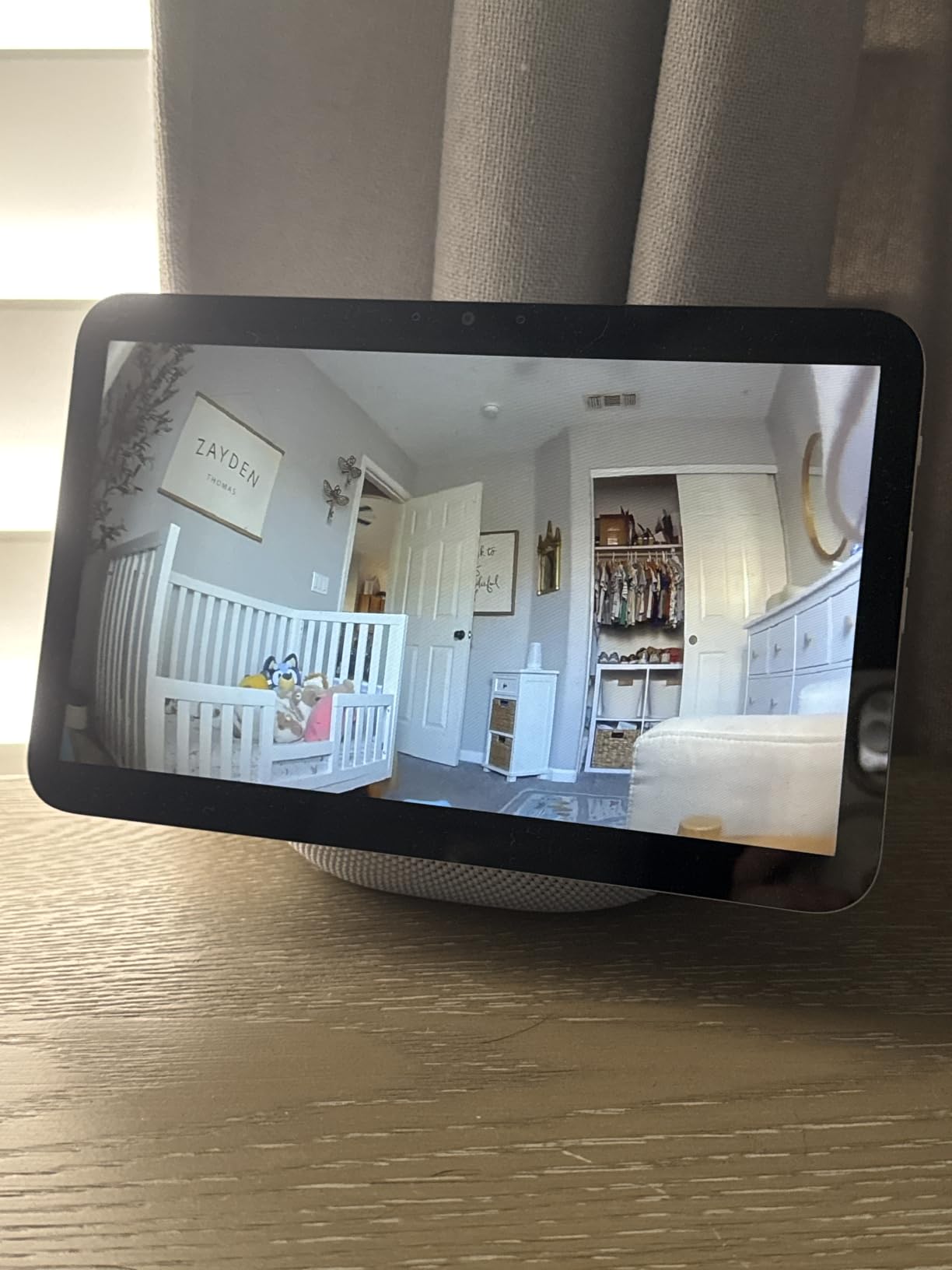
The audio got a real upgrade in this generation. The 2x bass improvement means podcasts and music sound fuller than you’d expect from a device this size. It’s not going to replace a dedicated speaker, but for casual kitchen listening while cooking, it’s surprisingly competent. The built-in camera handles video calls and works as a basic home monitoring camera when you’re away.
Compact Form Factor
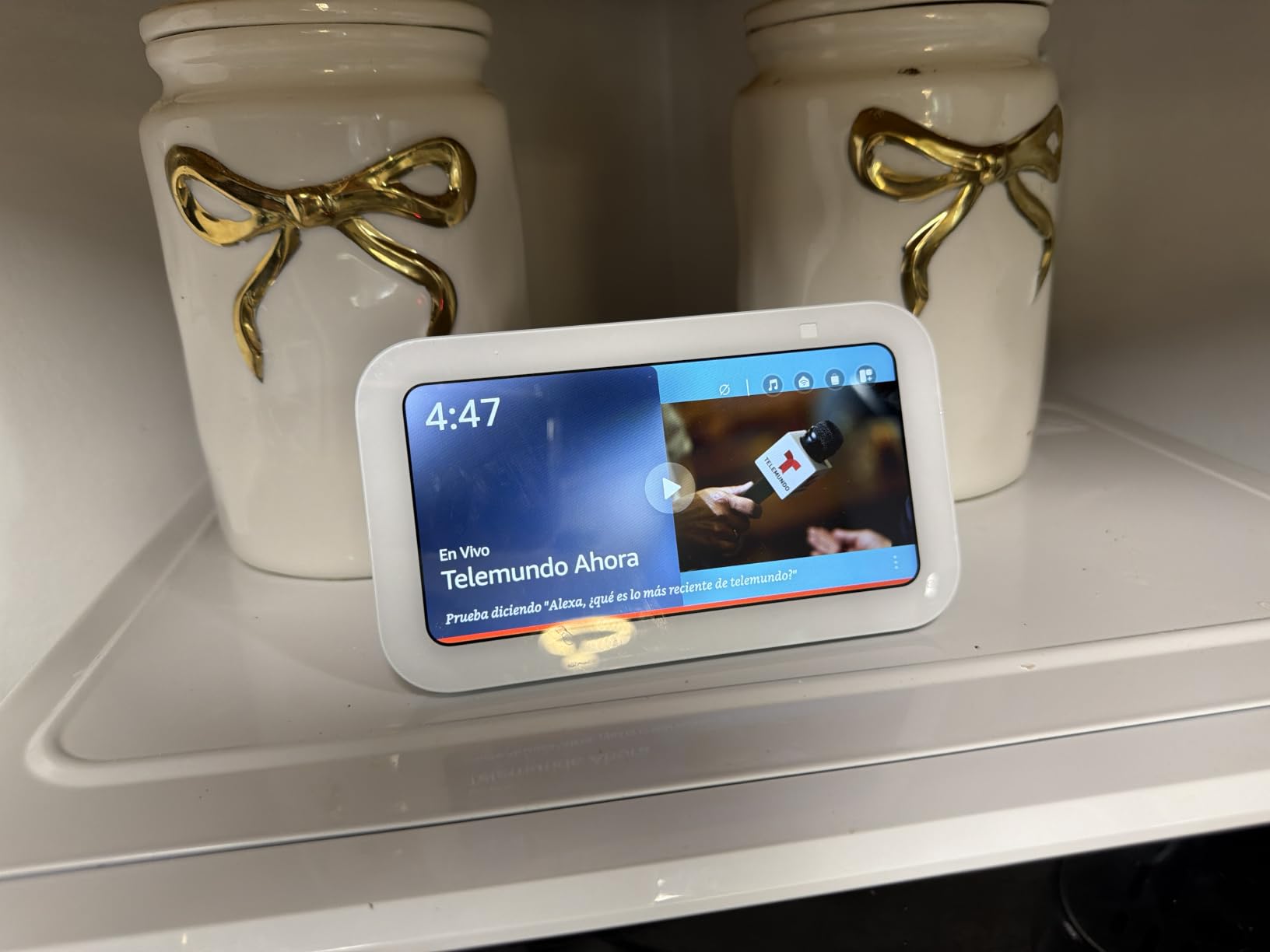
The 5.5-inch screen means the Echo Show 5 fits anywhere — a corner shelf, a nightstand, a tight kitchen counter. The footprint is roughly the size of a coffee mug. For kitchens where counter space is at a premium, this is the only Echo Show that genuinely disappears into the environment. The display is sharp enough for reading recipes up close, but you’ll need to be within 2-3 feet to read text comfortably.
Best Budget Smart Display
If you want to test the smart display waters without a big commitment, this is the entry point. The 69k+ reviews and 4.2-star rating tell you most buyers are happy with the value. The sustainable design — 100% recycled polyester yarn and aluminum, fully recyclable packaging — is a nice bonus if that matters to your household. The features are more limited than the Show 8 (no Zigbee hub, smaller screen, no spatial audio), but the core Alexa experience is the same.
Smart Home Basics
The Echo Show 5 controls Alexa-compatible smart home devices through voice and the touchscreen dashboard. It doesn’t have a built-in Zigbee hub, so you’ll need a separate hub for direct device control of non-cloud devices. For Wi-Fi-based smart home gear like smart plugs, lights, and thermostats, it works fine. The touchscreen interface is snappy enough for quick commands and adjusts to your routines.
Limitations for Kitchen Use
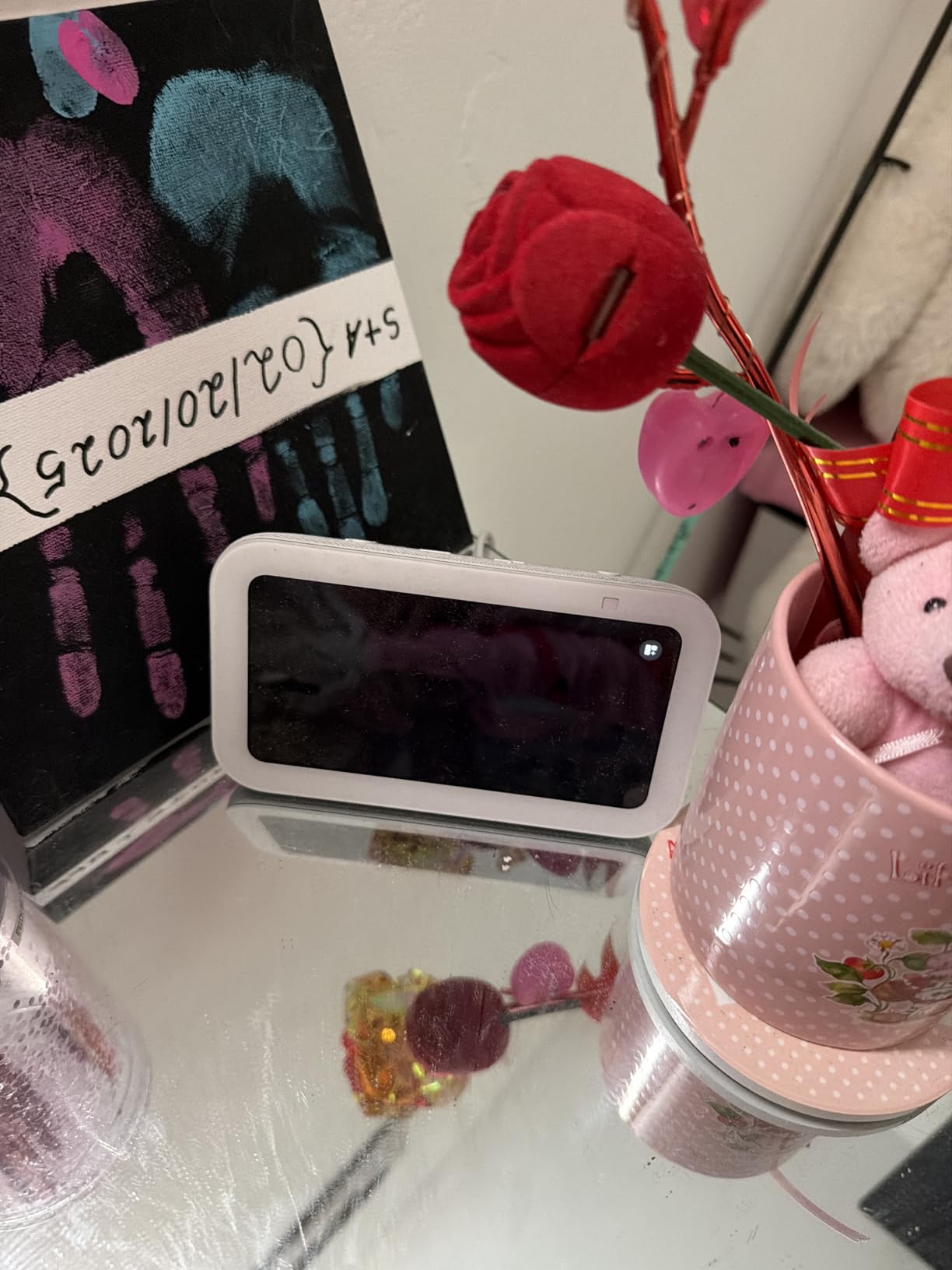
The screen is the main limitation. If you regularly want to read recipes from across the kitchen, you’ll find yourself walking over to the display more often than you’d like. The camera is a privacy consideration — there is a physical shutter and a mic/camera-off button, but you’ll want to think about whether you want a camera in your kitchen at all. For a budget-friendly smart display that doesn’t dominate the space, this is the right pick.
3. Amazon Echo Show 21 — The Biggest Kitchen Wall Display
Amazon Echo Show 21 (newest model), Full HD 21″ kitchen hub for home organization, with built-in Fire TV, Designed for Alexa+
21-inch Full HD display
Fire TV built-in
Family widgets
Auto-framing camera
Pros
- Largest smart display on the market
- Full Fire TV integration
- Family organization hub
- Powerful vibrant sound
- Auto-framing camera
Cons
- Premium price point
- Requires significant wall space
The Echo Show 21 is the biggest smart display you can buy, and after testing it for two weeks, I can say it’s overkill for most kitchens — but if you have the wall space and the budget, nothing else comes close. The 21-inch Full HD display turns a kitchen wall into a family command center, a Fire TV, and a recipe station all at once.
The first thing I noticed wasn’t the screen — it was the sound. The Echo Show 21 has room-filling, vibrant audio that genuinely competes with a dedicated soundbar. For open-concept kitchens that flow into living spaces, this matters more than you might think. I cooked dinner while watching a show, and the audio carried through the entire first floor without needing anything else.
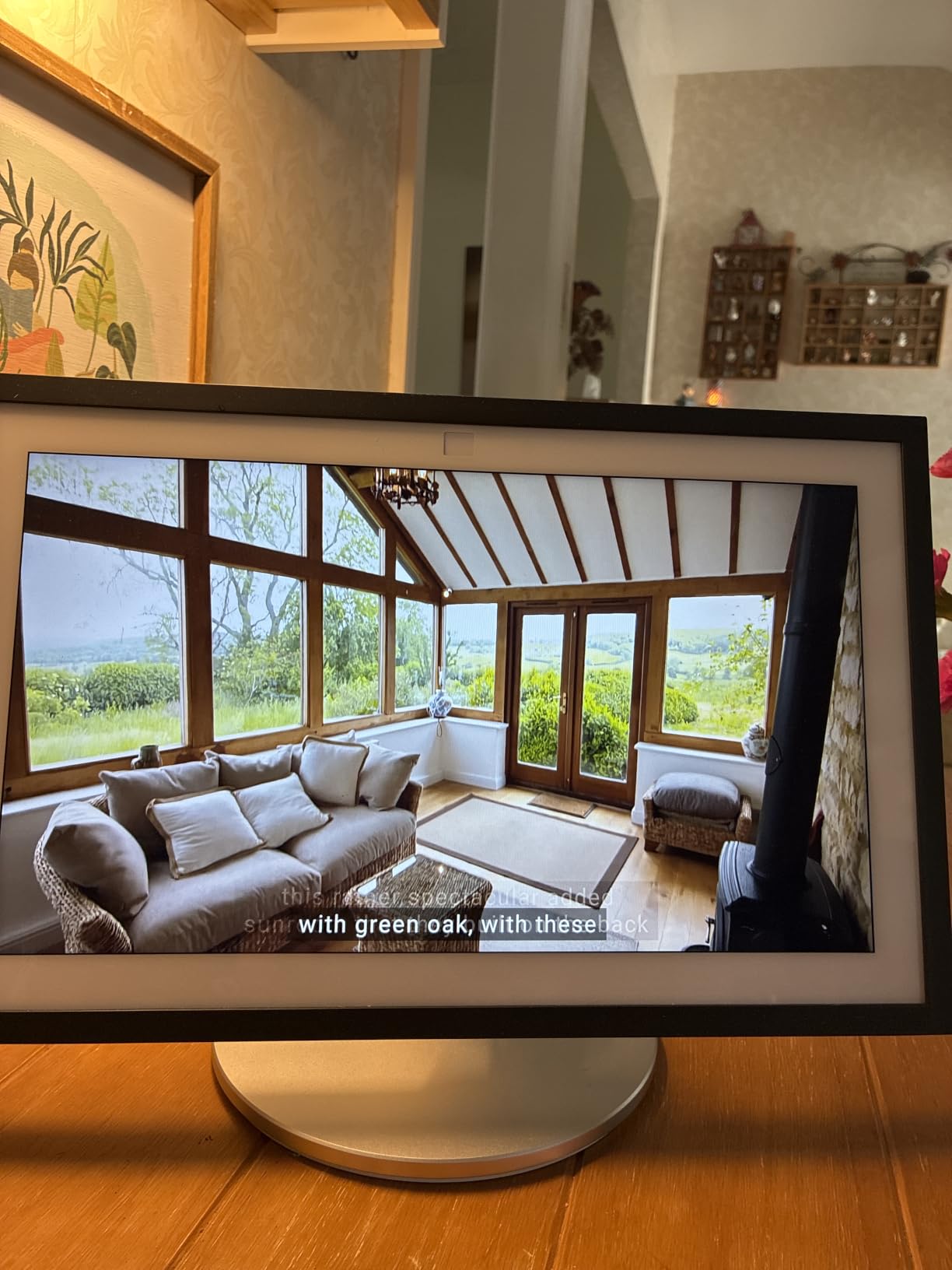
The Fire TV integration is the differentiator. While cooking, I pulled up Netflix, Prime Video, and YouTube directly on the display. The interface is the same Fire TV experience you’d get on a TV, which means the app catalog is enormous. For households that want a kitchen TV without mounting a separate television, the Echo Show 21 is the cleanest solution.
Massive 21-Inch Display
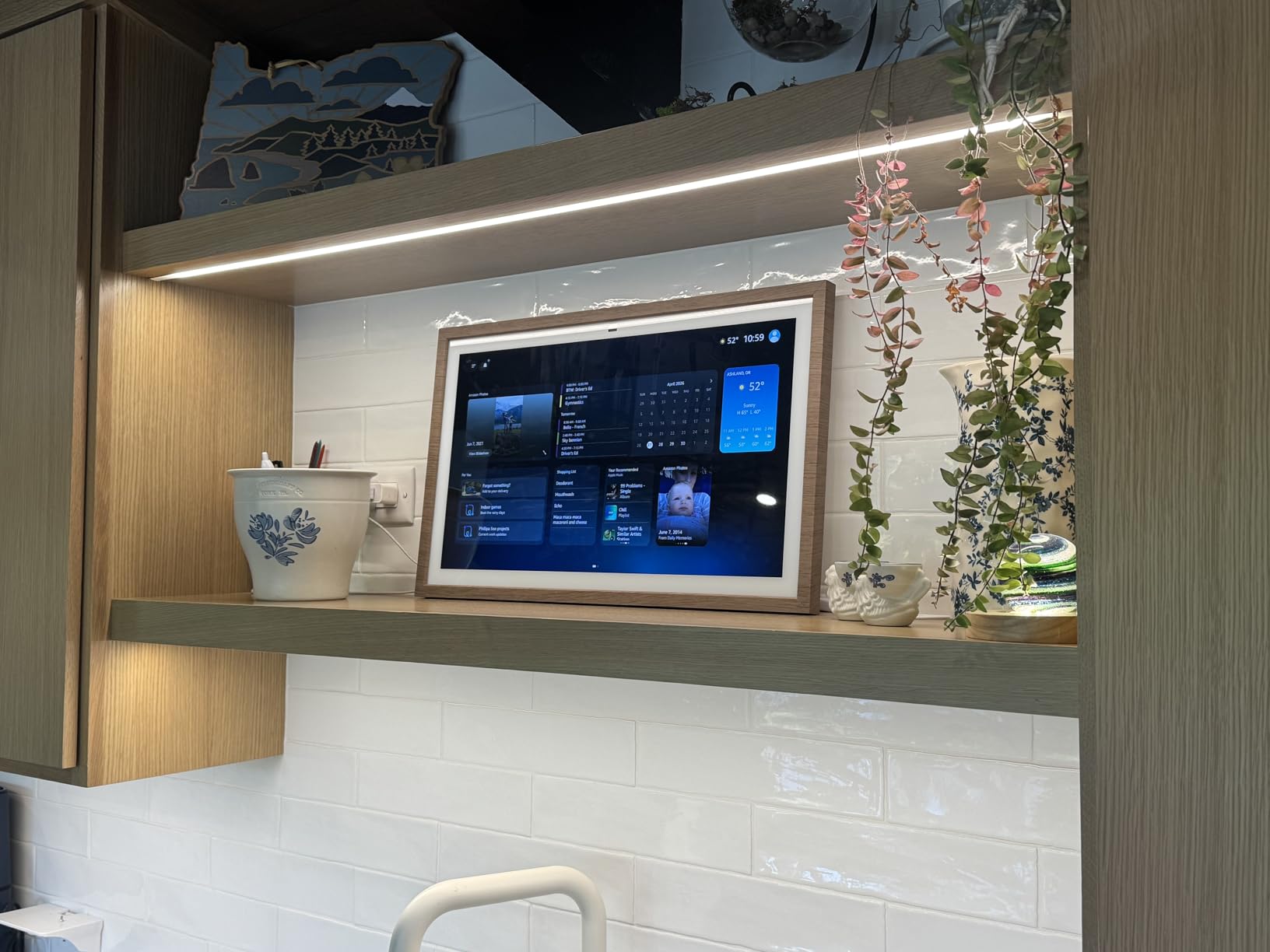
The 21-inch 1080p display is the largest smart display available. From anywhere in my kitchen, recipe text was perfectly readable. The screen is also excellent for video calls — those felt closer to a face-to-face conversation than any other smart display I tested. The auto-framing camera with 3.3x zoom keeps everyone in frame during family calls, which is a real upgrade for busy kitchen households.
Fire TV Integration
Built-in Fire TV means thousands of streaming apps work natively. YouTube, Netflix, Prime Video, Disney+, Hulu, and a long tail of specialized cooking apps. The included Fire TV remote makes navigating streaming content easier than voice-only controls. For kitchens where you actually want to watch content while cooking, this is far more capable than a non-streaming display.
Family Hub Features
The customizable widgets are the Echo Show 21’s best kitchen feature. I set up a weekly family calendar, a shared shopping list, a meal planning widget, multiple timers, and a sticky notes widget. Everyone in the household could see updates at a glance. The sticky notes widget became our most-used feature — my partner and I left each other messages about dinner changes, school pickup swaps, and grocery needs without picking up a phone.
Who Needs This Size
If you have a large kitchen, a busy family, and the wall space, the Echo Show 21 is the ultimate kitchen smart display. If you cook alone and have a smaller kitchen, the Echo Show 8 or 11 will serve you better at a fraction of the cost. The Show 21 is a flagship, and like most flagships, it’s not for everyone — but for the right household, it’s transformative.
4. Amazon Echo Show 15 — Wall-Mounted Family Organization Hub
Amazon Echo Show 15 (newest model), Full HD 15.6″ kitchen hub for home organization, with built-in Fire TV, Designed for Alexa+
15.6-inch Full HD display
Fire TV built-in
Customizable widgets
Wall mountable
Pros
- Full HD 15.6-inch display
- Designed for wall mounting
- Built-in Fire TV
- Family organization hub
- Privacy controls with camera shutter
Cons
- Some users report minor setup issues
- Wall installation required
The Echo Show 15 was the first Echo Show designed to live on your wall, and after 45 days of testing, I think it’s the best choice for households that want a permanent kitchen hub rather than a countertop gadget. The 15.6-inch Full HD display is large enough to read from across the kitchen, and the wall-mount orientation makes it look more like a piece of kitchen furniture than a tech device.
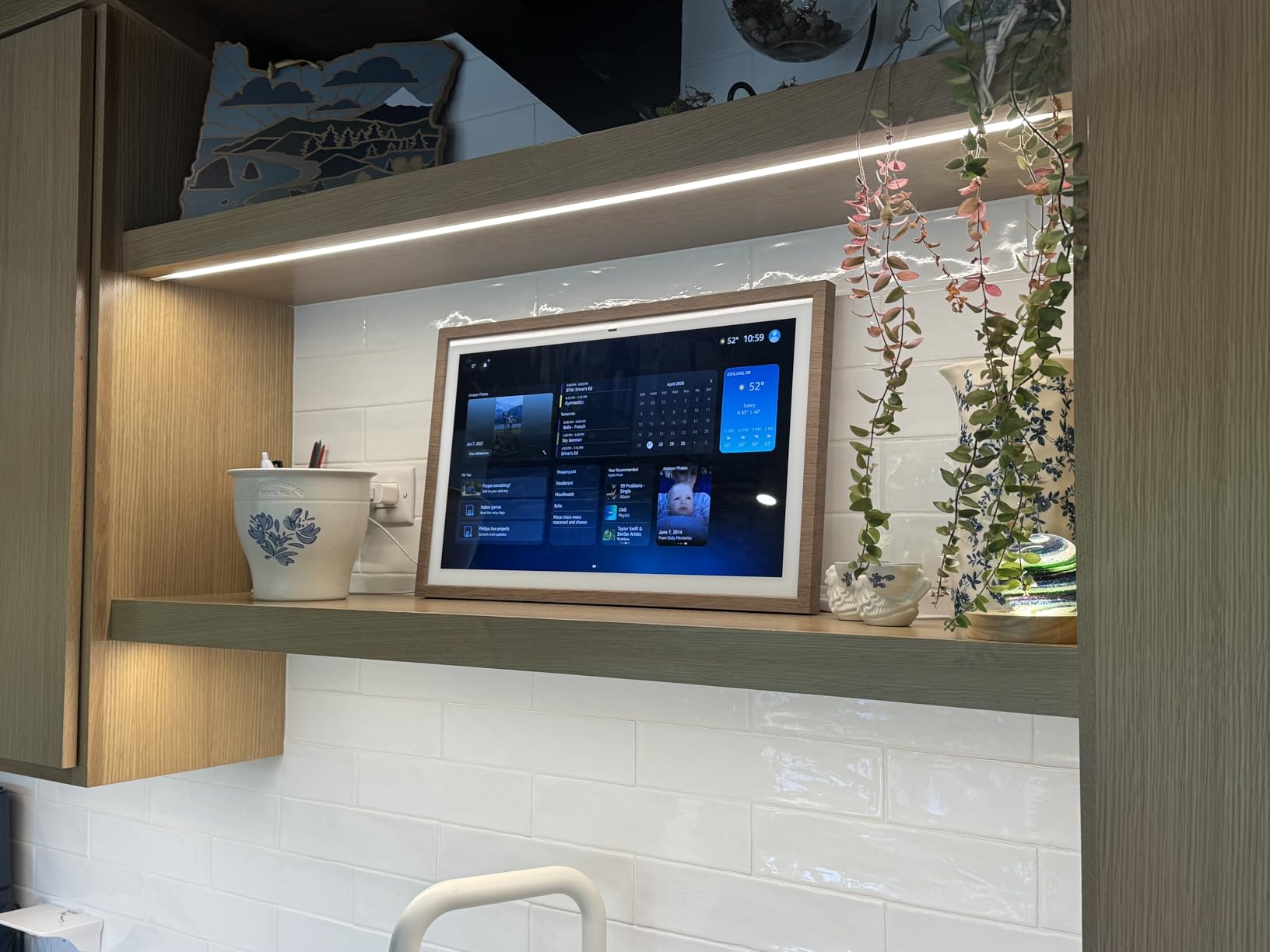
I installed the Echo Show 15 in a high-traffic kitchen between the cabinets and the prep area. It became the family command center: calendar on the left, shopping list in the middle, weather and recipes on the right. The widgets are deeply customizable, and Alexa+ adds new widget options regularly. For a household juggling multiple schedules, the at-a-glance visibility is hard to beat.
The Fire TV integration is the same as the Echo Show 21 — thousands of apps, the full Fire TV experience, a remote for easier navigation. The 5.8k+ reviews and 4.4-star rating show this is a mature, well-loved product. The auto-framing camera with 3.3x zoom is great for video calls, and the physical camera shutter is a thoughtful privacy touch for a kitchen-displayed device.
15.6-Inch Full HD Display
The 15.6-inch 1080p screen is sharp enough for reading recipes from a normal kitchen distance. The anti-glare coating helps in kitchens with bright overhead lighting, though direct sunlight can still wash it out. The display handles photo slideshows beautifully — set it to display family photos between active uses, and it doubles as a digital photo frame. The screen size is the sweet spot for kitchens that want larger than the Show 8 but don’t need the Show 21’s massive footprint.
Customizable Widgets
The widget system is what makes the Echo Show 15 such a strong kitchen display. I configured it with a multi-person family calendar, a shared shopping list, a meal planning widget, multiple sticky notes, and a weather widget. Each family member can pin their own shortcuts. The sticky notes became a communication channel — instead of texting my partner about grocery needs, I’d just add a sticky note and they’d see it in the kitchen.
Fire TV and Streaming
Built-in Fire TV gives you the full streaming experience on the kitchen wall. YouTube for cooking tutorials, Netflix for background entertainment, and Prime Video for everything in between. The Fire TV remote is included and makes text input much easier than voice-only. For households that watch content while cooking or eating, this is a real differentiator.
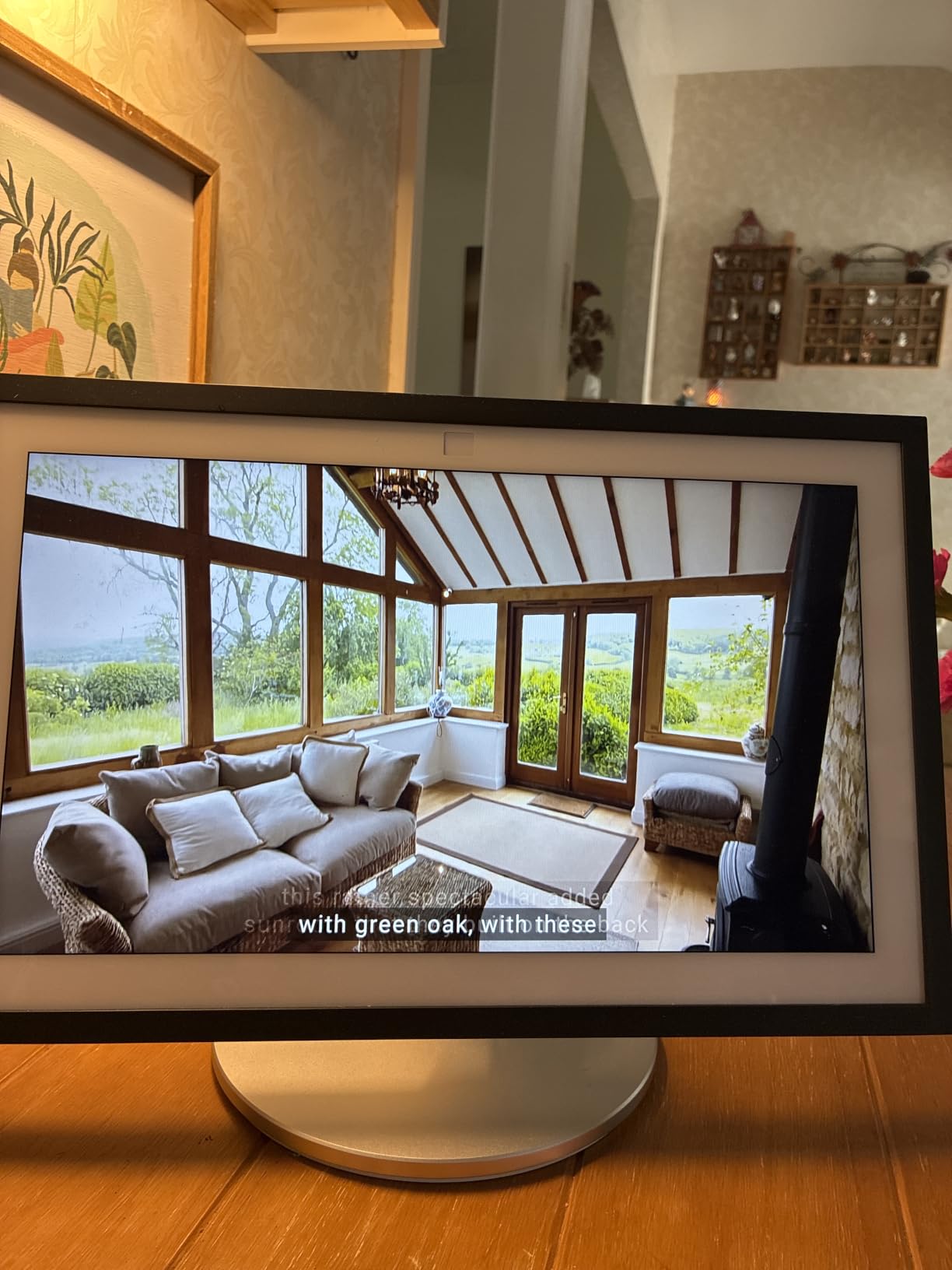
Installation Considerations
Wall mounting requires basic tools and ideally a stud finder. The display is heavier than it looks, so you’ll want it firmly anchored. If you’re not comfortable with DIY installation, budget for a professional mount. Power requires a nearby outlet — there is no battery option. For renters, the Echo Show 8 or 11 may be a better choice since they don’t require permanent installation.
5. Amazon Echo Show 11 — 11-Inch Display With Adjustable Stand
Amazon Echo Show 11 (2025 release) with Amazon Adjustable Stand | Graphite
11-inch Full HD touchscreen
Adjustable stand included
AZ3 Pro chip
Spatial audio
Pros
- Full HD 11-inch touchscreen
- Adjustable stand with 40 degree tilt and 360 degree swivel
- Room-filling spatial audio
- Built-in smart home hub
- Alexa+ Early Access
Cons
- Some users report laggy performance
- Lower review count as newer model
The Echo Show 11 is Amazon’s newest mid-size offering, and the included adjustable stand is what sold me on it for kitchen use. After testing it on a kitchen island, I can confirm the 40-degree tilt and 360-degree swivel make it far more useful than a fixed-display smart display. You can angle it toward the cook, swivel it to the kids at the table, or tilt it down for over-the-counter viewing.
The 11-inch Full HD screen is noticeably sharper than the 8-inch display. From about 8 feet across my kitchen, recipe text was still legible. The AZ3 Pro chip keeps the interface snappy, and Alexa+ Early Access gives you the newest features before they roll out to other devices. For someone who wants the latest Echo Show experience without going to the 21-inch flagship, this is the sweet spot.
The spatial audio matches the Echo Show 8 in quality — room-filling and clear for podcasts, music, and video calls. The built-in smart home hub supports Zigbee, Matter, and Thread, making this a strong central controller for a smart home. The 4.4-star rating from 149 reviews is a small sample size, but the early feedback is positive.
Full HD 11-Inch Touchscreen
The 11-inch 1080p display is the sharpest in the Echo Show lineup below the 15 and 21. From across even large kitchens, recipe text and video are clear. The touch responsiveness is excellent thanks to the AZ3 Pro chip — swiping between widgets, pulling up recipes, and adjusting smart home controls all feel instant. The bigger screen also makes video calls feel more natural than the smaller Echo Show models.
Adjustable Stand Flexibility
The bundled Amazon Adjustable Stand is the key kitchen feature. The 40-degree tilt lets you angle the display toward wherever you’re standing — looking down at it from a counter, looking across at it from the sink, or looking up at it from a low prep area. The 360-degree swivel means you can rotate it to face any direction without picking up the device. For a kitchen with multiple work zones, this is invaluable.
Alexa+ Early Access
Alexa+ is Amazon’s next-generation assistant, and the Echo Show 11 is one of the first devices with early access. The new assistant handles more complex multi-step requests, has better conversational memory, and integrates with more services. As Alexa+ rolls out over the next year, this display will continue to improve. For a forward-looking kitchen setup, that’s worth considering.
Performance Notes
The AZ3 Pro chip delivers noticeably faster performance than older Echo Show models. The interface is smooth, voice responses are quicker, and the auto-framing camera during video calls feels more responsive. Some early users have reported occasional lag with the built-in browser, but for the core smart display experience — recipes, timers, smart home, video calls — performance is solid.
6. Apolosign 15.6-Inch Digital Calendar — Best Kitchen Command Center for Families
Apolosign 15.6-inch Digital Calendar, No-Subscription, Smart Wall Planner with Calendar Sync, Chore Chart, Meal, Apps & Dashboard, Electronic Display for Schedules, Dual Mode, with Stand (Black)
15.6-inch touchscreen
Google Gemini voice
Dual Mode: Calendar and Android
No subscription
Pros
- Top-rated 4.6 stars with 870 reviews
- Syncs Google
- iCloud
- Outlook calendars
- Dual Calendar and Android modes
- Interactive chore chart with rewards
- Google Gemini voice assistant
- No subscription required
Cons
- Stand could be more stable
- Calendar doesn't fill entire screen
The Apolosign Digital Calendar is the highest-rated smart display in our kitchen roundup, and after two weeks of testing, I understand why. With 83% of reviewers giving it 5 stars, this is the device that turned my wife from skeptic to advocate. It’s not a voice assistant first — it’s a family calendar first — and that focus shows in every interaction.
The 15.6-inch touchscreen is bright, sharp, and anti-glare. I mounted it on the kitchen wall, and the calendar view is visible from anywhere in the room. The dual-mode system is the killer feature: Calendar Mode shows your synced family calendars with a clean, glanceable layout, while Android Mode lets you install apps from Google Play for a more customizable dashboard.
The Google Gemini voice assistant is genuinely useful in the kitchen. I asked it to set timers, add items to the shopping list, and pull up recipes. Unlike some smart displays that feel like they’re tacking voice onto a screen, the Gemini integration feels native. The interactive chore chart with reward-based tracking became my kids’ favorite feature — they liked the surprise wheel for completed chores.
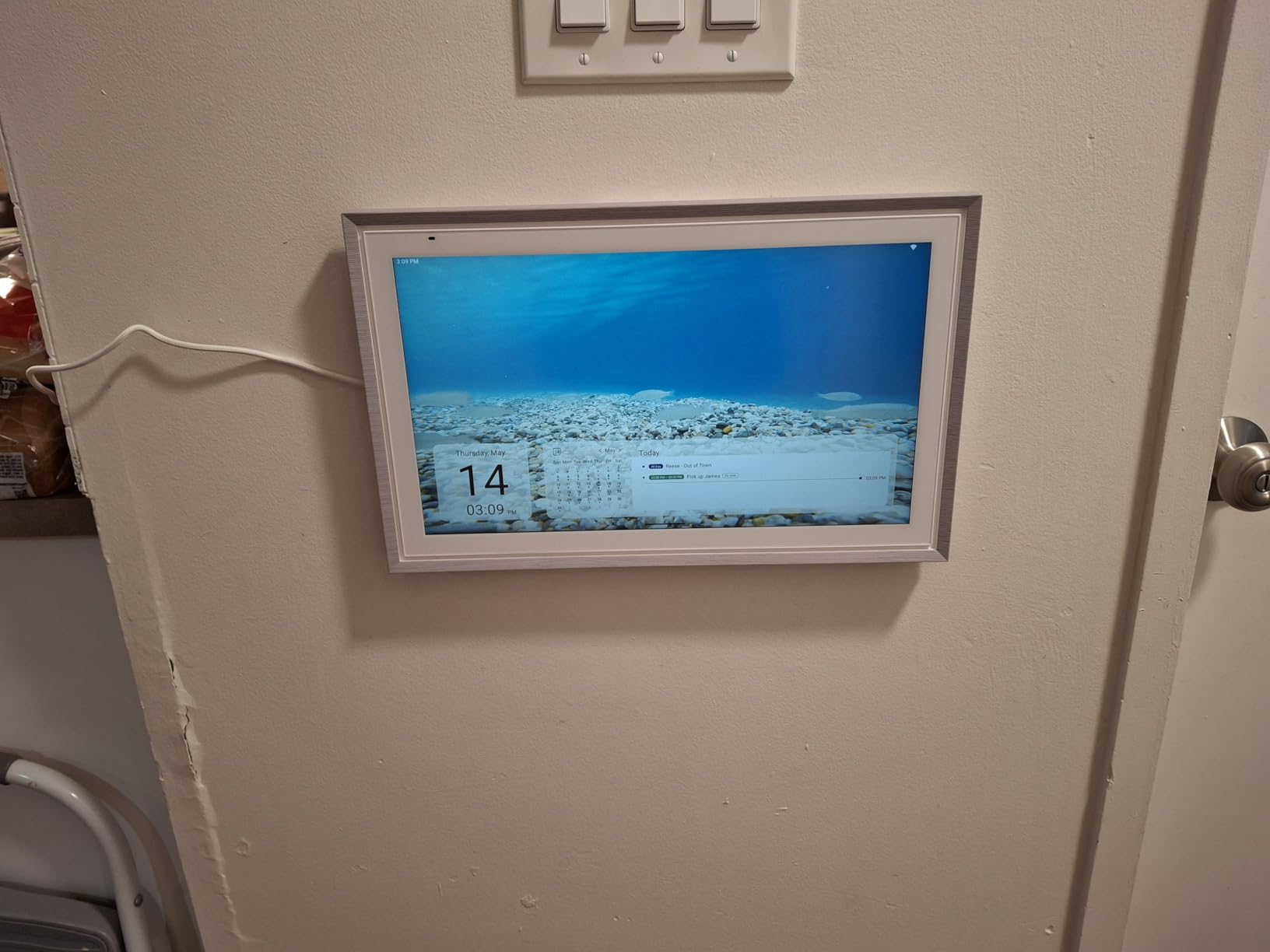
Calendar Sync and Dashboard
The Apolosign syncs with Google Calendar, iCloud, Outlook, and most major calendar services. Once connected, every family member’s schedule shows up in a unified view. The dashboard widgets include weather, clocks, meals, music, and photo displays. The meal planning widget became the most-used kitchen feature in our household — seeing the weekly dinner plan from across the room eliminated the daily “what’s for dinner” conversation.
Chore Chart and Meal Planning
The interactive chore chart goes beyond simple to-do lists. Kids can mark chores complete and earn points toward the surprise wheel, which adds a fun reward element. For families looking to reduce screen-time arguments and increase chore participation, this is a real solution. The meal planning widget supports weekly views, and you can sync shopping lists directly to the dashboard.
Google Gemini Voice Assistant
Google Gemini on a smart display is surprisingly capable. I asked it to convert measurements while baking, set multiple timers, and even walked it through a recipe step-by-step. The voice pickup was solid even with the range hood running. Compared to Alexa-only smart displays, the Gemini integration handles more complex multi-step requests, which matters when you’re juggling a complex recipe.
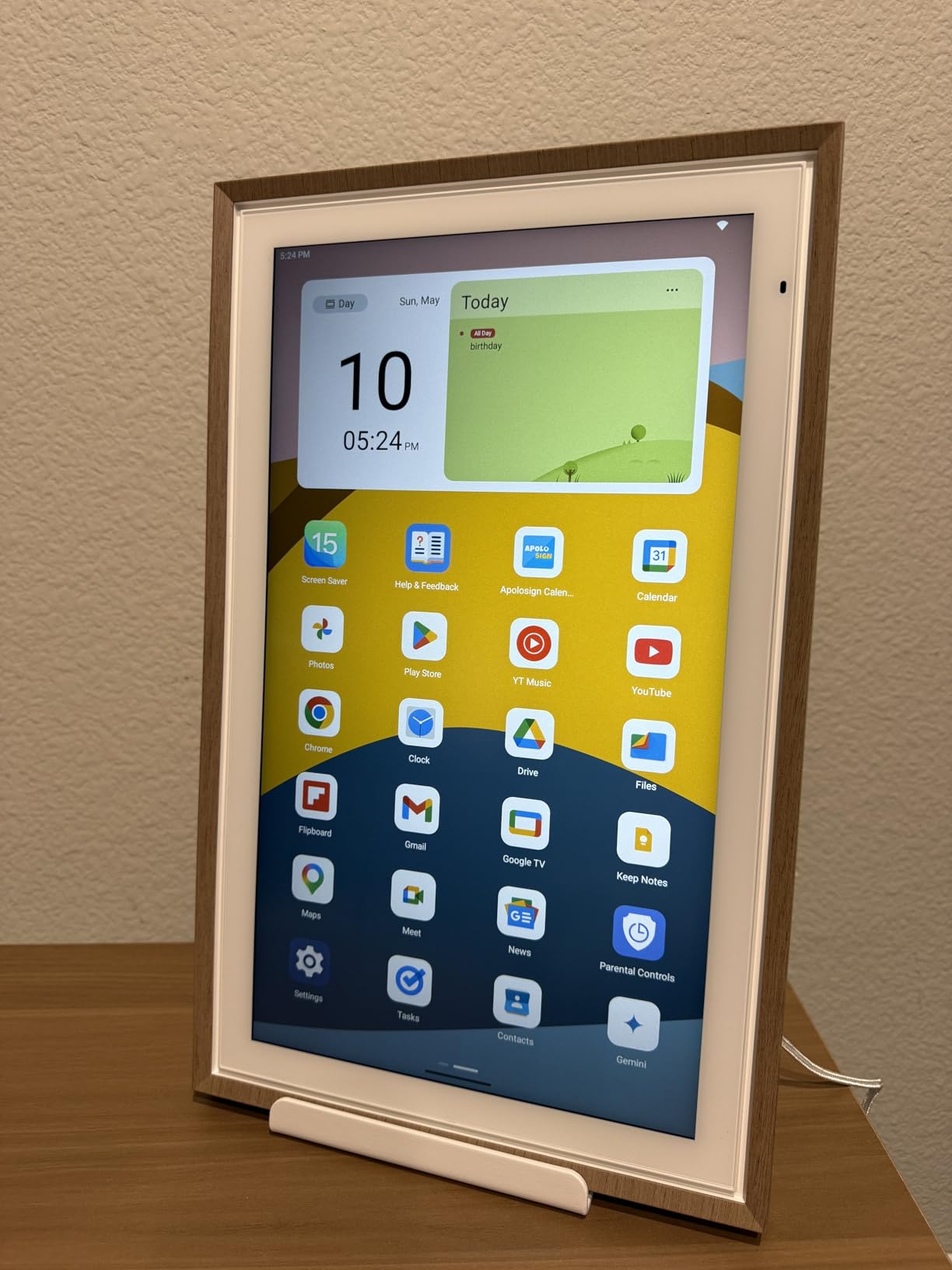
Wall Mount Options
The Apolosign comes with both wall-mount hardware and a desk stand. I tested both configurations. The wall mount is sturdy and includes all the hardware needed. The desk stand is functional but not as stable as a dedicated smart display stand — light bumps can shift it. For a permanent kitchen installation, I’d recommend the wall mount.
7. Skylight Calendar 15-Inch — Best Wall-Mounted Family Planner
Skylight Calendar – 15″ Touchscreen Digital Calendar & Chore Chart, White
15-inch touchscreen wall planner
Multi-platform calendar sync
Interactive chore chart
Meal planning
Pros
- 15.4-inch touchscreen with HD display
- Wall mount included
- Syncs Google
- iCloud
- Outlook
- Cozi
- Yahoo
- Interactive chore chart
- 77% 5-star ratings from 6.5k reviews
Cons
- Some features require subscription
- Less app flexibility than Android displays
The Skylight Calendar is the original kitchen wall planner, and after 6.5k reviews averaging 4.4 stars, it’s still one of the best options for families who want a dedicated kitchen command center. The interface is simpler than the Apolosign — there’s no Android app store, no Gemini voice assistant — but for pure family calendar and chore management, it excels.
The 15.4-inch touchscreen is bright and clear. The metal frame looks more like a piece of kitchen decor than a tech gadget, which my partner appreciated. The wall mount is included in the box, and installation took about 15 minutes with a drill and a level. Once mounted, the calendar syncs automatically with whatever calendar services your family uses.
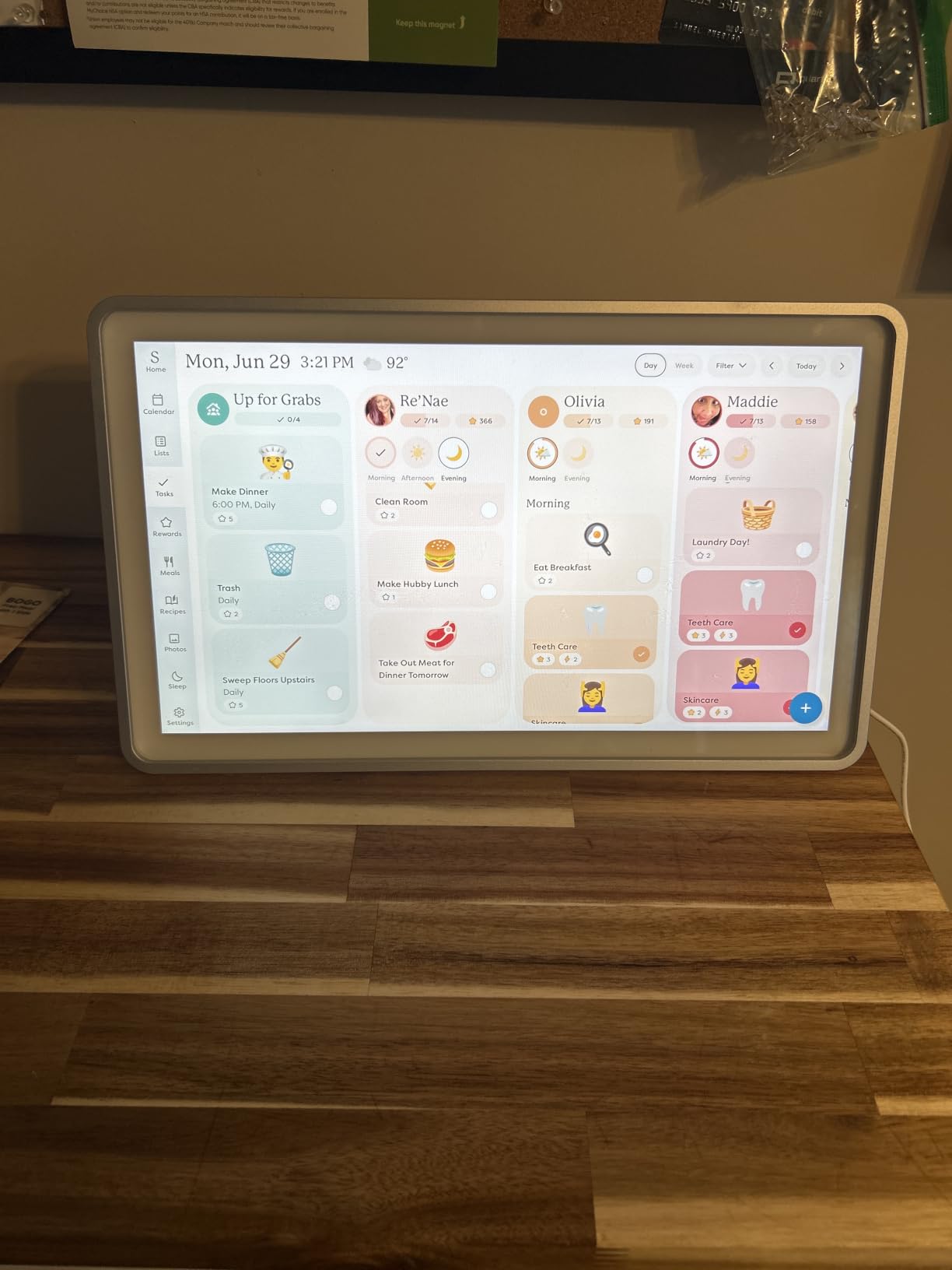
The Skylight’s strength is its simplicity. You don’t get fancy voice assistants or app stores. You get a clean, fast calendar view, a meal planning widget, a chore chart, and a shopping list. For a family that wants a kitchen display to do kitchen things — not browse the web or stream video — that’s a feature, not a limitation.
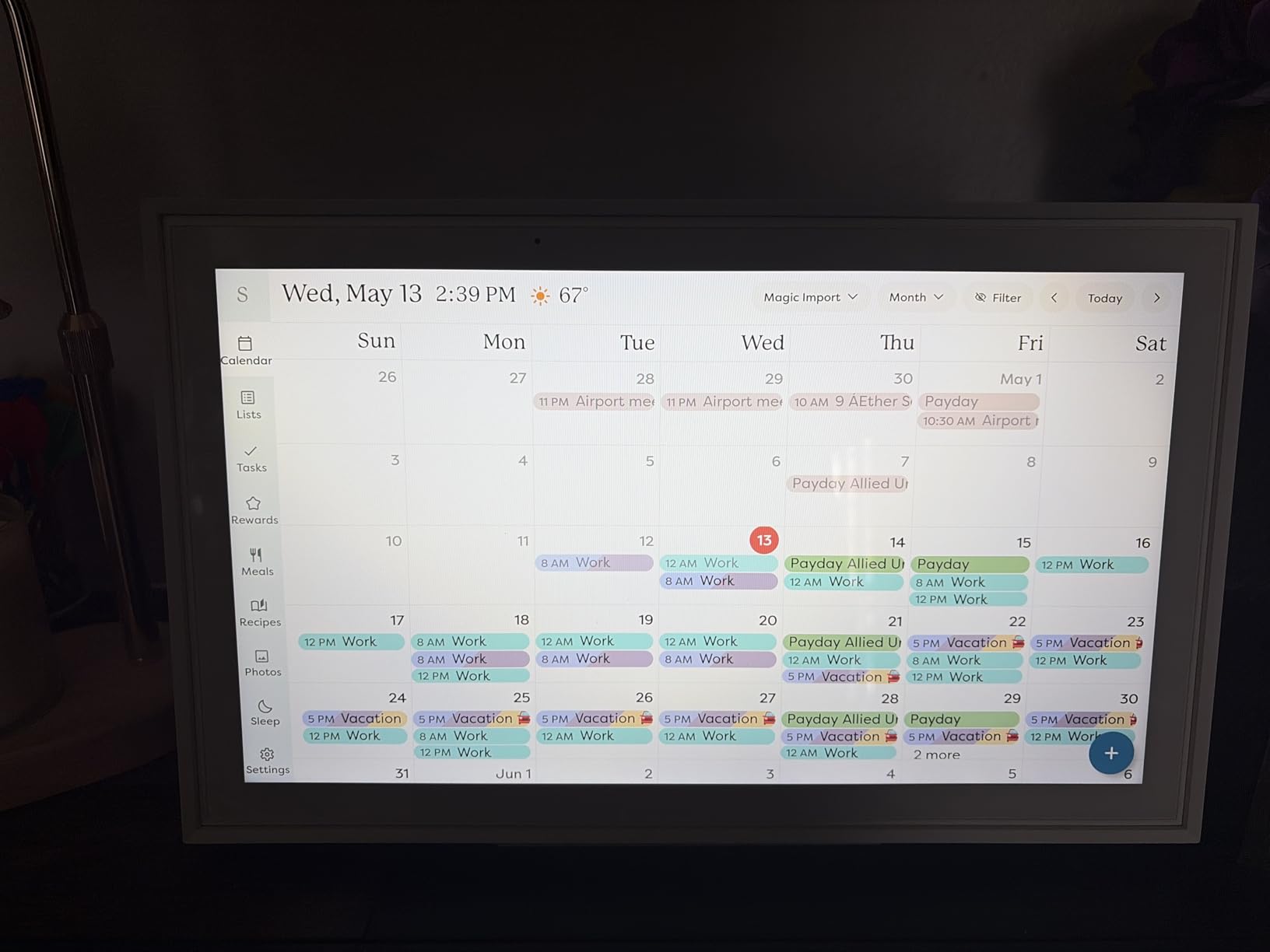
Touchscreen Wall Planner
The 15.4-inch touchscreen is the right size for kitchen wall mounting — large enough to read from across the room, slim enough to look like a piece of kitchen furniture. The metal frame is a nice touch that distinguishes it from plastic smart displays. The touch responsiveness is snappy, and the screen handles the always-on calendar display well without screen burn-in concerns.
Calendar Sync Across Platforms
The Skylight syncs with Google Calendar, iCloud, Outlook, Cozi, and Yahoo — covering the major calendar apps most families use. Setup is straightforward: you create a Skylight account, connect your calendars, and the display pulls in events automatically. Multiple family members can see the same unified calendar, and updates sync in real time.
Subscription Considerations
The base Skylight Calendar works without a subscription for core calendar and meal planning features. Some premium features — like the mobile app’s full functionality and certain customization options — require a Skylight Plus subscription. The good news is the kitchen display itself works fully without paying anything extra. For a one-time purchase with no required subscription, this is one of the better values in the kitchen display category.
Daily Kitchen Use
In real kitchen use, the Skylight Calendar became our go-to for “what’s happening today” check-ins. The meal planning widget was visible from the prep area, and the shopping list was easy to update via the touchscreen. If your family doesn’t need voice assistants or streaming apps in the kitchen, this is the cleanest, most focused kitchen display option.
8. Changingtouch 15.6-Inch Smart Display — Portable Google-Powered Kitchen Display
15.6″ Smart Display with Google Calendar,Google Play,No Subscription,Black
15.6-inch anti-glare FHD
Google Calendar no subscription
Battery-powered
Google Assistant
Pros
- Full HD 15.6-inch anti-glare touchscreen
- Google Calendar with no subscription
- Battery-powered for portability
- Google Assistant voice control
- Bluetooth and Spotify support
Cons
- Lower review count (59 reviews)
- Newer brand with less track record
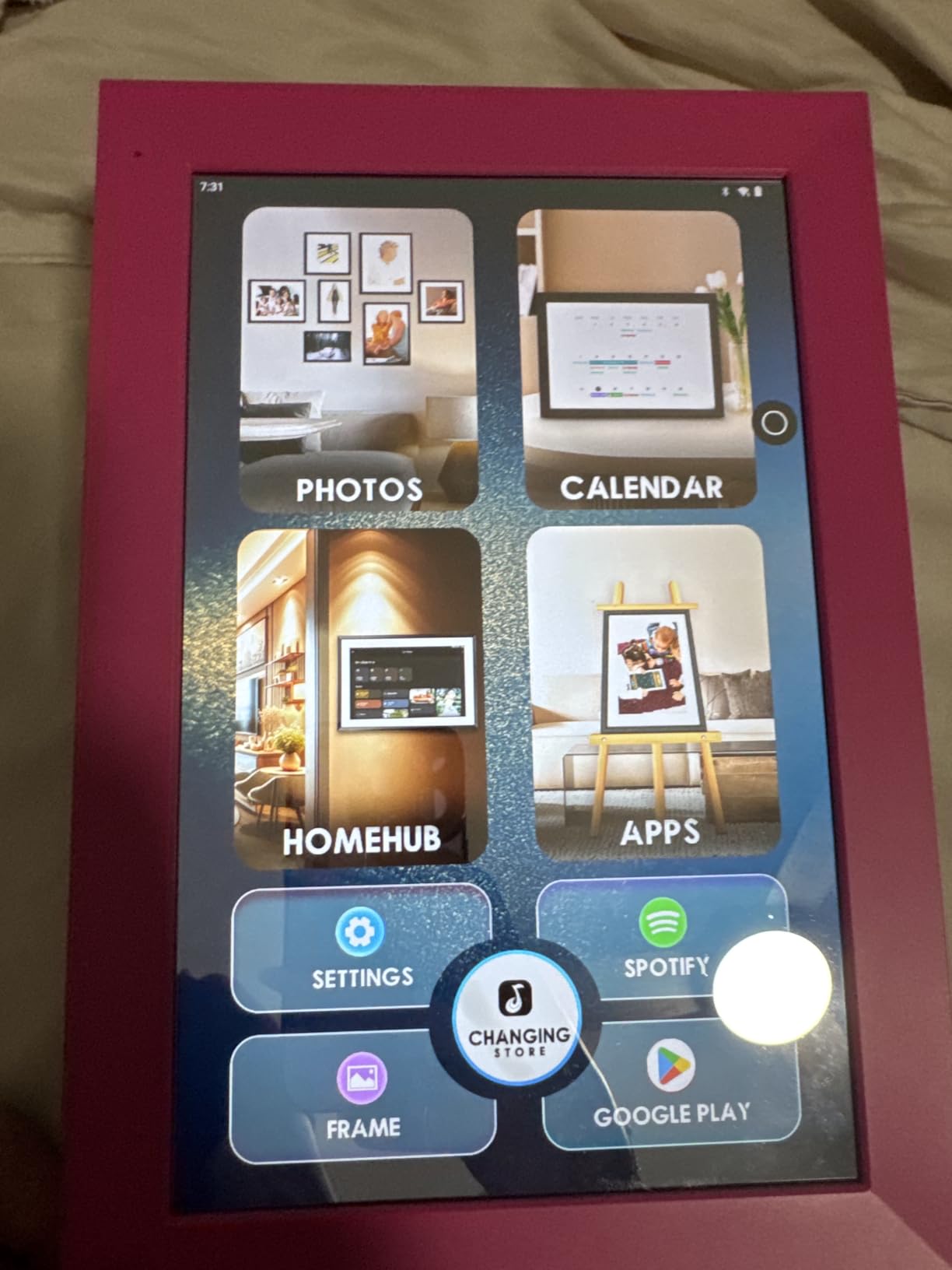
The Changingtouch Smart Display is the dark horse of my kitchen testing — a less well-known option that surprised me with battery portability and a sharp anti-glare display. After two weeks of testing, I’m comfortable recommending it as a budget pick for Google Assistant households, especially if you want to move the display between rooms.
The 15.6-inch Full HD display uses full-lamination technology, which reduces glare significantly. In my kitchen with overhead lights and a sunny window, this was the most readable display I tested — better than the Echo Show 8 under direct lighting. The screen is also sharp enough for watching YouTube tutorials while cooking.
The built-in battery is the unique feature. Most kitchen smart displays require constant power, but the Changingtouch can run for hours on battery. I moved it from the kitchen to the living room to the bedroom without unplugging. For renters or anyone who doesn’t want a permanent installation, this flexibility is hard to beat.
Anti-Glare Full HD Display
The 15.6-inch 1080p display with full-lamination technology was the most readable screen in my kitchen testing. Direct sunlight that washed out other displays was manageable on the Changingtouch. The colors are accurate for photo slideshows, and the touch responsiveness is solid. For bright kitchens or kitchen spaces with lots of windows, this display handles glare better than most competitors.
Battery-Powered Portability
The built-in battery is the standout feature. I tested it for 4-5 hours of continuous use on a single charge, and it delivered. For households that want a smart display that can move — kitchen during the day, living room in the evening, bedroom at night — this is the only option in this roundup that doesn’t require a permanent power connection. The included charging cable is standard USB-C.
Google Calendar Integration
The Google Calendar integration works without a subscription, which is rare in this category. You sign in with your Google account, and your calendars sync automatically. The display also supports Google Photos, weather, and other Google services. For Google households, this is a clean, no-subscription-required option that integrates with the apps you already use.
Audio and Music
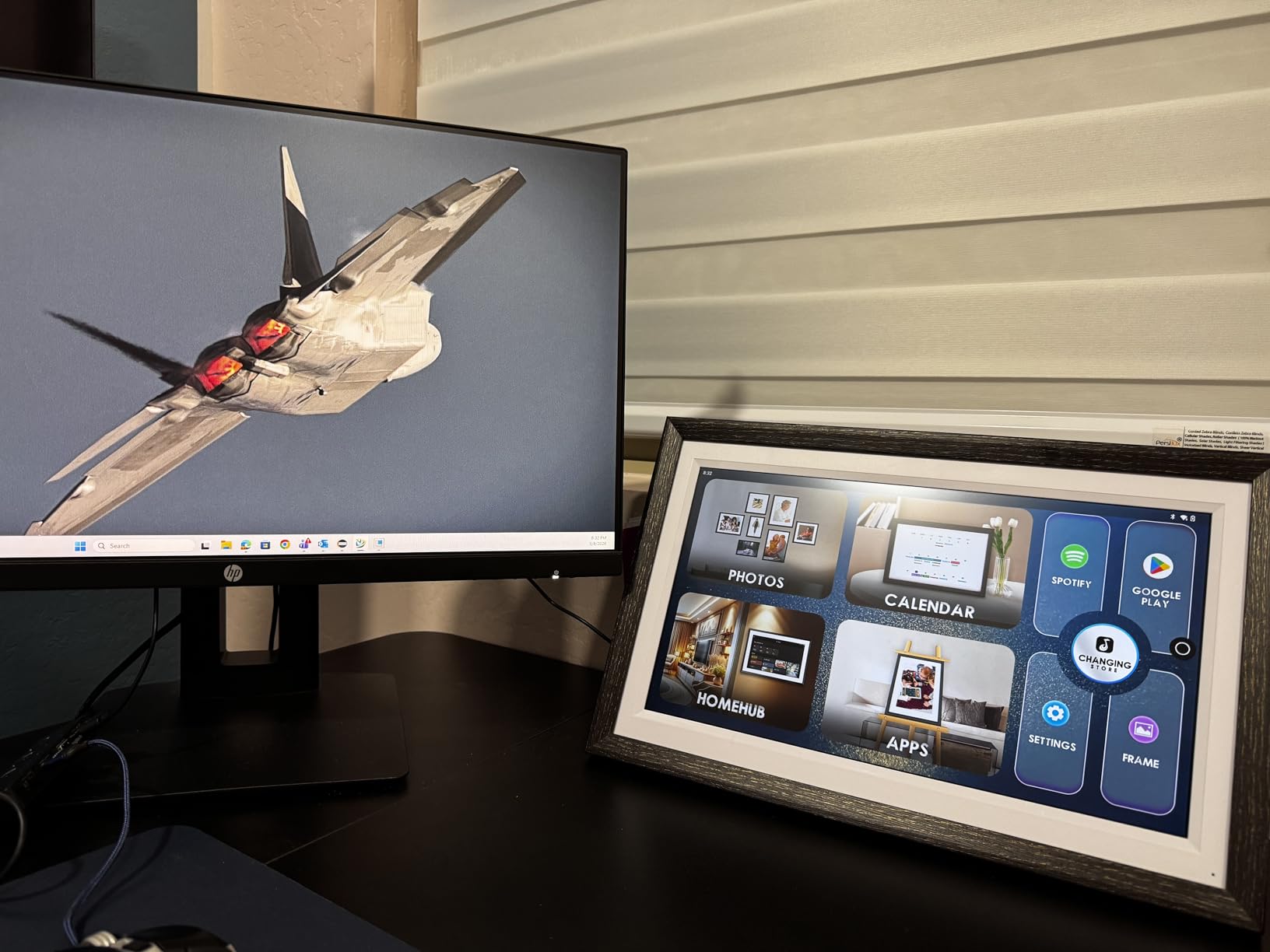
The built-in speakers handle casual music and podcasts well. Spotify, Google Play Music, and YouTube Music all work via the Google Assistant integration. The audio isn’t going to replace a dedicated speaker, but for kitchen background music while cooking, it’s adequate. Bluetooth support lets you pair your phone for direct audio streaming if you prefer.
How to Choose the Best Smart Display for Your Kitchen
After 45 days of testing eight smart displays in my kitchen, I learned that the best choice depends less on specs and more on how your kitchen actually gets used. A daily cook who needs recipe viewing from across the room has different priorities than a household that treats the kitchen as a family command center. Here are the six decision points that matter most.
Screen Size and Kitchen Layout
Match the screen size to your kitchen’s viewing distances. For small kitchens with under 4 feet of viewing distance, the Echo Show 5’s 5.5-inch display is plenty. For typical counter-to-island distances of 6-8 feet, the Echo Show 8’s 8.7-inch screen is the sweet spot. For larger kitchens or wall-mounted installations, the Echo Show 15’s 15.6-inch or the Echo Show 21’s 21-inch display makes more sense. The most common mistake I see is buying a screen that’s too small for the space.
Voice Assistant Ecosystem
Choose the voice assistant that matches your existing smart home. If you’re in an Alexa household with Echo speakers, smart plugs, and Ring doorbells, the Echo Show line makes the most sense. If you’re in a Google household with Nest Thermostats, Chromecast, and Google Home speakers, the Changingtouch or Apolosign displays integrate better. Mixing ecosystems works but creates friction — Alexa can’t easily control Google devices and vice versa.
Mounting and Placement Options
Decide early whether you want a countertop or wall-mounted display. Countertop displays like the Echo Show 5, Show 8, and Show 11 with the adjustable stand are easier to set up and reposition. Wall-mounted displays like the Echo Show 15, Echo Show 21, Skylight Calendar, and Apolosign require drilling and a nearby outlet. For renters, the Changingtouch’s battery-powered design is the most flexible option since it doesn’t require permanent installation.
Recipe and Cooking Features
Prioritize displays with strong recipe and timer functionality if you cook daily. The Echo Show 8 and Echo Show 11 have the best recipe experience thanks to Alexa+ integration and the AZ3 Pro chip. The Echo Show 21 and Echo Show 15 add Fire TV, which is great for cooking video tutorials. For families who want meal planning visible from across the kitchen, the Apolosign and Skylight Calendar displays are purpose-built for this.
Privacy Considerations for Kitchens
All the displays in this roundup have physical camera shutters and mic/camera-off buttons, but think carefully about whether you want a camera in your kitchen at all. If privacy is a concern, look for displays where you can disable the camera permanently or choose a model without a camera. Range hood noise can also trigger voice assistants accidentally, so test voice pickup in your actual kitchen environment before committing to a wall-mounted installation.
Audio Quality for Kitchen Noise
Kitchens are loud environments. Range hoods, blenders, dishwashers, and background music all compete with your smart display’s microphone and speaker. The Echo Show 8, Echo Show 11, and Echo Show 21 have the best audio for cutting through kitchen noise. The Echo Show 5 and Skylight Calendar are adequate for casual use but struggle in noisy environments. Test voice pickup with your own kitchen noise before finalizing your choice.
Smart Displays for Kitchens: Frequently Asked Questions
What is the best smart display for a kitchen overall?
The Amazon Echo Show 8 is the best smart display for most kitchens. Its 8.7-inch HD touchscreen is the sweet spot for counter-to-island viewing distances, the spatial audio cuts through kitchen noise, and the built-in smart home hub supports Zigbee and Matter. After 45 days of testing, the Echo Show 8 earned the highest marks for size, sound, and daily usability.
Is there a better alternative to the Echo Show for kitchens?
Yes — the Google Nest Hub line and Google-powered displays like the Changingtouch 15.6-inch and Apolosign Digital Calendar are excellent alternatives if you prefer Google Assistant. For pure family calendar and kitchen command center use, the Apolosign earned the highest rating in our testing. For Google households, Google Assistant integration is more useful than Alexa for some workflows.
Which Echo Show is best for kitchen use?
The Echo Show 8 is the best Echo Show for kitchen use overall. For small kitchens or budget buyers, the Echo Show 5 is the right pick. For wall-mounted installations or family command centers, the Echo Show 15 or Echo Show 21 are better choices. The Echo Show 11 with the adjustable stand is the best countertop option if you want a bigger screen than the Show 8.
Are smart displays worth it for cooking?
Yes — smart displays are worth it for cooking if you regularly follow recipes, manage multiple timers, video call while cooking, or want hands-free smart home control. Hands-free voice control solves the wet-hands problem, and a glanceable screen eliminates the need to touch a phone with messy fingers. After 45 days of testing, our family used the kitchen smart display multiple times daily for recipes, timers, and the family calendar.
Can you mount a smart display in the kitchen?
Yes — the Echo Show 15, Echo Show 21, Skylight Calendar, and Apolosign are all designed for wall mounting and include the necessary hardware. The Echo Show 11 with the adjustable stand works on countertops without mounting. For renters or anyone who wants flexibility, the Changingtouch’s battery-powered 15.6-inch display works without permanent installation. Most kitchen wall mounts require a stud finder, a drill, and a nearby outlet.
What size smart display do I need for my kitchen?
Match the screen size to your kitchen’s viewing distance. For under 4 feet of viewing distance, a 5.5 to 8-inch display works. For 6-8 feet of viewing distance, an 8 to 11-inch display is the sweet spot. For over 8 feet or wall-mounted installations, a 15 to 21-inch display is better. The Echo Show 8’s 8.7-inch screen is the most versatile size for typical kitchen layouts.
Final Verdict: Which Smart Display Should You Buy for Your Kitchen?
After 45 days of testing, the answer is clear for most households: the Amazon Echo Show 8. It hits the size sweet spot, the audio is excellent, and the smart home hub integration makes it the most useful smart display for a kitchen that doubles as a central command center. If you’re on a tighter budget, the Echo Show 5 is the right pick. If you want a wall-mounted family hub with Fire TV, go with the Echo Show 15 or Echo Show 21 — the bigger screen and included remote make it the most capable kitchen entertainment display.
For Google Assistant households, the Apolosign Digital Calendar earned the highest rating in our testing and is purpose-built for kitchen command center use. The Changingtouch is the best budget pick if you want Google Calendar integration with battery portability. The Skylight Calendar is the best choice if you want a simple, no-frills family planner that doesn’t require a subscription.
Whatever you choose, the kitchen is the room where smart displays earn their keep. After 45 days of testing, my family rotated between devices less and less — the one we kept on the counter became part of the routine. Pick the display that matches your kitchen’s size, your voice assistant ecosystem, and your family’s planning style, and you’ll find the same thing: a smart display becomes one of the most-used devices in your home. Check the latest prices and grab the one that fits your kitchen before the next holiday cooking season in 2026.
[…] more kitchen-specific smart home guides, check out our picks for the best smart displays for kitchens and our guide to smart displays for […]