
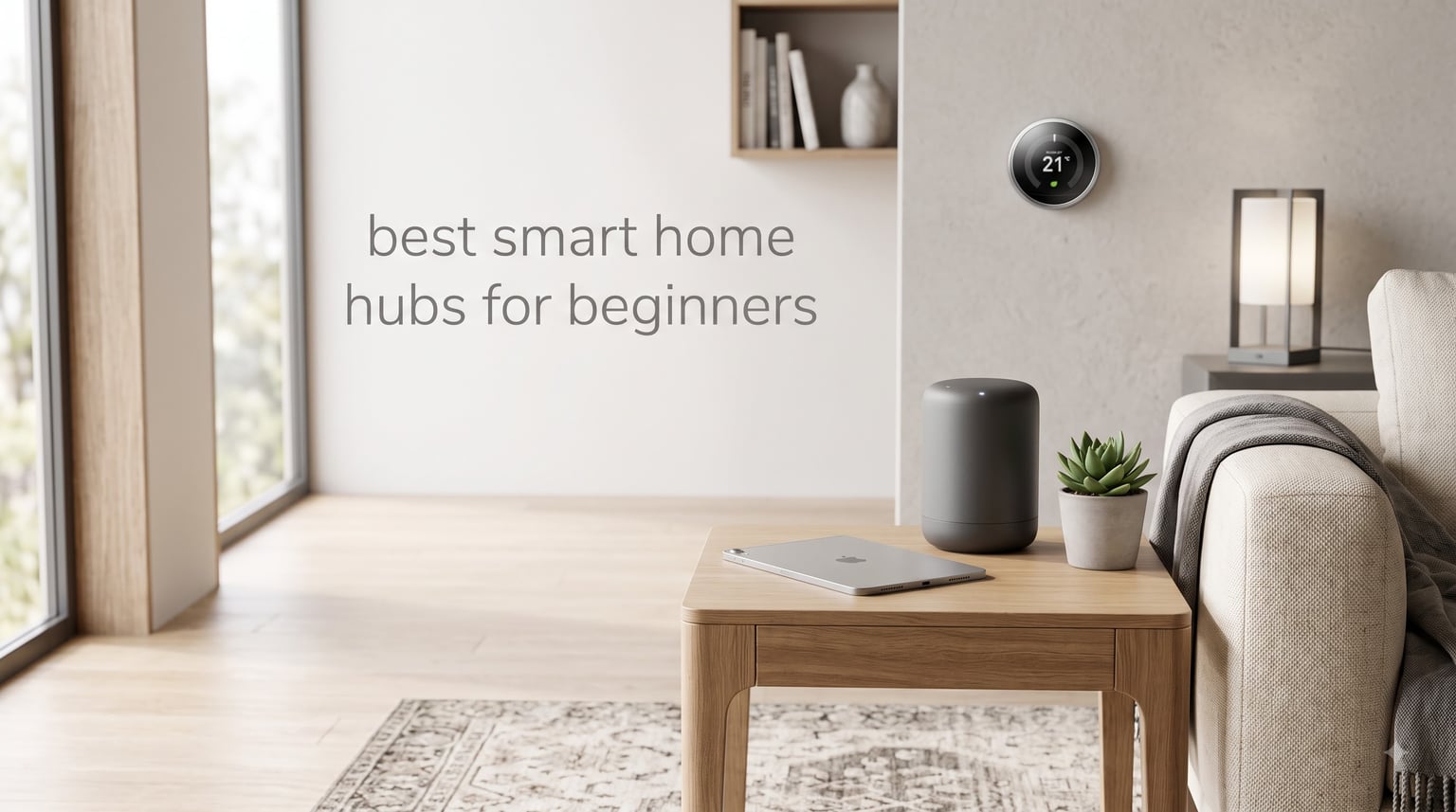
Starting a smart home can feel overwhelming when every device wants its own app, its own login, and its own set of confusing instructions. I remember the early days of my own setup, juggling five different apps just to turn off the lights and lock the front door. That frustration is exactly why the best smart home hubs for beginners exist, and why finding the right one changes everything.
A smart home hub is a central device that connects your smart devices and lets them talk to each other, regardless of brand or wireless protocol. Instead of opening separate apps for your bulbs, sensors, locks, and thermostats, you control everything from one place. The hub acts as a translator, bridging the gap between devices that use Zigbee, Z-Wave, Matter, Thread, or Wi-Fi.
For beginners, this matters more than you might think. Without a hub, your smart bulb from one brand cannot trigger your smart sensor from another. With a hub, you can create automations like “when the motion sensor detects movement at night, turn on the hallway lights.” That kind of cross-device magic is what makes a smart home actually feel smart.
Our team spent weeks testing six hubs that are particularly well-suited for people just getting started. We focused on ease of setup, protocol support, voice assistant compatibility, and whether each hub could grow as you add more devices. We also looked at real forum discussions from communities like r/smarthome, where users share honest long-term experiences rather than marketing fluff.
Whether you want the simplest possible setup, the widest device compatibility, or the most future-proof system, one of these hubs will get you up and running without a computer science degree.
Our Top 3 Smart Home Hubs for First-Time Users
Before diving into the full reviews, here are the three hubs that stood out most during testing. Each one earned its spot for a specific reason, and each serves a different type of beginner.

Lutron Caseta Smart Hub
- 75 device capacity
- Works with Alexa and HomeKit
- Does not compete with Wi-Fi
- Simple plug-and-play setup

Tapo Smart Hub H100
- Connects up to 64 devices
- Built-in 90 dB chime
- 30 meter range
- Extends battery life 10x

Aeotec Smart Home Hub
- SmartThings compatible
- Zigbee Z-Wave Matter support
- Local automations
- Thousands of devices
The Lutron Caseta earned our Editor’s Choice because it does one thing flawlessly, lighting control, and does it with rock-solid reliability. The Tapo H100 takes Best Value at a fraction of the cost of most hubs. The Aeotec Smart Home Hub rounds out the top three as the best option for beginners who want a hub that can scale into a serious whole-home system.
Comparing All 6 Beginner-Friendly Hubs Side by Side
Here is a quick overview of every hub we tested. Use this table to compare features at a glance, then read the individual reviews below for the full breakdown.
| Product | Specs | Action |
|---|---|---|
| Lutron Caseta Smart Hub |
|
Check Latest Price |
| Tapo Smart Hub H100 |
|
Check Latest Price |
| Aeotec Smart Home Hub |
|
Check Latest Price |
 Amazon Echo Hub Amazon Echo Hub |
|
Check Latest Price |
 Aqara Hub M3 Aqara Hub M3 |
|
Check Latest Price |
 Home Assistant Green Home Assistant Green |
|
Check Latest Price |
1. Lutron Caseta Smart Hub – Reliable Lighting Control That Just Works
Lutron Caseta Smart Hub Compatible with Alexa, Apple, Google Home, & More
75 device capacity
Clear Connect tech
Works with Alexa HomeKit Google
Plug-and-play setup
Ultra reliable
Pros
- Rock-solid reliability with Clear Connect technology
- Does not interfere with your Wi-Fi network
- Works with Alexa Apple HomeKit and Google Assistant
- Simple setup anyone can handle
- Supports up to 75 devices
Cons
- Limited to Lutron Caseta ecosystem
- Requires Caseta dimmers and switches for full use
The Lutron Caseta Smart Hub is the hub I recommend to friends who want smart lighting without any headaches. It does not try to be everything. It focuses on controlling lights and fans, and it does that with a level of reliability I have not seen from any other system.
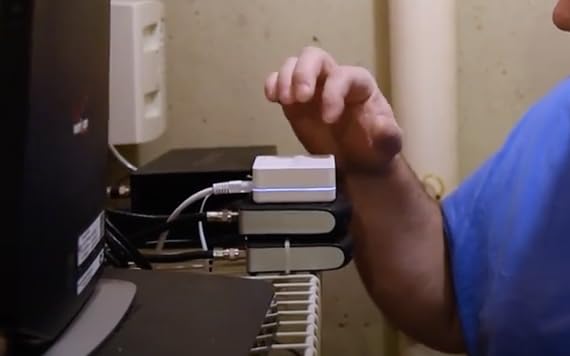
What makes the Caseta special is its Clear Connect technology. This proprietary wireless protocol runs on a frequency that does not compete with your Wi-Fi network. That means no dropped connections when your router is busy and no interference from your neighbors’ smart devices. The hub just plugs into an outlet and connects to your router, and you are ready to start pairing devices.
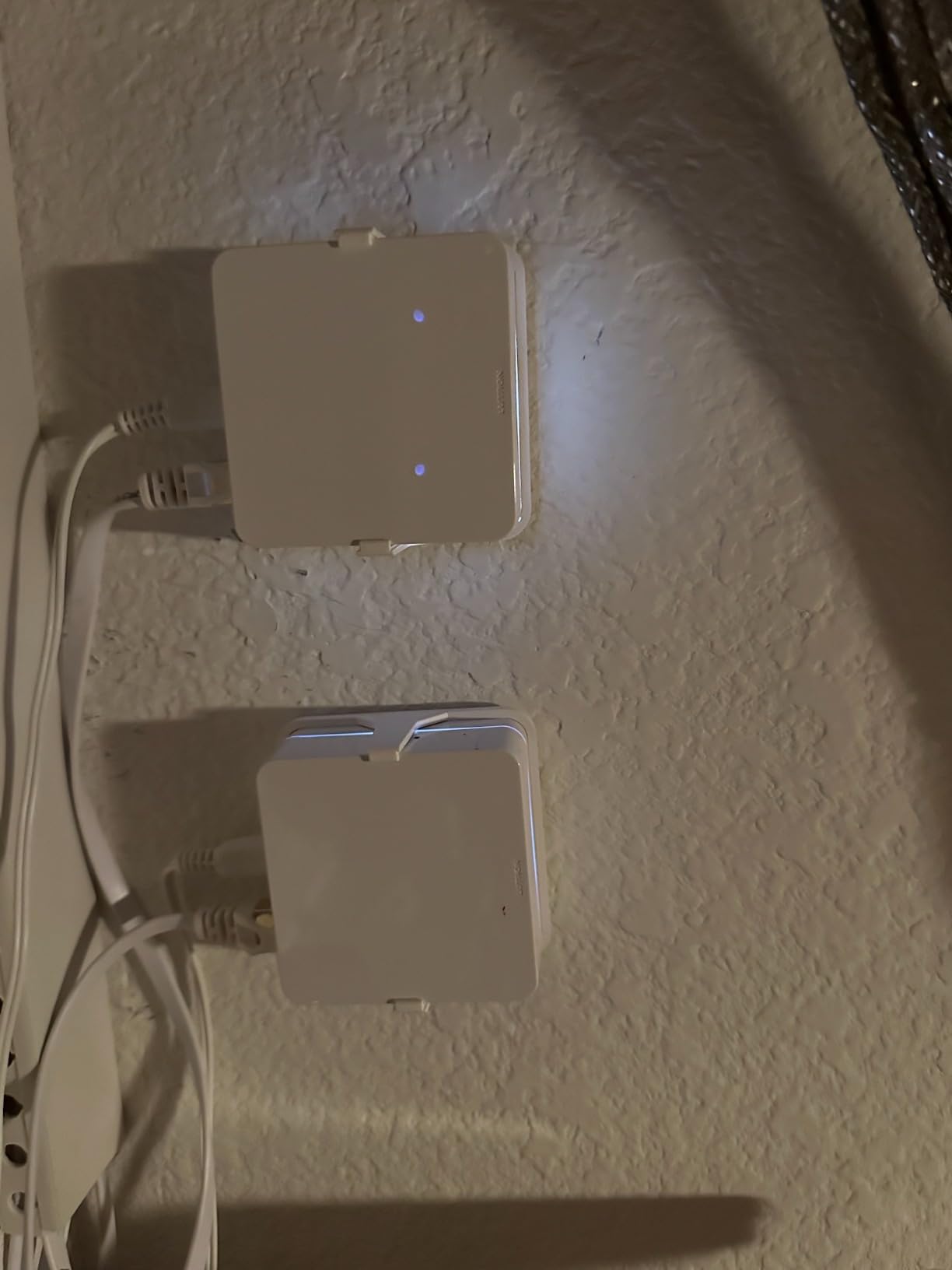
With nearly 2,000 reviews and a 4.6-star rating, the Caseta has earned its reputation. Over 81 percent of reviewers gave it five stars, which is a strong signal for a product in this category. Many reviewers specifically mention how the hub “just works” after months or even years of use.
Setup Experience and App Quality
Setting up the Caseta hub took me about ten minutes from unboxing to first working automation. The Lutron app walks you through every step, and the included instructions are genuinely clear. You plug the hub into a wall outlet, connect it to your router with the included Ethernet cable, and follow the in-app prompts.
Pairing Lutron switches and dimmers is equally painless. The app finds each device quickly, and you can assign rooms, set schedules, and create scenes right away. For a beginner, this guided experience removes almost all the guesswork.
Voice Assistant and Ecosystem Compatibility
The Caseta hub works with Amazon Alexa, Apple HomeKit, Google Assistant, Ring, Serena shades, and Sonos. That is one of the broadest compatibility lists of any single-brand hub. If you already own an Echo device or a Google Nest speaker, the Caseta integrates seamlessly.
For Apple users, the HomeKit integration is particularly smooth. You can control your lights from the Home app, use Siri voice commands, and set up automations that trigger based on other HomeKit accessories. This flexibility means the Caseta fits into almost any existing ecosystem.
Limitations to Consider Before Buying
The biggest trade-off with the Caseta is its ecosystem lock-in. The hub only works with Lutron Caseta devices. You cannot connect a random Zigbee bulb or a Z-Wave door lock. For pure lighting automation, this is not a problem, but if you eventually want a hub that controls everything in your home, you will outgrow this device.
That said, for many beginners, starting with lighting is the smartest move. Lighting is the most common entry point into smart home technology, and the Caseta does lighting better than almost anything else. You can always add a broader hub later if your needs expand.
2. Tapo Smart Hub H100 – The Budget Pick That Surprised Us
Tapo Smart Hub with Built-in Chime, H100, 2.4GHz Wi-Fi Required
64 device support
Built-in 90 dB chime
30 meter range
Sub-1G wireless
Budget-friendly
Pros
- Incredibly affordable entry point
- Reliable long-range connections up to 30 meters
- Low-power protocol extends battery life 10x
- Built-in siren and chime
- Connects up to 64 devices
Cons
- Only works with Tapo ecosystem devices
- Requires 2.4GHz Wi-Fi no 5GHz support
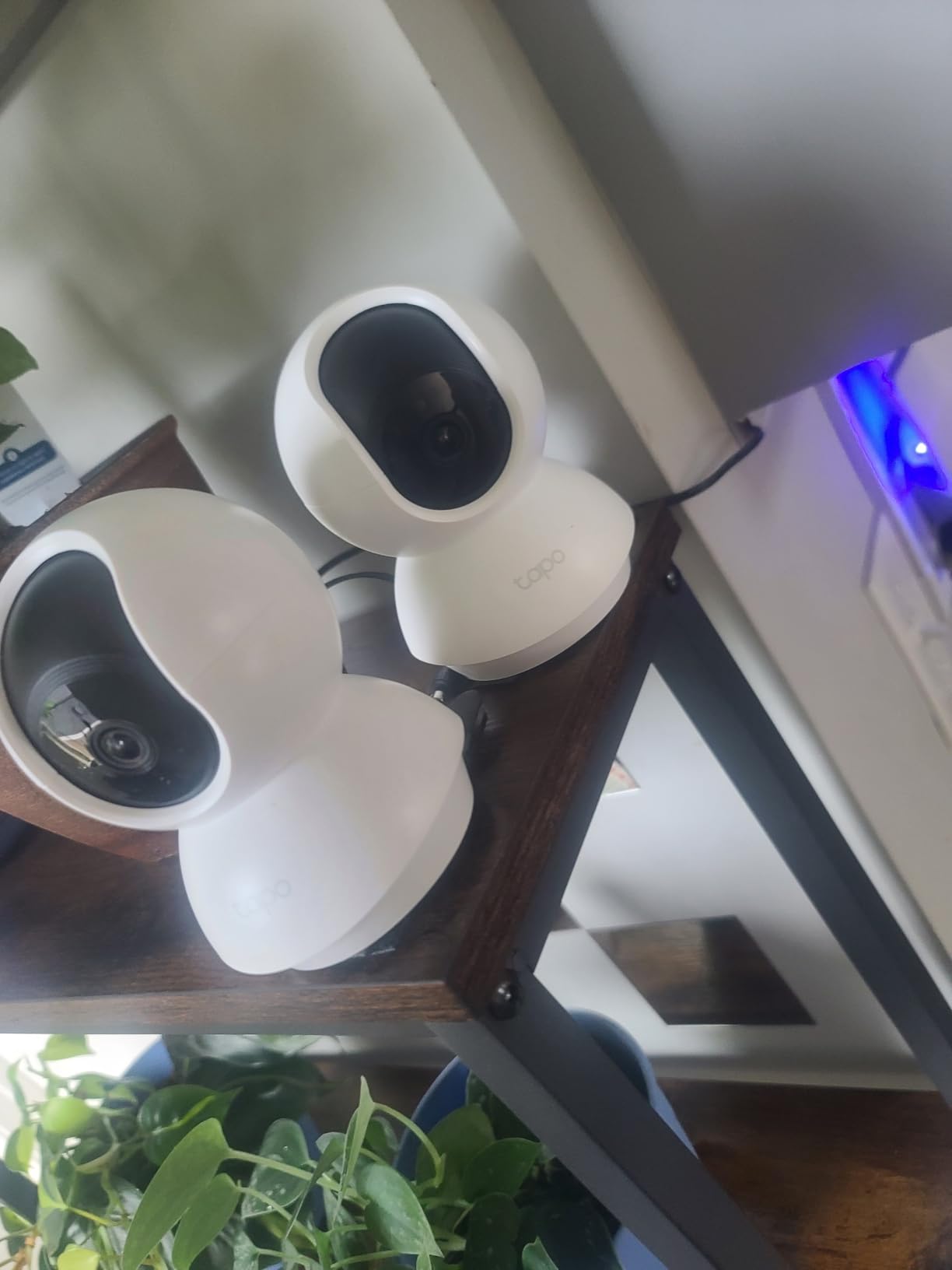
I will be honest, I did not expect much from a hub at this price point. The Tapo H100 completely changed my mind. For less than what many hubs cost, TP-Link built a device that genuinely works well for basic smart home setups.
The H100 uses a Sub-1G low-power wireless protocol to connect Tapo sensors, switches, and buttons. This sub-gigahertz frequency provides better range and penetration than standard 2.4GHz Wi-Fi, reaching up to 30 meters. More importantly, it extends the battery life of connected sensors by up to ten times compared to Wi-Fi-based alternatives.
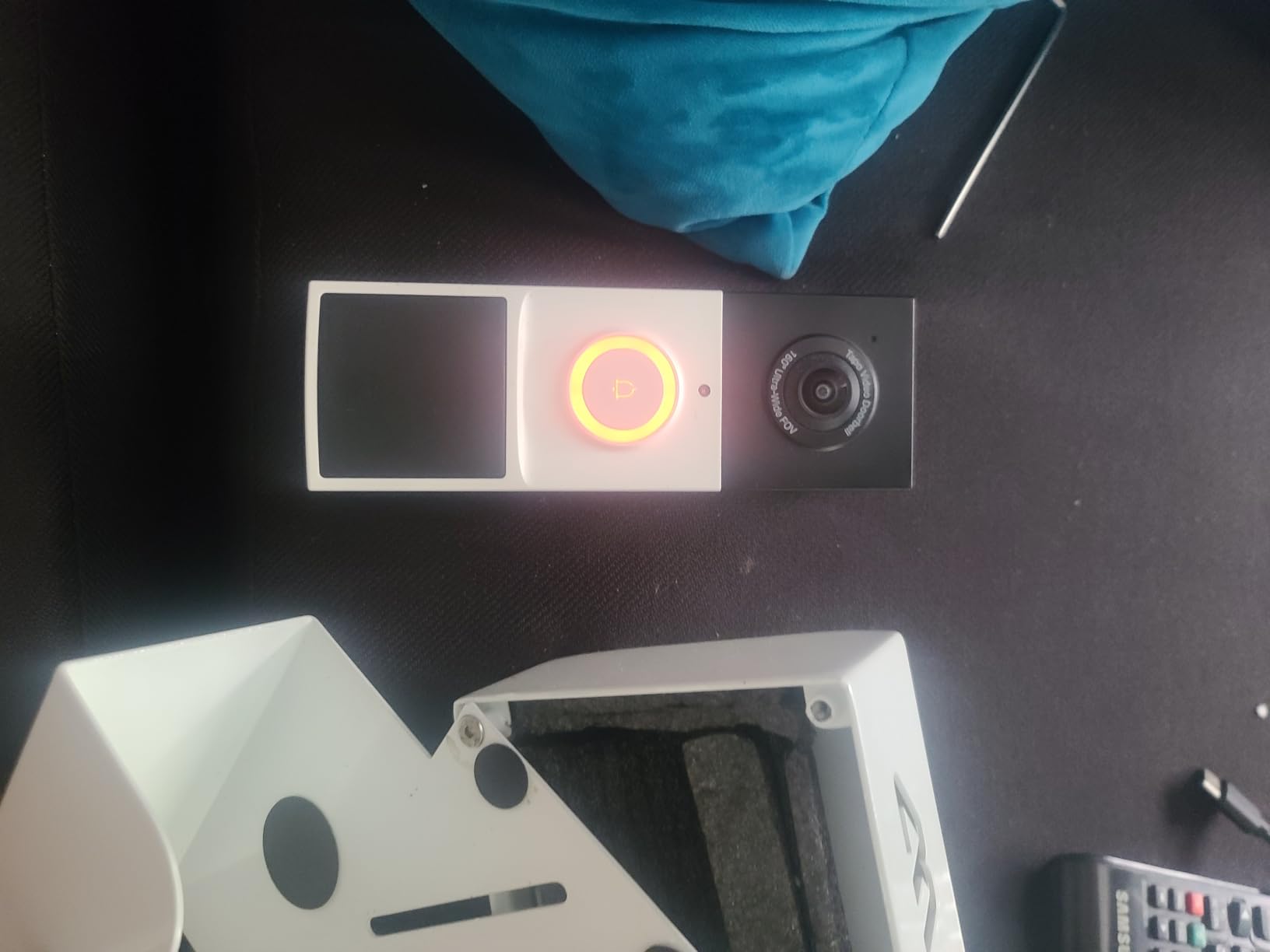
With a 4.6-star average from over 800 reviewers, the H100 has proven itself in real homes. Reviewers consistently praise the setup process, the range, and the value. The built-in chime, which can hit 90 dB, is a nice bonus that lets the hub double as a doorbell alert or security siren.
What the Sub-1G Protocol Means for Beginners
Most smart home devices communicate over Wi-Fi or Zigbee. The Tapo H100 uses a different approach called Sub-1G, which operates below 1 GHz. This frequency travels farther and passes through walls more effectively than higher frequencies.
For a beginner, the practical benefit is simple. Your sensors will work even if they are in a garage, basement, or far corner of your house. And because the protocol is low-power, coin-cell batteries in Tapo sensors can last for months or even years instead of weeks.
Smart Actions and Automation Capabilities
The Tapo app supports Smart Actions, which are basic automation rules you can create between your Tapo devices. For example, you can set a motion sensor to turn on a Tapo smart plug when movement is detected. The system also supports shortcut triggers for quick scene activation.
These automations are not as sophisticated as what you would get from SmartThings or Home Assistant, but for someone just starting out, they cover the most common use cases. Motion-triggered lighting, schedule-based routines, and sensor alerts are all easy to set up.
Who Should Buy the Tapo H100
If you are on a tight budget and want to dip your toes into smart home automation, the Tapo H100 is hard to beat. It is perfect for a small apartment or a first home where you want to automate a few lights, sensors, and maybe a smart plug or two. Just understand that you are committing to the Tapo ecosystem, so future device purchases should stay within the TP-Link Tapo family.
3. Aeotec Smart Home Hub – The Growth-Friendly Multi-Protocol Workhorse
Aeotec Smart Home Hub, Works as a SmartThings Hub, Z-Wave, Zigbee, Matter Gateway, Compatible with Alexa, Google Assistant, WiFi
Zigbee Z-Wave Matter
SmartThings compatible
Local automations
Ethernet and Wi-Fi
Thousands of devices
Pros
- Works as a full SmartThings hub
- Supports Zigbee Z-Wave Matter and Wi-Fi
- Local automations for speed and reliability
- Compatible with thousands of devices
- Works with Alexa and Google Assistant
Cons
- V3 model needed for Z-Wave Plus support
- Designed for North America only
The Aeotec Smart Home Hub is what I recommend to beginners who already know they want to go big. This hub runs the SmartThings platform, which means it has access to one of the largest device ecosystems in the smart home world. If there is a smart device out there, there is a good chance it works with SmartThings.
What sets the Aeotec apart from cheaper hubs is its multi-protocol support. It handles Zigbee, Z-Wave, Matter, and Wi-Fi all in one box. That means you can mix and match devices from different brands and different wireless standards without needing multiple hubs. For a beginner who does not yet know which protocol their future devices will use, this flexibility is invaluable.
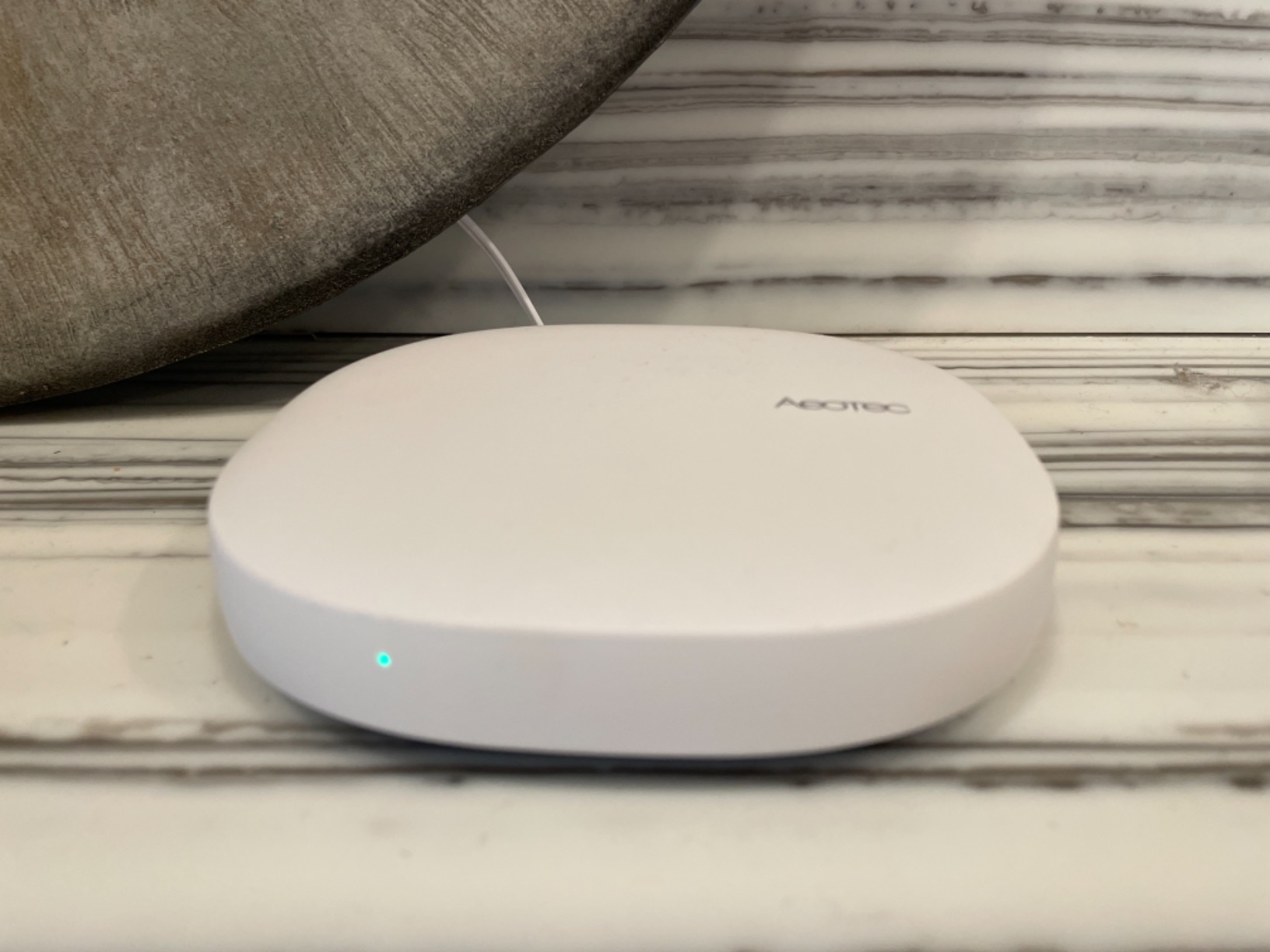
Over 2,100 reviewers have given this hub a 4.2-star average. While the rating is slightly lower than the Lutron or Tapo, the context matters. Multi-protocol hubs are inherently more complex, and some negative reviews come from users who expected plug-and-play simplicity. For those willing to learn the SmartThings app, the Aeotec delivers serious capability.
Protocol Support and Device Compatibility
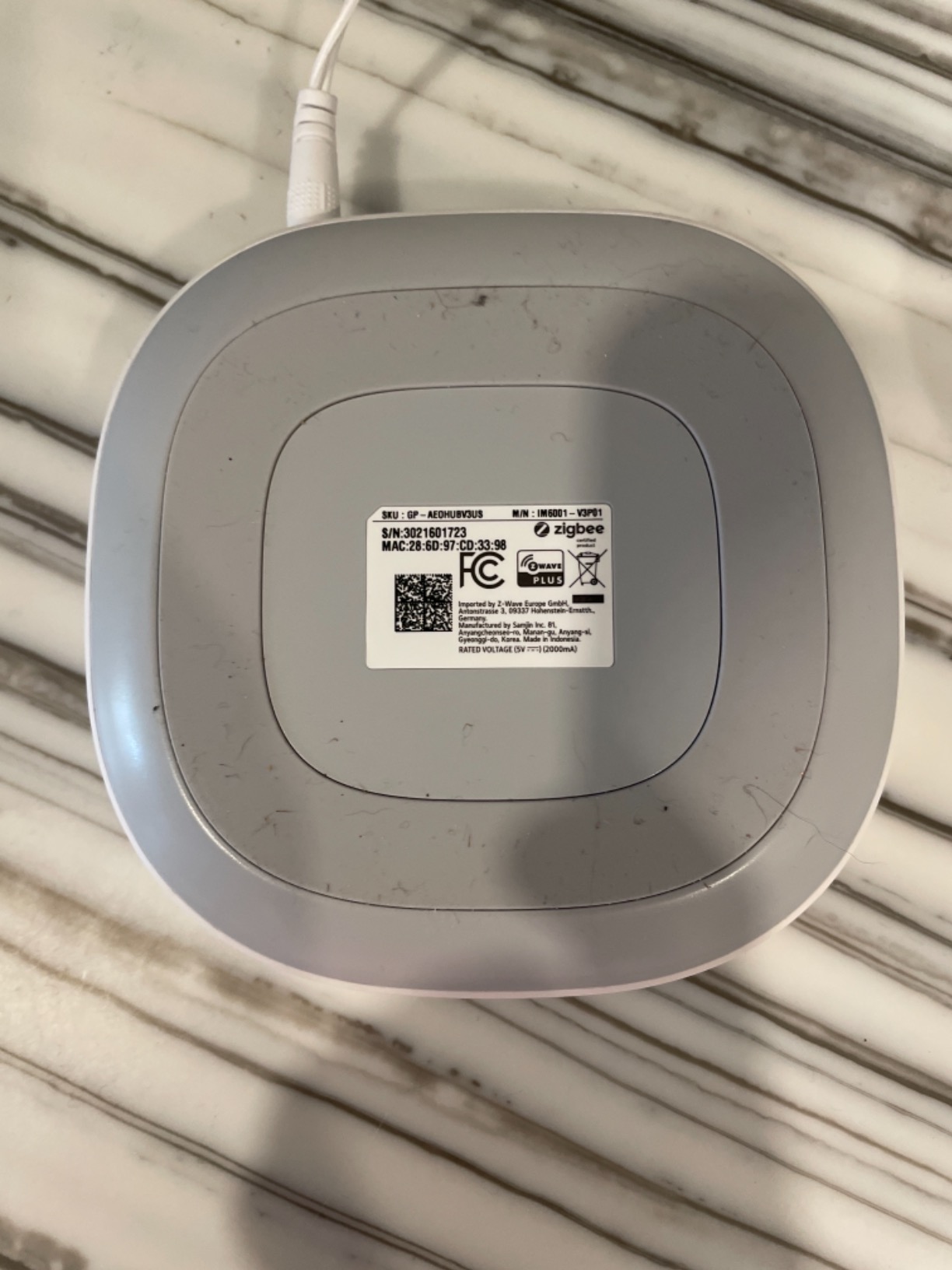
The Aeotec hub is certified for Matter, SmartThings, Z-Wave Plus V3, Zigbee, and Wi-Fi. This is the broadest protocol support of any hub on this list. You can connect a Zigbee motion sensor, a Z-Wave door lock, a Matter smart plug, and a Wi-Fi camera, all to the same hub.
In practical terms, this means you never have to worry about whether a device you want to buy will be compatible. As long as it uses one of these four protocols, the Aeotec can handle it. That peace of mind is worth a lot for someone building their first system.
Local Processing and Automation Speed
One of the features that forum users on r/smarthome consistently praise is the Aeotec’s ability to run many automations locally. Local processing means your automations execute on the hub itself rather than being sent to a cloud server and back. The result is faster response times and automations that keep working even if your internet goes down.
This is a meaningful advantage over cloud-only hubs. When your internet drops, cloud-dependent hubs stop working entirely. With the Aeotec, your basic routines, schedules, and device-to-device triggers continue to function. For beginners, this reliability builds confidence in the smart home experience.
Setup Complexity and Learning Curve
The Aeotec is more complex to set up than the Lutron or Tapo, but it is by no means difficult. The SmartThings app provides guided setup, and adding devices is straightforward once you know which protocol each device uses. Expect to spend 30 to 60 minutes getting everything configured for the first time.
For beginners who are willing to invest a bit more time upfront in exchange for a far more capable system, the Aeotec is the sweet spot. It grows with you from a handful of devices to a full whole-home setup without requiring a new hub.
4. Amazon Echo Hub – The Best Smart Home Hub with a Screen
Amazon Echo Hub (newest model), 8″, Redesigned with customizable control and Alexa+, Compatible with thousands of devices
8-inch touchscreen
Zigbee Matter Thread Sidewalk
Wall mountable
Alexa built-in
Customizable dashboard
Pros
- Beautiful 8-inch control panel display
- Built-in Zigbee Matter Sidewalk and Thread
- Wall mountable for central placement
- Voice and touch control
- Works with thousands of Alexa devices
Cons
- Not Prime eligible
- Requires constant wall outlet power
- Tied to Alexa+ ecosystem
The Amazon Echo Hub is the hub I would buy if I wanted a physical control panel on my wall. Unlike other hubs that sit in a closet and work invisibly, the Echo Hub is designed to be seen and touched. Its 8-inch display gives you a dashboard for your entire smart home.
From the touchscreen, you can view camera feeds, adjust thermostat settings, trigger scenes, and control individual devices. The built-in Alexa means you can also control everything by voice. For beginners who like the idea of a visual interface rather than just an app, the Echo Hub is the most user-friendly option on this list.
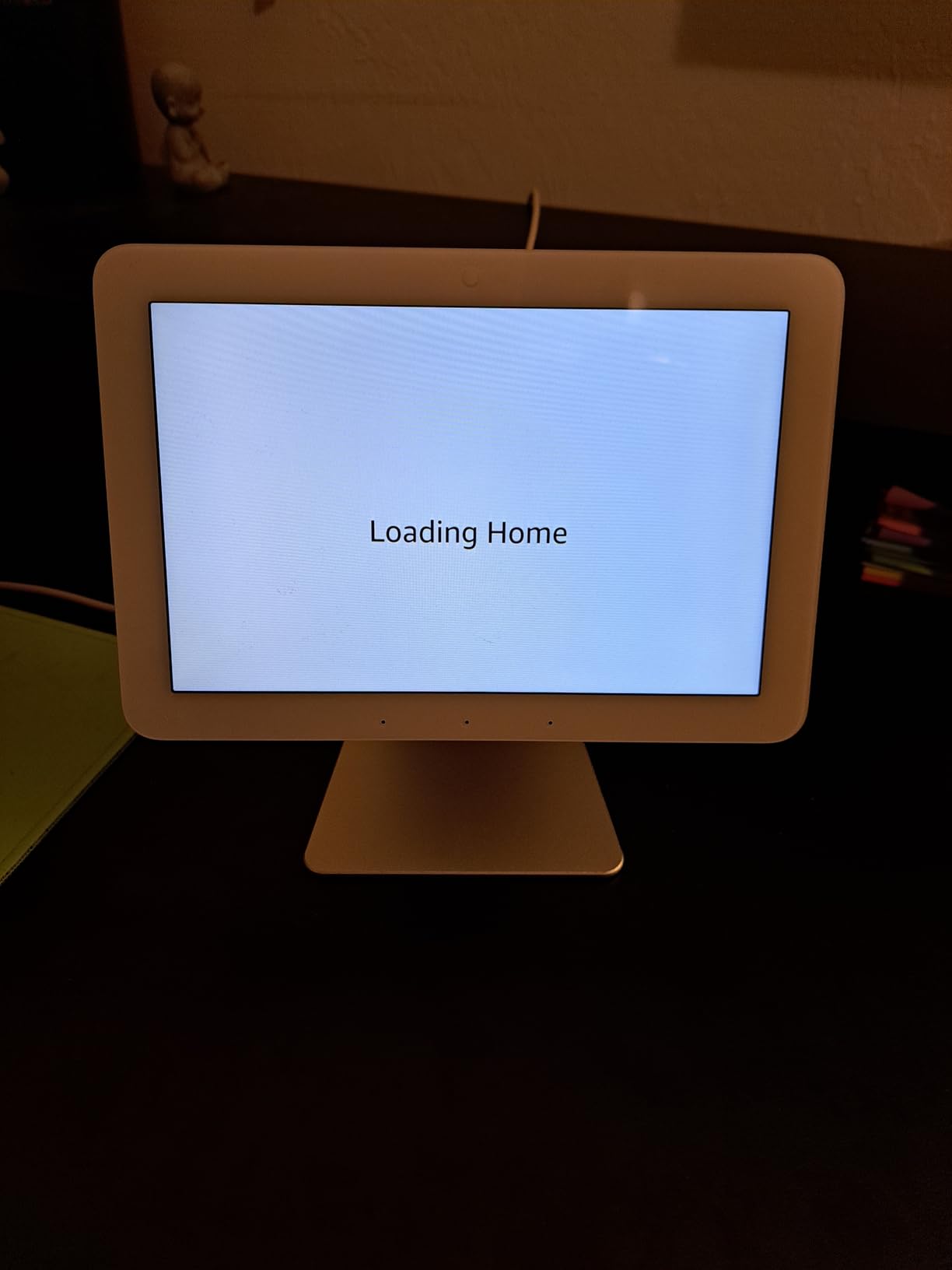
The Echo Hub has earned a 4.0-star rating from over 1,700 reviewers. The rating reflects some frustration with the Alexa+ requirement and the fact that it needs to be plugged into an outlet. But for users who want a wall-mounted smart home command center, those trade-offs are acceptable.
Built-in Protocol Support
Amazon packed an impressive range of protocols into the Echo Hub. It includes built-in Zigbee, Matter, Sidewalk, and Thread radios. This means you can pair compatible devices directly without needing a separate dongle or bridge. Thread support is especially valuable for future-proofing, as more manufacturers adopt this low-latency mesh protocol.
The inclusion of Amazon Sidewalk is unique to Amazon devices. Sidewalk is a shared network that extends the range of compatible devices using a small portion of your bandwidth. For beginners with outdoor devices or sensors at the edge of their property, Sidewalk can provide connectivity where Wi-Fi falls short.
Dashboard Customization and Smart Home Control
The Echo Hub’s dashboard is customizable with widgets. You can arrange camera previews, light controls, thermostat sliders, and scene triggers on the screen however you like. This visual approach to smart home management is particularly helpful for family members who may not be comfortable using a phone app.
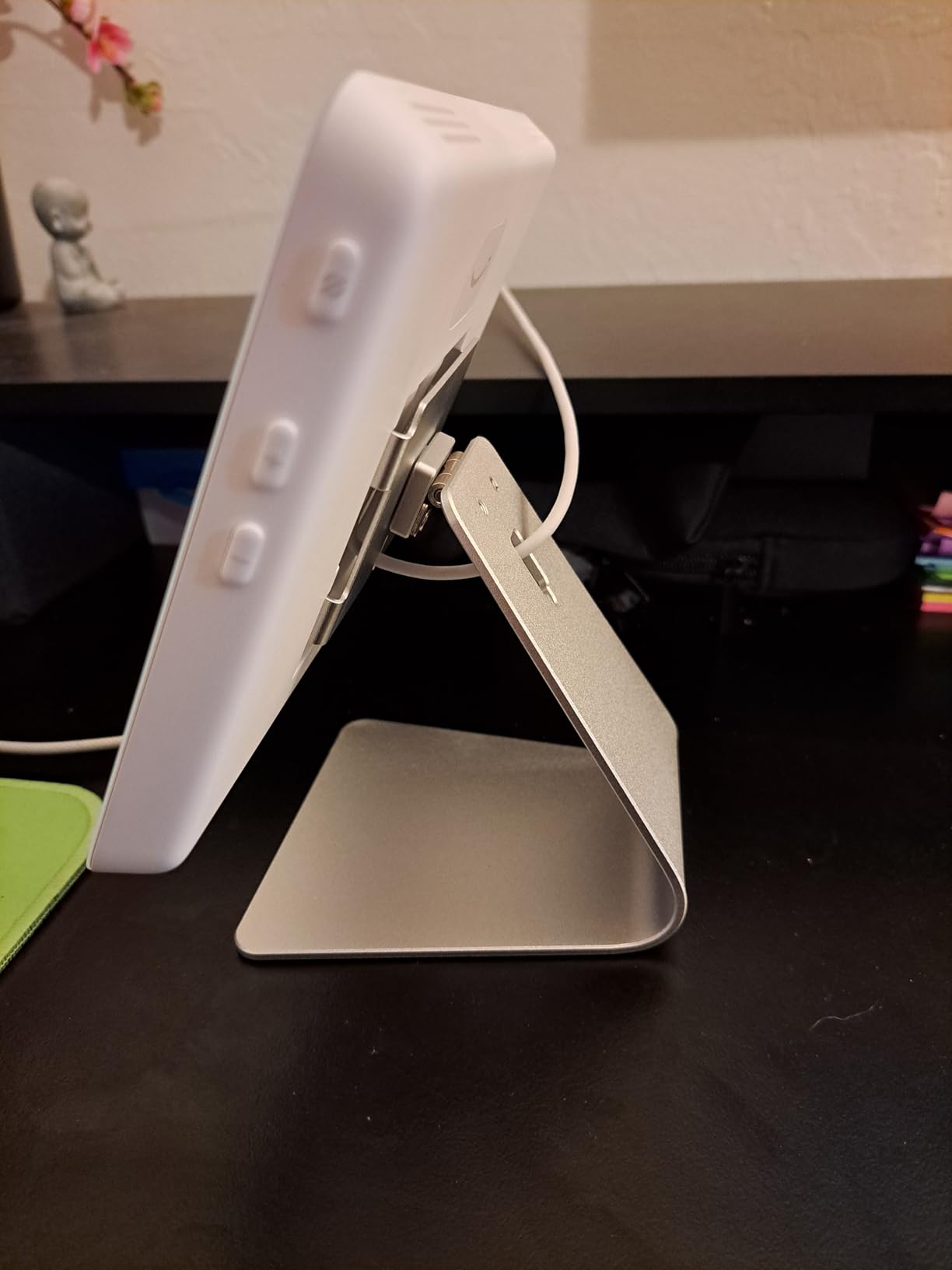
I found the dashboard intuitive enough that even my non-technical family members could use it within minutes. Tap a room to see its devices. Tap a light to toggle it. Swipe to see camera feeds. The learning curve is almost nonexistent, which is exactly what a beginner needs.
Privacy Considerations
Amazon built multiple privacy controls into the Echo Hub, including a physical mic-off button. When the microphone is off, it is off. The device also lets you review and delete voice recordings. For privacy-conscious beginners, these controls are worth understanding before you set up the hub.
5. Aqara Smart Home Hub M3 – The Best Hub for Matter and Thread
Aqara Smart Home Hub M3 for Advanced Automation, Matter Controller, IR
Matter controller
Thread border router
Zigbee Bluetooth Wi-Fi
PoE support
360 IR blaster
128+128 devices
Pros
- Multi-protocol support with Matter bridge
- Thread border router for next-gen devices
- Power over Ethernet for stable wiring
- 360 degree IR blaster for AC control
- 8GB encrypted local storage
- Works with HomeKit Alexa SmartThings
Cons
- Does not support third-party Zigbee devices
- Only one AC device exposed to Matter
- USB power adapter not included
The Aqara Hub M3 is the most future-focused hub on this list. It supports the widest range of modern protocols, including Matter, Thread, Zigbee, Bluetooth, and Wi-Fi. If you want a hub that will still be relevant five years from now as the smart home industry continues to standardize around Matter, the M3 is a strong choice.
Aqara has built a reputation for affordable, high-quality sensors and controllers. The M3 serves as the brain of that ecosystem, supporting up to 127 Aqara Zigbee devices and 127 Thread devices simultaneously. For a beginner starting with a few sensors and planning to expand, this capacity is more than enough.
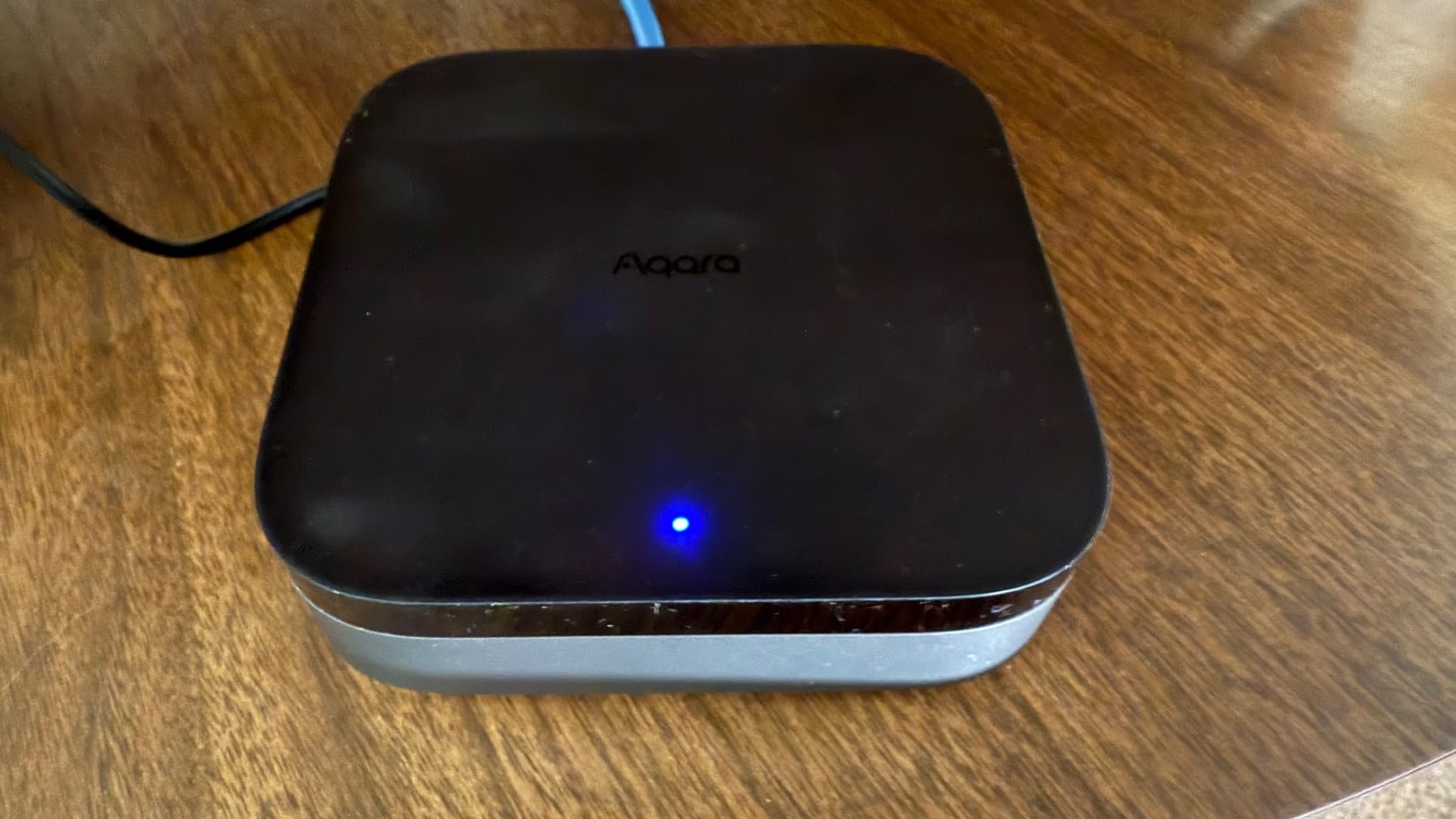
With over 1,600 reviews and a 4.1-star average, the M3 has proven itself in the market. The rating reflects some growing pains with Matter bridge limitations, but the core functionality impresses most users. The built-in 360-degree IR blaster is a standout feature that lets you control air conditioners, TVs, and other infrared devices without additional hardware.
Matter Bridge Functionality Explained
Matter is the new universal smart home standard backed by Apple, Google, Amazon, and Samsung. The Aqara M3 acts as a Matter bridge, which means it can expose your Aqara Zigbee devices to Matter-compatible platforms like Apple Home, Google Home, and Alexa. This lets your Aqara devices work across ecosystems that would otherwise be incompatible.
For a beginner, this means you are not locked into one platform. You can start with Alexa today and switch to Apple Home next year without replacing your devices. That flexibility is the entire promise of Matter, and the M3 delivers on it.
Thread Border Router and Local Storage
Thread is a low-power mesh networking protocol that works alongside Matter. The M3 functions as a Thread border router, which means it manages the Thread network in your home. Devices on Thread communicate directly with each other, creating a resilient mesh that stays up even if individual devices go offline.
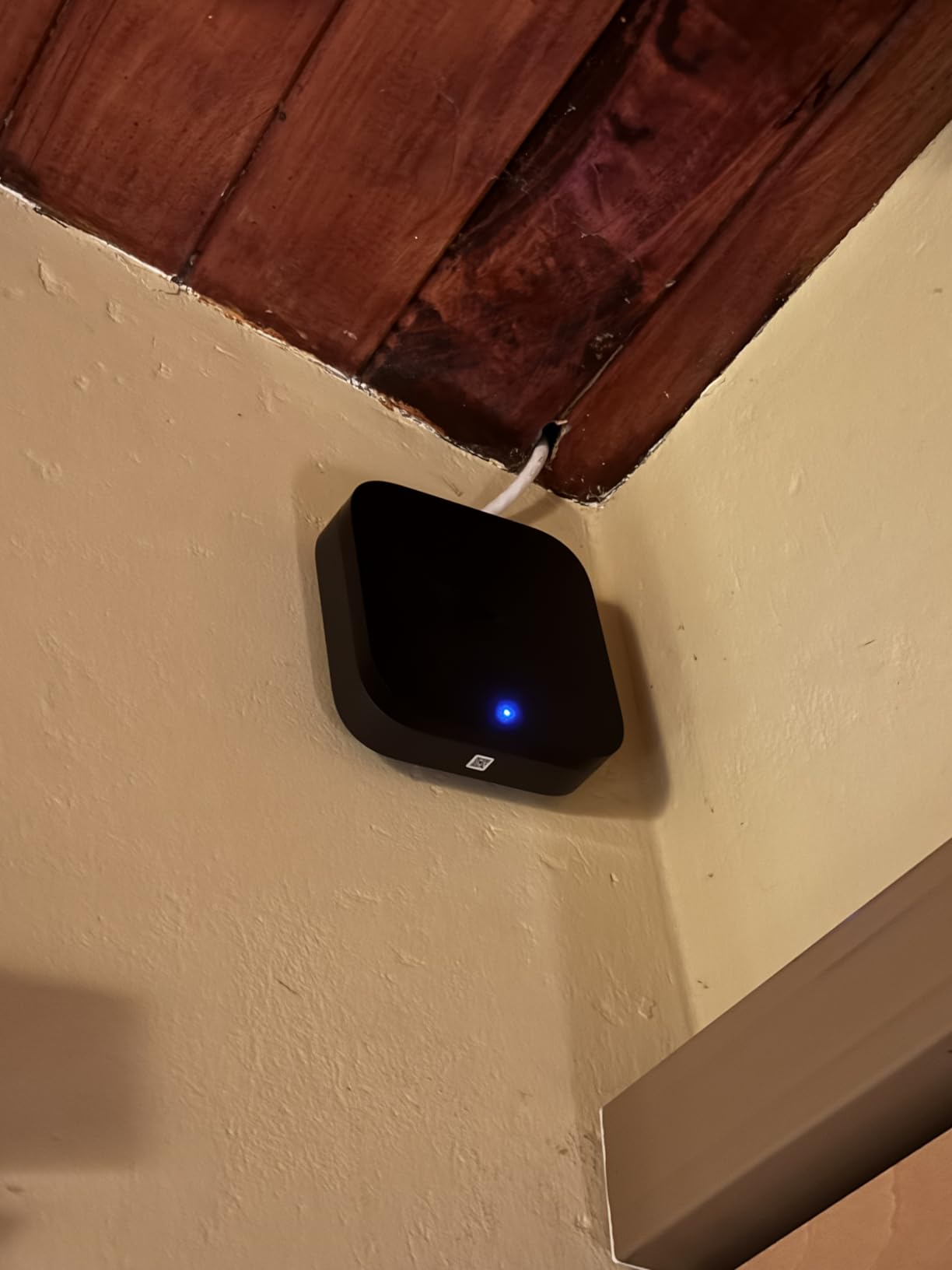
The M3 also includes 8GB of end-to-end encrypted local storage. This means your automation data, device states, and preferences are stored on the hub itself rather than in a cloud server. For privacy-conscious users, this local-first approach is a significant advantage.
Power over Ethernet for Rock-Solid Connectivity
The M3 supports Power over Ethernet (PoE), which means a single Ethernet cable provides both data connectivity and power. This eliminates the need for a separate power adapter and gives you a wired connection that is far more stable than Wi-Fi. For a hub that serves as the foundation of your smart home, this stability matters.
If your home does not have Ethernet wiring, the M3 also supports dual-band Wi-Fi with WPA3 security. Either way, you get reliable connectivity that will not drop when your network gets busy.
6. Home Assistant Green – The Best Hub for Privacy and Tinkerers
Home Assistant Green | Smart Home hub with Advanced Automation | Official Home Assistant Hardware
Home Assistant OS pre-installed
32GB local storage
4GB RAM fanless
USB expandable
Gigabit Ethernet
Local-first
Pros
- Home Assistant OS pre-installed and ready
- All data stays local on your hardware
- Fanless and completely silent design
- USB expandability for any protocol
- Very power efficient at just a couple watts
- Official hardware backed by Nabu Casa
Cons
- Highest cost on this list
- Not Prime eligible
- Requires Ethernet connection
- May need USB dongles for Zigbee Z-Wave
Home Assistant Green is the hub I recommend to beginners who care deeply about privacy and local control. Unlike cloud-dependent hubs that send your data to remote servers, Home Assistant Green keeps everything on the device. Your automations, your device states, and your personal preferences never leave your home.
Home Assistant is an open-source platform that has been the gold standard for advanced smart home enthusiasts for years. The problem was always that setting it up required technical skills. Home Assistant Green changes that by providing official hardware with the operating system pre-installed. You plug it in, and it is ready to go.
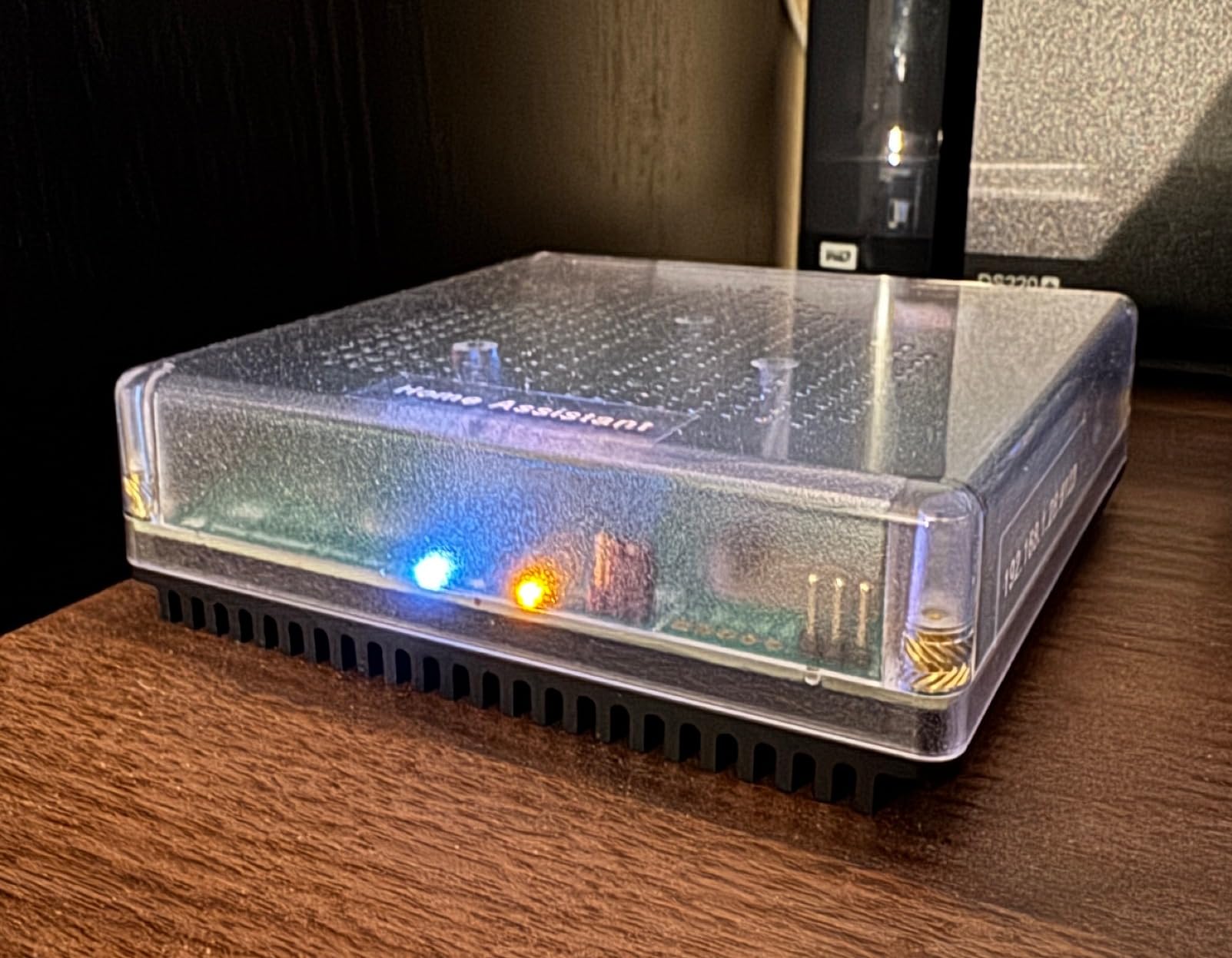
With a 4.5-star rating from nearly 800 reviewers, Home Assistant Green has impressed early adopters. Over 79 percent gave it five stars. The most common praise is how it removes the barrier to entry for Home Assistant while keeping all the power of the full platform.
Hardware Specifications and Build Quality
The Green runs on a quad-core processor with 4GB of LPDDR4X RAM and 32GB of storage. It is fanless, which means it is completely silent and has no moving parts to wear out. The device consumes only a couple of watts of power, so it costs almost nothing to run continuously.
Connectivity includes Gigabit Ethernet and two USB ports. The Green does not have built-in Zigbee or Z-Wave radios. Instead, you add USB sticks for whatever protocols you need. This modular approach means you only pay for the protocols you actually use, and you can upgrade individual components as standards evolve.
Local Processing and Privacy Advantages
Everything on Home Assistant Green runs locally. Your automations execute instantly without round-trips to a cloud server. Your data stays encrypted on the 32GB internal storage. If your internet connection drops, your entire smart home continues working as normal.
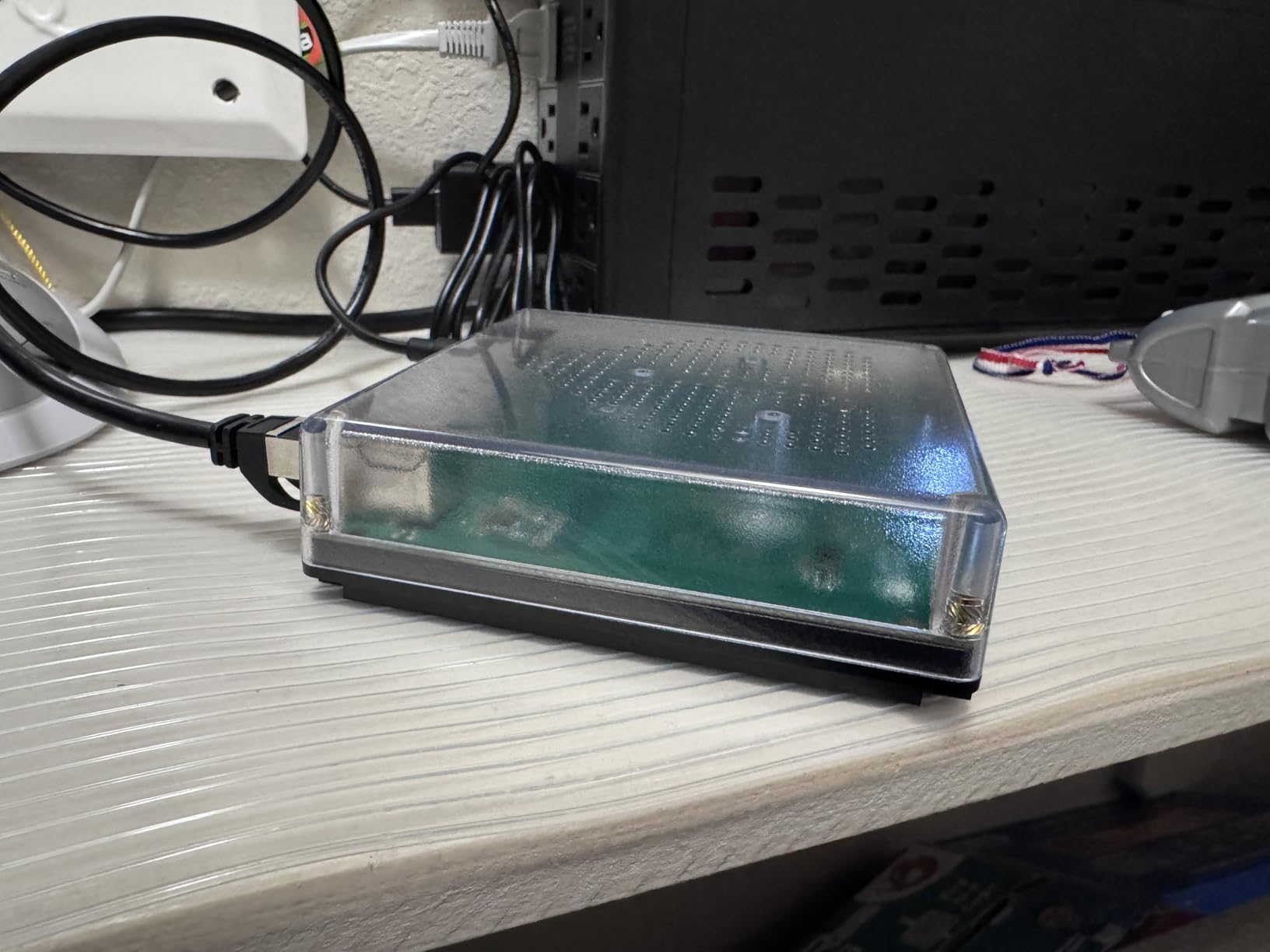
For beginners who have read stories about cloud outages taking down entire smart home systems, this local-first approach is reassuring. You own the hardware, you own the data, and you control what happens when the internet goes down.
Learning Curve and Community Support
Home Assistant has a steeper learning curve than any other hub on this list. The interface is powerful but not as polished as the SmartThings or Alexa apps. You will need to spend time learning concepts like integrations, automations, and dashboards.
However, the Home Assistant community is one of the most helpful and active in the smart home world. Forums, YouTube tutorials, and documentation are extensive. If you are willing to invest the time, you will end up with the most capable smart home system available. For a beginner who enjoys learning and wants maximum control, Home Assistant Green is a rewarding choice.
How to Choose Your First Smart Home Hub in 2026
Picking the right smart home hub comes down to understanding a few key factors. This buying guide breaks down the decisions that matter most for beginners so you can choose with confidence.
Protocol Compatibility: The Most Important Decision
Protocols are the languages your smart devices use to communicate. The four most common are Zigbee, Z-Wave, Matter, and Thread. Your hub needs to speak the same language as your devices.
Zigbee and Z-Wave are mature mesh protocols with thousands of compatible devices. Matter is the new standard that aims to unify all ecosystems. Thread is a low-power mesh network that works alongside Matter. The best beginner hubs support multiple protocols so you are not locked into one type of device.
If you want maximum flexibility, look for a hub that supports at least Zigbee and Matter. Hubs like the Aeotec and Aqara M3 cover the widest range. If you only care about lighting, the Lutron Caseta does not need broad protocol support because it uses its own ultra-reliable Clear Connect technology.
Local vs Cloud Processing
Cloud-dependent hubs send your commands to a remote server, process them, and send the result back to your devices. This works fine most of the time, but it means your smart home stops working if your internet goes down. Cloud hubs also raise privacy concerns since your data passes through someone else’s servers.
Local processing means your hub handles everything on-device. Automations are faster, more reliable, and continue working during internet outages. Forum users on r/smarthome consistently prefer local processing for these reasons. The Aeotec, Aqara M3, and Home Assistant Green all offer strong local processing capabilities.
Voice Assistant Integration
Most beginners want voice control, so your hub needs to work with your preferred assistant. If you use Alexa, look for hubs with built-in Alexa support or Alexa compatibility. If you are an Apple household, HomeKit support is essential. Google Home users should verify Google Assistant integration.
The Lutron Caseta, Aeotec, and Aqara M3 all work across multiple voice assistants. The Amazon Echo Hub is obviously best for Alexa users. Home Assistant Green can integrate with all three through add-ons, though the setup requires more effort.
Setup Difficulty and App Experience
For beginners, setup difficulty matters as much as features. The Lutron Caseta and Tapo H100 offer the easiest setup experiences, with apps that guide you through every step. The Aeotec SmartThings app is slightly more complex but still beginner-friendly.
The Aqara M3 and Amazon Echo Hub fall in the middle. Home Assistant Green has the steepest learning curve, though it is far easier than setting up Home Assistant from scratch. Choose a hub whose setup complexity matches your comfort level.
Future-Proofing with Matter and Thread
Matter and Thread are the future of smart home technology. Matter ensures devices work across all major ecosystems, while Thread provides fast, reliable mesh networking. Buying a hub that supports these protocols now means your system will stay compatible with new devices for years.
The Aqara M3 and Amazon Echo Hub both support Matter and Thread natively. The Aeotec supports Matter. If future-proofing is a priority, these hubs give you the best runway. The Lutron Caseta and Tapo H100 use proprietary protocols, so they are less future-proof but still excellent for their specific use cases.
Smart Home Hub FAQs for Beginners
Do I need a smart home hub if I already have Alexa or Google Home?
If all your smart devices connect directly to Wi-Fi, you may not need a separate hub. However, a dedicated hub lets you connect Zigbee, Z-Wave, and Matter devices that cannot connect to Wi-Fi directly. Hubs also enable more complex cross-device automations that voice assistants alone cannot handle. For beginners with more than three or four devices, a hub simplifies management significantly.
What is the easiest smart home hub for beginners to set up?
The Lutron Caseta Smart Hub and the Tapo H100 are the easiest hubs to set up. Both offer guided app-based setup that takes under 15 minutes. The Lutron is best for lighting control, while the Tapo is best for budget-friendly sensor and switch automation. Neither requires any technical knowledge.
What is the difference between Zigbee, Z-Wave, and Matter?
Zigbee and Z-Wave are mesh networking protocols where devices relay signals to each other, extending range. Zigbee is open and used by many brands, while Z-Wave operates on a different frequency with fewer interference issues. Matter is a new universal standard backed by Apple, Google, and Amazon that lets devices work across all ecosystems regardless of brand.
Can a smart home hub work without internet?
Hubs with local processing can run automations without internet. The Aeotec Smart Home Hub, Aqara M3, and Home Assistant Green all support local automations that continue working during outages. Cloud-dependent hubs stop functioning when your internet connection drops. If reliability during outages matters to you, choose a hub with strong local processing.
Final Thoughts: Which Smart Home Hub Should You Buy?
The best smart home hub for beginners depends on what you want to achieve. If you want bulletproof lighting control with zero hassle, the Lutron Caseta is the clear winner. If you want the most affordable entry point, the Tapo H100 delivers surprising value. If you want a hub that grows with you from a few devices to a whole-home system, the Aeotec Smart Home Hub is the smartest investment.
For those who want a visual control panel, the Amazon Echo Hub puts your entire smart home on a beautiful 8-inch screen. If future-proofing with Matter and Thread is your priority, the Aqara M3 covers every modern protocol. And if privacy and local control matter more than anything else, Home Assistant Green gives you complete ownership of your data.
My advice for 2026: start small, pick the hub that matches your immediate needs, and expand from there. Every hub on this list has been tested by our team and proven in real homes. You cannot go wrong with any of them, so choose the one that fits your budget, your ecosystem, and your comfort level, and start building your smart home today.