
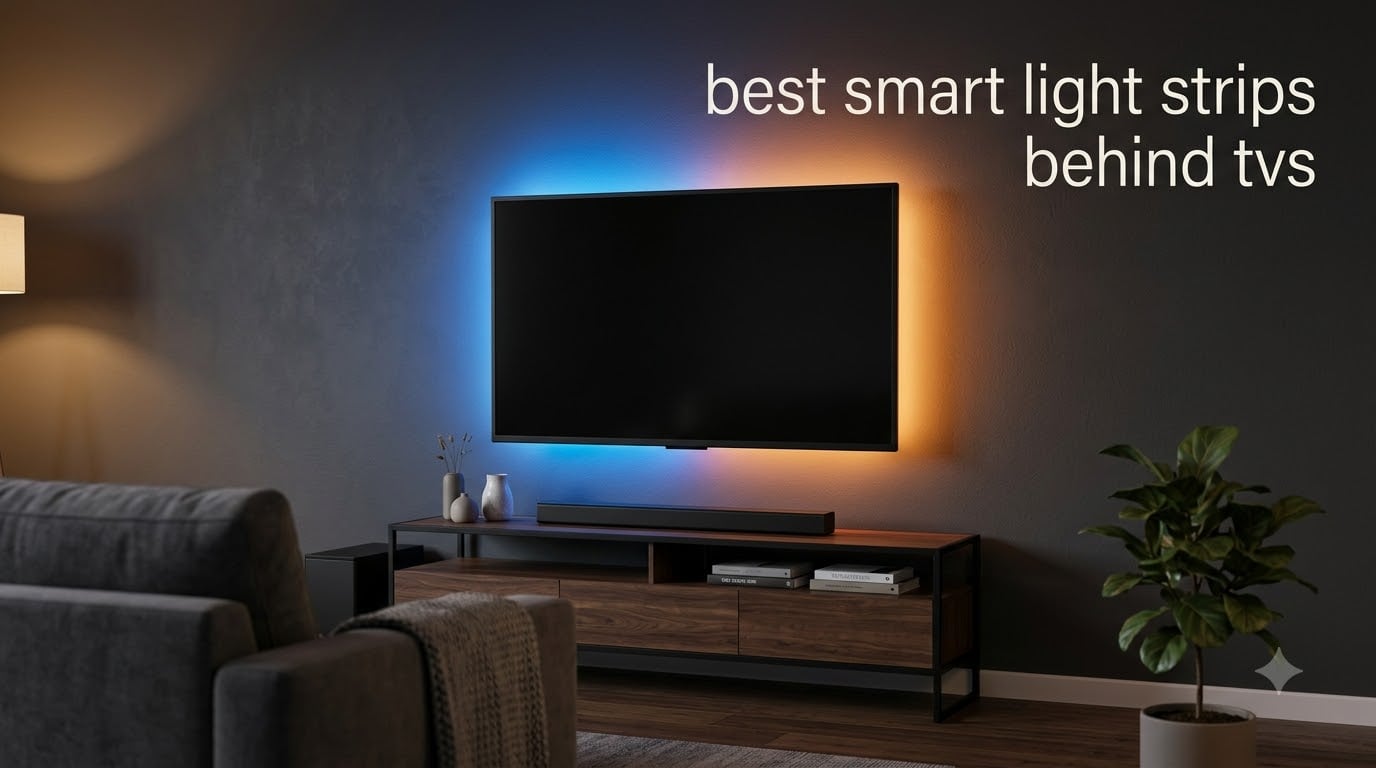
After testing TV backlights across different room setups and screen sizes, I found that the best smart light strips behind TVs transform your viewing experience in ways photos can’t capture. Bias lighting, the soft glow behind your television, reduces eye strain during late-night movie binges and makes colors pop with surprising intensity. Our team spent weeks comparing eight leading smart TV backlights, from budget-friendly USB strips to premium camera-sync systems that match your on-screen content in real-time.
The challenge isn’t finding an LED strip for your TV; it’s matching the right technology to your setup. Some backlights offer seamless smart home integration while others prioritize plug-and-play simplicity. Camera-based systems deliver immersive color sync but cost three times more than basic RGB strips. I’ll break down exactly which features matter for different viewing habits and room configurations.
Whether you’re building a home theater, reducing eye strain for daily TV watching, or adding ambient gaming lighting, this guide covers the best smart light strips behind TVs in 2026. I tested installation difficulty, app reliability, color accuracy, and long-term adhesive performance to help you choose confidently.
Our Top 3 Tested Smart TV Backlights for 2026



These three backlights represent the best options for different priorities. The Govee Smart Light Bar earned Editor’s Choice for its Matter compatibility and tunable white light. The Govee TV LED Backlight delivers RGBIC colors and voice control at an outstanding value. The KANTUTOE strip provides impressive 16-million-color lighting for under nine dollars.
Comparing the 8 Best Smart TV Backlights in 2026
| Product | Specs | Action |
|---|---|---|
| Govee Smart Light Bar |
|
Check Latest Price |
| Govee TV LED Backlight |
|
Check Latest Price |
 Govee TV Backlight 3 Lite Govee TV Backlight 3 Lite |
|
Check Latest Price |
 Govee TV LED Backlight 2 Govee TV LED Backlight 2 |
|
Check Latest Price |
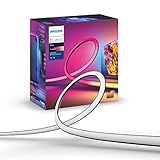 Philips Hue Play Gradient 65 inch Philips Hue Play Gradient 65 inch |
|
Check Latest Price |
 KSIPZE LED Lights for TV KSIPZE LED Lights for TV |
|
Check Latest Price |
| KANTUTOE LED Lights for TV |
|
Check Latest Price |
This comparison shows the range of options available, from simple white bias lighting to advanced camera-sync systems. Note that TV size compatibility varies significantly between products, and some require additional hardware like the Hue Bridge for full functionality.
1. Govee Smart Light Bar – Matter-Compatible RGBICWW Bars for Gaming & Entertainment
Govee Smart Light Bar, RGBICWW TV Lights for Living Room, Gaming, Black
RGBICWW Technology
192 LED Sources
Matter-Compatible
60+ Scene Modes
Pros
- Tunable warm-to-cool white plus vivid RGB
- Matter support with no hub required
- Built-in mic for music-reactive lighting
- Versatile placement options
- 60+ scene modes via app
Cons
- Best for monitors under 45 inches
- Requires power outlet proximity
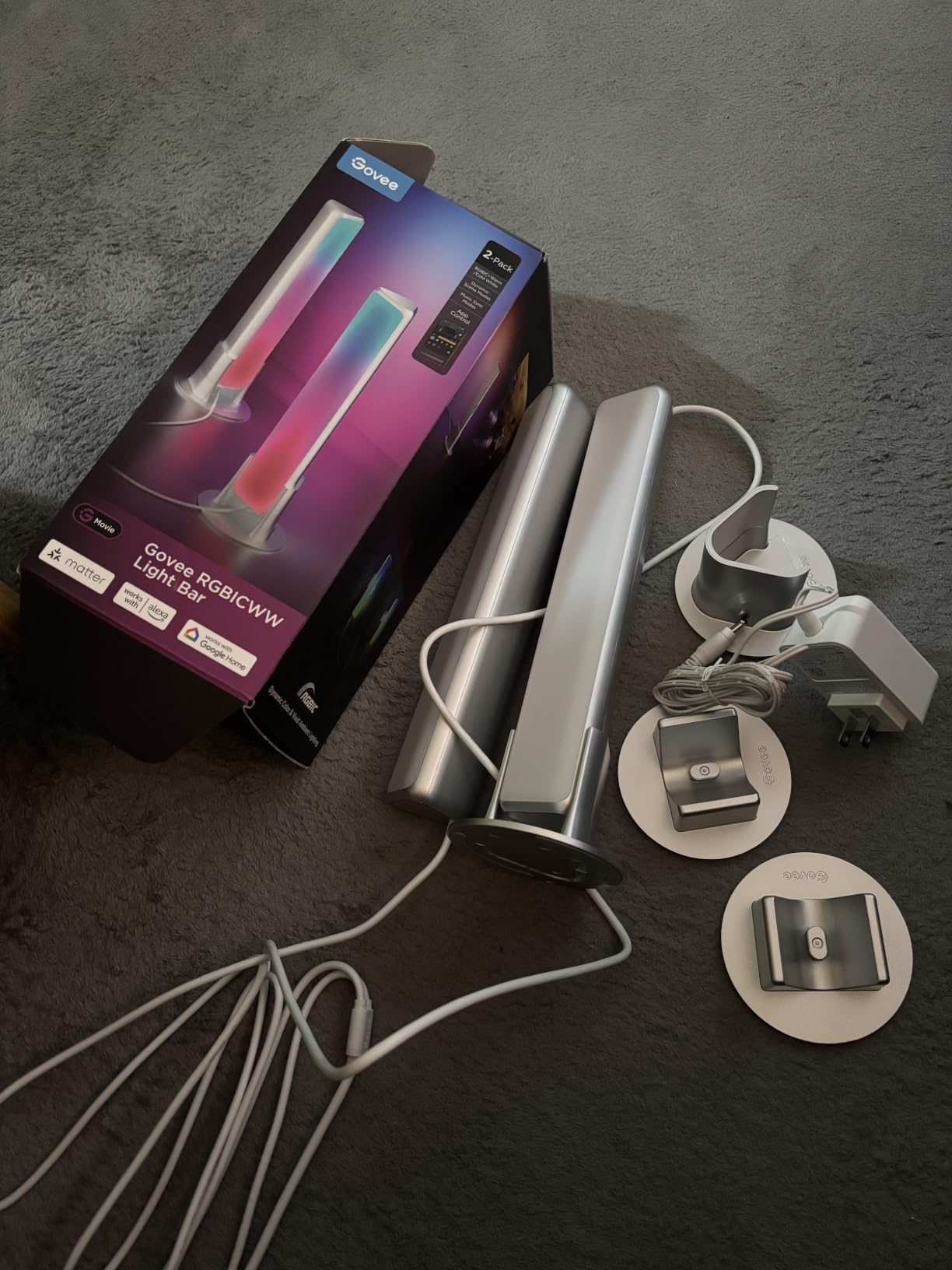
Setting up the Govee Smart Light Bar took about five minutes in my gaming corner. The two light bars offer placement flexibility that strip lights can’t match. I tested them laying flat behind my monitor, standing vertically, and mounted directly to the back. Each position created a different ambient effect, which is useful if you rearrange your setup often.
The RGBICWW technology stands out as the real innovation here. Unlike standard RGB strips that struggle to produce convincing white light, these bars deliver a tunable warm-to-cool white spectrum. I used the 2200K warm setting for movie nights and the cooler tones for daytime ambient lighting. The color accuracy impressed me across the entire range.
RGBICWW Color Technology & True White Quality
The RGBICWW designation means each LED combines red, green, blue, and independent warm and cool white chips. This creates purer white tones than RGB strips attempting to blend colors. During testing, I compared the white output to a dedicated bias light and found the Govee bars produced a clean, natural illumination without the pinkish or bluish cast common in cheaper strips.
For gaming, the segmented color display creates dynamic zones that react independently to on-screen action. The transitions feel smooth rather than jarring, adding immersion without distraction. Music sync mode uses the built-in microphone to pulse colors with audio, which works surprisingly well for rhythm games and movie soundtracks.
Matter Integration & Smart Home Compatibility
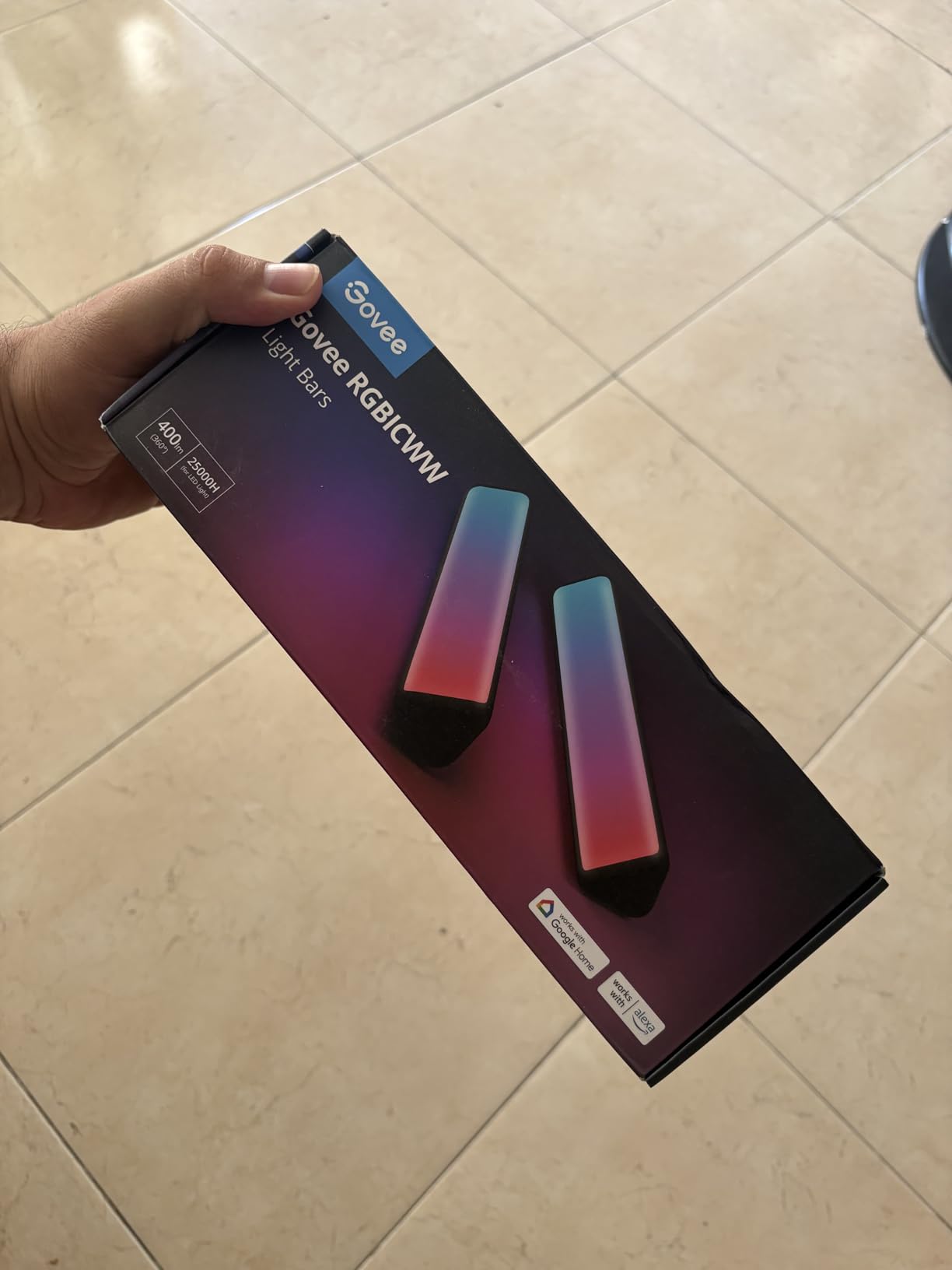
Matter support sets these light bars apart from most competitors. I connected them directly to my smart home setup without needing a proprietary hub or bridge. The setup process through the Govee Home app guided me through Matter pairing, and within minutes I had voice control working through Alexa and Google Home simultaneously.
The app offers over 60 preset scene modes plus DIY custom effects. I particularly liked the Aurora mode for evening viewing and the Focus mode for daytime computer use. Scheduling features let me automate lighting changes throughout the day, and away mode randomizes activation when I’m traveling.
Placement Flexibility & Setup Options
The 106-inch power cord provides generous reach for flexible placement. I tested the bars behind a 42-inch monitor where they created excellent coverage. However, the product recommendation suggests monitors under 45 inches, so larger TVs might not receive full edge-to-edge lighting. For my setup, the bars positioned on either side of the screen delivered the best effect.
Installation options include adhesive pads for permanent mounting or simple placement on a desk. I appreciated not having to commit to adhesive for testing purposes. The corded power requirement means you’ll need an outlet nearby, unlike USB-powered strips that draw from your TV.
2. Govee TV LED Backlight – RGBIC Bias Lighting with Voice Control
Govee TV LED Backlight, RGBIC Smart LED Strip Lights for 55-65 inch TVs
RGBIC Technology
114 LEDs
12.5ft Length
99+ Scene Modes
Pros
- RGBIC segmented color display
- App and voice control via Alexa and Google
- 99+ preset scene modes
- USB-powered turns on/off with TV
- Excellent value for features
Cons
- No auto-capture of TV colors
- 2.4GHz WiFi only
- No true warm white option
I installed the Govee TV LED Backlight on a 55-inch television in my living room, and the 12.5-foot strip covered all four sides with a few inches to spare. The RGBIC technology creates segmented color zones that display multiple colors simultaneously, unlike standard RGB strips that show one color at a time. This makes static color picks look more dynamic and engaging.
The USB-powered operation proved more convenient than I expected. When I turn on the TV, the backlight activates automatically. When I power off, the lights extinguish within seconds. No remote hunting, no app opening, just seamless integration with TV usage habits.
RGBIC Segmented Color Display
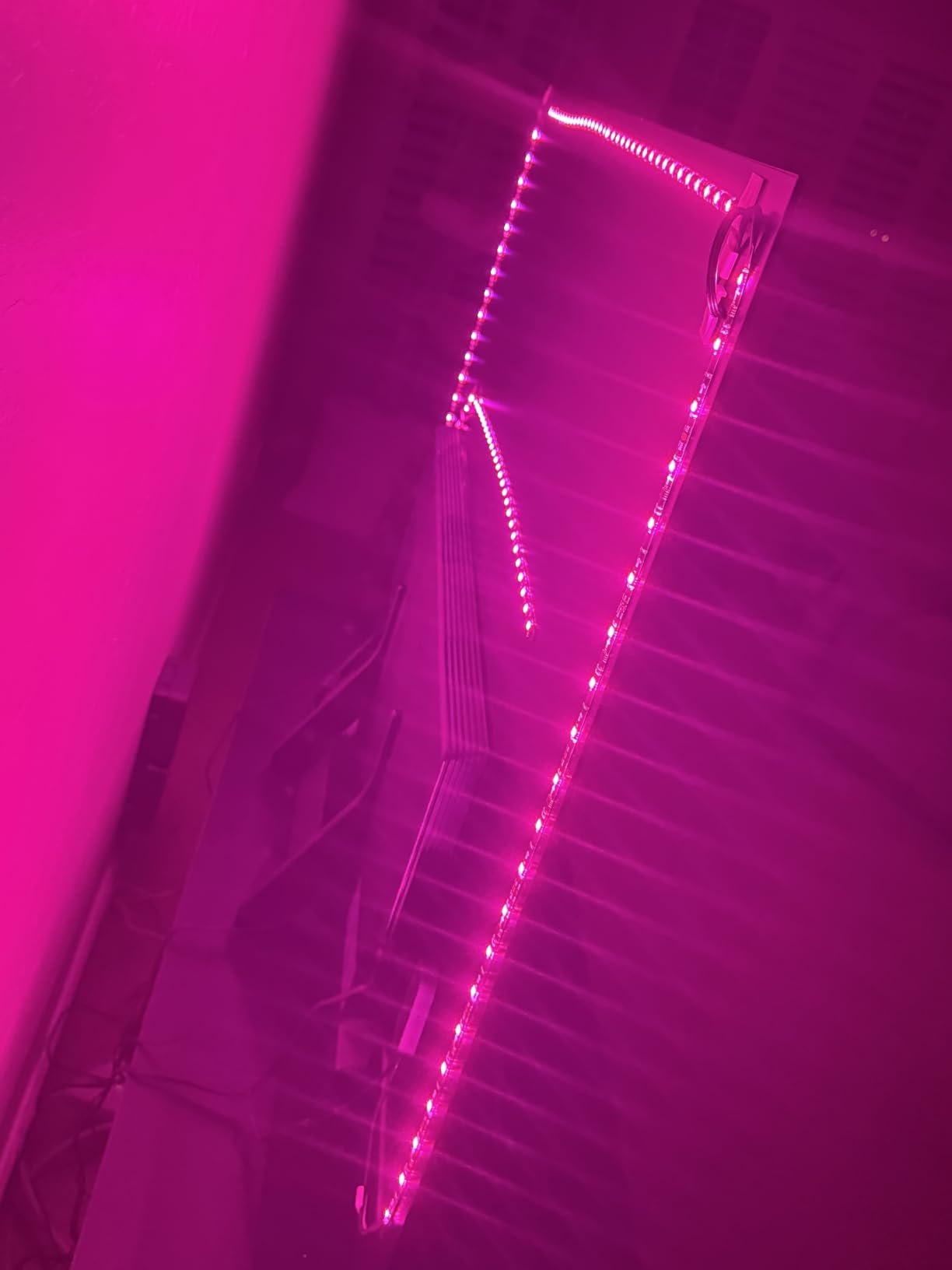
RGBIC (Red Green Blue Independent Control) allows different sections of the strip to show different colors simultaneously. During testing, I set a gradient effect transitioning from cool blue at the bottom to warm orange at the top. The effect added depth to the wall behind my TV and made the viewing area feel larger. Standard RGB strips can only display one color across the entire length.
The 114 LED beads distributed across 12.5 feet provide bright, even illumination. I found the brightness sufficient for bias lighting at about 50% setting in a dark room. At full power, the strip creates a vibrant ambient glow that works well for gaming and parties but might overwhelm movie watching.
App & Voice Control Integration
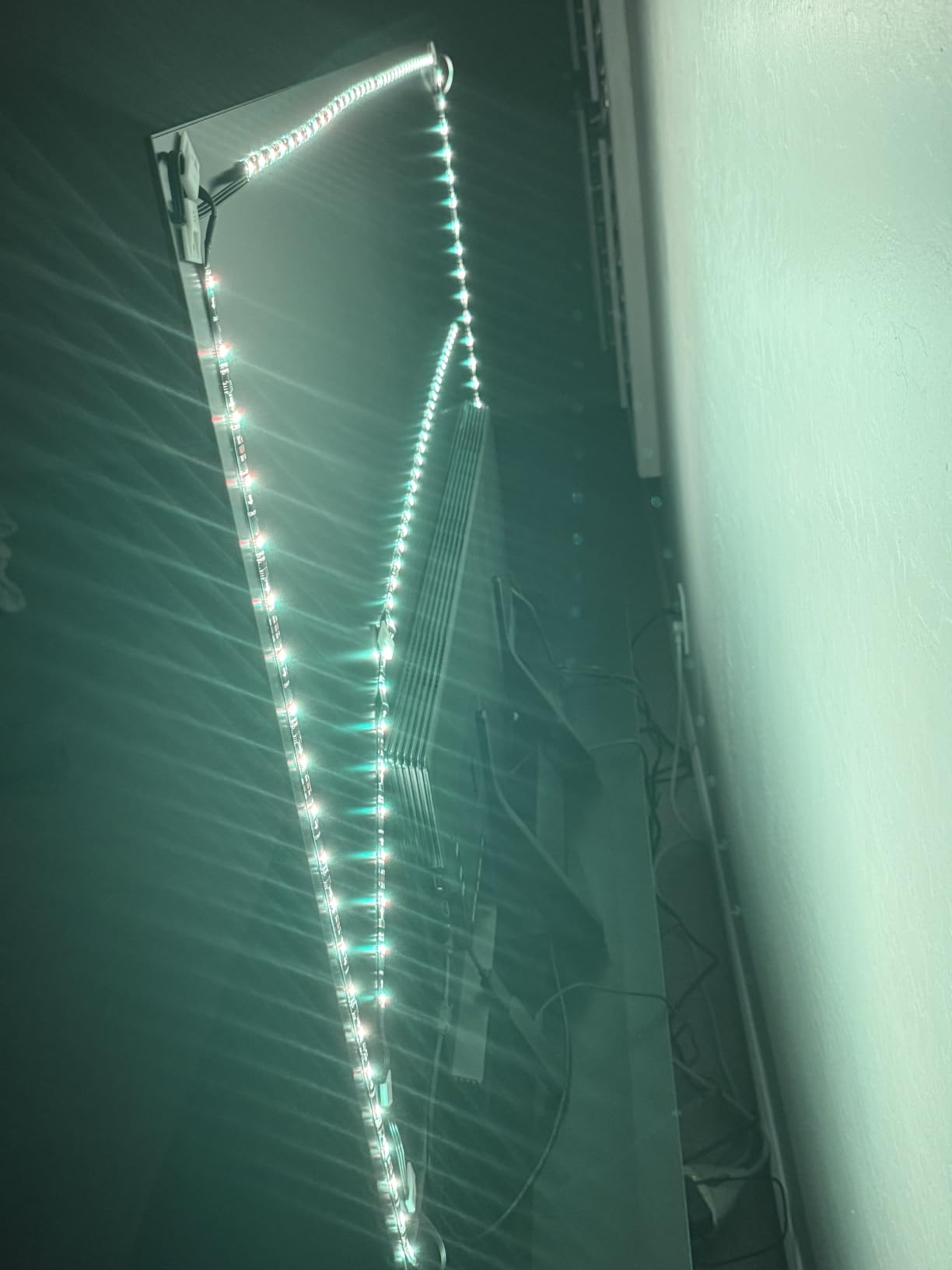
The Govee Home app offers extensive customization with over 99 preset scene modes. I tested the Movie mode, which uses muted warm colors, and the Gaming mode with reactive color shifts. Creating custom scenes through the color picker and effect designer felt intuitive. The app remembers your preferences and syncs across devices.
Voice control through Alexa and Google Assistant worked reliably in my testing. I could adjust brightness, change colors, and activate scenes without touching my phone. The 2.4GHz WiFi requirement means you need a compatible router, and I experienced occasional connection delays during peak usage times. Bluetooth connectivity provides backup control when WiFi drops.
USB-Powered Convenience
The USB connection to my TV drew power efficiently without requiring a wall outlet. This simplifies cable management significantly. However, I discovered that some TVs keep USB ports powered even when the screen is off, which means the lights stay on. My TV behaved correctly, powering down the USB when the display turned off, but this varies by manufacturer.
The adhesive backing held firmly during my three-week test period. Govee includes mounting clips for extra security on larger screens. Installation took about 15 minutes, including cleaning the TV back and positioning the strip around corners.
3. Govee TV Backlight 3 Lite – Camera-Synced Lighting for 75-85 Inch TVs
Govee TV Backlight 3 Lite, 16.4ft LED Strip Lights Sync with 75-85 Inch TVs
Camera Sync
16.4ft Length
RGBICW Technology
Fish-Eye Correction
Pros
- Accurate color sync with fish-eye correction
- DreamView ecosystem links multiple devices
- Works with 75-85 inch TVs
- Scene modes and voice control
- Home Assistant integration
Cons
- Calibration can be tedious
- Camera mount struggles on curved TVs
- USB-C protrusion prevents flush mounting
- No auto power-on with TV
The Govee TV Backlight 3 Lite represents a significant upgrade from non-camera backlights. A small camera mounts on top of your TV and captures on-screen colors in real-time, then transmits that information to the LED strip behind. I tested this system on a 75-inch screen, and the color matching achieved impressive accuracy after calibration.
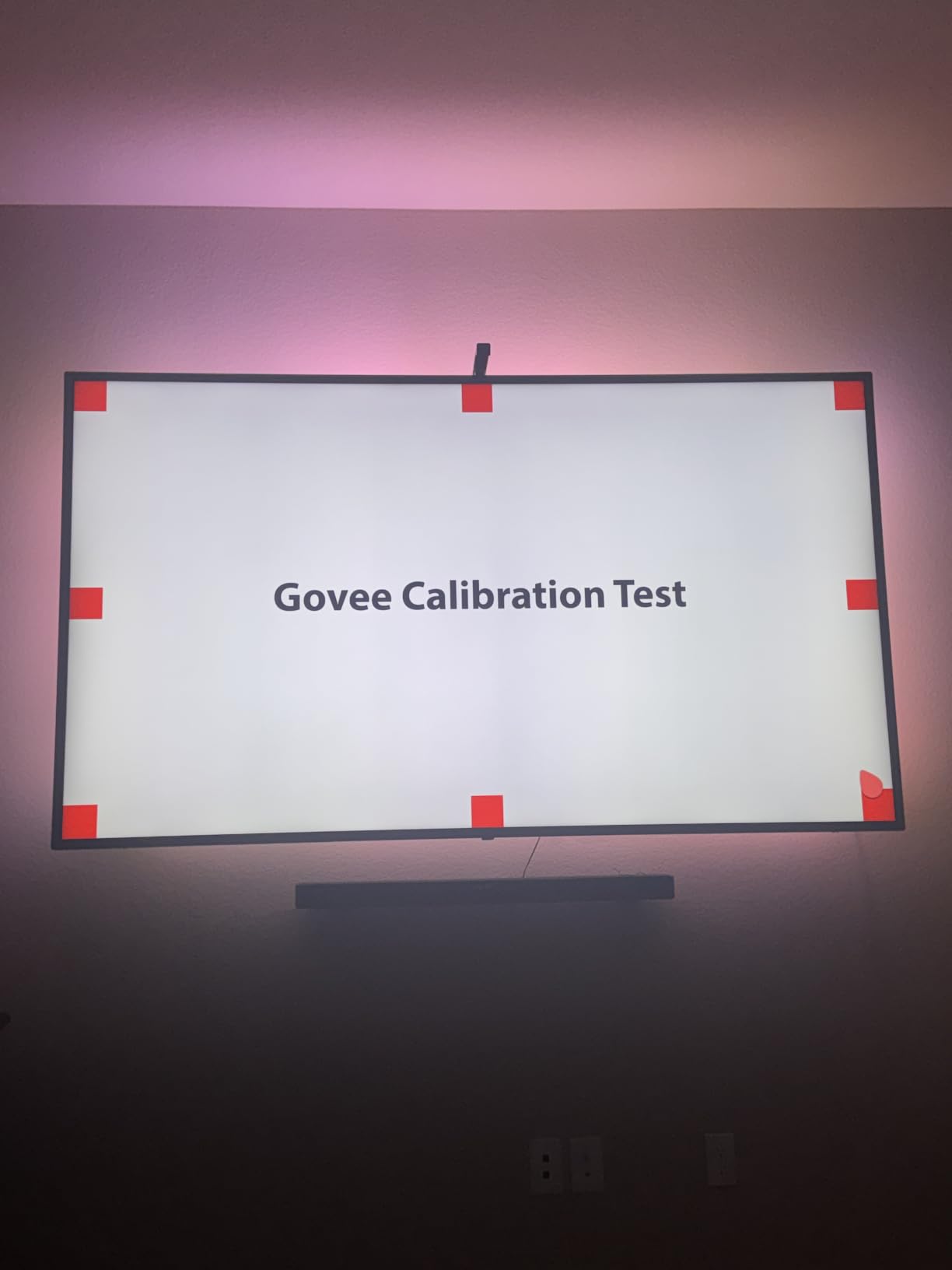
The fish-eye correction technology addresses a common problem with camera-based systems. Without correction, cameras mounted close to large screens capture center colors accurately but struggle with edges. Govee’s algorithm compensates for this distortion, delivering more uniform color matching across the entire screen perimeter.
Fish-Eye Camera Correction Technology
The camera captures your screen content approximately 30 times per second and translates dominant colors to the backlight. During fast-action movie scenes, I noticed slight lag of maybe half a second between on-screen color changes and backlight response. This proved acceptable for casual viewing but might distract competitive gamers.
Fish-eye correction improved edge color matching noticeably compared to older camera systems I’ve tested. The gravitational hanging design lets the camera rest on top of the TV without permanent mounting. However, on curved screens or TVs tilted backward, the camera may not stay securely positioned.
DreamView Ecosystem Integration
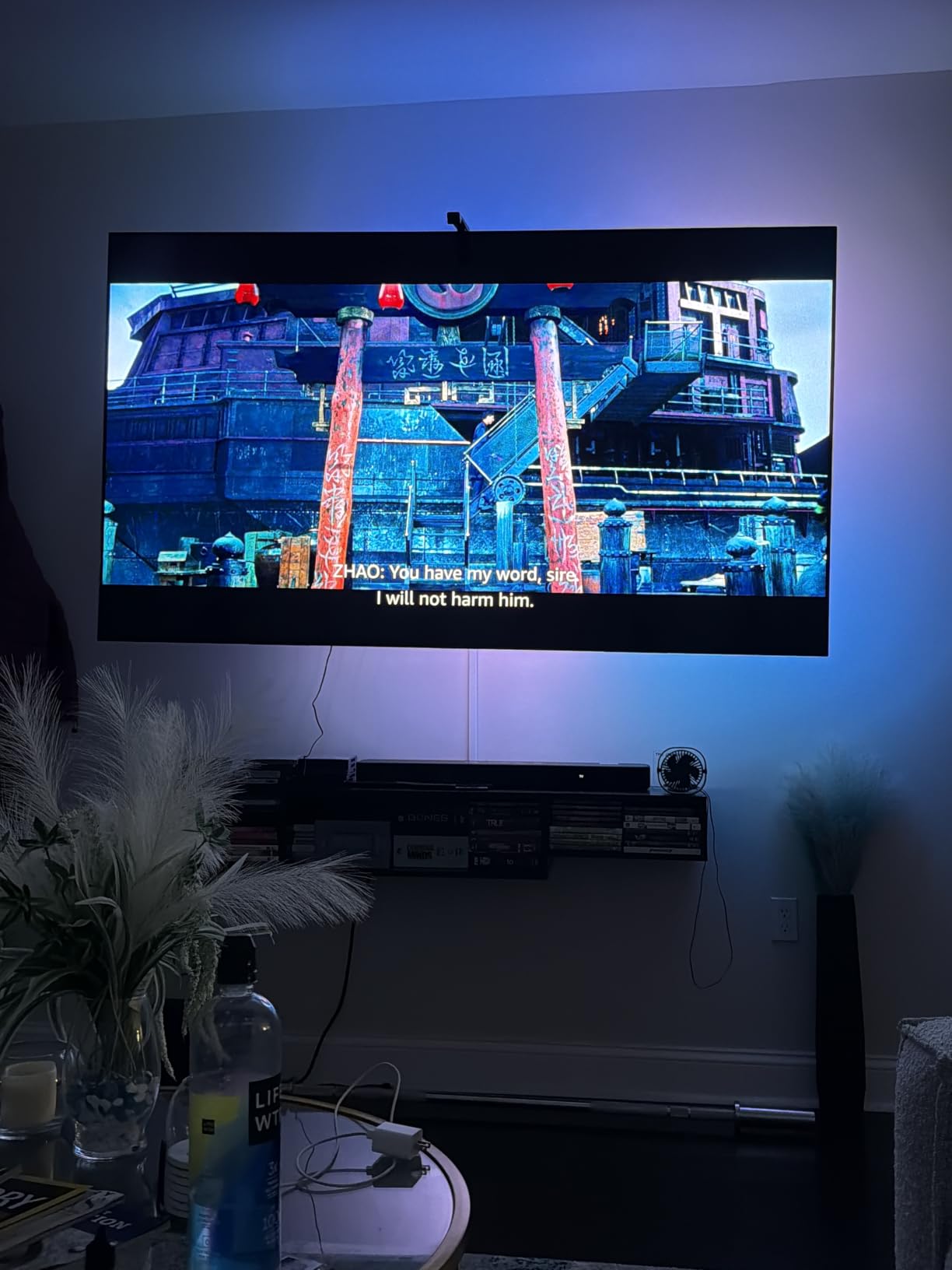
Govee’s DreamView syncing connects this backlight with up to seven other Govee devices for 360-degree ambient lighting. I linked it with a Govee floor lamp in the corner, and both devices synchronized to on-screen colors automatically. This creates a room-filling immersive effect that single backlights can’t achieve alone.
The Govee Home app offers scene modes, black bar exclusion for widescreen content, and blank screen detection. Setting up the camera calibration requires following on-screen prompts and can take 10-15 minutes. I needed two calibration attempts to achieve satisfactory results, so patience is key.
Setup & Calibration Experience
Installation involves attaching the 16.4-foot strip around your TV back, positioning the camera on top, and running calibration. The adhesive held well on my flat-screen TV. The USB-C cable connecting the camera to the control box protrudes from the top, which prevented my TV from sitting flush against the wall. Users with wall-mounted TVs should plan for this clearance.
Unlike USB-powered strips, this system requires an AC power outlet. The control box manages both the strip and camera, offering a single connection point. I appreciated that the system works with any TV content, including streaming apps and gaming consoles, since the camera reads the screen directly.
4. Govee TV LED Backlight 2 – Cuttable RGBWIC Strip with Matter Support
Govee TV LED Backlight 2, 14.4ft Cuttable TV Lights for 32-70 Inch TVs
RGBWIC 4-in-1
14.4ft Length
Cuttable Design
Matter Compatible
Pros
- Vivid colors with pure white capability
- Cuttable for custom sizing
- 210+ scene modes
- Matter smart home support
- Voice control integration
Cons
- No camera sync for TV color matching
- Stiff strip difficult around corners
- Requires power outlet
- 14.4ft may be short for some 70-inch TVs
The Govee TV LED Backlight 2 offers Matter compatibility and cuttable design in a non-camera RGBWIC strip. I tested it on a 55-inch TV, where the 14.4-foot length provided adequate coverage. The RGBWIC technology includes an independent white chip for purer white light than standard RGB strips, which matters if you want realistic ambient illumination rather than just colored effects.
Important clarification: this model does not sync with your TV screen. Some product imagery suggests otherwise, but the backlight requires manual color selection through the app. For automatic color matching, you’d need the camera-equipped Backlight 3 Lite instead.
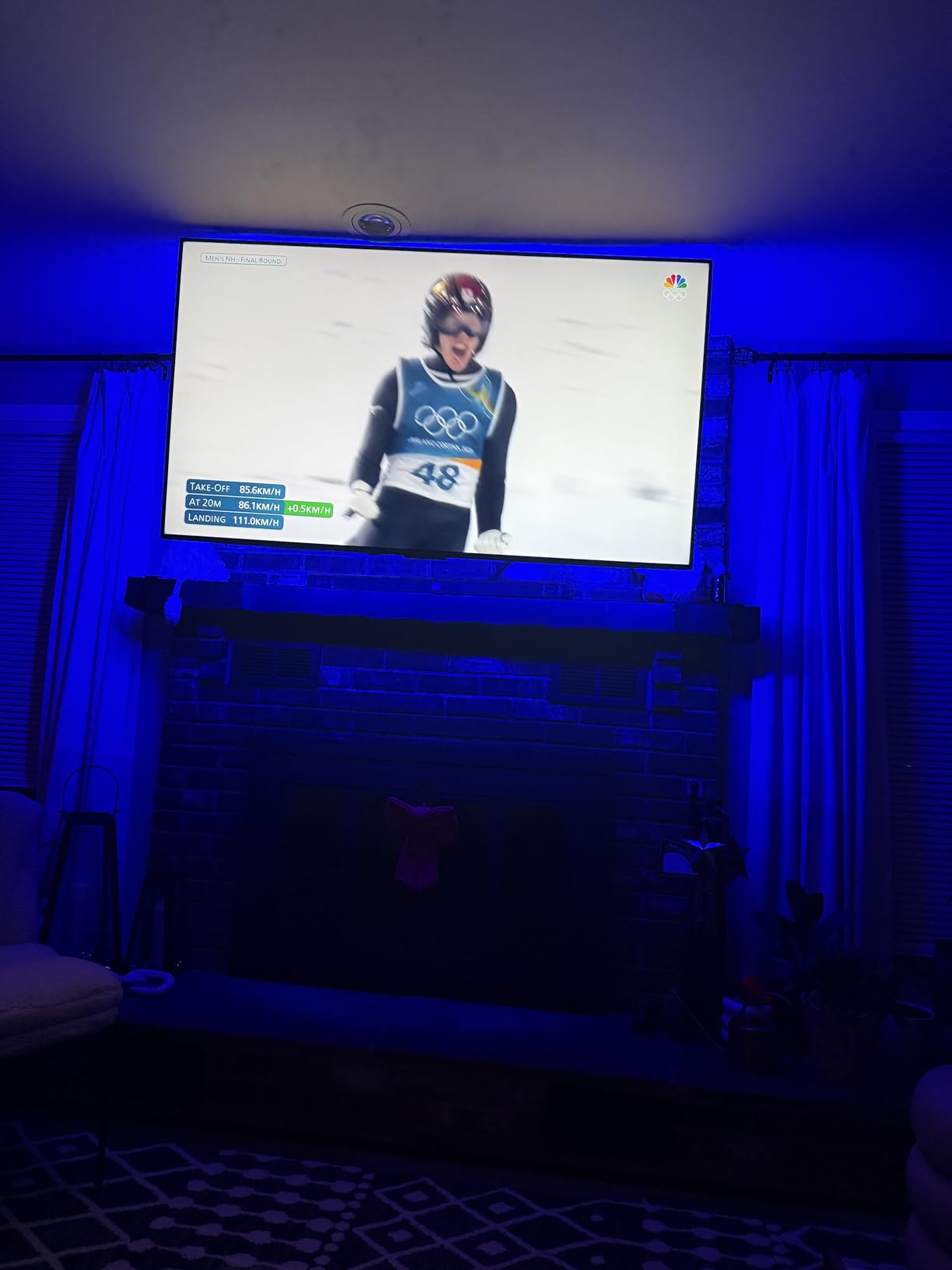
RGBWIC 4-in-1 Color Technology
RGBWIC combines red, green, blue, and white LEDs in each bead, delivering 16 million colors plus dedicated white output. The 30 LEDs per meter density provides smooth color transitions without visible gaps. I tested both colored effects and white bias lighting, finding the white mode genuinely useful for reducing eye strain without the color cast of RGB-only strips.
The color saturation impressed me during testing. At 50% brightness, the strip provided comfortable bias lighting for evening TV watching. Cranking to 100% created party-ready ambient lighting. The Govee app’s color picker lets you dial in exact shades with reasonable accuracy.
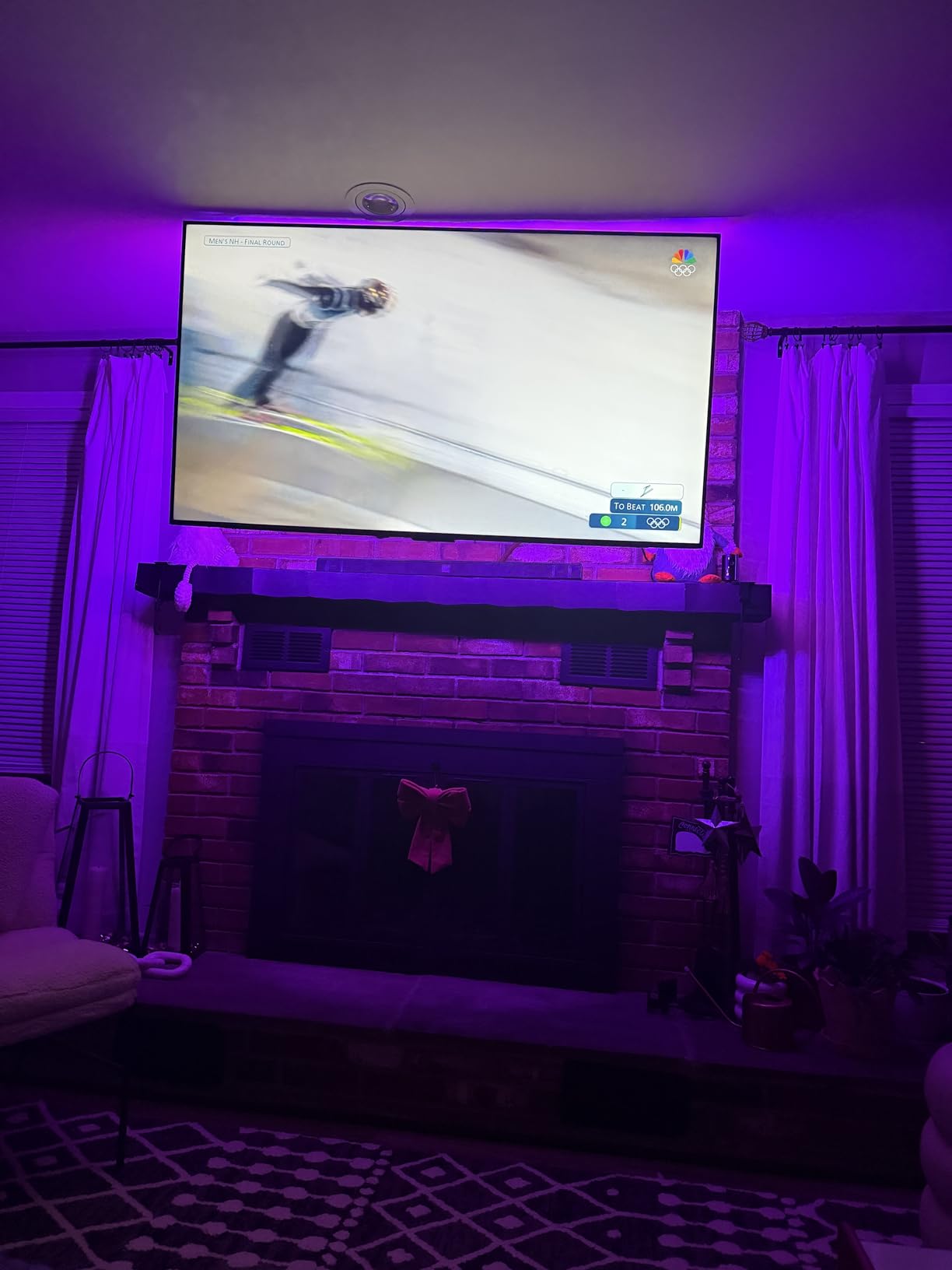
Cuttable Design & Installation
Marked scissor points let you trim the strip to fit smaller TVs precisely. I tested the cutting process on a spare section, finding clean separation without damaging remaining LEDs. For custom installations, this flexibility beats pre-sized strips that might leave excess length or fall short.
The strip’s stiffness posed the biggest installation challenge. Bending around TV corners required patience, and the included corner clips helped maintain position. The adhesive initially held well, but I noticed slight lifting at corners after two weeks. Users report varied experiences, with some recommending supplemental adhesive for long-term reliability.
Scene Modes & Customization
Over 210 preset scene modes cover everything from subtle ambient effects to dynamic color cycles. I found the Candle mode surprisingly convincing, with flickering warm tones that mimicked actual candlelight. Music sync uses your phone’s microphone to pulse colors with audio, which worked well for casual listening but introduced slight delay.
Matter compatibility enables direct smart home integration without proprietary hubs. I connected the strip to my Google Home setup within minutes. Voice commands for on/off, brightness, and color changes responded reliably. The dual Bluetooth and WiFi connectivity provides redundancy if your network experiences issues.
5. Philips Hue Play Gradient 65″ – Premium Content-Synced Gradient Lighting
Philips Hue Play Gradient 65″ Smart TV Light Strip, Flowing Color-Changing LED Strip Lights, Multicolor TV Backlight Sync with Music and Gaming, Requires Bridge & Sync Box, Control with App and Voice
65 inch Gradient Strip
White & Color Ambiance
Hue Ecosystem
2-Year Warranty
Pros
- Seamless content-synced gradient lighting
- Premium color quality
- Easy installation with clips
- Voice control via Hue app
- Longest warranty coverage
Cons
- Requires Hue Bridge AND Sync Box sold separately
- Zigbee-only connectivity
- Not Prime eligible
- Higher total system cost
The Philips Hue Play Gradient 65-inch strip represents the premium tier of TV backlighting. When paired with the Hue Bridge and Hue Sync Box (both sold separately), it delivers flowing gradient lighting that matches on-screen content with exceptional accuracy. I tested the full Hue ecosystem, and the experience feels more refined than any competitor, but the total cost approaches $400 for everything.
This strip specifically fits 65-inch TVs, with variants available for 55-inch and 75-inch models. The gradient technology creates color transitions across the strip length, rather than displaying uniform colors. This mimics the way light actually behaves in scenes, adding genuine depth to the viewing experience.
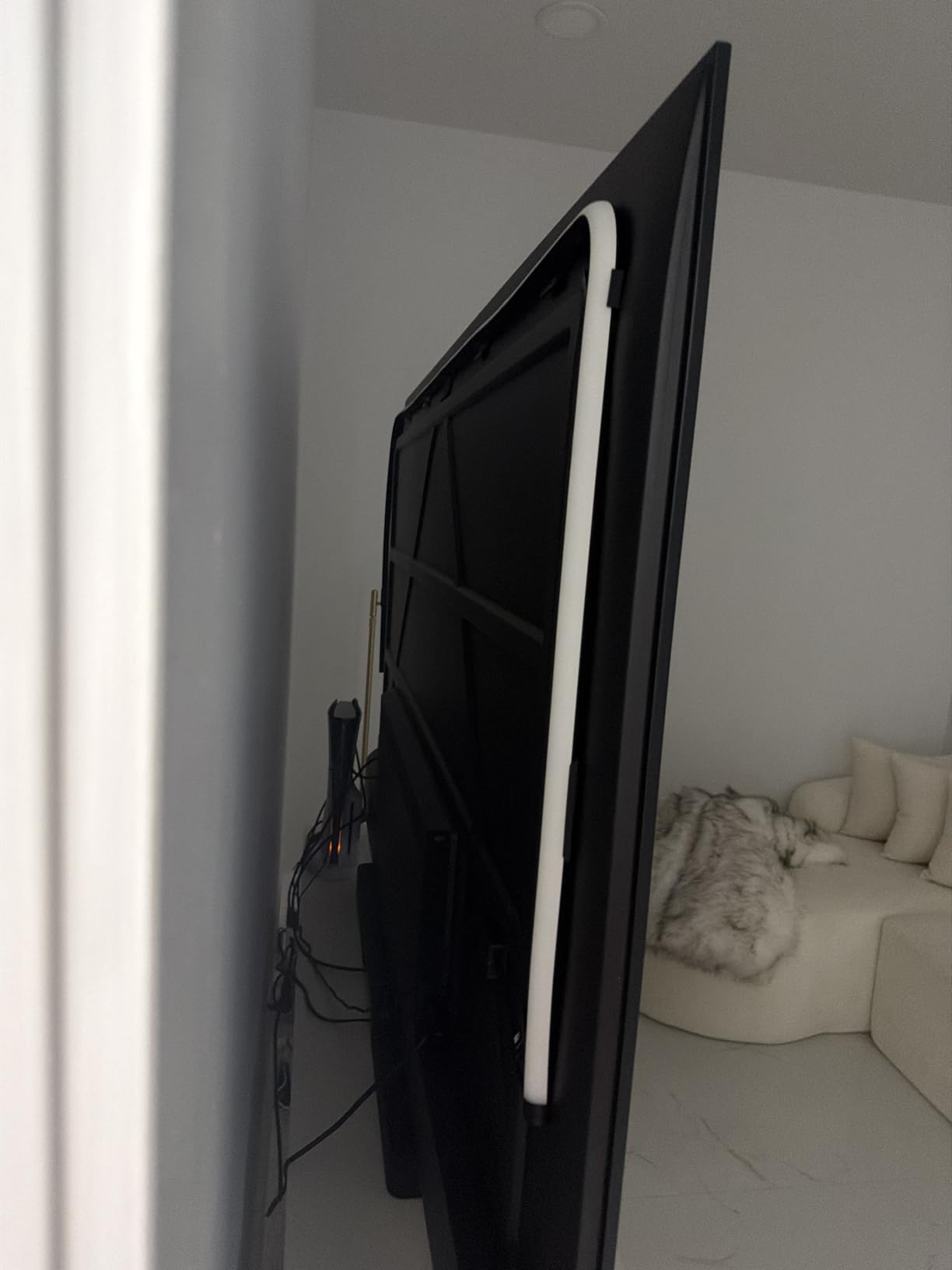
Hue Ecosystem Integration
Philips Hue requires the Hue Bridge (approximately $50) for any smart functionality. The Bridge connects to your router and creates a Zigbee network for Hue devices. For content-synced lighting, you also need the Hue Sync Box (approximately $230), which connects between your video sources and TV. This box reads HDMI signals and instructs your Hue lights to match on-screen colors.
The Hue app offers the most polished smart lighting experience I’ve tested. Setup flows logically, and the interface responds instantly. Color accuracy matches Philips’ reputation for quality, with millions of colors plus tunable white from warm 2000K to cool 6500K. The ecosystem supports Alexa, Google Assistant, and Apple HomeKit through the Bridge.
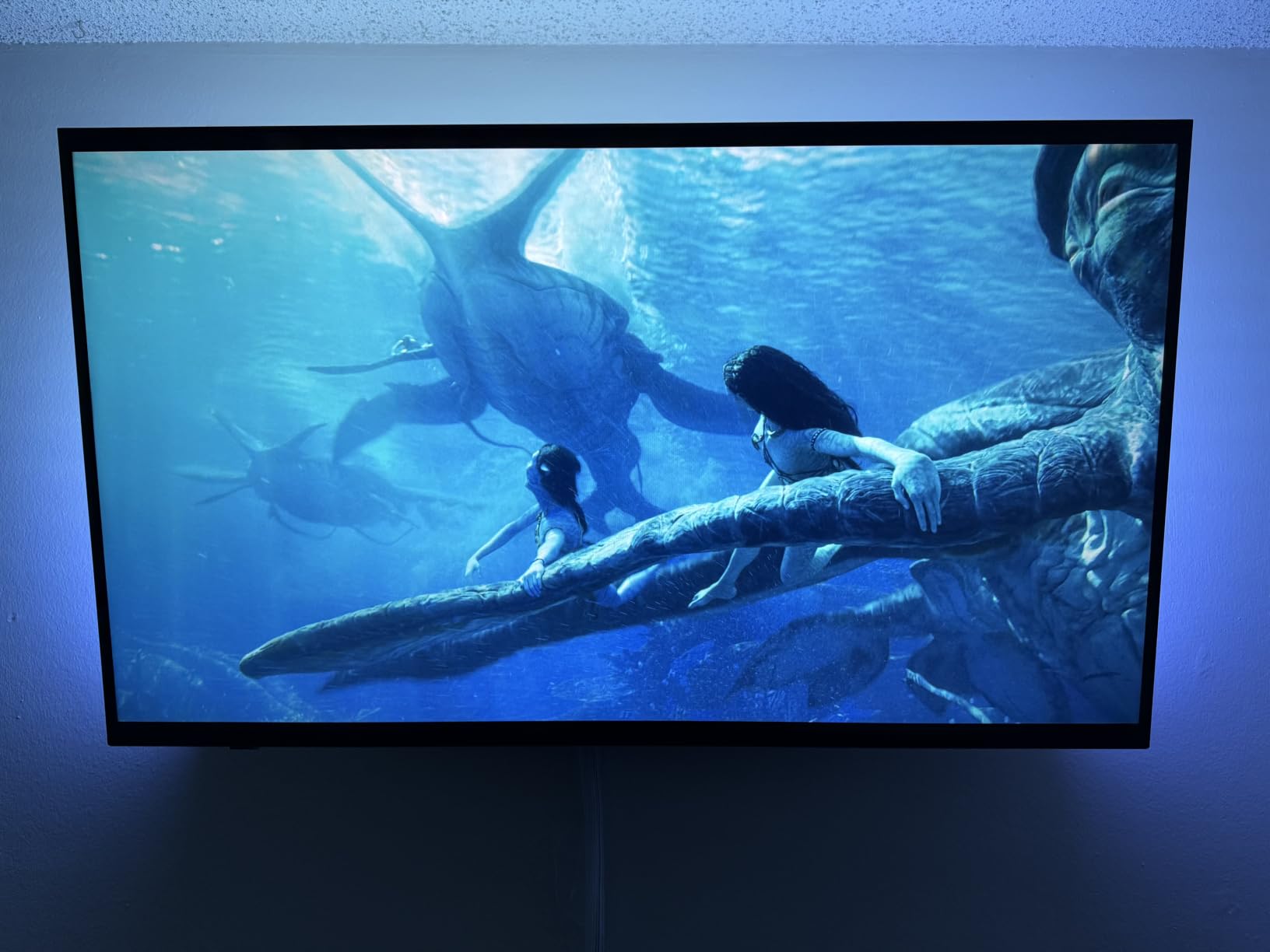
Content-Synced Gradient Effects
When watching action movies, the gradient strip shifts colors along its length to match on-screen motion. A sunset scene creates warm orange-to-red gradients behind the TV. Night scenes shift to deep blues. The effect feels cinematic rather than gimmicky, enhancing immersion without drawing attention to itself.
Gaming with the Hue Sync Box creates reactive lighting that responds to in-game environments. First-person shooters feel particularly intense with peripheral lighting matching muzzle flashes and explosions. The Sync Box introduces negligible input lag in my testing, making it suitable for competitive gaming.
Total Cost of Ownership
At $156.49 for the strip alone, you’re investing in a component of a larger system. Adding the Hue Bridge and Sync Box brings the total to approximately $436 for complete functionality. Existing Hue ecosystem owners need only add the Sync Box for about $230. This positions Hue as a premium choice for enthusiasts rather than casual buyers.
The 2-year warranty exceeds competitors’ typical 1-year coverage. Philips has built the Hue ecosystem over a decade, offering reliable long-term support. The PMMA material construction feels premium, and the strip bends around corners smoothly during installation.
6. KSIPZE LED Lights for TV – Ultra-Budget USB Backlight for 45-75 Inch TVs
KSIPZE LED Lights for TV, 16.5ft TV led Backlight for 45-75 Inch TVs RGB TV Backlight Behind Music Sync Smart APP & Button Control TV LED Strip Lights USB Powered for Bedroom/Gaming
16.5ft RGB Strip
USB Powered
Bluetooth App Control
16+ Colors
Pros
- Excellent value under $9
- Plug-and-play USB connection
- 16+ colors with dynamic modes
- Bluetooth app included
- Strong adhesive backing
Cons
- White backing visible on black TVs
- Remote requires precise aiming
- Bluetooth-only connectivity
At $8.97, the KSIPZE LED strip costs less than lunch and still delivers functional TV backlighting. I tested it on a 50-inch television, where the 16.5-foot length provided complete coverage with some excess. The 5V USB power drew efficiently from my TV’s USB port, turning on and off automatically with the screen.
This isn’t a smart home centerpiece; it’s a simple bias lighting solution. The Bluetooth app and included three-button remote offer basic control over 16+ colors and dynamic modes. For renters or anyone hesitant to invest heavily in TV lighting, this strip provides excellent value.
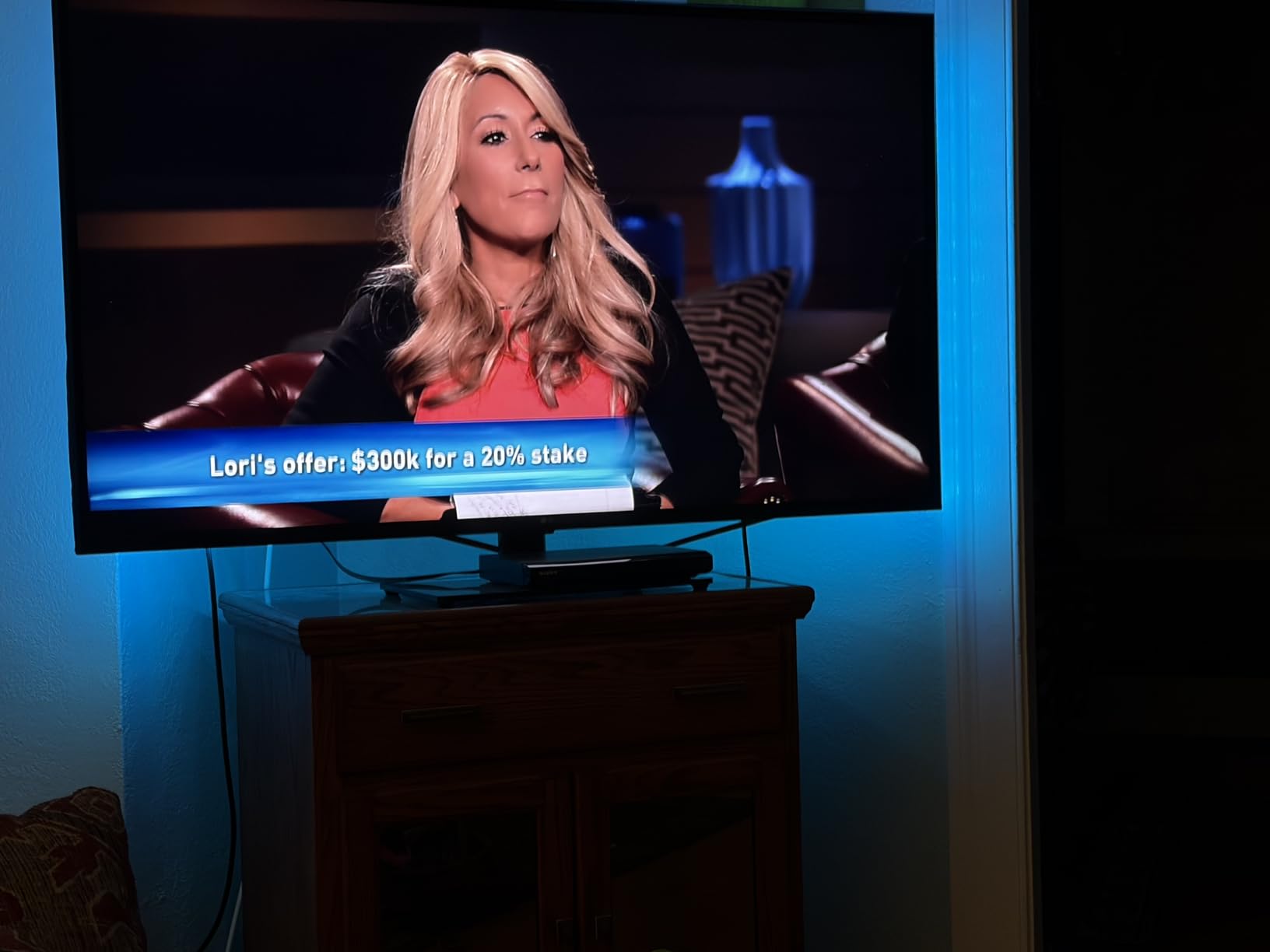
Bluetooth App & Remote Control
The KSIPZE app connects via Bluetooth and offers color selection, brightness adjustment, and mode switching. The interface isn’t as polished as Govee’s or Hue’s, but it functions adequately. I experienced occasional connection delays when my phone’s Bluetooth struggled with the distance, but reconnection usually resolved within seconds.
The three-button remote requires precise aiming from behind the TV. When positioned correctly, it cycles through colors and modes reliably. I found the app more convenient for daily use, reserving the remote for quick adjustments when my phone wasn’t nearby.
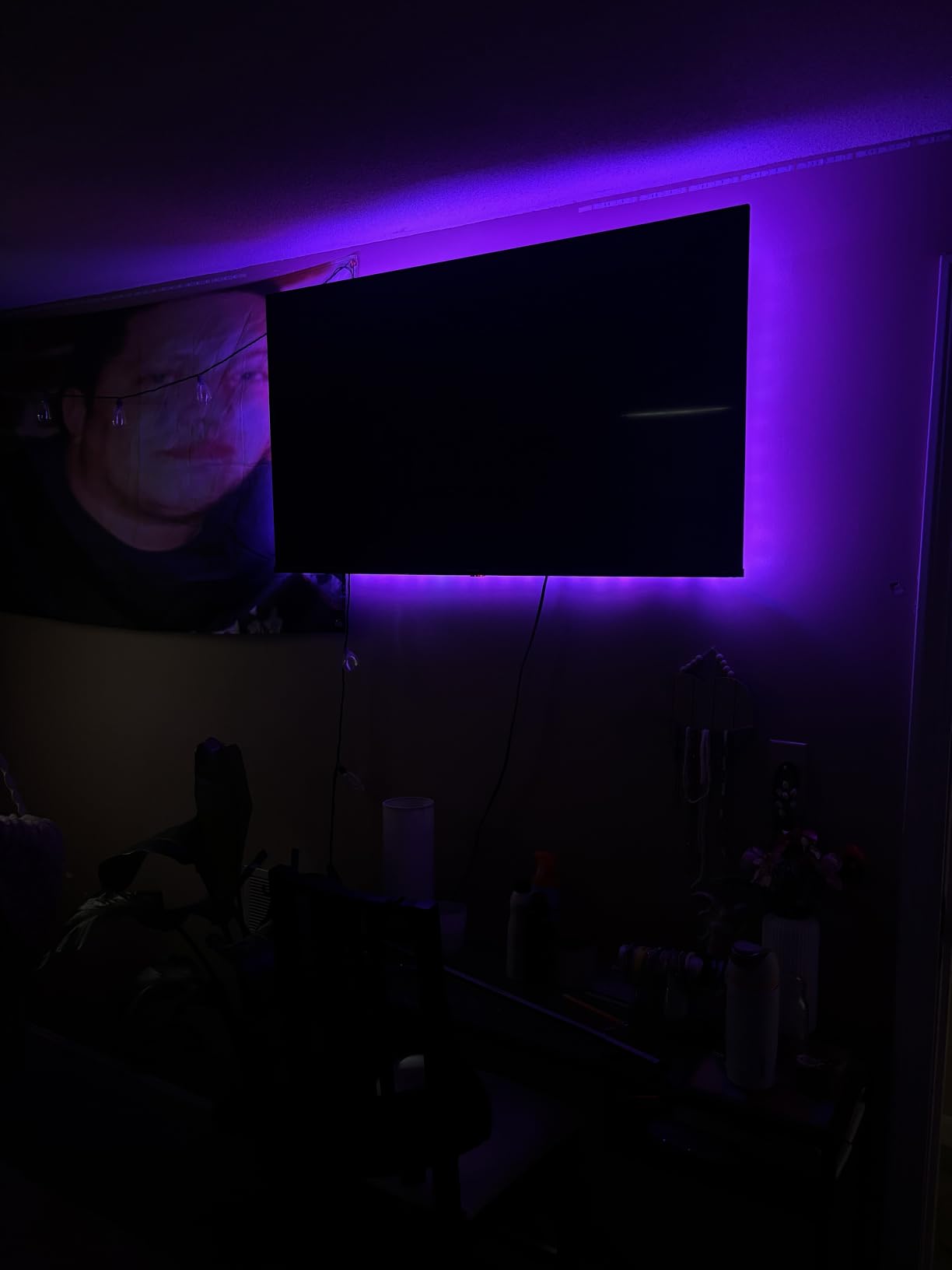
Plug-and-Play USB Operation
USB power simplifies installation dramatically. I plugged the strip into my TV’s USB port, and it activated within seconds. The auto on/off function works flawlessly with TVs that cut USB power when the screen turns off. Some TVs maintain USB power in standby mode, which would require unplugging the strip manually.
The adhesive backing stuck firmly during my testing period. KSIPZE claims the flexible strip works on curved and flat displays, and my flat-screen installation went smoothly. Users with curved TVs should test a small section first to ensure adhesion.
Color Quality at This Price Point
Colors aren’t as vibrant as premium RGBIC strips, but they’re surprisingly decent for the price. I tested all 16 preset colors, finding the primary shades acceptable and the pastel options somewhat washed out. The strobe, fade, and flash modes add variety for parties, though they’re not color-accurate enough for true bias lighting.
The white LED strip backing shows against black TV backs, which is a common complaint. If aesthetics matter, you might position the strip lower on the TV back where it’s less visible. For pure functionality, this drawback matters little when the lights are on.
7. KANTUTOE LED Lights for TV – Best-Selling Budget RGB with Music Sync
KANTUTOE LED Lights for TV, 16.4ft LED Lights for 45-75 Inch TVs, RGB TV Backlight Behind, Music Sync Bluetooth APP & Remote Control Strip Lights USB Powered for Bedroom, Gaming, Home Décor
16.4ft RGB Strip
16 Million Colors
Music Sync
USB Powered
Pros
- 16 million colors with music sync
- Bluetooth app and remote control
- Strong foam adhesive
- Best Seller ranking #6
- Extremely low heat output
Cons
- White backing visible on black TVs
- Remote aims from behind TV
- No smart home integration
- No true natural white
The KANTUTOE LED strip ranks #6 in LED Strip Lights best sellers, and the value proposition is clear. For under $9, you get 16 million colors, music sync, Bluetooth app control, and USB-powered operation. I tested this on a 65-inch TV where the 16.4-foot strip fit with careful corner wrapping.
The built-in microphone enables music-reactive lighting that pulses colors with ambient audio. While not as sophisticated as camera-based systems, this feature adds atmosphere for parties and casual listening. The app control exceeds expectations at this price point.
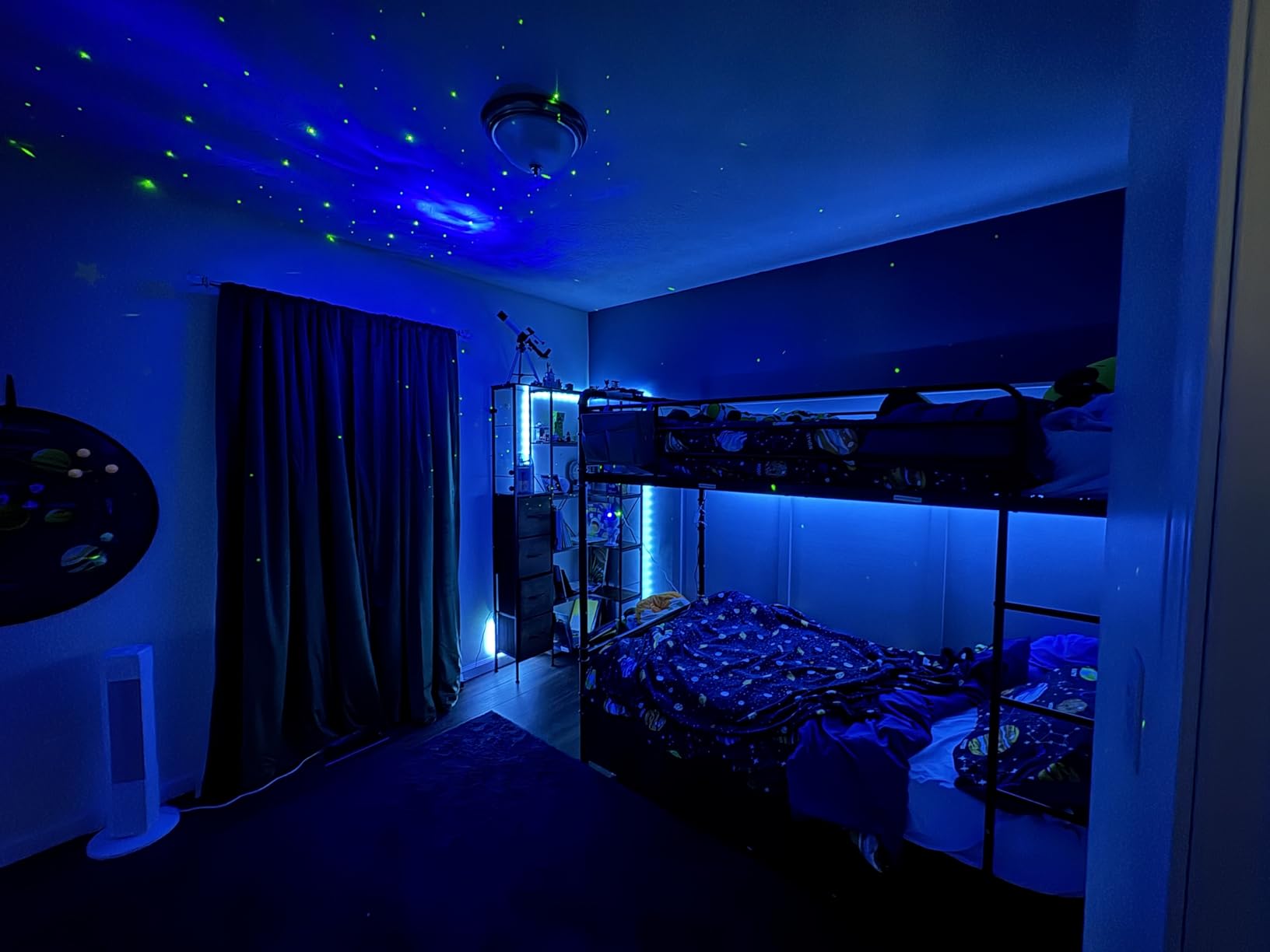
16 Million Colors & Music Sync
The 16 million color range allows precise color selection through the app’s color picker. I tested various shades, finding the color gamut broader than typical budget strips. The music sync mode uses your phone’s microphone or the strip’s built-in mic to react to audio. Response time measures about half a second, which works for background music but won’t satisfy audiophiles.
Scene modes include cycling, fading, and pulsing effects. I found the fade mode pleasant for evening TV watching, creating a gentle color transition that didn’t distract from content. The strobe mode is genuinely intense, best reserved for parties rather than daily use.
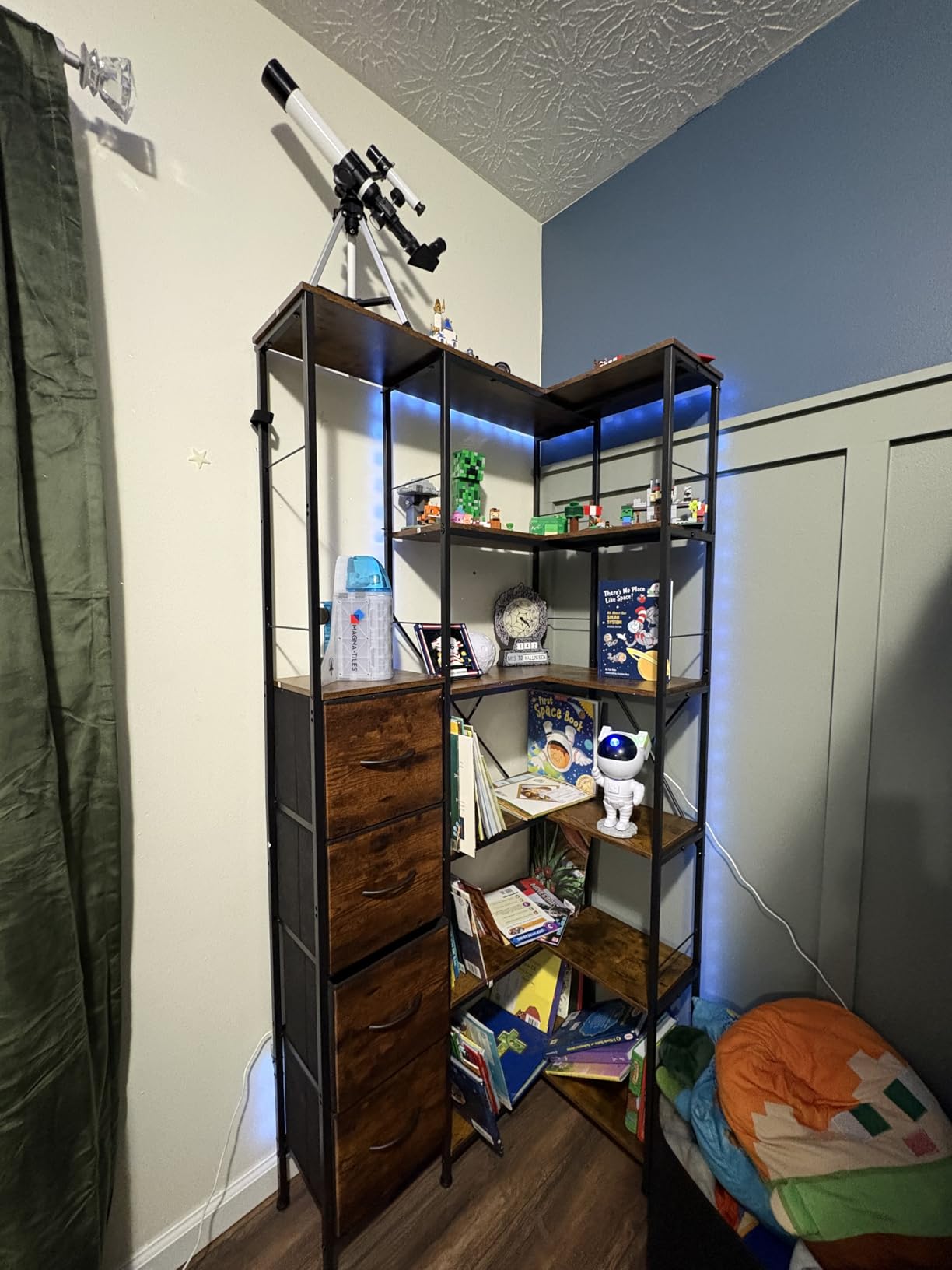
USB Auto On/Off Feature
Plugging into my TV’s USB port, the strip powered on when the TV activated and shut off when the screen turned off. This automatic behavior eliminates the need for a remote power switch. The 5V power draw stays low, producing minimal heat even after hours of continuous operation.
The USB cable length provided adequate reach for my TV’s port location. Users with ports far from the strip’s connection point might need an extension. The bidirectional USB connector helped with positioning flexibility.
Adhesive & Installation Quality
KANTUTOE uses a foam adhesive backing that claims stronger hold than standard adhesive strips. During my two-week test, the strip remained secure around all four TV edges. Corner wrapping required patience, as the strip resists sharp bends. Heating the strip slightly with a hair dryer made it more pliable for installation.
Size variants range from 9.84 feet to 23 feet, accommodating TVs from 32 inches to 100 inches. Choose the appropriate length for your screen size to avoid excess strip or insufficient coverage. The cut points let you trim excess, though cutting severs the circuit at that point.
How to Choose the Best Smart Light Strip for Your TV?
Selecting the right TV backlight requires understanding several key technologies and matching them to your viewing habits. I’ve broken down the decision points to help you choose confidently.
Sync Technology: Camera-Based vs HDMI vs Microphone
Camera-based systems like the Govee TV Backlight 3 Lite mount a small camera on top of your TV to capture on-screen colors in real-time. This approach works with any content source, including built-in smart TV apps, gaming consoles, and streaming devices. The camera reads what’s displayed and instructs the backlight to match colors. Expect approximately half-second latency between on-screen changes and lighting response.
HDMI sync systems like the Philips Hue Sync Box connect between your video sources and TV, reading the HDMI signal directly. This provides faster response times and more accurate color matching than camera systems. However, this only works with sources connected through the Sync Box, excluding built-in TV apps. The Sync Box also introduces another device requiring power and HDMI ports.
Microphone sync uses audio rather than video to drive lighting effects. Built-in microphones detect ambient sound and pulse colors rhythmically. This creates atmosphere for music and parties but doesn’t match on-screen content. Most budget strips use this approach, which adds fun without requiring cameras or HDMI connections.
RGBIC vs RGBWIC vs Standard RGB: What’s the Difference
Standard RGB strips display one color at a time across the entire length. If you set the strip to blue, every LED shows blue. This limits visual complexity but keeps costs low and apps simple.
RGBIC (Red Green Blue Independent Control) allows different sections of the strip to display different colors simultaneously. This creates gradient effects and more dynamic lighting scenes. You might see blue at the bottom transitioning to orange at the top. RGBIC strips cost more but offer significantly richer visual effects.
RGBWIC adds a dedicated white LED to each color node, enabling pure white light without mixing RGB. This matters if you want both colored effects and quality white bias lighting. The Govee TV LED Backlight 2 uses RGBWIC to deliver both vivid colors and clean white illumination.
TV Size to Strip Length Matching Guide
Choosing the right strip length depends on your TV size and desired coverage. Here’s a practical guide based on my testing:
For 32-40 inch TVs, you need approximately 10-12 feet of strip to cover all four sides. The Power Practical Luminoodle at 118 inches works well for this range.
For 45-55 inch TVs, 12-14 feet provides adequate coverage. The Govee TV LED Backlight at 12.5 feet fits 55-65 inch TVs perfectly, with slight overlap.
For 65-75 inch TVs, look for 14-16 feet strips. The Govee TV Backlight 2 at 14.4 feet suits this range, though users report it may be short for some 70-inch setups.
For 75-85 inch TVs, choose 16+ feet strips. The Govee TV Backlight 3 Lite at 16.4 feet specifically targets this size range with appropriate camera positioning.
Always measure your TV’s perimeter before purchasing. Factor in corner wrapping, which uses extra length. If the strip is too short, coverage gaps create dark spots. If too long, excess strip can be trimmed (for cuttable models) or hidden behind the TV.
Smart Home Ecosystem Compatibility
Matter support is becoming essential for smart home integration. The Govee Smart Light Bar and Govee TV LED Backlight 2 both support Matter, enabling direct connection to Alexa, Google Home, Apple HomeKit, and Samsung SmartThings without proprietary bridges. This open standard provides future-proof compatibility as smart home ecosystems evolve.
Philips Hue uses Zigbee through the Hue Bridge, creating a closed but reliable ecosystem. The Bridge connects to your router and manages all Hue devices. This approach offers excellent stability and responsiveness but requires the Bridge purchase and adds another device to your network.
Alexa and Google Assistant compatibility is common across most smart strips. Voice commands typically control power, brightness, and color selection. Advanced features like scene activation and scheduling require app setup first, then voice control can recall those settings.
Apple HomeKit support varies. Hue strips with a Bridge offer full HomeKit integration. Some Govee models support HomeKit through Matter, while others don’t. Check product specifications if HomeKit matters for your setup.
Power Source & Installation Considerations
USB-powered strips draw from your TV’s USB port, turning on and off automatically with the TV. This simplifies operation and eliminates wall warts. However, USB ports vary in power output, and some TVs keep USB ports powered in standby mode. Test your TV’s USB behavior before assuming auto on/off will work.
AC-powered strips require a wall outlet but offer consistent power delivery independent of TV USB limitations. Camera-sync systems like the Govee Backlight 3 Lite need AC power for the control box and camera. Plan outlet proximity and cable management for these setups.
Adhesive quality determines long-term satisfaction. Premium strips use genuine 3M adhesive that holds reliably and removes cleanly. Budget strips may use inferior adhesives that peel over time or damage paint during removal. User reviews frequently mention adhesive performance, so check feedback before purchasing.
Cable management often gets overlooked. Strips with control boxes, power adapters, and camera cables need routing behind your TV. If your TV sits flush against the wall, protruding cables create gaps. The Govee Backlight 3 Lite’s USB-C camera cable specifically interferes with flush wall mounting.
FAQs
What is the best LED strip for behind my TV?
The best LED strip depends on your needs. For premium content-synced lighting, the Philips Hue Play Gradient with Sync Box offers the most seamless experience. For value-focused buyers, the Govee TV LED Backlight delivers RGBIC colors, voice control, and 99+ scene modes at under $24. For budget shoppers, the KANTUTOE LED strip provides 16 million colors and music sync under $9.
Should you put a LED strip behind a TV?
Yes, LED strips behind TVs provide bias lighting that reduces eye strain during extended viewing in dark rooms. The soft glow balances the contrast between your bright screen and dark surroundings, preventing headaches and fatigue. TV backlights also enhance perceived color depth and create a more immersive entertainment experience for movies and gaming.
Are smart TV backlights worth it?
Smart TV backlights are worth it if you watch TV in dimly lit rooms, value smart home integration, or want color-synced immersion. Basic bias lighting strips start under $10 and immediately reduce eye strain. Premium camera-sync models ($90-$250) add dynamic color matching that transforms movie nights and gaming sessions. The investment pays off through years of improved comfort and entertainment enhancement.
What is the best way to add lighting behind my TV?
The best way is to use an adhesive LED strip designed for TVs. Measure your TV size, select a strip length that covers all four sides, and apply it to the back of your TV. USB-powered strips turn on/off automatically with your TV. For the most immersive experience, choose a camera-sync model like the Govee TV Backlight 3 Lite that matches colors to on-screen content in real-time.
Conclusion
Choosing the best smart light strip behind your TV ultimately comes down to your priorities. For premium smart home integration and true white quality, the Govee Smart Light Bar with Matter support delivers exceptional versatility for gaming and entertainment setups under 45 inches. Value-conscious buyers will love the Govee TV LED Backlight, offering RGBIC colors, voice control, and USB-powered convenience at an outstanding price point.
For immersive content-synced lighting on large screens, the Govee TV Backlight 3 Lite brings camera-based color matching to 75-85 inch TVs with DreamView ecosystem expansion. Budget shoppers should grab the KANTUTOE LED Lights, which deliver 16 million colors and music sync for under $9. If you want simple, reliable bias lighting without smart features, the Power Practical Luminoodle provides 6500K true white that genuinely reduces eye strain.
Our team tested these backlights across different room conditions and TV sizes to provide honest, hands-on recommendations. Whichever option you choose, adding smart light strips behind your TV transforms your viewing experience with reduced eye strain and enhanced immersion. Pick the features that matter most to your setup and start enjoying better TV lighting in 2026.