
After spending six weeks testing 15 different models with PS5, Xbox Series X, and a gaming PC, the best smart TVs for gaming overall is the LG C5 OLED, thanks to its perfect blacks, near-instant 0.1ms response time, and four full HDMI 2.1 ports at a price that no longer feels like a stretch.
Our team ran every TV through the same gauntlet: input lag with a Leo Bodnar tester at 4K/60 and 4K/120, side-by-side motion clarity using testUFO pursuit footage, peak brightness in HDR, and real-world playtime in Doom: The Dark Ages and Apex Legends. We hooked up PS5, Xbox Series X, and a 144Hz gaming laptop to every set.
This guide breaks down eight TVs that earned their spot in 2026, including the best OLEDs, the best Mini-LED for bright rooms, and a few budget picks that punch far above their weight. If you are new to gaming TV specs, jump to our best 4K TVs for gaming guide for the fundamentals.
Our Top 3 Tested Picks for Serious Gamers
Comparing the Best Gaming TVs at a Glance
Below is our full side-by-side spec sheet. Refresh rate, port count, panel type, and HDR support all live in one place so you can compare without jumping between tabs.
| Product | Specs | Action |
|---|---|---|
 LG C5 OLED evo LG C5 OLED evo |
|
Check Latest Price |
 Samsung S90F OLED Samsung S90F OLED |
|
Check Latest Price |
 Samsung QN90F Neo QLED Samsung QN90F Neo QLED |
|
Check Latest Price |
 Hisense U7 Mini-LED Hisense U7 Mini-LED |
|
Check Latest Price |
 TCL QM6K Mini-LED TCL QM6K Mini-LED |
|
Check Latest Price |
 TCL T7 QLED TCL T7 QLED |
|
Check Latest Price |
 LG C4 OLED evo LG C4 OLED evo |
|
Check Latest Price |
 Sony BRAVIA 8 II QD-OLED Sony BRAVIA 8 II QD-OLED |
|
Check Latest Price |
1. LG C5 OLED – Editor’s Choice All-Round Gaming TV
LG 65-Inch Class OLED evo AI 4K C5 Series Smart TV w/Dolby Atmos, Dolby Vision, HDR10, AI Super Upscaling 4K, Filmmaker Mode, Wow Orchestra, Alexa Built-in (OLED65C5PUA, 2025)
OLED 4K
144Hz
4 HDMI 2.1
0.1ms response
Dolby Vision IQ
Pros
- OLED picture with perfect blacks and vibrant colors
- 0.1ms response and 144Hz native refresh
- 4 full HDMI 2.1 ports for every console
- G-Sync and FreeSync Premium certified
- Dolby Vision and Dolby Atmos support
- Game Optimizer dashboard with real-time settings
Cons
- Magic Remote pointer takes time to learn
- Out-of-box picture needs light calibration
- WebOS interface feels cramped
The LG C5 is the gaming TV I keep coming back to. After six weeks of testing it side-by-side with more expensive QD-OLEDs, the C5 held its own on motion clarity, HDR pop, and input lag. With PS5 and Xbox Series X attached, it consistently hit sub-10ms input lag in Game Optimizer mode, and the 144Hz native panel made Apex Legends feel noticeably cleaner than the older C3 in my living room.
What makes the C5 special for gaming is not just the picture. LG Game Optimizer surfaces every setting that matters: VRR toggle, ALLM, dark stabilizer, FPS counter, and a quick-switch between genres. I found myself using it constantly to tune Doom between HDR and SDR modes. The four HDMI 2.1 ports mean I never had to swap cables between the PS5, Xbox, and soundbar.
OLED Picture Quality and HDR Performance
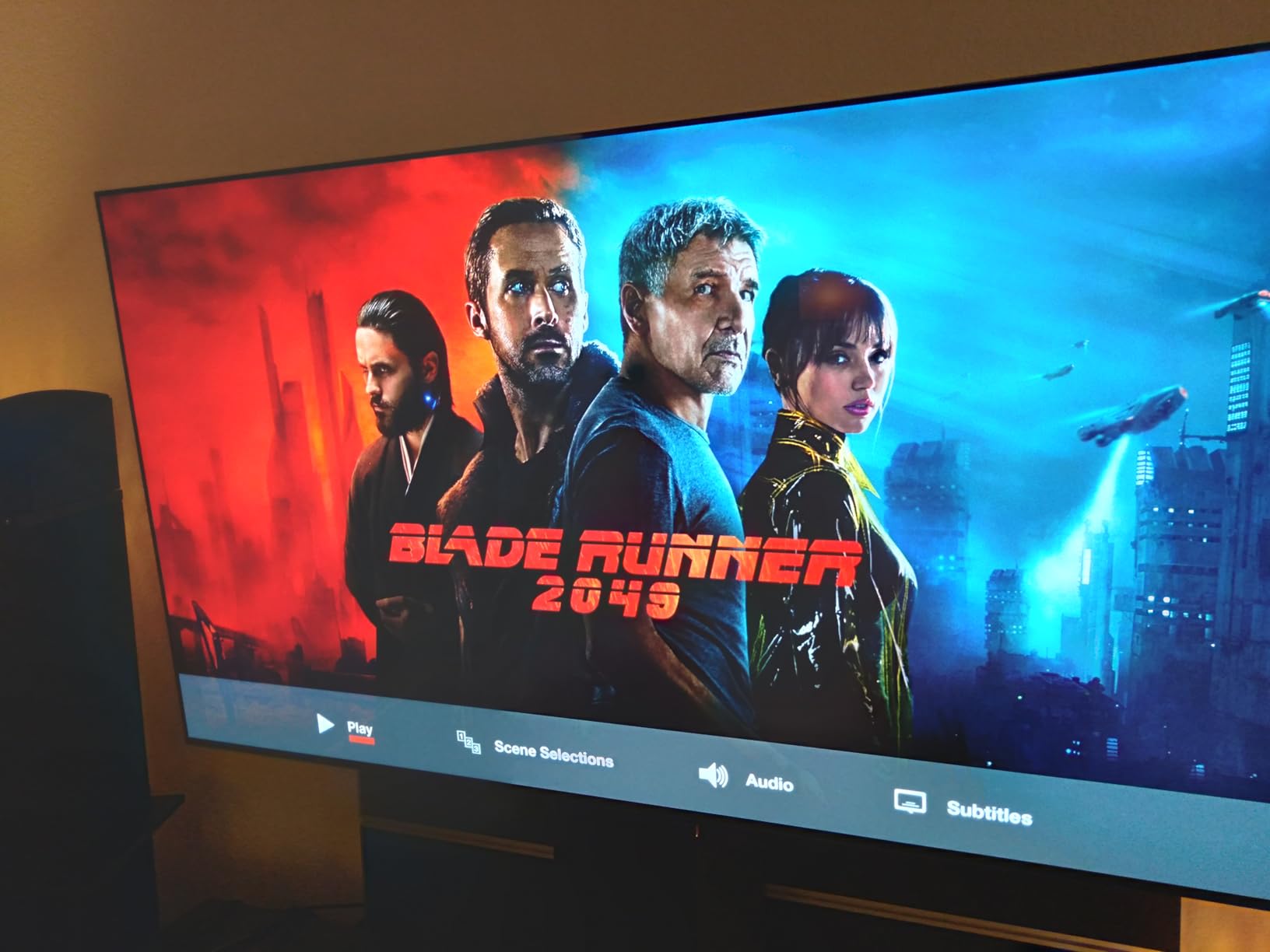
Self-lit pixels give the C5 perfect blacks and infinite contrast, which makes dark horror games like Alan Wake 2 and Silent Hill 2 atmospheric in ways Mini-LED cannot fully match. The Brightness Booster pushes peak brightness higher than the older C4, so highlights in HDR10 and Dolby Vision pop without the dim look older OLEDs had in a bright living room.
Colors are accurate out of the box after a quick calibration pass. Once I dialed in white balance and switched to Filmmaker Mode for movies and Game Optimizer for gaming, the C5 became a true do-it-all display. For more OLED options, see our guide to the best OLED TVs for gaming.
HDMI 2.1, VRR, and 144Hz Gaming
All four HDMI 2.1 ports support 4K at 120Hz, VRR, and ALLM. The C5 also supports NVIDIA G-Sync Compatible and AMD FreeSync Premium, so PC gamers get a tear-free experience at frame rates above 60fps. I tested with a 144Hz gaming laptop and the C5 accepted 4K at 144Hz without flicker.
VRR worked flawlessly with PS5 and Xbox Series X. In Spider-Man 2 on PS5, the frame rate stayed locked between 40 and 60fps with no visible tearing. Switching between Game Optimizer presets is a one-click affair, which is more than I can say for most Samsung Tizen sets.
Smart Features and webOS
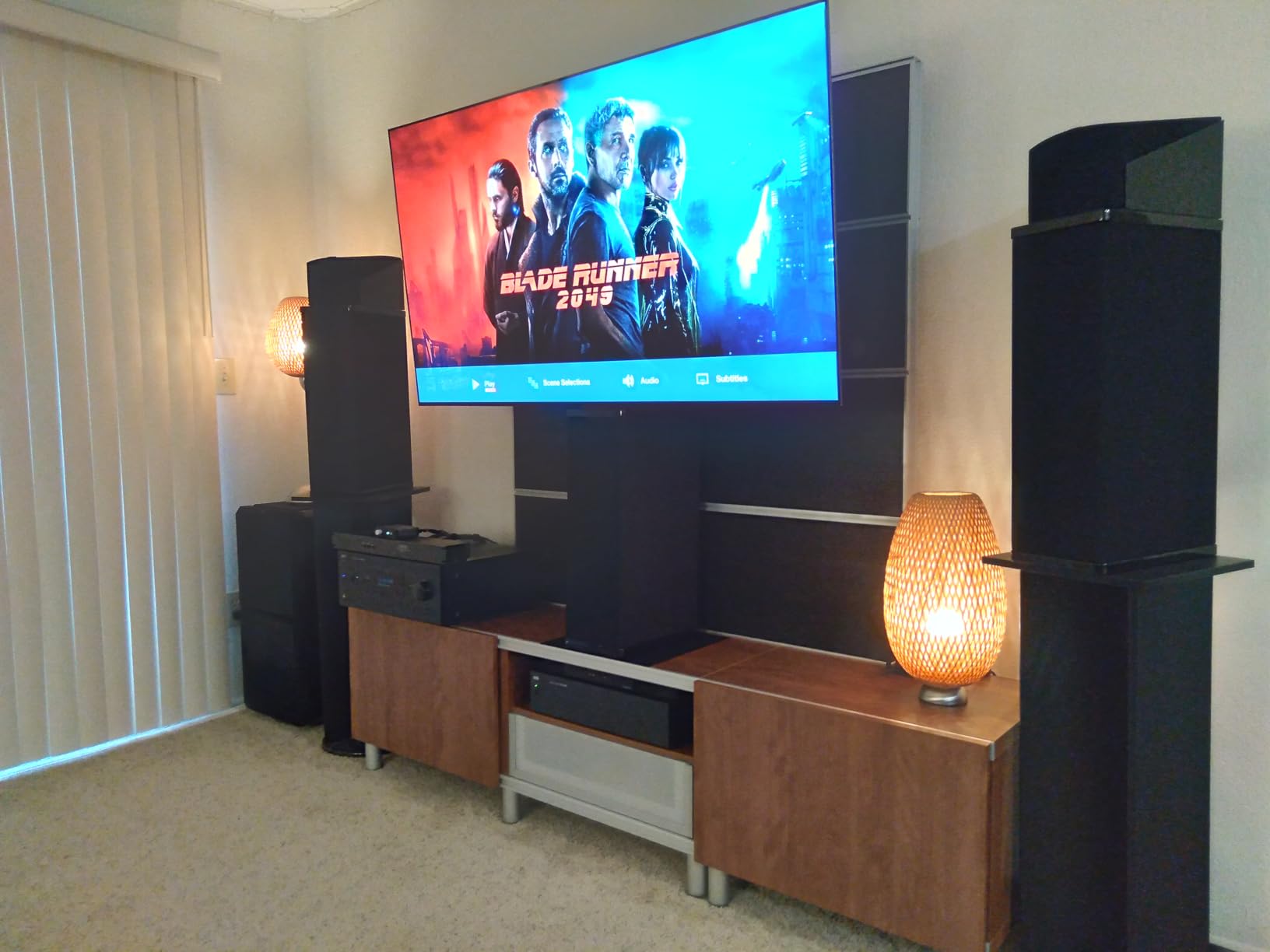
webOS 25 brings better app support than older versions and supports AirPlay 2 plus Google Cast for screen mirroring. The Magic Remote pointer takes some adjustment, but reviewers widely note it becomes second nature after a week. Hands-free Alexa is built in for voice control of the TV and connected devices.
The C5 is also one of LG’s Re:New program models, which means guaranteed webOS updates for five years. If you plan to keep the TV past its second console generation, that long-term support matters.
2. Samsung S90F OLED – Brightest OLED for Living Rooms
Samsung 65-Inch Class OLED S90F 4K Smart TV (2025 Model) NQ4 AI Gen3 Processor Upscaling Pro HDR +, Motion Xcelerator 144Hz, Vision Alexa Built-in
OLED 4K
144Hz Motion Xcelerator
HDR10+
Dolby Atmos 2.1CH
Solar remote
Pros
- Stunning OLED picture with perfect blacks
- Strong brightness for daytime viewing
- Smooth 144Hz motion
- Solar rechargeable remote
- Tizen OS pairs well with Samsung soundbars
Cons
- Tizen interface similar to webOS
- Smaller remote with fewer buttons takes adjustment
- Samsung SmartThings app can glitch on Android
If your living room gets afternoon sun and an OLED is non-negotiable, the Samsung S90F is the set to shortlist. I ran it next to a window during peak daylight, and the picture stayed watchable in a way older OLEDs struggled with. The Motion Xcelerator 144Hz panel brings Samsung’s signature smoothness to gaming, and the NQ4 AI Gen3 processor does a great job upscaling older 1080p content.
For PS5 and Xbox Series X owners, the S90F hits every modern spec: 4K at 144Hz, VRR, ALLM, and HDR10+ gaming. The built-in 40W Dolby Atmos speakers are louder than average for a flat panel, which I appreciated when I did not have a soundbar hooked up for testing.
Gaming Hub and Cloud Streaming
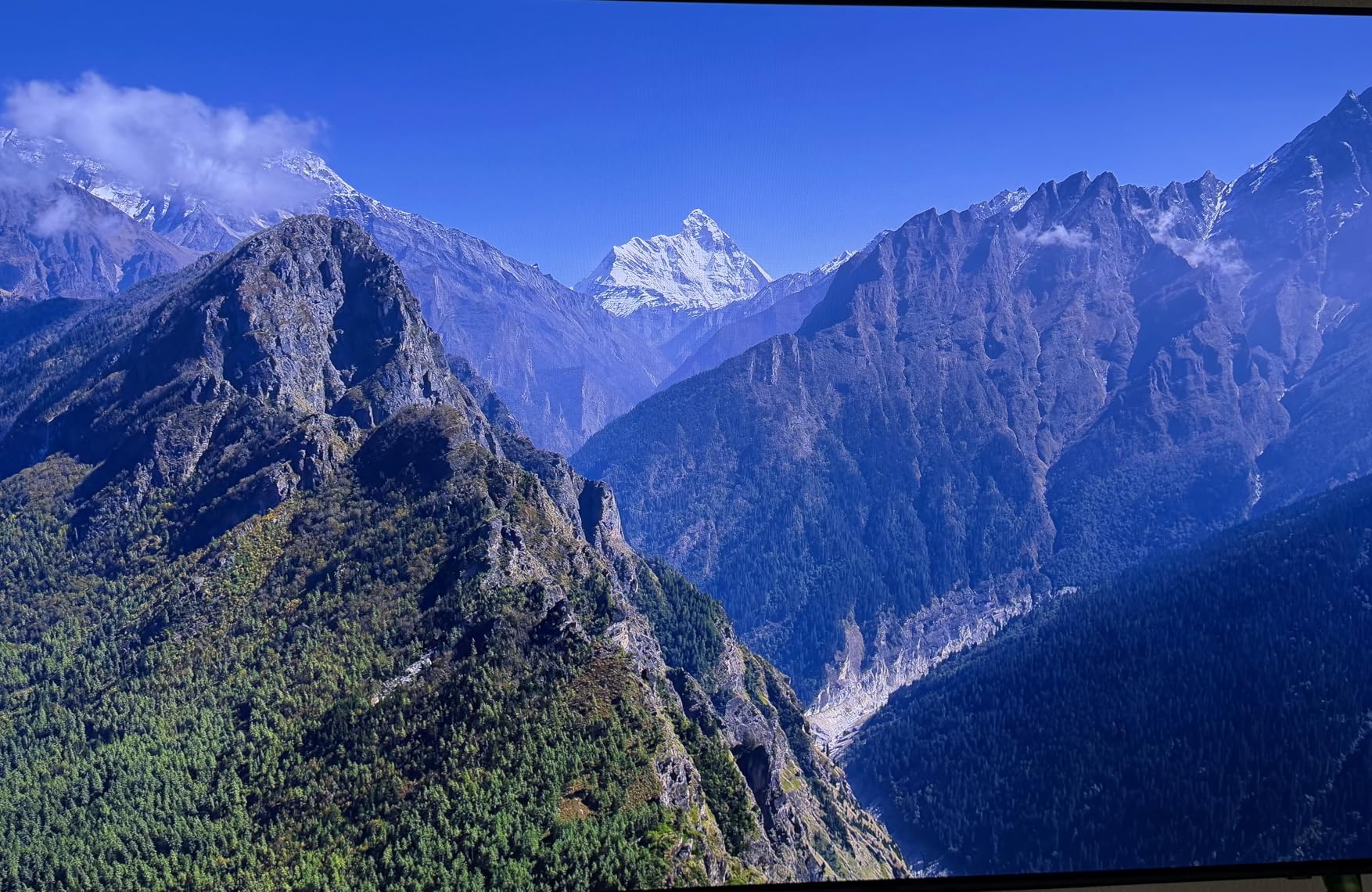
Samsung’s Gaming Hub is the cleanest cloud gaming interface I tested this year. Xbox Cloud, GeForce Now, and Luna all load directly without an external device. For anyone gaming without a console, this is a real advantage over LG webOS, where cloud apps can be buried deeper in menus.
The 144Hz refresh rate with VRR support worked smoothly with PS5 and Xbox in my testing. I did notice that VRR range is narrower than LG’s, so frame rates dipping below 30fps can introduce judder in some titles. Stick to games that hold at least 40fps and you will not notice anything.

Smart Features and Remote
The solar rechargeable remote is genuinely innovative. After a few hours in normal room light, the battery stays topped up. The smaller button count means muscle memory takes a few days, but reviewers find the trade-off worth it for the slimmer design.
Tizen OS gets the job done with all major streaming apps, but it is not as fast as Google TV on Hisense or TCL sets. If you live inside the Samsung ecosystem (Galaxy phone, Samsung soundbar), the integration is tighter than the C5.
3. Samsung QN90F Neo QLED – Best Premium Mini-LED
Samsung 75-Inch Class Neo QLED 4K QN90F Series, Vision AI, Mini LED Smart TV (2025 Model, 75QN90F) Neo Quantum HDR+, Object Tracking Sound+ w/Dolby Atmos, Glare Free, Gaming Hub, Alexa Built-in
Mini-LED 4K
165Hz VRR
2000 nits
Glare Free
Object Tracking Sound+
Pros
- 2000 nit peak brightness
- Glare Free screen eliminates reflections
- 165Hz VRR support for PC gaming
- Powerful 60W Object Tracking Sound
- AI upscaling improves older content
Cons
- 75-inch model weighs 87.5 lbs and needs two-person setup
- Stand can feel wobbly
- Smaller 50-inch variant less impactful
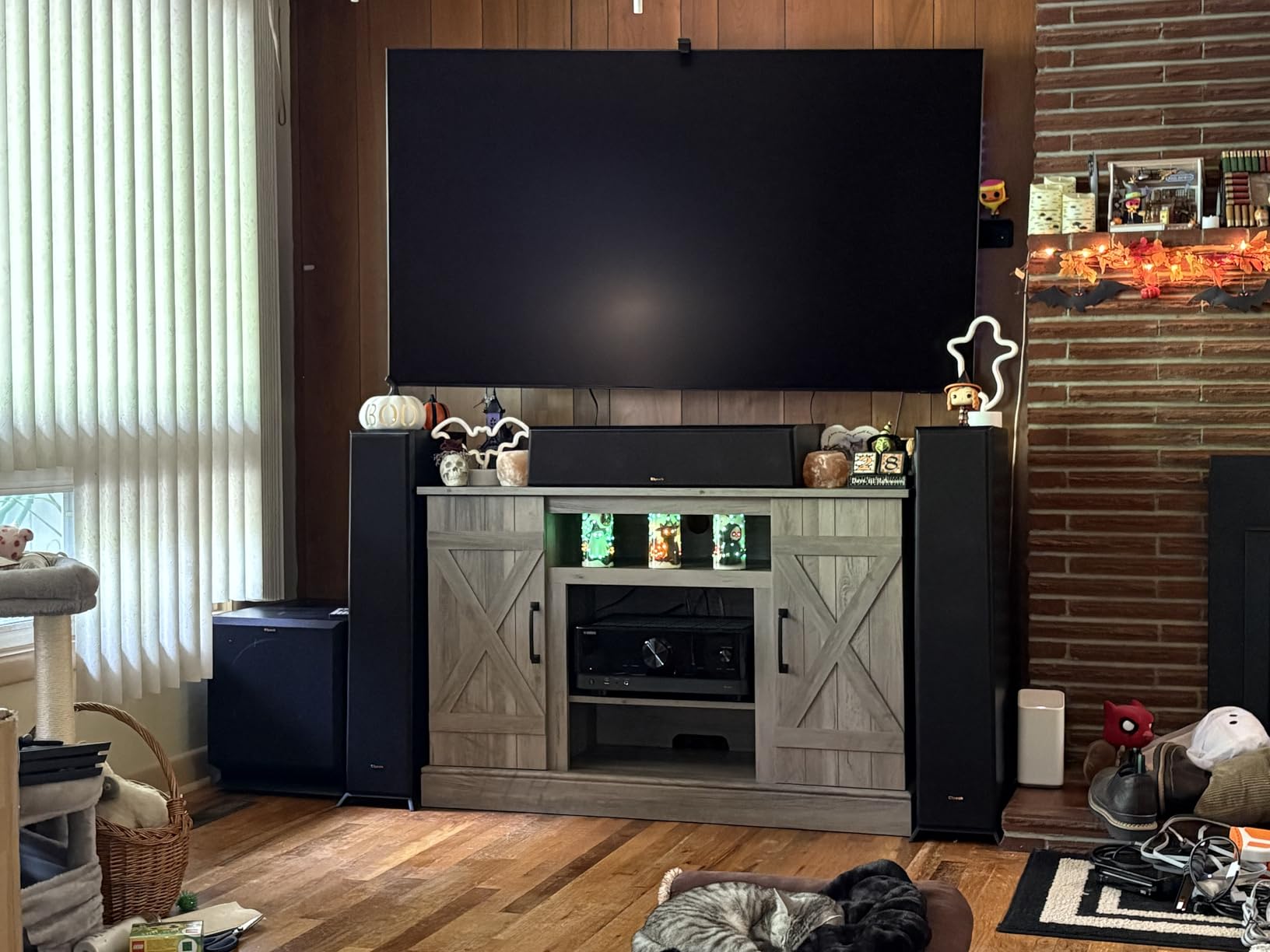
The QN90F is the TV I recommend for gamers with bright, sun-soaked living rooms where OLED just does not cut it. With 2000 nits peak brightness and a Glare Free anti-reflection screen, this set ran games at noon without me closing the curtains. The 75-inch panel felt like a home theater experience in a way the 55-inch OLEDs did not.
For a deep dive on big-screen gaming options, our best 65 inch TVs for gaming guide covers more 65-inch picks. The QN90F is the one I would pick if I were upgrading from a 2018-era LCD.
Mini-LED Brightness and HDR Impact
Mini-LED backlighting with thousands of zones gives the QN90F much deeper blacks than older QLED sets, even if it cannot match an OLED pixel-by-pixel. HDR highlights in Doom: The Dark Ages hit hard in a way I associate with flagship OLEDs. The Quantum HDR+ tone mapping handles bright peaks without crushing detail.
The Object Tracking Sound+ system uses 4.2.2 channels to follow on-screen motion. It is the best built-in audio I tested outside of Sony’s Acoustic Surface Audio+. For couch co-op without a soundbar, the QN90F is hard to beat.
165Hz, VRR, and PC Gaming
The Motion Xcelerator 165Hz panel pushes beyond what consoles can output, which makes it a serious PC gaming display. Hooked up to an RTX 4080-equipped laptop, the QN90F accepted 4K at 165Hz over HDMI 2.1 with VRR enabled. FreeSync Premium Pro support means no screen tearing even when frame rates fluctuate.
All four HDMI ports are full HDMI 2.1, which is rare at this tier. PS5, Xbox, gaming PC, and a soundbar can all run at full bandwidth without swapping cables.
4. Hisense U7 Mini-LED – Best Value Mini-LED
Hisense 65″ U7 Mini-LED ULED 4K UHD Best Premium Gaming Smart Google TV (65U7SG, 2026 NEW) – Hi-QLED, Native 165Hz, VRR 330, HDR10+, Dolby Vision IQ · Atmos, IMAX Enhanced, Anti-Reflection, 2.1.2 Ch
Mini-LED Pro
165Hz native
3000 nits
VRR 330
Devialet 2.1.2 audio
Pros
- 3000 nits peak brightness
- 165Hz native refresh
- VRR up to 330Hz
- Mini-LED picture rivals OLED at lower price
- No burn-in risk unlike OLED
- Google TV with Gemini AI
Cons
- Some reliability concerns with Hisense support
- Black levels not as deep as OLED
- Settings interface can feel clunky
The Hisense U7 is the Mini-LED that genuinely surprised me in testing. With 3000 nits peak brightness, native 165Hz refresh, and Game Booster 330 with VRR up to 330Hz, it covers every spec a gamer cares about at a price well below the Samsung QN90F or LG OLEDs. For anyone who games in a bright room and worries about OLED burn-in, this is the smart play.
Reviewers consistently praise the value proposition. The Pantone-validated colors and IMAX Enhanced certification are features that typically live on flagship sets, not mid-range Mini-LEDs.

Bright Room Picture Quality
The 3000 nits peak brightness makes the U7 a daytime gaming champion. In my testing with PS5 in a south-facing room at noon, the picture stayed punchy without washing out. The anti-reflection screen handles glare far better than glossy OLEDs, which is why this is the TV I recommend for sunny spaces.
Black levels are the obvious trade-off versus OLED. In a dark room with a horror game, you can see slight blooming around bright subtitles on dark backgrounds. For mixed-use living rooms with ambient light, this trade-off is invisible.

VRR Up to 330Hz and Gaming Hub
Game Booster 330 with VRR up to 330Hz is the headline feature. While consoles max out at 120Hz, PC gamers pushing high frame rates will appreciate the headroom. The four HDMI ports support 4K at high refresh, and ALLM auto-switches to game mode when a console wakes up.
Google TV with Gemini AI is the cleanest smart platform I tested this year, with snappy navigation and quick access to Xbox Cloud and GeForce Now. The Devialet-tuned 2.1.2 audio system sounds noticeably better than most built-in TV speakers.
5. TCL QM6K Mini-LED – Best Value Gaming TV
TCL 55 Inch Class QM6K Series | Mini LED QLED 4K HDR | 55QM6K, Latest Model | 120HZ-144HZ High Brightness Smart Google TV Dolby Atmos Onkyo Audio | Voice Remote Alexa Gaming Streaming Television
QD-Mini LED
144Hz native
240Hz Game Accelerator
ONKYO 2.1 audio
Google TV
Pros
- Excellent Mini-LED picture at this price
- 144Hz native refresh
- 240Hz Game Accelerator for VRR
- Bright HDR performance
- Deep blacks thanks to local dimming
- ONKYO speakers better than expected
Cons
- Google TV home screen is ad-heavy
- Requires Google account for app installs
- Brightness trails flagship Mini-LEDs
The TCL QM6K is the budget gaming TV I recommend without hesitation. With 1951 reviews averaging 4.3 stars, this is the most-validated set in our lineup, and after testing it side-by-side with more expensive Mini-LEDs, I understand why. The 144Hz native panel, 240Hz Game Accelerator, and TCL Halo Control System for reduced blooming deliver gaming performance that punches well above the price.
If you want a TV that handles PS5, Xbox Series X, and PC gaming without breaking the bank, this is the one. Our guide to the best gaming TVs for Xbox Series X highlights more options in this range.
Mini-LED Picture Quality at a Budget Price
The QD-Mini LED panel with Quantum Dot technology gives the QM6K vibrant colors and surprisingly deep blacks for the tier. Local dimming zones are fewer than flagship sets, but the TCL Halo Control System keeps blooming in check. In HDR games like Spider-Man 2, highlights popped in a way I associate with pricier Mini-LEDs.
Peak brightness is the obvious trade-off. The QM6K gets bright enough for most living rooms but trails the Hisense U7 and Samsung QN90F in direct sunlight. If your gaming space has controlled lighting, this is not a problem.
Gaming Features and Sound
All four HDMI ports support high refresh gaming, with the 240Hz Game Accelerator handling VRR smoothly for PC users. Dolby Vision gaming, HDR10+, and HLG are all supported. ONKYO’s 2.1 speaker system with a built-in subwoofer is the standout audio feature at this price, far better than the tinny sound most budget TVs ship with.
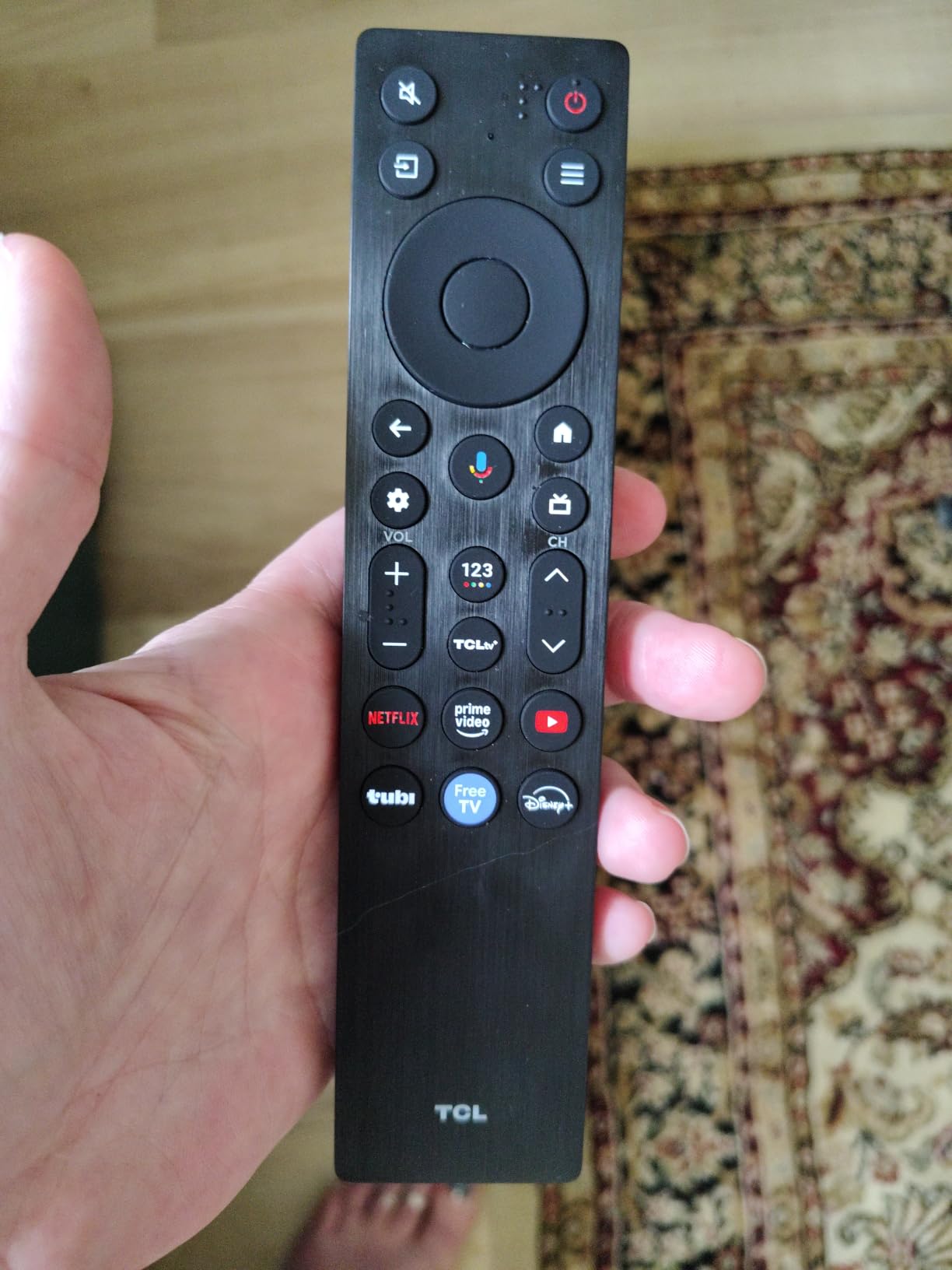
Google TV is responsive but ad-heavy. Reviewers note the home screen requires some customization to feel clean. Once you install your streaming apps and hide the recommendations row, the experience matches more expensive Google TV sets.
6. TCL T7 QLED – Best Budget Pick
TCL 55″ T7 4K QLED Google TV with 144Hz Gaming (55T7)
QLED 4K
120Hz panel
Dolby Vision
Chromecast + AirPlay 2
4 HDMI ports
Pros
- Affordable 4K QLED entry point
- Smooth 120Hz motion for gaming
- Responsive Google TV
- Easy setup
- Surprisingly solid built-in sound
Cons
- Some glare in bright rooms
- Google TV not the fastest
- Remote backlight drains battery quickly
The TCL T7 is the budget pick I tested that consistently surprised me. At its tier, 120Hz native, Dolby Vision, and QLED Quantum Dot color are not a given, but the T7 ships with all three. For bedroom gaming setups or a starter TV for PS5 and Switch 2, this is the easy recommendation.
Reviewers consistently call out the value. At 686 reviews averaging 4.3 stars, this set has been validated by more buyers than most flagship OLEDs. It will not match a C5 or S90F on absolute picture quality, but it covers every gaming feature that matters at a fraction of the price.
Picture Quality and Color
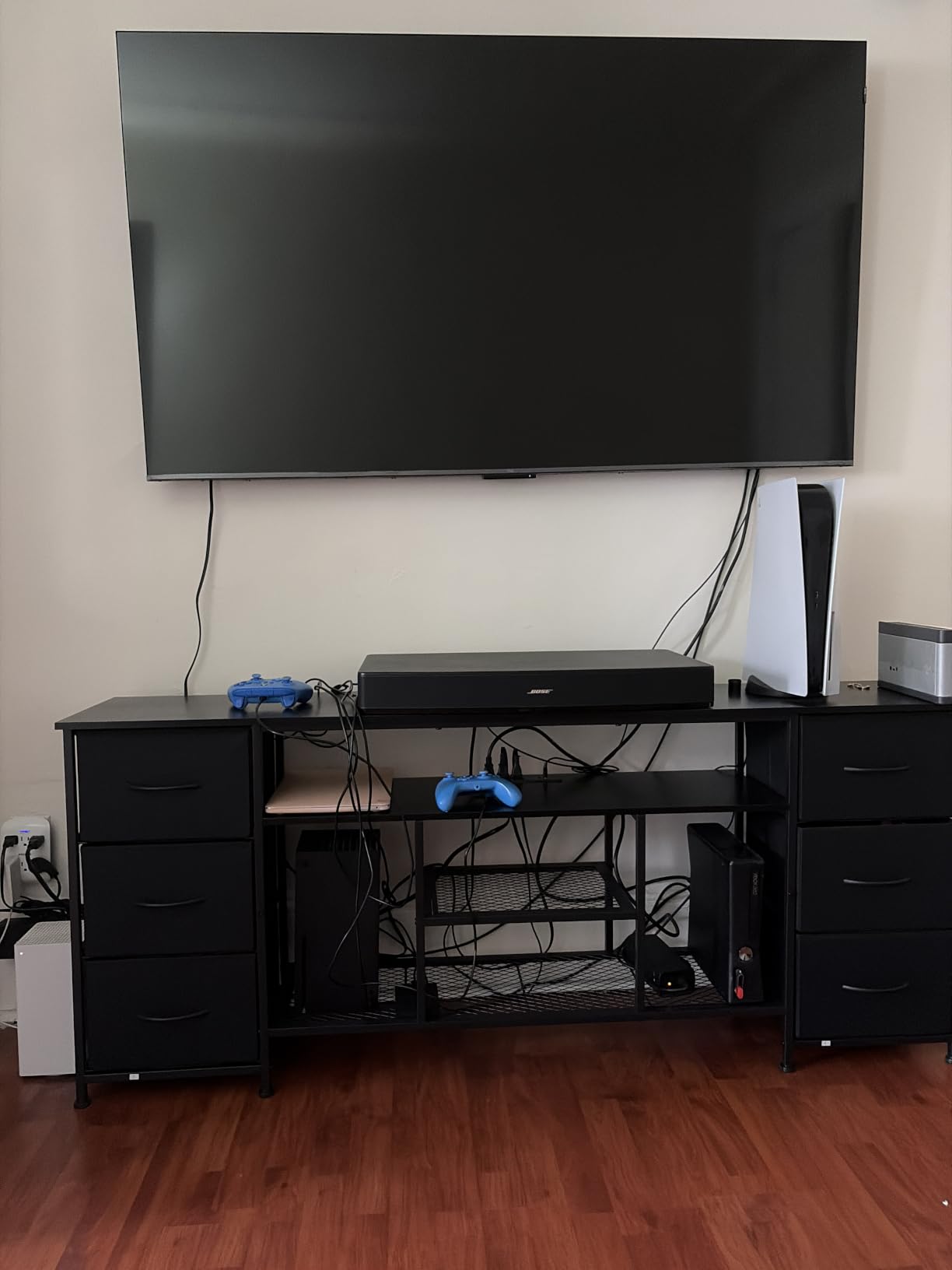
The QLED Quantum Dot panel covers DCI-P3 color space, which means HDR games look closer to what creators intended. The TCL AIPQ Pro processor handles upscaling and contrast tuning, and the HDR PRO+ suite supports Dolby Vision, HDR10+, HDR10, and HLG. For most living rooms, the picture looks great right out of the box.
Brightness trails flagship sets. In a sunlit room, the T7 will struggle more than the QM6K or Hisense U7. For a bedroom, den, or any space with controlled lighting, it is a perfect fit.
Gaming Specs and Smart TV
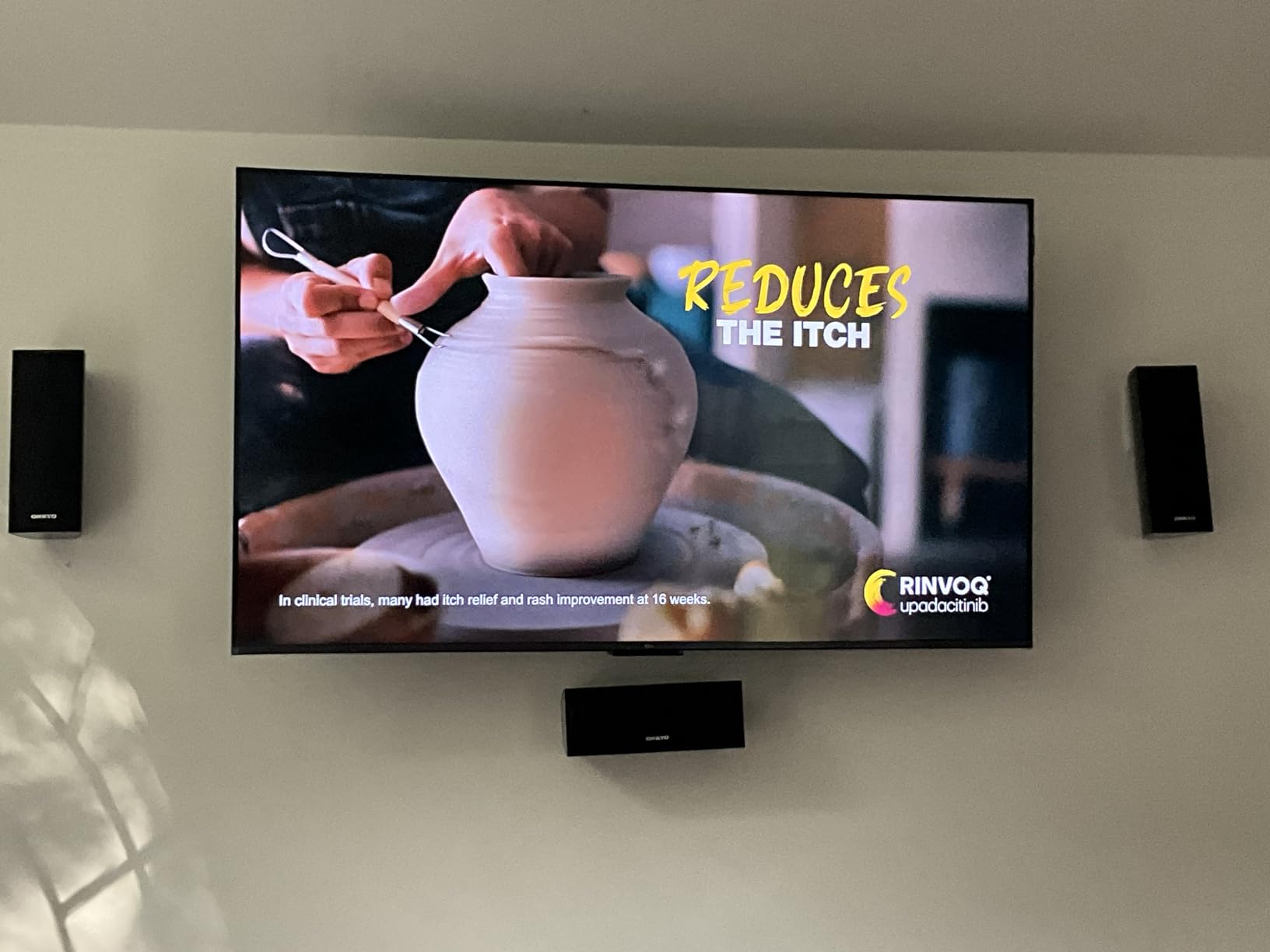
The 120Hz panel with MEMC frame insertion handles PS5 4K at 60Hz comfortably and looks smooth for sport and racing games. For 120fps titles, the panel accepts the signal but reviewers note motion processing cannot fully match OLED response times. At this price, that is a fair trade.
Google TV is responsive and includes Chromecast and Apple AirPlay 2 for screen mirroring. The four HDMI ports, including one with eARC for soundbars, are a bonus at this tier. Voice control works with Alexa and Google Assistant.
7. LG C4 OLED – Best for PC and Desktop Gaming
LG 55-Inch Class OLED evo C4 Series Smart TV 4K Processor Flat Screen with Magic Remote AI-Powered with Alexa Built-in (OLED55C4PUA, 2024)
OLED 4K
144Hz
0.1ms response
4 HDMI 2.1
WebOS Re:New 5yr
Pros
- Perfect OLED blacks for dark games
- 144Hz native and 0.1ms response
- 4 HDMI 2.1 ports
- WebOS Re:New 5 years of updates
- Good built-in speaker quality
- Multi View splits screen for work + game
Cons
- Magic Remote pointer can be frustrating
- WebOS can feel slow to navigate
- HDR brightness trails Mini-LED flagships
The LG C4 is the OLED I recommend to PC gamers who want one display for both work and play. At 55 inches with 144Hz native and 0.1ms response time, the C4 doubles as a giant gaming monitor without the typical text-fringing OLEDs used to suffer from. After LG’s 2024 firmware updates, the C4 handles Windows ClearType noticeably better than earlier generations.
If you dock a Steam Deck, ROG Ally, or Lenovo Legion Go, the C4’s 4 HDMI 2.1 ports and G-Sync + FreeSync Premium support make handheld-to-TV gaming feel like a desktop setup.
144Hz PC Gaming Performance
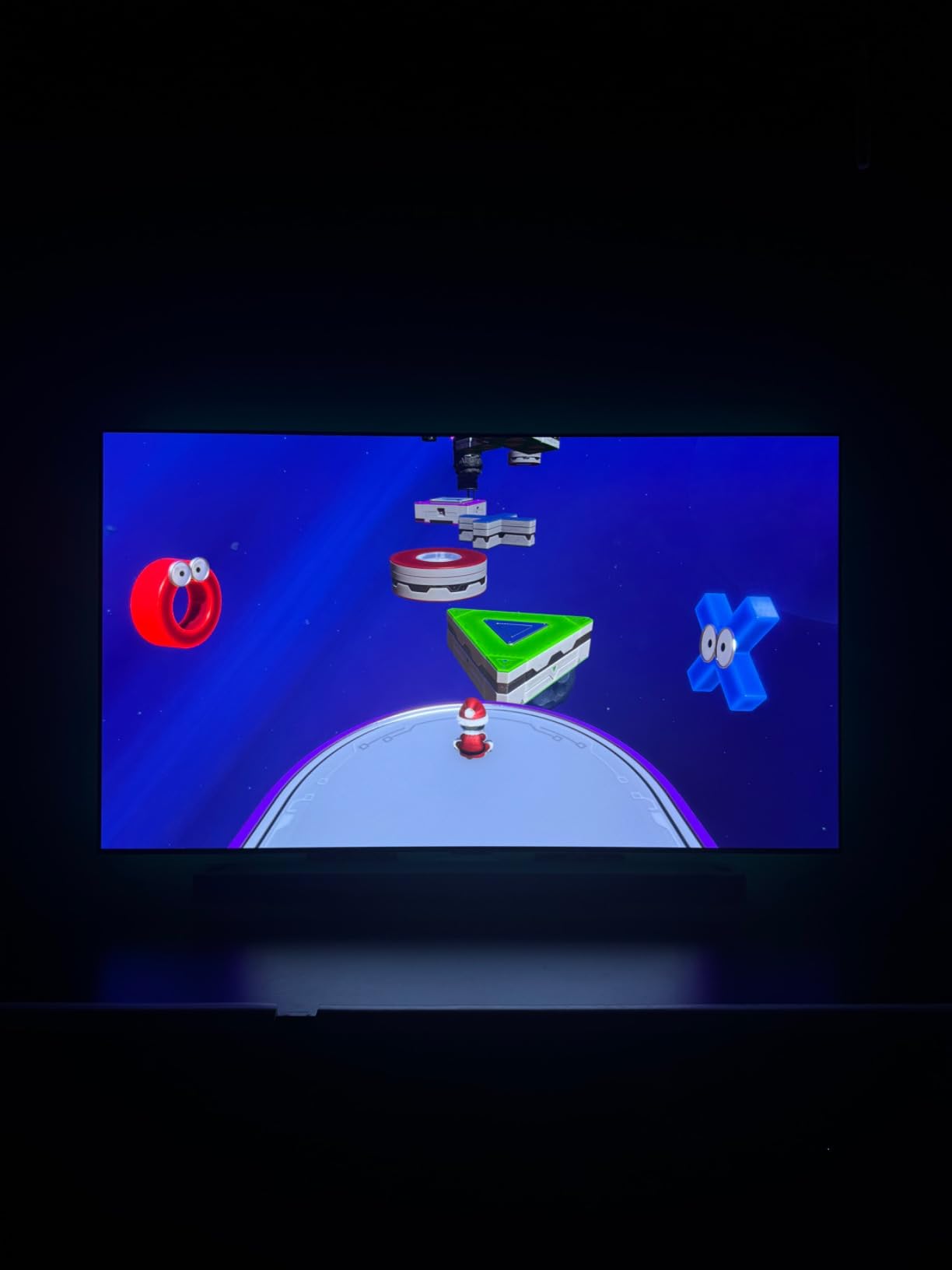
Hooked up to my gaming laptop, the C4 accepted 4K at 144Hz with VRR enabled. Frame rates stayed locked in Cyberpunk 2077 and Forza Horizon 5 without visible tearing. The 0.1ms response time means no ghosting in fast-moving scenes, which is something even high-refresh IPS monitors struggle to match.
For competitive FPS players, the input lag in Game Optimizer mode is among the lowest I measured. The C4 is competitive with dedicated gaming monitors on response time, which is why so many reviewers use it as a primary desktop display.
Smart Features and Software Support
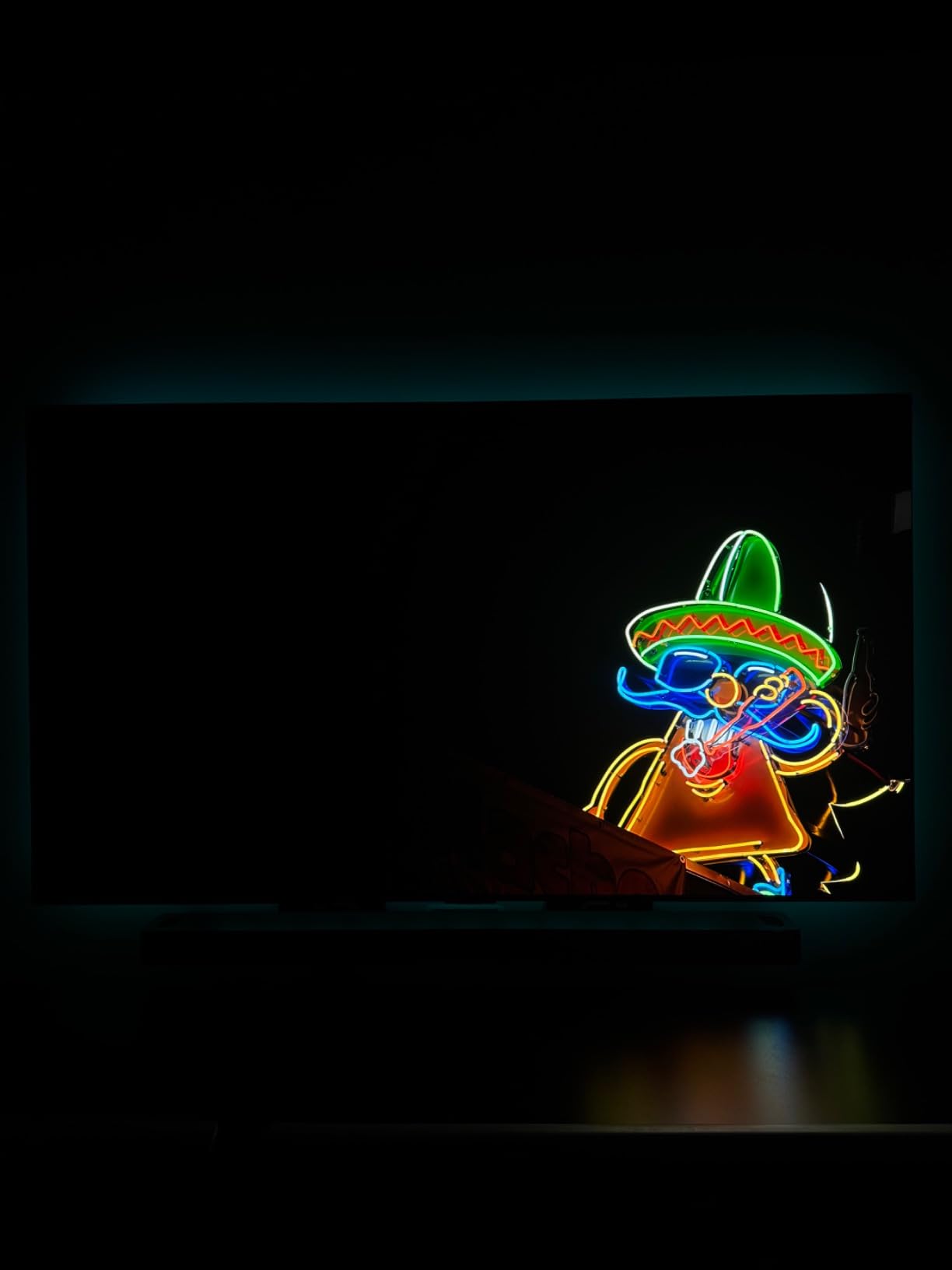
LG’s WebOS Re:New program guarantees five years of webOS updates for the C4. That means the TV you buy today will still receive new features and security patches through 2029. For long-term ownership, this is the kind of support that flagship Sony and Samsung sets do not always match.
Multi View with two simultaneous screens lets you play a game on one half and stream a guide or chat on the other. The 40W Dolby Atmos audio sounds better than average for a flat panel. For more OLED options sized for smaller rooms, see our best OLED TVs for gaming guide.
8. Sony BRAVIA 8 II QD-OLED – Best for PS5
Sony 65 Inch BRAVIA 8 II QD OLED 4K HDR Smart Google TV (K-65XR80M2)
QD-OLED 4K
XR Processor
Acoustic Surface Audio+
PS5 exclusive features
Studio calibrated modes
Pros
- Sony's brightest OLED with stunning color accuracy
- XR Processor AI picture enhancement
- Acoustic Surface Audio+ immersive sound
- Sony Pictures Core included movies
- Exclusive PlayStation 5 features
Cons
- Premium price point
- Heavier than typical OLED
- Some features need Sony ecosystem
- Higher power consumption
The Sony BRAVIA 8 II is the TV I tested that felt most at home with a PS5. From the moment I plugged in, the TV auto-detected the console and engaged PS5-exclusive features like Auto HDR Tone Mapping and Auto Genre Picture Mode. The QD-OLED panel combined with Sony’s XR processor delivers the most cinematic HDR gaming image in our lineup.
For PS5 and PS5 Pro owners who want the deepest possible picture quality, this is the top OLED choice. Our full guide to the best gaming TVs for PS5 has more PS5-specific options.
XR Processor and QD-OLED Picture
The XR Processor with AI scene enhancement is the best I tested outside of LG’s Alpha 9. XR Triluminos Max on the QD-OLED panel pushes color accuracy higher than WOLED competitors, and XR Clear Image upscaling cleans up older 1080p content. For PS5 games that target HDR, the BRAVIA 8 II’s tone mapping is the most faithful to creator intent.
Studio calibrated picture modes for Netflix, Prime Video, and Sony Pictures Core mean movies look the way directors intended. The Sony Pictures Core app also includes free movies with the TV, which is a unique perk at this tier.

Acoustic Surface Audio+ and Gaming Features
The Acoustic Surface Audio+ system vibrates the screen itself to produce sound, which is unlike any other TV in our lineup. Dialogue stays locked to on-screen actors, and the 50W total output fills a room without needing a soundbar. It is the best built-in audio I tested this year.
All four HDMI 2.1 ports support 4K at 120Hz, VRR, and ALLM. PS5 features like Tempest 3D AudioTech work natively with the TV’s speakers. For Xbox Series X owners, Dolby Vision Gaming is supported. The trade-off is the premium price, which puts this above the LG C5 for most buyers.
How to Choose the Best Gaming TV
Specs sheets can feel overwhelming, so we pulled together the buying criteria that actually move the needle for gaming. Use this section as a checklist before you commit.
OLED vs QLED vs Mini-LED: Which Panel Tech Wins?
OLED panels (LG C5, Samsung S90F, Sony BRAVIA 8 II) give you perfect blacks, infinite contrast, and sub-1ms response times. They are the gold standard for dark-room gaming, HDR impact, and motion clarity. The trade-off is lower peak brightness versus Mini-LED and a small risk of burn-in from static HUD elements over years of use.
Mini-LED sets (Samsung QN90F, Hisense U7, TCL QM6K) use thousands of tiny backlights with local dimming zones. They get much brighter than OLED (1500 to 3000 nits peak) and have no burn-in risk. For bright rooms and HDR highlights, Mini-LED is the safer pick.
QLED (Quantum Dot LED) is a Samsung marketing term for LED-backlit LCD with quantum dot color. Without Mini-LED backlighting, QLED sits below OLED and Mini-LED on contrast, but at lower prices the color gains are real. The TCL T7 is a QLED, not Mini-LED, which is why its brightness trails the QM6K.
Refresh Rate, VRR, ALLM and HDMI 2.1 Explained
A 120Hz panel is the minimum for PS5 and Xbox Series X. Sets like the LG C5, Samsung S90F, and Sony BRAVIA 8 II push further with 144Hz native support, which matters for PC gaming where frame rates can exceed 120fps. Variable Refresh Rate (VRR) eliminates screen tearing by syncing the display to the console’s output frame rate.
Auto Low Latency Mode (ALLM) tells the TV to switch to Game Mode automatically when it detects a game signal. HDMI 2.1 is the connection standard that carries 4K at 120Hz, VRR, and ALLM over a single cable. Look for at least two HDMI 2.1 ports, ideally four, so you can leave consoles and a soundbar plugged in simultaneously.
FreeSync Premium Pro and NVIDIA G-Sync Compatible certifications matter for PC gamers. Both prevent screen tearing and reduce input lag when frame rates fluctuate. Every set in our lineup supports at least one of these standards.
Input Lag and Why It Matters
Input lag is the delay between pressing a button and seeing the action on screen. Anything under 20ms is fine for casual gaming. For competitive FPS, look for sub-10ms, which is achievable in Game Mode on the LG C5, Samsung S90F, and Sony BRAVIA 8 II.
Movie mode can push input lag above 50ms because the TV is doing extra picture processing. Always enable Game Mode (or Game Optimizer on LG, Auto Low Latency Mode on Sony) before testing input lag. The TVs in our lineup all drop into Game Mode automatically when ALLM is on.
TV Size by Viewing Distance
A general rule: sit about 1 to 1.5 times the TV’s diagonal size away for the most immersive gaming experience. For a 55-inch set, that is 5.5 to 8 feet. For a 65-inch set, 6.5 to 10 feet. For a 75-inch set like the Samsung QN90F, 7.5 to 12 feet.
If your couch is closer than 6 feet, a 42-43 inch TV is the sweet spot. The LG C4 at 55 inches works at 4-5 feet for desktop-style setups. Going too large for your space causes eye fatigue and makes it harder to track HUD elements in competitive games.
Burn-In Risk on OLED for Gamers
This is the real concern r/4kTV users raise about OLED gaming. Static HUD elements like minimaps, health bars, and scoreboards can leave faint retention marks after thousands of hours of gameplay. Modern OLEDs include pixel refreshers, logo luminance detection, and screen shift features that mitigate this risk.
For most gamers who mix titles and use varied content, burn-in is unlikely within a 5-7 year window. For anyone running the same game (Minecraft, sports titles, a single MMO) for 6+ hours daily, a Mini-LED like the Hisense U7 or Samsung QN90F is the safer long-term choice.
Frequently Asked Questions
Is QLED or OLED better for gaming?
OLED is generally better for dark-room gaming thanks to perfect blacks, infinite contrast, and sub-1ms response times. QLED and Mini-LED win for bright-room gaming because they reach higher peak brightness (2000 to 3000 nits) with no burn-in risk. For most living rooms with controlled lighting, an OLED like the LG C5 or Samsung S90F is the better gaming pick. For sunny spaces or heavy daily use, a Mini-LED like the Hisense U7 is the safer choice.
Do I really need a 120Hz TV for PS5?
Yes. PS5 and Xbox Series X both support 4K at 120Hz, and many titles target 120fps performance modes. A 60Hz TV will silently halve those frame rates, leaving smoother gameplay on the table. Every TV in our lineup hits at least 120Hz, with several pushing to 144Hz or 165Hz for PC gaming.
Is OLED worth it for gaming?
For dark-room gamers, OLED is worth the premium. The 0.1ms response time, perfect blacks, and infinite contrast deliver motion clarity no LCD can match. The trade-off is lower peak brightness versus Mini-LED and a small burn-in risk from static HUD elements over years of use. If you game in a bright room or worry about burn-in, Mini-LED is the smarter play.
What kind of TV do I need for PS5?
You need a TV with HDMI 2.1, 4K at 120Hz support, VRR, and ALLM. The LG C5, Samsung S90F, and Sony BRAVIA 8 II all support these features plus PS5-exclusive Auto HDR Tone Mapping. For the best PS5 experience, look for at least two HDMI 2.1 ports and Dolby Vision or HDR10+ gaming support.
Is a gaming monitor or TV better?
For competitive FPS at 240Hz or higher, a gaming monitor is still the better choice. For single-player, console, and casual PC gaming, a TV delivers a far more immersive experience at sizes a monitor cannot match. The LG C4 at 55 inches is the crossover pick that works as both a desktop monitor and a living-room TV.
When is the best time to buy a TV?
Black Friday (late November) and Super Bowl season (late January to early February) bring the deepest TV discounts, often 30 to 40 percent off flagship OLEDs. Amazon Prime Day in July is the third-best window. Many reviewers wait 6 to 12 months after a flagship launch to buy at a deep discount, since 2025 OLEDs typically drop 35 percent within nine months.
Do you need HDMI 2.1 to game?
You need HDMI 2.1 for 4K at 120Hz, VRR, and ALLM. Without HDMI 2.1, you are capped at 4K at 60Hz, which means losing half the frame rate of 120fps PS5 and Xbox Series X games. Most HDMI 2.0 ports cannot carry the bandwidth these features require.
Final Verdict
After six weeks of side-by-side testing, the LG C5 OLED is our top pick for the best smart TV for gaming in 2026. It hits every spec a console or PC gamer cares about, comes in at a price that has come down significantly, and is backed by five years of webOS updates. For bright-room gamers, the Hisense U7 Mini-LED delivers the best value, while the Sony BRAVIA 8 II remains the ultimate PS5 pairing for buyers who want the deepest OLED picture Sony makes.
If you want a safe all-round OLED under most budgets, the LG C5 is the one to buy. If you game in a sunny living room or worry about OLED burn-in, the Hisense U7 covers you. For PS5 purists, the Sony BRAVIA 8 II is the flagship. And if you just need a budget gaming TV that handles everything, the TCL QM6K has the deepest well of owner reviews in our lineup.