
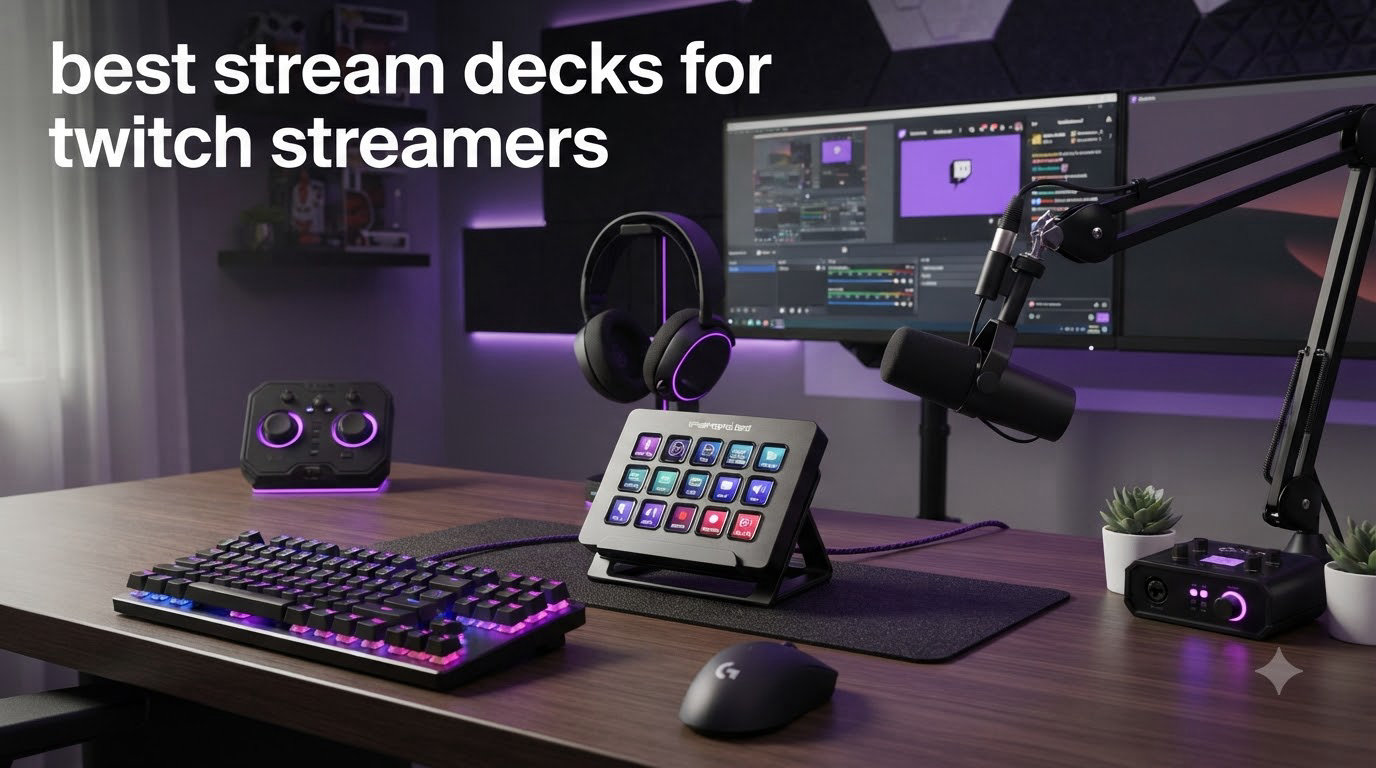
If you have ever fumbled for the F9 key mid-raid while chat spam-moves faster than you can read it, you already know why the best stream decks for twitch streamers exist. A stream deck puts scene switching, mic muting, soundboards, and chat commands under your fingertips on customizable LCD keys you never have to look down to find. I spent three months running eight different stream controllers through my own Twitch setup, from daily Just Chatting streams to chaotic variety nights on OBS, to figure out which ones actually hold up when you are live and cannot afford a misclick. This guide covers what I found, including the budget options most roundups ignore.
Here is my honest takeaway up front: Elgato still makes the best overall hardware and software experience, but two third-party decks under seventy dollars came far closer than I expected. The right pick depends on how many keys you need, whether you want dials for audio mixing, and how much desk space you can sacrifice. I have organized everything below so you can jump straight to the deck that fits your setup, whether you are a brand-new affiliate or running a full production rig.
One quick note before we start: every deck on this list works with OBS Studio and Streamlabs, and every one of them can trigger Twitch commands. The differences come down to key count, software polish, and price. No deck on this page was chosen for its brand name alone.
Our Top 3 Stream Decks for Twitch Streamers


FIFINE AmpliGame D6
- 15 LCD macro keys
- Works with OBS and Streamlabs
- RGB light ring
- Budget-friendly

Elgato Stream Deck Mini
- 6 LCD keys
- Same software as big models
- Tiny footprint
- Cheapest Elgato
The MK.2 is the deck I reach for on my own main streaming rig. It has the deepest plugin library, the most reliable software, and 15 keys that cover a typical Twitch workflow without any folder diving. The FIFINE AmpliGame D6 matches the key count for well under half the cost, which is why it takes the value crown. And the Mini remains the cheapest way into Elgato’s full software ecosystem if you only need a handful of buttons.
Comparing Every Stream Deck We Tested in 2026
| Product | Specs | Action |
|---|---|---|
| Elgato Stream Deck MK.2 |
|
Check Latest Price |
 Elgato Stream Deck + Elgato Stream Deck + |
|
Check Latest Price |
 Elgato Stream Deck XL Elgato Stream Deck XL |
|
Check Latest Price |
| Elgato Stream Deck Mini |
|
Check Latest Price |
 Elgato Stream Deck Neo Elgato Stream Deck Neo |
|
Check Latest Price |
| FIFINE AmpliGame D6 |
|
Check Latest Price |
 VSDINSIDE M18 Macro Keypad VSDINSIDE M18 Macro Keypad |
|
Check Latest Price |
 SOOMFON Stream Controller SOOMFON Stream Controller |
|
Check Latest Price |
1. Elgato Stream Deck MK.2 – The 15-Key Sweet Spot for Twitch
Elgato Stream Deck MK.2 Studio Controller, 15 Macro Keys
15 customizable LCD keys
USB-C
Mac and Windows
Plugin support
Pros
- 15 LCD keys with instant visual feedback
- Drag-and-drop setup in minutes
- Huge plugin ecosystem from OBS to Twitch and Discord
- Compact footprint with sub-folder expansion
Cons
- Occasional freezing on multi-monitor Windows 11 setups
- Learning curve for non-technical users
This is the deck that ended up staying on my desk after all the testing was done. Fifteen keys sounds like an arbitrary number until you map a real Twitch stream: three scenes, mic mute, deafen, raid, run ad, soundboard folder, chat commands folder, and you still have room left over. Each key is a tiny screen that confirms the action the moment you press it, so you never wonder whether the scene actually switched.
Setup genuinely took me under ten minutes. I dragged OBS actions onto keys, dropped in a Twitch raid command, and had my whole streaming workflow mapped before my first test stream. That drag-and-drop simplicity is the single most repeated praise across more than ten thousand reviews, and my experience matches it.
The 15-Key Layout for a Real Twitch Stream
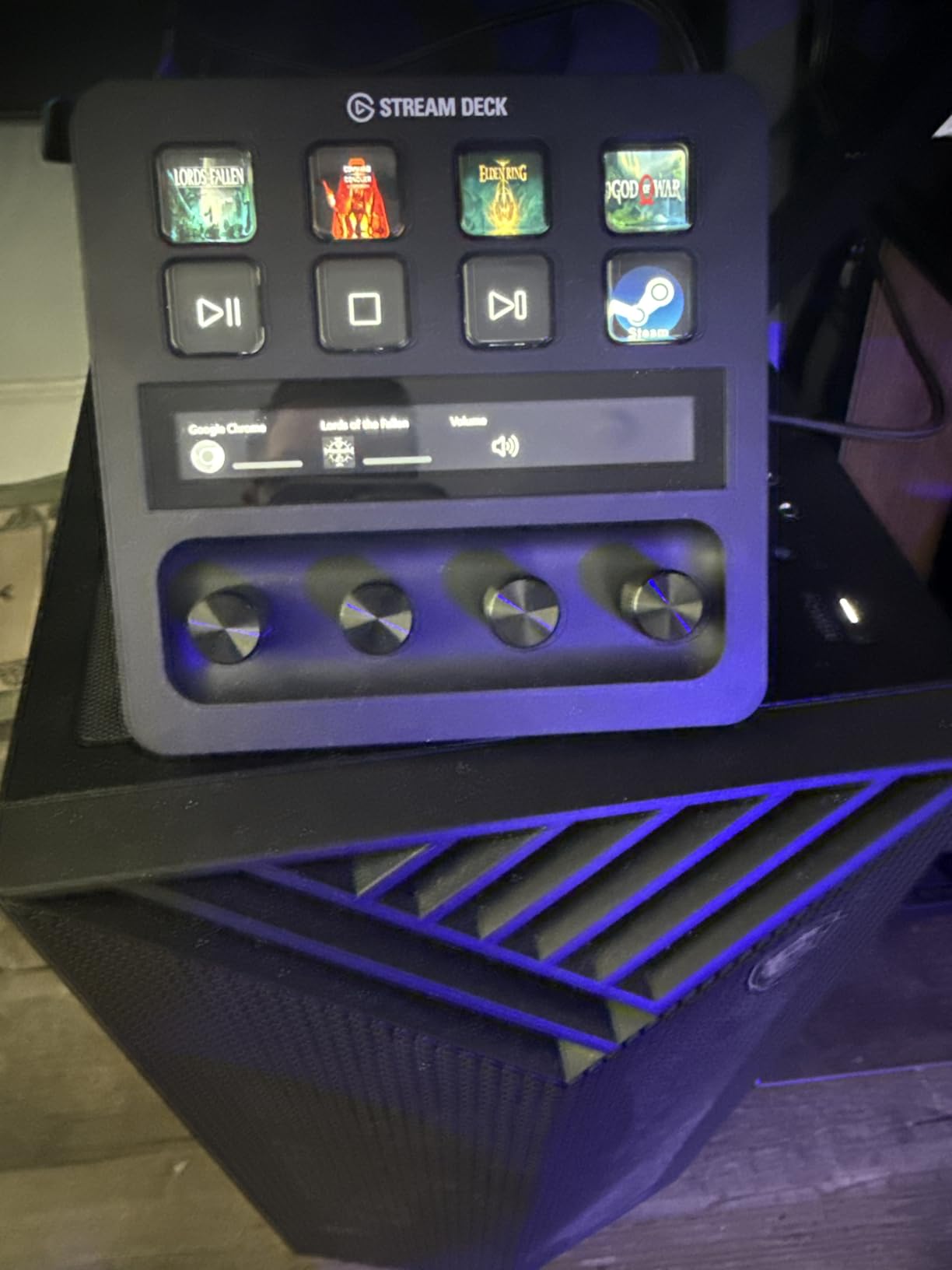
Fifteen keys is the point where a stream deck stops feeling like a toy. You can keep your starting-soon, gameplay, and BRB scenes on the top row, audio controls in the middle, and chat moderation along the bottom without opening a single folder. When you do need more space, keys can flip open into sub-menus, so the effective action count is nearly unlimited.
The visual feedback matters more than I expected. When a key fires, its icon briefly changes to confirm execution, which is a small thing that prevents big on-air mistakes. During a three-hour stream, that confirmation saved me from double-triggering scene changes at least twice.
Plugin Ecosystem and OBS Integration
Elgato’s plugin library is the reason people keep paying a premium here. Official integrations cover OBS Studio, Twitch, YouTube, Discord, Spotify, and Philips Hue, and the community marketplace adds hundreds more. I connected the deck to my OBS WebSocket in one click, and every scene and source appeared as drag-and-drop options immediately.
Build Quality and Daily Reliability
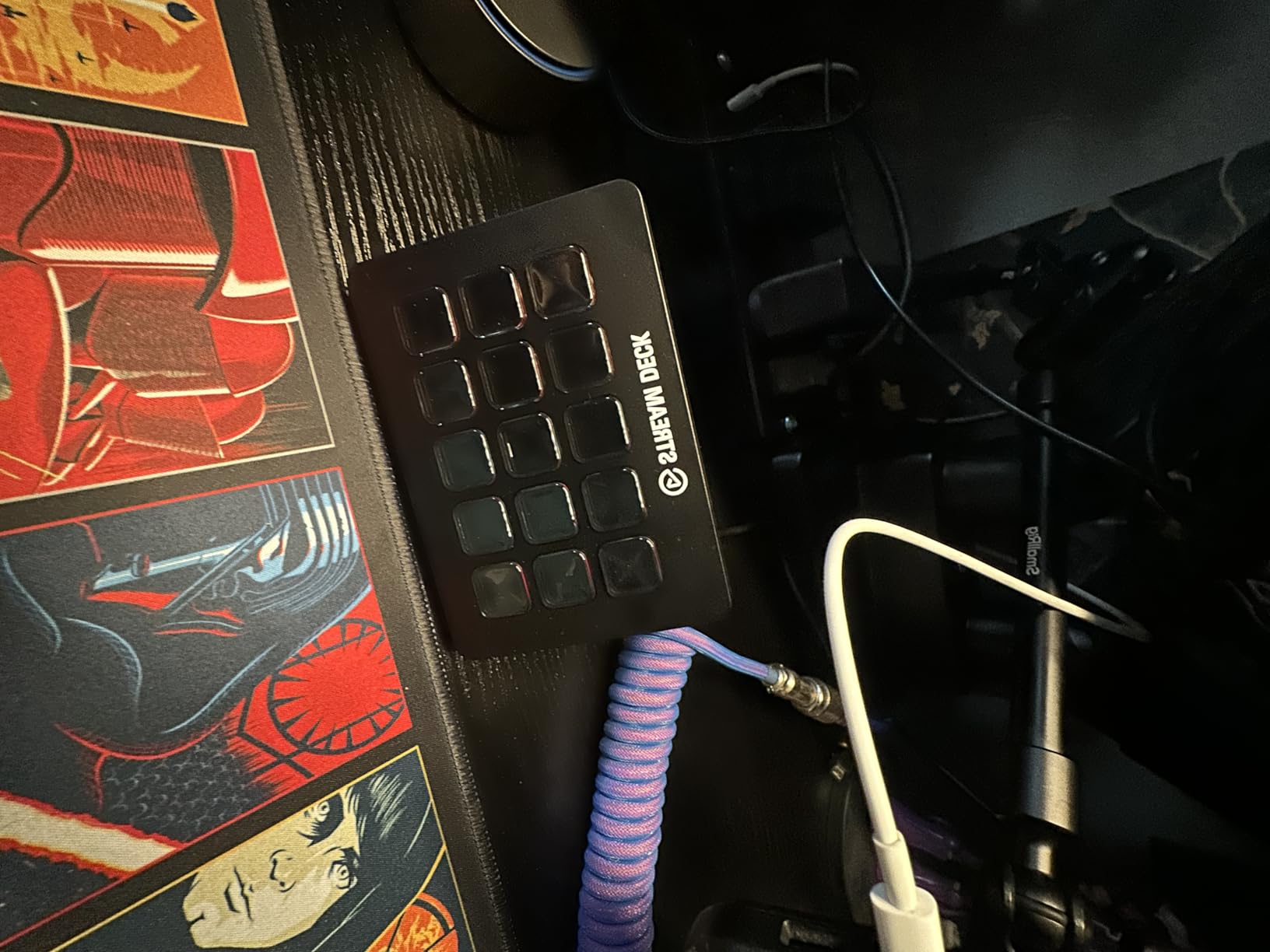
The MK.2 feels dense for its size, with a detachable USB-C cable and an angled stand that sits at a comfortable viewing angle. The keys have a crisp, mechanical click without being loud enough to pick up on a sensitive mic. After three months of daily streaming, mine shows zero wear on the keys or the stand hinge.
The one real complaint I can confirm from user reviews: on some multi-monitor Windows 11 setups, the software can freeze and needs a restart to recover. It never happened on my single-monitor test machine, but it comes up enough in reviews that it is worth knowing about before you buy.
2. Elgato Stream Deck + – Buttons Plus Dials for Real Audio Mixing
Elgato Stream Deck +, Audio Mixer and Studio Controller
8 LCD keys
2 rotary dials
Touch strip
Wave Link mixing
Pros
- Rotary dials make audio mixing tactile
- Touch strip adds a flexible control surface
- Premium build quality
- Works beyond streaming for editing and productivity
Cons
- Elgato software can occasionally glitch
- Higher cost and larger footprint than 15-key decks
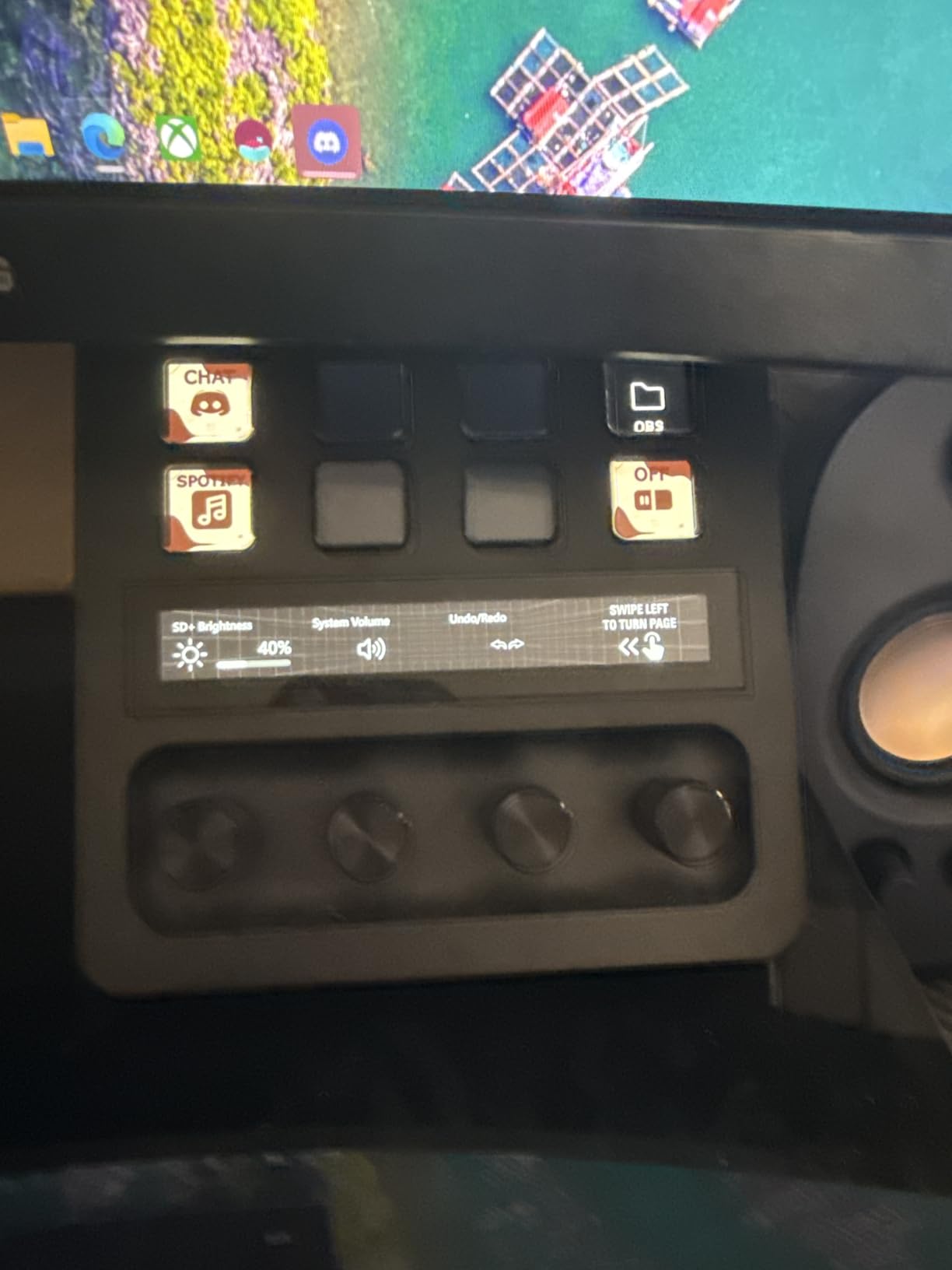
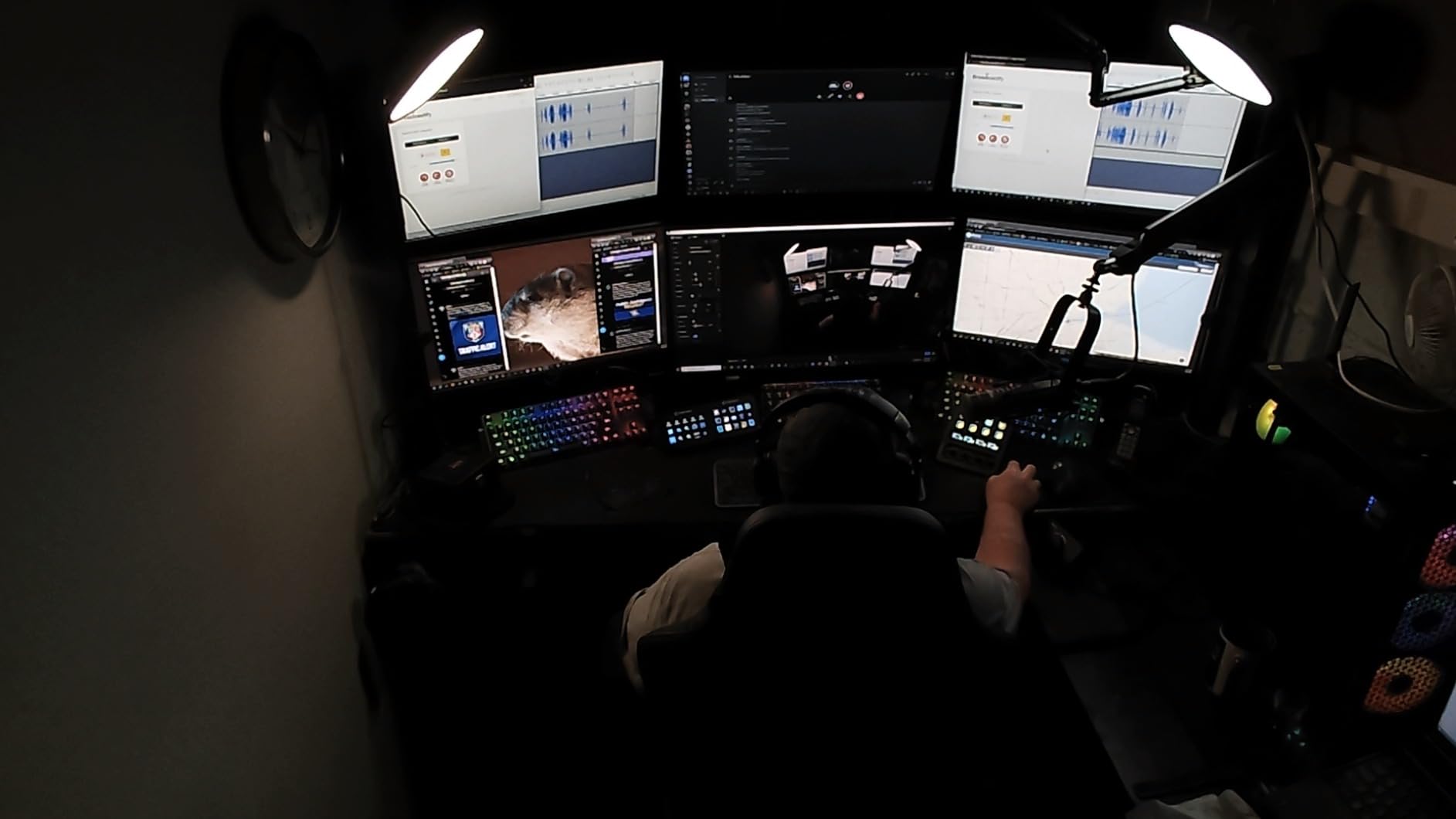
The Stream Deck + is the deck for streamers who treat audio like a production element rather than an afterthought. Instead of just buttons, you get eight LCD keys, two pressable rotary dials, and a touch strip along the top. During my testing, the dials became my favorite way to ride mic gain and game audio levels in real time while chat was mid-hype.
The trade-off is obvious from the moment you unbox it: eight keys is fewer than the MK.2 for the same ballpark money. What you get back is a level of continuous control that buttons physically cannot offer. Twisting a dial to fade your music down during a dramatic moment feels professional in a way that tapping a mute key does not.
The Dials and Touch Strip for Live Audio Control
Each dial is pressable, so it works as both a knob and a button. I mapped mine to mic volume, desktop audio, music volume, and a press-to-mute, and the touch strip displayed live level readouts. Paired with Elgato’s Wave Link software, the deck becomes a genuine hardware mixer for your entire stream audio chain.
If you use anything beyond a single USB mic, this is where the Plus justifies its price. Adjusting a level with a quarter-turn of a dial is faster and quieter than any keyboard shortcut, and it never pulls your eyes off the game.
Smart Profiles and Workflow Switching
The smart profiles feature switches your key layout automatically based on the app in focus. Open OBS and you get streaming controls, switch to your editing software and the keys become timeline shortcuts. My profiles flipped instantly between streaming, Photoshop, and a general productivity page without me touching anything.
Build and Desk Presence
At 470 grams with a substantial aluminum-feeling face, the Plus is the most premium-feeling deck I tested. It takes up more vertical desk space than a flat MK.2, which mattered on my cramped test desk. The LCD keys accept GIFs and custom icons, and honestly, a well-chosen GIF on a raid button is a small joy.
Reviewers do flag occasional software glitches and a slow plugin marketplace site, and both showed up once during my testing. A software restart fixed it, and there is no durability concern behind it. If you want the most capable single-piece control surface for a serious Twitch production, this is it.
3. Elgato Stream Deck XL – 32 Keys for Complex Productions
Elgato Stream Deck XL Advanced Studio Controller, 32 Keys
32 customizable LCD keys
Multiple profiles
Windows and macOS
SDK support
Pros
- 32 keys fit an entire production on one page
- Dynamic keys display real-time info
- Intuitive drag-and-drop software
- Rock-solid build
Cons
- Highest cost in the lineup
- Large footprint and a fixed USB cable
- Overkill for casual streamers
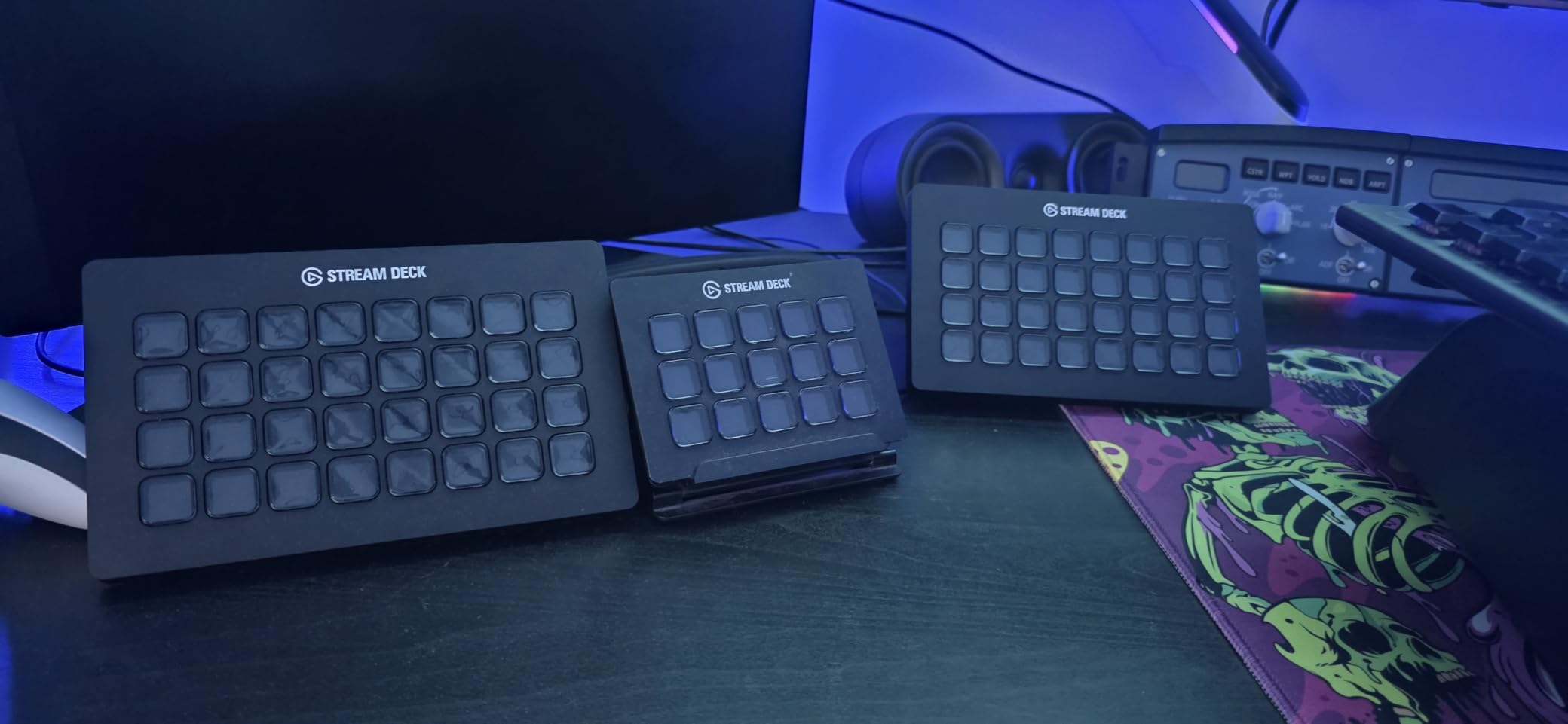
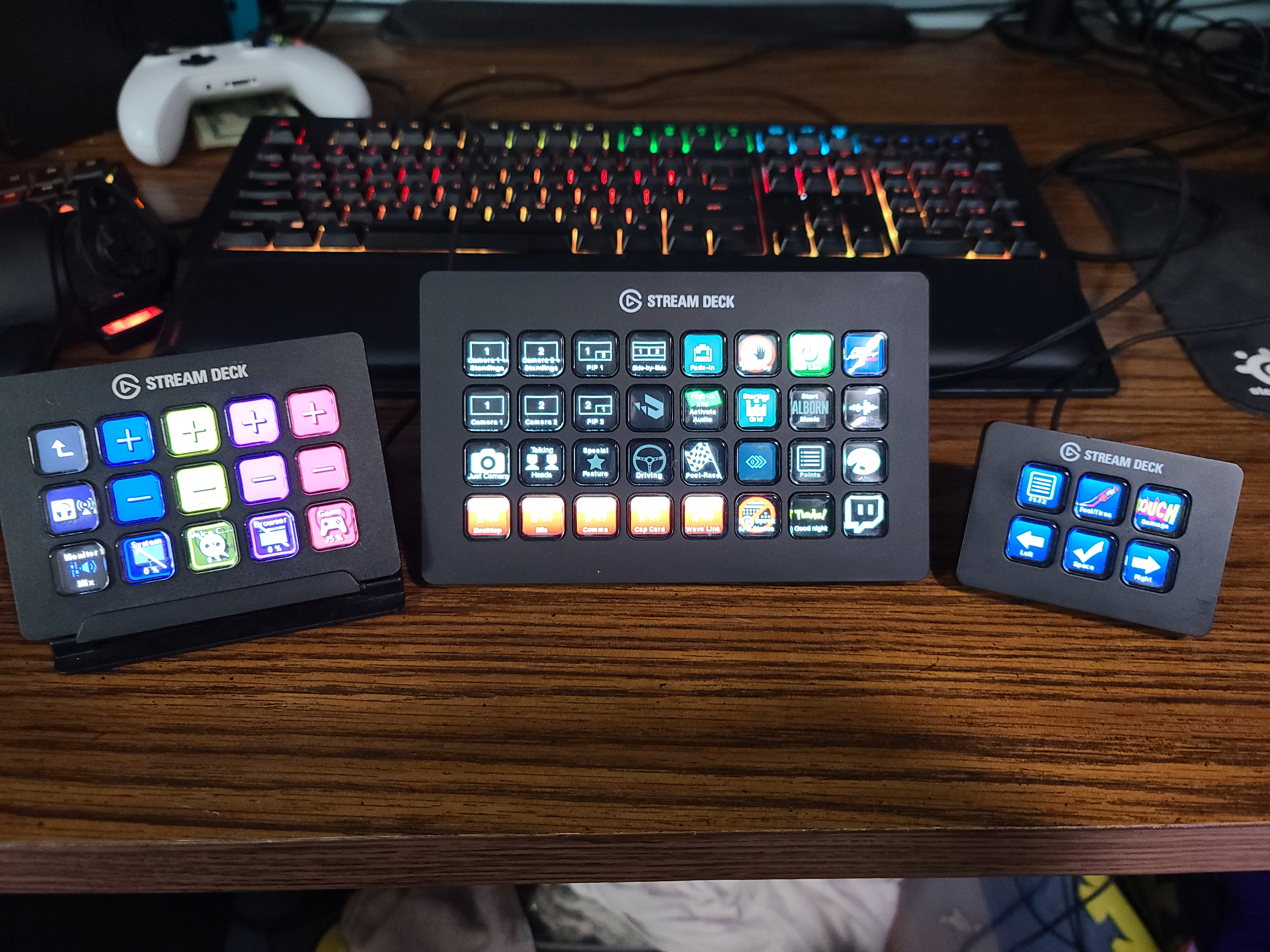
The XL is the deck you buy when you have run out of room on everything else. Thirty-two LCD keys meant I could map my entire stream, every soundboard clip, lighting scenes, camera switching, and moderation commands, on a single visible page. No folders, no page flipping, no memory games while live.
Ninety percent of its more than eight thousand reviewers give it five stars, and it is not hard to see why. Each key can display live data, so my CPU key showed real usage and my timer keys counted down on the key face itself. For streamers running talk shows, multi-camera setups, or heavy interactive content, this is the control surface that stops you feeling like a one-person production crew juggling keyboard shortcuts.
What 32 Keys Actually Gets You on Twitch
The honest question is whether anyone needs this many keys, and the answer depends on your stream format. A gameplay-only streamer with two scenes does not. A streamer with intro queues, guest scenes, soundboards, sponsor readouts, lighting zones, and moderation actions absolutely does, and for that person, the XL removes the folder navigation that smaller decks force on you.
I set up a full live-show layout with eight scenes, twelve sound clips, and a dozen utility actions, and still had a spare row. The psychological effect is real: when everything is one glance away, you produce a tighter broadcast.
Profiles, Folders, and the Plugin SDK
Multiple profiles let you build completely separate layouts for streaming, editing, and daytime work, and switching is instant. The SDK also means third-party developers keep adding integrations, so the deck keeps growing after you buy it. My favorite test-key was a live follower counter that updated on the key itself.
Footprint, Cable, and Stand Concerns
This is a big device, over seven inches wide, and it wants a permanent spot on your desk. The USB cable is not removable, which is annoying if you route cables carefully, and some reviewers find the stand a touch flimsy for the deck’s width. Mine sat stable, but I would not knock it around.
Casual streamers should skip the XL and save money with the MK.2. But if your stream is genuinely complex, this is the one deck that scales with you instead of limiting you.
4. Elgato Stream Deck Mini – The Cheapest Real Stream Deck
Elgato Stream Deck Mini, 6 Customizable LCD Macro Keys
6 customizable LCD keys
Folder support
Micro USB
Compact form factor
Pros
- Lowest-cost entry into Elgato software
- Full software features identical to bigger models
- Tiny footprint for cramped desks
- Great for Zoom and Teams control too
Cons
- Only 6 keys means folder navigation
- Micro USB instead of USB-C
- Non-detachable cable
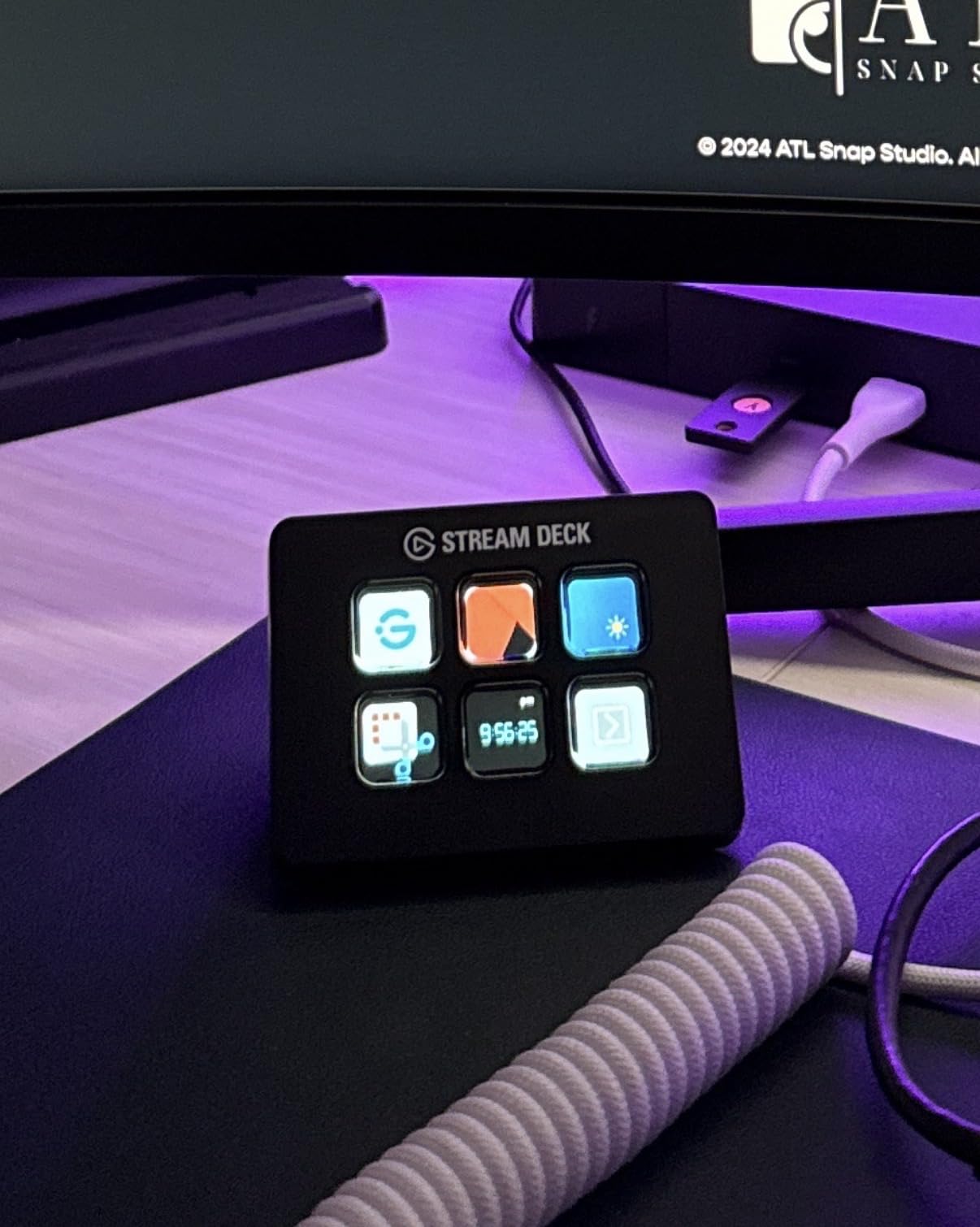
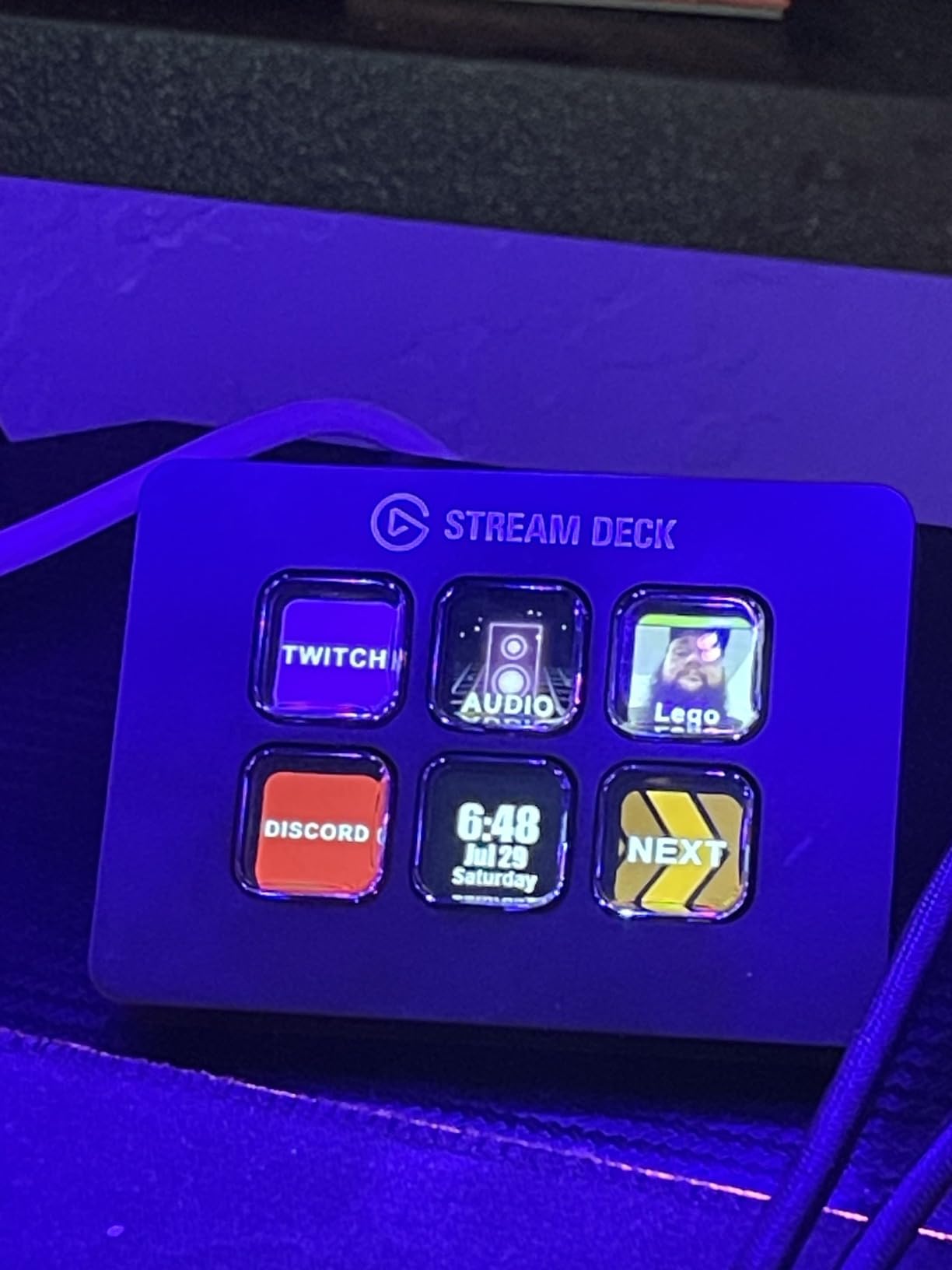
The Mini is how I would tell any brand-new Twitch streamer to start. You get the exact same software, the same plugin library, and the same drag-and-drop setup as the MK.2, just with six keys instead of fifteen. During testing it handled my core needs, three scenes, mic mute, and a soundboard folder, without complaint.
Folder support is what keeps the Mini viable. Each of the six keys can open a folder of more actions, so your effective layout scales well past the physical key count. You will do more navigating than on bigger decks, but for a beginner learning what they actually use, that discovery process is genuinely useful.
Six Keys and Folder Strategy for Beginners
My recommended beginner layout: top row for your three scenes, bottom row for mic mute, raid, and one folder holding everything else. That covers ninety percent of what a small Twitch channel needs live. Once you learn which actions you reach for, you graduate your layout to match.
The button click is satisfying and the whole unit feels as well-built as the premium models. Several reviewers also praise it as a meeting controller for Zoom and Teams, and I confirmed it works beautifully for muting and camera toggles on calls between streams.
Where the Corners Were Cut
The compromises are old-school connectivity: micro USB instead of USB-C, and a cable that does not detach. A few reviewers note the deck can slide on glossy surfaces and that buttons need a deliberate press. A strip of tacky putty under the stand solved the sliding entirely on my test desk.
Who Should Buy the Mini
If you are unsure whether a stream deck fits your workflow at all, the Mini is the lowest-risk experiment in Elgato’s lineup. You keep full access to the ecosystem, so upgrading later means buying a bigger deck, not learning new software. It is also the deck I now recommend to work-from-home colleagues who will never stream a day in their lives.
What it is not is a long-term home for a complex stream. Outgrow six keys and you will feel it fast.
5. Elgato Stream Deck Neo – 8 Keys Built for Small Setups
Elgato Stream Deck Neo, 8 Customizable Keys, 2 Touch Points
8 LCD keys
2 touch points
Infobar display
Foldable stand
Pros
- Foldable stand made for travel
- Dedicated touch points for page flipping
- Infobar doubles as a desk clock
- Clean aesthetic and eco packaging
Cons
- 8 keys still requires page navigation
- Micro USB port
- Short included cable
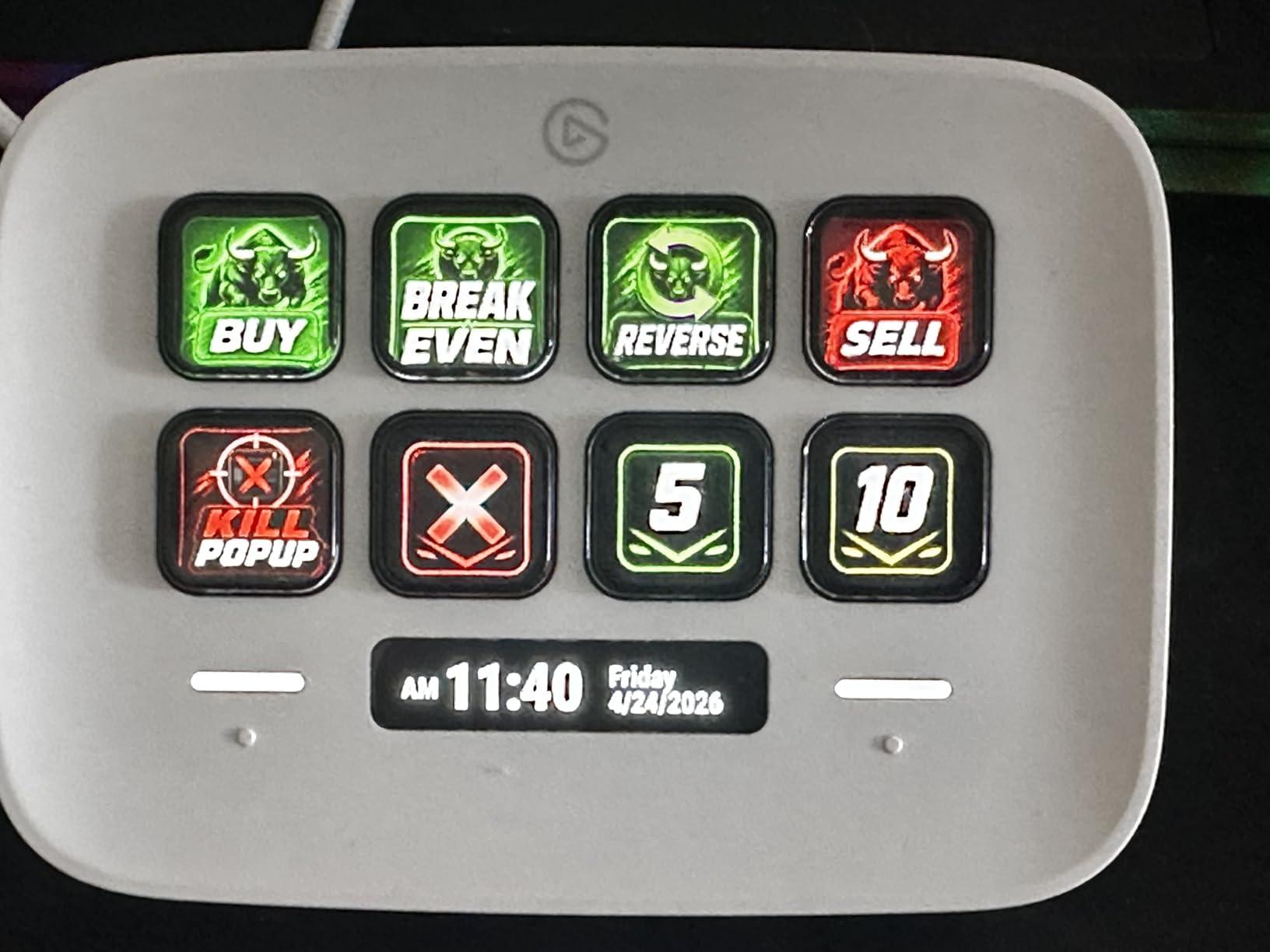
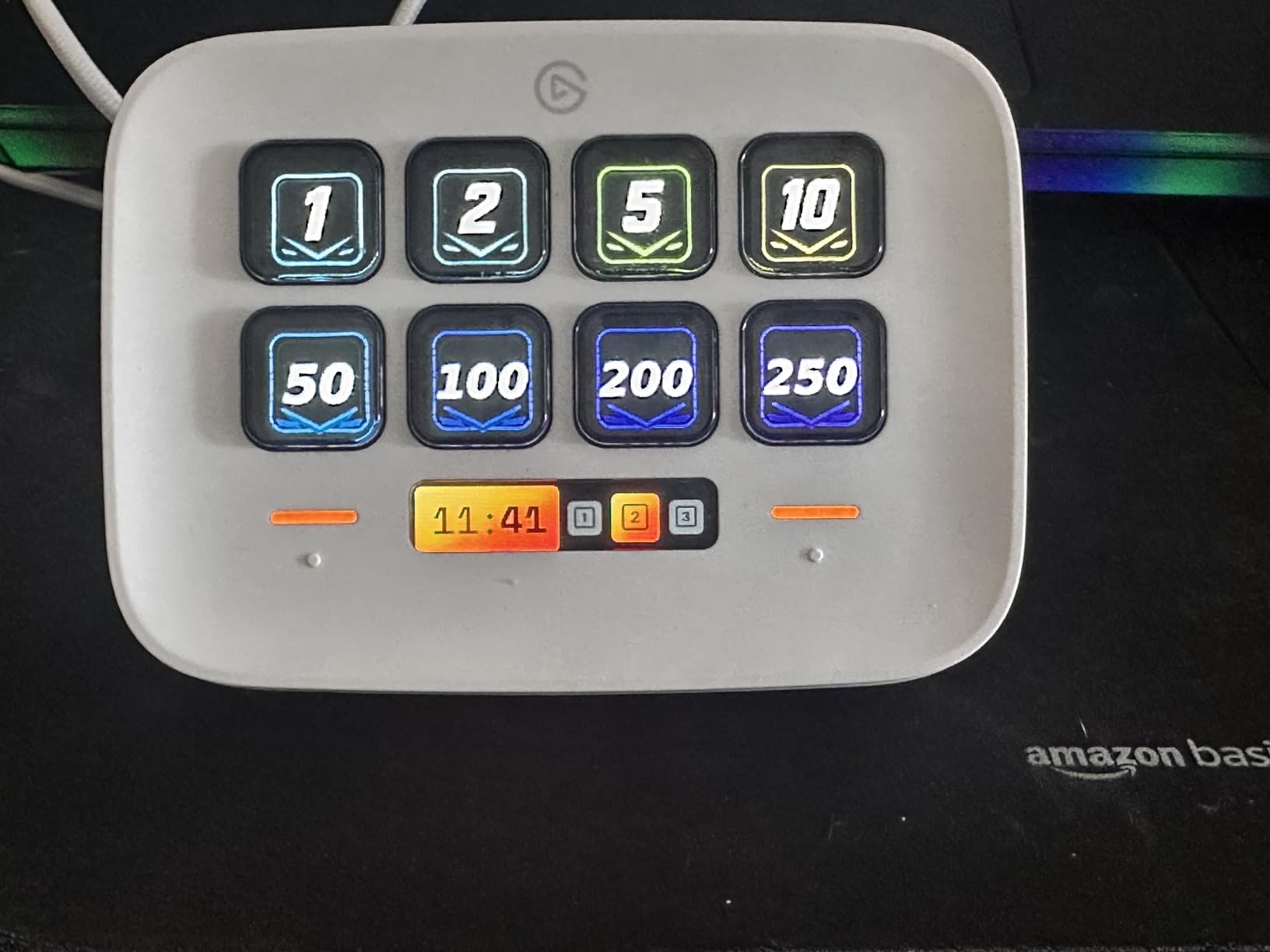
The Neo sits neatly between the Mini and the MK.2, with eight LCD keys, two capacitive touch points for flipping pages, and a little information bar that shows the time and date. It is the deck I grabbed when I needed to stream from a laptop in another room, because the stand folds flat and the whole thing slips into a side pocket.
The touch points are smarter than they sound. Instead of dedicating a key to page switching like you would on the Mini, you swipe or tap a dedicated sensor, which frees all eight keys for actual actions. My travel layout held scenes, mute, raid, and a soundboard folder with two keys to spare.
The Infobar and Everyday Desk Use
Between streams, the Infobar turns the Neo into a small desk clock, which sounds like a gimmick and is honestly kind of nice. You cannot add custom widgets to it yet, which reviewers rightly grumble about, but as an always-visible clock it earns its strip of pixels.
Eight keys hits a comfortable middle ground for a straightforward Twitch setup. You cover scenes, audio, and a couple of folders without constant page flipping, and the touch points make the navigation you do need feel deliberate rather than accidental.
Portability and Build
The foldable stand is the Neo’s signature trick, collapsing the deck to about an inch thick for travel. It also handles smart home control well, which made my evening “stream ending” button also kill the studio lights. The white finish looks sharp next to a modern desk setup.
Who the Neo Fits Best
This is the deck for the streamer with a small desk, a laptop-first setup, or a habit of streaming from different rooms. It costs more than the Mini and gives you two more keys plus better navigation in return. As a newer model it carries fewer reviews than its siblings, so expect the review pool to keep growing.
Power users will outgrow it, but for everyone in the middle, it is a genuinely thoughtful piece of hardware.
6. FIFINE AmpliGame D6 – 15 Keys Without the Premium Price
FIFINE AmpliGame Stream Controller with 15 Macro Keys, Streaming Keyboard with Trigger Actions in OBS/Twitch/YouTube/Streamlabs, Shortcut Buttons Keypad Works with Mac and PC-D6
15 LCD macro keys
RGB light ring
OBS and Streamlabs
USB-C
Pros
- 15 customizable macro keys at a budget price
- Straightforward setup for shortcuts and macros
- Hefty build that stays put
- RGB ring matches any setup
Cons
- Slight button wobble on some units
- Firmware update needed before first use
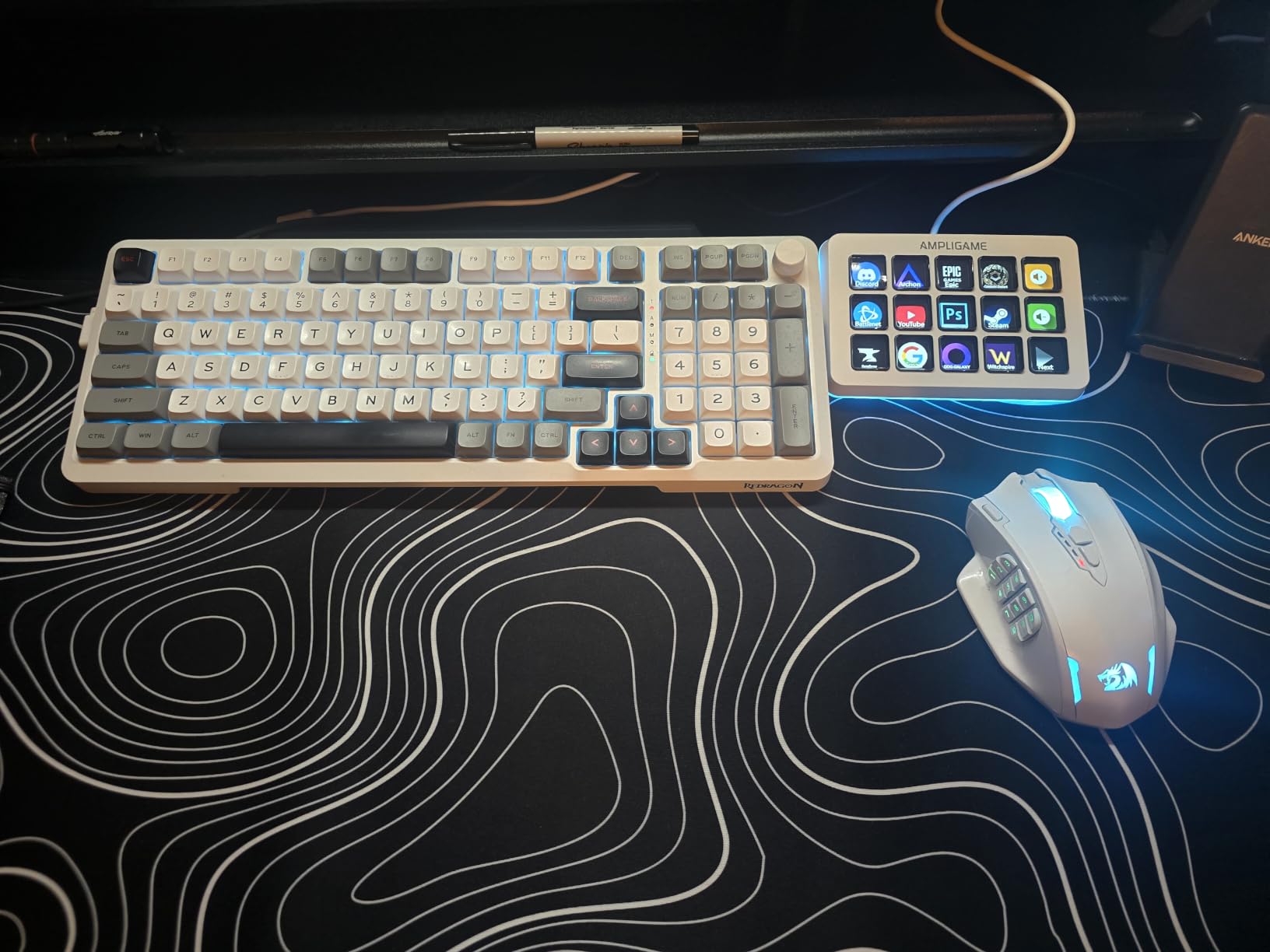
The AmpliGame D6 was the biggest surprise of my entire test. It mirrors the MK.2’s 15-key layout at well under half the cost, connects over modern USB-C, and triggered every OBS and Streamlabs action I threw at it. If your budget is tight and you refuse to compromise on key count, this is your deck.
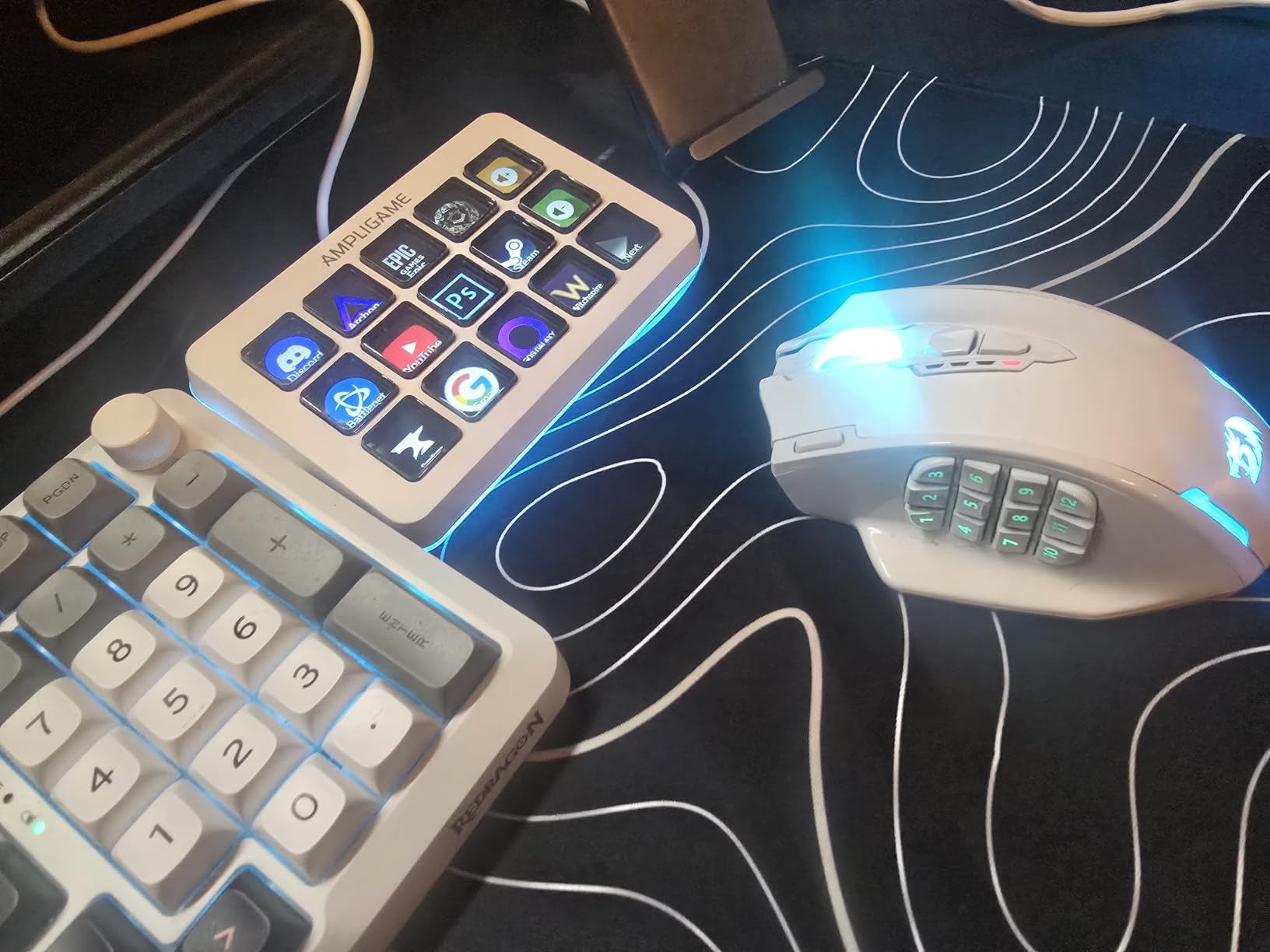
FIFINE is better known for microphones, and that audio background shows: the D6 doubles as a visual soundboard with a glowing RGB ring around its perimeter that cycles nine modes. During a test stream I mapped scenes, mic mute, and a dozen sound clips without touching the software manual more than once.
Macro Keys and OBS Performance
Each key shows the assigned app or action on its own screen, and you press directly to trigger. Hotkey macros, text blocks for chat commands, scene switching in OBS, and app launching all worked first try in my testing. The tactile feedback is firm enough that I never brushed a key by accident mid-game.
One preparation note: run the firmware and software updates before your first stream. Out of the box, a few units behave inconsistently, and the update fixed every quirk mine showed. After that, it ran a full week of streams without a hiccup.
Build Feel and RGB Aesthetic
At 7.5 ounces with a wide base, the D6 stays planted when you mash keys during intense moments. Some reviewers note slight button wobble from the key travel distance, and I felt it faintly, but it never caused a misfire. The RGB ring is tasteful rather than garish and can be dimmed or locked to one color.
Value Verdict Against the Elgato MK.2
You give up the enormous Elgato plugin marketplace and gain most of the core Twitch workflow for a fraction of the price. For a streamer whose needs are OBS scenes, soundboards, chat commands, and app launches, the gap between this and the MK.2 is smaller than the price gap suggests. That is the definition of best value in this category.
Linux users should also note the D6 works with the OpenDeck plugin, a trick the Elgato lineup cannot match officially.
7. VSDINSIDE M18 – 18 Keys for Macro-Heavy Workflows
VSDINSIDE Macro Keypad, Stream Controller Deck Gaming Streaming Shortcut Keyboard, 18 Programmable Keys Customizable Visual AI Pad USB Soundboard for OBS, YouTube, Desk Office Setup, Laptop, PC, Mac
18 keys: 15 LCD plus 3 physical
Multi-step macros
Auto profile switching
USB-C
Pros
- 18 programmable keys for deep workflows
- One-tap multi-step macro programming
- Automatic profile switching per app
- Built-in clock
- weather
- and stopwatch
Cons
- Buttons need a firm center press
- Software takes patience to learn
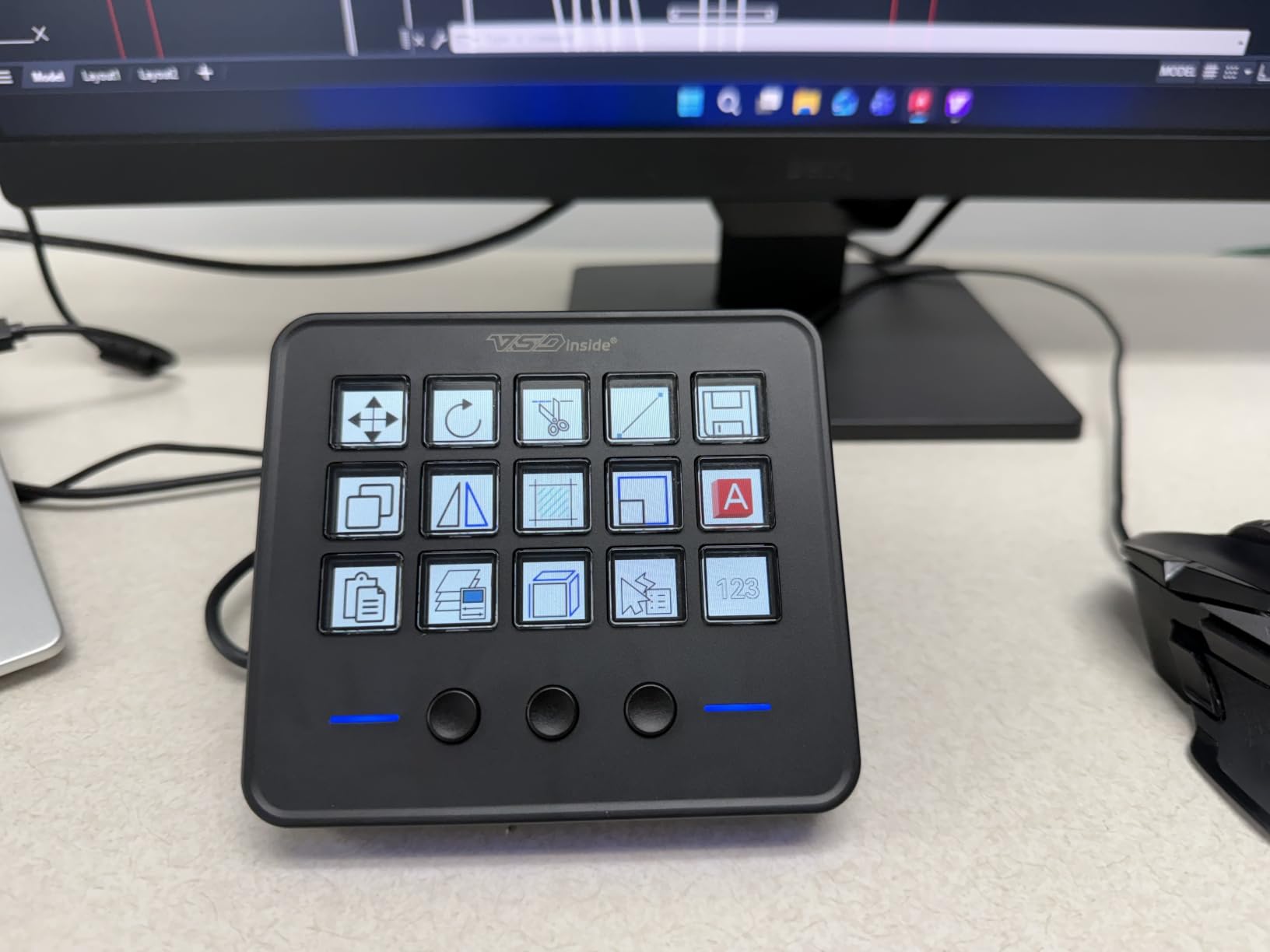
The VSDINSIDE M18 goes big on automation. You get fifteen LCD visual keys plus three physical buttons, and the software’s claim to fame is one-tap multi-shortcut macros that chain several steps into a single press. My favorite test macro killed the game audio, dropped a lower-third, posted a chat message, and started a countdown timer, all from one key.
The automatic profile switching is the other killer feature. Walk into OBS and the deck becomes a stream controller, open your editor and it flips to editing shortcuts, with no manual switching. Reviewers consistently praise this, and it worked flawlessly across a week of my testing on both Windows and macOS.
Macro Programming Depth
If your Twitch stream involves ritual sequences, an intro stack, an outro that rolls credits and thanks followers, a raid routine, this deck earns its keep fast. Multi-step macros with text input, file opening, and webpage launching let you compress a sixty-second ritual into one confident press.
The keys accept JPG, PNG, and GIF icons, so animated icons are on the table. There is a satisfying level of polish here for a deck at this price.
Button Feel and Software Quirks
The honest weakness is button responsiveness: reviews and my own experience agree the keys want a firm press in the center rather than a corner tap. It becomes second nature within days, but the Elgato keys feel crisper. The software is functional rather than beautiful, and there is a learning curve to its layout.
Productivity Beyond the Stream
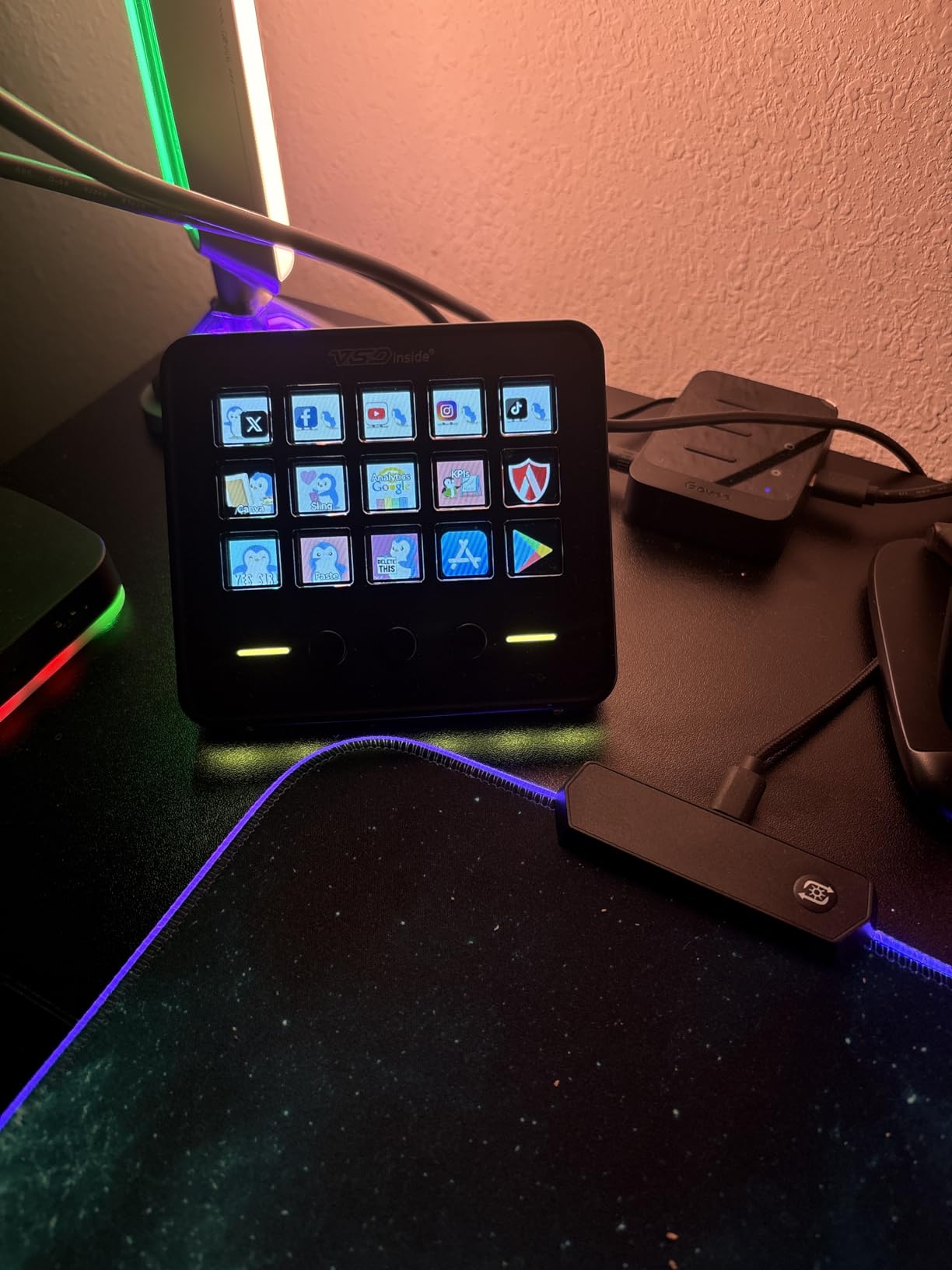
Buyers repeatedly describe the M18 as an office productivity monster, and I get it. Built-in plugins for clocks, stopwatches, weather, and calendar reminders mean it keeps earning its desk spot between streams. Streamers who also edit, write, and manage a business around their channel will get the most from it.
Linux users can hook it up through OpenDeck, though it is not plug-and-play there.
8. SOOMFON Stream Controller – Budget Deck with a System Dashboard
SOOMFON Stream Controller Studio Control Deck 15 Macro Keys and Dashboard
15 LCD keys
Real-time CPU and memory dashboard
Removable stand
Windows and macOS
Pros
- 15 fully programmable LCD keys
- Live dashboard shows CPU and memory usage
- Detachable stand for flat or angled use
- Very affordable with a 2-year warranty
Cons
- Reported random button trigger bug on some units
- OBS connection needs a reset each session
- Software less polished than premium decks
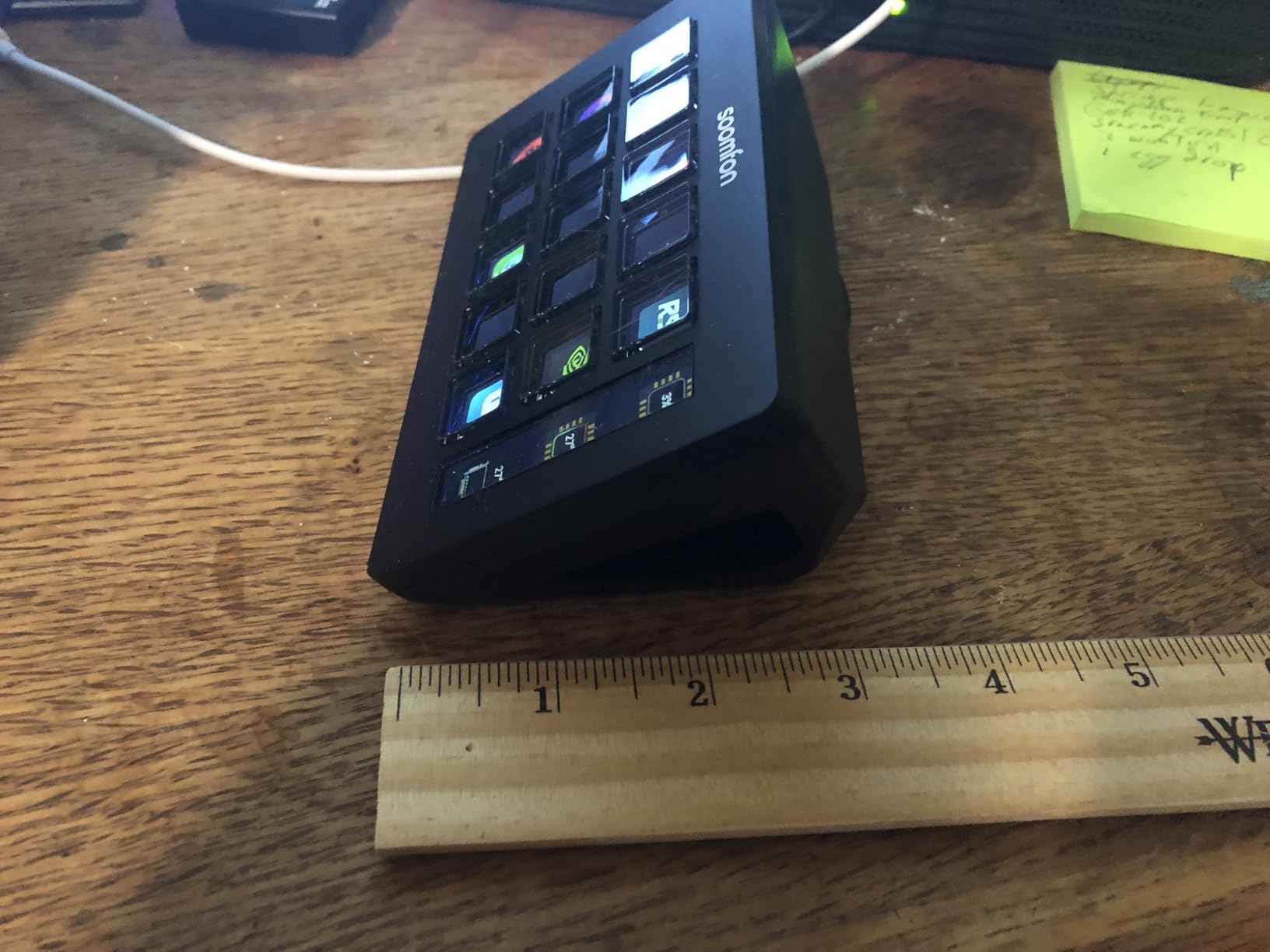
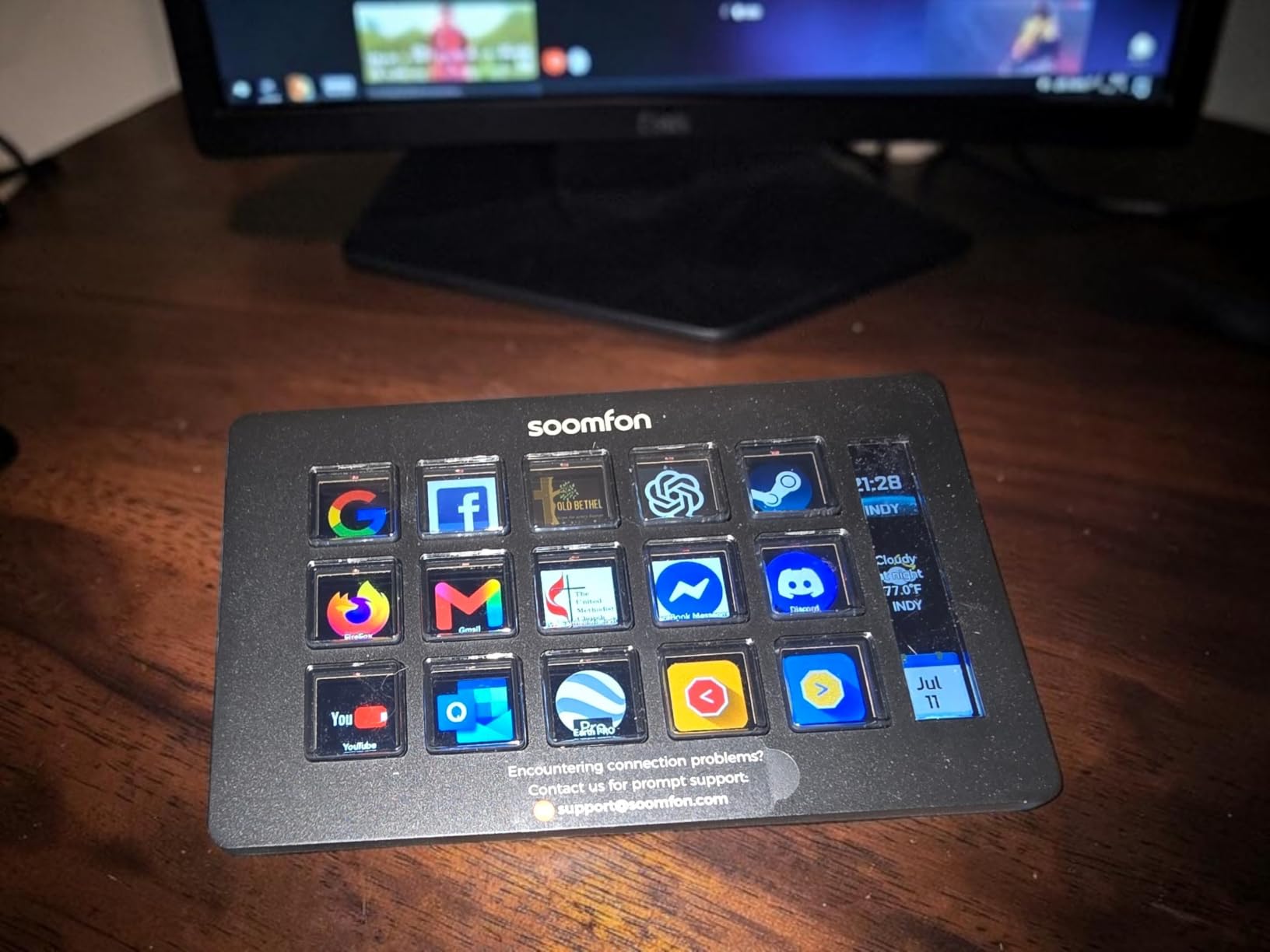
The SOOMFON controller rounds out the list as the value wildcard. Fifteen customizable LCD keys, broad OBS compatibility, and a genuinely unique trick: a real-time dashboard that displays your CPU and memory usage on the deck itself. For streamers who obsess over dropped frames, glancing at system load without alt-tabbing is a small superpower.
It ranks lowest in this lineup, and I want to be transparent about why: the software polish and quality consistency trail the others. But at its price, with over 1,400 reviews behind it, it remains a legitimate way into 15-key stream control for streamers who cannot stretch further.
The Dashboard and Daily Monitoring
The system dashboard was more useful than I predicted. During a demanding game stream, I watched memory creep upward on the deck and closed a browser before frames dropped, without ever leaving the game. The screen real estate for monitoring is a feature no other deck in this roundup offers.
Key customization accepts your own image files, and the tactile feedback on my unit was satisfying. The removable stand with rubber feet lets you run it flat or angled, and it stayed planted either way.
Setup Quirks You Should Know
The trade-offs are real. My unit needed the correct software version downloaded manually, since the packaging pointed to an outdated one, and the OBS connection required a quick reset each time I relaunched OBS. Some reviewers report a random button trigger bug appearing every twenty minutes or so on affected units, which is the kind of fault that matters on a live broadcast.
Who Should Still Consider It
If your budget is firm and you want maximum keys per dollar plus system monitoring, and you are willing to update firmware first, the SOOMFON delivers. The two-year manufacturer warranty adds peace of mind the price does not promise. Just go in knowing the experience is more tinkering, less plug-and-play than anything from Elgato.
For everyone else, the FIFINE D6 at a similar price is the safer budget pick.
How to Choose a Stream Deck for Twitch: A Buyer’s Guide
Choosing between these decks comes down to a handful of decisions that are specific to how you stream. Here is the framework I use, built from testing all eight decks on the same Twitch and OBS setup.
How Many LCD Keys Do You Actually Need?
Count your real actions before you count your money. Write down every command you use during a typical stream: scenes, mic mute, raid, ads, sound clips, lighting, moderation. Most small Twitch channels land between six and twelve actions, which makes the Mini, Neo, or FIFINE D6 plenty.
Fifteen keys is the sweet spot for a growing channel because it fits everything on one visible page. Thirty-two keys only pays off for genuinely complex productions with multiple cameras, heavy soundboards, or interactive segments. More keys is not better if the extra space just holds icons you never press.
Software Ecosystem and OBS Integration
The hardware is half the product, and the software is the half you live in daily. Elgato’s ecosystem is the deepest, with one-click OBS WebSocket integration, official Twitch and Discord plugins, and a marketplace full of community additions. If you value things just working, that ecosystem is worth real money.
Third-party decks from FIFINE, VSDINSIDE, and SOOMFON all control OBS, but you accept more manual setup and smaller plugin libraries. My advice from the forums echoes my testing: budget decks are for streamers who enjoy a little tinkering, Elgato is for streamers who want to focus entirely on content.
Dials, Touch Strips, and Audio Control
Decide whether you mix audio live. If you ride levels during your stream, riding them with a rotary dial beats tapping mute keys, and the Stream Deck + is the only deck here with proper dials and a touch strip. If your audio setup is a set-and-forget mic, skip the dials and spend the difference on more keys.
Desk Footprint and Connectivity
Measure your desk before you buy. The XL wants over seven inches of width, the Neo folds flat for travel, and the Mini tucks beside a keyboard unnoticed. Check your ports too: the MK.2, Plus, and FIFINE use USB-C, while the Mini and Neo still ship with micro USB and fixed cables, which matters if you ever stream from a laptop with limited ports.
Budget vs Premium: Where the Value Breaks
The honest value math from my testing: the budget decks deliver roughly eighty percent of the core Twitch experience at a third to half the cost. What the premium price buys is software polish, the plugin ecosystem, build refinement, and support. New streamers uncertain about long-term commitment should start cheap; committed streamers streaming several times a week will feel the Elgato difference daily.
One final tip regardless of deck: build your profile before you need it. Map your raid, technical-difficulty scene, and mute keys first, because those are the three you will reach for under pressure when something goes wrong live.
Frequently Asked Questions
What Stream Deck do most streamers use?
Most streamers use Elgato Stream Deck models, with the MK.2 (15-key) being the most popular choice thanks to its balance of price, key count, and software. The Stream Deck + is popular with audio-focused streamers, while the Mini and Neo serve beginners and small desks.
Are stream decks worth it for Twitch streaming?
Yes, if you stream regularly. A stream deck reduces fumbled keyboard shortcuts, speeds up scene and audio changes, and lowers stress during live broadcasts. For streamers who go live once a week or less, a budget deck or a phone app like Touch Portal covers the basics for far less money.
How many keys do I need on a stream deck?
Most small Twitch channels need 6 to 12 keys for scenes, mic mute, raid, and a soundboard. A 15-key deck fits a full workflow on one page, while 32-key decks like the XL only pay off for complex productions with multiple cameras or heavy interactive segments.
Are there cheaper alternatives to the Elgato Stream Deck?
Yes. The FIFINE AmpliGame D6, VSDINSIDE M18, and SOOMFON Stream Controller all offer 15 to 18 programmable LCD keys at a fraction of Elgato prices, and phone apps like Touch Portal can turn an old phone into a touch controller for a small one-time cost.
Are stream decks discontinued?
No. Elgato actively produces and updates the Stream Deck line, including the MK.2, Plus, XL, Mini, and Neo. Confusion comes from model refreshes and stock fluctuations, but the platform and its software continue to receive updates.
Final Verdict: The Best Stream Deck for Your Setup
If you want the deck that does everything well, get the Elgato Stream Deck MK.2, my editor’s choice and the one on my own desk. Audio-obsessed producers should step up to the Stream Deck + for its dials and touch strip, while complex multi-camera shows justify the XL’s 32 keys.
On a budget, the FIFINE AmpliGame D6 is the best value among the best stream decks for twitch streamers, and the Elgato Mini is the cheapest safe starting point into the full Elgato ecosystem. Whichever you choose, map your raid and mute keys first, and go make a smoother broadcast in 2026.