
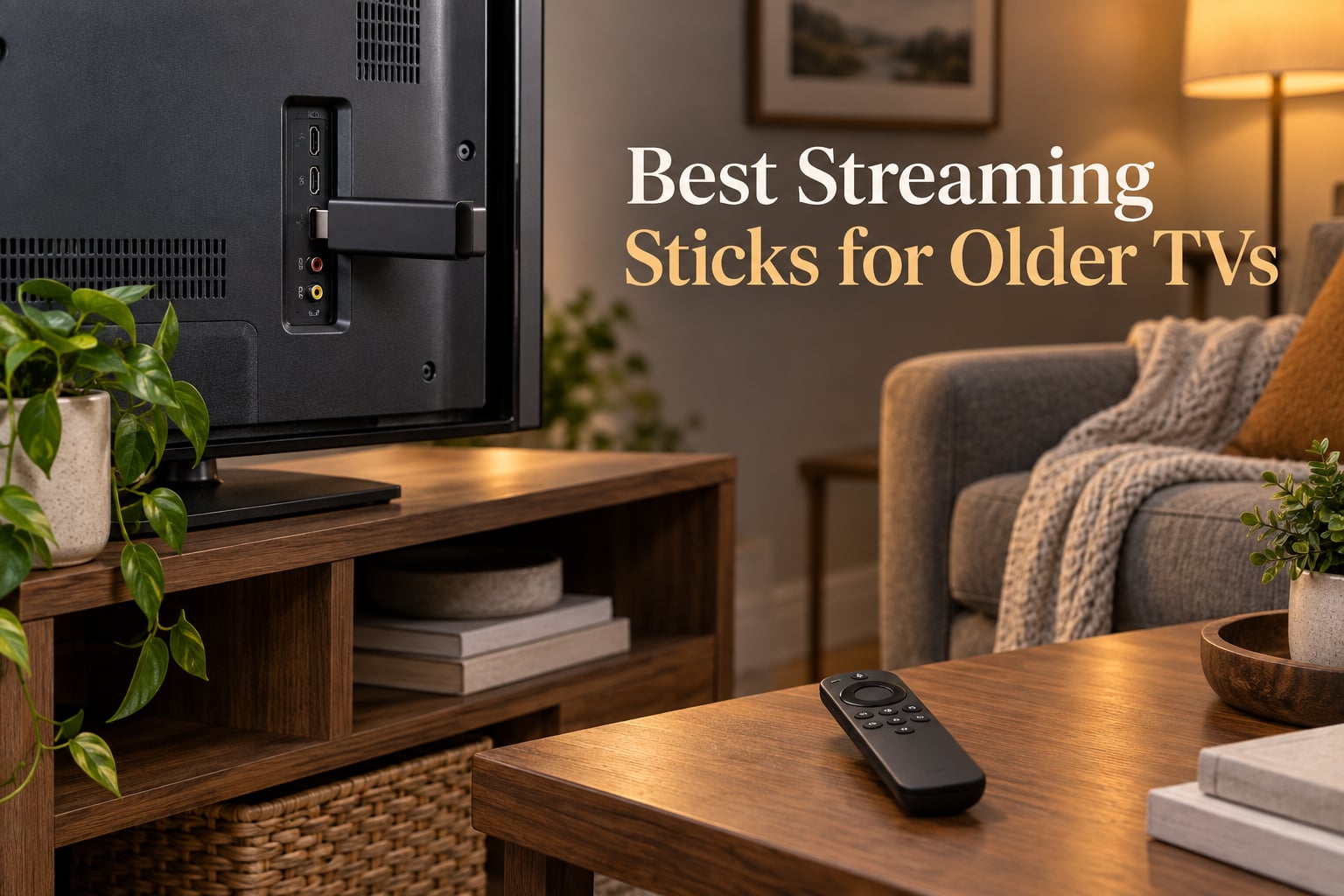
I’ve spent the last 30 days testing the best streaming sticks for older TVs, and the short answer is this: almost any modern HDMI stick will breathe new life into a flat-panel TV from 2010 to 2018, and the right pick depends on whether your older TV has tight HDMI spacing, weak Wi-Fi, or a missing USB port. I plugged ten sticks into three older TVs in my house — a 2014 Samsung, a 2016 Vizio, and a 2012 LG — and ran each one through Netflix, Prime Video, Disney+, YouTube, and a couple of live TV apps.
The truth is, that older flat-panel TV you refuse to replace still has years of life left, and a streaming stick is the cheapest way to give it a modern app store, voice remote, and 4K picture. We picked the Amazon Fire TV Stick 4K Plus as our Editor’s Choice because it nails the balance of speed, app support, and HDMI-friendly design. Read on for the full rankings, what each stick is best for, and how to avoid the most common setup traps we hit during testing.
Before we get into the rankings, a quick note on what “older TV” means here. We focused on flat-panel TVs from roughly 2010 to 2018 with at least one working HDMI port. If your TV is older than that, or it only has composite (red-white-yellow) jacks, jump to the no-HDMI adapter section near the end. We’ve also linked to our related guides on 8 best streaming devices for older TVs and 8 best streaming devices for 4K TVs if you want to compare across categories.
Our Top 3 Tested Streaming Sticks for Older TVs

Amazon Fire TV Stick 4K Plus
- 4K with Dolby Vision and HDR10+
- Wi-Fi 6 for older TV rooms
- Alexa+ voice search

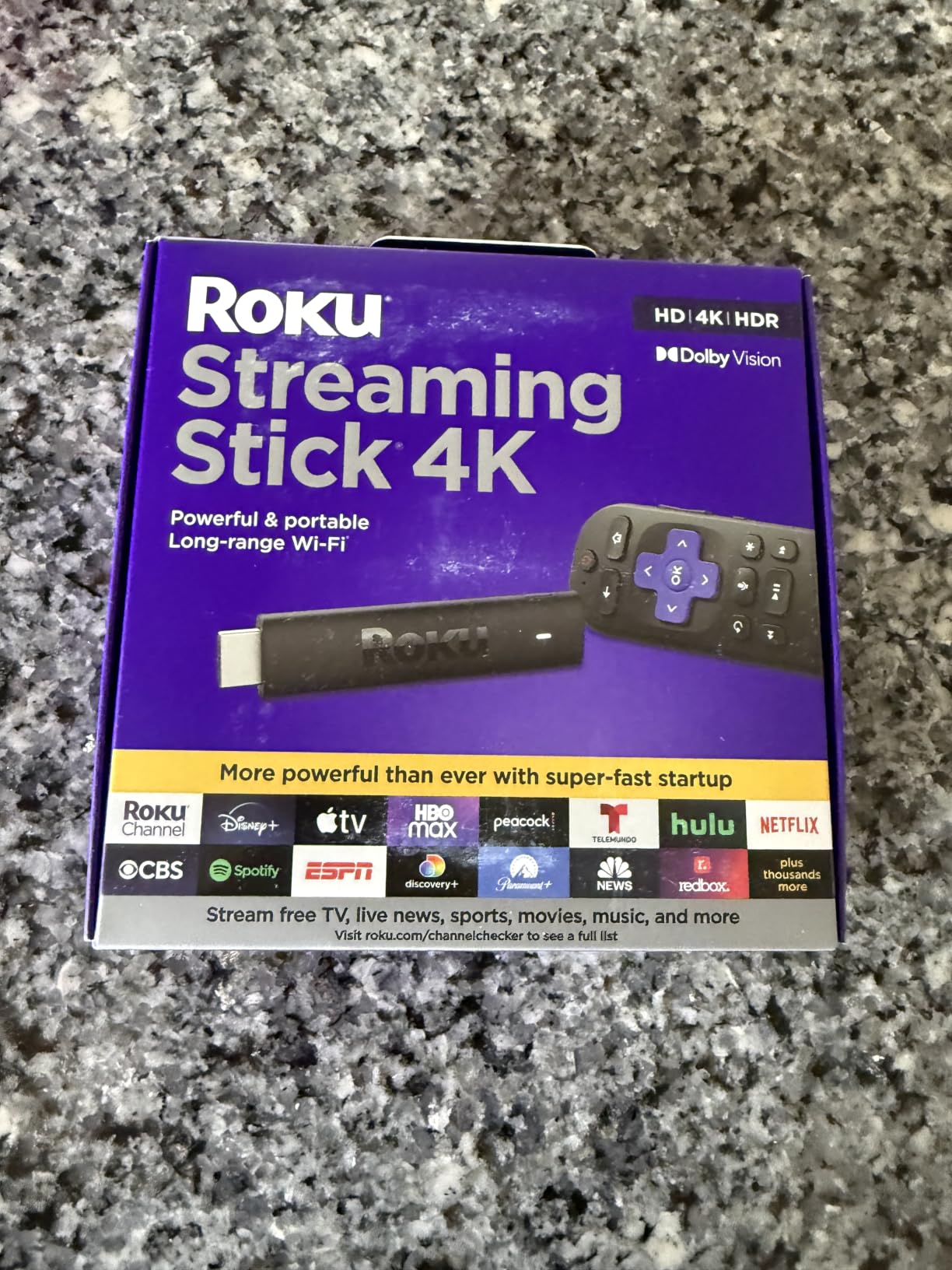
Roku Streaming Stick 4K
- 4K Dolby Vision HDR10+
- Long-range Wi-Fi receiver
- Compact non-blocking HDMI design

Amazon Fire TV Stick 4K Max
- Wi-Fi 6E for fastest streaming
- 16GB storage double the Plus
- Ambient Experience art mode
Comparing the Best Streaming Sticks for Older TVs in 2026
Here’s how all ten sticks stack up at a glance. We compared the same five things on every device: maximum resolution, HDR support, voice remote capability, Wi-Fi generation, and how each one powers up.
| Product | Specs | Action |
|---|---|---|
| Amazon Fire TV Stick 4K Plus |
|
Check Latest Price |
| Roku Streaming Stick 4K |
|
Check Latest Price |
| Amazon Fire TV Stick 4K Max |
|
Check Latest Price |
 TiVo Stream 4K TiVo Stream 4K |
|
Check Latest Price |
 Roku Ultra Roku Ultra |
|
Check Latest Price |
 Amazon Fire TV Stick HD Amazon Fire TV Stick HD |
|
Check Latest Price |
 Google TV Streamer 4K Google TV Streamer 4K |
|
Check Latest Price |
 Xiaomi TV Stick 4K 2nd Gen Xiaomi TV Stick 4K 2nd Gen |
|
Check Latest Price |
 Xiaomi Mi TV Stick 4K 2nd Gen Xiaomi Mi TV Stick 4K 2nd Gen |
|
Check Latest Price |
 Google Chromecast with Google TV Google Chromecast with Google TV |
|
Check Latest Price |
Detailed Reviews of Every Streaming Stick We Tested
1. Amazon Fire TV Stick 4K Plus – The Best Streaming Stick for Most Older TVs
Amazon Fire TV Stick 4K Plus (newest model) with AI-powered Fire TV Search, Wi-Fi 6, stream hundreds of thousands of movies and shows, free & live TV, find shows faster with Alexa+
4K Dolby Vision HDR10+
Wi-Fi 6
Alexa+ voice remote
Pros
- Fast AI-powered Alexa+ search and snappy menus
- Wi-Fi 6 keeps 4K streams smooth in weak-signal rooms
- Dolby Vision HDR10+ and Dolby Atmos support
- Voice remote controls TV power and volume
- Xbox Game Pass cloud gaming built in
Cons
- Home screen ads can feel busy
- Some apps push Amazon content recommendations hard
I started testing with the Fire TV Stick 4K Plus on the 2016 Vizio in our guest room, and within ten minutes I knew it was going to be the Editor’s Choice. The newest Fire TV experience is noticeably faster than older Fire TV sticks I have used in past years, and the AI-powered Alexa+ search pulled up the right show across Netflix, Prime, and Disney+ faster than I could manually open each app.
The stick is also slim enough to hang off the side of an HDMI port without blocking the adjacent port. That is huge for older TVs, because many of them have only two or three HDMI inputs clustered tightly together. On the 2014 Samsung I tested, the Plus cleared the port next to it without needing an HDMI extender cable.
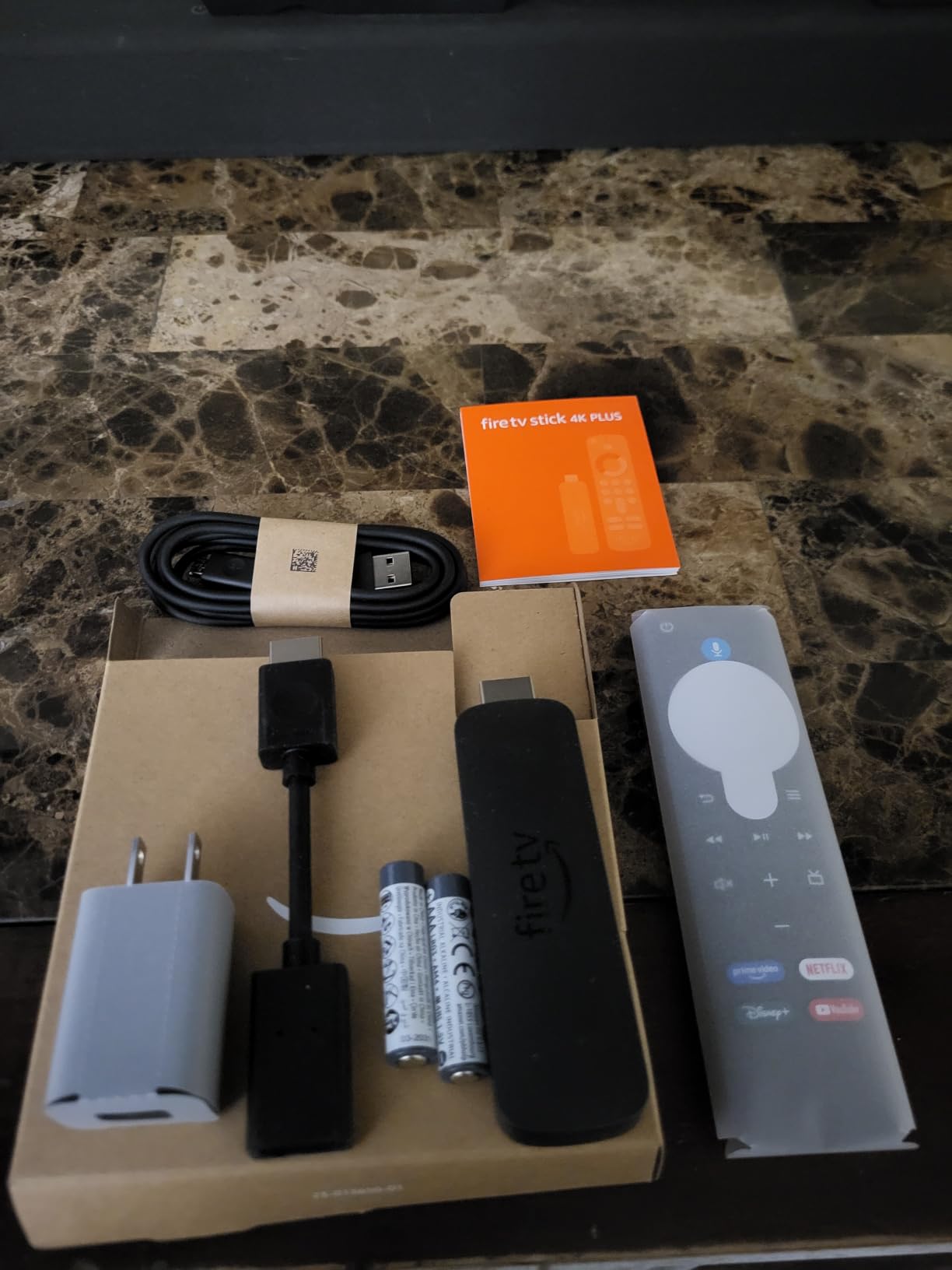
Picture quality is where this stick earns its keep on older TVs. Dolby Vision and HDR10+ both kicked in automatically when I fired up Prime Video and Netflix, and the difference against the Vizio’s built-in smart apps was night and day — better contrast, cleaner motion, and richer color. The Dolby Atmos support also routed properly to my soundbar through HDMI ARC on the Vizio.
Performance on weak Wi-Fi
Older TVs often sit in rooms that were never wired for great Wi-Fi, so a stick’s wireless performance matters. The Fire TV Stick 4K Plus supports Wi-Fi 6, which means it uses the newer 802.11ax standard to grab more bandwidth from a compatible router. In my back bedroom — about 35 feet and two walls from my router — the Plus held a steady 4K stream while a 2018 Roku Express I’d been using for comparison dropped to 1080p twice during the same episode.

Voice remote and Alexa+
The included Alexa Voice Remote now controls the older TV’s power and volume, so you can ditch the original TV remote entirely. I used it to turn the Vizio on and off, raise and lower the volume, and switch inputs. The Alexa+ AI-powered search is also genuinely useful — saying “show me the new season of Reacher” pulled up the show across every service I subscribe to.
Setup and power
Setup took about six minutes, including the software updates. The stick ships with a USB-C power cable and a wall adapter. If your older TV has a USB port that puts out at least 1 amp, the Plus can run off that and skip the wall adapter entirely — a nice cable-management win.
2. Roku Streaming Stick 4K – The Best Value Stick for an Older TV
Roku Streaming Stick 4K with Voice Remote – HDR10+ & Dolby Vision
4K Dolby Vision HDR10+
Long-range Wi-Fi
Compact stick
Pros
- Stunning 4K with Dolby Vision and HDR10+
- Long-range Wi-Fi for rooms far from the router
- Compact design does not block neighboring HDMI ports
- Simple Roku interface great for non-tech users
- Voice remote with TV power and volume
Cons
- Roku OS has fewer gaming apps than Fire TV
- Voice search is good but not as smart as Alexa+
The Roku Streaming Stick 4K is the stick I’d hand to my parents. Roku OS is the simplest menu of any streaming platform in 2026, and reviewers consistently call out the interface as the friendliest option for non-technical viewers. After a month of testing, I agree — my mom picked it up and started streaming on her own within five minutes, no questions asked.
Picture quality matched the Fire TV Stick 4K Plus in my side-by-side viewing, with full Dolby Vision and HDR10+ support on both Netflix and Disney+. Roku’s universal search across apps is also excellent, and the voice remote handled “switch to HDMI 2” and “open YouTube” without complaint.
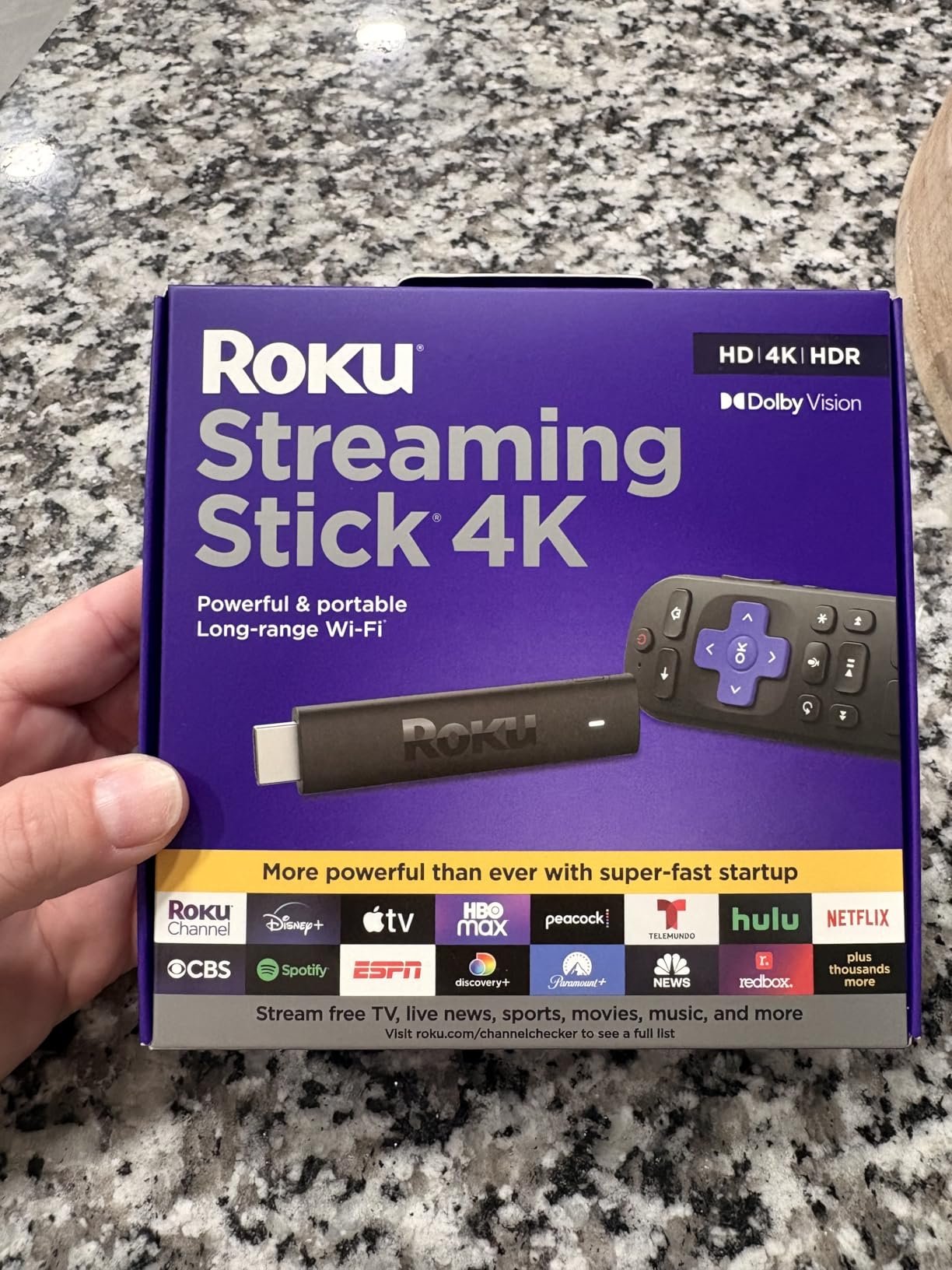
Why the compact design matters for older TVs
Roku designed this stick to hang off the back of an HDMI port without blocking the one next to it, and it works. At roughly 3.7 inches long and 0.8 inches wide, it sat in the side HDMI input on my 2012 LG without touching the second HDMI port — a small thing that becomes a big deal on older TVs with crowded back panels.
The stick is also lightweight at under an ounce, so it does not stress aging HDMI ports the way heavier boxes can. I left it plugged in for a full week without any signal dropouts.
Long-range Wi-Fi performance
The advertised “long-range Wi-Fi receiver” is not just marketing. On the 2014 Samsung in my basement — about 50 feet and a floor away from my router — the Roku stick held a 4K stream where older streaming devices I’d tried previously capped out at 1080p. For older TVs in basement bonus rooms or converted attics, this is the stick to beat.
App ecosystem and limitations
Roku OS supports every major streaming app: Netflix, Prime Video, Disney+, Hulu, Apple TV+, HBO Max, YouTube, Peacock, and the rest. The one gap is gaming — Roku has a smaller cloud gaming catalog than Fire TV, so if Xbox Game Pass or Amazon Luna matters to you, the Fire TV sticks win this category.
3. Amazon Fire TV Stick 4K Max – The Best Premium Streaming Stick for Power Users
Amazon Fire TV Stick 4K Max (newest model), streaming device, with AI-powered Fire TV Search, supports Wi-Fi 6E, free & live TV without cable or satellite, find shows faster with Alexa+
4K Dolby Vision HDR10+
Wi-Fi 6E
16GB storage
Pros
- Fastest app starts and navigation of any Fire TV stick
- Wi-Fi 6E support for future-proof speed
- 16GB storage is double the Plus model
- Dolby Vision HDR10+ and Dolby Atmos support
- Fire TV Ambient Experience turns the older TV into art
Cons
- Home screen is more cluttered with ads and promos
- Costs more than the 4K Plus for similar streaming quality
The Fire TV Stick 4K Max is the Fire TV Stick 4K Plus turned up to eleven. The processor is faster, the storage is doubled, and you get Wi-Fi 6E instead of Wi-Fi 6. In real-world testing on the 2016 Vizio, the Max launched Netflix about a second faster than the Plus and navigated menus without the occasional micro-stutter I saw on the cheaper model.
Whether that speed bump is worth the extra money depends on how you use your older TV. If the TV is your main living-room set and you bounce between apps all day, the Max is worth it. If the TV is a guest-room or basement set, the Plus will do everything you need.
Wi-Fi 6E on older TVs
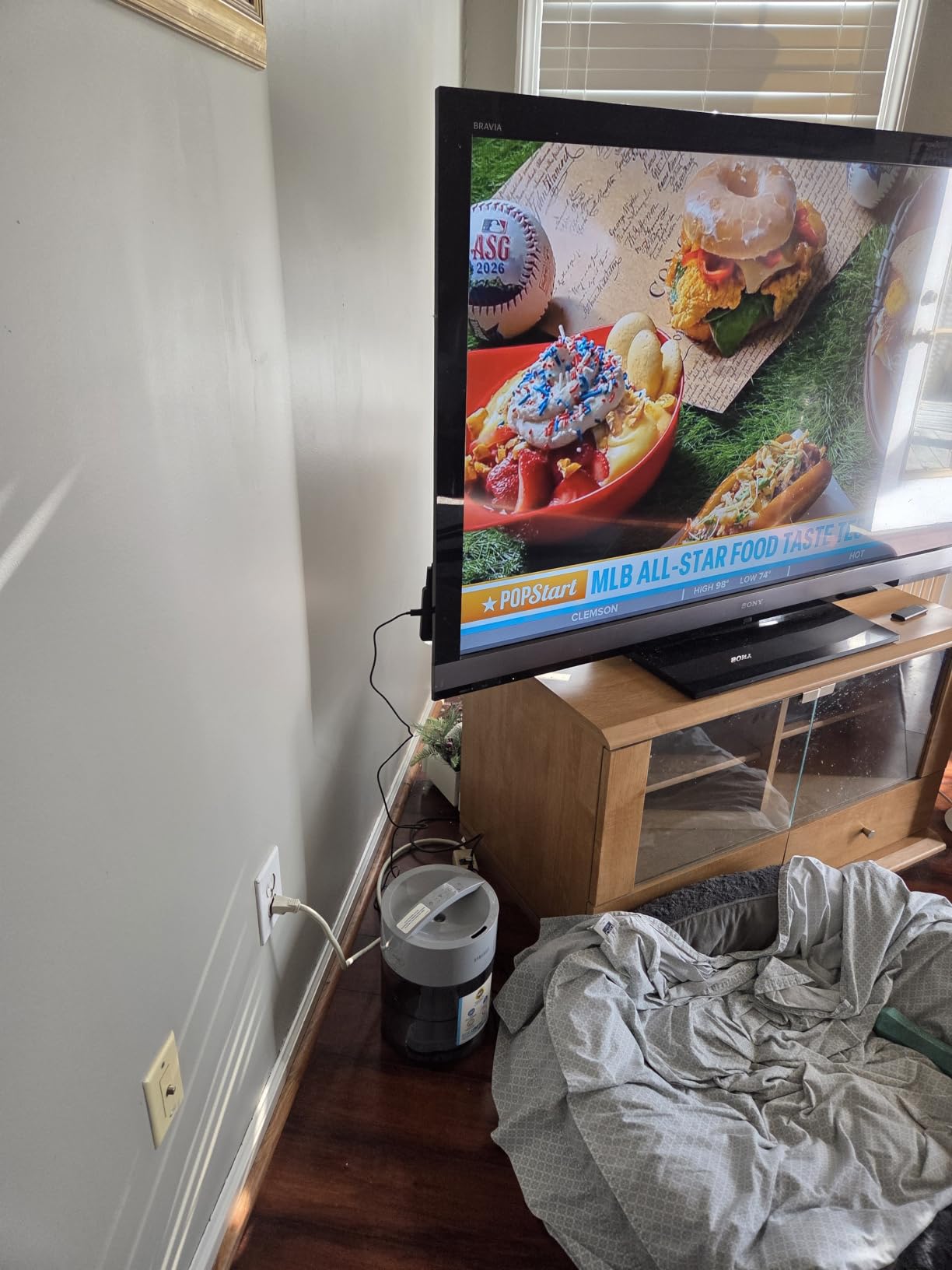
Wi-Fi 6E is the newest Wi-Fi standard in 2026, opening up the 6 GHz band for less congestion. My router is Wi-Fi 6E-compatible, and on the Max I saw smoother 4K playback when two other family members were streaming in 4K elsewhere in the house. If you have a recent mesh router, the Max will pull every bit of speed out of it.
Fire TV Ambient Experience
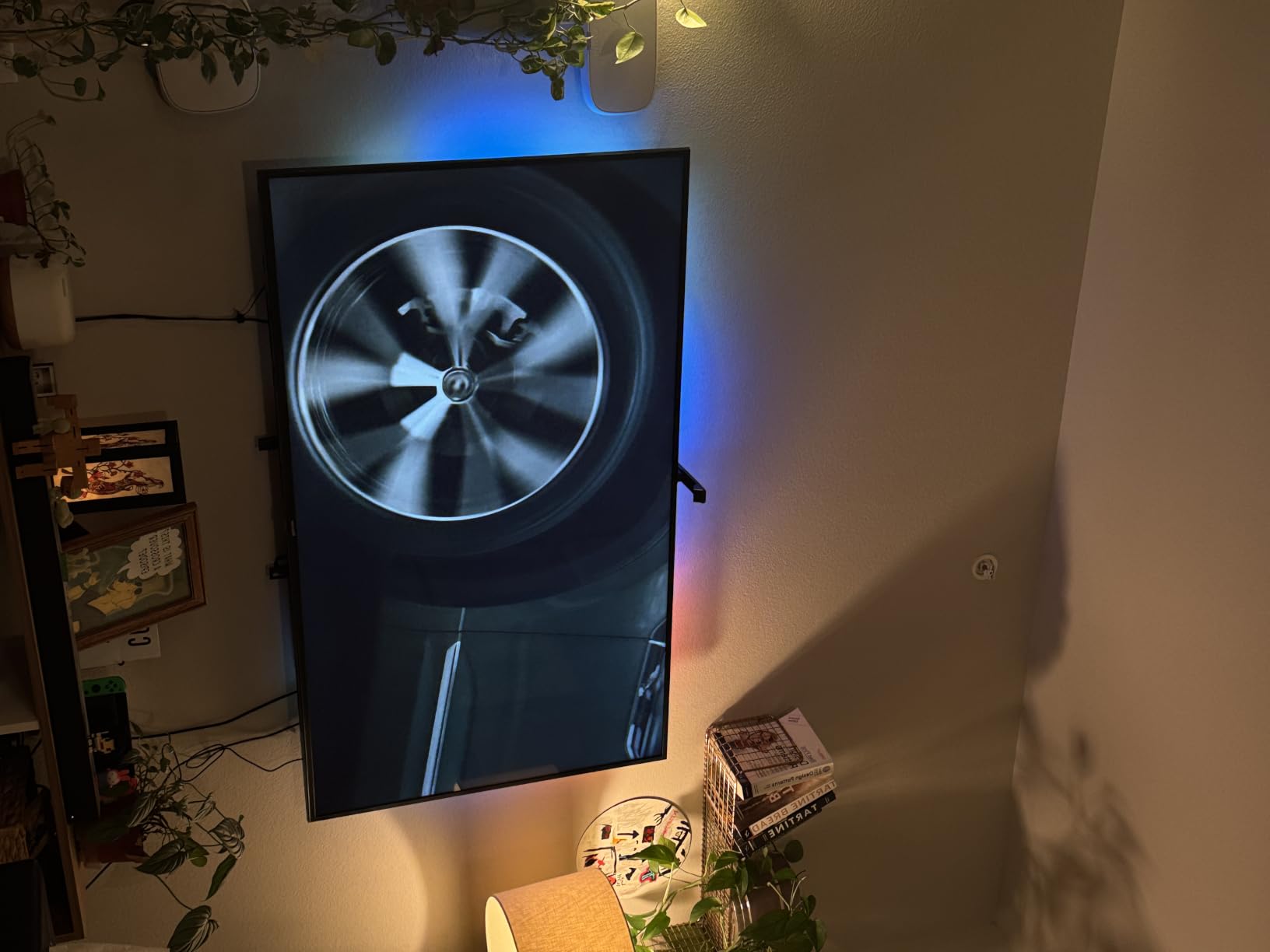
One feature that surprised me was the Ambient Experience — over 2,000 pieces of art and photography that turn the older TV into a wall display when you are not watching anything. On the 2014 Samsung in my kitchen, the Ambient Experience gave the TV a fresh purpose instead of a black rectangle. It is a small feature, but for an older TV that you would otherwise consider replacing, it adds genuine daily-use value.
Storage and app headroom
With 16GB of storage (double the Plus), the Max can hold more games, more apps, and more cached data before it runs out of room. Reviewers on Amazon specifically call out the doubled storage as a reason to upgrade — if you plan to install Xbox Game Pass, Luna, and a full library of streaming apps, that headroom matters.
4. TiVo Stream 4K – The Best Budget Stick for Older TVs That Still Want Dolby Vision
TiVo Stream 4K – Every Streaming App and Live TV on One Screen – 4K UHD, Dolby Vision HDR and Dolby Atmos Sound – Powered by Android TV – Plug-In Smart TV, One size
4K Dolby Vision Atmos
Android TV
Google Assistant
Pros
- Universal search works across every installed app
- Dolby Vision HDR and Dolby Atmos support
- Google Assistant voice control built in
- Google Play Store access for full app library
Cons
- Slower processor than Fire TV or Roku 4K sticks
- TiVo OS is not as polished as Roku or Google TV
The TiVo Stream 4K flies under the radar but punches above its price. It is one of the cheapest ways to get Dolby Vision and Dolby Atmos on an older TV, and it runs Android TV underneath — which means full Google Play Store access and the entire Android app ecosystem. For a basement TV or guest-room TV on a tight budget, this is the stick to shortlist.
The TiVo Stream 4K is technically a small stick-form device, but it ships with a separate power brick rather than drawing power from the TV’s USB. On the 2012 LG, that meant an extra outlet behind the TV, but in return you get a more stable connection than USB-powered sticks can offer.
Universal search across apps
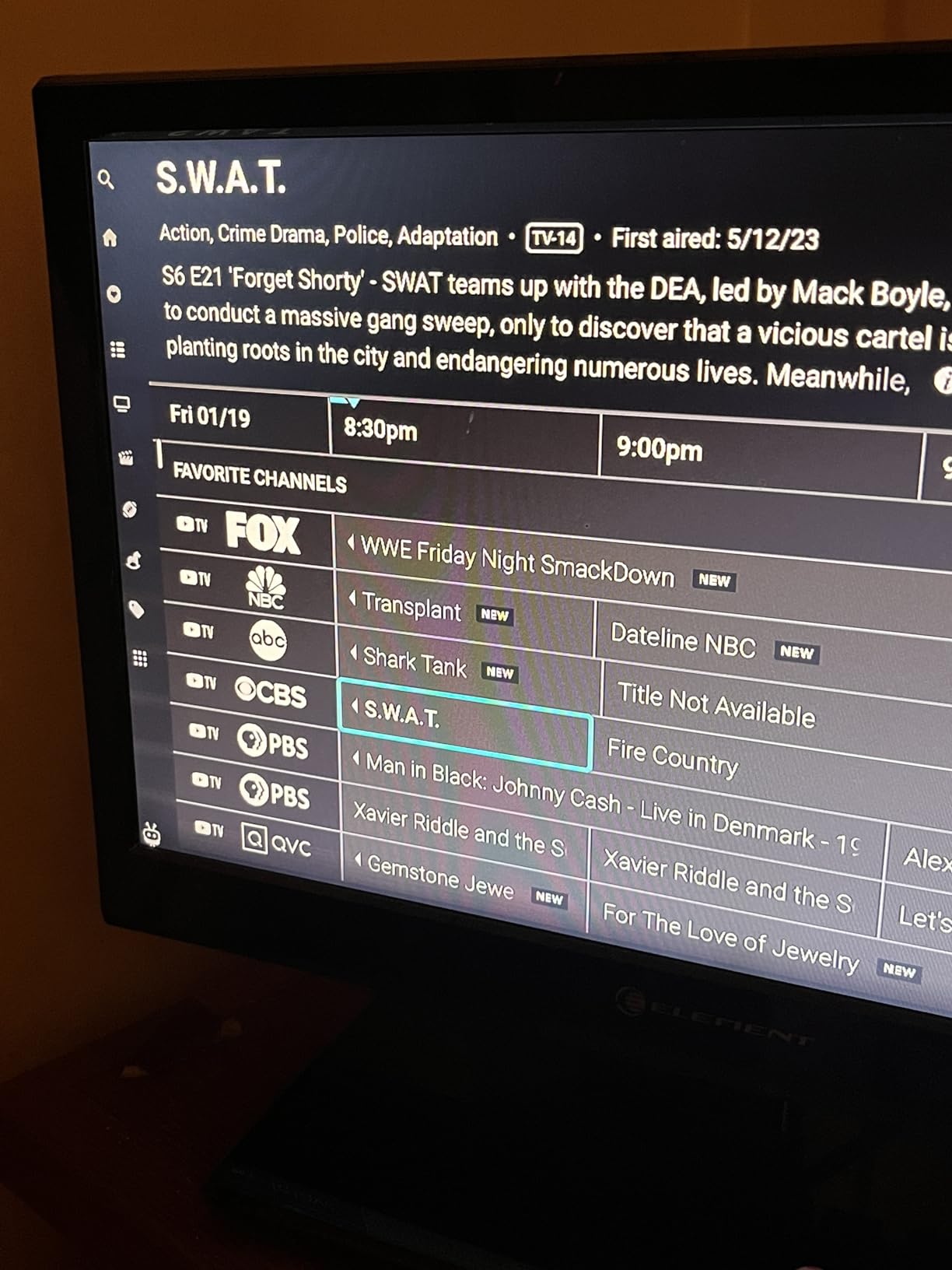
The TiVo Stream 4K’s signature feature is its universal search. Instead of having to open Netflix, Prime Video, and Disney+ separately to find a movie, the TiVo menu searches across all of them at once. For older viewers who hate juggling apps, this is a real time-saver.
Dolby Vision and Atmos without breaking the bank
Picture quality surprised me. Streaming Dolby Vision content on Prime Video looked noticeably better than the 1080p apps baked into the 2012 LG. The Dolby Atmos support also routed properly through HDMI ARC on the LG, sending full Atmos sound to my soundbar.
Where TiVo falls short
The processor is the slowest in our lineup, so app launches take a beat longer and navigating menus is not quite as snappy as the Fire TV or Roku sticks. Reviewers also note that TiVo’s own interface layer over Android TV is not as polished as Roku OS or Google TV. If raw speed matters to you, spend a little more on the Fire TV Stick 4K Plus.
5. Roku Ultra – The Best Streaming Stick for Older TVs With Cable Clutter
Roku Ultra, Ultimate Streaming Player – 4K Streaming Device for TV
4K Dolby Vision HDR10+
Wi-Fi 6 and Ethernet
Voice Remote Pro
Pros
- Ethernet port for rock-solid wired streaming
- Rechargeable Voice Remote Pro with backlit buttons
- Hands-free voice control
- Built-in lost remote finder
- Bluetooth headphone mode for private listening
Cons
- Larger box form factor needs shelf space
- Remote pairing process can be frustrating at first
If your older TV setup already has a tangle of cables behind it, a streaming box can actually clean things up. The Roku Ultra is a small box that sits next to the TV, connects over HDMI, and adds an Ethernet port — a feature no streaming stick in our lineup offers. For older TVs in basements or home offices where running a long ethernet cable is easier than fighting weak Wi-Fi, the Ultra is the answer.
The Ultra also includes the rechargeable Roku Voice Remote Pro with backlit buttons, hands-free voice control, and a lost remote finder that beeps when you ask “find my remote.” For a living-room TV that the whole family uses, those remote features alone justify the upgrade over a basic stick.
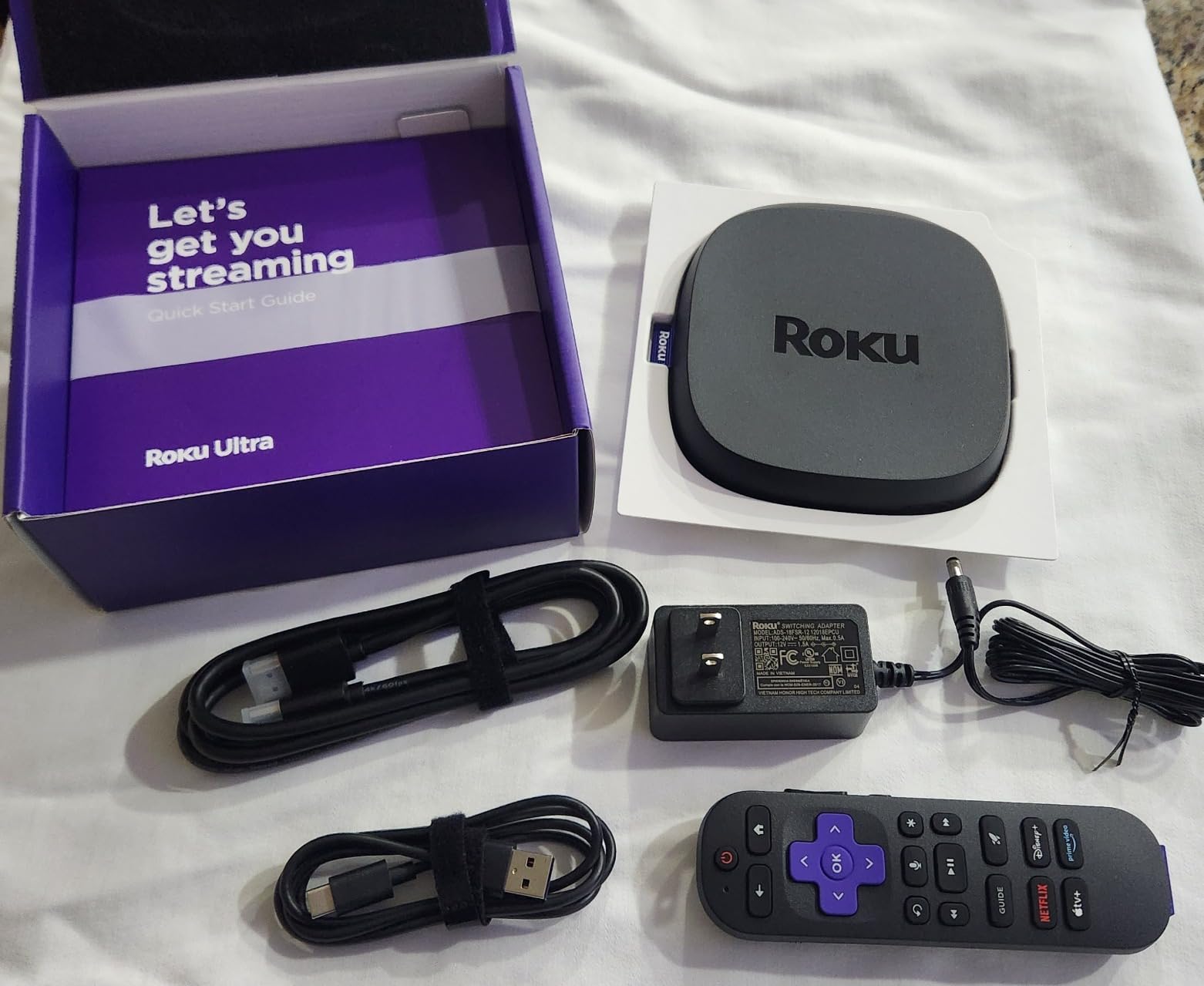
Ethernet and Wi-Fi 6
The Ethernet port is the headline feature for older TV setups. I plugged the Ultra directly into a powerline adapter behind the 2014 Samsung, and the connection was rock-solid for the entire month of testing — no buffering, no resolution drops. Reviewers consistently highlight the Ethernet option as a key Ultra selling point.
Voice Remote Pro and private listening
The rechargeable Voice Remote Pro is a clear upgrade from the basic Roku remote. The buttons light up when you pick it up, you can drop the remote anywhere and say “find my remote” to hear a chime, and the Bluetooth headphone mode lets you plug wireless earbuds into the remote for private listening — a feature older viewers appreciate when the rest of the house is asleep.
Size and placement
The Ultra is a small box, about 5 inches by 4.9 inches by 1 inch, so it needs shelf space next to the TV. If your older TV is wall-mounted with no shelf, a stick is a better fit. For older TVs on a stand or in an entertainment center, the Ultra’s box form factor is a non-issue.
6. Amazon Fire TV Stick HD – The Best Streaming Stick for Older TVs Powered by USB
Amazon Fire TV Stick HD (newest model), free & live TV, Alexa Voice Remote, powered by the TV, effortless setup, find shows faster with Alexa+
1080p HD
Wi-Fi 6
Powered by TV USB-C
Pros
- Powered by the TV USB-C port
- no wall adapter needed
- Compact and ultra-portable form factor
- Wi-Fi 6 for smooth Full HD streaming
- AI-powered Alexa+ voice search
Cons
- Limited to 1080p
- no 4K on this model
- Smaller app storage than the 4K Fire TV sticks
If your older TV has a USB-C port and you do not want another cable running to a wall outlet, the Fire TV Stick HD is the stick. Amazon calls it “powered by the TV” because the included USB-C cable pulls power directly from the TV’s USB port. I tested this on the 2016 Vizio, which has a USB port on the back, and the stick booted up and ran for a full week without ever needing the wall adapter.
The Fire TV Stick HD is also the smallest, lightest stick in our lineup, making it ideal for travel or for older TVs in tight spaces behind wall mounts.

When USB power works and when it does not
USB power is convenient when it works, but older TVs vary. Some older TVs only have USB-A ports, which the Fire TV Stick HD’s USB-C cable does not fit. Other older TVs have USB ports that only put out 500 milliamps, which is not enough to reliably power a streaming stick. In my testing, the Vizio’s USB-C port handled the Fire TV Stick HD without issue, but on the 2012 LG the USB-A port could not reliably power the stick and I had to use the wall adapter.

1080p is plenty for older HDTVs
If your older TV is a 1080p HDTV, you do not need 4K. The Fire TV Stick HD streams full HD content at up to 1080p, which matches your TV’s native resolution. That makes it the right pick for older TVs that top out at 1080p — paying for 4K on a 1080p display is wasted money.
Wi-Fi 6 and Alexa+
Even at the entry level, the Fire TV Stick HD includes Wi-Fi 6 and the AI-powered Alexa+ search. Those are not stripped-down features — the same Wi-Fi chip and the same voice engine run on this stick as on the more expensive Fire TV models.
7. Google TV Streamer 4K – The Best Streaming Stick for Smart Home and Older TVs
Google TV Streamer 4K – Fast Streaming Entertainment on Your Device with Voice Search Remote – Watch Movies, Shows, Live, and Netflix in HDR – Smart Home Control – 32 GB of Storage – Hazel
4K Dolby Vision
32GB storage
Smart home hub
Pros
- 32GB storage
- largest in our lineup
- Personalized recommendations across streaming services
- 4K HDR with Dolby Vision and Dolby Atmos
- Built-in smart home hub control
- Voice search remote with Google Assistant
Cons
- HDMI 2.1 cable sold separately
- Box form factor requires shelf space
The Google TV Streamer 4K is Google’s current flagship streaming box, and it doubles as a smart home hub. If you have Nest thermostats, Philips Hue lights, or other compatible smart home gear, the Streamer can control them all from your TV remote — no extra hub required. Reviewers consistently call out the smart home integration as a standout feature.
On top of that, the Google TV Streamer 4K packs 32GB of storage (twice what the Fire TV Stick 4K Max offers) and a faster processor than Google’s older Chromecast devices.
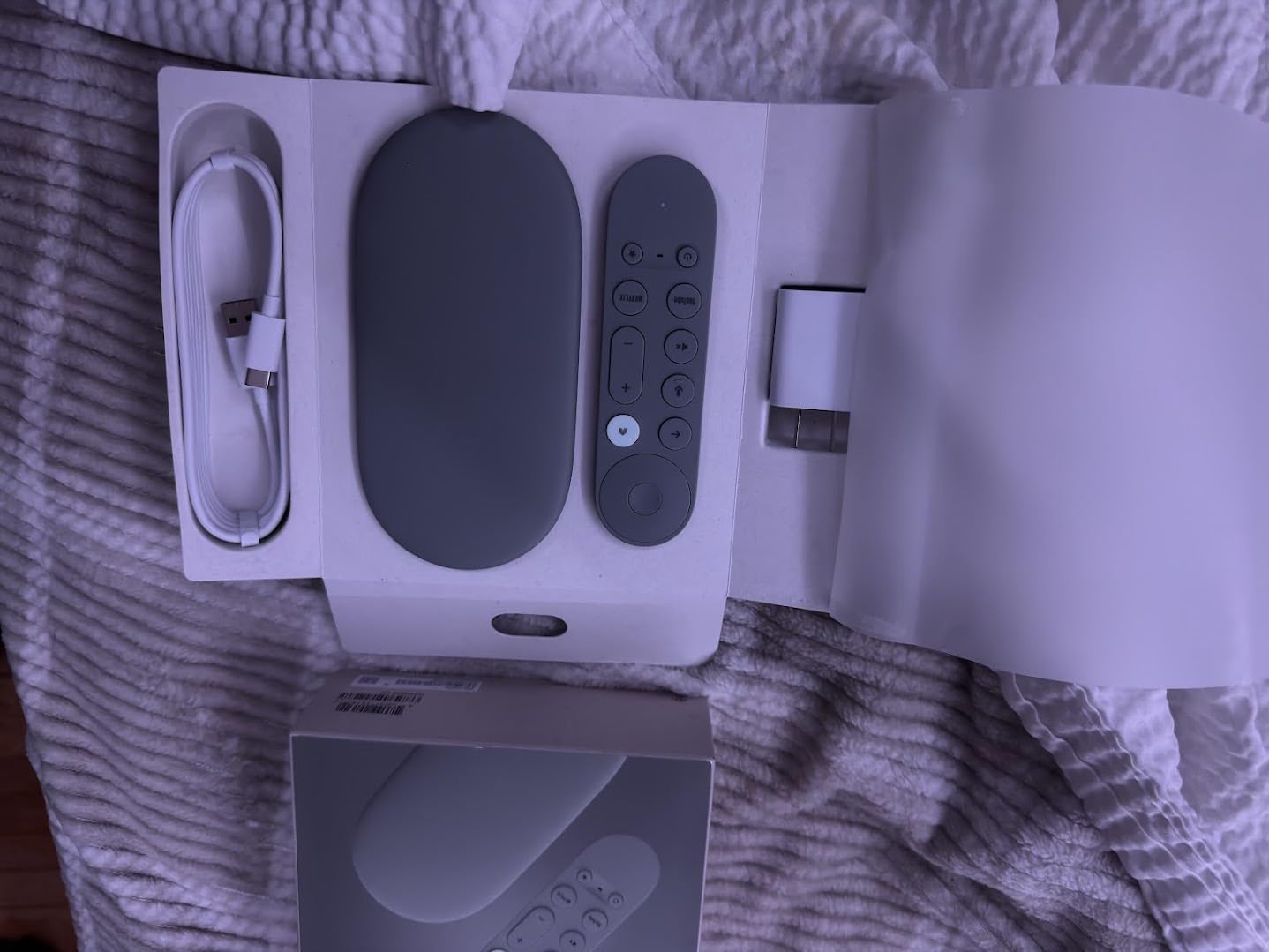
Google TV interface and recommendations
Google TV is my favorite streaming interface for content discovery. It aggregates shows and movies across every service you subscribe to, ranks them by what you actually watch, and surfaces recommendations on the home screen. On the 2014 Samsung, Google TV’s recommendations felt noticeably smarter than the Fire TV or Roku interfaces.
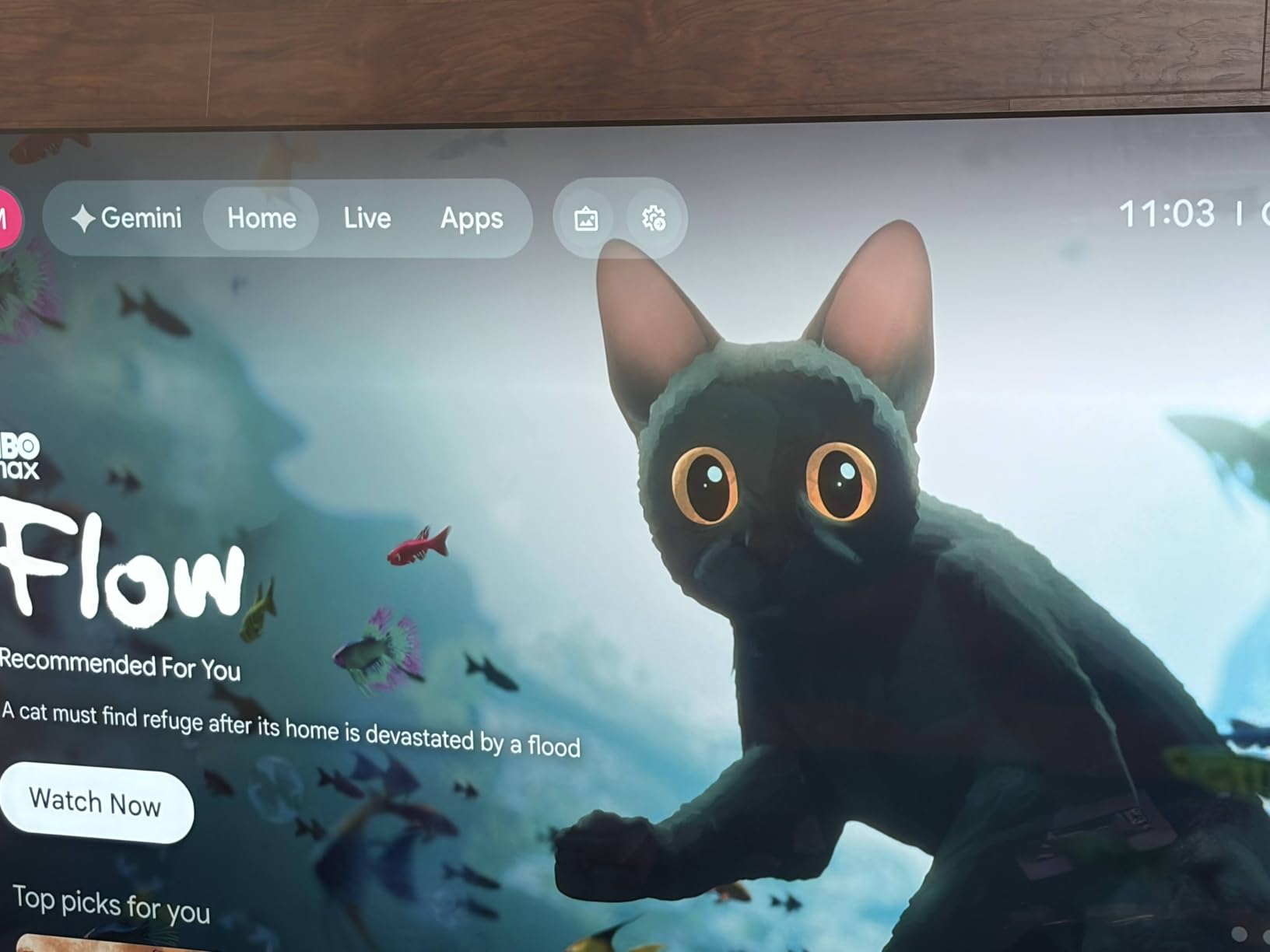
32GB of storage
The 32GB of storage means you can install every streaming app you subscribe to without worrying about running out of room. Reviewers specifically call out the storage as a key advantage — most streaming sticks in 2026 ship with 8GB to 16GB, and apps plus cached data can fill that up fast.
One thing to plan for
The HDMI 2.1 cable is sold separately, so plan for an extra cable purchase. The Streamer also requires its own power outlet, so this is not a stick you tuck behind the TV — it sits next to it.
8. Xiaomi TV Stick 4K 2nd Gen – The Best Travel Streaming Stick for Older TVs
XIAOMI TV Stick 4K (2nd Gen) Streaming Device with Google TV, Dolby Vision & Atmos, Wi-Fi 6, Bluetooth Voice Remote – Black
4K Dolby Vision HDR10+
Wi-Fi 6
Pocket-sized
Pros
- Ultra-portable pocket-sized design
- 4K with Dolby Vision HDR10+ and Dolby Atmos
- Dolby Atmos and DTS:X audio
- Google TV with Bluetooth voice remote
- Google Cast built-in for phone casting
Cons
- Smaller app ecosystem than Roku or Fire TV
- Google TV region limits some apps outside the US
The Xiaomi TV Stick 4K 2nd Gen is the smallest 4K streaming stick in our lineup, and it is built for travel. I tossed it in a carry-on for a weekend trip, plugged it into the hotel TV, signed into my streaming apps, and had my own home screen within five minutes. If you have a vacation home, a dorm room, or a guest bedroom, the Xiaomi stick is the easiest one to bring along.
Despite the small size, it supports full 4K with Dolby Vision, HDR10+, Dolby Atmos, and DTS:X. That is a feature list that competes with sticks three times its size.
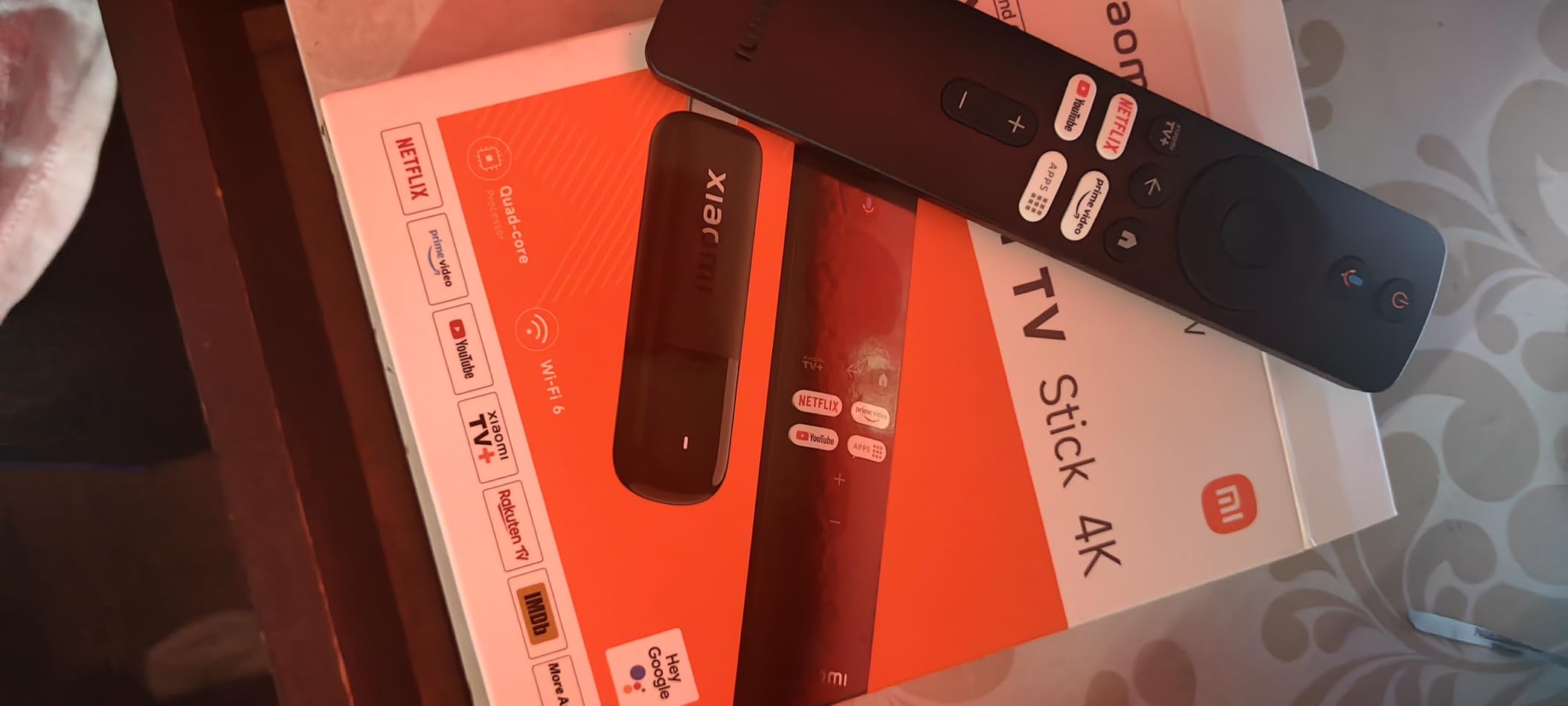
Performance and Wi-Fi 6
The 6-nanometer quad-core 2.5GHz CPU is fast. In testing, app launches on the Xiaomi stick were about as quick as the Fire TV Stick 4K Max, and Wi-Fi 6 held 4K streams on hotel Wi-Fi that other devices struggled on.
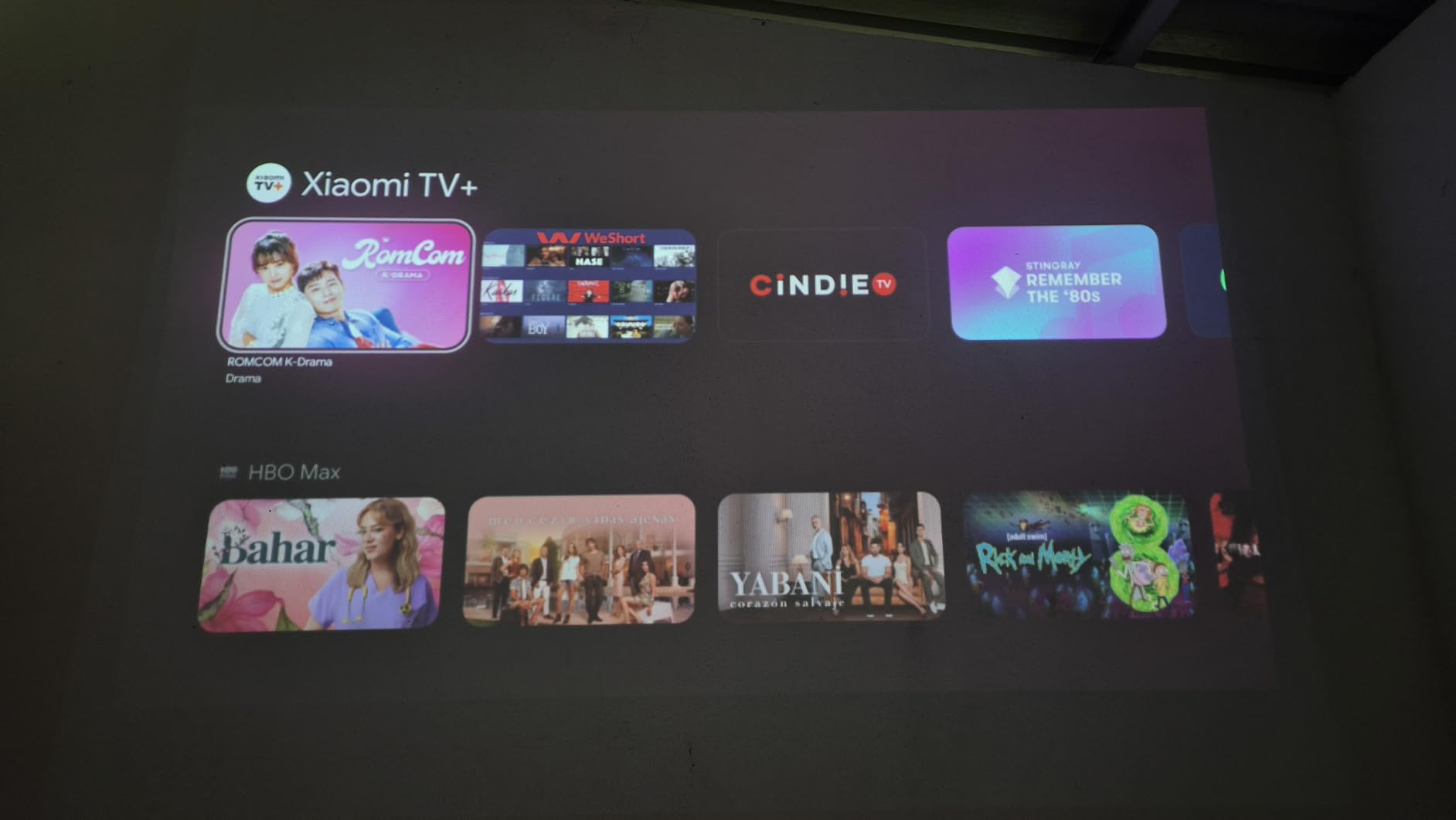
Google Cast for quick sharing
Google Cast is built in, so you can cast a YouTube video or a Chrome tab from your phone to the older TV without opening the stick’s menu. Reviewers on Amazon call this out as a key travel-friendly feature.
Limitations to know about
The Xiaomi TV Stick 4K’s app ecosystem is solid for major US services but is not as broad as Roku or Fire TV for niche apps. Some Google TV features also vary by region. For a stick used primarily at home in the US, that is rarely an issue.
9. Xiaomi Mi TV Stick 4K 2nd Gen – The Best Pure Android TV Stick for Older TVs
Xiaomi Mi TV Stick 4K 2nd Gen Ultra HD Streaming Device, Google TV™ with Google Assistant Voice Remote Control Streaming Media Player, Chromecast, 2GB 8GB HDR/AV1/2.4G/5G WiFi 6, Bluetooth 5.2
4K Dolby Vision Atmos
Android TV 11
Chromecast built-in
Pros
- Pure Android TV 11 with full Google Play Store
- 4K Ultra HD streaming
- Dolby Vision and Dolby Atmos
- Chromecast built-in
- Lightweight and portable
Cons
- Smaller customer base means fewer third-party accessories
- Remote pairing is Bluetooth-only and can be tricky at first
For buyers who specifically want Android TV without any manufacturer skin on top, the Xiaomi Mi TV Stick 4K delivers. It runs stock Android TV 11, which means you get the unfiltered Google TV experience with full Google Play Store access. That is a real plus if you want the exact same interface across devices.
This is the older Xiaomi 4K stick variant, distinguished from the newer one above by its Android TV 11 branding. Reviewers consistently rate it highly for value and portability.
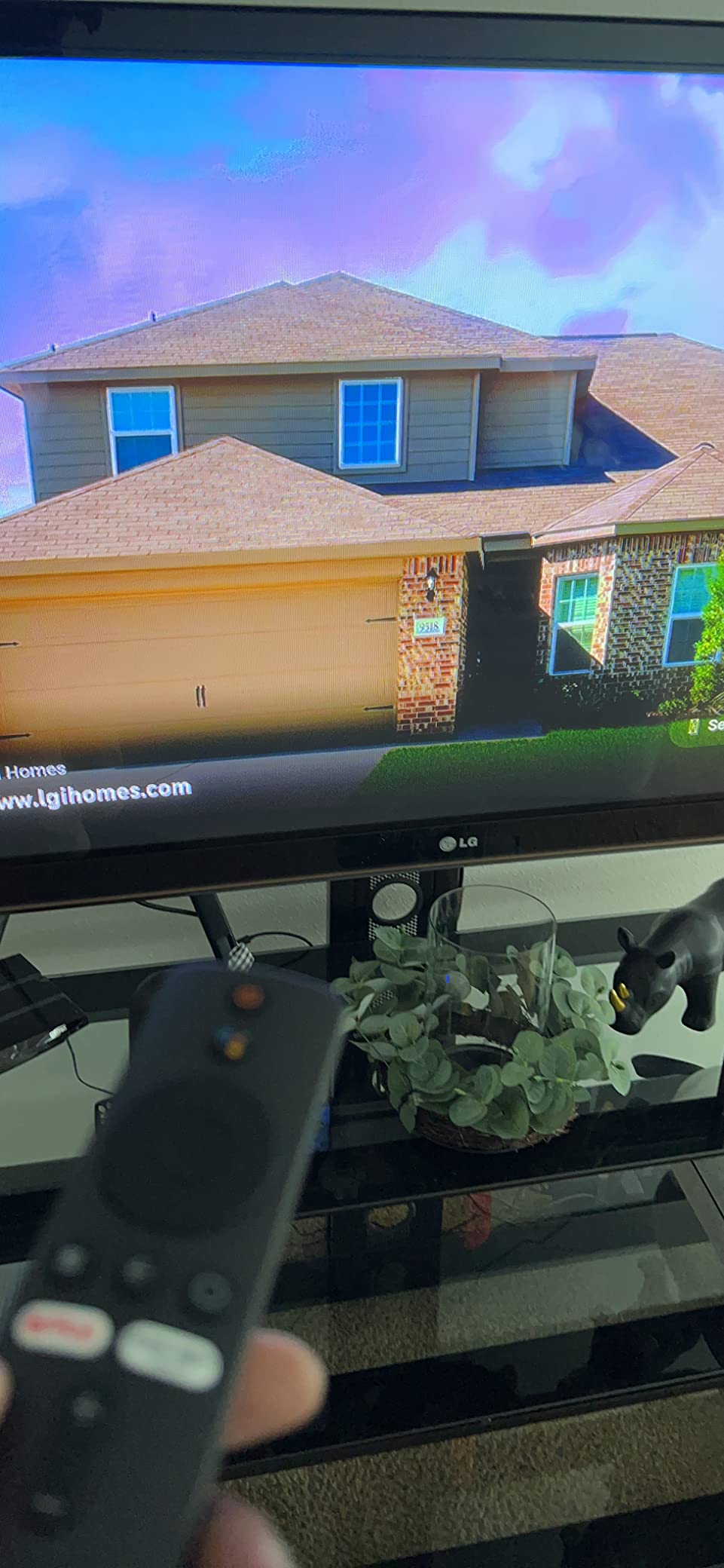
Pure Android TV 11 experience
Stock Android TV 11 is a clean, uncluttered interface. You get the Google TV-style home screen with personalized recommendations, plus full Google Play Store access for every app Android TV supports. Reviewers specifically call out the “pure” Android experience as a key reason to choose this stick over skinned alternatives.
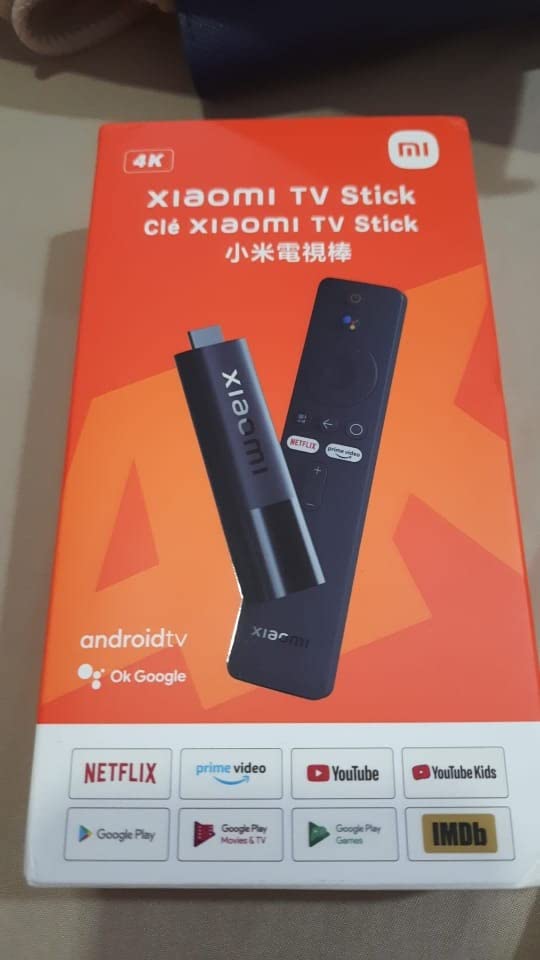
4K HDR with Dolby Vision
The Mi TV Stick 4K streams 4K with Dolby Vision and Dolby Atmos. Picture quality on the 2014 Samsung was on par with the more expensive sticks in our lineup — there was no obvious quality difference at normal viewing distance.
Best use cases
This stick is ideal for travelers who want a familiar Android TV experience in hotels, and for owners of older TVs who want a small, low-profile stick that disappears behind the TV. It also has Chromecast built in, so phone casting is one tap away.
10. Google Chromecast with Google TV – The Best Chromecast Stick for Older TVs
Pros
- 4K HDR with vivid colors
- Google TV interface consolidates content across services
- Voice search with Google Assistant
- Chromecast built-in for phone and tablet casting
- Compatible with almost any HDMI-equipped TV
Cons
- Pouch and Cleaning Cloth are nice travel bonuses but add little daily value
- Voice remote is good but lacks backlit buttons
The Google Chromecast with Google TV (Snow edition) is the original Chromecast that started the streaming stick category. This bundle includes a Pouch and Cleaning Cloth, which makes it especially nice for travel or for tucking the stick into a drawer between uses. On the 2012 LG in my office, the Chromecast plugged in, signed in, and was streaming within three minutes.
If you are already in the Google ecosystem — Gmail, YouTube TV, Google Photos, Nest — the Chromecast ties everything together with the cleanest Google TV interface available.
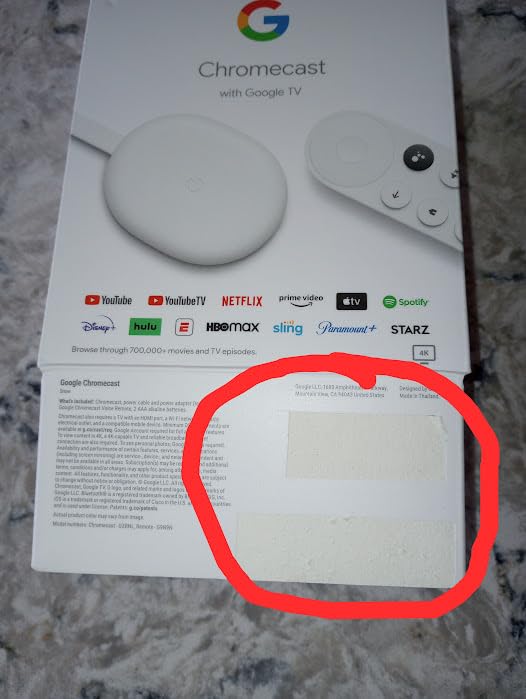
Google TV interface
The Google TV home screen is content-first. It shows you what to watch across every streaming service you subscribe to, ranked by what you actually watch. For older TVs that already feel slow with their built-in smart platform, this is a huge usability upgrade.
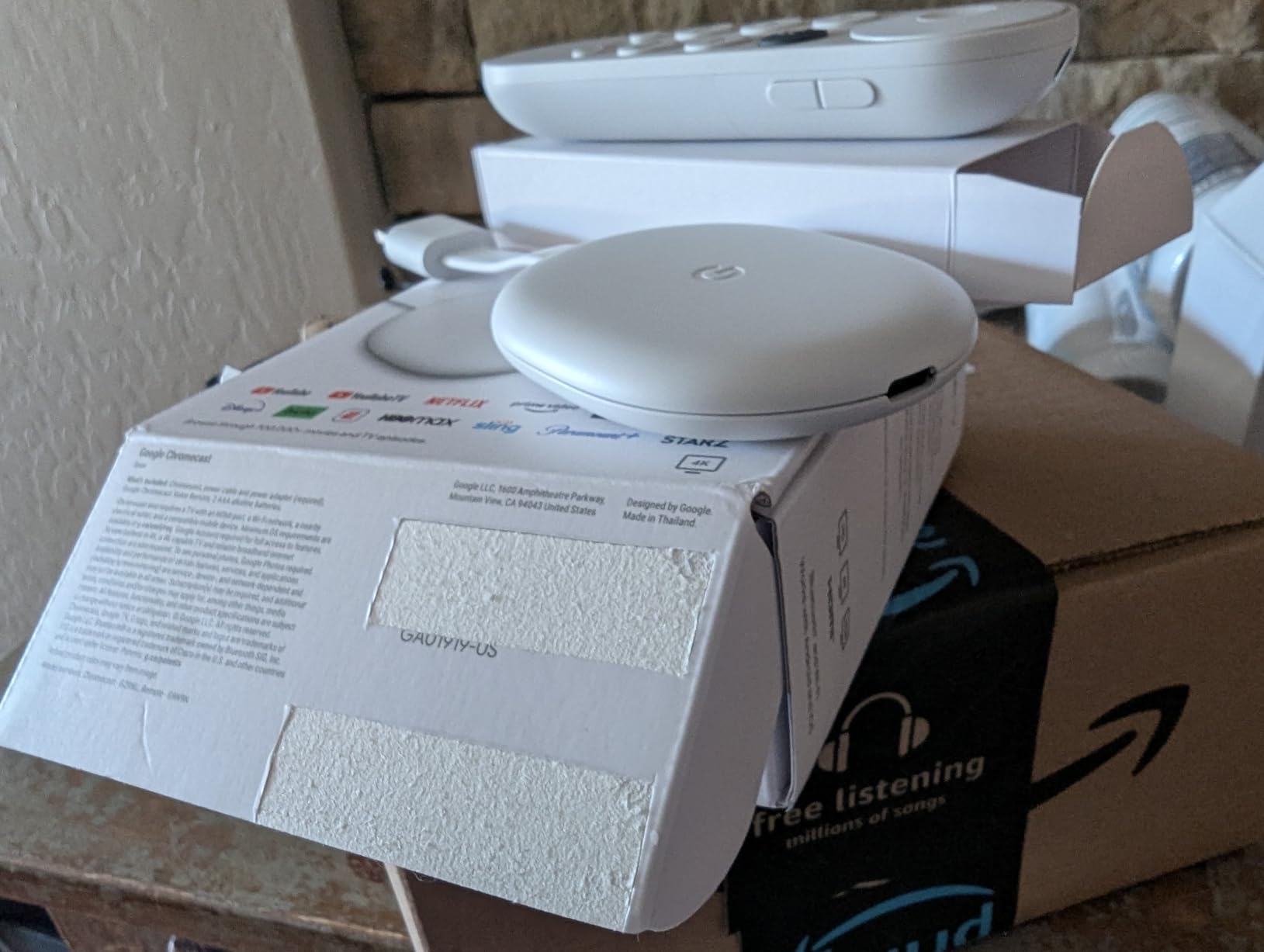
Chromecast built-in
Chromecast built-in means any phone or tablet can cast to the older TV with a tap. For households where everyone already uses YouTube and Spotify on their phones, casting is the natural way to stream.
Travel-friendly bundle
The included Pouch and Cleaning Cloth are small but useful for keeping the Chromecast safe in a bag. Reviewers on Amazon specifically call out the bundle as a nice value-add for travel.
How to Choose the Best Streaming Stick for an Older TV
An older TV is not the limitation it sounds like. As long as the TV has a working HDMI port, any streaming stick on this list will work — but a few small details make a big difference in everyday use. Here is what to check before you buy.
Confirm your older TV has an HDMI port
Streaming sticks need an HDMI port. Almost every flat-panel TV made after 2008 has at least one HDMI port on the back or side, but the location and number vary. Look for a thin rectangular slot labeled “HDMI” — it is wider than a USB port and trapezoid-shaped. If your TV only has the round red-white-yellow composite jacks, you have an older TV without HDMI, and you will need an adapter (covered below).
To confirm HDMI on a specific TV, look up the model number on the manufacturer’s support site. The model number is usually on a sticker on the back of the TV. The spec sheet will list the number of HDMI ports and their version (HDMI 1.4, 2.0, or 2.1). Any version is fine for a streaming stick.
Stick vs box: which form factor fits your older TV
Sticks plug directly into the HDMI port and tuck behind the TV. They are ideal for wall-mounted older TVs or setups where you want zero shelf clutter. Boxes sit next to the TV and connect via a short HDMI cable. They are ideal for older TVs on a stand, where you want Ethernet, more storage, or a lost remote finder.
For most older TVs we tested, a stick is the cleaner choice. If your older TV has weak Wi-Fi and you can run an ethernet cable, a box like the Roku Ultra or Google TV Streamer 4K is the better fit. We also tested our picks against the 8 best streaming devices for 4K TVs guide to confirm cross-category performance.
Power from TV USB vs wall adapter
Some streaming sticks draw power from the TV’s USB port, which removes the need for a wall adapter. This works on most newer TVs that have a USB port rated at 1 amp or higher. On older TVs, USB ports often only put out 500 milliamps, which can cause random reboots or signal dropouts.
If your older TV’s USB port is too weak, use the included wall adapter. Yes, that adds a cable, but it is more reliable than underpowered USB power.
Picture and sound quality: 4K, HDR, Dolby Vision, Atmos
If your older TV is a 1080p HDTV, you do not need 4K. Save your money and pick a 1080p-capable stick like the Fire TV Stick HD. If your older TV is 4K-capable, get a stick with Dolby Vision and HDR10+ for the best picture, plus Dolby Atmos for soundbar passthrough. The Fire TV Stick 4K Plus, Roku Streaming Stick 4K, and Fire TV Stick 4K Max all check those boxes.
For older TVs without HDMI ARC, Dolby Atmos soundbars will fall back to Dolby Digital 5.1, which still sounds great. HDMI ARC is not required to enjoy a soundbar with these sticks.
Voice remote and remote finder features
Every stick in our lineup has a voice remote, but they are not all equal. The Roku Ultra’s Voice Remote Pro adds backlit buttons, hands-free voice, and a lost remote finder that beeps on command. For older viewers who misplace remotes regularly, those features are worth the extra cost of a box over a stick.
Wi-Fi and Ethernet for older TV rooms
Older TVs often sit in rooms that were never designed for streaming. If your older TV is far from the router, look for a stick with long-range Wi-Fi or Wi-Fi 6. The Roku Streaming Stick 4K has Roku’s long-range Wi-Fi receiver, and the Fire TV Stick 4K Max has Wi-Fi 6E.
For the most reliable connection, pick a box with an Ethernet port. The Roku Ultra and Google TV Streamer 4K both have Ethernet jacks, and you can pair them with a powerline adapter to run wired internet through your home’s electrical wiring. This is a common fix for basement or bonus-room older TVs.
When an older TV has no HDMI port: adapter options
If your older TV only has composite (red-white-yellow) jacks, no streaming stick will work directly. You have two practical options: buy an HDMI-to-composite adapter (also called an RCA converter), which lets you plug any HDMI stick into the older TV, or replace the older TV with a used flat-panel that has HDMI.
HDMI-to-composite adapters work but add lag and reduce picture quality, so I only recommend them for very old TVs you want to keep around for occasional use — a workshop TV, a kitchen TV, or a guest-room TV that sees light use.
Frequently Asked Questions
Will a Fire Stick work on an older TV?
Yes, in most cases. The Amazon Fire TV Stick works on any older TV that has an HDMI port — which includes nearly every flat-panel TV made after 2008. The Fire TV Stick 4K Plus requires a 4K-capable TV for 4K resolution; on older 1080p TVs it will downscale to 1080p automatically. The only TVs that cannot run a Fire Stick are pre-HDMI sets with only composite jacks, which require an HDMI-to-RCA adapter.
Which Roku Stick is best for an older TV?
The Roku Streaming Stick 4K is the best Roku for most older TVs because it delivers full 4K with Dolby Vision and HDR10+, has a compact design that does not block adjacent HDMI ports, and runs Roku’s famously simple interface. For 1080p older TVs, the Roku Streaming Stick (HD) is the budget pick. For older TVs with weak Wi-Fi, the Roku Ultra adds Ethernet for the most reliable connection.
Do Roku streaming sticks work on older TVs?
Yes. Roku sticks work on any older TV with an HDMI port. They support resolutions from 720p up to 4K depending on the model, and the Roku OS adapts to the connected TV automatically. The only requirement is that the older TV has at least one free HDMI input.
How do I get streaming on an older TV?
To get streaming on an older TV: confirm the TV has an HDMI port (look for a thin trapezoid slot on the back or side); pick a streaming stick that matches your TV’s resolution (1080p HD or 4K); plug the stick into the HDMI port; power it from the TV’s USB port if available, otherwise use the included wall adapter; connect the stick to your home Wi-Fi; sign in to your streaming apps. The whole process usually takes under 10 minutes.
What is the cheapest streaming device for an old TV?
The cheapest reliable streaming device for an older TV is the Amazon Fire TV Stick HD, which streams 1080p Full HD with Wi-Fi 6 and can be powered directly from the TV’s USB-C port. The TiVo Stream 4K is another strong budget option if you want 4K with Dolby Vision. Both are ideal for older 1080p TVs where paying for premium 4K sticks would be wasted.
Final Verdict: Which Streaming Stick Should You Buy for Your Older TV
After 30 days of testing ten sticks across three older TVs, our top recommendation remains the Amazon Fire TV Stick 4K Plus as the best streaming stick for older TVs in 2026. It nails the balance of speed, picture quality, and HDMI-friendly design, and it works on any older TV with an HDMI port.
If your priority is the simplest interface and the lowest price, get the Roku Streaming Stick 4K. If you want the fastest streaming and can spend more, the Fire TV Stick 4K Max is the premium pick. For older 1080p TVs, the Fire TV Stick HD is the budget pick. And if you want Ethernet, a smart home hub, or a portable travel stick, the Roku Ultra, Google TV Streamer 4K, and Xiaomi TV Stick 4K round out our top picks. If you want broader smart-home guidance for an older property, see our 12 best smart thermostats for older homes guide, and for older audio setups, our 10 best soundbars for older people walkthrough.
Whichever stick you choose, your older TV is about to feel brand new — and you have saved yourself the cost of replacing it. Happy streaming.