
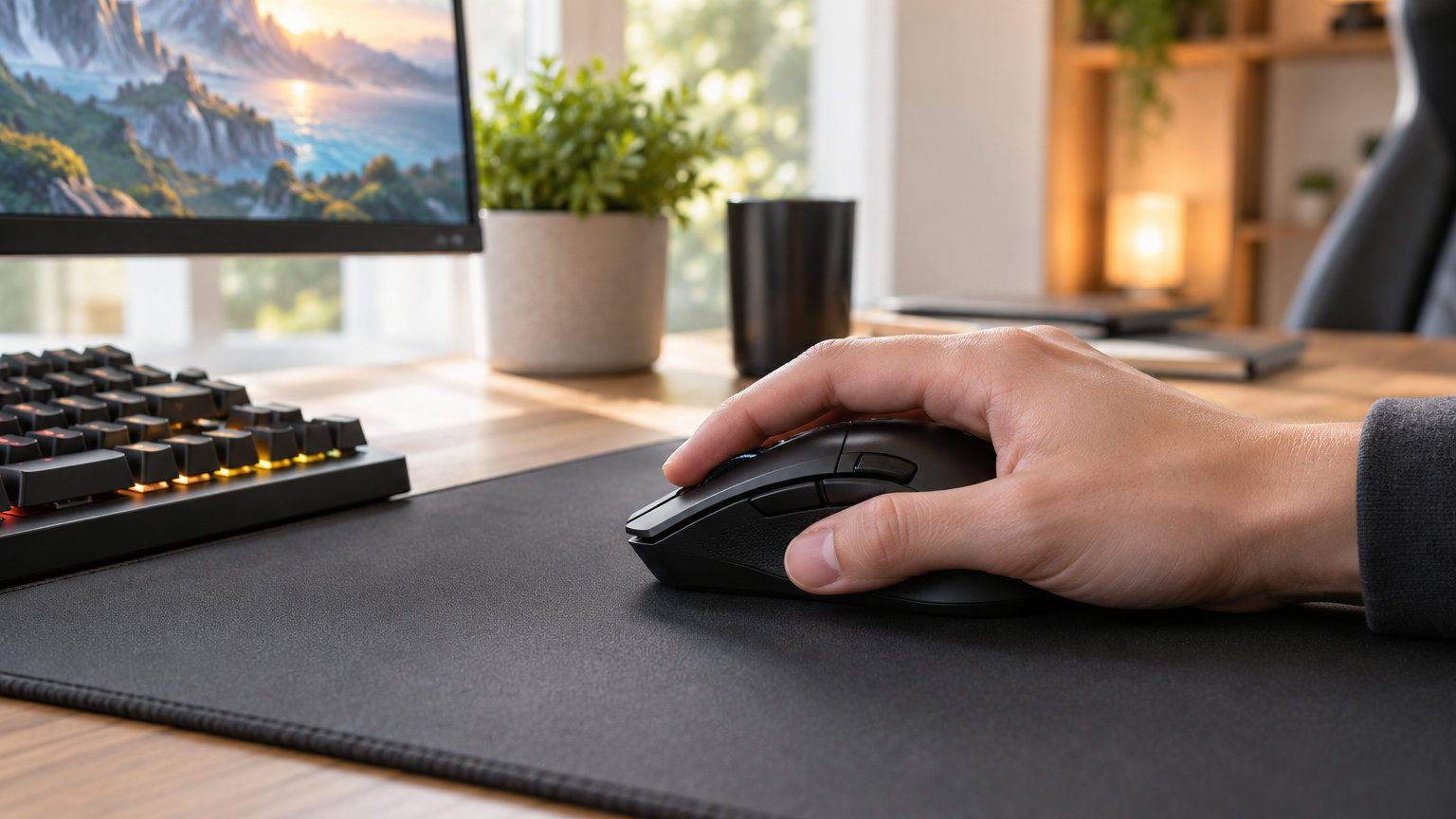
If you want one gaming mouse worth watching during Amazon’s Prime Big Deal Days sale in 2026, the Logitech G305 Lightspeed is the safest bet for most shoppers. It pairs a 12,000 DPI HERO sensor with a tiny 95g shell, runs up to 250 hours on a single AA battery, and lands at a price that already feels like a deal even before the sale kicks in.
For shoppers who want more buttons and a heavier feel, the Logitech G502 Hero is the value pick, while budget hunters looking for under 10 pounds should look at the Redragon M612 with its 8000 DPI sensor and 11 programmable buttons. Prime Big Deal Days runs October 6-7, 2026, and most offers need a Prime membership (a free trial counts), so the picks below are the gaming mice worth watching once the sale goes live.
Our Top 3 Picks for Gaming Mouse Deals


Gaming Mouse Deals Compared (2026)
| Product | Specs | Action |
|---|---|---|
| Logitech G305 Lightspeed |
|
Check Deal Price |
| Logitech G502 Hero |
|
Check Deal Price |
 Redragon M612 Wired Redragon M612 Wired |
|
Check Deal Price |
 Razer Basilisk V3 Razer Basilisk V3 |
|
Check Deal Price |
 Razer Basilisk V3 X HyperSpeed Razer Basilisk V3 X HyperSpeed |
|
Check Deal Price |
 Razer DeathAdder Essential Razer DeathAdder Essential |
|
Check Deal Price |
 Redragon M810 PRO Redragon M810 PRO |
|
Check Deal Price |
 Logitech G703 Lightspeed Logitech G703 Lightspeed |
|
Check Deal Price |
 Razer Cobra Razer Cobra |
|
Check Deal Price |
 Logitech G203 Logitech G203 |
|
Check Deal Price |
How We Chose
We compared the specs that matter for gaming mice: sensor type and DPI range, switch durability, weight, battery life on wireless models, programmable button count, and owner ratings on Amazon. Reviewer consensus on the Logitech, Razer, and Redragon lines was a strong signal. Data was checked in October 2026.
1. Logitech G305 Lightspeed: Editor’s Choice
Logitech G305 Lightspeed Wireless Gaming Mouse – Black
Sensor: HERO 12K
Weight: 95 g
Battery: 250 hours
Buttons: 6
Pros
- Excellent wireless performance with no detectable latency
- Long battery life of up to 250 hours on one AA battery
- Lightweight design at just 95 g
- Compact and portable with built-in nano receiver storage
- HERO sensor delivers precise tracking
Cons
- Side buttons may require pressing deeper than expected
- Uses AA battery instead of rechargeable
The G305 is the mouse most reviewers keep reaching for, and owners report the LIGHTSPEED wireless holds steady even in long FPS rounds. The 95 g shell stays out of the way during flick shots, and the 12,000 DPI HERO sensor gives clean tracking across large mousepads.
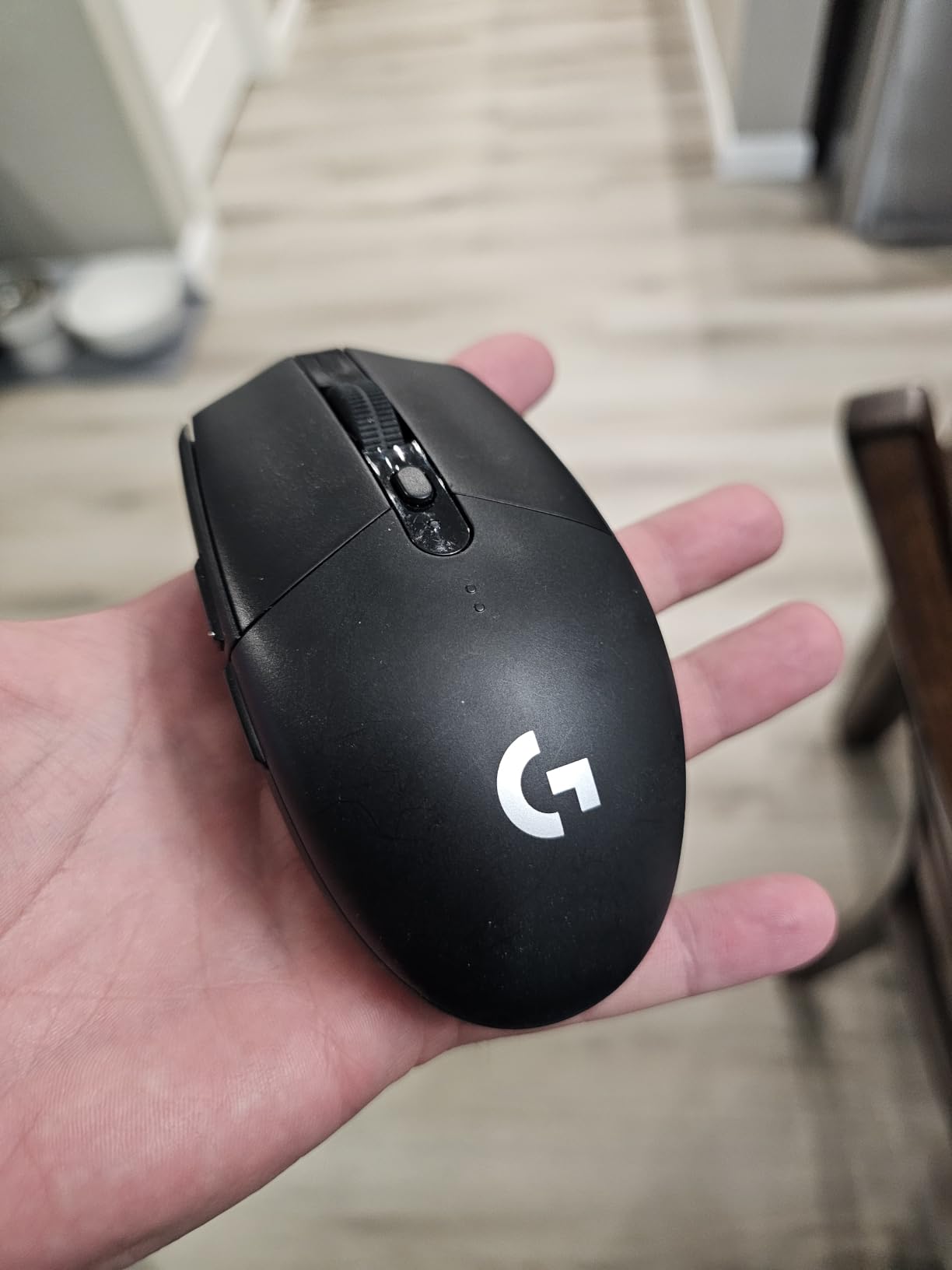
Battery life is the headline number here: up to 250 hours on a single AA cell. Reviewers mention months of use between swaps, which makes the lack of a built-in rechargeable less of a complaint than you’d expect.
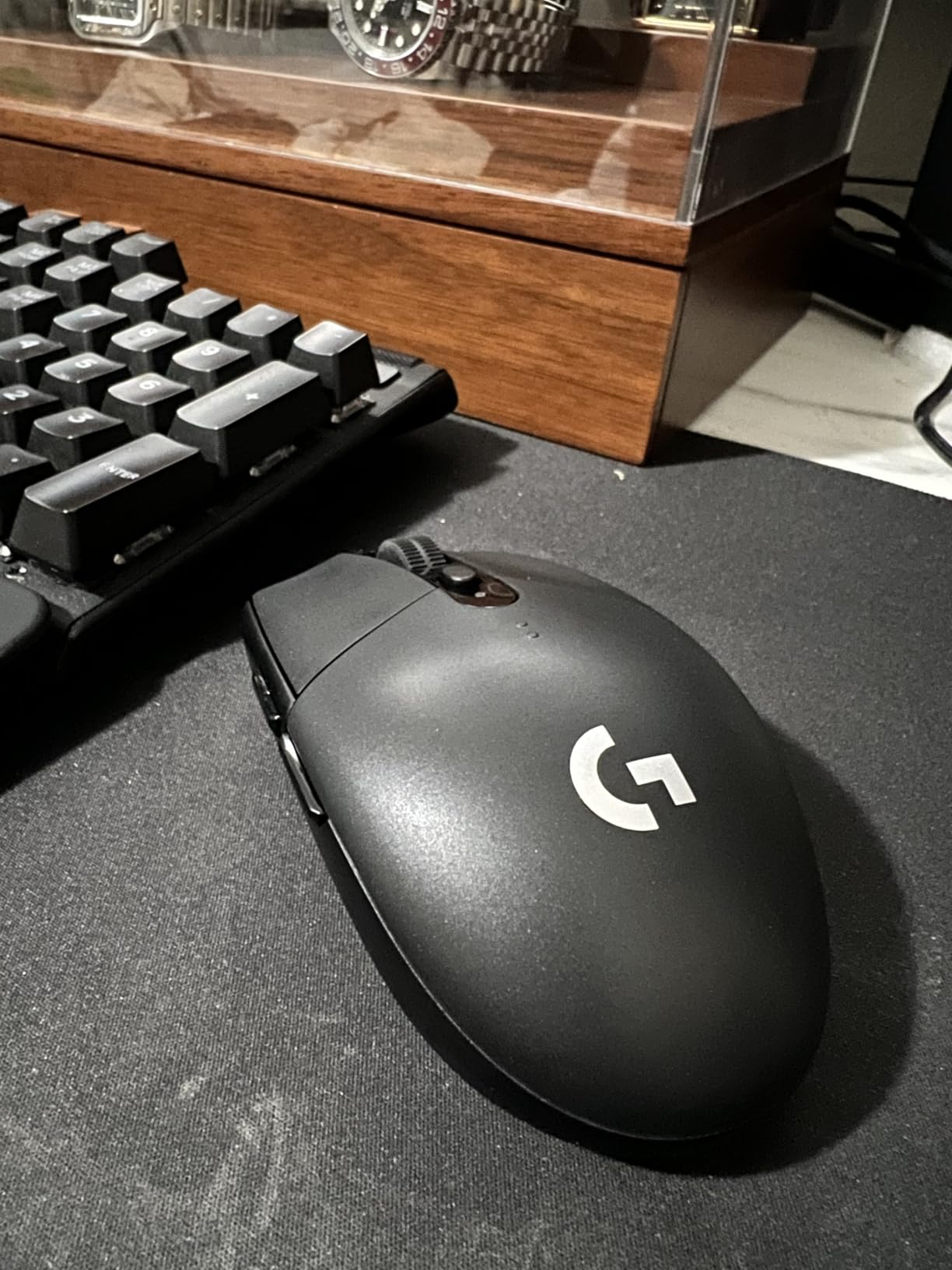
The G305 sits in a sweet spot for FPS players who want a wireless setup that disappears into the session. Skip it if you want a rechargeable cell or more than 6 buttons; the Logitech G502 Hero is the better pick for that.
Good to know: the nano receiver stores inside the mouse for travel, so there’s no loose dongle to lose on the way to a LAN.
2. Logitech G502 Hero: Best Value
Logitech G502 Hero Wired Gaming Mouse – Black
Sensor: HERO 25K
Weight: 4.32 oz
Buttons: 11
DPI: 25,600
Pros
- Exceptional precision with HERO 25600 DPI sensor
- 11 fully customizable programmable buttons
- Adjustable weight system for personalized feel
- LIGHTSYNC RGB with full spectrum customization
- Metal spring button tensioning for crisp clicks
Cons
- Wired connectivity only
- May be heavy for some users even without weights
The G502 Hero is a community favorite, with owners praising the 25,600 DPI sensor and the 5 x 3.6 g adjustable weight system. The dual-mode scroll wheel switches between a clicky ratchet and a free-spin flywheel for long web pages or inventory scrolling.
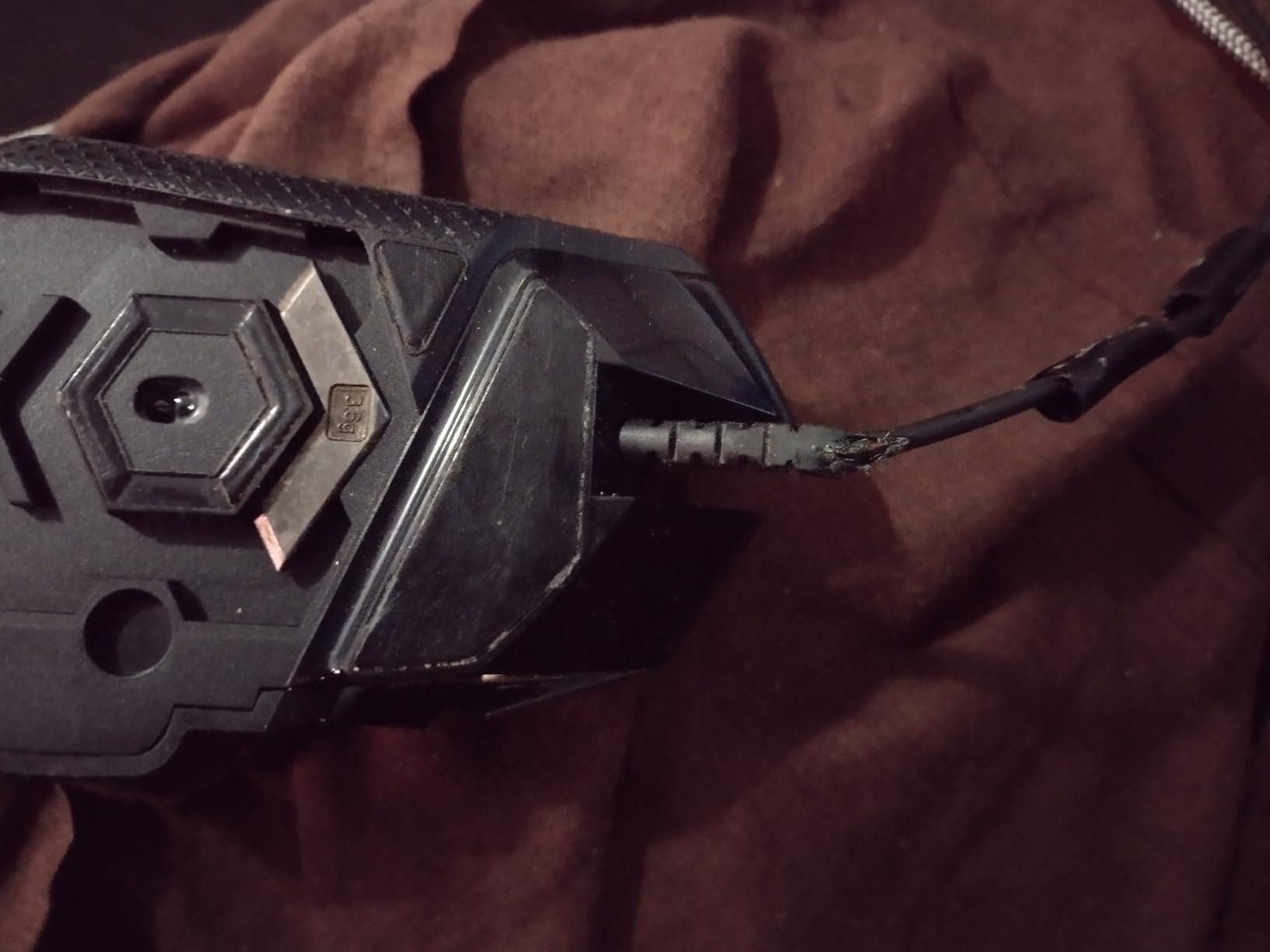
Reviewers highlight the build quality: metal spring button tensioning gives every click a crisp, consistent feel. The wired design means no battery to charge and no wireless latency to worry about, which is part of why it stays popular for competitive FPS players.
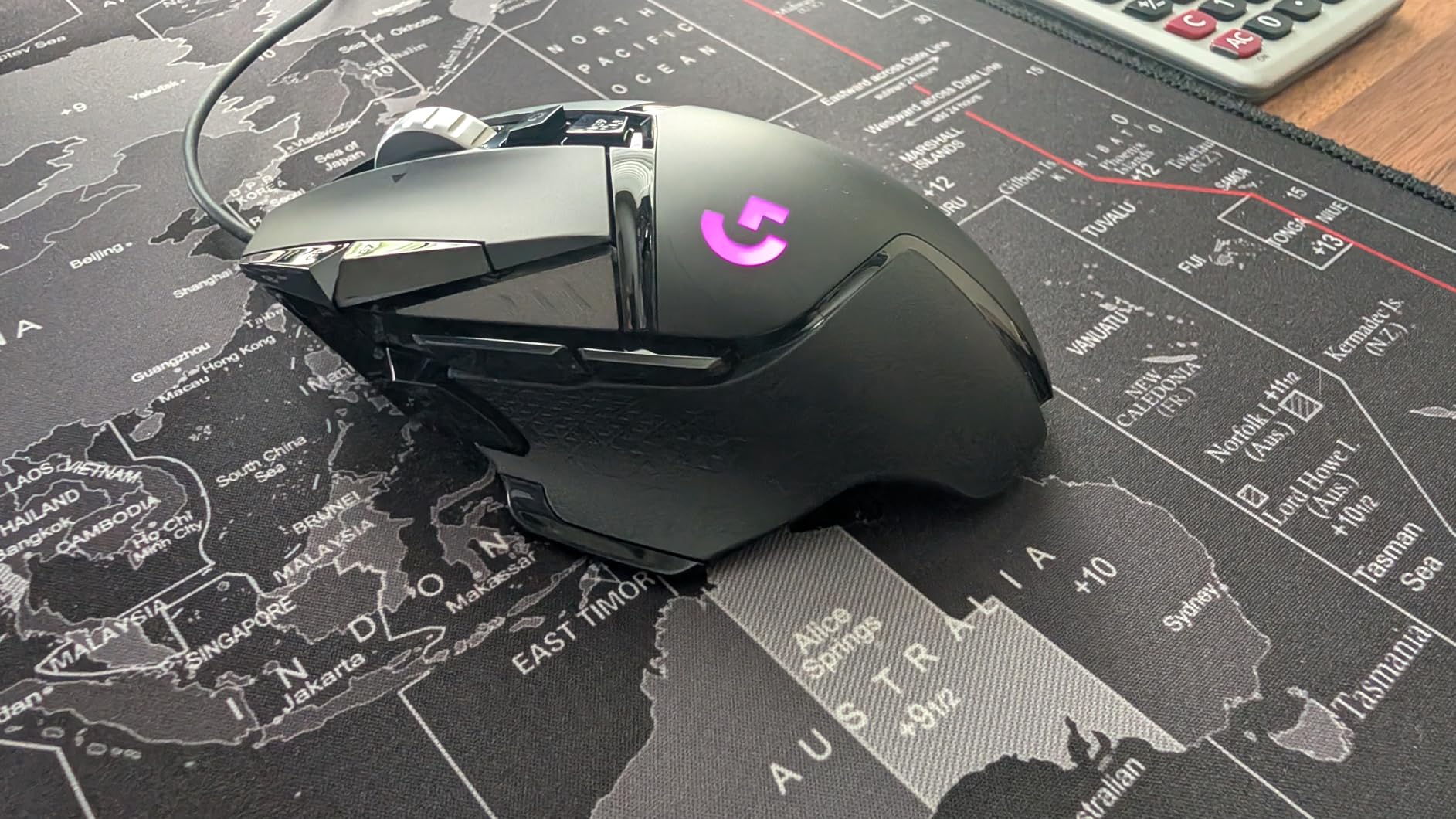
The G502 Hero offers adjustable weights the Razer Basilisk V3 does not, while the Basilisk counters with a Hyperscroll tilt wheel. Pick the G502 if you want to dial in weight; pick the Basilisk if you scroll a lot in-game.
Skip it if: you want a wireless setup. The Logitech G305 Lightspeed above is the wireless alternative.
3. Redragon M612 Wired: Budget Pick
Redragon M612 Wired RGB Optical Gaming Mouse 8000 DPI Remapping Keys
Sensor: 8000 DPI
Weight: 126 g
Buttons: 11
DPI levels: 5
Pros
- Excellent value for budget gaming mouse
- Comfortable frosted coating grip
- 5 adjustable DPI levels
- 11 programmable buttons with macro support
- Customizable RGB lighting
Cons
- Rubber pad adhesive may degrade in heat
- Middle mouse button durability concerns
The Redragon M612 packs 11 programmable buttons, 5 DPI levels, and a frosted grip coating into a sub-budget shell. Owners report years of daily use, which is more than you’d expect at this level.
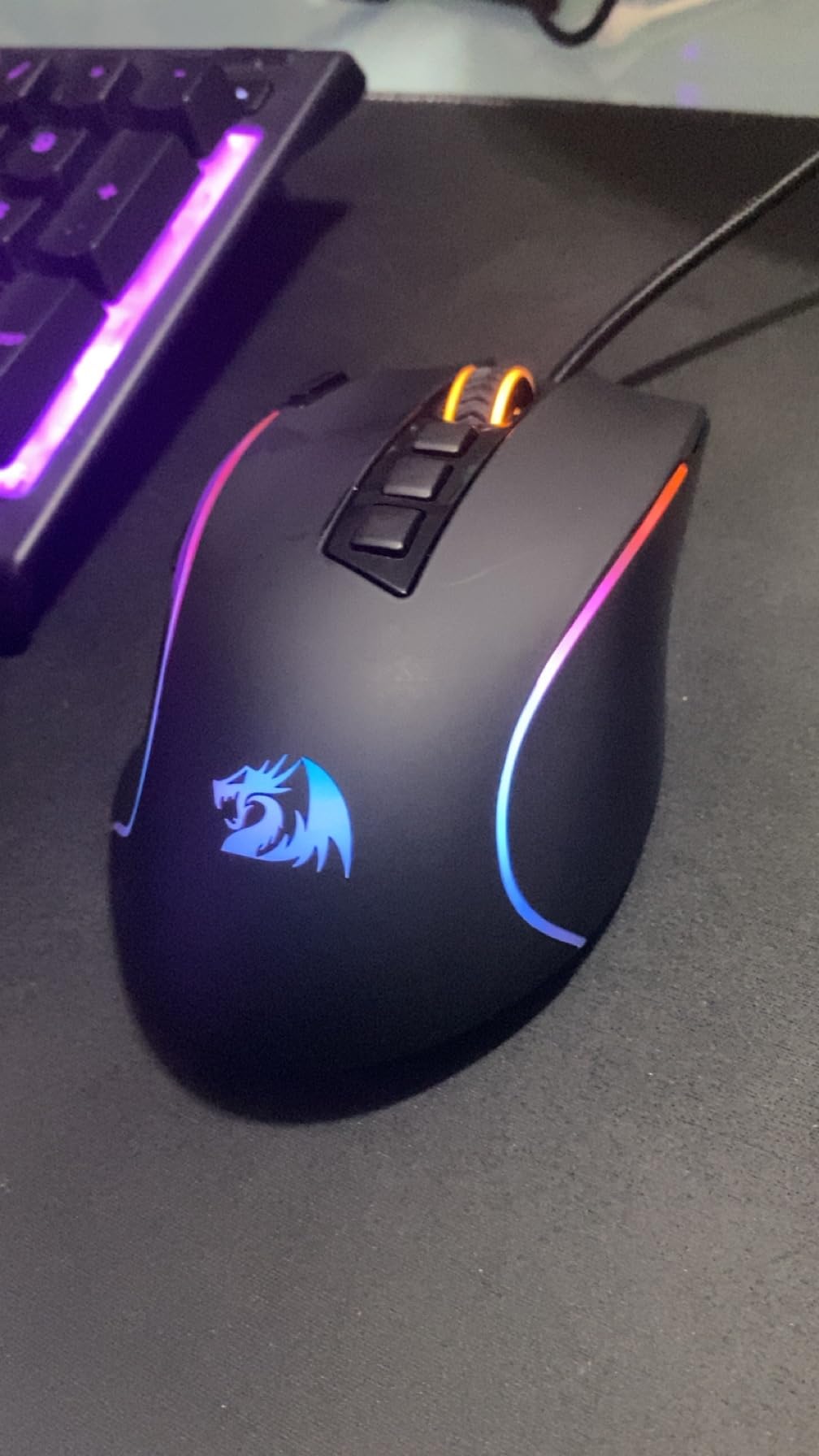
Reviewers mention the frosted finish stays grippy during long sessions and the macro side buttons come in handy for MOBAs and MMOs. The RGB lighting runs through 5 modes and is bright enough to read at a glance.
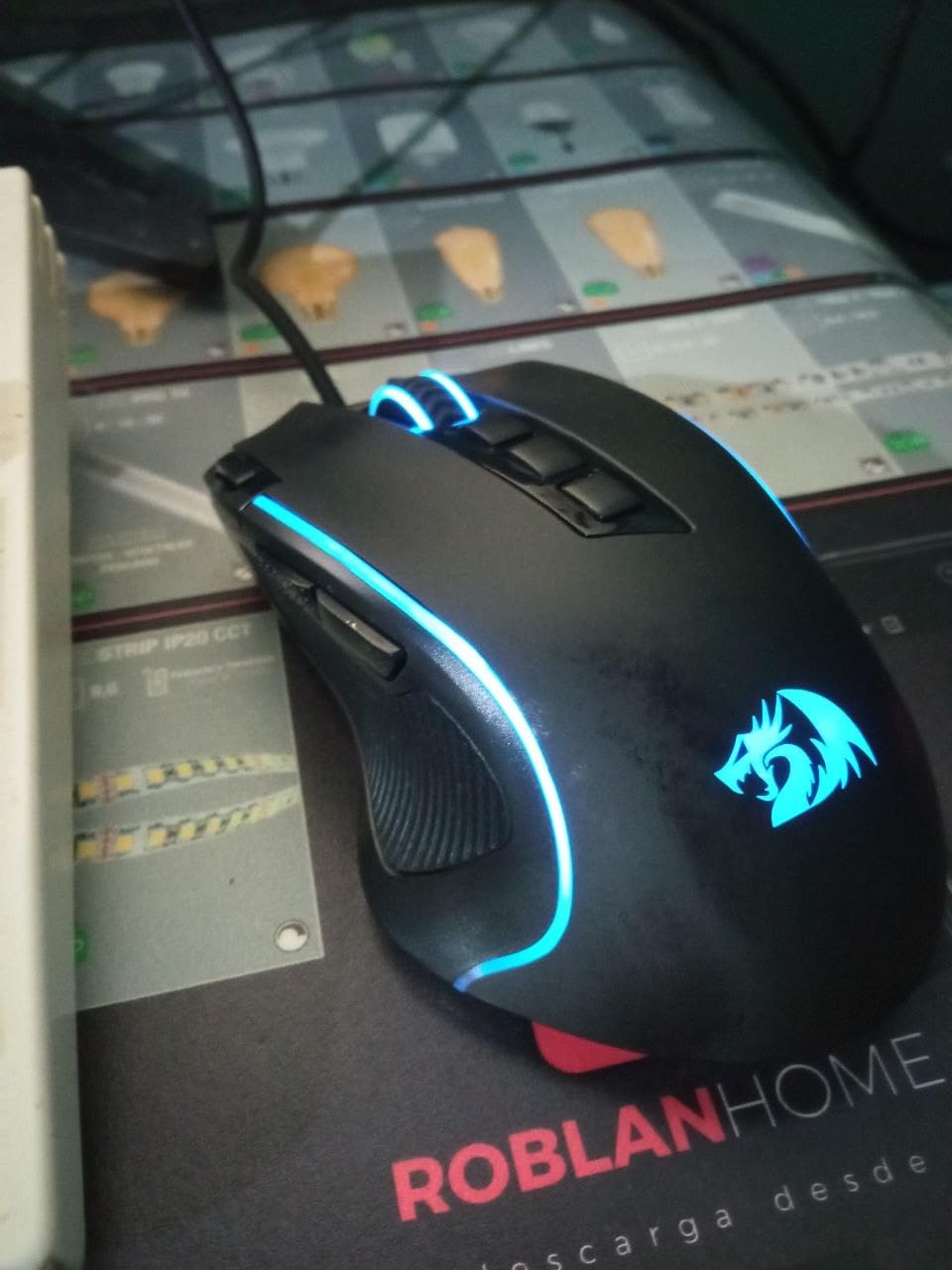
The M612 gives you extra macro buttons and more DPI steps than the Logitech G203 at the bottom of this list. The trade-off is that Redragon’s build consistency varies more than Logitech’s, and some reviewers report the middle click wearing out sooner.
Pair it with a list of gaming mice tuned for MOBA games to see how it compares on button count and software support.
4. Razer Basilisk V3: Best for Ergonomics
Razer Basilisk V3 Customizable RGB Wired Ergonomic Gaming Mouse, Black
Sensor: Focus+ 26K
Weight: 3.56 oz
Buttons: 11
Switches: Gen-2 Optical
Pros
- Iconic ergonomic design with thumb rest
- Hyperscroll tilt wheel with free-spin and tactile modes
- 11 programmable buttons for macros
- Customizable 11-zone Chroma RGB lighting
- Optical switches with 70 million click lifespan
Cons
- May be large for smaller hands
- Can make hands sweaty during intense use
The Basilisk V3’s Hyperscroll tilt wheel is the standout feature. It switches between a tactile click and a free-spin flywheel on the fly, so it works for inventory scrolling and sniper-mode adjustments without swapping mice.
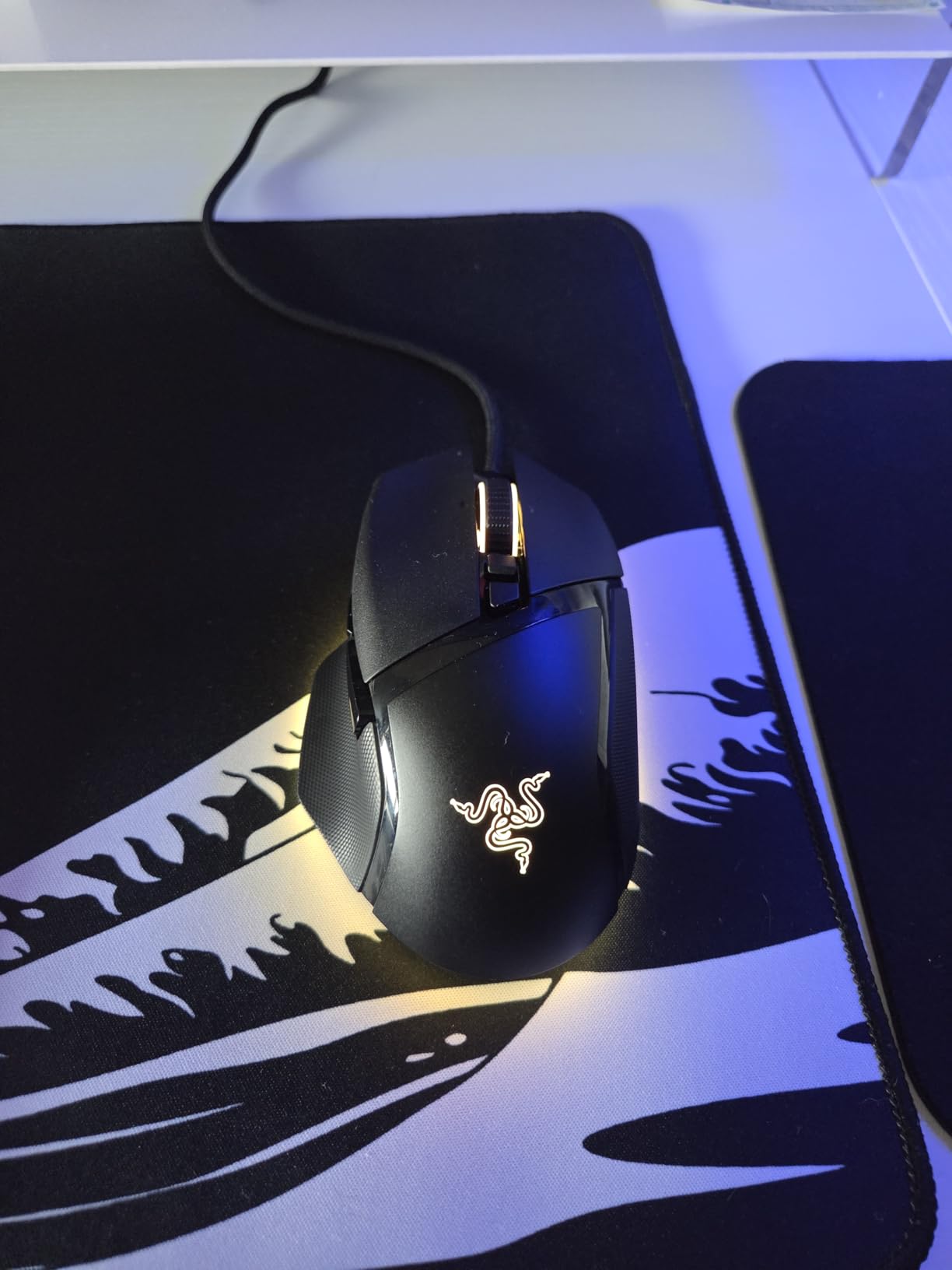
Reviewers consistently praise the ergonomic shape with the built-in thumb rest, and the Gen-2 optical switches are rated for 70 million clicks. The 26,000 DPI Focus+ sensor handles high-DPI tracking without smoothing.
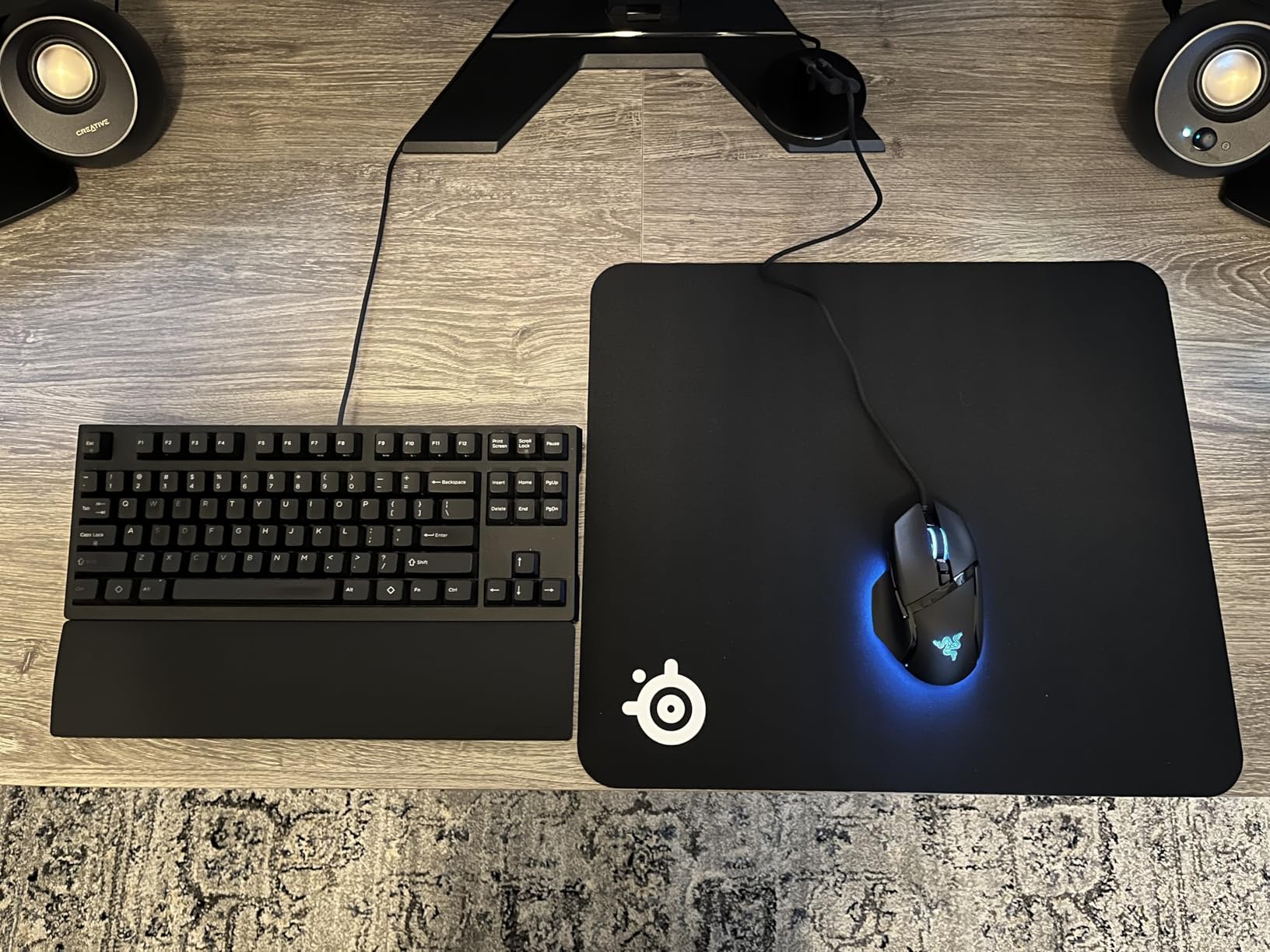
The Basilisk V3 has a more sculpted right-hand shape and a smarter scroll wheel than the Logitech G502 Hero, but no adjustable weights. If you scroll a lot, the Basilisk wins; if you want to tune the heft, the G502 is the better buy.
Good to know: the Chroma RGB runs across 11 zones, so you can sync the lighting with a Razer keyboard without extra software beyond Synapse.
5. Razer Basilisk V3 X HyperSpeed: Best for Battery
Razer Basilisk V3 X HyperSpeed Customizable Wireless Gaming Mouse, Black
Sensor: 18K DPI
Weight: 110 g
Buttons: 9
Battery: 535 hours
Pros
- Exceptional battery life up to 535 hours
- Comfortable ergonomic shape
- Dual connectivity (HyperSpeed and Bluetooth)
- Customizable programmable buttons
- Multi-device support for streamlined setup
Cons
- Random connectivity issues after sleep mode
- Scroll wheel may skip inputs when scrolling fast
- Not rechargeable (uses AA battery)
The Basilisk V3 X HyperSpeed runs up to 285 hours on a single AA over HyperSpeed wireless and up to 535 hours over Bluetooth. Owners consistently mention that they stop worrying about battery status entirely.
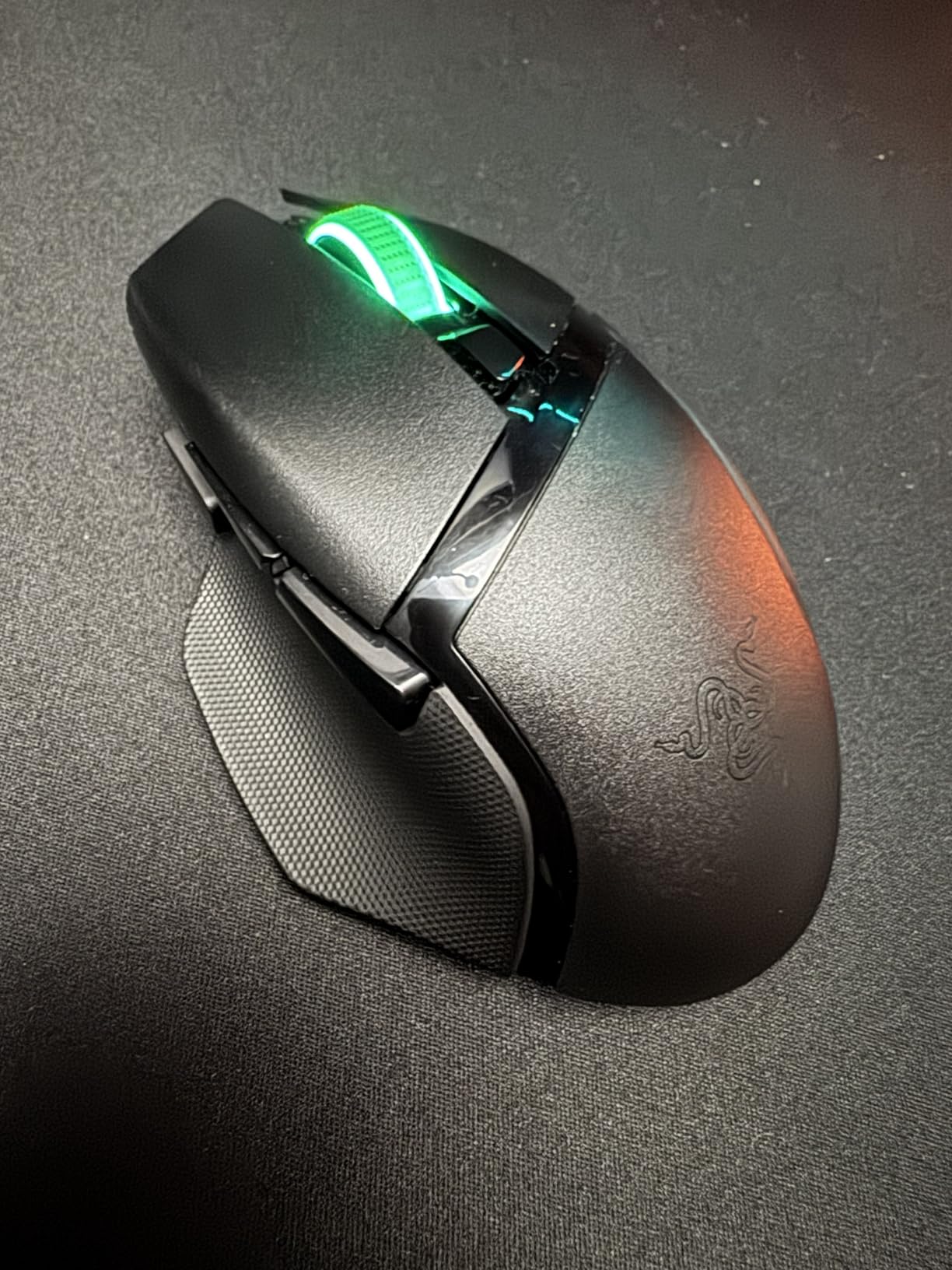
Reviewers like the dual-mode wireless: the 2.4 GHz HyperSpeed dongle for gaming latency, and Bluetooth for pairing with a laptop without using a USB slot. The 18,000 DPI 5G Advanced sensor tracks reliably across resolutions.
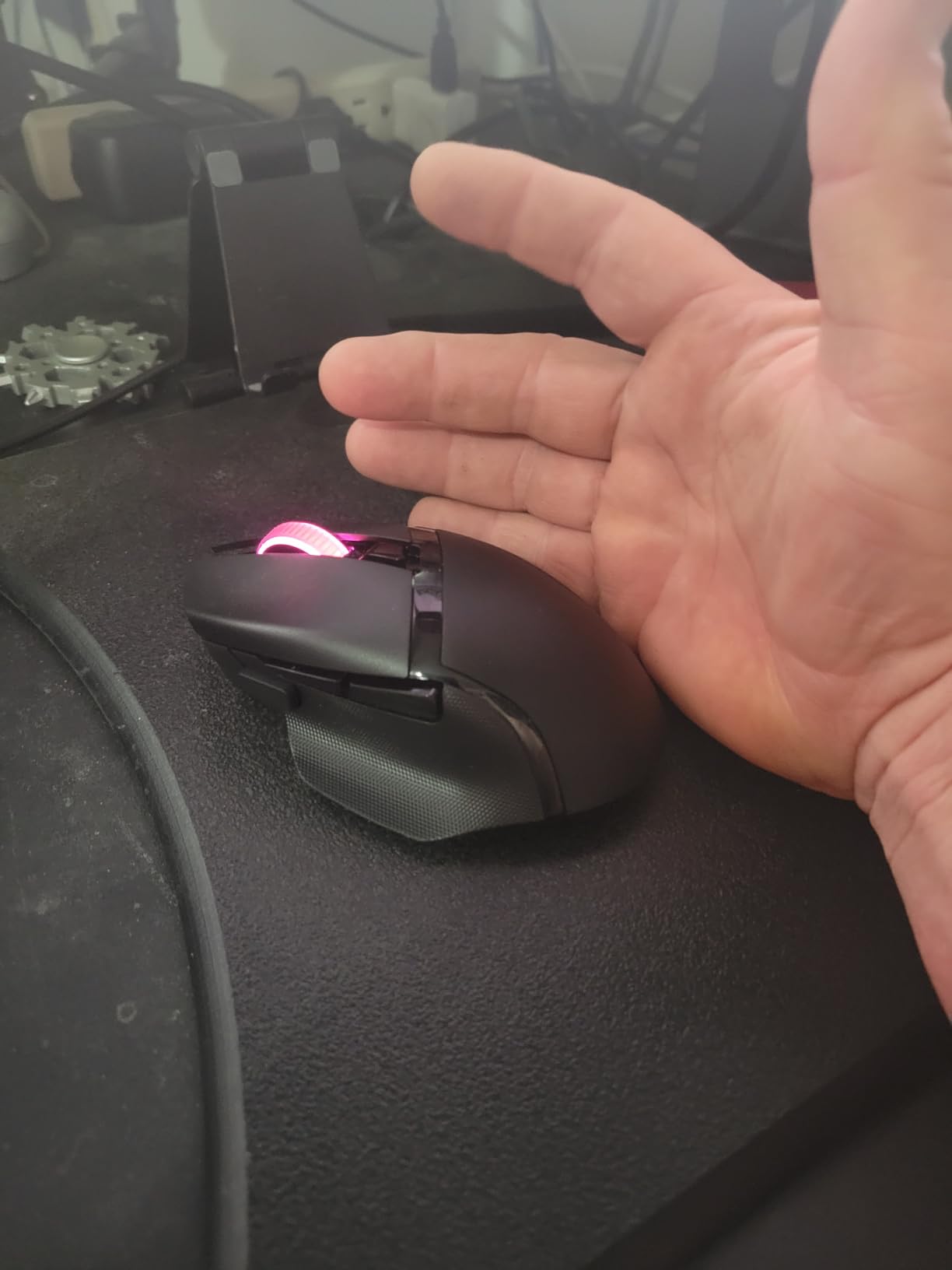
The Basilisk V3 X gives you Bluetooth on top of wireless and a longer battery ceiling than the Logitech G305 Lightspeed, but at a heavier 110 g shell. Pick the G305 if weight matters; pick the V3 X if Bluetooth and battery life matter more.
Skip it if: you recharge your mice and want a built-in cell. None of the picks here use rechargeable batteries, but the Logitech G703 Lightspeed works with Logitech’s POWERPLAY charging pad.
6. Razer DeathAdder Essential: Best for FPS
Razer DeathAdder Essential Ergonomic Wired Gaming Mouse, Black
Sensor: 6400 DPI
Weight: 0.13 kg
Buttons: 5
Switches: 10M clicks
Pros
- Classic DeathAdder ergonomic shape
- High-precision 6400 DPI sensor
- Durable mechanical switches rated for 10 million clicks
- Rubberized scroll wheel for grip
- Excellent value for the price
Cons
- Only 5 buttons (fewer than competitors)
- Basic feature set compared to higher-end models
The DeathAdder Essential sticks to the iconic DeathAdder ergonomics that have shipped tens of millions of units. The 6400 DPI optical sensor is more than enough for FPS tracking, and the mechanical buttons are rated for 10 million clicks.
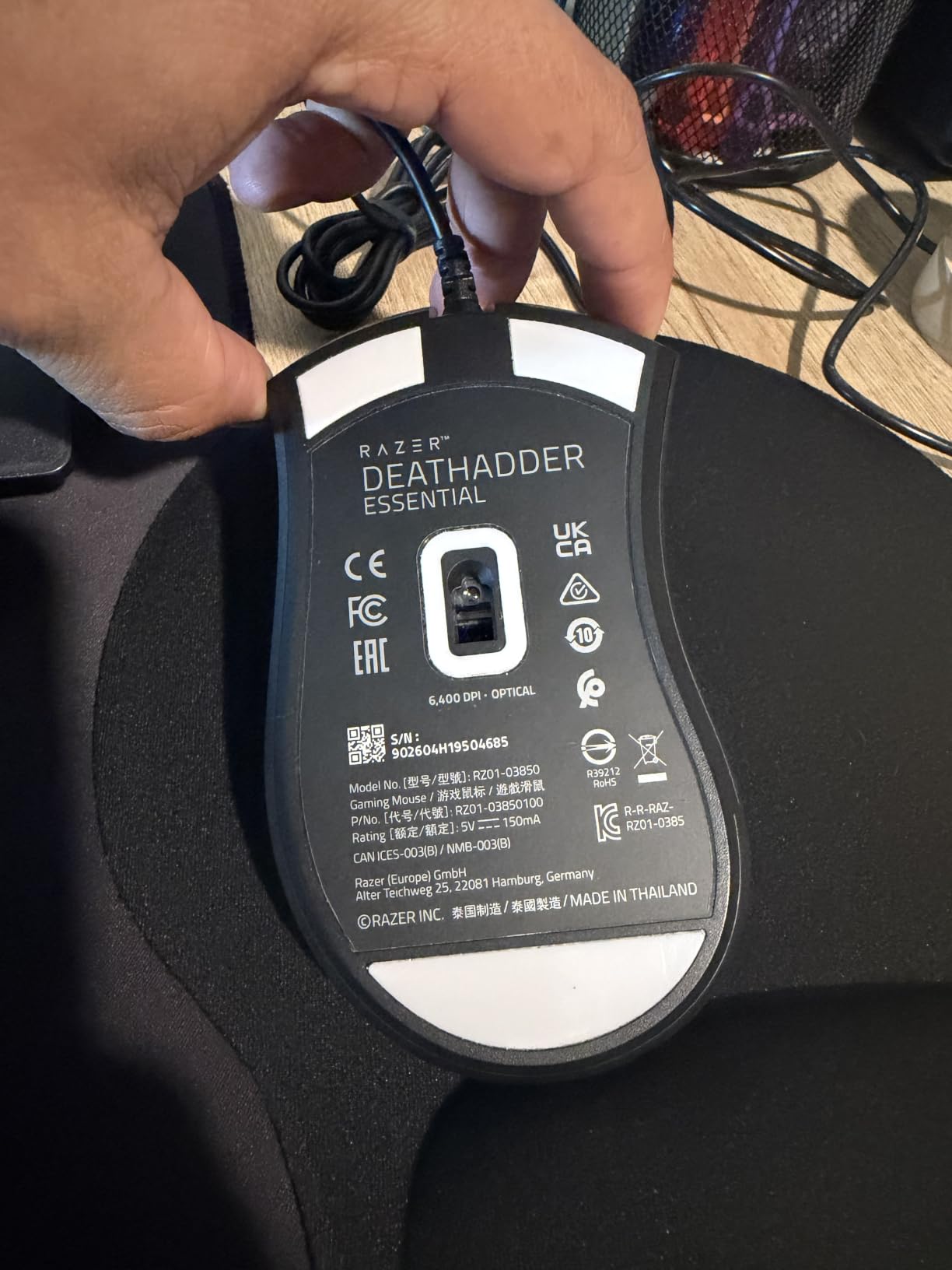
Reviewers note the rubberized scroll wheel gives a confident grip during weapon switches, and the right-hand shape fits a palm grip without palm lift. It is one of the most-reviewed mice on the list, so the consensus is unusually broad.
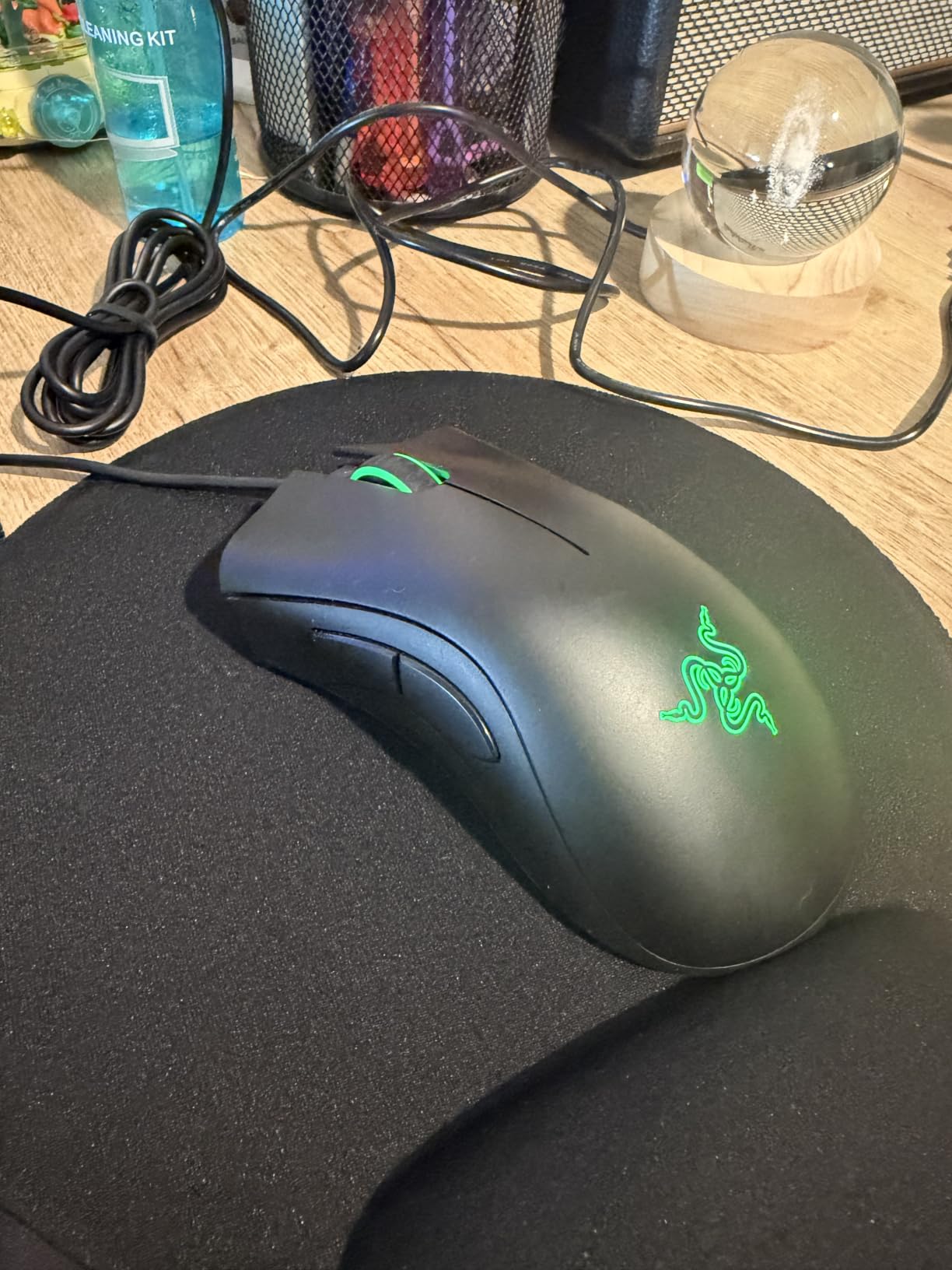
The DeathAdder Essential has a more sculpted right-hand shape than the Logitech G203, with the DeathAdder grip tradition behind it, but fewer buttons (5 vs 6 on the G203). Pick the DeathAdder if the shape matters; pick the G203 if a slightly higher button count matters.
Good to know: at 0.13 kg, it sits in the middle of the pack for weight, so it works for both palm and claw grips on smaller hands.
7. Redragon M810 PRO: Best Budget Wireless
Redragon M810 PRO Wireless RGB Gaming Mouse 10000 DPI Remapping Keys
Sensor: Pixart 10K
Weight: 4 oz
Buttons: 8
Battery: 45 hours
Pros
- Good wireless performance with 2.4Ghz
- Multiple DPI levels for gaming flexibility
- 8 programmable buttons with macro support
- Customizable RGB lighting
- Rechargeable battery
Cons
- 45 hour battery life is moderate
- May be large for smaller hands
The M810 PRO is one of the few wireless gaming mice on this list with a built-in rechargeable battery. It uses a 2.4 GHz wireless connection with a nano receiver, runs the Pixart PAW3325 sensor, and gives you 8 programmable buttons.
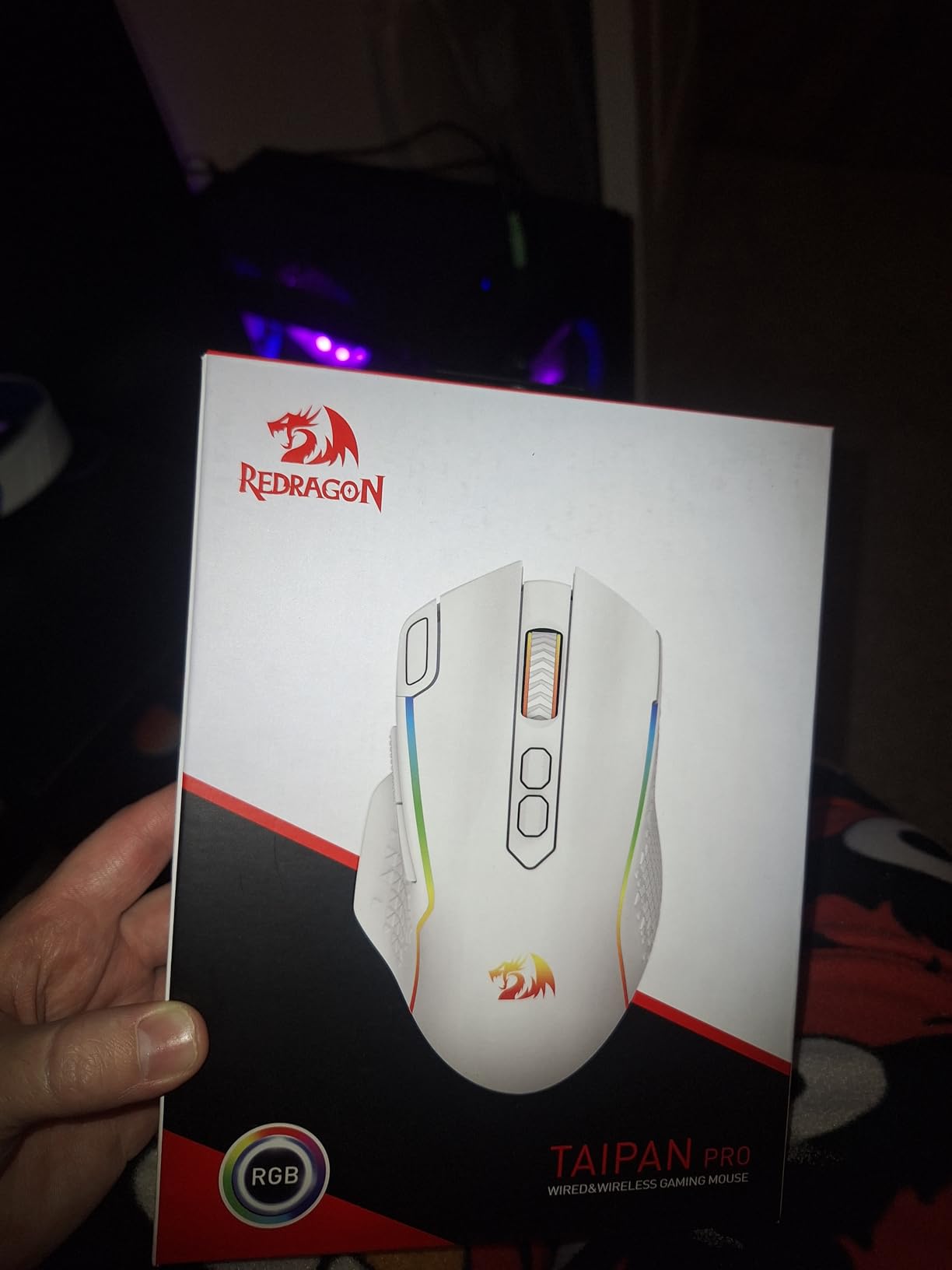
Reviewers report the wireless link stays solid during FPS and MOBA sessions. The 5 on-board DPI levels cover most gaming needs, and the 1000 Hz polling rate keeps response time snappy. Battery life at 45 hours is shorter than the Logitech or Razer wireless picks, but the rechargeable cell means you top it up over USB instead of buying AAs.
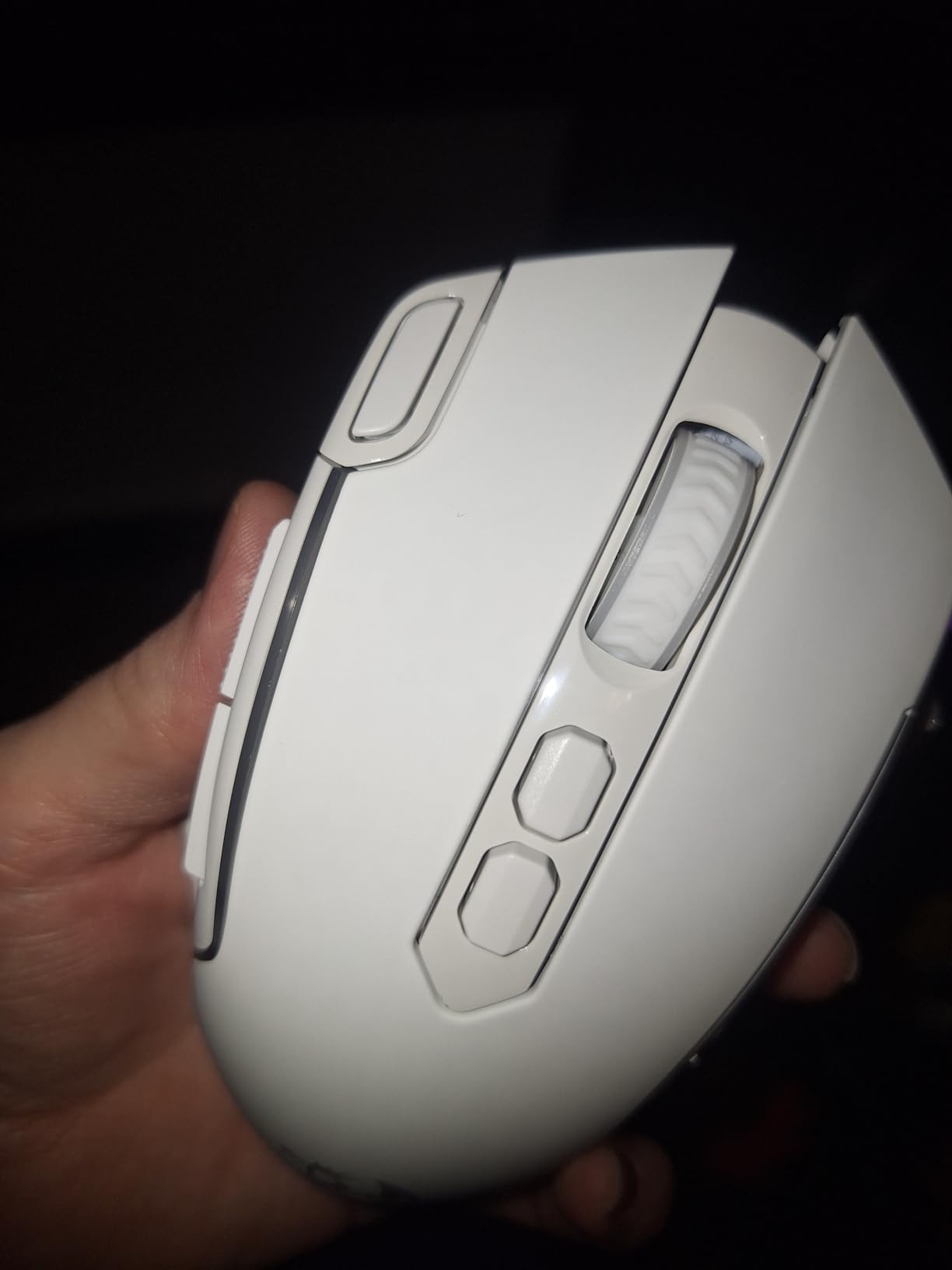
The M810 PRO gives you a rechargeable battery and 8 buttons instead of 6 over the Logitech G305 Lightspeed, but the battery life is shorter and the sensor tops out at 10,000 DPI rather than 12,000. Pick the M810 PRO if you want USB charging; pick the G305 if you want months of AA endurance.
8. Logitech G703 Lightspeed: Premium Pick
Logitech G703 Lightspeed Wireless Gaming Mouse – Black
Sensor: HERO 25K
Weight: 95 g
Buttons: 6
Battery: 35 hours
Pros
- HERO 25K sensor with exceptional precision
- LIGHTSPEED wireless for low-latency performance
- POWERPLAY wireless charging compatible
- Comfortable with rubber side grips
- Advanced button tensioning for crisp clicks
Cons
- Battery life shorter than competitors
- Some users report scroll wheel issues over time
The G703 Lightspeed sits a step above the G305 with the HERO 25K sensor (the G305 uses the HERO 12K), 1:1 tracking at 400+ IPS, and compatibility with Logitech’s POWERPLAY wireless charging system. Owners report tracking that holds up at low DPI for tactical shooters.
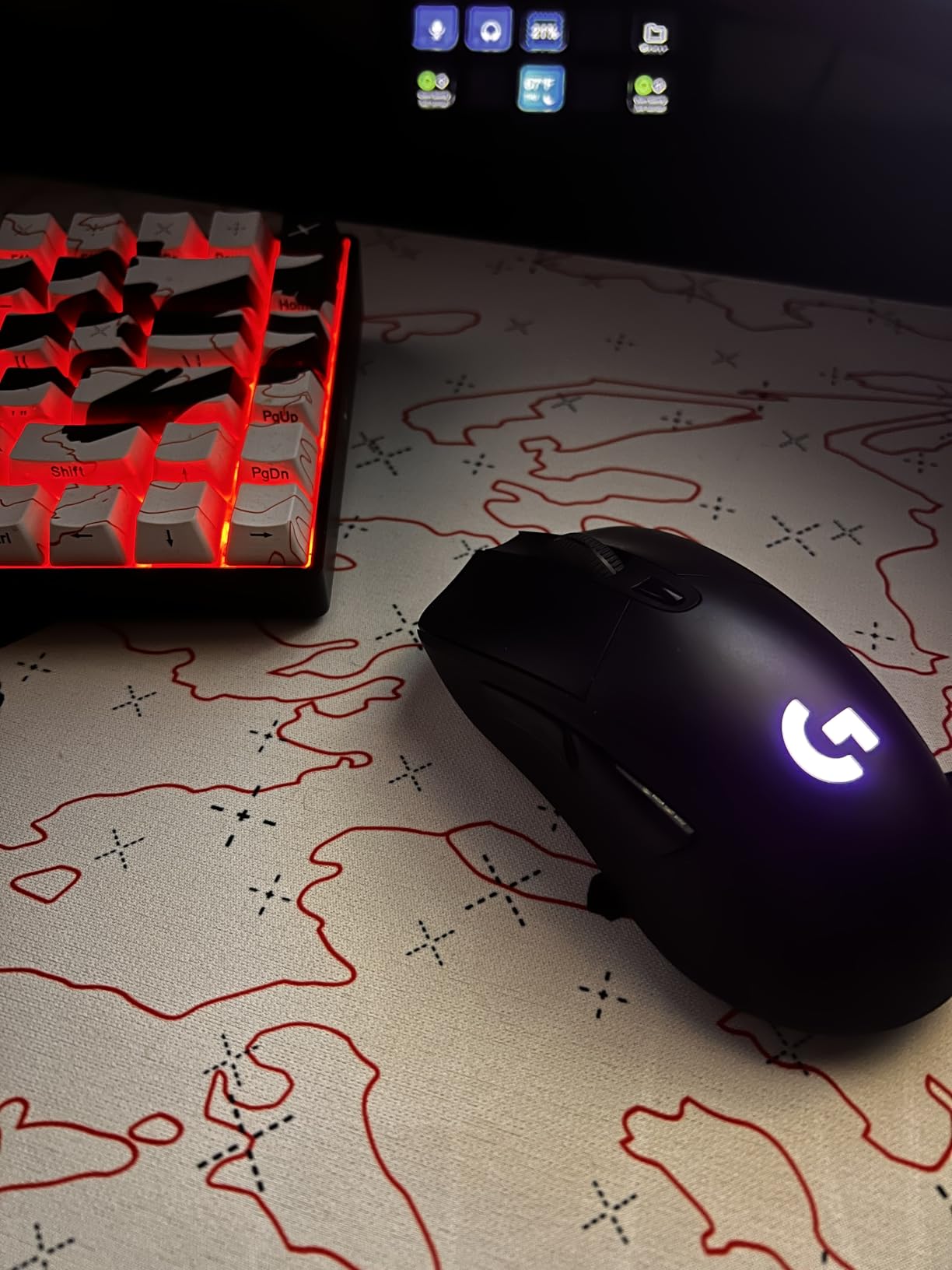
Reviewers mention the rubber side grips and the metal-spring button tensioning make the G703 feel more refined than the G305. The LIGHTSYNC RGB adds per-key-style lighting zones for those who care about desk aesthetics.
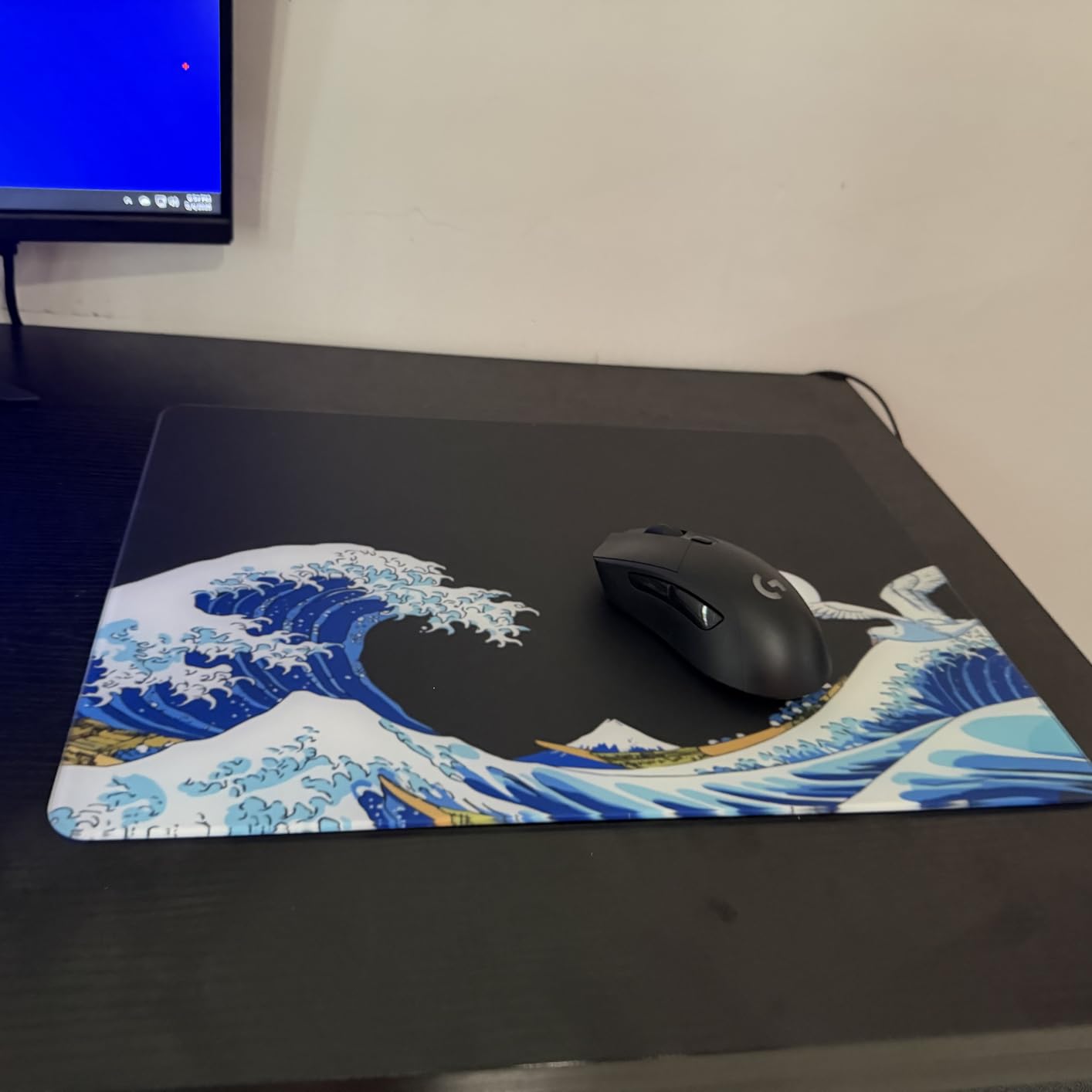
The G703 gives you a higher-DPI sensor, RGB, and POWERPLAY compatibility over the Logitech G305, but battery life drops from 250 hours to 35 hours because of the higher-spec sensor. If you already use POWERPLAY, the G703 makes sense. If you don’t, the G305 gives you most of the precision for far longer on a single AA.
Pair it with a list of wireless gaming keyboards to pair with the mouse to round out a clean wireless desk.
9. Razer Cobra: Best Lightweight
Razer Cobra Wired Gaming Mouse, Gen-3 Optical Switches, 58g, Black
Sensor: 8500 DPI
Weight: 58 g
Buttons: 6
Switches: Gen-3 Optical
Pros
- Gen-3 optical switches prevent double-clicking
- Very lightweight at 58 g
- Great side thumb buttons
- Quality PTFE mouse feet
Cons
- May be small for users with large hands
- Clicks are louder than some competitors
- Durability concerns for heavy daily use
At 58 g, the Cobra is the lightest mouse on this list. The Gen-3 optical switches eliminate the double-click issue that plagues older mechanical switches, and they are rated for 90 million clicks.
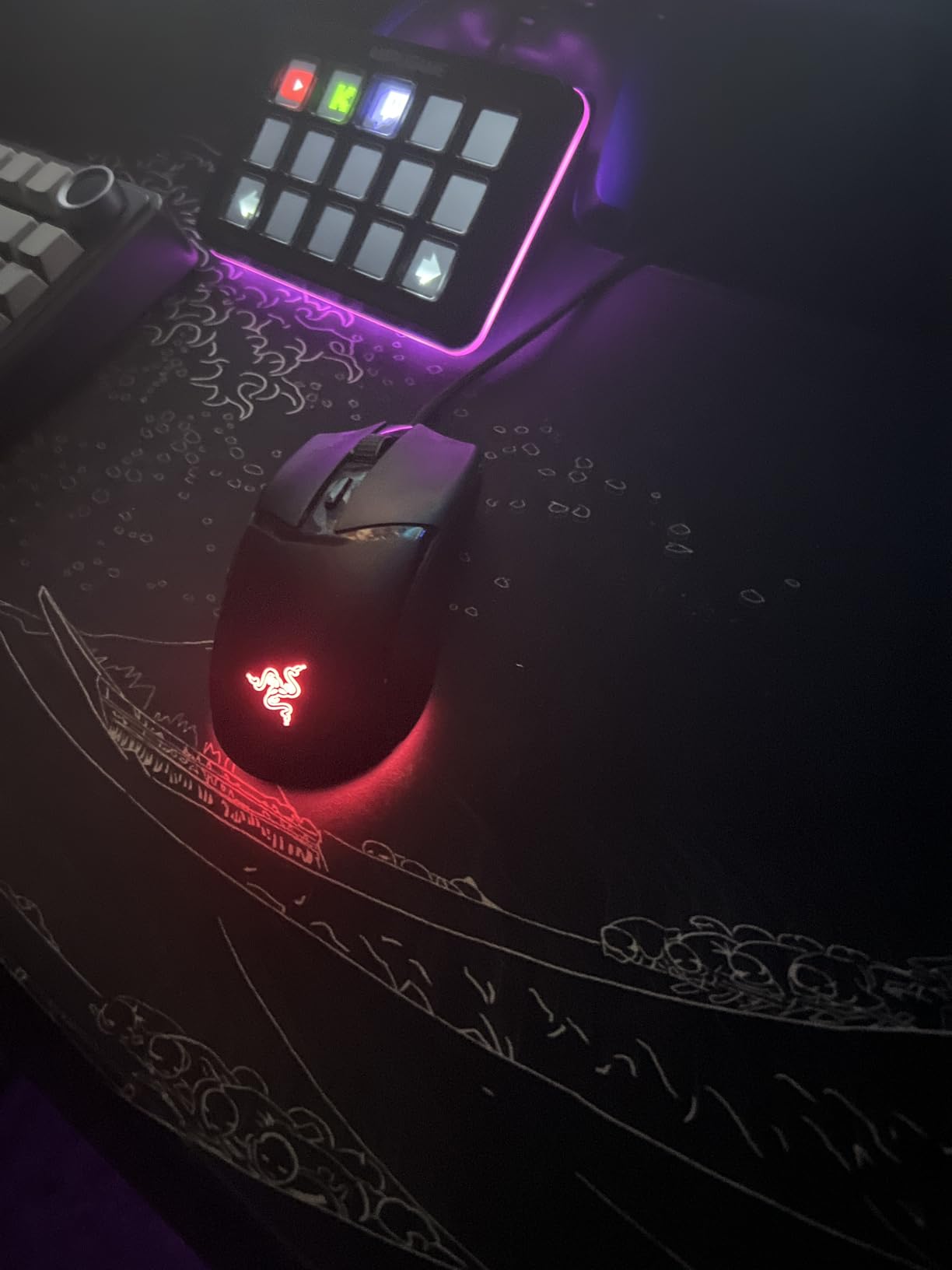
Reviewers praise the Speedflex cable, which is light and flexible enough that it feels almost wireless. The 100% PTFE mouse feet glide smoothly on both cloth and hard pads.

The Cobra is much lighter and ambidextrous-friendly on the side button layout than the Razer Basilisk V3, but it has fewer buttons (6 vs 11). Pick the Cobra for flick-heavy FPS aim; pick the Basilisk V3 for MMO and MOBA button counts.
Skip it if: you have large hands or want a quieter click. The Razer Basilisk V3 above is the larger, more sculpted option.
10. Logitech G203: Top Rated Budget
Logitech G203 Wired Gaming Mouse – Black
Sensor: 8000 DPI
Weight: 85 g
Buttons: 6
Cable: 6.89 ft
Pros
- Best value gaming mouse available
- 8000 DPI sensor with zero smoothing
- LIGHTSYNC RGB customizable lighting
- Comfortable for extended use
- Easy to program with G HUB software
Cons
- Wired only - no wireless option
- No programmable buttons beyond standard set
- May be small for users with large hands
The G203 is widely considered the best budget gaming mouse, and reviewers agree. The 8,000 DPI sensor runs without smoothing or filtering, the LIGHTSYNC RGB syncs with other Logitech gear, and the mechanical button tensioning keeps clicks crisp.
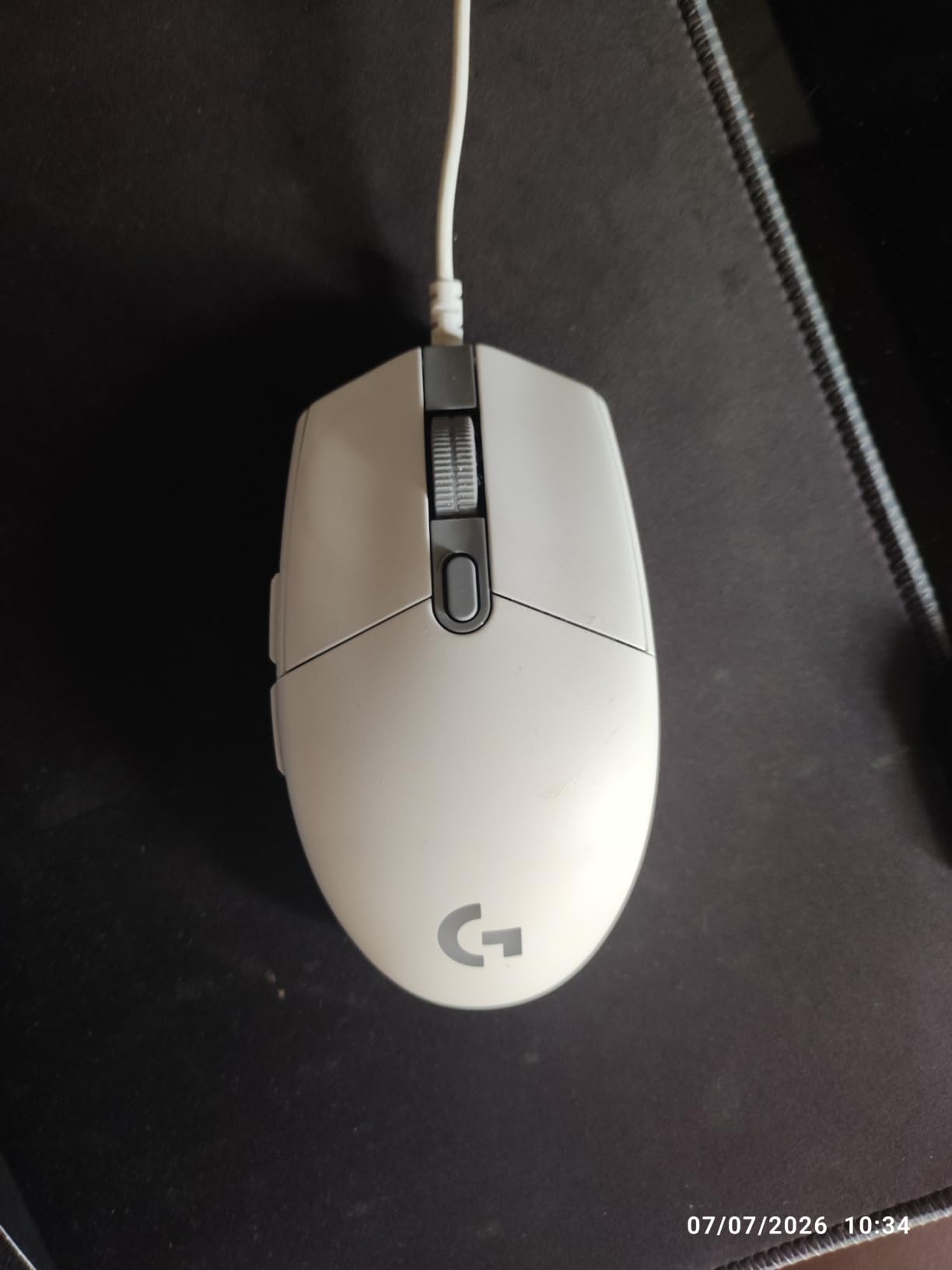
Owners report years of reliable service, and the G HUB software makes button remapping straightforward. The 6.89 ft cable is long enough to route behind a desk cleanly.
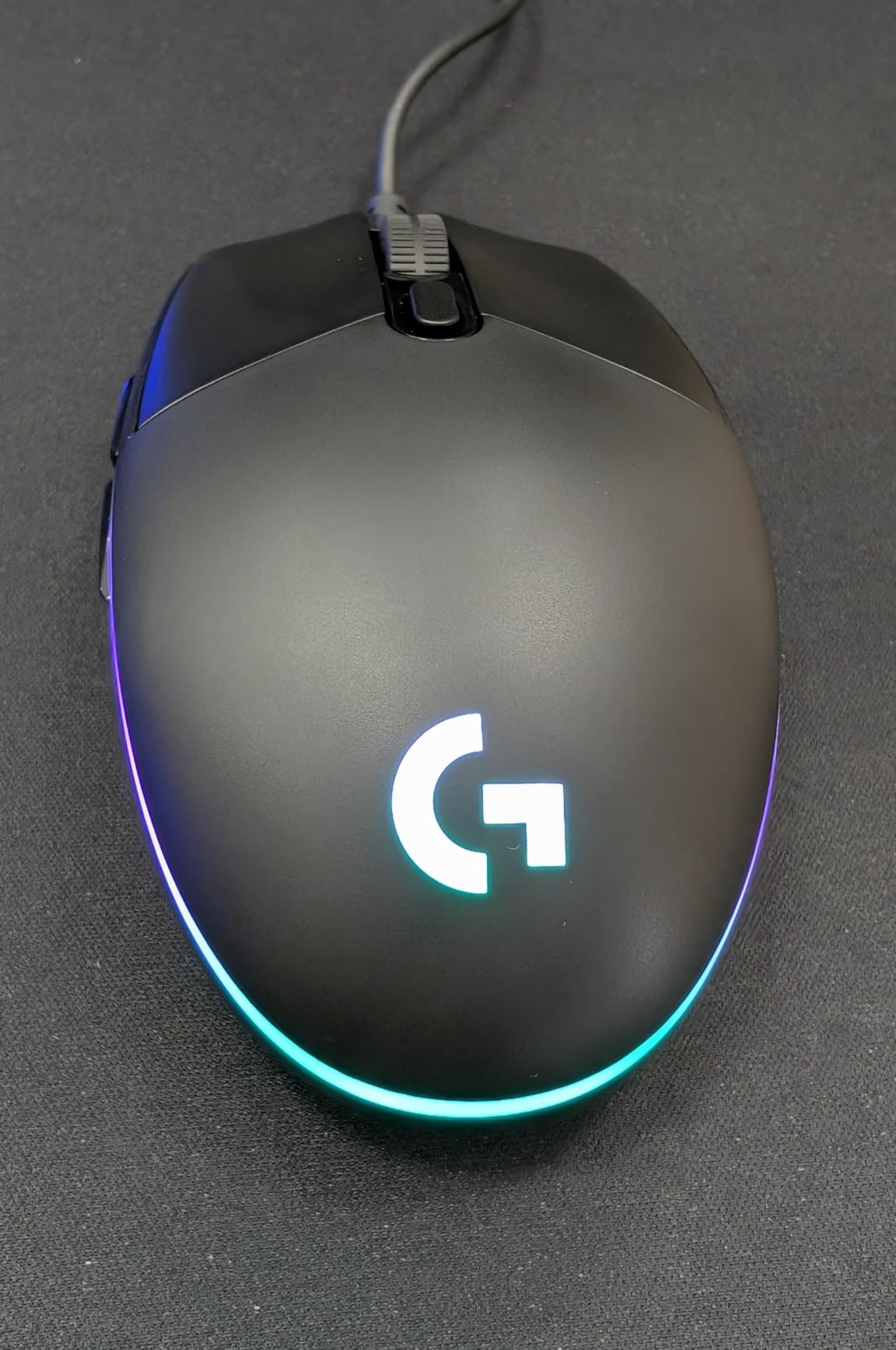
The G203 has fewer buttons than the Redragon M612 above (6 vs 11) but stronger build consistency and better software support. If button count is your priority, the M612 wins. If a long-term reliable budget mouse matters more, the G203 is the safer pick.
Good to know: the G203 is one of the smallest mice on the list at 4.59 in long, so it suits users with smaller hands better than the larger Razer models.
How to Choose a Gaming Mouse During Prime Big Deal Days
Sensor and DPI tracking
A modern optical sensor like the HERO 25K on the Logitech G703 or the Focus+ 26K on the Razer Basilisk V3 handles low and high DPI equally well. For competitive FPS play, anything from 800 to 25,600 DPI is fine; the sensor quality matters more than the ceiling number.
Look at the IPS (inches per second) tracking spec too. The HERO 25K on the G703 hits 400+ IPS, which means fast flicks don’t lose tracking. If you play with a low-DPI, high-sensitivity style, a 400+ IPS sensor is a real advantage. Pair your mouse with the right gaming monitors for handheld setups for a smooth visual chain.
Shape and grip style
Palm grip favors a fuller shape like the Razer Basilisk V3 or the Logitech G502 Hero. Claw grip works with most shapes including the Logitech G305 Lightspeed. Fingertip grip is happiest on lighter, smaller mice like the Razer Cobra at 58 g.
Reviewers consistently report that shape matters more than DPI for comfort over hours of play. If your current mouse leaves your hand sore after a session, the issue is usually shape rather than sensor.
Weight and glide
Anything under 100 g is the modern sweet spot. The Razer Cobra at 58 g is the lightest on this list, the Logitech G305 Lightspeed and G703 at 95 g are the middle of the pack, and the Redragon M612 at 126 g is the heaviest.
PTFE mouse feet (like on the Razer Cobra) glide smoother than stock plastic feet on cloth pads. If you find yourself picking up your mouse mid-game to reset, lighter weight plus better feet reduces that habit.
Wired vs wireless and battery
Wireless gaming mice have caught up to wired in latency terms. The LIGHTSPEED and HyperSpeed wireless connections on the Logitech G305 and Razer Basilisk V3 X are imperceptible from wired in everyday play. The trade-off is battery: 250 hours on the G305 with one AA, 35 hours on the Logitech G703, 535 hours on the Basilisk V3 X in Bluetooth mode.
For wireless gaming mice for freedom of movement, prioritize mice with either long AA endurance or a rechargeable cell. The Razer Basilisk V3 X HyperSpeed wins on AA endurance. The Redragon M810 PRO is the only rechargeable pick here.
Polling rate and click latency
A 1000 Hz polling rate (1 ms report rate) is the standard for all picks here. Optical switches, like the Gen-2 on the Razer Basilisk V3 and the Gen-3 on the Razer Cobra, avoid the double-click issue that can hit older mechanical switches after heavy use.
Optical switches also tend to register faster in some scenarios because there’s no debounce delay. For competitive shooters, that adds up.
Software and buttons
More buttons mean more remapping for MOBAs and MMOs. The Logitech G502 Hero and Razer Basilisk V3 lead with 11 programmable buttons each. The Logitech G305 and G703 stick to 6.
Logitech G HUB and Razer Synapse are the two main software ecosystems. Both are mature; Synapse leans heavier on RGB customization, G HUB is cleaner for button mapping. Either works fine on Windows or macOS.
How to shop gaming mouse deals during the sale
Before paying during Prime Big Deal Days, check the listing title for the exact model code. Logitech and Razer both sell near-identical mice at different prices (Hero vs Hero 25K, V2 vs V3), and the wrong model can quietly land in your cart. Confirm the seller is Amazon or the brand directly, not a third-party reseller at the wrong price.
Watch the listing for variant bundles. Some Prime events throw in a mousepad or a free cable. Most offers need a Prime membership, and prices change through the event, so the listing price at any single moment is not the whole picture.
- Check the model number in the title matches the one you want (e.g. 910-005280 for the G305).
- Confirm the seller is Amazon or the brand’s official store.
- Note the variant color and bundle (some mice ship with mousepads during the sale).
- Verify Prime is active; most offers require it (a free trial works).
- Watch the price through the sale: listings often drop further on Prime and toward the final day.
Frequently Asked Questions
When does the Prime Big Deal Days sale run in 2026?
Amazon confirmed that Prime Big Deal Days runs October 6-7, 2026. Most offers need an active Prime subscription (free trial works), and prices can change from the moment the event goes live to the moment it closes.
Do I need an Amazon Prime membership to buy gaming mouse deals during the sale?
Yes. Most Prime Big Deal Days gaming mouse offers require an active Prime membership. A free 30-day trial counts, so you can sign up just for the sale and tick the box to renew or let it end before the next billing cycle.
Are gaming mice usually discounted during the Prime Big Deal Days sale?
Yes. Gaming mice are a category that falls reliably. Owners report seasonal drops of 20 to 50 percent on popular models like the Logitech G305 and G502 Hero, and Redragon and Razer models also see drops during the October event.
What specs matter most when picking a gaming mouse during the sale?
Sensor quality (DPI and IPS tracking), weight, switch durability, and battery life on wireless models. For competitive FPS, prioritize a 400+ IPS optical sensor and sub-100 g weight. For MOBAs and MMOs, prioritize 8 or more programmable buttons and a comfortable shape for your grip style.
Wired or wireless gaming mouse: which is the smarter buy?
Both work well today. Wireless gaming mice with LIGHTSPEED or HyperSpeed connections match wired latency for most play. Pick wired if you never want to charge or swap batteries, pick wireless if you want a clean setup and longer battery on AA-powered models or a rechargeable cell on the M810 PRO.
How do I make sure a Prime Big Deal Days gaming mouse deal is the model I want?
Check the model number on the listing, confirm the seller is Amazon or the brand official store, and read the variant line for color or bundle. Prices change through the event, so the same mouse can drop further on Prime or on the final day.
Final Verdict: Gaming Mouse Deals
The gaming mouse most worth watching during the Prime Big Deal Days sale is the Logitech G305 Lightspeed. It leads because the wireless performance holds in FPS rounds, the 95 g weight works for most grip styles, and the 250-hour battery life on a single AA removes charging from your routine.
If you want a budget-friendly alternative, the Logitech G203 is the safest sub-budget pick with years of owner trust behind it. For ergonomics, the Razer Basilisk V3 is the better shape. For longest battery, the Razer Basilisk V3 X HyperSpeed runs up to 535 hours on Bluetooth. For lightest feel, the Razer Cobra at 58 g is the one to watch. For premium wireless with POWERPLAY compatibility, the Logitech G703 Lightspeed is the upgrade pick.
Pick the model that matches your grip, your wired vs wireless preference, and your button count, then check the latest listing through the sale: the model code and the seller are what make a Prime Big Deal Days gaming mouse deal the right one.
 Marcus Brennan
  Priya Kapoor