
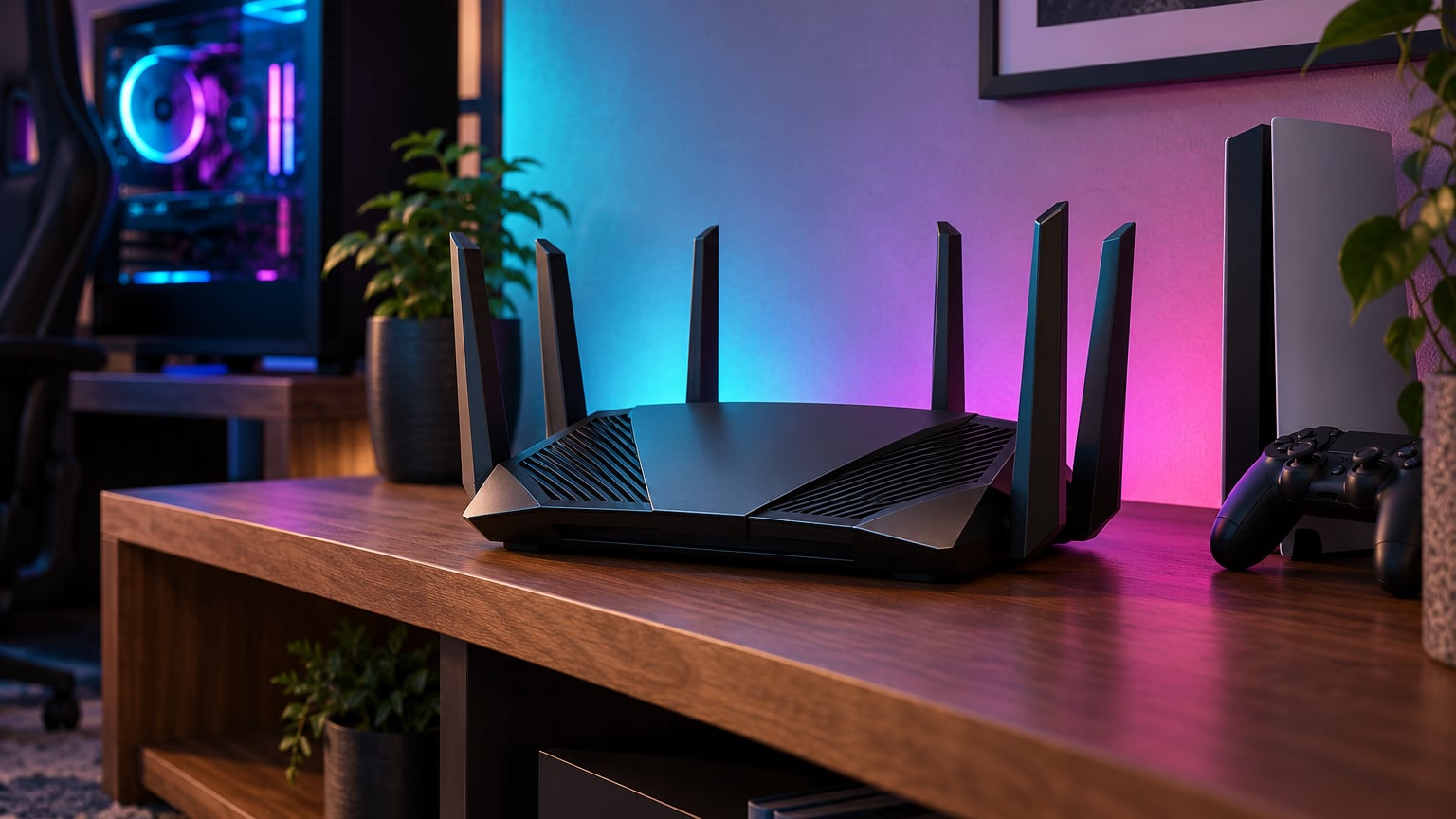
If you want the smoothest frame and the lowest ping on Prime Big Deal Days, the ASUS ROG Rapture GT-BE98 Pro is the gaming router to watch. It pairs a Wi-Fi 7 quad-band radio with dual 10G and quad 2.5G wired ports, and owners consistently rank it among the strongest options in our list. If you don’t need that much throughput, the GL.iNet Flint 3 is the value pick with five 2.5G ports and OpenWrt, and the NETGEAR Nighthawk BE9300 is the simplest way to wire a gaming PC and a console to a multi-gig fiber line.
Prime Big Deal Days runs October 6-7, 2026, so these are the picks worth bookmarking before the sale starts.
Our Top 3 Picks for Gaming Router Deals: Prime Big Deal Days in 2026

ASUS ROG Rapture GT-BE98 Pro
- Wi-Fi 7 quad-band
- Dual 10G and quad 2.5G
- Triple-Level Game Acceleration

Gaming Router Deals: Prime Big Deal Days Compared
| Product | Specs | Action |
|---|---|---|
| ASUS ROG Rapture GT-BE98 Pro |
|
Check Deal Price |
 GL.iNet Flint 3 GL.iNet Flint 3 |
|
Check Deal Price |
| NETGEAR Nighthawk BE9300 |
|
Check Deal Price |
 ASUS ROG Rapture GT-AX11000 ASUS ROG Rapture GT-AX11000 |
|
Check Deal Price |
 ASUS ROG Rapture GT-AX11000 Pro ASUS ROG Rapture GT-AX11000 Pro |
|
Check Deal Price |
 TP-Link Archer BE400 TP-Link Archer BE400 |
|
Check Deal Price |
 ASUS ROG Rapture GT-AXE16000 ASUS ROG Rapture GT-AXE16000 |
|
Check Deal Price |
 TP-Link Archer AXE75 TP-Link Archer AXE75 |
|
Check Deal Price |
 MSI Radix AXE6600 MSI Radix AXE6600 |
|
Check Deal Price |
 GL.iNet Flint 2 GL.iNet Flint 2 |
|
Check Deal Price |
How We Chose
The shortlist is built from the specs that actually move the needle for gaming: wireless standard, WAN speed, multi-gig ports, QoS and game-prioritization tools, latency features, plus owner ratings on Amazon. Data was checked and refreshed in October 2026.
1. ASUS ROG Rapture GT-BE98 Pro: EDITOR’S CHOICE
ASUS ROG Rapture GT-BE98 Pro WiFi 7 Gaming Router – Quad-Band, 30Gbps, Mesh
Standard: Wi-Fi 7 quad-band
Speed: 30 Gbps
WAN: Dual 10G
Game: Triple-Level Acceleration
Pros
- Quad-band Wi-Fi 7 with 320MHz channels and 4096-QAM
- Dual 10G ports and quad 2.5G ports for any wired setup
- Multi-Link Operation combines bands for stable ping
- Covers up to 3500 sq ft and supports mesh expansion
Cons
- Extremely expensive
- Overkill for most households
The GT-BE98 Pro is the most future-proof pick on the list by a wide margin, and it is aimed at gamers who already own a multi-gig fiber line and want a router that will not run out of headroom for the next several years.
Dual 10G plus quad 2.5G ports mean you can wire a gaming PC, a console, a NAS and a 10G-capable switch without juggling adapters. Multi-Link Operation lets the router use two bands at once for the same client, and several reviews note that this setup cuts the kind of mid-session dropouts that plague older Wi-Fi 6 routers.
The triple-level game acceleration ties together a shortcut to the game-server, prioritization of the gaming port and WTFast GPN, which keeps ping steady even when the household is streaming 4K in the next room. The 30 Gbps headline speed is more marketing than real life, but actual throughput over 2.5G and 10G wired links is consistently praised.
Against the GL.iNet Flint 3 below, the GT-BE98 Pro trades portability and tinker-friendly OpenWrt for a bigger, more aggressive gaming feature set and more 10G capacity. Skip it if you are on a 1 Gbps plan and do not plan to upgrade soon, since the wired ports are wasted on a slower connection.
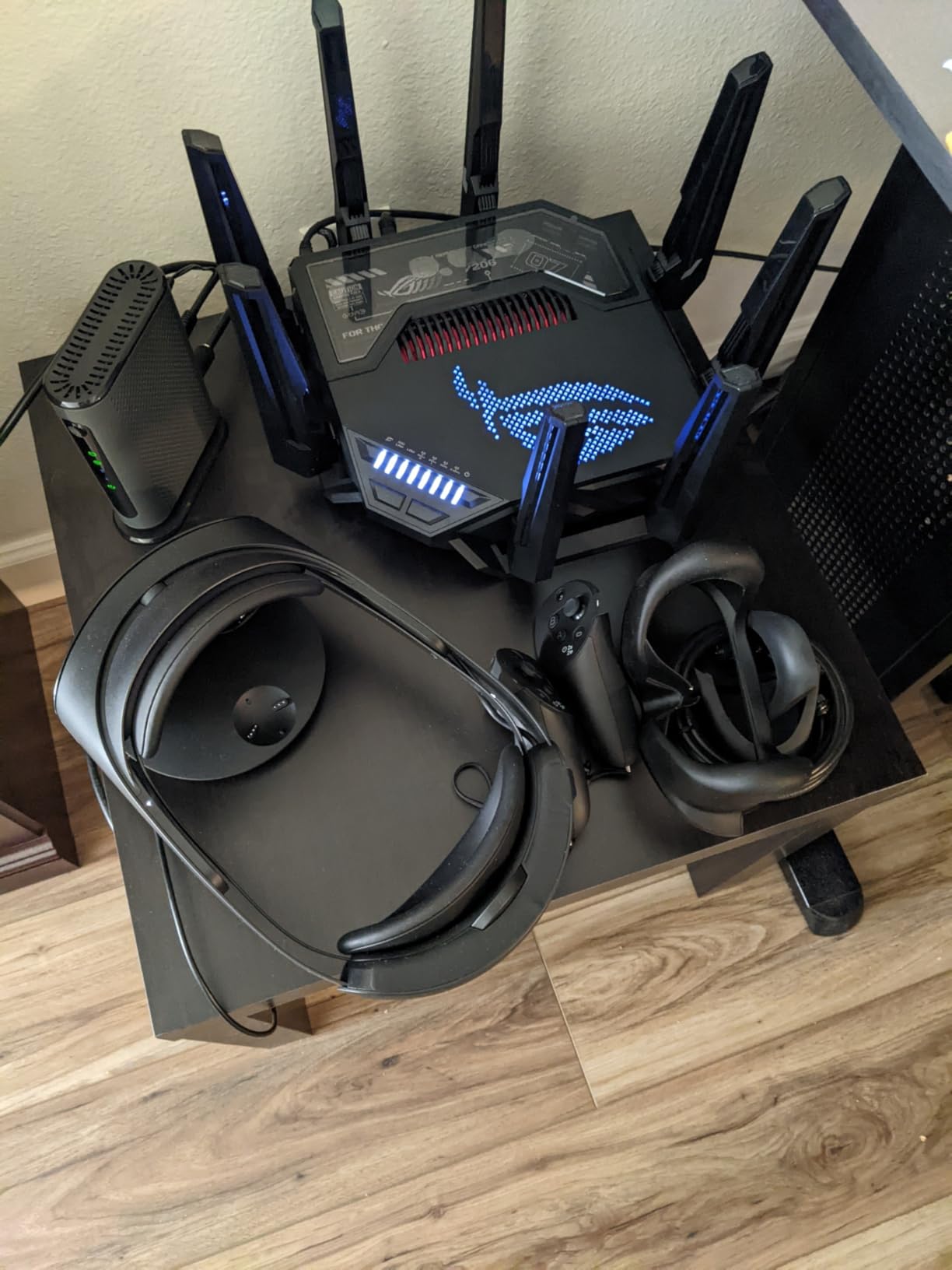
One thing to plan for: this is a large 13.7-inch router with eight external antennas, so give it a deep shelf before you check out.
2. GL.iNet Flint 3: BEST VALUE
GL.iNet GL-BE9300 Flint 3 Tri-Band Wi-Fi 7 Router 5 x 2.5G VPN Router
Standard: Wi-Fi 7 tri-band
Speed: 9 Gbps
WAN: 2.5G
Game: MLO prioritization
Pros
- Wi-Fi 7 with Multi-Link Operation
- Five 2.5G ports for the price of two on rivals
- OpenWrt base with WireGuard VPN up to 680Mbps
- AdGuard Home ad-blocking built in
Cons
- Firmware updates need to be applied manually
- Less polished mobile app than mainstream brands
Tinkerers and small-office gamers who want Wi-Fi 7 plus five real multi-gig Ethernet ports without paying flagship prices will find the Flint 3 hits a rare sweet spot. Port count is the headline feature owners call out most often.
Tri-band Wi-Fi 7 with MLO means compatible devices can ride two bands at the same time. Five 2.5G ports cover a gaming PC, a console, a NAS and two spare jacks for anything else on the desk. The Flint line has long been a favorite of VPN-focused shoppers, and the Flint 3 keeps that tradition alive.
Stacking it against the GT-BE98 Pro above means giving up 10G ports, 30 Gbps marketing speeds and a dedicated game-acceleration stack. In exchange you get OpenWrt out of the box, WireGuard at meaningful speeds, AdGuard Home running locally and a much friendlier price during Prime Big Deal Days.
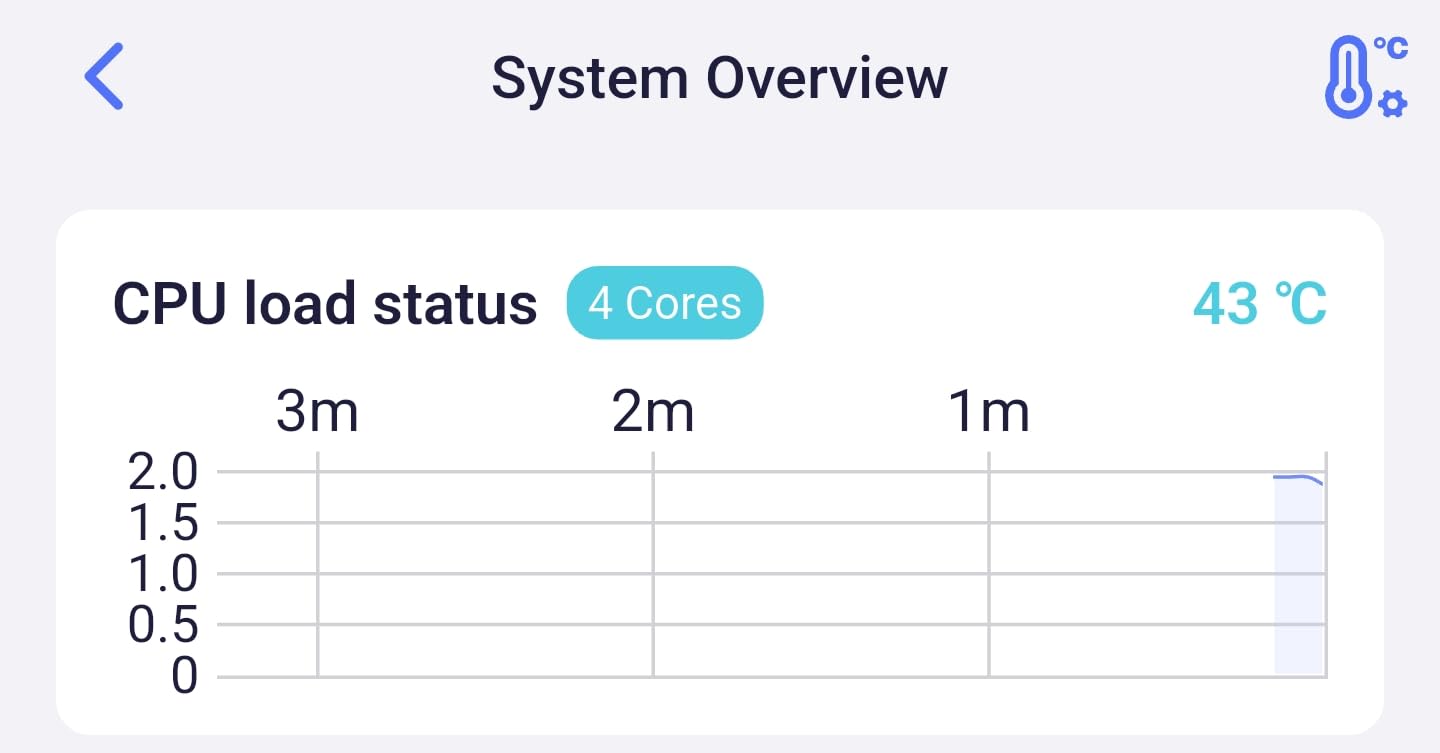
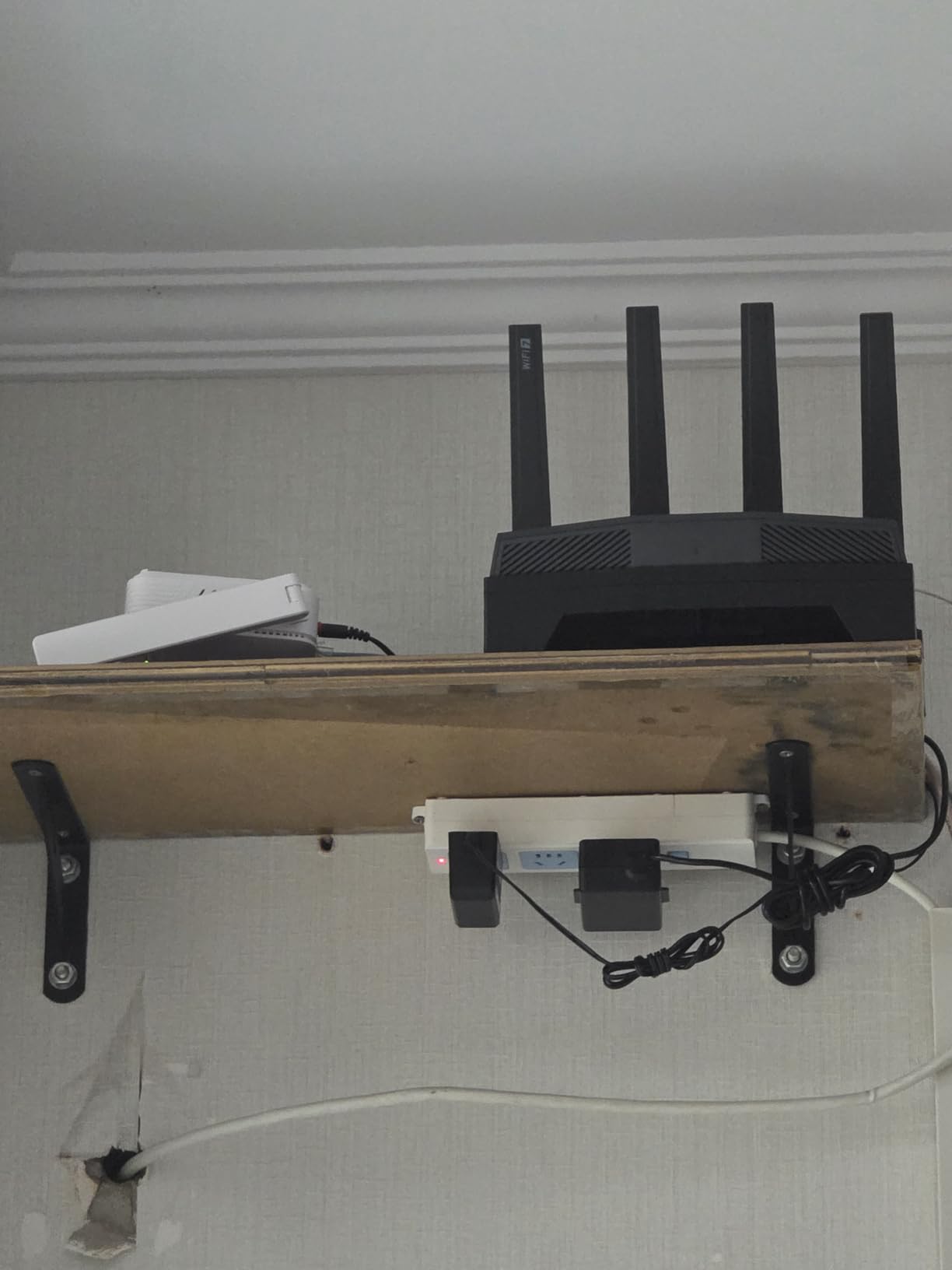
Skip it if you want a polished consumer app with parental controls that work out of the box. The OpenWrt UI rewards reading the docs and a few firmware releases behind the brand app.
3. NETGEAR Nighthawk BE9300: BEST FOR FIBER
NETGEAR Nighthawk WiFi 7 Router, Up to 2,500 sq ft, 9.3 Gbps
Standard: Wi-Fi 7 tri-band
Speed: 9.3 Gbps
WAN: 2.5G
Game: Nighthawk QoS
Pros
- Wi-Fi 7 tri-band with 9.3 Gbps
- 2.5 Gig WAN for 1-2 Gbps fiber
- Two-band 2.5G LAN for a gaming PC and console
- Simple Nighthawk app setup
Cons
- NETGEAR Armor security requires subscription
- Limited USB ports for shared storage
Anyone with a 1-2 Gbps fiber line who wants the simplest path from the ONT to a wired gaming PC and console will appreciate the BE9300. The Nighthawk app guides most owners through setup in minutes, with no manual port forwarding required.
The 2.5 Gig WAN port matches what most North American fiber ISPs deliver today, and two 2.5G LAN ports mean the gaming PC and the console both get full multi-gig wired links. Tri-band Wi-Fi 7 covers up to 2,500 sq ft and supports 100 devices, which is enough for a busy household.
Ping holds steady in FPS and battle royale titles when QoS is enabled in the Nighthawk app. Several reviews warn that NETGEAR Armor, the security suite, needs a paid subscription after the trial; it is not required for gaming.
Stacked next to the GL.iNet Flint 3 above, the Nighthawk gives up one 2.5G port and OpenWrt in exchange for a much smoother app and the broader NETGEAR ecosystem. Against the GL.iNet Flint 2 below, it steps up to Wi-Fi 7 and tri-band.

If your ISP gateway is in router mode, switch it to bridge mode so the Nighthawk handles routing and QoS end to end.
4. ASUS ROG Rapture GT-AX11000: BEST TRI-BAND
ASUS ROG Rapture WiFi 6 Gaming Router (GT-AX11000) – Tri-Band 10 Gigabit Wireless Router, 1.8GHz Quad-Core CPU, WTFast, 2.5G Port, AiMesh Compatible, Included Lifetime Internet Security, Aura RGB
Standard: Wi-Fi 6 tri-band
Speed: 11 Gbps
WAN: 2.5G
Game: WTFast GPN
Pros
- Tri-band Wi-Fi 6 with up to 11 Gbps
- 1.8GHz quad-core CPU handles heavy loads
- WTFast GPN lifetime subscription included
- AiMesh compatible for whole-home coverage
Cons
- No 10G port for multi-gig fiber
- Larger footprint than newer models
A battle-tested Wi-Fi 6 tri-band router with the ASUS gaming software stack has been hard to beat at a Prime Big Deal Days price, and the GT-AX11000 fits that description exactly. It has been a flagship favorite for several generations.
Three bands (one 2.4 GHz plus two 5 GHz) let the router dedicate a 5 GHz radio to the gaming PC and console while the second 5 GHz radio serves phones and TVs. The 2.5G LAN/WAN port covers most multi-gig fiber plans sold today, just not the very fastest tiers.
Triple-level game acceleration plus WTFast keeps ping steady even during large downloads. The interface is dense and rewards a few evenings of reading, though basic users can leave most settings at default and still get strong performance.
Set next to the GT-BE98 Pro at the top of the list, the GT-AX11000 is one generation behind on the wireless side and lacks 10G ports, but it costs a fraction of the price and still supports AiMesh for whole-home expansion. Against the GT-AX11000 Pro below, it trades away 10G wired and RangeBoost Plus for a lower price point.
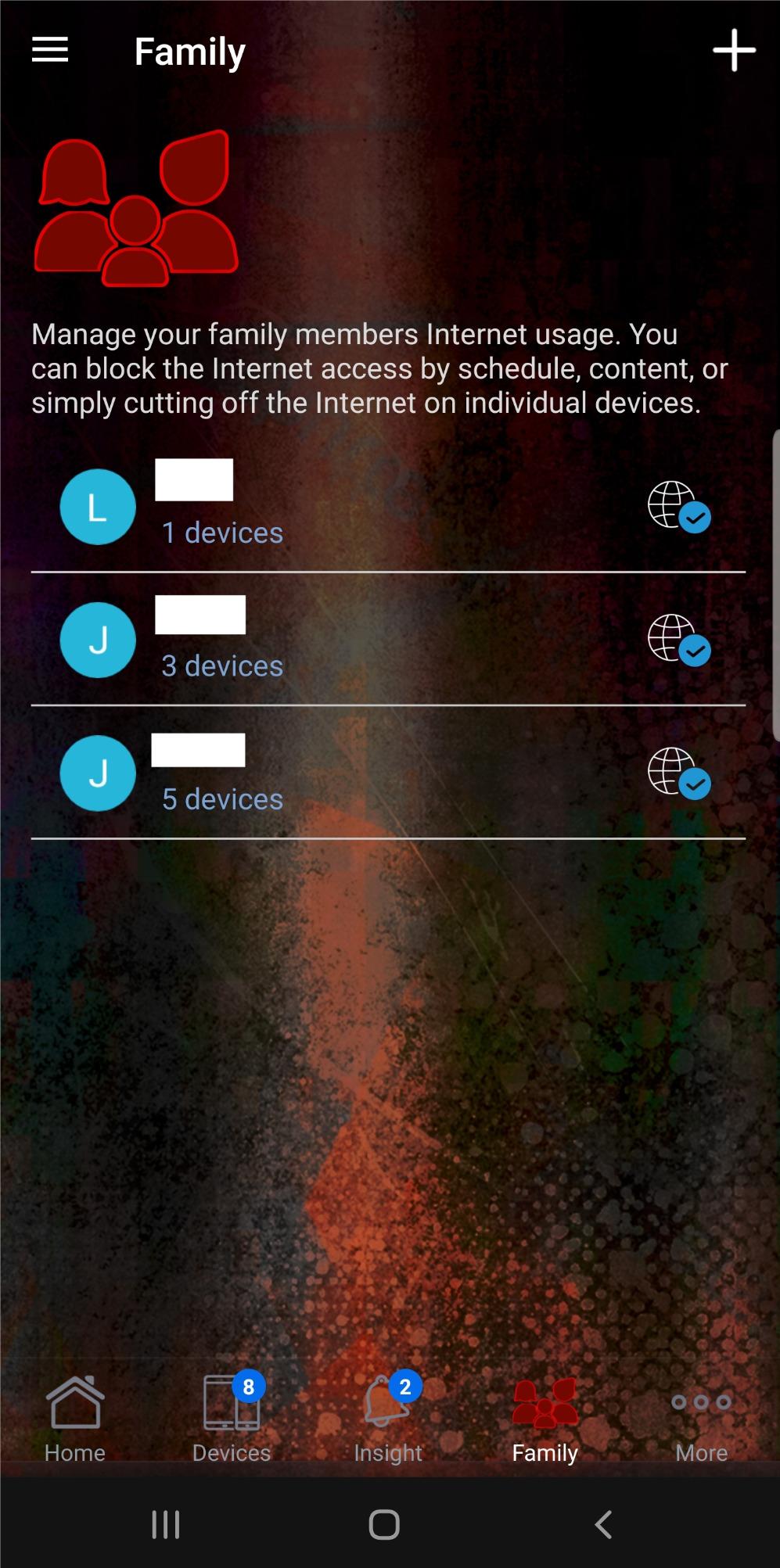
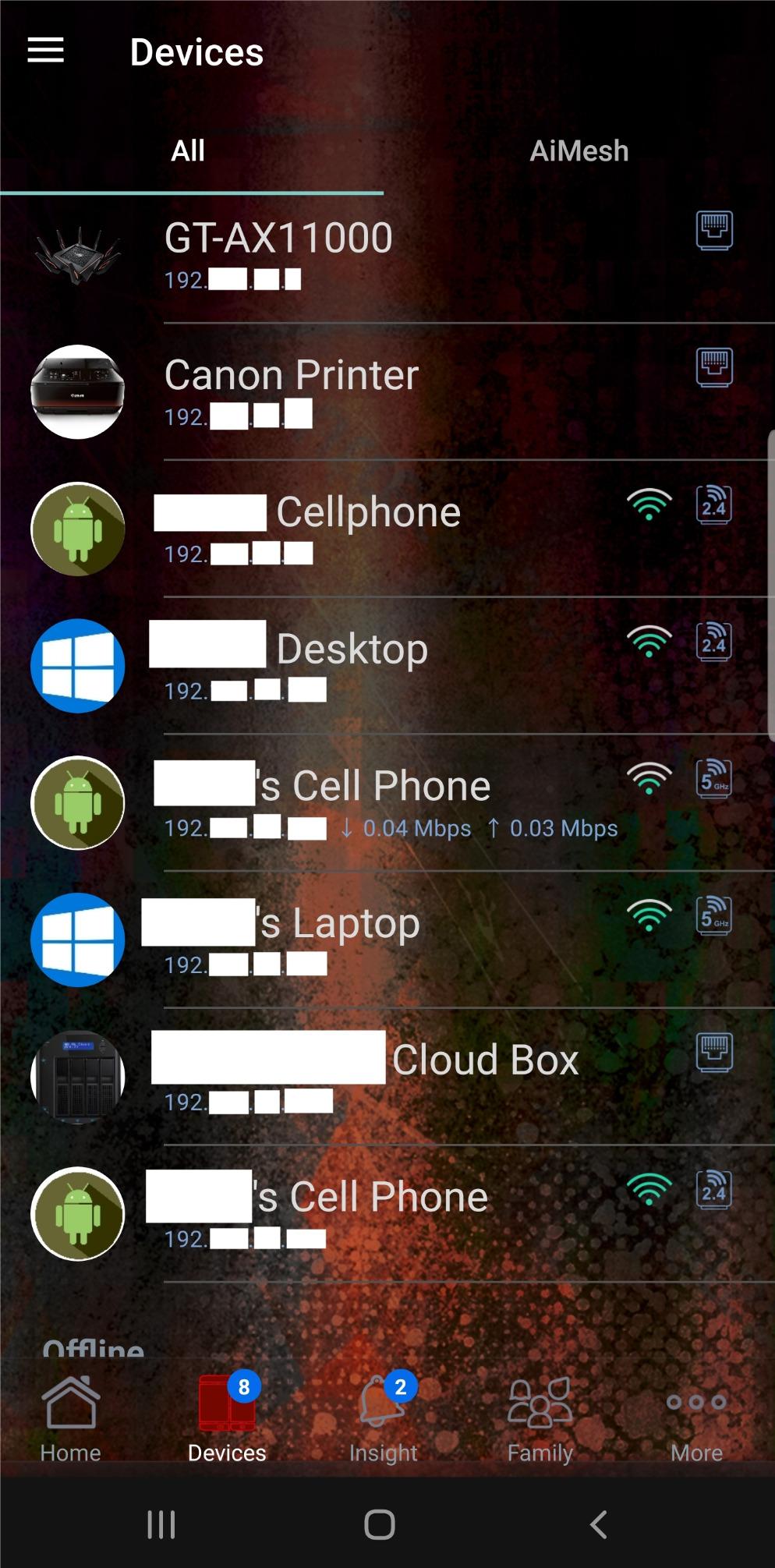
The 4.1-pound, 11.3-inch body needs a deep shelf. Worth checking the Aura RGB settings, since a few owners disable them to keep the room darker.
5. ASUS ROG Rapture GT-AX11000 Pro: BEST FOR MULTI-GIG
ASUS ROG Rapture GT-AX11000 Pro Tri-Band WiFi 6 Extendable Gaming Router, 10G & 2.5G Ports, ASUS RangeBoost Plus, Triple-Level Game Acceleration, Subscription-Free Network Security, AiMesh Compatible
Standard: Wi-Fi 6 tri-band
Speed: 11 Gbps
WAN: 10G plus 2.5G
Game: Triple-Level Acceleration
Pros
- Configurable 10G and 2.5G WAN/LAN ports
- ASUS RangeBoost Plus extends coverage
- Triple-level game acceleration and WTFast
- 2.0GHz quad-core CPU
Cons
- Smaller review base than the original GT-AX11000
- Premium price even on sale
Gamers on a 5-10 Gbps fiber or symmetrical cable plan who actually want to use that bandwidth from a wired PC or NAS will find the GT-AX11000 Pro has the configurable 10G/2.5G WAN port that makes the upgrade worthwhile.
The 2.0 GHz quad-core CPU and 1 GB of RAM keep routing fast even with QoS, AiProtection and WTFast running at the same time. RangeBoost Plus adds meaningful range on the 5 GHz band, which matters in multi-story homes.
Measured against the standard GT-AX11000 above, the Pro keeps the same Wi-Fi 6 tri-band radio but adds 10G wired, a faster CPU and RangeBoost Plus. Placed next to the GT-BE98 Pro at the top of the list, it trades Wi-Fi 7 for a much lower price when Wi-Fi 7 clients are not yet in the home.
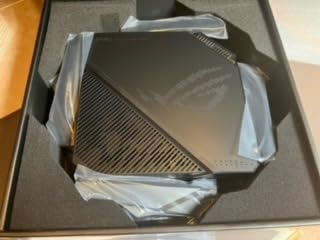
At 4.8 pounds and 14 inches wide, plan a deep shelf. The 8 external antennas can be folded back for transport if the router ever moves.
6. TP-Link Archer BE400: BEST BUDGET WI-FI 7
TP-Link BE6500 Dual-Band WiFi 7 Router (BE400)
Standard: Wi-Fi 7 dual-band
Speed: 6.5 Gbps
WAN: 2.5G
Game: EasyMesh QoS
Pros
- Wi-Fi 7 with Multi-Link Operation on a budget
- Dual 2.5G WAN/LAN plus three 1G LAN
- Covers 2400 sq ft for up to 90 devices
- EasyMesh and HomeShield built in
Cons
- Dual-band only (no 6 GHz radio)
- VPN features need refinement
- Some privacy opt-outs in the app
Shoppers stepping into Wi-Fi 7 for the first time during Prime Big Deal Days without paying flagship prices will find the BE400 brings MLO and 2.5G wired to a price most households can justify.
The dual-band design is the trade-off: no dedicated 6 GHz radio, so Wi-Fi 7 clients share the 5 GHz band with older devices. In a 2,400 sq ft home with up to 90 connected gadgets, throughput stays stable and the 2.5G WAN keeps multi-gig fiber lines fed.
Side by side with the NETGEAR Nighthawk BE9300 above, the Archer BE400 drops a 2.5G LAN port and tri-band, but lands at a noticeably lower price and adds EasyMesh for whole-home expansion. Set against the TP-Link Archer AXE75 below, it moves from Wi-Fi 6E to Wi-Fi 7 and picks up a real 2.5G LAN port.
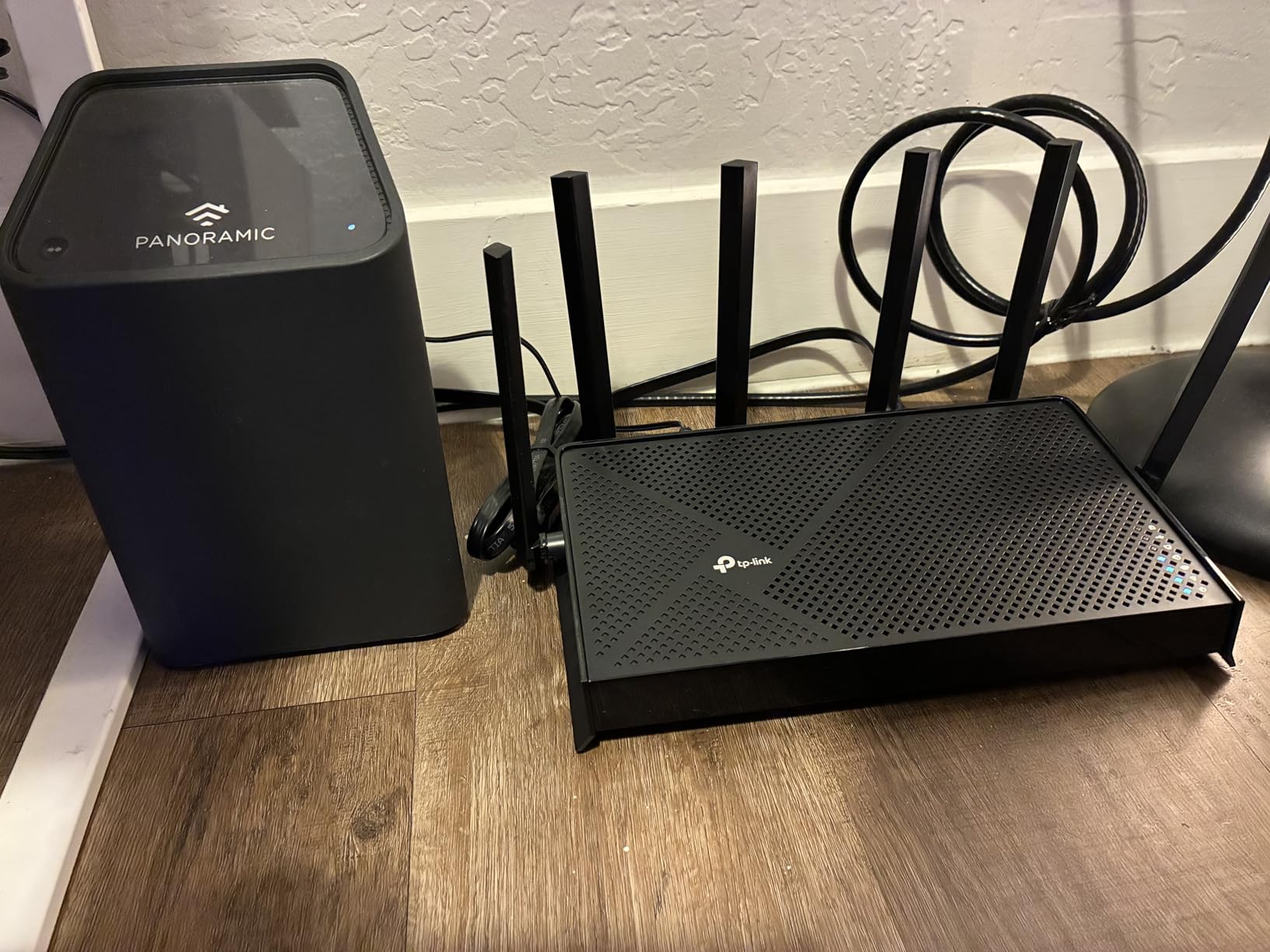
TP-Link HomeShield parental controls sit behind a subscription after the trial, but the basic router functions are free.
7. ASUS ROG Rapture GT-AXE16000: PREMIUM QUAD-BAND
ASUS ROG Rapture WiFi 6E Gaming Router (GT-AXE16000) – Quad-Band, 6 GHz Ready, Dual 10G Ports, 2.5G WAN Port, AiMesh Support, Triple-Level Game Acceleration, Lifetime Internet Security, Instant Guard
Standard: Wi-Fi 6E quad-band
Speed: 16 Gbps
WAN: Dual 10G plus 2.5G
Game: Triple-Level Acceleration
Pros
- Quad-band Wi-Fi 6E with 16 Gbps total speed
- Dual 10G ports plus 2.5G WAN port
- ASUS RangeBoost Plus for wide coverage
- Lifetime AiProtection included
Cons
- Premium price tier
- Large 5.4-pound chassis
- Lower review count than the AX11000 line
Households running a quad-band Wi-Fi 6E network with multiple 6 GHz devices and a need for 10G wired will appreciate that the GT-AXE16000 is one of the few quad-band routers in this list with dual 10G ports.
Four radios (2.4 GHz, two 5 GHz, and 6 GHz) keep a clean 6 GHz lane available for VR and PC gaming clients while older devices stay on 5 GHz. RangeBoost Plus and twelve antennas are designed for large homes with thick walls; this is the gaming router in our lineup that fits a guide to gaming router setups for large homes the closest.
Coverage holds up across multi-story layouts and ping stays stable on the 6 GHz band when clients sit in the same room as the router. The size and weight mean it lives on a shelf, not a desk.
Next to the GT-BE98 Pro at the top of the list, the GT-AXE16000 steps down from Wi-Fi 7 to Wi-Fi 6E for a similar 10G wired feature set. Against the GT-AX11000 Pro above, it adds a 6 GHz radio and a second 10G port.
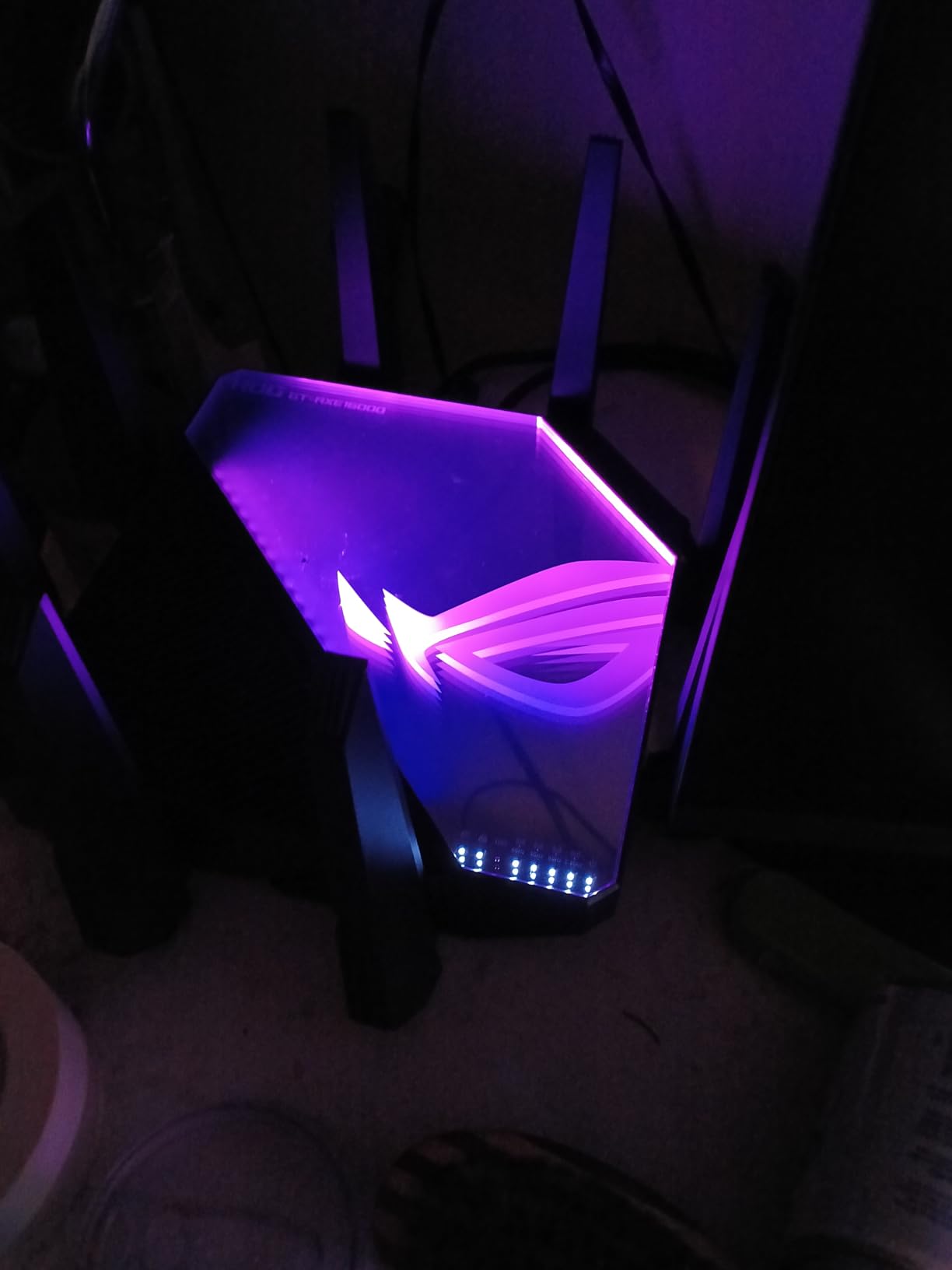
At 5.4 pounds and nearly 14 inches deep, this router needs its own shelf and breathing room for thermals.
8. TP-Link Archer AXE75: BEST WIFI 6E VALUE
TP-Link AXE5400 Tri-Band WiFi 6E Router, 2025 PCMag Editors’ Choice
Standard: Wi-Fi 6E tri-band
Speed: 5.4 Gbps
WAN: 2.5G
Game: HomeShield QoS
Pros
- PCMag Editors' Choice award winner
- Wi-Fi 6E with 160MHz channels
- VPN server and client support
- Works with every major ISP
Cons
- Parental controls behind subscription
- USB drive sharing has quirks
Shoppers who want a PCMag Editors’ Choice Wi-Fi 6E router at a budget-friendly Prime Big Deal Days price will find the AXE75 has the largest review base on the list, so the verdict is well-tested in the wild.
The 6 GHz radio opens a clean 160 MHz channel for VR or PC gaming clients, which noticeably cuts congestion in apartments and dense neighborhoods. The 2.5G WAN port feeds a multi-gig fiber line, and EasyMesh compatibility lets the router pair with other TP-Link nodes.
Setup runs through the TP-Link Tether app and day-to-day performance stays reliable for a household of phones, laptops and a console. HomeShield’s advanced features, like detailed parental controls, need a subscription after the trial.
Stacked against the TP-Link Archer BE400 above, the AXE75 keeps Wi-Fi 6E tri-band and lands at a lower price, but drops Wi-Fi 7 and MLO. Set against the GL.iNet Flint 2 below, it adds a 6 GHz band and EasyMesh.
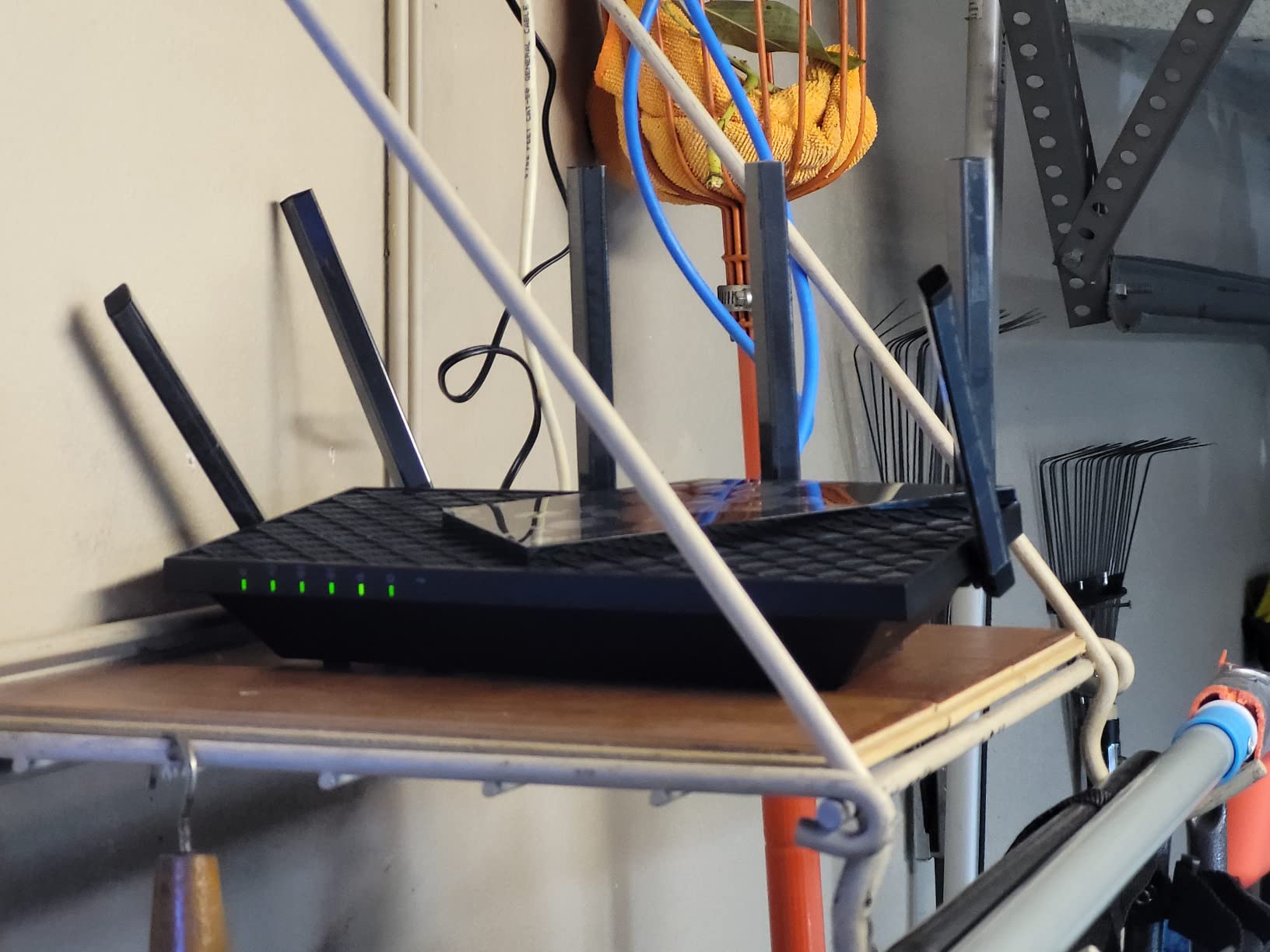
At 0.69 kg the AXE75 is one of the lightest Wi-Fi 6E tri-band routers on the list, so a wall mount is realistic.
9. MSI Radix AXE6600: BEST FOR RGB
MSI Radix AXE6600 WiFi 6E Tri-Band Gaming Router, AI QoS, RGB, 1.8GHz Quad-Core Processor, MU-MIMO, Tri Band Gigabit Wireless, 8-Stream, High Speed Long Range Gaming Router
Standard: Wi-Fi 6E tri-band
Speed: 6.6 Gbps
WAN: 1G
Game: AI QoS
Pros
- AI QoS auto-prioritizes gaming traffic
- Mystic Light RGB sync with other MSI gear
- 1.8GHz quad-core processor
- 8-stream Wi-Fi 6E tri-band
Cons
- Single USB port only
- Smaller review base than mainstream brands
- No 2.5G WAN port
Gamers building an MSI-themed battlestation who want Mystic Light RGB on the router to match the rest of the gear will find the Radix AXE6600 fits the room’s light setup. The AI QoS automatically detects and prioritizes game traffic without manual setup.
Tri-band Wi-Fi 6E with eight streams handles a gaming PC plus a console plus a few phones without obvious slowdowns, and the 1.8 GHz quad-core CPU gives the AI QoS room to work. The Mystic Light RGB sync ties the router into the rest of an MSI desktop or laptop.
The AI QoS does a solid job of pushing game traffic ahead of streaming and downloads. The limited port count and the lack of a 2.5G WAN make this the wrong router for a multi-gig fiber line.
Stacking it against the TP-Link Archer AXE75 above, the Radix AXE6600 trades a 2.5G WAN port and a deeper review base for RGB and AI QoS. Compared with the GL.iNet Flint 2 below, it steps up from Wi-Fi 6 dual-band to Wi-Fi 6E tri-band at the cost of OpenWrt.
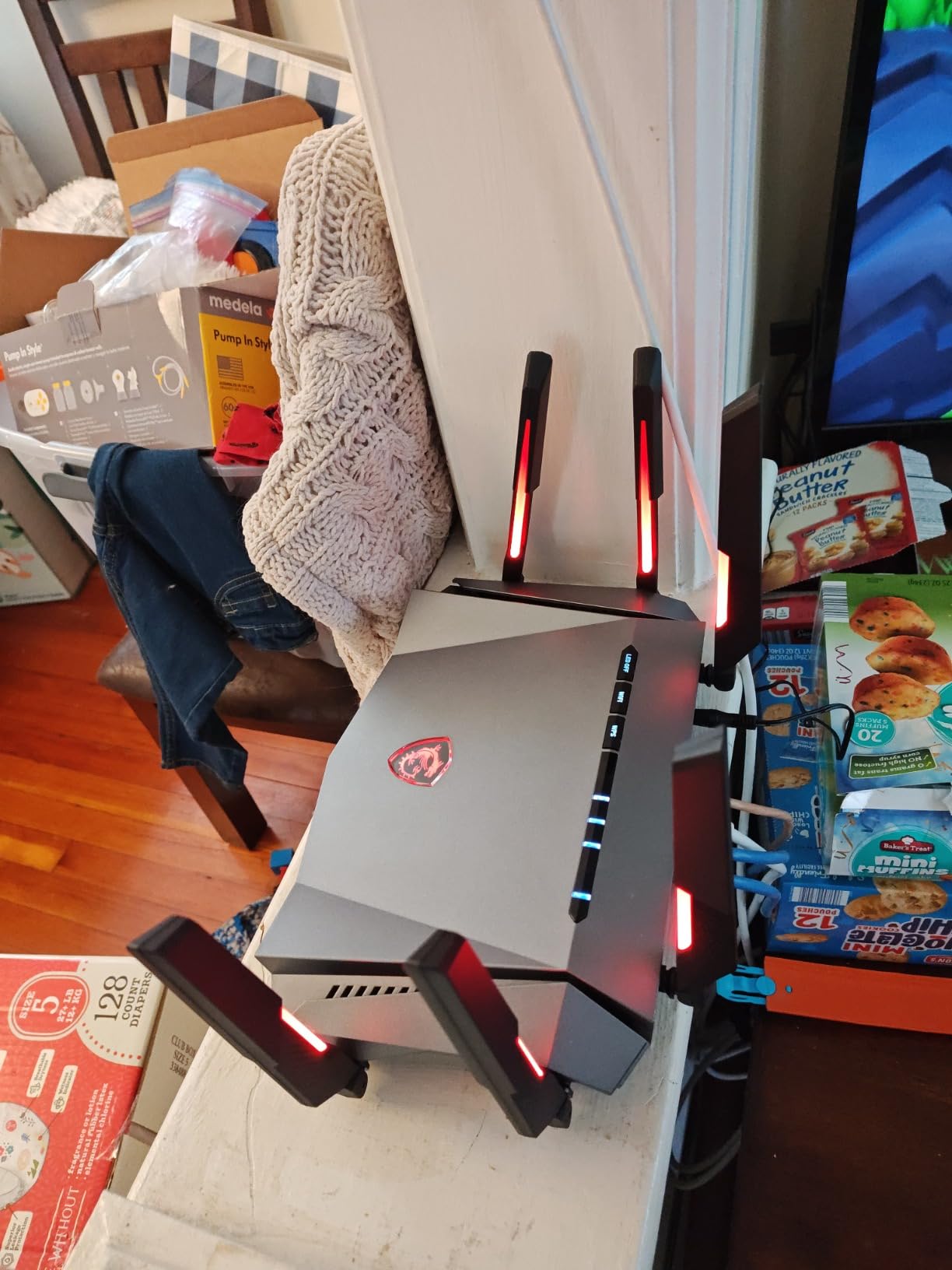
If you do not actually use Mystic Light, the AXE75 above is a better value at the same wireless tier.
10. GL.iNet Flint 2: BEST FOR VPN
GL.iNet GL-MT6000 Flint 2 Wi-Fi 6 Gaming Router Dual 2.5G Ports
Standard: Wi-Fi 6 dual-band
Speed: 6 Gbps
WAN: 2.5G
Game: OpenWrt QoS
Pros
- WireGuard VPN up to 900Mbps out of the box
- Dual 2.5G WAN/LAN ports
- OpenWrt for advanced customization
- AdGuard Home built in
Cons
- Dual-band only (no 6 GHz)
- Antennas do not rotate side to side
- Overkill if VPN is not a priority
Gamers who run a constant VPN tunnel for streaming, work or privacy and still want low ping will appreciate that the Flint 2 is built around OpenWrt, with VPN throughput as the headline.
WireGuard runs at up to 900Mbps and OpenVPN at up to 880Mbps on this router, which is faster than most consumer routers can push a tunnel. Dual 2.5G WAN/LAN ports cover a multi-gig fiber line, and four 1G LAN ports cover the rest of the desk. For shoppers who care about VPN performance more than RGB, the Flint 2 belongs in any guide to Wi-Fi routers for VPN use.
Setup runs through the GL.iNet UI and range stays strong for a dual-band router. The antennas are fixed in one direction, which matters if you mount the router low or against a wall.
Next to the GL.iNet Flint 3 higher in the list, the Flint 2 keeps OpenWrt and VPN performance but drops Wi-Fi 7, MLO and one 2.5G port for a lower price. Against the TP-Link Archer AXE75 above, it loses a 6 GHz radio and tri-band, but gains a VPN-focused firmware stack.
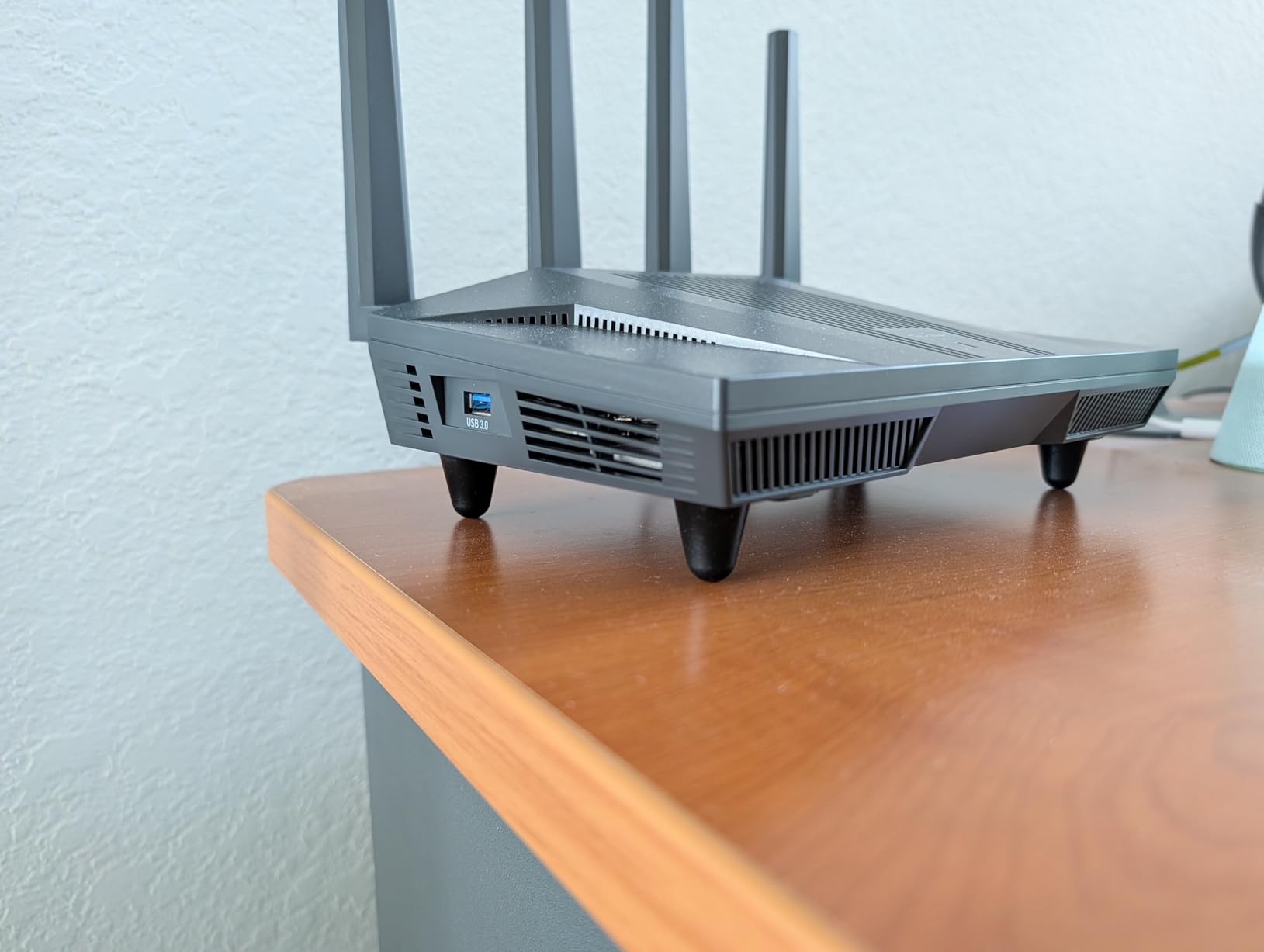
AdGuard Home runs as a built-in service, so ad-blocking works on every device on the network without per-device setup.
How to Choose a Gaming Router During Prime Big Deal Days
The picks above cover Wi-Fi 6, Wi-Fi 6E and Wi-Fi 7 at a wide range of prices. The right one depends on your internet plan, your home and your patience for tinkering. Use the sections below to narrow it down before Prime Big Deal Days starts on October 6-7, 2026.
Wi-Fi Standard and Real-World Throughput
Wi-Fi 7 adds Multi-Link Operation, 320 MHz channels and 4096-QAM on top of Wi-Fi 6E, but the real-world gain for gaming is small unless you already own Wi-Fi 7 clients. For most households, a strong Wi-Fi 6E tri-band router at a Prime Big Deal Days price still delivers excellent ping. The Flint 2 and Flint 3 in this list prioritize tunnel speed instead of raw wireless bandwidth and are worth a look if VPN is part of the workflow.
Wi-Fi 7 is worth the jump if your phone or laptop is already Wi-Fi 7 and you want the lower latency and stable MLO connection it offers. Otherwise, a Wi-Fi 6E router in the lower price band is the smarter Prime Big Deal Days buy.
Latency Tools: QoS, Game Boost and WTFast
QoS is what prevents a 4K Netflix stream from spiking your ping. Adaptive QoS, game-prioritization and WTFast GPN all do roughly the same job: keep game packets ahead of downloads and streams. The ASUS ROG Rapture line and the GT-BE98 Pro at the top of the list ship with the most complete gaming QoS stack, while the GL.iNet Flint 3 and Flint 2 rely on OpenWrt’s flexible QoS rules. For shoppers chasing the lowest possible ping on a crowded home network, our guide to gaming router setups for low ping goes deeper on router-level tweaks.
WAN Speed, Multi-Gig Ports and Internet Plan Match
A 10G WAN port is wasted on a 300/300 Mbps cable plan. Match the router’s WAN port to what your ISP actually delivers today, plus what you expect to upgrade to in the next three years. Fiber customers on 1-2 Gbps should target a router with at least one 2.5G WAN port; fiber customers on 5 Gbps and beyond need 10G, which limits the realistic Prime Big Deal Days picks to the GT-BE98 Pro, the GT-AX11000 Pro and the GT-AXE16000.
Coverage, Mesh Expansion and Apartment vs. House
One router covers most apartments. For multi-story houses and layouts with thick walls, look at EasyMesh (TP-Link), AiMesh (ASUS) or Nighthawk mesh support. AiMesh is the broadest option in this list and works with the GT-BE98 Pro, the GT-AX11000, the GT-AX11000 Pro and the GT-AXE16000. Pick mesh nodes from the same brand family so the backhaul and roaming logic stay consistent.
Ports, USB and Wired Game Consoles
A wired console beats any wireless “game mode”. The picks with the best wired port count for a gaming desk are the GT-BE98 Pro (dual 10G plus quad 2.5G) and the GL.iNet Flint 3 (five 2.5G). For shoppers wiring a single console and a gaming PC, the NETGEAR Nighthawk BE9300 and the GT-AX11000 Pro cover both boxes from 2.5G and 10G ports respectively. If your gaming router is going to live next to a console, our guide to gaming router setups for console gaming covers the rest of the wired setup, and the best ethernet cables for gaming roundup covers the cables themselves.
How to Shop Gaming Router Deals During the Sale
Before you check out on Prime Big Deal Days, confirm the exact model number on the listing page. Last year’s flagship rebadged as this year’s model is the single most common mistake shoppers make on router deals. Prefer routers sold and shipped by Amazon rather than third-party sellers, and remember that most Prime Big Deal Days offers require a Prime membership (a free trial counts). Prices on these routers change through the event, so the current price only shows on the button below each pick. Do not rely on a price you saw yesterday; a price tracker like camelcamelcamel or Keepa is the easiest way to verify whether a Prime Big Deal Days price is actually below the 30-day low.
Quick checklist before you buy:
- Match the WAN port to your ISP plan (2.5G for 1-2 Gbps, 10G for 5 Gbps and above).
- Confirm the exact model number, not just the series name.
- Check that QoS or game-prioritization is included, not a subscription.
- Verify mesh compatibility if you plan to expand coverage later.
- Prefer routers sold and shipped by Amazon for easier returns.
Frequently Asked Questions
When do the Gaming Router Deals run during Amazon’s Prime Big Deal Days in 2026?
Prime Big Deal Days runs October 6-7, 2026, and gaming router deals go live when the sale opens. Early deals can appear the day before, but the main event is the two-day window. Prices on the routers in this list will change through the event, so check the latest price button on each pick before you check out.
Do I need an Amazon Prime membership to get the gaming router deals during Prime Big Deal Days?
Most Prime Big Deal Days gaming router offers require an active Amazon Prime membership. A free 30-day trial counts, and student trials work too. A small number of deals run without membership, but the headline router prices on the picks in this list are gated behind Prime.
Do gaming routers actually go on sale during Amazon’s Prime Big Deal Days?
Yes. Gaming routers are one of the categories Amazon discounts hardest during Prime events. Flagship Wi-Fi 6E and Wi-Fi 7 routers from ASUS, TP-Link, NETGEAR and MSI all see meaningful markdowns during Prime Big Deal Days. Always cross-check the sale price against a 30-day price history so you know the deal is real.
Is Wi-Fi 6E worth it over Wi-Fi 6 for online gaming, or should I wait for Wi-Fi 7 deals?
Wi-Fi 6E adds a clean 6 GHz band, which reduces congestion in apartments and dense neighborhoods and is the biggest practical win for online gaming. Wi-Fi 7 adds Multi-Link Operation, 320 MHz channels and 4096-QAM, which only matter if your phone, laptop or console already supports Wi-Fi 7. If your devices are still Wi-Fi 6, a Wi-Fi 6E router is the smarter Prime Big Deal Days buy.
How much should I spend on a gaming router during Prime Big Deal Days?
For most households on a 1 Gbps plan, the sweet spot is a Wi-Fi 6E or entry Wi-Fi 7 router in the lower price band during Prime Big Deal Days. Spend more if you have multi-gig fiber, a multi-story home that needs mesh, or a workload that pushes a constant VPN tunnel. Spend less if your internet tops out at 300 Mbps and your home is under 1,500 sq ft.
Can one gaming router handle a console, a PC and a few phones at the same time without ping spikes?
Yes, if it has adaptive QoS or a real game-prioritization feature. The picks with the strongest QoS in this list are the ASUS ROG Rapture GT-BE98 Pro, the GT-AX11000 Pro, the GT-AXE16000 and the GL.iNet Flint 3. Wire the console and the gaming PC into Ethernet for the most stable result, and let the phones and TVs share the wireless bands.
Final Verdict: Gaming Router Deals: Prime Big Deal Days
Buy the ASUS ROG Rapture GT-BE98 Pro if you want the single most future-proof gaming router on the list, with Wi-Fi 7 quad-band, dual 10G ports and Triple-Level Game Acceleration. Buy the GL.iNet Flint 3 as the budget-friendly alternative if you want Wi-Fi 7 with five 2.5G ports and OpenWrt without paying flagship prices. Buy the NETGEAR Nighthawk BE9300 for the simplest 2.5G fiber setup. Buy the ASUS ROG Rapture GT-AX11000 Pro for 10G wired gaming on a Wi-Fi 6 budget, and the TP-Link Archer BE400 for an entry-level Wi-Fi 7 router on a tighter budget.
Bookmark this page, watch the buttons below each pick, and verify the sale price against a 30-day price history before you check out. Prime Big Deal Days runs October 6-7, 2026.
 Priya Kapoor