

The MacBook Air 13 with M5 is the laptop to watch during the best laptop deals in Amazon’s Prime Big Deal Days sale: its M5 chip, 16GB of unified memory, and 18-hour battery cover almost every daily task, from coursework to creative projects. The MacBook Neo 13 is the smarter pick for students and casual users who want Apple Intelligence on a tighter budget. The Acer Nitro V 16S is worth watching if you care more about frame rates than portability.
Prime Big Deal Days runs October 6-7, 2026, and most offers need a Prime membership (a free trial counts). Prices shift through the event, so the picks below are the configurations most worth watching, not confirmed deals. Press the button on any card to see the current price on Amazon.
Our Top 3 Picks for Laptop Deals: Prime Big Deal Days (October 2026)

Laptop Deals: Prime Big Deal Days Compared
| Product | Specs | Action |
|---|---|---|
 MacBook Air 13 M5 MacBook Air 13 M5 |
|
Check Deal Price |
 MacBook Neo 13 MacBook Neo 13 |
|
Check Deal Price |
| Lenovo 16 IdeaPad Slim |
|
Check Deal Price |
 Acer Nitro V 16S Acer Nitro V 16S |
|
Check Deal Price |
 MacBook Air 15 M5 MacBook Air 15 M5 |
|
Check Deal Price |
 Lenovo V15 Ryzen 5 Lenovo V15 Ryzen 5 |
|
Check Deal Price |
 Acer Aspire Go 15 Acer Aspire Go 15 |
|
Check Deal Price |
 AKCHART 15.6 AI Laptop AKCHART 15.6 AI Laptop |
|
Check Deal Price |
 HP 14 Essential HP 14 Essential |
|
Check Deal Price |
 Dell 15.6 Core 3 Dell 15.6 Core 3 |
|
Check Deal Price |
How We Chose
Our picks came from the laptop listings and owner reviews on Amazon as of October 2026. We filtered on the specs that actually matter for daily use: CPU generation, RAM size, storage, display type, and battery life. We then compared the configurations that fit the kinds of buyers we expect to see shopping this sale: students, home-office users, creatives, and gamers. We did not rely on first-person testing.
1. MacBook Air 13 M5: Editor’s Choice
Apple 2026 MacBook Air 13-inch Laptop with M5 chip: Built for AI, 13.6-inch Liquid Retina Display, 16GB Unified Memory, 512GB SSD, 12MP Center Stage Camera, Touch ID, Wi-Fi 7; Midnight
Chip: Apple M5
RAM: 16GB
Storage: 512GB SSD
Battery: 18 hr
Weight: 2.71 lb
Pros
- M5 chip with Neural Engine
- Up to 18 hours battery life
- 13.6 inch Liquid Retina Display
- Wi-Fi 7 and Bluetooth 6
- Two Thunderbolt 4 ports
Cons
- Premium price point
- No HDMI port natively
- No Windows pre-installed
The MacBook Air 13 with M5 is the most balanced laptop in this roundup. Its M5 chip with Neural Engine handles photo editing, dozens of browser tabs, and casual creative work without a fan spinning up, and Apple rates the battery at up to 18 hours for video playback. For anyone whose day is built around a browser, a document, and the occasional video call, it is the configuration most worth watching during the sale.
Owners mention the jump from 8GB to 16GB of unified memory as the most noticeable change, and the 512GB SSD is a sensible middle for students who do not need a separate drive. The Liquid Retina display holds up in a bright room, and the four-speaker system is one of the better ones in this size class.
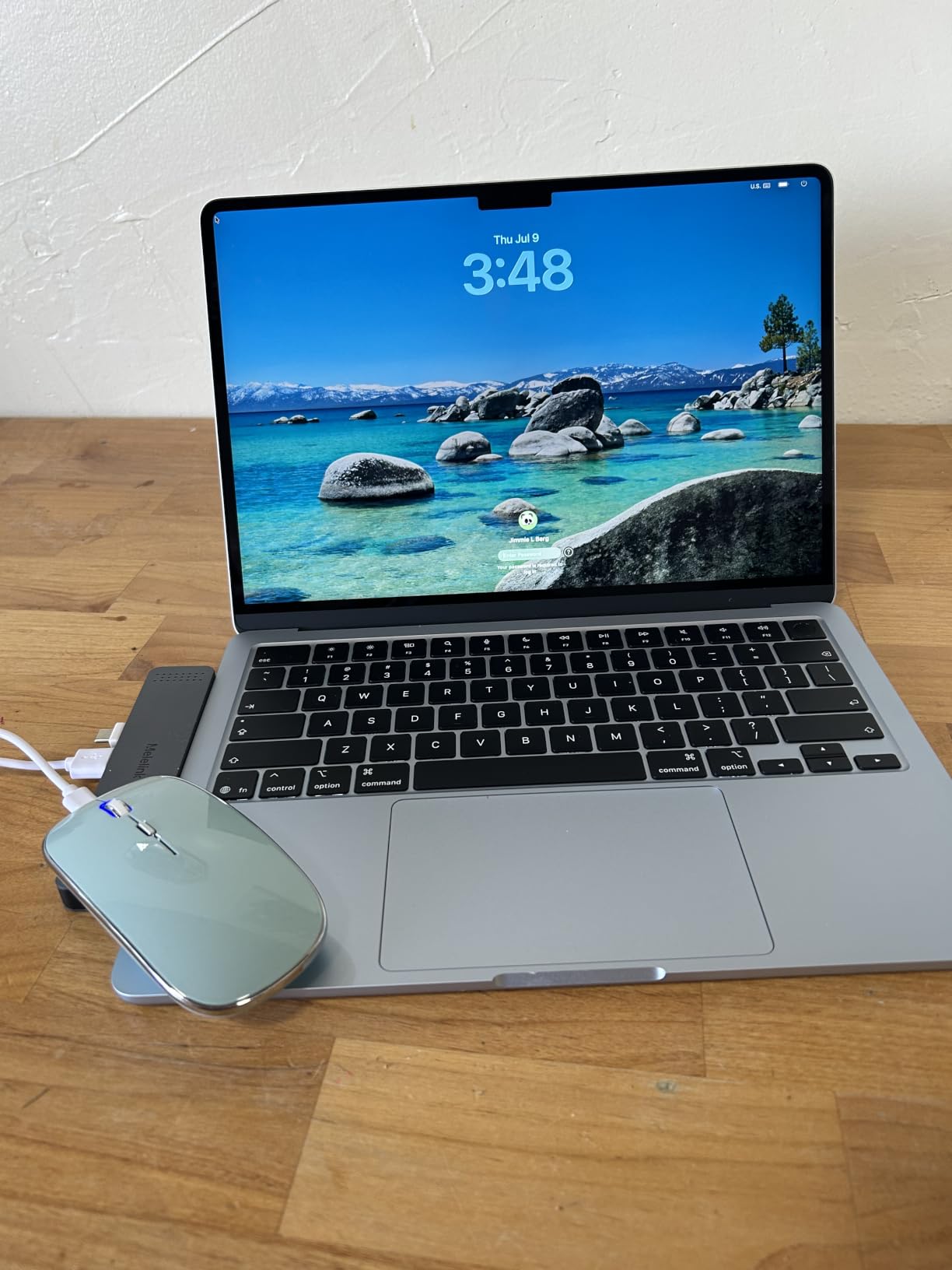
Step up to the Air 13 from the MacBook Neo 13 below and you get a fanless M5, a larger 13.6 inch screen, Touch ID, and Wi-Fi 7. If you live in Final Cut, Logic, or Xcode the Air 13 is the safer pick; if you only need email, web, and notes, the Neo 13 keeps more money in your pocket.
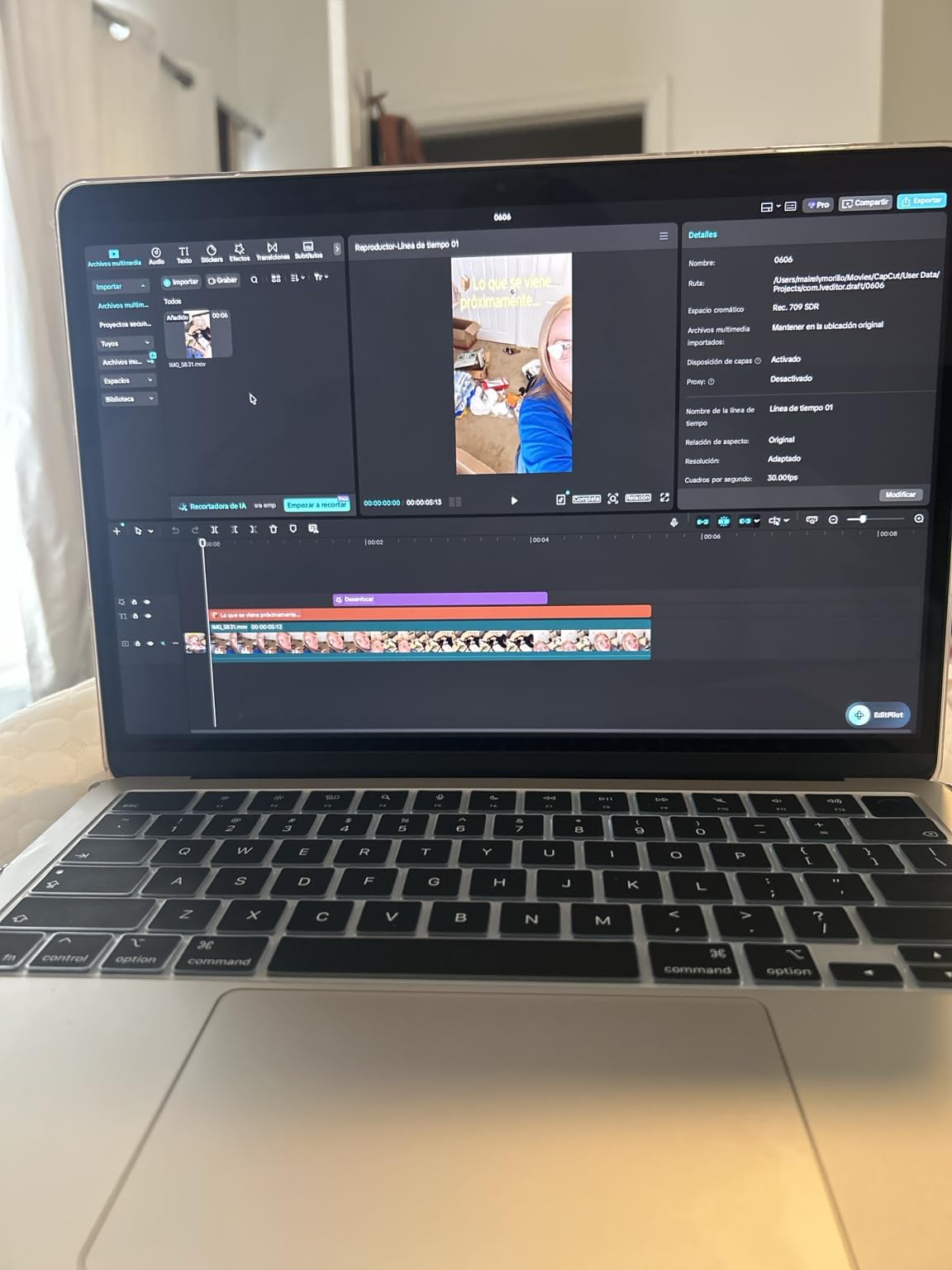
There is no HDMI port, so a USB-C hub is part of the setup if you dock to a monitor. MagSafe charging and two Thunderbolt 4 ports cover most other desk needs.
2. MacBook Neo 13: Best for Students
Apple 2026 MacBook Neo 13-inch Laptop with A18 Pro chip: Built for AI and Apple Intelligence, Liquid Retina Display, 8GB Unified Memory, 256GB SSD Storage, 1080p FaceTime HD Camera; Indigo
Chip: Apple A18 Pro
RAM: 8GB
Storage: 256GB SSD
Battery: 16 hr
Weight: 2.71 lb
Pros
- A18 Pro chip with Apple Intelligence
- Up to 16 hours battery life
- 13 inch Liquid Retina Display
- 1080p FaceTime HD camera
- Lightweight at 2.71 pounds
Cons
- Limited to 256GB base storage
- No touchscreen
- Single color option
The MacBook Neo 13 is the Apple laptop we would hand to a high school or college student who does not push the machine past essays, slides, and streaming. The A18 Pro chip brings Apple Intelligence and a quiet, fanless design, and the 16-hour battery is enough to leave the charger in a bag for a full school day.
The 13 inch Liquid Retina display is a strong point for the size, and 1080p on the FaceTime camera is a clear step up from older MacBook Air generations. The recycled aluminum chassis feels solid for a budget-tier Apple machine.
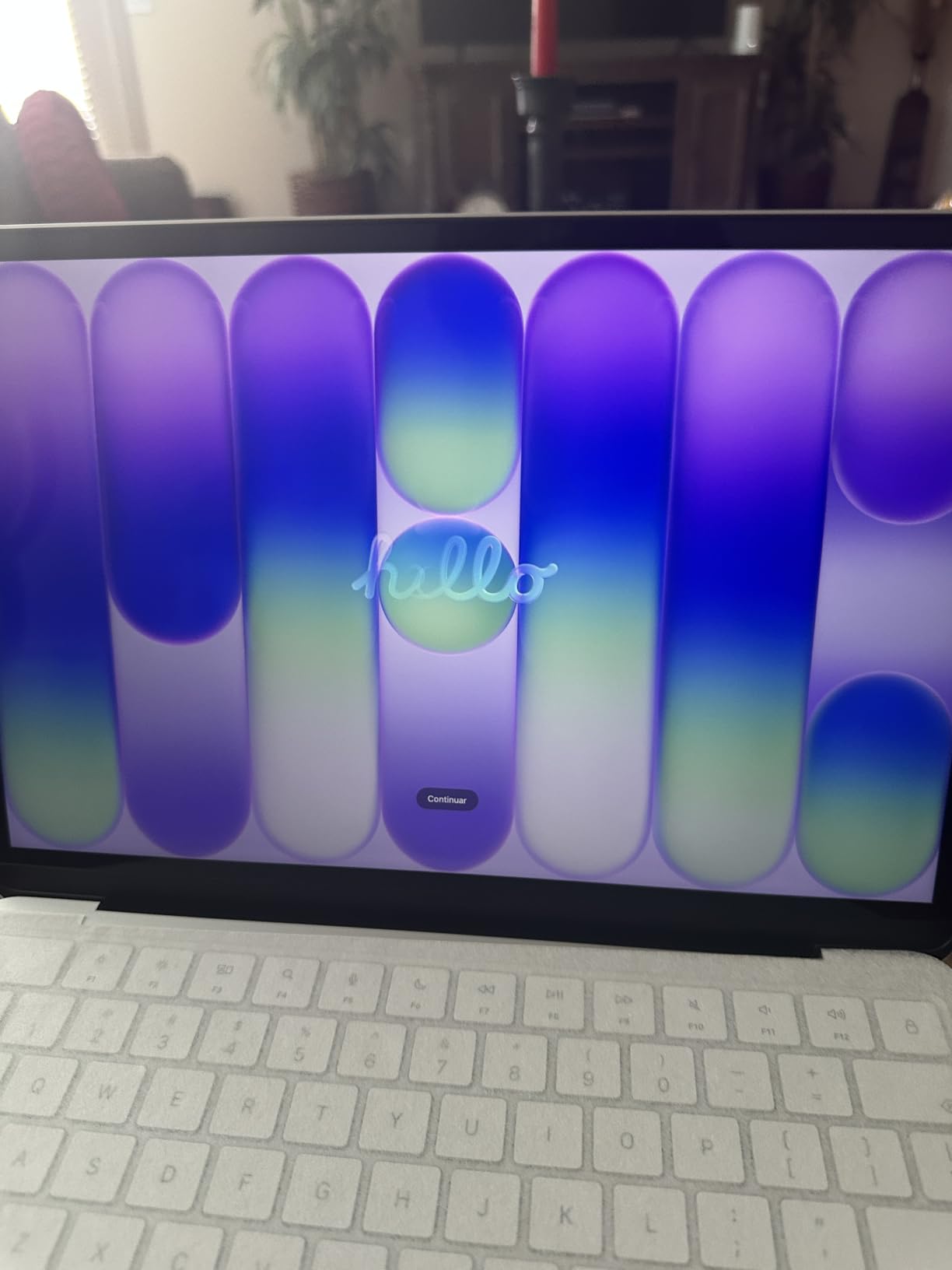
Skip this pick if you edit video or run a heavy local workload: 8GB of unified memory and 256GB of storage run out fast. The MacBook Air 13 M5 above is the next step up, and the Acer Aspire Go 15 is the more obvious choice if you want a bigger screen on a tighter budget.
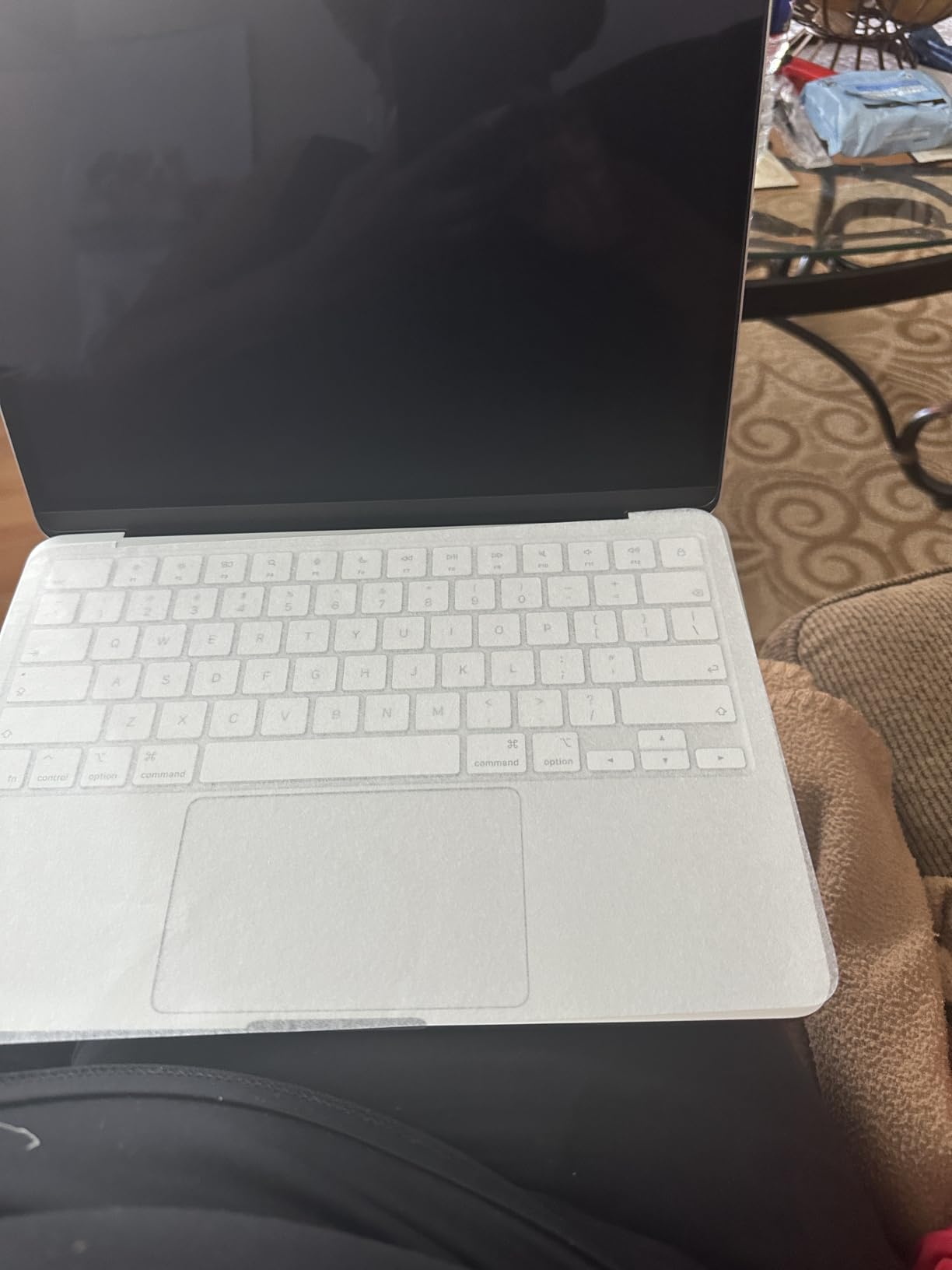
Against the MacBook Air 13 M5, the Neo 13 keeps the Apple ecosystem and Apple Intelligence at a noticeably lower price, and a 2.71 pound chassis that is easy to throw in a backpack. If you do not need the extra two hours of battery or the larger display, the Neo 13 is the smarter student pick.
3. Lenovo 16 IdeaPad Slim: Best for Productivity
Lenovo Business 15.6″ FHD Laptop, Intel Processor, 8GB DDR5, 128GB Storage
Chip: Core i5-13420H
RAM: 16GB DDR5
Storage: 512GB SSD
Display: 16 inch WUXGA
Weight: 1.68 kg
Pros
- 16 inch WUXGA IPS 300 nits display
- 13th Gen Core i5 processor
- 16GB DDR5 RAM
- 512GB PCIe Gen4 SSD
- MIL-STD-810H military-grade durability
Cons
- Intel UHD integrated graphics
- Lower review count
- Anti-glare coating can mute colors
The Lenovo 16 IdeaPad Slim is the most useful big-screen laptop in this list for a home office. A 16 inch WUXGA panel with 300 nits of brightness leaves room for two documents side by side, and 16GB of DDR5 plus a 512GB PCIe Gen4 SSD cover a normal workday. The 13th Gen Core i5-13420H is no speed demon for creative work, but it is more than enough for spreadsheets, browser research, and video calls at the same time.
The MIL-STD-810H durability rating and a TÜV Rheinland Low Blue Light certification are two details that matter if the laptop lives on a kitchen table. Firmware TPM 2.0 covers basic encryption, and the camera privacy shutter is a small detail that often disappears on budget machines.
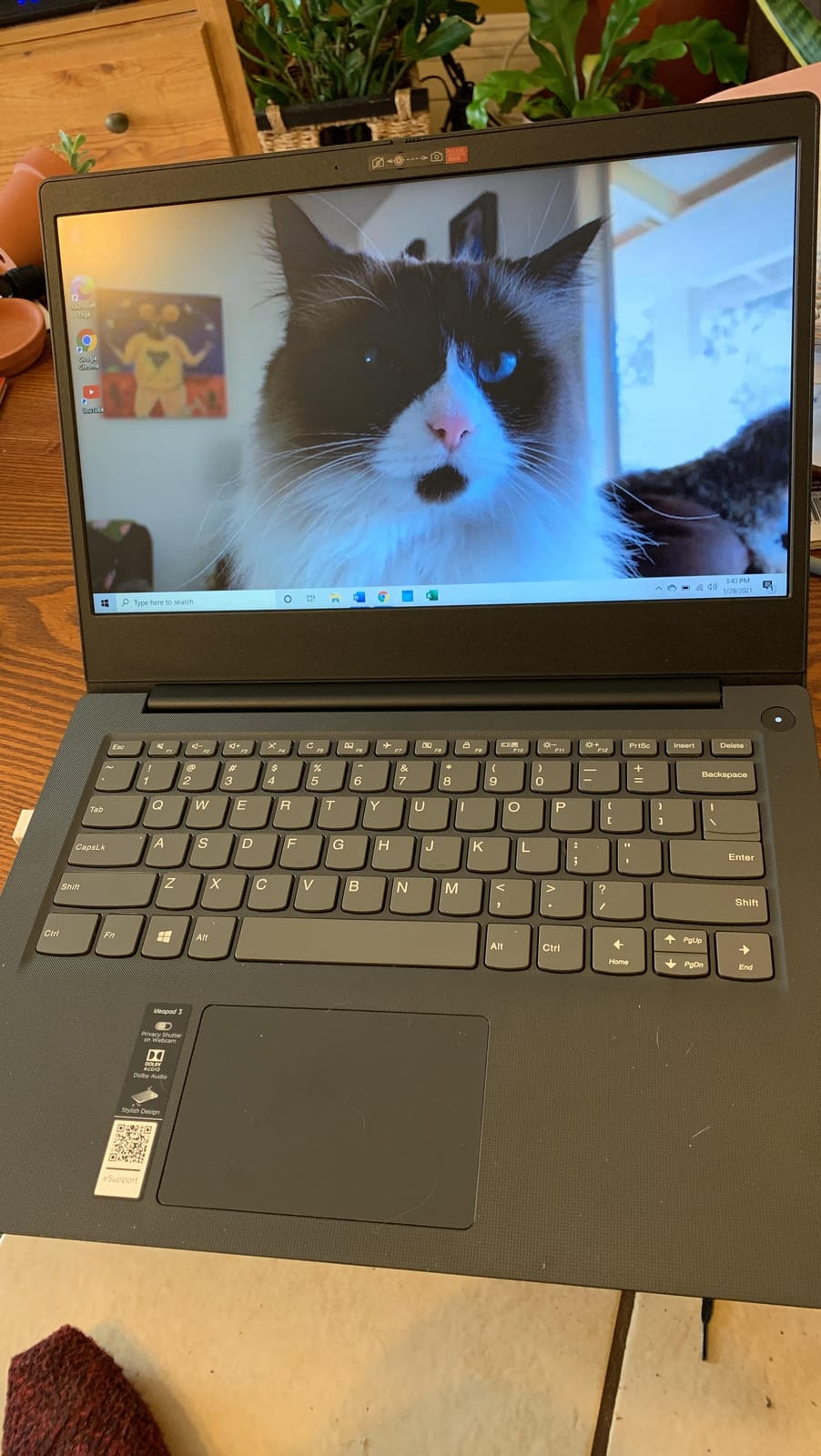
Placed next to the MacBook Air 15 M5 lower in the list, the IdeaPad is heavier on screen real estate but lighter on weight class, and it runs Windows out of the box. Pick this if your work is in Excel and Word, not Final Cut.
Integrated Intel UHD graphics mean no serious gaming or GPU-accelerated work. The Acer Nitro V 16S below is the gaming alternative in this list.
4. Acer Nitro V 16S: Best for Gaming
Acer Nitro V 16S AI Gaming Laptop | AMD Ryzen 7 260 Processor | NVIDIA GeForce RTX 5060 Laptop GPU (572 AI Tops) | 16″ WUXGA IPS 180Hz Display | 32GB DDR5 | 1TB Gen 4 SSD | Wi-Fi 6 | ANV16S-41-R2AJ
Chip: Ryzen 7 260
GPU: RTX 5060 8GB
RAM: 32GB DDR5
Storage: 1TB SSD
Display: 16 inch 180Hz
Pros
- AMD Ryzen 7 260 with 572 AI TOPS
- NVIDIA RTX 5060 with 8GB GDDR7
- 32GB DDR5 5600MHz
- 1TB PCIe Gen4 SSD
- 16 inch WUXGA 180Hz display
Cons
- 4.6 pounds is heavy for portability
- Non-touchscreen display
- Premium gaming price point
The Acer Nitro V 16S is the laptop to watch if frame rates matter more than battery life. A Ryzen 7 260 paired with an RTX 5060 and 32GB of DDR5 is a stack that holds up at 1080p in most modern games, and the 180Hz panel keeps motion smooth. The 1TB PCIe Gen4 SSD means you do not have to keep your library on an external drive.
Reviewers mention DLSS 4 support as a real boost for heavier titles, and 100% sRGB coverage helps when the same machine does double duty for content work. Wi-Fi 6 is a step behind Wi-Fi 7 but it does not matter on a 1Gbps connection.
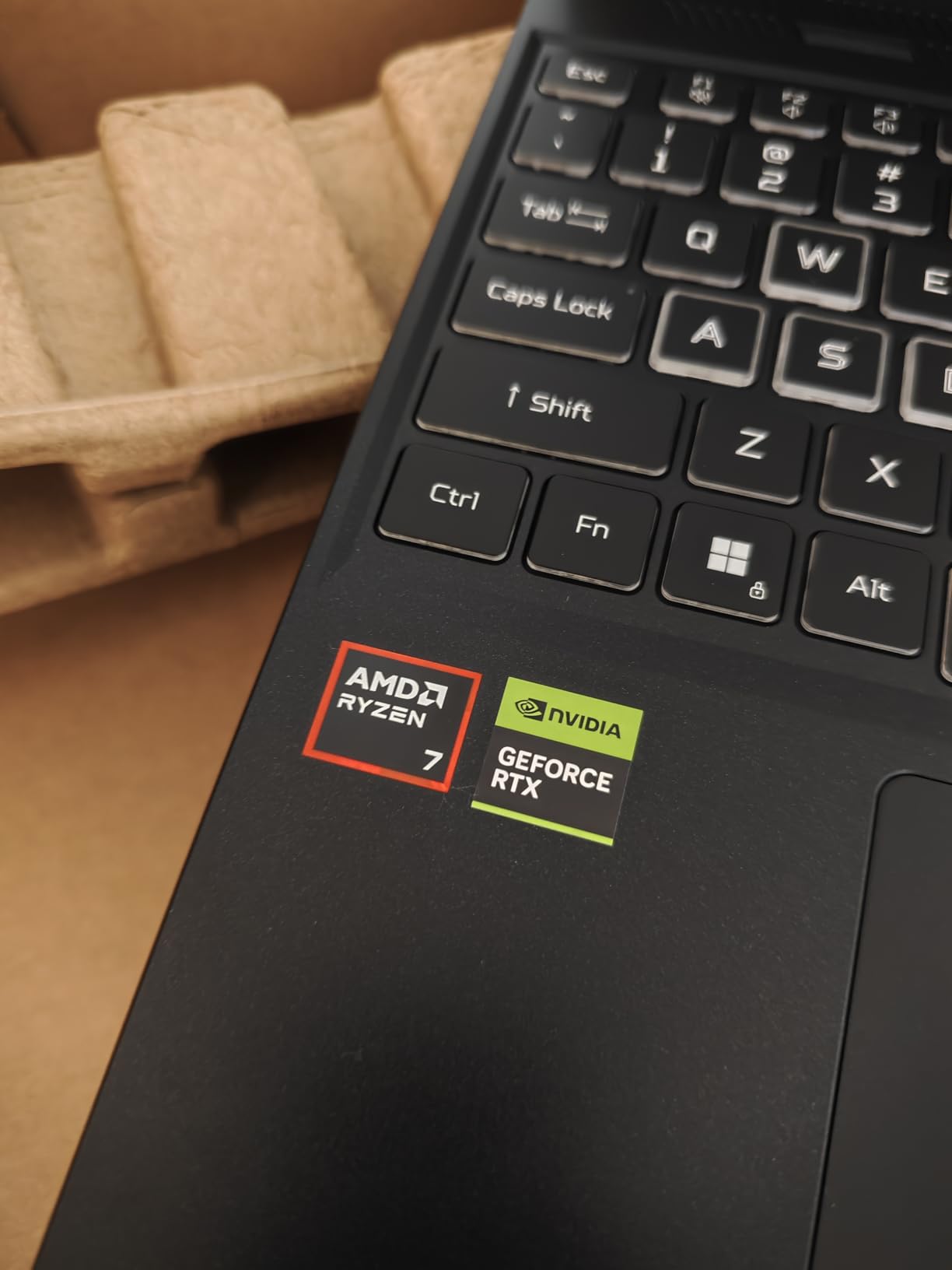
Stacked against the Lenovo 16 IdeaPad above, the Nitro V is far more capable for games but is over a kilo heavier. If you do not play at all, the IdeaPad is the better productivity machine. If you want thin-and-light gaming, this list does not have it.
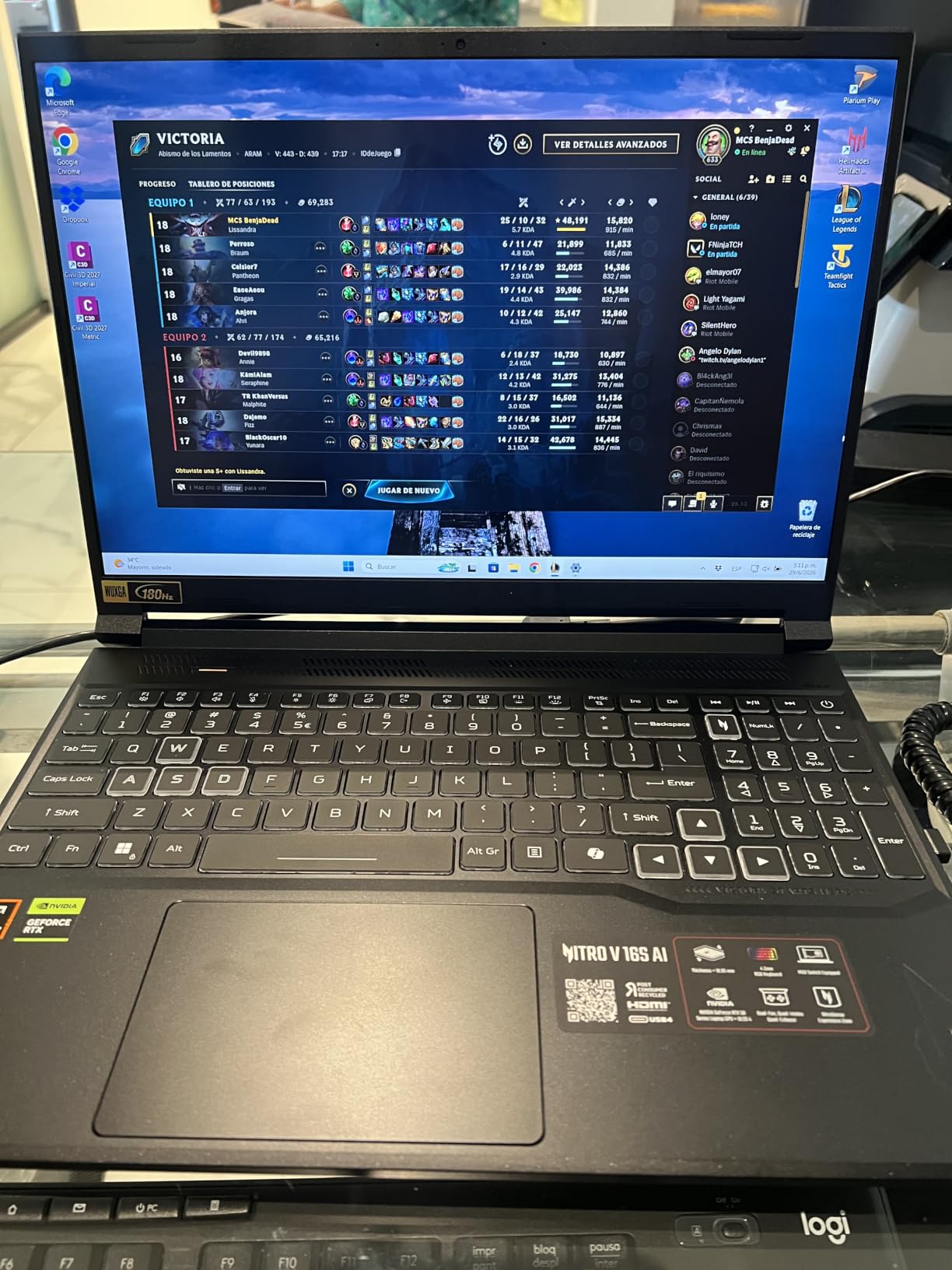
A 4.6 pound chassis and a 16 inch frame make this a desk-first machine. Plan on a backpack rated for a gaming laptop if you carry it to class or a friend’s place.
5. MacBook Air 15 M5: Most Versatile
Apple 2026 MacBook Air 15-inch Laptop with M5 chip: Built for AI, 15.3-inch Liquid Retina Display, 16GB Unified Memory, 512GB SSD, 12MP Center Stage Camera, Touch ID, Wi-Fi 7; Midnight
Chip: Apple M5
RAM: 16GB
Storage: 512GB SSD
Display: 15.3 inch Liquid Retina
Battery: 18 hr
Pros
- M5 chip with Neural Engine
- Up to 18 hours battery life
- 15.3 inch Liquid Retina Display
- Six-speaker system with Spatial Audio
- Fanless design
Cons
- Premium price point
- Midnight finish shows fingerprints
- No Windows pre-installed
The MacBook Air 15 with M5 is the pick for shoppers who want a 15 inch screen and the Air’s battery life in the same machine. The 15.3 inch Liquid Retina display gives a noticeably larger canvas for editing timelines, and the six-speaker system with Spatial Audio is one of the best laptop sound setups at any size. The M5 chip stays quiet under most creative workloads because the chassis is fanless.
Reviewers mention the 12MP Center Stage camera with Desk View as a real improvement for video calls, and the 18-hour battery means a full work day plus a movie without a charger. Owners note the Midnight finish holds fingerprints more than other colors.
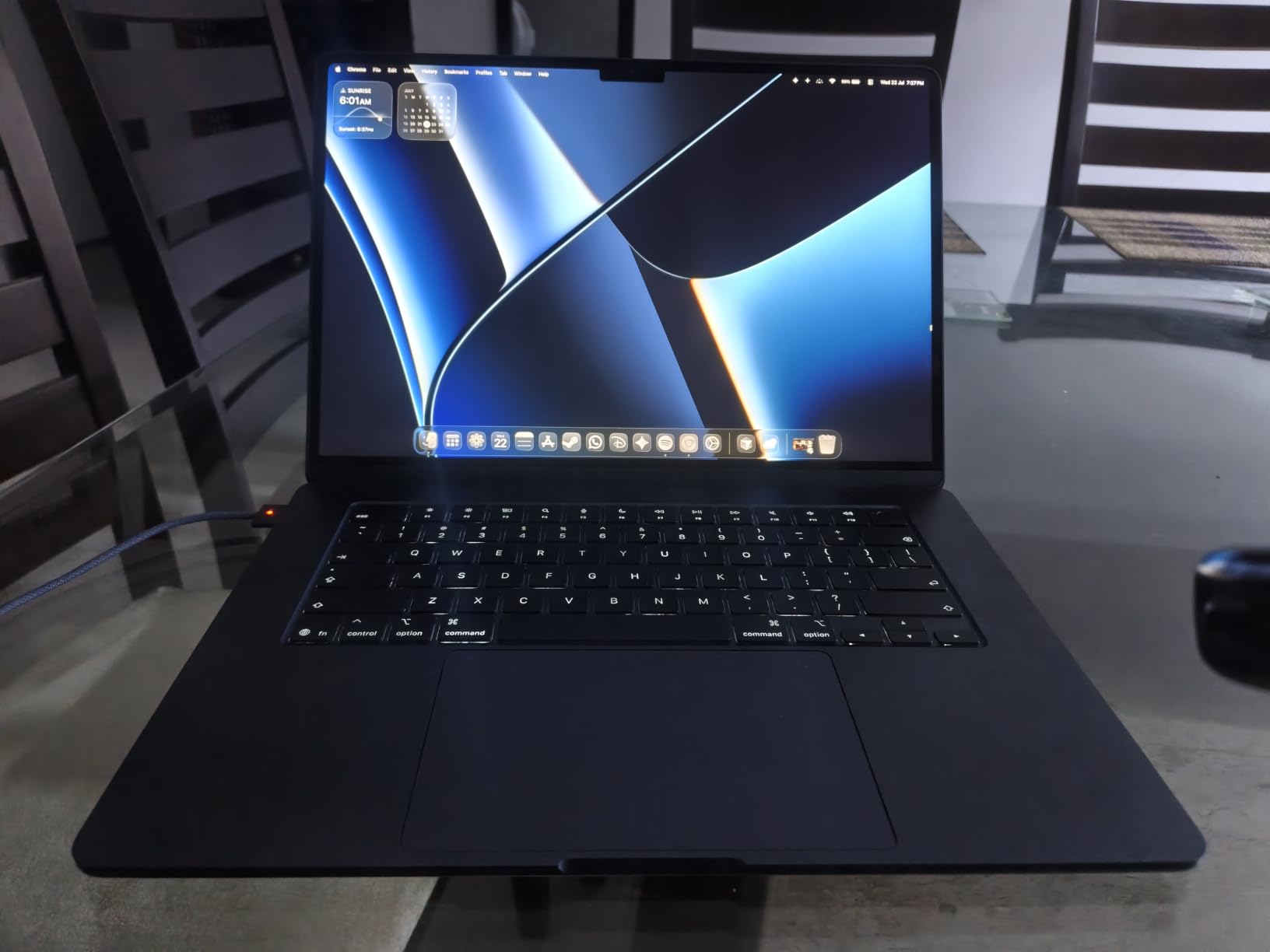
The Air 15 sits above the MacBook Air 13 M5 and costs more while weighing about 0.6 pound more, but the screen real estate matters for editing. The 13 inch remains the better travel pick.
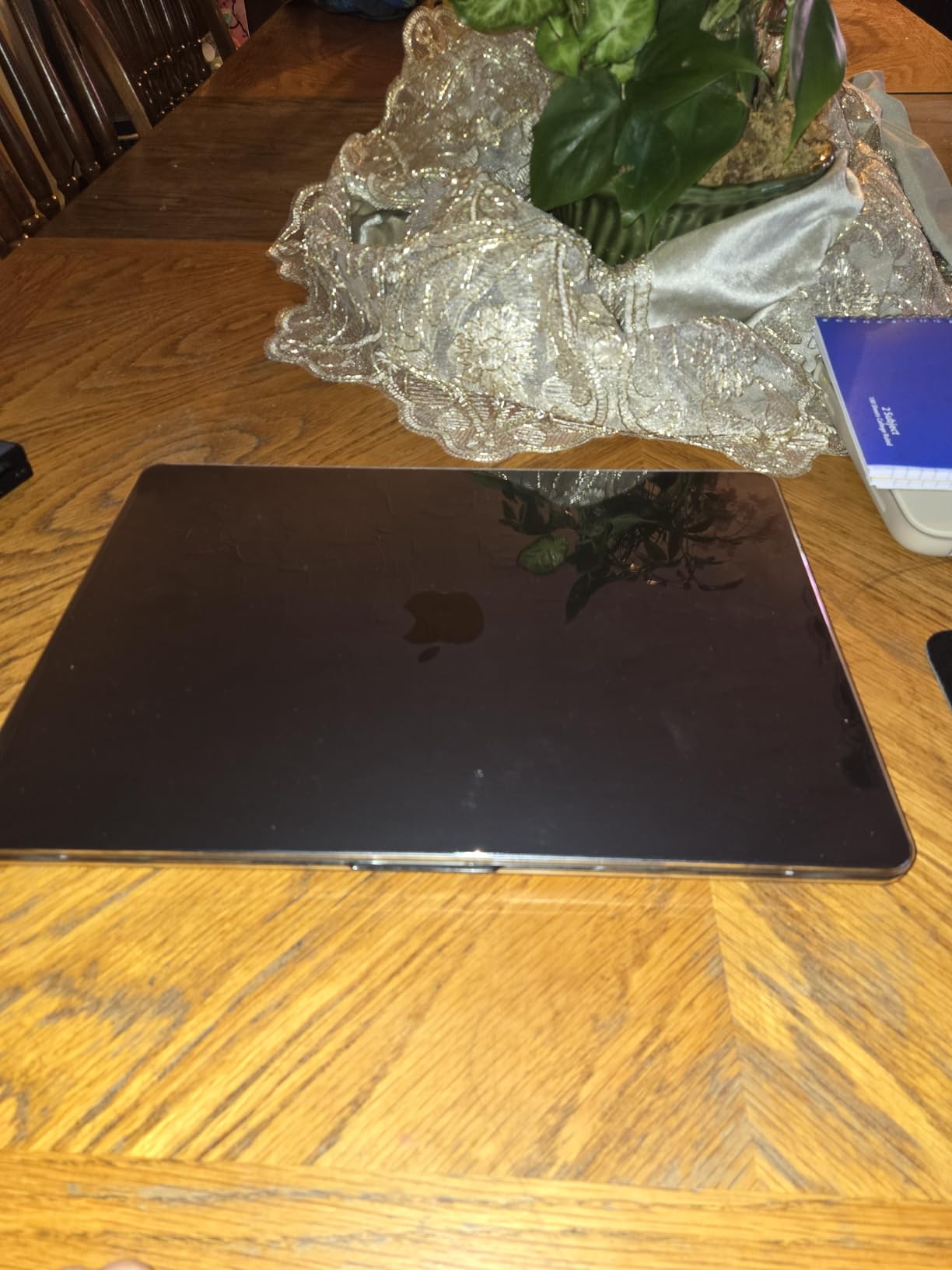
Like the 13 inch Air, there is no native HDMI. Plan on a dock or hub if you drive an external display.
6. Lenovo V15 Ryzen 5: Best for Business
Lenovo V15 Laptop, 15.6″ FHD Display, AMD Ryzen 5 5500U Hexa-core Processor (Beat Intel i7-1065G7), 16GB RAM, 512GB SSD, HDMI, RJ45, Numeric Keypad, Wi-Fi, Windows 11 Pro, Black
Chip: Ryzen 5 5500U
RAM: 16GB
Storage: 512GB SSD
Display: 15.6 inch FHD
OS: Win 11 Pro
Pros
- AMD Ryzen 5 5500U 6 cores
- 16GB DDR4 RAM
- 512GB PCIe NVMe SSD
- Windows 11 Pro
- Numeric keypad and RJ45 Ethernet
Cons
- Older Ryzen 5000 series generation
- 3.8 pounds weight
- No optical drive
The Lenovo V15 is the most business-flavored laptop in this roundup. Windows 11 Pro, a numeric keypad, and an RJ45 Ethernet port are the small details that matter for a remote worker who plugs into a dock or a corporate VPN. The Ryzen 5 5500U is an older chip than the Ryzen 7 260 in the Acer above, but it is more than fast enough for office workloads.
16GB of RAM and a 512GB SSD are the right floor for a work laptop in 2026, and the 15.6 inch FHD panel is solid for the price. Build quality is a step below the IdeaPad Slim 3 above, but the port layout makes up for it.
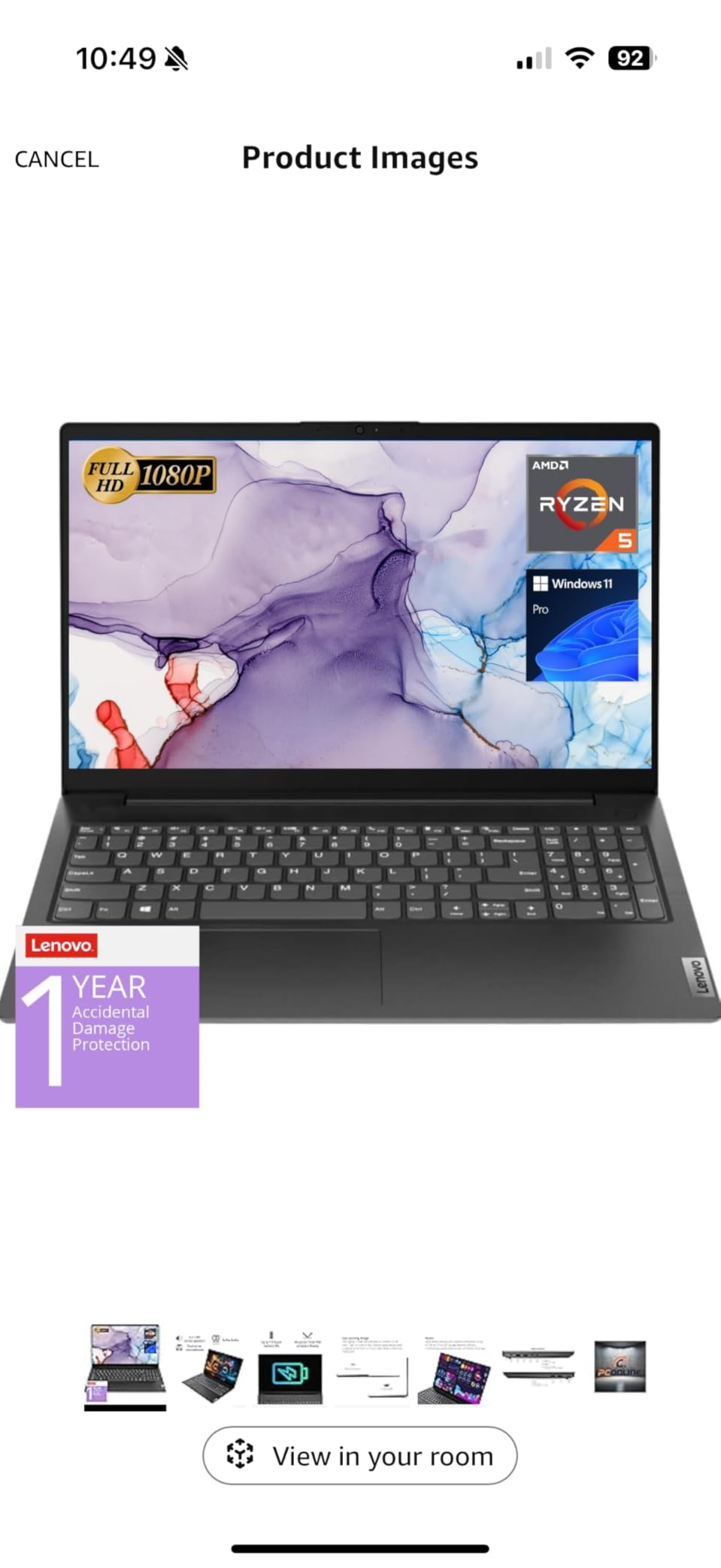
Set against the HP 14 Essential below, the V15 gives you twice the RAM and a much better display. Against the IdeaPad Slim 3, it is older silicon but ships with Windows 11 Pro instead of Home.
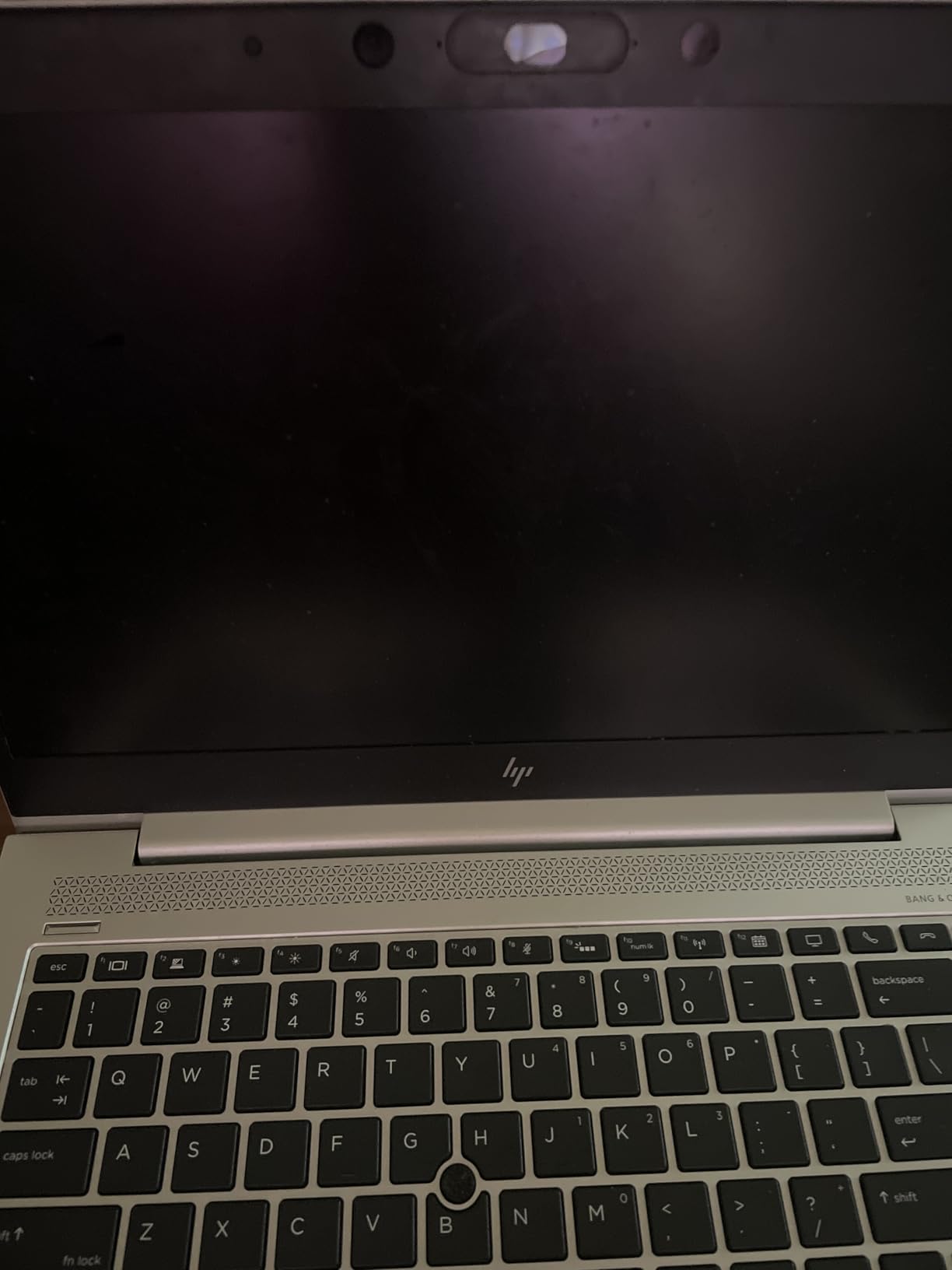
Skip this pick if you want a current-generation CPU or a backlit keyboard. The IdeaPad Slim 3 above is the better current-gen productivity option.
7. Acer Aspire Go 15: Best for Everyday Use
acer Aspire Go 15 AI Ready Laptop | 15.6″ FHD (1920 x 1080) IPS Display | Intel Core 3 Processor N355 | Intel Graphics | 8GB DDR5 | 128GB UFS | Wi-Fi 6 | Windows 11 Home in S Mode | AG15-32P-39R2
Chip: Core 3 N355
RAM: 8GB DDR5
Storage: 128GB UFS
Display: 15.6 inch FHD IPS
OS: Win 11 S
Pros
- 8-core Intel Core 3 N355 processor
- 8GB DDR5 memory
- 15.6 inch 1080p IPS display
- Wi-Fi 6 connectivity
- Copilot in Windows
Cons
- Limited 128GB UFS storage
- Windows 11 S Mode restrictions
- No optical drive
The Acer Aspire Go 15 is the everyday laptop we would point a family at. The 8-core Intel Core 3 N355 with 8GB of DDR5 is enough for browser work, streaming, and light school tasks, and the 15.6 inch FHD IPS display is a clear step up from the HD screens on the cheapest laptops in this list. Copilot in Windows gives a small AI assist for everyday writing.
Acer BluelightShield is a quiet plus for evening use, and the AcerSense app gives a single place to manage battery and performance. Wi-Fi 6 keeps the connection current.
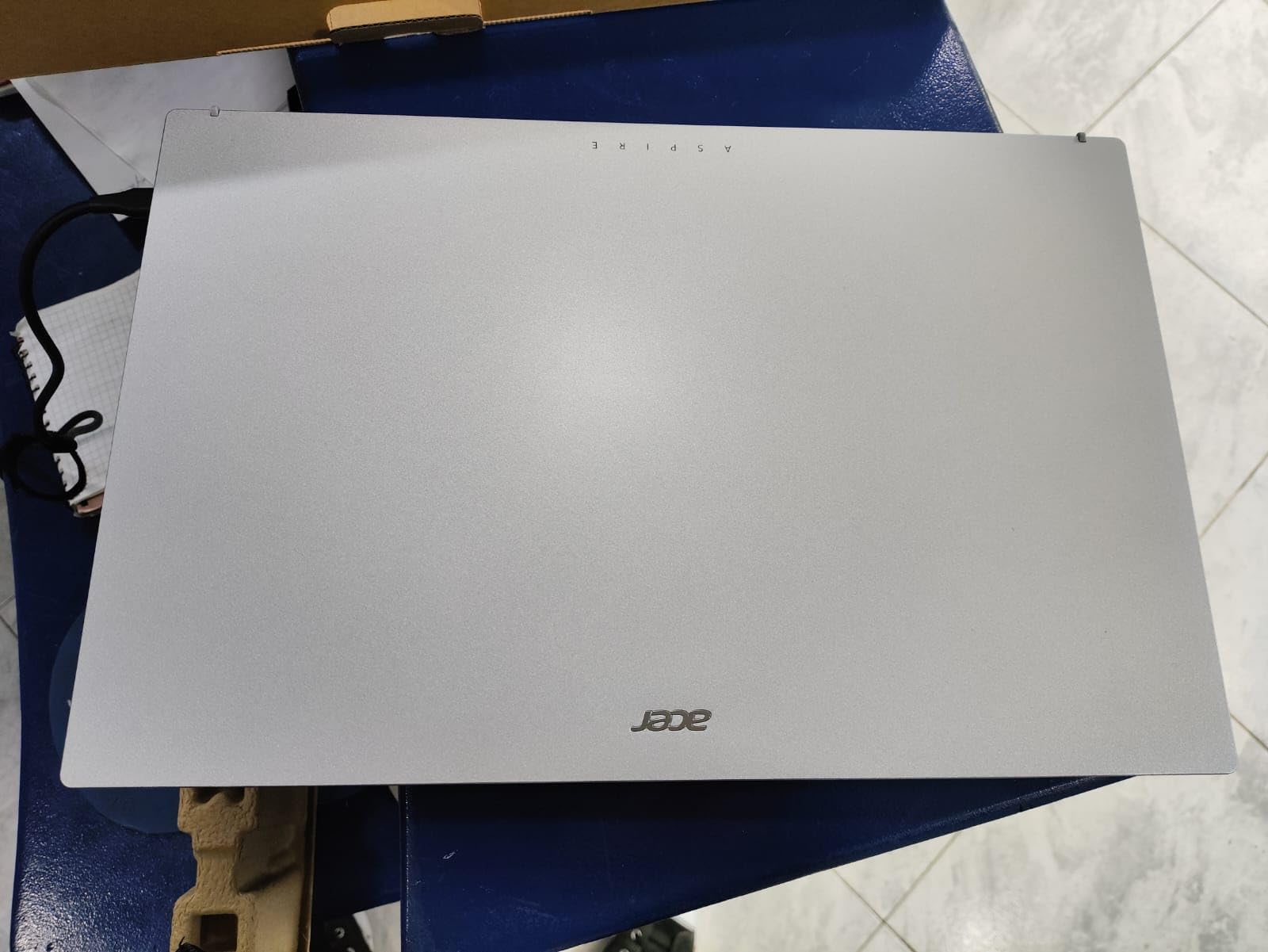
Next to the Dell 15.6 Core 3 below, the Aspire Go 15 has a newer processor generation but only 128GB of storage. The Dell ships with a full 512GB SSD for not much more weight.
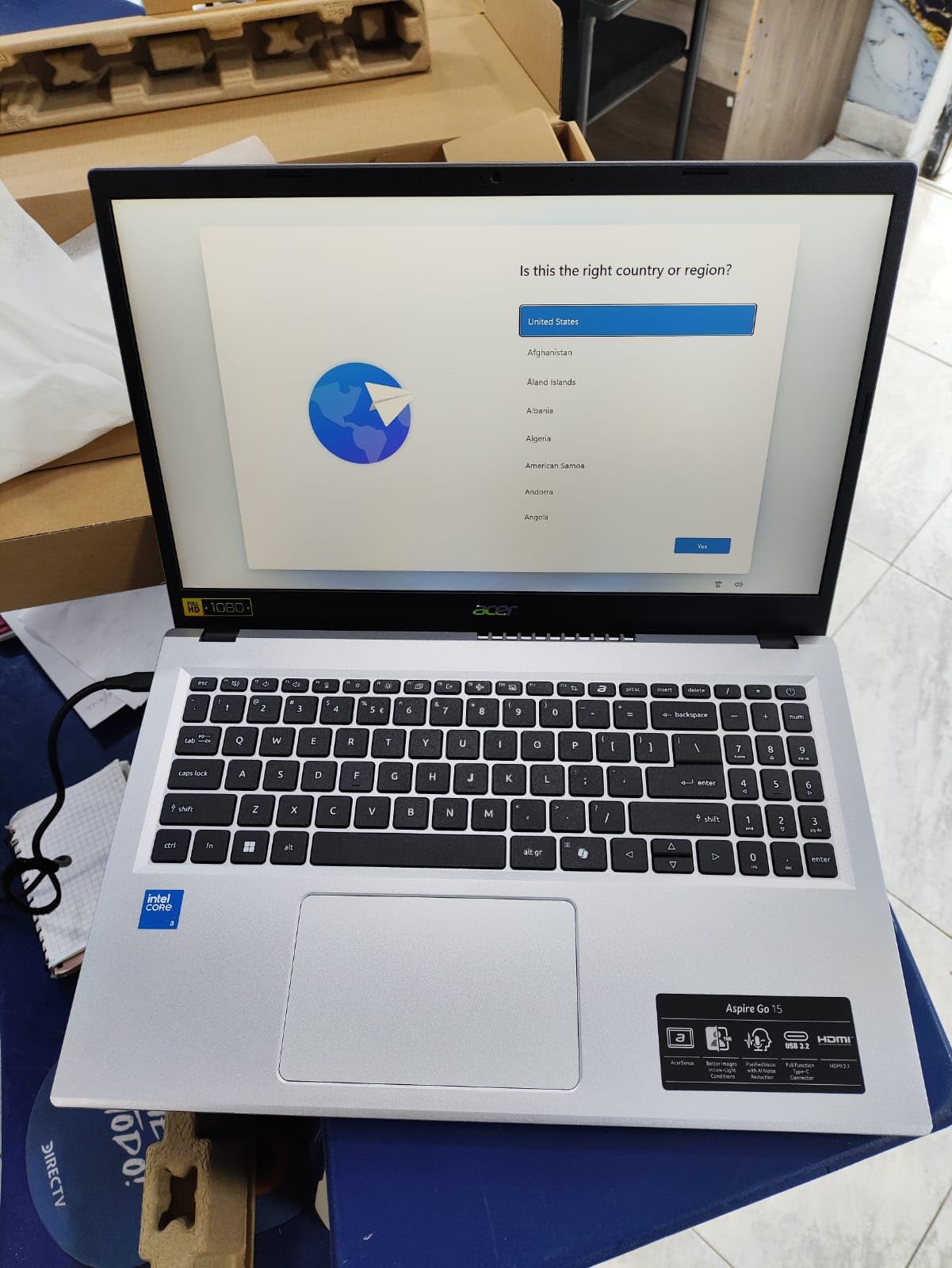
Windows 11 Home in S Mode restricts you to Microsoft Store apps and Edge. You can switch out of S Mode for free, but do it once you are sure you want it.
8. AKCHART 15.6 AI Laptop: Budget Pick
AKCHART 15.6” AI Laptop with Office 365 12GB RAM 256GB SSD Win 11 Laptops
Chip: Celeron J4105
RAM: 12GB
Storage: 256GB SSD
Display: 15.6 inch FHD IPS
Battery: 7000mAh
Pros
- 12GB DDR4 RAM with 256GB SSD
- 15.6 inch FHD IPS display
- AI-powered Windows 11 with Office 365
- 7000mAh battery
- 180-degree lay-flat hinge
Cons
- Celeron processor limited for heavy workloads
- Wi-Fi 5 older standard
- Limited storage expansion
The AKCHART 15.6 AI Laptop is the cheapest laptop on this list, and the unusual one: 12GB of RAM and a 256GB SSD in a 15.6 inch FHD IPS chassis at a budget price. The Celeron J4105 is the bottleneck, so this is not a machine for video editing or anything beyond basic productivity, browsing, and Office 365 work, but it covers what most households need.
Reviewers mention the 7000mAh battery as a real plus for a budget laptop, and the 180-degree lay-flat hinge is helpful for sharing the screen on a table. Office 365 comes included, which is a quiet cost saving on its own.
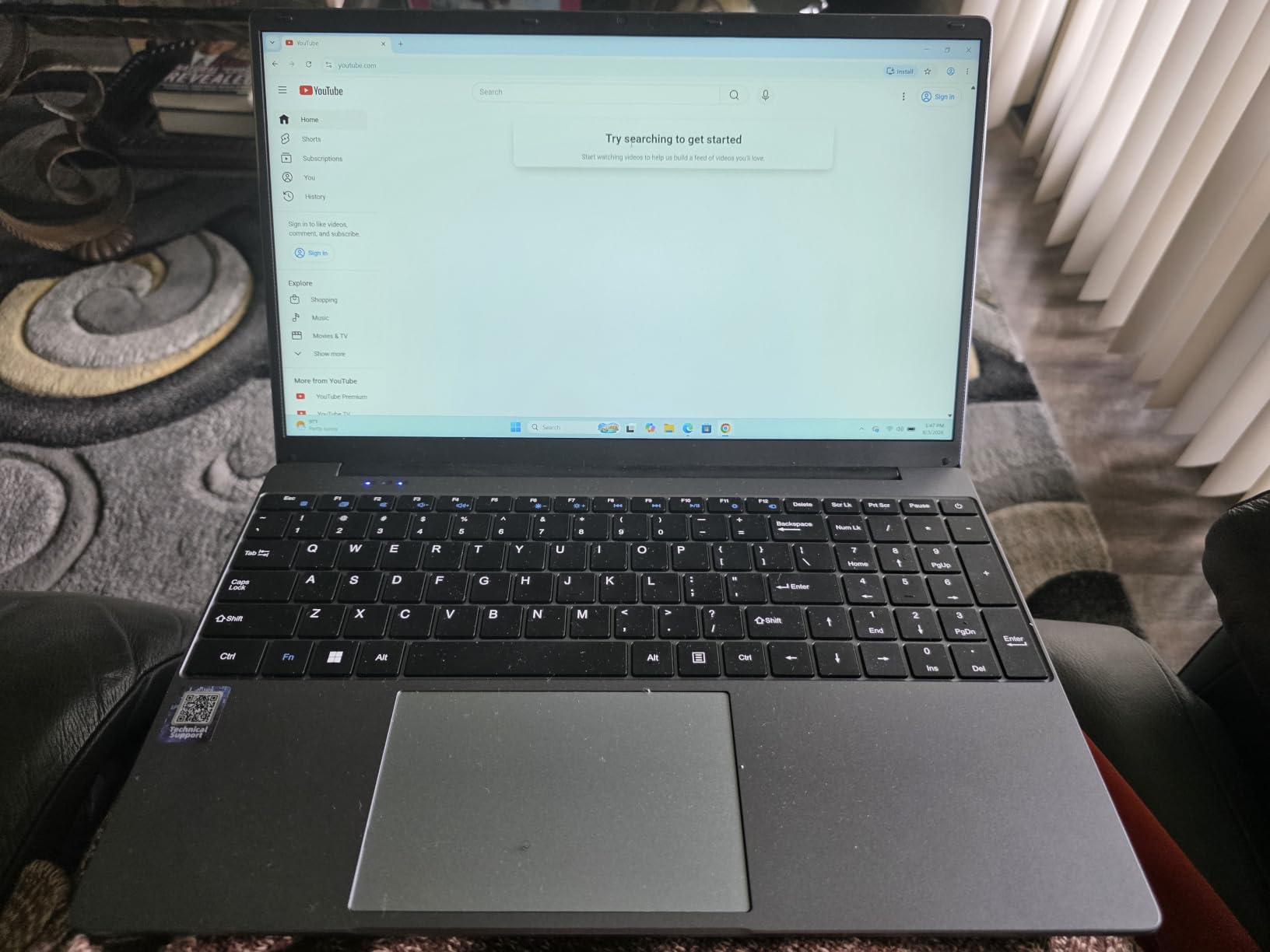
Versus the HP 14 Essential below, the AKCHART gives you a 1080p display, twice the RAM, and four times the storage, but it runs an older Celeron chip. For students who only need a browser, the AKCHART is the better screen; the HP 14 is the better travel laptop.
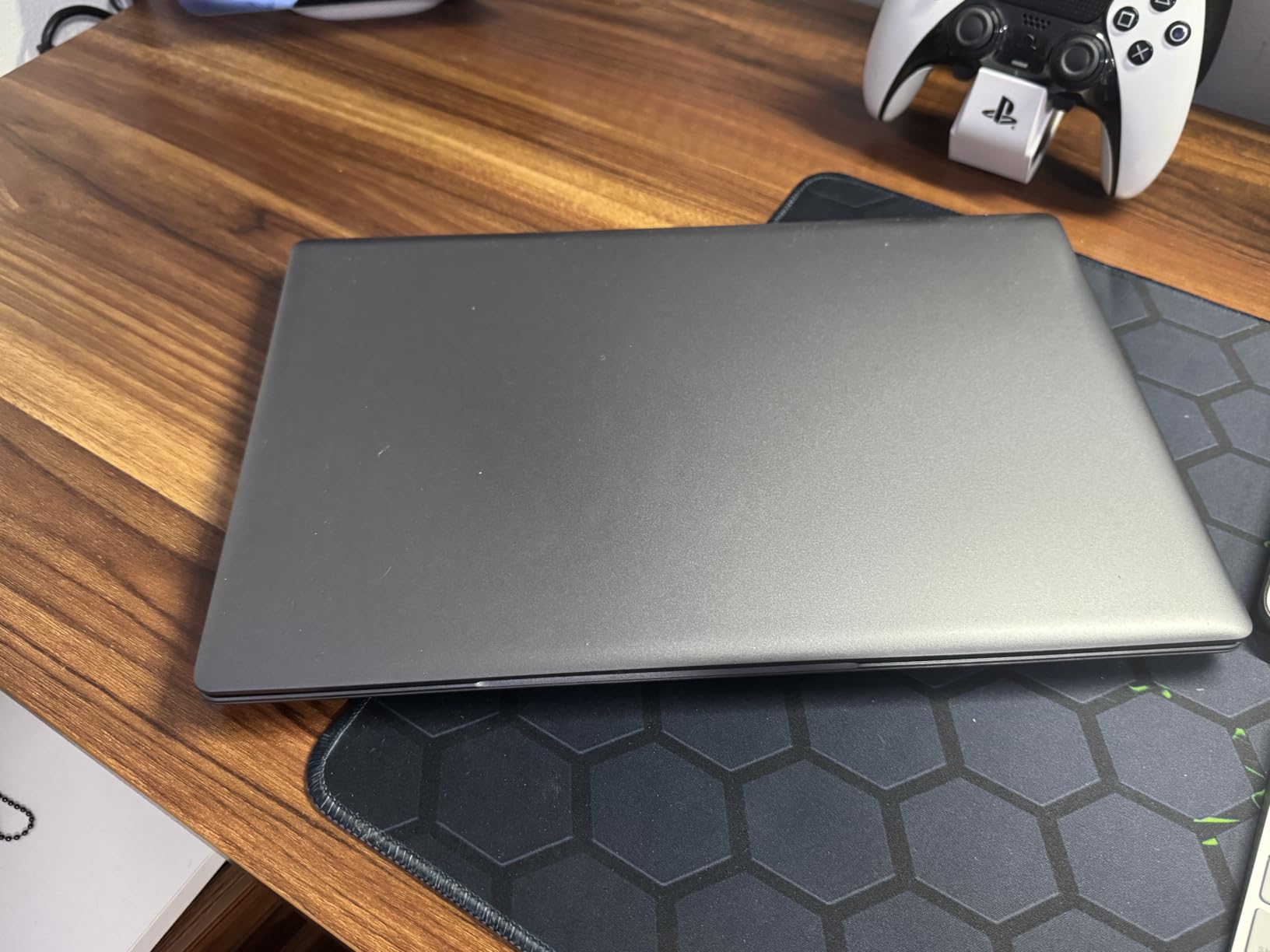
Skip this pick if you plan to run modern apps or keep lots of files locally. The Acer Aspire Go 15 above is the next step up with a current Intel chip.
9. HP 14 Essential: Best for Travel
HP 2026 Essential Laptop, Intel Processor, 128GB Storage, Windows 11
Chip: Intel N150
RAM: 4GB
Storage: 128GB UFS
Display: 14 inch HD
Weight: 3.24 lb
Pros
- Intel N150 up to 3.6GHz
- Up to 11 hours video playback battery
- 3.24 pound lightweight chassis
- Microsoft 365 included
- Wi-Fi 6 and Bluetooth 5.4
Cons
- 1366 x 768 low resolution display
- 4GB RAM limits multitasking
- 128GB storage is minimal
The HP 14 Essential is the most travel-friendly laptop in this list. A 14 inch frame, 3.24 pound weight, and an 11-hour video playback battery are the right shape for a backpack or carry-on, and the Intel N150 keeps things simple. Microsoft 365 Personal is bundled in for a year, which softens the price on a budget machine.
Reviewers mention the 720p HP True Vision camera with AI Noise Reduction as solid for video calls, and Bluetooth 5.4 is current. Copilot key integration keeps AI access one button away.
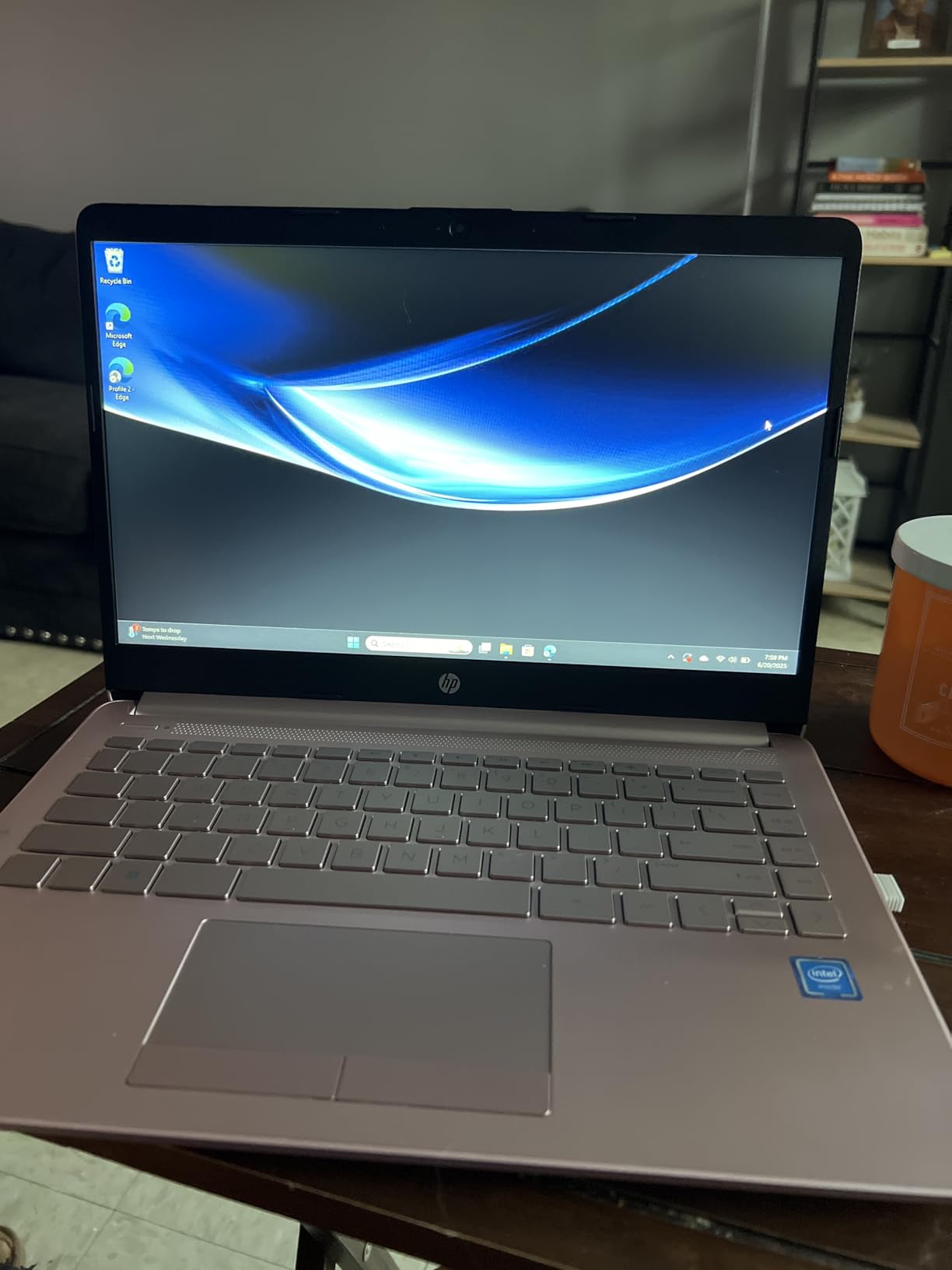
Side by side with the AKCHART above, the HP 14 is smaller, lighter, and has a longer battery rating, but its 1366 x 768 display and 4GB of RAM make it feel slower on a heavy workload. The 14 inch form factor is the reason to choose it.
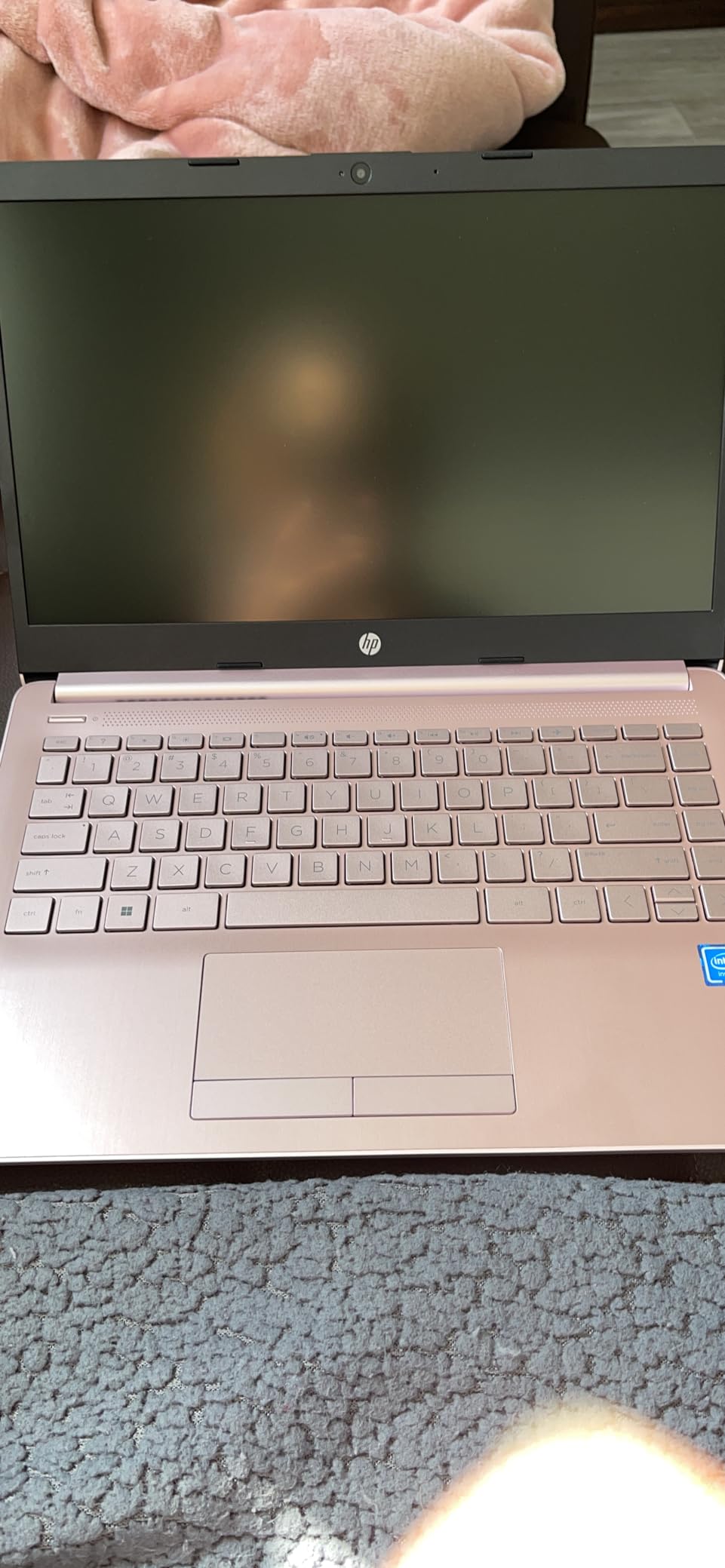
4GB of RAM is the real limit. Browser tabs and a few Office docs are fine, but anything heavier will feel cramped.
10. Dell 15.6 Core 3: Best for Home Office
Dell 15.6 Laptop, FHD, Intel Core 3 100U, 8 GB RAM, Windows 11 Home
Chip: Core 3 100U
RAM: 8GB
Storage: 512GB SSD
Display: 15.6 inch FHD 120Hz
Weight: 4.2 lb
Pros
- 15.6 inch FHD 120Hz display
- Intel Core 3 100U up to 4.7GHz
- 512GB SSD storage
- Dell ComfortView blue light reduction
- Express Charge support
Cons
- 4.2 pounds is heavier than competitors
- No fingerprint reader
- Integrated graphics only
The Dell 15.6 with the Core 3 100U is the home-office machine we would park on a desk and forget about. A 15.6 inch FHD 120Hz display is smooth for scrolling, and 512GB of SSD storage is roomy enough for years of photos and documents without an external drive. Express Charge tops the battery up quickly between meetings.
Reviewers mention Dell ComfortView as useful for long evenings at a screen, and the 1-Year Onsite Service is the kind of warranty that pays off if anything goes wrong. The 4.2 pound weight is heavier than the HP 14 above, but that is the trade for a bigger screen and battery.
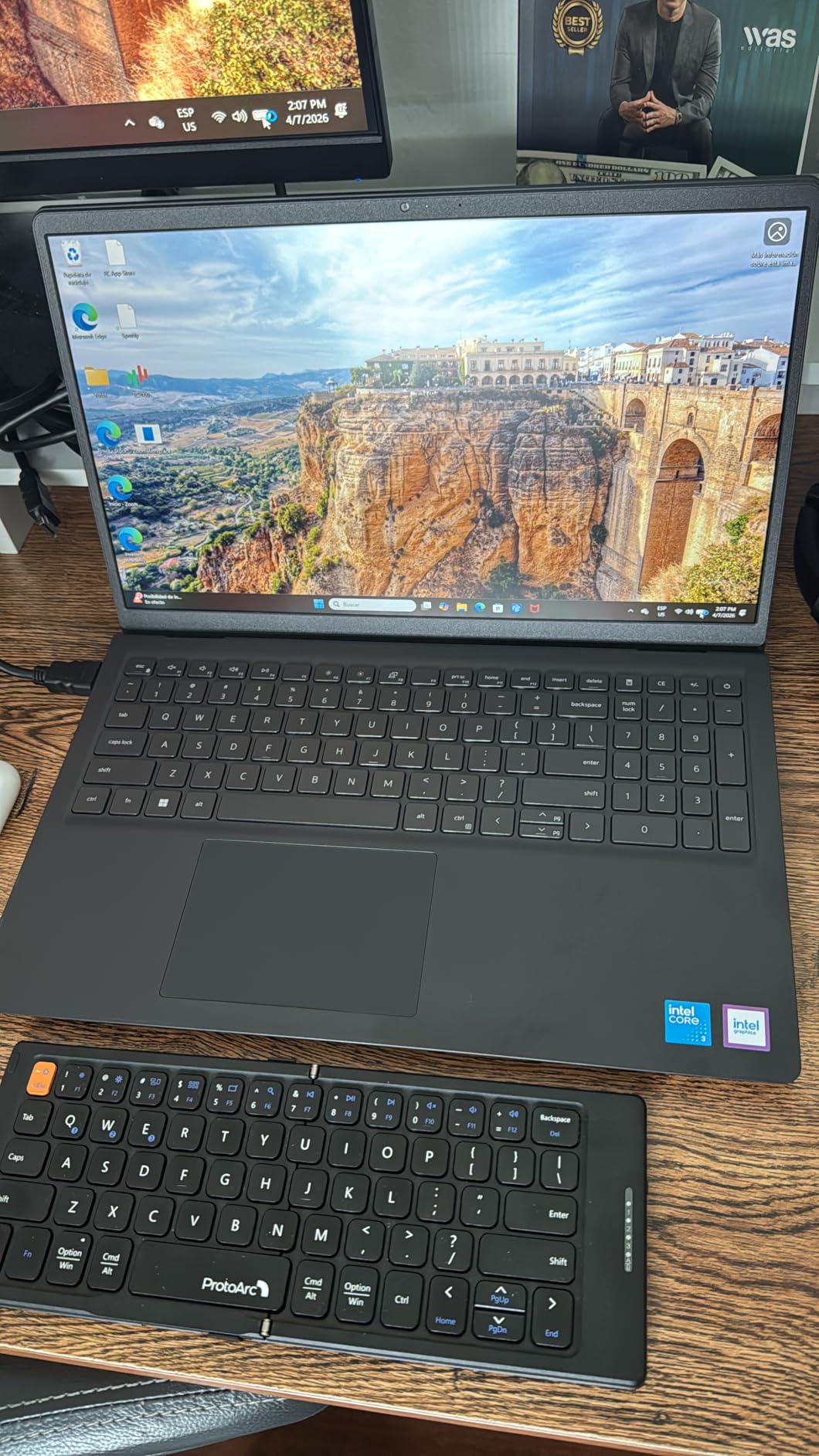
Compared with the Acer Aspire Go 15, the Dell 15.6 has the same CPU class but four times the storage and a 120Hz display. It is the better long-term desk pick.
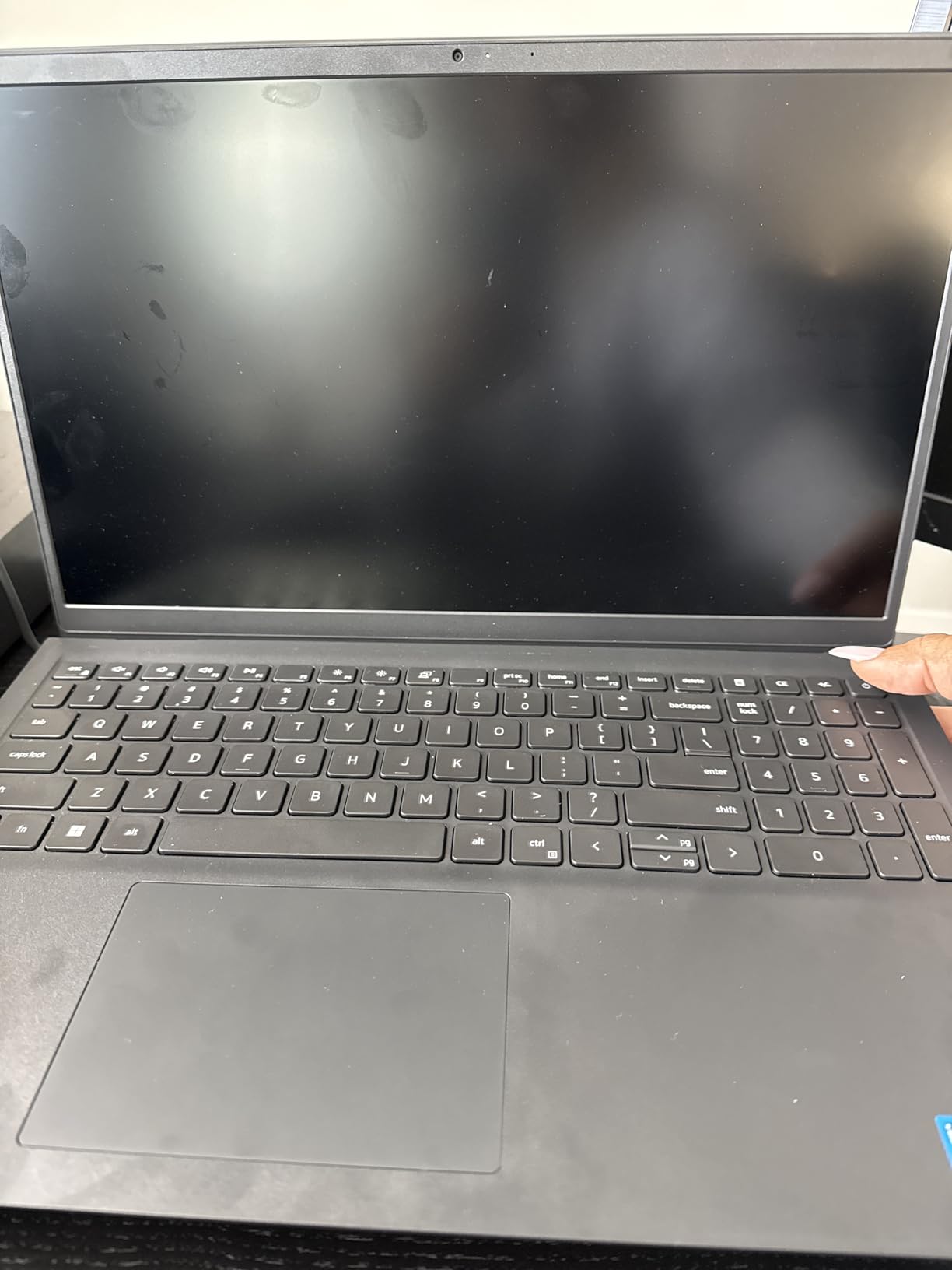
There is no fingerprint reader on this configuration, so sign-in is a PIN or a password. If Touch ID or Windows Hello matters to you, the MacBook Air 13 M5 is the better choice in this list.
How to Choose Laptops During Prime Big Deal Days
Laptop listings move fast during the October sale, and the same model number can mean different things in different configurations. The five decisions below are the ones that actually move the price and how the laptop feels day to day.
Match the Pick to Your Use Case
Specs only matter when they fit what you do. A student carrying a laptop to class has different needs than a content creator running Premiere, and the picks in this list map to those jobs. The MacBook Neo 13 and the 15 inch laptops for students cover most schoolwork, the Lenovo 16 IdeaPad and the Dell 15.6 cover home office, the MacBook Air 15 M5 covers creative work, and the Acer Nitro V 16S covers gaming. Do not pick a gaming machine for writing papers, and do not pick an ultraportable for 3D work.
CPU and GPU Tier: Where the Real Savings Hide
Chip generation is the single biggest driver of laptop discounts. Last year’s Ryzen 7000 and Core Ultra 100 series often drop further than current silicon because retailers are clearing inventory, and the real sweet spot for most shoppers is a current mid-range chip: Ryzen 7 260 in the Acer Nitro V 16S, Apple M5 in the MacBook Air, or Core Ultra 7 in higher Windows tiers. Avoid bargain-bin Celeron and N-series chips if you want a laptop that lasts four years. For gaming, the gaming laptops under 2000 tier is where the RTX 5060 and RTX 5070 cards land.
RAM, Storage and the 16 GB Threshold
16GB of RAM is the minimum for a laptop that should still feel fast in 2030. 8GB works for light browsing and a school workload, but it shows its age fast once you keep dozens of tabs open. 512GB of SSD storage is the new baseline; 128GB fills up in a semester. The picks in this list that hit both targets are the MacBook Air 13 M5, the MacBook Air 15 M5, the Lenovo 16 IdeaPad, the Lenovo V15, the Acer Nitro V 16S, and the Dell 15.6.
Display, Battery and Build for the Way You Carry It
Screen size is the first decision. 13 to 14 inches is the right size for travel and fits in a backpack, 15.6 inches is the desk default, and 16 inches is the sweet spot for creative work where you need room for timelines. Battery life matters more than people expect: aim for at least 8 hours for school or travel, and check that the laptops with the longest battery life in this list (the MacBook Air 13 M5 and the MacBook Air 15 M5, both rated for 18 hours) fit your day. If you carry a laptop between classes, a portable laptop charger for fast charging is worth a place in the bag.
How to Shop Laptop Deals During the Sale
Laptop listings during the sale come with their own gotchas. Confirm the exact model number and CPU generation, because retailers reuse model codes for very different configurations. Check the configuration: a 512GB SSD with 16GB of RAM is a different machine than a 256GB SSD with 8GB at the same screen size. Watch for renewed or open-box entries, and verify that Amazon itself is the seller and shipper, not a third-party marketplace vendor with a different return policy. For shoppers on a tight budget, the laptops under 500 for home use tier is where the AKCHART 15.6 and the HP 14 Essential both land. Most offers need a Prime membership (a free trial counts), and prices shift through the two-day event, so the configuration you want at the start may not be the one left at the end.
Laptop Deal-Shopping Checklist
- Confirm the exact model number and CPU generation on the listing.
- Check RAM and SSD size, not just the processor name.
- Match display size and resolution to how you carry the laptop.
- Verify the seller is Amazon and the return window is in place.
- Confirm Prime status before assuming the offer applies.
- Watch the listing for the full two days; prices can drop more than once.
Frequently Asked Questions
When does Amazon’s Prime Big Deal Days run for laptop deals?
Prime Big Deal Days runs October 6-7, 2026, and laptop listings are active for the full two days. Most offers go live at midnight Pacific on October 6 and run through the end of October 7, though a few early deals appear the day before.
Do I need an Amazon Prime membership to buy these laptop deals?
Yes. Most laptop offers during Prime Big Deal Days need an active Prime membership. A free 30-day trial counts, so you can sign up just for the event and cancel before it renews if you only want the deals.
Are laptops actually discounted during Prime Big Deal Days?
Owners report that mainstream and budget laptops see meaningful drops during the October sale, while premium and gaming tiers see smaller moves. The MacBook Air 13 M5 and the Acer Aspire Go 15 are the configurations most worth watching in this list, and prices change through the event.
Which laptop brands tend to see the deepest discounts during the sale?
Owners report the deepest cuts on Acer, Lenovo, and HP mainstream models, with smaller but real drops on Apple MacBook Air configurations. Gaming laptops from Acer, MSI, and ASUS tend to see the largest absolute price moves later in October.
What laptop configuration should I avoid buying on sale?
Avoid 4GB of RAM and 128GB of storage unless the laptop is for a child or a single-task setup like a kitchen browser. Also skip last year’s flagship gaming GPU at near-current prices; the discount rarely justifies the older silicon. The picks in this list meet a 16GB or 256GB floor wherever possible.
Should I buy an older-generation laptop if it is heavily discounted during Prime Big Deal Days?
If the older chip is from the last two generations and the price drop is real, yes. A 13th Gen Core i5 or a Ryzen 5 5500U at the right number is a smart buy. Skip older hardware if it is only a small amount cheaper than the current generation on the same listing.
Final Verdict: Laptop Deals: Prime Big Deal Days
Buy the MacBook Air 13 M5 if you want the most balanced laptop to watch during Prime Big Deal Days: the M5 chip, 16GB of memory, and 18-hour battery cover nearly every daily task. Buy the AKCHART 15.6 AI Laptop if a 15.6 inch FHD screen at a budget number matters more than CPU muscle. The MacBook Air 15 M5 is the premium pick for shoppers who need the larger display, the Acer Nitro V 16S is the gaming pick with an RTX 5060 and a 180Hz panel, and the Lenovo 16 IdeaPad is the productivity pick for a Windows-first home office.
Pick the configuration that matches your workload, check the listing once Prime Big Deal Days opens on October 6, and move quickly on the right number; the configurations worth watching tend to shift through the two-day event.
 Priya Kapoor