
You charge them every single night. By morning, they are ready to go. But somewhere around the 18-month mark, the magic fades. One bud taps out before your commute is even over. The other limps along for another hour before dying without warning.
If you are wondering why your wireless earbuds die so fast, you are not alone. This is one of the most common complaints in audio communities, with thousands of Reddit threads asking the same question. The short answer comes down to tiny batteries, limited charge cycles, and heat exposure that your earbuds simply cannot escape.
In this guide, we break down exactly why wireless earbuds die so fast and how to make them last. You will learn the science behind battery degradation, the habits that are quietly killing your earbuds, and practical steps you can take today to squeeze months or even years of extra life out of your current pair.
Why Do Wireless Earbuds Die So Fast?
Wireless earbuds die fast because their tiny lithium-ion batteries (typically 40 to 60 mAh) have a limited number of charge cycles, usually around 300, and they are constantly exposed to heat from your ears, your pockets, and the charging case. This combination of small capacity, frequent charging, and thermal stress causes rapid battery degradation compared to larger devices like phones or laptops.
Think about it this way. Your smartphone has a battery roughly 80 times larger than each earbud. Yet you charge both devices about once a day. The earbud battery works much harder per unit of capacity, completing full charge cycles far more quickly than your phone ever will.
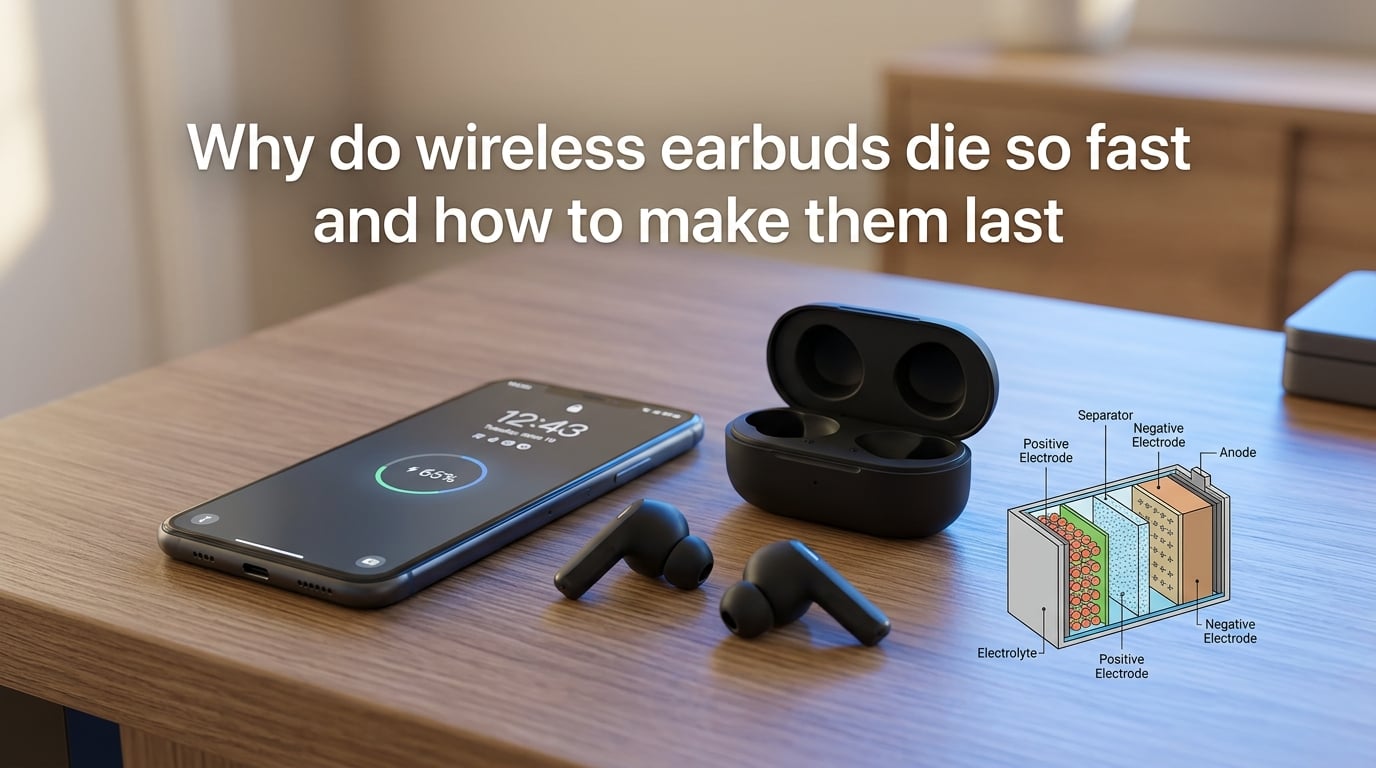
Lithium-ion batteries degrade through chemical reactions inside the cell. Every time you charge and discharge, microscopic changes occur in the battery’s internal structure. Ions get slightly less efficient at moving between the anode and cathode. Over hundreds of cycles, this adds up to noticeably shorter battery life.
The result is that most wireless earbuds start showing battery decline within 12 to 18 months of daily use. Some degrade even faster depending on charging habits and environmental factors.
Tiny Batteries, Big Problems: The mAh Reality
To understand why earbuds die so fast, you need to look at battery capacity. Capacity is measured in milliamp-hours (mAh), which tells you how much charge a battery can hold.
Each wireless earbud typically contains a battery rated between 40 and 60 mAh. For comparison, a modern smartphone battery ranges from 3,000 to 5,000 mAh. A laptop battery can hold anywhere from 4,000 to 10,000 mAh or more.
The problem is not just that earbud batteries are small. It is that small batteries degrade proportionally faster than large ones. Here is why: every lithium-ion battery has a rated cycle life. A typical earbud battery is rated for roughly 300 full charge cycles. A smartphone battery is rated for 500 to 800 cycles. A laptop can handle 1,000 or more.
But here is the catch. Because earbud batteries are so small, you burn through a full charge cycle much more often. If you use your earbuds for 5 hours and they hold 5 hours of charge, that is one full cycle every single day. Over a year, that is 365 cycles. You have already exceeded the rated cycle life in under a year.
Your phone, with its massive battery, might only go through a full cycle once a day too. But it has 800 cycles to spare. The math is simply not in favor of earbuds.
Charge Cycles: The 300-Cycle Limit
A charge cycle means using 100% of the battery’s capacity, but not necessarily in one go. If you use 50% of your earbud battery one day, charge it back to full, then use another 50% the next day, that counts as one full cycle, not two.
Most true wireless earbuds are rated for approximately 300 charge cycles before their battery capacity drops to 80% of the original. After that point, degradation accelerates. The battery does not just stop working, but it holds noticeably less charge.
Let us do the math. If you charge your earbuds once a day, you complete 365 charge cycles in a year. You have already blown past the 300-cycle mark before your first warranty anniversary. By month 15, your earbuds may only hold 60 to 70% of their original charge.
This is why your earbuds went from lasting 5 hours to barely making it through 2. The battery has not failed in a dramatic way. It has worn out through normal chemical aging, just faster than you expected because the cycle budget is so limited.
Compare this to a smartphone. A phone rated for 800 cycles, charged once daily, takes over two years to reach the same level of wear. That is why your phone battery feels fine at 18 months while your earbuds are already struggling.
Heat: The Silent Battery Killer
Heat is the single biggest enemy of lithium-ion batteries. Every degree above room temperature accelerates chemical degradation inside the cell.
And earbuds live in a heat trap. When you wear them, they sit inside your ear canal, which is naturally warm. Your body temperature is around 98.6 degrees Fahrenheit. The earbud’s internal electronics generate additional heat during operation. If you are exercising, the temperature around your ears rises even further.
Then there is the pocket problem. Many people carry their charging case in a pants pocket all day. Body heat warms the case and the batteries inside it. A study referenced by Battery University shows that lithium-ion batteries stored at 40 degrees Celsius (104 degrees Fahrenheit) lose up to 35% of their capacity in just three months.
Charging also generates heat. When you plug in the case or place it on a wireless charging pad, the batteries warm up. Fast charging makes this worse by pushing more current through the cells in less time, creating additional thermal stress.
Here is what this means in practice: every time you charge warm earbuds in a warm case while the case sits in a warm pocket, you are stacking heat sources. This compounds the damage significantly over time.
The Case Is a Third Battery Most People Forget
Here is something most guides completely overlook. Your wireless earbud setup actually has three batteries, not two. Each earbud has one, and the charging case has its own larger battery.
The case battery is typically rated between 300 and 500 mAh. It is designed to provide multiple top-up charges to the earbuds throughout the day. But the case battery also uses lithium-ion chemistry, which means it also degrades over time.
Many people leave the charging case plugged in 24/7 or sitting on a wireless charging pad constantly. This keeps the case battery at 100% charge indefinitely. Lithium-ion batteries held at maximum charge experience higher internal voltage stress, which accelerates degradation.
The 80% rule applies to the case, not just the earbuds. Keeping the case battery between 20% and 80% charge extends its lifespan significantly. This is the same principle battery researchers recommend for smartphones and laptops, but it is even more important for earbuds because you cannot replace these batteries.
When the case battery degrades, it can no longer provide the advertised number of top-up charges. You might have bought earbuds promising 24 total hours of playback with the case, only to find that after a year, the case barely provides one full extra charge. The earbuds themselves might still be fine, but the case has worn out.
Why One Earbud Always Dies Before the Other
This is one of the most common complaints in Reddit communities like r/Earbuds, r/galaxybuds, and r/headphones. Users consistently report that one earbud, usually the right one, drains significantly faster than the other.
There are several reasons for this asymmetric drain. First, many true wireless earbuds use a master-slave Bluetooth architecture. One earbud acts as the primary connection to your phone, then relays the audio signal to the other earbud. This primary bud works harder, processes more data, and consumes more power.
Second, internal components may differ slightly between the left and right earbuds. One might have additional sensors or a different chip configuration that draws more current. Manufacturing variations also mean that two batteries from the same production batch can have slightly different capacities and degradation rates.
Third, there is the seating issue. Reddit users have discovered that one earbud sometimes does not seat properly in the charging case. If the charging contacts do not align, that earbud does not charge at all while sitting in the case. One user reported their Galaxy Buds 2 Pro right earbud was not seated correctly and never actually charged between uses.
Fourth, different usage patterns matter. If you tend to take out one earbud to talk to people or hear your surroundings, that earbud goes through more charge cycles. Over months, the imbalance adds up.
From forum discussions, the most common fix for sudden asymmetric drain is to resync the earbuds. A long press on the case button or a full factory reset often resolves software-related drain issues. If the problem persists after a reset, it is likely hardware degradation rather than a software glitch.
How to Make Wireless Earbuds Last Longer?
The good news is that you have significant control over how fast your earbud batteries degrade. By changing a few daily habits, you can extend the life of your earbuds by months or even years.
Here are seven proven strategies to make your wireless earbuds last longer.
1. Follow the 80% Charging Rule
Do not let your earbuds sit at 100% charge for extended periods. Research from Battery University shows that lithium-ion batteries last longest when kept between 20% and 80% state of charge. Unplug the charging case once it is full rather than leaving it connected overnight.
This applies to the case especially. If you leave the case plugged in all day while at your desk, the battery sits at maximum voltage. Over weeks and months, this significantly shortens the case battery’s lifespan.
2. Keep Your Earbuds Cool
Avoid charging hot earbuds. If you just finished a workout or a long listening session, let the earbuds cool down for 10 to 15 minutes before placing them in the charging case. Charging warm batteries creates compounded thermal stress that accelerates degradation.
Never leave your case in direct sunlight, in a hot car, or on a radiator. Store the case in a bag or pocket where airflow can help regulate temperature. If you live in a hot climate, this matters even more.
3. Avoid Micro Top-Ups Throughout the Day
Every partial charge still contributes to a charge cycle. If you are the type of person who drops their earbuds in the case for 10 minutes between meetings, you are racking up partial cycles all day long. This is actually worse than fewer, deeper charge cycles.
Instead, try to use your earbuds until they reach around 20% before charging. This does not mean running them completely dead, but avoiding constant small top-ups helps the battery age more slowly.
4. Disable Features You Do Not Need
Active noise cancellation can reduce battery life by 20 to 40% depending on the model. If you are in a quiet environment, switch to a standard or transparency mode. The same goes for high-quality audio codecs like LDAC, which consume more power than standard SBC or AAC codecs.
Multipoint Bluetooth connections, where your earbuds stay connected to two devices simultaneously, also drain the battery faster. If you only need one device connected, disable multipoint in your earbud app.
5. Lower Your Volume
Higher volume levels require more power from the tiny amplifier inside each earbud. Listening at 70% volume uses noticeably less battery than listening at maximum volume. This also protects your hearing, which is a bonus.
If you need loudness, consider using earbuds with better passive noise isolation. This lets you achieve the same perceived loudness at a lower actual volume level.
6. Keep Firmware Updated
Manufacturers occasionally release firmware updates that optimize power management. These updates can improve battery efficiency by adjusting how the earbuds handle Bluetooth connections, noise cancellation, and standby mode.
Check your earbud manufacturer’s companion app every few weeks for updates. Some updates also fix bugs that cause excessive battery drain, such as the asymmetric drain issue mentioned earlier.
7. Store Properly for Long-Term Non-Use
If you are not going to use your earbuds for several weeks or months, do not store them empty or fully charged. Charge the case and earbuds to approximately 50% before putting them away. Store them in a cool, dry place.
Check on them every few months and top up to 50% if the charge has dropped. A lithium-ion battery stored at 0% for months may enter a deep discharge state and become permanently unable to charge. A battery stored at 100% degrades faster from high voltage stress.
Signs Your Earbud Battery Is Already Failing
How do you know if your earbud battery is actually degrading versus just having a bad day? There are several clear warning signs to watch for.
Significantly reduced playtime is the most obvious indicator. If your earbuds used to last 5 hours and now barely make it to 2 hours, the battery has degraded substantially. A drop of 20% over a year is normal aging. A drop of 50% or more suggests accelerated degradation or a defect.
Sudden shutdowns are another red flag. If your earbuds go from 40% to dead in minutes, the battery percentage indicator is no longer calibrated with the actual battery capacity. This is a sign of significant cell wear.
The case not holding charge is a separate issue from the earbuds themselves. If you fully charge the case and it provides far fewer top-up charges than it used to, the case battery is degrading. This is especially common for people who leave the case plugged in constantly.
One earbud dying significantly faster than the other, after you have tried resetting both, points to hardware-level battery degradation in that specific earbud. If a factory reset does not fix the imbalance, it is not a software issue.
How do you tell the difference between normal wear and a manufacturing defect? If your earbuds show severe degradation within the first 6 months, or if one earbud dies completely while the other works fine, contact the manufacturer. This level of decline within the warranty period often qualifies for a replacement.
When to Replace vs Repair?
Unlike smartphones or laptops where battery replacement is possible, true wireless earbuds use sealed designs with glued components. Opening an earbud to replace the battery almost always destroys the housing. You cannot buy replacement batteries for AirPods, Galaxy Buds, or most other major brands.
This means that when the battery dies, the earbuds are effectively e-waste. There is no practical repair path for the average consumer.
So when should you replace them? If your earbuds are under warranty and showing significant degradation, contact the manufacturer for a replacement. Most major brands offer a one-year warranty that covers battery defects, though normal wear is typically excluded.
If your earbuds are out of warranty and battery life has dropped below a usable threshold for your daily needs, it is time to shop for a replacement. Consider how long you have owned them. If they lasted 18 to 24 months before becoming unusable, that is within the expected range for daily use of true wireless earbuds.
When replacing, look for models with larger batteries, longer rated cycle lives, or replaceable batteries if available. Some newer models are beginning to advertise improved battery longevity as a selling point, responding to consumer frustration with short earbud lifespans.
For old earbuds, do not throw them in the trash. Lithium-ion batteries contain materials that can be hazardous in landfills. Most electronics retailers and municipal recycling programs accept small electronics for proper disposal. Apple, Best Buy, and other major retailers have free recycling programs for old earbuds and their charging cases.
FAQs
How to fix earbuds dying fast?
To fix earbuds dying fast, first try a full factory reset by holding the case button for 10 to 15 seconds. If that does not help, change your charging habits: avoid overnight charging, keep the case between 20% and 80%, let earbuds cool before charging, and disable power-hungry features like ANC when not needed. If battery life is still poor after these steps, the battery has likely degraded beyond software fixes.
How to make your wireless earbuds last longer?
To make wireless earbuds last longer, follow the 80% charging rule by unplugging the case once it reaches full charge. Keep earbuds away from heat by letting them cool before charging and avoiding hot storage spots. Avoid micro top-up charges throughout the day, disable unused features like ANC and multipoint Bluetooth, lower your listening volume, and keep firmware updated for power management improvements.
How many years should wireless earbuds last?
Wireless earbuds typically last 1.5 to 3 years with daily use before battery degradation makes them impractical. The batteries are rated for approximately 300 charge cycles, which daily users exhaust in under a year. With careful charging habits like avoiding overcharging and keeping earbuds cool, you can extend usable life to 2 or 3 years.
How to revive a dead earbud?
To revive a dead earbud, place it in the charging case and leave it for at least 30 minutes even if it shows no signs of charging. If that fails, clean the charging contacts on both the earbud and case with a cotton swab and rubbing alcohol. Try a different charging cable or power source. As a last resort, perform a factory reset through the manufacturer app or by holding the case button. If none of these work, the battery is likely permanently dead.
Conclusion
Wireless earbuds die so fast because their tiny 40 to 60 mAh lithium-ion batteries are rated for only about 300 charge cycles, they live in heat-trapping environments, and most people charge them in ways that accelerate degradation. The case battery, often forgotten, ages separately and adds its own failure timeline.
The good news is that simple habit changes make a real difference. Following the 80% charging rule, keeping earbuds cool, avoiding constant micro top-ups, and disabling unused features can extend battery life by months or even years. These are not complicated fixes, just consistent choices that add up over time.
Next time you unplug your case and head out the door, remember that every charging decision shapes how long your earbuds will serve you. Treat those tiny batteries with care, and they will keep the music playing far longer than the average user experiences.