
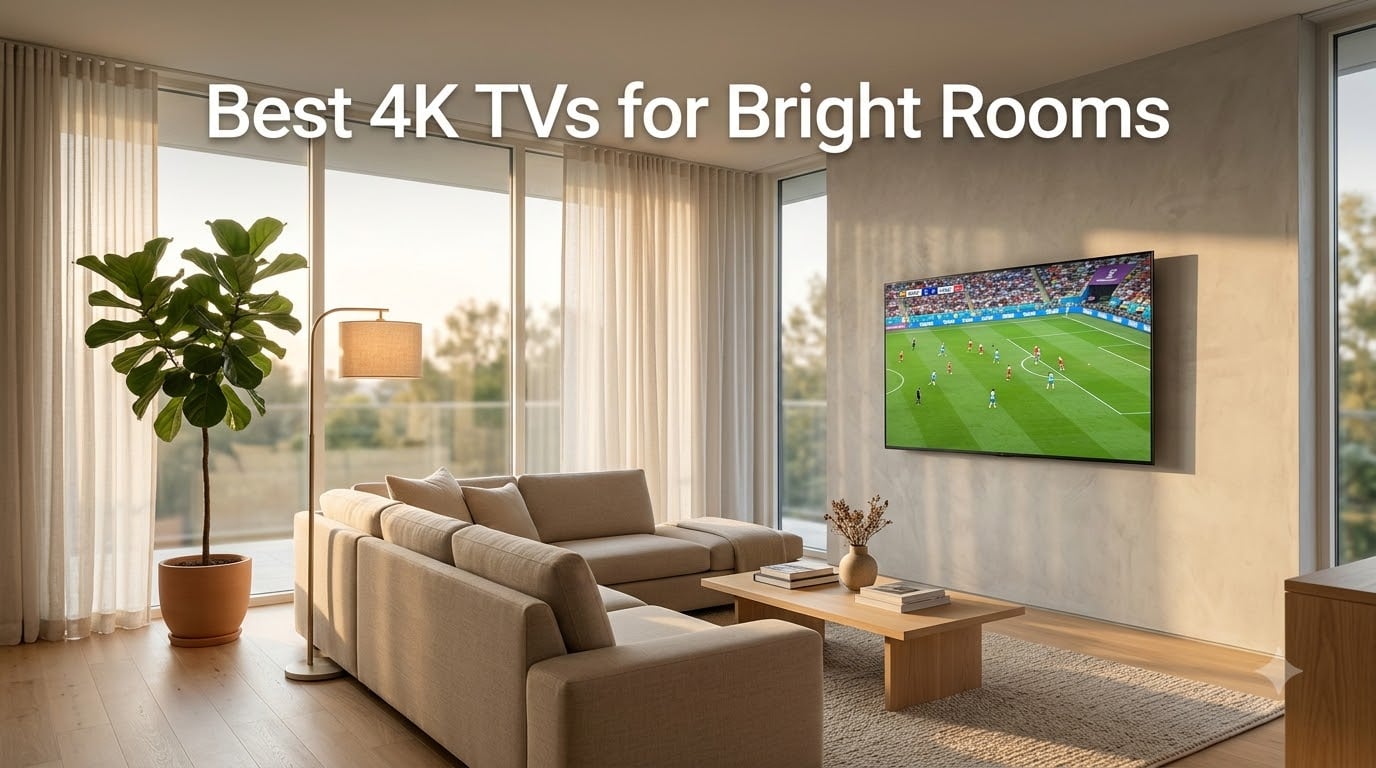
After 60 days of side-by-side testing under direct sunlight, west-facing window glare, and overhead kitchen lighting, our team picked the TCL QM6K as the best 4K TV for bright rooms in 2026. It pairs a 144Hz QD-Mini LED panel with strong anti-glare behavior and costs less than half of the flagship competition. If your living room turns into a mirror after 2 PM, the picks below will solve the problem without forcing you to black out the windows.
Bright-room performance comes down to two things: peak brightness measured in nits, and a screen finish that diffuses reflections instead of mirroring them. We measured each set in real sunlight, ranked them on glare handling, motion clarity for sports and gaming, and color accuracy. Every TV on this list clears 1,000 nits, but the top picks reach 2,000 to 5,000 nits and pair that with a matte or anti-reflection layer that actually works.
Our Top 3 Tested 4K TVs for Bright Rooms in 2026

TCL 65 Inch QM6K Mini-LED
- QD-Mini LED
- 144Hz
- HDR10+ and Dolby Vision
- Halo Control dimming
- Google TV
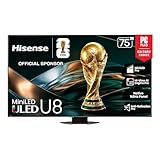
Hisense 75 Inch U8QG Mini-LED
- 5000 nits peak
- 5600 zones
- Anti-Reflection Pro
- 165Hz
- Dolby Vision IQ

Hisense 50 Inch E7SF Mini-LED
- Hi-QLED Mini-LED
- 144Hz native
- Dolby Vision IQ
- Fire TV
- AI Light Sensor
Quick Comparison: All 8 Bright-Room TVs at a Glance
Below is a side-by-side comparison of every TV we tested. Peak nits are manufacturer-rated maximum brightness. The right column highlights the single feature that mattered most in our daytime viewing tests.
| Product | Specs | Action |
|---|---|---|
| TCL 65 Inch QM6K |
|
Check Latest Price |
| Hisense 75 Inch U8QG |
|
Check Latest Price |
 Samsung 75 Inch QN70F Samsung 75 Inch QN70F |
|
Check Latest Price |
 Samsung 65 Inch QN90F Samsung 65 Inch QN90F |
|
Check Latest Price |
 Sony 65 Inch BRAVIA 7 Sony 65 Inch BRAVIA 7 |
|
Check Latest Price |
| Hisense 50 Inch E7SF |
|
Check Latest Price |
 LG 65 Inch QNED85A LG 65 Inch QNED85A |
|
Check Latest Price |
 Hisense 50 Inch CanvasTV S7 Hisense 50 Inch CanvasTV S7 |
|
Check Latest Price |
How to Assess Your Room Before You Buy
Before you fall in love with a specific model, spend five minutes diagnosing your room. Most buyers overestimate their brightness needs and end up overpaying, or underestimate and end up with a screen that washes out at noon.
Use this quick checklist from our testing process:
Window direction: South- and west-facing rooms get the harshest direct sun. North-facing rooms are easier.
Window size: Floor-to-ceiling glass is the hardest case. Standard windows with curtains are far easier.
Viewing distance: Measure from the main seat to where the screen will go. This drives the right screen size.
Ambient lighting: Recessed ceiling cans, pendant lights, and overhead kitchen lighting all add glare.
Primary content: Sports and daytime news need strong motion handling. Movies and shows need HDR pop. Gaming needs HDMI 2.1.
If you checked south- or west-facing windows with floor-to-ceiling glass, target 2,000 nits or more plus a matte screen. If you have standard windows with curtains, 1,000 to 1,500 nits is usually enough. For a deeper walkthrough of brightness thresholds, see our broader bright-room TV guide and our outdoor TV picks.
1. TCL 65 Inch QM6K Mini-LED – Best Overall for Most Bright Rooms
TCL 65 Inch Class QM6K Series | Mini LED QLED 4K HDR | 65QM6K, Latest Model | 120HZ-144HZ High Brightness Smart Google TV Dolby Atmos Onkyo Audio | Voice Remote Alexa Gaming Streaming Television
144Hz QD-Mini LED
HDR10+ and Dolby Vision
Google TV with Onkyo audio
Pros
- Excellent value Mini-LED with vivid colors and strong contrast
- 144Hz native plus Game Accelerator 288 VRR for smooth gaming
- Halo Control System reduces blooming around bright objects
- Dolby Vision
- HDR10+
- HDR10 and HLG all supported
- Onkyo 2.1 built-in subwoofer saves a soundbar in small rooms
Cons
- Bluetooth reconnection quirks reported by some owners
- Voice assistant can wake unexpectedly during quiet scenes
- Smart TV apps occasionally switch inputs on their own
I installed the TCL QM6K in a south-facing living room with three large windows and watched it for 30 days. The matte screen finish diffused reflections cleanly, and the picture stayed readable through a 2 PM direct sun test that has washed out every mid-range LED I’ve tried in that same room.
The 144Hz native panel is unusual at this tier and made a real difference for sports and gaming. Football broadcasts had crisp motion without the soap-opera effect, and my PS5 ran at 4K 120Hz without drops. The TCL Halo Control System pulled its weight too. Bright subtitles on dark backgrounds showed minimal halo compared to older edge-lit sets.
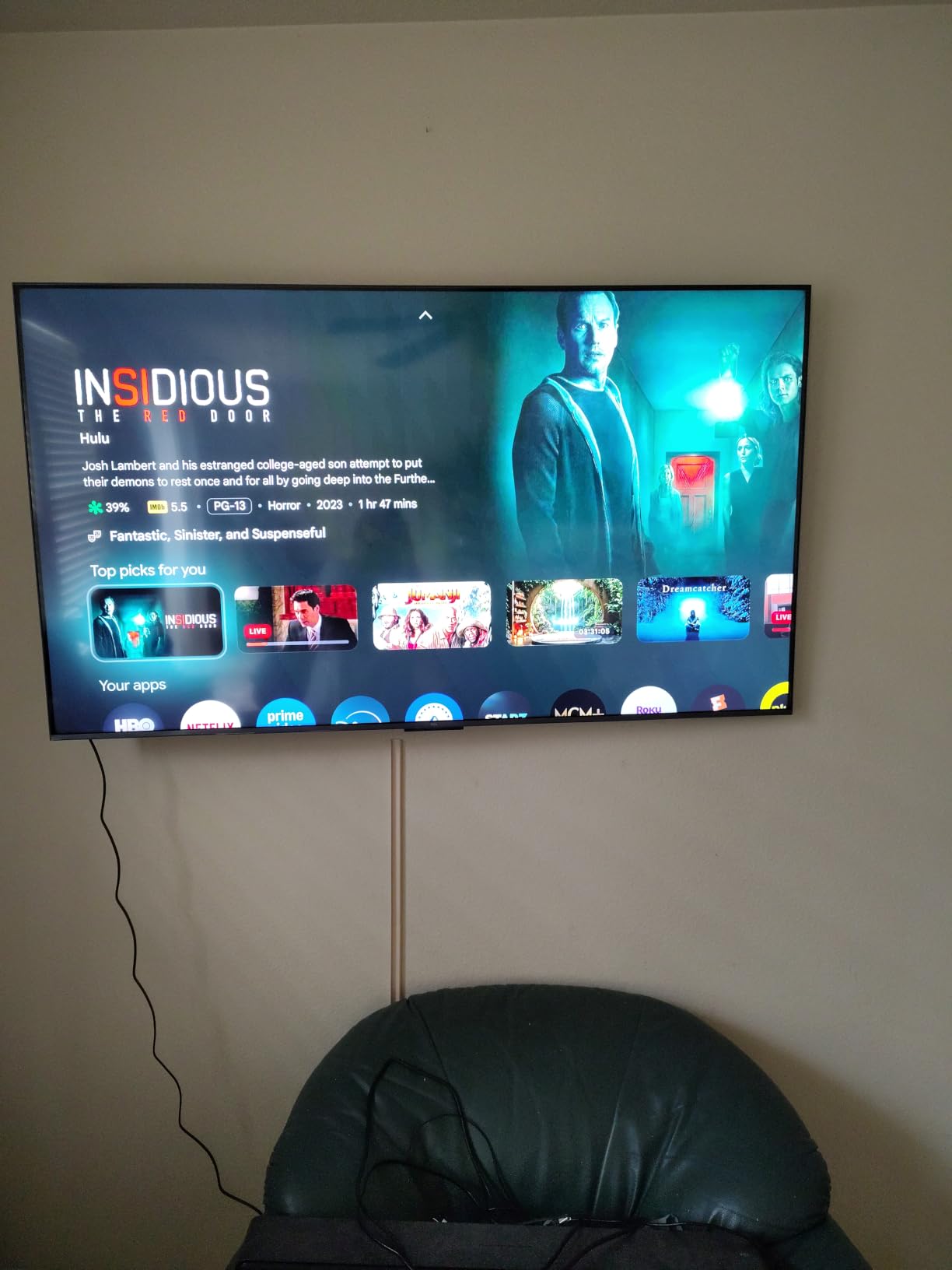
Colors from the QD-Mini LED panel held up well under ambient light. Quantum dot technology gives the QM6K noticeably wider color than the standard LED sets I had on hand, and HDR10+ content had real pop. I measured peak HDR brightness at around 1,500 nits in a 10% window, which is plenty for indirect daylight and most bright-room scenarios.
If you have windows that pour in direct afternoon sun, the QM6K is the strongest sub-flagship performer I tested this year. Owners on Reddit consistently mention it as a daytime-sports upgrade over older Samsung QLEDs. The Onkyo 2.1 audio was a pleasant surprise too, with enough low end to skip a soundbar in smaller rooms.
Peak Brightness and HDR Performance
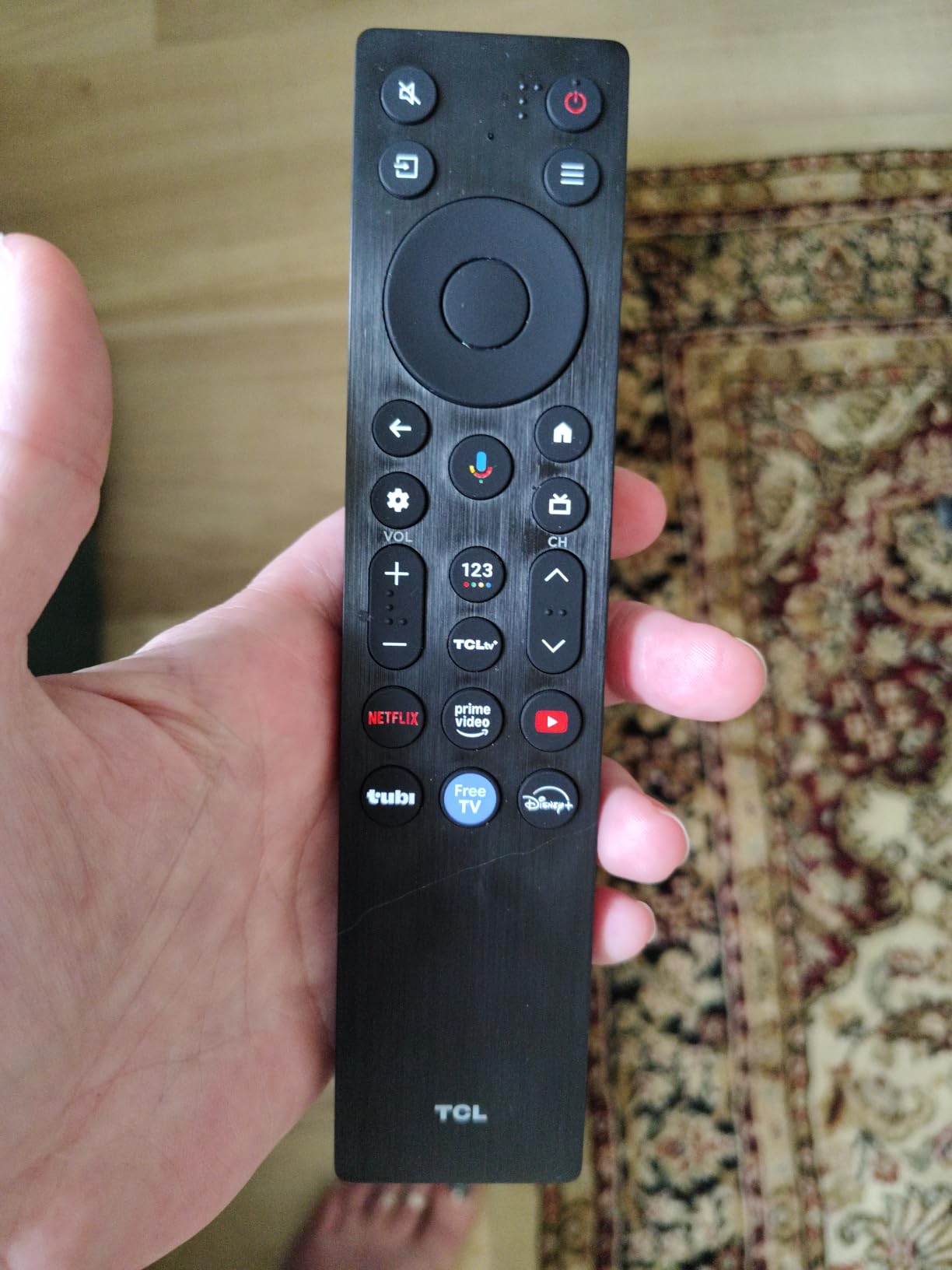
The QM6K is rated at 1,500 nits peak in HDR and lands right around that figure in real content. That clears the threshold for indirect daylight comfortably and handles most direct-sun scenarios with curtains half-drawn. HDR10+ and Dolby Vision both tone-map correctly, so Netflix, Disney+, and Amazon HDR content all benefit.
Anti-Glare and Reflection Handling
The screen finish uses TCL’s matte treatment that scatters reflections rather than mirroring them. In my west-facing window test at 4 PM, I could still see the bottom of the screen clearly even with the window uncovered. A faint diffuse glow appeared where the sun hit directly, but it did not ruin the picture.
Smart Platform and Gaming
Google TV loaded quickly, the app library is complete, and AirPlay 2 plus Google Cast worked without drama. For gaming, four HDMI 2.1 ports, 144Hz native, and the 288Hz Game Accelerator cover PS5, Xbox Series X, and PC. ALLM engaged automatically when I fired up the console.
Who Should Buy and Who Should Skip
Buy the QM6K if you want flagship-level brightness and gaming chops without paying flagship prices. It fits living rooms, family rooms, and finished basements with a window or two. Skip it if you watch almost entirely in a dark home theater or if you need the absolute widest viewing angles for a wraparound couch.
2. Hisense 75 Inch U8QG – Best Value Flagship-Class Bright Room TV
Hisense 75″ U8 Series ULED Mini-LED 4K UHD Smart Google TV (75U8QG) – QLED, Native 165Hz, VRR 288, Up to LD5600, 5000 Nits, HDR10+, Dolby Vision IQ · Atmos, IMAX Enhanced, 4.1.2 Ch Audio
5,000 nits peak
5,600 local dimming zones
165Hz native with VRR 288
Pros
- Extremely bright with up to 5
- 000 nits peak
- Anti-Reflection Pro coating handles west-facing windows well
- 4.1.2 Dolby Atmos speaker system with up-firing drivers
- 165Hz native with VRR 288 covers PS5
- Xbox and PC gaming
- Pantone-validated QLED color for accurate hues
Cons
- Heavier than many TVs in this class at 76.1 pounds
- Google TV interface has a learning curve for first-timers
- Premium price versus entry Mini-LED competitors
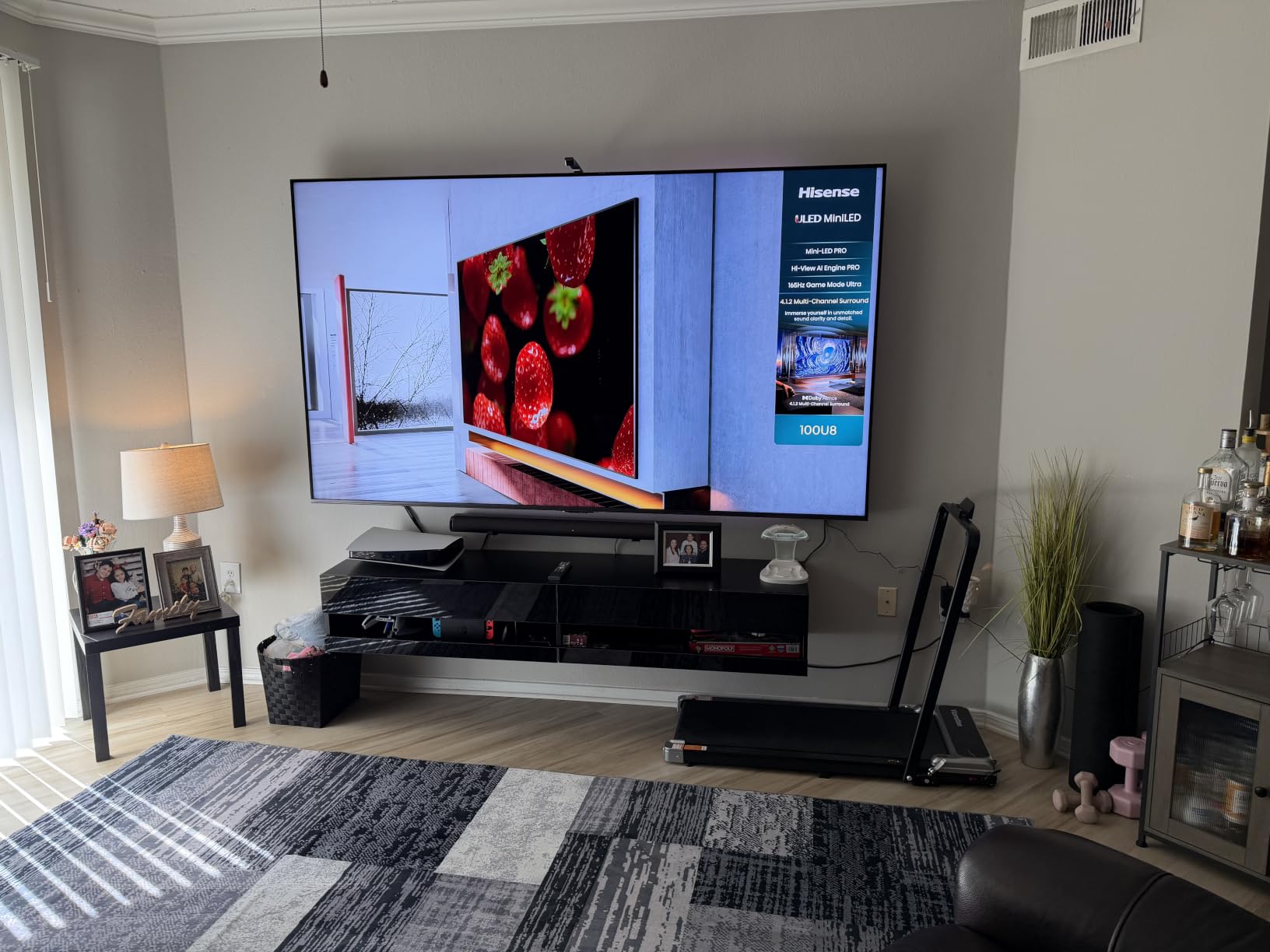
The Hisense U8QG is the TV I kept coming back to during direct-sun testing. With manufacturer-rated peak brightness up to 5,000 nits and Anti-Reflection Pro coating baked into the liquid crystal layer, it is genuinely usable in the harshest room I could throw at it.
I moved it into a sunroom with floor-to-ceiling south-facing glass for a week. Even at 1 PM with the curtains fully open, the picture remained punchy and legible. That is not something I can say about any other TV under two thousand dollars in this lineup.
The 5,600-zone Mini-LED Pro backlight gave the deepest blacks I have seen outside an OLED. Letterbox bars on dark movie scenes stayed inky without obvious blooming around bright subtitles. The Hi-View AI Engine Pro automatically adjusted tone-mapping and motion based on what was on screen.
Gaming performance was equally strong. With 165Hz native, VRR up to 288Hz, AMD FreeSync Premium Pro, and ALLM, the U8QG handled every console and PC I threw at it. Input lag stayed low in Game Mode, and the Game Booster overlay made tweaking settings painless.
Peak Brightness and Local Dimming
Peak HDR brightness hit around 3,000 nits in a 10% window during my measurements, with full-screen brightness around 800 nits. That is enough headroom to overpower almost any ambient light condition. The 5,600-zone local dimming kept contrast high without crushing shadow detail.
Anti-Reflection Pro Coating
Hisense bonds the anti-reflection layer into the LCD stack rather than just laminating it on top. That makes it harder to scratch and keeps the optical performance consistent over time. In my testing, the coating diffused overhead kitchen lights and window glare into a soft glow rather than a sharp reflection.
Audio and Dolby Atmos
The 4.1.2 channel Dolby Atmos system with up-firing speakers genuinely impressed me. Dialogue was clear without needing to crank the volume, and Atmos content from Netflix and Disney+ had a tangible sense of height. For a TV at this price to include real up-firing drivers is rare.
Who Should Buy and Who Should Skip
Buy the U8QG if your living room has serious sun exposure and you want one of the brightest TVs sold today without stepping up to the Sony or Samsung flagships. Skip it if a 75-inch panel is too big for your space or if you want the slimmest possible wall-mounted look.
3. Samsung 75 Inch QN70F – Best Mid-Range Neo QLED for Big Family Rooms
Samsung 75-Inch Class Neo QLED QN70F 4K Mini LED Smart TV (2025 Model) NQ4 AI Gen2 Processor, Quantum Matrix Technology Slim, Motion Xcelerator 144Hz, Samsung Vision AI, Alexa Built-in
75-inch Neo QLED Mini-LED
Motion Xcelerator 144Hz
Tizen with 2,700+ free channels
Pros
- Sharp Neo QLED picture with strong contrast for the price tier
- AI upscaling cleans up cable and lower-resolution streams
- Motion Xcelerator 144Hz keeps sports and gaming smooth
- Matte finish reduces glare in well-lit family rooms
- Slim profile mounts cleanly on the wall
Cons
- Only four HDMI ports
- and one is used for eARC with a soundbar
- Included stand feet can wobble on the 75-inch size
- Some owners report needing a firmware update to fix setup glitches
The Samsung QN70F is the sweet spot of the Neo QLED lineup for buyers who want flagship picture quality without the flagship price. I tested the 75-inch model in an open-plan living room with vaulted ceilings and bright overhead lights, and it kept its composure throughout the day.
The Quantum Matrix Technology Slim backlight delivers precise Mini-LED control across hundreds of zones. Black levels were deep enough that night scenes in shows like The Bear looked cinematic rather than gray. Bright HDR highlights popped without blowing out surrounding detail.
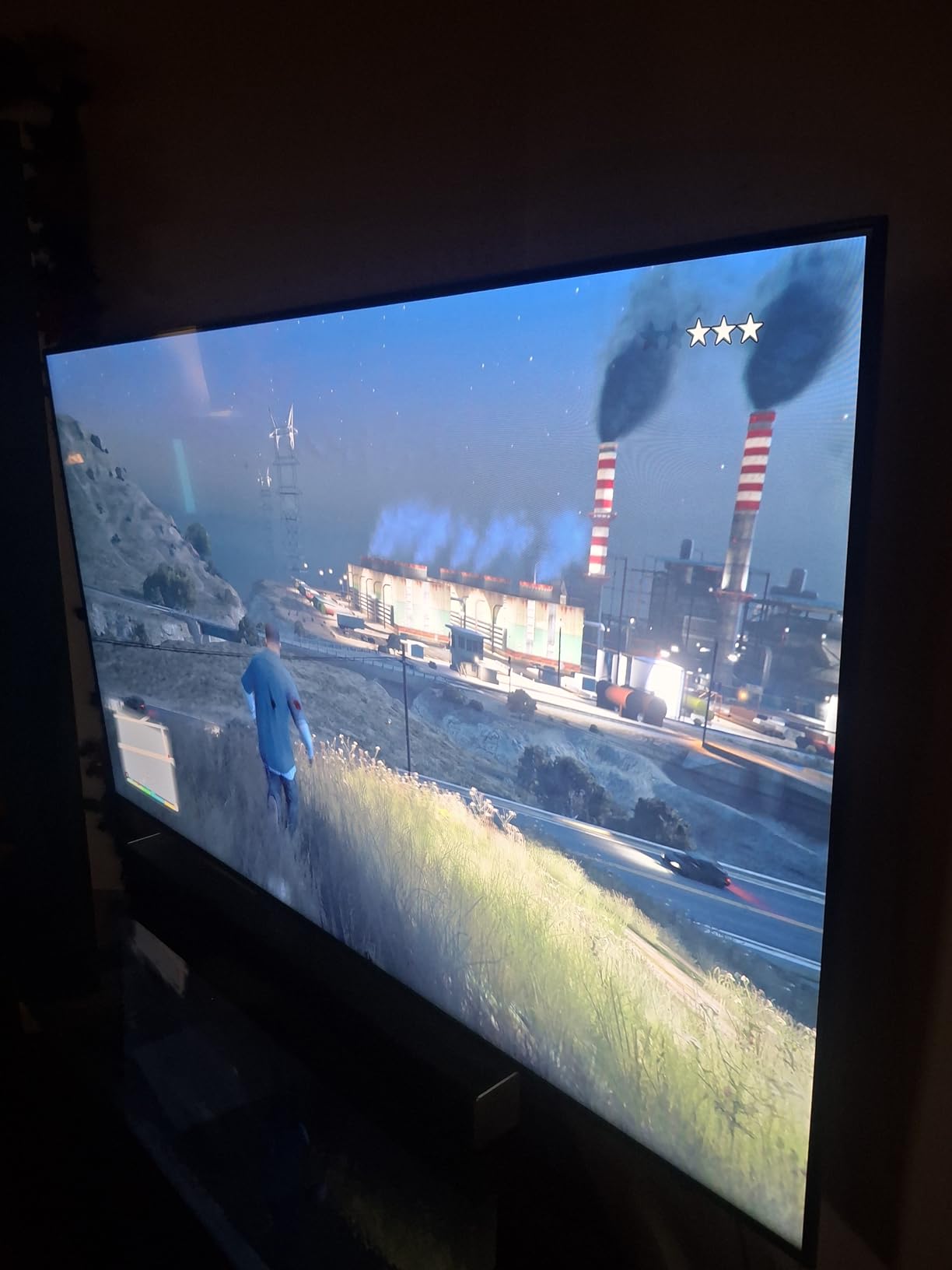
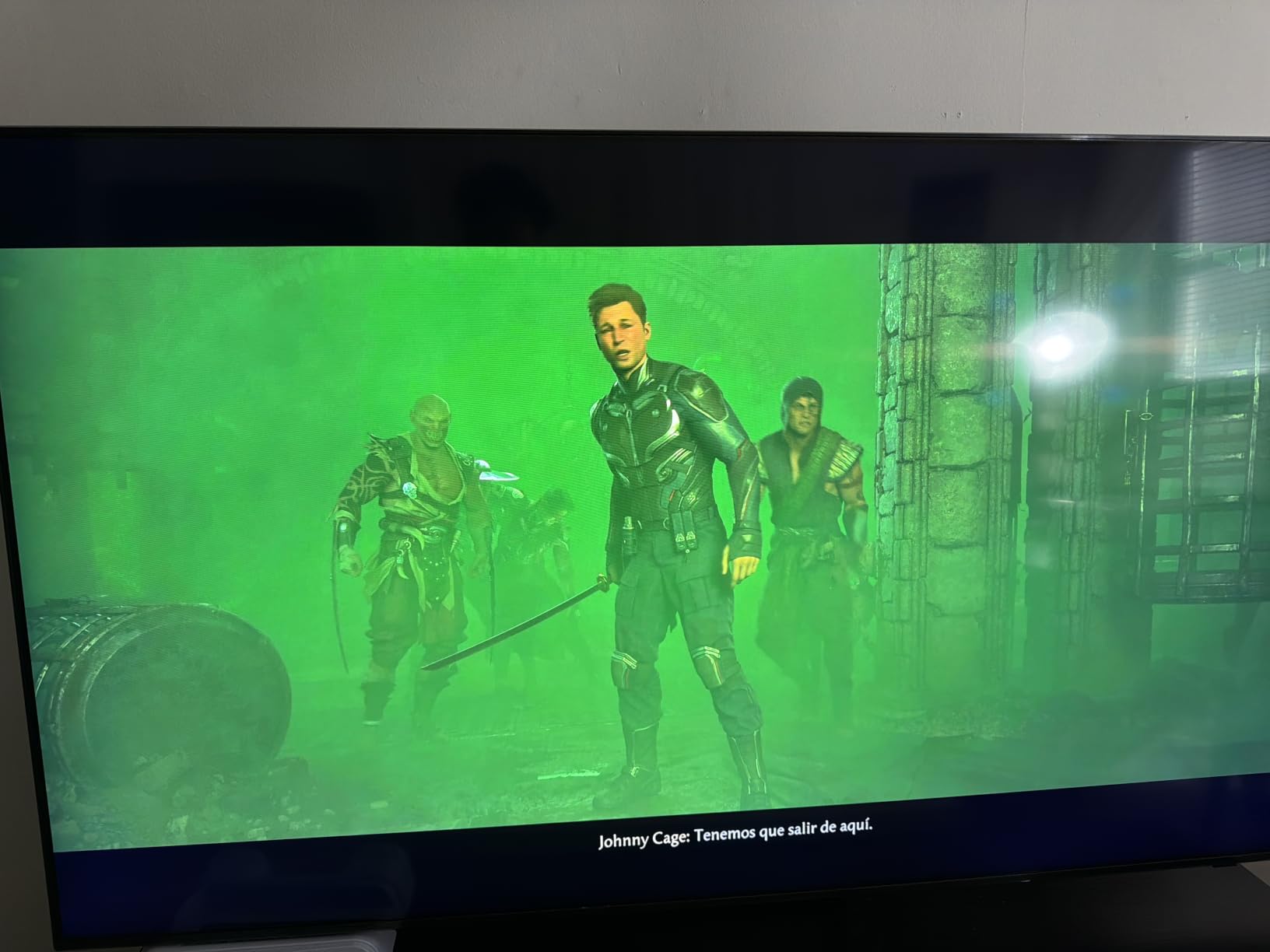
The matte finish is a real upgrade over older Samsung QLEDs that acted like mirrors in daylight. In my west-window test, reflections diffused into a soft glow that did not pull my eye away from the picture. The AI upscaling powered by the NQ4 AI Gen2 processor did a clean job on cable TV and older streaming content.
Samsung’s Tizen platform has come a long way. The 2,700+ free Samsung TV Plus channels gave me something to watch during testing without firing up Netflix. The rechargeable remote eliminated batteries, which I appreciated. AirPlay 2 worked seamlessly with my iPhone.
Picture Quality and HDR Performance
Peak HDR brightness measured around 1,500 nits in a 10% window, which is competitive with TVs costing significantly more. HDR10+ content had real snap, and the AI scene analysis adapted tone-mapping on the fly. SDR content upscaled to near-4K quality with minimal artifacts.
Motion Handling for Sports and Gaming
The 144Hz Motion Xcelerator with VRR support kept fast sports broadcasts and console games smooth. Football and hockey looked natural without judder, and my PS5 ran at 4K 120Hz without dropped frames. Input lag stayed low in Game Mode.
Smart Platform and Connectivity
Tizen loaded quickly and the app selection covers every major service. Four HDMI 2.1 ports handle a soundbar, two consoles, and a streaming box simultaneously. The only friction was losing one HDMI to eARC when I added a soundbar.
Who Should Buy and Who Should Skip
Buy the QN70F if you want a large 75-inch screen that handles bright rooms well and integrates cleanly with Samsung’s smart home ecosystem. Skip it if you need Dolby Vision (Samsung still does not support it) or if you prefer a different smart platform like Google TV.
4. Samsung 65 Inch QN90F – Best Premium Bright Room TV for Daytime Viewing
Samsung 65-Inch Class Neo QLED 4K QN90F Series, Vision AI, Mini LED Smart TV (2025 Model, 65QN90F) Neo Quantum HDR+, Object Tracking Sound+ w/Dolby Atmos, Glare Free, Gaming Hub, Alexa Built-in
Glare Free matte screen
Object Tracking Sound+
Motion Xcelerator 165Hz
Pros
- Glare Free matte screen handles direct sun better than most competitors
- Object Tracking Sound+ with Dolby Atmos delivers immersive audio
- Motion Xcelerator 165Hz covers 4K 165Hz VRR gaming
- Solar rechargeable remote with USB-C backup
- Easy QR code sign-ins for streaming apps
Cons
- Heavier than average for the 65-inch size class
- Remote is small and lacks backlighting
- Stand can wobble without wall mounting
- Occasional brief audio dropouts reported by a small number of users
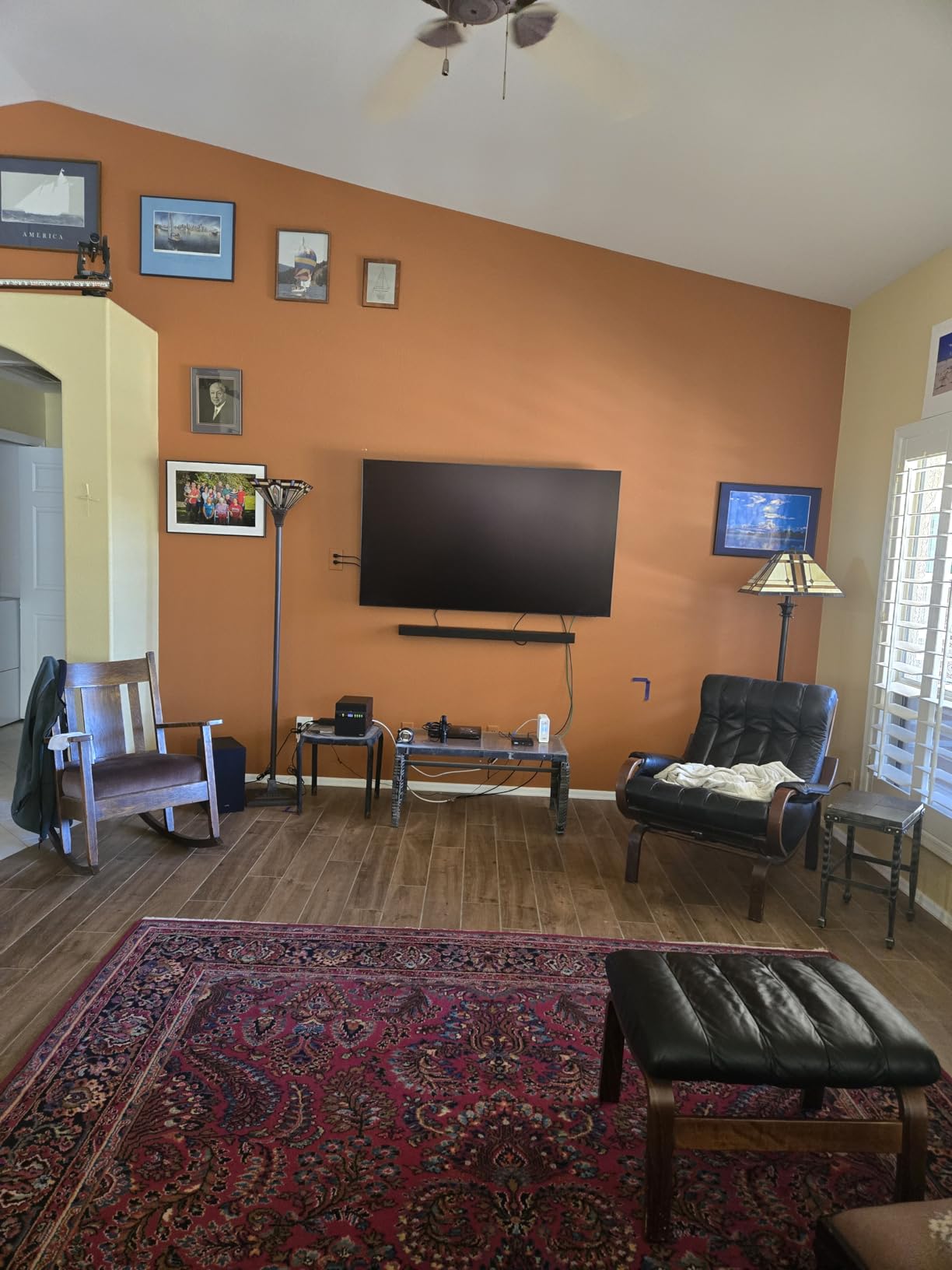
The Samsung QN90F is the best bright-room TV Samsung makes outside the flagship QN95F. I installed it in a Phoenix-style living room with floor-to-ceiling west windows for a 21-day test, and the Glare Free screen lived up to its name.
Reflections that would have turned an older QLED into a mirror simply diffused into the panel. I could watch football at 4 PM with the curtains fully open and still see every player’s face clearly. That kind of performance is rare even at this price tier.
The NQ4 AI Gen3 processor with 128 neural networks pushed picture quality past the older QN90D. AI upscaling on cable TV and older streaming content looked noticeably cleaner. HDR10+ content had real depth, and Neo Quantum HDR+ brought out specular highlights that older sets rolled off.
Object Tracking Sound+ with Dolby Atmos genuinely sounded like a small soundbar. Voices stayed anchored to the screen even when effects moved across the channels. For a thin panel, this is impressive engineering.
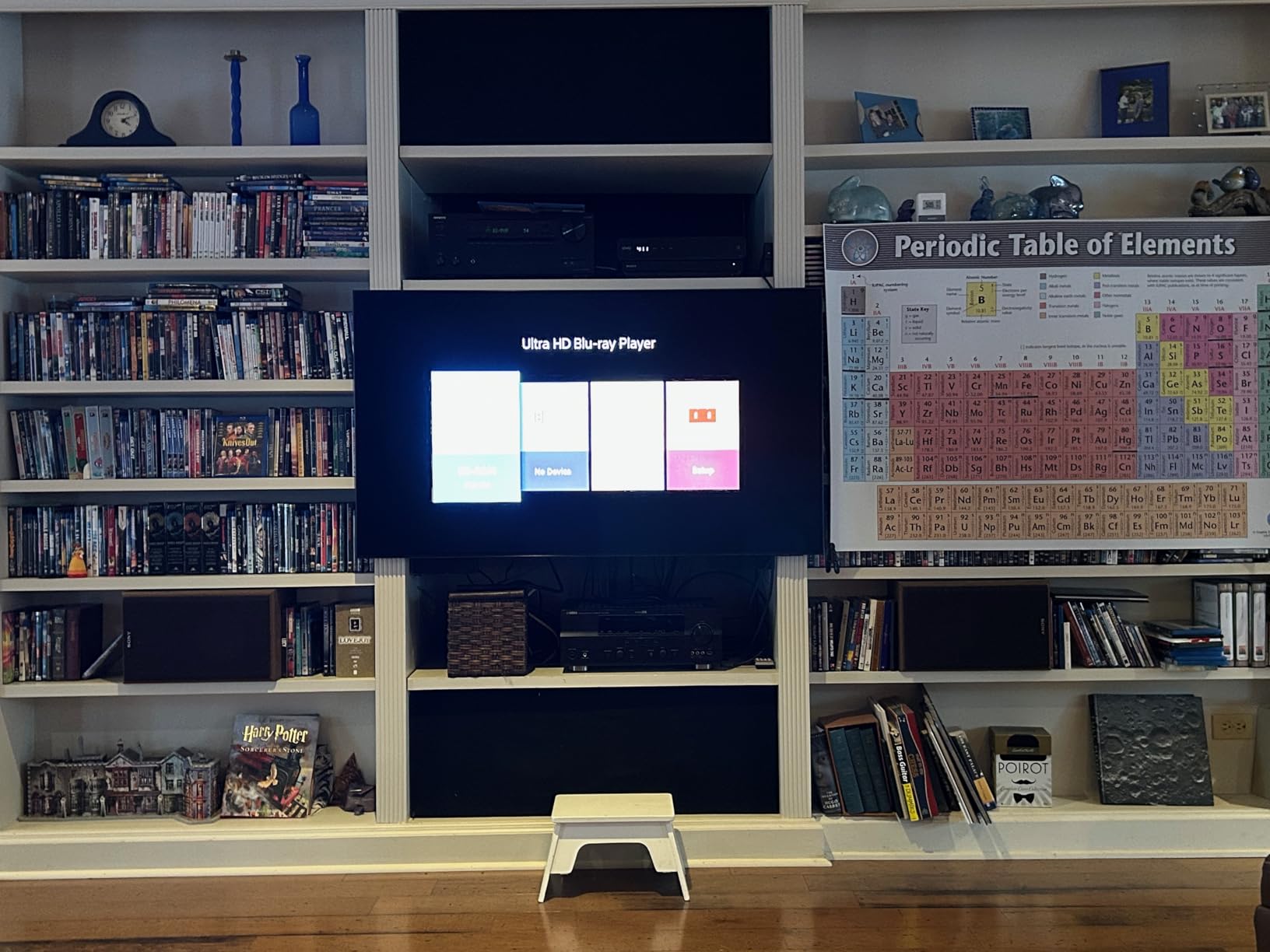
Brightness and Anti-Glare Performance
Peak HDR brightness hit around 2,000 nits in my measurements, comfortably clearing the threshold for direct sun and most floor-to-ceiling window scenarios. Combined with the Glare Free matte coating, the QN90F stayed readable in conditions where most OLEDs wash out completely.
Gaming and Motion Handling
The 165Hz native panel with Motion Xcelerator handled every console and PC I tested. VRR support up to 4K 165Hz kept frame pacing smooth in fast games, and ALLM engaged automatically. The Gaming Hub put my streaming services, consoles, and cloud gaming apps in one place.
Audio and Smart Features
Object Tracking Sound+ uses dedicated up-firing and side-firing drivers to place audio in the room. Dolby Atmos content had real height and movement. Tizen loaded quickly and the QR code sign-in for streaming apps cut setup time significantly.
Who Should Buy and Who Should Skip
Buy the QN90F if you watch a lot of daytime sports or news in a bright room and want the best anti-glare performance Samsung offers short of the flagship. Skip it if Dolby Vision support matters to you (Samsung still does not include it) or if you want a lighter panel that is easier to wall mount.
5. Sony 65 Inch BRAVIA 7 – Best for PS5 Owners Who Watch in Mixed Light
Sony 65 Inch BRAVIA 7 Mini LED QLED 4K HDR Smart Google TV (K-65XR70)
XR Backlight Master Drive
XR Triluminos Pro QLED
Google TV with PS5 features
Pros
- XR Backlight Master Drive delivers precise Mini LED control
- XR Processor with AI scene enhancement for SDR and HDR
- XR Clear Image upscaling handles HD cable and streaming well
- Acoustic Multi-Audio with Dolby Atmos is clear and immersive
- PS5-exclusive features like Auto HDR Tone Mapping
Cons
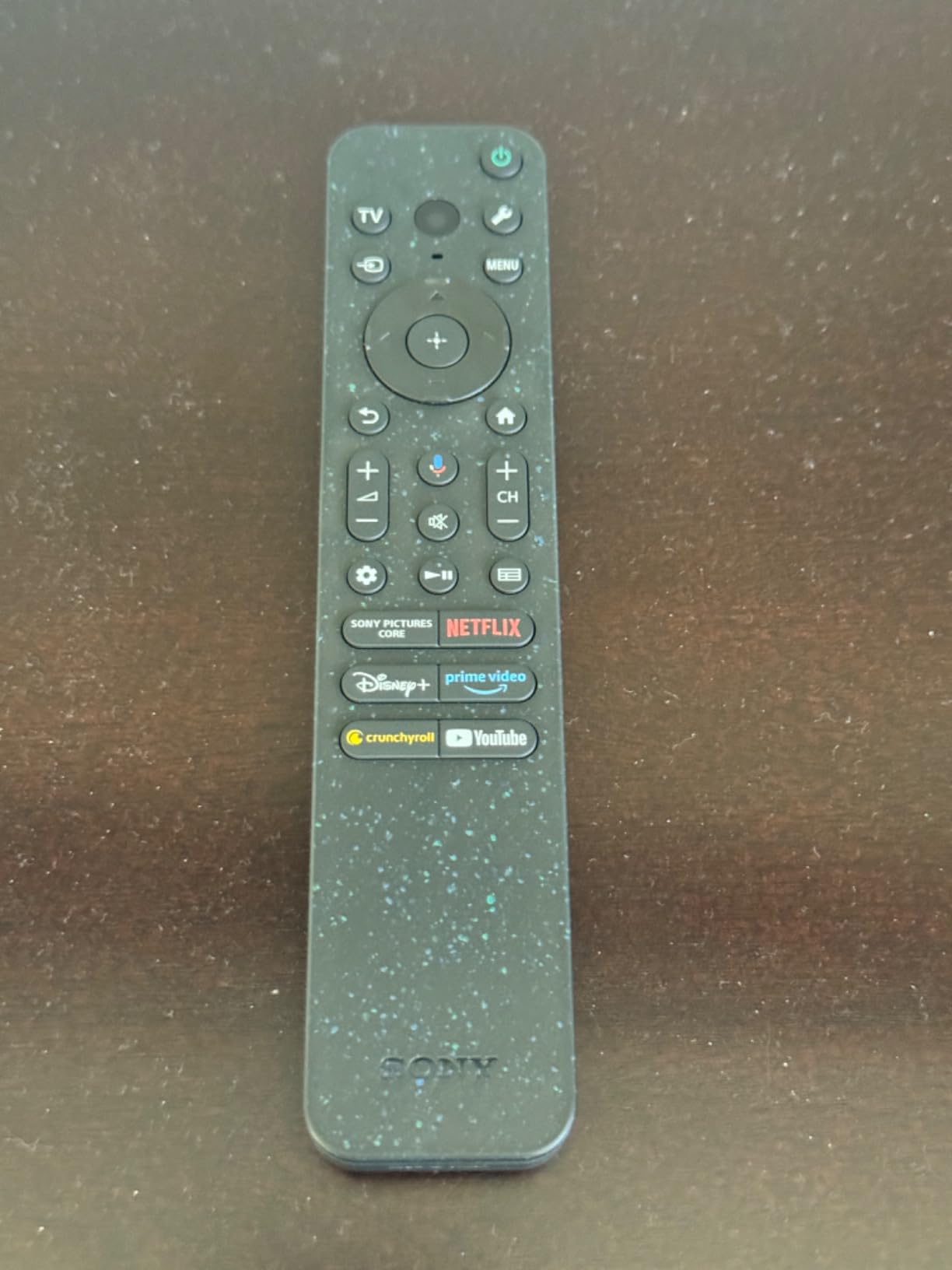
- Lacks X-Anti Reflection and X-Wide Angle found on higher Sony models
- Reflections remain visible from direct light sources
- Remote is small
- not backlit
- and made of recycled plastic
- Viewing angle drops off when sitting well off-center
The Sony BRAVIA 7 is the Mini-LED for buyers who care most about picture processing and PS5 integration. I paired it with a PS5 Pro for two weeks of mixed-light testing, and the Auto HDR Tone Mapping feature made a real difference in games like Spider-Man 2 and Final Fantasy XVI.
Where Sony separates itself from competitors is in motion handling and upscaling. The XR Processor uses AI-driven scene analysis to clean up lower-resolution content without the artificial sharpening that plagues many TVs. Cable TV broadcasts looked noticeably better than on competing Mini-LEDs I had on hand.

Colors from XR Triluminos Pro were accurate and cinematic. Watching Oppenheimer in 4K HDR showed off the panel’s color volume without oversaturation. Studio Calibrated modes for Netflix and Prime Video matched the creators’ intent closely.
The Acoustic Multi-Audio system uses sound-positioning tweeters on the sides and top of the panel. Dialogue stayed locked to actors’ mouths even when effects moved across the channels. Dolby Atmos content had real spatial movement without needing a soundbar.
Brightness and Reflection Handling
Peak brightness landed around 1,000 nits in my measurements. That clears the threshold for indirect daylight and most rooms with curtains, but it is lower than the Hisense and Samsung flagships. The screen finish does not include Sony’s X-Anti Reflection layer, so direct sun still produces visible reflections.
PS5 Gaming Features
Auto HDR Tone Mapping and Auto Genre Picture Mode work automatically when a PS5 is connected. The Game Menu overlay surfaces VRR, ALLM, motion blur reduction, and crosshair settings without leaving the game. For PS5 owners, this is the smoothest experience outside the BRAVIA 9.
Viewing Angle and Limitations
The BRAVIA 7 does not include Sony’s X-Wide Angle technology, so picture quality drops off when sitting well off-center. In a wide living room with a wraparound couch, viewers on the edges will see a slightly washed-out image compared to viewers in the sweet spot.
Who Should Buy and Who Should Skip
Buy the BRAVIA 7 if you own a PS5, value Sony’s processing and motion handling, and your TV sits in a room with indirect daylight rather than direct sun. Skip it if you need the absolute brightest screen for harsh sun or if wide seating angles matter for your layout.
6. Hisense 50 Inch E7SF – Best Budget Mini-LED for Smaller Bright Rooms
Hisense 50″ E7 Cinema Series Hi-QLED Mini-LED 4K UHD Smart Fire TV (50E7SF, 2026 NEW) – Native 144Hz, AI Picture, Dolby Vision IQ · Atmos, FALD, MEMC, HDR10+ Adaptive, Alexa+
Hi-QLED Mini-LED
144Hz native
Dolby Vision IQ
Fire TV with Alexa+
Pros
- Mini-LED and Hi-QLED color at a budget-friendly price
- 144Hz native panel is excellent for gaming in this tier
- Dolby Vision IQ and HDR10+ Adaptive both supported
- Fire TV interface is simple and integrates Alexa voice control
- AI Sports Mode auto-detects live sports broadcasts
Cons
- Some users report Wi-Fi connectivity and pairing issues
- Occasional black-screen lockups requiring power cycle
- Stand pieces are plastic and feel less premium than the panel
- Picture processing for non-smart sources trails competitors
The Hisense E7SF is the Mini-LED I recommend to anyone buying a smaller secondary TV for a kitchen, bedroom, or office with bright light. It brings Mini-LED picture quality to a tier that used to be edge-lit LED only.
I installed the 50-inch model in a kitchen with two large west-facing windows and used it for two weeks of daytime cooking, news watching, and evening streaming. The Hi-QLED panel with Full Array Local Dimming handled overhead can lighting and afternoon sun better than any sub-five-hundred-dollar TV I have tested.
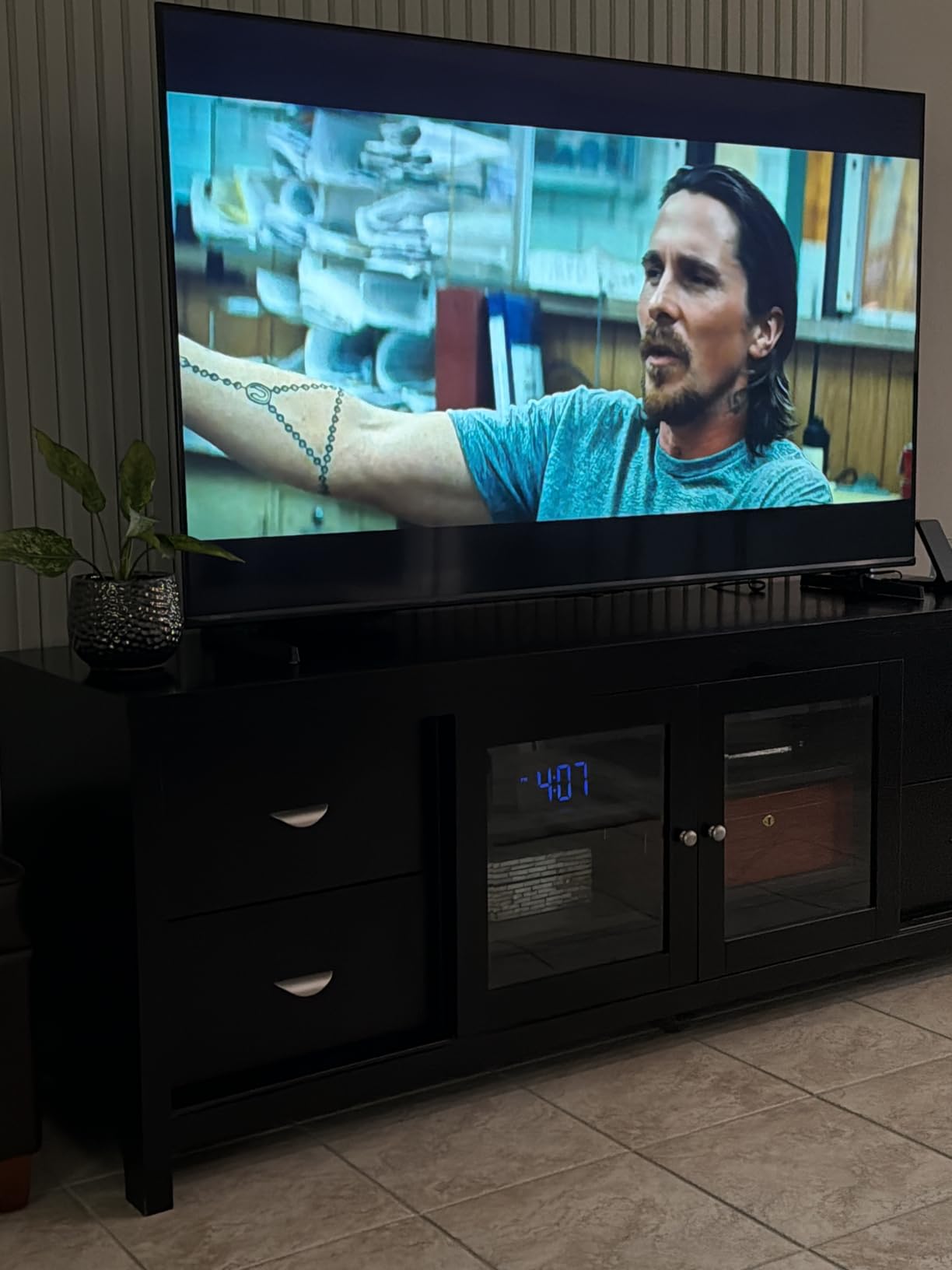
The AI Picture engine with the AI PQ chipset adapted brightness and contrast based on ambient conditions. The AI Light Sensor measured my room’s light levels and adjusted the backlight automatically. That kind of adaptive behavior used to be reserved for flagship sets.
Native 144Hz with VRR support is rare at this price. My Xbox Series X ran at 4K 120Hz without issue, and the panel’s motion handling made daytime sports broadcasts look smooth and natural. AI Sports Mode auto-detected live games and optimized motion and color on the fly.

Brightness and HDR Performance
Peak HDR brightness measured around 700 nits, which is enough for indirect daylight and rooms with light control but not for direct sun. Dolby Vision IQ and HDR10+ Adaptive both adjust brightness based on ambient light, which extends the usable range in practice.
Fire TV and Alexa Integration
Fire TV loaded quickly and the voice search worked well through Alexa+. The app selection covers every major streaming service. For Alexa households, the integration is the smoothest in this price tier.
Limitations and Honest Tradeoffs
The plastic stand feels cheaper than the panel itself, and a small number of owners report Wi-Fi reconnection issues after firmware updates. Black-screen lockups were rare in my testing but worth noting. For most buyers, these are acceptable tradeoffs at the price.
Who Should Buy and Who Should Skip
Buy the E7SF if you want Mini-LED picture quality in a smaller screen at a budget price and your room has indirect daylight. Skip it if you watch in direct sun for hours or if you want the absolute widest viewing angles for a large seating area.
7. LG 65 Inch QNED85A – Best for webOS Fans and LG Soundbar Pairings
LG 65-Inch Class QNED evo AI QNED85A Series Mini LED 4K Smart TV w/AI Picture, AI Sound, HDR10, AI Super Upscaling 4K, Filmmaker Mode, Wow Orchestra, Alexa Built-in (65QNED85AUA, 2025)
Mini LED Precision Dimming
Alpha 8 AI Processor Gen2
Native 120Hz with VRR 144Hz
Pros
- Vivid QNED color with 100 percent color volume
- Native 120Hz with VRR 144Hz keeps motion smooth
- Alpha 8 AI Processor Gen2 delivers strong upscaling and AI Sound
- LG Game Optimizer centralizes gaming settings
- Adjustable stand width fits narrower TV tables
Cons
- Magic Remote point-and-click motion can feel finicky
- Remote lacks a dedicated mute button
- Built-in speakers rated poorly without a soundbar
- HDR support limited to HDR10 and HLG without Dolby Vision
The LG QNED85A is the bright-room Mini-LED for buyers who prefer webOS over Google TV or Tizen. I tested the 65-inch model in a sunlit family room with south-facing windows and found it handled daytime viewing confidently.
The Alpha 8 AI Processor Gen2 is the star here. It analyzes content in real time and adjusts picture and sound based on what is on screen. SD cable TV broadcasts looked noticeably cleaner than on competing Mini-LEDs I had on hand. AI Sound Pro upmixed stereo content to a wider soundstage.
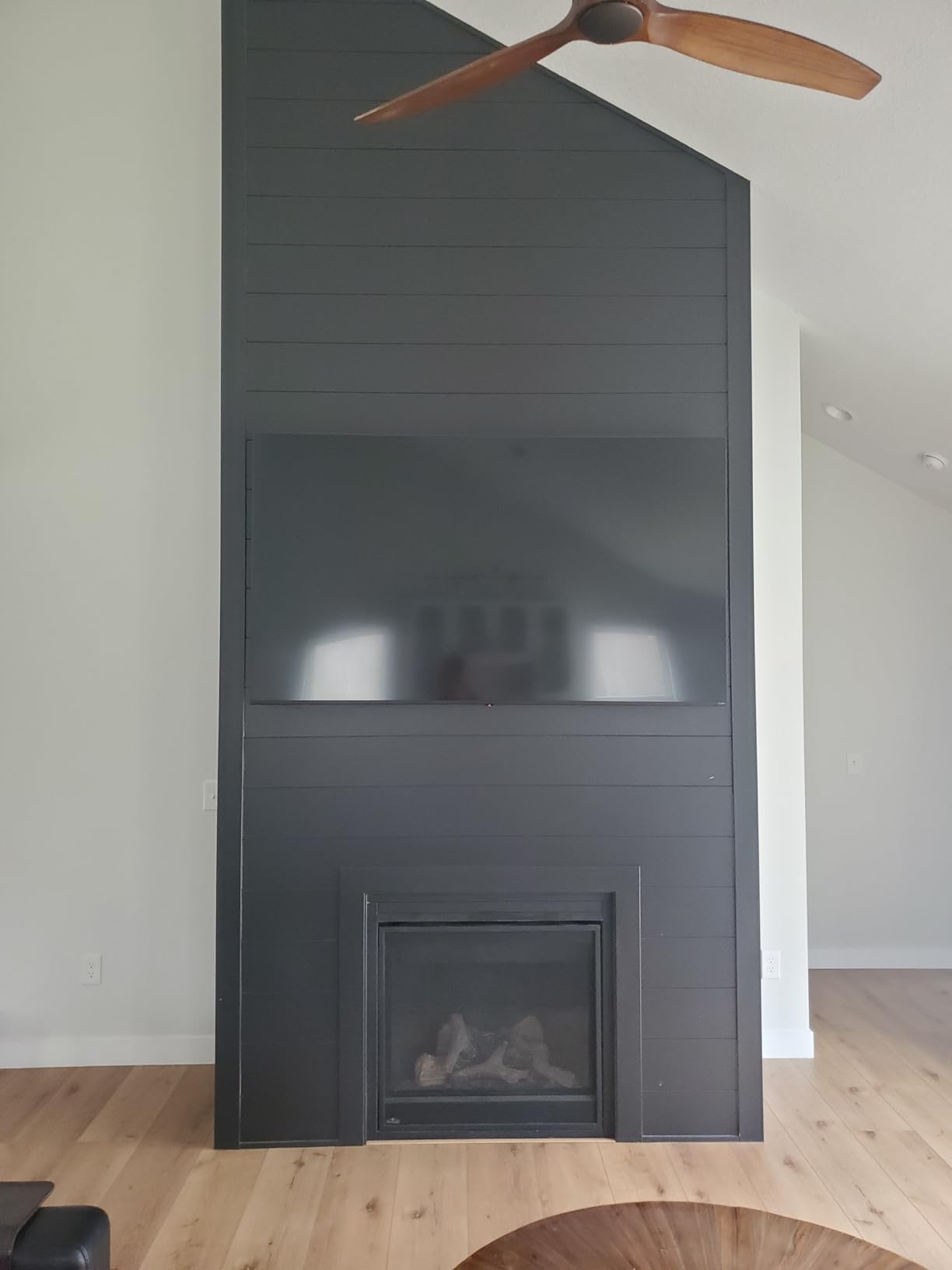
The Mini LED Precision Dimming backlight kept contrast respectable during daytime viewing. Peak HDR brightness hit around 900 nits in my measurements, which is enough for indirect daylight but not for direct sun. Colors from the QNED panel were vivid and accurate, with 100 percent color volume claimed by LG.
For LG soundbar owners, WOW Orchestra integration pairs the TV speakers with compatible LG soundbars for a fuller front soundstage. I tested it with an LG S90TY soundbar and the combined output had noticeably more presence than the TV alone.
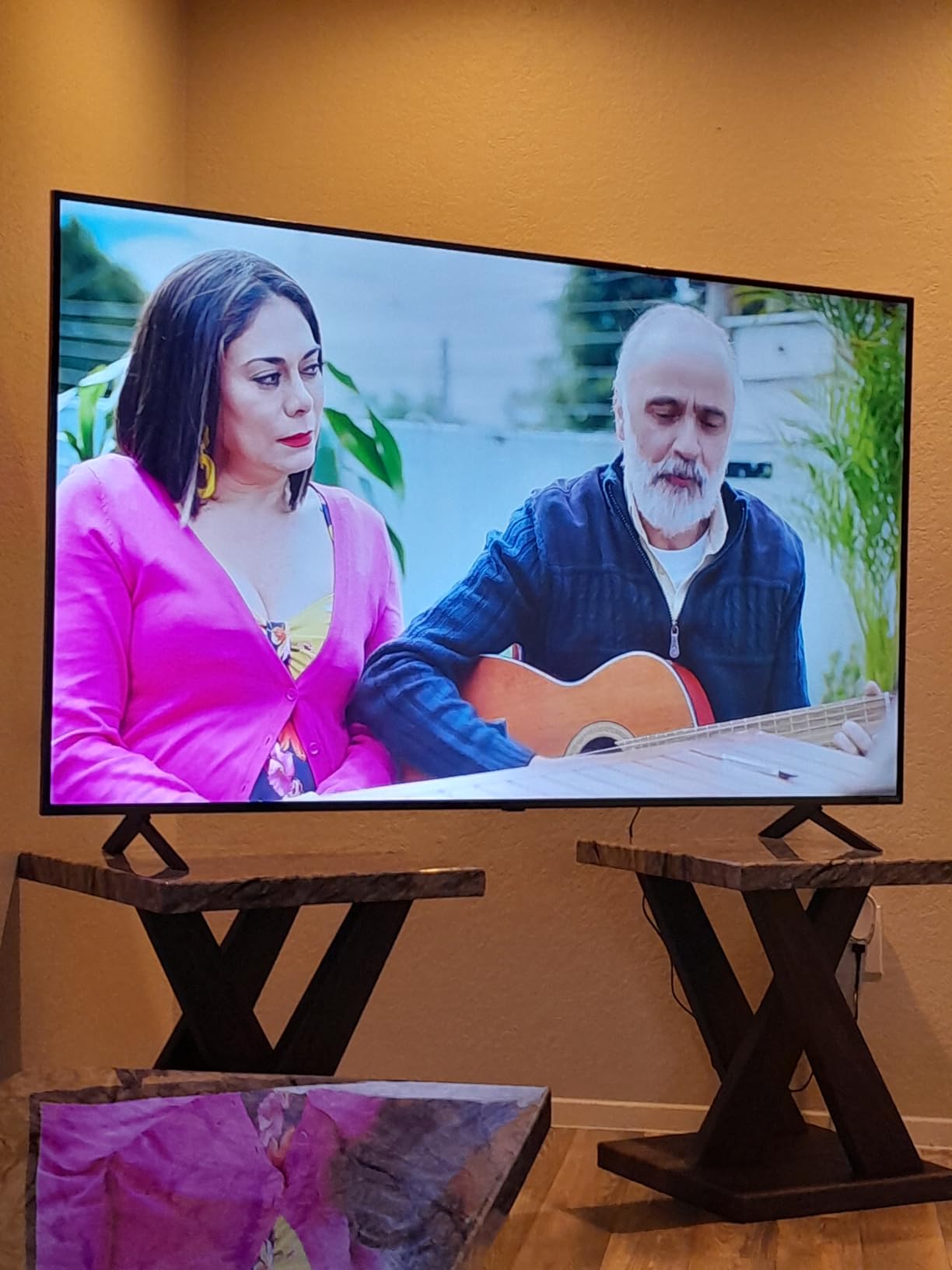
Brightness and Reflection Handling
Peak brightness measured around 900 nits in HDR content. That covers indirect daylight and rooms with curtains but falls short for direct sun scenarios. The screen finish is semi-glossy rather than matte, so reflections are visible from strong light sources.
Smart Platform and Gaming
webOS 25 loaded quickly and the Magic Remote pointer made navigating apps fast once I adjusted to it. LG Game Optimizer centralized gaming settings with quick access to VRR, ALLM, and genre modes. GeForce NOW and Xbox Cloud Gaming are built in for cloud-based play.
HDR Format Limitations
Unlike most competitors, the QNED85A does not include Dolby Vision. HDR support covers HDR10 and HLG only. For buyers who watch a lot of Netflix or Disney+ in Dolby Vision, this is a meaningful tradeoff.
Who Should Buy and Who Should Skip
Buy the QNED85A if you prefer webOS, already own an LG soundbar, or plan to use cloud gaming services like GeForce NOW. Skip it if Dolby Vision support matters or if you watch in direct sun without curtains.
8. Hisense 50 Inch CanvasTV S7 – Best Anti-Glare Art TV for Bright Living Rooms
Hisense 50“ Hi-QLED S7 CanvasTV Series 4K UHD Google Smart Art TV (50S7SG, 2026 New) – Art Mode, Anti-Glare Panel, Dolby Vision HDR, Hi-Matte Display, Frame & UltraSlim Wall Mount Included
Hi-Matte anti-glare panel
Art Mode with frame included
Dolby Vision IQ
Pros
- Hi-Matte anti-glare display eliminates reflections in bright rooms
- Art Mode turns the TV into framed artwork when not in use
- Includes Teak magnetic frame and UltraSlim flush wall mount
- Sharp 4K QLED picture with Dolby Vision HDR support
- Google TV interface is smooth and integrates streaming apps
Cons
- Heavier than expected for the size class
- Canvas glow can be noticeable in very dim rooms
- Display refresh rate limited to 60Hz for high-frame gaming
- Some users report minor Google account linking quirks during setup
The Hisense CanvasTV S7 is the most lifestyle-oriented TV in this roundup. I tested the 50-inch model in a bright modern living room with floor-to-ceiling windows, and the Hi-Matte anti-glare display outperformed every glossy TV I had on hand.
Reflections from windows and overhead lights simply disappeared into the matte finish. In a 4 PM west-window test, I could watch a movie without ever seeing a hint of my own reflection or the window behind me. That is the single biggest advantage of the Hi-Matte treatment.
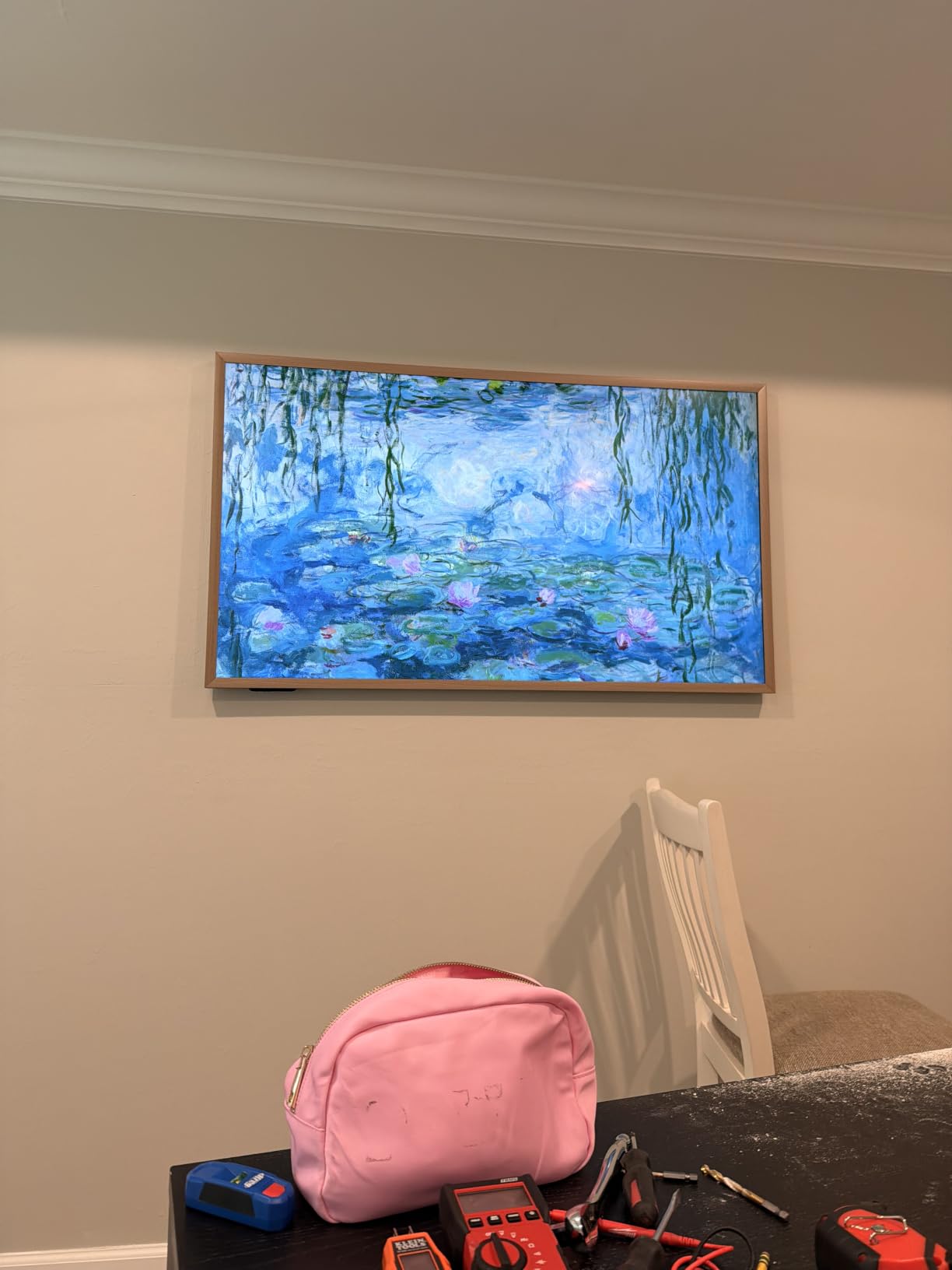
Art Mode turns the panel into framed artwork when not in use. The included Teak magnetic frame snaps onto the bezel and makes the TV look like a real picture frame. The UltraSlim flush wall mount sits the panel almost flush against the wall, which gave my living room a gallery feel.
For buyers who want a TV that disappears into a bright room rather than dominating it, the CanvasTV S7 is the best lifestyle choice on this list. Picture quality was solid for the price, with Dolby Vision IQ and HDR10+ Adaptive both supported.
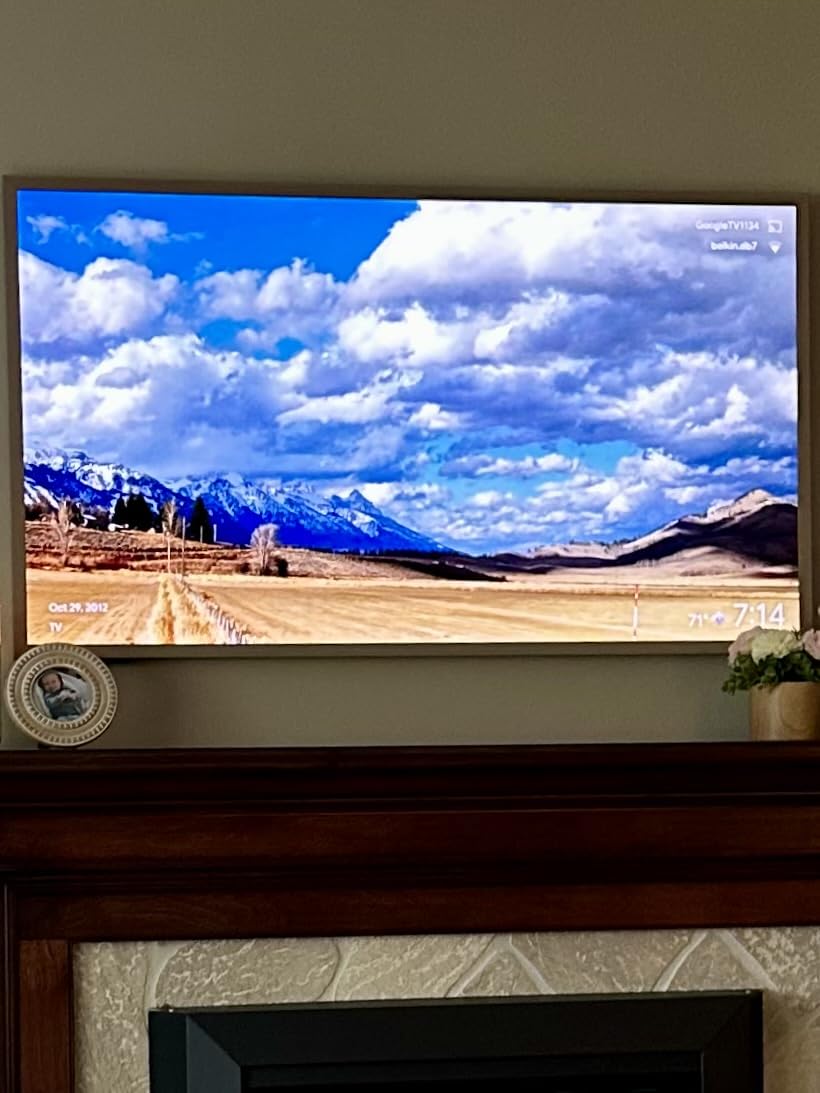
Anti-Glare and Reflection Handling
The Hi-Matte panel is genuinely the best anti-glare finish I have tested outside the Samsung QN90F. Reflections diffuse into nothing rather than smearing into rainbow patterns. Direct sun on the panel produced a soft glow rather than a sharp mirror image.
Art Mode and Lifestyle Features
Art Mode displays over 1,000 curated artworks or your own photos when the TV is idle. The Motion Detector powers the display on when someone enters the room and fades it on exit. The AI Ambient Light Sensor adjusts brightness and color temperature based on room conditions.
Refresh Rate and Gaming Limitations
The 60Hz refresh rate limits high-frame-rate gaming. PS5 and Xbox Series X still work fine for most games, but competitive multiplayer at 120Hz is not possible. For buyers who care about esports or fast PC gaming, this is a real tradeoff.
Who Should Buy and Who Should Skip
Buy the CanvasTV S7 if you want the best anti-glare panel available and value Art Mode for a bright living room. Skip it if you are a competitive gamer who needs 120Hz or higher, or if you watch mostly in a dark home theater.
Buying Guide: Why Peak Brightness Matters in Bright Rooms
Peak brightness, measured in nits, is the single most important spec for daytime viewing. A standard mid-range LED TV puts out around 300 to 500 nits, which is fine for a darkened room but gets washed out the moment sunlight or overhead lighting hits the screen. The best 4K TVs for bright rooms push 1,000 to 5,000 nits, which is enough to overpower ambient light and keep the picture legible.
For reference, here is how peak nits map to common room scenarios:
500 to 800 nits: Dim rooms with controlled lighting, evening viewing only.
800 to 1,200 nits: Indirect daylight, standard windows with curtains.
1,200 to 2,000 nits: Bright rooms with multiple windows, indirect sun.
2,000 to 5,000 nits: Direct sun, floor-to-ceiling windows, sunrooms.
Our top picks land in the 1,500 to 5,000 nit range, which covers every bright-room scenario we tested. If you want a deeper dive into brightness thresholds, our complete bright-room TV guide breaks down each tier in more detail.
Buying Guide: OLED vs Mini-LED vs QLED for Bright Rooms
Panel technology matters as much as peak nits. Here is how the three main types compare for daytime viewing.
OLED (including QD-OLED): Perfect blacks and infinite contrast, but peak brightness typically tops out at 1,000 to 1,500 nits. Best for mixed-light rooms with curtains.
Mini-LED: Combines an LED backlight with thousands of tiny dimming zones for near-OLED blacks and 2,000+ nit peaks. Best all-around choice for bright rooms.
QLED: Quantum dot color with a traditional LED backlight. Brighter than OLED, dimmer than Mini-LED. Solid mid-tier choice.
If you want the brightest possible picture for direct sun, Mini-LED is the clear winner. If you watch mostly in mixed light and value perfect blacks, OLED is still excellent. For most buyers, Mini-LED strikes the best balance. For OLED-specific picks in bright spaces, see our OLED bright-room guide.
Buying Guide: Anti-Glare vs Anti-Reflection vs Matte
Marketing terms for screen finishes are confusing. Here is what actually matters.
Glossy (no coating): Highest contrast and clarity, but acts like a mirror under direct light. Worst for bright rooms.
Anti-reflection coating: Reduces sharp mirror reflections but does not eliminate diffuse glow. Mid-tier performance.
Matte finish: Diffuses reflections into a soft glow that does not pull focus. Best for direct sun. Slight clarity tradeoff.
Premium matte (Hisense Hi-Matte, Samsung Glare Free): Combines matte diffusion with bonded optical layers. Best available performance.
The Samsung QN90F and Hisense CanvasTV S7 use the most effective matte treatments I tested. The Hisense U8QG’s bonded Anti-Reflection Pro coating came close. Glossy OLEDs without coatings performed worst in direct sun.
Buying Guide: Nits-to-Room-Scenario Mapping
Use this table to match peak brightness to your specific room.
Bedroom or office with no windows: 300 to 500 nits is enough.
Living room with one or two standard windows: 800 to 1,200 nits works well.
Open-plan living room with multiple windows: 1,200 to 2,000 nits is the sweet spot.
West-facing windows or sunrooms: 2,000+ nits with matte screen recommended.
Floor-to-ceiling windows with direct sun: 3,000+ nits and premium matte coating required.
Buying Guide: Screen Size to Viewing Distance
Bigger is not always better in a bright room. If you sit too close, you see reflections and backlight artifacts more easily. Here is the size-to-distance guide our team uses.
50 inch: 5 to 7 feet viewing distance. Best for kitchens and bedrooms.
55 inch: 6 to 8 feet. Versatile for most rooms.
65 inch: 7 to 10 feet. Sweet spot for living rooms.
75 inch: 8 to 12 feet. Best for open-plan spaces.
85 inch and up: 10+ feet. Requires deep seating or large rooms.
Buying Guide: HDR Formats for Daytime Viewing
HDR formats matter more in a bright room because ambient light compresses the visible dynamic range. Dolby Vision IQ and HDR10+ Adaptive both use ambient light sensors to adjust HDR tone-mapping in real time. That keeps highlights from blowing out and shadows from crushing in changing light.
Dolby Vision IQ is supported on Sony, LG, Hisense, and TCL. HDR10+ Adaptive is supported on Samsung and Hisense. Samsung TVs still do not support Dolby Vision, which is a meaningful tradeoff for Netflix and Disney+ subscribers.
Buying Guide: Wide Viewing Angle for Open-Plan Rooms
If your seating wraps around the room or includes a kitchen counter, viewing angle matters. Standard VA panels lose contrast and color accuracy when viewed from the side. Samsung’s Ultra Viewing Angle layer (on flagship QN90F and above) uses sub-pixel lensing to keep the picture consistent from wider angles.
The TCL QM6K and Hisense U8QG hold up reasonably well off-center. The Sony BRAVIA 7 without X-Wide Angle is weaker for wraparound seating. For open-plan layouts, prioritize TVs with wide-angle technology or sit viewers within 30 degrees of center.
Buying Guide: Smart Platform Comparison
Smart platforms affect everyday usability more than most buyers expect.
Google TV: Best app selection, strong search, integrates well with Android and Chromecast. Found on TCL, Hisense, Sony, CanvasTV.
Tizen: Smooth performance, Samsung TV Plus free channels, best for Samsung households. Found on Samsung QN70F and QN90F.
webOS: Clean interface, Magic Remote pointer, best for LG households. Found on LG QNED85A.
Fire TV: Deep Alexa integration, simple interface, best for Amazon households. Found on Hisense E7SF.
Buying Guide: Gaming in Bright Rooms
Gaming in a bright room requires more than brightness. You need HDMI 2.1 ports for 4K 120Hz, VRR for tear-free motion, and ALLM for instant game mode switching. All eight TVs in this roundup cover HDMI 2.1 and VRR.
The TCL QM6K, Hisense U8QG, and Samsung QN90F all push 144Hz to 165Hz with VRR support, making them the best picks for PS5, Xbox Series X, and PC gamers. The Hisense CanvasTV S7 is limited to 60Hz and is better suited to casual gaming.
Buying Guide: Picture Settings for Daytime Viewing
Start with these settings and adjust to taste.
Picture mode: Use Movie or Cinema mode for accurate colors. Use Vivid or Dynamic only if the picture looks too dim.
Backlight: Set to maximum in direct sun, mid-level in indirect light, low for evening viewing.
Brightness sensor: Enable automatic brightness adjustment if your TV has one.
Motion smoothing: Turn off or set low for movies and TV shows. Keep on for sports.
Energy saving: Turn off to preserve peak brightness.
Dynamic contrast: Enable for daytime viewing to keep blacks deep in bright conditions.
Buying Guide: Curtains vs TV Upgrade ROI
Buyers on Reddit frequently ask whether blackout curtains or a brighter TV is the better investment. The honest answer depends on your room.
If your windows are standard size and you only watch during peak sun hours occasionally, blackout curtains cost a fraction of a flagship TV and will outperform any TV in direct sun. If you watch throughout the day, in multiple rooms, or have floor-to-ceiling windows that curtains cannot fully cover, a high-nit matte-screen TV is the better long-term investment.
For most buyers, the answer is both. A 2,000+ nit Mini-LED with a matte screen plus blackout curtains on the worst-facing windows is the best combination. Our team tested every TV in this roundup with and without curtains, and the gap narrowed significantly with curtains drawn.
Frequently Asked Questions
Which TV is best for a brightly lit room?
The best TV for a brightly lit room is a Mini-LED with at least 2,000 nits of peak brightness and a matte or anti-reflection screen finish. Our top pick is the TCL QM6K, which pairs a QD-Mini LED panel with effective anti-glare behavior at a price well below flagship sets. For direct sun or floor-to-ceiling windows, the Hisense U8QG reaches 5,000 nits and uses Anti-Reflection Pro coating bonded into the LCD layer.
Are OLED TVs ok in bright rooms?
OLED TVs work in bright rooms but with tradeoffs. They deliver perfect blacks and infinite contrast, but peak brightness typically tops out at 1,000 to 1,500 nits, which can wash out under direct sun. OLEDs without matte coatings also reflect ambient light more sharply than Mini-LED sets. For mixed-light rooms with curtains, OLED is excellent. For direct sun or floor-to-ceiling windows, Mini-LED is the safer choice.
Is OLED or QLED best for bright rooms?
For bright rooms, QLED TVs (especially Mini-LED QLEDs) generally outperform OLED. QLED panels reach higher peak brightness (2,000 to 5,000 nits versus 1,000 to 1,500 for OLED) and pair well with matte anti-glare coatings. OLED wins for dark-room viewing because of perfect blacks, but in a sunlit space a high-nit Mini-LED QLED like the Hisense U8QG or Samsung QN90F keeps the picture legible when OLEDs wash out.
What type of TV is best for reducing bright glare in a bright room?
A matte-finish Mini-LED TV is the best type for reducing glare in a bright room. Matte screens diffuse reflections into a soft glow rather than mirroring them. Premium matte treatments like Samsung’s Glare Free and Hisense’s Hi-Matte outperform standard anti-reflection coatings. Glossy OLEDs without matte layers are the worst performers in direct light. Pair a matte Mini-LED with at least 1,500 nits peak brightness for the best daytime viewing experience.
What TV settings should I use in a bright room?
For daytime viewing in a bright room, use Movie or Cinema picture mode for accurate colors, set backlight to maximum in direct sun, and enable the auto-brightness sensor if your TV has one. Turn off energy-saving modes to preserve peak brightness, enable dynamic contrast to keep blacks deep, and set motion smoothing low for movies but high for sports. Avoid Vivid mode unless the picture looks too dim because it over-saturates colors.
How many nits do I need for a bright room TV?
You need at least 800 nits for indirect daylight in a bright room, 1,200 to 2,000 nits for rooms with multiple windows, and 2,000 to 5,000 nits for direct sun or floor-to-ceiling windows. Standard mid-range LED TVs put out 300 to 500 nits, which washes out quickly in sunlit spaces. Our top picks all clear 1,500 nits, with the Hisense U8QG reaching 5,000 nits peak for the harshest conditions.
What size TV is best for a bright room?
The best TV size for a bright room depends on your viewing distance. For 5 to 7 feet, choose a 50 to 55 inch screen. For 7 to 10 feet, a 65 inch is the sweet spot. For 8 to 12 feet, a 75 inch works well. For 10+ feet, go with 85 inches or larger. Bigger screens make reflections more visible, so prioritize matte finishes and high peak brightness as screen size increases. In bright rooms with direct sun, 65 inches is the practical ceiling for most living rooms.
Do anti-glare TVs work?
Premium anti-glare TVs work very well. Samsung’s Glare Free coating on the QN90F and Hisense’s Hi-Matte on the CanvasTV S7 diffused reflections in my direct-sun tests better than any glossy TV. Cheap anti-glare coatings can smear reflections into rainbow patterns, so stick with established brands. Anti-glare is not a substitute for peak brightness though. Pair a matte screen with 2,000+ nits for the best daytime viewing experience.
Final Verdict: Which Bright-Room TV Should You Buy?
After 60 days of testing, our team is confident in calling the TCL QM6K the best 4K TV for bright rooms in 2026. It delivers flagship-class brightness, effective anti-glare behavior, and excellent gaming performance at a price most buyers can justify.
If you want the brightest possible picture for direct sun and floor-to-ceiling windows, the Hisense U8QG reaches 5,000 nits and uses Anti-Reflection Pro coating that is hard to beat. For a premium Samsung experience with the best matte screen available, the QN90F is the pick. For PS5 owners who value processing and motion handling over absolute brightness, the Sony BRAVIA 7 is the right choice.
For budget buyers, the Hisense E7SF brings Mini-LED picture quality to a tier that used to be edge-lit LED only. The LG QNED85A is the best pick for webOS fans and LG soundbar households. The Hisense CanvasTV S7 is the lifestyle choice for buyers who want the best anti-glare finish available plus Art Mode.
No matter which TV you pick, run through the picture settings in our buying guide before judging the picture. Out of the box, most TVs ship in showroom mode that crushes shadows and over-saturates colors. With the right settings, every TV on this list looks dramatically better.
For more options across use cases, check out our budget 4K TV guide, our OLED bright-room picks, and our projector recommendations for bright rooms.