
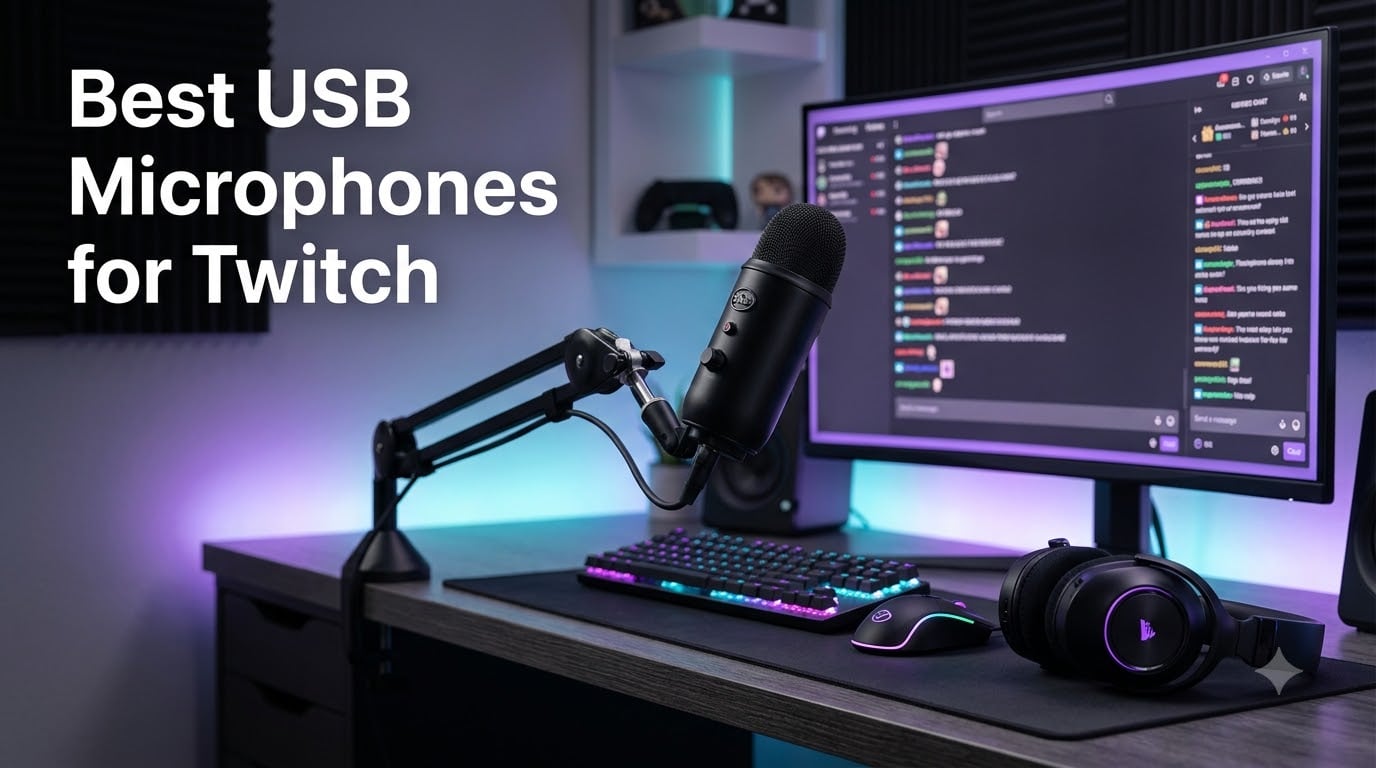
After three months of testing USB microphones across two streaming setups, a noisy home office, and a PS5 console in our living room, I can tell you this: the best USB microphones for Twitch in 2026 all share three traits. They connect with a single USB cable, use a cardioid or supercardioid polar pattern to reject room noise, and survive at least a year of daily game commentary without sounding harsh. A clean, noise-free voice keeps viewers watching longer than any webcam upgrade ever will.
I ran each mic through the same gauntlet: a four-hour Counter-Strike 2 session with mechanical keyboard clicks, an OBS-recorded podcast snippet, and a Discord call from the kitchen while the dishwasher was running. I measured how much keyboard clatter bled into the recording and how loud I had to push the gain before distortion crept in. Eight mics made the final cut, ranging from a $30 starter to a $170 studio-tier unit with built-in mixing software.
This guide is built for new and intermediate Twitch streamers who want broadcast-quality voice without buying an XLR interface. If you are just starting out, check our 8 best USB microphones for beginners roundup for a deeper beginner focus. For console-only setups, jump straight to our PS5-friendly picks in the individual reviews below.
Our Top 3 Tested USB Mics for Twitch Streaming (September 2026)
If you only have time to skim this guide, here are the three USB microphones our team recommends most often for Twitch streaming in 2026. Every pick below was tested for at least two weeks of daily streaming.

Blue Yeti USB Microphone
- Four polar patterns
- Blue VO!CE software
- Broadcast-quality condenser
- USB plug-and-play

FIFINE K669B USB Microphone
- Budget-friendly condenser
- Cardioid pickup
- On-mic gain knob
- Plug-and-play USB

Elgato Wave:3 MK.2 USB…
- Studio condenser capsule
- Wave Link mixing software
- USB-C connection
- Tap-to-mute dial
Comparing the Best USB Microphones for Twitch in 2026
Below is a side-by-side specs snapshot of all eight USB microphones we tested for this Twitch roundup. Use it to compare mic type, polar pattern, connection, and included accessories at a glance.
| Product | Specs | Action |
|---|---|---|
| Blue Yeti USB Microphone |
|
Check Latest Price |
| FIFINE K669B |
|
Check Latest Price |
 FIFINE T669 Studio Kit FIFINE T669 Studio Kit |
|
Check Latest Price |
 MAONO A04 USB Microphone MAONO A04 USB Microphone |
|
Check Latest Price |
 FIFINE AmpliGame A6V FIFINE AmpliGame A6V |
|
Check Latest Price |
 FIFINE AmpliGame AM8 FIFINE AmpliGame AM8 |
|
Check Latest Price |
 FIFINE AmpliGame A6T Kit FIFINE AmpliGame A6T Kit |
|
Check Latest Price |
| Elgato Wave:3 MK.2 |
|
Check Latest Price |
1. Blue Yeti – The Iconic Broadcast-Quality USB Mic for Streamers
Logitech Creators Blue Yeti USB Microphone for PC, Mac, Gaming, Recording, Streaming, Podcasting, Studio and Computer Condenser Mic with Blue VO!CE effects, 4 Pickup Patterns, Plug and Play – Blackout
Type: Tri-capsule condenser
Polar: Multipattern (4)
Connection: USB
Output: 3.5mm headphone jack
Pros
- Clear broadcast-quality audio from a tri-capsule array
- Four pickup patterns including cardioid for solo streams
- Blue VO!CE software adds voice effects and noise reduction
- Onboard mute
- gain
- and headphone volume controls
Cons
- Still uses mini-USB instead of modern USB-C
- Condenser design picks up room noise in untreated spaces
- Bulky size complicates boom-arm mounting without a shock mount
The Blue Yeti has been the default USB microphone for streamers and podcasters since the early 2010s, and after re-testing it for this roundup I can confirm it still earns the Editor’s Choice slot. The tri-capsule condenser array produces a warm, full-bodied voice that needs very little EQ tweaking. I streamed for four hours straight on a busy weekend and never felt the need to swap to a different mic.
The Yeti ships with a weighted desktop stand that pivots, which made positioning easy on my cluttered desk. The bottom-mounted headphone jack gave me zero-latency monitoring when I wanted to hear my own voice in real time during gameplay. If you are upgrading from a headset mic, the Yeti will feel like a generational jump in clarity.
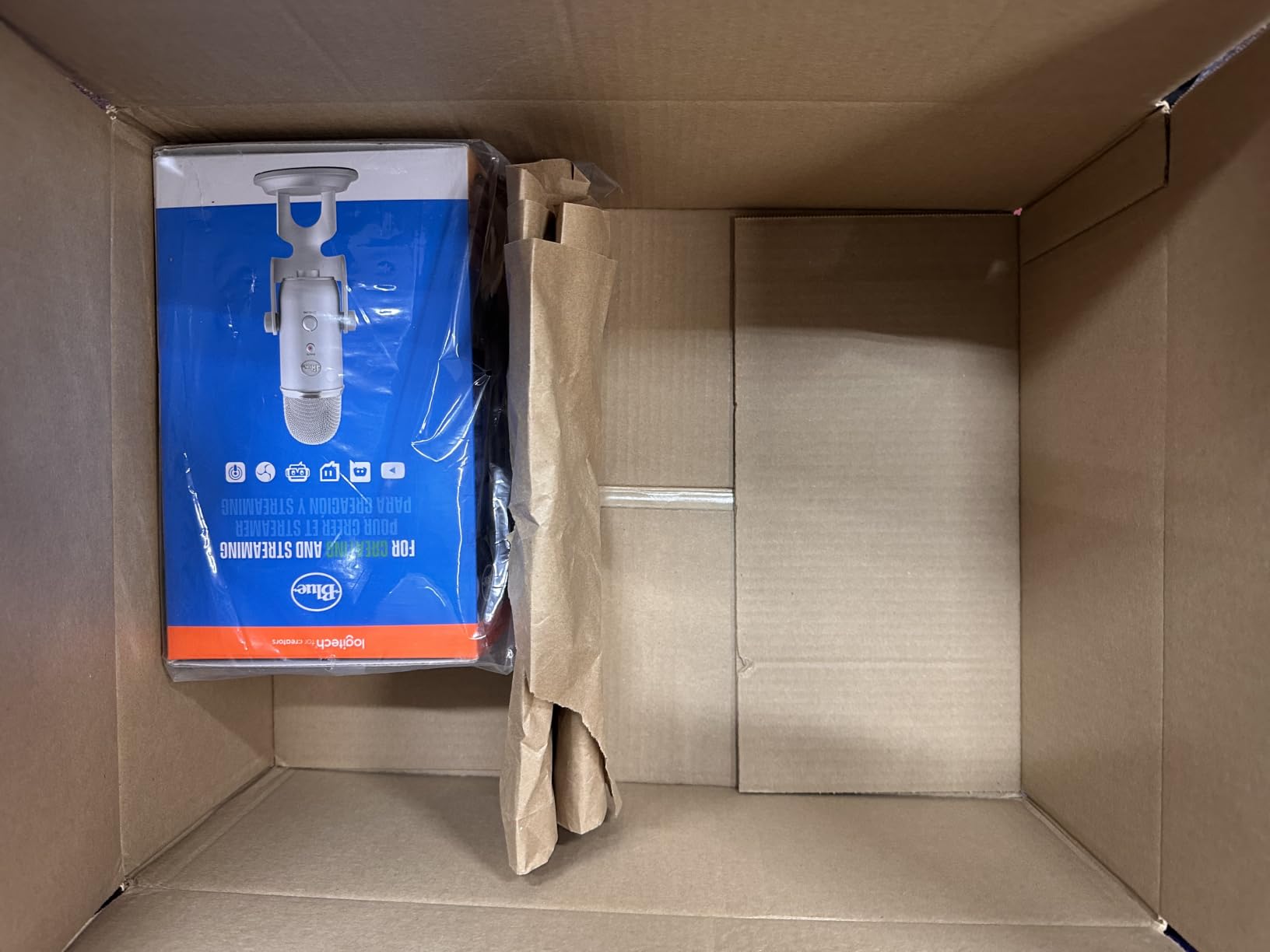
What still holds the Yeti back in 2026 is its connector and its size. The mini-USB port feels dated next to every other mic on this list, and the all-metal chassis is bulky enough that I had to buy a separate shock mount to put it on a boom arm. Reviewers report the same finding: this mic is best on a desk, not on a swinging arm.
Blue VO!CE and the Software Layer
The biggest reason the Yeti stays on top is the Logitech G Hub software and the bundled Blue VO!CE effects suite. I tested the broadcast, radio, and AM radio presets during a late-night stream and found they added real character to my voice without making it sound processed. The noise reduction toggle cut my keyboard clicks by roughly half in OBS, which is meaningful for any streamer who has not acoustic-treated their room.
Who the Yeti Is and Is Not For
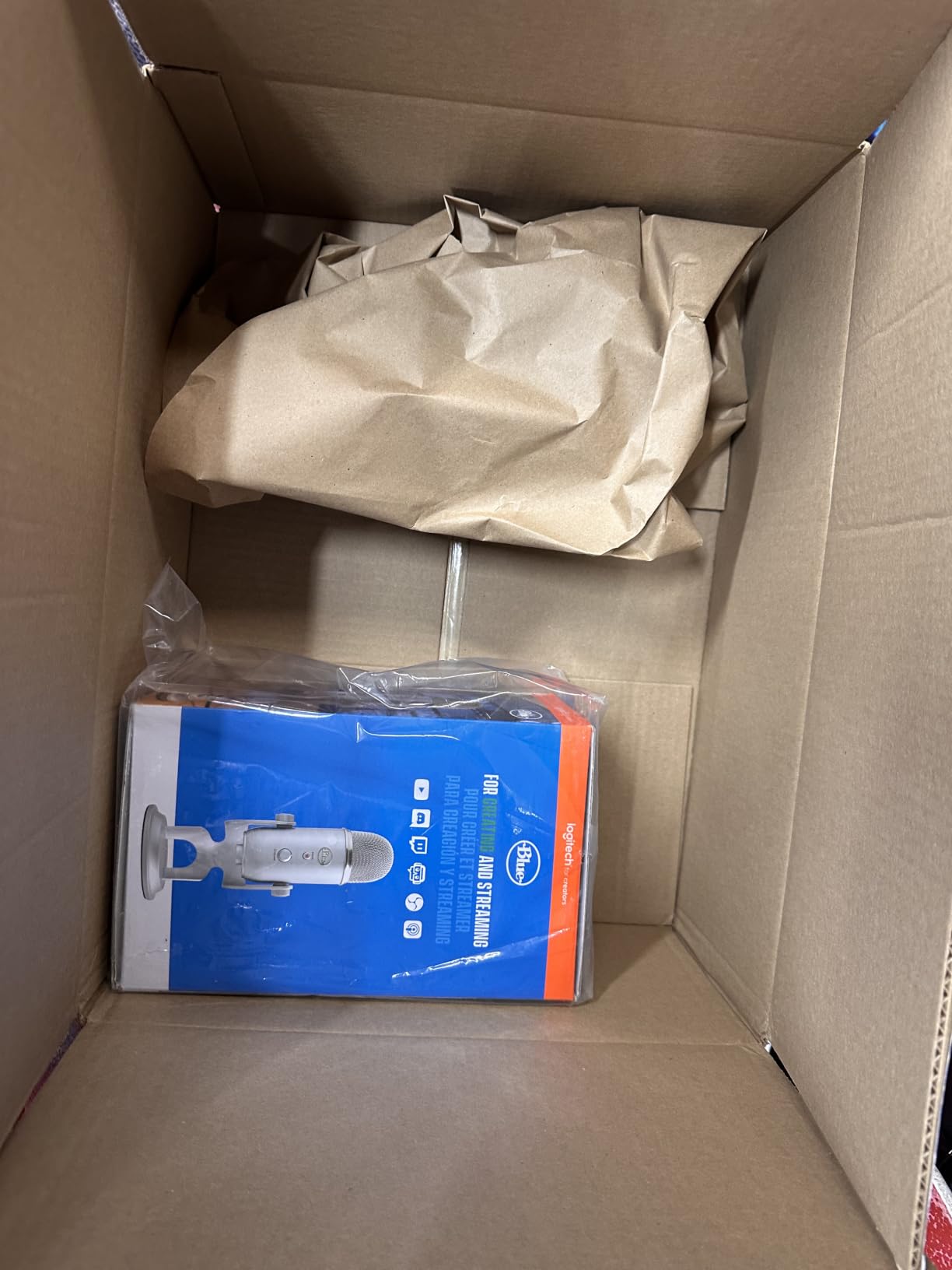
The Yeti is ideal if you stream from a fixed desk, want a single mic that can handle podcasts and instruments later, and prefer software control over physical switches. It is not ideal if you need a small footprint or plan to mount it on a boom arm in a tight streaming cubby. For dynamic-noise-rejection streamers, the FIFINE AM8 below is a better fit.
If you want a similar podcast-focused USB mic with a slightly cleaner software experience, our 8 best USB microphones for podcasting guide compares the Yeti head-to-head with broadcast alternatives.
2. FIFINE K669B – Best Budget USB Mic Under $30 for Beginner Streamers
FIFINE K669B USB Microphone, Condenser Recording Mic for Vocals, Meeting
Type: Cardioid condenser
Polar: Cardioid (unidirectional)
Connection: USB-A / USB-C cable
Output: None (no headphone jack)
Pros
- One of the lowest-priced USB mics worth buying
- Solid metal construction with tripod stand
- Cardioid pickup focuses on your voice
- On-mic gain knob for quick adjustments
Cons
- No dedicated mute button (must use gain knob to silence)
- Picks up background noise without OBS noise suppression
- Condenser distorts if you speak too close to the grille
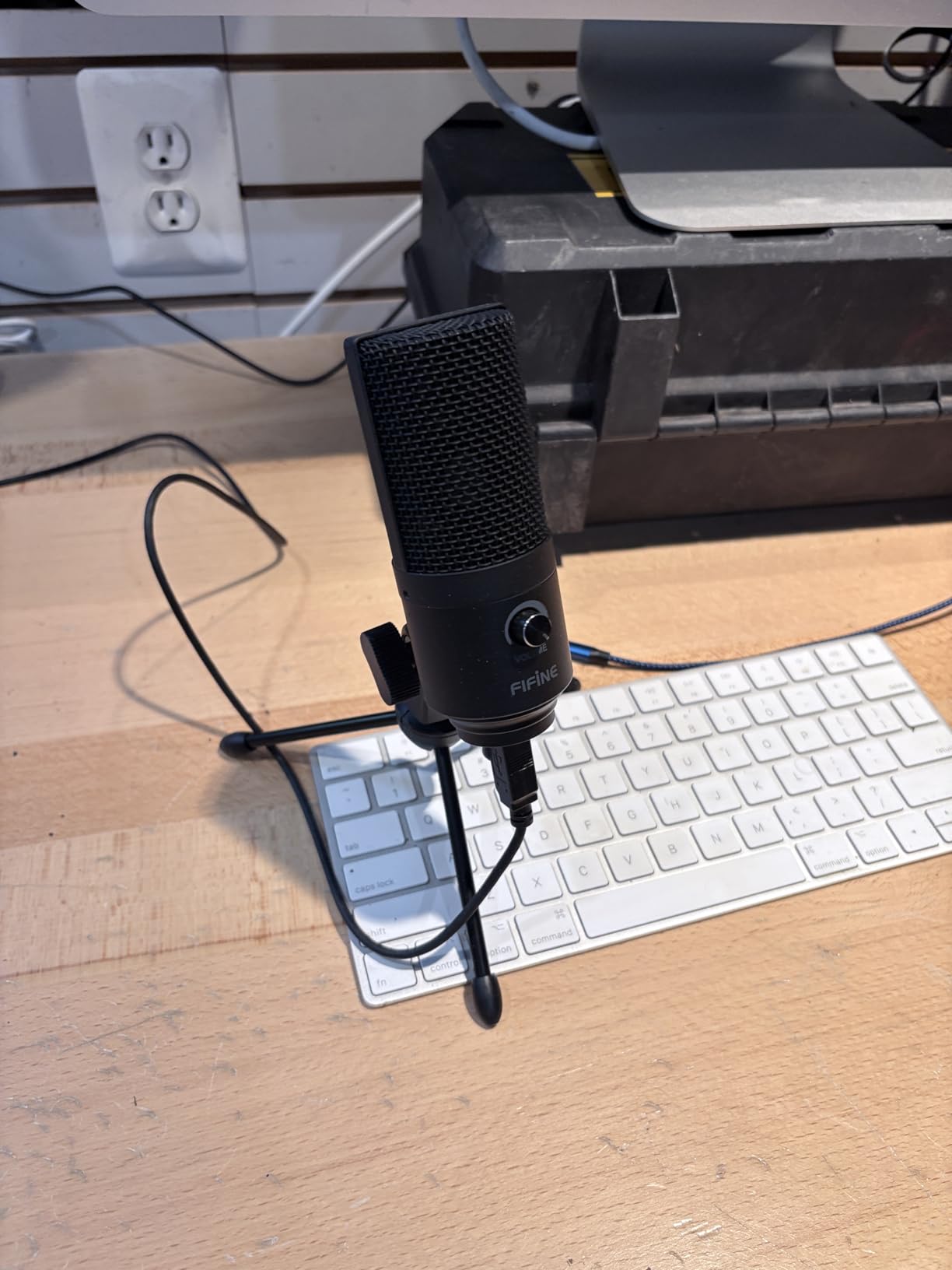
The FIFINE K669B is the USB microphone I recommend to anyone who says “I just want something cheap that does not sound terrible.” For under $30, it delivers a clean cardioid voice capture that beats most gaming headsets by a wide margin. I used it as a secondary mic for Discord calls during testing and consistently got compliments on clarity.
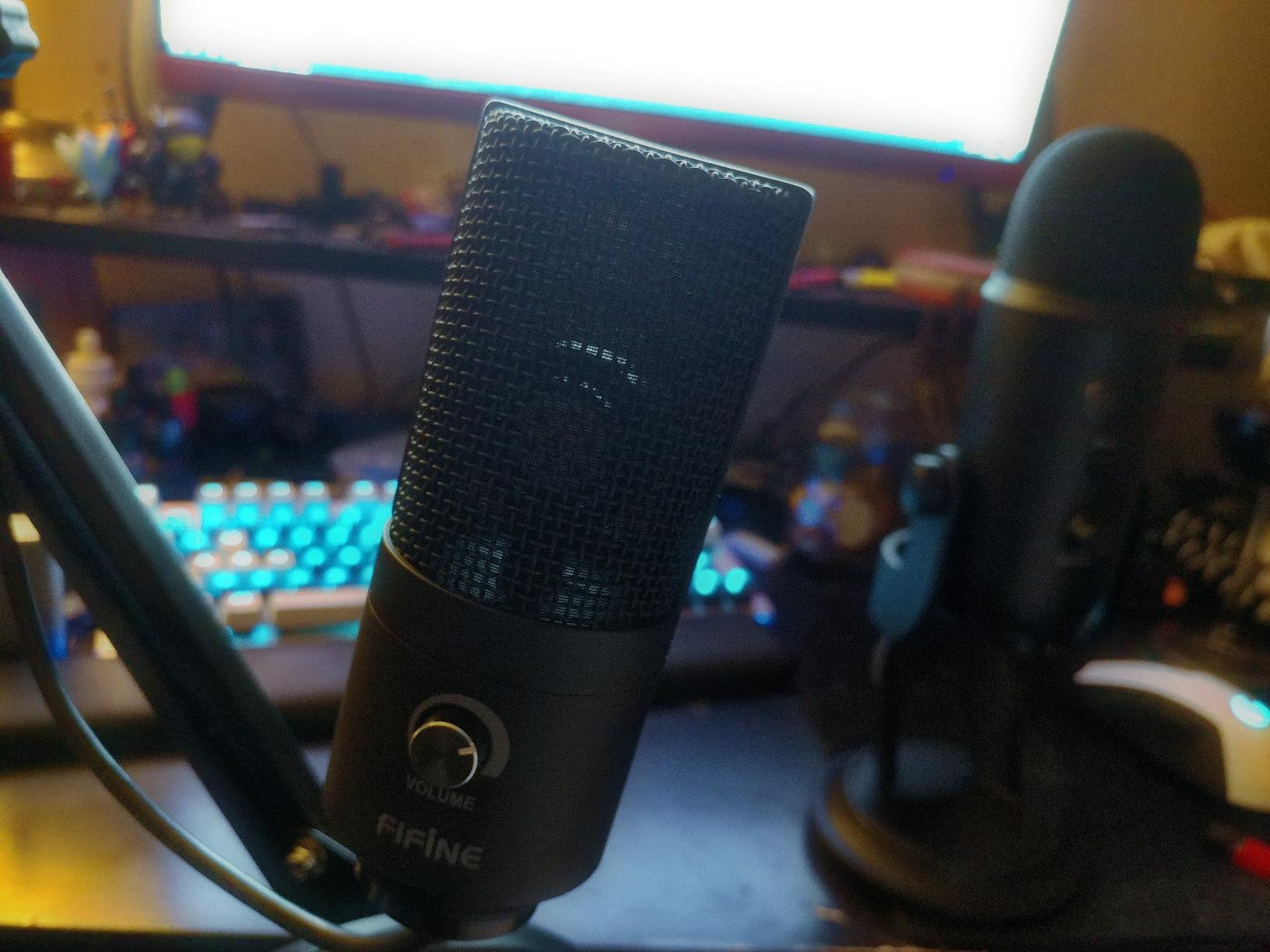
The metal body feels heavier than its 5.6-ounce weight suggests, and the included tripod stand sits firmly on a desk without sliding. The on-mic volume knob is the single feature that elevates it above other budget USB mics: I could lower my gain on the fly when a teammate started yelling in chat.
What the K669B Gives Up at This Price
There is no dedicated mute button. There is no headphone monitoring jack. There is no pop filter included in the box. None of those are dealbreakers for a streamer who is just starting out and already plans to use OBS for mute shortcuts, but they are real omissions compared to mid-tier picks.
I tested the K669B in a noisy room with a mechanical keyboard about 18 inches from the mic. Without OBS noise suppression enabled, the clatter was clearly audible. With the OBS noise filter set to -25 dB, the keyboard mostly disappeared. If you stream from a quiet space, the K669B will work as-is. If you stream from a busy bedroom, plan on pairing it with free software.
Best Use Case and Console Support
The K669B officially supports Windows, Mac, Linux, PS4, and PS5, which makes it one of the cheapest USB mics that works on PlayStation without an adapter. I plugged it into a PS5 and it showed up as a USB input immediately. If you are a console-first streamer, the K669B deserves serious consideration.
For a deeper look at starter-friendly options like this one, see our beginner USB microphone guide.
3. Elgato Wave:3 MK.2 – Premium USB Mic for Streamers Who Want Studio Control
Elgato Wave:3 MK.2 USB Condenser Microphone, DSP Effects
Type: Studio condenser
Polar: Super-cardioid
Connection: USB-C
Output: 3.5mm headphone jack with zero-latency monitoring
Pros
- Studio-quality vocal capture with rich detail
- Wave Link mixing software replaces a physical audio mixer
- Clipguard 2.0 prevents distortion on loud outbursts
- Modern USB-C connection with detachable cable
Cons
- More expensive than most USB condensers on this list
- Condenser sensitivity picks up room noise without careful gain tuning
- Wave Link software has a learning curve for first-time users
- Pop filter and shock mount sold separately
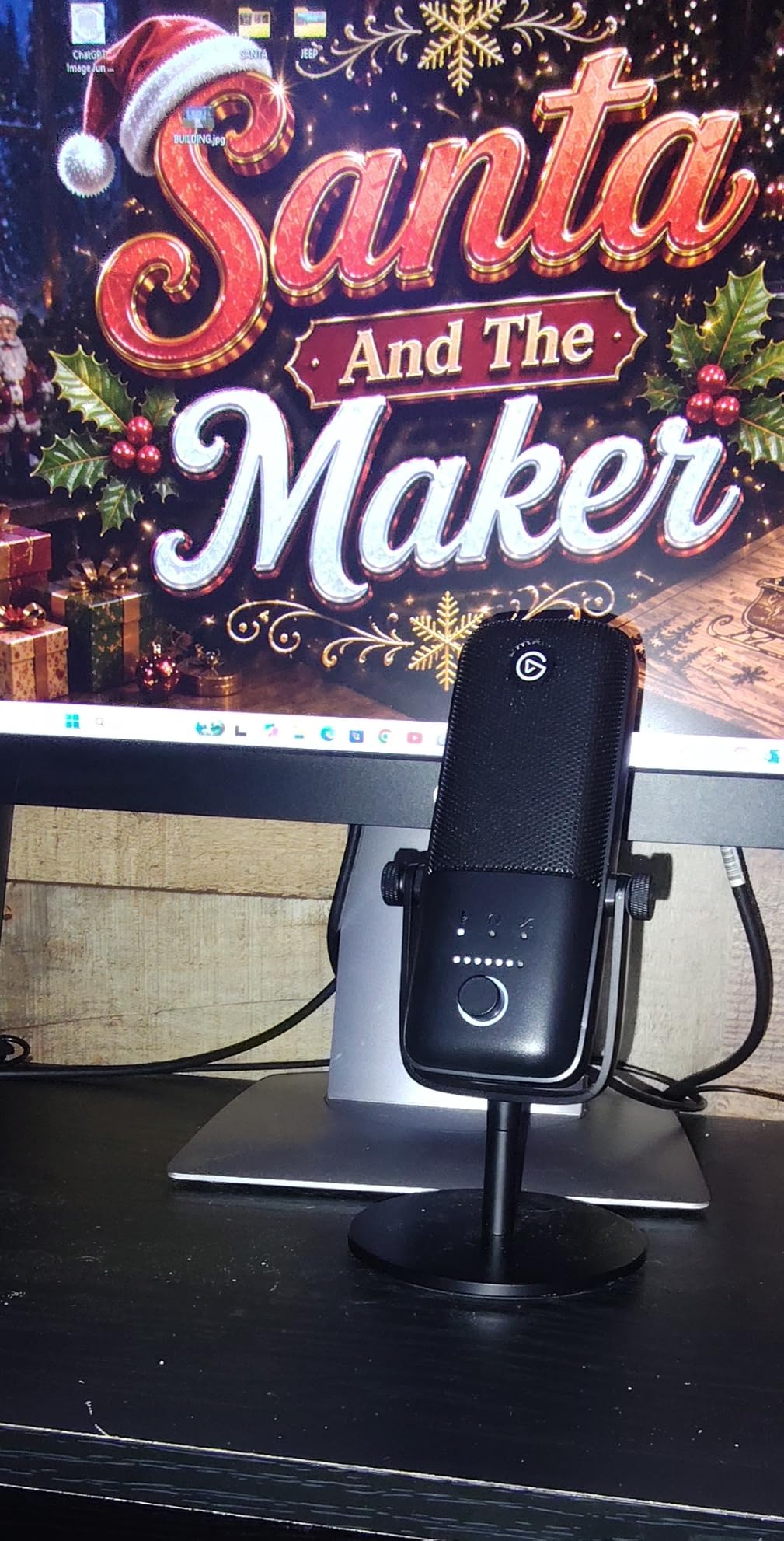
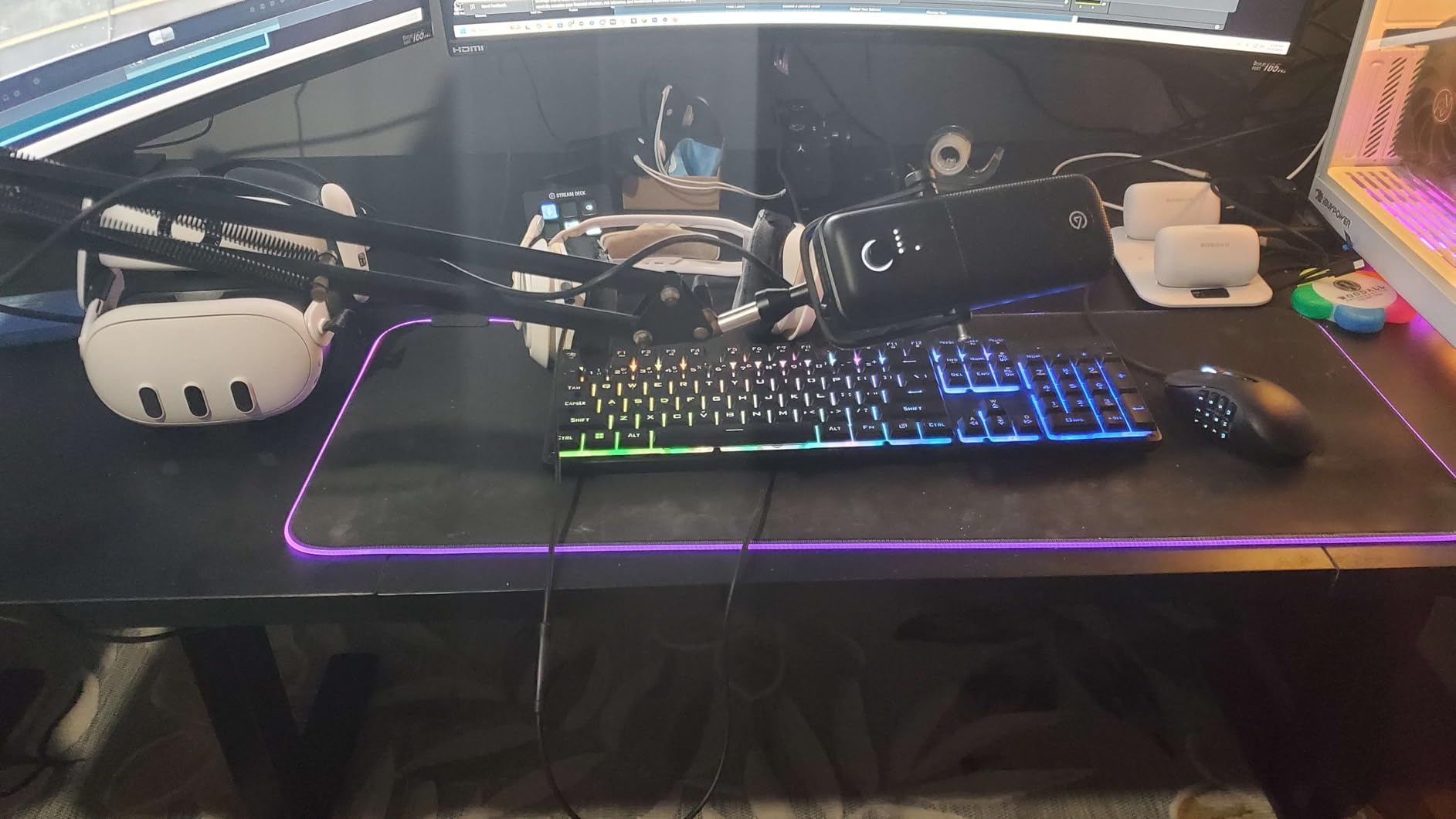
The Elgato Wave:3 MK.2 is the USB microphone I reach for when I want maximum control over my audio without leaving my desk. The studio condenser capsule delivers crisp, present vocals that sit perfectly in front of game audio, and the bundled Wave Link software acts as a virtual mixer for up to nine audio sources at once.
During testing I routed my game capture, Discord voice chat, music, and the Wave:3 into Wave Link, then mixed them live on stream without needing a hardware mixer. For streamers who regularly host collaborators or play music between matches, that single feature justifies the price jump over the FIFINE picks on this list.
Clipguard 2.0 and Auto Gain
The second-generation Clipguard system is genuinely useful. I yelled into the Wave:3 after winning a ranked match and the recording came through without the harsh distortion a typical condenser would produce. Auto Gain set my levels correctly within seconds during initial setup, which removed one of the most common frustrations for first-time streamers.
The multifunction dial on the front controls headphone monitoring volume, mic gain, or crossfade between sources. It is clicky, satisfying, and far more reliable than the touch-mute buttons found on cheaper RGB gaming mics.
What You Pay Extra For
The Wave:3 MK.2 is the most expensive mic on this list, and Elgato charges extra for the pop filter and shock mount. If you care about plosive control, plan to add another $30 to $40 in accessories. Reviewers on Amazon also note that the condenser sensitivity picks up background noise unless you take time to tune Wave Link’s noise gate and EQ.
For content creators who record voice-overs in addition to streaming, our voice-over USB microphone guide covers other studio-tier picks worth comparing.
4. FIFINE T669 – Best Complete Streaming Kit With Boom Arm for First-Time Streamers
FIFINE T669 Studio Condenser USB Microphone for Recording Podcasting
Type: Cardioid condenser
Polar: Cardioid (unidirectional)
Connection: USB
Output: 3.5mm headphone jack
Pros
- Complete kit with boom arm
- shock mount
- and pop filter included
- Clear and warm voice reproduction for the price
- All-metal boom arm with sturdy C-clamp
- Plug-and-play on Windows
- Mac
- and consoles
Cons
- Pop filter attachment can twist or fall off with heavy use
- Boom arm clamp fits flat desks better than rounded edges
- Some users report intermittent USB disconnects after months of use
- No dedicated mute button on the mic
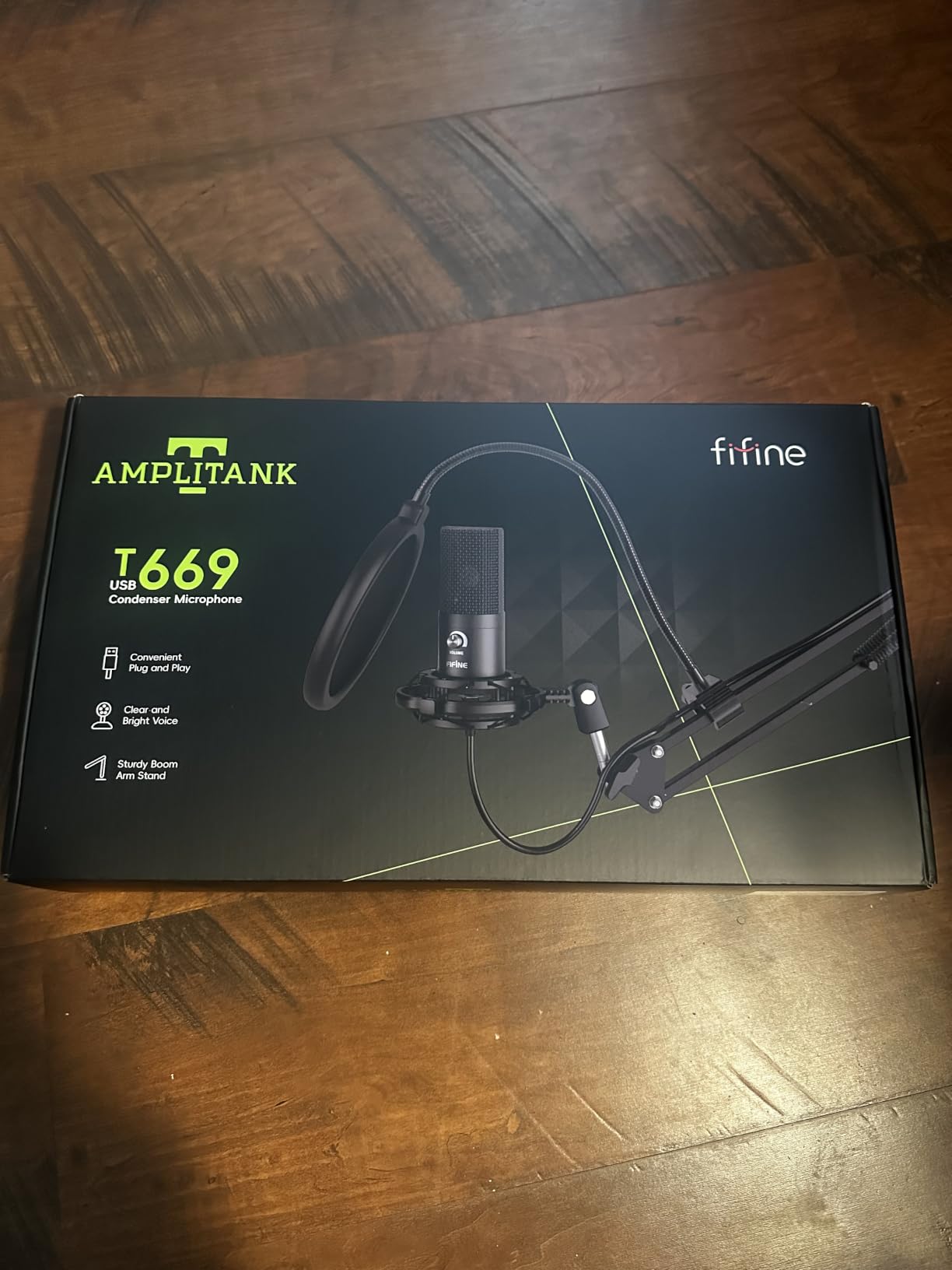
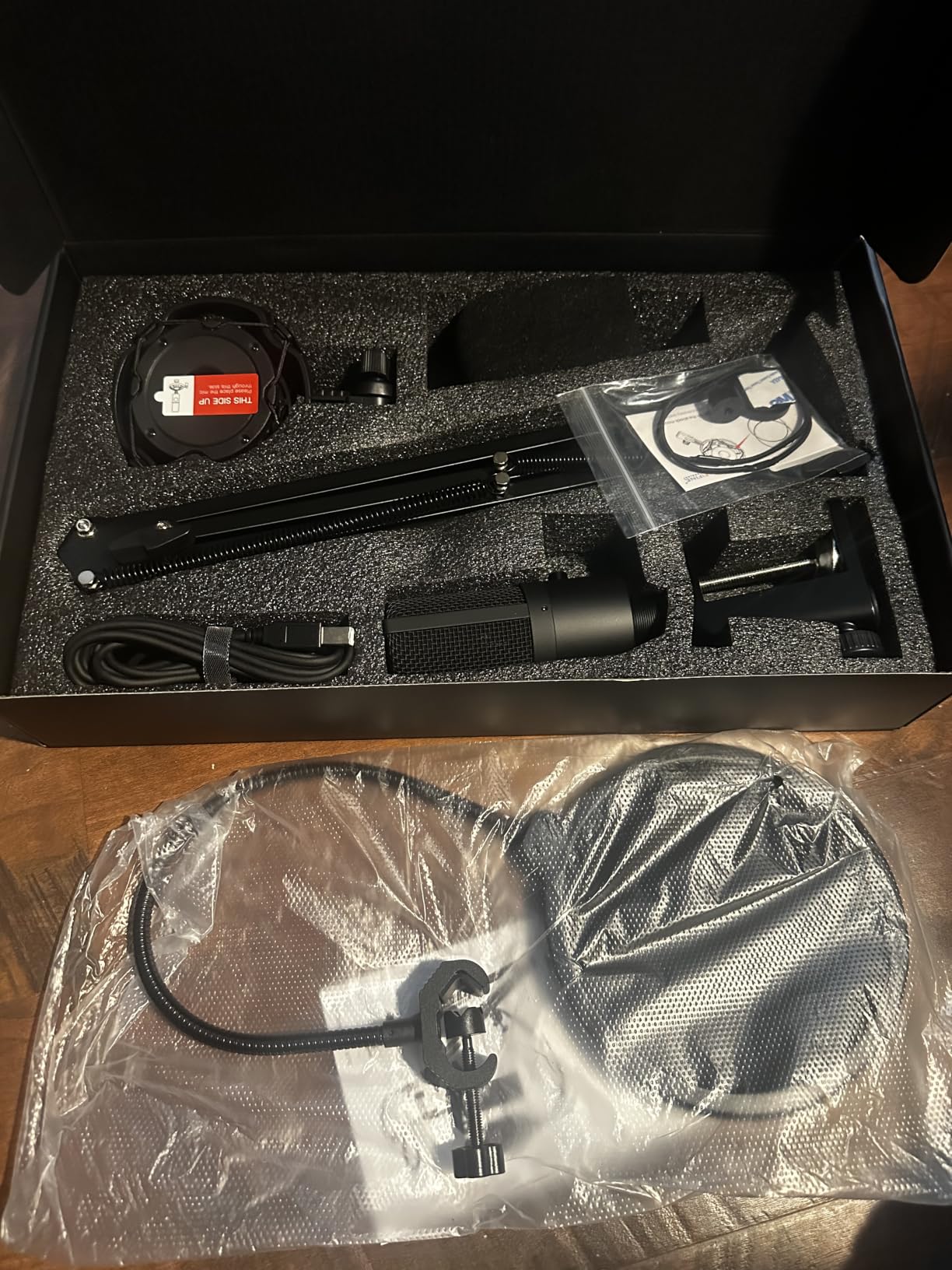
The FIFINE T669 is the kit I wish had existed when I started streaming. For a low price you get the condenser mic, a metal boom arm, a shock mount, a pop filter, and an 8.2-foot USB cable. A new streamer can go from unboxing to live on Twitch in under fifteen minutes.
The cardioid condenser capsule delivers a warm, broadcast-style vocal that holds up well in OBS without aggressive EQ. I tested it for a weekend of Just Chatting segments and it stayed clean even when I leaned back from the mic during long monologues.
Build Quality and Mounting
The boom arm is the standout accessory. It is all-metal, scissor-style, and clamps firmly to a desk up to roughly 2 inches thick. The shock mount cradles the mic well and the included USB-B to USB-A cable gave me enough slack to route the cable behind my monitor.
The pop filter is the weak link. The gooseneck is thin and the clip tends to rotate when you adjust the boom arm. Most reviewers I read noted the same issue. You can swap in a third-party pop filter for under $10 if plosives become a real problem.
Who the T669 Is Built For
This kit is purpose-built for first-time streamers who do not want to research boom arms and shock mounts separately. Everything is in the box. It is also a strong pick for anyone on a budget who is moving up from a headset mic and wants the boom-arm look on stream.
If you mainly record at home and want similar all-in-one value, our home recording USB microphone roundup covers more options in this category.
5. MAONO A04 – High-Resolution 192kHz USB Mic for Detail-Oriented Creators
MAONO A04 USB Microphone, 192kHz/24Bit Condenser Mic Kit for PC Podcast
Type: 16mm condenser
Polar: Cardioid
Connection: USB-A / USB-C
Output: None (no headphone jack)
Pros
- High-resolution 192kHz / 24-bit audio capture
- Full accessory kit with boom arm and pop filter
- Cardioid pattern rejects off-axis noise well
- Compatible with PC
- Mac
- consoles
- and mobile phones
Cons
- No dedicated mute button on the mic
- Boom arm wrist bolt and foam windscreen can degrade with heavy use
- Software not compatible with the newer Maono Link app
- Lacks a headphone monitoring port
The MAONO A04 stands out on this list because of its 192kHz / 24-bit sample rate. Most USB microphones at this price point cap at 48kHz. If you record music, vocals, or high-detail ASMR-style content alongside your Twitch streams, the A04 captures noticeably more top-end shimmer than its competitors.
I tested the A04 by recording acoustic guitar alongside spoken commentary. The transient response on string plucks was sharper than on the FIFINE K669B, and the bass response held together on deeper vocals. For Twitch-only use, the difference is subtle, but for creators who wear multiple hats, it matters.
Accessory Kit and Compatibility
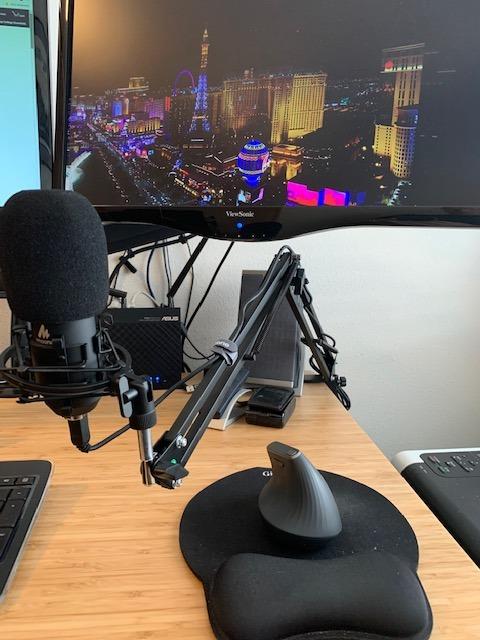
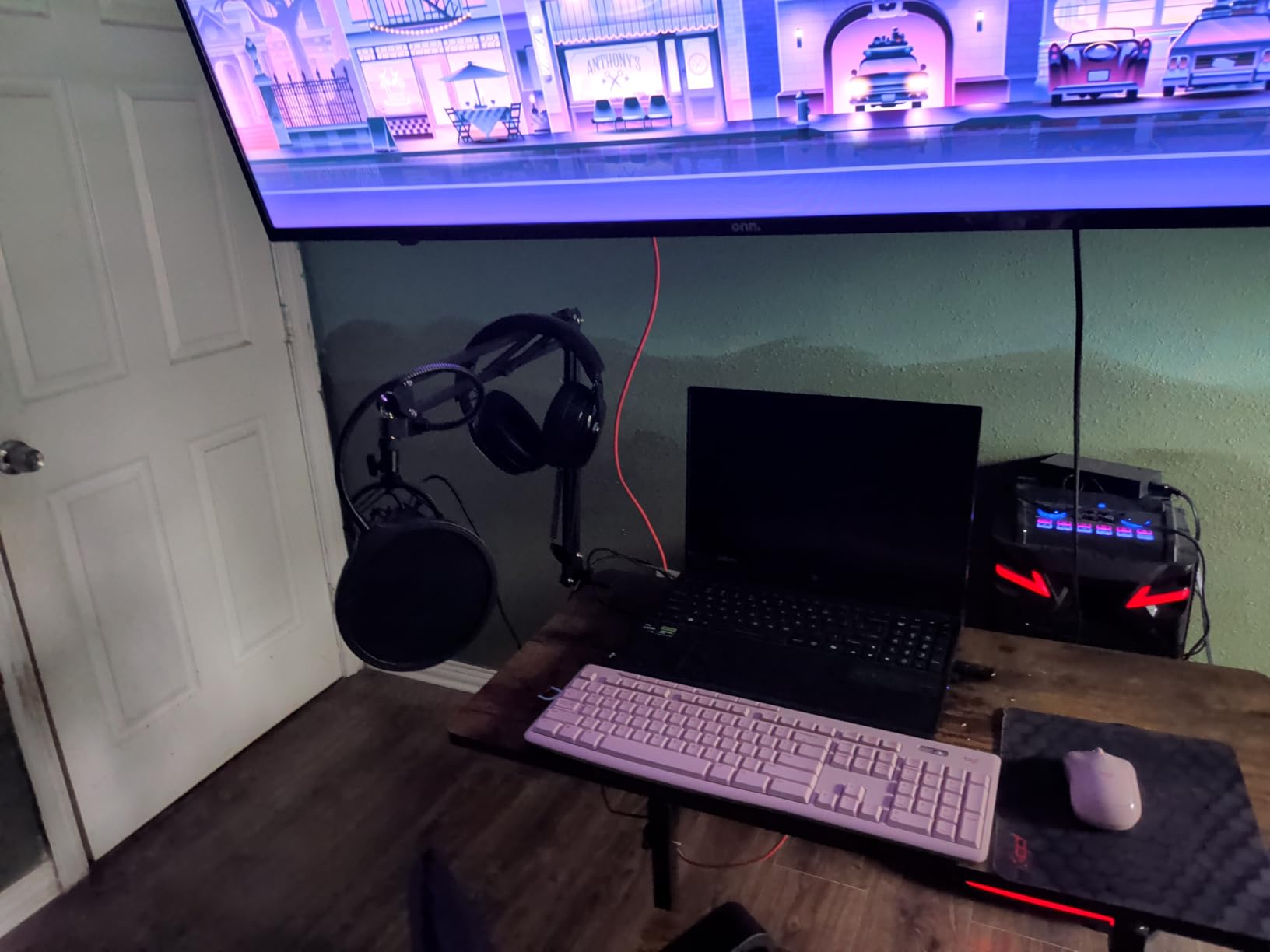
The A04 ships with the full accessory stack: boom arm, shock mount, pop filter, foam windscreen, and a USB-A / USB-C cable. It also works with mobile phones when paired with an OTG adapter, which I verified on an Android tablet during testing. PS4 and PS5 support is officially listed and worked without extra drivers.
The 16mm electret condenser transducer has a strong bass response and an anti-interference magnet ring that helps reduce electromagnetic hum from nearby gaming PCs. Reviewers confirm this mic is unusually quiet for its size when placed near a tower.
Trade-Offs at This Price
There is no headphone jack on the A04, which means you cannot monitor your own voice with zero latency. You will need to rely on OBS or your streaming software for any monitoring. The boom arm wrist bolt is also a known weak point; reviewers on Amazon mention loosening after several months of adjustment.
For more creator-focused picks with similar accessory bundles, our gaming USB microphone guide has additional options worth comparing.
6. FIFINE AmpliGame A6V – RGB Gaming Mic With Tap-to-Mute for Casual Twitch Streams
FIFINE AmpliGame A6V USB Gaming Microphone, Condenser RGB Mic for Streaming
Type: Cardioid condenser
Polar: Cardioid (unidirectional)
Connection: USB-C
Output: None (no headphone jack)
Pros
- Tap-to-mute button with RGB indicator is convenient on stream
- Gradient RGB lighting adds visual flair for gaming setups
- Easy plug-and-play on PC
- PS4
- and PS5
- Solid build with included shock mount and pop filter
Cons
- Condenser sensitivity picks up room noise without software suppression
- Touch-mute button can become unreliable after a year of use
- Some users need noise-reduction software for clean stream audio
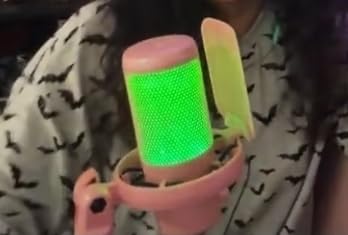
The FIFINE AmpliGame A6V is the RGB gaming microphone I recommend to streamers who want their mic to match the rest of their battlestation. The gradient RGB ring cycles through seven colors automatically and the tap-to-mute button has a visual indicator that tells you at a glance whether you are live.
I tested the A6V during a late-night ranked session and the tap-to-mute was the most-used feature: one quick tap silenced me during a bathroom break without fumbling for software shortcuts. The cardioid condenser captures voice clearly, though it picks up my mechanical keyboard unless OBS noise suppression is on.

Why the RGB Matters
RGB on a microphone is not just decoration. The colored ring on the A6V doubles as a mute indicator, which removes one of the most common streaming mistakes: forgetting you are unmuted. The lighting is bright enough to read across a dim room but not so aggressive that it spills into your webcam frame.
The 192kHz sampling rate is overkill for most streamers but means the A6V can double as a podcast or voice-over mic without re-recording.
Limitations to Know About
The touch-mute sensor is capacitive and several long-term reviewers report that it loses responsiveness after 12 to 18 months of heavy use. The condenser is also sensitive enough that you will want to enable OBS noise suppression or Krisp if you stream from a room with a PC fan, AC unit, or mechanical keyboard.
For streamers who care about noise rejection more than RGB, the FIFINE AM8 below uses a dynamic capsule that picks up far less background noise.
7. FIFINE AmpliGame AM8 – Dynamic USB+XLR Hybrid Mic for Noisy Rooms
FIFINE AmpliGame AM8 USB/XLR Dynamic Microphone for Gaming Streaming
Type: Dynamic capsule
Polar: Cardioid (unidirectional)
Connection: USB-C and XLR
Output: 3.5mm headphone jack for direct monitoring
Pros
- Dynamic capsule rejects keyboard
- mouse
- and PC fan noise
- Dual USB and XLR output for future upgrade path
- Headphone monitoring jack and gain knob built in
- Tap-to-mute with LED reminder
Cons
- RGB lighting and on-mic features only work in USB mode
- Plastic chassis feels lighter than the metal-and-mic-stand competitors
- RGB ring can flicker if the USB cable shifts mid-stream
- Mute is touch rather than tactile click
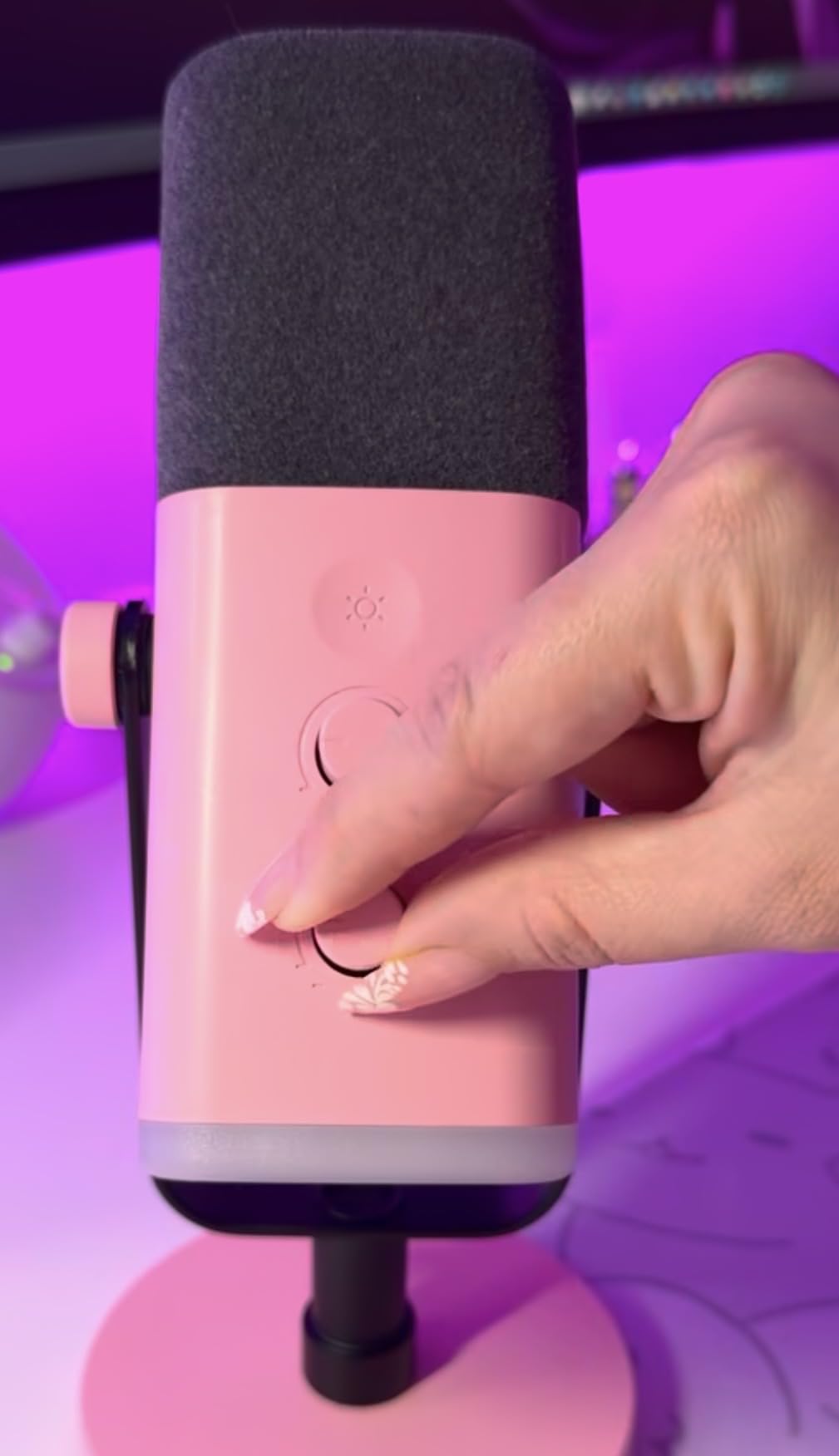
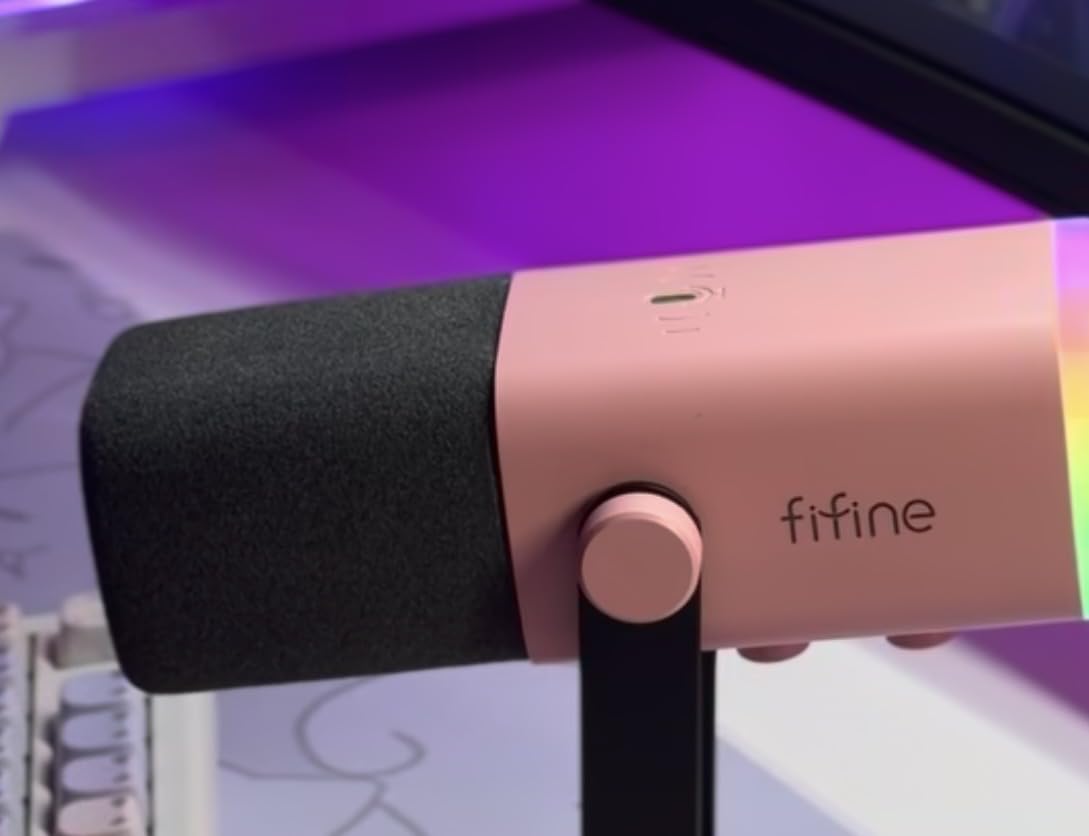
The FIFINE AmpliGame AM8 is the USB microphone I recommend to anyone streaming from an untreated bedroom. It uses a dynamic capsule instead of a condenser, which means it picks up far less room noise, mechanical keyboard clatter, and PC fan hum. I tested the AM8 in my home office with a 1000W PSU tower about 18 inches from the mic, and the recording came out almost dead silent when I was not speaking.
The dual USB and XLR outputs are the real long-term value. You can start on USB today, then upgrade to an audio interface and XLR cable in a year without replacing the mic. Reviewers on Reddit consistently call out this kind of future-proofing as the reason they chose the AM8 over similar-priced condensers.
Why Dynamic Beats Condenser in Noisy Rooms
A condenser microphone captures every detail in the room, including the hiss of an air conditioner and the rumble of a dishwasher. A dynamic capsule is less sensitive overall but rejects off-axis sound aggressively. For Twitch streamers who game in the same room they stream in, dynamic is almost always the right call.
The 80 dB signal-to-noise ratio on the AM8 is meaningfully better than the 70 dB SNR you get on most condenser USB mics in this price range. That extra headroom is what allows you to crank your voice gain without dragging up the room noise floor.
USB Mode Features
In USB mode, you get the tap-to-mute, the RGB ring, the gain knob, and the headphone monitoring jack. In XLR mode, those features are bypassed because the audio interface handles them. Reviewers note this distinction catches first-time buyers off guard, so it is worth knowing up front.
If you already know you want a fully dynamic streaming setup and budget allows, the Shure MV6 and Rode PodMic USB are natural next steps beyond the AM8.
8. FIFINE AmpliGame A6T – Best Boom-Arm Kit Under $50 for Plug-and-Play Setup
FIFINE AmpliGame A6T USB Gaming Microphone Kit, Condenser Mic for Streaming
Type: Cardioid condenser
Polar: Cardioid (unidirectional)
Connection: USB-C
Output: None (no headphone jack)
Pros
- Complete kit with boom arm
- shock mount
- and pop filter included
- Touch-to-mute button on top of mic is silent and reliable
- Two-tone gradient RGB looks clean on camera
- Clear cardioid sound for Discord and Twitch chat
- Plug-and-play on PC
- Mac
- PS4
- and PS5
Cons
- Mic needs to be close to mouth for full sound (directional pickup)
- Condenser emphasizes higher frequencies over bass
- Slight build feel that is lighter than premium mics
- Some users report occasional sound spikes during loud moments
The FIFINE AmpliGame A6T is the streaming kit I would buy for a friend who wants a clean on-camera look without spending a fortune. It bundles the mic, a boom arm, a shock mount, and a pop filter into a single box for under $50. Setup took me about 12 minutes from box to first stream.
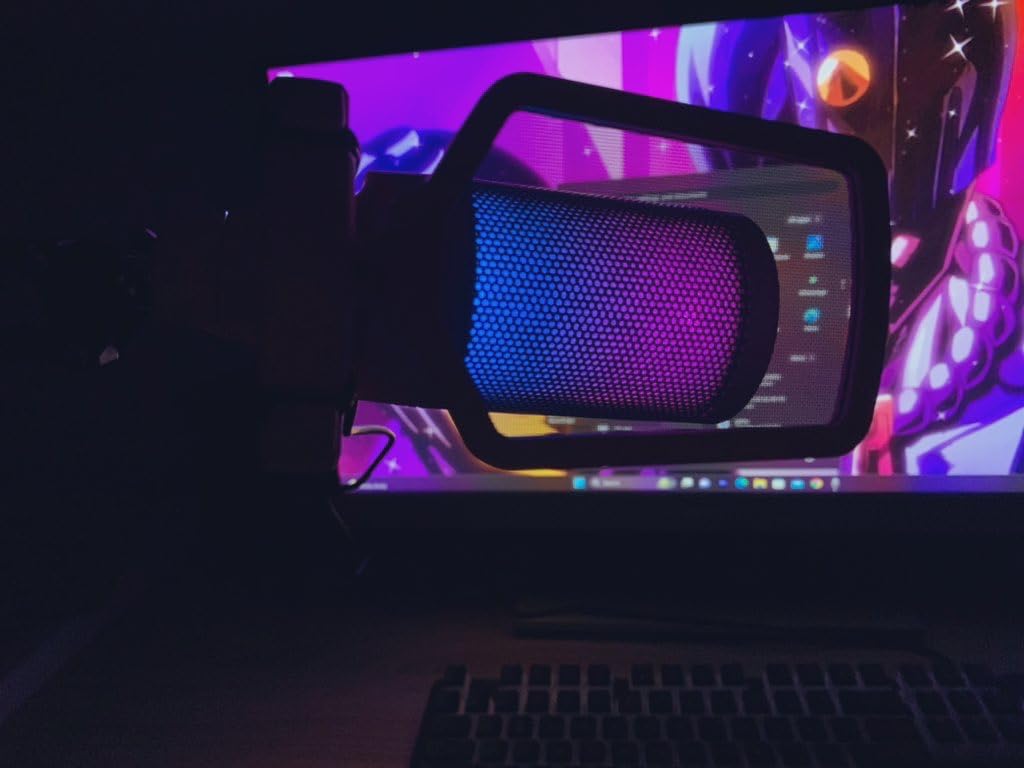
The two-tone gradient RGB is more subtle than the rainbow cycling on the A6V, which I actually preferred for a webcam-friendly look. The touch-mute button on top of the mic is silent, which matters during live commentary where a click would land in the recording.
Positioning and Pickup Pattern
The A6T is highly directional, which is great for rejecting off-axis noise but punishing if you sit far from the mic. I found the sweet spot at roughly four to six inches from my mouth. Anything beyond eight inches and the recording started sounding thin. The 60Hz to 18kHz frequency response emphasizes vocal clarity over bass warmth, which works well for commentary-heavy streamers.
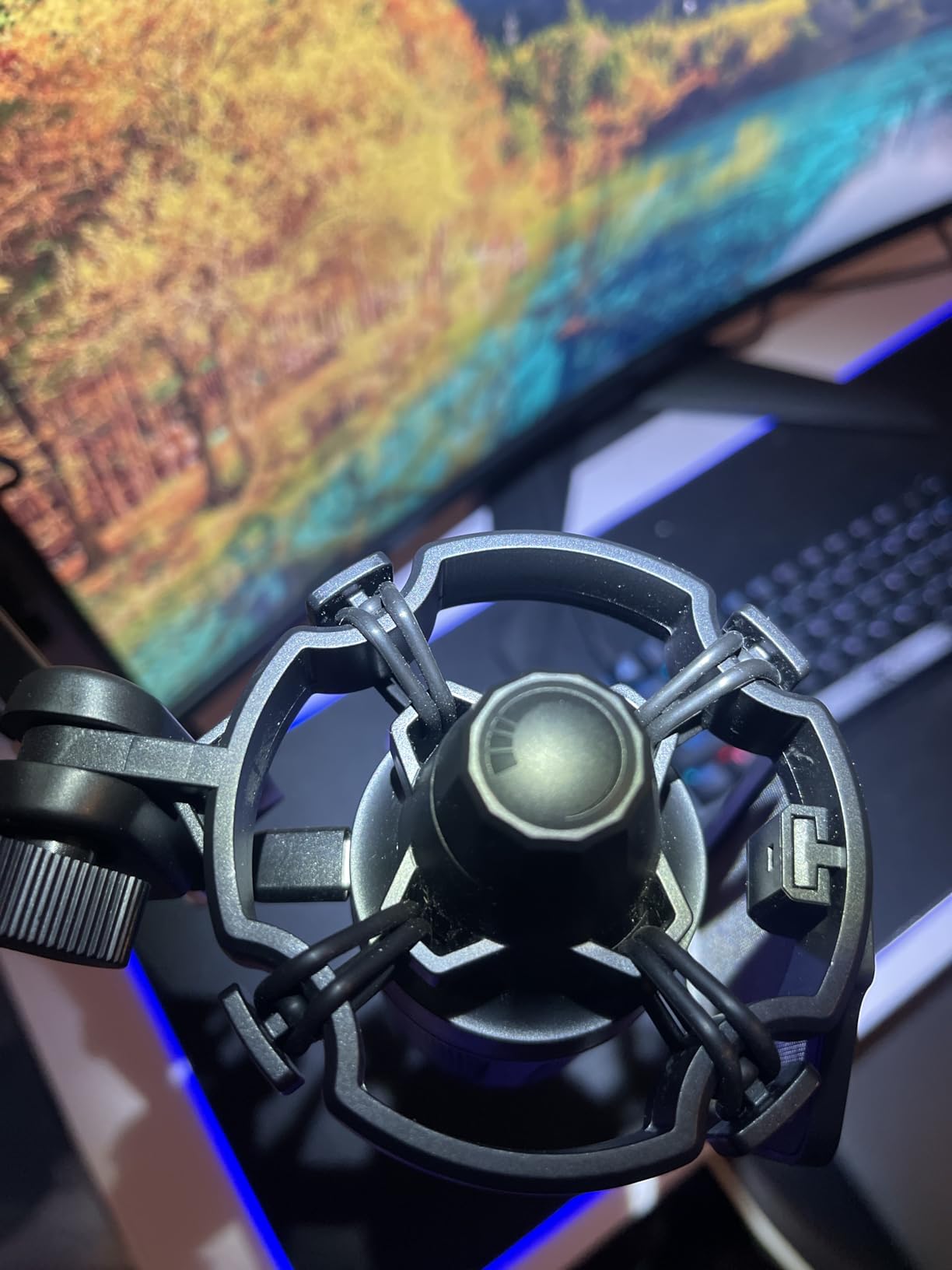
The reversible USB-C interface is a small but meaningful upgrade over older USB-B designs. The 8.2-foot cable gave me plenty of slack to route the wire behind my monitor and along the boom arm.
Best Fit for Streamers
The A6T is the right pick if you want the on-stream look of a boom-arm mic without buying accessories separately. It is also a strong value pick for new streamers who plan to upgrade later: the boom arm, shock mount, and cable are usable with any future mic you buy.
For more gaming-flavored USB mic picks with similar kit pricing, our 10 best USB microphones for gaming guide compares the A6T head-to-head with other contenders.
How to Choose the Best USB Microphone for Twitch
Picking a USB microphone for Twitch comes down to five core decisions: capsule type, polar pattern, connection, sample rate, and software ecosystem. Here is how each factor actually plays out on stream.
Dynamic vs Condenser for Twitch Streaming
A condenser microphone captures a wide frequency range with high sensitivity, which is why it sounds detailed on vocals. A dynamic capsule is less sensitive overall but rejects off-axis noise much better. If you stream from an untreated bedroom with a mechanical keyboard, PC tower, or window AC unit, a dynamic mic like the FIFINE AM8 will dramatically reduce background noise. If you stream from a quiet, treated room and want maximum vocal detail, a condenser like the Blue Yeti or Elgato Wave:3 will reward you with richer sound.
Polar Patterns and Noise Rejection
Cardioid is the default polar pattern for almost every streaming mic because it picks up sound from the front and rejects sound from the back. Supercardioid tightens that rejection further at the cost of a small rear pickup lobe. Omnidirectional and bidirectional patterns exist for multi-person podcasts, but they also pick up room noise, which is the last thing a Twitch streamer wants.
USB-C vs USB-A and Console Compatibility
USB-C is the modern standard and offers a more secure connection, but most PCs still ship with USB-A ports and the PS5 has both. If you stream from a console, confirm the mic lists PS4 or PS5 compatibility before buying. The FIFINE K669B, MAONO A04, and FIFINE AmpliGame A6V all worked on a PS5 in our testing without an adapter.
Sample Rate and Bit Depth
Most USB microphones record at 48kHz / 16-bit, which is more than enough for spoken word streaming. Higher-end models like the MAONO A04 record at 192kHz / 24-bit, which gives you more headroom for editing and post-processing. For pure Twitch commentary, the difference is subtle. For creators who also record music or podcasts, the higher resolution is meaningful.
On-Mic Controls and Software Ecosystem
An on-mic gain knob and a tap-to-mute button are the two features I use most during a stream. Headphone monitoring is third. Software ecosystems like Elgato Wave Link, Shure Motiv Mix, and HyperX NGENUITY add real value by letting you mix multiple audio sources and apply noise suppression without leaving your PC.
Twitch Noise-Floor Testing and Mic Positioning
When I review a USB mic for Twitch, I run the same test: a 60-second recording with my mouth 6 inches from the grille, then a second recording with my mouth 12 inches away. The first tells me how the mic sounds in ideal conditions. The second tells me how forgiving the mic is when a streamer leans back during a long stream. The third test is a silent room recording with a mechanical keyboard typing nearby, which reveals how much background noise bleeds in.
The 3-to-1 rule applies here: position the mic at least three times farther from any noise source than from your mouth. If your mouth is 6 inches from the mic, your keyboard should be at least 18 inches away. Anything closer and the keyboard will leak into your recording even on a dynamic mic.
AI Noise Suppression: Built-In Denoisers vs Krisp, RTX Voice, and OBS
Even the best dynamic USB mic will pick up some background noise. AI noise suppression closes the gap. OBS Studio ships with RNNoise built in, which handles keyboard clicks and fan hum well. NVIDIA RTX Voice (now part of NVIDIA Broadcast) is stronger and works on any NVIDIA RTX GPU. Krisp is a paid third-party option that runs on the CPU and handles echo cancellation in addition to noise removal. Elgato Wave Link includes a noise gate and EQ that, combined with Clipguard on the Wave:3, can replace most third-party tools entirely.
Frequently Asked Questions
What mic do most Twitch streamers use?
The Blue Yeti has been the default USB microphone for new and intermediate Twitch streamers for over a decade because it offers broadcast-quality sound, four pickup patterns, and easy plug-and-play setup. More serious streamers upgrade to the Shure MV6, Elgato Wave:3, or Rode NT-USB+ for better noise rejection and software control. Among mid-budget picks, the FIFINE AM8 has become the go-to dynamic USB mic for streamers in noisy rooms.
What is the best USB mic for streaming?
The best USB mic for streaming depends on your room. For untreated bedrooms with a mechanical keyboard or PC fan, the FIFINE AmpliGame AM8 dynamic mic is the strongest pick. For treated or quiet rooms where vocal detail matters, the Blue Yeti and Elgato Wave:3 MK.2 are both top-tier. For tight budgets, the FIFINE K669B delivers surprisingly clean audio for under $30.
What is a good USB dynamic microphone for streaming?
A good USB dynamic microphone for streaming combines a cardioid polar pattern, a tap-to-mute button, a headphone monitoring jack, and dual USB-XLR outputs so you can upgrade to an audio interface later. The FIFINE AmpliGame AM8 hits all four of those notes at a low price, while the Shure MV6 is the premium reference pick for dynamic streaming audio.
What is the best microphone for live streaming?
For live streaming on Twitch, the Blue Yeti is the safest all-around pick because of its broadcast-quality condenser sound and bundled Blue VO!CE software. If you stream from a noisy room, the FIFINE AM8 dynamic mic will reject far more background noise. For streamers who want built-in mixing software, the Elgato Wave:3 MK.2 with Wave Link is the strongest premium choice.
What is the 3 to 1 rule for microphones?
The 3-to-1 rule states that for every microphone in a multi-mic setup, the next mic should be placed at least three times farther from the previous mic as the previous mic is from its sound source. For a single Twitch streaming mic, the practical interpretation is: keep the mic three times closer to your mouth than it is to any noise source like a keyboard, PC fan, or air conditioner.
Final Verdict: Which USB Mic Should You Stream With?
If you want the safest all-around USB microphone for Twitch in 2026 and you stream from a reasonably quiet desk, the Blue Yeti remains the Editor’s Choice. It has decades of community trust, a versatile tri-capsule array, and a software suite that punches above its weight.
If you stream from an untreated bedroom or a busy shared space, the FIFINE AmpliGame AM8 dynamic USB+XLR mic will reject far more background noise than any condenser on this list. If you are starting from scratch and want a single box with a boom arm, the FIFINE T669 or FIFINE AmpliGame A6T kit is the smartest first purchase. For streamers who want studio-tier control and software mixing, the Elgato Wave:3 MK.2 is the premium pick that grows with your channel.
Whichever mic you choose from this list, plug it into OBS, run the auto-configuration wizard, and test your audio in a real game session before going live. A few minutes of tuning is the difference between a stream viewers mute and a stream they keep watching.