
The HP Sprocket Portable Photo Printer (2nd Edition) is the best portable printer for travel overall because it weighs 6.1 ounces, prints 2×3-inch sticky-backed photos over plain Bluetooth, and has the largest review base in this roundup at 25,533 reviews. If you need true 4×6 prints, the Liene M100 is the pick. If you need boarding passes and shipping labels rather than photos, look at the thermal document printers further down.
One note on scope before we start. The term portable printer is genuinely ambiguous online, and many cheap listings under that name are inkless thermal devices that print boarding passes and receipts rather than photos. This guide covers both families and labels every pick, because the two categories solve completely different problems. The first five picks print photos; the last three print documents.
Our method: we compared specifications, current user reviews, and real-world travel constraints across eight units, and weighted the factors that actually change on a trip — weight, connection method, paper supply, and what a single print costs. We do not accept payment to place a pick on this list, and every rating shown is copied from the live listing. Updated for 2026.
While you are packing, you may also want our picks for the best portable monitors for travel and the best portable projectors for travel — the same packability logic applies to all three categories.
Our Top 3 Portable Printers for Travel in 2026

HP Sprocket Portable Photo…
- ZINK zero-ink 2x3 prints
- 6.1 ounce body
- Bluetooth only
- 10 sheet tray


Liene M100 4×6 Photo Printer
- Borderless dye-sublimation 4x6
- built-in Wi-Fi hotspot
- 100 sheets and 3 cartridges included
Comparing All 8 Portable Printers at a Glance
Every unit below is listed in our recommended order, not alphabetically, so the first row is the one we would pack first.
| Product | Specs | Action |
|---|---|---|
| HP Sprocket Portable Photo Printer (2nd Edition) |
|
Check Latest Price |
| Canon IVY 2 Mini Photo Printer |
|
Check Latest Price |
| Liene M100 4×6 Photo Printer |
|
Check Latest Price |
 KODAK Mini 2 Retro 4PASS KODAK Mini 2 Retro 4PASS |
|
Check Latest Price |
 Nelko PP01 2×3 Photo Printer Nelko PP01 2×3 Photo Printer |
|
Check Latest Price |
 Phomemo M08F Inkless Thermal Printer Phomemo M08F Inkless Thermal Printer |
|
Check Latest Price |
 Gloryang Inkless Thermal Printer Gloryang Inkless Thermal Printer |
|
Check Latest Price |
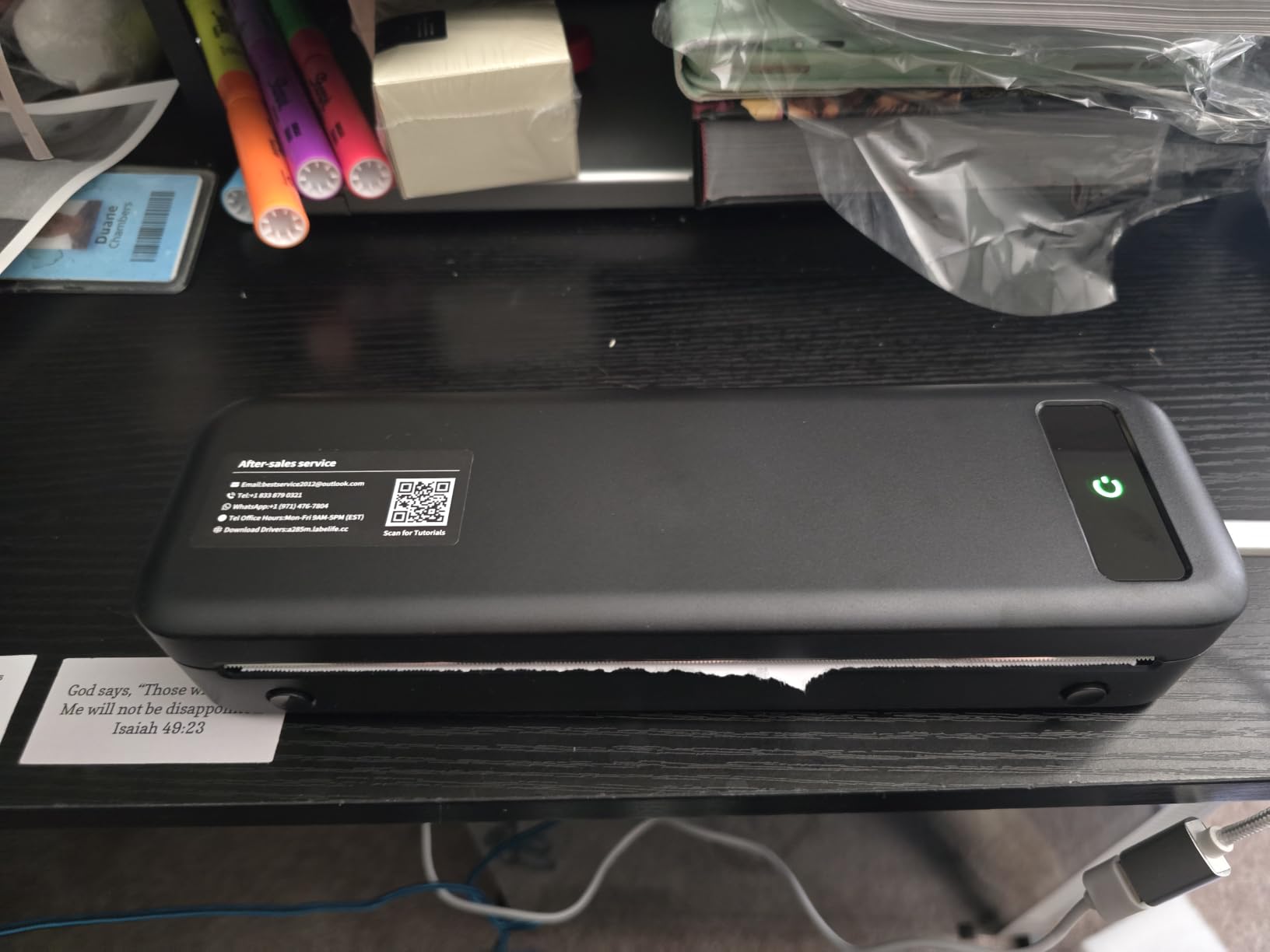
 TATTMUSE A285M Inkless Thermal Printer TATTMUSE A285M Inkless Thermal Printer |
|
Check Latest Price |
1. HP Sprocket Portable Photo Printer (2nd Edition) — Best Overall for Travel
HP Sprocket Portable Photo Printer (2nd Edition) – Instantly print 2×3″ sticky-backed photos from your phone – [Luna Pearl] [1AS85A]
ZINK zero-ink
2x3 sticky-backed prints
6.1 ounces
10 sheet tray
Pros
- Pocket-sized and light for travel
- No ink cartridges to carry
- Fast Bluetooth pairing with a straightforward app
- Peel-and-stick prints suit journals and scrapbooks
- Connect several phones so a group can print
Cons
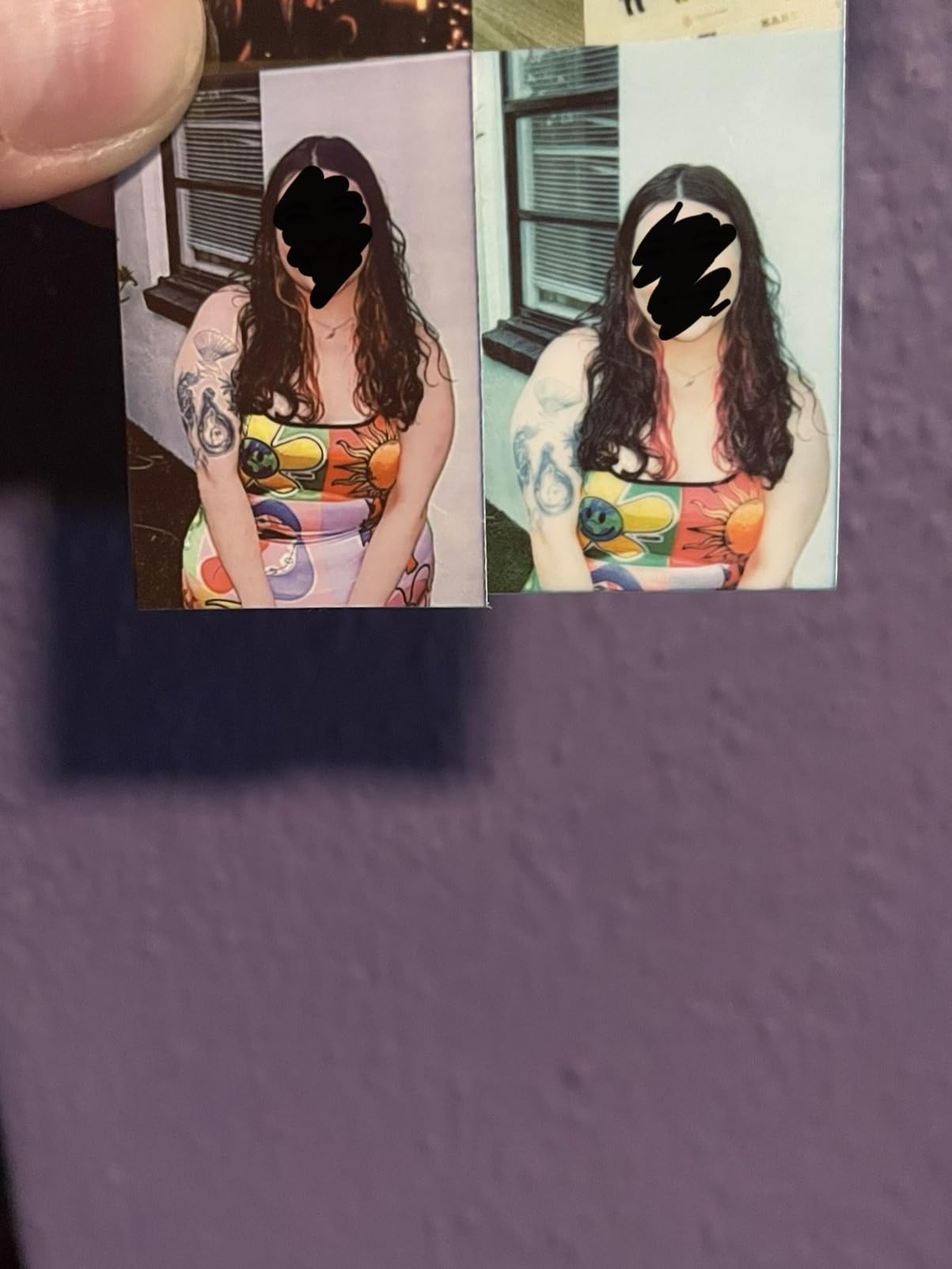
- Colours skew warm or pinkish versus the original
- Quality is illustrative rather than photographic
- Short battery life on long outings
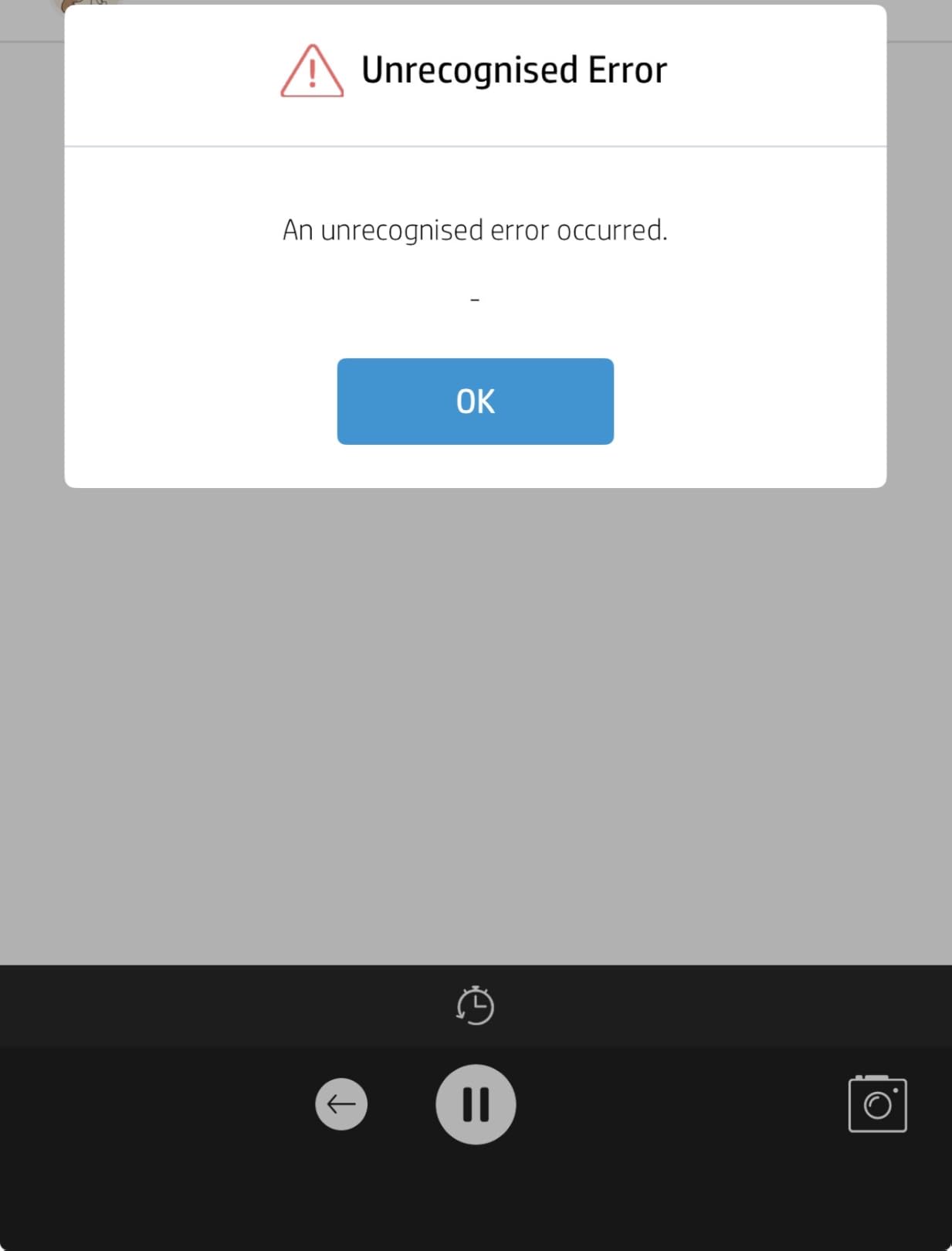
- Occasional paper feed errors
This is the printer we would hand to a traveller first. At 6.1 ounces and 3.15 by 4.63 by 0.98 inches it disappears into a jacket pocket or a side of a daypack, and ZINK technology means there is no ink cartridge, no ribbon, and nothing to leak in a bag at altitude.
The output is 2×3-inch glossy photo paper with a peel-and-stick backing, which matters more on a trip than it sounds. Sticking a print straight into a travel journal removes the need for glue, tape, or a photo album, and the same prints slip into a card for a family member back home.
What ZINK paper actually is
ZINK is short for zero ink. Instead of liquid cartridge, colour crystals are layered into the paper itself and activated by heat from the print head. There is no cartridge to replace and no ink to run out mid-trip, but the paper is proprietary to HP and costs more per sheet than plain photo paper.
Bluetooth-only simplicity on the road
Connection here is Bluetooth and nothing else, which is a feature in a hotel room or a hostel common room where Wi-Fi is unreliable. Pair once, open the app, print. Reviewers frequently mention that the app has been maintained well, which matters because app abandonment is a common failure point for this category.
Bluetooth 5.0 with sleep mode keeps the printer reachable without draining the battery, and multiple phones can connect so a whole travel group prints from their own albums. The app also offers an augmented-reality virtual print queue, borders, and shared albums.
Where the quality ceiling sits
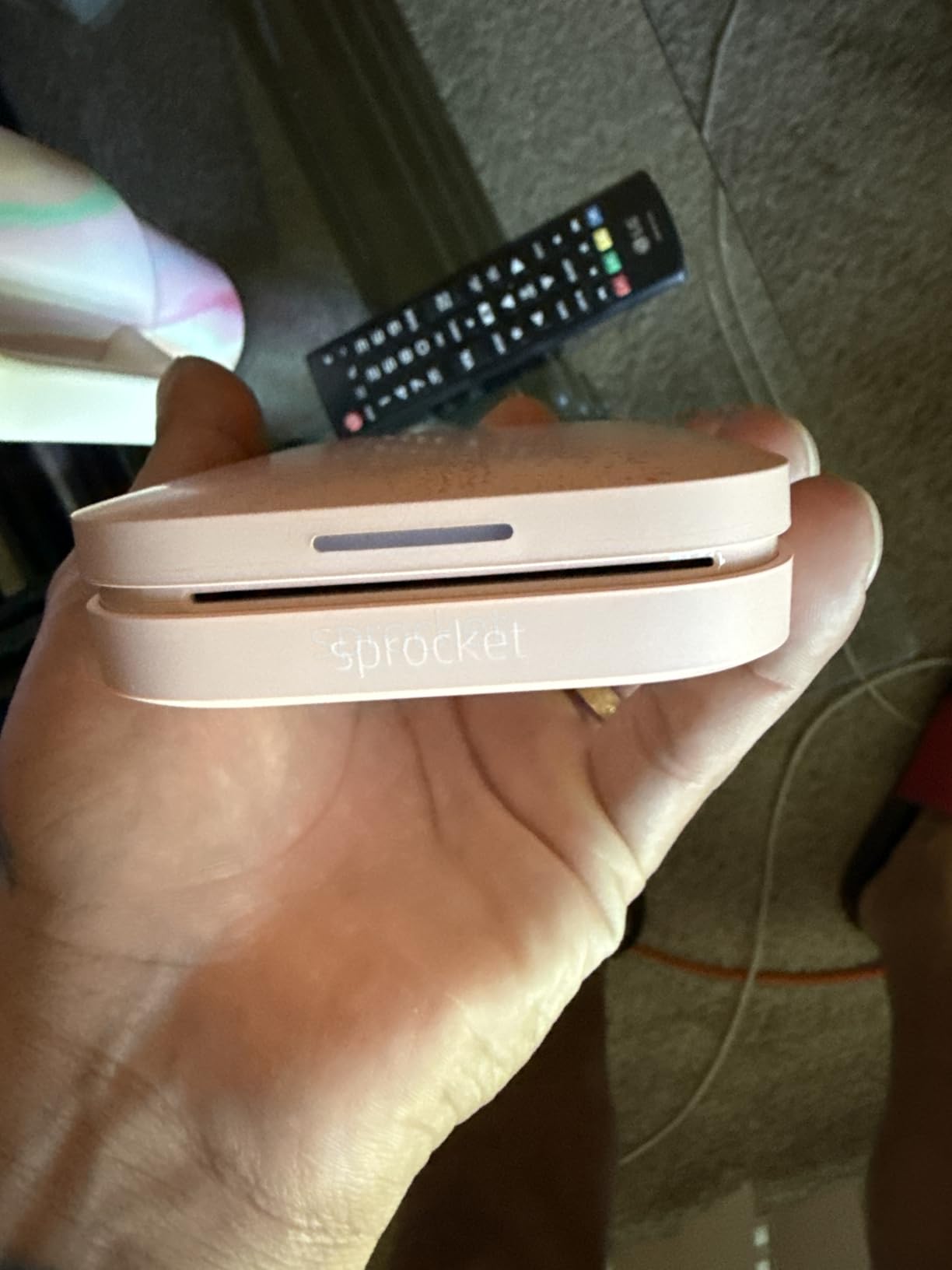
Two caveats appear repeatedly in owner reviews. Colour skews warm or pinkish compared with the phone display, and the resolution of 313 x 400 dpi is illustrative rather than photographic — fine in a scrapbook, short of lab quality up close. Owners also report short battery life on long outings and occasional feed errors that need the blue barcode test sheet reloaded.
One thing worth knowing before you commit: the ZINK paper is proprietary to HP, and the print surface is 2×3 inches with a white border. Travellers who plan to fill an entire scrapbook page should factor that border in before packing a large stock of paper.
2. Canon IVY 2 Mini Photo Printer — Best Colour Accuracy in a Small Body
Canon Ivy 2 Mini Photo Printer, Print from Compatible iOS & Android Devices, Sticky-Back Prints, Pure White
ZINK zero-ink
2x3 sticky-backed prints
145 g
Bluetooth 5.0
Pros
- Highest average rating in the roundup
- Compact and light at 145 g
- No ink cartridges to carry
- Improved skin tones and contrast over earlier ZINK minis
- Fast stable Bluetooth 5.0 pairing
Cons
- Holds only 10 sheets so refills are frequent
- 2x3 size limits detail at close range
- App editing required for borders and filters
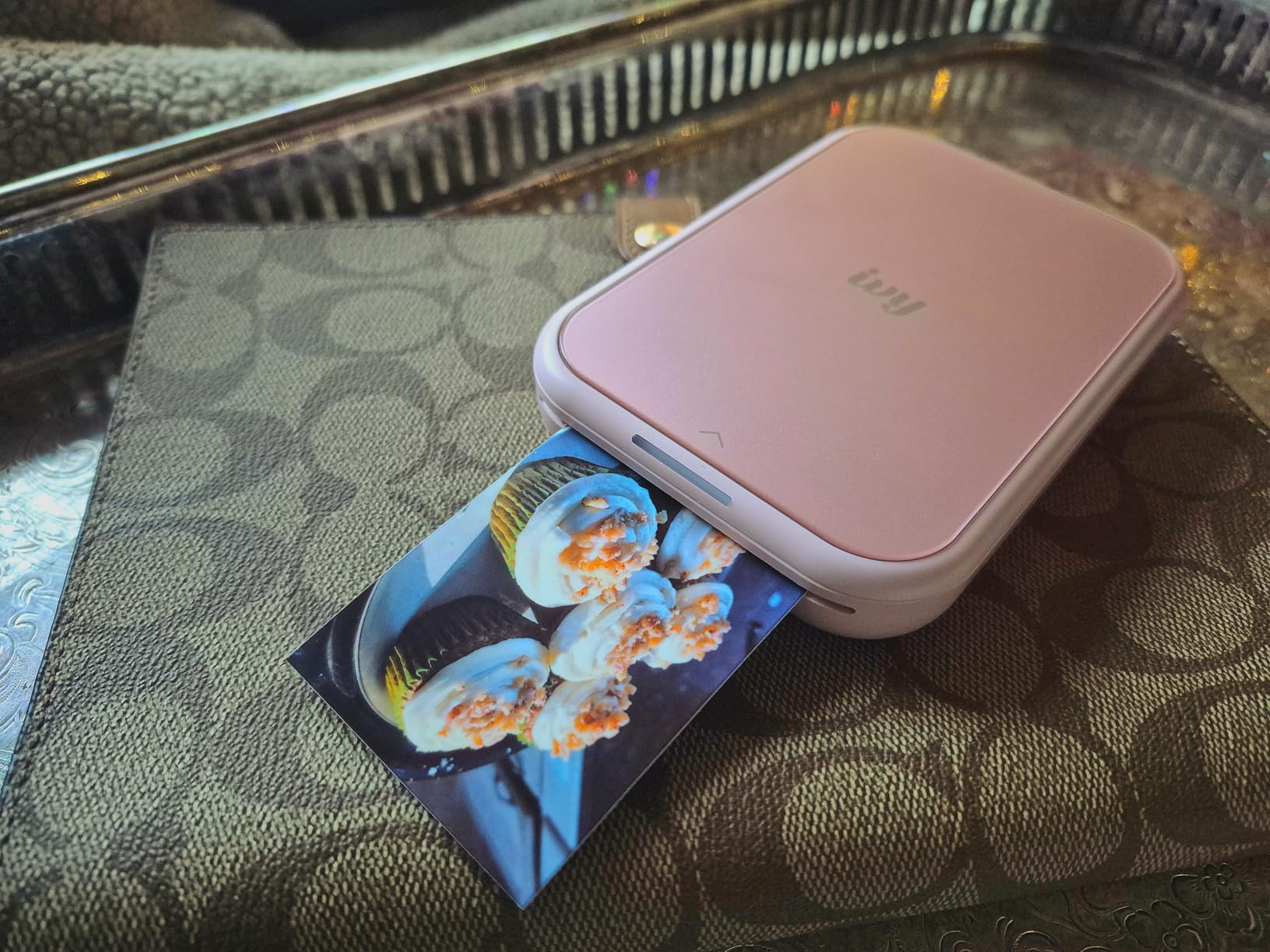
The IVY 2 Mini carries the highest average rating of the eight units we examined, at 4.6 stars across 4,413 reviews. That rating reflects a specific fix over earlier ZINK minis: Canon tuned skin tones, contrast, and sharpness, and owners single that out as the reason output finally looks like their photos rather than a warm approximation.
At 145 g it is one of the two lightest photo printers here, and it uses the same zero-ink ZINK paper approach as the Sprocket, so there are no cartridges to pack and no liquid to worry about. It prints up to 2×3 inches on sticky-backed glossy paper from the Canon Mini Print app over Bluetooth 5.0.
Why the rating gap matters on a trip
Colour credibility is the whole game when you are handing a print to a person who was standing next to you. A sky that prints orange or a sunset that prints brown is the fastest way to lose interest in a printer for the rest of the trip, and the IVY 2 Mini is the one that owners report getting right most consistently at this size.
Resolution and the small-print problem
Output resolution is 313 x 512 dpi, and the maximum media size is 2×3 inches. That is fine for a journal or a fridge display, but if you plan to frame anything, the Liene M100 is the only unit here that gives you a borderless 4×6. Initial print time is listed at up to 50 seconds per photo.
The paper tray holds 10 sheets at a time, which means frequent refills on a long day of shooting. That is the single most common complaint, and it is a small annoyance rather than a dealbreaker.
Who should pack this one
Travellers whose prints are mostly people rather than wide scenes. It pairs with a phone, weighs almost nothing, and produces the most convincing skin tones in the small-format group. Skip it if you need documents — it is a print-only photo device with no paper handling for anything else.
3. Liene M100 4×6 Photo Printer — Best for Borderless 4×6 Prints
Liene M100 4×6” Photo Printer, Phone Printer 100 Sheets & 3 Cartridges, Full-Color Photo, Portable Instant Photo Printer for iPhone Android, Thermal Dye Sublimation, Wi-Fi Picture Printer 100 Papers
Dye-sublimation
borderless 4x6 prints
200 g
Built-in Wi-Fi hotspot
Pros
- Only option here printing true borderless 4x6
- Bundle includes 100 sheets and 3 cartridges
- Built-in hotspot needs no external network
- Up to 5 devices can print at once
- Magnetic minimalist design packs tidily
Cons
- Bigger footprint than the 2x3 models at nearly 10 inches wide
- Requires proprietary Liene cartridges
- Print head needs cleaning if smudges appear
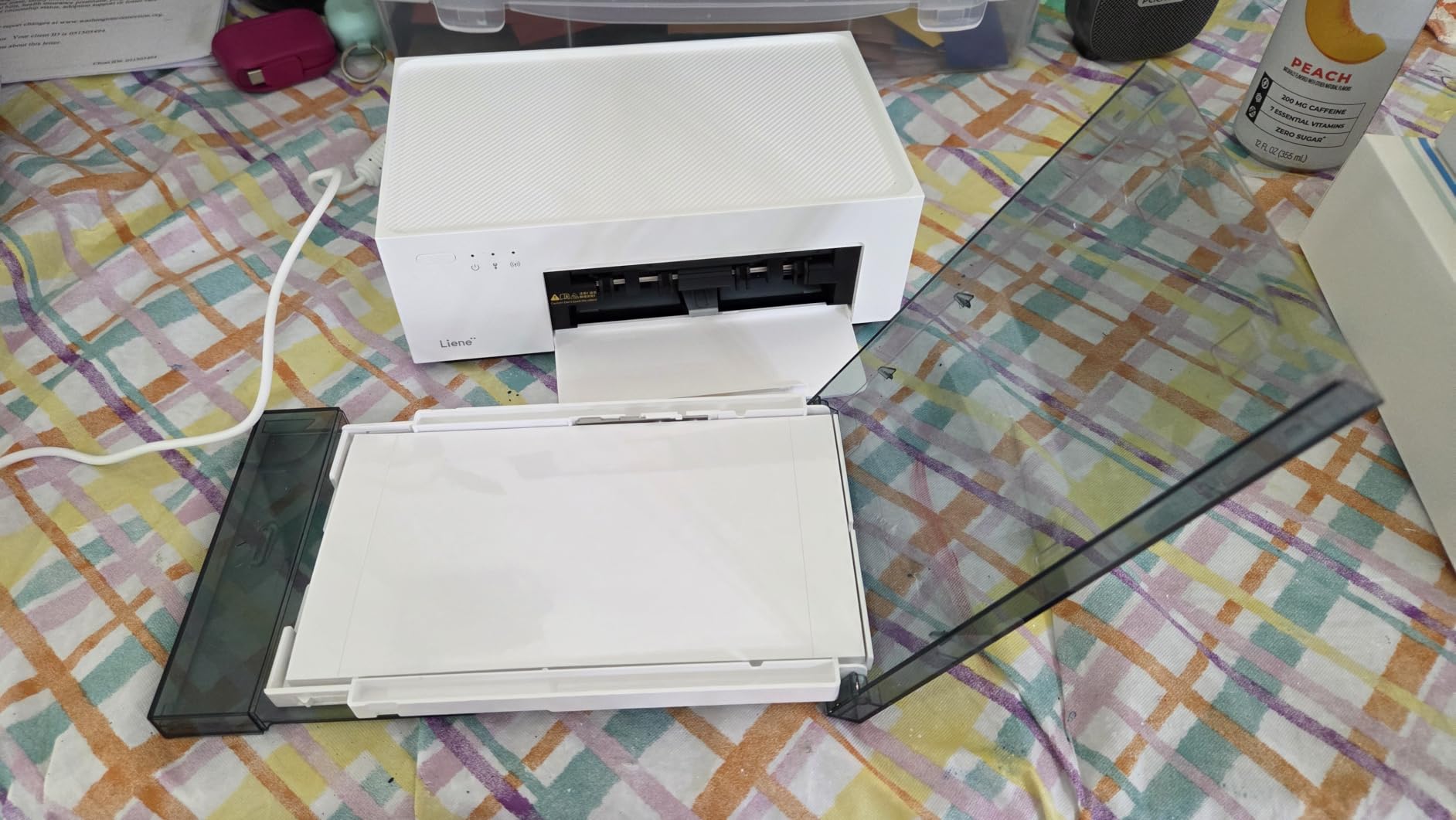
The Liene M100 is the only printer in this roundup that produces a full-size 4×6 photograph you could hand to someone for framing. Everything else stops at roughly 2×3 inches, and that single fact separates it from the pack of small ZINK units on most lists.
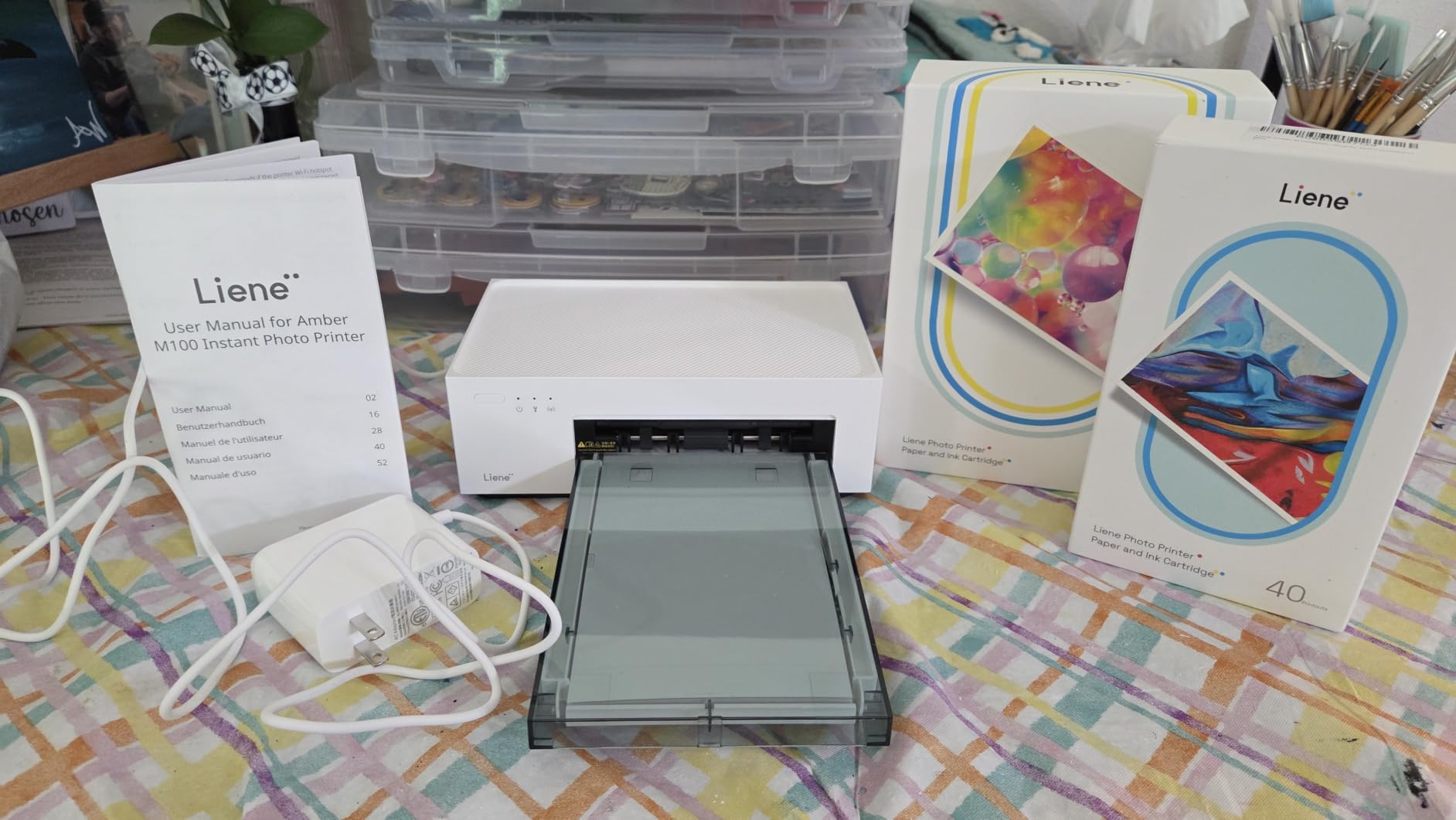
It uses thermal dye-sublimation with a laminated finish that resists water, scratches, fingerprints, and fading. The bundle is unusually complete: 100 sheets of paper and three colour cartridges are in the box, which means a twenty-print evening needs no supply run first. A confirmed Liene owner on a photography forum described it simply as working great for sending pictures to family and friends.
Borderless output and what it costs you in bulk
Borderless 4×6 output is the reason this printer exists. The trade-off is size: at 9.84 inches wide and 200 g it is physically larger than the 2×3 units, and it wants a daypack rather than a jacket pocket. Initial print time is 59 seconds per photo, which is fine for an evening of scrapbooking and wrong for a queue of guests at a wedding.
Ongoing cost concentrates in the cartridges. Dye is carried in CMYK consumables rather than ZINK paper, so the per-print figure depends heavily on how much of each colour your images use — skies and foliage drive blue and yellow consumption, and this printer has no third-party cartridge supply to fall back on.
Printing five phones with no network
The built-in Wi-Fi hotspot is the cleverest travel feature in this roundup. It runs its own network, so no external connection, router, or phone hotspot is required, and up to five devices can print at once. That makes it the natural choice for a group trip, a reunion dinner, or a hostel common room.
The app handles borders, filters, contrast, and brightness, plus ID and visa photo modes — useful when a visa application needs a specific format on a day when you have no access to a print shop.
Who should pack this one
Anyone planning an event trip where prints are the point, or anyone who wants real 4×6 keepsakes rather than scrapbook-sized stickers. If you are walking between cities and counting grams, this is not the printer for you.
4. KODAK Mini 2 Retro 4PASS — Best for Water-Resistant Event Prints
KODAK Mini 2 Retro 2×3 Portable Photo Printer, 4PASS, 38 Sheets, White
4PASS dye-sublimation
2.1 x 3.4 inch prints
255 g
15 sheet tray
Pros
- Real CMYK ink cartridges so refills are easier to source
- 4PASS lamination resists fingerprints and water
- Bundle includes 4 cartridges and 38 sheets
- Palm-sized and simple over Bluetooth
- No ZINK paper lock-in
Cons
- Lowest rated photo unit here at 4.1 stars
- Cartridges raise the ongoing cost per photo
- Not truly pocketable at 255 g
- Slower than the ZINK-based models
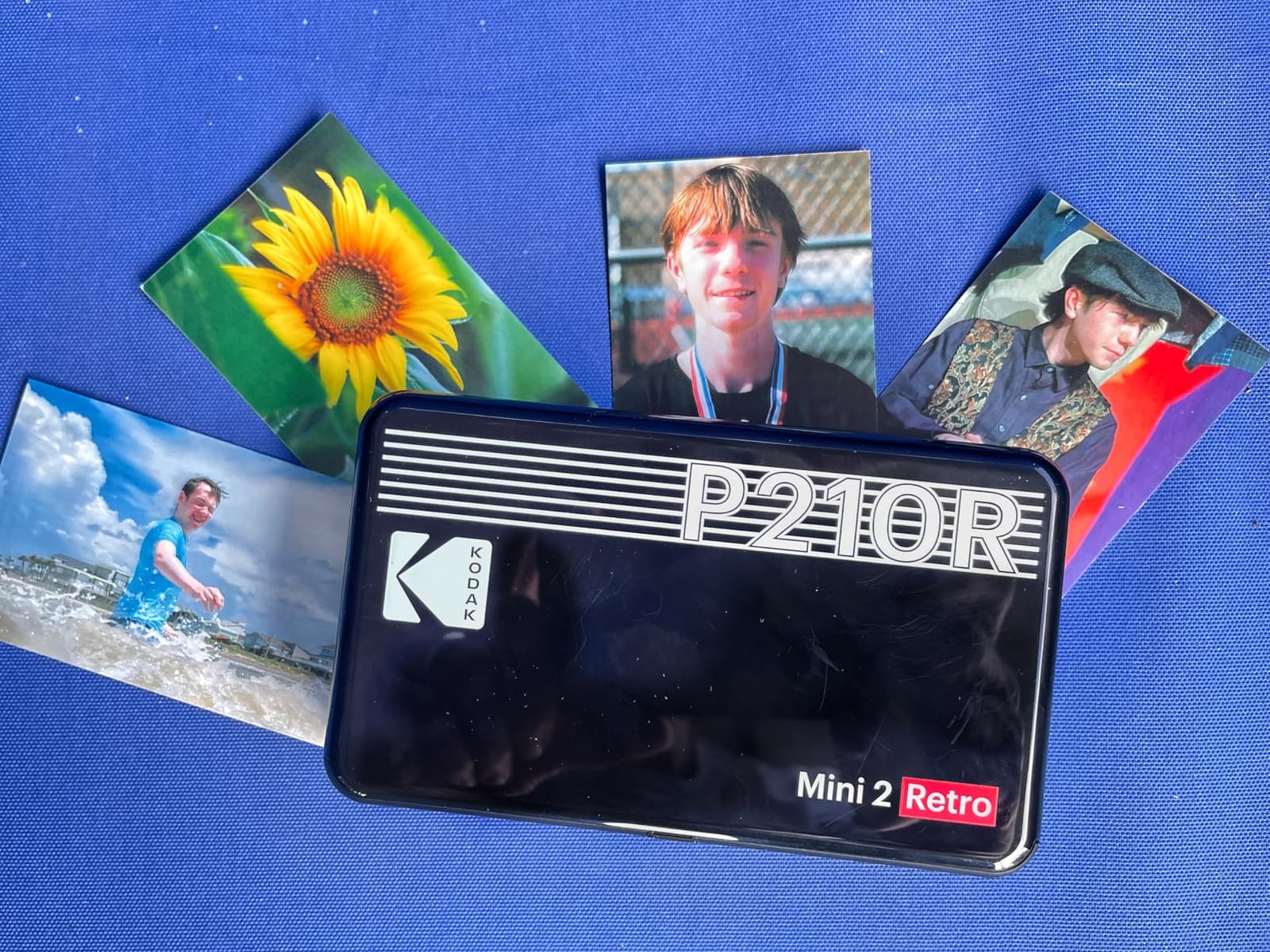
The Mini 2 Retro prints at 2.1 x 3.4 inches, which is slightly larger than a credit card. The extra width is not dramatic, but combined with 4PASS dye-sublimation it produces a laminated card that survives a beach, a drink, and a backpack.
Like the Nelko, this printer uses real CMYK ink cartridges rather than treated zero-ink paper, and that answers the supply-lock concern that travellers raise most often. Owners regularly praise the laminated output for holding up against water and fingerprints.
4PASS dye-sublimation in practice
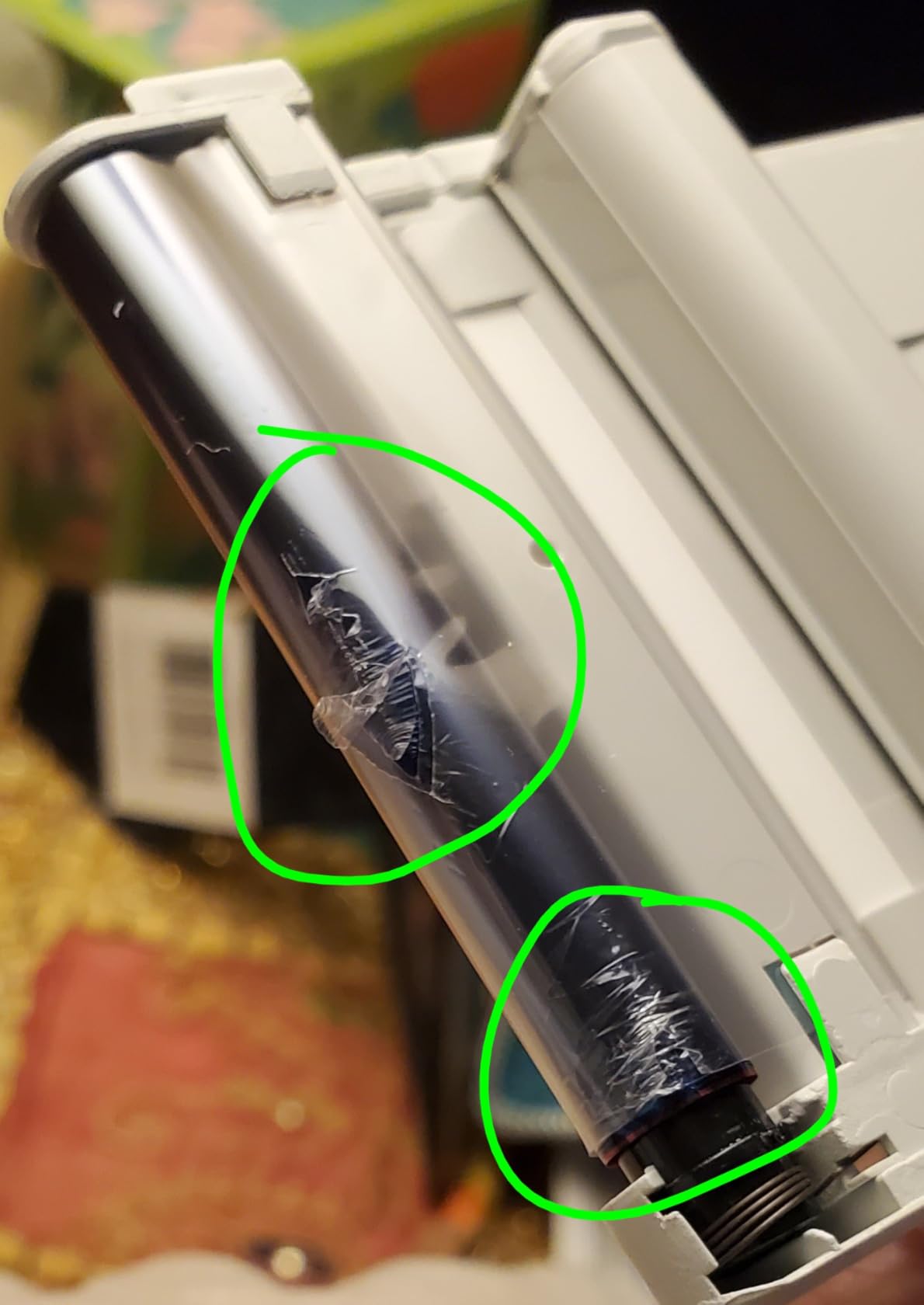
4PASS means the colour layer is built in four passes and finished with a clear protective laminate. That laminate is why the print survives moisture and handling, and why a wedding favour or a hostel-room print still looks fine a year later. The cost is time: roughly 55 seconds per finished photo, against a faster ZINK print cycle.
Print area is 291 x 300 dpi, which is below the 600 dpi of the Nelko inkjet and below the Canon IVY 2 Mini’s vertical resolution. In laminated card form that difference is barely visible, which tells you something about how much the laminate contributes to perceived quality.
Weight, tray, and the honest rating
At 255 g and 5 inches wide, this is not a pocket printer despite the marketing. The tray holds 15 sheets, better than the 10-sheet ZINK units. Its 4.1 average is the lowest of the five photo printers here, with about 13% of ratings at one star, driven by cartridge cost and occasional connection or feed issues.
Choose it for durability and cartridge availability. Choose a ZINK unit for speed and lightness instead.
When this makes sense on a trip
Group events, beach trips, and anything where prints get handled a lot. The bundle of 4 cartridges and 38 sheets means it works out of the box, and a USB-C cable is included for charging.
5. Nelko PP01 2×3 Photo Printer — Best for Sharper Pocket Prints
Nelko PP01 Photo Printer, 2×3 Portable Photo Printer, Mini Printer, White
Inkjet 600 dpi
2x3 sticky-backed prints
0.6 pounds
30 sheet tray
Pros
- Light body at 0.6 pounds for a 2x3 printer
- Inkjet output at 600 dpi is sharper
- One cartridge covers up to 80 colour prints
- Feature-rich app with AI editing and frames
- Multiple colourways including green and purple
Cons
- Cartridges can dry out and clog when idle
- Consumable ink so it is not a zero-ink device
- Paper can need reloading if loaded wrong
- Holds only 30 sheets
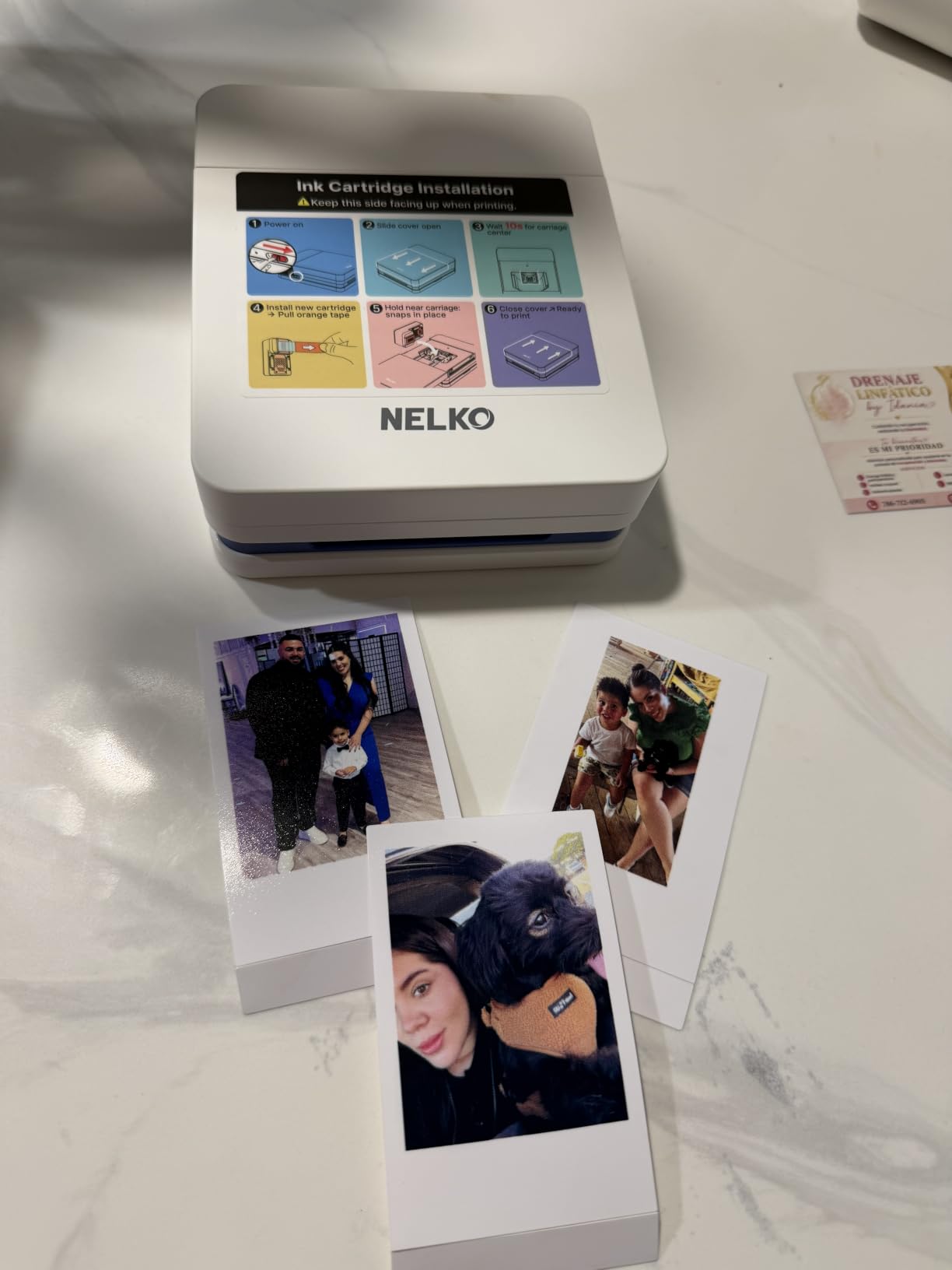
The Nelko PP01 is the odd one out among the small photo printers: it is a real inkjet. That means 600 dpi output, well above the 313 x 400 dpi of the Sprocket and the 313 x 512 dpi of the Canon IVY 2 Mini, and it is the sharpest 2×3 print in this roundup by a clear margin.
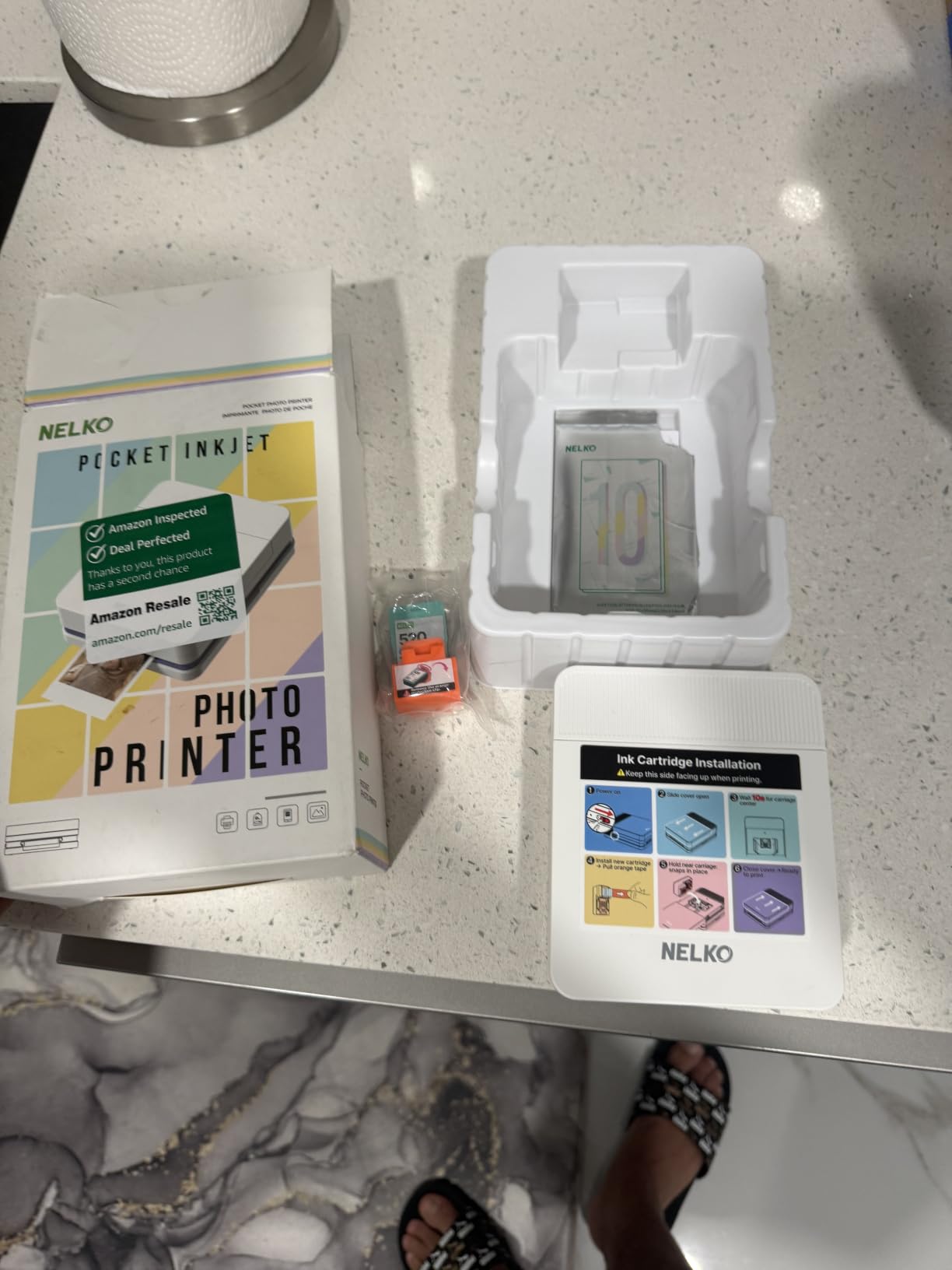
At 0.6 pounds it is lighter than the KODAK and Liene bodies but not as light as the Sprocket or the Canon, and it measures 4.2 by 1.69 by 5.04 inches. One colour cartridge is rated for up to 80 full-colour sticky-backed prints, so refills are infrequent on a two-week trip.
Inkjet quality and inkjet upkeep
Sharp output is not free. Ink cartridges dry out and clog when a printer sits unused, which is precisely what happens to a travel printer between trips. Owners report needing to wipe the print head by hand after storage. Treat this as a device you use on a trip and then store properly, not one that lives in a drawer.
The app is unusually capable for the price bracket, with frames, filters, borders, stickers, text, collages, and AI image editing. Print time is under 90 seconds, which is slower than ZINK but well inside what a scrapbooking evening tolerates.
The paper reload problem
Two operational notes from owner reviews. The first sheet sometimes needs reloading if it is loaded the wrong way, and the 30-sheet tray fills faster than you expect when you are handing prints to everyone at a reunion dinner.
On balance this is the sharpest small-format output here, provided you accept cartridge maintenance.
Who should pack this one
Backpackers who care more about clarity than about having a zero-maintenance device, and anyone who wants to print text-heavy cards, tickets, or journaling pages. Avoid it for a trip where the printer will sit unused for weeks and then be expected to print immediately on landing.
6. Phomemo M08F Inkless Thermal Printer — Best for Letter-Size Documents
Phomemo M08F Inkless Thermal Portable Printer with Case – 8.5 x 11, Black
Inkless thermal
8.5 x 11 inch paper
715 g
Bluetooth and USB
Pros
- Genuine US Letter thermal output is rare at this size
- Inkless with no clogging or cleaning
- Setup usually completes in under five minutes
- Hard carry case included
- Good battery life and reliable pairing
Cons
- Raster-only so text and photos print slowly
- Locked to the Phomemo app with no standard driver
- Some buyers object to app permissions
- Thermal prints fade over time
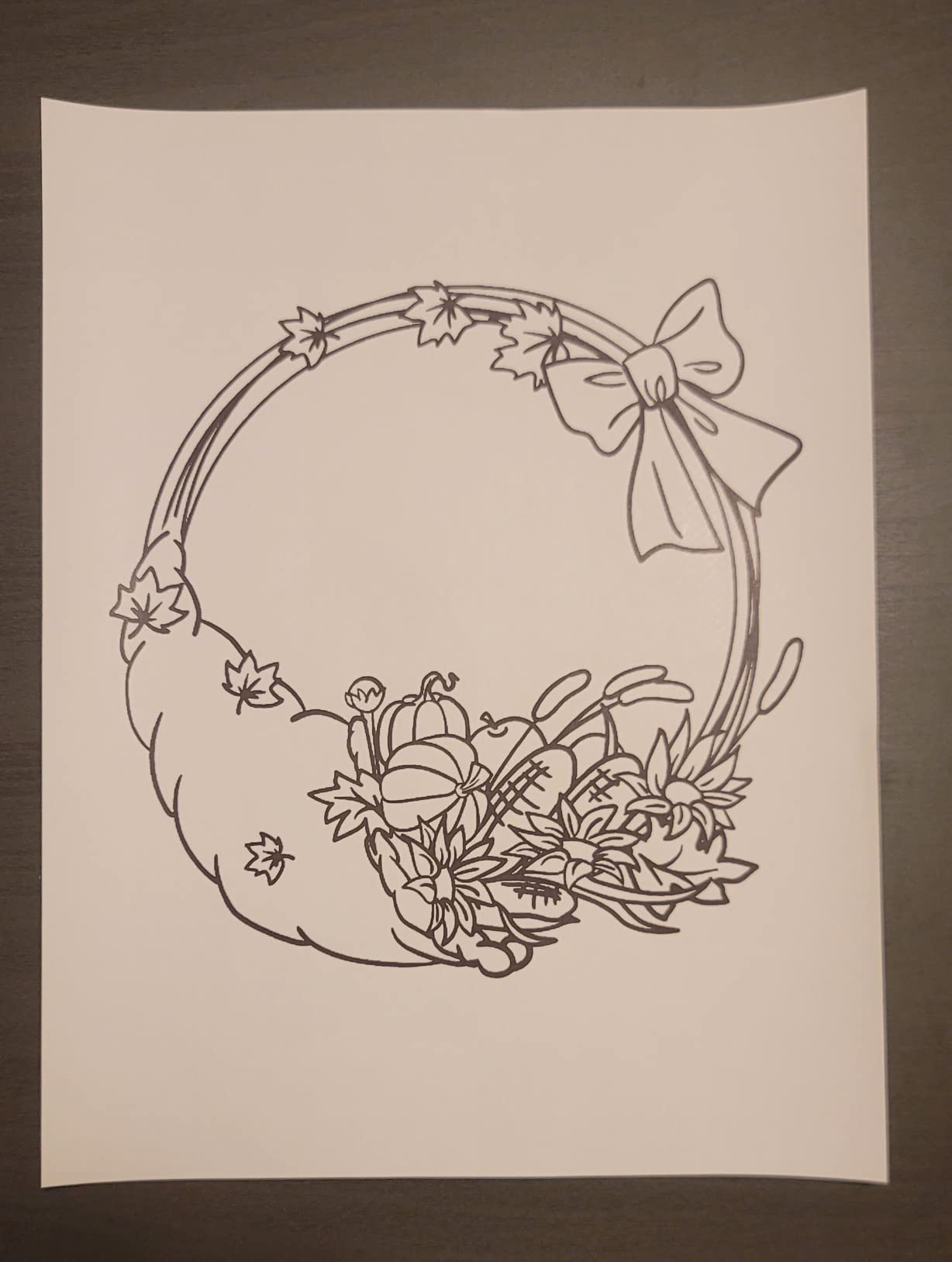
Switching category. If your travel printing need is documents rather than photos — shipping labels, receipts, a signed form, a printed itinerary for a visa appointment — the Phomemo M08F is the pick here, because it prints true US Letter 8.5 x 11 inch paper rather than a receipt-width roll.
Thermal printing means no ink, toner, or ribbons, so the only running cost is paper. The manufacturer states thermal paper cost around 0.12 dollars per sheet, which works out to a few dollars for a two-week trip of receipts and labels. The paper bin holds 140 sheets, and a hard carry case sized for travel is included.
Letter size, and what it costs to carry
At 715 g and 13.7 inches wide, this is the widest printer in the roundup and needs a real compartment in a bag, not a pocket. What it buys is a full sheet, which is the difference between a readable document and a narrow strip that cuts off mid-sentence.
Output speed is about 4.25 pages per minute at 203 x 203 dpi. That is fine for a stack of forms and wrong for anything time-sensitive. It prints PDFs, Word documents, images, and web pages from a phone, and USB works with a downloaded driver on Windows and Mac.
The software lock that decides it
Reviewers are consistent on one point: this printer is raster-only and usable only through the Phomemo app. There is no standard driver, no CUPS, and no IPP support, which means a properly formatted document may render differently than expected. Some buyers also object to the app’s permission requests and account requirement.
Thermal output is semi-permanent and fades. For shipping labels, boarding passes, and short-term reference documents that is a feature — a label does not need to last a decade. For a document you need to keep, it is not one.
Who should pack this one
Digital nomads, small-business travellers, and anyone shipping from a country without easy print access. Skip it for colour, for photos, and for archiving.
7. Gloryang Inkless Thermal Printer — Best for Fast Letter-Size Output
Gloryang Inkless Portable Printer for Travel, Wireless Thermal Printer Supports 8.5 x 11 Inch Thermal Paper, Bluetooth Machine Includes Carry Case and 3 Rolls of Paper Kit, Black
Monochrome thermal
8.5 x 11 inch paper
Up to 35 pages per minute
3.1 pounds
Pros
- Prints letter-size thermal documents fast
- Thermal paper is inexpensive
- Carry case and 3 rolls included
- Built-in paper bin keeps it tidy
- Works with phones tablets and computers
Cons
- Monochrome only so no photos or colour
- Heaviest unit in the roundup at 3.1 pounds
- Requires proprietary thermal paper
- 12% of ratings are one star
Where the Phomemo prints about four pages a minute, the Gloryang is quoted at up to 35 pages per minute and holds 360 sheets in a built-in paper bin. If your plan involves printing in volume on the road, that throughput is the deciding factor.
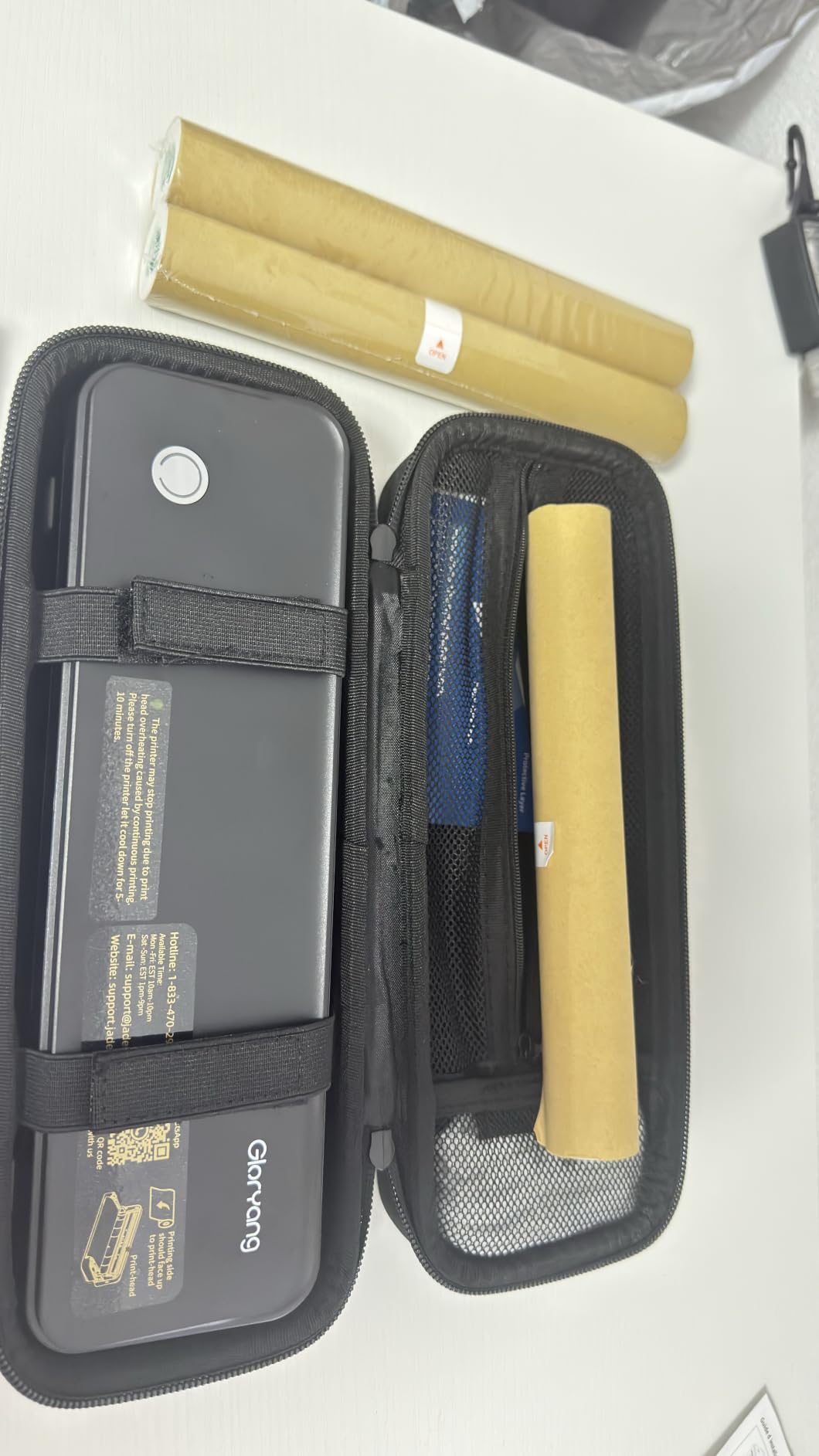
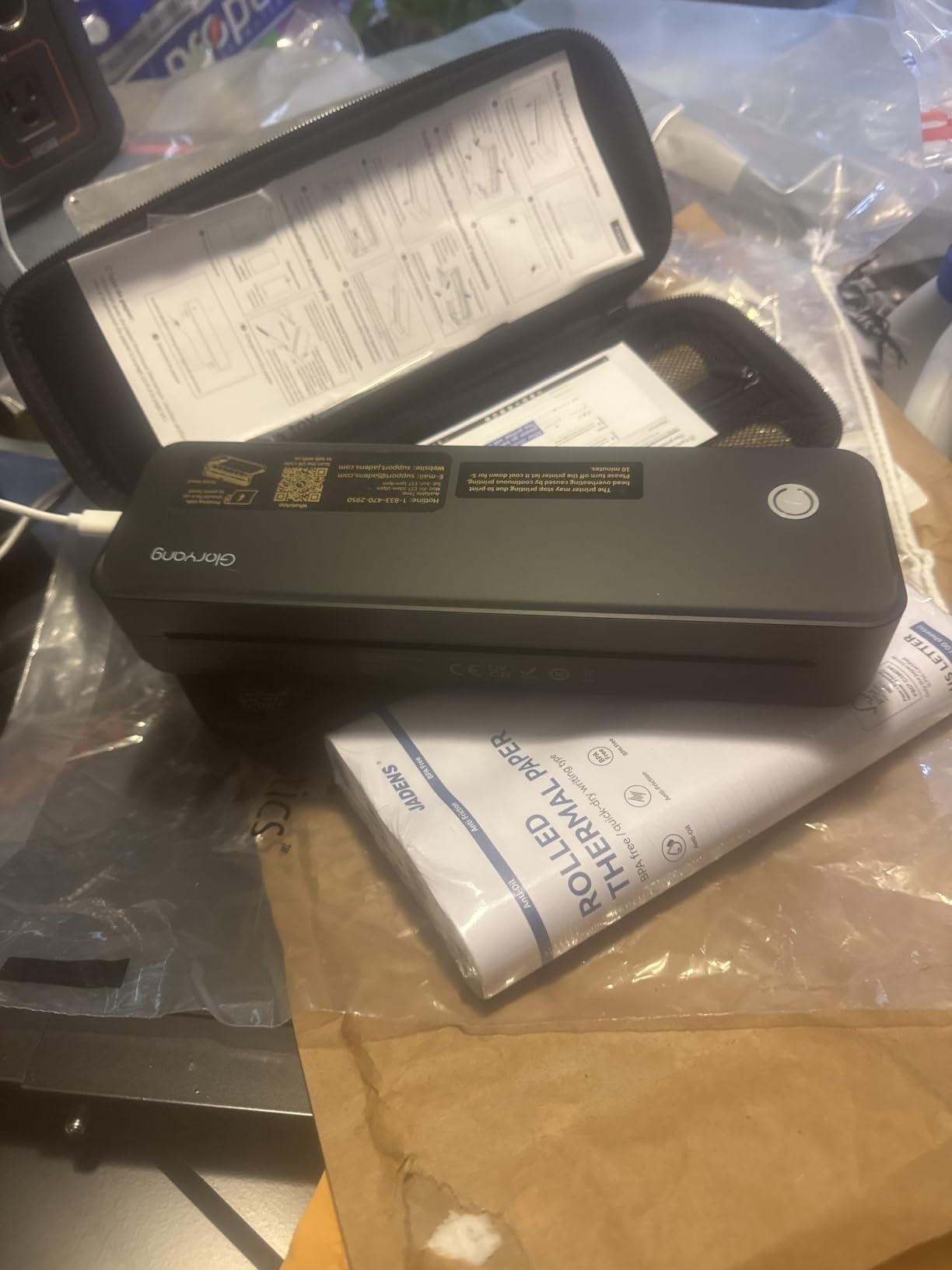
It is monochrome thermal on 8.5 x 11 inch paper at 203 x 203 dpi print resolution and 300 dpi maximum copy resolution. The bundle includes three thermal paper rolls, a carry case, and a charging cable, so it is usable without a supply stop.
Paper flexibility
The built-in bin accepts two loading paths and prints documents from 2 up to 8.5 inches wide, so it handles both receipt-width media and full letter sheets. That flexibility is more useful than it sounds when you are printing a mix of boarding passes and a multi-page form.
The catch is the same one that applies to most thermal units in this category: it takes branded Gloryang thermal paper and will not accept standard copy paper, so the per-sheet saving only applies if you can source the branded rolls.
Weight, colour, and the rating spread
At 3.1 pounds this is the heaviest printer we examined and needs a suitcase rather than a daypack. Output is black only, which rules out photos and colour graphics entirely. About 12% of ratings are one star, reflecting setup and app friction through the Jadens Printer app.
Prints from iOS and Android over Bluetooth, and works with laptops and PCs after driver installation.
Who should pack this one
Travellers printing batches of monochrome paperwork — invoices, forms, worksheets for a long stay. It is a desktop-class document machine in a travel case, not a companion for photos.
8. TATTMUSE A285M Inkless Thermal Printer — Budget Pick for Paper-Only Printing
Portable Printers Wireless for Travel, A285M Small Inkless Thermal Printer
Inkless thermal
Letter A4 and 53 to 110mm widths
1.5 pounds
Bluetooth and USB-C
Pros
- Lowest cost of entry in the roundup
- Supports five thermal paper widths plus roll media
- One of the fastest setups reported
- Clear sharp text reviewers single out
- No ink costs so running cost is paper only
Cons
- Lowest rating in the group at 4.0 stars
- Black and white only
- Roll paper comes out tightly curled
- Weak alignment makes label printing unreliable
The TATTMUSE is the lightest of the three document printers here at 1.5 pounds, with a 10.39 by 3.07 by 1.77 inch body that fits a briefcase or a laptop sleeve.
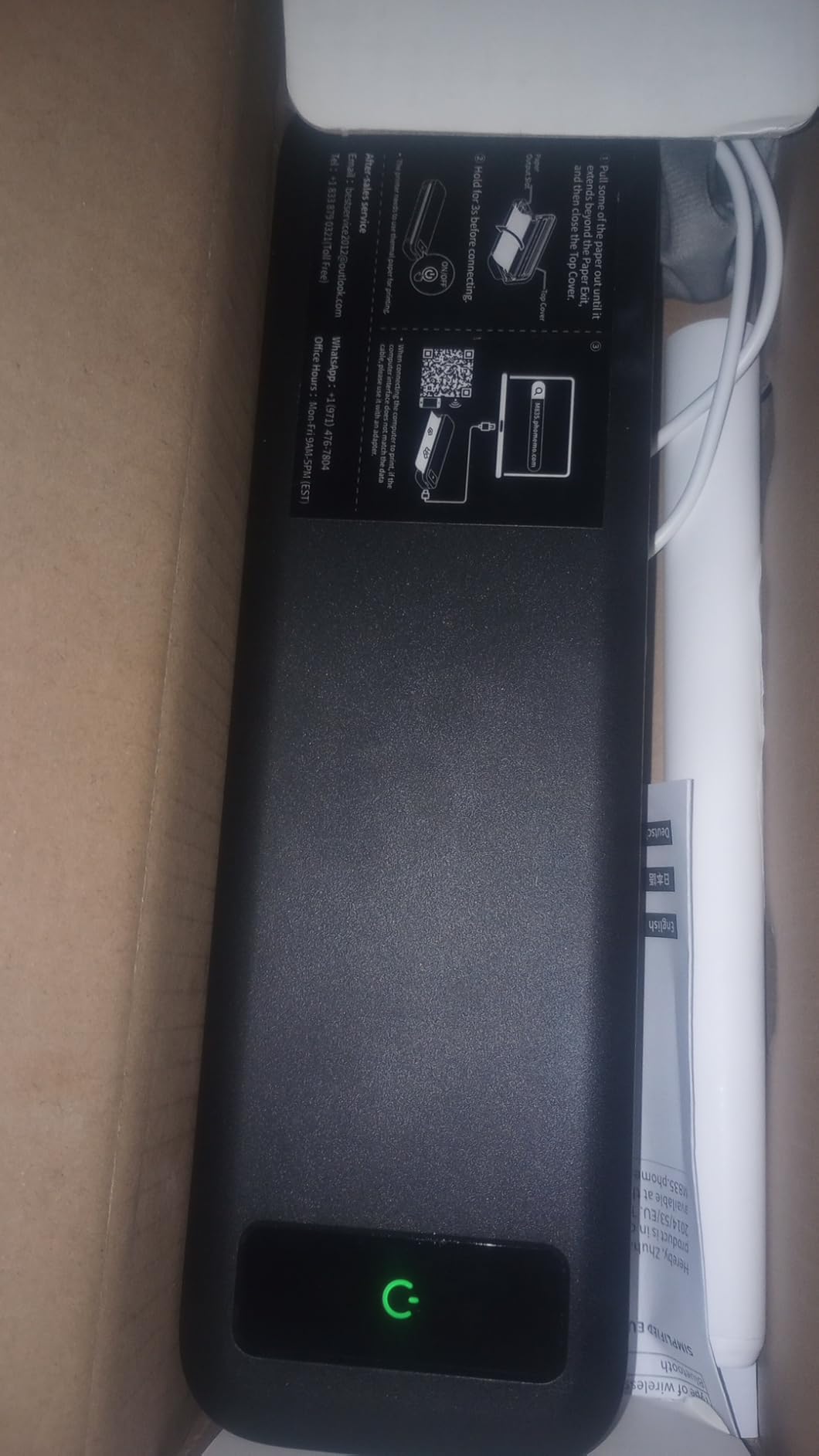
Where it stands out is paper support. The built-in bin accepts thermal roll, continuous, and single-sheet media in five widths — US Letter, A4, 110mm, 80mm, and 53mm — and the 160-sheet capacity is the second largest of the three. Owners consistently praise the clarity of the text output for a thermal printer.
The curl problem, in detail
This is the one caveat to understand before you buy. Paper fed from the internal roll does not lie flat and comes out tightly curled, which is the single most common complaint among owners. If you need a document to go straight into a folder, single-sheet loading is the path, and that is a slower routine.
Label alignment is the second issue. Front-to-back registration is weak enough that reviewers call label printing unreliable — relevant if your plan is to print address labels for returned shipments.
Rating and where it still wins
Its 4.0 average is the lowest of the eight units, with about 16% of ratings at one star, so expectations should be set accordingly. Output speed is up to 7 pages per minute at 203 dpi, and laptops need a separately downloaded driver over USB only.
It still wins on one axis: the lowest cost of entry, the lightest body among the document printers here, and the broadest set of named paper formats. For a traveller who needs black-and-white pages and little else, that is enough.
Who should pack this one
Travellers printing lists, notes, and receipts at the lowest running cost. Not for labels, not for archiving, and not for anything that must arrive flat.
How to Choose a Portable Printer for Travel
Print technology explained: ZINK vs dye-sublimation vs inkjet vs thermal
ZINK is treated paper with colour crystals inside it, activated by heat. No cartridges, fast prints, small sizes, and a warm colour cast. The Sprocket and the Canon IVY 2 Mini both use it, and the Nelko PP01 is the same pocket format delivered with a real inkjet head instead.
Dye-sublimation transfers dye from a cartridge onto coated paper and seals it under a laminate. Slower and bulkier, but the output resists water and fingerprints and the colours hold up in bright light. The Liene M100 and KODAK Mini 2 Retro are the two here, and the KODAK’s 4PASS process is the laminated variant of the same idea.
Thermal darkens treated paper with heat and no ink at all. Fast, cheap to run, monochrome, and semi-permanent because the image fades over time. The Phomemo, Gloryang, and TATTMUSE all work this way and print documents rather than photographs.
What actually fits in your daypack
The honest split is light enough for a pocket versus heavy enough for a bag. The Sprocket at 6.1 ounces and the Canon IVY 2 Mini at 145 g go in a jacket pocket, and the Nelko at 0.6 pounds fits a daypack compartment. The Liene M100 at 200 g and the KODAK Mini 2 Retro at 255 g want a real bag pocket.
Every document printer crosses a line the photo units do not. The TATTMUSE at 1.5 pounds is the lightest of the three; the Phomemo at 715 g and the Gloryang at 3.1 pounds are briefcase and suitcase items. If you are walking a long route, the Gloryang is the one to reconsider. Storage matters just as much as weight, so our best portable SSDs for travel picks cover the rest of the kit.
What it actually costs to print
For a twenty-print evening, do the multiplication before you commit. Small 2×3 ZINK sheets are the most economical photo consumable per print among the ZINK units here, so twenty prints land in the low single-digit dollars before shipping. A 4×6 dye-sublimation print costs more per sheet, and the Liene’s cartridge system concentrates cost in whichever colour your images use most.
For documents, running costs are low across the board. The manufacturer of the Phomemo M08F states thermal paper cost around 0.12 dollars per sheet, so twenty letter-size pages comes to roughly a couple of dollars. A portable inkjet would be the most expensive option and the one carrying the most weight to pack.
So how much does it cost per paper: tens of cents a sheet for small ZINK photos, about a dime-scale figure for letter-size thermal pages, and the highest figure on 4×6 dye-sublimation. Paper is the running cost you will feel across a whole trip, so order a spare bundle before you leave rather than hunting for a supplier at your destination.
We do not list unit prices here because they change daily — the check buttons on each pick show the current figure.
Printing with no Wi-Fi
There are three connection methods in this roundup, and they are not interchangeable. Bluetooth is the most common and the simplest: pair once, no network needed. That covers the Sprocket, the Canon IVY 2 Mini, the KODAK, the Nelko, the Phomemo, the Gloryang, and the TATTMUSE.
A built-in Wi-Fi hotspot is the Liene M100’s approach. The printer creates its own network, so no router, no phone hotspot, and no data plan is required, and up to five devices can print at once. If you are printing for a group with no internet, this is the pattern to look for.
USB is a fallback for the Phomemo and the TATTMUSE, but both require a driver download and USB only — no cable printing from a phone. Note that the Gloryang and the Phomemo both present as app-controlled devices, so you are always dependent on vendor software rather than the operating system’s own print dialog.
Will the paper and ink still exist in five years?
This is the question photographers ask most often and almost no buying guide answers. The honest answer is that every printer here depends on proprietary consumables, and a photographer forum owner put the risk plainly: if you intend to use one long term, supplies may become difficult to source in a few years.
The differences are real, though. The KODAK Mini 2 Retro and the Nelko PP01 use standard CMYK ink cartridges, the broadest third-party supply of the group. The TATTMUSE and Gloryang use thermal paper that is cheap and re-orderable but brand-specific. The ZINK papers from HP and Canon and the Liene cartridges are the most locked-in, and the forum consensus is that dye-sublimation supplies in particular rarely have third-party alternatives.
The counter-argument from the same discussion is worth hearing: for instant printing, the long-term supply question is not the point. Instant is instant, and when the trip is over you go home. Buy for the trip you are planning, not for a decade of hypothetical printing.
What these printers cannot do
Setting expectations here prevents most returns. First, no unit in this roundup scans or copies — every one is print-only. Second, small photo formats are small: at 2×3 inches there is no detail to recover, and the KODAK’s 2.1 x 3.4 inch card is the largest non-4×6 output available.
Third, the colour ceiling is real. A dpreview commenter captured the honest version of this well: portable, rugged, fun, but do not expect quality. A photographer there compared ZINK and Instax output unfavourably against a Canon SELPHY and called it similar rather than equal to lab quality. Fourth, the three thermal printers cannot print photographs at all. Fifth, print speed means a party of twenty is a queue, not a service — listed first-print times run from about 50 seconds on the Canon IVY 2 Mini to 90 seconds on the Nelko PP01.
Finally, none of these are the cheapest way to print thousands of pictures. High-volume printing belongs to a home inkjet or an online service, not a battery-powered travel unit.
Frequently Asked Questions
What is the best portable printer for traveling?
The HP Sprocket Portable Photo Printer (2nd Edition) is the best overall for travel, weighing 6.1 ounces and printing 2×3 sticky-backed photos over Bluetooth with no ink cartridges. Choose the Liene M100 if you need true borderless 4×6 prints, and choose a thermal unit such as the Phomemo M08F if you need boarding passes, receipts, and letter-size documents rather than photos.
What is the best mini portable printer for photos?
For the smallest viable option, the HP Sprocket measures 3.15 by 4.63 by 0.98 inches and weighs 6.1 ounces, while the Canon IVY 2 Mini is 145 g and carries the highest average rating in this roundup at 4.6 stars. Both print 2×3-inch ZINK sticky-backed photos and both pair over Bluetooth, so neither needs a network connection.
What is a good wireless portable printer for travel?
Most travel printers use Bluetooth, which needs no Wi-Fi and no router: that covers the Sprocket, the Canon IVY 2 Mini, the KODAK Mini 2 Retro, the Nelko PP01, and all three thermal units. The Liene M100 goes further with a built-in Wi-Fi hotspot that runs its own network and serves up to five devices at once, which makes it the best choice for group printing without internet access.
How much does it cost per paper to print?
On 2×3 ZINK formats, cost per print is generally under a dollar a sheet, so a twenty-print trip lands in the low single-digit dollars before shipping. Thermal document paper is cheaper still, and the manufacturer of the Phomemo M08F states around 0.12 dollars per letter-size sheet. 4×6 dye-sublimation is the most expensive per print because cost concentrates in the CMYK cartridges.
What are the disadvantages of portable printers?
The main drawbacks are proprietary consumables that can be discontinued, ongoing paper or cartridge cost, a print-size ceiling of roughly 2×3 inches outside the Liene M100, a colour ceiling below lab quality, and no scanning or copying on any unit here. Battery life is also limited, so long printing sessions without an outlet need planning. Print times of roughly 50 to 90 seconds per photo make large events a queue rather than a service.
Final Verdict: Which Portable Printer Travels Best
If you want the best portable printers for travel and you print photos, the HP Sprocket wins on weight, simplicity, and review depth. If colour credibility on people is your priority, take the Canon IVY 2 Mini. If the print has to be 4×6 and frameable, the Liene M100 is the only option that does it. If you need a sharper small print and will maintain an inkjet, the Nelko PP01 delivers it at 600 dpi. If you need documents, the Phomemo M08F for letter size, the Gloryang for volume, or the TATTMUSE A285M for the lightest paper-only option.
Pack the paper, charge the battery the night before, and check the supply question before a long trip. That is the whole playbook for 2026.