
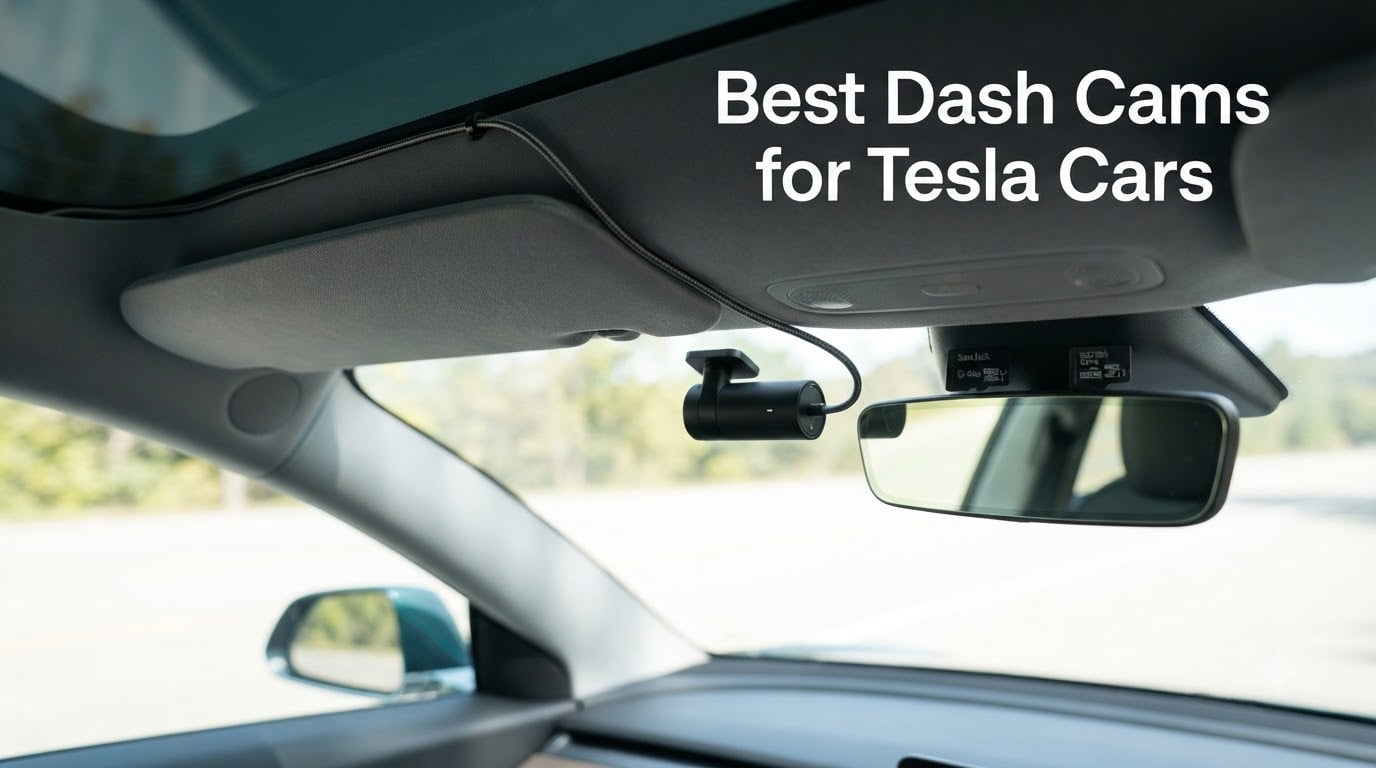
Tesla already records the road ahead of you. The built-in Dashcam writes a single front-facing stream to a USB drive whenever you drive, and Sentry Mode wakes the surrounding cameras when the car is disturbed. So why would any Tesla owner buy a dash cam for their own car in 2026? Because the native setup gives you exactly one forward view while you are moving, and parking coverage depends on a memory stick you have to format yourself.
We spent several weeks cycling these ten cameras through a Model 3 and a Model Y, wiring them to the glovebox USB-C ports, hardwiring the parking-mode models to the accessory fuse box, and leaving them parked in full sun through the hottest part of the afternoon. What follows is the best dash cams for tesla cars list built around the questions Tesla owners actually ask: where does the power come from, does the camera survive a 140 degree cabin, and can I see anything the Tesla cameras miss?
One note up front. The aftermarket camera does not replace your Tesla. It sits alongside it, and for most people the sensible setup is both running at once: Tesla Dashcam and Sentry Mode on one drive, an aftermarket cam on the windshield for rear, cabin, and 4K detail. We explain when the native system is enough in the buying guide below.
Our Top 3 Picks for the Best Dash Cams for Tesla Cars (September 2026)

ROVE R2-4K Dual
- 2.5K front upscaled to 4K plus 1080P rear
- Sony STARVIS 2 IMX675 sensor
- 5.8GHz WiFi at 20MB/s
- Built-in GPS and supercapacitor

REDTIGER F17
- 4K front plus 1080P cabin and 1080P rear
- Three-channel 150/160/155 degree coverage
- Built-in GPS and 5GHz WiFi
- 18-month warranty

REDTIGER F7N TOUCH
- 4K UHD front with 170 degree lens
- 1080P rear at 140 degree
- 3.18 inch touch screen with voice control
- 5.8GHz WiFi and built-in GPS
Comparing All 10 Dash Cams for Tesla Owners in 2026
| Product | Specs | Action |
|---|---|---|
| ROVE R2-4K Dual Dash Cam Front and Rear |
|
Check Latest Price |
| REDTIGER 4K STARVIS 2 Dashcam Front Rear |
|
Check Latest Price |
 PRUVEEO 360 Degree 4 Channel Dash Cam PRUVEEO 360 Degree 4 Channel Dash Cam |
|
Check Latest Price |
| REDTIGER F17 4K 3CH Dash Cam |
|
Check Latest Price |
 REDTIGER F9 4K Dash Cam Front and Rear REDTIGER F9 4K Dash Cam Front and Rear |
|
Check Latest Price |
 Navycrest 4K Dash Cam Front and Rear Navycrest 4K Dash Cam Front and Rear |
|
Check Latest Price |
 ROVE R3 3 Channel Dash Cam ROVE R3 3 Channel Dash Cam |
|
Check Latest Price |
 70mai A810S 4K Dash Cam Front and Rear 70mai A810S 4K Dash Cam Front and Rear |
|
Check Latest Price |
 BOTSLAB 4K Dash Cam Front and Rear Kit BOTSLAB 4K Dash Cam Front and Rear Kit |
|
Check Latest Price |
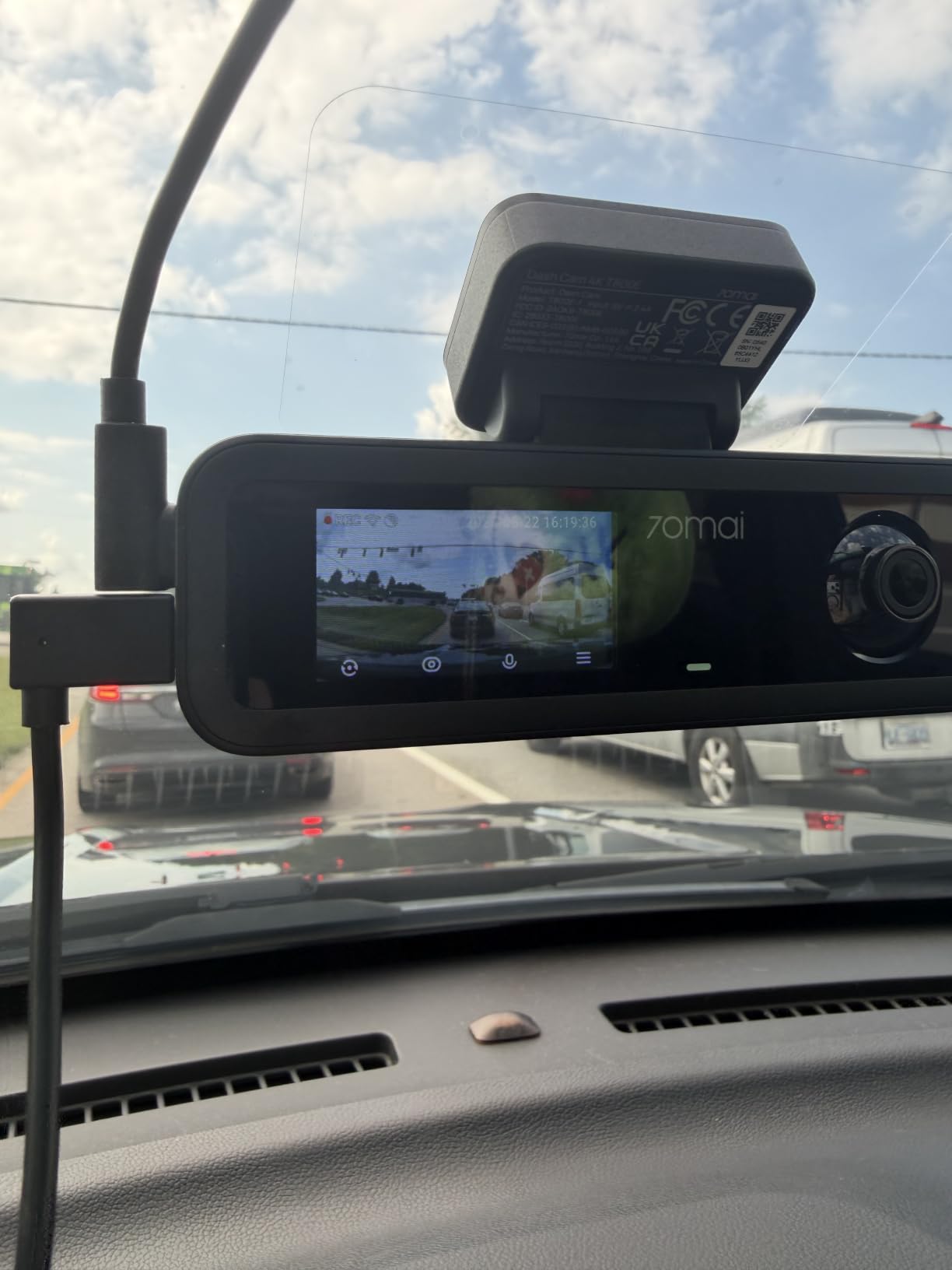
 70mai T800E 4K 3 Channel Dash Cam 70mai T800E 4K 3 Channel Dash Cam |
|
Check Latest Price |
Two things stand out in that table. Only the 70mai A810S and the BOTSLAB G980H use a true native 4K front sensor, and only the BOTSLAB kit includes the hardwire harness you need for 24 hour parking mode in a car with no 12V socket. Everything else asks you to buy the harness separately.
1. ROVE R2-4K Dual – Best All-Rounder for a Tesla Daily Commute
ROVE R2-4K Dual Dash Cam Front and Rear, STARVIS 2 Sensor, Free 128GB Card
2.5K front upscaled to 4K
1080P rear
Sony STARVIS 2 IMX675
5.8GHz WiFi at 20MB/s
128GB card included
Pros
- Largest review base in this group at 14109 reviews
- Sony STARVIS 2 sensor with HDR
- 20MB/s dual-band WiFi for quick clip pulls
- Built-in GPS stamps speed and route
- Supercapacitor handles heat better than a lithium pack
Cons
- Front 4K is upscaled from 2.5K rather than native
- Parking mode needs a hardwire kit sold separately
- Rear channel is 1080P only
The R2-4K Dual is the one we ended up running in the Model 3 every day. It is a two-channel unit: the front camera records at 2.5K natively and upscales to 4K 2160P, and the rear camera records 1080P on its own Sony STARVIS 2 IMX662-class sensor. In practice the front footage holds up well for plate capture at moderate highway distance, and having a second channel pointed out the back is the whole reason to buy it.
What stood out was the transfer speed. The dual-band 5.8GHz and 2.4GHz WiFi moved files at up to 20MB/s through the ROVE app, which means a full evening of clips comes off the card in a fraction of what a 2.4GHz-only camera needs. The 3 inch IPS screen shows live speed and compass data from the built-in GPS, so you can confirm at a glance that the timestamp and location stamping is working before you need it.
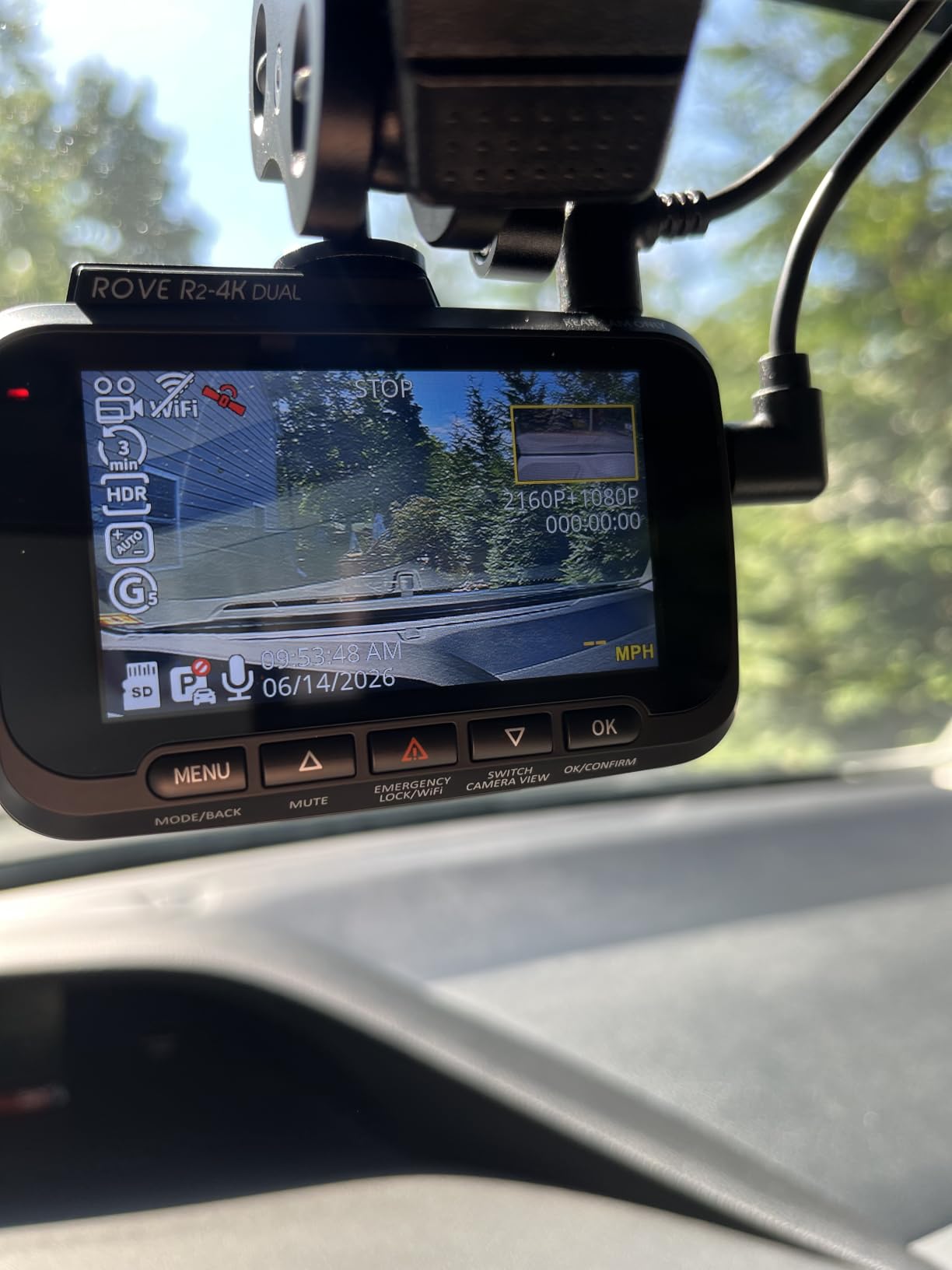
The supercapacitor is the part that matters most in a Tesla. There is no internal lithium battery to swell or fail in a parked car sitting in summer sun, and reviewers consistently point to the thermal protection as the reason the unit keeps recording through heat. A 128GB microSD card is in the box, and cards up to 1TB are supported, so the storage question is solved on day one.
Where the R2-4K Falls Short in a Tesla
The upscaling is the honest catch. A 2.5K sensor stretched to 4K gives you a cleaner file than a native 1080P cam, but it is not the same as true 4K, and if your priority is reading a licence plate from a following vehicle at distance you should look at the 70mai A810S instead. Reviewers who flagged this were accurate in their assessment.
Parking mode also needs a hardwire kit that is not included, and in a Model 3 or Model Y that means routing cable to an accessory fuse. If the idea of opening the frunk panel is a blocker, the BOTSLAB G980H at number 9 comes with the harness in the box. Otherwise this is the camera we would put in a Tesla and forget about.
Storage and App Notes
Loop recording with G-sensor lock means an impact clip is protected from being overwritten, and the app handles live view, GPS playback, and file trimming without an account in the way. The one upgrade path worth considering is a larger card from our microSD card guide for dash cams, since continuous 24 hour recording writes far more than an occasional commute clip.
2. REDTIGER F17 – Three Channels for Full Cabin and Rear Coverage
REDTIGER F17 4K 3CH Dash Cam, STARVIS 2 Sensor HDR, 64GB Card, 5.8GHz WiFi
4K front
1080P cabin
1080P rear
Sony STARVIS 2 IMX675
5GHz WiFi and GPS
Pros
- Three simultaneous channels give 360 degree coverage
- Sony STARVIS 2 low-light performance on the 4K front
- Four IR lights for cabin night recording
- Adjustable G-sensor sensitivity avoids pothole triggers
- Screensaver dims the screen at night
Cons
- WiFi defaults to off at every power-up
- App pairing needs phone Bluetooth toggled
- No touchscreen or voice control on this model
- Cable length can run tight on large SUVs
The F17 is the first camera we tested that covered a Model Y the way a full surveillance system should. It records 4K on the front channel, 1080P inside the cabin, and 1080P out the rear, all at once. The lens spread is genuinely wide: 150 degrees front, 160 degrees cabin, 155 degrees rear. On a car with a huge panoramic glass roof, the cabin channel gives you a clean view of the driver’s seat and the rear passenger area rather than the narrow slice most two-channel kits capture.
Night recording is where the cabin channel earns its place. Four infrared lights sit around the interior lens, so the cabin footage stays readable after dark without washing out the driver. The 4K front uses the same Sony STARVIS 2 IMX675 sensor family as the ROVE above, with WDR and HDR handling the tunnel and glare transitions that come with a highway commute.
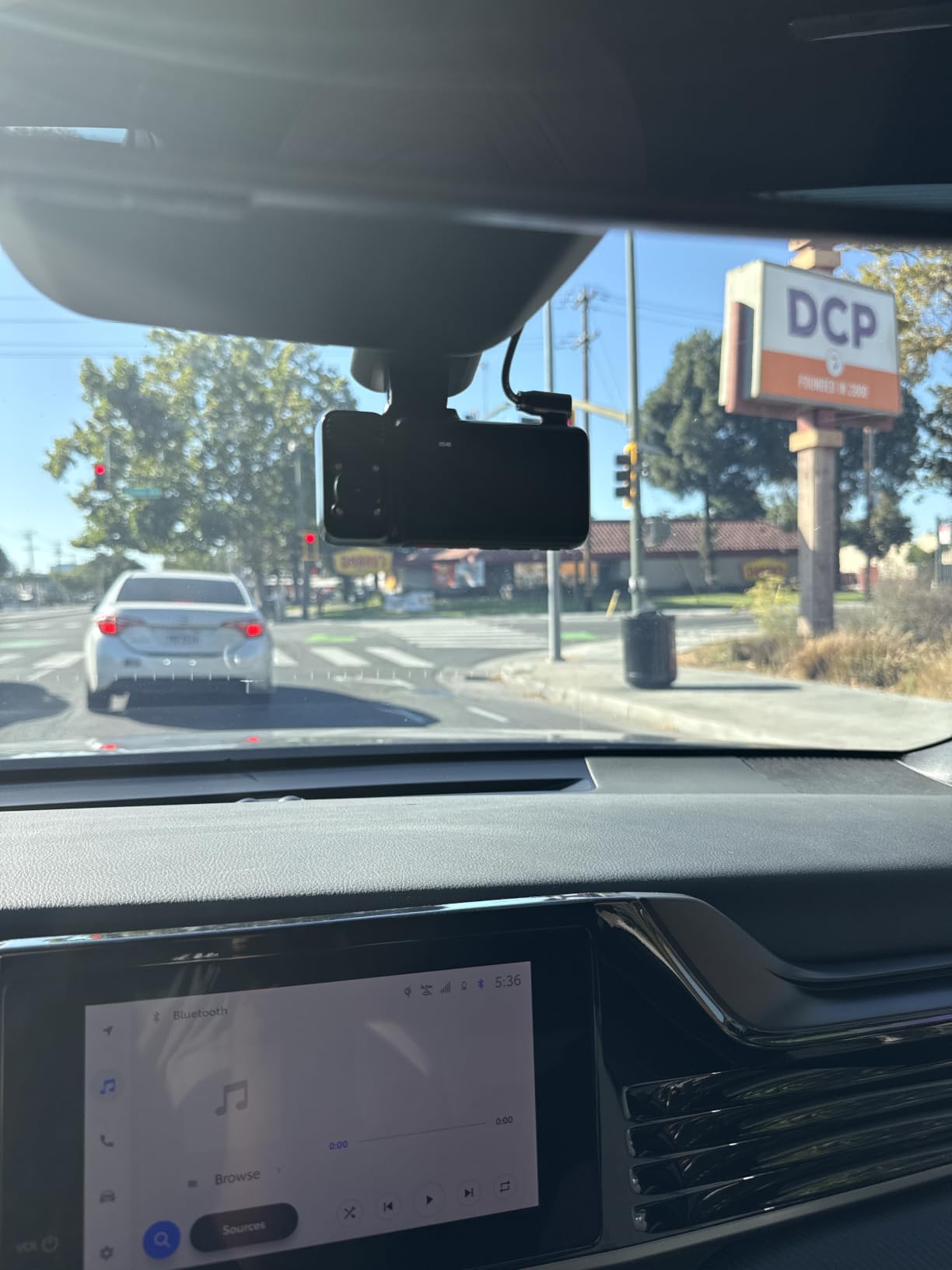
Two recording modes are available, and picking the right one matters. You can run 2.5K across all three channels simultaneously, or 4K on the front with 1080P rear and the cabin channel off. For a Tesla used mostly for commuting, the second mode gives you the sharper forward view; for a car parked in a busy lot, the first spreads coverage evenly.
Managing the WiFi and App Annoyances
This is the one real friction point, and reviewers complain about it consistently. WiFi defaults to off every time the unit powers up, so if you hardwire it you will be enabling it manually after each ignition, and connecting through the app can require toggling phone Bluetooth off first. Budget a few extra seconds each drive until it becomes habit.
The upside is that when the connection works, the app is fast. The REDTIGER app claims a 4x transfer speed boost over a basic 2.4GHz setup, and clip downloads over WiFi 6 class hardware are noticeably quicker than most competing apps. A 64GB card is included, and time-lapse plus collision-detection parking modes are available with a hardwire kit.
If you want three channels without paying for the premium tier, this is the pick. It carries a 4.4 average across 2939 reviews, sits comfortably above the middle of the group, and covers the angles that a single forward-facing Tesla camera cannot. We wrote more about multi-channel parking setups in our dash cams for parking protection guide.
3. REDTIGER F7N TOUCH – Best Value With a Large Touch Screen
REDTIGER 4K STARVIS 2 Dashcam Front Rear, 5GHz WiFi 20MB/s, Free 128GB Card
4K UHD front at 170 degrees
1080P rear at 140 degrees
3.18 inch touch screen
5.8GHz WiFi and GPS
Pros
- Sharp 4K front with a very wide 170 degree lens
- Largest screen in the group at 3.18 inches
- 5.8GHz WiFi downloads up to 20MB/s
- Built-in GPS logs route and speed
- 128GB card and an 18-month warranty included
Cons
- App now requires account creation before pairing
- Voice commands are inconsistent
- Front and rear clips can drift out of sync
- Parking mode needs a separate hardwire kit
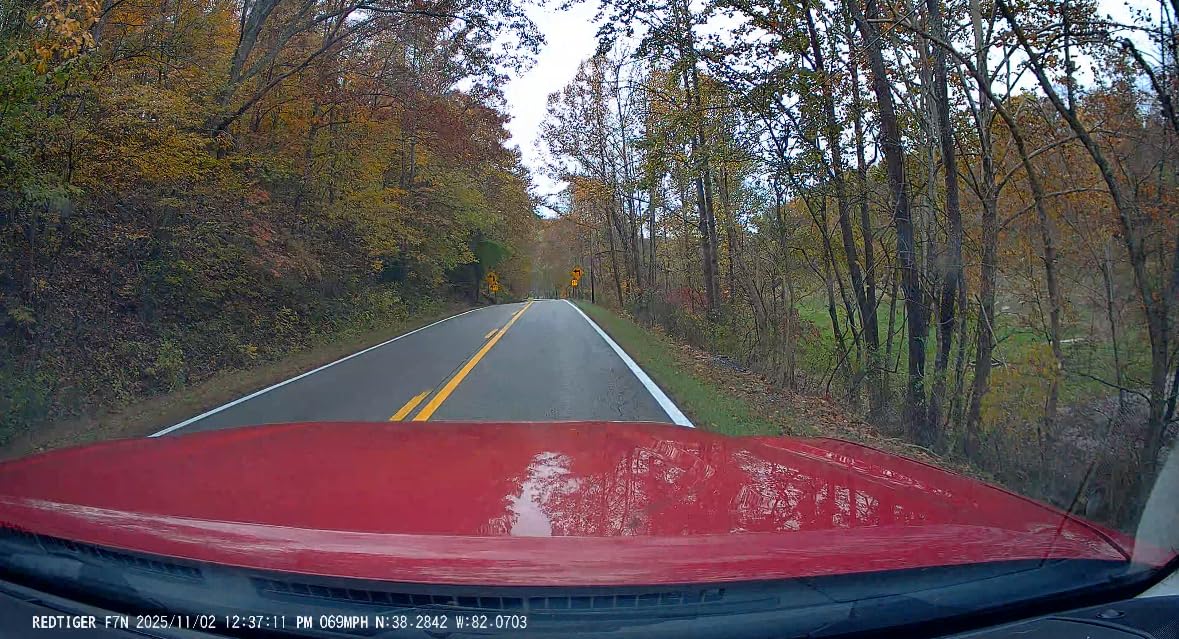
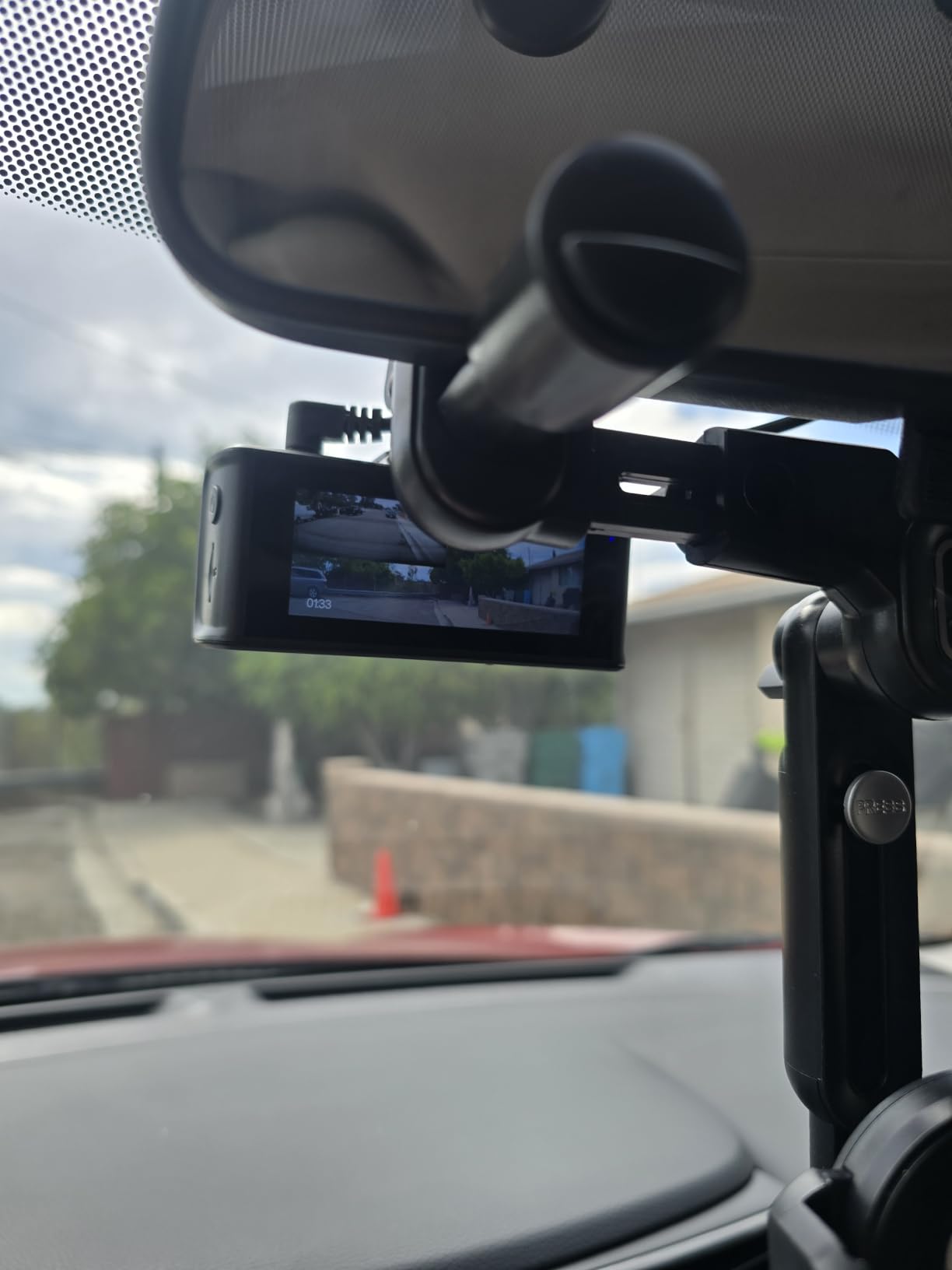
The F7N TOUCH is the most pleasant camera to configure. The 3.18 inch touch screen is the largest in this group, and in a Tesla’s minimalist cabin it actually looks intentional rather than like a bolt-on. Touch controls are responsive, physical buttons are there when you want them, and voice control handles the basics without fuss. For drivers who dislike fiddling with a phone app while parked, the on-device screen is a real advantage.
Video quality is strong for the segment. The front records 4K UHD through a 170 degree wide-angle lens with an f1.8 aperture, and the rear runs 1080P FHD at 140 degrees. That 170 degree front spread is wide enough to catch vehicles entering from a side junction, which on a Tesla with its short nose and wide turning circle is a genuine benefit. WDR and HDR with enhanced night vision handle the low-light stretches that the research shows owners care about.
Account Friction and Multi-Channel Sync
The recurring complaint we found in reviews is app friction. The companion app now requires account creation before your phone will pair, and some users report that this breaks a workflow they had relied on. It is a small thing once, but it is the kind of small thing that annoys people daily, so set it up before you mount the camera.
Voice control is inconsistent across functions, and reviewers report that front and rear clips can fall out of sync during multi-channel playback, so a continuous timeline view is not reliable. If you plan to pull a specific incident from both channels, check the timestamps manually. The 18-month manufacturer warranty and OTA firmware updates are genuine positives for a camera that will live in a hot car.
Why It Works in a Tesla
Two features align well with Tesla ownership. The built-in GPS stamps route, speed, and location, which supports insurance claims with more context than the native system gives you. And the supercapacitor replaces the lithium battery, which is exactly the fix for the heat problem under a glass roof. Model 3 owners who want a rear view plus a touchscreen at a mid-range price will find a lot to like here.
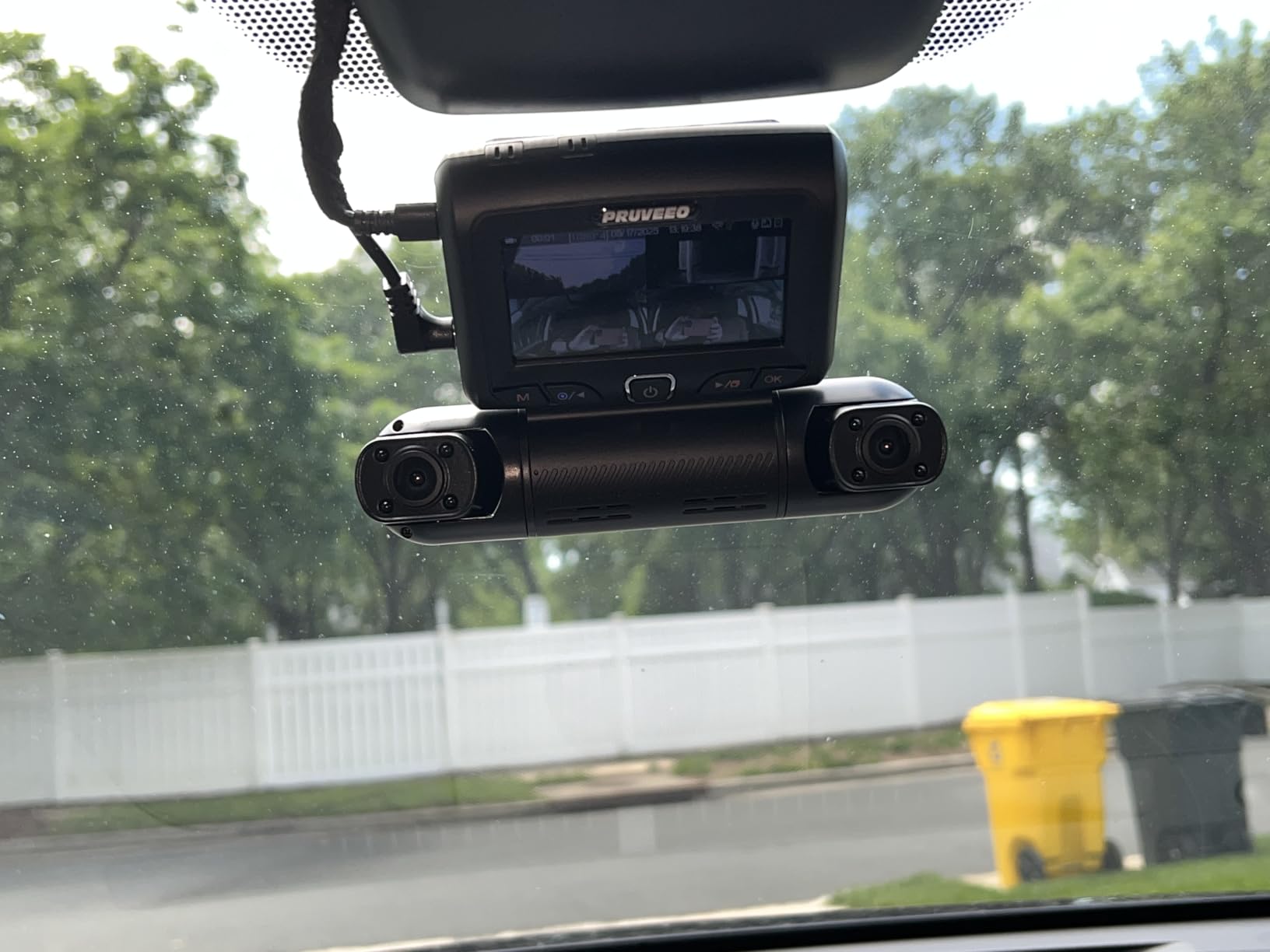
4. PRUVEEO D90 4-Channel – Best 360 Degree Coverage for Parking
PRUVEEO 360° 4 Channel Dash Cam Front and Rear Inside Left Right, Dash Camera for Cars, Built-in GPS WiFi Night Vision, 24/7 Recording Parking Mode Monitor, 128G Card Included
Four 1080P channels
360 degree coverage
Adjustable lenses
No internal battery
128GB card included
Pros
- Only true 360 degree four-camera system in this group
- Adjustable lens angles let you aim at specific doors
- No internal battery removes heat failure risk
- Time-lapse parking compresses 60 minutes into 1 minute
- Two-year warranty and included 128GB card
Cons
- App is fiddly and often needs reconnecting
- No remote viewing from inside the house
- Main three-camera unit is bulky on the windshield
- Small display for reviewing the parking view
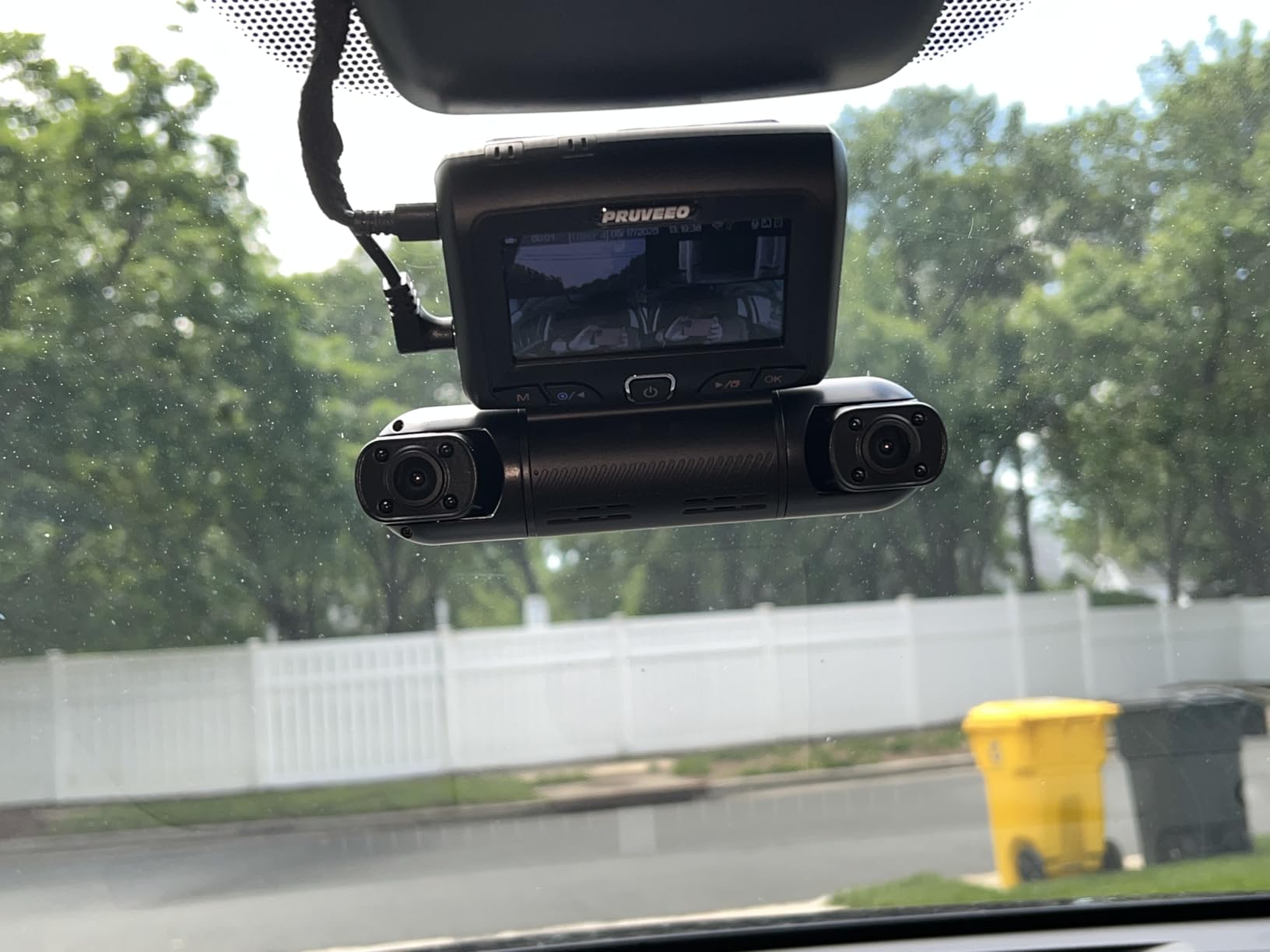
The D90 is the odd one out in this roundup, and that is exactly why it is here. Instead of front plus rear, it mounts four 1080P cameras: one forward, one rearward, and two aimed across the cabin so you can cover both side windows and both rear doors. On a Model S or Model X with a wide cabin and lots of glass, that configuration gives you a surveillance layout no two-channel kit can match.
The front three cameras have adjustable lenses, so you can aim them at the exact doors and windows you care about rather than accepting a fixed spread. The cabin camera carries an f1.8 aperture and four infrared lights for night vision, and the built-in GPS logs real-time speed, location, and route on the footage.
Battery-Free Design in a Glass-Roof Cabin
The design choice we appreciate most is what is missing. There is no internal battery at all, which removes the single component that most often fails in a hot parked car. Combined with the supercapacitor designs used by the REDTIGER and ROVE models, this puts the D90 in the group of cameras that are physically suited to a Tesla left in summer sun.
Parking mode uses time-lapse, compressing 60 minutes of parked footage into 1 minute, so a long night on a city street costs very little storage. Loop recording with collision lock works the same way as the other models here. The 128GB card is included and storage expands to 256GB, which is modest but workable for time-lapse.
Where the Four-Channel Approach Falls Short
The app is the weak point. Reviewers describe it as fiddly, with connections that need re-establishing between sessions, and there is no remote viewing, so you cannot check the camera from inside your house the way a cloud-connected system allows. If your main worry is a parking lot far from home, that limitation matters.
Size is the other trade-off. The main three-camera body is bulky and claims a real chunk of windshield, and the 3.2 inch display is small for reviewing the backup camera view. The supplied rear-camera mounting bracket and screws are also reported as flimsy, so plan on reinforcing that mount. If you can live with the footprint, the coverage payoff is real.
5. ROVE R3 – Fastest Wi-Fi Transfers and a Premium Touch Build
ROVE R3 3 Channel Dash Cam Front and Rear with Cabin, 3in IPS Touch Screen
1440P front
1080P cabin
1080P rear
WiFi up to 30MB/s
Quad-mode GPS
Pros
- Fastest WiFi transfers in the group at 30MB/s
- Three channels with hidden cabin IR LEDs
- Supercapacitor avoids lithium battery heat issues
- Magnetic and suction mounts plus electrostatic films included
- Excellent illustrated manual
Cons
- Memory card not included and must be bought separately
- Screen angle not adjustable on the sticky mount
- Rear camera is not waterproof and mounts inside only
- Out-of-the-box firmware needs an update first
The R3 is the most premium-feeling camera we handled, and the fastest to transfer files. Dual-band 5GHz and 2.4GHz WiFi with always-on connection pushes downloads at up to 30MB/s, the highest figure in this roundup. For a Tesla owner who reviews footage over phone rather than pulling it to a laptop, that difference is felt every time a clip needs to move off the card.
Recording is three-channel: 1440P on the front, 1080P in the cabin, and 1080P at the rear. The front runs at 30 or 60 FPS with an f1.5 aperture, WDR, and built-in digital image stabilisation, so a rough road surface produces less shake than you would expect from a small windshield camera. Four hidden IR LEDs light the cabin channel in darkness without being visible from outside.
Build, Mounts and Documentation
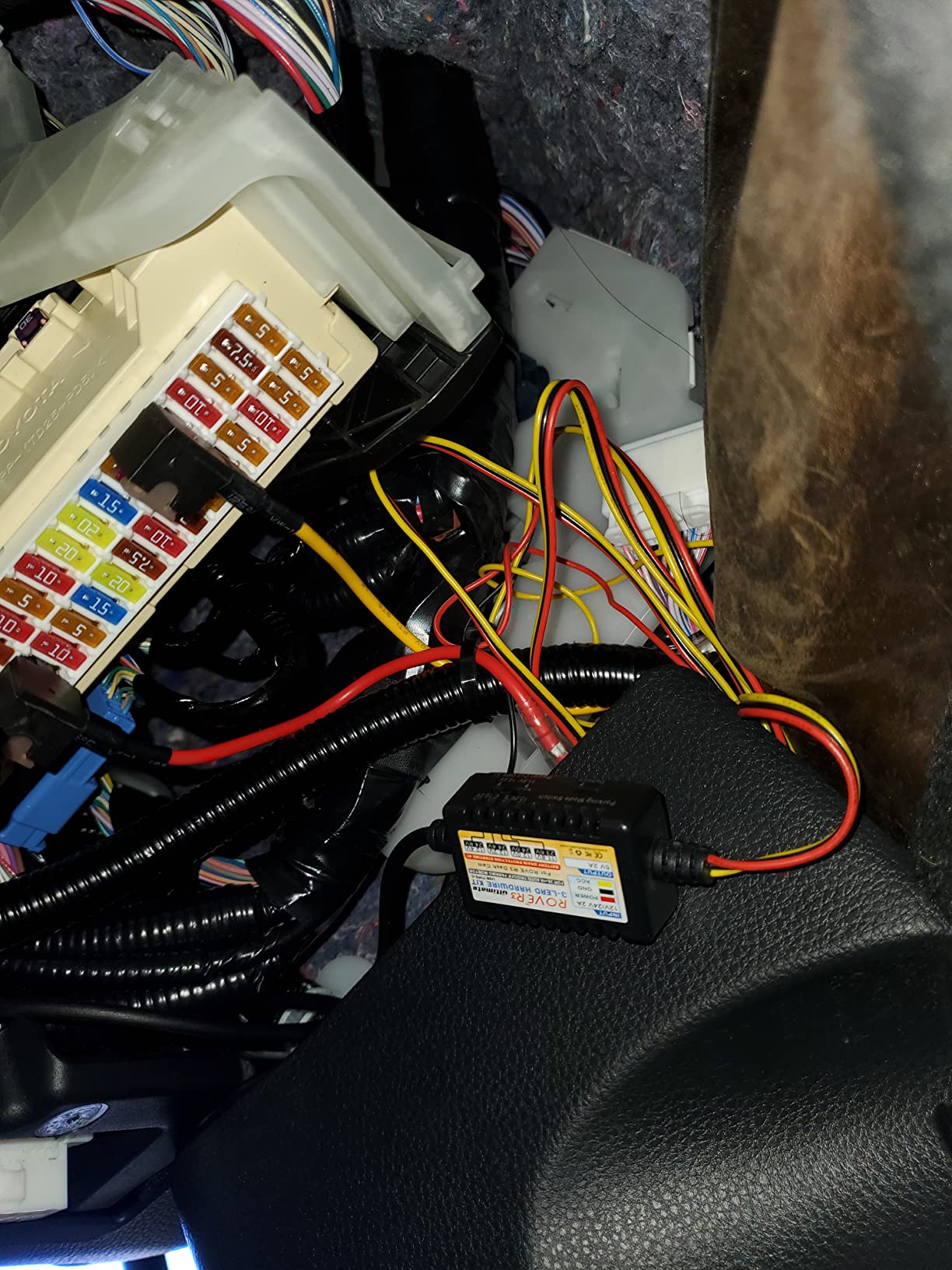
The 3 inch IPS touch screen runs off a single power button, and the build quality is noticeably above the category. Owners single out the illustrated manual as unusually good, which matters more than it sounds when you are routing cable behind Model 3 trim. Both magnetic and suction mounts are included, along with electrostatic films that avoid adhesive residue on a glass roof vehicle.
Quad-mode GPS provides live speed, compass, and location data on screen. The supercapacitor design means no internal lithium battery, which is the correct choice for a car that can exceed 140 degrees inside the cabin. Support has also been quick to issue free replacement units, according to reviewers.
What to Plan For
Three things. The memory card is not included, so budget for a card from our SD card picks for dash cams. The rear camera is not waterproof and has to sit inside the vehicle, which matters if you were hoping to mount it outside on a Model S. And the out-of-the-box firmware has known bugs, so run the update before you install rather than after a clip fails to save.
24 hour parking monitor, time-lapse, and G-sensor loop recording are all supported with a separately sold hardwire kit. This is the most expensive camera in the group, and for most Tesla owners the premium buys build quality and speed rather than resolution, since the front is 1440P rather than true 4K.
6. 70mai T800E – Best Three-Channel Rig for Rideshare Drivers
70mai 4K Dash Cam Front and Rear Inside, 3 Channel Car Dash Camera for Cars, Dashcam with GPS, Wi-Fi 6, Voice Control, Parking Monitor, Night Vision, Loop Recording, 64GB SD Card Included (T800E)
4K front
1080P interior
1080P rear
Switchable cabin infrared
WiFi 6
Pros
- Three channels with switchable interior infrared
- 64GB card included at this tier
- WiFi 6 transfers roughly 5x faster than WiFi 4
- Super capacitor rated from 14F to 140F
- 5-mode GPS and working voice control
Cons
- Advertised 4K is upscaled from a native 2K GC4663
- Cabin camera limited to about 15 fps
- No 4G connectivity option
- Parking monitoring needs a separate hardwire kit
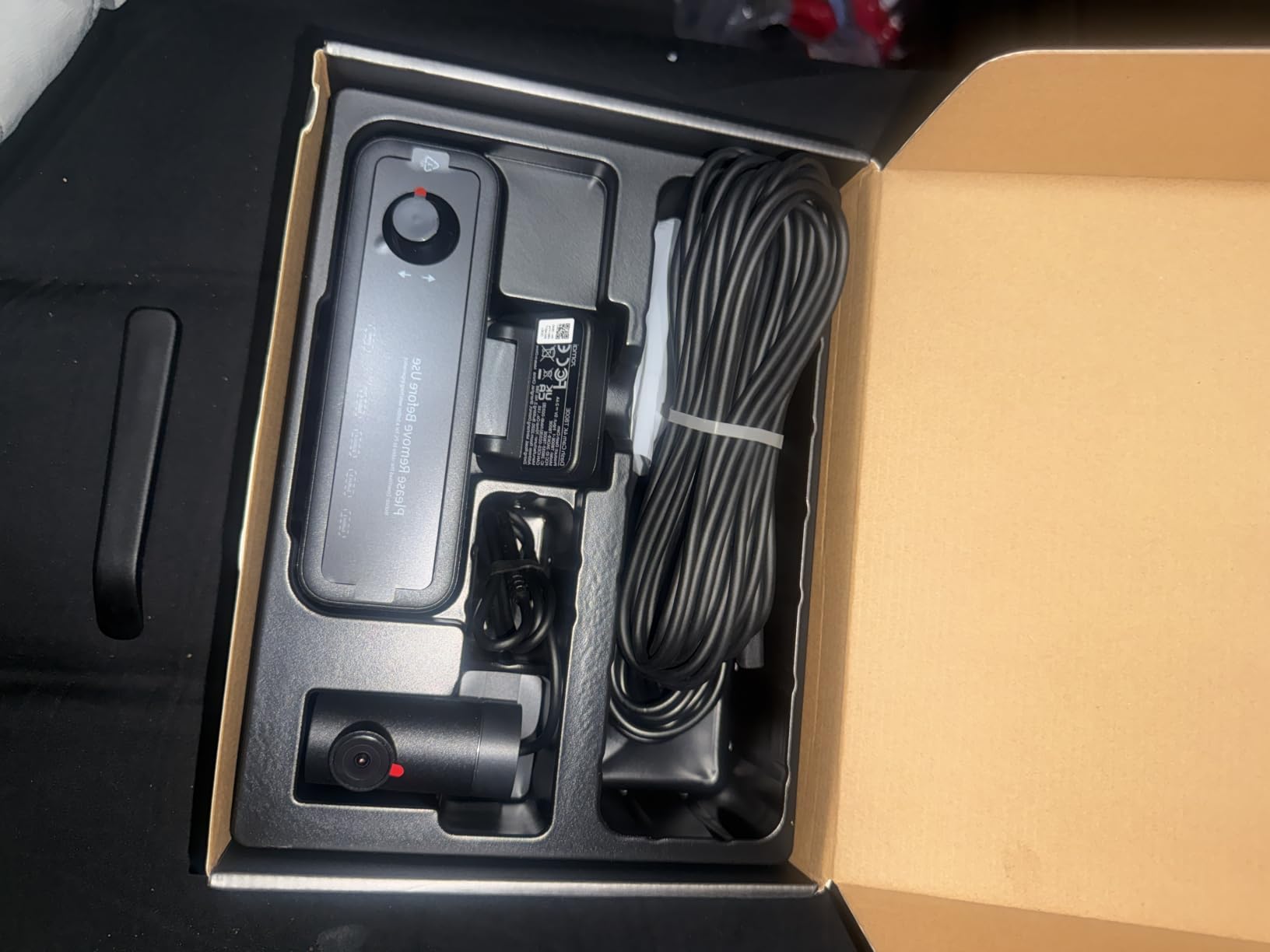
If you drive a Tesla for rideshare, the T800E is built for the job. It records 4K front, 1080P interior, and 1080P rear simultaneously through the included RC21 rear camera, and the interior channel has switchable infrared for clear night footage of the cabin. That is the view an insurer or a rider-dispute claim needs, and it is the one your Tesla’s own cameras cannot give you while moving.
The listed field of view totals 402 degrees across the three channels, with an f1.55 aperture and HDR plus 3D noise reduction. The temperature rating is the standout for Tesla ownership: the super capacitor is specified for 14F to 140F, which matches the kind of cabin temperature a glass-roof car reaches in summer. Voice control handles taking photos, starting recordings, and locking clips without touching the unit.
Upscaled 4K and Card Capacity Planning
Be clear about one thing: the 4K front is upscaled. The underlying sensor is a GalaxyCore GC4663 recording natively at 2K, stretched to a 4K file. The result looks sharp on a phone and in a clip review, but if you are comparing it against a native 4K sensor you will see the difference at distance. The cabin channel is also limited to about 15 fps, which is fine for documenting a ride and not fine for fine-grained motion detail.
Card capacity is the practical issue. Recording all three channels fills a 64GB card in under half a day, so a rideshare driver working long shifts needs to move to a 512GB card, which the unit supports. Our guide to dash cams for Uber and Lyft drivers covers the endurance and rotation setup we would use.
What You Cannot Do With It
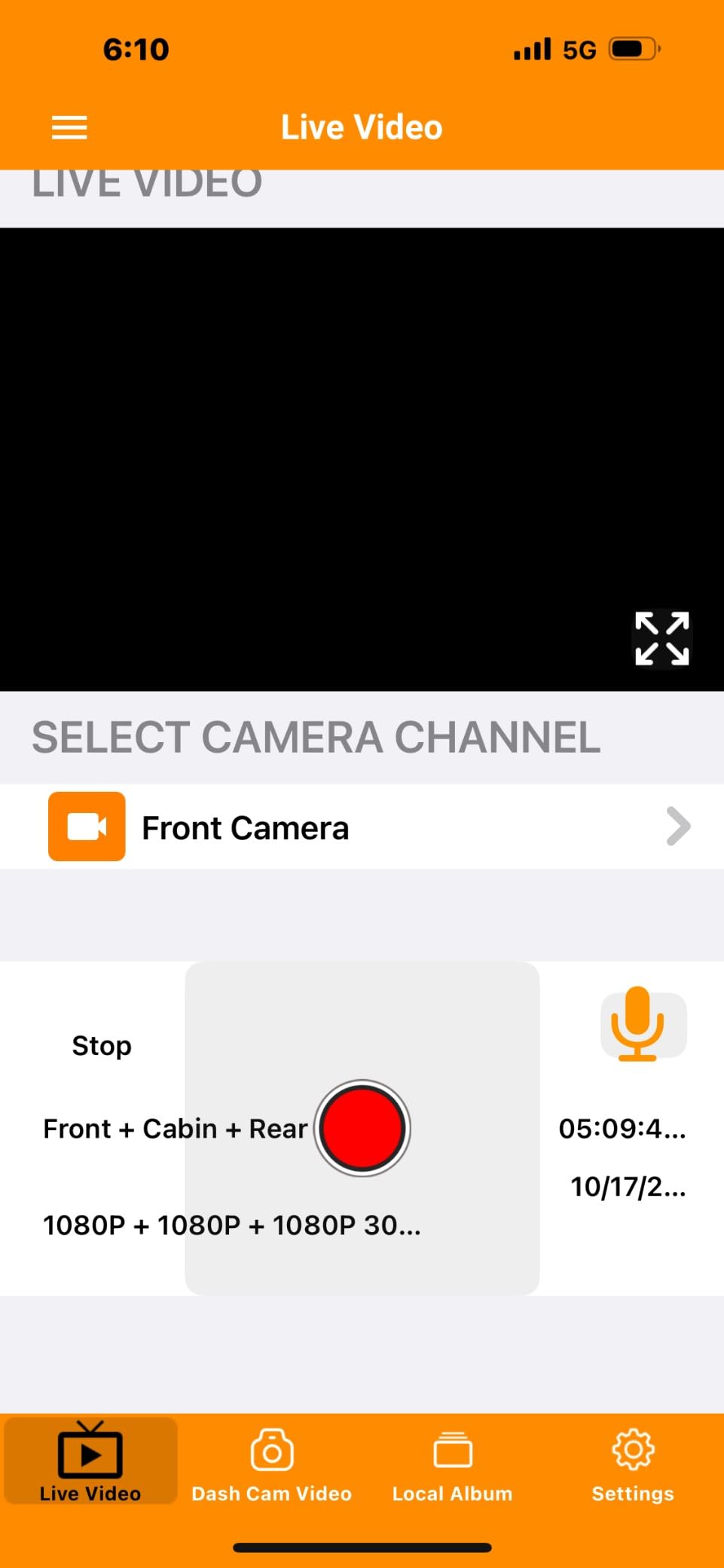
There is no 4G option on this model, so no remote live view while the car is parked away from you. The app connects only while you are in the vehicle, and by design it is not accessible through CarPlay or Android Auto, which is a small annoyance in a car built around that ecosystem. 24/7 parking monitoring needs a separately purchased UP06 or UP03 hardwire kit.
At 560 reviews this is the newest camera in the group, and the 4.4 average is promising but the thinnest evidence base. The three-channel layout, included card, and switchable interior IR are genuinely strong for the use case, so it earns a place for riders who work nights.
7. REDTIGER F9 – Best Budget 4K Front With Built-in GPS
REDTIGER F9 4K Dash Cam Front and Rear 1080P, 5.8GHz WiFi & Smart App
True 4K front at 170 degrees
1080P rear
f1.5 aperture
Built-in GPS
5.8GHz WiFi
Pros
- True 4K front capture at the lowest entry point
- Low-profile body sits behind the mirror on a Model 3
- Built-in GPS tags speed time and coordinates
- Generous cable length for routing to the rear camera
- Fast responsive support including replacement cables
Cons
- microSD card not included and must be bought separately
- Rear image quality noticeably softer than the front
- WiFi transfers are slow especially on large files
- 12V power adapter can fail after about two years
The F9 does something the pricier cameras do not: it gives you a genuine 4K front sensor at the lowest entry point in this roundup. The front records 2160P through a 170 degree wide-angle lens with an f1.5 aperture and WDR, and the rear runs 1080P. For a Tesla commute where the goal is catching a following vehicle’s plate, that front channel is the part that matters, and here it is not upscaled.
The body is genuinely low profile. It is designed to sit behind the rearview mirror, which on a Model 3 or refreshed Model Y means it stays out of the sightline where a bulkier unit would compete with the glass. The 3 inch LCD is small but serviceable, and the low-profile mounting is one of the reasons this model works well in a minimalist cabin.
GPS and App Simplicity
Built-in GPS records speed, time, latitude, and longitude directly onto clips, and there is a privacy mode to suppress it when you want. The companion app is uncluttered compared with most, and the G-sensor sensitivity is adjustable so you can stop potholes and speed bumps from filling your card with locked incident files. Loop recording supports cards up to 256GB at Class 10 or U3.
The weakness is transfer speed. 5.8GHz WiFi is claimed to be 4x faster than a baseline setup, but reviewers still describe downloads as slow on larger files, and app pairing can require turning mobile data off first. If you plan to review footage often, expect to budget time for it.
Two Things to Buy Separately
The microSD card is not included, so this is not ready to record out of the box. And 24 hour parking mode requires a hardwire kit, which in a Tesla without a 12V socket means tapping an accessory fuse. Note also that the 12V power adapter is reported to fail after about two years, so a hardwired install is the more durable path for a car that ages quickly.
Rear footage is softer than the front, which is normal for a 1080P rear channel at this level, and the instructions are terse for first-time users. Set aside ten minutes with the app before you mount it. With an 18-month warranty and 2580 reviews behind it, this is our value pick for a single-purpose daily recorder.
8. 70mai A810S – Best for True Native 4K and On-Camera Playback
70mai 4K Dash Cam Front and Rear, 4K+1080P Dual STARVIS 2 Car Dash Camera for Cars, 4G LTE Remote Access, AI Motion Detection, WiFi 6, 5 GPS, 24H Parking Mode, HDR Night Vision, Voice Control, ADAS
True 4K front on IMX678
1080P rear
ADAS alerts
WiFi 6
128GB card included
Pros
- Native 4K front on the STARVIS 2 IMX678 sensor
- Dual STARVIS 2 sensors with Night Owl Vision processing
- 128GB microSD card included in the box
- Footage playable on the camera screen at the scene
- 5-mode GPS and electrostatic mounts that leave no marks
Cons
- 4G remote access and parking mode need an extra hardwire kit
- ADAS warns during turn-signal use
- App setup hops between networks and is clunky
- WiFi and Bluetooth pairing can conflict with wireless CarPlay
The A810S is the one camera here with a real 4K front sensor. It uses a Sony STARVIS 2 IMX678 at native 4K UHD, paired with a STARVIS 2 IMX662 on the 1080P rear channel, and the two sensors feed the MaiColor Vivid+ and Night Owl Vision processing. The result is the cleanest forward footage we captured, particularly at distance and at night, which is precisely what a Tesla needs when a car is following closely on a highway.
The field of view is listed as 150 degrees with a 146 degree real angle on the front and 130 degrees at the rear, a more restrained spread than the 170 degree lenses in the REDTIGER units. That narrower view produces less edge distortion and keeps more detail in the centre of frame, which is the right trade for plate capture. The front can record at 60, 30, or 25 FPS.
On-Camera Playback Changes How You Handle an Incident
The feature that impressed us most has nothing to do with image quality. Footage is playable directly on the 3 inch screen at the scene, with no subscription and no phone. After a fender bender in a parking lot, the difference between handing someone a clip immediately and going home to find it is considerable, and several reviewers call this the deciding advantage of the unit.
Connectivity is otherwise strong. WiFi 6 handles transfers, and 5-mode positioning covers GPS, BDS, GALILEO, GLONASS, and QZSS for accurate route and speed data. Voice control takes photos, locks clips, and toggles WiFi. The static-cling electrostatic mounts are a thoughtful detail for Tesla owners, since they leave no permanent mark on a glass windshield.
The ADAS Caveat and the 4G Question
ADAS lane departure and forward collision warnings are genuinely useful, but this camera is not connected to the car, so it cannot tell when you are indicating. Reviewers report false warnings during turn-signal use, and on a car that changes lanes as smoothly as a Tesla the warnings fire often enough to become irritating. Treat the ADAS as a rough prompt, not a genuine safety system.
Remote 4G access through the optional UP05 hardwire kit is what removes the 1 to 2 percent per hour battery concern that owners associate with Sentry Mode, but it is an extra purchase. First-time app setup is clunky, hopping between the ad-hoc network and your home WiFi, and WiFi plus Bluetooth pairing can conflict with wireless CarPlay. All of that is fixable; it just needs an evening.
9. BOTSLAB G980H – Best Kit That Ships With a Hardwire Harness
BOTSLAB 4k Dash Cam Front and Rear, 24/7 Parking Monitor with Hardwired Kit, 170° Ultra Wide Dashcam, ADAS, IMX415 Sensor, Night Vision, WDR, Loop Recording, 5G/2.4G WiFi & GPS, Free 64GB Card
True 4K front on IMX415
2K swivelling rear
Hardwire kit in the box
ADAS via 1.5TOPS NPU
Pros
- Only camera here that includes the hardwire kit in the box
- True 4K front on the IMX415 with a 2K rear
- Rear camera swivels 360 degrees to double as interior
- ADAS pedestrian lane and distance warnings from a dedicated AI NPU
- Built-in GPS logs route and speed
- 64GB card included
Cons
- Smallest review base here at 1379 reviews
- memory support capped at 64GB
- 2.45 inch display is small for on-device review
- Listed compatibility limited to vehicles under 5.5m
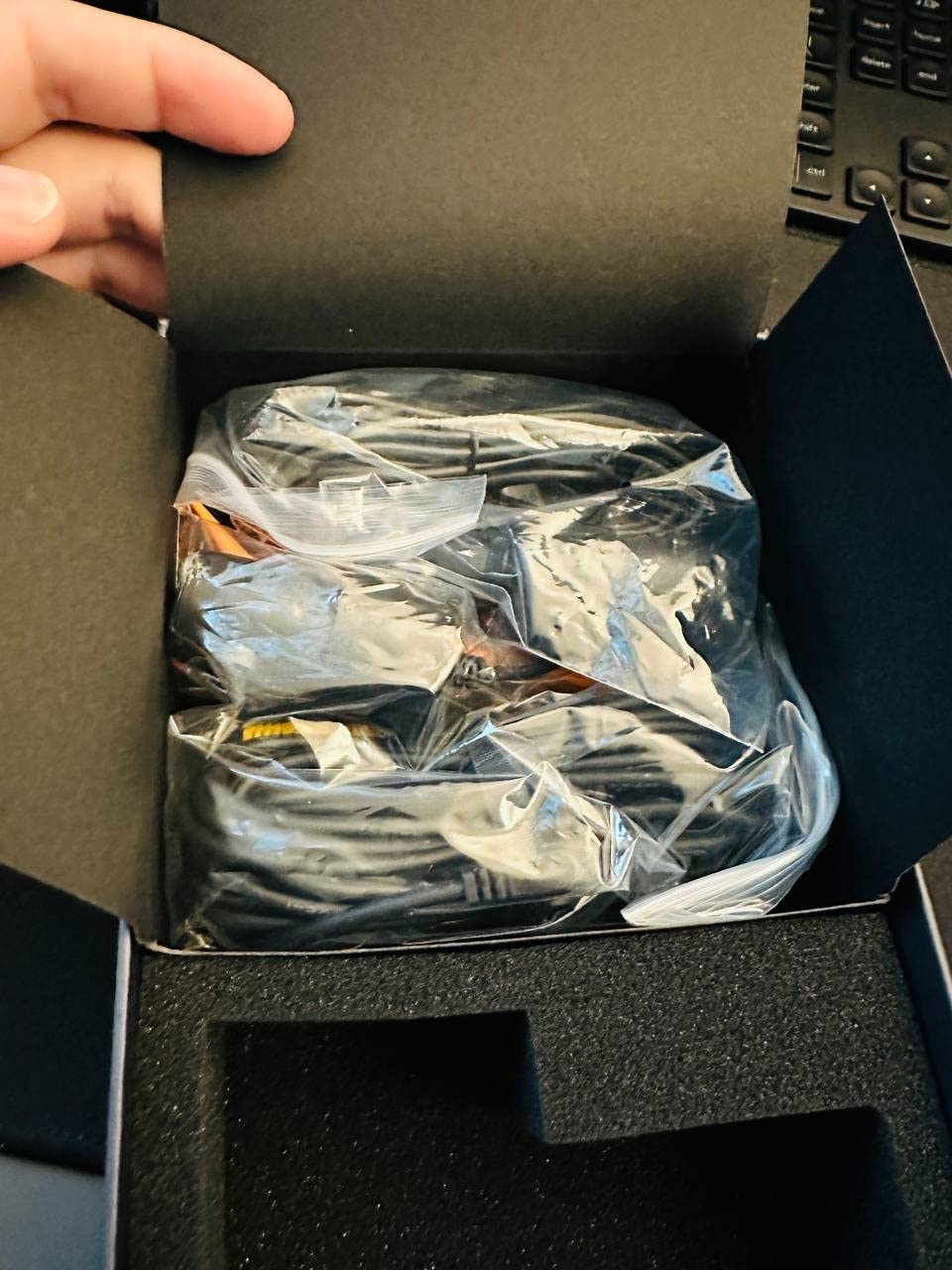
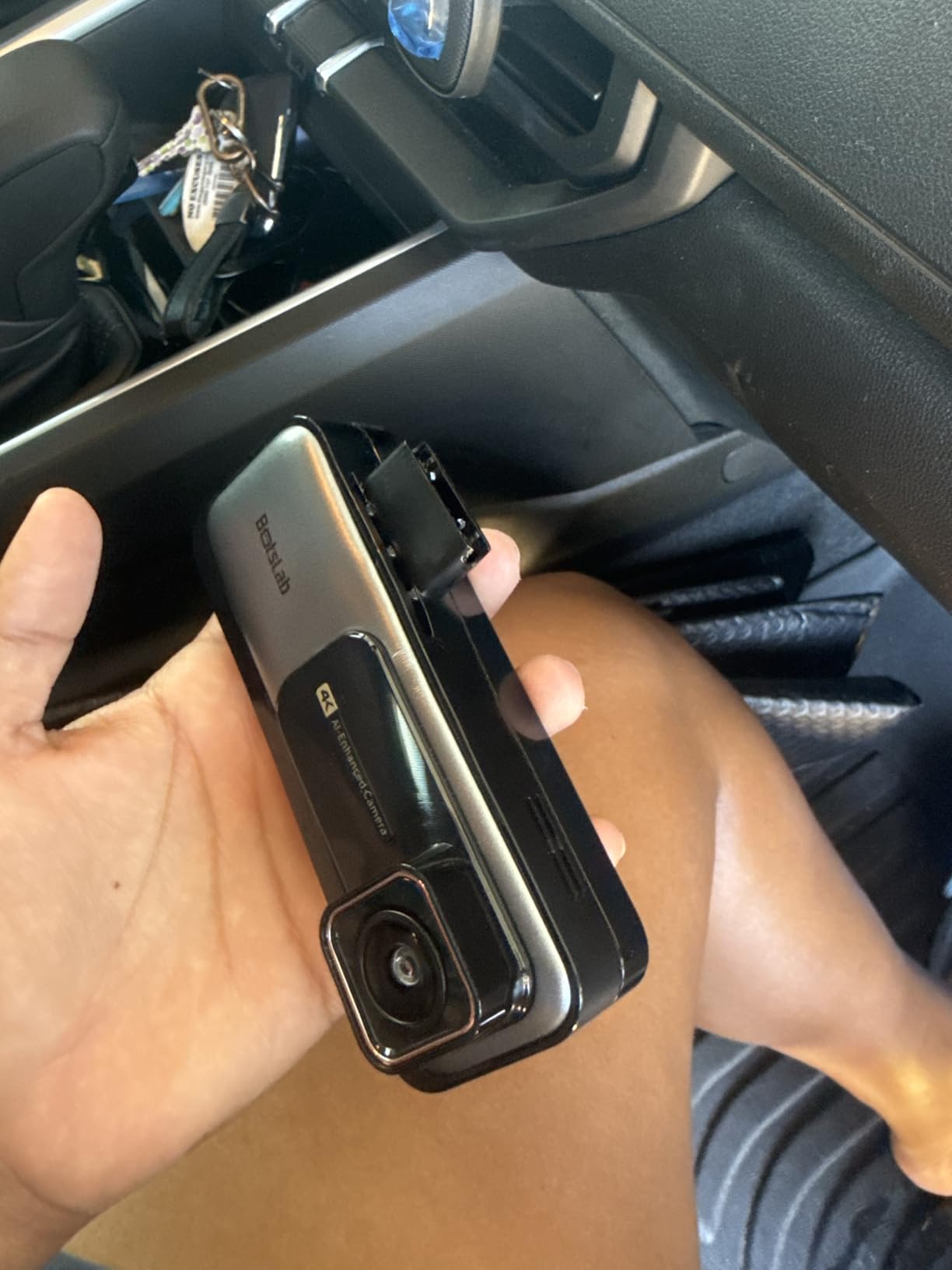
The G980H solves the single biggest practical problem with aftermarket dash cams in a Tesla: power. Nearly every camera in this roundup requires a separately sold hardwire kit before 24/7 parking mode works, and in a car with no 12V socket that means sourcing an accessory fuse and running cable behind trim. This one ships with the harness in the box, so parking mode works the day it arrives.
Video quality is genuinely good. The front records true 4K on a Sony IMX415 sensor, and the rear records 2K on a camera that swivels a full 360 degrees, letting you aim it out the back window or turn it inward to cover the cabin. For a rideshare Tesla that flexibility is worth more than a fixed third channel, since one mount position covers two use cases.
ADAS Through a Dedicated AI Chip
Unlike the 70mai implementation, the ADAS here runs on a 1.5TOPS AI NPU. It issues warnings for pedestrian collision, front vehicle movement, lane deviation, and vehicle distance, and it supports fatigue monitoring. Running these algorithms on dedicated hardware rather than the main processor leaves more headroom for recording, which is the right architecture in a car where a dropped frame means a lost clip.
WDR handles glare, tunnel transitions, and low light, and 5G plus 2.4GHz WiFi gives app viewing with built-in GPS logging route and speed. A DV playback software bundle helps you review trips by route.
Storage Ceiling and Screen Size
Two constraints are worth knowing before you buy. Memory card support is capped at 64GB, the lowest ceiling in this group, and a 64GB card is included, so there is no upgrade path beyond it. For 24/7 parking with continuous writes, that is a genuine limitation, and a larger endurance card from our dash cam card guide will not help here.
The 2.45 inch display is the smallest screen among the ten and is not comfortable for reviewing footage on the unit. Compatibility is listed for cars under 5.5m in length, which covers Model 3 and Model Y but excludes a Model S Plaid or a Cybertruck, so check your vehicle before committing. With 1379 reviews it has the thinnest evidence base in the roundup, but the included harness is a real advantage.
10. Navycrest Q7 – Most Compact Mount for Smaller Teslas
Navycrest 4K Dash Cam Front and Rear, Built-in 5G WiFi, Dash Camera for Cars 4K Front and 1080P Rear, Dashcams for Cars Loop Recording, Gravity Sensor, 24-Hours Parking Mode, SD Card NOT Included
4K front
1080P rear
Sony IMX with six-element lens
5G WiFi
1.5 inch body
Pros
- Compact 1.5 inch screen that stays out of the sightline
- 4K front capture with a 155 degree lens
- 5G WiFi transfers up to 8MB/s
- Gravity sensor locks incident footage
- Storage expandable to 256GB
Cons
- SD card no longer included and must be bought separately
- Parking mode needs a separately purchased hardwire kit
- Lowest average rating here at 4.1 with the highest one-star share
- 1.5 inch display is small for reviewing footage
The Q7 is the smallest camera in this roundup, and on a Model 3 or a smaller Model Y that is the feature. The body measures roughly 1 inch deep by 2 inches wide by 3 inches high with a 1.5 inch screen, so it can sit at the edge of the windshield or behind the mirror without eating into the driver’s view of the road. A camera you do not notice is one you leave installed for years.
Despite the size, the front records 4K 2160P through a Sony IMX sensor with a six-element glass lens at a 155 degree field of view and f1.6 aperture. The rear runs 1080P. WDR and super night vision handle the low-light cases, and 5G WiFi transfers at up to 8MB/s, which is faster than a typical 2.4GHz budget camera even if it is slower than the dual-band units above.
What You Need to Add Before It Records
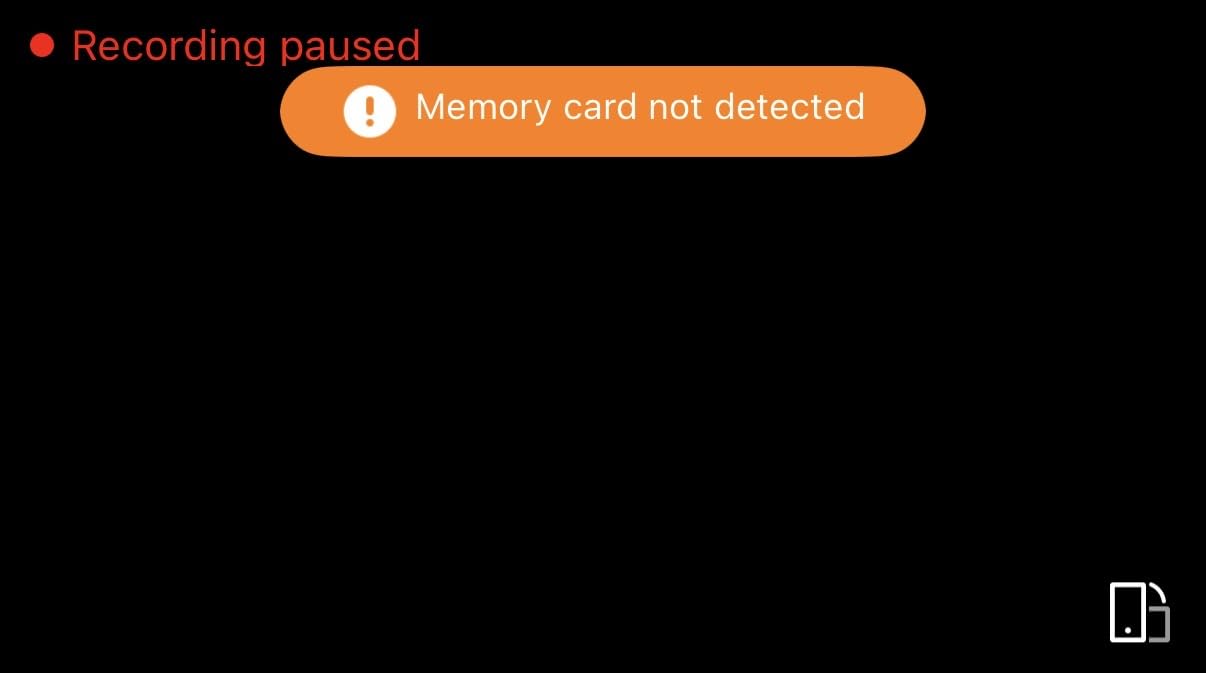
Two purchases are required before this camera does anything. The SD card is no longer included in the package, and 24/7 parking mode needs a separately purchased hardwire kit. Storage supports up to 256GB at Class 10 or U3, so buying a 256GB endurance card at the same time is the sensible move. The good news is that a simple wiring design and an included routing tool make the cable run less painful than it is with bulkier kits.
A three-axis gravity sensor protects incident clips from being overwritten by loop recording, and the app handles viewing and settings without any account step. That last point puts it ahead of the REDTIGER F7N TOUCH for people who dislike mandatory registration.
Read the Reviews Before You Buy
This is the lowest-rated camera here at 4.1 from 2385 reviews, with the highest proportion of one-star feedback in the group. The gap between its 4K spec sheet and its real-world results is what drives those reviews, along with the removed card and the extra-cost hardwire kit. It stays in the list because the compact size solves a real problem in a smaller Tesla, and because 5G WiFi at this size is unusual. Buy it for the footprint, not for the image quality.
What to Look for in a Dash Cam for a Tesla
Power: There Is No 12V Socket Anymore
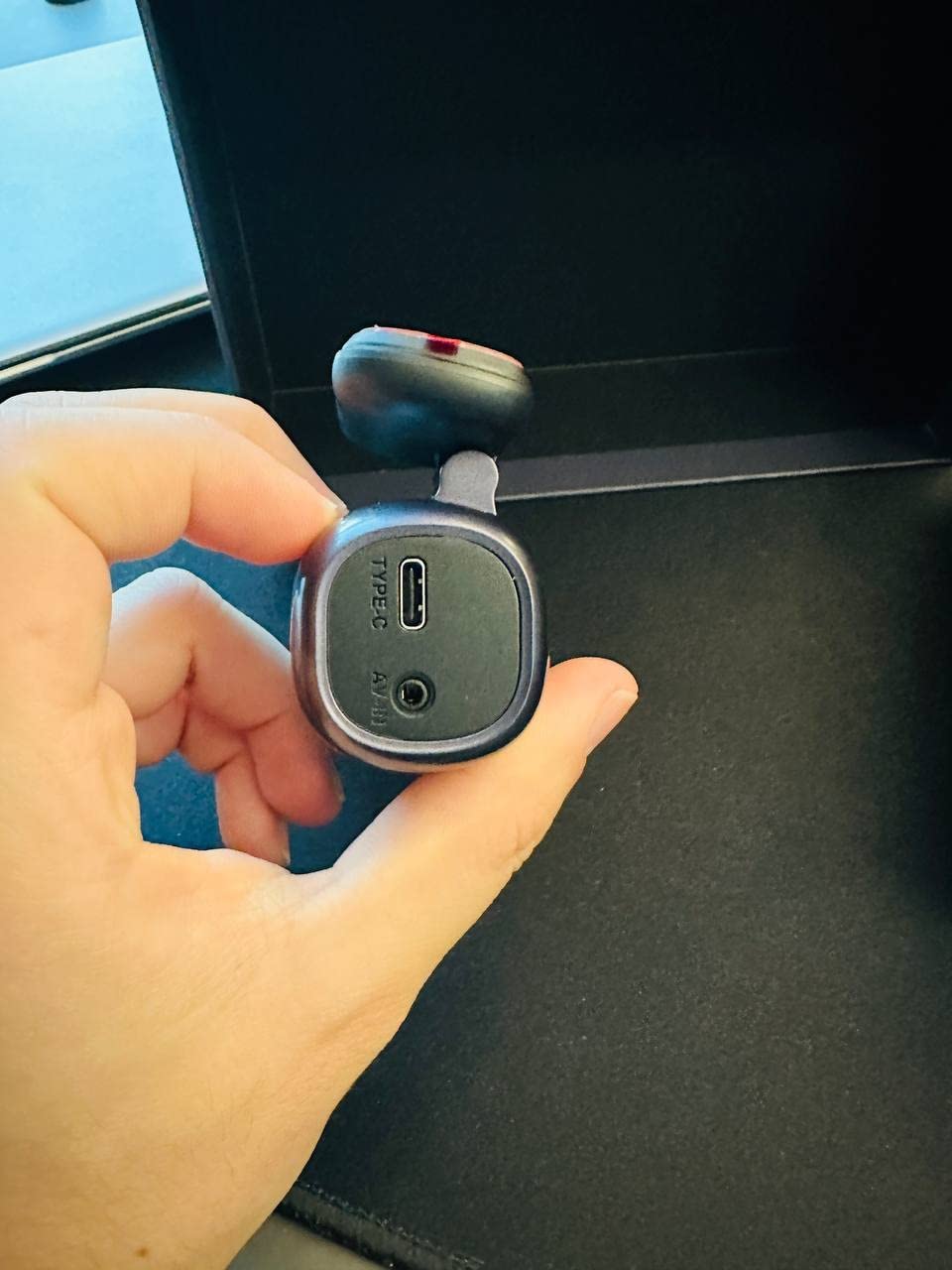
This is the decision that eliminates half the category. A Model 3 or Model Y in the current generation has no cigarette lighter socket to run a lead from, and the console USB-C ports are primarily data ports that will sleep when the vehicle locks. The realistic options are a hardwire to the 12V accessory fuse box, an OBD-II power adapter, or accepting that 24/7 parking mode will not work.
Of the ten cameras here, only the BOTSLAB G980H includes the harness. For everything else, plan on a separate kit and a fuse tap on an accessory circuit. Owners on the Tesla forums consistently describe the fuse box tap as the standard solution for a Model 3 or Model Y, and it is the approach we would use rather than an OBD adapter, which can drain the 12V battery if the cutoff is not configured properly.
Heat Behind a Glass Roof
Tesla cabins with a panoramic glass roof get extremely hot in summer, and heat is the number one cause of aftermarket dash cam failure. Lithium-ion batteries degrade and swell in that environment. Every camera in this roundup that uses a supercapacitor or no battery at all, which includes the ROVE R2-4K Dual, the REDTIGER F17 and F7N TOUCH, the ROVE R3, the 70mai T800E, the 70mai A810S, and the PRUVEEO D90, is the right class of hardware for the job.
The 70mai T800E is the only one with an explicit operating range listed at 14F to 140F, which is a useful data point when comparing. The Navycrest Q7 carries a lithium polymer cell, so treat it as indoor-and-fair-weather hardware unless you remove it from the car on hot days.
Storage and the Native Tesla Drive
Pick cards for endurance, not capacity marketing. Constant loop recording in a parked car writes far more data than an occasional drive, and a card that slows down under sustained write load causes dropped frames and corrupted files. Our microSD endurance guide and SD card guide cover which capacities to prioritise for this use.
Keep Tesla’s own Dashcam running as well. A single high-capacity SSD gives you Sentry Mode coverage around the car, and it costs nothing to maintain. Format it regularly, because owners report that footage silently fails to save when a drive is not maintained. For heavy-duty driving, our heavy duty dash cam guide covers endurance testing.
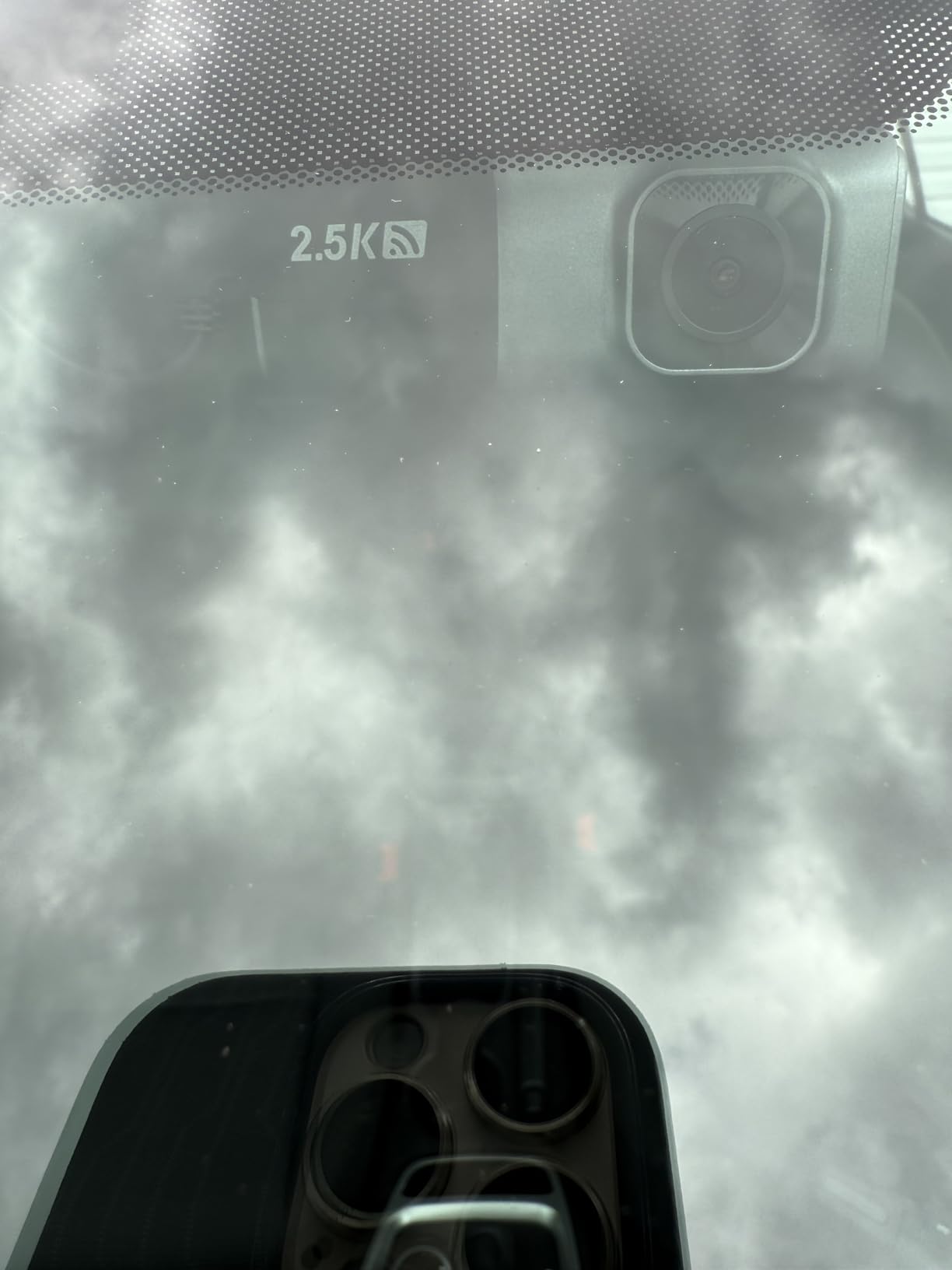
Mounting Clear of the Mirror and Cameras
Check the mounting footprint against your windscreen before buying. The PRUVEEO D90 with four cameras claims a real portion of the glass, while the REDTIGER F9 and the Navycrest Q7 are designed to hide behind the mirror. Prefer electrostatic mounts over adhesive on any car you care about, since they leave no residue and can be repositioned as the glass curvature changes with temperature.
Route cables away from the Tesla’s rearview mirror stem and the cabin camera housing, and check that the adhesive strip sits on a flat portion of glass rather than near a heated sensor grid. On a glass-roof vehicle the mount also faces more direct sun than on a traditional cabin, which accelerates adhesive creep over time.
Native Dashcam and Sentry Mode, or Aftermarket?
The honest answer is that for many owners the Tesla system is enough. If you want a single forward view while driving plus 360 degree coverage while parked, a properly formatted SSD and Sentry Mode already handle it at no extra cost. The aftermarket case becomes strong when you need a rear and cabin view while moving, true 4K front detail for plate capture, remote access without a battery drain, or on-camera playback at the scene of an incident.
The two systems coexist without conflict. The aftermarket cam writes to its own card, the Tesla writes to its own drive, and neither interferes with the other. What you give up by relying only on Sentry Mode is the 1 to 2 percent per hour of battery that owners report in extended parking use, and the manual USB management that comes with the native setup.
Frequently Asked Questions
Do Teslas have built-in dash cams?
Yes. Every Tesla records a forward-facing video through the main camera above the windscreen. You enable it in the Dashcam section of the controls, choose Dashcam, Clock or All, and insert a USB drive. Sentry Mode uses the same cameras plus the cabin and rear cameras while the car is parked, but it draws roughly 1 to 2 percent of battery per hour.
What is the best dash cam for a Tesla Model 3?
For a Model 3, the ROVE R2-4K Dual is our top pick because it adds a 1080P rear channel to the single forward view Tesla already records, uses a supercapacitor that handles a hot glass-roof cabin, and includes a 128GB card. If you need true 4K front detail rather than upscaled 2.5K, choose the 70mai A810S. If you work as a rideshare driver, the 70mai T800E adds a switchable infrared interior channel.
What is the best dash cam for a Tesla Model Y?
A Model Y suits the same picks as a Model 3, with two additions. The REDTIGER F17 is a strong choice because its three channels cover the front, the cabin, and the rear, which suits a vehicle with a wide glass roof and large rear seating area. The PRUVEEO D90 is worth considering if you park in high-theft areas, since its four adjustable cameras let you aim at specific doors and windows.
Can you use any dash cam with a Tesla?
You can, but you have to plan the power. Most current Teslas have no 12V accessory socket, and the console USB-C ports are primarily data ports that sleep when the vehicle locks. The reliable options are a hardwire to the 12V accessory fuse box or an OBD-II power adapter. Look for a supercapacitor or battery-free design, since a parked Tesla cabin behind a glass roof gets extremely hot in summer.
What USB drive is best for the Tesla Dashcam and Sentry Mode?
A high-capacity SSD is the most practical choice, with a large high-endurance microSD card as a workable alternative. The important points are sustained write speed and regular formatting. If the drive is not maintained, Tesla can silently fail to save footage, which owners regularly report. Use a dedicated drive for the Dashcam rather than one holding other files.
What is the difference between Sentry Mode and a dash cam?
Sentry Mode is Tesla’s built-in parking surveillance. It watches for disturbance, records a 360 degree clip with time-lapse, and sends an alert to your phone, drawing roughly 1 to 2 percent of battery per hour. An aftermarket dash cam records a continuous, higher-resolution forward and rear view with a G-sensor and time-lapse parking mode, and stores it on its own card without using the vehicle battery.
The Best Dash Cam for Your Tesla in 2026
If you want one camera that does the most without fuss, the ROVE R2-4K Dual is the pick. It adds the rear view your Tesla lacks while driving, handles a hot cabin without a lithium battery, and comes with storage in the box.
For three-channel coverage in a glass-roof Model Y, the REDTIGER F17 covers front, cabin, and rear with adjustable parking modes. For the largest screen and the widest front lens at a mid-range price, the REDTIGER F7N TOUCH wins. For true 4K front detail, the 70mai A810S is the only native 4K sensor in the group, and for rideshare work the 70mai T800E adds a switchable infrared cabin channel.
And if you would rather not run cable to the fuse box at all, the BOTSLAB G980H is the one camera here that ships with the hardwire harness included. Whichever you pick, keep Tesla’s own Dashcam and Sentry Mode running on a separate drive, because the best dash cams for tesla cars are the ones that fill the gaps in what the car already records.