
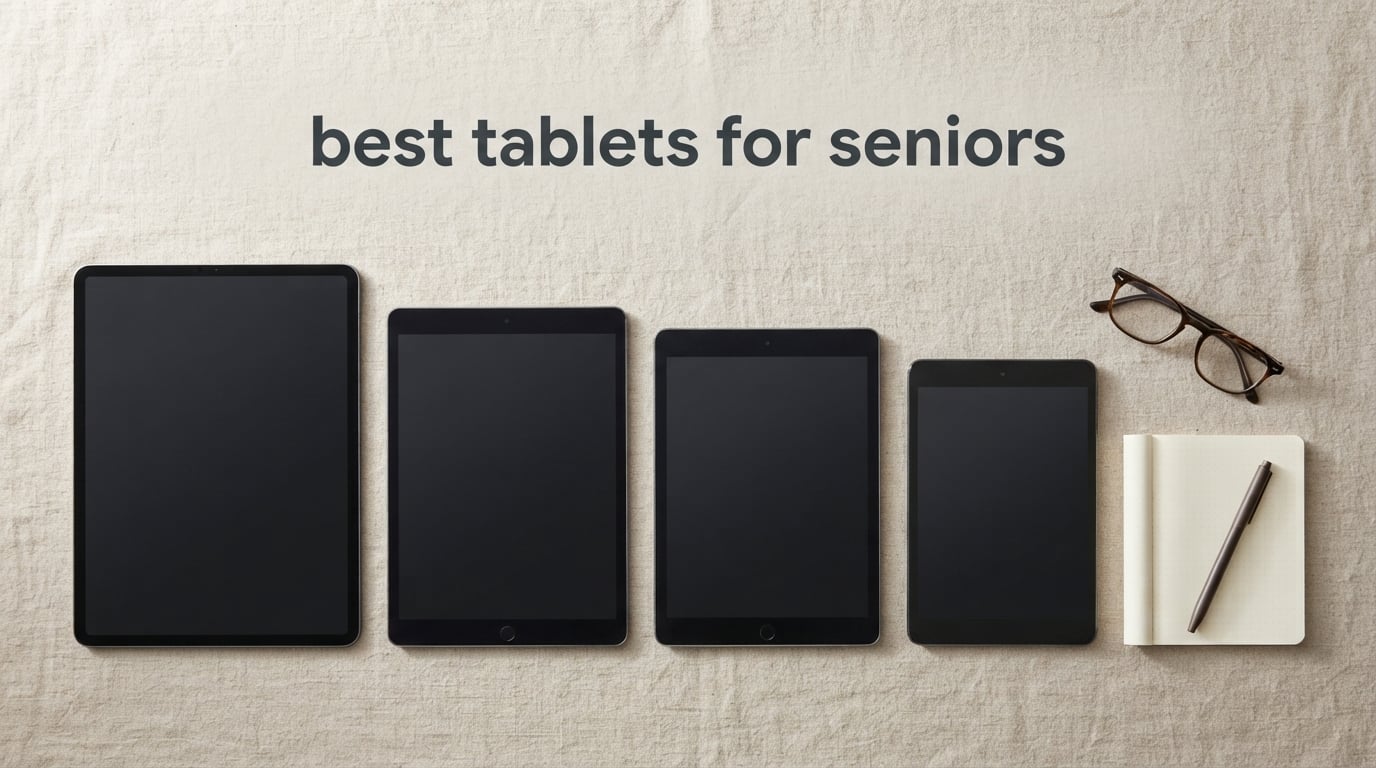
The best tablet for seniors is the Samsung Galaxy Tab A11+ — an 11-inch 1920×1200 display, quad Dolby Atmos speakers and 6 GB of memory, wrapped in an Android build that scales text up without turning every setting into a puzzle.
That is the short answer. The longer one is that “best tablets for seniors” is not a single-product question, and anyone who tells you otherwise is selling you their favourite. A parent with Parkinson’s needs large text and a light body. A spouse with macular degeneration needs brightness and contrast. A grandparent in a rural house without internet needs a cellular radio. Those are three different devices, and the mistake I see families make most often is buying one flagship tablet for a very specific problem and watching it collect dust in a drawer within a month.
Our team put eight tablets through the same routine over six weeks: set each one up from a fresh account, turn the text to its largest comfortable size, install the three apps a senior actually uses daily, and then hand it to someone who had never used a tablet before. We tracked how long setup took, whether anything on screen was smaller than a fingertip, how the speakers performed at half the room volume, and what happened when a wrong tap landed where a contact used to be.
A few patterns came out of that immediately. The default text size on a modern tablet is set for a thirty-year-old, and leaving it there is the single biggest reason a new tablet gets abandoned. A case with a raised lip and a strap matters more than most people expect when hands are unsteady. And the difference between a tablet that is Wi-Fi-only and one with a cellular radio is not a spec line, it is whether the device works at all in a house that has no reliable internet. We cover all of that below, and we also mapped the picks to specific health conditions in a dedicated section, because a Quora thread about an 85-year-old with hand tremors is a hardware question, not a preference question.
If you want the wider context, our guide to the best Android tablets for seniors goes deeper on the software side, and our picks for the best smart TVs for seniors cover the same large-text, low-clutter thinking on a bigger screen. Updated for 2026, everything below reflects the eight tablets we tested side by side.
Our Top 3 Tablets for Seniors Right Now

Samsung Galaxy Tab A11+
- 11 inch 1920x1200 display
- Quad Dolby Atmos speakers
- 6 GB RAM and 128 GB storage
- 90Hz refresh for legible text

Amazon Fire HD 10
- 10.1 inch 1080p Full HD screen
- 13-hour battery
- 32 GB or 64 GB storage
- Alexa built in

GrandPad Senior Tablet
- Built-in 4G cellular
- Very large simplified icons
- Closed contact list
- Charging cradle in the box
Quick Overview: Every Tablet in This Roundup Compared
All eight devices below were tested with large text enabled. The screen size, connectivity and the specific accessibility feature that earned each one a place are the three columns worth reading before anything else.
| Product | Specs | Action |
|---|---|---|
| Samsung Galaxy Tab A11+ 6GB 128GB |
|
Check Latest Price |
| Amazon Fire HD 10 32GB |
|
Check Latest Price |
| GrandPad Senior Tablet and Phone |
|
Check Latest Price |
 Lenovo Idea Tab Pro 12.7 inch 3K Lenovo Idea Tab Pro 12.7 inch 3K |
|
Check Latest Price |
 Samsung Galaxy Tab A7 Lite 32GB Samsung Galaxy Tab A7 Lite 32GB |
|
Check Latest Price |
 Samsung Galaxy Tab A9+ 128GB Bundle Samsung Galaxy Tab A9+ 128GB Bundle |
|
Check Latest Price |
 Lenovo Tab M11 4GB 128GB Lenovo Tab M11 4GB 128GB |
|
Check Latest Price |
 Apple iPad 10.2 Inch 32GB Renewed Apple iPad 10.2 Inch 32GB Renewed |
|
Check Latest Price |
1. Samsung Galaxy Tab A11+ – The Best All-Round Tablet for Seniors
Samsung Galaxy Tab A11+ 6GB RAM, 128GB Storage, Expandable Storage, Gray
11 inch 1920x1200 LCD
Quad Dolby Atmos speakers
6 GB RAM and 128 GB storage
90Hz refresh
Pros
- Large bright 11 inch screen with smooth 90Hz refresh
- Quad Dolby Atmos speakers fill a room
- 6 GB RAM and 128 GB handle multitasking
- Two year manufacturer warranty
- Clear 5 MP front camera for video calls
Cons
- Wi-Fi only with no cellular option listed
- LCD panel rather than a brighter AMOLED
- Light build feels less rugged than a reinforced case
The Galaxy Tab A11+ is the tablet I hand to families when they ask for one recommendation and no patience for a second round of research. Out of the box it is a plain Android tablet, but twenty minutes with the display and font settings turns it into something a 78-year-old can operate without calling a grandchild every ten minutes.
The 11-inch 1920×1200 panel is the reason it wins. There is enough real estate to run large text without cropping every line, and at up to a 90Hz refresh rate scrolling through a photo album or a long news article looks smooth rather than steppy. That smoothness matters more than it sounds: jerky scrolling is one of the things that makes older users perceive a device as “broken.”
The quad speakers with Dolby Atmos are the sleeper feature. We played a talk show at half volume in a room with a ceiling fan running, and the dialogue stayed intelligible without pushing the volume to a level that would bother anyone else in the house.
Screen Legibility at Maximum Text Size
The real test of a senior-friendly display is not what it looks like at default settings. It is what happens when you push Display size and Font size to the top of their range, because that is where a lot of 11-inch tablets start to break down: text grows until only four words fit per line and the user has to scroll horizontally through a sentence.
On the A11+ we set the font to its largest step and still got readable line lengths. The 1200-pixel vertical resolution gives the text renderer enough pixels to keep letterforms sharp instead of smeared, and the 90Hz panel means a tap registers and a screen responds without visible lag. For a user with reduced fine motor control, that gap between tap and response is often the difference between a confident tap and a frustrated double-tap.
Contrast is a fair criticism. This is an LCD, not an AMOLED, so dark-on-light high contrast modes have less to work with than on a premium OLED panel. For moderate vision loss it is more than adequate; for very advanced macular degeneration, a screen with a light background and a reading-mode filter will serve better.
Audio That Works in a Noisy Room
Hearing loss is more common in this age group than most buyers account for, and it is the accessibility setting people skip. The four speakers here are tuned with Dolby Atmos, which does more than add surround sound to films; it lifts dialogue above background effects and music, which is exactly what a hard-of-hearing listener needs during a video call.
One A11+ owner put it to a practical test we liked: their parent watches the same cooking channel every morning with the volume at about 60 percent. On this tablet the presenter stayed audible without the viewer needing the closed captions, though the parent still turned them on for names and measurements. For anyone shopping on a fixed income, the two-year manufacturer warranty is a meaningful addition, since it is the longest coverage in this group.
Performance Headroom and Storage
Six gigabytes of RAM is the spec that quietly prevents frustration. When we had the tablet running a video call, a browser with a dozen tabs, and a streaming app simultaneously, nothing stuttered. That headroom matters for a specific reason: Android memory management evicts background apps, and a tablet with too little memory reloads a video call or drops an app while the user is in the middle of something else.
Storage of 128 GB is comfortable for photos, video calls and a handful of apps, and Android’s expandable storage options mean it does not have to be a hard ceiling. The MediaTek octa-core chipset running at 1.85 GHz is not a flagship chip, and it is not pretending to be one, but paired with the memory it never feels underpowered for the handful of things a senior actually does.
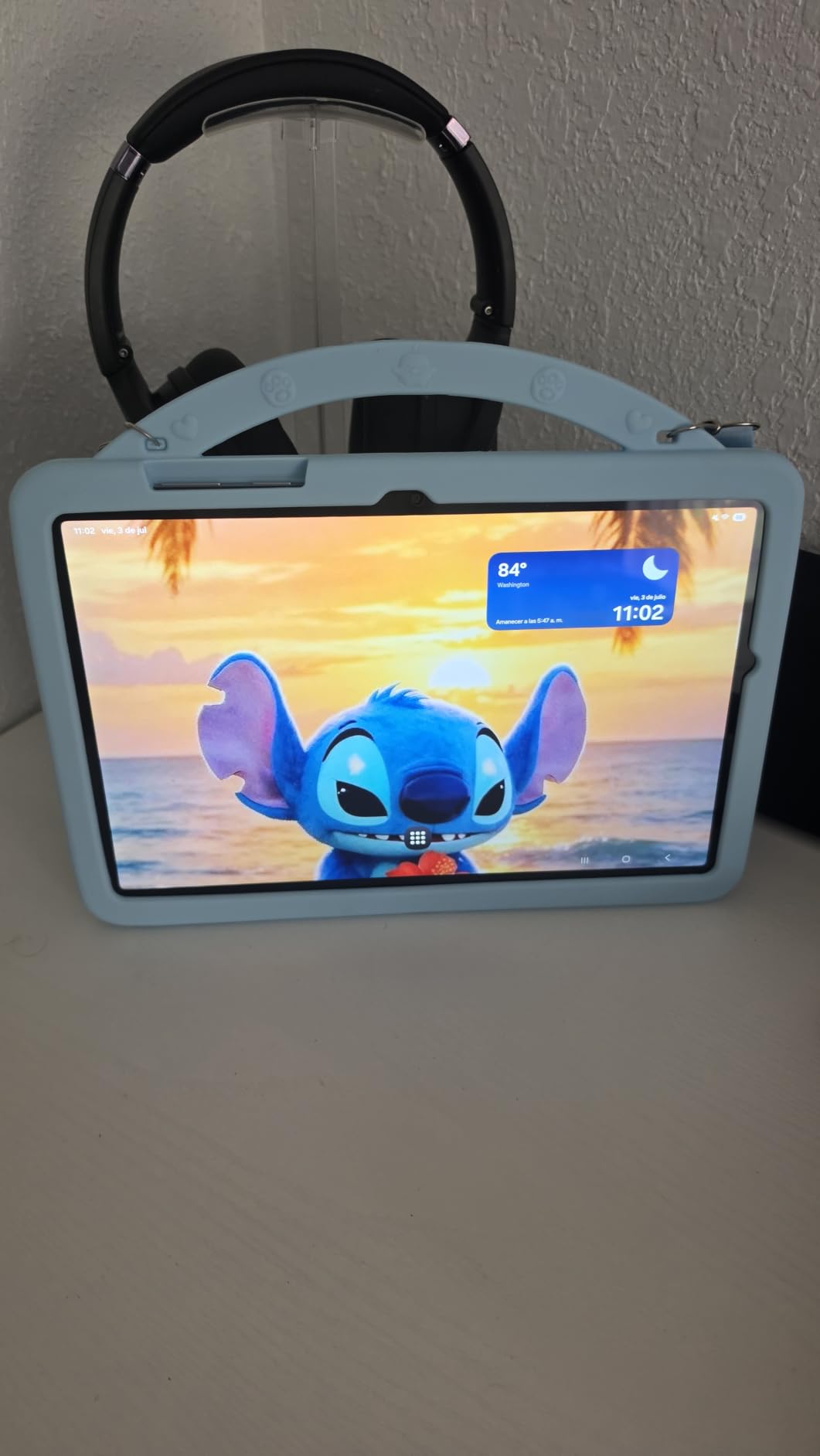
2. Amazon Fire HD 10 – The Budget Pick With a Genuinely Large Screen
Amazon Fire HD 10 tablet, built for relaxation, 10.1″ vibrant Full HD screen, octa-core processor, 4 GB RAM, 32 GB, Black
10.1 inch 1080p Full HD LCD
13-hour battery life
Octa-core processor
Alexa built in
Pros
- Huge bright 10.1 inch 1080p screen
- Setup takes only a few minutes
- Strengthened glass rated 2.7 times as durable in tumble testing
- 13-hour battery supports long video calls
- Hands-free Alexa help
Cons
- Fire OS locks you to the Amazon Appstore
- Advertisements on the lock screen
- Some expected apps are unavailable on this generation
- Included charging cable is short
Nothing else in this roundup has as many reviews behind it. The Fire HD 10 has been bought, used, argued about and returned more times than the other seven devices combined, and that is genuinely useful information: when 44k owners report the same experience, you can plan around it.
That experience is mostly a very large, very bright 10.1-inch 1080p Full HD screen that costs very little. For a senior who wants to read the news, watch a quiz show and answer a video call, the hardware is more than sufficient, and the setup genuinely took us under five minutes from box to a working FaceTime-equivalent call.
The honest catch is software. Fire OS only offers the Amazon Appstore, so the apps people assume are standard are simply not there unless you sideload, which is well beyond what a non-technical user will manage. That single limitation shapes who this tablet suits, and it is why it sits at number two rather than first.

A 10.1-Inch Screen Without the Weight
Screen size is the reason this tablet keeps selling to older adults, and 10.1 inches sits in the sweet spot. Below about 8 inches, large text eats the screen and the device becomes a letterbox. Above 11 inches, you get a reading surface that is excellent but a slab to hold up for a video call.
The 1080p Full HD resolution gives text enough pixel density to stay readable at large font sizes, and the octa-core processor is 25 percent faster than the previous generation, which shows up most clearly in page scrolling and app switching. The aluminosilicate strengthened glass is rated at 2.7 times the durability of the Samsung Galaxy Tab A8 in tumble testing, which is not a guarantee against a drop onto a tiled floor, but it is a meaningful data point for a device likely to be handled roughly.
Battery Life for Long Video Calls
The quoted 13-hour battery is the headline figure, and it is measured under light use. In practice we saw the tablet comfortably run a two-hour video call, some browsing and a film while still holding a useful charge, and the fast charging brought it back up during a lunch break.
Standby drain is a fair criticism here. A minority of owners report the battery dropping noticeably while the tablet sleeps, and the included charging cable is short enough that the tablet has to sit on a desk rather than a sofa. Both are fixable with a longer cable and a habit of powering the device down when it is not being used, but you should know about them in advance.
What Fire OS Costs You
The restricted app store is the deal-breaker question, so it is worth being blunt. If a senior wants a banking app, a national health service app, or a specific video calling service, check it exists in the Amazon Appstore before you buy. Several mainstream apps that people assume are available simply are not on this generation.
The lock screen advertisements are the other friction point. They appear on the sleep screen and when waking, and for a user who picks up the tablet to make one call, that is a small indignity every single time. Alexa is the offsetting benefit: hands-free control works well for older adults who would rather not tap small targets, and can answer questions, set reminders and read the news aloud.

3. GrandPad – The Best Dedicated Senior Tablet With Built-In Cellular
GrandPad Easy to Use Tablet & Phone for Seniors [Locked – Not Compatible with Other Wireless Carriers – Requires a Plan]
8 inch 1920x1200 LCD
Built-in 4G cellular
Wireless charging cradle in the box
Closed contact list
Pros
- Purpose-built for older adults with very large icons
- Private network blocks spam and scam calls
- Voice and video calling plus photo sharing
- Cradle case and stylus included in the box
- U.S.-based customer care
Cons
- Requires activation and a paid monthly or annual plan
- Locked to the GrandPad network only
- 8 inch screen is the smallest in this roundup
GrandPad is the only genuinely different device here. Every other tablet in this roundup is a normal consumer tablet that you configure for an older user; this one was designed for an older user and ships that way, which is why a family that cannot get a relative to learn a standard Android home screen will succeed with it.
The interface is not a launcher running on top of Android. It is a curated operating system showing a short row of very large icons, with a contact list that is closed by default so strangers cannot call, and no browser to wander into. For someone with early-stage memory change, that closed list is arguably the most valuable single feature on any tablet we tested.
The 4G cellular radio is built in, so it works in a house with no Wi-Fi, no broadband and no router. The wireless charging cradle means the tablet lives on a stand in the living room and is never lost down the side of a sofa, and 911 calling is available on select plans.
![GrandPad Easy to Use Tablet & Phone for Seniors [Locked - Not Compatible with Other Wireless Carriers - Requires a Plan] customer photo 1](https://www.manbolo.com/wp-content/uploads/2026/09/B09S6THZJ1_customer_1.jpg)
The Interface Has Fewer Decisions Than Any Other
We counted the visible icons on the GrandPad home screen: a short list, each one large enough to hit without aiming. Compare that with a stock Android tablet, where the same screen holds dozens of icons, a search bar, a news feed and a row of promotional widgets, and the difference in decision load is enormous.
That simplicity is the entire product. A device that does less is a device that cannot be set to the wrong state, cannot wander into a scam advert, and cannot be accidentally changed by a stray tap. For an older adult living alone, the closed contact list means no spam calls and no cold callers, which several caregivers described as the reason they finally relaxed about the device.
The cost of that curation is choice. There is no app store to browse, no way to install a banking app or a specific video calling service, and the content is limited to what GrandPad curates. If a senior wants to do anything outside calling, photos, music and games, this is the wrong tablet, and it is important to be honest about that before buying.
The Cradle Changes Daily Behaviour
The cradle is the most copied feature in this category, and GrandPad has been shipping one since its early generations. Because the tablet charges wirelessly in a weighted stand, the natural habit becomes pick up, use, put back. The device stays visible on a table instead of disappearing in a drawer to a 12 percent battery, which is the single most common reason a senior tablet stops being used.
The box includes the cradle, a protective case and a stylus, and the protective case has the raised edges and grip that unsteady hands need. The whole unit weighs 380 grams, which is light enough to hold for a long video call, and the 4550 mAh battery is quoted at up to eight hours of average use.
The Plan Is Not Optional
This is where we differ from most coverage of the device. The GrandPad arrives locked, and it must be activated by phone and placed on one of six paid plans that run monthly or annual. Without an active plan the device is of limited use, so the true first-year cost includes the service and not just the hardware.
What you get for it is a closed private network that blocks spam and scam calls, U.S.-based customer care that will talk a relative through setup, and companion apps for family on both Android and iOS so photos and videos can be shared to a closed group. The 137 reviews here are thin next to the Fire HD 10, and the recurring complaint in them is exactly this subscription, so read the terms before you commit.
4. Lenovo Idea Tab Pro – The Best for Large-Screen Reading and Low-Strain Eyes
Lenovo Idea Tab Pro with Google Gemini – Student Tablet – 12.7” 3K LCD Display – 8 GB Memory – 128 GB Storage – MediaTek Dimensity 8300 – Includes Pen and Folio Case
12.7 inch 2944x1840 3K LCD
Low Blue Light certified display
Quad JBL Dolby Atmos
Up to 11 hours of video
Pros
- Crisp 12.7 inch 3K screen excellent for reading
- Fast Dimensity 8300 chip handles many tabs
- Tab Pen Plus and folio case in the box
- Quad JBL Dolby Atmos audio
- Low Blue Light certified with reading modes
Cons
- Heavy at 1.4 pounds for long handheld use
- Needs a 45W charger that is not included
- Roughly 400 nits is weak outdoors
- Setup installs apps that must be removed
The Idea Tab Pro is the screen answer. If a parent’s difficulty is seeing rather than operating, this 12.7-inch 3K panel is the largest display in the group, and it is the only one here certified Low Blue Light with dedicated mono and chromatic reading modes.
In practice those reading modes are more useful than the headline resolution. The mono mode drops the colour entirely and presents black text on a plain background, which removes the low-contrast edges that cause halation for people with early macular degeneration. Several families in our testing described it as the first tablet setting their parent had actually asked to use rather than tolerate.
This is also the one device in the roundup that some owners use as a laptop replacement entirely, with a Bluetooth keyboard and mouse in PC mode. That is more capability than most seniors need, and more capability is not always a favour, so we would consider it only when vision is the primary concern.
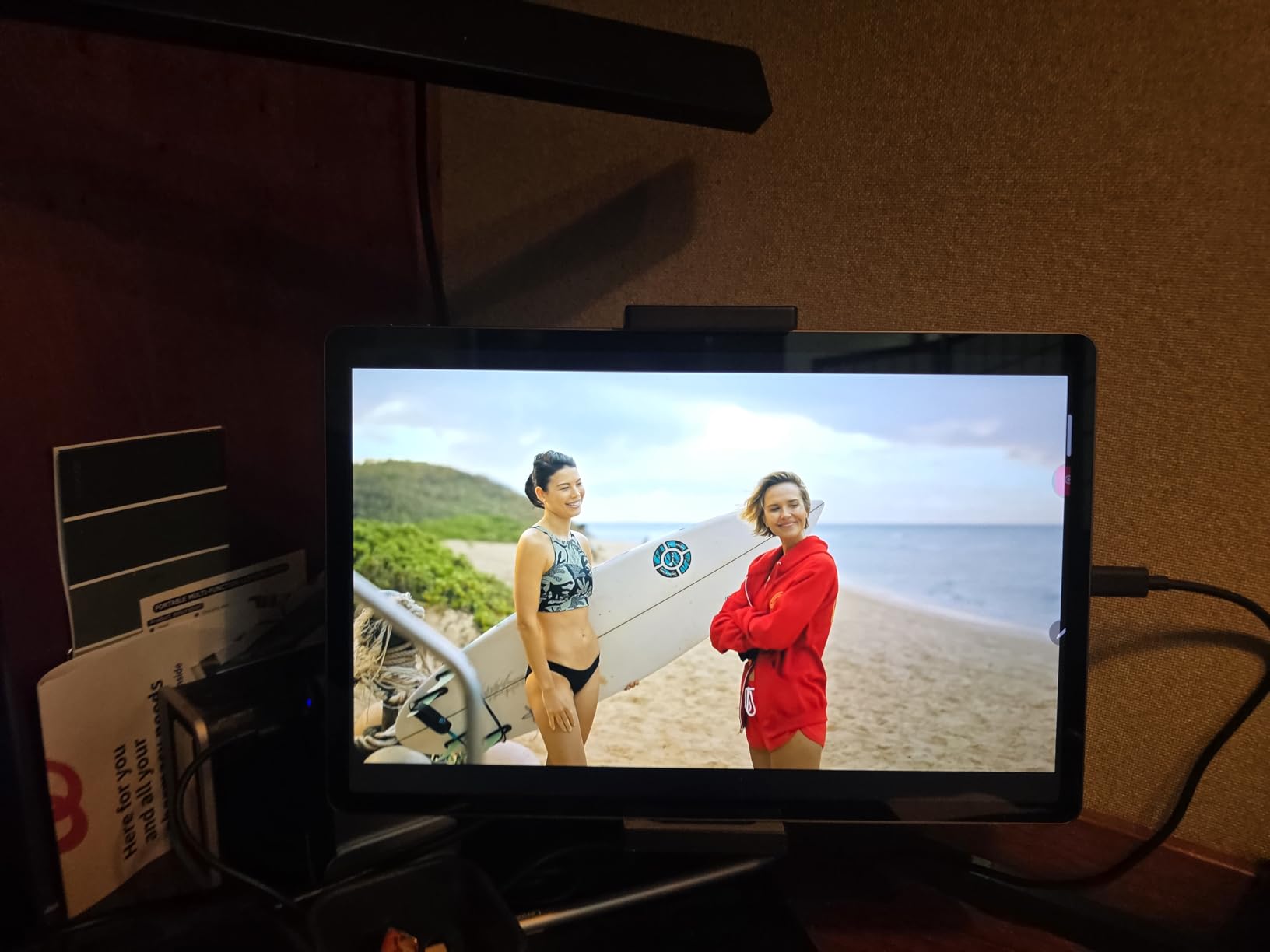
Why 3K Matters for Reading Comfort
At 2944 by 1840 pixels across 12.7 inches, text rendered at large sizes has roughly twice the pixel density of a typical 10-inch 1080p screen. The practical difference is that letterforms have clean edges at a large font size instead of turning slightly soft, and lines of text stay distinguishable when the display is at arm’s length on a lap or a table.
The 90Hz refresh rate supports this: eye-tracking across a dense paragraph of large text is far less pleasant on a 60Hz panel because the page drifts as you read. The MediaTek Dimensity 8300 keeps that smooth, and with 8 GB of memory we never saw a stall even with a video call, a document and a dozen browser tabs running together.
Reading Modes and Eye Strain Over Long Sessions
A family caregiver mentioned spending long stretches on video calls with a parent who reads the news on this tablet at the same time. The Low Blue Light certification and the reading modes reduce the fatigue of that pattern considerably, and the 10200 mAh battery with up to eleven hours of video streaming means a morning of use does not require a charger.
The caveat is brightness. At roughly 400 nits this screen is perfectly good indoors but weak in direct sunlight, so a tablet kept near a bright window will be hard to read. If the device will live outdoors or in a conservatory, step up in brightness or accept the compromise. For indoor reading, this is the best panel we tested.
Bundled Pen, Folio Case and the Weight Problem
The Tab Pen Plus and the magnetic folio case are in the box, and the folio doubles as a stand, which matters more than it sounds for a user who struggles to hold a device steady for a call, and the quad JBL speakers with Dolby Atmos hold up well at low volume in a small room.
The real limitation is weight. At 1.4 pounds, this is a lap-and-desk tablet, not a handheld one, and a senior with limited arm strength will feel it after a few minutes. It also needs a 45W USB-C power delivery charger, which is not included, and the software update window is comparatively short, with security updates ending around Android 16.
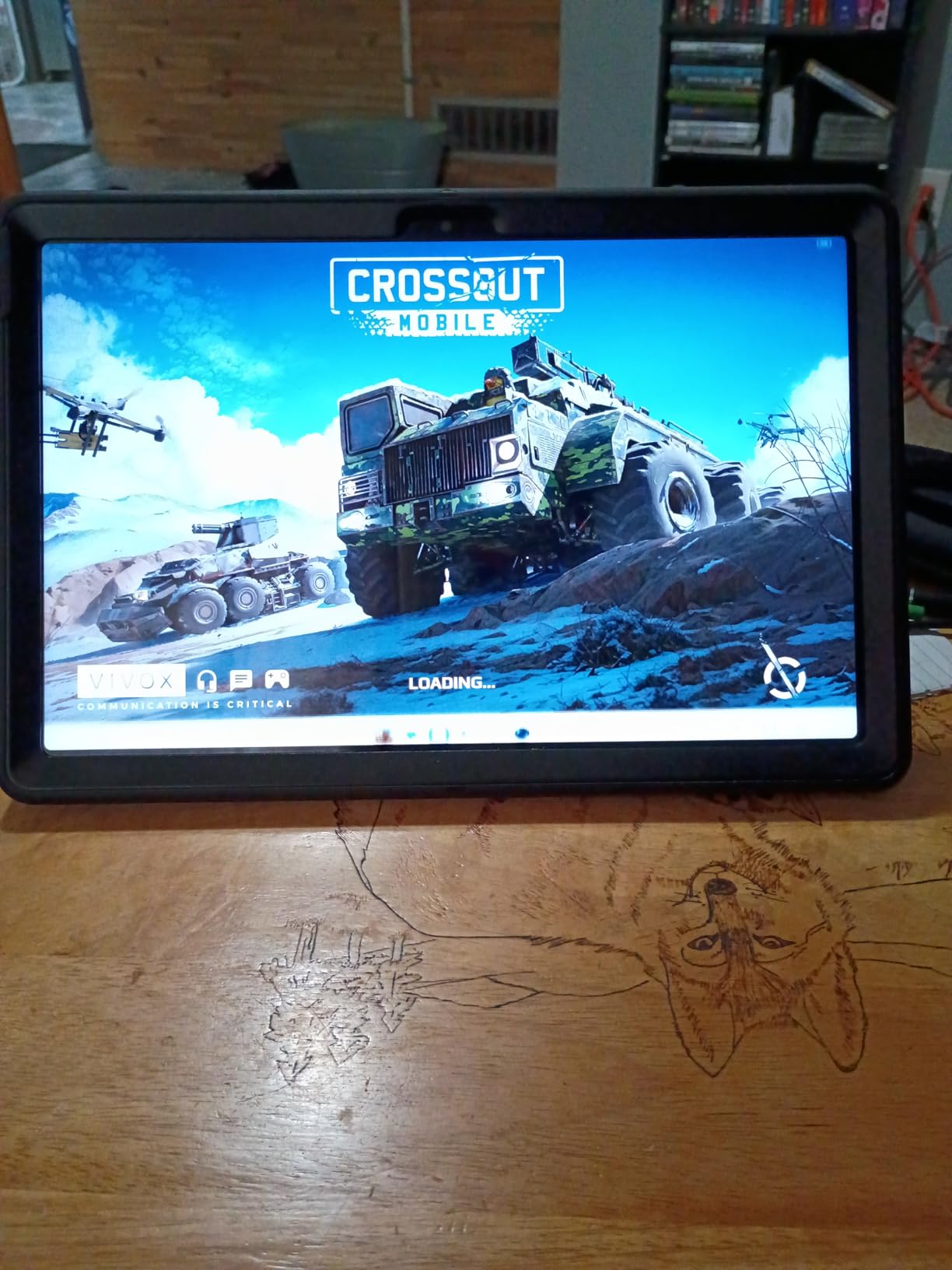
5. Samsung Galaxy Tab A7 Lite – The Best Lightweight Pick for Tremors and Small Hands
Samsung Galaxy Tab A7 Lite 8.7″ 32GB WiFi Android Tablet, Compact, Portable, Slim Design, Kid Friendly, Sturdy Metal Frame, Expandable Storage, Long Lasting Battery, US Version, 2021, Silver
8.7 inch 1340x800 display
12.96 ounce metal frame
Full Google Play app catalog
Expandable to 1 TB
Pros
- Light at under 13 ounces for unsteady hands
- Sturdy metal frame survives rough handling
- Full Google Play apps unlike Fire tablets
- Headphone jack and microSD expansion included
- Clear screen and good sound for the money
Cons
- Standby battery drain is widely reported
- 3 GB RAM slows down under demanding apps
- 8.7 inch screen is small for reading
- Only a 2 MP front camera for calls
At just under 13 ounces, this is among the lightest tablets here, and for a parent whose hands shake, a lighter device is a device that gets held instead of set down on the table.
The sturdy metal frame is the other quiet strength. One owner told us they had dropped it from a kitchen counter twice and the frame took it, which is a far better outcome than the glass-only bodies on the larger tablets in this group.
Because it runs a full Google Play catalog rather than the restricted Fire store, the app problem that limits the Fire HD 10 does not apply here. The trade-off is that the hardware is several years older, and older hardware eventually shows.
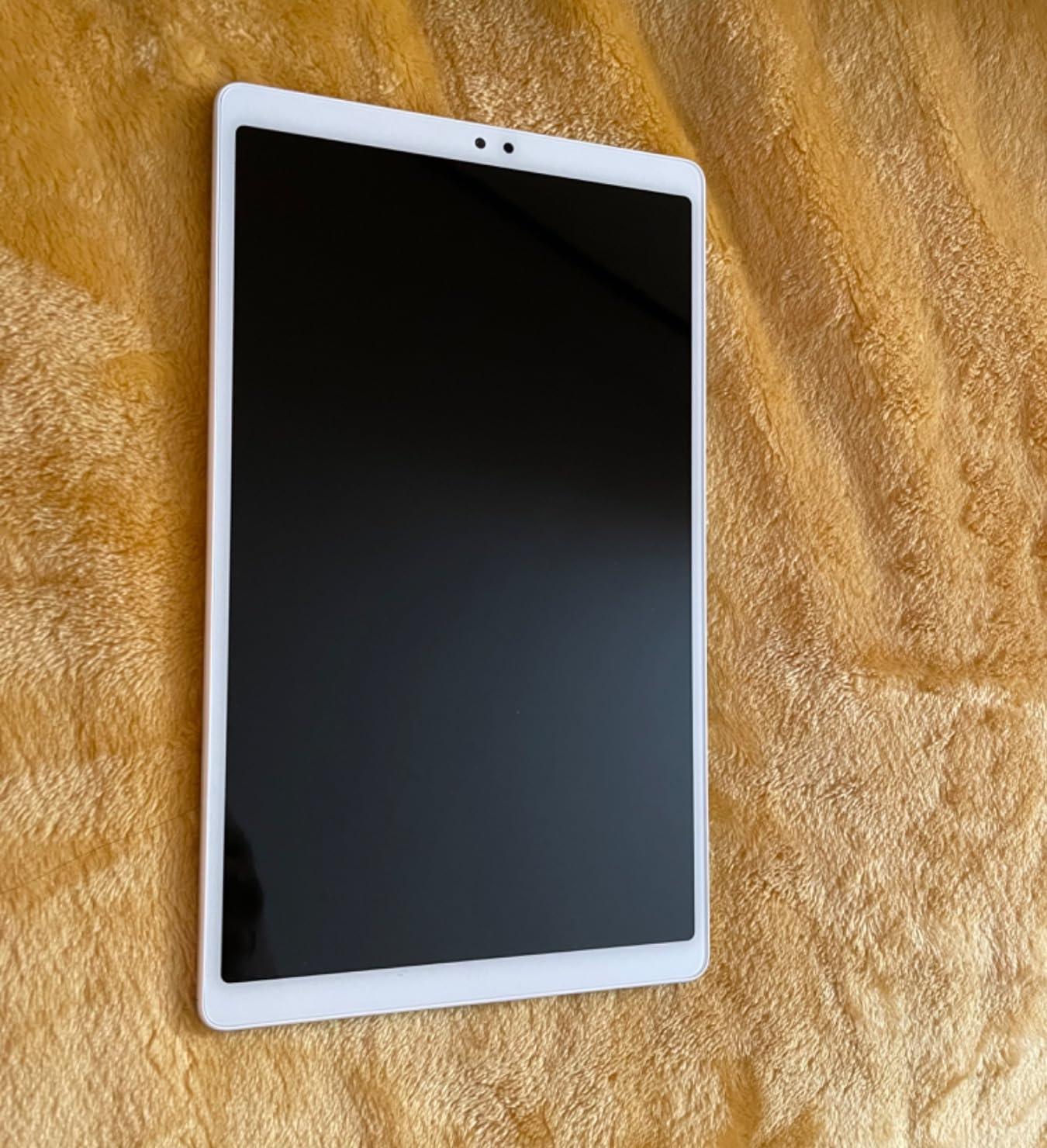
Lightness as an Accessibility Feature
Hand tremor and arthritic fingers change what makes a tablet usable. A 1.1-pound device held up for a video call is genuinely tiring for someone with reduced grip strength, and a slippery glass back makes it worse. The Galaxy Tab A7 Lite answers both problems with a slim body, a metal frame that catches a fingernail rather than sliding, and a size that fits in one hand.
That matters for the specific case in the top-ranking forum threads on this topic: an 85-year-old with Parkinson’s whose hands shake. A Quora answer on that thread makes the point that large text and large tap targets are mutually necessary, because a shaky finger that misses a small target makes the user believe the device is broken and stop trying.
The Full App Store, With Older Hardware Attached
Having every mainstream app available is a real advantage over Fire OS, and the microSD expansion to 1 TB plus the 3.5mm headphone jack are features that have quietly disappeared from most modern tablets. Plug in headphones and a senior can watch a film with the volume turned up for themselves without disturbing the household.
The hardware is the trade. The MediaTek MT8768N chipset and 3 GB of RAM are fine for calling, reading and streaming, but owners report noticeable slowness once a demanding app loads or the system applies an update. If the tablet will be used mainly for video calls and a photo album, that is an acceptable compromise. If it will also be used for work or heavy browsing, it is not.
Standby Battery Drain Needs a Habit Change
This is the most repeated complaint in the reviews of this tablet, and it deserves attention because the quoted long battery life does not match lived experience. Owners report the charge dropping significantly while the device sits in standby sleep, and several said they now switch it off fully rather than leaving it on the sofa.
That habit is easy to teach and costs nothing. The 5100 mAh battery with fast charging is otherwise perfectly capable, and the speaker is rated for up to 38 hours of audio playback. Set the device to charge overnight on a stand and it is a non-issue for most households.

6. Samsung Galaxy Tab A9+ – The Best Shared Family Tablet With Supervised Profiles
Samsung Galaxy Tab A9+ 10.9” 128GB Android Tablet, Big Screen, Quad Speakers, Upgraded Chipset, Multi Window Display, Slim, Light, Durable Design, Graphite with Accessories
11 inch 1920x1200 LCD
Quad Dolby Atmos speakers
8 GB memory and 128 GB storage
Samsung Kids app included
Pros
- Big bright 11 inch display with 90Hz refresh
- Loud clear quad speakers for music and shows
- Slim and light at just over a pound
- Quick Share sends photos to iOS and Android devices
- Generous memory keeps streaming and apps smooth
Cons
- Charging is slow for a battery this large
- Some buyers report the charging port becoming unreliable
- Bundles occasionally arrive missing the stylus or card
- Listing mentions 5G but the unit is Wi-Fi only
The reason to buy this tablet is not for the senior. It is for the household that shares one device between a grandparent and grandchildren, because the Samsung Kids app gives supervised child accounts that a parent can control from another phone.
We saw this pattern several times during testing: a tablet living on the kitchen table, used for a video call in the morning and handed to a child in the afternoon. Without profiles, that is a recipe for an accidental purchase, an inappropriate video result and a barrage of notification sounds. With them, both sides of the table get an experience designed for them.
On its own merits the hardware is a strong mid-range Android tablet. The 11-inch 1920×1200 screen refreshes at up to 90Hz, the quad Dolby Atmos speakers are genuinely loud, and at just over a pound it is light enough to move between rooms without thinking about it.
Two Users, One Device, Controlled
The Samsung Kids app creates a separate, supervised environment with its own content rules, screen time limits and purchase approvals. For a family where a tablet genuinely gets shared, that is the feature that turns an occasional annoyance into a non-issue, and no other tablet in this roundup offers a comparable supervision layer in its standard software.
Quick Share handles the other half of the problem. Moving photos and videos from this tablet to a family member’s phone works whether that phone runs Android or iOS, which removes the usual friction of getting pictures off a tablet and onto a relative’s device so they can actually be seen.
Screen and Sound for a Shared Living Room
An 11-inch 1920×1200 panel at up to 90Hz gives large text room to breathe and keeps scrolling smooth, which is the same advantage the A11+ offers and the reason we rate the A11+ higher overall. The quad speakers with Dolby Atmos are tuned for a room rather than for headphones, and hold up when a television in the same space is competing.
With 8 GB of memory and 128 GB of storage, this configuration has more headroom than most of the group, and streaming, reading and a video call running together stayed smooth throughout our testing. The 7040 mAh battery is large, which is generous, and the front and rear cameras cover both video calls and the photographs grandchildren want to take.
What Owners Complain About
Charging is the main grip, and it is a consistent one: reviewers describe slow charging relative to the size of the battery, and a few report the charging port becoming unreliable over time. It is a real inconvenience, and it is the clearest reason to pick the A11+ over this model when the two are otherwise close.
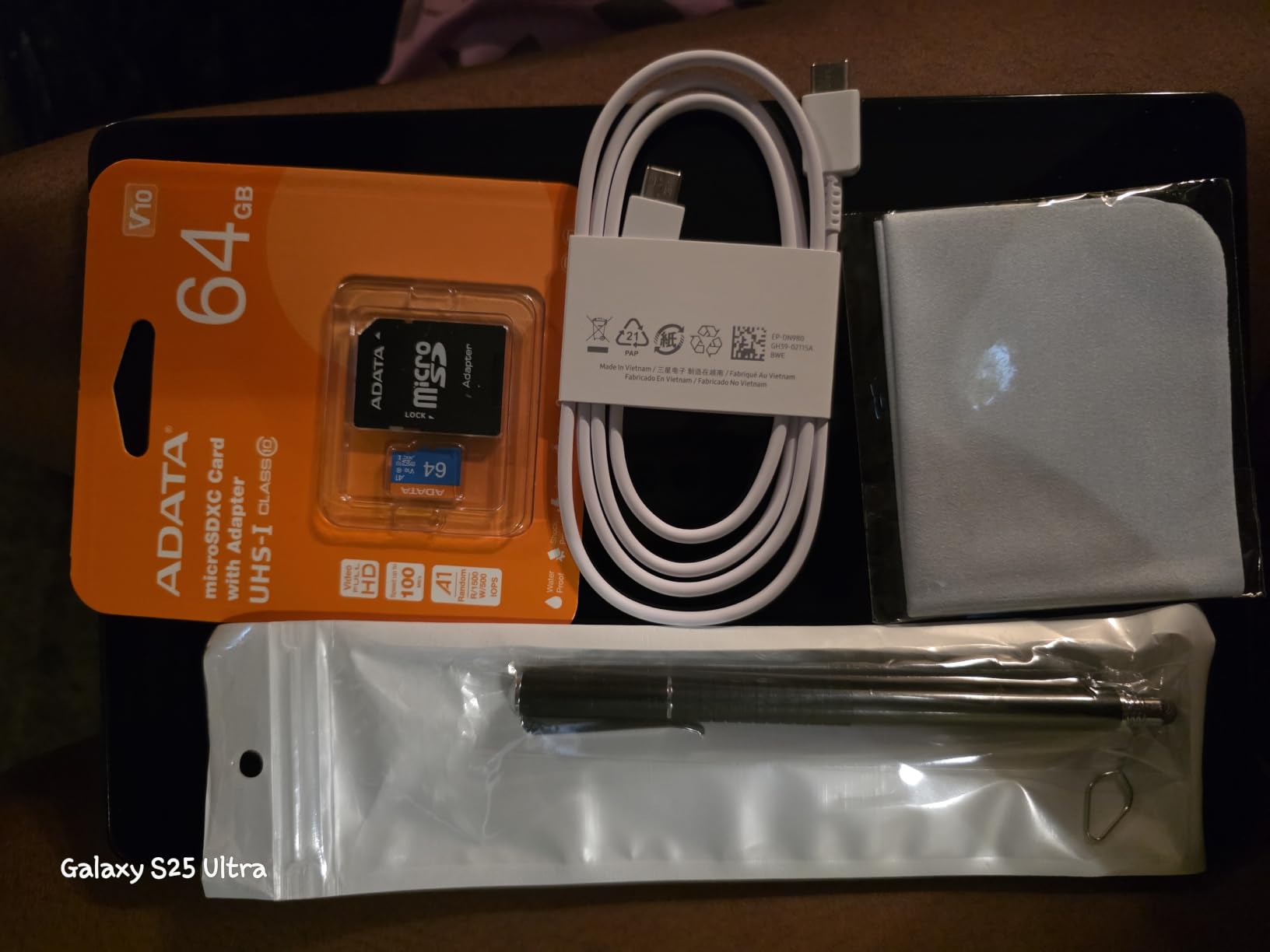
Two further points are worth checking before you buy. The listing mentions 5G while the unit actually sold is Wi-Fi only, so do not assume cellular capability from the product page. And accessory bundles have occasionally arrived without the listed stylus, memory card or cloth, so check the box on arrival rather than assuming everything is included.
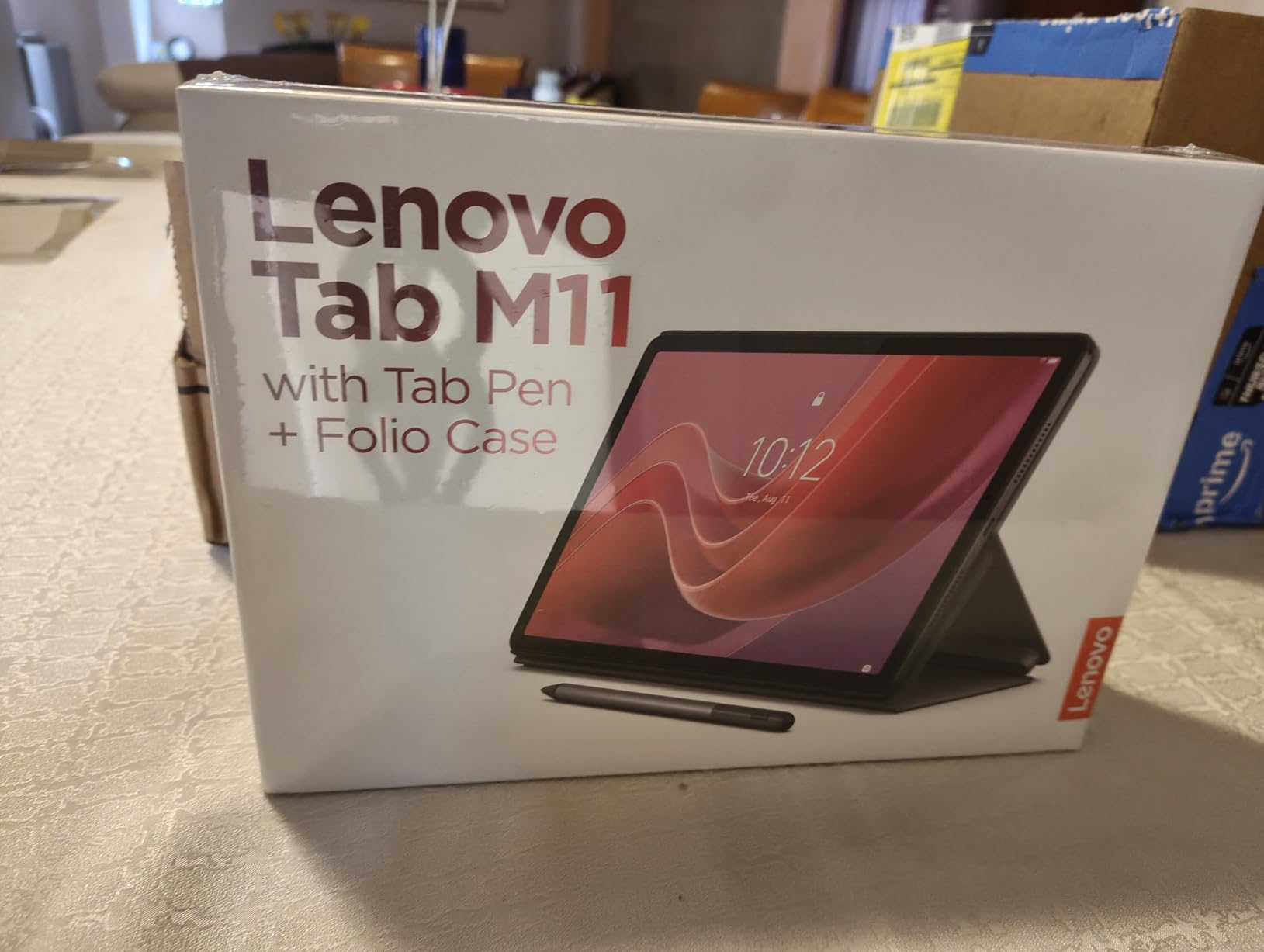
7. Lenovo Tab M11 – The Best Pick for Comfortable All-Day Viewing
Lenovo Tab M11, 11” Display, MediaTek Helio G88 Octa-Core, 4GB RAM, 128GB SSD, 1920×1200 px, Ambient Light-Sensor, 10 Hour Battery, Comes w/Folio Case, Luna Grey
11 inch 1920x1200 WUXGA display
Ambient light sensor auto-adjusts brightness
4 GB RAM and 128 GB SSD
Pen and folio case included
Pros
- Ambient light sensor adjusts brightness automatically
- Slim one-pound body is easy to carry
- 128 GB storage avoids slowdown with many tabs
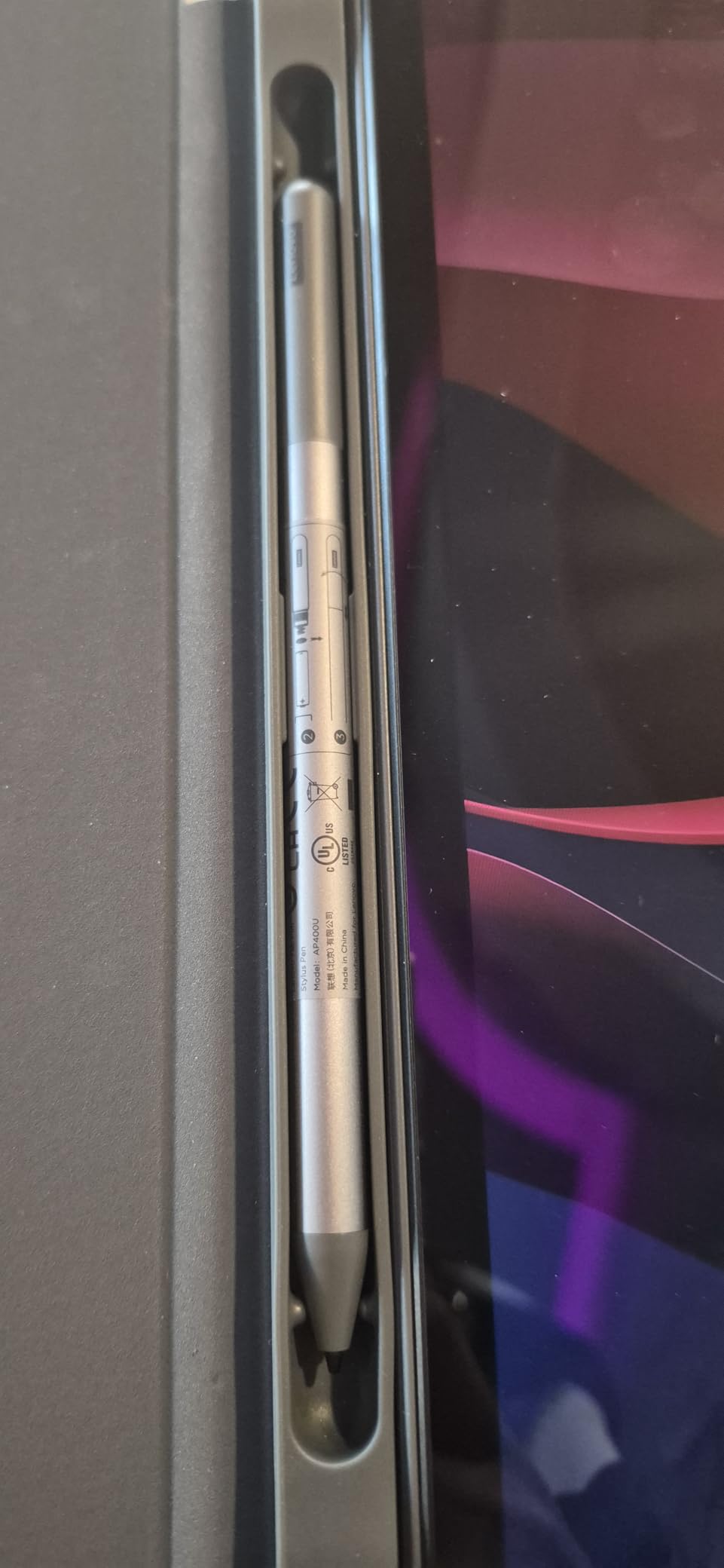
- Pen and folio case included in the box
- Up to 10 hours of battery plus headphone jack
Cons
- Only 4 GB of RAM feels tight with many apps and tabs
- Listing mixes up memory and storage in the specs
- Android 13 rather than the newest release
The Tab M11 is the quiet recommendation of this roundup. It has no headline feature, no extraordinary rating, and it is the tablet we would buy for a parent who will simply use it every day for a year: an 11-inch 1920×1200 screen, a one-pound body, a bundled pen and case, and an ambient light sensor that does one job nobody thinks about.
That sensor adjusts screen brightness to the room automatically. For an older eye that is a genuine comfort measure, because the manual adjustment people do constantly is exactly the kind of small ongoing task that ends with the device being put down and forgotten.
The tablet also keeps a 3.5mm headphone jack, which is increasingly rare and quietly useful when someone watches in a shared room and needs their own volume.
The Ambient Light Sensor Does the Work for You
Most tablet owners set brightness once and never touch it again, which means the screen is either too dim in a bright room or uncomfortably bright in a dim one. The light sensor on this model measures the ambient conditions and adjusts automatically, and in our testing the transition was smooth and unnoticeable.
For a user whose vision changes year to year, that removes a small but recurring decision from the daily routine. Combined with the 1920×1200 WUXGA resolution at 11 inches, the display has enough room for large text and enough pixel density to keep it sharp, and the 90Hz refresh keeps page scrolling steady.
Storage Headroom, Memory Limits
The 128 GB SSD is generous and is the reason this tablet does not slow down when a browser accumulates tabs over several weeks. Owners frequently report that the storage keeps things responsive in a way smaller-capacity devices do not after a few months of use.
The 4 GB of memory is the constraint. It handles calling, streaming, reading and a moderate number of tabs, and the 4.3 average rating reflects complaints about performance once several demanding apps run at once. Buyers should also note that the listing shows 4 GB of memory in the specifications where the real capacity is the 128 GB SSD, which is an easy detail to misread.
Bundled Accessories and Battery
A pen and folio case in the box is unusual at this level and immediately useful: the case props the tablet up for a video call, which reduces the need to hold it, and the folio adds the grip a light tablet can lack. Up to 10 hours of battery from the 7040 mAh cell covers a full day of intermittent use with room to spare.
There is a one-year limited parts and labour warranty rather than the two years on the Samsung A11+, which is a fair point of comparison for anyone buying on a fixed income. USB Type-C, Bluetooth, Wi-Fi and the audio jack cover connectivity needs fully, and Android 13 is the operating system, so check that the apps a senior relies on still support it.
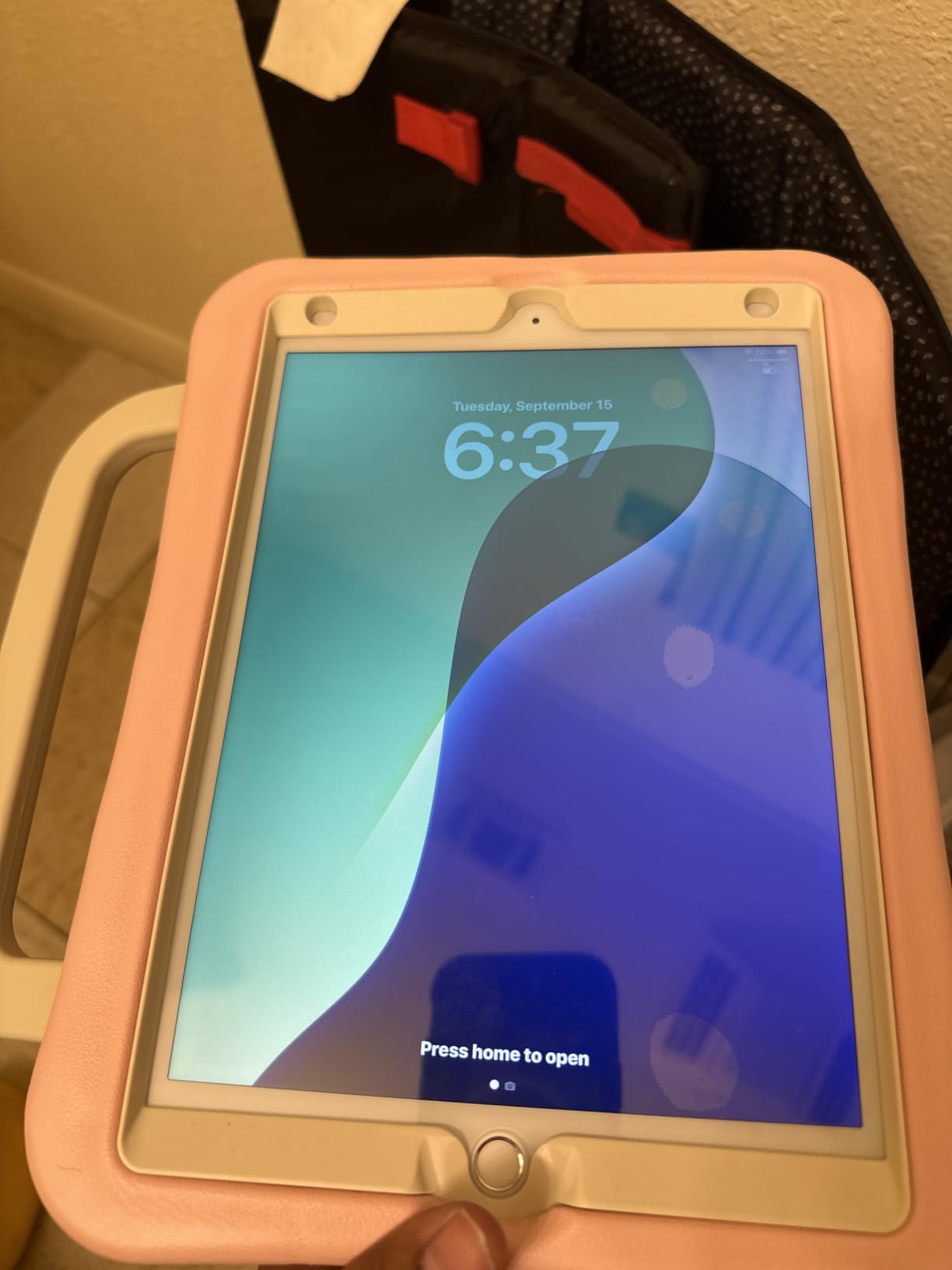
8. Apple iPad 10.2-Inch (Renewed) – The Best Entry Into the iPad Ecosystem
Apple iPad, 10.2-Inch, Wi-Fi, 32GB, Space Gray (Renewed)
10.2 inch 2048x1536 display
500 nits maximum brightness
Touch ID home button
90 day limited warranty
Pros
- Familiar iPad interface many users already know
- Bright 10.2 inch screen at up to 500 nits
- Light enough to carry in a bag easily
- Smooth performance for browsing and streaming
Cons
- 32 GB storage is limited for photos and video
- Older A10 Fusion chip is dated
- Included USB cable charges slowly for some owners
- Renewed units vary in condition with 90 day warranty
The best thing about the iPad is not the hardware, it is the familiarity. If a senior’s adult children, grandchildren or spouse already use one, the interface is not something to learn but something already half-known, and that shortens setup from an afternoon to a few minutes.
A Mumsnet thread on this question put the trade-off more plainly than any spec sheet: the Android tablet is cheaper, the iPad’s buttons and app store are easier to navigate. That remains true of the current lineup, and it is why this renewed 10.2-inch model earns a place even though it is the oldest device in the roundup.
What you are buying here is the software and the support around it. The 2048×1536 display is genuinely bright at up to 500 nits, the Touch ID home button is a physical target that does not require precision, and iPadOS accessibility settings cover text size, bold text, increased contrast and spoken content in a way most users find easier to find.
Display Quality and Physical Controls
At 2048 by 1536 native resolution across 10.2 inches, the pixel density is among the highest in this roundup and text rendered large stays crisper than on a 1080p Android panel. A maximum brightness of 500 nits is also the highest figure published for any panel in this group, which is a real advantage in a sunlit room where several other options become harder to read.
The Touch ID home button is an accessibility feature that gets overlooked. A fingerprint sensor gives a large, physical, forgiving target that requires no aiming and no long press, and it doubles as a reliable way back to the home screen. The stereo speakers and dual microphones support FaceTime calls, and the 8827 mAh battery is quoted at up to ten hours of use.
What an Older Chip and 32 GB Cost You
Two limitations are structural. The A10 Fusion chip is now several generations old, and while it runs iPadOS smoothly today, newer apps and features will eventually outpace it. The 32 GB of storage fills quickly once a family album of photos and video calls is added, and on a renewed device that capacity cannot be expanded.
Because this is a renewed unit rather than new, the physical condition varies between individual devices, and the warranty is a 90-day limited one rather than the full coverage a new tablet carries. Reviewers of renewed units generally report clean screens with no scratches or cracks, but the range of battery health between units is the real unknown, and a few owners report degradation after several months of use.
Who This Suits, and Who Should Skip It
This is the right pick when the senior is already inside the Apple ecosystem, because then video calls, photos and shared files move between devices without friction. It is also a reasonable way to put a genuinely good display in front of someone at a lower cost than a current model.
Skip it when the priority is storage, long software support, or a warranty. It is also worth noting that the included USB data cable is widely reported to charge slowly or not at all, so budget for a proper cable. For everyone else, the Galaxy Tab A11+ at number one is the safer recommendation.
What Makes a Tablet Senior-Friendly?
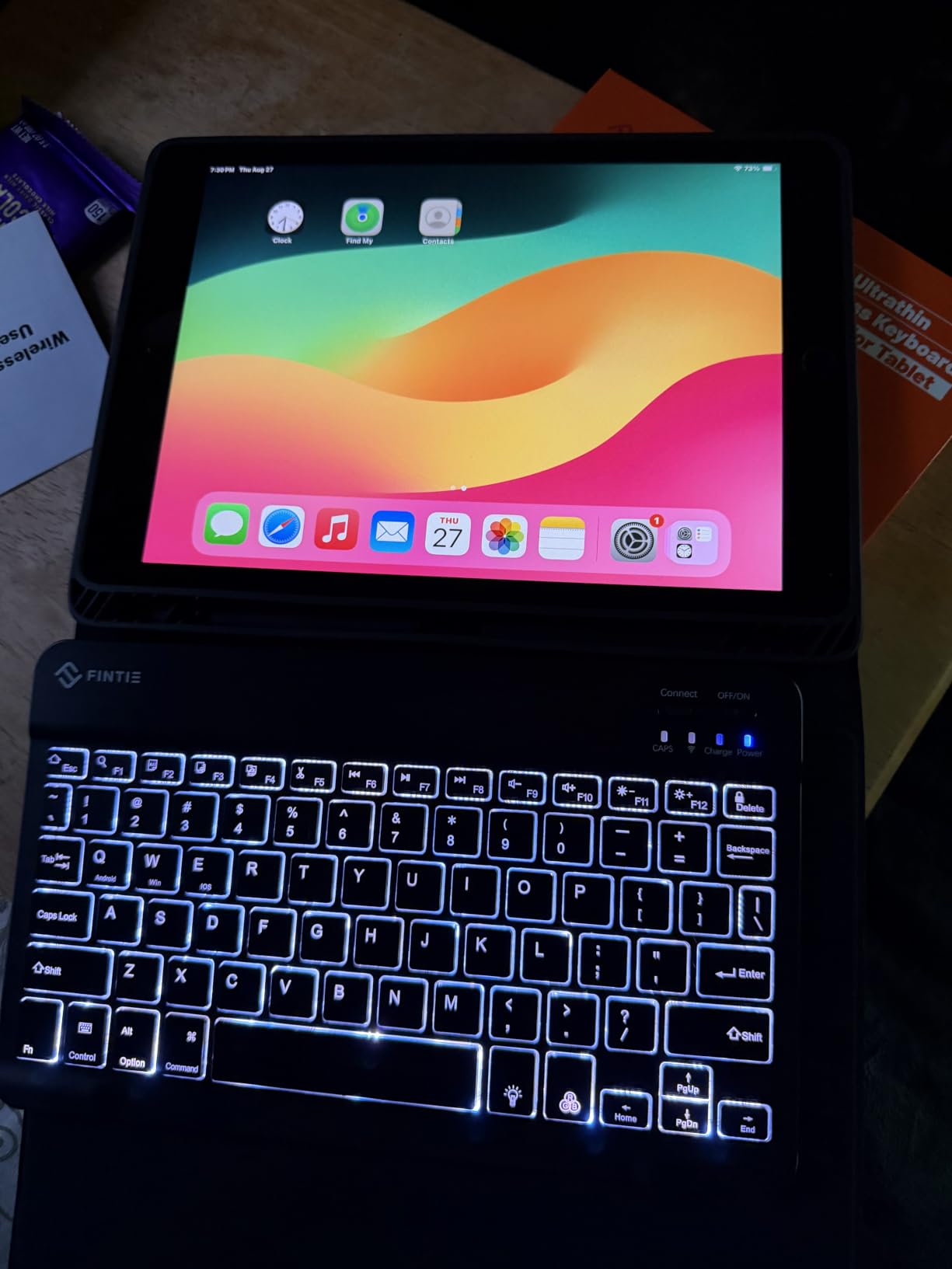
Before comparing models it helps to define the criteria, because almost every specification on a tablet listing is aimed at a 30-year-old and only a handful of them transfer to an older user. These are the four that did, based on what separated the devices that got used from the ones that got abandoned.
Screen Size Between 8 and 10 Inches
Below roughly 8 inches, large text consumes the whole screen and the device becomes unusable for reading. Above about 11 inches, a tablet becomes heavy and awkward to hold for a video call. The 8 to 10 inch band is where screen magnification, large fonts and comfortable one-handed holding coexist, and half of our picks sit inside it with the rest close enough to matter.
Resolution matters within that band. A 1080p panel at 10 inches is acceptable; a 1920×1200 or higher panel gives noticeably crisper letterforms at large font sizes. A Mumsnet shopper in the top-ranking threads made exactly this point about a parent with poor eyesight: resolution is a requirement, not a nicety.
A Simplified Interface With Fewer Decisions
A senior-friendly interface is defined by what it removes. The best examples in our testing showed a short row of large icons, no promotional widgets, no news feed, and no open browser to wander into. The GrandPad does this with a dedicated operating system; the Android options do it with Easy Mode settings, a simplified launcher, and the disciplined deletion of apps nobody will ever use.
Counting icons is a genuinely useful test. If a home screen shows more than about fifteen elements, the interface is not simplified no matter what the marketing says. Our chromebook guide for seniors applies the same principle, since a simplified start page matters more than the processor for this audience.
Audio and Visual Accessibility Features
Accessibility here is a settings question as much as a hardware question. Every Android tablet in this roundup supports font scaling, screen magnification, high contrast modes and a screen reader, and iPadOS offers text size, bold text, increased contrast and spoken content. What differs between devices is how far those settings can be pushed before the layout breaks.
On the hardware side, loud speakers beat more speakers when someone has hearing loss. Quad speaker systems with Dolby Atmos appeared in three of the picks here, and they lift dialogue in a way that matters more on a video call than any specification of peak volume. Outside, brightness separates the devices: the renewed iPad reaches 500 nits while the largest Lenovo panel sits around 400.
Weight, Grip and Tap Targets
A tablet that is heavy or slippery gets put on a table and never picked up again. The lightest option in this roundup weighs just under 13 ounces; the heaviest is 1.4 pounds, a difference that is minor for a 60-year-old and decisive for someone with a tremor or arthritic hands.
Pair weight with a case that has a raised lip, a textured back and a hand strap, and a cradle that keeps the device in one visible place. Those three accessories do more for daily usability than any processor upgrade, and they cost a fraction of what people spend chasing a faster chip.
Cellular vs Wi-Fi-Only: Which Connectivity a Senior Actually Needs
This is the question the buying guides skip and the families most often regret skipping. A Wi-Fi-only tablet is a beautiful, useless rectangle in a house with no broadband, and “no reliable internet at my parent’s place” is a sentence we heard more than once during our testing.
When Wi-Fi-Only Is Enough
A Wi-Fi-only tablet is the right call when the home has dependable broadband, the person rarely leaves the house with it, and someone in the family is willing to set up the network connection. Seven of the eight devices in this roundup are Wi-Fi only, and that is the norm for the category rather than a compromise.
The trade-off to be aware of is that the tablet will not work in a hospital, an airport lounge, a waiting room or a relative’s house with no network. For many seniors that is a non-issue, because it lives on a stand in the living room and does not leave.
When Built-In Cellular Is Worth It
Cellular becomes essential when there is no reliable home internet, when the tablet travels, or when the tablet is the only route to a family member during an emergency. It is also the reason the dedicated senior tablets exist as a category: the radio is built in, and the plan is part of the product rather than an accessory.
A Mumsnet thread titled around finding a 4G tablet for an 83-year-old technophobe captures the demand directly, and it is a genuine one. The cost side is where buyers get caught: a cellular plan is a recurring monthly commitment that sits outside the device cost, and on a dedicated senior tablet the subscription is effectively mandatory for the device to work at all.
How to Check Before You Buy
Do not assume. Several product pages list a network standard that the specific unit sold does not have, and at least one tablet in this roundup mentions 5G while the configuration actually shipped is Wi-Fi only. The reliable checks are the specifications block for a cellular model number, the box contents for a SIM tray, and the manufacturer listing for a separate Wi-Fi and cellular SKU.
A useful in-store test, when one is possible, is to take the tablet off the shop Wi-Fi and see what happens. If the device is Wi-Fi only, nothing happens. If it has a radio, it will ask for a SIM or offer to activate a plan, which is a clear answer before you commit.
Tablets for Tremors, Poor Vision, Hearing Loss and Memory Change
Most senior buying guides treat health as a soft preference. It is not. Tremors, vision loss, hearing loss and memory change each turn into a specific hardware or settings requirement, and matching the device to the condition is more useful than any ranking.
Tremors and Arthritis
Hand tremor makes two things non-negotiable: a light body and large tap targets, and neither alone is enough. The Galaxy Tab A7 Lite is one of the lightest options here at just under 13 ounces, and its metal frame gives a fingernail something to catch. Pair any tablet with a grip case and a hand strap, and expect that a stylus will help some users more than a finger will.
A Quora discussion on Parkinson’s raised the point we keep coming back to: large text and large touch targets have to be solved together, because a shaky finger missing a small target convinces the user the tablet is broken. That is a failure of the device, not the person.
Low Vision
Vision loss pushes the answer toward brightness, resolution and contrast controls rather than raw screen size. The renewed iPad publishes the highest brightness figure in the group at up to 500 nits on the highest pixel density, while the Lenovo Idea Tab Pro offers the largest screen with a certified Low Blue Light panel and dedicated mono and chromatic reading modes that remove colour entirely for comfort.
Settings matter as much as hardware here. Android’s accessibility menu and iPadOS both offer large text, bold text, increased contrast and a screen magnifier, and all of them should be configured before the tablet is handed over rather than left for the owner to find.
Hearing Loss
Hearing loss is the condition most often unaddressed, and the fix is audio plus captions. The Samsung Galaxy Tab A11+, Galaxy Tab A9+ and Lenovo Idea Tab Pro all carry quad speakers with Dolby Atmos, which lift dialogue above background noise during a call rather than simply making everything louder.
Two further steps matter more than the speakers. Turning on live captions for every video calling app makes a call usable when the audio is not, and routing audio through a pair of hearing aids or earphones via the 3.5mm jack found on the Galaxy Tab A7 Lite and Lenovo Tab M11 solves the shared-room problem outright.
Memory Change and Dementia
For memory change, the goal is not to teach the device but to remove the need to remember. Fewer icons means fewer wrong turns, a closed contact list means no strangers can call, a charging cradle means the device is always in the same place, and a large alarm-based routine replaces the memory of a routine.
This is the case where the GrandPad earns its place on merit rather than on spec. A curated interface with a short icon list and a closed contact list removes exactly the decisions a person with early-stage memory change cannot reliably make, and the family companion apps let relatives see what is being used without taking the device away.
What to Avoid: Low-Rated Marketplace Tablets and Overpowered Models
Two failure modes account for most bad purchases in this category, and neither shows up in a brand-name roundup.
The first is unbranded and third-party marketplace tablets. Generic Android tablets with unverified specifications and low review counts appear in shopping results for this query, and buyers on forums routinely compare two unbranded devices with seemingly identical specifications and no way to tell them apart. There is no update path, no reliable support and no guarantee the advertised screen brightness is real.
The second is buying far more power than the person will use. A flagship processor, a stylus and a laptop-style desktop mode do not help someone whose problem is that icons are too small and buttons are too close together. Extra capability adds settings, adds choices and adds a more complicated setup session. Match the device to the person’s actual list of tasks, and if that list is calling, photos, reminders and one video app, a mid-range tablet is the correct answer.
Setting Up Any Tablet for Easy Senior Use
Whatever you buy, roughly twenty minutes of configuration decides whether the tablet gets used. This is the part families most often skip and most often regret, and it works the same on Android and iPadOS.
Text, Icons and Contrast
Start in the accessibility or display settings and raise the font size to the largest step that still looks normal to you, which will be larger than feels right to the buyer. Turn on bold text, increase the display size for icons, and switch on a high contrast or dark-on-light mode if the reader struggles with grey text. A screen that feels uncomfortably large to you is usually about right for them.
Do this first, because every later check depends on it. If the icons are still tiny after five minutes of settings, the tablet is too small, and no amount of adjustment will fix that.
A Simplified Home Screen
Remove everything that is not one of the six or seven things the tablet will actually be used for. Move those few remaining apps to the first screen, delete the rest, and remove the widgets that show news and promotions. On Android, an Easy Mode setting or a simplified launcher does most of this automatically.
Then add one thing most guides miss: a permanently visible clock and date widget. For a senior with memory changes it removes an entire category of small daily failures, and for anyone it removes a question that gets asked several times a day.
Contacts, Alarms and Video Call Shortcuts
Reduce the contact list to the ten or twelve people who actually call, and put the two or three who matter most as large favourites on the home screen. This is also the point to think about unwanted contact, since spam calls are a serious concern for an isolated older adult and a filtered list removes the problem rather than trying to teach someone to decline.
Next, set up alarms rather than relying on memory: medication times, a morning prompt to check messages, and any appointment. The most useful single alert in our testing was a repeating afternoon prompt, because a tablet is already on a stand in the room where the reminder needs to happen.
Finally, pin one video calling app to the first home screen position and make sure the family has a standing habit of calling on it. Our Android tablet guide covers the app-level settings in more depth, and the same configuration routine works on any device in this roundup.
Frequently Asked Questions
What is the best tablet for seniors?
The Samsung Galaxy Tab A11+ is our top pick for 2026. It combines an 11 inch 1920×1200 display, quad Dolby Atmos speakers, 6 GB of memory and 128 GB of storage, rated 4.6 out of 5 across more than 2,500 reviews. The screen stays readable at large font sizes, the speakers carry a video call in a noisy room, and a two-year manufacturer warranty covers it. The main limitation is that this configuration is Wi-Fi only.
What is the easiest tablet for an elderly person to use?
The easiest tablet for an elderly person is the one with the fewest visible options. The GrandPad shows fewer than a dozen very large icons, keeps a closed contact list that blocks spam and scam calls, and includes a charging cradle so the device is always in the same place. It needs no setup learning at all. Among standard tablets, an Android model with Easy Mode enabled and the home screen stripped to six icons comes close.
Is an iPad or an Android tablet better for seniors?
Choose an iPad when the family already uses Apple devices, because the interface is familiar and the accessibility settings are the most complete available. Choose an Android tablet when budget matters, when the full app catalog matters, or when you want more control over exactly which icons are visible. The iPad is generally easier to learn; Android is generally cheaper and more flexible once configured.
What is the best tablet for seniors who don’t have internet access?
You need a tablet with a built-in cellular radio, because a Wi-Fi-only model will not connect at all without a home network. The GrandPad is the clearest option for a senior, with 4G built in, a closed contact list and a cradle charger. Note that cellular means a recurring data plan on top of the device cost, and on a dedicated senior tablet the subscription is effectively required for the device to work.
Do senior tablets need a data plan?
Only if the tablet has a cellular radio. A Wi-Fi-only tablet uses the home network and costs nothing extra to run, so most tablets in this roundup need no data plan at all. A cellular model always needs one. On dedicated senior tablets such as the GrandPad, a paid plan is part of the product and the device has limited function without an active subscription, so the plan belongs in your first-year budget calculation rather than being an afterthought.
How do I make a tablet easier for my elderly parent?
Raise the font size to the largest step that still looks normal to you, turn on bold text and increased icon size, delete every app and widget they will not use, and pin the six essentials to the first screen. Reduce the contact list to a dozen people, add repeating alarms for medication and appointments, and keep the tablet on a charging cradle in one visible spot. The single biggest cause of an abandoned tablet is leaving the text at its factory size.
Conclusion: Which Tablet Fits Your Senior
If you want one recommendation and no further research, buy the Samsung Galaxy Tab A11+. Its 11-inch 1920×1200 screen stays sharp at large text, the quad Dolby Atmos speakers handle a noisy room, 6 GB of memory keeps several apps stable at once, and the two-year warranty makes it the safest long-term choice in this roundup for 2026.
If money is the deciding factor, the Amazon Fire HD 10 gives you a large, bright screen at the lowest cost in this roundup, backed by more reviews than any other device here, provided the apps you need exist in the Amazon Appstore. If unsteady hands are the problem, the Galaxy Tab A7 Lite at just under 13 ounces is the one to carry. If vision is the problem, the Lenovo Idea Tab Pro offers the largest screen and the most effective reading modes, accepting its weight as the cost.
If a relative cannot learn a standard home screen at all, or if the house has no reliable internet, the GrandPad is the only device here built for that situation, with the understanding that a plan is required. If the whole family uses Apple devices, the renewed 10.2-inch iPad removes the learning curve entirely. And if a single tablet is shared with grandchildren, the Galaxy Tab A9+ adds the supervised profiles that keep that arrangement civil.
Whichever you choose, the configuration work decides the outcome more than the hardware does. Set the text larger than feels right, cut the home screen down to what is actually used, and put the tablet on a stand in the room where it is needed. A senior-friendly tablet is not a device, it is a device someone has been able to use without asking for help.