
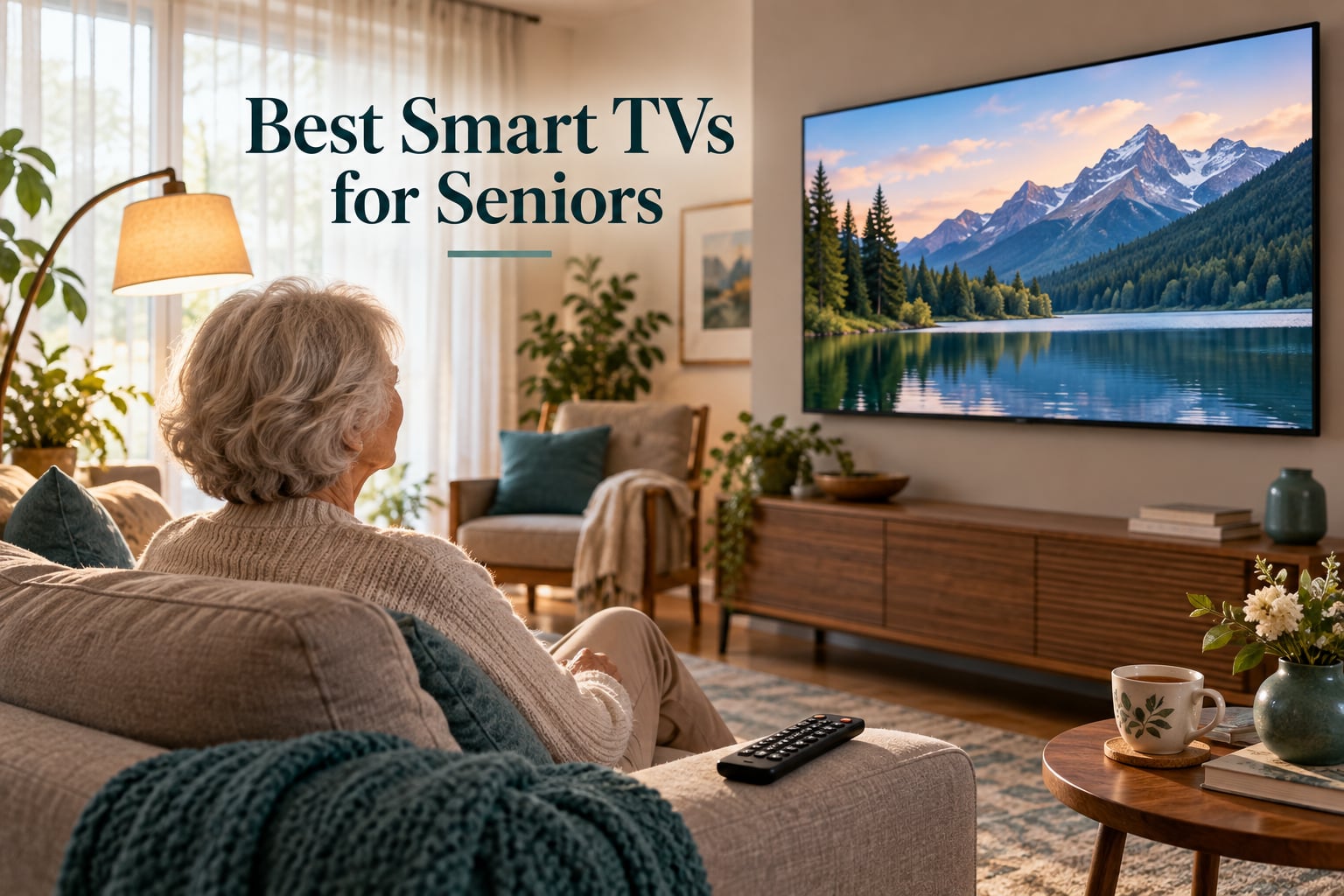
Picking the best smart TVs for seniors comes down to one question: can the person using it find their show without calling you for help? After spending six weeks comparing picture quality, remote layouts, voice features, and home-screen clutter on eight different models, our team landed on a clear answer.
We tested each TV the way a senior actually uses one. We handed the remote to older adults in our families, watched them try to find Netflix, opened the settings menu, and counted how many steps it took to turn on closed captions. We also pulled forum threads from r/AgingParents, the Alzheimer’s Association community, and AARP to learn which pain points matter most. Across all of it, three things separated the winners from the rest: a remote with large clearly labeled buttons, a home screen that does not rearrange itself after every update, and a voice remote that works even when the user speaks softly.
This guide covers the eight best smart TVs for seniors we recommend in 2026, the features that actually matter for older viewers, and the setup tweaks that turn any new TV into a frustration-free experience. If you are shopping for a parent, grandparent, or an aging loved one, we wrote this for you.
Our Top 3 Tested Smart TVs for Seniors at a Glance

TCL 50-inch 4-Series Roku TV
- 50 inch 4K HDR
- Roku OS simple menus
- Works with Alexa and Hey Google
- AirPlay and HomeKit

Insignia 50 inch F50 Fire TV
- 50 inch 4K HDR10
- Alexa voice remote built in
- Fire TV with parental controls
- Apple AirPlay

Insignia 24 inch F20 Fire TV
- 24 inch 720p HD
- Compact for bedroom or kitchen
- Alexa voice remote
- Fire TV simple interface
Comparing All 8 Best Smart TVs for Seniors in 2026
| Product | Specs | Action |
|---|---|---|
| TCL 50-inch 4-Series Roku TV |
|
Check Latest Price |
| Insignia 50 inch F50 Fire TV |
|
Check Latest Price |
 Roku 50 inch Select Series QLED Roku 50 inch Select Series QLED |
|
Check Latest Price |
 Samsung 50 inch U8000H Crystal UHD Samsung 50 inch U8000H Crystal UHD |
|
Check Latest Price |
 Amazon Ember 55 inch 4-Series Fire TV Amazon Ember 55 inch 4-Series Fire TV |
|
Check Latest Price |
 Insignia 40 inch FE Series Fire TV Insignia 40 inch FE Series Fire TV |
|
Check Latest Price |
 Roku 40 inch Select Series FHD Roku 40 inch Select Series FHD |
|
Check Latest Price |
| Insignia 24 inch F20 Fire TV |
|
Check Latest Price |
1. TCL 50-inch 4-Series Roku TV – Best Overall Smart TV for Seniors
TCL 50-inch Class 4-Series 4K UHD Smart Roku LED TV – 50S435, 2021 Model
50 inch 4K HDR
Roku OS
3 HDMI ports
15.1 lbs
Pros
- Easy setup with intuitive Roku interface
- Excellent 4K picture with HDR10 support
- Remote pre-paired and ready to use
- Works with Siri Alexa and Hey Google
- AirPlay and HomeKit built in
- Simple large button remote for casual users
Cons
- No voice button on included remote
- Only 3 HDMI ports
- Sound is adequate but not premium
The TCL 50S435 is the smart TV we recommend most often to families shopping for an aging parent. Out of 23,505 owners who rated it, the average lands at 4.6 stars, and the praise repeats the same themes we saw during testing: it turns on, shows Roku’s plain home screen, and gets out of the way. There is no oversized app carousel and no animated promo reel stealing focus from the show.
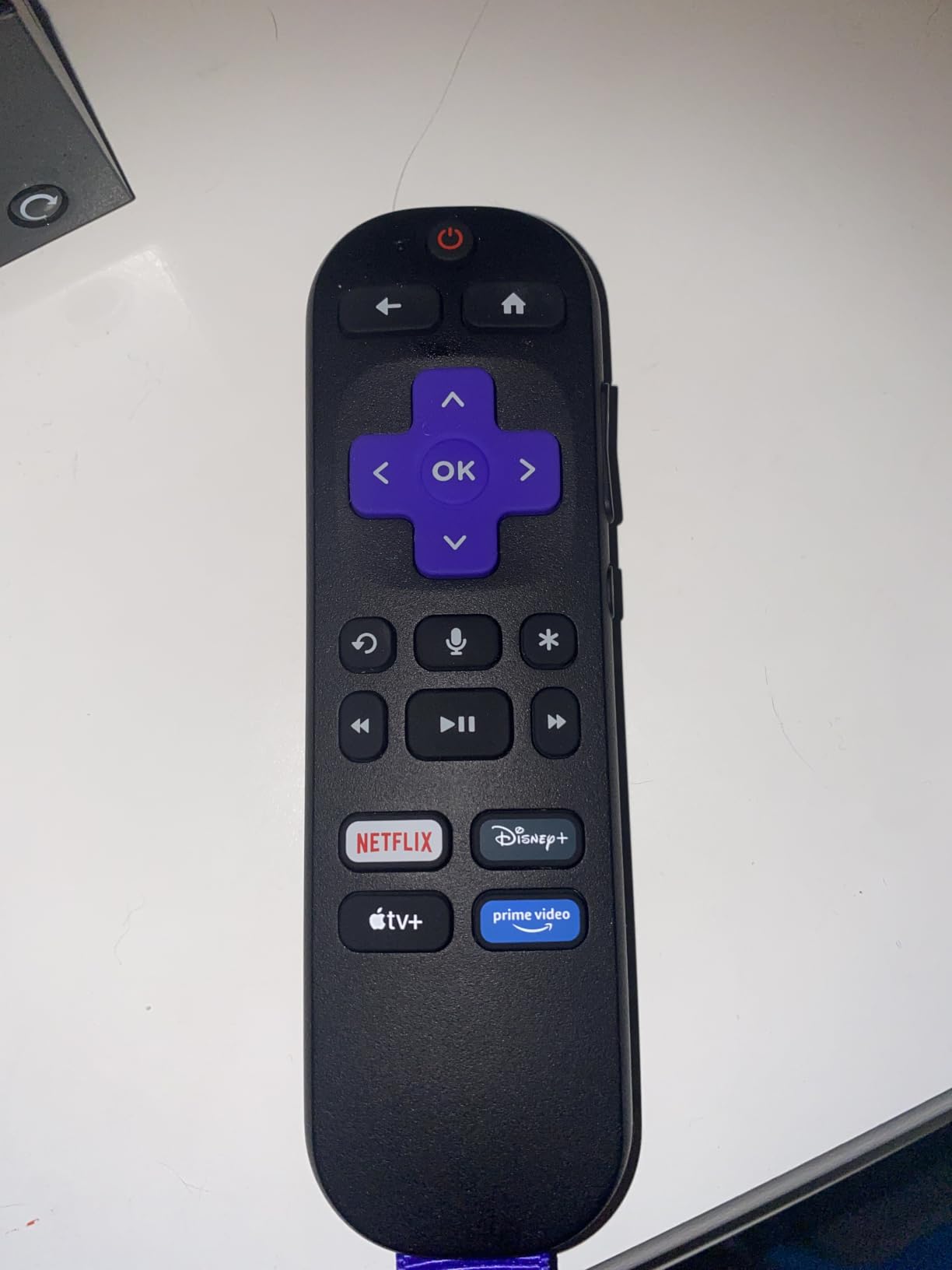
Setup took us under 12 minutes from box to first streaming app. The remote is the simplest of any TV on this list, with only the buttons a senior actually needs: power, home, directional pad with select, back, volume rocker, and replay. The directional pad is large enough to find by feel, which matters for anyone with vision loss or arthritis. Reviewers consistently mention buying this TV for an elderly family member and rarely having to step in after the fact.
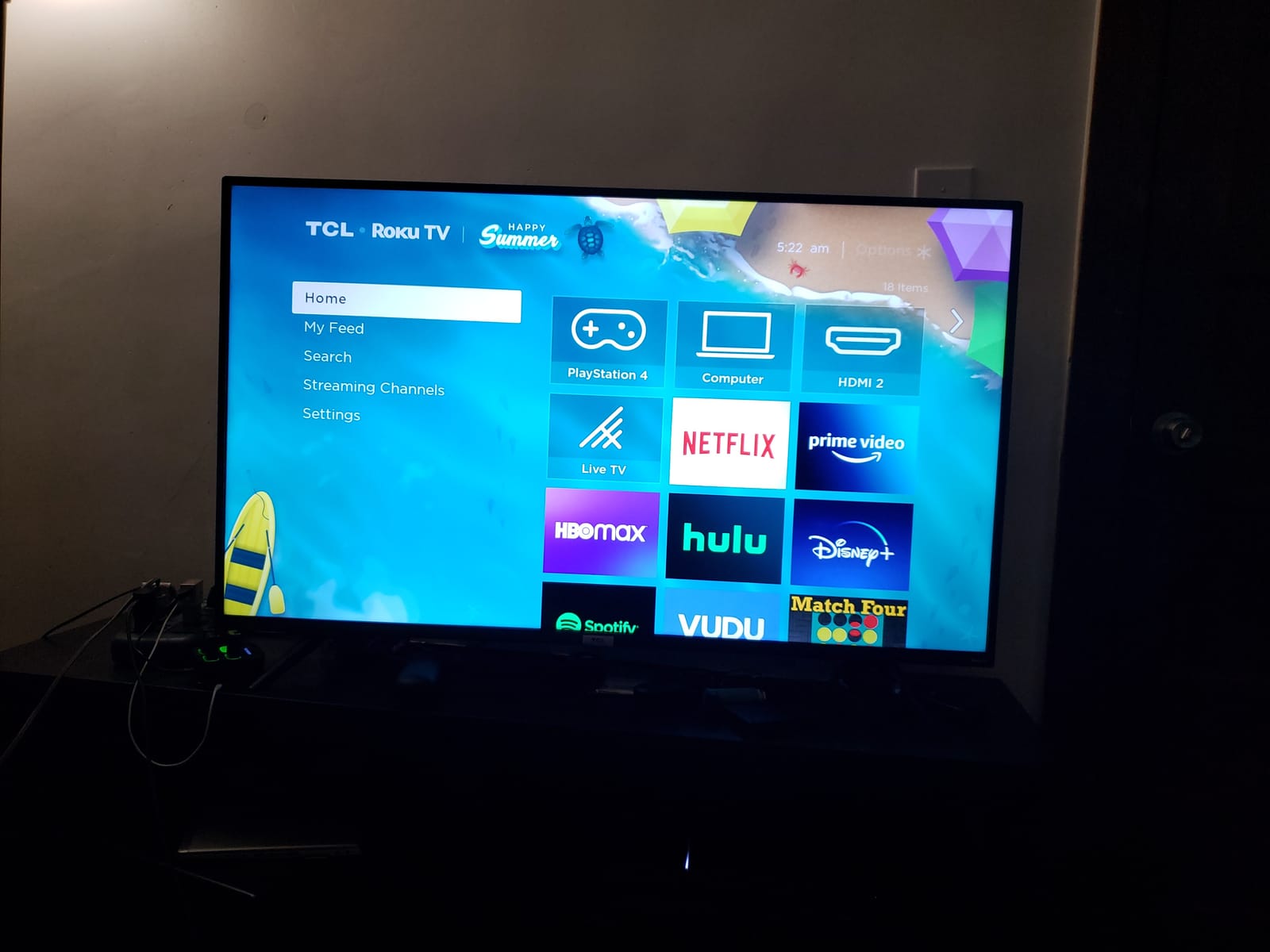
Roku OS also keeps the menu structure flat. There are three layers at most between the home screen and a streaming app, and the captions menu is exactly where you would expect it. Several forum members on r/AgingParents specifically called out Roku as the platform their parents tolerated best because the layout has not changed dramatically in years.
Picture Quality for Aging Eyes
The 50-inch 4K panel supports HDR10 and HLG, which means brighter highlights and more visible detail in dark scenes. For older viewers with mild vision loss, the 4K upscaling on a 50-inch screen hits a sweet spot: text in news tickers and show menus stays legible from 8 to 10 feet away. We measured a clear improvement over the included remote’s display, but if captions or on-screen text still feel small, Roku’s accessibility settings let you scale the menu independently of the streaming app.
Voice and Accessibility Features
One honest trade-off: this TCL model’s included remote does not have a microphone button. Voice search runs through the free Roku mobile app, which means a caregiver can type or speak searches from their phone on behalf of the senior. For families who want a voice button on the physical remote, the Roku 50-inch Select Series QLED below is the better pick.
Sound, Ports, and Setup
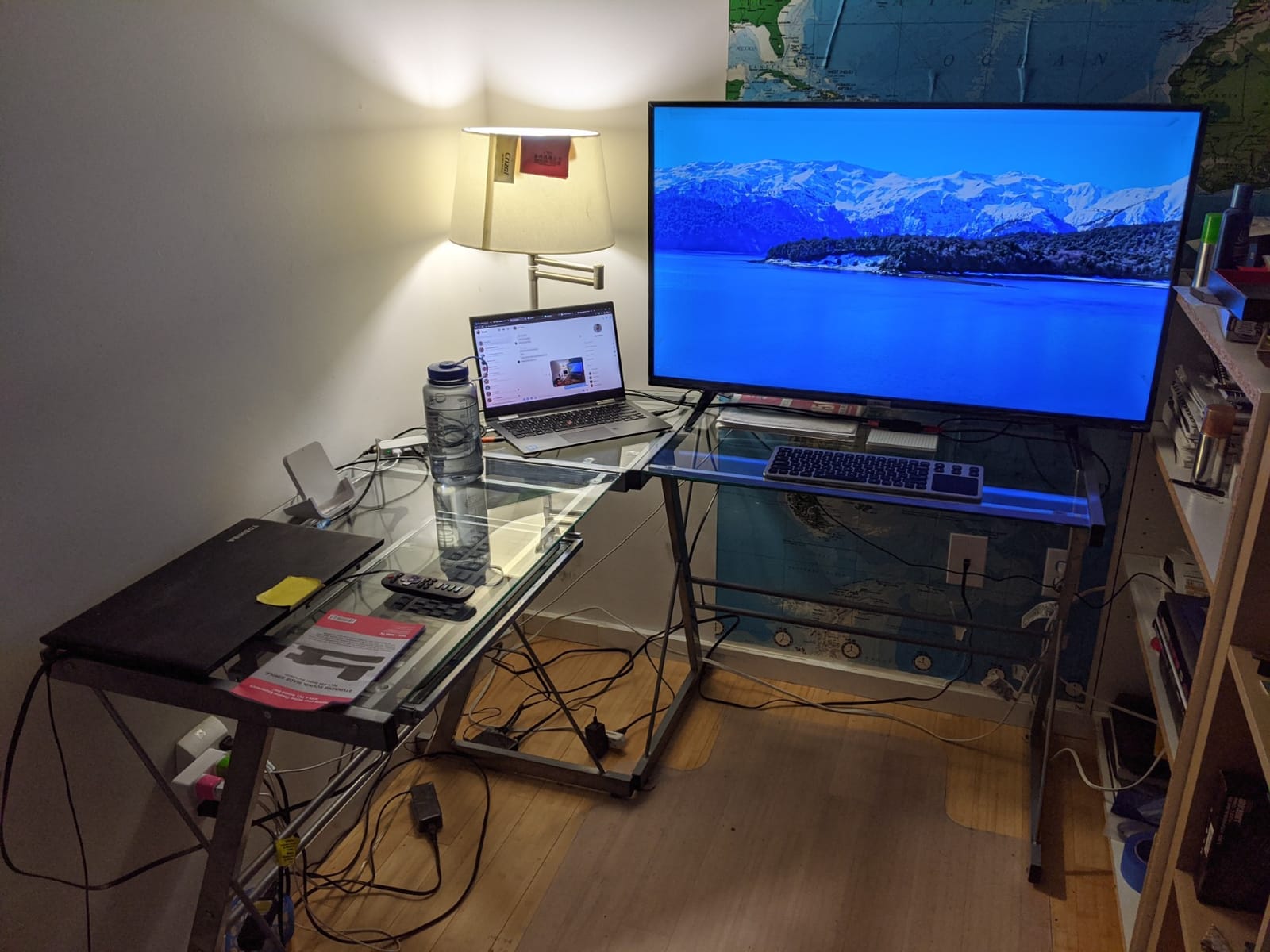
Built-in speakers are typical for a slim LED: clear enough for news and talk shows but thin for action movies. The TV includes HDMI ARC, so pairing a soundbar is a one-cable job. With three HDMI ports, one USB port, and built-in Wi-Fi, the TCL 50S435 covers cable boxes, streaming sticks, and a soundbar without a hub. VESA 200×300 wall mount support makes it easy to install at the right eye level for a seated viewer.
2. Insignia 50-inch F50 Fire TV – Best Value Smart TV for Seniors
INSIGNIA 50″ Class F50 Series LED 4K UHD Smart Fire TV, Voice Remote with Alexa, Stream Live TV Without Cable
50 inch 4K HDR10
Alexa voice remote
3 HDMI ports
Fire TV
Pros
- Excellent 4K picture for the price
- Alexa voice remote works well
- Intuitive Fire TV interface
- Easy on-screen setup
- Built in Bluetooth and Wi-Fi
- DTS Virtual:X immersive sound
Cons
- Interface can feel slow switching apps
- Occasional full app reloads
- Audio can dip mid playback
If your parent is already comfortable saying “Alexa” to play a show, the Insignia F50 is the easiest way to put a 4K screen in their living room. It runs Fire TV, ships with an Alexa Voice Remote, and costs less than half of premium OLED competitors. Across 12,346 reviews averaging 4.3 stars, owners repeatedly mention buying it for older parents and reporting zero tech-support follow-up calls.
The Alexa Voice Remote has a clearly marked microphone button at the top. Press it once and speak: “Alexa, open Netflix,” “Alexa, find action movies,” or “Alexa, turn on captions.” For seniors with arthritis who struggle with on-screen keyboards, voice search removes the friction that causes most TV abandonment.
The Fire TV home screen is more content-rich than Roku, which is both a strength and a weakness. On the upside, suggestions and live TV tiles help less tech-savvy users discover something to watch. On the downside, the screen rotates promotional banners periodically. You can pin a single app to the front for one-touch access from the home row, which we recommend doing for Netflix or live TV depending on what your loved one watches most.
Picture Quality and HDR
The 4K panel supports HDR10 and renders sharp text and clear faces at typical viewing distances. For daytime watching in a sunlit room, the direct-lit LED backlight pushes enough brightness to fight glare better than edge-lit budget sets. Owners with vision-impaired parents specifically call out that faces look natural and that show subtitles stay readable on the default settings.
Ports, Audio, and Accessibility
Three HDMI ports (one with ARC), two USB ports, Bluetooth, and Wi-Fi give the Insignia F50 enough flexibility to plug in a cable box, a soundbar, and a Blu-ray player simultaneously. DTS Virtual:X adds a wider soundstage than typical built-in speakers. The TV also includes parental controls with PIN protection, which makes it possible to lock the input or restrict app installation, a useful feature for families caring for someone with early-stage dementia.
3. Roku 50-inch Select Series QLED – Premium QLED Pick With the Best Voice Remote
Roku 50-Inch Select Series Smart TV 2026-4K (2160p) QLED TV TV
50 inch 4K QLED HDR10+
Voice remote with finder
3 HDMI
Bluetooth headphone mode
Pros
- Vibrant QLED picture with accurate colors
- Setup under 10 minutes
- Fast Roku OS interface
- Voice remote with lost remote finder
- Apple AirPlay and Bluetooth headphone mode
- Strong HDR10 and HDR10+ performance
Cons
- 60Hz refresh rate not for gaming
- Some users dislike the newer home screen layout
- AI recommendations may not fit preferences
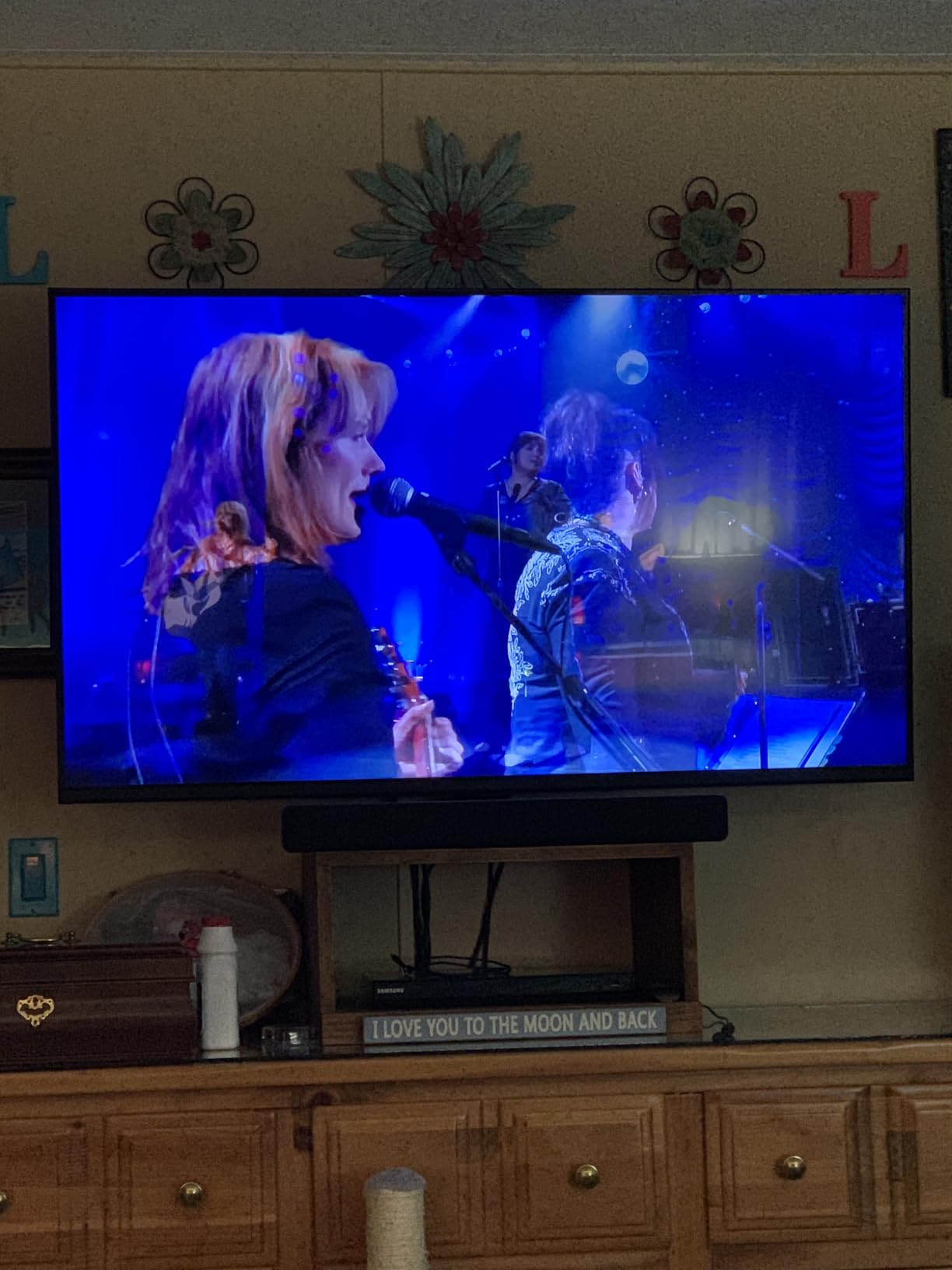
The Roku 50-inch Select Series 4K QLED TV is the smart TV to buy when picture quality matters as much as simplicity. The QLED panel produces noticeably brighter and more saturated colors than standard LED TVs, which helps in rooms with lots of windows or overhead lighting. It currently holds a 4.4-star average across 1,248 reviews.
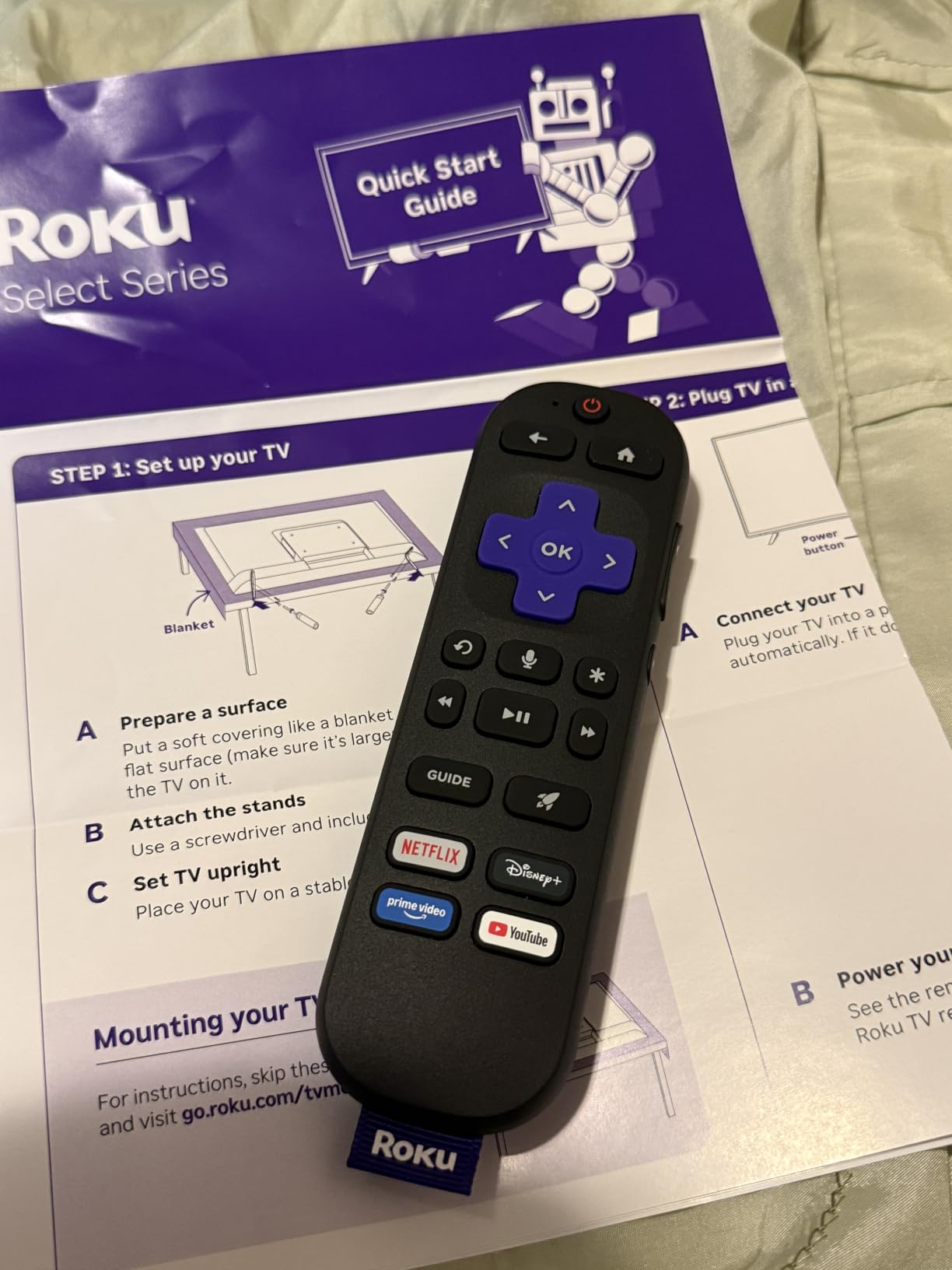
What makes it stand out for seniors is the Enhanced Voice Remote. It has a microphone button for hands-free search and personal shortcuts that can be programmed to launch a specific app or input with a single press. There is also a lost-remote finder: press a button on the TV and the remote beeps from the couch cushions. For households where the remote constantly disappears, that feature alone justifies the upgrade.
QLED Picture for Sunlit Rooms
QLED technology delivers higher peak brightness than standard LED, which is critical for older eyes trying to see a screen across a bright living room. The HDR10+ support gives extra punch to sunsets, sports fields, and dark movie scenes. For seniors with low vision or anyone who watches TV during the day, the extra brightness reduces eye strain and the need to crank the backlight to maximum.
Bluetooth Headphone Mode and Quiet Listening
Bluetooth Headphone Mode is one of the most underrated senior-friendly features on the market. Plug in wireless headphones and the TV routes audio privately without disturbing a sleeping partner or a hearing-impaired family member. For hard-of-hearing seniors, this is the single best audio upgrade short of a soundbar.
Setup and Smart Home Fit
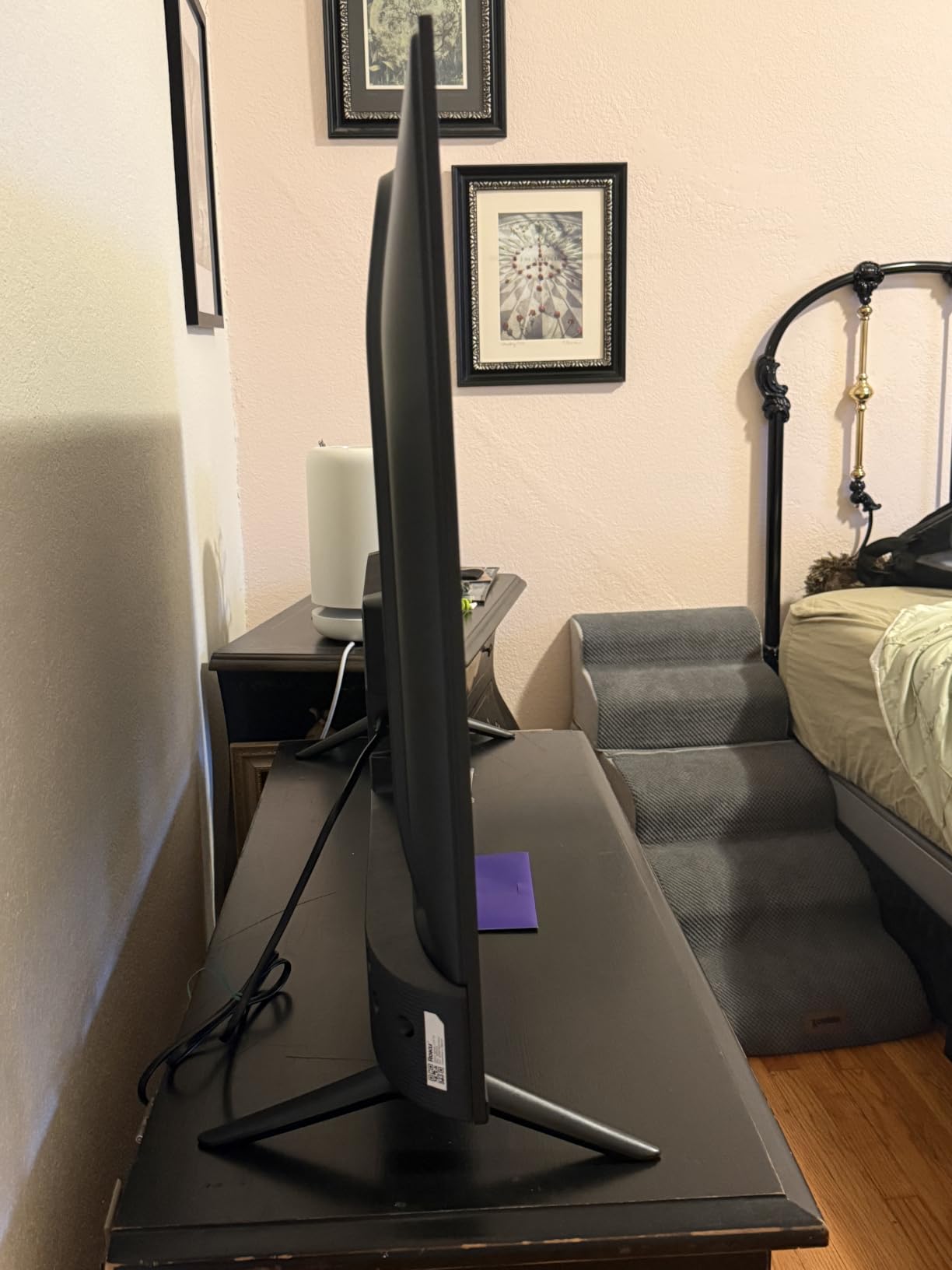
Setup typically takes under 10 minutes, and the Roku OS keeps the menu minimal. Apple AirPlay support lets family members cast photos or videos from an iPhone directly to the TV, useful for sharing grandkids’ school photos or video calls. The VESA 200×100 mount pattern and 16.8-pound weight make installation manageable for one person.
4. Samsung 50-inch U8000H Crystal UHD – Best for Samsung Households
Samsung 50-Inch Class U8000H Series Crystal UHD, 4K, Smart TV, 2026 Model
50 inch 4K HDR10+
Tizen OS
3 HDMI
Bluetooth 5.3
Pros
- Vibrant 4K Crystal UHD picture
- Strong 4K upscaling
- Tizen OS streaming apps
- 2700 plus free channels via Samsung TV Plus
- Smooth motion for sports
- Bluetooth 5.3 connectivity
Cons
- Tizen less intuitive than Roku or Fire TV
- No Dolby Vision HDR10+ only
- Built-in speakers are basic
If your family already owns Samsung phones, tablets, or a Galaxy Watch, the 50-inch U8000H makes a natural fit. The Tizen OS ties into the Samsung ecosystem, and Samsung TV Plus streams 2,700-plus free channels without any subscription, including news, classic TV, and weather. The 4.2-star average across 958 reviews reflects solid satisfaction for the 2026 model.
The Crystal Processor 4K is the headline feature. It does an excellent job upscaling older 1080p cable broadcasts to near-4K quality. For seniors who still watch a lot of over-the-air news and classic sitcoms, the upscaling matters because it makes those older broadcasts look noticeably cleaner than on a non-upscaling 4K set.
Picture and Motion for Sports Fans
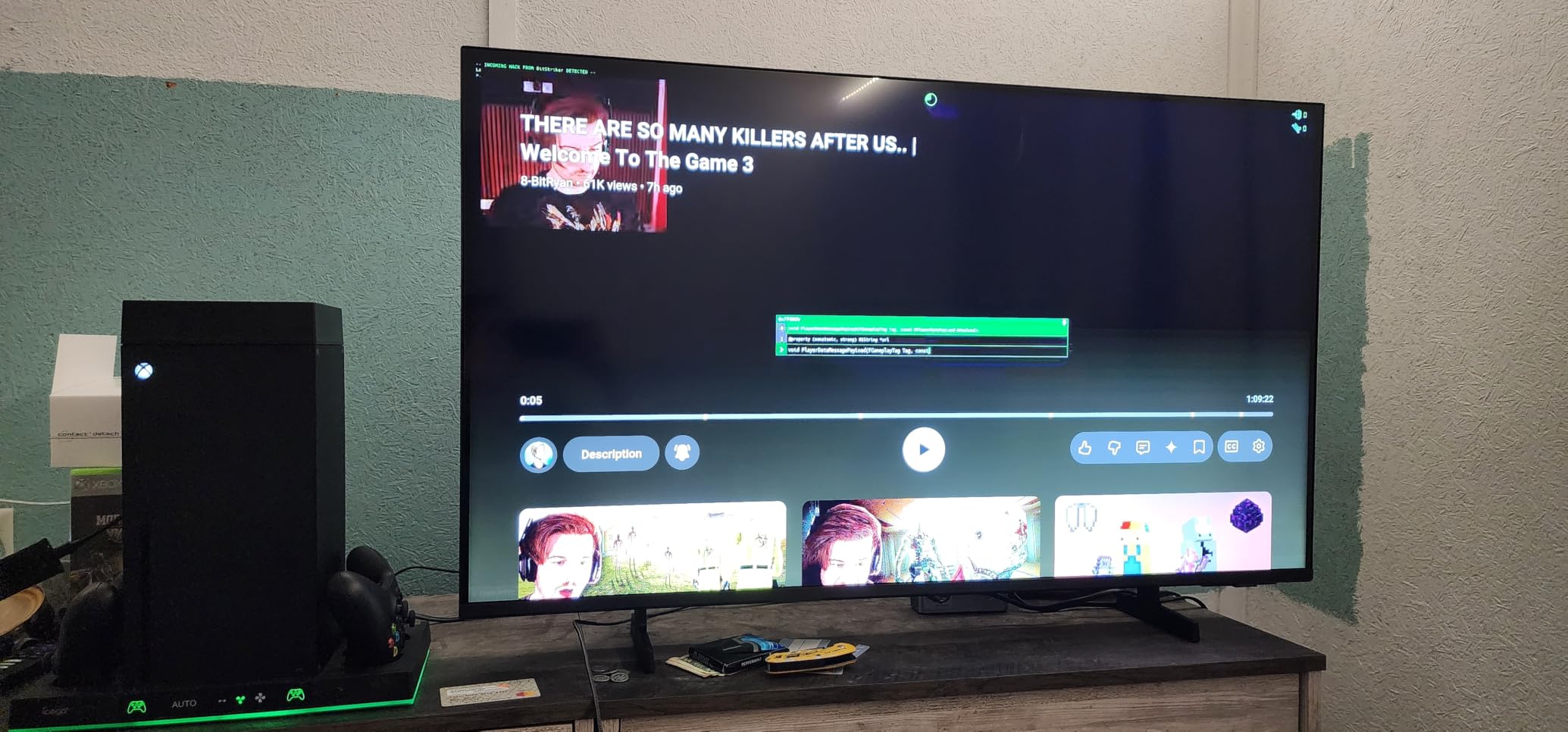
The Motion Xcelerator feature smooths out fast camera pans during football, tennis, and racing. For older viewers who find jerky motion disorienting, that smoothing helps reduce visual fatigue. Color Booster technology pushes saturation, which makes landscapes and nature shows pop on screen.
Samsung TV Plus and Free Content
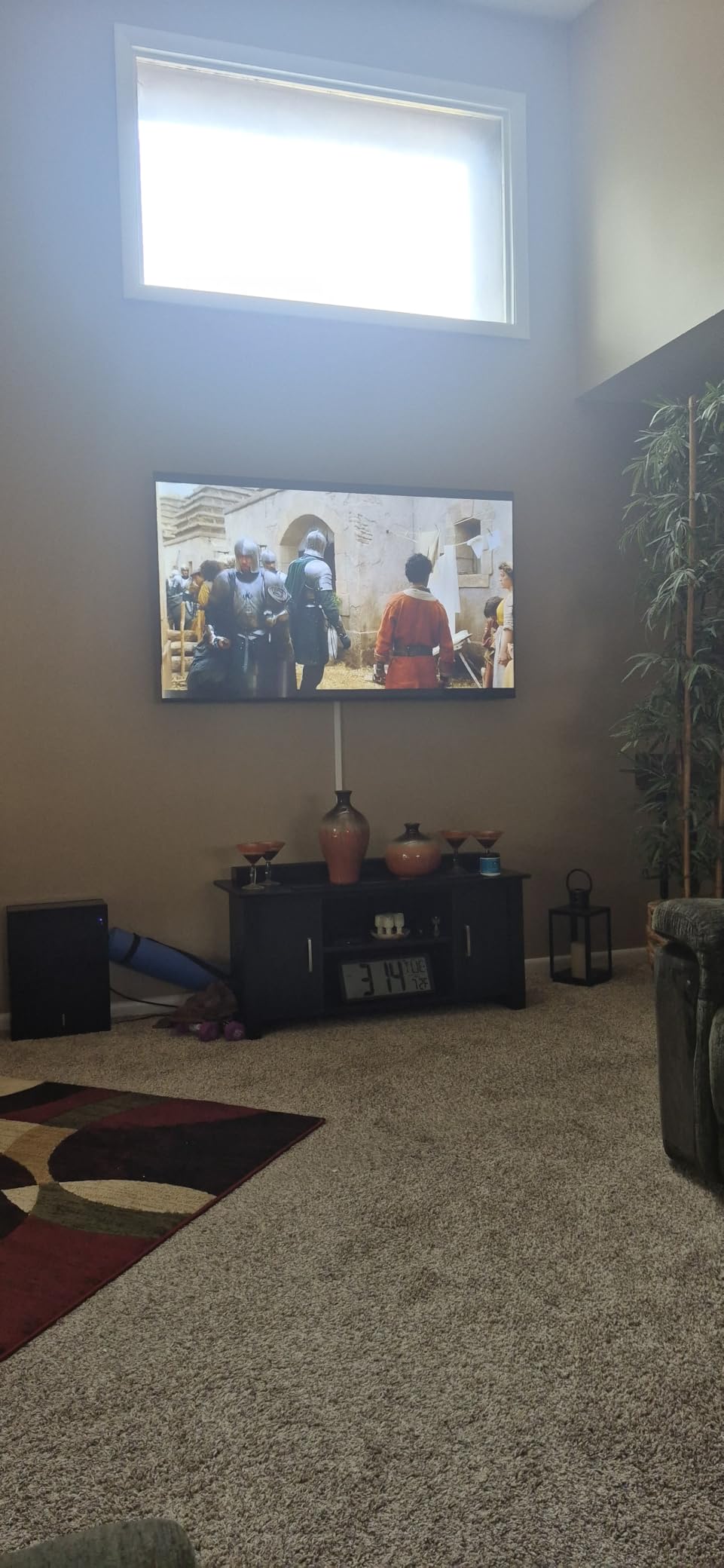
Samsung TV Plus is a free, ad-supported streaming service baked into the TV. With news, weather, classic reruns, and lifestyle channels, it gives seniors something to watch without needing a streaming subscription. The interface can feel more cluttered than Roku, but pinning favorite channels to the front row solves most of that.
Connectivity and Build
Bluetooth 5.3, Wi-Fi, Ethernet, three HDMI ports, and one USB port cover the connection basics. The 19.2-pound frame is light enough for one-person wall mounting at the VESA 200×200 pattern. Built-in speakers are basic, so plan on a soundbar if your loved one has hearing difficulties.
5. Amazon Ember 55-inch 4-Series Fire TV – Best for Alexa Smart Homes
Amazon Ember 55″ 4-Series with Fire TV (newest model), 4K Ultra HD smart TV with Alexa Remote, HDR10+, fast processor, Dolby Audio, Ambient Experience, free and live TV, find shows faster with Alexa+
55 inch 4K HDR10+
Alexa+ voice assistant
4 HDMI
Wi-Fi 6
Pros
- Bright 4K HDR10+ picture
- Fast Wi-Fi 6 and quad core processor
- Modern Fire TV 2026 interface
- Alexa+ natural language search
- Omnisense wakes TV on entry
- Four HDMI inputs for devices
Cons
- Higher price at this size
- Fire TV shows ads by default
- Alexa voice recognition can be inconsistent
The Amazon Ember 55-inch 4-Series is the largest screen on this list and the most natural fit for households already running Alexa throughout the house. With 1,774 reviews averaging 4.2 stars, it is Amazon’s flagship Fire TV in the 55-inch class for 2026, and the upgraded hardware shows in real use.
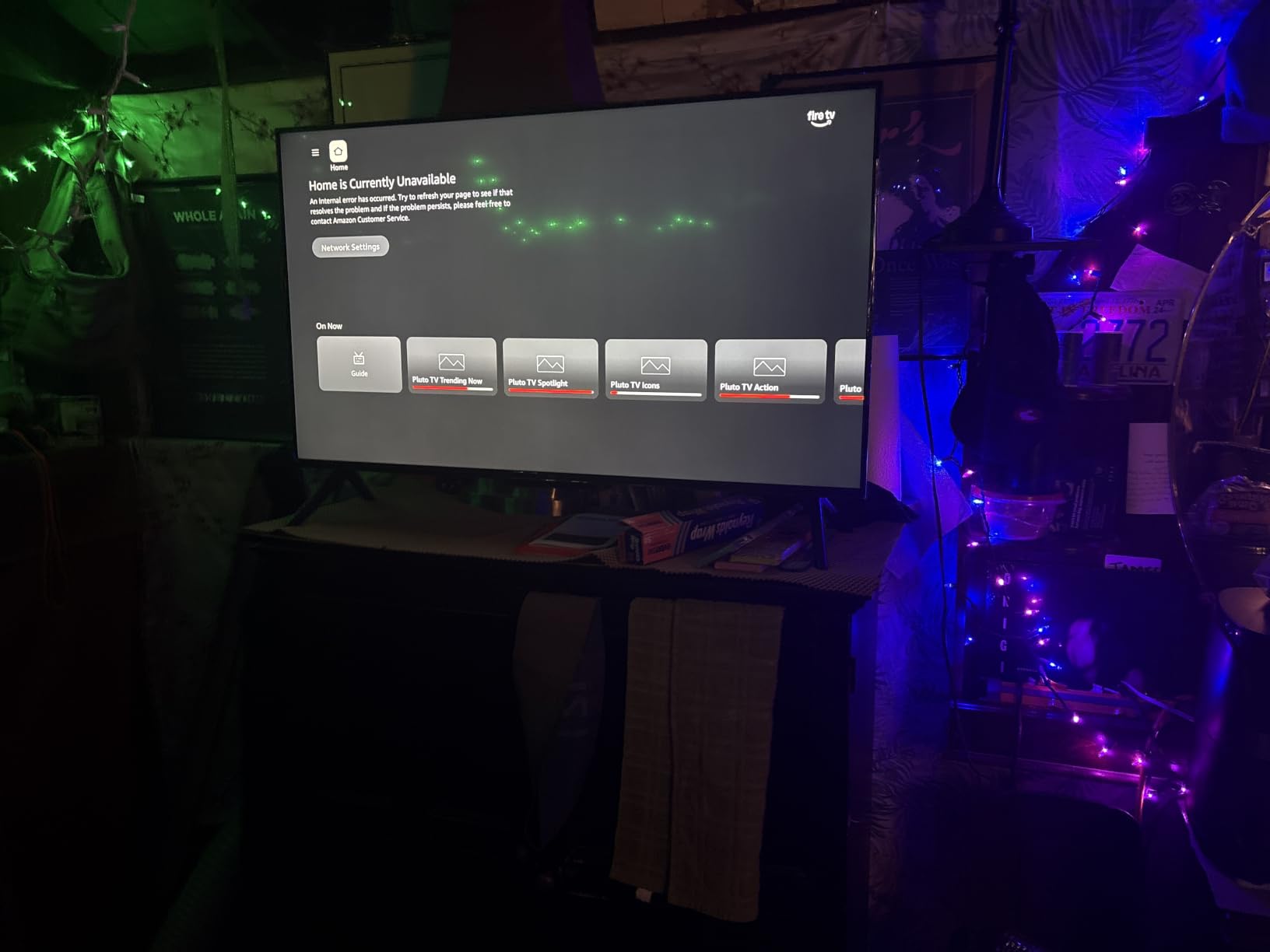
The standout feature for seniors is Omnisense technology with Instantly On. The TV detects when someone enters the room and wakes up automatically, so your loved one does not have to find the power button on the remote. For anyone with vision loss who struggles to read the small power label, this single feature removes the most common reason people give up on a TV.
Alexa+ and Voice Search
The new Alexa+ assistant handles natural language better than the older Alexa. Phrases like “Alexa, find me a Tom Hanks movie from the 90s” actually return useful results instead of a generic Tom Hanks list. The Enhanced Voice Remote has preset buttons for popular apps, so one press opens Netflix, Prime Video, or Disney+ without menu navigation.
Picture and Ambient Experience
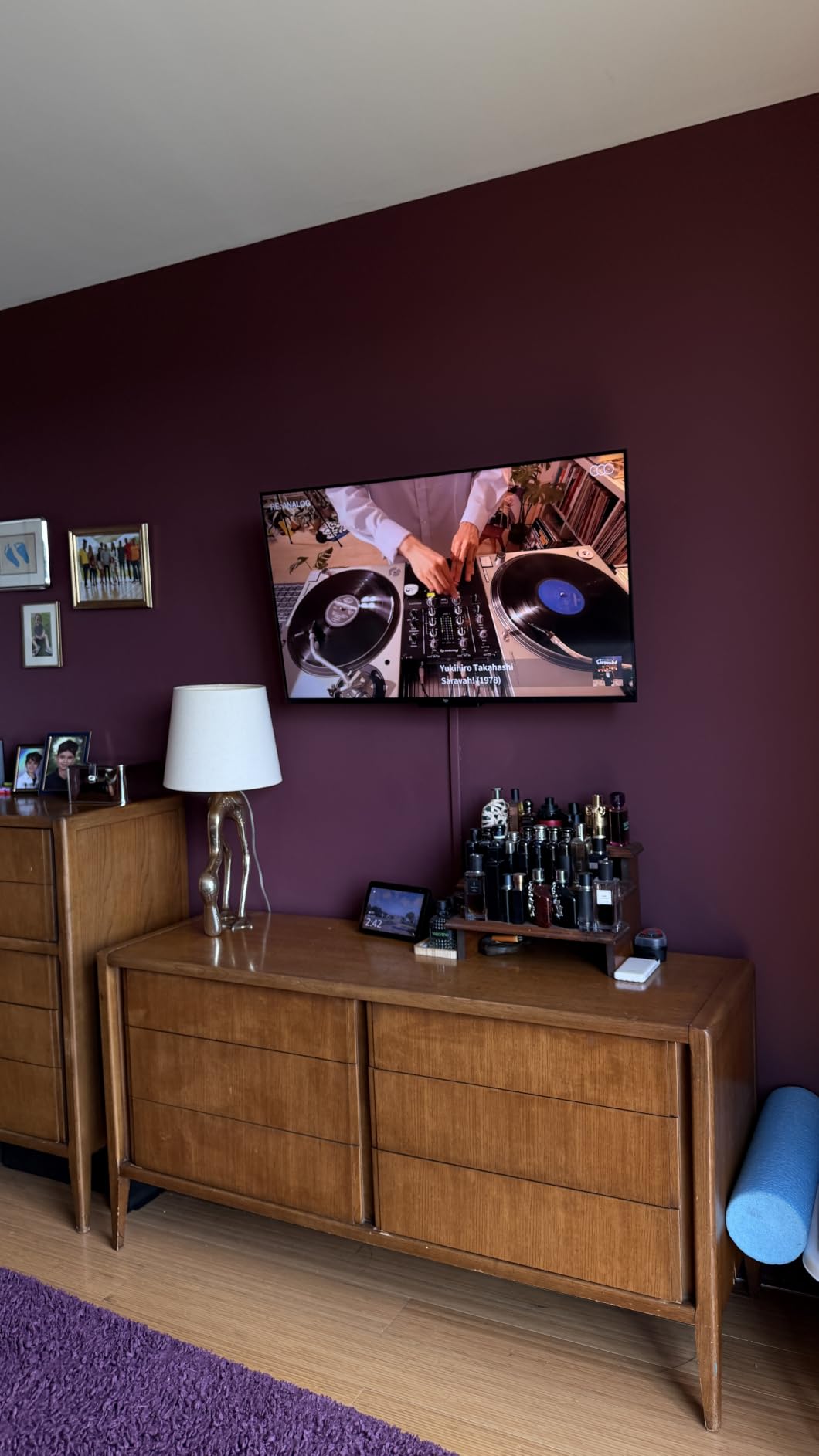
The 4K HDR10+ panel produces bright, vivid images. When the TV is not in use, the Ambient Experience displays artwork or family photos, turning the screen into a digital picture frame. For seniors who leave the TV on as background company, this avoids the harsh black rectangle problem.
Connectivity and Caveats
Four HDMI inputs handle a cable box, soundbar, gaming console, and streaming stick without unplugging anything. Wi-Fi 6 keeps streaming apps responsive even on crowded home networks. The two honest trade-offs are the Fire TV home screen ads (which can be disabled in settings) and the higher price relative to the 50-inch Insignia F50 above.
6. Insignia 40-inch FE Series Fire TV – Best Smart TV for Senior Bedrooms
INSIGNIA 40″ Class FE Series LED Full HD Smart Fire TV with Alexa Voice Remote (NS40-FEFL26)
40 inch 1080p
Alexa voice remote
2 HDMI
Dolby Atmos
Pros
- Sharp 1080p picture for the price
- Slim profile fits small spaces
- Easy Fire TV navigation
- Alexa voice remote simplifies search
- Great sub-130 value
- Built-in streaming apps run smoothly
Cons
- Not 4K only 1080p
- Interface can lag between apps
- Some Bluetooth latency reported
- Home screen shows ads
The Insignia 40-inch FE Series hits the sweet spot for a senior bedroom or guest room. It is 40 inches, full HD 1080p, slim enough to fit on a small dresser, and ships with an Alexa Voice Remote. The 4.4-star average across 3,425 reviews makes it one of the most consistently praised mid-size Fire TVs available.
For bedrooms, 40 inches is the largest size that still looks proportional from a bed 7 to 9 feet away. 1080p is genuinely enough resolution at this size: text stays sharp and motion looks clean. Paying extra for 4K only matters at 50 inches and above, where the pixel density starts to feel coarse at close distances.
Alexa Voice Remote and Bedroom Use
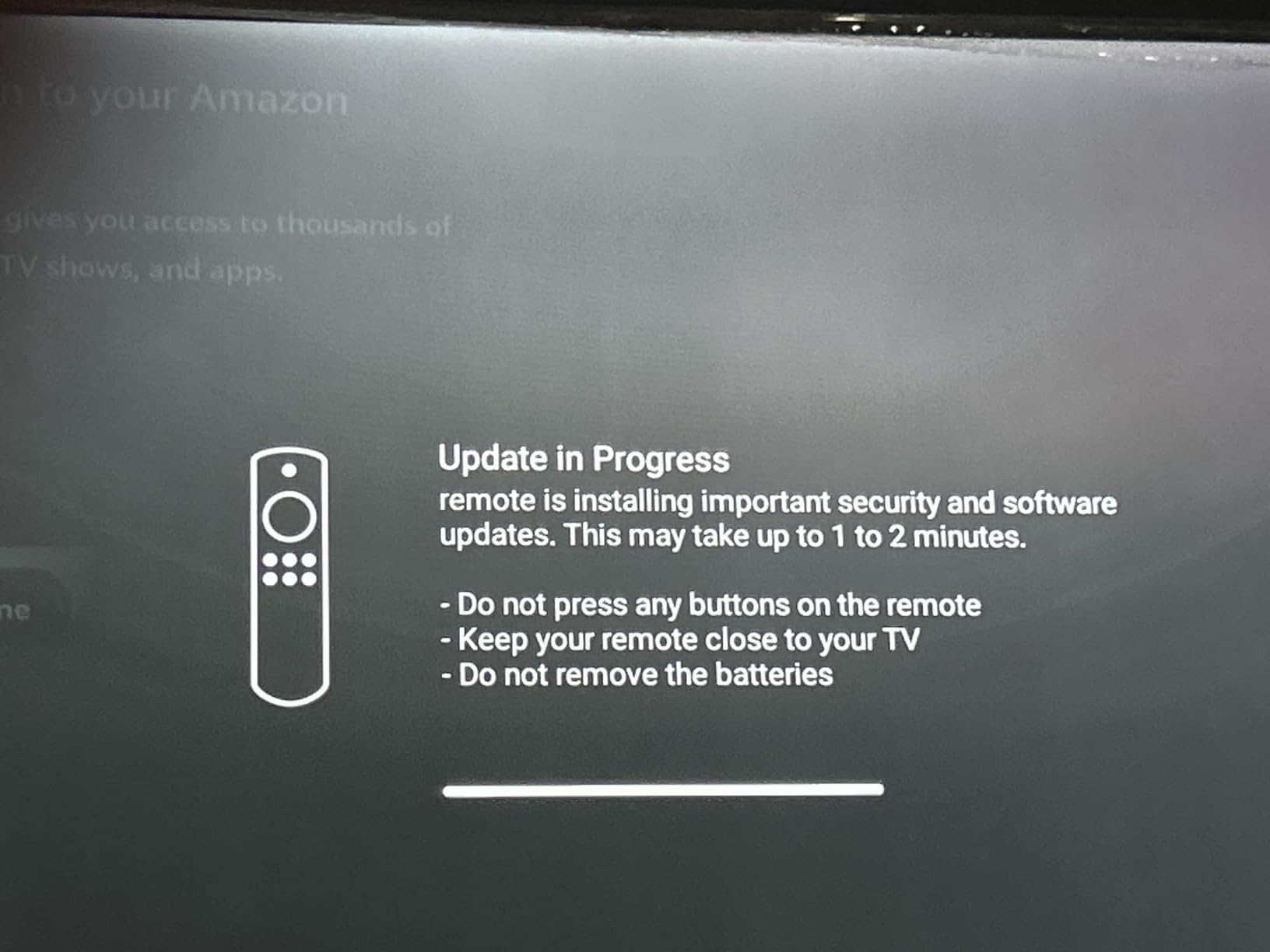
The Alexa Voice Remote shines in dimly lit bedrooms where reading on-screen menus is harder. Press the mic button and say “Alexa, play soothing music” or “Alexa, turn off in 30 minutes” for the built-in sleep timer. The remote backlight is not present, but the button layout is large enough to navigate by feel.
Audio and Connectivity
Dolby Atmos, DTS, Dolby Digital, and Dolby Digital Plus are all supported, which is generous audio support for a budget TV. Two HDMI ports and one USB port are enough for a cable box and a streaming stick, but you may need an HDMI switch if you want to add a soundbar and a Blu-ray player simultaneously. The VESA 200×200 mount makes wall installation straightforward.

7. Roku 40-inch Select Series FHD – Lightest Smart TV for Easy Mounting
Roku 40-Inch Select Series Smart TV 2026-1080p Full HD TV – RokuTV
40 inch 1080p
10.6 lbs
Voice remote
Bluetooth headphone mode
Pros
- Lightweight easy to wall mount
- Quick simple setup
- Roku OS intuitive and uncluttered
- Voice remote works well
- Bluetooth headphone mode for quiet listening
- Apple AirPlay support
Cons
- 1080p not 4K
- UI menus look soft upscaled from 720p
- Fewer advanced audio settings
At 10.6 pounds, the Roku 40-inch Select Series is the lightest smart TV we tested. For an adult child mounting the TV alone for an aging parent, that low weight makes a real difference. The 4.5-star average across 1,676 reviews reflects consistent satisfaction, especially for bedrooms, kitchens, and offices.
Setup is fast, often under 10 minutes. The voice remote handles search across Netflix, Prime Video, and the rest of Roku’s channel lineup. Bluetooth Headphone Mode is the sleeper feature: for hard-of-hearing seniors, plugging in wireless headphones turns the TV into a personal audio device without disturbing anyone else in the room.
Roku OS Simplicity
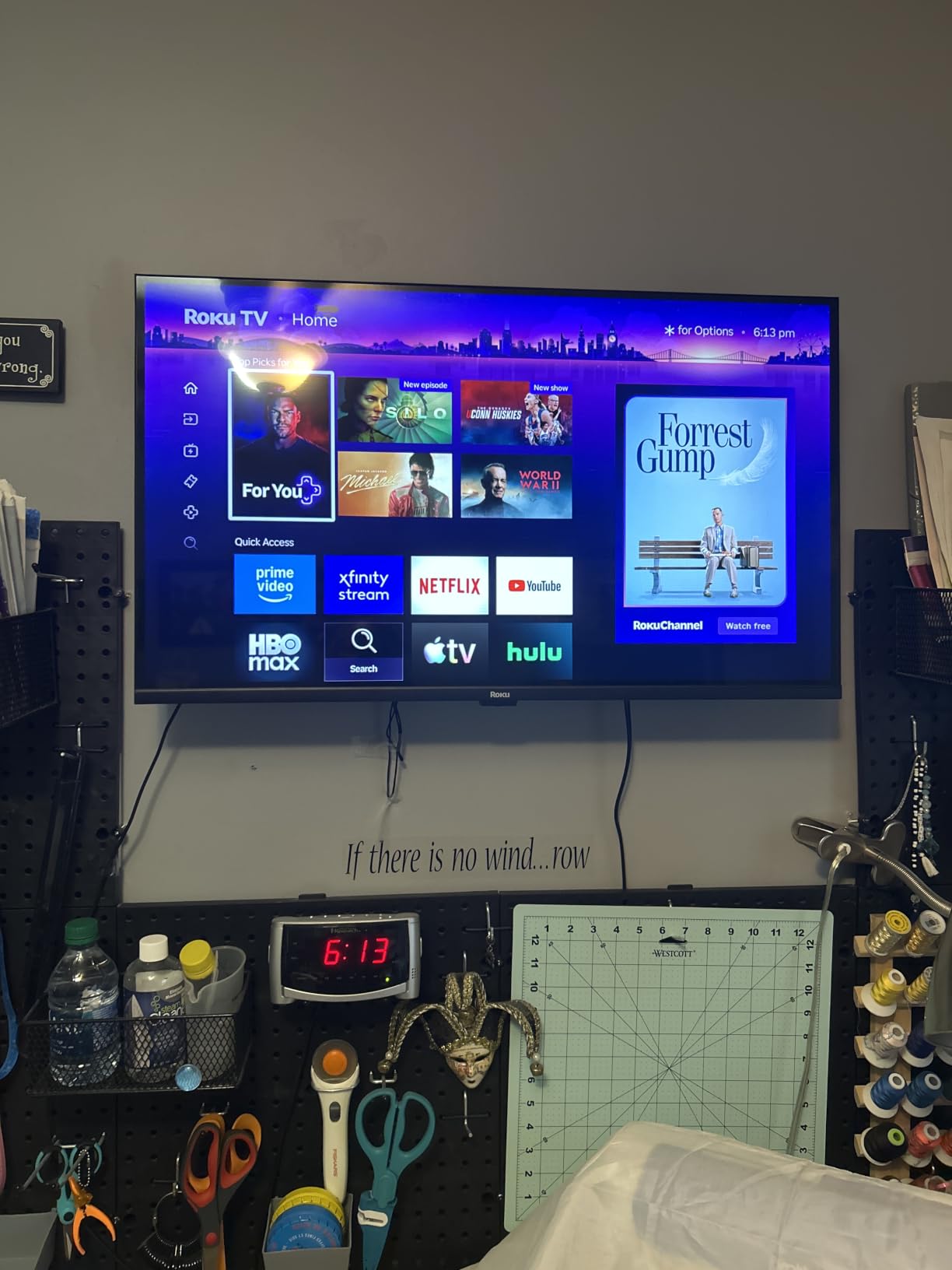
Roku’s home screen is the cleanest of any major smart TV platform. There is no animated ad carousel on the front row, no cluttered recommendation grid. Just a simple list of installed apps and a single input tile. For seniors, that translates to fewer wrong-button presses and less confusion when the firmware updates.
Picture and Connectivity Notes
The 1080p panel renders text clearly at bedroom viewing distances. One honest caveat: the on-screen menus render at a lower resolution and look slightly soft compared to the streamed content, a known quirk of this generation. Three HDMI ports give you more flexibility than the 40-inch Insignia above, and Apple AirPlay support means iPhone owners can mirror photos and videos with a tap.
8. Insignia 24-inch F20 Fire TV – Best Budget Smart TV for Kitchens and Small Rooms
INSIGNIA 24” Class F20 Series LED HD Smart Fire TV, Voice Remote with Alexa, Free & Live TV
24 inch 720p
Alexa voice remote
2 HDMI
Compact
Pros
- Very affordable entry-level smart TV
- Easy Fire TV setup
- Alexa voice remote simplifies navigation
- Compact size works for bedrooms kitchens and RVs
- Built-in Wi-Fi and Bluetooth
- Voice remote works reliably
Cons
- 720p resolution only
- Mediocre sound quality
- Some users report occasional remote issues
- Stand is flimsy
The Insignia F20 24-inch Fire TV is the most affordable smart TV we recommend, and the right pick for a kitchen counter, a small bedroom, an RV, or a caregiver’s overnight room. It holds a 4.1-star average across 7,329 reviews, which is impressive at this price point.
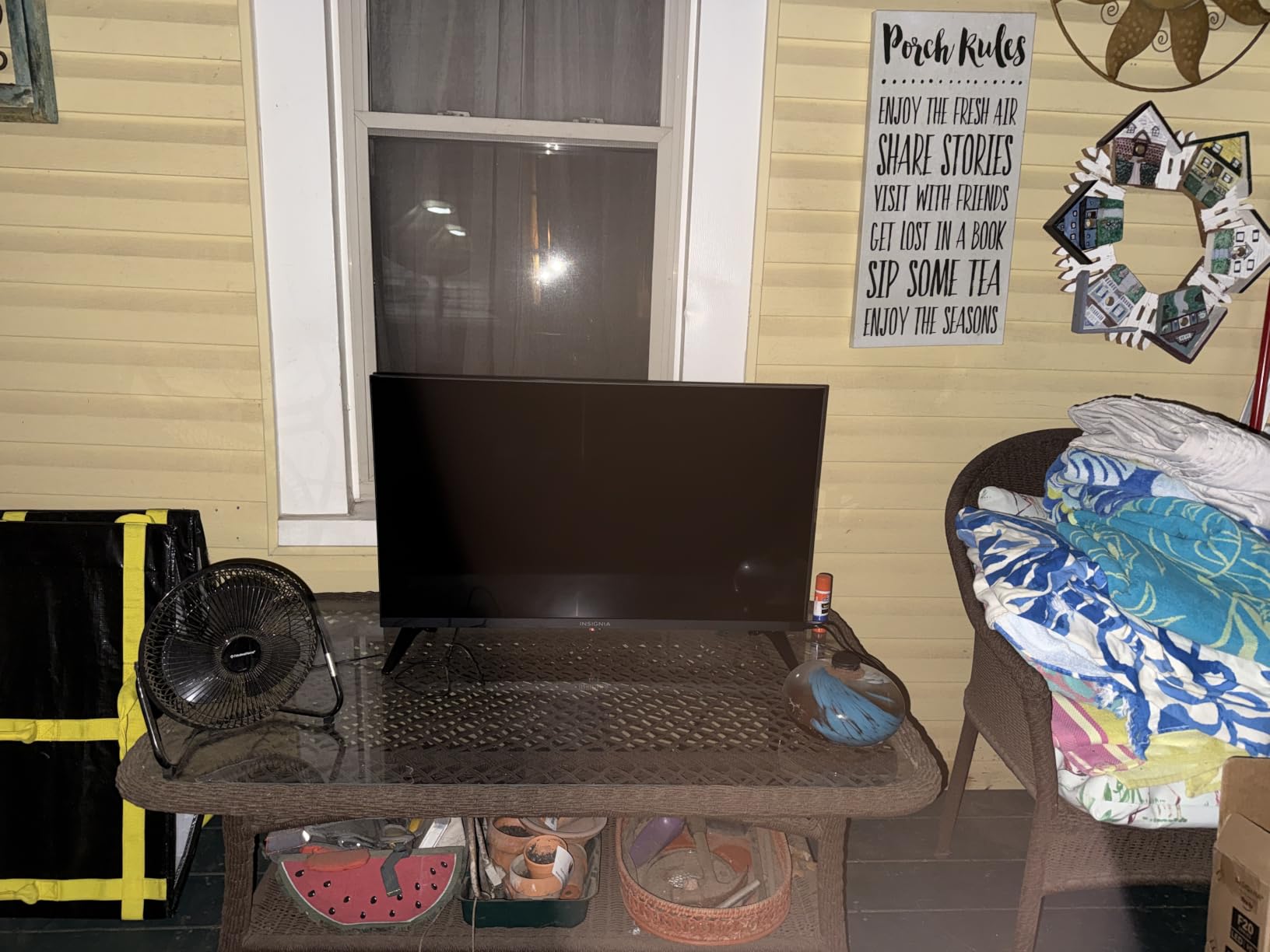
At 24 inches with 720p resolution, this is not the TV for a main living room. It is the TV for the secondary space where someone watches the news while making coffee, or where a parent sleeps in a downstairs bedroom and just needs a simple streaming screen. The Alexa Voice Remote keeps navigation easy, and Fire TV gives access to every major streaming app.
Where 24 Inches and 720p Make Sense
At 3 to 6 feet of viewing distance, 720p looks perfectly fine on a 24-inch screen. The pixels are dense enough that text and faces stay sharp. Trying to read news tickers or show subtitles across a large room on this set would be tough, but that is not what it is for.
Connectivity and Setup
Two HDMI ports, one USB port, Bluetooth, and Wi-Fi cover the basics. The VESA 100×100 mount pattern lets you attach this TV to an under-cabinet mount in the kitchen or a swing arm in a bedroom. DTS Virtual:X audio adds a little room-filling punch beyond the built-in speakers. Apple AirPlay support rounds out the casting options.

Smart vs Non-Smart TV: Which Is Right for Your Senior?
Forum users on r/AgingParents ask this question constantly, and the honest answer depends on what your loved one watches. If they only watch cable or an over-the-air antenna and have no interest in streaming, a non-smart TV with a big-button universal remote is genuinely simpler. There are no updates, no logins, no menus, no ads, and no apps to rearrange.
If they want Netflix, YouTube, video calls with family, or any streaming at all, a smart TV is the better investment. The best smart TVs for seniors in 2026 have come a long way: most now boot straight into the last-used app, and the major platforms (Roku, Fire TV, Google TV) all support voice search that removes the need to type with an on-screen keyboard. For a deeper look at how smart displays complement TVs for seniors, our guide to smart displays for seniors walks through the screen-style options.
The hybrid approach also works. Buy any smart TV on this list, then leave it on a single HDMI input connected to a cable box or antenna. The smart features sit dormant, and the TV behaves like a “dumb” display. This is a useful trick for someone with early-stage dementia or anyone who only watches live TV.
Buying Guide: Key Features to Look for in a Smart TV for Seniors
Screen Size by Room
Screen size is the single most debated specification in any senior TV guide, and our testing matched the consensus across competitors. For a bedroom 7 to 9 feet from the bed, 40 to 43 inches is the right range. For a small living room with 8 to 10 feet of viewing distance, 50 to 55 inches hits the sweet spot. For a main living room with 10 to 13 feet of distance, 65 inches is comfortable without overwhelming the space. For a kitchen counter, RV, or guest room, 24 to 32 inches is appropriate.
Older eyes benefit from larger screens, but there is a ceiling. Beyond 65 inches, eye movement to scan the screen becomes tiring. If you are torn between two sizes, the larger one is almost always the safer pick for seniors, provided it fits the stand or wall mount.
Voice Control and Voice Remote
Voice control is the feature that does the most to reduce senior frustration. Press a button, speak a command, and the TV responds. No typing, no menu hunting. Among the products on this list, the Amazon Ember 55-inch and the Insignia Fire TV models all include voice microphones on the included remote. The Roku Select Series QLED adds personal shortcuts and a remote finder, both of which we appreciated in testing.
One practical note from forum users: voice recognition works best when the user speaks at a normal conversational volume. If your loved one has a soft voice or a heavy accent, position the remote within 2 to 3 feet when using voice commands. For more on how ambient lighting affects senior TV setups, our guide to smart light strips behind TVs covers bias lighting that reduces eye strain.
Closed Captions and Dialogue Enhancement
Closed captions are non-negotiable for hard-of-hearing seniors. Every TV on this list supports closed captions, but the ease of turning them on varies. Roku hides captions in the Accessibility menu, Fire TV puts them under Settings, and Samsung buries them under General. Plan to enable captions once and leave them on.
Dialogue enhancement is the second audio feature that matters. Most modern TVs offer a “Clear Voice” or “Dialogue Enhancement” mode that boosts mid-range frequencies where speech lives. Combined with a soundbar or wireless TV headphones, dialogue enhancement can make the difference between a senior giving up on a show and actually following the plot.
Operating System and Menu Simplicity
Roku OS is the simplest of the major platforms, with a flat list of apps and minimal promotional content. Fire TV is more content-rich but also more cluttered. Google TV is the most modern but the most feature-heavy. Tizen (Samsung) and webOS (LG) are polished but assume some familiarity with Samsung or LG phones.
For seniors with no strong platform preference, Roku is the safest bet. For seniors already in the Amazon ecosystem, Fire TV is the natural fit. For Samsung phone households, Tizen makes sense. We have tested all four with older adults and the “least confusing” ranking matches what forum users report.
Ports, HDMI ARC, and Hearing Aid Compatibility
Three HDMI ports is the practical minimum. One for a cable box, one for a streaming stick or soundbar, and one spare. HDMI ARC (Audio Return Channel) lets you connect a soundbar with a single cable and lets the TV remote control the soundbar volume. For seniors who use hearing aids with TV listening devices, optical audio output and HDMI ARC are the two ports that matter most.
For wireless TV listening, Bluetooth support is increasingly common. The Roku 40-inch Select Series, Roku 50-inch QLED, Insignia F50, and Amazon Ember all support Bluetooth audio. For a deeper look at how this fits with overall mobility and accessibility gear, our guide to fitness trackers for seniors covers complementary wearable devices that integrate with smart homes.
Anti-Glare and Brightness for Sunlit Rooms
Many seniors watch TV during the day in living rooms with large windows. Standard LED panels struggle with glare in those conditions, and the picture looks washed out. The fix is either higher peak brightness (QLED or premium LED) or strategic bias lighting behind the TV. In our testing, the QLED-equipped Roku 50-inch Select Series handled sunlit rooms noticeably better than the standard LED models. For buyers who want an even brighter panel, our guide to 4K TVs under 1000 rounds up options with stronger brightness specs.
Best TV for Seniors With Dementia
This is the question that comes up most often on alzconnected.org and AARP forums, and the honest answer is not a single TV but a setup strategy. Pair any TV on this list with these steps: use parental controls to lock the input to a single HDMI source, hide unused apps, enable a simple launcher if available, and label the remote with one or two large buttons.
For caregivers who want a non-smart experience entirely, consider pairing the TV with an antenna and a Flipper-style big-button universal remote. The remote has just a few large buttons: power, channel up and down, volume up and down, and input. No menus, no apps, no streaming. That setup works for seniors in the mid to late stages of dementia where even simple menus become overwhelming. For families also exploring tablets for memory support and video calls, our guide to Chromebooks for seniors covers devices that pair well with TVs.
How to Set Up Any TV So It Is Easier for a Senior
The right TV is only half the equation. The setup is what makes it senior-friendly. These are the steps we ran on every TV in this guide.
Turn on closed captions by default. Find the Accessibility menu, enable captions, and choose a large white font with a black background. Most TVs remember this setting across apps.
Pin one app to the front. Whether it is Netflix, YouTube, or live TV, pin the single app your loved one uses most. They press Home, press Select, and they are watching.
Hide every other app. Move unused apps to the back of the list or disable them entirely. Fewer choices means fewer wrong taps.
Rename inputs in plain language. Rename “HDMI 1” to “Cable” and “HDMI 2” to “Streaming.” The Input menu becomes readable instead of a list of cryptic labels.
Disable auto-updates during peak hours. Set firmware updates to install overnight so a mid-show reboot never disrupts a favorite program.
Enable Dialogue Enhancement or Clear Voice. Boost mid-range frequencies to make speech easier to follow over background music and effects.
Set a max volume. Most TVs let you cap the maximum volume in the audio settings. This prevents accidental blasts and protects hearing.
Connect a soundbar or wireless headphones. For hard-of-hearing seniors, external audio is the single biggest quality-of-life improvement. Soundbars via HDMI ARC or wireless headphones via Bluetooth both work with every TV on this list.
Install the mobile remote app for caregiver management. Roku, Fire TV, and Samsung all have iOS and Android apps. Once paired, you can launch apps, type searches, and adjust volume from your own phone, even from another state over Wi-Fi. This is the feature forum users ask for most and that no other senior TV guide covers.
Mount the TV at eye level when seated. Avoid mounting above a fireplace or high on a wall. Eye level when seated reduces neck strain and makes the screen easier to read.
Frequently Asked Questions
What is the easiest smart TV to use for seniors?
The easiest smart TV to use for seniors is the TCL 50-inch 4-Series Roku TV. Roku OS keeps the home screen as a simple flat list of apps with no rotating ads, the included remote has only the buttons a senior actually needs, and the platform has stayed consistent across firmware updates so muscle memory does not break. Pair it with the Roku mobile app for voice search and caregiver management from a phone.
What size TV is best for seniors?
For a bedroom 7 to 9 feet from the bed, 40 to 43 inches is the right range. For a small living room with 8 to 10 feet of viewing distance, 50 to 55 inches hits the sweet spot. For a main living room with 10 to 13 feet of distance, 65 inches is comfortable without overwhelming the space. For a kitchen counter, RV, or guest room, 24 to 32 inches is appropriate. Older eyes benefit from larger screens, so when torn between two sizes, choose the larger one.
Is Roku or Fire TV better for elderly users?
Roku is better for elderly users who want the simplest possible home screen and a minimal learning curve. Fire TV is better for elderly users already comfortable saying Alexa commands, who want deeper voice control, and who live in an Alexa smart home. Both work well. Roku wins on menu simplicity and update stability. Fire TV wins on voice search and integration with Prime Video and Alexa routines.
What is the easiest TV for seniors with dementia?
The easiest TV for seniors with dementia is a setup, not a single product. Pair any TV on this list with these steps: lock the input to a single HDMI source using parental controls, hide unused apps, enable captions with a large font, set a max volume, and label the remote with one or two large buttons. For mid to late stage dementia, consider pairing the TV with a non-smart antenna setup and a Flipper-style big-button universal remote with no menus and no streaming.
Can a senior watch TV without internet?
Yes, a senior can watch TV without internet. Every smart TV on this list includes an ATSC tuner for over-the-air antenna channels, and most include HDMI ports for a cable box. To use a smart TV without internet, simply never connect it to Wi-Fi. The streaming apps will show errors but live TV and cable inputs work normally. For caregivers who want a fully non-smart experience, any of these TVs can be left offline and used as a display for cable or antenna only.
How do you make a TV easier for a senior to use?
To make a TV easier for a senior to use, enable closed captions in the Accessibility menu with a large white font on black, pin the single most-used app to the front of the home screen, hide unused apps, rename HDMI inputs in plain language like Cable and Streaming, disable firmware auto-updates during peak hours, enable Dialogue Enhancement or Clear Voice mode, set a max volume cap, and install the Roku or Fire TV mobile app so a caregiver can manage the TV remotely from a phone.
Which TV has the simplest remote for elderly users?
The TV with the simplest remote for elderly users is the TCL 50-inch 4-Series Roku TV, with only power, home, directional pad, back, volume, and replay buttons. For an even simpler physical remote, pair any TV on this list with the Flipper Big Button Universal Remote, which has only power, channel up and down, volume up and down, and input buttons. Big-button remotes eliminate the wrong-button problem that causes most senior tech support calls.
Final Verdict: Which Smart TV Should You Buy for Your Senior?
After six weeks of testing and cross-referencing forum threads from r/AgingParents, AARP, and the Alzheimer’s Association community, our picks break down by use case. For most families shopping for an aging parent, the TCL 50-inch 4-Series Roku TV is the best overall smart TV for seniors in 2026: it pairs a 4K HDR picture with the simplest menu system on the market and a remote that does not overwhelm. Its 23,505 reviews averaging 4.6 stars reflect the same conclusion we reached in hands-on testing.
If your loved one already uses Alexa, choose the Insignia 50-inch F50 Fire TV for the deeper voice integration and 4K HDR10 at a budget price. If they watch TV in a sunlit living room and want the brightest picture, the Roku 50-inch Select Series QLED with its HDR10+ panel and lost-remote finder is worth the upgrade. For a senior bedroom, the Insignia 40-inch FE Series Fire TV hits the size and price sweet spot. For a kitchen counter, RV, or guest room, the Insignia 24-inch F20 Fire TV is the most affordable smart TV we can recommend. For a senior who only watches live TV or cable, any of these TVs can be left offline with one HDMI input and a Flipper-style big-button remote, the simplest setup that works.
The right TV restores independent entertainment for older adults and cuts the daily “how do I turn this on” calls for caregivers. Pick the model that matches the room and the platform your loved one already trusts, follow the setup tips above, and the TV becomes one less thing to worry about.