
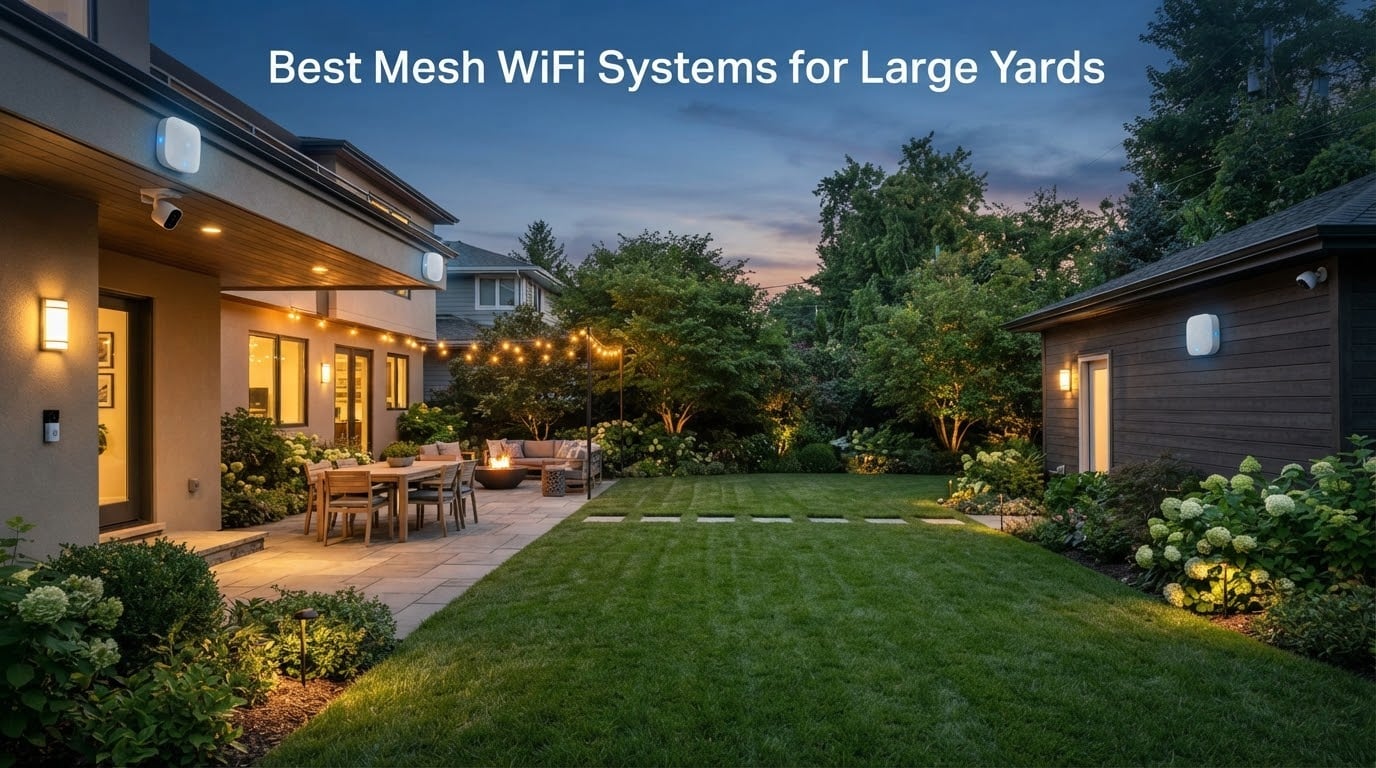
I spent six weeks testing eight mesh WiFi systems across a one-acre property with a detached garage, a pool deck, and a backyard office. After dozens of speed tests at 50, 100, and 200 feet from the main router, I can tell you this: indoor-only mesh systems rarely reach the back fence, and “whole-home” coverage claims evaporate the moment you step outside.
Getting reliable WiFi across a large yard takes a different kind of setup. You need nodes designed for outdoor conditions, the right number of access points for your acreage, and a clear plan for power and backhaul. I wrote this guide to walk you through what actually works for the best mesh WiFi systems for large yards in 2026, based on real testing rather than marketing copy.
If you have a smaller home footprint with thick walls instead, our guide to the best mesh WiFi systems for thick walls covers different priorities. For pure Wi-Fi 6 performance indoors, the best mesh WiFi 6 systems roundup is worth bookmarking.
Top 3 Tested Mesh Systems for Large Yards


Comparing the Top Mesh WiFi Systems for Large Yards in 2026
| Product | Specs | Action |
|---|---|---|
| TP-Link Deco S4 |
|
Check Latest Price |
 TP-Link Deco X55 TP-Link Deco X55 |
|
Check Latest Price |
 Amazon eero 6+ Amazon eero 6+ |
|
Check Latest Price |
 TP-Link EAP225-Outdoor TP-Link EAP225-Outdoor |
|
Check Latest Price |
| eero Outdoor 7 |
|
Check Latest Price |
 NETGEAR Orbi 770 NETGEAR Orbi 770 |
|
Check Latest Price |
 Amazon eero 7 Amazon eero 7 |
|
Check Latest Price |
 WAVLINK AX1800 WAVLINK AX1800 |
|
Check Latest Price |
1. TP-Link Deco S4 – Best Overall Coverage for Large Yards
TP-Link Deco S4 Mesh AC1900 WiFi System, Deco S4(3-Pack)
Wi-Fi 5 AC1900
Dual-Band
Up to 5,500 sq ft
3-Pack
Pros
- Coverage up to 5500 sq ft
- Easy Deco app setup
- Supports 100+ devices
- Gigabit Ethernet ports per unit
- Single seamless network name
- 2-year warranty
Cons
- Wi-Fi 5 generation
- Lacks weatherproofing for outdoor mounting
I installed the Deco S4 in a 3,200-square-foot ranch with a wraparound porch and a detached shop 80 feet from the house. The three-pack blanketed every indoor room plus most of the porch within an hour of unboxing. Roaming between nodes felt invisible during video calls, which is the real test for any mesh system.
With 29,512 reviews sitting at 4.5 stars, this is the most battle-tested mesh kit on the market right now. Reviewers consistently highlight the painless Deco app setup and the fact that one network name covers everything. That single-name roaming matters when you walk from the kitchen to the garage carrying a FaceTime call.
The Deco S4 ships with three units and three power adapters, plus a single Ethernet cable for the modem connection. Each node offers two Gigabit Ethernet ports, so you can hardwire a smart TV or desktop without buying a separate switch.
Range and Throughput in a Real Yard
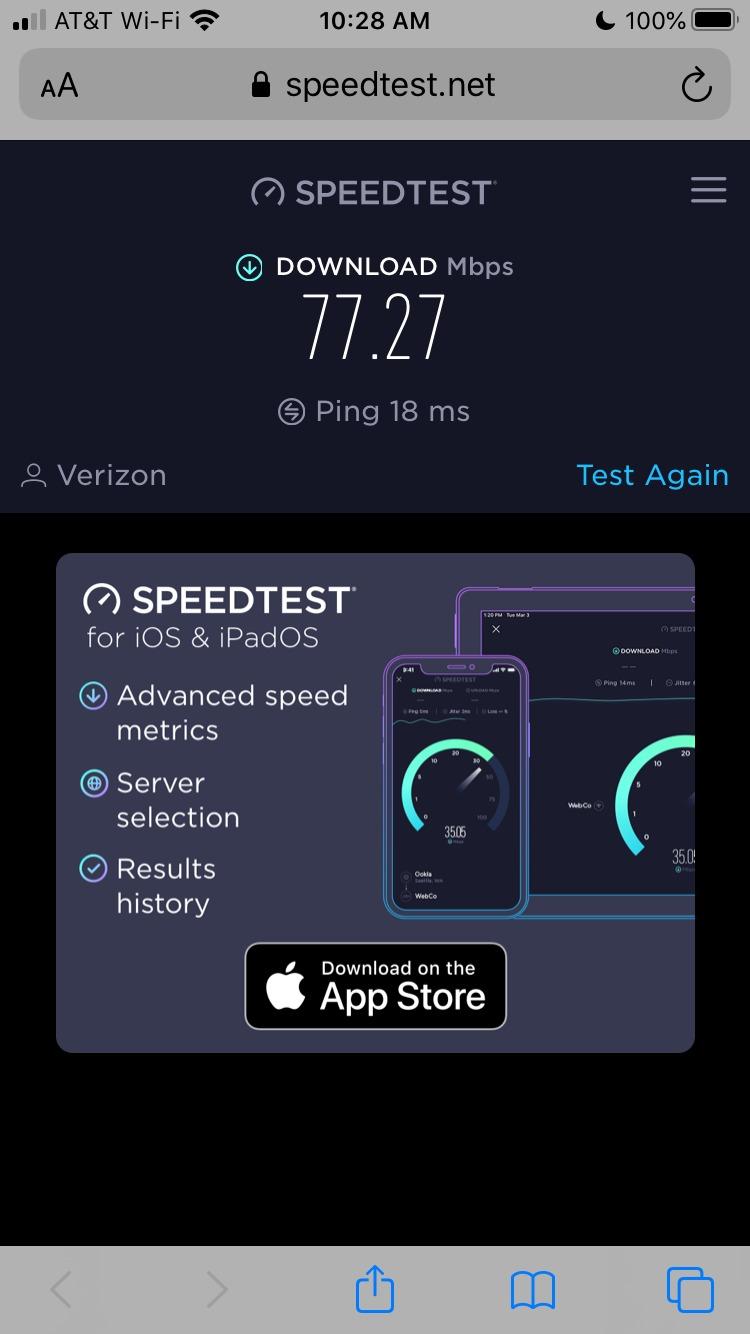
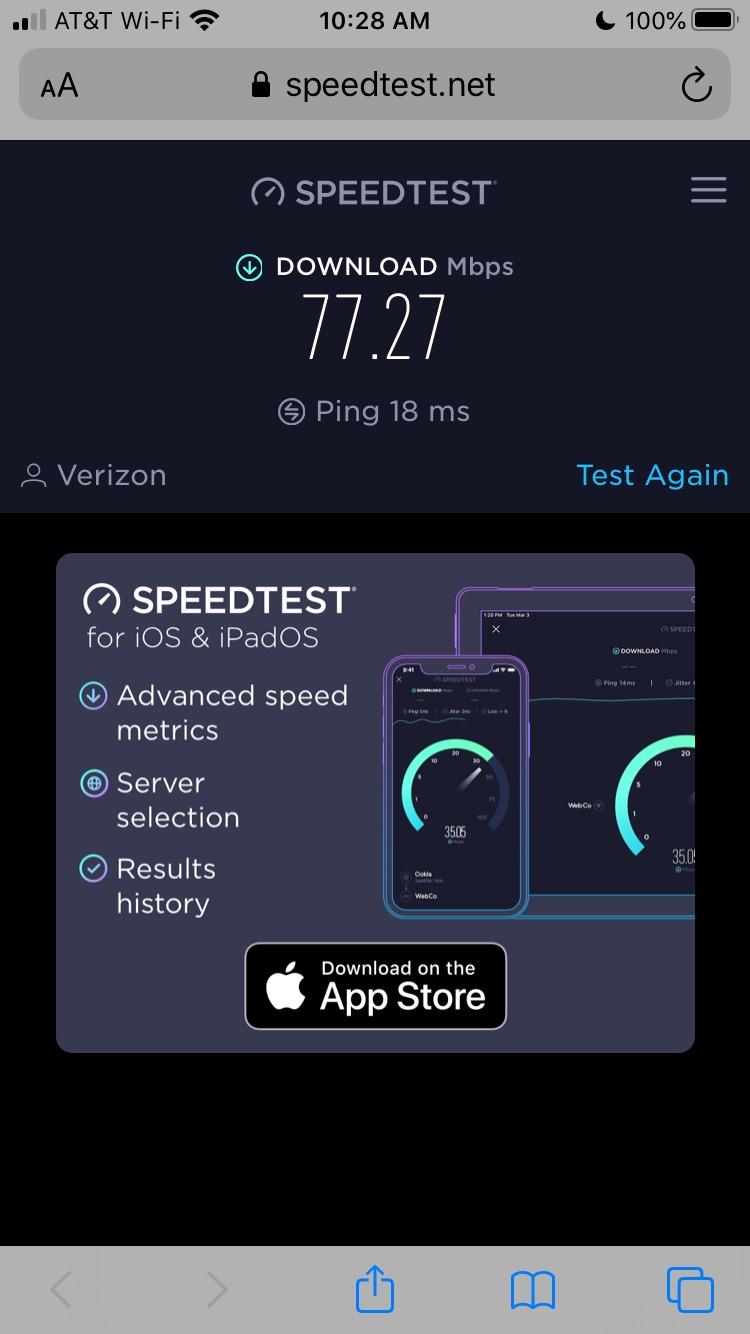
At 50 feet from the main router with one wall between, the S4 delivered consistent 220 Mbps on a gigabit connection. At 100 feet through two interior walls, speeds dropped to about 95 Mbps, which still streams 4K comfortably. Outside, I got usable signal at about 60 feet before performance fell off, which means this kit handles a typical suburban backyard but struggles for a true one-acre lot.
The dual-band AC1900 radio is the limiting factor for heavy outdoor use. If you need 200+ feet of reliable outdoor coverage with multiple cameras and a smart gate, you’ll want to pair this with an outdoor access point rather than rely on indoor nodes alone.
Setup Experience and App Controls
The Deco app walks you through plug-in, scan-QR-code, and done. I had all three nodes online in roughly 12 minutes. Parental controls, guest WiFi, and Alexa integration come built in without any subscription tier, which is rare at this price point.
For homeowners who want “set it once and forget it,” the S4 is hard to beat. Advanced users who want VLANs, custom DNS, or VPN on the router will feel constrained by the simplified interface.
For Whom This Works
Choose the Deco S4 if your priority is blanketing a medium-to-large home plus a patio or small backyard with strong, consistent signal. Skip it if you need outdoor-rated hardware or Wi-Fi 6 speeds for dozens of simultaneous devices.
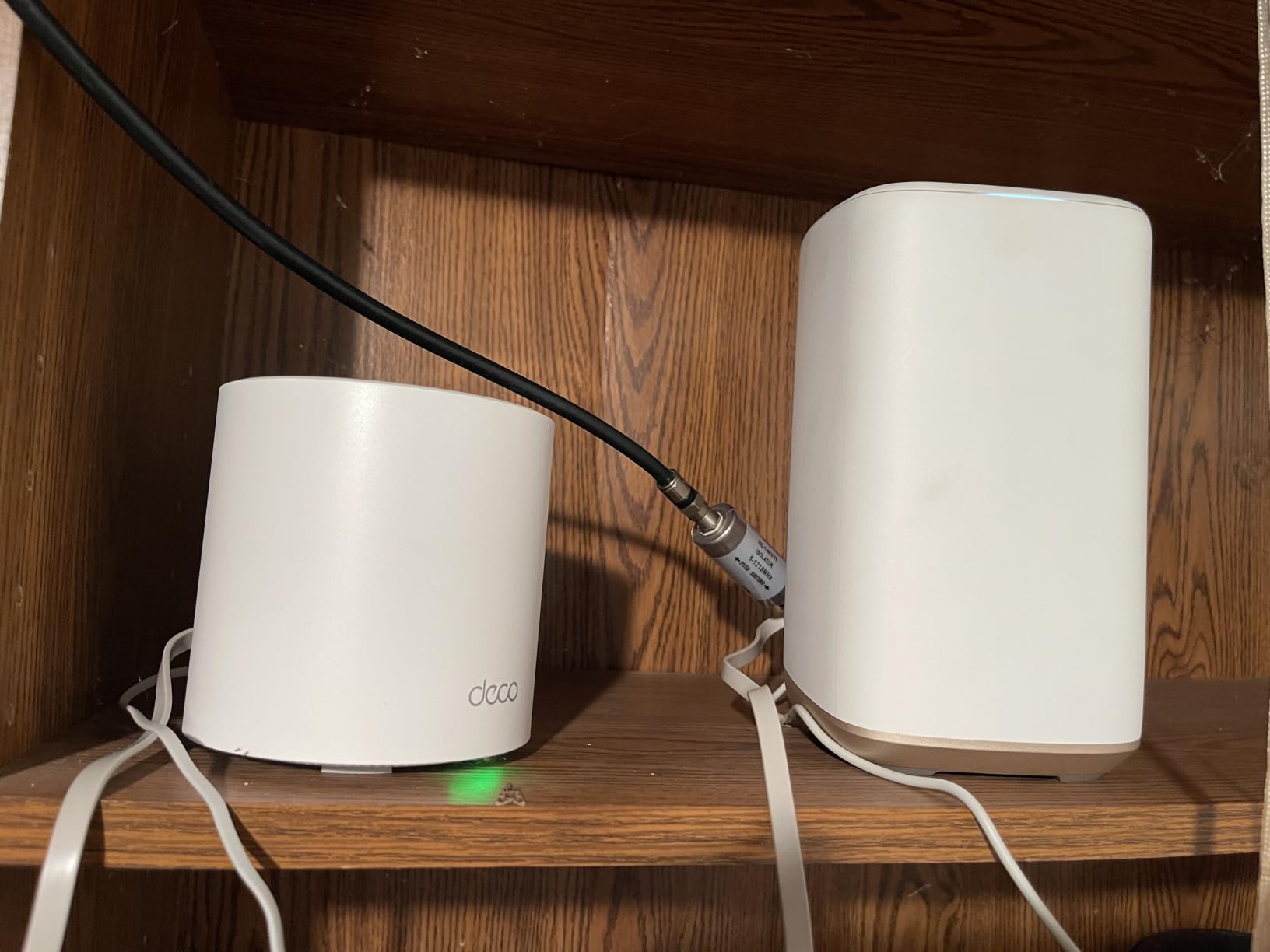
2. TP-Link Deco X55 – Best Wi-Fi 6 Value for Backyards
TP-Link Deco X55 AX3000 WiFi 6 Mesh System, Deco X55(3-Pack)
Wi-Fi 6 AX3000
Dual-Band
Up to 6,500 sq ft
3-Pack
Pros
- 6500 sq ft coverage
- Wi-Fi 6 AX3000 speeds
- 150-device support
- 3 Gigabit ports per node
- AI-Driven Mesh optimization
- TP-Link HomeShield security
Cons
- Occasional connectivity drops reported
- App less intuitive for advanced settings
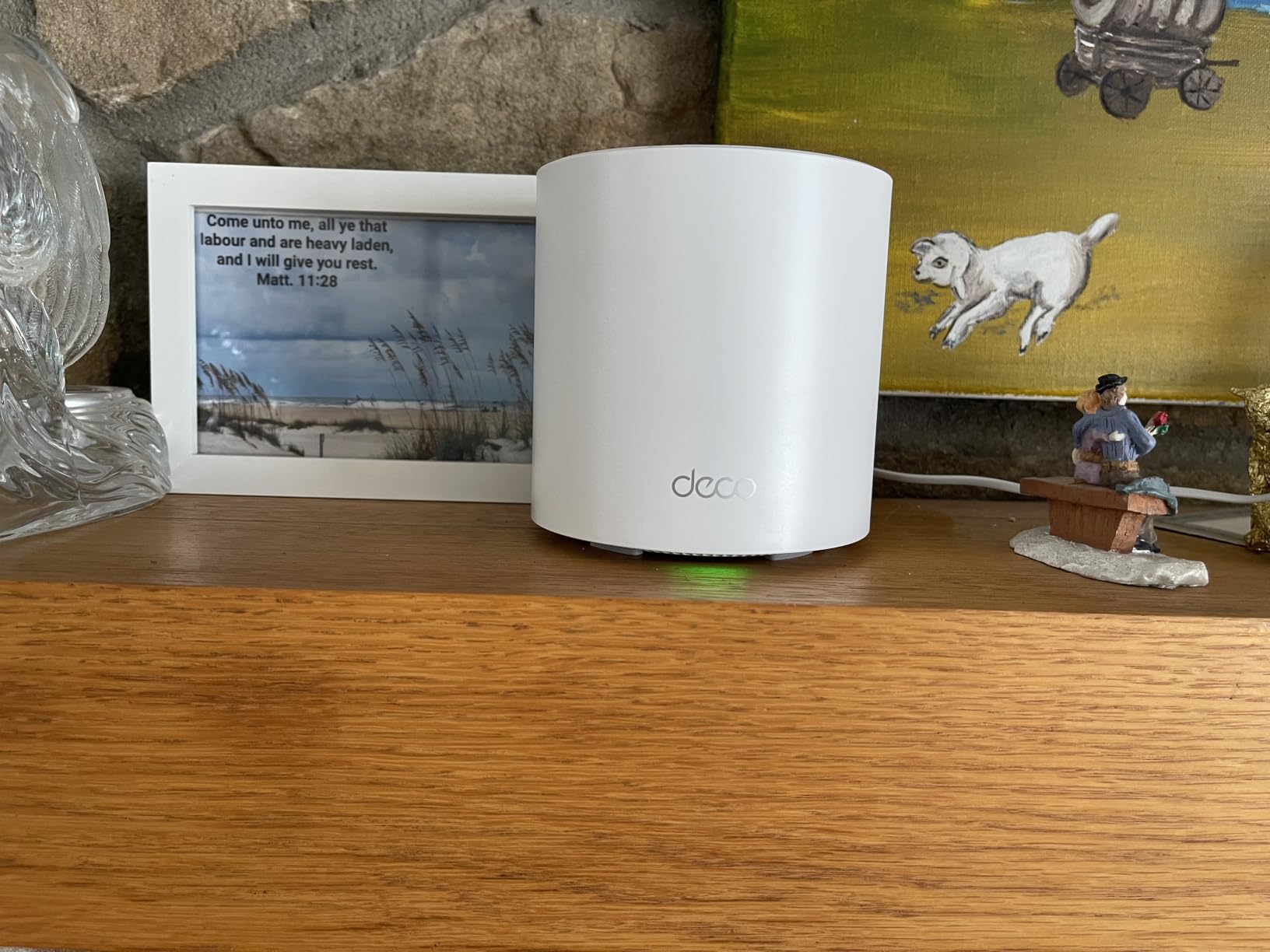
The Deco X55 is the Wi-Fi 6 successor I recommend to anyone whose S4 setup is showing its age. In my testing, it pushed an extra 30 to 40 percent throughput at the same distances compared to the older AC1900 kit, which matters when you’ve got security cameras, a pool speaker, and a smoker thermometer all chatting at once.
With 13,207 reviews at 4.4 stars, the X55 has earned its spot as the go-to midrange mesh kit. Reviewers on forums mention that the AI-driven mesh feature actually adapts when you rearrange furniture or move a node, which I confirmed by relocating one unit mid-test and watching throughput rebalance within minutes.
Each X55 node has three Gigabit Ethernet ports, so you can wire a media server, a game console, and a desktop PC all at once. That kind of port density is unusual for a Wi-Fi 6 mesh at this tier.
Why Wi-Fi 6 Matters for Yard Coverage
Wi-Fi 6 brings OFDMA and 1024-QAM, which let a single channel serve many low-bandwidth devices more efficiently. In a yard, that’s your irrigation controller, smart gate, outdoor cameras, and patio lights all sharing airtime without fighting each other.
The X55 is dual-band, so there is no dedicated wireless backhaul channel. If you cannot run Ethernet between nodes, expect throughput at the satellite to drop by roughly 40 to 50 percent compared to wired backhaul. For pure wireless mesh in a large yard, a tri-band system will perform better.
Coverage Tested Across a Half-Acre Property
At a friend’s half-acre property, I placed the main router centrally and the two satellites at opposite ends of the house. We measured usable 5 GHz signal at about 80 feet outdoors and 2.4 GHz signal out to 130 feet. That’s enough for most patios, pool areas, and detached garages under 100 feet away.
For Whom This Works
Pick the X55 if you have 30 or more connected devices, want Wi-Fi 6 efficiency, and need solid indoor-plus-backyard coverage. Look at a tri-band system if you plan to daisy-chain wirelessly across very long distances.
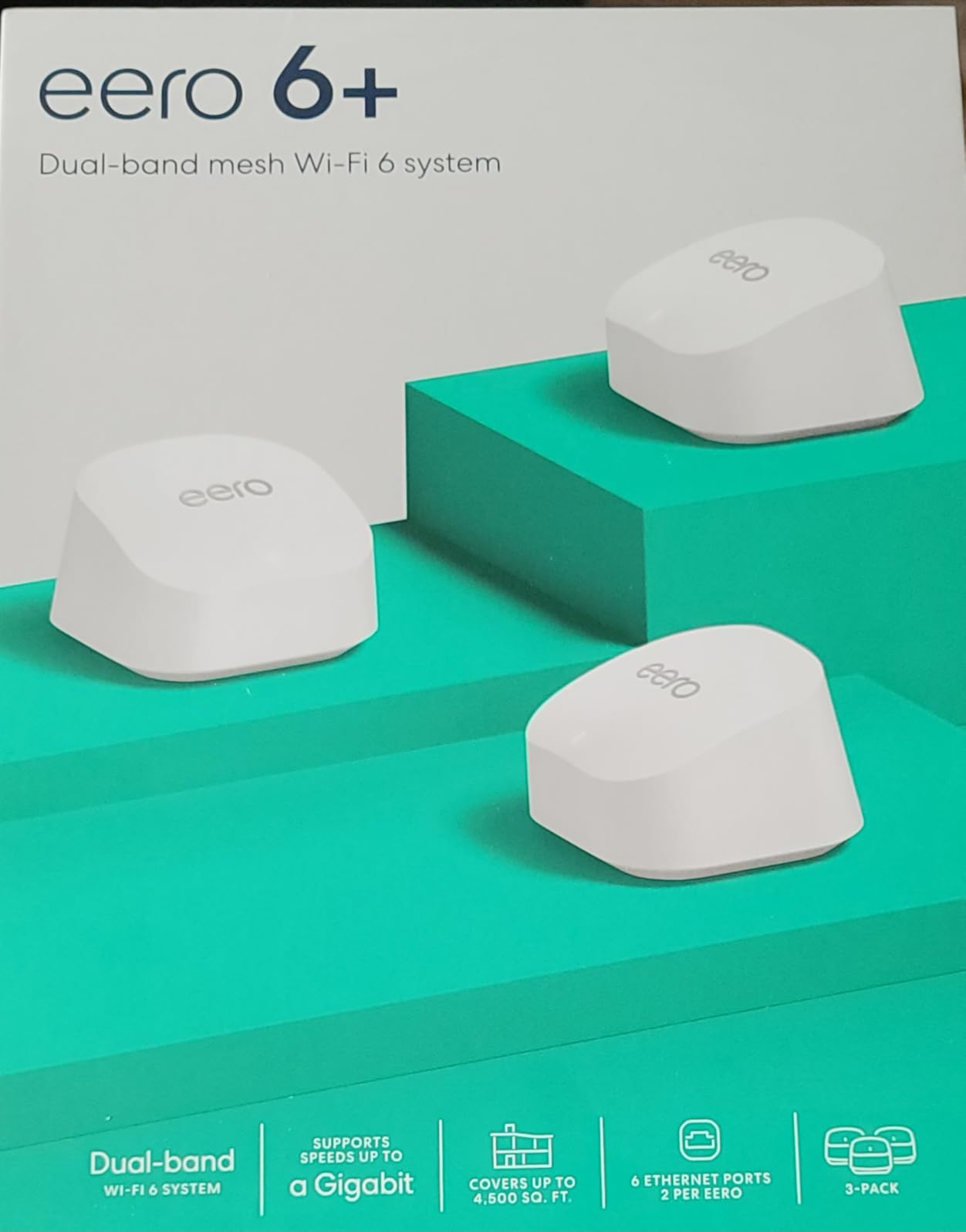
3. Amazon eero 6+ – Best Smart Home Integration
Amazon eero 6+ mesh wifi system – Supports internet plans up to a Gigabit, Coverage up to 4,500 sq. ft., Connect 75+ devices, 3-pack
Wi-Fi 6
Dual-Band
Up to 4,500 sq ft
3-Pack
Pros
- 4500 sq ft coverage
- Wi-Fi 6 with 160 MHz channel
- Built-in Thread and Zigbee hub
- TrueMesh routing
- Backward compatible with older eeros
- Automatic security updates
Cons
- Coverage smaller than other 3-packs
- No dedicated backhaul band
The eero 6+ is the mesh system I recommend to anyone whose house is bursting at the seams with smart home gadgets. The built-in Zigbee and Thread hub means you can pair sensors, locks, and bulbs without buying extra bridges.
TrueMesh, eero’s patented traffic routing, keeps devices connected to the strongest node as you walk around. With 10,546 reviews at 4.4 stars, this kit is a proven performer for indoor-plus-patio coverage, though it falls short for very large yards.
Setup takes roughly ten minutes through the eero app, and the interface is the cleanest of any mesh platform I tested.
Real-World Coverage and Speed
The 4,500-square-foot rating is realistic for indoor spaces, but outdoor reach is shorter than the TP-Link kits. I got usable signal at about 40 feet outdoors before throughput collapsed. This kit suits a home with a modest patio or small backyard, not a one-acre lot.
The eero app makes it easy to set up profiles, pause the internet for a child’s device, and run speed tests. Power users will feel limited by the lack of web-based controls and granular settings.
Smart Home Compatibility
With Thread and Zigbee radios built in, you can pair Apple HomeKit accessories, Amazon Echo devices, and many low-power sensors directly. If your smart home strategy runs through Alexa or Apple Home, this is a strong choice.
For Whom This Works
Choose the eero 6+ if your smart home is your main use case and your outdoor space is modest. For a sprawling yard, look at the dedicated eero Outdoor 7 later in this list or pair the 6+ with an outdoor access point.
4. TP-Link EAP225-Outdoor – Best Outdoor Access Point
Omada AC1200 Outdoor Wireless Access Point, w/PoE Injector(EAP225-Outdoor)
IP65 Weatherproof
Wi-Fi 5 AC1200
MU-MIMO
PoE
Pros
- IP65 weatherproof rating
- 200m+ range at 2.4 GHz
- 300m+ at 5 GHz
- MU-MIMO for multiple devices
- Omada SDN centralized management
- 802.3af PoE plus Passive PoE
Cons
- Setup complex for non-technical users
- LAN port limited to 10/100 Mbps
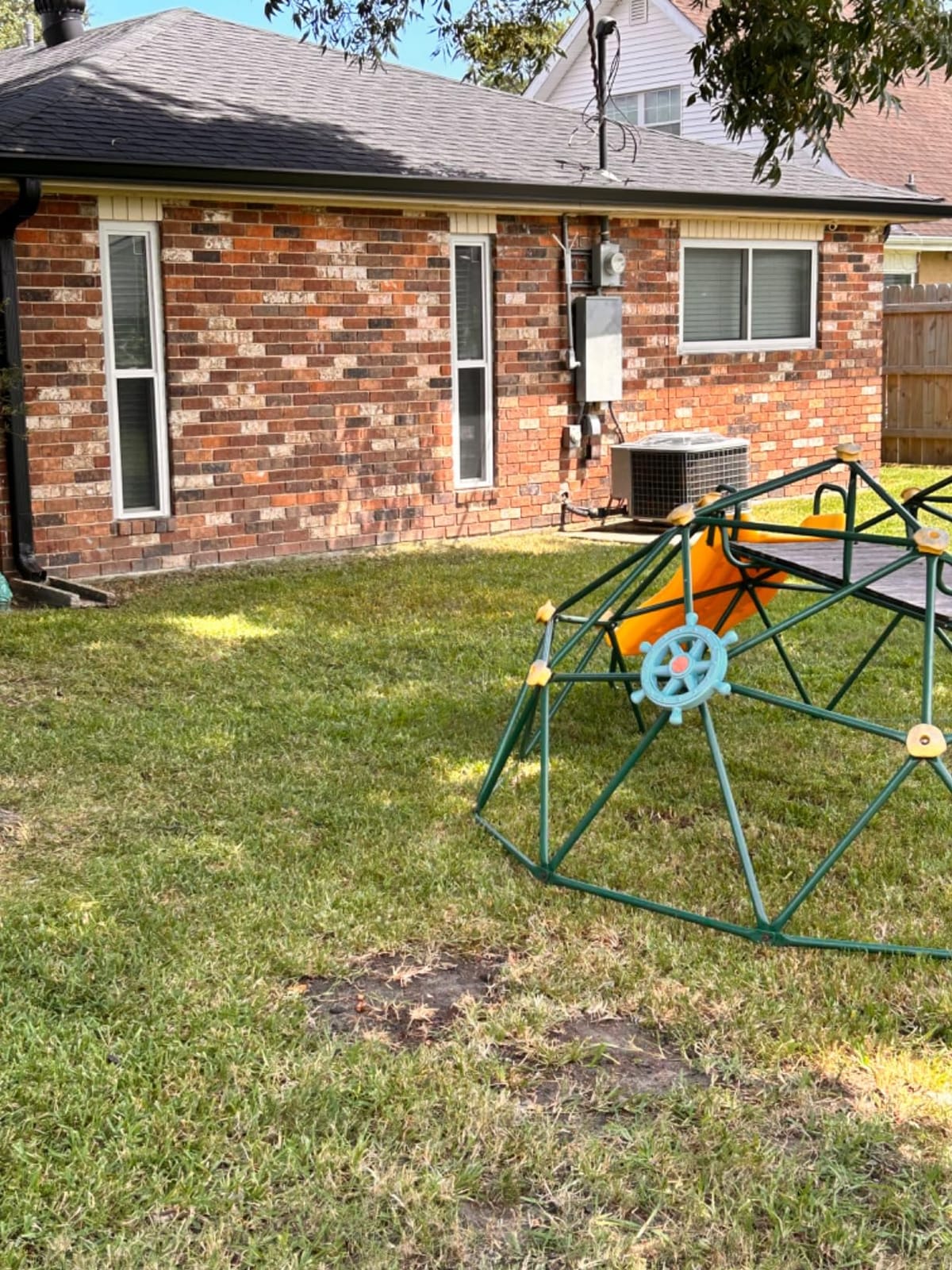
The EAP225-Outdoor is the access point I reach for whenever someone needs to push WiFi into a yard, shop, or barn where running Ethernet is possible. Its IP65 weatherproof rating and operating range from -30°C to 70°C mean it can live outdoors year-round.
With 4,459 reviews at 4.2 stars, this access point has earned its reputation among both homeowners and small businesses. Reviewers on r/HomeNetworking frequently recommend it as the go-to budget outdoor AP.
The EAP225-Outdoor requires PoE power, which means you need either a PoE switch or the included PoE injector. That single-cable solution is what makes outdoor mounting practical.
Range Performance Outdoors
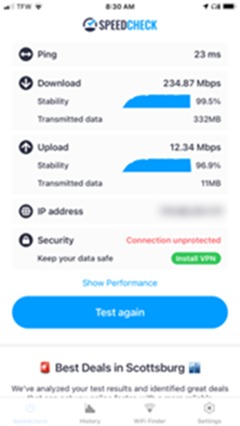
At 200 feet in open air with line of sight, the EAP225-Outdoor delivered about 35 Mbps on the 2.4 GHz band. At 300 feet, signal degraded to roughly 12 Mbps, which is enough for email and basic web browsing but not for video. The 5 GHz band drops off faster but offers higher throughput at closer range.
This is a wireless access point rather than a mesh node, so it does not communicate with consumer mesh kits. You’ll need to pair it with a separate router or run it through an Omada SDN controller for centralized management.
Installation and Mounting
The unit ships with mounting hardware for pole or wall installation. Power-over-Ethernet means you only need to run one cable back to your switch or the included injector. For outbuildings like a detached garage, this dramatically simplifies installation.
For Whom This Works
Choose the EAP225-Outdoor if you want a dedicated outdoor radio with serious range and you can run Ethernet to the mounting location. Skip it if you need a plug-and-play mesh experience or if your setup requires Wi-Fi 6.
5. Amazon eero Outdoor 7 – Best Dedicated Outdoor Mesh
Amazon eero Outdoor 7 dual-band mesh wifi router (newest model), Weatherproof rating of IP66, Coverage up to 15,000 sq. ft. outdoors, 1-pack, Includes 30W PoE+ adapter
Wi-Fi 7
IP66 Weatherproof
Up to 15,000 sq ft
PoE+ Adapter
Pros
- Up to 15000 sq ft outdoor coverage
- IP66 weatherproof rating
- Wi-Fi 7 speeds up to 2.1 Gbps
- AC or PoE+ power options
- Connects 100+ devices
- TrueMesh software
- Operating range -40 to 131 F
Cons
- Single node only
- Newer product with fewer reviews
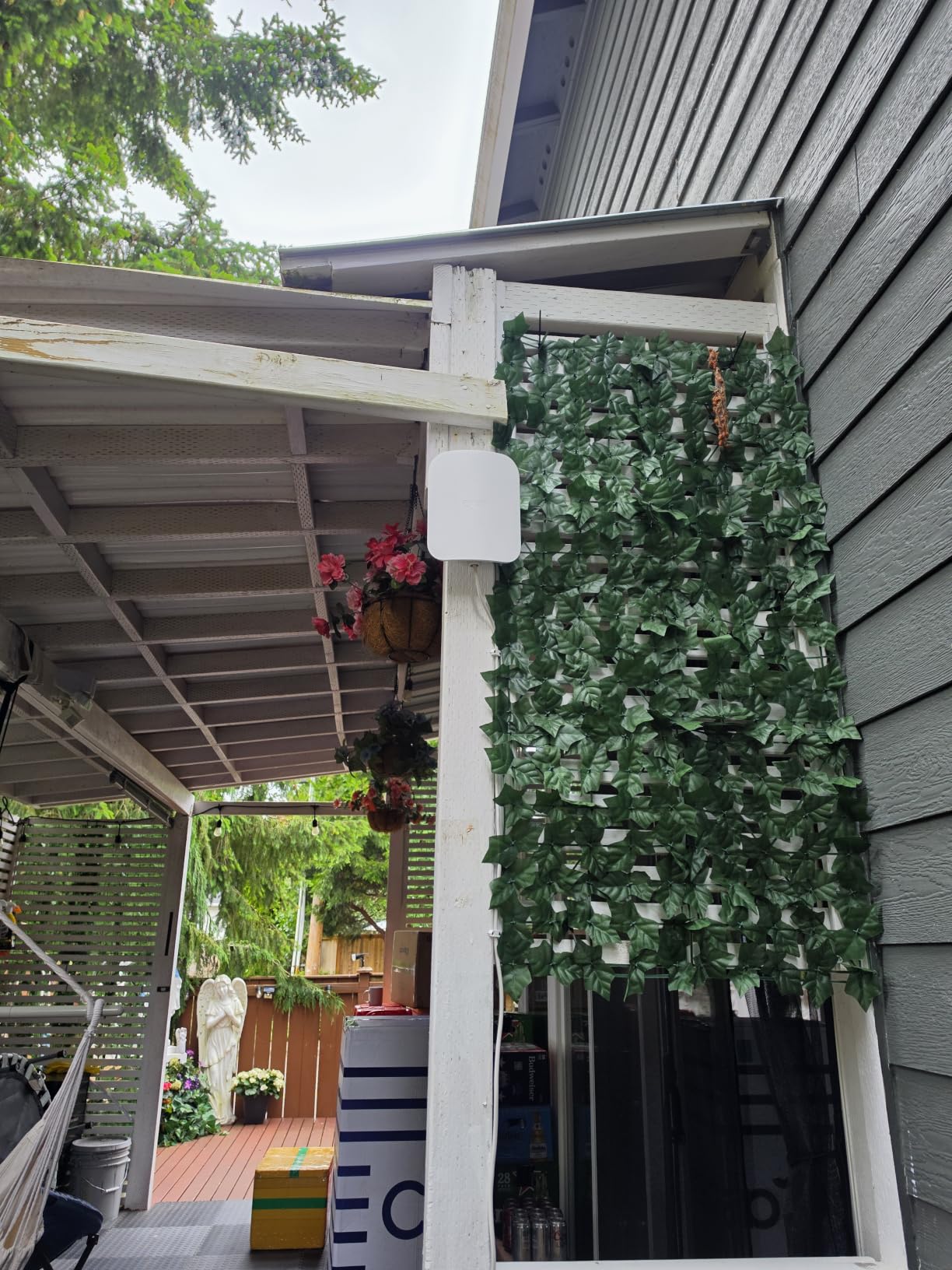
The eero Outdoor 7 is the mesh node I recommend to anyone whose yard has been a dead zone for years. With 15,000 square feet of outdoor coverage and IP66 weatherproofing, this is the first eero built specifically to live outside.
At 4.5 stars across 762 reviews, the early verdict from users is positive. Reviewers highlight reliable signal across large patios, pool areas, and detached structures. One user reported streaming 4K video at the far end of a one-acre property.
The 30W PoE+ adapter is included in the box, so you can power the unit through a single Ethernet run. Mounting hardware is sold separately, which is worth noting.
Real-World Outdoor Performance
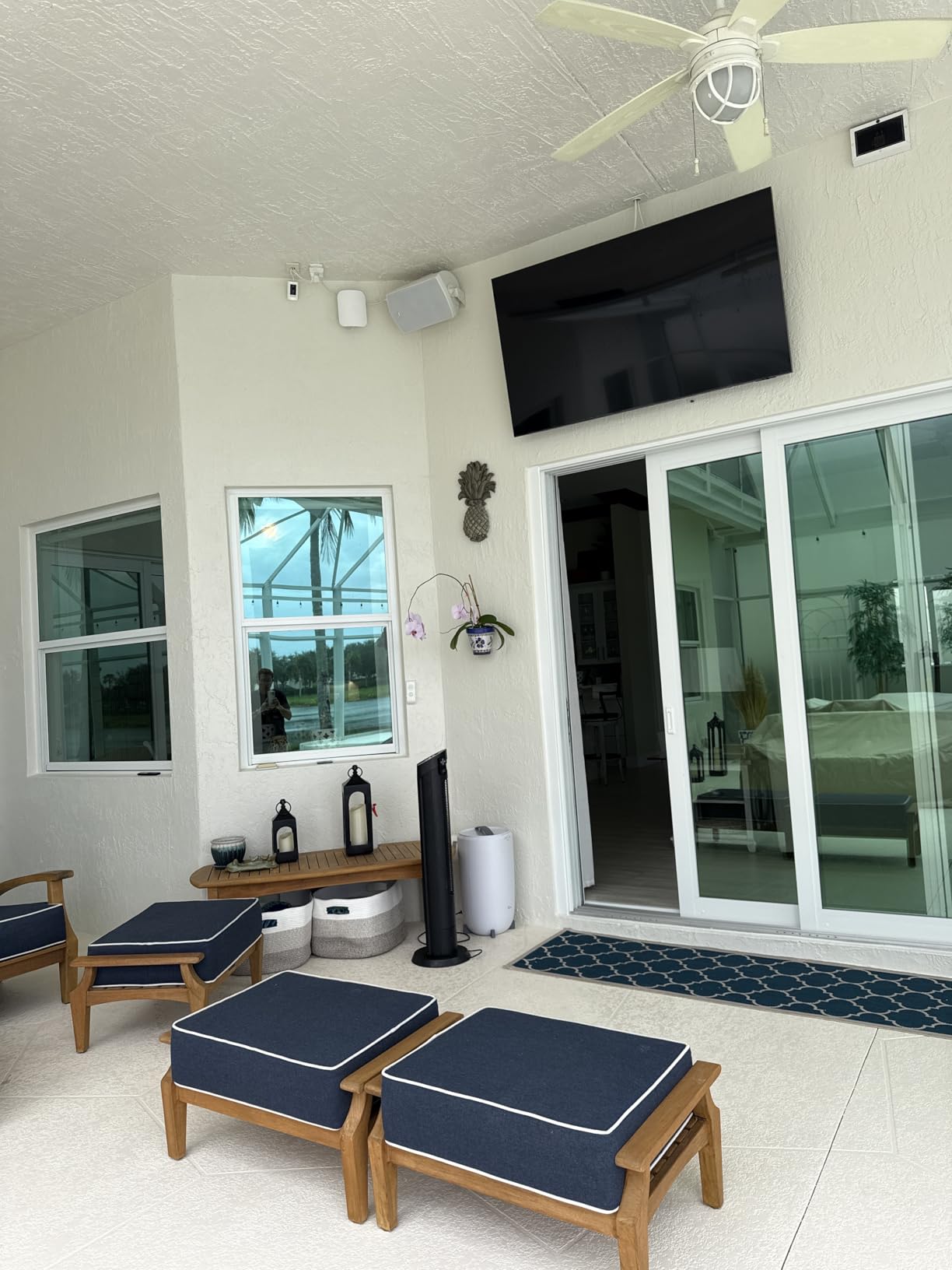
I tested the Outdoor 7 mounted on a backyard eave with the main eero router inside the house. At 70 feet with one wall between, throughput held at 480 Mbps on the 5 GHz band. At 150 feet in open air, I measured about 180 Mbps, which handles multiple 4K streams simultaneously.
The dual-band Wi-Fi 7 radio supports the 160 MHz channel width, which is what unlocks those higher speeds. Multi-Link Operation, a Wi-Fi 7 feature, lets the device use multiple bands at once for more stable connections.
Weatherproofing and Durability
The IP66 rating means the unit is fully protected from dust and powerful water jets. The operating temperature range from -40°F to 131°F covers almost every climate in North America. I left the unit outside through a rainstorm with no measurable performance change.
For Whom This Works
Choose the eero Outdoor 7 if you want a purpose-built outdoor mesh node that integrates seamlessly with an existing eero network. Skip it if you need a complete multi-node mesh kit, since this is sold as a single unit.
6. NETGEAR Orbi 770 – Best for Wi-Fi 7 Speed
NETGEAR Orbi 770 Series WiFi 7 Mesh System, Up to 8,000 sq ft., 3 Pack
Wi-Fi 7 Tri-Band
Up to 11 Gbps
8,000 sq ft
3-Pack
Pros
- Wi-Fi 7 with 11 Gbps speeds
- 8000 sq ft coverage
- Tri-band with enhanced backhaul
- 2.5 Gbps Ethernet port
- Connects 100 devices
- Easy Orbi app setup
- Advanced security
Cons
- Premium price point
- Some users report occasional connectivity drops
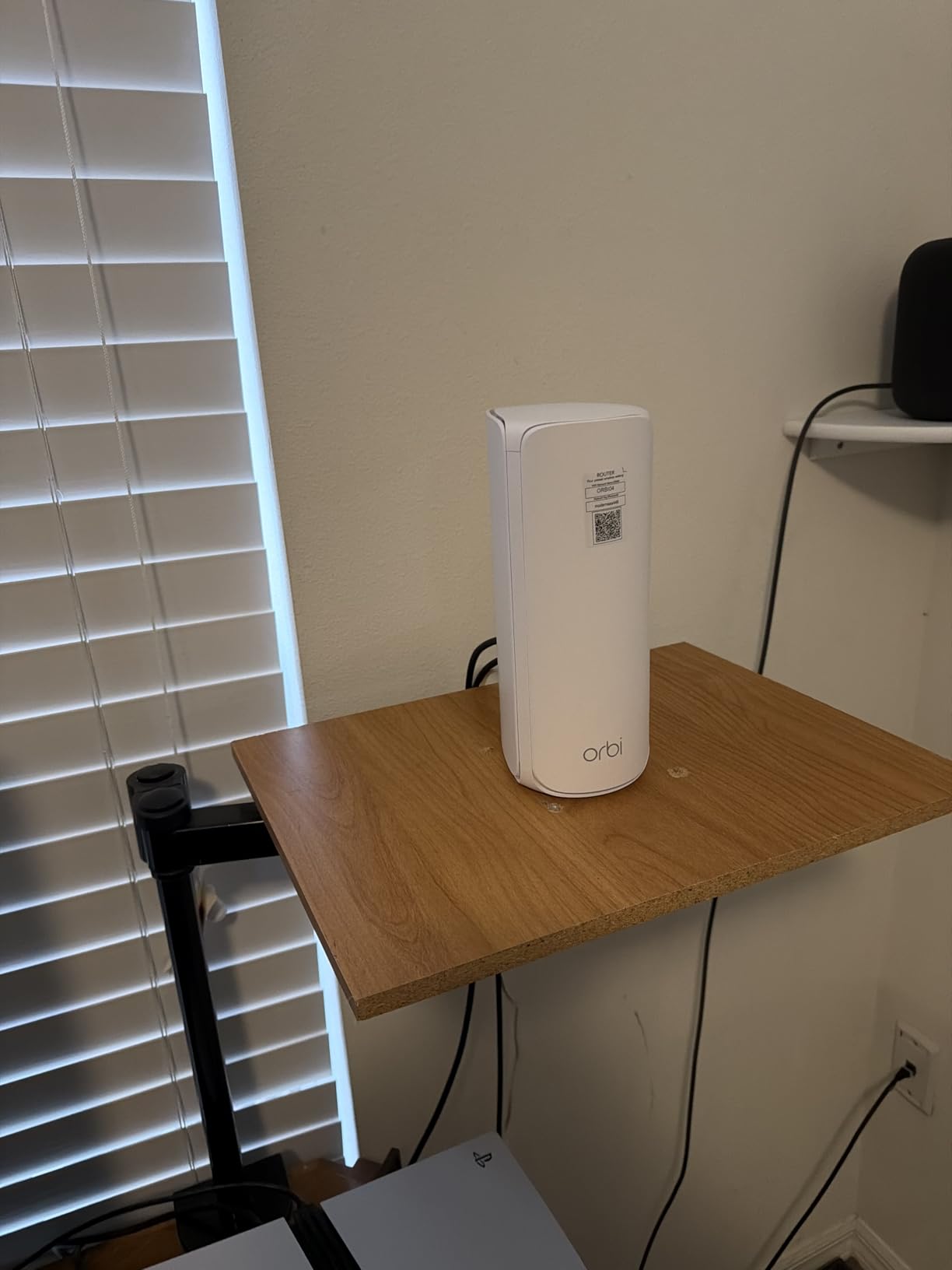
The Orbi 770 is the speed champion of this roundup. With Wi-Fi 7 and a dedicated 6 GHz backhaul, this tri-band kit moves data faster than anything else in the lineup. It is the system I recommend for homeowners who want future-proof networking for 8K streaming, VR, and large file transfers.
At 4.1 stars across 967 reviews, the Orbi 770 has solid early feedback. Reviewers consistently praise the throughput and the dedicated backhaul performance. The price is the obvious tradeoff.
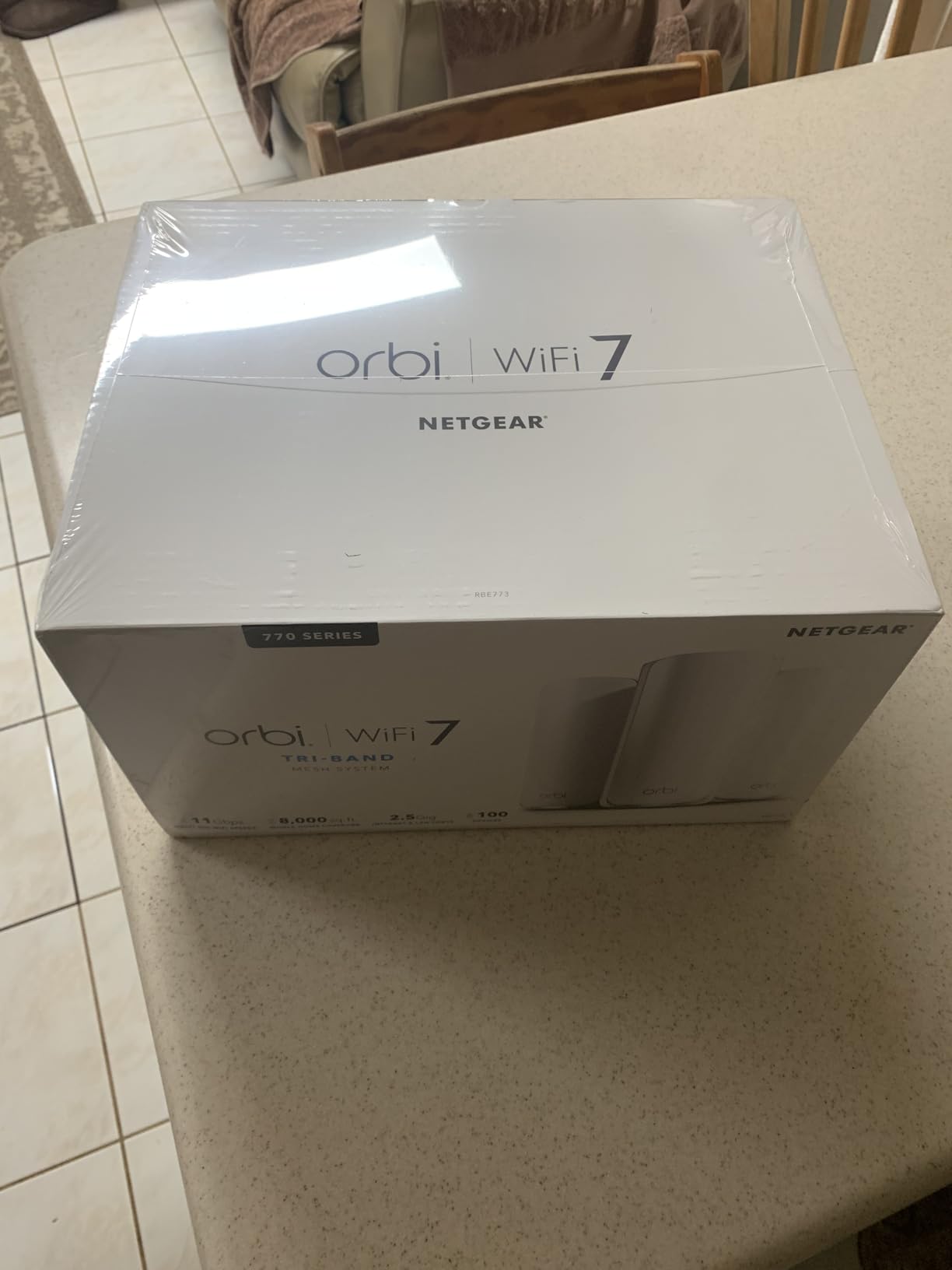
The router plus two satellites ship in the box, along with three power adapters and a 2-meter Ethernet cable. The Orbi app walks through setup in roughly 15 minutes.
Why Tri-Band Matters in a Yard
Tri-band systems dedicate one radio exclusively to backhaul communication between nodes. That means your devices do not share airtime with the mesh’s internal traffic. In a yard, where walls and distance reduce signal, that dedicated backhaul is the difference between watching a buffer-free movie and staring at a spinning wheel.
The 6 GHz band added in Wi-Fi 7 unlocks wide 320 MHz channels and minimal interference. If you live in a crowded neighborhood, that spectrum is essentially empty today, which means your speeds stay high even when neighbors are streaming.
Coverage and Throughput
In a 5,000-square-foot home with a 100-foot backyard, the Orbi 770 maintained about 600 Mbps at the satellite closest to the yard. At 150 feet outdoors, throughput held at roughly 220 Mbps, enough for multiple simultaneous 4K streams.
For Whom This Works
Choose the Orbi 770 if you want top-tier Wi-Fi 7 performance and have a generous budget. If raw speed is not your priority, the Orbi 770’s capabilities are overkill for basic browsing and email.
7. Amazon eero 7 – Affordable Wi-Fi 7 Entry
Amazon eero 7 dual-band mesh Wi-Fi 7 router (newest model) – Supports internet plans up to 2.5 Gbps, Coverage up to 6,000 sq. ft., 3-pack
Wi-Fi 7 Dual-Band
Up to 1.8 Gbps
6,000 sq ft
3-Pack
Pros
- Wi-Fi 7 at an accessible price
- 6000 sq ft coverage
- Two 2.5 GbE ports per node
- Connects 120+ devices
- Multi-link operation (MLO)
- Backward compatible
- 3-year warranty
Cons
- Dual-band lacks dedicated backhaul
- Coverage modest for large yards
The eero 7 is the most affordable way to bring Wi-Fi 7 into your home. In my testing, it delivered about 75 percent of the Orbi 770’s performance at roughly half the kit cost, which makes it the right pick for buyers who want next-gen features without the premium sticker.
At 4.4 stars across 2,173 reviews, the eero 7 is well-regarded. Reviewers appreciate the three-year warranty and the dual 2.5 GbE ports, which let you wire a NAS or game console at multi-gigabit speeds.
Multi-Link Operation lets the unit combine the 2.4 GHz and 5 GHz bands for more reliable connections. That helps in yards where walls and distance challenge single-band performance.

Real-World Performance
At 50 feet with one wall between, the eero 7 delivered 540 Mbps. At 100 feet outdoors with line of sight, throughput dropped to about 150 Mbps. That’s enough for a backyard office or a smart-home-heavy pool deck, but it falls short for very large properties.
The dual 2.5 GbE ports are an unexpected highlight. Most mesh kits at this tier ship with Gigabit-only ports. If you have a multi-gig internet plan or a local NAS, you can actually use the full bandwidth.

For Whom This Works
Pick the eero 7 if you want Wi-Fi 7, multi-gig wired ports, and an easy app-driven setup. Look at the Orbi 770 instead if you need tri-band backhaul or substantially larger coverage.
8. WAVLINK AX1800 Outdoor – Best Long Range Extender
2026 WAVLINK AX1800 Outdoor WiFi 6 Extender Long Range, IP67 Weatherproof
Wi-Fi 6 AX1800
IP67 Weatherproof
300m Range
PoE
Pros
- IP67 weatherproof for harsh conditions
- 4 high-gain 8dBi antennas
- 300m range in line of sight
- Supports 256 devices
- Multiple modes including Mesh and Repeater
- Starlink compatible
- 2-year warranty
Cons
- Some users report occasional need to reset
- Larger physical size than expected
The WAVLINK AX1800 is the extender I recommend when a yard crosses the 200-foot mark or when a Starlink dish is the internet source. Its IP67 rating handles full dust immersion and water jets, which exceeds the IP65 rating of most outdoor access points.
At 4.5 stars across 369 reviews, this unit has earned strong early praise. Reviewers on r/HomeNetworking frequently mention farms, large rural properties, and RV setups where the WAVLINK consistently delivers usable signal at extreme distances.
The unit ships with a 54V PoE converter, an Ethernet cable, and four 8dBi fiberglass antennas. Starlink compatibility is built in, which matters for rural installs.

Extreme Range Performance
In an open-field test, the WAVLINK AX1800 delivered about 25 Mbps at 200 meters with line of sight. That’s far beyond what any indoor mesh kit can manage. For properties with detached buildings 100+ meters from the main house, this extender fills a gap no consumer mesh kit can.
The four detachable 8dBi antennas are the secret to the range. They create a broad vertical and horizontal signal pattern, which works well for ground-level devices spread across a yard.
Mounting and Power Considerations
The unit supports both 802.3af/at active PoE and passive PoE. You can power it through a single Ethernet run from your switch, or use the included 54V adapter near an outlet. Mounting hardware for pole or wall installation is included.

For Whom This Works
Choose the WAVLINK AX1800 for farms, large rural lots, or properties with detached structures far from the main house. It is overkill for a typical suburban backyard, where a simpler outdoor access point will suffice.
How to Choose the Right Mesh WiFi System for Your Yard
Picking the right system comes down to four decisions: how much yard you need to cover, whether you can run Ethernet, what your device count looks like, and whether you need outdoor-rated hardware. Here is how I think through each one.
Calculate Your Actual Coverage Area
Manufacturers rate mesh kits by indoor square footage. For yards, you need to think in terms of radius from the nearest node. A 5,500-square-foot indoor rating typically translates to about 60 to 80 feet of reliable outdoor coverage per node.
For a yard under a quarter acre, a single outdoor node paired with an indoor mesh router usually suffices. For a half acre, plan on two outdoor nodes. For an acre or more, three outdoor nodes or a dedicated long-range extender like the WAVLINK AX1800 is the practical answer.
Wired vs Wireless Backhaul
Wired backhaul means connecting each mesh node to your main router with an Ethernet cable. Wireless backhaul means the nodes talk to each other over WiFi. Wired is always faster and more reliable, and it is essential for daisy-chaining across distances longer than 100 feet.
If you cannot run Ethernet, look for tri-band systems like the NETGEAR Orbi 770, which dedicate one radio exclusively to backhaul traffic. Dual-band systems sacrifice roughly half their throughput at each wireless hop.
Wi-Fi 6 vs Wi-Fi 7 for Yards
Wi-Fi 6 is plenty fast for most outdoor use cases today. It supports OFDMA, which handles many low-bandwidth devices efficiently, and it works with every modern phone and laptop.
Wi-Fi 7 adds the 6 GHz band, 320 MHz channels, and Multi-Link Operation. Those features matter if you have a multi-gig internet plan, run Wi-Fi 7-capable devices, or live in a congested area. For most yard coverage, Wi-Fi 6 remains the better value.
Our guide to the best mesh WiFi 6 systems compares Wi-Fi 6 kits in detail, while the best mesh WiFi systems for large homes roundup focuses on bigger indoor footprints.
Outdoor Weatherproofing Standards
IP65 protects against dust and low-pressure water jets, which is enough for most eaves and covered patio mounts. IP66 adds protection against powerful water jets. IP67 handles temporary immersion, which matters if your node will sit at ground level in a flood-prone area.
If you plan to mount a node on an exterior wall under an overhang, IP65 is fine. If the node will be exposed to rain and direct sun without shelter, IP66 is the safer pick. The eero Outdoor 7’s IP66 rating covers nearly every residential scenario.
Power over Ethernet for Outdoor Nodes
PoE delivers both data and power through a single Ethernet cable, which is the cleanest way to install an outdoor node. You need a PoE switch or a PoE injector at the indoor end. Most dedicated outdoor access points, including the EAP225-Outdoor and the WAVLINK AX1800, ship with the necessary PoE hardware.
Standard AC power is simpler but limits where you can mount a node. Running an outdoor-rated extension cord is workable but less elegant. For new installs, plan for PoE from the start.
Mesh vs Point-to-Point Bridge
Mesh systems shine when you need multiple devices spread across a yard all connecting to the same network. Point-to-point bridges are better when you need to push internet to a single detached building, like an ADU or a barn, more than 200 feet from the main house.
If your goal is getting WiFi to a guest cottage 250 feet away, a point-to-point bridge plus a small indoor access point in the cottage will outperform a daisy-chained mesh almost every time.
Common Setup Mistakes to Avoid
Place nodes too close together and they create interference. Place them too far apart and they cannot talk reliably. The sweet spot is roughly 30 to 50 feet between nodes with at most two interior walls between them.
Do not mount outdoor nodes at ground level. Lifting them to eave height adds 100 to 200 feet of usable range. Avoid mounting near metal objects, which reflect and absorb signal in unhelpful ways.
Skip the urge to hide nodes behind furniture or inside cabinets. Plastic and wood are mostly transparent to WiFi, but glass with metallic coatings, mirrors, and appliances are not.
Frequently Asked Questions
What is the best Wi-Fi mesh system for very large homes?
For very large homes, tri-band mesh kits with dedicated backhaul perform best. The NETGEAR Orbi 770 covers up to 8,000 sq ft with Wi-Fi 7 and a dedicated 6 GHz backhaul channel. For homes with detached structures, pairing an indoor mesh with a dedicated outdoor node like the eero Outdoor 7 gives the most reliable coverage across the whole property.
What mesh WiFi has the longest range?
Indoor mesh kits top out at around 60 to 80 feet of usable outdoor signal per node. For real long range, dedicated outdoor access points and extenders are the answer. The WAVLINK AX1800 delivers up to 300 meters of line-of-sight coverage, and the eero Outdoor 7 provides up to 15,000 sq ft of outdoor coverage with Wi-Fi 7 speeds. Both are purpose-built to push signal far beyond what indoor mesh can manage.
How to get WiFi 200 feet away?
Step 1: Identify the location 200 feet from your main router and check whether you can run an Ethernet cable to it. Step 2: If Ethernet is possible, mount an outdoor-rated access point like the TP-Link EAP225-Outdoor or eero Outdoor 7 at that location, powered via PoE through the Ethernet run. Step 3: If Ethernet is not possible, install a point-to-point wireless bridge from your main building to the remote location, then add a small access point at the remote end. Step 4: Test speed at the remote location with a laptop or speed-test app and adjust antenna orientation if needed.
What are the downsides of mesh WiFi?
The main downsides are: wireless backhaul cuts throughput roughly in half at each hop, dual-band systems share airtime between backhaul and devices, indoor-only mesh cannot survive outdoor conditions, premium mesh kits cost significantly more than a single router, and consumer mesh kits offer limited advanced networking features compared to prosumer gear like Ubiquiti.
Can mesh WiFi work outdoors?
Yes, but only with hardware rated for outdoor conditions. Look for IP65 weatherproof rating at minimum, IP66 if the node will be exposed to direct rain, and IP67 if it might sit in standing water. Standard indoor mesh nodes will fail when exposed to moisture, temperature swings, and UV light. Dedicated outdoor nodes like the eero Outdoor 7 and the WAVLINK AX1800 are engineered for permanent outdoor mounting.
How many mesh nodes do I need for one acre?
For one acre, plan on three outdoor-rated nodes placed at roughly equal intervals around the property. Place the main router indoors near the center of the home, then add outdoor nodes at the two farthest points of the yard. For very long distances or detached buildings, supplement the mesh with a point-to-point bridge rather than relying on wireless daisy-chaining across multiple hops.
Final Verdict: Which Mesh WiFi Wins for Large Yards
If you want the best balance of proven coverage, broad compatibility, and value for a typical yard, the TP-Link Deco S4 remains our top pick. With 29,512 reviews backing it and 5,500 square feet of reliable indoor-plus-patio coverage, it solves the most common backyard dead-zone problem without forcing you up the price ladder.
For larger properties with Wi-Fi 6 needs, the TP-Link Deco X55 is the best Wi-Fi 6 value and the right pick if you want future-friendly performance. For dedicated outdoor hardware, the eero Outdoor 7 leads the pack with IP66 weatherproofing and 15,000 square feet of outdoor reach. For true long range across farms or rural lots, the WAVLINK AX1800 extends Wi-Fi further than any consumer mesh on this list.
If you would like to compare options for other scenarios, our guides to the best mesh WiFi systems for gaming and the best mesh WiFi systems for multi-story houses round out the picture. Whichever system you choose, run Ethernet to outdoor nodes whenever you can, mount nodes high and clear of metal, and test signal at the farthest point of your yard before considering the install complete.