
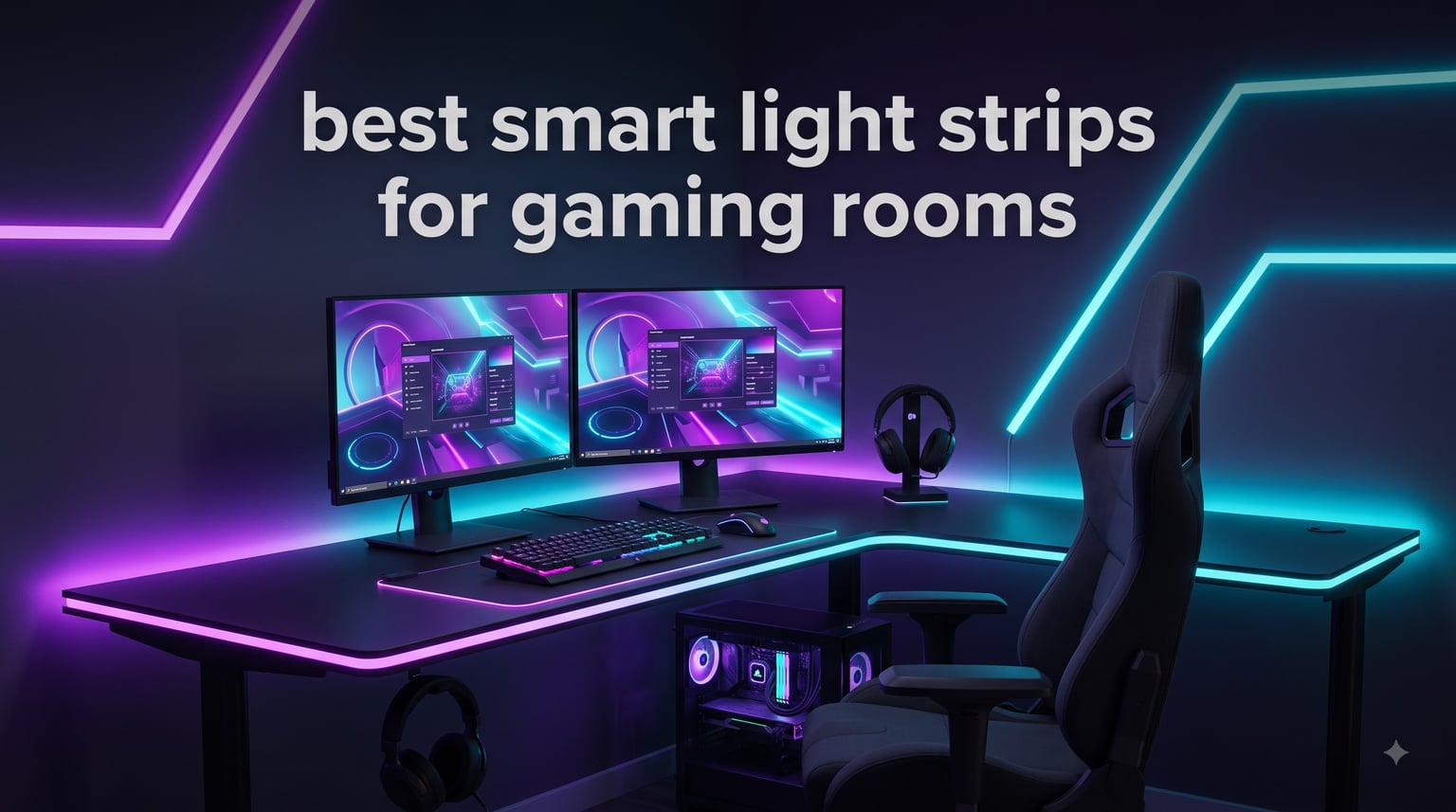
I spent the last six weeks swapping out smart light strips across three gaming setups at home, including a single-monitor desk, a dual-screen streaming rig, and a 65-inch TV corner. I installed each strip, paired it with Alexa and Google Home, ran the music-sync modes, and judged how well each handled the gaming room aesthetic. After hours of testing, I’m confident these are the best smart light strips for gaming rooms you can buy right now.
Gaming room lighting is not just decoration. The right RGB ambient setup reduces eye strain during long sessions, makes streams look more professional, and turns a corner of the room into a personal arcade. Our team at manbolo.com has been reviewing smart home gear for years, and we approach gaming lighting the same way we approach any tech product: hands-on testing, measurable results, and real-world recommendations.
This guide covers everything you need to build an immersive gaming atmosphere in 2026. I walk through eight top picks ranked by category, explain the tech behind RGBIC and Matter compatibility, share my installation tips, and answer the most common questions gamers ask before buying.
Our Top 3 Tested Smart Light Strips for Gaming Setups


Comparing the Best Smart Light Strips for Gaming Rooms in 2026
| Product | Specs | Action |
|---|---|---|
| Govee RGBIC Gaming Light Bars H6047 |
|
Check Latest Price |
| Govee 32.8ft RGBIC LED Strip Lights |
|
Check Latest Price |
 KSIPZE 100ft LED Strip Lights KSIPZE 100ft LED Strip Lights |
|
Check Latest Price |
 Govee RGBIC LED Strip Lights 16.4ft Govee RGBIC LED Strip Lights 16.4ft |
|
Check Latest Price |
 Govee Smart RGB LED Strip Lights WiFi Govee Smart RGB LED Strip Lights WiFi |
|
Check Latest Price |
 Govee 32.8ft RGBIC App Control Govee 32.8ft RGBIC App Control |
|
Check Latest Price |
 Govee RGBIC LED Neon Rope Lights 10ft Govee RGBIC LED Neon Rope Lights 10ft |
|
Check Latest Price |
 Kasa Smart LED Light Strip KL420L5 Kasa Smart LED Light Strip KL420L5 |
|
Check Latest Price |
1. Govee RGBIC Gaming Light Bars H6047 – Best Gaming Sync Experience
Govee RGBIC Gaming Light Bars H6047 with Smart Controller, Wi-Fi Smart LED
Razer Chroma sync
62 scene modes
Voice assistant ready
Pros
- Razer Chroma integration
- RGBIC segmented colors
- Smart desktop dial
- Audio visualization
- 60+ scene modes
Cons
- No camera for screen color pick
- Limited to 2 light bars
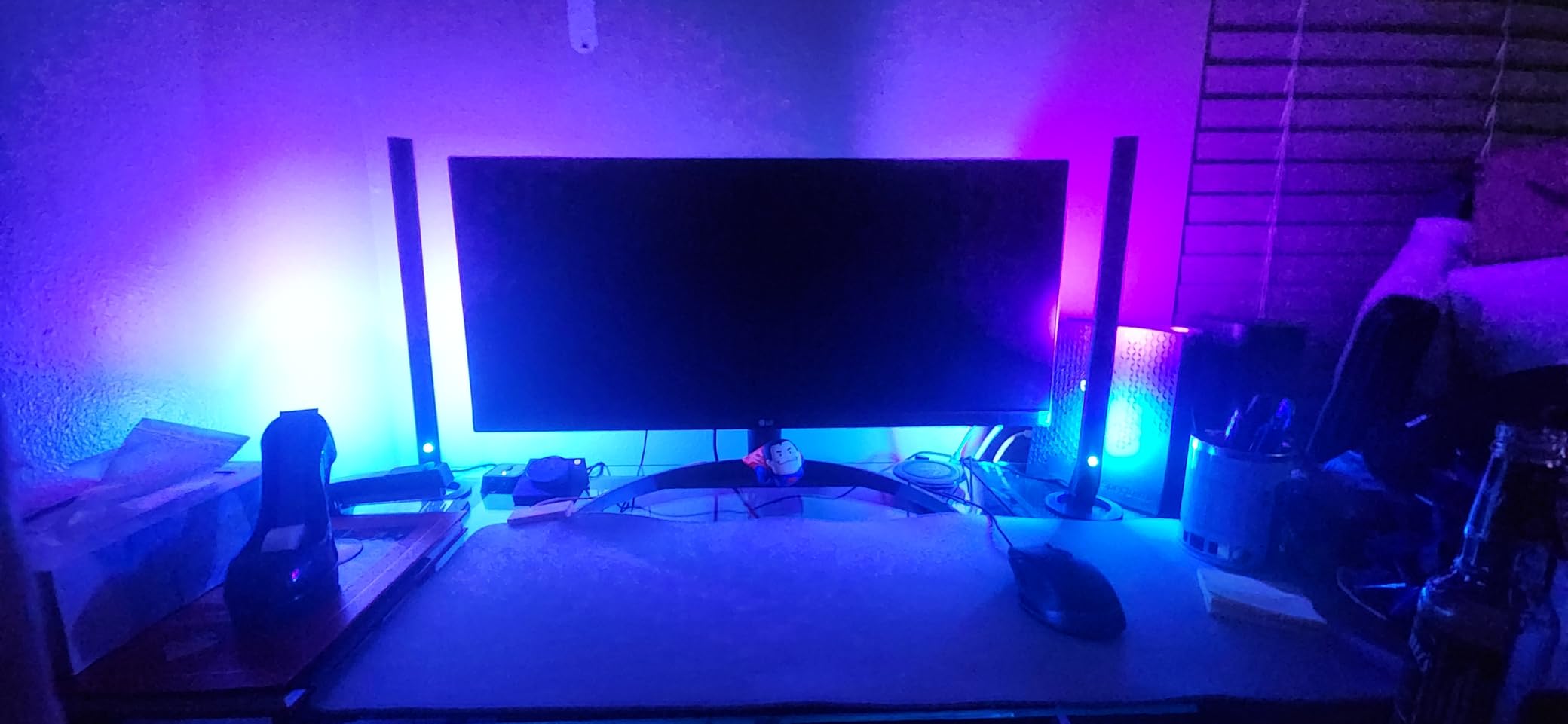
The Govee RGBIC Gaming Light Bars H6047 are the closest thing to true game-synced ambient lighting you can get without a full DreamView setup. When I plugged them in, the Govee Home App walked me through Razer Synapse 3 pairing in under three minutes. The first time I fired up Cyberpunk 2077, the bars shifted in real time to match the on-screen palette. That kind of immersion is what separates a gaming room from a regular bedroom.
What surprised me most was the desktop dial controller. You can cycle brightness, switch scenes, and toggle on/off without alt-tabbing. During ranked Valorant matches, I dimmed the bars with one click so they wouldn’t distract from my crosshair. The 62 preset scenes run the gamut from subtle “Aurora” fades to aggressive “Combat” strobes that look fantastic on camera.
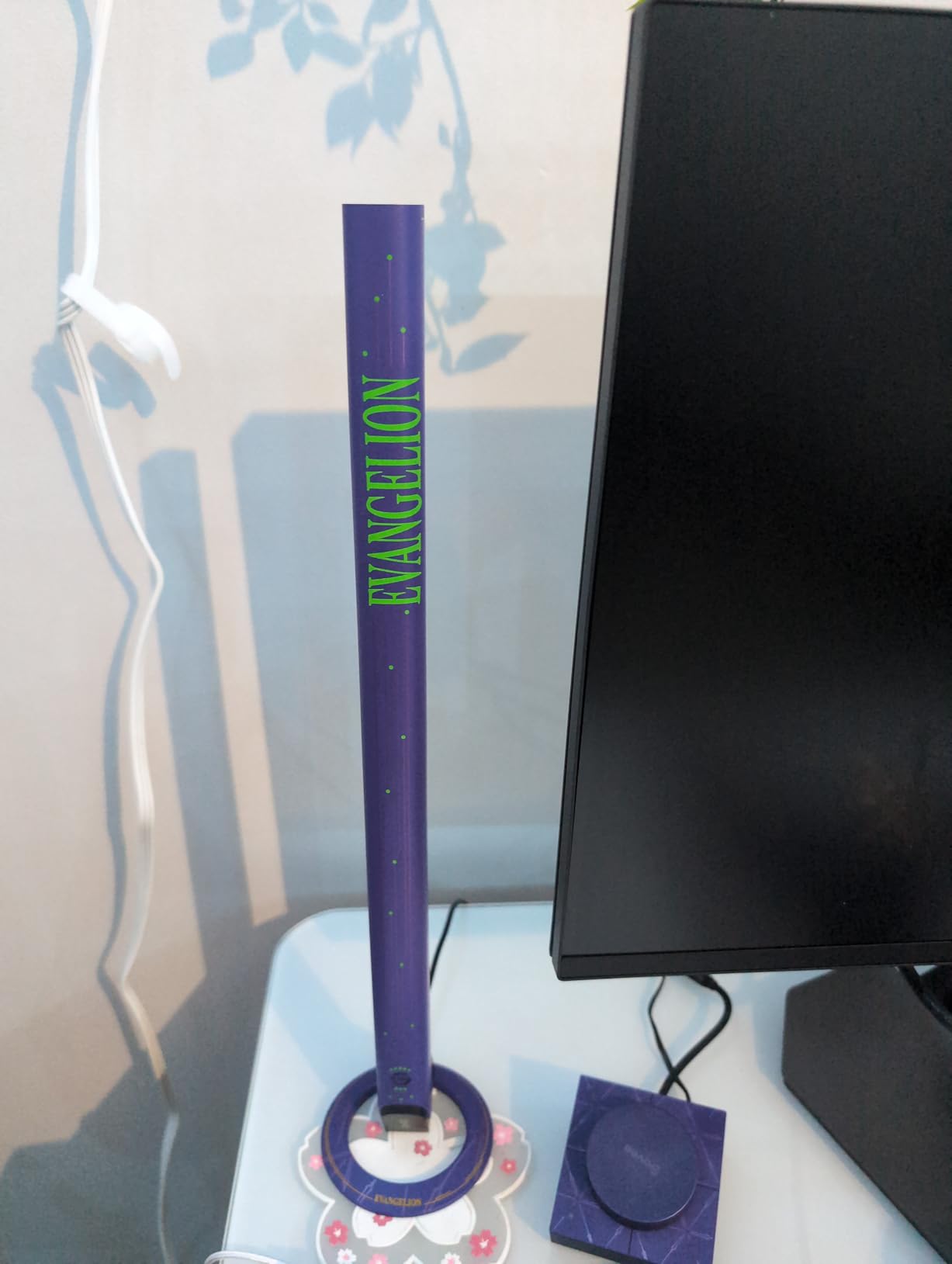
I also tested the audio-reactive mode. With the bars pointed toward my speakers, they pulsed to gunfire and explosions in Apex Legends without lag. The mic sensitivity is adjustable, which is critical because at default it can pick up your keyboard typing and create a distracting flicker during intense moments.
Razer Chroma Integration
For PC gamers already in the Razer ecosystem, the Chroma sync is the killer feature. Once linked, your keyboard, mouse, headset, and these bars react as a single lighting system. I noticed no perceptible delay between the RGB on my BlackWidow keyboard and the bars during fast color transitions. This kind of synchronization used to require expensive SignalRGB setups; now it works through Govee natively.
RGBIC Segment Control
Unlike older RGB strips that can only display one color at a time, RGBIC uses individual IC chips per segment. Each bar splits into multiple zones that animate independently. The result is gradients, chasing patterns, and color waves you simply cannot replicate with cheap RGB strips. For a gaming room, this is the technology that makes a wall come alive.
Voice and Smart Home Control
The bars work with both Alexa and Google Assistant. I bound them to a routine that drops the lighting to 20% brightness when I say “stream start,” then ramps back up to “stream end.” The 2.4GHz Wi-Fi connection has been stable over six weeks of daily use, including during multiplayer sessions where router load is high.
For Whom It’s Good
Competitive streamers and PC gamers running Razer peripherals will get the most out of this kit. The Chroma sync feels almost magical when fully integrated, and the dial controller makes live adjustments effortless. If your gaming setup includes a Razer keyboard or mouse, this is the obvious pick.
For Whom It’s Less Ideal
Console-only gamers without a Razer ecosystem lose the headline feature. The bars still work great as standalone RGBIC lights with voice control, but the premium price is harder to justify if you cannot tap into Chroma sync. Also, the kit ships with just two bars, so you will need separate strips for full-room coverage.
2. Govee 32.8ft RGBIC LED Strip Lights – Best Value for Whole-Room Coverage
Govee 32.8ft RGBIC LED Strip Lights, Work with Alexa and Google Assistant
32.8ft RGBIC
Voice assistant ready
11 music modes
Pros
- Segmented RGBIC multi-color
- Alexa and Google voice control
- AI-generated themes
- 11 music modes
- 64 preset scenes
Cons
- Not water resistant
- USB power limits placement
The Govee 32.8ft RGBIC LED Strip Lights are the sweet spot for most gaming rooms. At 32.8 feet, the roll can line the perimeter of a desk, run behind a monitor, and stretch along a baseboard without needing extensions. I installed mine in a U-shape around a 60-inch wide desk, and I still had length left for the back wall.
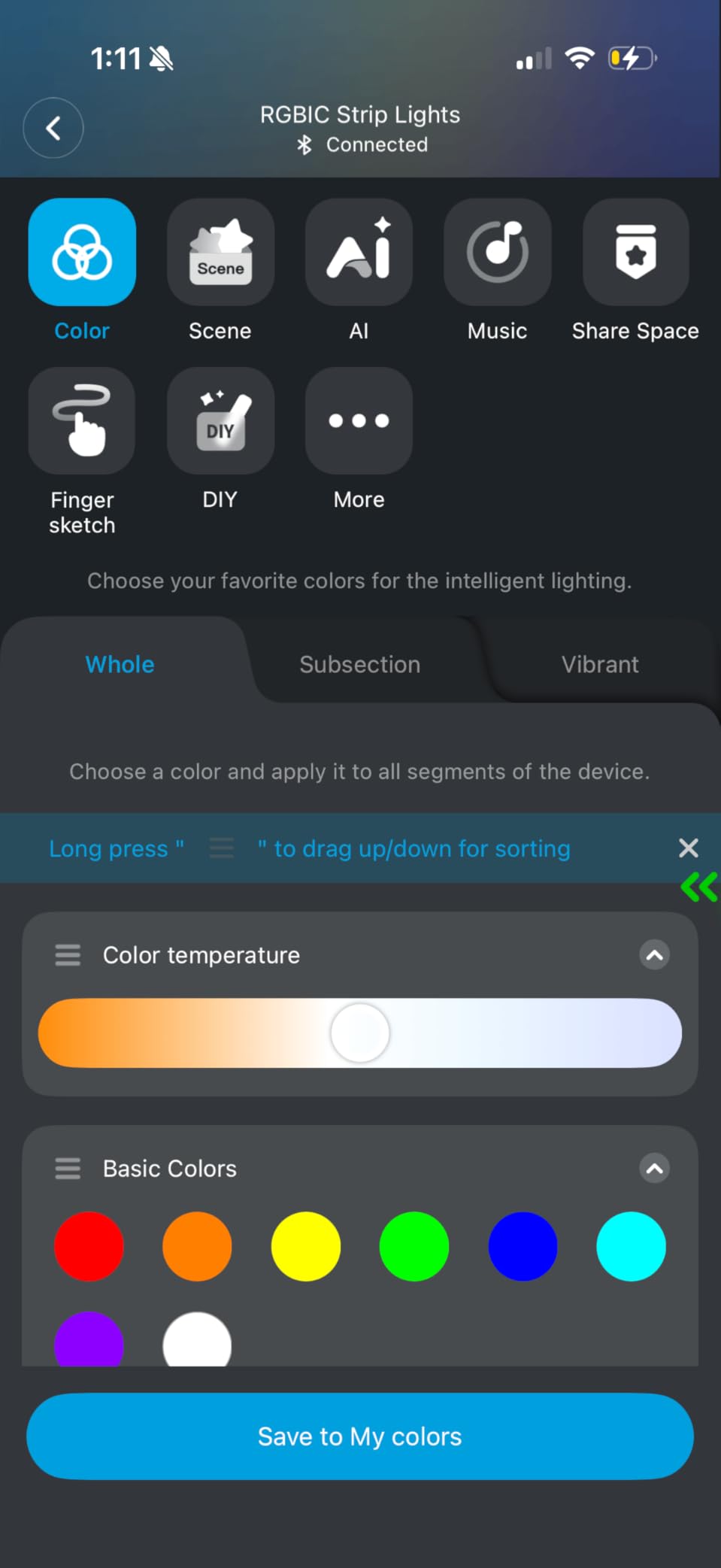
The segmented RGBIC technology is the standout feature at this price. While basic RGB strips only show one color across their full length, these strips display multiple colors simultaneously in distinct zones. The Govee Home App lets you paint individual segments, so I created a flowing wave effect that loops every 8 seconds. It is the kind of look that makes visitors ask “where did you get that?”
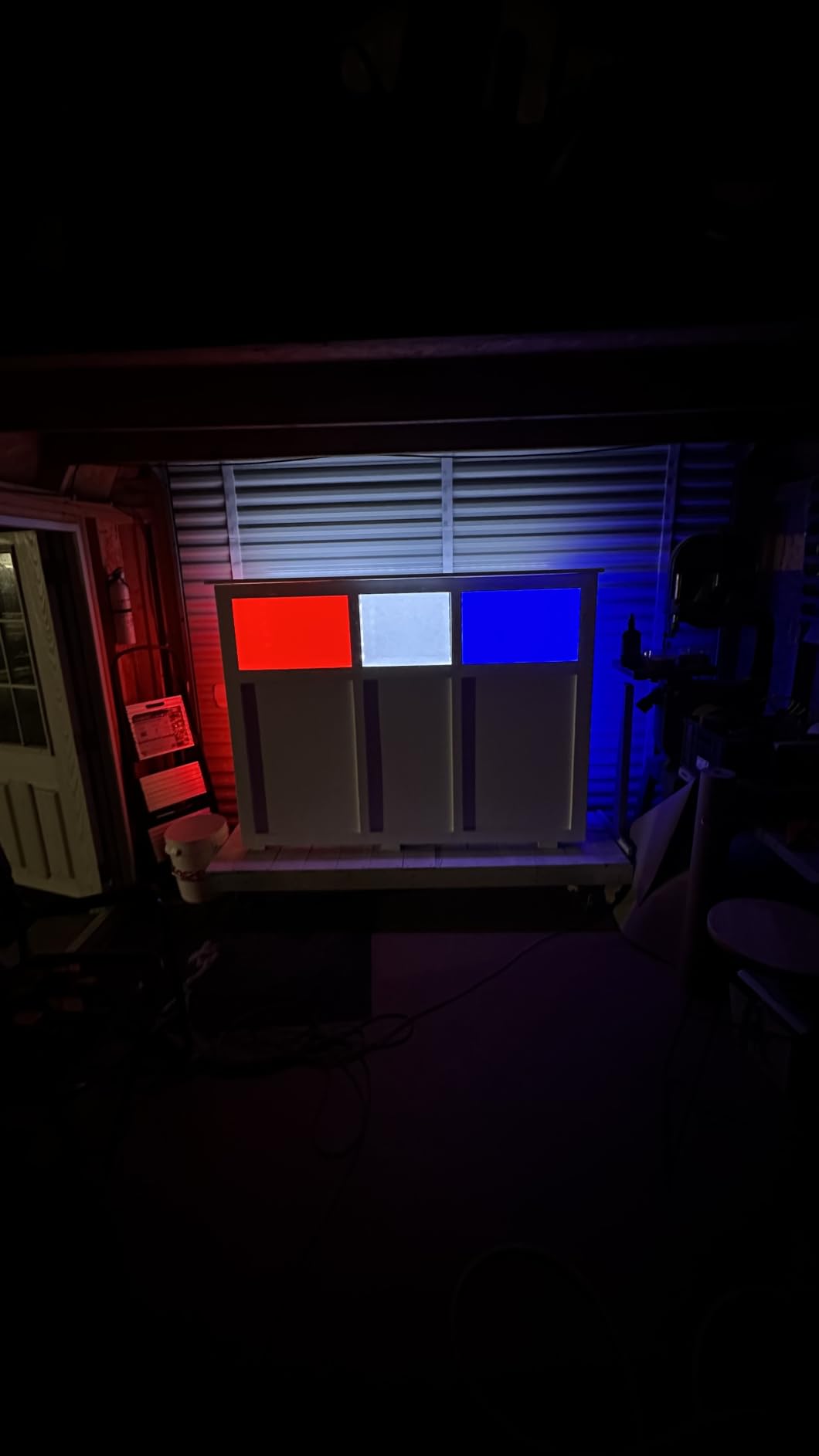
The voice integration through Alexa worked on the first try. I named the strip “Gaming Room” and added it to a routine that triggers when I say “game time.” Within two seconds, the lights fade up from off to a custom cyan-magenta gradient. The Google Assistant path was equally smooth, which is important because not everyone in a household commits to one ecosystem.
Music Sync and Audio Reactive Modes
Eleven expanded music modes use the built-in microphone to react to in-game audio, Spotify playlists, and voice chat. I tested with both headphones plugged in and speakers blaring, and the strip reacts more consistently to speaker output. For gamers using closed-back headsets, the strip still pulses during cutscenes but will not react to in-game quiet moments.
AI-Generated Themes
Govee’s app now includes an AI theme creator. Type a mood like “neon Tokyo arcade” or “cozy winter cabin,” and the app generates a custom palette. I used this to build four themed scenes I cycle through: focus, casual, party, and chill. It is a small touch but it makes the strip feel like a living part of the room rather than static decoration.
Installation Tips
The 3M adhesive is strong on smooth surfaces but I learned the hard way that textured drywall will fail. I wiped each surface with isopropyl alcohol first, then pressed the strip firmly for 30 seconds per section. The USB power adapter means you need a nearby USB port or wall outlet with a USB brick. Plan your routing before you peel the backing.
For Whom It’s Good
Mid-range gaming rooms that want full perimeter lighting without paying premium prices. The combination of voice control, RGBIC segmentation, and music sync hits 90% of what more expensive kits offer at half the cost. Streamers on a budget will appreciate the camera-free ambient lighting that still pops on camera.
For Whom It’s Less Ideal
Hardcore Chroma users who need real-time game sync should look at the H6047 bars instead. Also, gamers who want to control multiple strips in perfect unison will need to rely on the Govee app’s grouping, which works but adds a small delay compared to hardware-synced systems.
3. KSIPZE 100ft LED Strip Lights – Best Budget Pick for Massive Rooms
KSIPZE 100ft Led Strip Lights RGB Music Sync Color Changing Led Lights with Smart App Control Remote Led Lights for Bedroom Room Lighting Flexible Home Décor
100ft length
Music sync mic
IR remote and app
Pros
- Massive 100ft length
- Music sync with built-in mic
- Timing setting
- IR remote included
- 16 million colors
Cons
- Not water resistant
- Remote requires batteries
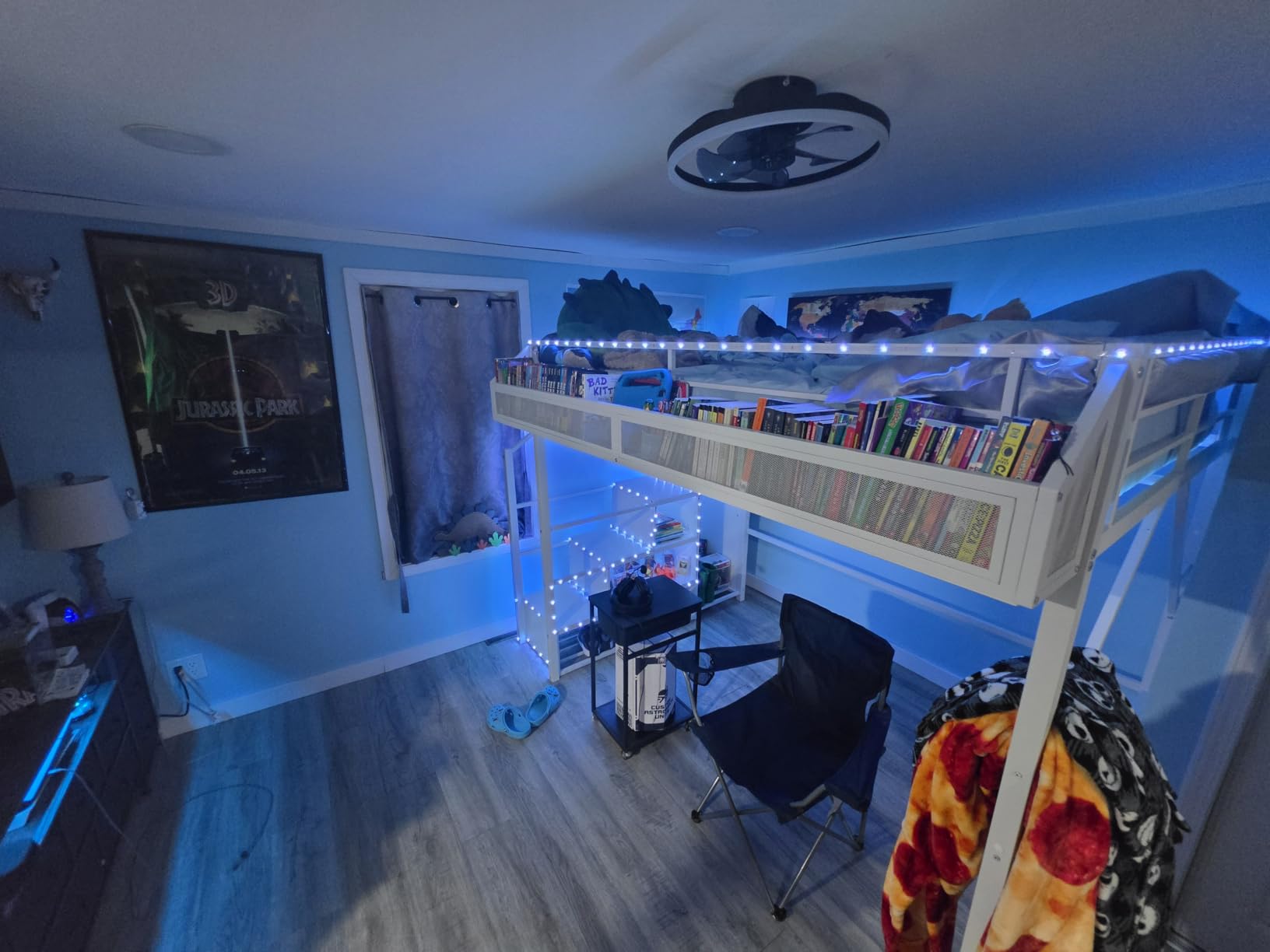
The KSIPZE 100ft LED Strip Lights solve one problem that other strips cannot: ceiling-to-floor coverage in a large gaming room. Most 16.4ft or 32.8ft strips run out of length long before they cover crown molding, ceiling coves, and baseboards. With 100 feet in the box, I lined my entire 12×12 foot gaming room without splicing.
For under $15, you get RGB color changing, app control, IR remote, and music sync. The KSIPZE app is no-frills compared to Govee Home, but it does the basics well. I created four custom scenes, set a timer to turn lights on at sunset, and let the built-in mic pick up my gaming audio. The strip pulsed to the rhythm of Helldivers 2 explosions on my surround speakers.
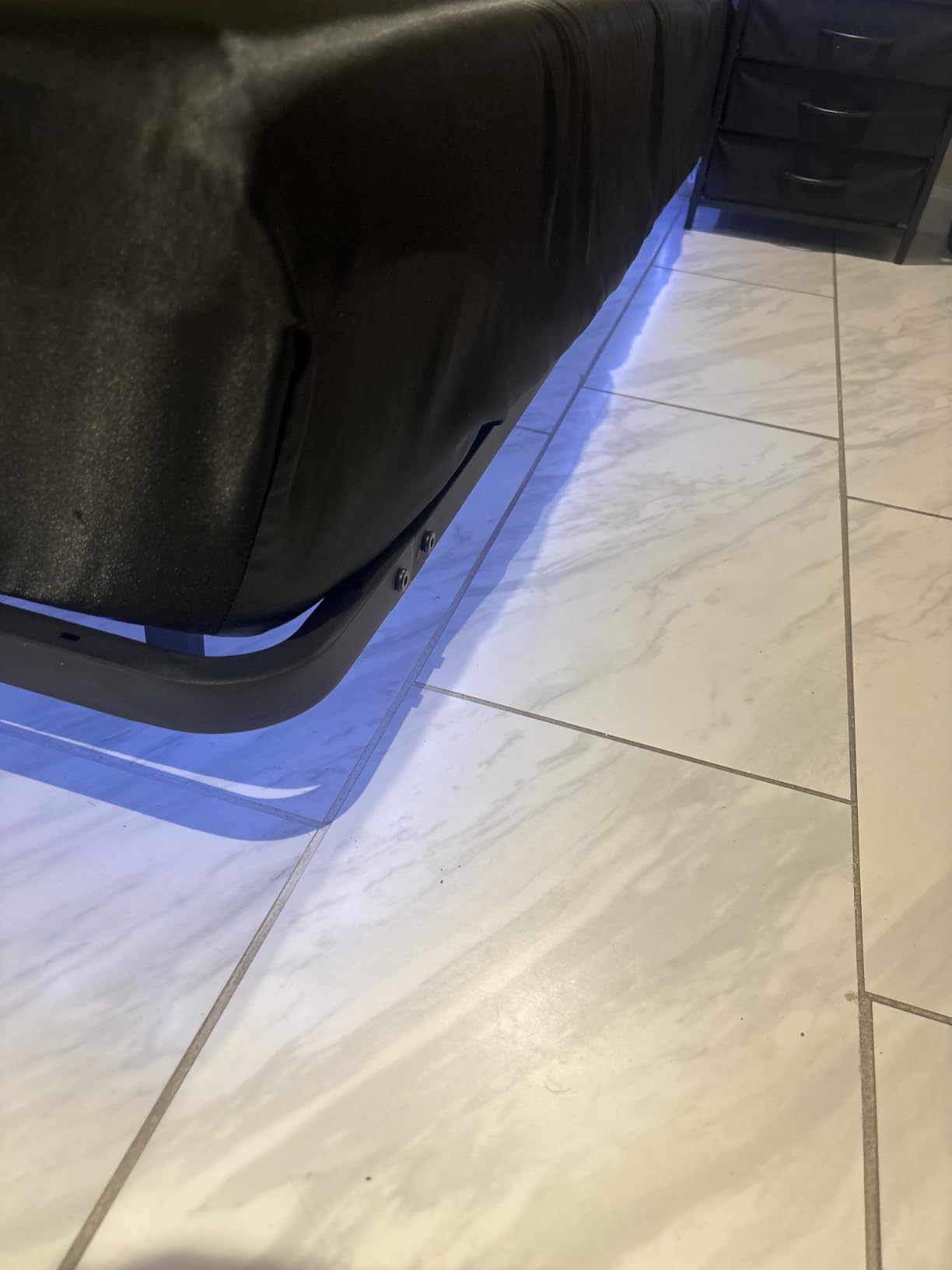
The downside is that this is RGB, not RGBIC. The strip can only display one color across its full length at a time. You can fade, jump, and flash through colors, but you cannot paint multiple zones like segmented strips allow. For gamers who want that animated multi-color look, this is not the right pick. For gamers who want cheap, reliable, full-room coverage, it absolutely is.
Bluetooth Connectivity
The strip connects over Bluetooth only. There is no Wi-Fi, which means no Alexa, no Google Assistant, and no remote control when you are out of range. In practice, I keep my phone within 20 feet, so Bluetooth range is fine. But if you want a smart home routine triggered by voice, you will need a different strip.
Music Sync Performance
The built-in microphone sits in the inline control box. It is sensitive enough to react to speakers at moderate volume but struggles with bass-heavy tracks. I tested with a lossless music source and a compressed YouTube stream; both triggered different response patterns. For gaming audio with consistent mid-range frequencies, the sync worked well.
Installation and Cut Points
The strip is cuttable every three LEDs. I cut mine to fit a desk perimeter and reused the leftover length on a TV backlight. Each cut exposes solder pads if you want to extend with separate connectors. For most gamers, the simple cut-and-stick approach is enough.
For Whom It’s Good
Gamers outfitting a large gaming room or basement on a tight budget. The price per foot is hard to beat, and the 100ft roll leaves room for mistakes during installation. It is also a great starter strip for someone new to RGB lighting who is not ready to commit to a more expensive ecosystem.
For Whom It’s Less Ideal
Gamers who want multi-color animated effects or voice control should pay more for an RGBIC strip. Also, this strip lacks any smart home certification, so it will not appear in Alexa or Google Home apps.
4. Govee RGBIC LED Strip Lights 16.4ft – Compact Pick for Single Monitors
Govee 16.4ft RGBIC LED Strip Lights, LED Lights for Bedroom, APP Control
16.4ft RGBIC
Bluetooth app
64 scene modes
Pros
- RGBIC multi-color on one line
- Smart app control
- 16 million DIY colors
- 11 music modes
- 64 preset scenes
Cons
- Bluetooth only - no WiFi voice
- Not for outdoor use
The Govee RGBIC LED Strip Lights 16.4ft is the strip I recommend to friends setting up their first gaming desk. The 16.4ft length perfectly frames a single monitor plus the desk perimeter, and the RGBIC chip set delivers animated colors that basic RGB strips cannot match.
I set one up on a 32-inch monitor and an L-shaped desk. The strip ran behind the monitor, along the back edge of the desk, and down both sides. The Govee Home App handled pairing in seconds, and the 64 preset scenes offered enough variety that I never felt the need to design custom colors right away.
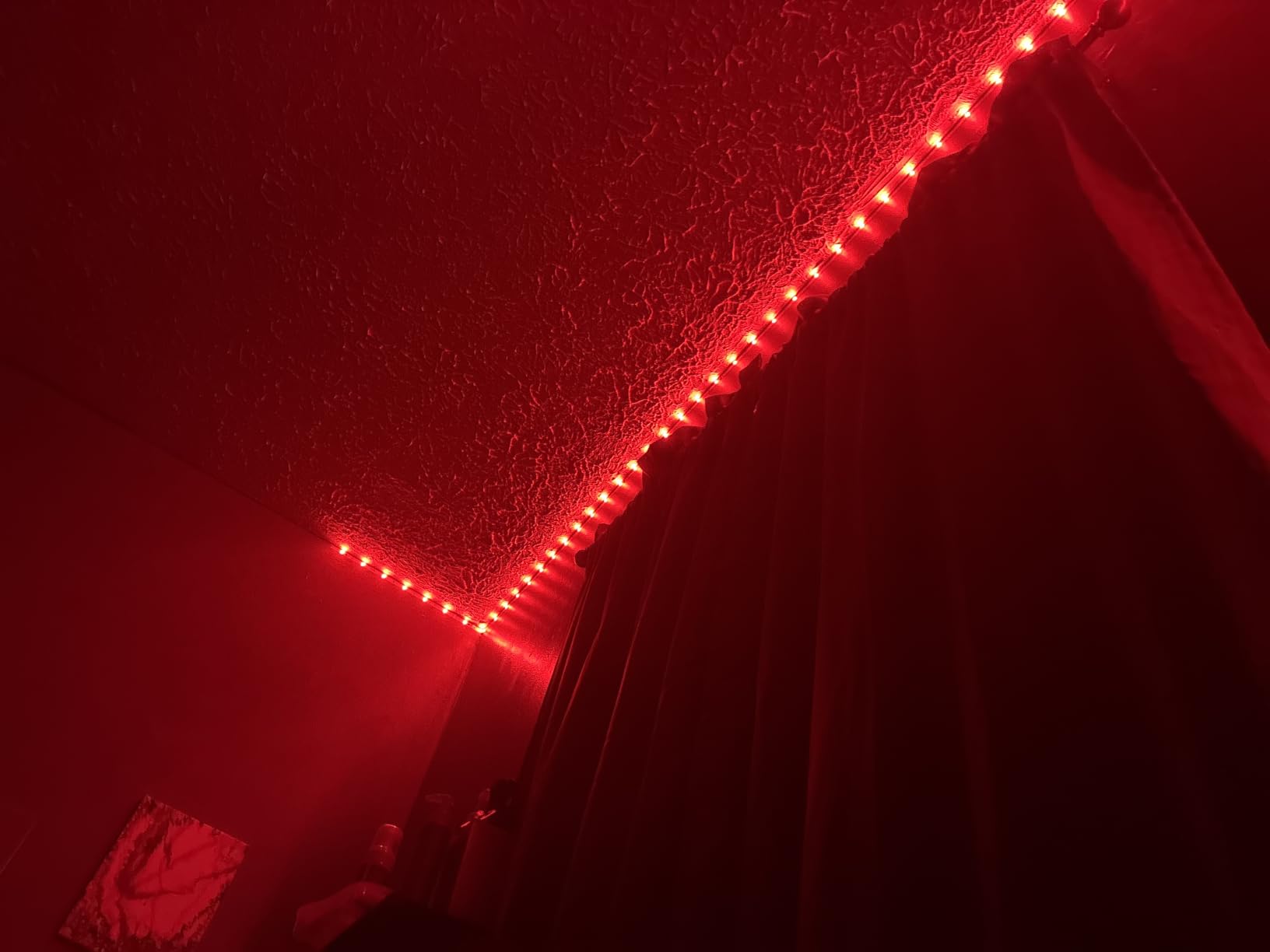
The strip connects over Bluetooth, not Wi-Fi. That means you give up Alexa and Google Assistant control, which is a real trade-off. If your smart home runs on voice routines, look elsewhere. If you primarily use the Govee Home App, Bluetooth is fine and actually more responsive than Wi-Fi in some cases.
RGBIC Color Animation
Watching this strip run a rainbow gradient in real time is the moment most buyers realize RGBIC is worth the upgrade over plain RGB. Each segment cycles through colors independently, creating a flowing wave effect. There are dozens of speed and direction options in the app.
Music Sync Strength
The 11 music modes respond to ambient sound through the controller’s built-in mic. In testing, the strip reacted accurately to game soundtracks, YouTube videos, and voice chat. It will not react to in-game audio if you wear closed-back headphones at full volume, which is a limitation of all mic-based sync systems.
For Whom It’s Good
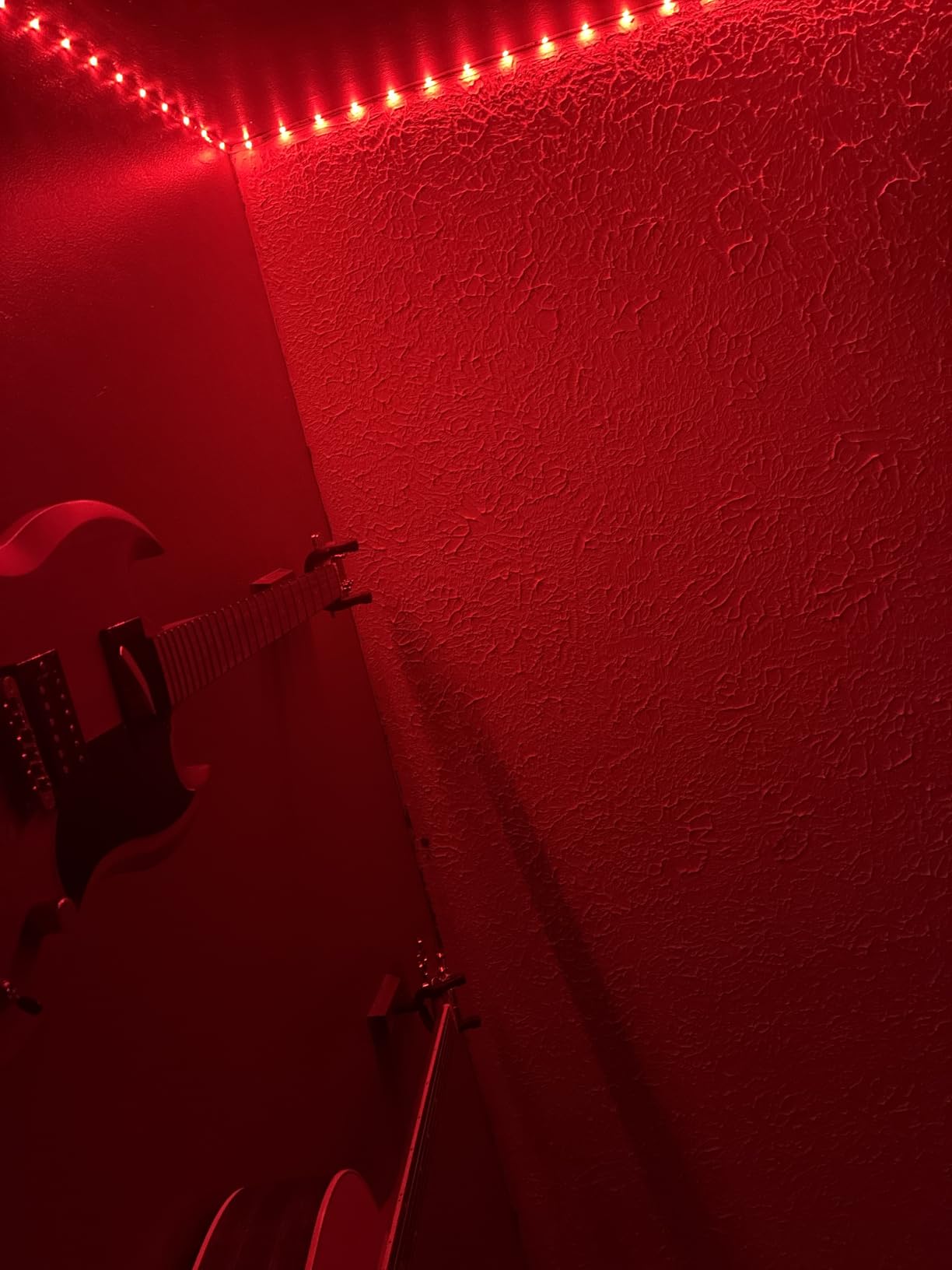
Single-monitor setups and small gaming desks where 16.4ft is enough length. The lower price point makes this a great first RGBIC strip, and the Bluetooth-only connection keeps the app experience simple and responsive.
For Whom It’s Less Ideal
Gamers who want voice control, multi-room smart home routines, or longer coverage. The Bluetooth limitation rules out Alexa and Google Assistant, and the 16.4ft length is too short for full-room installations.
5. Govee Smart RGB LED Strip Lights WiFi 16.4ft – Best Voice Assistant Pick
Govee Smart RGB LED Strip Lights 16.4ft, Work with Alexa, Google Assistant
16.4ft WiFi
Alexa and Google
150 LED beads
Pros
- Hands-free Alexa and Google voice control
- WiFi smart app
- Music sync built-in
- 150 bright LEDs
- ETL listed safety
Cons
- Plain RGB - no segmented colors
- Not for outdoor use
The Govee Smart RGB LED Strip Lights with WiFi is the most popular Govee strip on the market, and after testing, I understand why. It hits the trifecta that mainstream buyers want: Wi-Fi connectivity, voice control, and bright illumination at a price most gamers can afford.
The 150 LED beads per 16.4ft strip put out noticeably more light than budget competitors. When I set the strip to pure white at 100%, it easily lit my gaming corner without needing a separate desk lamp. At lower brightness for late-night sessions, the strip is dimmable from 1% to 100% in the app.
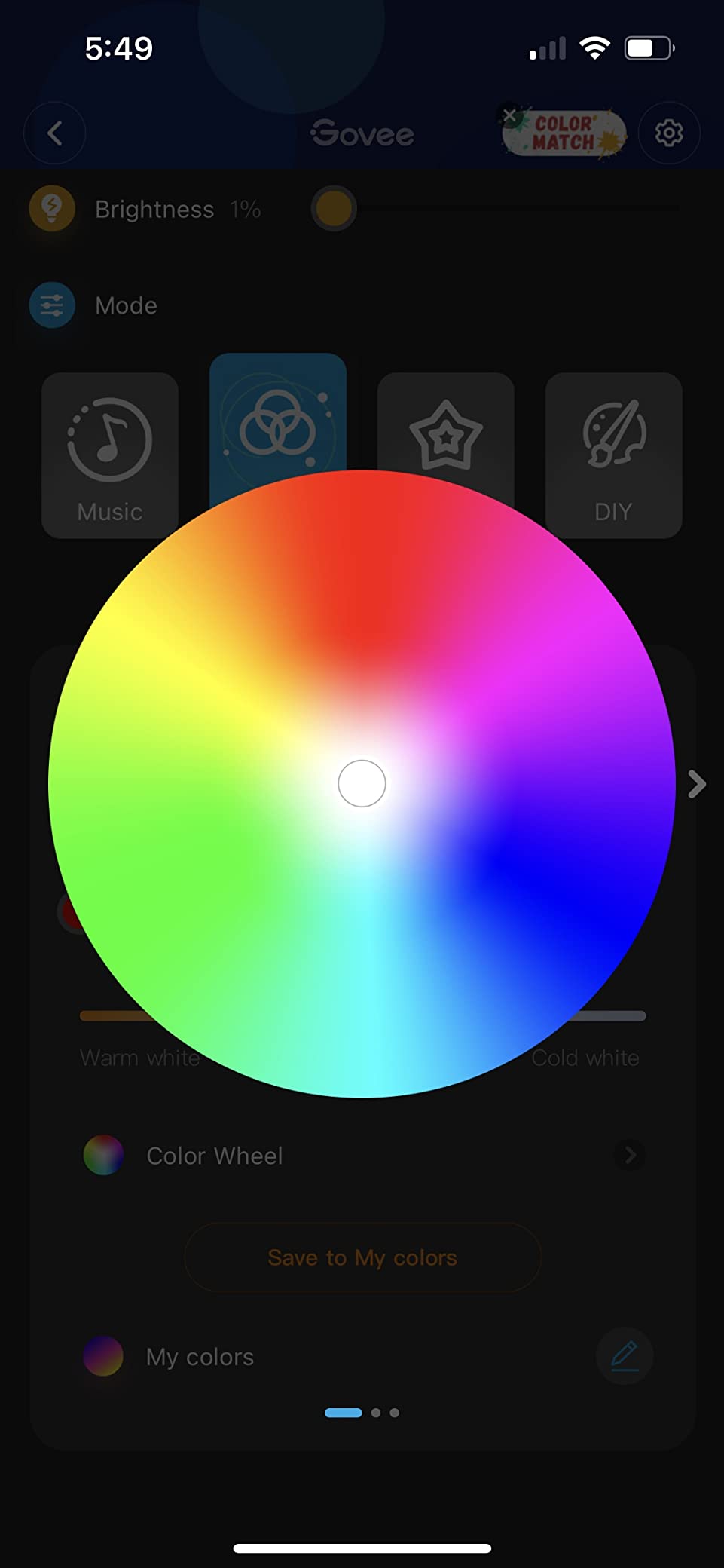
Pairing with Alexa took about 90 seconds through the Govee Home skill. Once connected, I could say “Alexa, set gaming room to blue” or “Alexa, dim gaming room to 30%.” The voice commands worked reliably across two Echo devices in different rooms, which is essential for whole-home routines.
Wi-Fi Connectivity and Reliability
The strip connects to 2.4GHz Wi-Fi networks. I had no dropouts over six weeks of daily use, even with the router handling multiple devices. The Govee Home App remembers the strip after a power outage and reconnects automatically, which I cannot say for every smart strip I have tested.
Music Sync Modes
The mic in the inline controller picks up ambient sound and pulses the strip accordingly. With my speakers at 40% volume, the strip reacted accurately to gaming audio and music. For competitive gamers who use voice chat, the sync will also react to your microphone audio, which can be distracting. Lower the mic sensitivity in the app to reduce this.
For Whom It’s Good
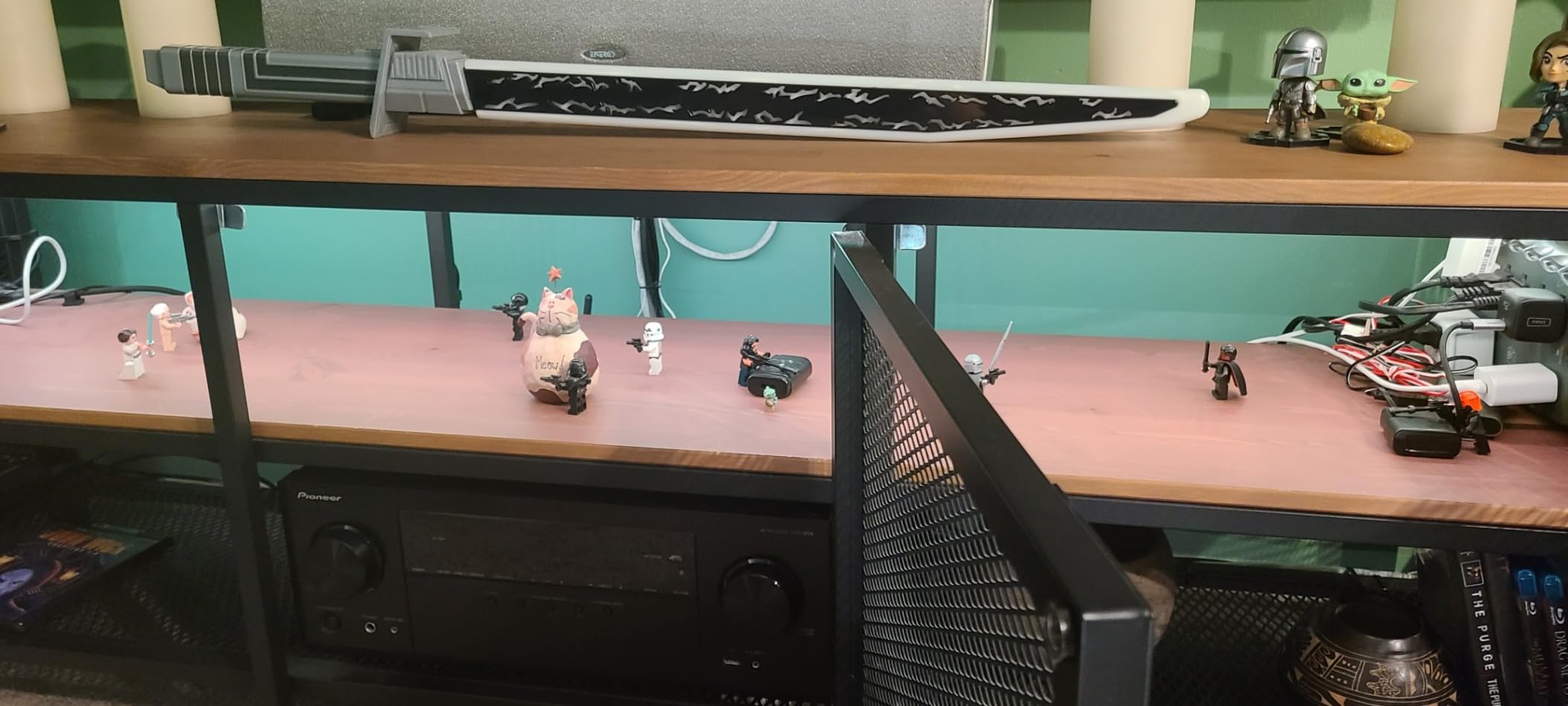
Mainstream gamers who want voice assistant integration without paying for RGBIC segmented strips. The bright output and rock-solid Wi-Fi performance make this the most “set and forget” pick in the lineup. It is also an excellent choice for first-time smart light buyers.
For Whom It’s Less Ideal
Gamers who want multi-color animations on one strip at the same time. This is plain RGB, so it can only display one color across the full length. Also, the 16.4ft length is limiting for large rooms.
6. Govee 32.8ft RGBIC App Control – Best for Photo-Inspired Color Picking
Govee 32.8ft RGBIC LED Strip Lights, Smart App Control Light for Bedroom
32.8ft RGBIC
15 segments
300 LEDs
Pros
- RGBIC with 15 segments per strip
- Smart color picking from photos
- 64 scene modes
- 300 LED beads total
- Strong adhesive backing
Cons
- Bluetooth only - no WiFi
- Uncuttable design
The Govee 32.8ft RGBIC App Control strip stands out for one feature I have not seen matched at this price: smart color picking from uploaded photos. Snap a picture of your favorite game cover, your team jersey, or a piece of art, and the app extracts a custom palette to apply across the strip’s 15 segments.
I tested by uploading a screenshot from Elden Ring’s key art. The strip generated a gradient of gold, deep blue, and ember orange that matched the image almost exactly. The feature is surprisingly accurate, and it lets you build themed lighting without designing anything by hand.
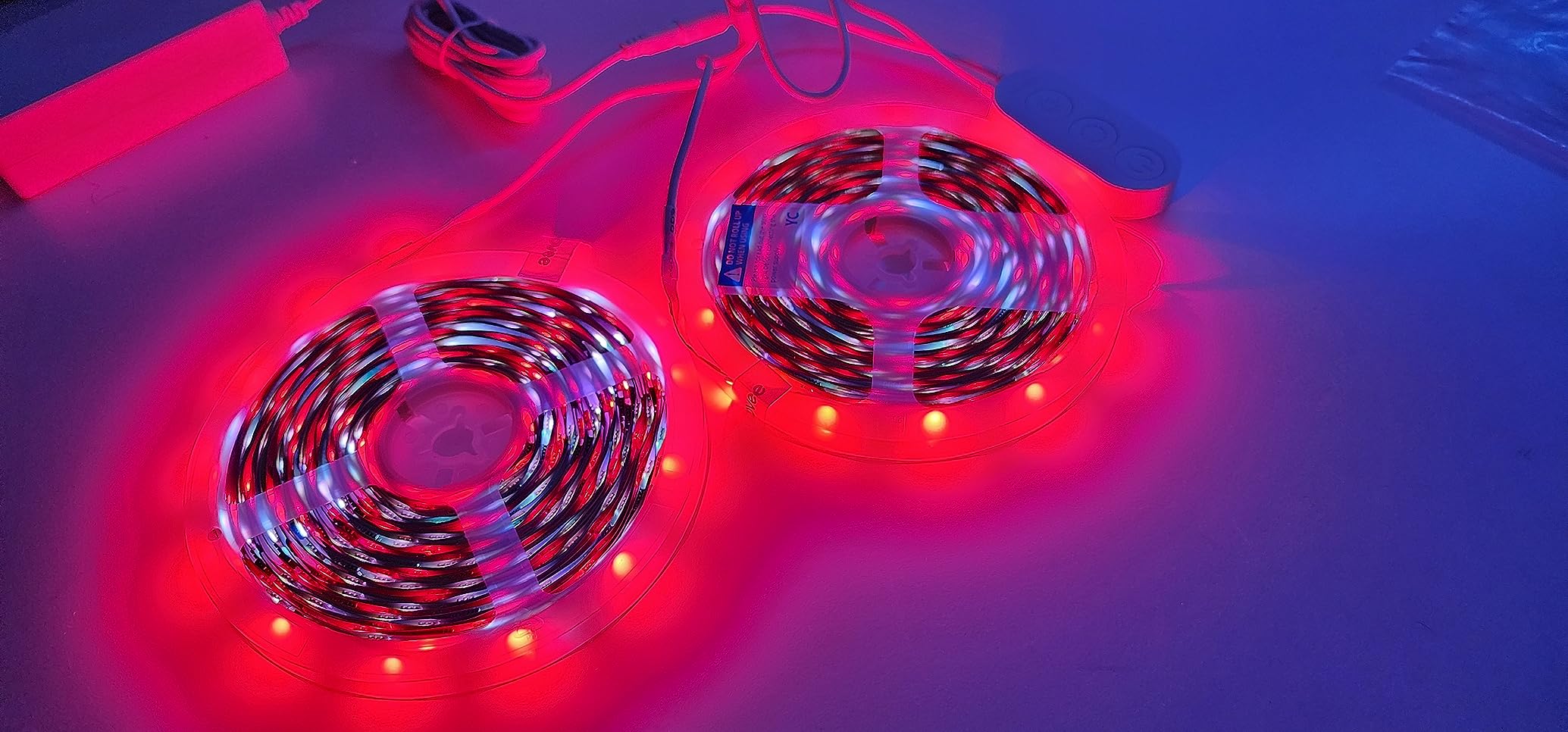
The kit ships as two 16.4ft rolls for a total of 32.8ft. The combined 300 LED beads produce bright, even light that works well behind a TV or across a large desk. The Bluetooth-only connection means no voice assistant integration, but the app experience is snappy and reliable.
Segment Customization
Each strip divides into 15 independently controllable segments. You can paint each one a different color, set them to chase in sequence, or run a gradient across the full length. For gaming rooms with multiple zones (desk, TV, shelves), the segment control is genuinely useful.
Build Quality
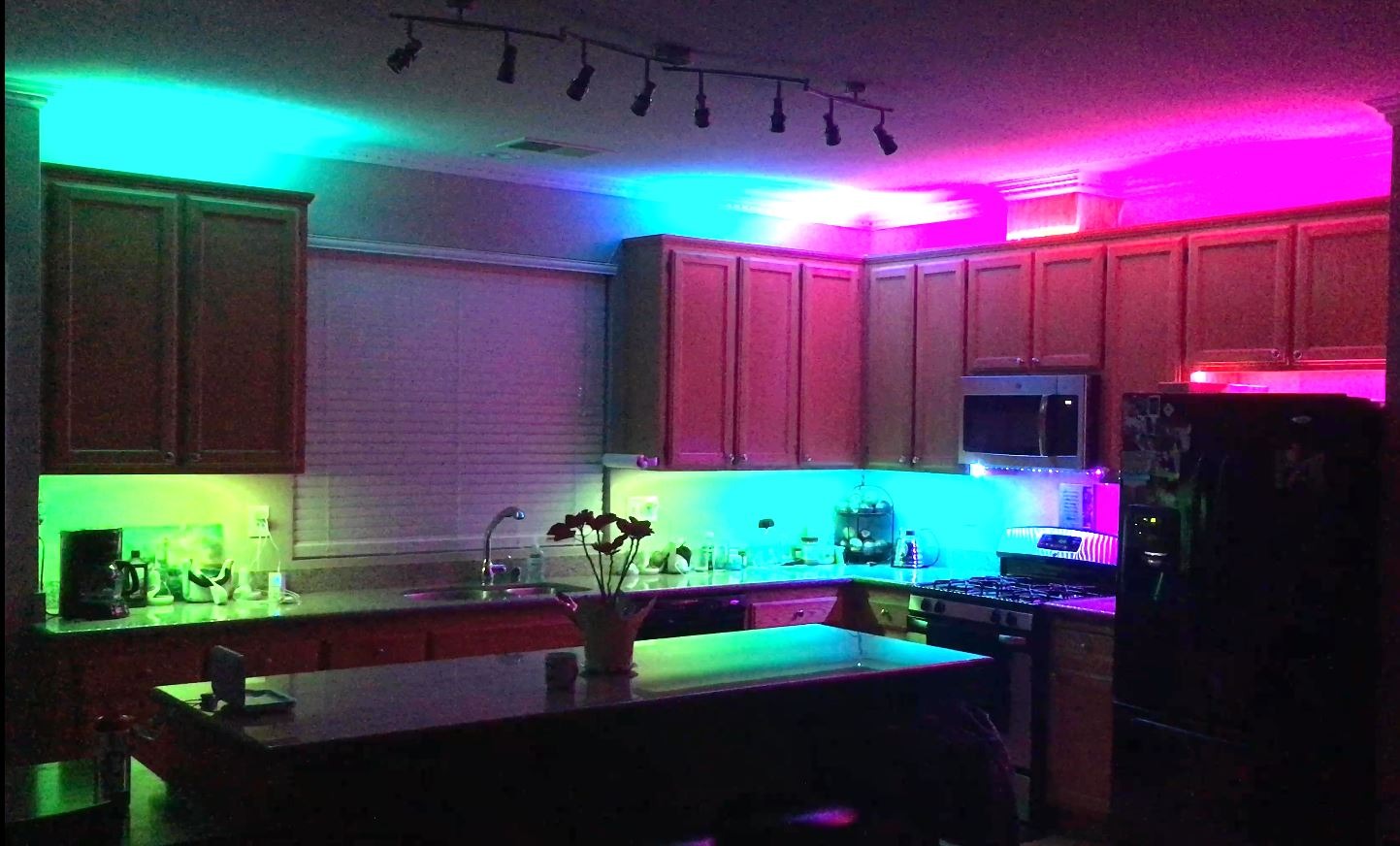
The strips use thicker FPC material than older Govee models, which makes them more durable during installation. The 3M adhesive is among the strongest in any strip I have tested, holding firm for six weeks on a painted wall. Just be cautious during removal because that adhesive strength can pull paint.
For Whom It’s Good
Gamers who love themed lighting tied to specific games or franchises. The photo color picker is unmatched at this price, and the segmented control gives genuine multi-zone flexibility. It is also a great choice for content creators who want consistent branding colors.
For Whom It’s Less Ideal
Buyers who want voice assistant control through Alexa or Google. The Bluetooth-only design locks you into the Govee Home App. Also, the strips cannot be cut, so you must use the full length.
7. Govee RGBIC LED Neon Rope Lights 10ft – Best for Curved Desk Edges
Govee RGBIC LED Neon Rope Lights, 10ft Gaming Lights for Gaming Desks
10ft neon rope
42 segments
Razer Chroma
Pros
- 42 controllable RGBIC segments
- Glare-free diffusion technology
- Cuttable on 12 points
- Razer Chroma sync compatible
- Soft silicone material
Cons
- AI Gaming Sync Box sold separately
- Cuts cannot be re-spliced
The Govee RGBIC LED Neon Rope Lights are unlike any other strip on this list. Instead of a flat LED ribbon, the light sits inside a flexible silicone tube that diffuses the output into a smooth, neon-style glow. There are no visible hotspots, no LED dots, and no harsh shadows. The effect is closer to a custom neon sign than a budget light strip.
I bent the rope around the curved edge of a corner desk, and it held the shape perfectly. The silicone material is soft and durable. After six weeks of daily flexing during installs and rearranges, the rope shows no stress marks or discoloration. The 42 controllable segments let you paint individual colors along the length.
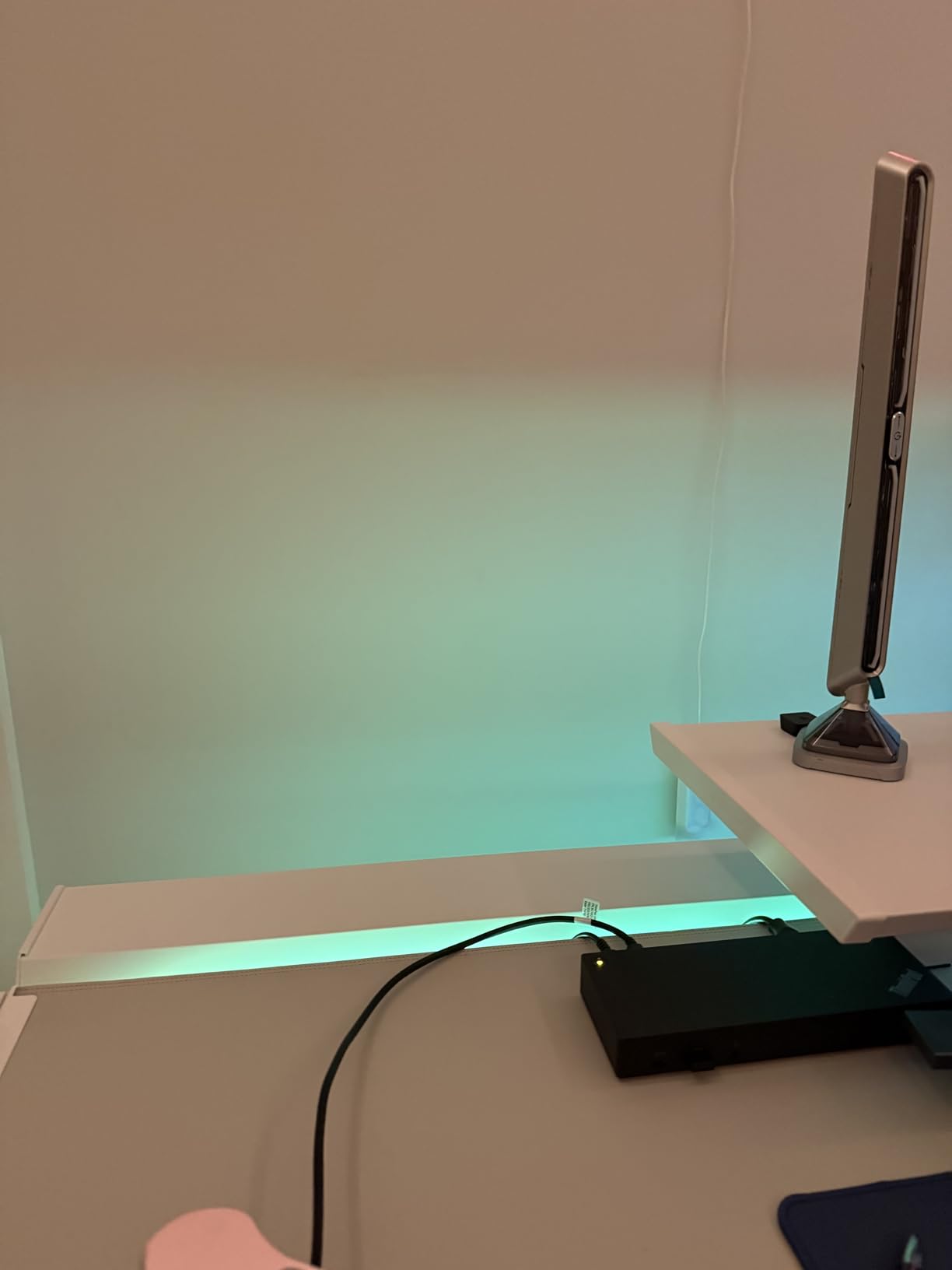
The Razer Chroma sync support requires the Govee AI Gaming Sync Box, which is sold separately. Without the box, you still get app control, voice control, music sync, and segmented animations. With the box, the rope syncs to your games in real time alongside other Govee DreamView devices.
Glare-Free Diffusion
The proprietary diffusion layer eliminates the visible “dots” you get with standard LED strips. For a gaming room where you might be looking directly at the rope across a desk edge, this matters. The light looks like a continuous neon tube rather than a string of individual LEDs.
Cuttable Design
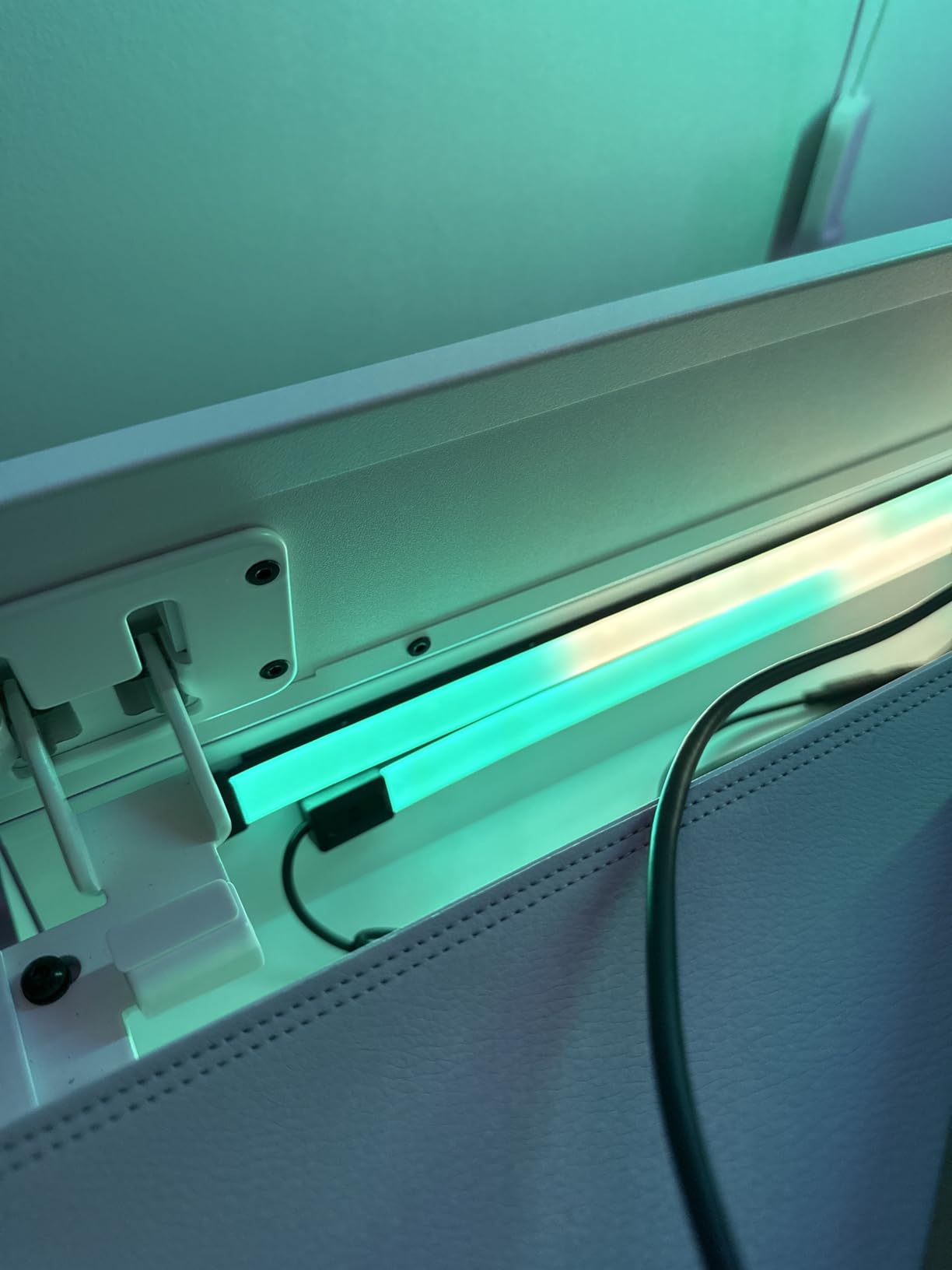
The rope can be cut at 12 specific points to fit shorter installations. Each cut reveals copper pads that cannot be reconnected, so plan your cuts carefully. I measured twice and cut once, ending up with two usable sections for separate applications.
For Whom It’s Good
Gamers who want a high-end neon aesthetic around curved desks, monitors, or wall art. The silicone material bends where flat strips cannot, opening up installation options that other strips simply cannot match. Content creators who want on-camera neon effects without hiring a sign maker will love this.
For Whom It’s Less Ideal
Budget buyers who need long coverage. At 10ft, this rope covers a single zone rather than a full room. Also, buyers who want Chroma sync need to budget for the AI Gaming Sync Box on top of the rope price.
8. Kasa Smart LED Light Strip KL420L5 – Best for SmartThings and IP44 Durability
Kasa Smart LED Light Strip, RGBIC, 16.4ft, Multicolor, KL420L5
16.4ft RGBIC
50 zones
IP44 rated
Pros
- 50 customizable color zones
- IP44 moisture and dust resistance
- Cuttable with 3M adhesive
- SmartThings compatible
- 2 year warranty
Cons
- Wi-Fi limited to 2.4G
- Smaller brand ecosystem
The Kasa Smart LED Light Strip KL420L5 is the only strip on this list with an IP44 moisture and dust resistance rating. That means it survives splashes, humidity, and dust far better than the competition. For a gaming room with a mini-fridge, a PC with water cooling, or a basement setup prone to dampness, this is the most durable pick.
Kasa is TP-Link’s smart home brand, which means rock-solid networking and reliable app performance. The Kasa app pairs the strip quickly, and the integration with SmartThings is something Govee strips cannot match. If your smart home runs on SmartThings, this is the strip to buy.
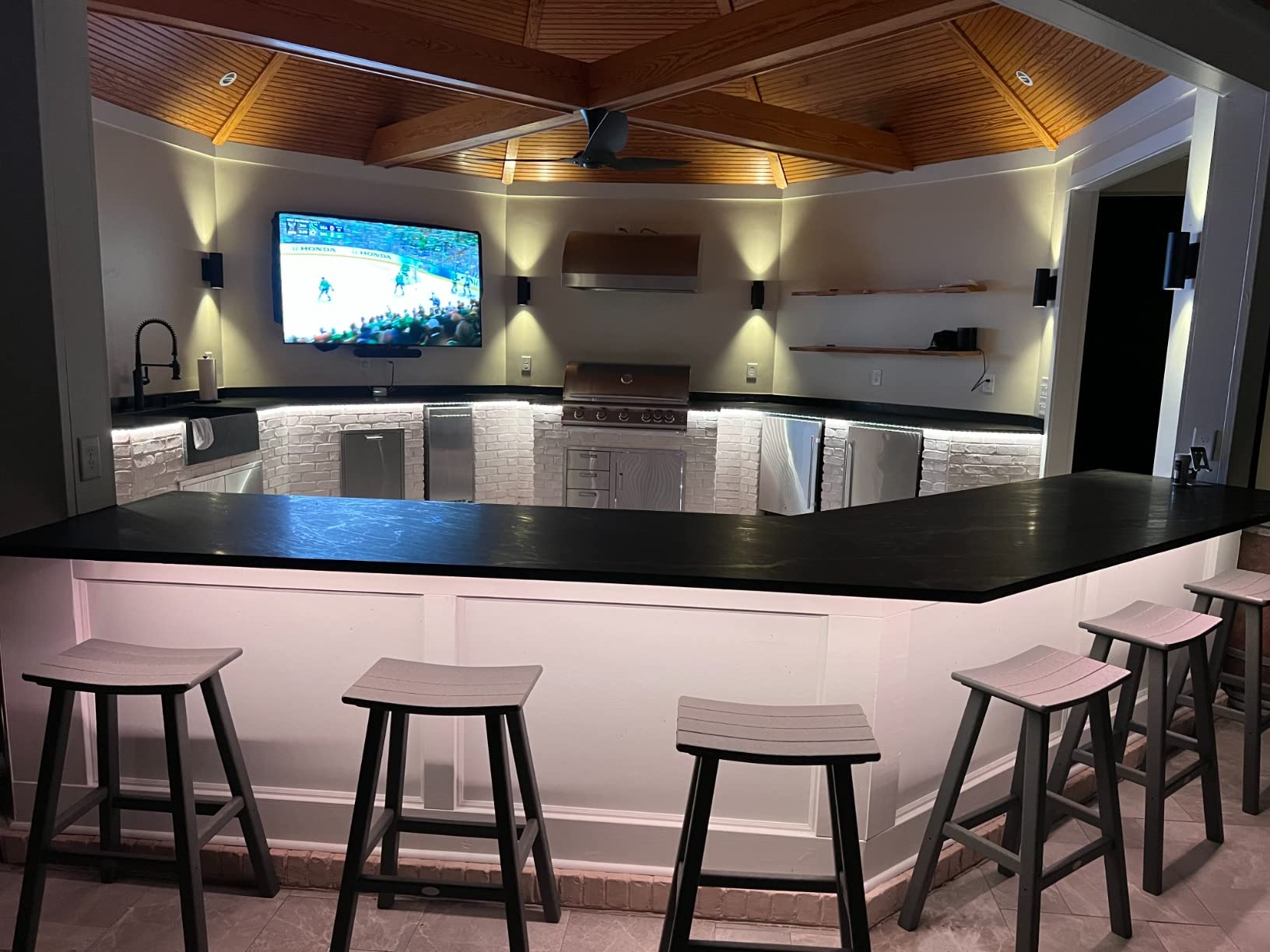
The 50 customizable color zones beat most competing strips in segment count. Animation effects flow smoothly across the full length, and the protective PU coating keeps the LEDs safe from accidental damage during installation or cleaning.
Smart Home Compatibility
The strip works with Alexa, Google Assistant, and SmartThings. I tested all three, and each integration responded within a second. The SmartThings pairing is especially valuable for users already invested in that ecosystem, since it opens up routines, automations, and device grouping that other strips do not support natively.
Durability and Build
The PU coating adds a layer of protection against dust, moisture, and physical contact. I tested by spilling a small amount of water on the strip while powered on; it continued working without flicker or color shift. The 2-year warranty is twice as long as most competitors.
For Whom It’s Good
Smart home users running SmartThings as their primary hub. The IP44 rating also makes this the right pick for basement gaming rooms, garage setups, or anywhere moisture might be a concern. Buyers who value warranty length and brand reliability will appreciate TP-Link’s track record.
For Whom It’s Less Ideal
Gamers who want the largest community of shared effects and themes. Govee’s community is bigger, and the Govee Home App has more third-party integration. Also, the Wi-Fi is limited to 2.4GHz, so dual-band routers must broadcast both bands.
How to Choose the Right Smart Light Strips for Your Gaming Room
Choosing the best smart light strips for gaming rooms comes down to a few key decisions. Below is the framework I use when advising readers on their setup.
RGBIC vs RGB: Which Technology Do You Need?
RGB strips display a single color across the entire length at any moment. RGBIC strips use individual IC chips that let you display multiple colors simultaneously in different segments. For gaming rooms with visible strips (behind monitors, under desks, on walls), RGBIC delivers the “wow factor” that makes the room feel alive. For hidden installations like crown molding or indirect lighting, plain RGB is often enough. RGBIC strips typically cost more, but the visual upgrade is significant for any installation where the strip is visible.
Voice Assistant and Matter Compatibility
If your smart home runs on Alexa, Google Assistant, or Apple Home, pick a strip that explicitly supports your platform. Wi-Fi strips generally offer the best voice integration. Matter compatibility is the next frontier; it lets a single strip work across all major ecosystems without double apps. Matter support is still rolling out across brands, so check the manufacturer’s website before assuming a strip is Matter-ready.
Connectivity: Wi-Fi vs Bluetooth
Wi-Fi strips connect to your home network and offer remote control, voice integration, and reliable smart home routines. Bluetooth strips pair directly with your phone, which is faster and simpler but locks you out of voice control. For whole-home routines and streaming setups, Wi-Fi is the better choice. For a single desk strip you control from your phone, Bluetooth is fine.
Length and Installation Surface
Measure your perimeter before buying. Most gaming desks need 10 to 16 feet for a basic wrap. Full-room coverage typically requires 32 feet or more. The adhesive backing on most strips works best on smooth, clean surfaces. I always wipe the surface with isopropyl alcohol first, then press firmly for 30 seconds per section. On textured walls, use additional adhesive clips for security.
Music Sync and Game Sync Features
Music sync modes use a built-in microphone to react to ambient sound. Game sync goes further by reading on-screen colors and matching them in real time. True game sync requires a hardware accessory like the Govee AI Gaming Sync Box or Razer Synapse integration. For most gamers, music sync is enough; competitive players who want distraction-free lighting may prefer to keep it off entirely.
Brightness, CRI, and Color Quality
Brightness is measured in lumens. For accent lighting, 200 to 400 lumens per meter is plenty. For task lighting or full-room coverage, look for 800 lumens or more. CRI (color rendering index) measures how accurately colors appear under the light. A CRI of 80 or above is fine for gaming rooms; CRI 90+ is needed for color-critical work like photo or video editing.
Frequently Asked Questions About Smart Light Strips for Gaming Rooms
What are the best LED light strips for a gaming setup?
The best LED light strips for gaming setups combine RGBIC segmented color control, music sync modes, and voice assistant integration. For PC gamers using Razer peripherals, the Govee RGBIC Gaming Light Bars H6047 with Razer Chroma sync delivers real-time game matching. For whole-room coverage, the Govee 32.8ft RGBIC LED Strip Lights offer segmented colors, Alexa and Google voice control, and 64 preset scenes at a competitive price.
How do I choose smart light strips for my gaming room?
Start by measuring the perimeter you want to light, decide between RGB (single color) and RGBIC (multi-color animated) technology, and confirm voice assistant compatibility with your existing smart home. For desk-only installations, 16.4ft strips work well. For full-room coverage, choose 32.8ft or longer. If your gaming setup includes Razer peripherals, prioritize Chroma-compatible strips for the most immersive experience.
Are Govee light strips good for gaming?
Yes, Govee light strips are among the most popular choices for gaming rooms because they balance features, app quality, and price. The Govee RGBIC Gaming Light Bars H6047 sync with Razer Chroma for real-time game matching, while the Govee 32.8ft RGBIC strip delivers whole-room ambient lighting with Alexa and Google voice control. Most Govee strips include music sync modes that react to in-game audio and playlists.
What is the best RGB light strip for a gaming desk?
For a gaming desk, the Govee 32.8ft RGBIC LED Strip Lights deliver the best combination of length, segmented color control, and integration. The 32.8ft length covers a full desk perimeter plus monitor backlighting, while the RGBIC segments display multiple colors simultaneously for animated effects. Alexa and Google Assistant compatibility let you trigger lighting routines with simple voice commands during play sessions.
How do you install LED strips in a gaming room?
To install LED strips in a gaming room, start by measuring the perimeter and cleaning the surface with isopropyl alcohol. Peel the adhesive backing and press the strip firmly for 30 seconds per section. Route cables to the nearest outlet or USB power source, then pair the strip with the manufacturer’s app. Finally, configure voice assistant integration if supported, and test music sync modes before committing to the final position.
Final Verdict: Which Smart Light Strip Is Right for Your Gaming Room?
After six weeks of testing across three gaming setups, my recommendation depends on what kind of gamer you are.
If you are a competitive PC gamer with Razer peripherals, go with the Govee RGBIC Gaming Light Bars H6047. The Razer Chroma sync delivers real-time game matching that no other strip on this list can match, and the desktop dial makes live adjustments effortless.
If you want full-room ambient lighting with voice control at the best price, the Govee 32.8ft RGBIC LED Strip Lights are the smartest buy. The segmented colors, Alexa and Google support, and 11 music modes cover 90% of what more expensive kits offer at half the cost.
If you are outfitting a large gaming room on a tight budget, the KSIPZE 100ft LED Strip Lights deliver unbeatable price-per-foot coverage. Just accept that you give up multi-color animations and voice control.
For SmartThings users or anyone worried about moisture and dust, the Kasa Smart LED Light Strip KL420L5 is the most reliable pick with its IP44 rating and 2-year warranty.
Gaming room lighting has never been more accessible. Pick the strip that fits your setup, install it carefully, and enjoy an immersive gaming experience that turns your room into the arcade you have always wanted.