
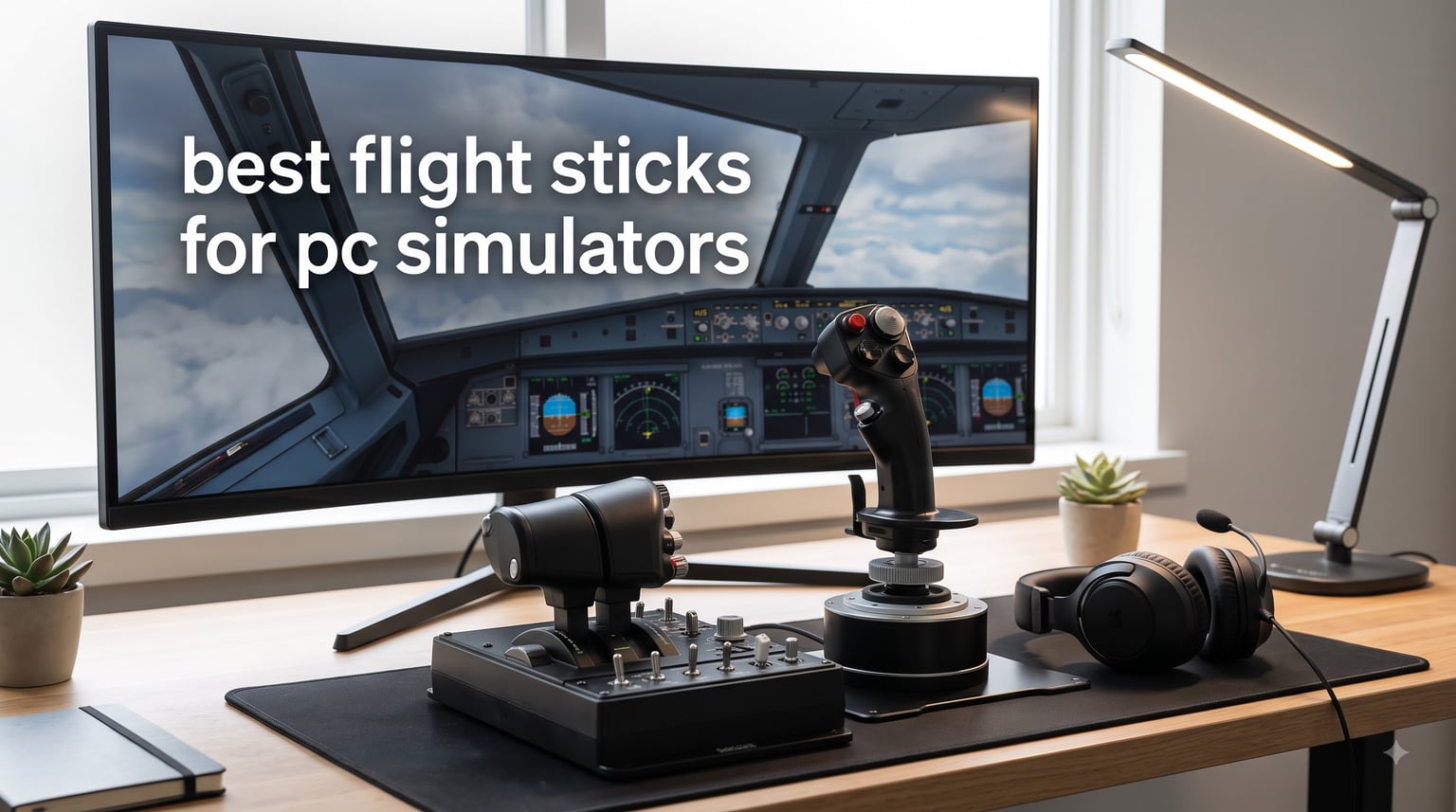
Finding the best flight sticks for PC simulators can transform a flat keyboard-and-mouse session into a genuinely immersive cockpit experience. I have spent countless hours testing flight simulator joysticks across Microsoft Flight Simulator, DCS World, X-Plane 12, and IL-2 Sturmovik to figure out which ones actually deliver on precision, comfort, and value.
After testing sticks from Thrustmaster, Logitech, Turtle Beach, and PXN, one thing became clear fast. Not every flight controller earns its desk space, and spending more does not always mean flying better.
Some of these sticks use Hall-effect magnetic sensors that never drift, while others rely on potentiometers that wear out within months. Some come with a separate throttle quadrant for that true HOTAS feel, and others pack everything into a single compact unit. The right pick depends entirely on what you fly, how often you fly, and whether you plan to upgrade later.
I built this guide to cut through the marketing noise and give you honest, hands-on recommendations. Whether you are hunting for a budget entry point under $100, a fully featured HOTAS system for combat sims, or a premium stick with every bell and whistle, you will find your match below.
Our Top 3 Tested Flight Sticks for PC Simulators
These three flight sticks stood out across weeks of testing. The Thrustmaster T16000M FCS takes the top spot for its drift-free Hall-effect sensors and ambidextrous design. The T-Flight Hotas One offers the best value for pilots who want a true HOTAS setup without breaking the bank. And the T-Flight Hotas X remains the unbeatable budget pick for first-time simmers.

Thrustmaster T16000M FCS
- Hall-effect drift-free sensors
- Ambidextrous design
- 16 programmable buttons
- Twist rudder built in

Thrustmaster T-Flight Hotas…
- HOTAS stick and throttle
- Officially licensed Xbox and PC
- 14 programmable buttons
- Dual rudder control

Thrustmaster T-Flight Hotas X
- Detachable throttle
- 12 programmable buttons
- Adjustable resistance
- Plug and play setup
Comparing the Best PC Flight Sticks in 2026
Before diving into individual reviews, here is a quick comparison of all eight flight sticks we tested. This table covers the core specs, standout features, and ratings from real buyers to help you narrow down your options at a glance.
| Product | Specs | Action |
|---|---|---|
| Thrustmaster T16000M FCS |
|
Check Latest Price |
| T-Flight Hotas One |
|
Check Latest Price |
| T-Flight Hotas X |
|
Check Latest Price |
 T-Flight Stick X T-Flight Stick X |
|
Check Latest Price |
 PXN 2113 Joystick PXN 2113 Joystick |
|
Check Latest Price |
 VelocityOne Flightstick VelocityOne Flightstick |
|
Check Latest Price |
 T16000M FCS HOTAS T16000M FCS HOTAS |
|
Check Latest Price |
 Logitech G X56 HOTAS Logitech G X56 HOTAS |
|
Check Latest Price |
1. Thrustmaster T16000M FCS – Drift-Free Precision for Combat and Space Sims
Thrustmaster T16000M FCS – Precision Combat Flight Sim Joystick – PC
Hall-effect magnetic sensors
16 programmable buttons
Ambidextrous design
4 independent axes with twist rudder
Pros
- Drift-free H.E.A.R.T magnetic sensor technology
- Fully ambidextrous ergonomic design
- 16 programmable buttons with braille-style identification
- T.A.R.G.E.T software for deep customization
- Excellent value compared to premium sticks
Cons
- Limited stock availability
- Twist rudder can feel awkward for some users
- Spring-loaded centering differs from real aircraft feel
The Thrustmaster T16000M FCS earned our Editor’s Choice spot because it hits the sweet spot between price, precision, and versatility. I tested this stick extensively in DCS World and Elite Dangerous, and the Hall-effect sensors deliver the kind of accuracy that makes dogfights feel responsive and predictable.
What sets this stick apart is its fully ambidextrous design. Three removable and swappable components let you configure it for left or right hand use, which is incredibly rare at this price point. If you are a left-handed pilot tired of compromise setups, this is one of the few sticks that actually accommodates you properly.
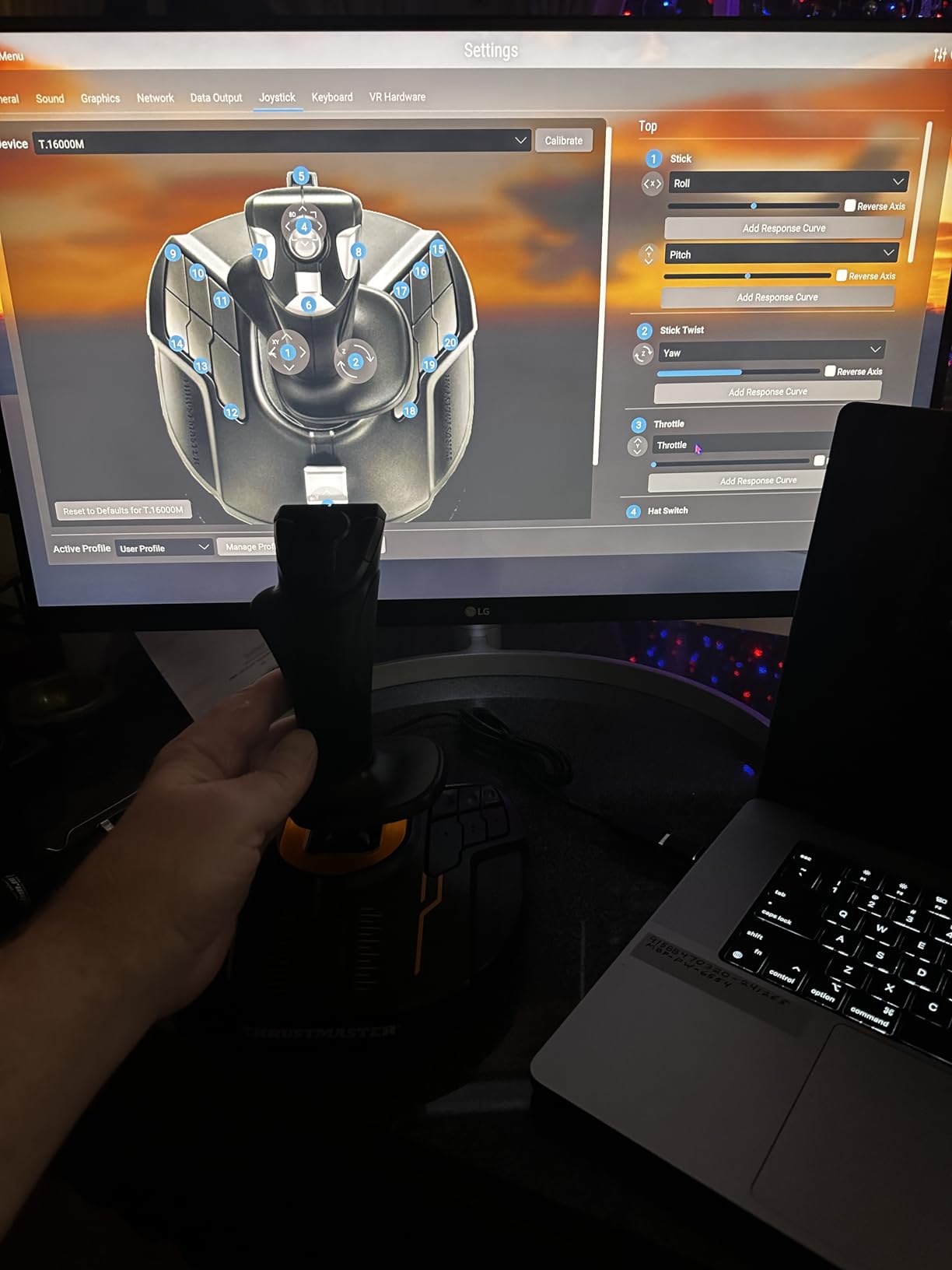
The 16 action buttons feature braille-style physical identification, meaning you can find the right button by touch alone. This matters enormously in VR, where you cannot look down at your hands. I flew several combat missions in DCS World with a headset on and never fumbled for controls.
Hall-Effect Sensor Precision and Drift Resistance
The H.E.A.R.T (HallEffect AccuRate Technology) magnetic sensors are the real headline feature. Unlike potentiometer-based sticks that develop dead zones and drift over time, these magnetic sensors maintain their accuracy across thousands of hours of use.
I compared the centering precision against cheaper potentiometer sticks after several weeks of heavy use. The T16000M still returned to exact center every time, while budget alternatives had already started showing drift in the pitch axis. For anyone who has dealt with a stick that drifts mid-flight, this alone justifies the investment.
Ambidextrous Design and Ergonomics
The swappable components system is straightforward. You pop off three parts, reposition them, and the stick works mirrored for left-hand operation. Thrustmaster includes all the necessary hardware, so no extra purchase is required.
The grip itself feels comfortable for extended sessions. I ran a four-hour X-Plane 12 cross-country flight without hand cramps. The textured button markings help with muscle memory, and the overall build quality feels solid for the price tier.
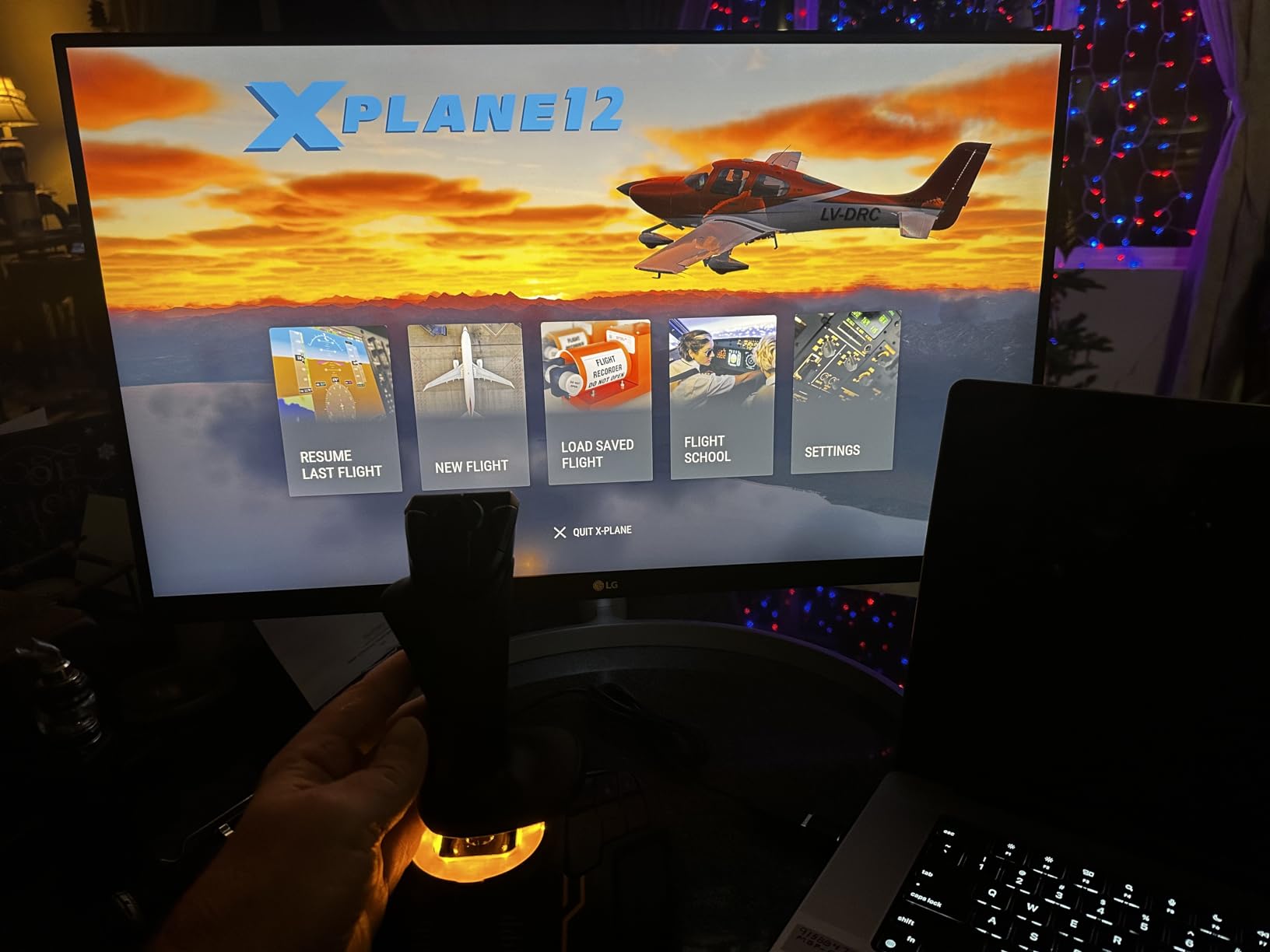
T.A.R.G.E.T Software and Programmability
The included T.A.R.G.E.T programming software lets you create custom profiles for different sims. You can map keyboard commands to stick buttons, create macros, and build layered control schemes that adapt to each aircraft type.
There is a learning curve to the software, but the community has shared hundreds of ready-made profiles online. I downloaded a DCS World F-18 profile and was flying with full combat controls within minutes. For space sim pilots, the stick works beautifully in a dual-stick configuration for games like Elite Dangerous and Star Citizen.
The built-in twist rudder handles yaw control, which saves you from buying separate pedals initially. Some users find the twist motion stiff at first, but it loosens up after the break-in period. If you later add rudder pedals, you can disable the twist axis in software.
2. Thrustmaster T-Flight Hotas One – Best Value HOTAS for Xbox and PC
Thrustmaster T-Flight Hotas One Flight Stick & Throttle – XBOX & PC
Officially licensed Xbox and PC
Detachable HOTAS throttle
14 programmable buttons
Dual rudder control
Pros
- Officially licensed for Xbox Series X|S and PC
- Detachable throttle for versatile cockpit setups
- 14 programmable buttons with ergonomic placement
- Dual rudder control options
- Compatible with TFRP rudder pedals
Cons
- Throttle unstable when separated without custom rig
- Short USB cables may require extensions
- Cannot remap buttons on Xbox
The Thrustmaster T-Flight Hotas One is the best value HOTAS system I tested. It gives you a proper hands-on-throttle-and-stick setup at a fraction of what premium systems cost, and it works on both PC and Xbox Series X|S right out of the box.
I spent most of my testing time with this stick in Elite Dangerous, where it truly shines. The default button mapping is well thought out for space sims, and I was navigating, fighting, and docking within minutes of plugging it in. With over 5,500 reviews and a 4.5-star rating, the community consensus backs up what I experienced firsthand.
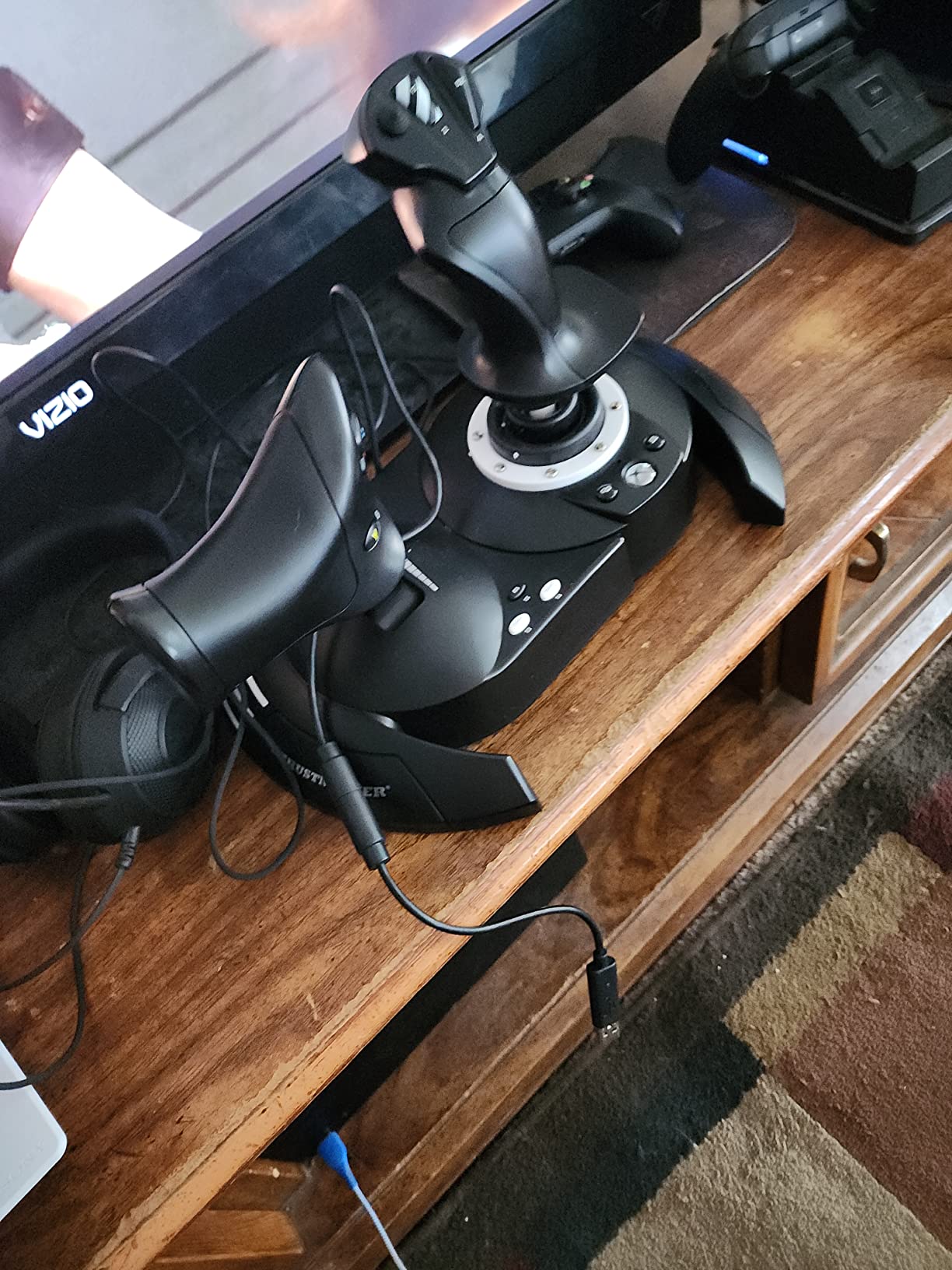
The detachable design lets you position the throttle separately from the stick, which is the whole point of a HOTAS setup. You can clamp them to a desk, mount them on a lapboard, or integrate them into a full cockpit rig. Just be aware that the throttle unit can wobble when used standalone without a mounting solution.
Xbox and PC Cross-Platform Compatibility
This is one of the few HOTAS systems officially licensed for Xbox. If you split your flying between PC and console, this stick gives you seamless compatibility on both platforms with plug-and-play simplicity.
On Windows, you get full button remapping through the Thrustmaster software. On Xbox, you are limited to the default mapping, which works well for most games but may frustrate pilots who want custom layouts. For PC-only users, this is not an issue at all.
Throttle Feel and Dual Rudder System
The throttle has a satisfying resistance curve that makes fine speed adjustments intuitive. It is not as premium as the twin throttles on high-end systems, but for the price, the feel is solid and consistent.
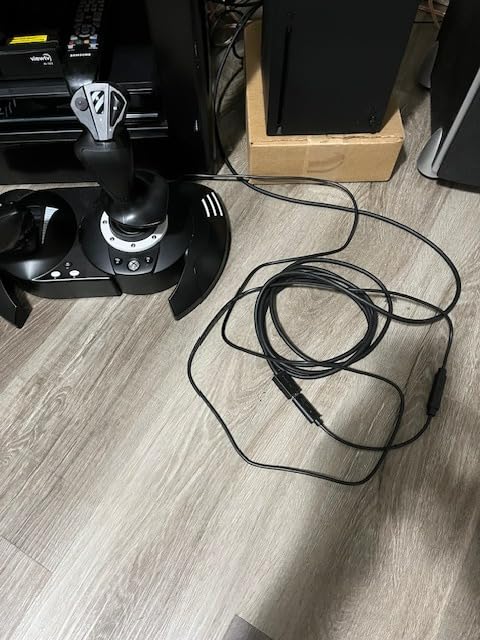
You get two rudder control options. The joystick handle twists for rudder input, or you can use the slider on the throttle unit. I preferred the twist rudder for combat flying and the throttle slider for civilian aviation in MSFS. Having both options gives you flexibility depending on the aircraft type.
The stick is also compatible with Thrustmaster TFRP rudder pedals, so you can expand your setup later without buying a whole new system. This ecosystem approach makes the T-Flight Hotas One a smart starting point for pilots who plan to upgrade gradually.
3. Thrustmaster T-Flight Hotas X – The Unbeatable Budget Entry Point
Thrustmaster T-Flight Hotas X USB Flight Sim Stick & Throttle – PC
Detachable throttle
12 programmable buttons
5 axes
Adjustable resistance
Weighted base
Pros
- Comfortable ergonomic HOTAS design
- Fully programmable 12 buttons and 5 axes
- Detachable throttle for flexible setup
- Adjustable resistance dial
- Plug and play with preset memory
- Weighted base for stability
Cons
- Some users report trigger wiggling
- Build quality not matching premium sticks
The Thrustmaster T-Flight Hotas X has been the go-to budget flight stick for years, and after testing it, I understand why. With over 8,000 reviews and a 4.4-star rating, this stick delivers a genuine HOTAS experience at a price that lets newcomers try flight simulation without a big commitment.
I recommended this stick to several friends who were curious about flight sims but hesitant to spend hundreds. Every one of them came back impressed. The detachable throttle, adjustable resistance, and plug-and-play setup make it incredibly approachable for first-time pilots.
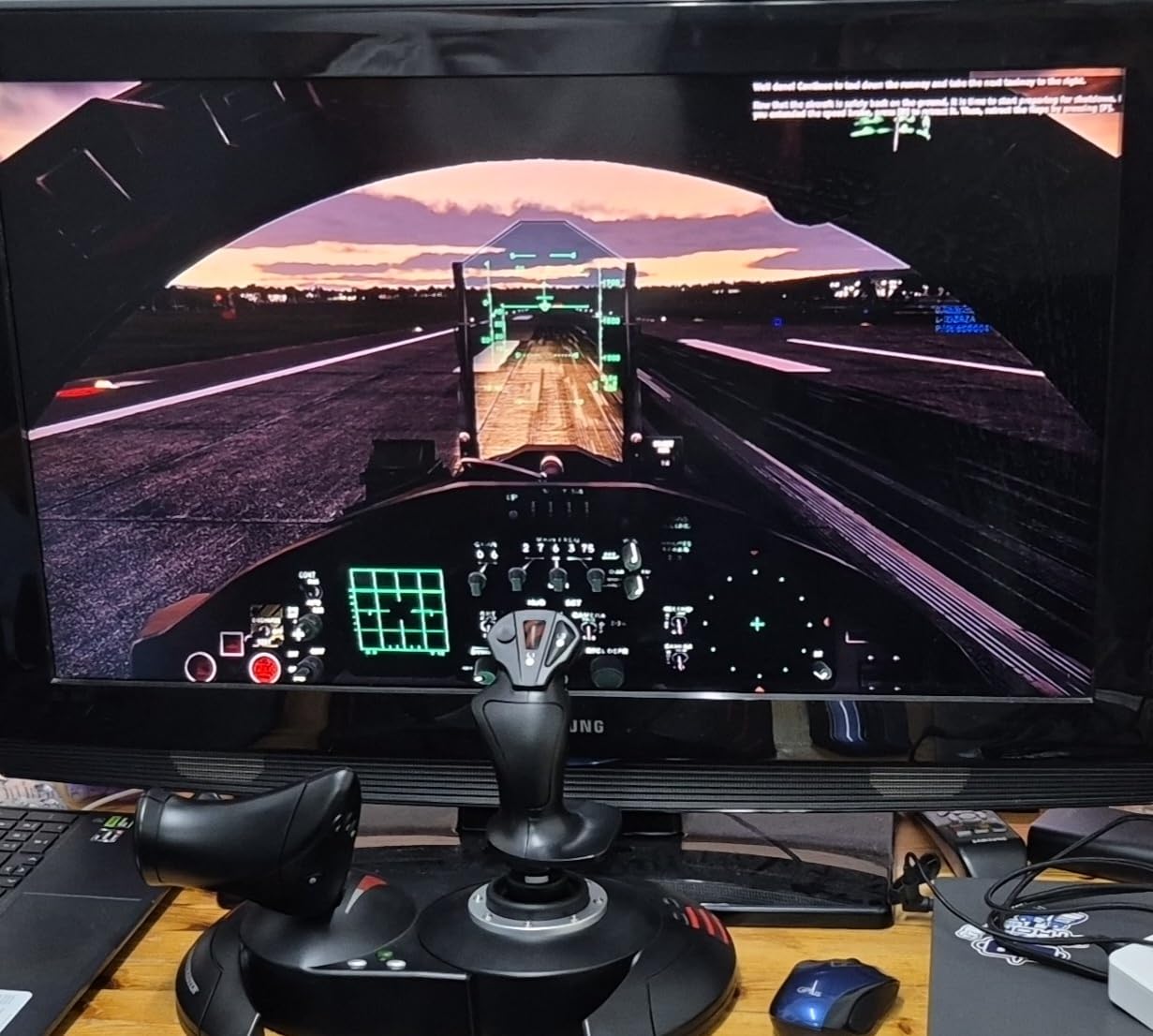
The ergonomic design features a wide hand rest that keeps your hand comfortable during long flights. The weighted base does a decent job of keeping the stick planted, though aggressive maneuvering can still shift it on a smooth desk. A non-slip mat underneath solves that easily.
Adjustable Resistance and Precision
The resistance dial on the stick base lets you fine-tune the tension to match your flying style. I dialed it up for precision flying in MSFS and loosened it for dogfights in War Thunder. This kind of adjustability is rare at this price point.
The 12 action buttons and 5 axes are entirely programmable, and the exclusive mapping button lets you switch functions between the stick and throttle instantly. The preset memory stores your configurations, so you do not have to remap everything when you switch sims.
Dual Rudder Control Options
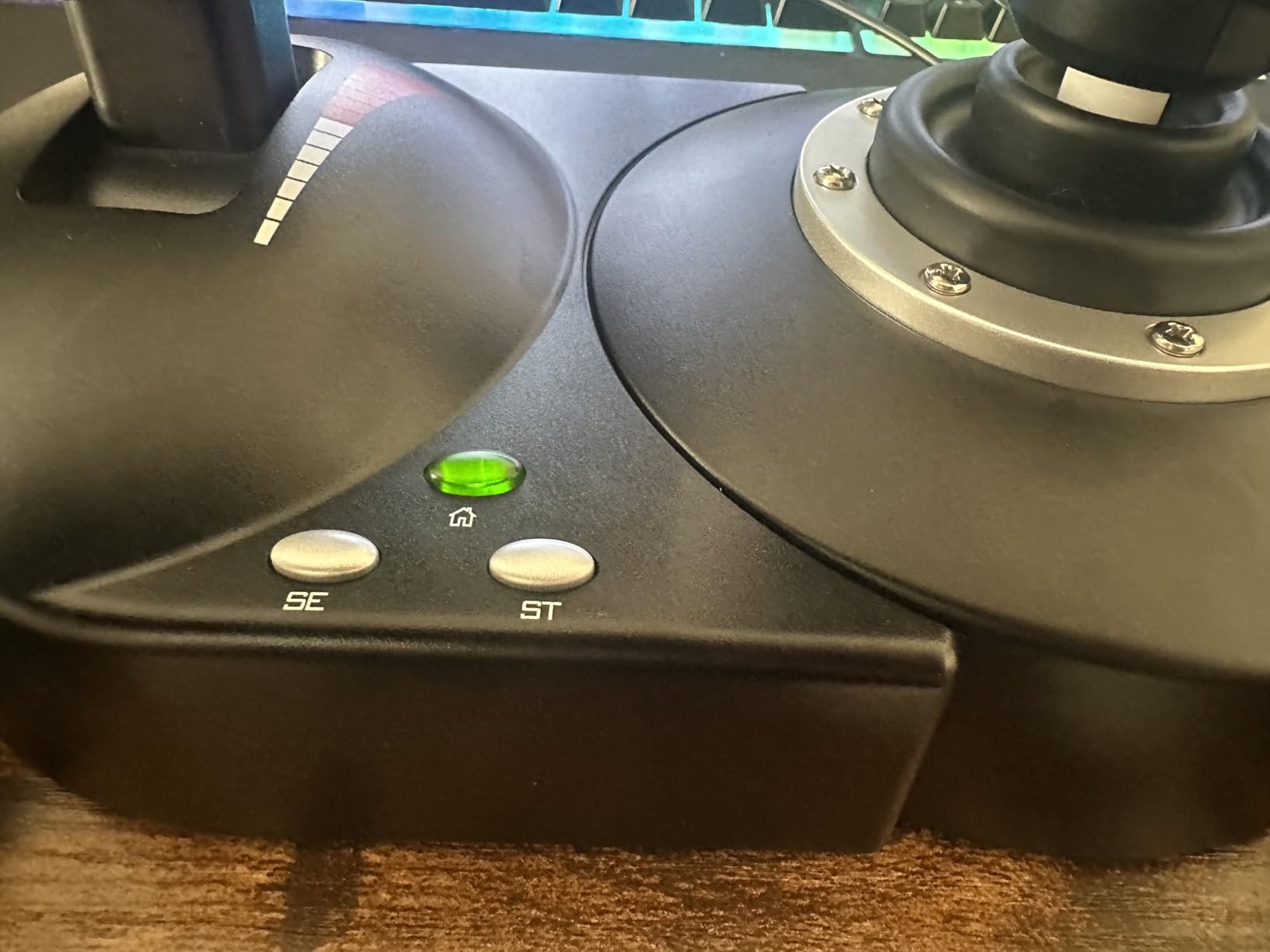
You get dual rudder control through handle rotation or a progressive tilting lever on the throttle. I found the rotating handle more intuitive for combat flying, while the throttle lever worked better for coordinated turns in civilian aviation.
The trigger pulls double duty for brakes in civil flight mode or rapid fire in military mode. Some users report trigger wiggling over time, which is a known quality concern at this price. For casual simmers, it is unlikely to be a dealbreaker, but hardcore users may want to step up to the T16000M.
The multi-directional hat switch gives you panoramic view control, which is essential for situational awareness in combat sims. Overall, this stick punches well above its weight class and remains the smartest entry point for anyone testing the flight sim waters.
4. Thrustmaster T-Flight Stick X – Compact All-in-One for Desk Pilots
Thrustmaster T-Flight Stick X USB Ergonomic Flight Sim Joystick – PC
Plug and play
12 programmable buttons
Integrated throttle
Twist rudder
Weighted base
Pros
- Instant plug and play with no drivers
- Precise adjustable resistance
- Solid weighted stability base
- Built in throttle and twist rudder
- Fully programmable with preset memory
Cons
- Not Prime eligible
- Battery powered rather than corded
- Durability concerns over time
The Thrustmaster T-Flight Stick X is the compact sibling of the Hotas X. Instead of a separate throttle unit, it packs everything into a single device with an integrated throttle lever. If desk space is tight and you want a clean, all-in-one solution, this is worth a look.
I tested this stick primarily in War Thunder and Microsoft Flight Simulator. The plug-and-play setup was genuinely instant. I plugged it in, launched the game, and the stick was recognized immediately with zero driver installation. For anyone who has struggled with finicky peripheral software, that simplicity is refreshing.
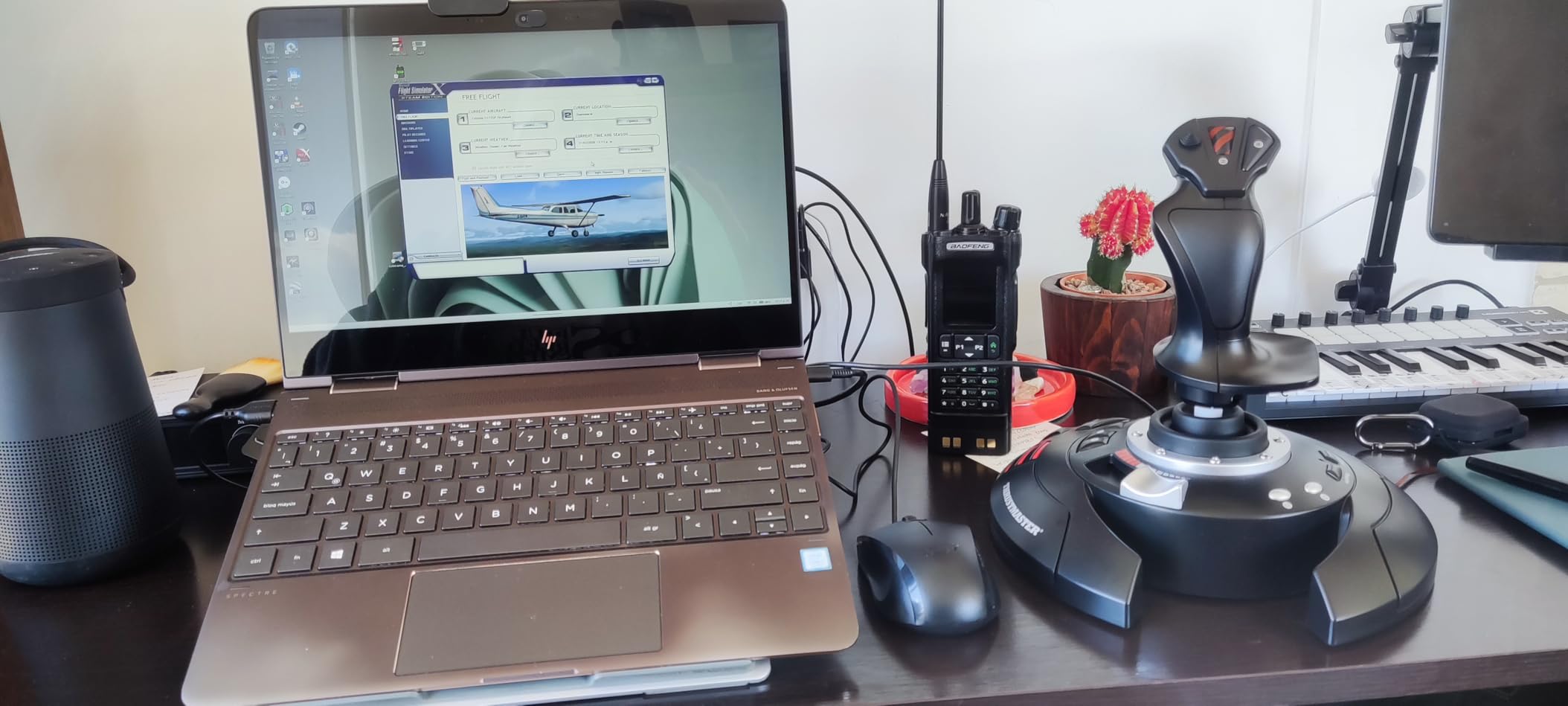
The heavily weighted base does an excellent job of preventing tipping during aggressive maneuvers. I flew several high-G combat sessions without the stick sliding or lifting off the desk. That stability matters more than you might expect when you are in the middle of a dogfight.
Integrated Throttle and Twist Rudder
The built-in throttle lever sits ergonomically at the base of the stick, letting you manage speed without reaching for a separate unit. It is not as satisfying as a full HOTAS throttle, but it keeps your setup compact and your hands close together.
The rotating handle provides twist rudder control for yaw, with a built-in locking system if you prefer to disable it. The 12 reprogrammable buttons and exclusive mapping button give you enough control options for most flight sims, and the internal memory stores your presets.
One thing to note is the power source. This stick is battery powered rather than corded electric, which some users find inconvenient. The adjustable resistance dial lets you fine-tune stick tension, and the build quality is acceptable for the price, though long-term durability reports are mixed.
5. PXN 2113 – Vibration Feedback on a Tight Budget
PXN 2113PRO PC Joystick USB Gaming Flight Simulator Controller Flight Stick
Vibration function
4 axis control
12 programmable buttons
Suction cup base
Windows only
Pros
- Vibration function for immersive flying
- 4 axis controlling with 8-way hat switch
- 12 programmable buttons
- Four suction cups for stable placement
- Affordable entry-level option
Cons
- Windows only
- Lower rating indicates quality concerns
- Vibration weak below 50 percent
- No force feedback support
The PXN 2113 is the cheapest stick in this roundup, and it shows in both good and bad ways. It offers vibration feedback for immersion, a feature you rarely find at this price, but the overall quality and rating reflect its budget positioning.
I tested it in War Thunder, World of Warplanes, and Microsoft Flight Simulator. The vibration function adds a layer of immersion when you fire weapons or hit turbulence, though it is noticeably weak below 50 percent strength. Crank it up and it becomes a fun addition to casual flying.
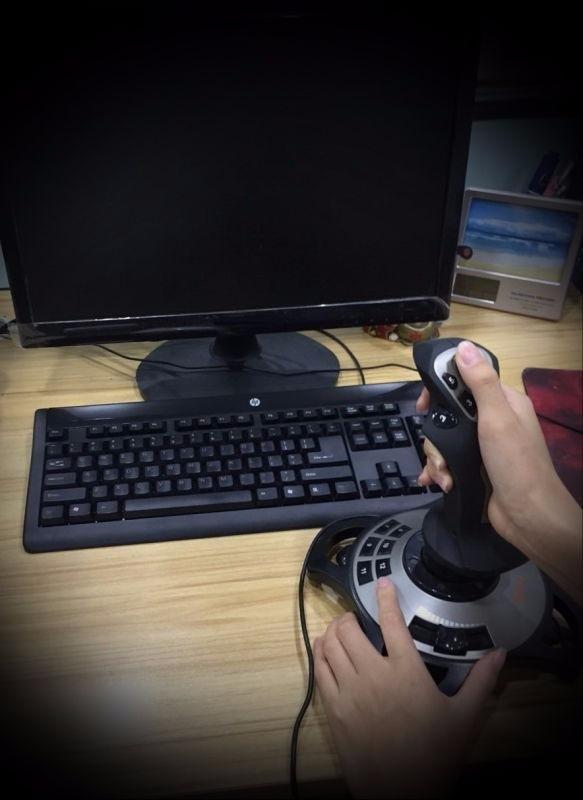
The stick is Windows only, which immediately excludes Mac, PS4, PS5, Xbox, and Switch users. If you are flying on a Windows PC and want the absolute cheapest option to try flight simulation, this stick will get you airborne. Just manage your expectations on build quality.
Vibration Feedback and Immersion
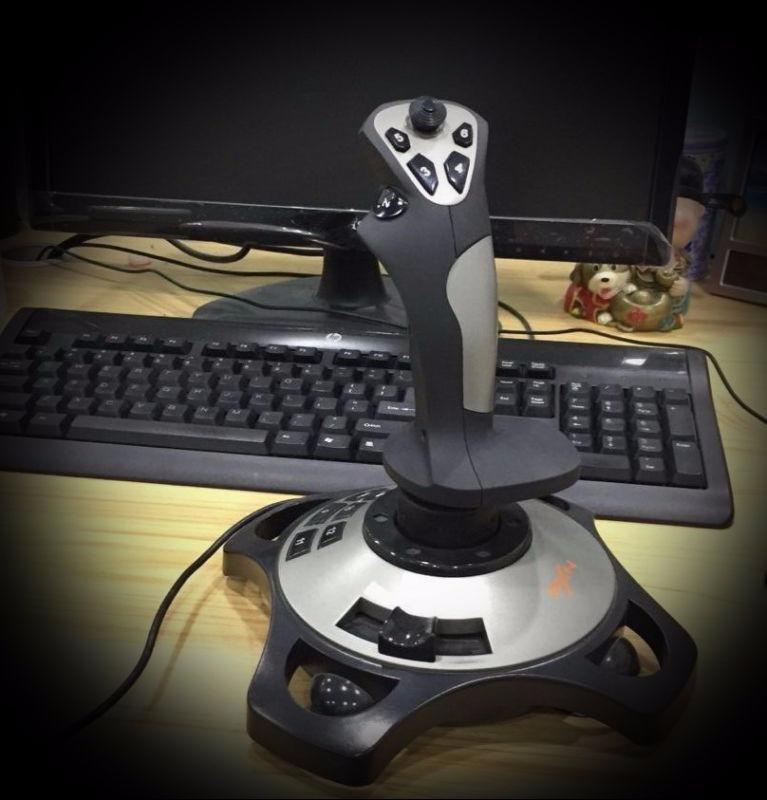
The vibration motor kicks in during combat actions and turbulence events. It is not true force feedback, which would simulate aerodynamic forces on the stick itself. Instead, it is a rumble effect similar to a gamepad. Still, for the price, it adds a layer of engagement that other budget sticks lack.
Note that vibration does not work with Ace Combat 7, Asphalt 8, Minecraft, or games that require true force feedback. Compatible titles include World of Tanks, World of Warplanes, War Thunder, Microsoft Flight Simulator, and X-Plane 10.
Stability and Build Quality Concerns
The four suction cups on the base do a decent job of holding the stick firmly on smooth surfaces. On textured desks, they struggle. I used a smooth mousepad underneath and the stick stayed planted during normal flying.
The 3.8-star rating with 688 reviews tells a story. Over half the reviewers gave it five stars, but 16 percent gave it one star, indicating real quality control inconsistency. The advanced software supports custom adjustment and keyboard mapping, which helps squeeze more functionality out of the hardware.
For absolute beginners who just want to try flight simulation without spending much, the PXN 2113 is a reasonable gamble. If you know you will stick with the hobby, stepping up to the T-Flight Hotas X or T16000M FCS will give you a much better long-term experience.
6. Turtle Beach VelocityOne Flightstick – Feature-Rich Modern Controller
Turtle Beach VelocityOne Flightstick Universal Sim Controller, Xbox, PC
27 programmable buttons
Hall-effect axes
OLED flight display
Ambidextrous
Touchpad navigation
Pros
- High-precision Hall effect sensors
- 27 programmable buttons for extensive control
- Ambidextrous design for jets and airliners
- Integrated OLED flight management display
- Adjustable RGB lighting
Cons
- Requires configuration for different aircraft types
- Learning curve for setup
The Turtle Beach VelocityOne Flightstick is the most feature-dense stick in this roundup. With 27 programmable buttons, 8 axes, an OLED display, a touchpad, and Hall-effect sensors, it packs technology that would have cost twice as much just a few years ago.
I tested it across Microsoft Flight Simulator on both PC and Xbox Series X, and the cross-platform compatibility works flawlessly. The USB-C connection is a modern touch, and the compact footprint makes it surprisingly desk-friendly for how much functionality it offers.
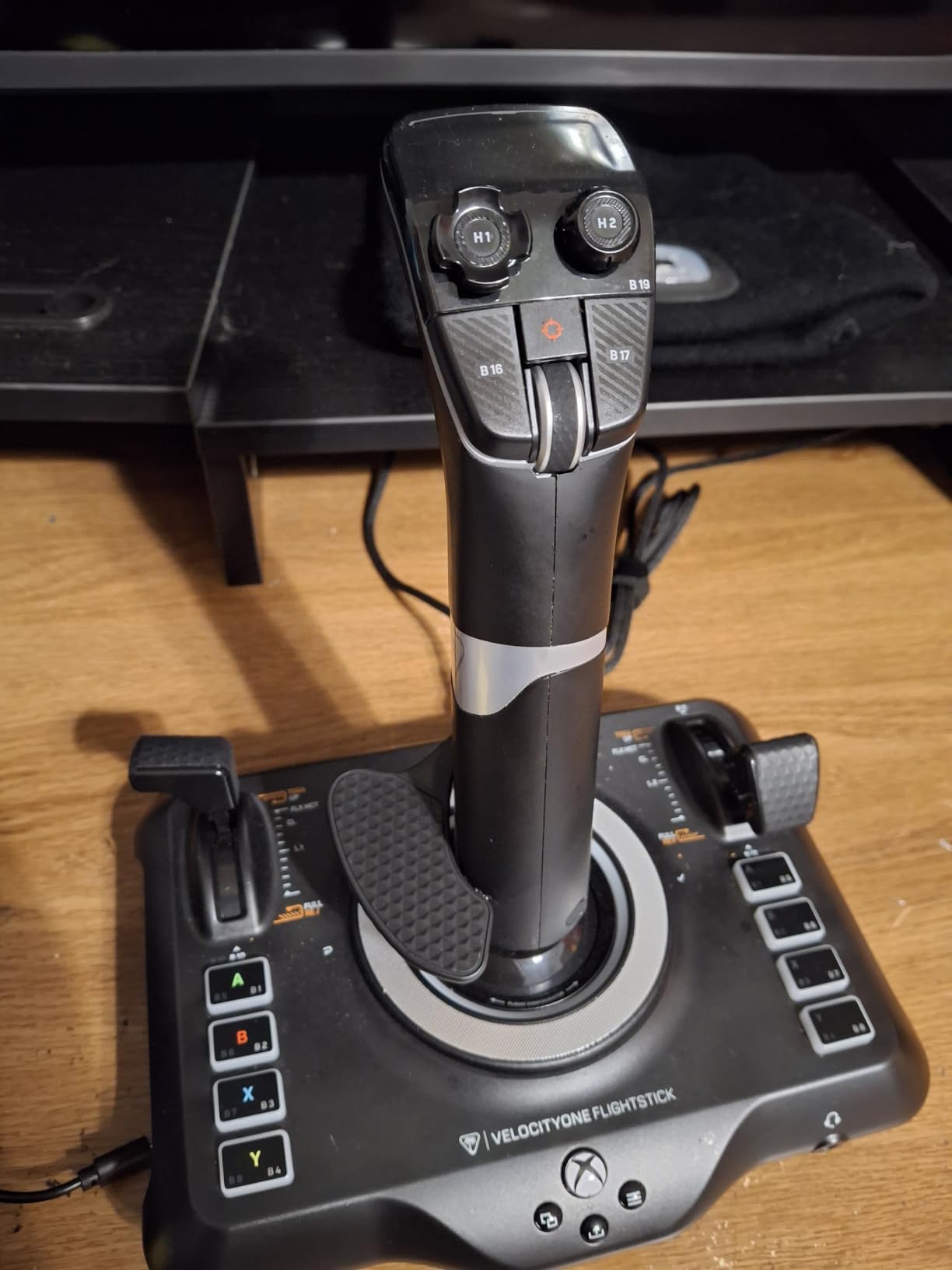
The ambidextrous design works for both fighter jet and airliner flying styles. Turtle Beach clearly designed this with modern sim pilots in mind, and it shows in the thoughtful layout and build quality. At under $100, the value proposition is strong.
Hall-Effect Axes and Button Density
The non-contact Hall-effect main axes deliver the same drift-free precision that makes the T16000M so popular. After weeks of testing, the centering remained exact with zero dead zones developing. For a stick at this price point, that is impressive.
27 programmable buttons is a staggering number for a standalone stick. Combined with 8 axes, a POV hat, and a rapid-fire trigger, you have enough control surface for even the most complex aircraft without needing a separate throttle quadrant. The customizable throttle and flap levers handle speed management.
OLED Display and Touchpad Navigation
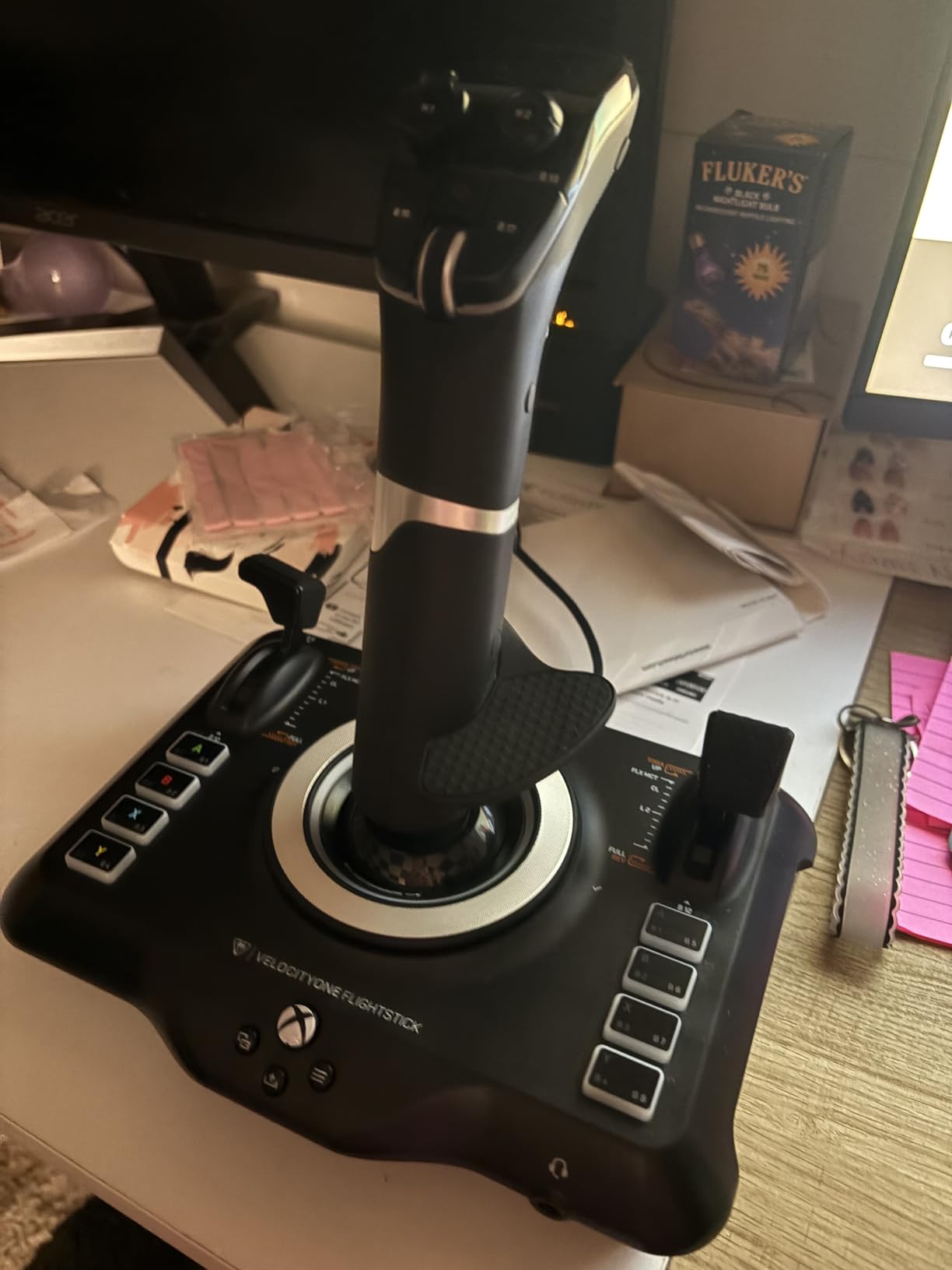
The integrated OLED Flight Management Display shows real-time information during flight. I used it to monitor throttle position and axis assignments, which is genuinely useful in VR where you cannot see your physical controls.
The touchpad navigation sensor provides full cursor control, letting you interact with in-game menus without reaching for a mouse. The flight configuration wheel lets you switch between aircraft profiles quickly, though there is a learning curve to setting everything up for different aircraft types.
The adjustable RGB lighting is more aesthetic than functional, but it does help identify the stick in low-light conditions. Overall, the VelocityOne Flightstick is the most modern, feature-packed option for pilots who want maximum control density in a single device.
7. Thrustmaster T16000M FCS HOTAS – Full Throttle System for Serious Simmers
Thrustmaster T16000M FCS HOTAS (Compatible with PC)
Hall-effect sensors
30 total controls
Twist rudder
Throttle quadrant
PC compatible
Pros
- Hall effect magnetic sensors for exceptional precision
- Twist rudder for intuitive yaw control
- 16 action buttons with braille-style identification
- Comprehensive throttle quadrant with mini-stick
- Ranked number 1 in PC Game Flight Controls
Cons
- PC only not compatible with consoles
- Twist rudder may feel stiff initially
The Thrustmaster T16000M FCS HOTAS is the full system version of our Editor’s Choice stick. It pairs the T16000M stick with a dedicated TWCS throttle quadrant, giving you a complete hands-on-throttle-and-stick setup with the same drift-free Hall-effect precision.
This is the system I would recommend to simmers who know they are committed to the hobby. The separate throttle quadrant transforms the flying experience compared to a standalone stick. I tested it extensively in DCS World, and having a dedicated throttle with its own buttons and axes made complex combat operations far more manageable.
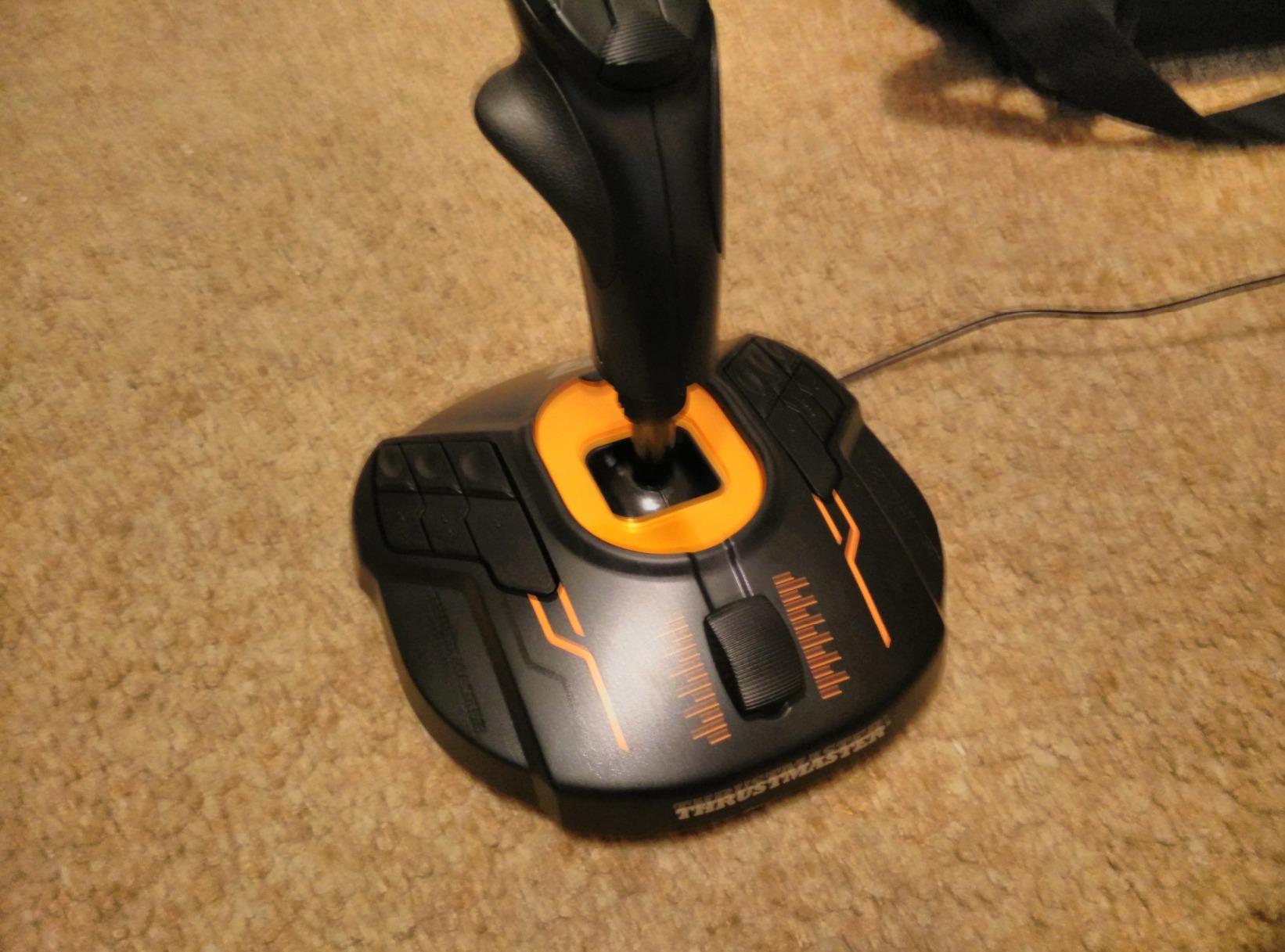
With over 3,400 reviews and the number one rank in PC Game Flight Controls, this system has earned its reputation. The 30 total controls across stick and throttle give you enough programmability for even the most button-heavy aircraft modules.
Complete Throttle Quadrant System
The TWCS throttle quadrant adds 14 action buttons, an 8-way POV hat, two 4-way switches, a 2-position slider, and a push mini-stick. That is a massive amount of control surface dedicated to your left hand, exactly where a HOTAS system should shine.
The throttle motion is smooth with a satisfying detent. I found the mini-stick particularly useful for controlling camera views in DCS World, letting me look around the cockpit without taking my hand off the throttle. The overall layout encourages muscle memory development, which is what separates casual flying from serious simulation.
Hall-Effect Precision Across the System
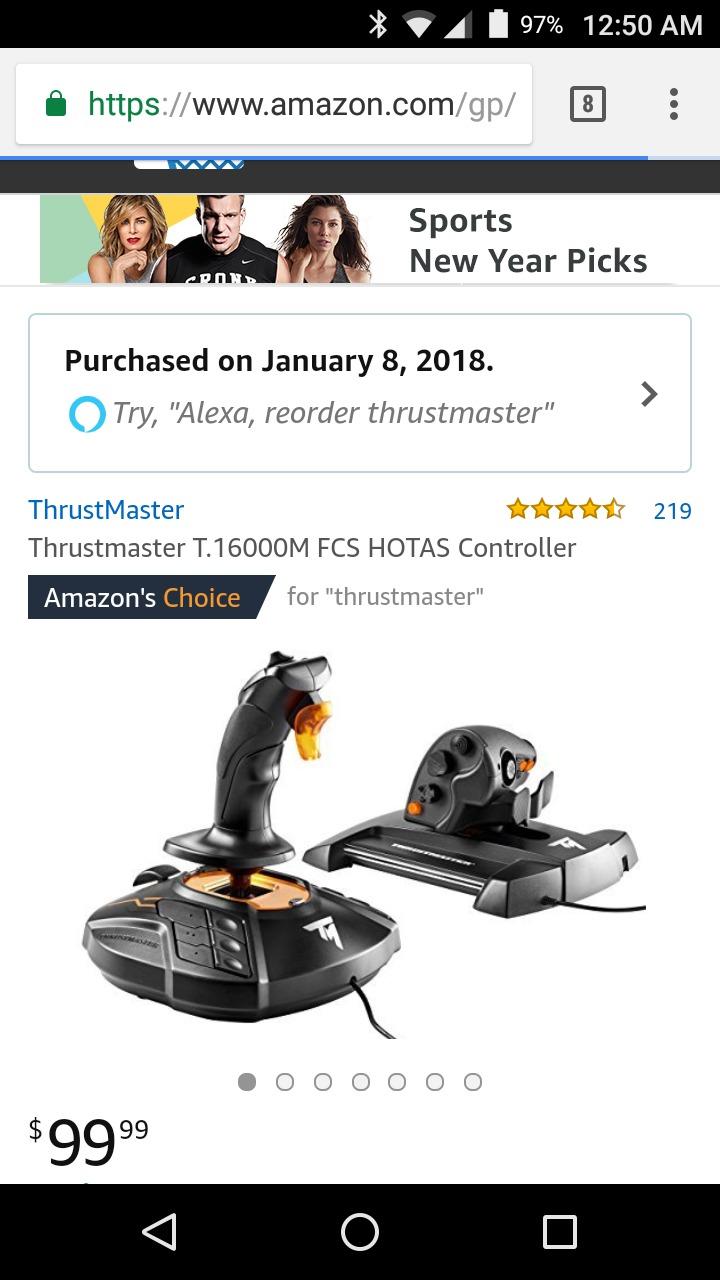
Both the stick and throttle use Hall-effect magnetic sensors for drift-free accuracy. The 16-bit resolution on the aileron and elevator axes provides incredibly granular control input. In testing, I could make micro-adjustments during aerial refueling in DCS World that would have been impossible with a potentiometer-based stick.
The twist rudder on the stick handles yaw control. It feels stiff out of the box, but loosens up after the first few hours. If you prefer dedicated pedals, the system is compatible with Thrustmaster TFRP rudder pedals. You can disable the twist axis in the T.A.R.G.E.T software when you make that upgrade.
The braille-style physical identification on the 16 stick buttons remains one of my favorite features. In VR or low-light conditions, being able to identify buttons by touch is a genuine advantage that improves your flying efficiency.
8. Logitech G X56 H.O.T.A.S. – Maximum Customization for VR and Space Sims
Logitech G X56 H.O.T.A.S Throttle and Joystick Flight Simulator Game Controller, 4 Spring Options, +189 Programmable Controls, RGB Lighting, 2x USB, PC – Black
189 plus programmable controls
Twin throttles
4-spring system
VR optimized
RGB lighting
Pros
- Military-grade precision with hall-effect sensors
- 189 plus programmable controls for extensive customization
- RGB backlighting for aesthetic customization
- 4 spring options for adjustable stick force
- Twin throttles with friction adjuster
- Ideal for VR with controls placed under fingers
Cons
- Throttle can be stiff requiring adjustment
- Requires separate Saitek drivers not Logitech G Hub
- Some throttle position holding issues
- May require powered USB hub
The Logitech G X56 H.O.T.A.S. is the most customizable stick system in this roundup. With over 189 programmable controls, twin throttles, a 4-spring tension system, and RGB backlighting, it is built for simmers who want to dial in every detail of their cockpit experience.
I tested this system primarily in Elite Dangerous and DCS World, both of which demand extensive button mapping. The sheer number of controls means you can map every function without relying on modifier keys or keyboard reaching. For VR pilots, this is a major advantage since you cannot see your keyboard.
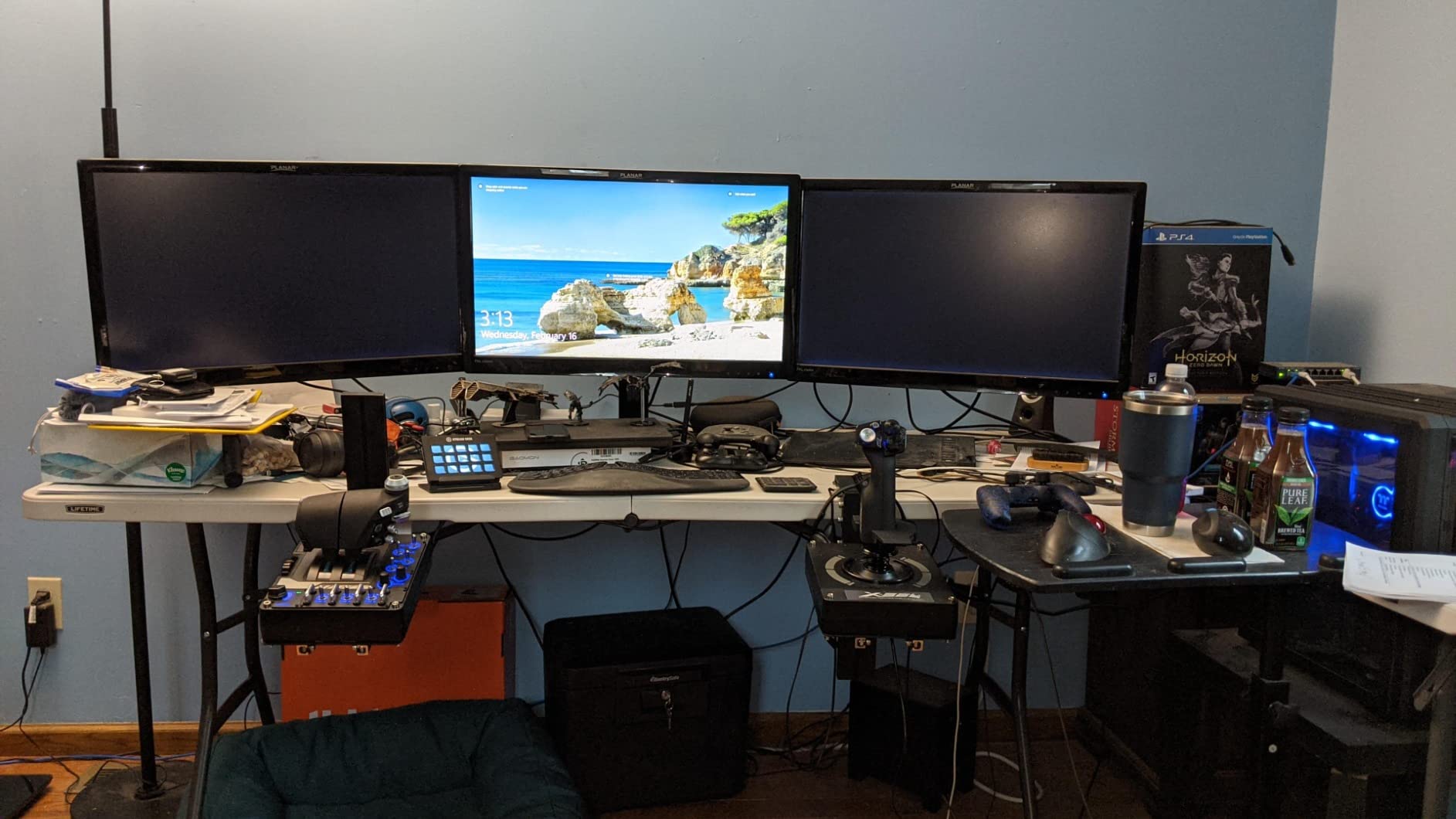
The system uses 16-bit aileron and elevator axes with Hall-effect sensors for precision comparable to the T16000M. The twin throttles with friction adjuster and throttle lock are ideal for twin-engine aircraft and asymmetric thrust scenarios.
189+ Programmable Controls and VR Suitability
The staggering control count comes from the combination of buttons, hats, mini-sticks, and axes across both the stick and throttle units. The new mini analog stick on the throttle provides control surfaces for pitch, roll, yaw, and gimballed weapons in space sims.
Logitech specifically designed this system with VR in mind. The controls are placed exactly where your fingers naturally rest, so you can operate everything by feel. I flew several Elite Dangerous sessions in VR and never needed to lift my headset to find a control. The RGB backlighting helps in low-light play as well.
4-Spring Tension System and Twin Throttles
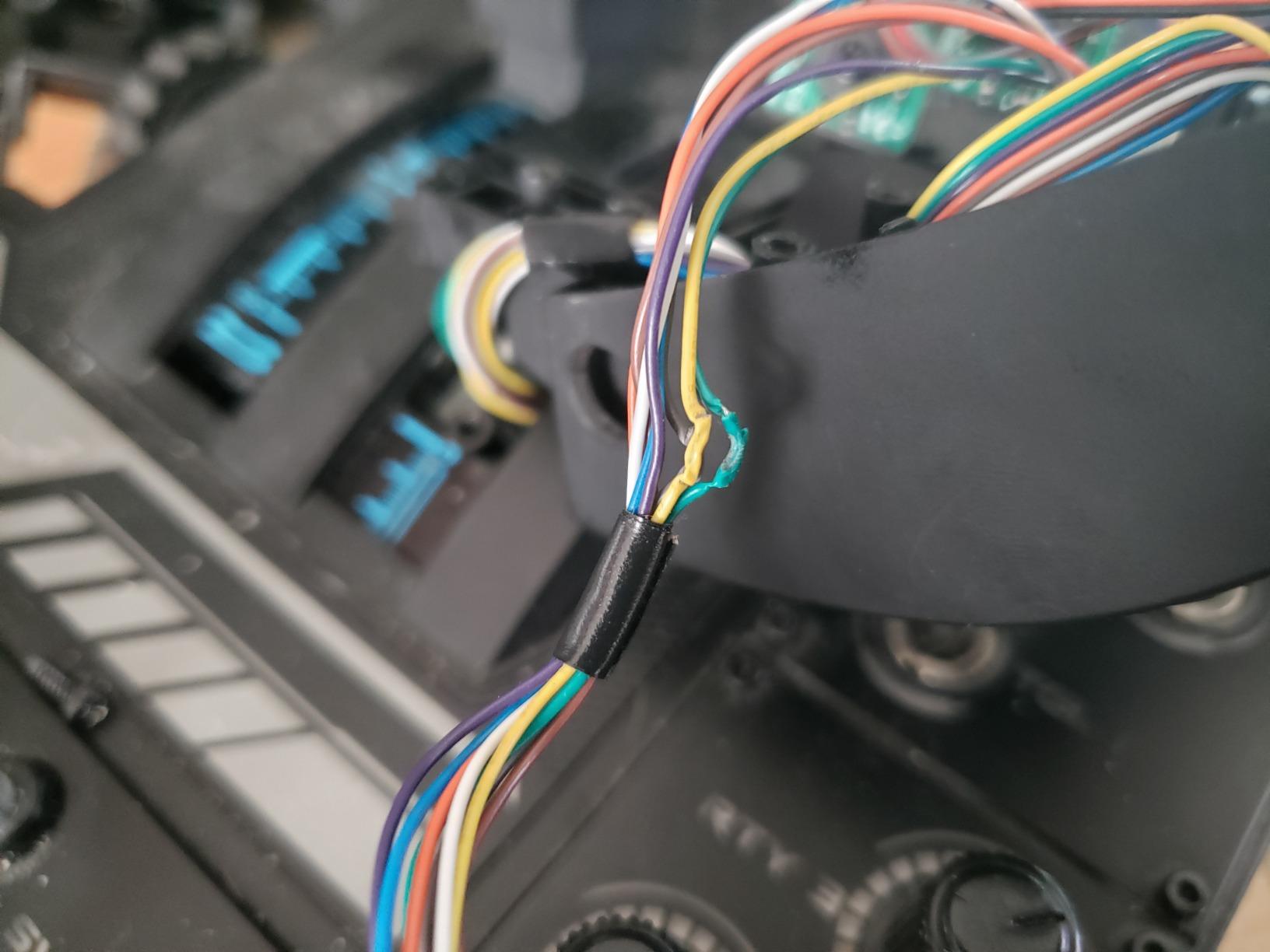
The advanced 4-spring system lets you adjust stick force to match your preference. I experimented with all four spring configurations and settled on the firmest for combat flying and the softest for civilian cruising. This level of physical customization is unique at this price point.
The twin throttles are the standout hardware feature for multi-engine flying. You can lock them together for single-engine aircraft or split them for independent engine control. The friction adjuster lets you set the resistance so the throttles stay where you put them.
One important note: the X56 does not connect to Logitech G Hub. It requires the separate Saitek drivers, which is a legacy issue from Logitech’s acquisition of Saitek. Some users report throttle stiffness and power requirements that may necessitate a powered USB hub. These are manageable issues, but worth knowing before you buy.
How to Choose the Right Flight Stick for Your Sim Setup?
Choosing the right flight stick comes down to understanding your flying style, budget, and upgrade plans. After testing all eight sticks in this guide, I can share some practical insights that go beyond spec sheets and help you make a decision you will not regret.
HOTAS vs Stick-Only: Which Setup Do You Need?
HOTAS stands for Hands On Throttle And Stick, and it refers to a two-piece system with a separate joystick and throttle unit. A stick-only setup has the throttle integrated into the base or omitted entirely.
If you fly combat sims like DCS World or space sims like Elite Dangerous, a HOTAS setup is strongly recommended. The ability to control throttle, weapons, and systems without taking your hands off the controls is transformative for situational awareness and reaction speed.
For casual civilian flying in Microsoft Flight Simulator, a stick-only setup may suffice. Many pilots start with a standalone stick and add a throttle quadrant later as they get more serious.
Sensor Technology: Hall-Effect vs Potentiometer
This is the single most important technical factor in a flight stick. Hall-effect sensors use magnetic fields to detect stick position, which means no physical contact and no wear over time. Potentiometers use physical contacts that degrade, leading to drift and dead zones.
Forum communities overwhelmingly prefer Hall-effect sticks for this reason. The Thrustmaster T16000M, T16000M FCS HOTAS, Turtle Beach VelocityOne, and Logitech X56 all use Hall-effect sensors. Budget sticks like the PXN 2113 and T-Flight series use potentiometers, which is why they cost less but may not last as long under heavy use.
If you plan to fly regularly for years, spending more on a Hall-effect stick will save you from the frustration of drift and the cost of replacement.
Twist Rudder vs Dedicated Pedals
Most standalone sticks include twist rudder functionality, where you rotate the stick handle to control yaw. This works fine for beginners and saves you the cost of separate pedals. However, twist rudder can feel imprecise compared to dedicated pedals and may interfere with your pitch and roll inputs during aggressive maneuvering.
Serious simmers eventually upgrade to rudder pedals for more realistic yaw control, coordinated turns, and differential braking. If you think you will go that route, look for sticks that let you disable the twist axis in software, like the T16000M series and T-Flight Hotas One.
Button Count and Programmability
Complex aircraft in DCS World and X-Plane 12 demand dozens of control inputs. A stick with 12 buttons may feel limiting if you fly modules with extensive systems management. Sticks like the Turtle Beach VelocityOne with 27 buttons and the Logitech X56 with 189+ programmable controls give you room to grow.
Software support matters as much as button count. The Thrustmaster T.A.R.G.E.T software and Logitech driver suite let you create layered profiles, macros, and keyboard command mappings. Look for sticks with active community profile sharing, which dramatically reduces setup time for popular sims.
Left-Handed and Ambidextrous Options
Left-handed pilots have limited options, and most competitors do not cover this well. The Thrustmaster T16000M FCS is the standout choice here, with its fully ambidextrous swappable component design. The Turtle Beach VelocityOne also features an ambidextrous layout.
Most other sticks are right-hand only. If you are left-handed, the T16000M FCS or the full T16000M FCS HOTAS system are your best bets for a quality experience without compromise.
VR Compatibility Considerations
If you fly in VR, button layout by feel becomes critical. You cannot look at your hands, so textured markings, braille-style identification, and logical button grouping are essential. The Logitech X56 was specifically designed for VR with controls placed under your fingers, and the T16000M’s braille-style buttons work well too.
Sticks with OLED displays like the Turtle Beach VelocityOne add another VR-friendly layer, showing real-time information you can glance at without lifting your headset. RGB lighting also helps identify controls in low-light conditions.
FAQs
What is the best flight stick for Microsoft Flight Simulator?
The Thrustmaster T-Flight Hotas One is our top pick for Microsoft Flight Simulator. It offers a full HOTAS setup with detachable throttle, 14 programmable buttons, and seamless PC and Xbox compatibility. For budget-conscious simmers, the T-Flight Hotas X delivers excellent value. If you want maximum precision, the T16000M FCS with Hall-effect sensors is the premium choice.
What flight simulator controls work best for PC?
The best PC flight simulator controls combine a Hall-effect joystick for drift-free precision, a separate throttle quadrant for realistic speed management, and programmable buttons for complex aircraft systems. HOTAS systems like the Thrustmaster T16000M FCS HOTAS and Logitech G X56 offer the most complete control experience for PC flight simulation.
How do I choose a flight joystick for PC?
Choose a flight joystick by considering four factors: sensor type (prefer Hall-effect for durability), button count (12 plus for combat sims, 20 plus for complex modules), throttle style (integrated for beginners, separate HOTAS for serious simmers), and platform compatibility (PC only versus PC and console). Start with a budget stick if you are new, then upgrade as your commitment to the hobby grows.
What is the difference between HOTAS and joystick?
A HOTAS (Hands On Throttle And Stick) is a two-piece system with a separate joystick and throttle unit, allowing hands-on control of both flight and speed simultaneously. A standard joystick is a single unit that may have an integrated throttle slider on the base. HOTAS systems provide more realistic and precise control for combat and space simulation.
Are expensive flight sticks worth it?
Expensive flight sticks are worth it if you fly regularly and value long-term durability. Premium sticks with Hall-effect sensors (like the T16000M and Logitech X56) never develop drift, offer 189 plus programmable controls for complex aircraft, and provide VR-optimized layouts. For casual or first-time pilots, budget sticks under 100 dollars like the T-Flight Hotas X deliver 80 percent of the experience at a fraction of the cost.
Final Verdict on the Best Flight Sticks for PC Simulators
After weeks of hands-on testing, my recommendations come down to who you are as a pilot. If you want the best balance of precision, value, and versatility, the Thrustmaster T16000M FCS is my top pick for 2026. Its Hall-effect sensors and ambidextrous design are hard to beat.
If you need a complete HOTAS system for combat and space sims, the T-Flight Hotas One gives you the best value. And if you are just testing the flight sim waters, start with the budget-friendly T-Flight Hotas X to see if the hobby sticks before you commit to a bigger investment.
For VR pilots and those who want maximum customization, the Logitech G X56 H.O.T.A.S. offers 189-plus programmable controls built for immersive headset flying. Whatever your setup, the right flight stick transforms PC simulation from a keyboard chore into a genuine cockpit experience.