
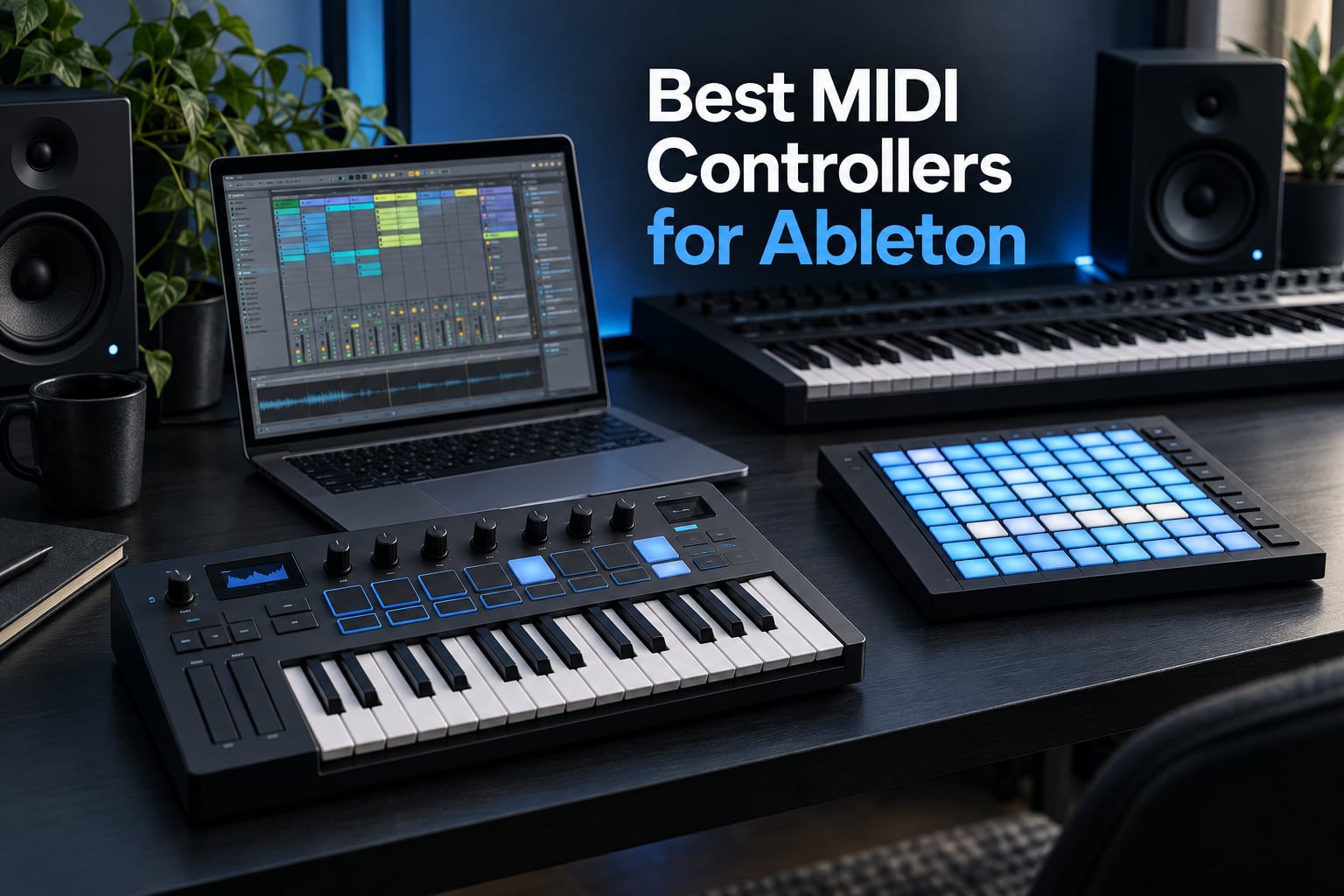
Choosing the best MIDI controllers for Ableton is less about raw spec sheets and more about how a surface behaves inside Live itself. We spent weeks moving between the models below on a daily Session View workflow: launching clips, playing virtual instruments, dialling macro knobs on a reverb return and sequencing an external synth from the same desk.
That process turned up something the spec tables hide. Two controllers can carry the same number of pads and the same rating on a retailer page, yet one needs an hour of mapping work and the other plays Live correctly the moment you plug it in. Live rewards surfaces that were designed around its own control surface model, and punishes everything else with a wall of manual setup.
Our testing covered three things the ranking guides we studied skip entirely. First, whether the controller shows up in Ableton’s MIDI preferences and responds without a template, without drivers and without a restart. Second, whether the control surface mapping actually survives a save and reload of your Live set. Third, whether the surface is pleasant to use for a long session rather than for a two-minute demo.
Two models in this list earned nothing but praise, so we looked hard for the catch on each. If you are still working out which form factor fits you, our guides to the best MIDI keyboards for music production and the best MIDI keyboards for beginners cover the hardware side in more depth than a controller roundup can.
Quick Picks: The Best MIDI Controllers for Ableton Live
The best MIDI controller for Ableton Live depends on which part of Live you touch most. For clip launching and mixing the Akai APC40 MKII is the most complete all-in-one surface, for grid performance the Novation Launchpad X is the quickest, and for instrument-style control no third-party surface reaches the depth of Ableton’s own Push. Our overall pick, the Arturia MiniLab 3, wins on balance rather than on any single feature.


Novation Launchpad X
- 64 velocity and pressure RGB pads
- driver-free Live control
- 4 custom modes
Every controller below was handled in Ableton Live with the same routine: connect over USB, open the MIDI preferences, launch a set, work for a stretch, save, close the set and reopen it. Any surface that only worked until the set was reloaded lost points, because a control surface that forgets its mapping is a control surface you re-map every week.
Comparing Every MIDI Controller in This Roundup
All eleven controllers appear in the table below with the details that actually change how they behave in Live. Feature lists are drawn from the hardware itself rather than from marketing copy.
| Product | Specs | Action |
|---|---|---|
| Arturia MiniLab 3 |
|
Check Latest Price |
| Akai APC40 MKII |
|
Check Latest Price |
 Ableton Push 2 Ableton Push 2 |
|
Check Latest Price |
| Novation Launchpad X |
|
Check Latest Price |
 Novation Launchkey 25 MK3 Novation Launchkey 25 MK3 |
|
Check Latest Price |
 Novation Launchkey 49 MK4 Novation Launchkey 49 MK4 |
|
Check Latest Price |
 Akai MPK Mini IV Akai MPK Mini IV |
|
Check Latest Price |
 Akai APC Mini MK2 Akai APC Mini MK2 |
|
Check Latest Price |
 M-Audio Oxygen 61 MKV M-Audio Oxygen 61 MKV |
|
Check Latest Price |
 Arturia KeyStep 37 Arturia KeyStep 37 |
|
Check Latest Price |
 Nektar Impact GXP88 Nektar Impact GXP88 |
|
Check Latest Price |
1. Arturia MiniLab 3 – The Best Balanced Controller for Ableton Live
Arturia MiniLab 3 Universal MIDI Controller, White
25 velocity-sensitive slim keys
16 RGB pads in 2 banks
8 encoders and 4 faders
5-year warranty
Pros
- Velocity-sensitive slim keys for sketching and playing
- 16 RGB pads across 2 banks for drums and clip triggers
- 8 rotary encoders plus 4 faders
- Clickable display knob for browsing without a mouse
- 5-year warranty and a strong bundled software suite
Cons
- Plastic build and slim synth-action keys feel light beside semi-weighted boards
- No Ableton-specific mapping modes or scene launch controls
- Touch strips instead of physical pitch and mod wheels
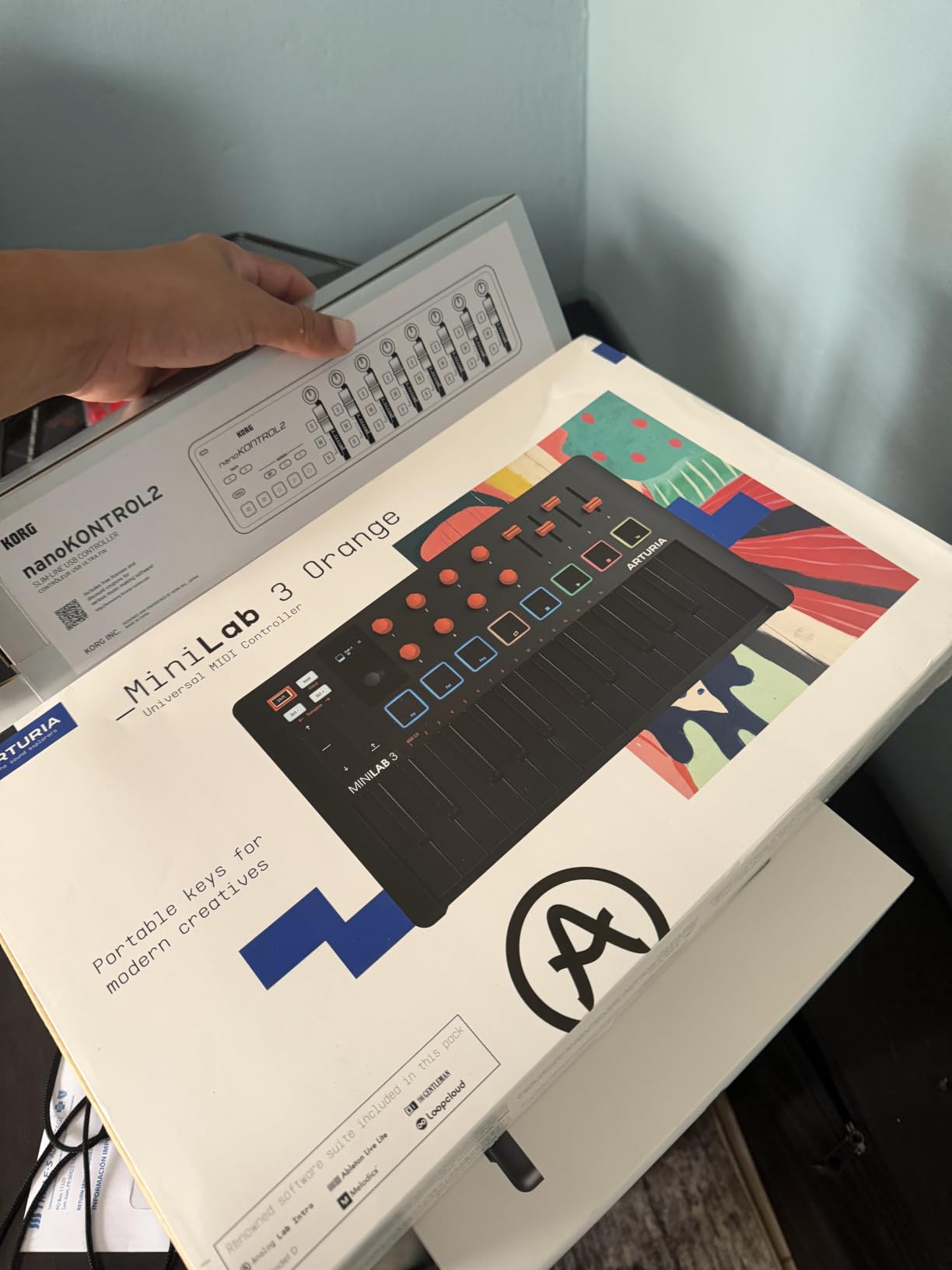
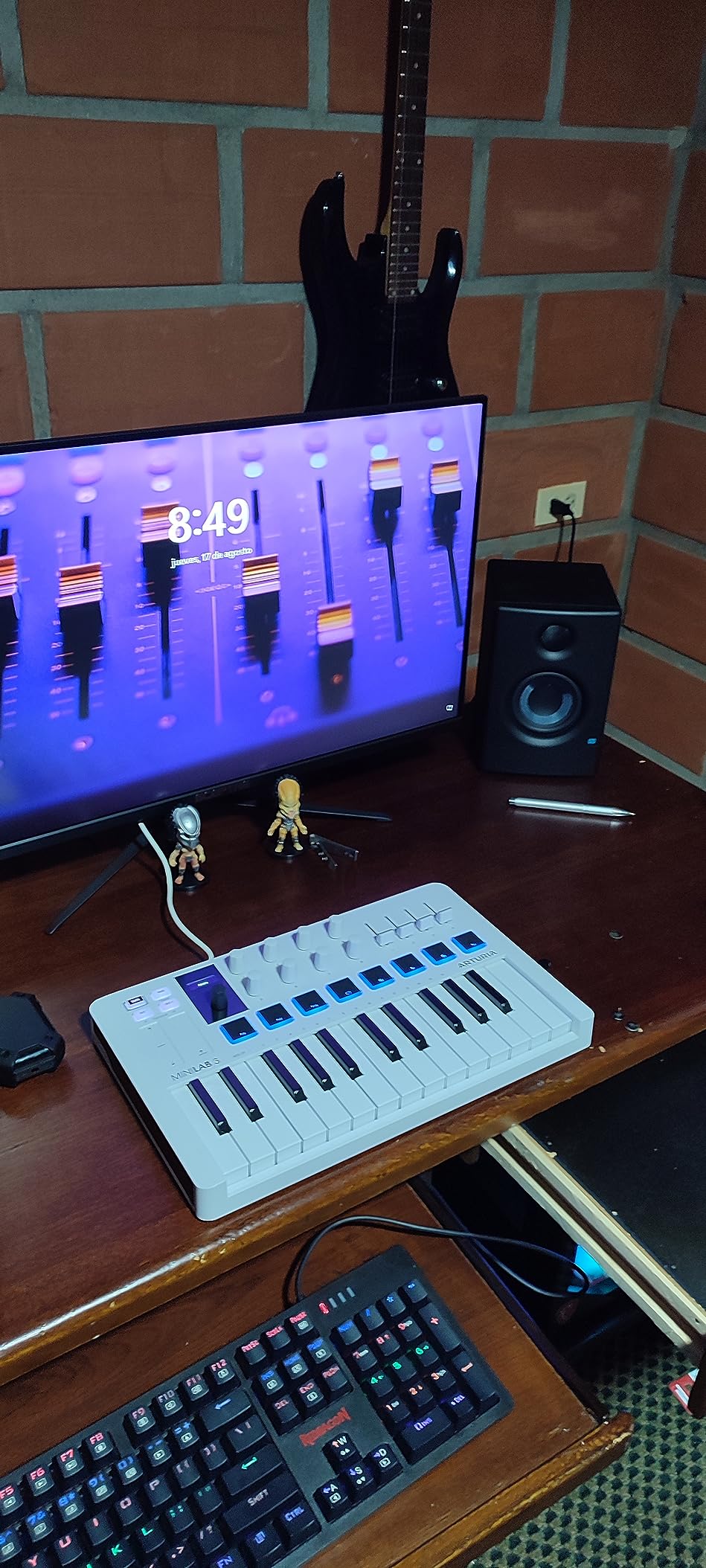
The MiniLab 3 is the best-balanced controller for Ableton Live in this roundup because it covers every corner of the workflow in one small box. Velocity-sensitive keys handle playing, two banks of eight RGB pads handle drum racks and clip triggers, eight encoders handle device macros, four faders handle the mixer, and the mini display handles the browser without a mouse.
What surprised us most was how rarely we went looking for the mouse. Track mutes, an instrument filter cutoff and a reverb send were all a finger away, and the slim keys held up for sketching chords as well as for playing a soft piano patch through Live.
Pads, encoders and faders in a single 25-key body
Arturia gave the MiniLab 3 more control than most compact keyboards, and all of it is velocity and pressure sensitive. The two pad banks work as finger drums inside a Live Drum Rack, and the eight rotary encoders sit right where your hand already rests when you reach for a plugin parameter. The four faders cover track and device moves, so the surface handles playing and mixing without a detour to the mouse.
The capacitive touch strips for pitch bend and modulation are smooth and never need servicing, but players coming from a keyboard with wheels will miss the mechanical feel. The display with its clickable browse knob handles preset and plugin browsing, which is where the biggest time saving showed up in our sessions.
What the MiniLab 3 does not do for Live
Be clear about the gap: this is not an Ableton-specific control surface. There is no dedicated session mode, no mode button for the launch grid, and no built-in mapping that puts track launch on the pads out of the box. You get a universal controller that happens to ship with Ableton Live Lite, so some MIDI mapping on your side is part of the deal.
Reviewers of generic controllers point out that they work fine once mapped, and they are right, but they also point out that mapping time is time you do not get back. Our compromise was to use the pads for drums and keep clip launching on screen.
Who should buy the MiniLab 3, and who should skip it
Buy it if you want one box for writing, playing and mixing in a bedroom or small studio, and if you want the option of traveling with it. The 5-year warranty and the bundled Analog Lab Intro, UVI Model D and Live Lite mean the software side of the kit is covered for years.
Skip it if your set lives in Session View and clip launching is the centre of your day, because nothing on this surface is mapped to the launch grid. The same applies to a pianist who needs two-handed playing across more than two octaves at a time.
2. Akai APC40 MKII – The Best Ableton Control Surface for Clip Launching
Akai Professional APC40 MKII USB MIDI Pad Controller
5x8 RGB clip-launch matrix
9 faders, 8 knobs, 8 device controls
Assignable A/B crossfader
1.8 kg
Pros
- 1:1 mapping with Ableton Live with no drivers or manual configuration
- 5x8 RGB clip-launch matrix with accurate color-coded clip and track status
- 9 assignable faders plus 8 knobs and 8 device controls
- Assignable A/B crossfader for instant transitions between two armed track sets
- Light enough at 1.8 kg to move between studio and stage
Cons
- Some owners have had individual faders fail after a few years
- Footswitch jack is the only hands-free trigger and there is no MIDI in or out
- Bundled software is Ableton Live Lite rather than a full Live license
The APC40 MKII is the best MIDI controller for Ableton Live when Live’s own control surface model is what you want to touch. Its 40 buttons are a 1:1 mirror of the session grid, the nine faders and eight knobs map straight to the mixer, and the RGB colours match clip and track state without a refresh or a template import.
There is no setup step beyond plugging in the USB cable. That single fact is worth more to an Ableton user than any feature a competitor can add, and it is why owners with experience of the alternatives rate it so highly.
Mixer control that actually matches Live’s layout
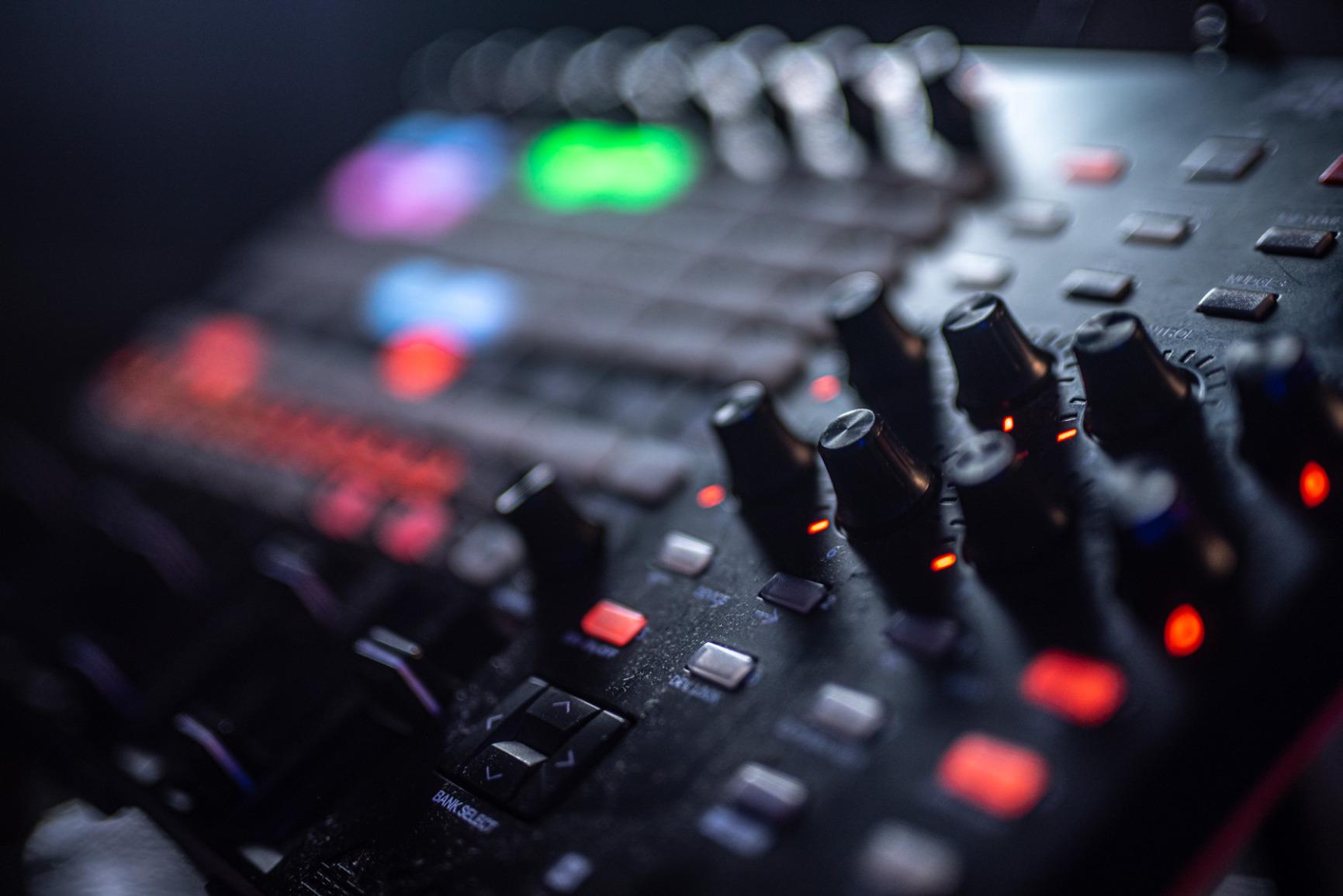
Nine assignable faders cover the mixer with a master fader on top, the eight device controls jump straight to the parameters of whatever device is selected, and the eight knobs act as macro controls. Because the mapping is one to one, the muscle memory you build on the APC40 MKII transfers directly to the on-screen mixer, which is not true of a generic keyboard with four assignable knobs.
The assignable A/B crossfader is the sleeper feature. Assign two armed sets of tracks to each side and you can move between arrangements the way a DJ moves between decks, which is exactly what an Ableton live set often needs at the halfway point.
Durability and the limits of a grid-only box
The one consistent complaint from owners is fader longevity, with a minority reporting individual faders failing after a few years and sometimes outside the warranty. Anyone who tours with this surface should treat it as a travel case item rather than a studio shelf item.
There is also no MIDI DIN in or out, so you cannot use the APC40 MKII to sequence hardware synths or modules. The footswitch jack is the only hands-free trigger on the box, and the bundled software is Live Lite, so a full Live license is still needed for the sessions this surface is built for.
Who should buy the APC40 MKII, and who should skip it
Buy it if your workflow is a live set: clips on a grid, mixer moves on faders, a couple of device macros on knobs. It is also the surface we recommend to anyone who keeps asking why their keyboard does not launch clips in Live.
Skip it if you want to play a two-handed part on real keys, because there are none. It is also the wrong tool for controlling external hardware, since the MIDI ports are missing.
3. Ableton Push 2 – The Deepest Live Integration of Any Controller
Ableton Push 2 Controller Instrument
64 velocity-sensitive pads
8 touch-sensitive encoders
Large multicolor display
Aluminum body
Pros
- 64 velocity-sensitive pads for drum and sample work plus step sequencing
- Large multicolor display with 8 touch-sensitive encoders
- Scale-aware note layout so one fingering works in every mode
- Solid aluminum build with satisfying knobs
- Sampling workflows for slicing and manipulating audio from the surface
Cons
- Deep feature set means a lot of menu navigation and the manual is effectively required
- Some buyers reported invalid bundled registration codes
- Only Ableton Live Intro is included so a full Live license is needed
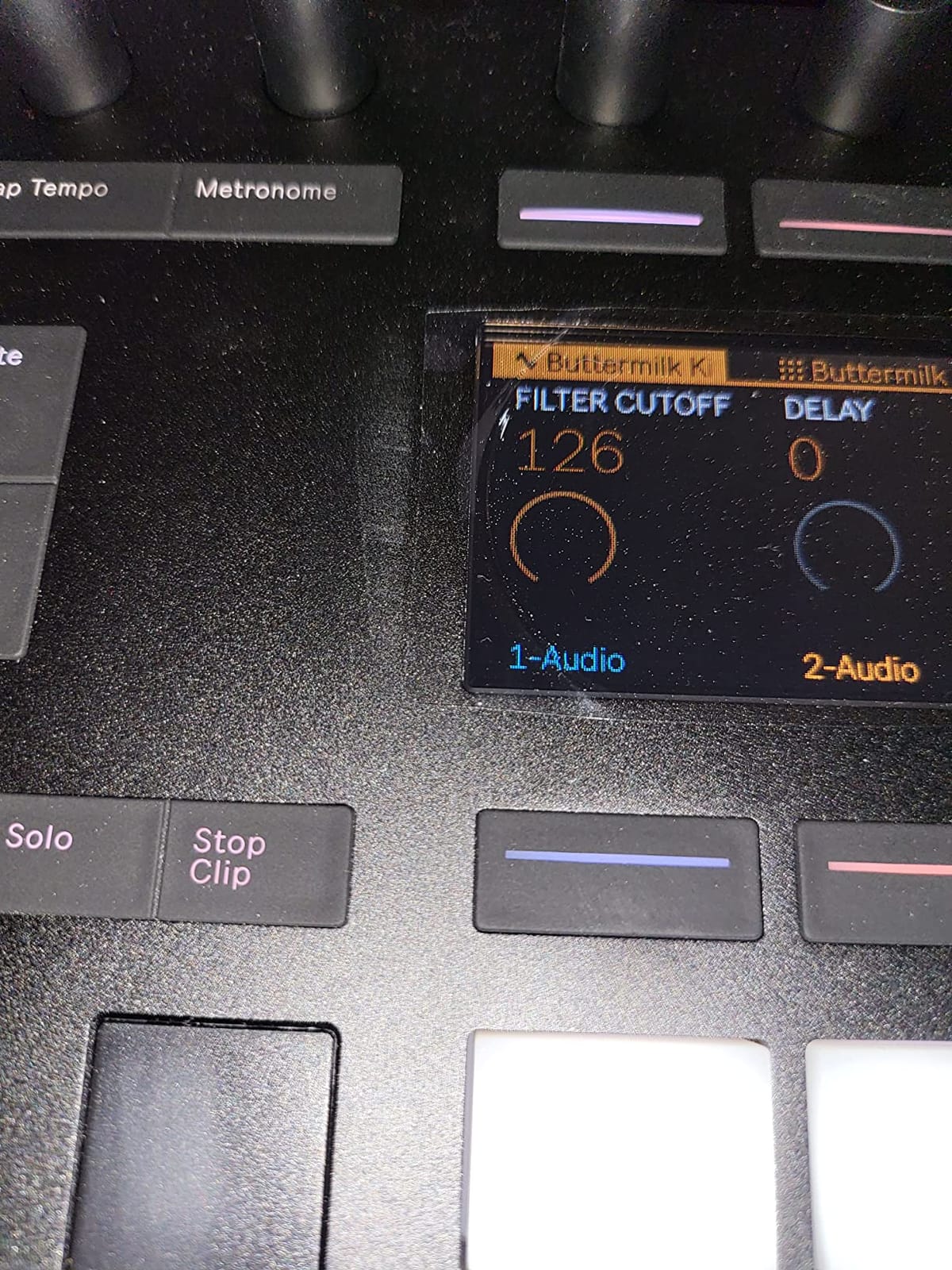
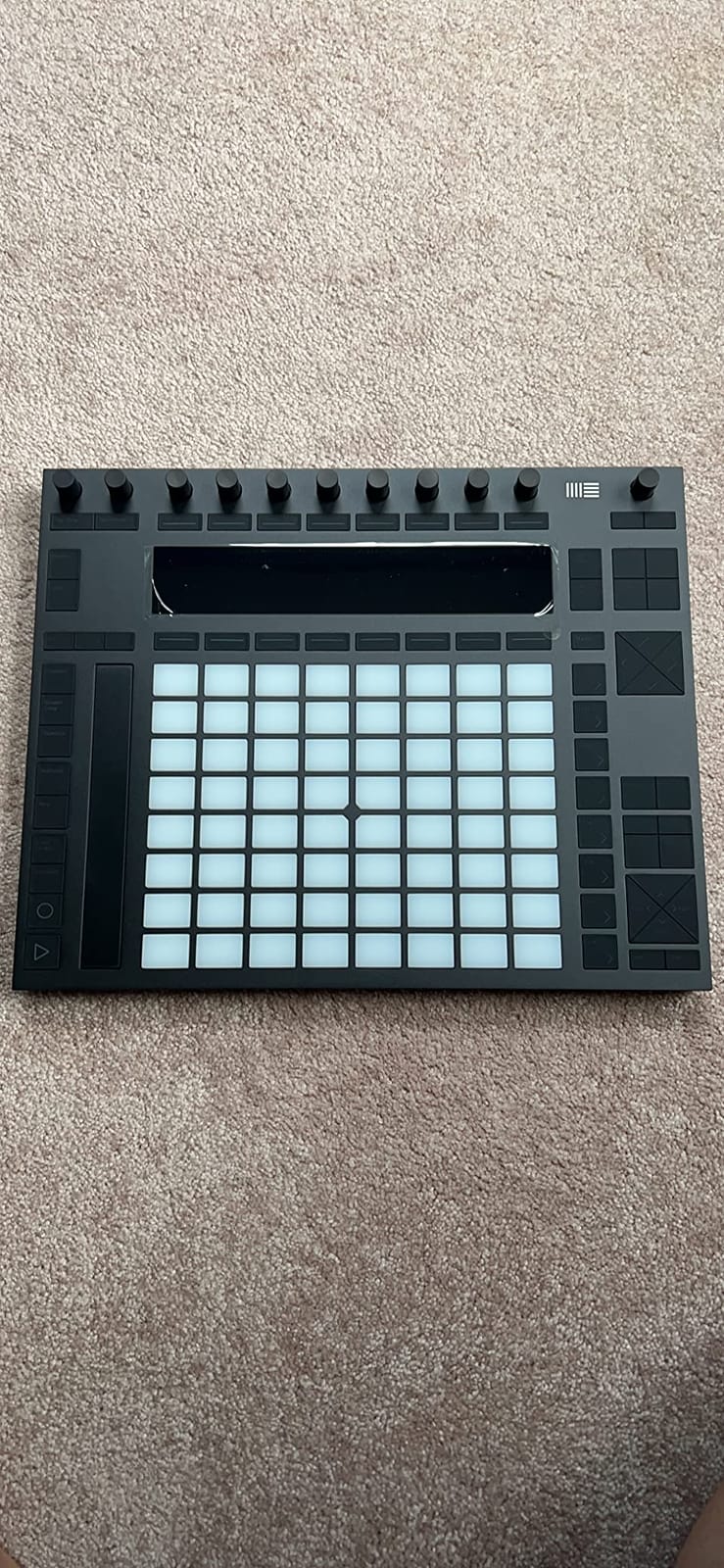
Ableton Push 2 has the deepest Live integration of any controller in this roundup, and on r/ableton that is treated as close to settled fact. Sixty-four velocity-sensitive pads switch between drum and sample work, playing and step sequencing without leaving the surface, and the scale-aware note layout means the same fingering works in every key and mode.
The eight touch-sensitive encoders and the large multicolor display give you the mixer, the device chain and the browser in one view. For a Live user who wants to work the way Push was designed to be worked, no other surface in this roundup goes as deep.
Pads that switch roles instead of asking you to pick one
Most pad controllers make you choose between playing and programming. Push changes what the sixty-four pads mean depending on the mode you are in, so a drum rack, a sample slice, a chord and a step sequencer are all reachable from the same grid. That role-switching behaviour is why Push feels like an instrument rather than a set of buttons.
Owners also highlight the sampling workflows, where you slice, play and manipulate a sample from the hardware, and step sequencing of beats, notes, chords and automation with note length adjustment. The aluminum chassis and the knob feel are consistently praised for a surface people touch all day.
The learning curve is the real cost
The other consistent note from buyers is that Push has a deep feature set and a lot of cascading menus, and that tutorials and the manual are effectively required. This is a surface you can spend a month learning, and the honest framing is that you are buying a system rather than a peripheral.
Two practical notes from the reviews: some buyers reported invalid bundled registration codes, and the box includes only Ableton Live Intro, so you need a full Live license to use it the way it was designed.
Who should buy the Push 2, and who should skip it
Buy it if Live is your main DAW, you work in Session View, and you want the deepest possible control without writing a single mapping. Buyers who only need clips and a mixer will find the same ground covered more cheaply.
Skip it if you are on a tight budget, if you also use Logic or Cubase, or if you do not have time to sit with a manual. Worth knowing: a second-hand Push from an earlier generation is the most common cost-saving recommendation on Ableton forums, and the generation gap matters less to Live than people assume.
4. Novation Launchpad X – The Fastest Grid for Live Performances
Novation Launchpad X MIDI USB Grid Controller
64 velocity and pressure RGB pads
Driver-free Live control
4 custom modes
1.9 pounds
Pros
- Velocity and pressure sensitive RGB pads that mirror Live session colors
- No drivers to install and immediate control of clips scenes mixer devices and transport
- Note and Scale modes plus automatic drum-rack view make the grid playable
- Four custom modes through Novation Components
- Compact and light at 1.9 pounds
Cons
- No knobs or wheels and no long-throw faders so mixer work stays on the grid
- The four custom modes need programming in Components before they do anything useful
- Some pads feel less even in pressure response than higher-end grids
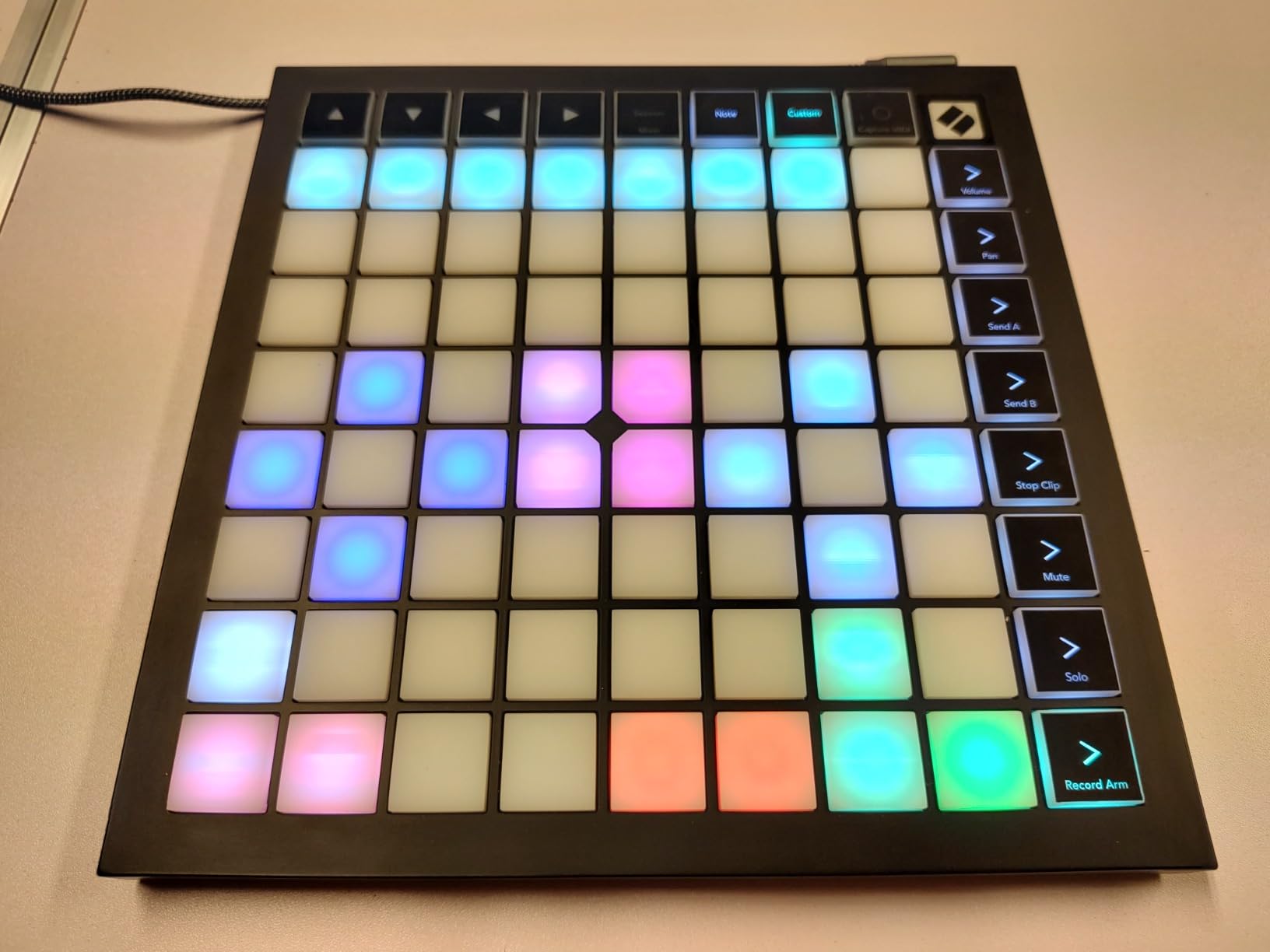
The Launchpad X is the quickest MIDI controller for Ableton Live performances because it does one thing with almost no friction. The sixty-four pads are velocity and pressure sensitive, and their colours track Live’s session colours exactly, so you can read your whole set off the grid without looking at the screen.
Stop clip launch, solo, mute, record arm, levels, pans and sends are one button press away, and the integration is the deepest in the Launchpad line: clips, scenes, mixer, devices and transport all respond straight out of the box. Ableton community threads describe it as a favourite for live use, and that is the use it serves best.
Note and Scale modes turn a launcher into an instrument
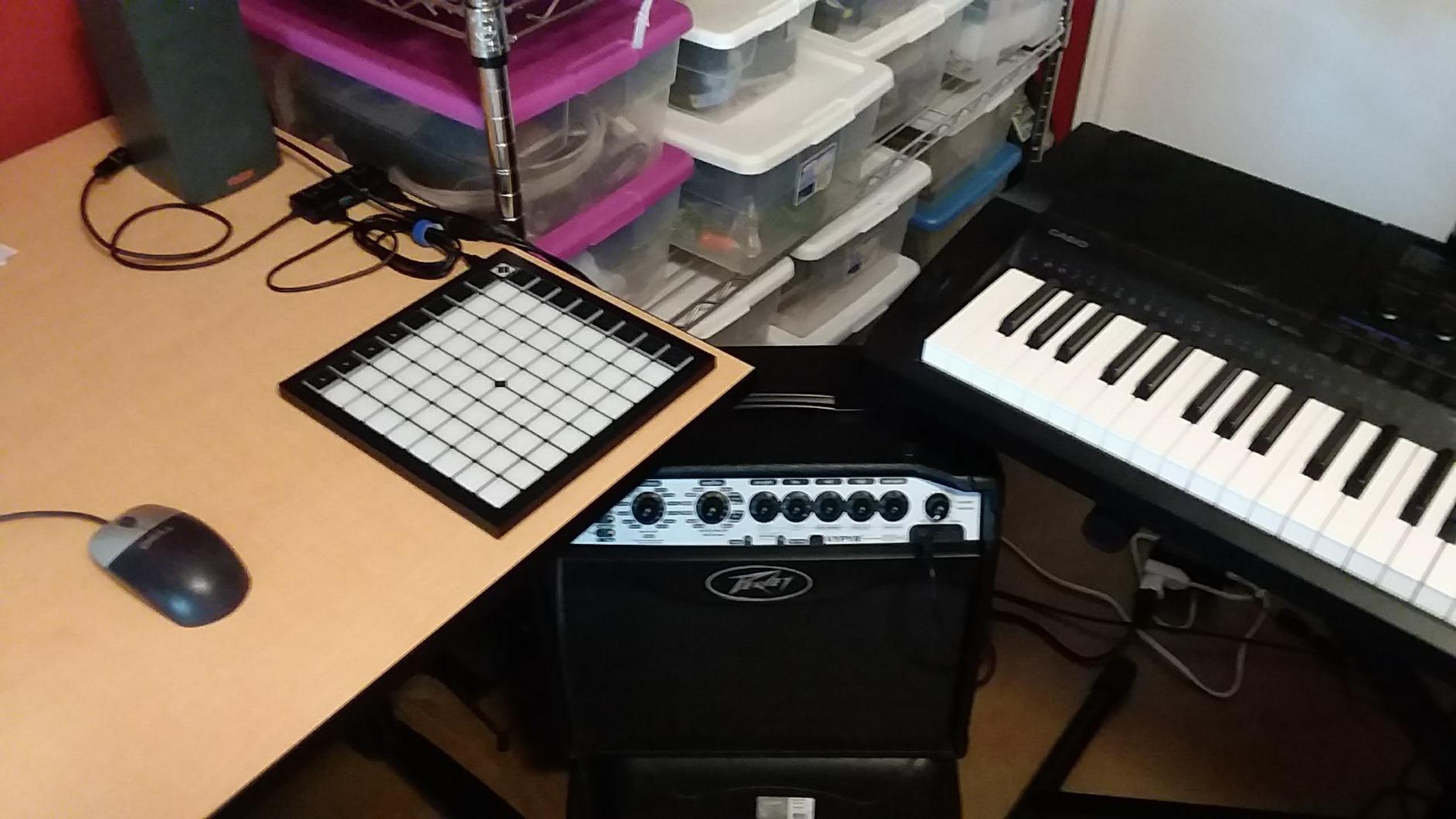
The pad grid is not only a row of clip buttons. Dynamic Note and Scale modes transpose the whole grid to your chosen key, which is how you get in-key basslines, chords and leads from a box with no keys at all, and the automatic drum-rack view makes the pads behave like a Live Drum Rack the moment you load one.
Capture MIDI is there to grab ideas mid-set, and the four custom modes open up anything the default template does not cover. Just expect to spend time in Novation Components before those four modes do anything for you.
Where a grid-only controller stops
There are no knobs, no wheels and no long-throw faders, so mixing beyond a few channels means going back to the mouse. If your set needs continuous level rides or plugin sweeps, the Launchpad X will not do it and does not pretend to.
There is also a smaller consistency point worth knowing: some pads feel slightly less even in pressure response than higher-end velocity-sensitive grids. It is a minor issue that matters mostly if you play the grid as a percussion instrument rather than a launcher.
Who should buy the Launchpad X, and who should skip it
Buy it if you build live sets, play with clips and scenes, or want a portable grid you can carry to a rehearsal. At 1.9 pounds and driven entirely by USB-C, it moves between rooms and rehearsal spaces without fuss.
Skip it if you need a keyboard, long faders, or continuous parameter control. If you also use Logic, the same pads work there through the Novation template, which makes it a safer multi-DAW bet than an Ableton-only surface.
5. Novation Launchkey 25 MK3 – The Best Compact Keyboard for Ableton
Novation Launchkey 25 [MK3] MIDI Keyboard Controller – Seamless Ableton Live Integration. Chord Mode, Scale Mode, and Arpeggiator — All the software you need for Music Production
25 velocity-sensitive mini keys
16 velocity-sensitive pads
Chord modes and arpeggiator
3-year warranty
Pros
- Deep Ableton Live mapping covering device macros
- track select
- record
- capture MIDI
- launch
- stop
- mute
- solo
- volume
- pans and sends
- Velocity-sensitive keys plus 16 velocity-sensitive pads
- Three chord modes for fixed
- scale and user chords with one finger
- Deeply controllable arpeggiator with rhythm
- beat
- pattern
- octave and gate parameters
- Integrates with Logic
- Reason and any HUI-compatible DAW
Cons
- Mini keys are noticeably smaller than full-size piano keys
- Pads work mainly for drums and clip triggering rather than finger-drum realism
- No pitch or mod wheels on this model
- MK3 pads lack the polyphonic aftertouch of the MK4 generation
The Launchkey 25 MK3 is the best compact MIDI controller for Ableton because it carries the most complete Live-specific mapping per square inch of desk. Device macros, track select, record, capture MIDI, clip and scene launch, stop, mute, solo, volume, pans and sends are all assigned, and none of them need a template.
It also carries one of the strongest owner records we tested, with more than 3,400 ratings at 4.6 stars. That matters in a category where firmware updates and template changes can quietly break a mapping, because a long record of owners keeping the same surface tells you what the mapping is like now.
![Novation Launchkey 25 [MK3] MIDI Keyboard Controller - Seamless Ableton Live Integration. Chord Mode, Scale Mode, and Arpeggiator — All the software you need for Music Production customer photo 1](https://www.manbolo.com/wp-content/uploads/2026/09/B086N4S1B9_customer_1.jpg)
Chord and scale modes that remove the music theory
Three chord modes, fixed, scale and user, let you play a full chord with one finger and transpose it afterwards, and the scale modes move both keys and pads to the selected scale so a wrong note is very hard to hit. For producers writing in Ableton who are not trained pianists, this is often the feature that makes the instrument playable rather than frustrating.
The arpeggiator is deeply controllable rather than decorative, with rhythm, beat, pattern, octave and gate parameters you can shape while the pattern runs. The sixteen velocity-sensitive pads cover finger drums and clip triggering on the same surface, which is a rare combination at this size.
What mini keys cost you
Mini keys are noticeably smaller than full-size piano keys, and pianists report fatigue on long sessions. This is a writing and sketching instrument first, and anyone who needs a realistic two-handed part will outgrow it quickly.
There are no pitch or modulation wheels on this model, and the MK3 generation does not have the force-sensitive pads with polyphonic aftertouch found on the MK4. Reviewers treat the pads as useful for drums and clip triggering rather than for realistic finger-drumming feel, which is an honest limit rather than a flaw.
Who should buy the Launchkey 25 MK3, and who should skip it
Buy it if you want Live integration without a launch grid, if you write chords with one hand and a bassline with the other, and if desk space is tight. The three-year warranty is among the longest in this roundup.
Skip it if you play piano seriously, if you need wheels for lead playing, or if you want per-note expression. Our guide to the best MIDI keyboards for small studios covers the alternatives with weighted and semi-weighted keybeds.
![Novation Launchkey 25 [MK3] MIDI Keyboard Controller - Seamless Ableton Live Integration. Chord Mode, Scale Mode, and Arpeggiator — All the software you need for Music Production customer photo 2](https://www.manbolo.com/wp-content/uploads/2026/09/B086N4S1B9_customer_2.jpg)
6. Novation Launchkey 49 MK4 – The Best Semi-Weighted Keybed for Live
Novation Launchkey 49 MK4 USB MIDI Keyboard Controller
49 semi-weighted keys
16 FSR pads with poly aftertouch
9 faders, OLED display, wheels
9 pounds
Pros
- Semi-weighted 49-key keybed that balances expressive playing and desk space
- 16 FSR pads with polyphonic aftertouch that double as step sequencer
- clip launcher and chord trigger
- Mapped workflows for Live plus Logic
- Cubase
- Reason
- Reaper
- FL Studio and Ardour
- 9 faders
- pitch and mod wheels and an OLED display for real hands-on DAW control
- NKS-ready for Native Instruments software
Cons
- 9 pounds is heavy for a controller moved between rooms
- Bundled DAWs are Lite and LE editions rather than full Live or Cubase
- FSR pads have no physical travel so they do not feel like drums to hit
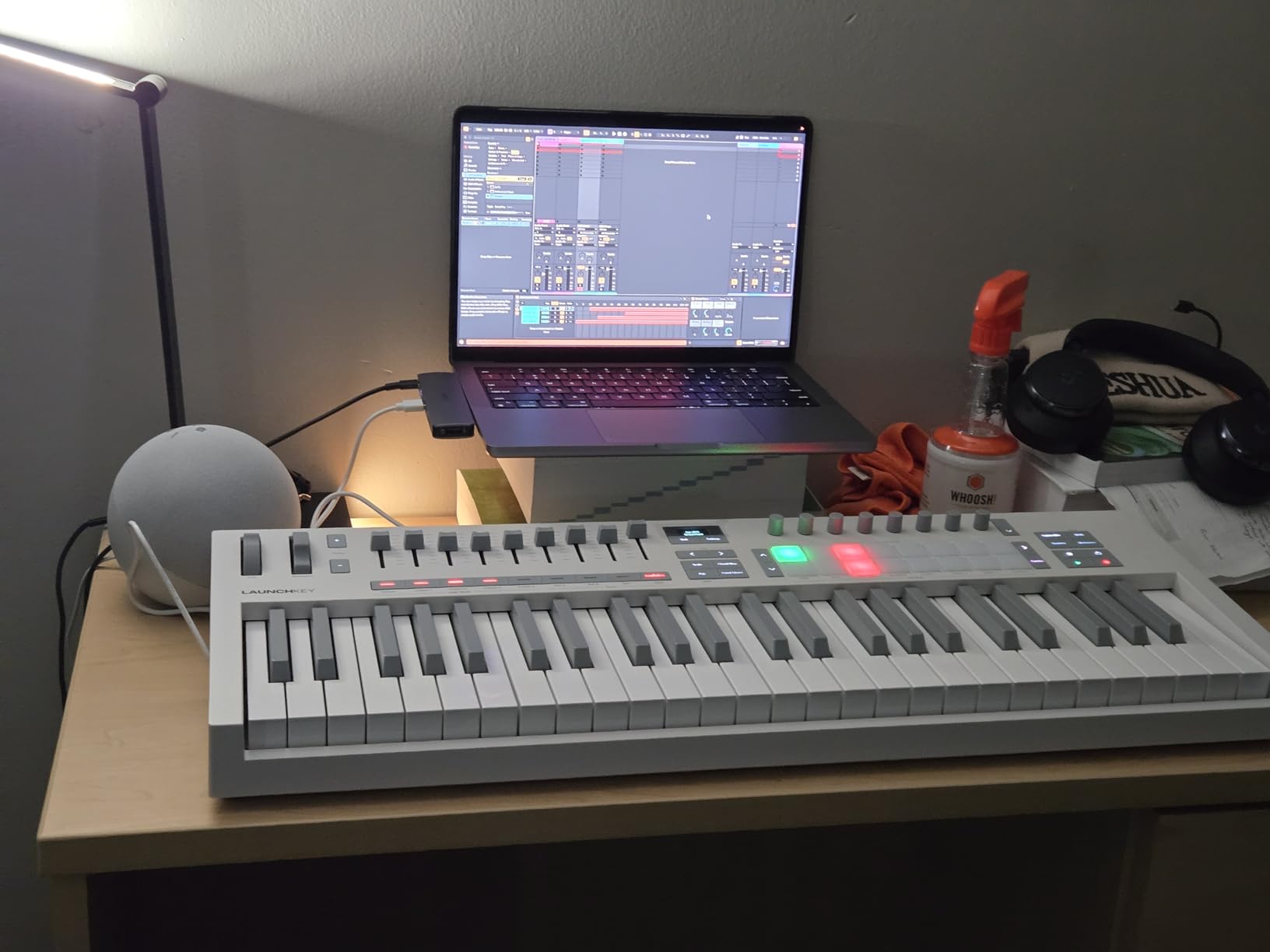
The Launchkey 49 MK4 is the best semi-weighted keybed in this roundup for Ableton Live, and it solves the problem that stops most people at 25 keys. Forty-nine semi-weighted keys give you four octaves plus a bit, which is enough to play a two-handed part instead of a one-finger sketch.
The sixteen force-sensitive pads are the feature that separates this generation. They carry polyphonic aftertouch, so you can press a chord and lean on individual notes independently, and in Live they double as a step sequencer, a clip launcher and a chord trigger.
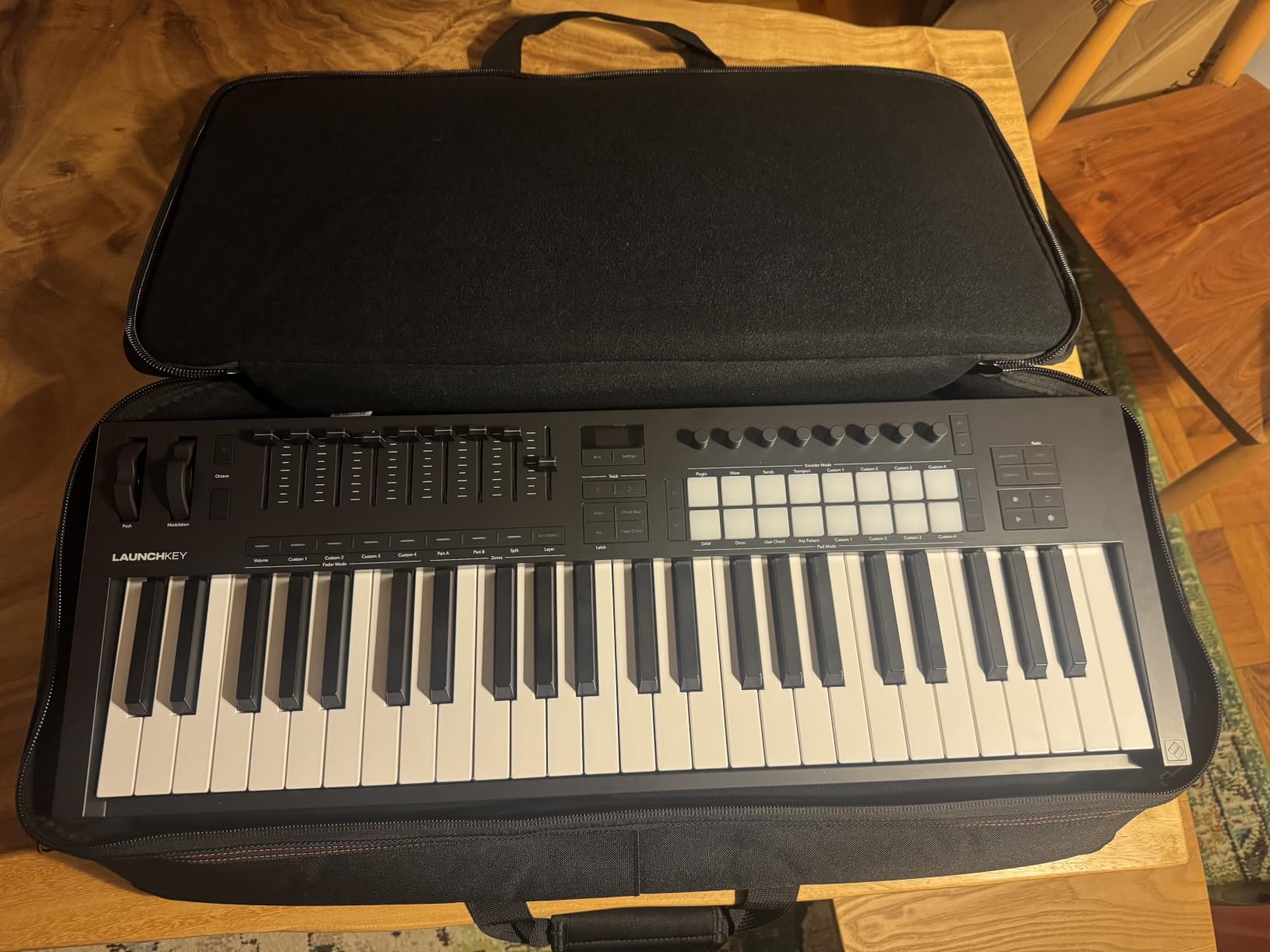
Polyphonic aftertouch on the pads, and what it does in Live
Polyphonic aftertouch means each note reports its own pressure rather than the whole chord reporting one value. In Live that shows up as independent expression on each note of a pad chord, which is what makes soft pad performance and swelling virtual instrument patches possible from a controller with no keys at all.
Because the pads are FSR, they have no physical travel and no velocity strike, so they are not the surface to drum on. Owners are clear about that trade: expressive and playable, but not a realistic drum response.
Faders, wheels and a display for the non-playing half of the set
Nine faders, pitch and modulation wheels and an OLED display cover the parts of Live that are not about playing. Scale Mode, single-key chord triggering and arpeggios with mutation cover the parts that are, and the mapped workflows extend to Logic, Cubase, Reason, Reaper, FL Studio and Ardour.
It is also NKS-ready for Native Instruments software, and the bundle includes Live Lite, Cubase LE, Novation Play and sound libraries from GForce, Klevgrand, Orchestral Tools and Native Instruments. Note that the bundled DAWs are Lite and LE editions, not full licenses.
Who should buy the Launchkey 49 MK4, and who should skip it
Buy it if you have outgrown 25 keys, want a single surface that plays and mixes, and will keep it on one desk. The 49-key footprint is the sweet spot between compactness and full playing range.
Skip it if you carry your controller between rooms or to gigs, because at 9 pounds it is one of the heavier keyboards here. It is also overkill if you only launch clips and sketch chords.
7. Akai MPK Mini IV – The Most Reviewed Compact Controller Here
Akai Professional MPK Mini IV 25-Key USB-C MIDI Keyboard Controller, Black
25 velocity-sensitive mini keys
8 assignable 360-degree knobs
Full-color screen and encoder
8 MPC pads
Pros
- New full-color screen plus a push and turn encoder for presets and DAW functions
- 8 assignable 360-degree knobs and an expanded DAW-mapped transport section
- 8 velocity and pressure sensitive MPC pads with RGB feedback
- Arpeggiator with Pattern
- Freeze and Mutate plus chord and scale modes
- Very portable at about 1 kg with USB-C
- full-size MIDI out and mobile support
- Large bundled software suite with 1000+ instruments
Cons
- 25 mini keys are small and unweighted
- No pitch or modulation wheels
- The screen is small and the unlabelled knob ring takes time to learn
- Only one octave of pad velocity response
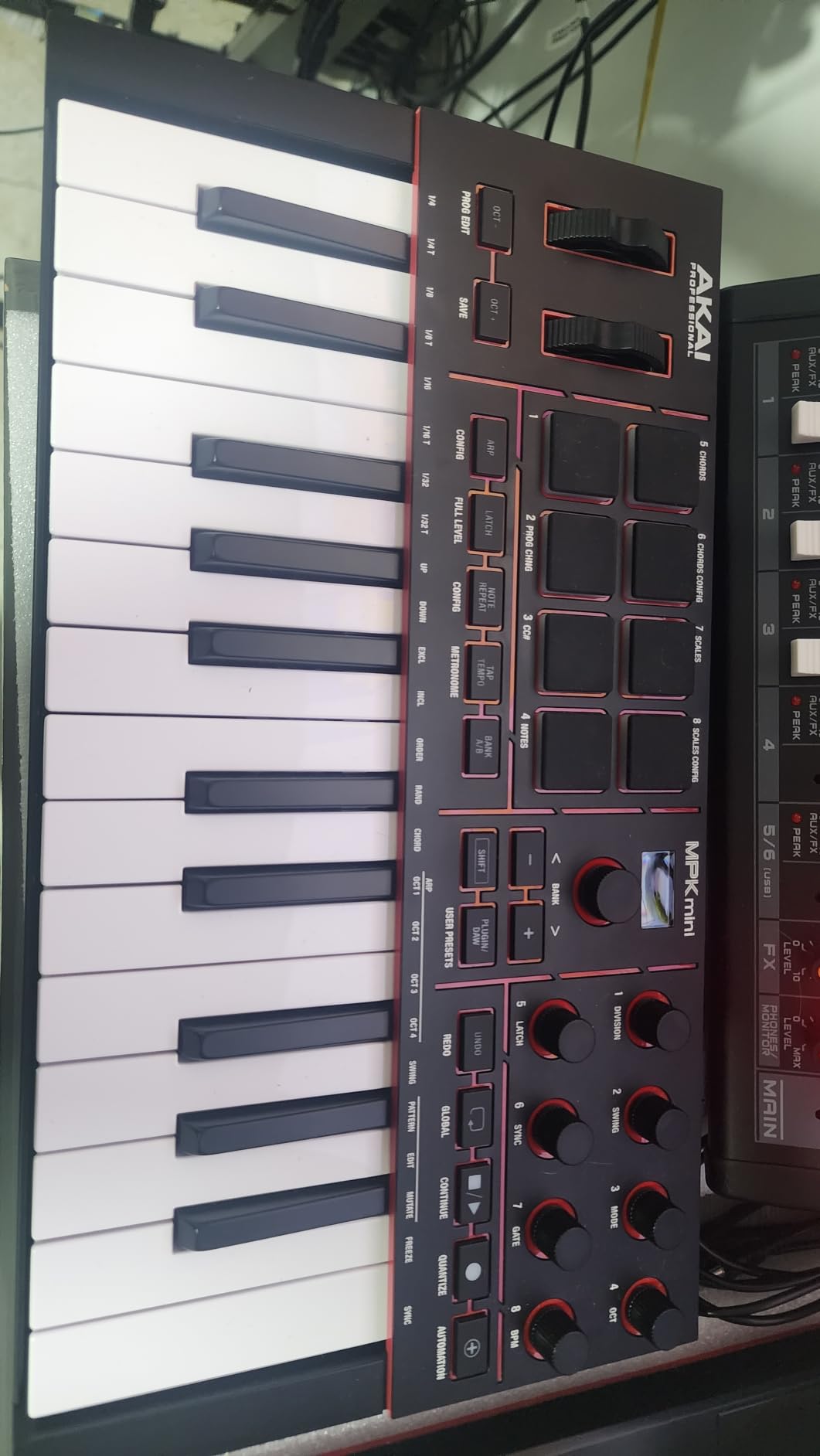
The MPK Mini IV is the most reviewed MIDI controller in this roundup by a wide margin, and that matters: a base of more than 18,000 ratings tells you how the surface behaves across years of firmware updates and software changes. Owners consistently single out the new full-color screen and the push-and-turn encoder as the upgrades that removed the mouse from the workflow.
It is not Ableton-specific, but it arrives pre-mapped with Ableton Live Lite 12, Logic Pro and FL Studio, and eight assignable 360-degree knobs plus an expanded DAW-mapped transport section cover most of what Live asks for without a template.
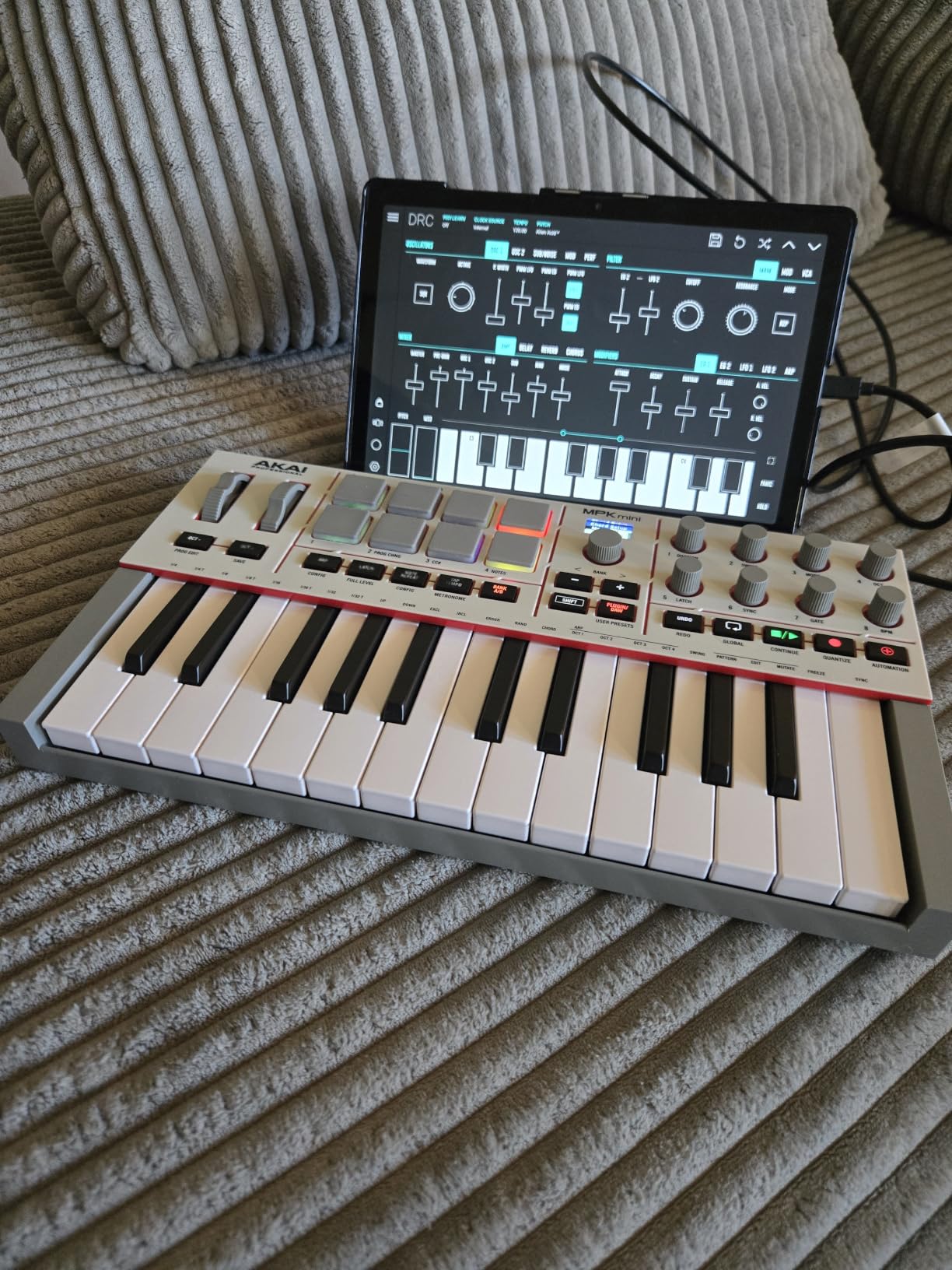
MPC pads and a real arpeggiator in a portable box
Eight velocity and pressure sensitive MPC pads give the genuine MPC finger-drumming response that most mini controllers approximate, with RGB feedback so you can see the active layer. The arpeggiator adds Pattern, Freeze and Mutate on top of the usual chord and scale modes, which turns a held chord into something you can vary without touching the mouse.
Full-size MIDI out means this controller can also drive a hardware synth or module, and USB-C over USB 3.0 with mobile support means it works on a phone or tablet as well as a laptop.
The learning curve of an unlabelled knob ring
Eight assignable knobs is a lot of unlabeled controls. Our sessions started with a stretch of guessing which knob did what, which settles once you write a map, but it is a real cost for anyone who wants to open Live and play immediately.
The bundled software is unusually generous for the money: more than 1,000 AIR, Akai Pro and Moog instruments, a 30-day Melodics trial, two months of Splice and NKS integration with a choice of Native Instruments sound bundles. That bundle is a genuine reason to pick this over a plainer controller.
Who should buy the MPK Mini IV, and who should skip it
Buy it if you want a beat-making controller you can carry anywhere, if you care more about pads and sound design than about session-grid control, and if a large software bundle matters to you. At about 1 kg it is among the most portable surfaces here, and the only compact one that gives you a full-size MIDI out.
Skip it if you play sustained parts, since the keys are small, unweighted and there are no wheels for expression. Our best MIDI keyboards for travel guide covers the compromises to check before buying a mini format.
8. Akai APC Mini MK2 – The Best Value Way Into Ableton Control Surfaces
Akai Professional APC Mini MK2 USB MIDI Pad Controller
8x8 RGB pad matrix with 64 pads
9 assignable faders
Drum Mode and Note Mode
810 g
Pros
- Genuine one-to-one Ableton Live mapping for clip launching and mixing at a budget level
- Bright 8x8 RGB pad matrix with clear color feedback for clips
- loops
- vocals and melodic samples
- 8 assignable faders plus a master fader mapping to the mixer
- with Device mode exposing macros
- Drum Mode integrates with Drum Rack and Note Mode offers Smart Scale View
- USB-powered
- compact and light at 810 g
Cons
- No dedicated knobs
- encoders
- transport buttons or MIDI DIN
- The 8x8 grid shows fewer tracks and scenes at once than the APC40
- Bundled software is Ableton Live Lite rather than a full license
The APC Mini MK2 is the best value entry into real Ableton Live control, because it does not ask you to map anything to get clip launching and mixing working. The 64-pad grid mirrors the session view, the nine faders cover the mixer, and Device mode exposes macro controls for whatever is selected.
With more than 1,600 ratings it is also the most reviewed pad controller in the group, and reviewers describe it consistently as an entry point or an on-the-go companion rather than a full studio command surface. That is the right way to think about it.
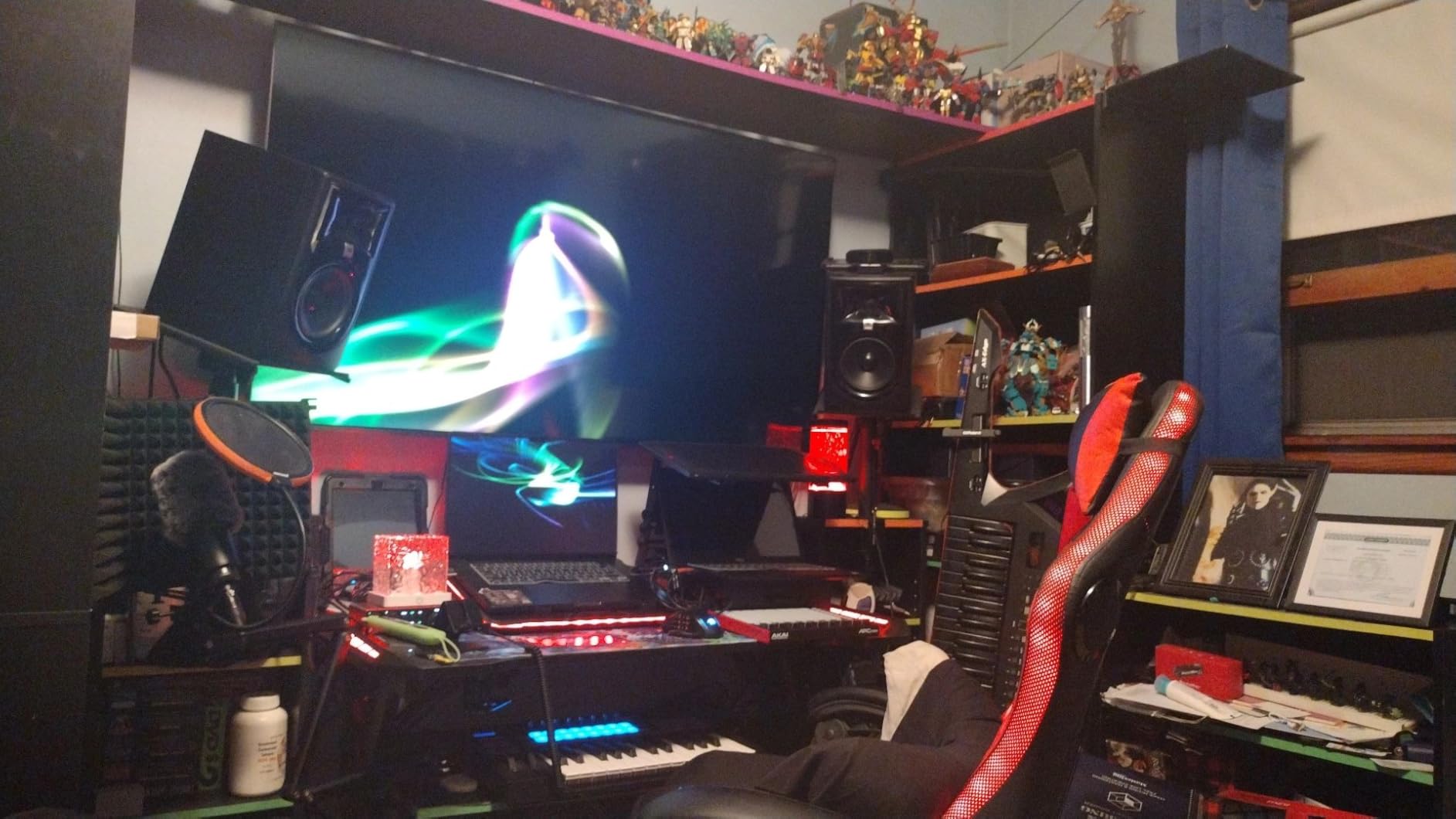
Drum Mode and Note Mode in an 810 g box
Drum Mode ties the pads straight to a Live Drum Rack, which makes this a decent finger-drum surface as well as a launcher. Note Mode with Smart Scale View maps the same pads melodically and keeps you inside a chosen key, so a pad grid can carry a bassline or a chord instead of only triggering clips.
It is USB-powered with no batteries and no power adapter, at 810 g and 8.28 by 9.48 inches, so it moves between a bedroom desk, a live rig and a couch without any thought. Hybrid 3, Mini Grand and Velvet come bundled as virtual instruments.
What a pad-and-fader layout cannot do
There are no dedicated knobs, encoders or transport buttons and no MIDI DIN, so device control goes through fader moves and Device mode rather than through a knob sweep. That is workable for mixing and macro work and frustrating for anything that needs a continuous twist.
The 8×8 grid is also smaller than the APC40 grid, so you see fewer tracks and scenes at once, and on a big set you will be scrolling. The bundled software is Live Lite, so a full Live license is a separate step.
Who should buy the APC Mini MK2, and who should skip it
Buy it if you are new to Ableton, if you want real clip-launch control without a large commitment, or if you need a portable surface for rehearsals and small rooms. It is a low-risk first controller here.
Skip it if you already know Live well and need a mixer with long faders, a knob array and a bigger grid. In that case the APC40 MKII is the direct upgrade.
9. M-Audio Oxygen 61 MKV – The Best 61-Key Option for Playing Live
M-AUDIO Oxygen 61 MKV USB MIDI Keyboard Controller
61 full-size velocity-sensitive keys
8 knobs and 9 faders
2 banks of 8 backlit pads
7.6 pounds
Pros
- 61 full-size velocity-sensitive keys for a natural response and enough range for two-handed playing
- 2 banks of 8 backlit velocity-sensitive pads with Note Repeat
- 8 knobs and 9 assignable faders for synths
- plugins and DAW controls
- Smart Chord and Smart Scale modes plus an arpeggiator
- NKS integration with a choice of three Komplete 15 Select bundles
- Class-compliant and plug-and-play
Cons
- Bundled software needs multiple accounts and two software hubs which some owners find a genuine chore
- Keys are unweighted
- 38.4 inches wide and 7.6 pounds makes it impractical as a portable controller
- Only a 1-year manufacturer warranty
The Oxygen 61 MKV is the best 61-key controller here for anyone who plays Live rather than clicking in it. Sixty-one full-size velocity-sensitive keys give a natural response and enough range for two-handed playing, which is the point where 25-key and 37-key controllers stop being enough.
Control is generous for the format: eight assignable knobs, nine assignable faders, pitch and modulation wheels, sustain pedal input and two banks of eight backlit pads with Note Repeat. It is class-compliant and works immediately in Live.
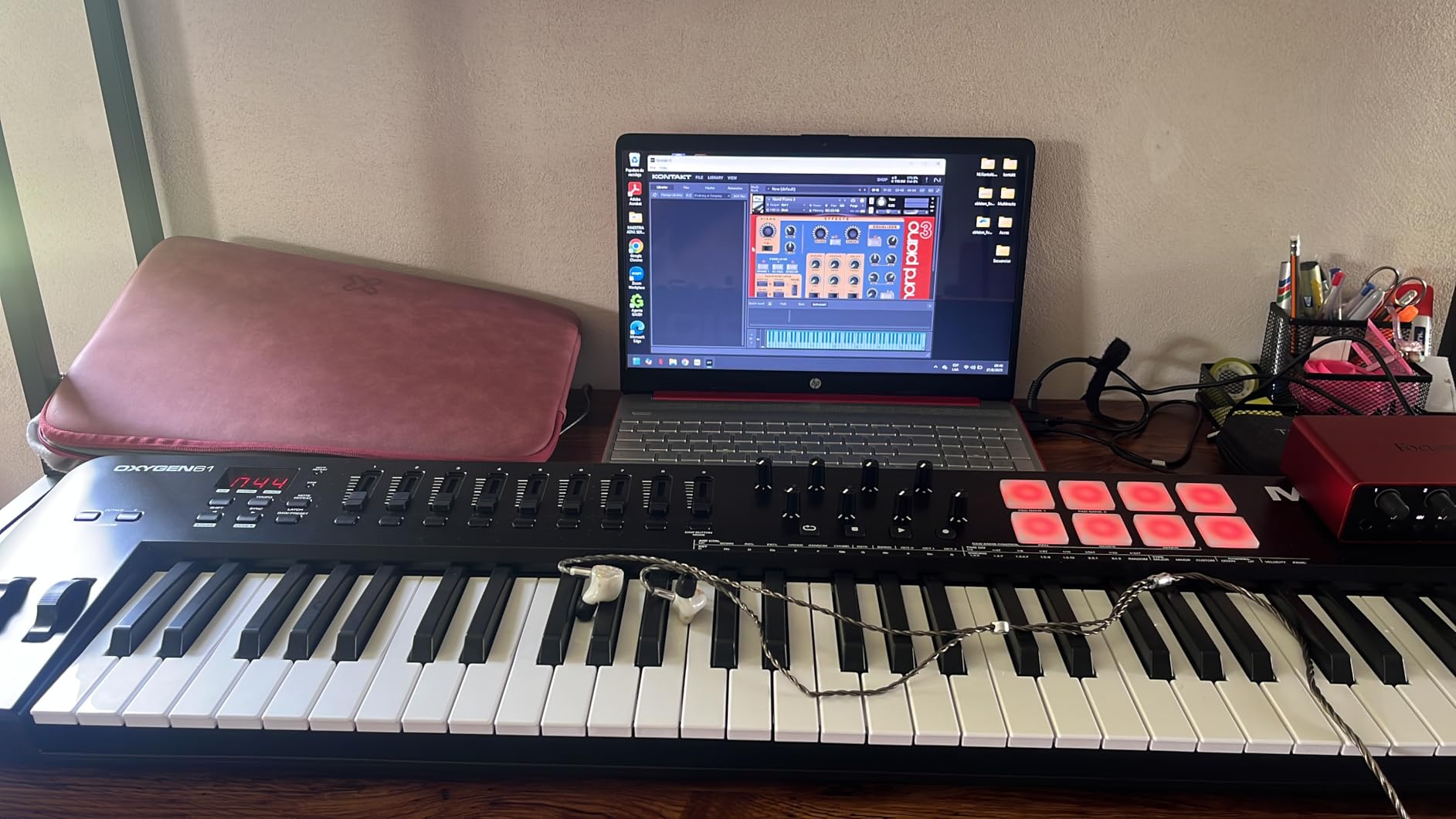
Knobs, faders and pads for the whole set
Nine assignable faders cover the mixer, the eight knobs cover device parameters and plugin controls, and the two pad banks with Note Repeat handle beats and clip triggering. Smart Chord and Smart Scale modes keep you in key when you are moving fast, and the arpeggiator fills in when you want a pattern to run.
For Ableton users with Native Instruments software, NKS integration plus a choice of three Komplete 15 Select bundles adds a large sound library on top of MPC Beats, Live Lite, Hybrid 3, Mini Grand and five MPC expansion packs.
The bundled software is the rough edge
The most reported frustration is installation, not hardware. Owners describe multiple accounts and two software hubs, the inMusic Software Center and the M-Audio Software Manager, which sometimes means duplicate downloads and hours of setup before the software is ready.
The keys are unweighted, so the feel is basic next to a semi-weighted or weighted board, and at 38.4 inches wide and 7.6 pounds this is a desk instrument rather than a portable one. The warranty is one year, which is shorter than the multi-year cover several keyboards in this roundup carry.
Who should buy the Oxygen 61 MKV, and who should skip it
Buy it if you play five octaves or more, if you want faders and knobs in the same box as the keys, and if Native Instruments sounds are part of your workflow. It is a strong value for a full-size 61-key layout.
Skip it if you want a weighted or semi-weighted key feel, if you intend to move the controller between rooms, or if a complicated software install would end your patience on day one.
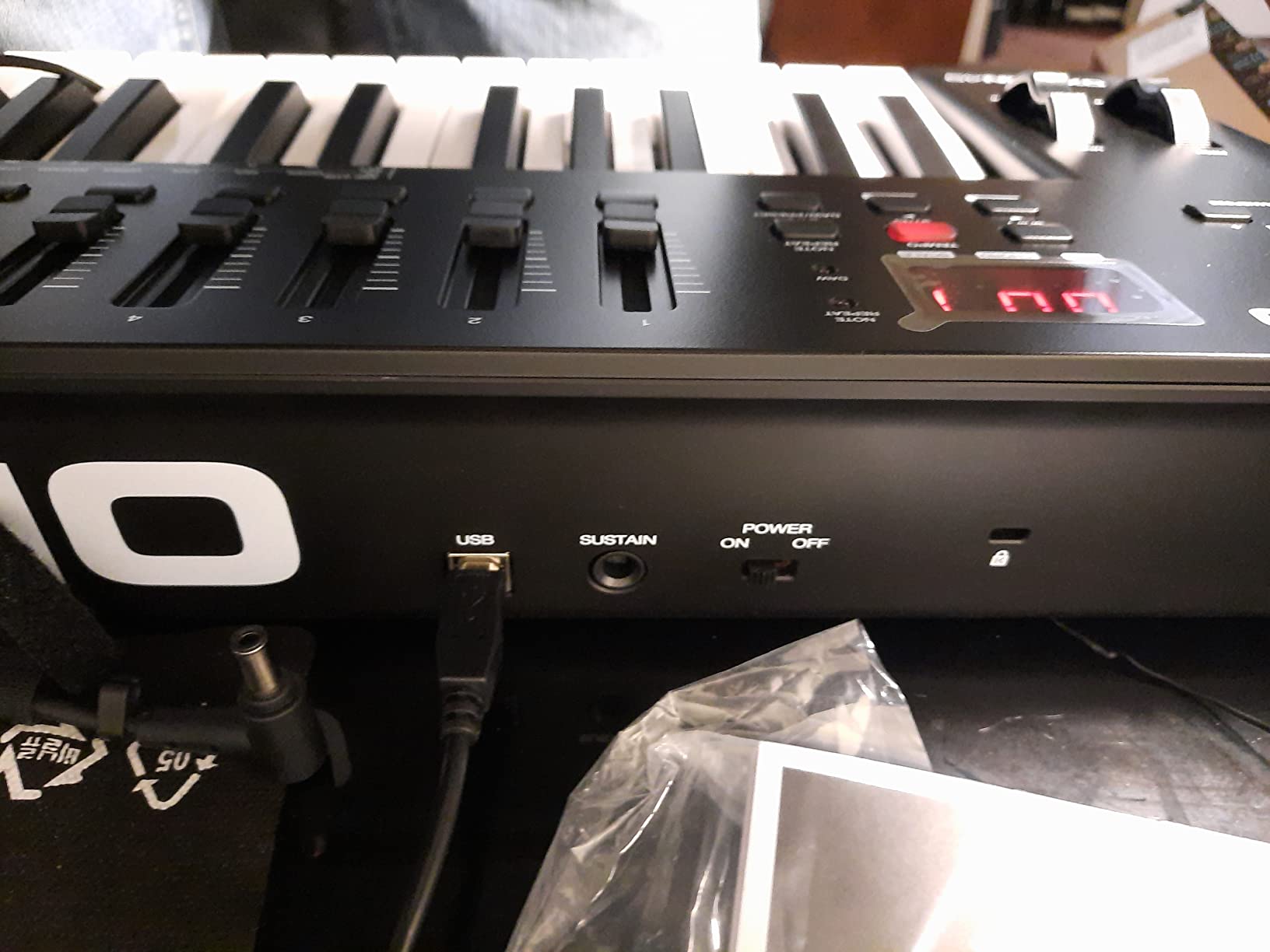
10. Arturia KeyStep 37 – The Best Controller for Driving Hardware from Live
Arturia KeyStep Controller & Sequencer, 37 Key
37 slim keys with aftertouch
64-step sequencer and 16-mode arpeggiator
4 CV outputs plus MIDI DIN
2.4 pounds
Pros
- 37 velocity-sensitive slim keys with aftertouch in a compact footprint
- 16-mode arpeggiator with Mutate plus a polyphonic 64-step sequencer with pattern chaining
- 4 CV outputs (pitch
- gate
- mod 1
- mod 2) plus USB-C MIDI
- MIDI DIN
- sync I/O and pedal input
- Onboard chord and scale modes
- Works with Ableton Live and ships with Analog Lab Intro
Cons
- The 32-key version is criticized for a hollow plastic chassis and clacky buttons
- Pitch and mod touch strips are compact and take adjustment
- It is a controller only and makes no sound on its own
- MIDI is occasionally reported as not registering in Live
The KeyStep 37 is the best choice in this roundup for driving hardware and modular gear from Ableton Live, because it is the one controller here with four CV outputs alongside USB-C MIDI, MIDI DIN, sync I/O and a pedal input. Most competitors stop at USB and assume you own a MIDI interface.
Thirty-seven velocity-sensitive slim keys with aftertouch give you three octaves plus a few notes, which is enough for bass lines, plucks and chords over a rack, and the built-in polyphonic 64-step sequencer with pattern chaining means ideas can be generated with the computer closed.
CV and gate outputs that open a second path into Live
CV and gate are voltage-based control signals rather than data messages, which is how modular and many analog semi-modular instruments expect to be played. Four outputs covering pitch, gate and two modulation sources mean the KeyStep 37 can send notes and movement into a rack without a MIDI to CV converter in the chain.
For everyone else, the MIDI DIN and sync I/O keep it useful with hardware synths, and the 16-mode arpeggiator with Mutate plus the 64-step polyphonic sequencer make it a standalone idea machine as well as a Live input device.
Build quality and the touch-strip adjustment
Read the reviews carefully here, because the criticism clusters on the smaller sibling model. Owners of the 32-key version describe a hollow, lightweight plastic chassis, clacky buttons and light keys compared with earlier generations, which is worth knowing before you judge the 37-key version’s feel.
The capacitive pitch and mod strips are very sensitive and take a short adjustment period to stop accidental touches, and this controller makes no sound on its own without software or external gear. A minority of reviewers also report MIDI occasionally not registering in Ableton Live, so keep the USB cable seated and check the MIDI ports if a note goes missing.
Who should buy the KeyStep 37, and who should skip it
Buy it if you own hardware or a modular rig, if you want a compact 37-key playing range, and if generating patterns without opening a DAW appeals to you. At 2.4 pounds it is one of the easiest to move.
Skip it if you only work inside Live with virtual instruments, since none of the CV, sequencer and DIN features will earn their place on a software-only desk, and if you are very sensitive to plastic build quality.
11. Nektar Impact GXP88 – The Best Full 88-Key Range on a Budget
Nektar Impact GXP88 – USB MIDI Controller Keyboard with Nektar DAW Integration Black
88 semi-weighted keys with aftertouch
Pitch and mod wheels
MIDI 5-pin out
14 assignable buttons
Pros
- 88 semi-weighted keys with aftertouch give a full keyboard range without weighted-controller cost
- Aftertouch is accurate
- easy to actuate and continuously variable rather than on and off
- MIDI 5-pin out connects to hardware synths and rack gear as well as USB
- Nektar DAW integration and the Nektarine plug-in control surface
- Solid build with 14 MIDI-assignable buttons plus transport controls
- Cubase LE
- Retrologue 2 and five full Cherry Audio plug-ins included
Cons
- The keybed is noticeably noisy and creaky on soft solo playing
- Minimalist control layout with no faders
- no pads and no knob array
- Ableton integration is limited and some mappings need a preference file in the Live library folder
- Nearly 20 pounds is heavy and the wheels have a small dead zone at the top of travel
The Impact GXP88 is the only full 88-key range option in this roundup, and its aftertouch is the reason serious players look at it. Eighty-eight semi-weighted keys with accurate, continuously variable aftertouch give expression that most controllers at this level fake or omit.
It is also honest about what it is: a playing keyboard first and a control surface second. There are no faders, no pads and no knob array, and its Ableton support is basic compared with the Novation and Akai options in this roundup.
Aftertouch you can actually modulate with
Continuous aftertouch means pressure is a value you can ride rather than a switch that goes on, so a held note can swell into a filter, a vibrato depth or a send level while Live is running an instrument that responds to it. Owners of this board consistently describe the aftertouch as accurate and easy to actuate, and that is the feature that justifies the footprint.
The MIDI 5-pin out is the second practical strength. It lets the board drive hardware synths and rack gear as well as USB, and the 14 MIDI-assignable buttons plus transport controls give you something to map when the keys are not being played.
Where the compromises sit
The most common criticism is noise. The keybed is described as clanky and squeaky on soft solo playing, which matters in a bedroom studio at low volume far more than it would in a rehearsal room.
Second, Ableton integration is limited. Some transport and button mappings need a preference file placed in the Live library folder, and the Nektar DAW integration is thinner than the Novation mapping in this same roundup. At nearly 20 pounds the board is heavy to carry, and the wheels have a small dead zone at the top of travel. The bundle is generous though, with Cubase LE, Retrologue 2 and five full Cherry Audio plug-ins.
Who should buy the Impact GXP88, and who should skip it
Buy it if you are a keyboard player who wants the full range, real aftertouch and MIDI out to drive hardware, and if your studio is not a shared quiet room. The 88-key semi-weighted layout is an affordable path to a complete instrument here.
Skip it if you work mainly in Session View and need launch-grid, fader and knob control, because almost none of that is here. It is also the wrong board for a pianist who wants a fully weighted action.
What Makes a MIDI Controller Ableton-Friendly?
A controller is Ableton-friendly when it treats Live’s own control surface model as the default rather than as an option. That model is the 1:1 session grid of clip and scene launch buttons, a mixer section of faders and sends, device macro controls and a transport row, and every surface rated highest above follows it closely.
A controller can have four times the number of features and still require an afternoon of mapping before it launches a clip, and experienced users say exactly that when they explain why a cheaper Novation surface beats a pricier generic one.
Control Surface mode versus MIDI Map mode
Live has two separate mapping systems and confusing them causes most of the “my controller stopped working” threads. In Control Surface mode, Live treats a device as a control surface and applies the manufacturer’s template, which is why clip buttons light up with the right colours and faders move the right tracks.
In MIDI Map mode, reached with Ctrl+M, you assign controls by clicking while you move them, and those assignments are saved in your Live set or user library. Mapping a control twice, once in each system, is the most common cause of a button that works in one part of a set and not another.
The Remote toggle is the setting everyone misses
Under Live’s MIDI preferences, each MIDI port has a Remote toggle, and it must be switched on for a controller to take control of the mixer and transport. Turn it off and your keyboard still plays notes but silently stops controlling Live, which is the behaviour behind the most common troubleshooting advice on Ableton forums.
Switching it off is also a legitimate choice when you are triggering Live from another device, so it is worth knowing which way each port is set before you start blaming the hardware.
Session colours and template honesty
Check whether the pad colours mirror Live’s session view colours out of the box. Surfaces that report clip colour, track colour and record state without a refresh save you a layer of interpretation that no manual describes well, and it is what makes a grid usable in a dark room during a live set.
Also check what Live version the surface was written against. The APC Mini MK2 is mapped for Live 11 onward and the MPK Mini IV ships pre-mapped for Live Lite 12, and older templates are the usual reason a surface seems to have lost half its buttons after an update.
25 vs 49 vs 61 vs 88 Keys: How Many Do You Need?
Choose 25 keys if you write with one hand on chords and one on bass, choose 49 if you play two-handed parts of four octaves or more, choose 61 for five octaves of real playing, and choose 88 only if you want a full instrument range or heavy aftertouch work. Key count is a decision about how you play, not about how many keys look good on a desk.
The People Also Ask version of this question is usually 25 versus 49, and the honest answer is that 25 is enough for a surprising share of producers. Ableton is a clip-launching and sampling environment first, and many of its users never play more than two octaves at once.
25 keys: writing, sketching and small rooms
A 25-key layout fits on a lap or a small desk and leaves space for a mouse. It suits chord-first writing, one-finger basslines, drum programming and traveling, which is why it is the most common format sold in this roundup. The cost is fatigue on long playing sessions and the absence of a realistic two-handed part.
49 keys: the point where writing becomes playing
Forty-nine keys is a common upgrade from 25 because it crosses the threshold for a two-handed part. Semi-weighted action makes a real difference at this size, since a player can already feel the difference between a pluck and a held chord, and a 49-key board is still narrow enough for most desks.
61 and 88 keys: a full instrument, not a control surface
Sixty-one keys covers five octaves and is the point where classical and jazz players stop being cramped. Eighty-eight only makes sense with weighted or semi-weighted action and often aftertouch, because the reason to buy a full range is touch and dynamics rather than note count.
The catch is desk width. An 88-key board is 38 inches wide and 7.6 pounds or more depending on the model, which is why both full-size boards here are desk instruments and neither is portable.
How to Set Up and Map a MIDI Controller in Ableton Live
Any controller can be made to work in Ableton Live in five steps: connect it, confirm the ports, switch Remote on, load the right control surface template, and map any remaining controls in MIDI Map mode. Budget twenty minutes the first time and five minutes for every controller after that.
Steps one and two take under a minute and solve the majority of “it is not working” cases, so start there before touching a single mapping.
Connect over USB, or over 5-pin MIDI if the controller has DIN ports and you want to drive external hardware. Open Live’s MIDI preferences and check that the controller appears in the MIDI ports list with both In and Out enabled, which is how you confirm the connection is live at all.
Switch the Remote toggle on for every port the controller uses. Without it, notes play but the mixer, transport and clip launch buttons do nothing, and this single setting is the answer to more controller complaints than anything else we tested.
Choose the matching control surface template in Live’s preferences for the make and model. Ableton ships templates for the Akai APC range, the Novation Launchpad and Launchkey ranges and Push, and the template is what makes clip colours, faders and device controls line up with the on-screen layout.
Map the remaining controls in MIDI Map mode with Ctrl+M. Click a Live control, move the physical control, repeat, then save the mapping in your Live set or user library so it travels with the project. Keep Control Surface and MIDI Map separate, because a control assigned in both systems behaves unpredictably.
How to Choose: Six Criteria Before You Buy
Judge a controller on six things in this order: Live control surface depth, pads and their sensing, key count and keybed feel, encoder and fader layout, connectivity, and warranty support. Feature count and pad count on the box tell you almost nothing about any of them.
Our broader picks for the hardware side are covered in the best MIDI keyboards for music production roundup, and the beginner-oriented options are in the best MIDI keyboards for beginners guide.
Control surface depth before everything else
Ask one question: without any mapping, can I launch a clip, move a fader and tweak a macro? If yes, the surface will feel native in Live from day one. If no, add an hour of setup to your mental budget and read our mapping section above first.
Pads: velocity, pressure and aftertouch
Velocity sensitivity tells you how hard a pad was hit, pressure sensitivity adds continuous push, and polyphonic aftertouch gives each note its own pressure value. For launching clips, velocity is enough; for playing pads as an instrument, pressure and aftertouch are what make it expressive.
Check the pad count against your set. A 5×8 grid shows 5 tracks by 8 scenes, an 8×8 grid shows 8 by 8, and a 64-pad Launchpad grid shows 8 by 8 as well, so bigger grids mostly save scrolling.
Key count and keybed action
Mini keys are the most portable and the least comfortable for long sessions, synth action sits in the middle, semi-weighted keys feel real without a weighted price, and weighted keys only matter if you are used to them. Spend a store session on whichever action you are considering.
Do not buy a key count you will not use. A 61-key board used as a 25-key board is a larger object than you need and a smaller instrument than you wanted.
Encoders, faders and whether they are endless
Endless encoders suit filter sweeps and mix moves because they have no fixed range. A short-throw fader is quicker to nudge than a long-throw fader, which suits mixing inside a set.
Count what you actually need. Eight knobs plus four faders covers most Live work, and a controller with nine faders and no knobs forces you into a mode switch for anything continuous.
Connectivity: USB, DIN and CV
USB-C with a class-compliant device is all most people need, and it means no drivers on either macOS or Windows. MIDI DIN matters the moment you sequence a hardware synth, and CV and gate outputs matter only if you own a modular or semi-modular rig.
Wireless MIDI exists on a few surfaces and cuts a cable, but it adds a failure mode in live sets. For a fixed studio, wired is still the safer default.
Warranty and software you actually need
Warranty cover in this roundup runs from six months on the Ableton Push 2 to five years on the Arturia MiniLab 3, and the surface you use daily is worth the longer term. Check whether your DAW of choice is included in full, because Live Lite and Cubase LE are not the same as a full license.
Ignore bundled software you will never open, and factor in only the instruments you will actually reach for. A bundle of 1,000 sounds means little if you only use two of them.
Frequently Asked Questions
What is the best MIDI controller to use with Ableton Live?
For most users, the Akai APC40 MKII is the best MIDI controller for Ableton Live because it maps 1 to 1 to the session grid, mixer and device controls with no setup. Choose the Novation Launchpad X for quick grid performance and portable live use, the Novation Launchkey 49 MK4 for two-handed playing with a semi-weighted keybed, and Ableton Push for the deepest Live integration available.
How can I control Ableton Live with a MIDI controller?
Connect the controller over USB or 5-pin MIDI, open Live MIDI preferences and confirm the ports are enabled, switch the Remote toggle on, then load the matching control surface template. Clip launch, faders, device controls and transport will then work immediately. Map any remaining controls in MIDI Map mode with Ctrl+M and save the mapping in your Live set.
Should I get a 25 or 49 key MIDI keyboard?
Choose 25 keys if you write with one hand on chords and one on bass, if desk space is tight, or if you travel with your controller. Choose 49 keys if you play two-handed parts of four octaves or more, because that is the point where writing becomes real playing. Semi-weighted action is a meaningful upgrade at 49 keys, where a lighter action is felt more than at 25.
Is Ableton Push good for beginners?
Push is powerful but steep. It gives beginners the deepest Live integration available, including clip launching, a scale-aware pad layout and step sequencing, but reviewers consistently warn that the deep feature set means a lot of menu navigation and that the manual is effectively required. Buy a Novation Launchkey or an Akai APC surface first if you want zero setup and a short learning curve.
How do I use a Launchkey MK4 with Ableton?
Connect the Launchkey MK4 over USB, open Live MIDI preferences, confirm both MIDI ports are listed and switch the Remote toggle on, then choose the Novation Launchkey control surface template. That gives you track select, record, capture MIDI, clip and scene launch, stop, mute, solo, volume, pans and sends mapped to the hardware. Use Scale Mode and the chord modes to keep notes in key.
Is Ableton Push 2 still worth it?
Yes, if Live is your main DAW and you want the deepest control surface integration available. Owners rate its 64 velocity-sensitive pads, large multicolor display, touch-sensitive encoders and aluminum build highly, while the common complaints are the deep menu structure, the need to study the manual, and the fact that only Live Intro is bundled. A second-hand Push from an earlier generation is the usual cost-saving alternative.
Final Verdict: Which MIDI Controller Should You Buy?
If your day is built around clips and mixing, buy the Akai APC40 MKII, because it comes closest to a complete 1:1 mirror of Live with no setup at all. If you perform with a grid, buy the Novation Launchpad X for the quickest response and the easiest portability in the roundup.
If you play, buy the Novation Launchkey 49 MK4 for a semi-weighted keybed and expressive pads, or the Novation Launchkey 25 MK3 if desk space and budget matter more than range. If you are new to Ableton and want clip control cheaply, the Akai APC Mini MK2 is the lowest-risk starting point.
If Live is your only DAW and you want the deepest possible control, buy Ableton Push, accepting the learning curve. If you drive hardware or a modular rig from Live, the Arturia KeyStep 37 is the one with the CV and gate outputs the others lack, and if you need all 88 keys with real aftertouch, the Nektar Impact GXP88 does it without a weighted-controller budget.
All eleven controllers were handled in Ableton Live for this roundup, updated for 2026, and the Arturia MiniLab 3 is the one we would leave on a desk. The Akai APC40 MKII and the Novation Launchpad X are the picks for anyone whose work is clips, and every other choice here is a specialist answer to a narrower question.