
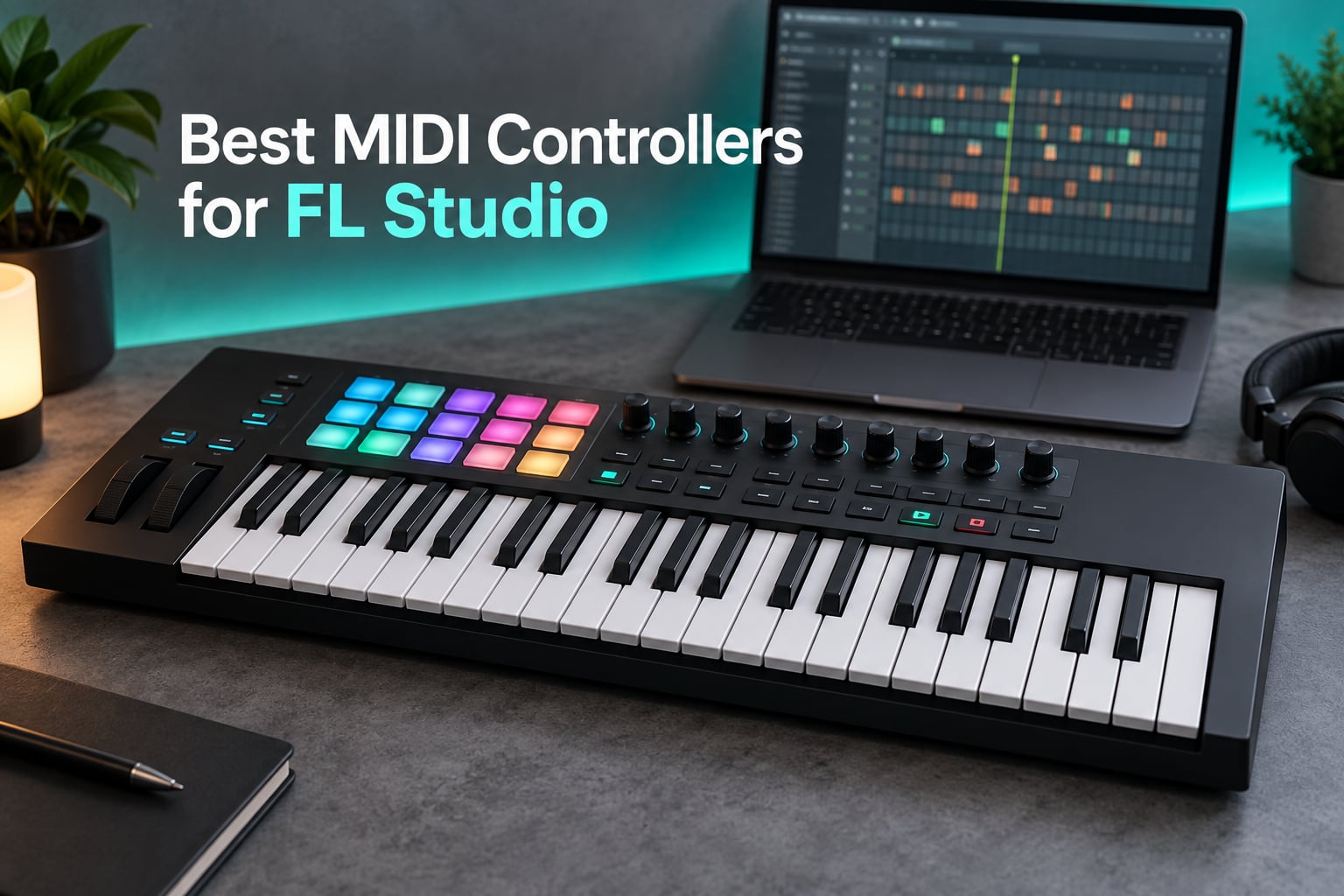
Short answer: the Akai Professional MPK Mini IV is the best MIDI controller for FL Studio for most people, because it arrives pre-mapped, packs velocity-sensitive MPC pads and eight assignable knobs into a body you can carry in a backpack, and has been proven by far more owners than any other controller on this list. The Novation FLkey 61 is the better buy if you want a controller built specifically around the FL Studio Channel Rack, step sequencer and mixer, and the Arturia MiniLab 3 packs a full control surface into a body you can carry anywhere.
FL Studio is a pattern-based sequencer. Almost everything happens in the Channel Rack, the step sequencer, the piano roll and the mixer, and a controller turns all of that mouse work into something you play. I have spent months moving between the same dozen controllers in front of FL Studio, and the differences that matter are rarely the ones on the spec sheet: they are how many hands you can put on the keys, whether the pads are actually velocity-sensitive, and whether the knobs land on something useful the moment you plug in.
Every pick below was judged on the same four criteria: FL Studio mapping depth, control surface spread, key feel for real playing, and how much of it you can carry. I flagged the controllers that ship with no FL Studio mapping, because that is where most buyers lose an afternoon. If you are still building a home setup, our beginner MIDI keyboard guide covers the shorter version of this decision. Roundups were last checked in 2026.
Our Top 3 MIDI Controllers for FL Studio Right Now

Akai MPK Mini IV
- 25 velocity-sensitive mini keys
- 8 pressure-sensitive MPC pads
- 8 assignable 360-degree knobs
- pre-mapped for FL Studio
Novation FLkey 61
- Purpose-built FL Studio mapping
- 61 semi-weighted keys
- 16 RGB pads in Sequencer Mode
- 9 faders and 8 encoders

Arturia MiniLab 3
- 25 slim keys
- 16 velocity-sensitive pads
- 8 encoders and 4 faders
- 5-year warranty
The MPK Mini IV takes the top spot on evidence rather than prestige. The FLkey 61 is the most complete FL Studio instrument here, the Launchkey 61 MK4 is the strongest choice for live playing, and the MiniLab 3 is the rare portable controller that feels finished rather than cut down.
Quick Overview: Comparing Every Pick in 2026
| Product | Specs | Action |
|---|---|---|
| Akai Professional MPK Mini IV |
|
Check Latest Price |
| Novation FLkey 61 |
|
Check Latest Price |
| Arturia MiniLab 3 |
|
Check Latest Price |
 M-Audio Keystation 49 MK3 M-Audio Keystation 49 MK3 |
|
Check Latest Price |
 M-Audio Oxygen 49 MKV M-Audio Oxygen 49 MKV |
|
Check Latest Price |
 Nektar Impact GX61 Nektar Impact GX61 |
|
Check Latest Price |
 Arturia KeyLab Essential 49 mk3 Arturia KeyLab Essential 49 mk3 |
|
Check Latest Price |
 Novation Launchkey 61 MK4 Novation Launchkey 61 MK4 |
|
Check Latest Price |
 Akai APC Mini MK2 Akai APC Mini MK2 |
|
Check Latest Price |
 M-Audio Oxygen Pro Mini 32 M-Audio Oxygen Pro Mini 32 |
|
Check Latest Price |
 PreSonus ATOM PreSonus ATOM |
|
Check Latest Price |
 Novation Launch Control XL 3 Novation Launch Control XL 3 |
|
Check Latest Price |
1. Akai Professional MPK Mini IV – The Best MIDI Controller for FL Studio Overall
Akai Professional MPK Mini IV 25-Key USB-C MIDI Keyboard Controller, Black
25 velocity-sensitive mini keys
8 pressure-sensitive MPC pads
8 assignable 360-degree knobs
FL Studio pre-mapped
Pros
- Pre-mapped for FL Studio out of the box
- Compact and light enough for a backpack
- Pressure-sensitive MPC pads with RGB feedback
- Color screen plus knobs for DAW navigation
- Large bundled instrument suite
Cons
- Mini keys cover about two octaves
- No motorized faders and only eight knobs
- Bundled instruments need a download and account setup
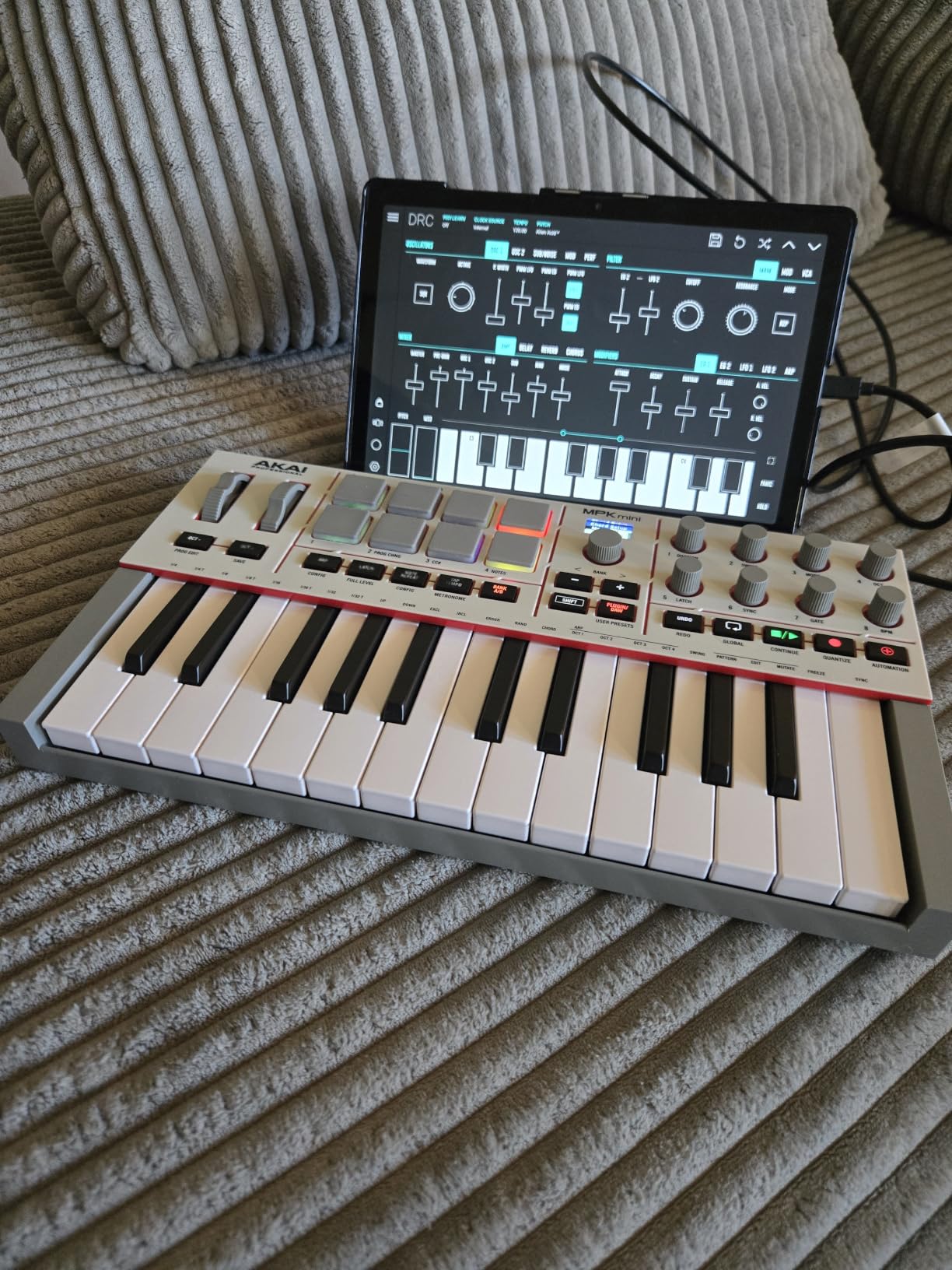
This is the controller I hand to anyone who asks me what to plug into FL Studio first. It weighs about a kilogram, measures a little under fourteen inches wide, and draws power over USB, so it moves between a bedroom desk and a laptop session without a charger. The 25 mini keys cover roughly two octaves, which is plenty for a bass line or a hook and wrong for a two-handed arrangement.
What separates it from every other 25-key board in this list is the pad section. The eight MPC pads are velocity-sensitive and pressure-sensitive, not just on and off, which means finger drumming into the Channel Rack has real dynamics instead of eight identical hits. They light up in RGB, so you can see what is armed while you are playing.
Why the Knobs Matter More in FL Studio Than Most Guides Admit
FL Studio is full of parameters that are miserable to reach with a mouse, and eight assignable 360-degree knobs sitting right under your hands is the fix. Owners on r/FL_Studio repeatedly single out the large assignable knob as a working volume or filter control, and with the full-color display you can browse presets and channel settings without alt-clicking through the browser.
The DAW control section arrives pre-mapped for FL Studio, Ableton Live Lite 12 and Logic Pro. That matters more than the bundled software: the instrument suite of more than a thousand sounds from AIR, Akai Professional and Moog has to be downloaded and registered, while the mapping works the moment you plug the cable in.
What This Controller Cannot Do in FL Studio
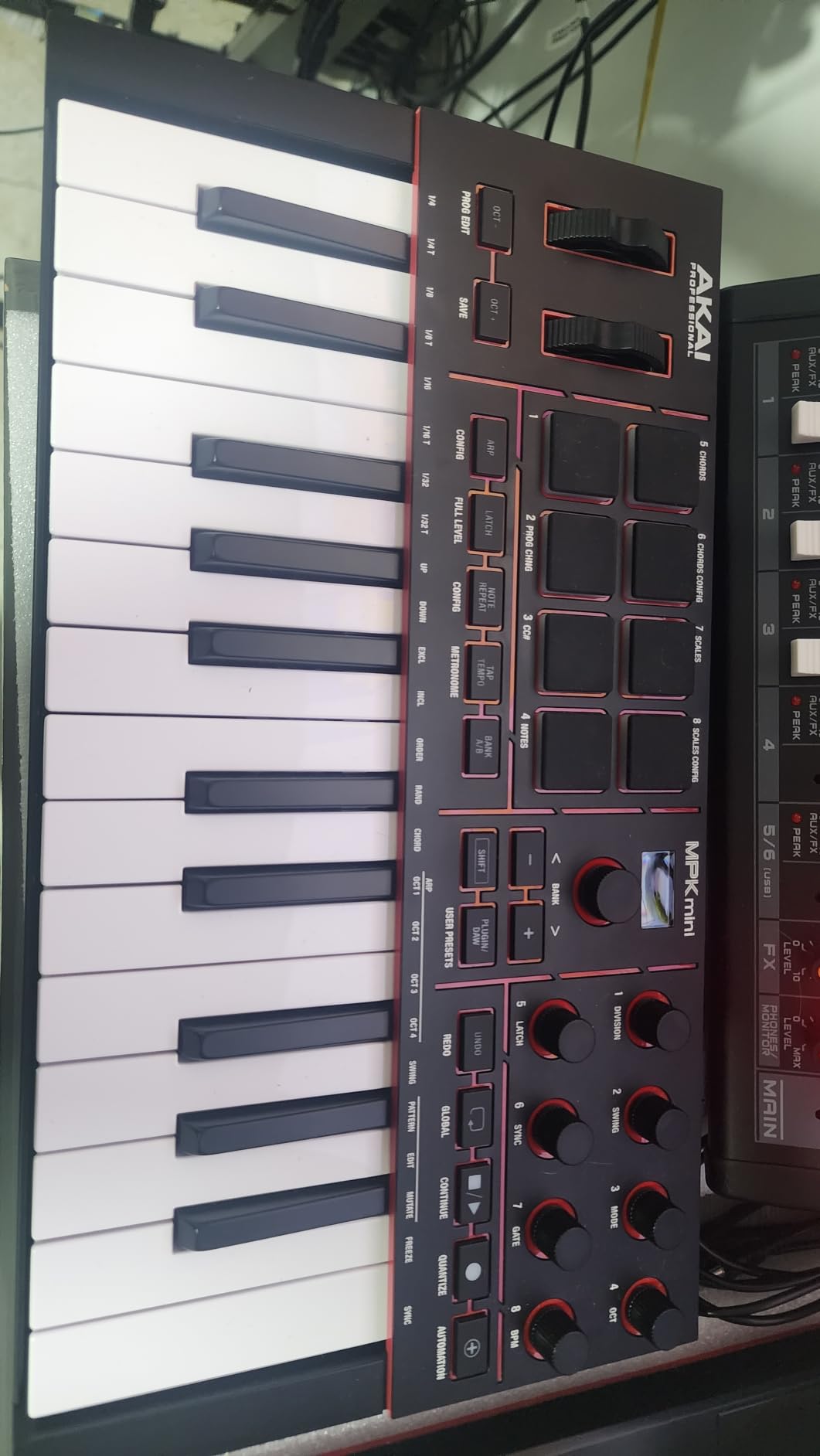
There are no faders, so the mixer stays mouse-driven, and no pitch bend or modulation wheels, so pitch-bend-heavy lead work needs a workaround in the Channel Rack. Sustained string and flute parts are out of reach on a two-octave keybed, and anyone coming from a piano will feel the mini keys immediately.
2. Novation FLkey 61 – The Best Controller Built Around FL Studio Itself
Novation FLkey 61 USB MIDI Controller Keyboard
61 semi-weighted keys
16 RGB pads with Sequencer Mode
9 faders and 8 encoders
5-pin MIDI out
Pros
- Maps to Channel Rack
- mixer and transport on first launch
- Sequencer Mode turns the pads into a step sequencer
- Scale mode and three chord modes
- Fourteen MIDI-assignable buttons
- 5-pin MIDI out for external hardware
Cons
- Pots and faders are not motorized
- Knobs are not MIDI-learned to third-party plug-ins out of the box
- Semi-weighted keys feel stiff for experienced pianists
- Included cable needs an adapter on recent laptops
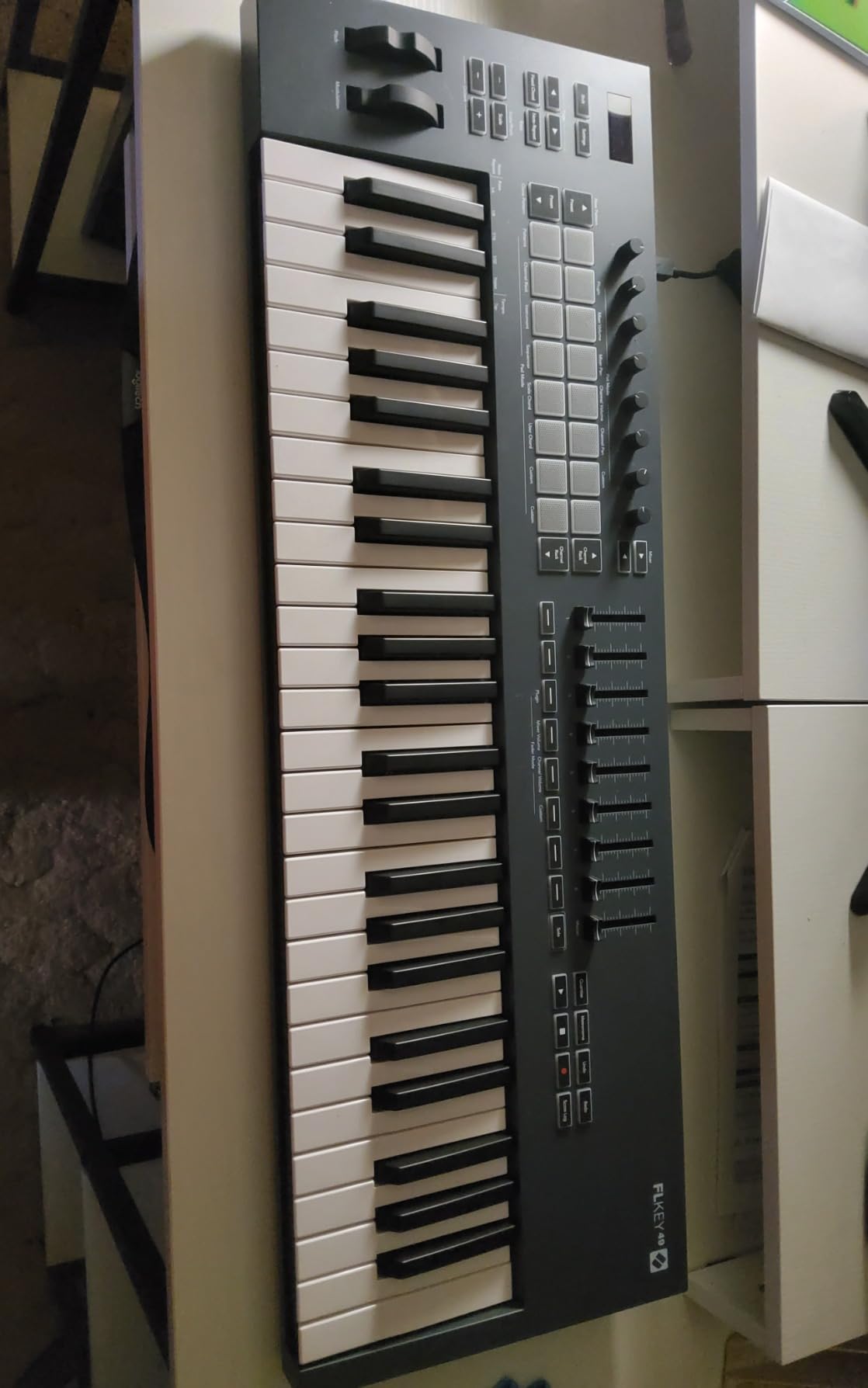
This is the one controller in the list that treats FL Studio as the primary target rather than as one DAW among several. It is built around the same layout as the FL Studio interface: nine faders and eight pots mirror the mixer, the transport buttons sit where the play and record controls live on screen, and the Channel Rack has a hardware counterpart on the pads.
The 61 semi-weighted keys give real resistance without the cost of a weighted action, and with pitch and mod wheels on the left you can play expressive lead parts without routing anything. Configuration happens in a web page that pushes changes straight to the keyboard, so there is no background utility eating resources while you work.
Sequencer Mode: A Step Sequencer on the Pads
Press the pads into Sequencer Mode and the 16 pads stop being drum triggers and start being a step sequencer you can play in real time. Combined with Scale mode and three chord modes, it means a single held chord can be built one note at a time while the beat keeps running, which is the fastest path to an FL Studio melody we found anywhere.
The pads also trigger FPC and SliceX instrument presets, so slicing on the keyboard is a button press rather than a menu dive. Owners on Image-Line’s own forum describe it as the controller that needs the least setup out of anything they have owned, and that matches what we saw.
Where the FLkey Falls Short
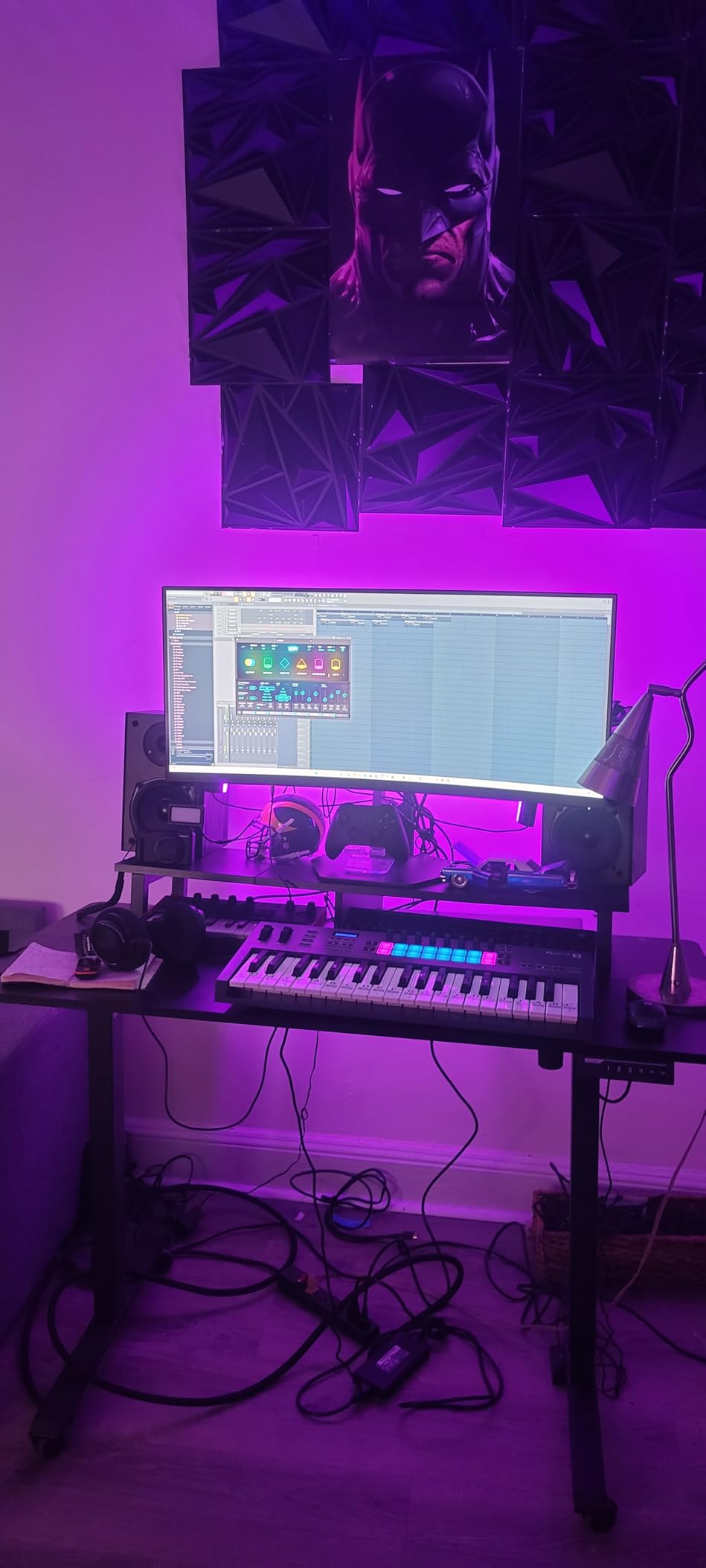
Because the faders and pots are not motorized, they do not move when you change a value in the mixer on screen, so the hardware is a control surface rather than a display. Knobs are hard-mapped to FL Studio controls and are not MIDI-learned to third-party plug-in parameters without extra work, and the semi-weighted action is stiff for players used to a weighted home piano.
3. Arturia MiniLab 3 – The Best Value Controller in This List
Arturia MiniLab 3 Universal MIDI Controller, White
25 slim synth-action keys
16 velocity and pressure pads
8 encoders and 4 faders
5-year warranty
Pros
- Most hardware packed into a portable footprint
- Two banks of sixteen responsive RGB pads
- Five-year warranty is rare at this level
- Display with a clickable browse knob
- Bundled Analog Lab Intro and UVI Model D
Cons
- Mini keys are short for piano-style playing
- Capacitive touch strips are not real wheels
- Only four faders limits mixer control
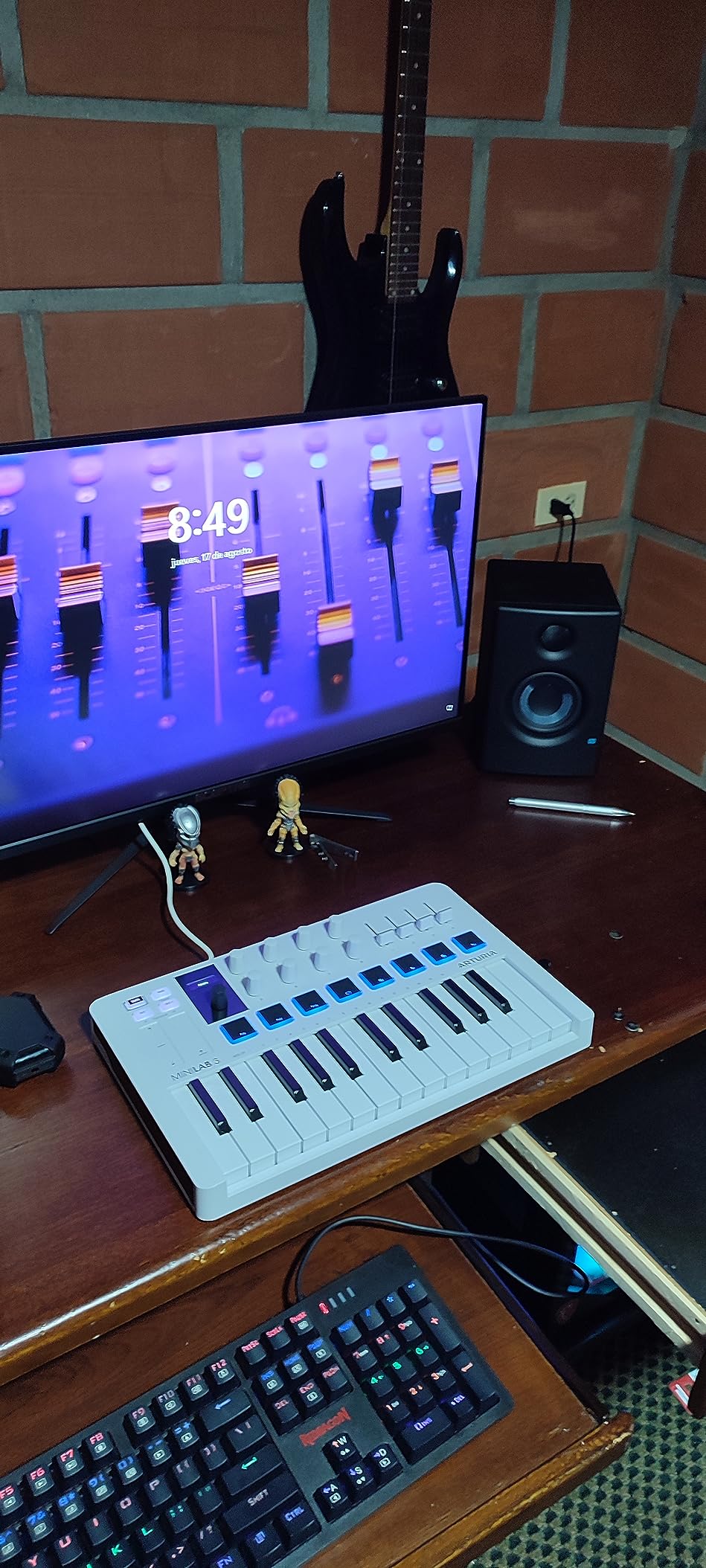
The MiniLab 3 is a compact controller here that does not feel like something was removed to hit a price point. Two banks of eight velocity- and pressure-sensitive pads give you 16 backlit triggers, eight encoders handle continuous parameters, and four faders cover the first four mixer tracks without hunting for anything.
It weighs 3.1 pounds and includes a five-year limited warranty, which is double what most competitors in the class offer. For a travelling producer who wants a full control surface rather than a bare keyboard, that combination is hard to argue with.
Capacitive Strip Controls Are a Trade You Should Make Deliberately
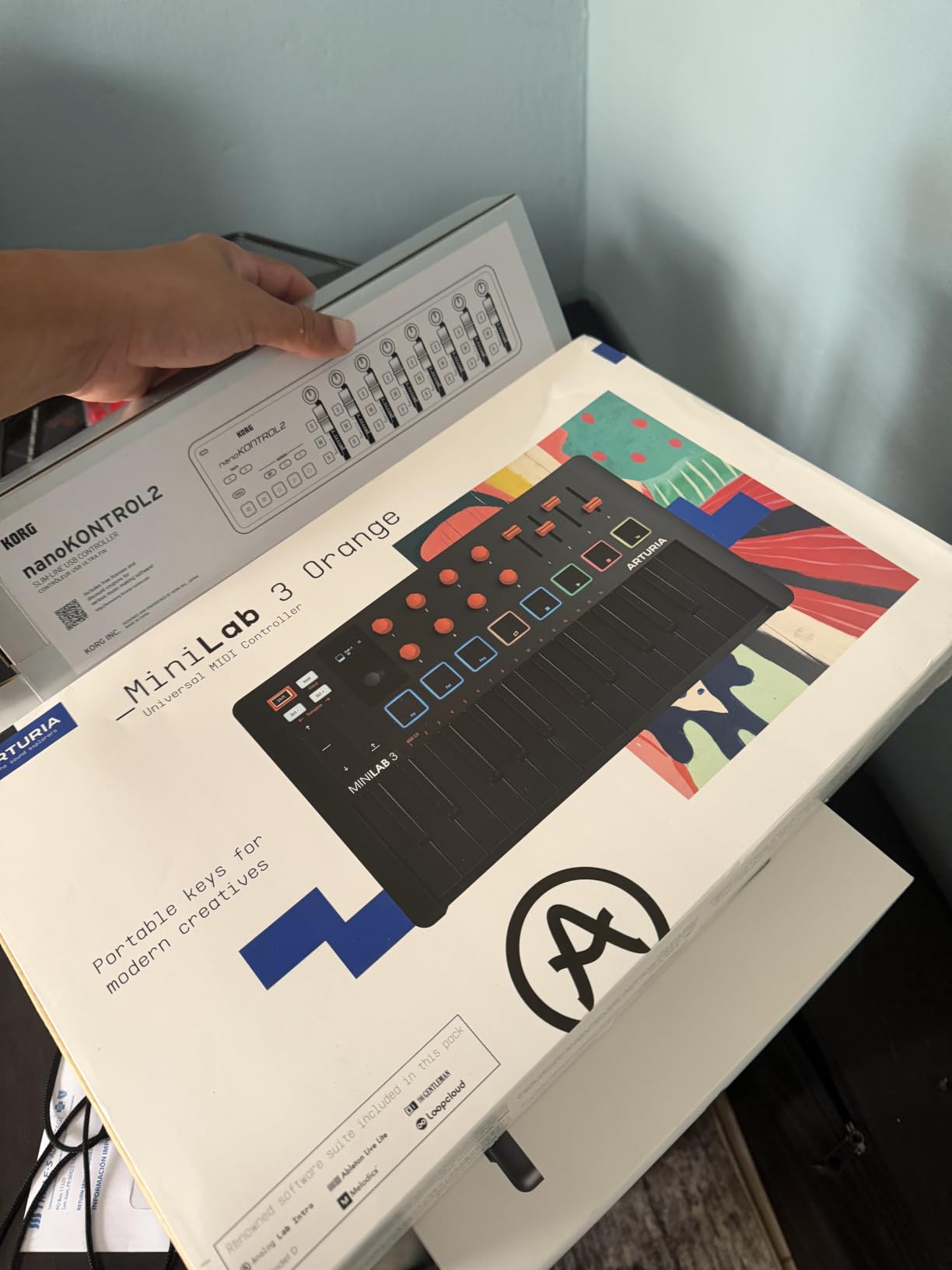
The pitch bend and modulation strips are touch-sensitive surfaces, not sprung wheels. They are quiet, they never swing out and hit your desk, and they respond predictably, but if you are used to catching a physical wheel mid-phrase the transition takes an adjustment. In FL Studio, where pitch bend is often automated in the piano roll rather than performed live, that difference matters less than it would on stage.
The built-in arpeggiator plus the mini display and browse knob make it easy to audition patterns over a Channel Rack channel without leaving the hardware. The bundled software is the usual Arturia stack, including Analog Lab Intro and the UVI Model D piano.
What You Give Up Compared With the FLkey
There is no dedicated FL Studio script in the box, so the pads and encoders arrive as generic MIDI until you map them yourself, which is a half-hour job through MIDI learn. Four faders will not run a full mixer, and the 25 slim synth-action keys are fine for chords and bass but not for a two-handed part.
4. M-Audio Keystation 49 MK3 – The Best Way to Move From Mini Keys to Full Size
M-AUDIO Keystation 49 MK3 USB MIDI Controller
49 full-size velocity-sensitive keys
Volume fader and transport buttons
Pitch and mod wheels with sustain input
Bus-powered plug-and-play USB
Pros
- Forty-nine full-size keys in a slim chassis
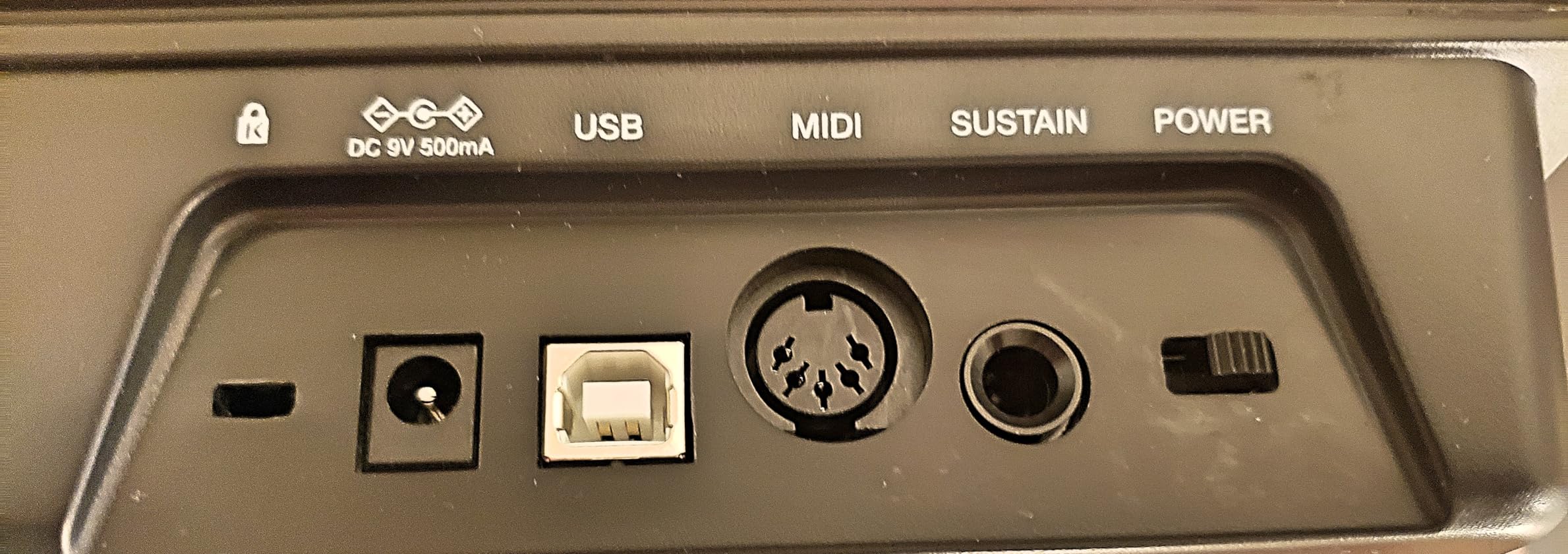
- No drivers and no external power needed
- Transport and directional buttons included
- Large bundle including MPC Beats and Ableton Live Lite
- Works on Mac
- PC and iOS
Cons
- Key stiffness is uneven across the keybed
- Black keys are stiff and less natural
- No pads and only one fader
- Unweighted action is wrong for piano repertoire
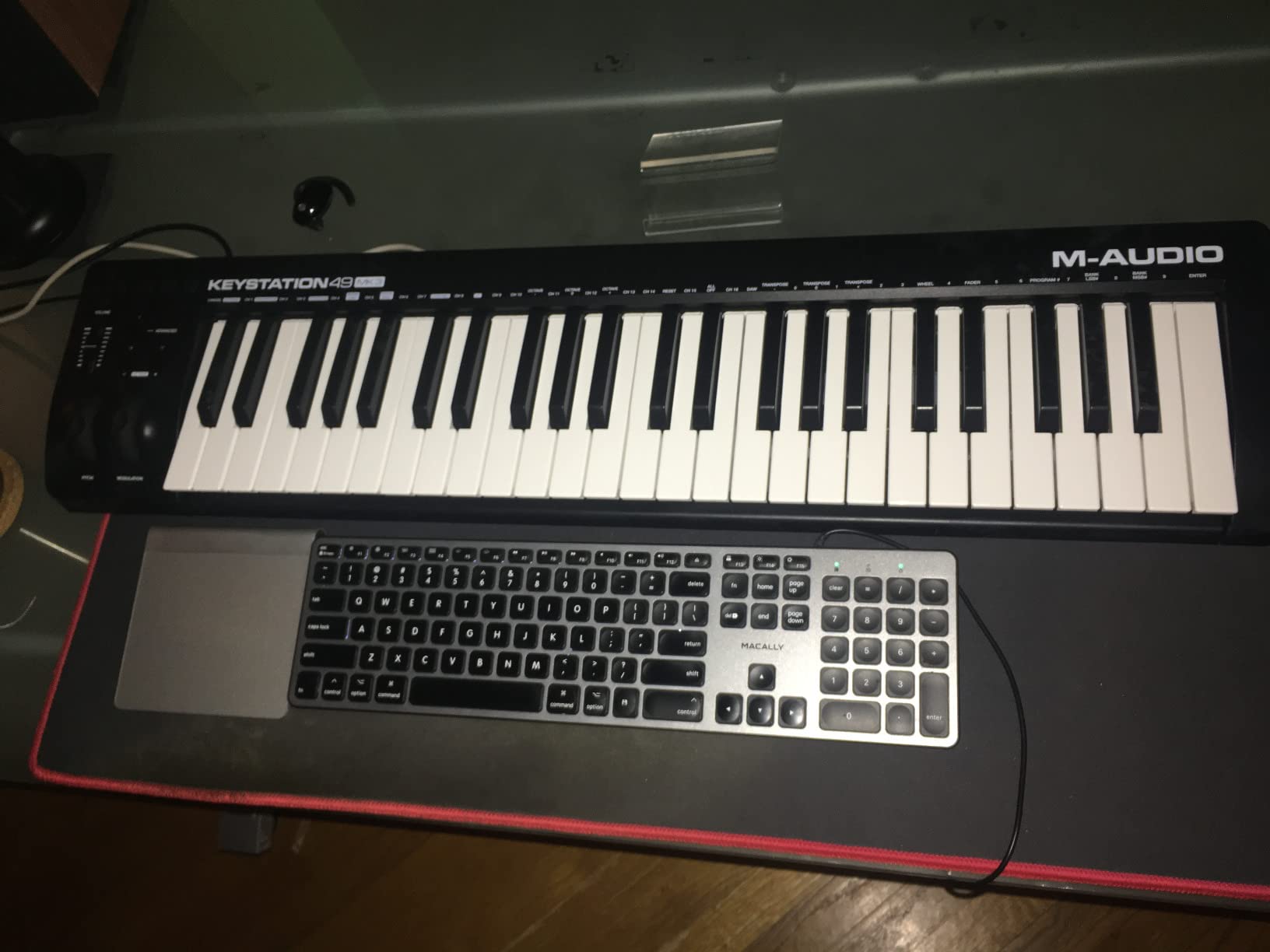
Most people outgrow a 25-key board long before they outgrow FL Studio. The Keystation 49 MK3 is the step up: 49 full-size velocity-sensitive keys, real pitch and modulation wheels, octave shifting, a sustain pedal input and a dedicated volume fader, all running off a single USB cable with no driver to install.
It is a straight instrument rather than a control surface. The bundled software is generous, including MPC Beats and Ableton Live Lite, but the honest limitation is that there are no pads, no encoders and only one fader, so every mixer move and every plug-in tweak still happens with the mouse.
Key Feel Is the Whole Argument
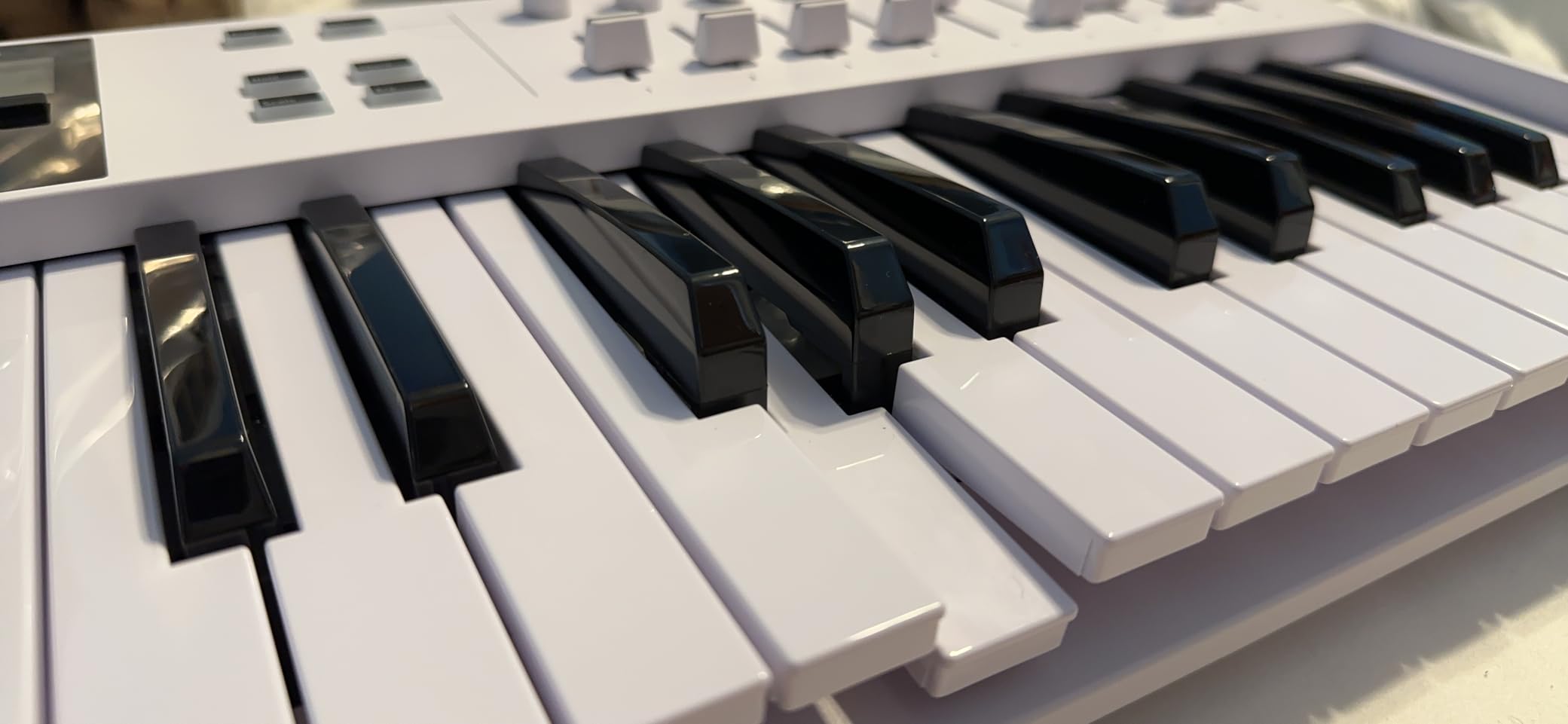
The most repeated complaint in the reviews, and the only one worth taking seriously, is uneven key feel. Stiffness varies from key to key and the black keys are notably harder to press, which shows up in chord work where you play across the keybed rather than straight down a single line.
If FL Studio is where you write melodies and you play along as you go, that unevenness is annoying. If you are laying down bass lines and using the controller mainly for input, it barely registers at this level.
What It Cannot Do in FL Studio
No pads means no finger drumming on the Channel Rack, one fader means no hands-on mixer control, and no screen means no feedback on what a button is doing. Everything works, but the mouse stays your primary input, which is exactly what FL Studio users are usually trying to escape.
5. M-Audio Oxygen 49 MKV – The Best Controller for Real Mixer Control
M-AUDIO Oxygen 49 MKV USB MIDI Keyboard Controller
49 full-size velocity-sensitive keys
16 backlit pads in two banks
8 knobs and 9 faders
NKS integration
Pros
- Nine faders plus eight knobs for hands-on mixing
- Backlit pads with Note Repeat
- Three selectable Komplete 15 Select bundles
- Full-size keys in a mid-size body
- Works on Mac and Windows
Cons
- Auto-mapping takes time to work through
- Dense control layout for the footprint
- Only a one-year warranty
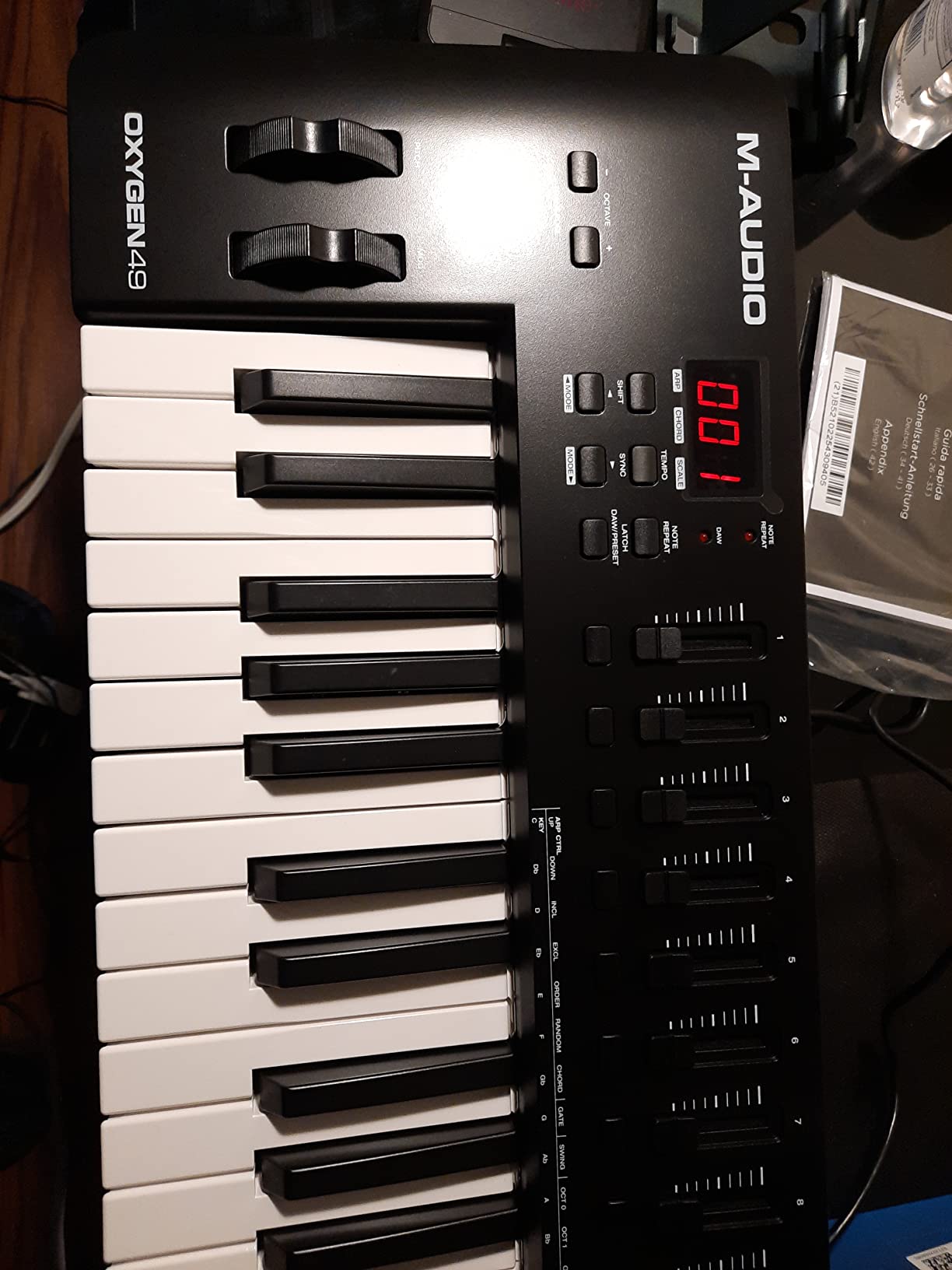
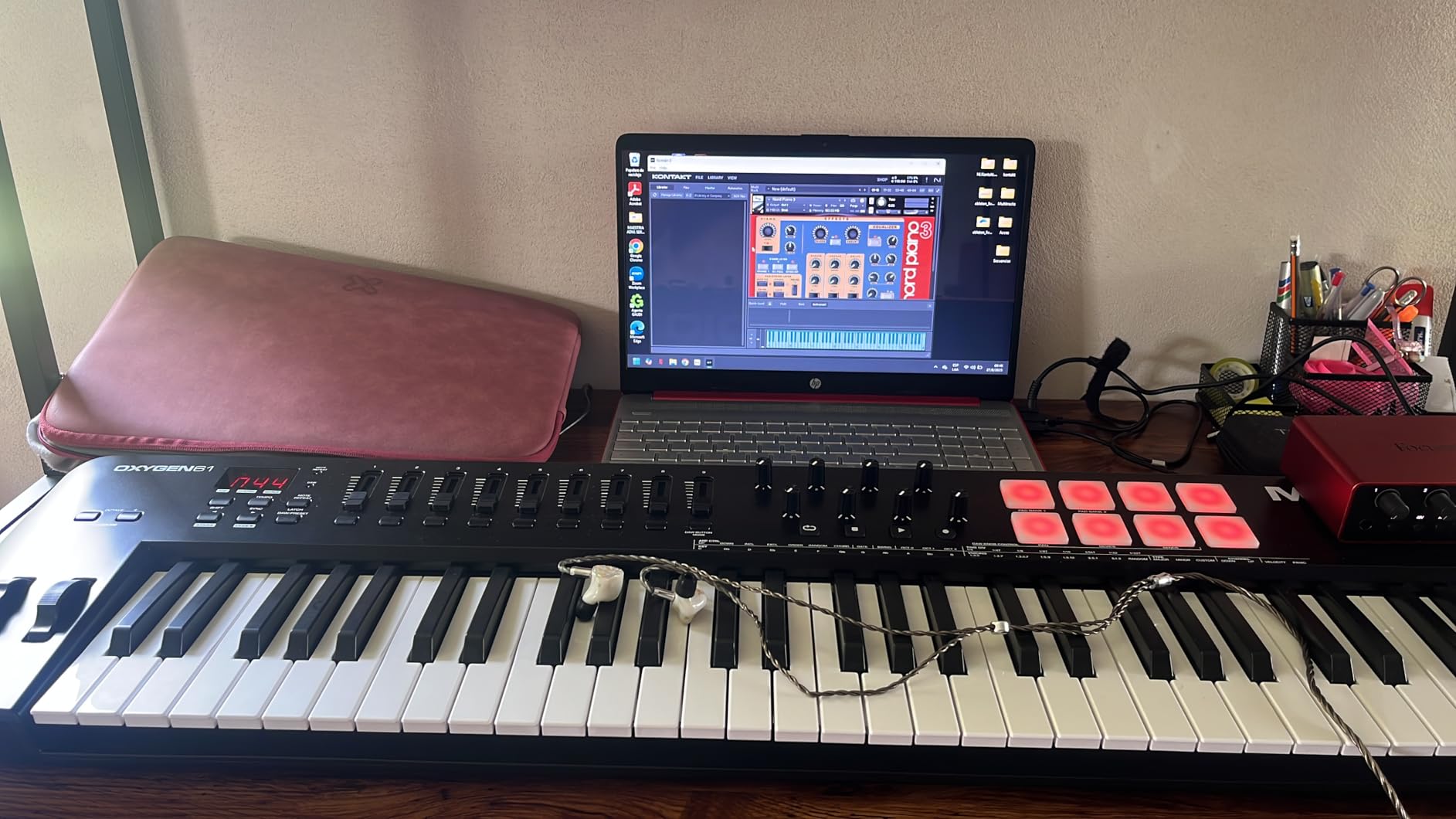
FL Studio’s mixer is fader-based, so nine assignable faders plus eight knobs is the layout that matches the software most honestly. The Oxygen 49 MKV gives you a full 49-key bed, two banks of eight backlit velocity-sensitive pads with Note Repeat, and the control count to actually mix and automate without touching the mouse.
It weighs 6.7 pounds and includes a choice of three Komplete 15 Select bundles through Native Kontrol Standard integration, so Native Instruments plug-ins map without a manual detour. The Smart Chord and Smart Scale modes handle the harmony guesswork that normally eats an afternoon.
Faders vs Knobs in an FL Studio Workflow
In practice the nine faders end up on mixer tracks one through nine and the knobs on the selected channel, which is close to how you already work. The pads trigger the Channel Rack and the Note Repeat function is the fastest way to audition a hi-hat pattern without drawing every step in the step sequencer.
The catch is setup. Reviewers report that the auto-mapping and the bundled downloads take real work before everything lands where you expect, so budget an evening rather than an afternoon if you want the faders on the right tracks from the first project.
What It Cannot Do in FL Studio
There is no screen, so you are reading track names off the FL Studio window rather than the hardware, and there is no pitch bend or modulation wheel to speak of, so lead parts lean on the piano roll. Only one year of warranty coverage is included, which is thin next to Arturia’s five years.
6. Nektar Impact GX61 – The Best 61-Key Option for a Shallow Desk
Nektar Impact GX61 USB MIDI Controller Keyboard
61 expressive synth-action keys
On-board pitch and mod wheels
14 MIDI-assignable buttons
Stainless steel chassis
Pros
- Sixty-one full-size keys in a slim chassis
- Low latency and consistent velocity response
- Weighs 6 pounds so it moves between rooms
- Transport
- octave and transpose buttons included
- Sustain pedal and dust cover in the box
Cons
- Unweighted synth-action keys feel stringy
- Key stiffness varies between keys
- No pads
- faders or display
- Only 14 assignable buttons
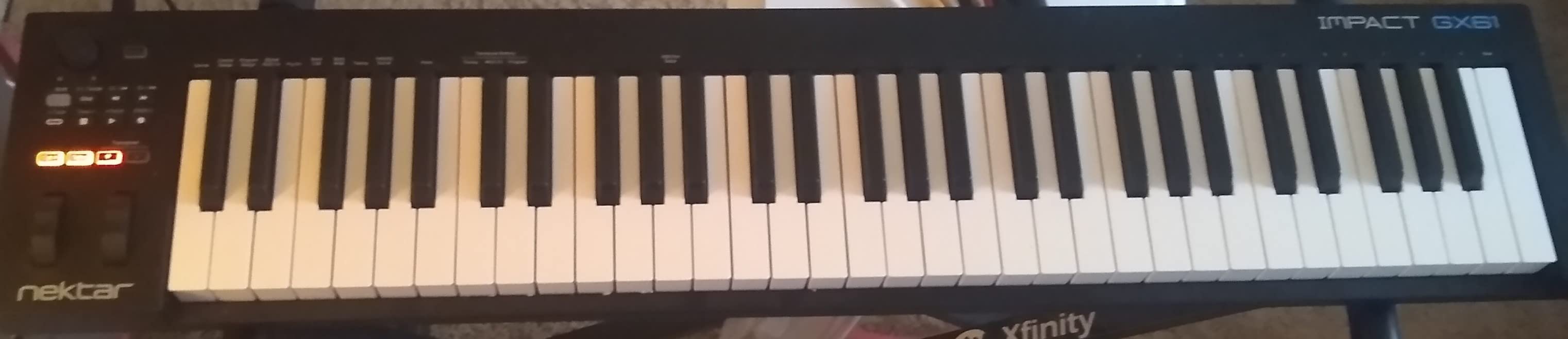
The Impact GX61 answers a narrow problem very well: a 61-key board that does not eat your whole desk. It is 2.75 inches deep, weighs 6 pounds, and the chassis is stainless steel rather than the plastic used by most of the 49-key options here, so it survives being carried between a home studio and a rehearsal room.
There is no FL Studio-specific script, so what you get out of the box is 14 assignable buttons plus Nektar’s DAW integration for the major platforms. That is enough for transport and octave work, and not enough for hands-on mixer control.
Unweighted Keys Are Fine for Scoring, Painful for Playing
Reviewers consistently report that the synth-action keybed is responsive with no input latency and good velocity sensitivity, and several compare it favourably to cheaper 49-key alternatives. What they also report, repeatedly, is that the unweighted action is stringy and that stiffness varies key to key, so it rewards typing and scoring rather than performing.
For a producer writing parts into the piano roll, 61 keys plus transpose and octave buttons covers most melody writing without constant range changes. For a pianist, it is a practice instrument, not a performance one.
What It Cannot Do in FL Studio
No pads means no finger drumming, no faders means the mixer stays on screen, and no display means no feedback on the 14 buttons. Everything you assign works, but the controller is an input device, not a control surface, and the mouse still does the arranging.
7. Arturia KeyLab Essential 49 mk3 – The Best Controller for Plug-In Workflow
Arturia KeyLab Essential mk3 — 49 Key USB MIDI Keyboard Controller with Analog Lab V Software Included
49 Fatar keybed keys
8 RGB velocity and pressure pads
9 faders, 9 encoders, 2.5-inch LCD
Analog Lab V included
Pros
- Fatar keybed with a solid chassis
- Large readable LCD for browsing
- Custom scripts give real FL Studio integration
- Bundled Analog Lab V and two pianos
- Six user-programmable control banks
Cons
- First-time software setup is a steep process
- No polyphonic aftertouch
- Knobs can feel stiff
- Supplied USB cable is easy to miss
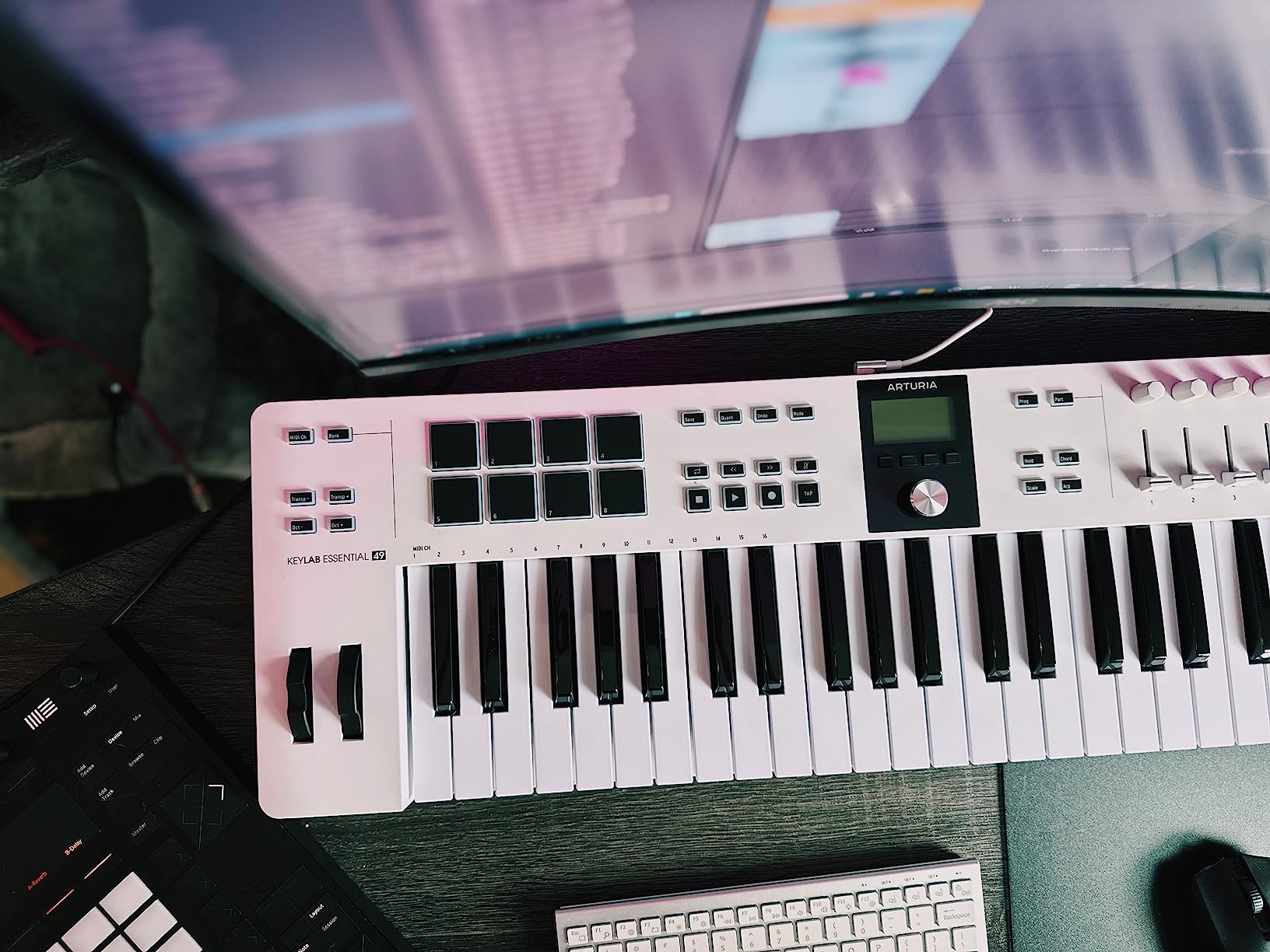
The KeyLab Essential 49 mk3 is one of the more complete instrument controllers here once you count the display. A 2.5-inch LCD with a contextual button tells you what the encoders are currently assigned to, which is the difference between a control surface you can navigate blind and one you constantly check on the monitor.
You get a Fatar keybed, nine faders, nine encoders and eight velocity- and pressure-sensitive RGB pads in a body that weighs 6.1 pounds. Custom DAW scripts cover FL Studio, Logic Pro X, Ableton Live and others, so the mixer and transport map correctly on load.
Why the Display Changes Your Working Method
FL Studio is dense. When a knob row is a plug-in’s device controls rather than mixer tracks, a display removes the guessing that otherwise sends you back to the mouse every thirty seconds. The six user-programmable banks also let you keep a drum setup, a mixer setup and a plug-in setup in memory instead of remapping each session.
The bundled software is the strongest in this group: 2000 Analog Lab V presets, the UVI Model D and NI The Gentleman pianos, plus Loopcloud and Melodics subscriptions. Much of the value proposition sits here rather than in the hardware.
What It Cannot Do in FL Studio
There is no polyphonic aftertouch, which matters if you play expressive parts rather than programming them, and the first-time software installation and configuration is genuinely difficult according to owners who expected a normal plug-and-play device. The knobs also feel stiff to some hands, and the side panels look like cheap faux wood.
8. Novation Launchkey 61 MK4 – The Best Controller for Live Performance
Novation Launchkey 61 MK4 USB MIDI Keyboard Controller
61 semi-weighted velocity-sensitive keys
16 FSR pads with polyphonic aftertouch
9 faders and an OLED display
NKS-ready
Pros
- Semi-weighted keybed good for playing and producing
- Pads respond to pressure per finger
- Nine faders plus an OLED for session control
- Scale and chord modes reduce wrong notes
- Works with FL Studio
- Ableton
- Logic
- Cubase and Reaper
Cons
- Most expensive option in this roundup
- At 10.5 pounds it is heavy to move
- DAW mapping still needs a script configured
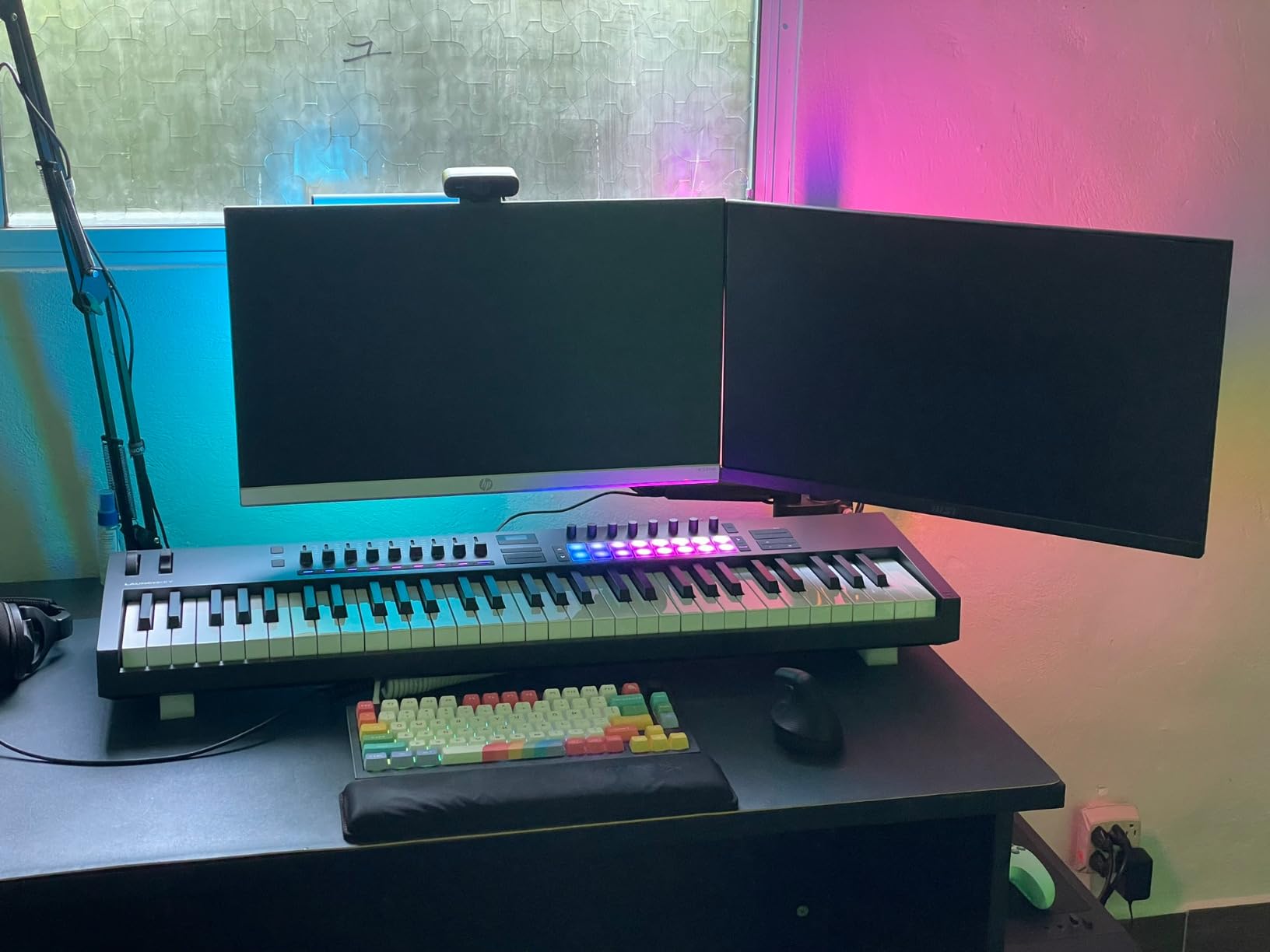
The Launchkey 61 MK4 is the only controller here with polyphonic aftertouch on the pads, meaning each finger can be modulated independently. For someone who plays rather than programs, that is a real performance advantage, and the semi-weighted 61-key bed backs it up.
Nine faders and an OLED display give a clear view of a session, and the bundled Ableton Live Lite and Cubase LE make the package feel complete out of the box. It is the most expensive controller in this roundup and one of the heaviest at 10.5 pounds, so it belongs on a fixed desk.
FL Studio Users Do Not Get a Native Script
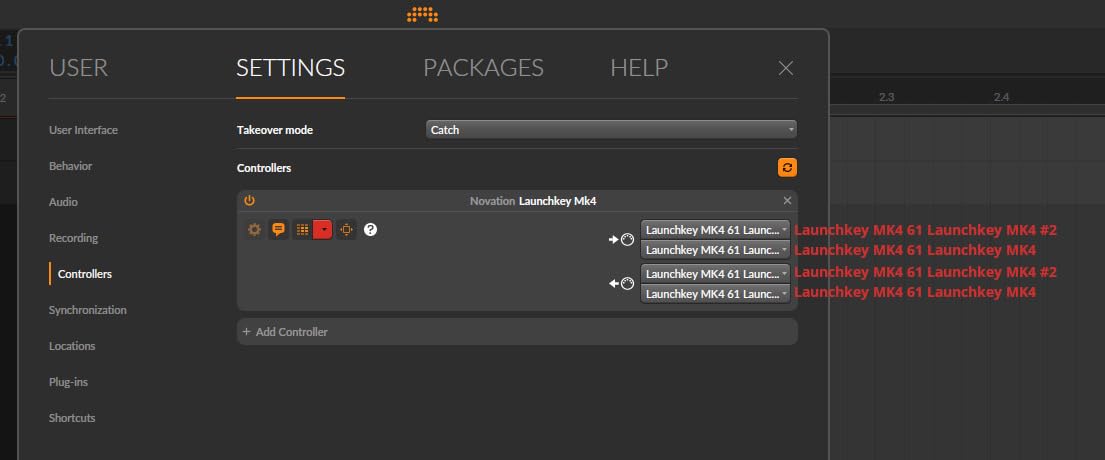
This is worth being blunt about. Novation ships first-class templates for Ableton Live, Logic and Cubase, and the Launchkey works in FL Studio, but the mapping is not FL Studio specific the way the FLkey 61 is. Setting up transport and channel control takes a script and a little patience.
If you work in FL Studio and Ableton side by side, the Launchkey is the better single purchase. If FL Studio is the only DAW you open, the FLkey does more of the work for you out of the box.
What It Cannot Do in FL Studio
Nothing is broken, but you will spend time mapping before the faders and pads behave how you want, and at 10.5 pounds it does not travel well. It also gives you no reason to buy a second controller for pad-based beat making, because the 16 FSR pads already cover that role unusually well.
9. Akai APC Mini MK2 – The Best Budget Pad Grid, With a Caveat
Akai Professional APC Mini MK2 USB MIDI Pad Controller
8x8 grid of 64 RGB pads
8 assignable faders plus master
Ableton Live pre-mapped
Bus-powered USB
Pros
- Sixty-four RGB pads with clear visual feedback
- Nine faders for mixer and macro control
- Weighs 810 grams and fits a laptop bag
- Bus-powered with no batteries
- Includes Ableton Live Lite and a small instrument set
Cons
- Mapping is built around Ableton Live
- No keyboard so it cannot play melodies
- Pads are not velocity or pressure sensitive
- USB-B port needs an adapter on a modern laptop
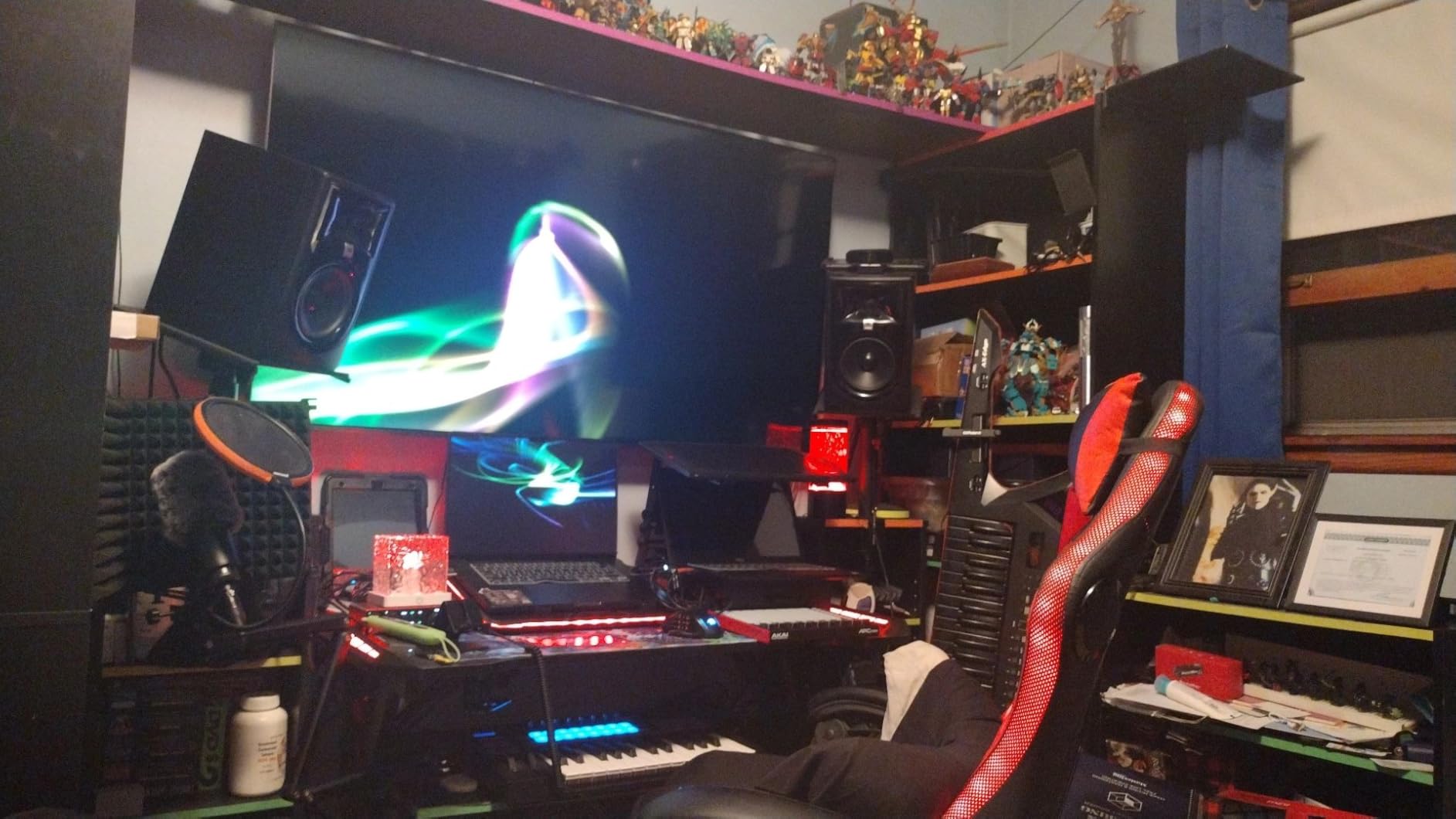
The APC Mini MK2 is a 64-pad grid with nine faders in a body that weighs 810 grams, and for pure clip launching it is excellent. The 8×8 RGB layout is the same shape as FL Studio’s step sequencer, so a pattern grid maps to it almost one-to-one once you set it up.
It is also a controller that gets mis-recommended for this DAW. Its deep mapping targets Ableton Live 11 and 12 specifically, and in FL Studio you are working with generic MIDI control. That is not fatal, but it is a setup project rather than a plug-in.
Why a Grid Controller Is a Different Purchase
A pad grid is not a smaller keyboard, it is a different tool. In FL Studio it maps to the step sequencer, the channel rack and the playlist, so you can trigger patterns, flip clips on and mute channels with your hands while the music keeps moving. You cannot play a melody on it at all, which is why most people pair one with a keyboard rather than choosing between them.
The Device mode is designed for Ableton macro control, so in FL Studio those faders need to be reassigned to mixer tracks or plug-in parameters by hand before they are useful. The non-velocity-sensitive pads are fine for launching and awkward for expressive drum programming.
What It Cannot Do in FL Studio
Out of the box the deep integration is wasted on this DAW, there are no keys, and the pads ignore how hard you hit them. Treat it as a launch surface that needs an afternoon of mapping, not as a drop-in FL Studio controller.
10. M-Audio Oxygen Pro Mini 32 – The Best Fit for a Very Small Desk
M-AUDIO Oxygen Pro Mini 32 USB MIDI Keyboard Controller
32 semi-weighted mini keys
8 RGB velocity pads with Note Repeat
4 knobs and 4 faders
OLED display
Pros
- Compact body that fits a small desk or a laptop bag
- Four knobs and four faders in a tiny footprint
- Pads are sensitive with Note Repeat
- NKS integration with a free Komplete 15 Select bundle
- Plug-and-play with typical DAWs
Cons
- Keys feel thin and clack audibly
- No polyphonic aftertouch
- Always-on OLED has no off setting and may burn in
- Knob under the display can block the screen view
- MIDI out needs a separate adapter
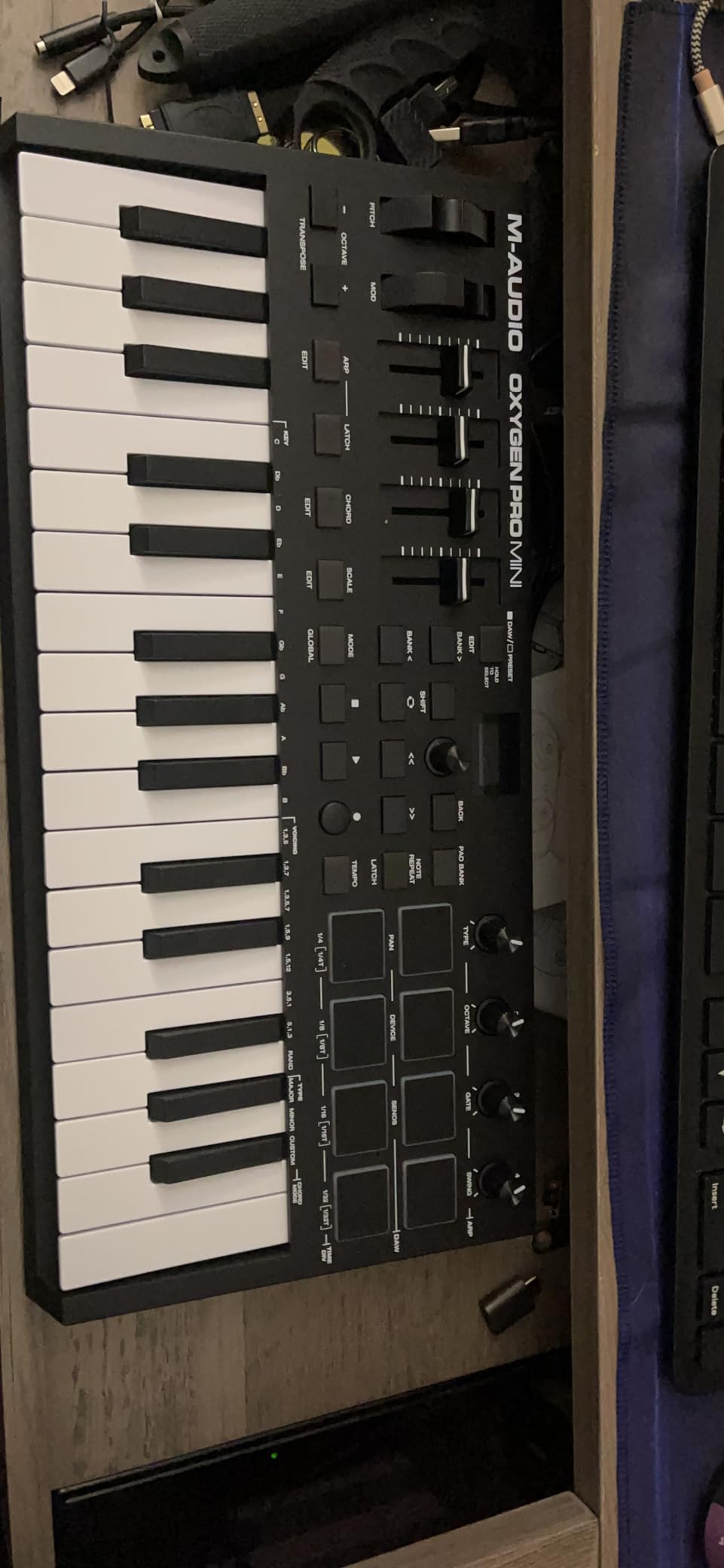
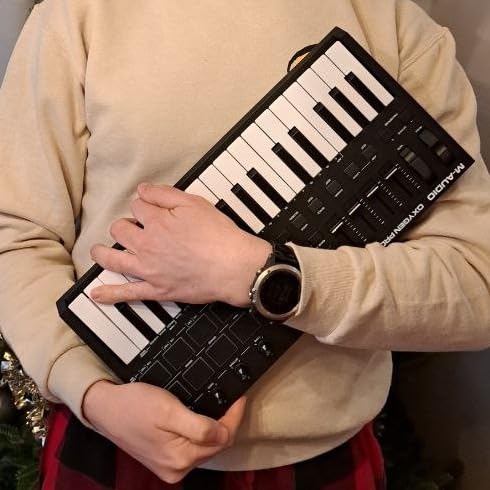
The Oxygen Pro Mini packs more assignable control into a small body than most of its size. Thirty-two semi-weighted mini keys, eight RGB velocity-sensitive pads with Note Repeat, four assignable knobs and four faders in a body just over 15 inches wide and 2.7 pounds, which is genuinely unusual.
The OLED is used to pick DAW and plug-in maps, and NKS integration means a free choice of three Komplete 15 Select bundles comes with it. The Smart Chord and Smart Scale modes plus the arpeggiator handle the musical decisions you would otherwise make by hand.
Check the Display Before You Commit
Two things about that OLED matter. There is no off setting, so it stays lit for the life of the device and reviewers worry about burn-in over a long ownership cycle. And the knob that sits under the display can physically block your view of it depending on hand position, which is a small design flaw that becomes an irritation quickly.
The key feel is the other compromise. It is thin and light, the keys clack audibly on fast playing, and there is no aftertouch, so expressive parts have to be built in the piano roll rather than performed.
What It Cannot Do in FL Studio
Thirty-two mini keys is a small range, so anything with a wide interval needs octave shifting. Four faders is not a mixer, and the display limitations make plug-in browsing slower than it should be, so the mouse still earns its place in this setup.
11. PreSonus ATOM – The Best Budget Option for Finger Drumming
PreSonus ATOM Production & Performance Midi Pad Controller with Studio One Artist and Ableton Live Lite Recording Software
16 full-size velocity and pressure pads
20 assignable buttons
4 endless rotary encoders
8 pad banks
Pros
- Large pads with real velocity and pressure response
- Twenty buttons cover transport
- zoom and quantize
- Light at 16 ounces and very compact
- Works over USB on iOS and Android
- Selectable pad velocity curves
Cons
- Deep functionality is tied to Studio One
- Pad note values cannot be reprogrammed outside Studio One
- Only four encoders and no faders or keys
- Pads can feel stiff and trigger on bank presses
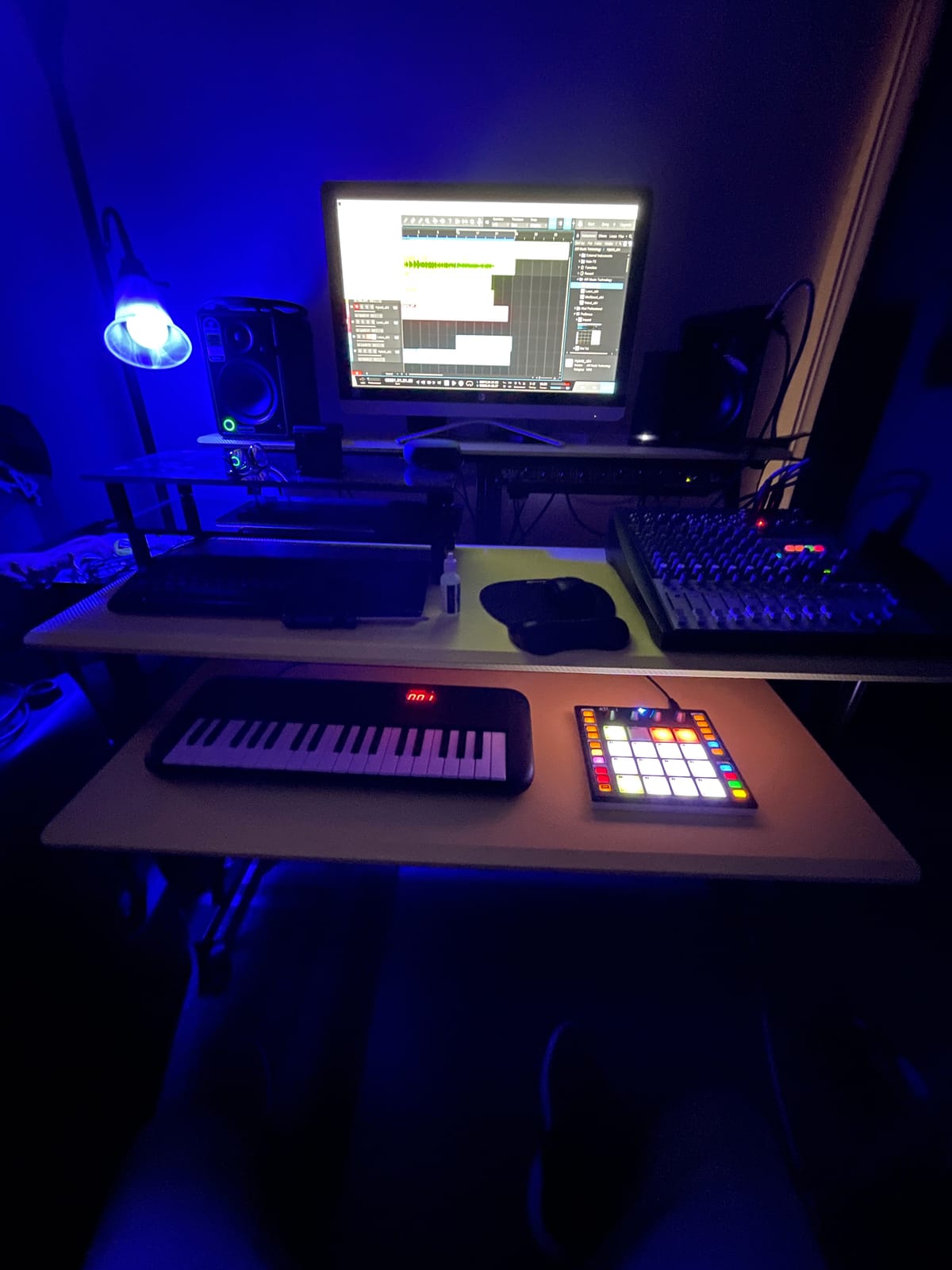
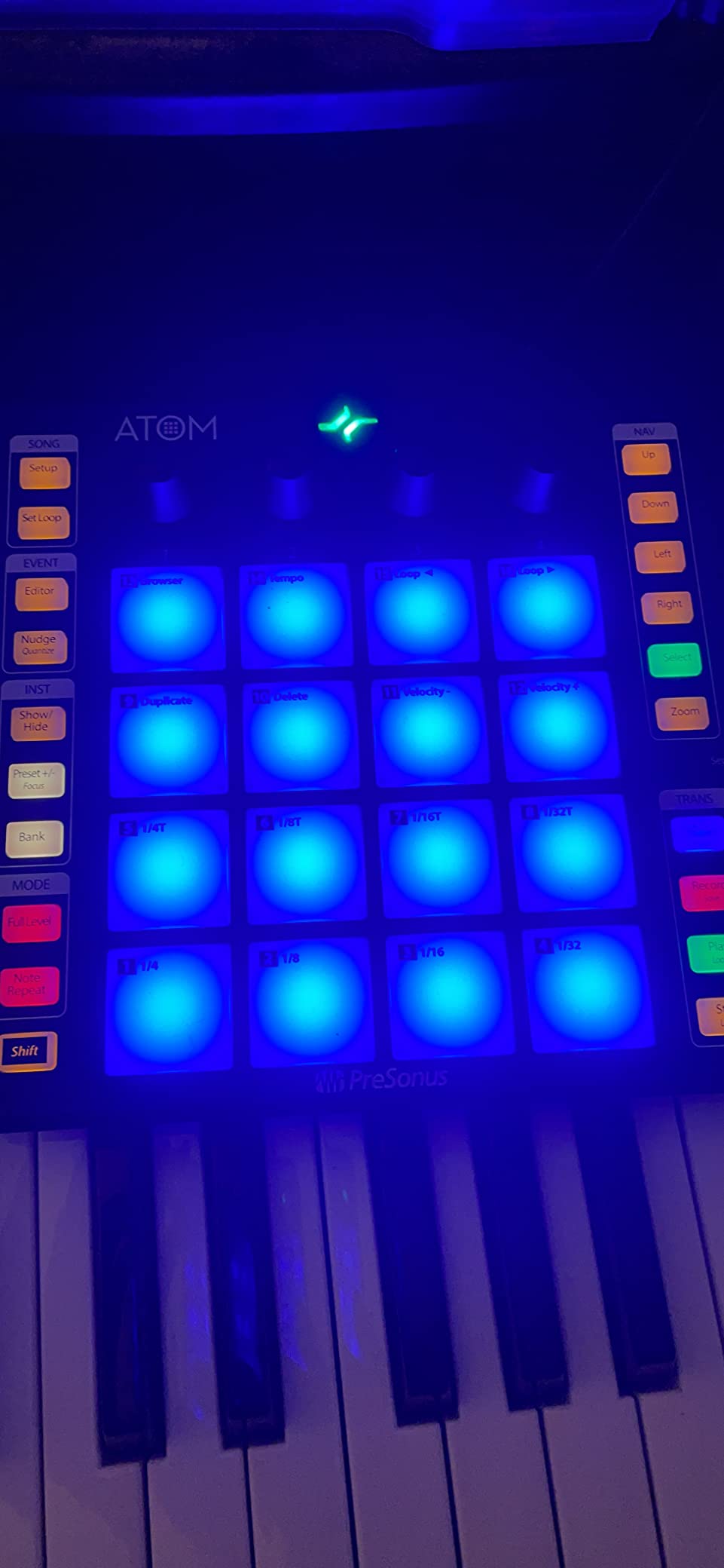
The ATOM is a pad controller built around one idea: give a beginner real finger-drumming pads and enough buttons to stop reaching for the mouse. Sixteen full-size velocity- and pressure-sensitive RGB pads across eight assignable banks, twenty assignable buttons covering transport, loop points, zoom and quantize, and four endless encoders, in a body weighing 16 ounces.
It includes Studio One Artist, where those buttons and pads are deeply mapped. In FL Studio the controller works as a generic MIDI input for pads and notes, which is enough to play but not the same experience as its native software.
Eight Pad Banks Change the Character of a Small Pad Set
Sixteen pads sounds thin until you realise they are spread over eight assignable banks, which means a full kit, a percussion set and several sample folders fit on one small grid. Note Repeat mode and selectable velocity curves cover the two behaviours most beginners need when programming hats and rolls, and Full Velocity mode is there when you want uniform hits.
The catch is that the individual pad note values cannot be reprogrammed for use outside Studio One, so the layout you get is the layout you keep. In FL Studio, plan your Channel Rack channels to match the incoming notes rather than the other way around.
What It Cannot Do in FL Studio
There are no keys, no faders and only four encoders, so melodies and mixing are out of scope entirely. Outside Studio One the feature set is much reduced, and a few units arrive with pads that trigger when a bank is pressed, which is a known fault worth checking on arrival.
12. Novation Launch Control XL 3 – The Best Dedicated Mixer Controller for FL Studio
Novation Launch Control XL 3 USB MIDI Control Surface
8 faders and 24 endless encoders
16 custom buttons with transport
OLED display
MIDI In, Out and Thru
Pros
- Eight smooth faders plus 24 encoders for detailed control
- FL Studio integration included
- In
- Out and Thru ports run hardware with no computer
- Weighs 2.1 pounds and travels easily
- Up to 15 stored Custom Modes
Cons
- Encoders sit close together for larger hands
- Encoders behave as 7-bit absolute rather than relative
- Faders are not motorized
- Components mapping software requires an online sign-in
- Buttons are stiff and the OLED is small
This one has no keys, and that is the point. The Launch Control XL 3 is a control surface: eight faders, 24 endless encoders, 16 customisable buttons and an OLED display, weighing 2.1 pounds. FL Studio is named directly in its supported integration list, alongside Ableton Live, Logic Pro, Cubase and HUI, so the mixer and transport map without extra work.
The MIDI In, Out and Out2/Thru ports let you use it to drive external hardware with no computer in the chain, and up to 15 Custom Modes can be stored for a repeatable hybrid setup. The bundled software includes Live Lite, Cubase LE and partner instruments.
Where It Loses Points
Twenty-four encoders is generous and also crowded. They sit close enough together that larger hands have to move carefully, and they behave as 7-bit absolute encoders rather than true relative ones, which changes how fine automation feels. The faders are not motorized, so the surface does not reflect changes you make on screen.
The Components mapping software, which is where those Custom Modes are built, requires an online sign-in and is widely considered underdeveloped. With 134 reviews at a 4.0 average, this is the least proven pick in the roundup, and the button feel and small OLED are the other recurring gripes.
What It Cannot Do in FL Studio
There are no keys, so it cannot trigger notes at all. It is a mixer and plug-in control surface that complements a keyboard rather than replacing one, and you will be doing most of its interesting configuration in Novation’s software rather than inside FL Studio.
How to Choose a MIDI Controller for FL Studio
Start from the work, not the spec sheet. Every controller here sends the same MIDI data, so the question is which of FL Studio’s screens you want to stop touching. If you build beats on the step sequencer and write melody in the piano roll, you need velocity-sensitive pads and enough keys to cover your range. If you mix and automate, you need faders and knobs. If you play, the key action matters more than any display.
Key Count: How Many Keys Do You Actually Need?
Twenty-five keys covers about two octaves, which handles chords, bass lines and short hooks but forces octave jumping on anything wider. Thirty-two adds a little headroom without a big footprint. Forty-nine is the practical default for writing two-handed parts at a desk, and sixty-one becomes worth it once you are scoring arrangements rather than sketching ideas.
If you are still building out a home setup, our MIDI keyboard picks for music production break the same decision down by workflow. For small rooms and shallow desks, key depth matters as much as count, which is why the 61-key option for small studios is only 2.75 inches deep.
Key Action: Synth-Action vs Semi-Weighted vs Weighted
Unweighted synth-action keys are light, fast and cheap. They are the right choice for typing in parts, finger drumming and anything where you are not chasing dynamics, and they take practice from a piano background because the key returns faster than you expect.
Semi-weighted keys add enough resistance to control dynamics while playing and suit producers who both perform and program. Fully weighted keys with hammer action are a different category of instrument at a different price point, and none of the controllers in this roundup includes one.
Pads, Knobs and Faders: Which Ones Earn Their Space
Velocity-sensitive and pressure-sensitive pads are the feature most often faked at the budget end. If you finger drum into the Channel Rack, non-velocity pads flatten everything into the same hit, and no amount of RGB lighting fixes that. We would rather see eight responsive pads than sixty-four indifferent ones.
Knobs handle continuous parameters such as filter cutoff and plug-in macros, and faders handle levels. FL Studio’s mixer is fader-based, so if you spend time automating mixes, faders are the more useful of the two. Controllers with 24 encoders, like the Launch Control XL 3, exist for people who want a full channel strip in front of them.
What FL Studio Integration Actually Means
Three levels exist, and marketing blurs them. The strongest is a native script written for FL Studio, which is what the Novation FLkey 61 and the Arturia KeyLab Essential mk3 have: the faders, knobs, transport and pads land on the right targets on first launch.
The middle level is DAW-agnostic control, where the buttons send generic control changes and you map them yourself in FL Studio’s MIDI settings. That is a half-hour job with MIDI learn and it works fine. The weakest level is mapping written for a different DAW, which is what the Akai APC Mini MK2 and the PreSonus ATOM have. They work in FL Studio, but you inherit the setup work rather than inheriting a finished template.
Expression: Aftertouch, Polyphonic Aftertouch and MPE
Channel aftertouch is one message for the whole chord and works on almost everything. Polyphonic aftertouch sends a separate value per held note, which opens up individual note expression and is genuinely rare at these prices. MPE goes further still, treating each finger as its own instrument voice and giving per-note pitch, slide and pressure, but it needs compatible software and most controllers here do not support it.
The Novation Launchkey 61 MK4 stands out with polyphonic aftertouch on all 16 pads, and the Arturia KeyLab Essential mk3 is the notable controller here without it. If you perform rather than program, this is a specification worth paying attention to.
Connectivity: USB, MIDI DIN and Bus Power
Every controller in this roundup runs over USB, and most draw their power from that same cable, so one lead carries both data and power with no separate charger to lose. The PreSonus ATOM goes further and works over USB on iOS and Android, and the M-Audio Keystation 49 MK3 also lists iOS support.
A 5-pin MIDI out, found on the FLkey 61, the MPK Mini IV and the Launch Control XL 3, lets you drive an external hardware synthesizer from the computer or, on the Launch Control, with no computer at all. Watch the port type: a USB-B socket on a controller as recent as the APC Mini MK2 means modern laptops need an adapter, and the FLkey 61’s included USB-A to USB-B cable has the same issue.
How to Set Up Any MIDI Controller in FL Studio in 5 Minutes
Whatever you buy, the first session goes faster if you do it in this order. Controllers differ at the mapping stage, not at the connection stage, so the same five steps work whether you just unboxed a 25-key board or a 61-key semi-weighted instrument.
- Connect the controller first. Plug it into a USB port on the computer, not a hub, and turn it on if it has a power switch. Open FL Studio and go to Options, then MIDI settings. The controller should appear in the list of detected MIDI inputs, and clicking it lets you enable input and set the Port and Device name.
- Load the manufacturer template if one exists. In the MIDI settings window there is a template selector per device. Choosing the FL Studio template is what makes the faders, knobs, transport and pads address the mixer, Channel Rack and transport immediately rather than sending unassigned control changes.
- Set the MIDI channel and enable Sync. Out of the box most controllers transmit on channel 1, which is fine for a single device. If you are chaining hardware, assign a different channel per device. Tick the Sync option so FL Studio accepts the incoming MIDI clock and start stop from the controller.
- Map the leftovers with MIDI learn. For anything the template did not cover, right-click the target control in FL Studio and choose MIDI learn, then move the knob or press the button on the controller. FL Studio captures the message and binds it, and the whole procedure takes a few seconds per control.
- Save it as your template and test in record. Once a control moves on screen while you turn it, arm a Channel Rack channel and play a few notes. Save the project, and keep a copy of your MIDI settings so you can restore the full map on a new machine without rebuilding it.
Two things to check before you save. Knobs assigned to third-party plug-ins may be hard-mapped to FL Studio’s own controls and need a manual MIDI learn reassignment, and if your controller has a MIDI out port you also need to enable that port in the MIDI settings before external hardware will respond.
Frequently Asked Questions
What is the best MIDI controller to use with FL Studio?
The Akai Professional MPK Mini IV is the best all-round choice, because it arrives pre-mapped for FL Studio, has eight velocity- and pressure-sensitive MPC pads for the Channel Rack, and eight assignable knobs for plug-in control. The Novation FLkey 61 is the better option if you want a controller built specifically around FL Studio, with nine faders, eight encoders and a step sequencer mode. A 61-key board is the right upgrade once you start writing two-handed parts.
Which is better for FL Studio, the FLkey or the Launchkey?
For FL Studio specifically, the FLkey is better, because it ships with a native FL Studio script that maps the faders, encoders, pads and transport to the correct targets the moment you open the DAW. The Launchkey 61 MK4 is the better general instrument, with a semi-weighted keybed, polyphonic aftertouch pads and an OLED display, but its mapping for FL Studio has to be configured by hand. If you only ever use FL Studio, take the FLkey.
What is the best MIDI pad controller for beginners?
The Akai Professional MPK Mini IV is the safest first pad controller for FL Studio, since its eight pads are velocity- and pressure-sensitive and the unit arrives pre-mapped. If your budget stretches further, the Arturia MiniLab 3 doubles to 16 RGB pads across two banks, and the PreSonus ATOM offers 16 pads across eight banks with 20 assignable buttons for mouse-free editing. Avoid pads that ignore how hard you hit them, because that flattens finger drumming.
How much should I spend on a MIDI controller for FL Studio?
Spend on the controls you will actually use rather than on keys. A 25-key board with velocity-sensitive pads covers beat making and short melodies, while 49 to 61 full-size keys with faders is the sensible step up once you are writing arrangements and mixing. Paying more does not automatically buy a better FL Studio experience, because the difference is usually key feel, a display and bundled software rather than mapping.
How do I connect a MIDI controller to FL Studio?
Connect it with the USB cable to a port on the computer rather than a hub, then open Options and MIDI settings in FL Studio and enable the device as an input. Load the manufacturer FL Studio template if one is listed, set the MIDI channel, and tick Sync to accept MIDI clock and start stop from the controller. Anything left unmapped can be assigned with MIDI learn by right-clicking the target control in FL Studio and moving the hardware control.
The Bottom Line: Which MIDI Controller Should You Buy?
If you are making beats and want something you can carry anywhere, the Akai Professional MPK Mini IV is the pick, with pre-mapped FL Studio control, responsive MPC pads and a far larger owner base than anything else we tested. If you want a controller designed around FL Studio rather than around DAWs in general, the Novation FLkey 61 gives you a 61-key bed, nine faders, eight encoders and a step sequencer mode, and it needs no mapping session before you work. If you want the most hardware in the smallest footprint, the Arturia MiniLab 3 has 16 pads, eight encoders, four faders and a five-year warranty.
Once you are writing two-handed parts, move up: the M-Audio Oxygen 49 MKV for nine faders and 16 backlit pads, or the Arturia KeyLab Essential 49 mk3 if a display changes how you work. For a 61-key bed on a shallow desk, the Nektar Impact GX61 fits where most do not. The Novation Launchkey 61 MK4 is the one to buy if you perform as well as produce, and the Novation Launch Control XL 3 is a mixer-only addition rather than a first controller.
Where you are still building a room, our home studio monitor picks and lighting kits for small studios cover the rest of the signal chain. Whatever you choose, open FL Studio, plug it in, and spend ten minutes with the setup steps above before you judge it. Roundups like this one are checked against current owner reviews in 2026, and hands-on time with the hardware will tell you more about key feel than any spec sheet.